Skip to content
50% off this one-time $1.99 pack with HALFOFF — or unlimited with Pro.HALFOFF
Premium

Free Logic Model Templates (Word, PDF)
Analysis
wallacehill by wallacehill
Updated 0 downloads Quality-checked template

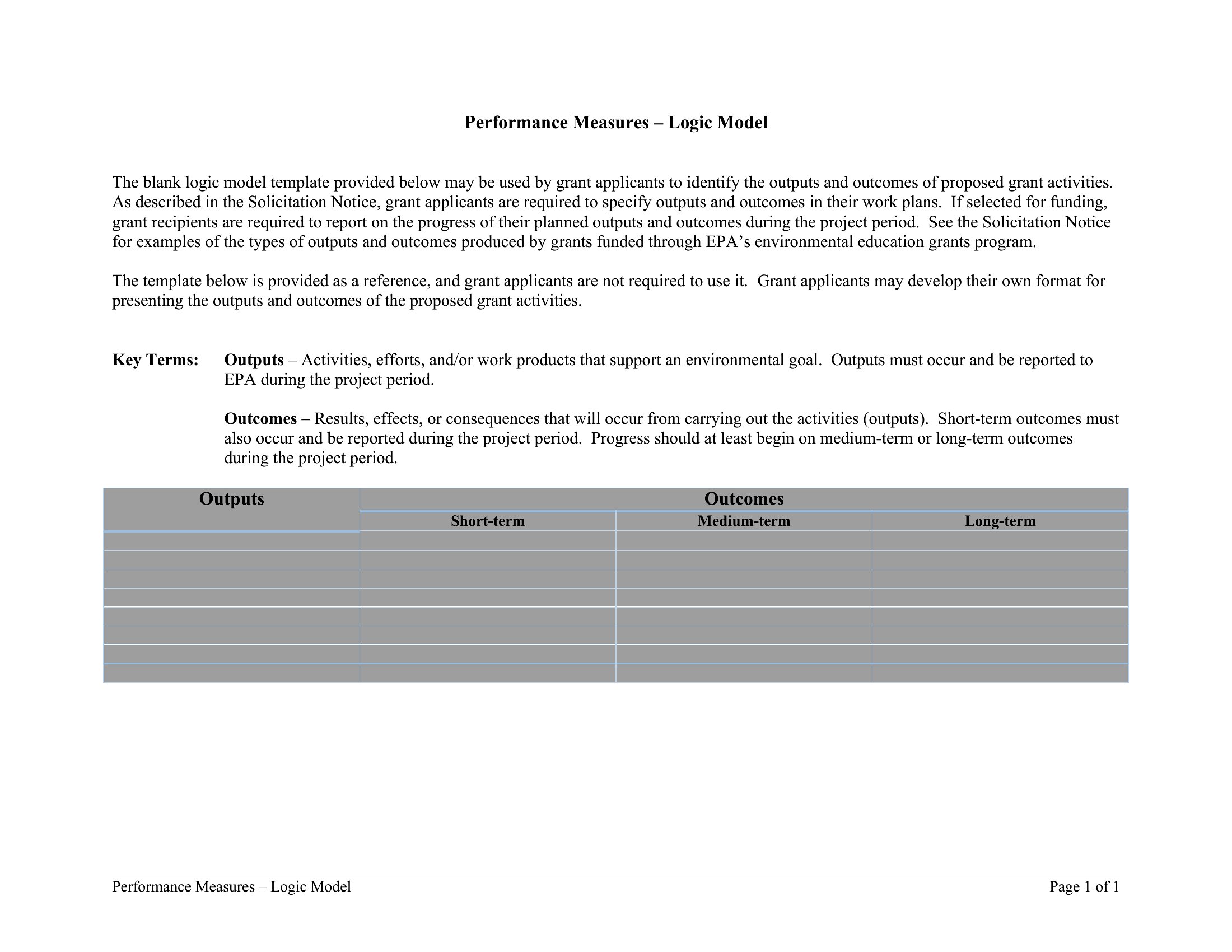
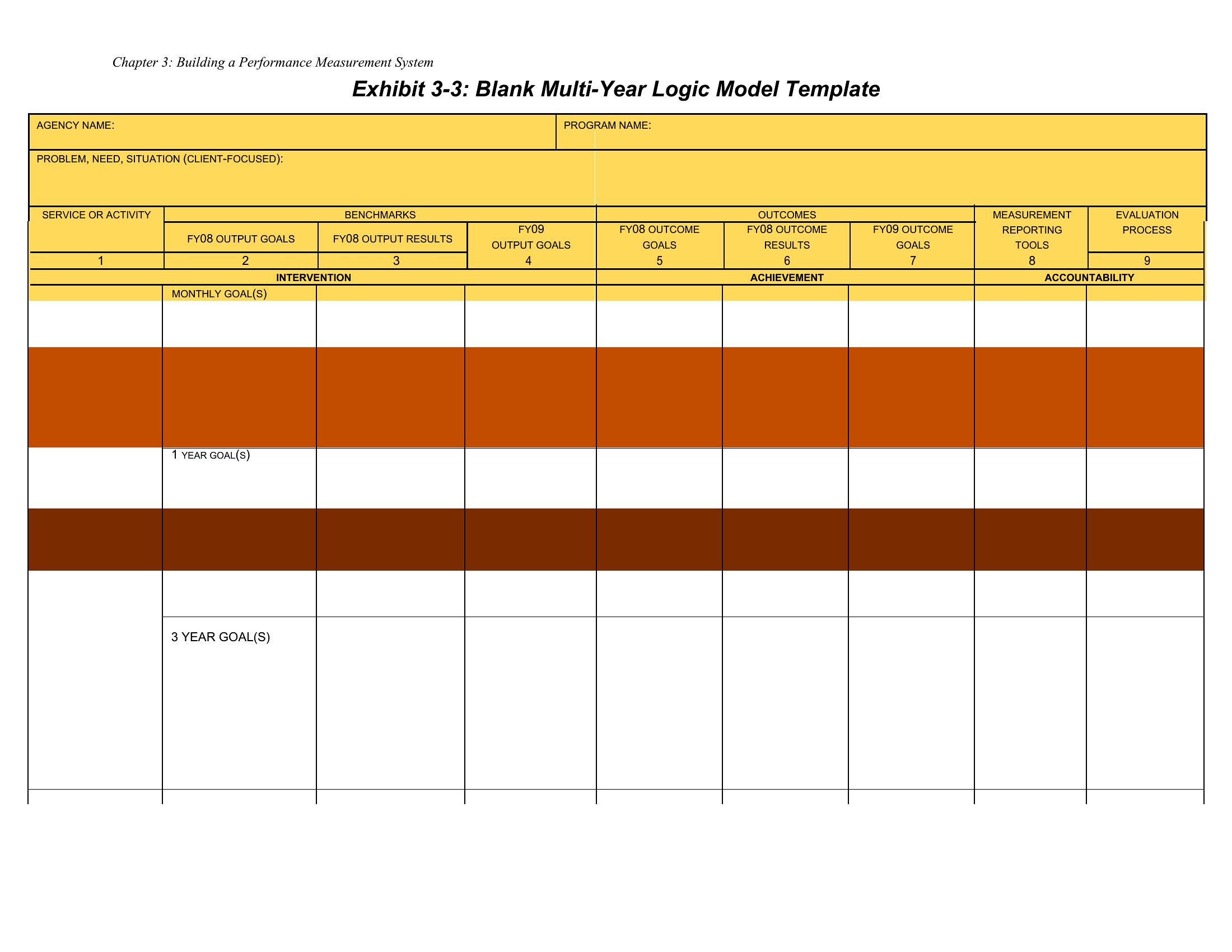
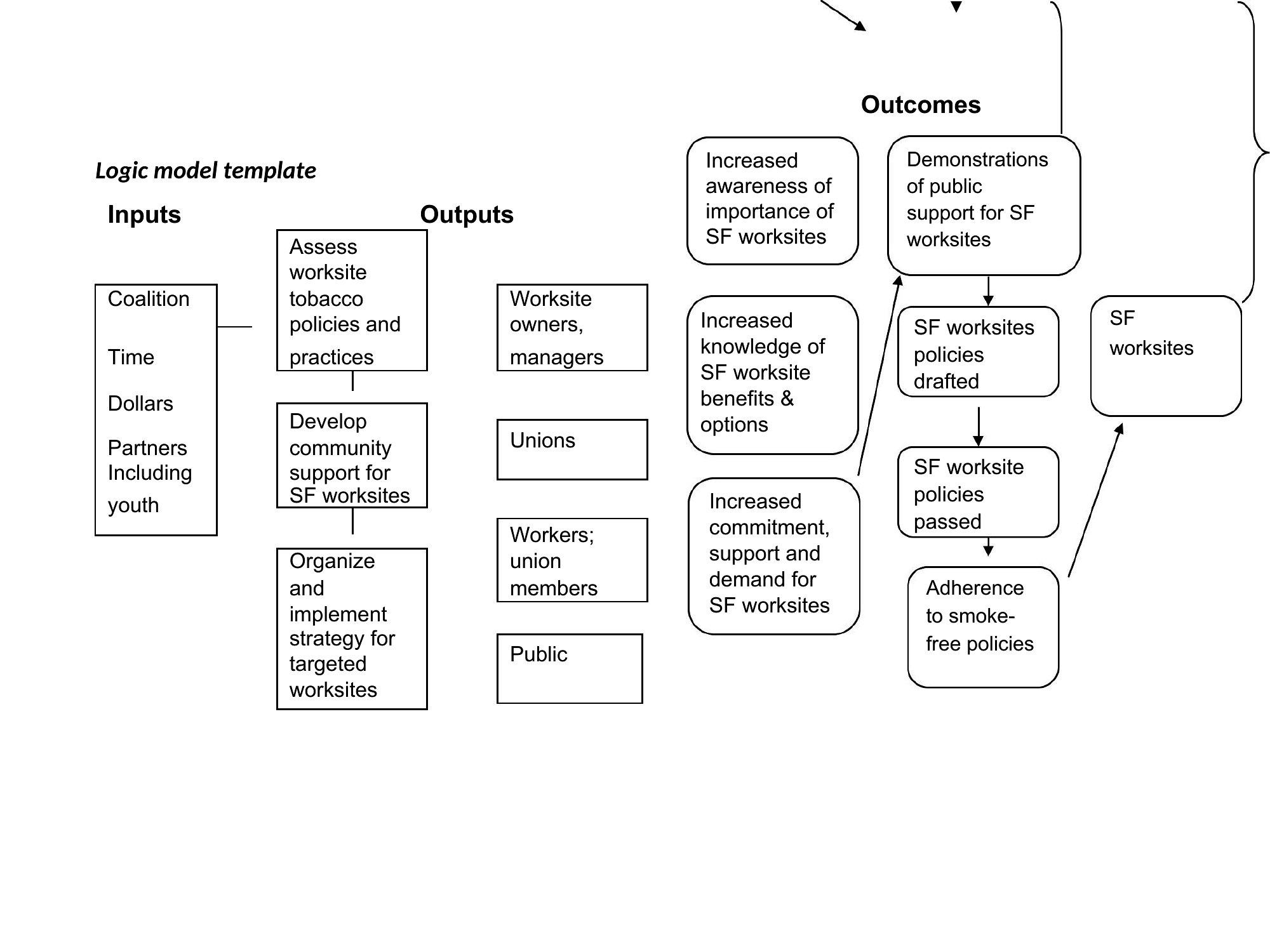
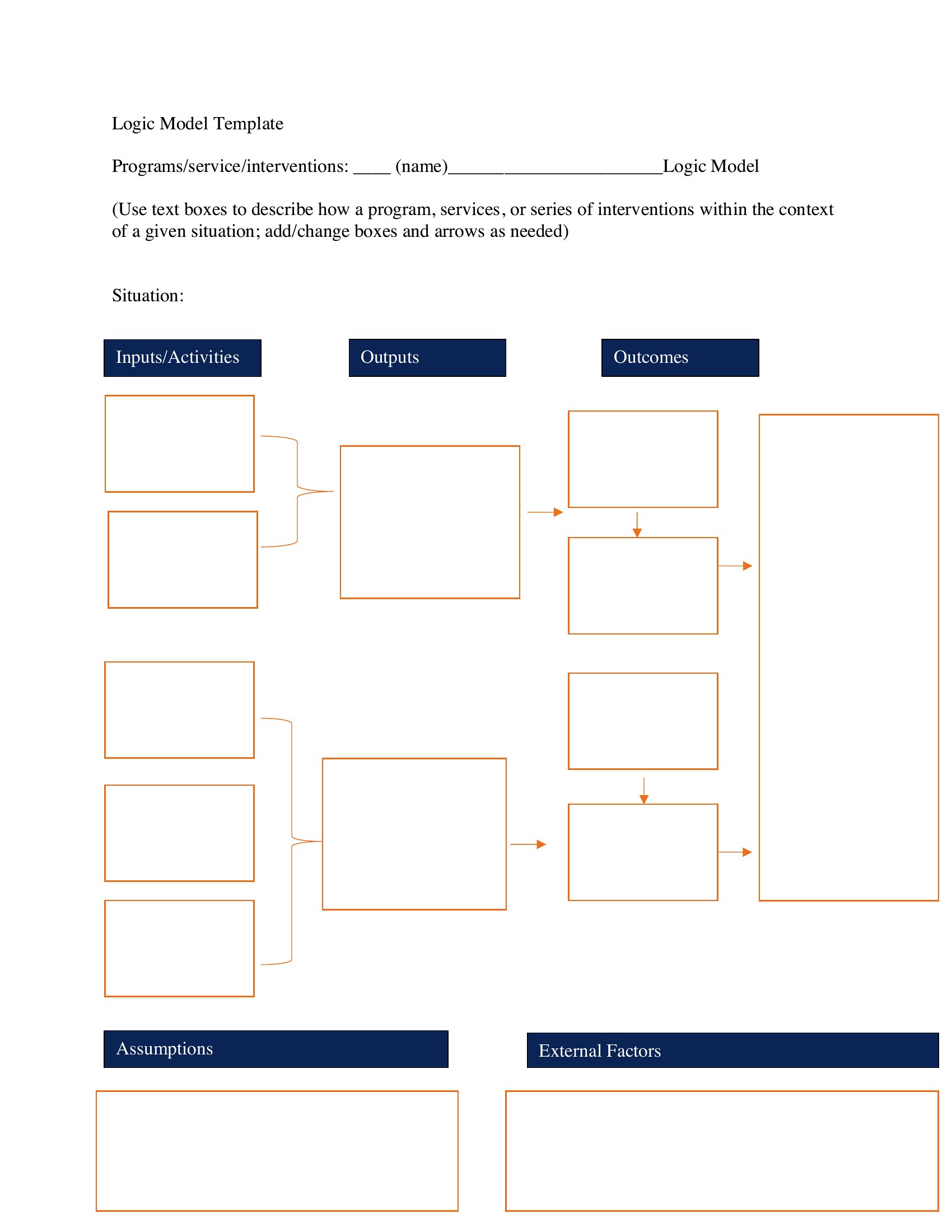
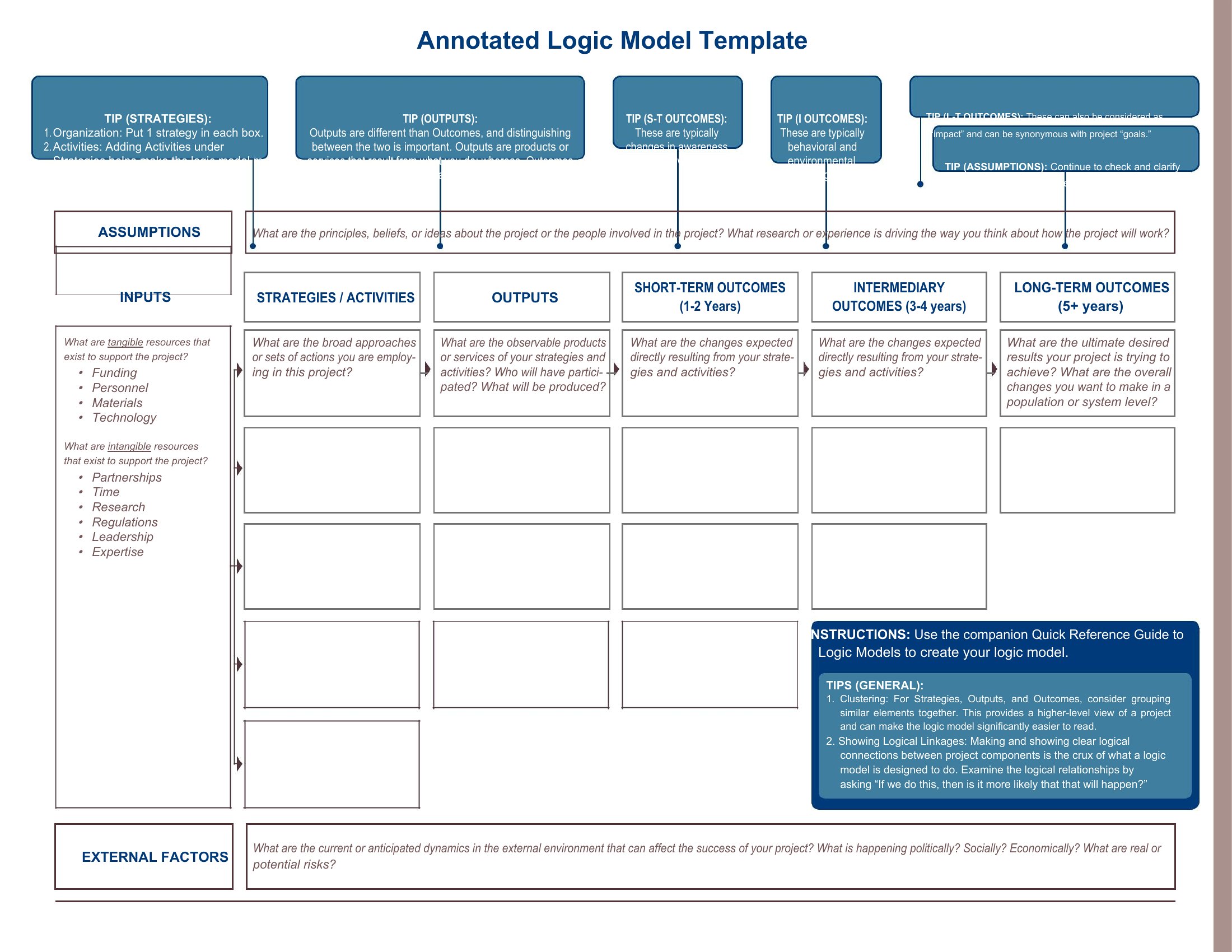
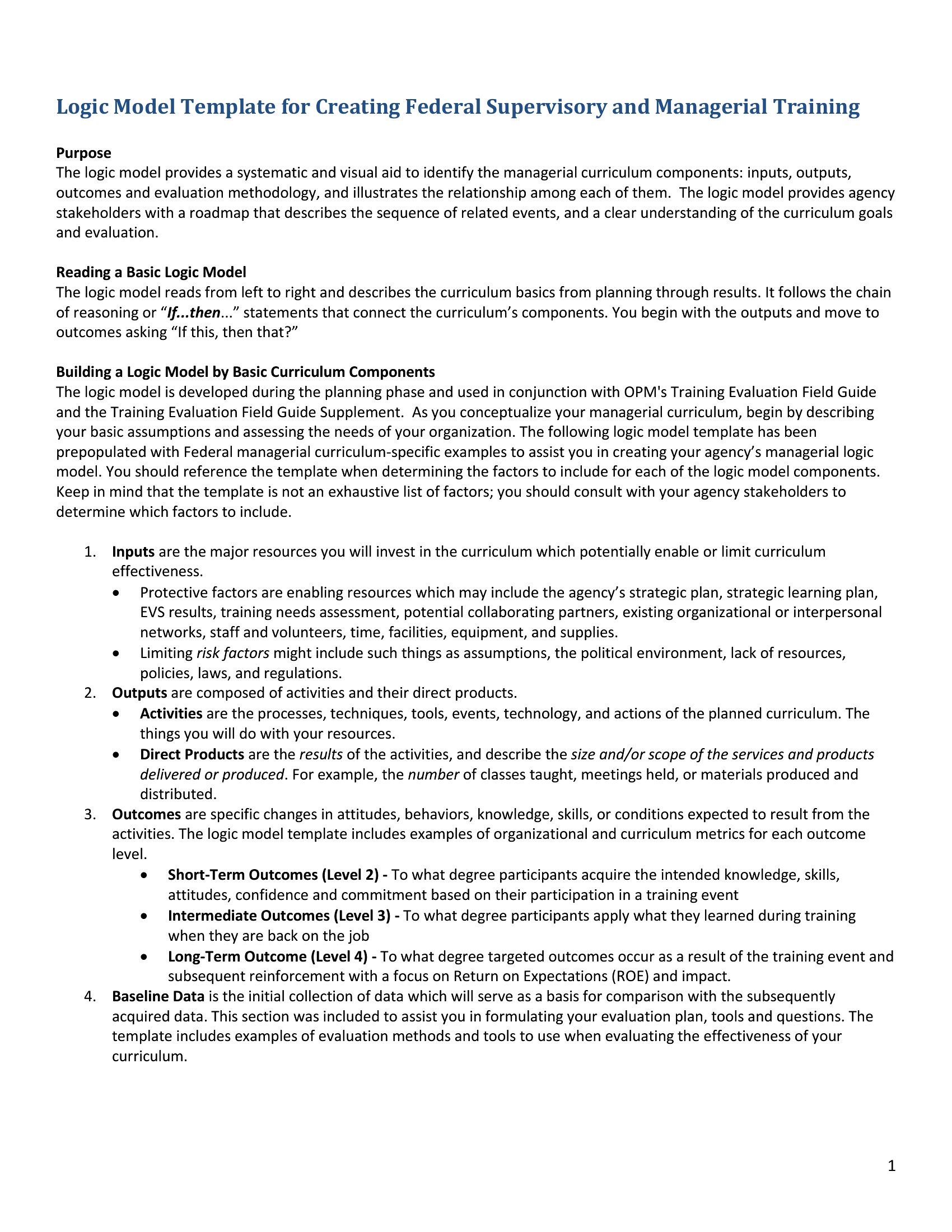
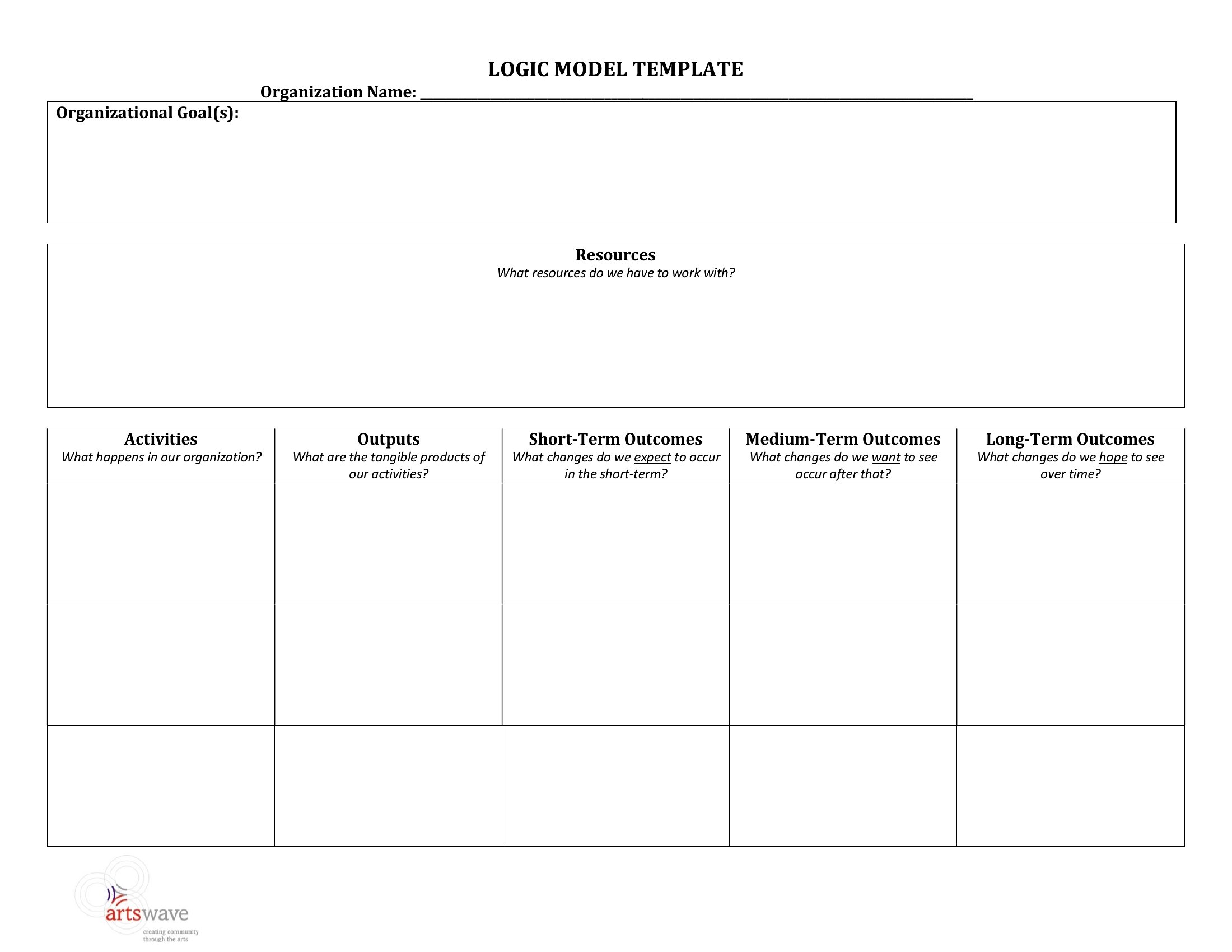
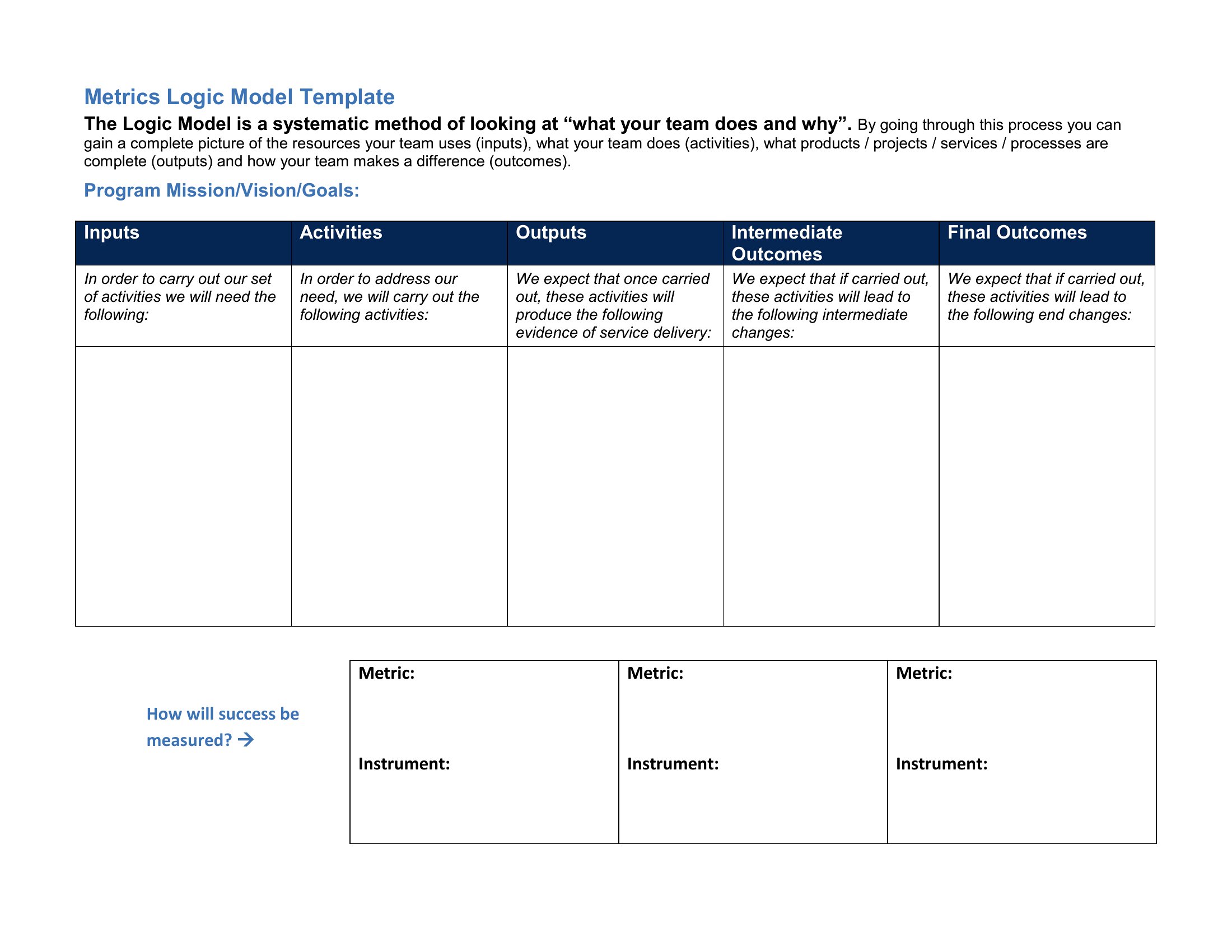
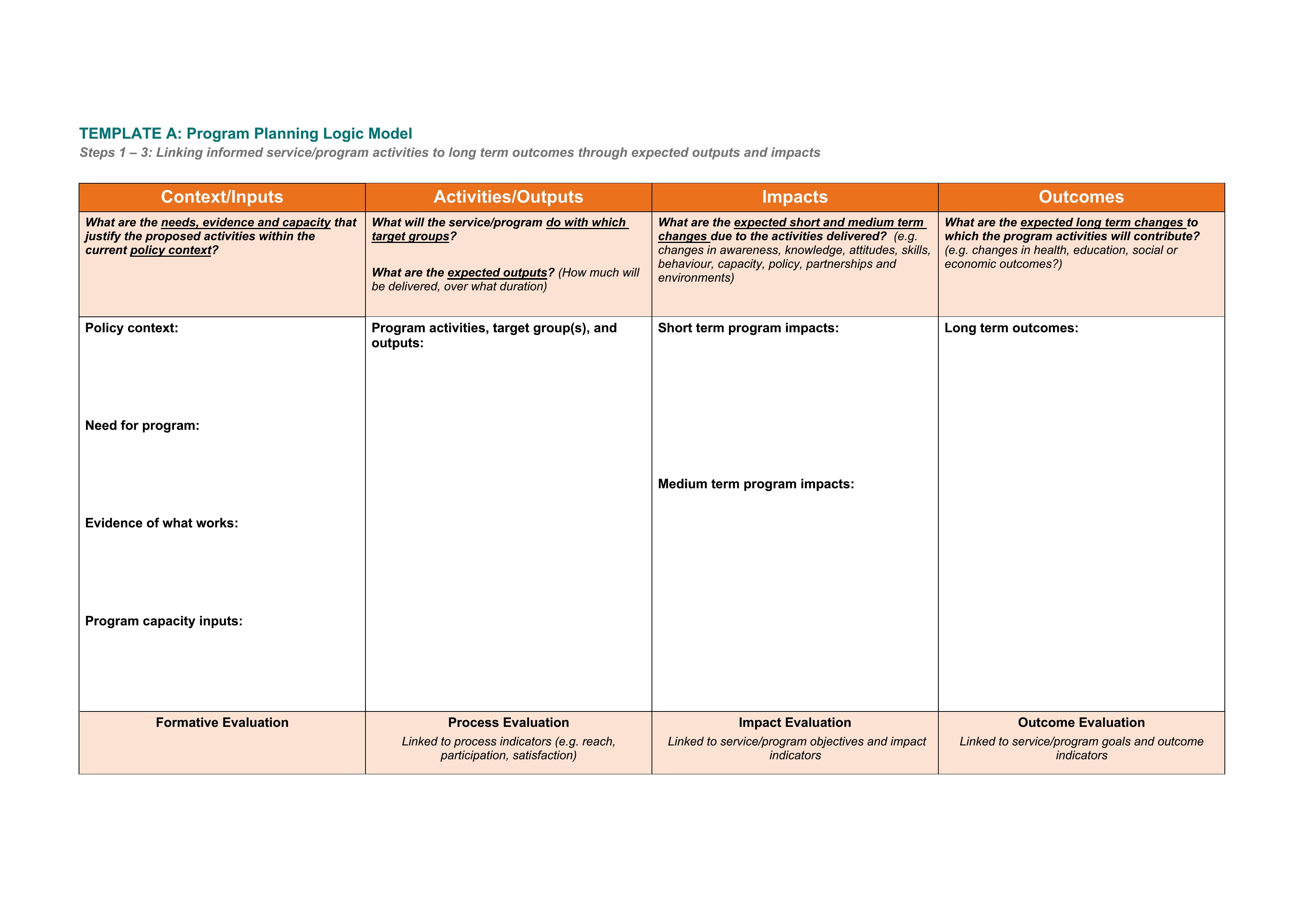
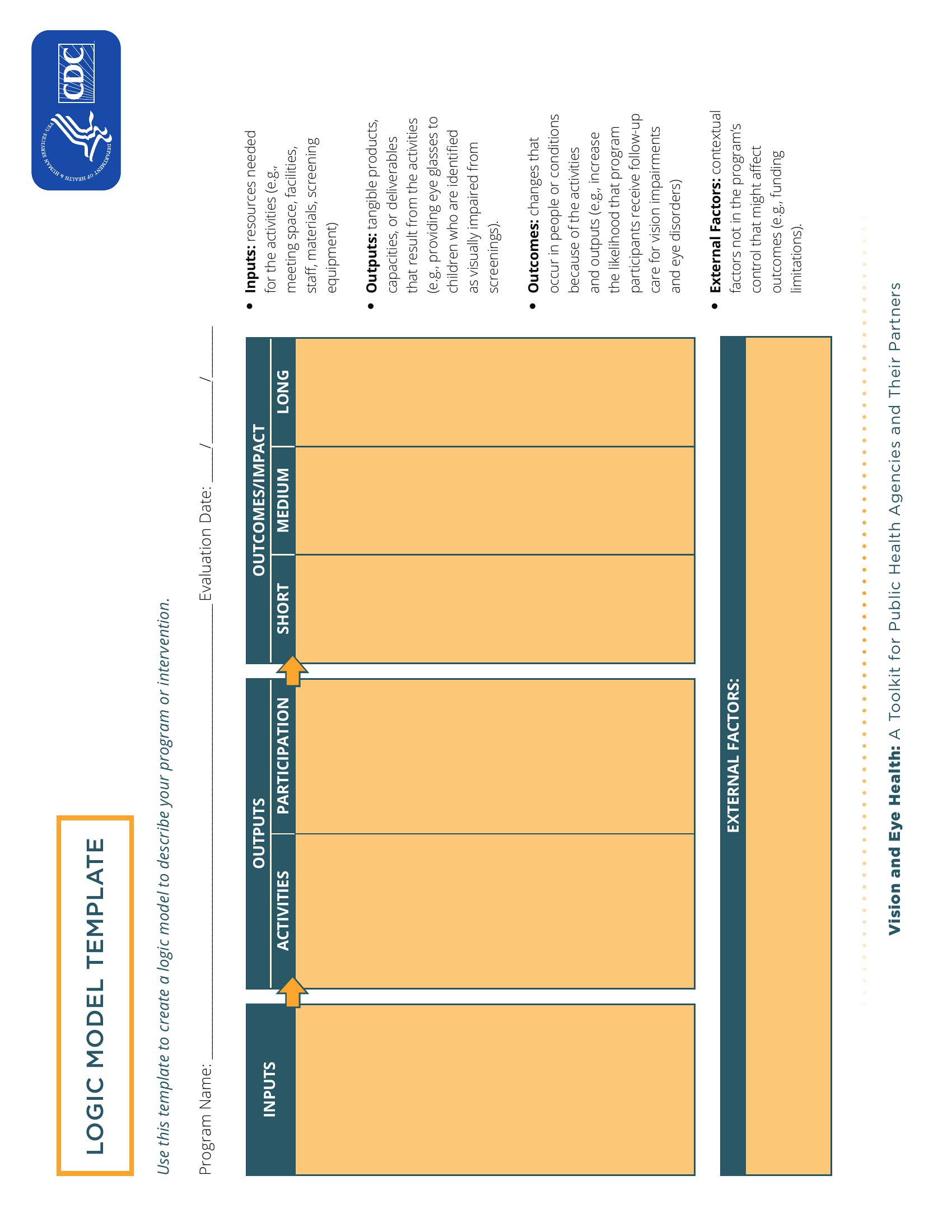
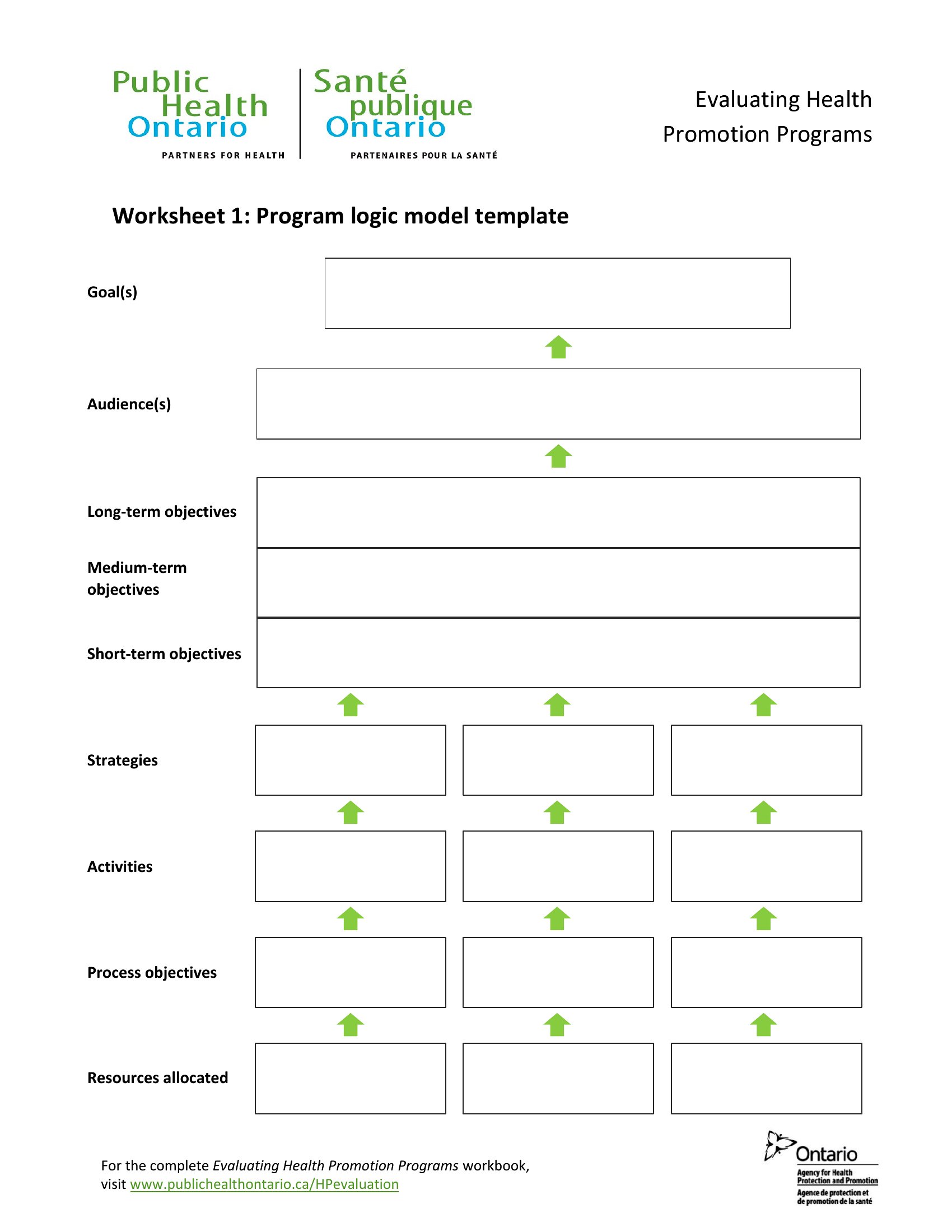
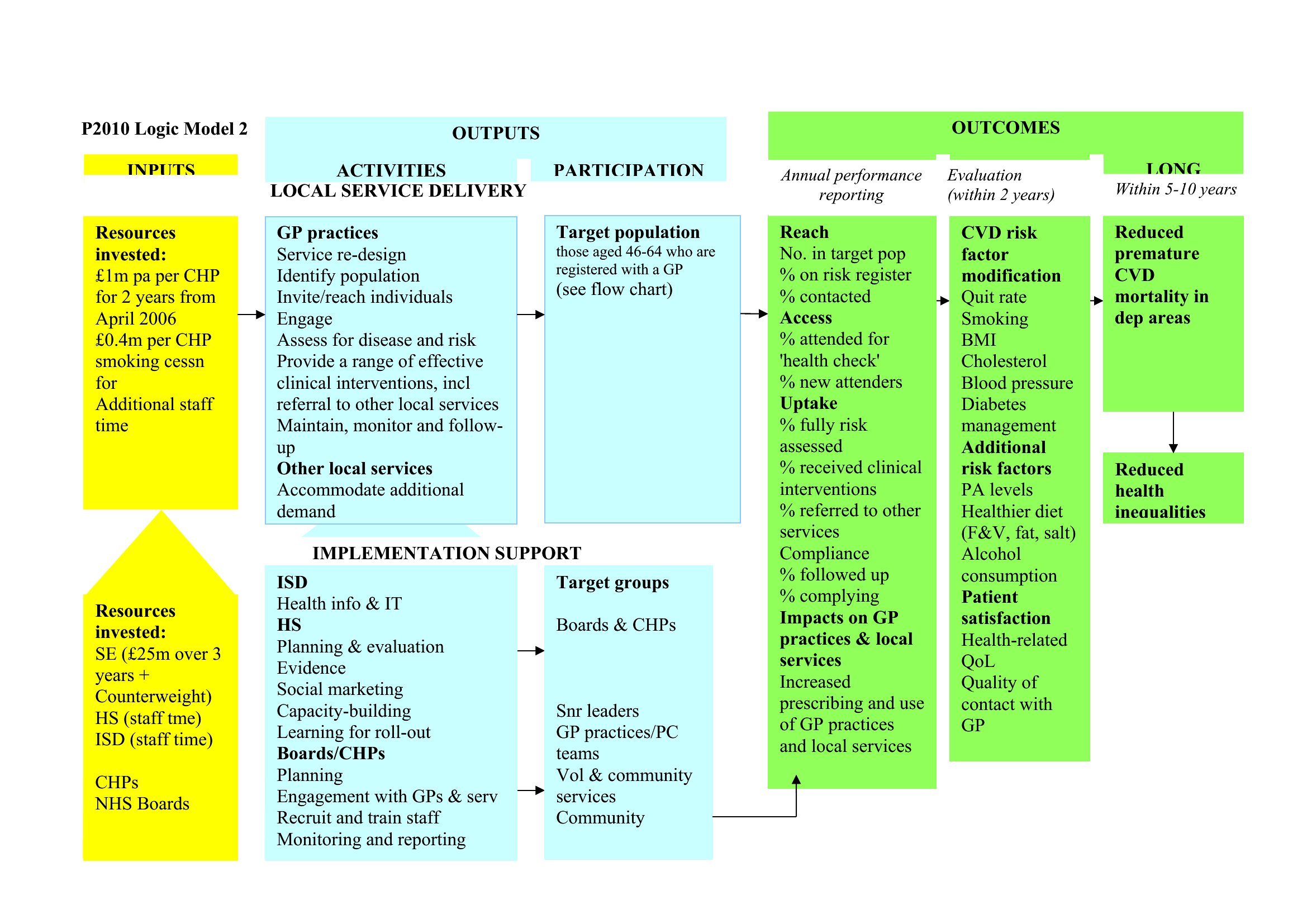
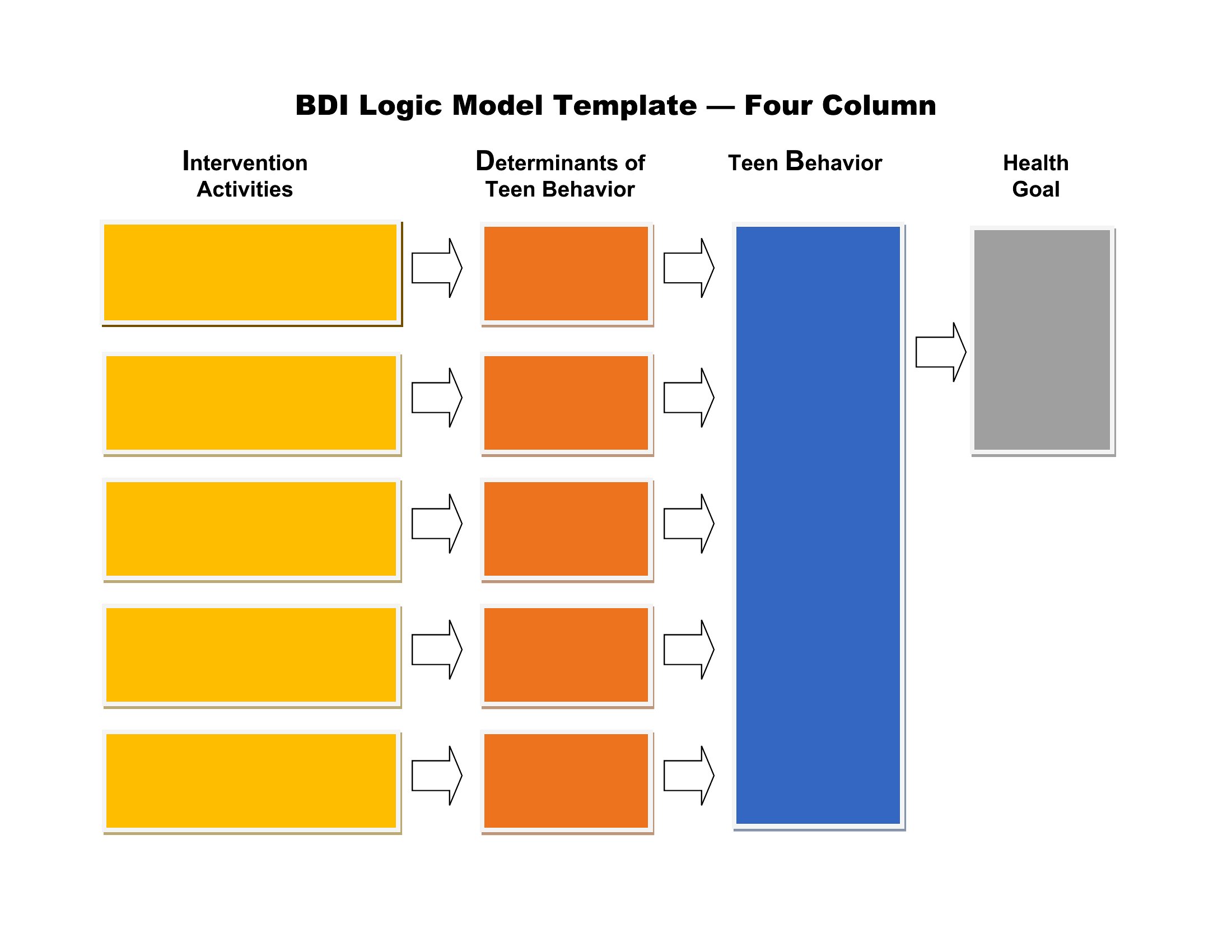
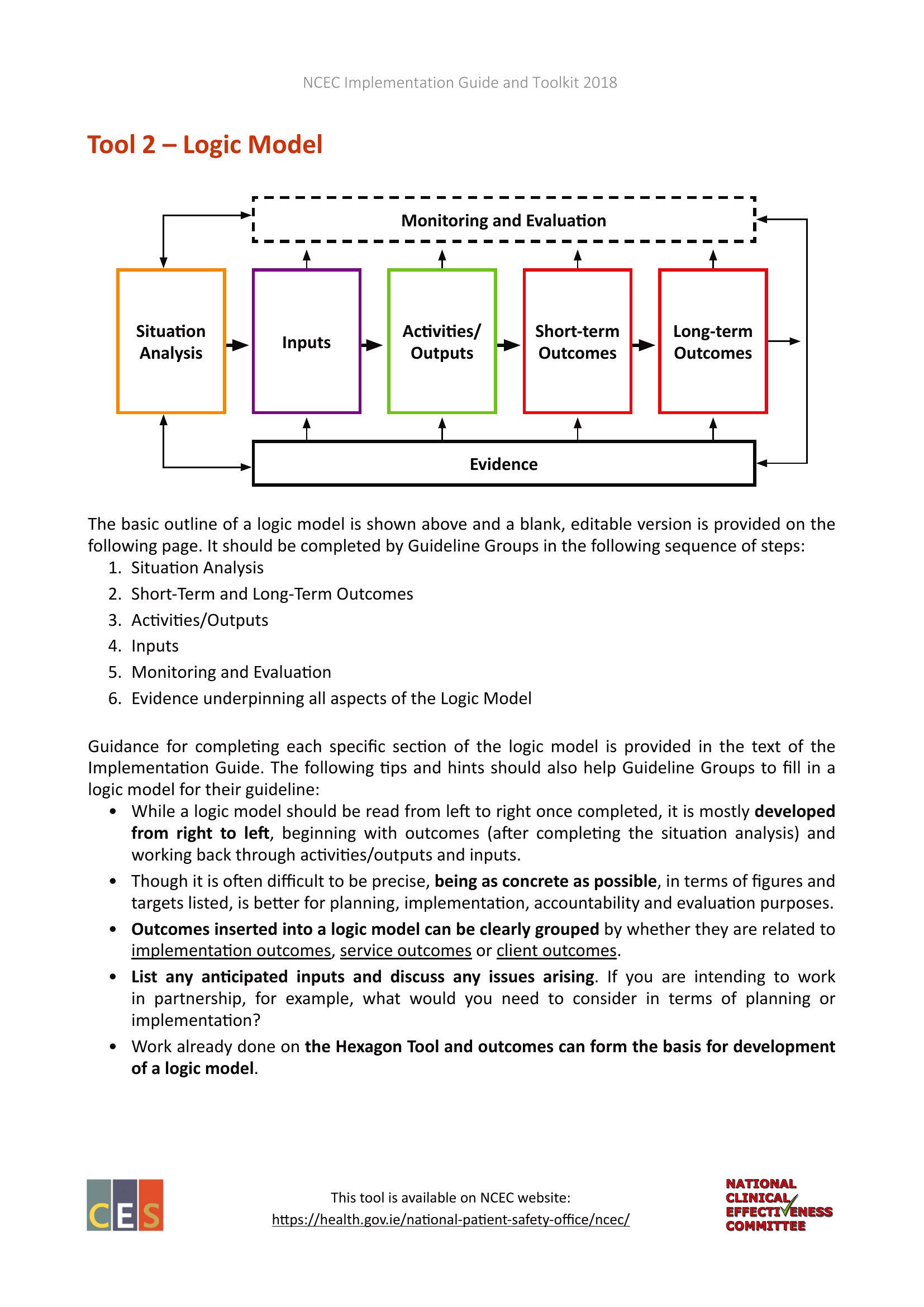
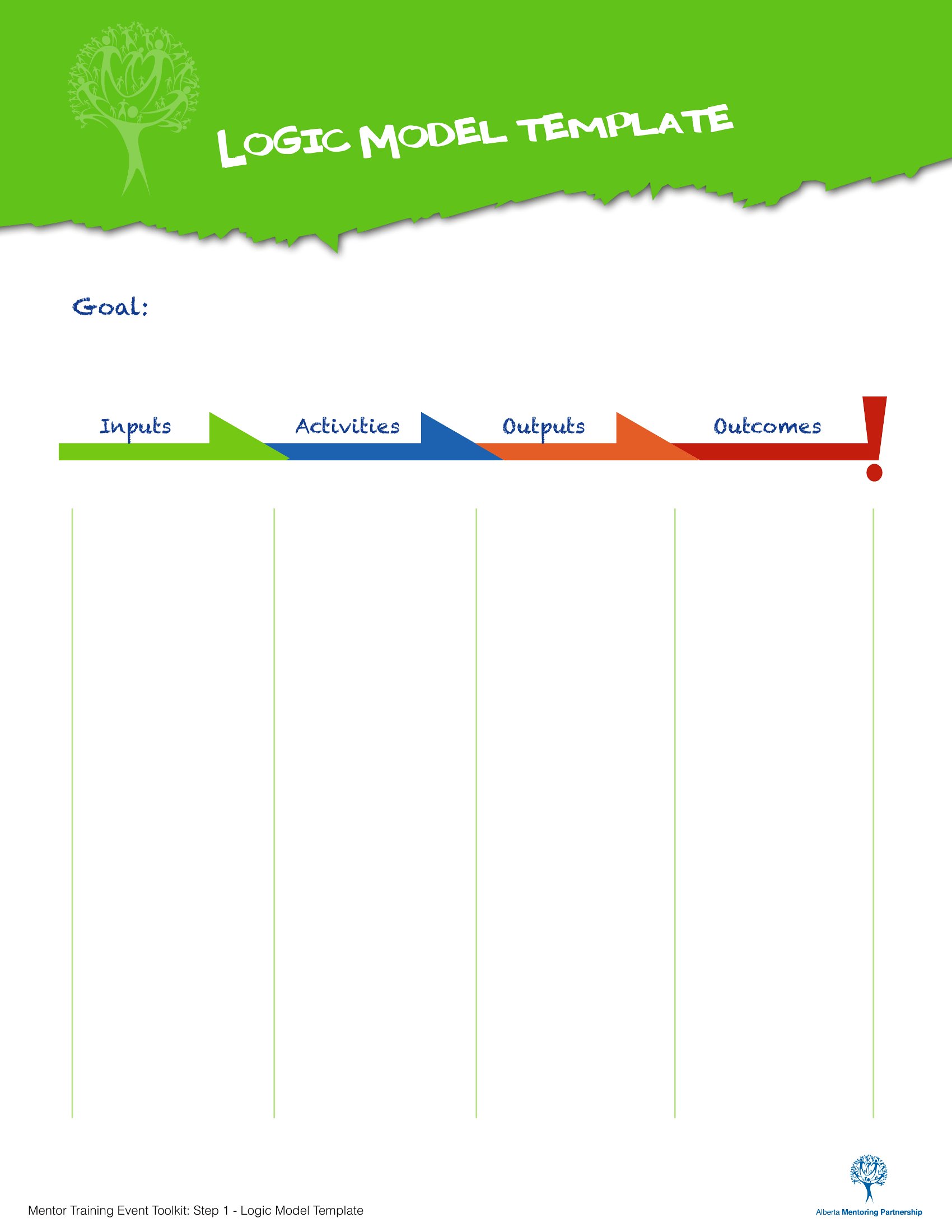
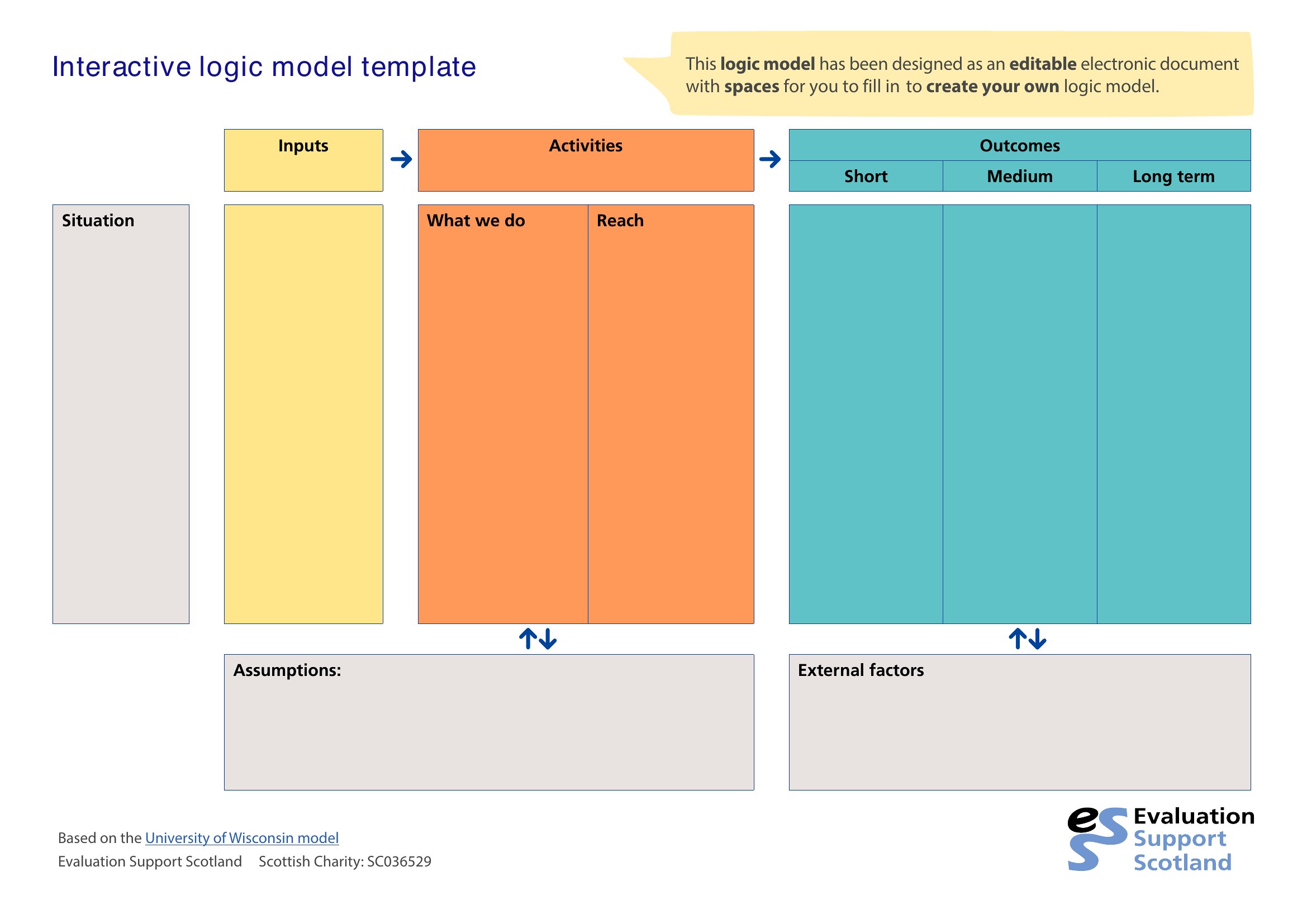
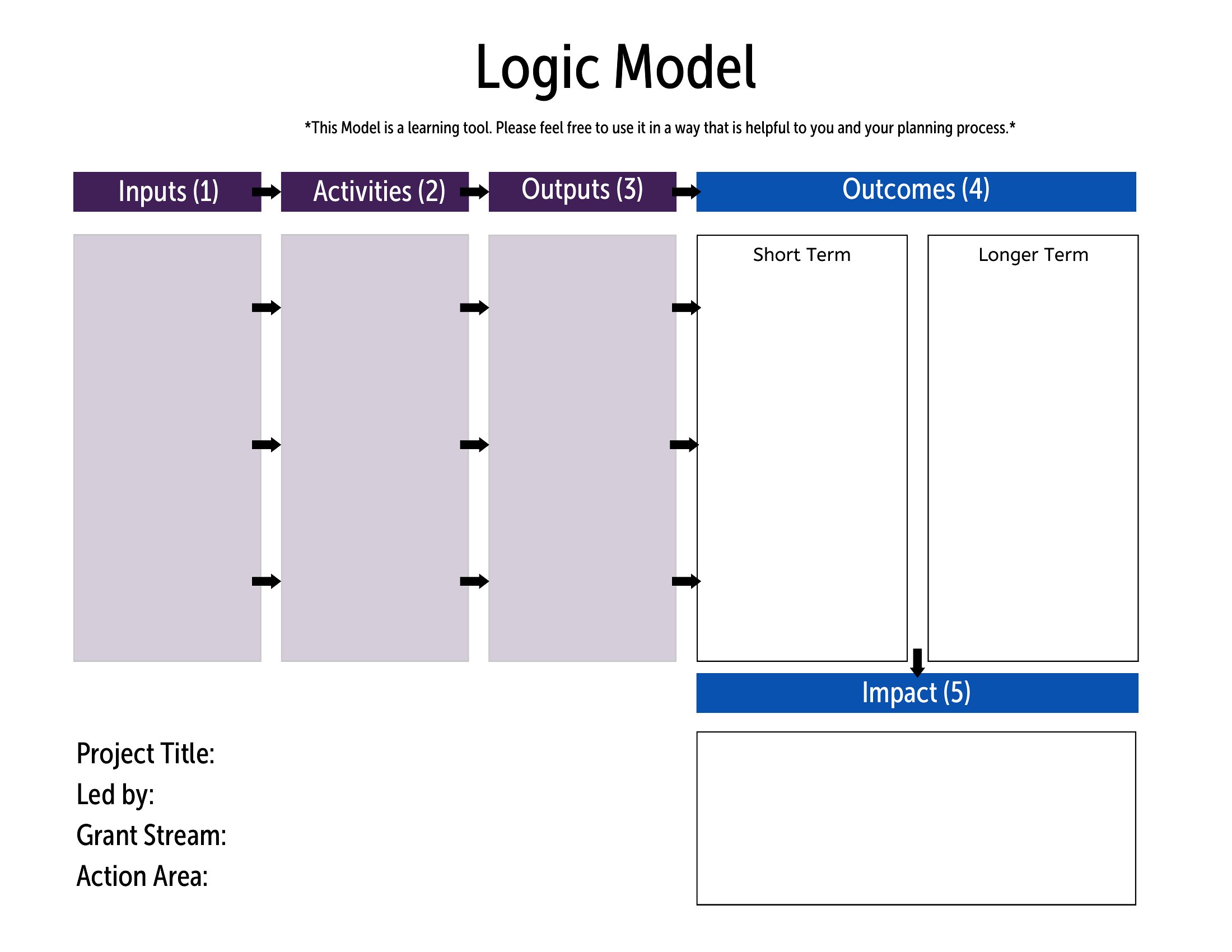
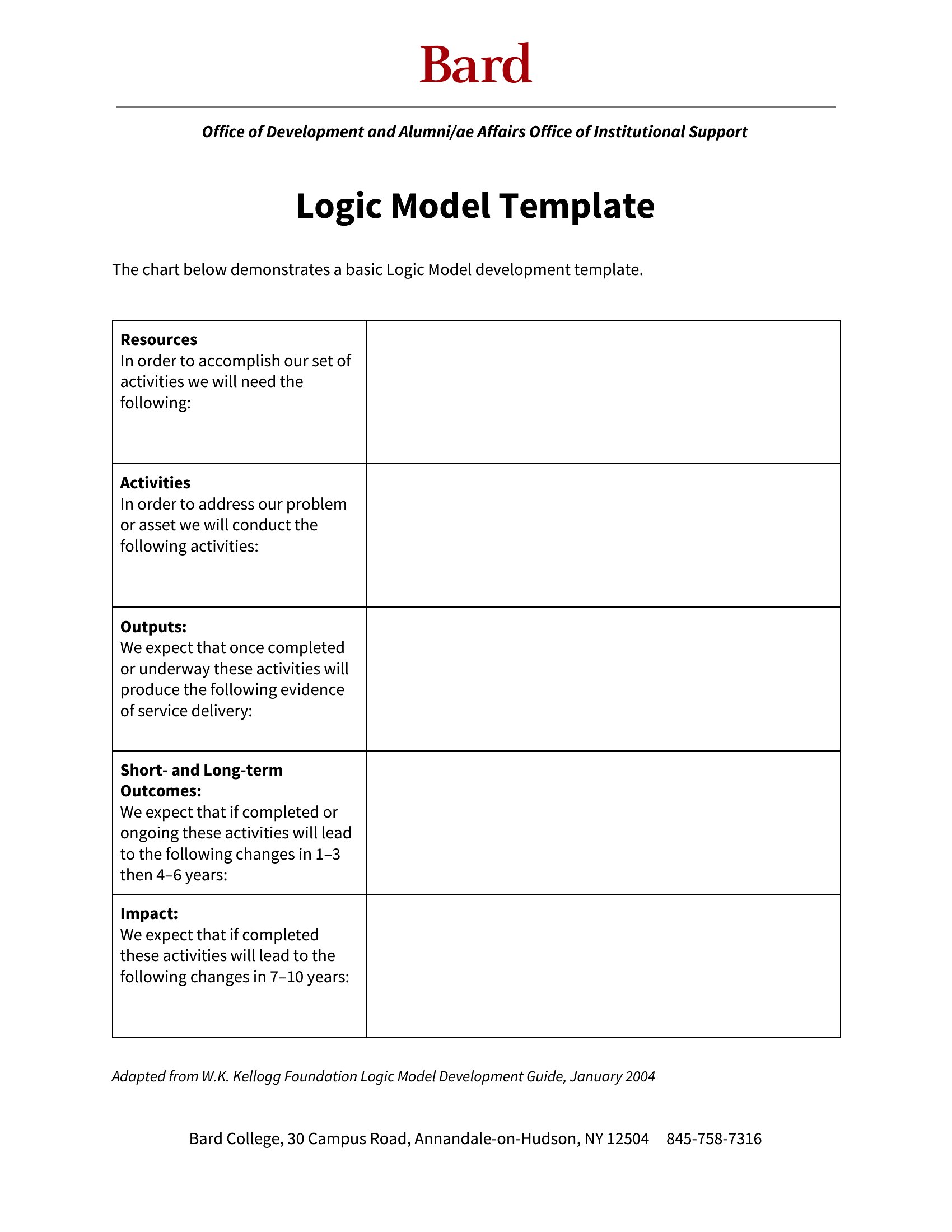
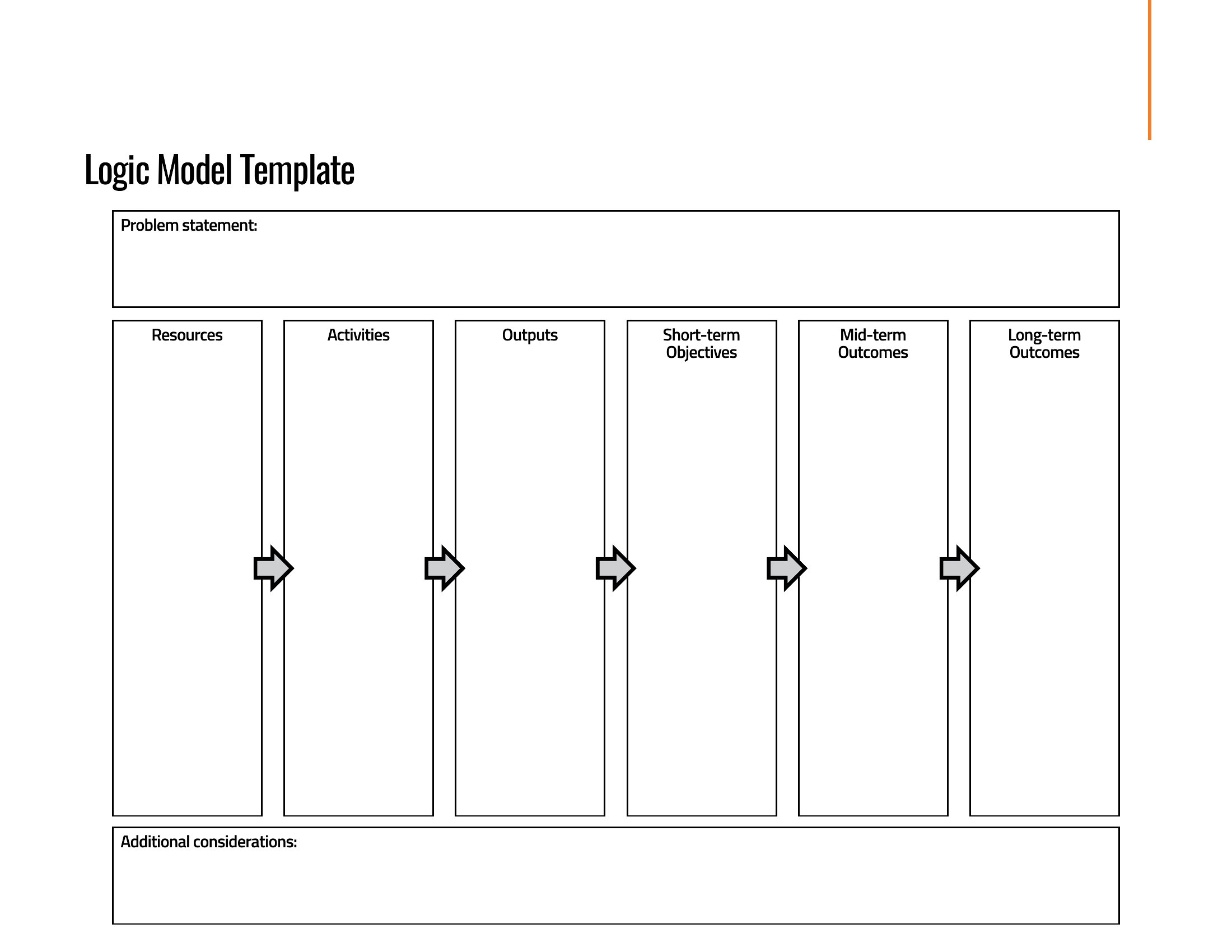
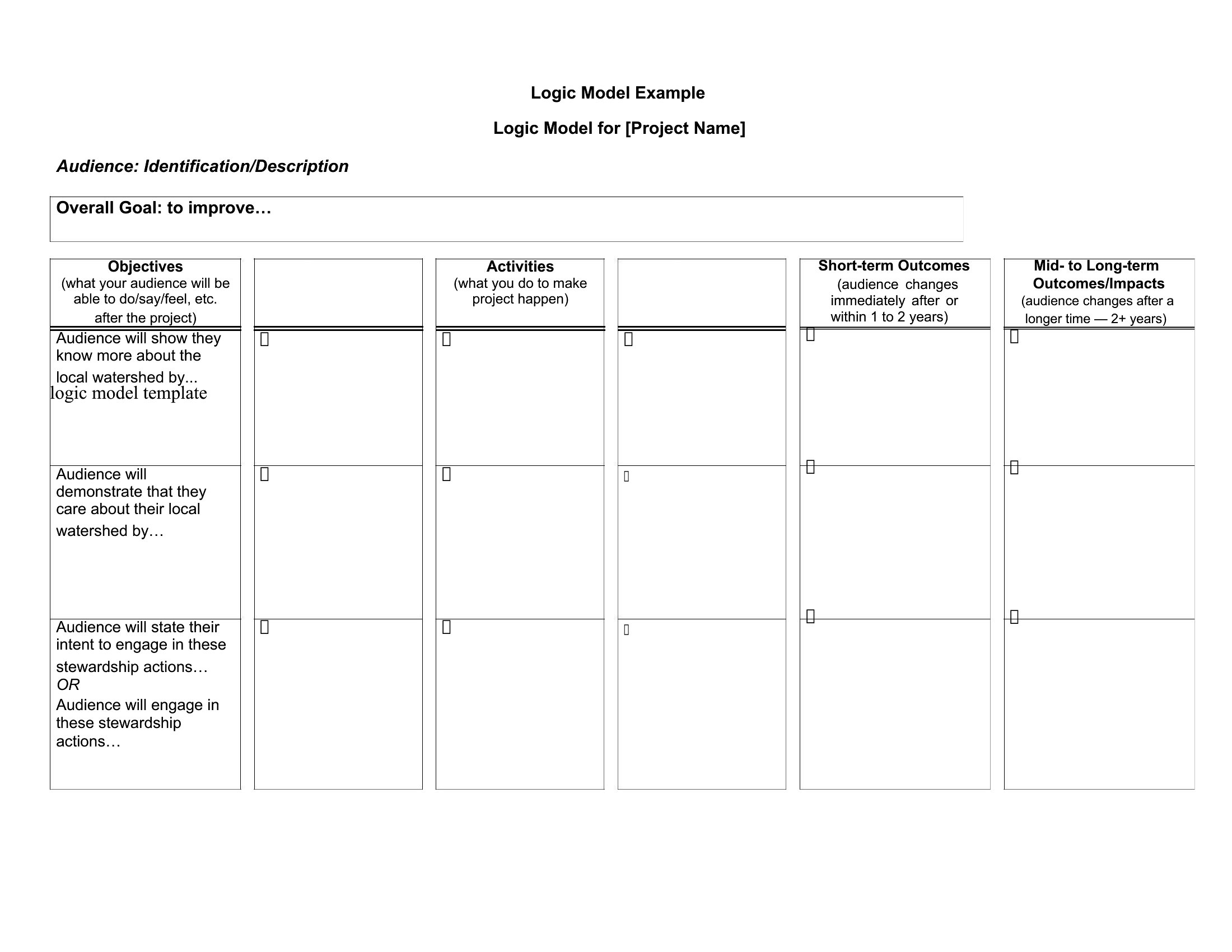
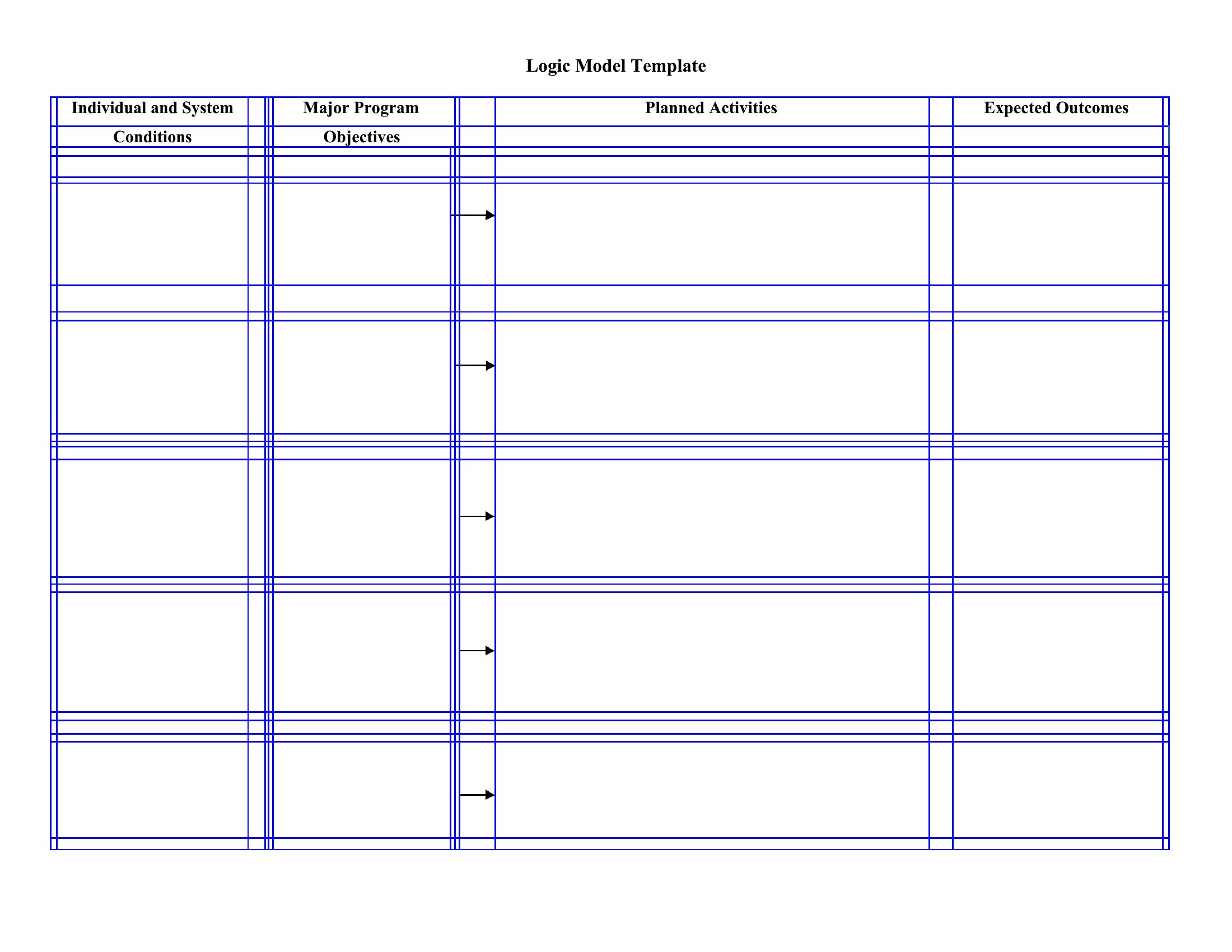
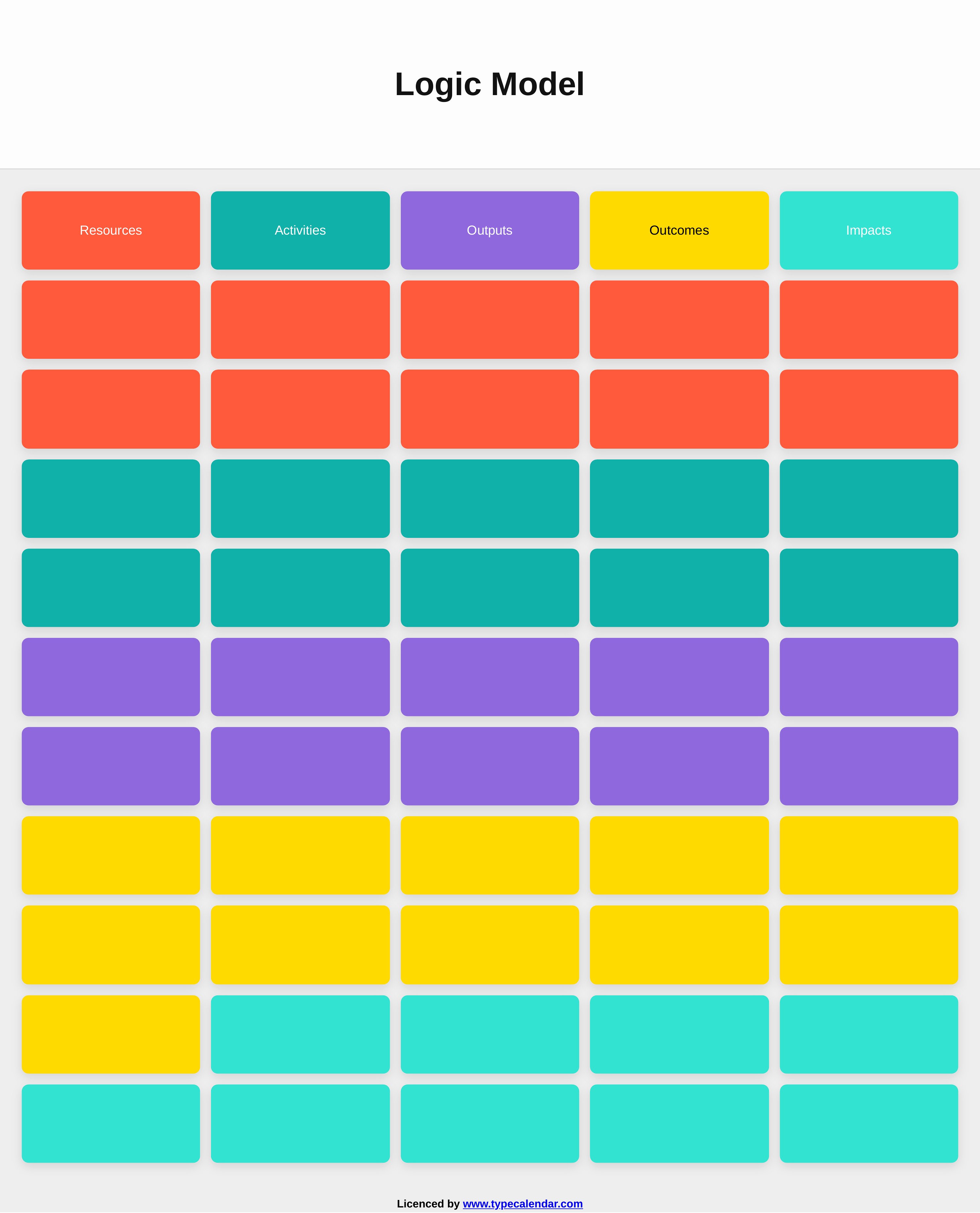
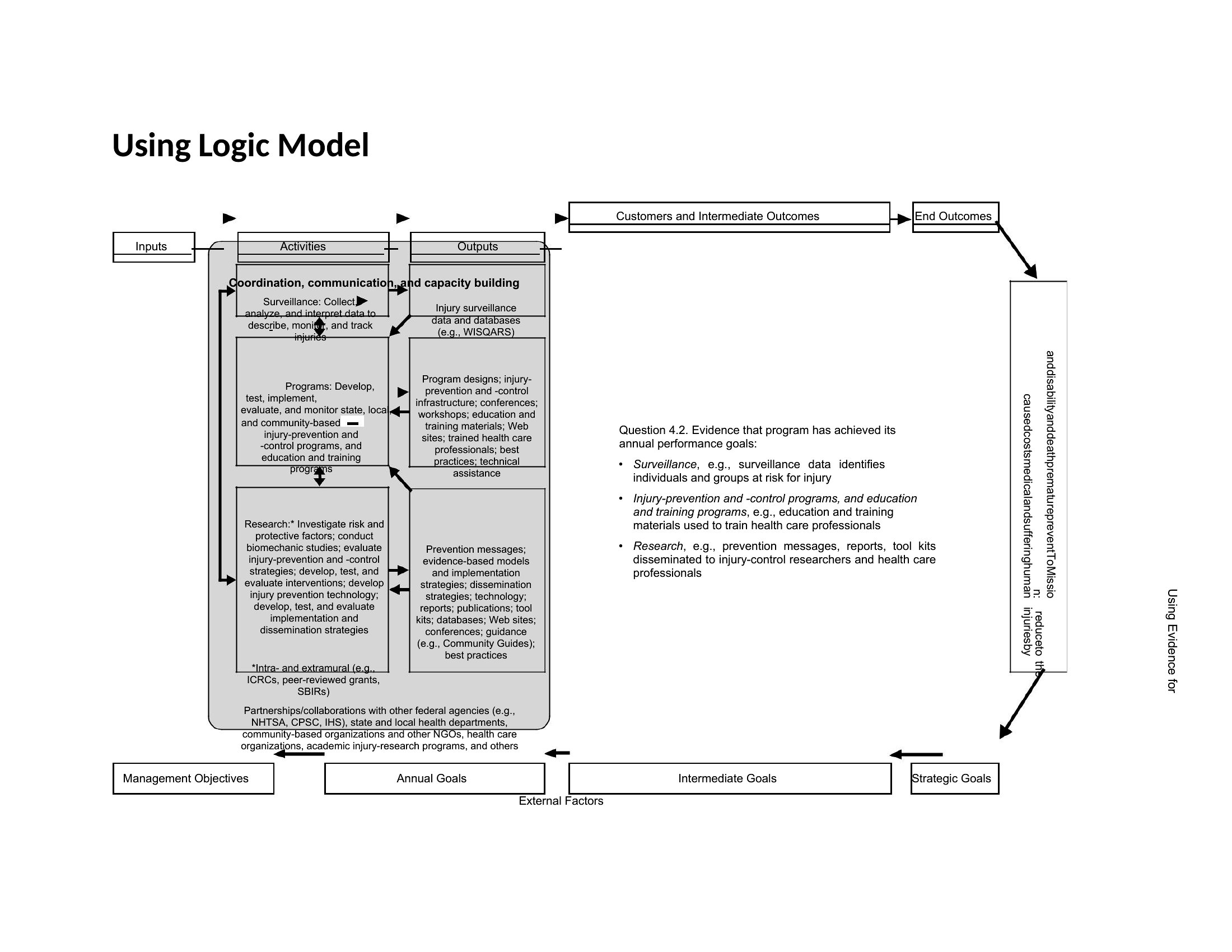
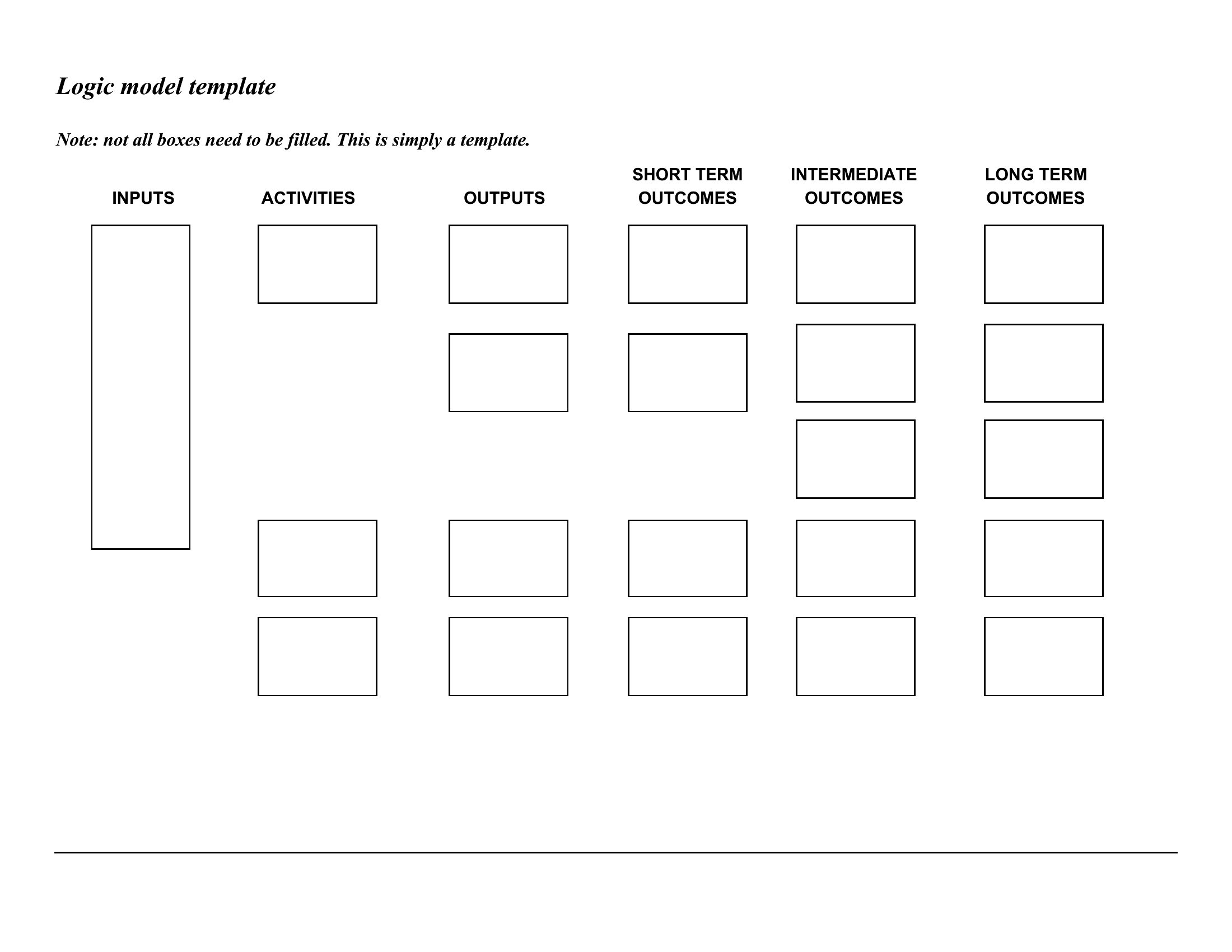
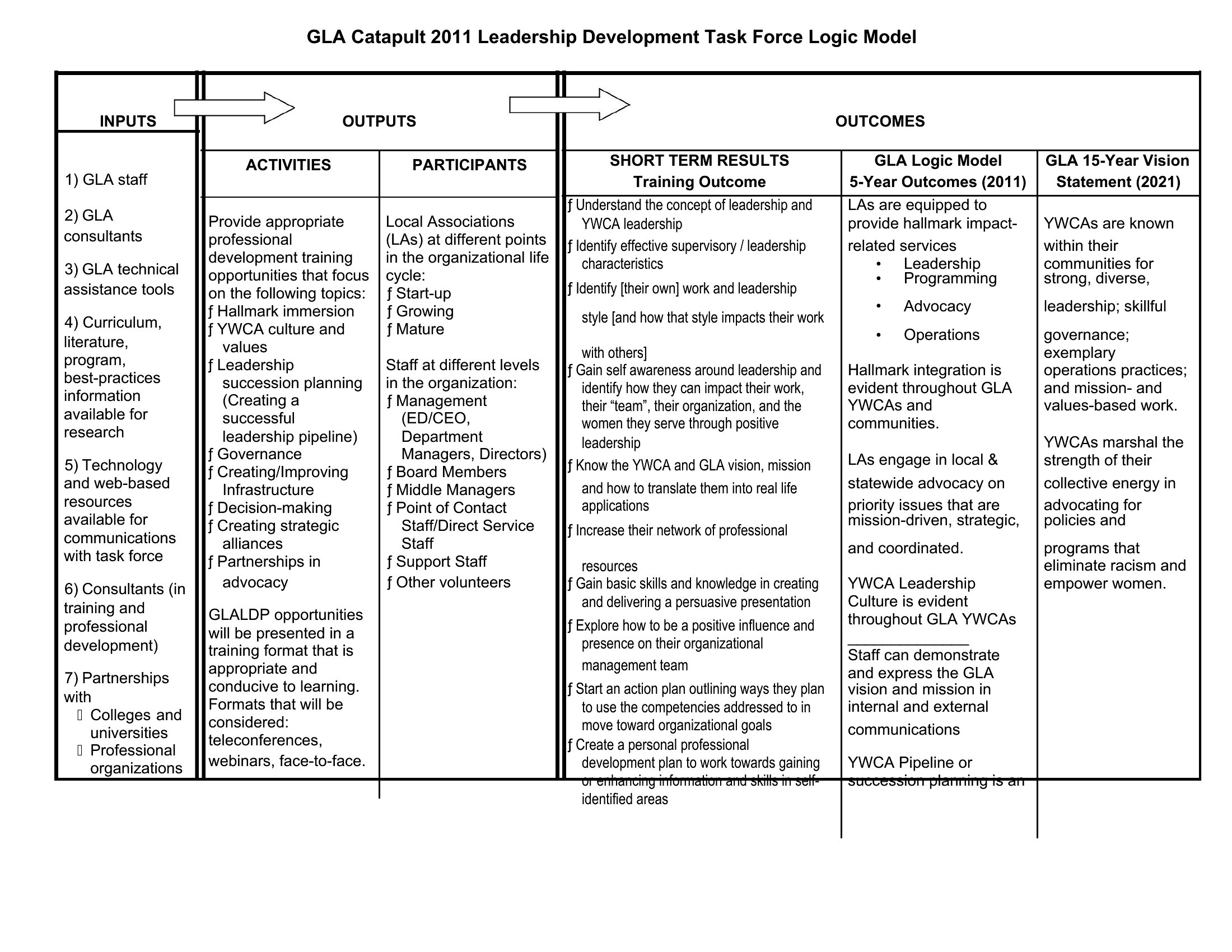
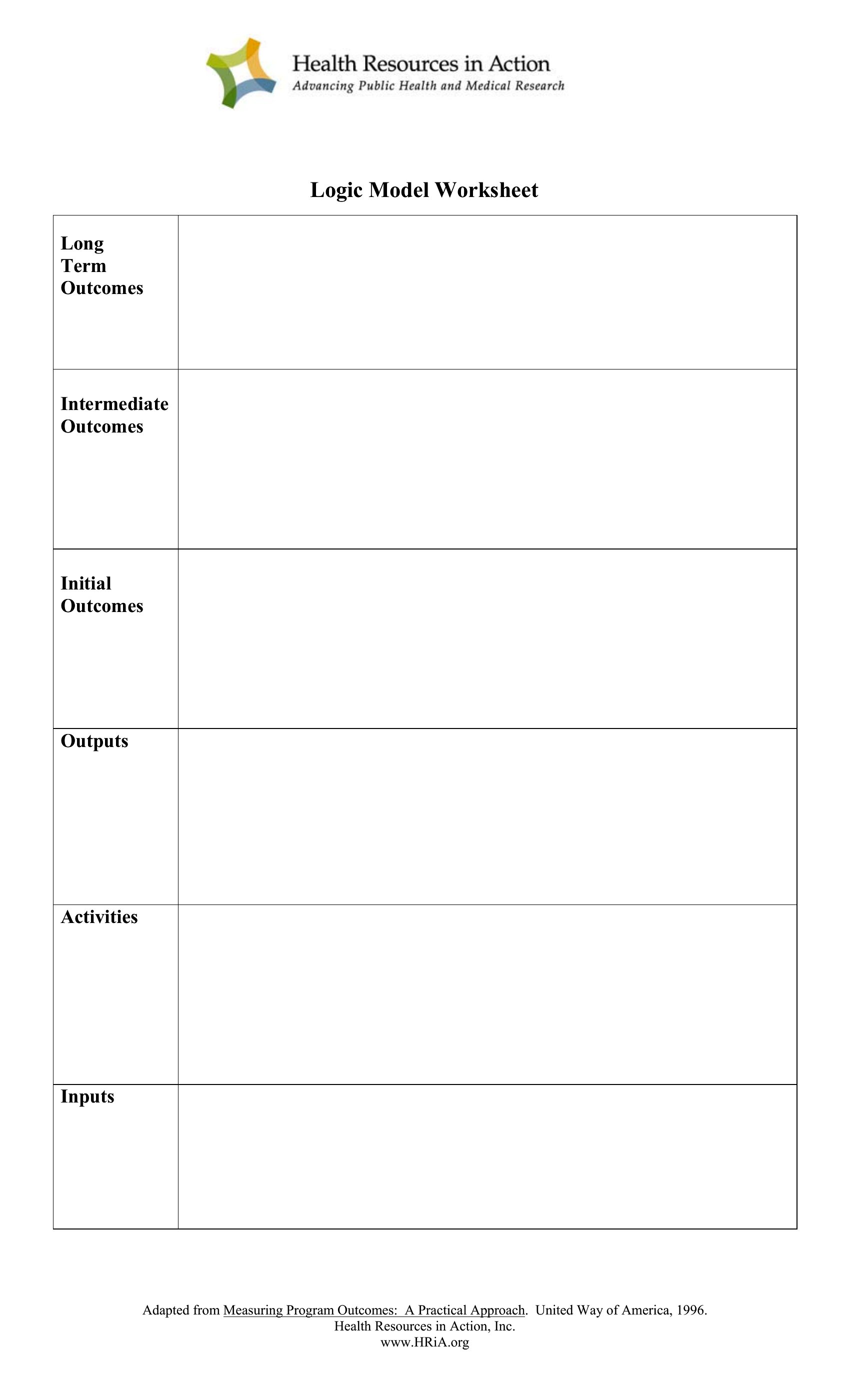
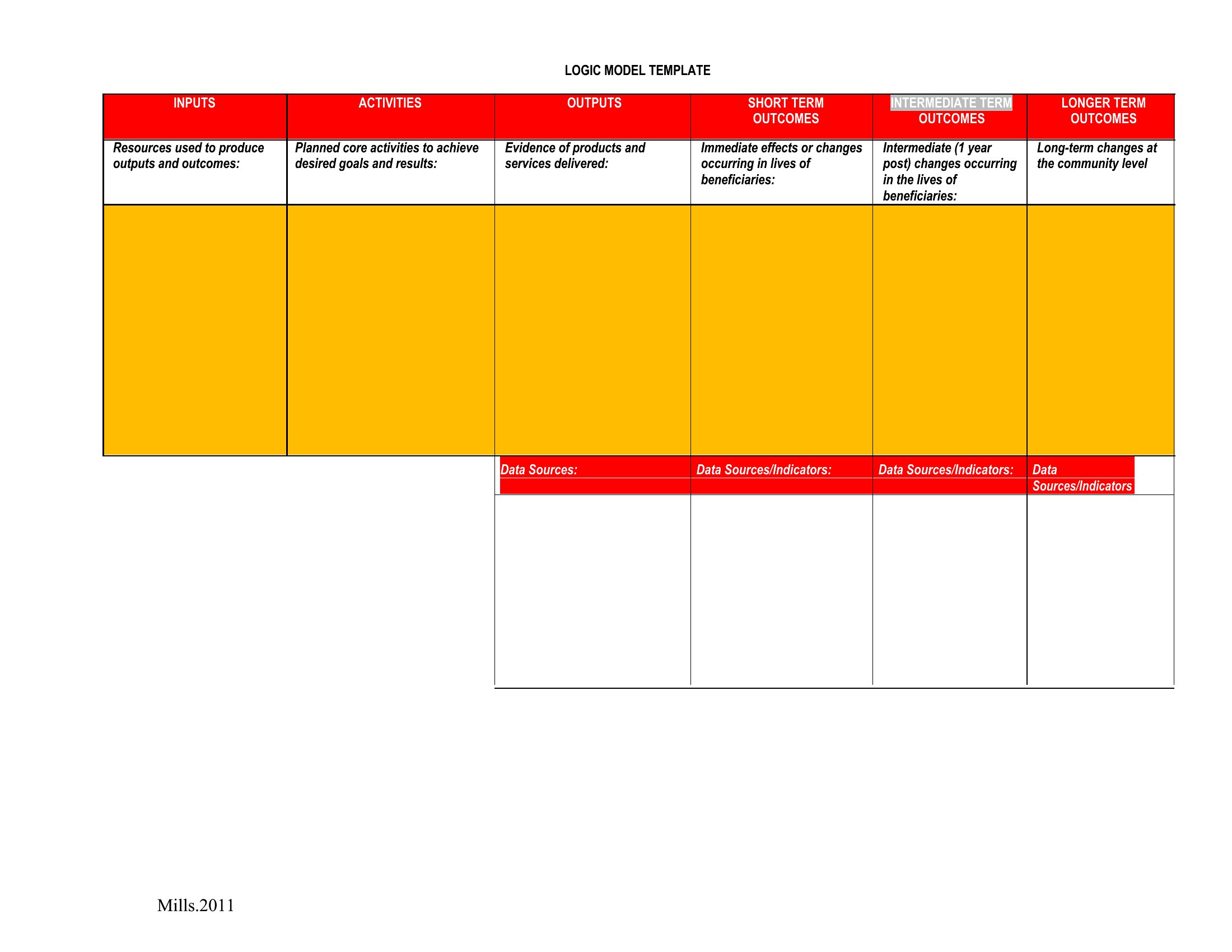
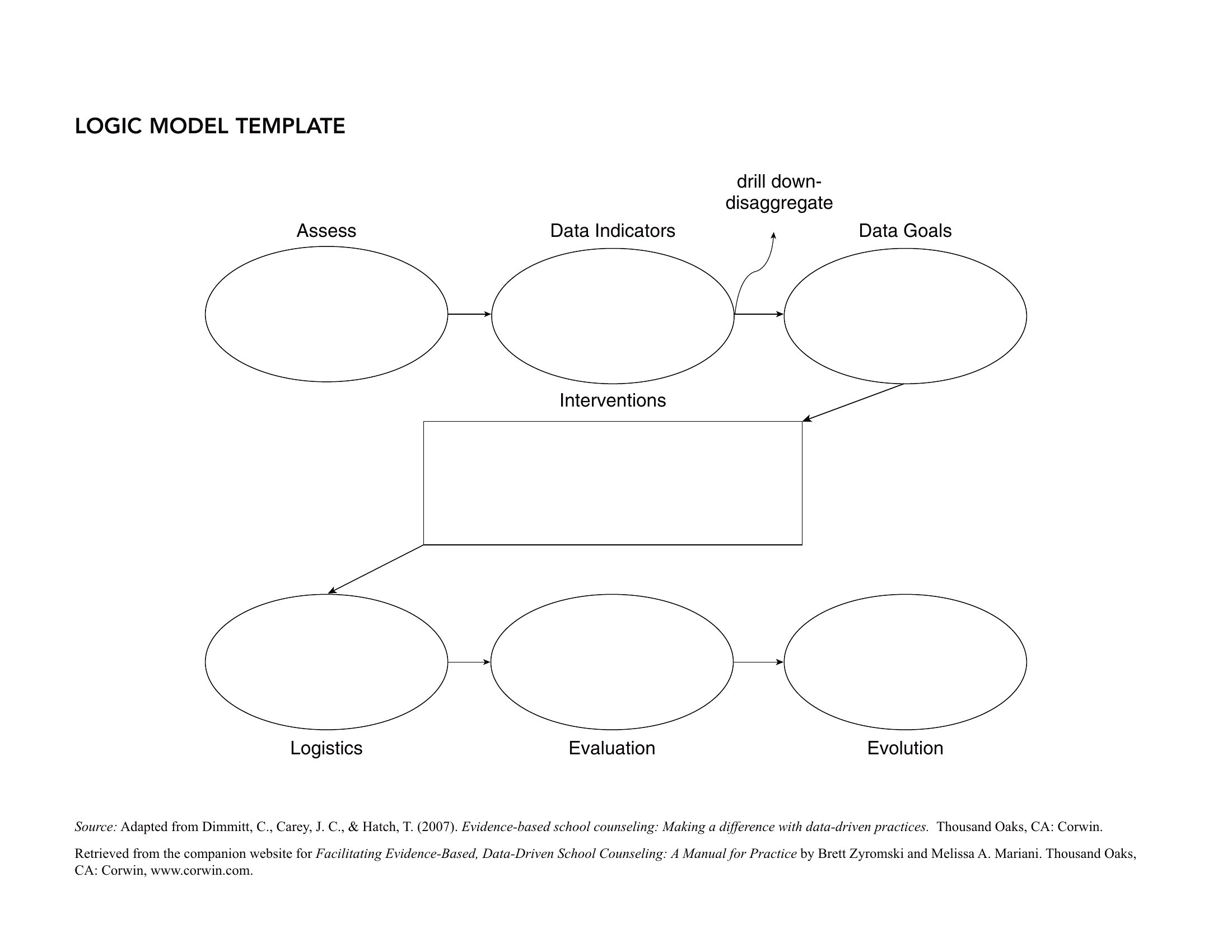
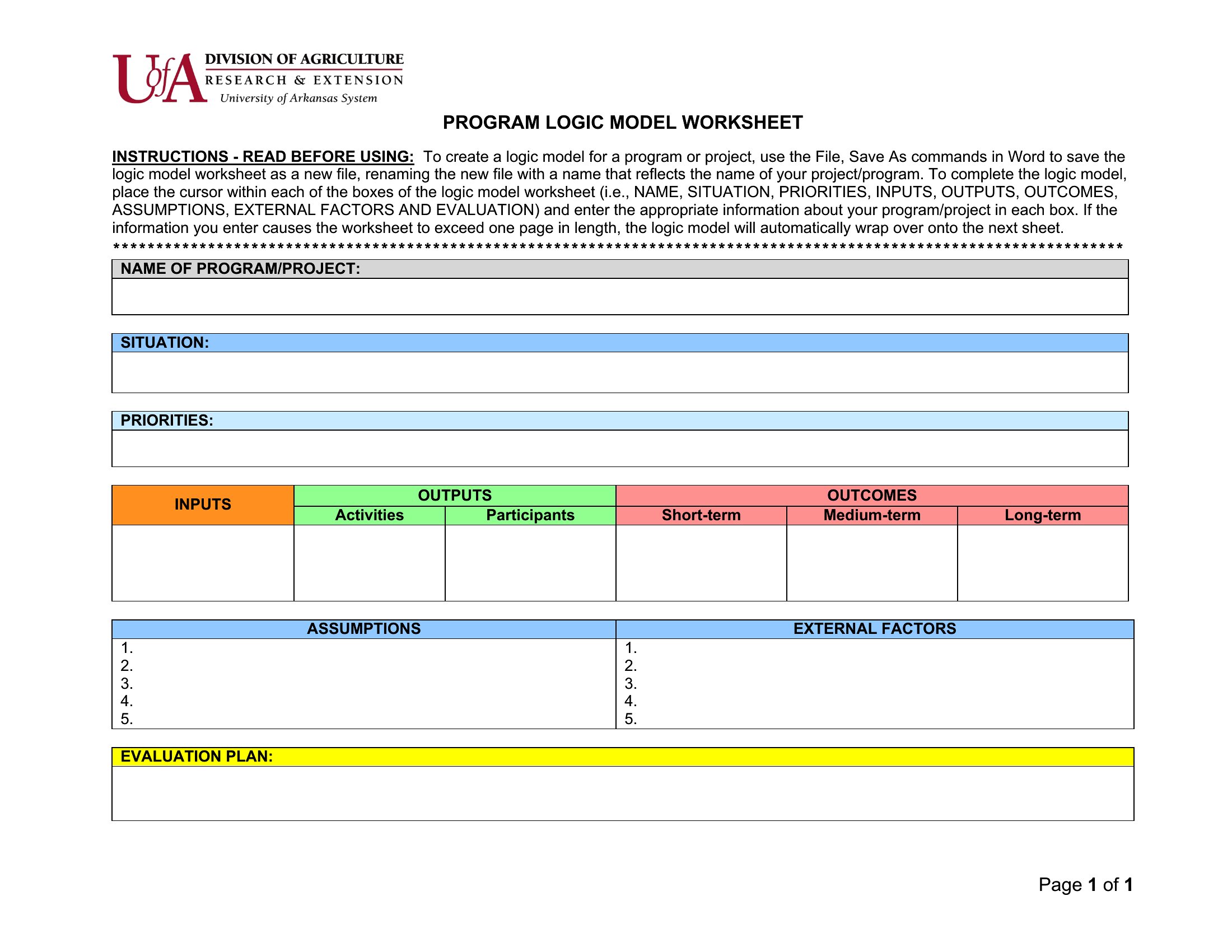
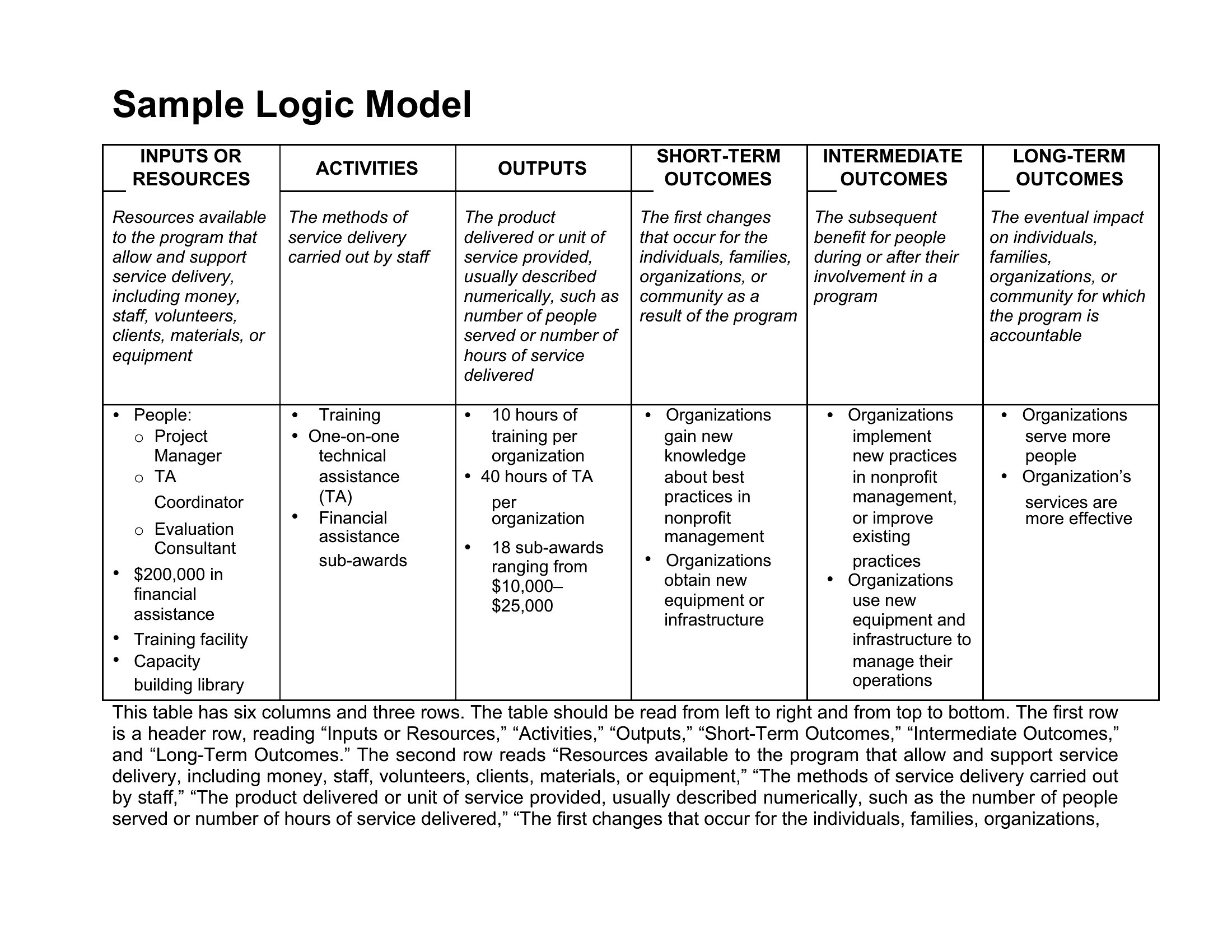
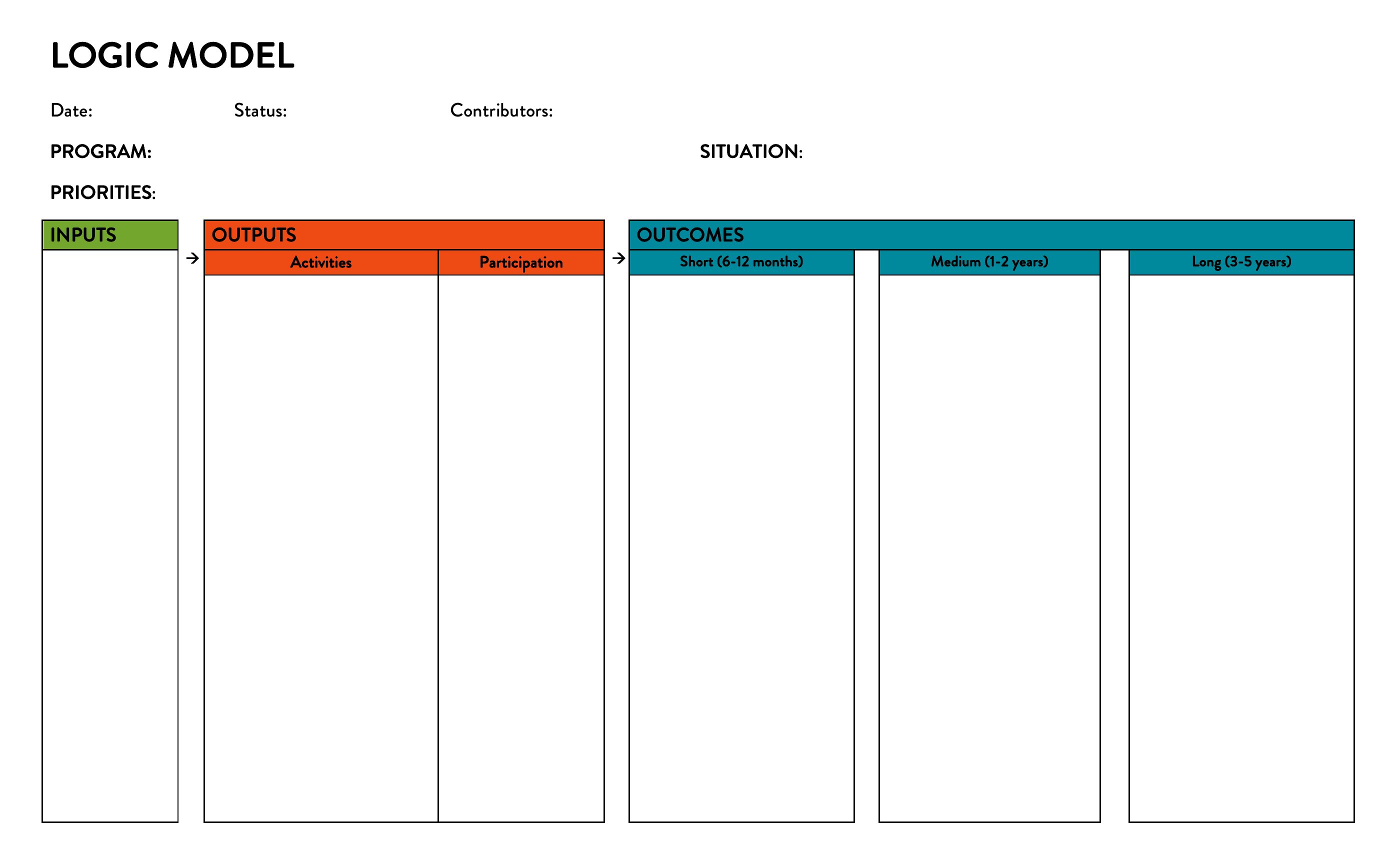
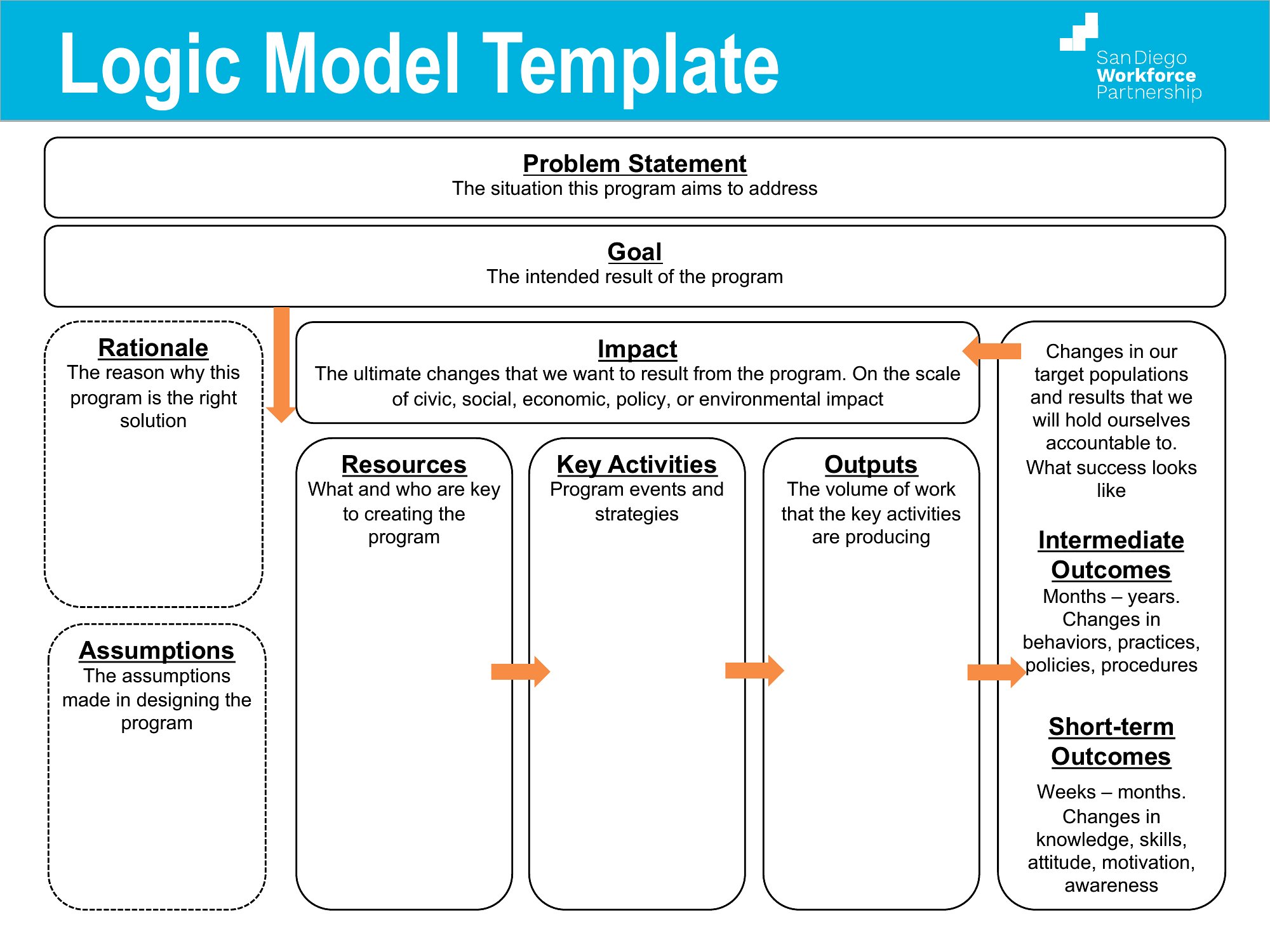
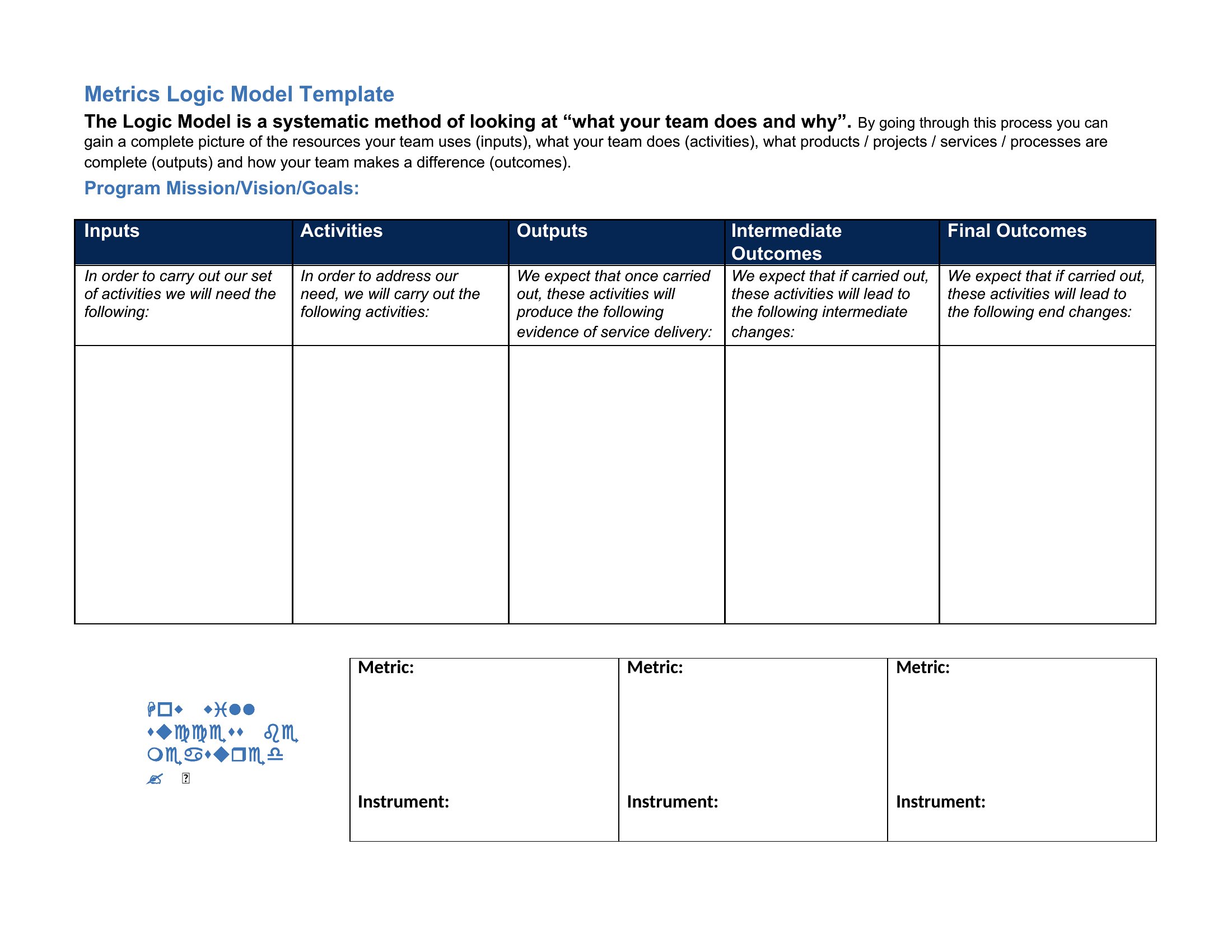
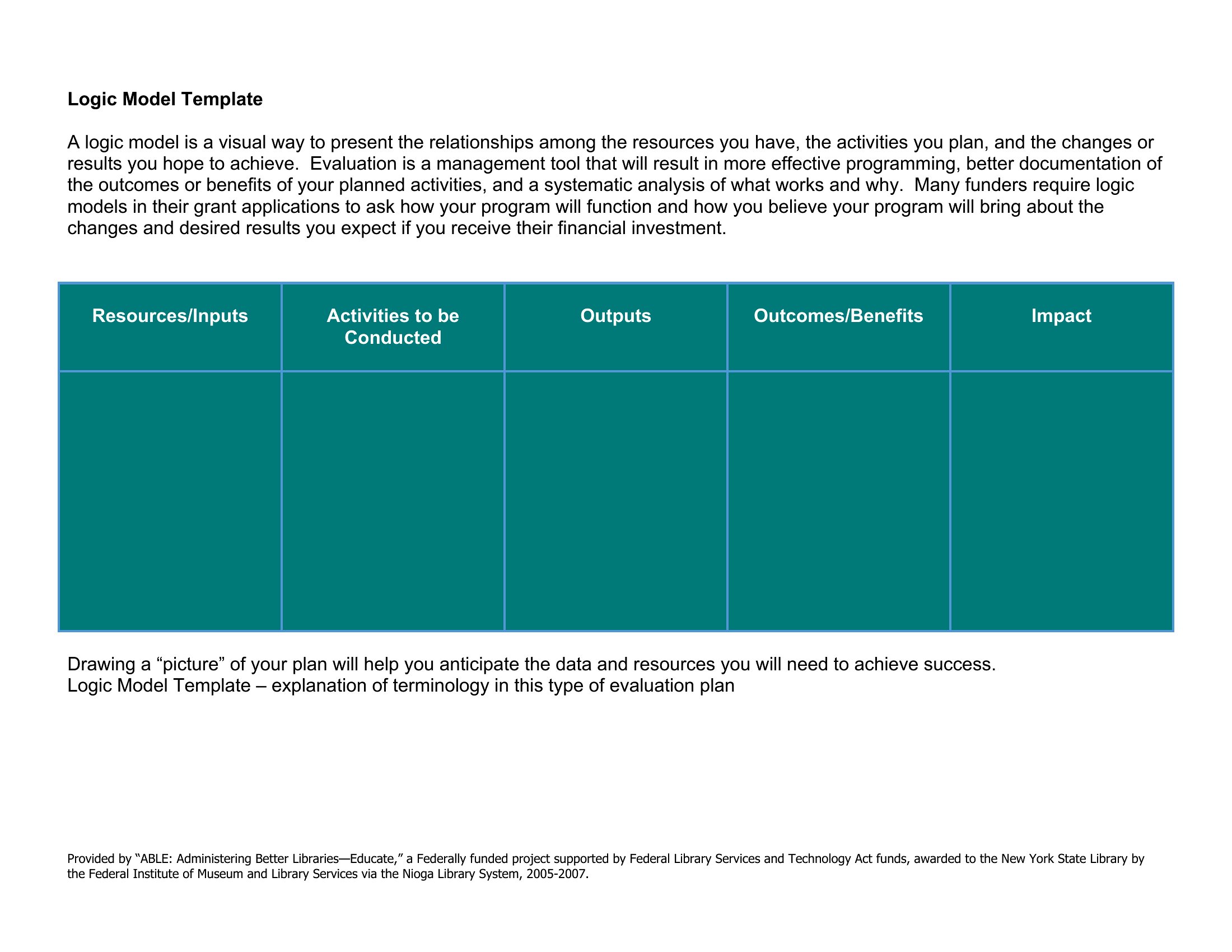
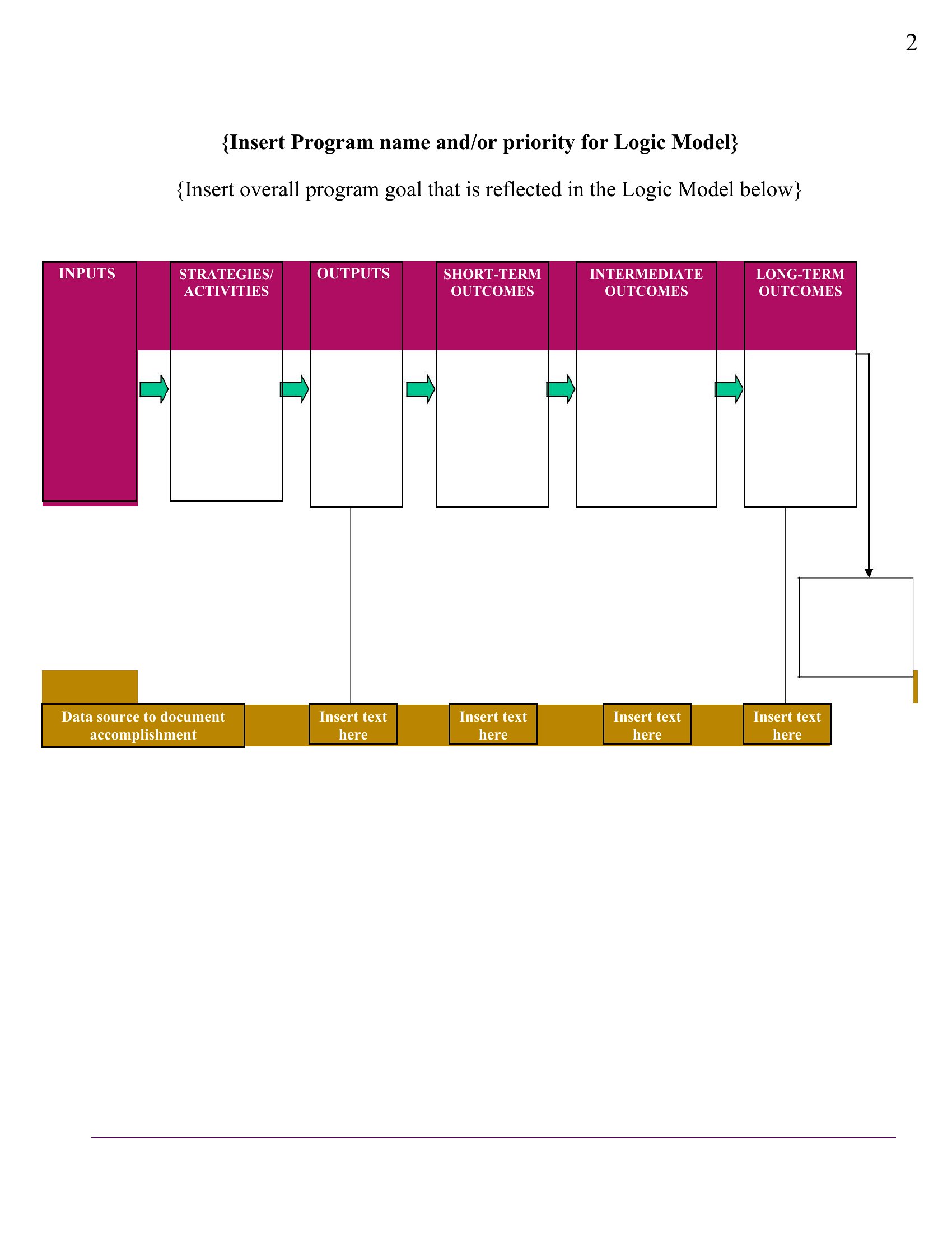
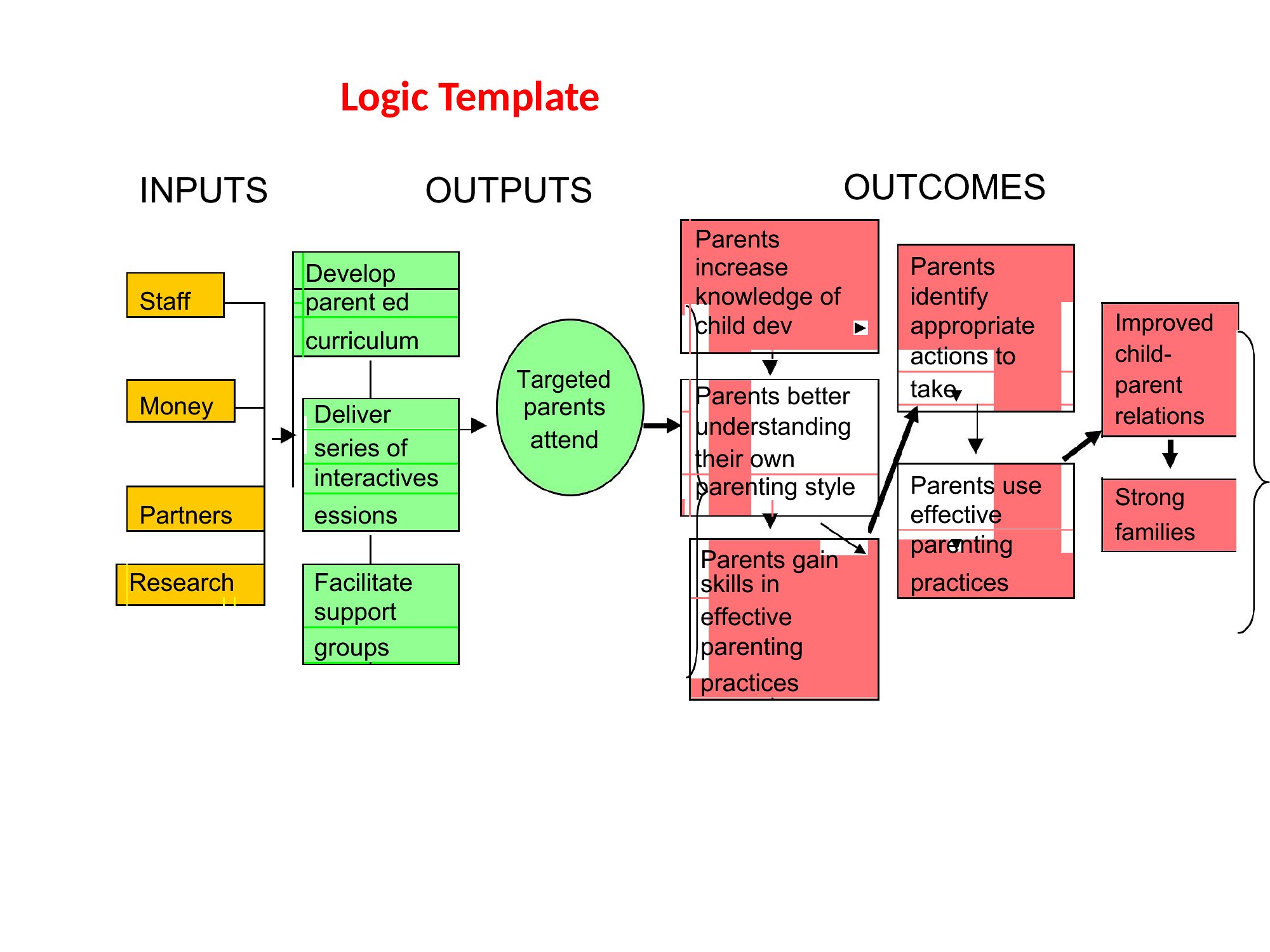
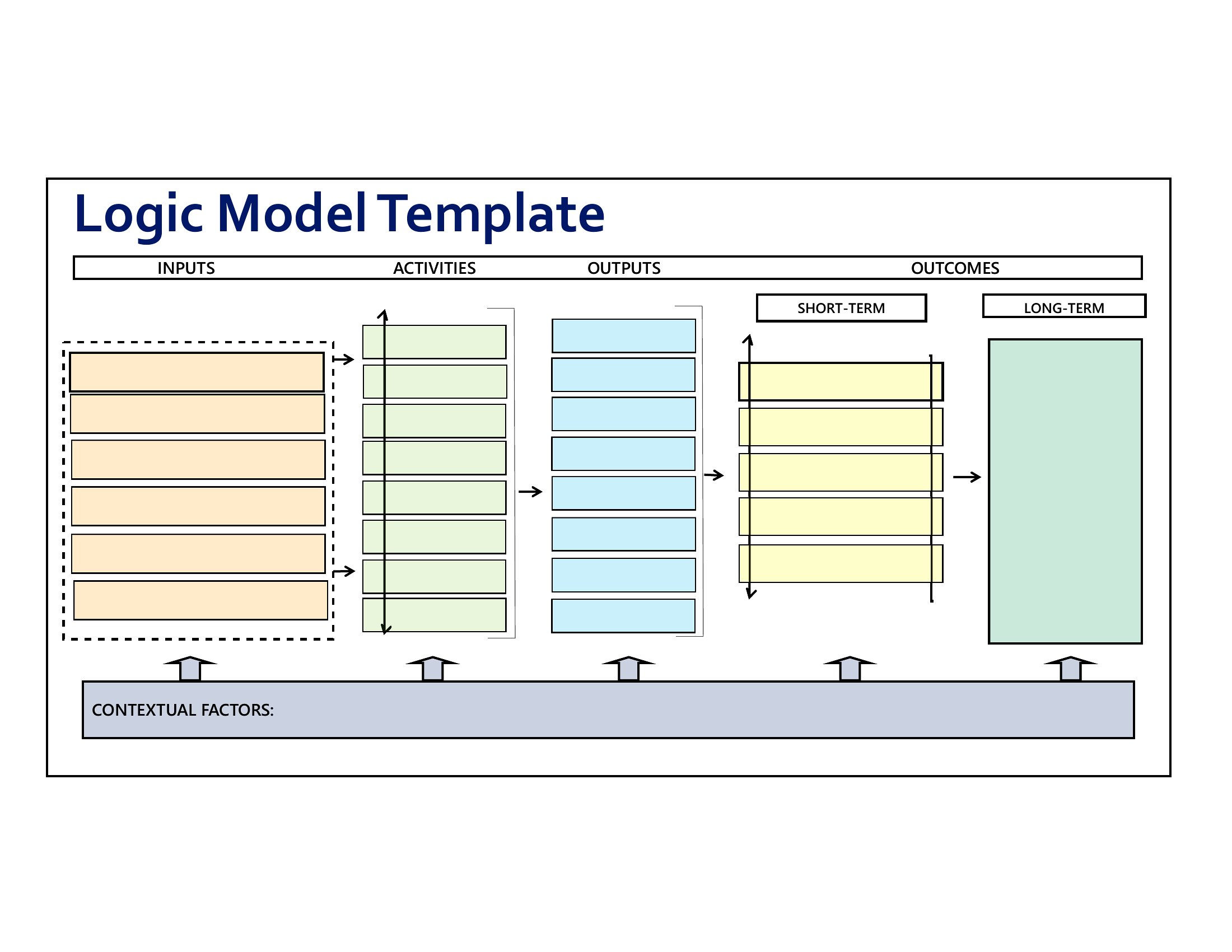
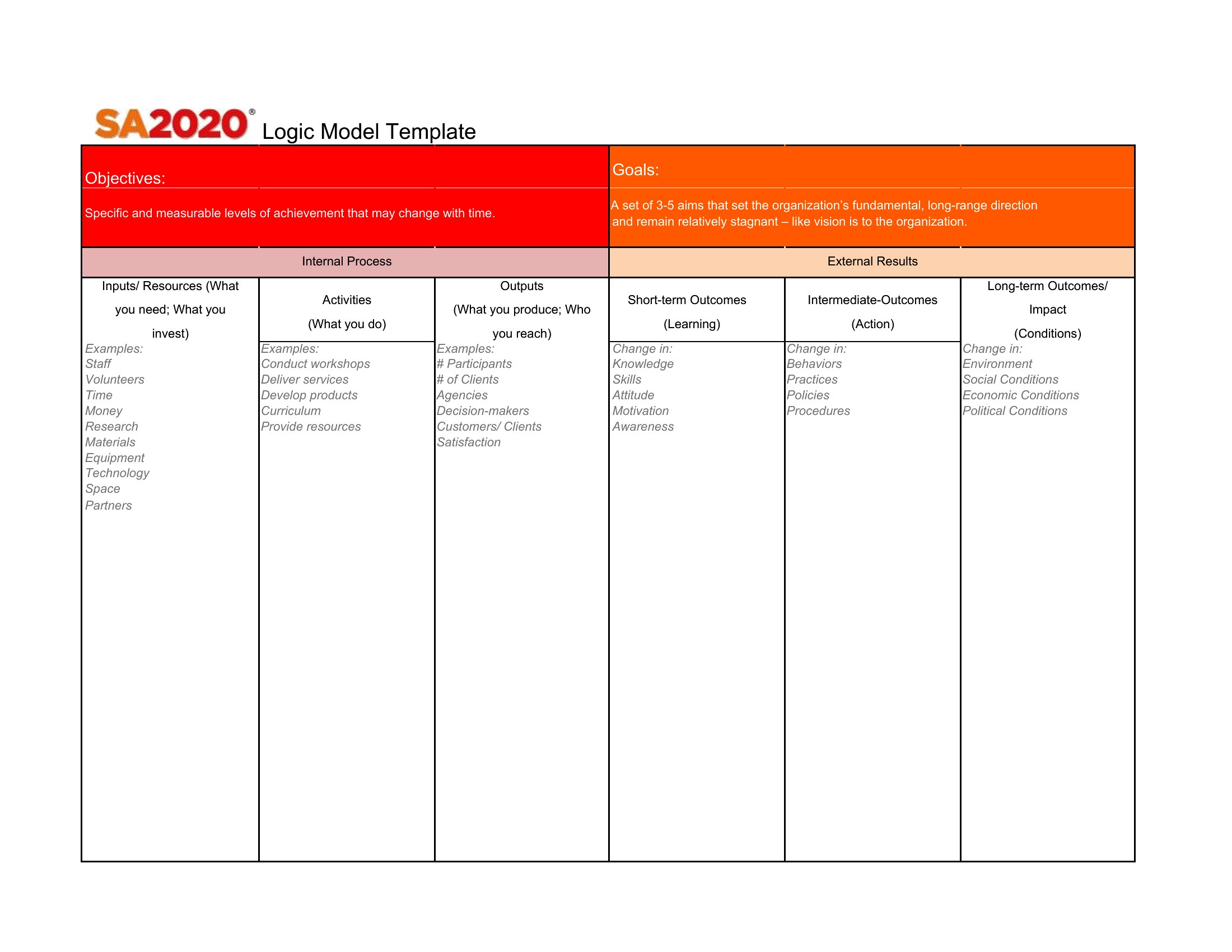
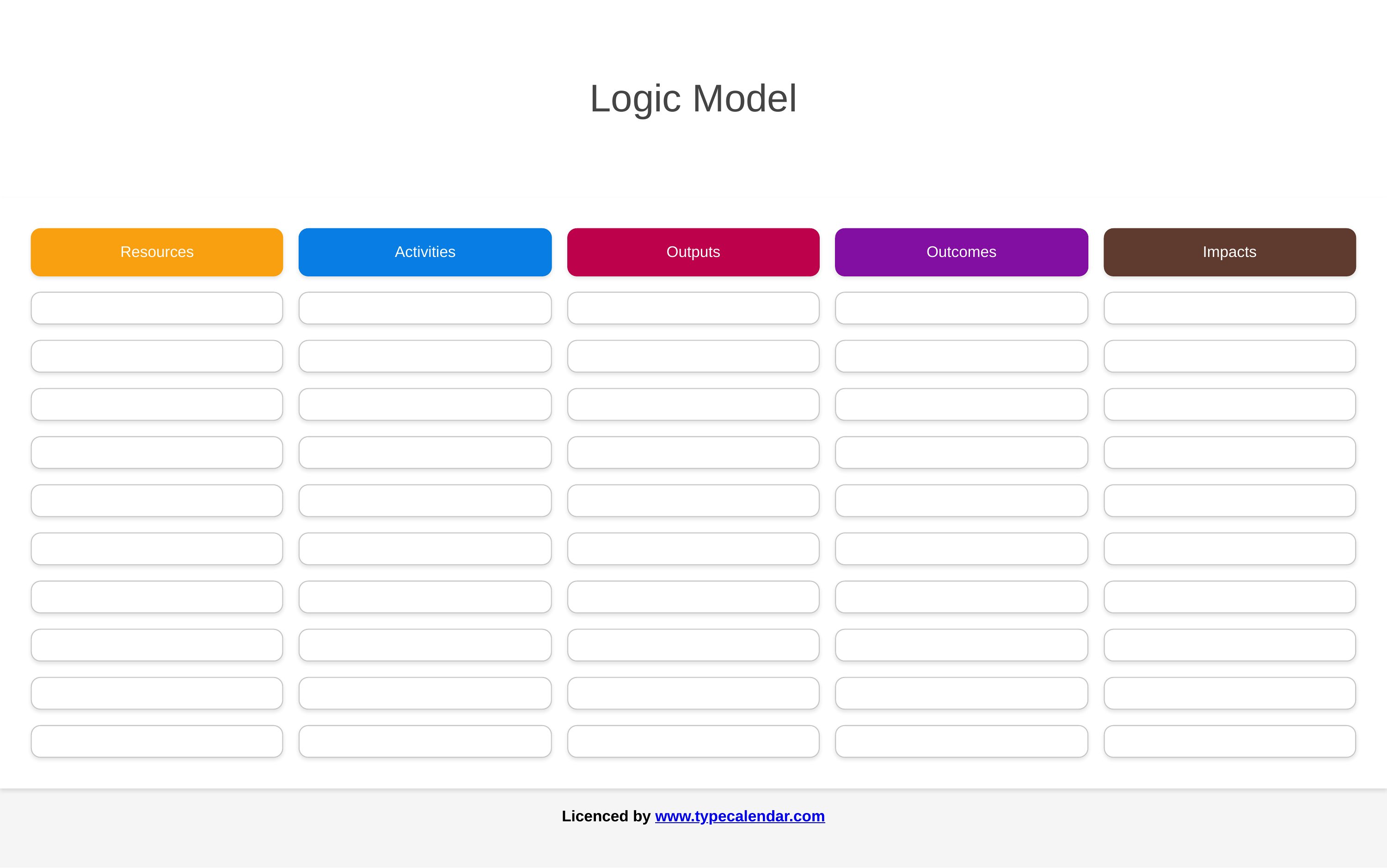
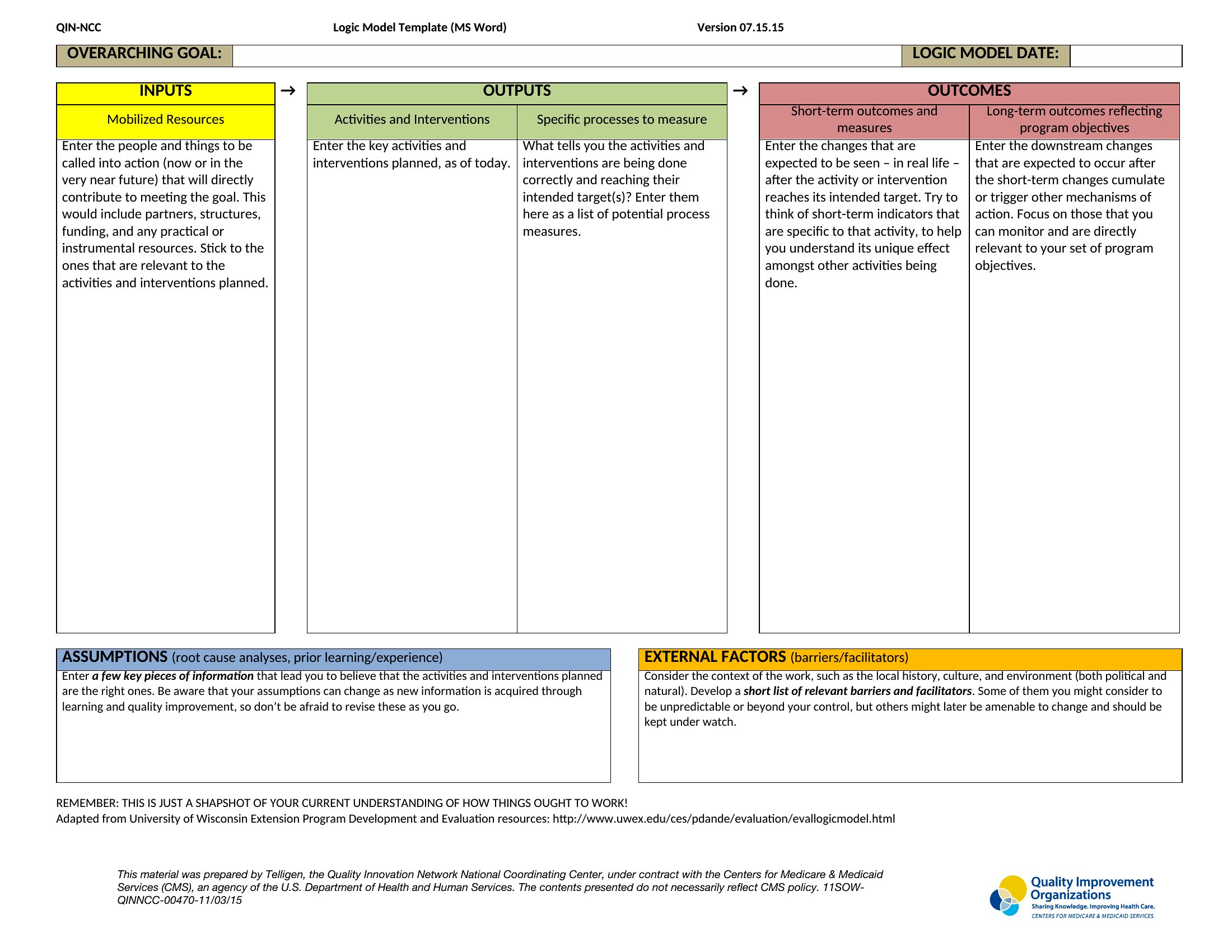
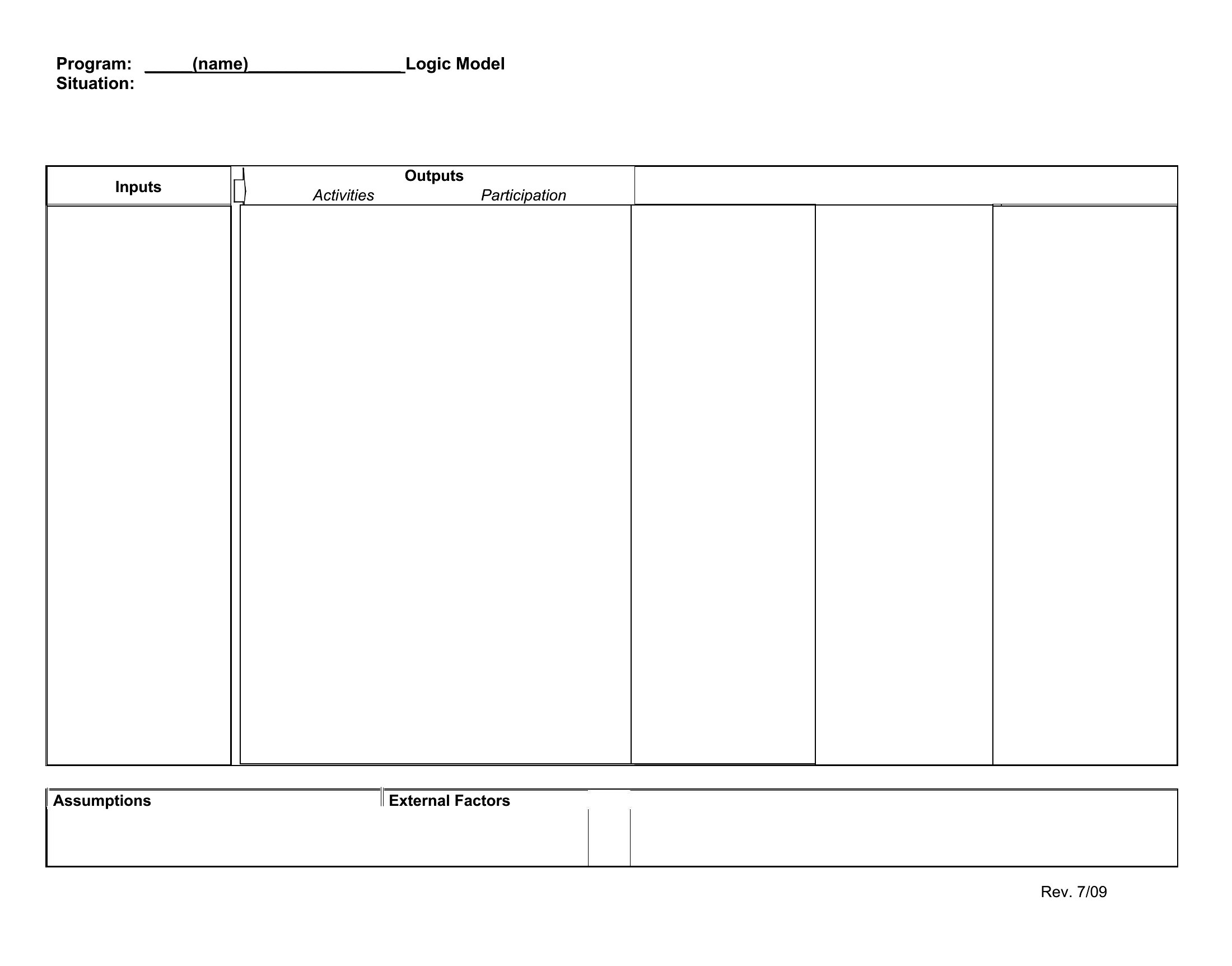
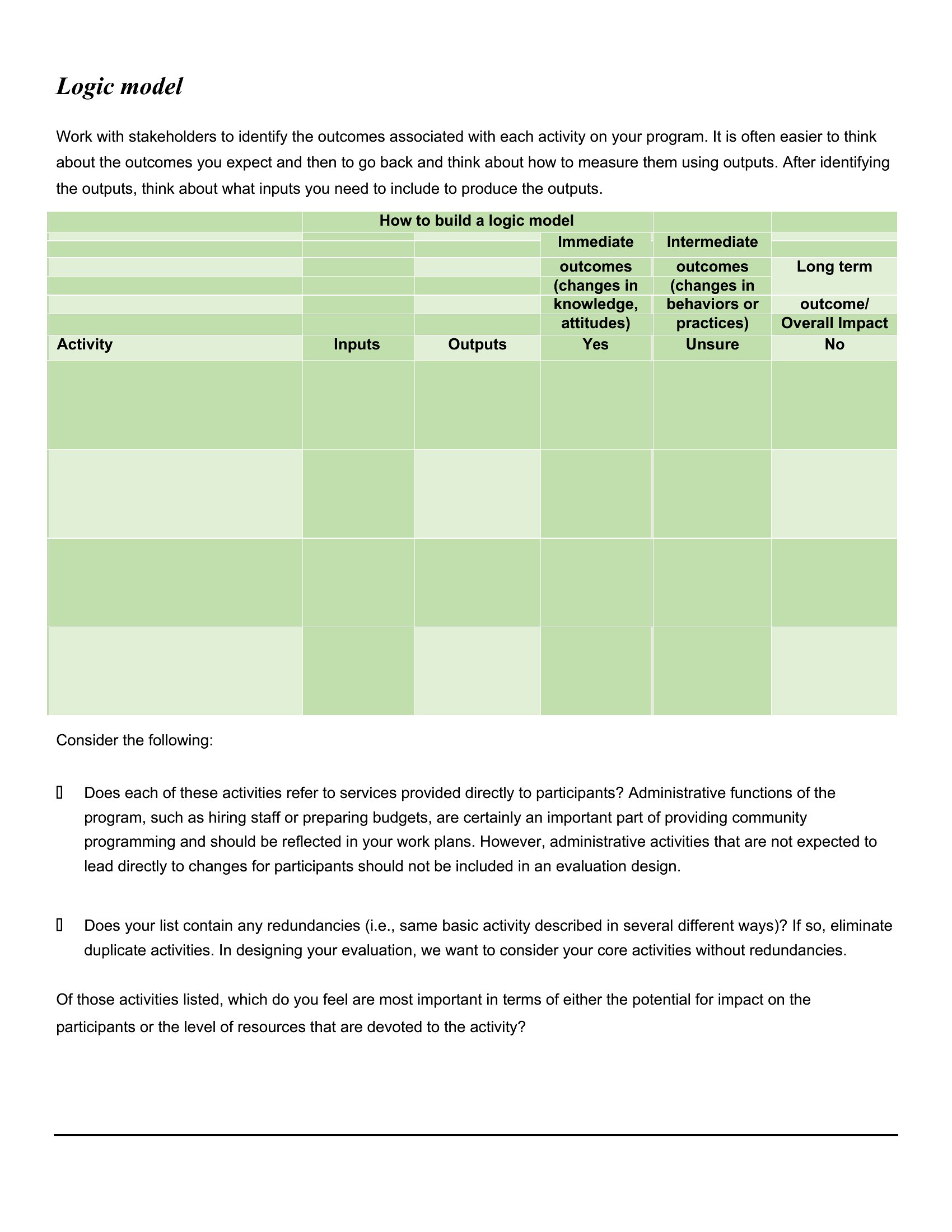
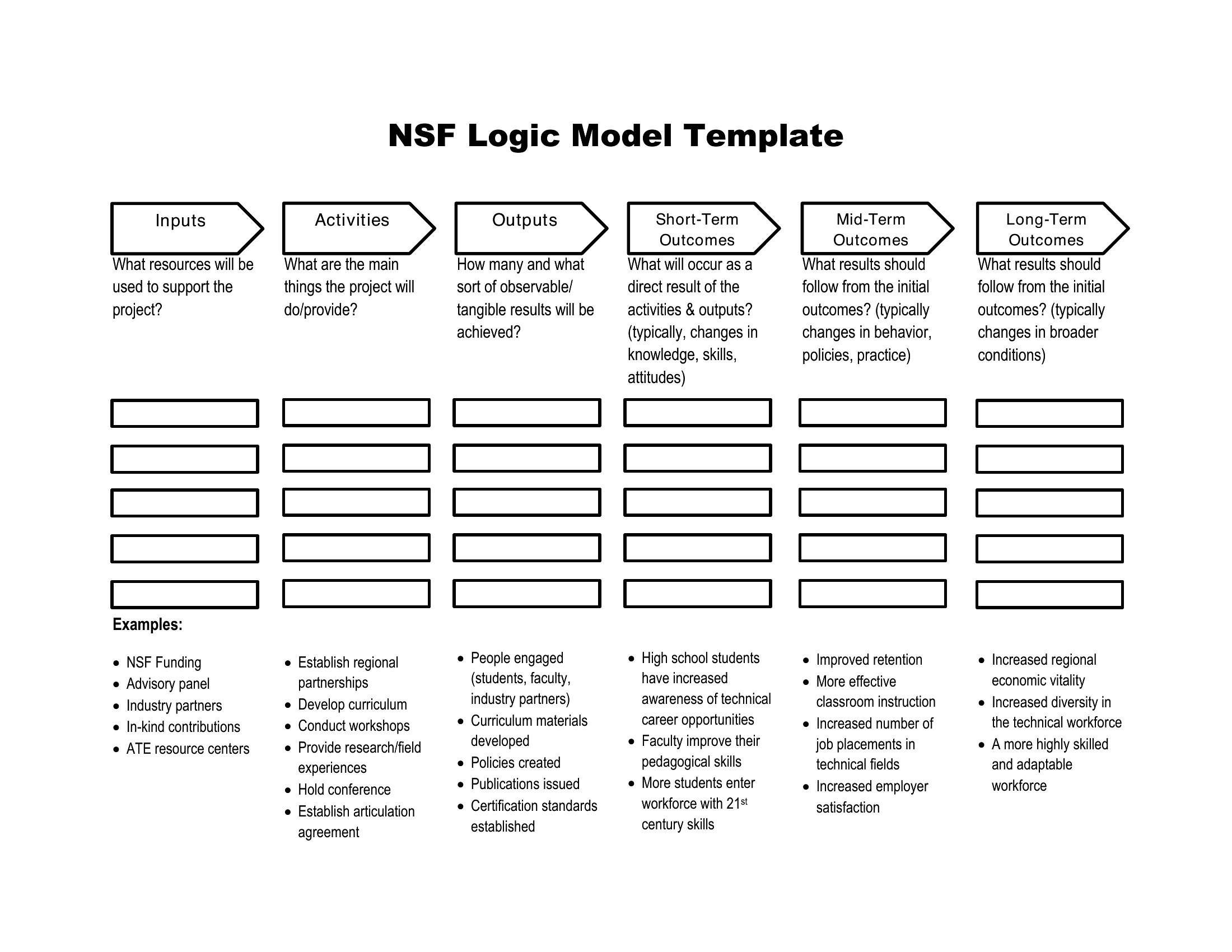
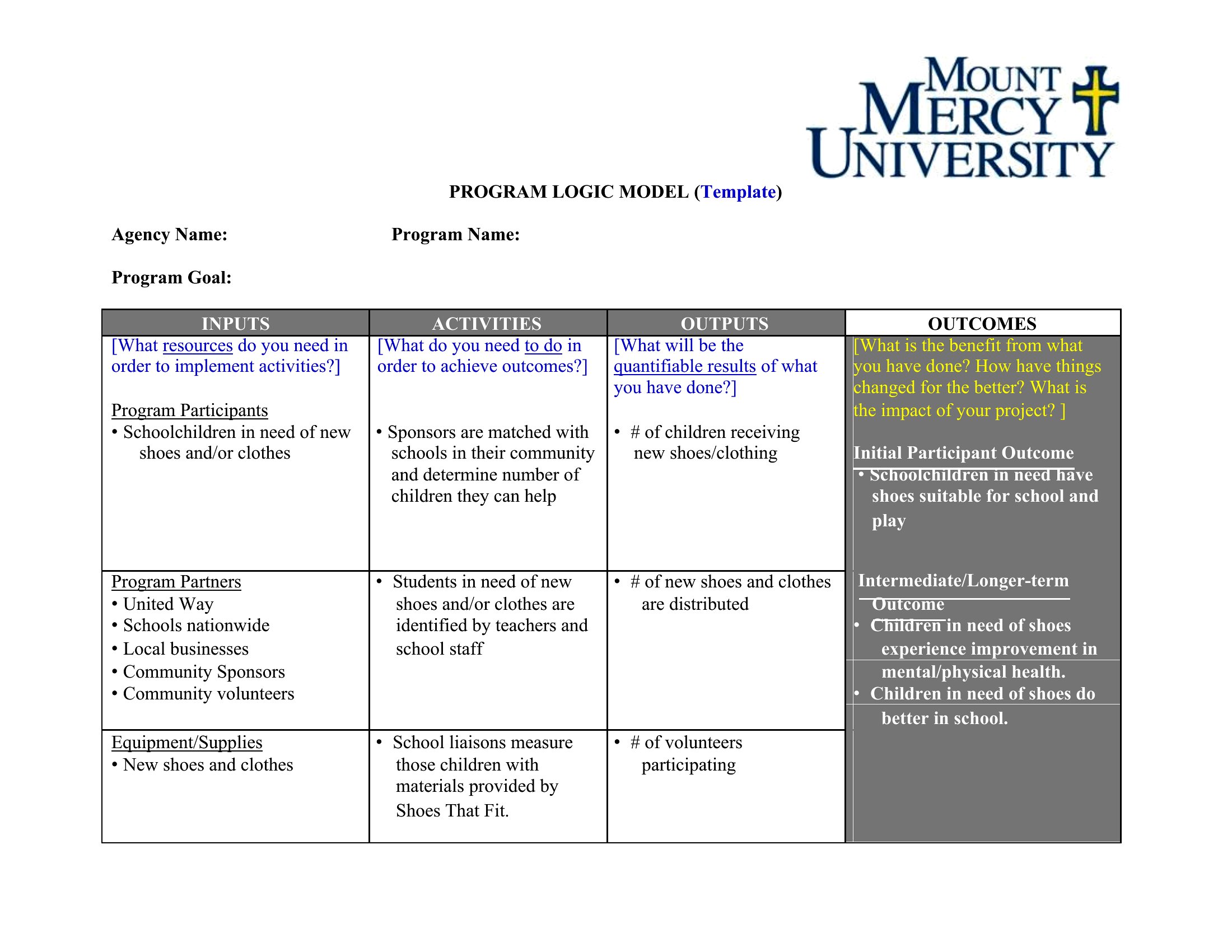
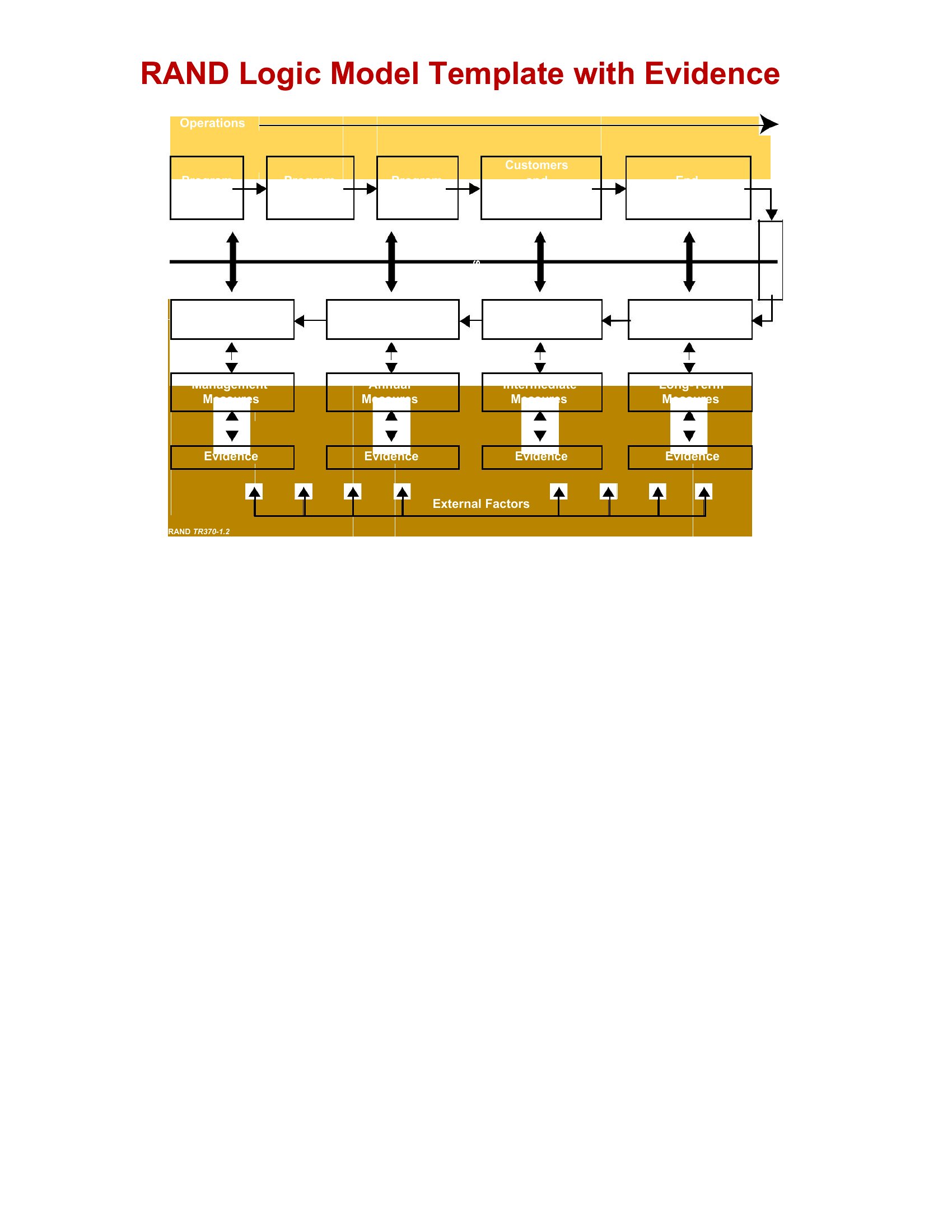
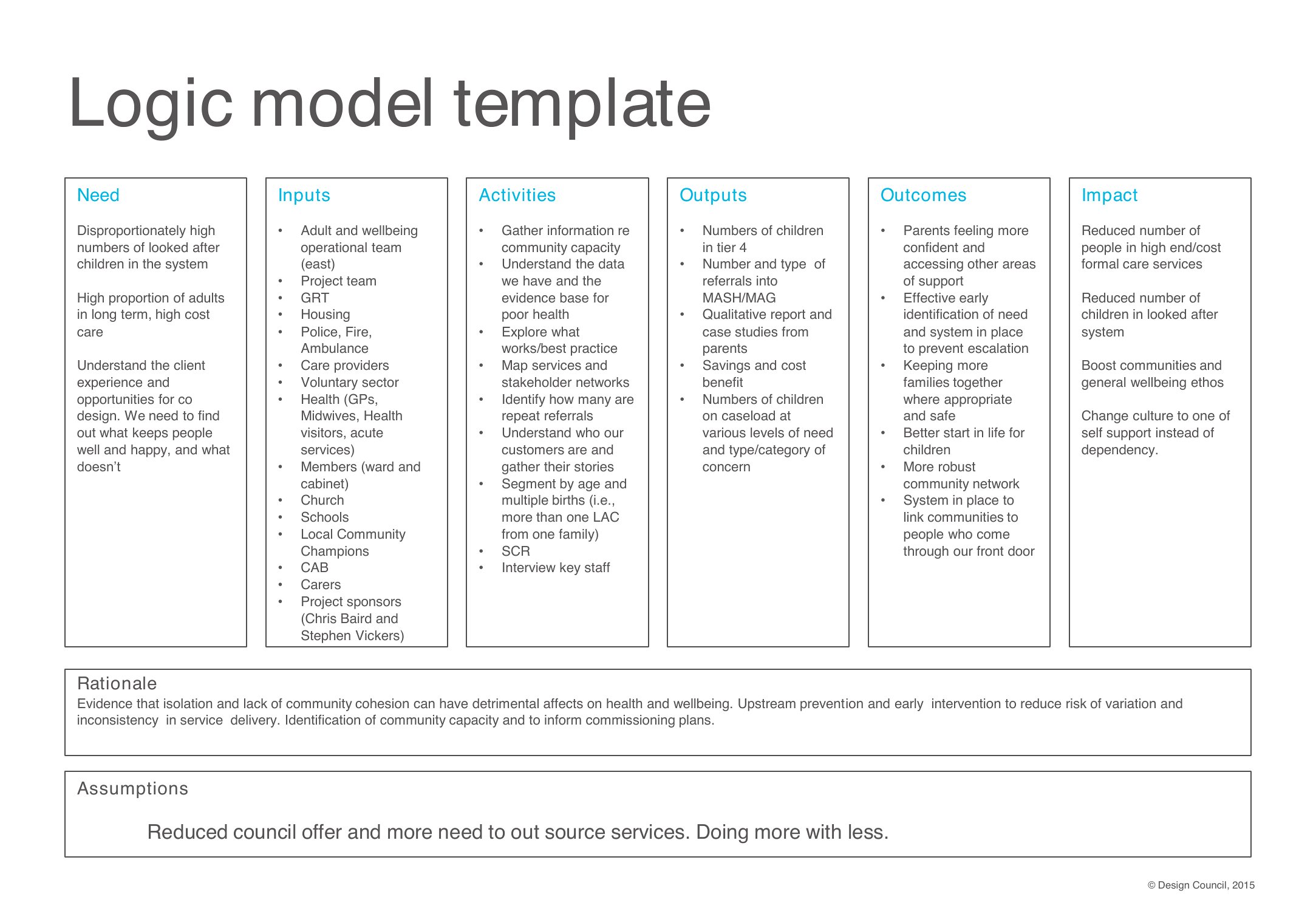
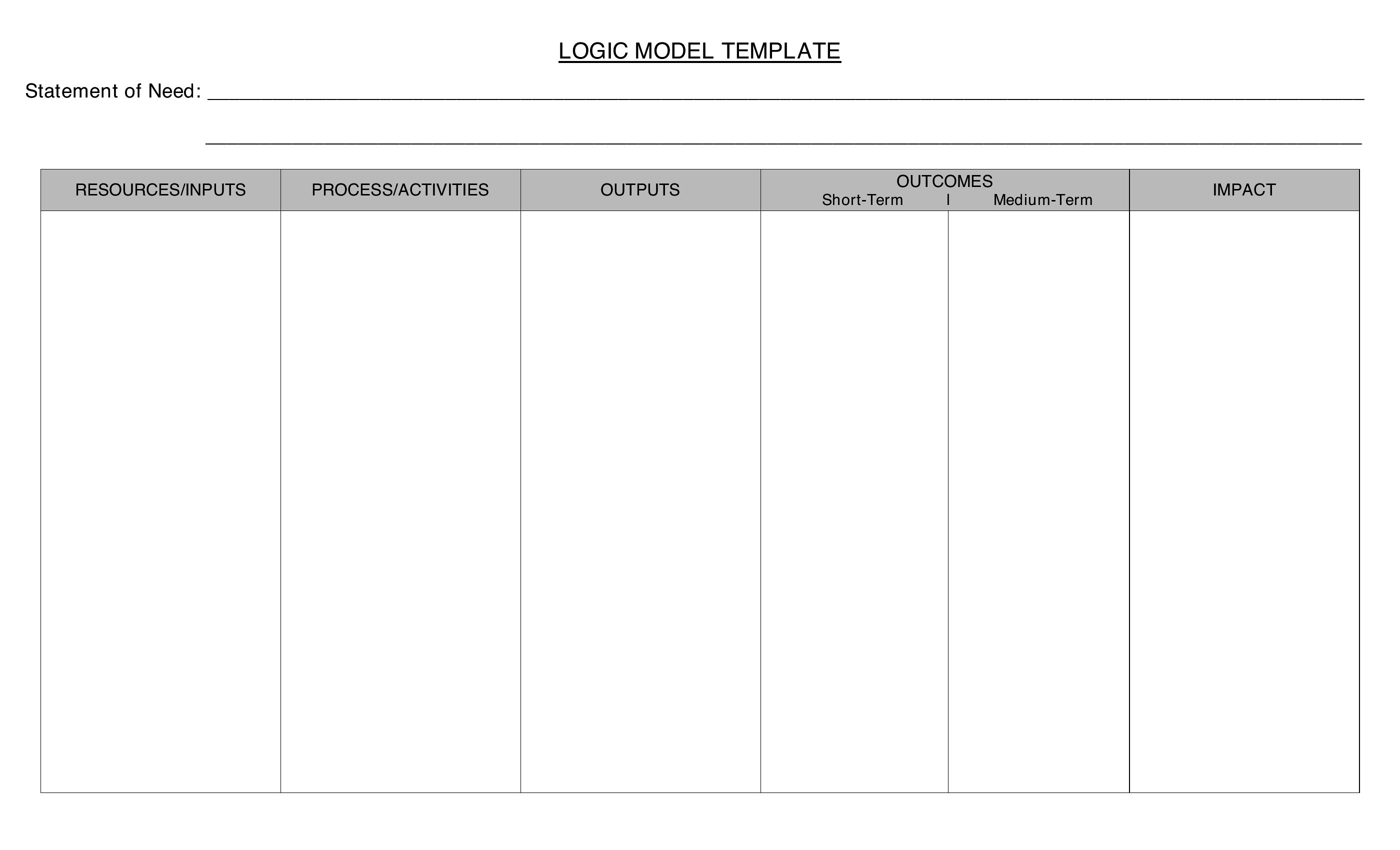
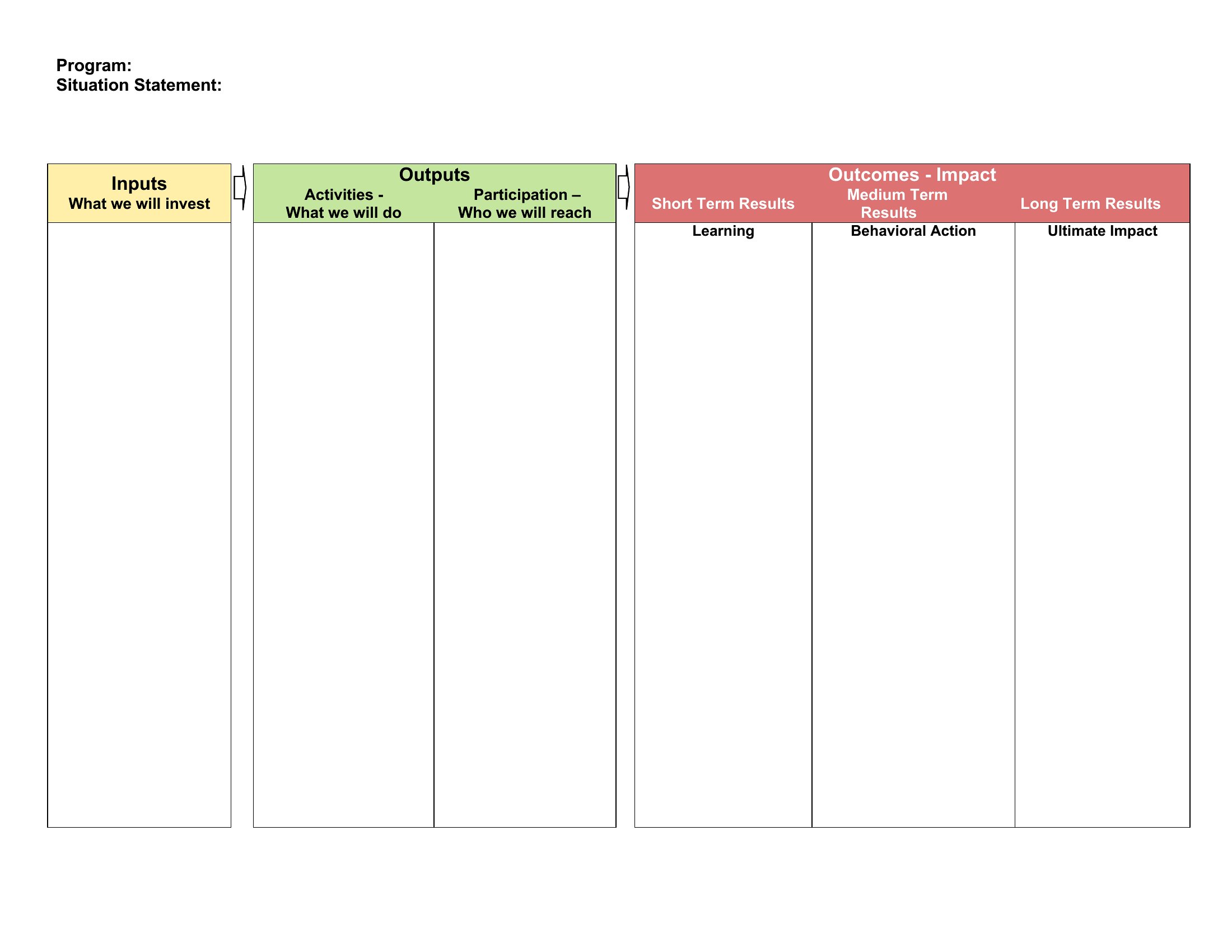
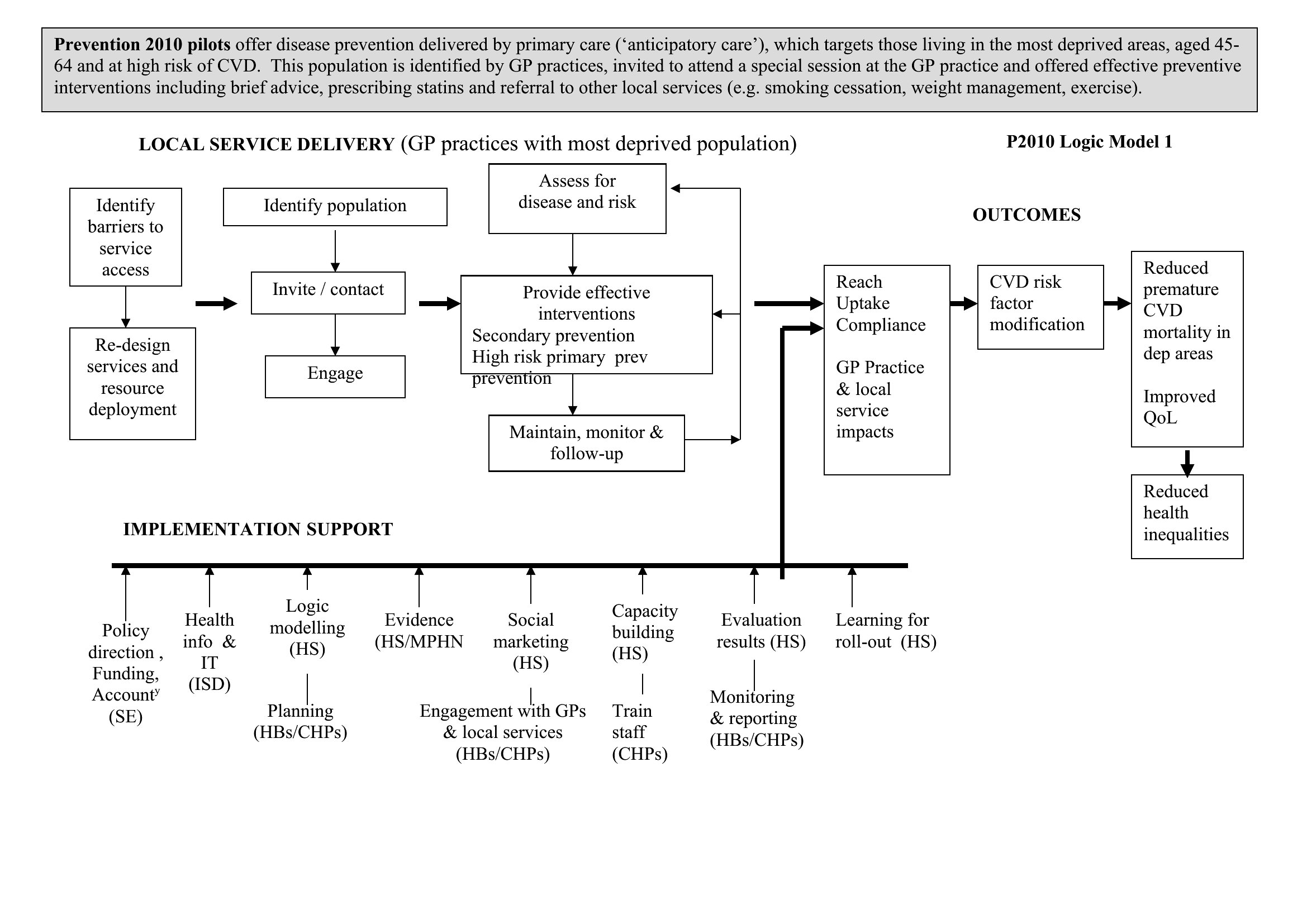
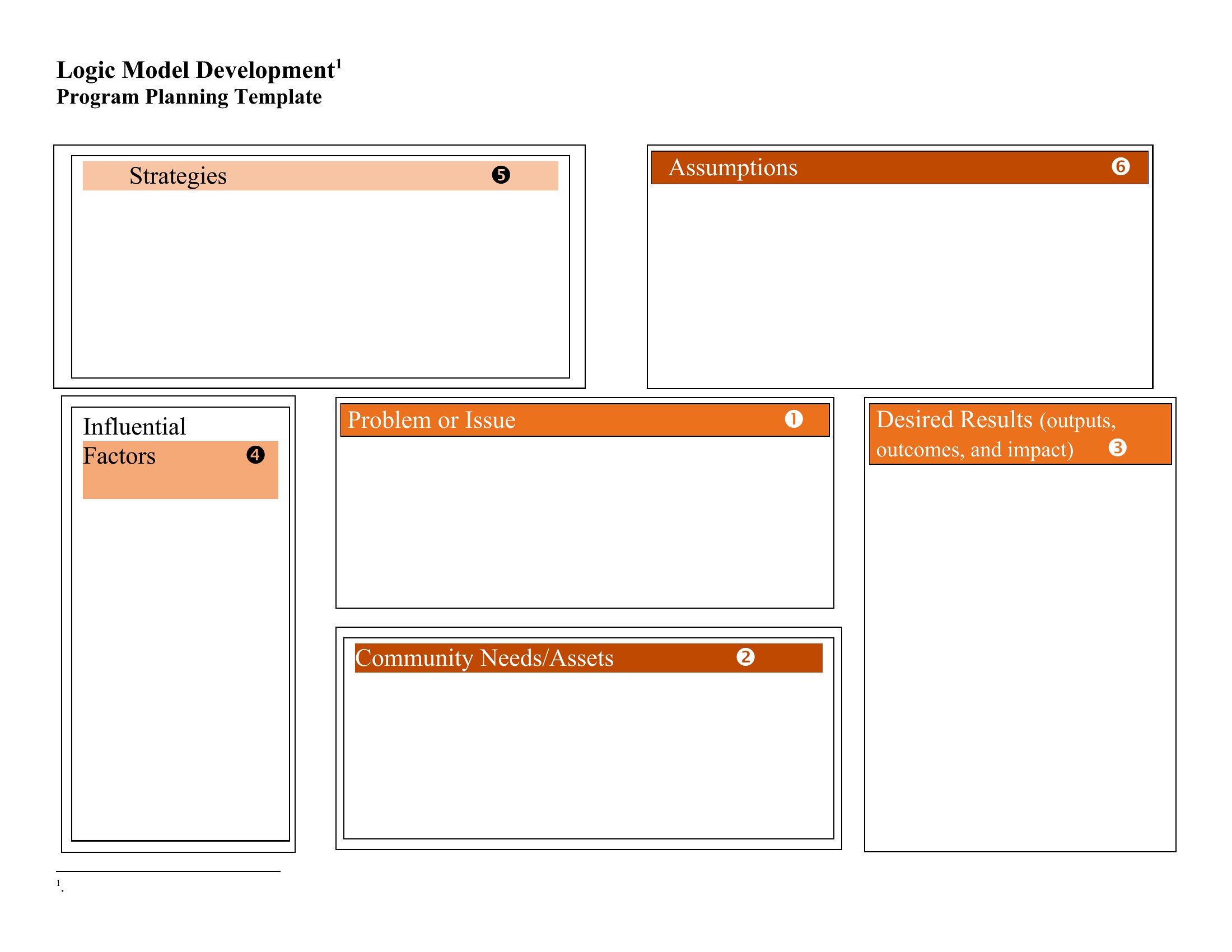
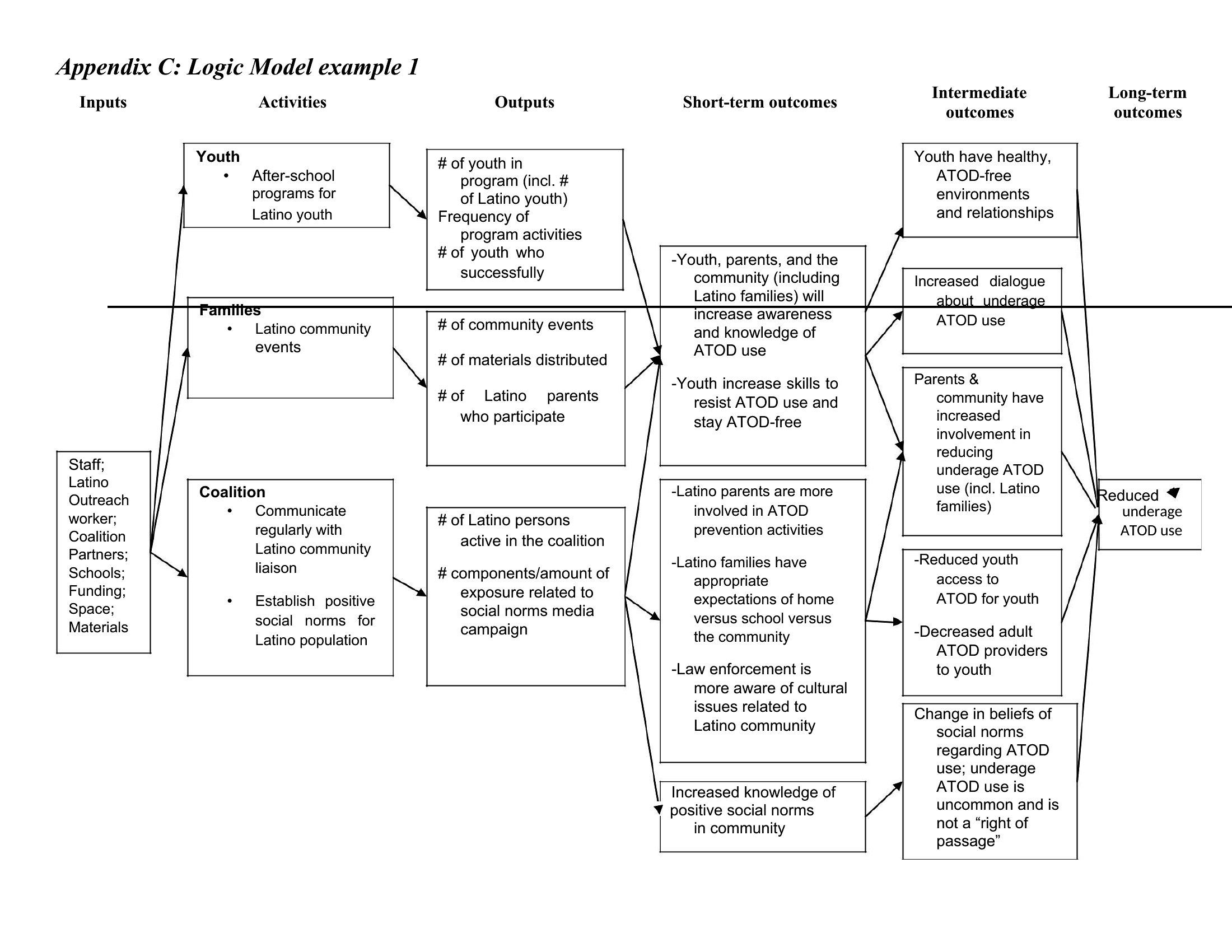
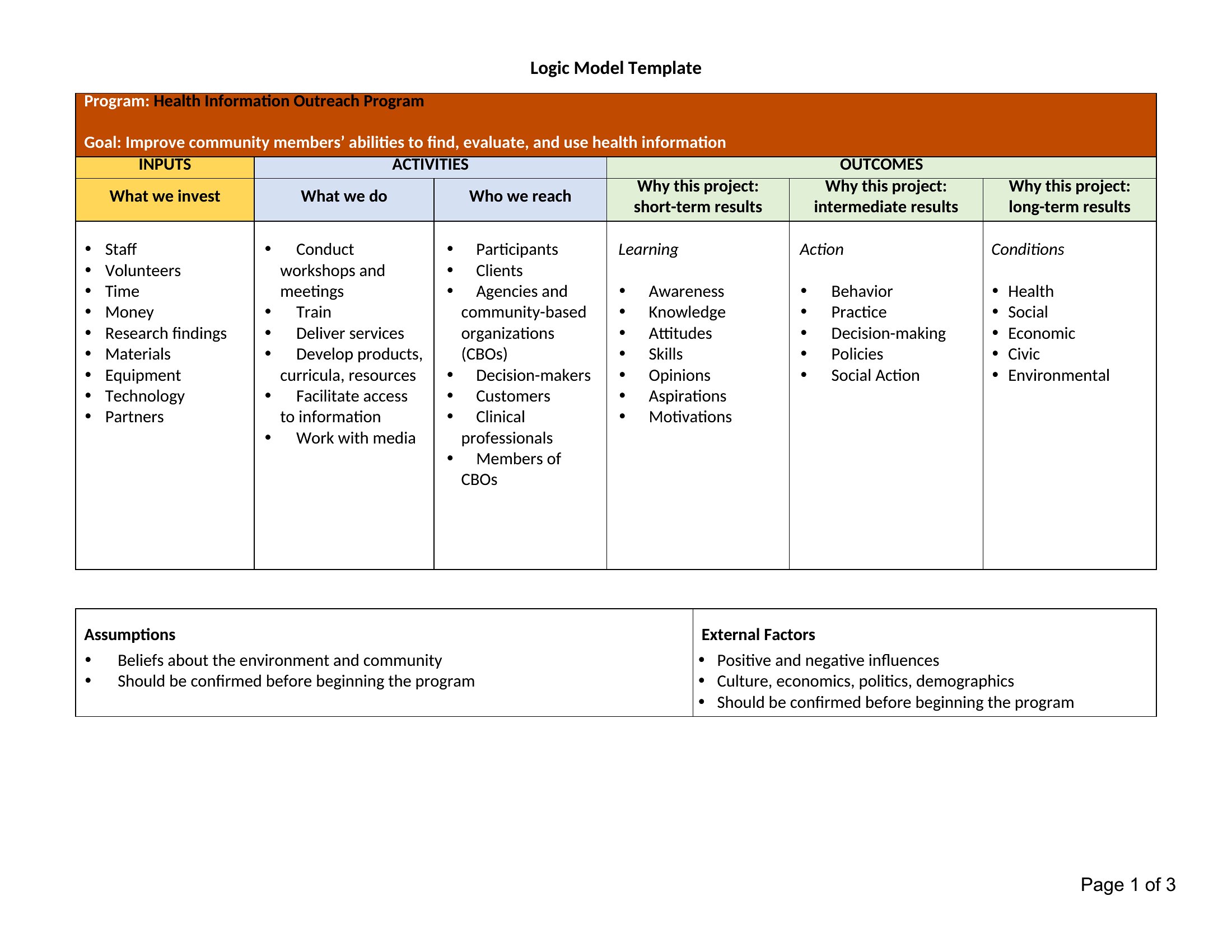
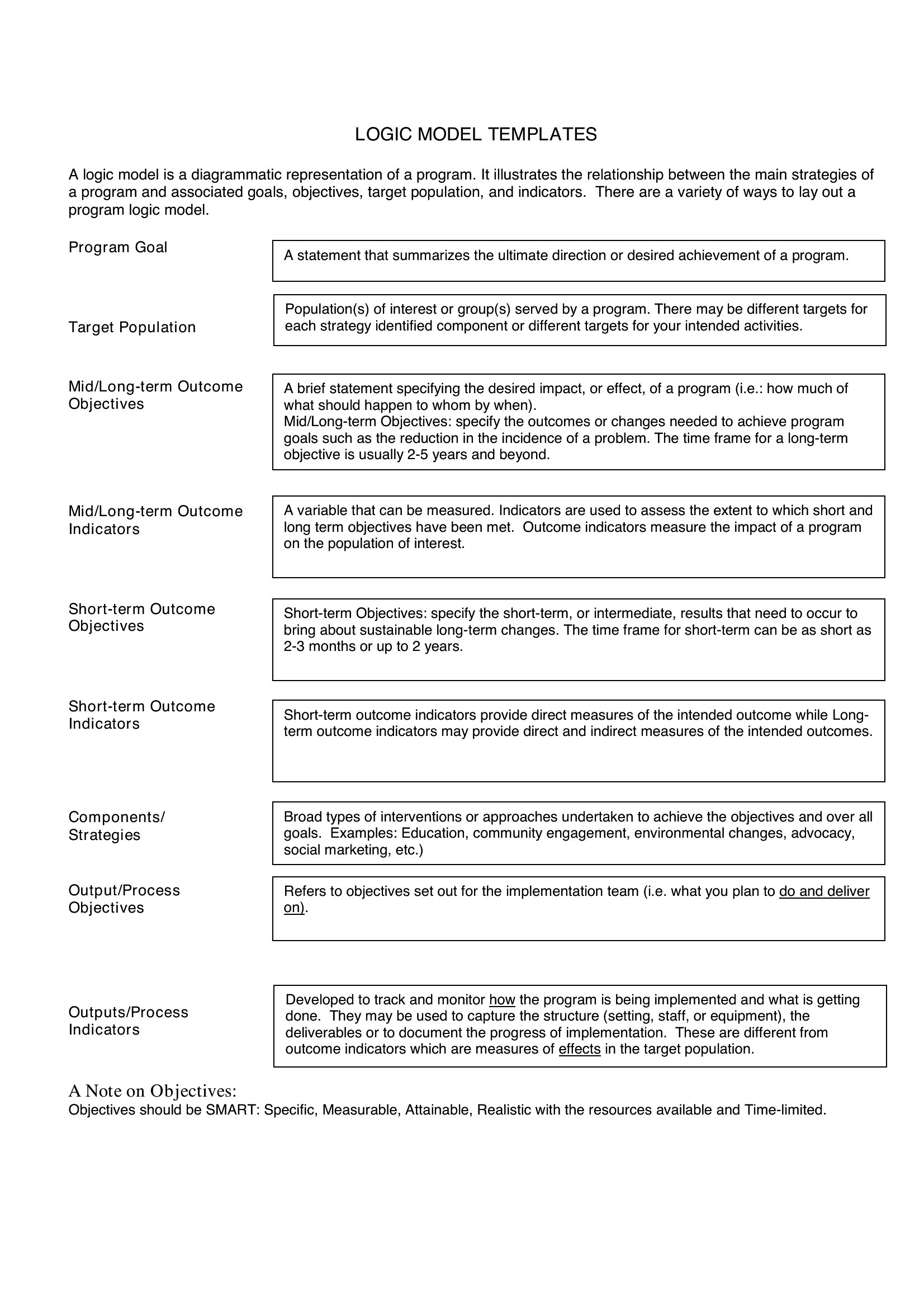
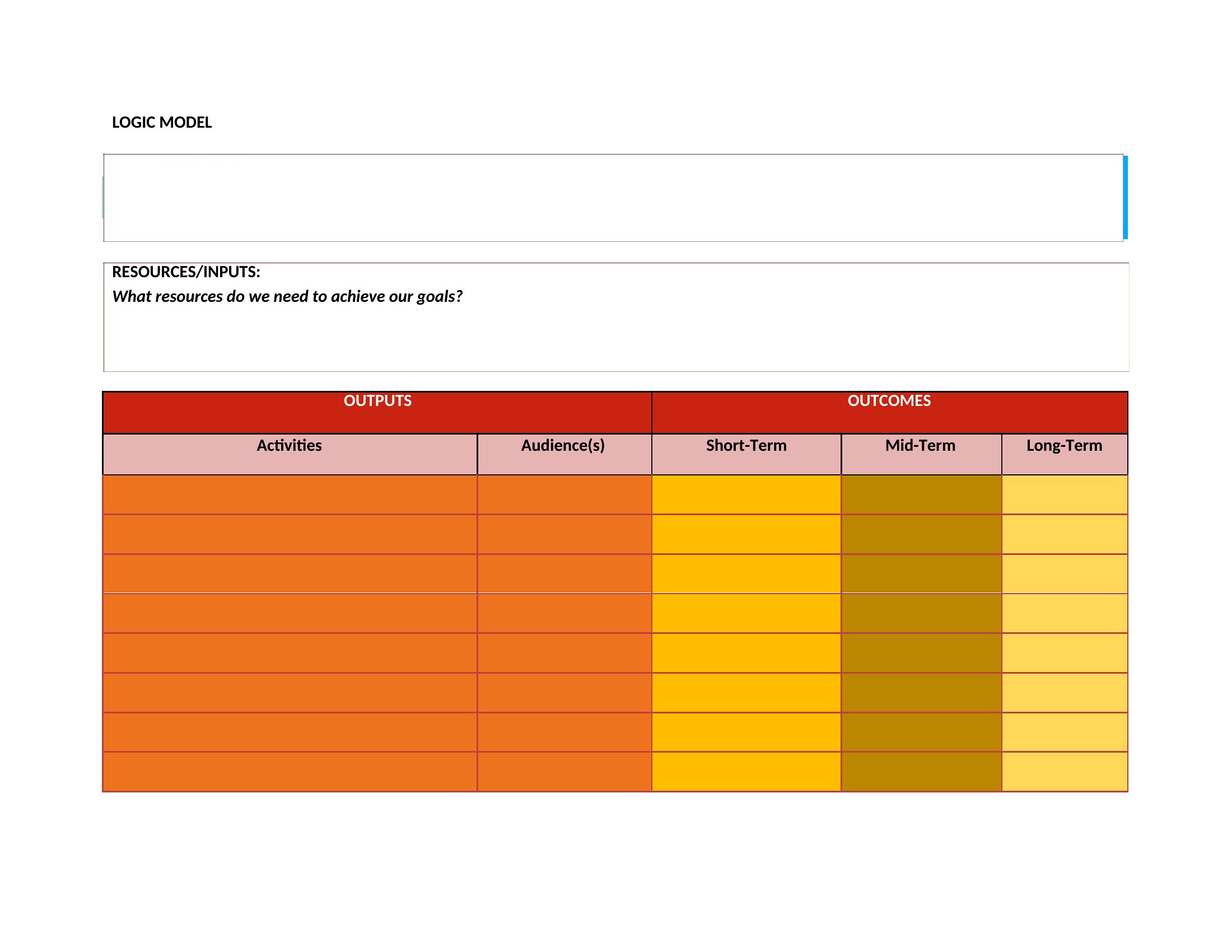
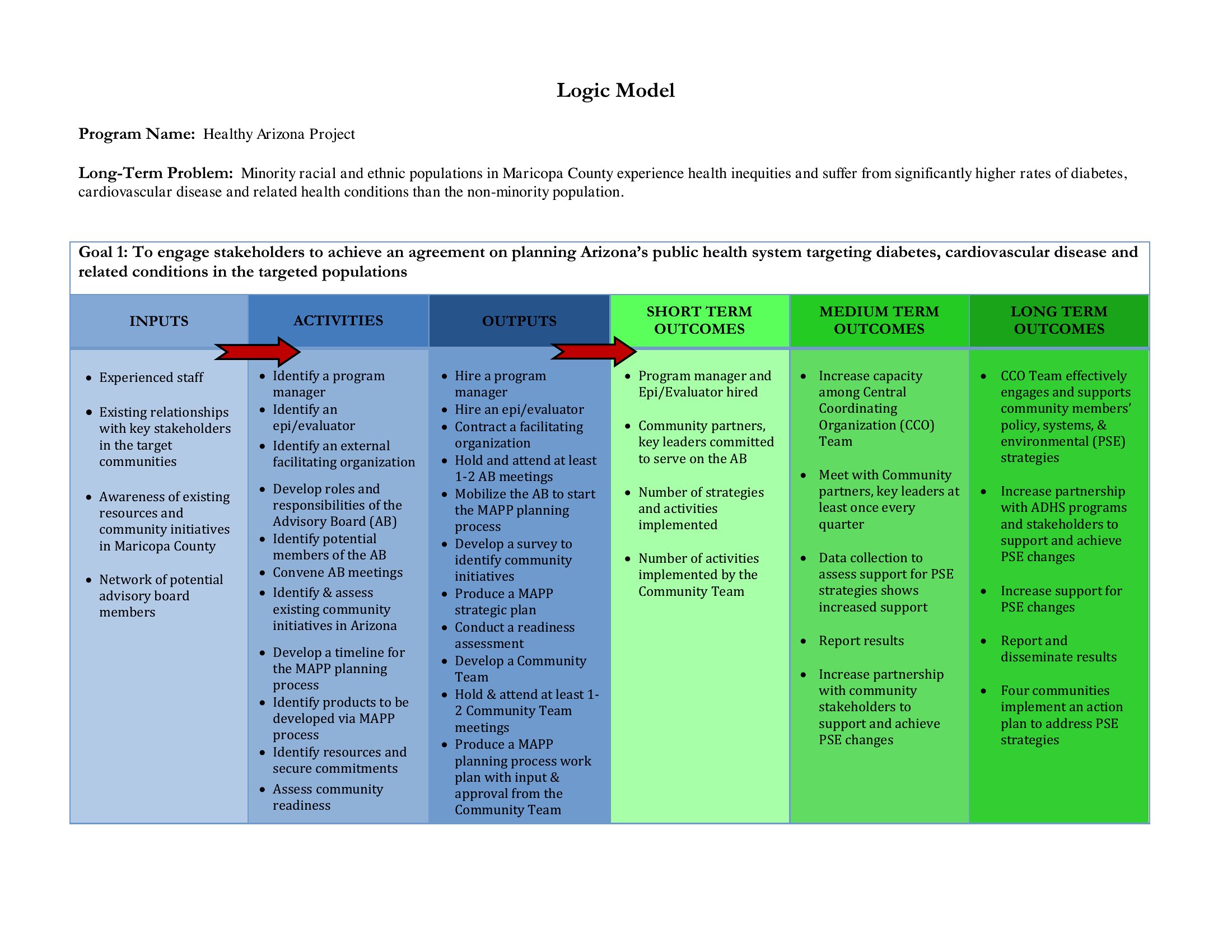
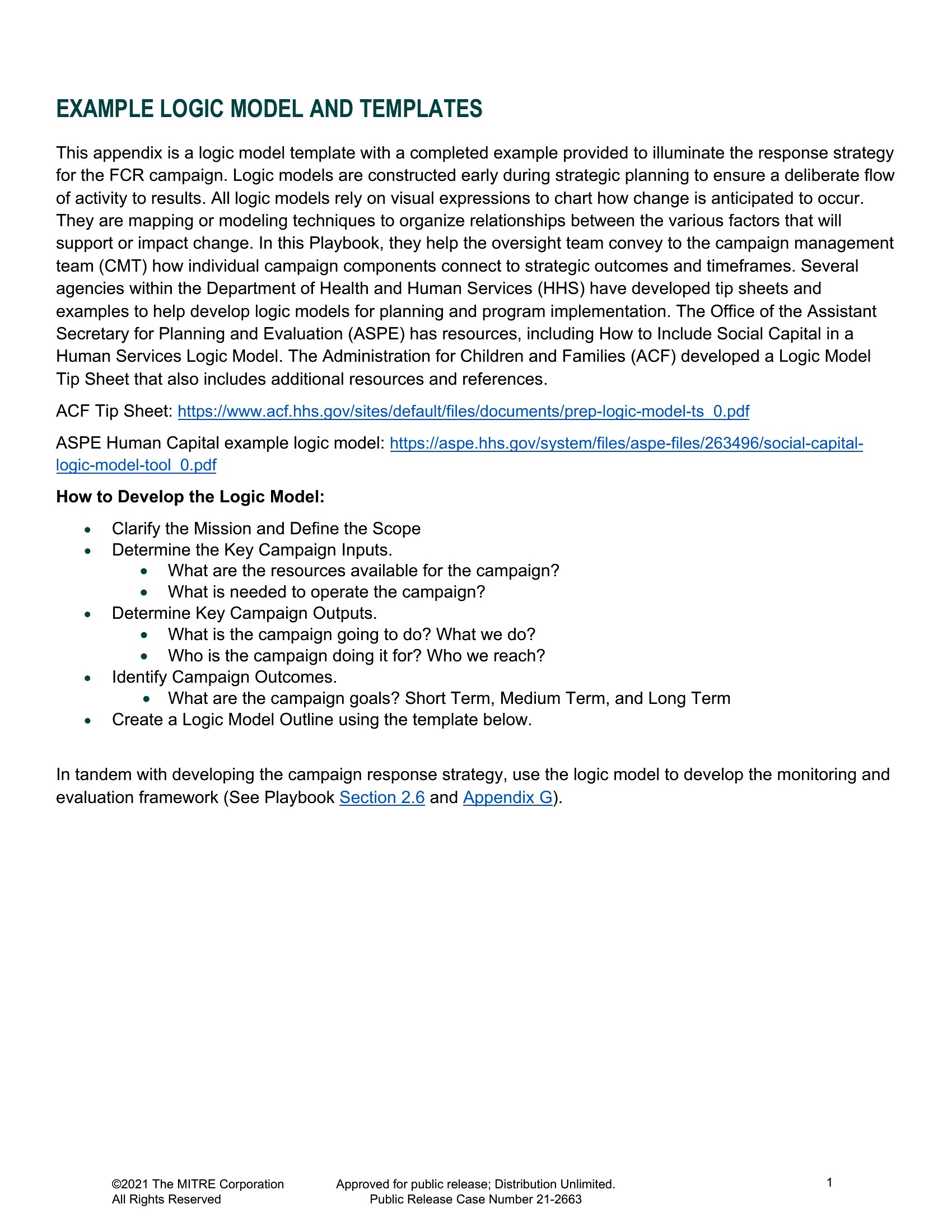
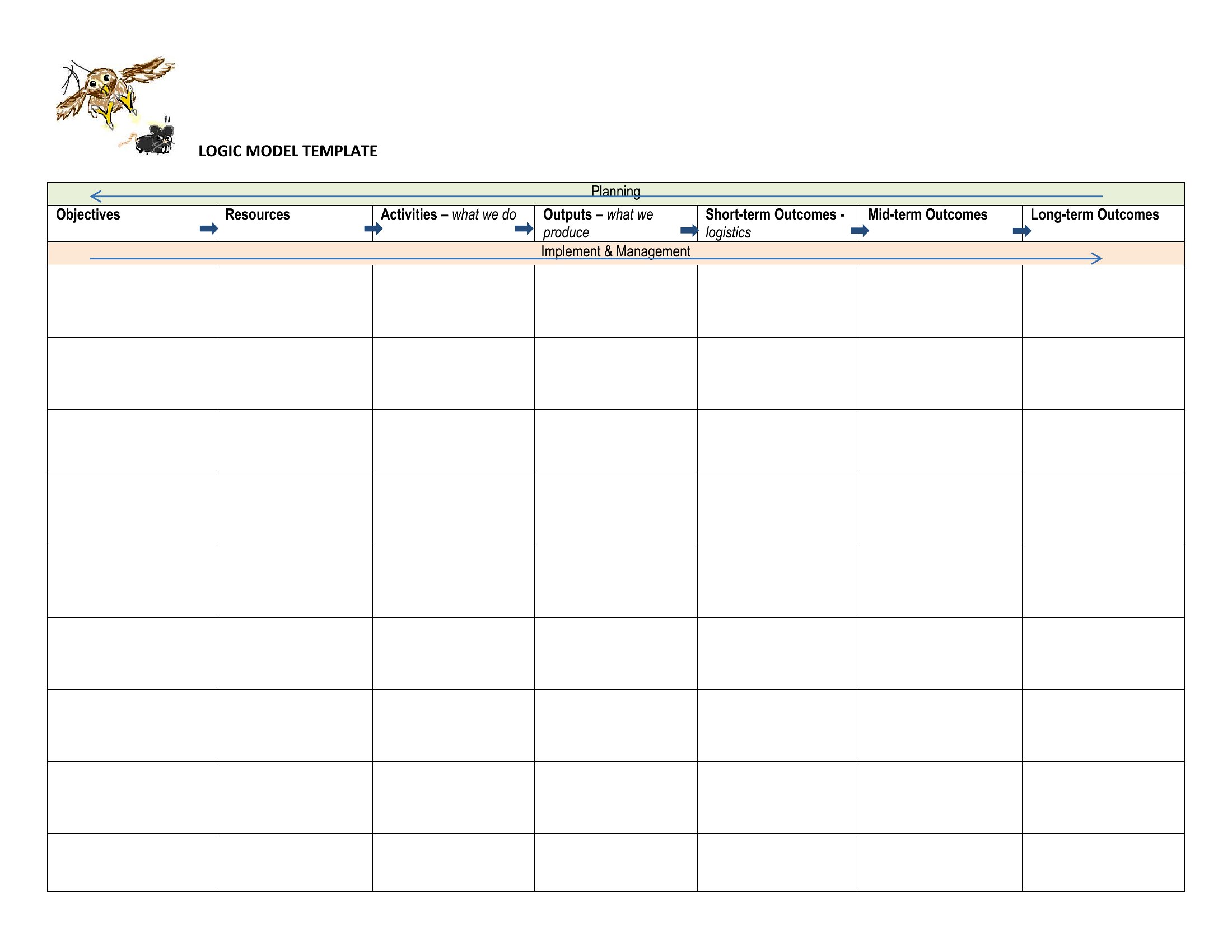
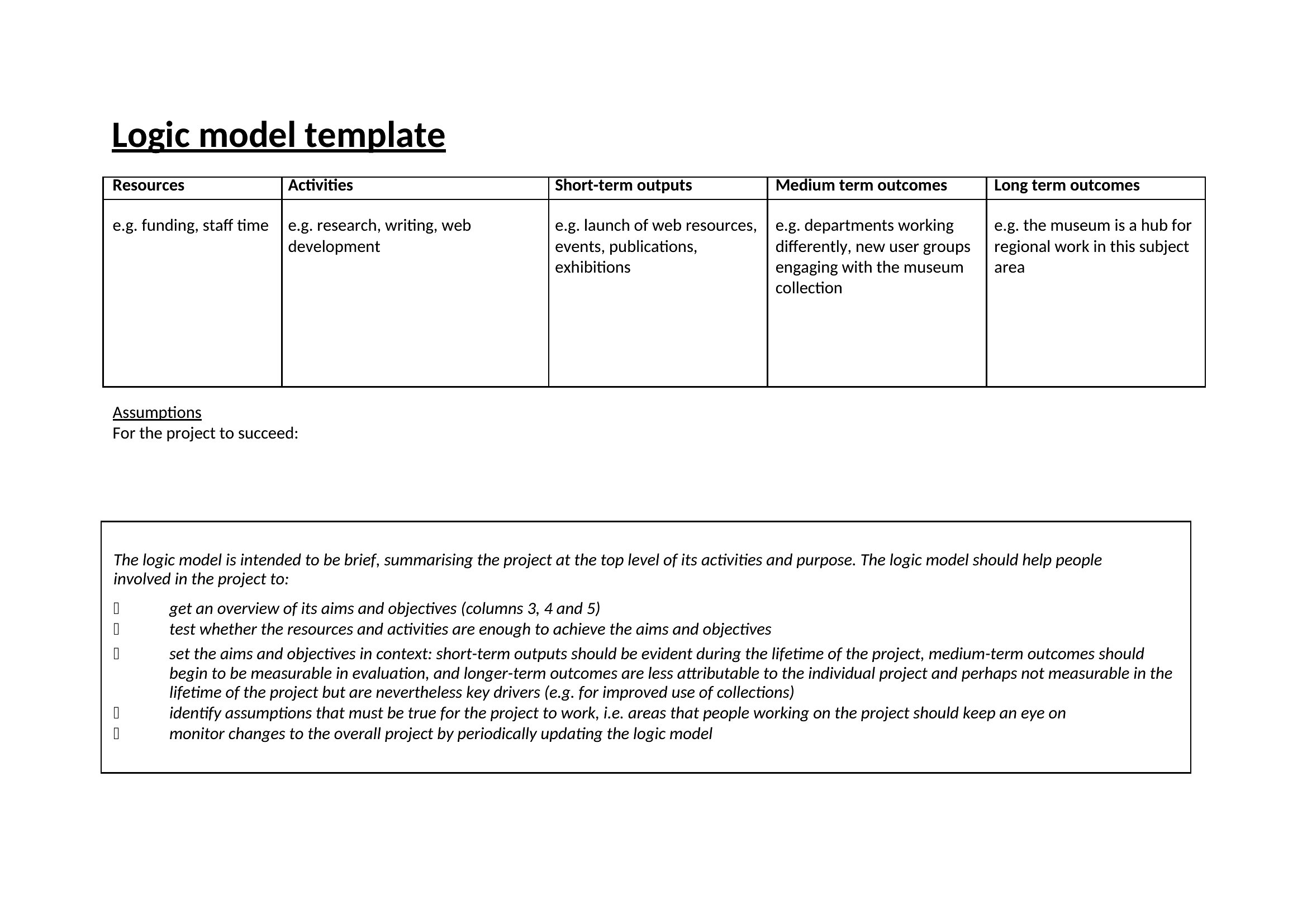
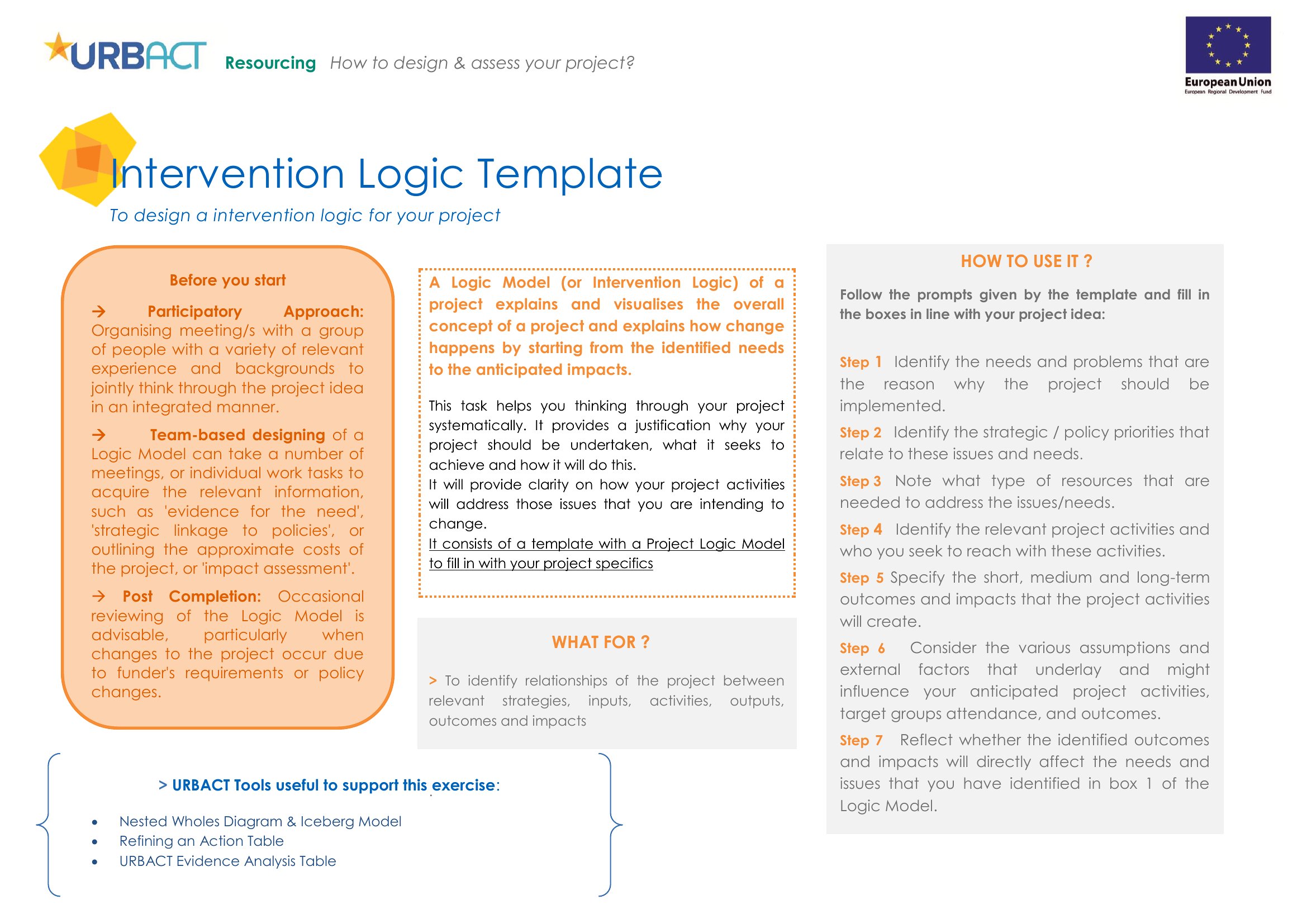
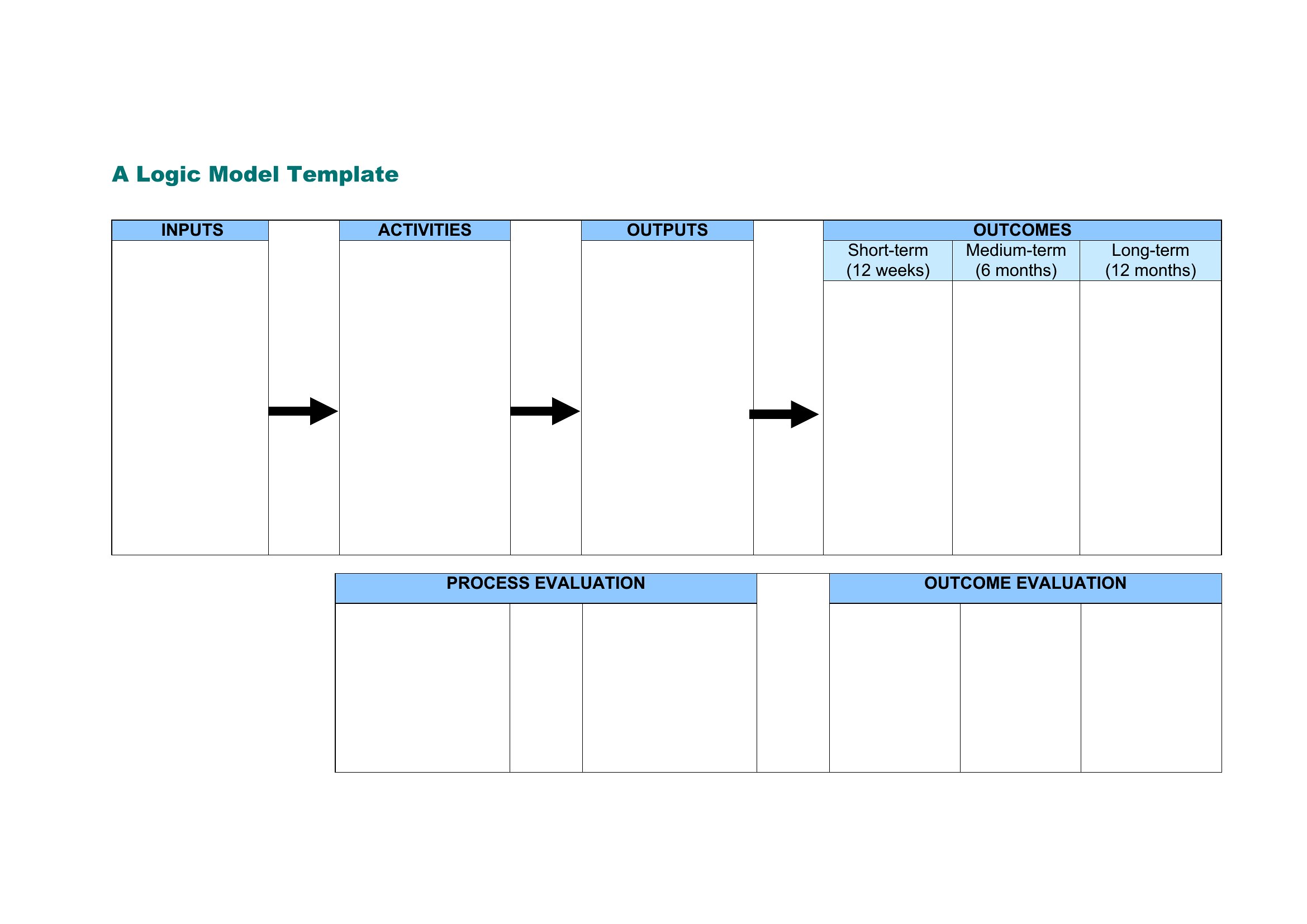
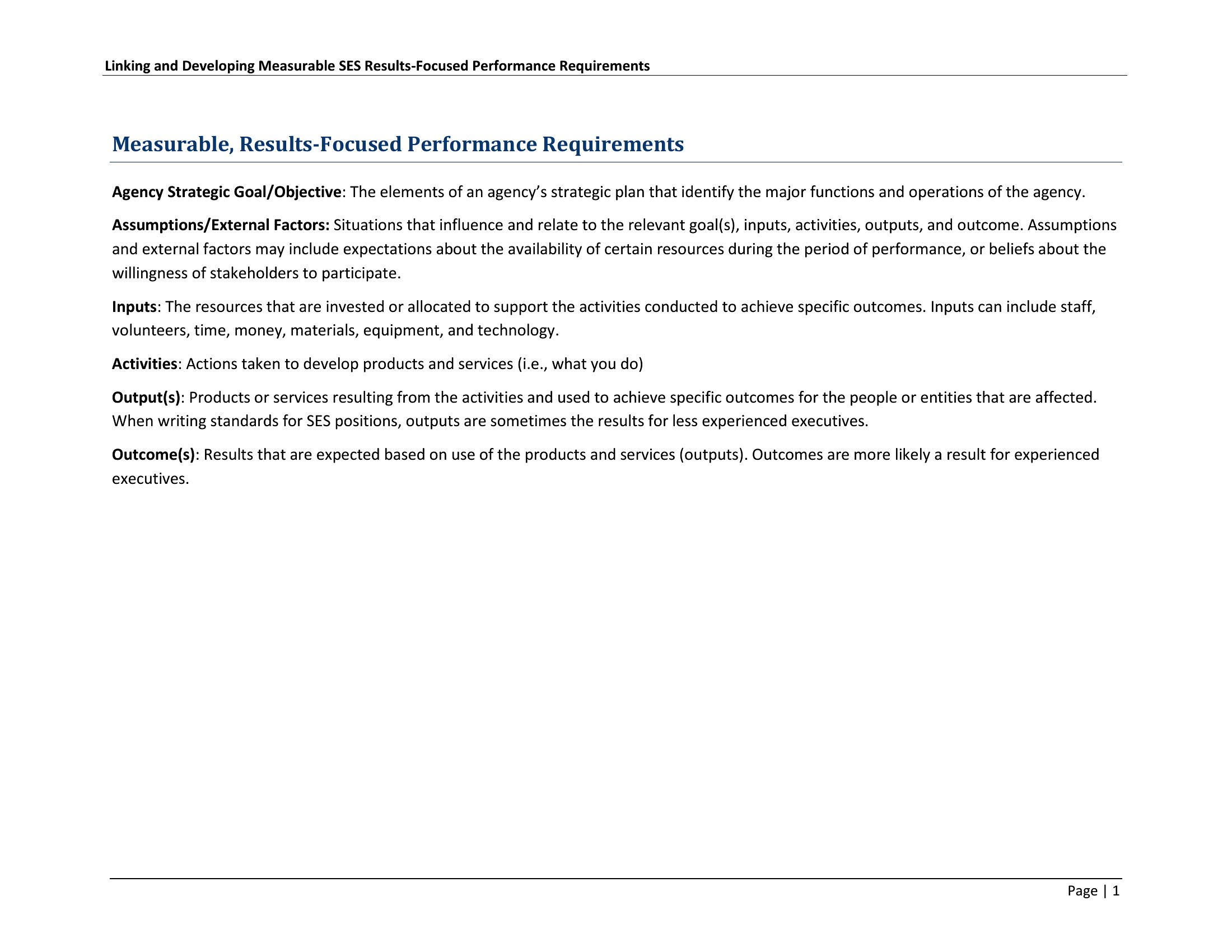
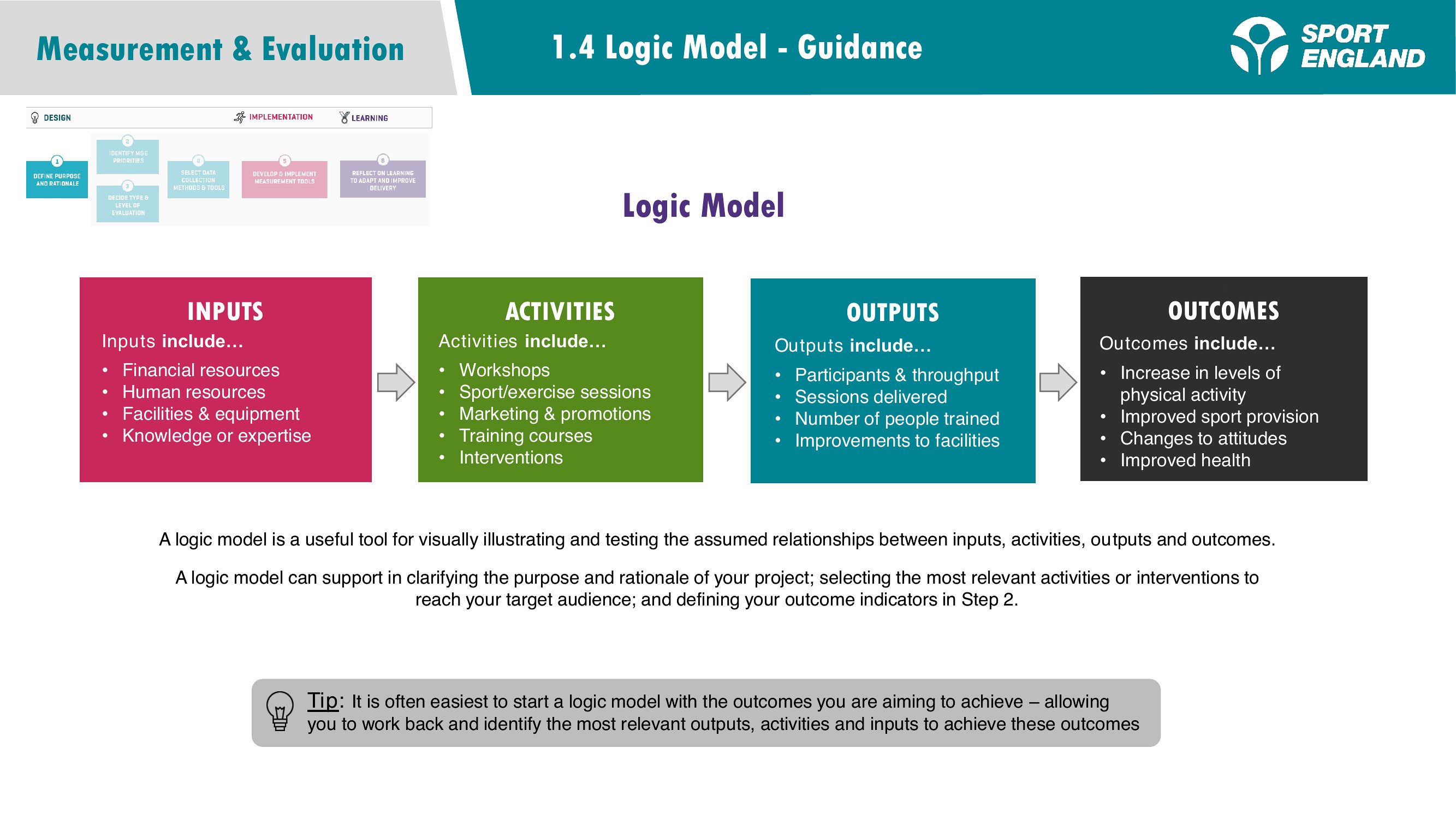
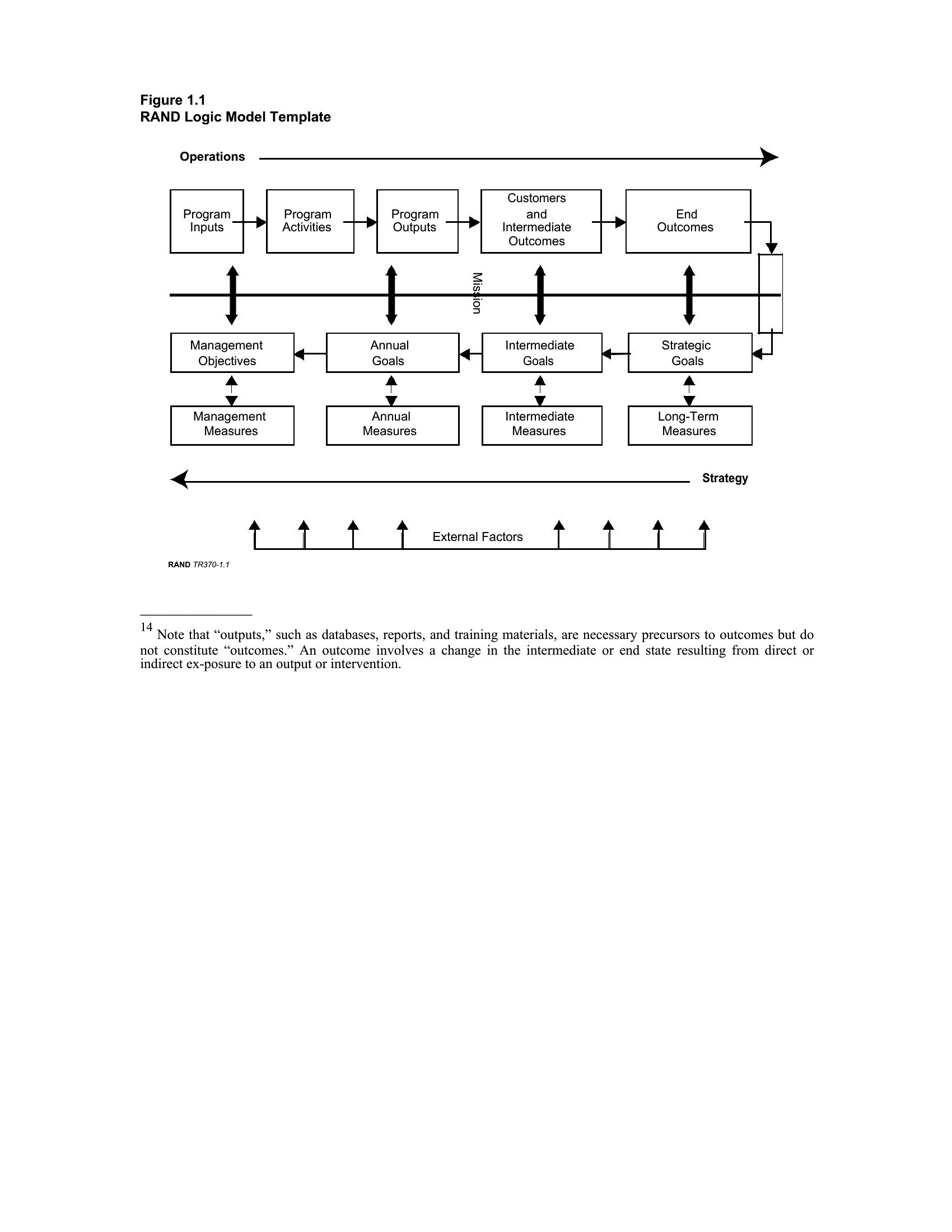
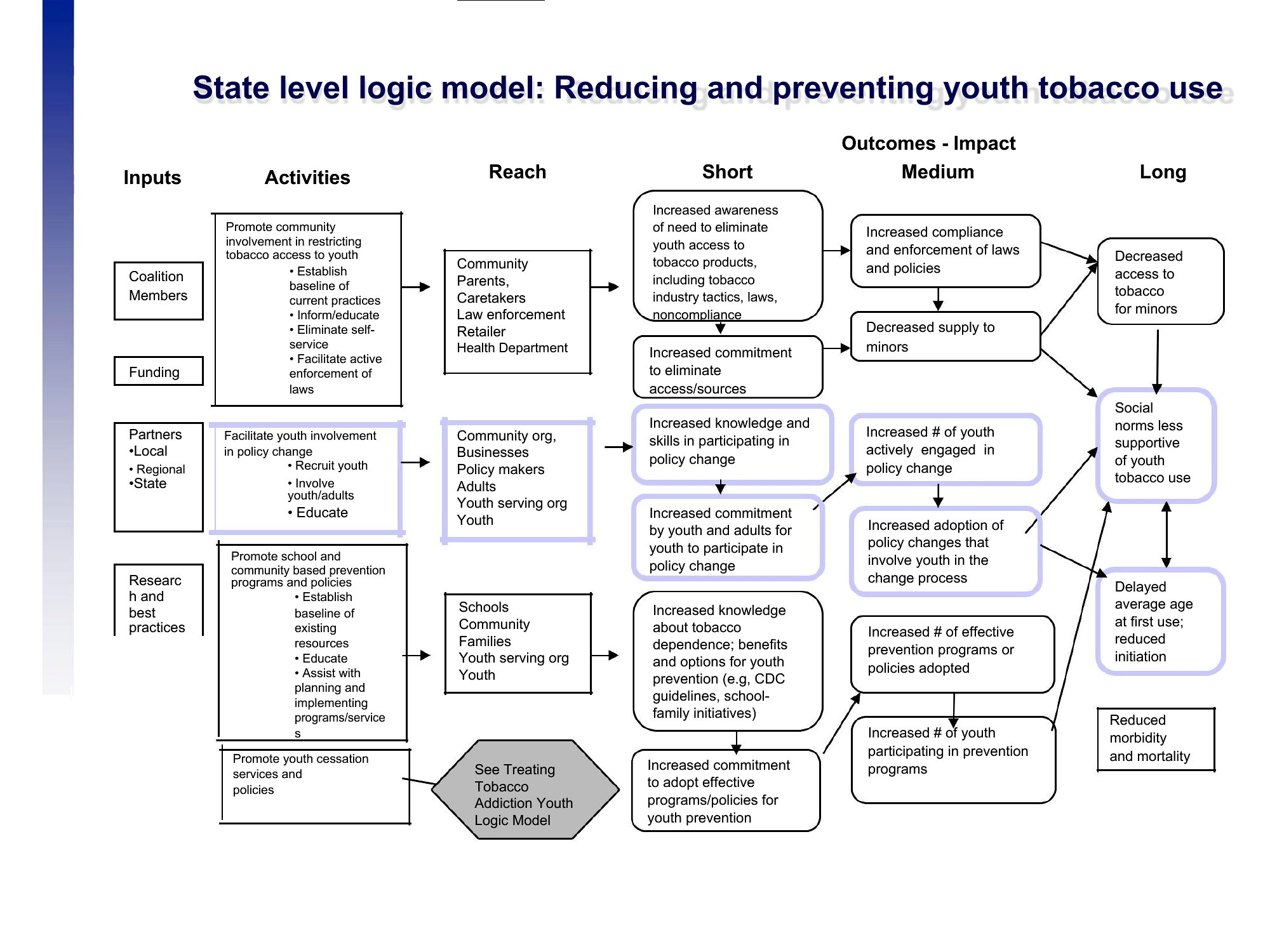
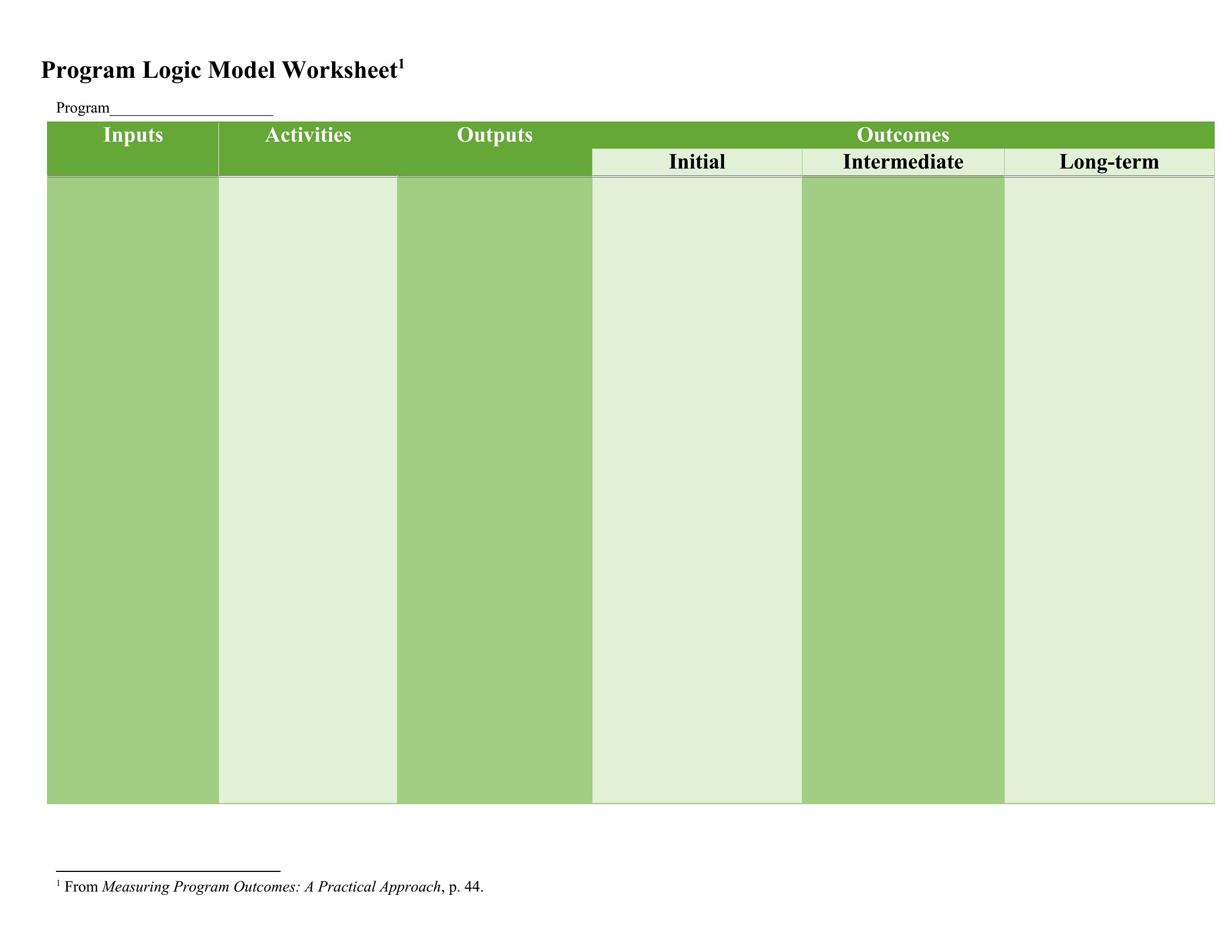
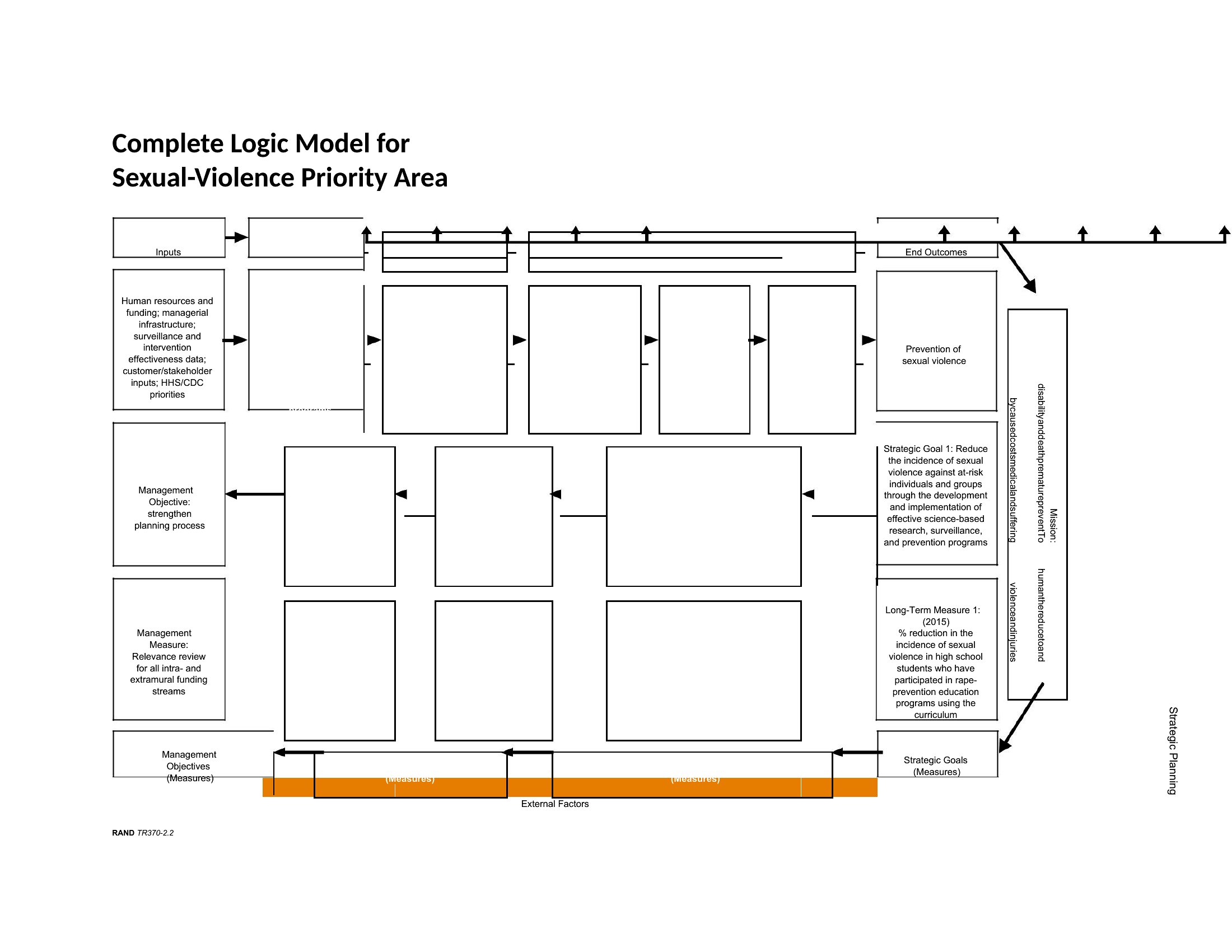
A logic model shows how a program's resources and activities connect to the results you're aiming for, which makes it a staple of grant applications and program planning. This collection of 72 templates gives nonprofits, educators, and evaluators a clear framework linking inputs, activities, outputs, and outcomes.
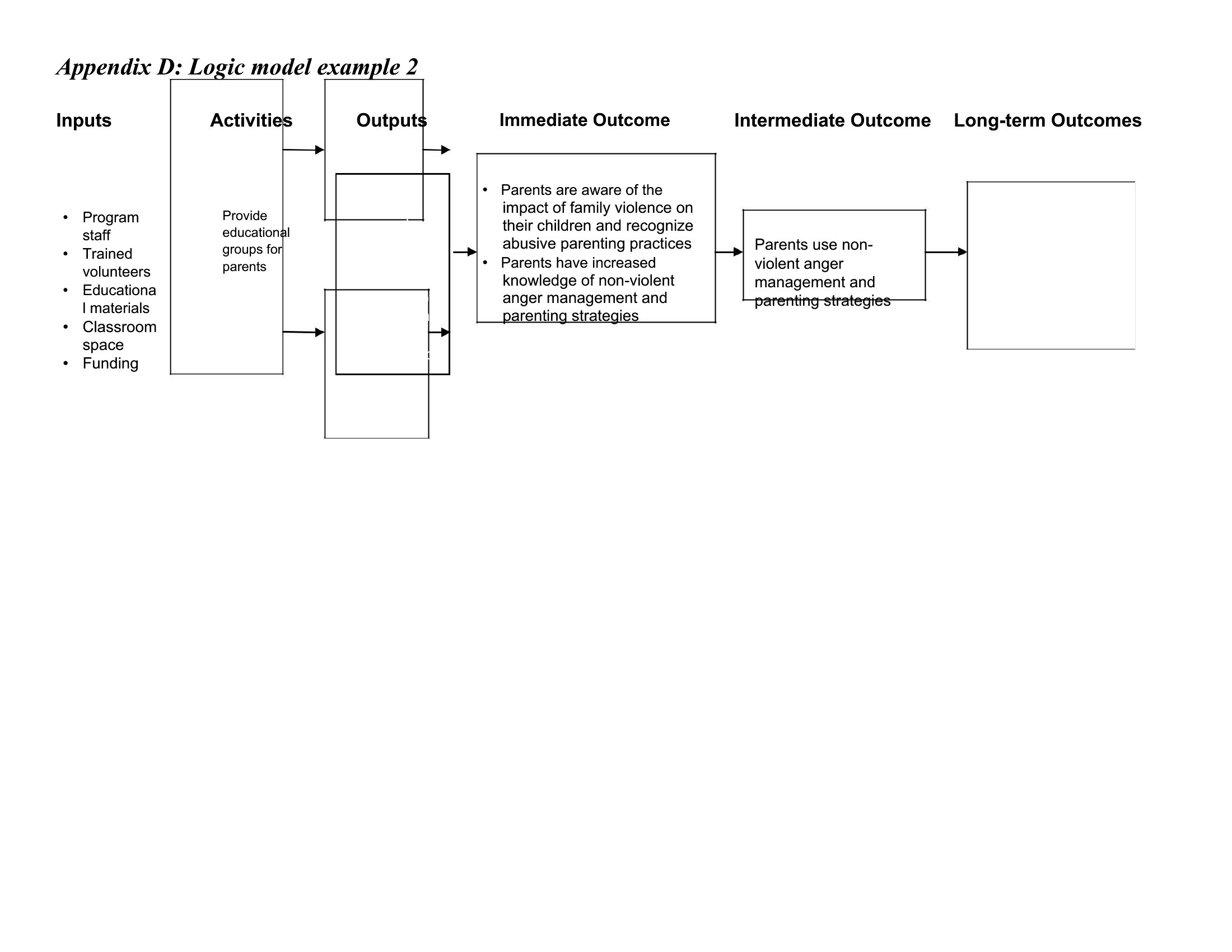
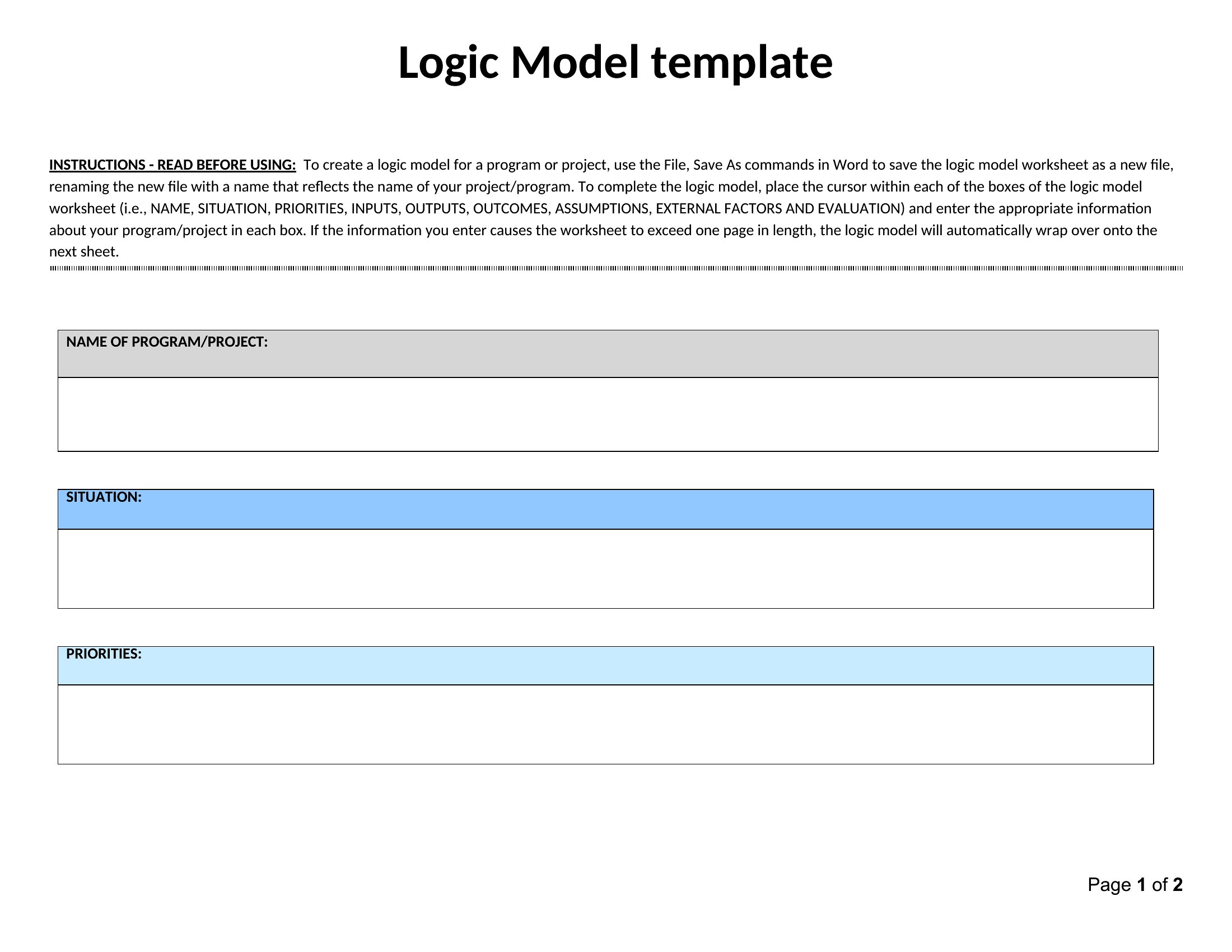
The Word versions let you edit each column and tailor the flow to your project, while the PDFs print for proposals, presentations, and team workshops. Map your resources to your goals and the logic of your program comes into focus on one page. It's free and adaptable to almost any initiative. Pick the layout that fits your program, fill in the boxes, and build a logic model funders can follow.

When to use this Logic Model template

  • Nonprofit program managers reviewing grant applications to align their budget and volunteer hours with measurable community impact goals before submission deadlines.
  • School district evaluators designing a new after-school tutoring program and need a visual tool to map how teacher training connects to student test score improvements.
  • Government agency coordinators planning a public health campaign to trace how social media ads (inputs) drive workshop attendance (outputs) leading to reduced smoking rates (outcomes).
  • University researchers outlining a multi-year study to link grant funding (inputs) to published findings (outputs) while tracking researcher productivity (activities) over time.

Which format should I download?

WordPDF

Use the Word format when you need flexibility to customize the logic model’s columns—like adding or removing stages—or adjust the layout for team presentations. The editable fields let you refine labels such as ‘Resources’ or ‘Outcomes’ to match your specific project language. Choose the PDF format if you’re distributing a finalized model to stakeholders who don’t need to edit it, or for grant submissions where a polished, unalterable version is preferred. The PDFs retain the template’s structure while locking in your completed work.

Choose from 72 Logic Model Templates
How to use this Logic Model template

Can these templates help when my program has overlapping activities or shared outcomes?
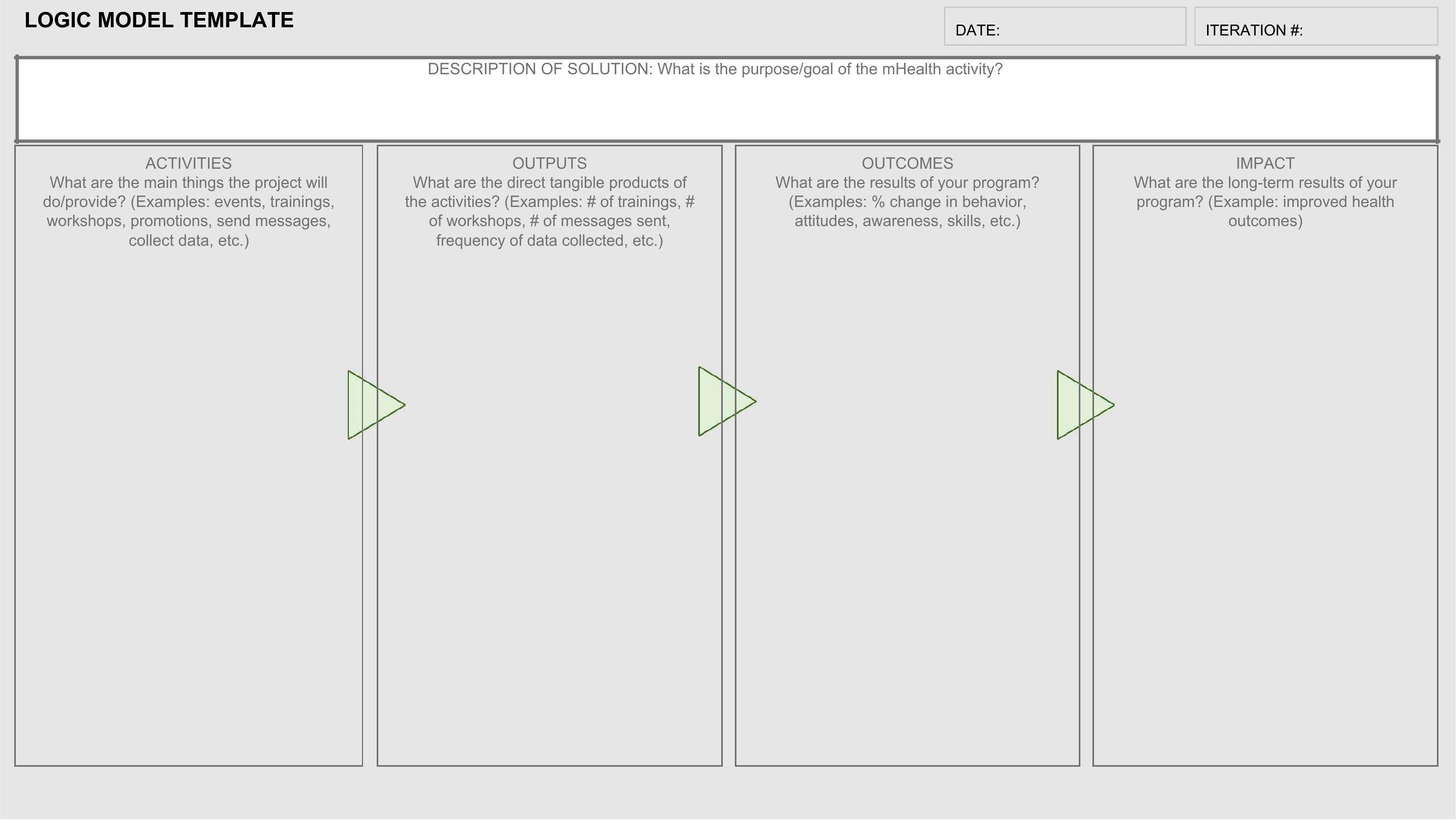
Yes, these templates include space to note connections between activities and outcomes. For example, you can highlight how two workshops (activities) contribute to a single literacy improvement goal (outcome) by using arrows or shared labels. The Word versions let you add color-coding or annotations to clarify these overlaps during planning.
What’s the best way to adapt this for a program with both short-term and long-term goals?

Structure your logic model vertically, with short-term outputs (e.g., 6-month reports) in the middle columns and long-term outcomes (e.g., policy changes) in the far-right column. Label the ‘Activities’ row to distinguish between quarterly actions (short-term) and annual initiatives (long-term). The PDF examples show this layout, but Word lets you tweak the spacing for clarity.

How do I handle programs where some outcomes are uncertain or based on external factors?

Use a separate ‘Assumptions’ row beneath ‘Outcomes’ to note conditions like funding stability or community participation. For uncertain outcomes, phrase them as hypotheses (e.g., ‘If X happens, then Y may occur’) and mark them with a question mark or note in the Word version. This keeps the model transparent while acknowledging variability, which grant reviewers often appreciate.

Comments

Join the conversation

Sign in to share your thoughts and leave a comment on this resource.

Newsletter

Get Weekly Design Updates
Join our community to receive curated resources and inspiration.
Weekly Tips Resources Early Access
We respect your privacy. Confirmation email required. Privacy Policy