Skip to content
50% off this one-time $1.99 pack with HALFOFF — or unlimited with Pro.HALFOFF
Premium

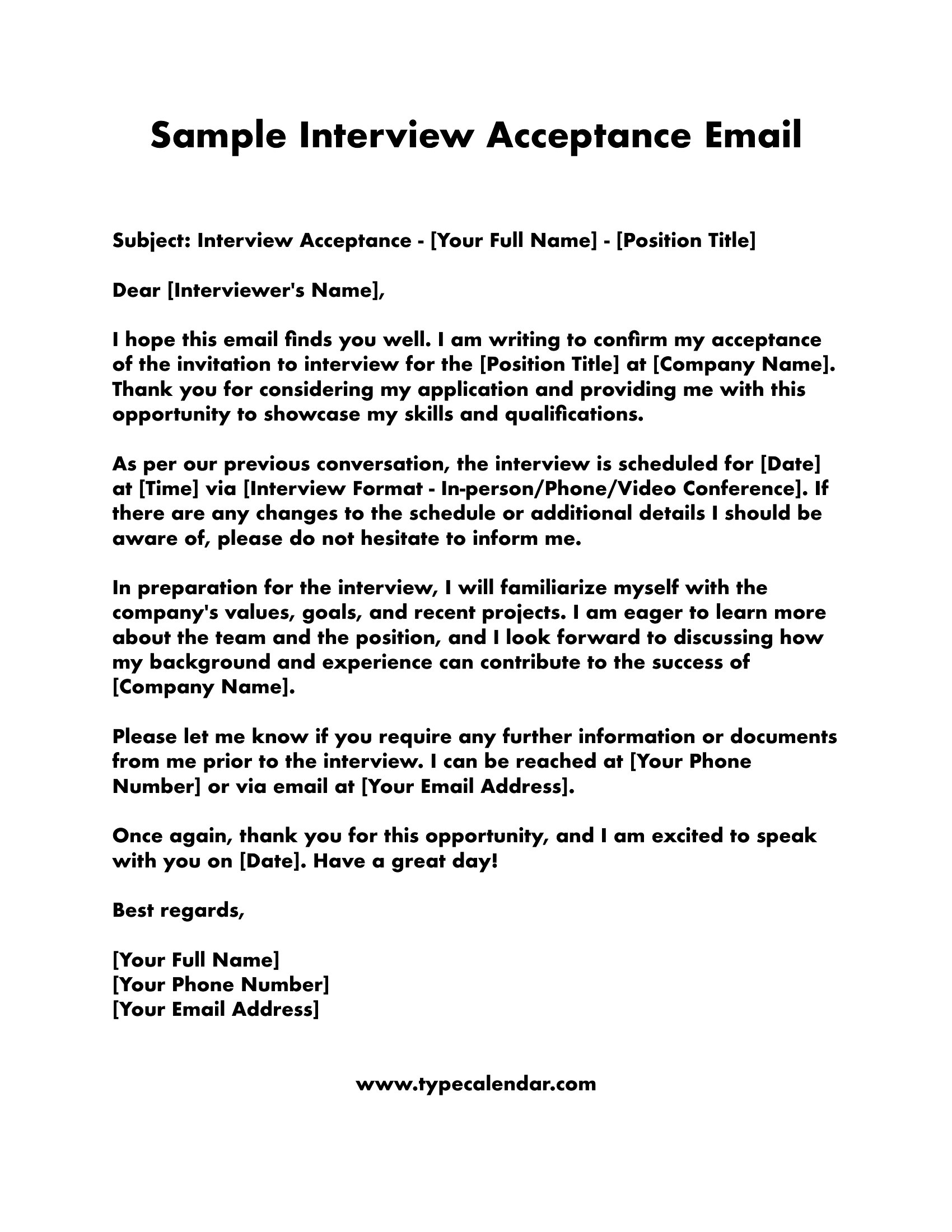
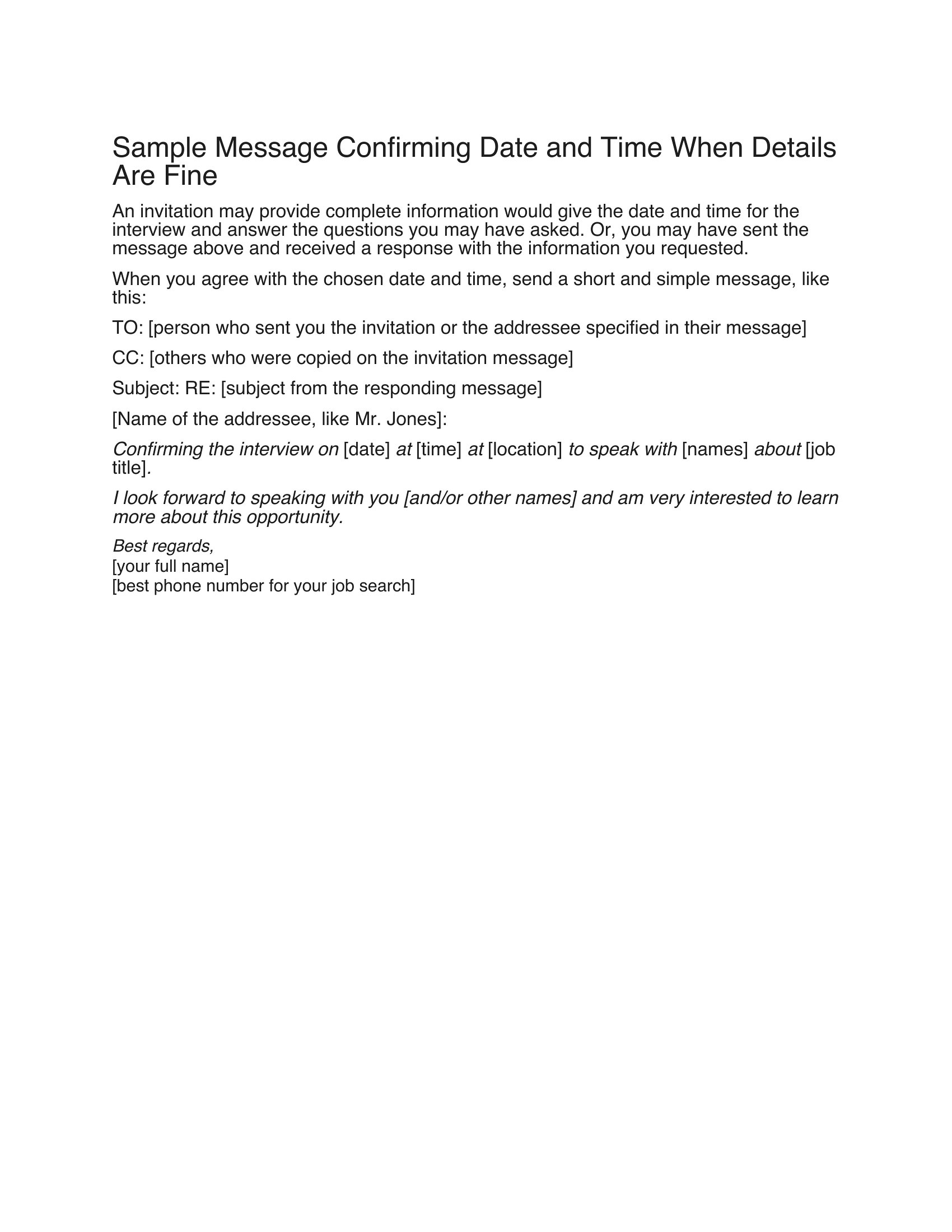
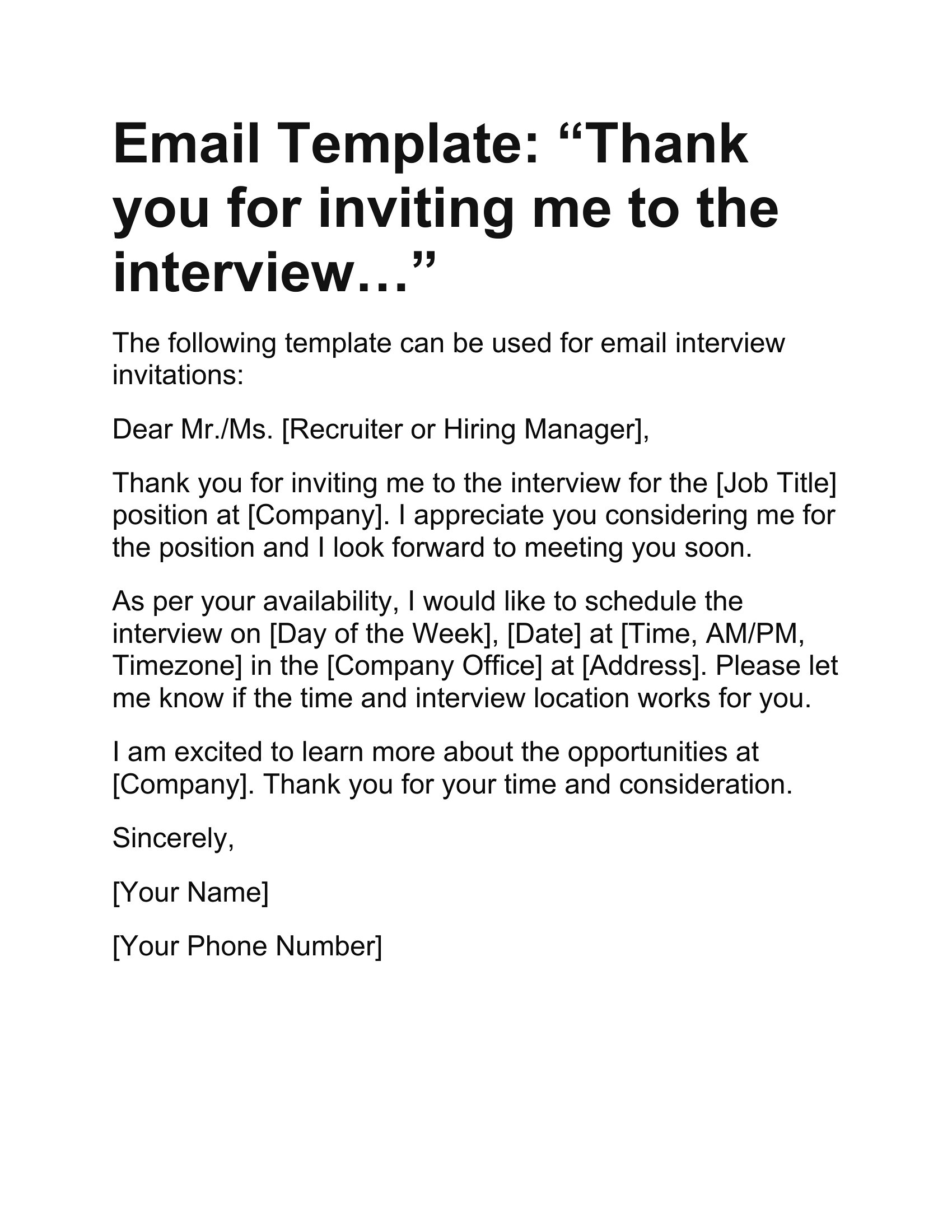
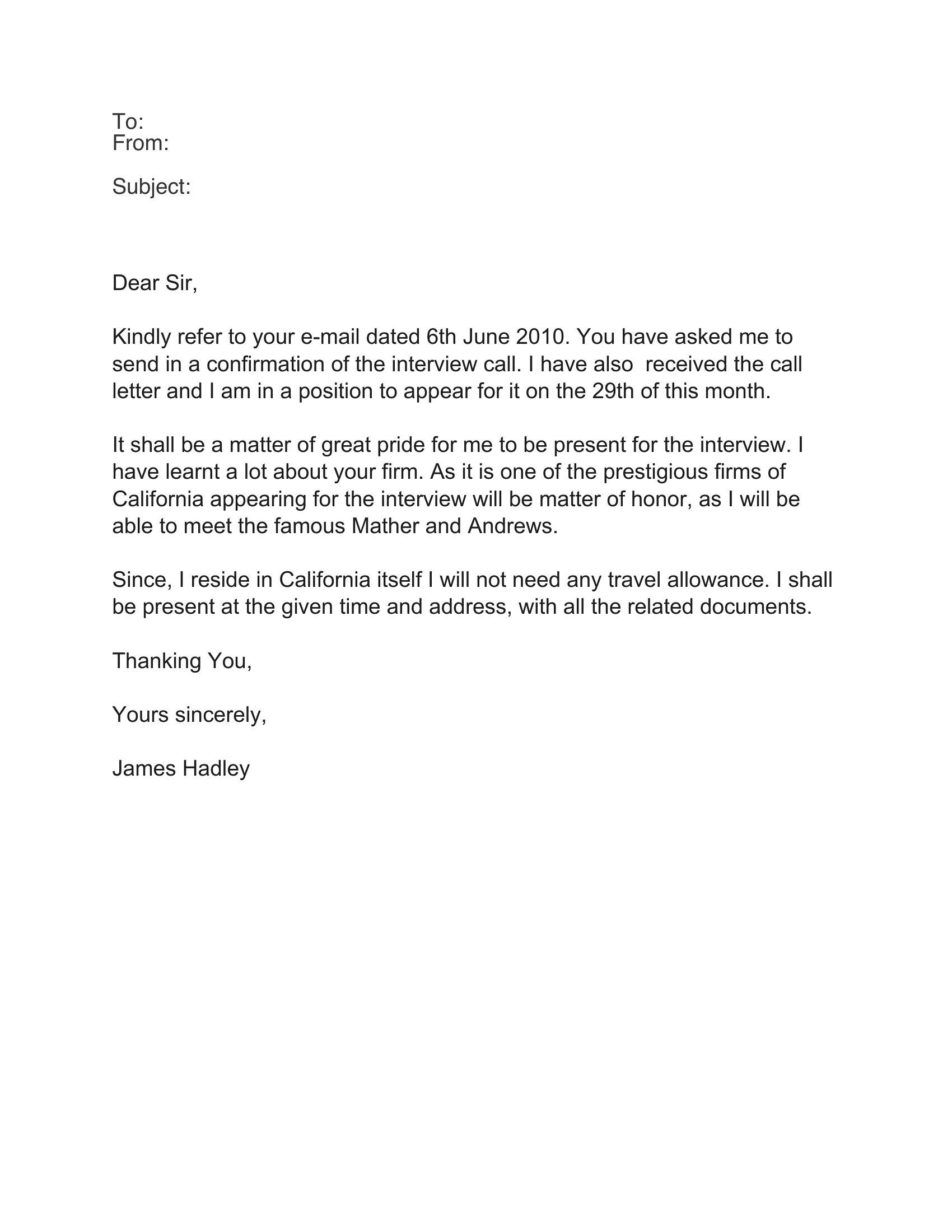
Free Interview Acceptance Emails (Word)

Business
svitogorastepaniv by svitogorastepaniv
Updated 0 downloads Quality-checked template

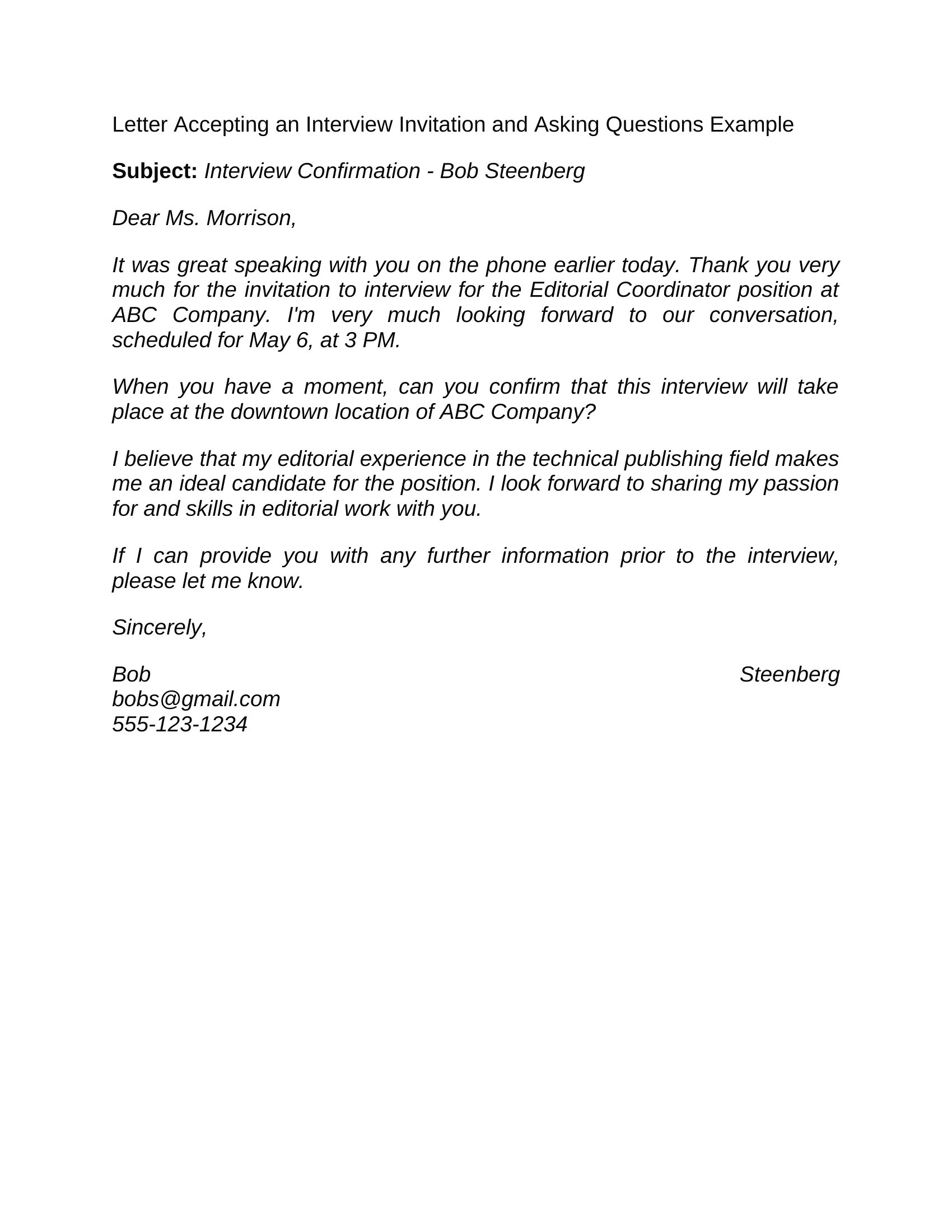
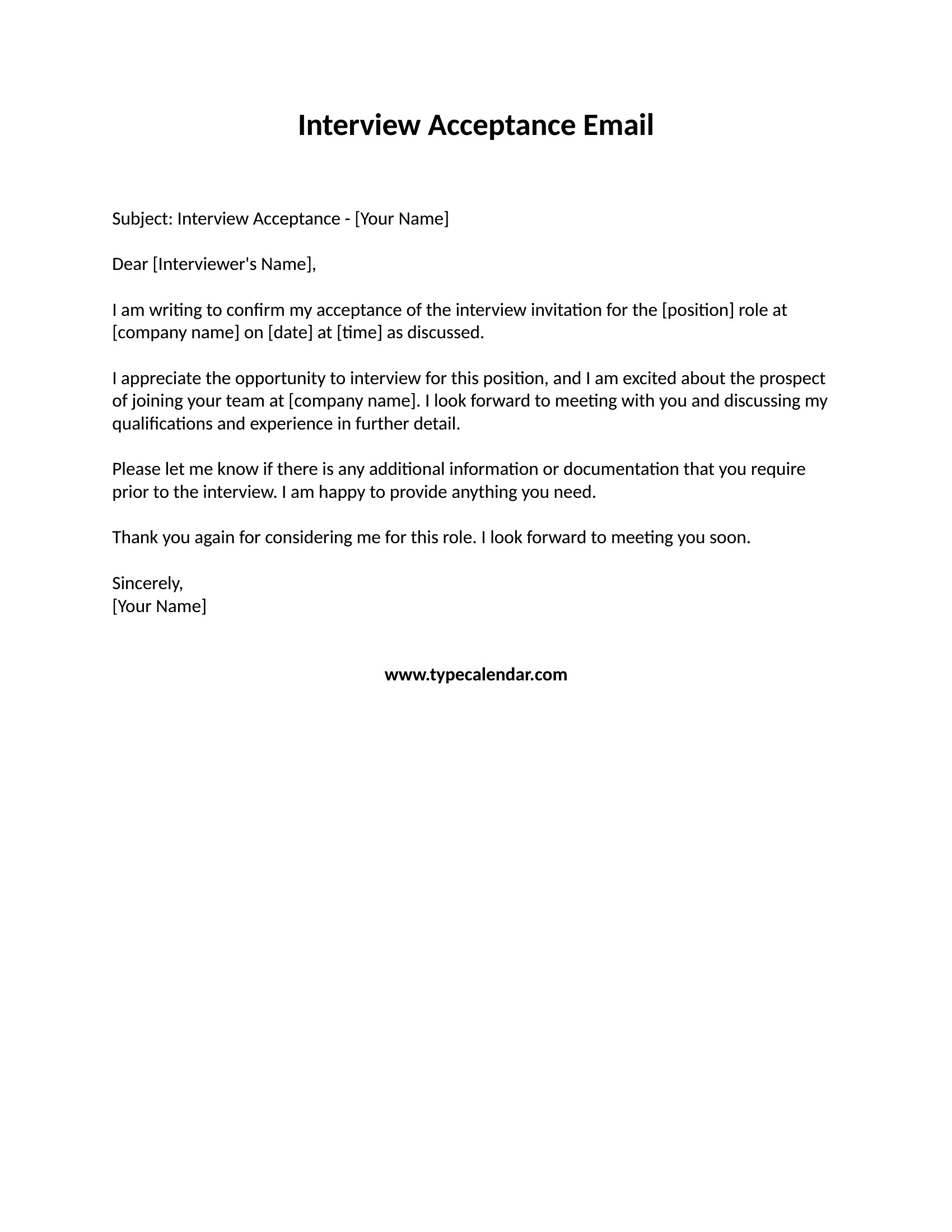
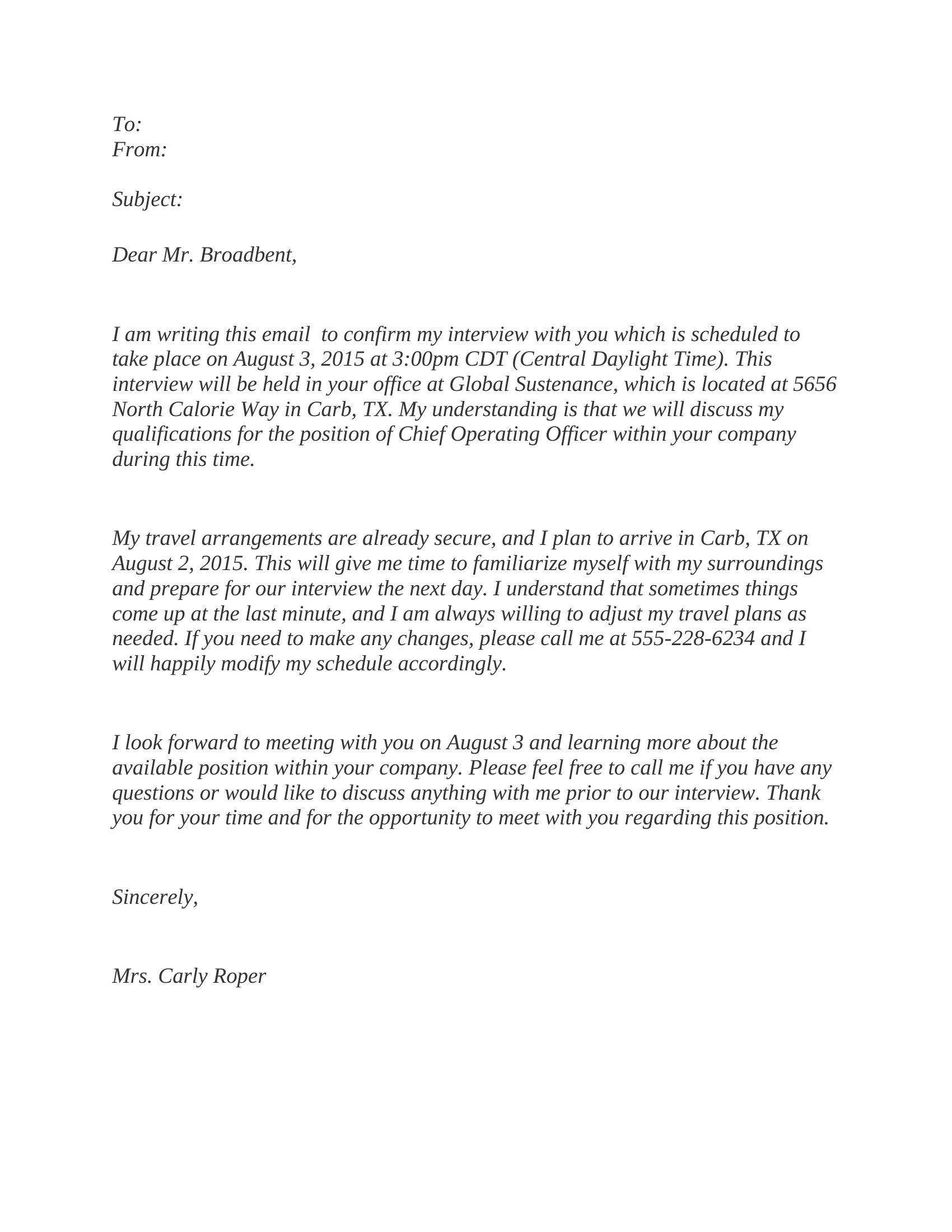
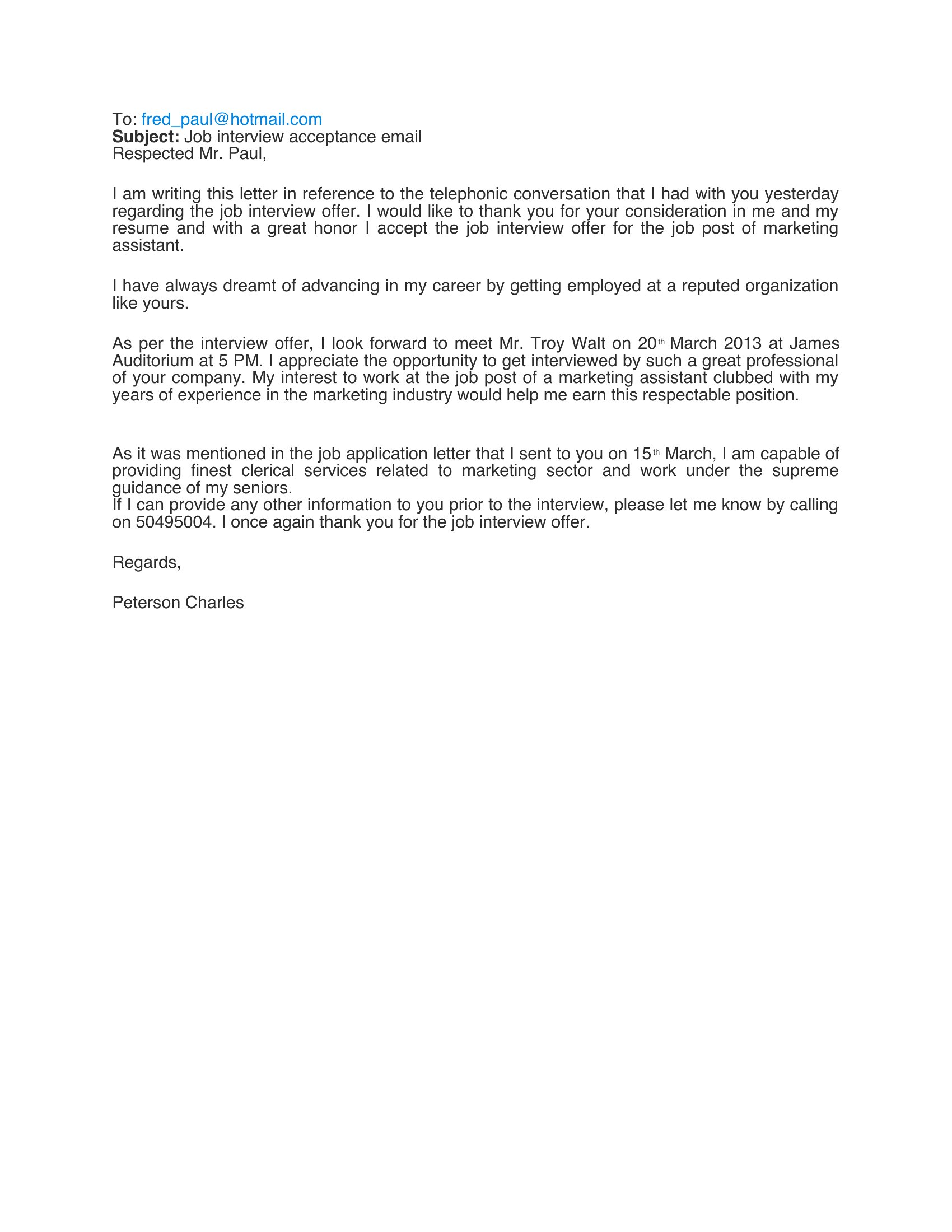
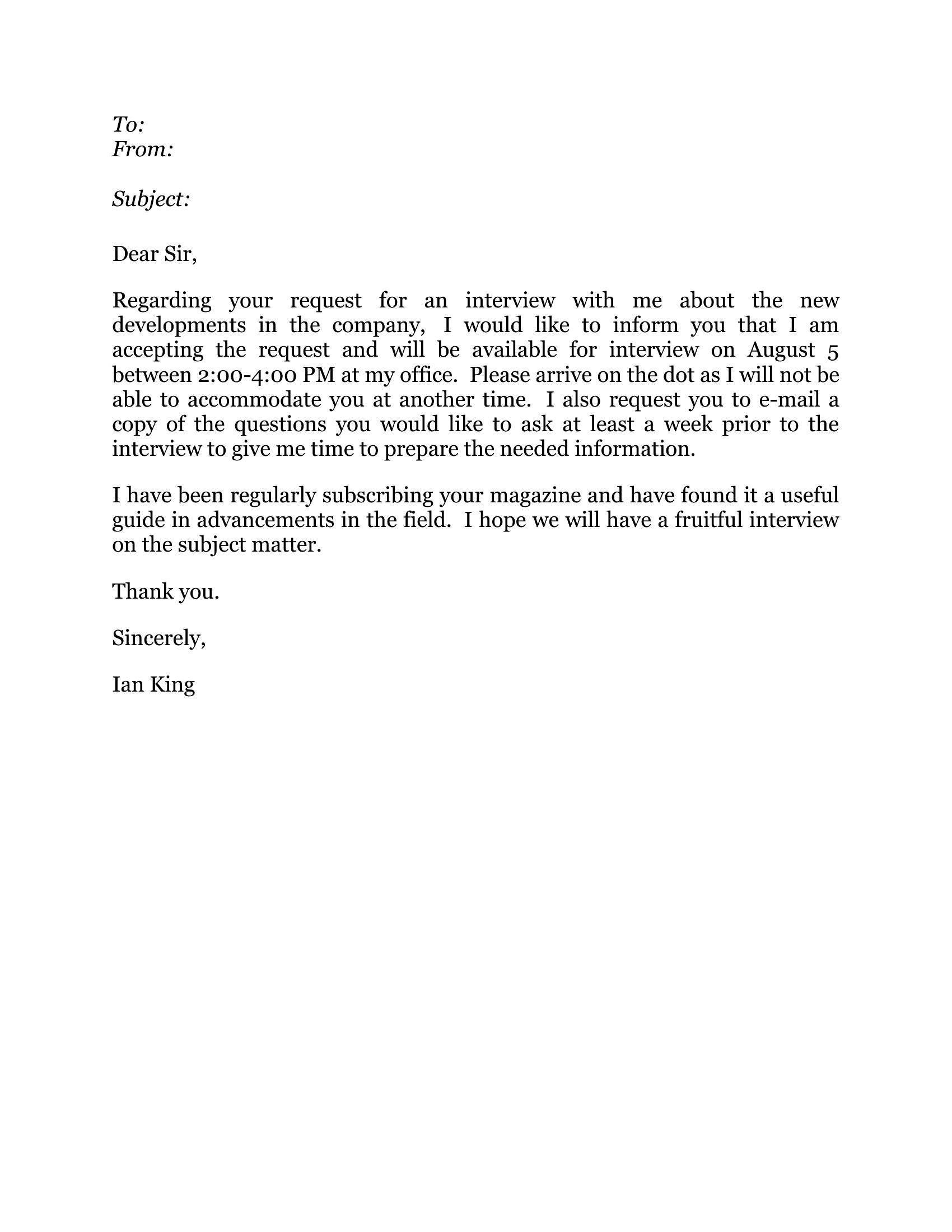
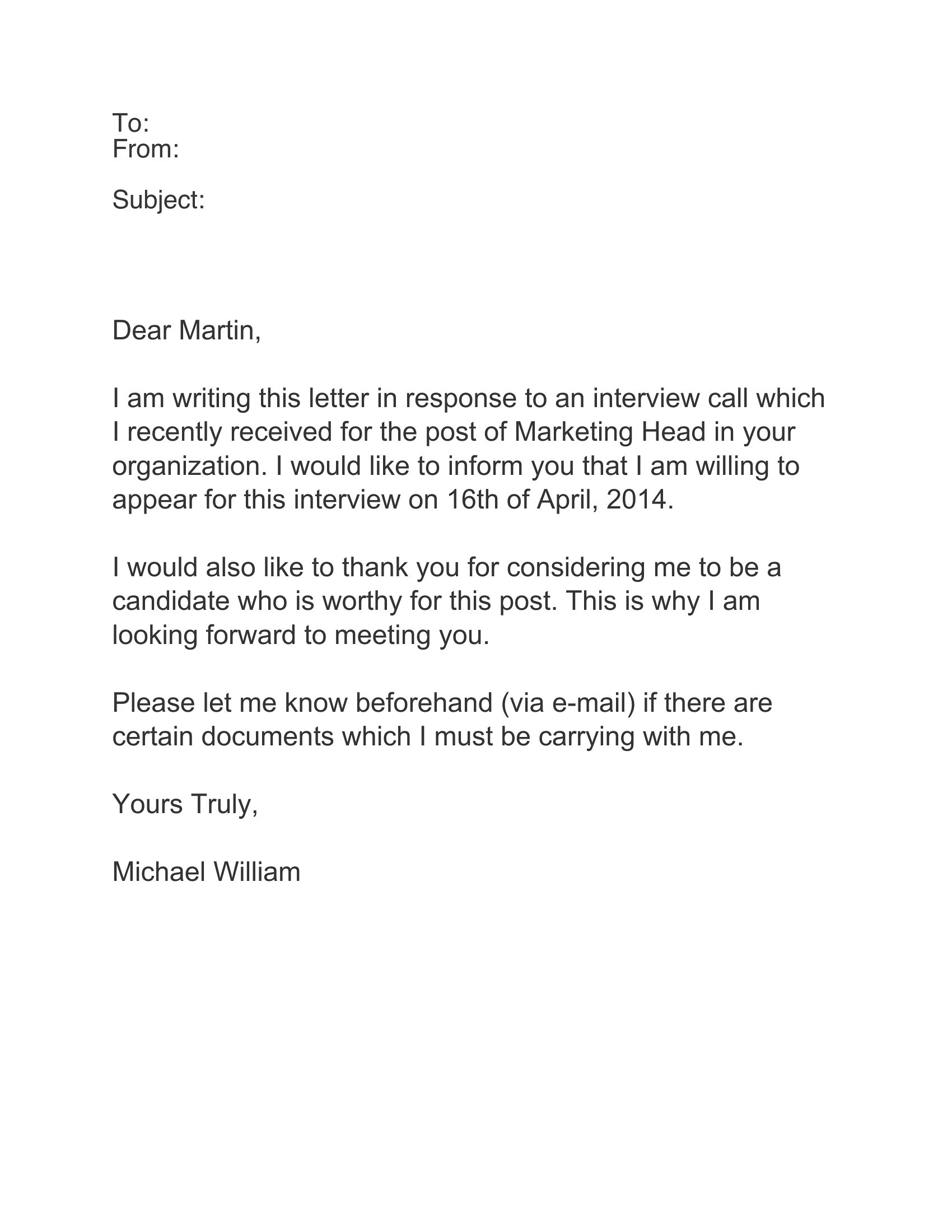
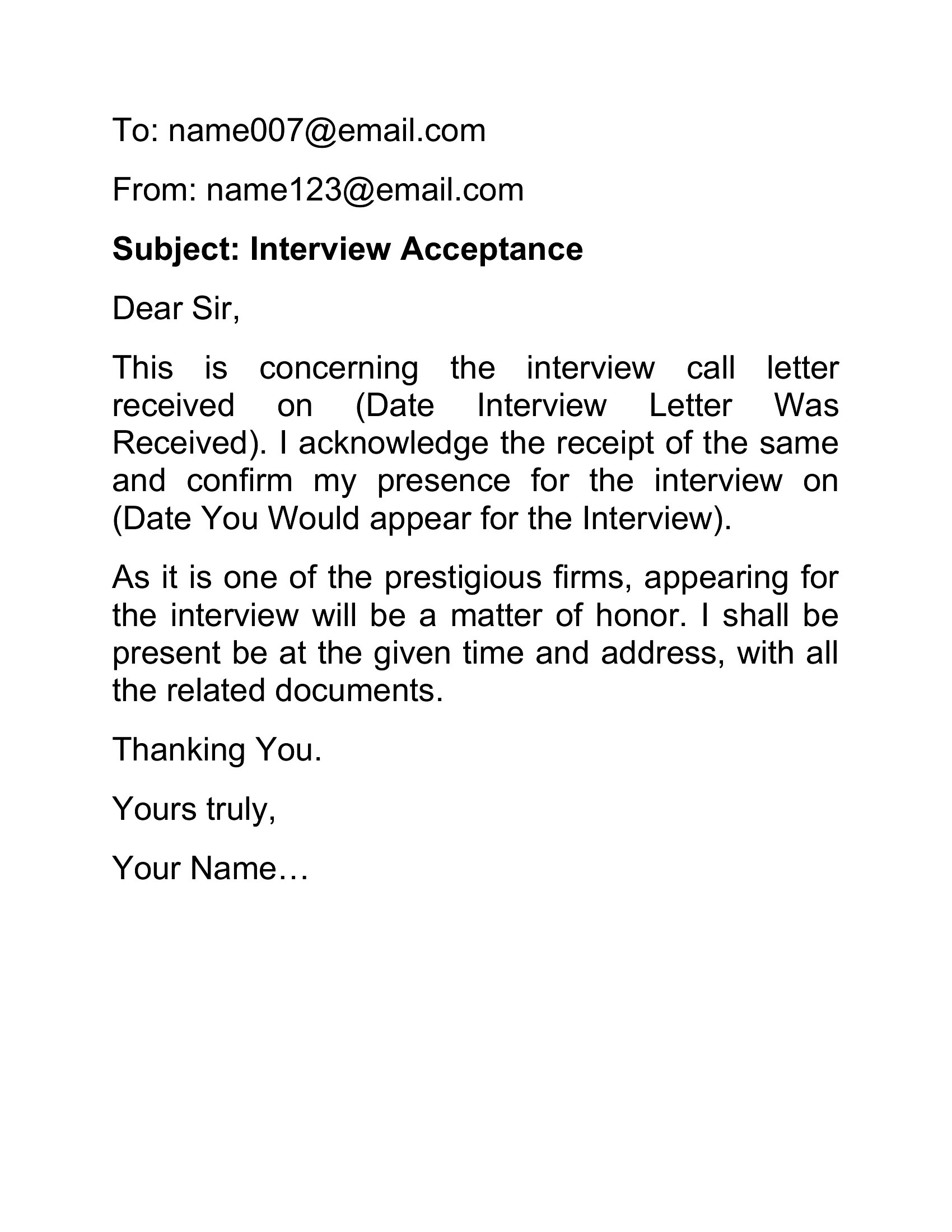
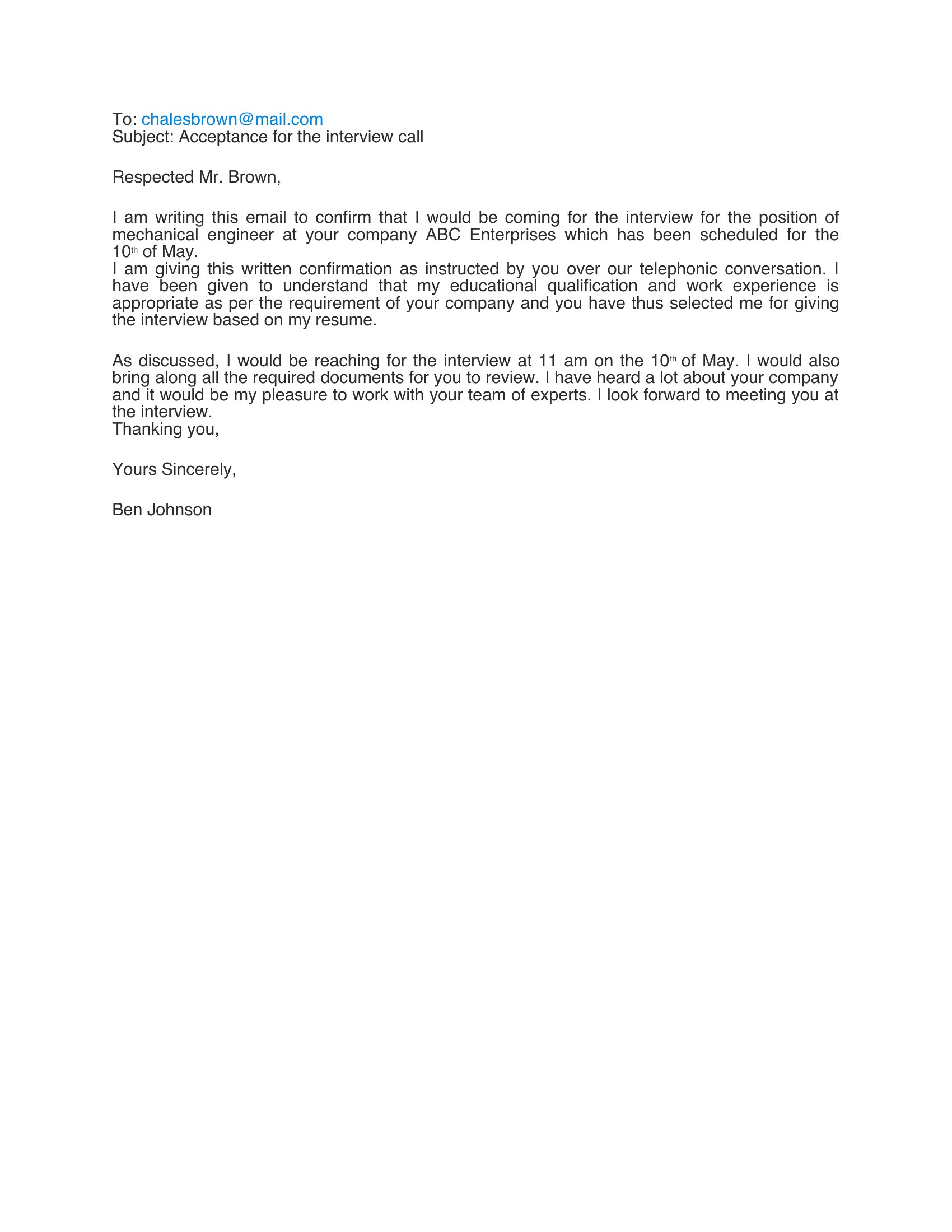
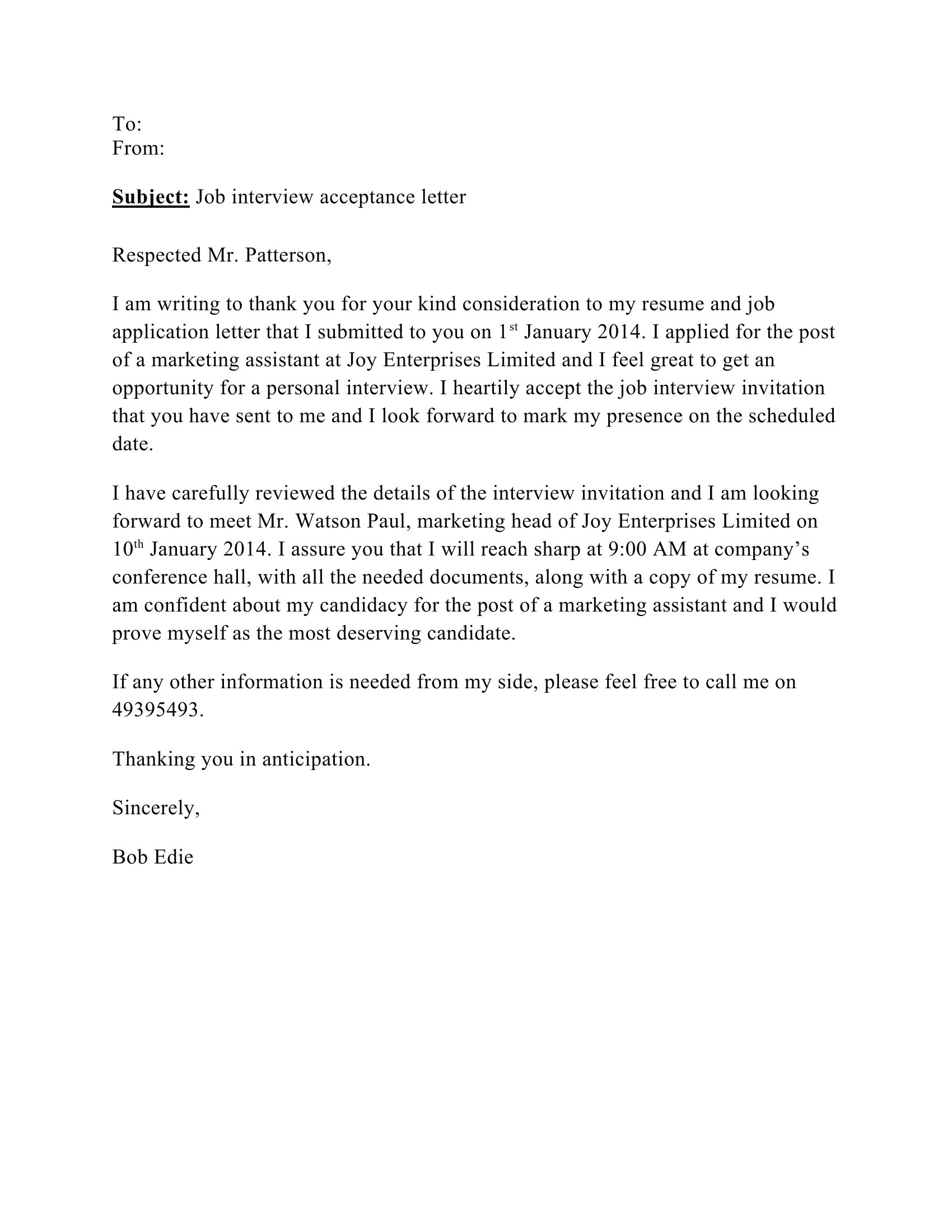
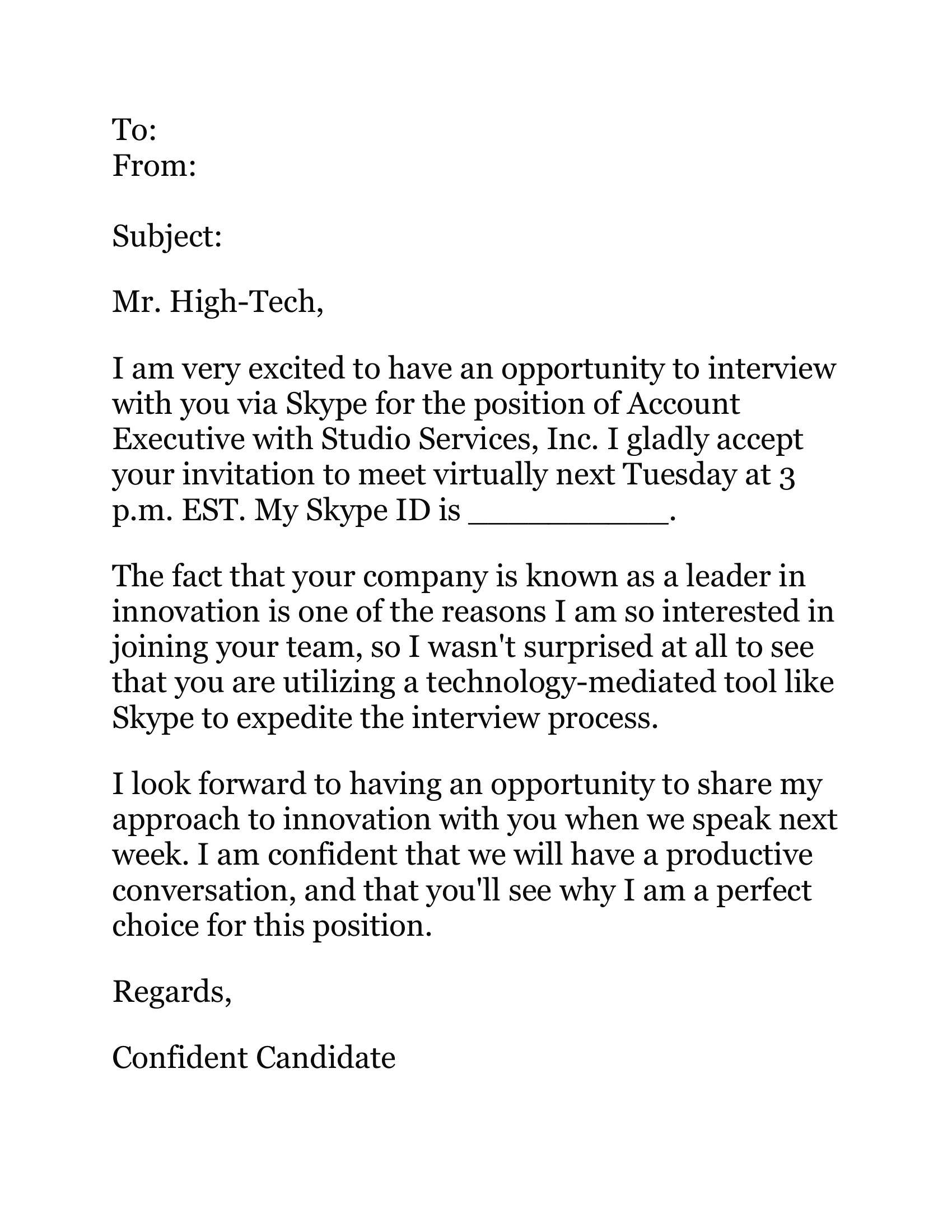
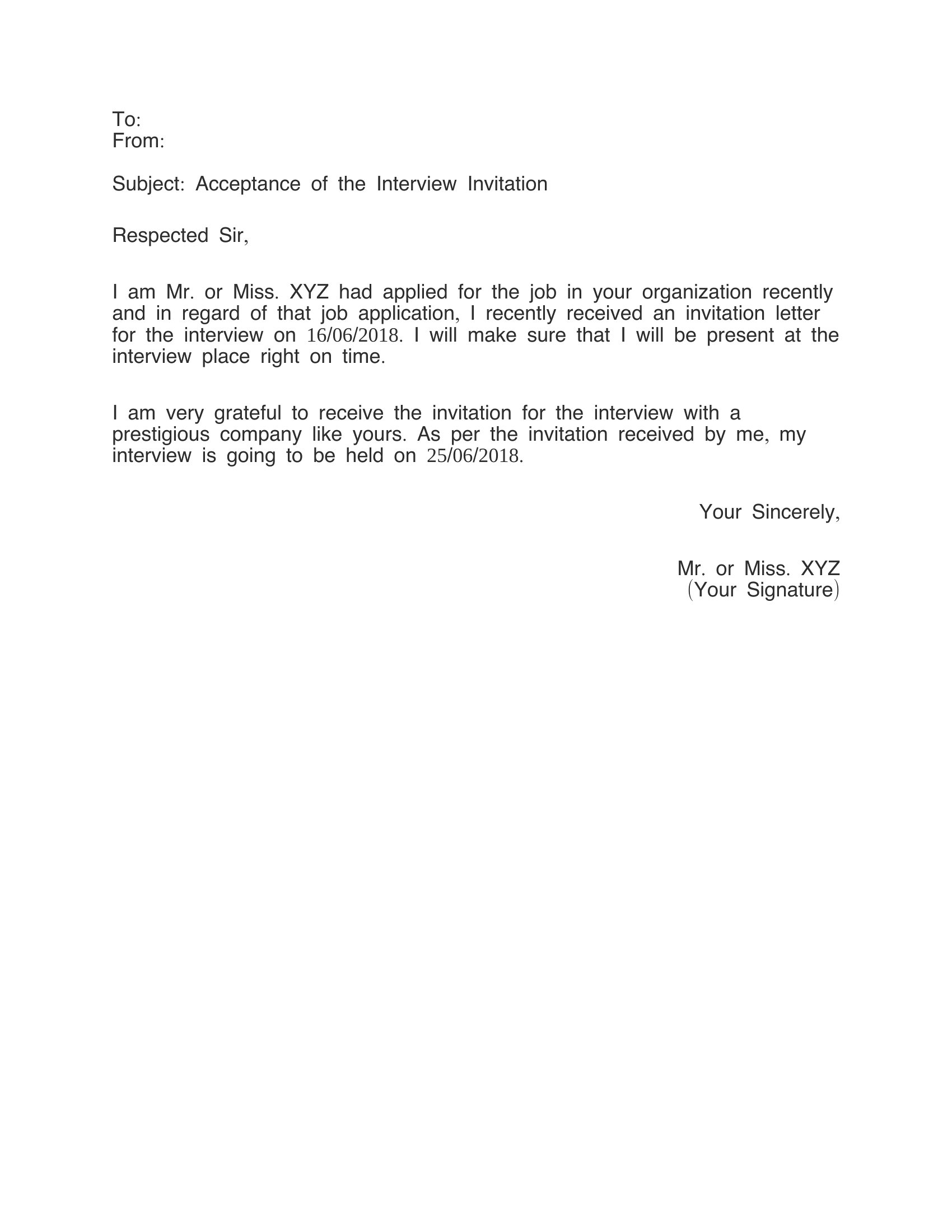
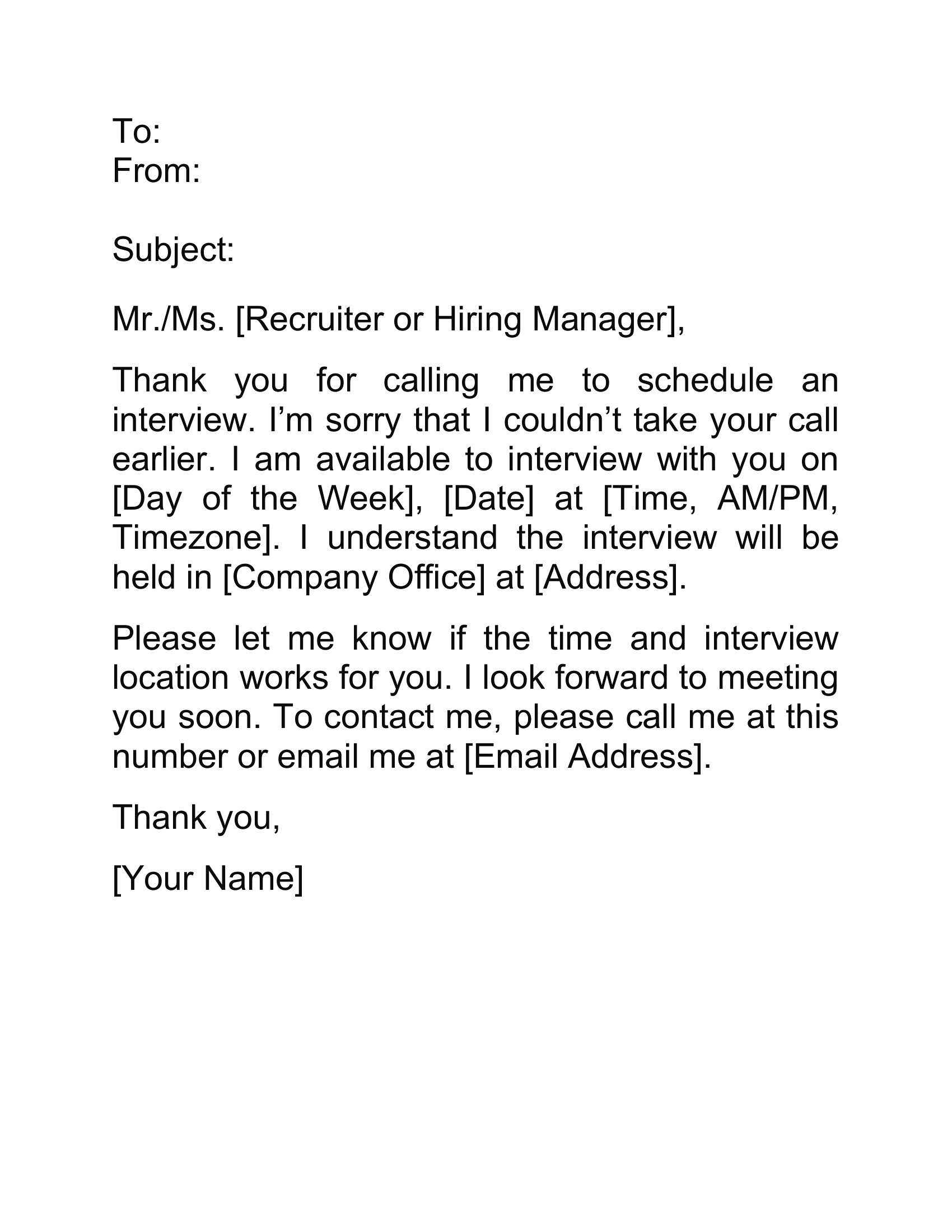
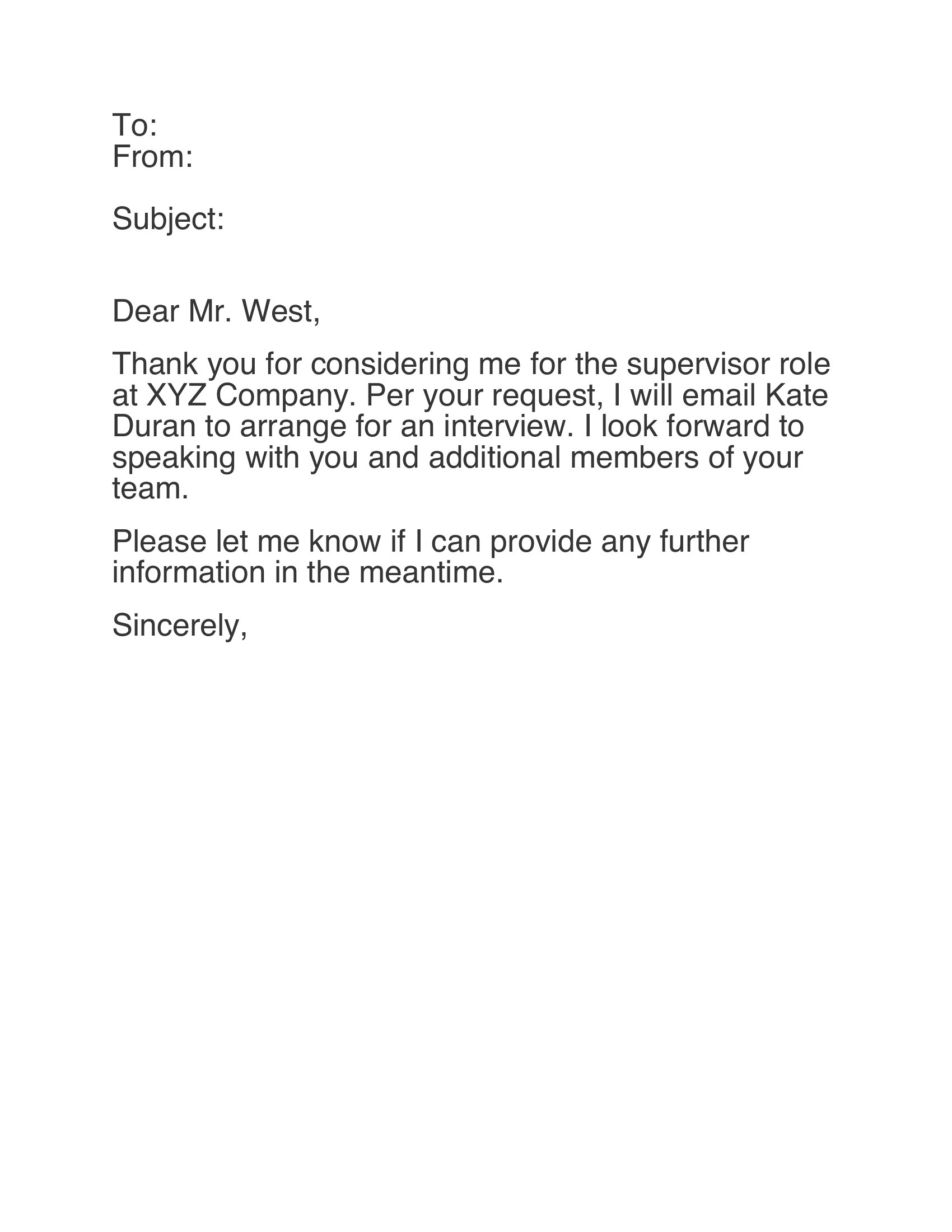
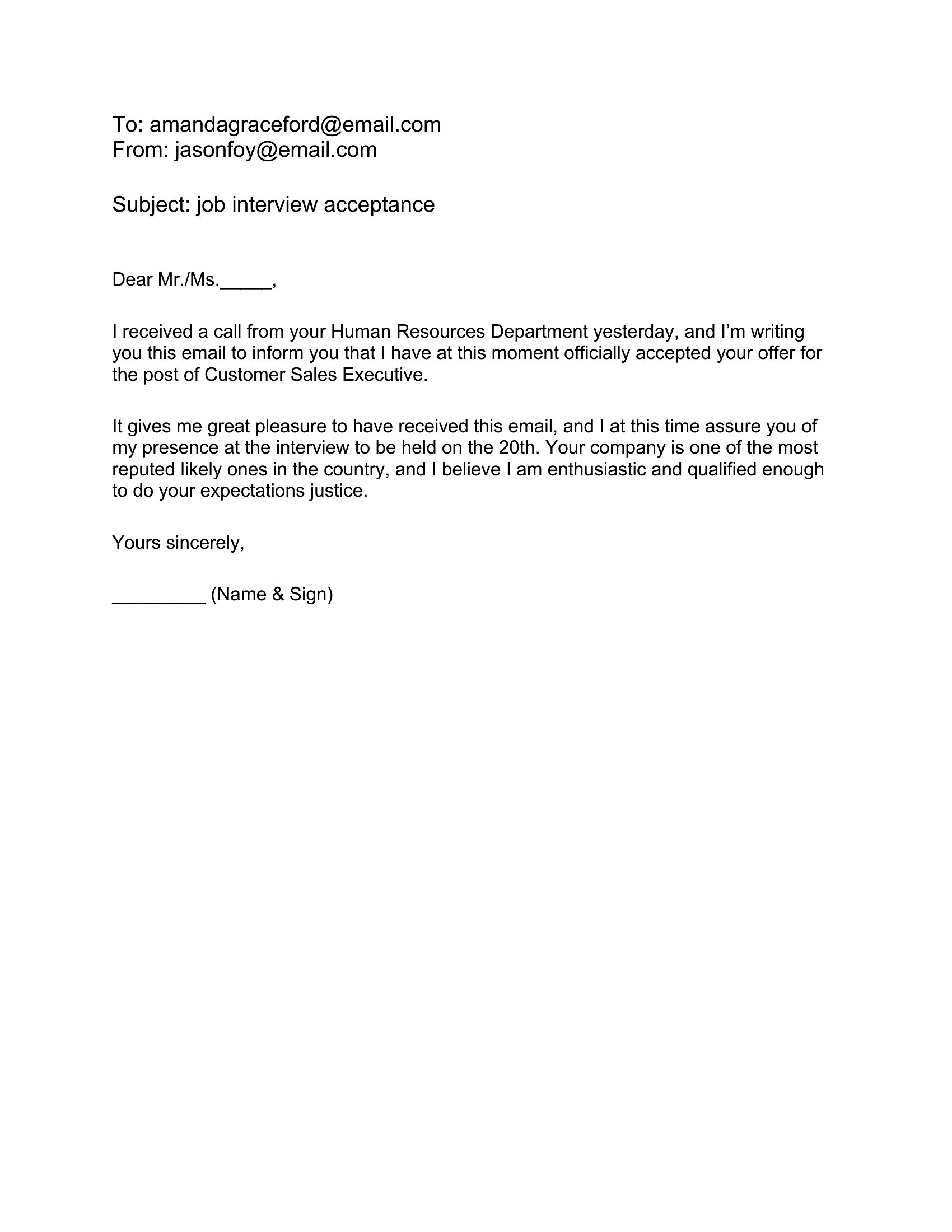
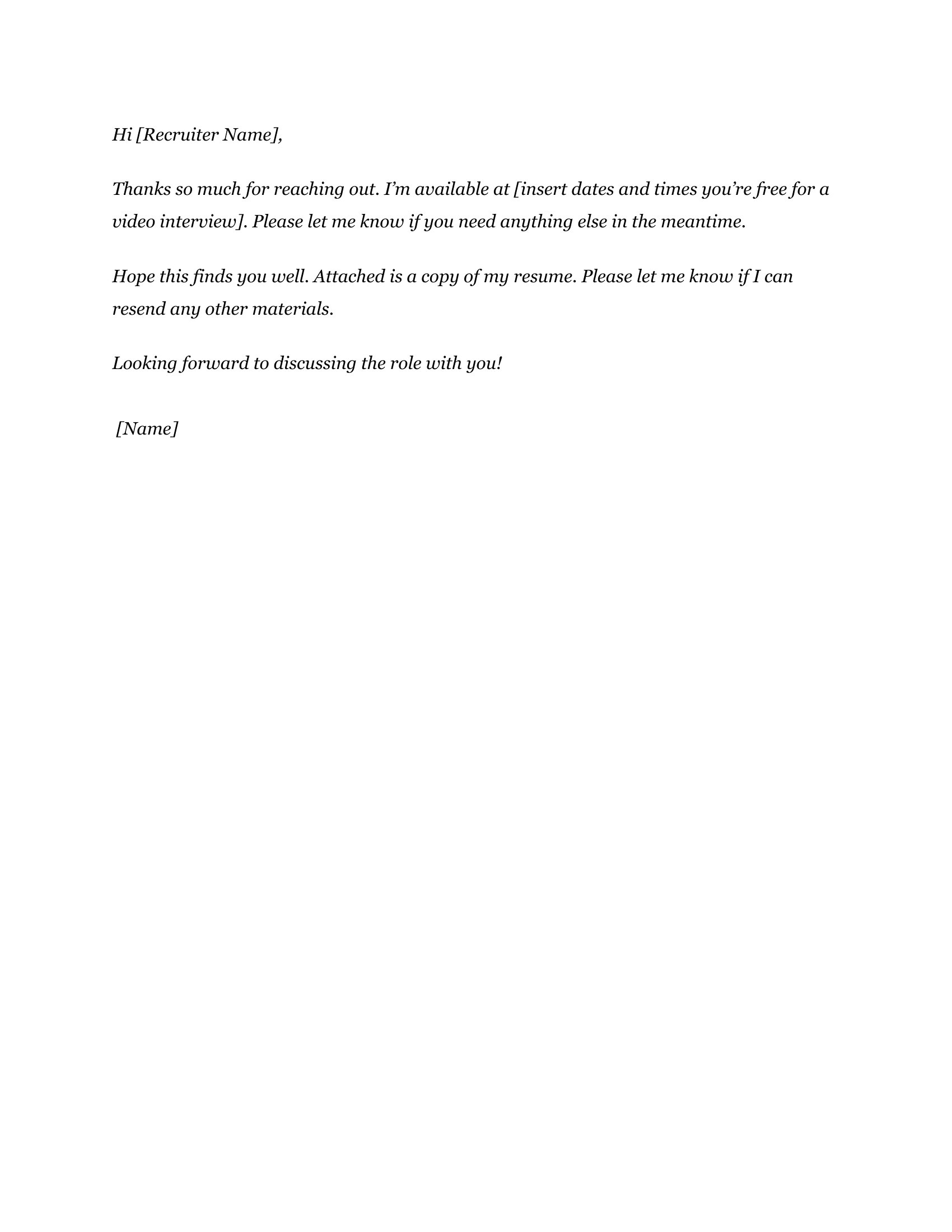
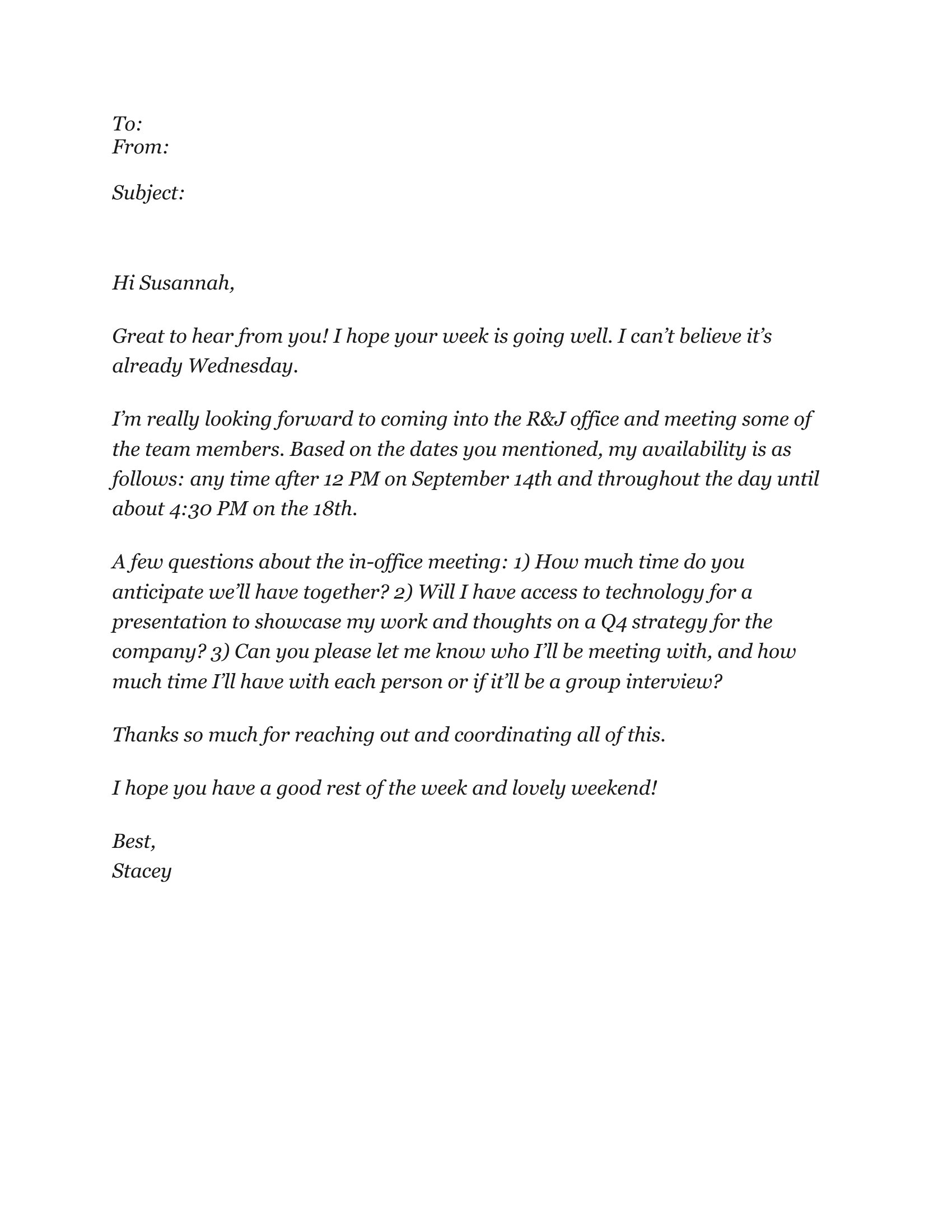
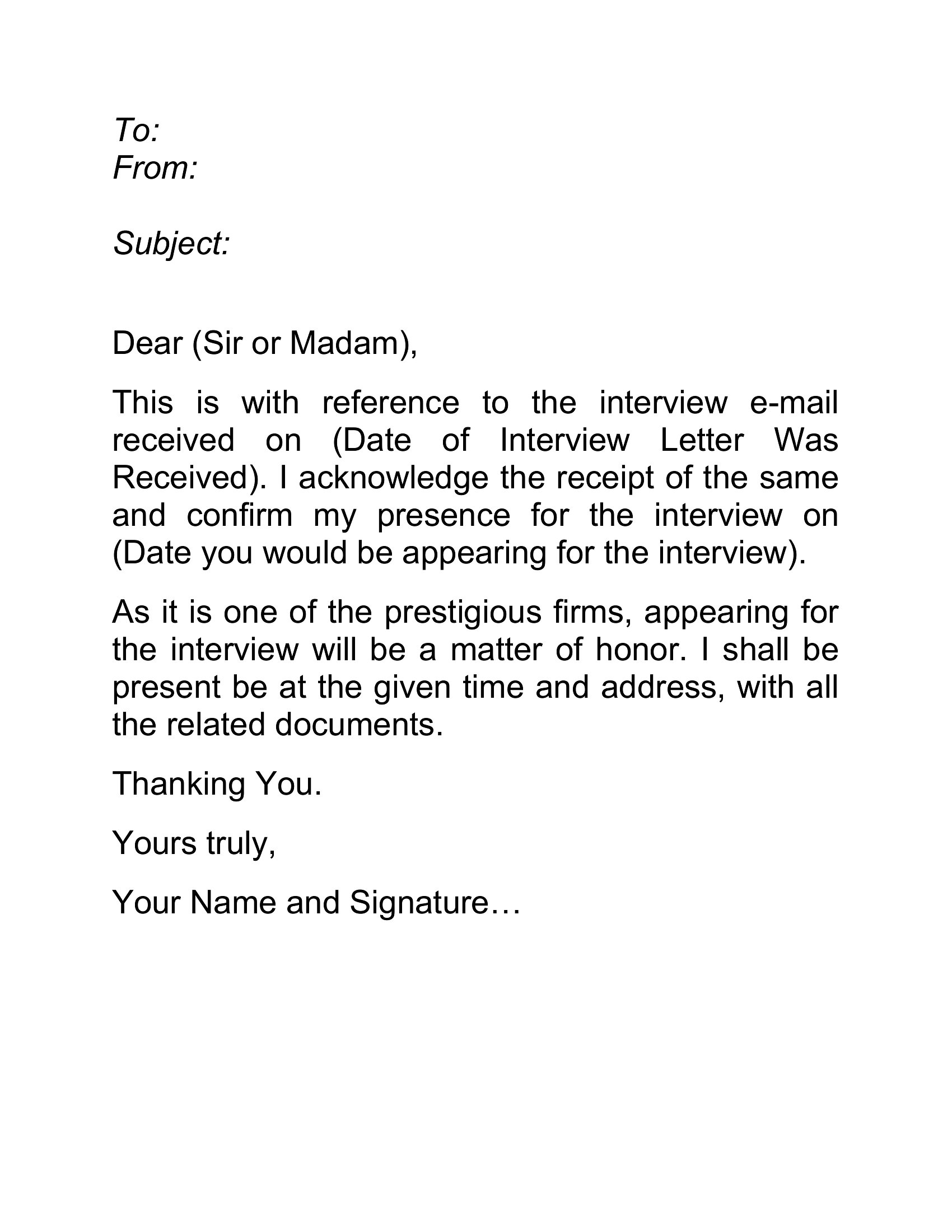
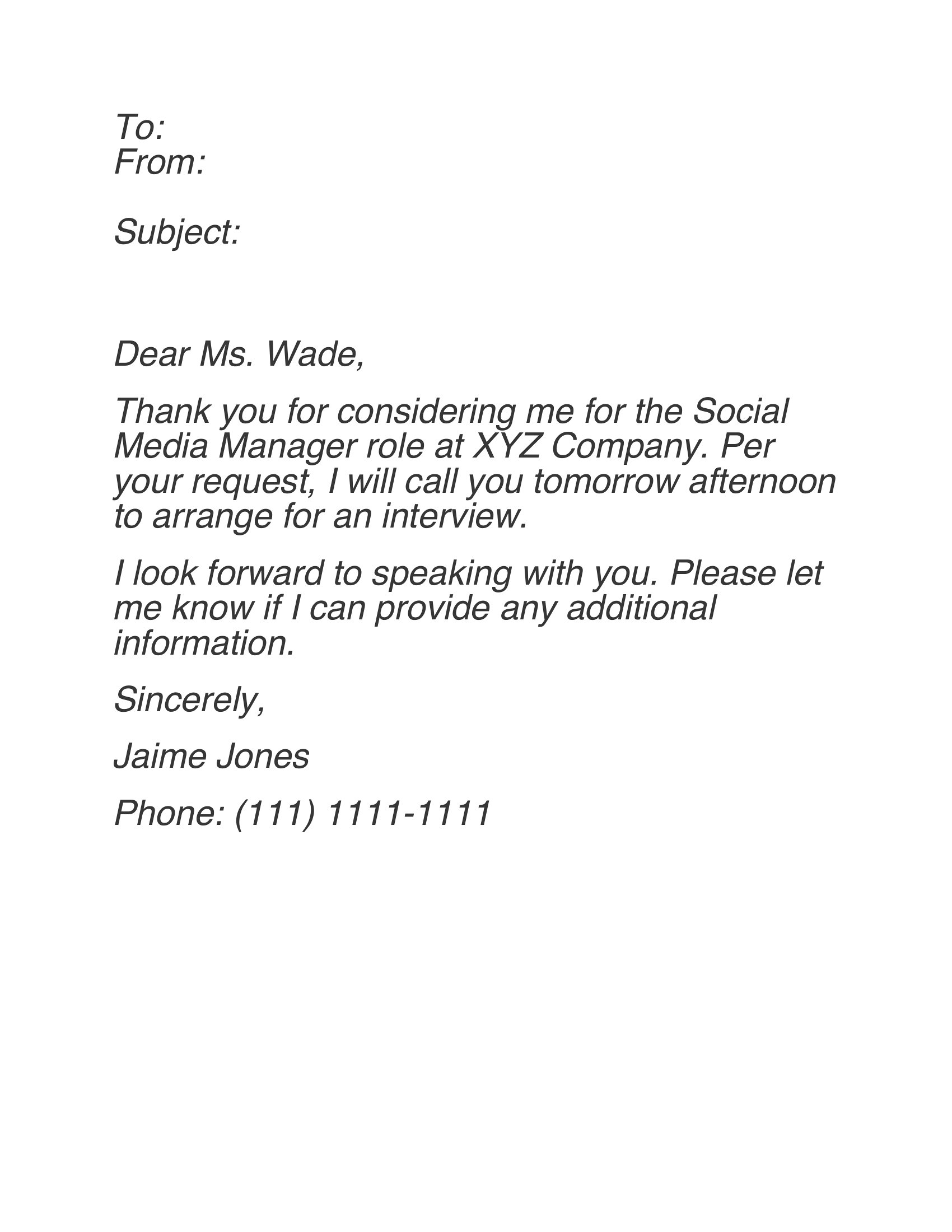
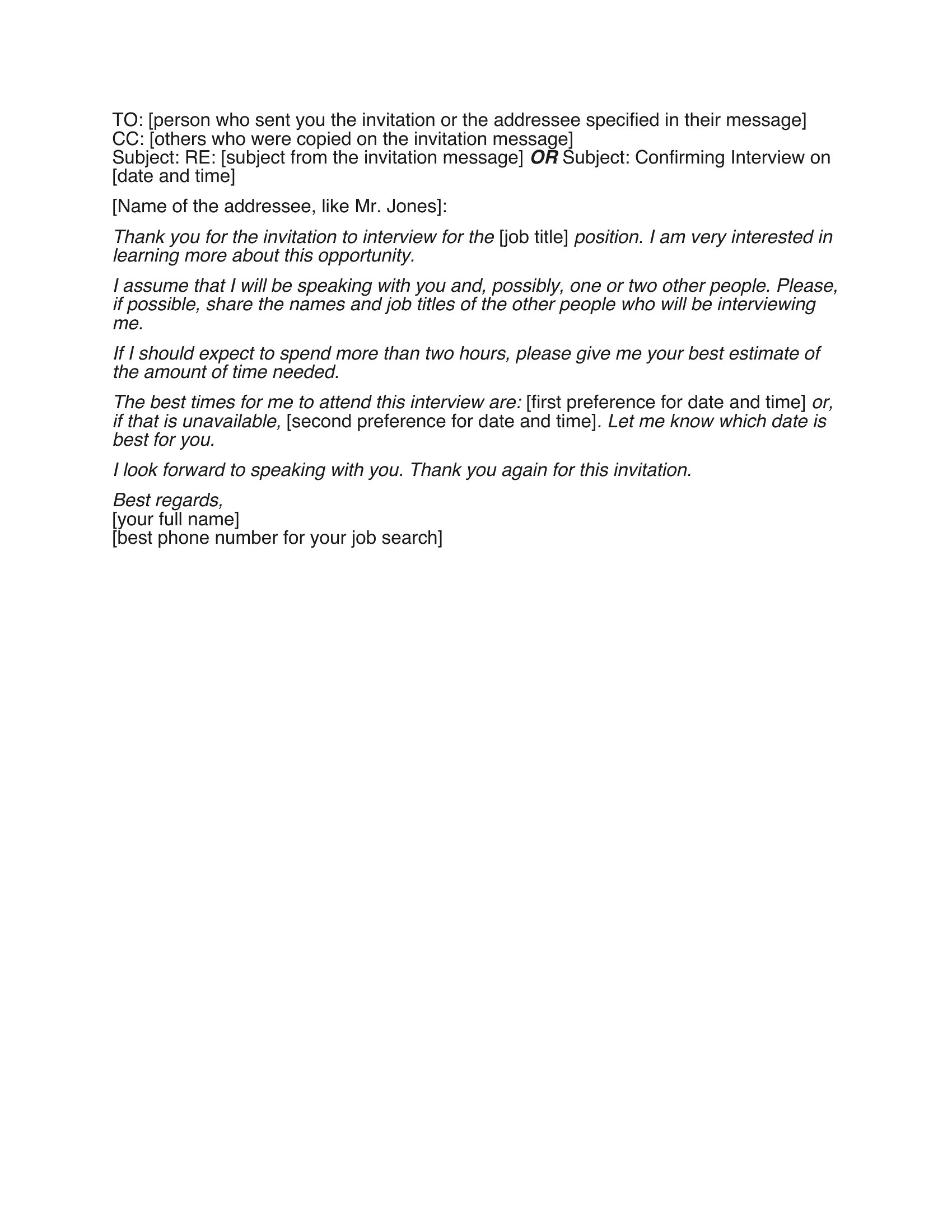
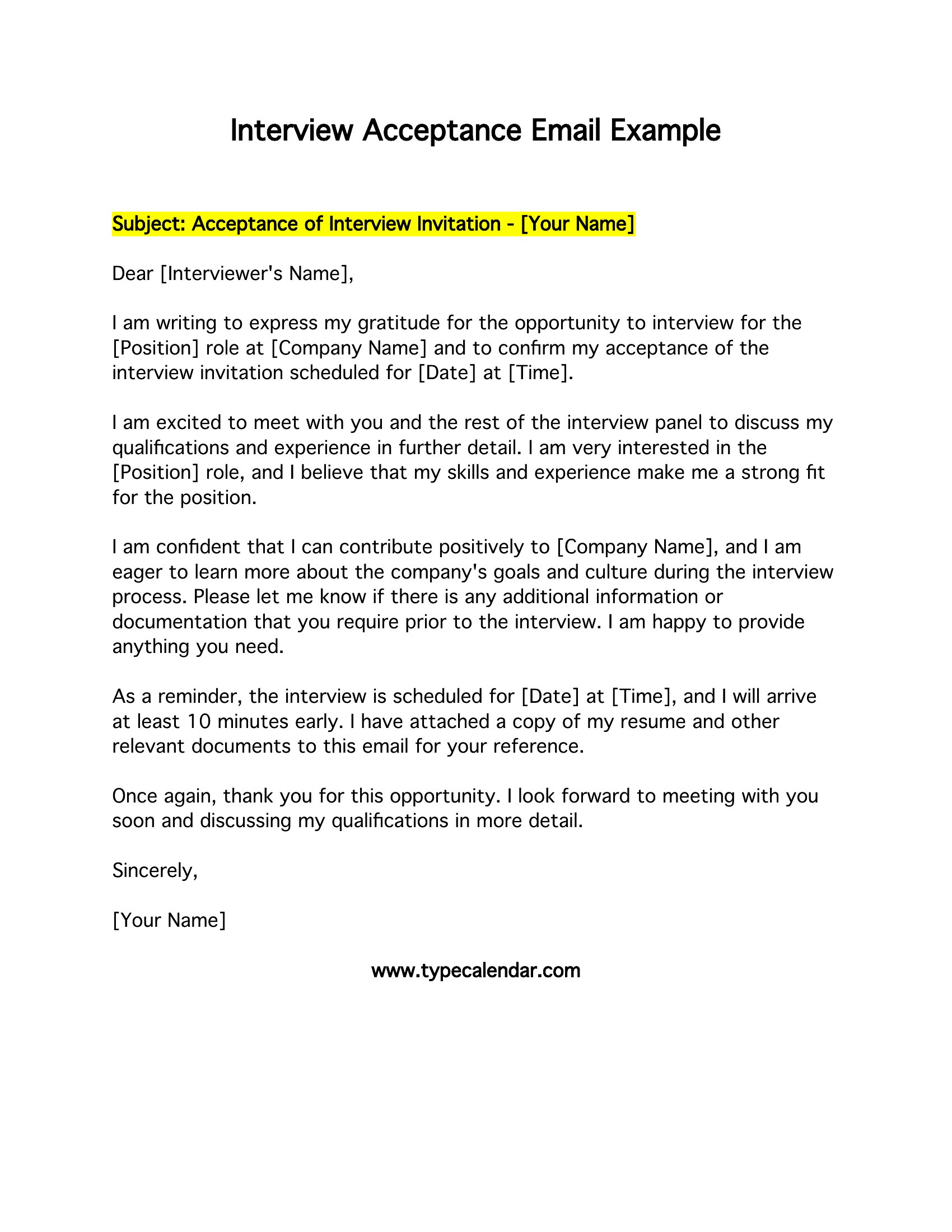
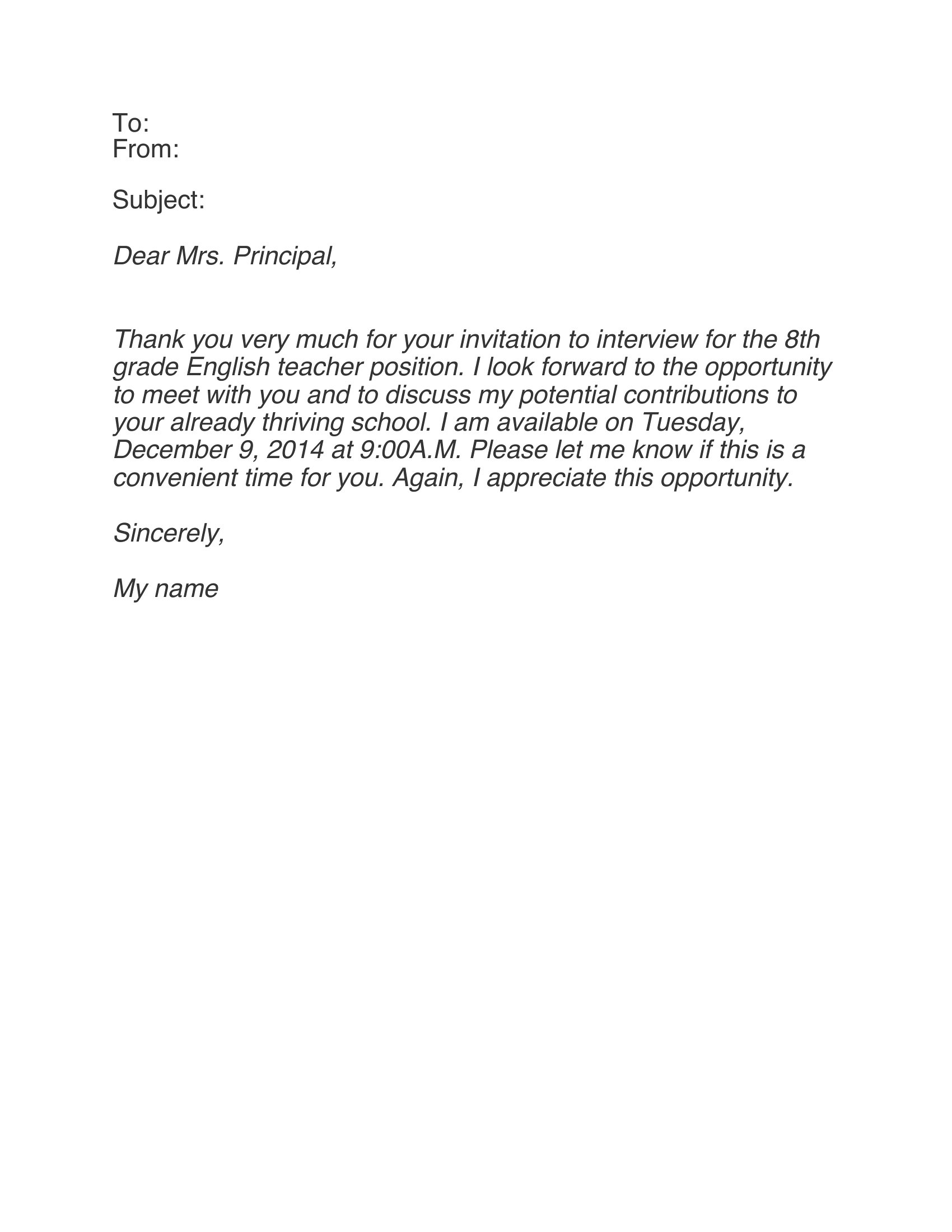
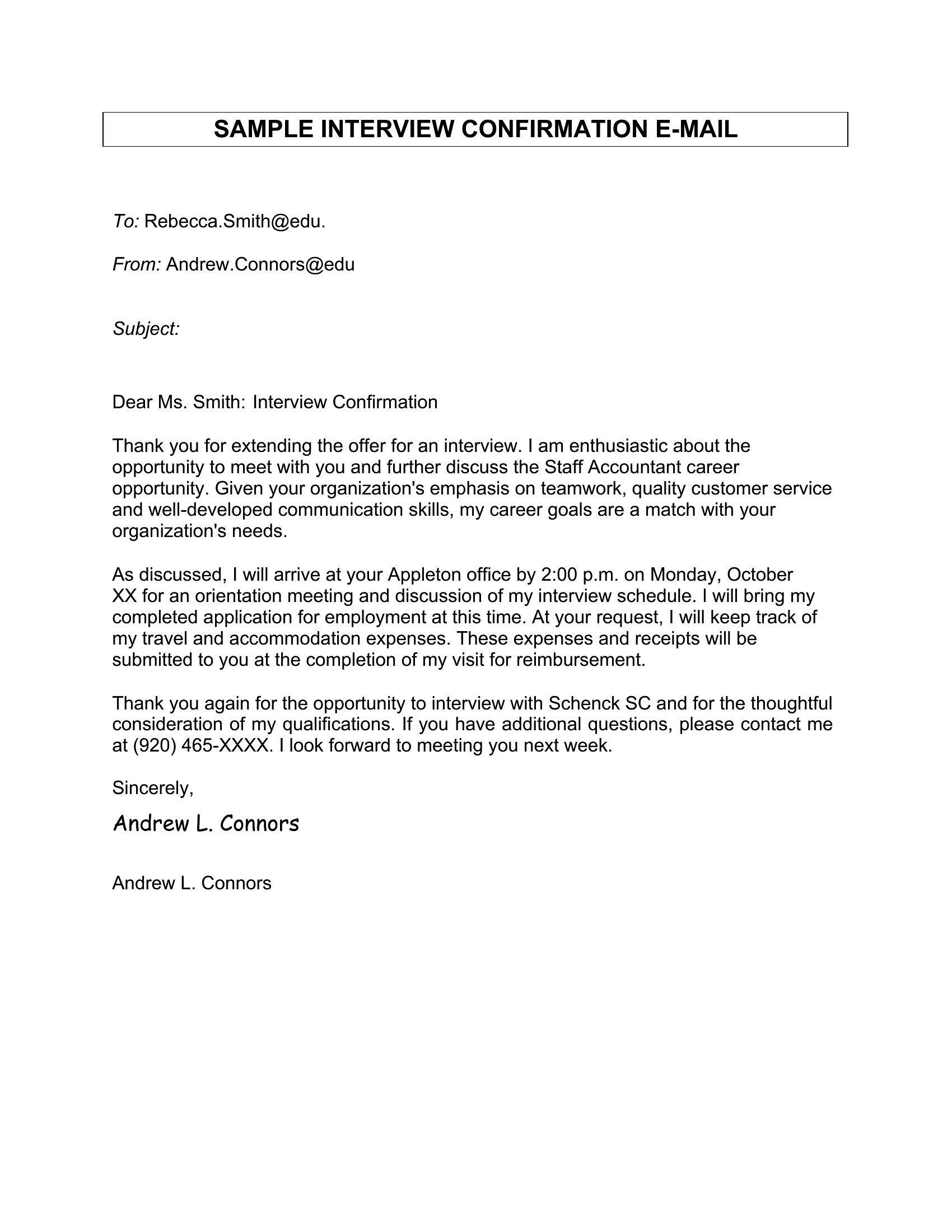
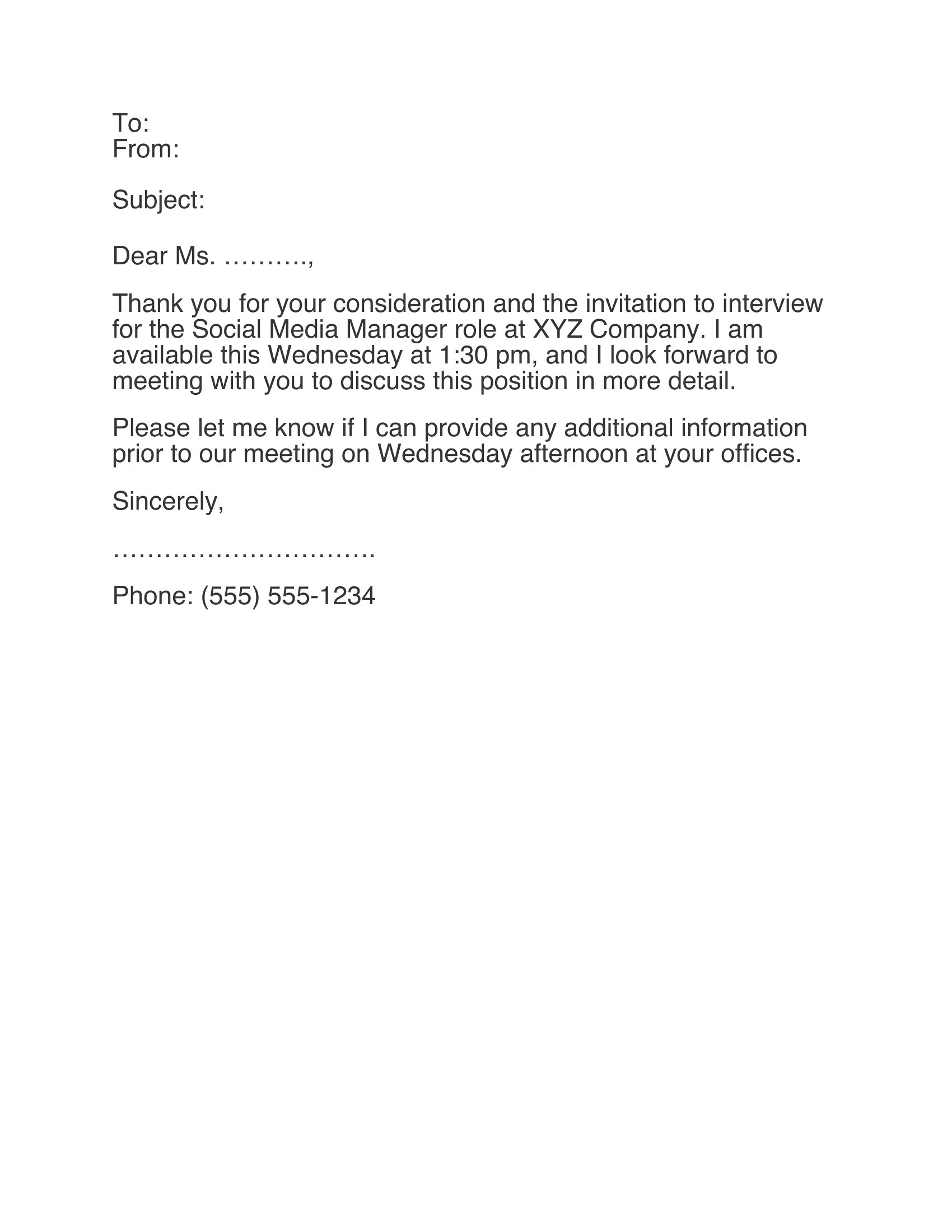
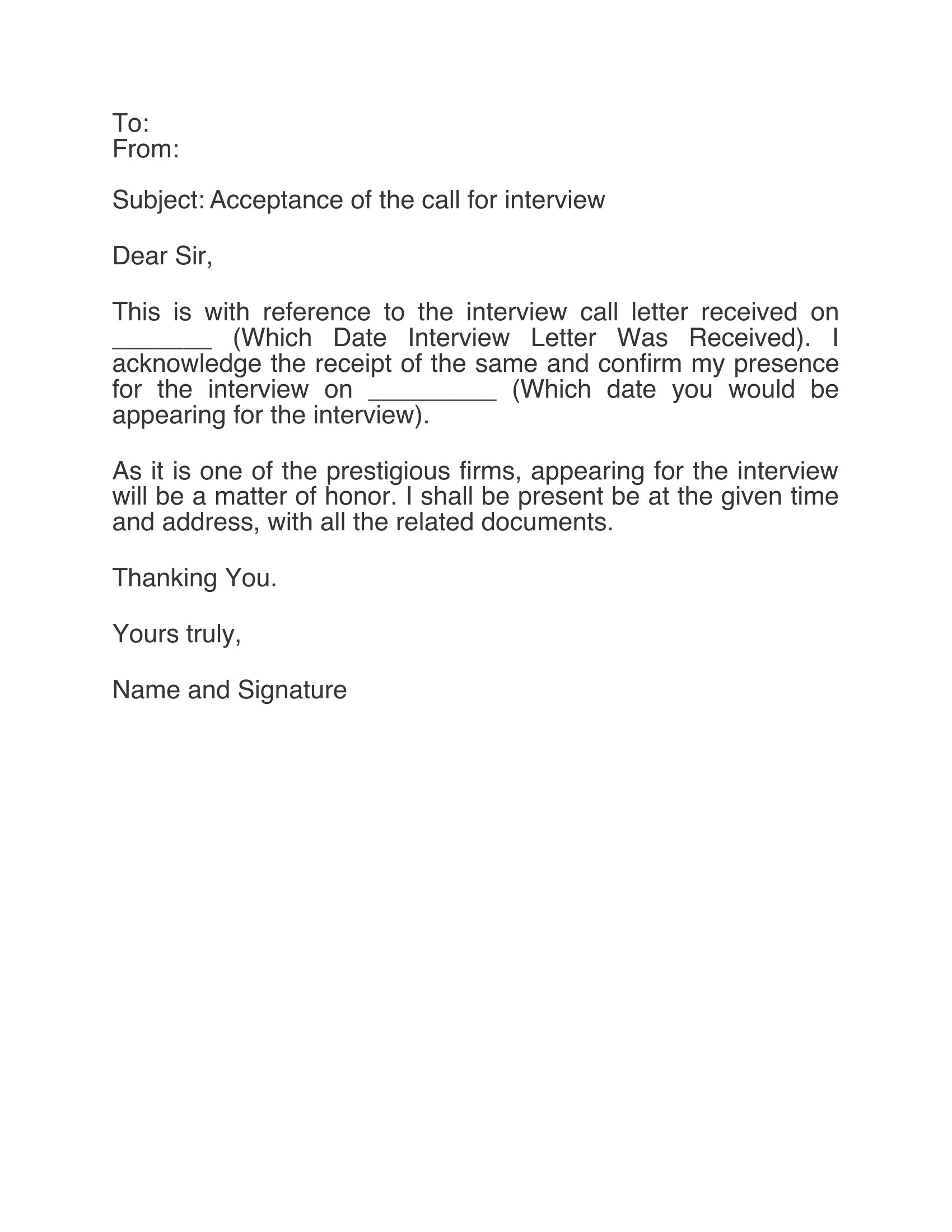
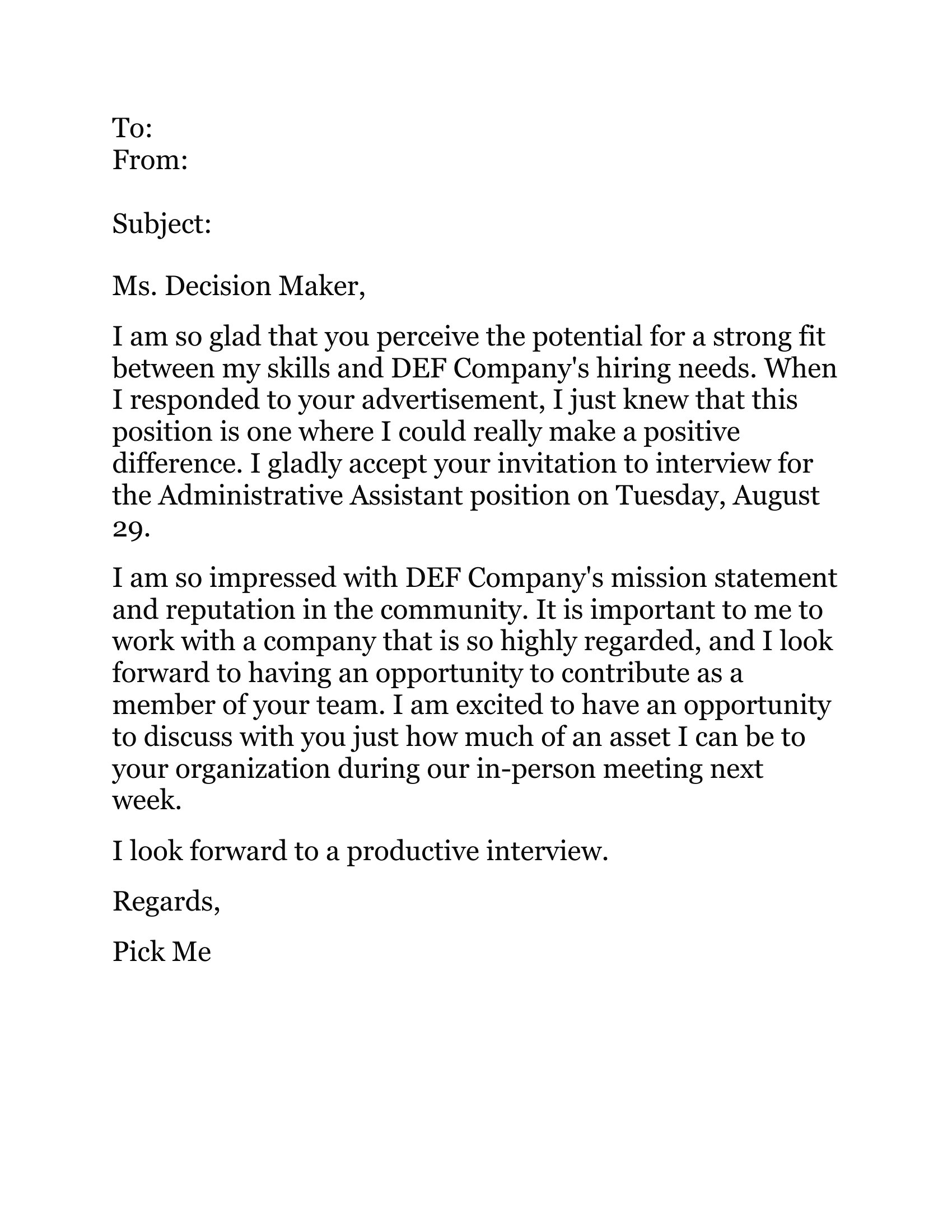
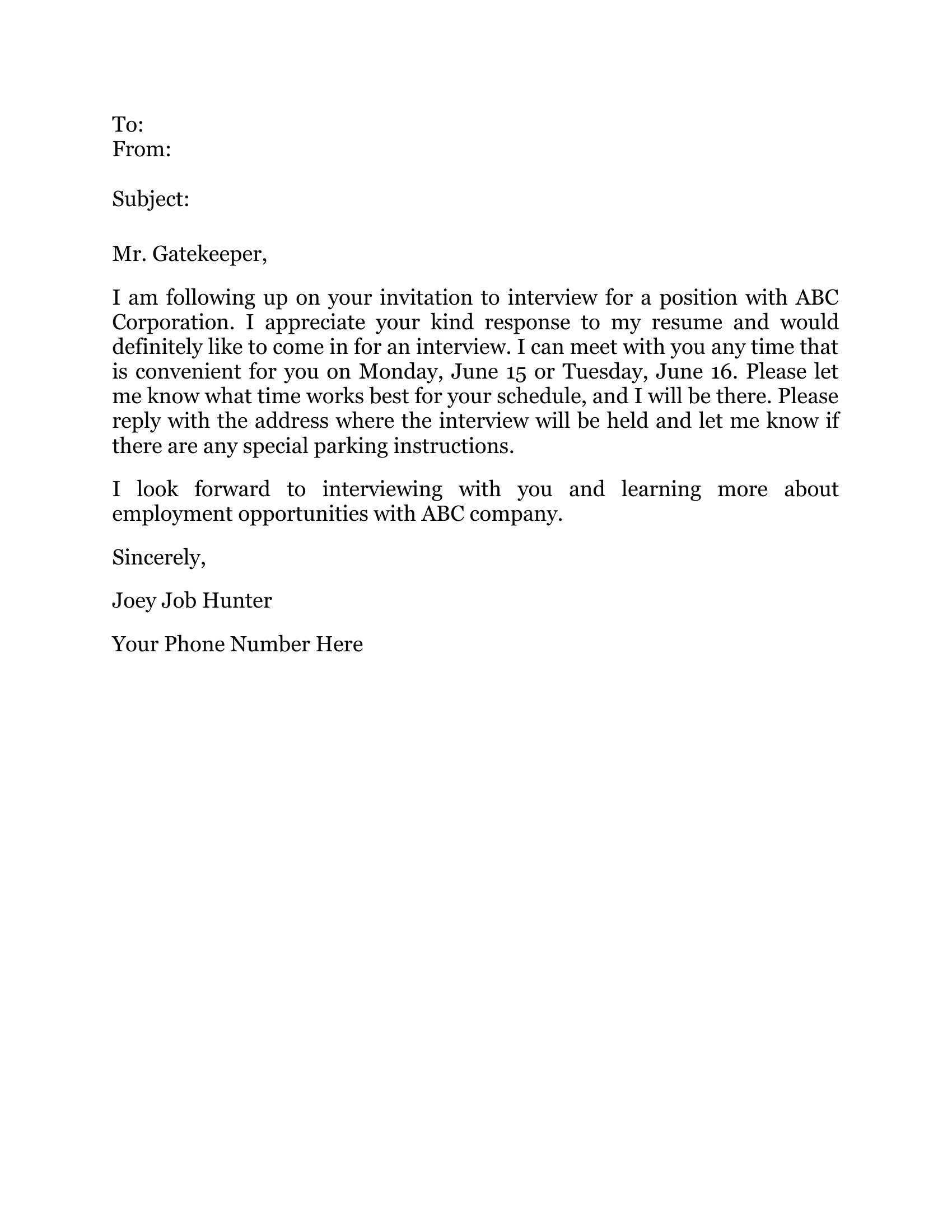
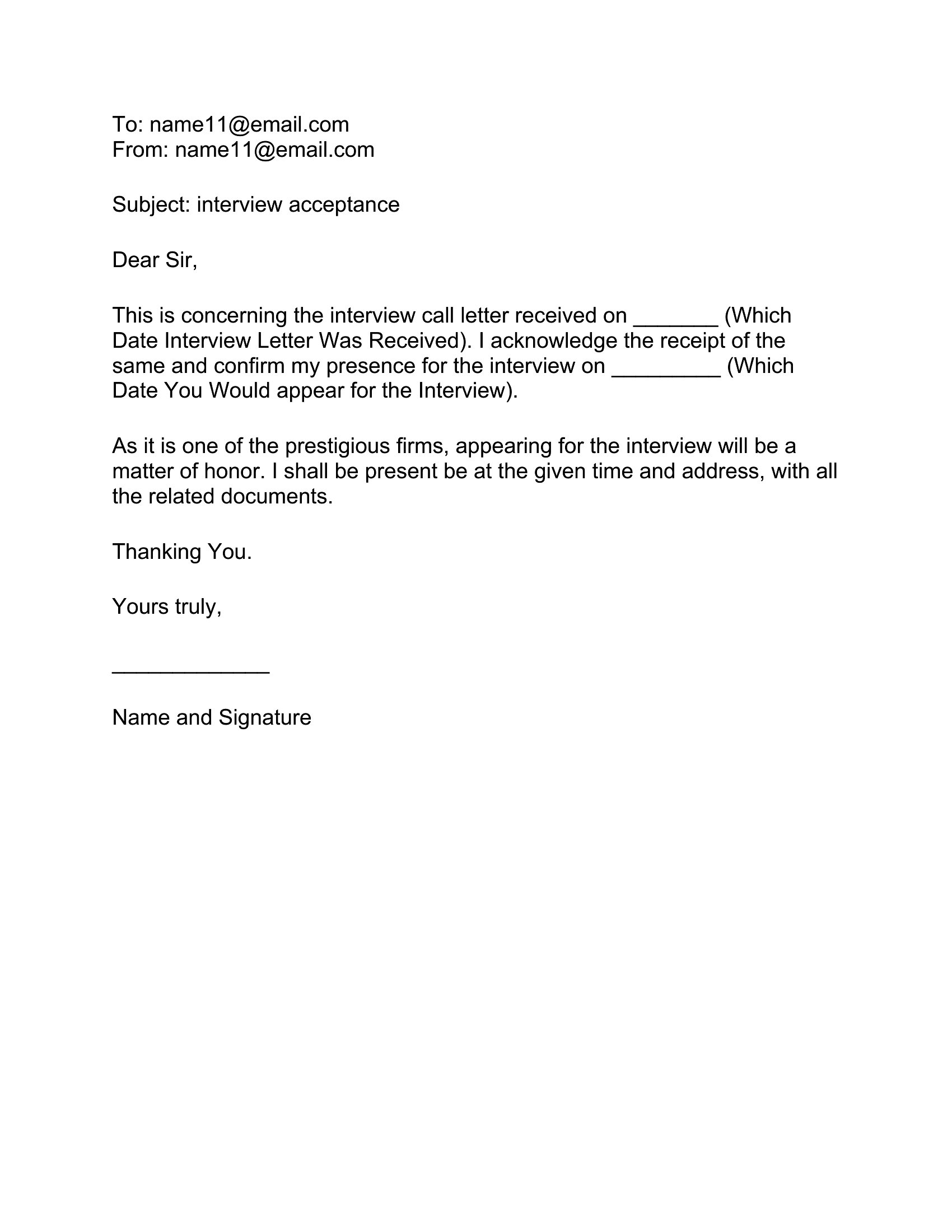
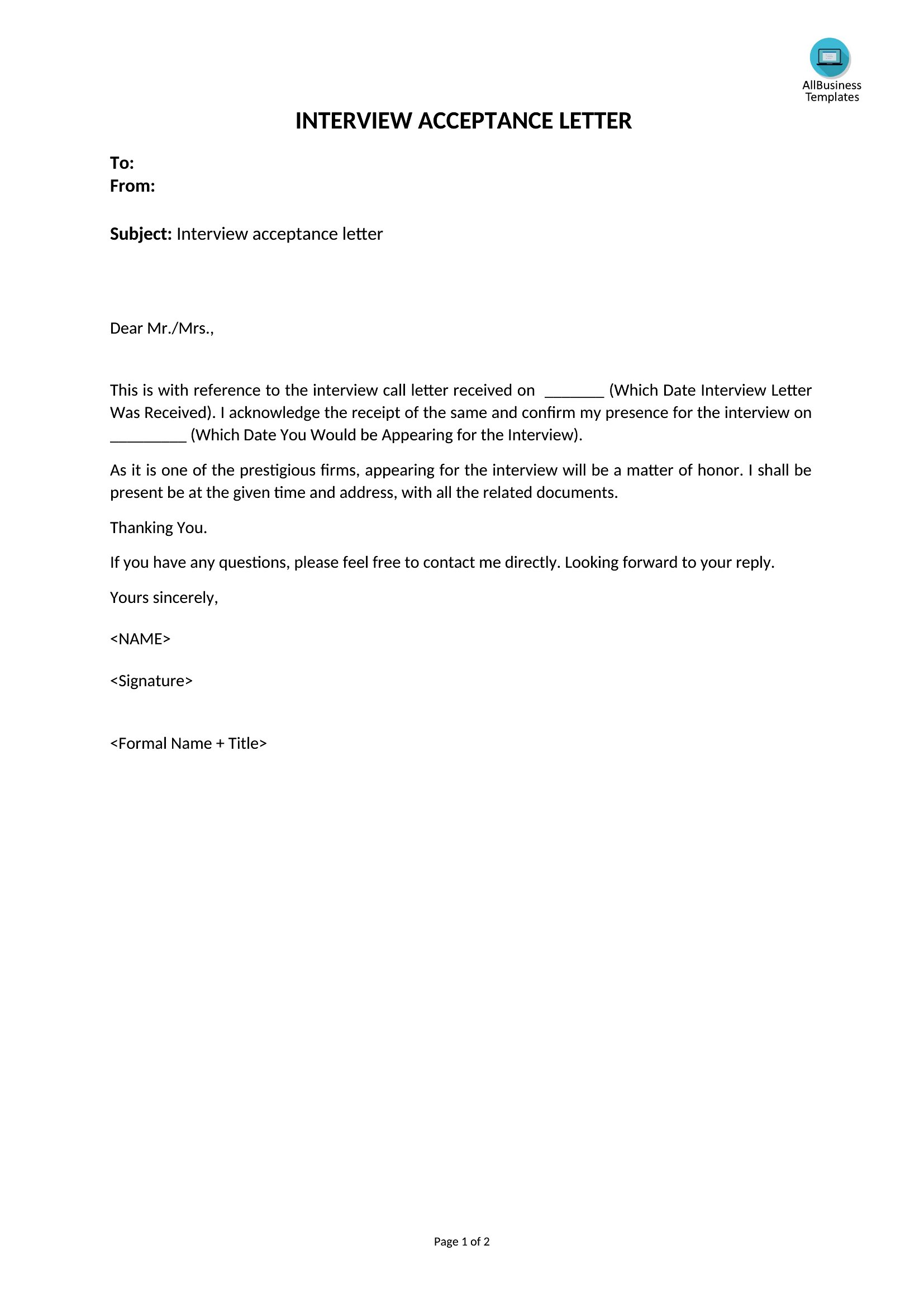
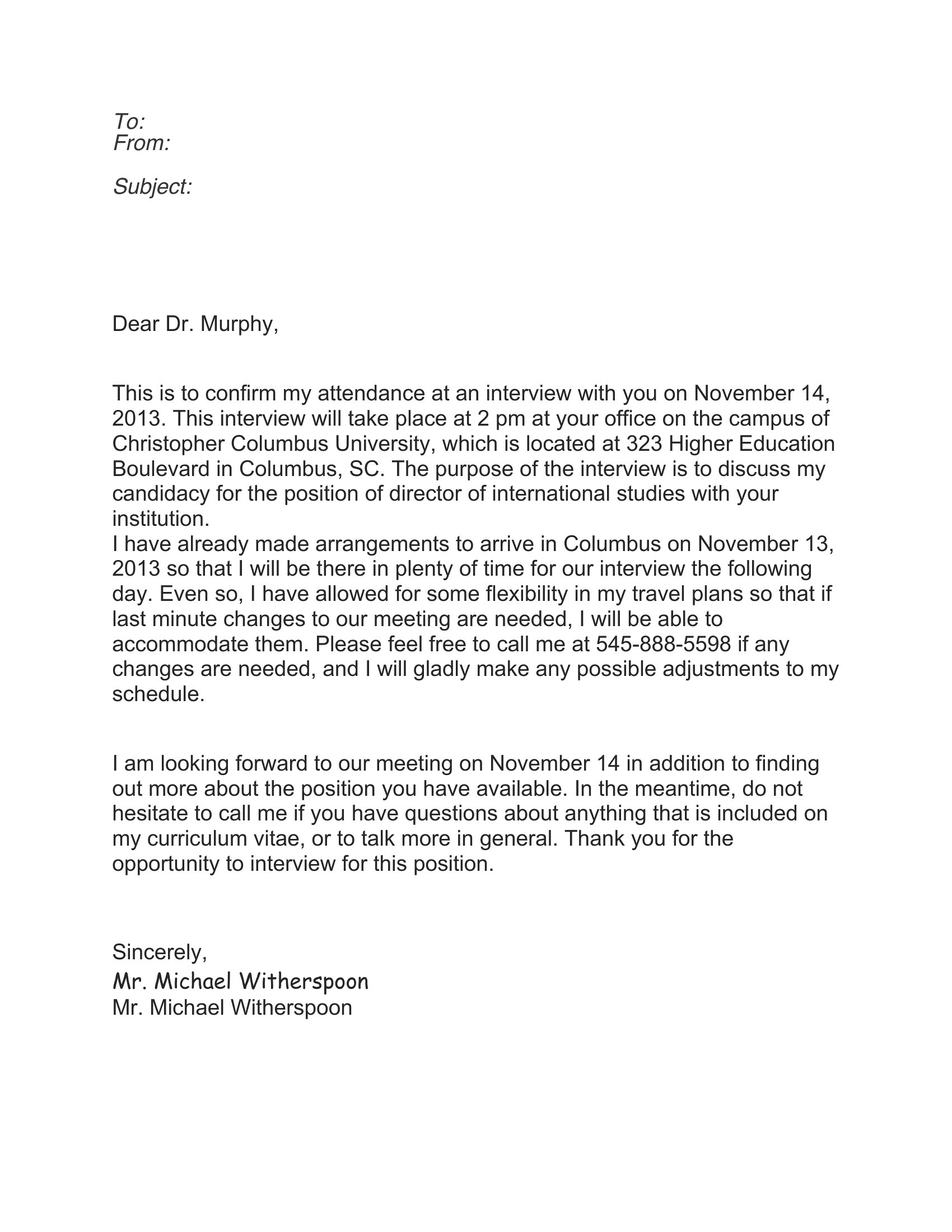
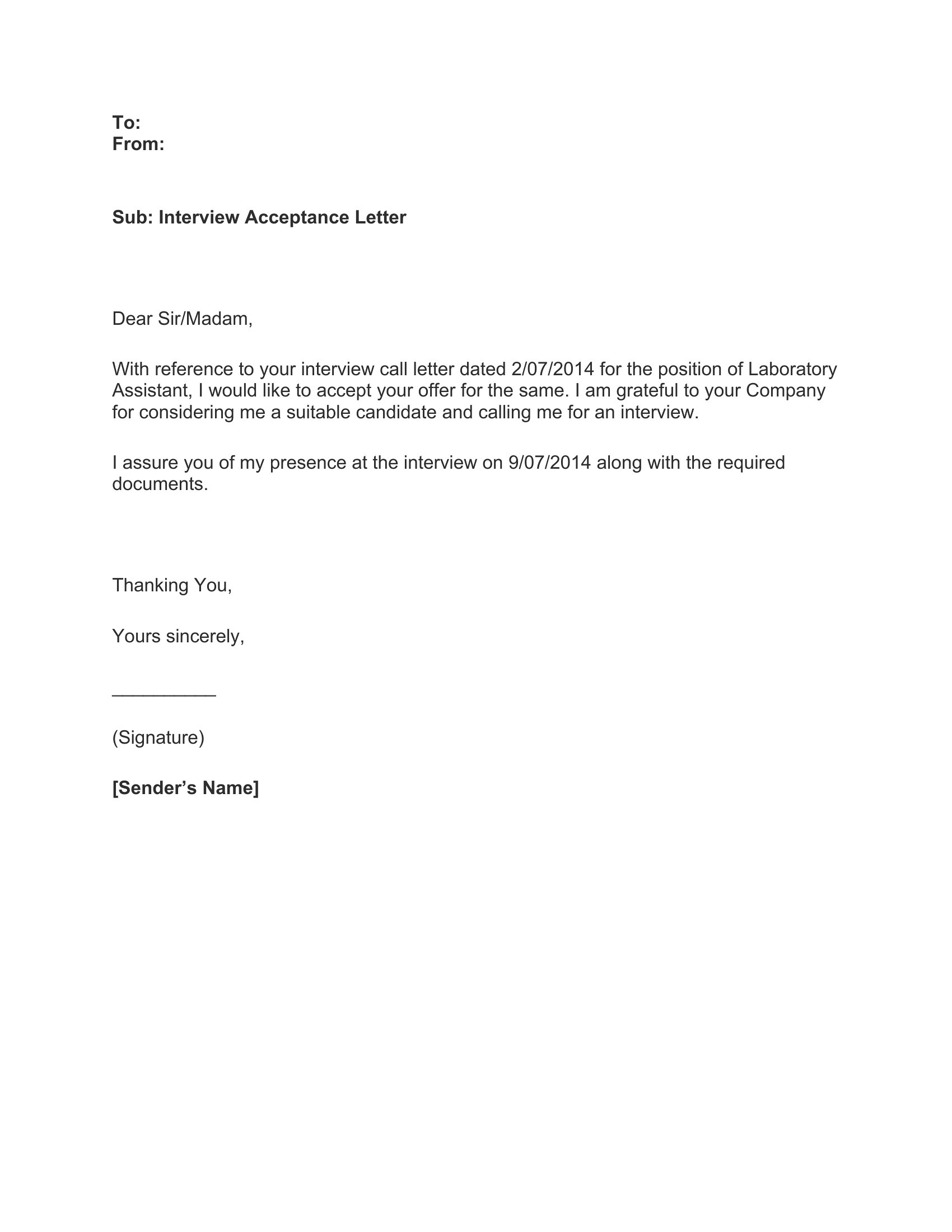
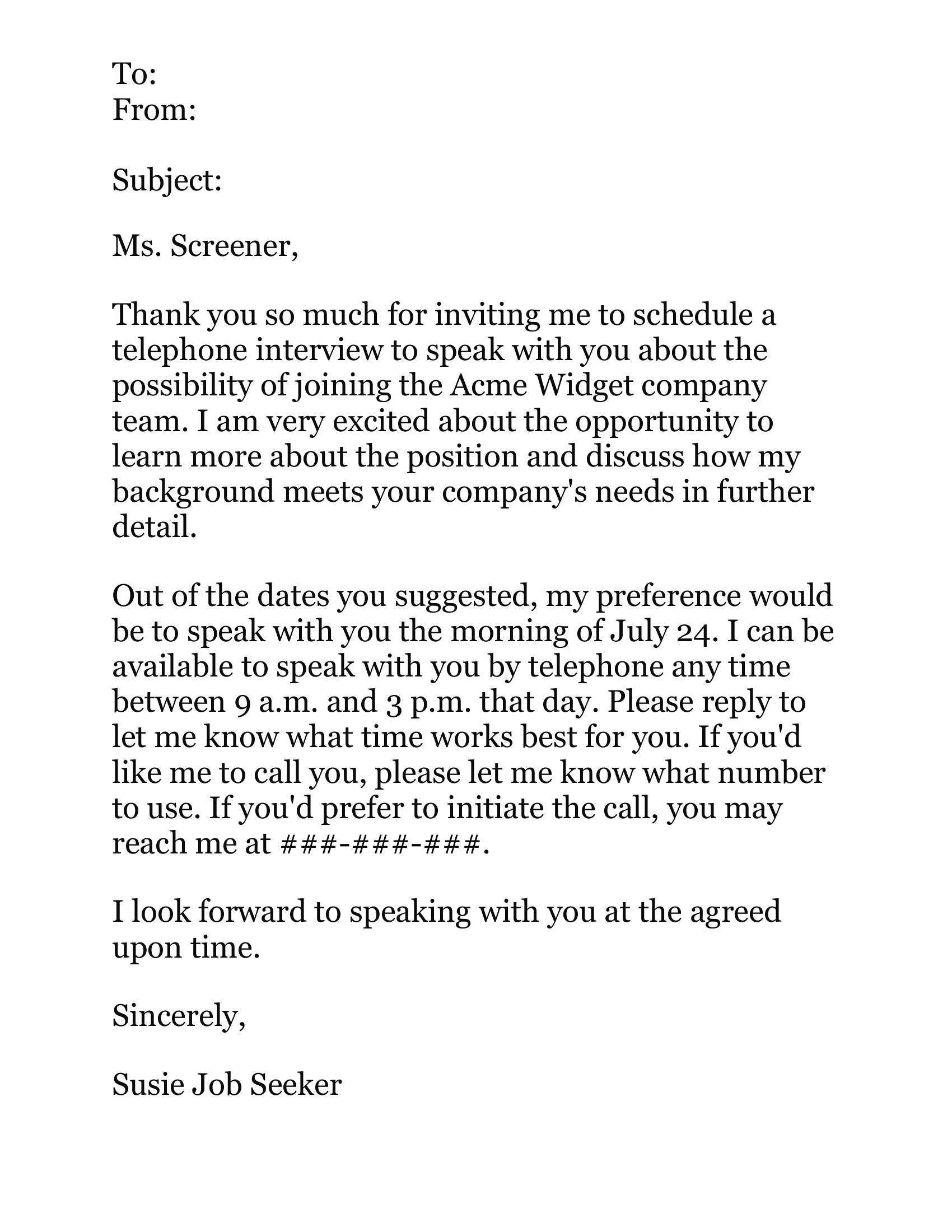
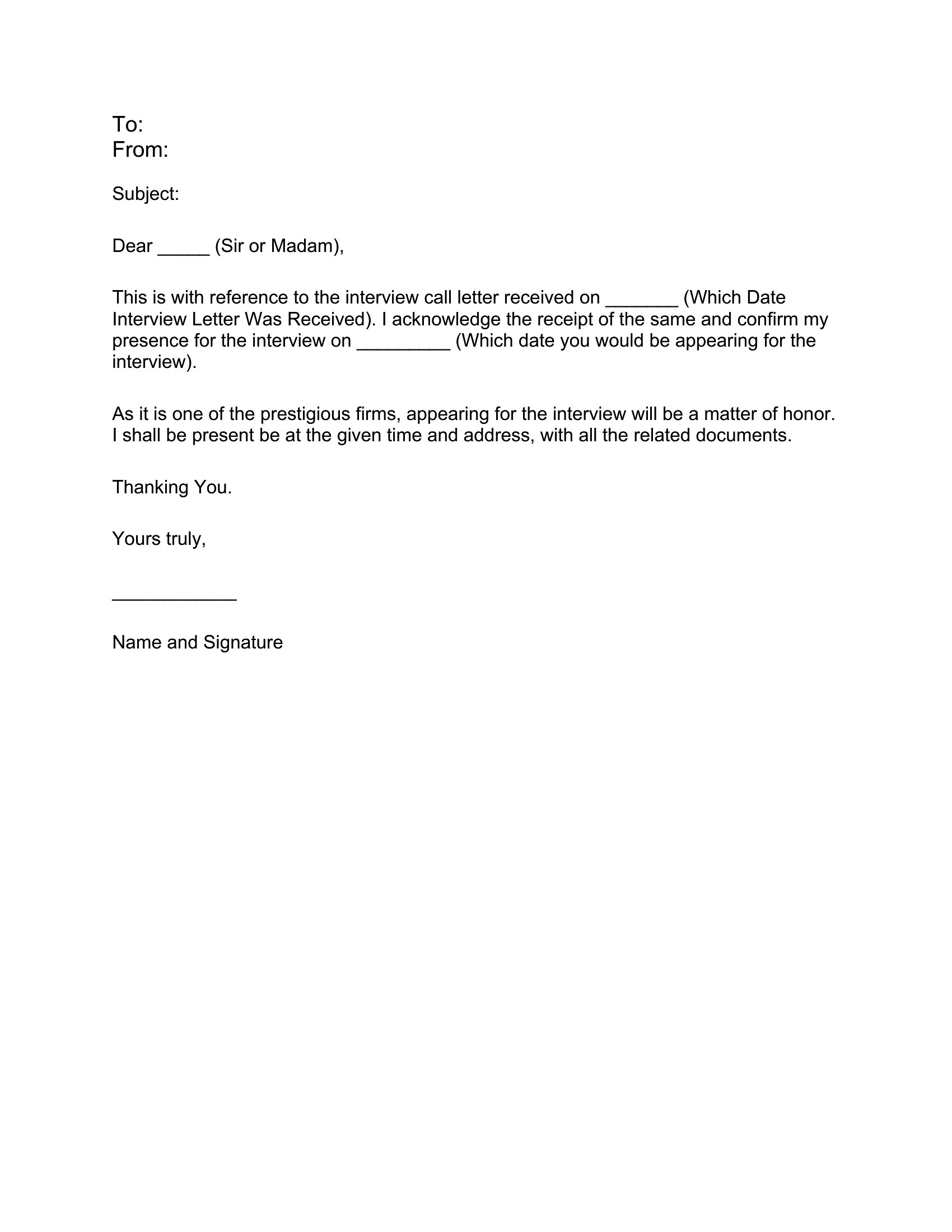
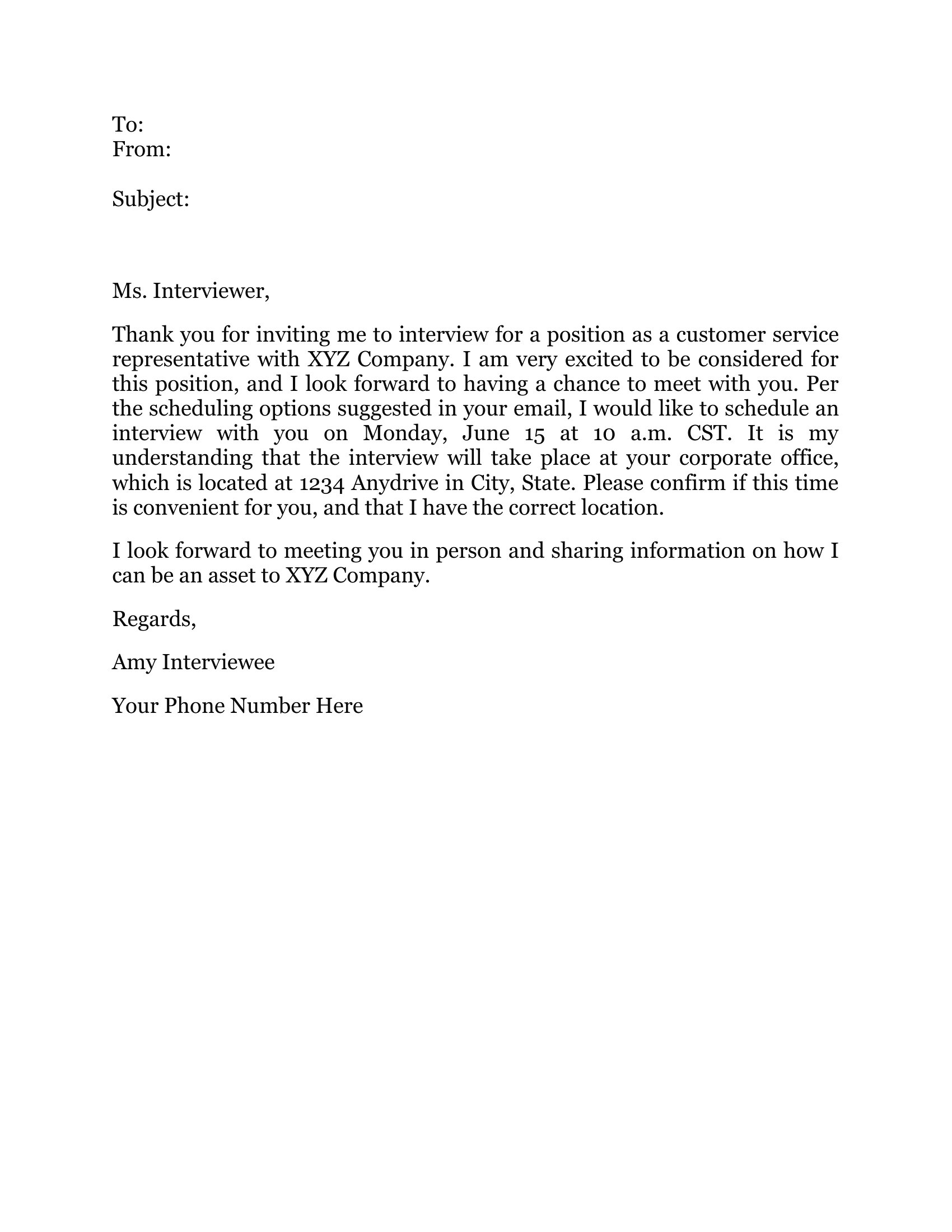
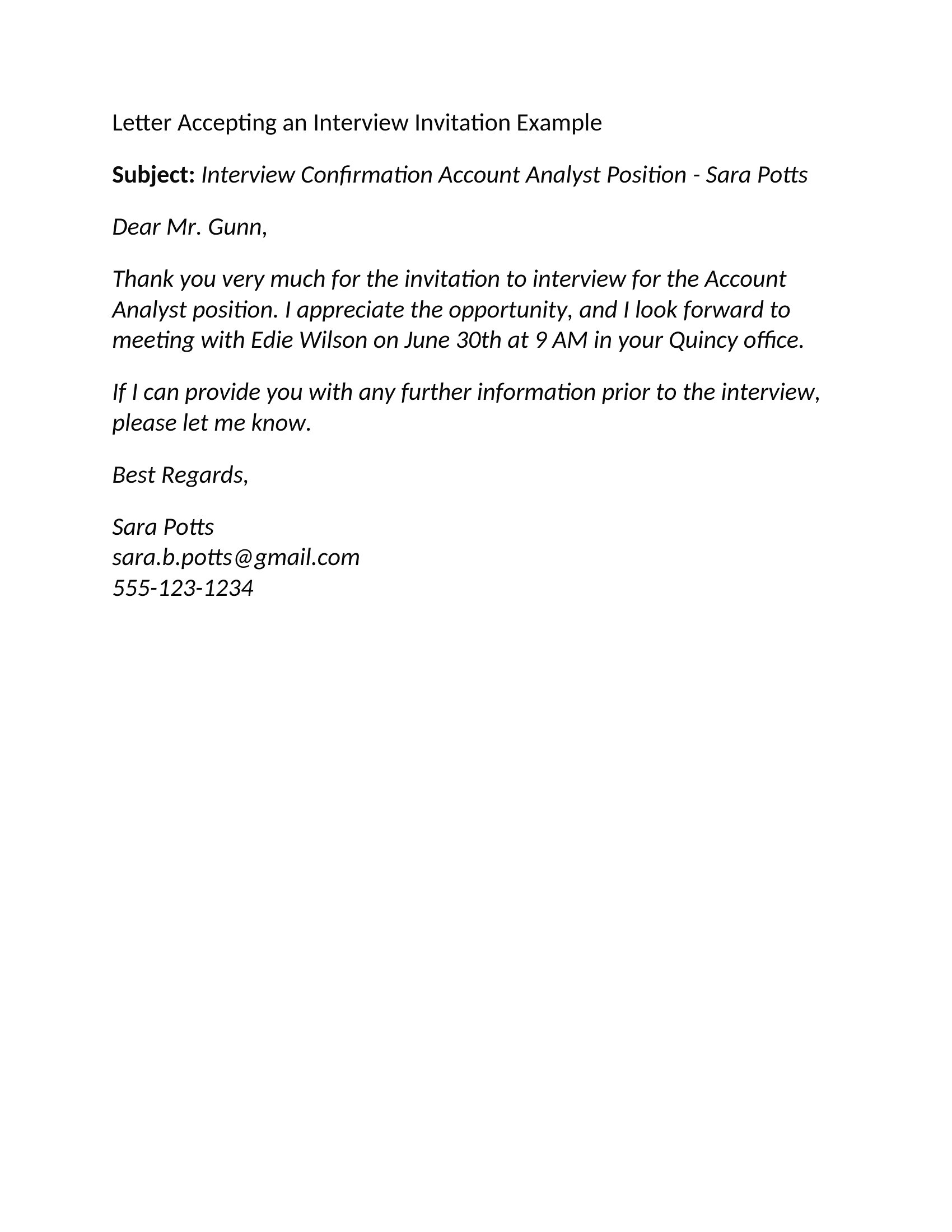
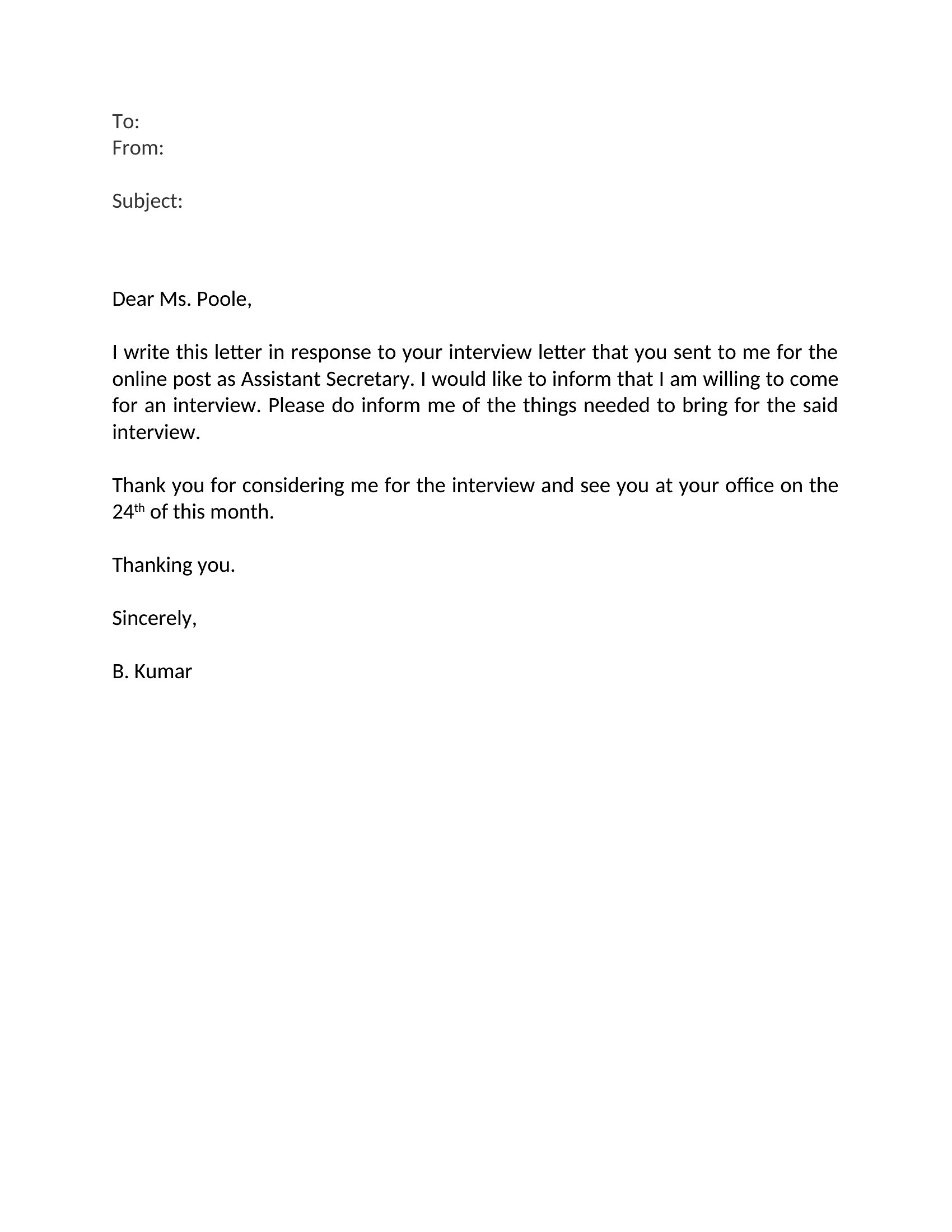
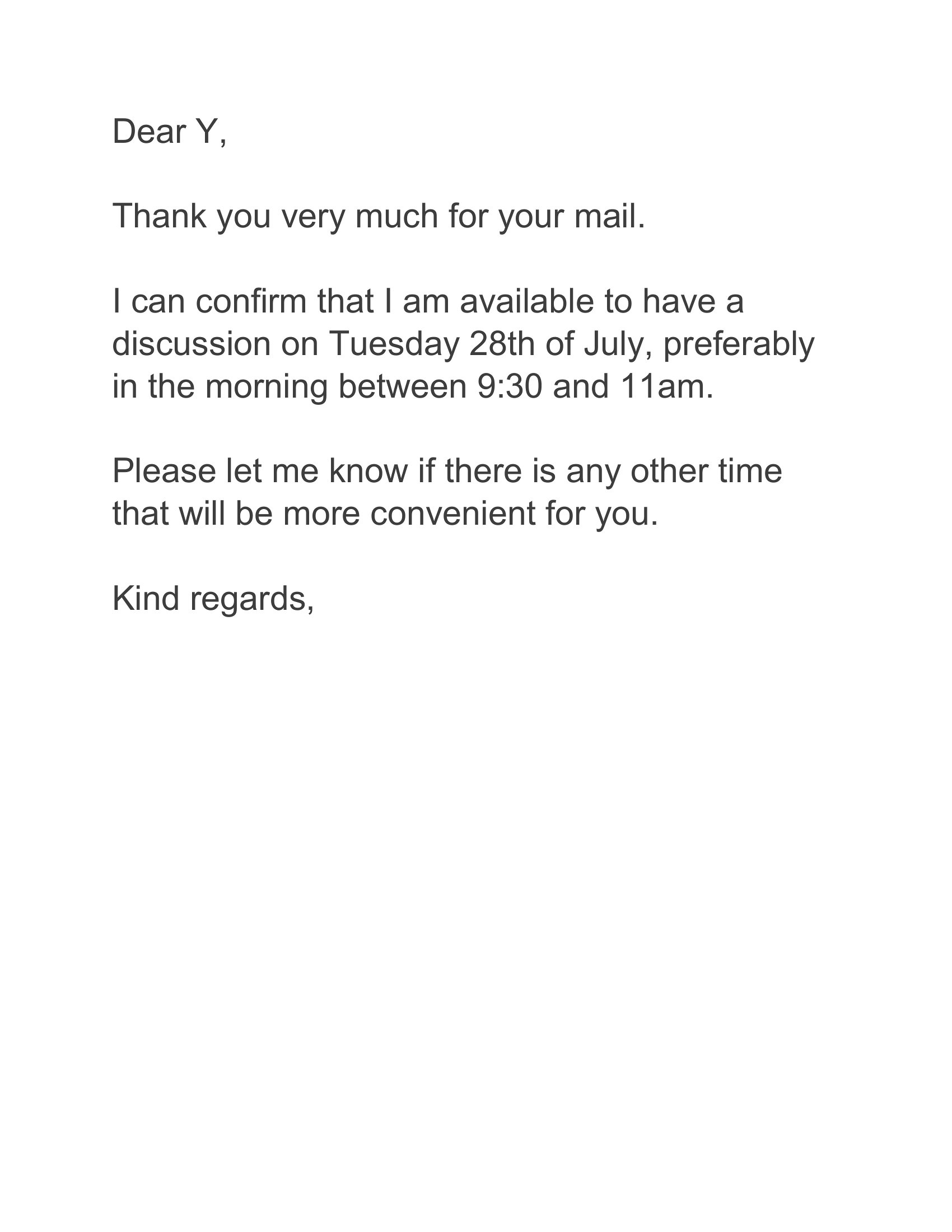
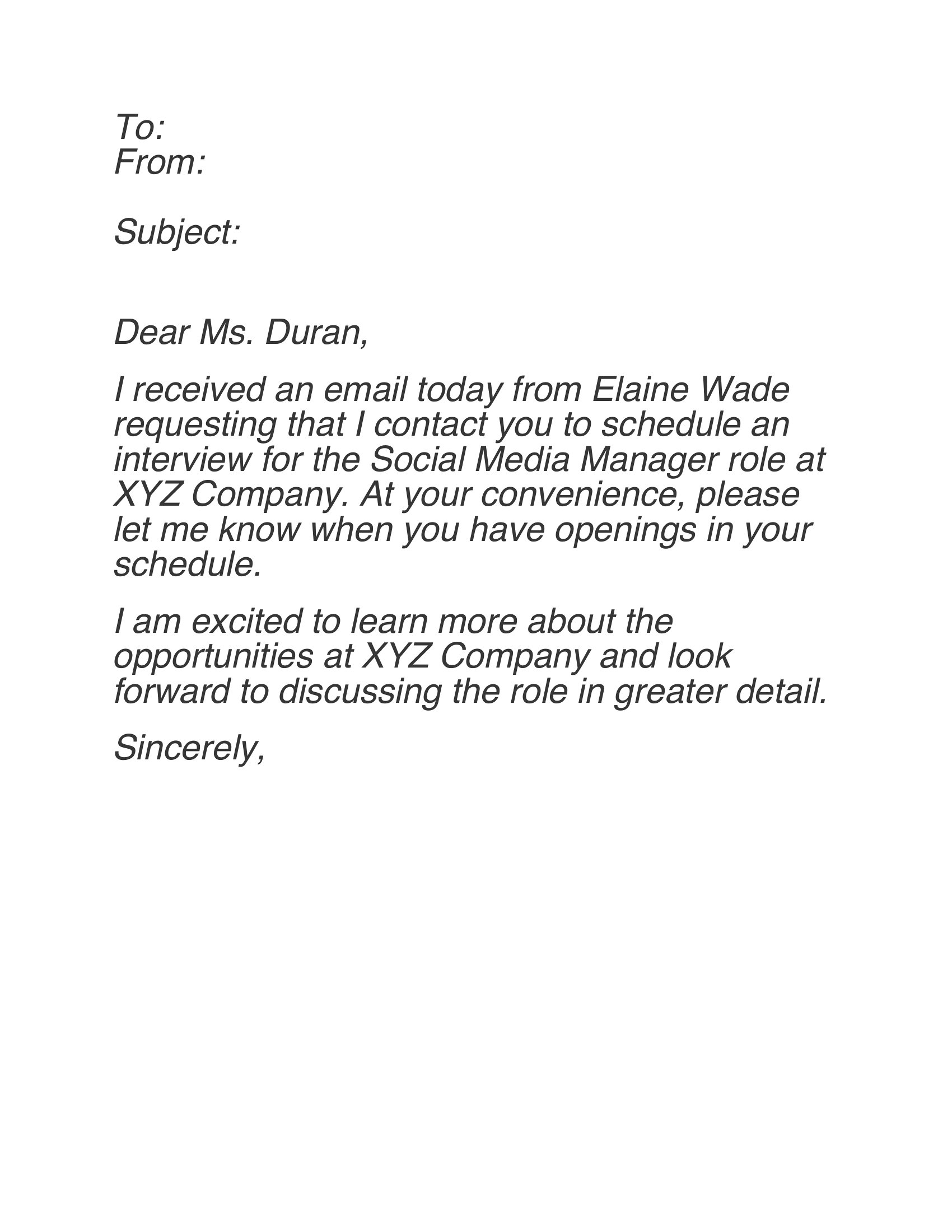
A quick, gracious reply to an interview invitation sets a good tone before you ever shake hands. This set of 41 acceptance emails helps job seekers confirm the date and time, thank the recruiter, and ask any practical questions without overthinking the wording. Whether it's a phone screen, video call, or in-person round, you start from a message that reads polished and professional.

Each template is editable in Word, so you can adjust the greeting, confirm logistics, and add a line that fits your situation. Copy it into your email, personalize the details, and send a reply that shows you're organized and enthusiastic. The samples cover several scenarios, from accepting a first interview to confirming a rescheduled time. Pick the one that fits and reply with confidence.

When to use this Interview Acceptance Email template

  • A recent graduate who just received a first interview invitation wants to confirm details while expressing enthusiasm—these templates help them compose a concise, confident reply that doesn’t sound overly formal.
  • An experienced professional juggling multiple opportunities needs a quick way to accept an interview slot, thank the hiring manager, and politely ask for prep materials without sounding pushy.
  • A career changer with limited networking experience can use these templates to craft a thoughtful acceptance email that subtly reinforces their transferable skills in a natural way.
  • A hiring manager reviewing candidates wants to send a polished acceptance email that aligns with their company’s tone while making the interviewee feel valued and prepared.

Which format should I download?

Word

The Word format is ideal here because it allows you to easily customize tone, adjust formality, and even save variations for different types of interviews. Use the template closest to your industry or role—tech interviews may benefit from a slightly more direct tone, while creative fields might lean into warmth. If you need to quickly tweak details like time zones or prep questions, Word’s editing tools make it the most flexible choice without sacrificing professionalism.

Choose from 41 Interview Acceptance Email Templates

How to use this Interview Acceptance Email template

Should I include my availability for follow-up questions in the acceptance email?

Only if the interview is several days away. For example, ‘I’d be happy to clarify any logistics before our call on [date]’ keeps it professional without overcommitting. If the interview is soon, focus on confirming the link or location instead.

What’s the best way to address a recruiter I don’t know well?

Use their first name if it’s in the invitation (e.g., ‘Dear Sarah’), or ‘Dear [Recruiter’s Name]’ if you’re unsure. If no name is given, ‘Dear Hiring Team’ works for a warm but neutral tone. Avoid overly casual greetings like ‘Hey!’

How can I sound enthusiastic without coming across as overly eager?

Phrases like ‘I’m really looking forward to discussing [role/team] with you’ strike the right balance. Avoid generic praise—mention something specific from the job description or company values to show genuine interest without overdoing it.

Comments

Join the conversation

Sign in to share your thoughts and leave a comment on this resource.

Newsletter

Get Weekly Design Updates

Join our community to receive curated resources and inspiration.

Weekly Tips Resources Early Access

We respect your privacy. Confirmation email required. Privacy Policy