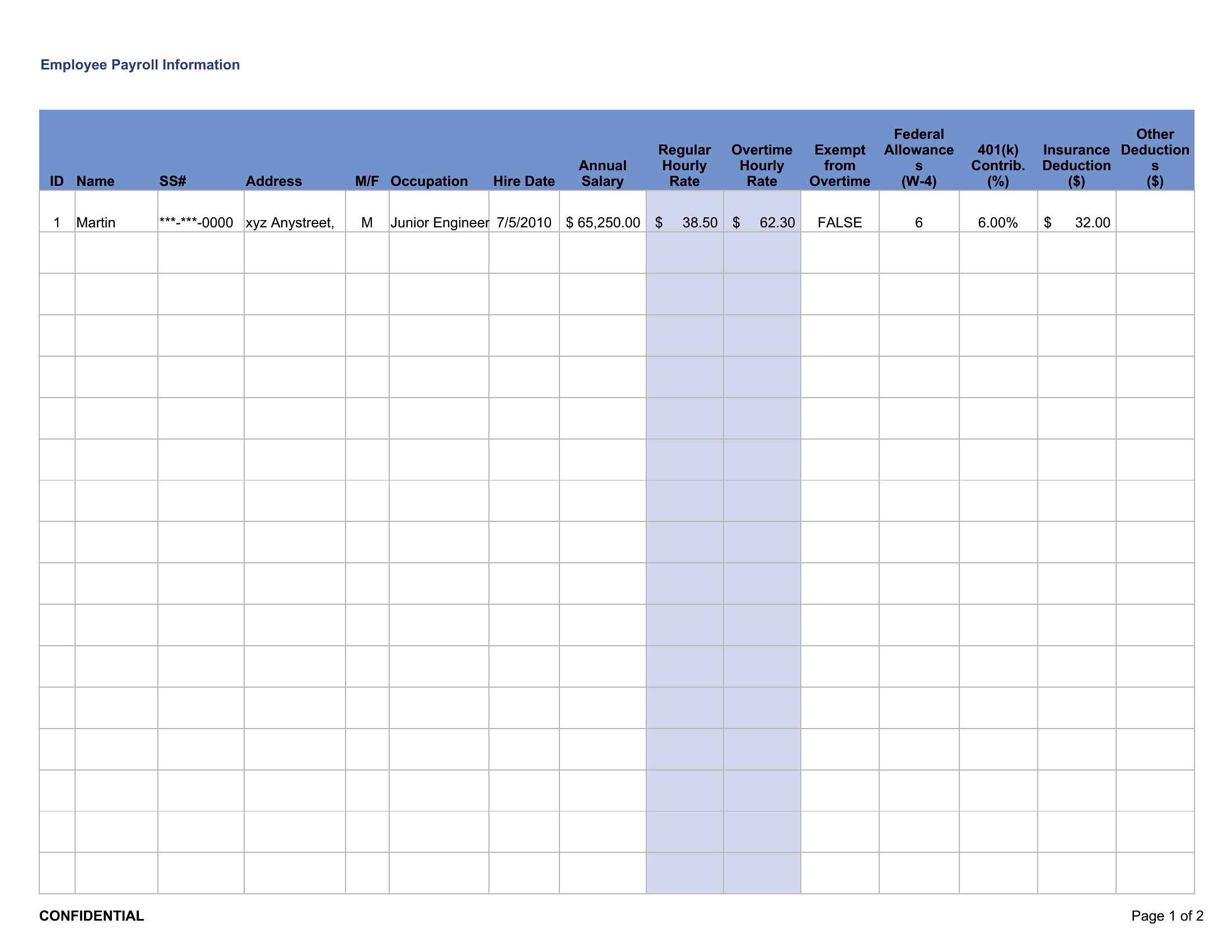
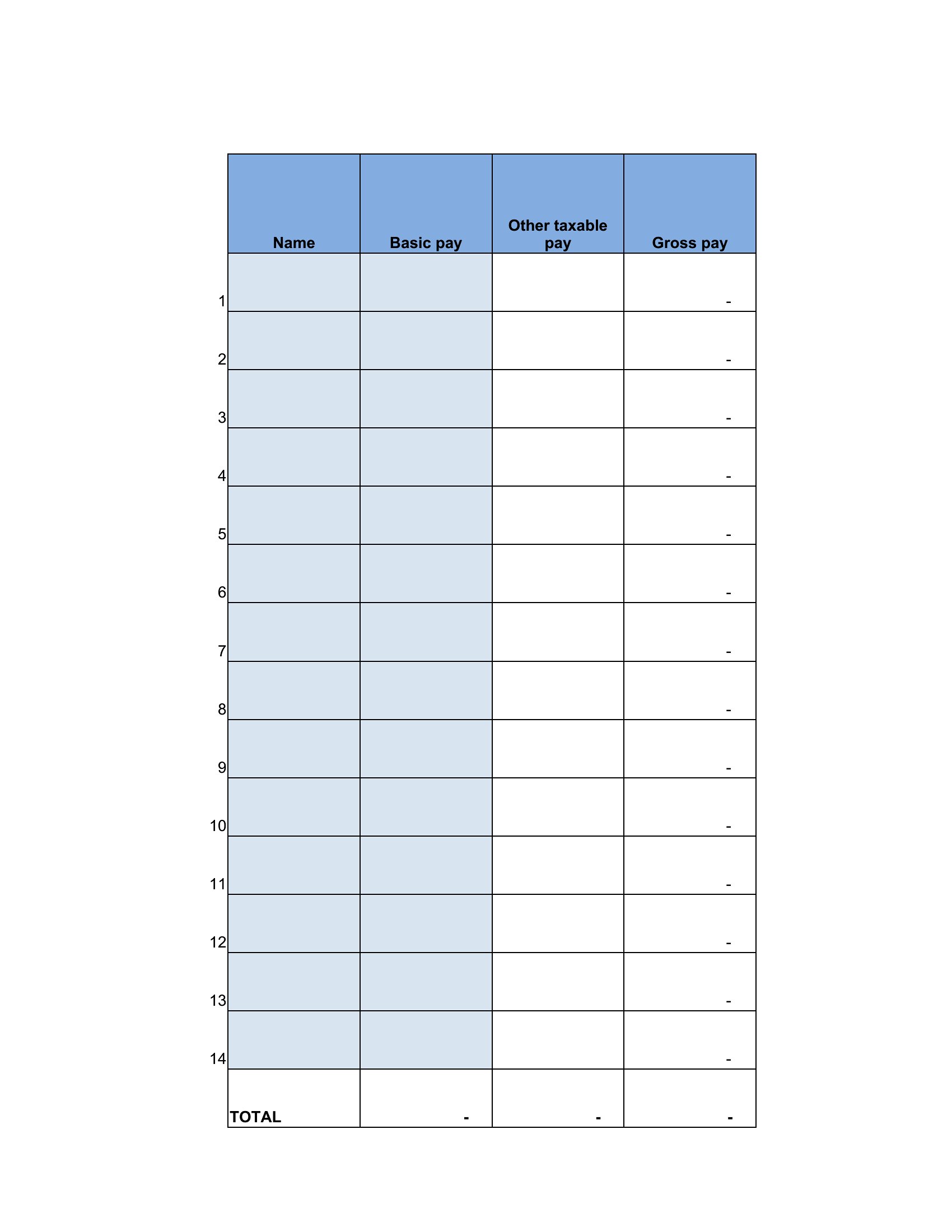
Free Payroll Ledger Templates (Excel)
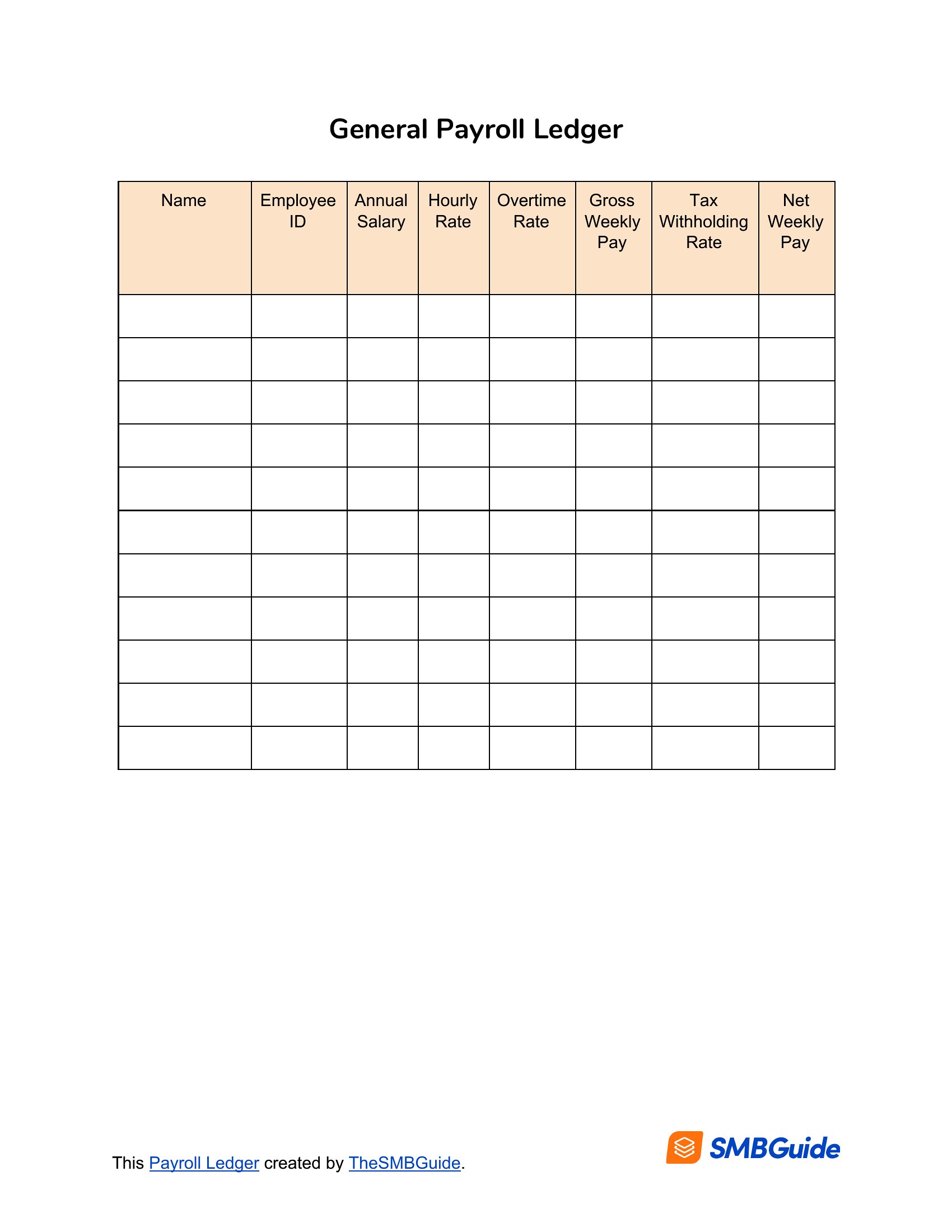
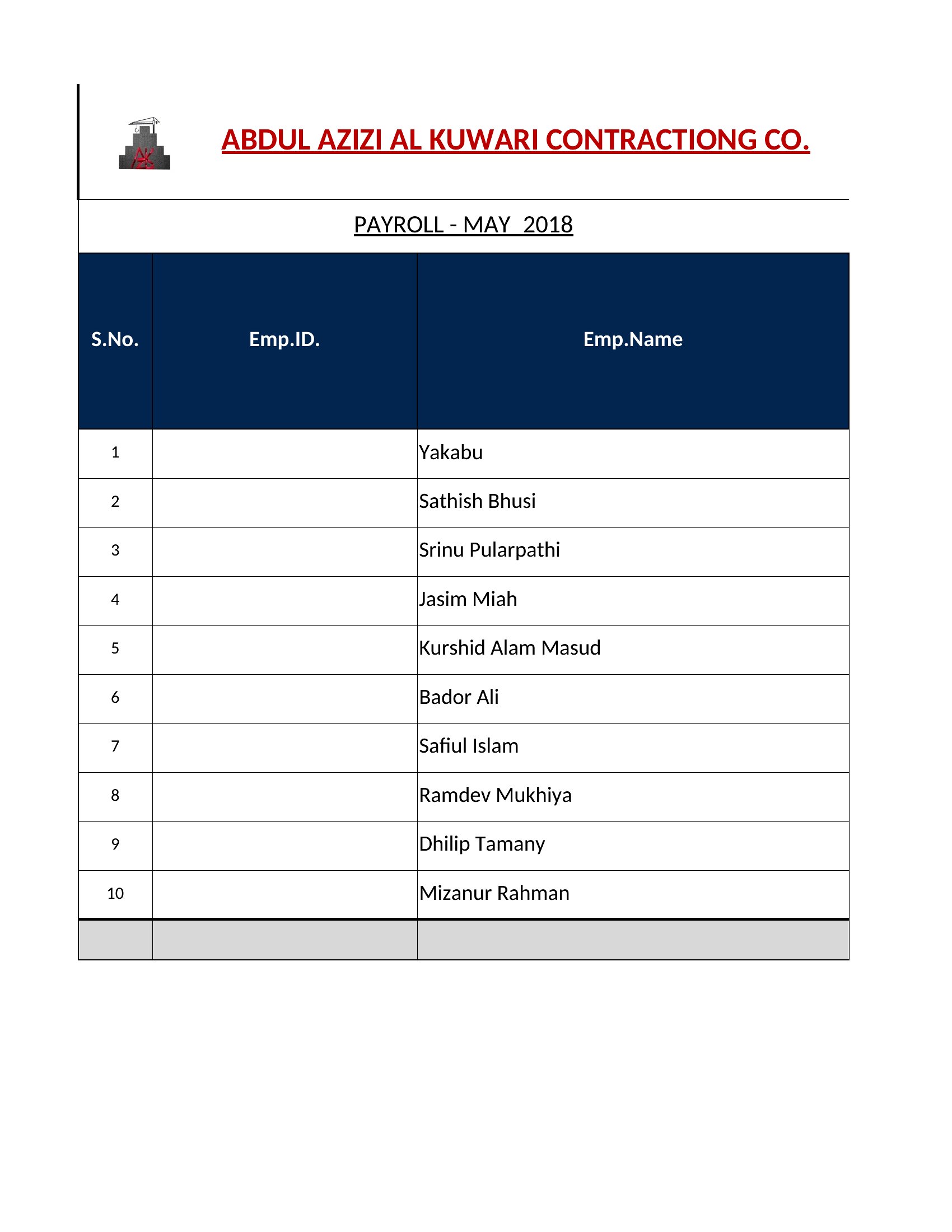
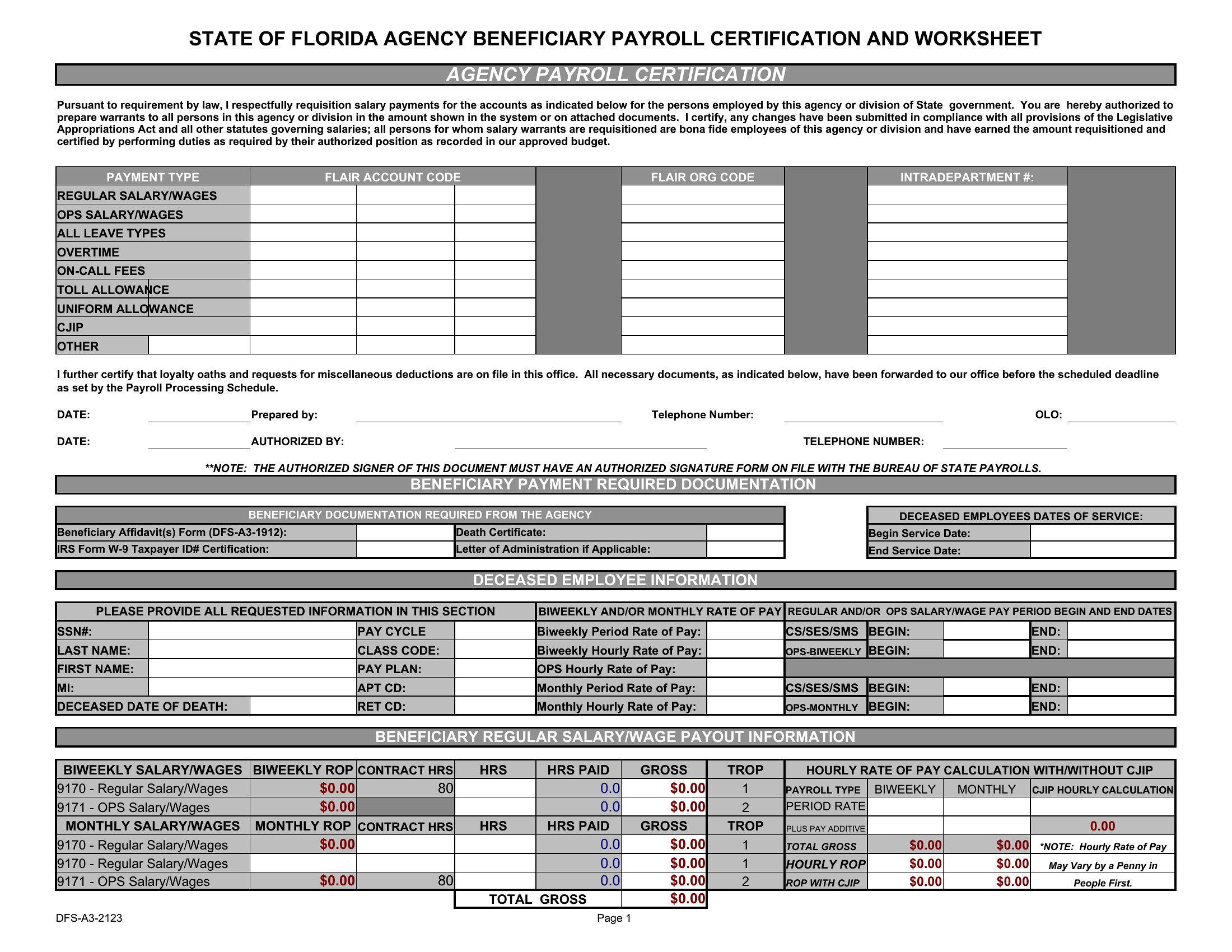
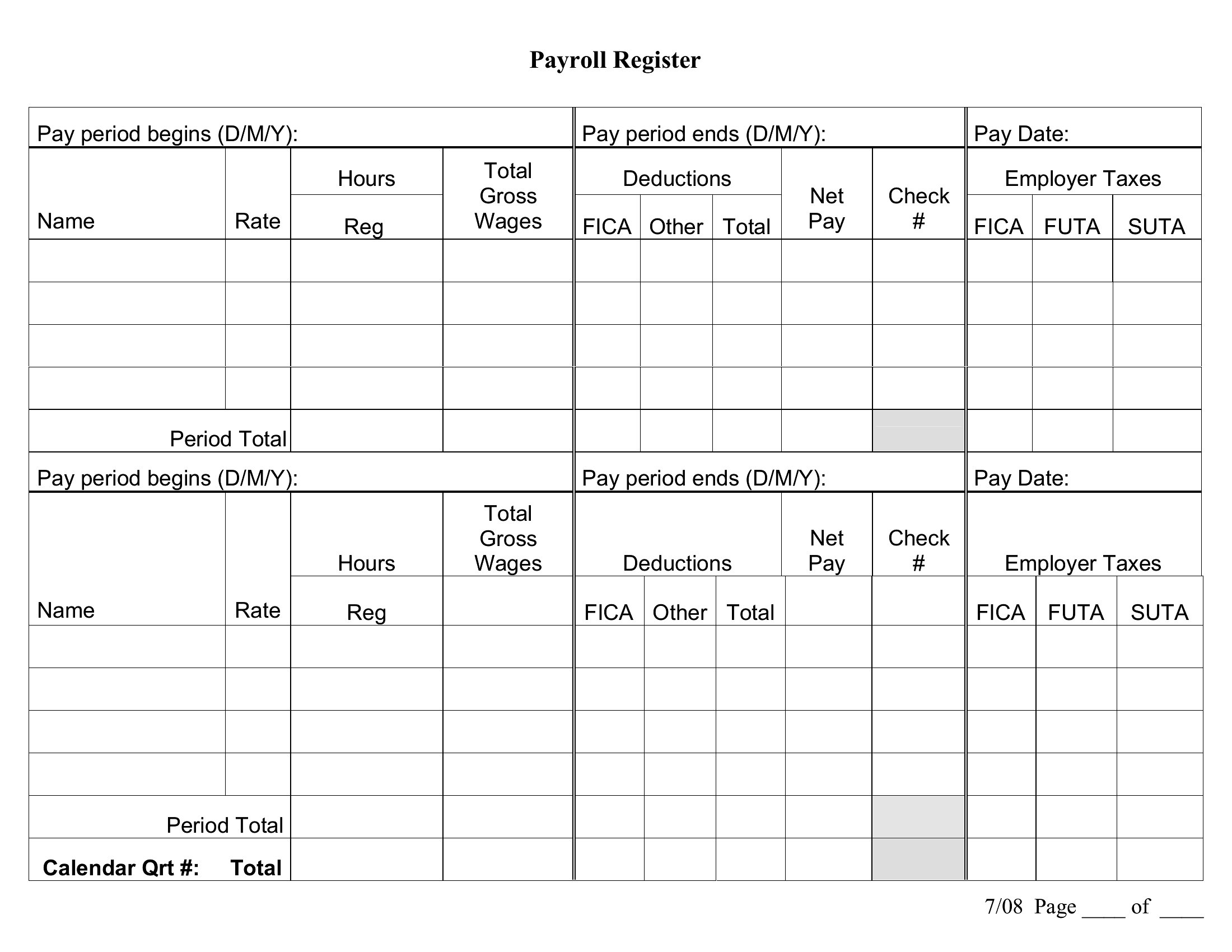
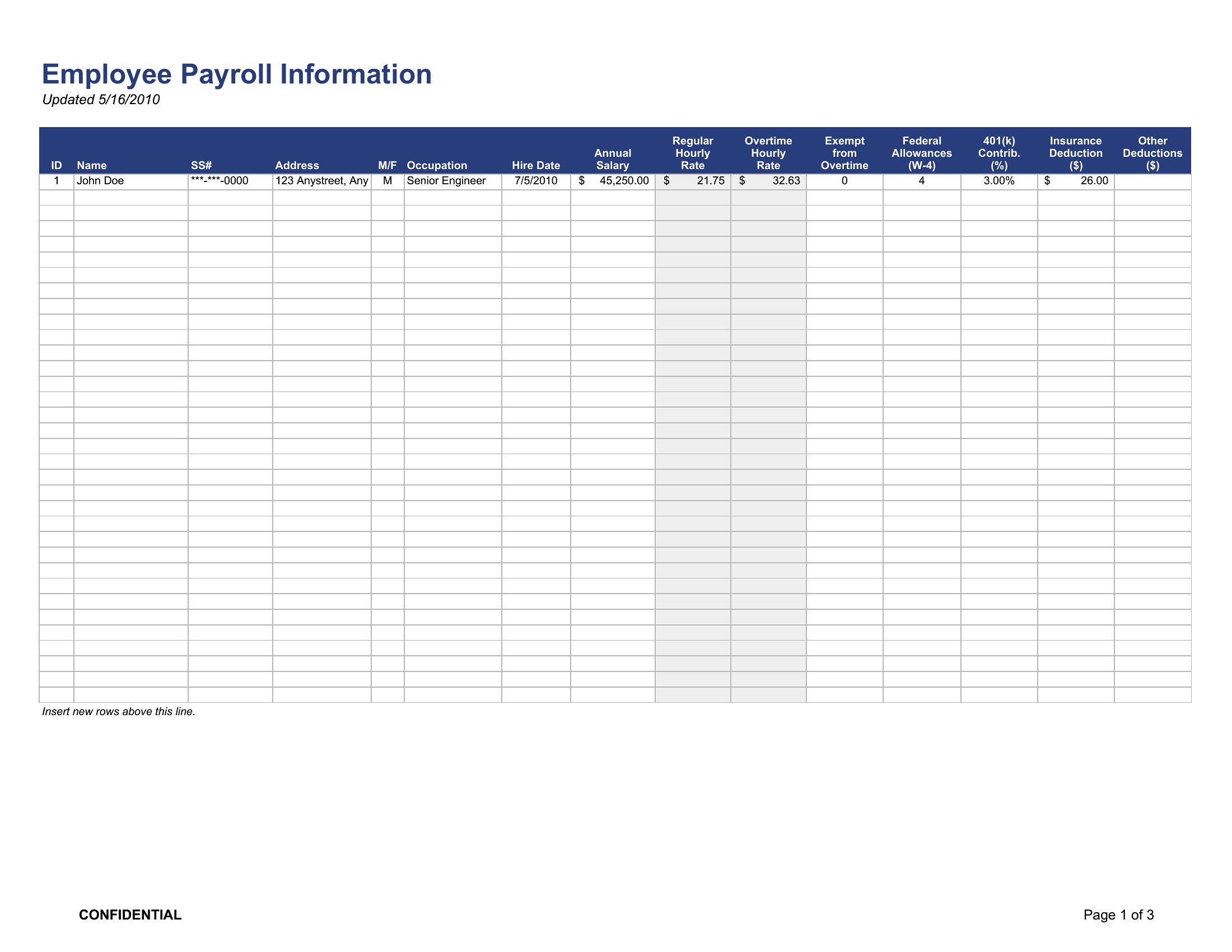
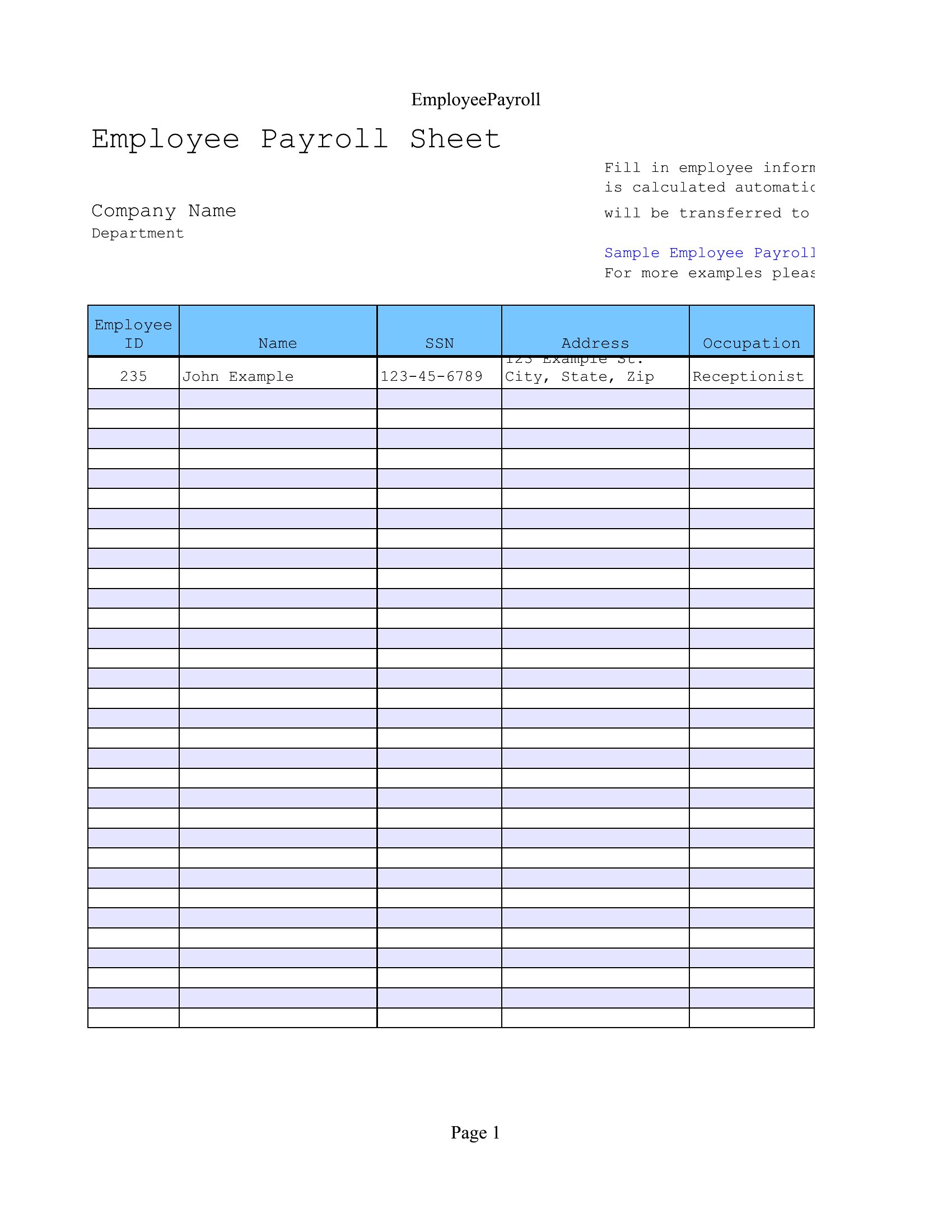
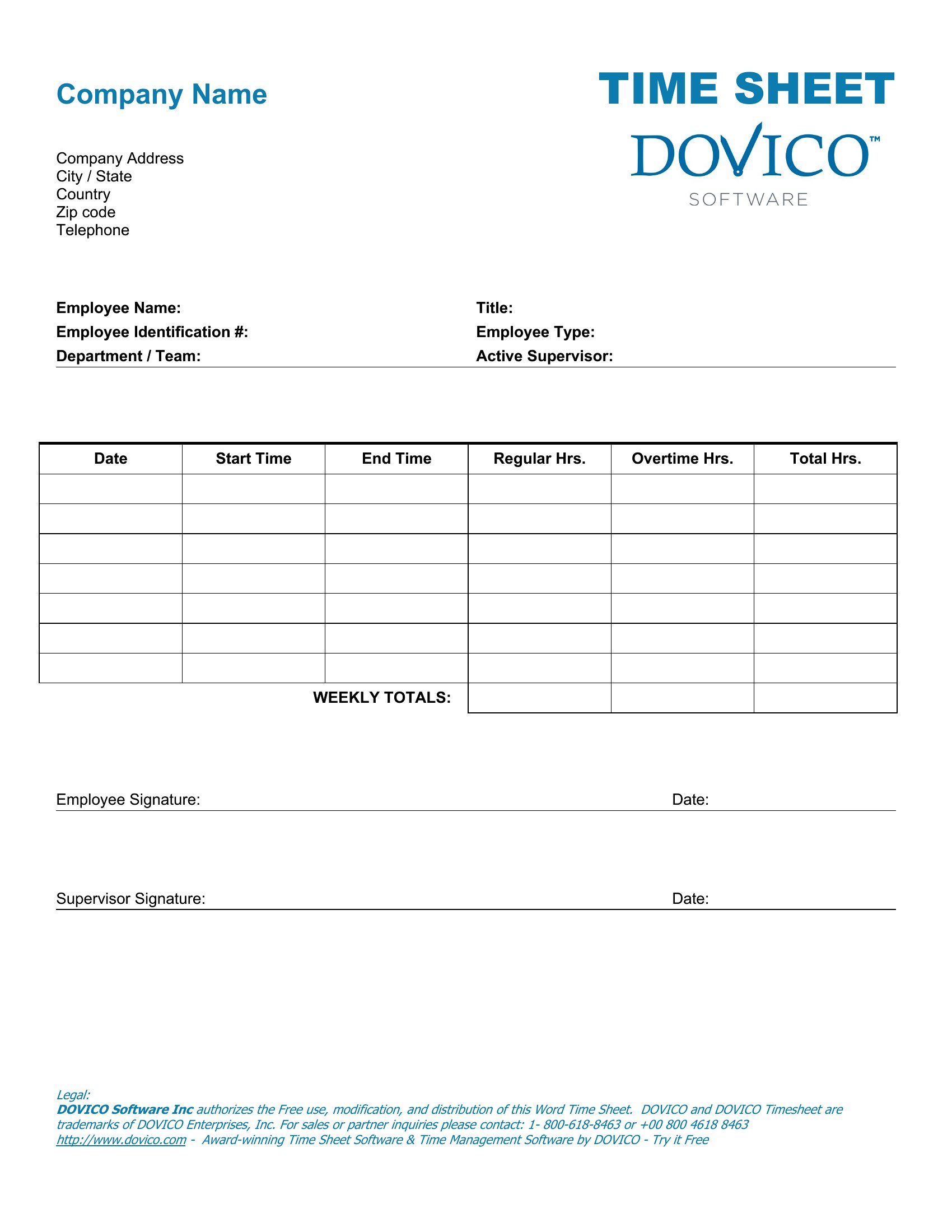
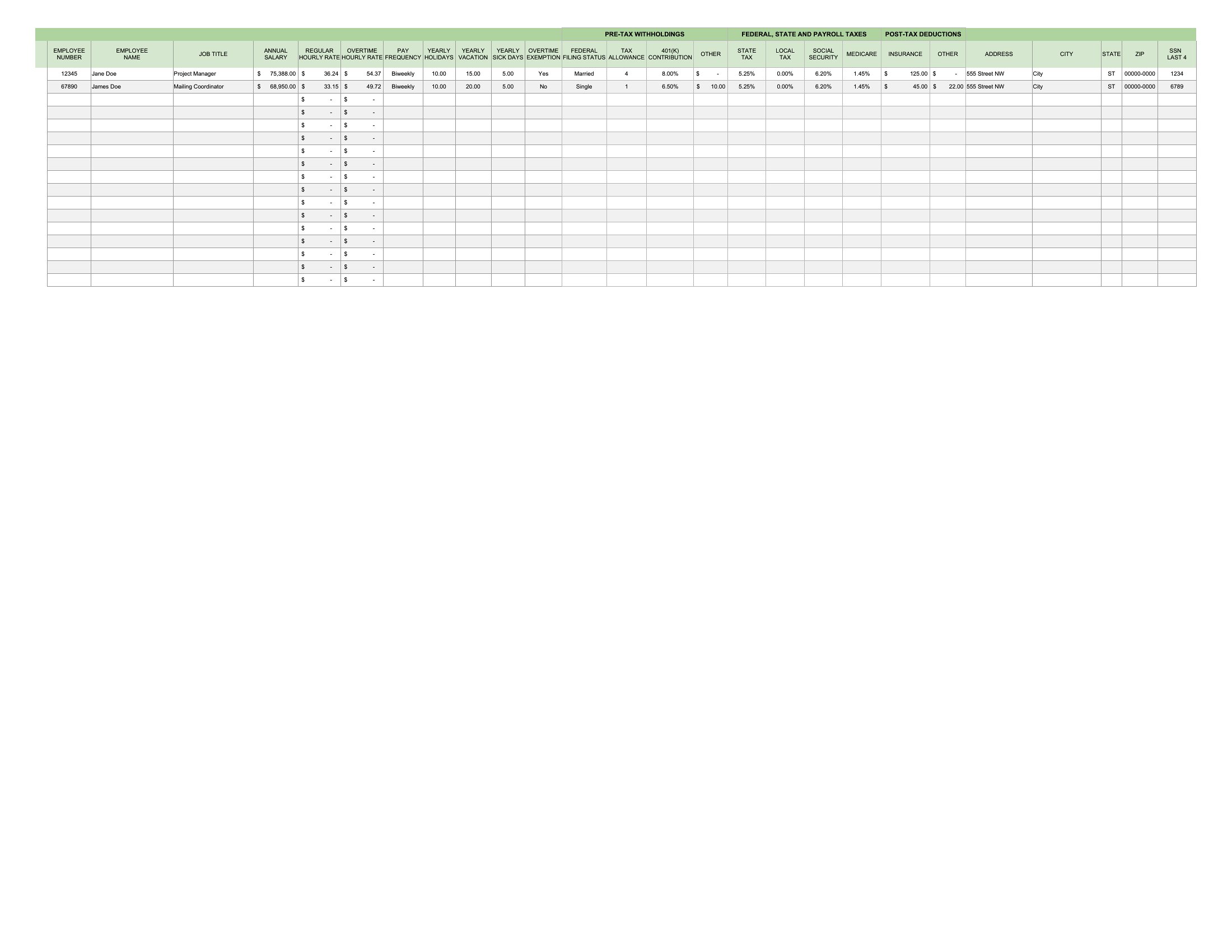
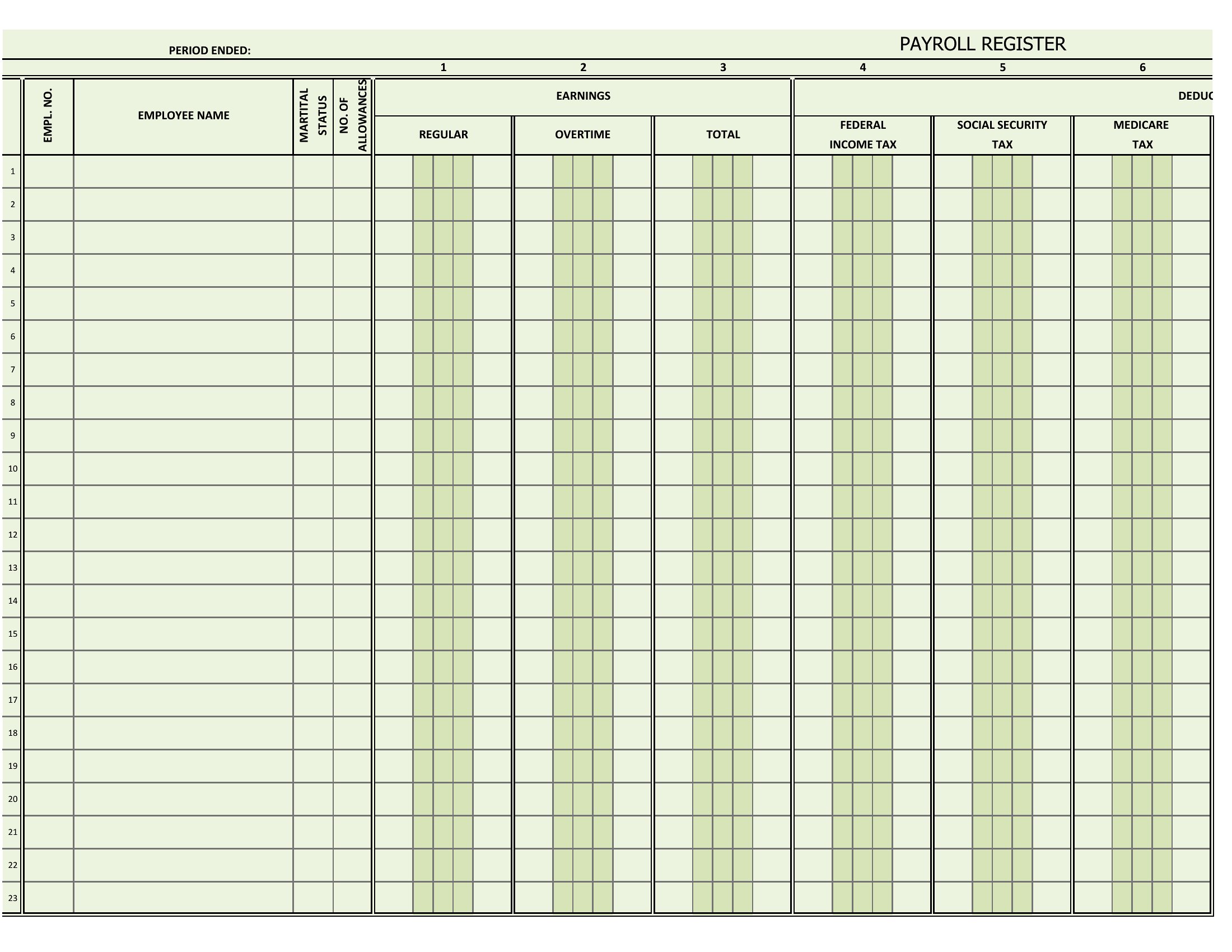
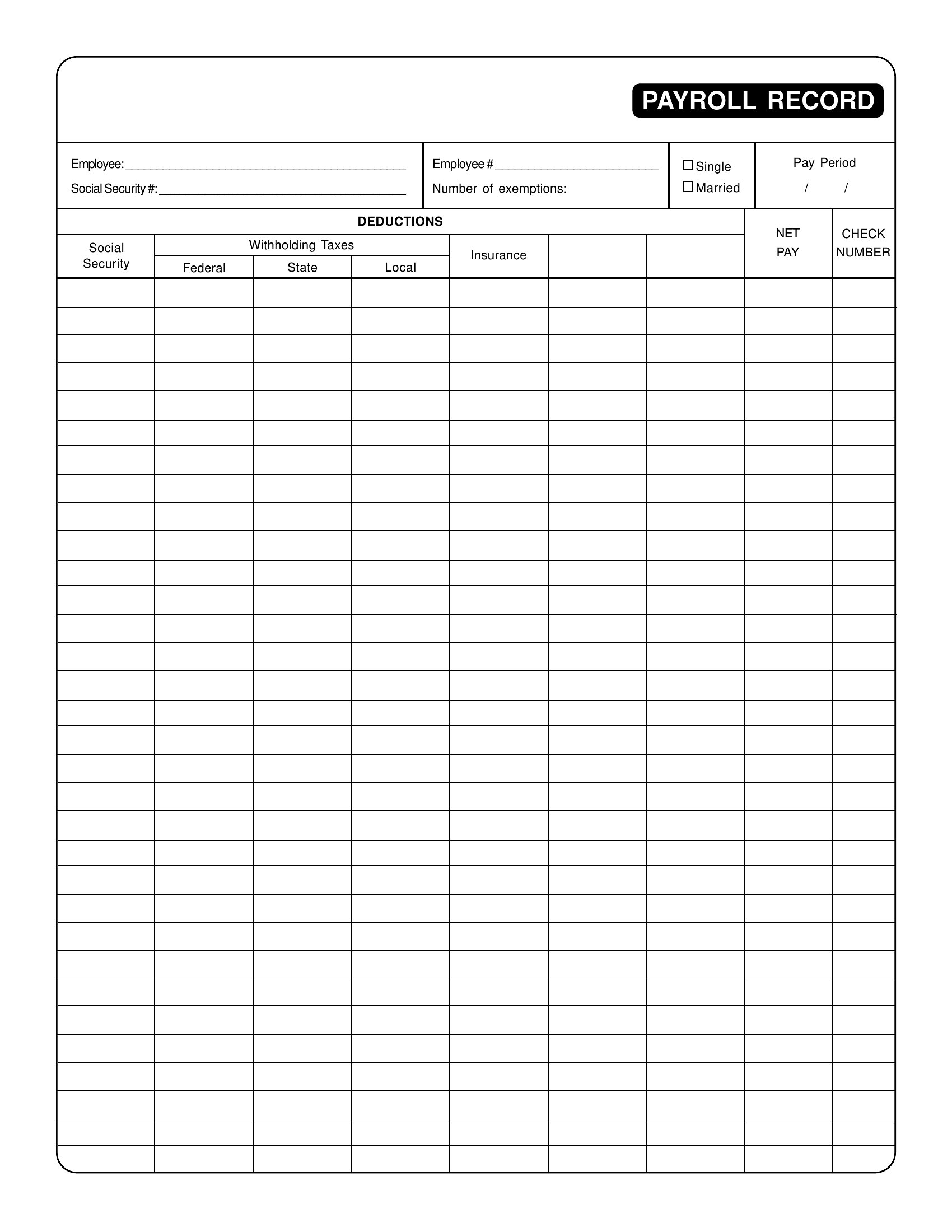
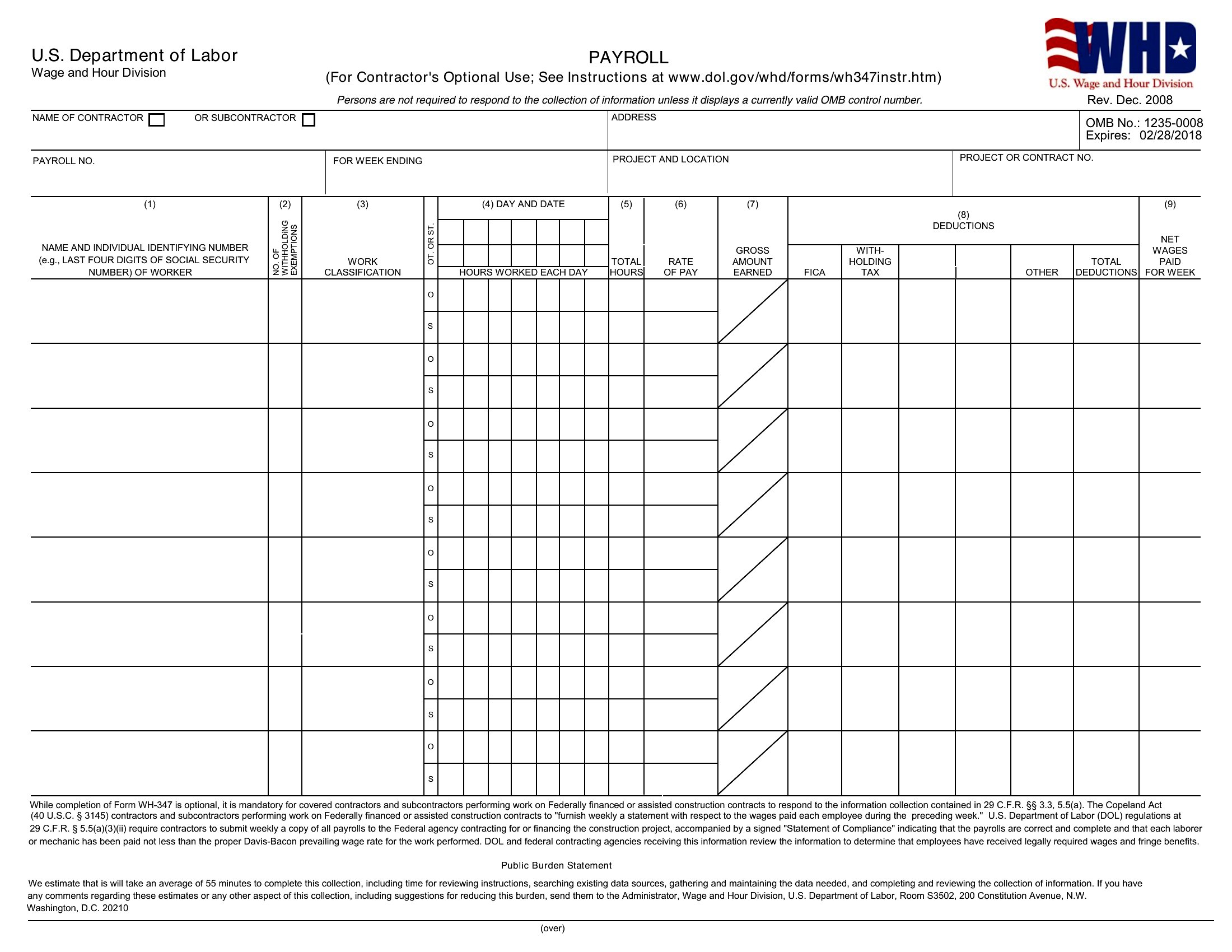
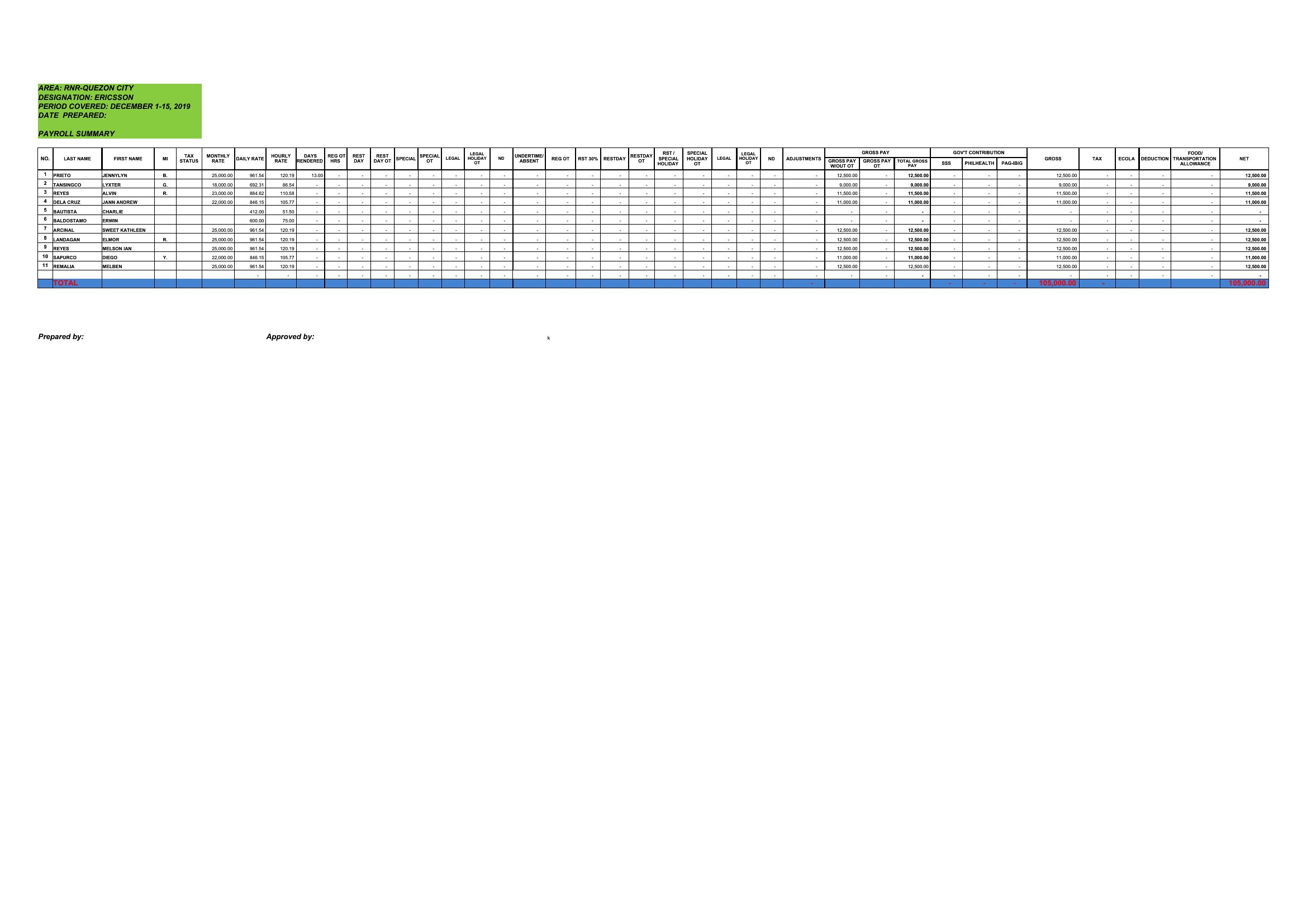
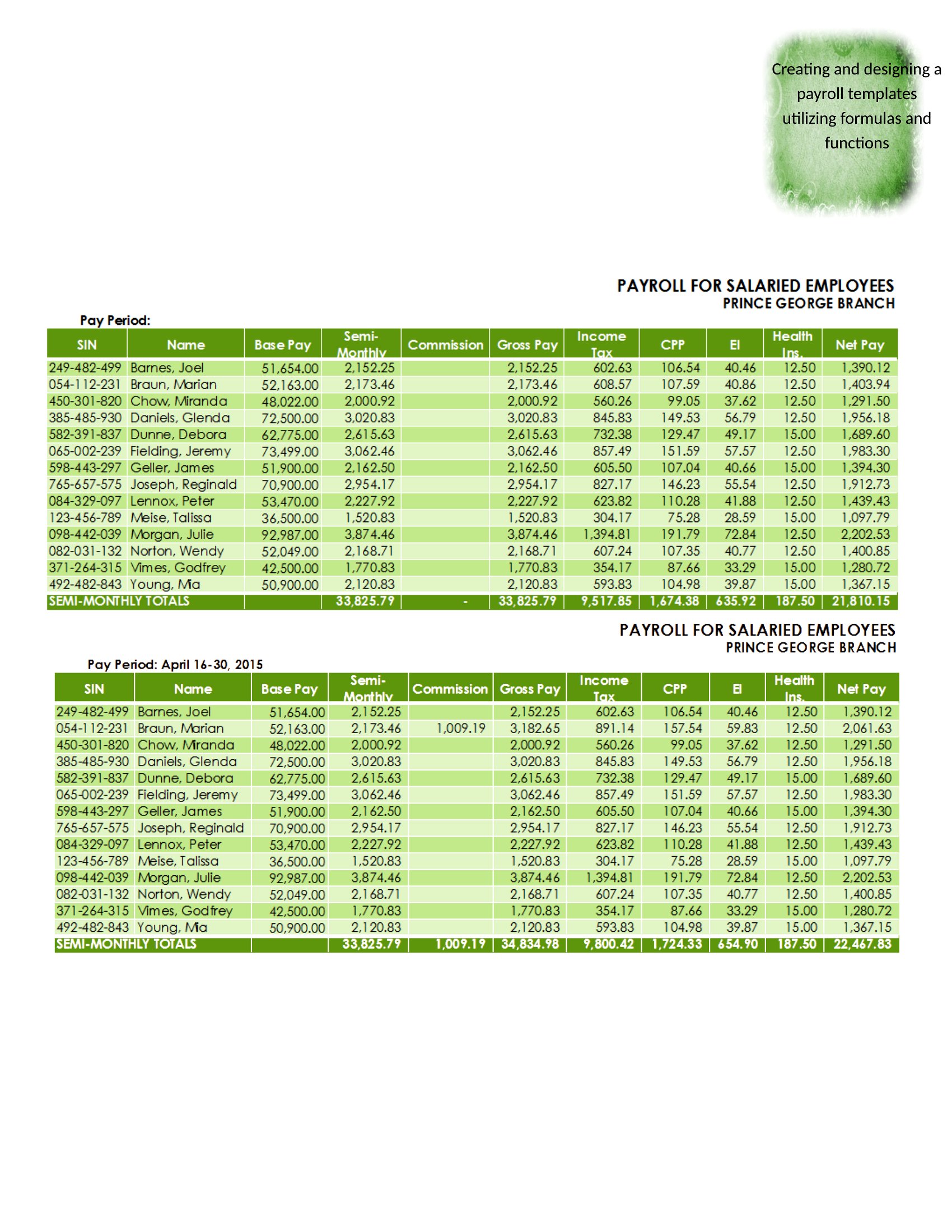
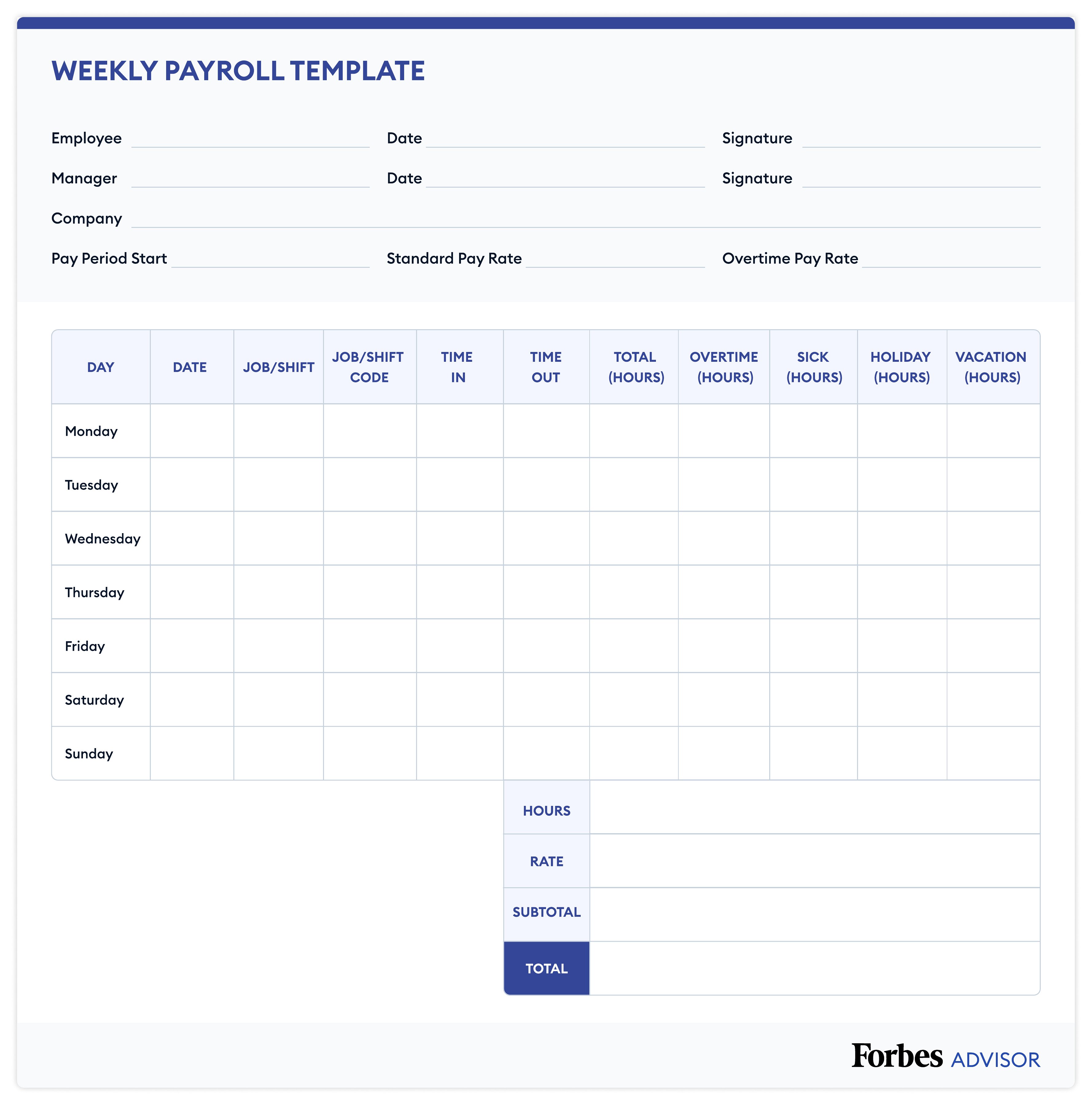
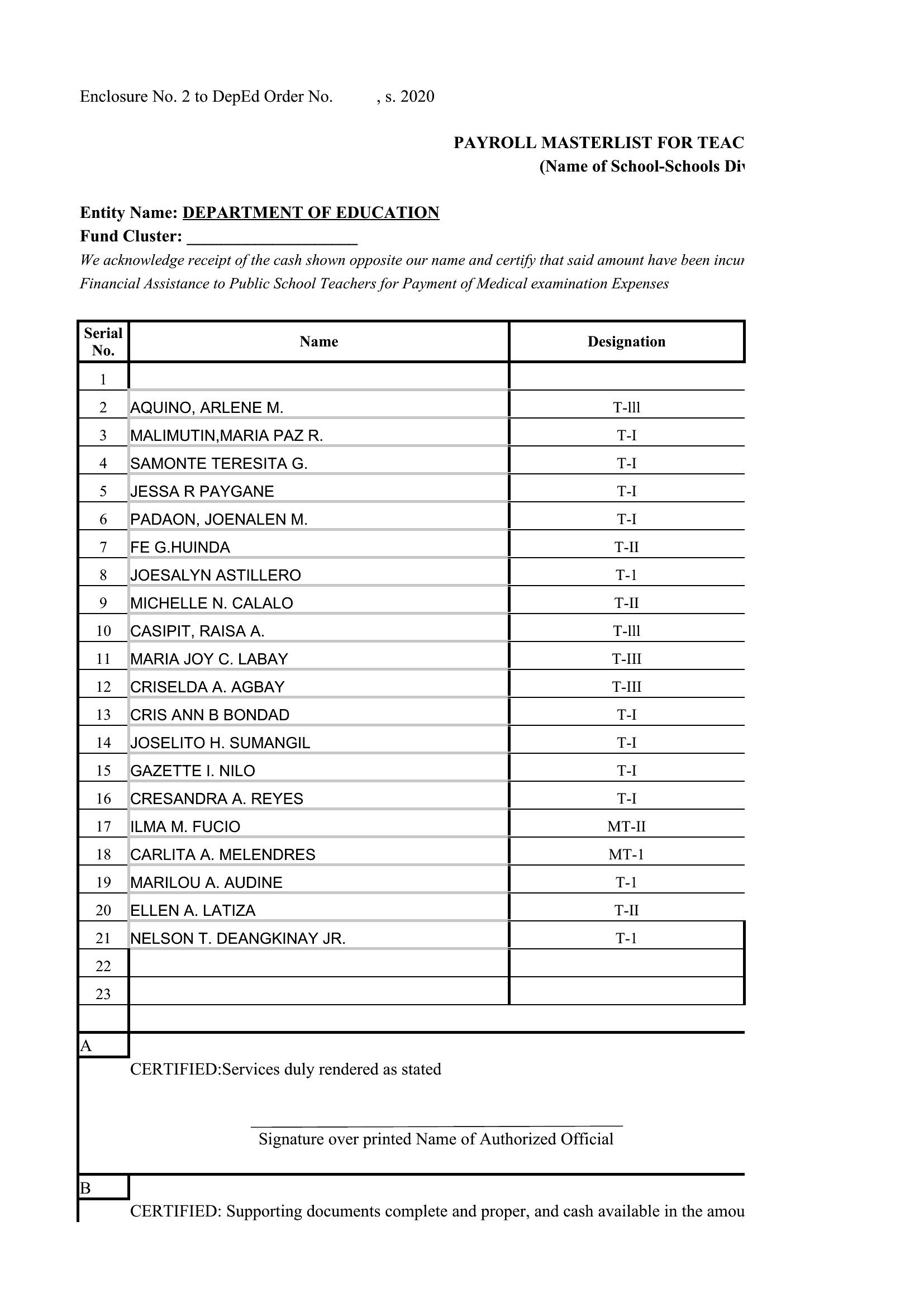
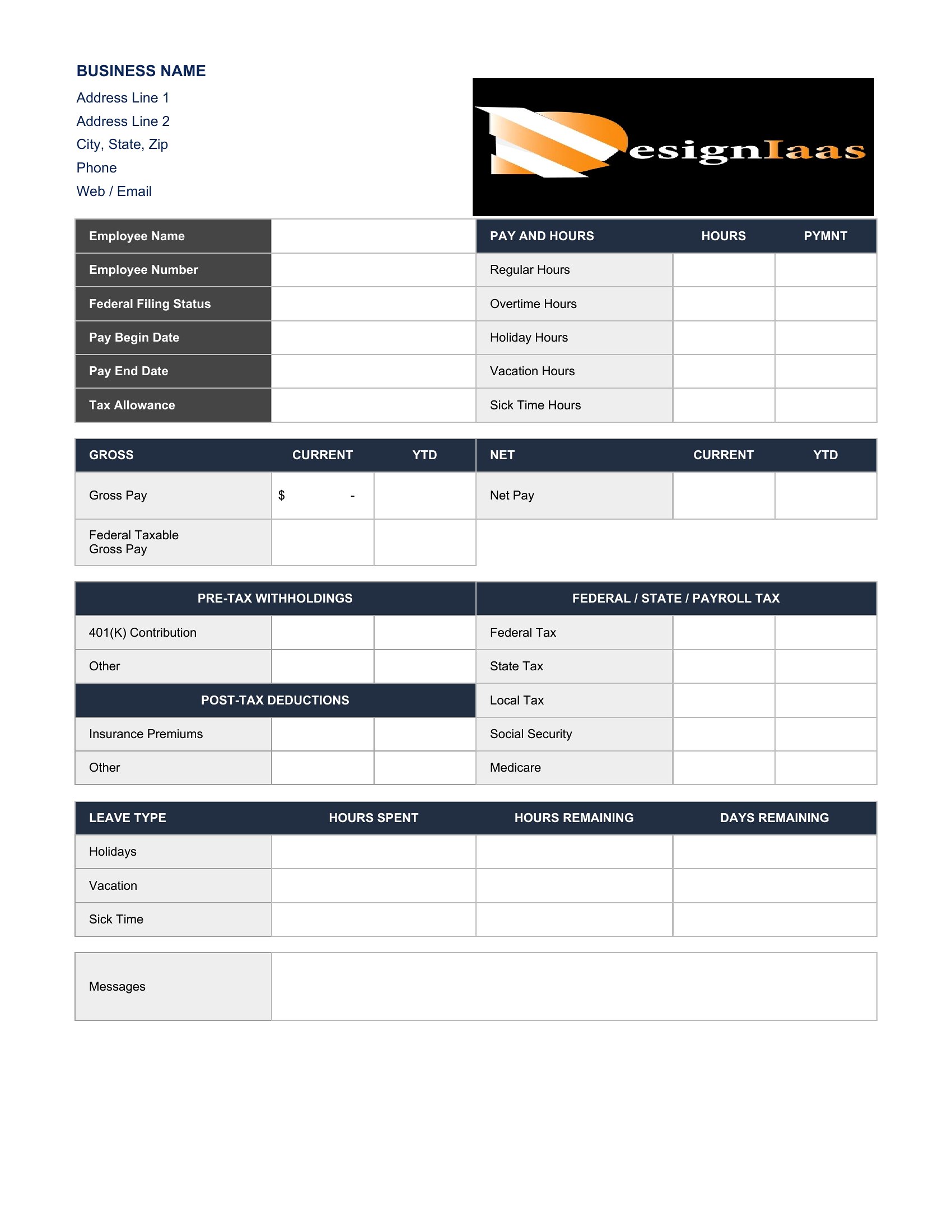
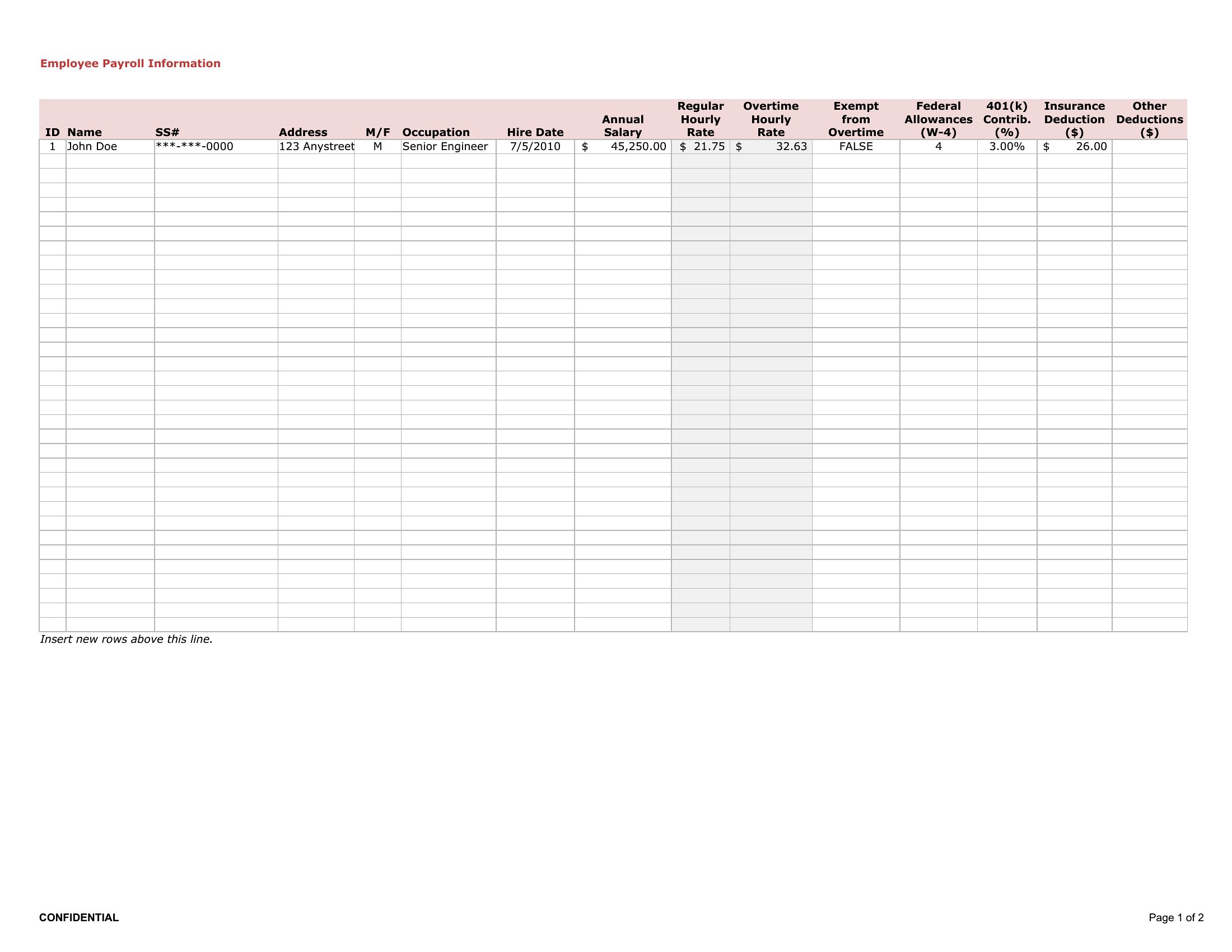
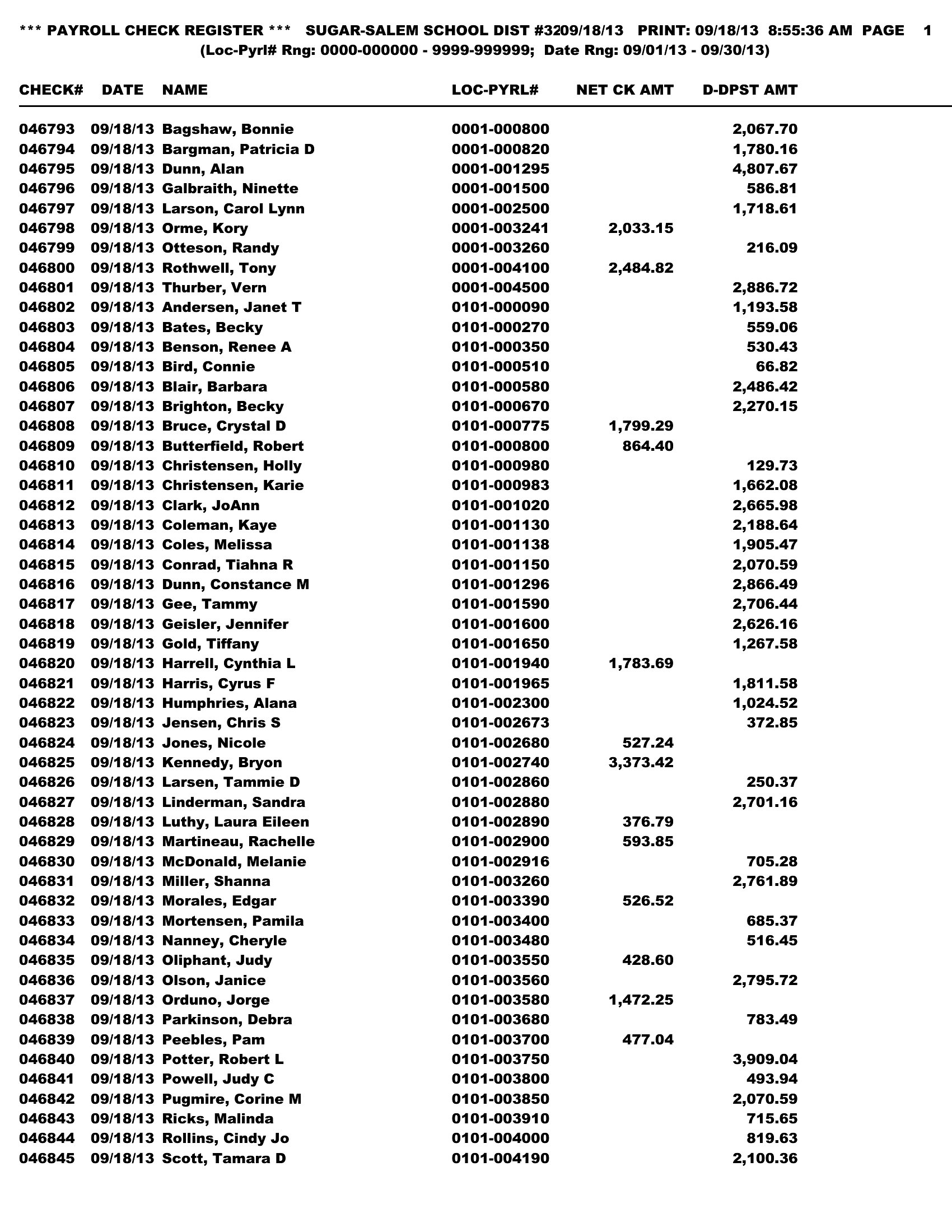
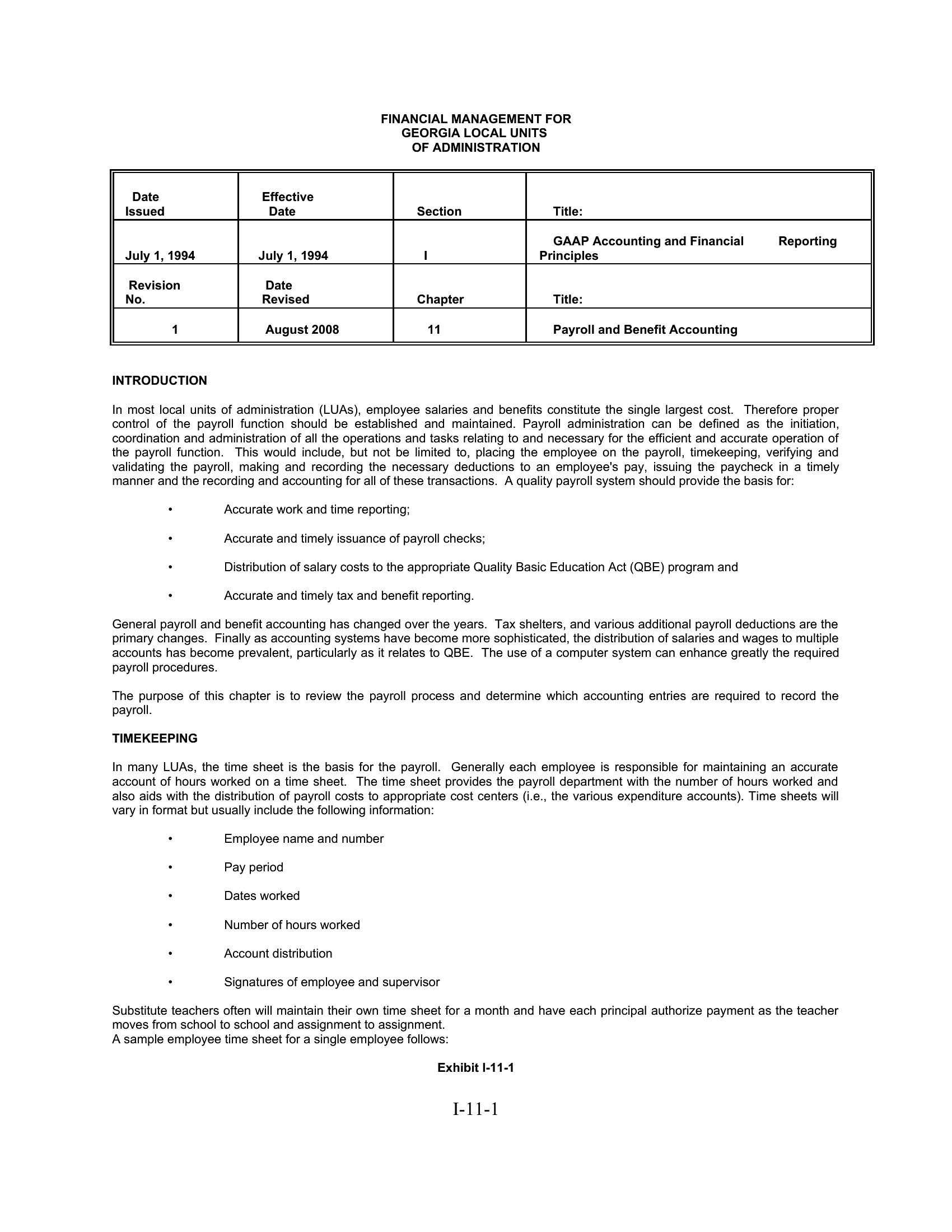
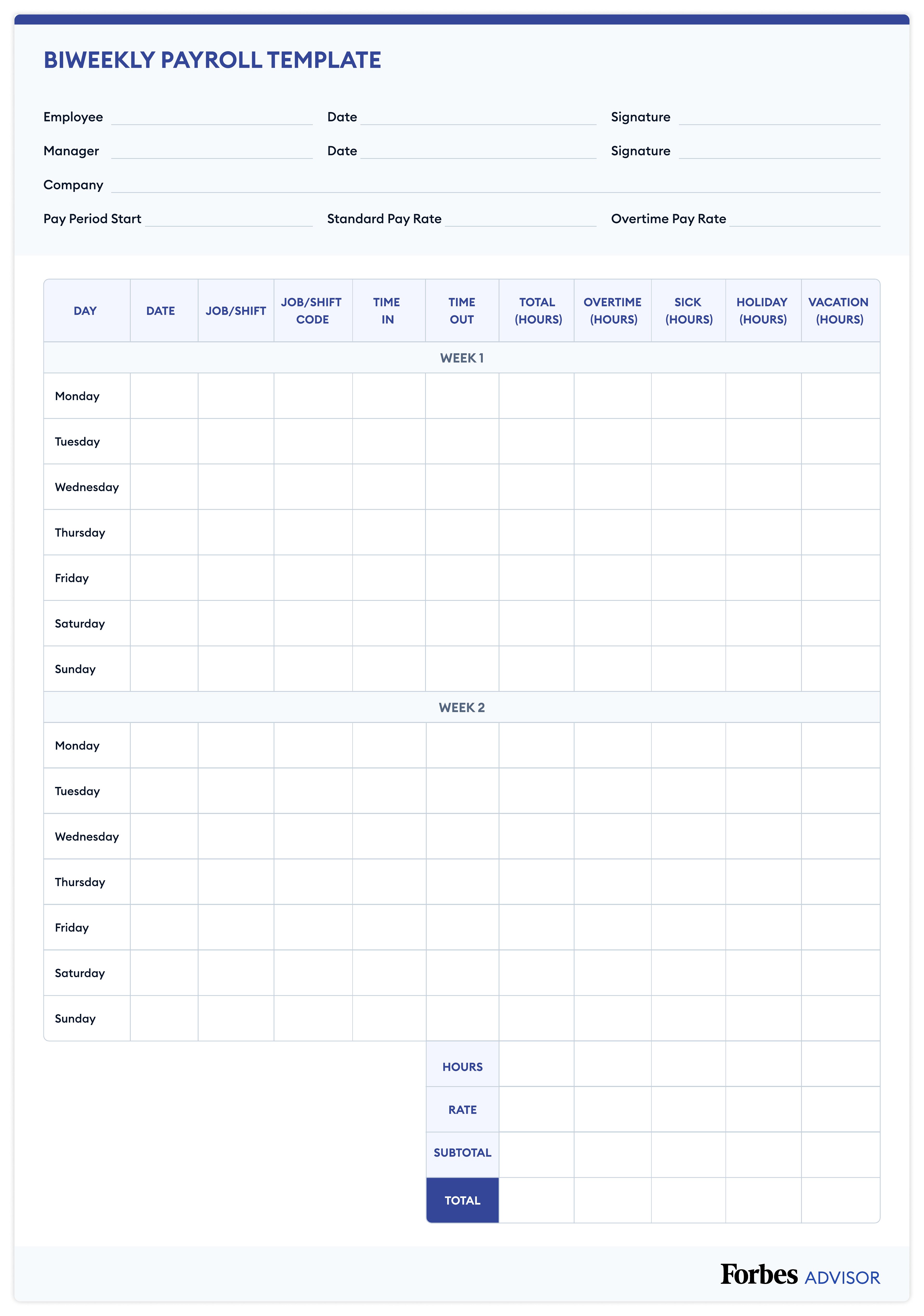
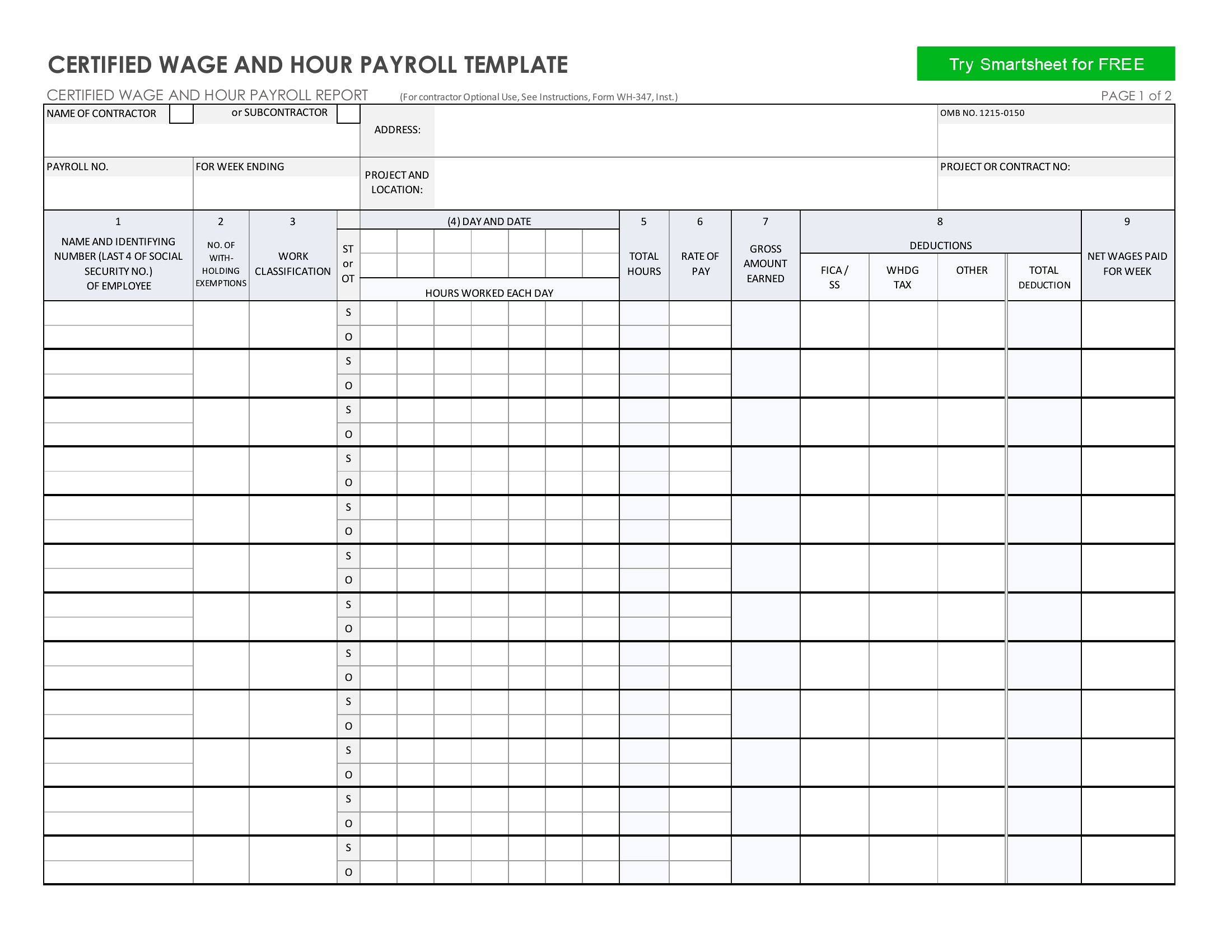
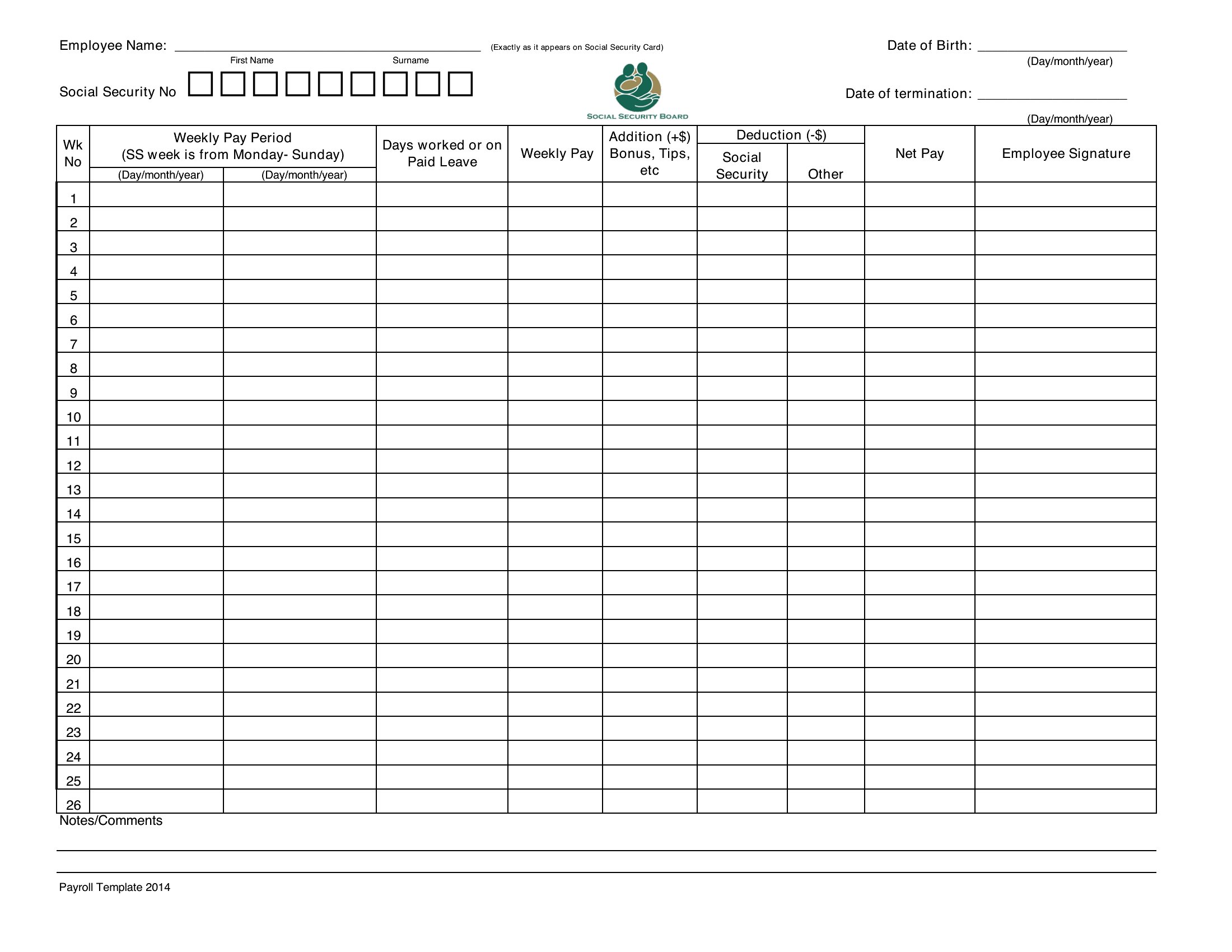
StatementsKeeping payroll straight means tracking gross pay, deductions, taxes, and net totals for every employee, and a payroll ledger puts all of it in one place. This set of 33 templates suits small-business owners, bookkeepers, and office managers who want a clear running record without buying dedicated software.
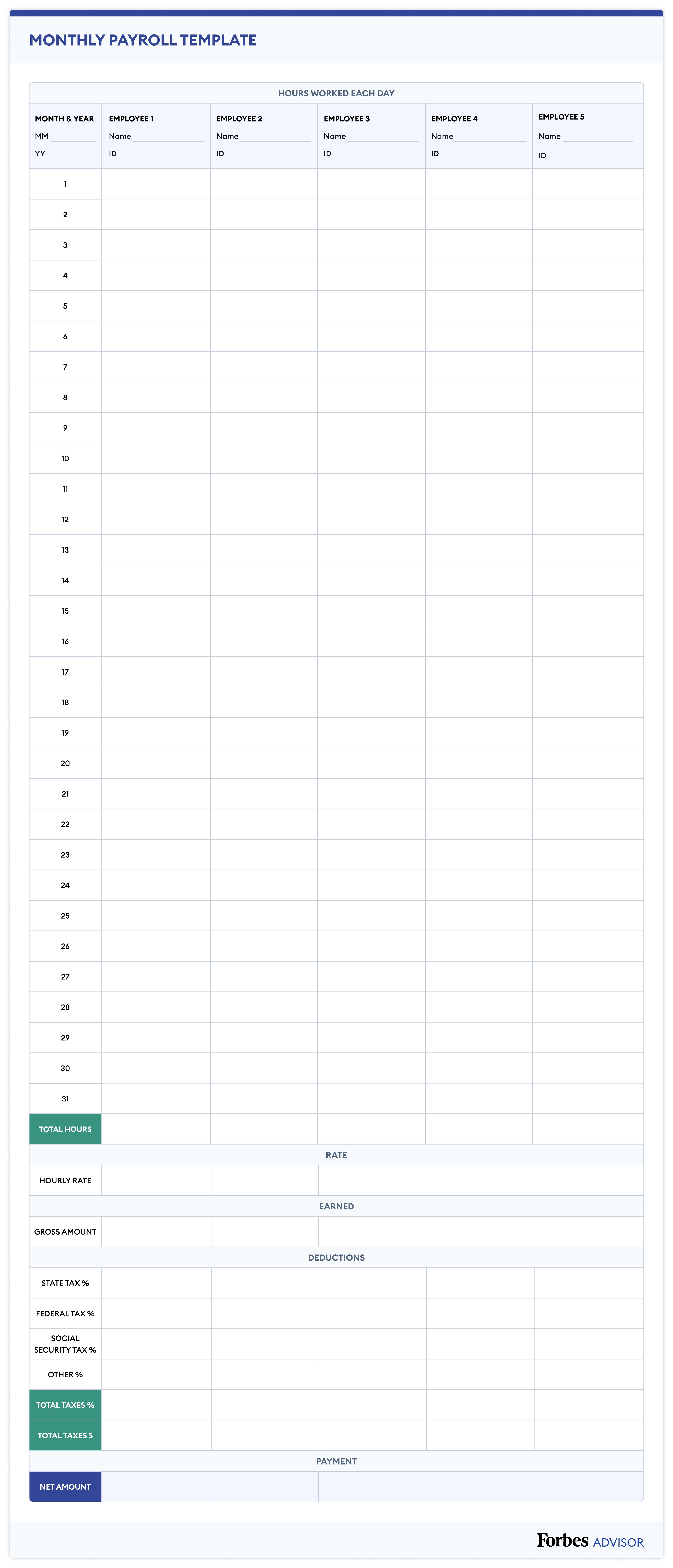
Choose editable Word forms for simple layouts, Excel sheets that total wages and withholdings as you type, or print-ready PDFs for your files. Payroll tax rules change yearly and vary by state, so double-check current rates before you file. Download the format that fits your workflow and start logging pay periods today.
When to use this Printable Payroll Ledger template
- A small business owner handling payroll for 10 employees needs a simple way to log weekly wages, deductions, and tax withholdings for each paycheck before running payroll software.
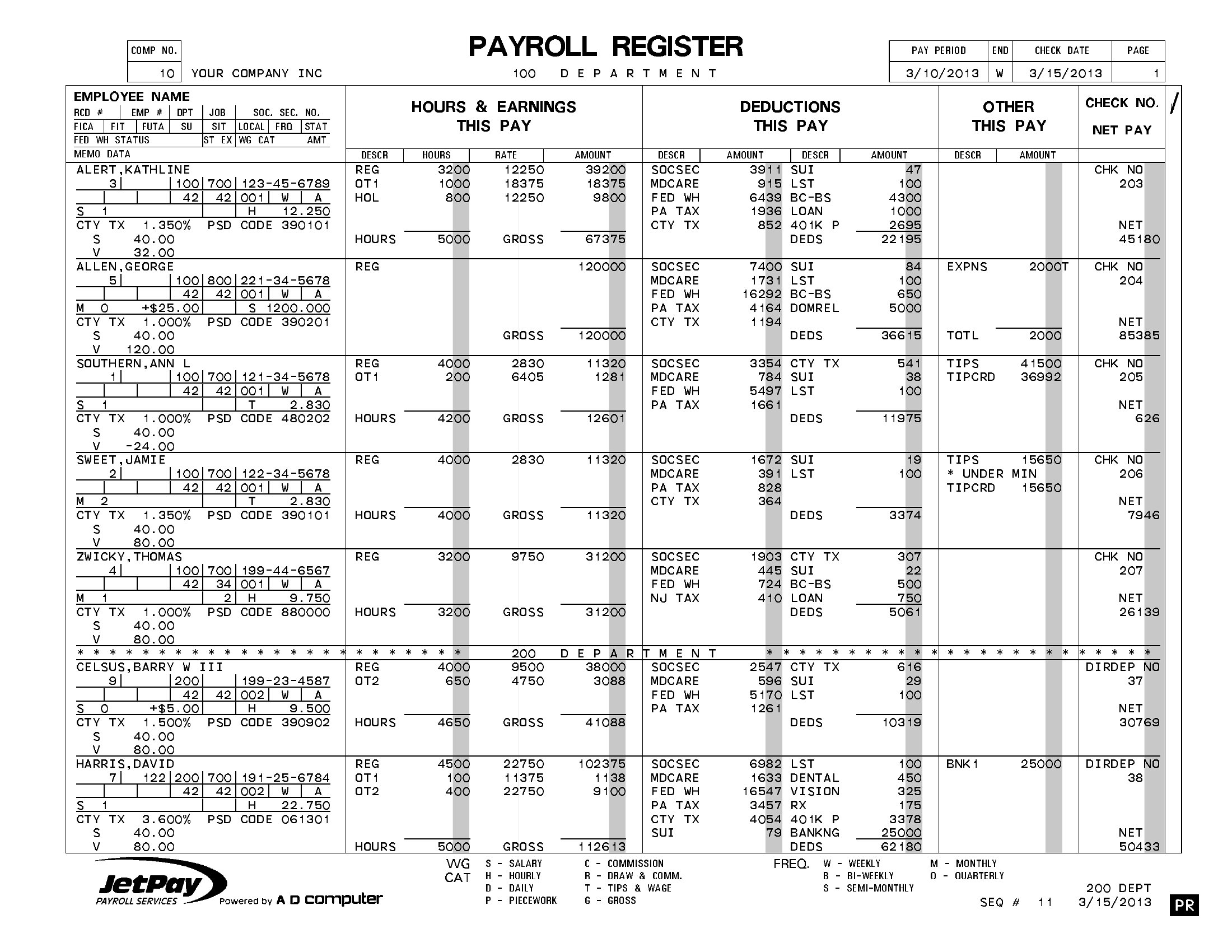
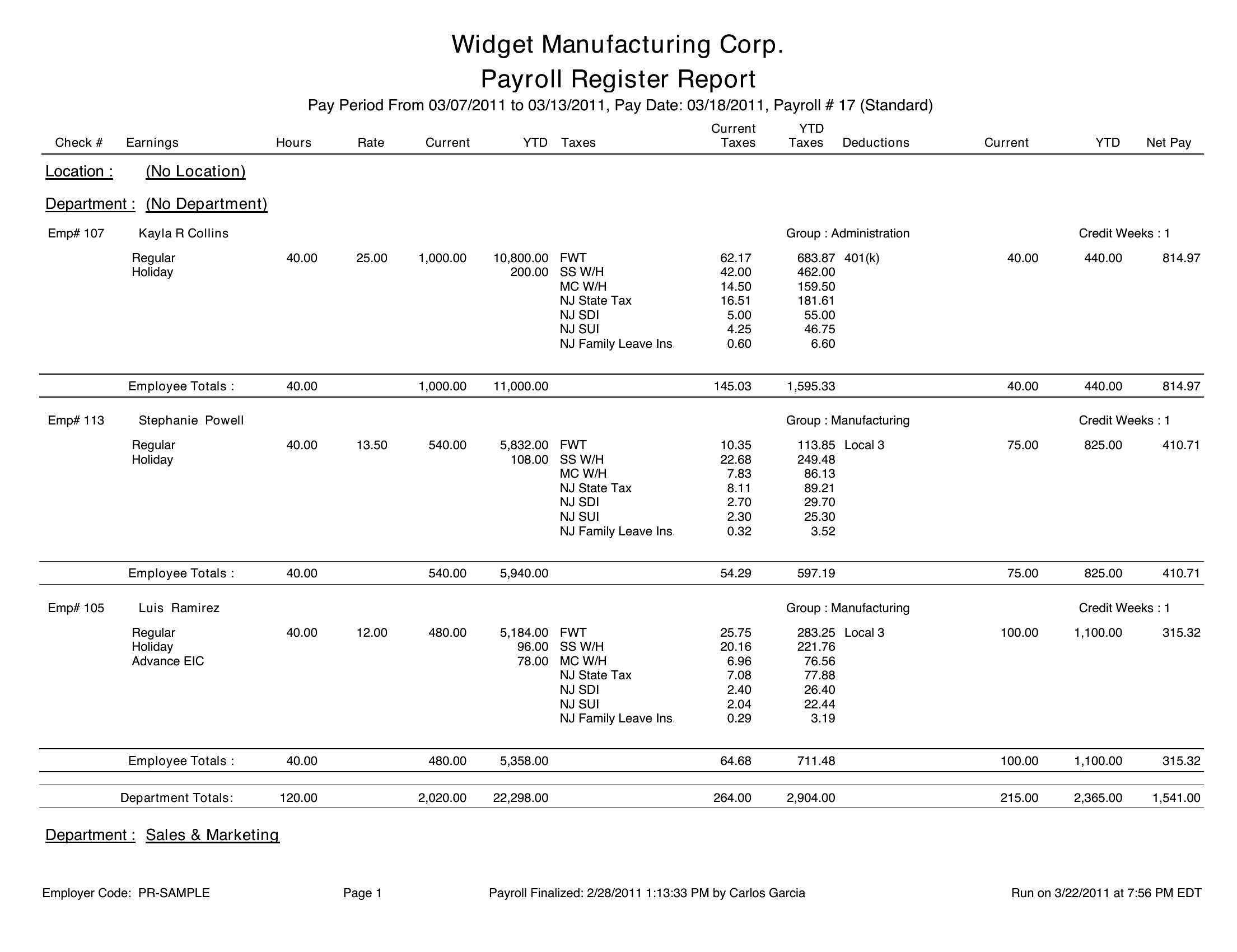
- A bookkeeper managing seasonal payrolls for a retail store requires a printable ledger to cross-check hourly wages, overtime, and year-to-date totals before finalizing client submissions.
- An office manager at a nonprofit tracks stipends for contract workers, using a ledger to document hourly rates, reimbursements, and tax liabilities for annual compliance audits.
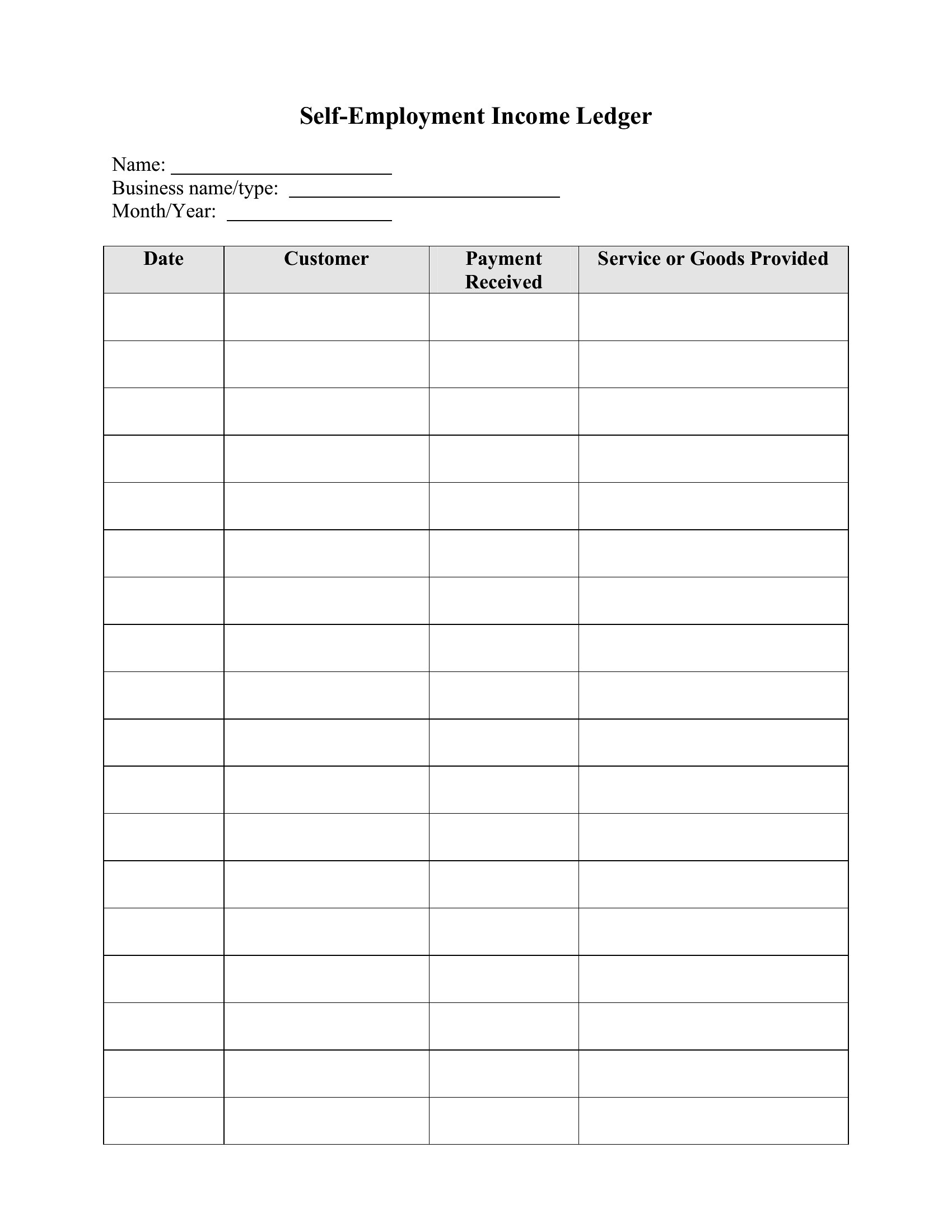
- A freelancer with multiple clients wants to organize irregular payments, client-specific deductions, and quarterly estimated tax calculations in one easy-to-scan printable format.
Which format should I download?
Pick Word if you need editable fields for payroll details that may change often—like adding new deductions or adjusting tax rates—before printing. Use Excel when you prefer automated calculations for gross pay, net totals, or tax withholdings across multiple employees. Download PDF if you only need a finalized, printable record of payroll history for filing or audits, without further edits. Word fits flexible tracking; Excel suits number-heavy crunching; PDF locks in finalized data.
Choose from 33 Printable Payroll Ledger Templates
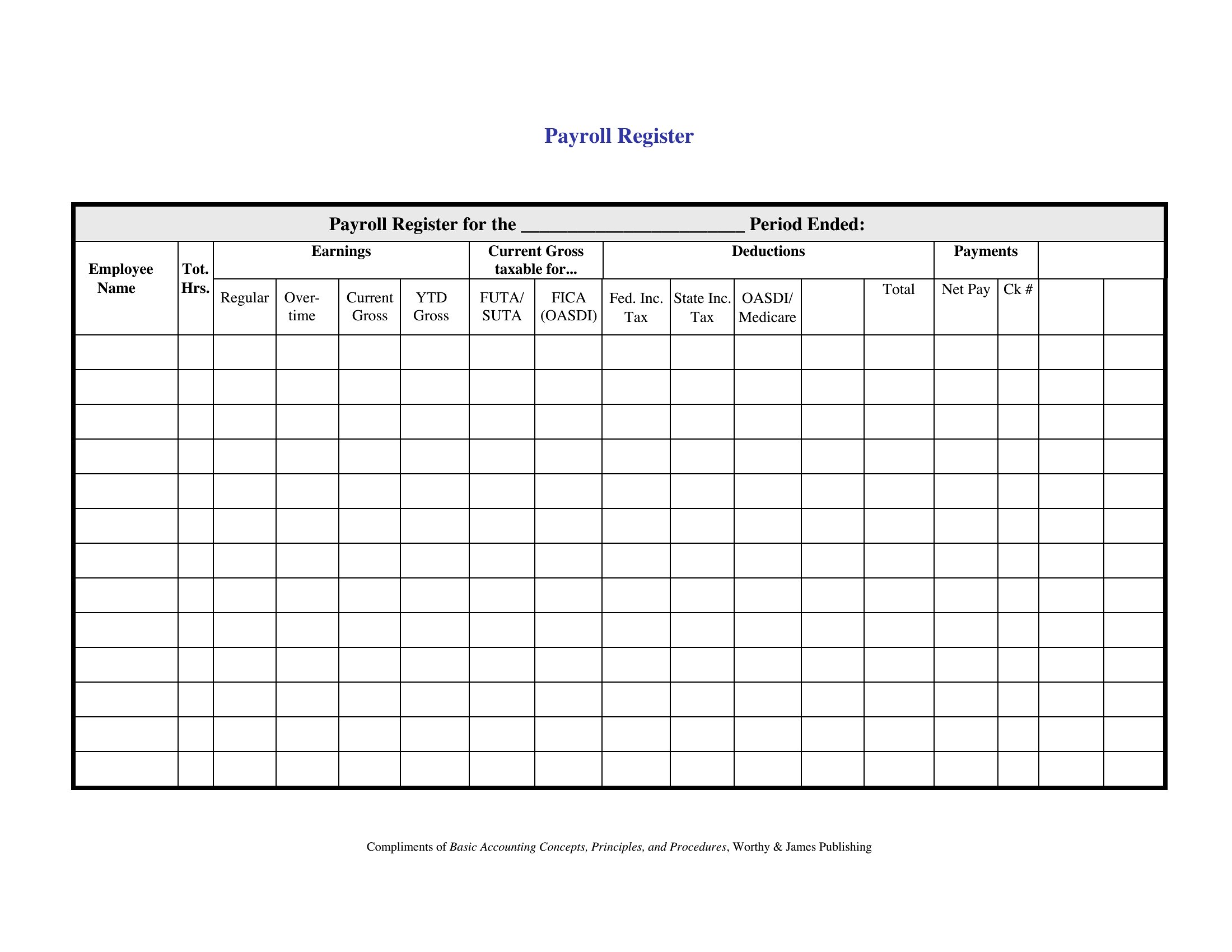
How to use this Printable Payroll Ledger template
Can these ledgers help me reconcile discrepancies between payroll software and bank deposits?
Yes, these payroll ledgers include space to log net pay, deposit dates, and bank transaction numbers. They’re designed to help you manually compare what employees were paid against what the software records, so you can spot errors before they affect paychecks.
Do the Excel templates automatically calculate year-to-date totals for tax reporting?
Most Excel templates in this collection include formulas for cumulative pay, deductions, and tax withholdings, but always double-check the cells for accuracy. If you need audit-ready YTD totals, consider entering raw data and using the formulas as a guide before finalizing official reports.
How detailed should I make notes about payroll adjustments, like back pay or bonuses?
Include the date, employee name, reason for the adjustment (e.g., ‘bonus for Q2 sales’), and the amount in a separate ‘Adjustments’ section or column. This keeps your ledger clear for future reference, especially if adjustments affect tax filings or benefits calculations.
Comments
Join the conversation
Sign in to share your thoughts and leave a comment on this resource.