Skip to content
50% off this one-time $1.99 pack with HALFOFF — or unlimited with Pro.HALFOFF
Premium

Free Classroom Newsletter Templates (Word, PDF)

Applications
jacobmeyer by jacobmeyer
Updated 0 downloads 2 community comments

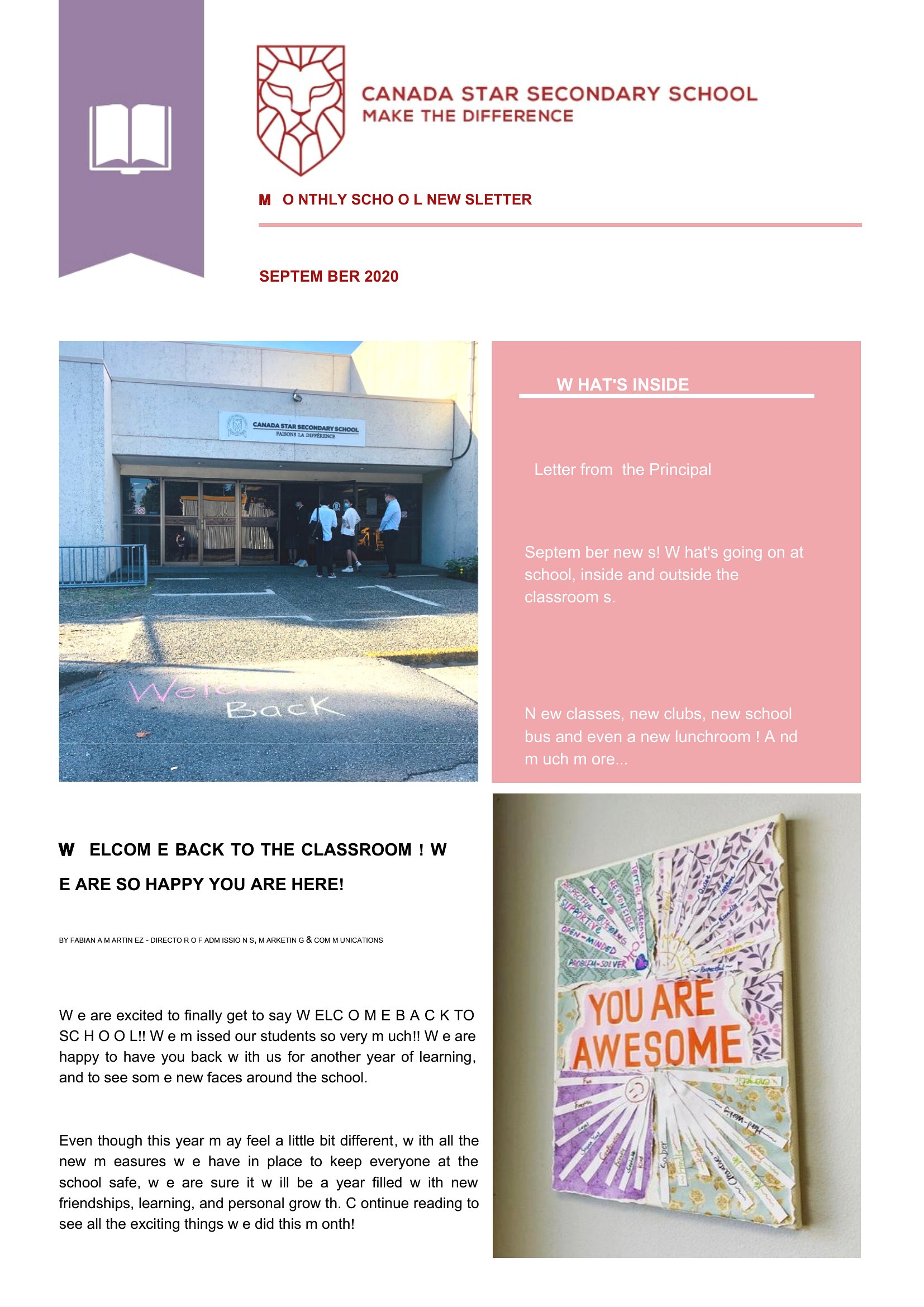
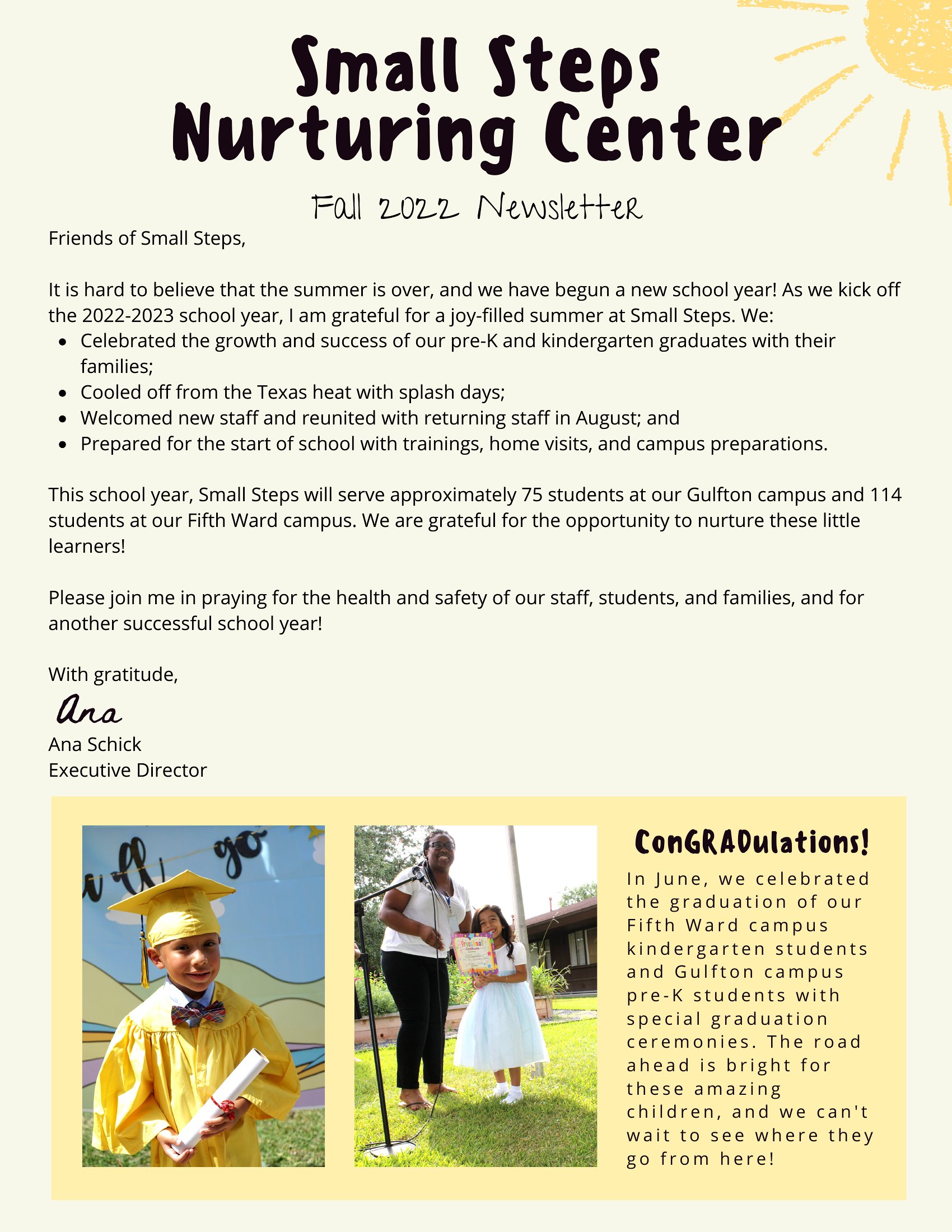
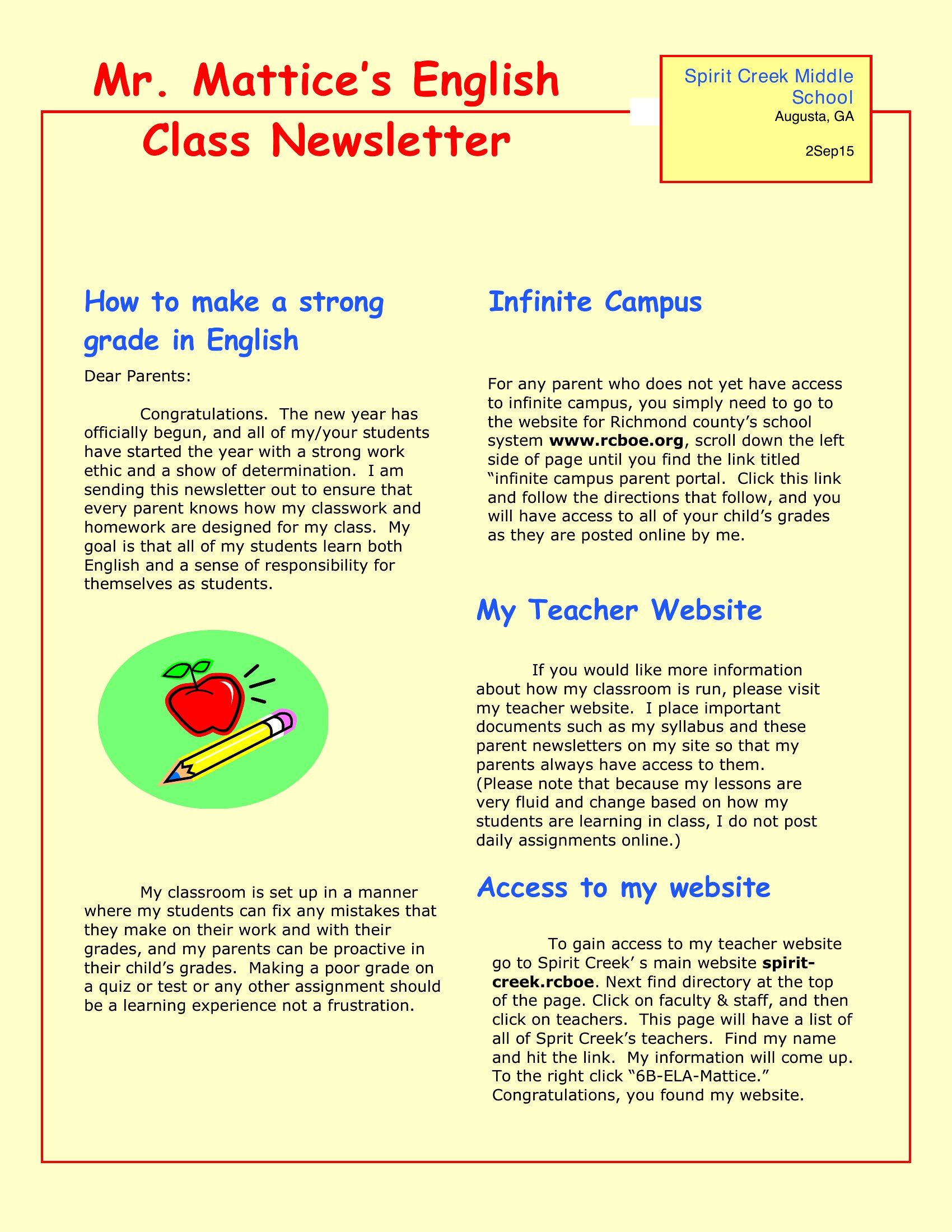
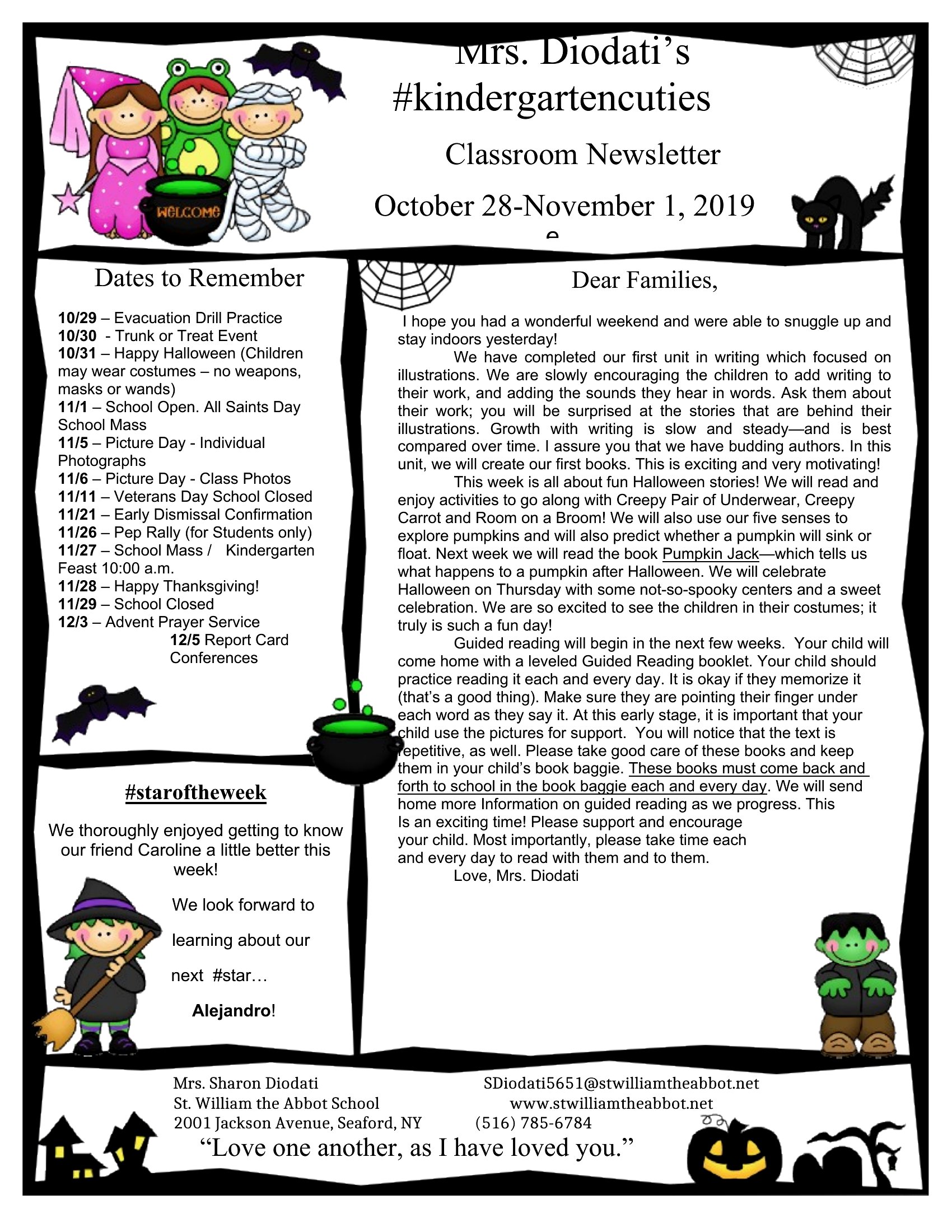
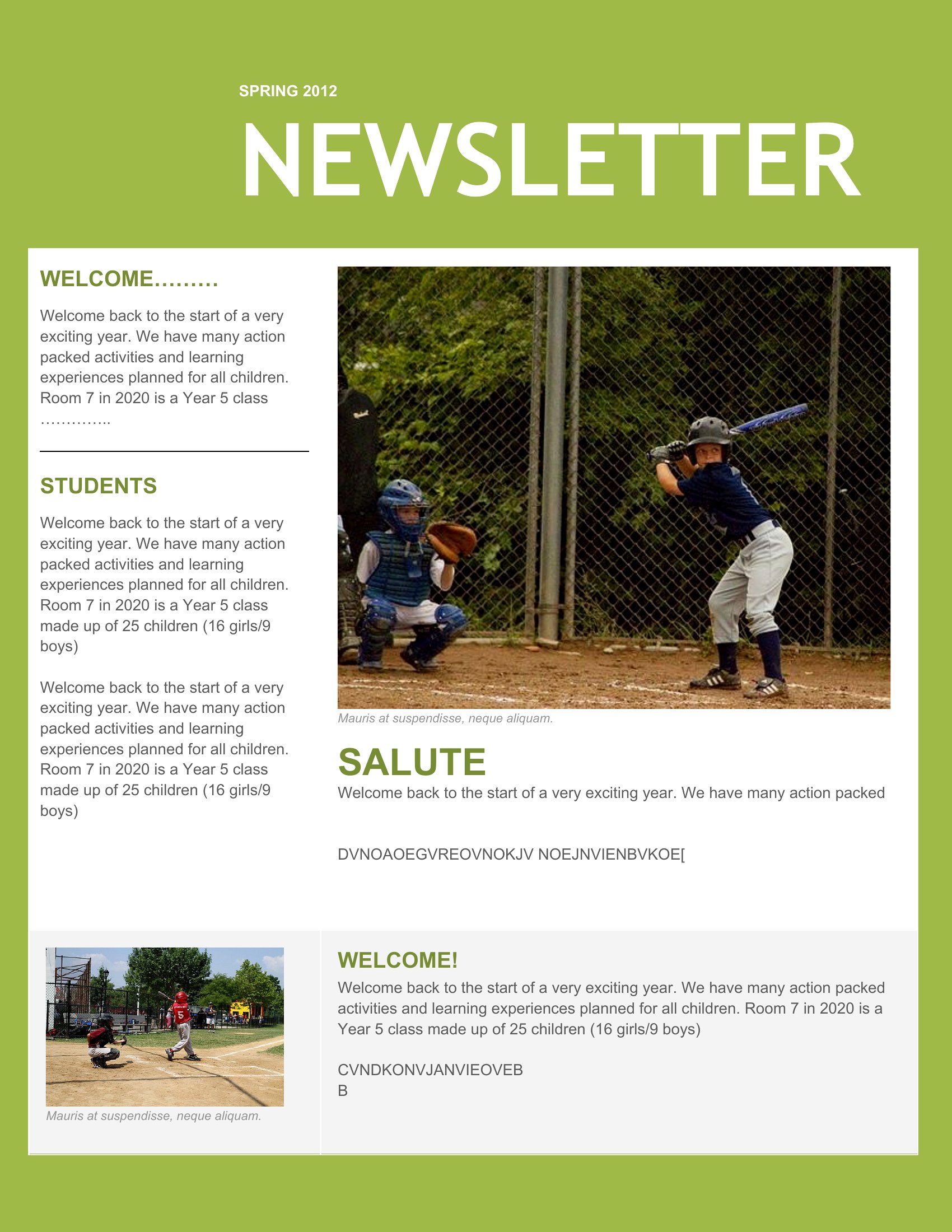
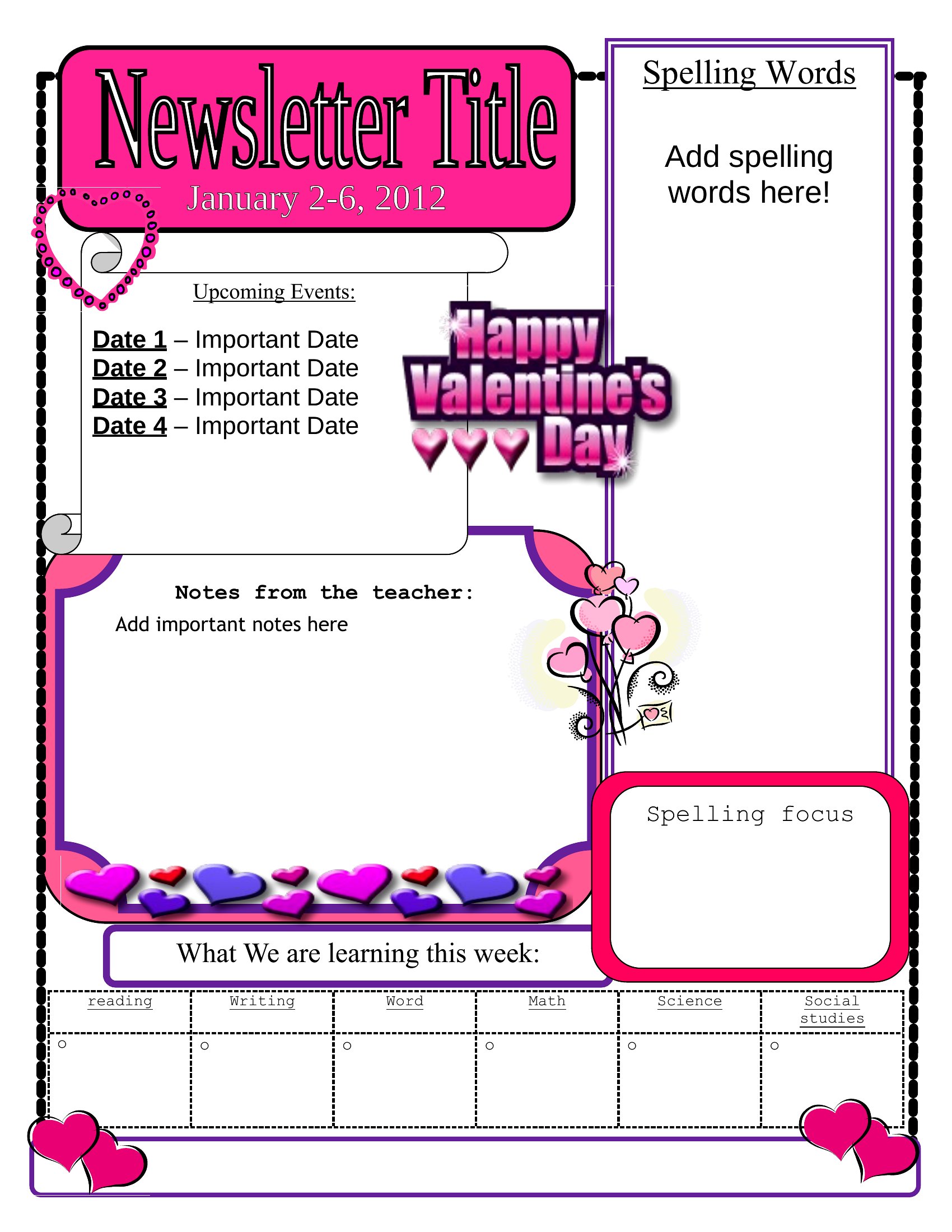
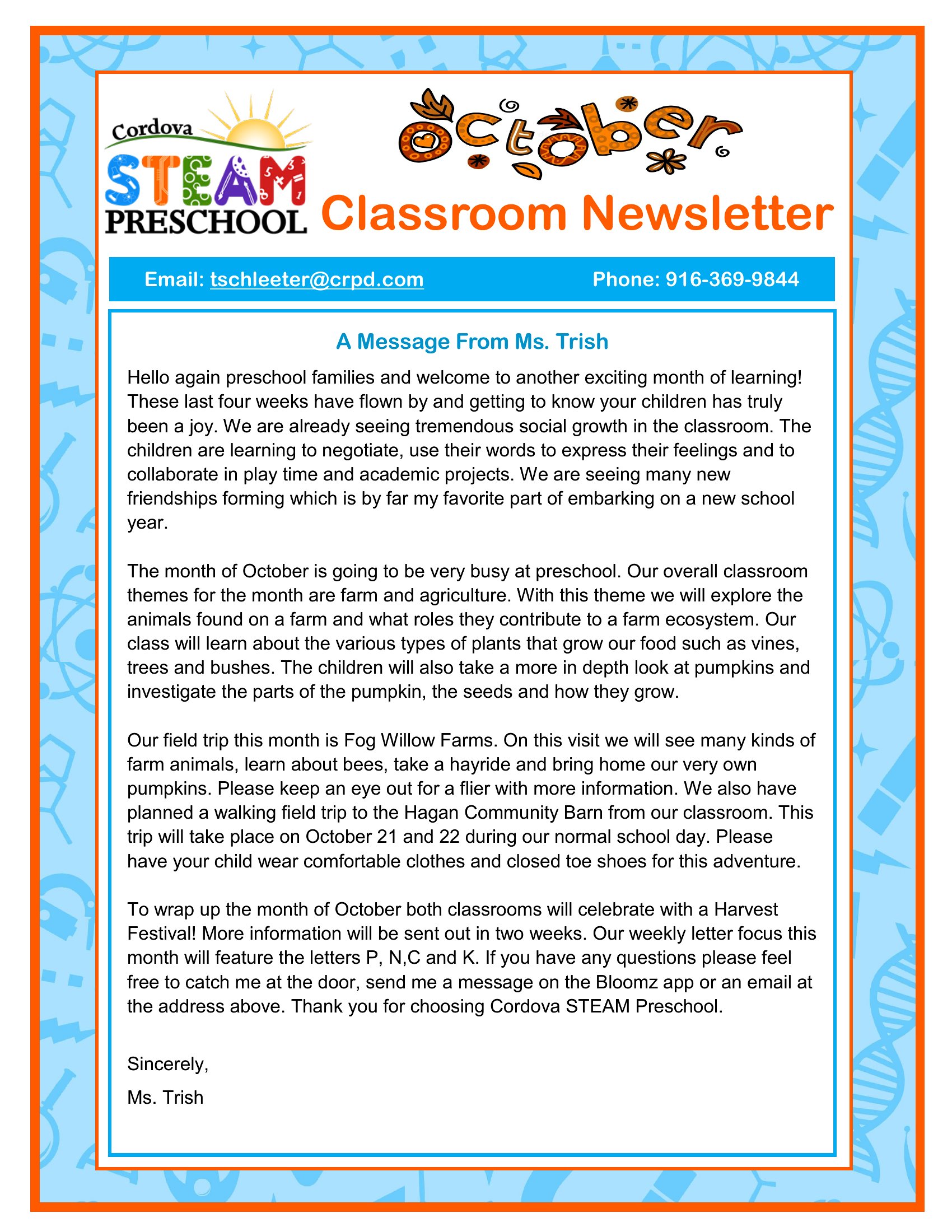
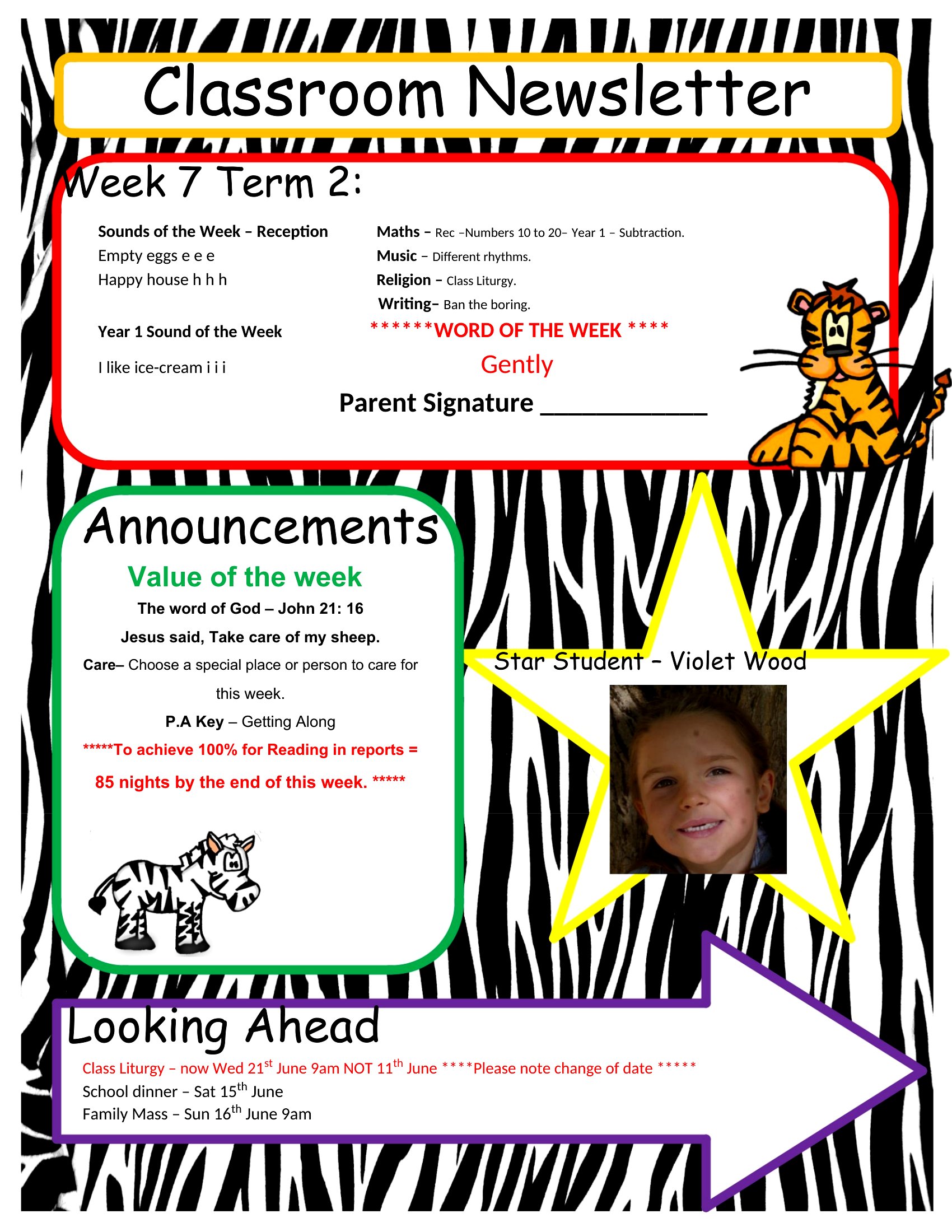
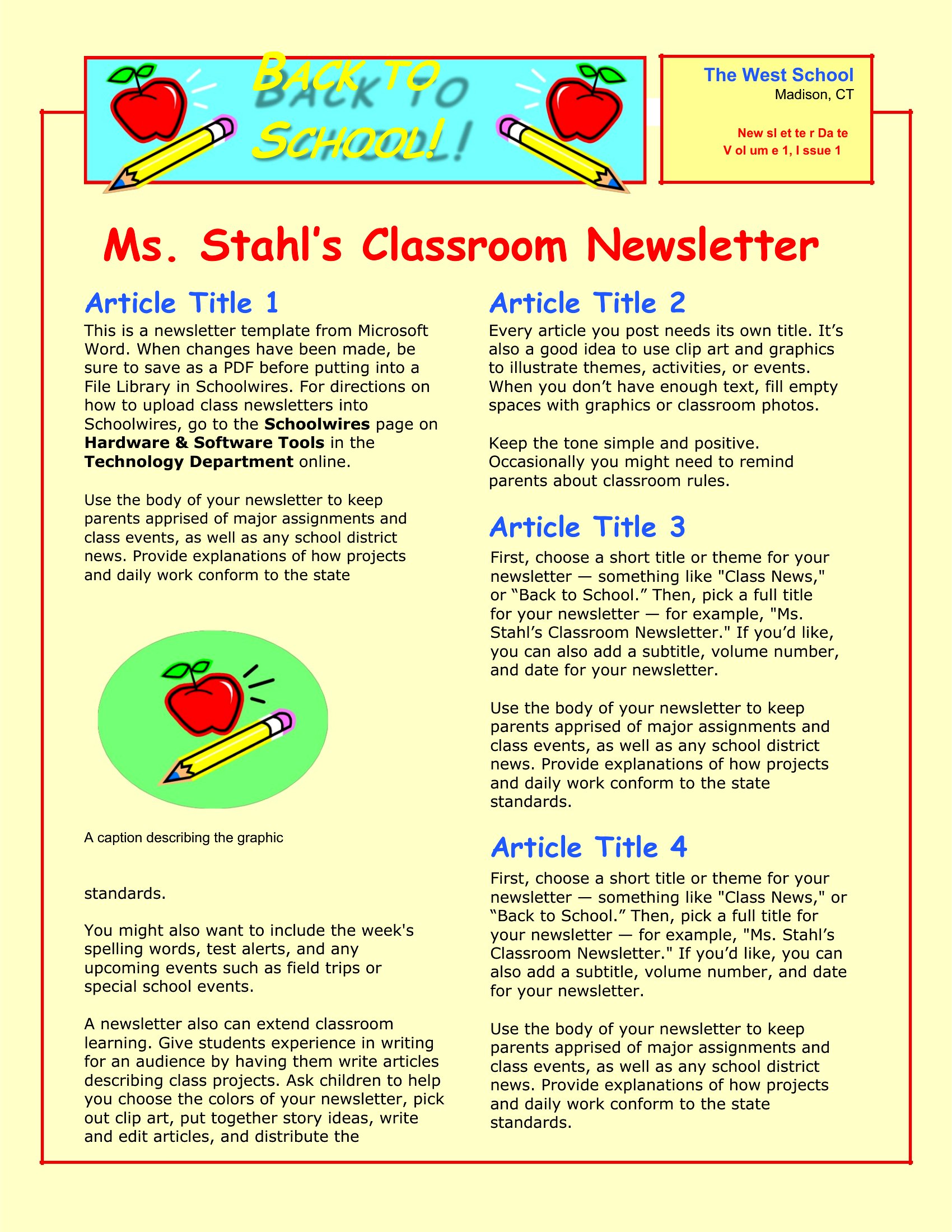
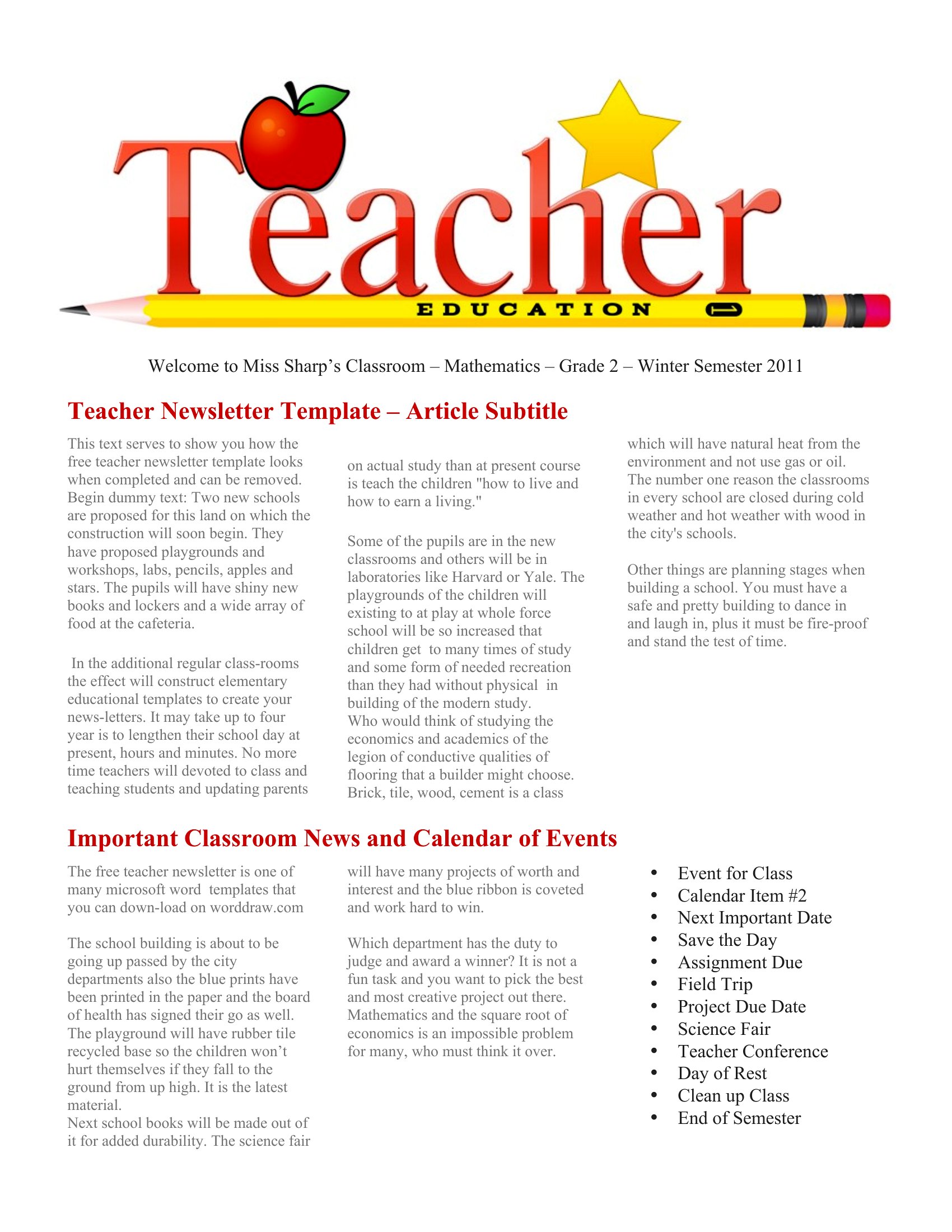
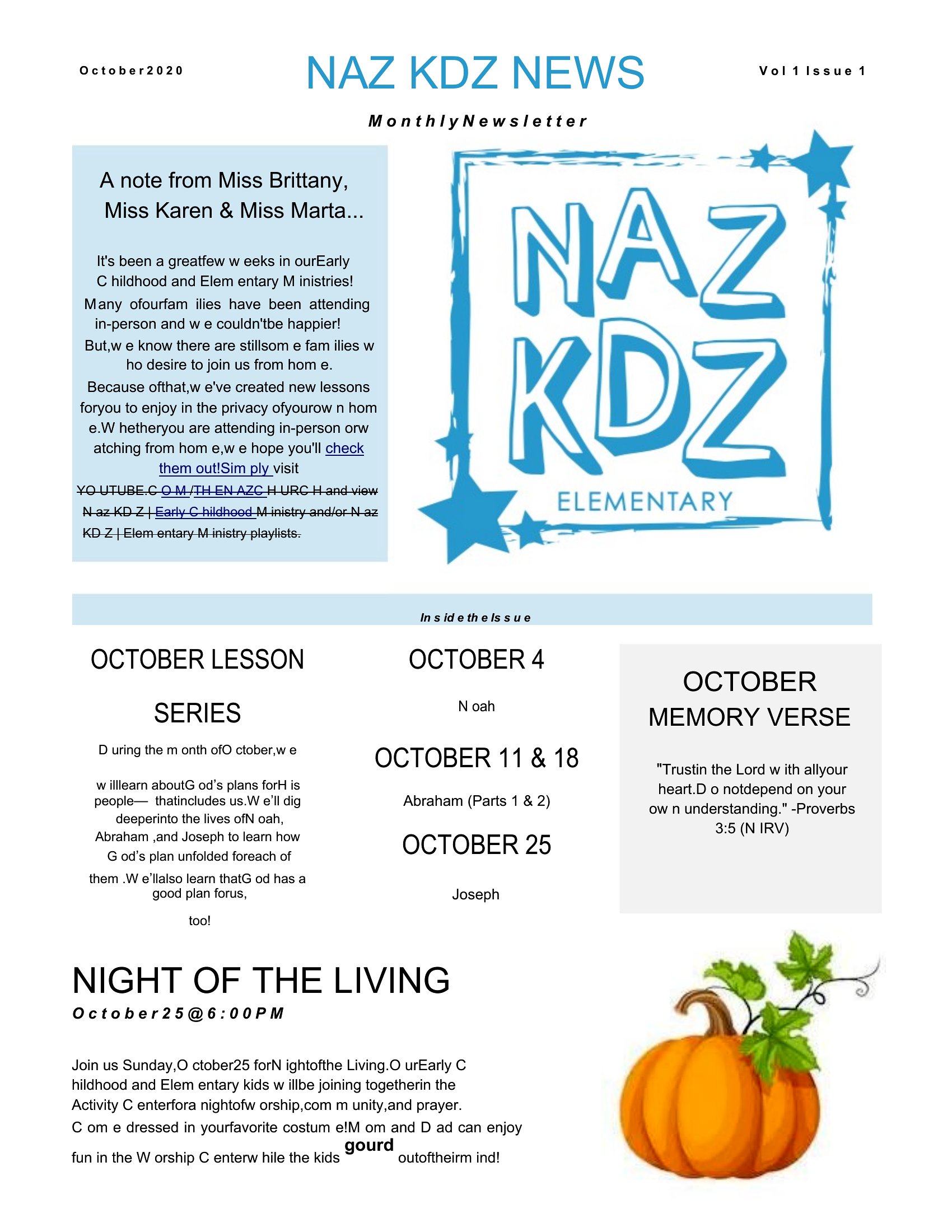
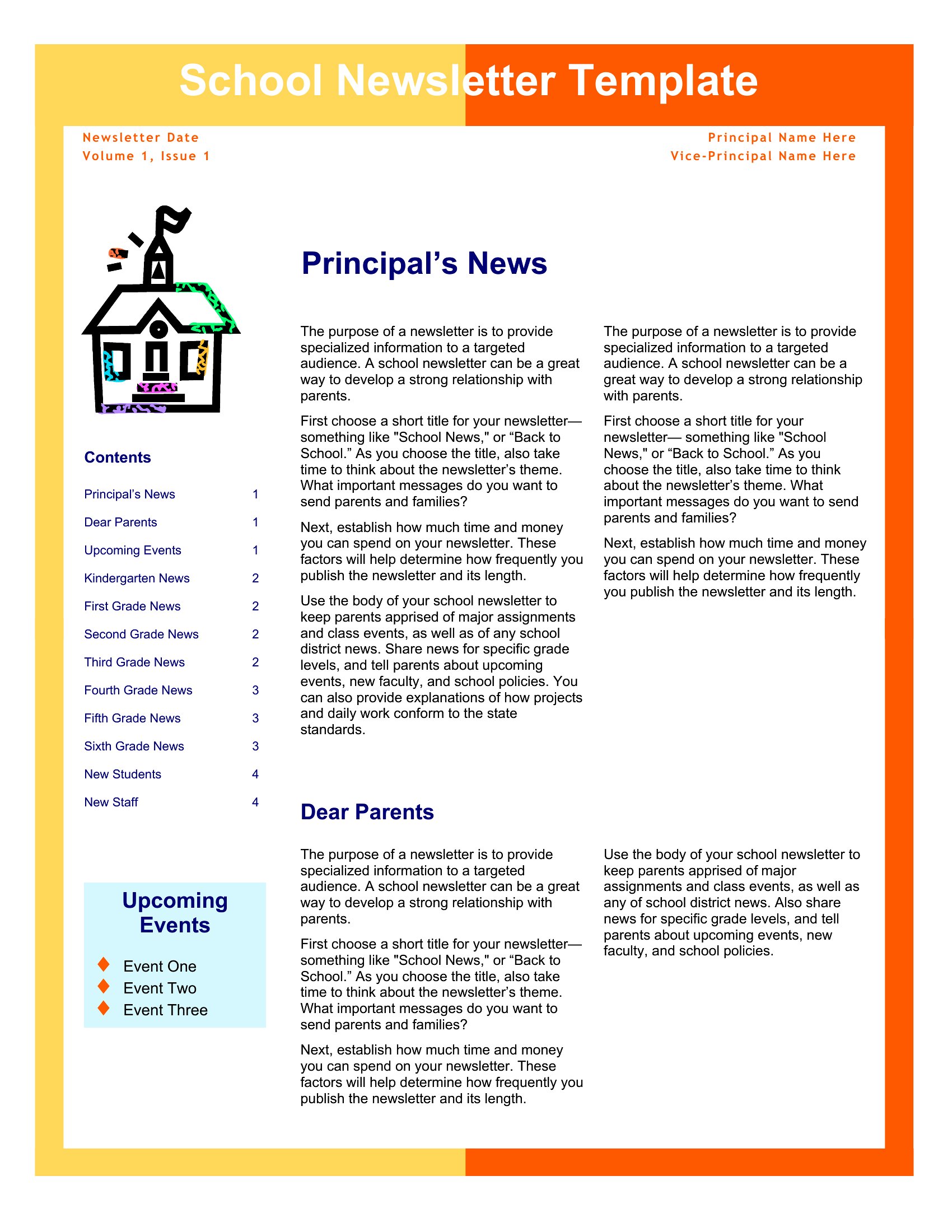
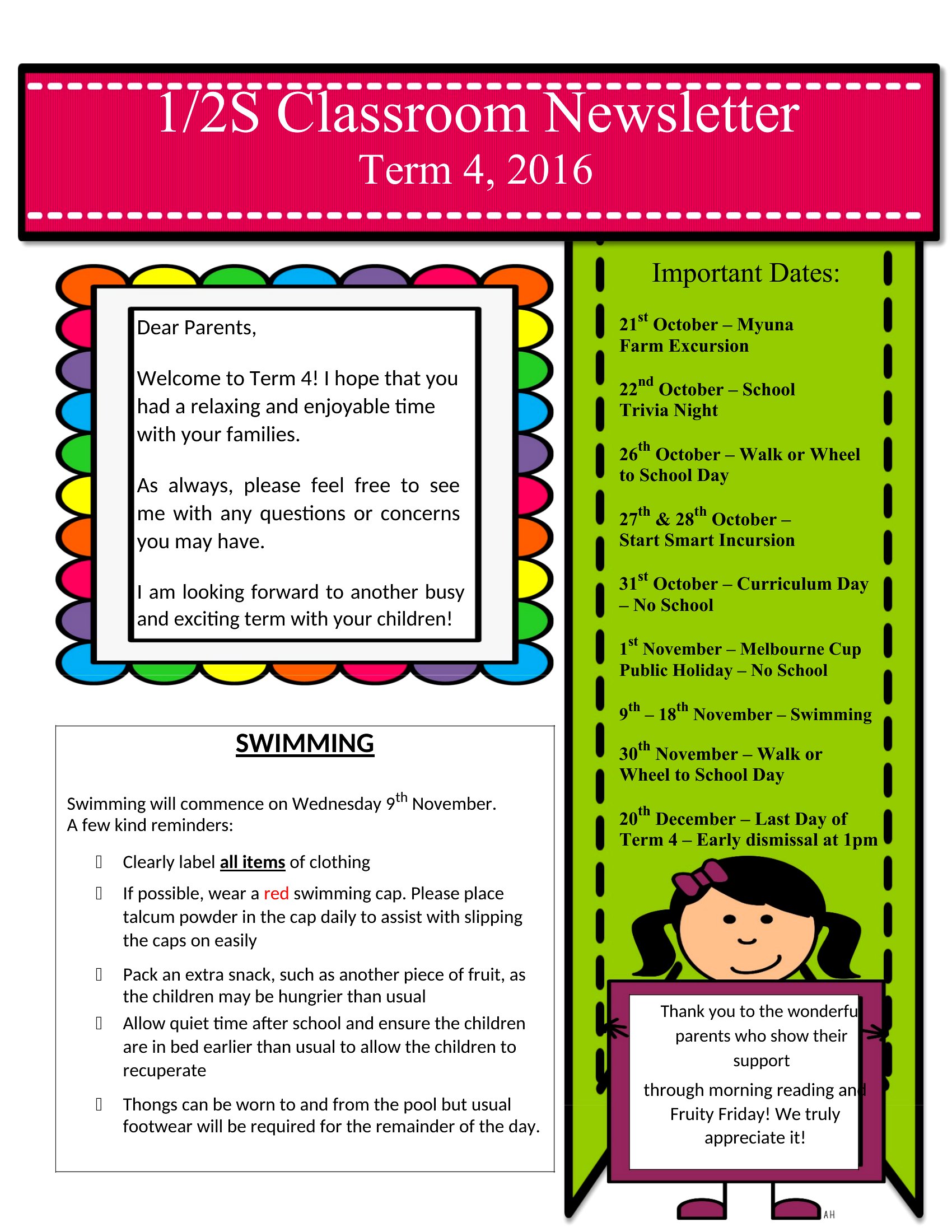
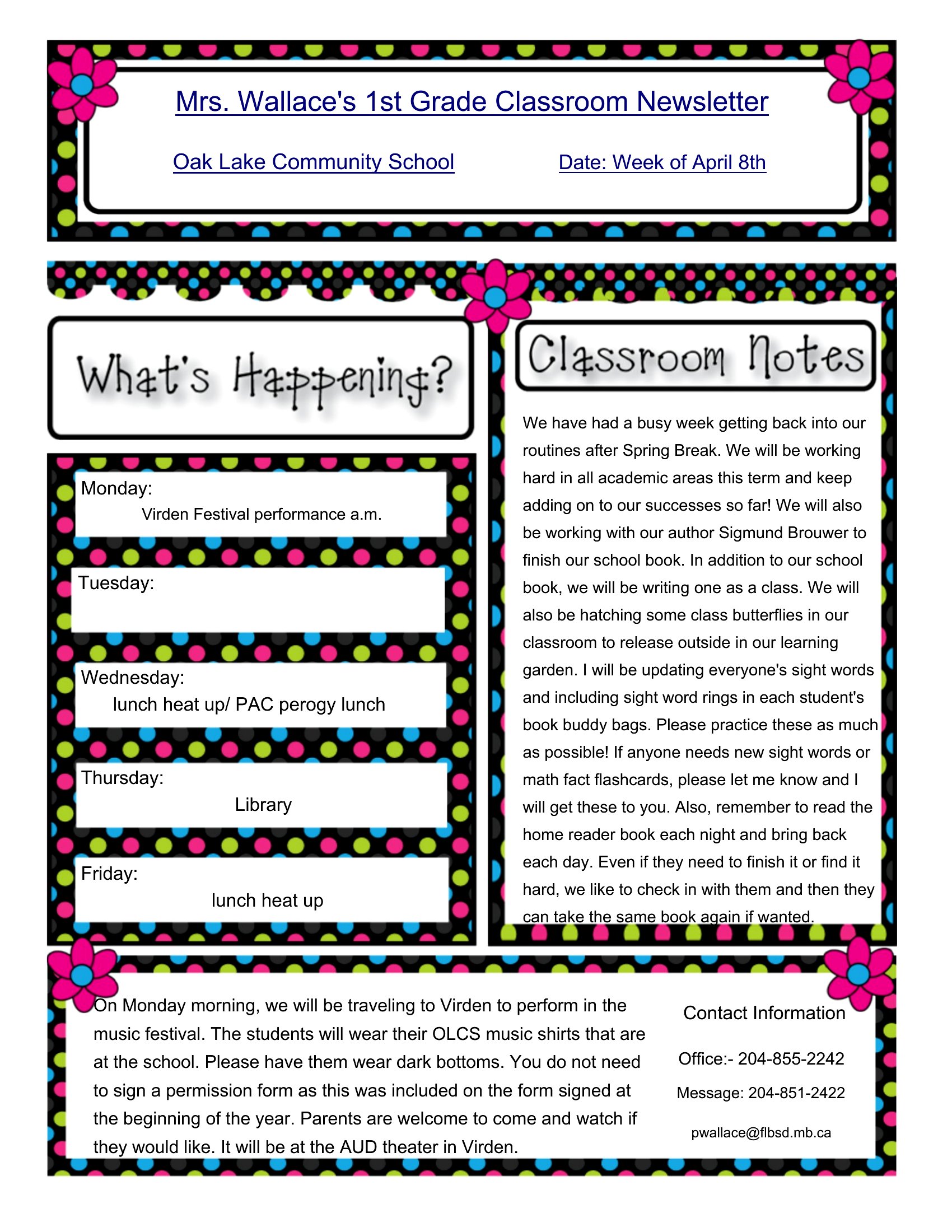
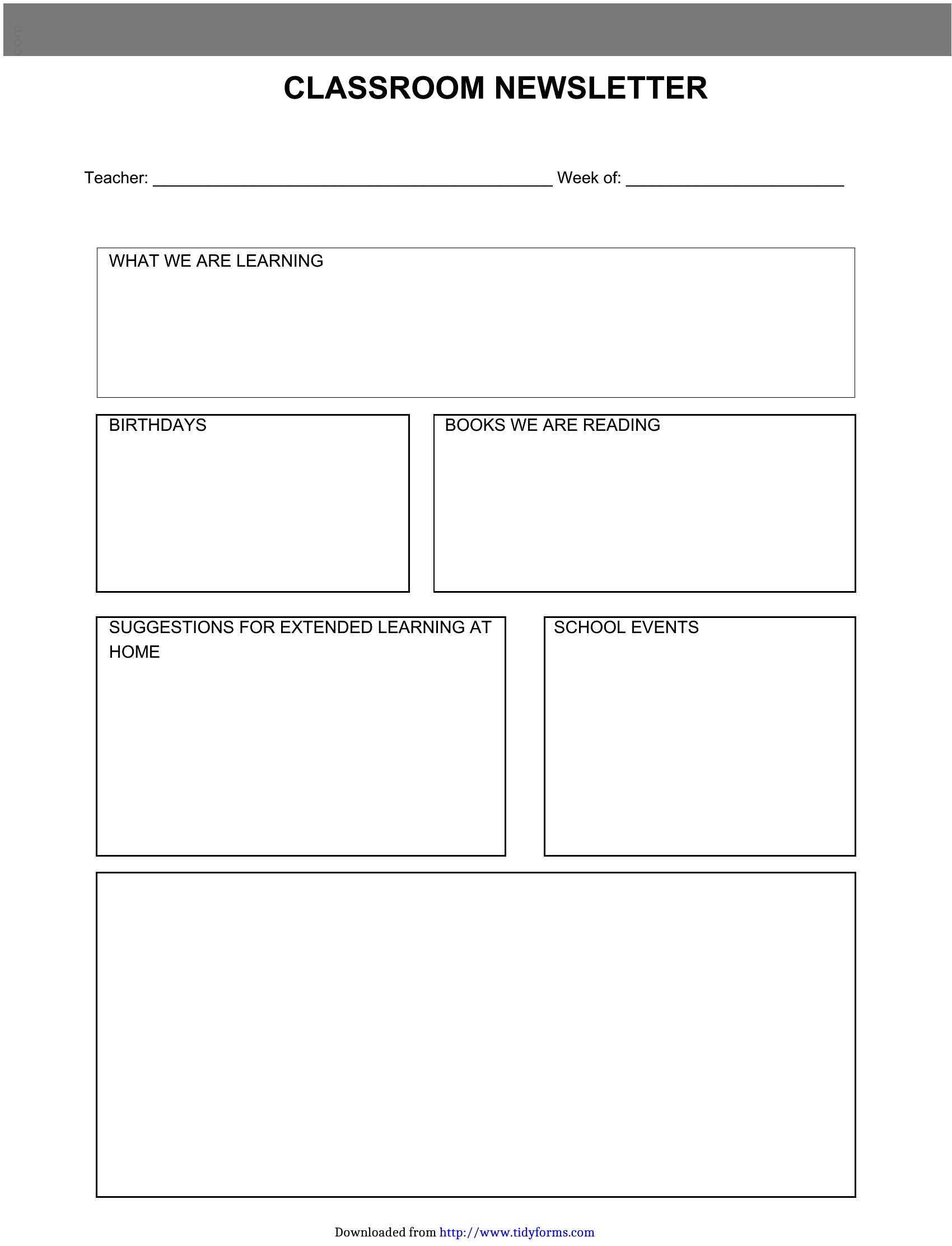
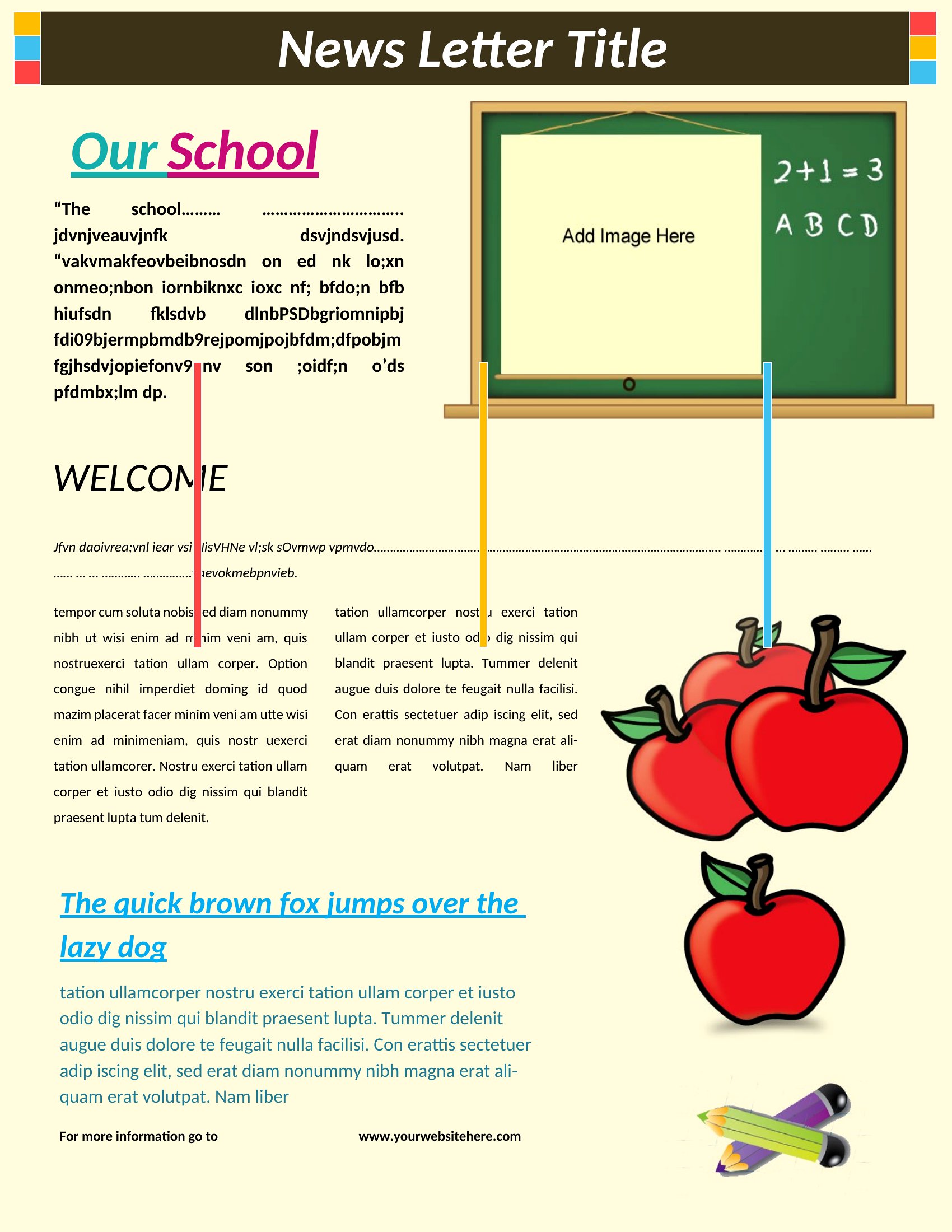
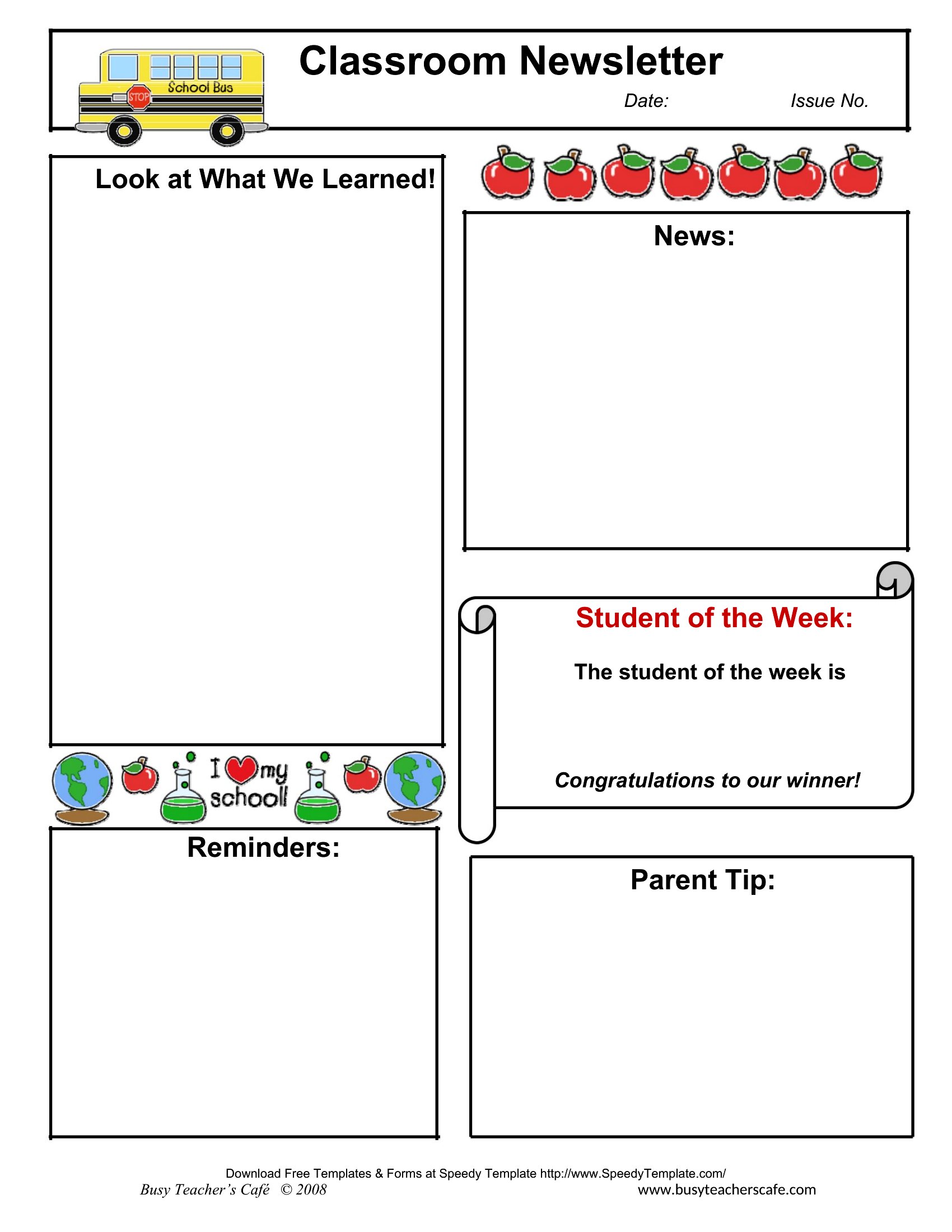
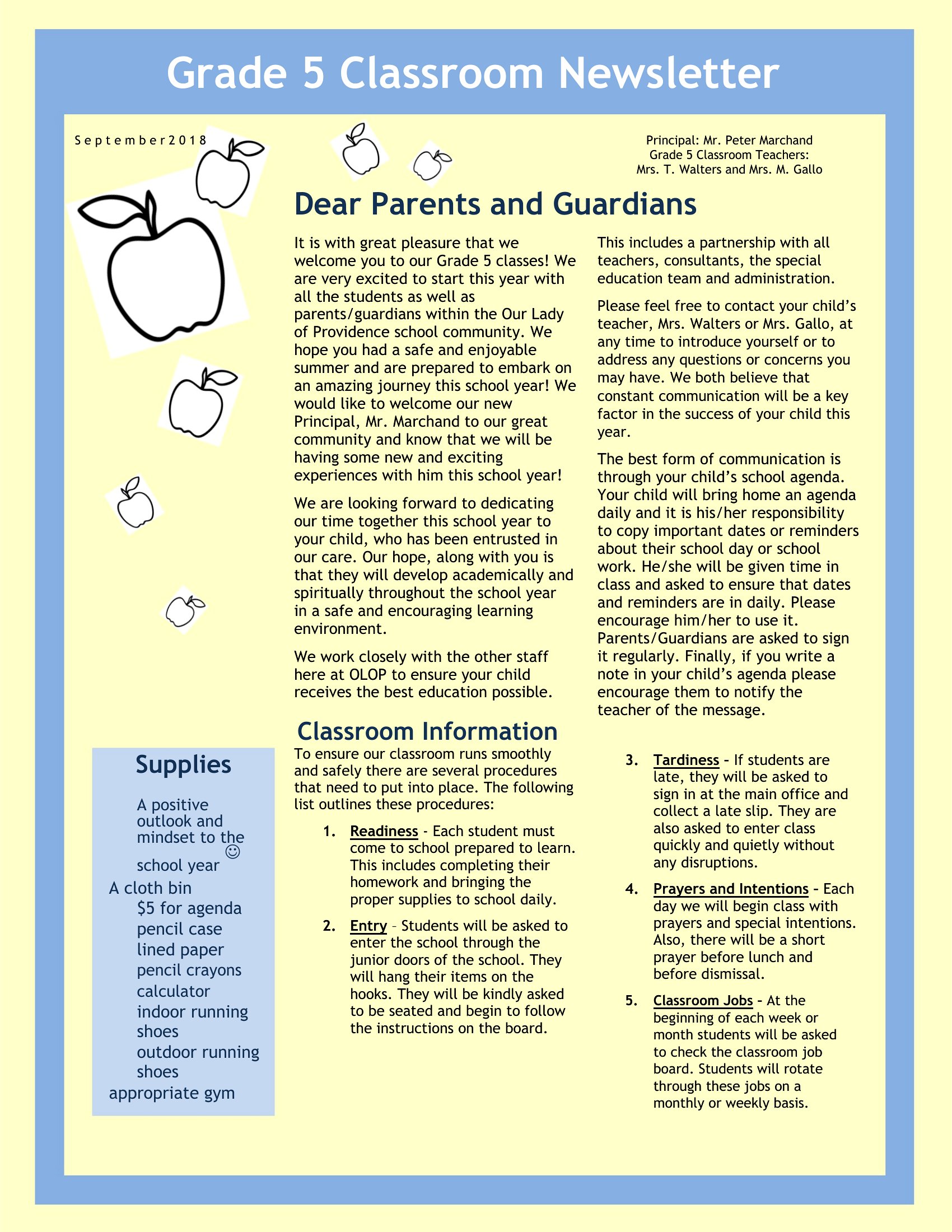
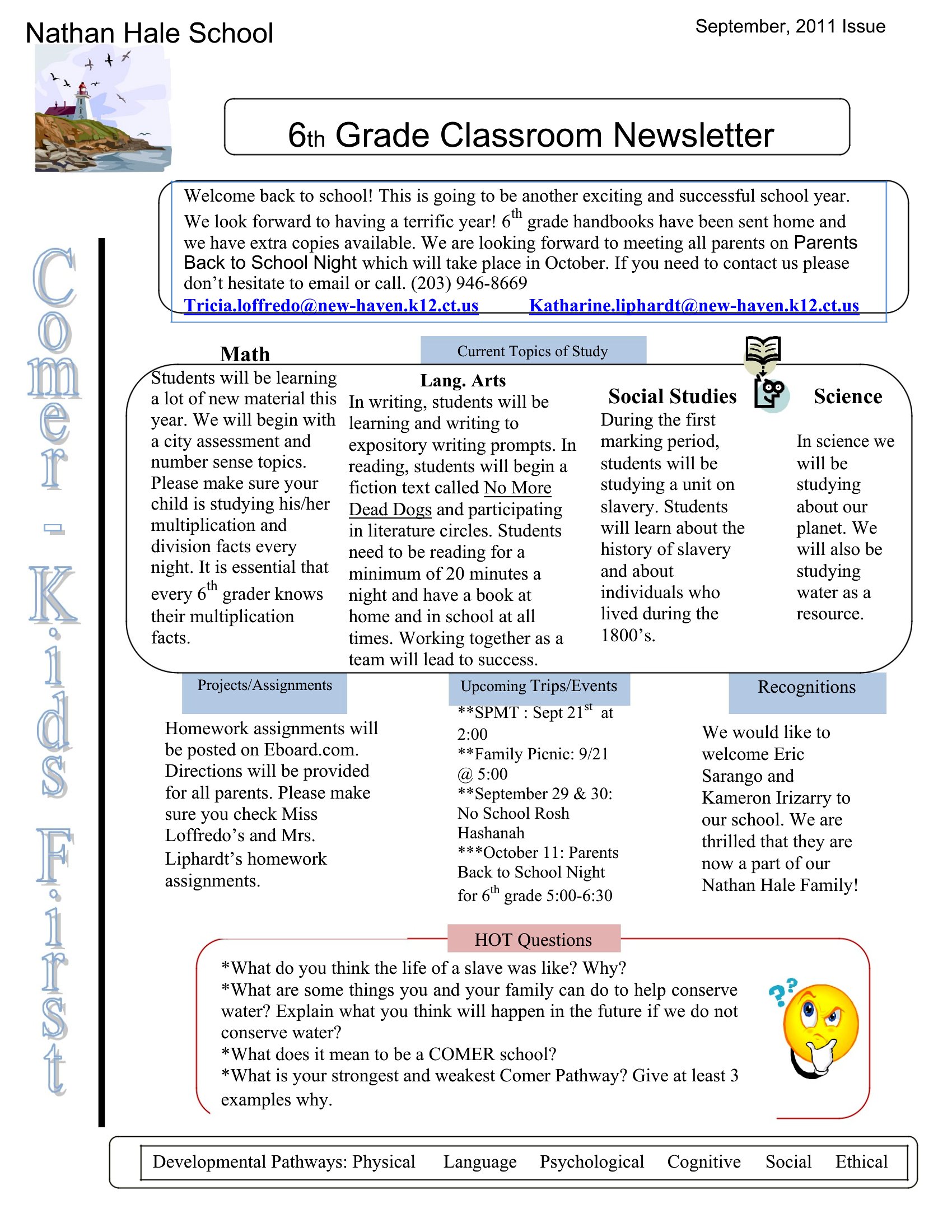
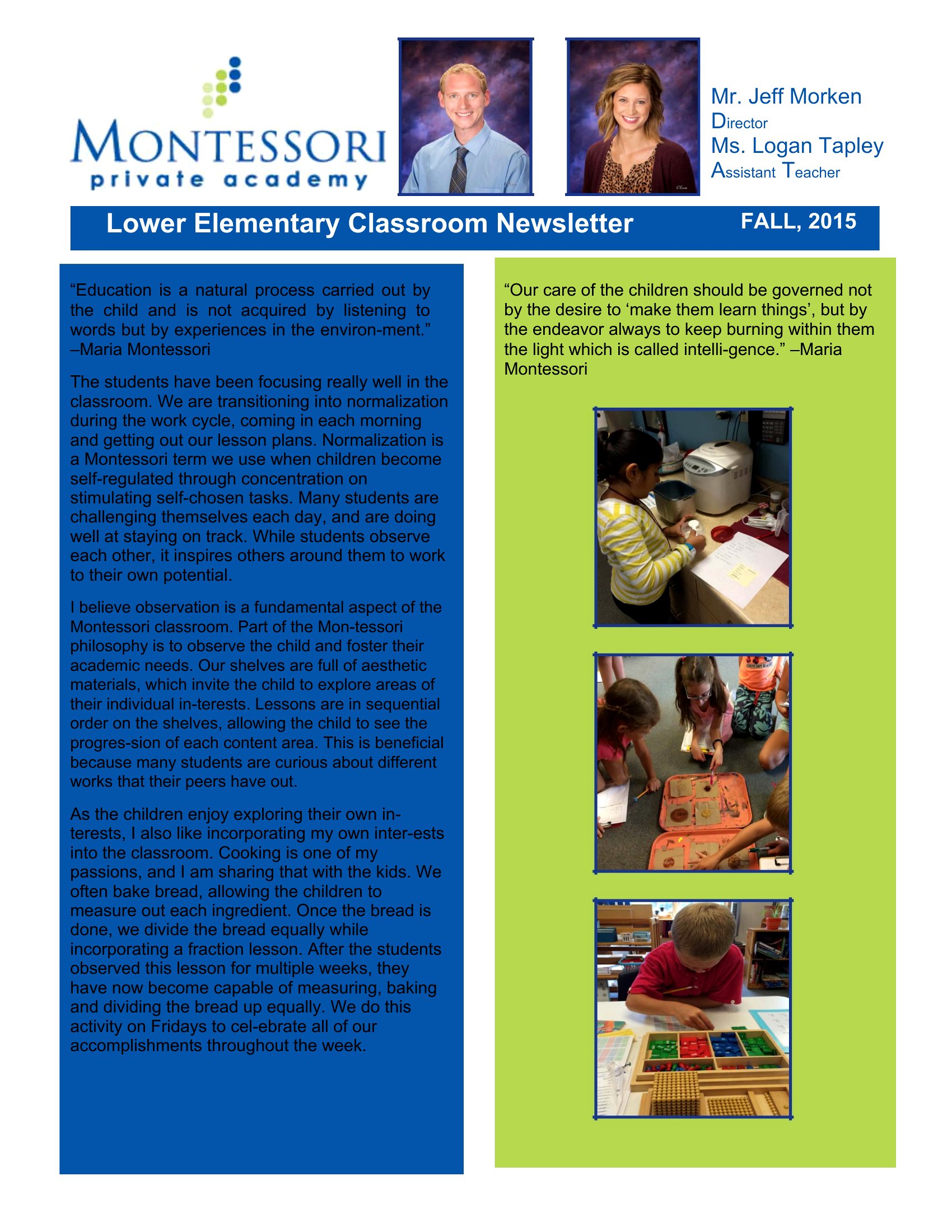
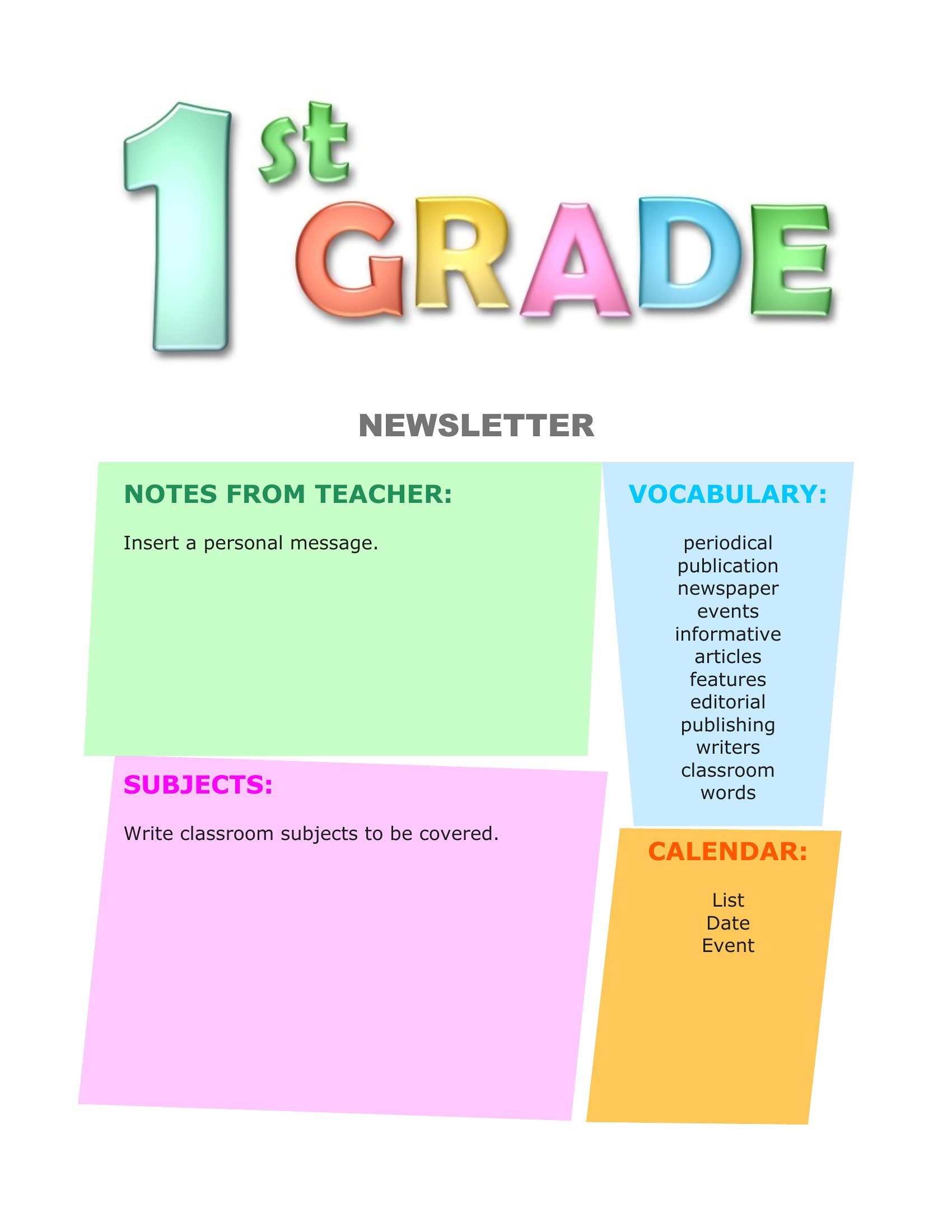
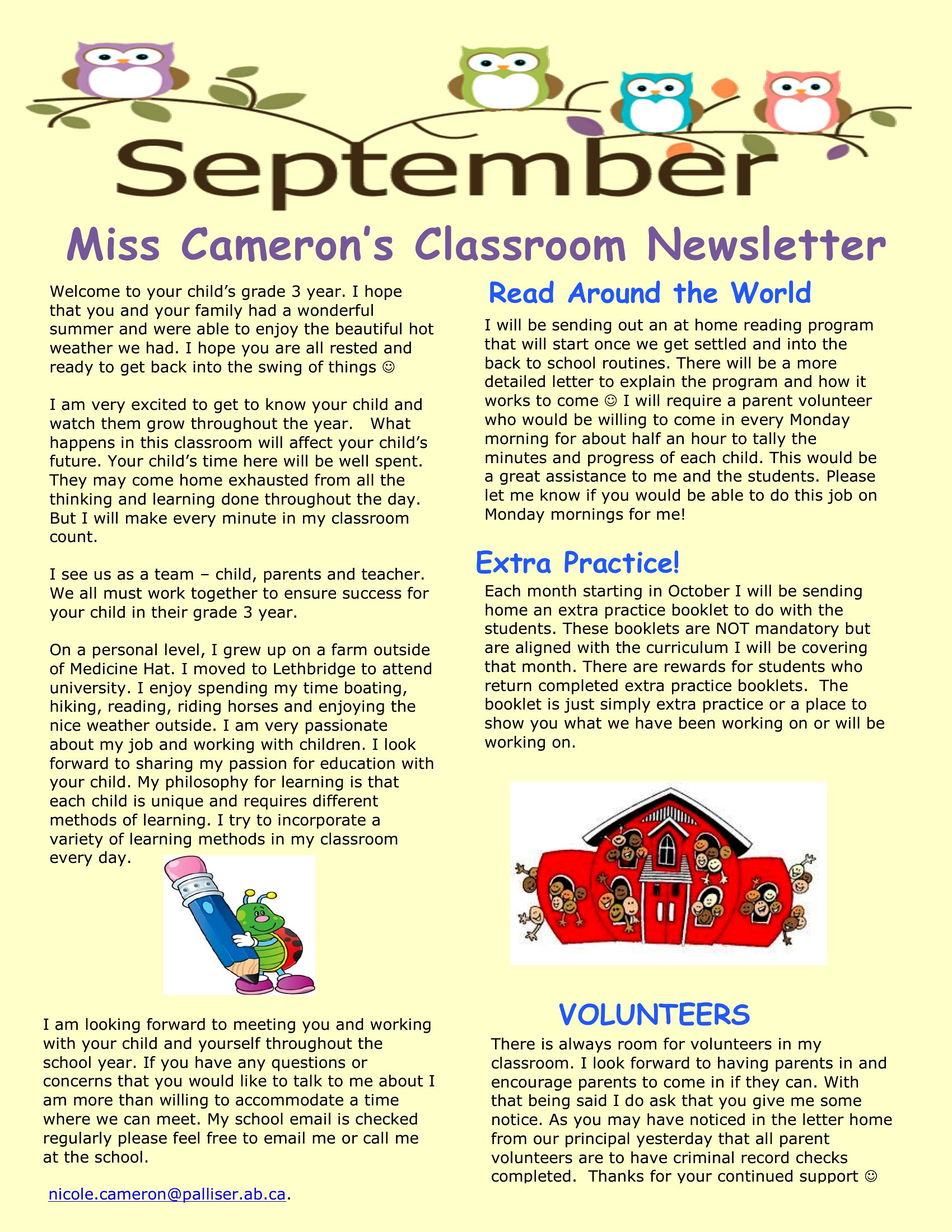
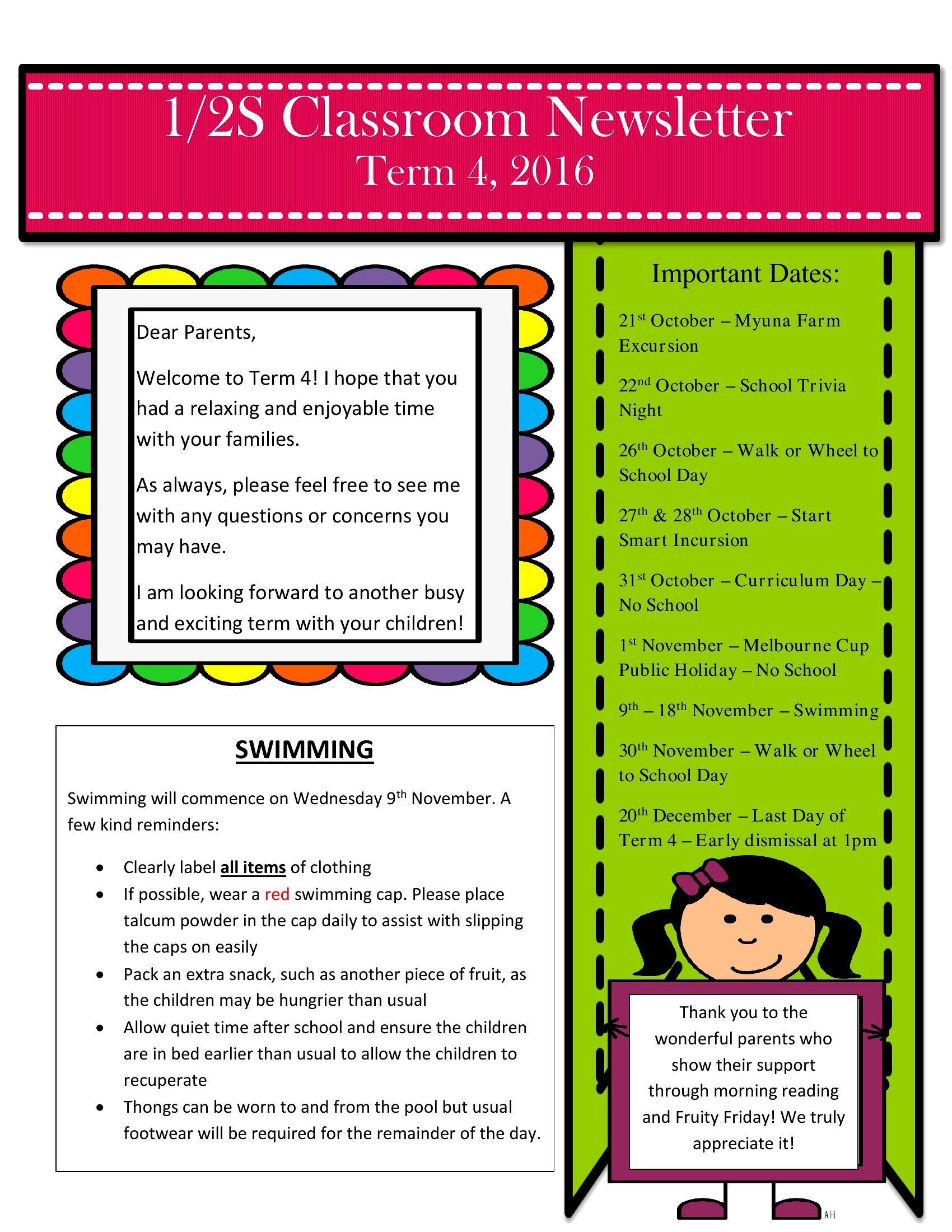
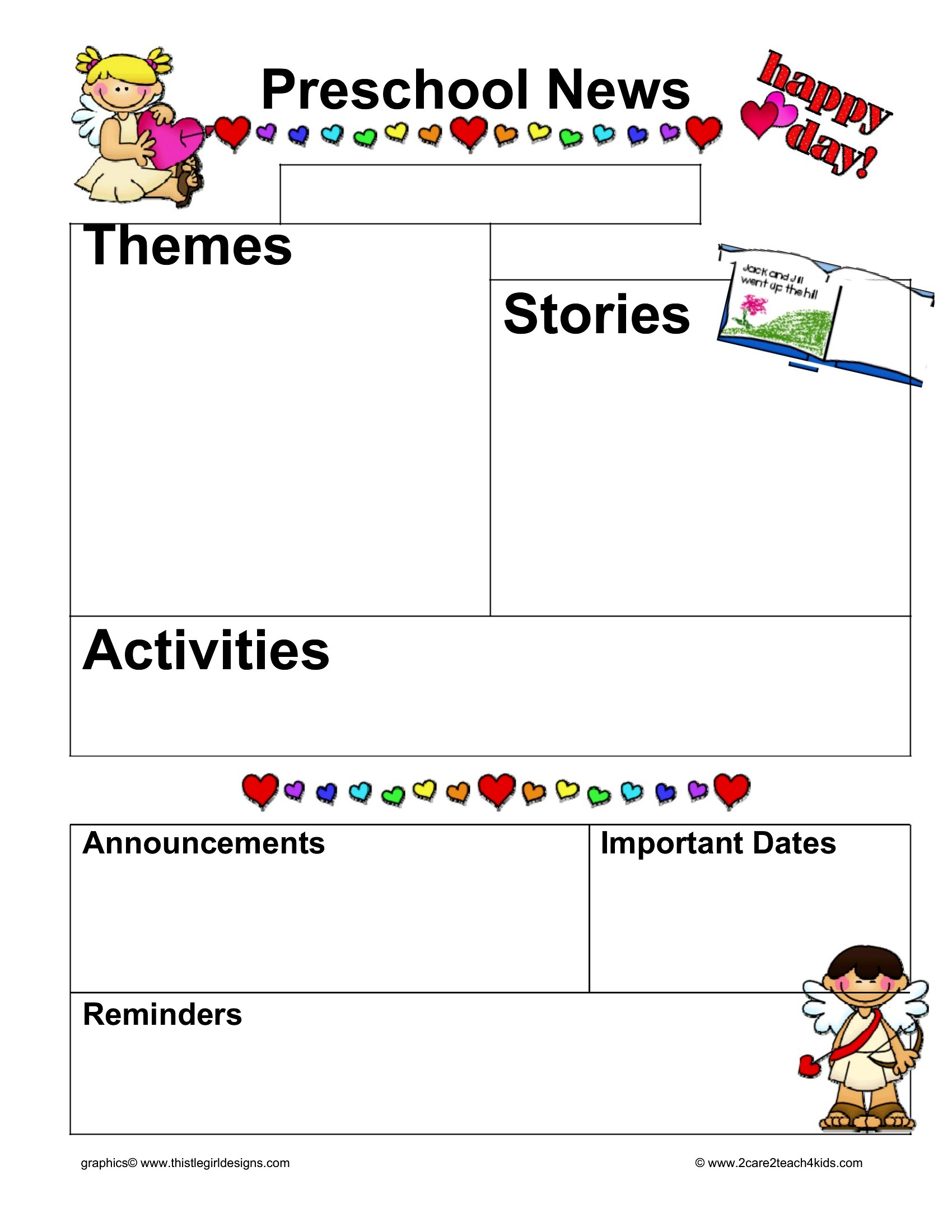
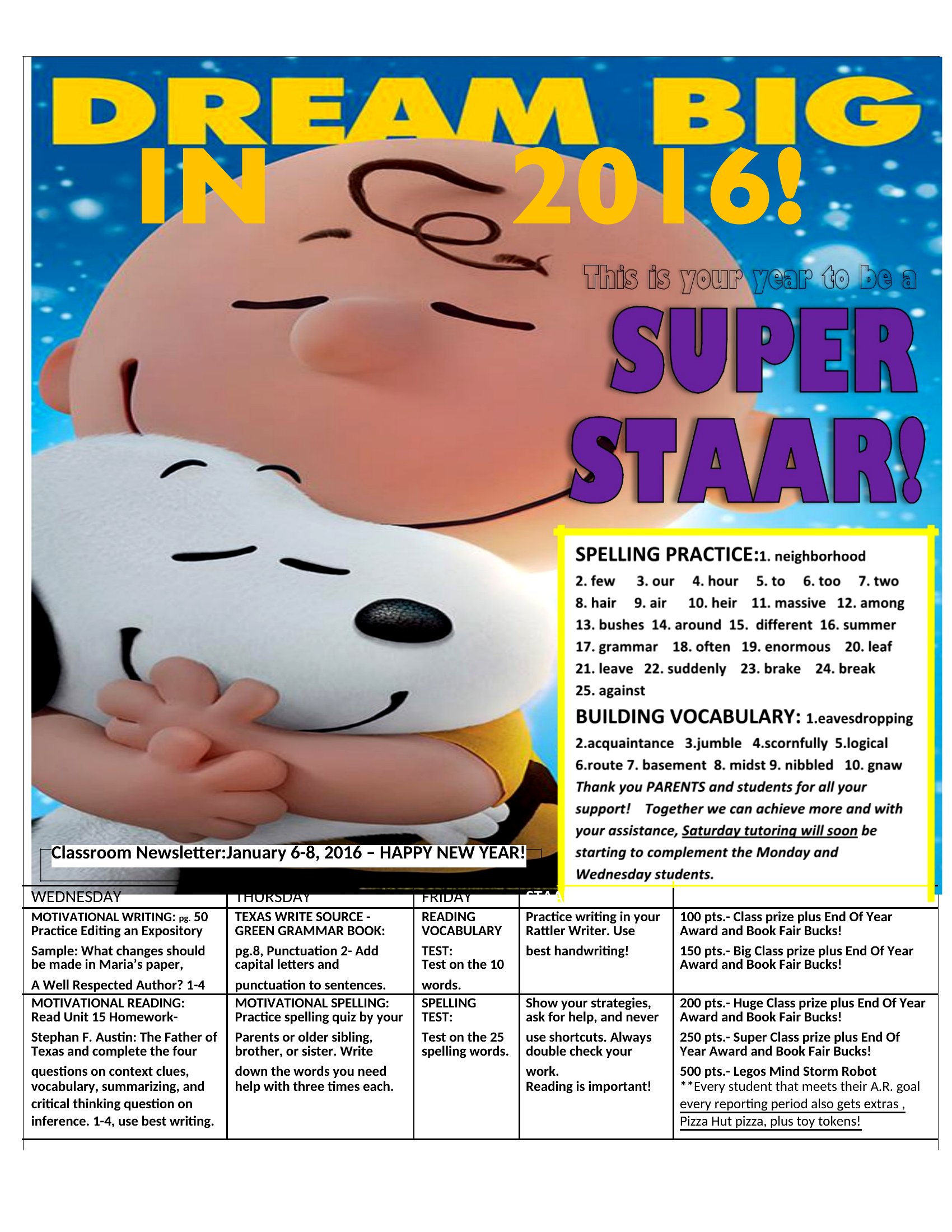
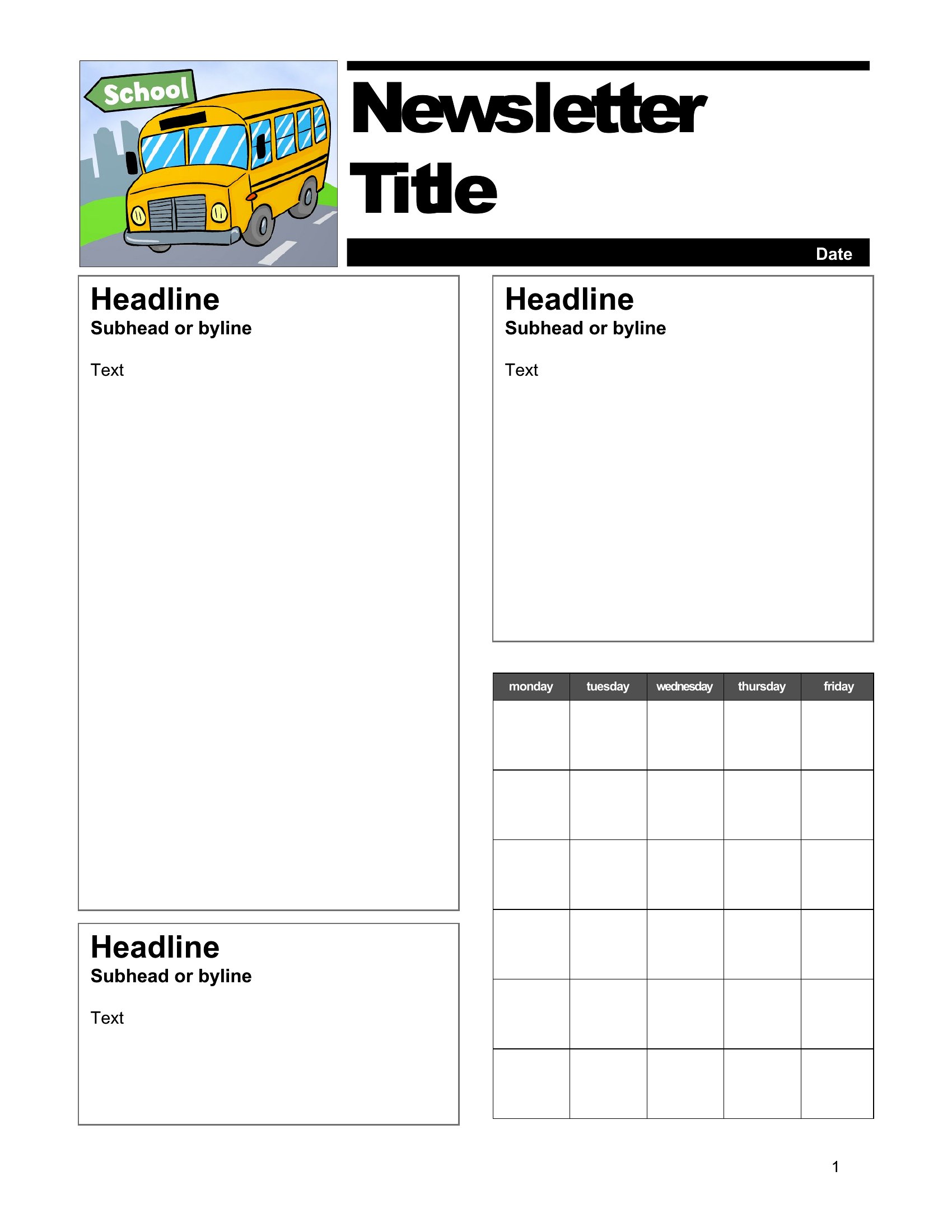
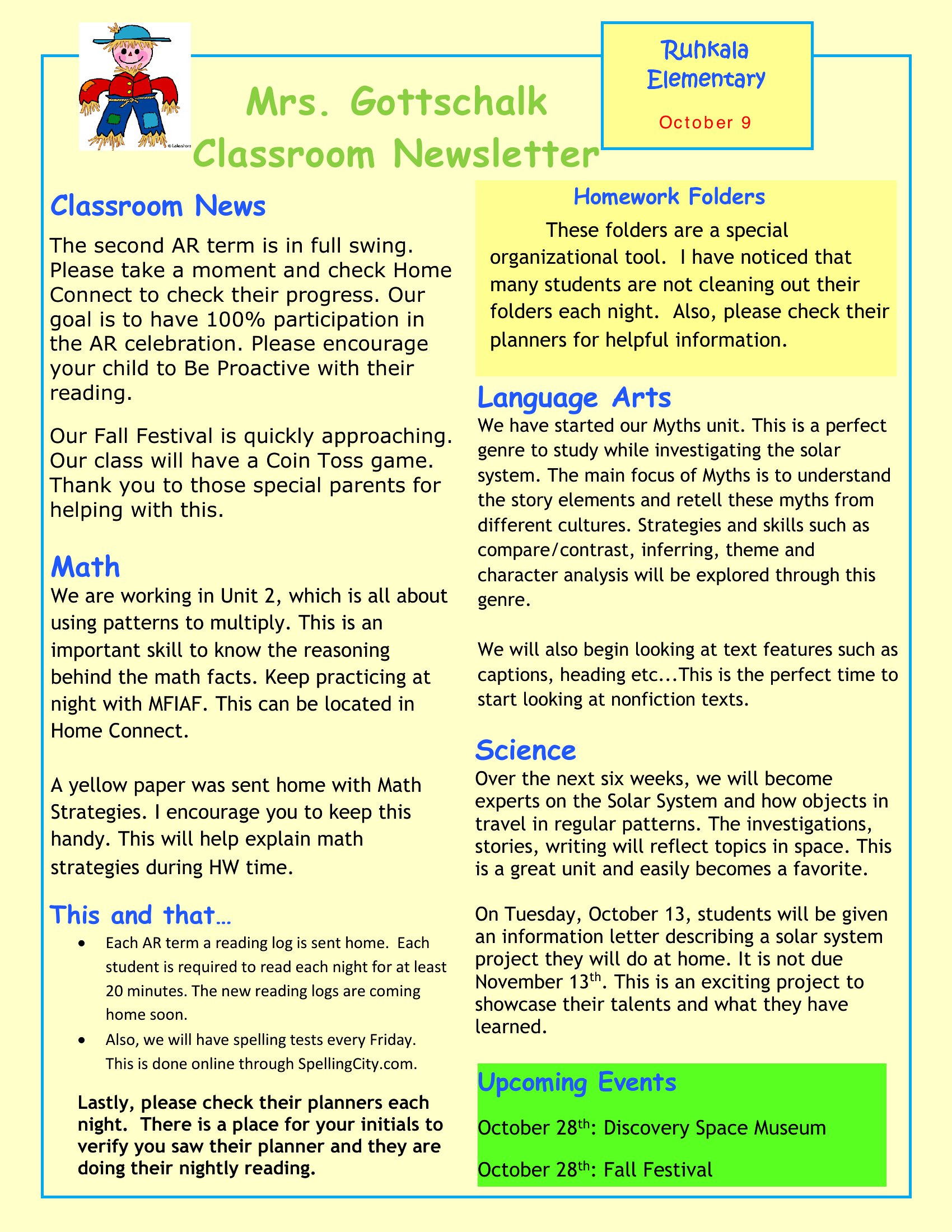
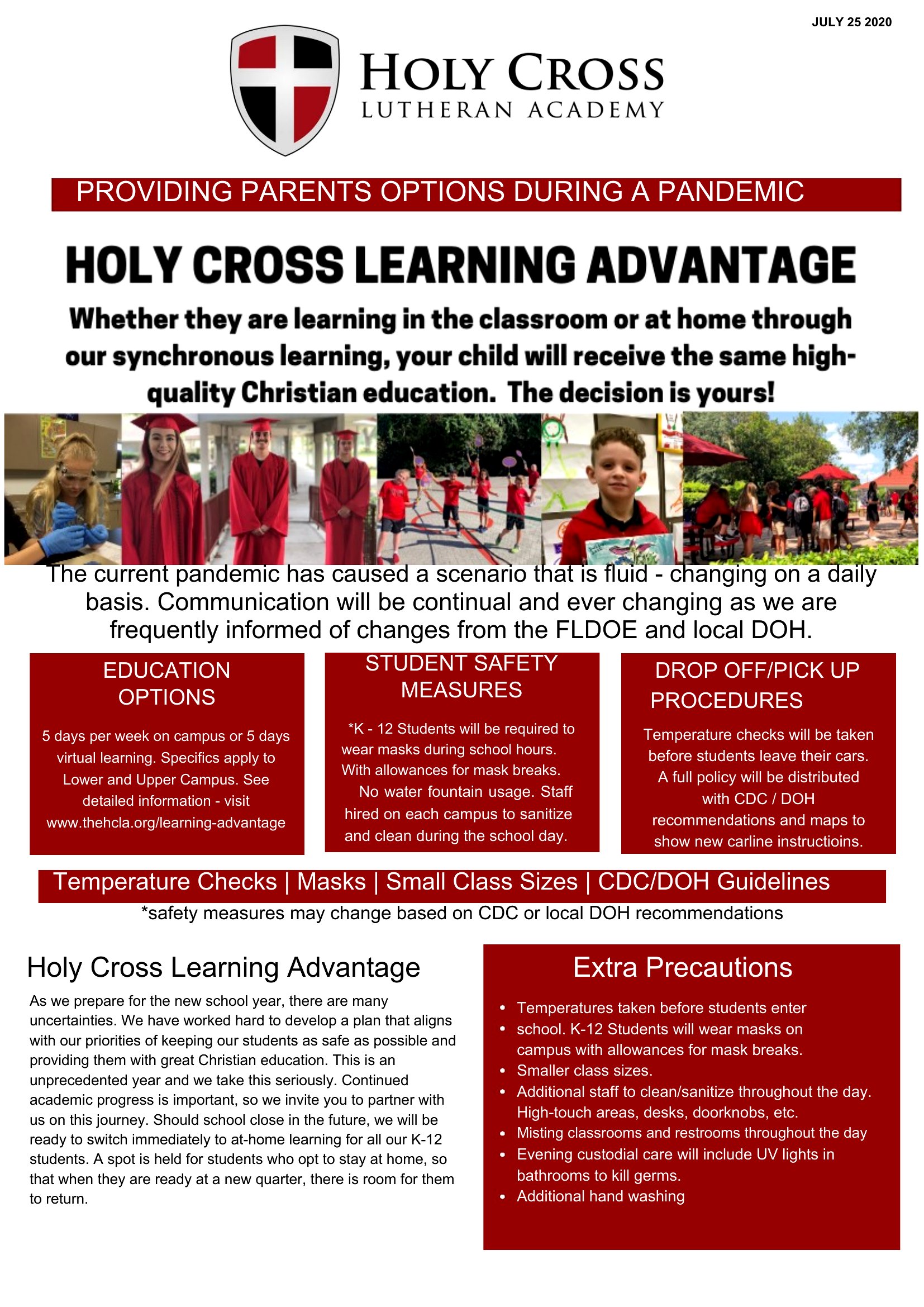
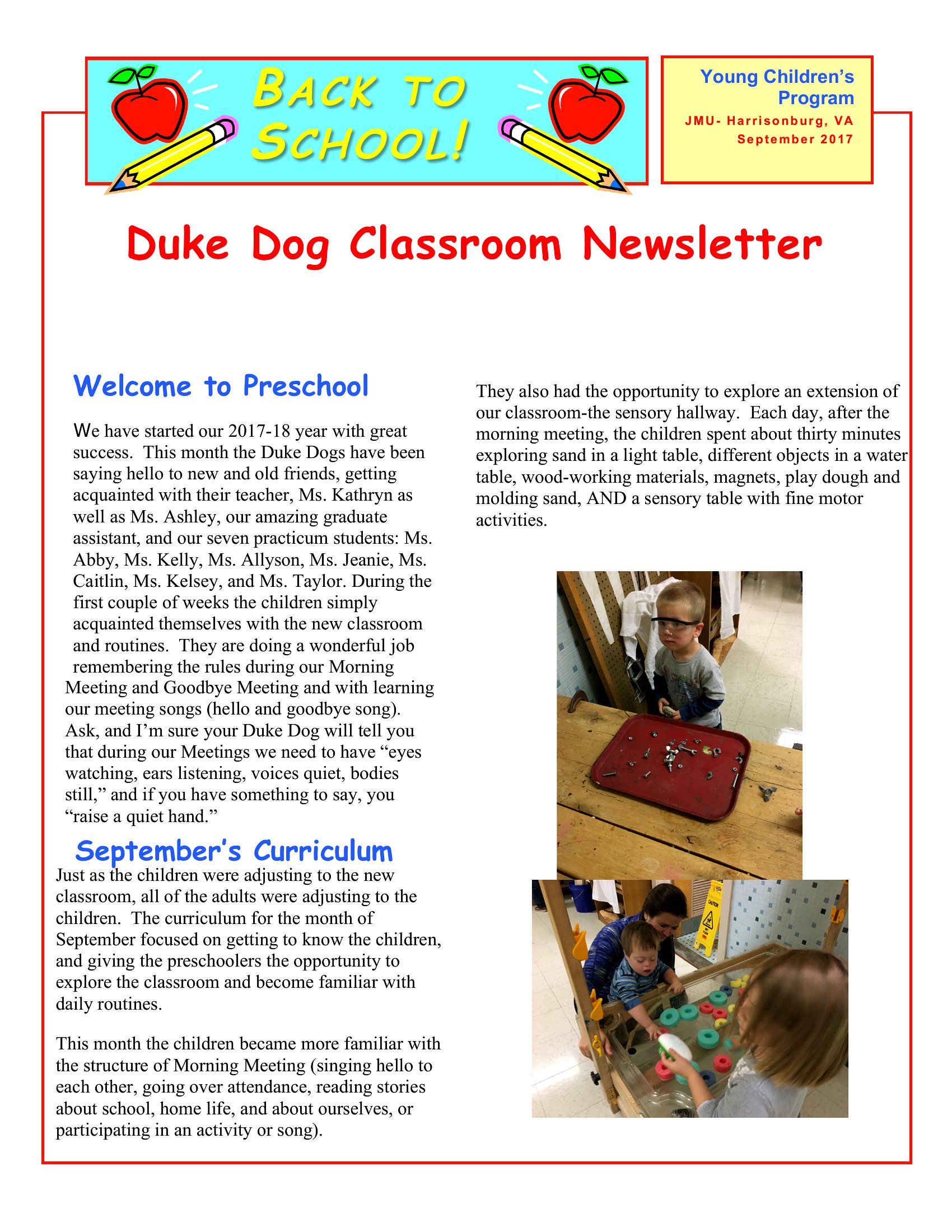
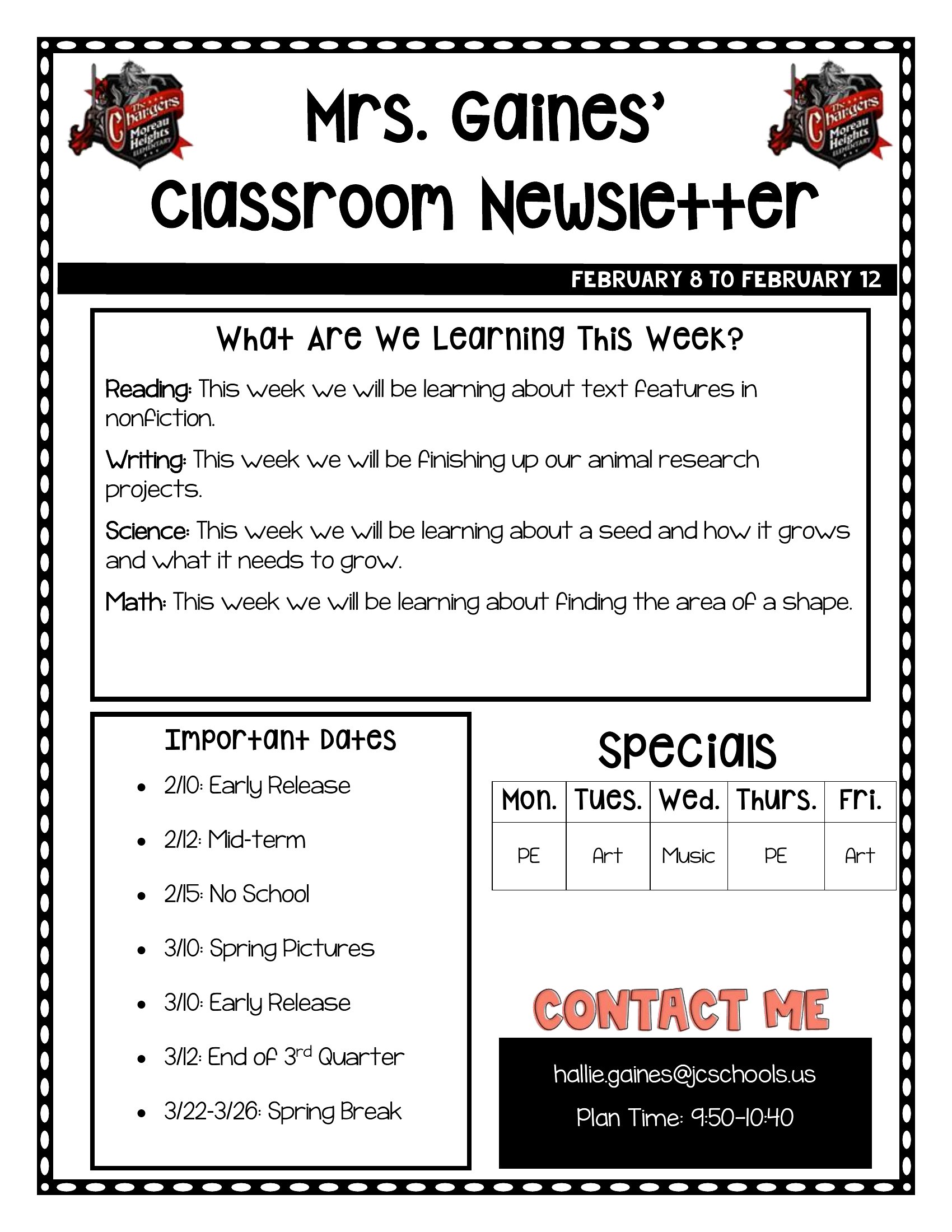
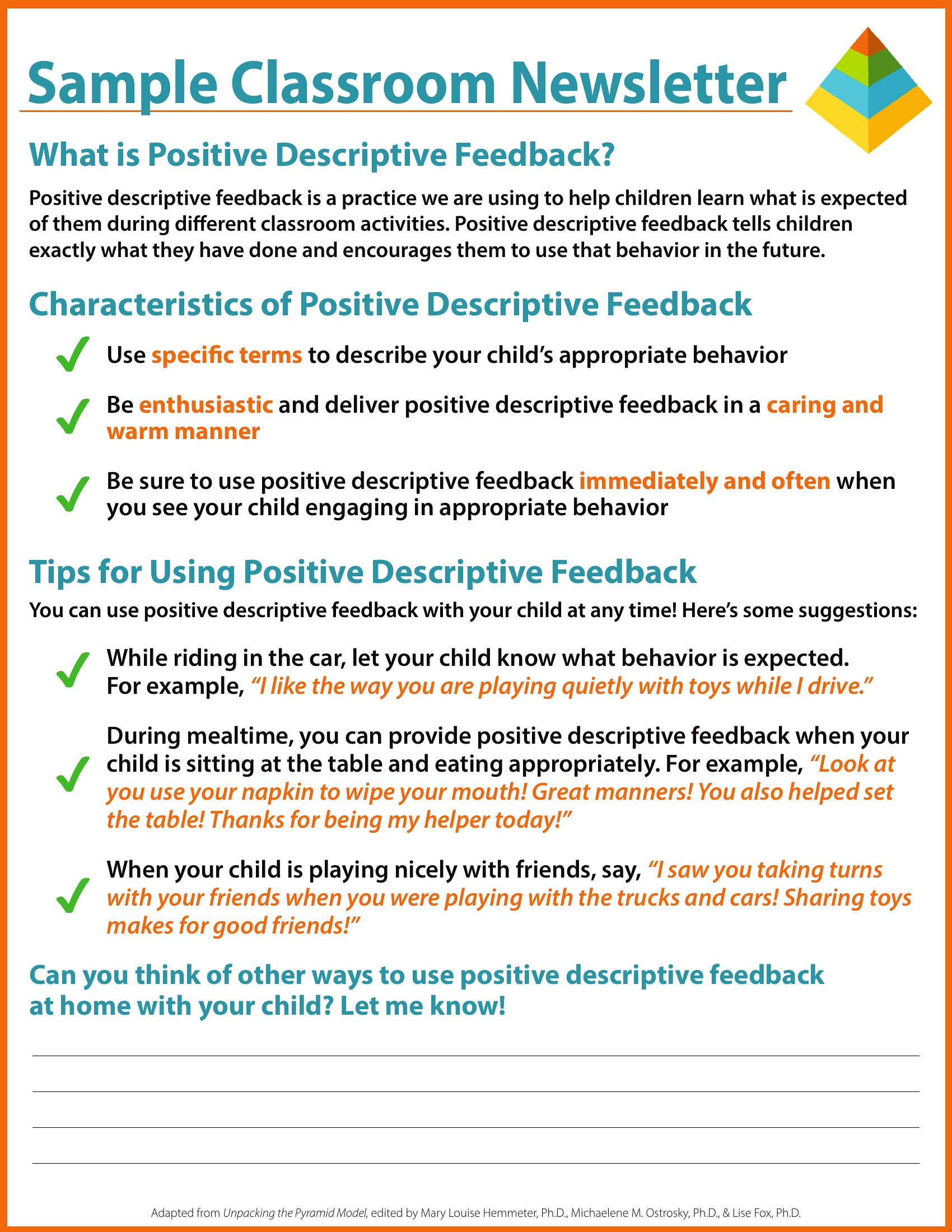
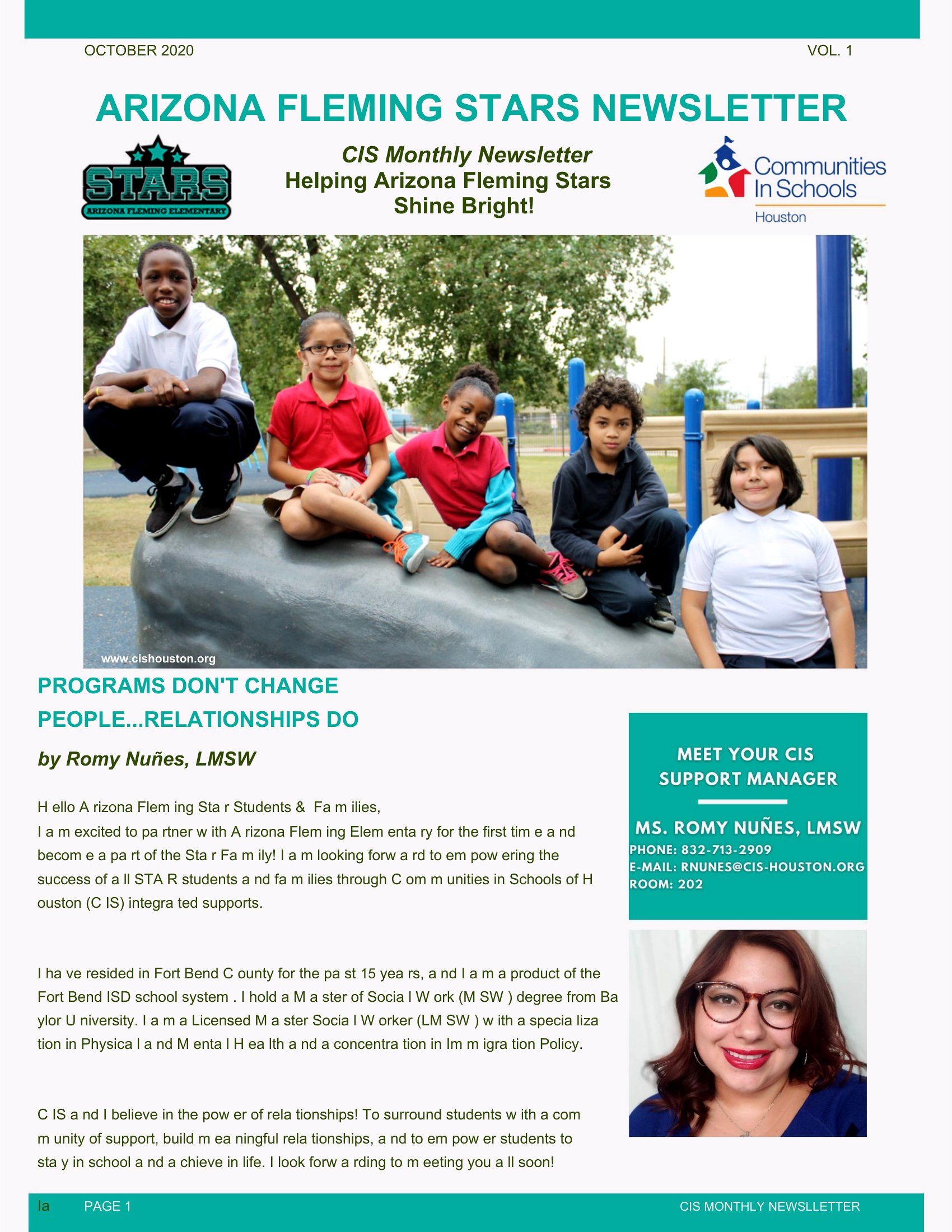
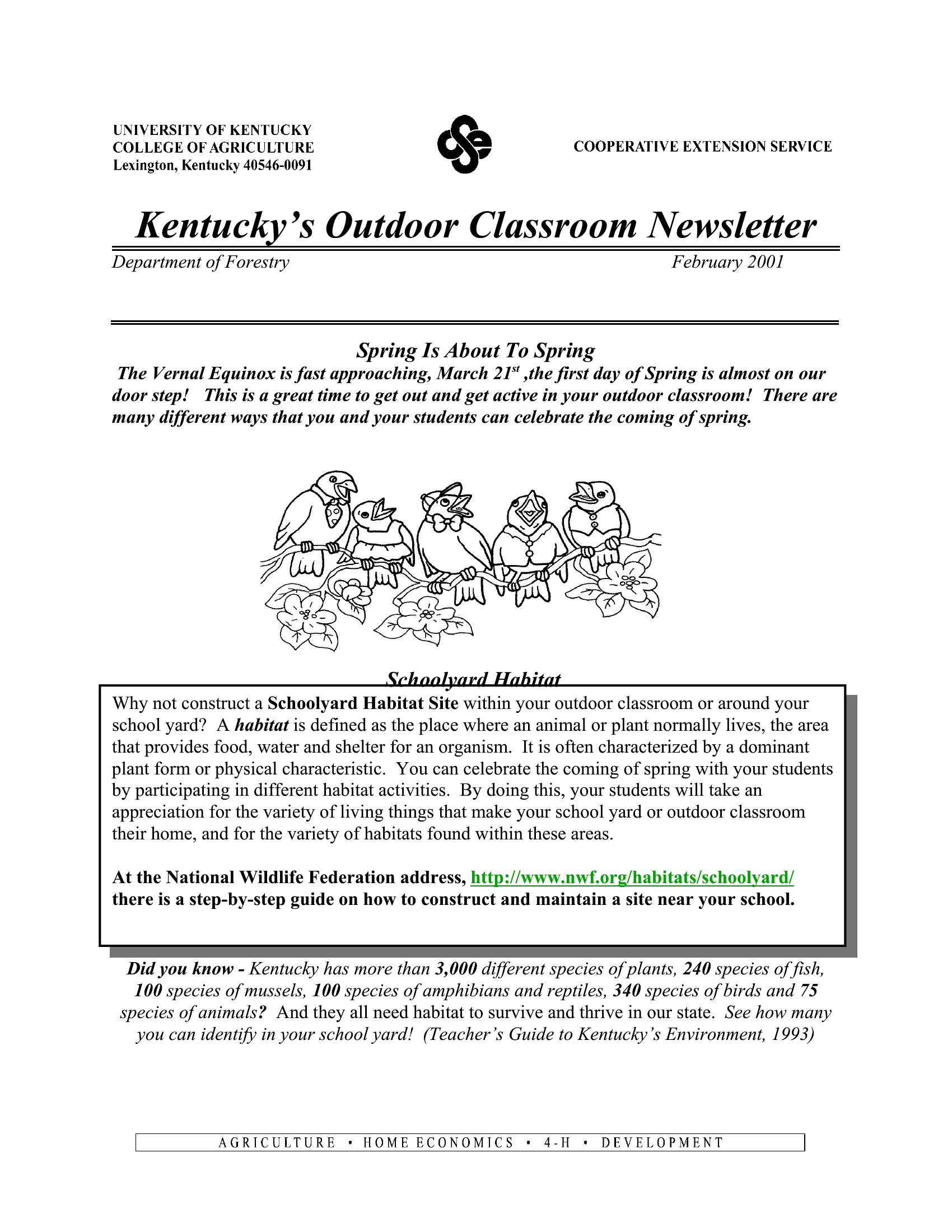
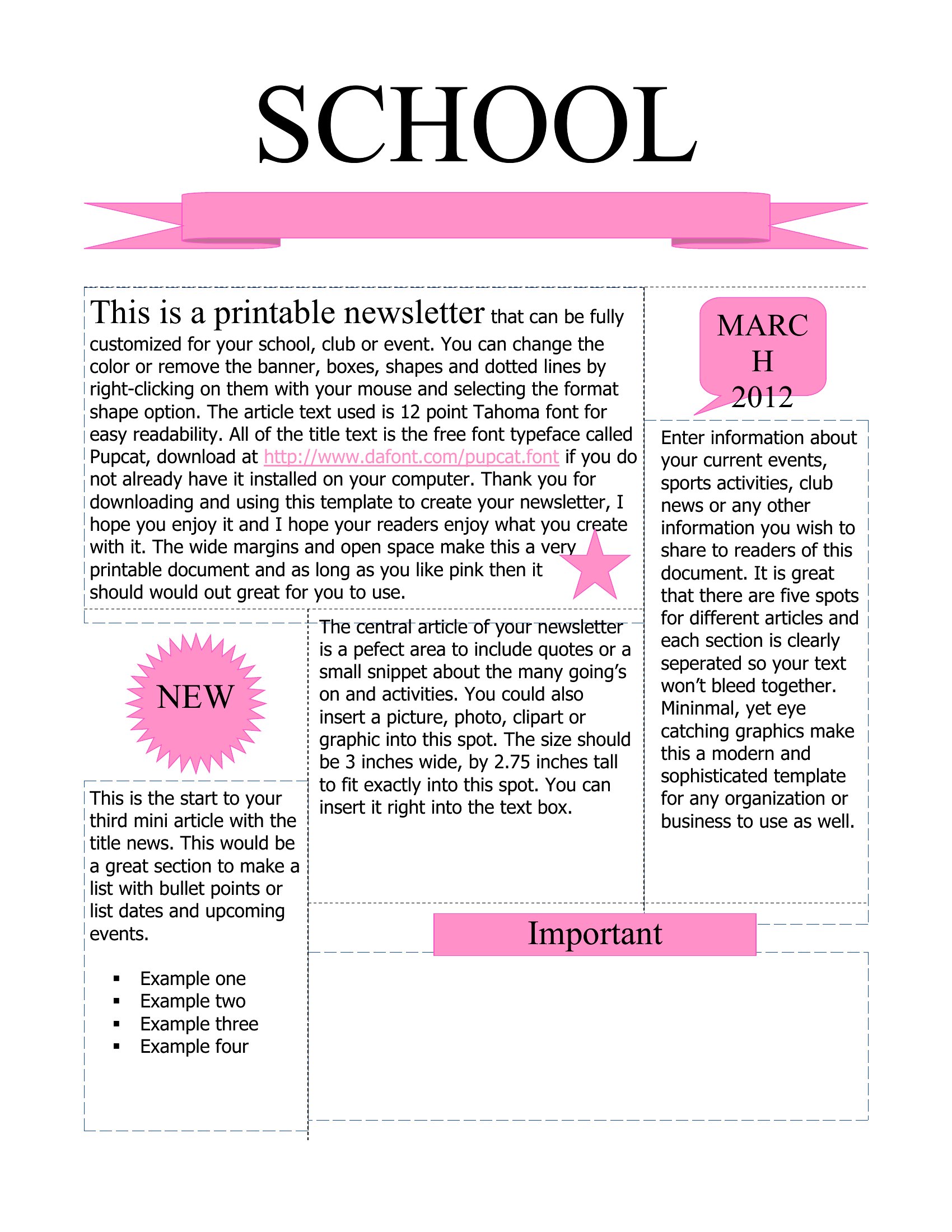
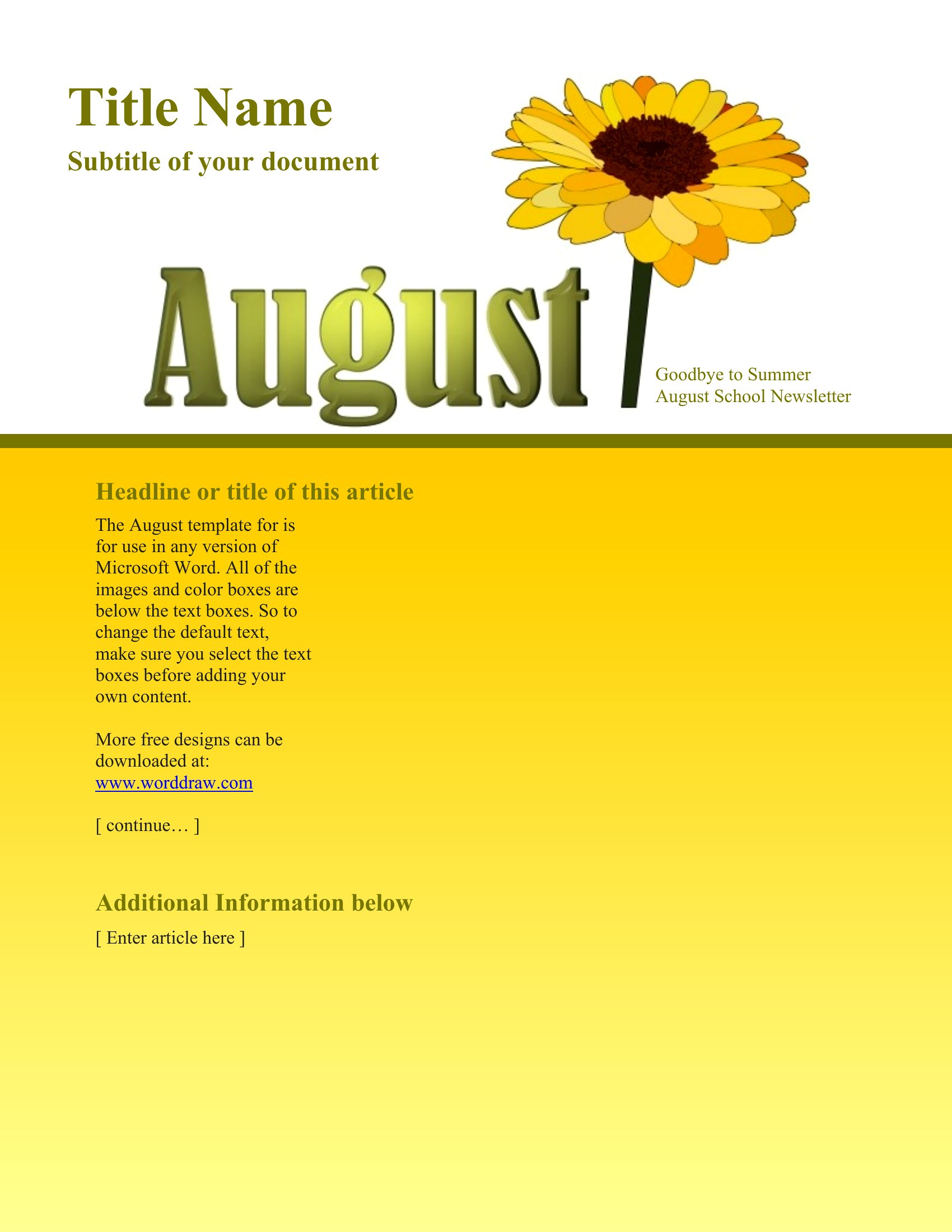
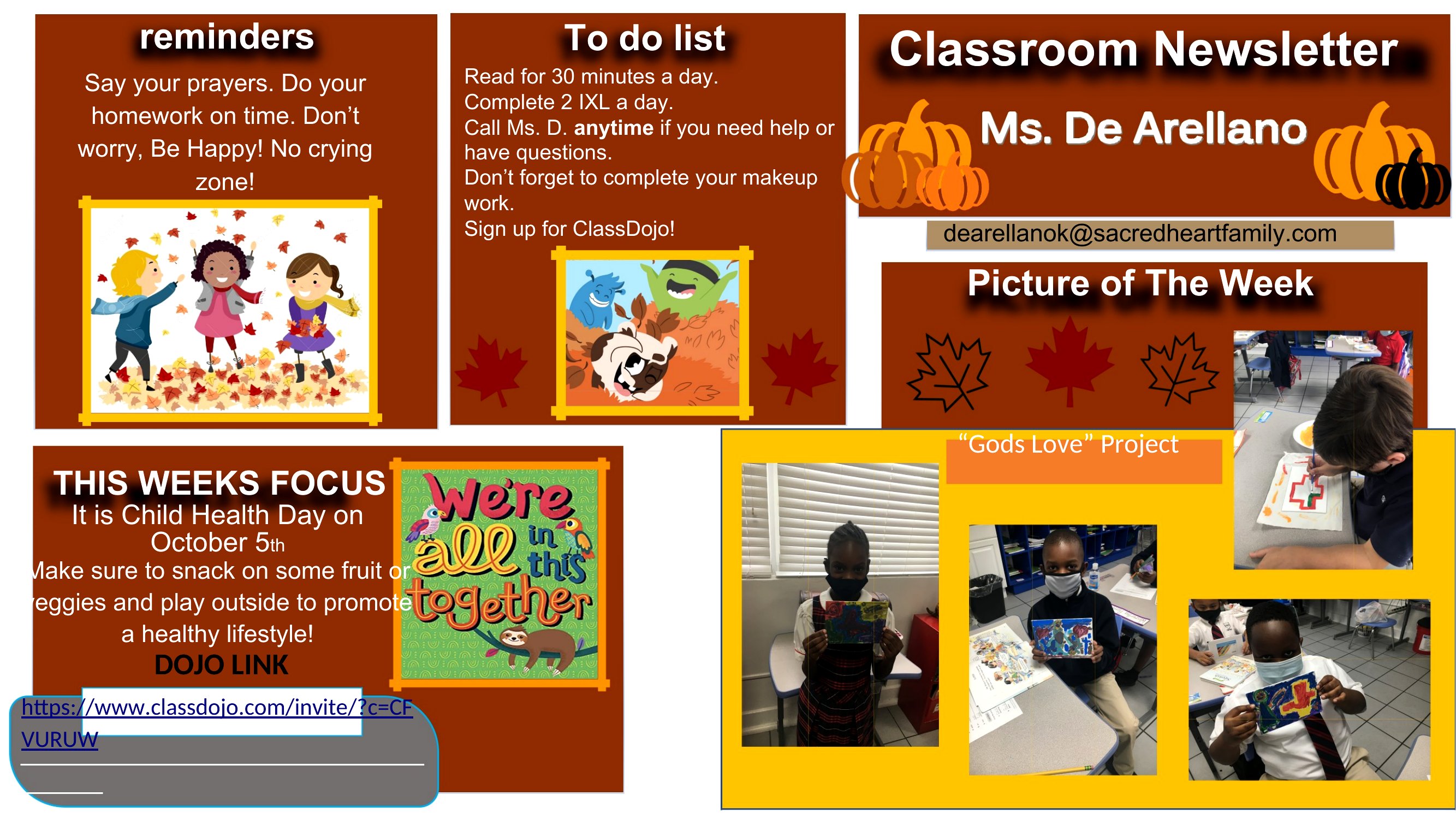
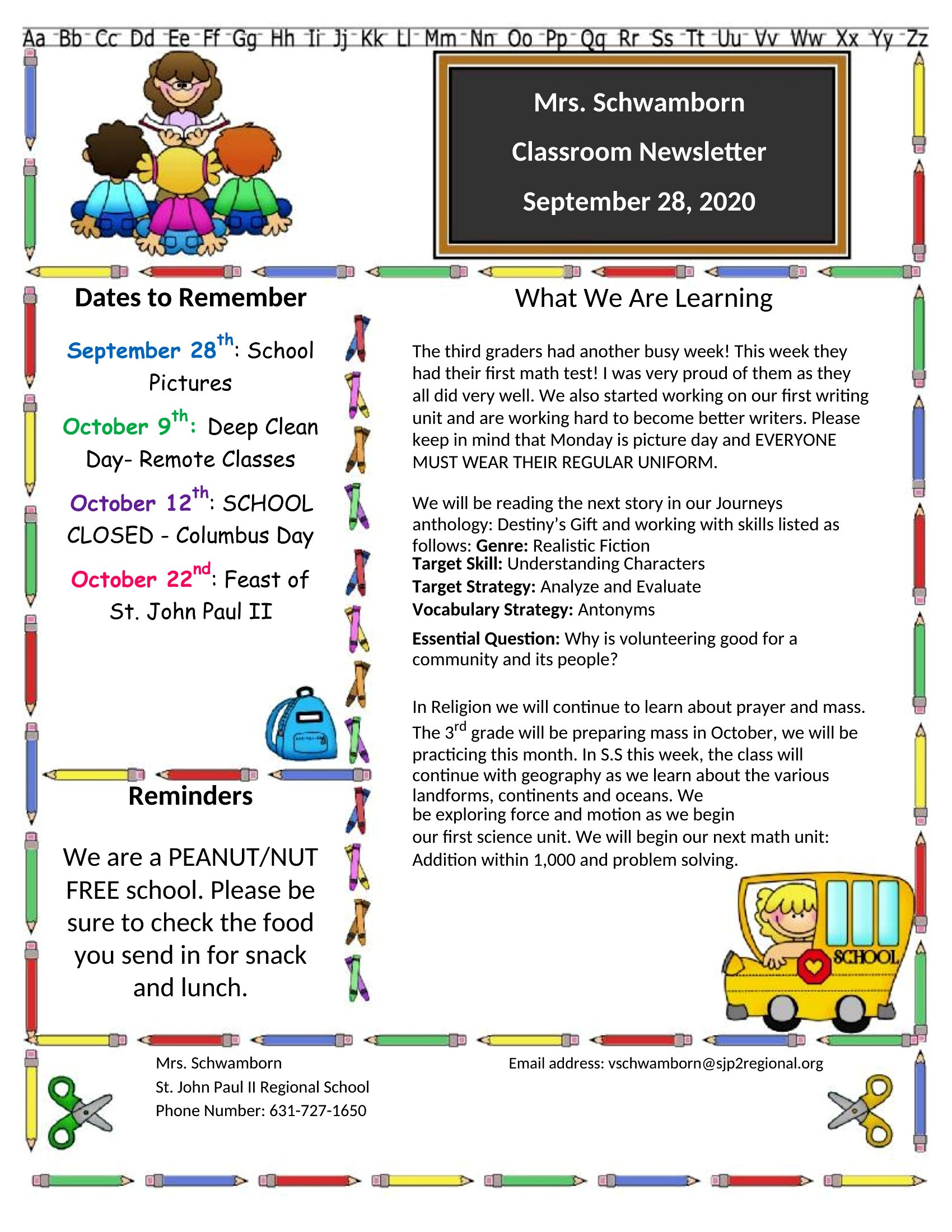
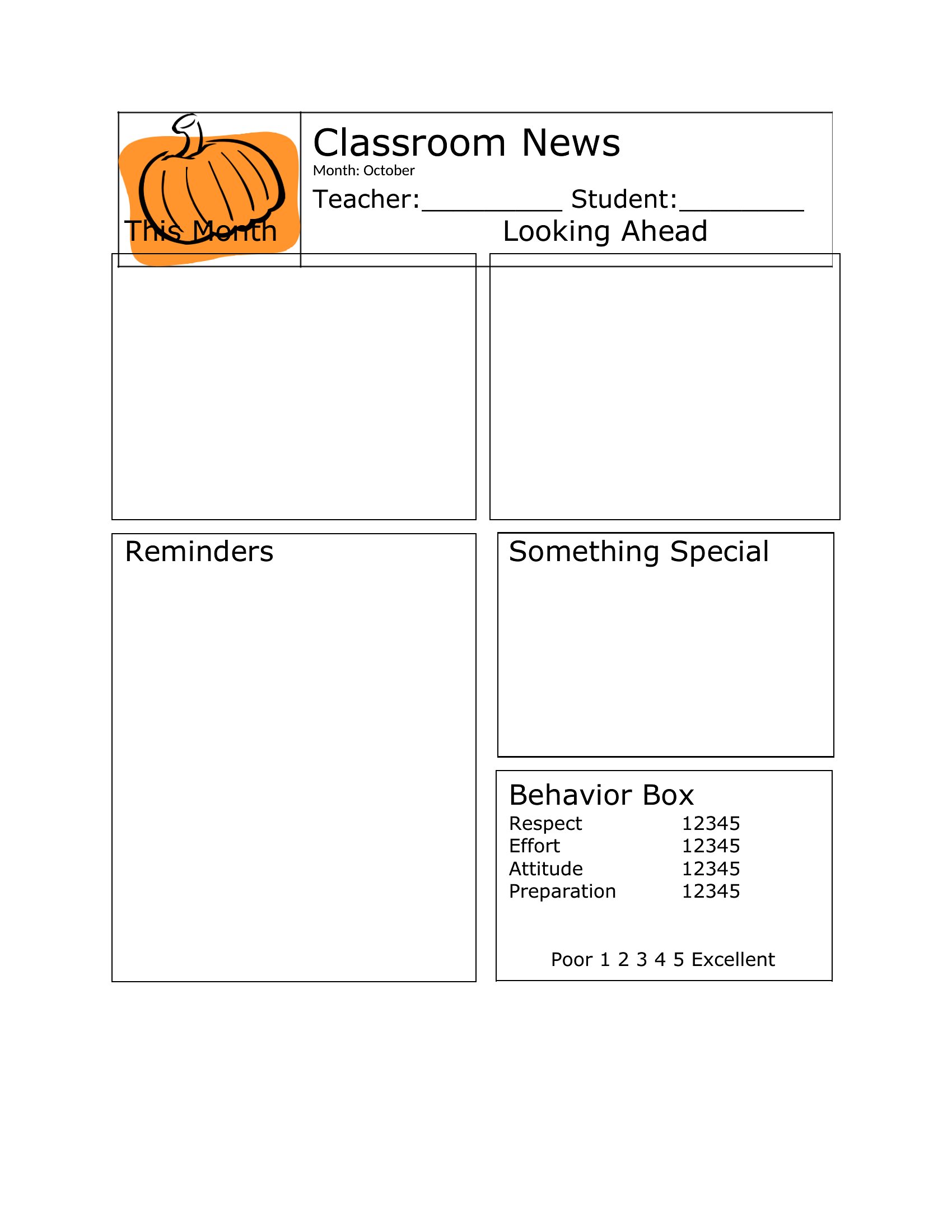
Want to keep parents in the loop without rewriting a layout every week? A classroom newsletter template does the heavy lifting. These 41 templates give teachers a ready format for sharing announcements, upcoming events, reminders, and student highlights. The designs leave room for photos and a friendly note home.

The editable Word versions let you swap in your content and colors each week, and the print-ready PDFs work for backpack mail. Drop in this week's news, add a picture or two, and send it home or email it out. Pick a style that suits your grade, cheerful for the younger kids or clean for older ones. Download one and keep families connected all year.

When to use this Classroom Newsletter template

  • Elementary teachers at the start of the school year need a polished layout to introduce routines, supply lists, and meet-the-teacher events for parents who prefer printed updates.
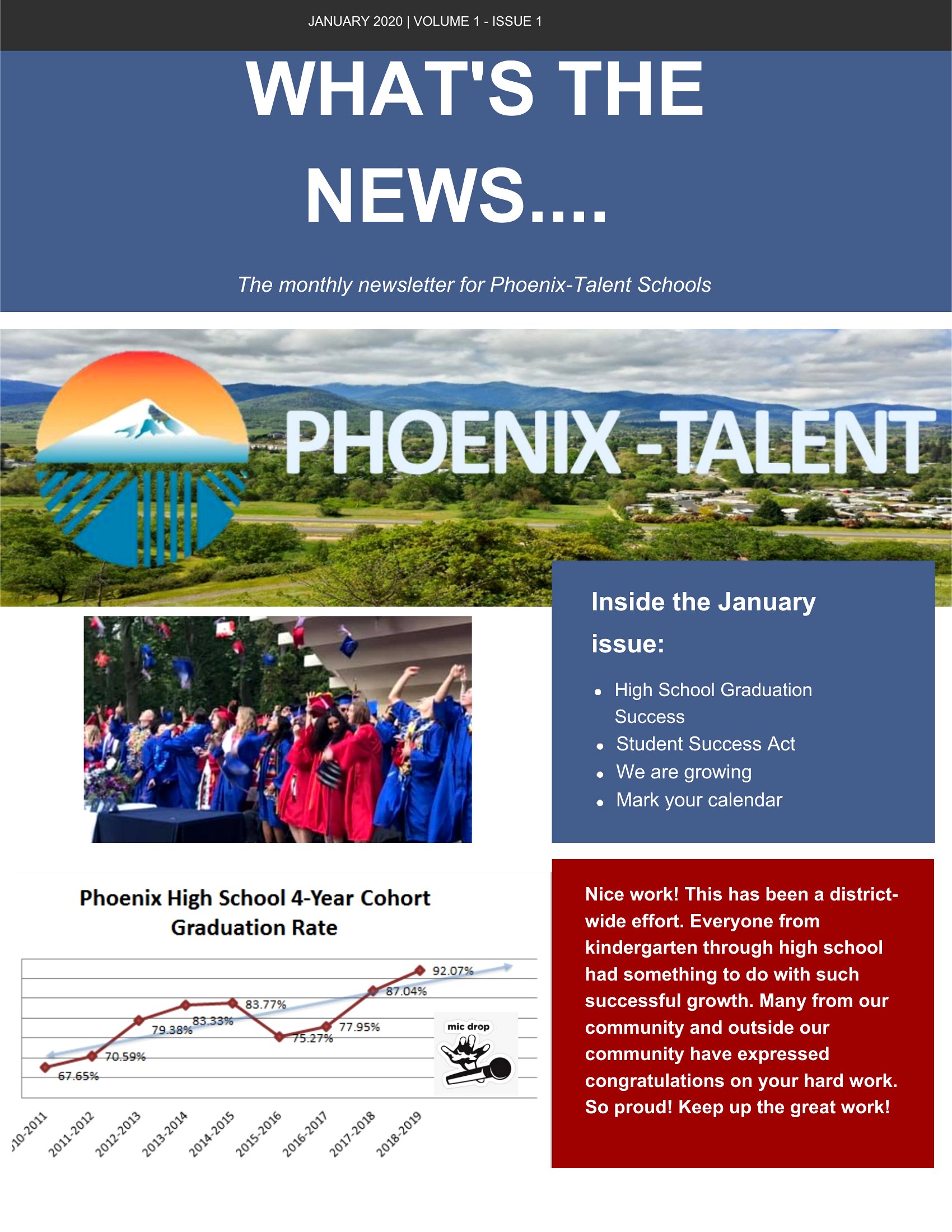
  • High school science teachers want to include weekly lab highlight photos and upcoming project deadlines in a visually organized newsletter for parents who check emails but also print schedules.
  • Special education instructors require a consistent format to share IEPs, field trip permissions, and progress notes in both English and Spanish for bilingual parent communication.
  • Substitute teachers in a district-wide rotation need a simple, reusable template to quickly fill in daily announcements, emergency contacts, and classroom expectations for parents of students they cover.

Which format should I download?

WordPDF

Choose Word when you frequently update content—like swapping weekly announcements or adjusting event dates—and want to maintain editable text, fonts, and photos. The flexibility is ideal for teachers who personalize each newsletter with student spotlights or seasonal themes. Opt for PDF if you’re distributing a finalized version to parents who prefer printouts or digital downloads, as it preserves formatting without risk of accidental edits. The PDFs work best for static content like end-of-year summaries or standardized reports.

How to use this Classroom Newsletter template

Can I use these templates to include student names or photos without breaking copyright?

These templates provide a layout for *your* content, but you’re responsible for obtaining proper consent and permissions for any student photos or names included. Always follow your school’s policies on privacy and parental approval before sharing. The templates themselves don’t include placeholder student data—you’ll need to add that yourself while complying with local laws.

How do I keep the newsletter design consistent if multiple teachers in my grade level use the same template?

Start by selecting one template style as your grade-level standard and save it to a shared drive. Use Word’s ‘Save As’ to create a master copy, then distribute it to colleagues with instructions to work from that file. For PDFs, embed the file in a shared email or portal and ask teachers to print or download directly from that source to maintain uniformity.

Are there templates that include space for multilingual content, like dual-language event descriptions?

While none of these templates are specifically bilingual, you can easily adapt them by adding a second column or section for translations in Word. Use the table tools or text boxes to keep languages aligned. For PDFs, design the layout in Word first, then export to ensure both languages fit neatly within the same template before finalizing.

Comments

Join the conversation

Sign in to share your thoughts and leave a comment on this resource.

Newsletter

Get Weekly Design Updates

Join our community to receive curated resources and inspiration.

Weekly Tips Resources Early Access

We respect your privacy. Confirmation email required. Privacy Policy