FAQ
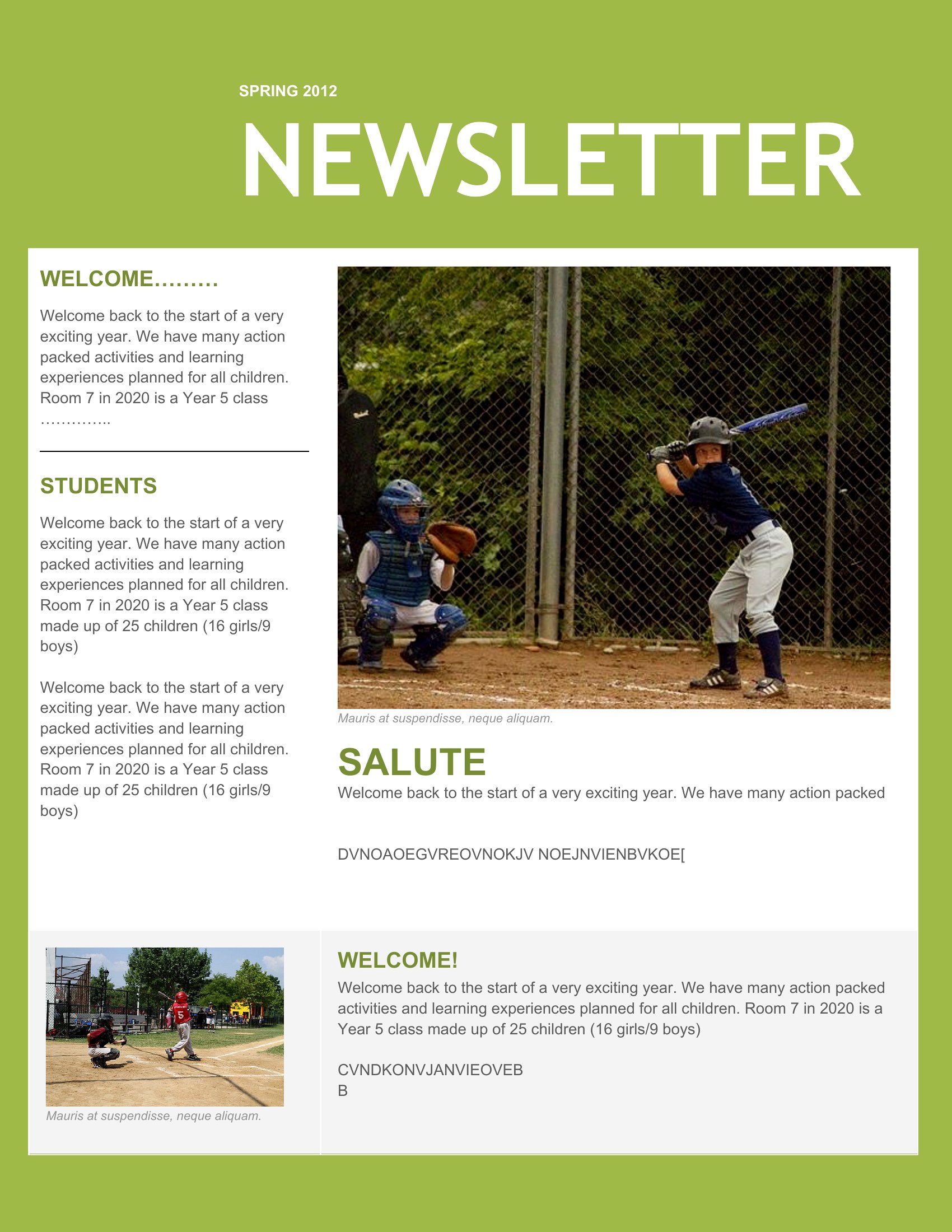
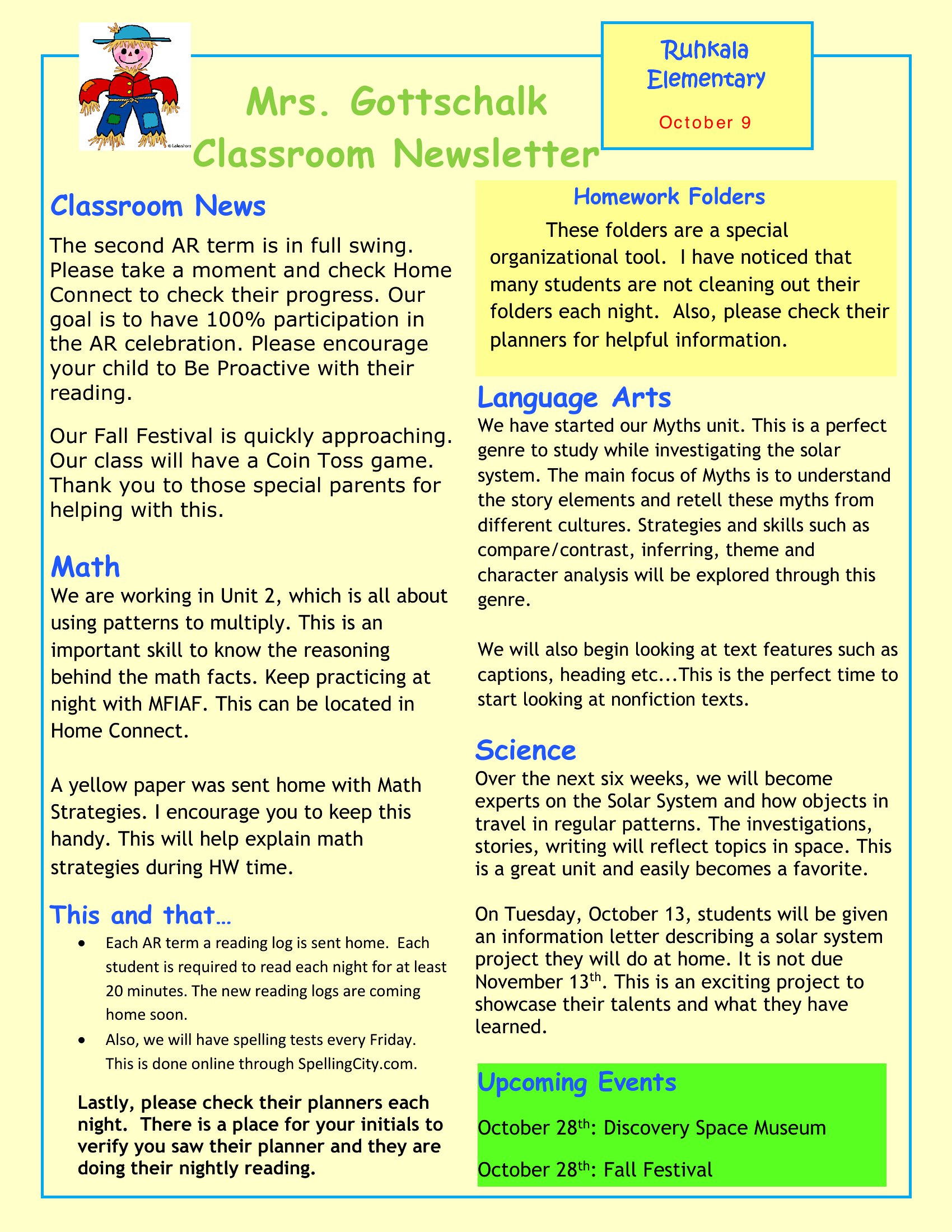
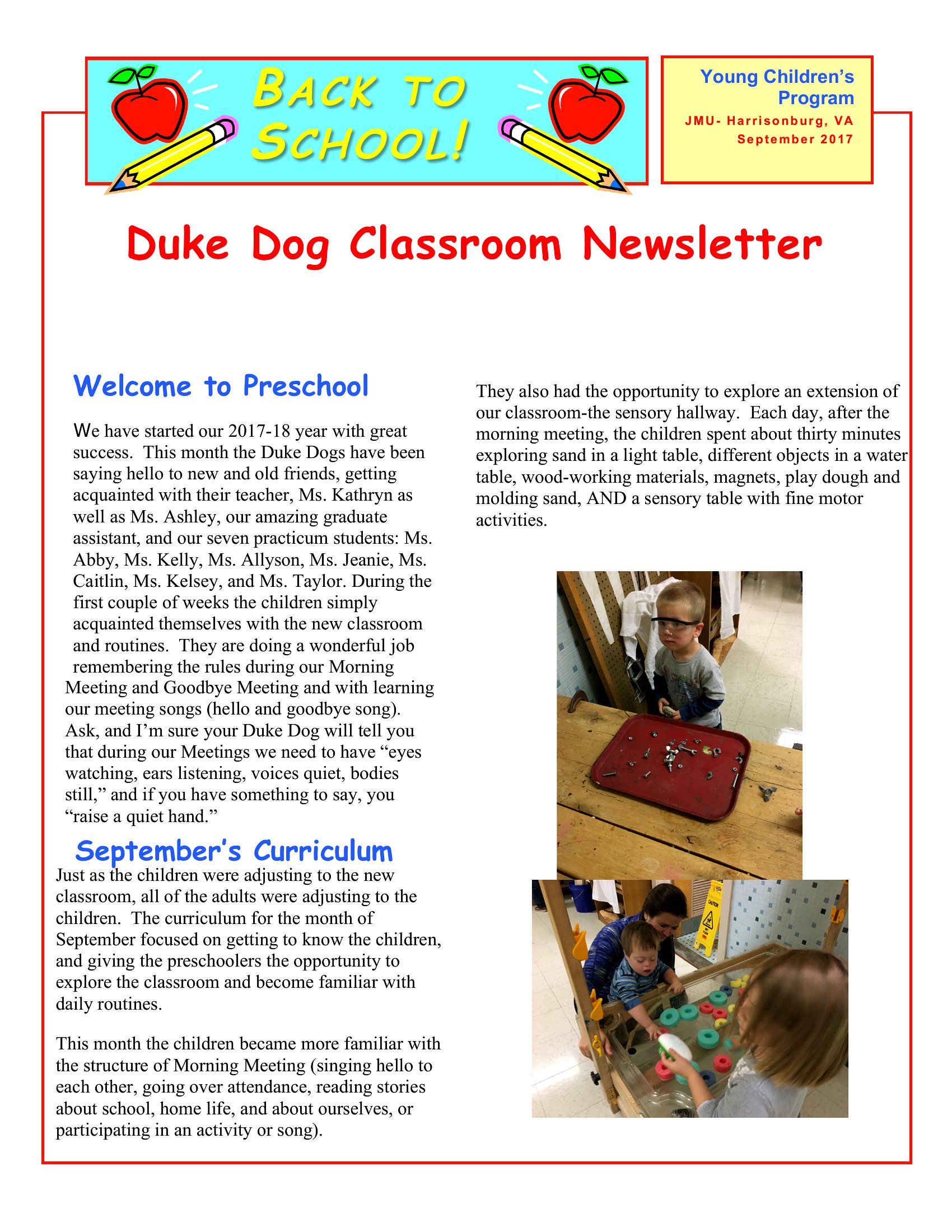
Can I use these templates to include student names or photos without breaking copyright?
These templates provide a layout for *your* content, but you’re responsible for obtaining proper consent and permissions for any student photos or names included. Always follow your school’s policies on privacy and parental approval before sharing. The templates themselves don’t include placeholder student data—you’ll need to add that yourself while complying with local laws.
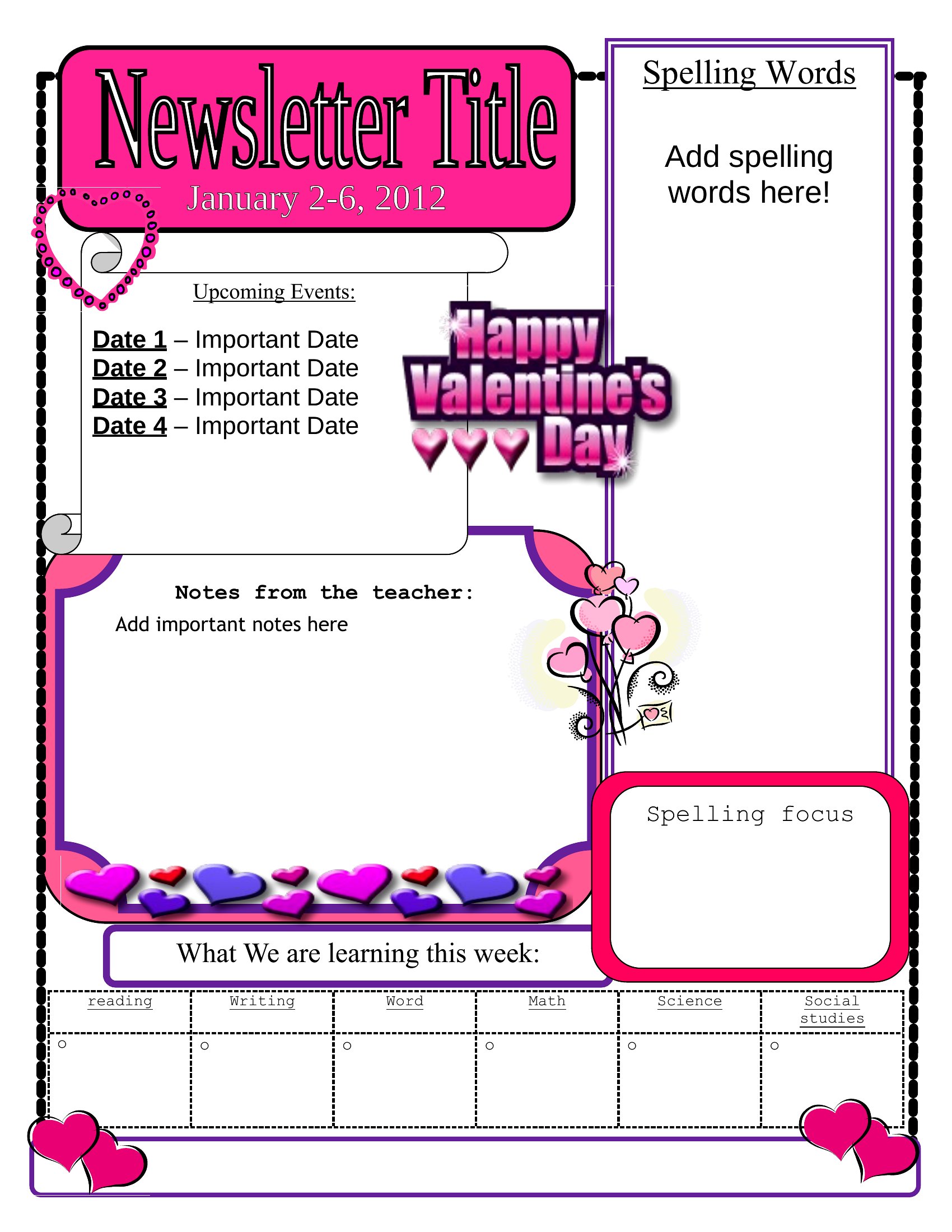
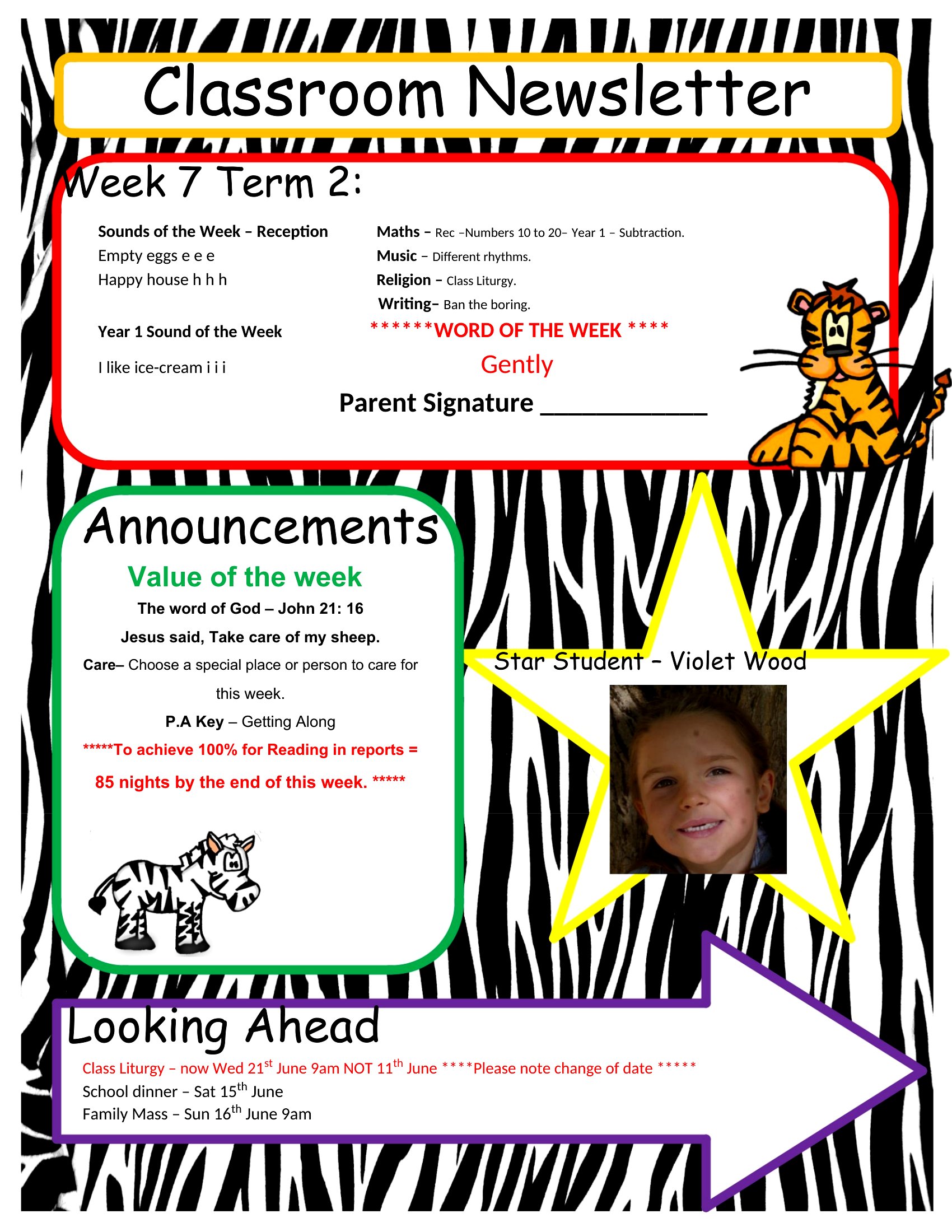
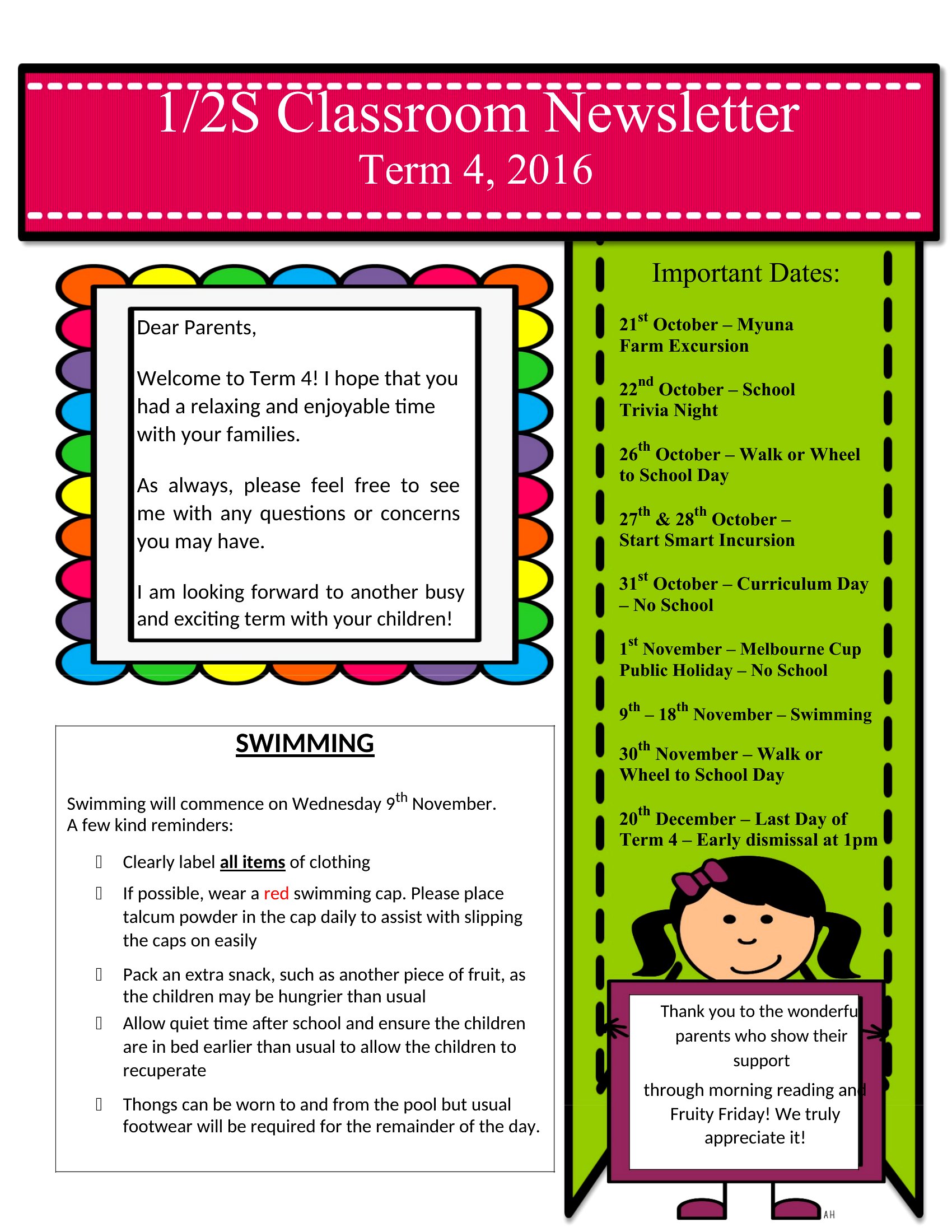
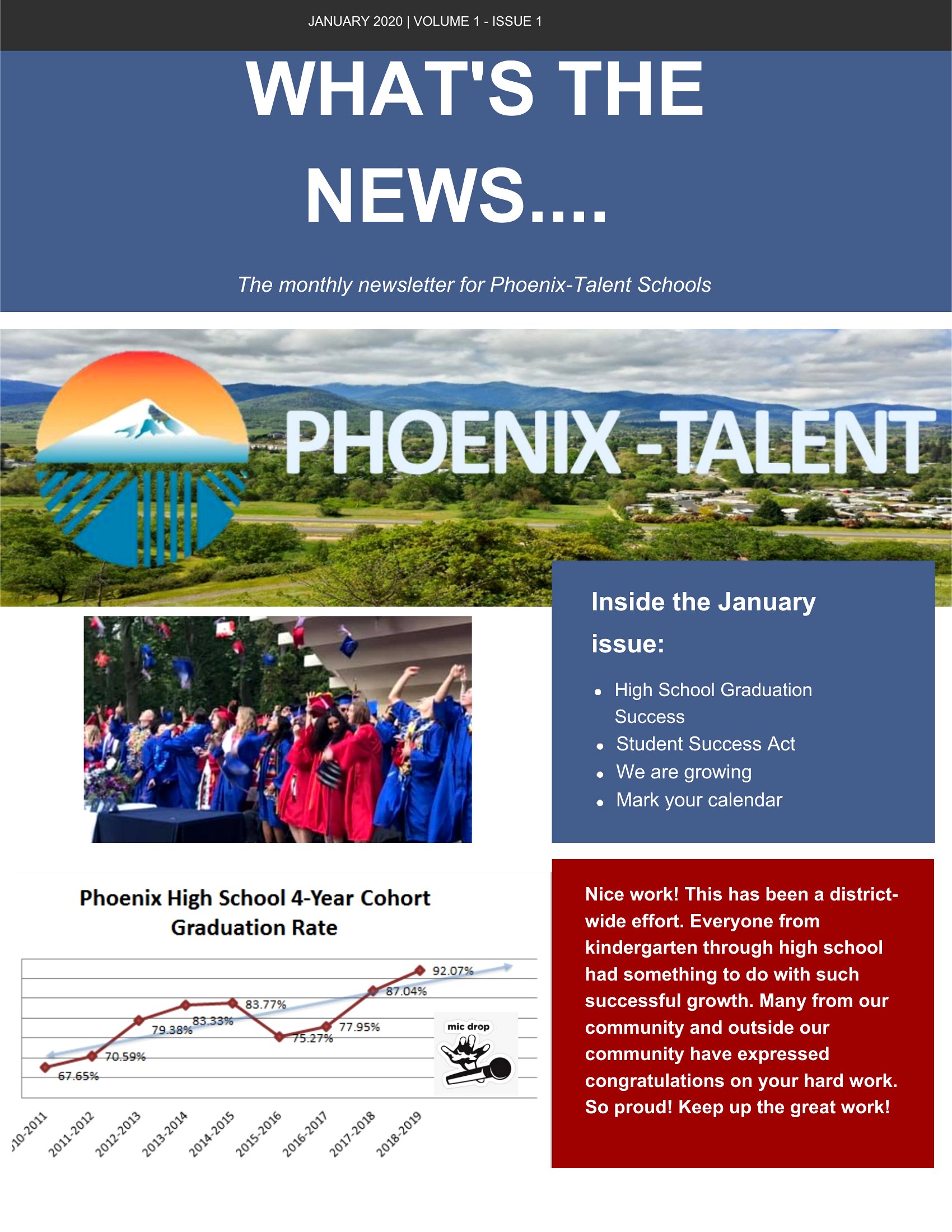
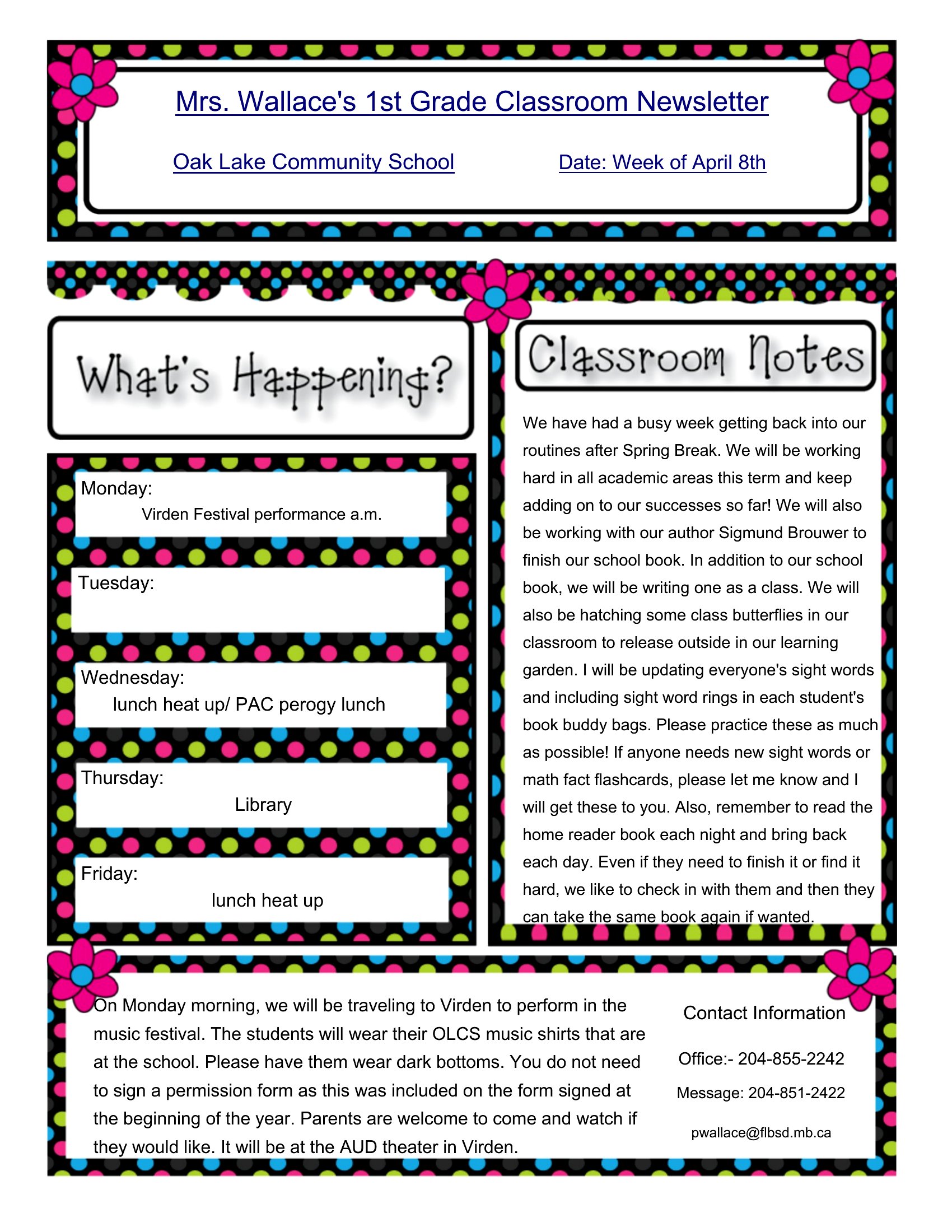
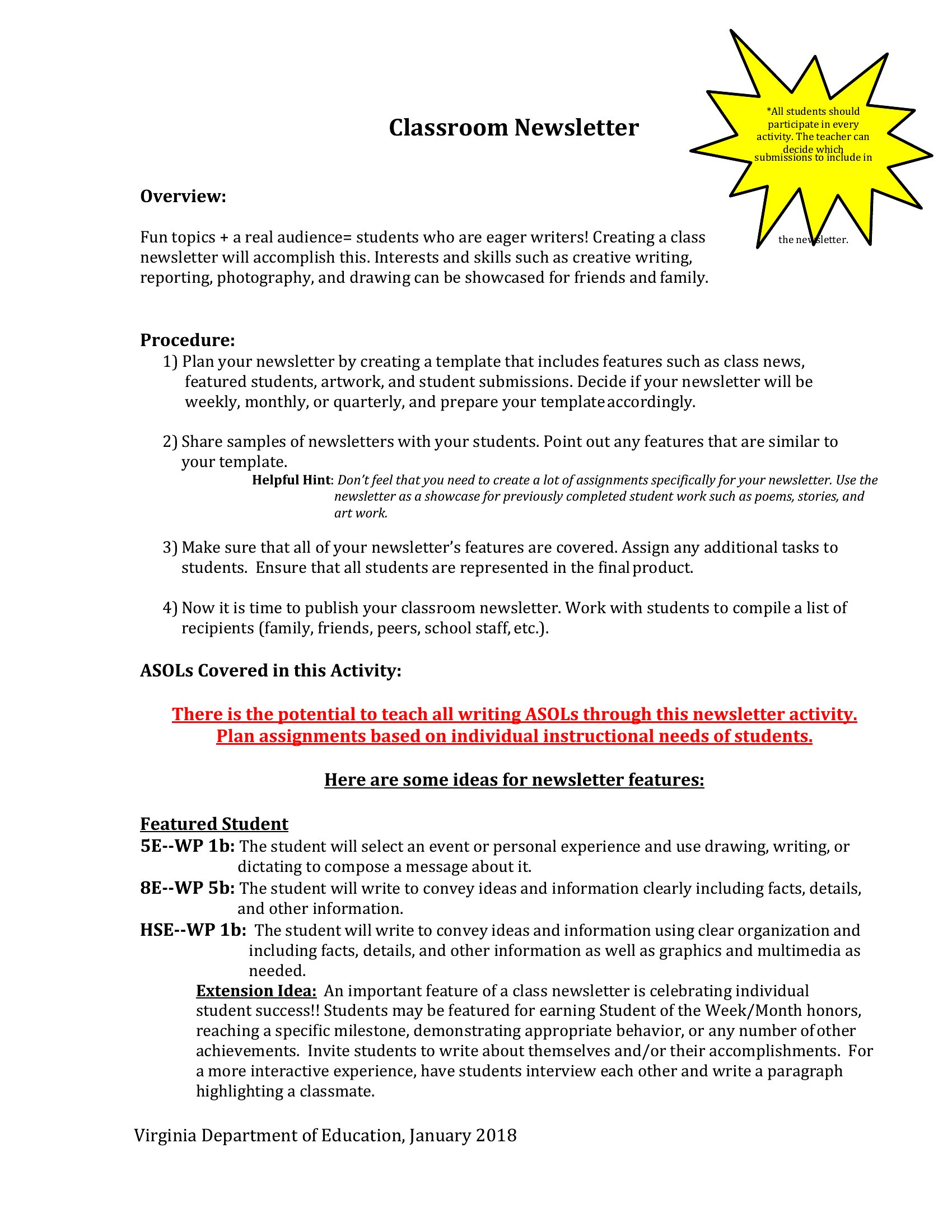
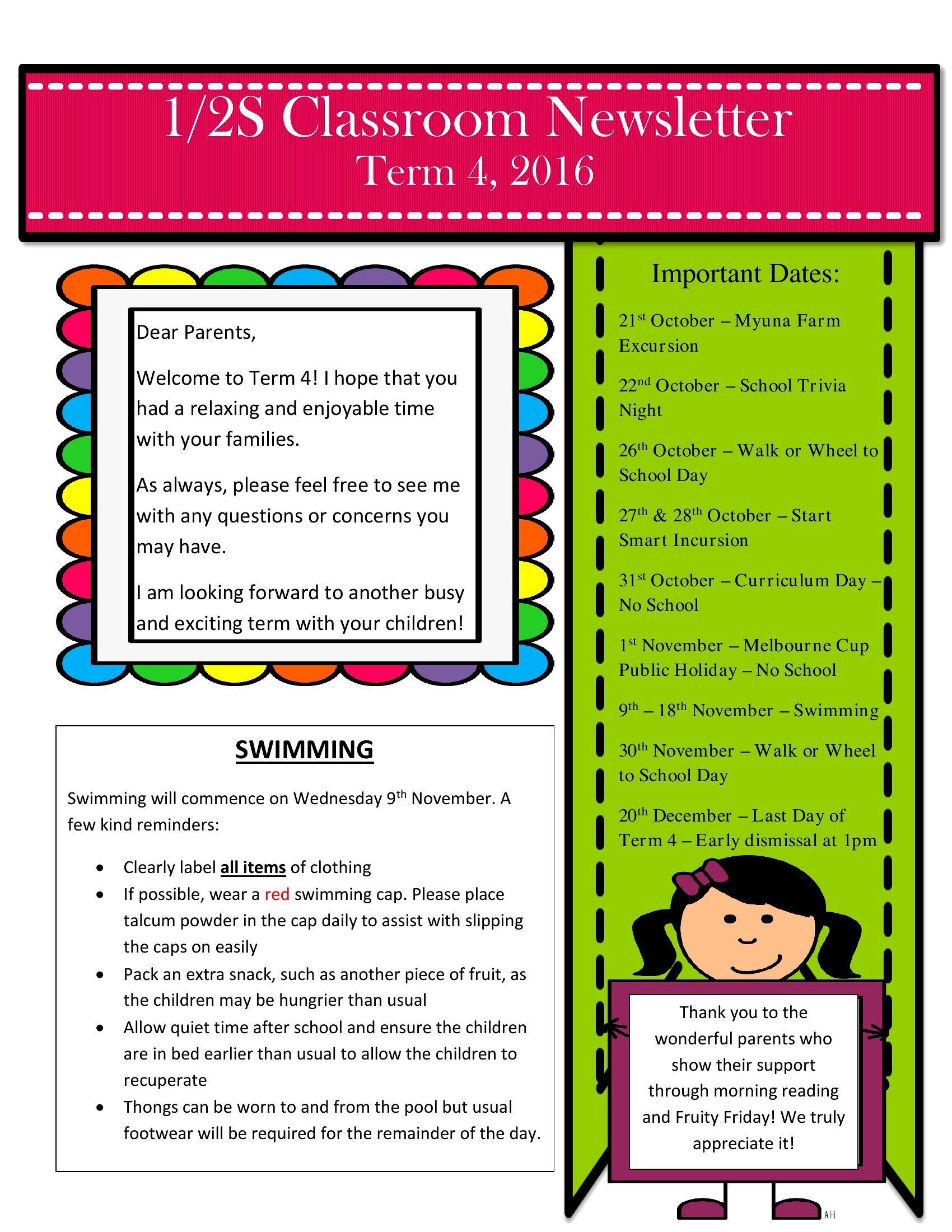
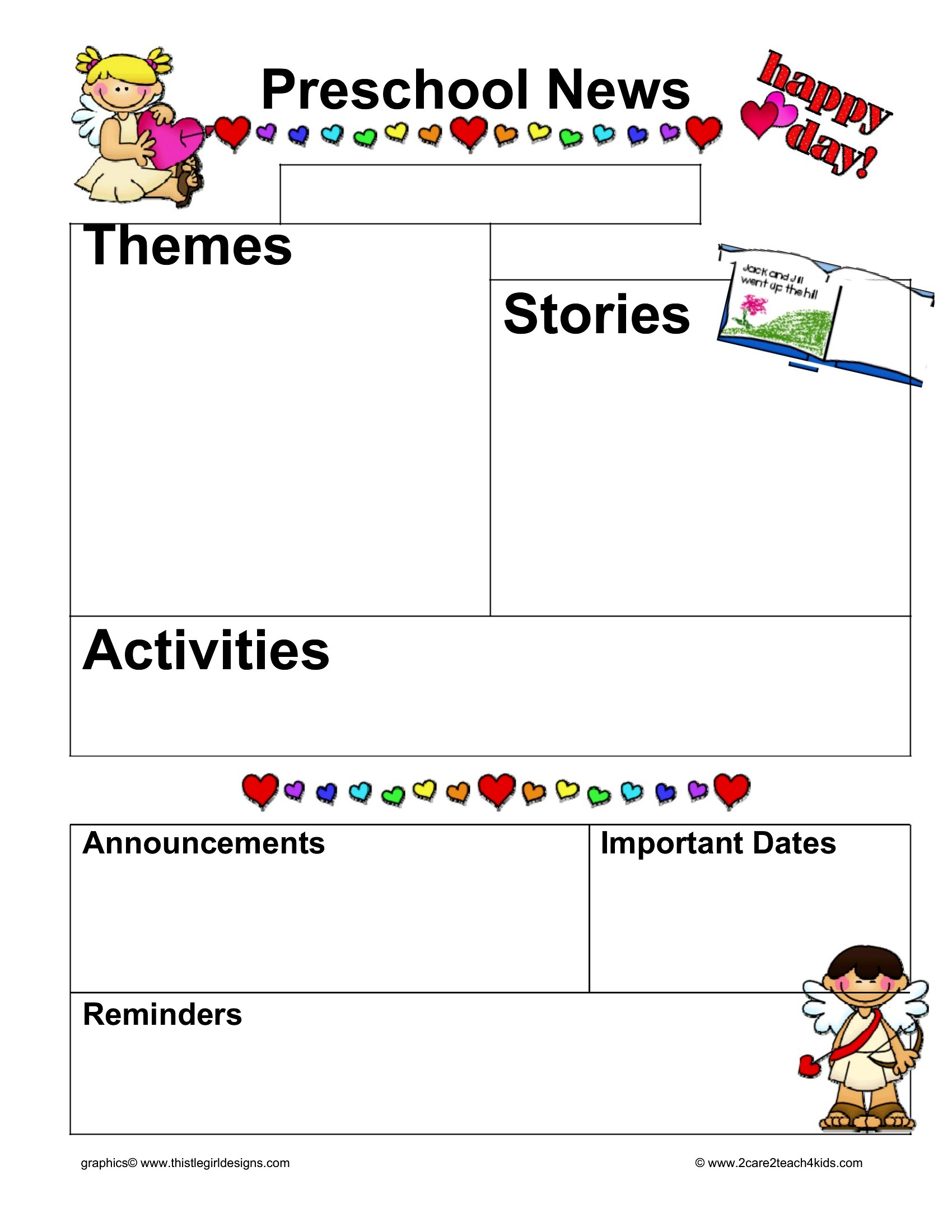
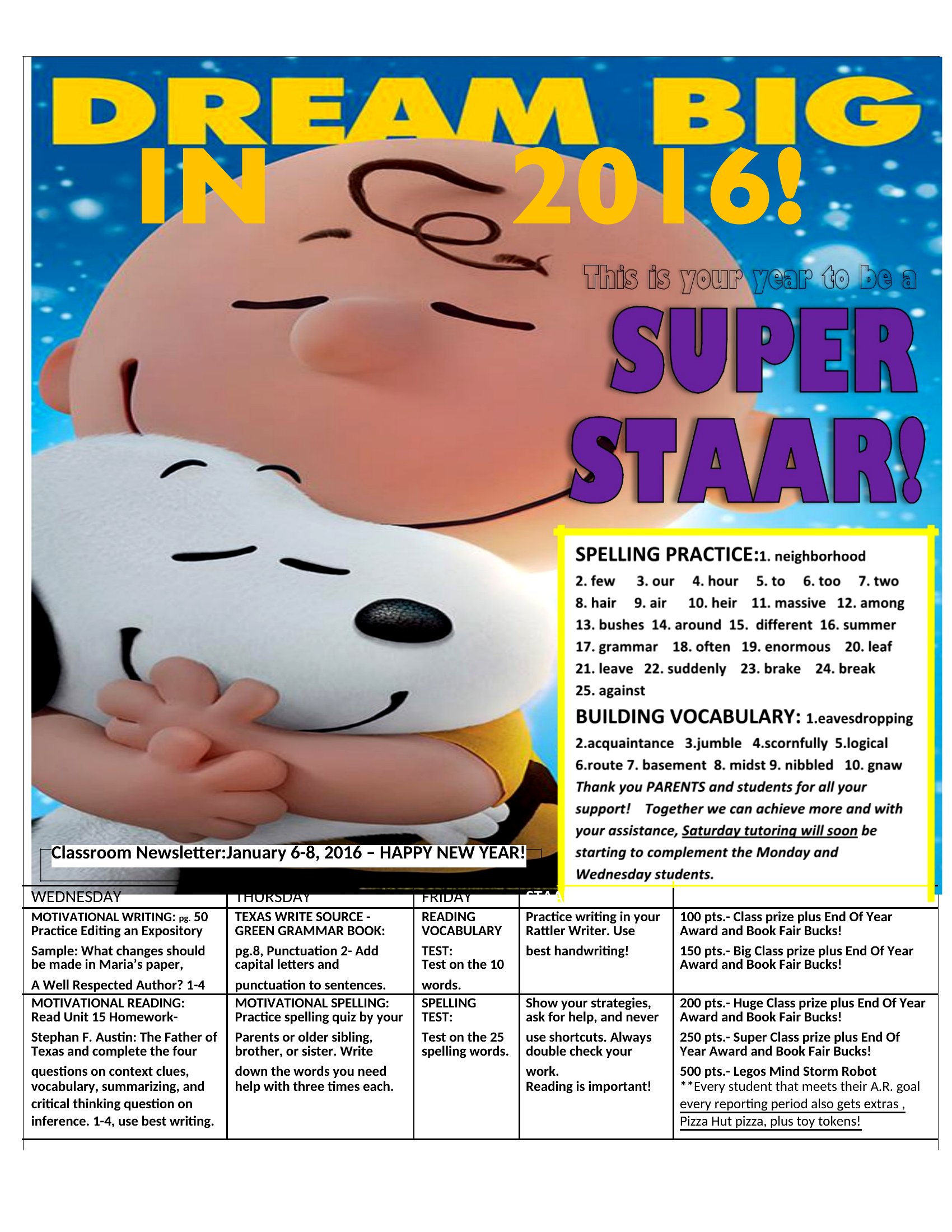
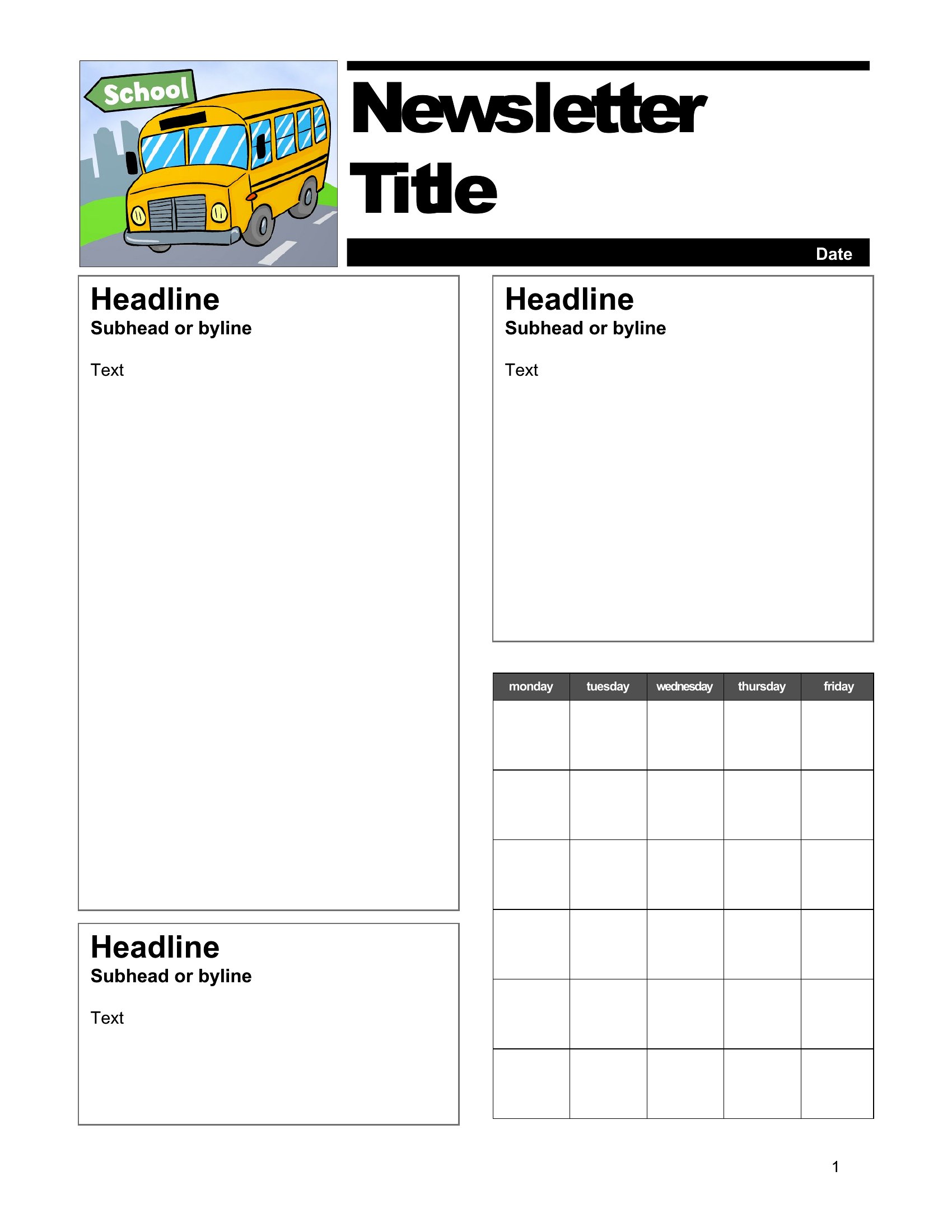
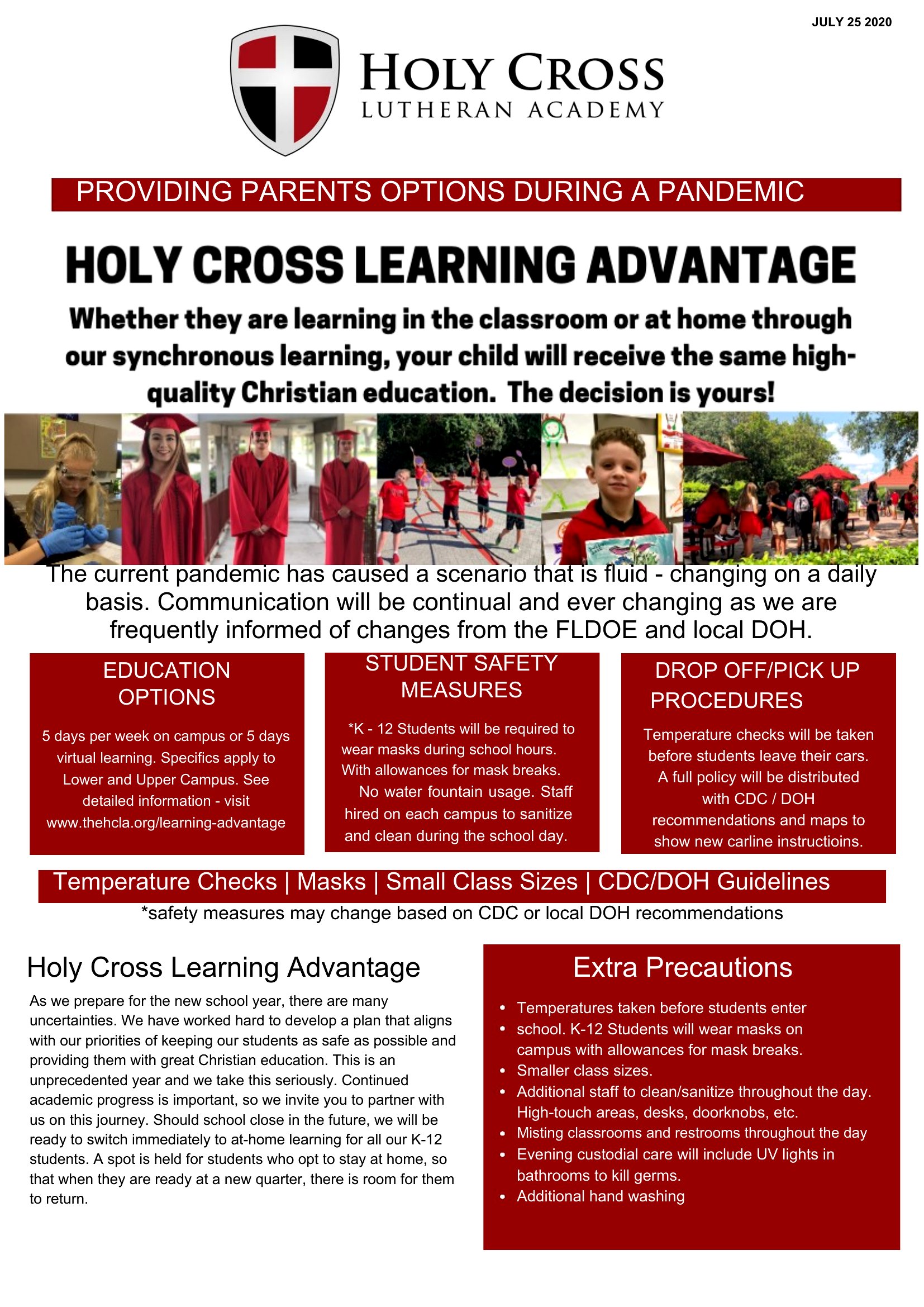
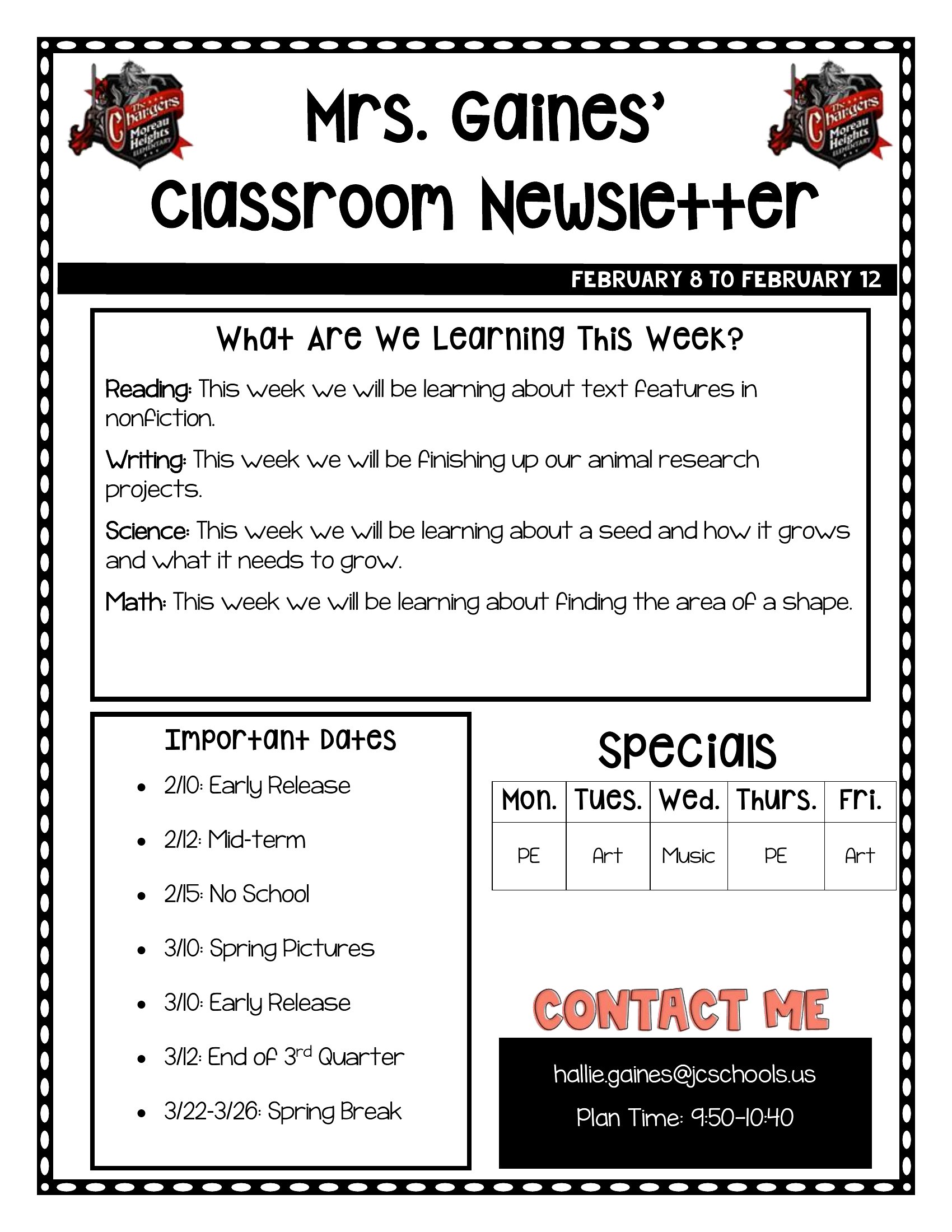
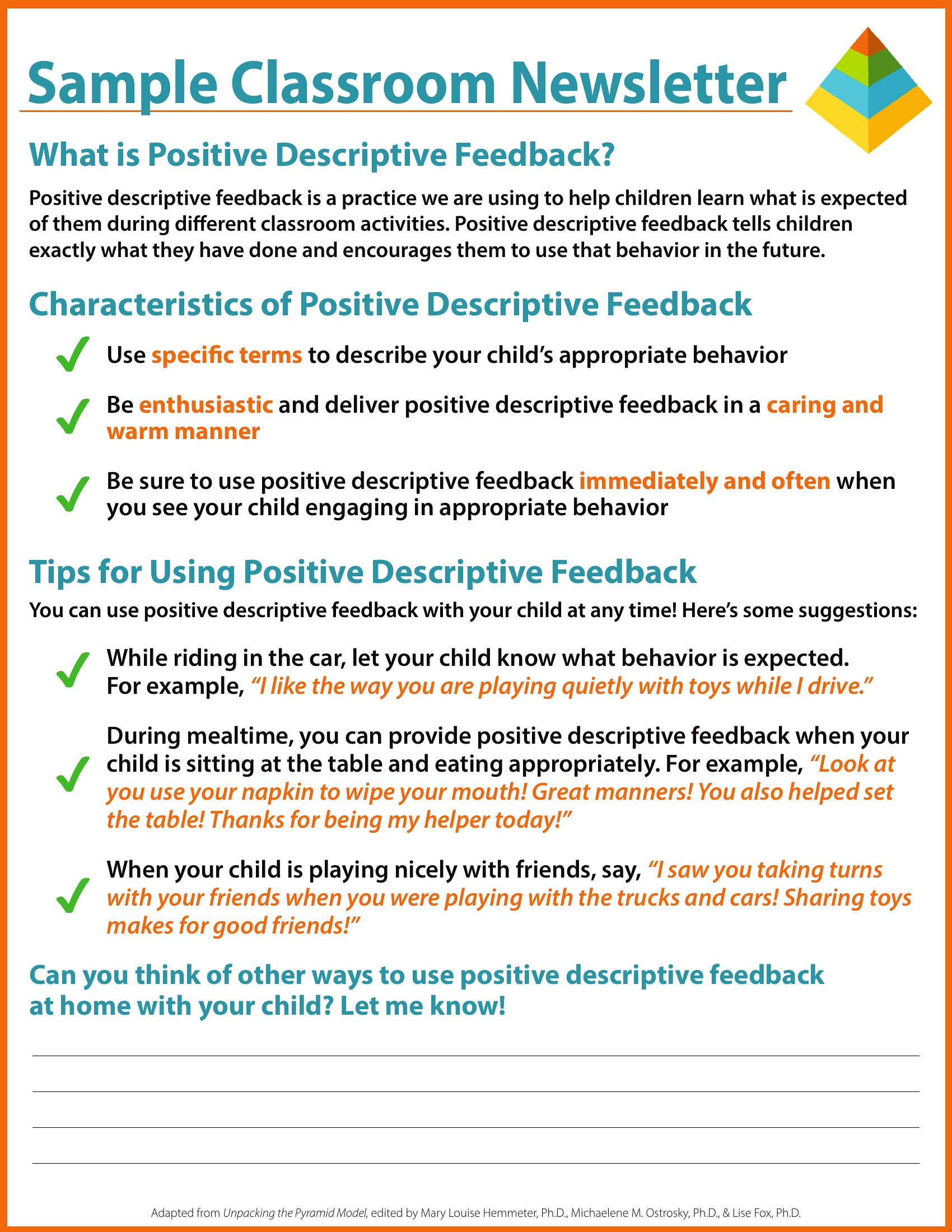
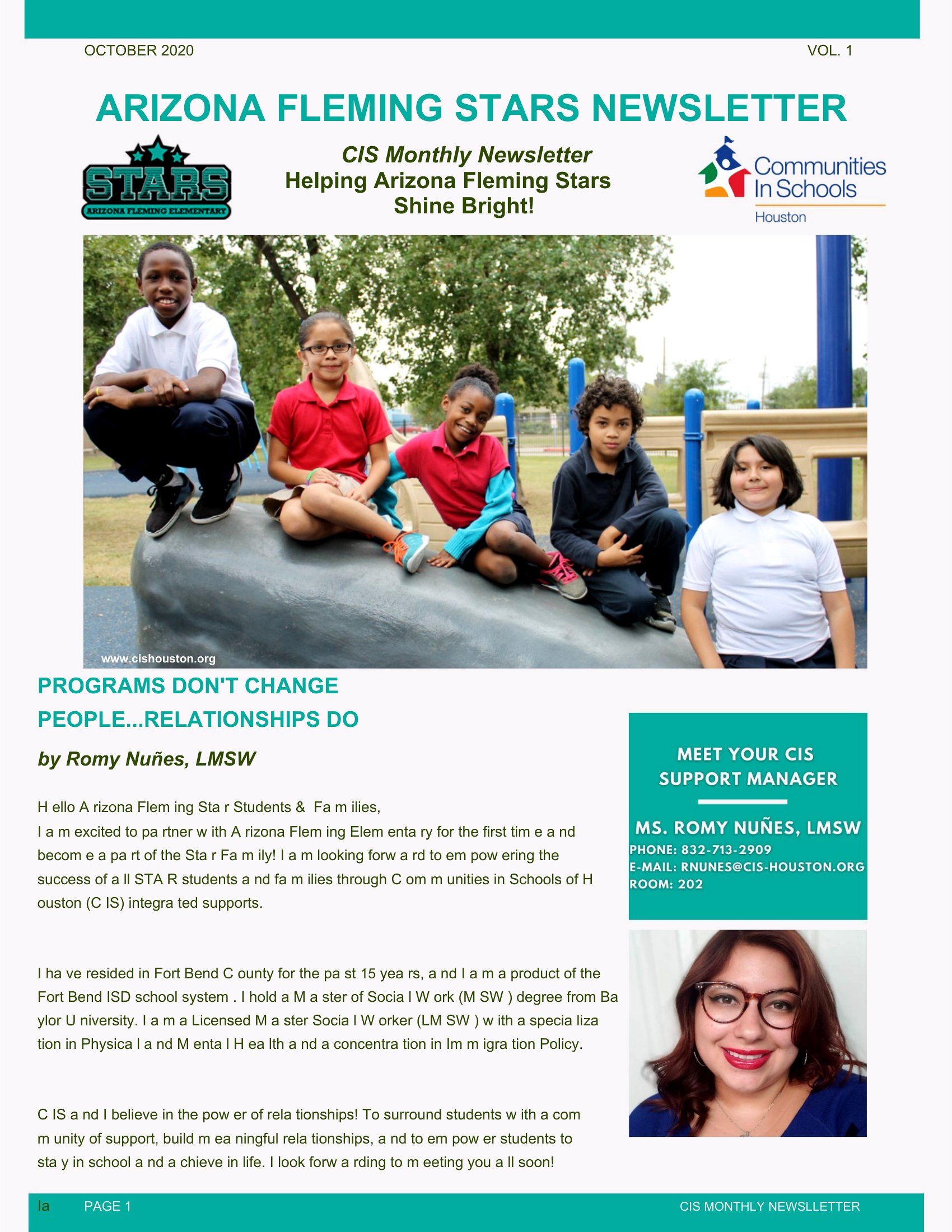
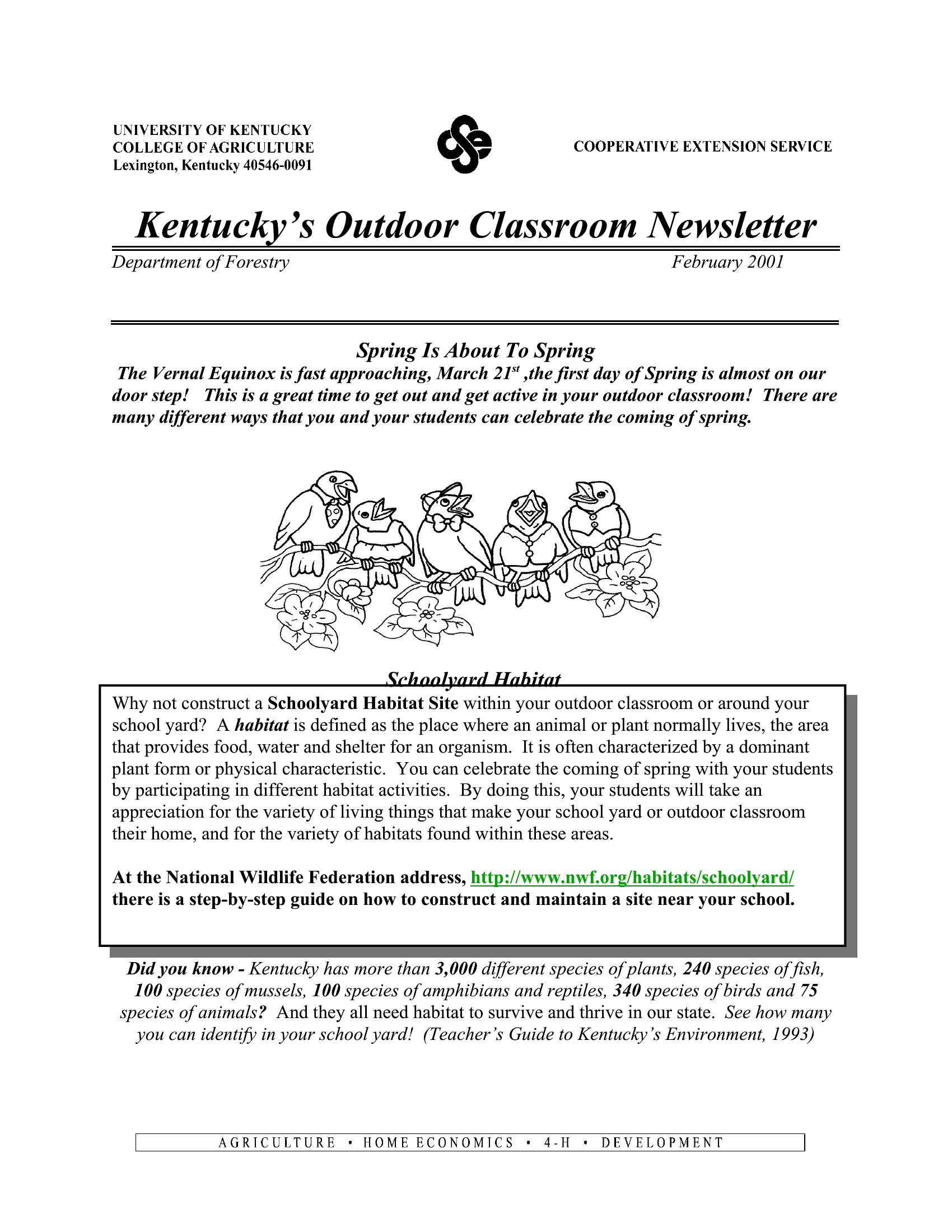
How do I keep the newsletter design consistent if multiple teachers in my grade level use the same template?
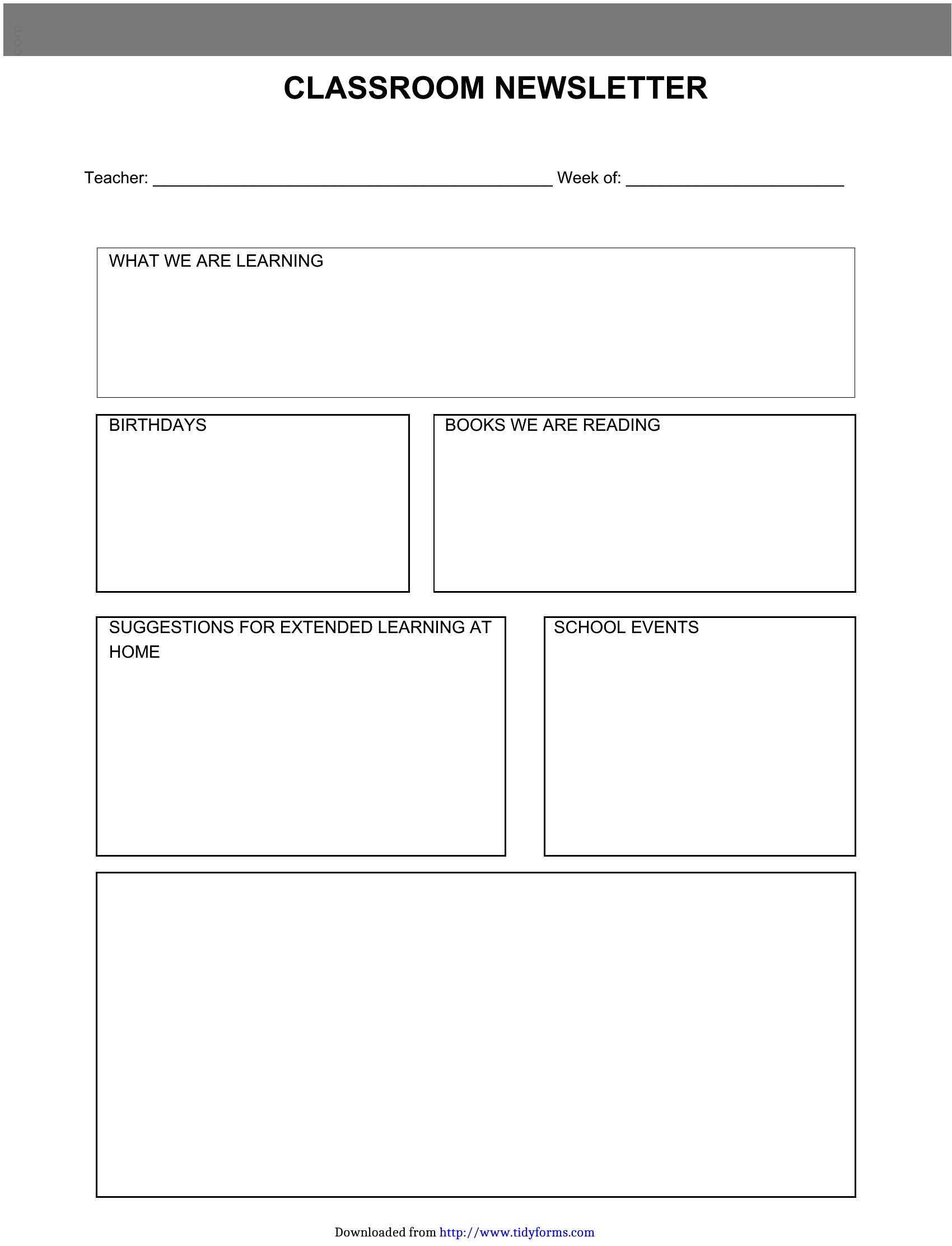
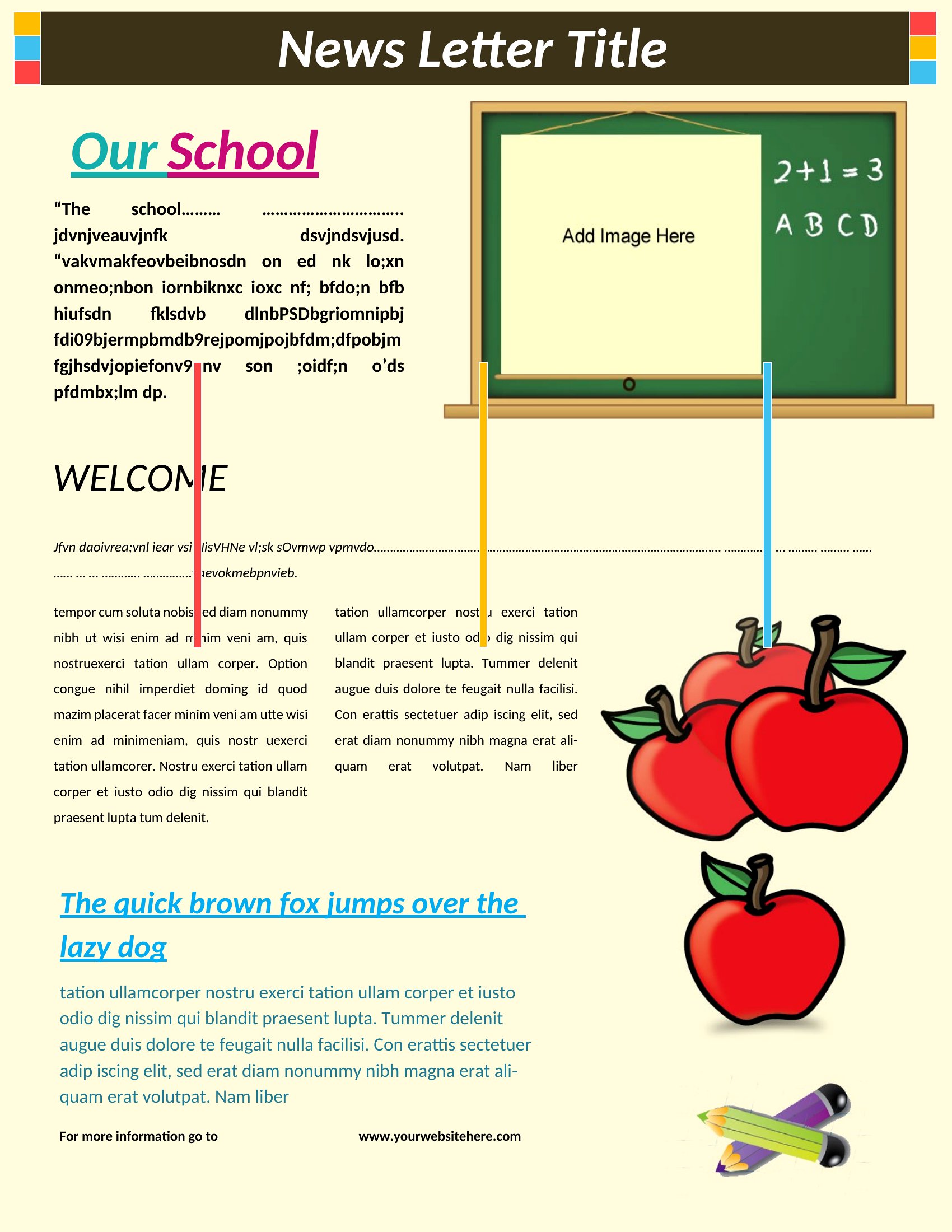
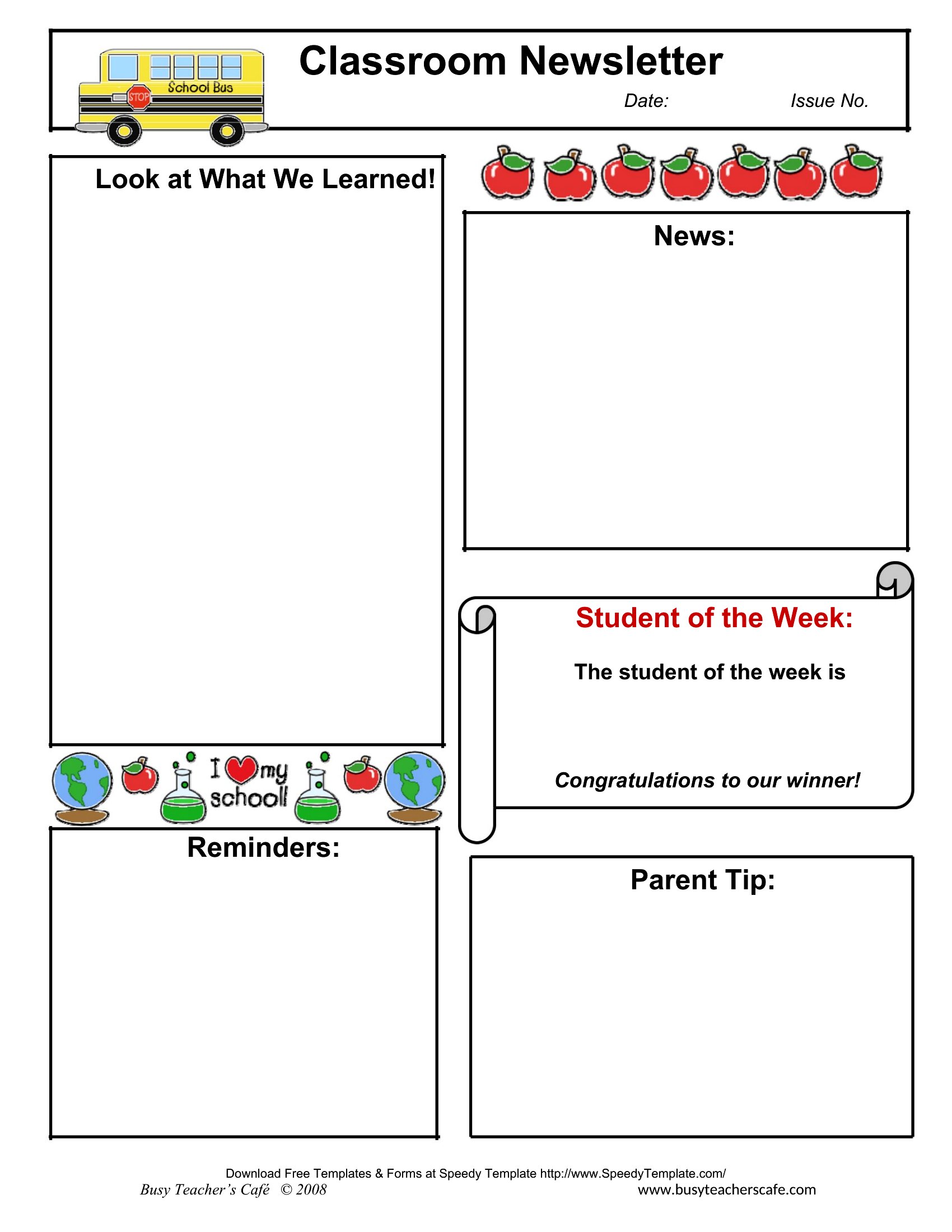
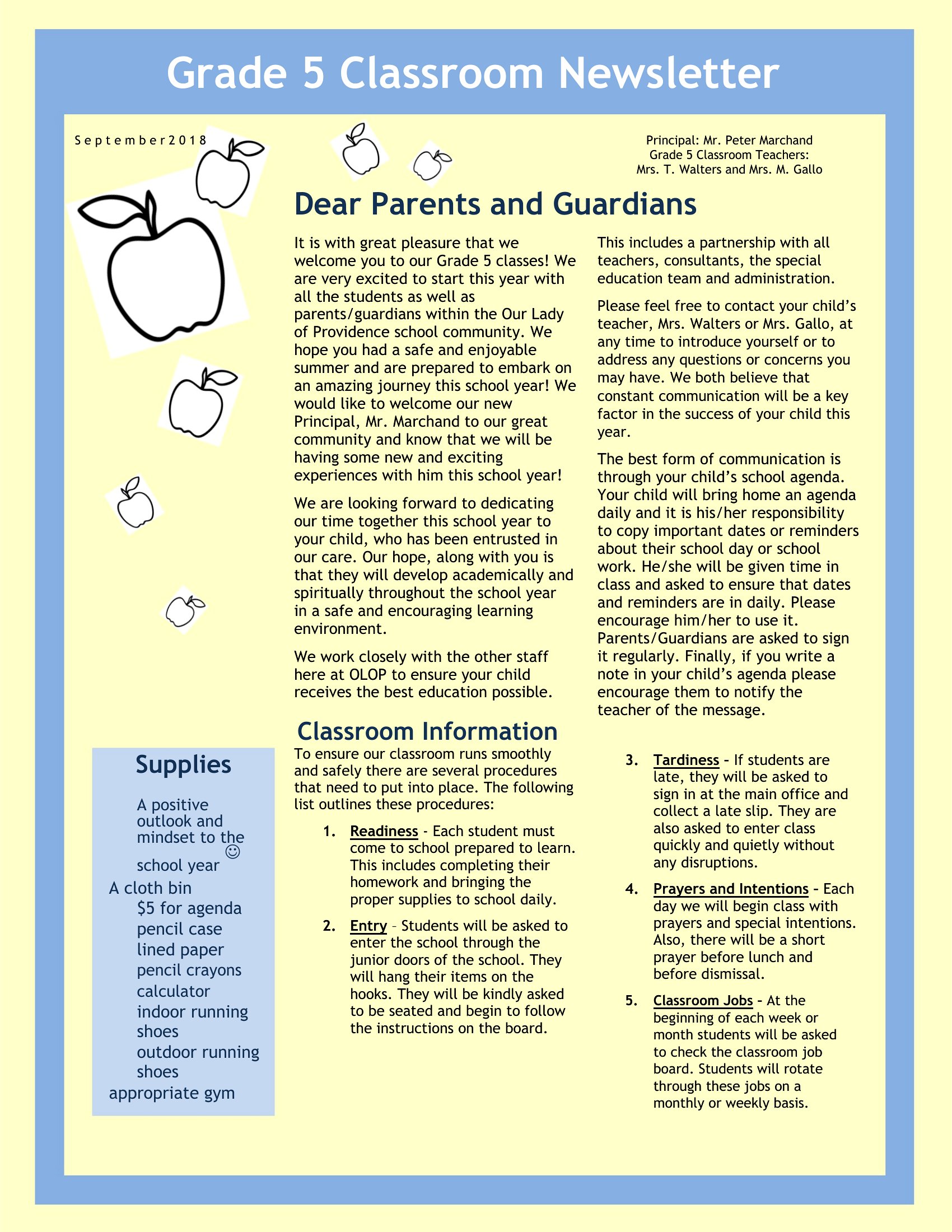
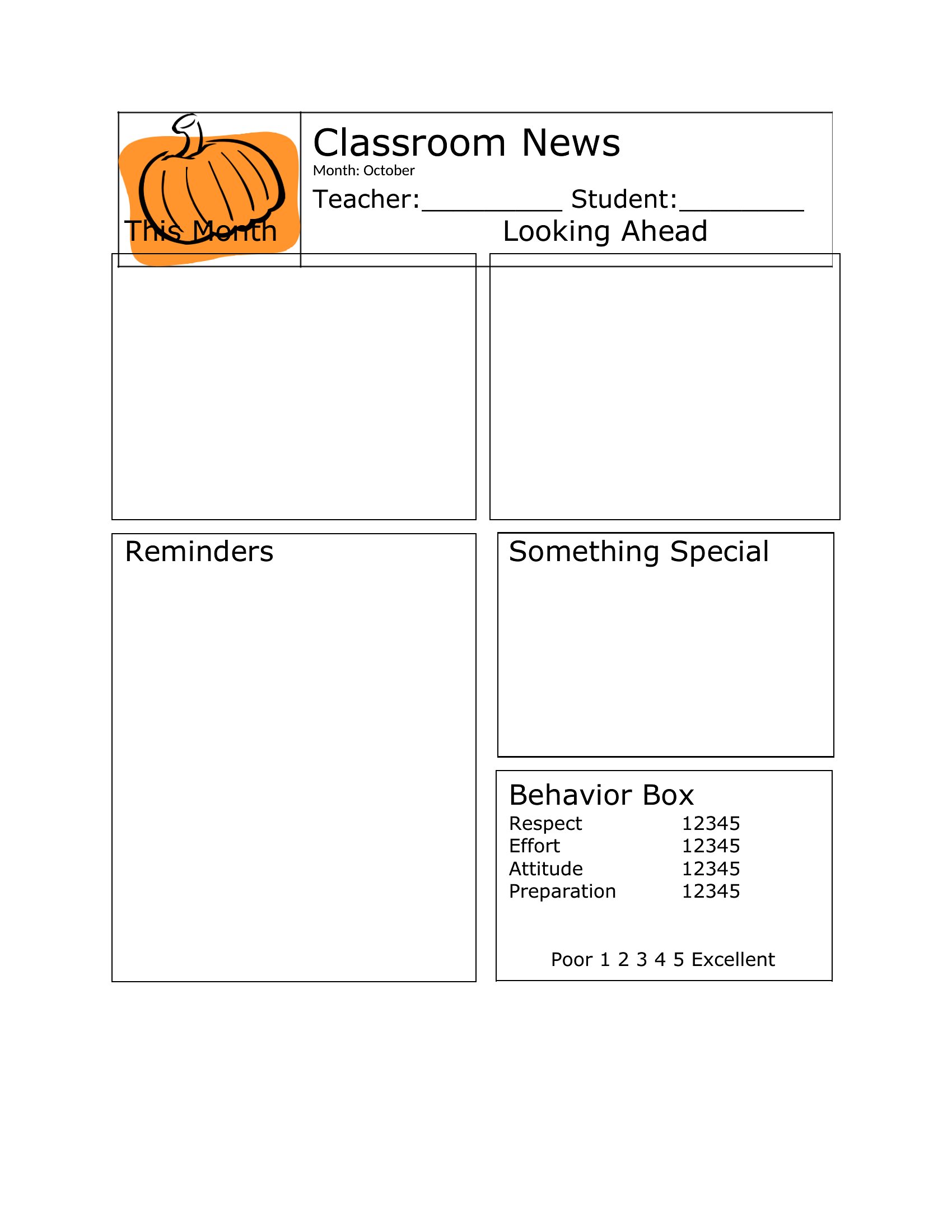
Start by selecting one template style as your grade-level standard and save it to a shared drive. Use Word’s ‘Save As’ to create a master copy, then distribute it to colleagues with instructions to work from that file. For PDFs, embed the file in a shared email or portal and ask teachers to print or download directly from that source to maintain uniformity.
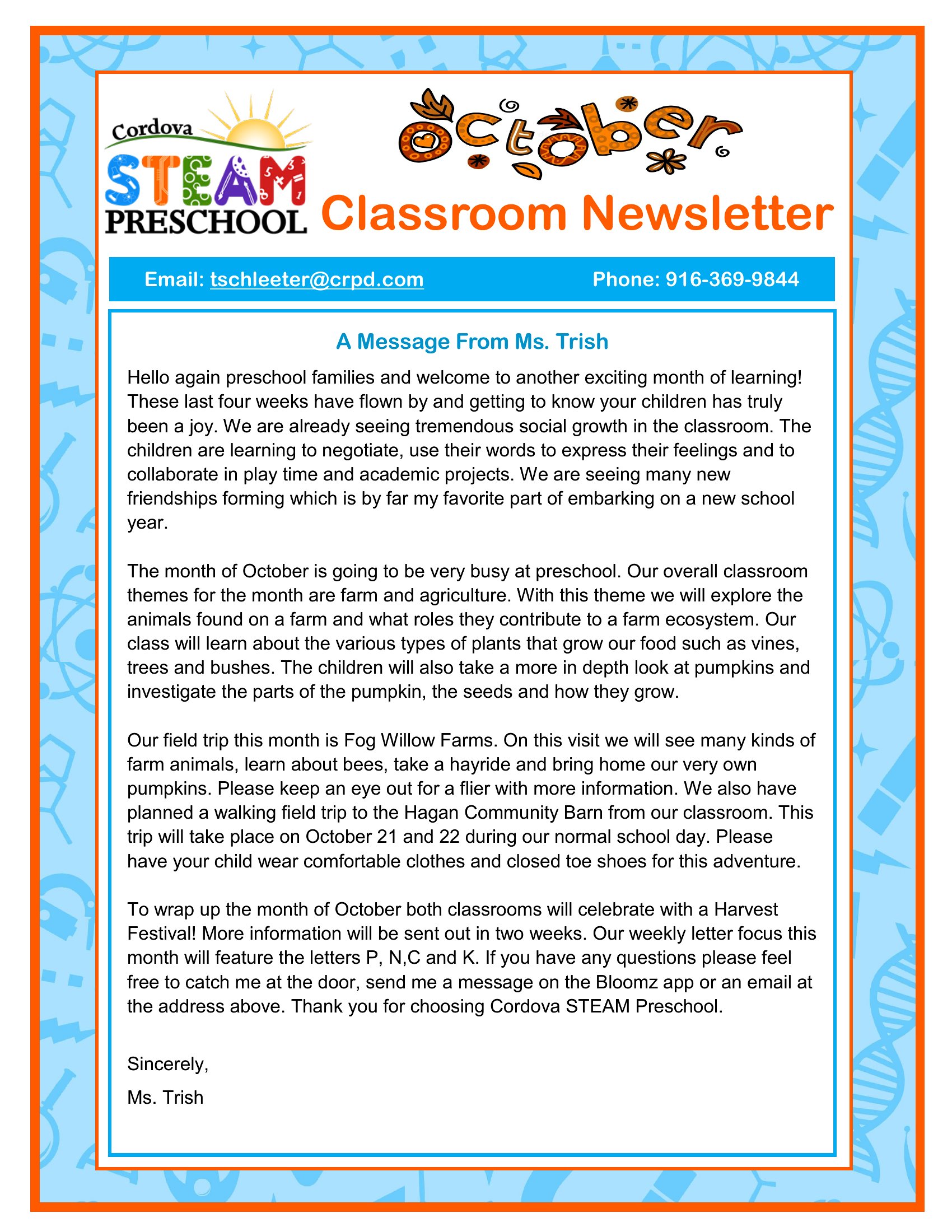
Are there templates that include space for multilingual content, like dual-language event descriptions?
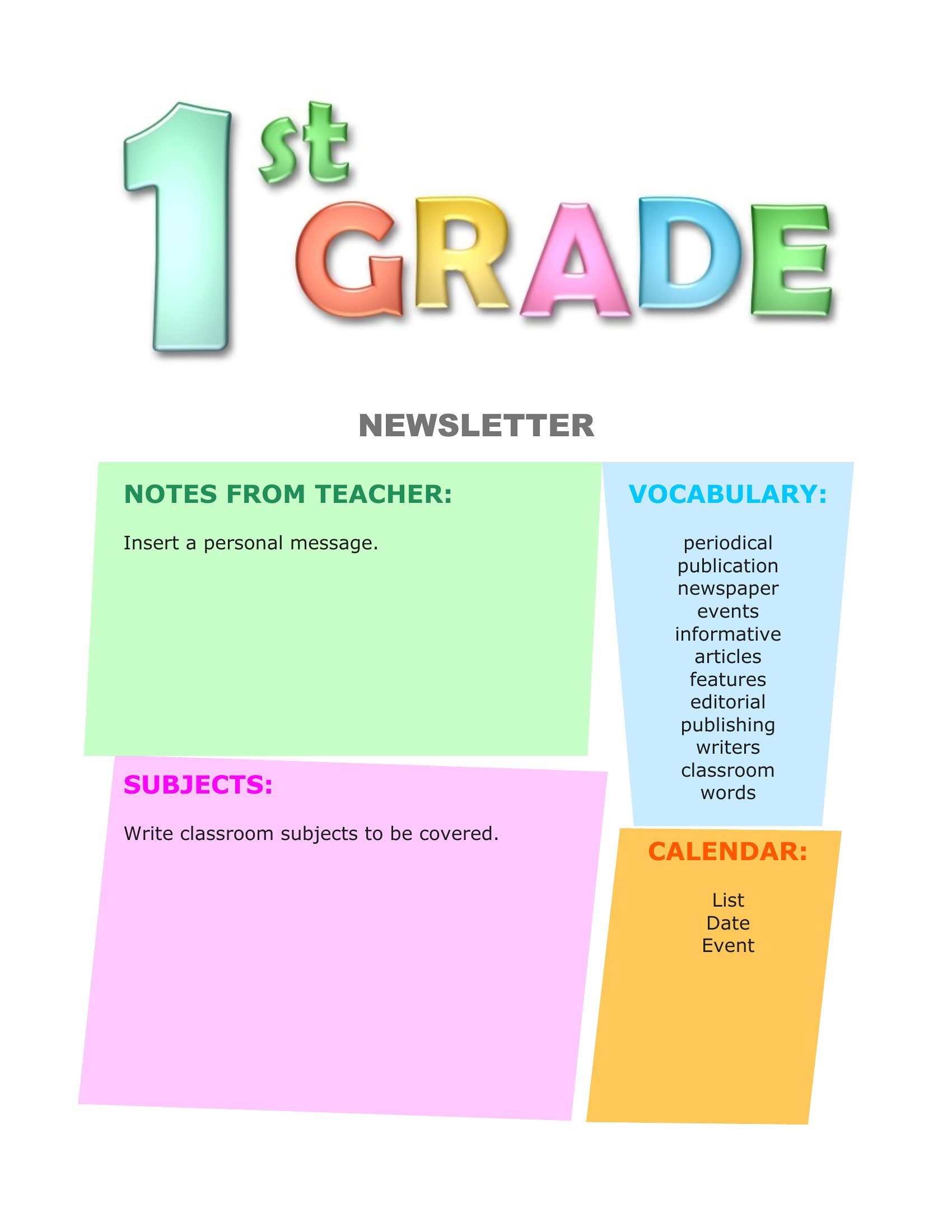
While none of these templates are specifically bilingual, you can easily adapt them by adding a second column or section for translations in Word. Use the table tools or text boxes to keep languages aligned. For PDFs, design the layout in Word first, then export to ensure both languages fit neatly within the same template before finalizing.
Comments
Join the conversation
Sign in to share your thoughts and leave a comment on this resource.