Free Title Page Templates (Word, PDF)
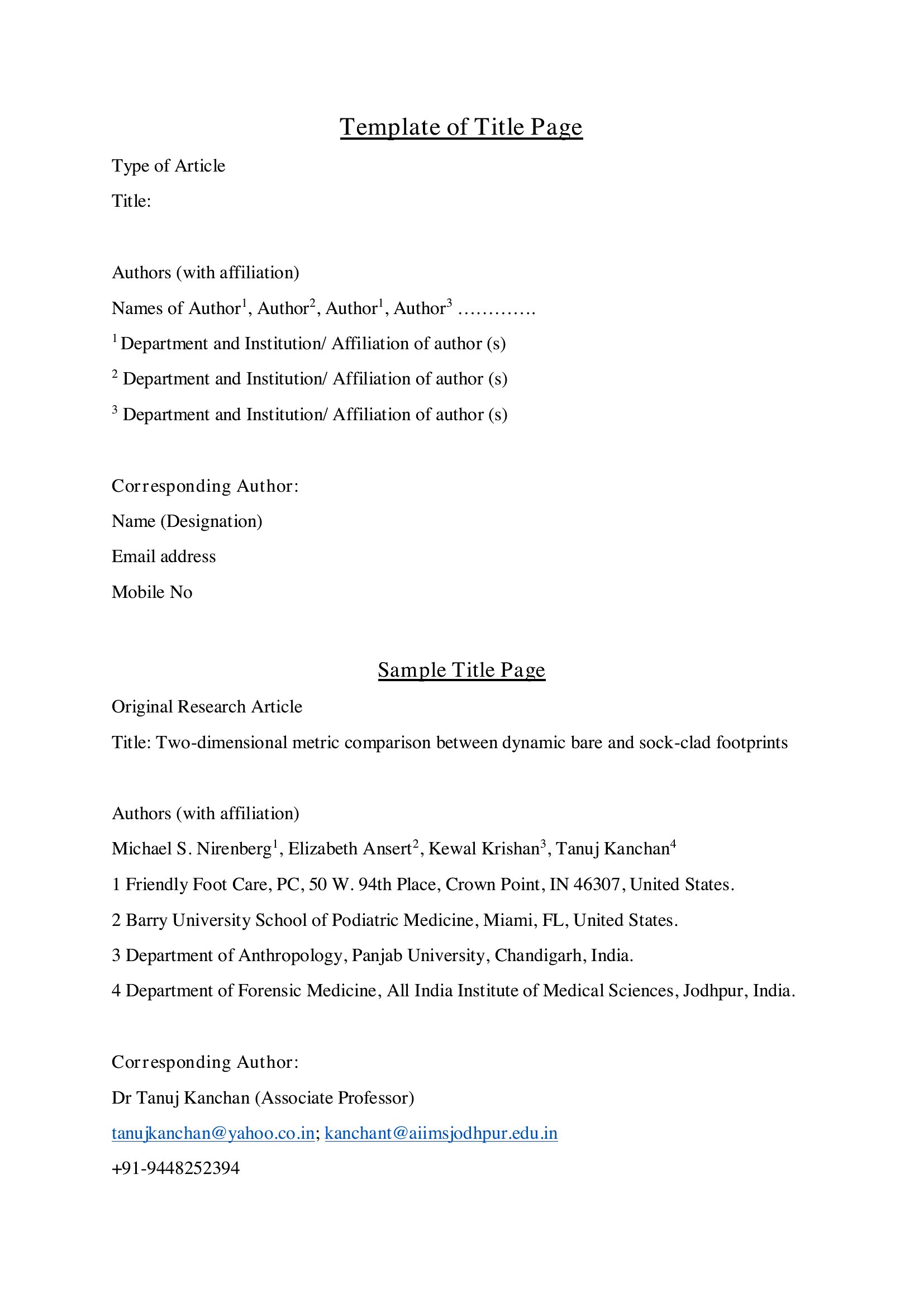
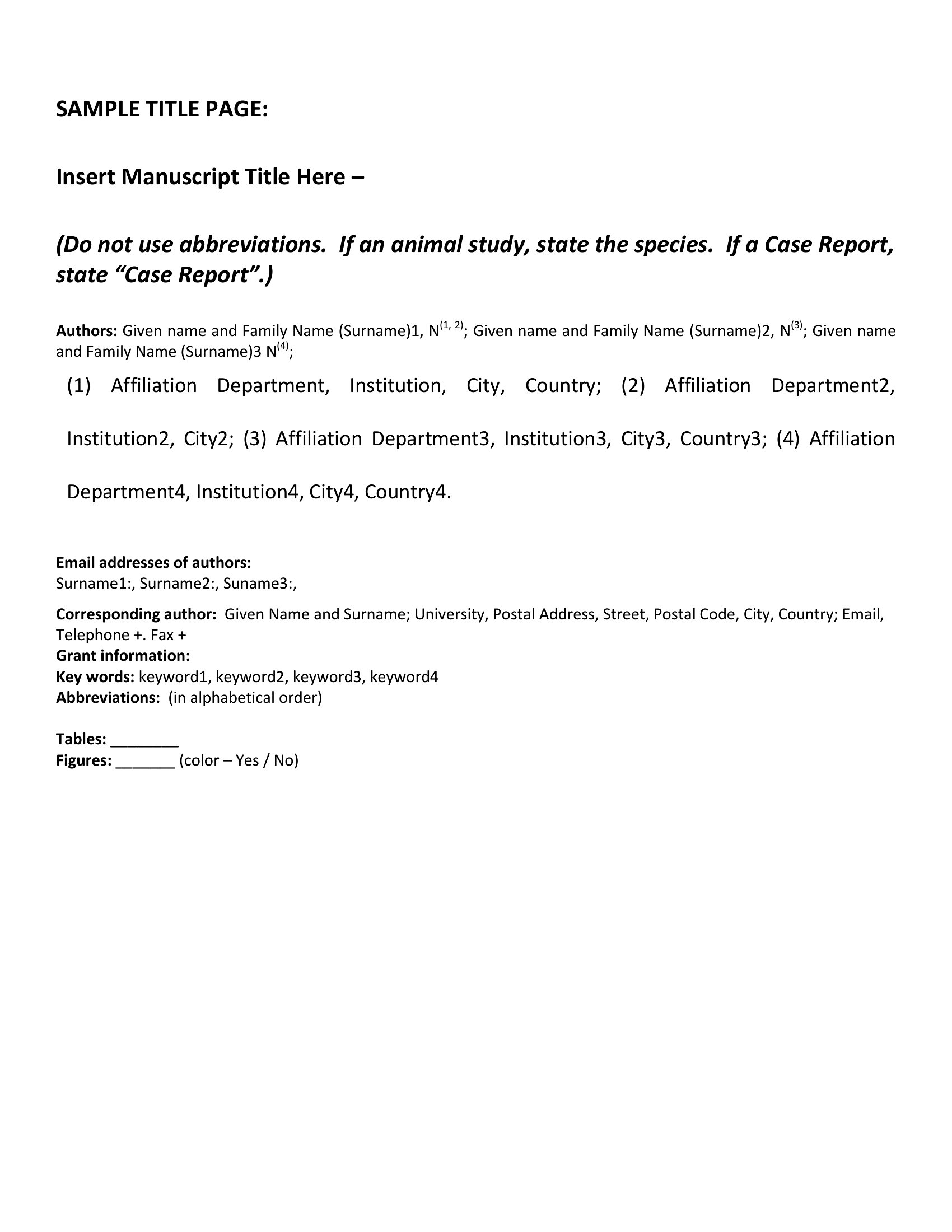
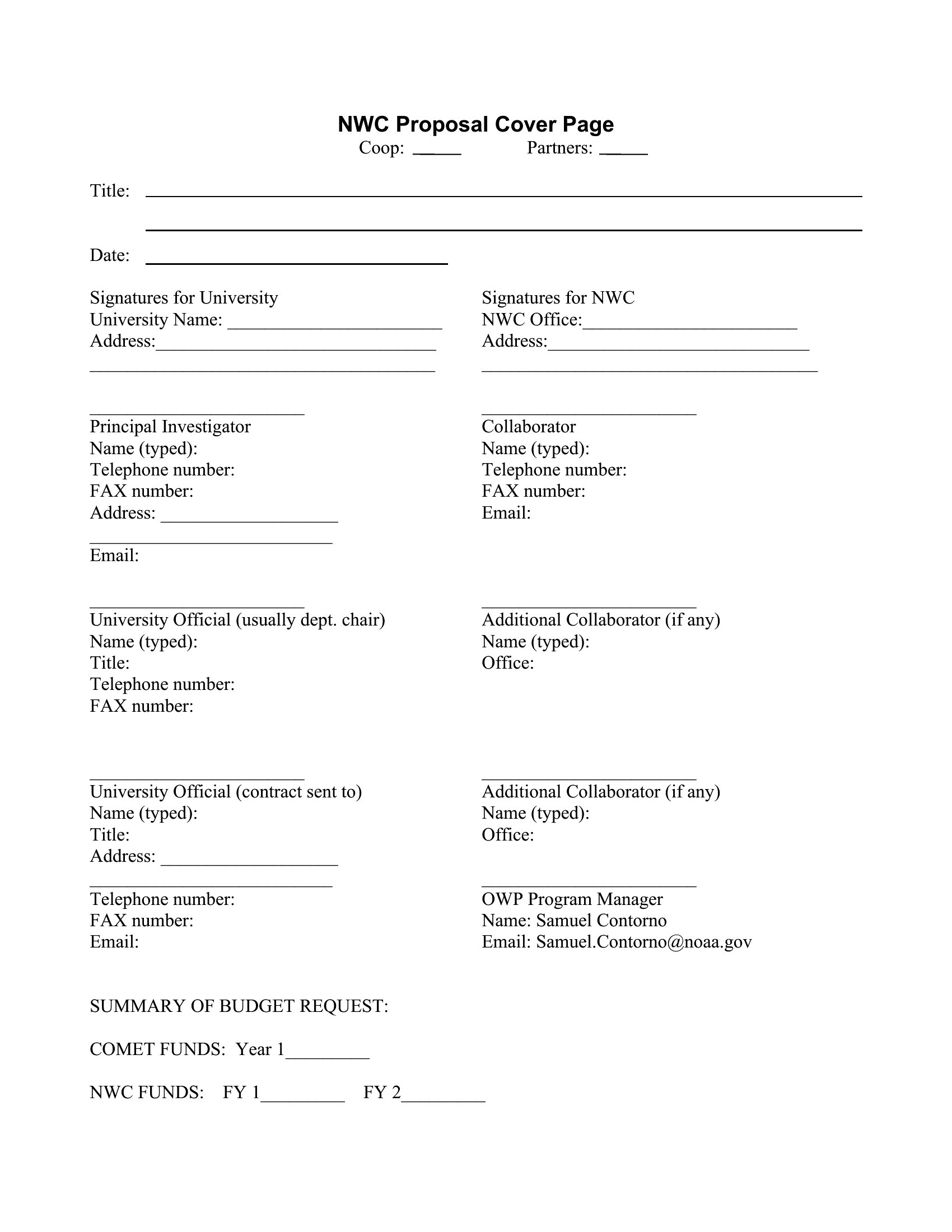
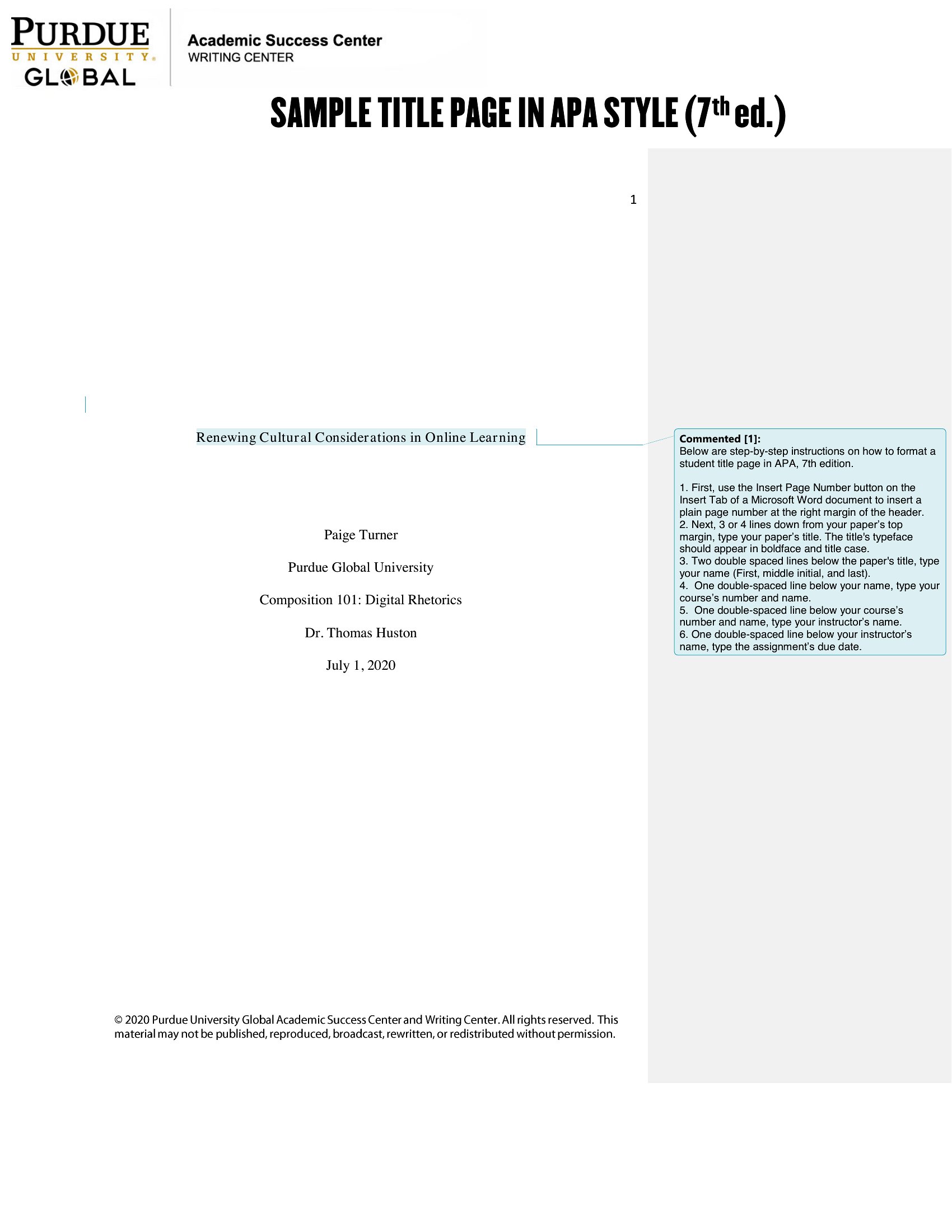
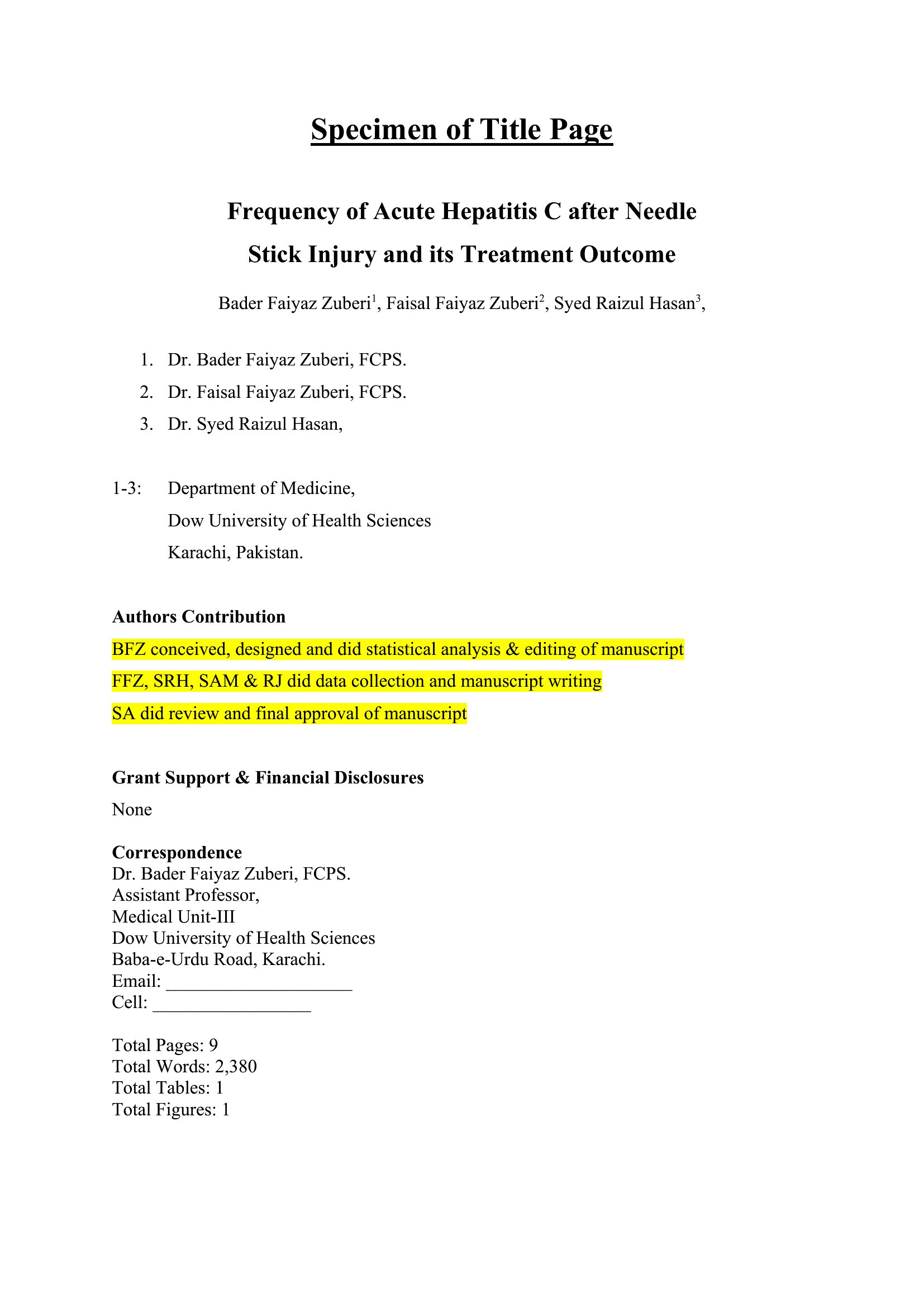
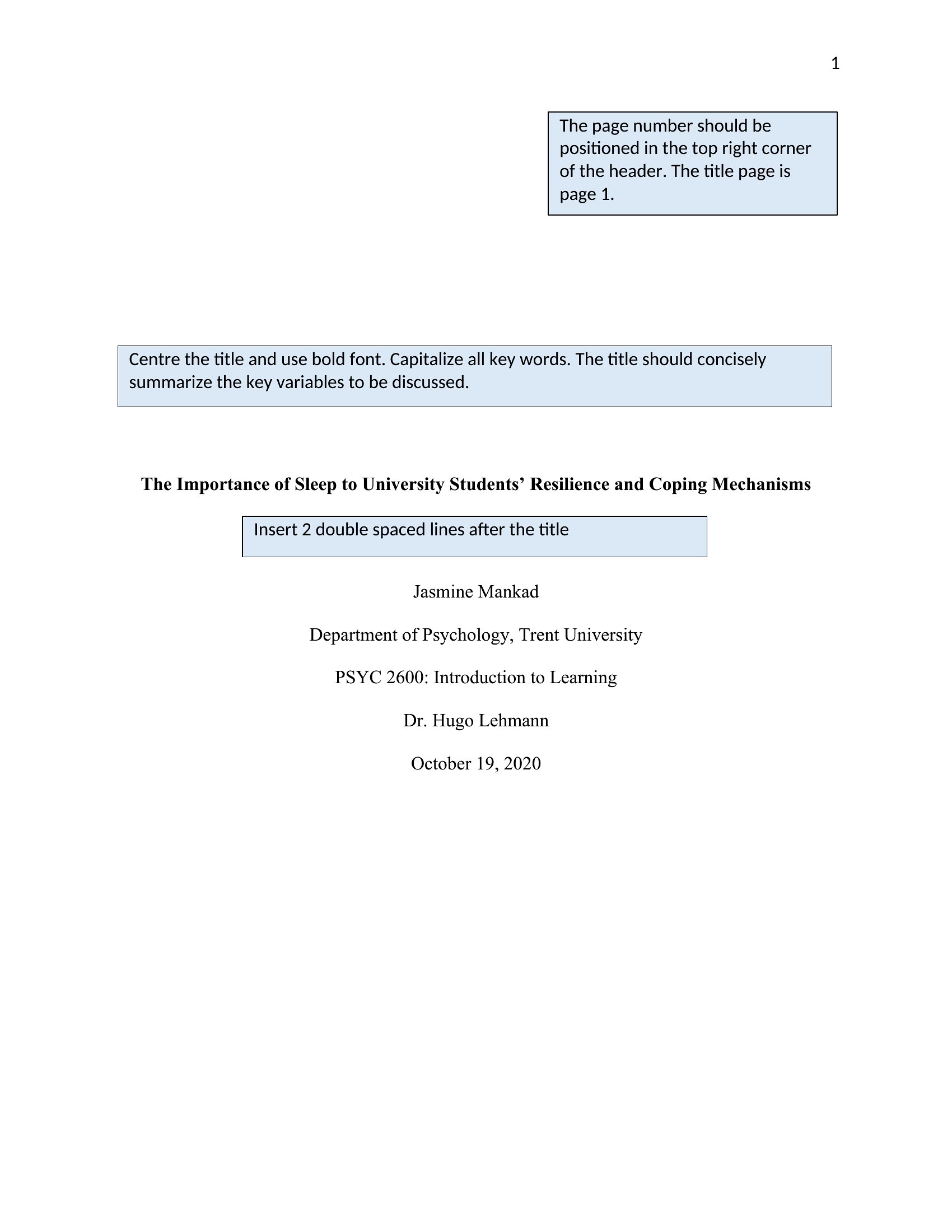
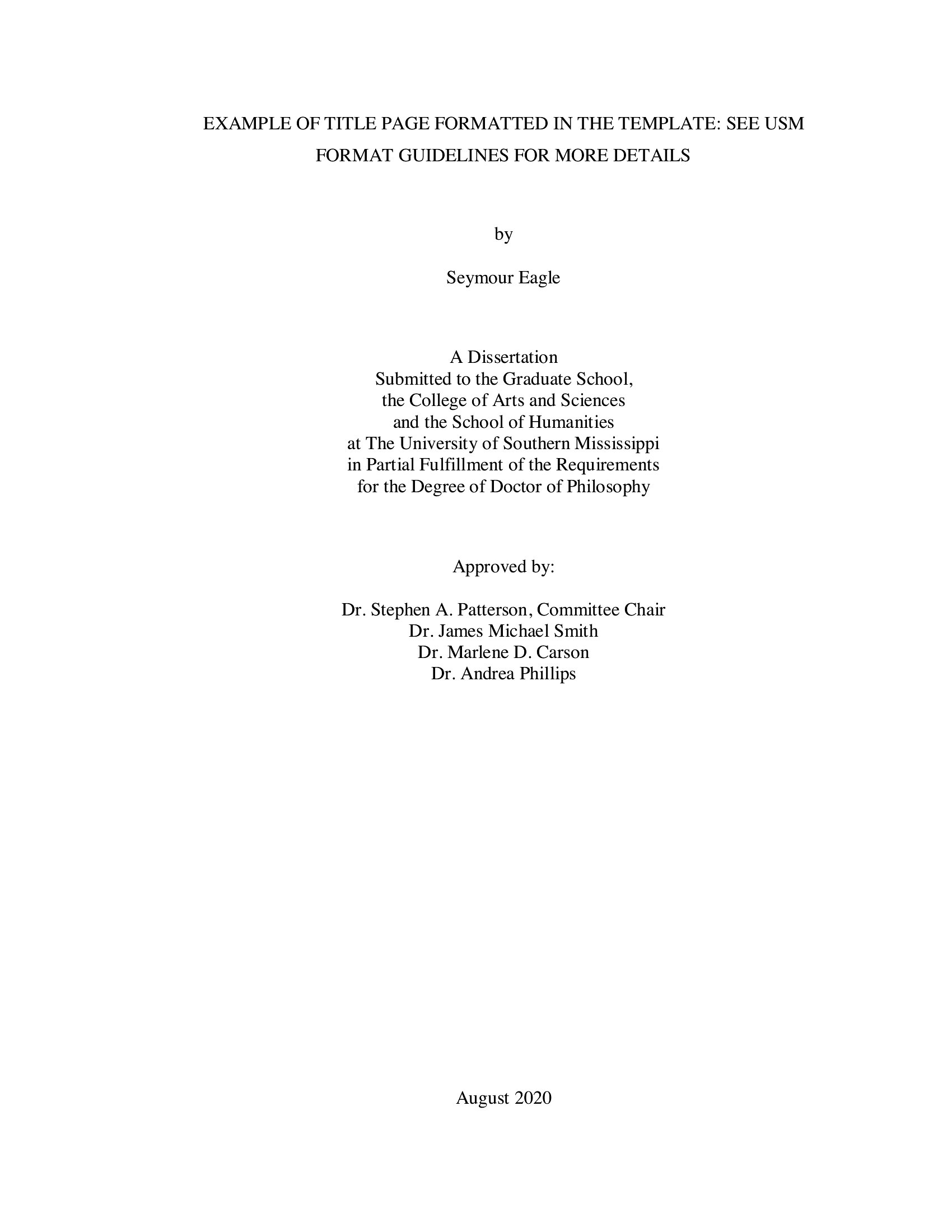
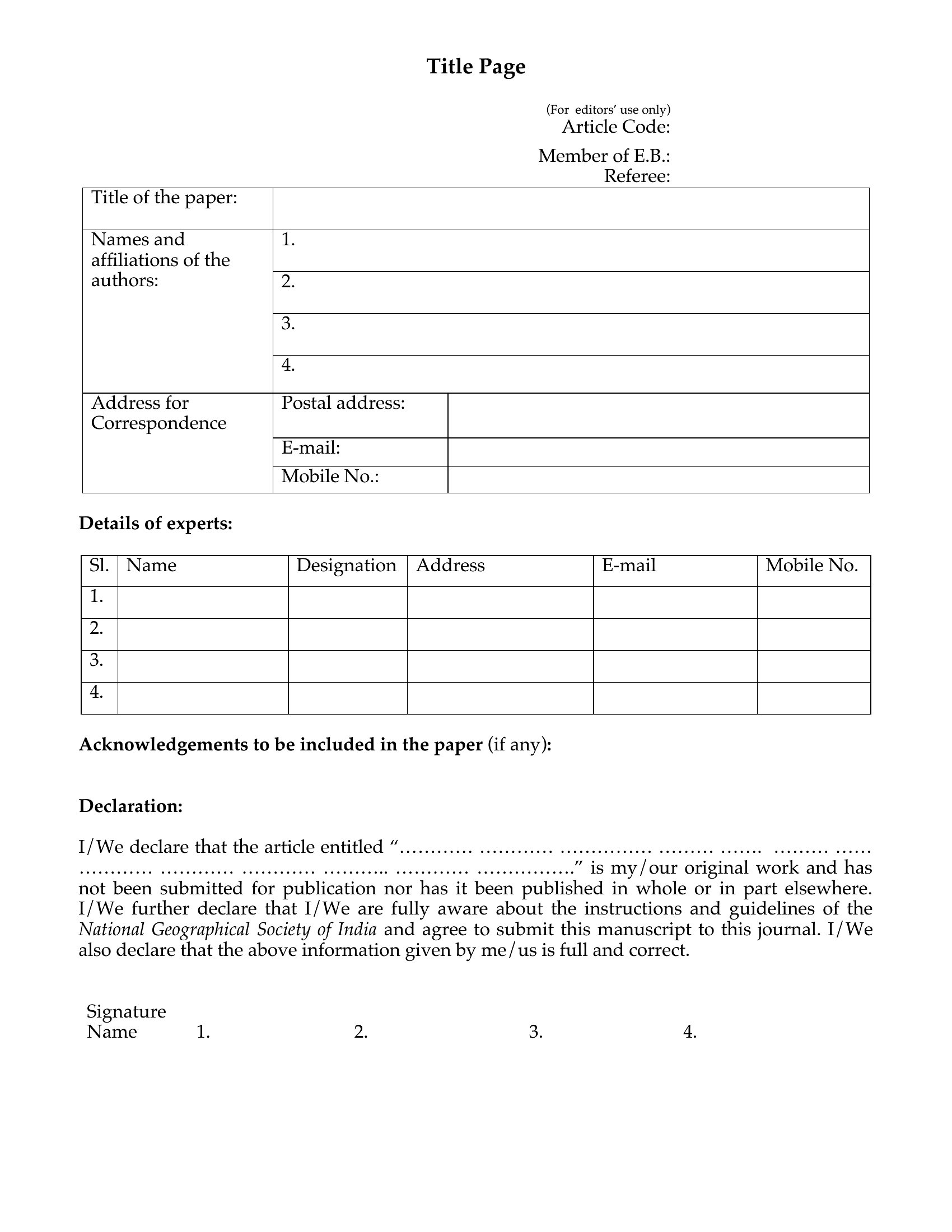
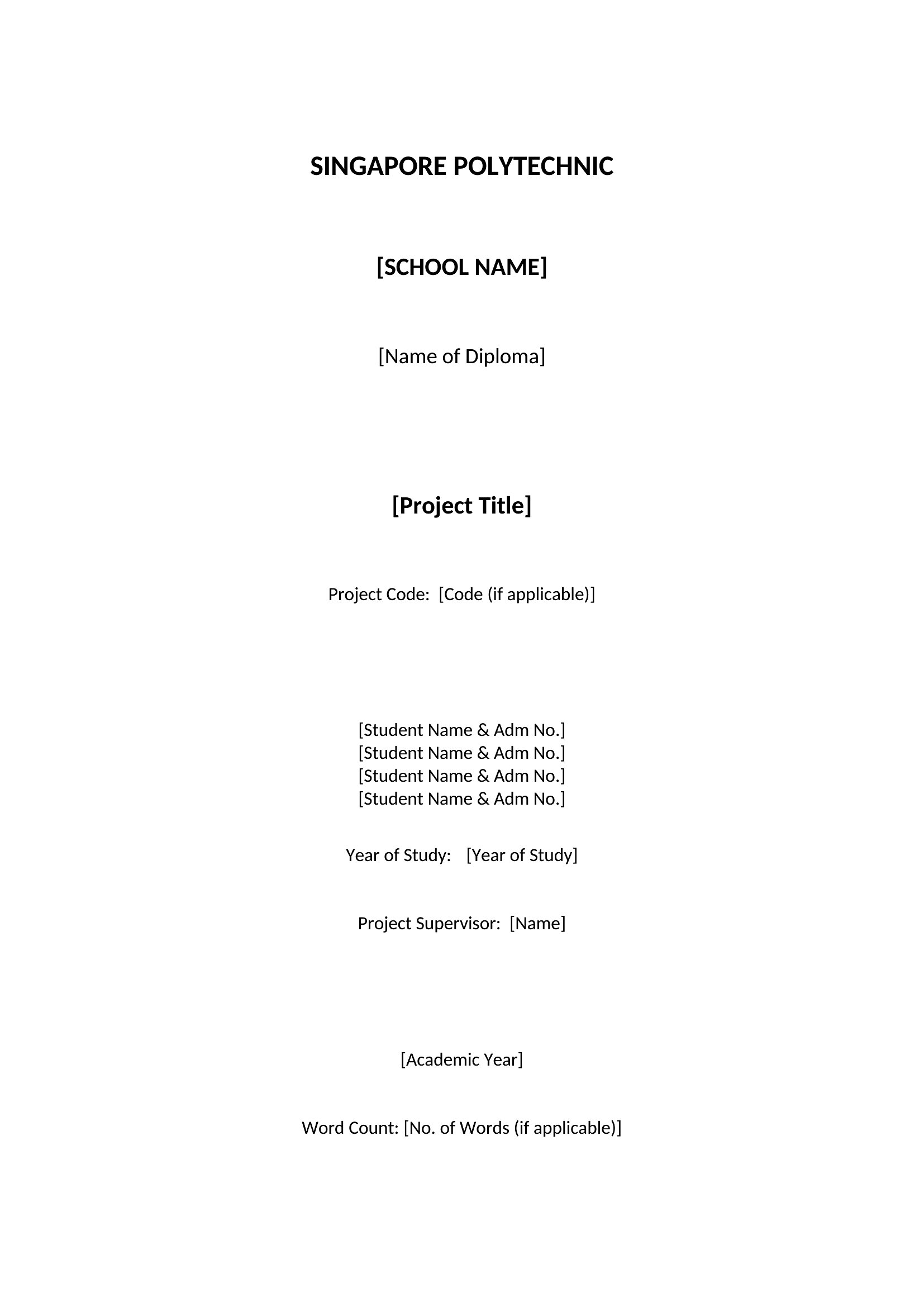
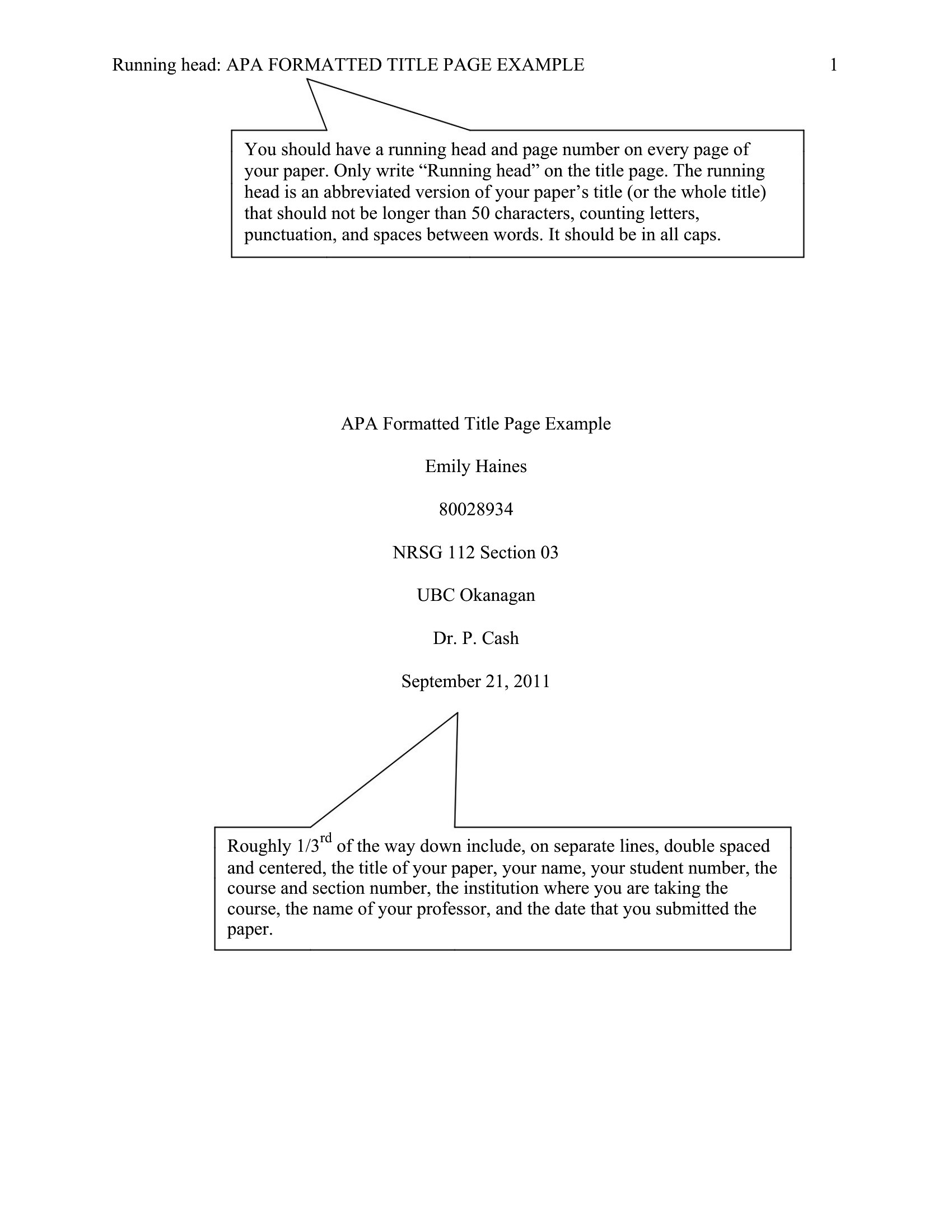
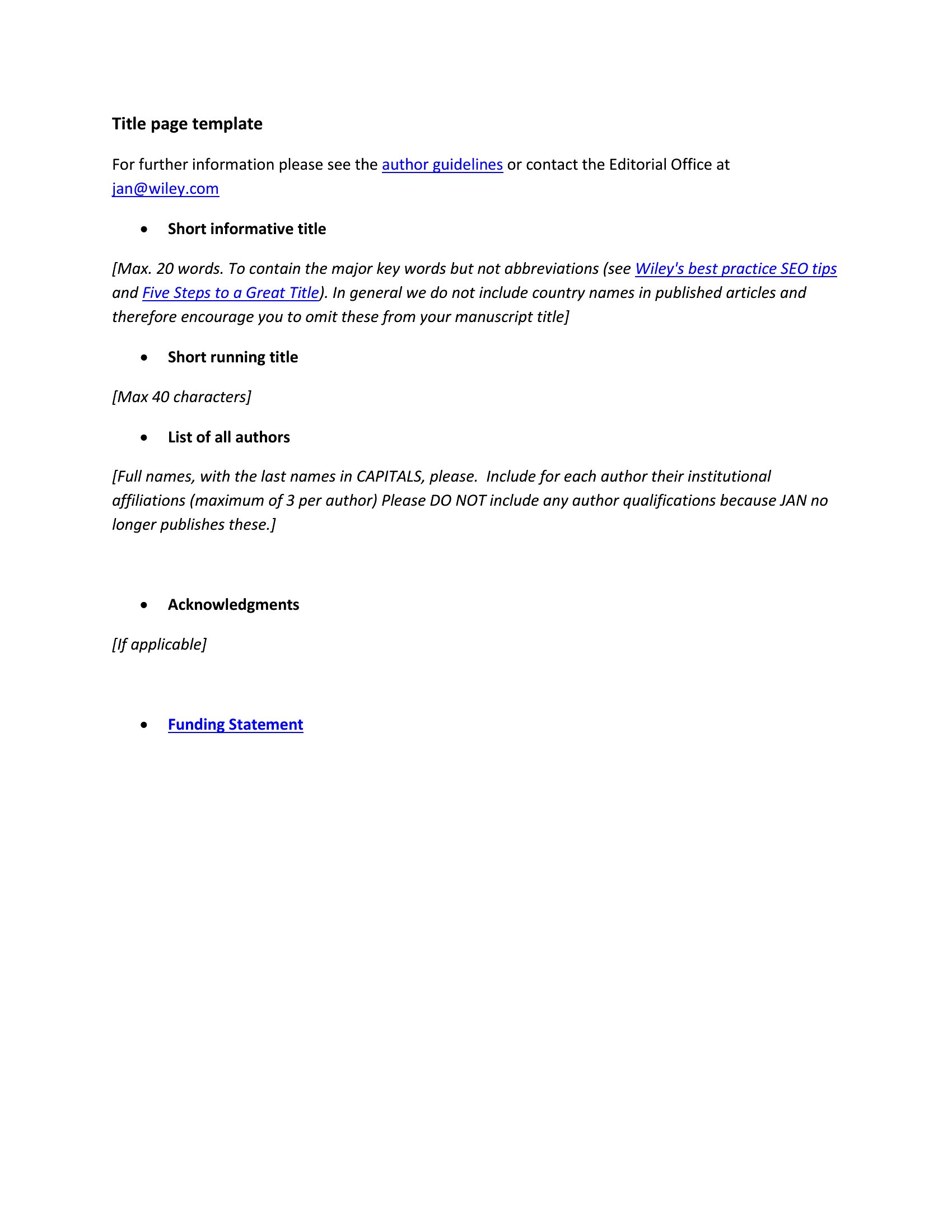
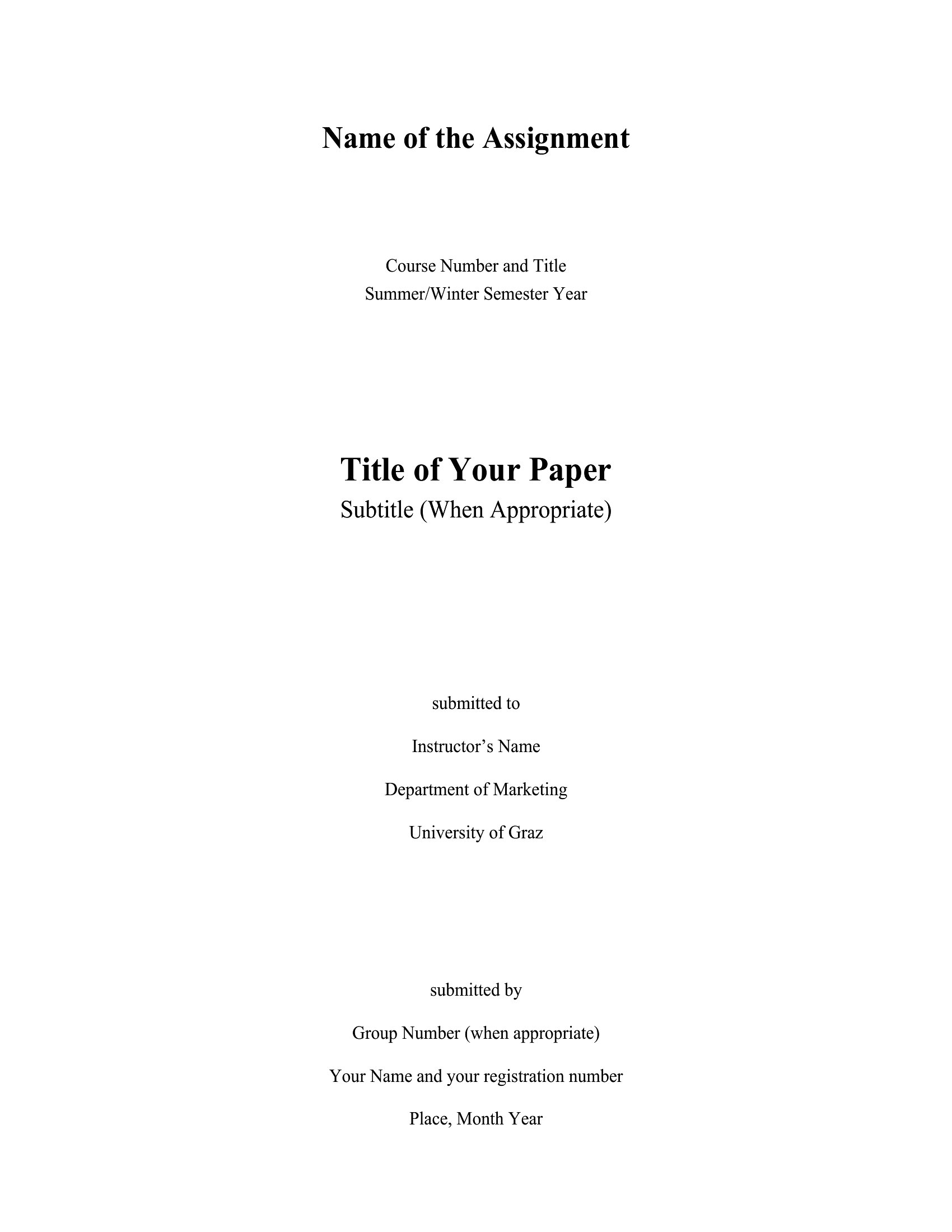
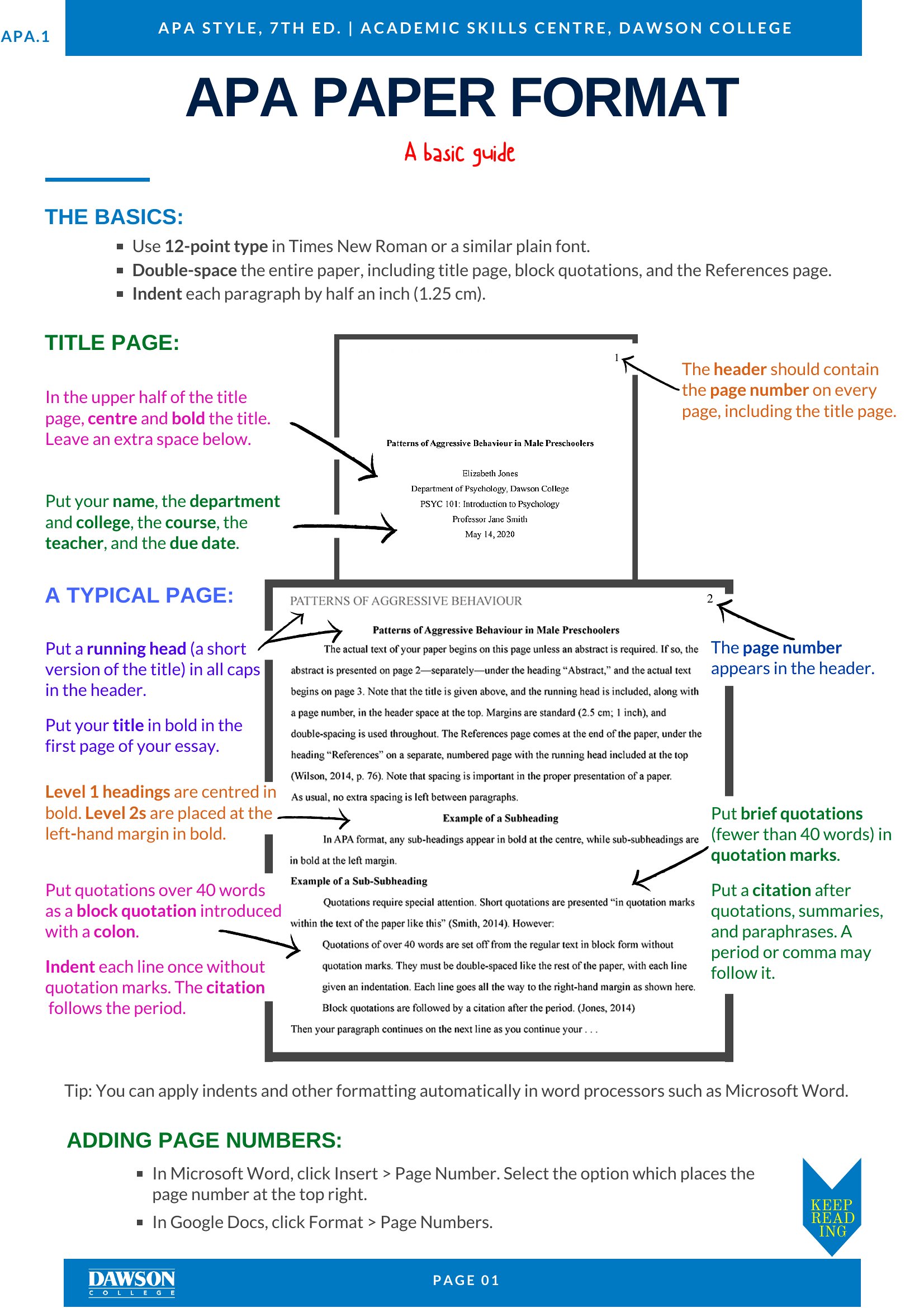
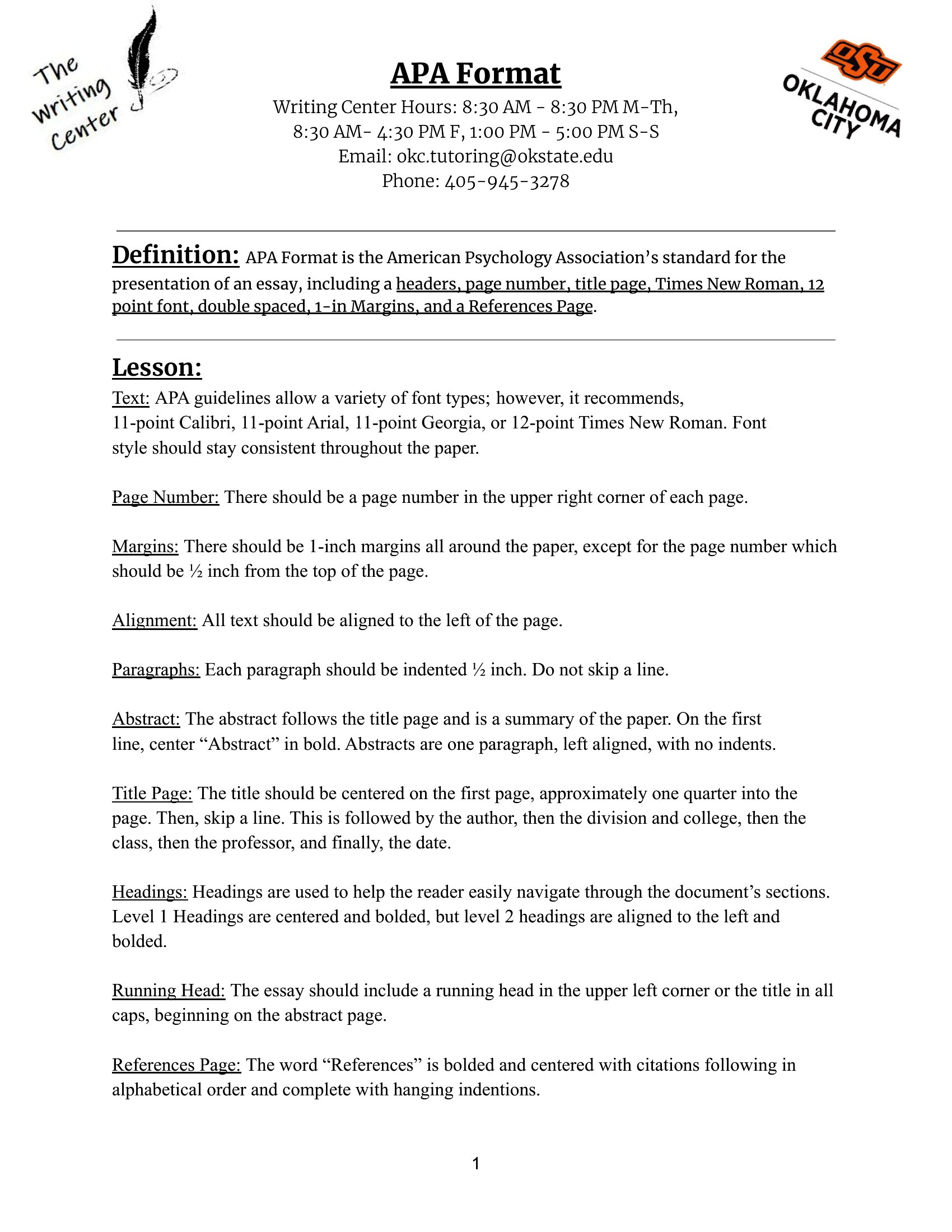
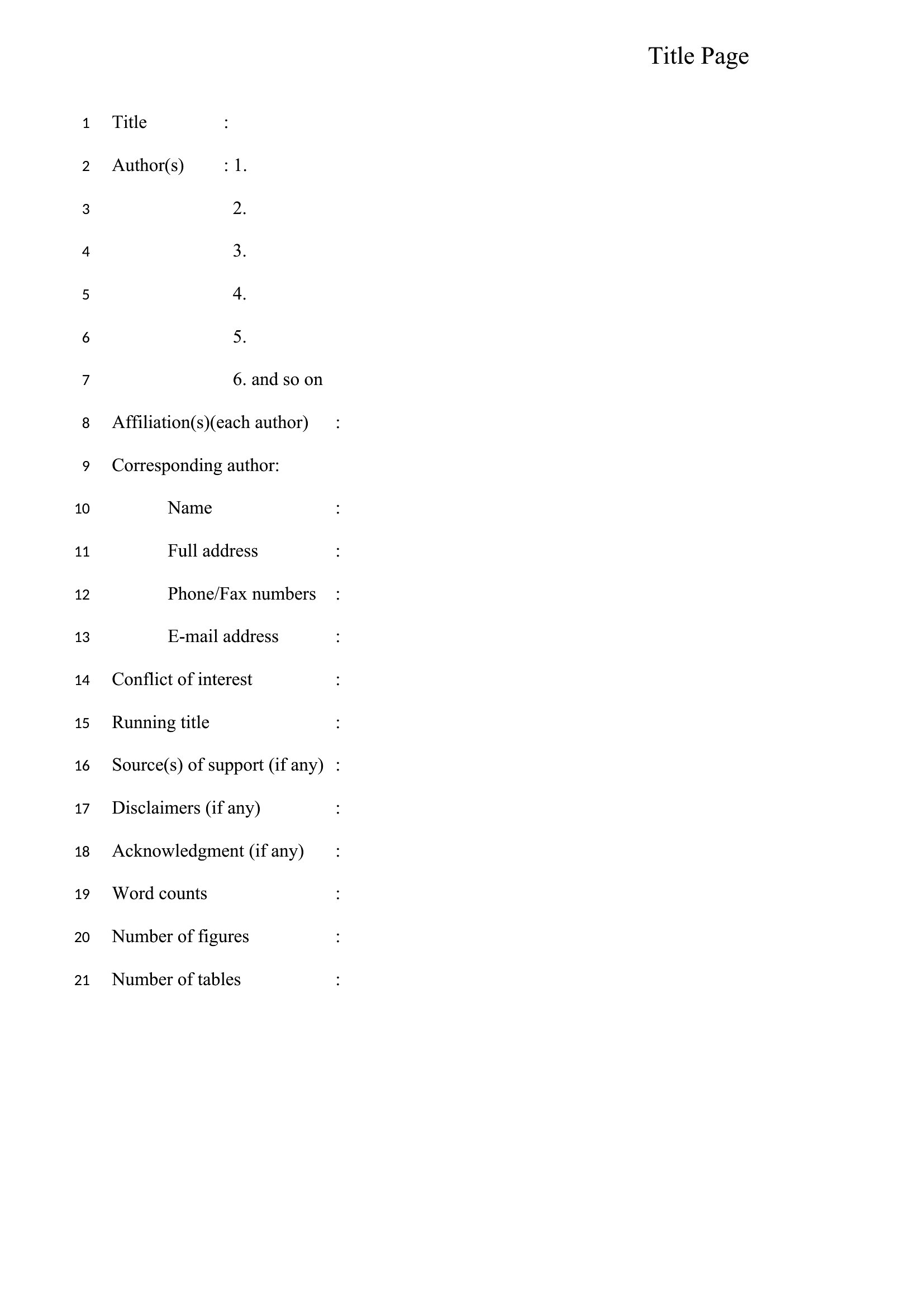
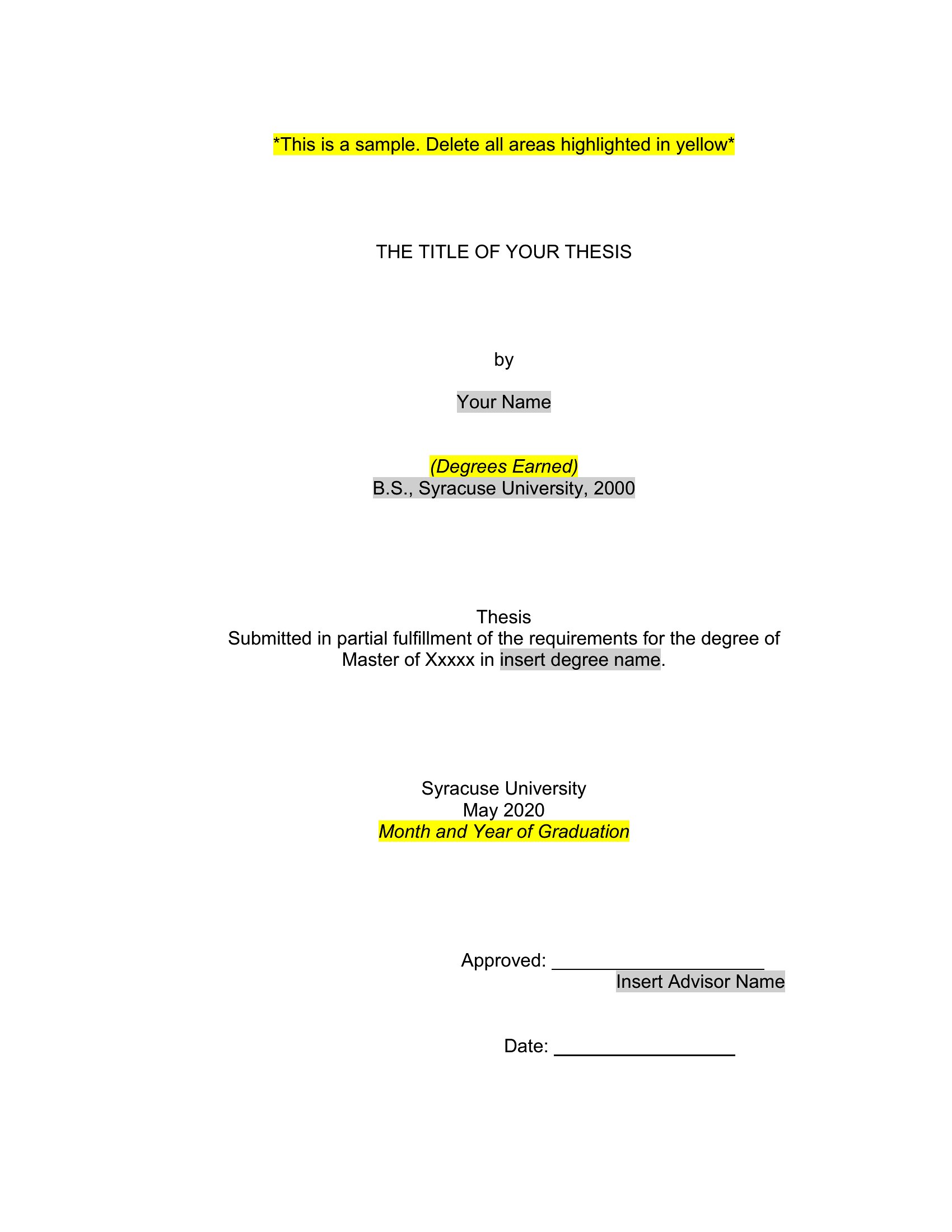
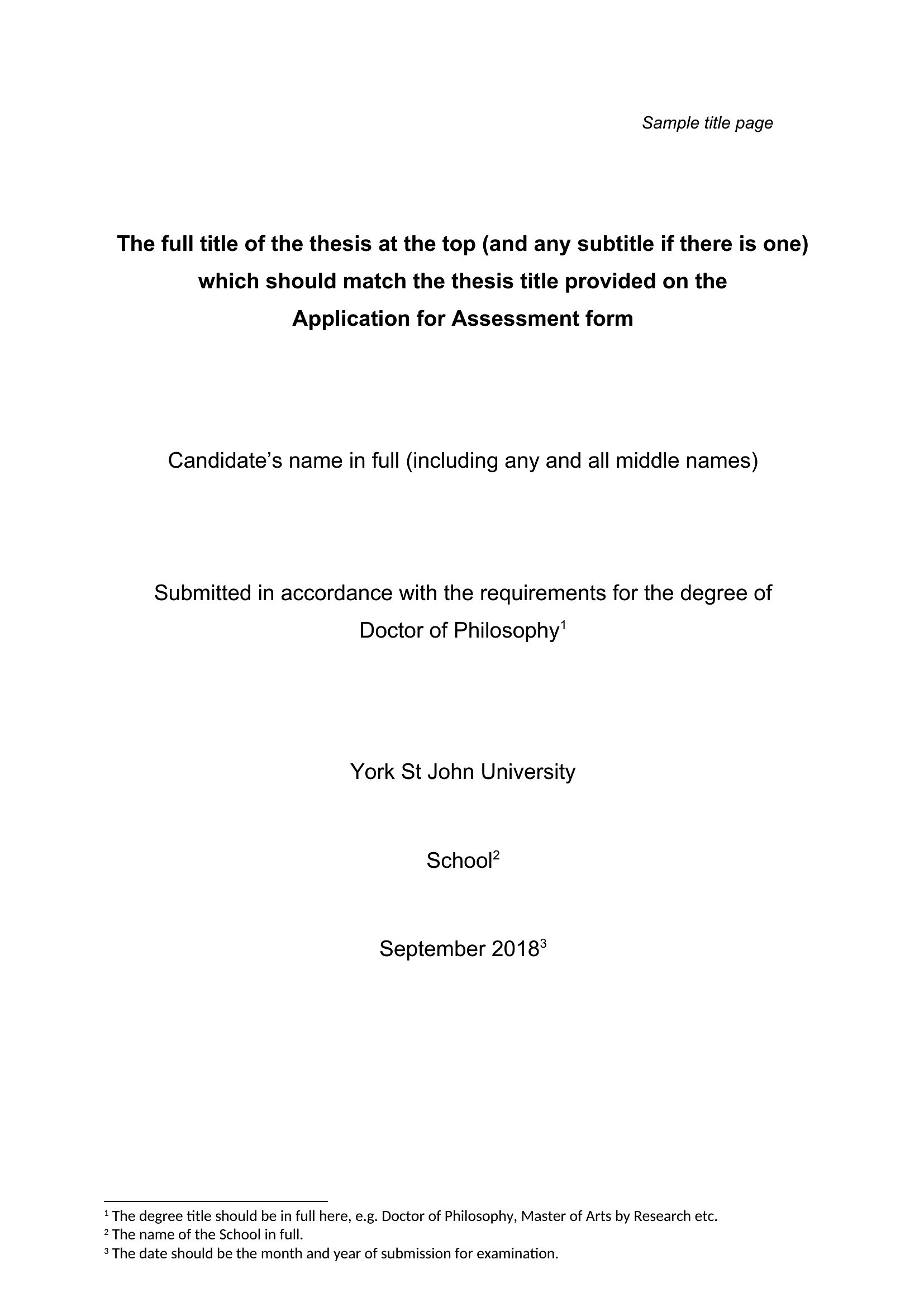
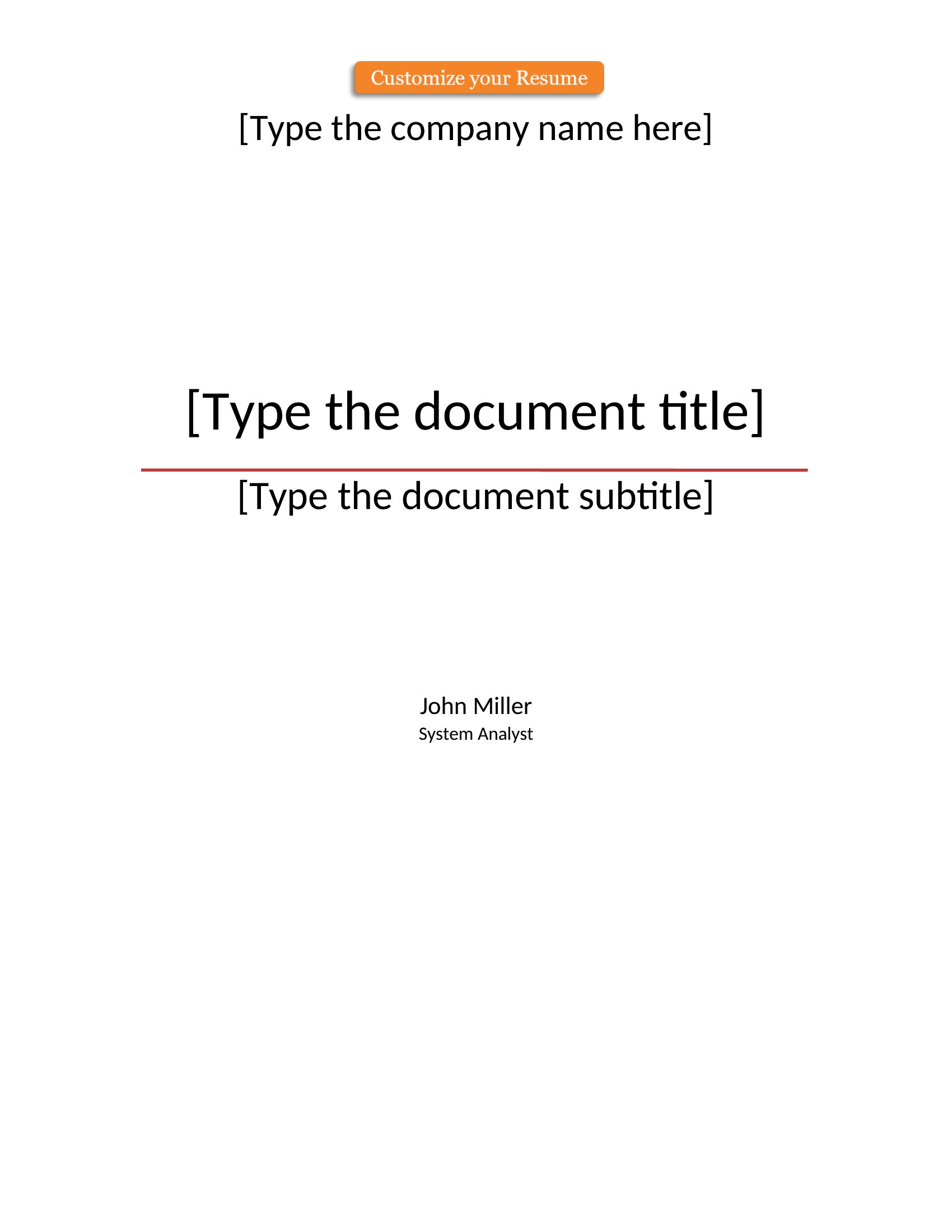
LifeA clean title page sets the tone for any report, essay, or manuscript before the reader hits the first paragraph. This set of 48 title page templates gives students, authors, and professionals a polished cover with space for the title, author, date, and course or company details. The designs range from strict academic formats to creative book covers.
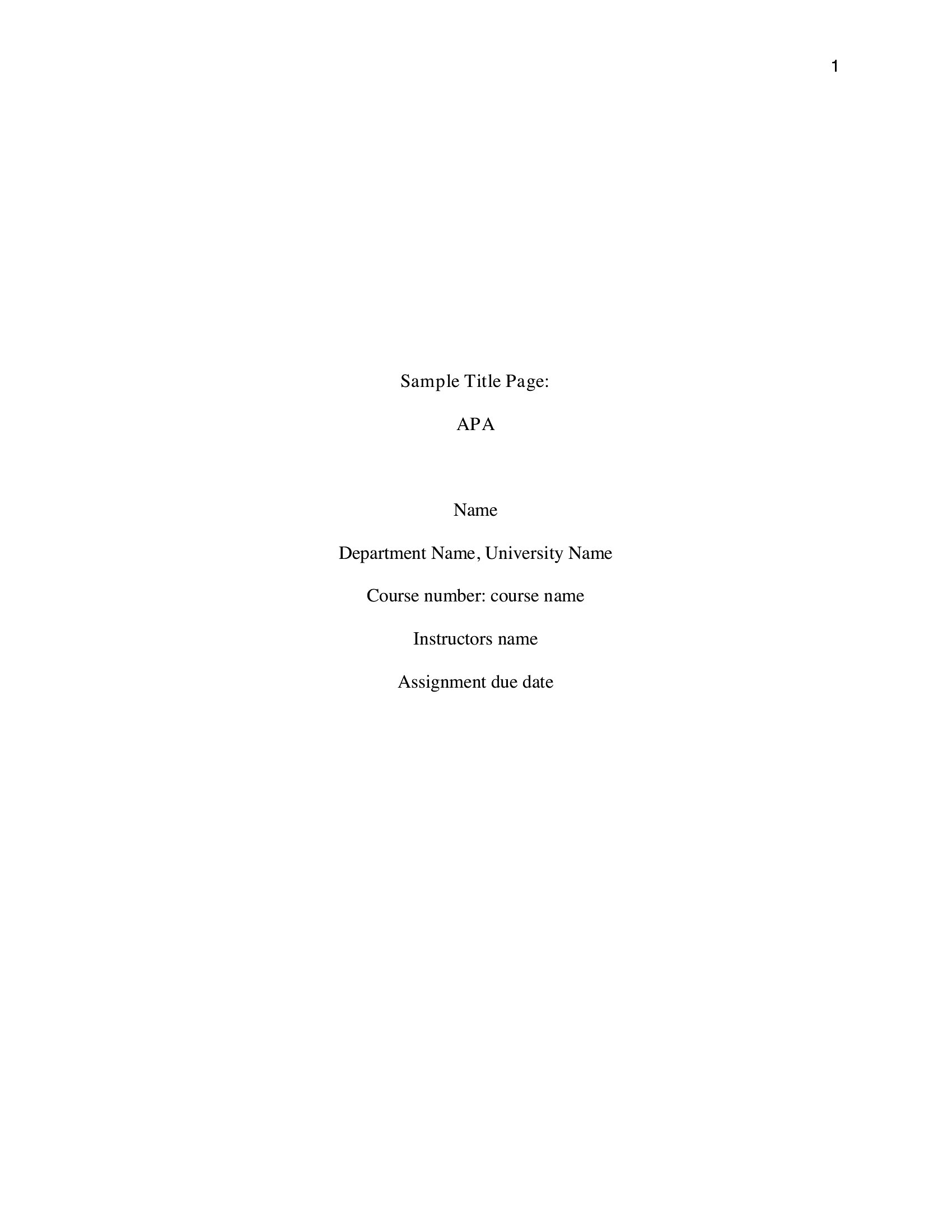
The Word versions let you match a required style like MLA or APA and edit every field, while the PDFs print ready to go. Fill in your details, pick a layout that suits the assignment or project, and you've got a professional first impression. Download the style you need and finish your document with a proper cover.
When to use this Title Page template
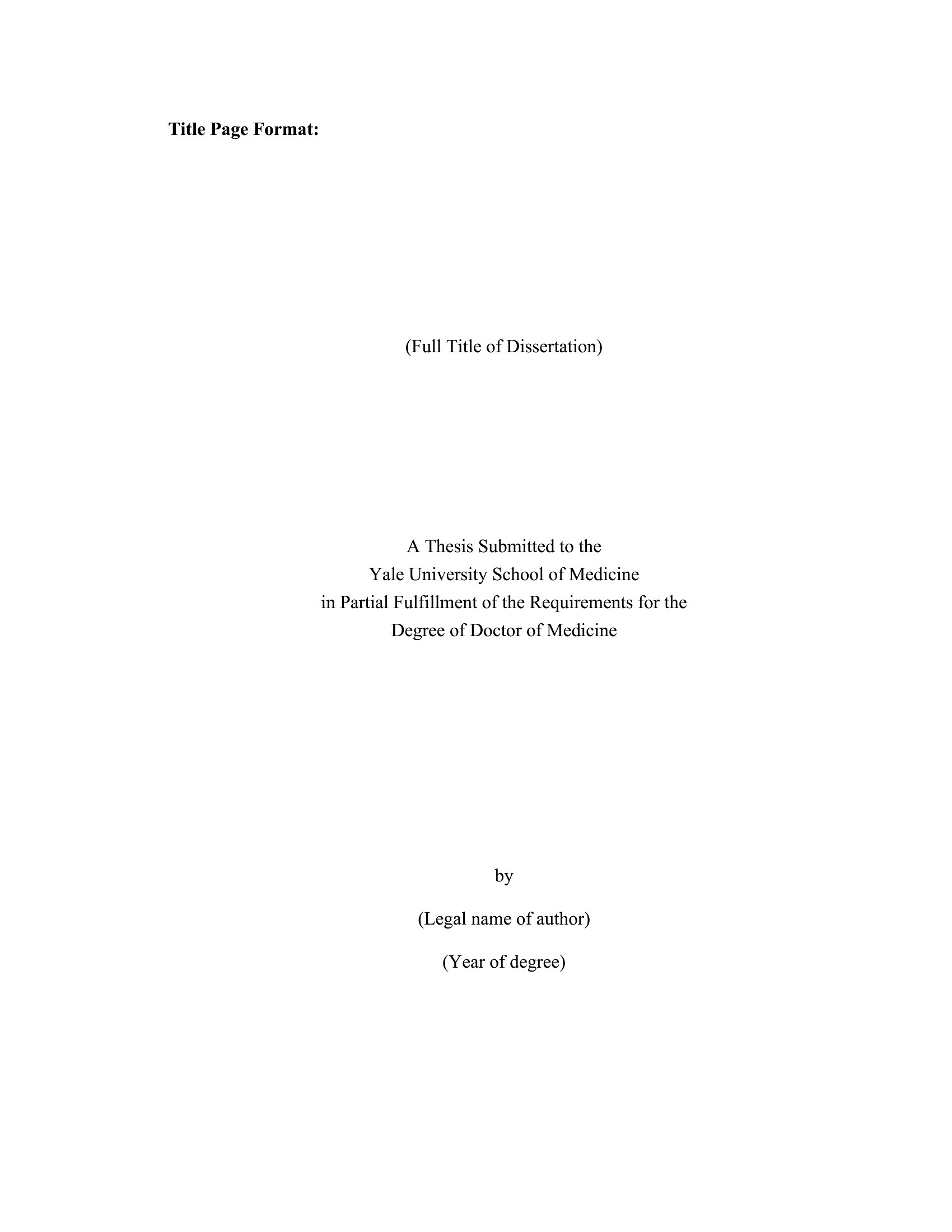
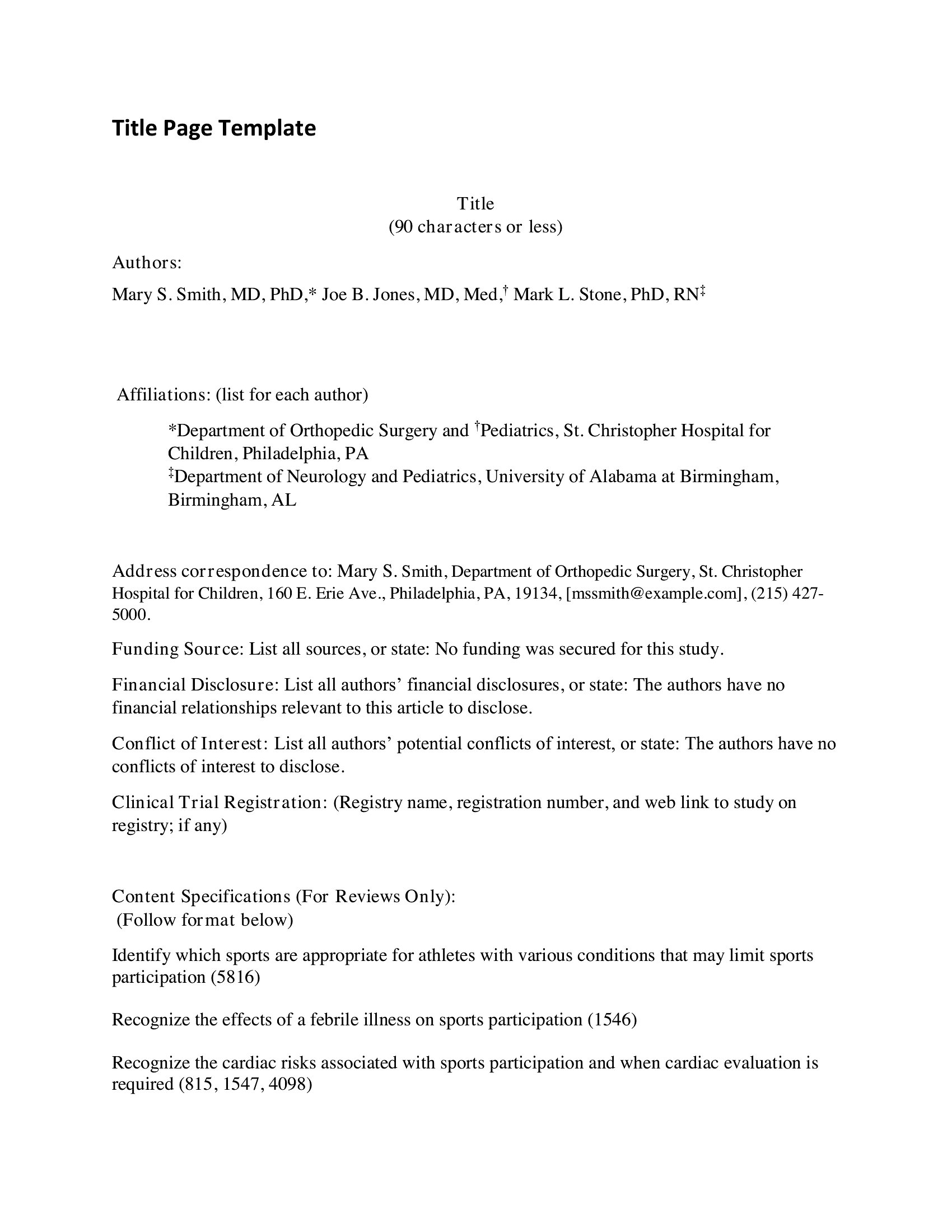
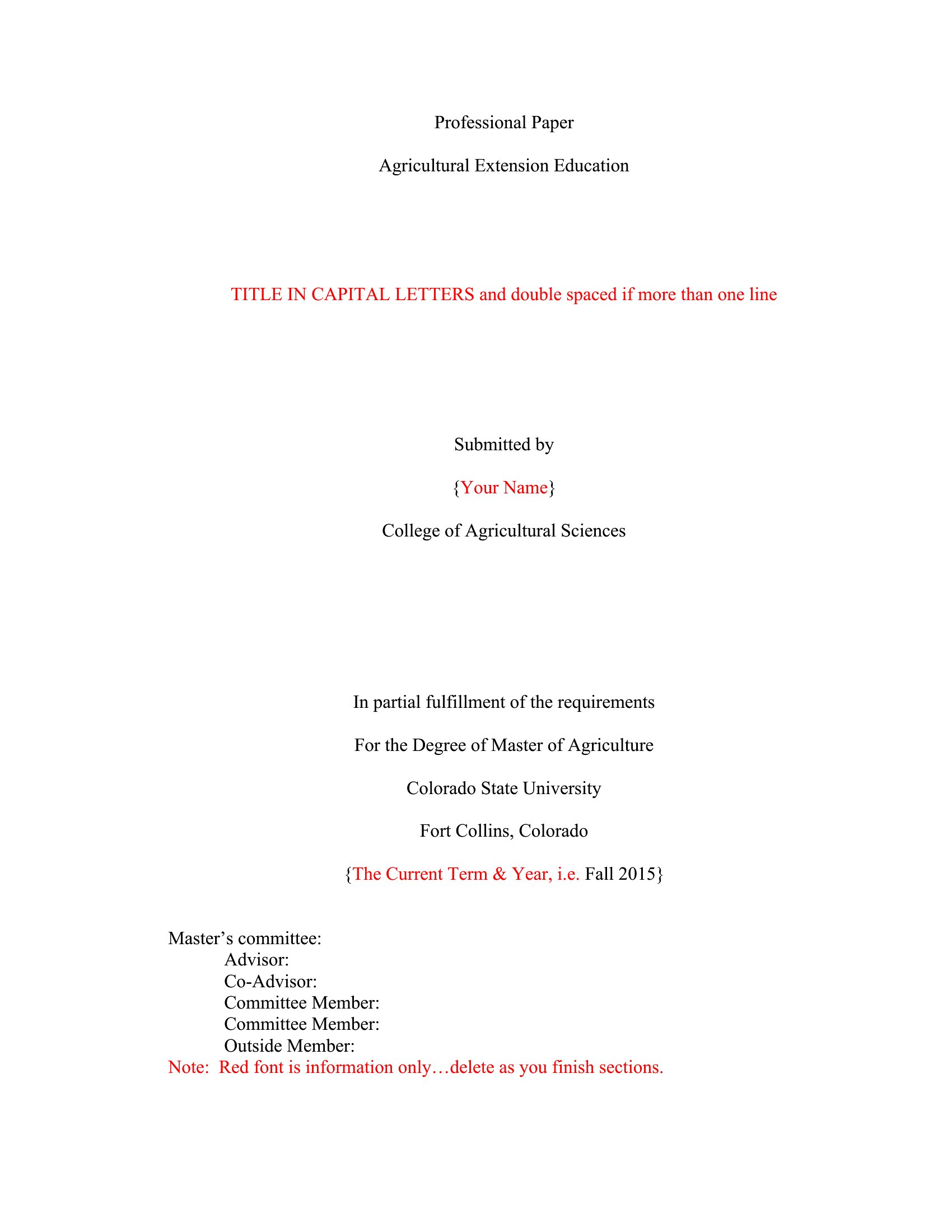
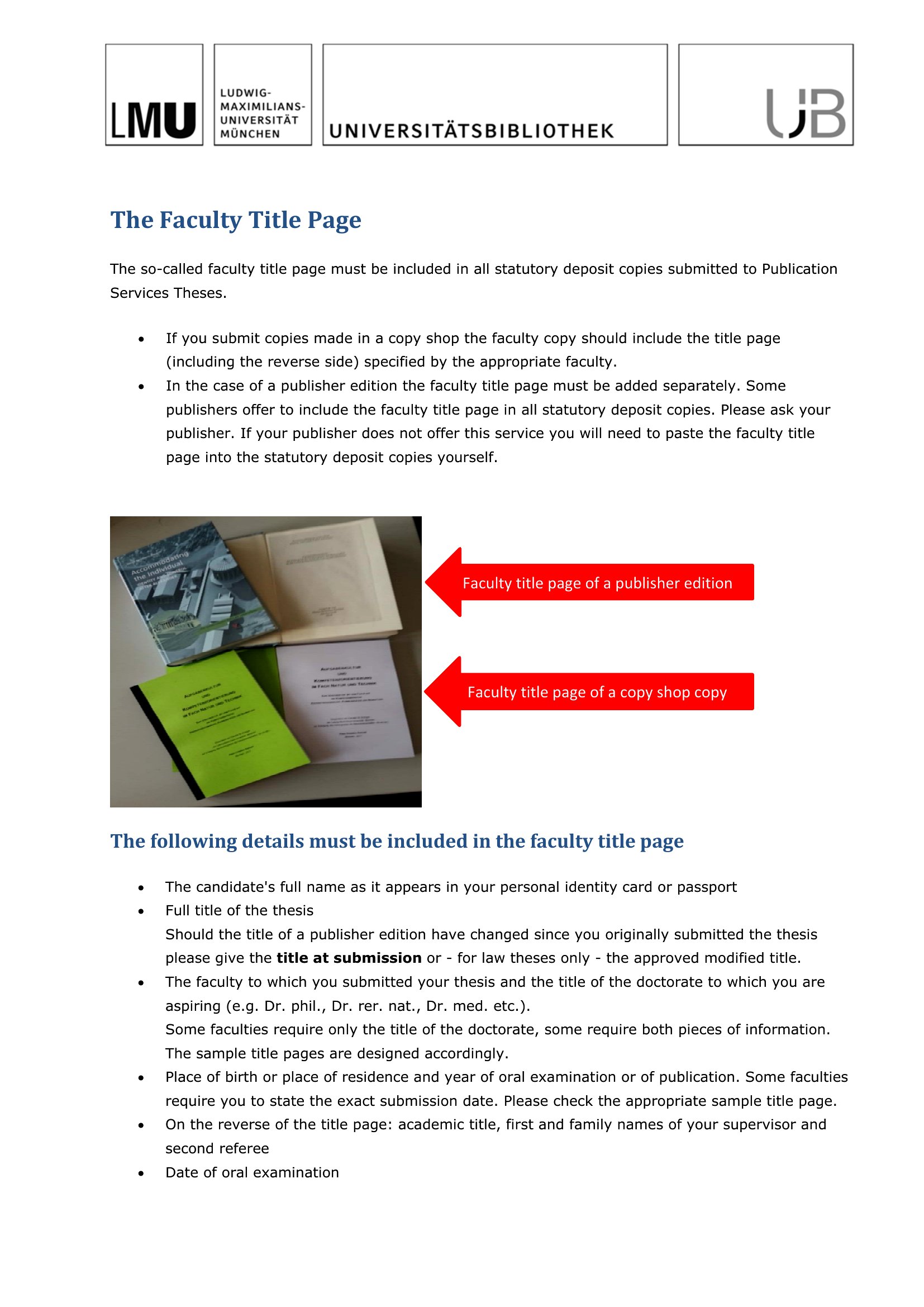
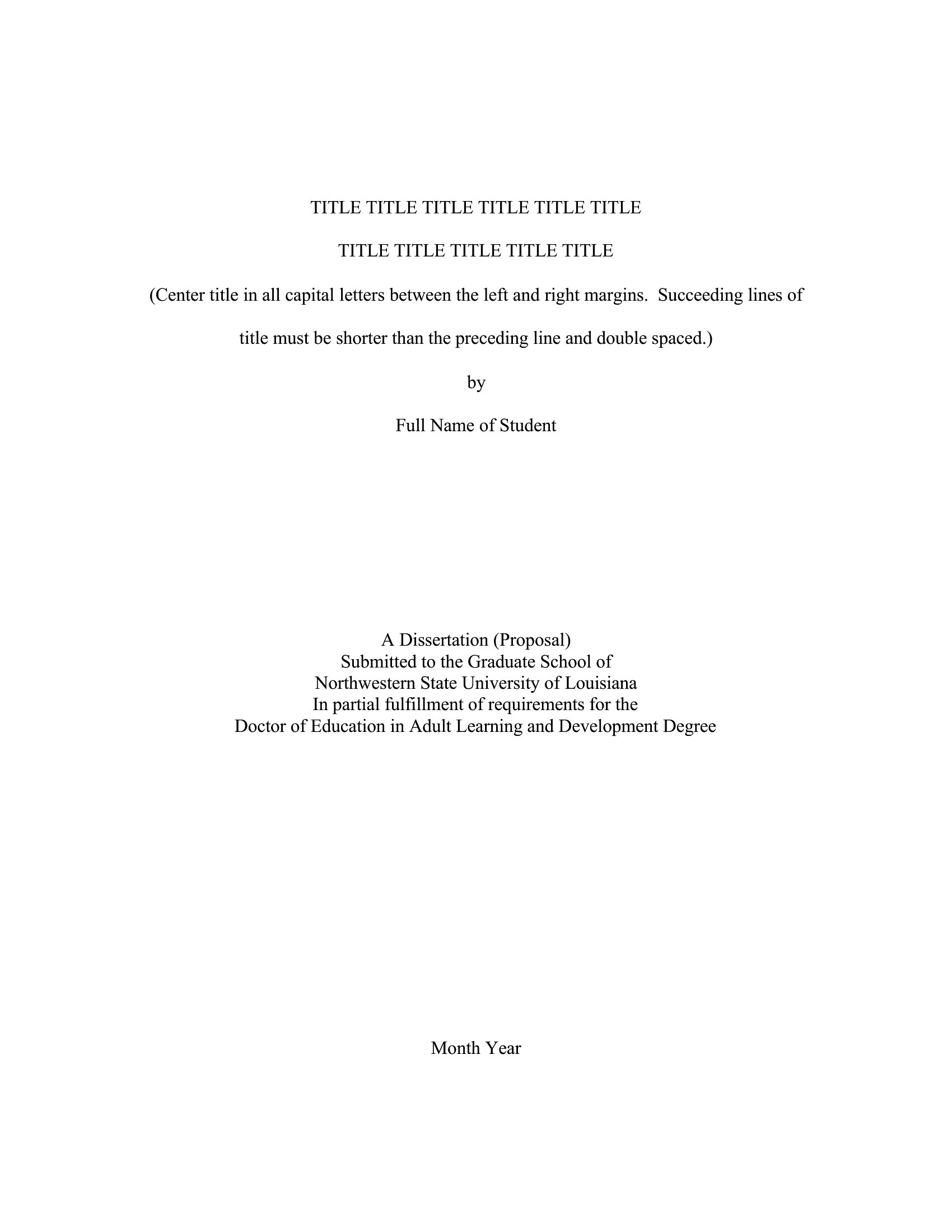
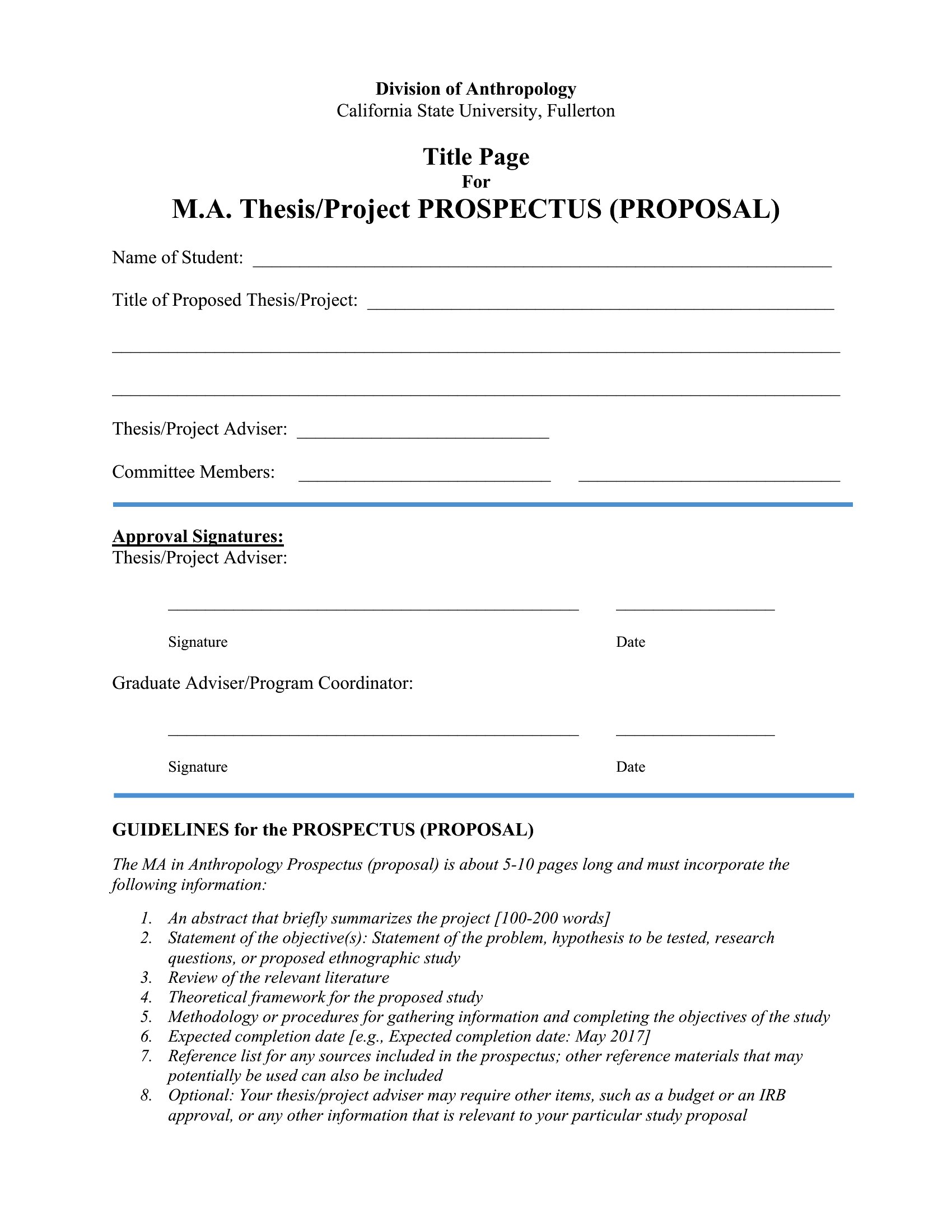
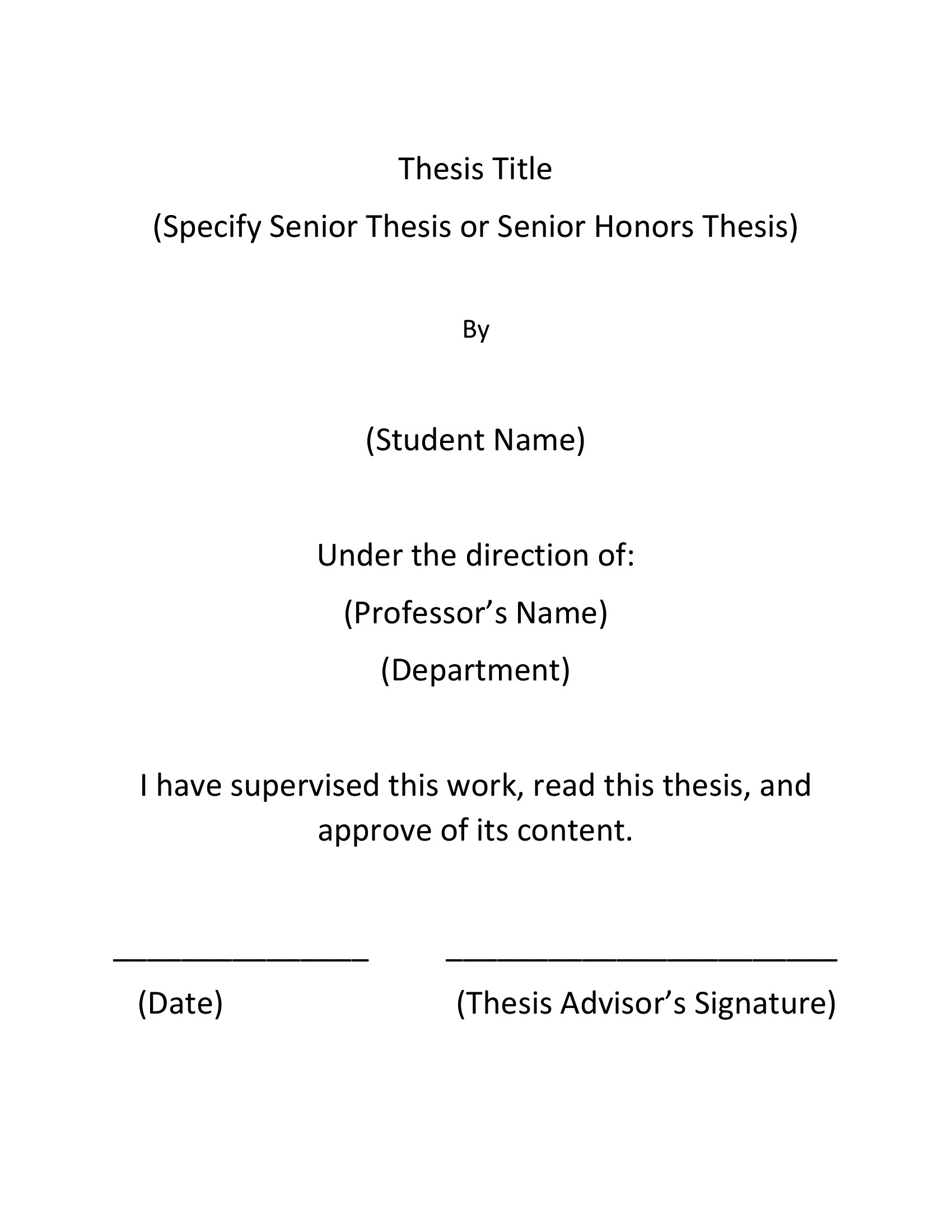
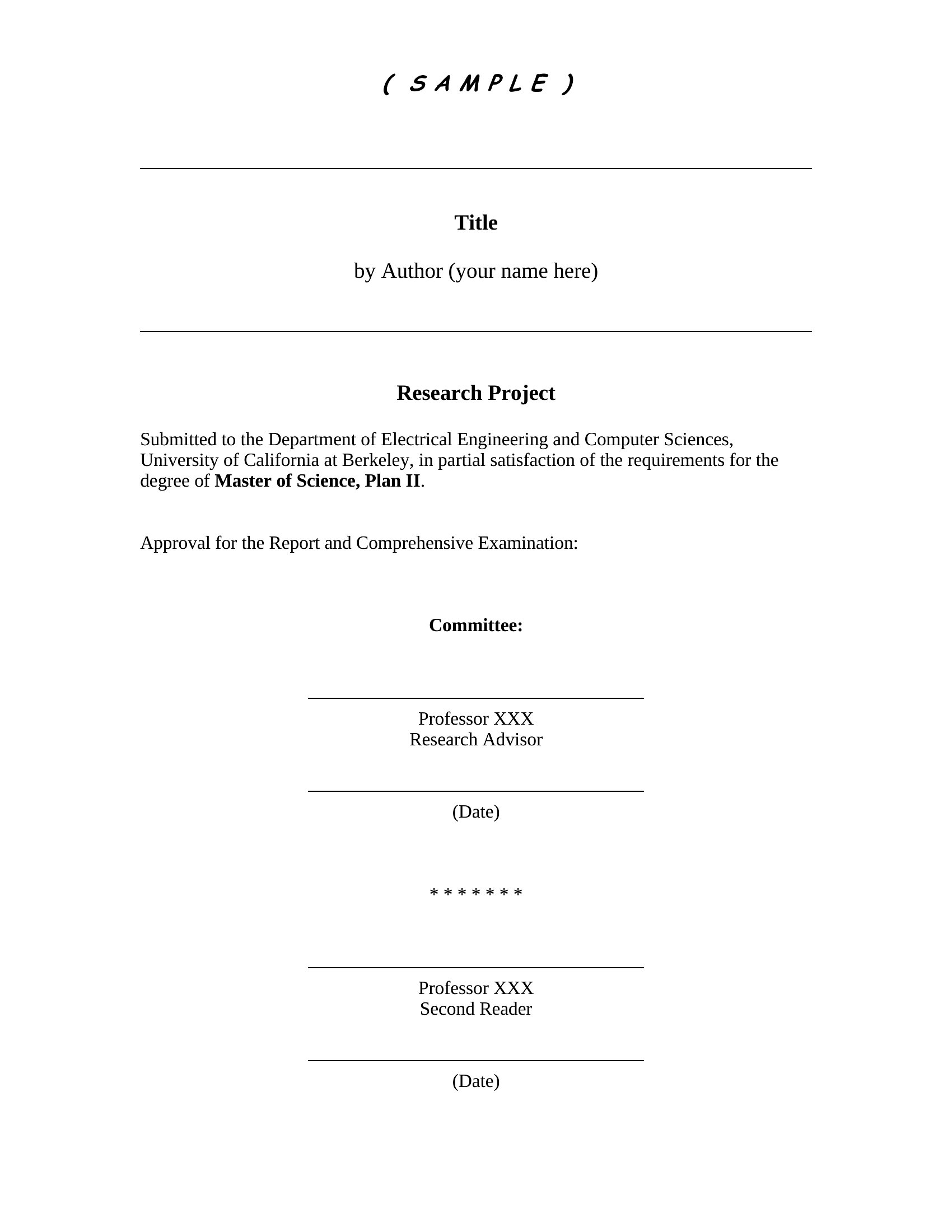
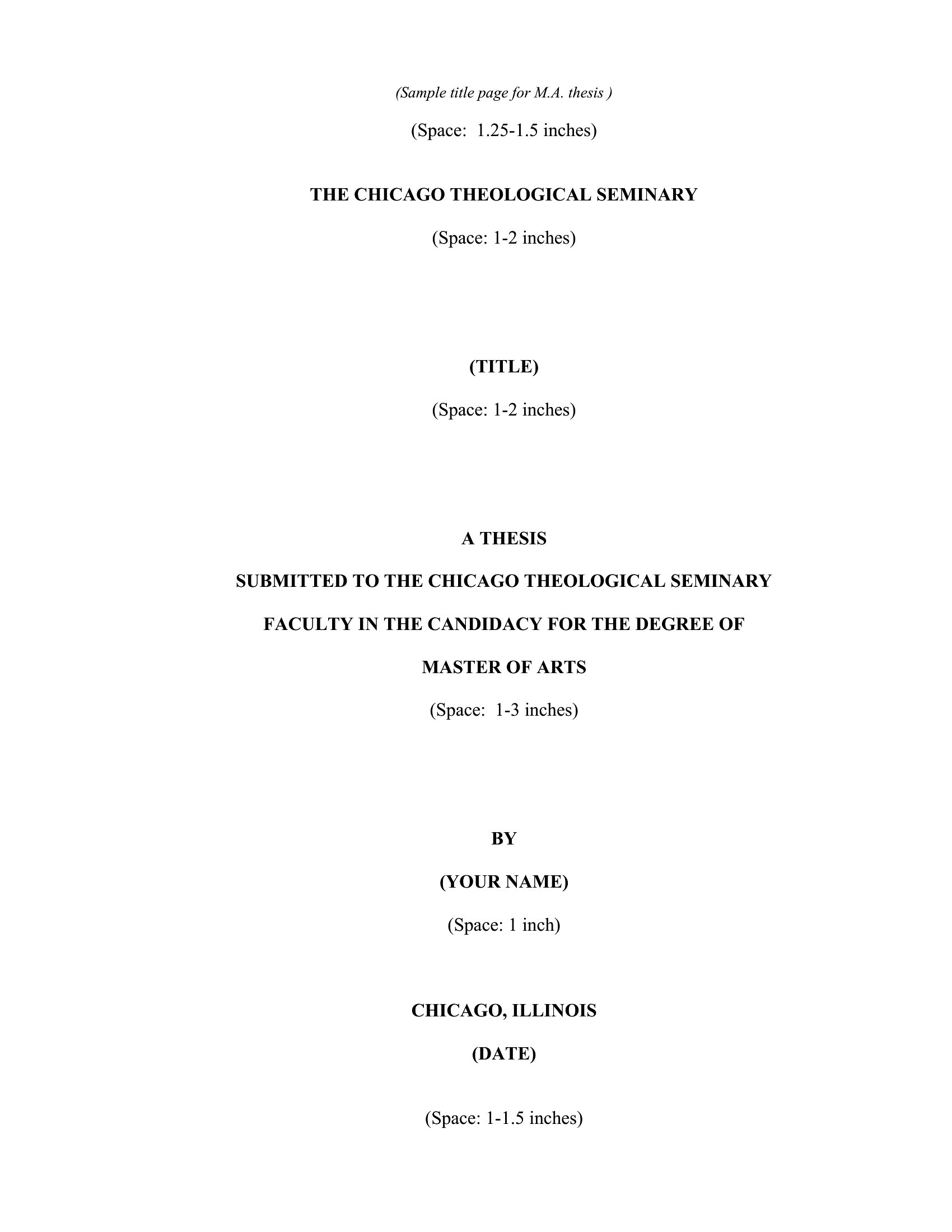
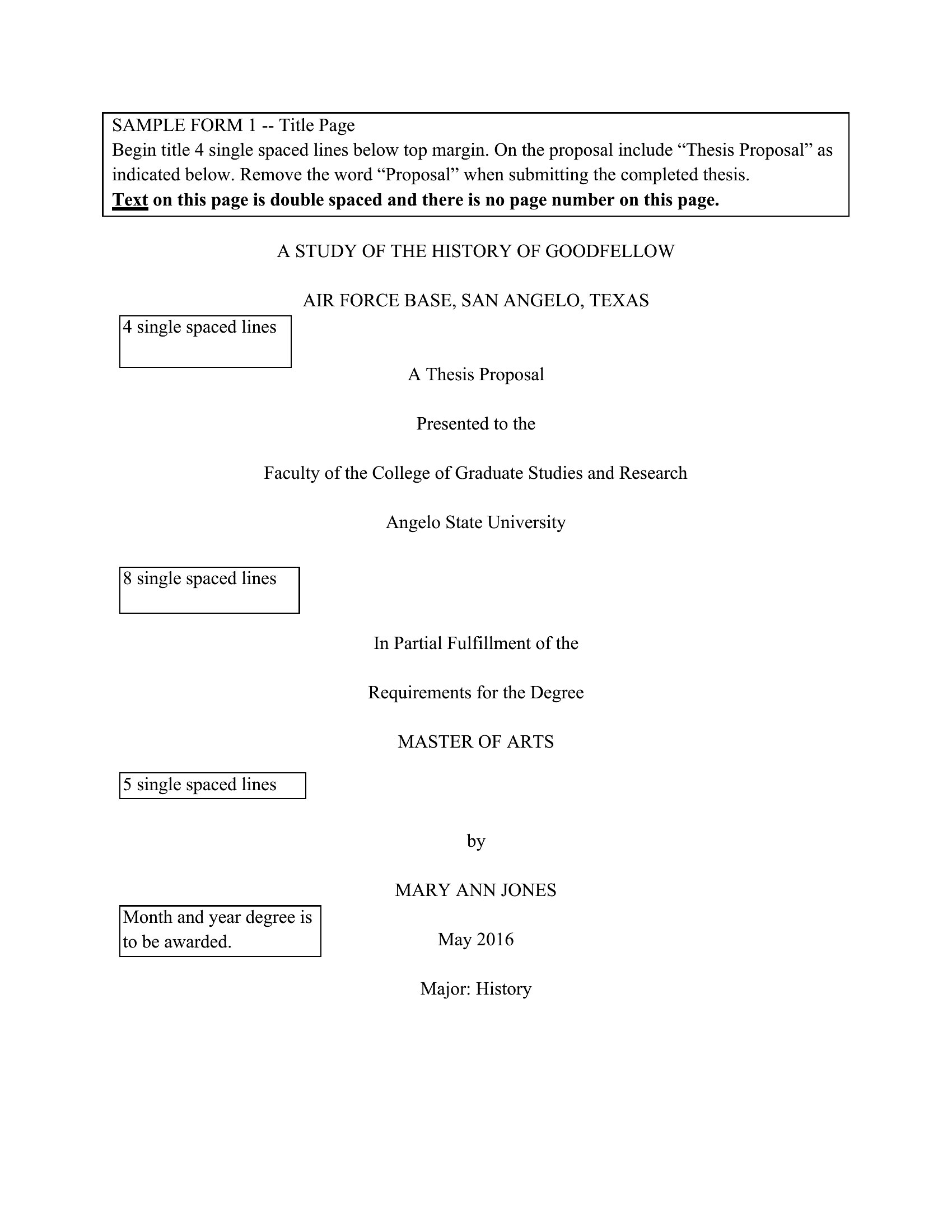
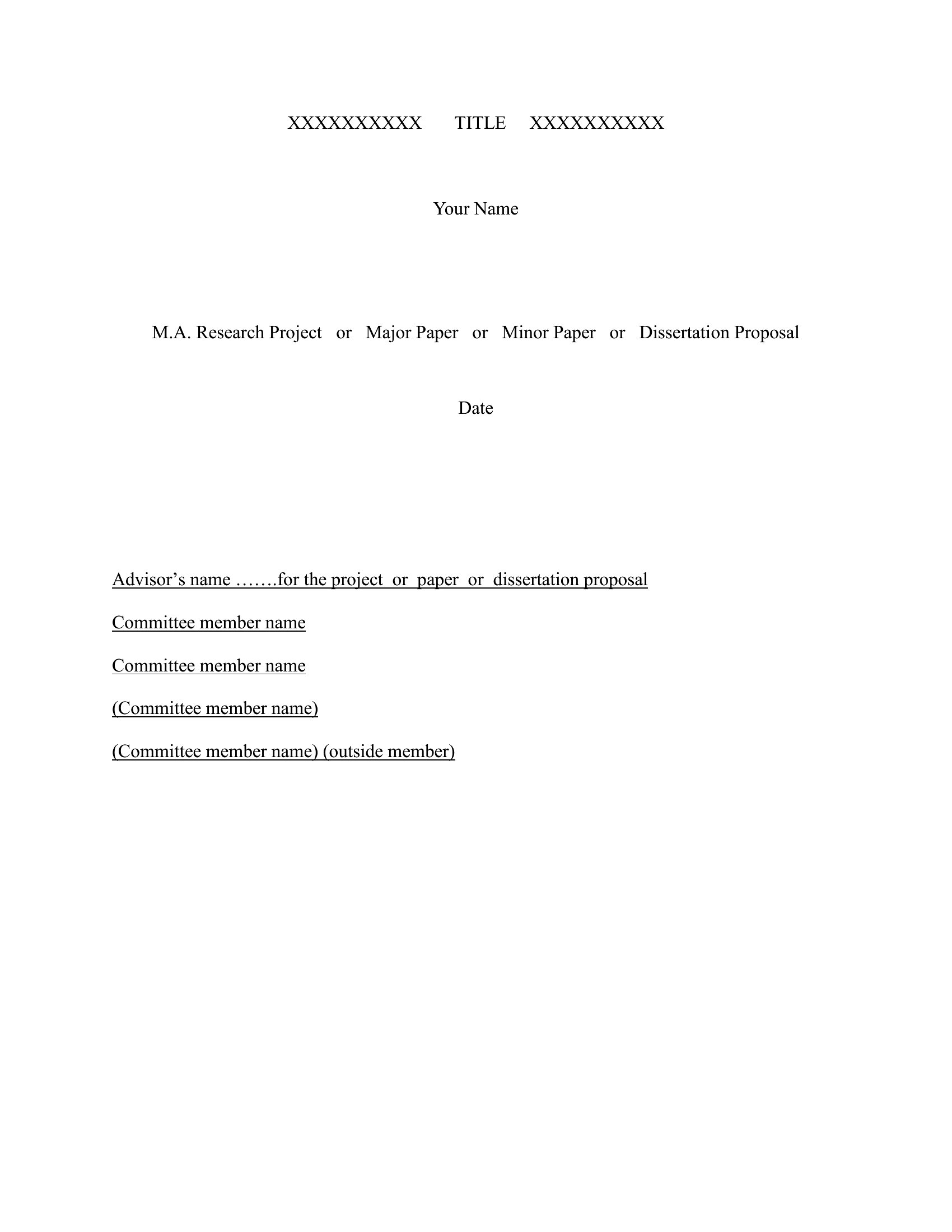
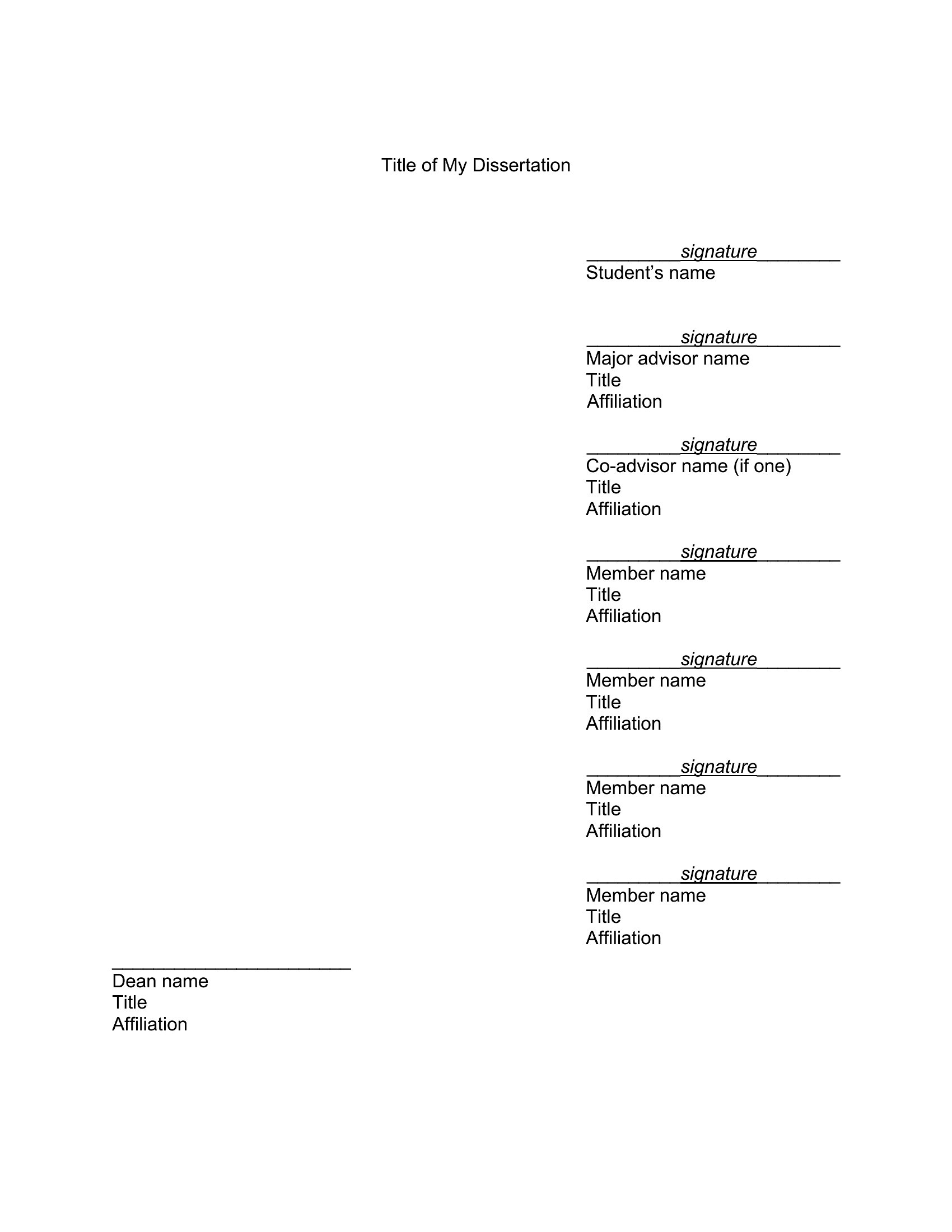
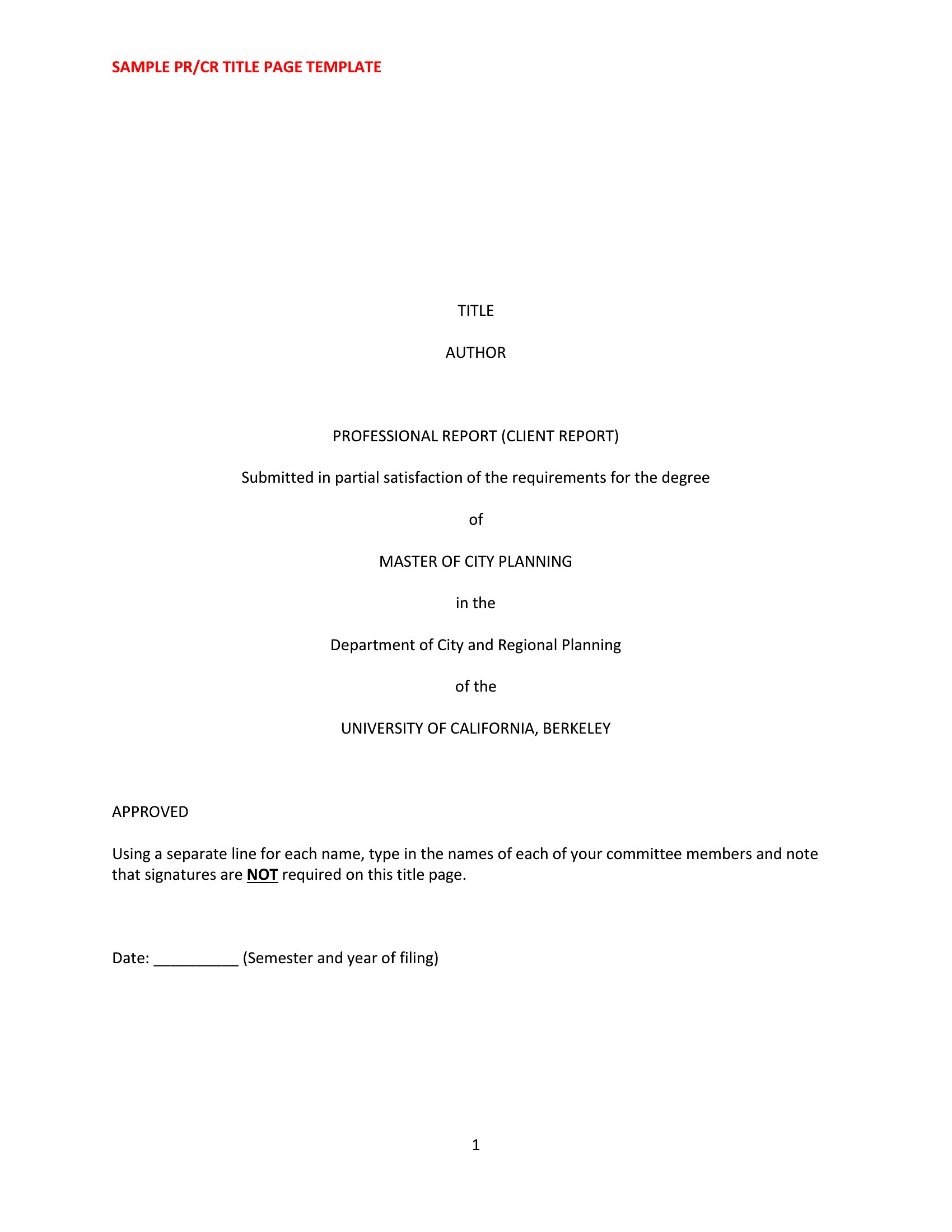
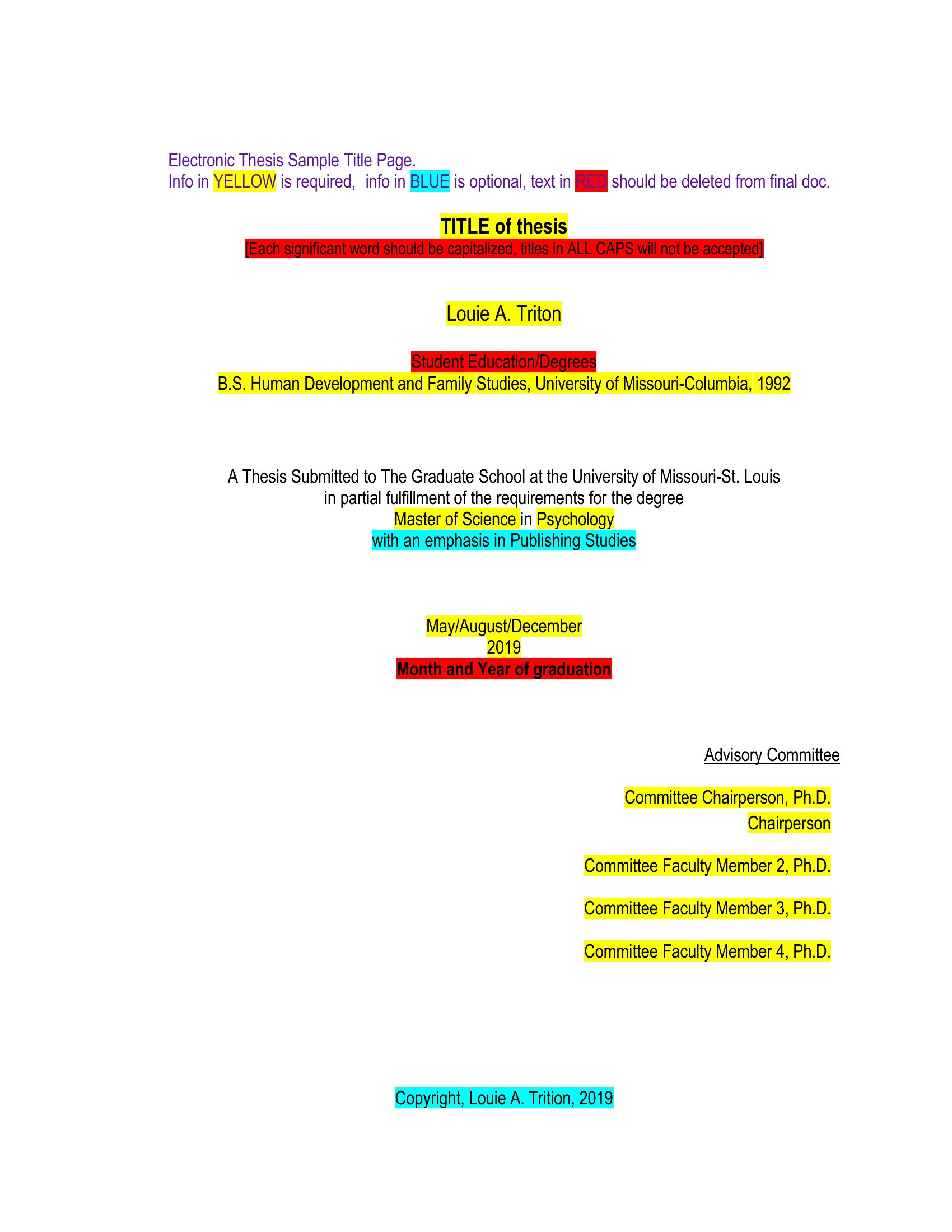
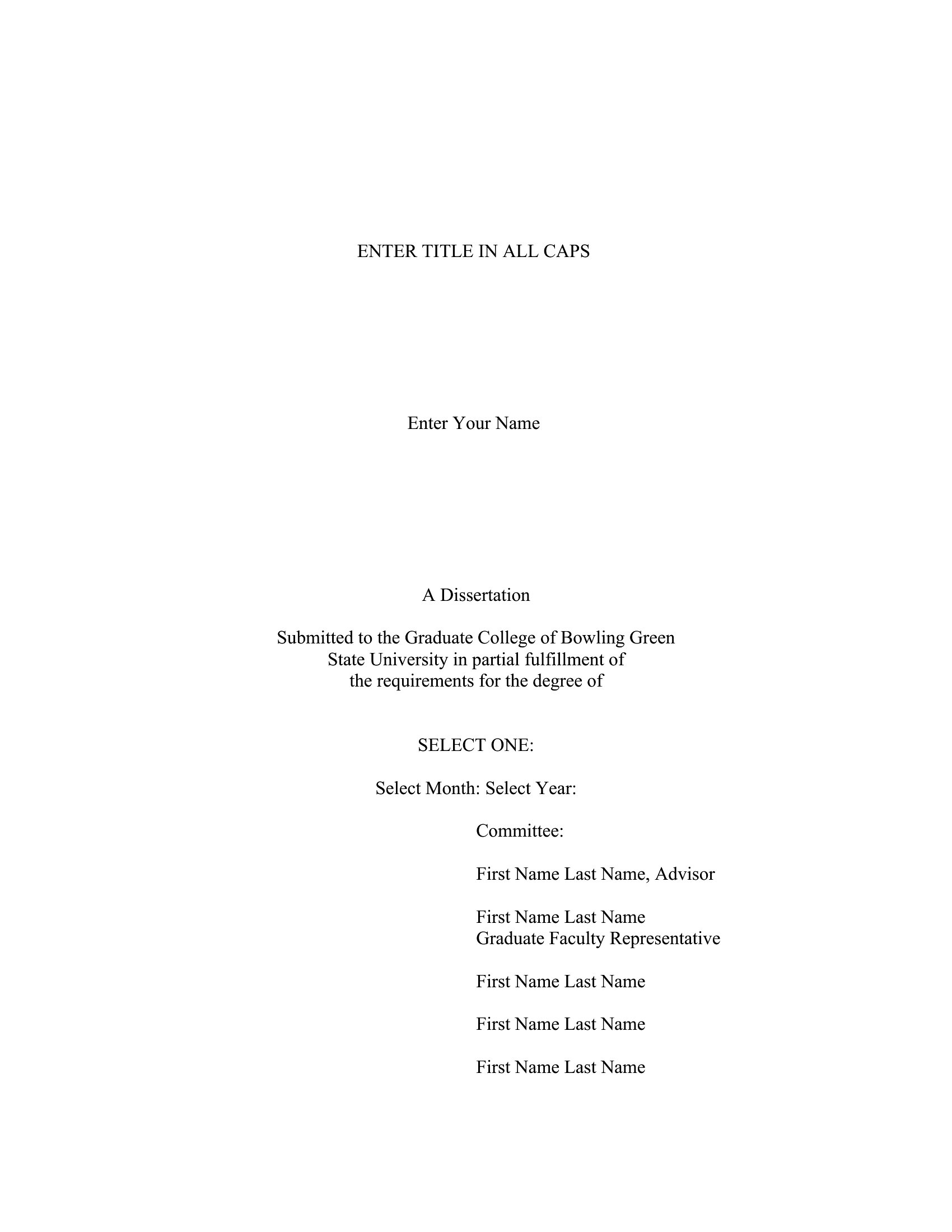
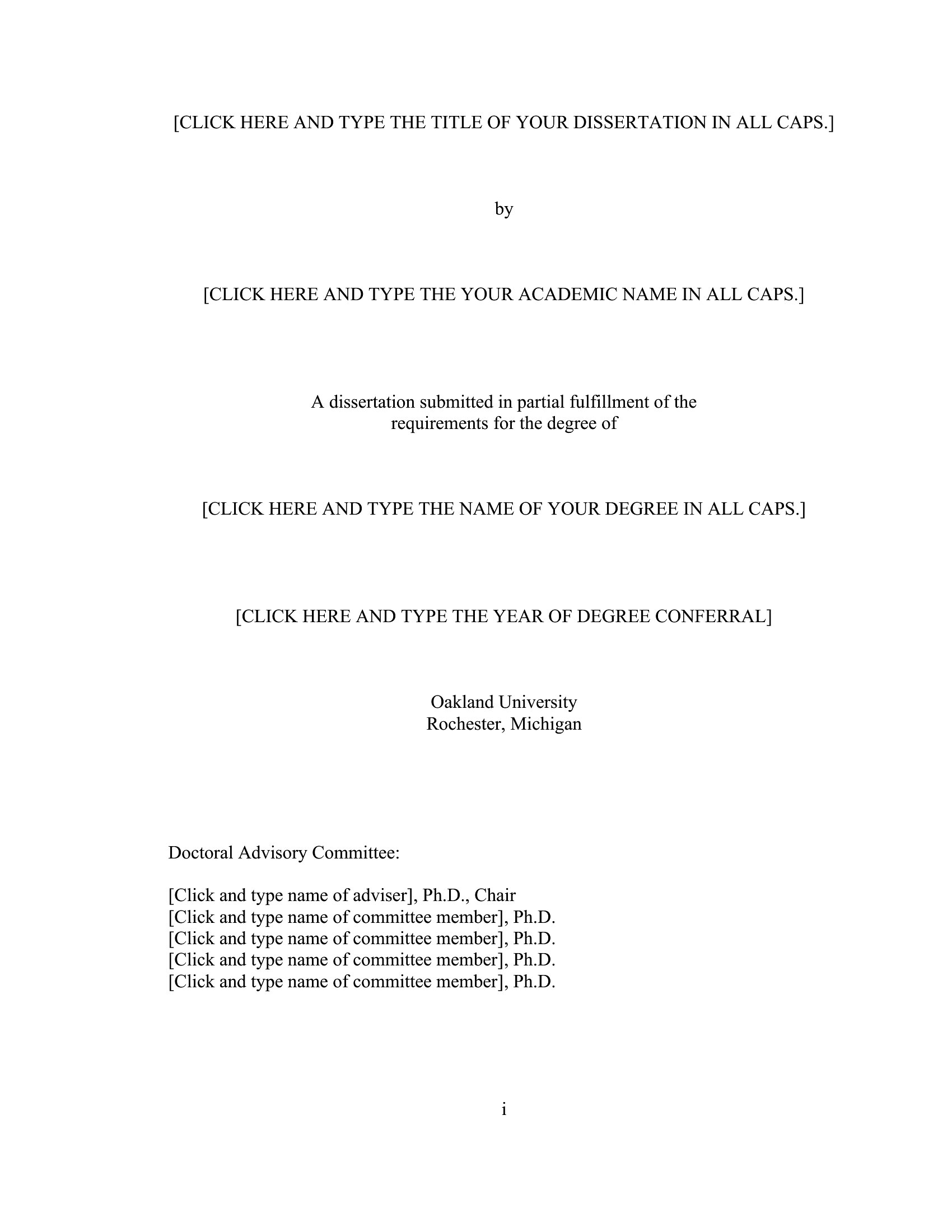
- A graduate student submitting a thesis to their university needs a clean, institution-approved title page that includes their advisor’s name and department. These templates provide pre-formatted layouts that align with common dissertation guidelines.
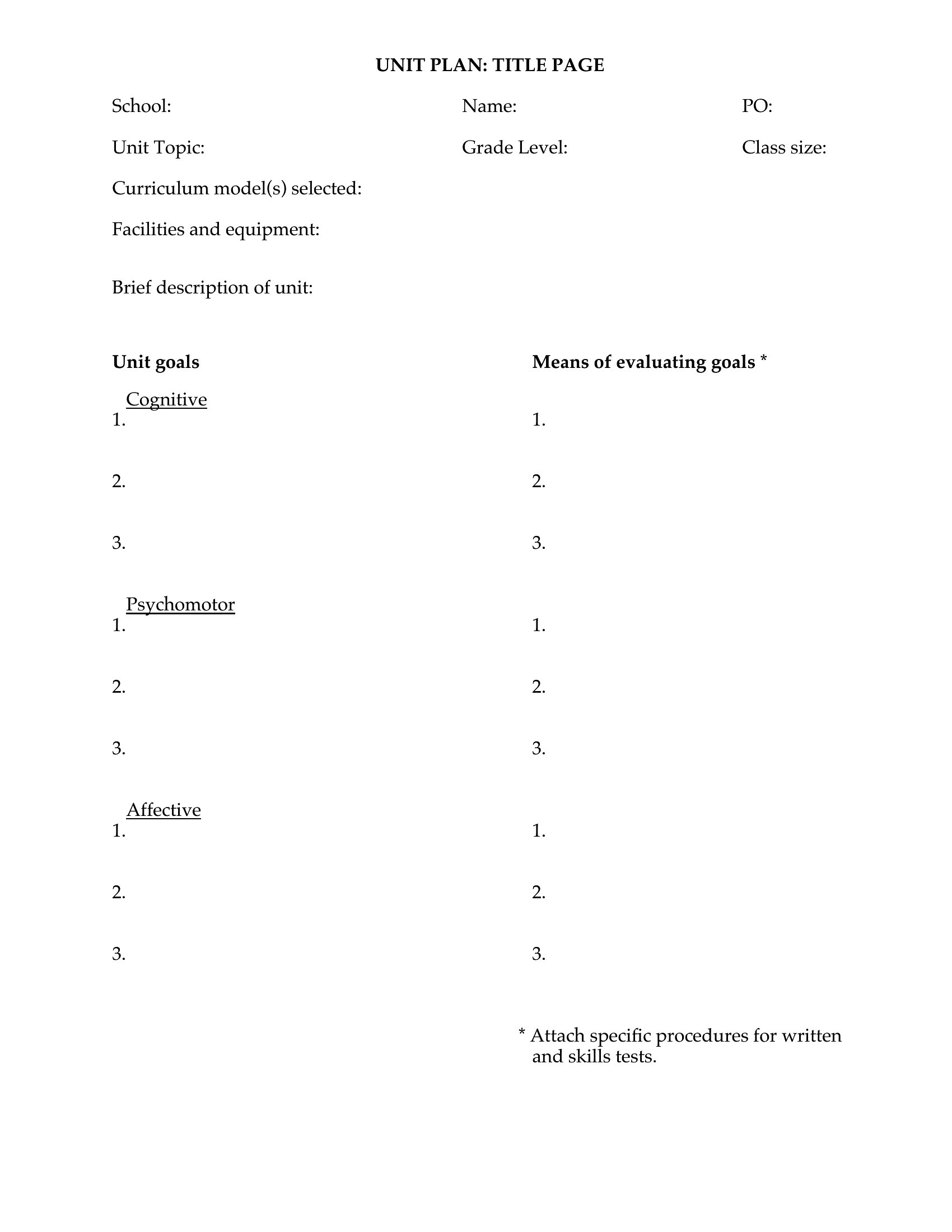
- An indie author about to self-publish their first novel wants a striking title page that matches their book’s aesthetic while including essential publishing metadata like ISBN and edition details.
- A marketing team launching a whitepaper requires a professional title page that reflects their brand’s visual identity, with designated spaces for the client’s logo, date, and a compelling subtitle.
- A high school teacher assigning a research project needs title page templates that enforce consistency across student submissions, saving time on formatting corrections while teaching proper academic presentation.
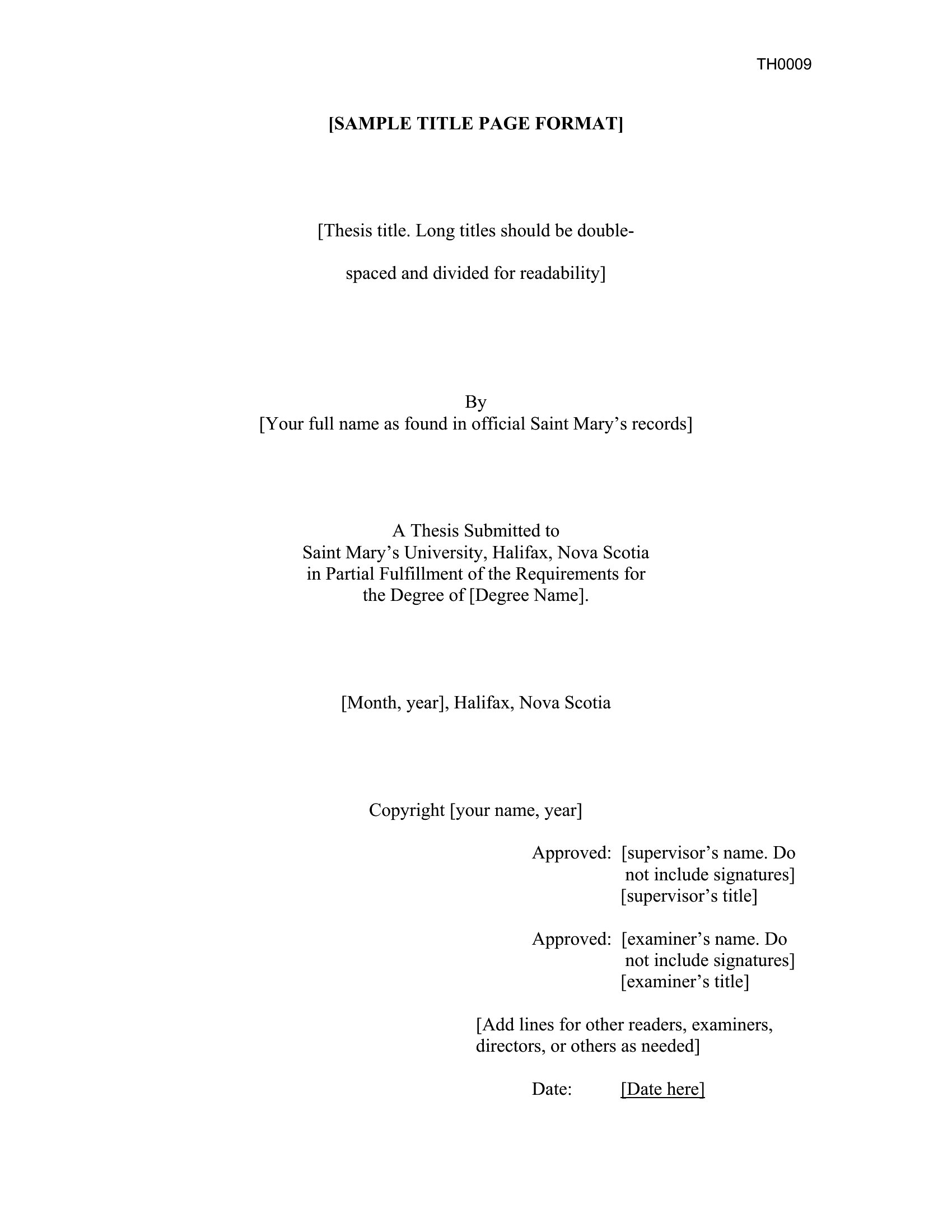
Which format should I download?
Choose Word if you need an editable title page that must align with specific formatting requirements, such as those set by a university or publisher. The flexibility to tweak fonts, margins, and spacing ensures compliance without starting from scratch. Opt for PDF when you need a final, print-ready design that maintains visual integrity—ideal for authors or professionals distributing hard copies where edits aren’t required. Avoid PDF for documents needing last-minute adjustments.
Choose from 48 Title Page Templates
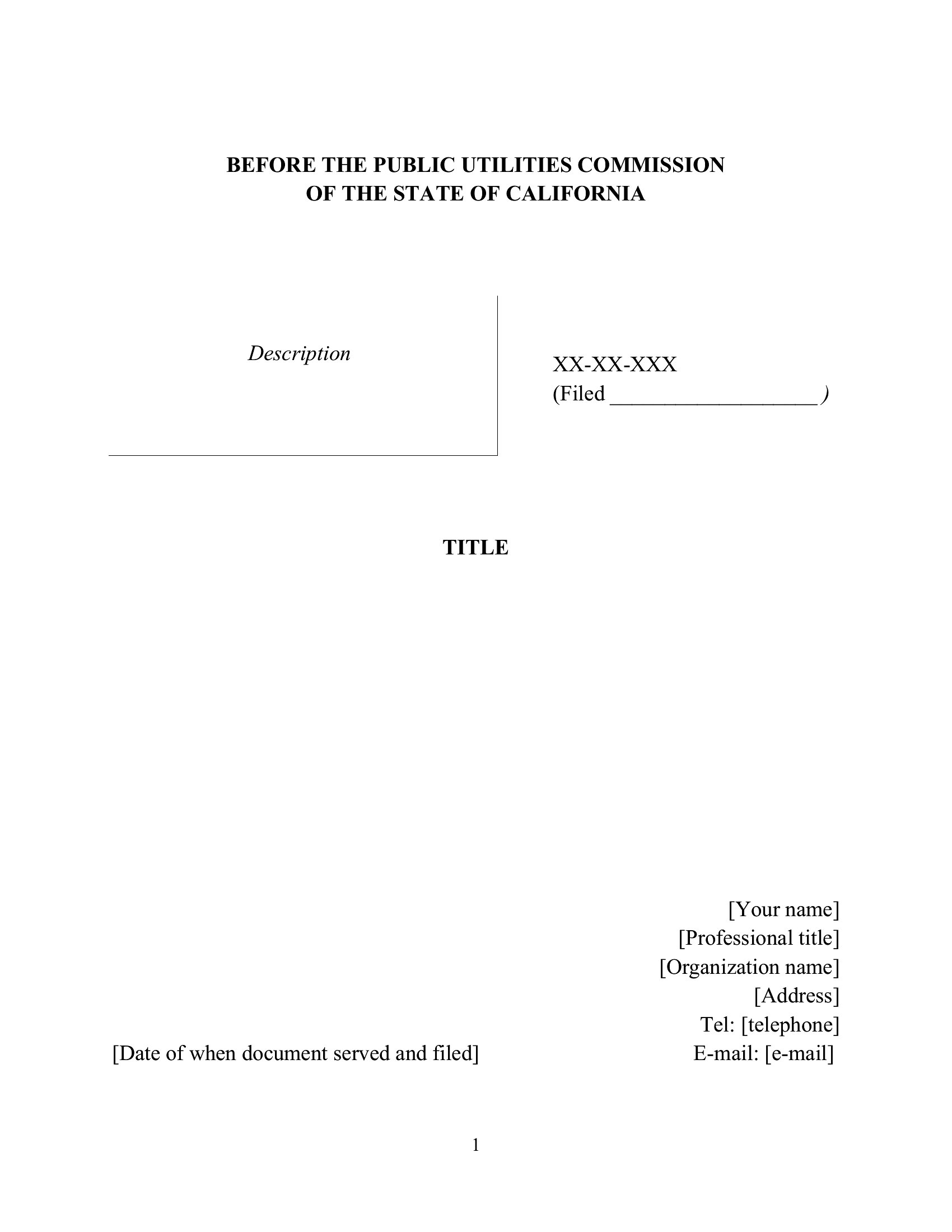
How to use this Title Page template
Do these templates include the exact formatting required by specific universities or publishers?
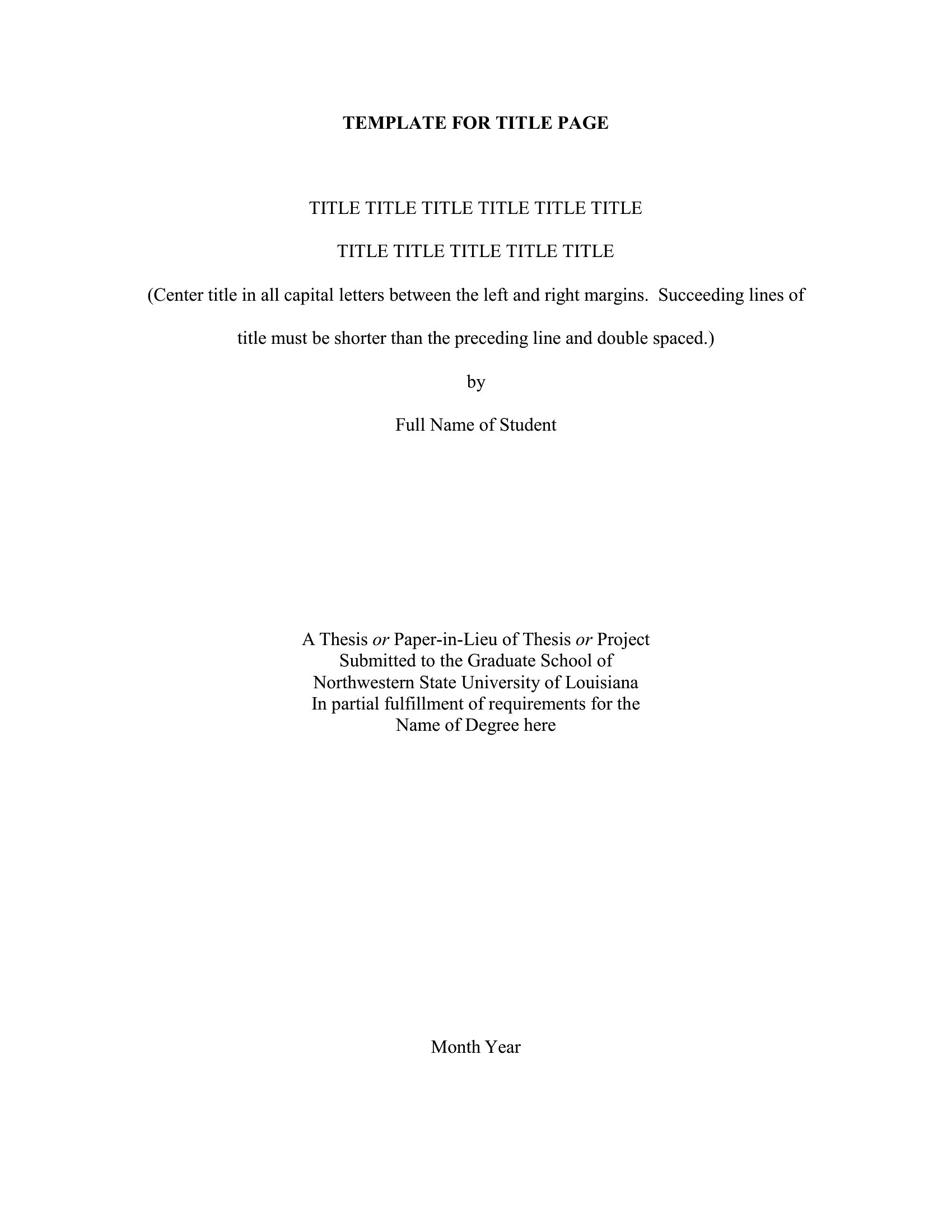
These templates serve as strong starting points but aren’t guaranteed to match every institution’s precise guidelines. For academic submissions, always double-check your university’s handbook or publisher’s style guide, then adjust fonts, margins, or spacing in the Word version to align perfectly. Treat them as customizable frameworks rather than one-size-fits-all solutions.
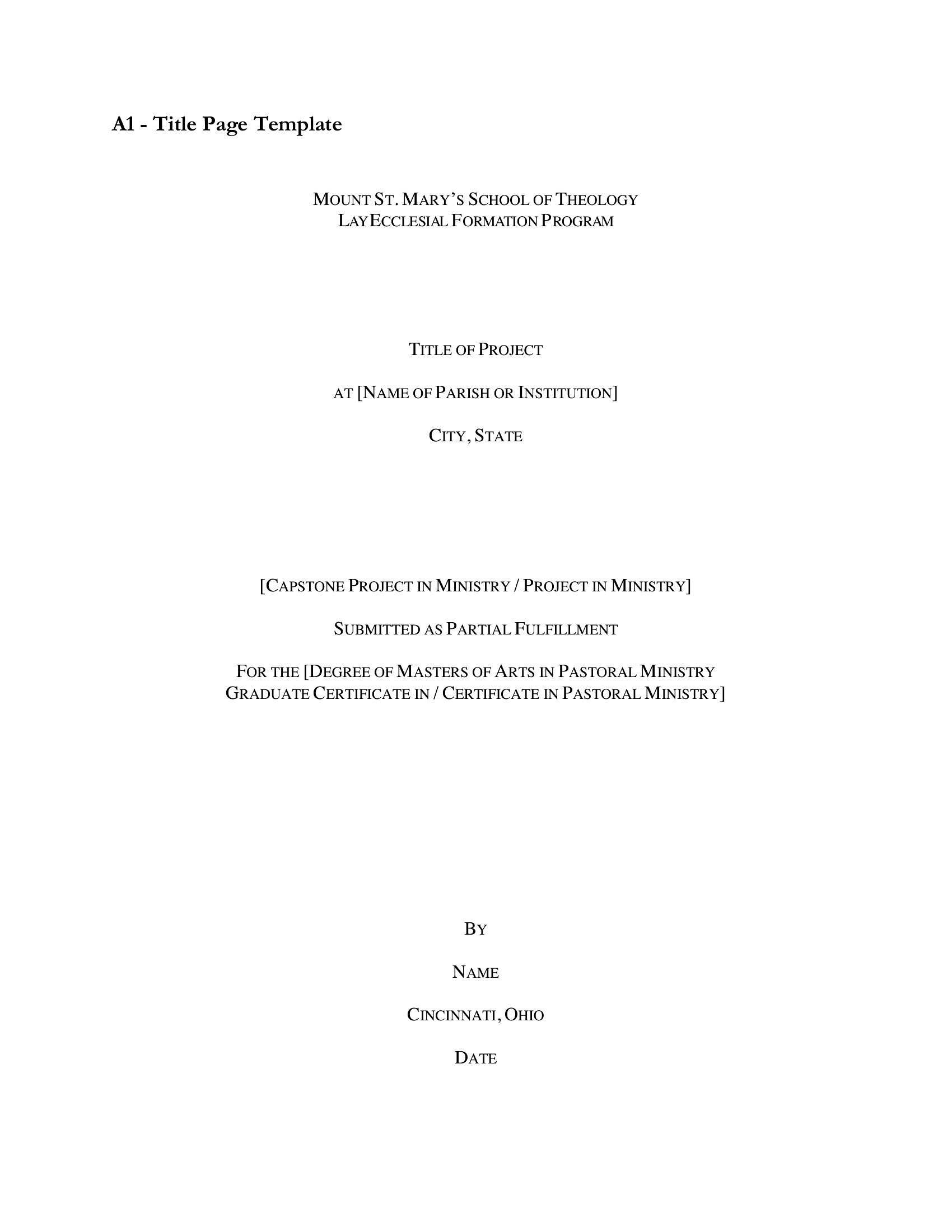
Can I add a subtitle or secondary heading to a title page template?
Yes, all templates in this collection include designated spaces for additional text, such as subtitles or secondary headings. In Word, simply type your subtitle below the main title and adjust the font size or alignment to maintain balance. For PDFs, you’ll need to recreate the text in a design tool or print a new Word version with your additions.

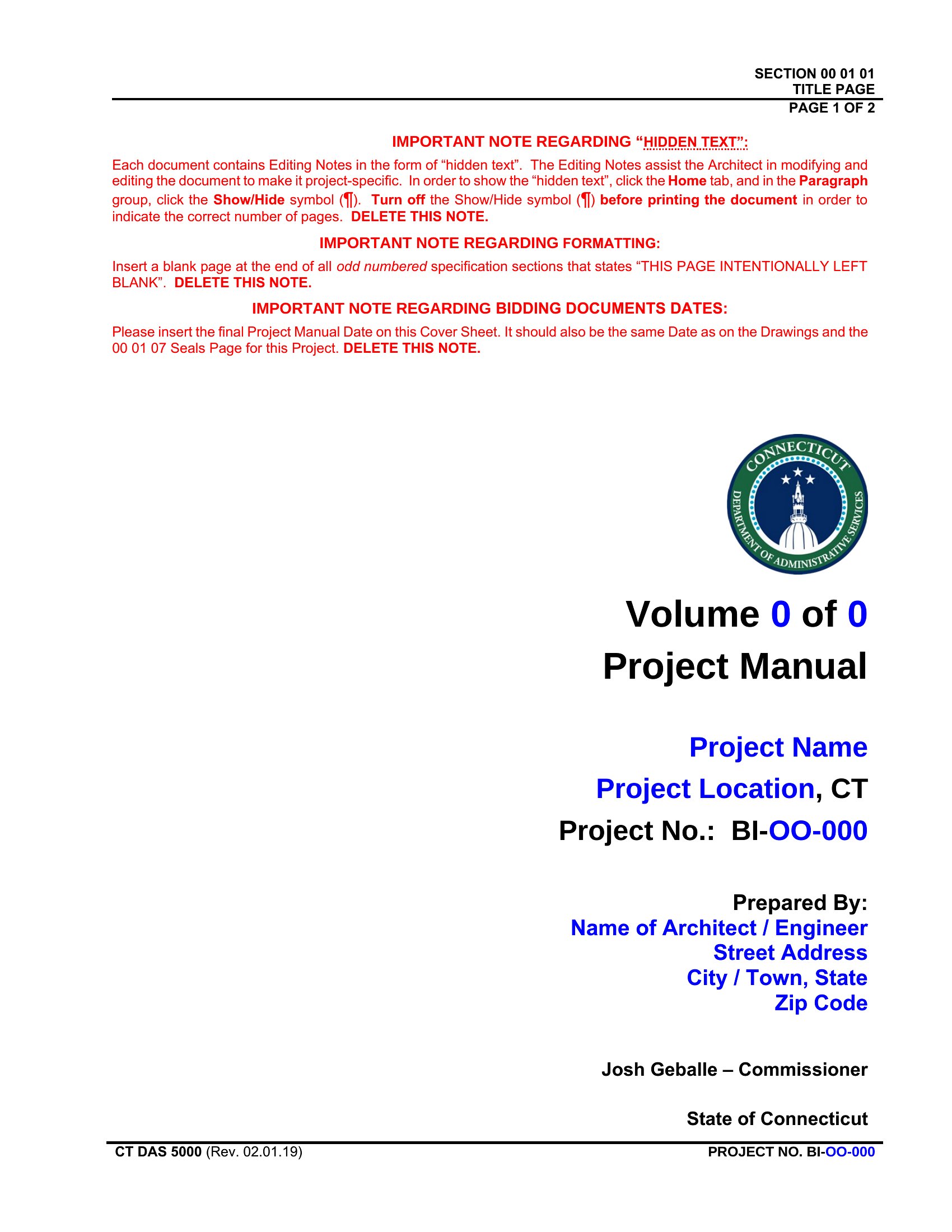
Are there templates that work well for nonfiction books with multiple authors or contributors?
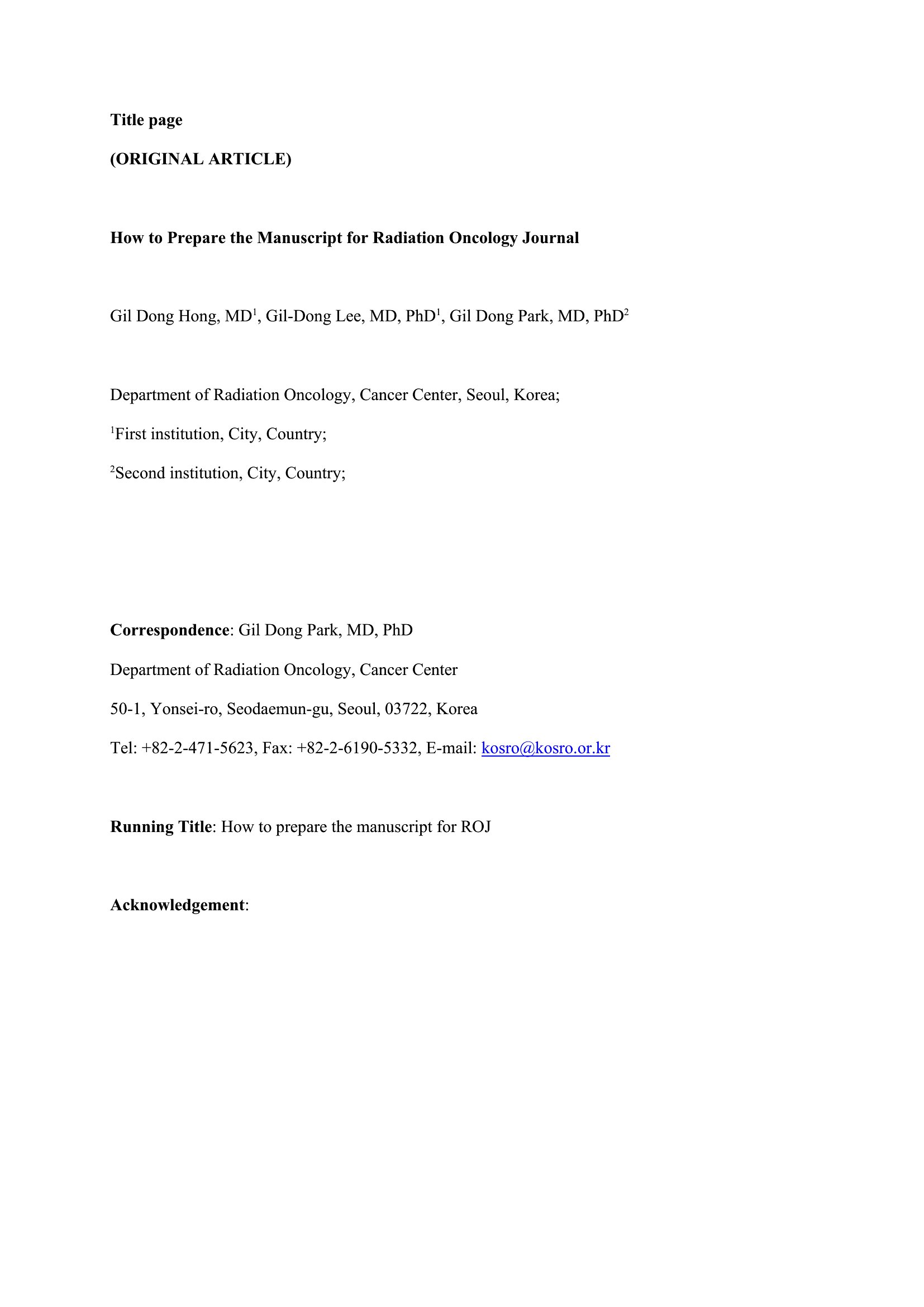
Several templates in this set include fields for co-authors, editors, or contributors, making them suitable for collaborative projects. Look for designs labeled with “multiple authors” or those with expandable sections beneath the main title. For complex acknowledgments, pair the title page with a dedicated contributors page in your manuscript.
Comments
Join the conversation
Sign in to share your thoughts and leave a comment on this resource.