FAQ
Can these templates help me adjust my budget mid-month if unexpected costs pop up?
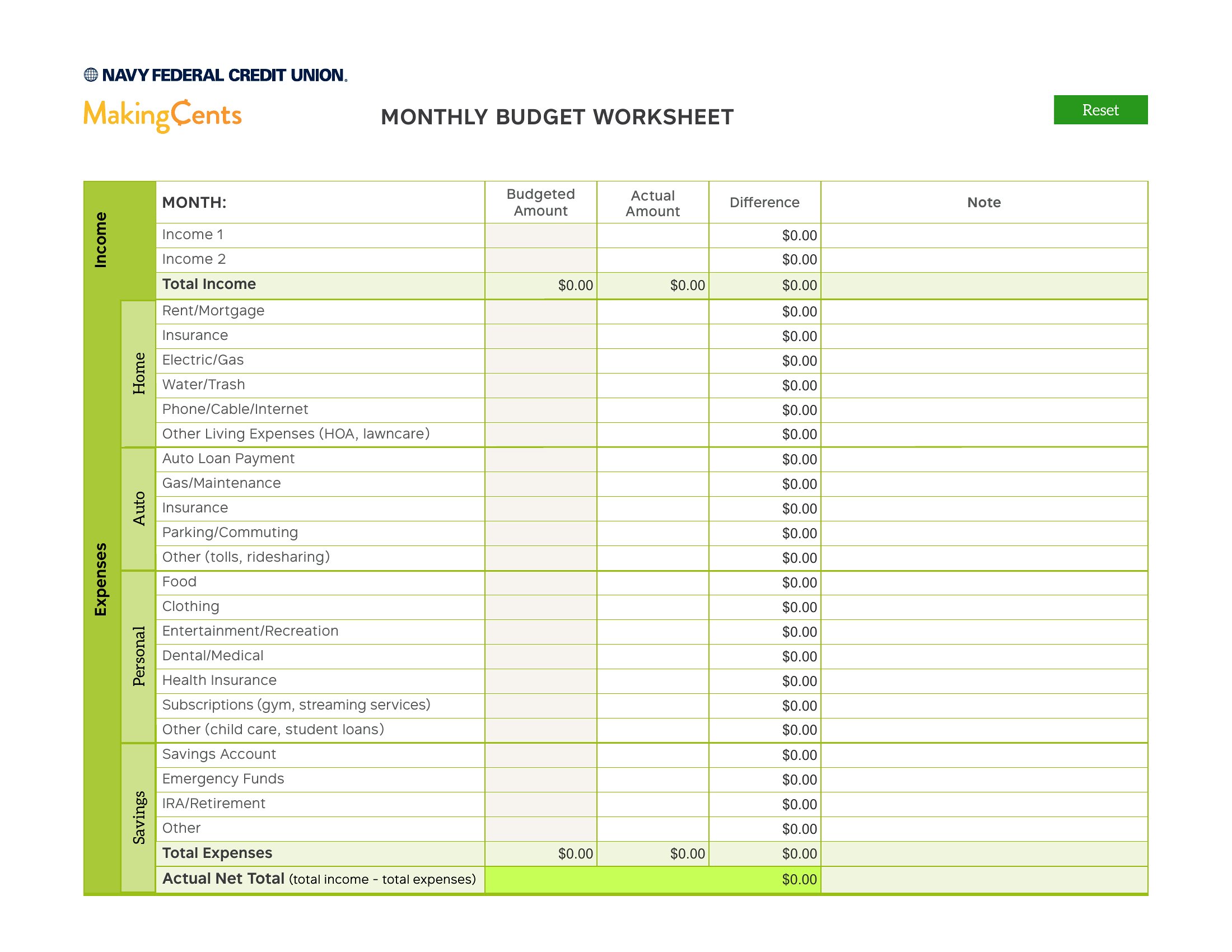
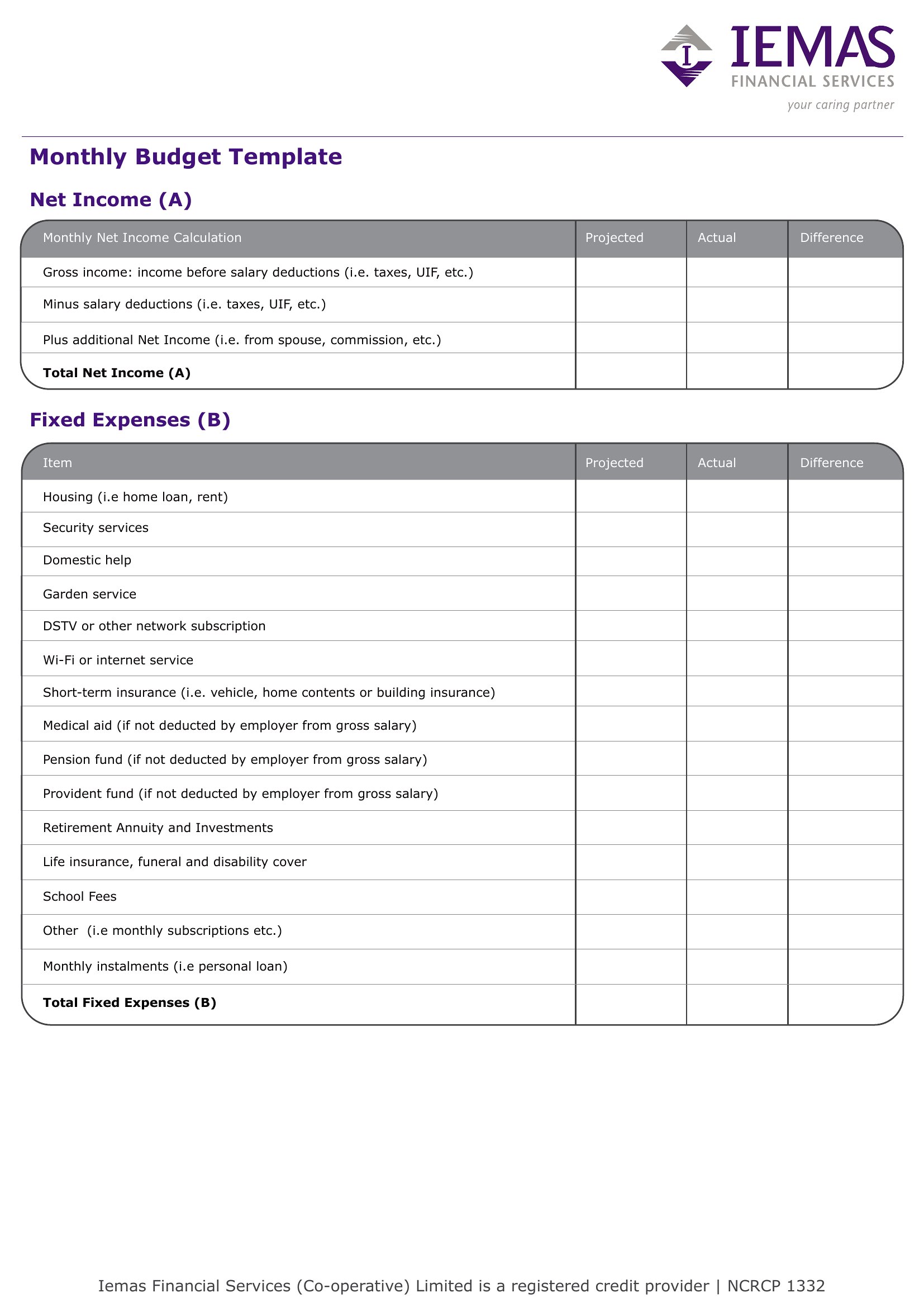
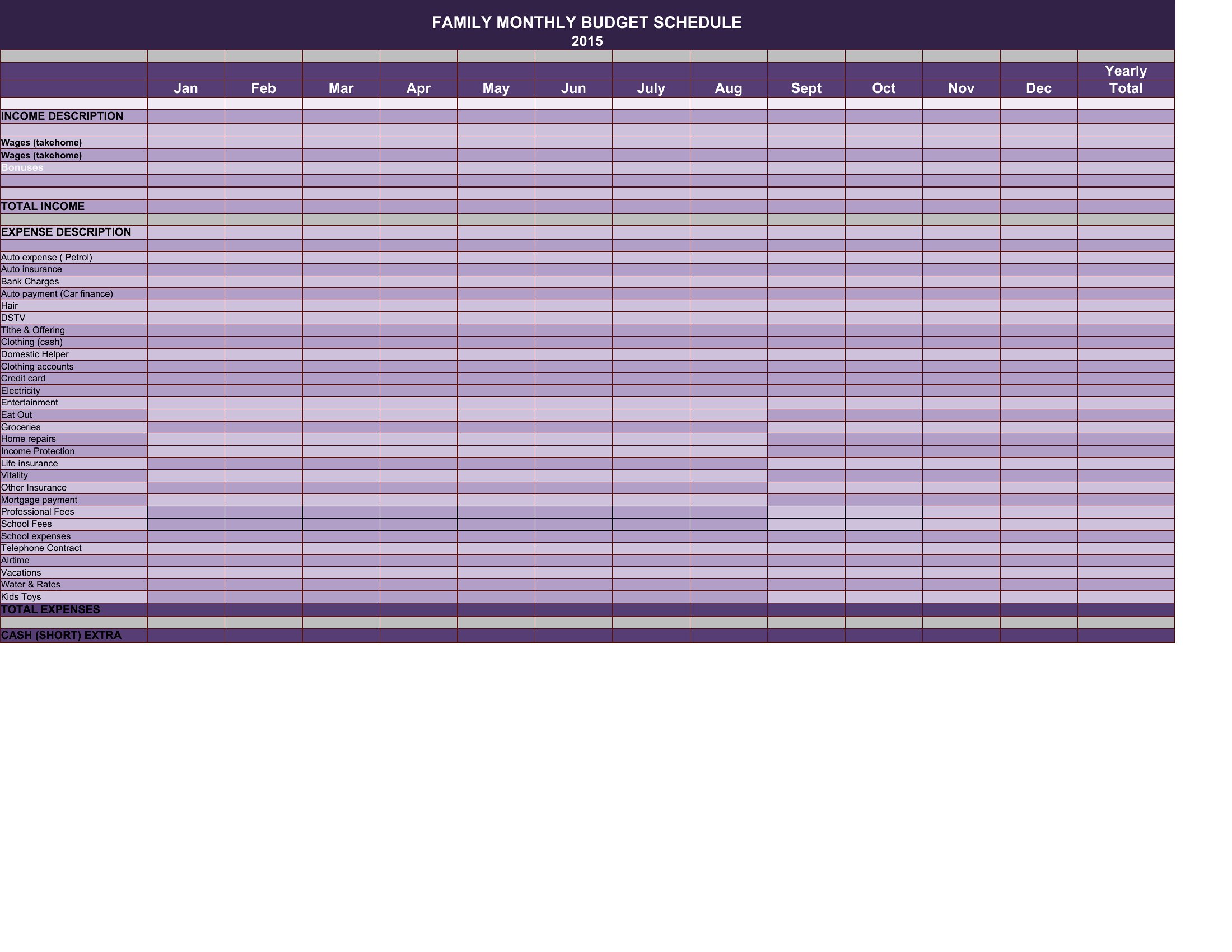
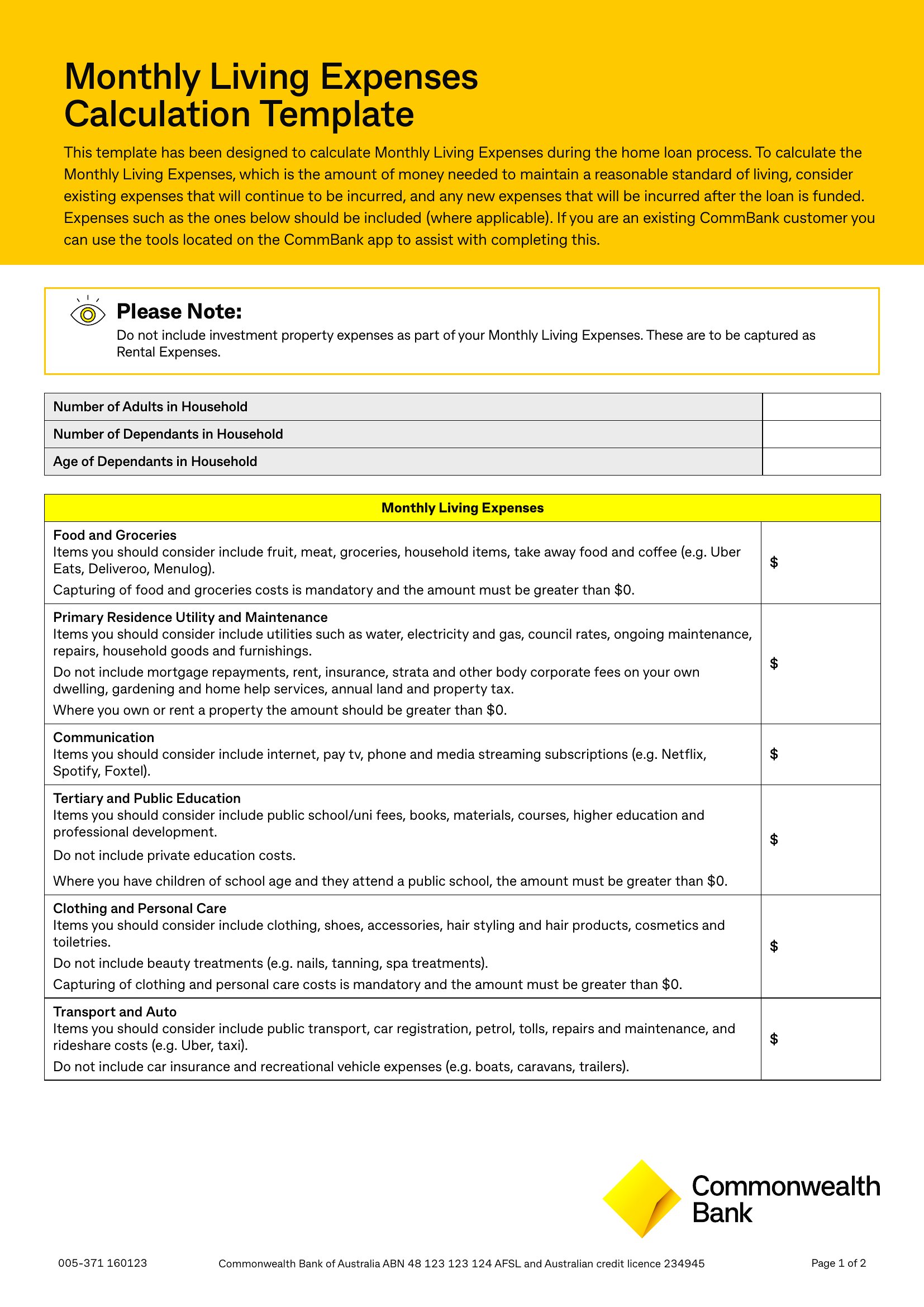
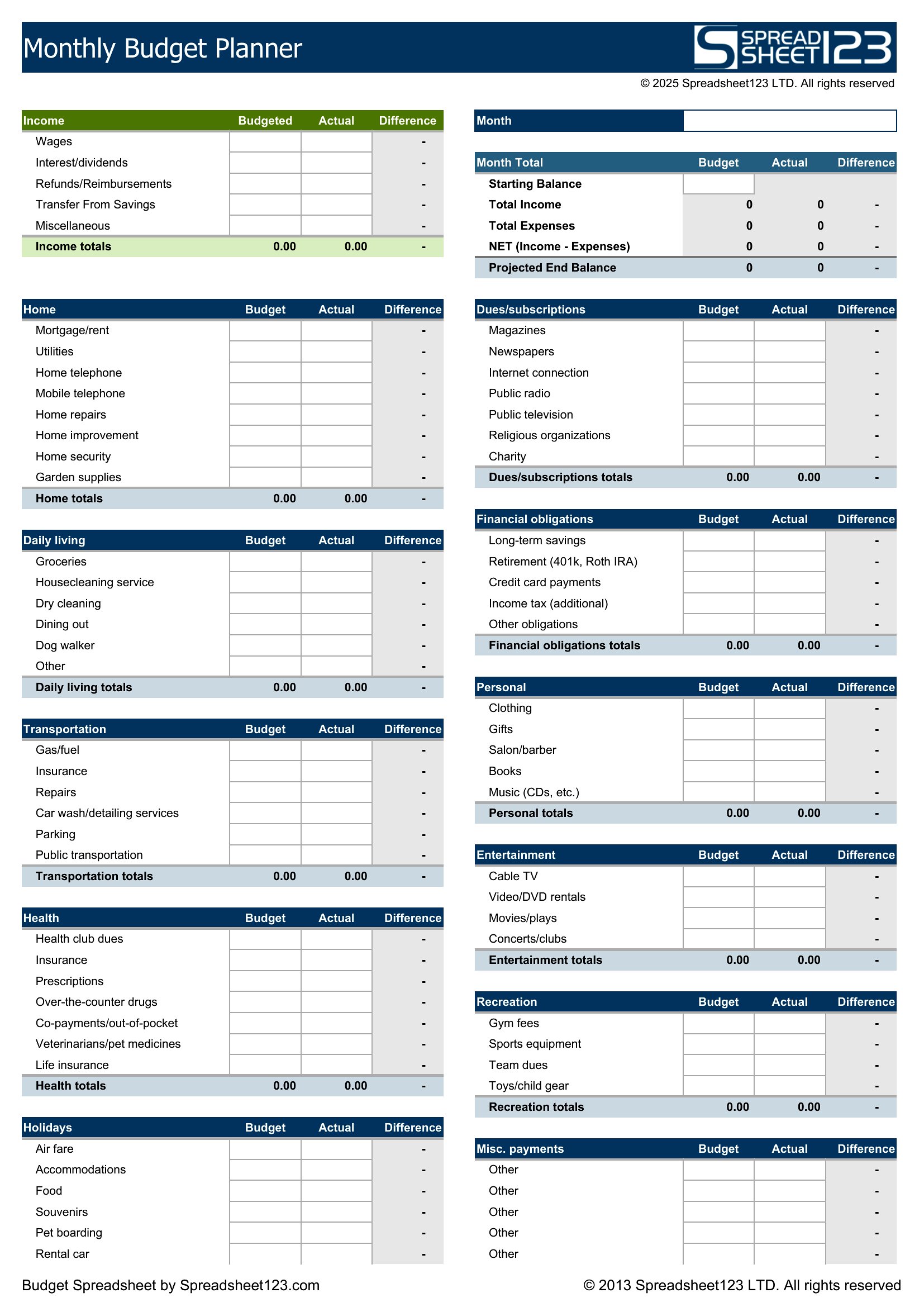
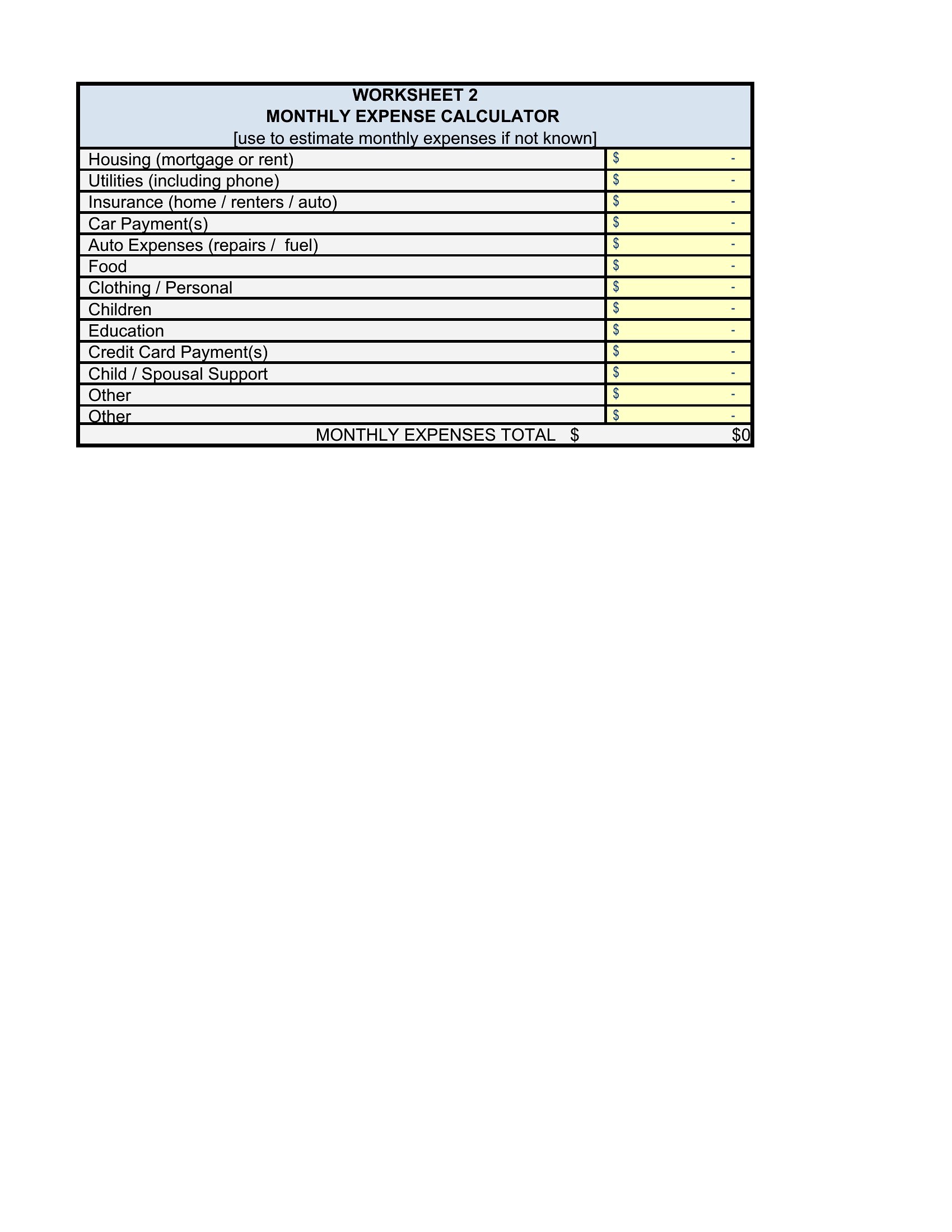
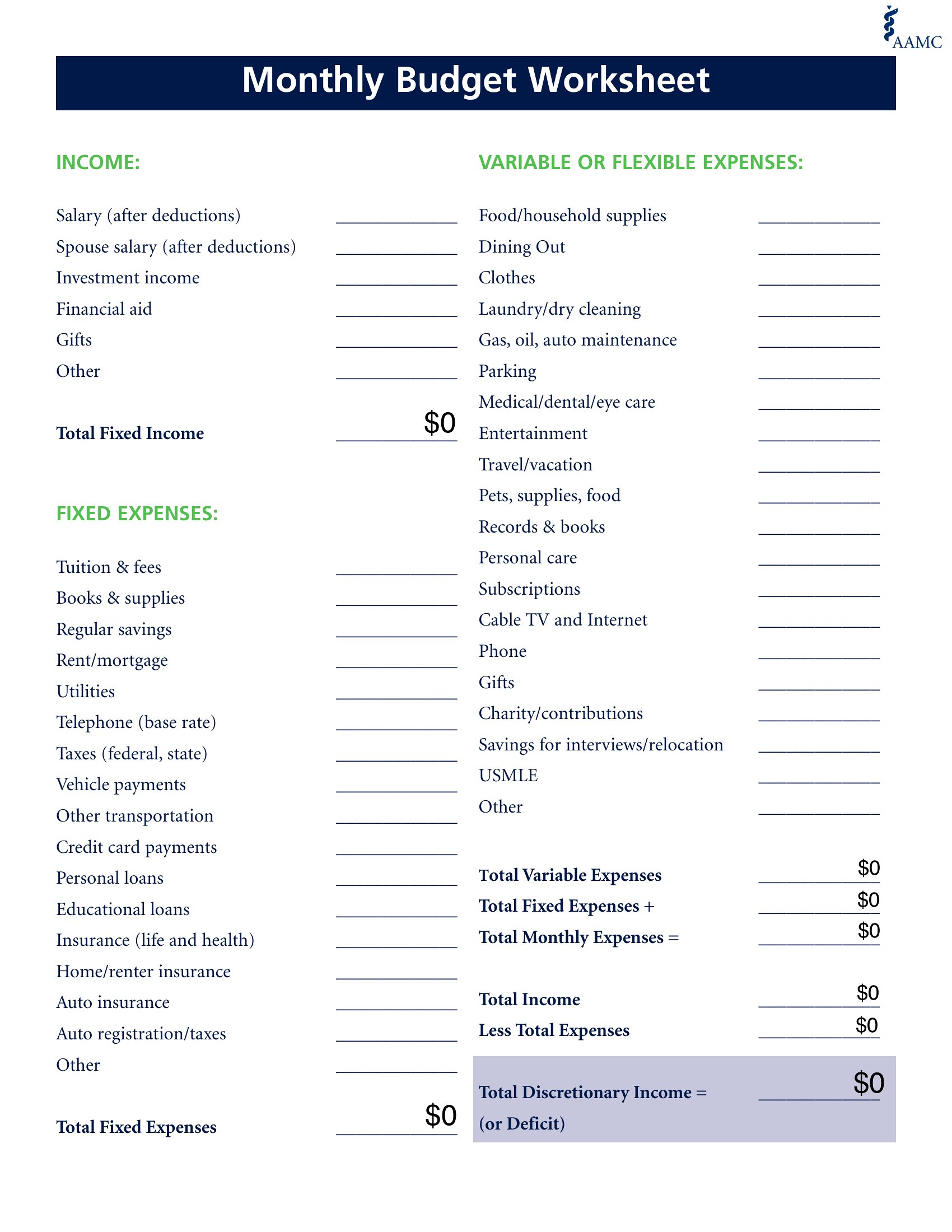
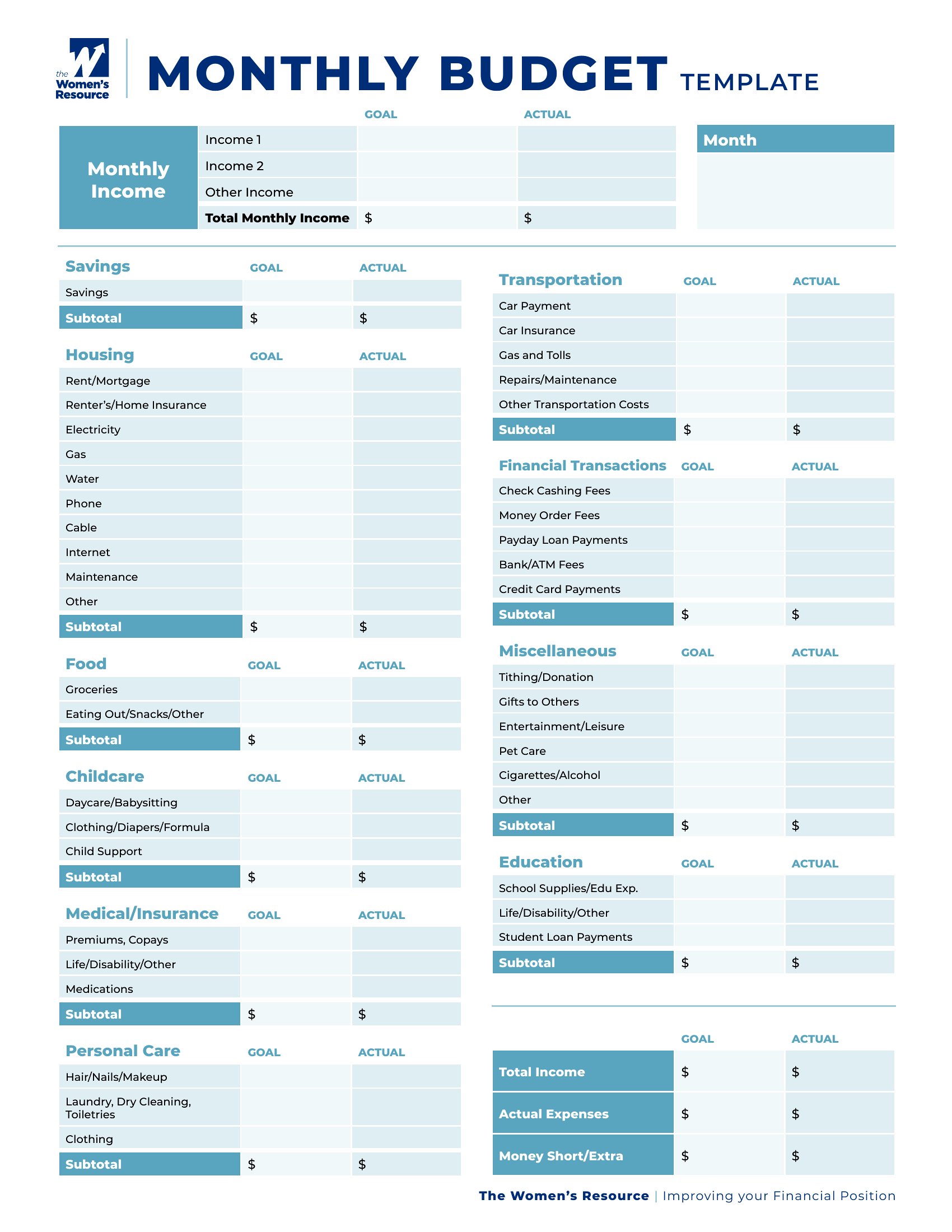
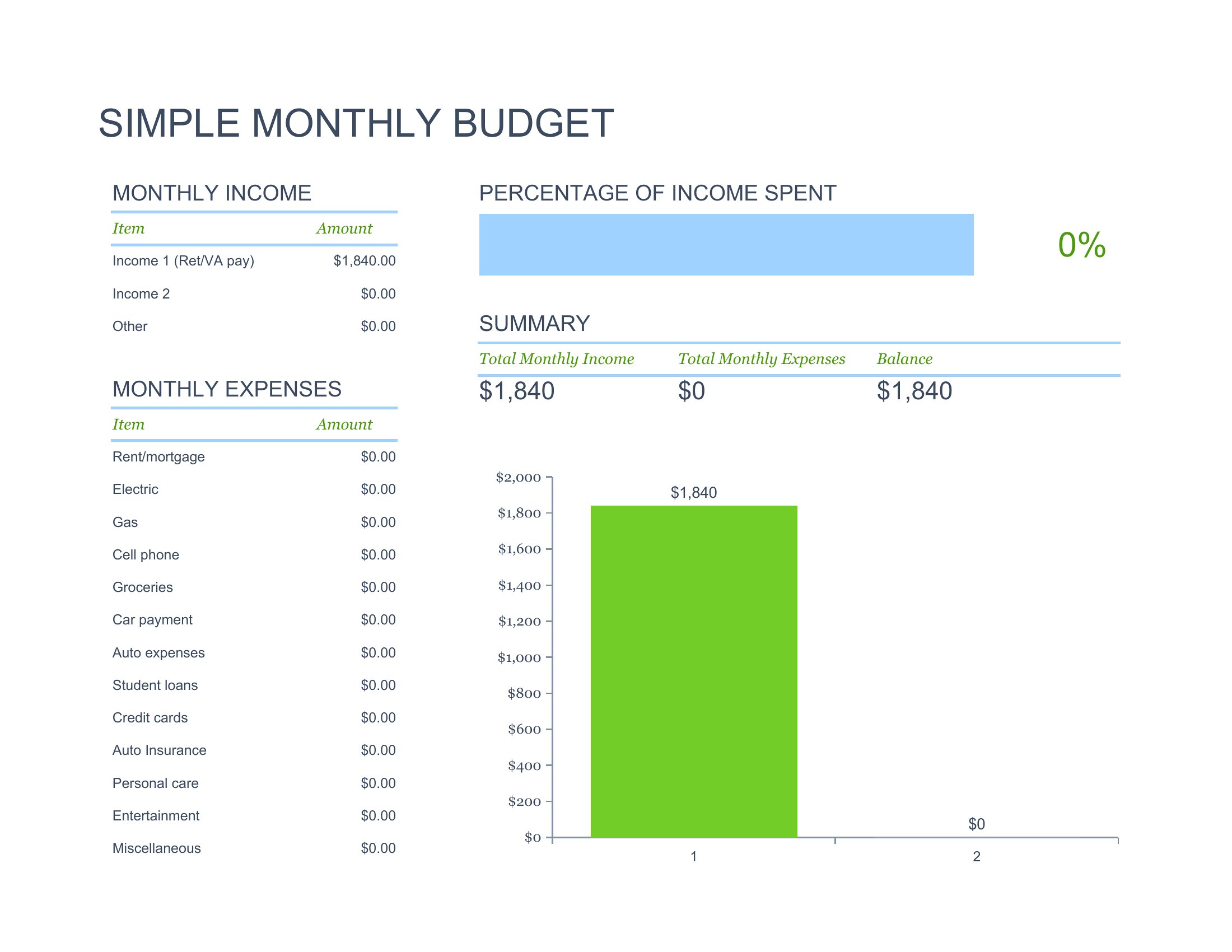
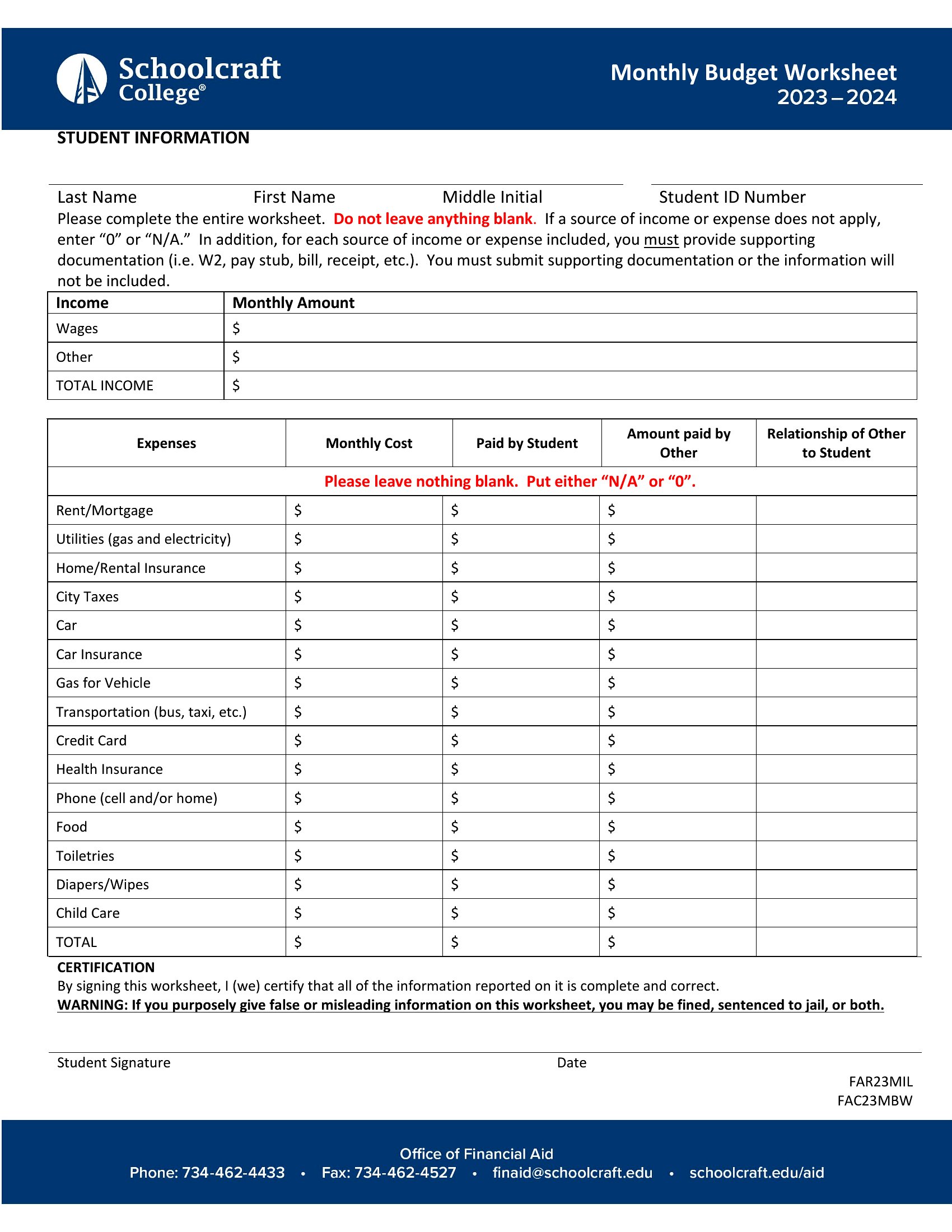
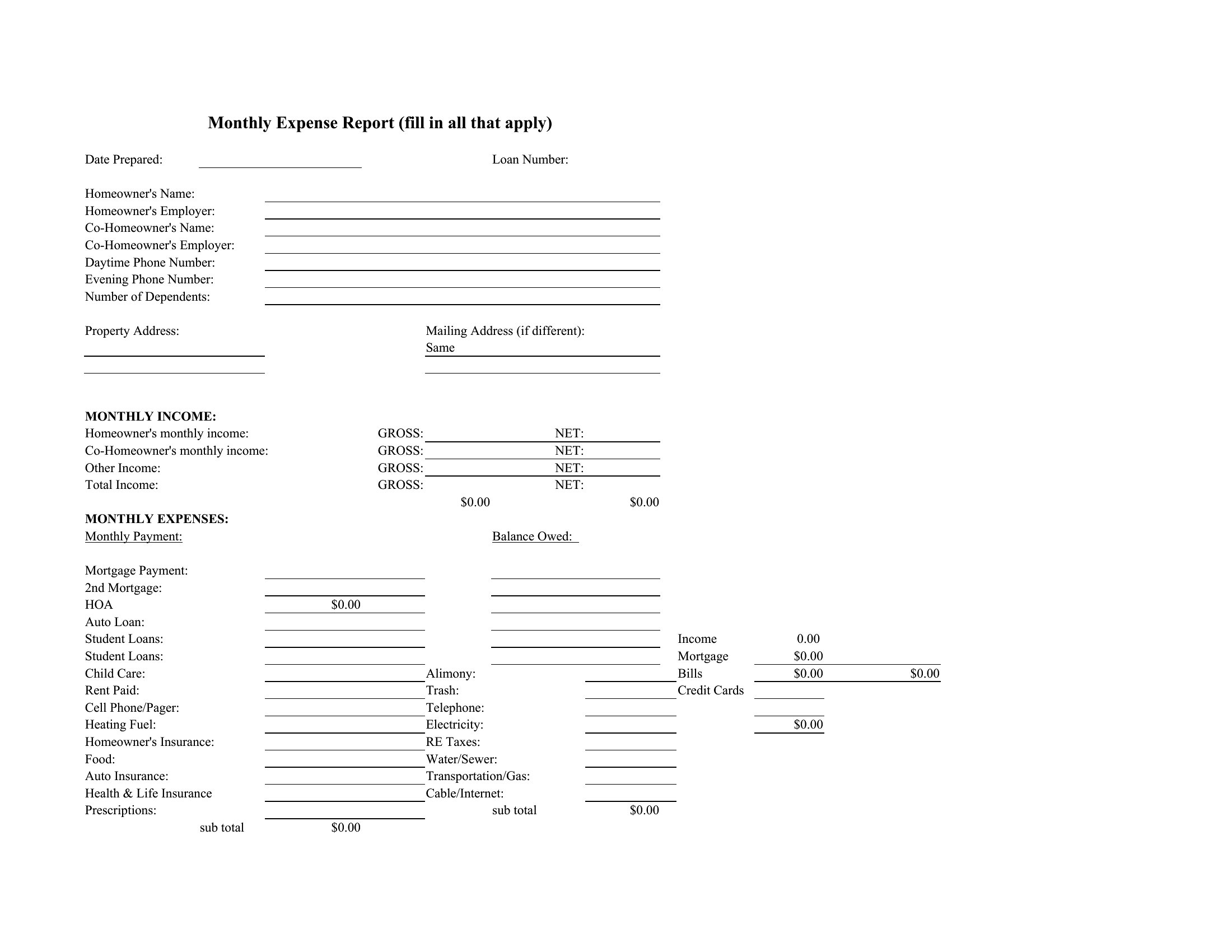
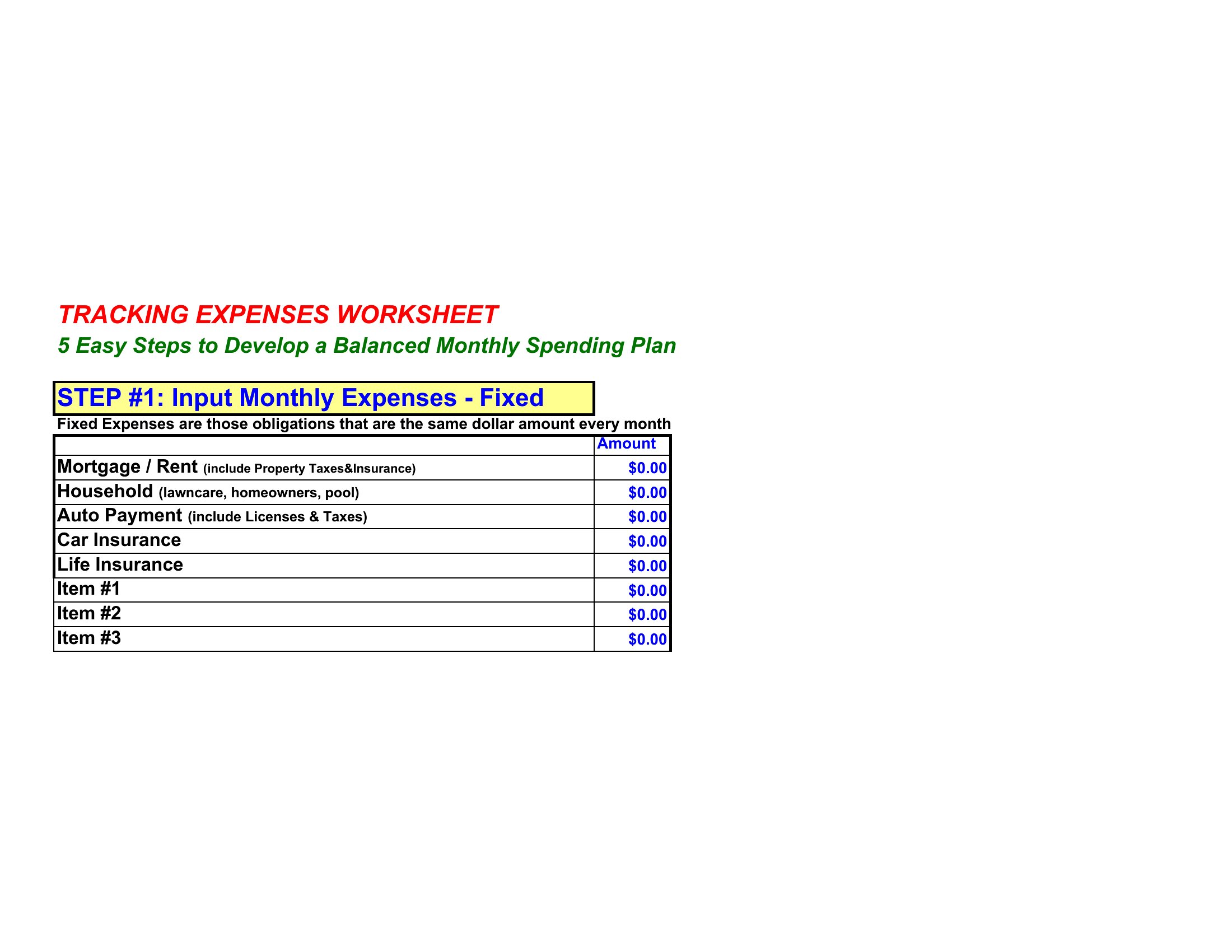
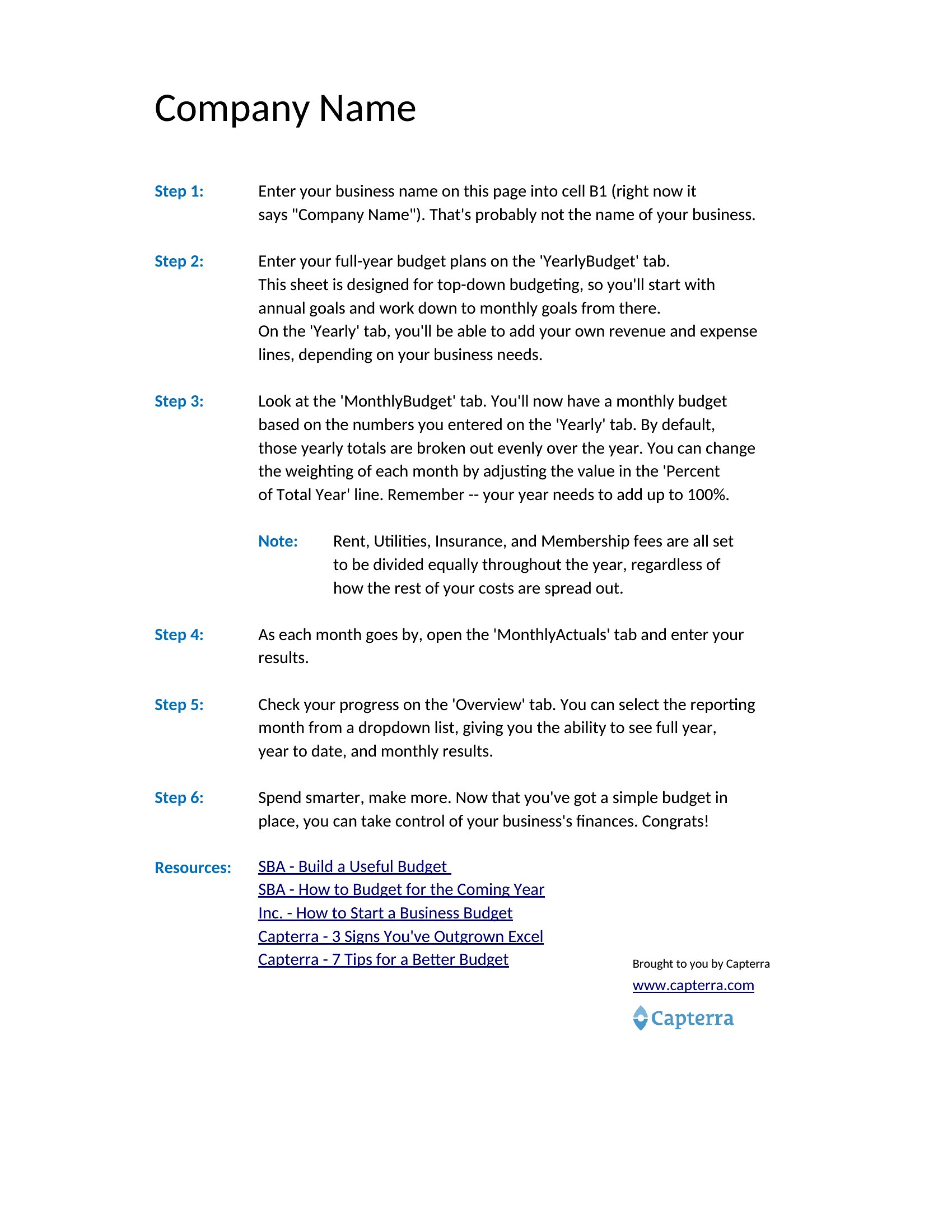
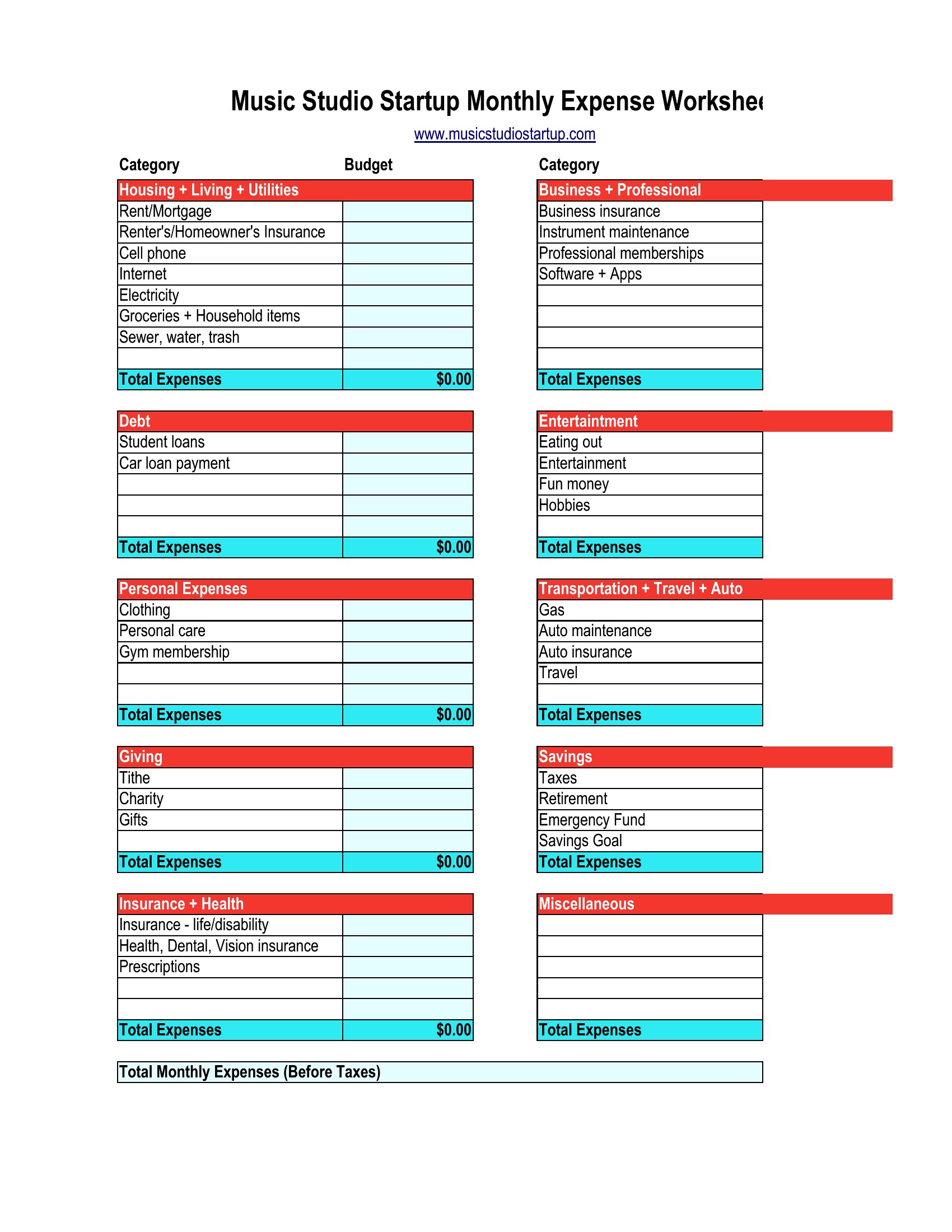
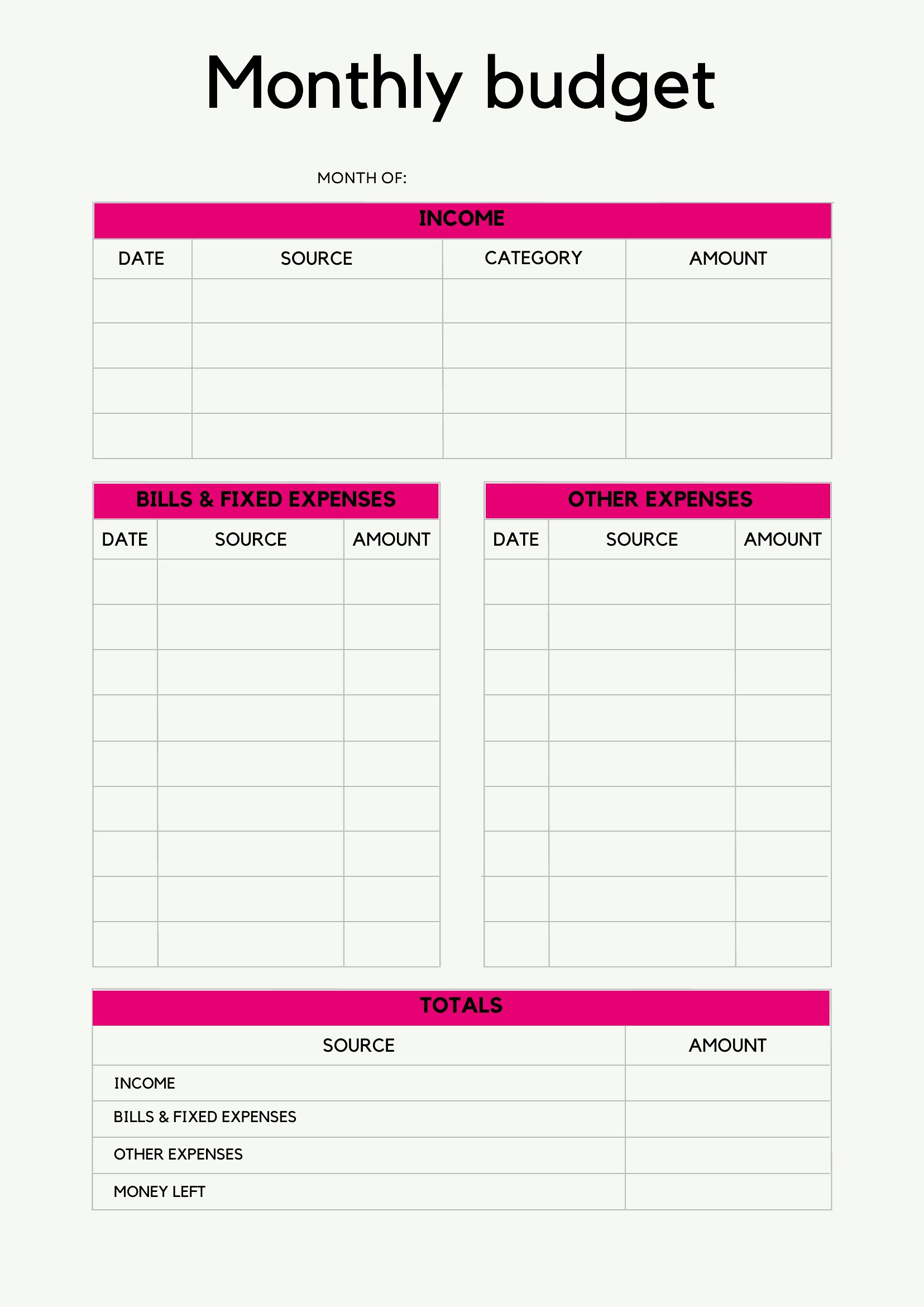
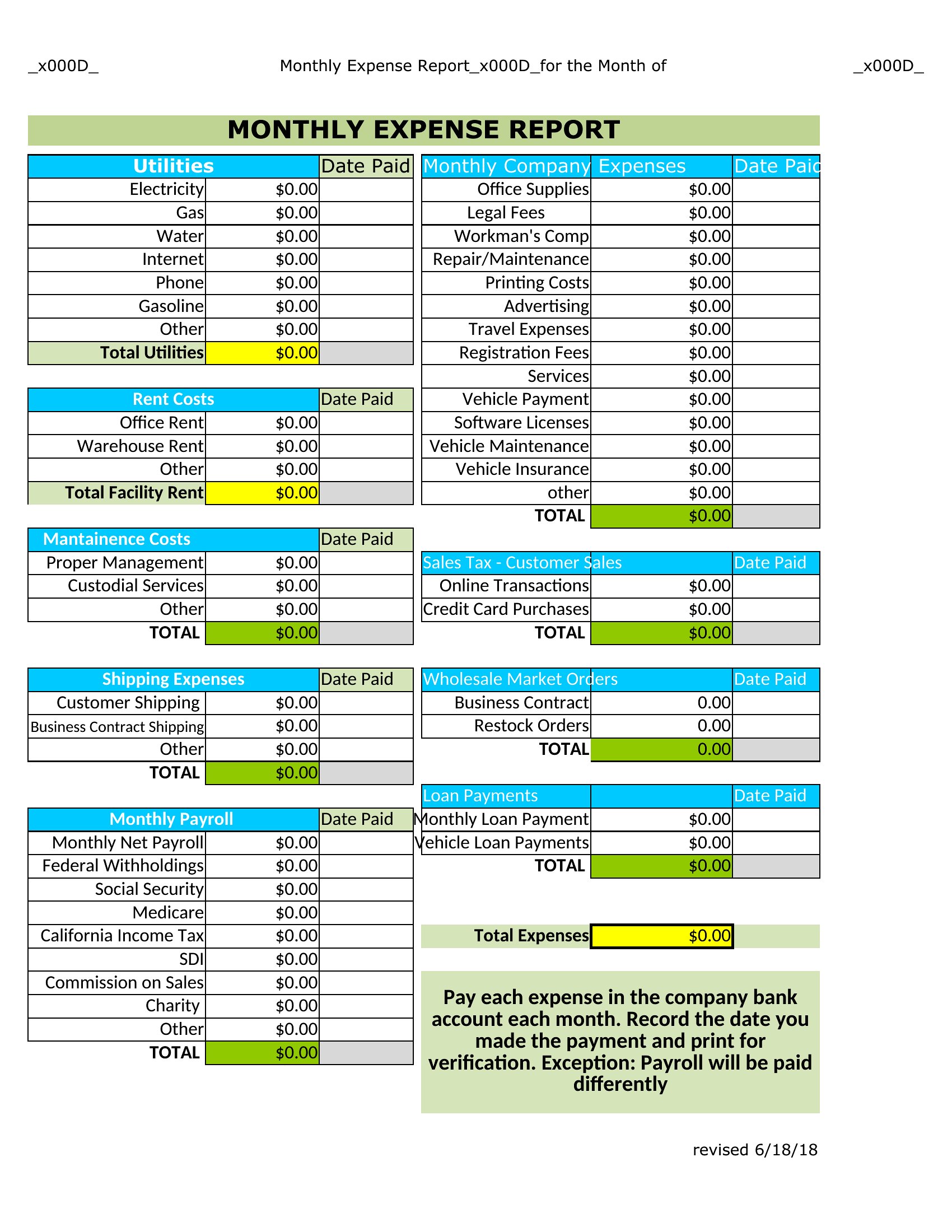
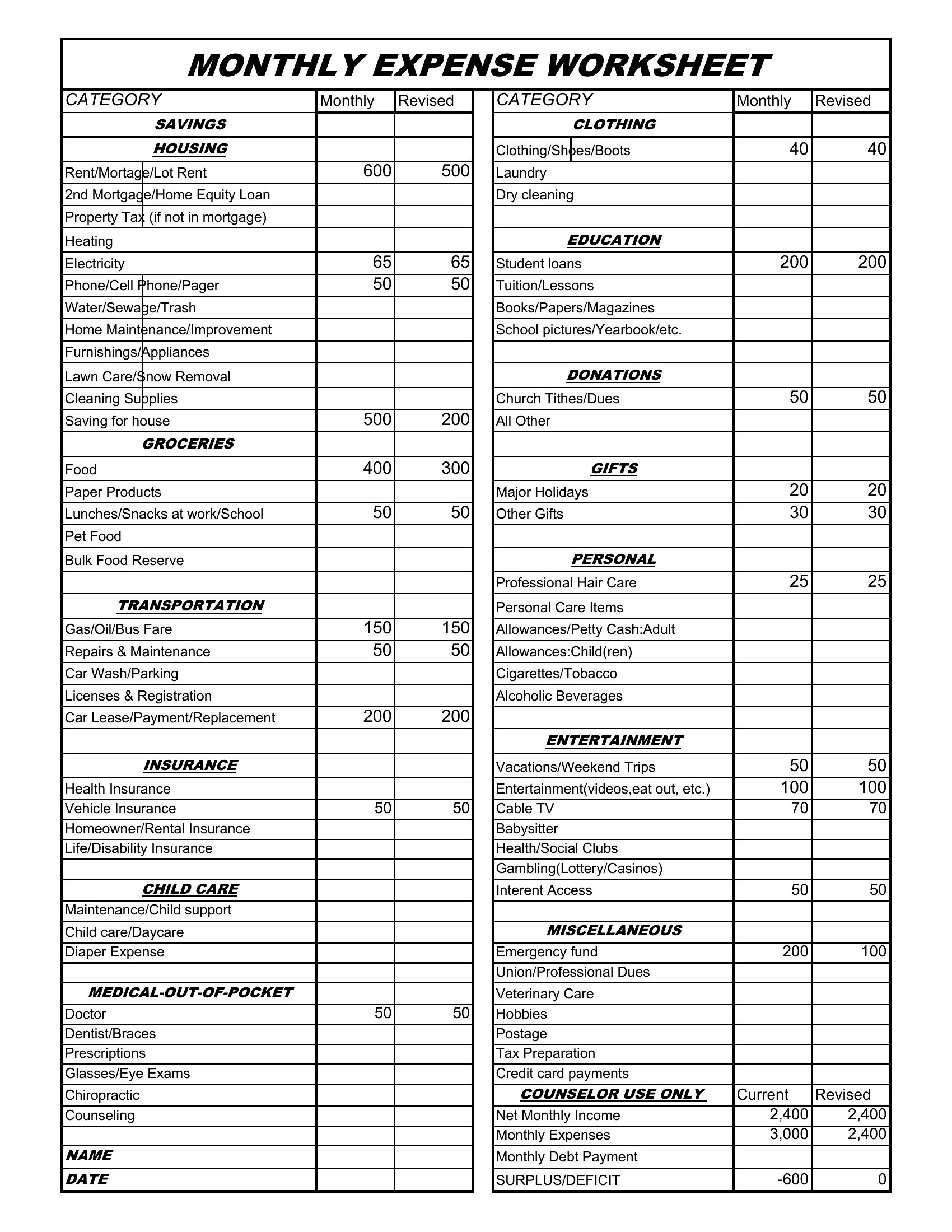
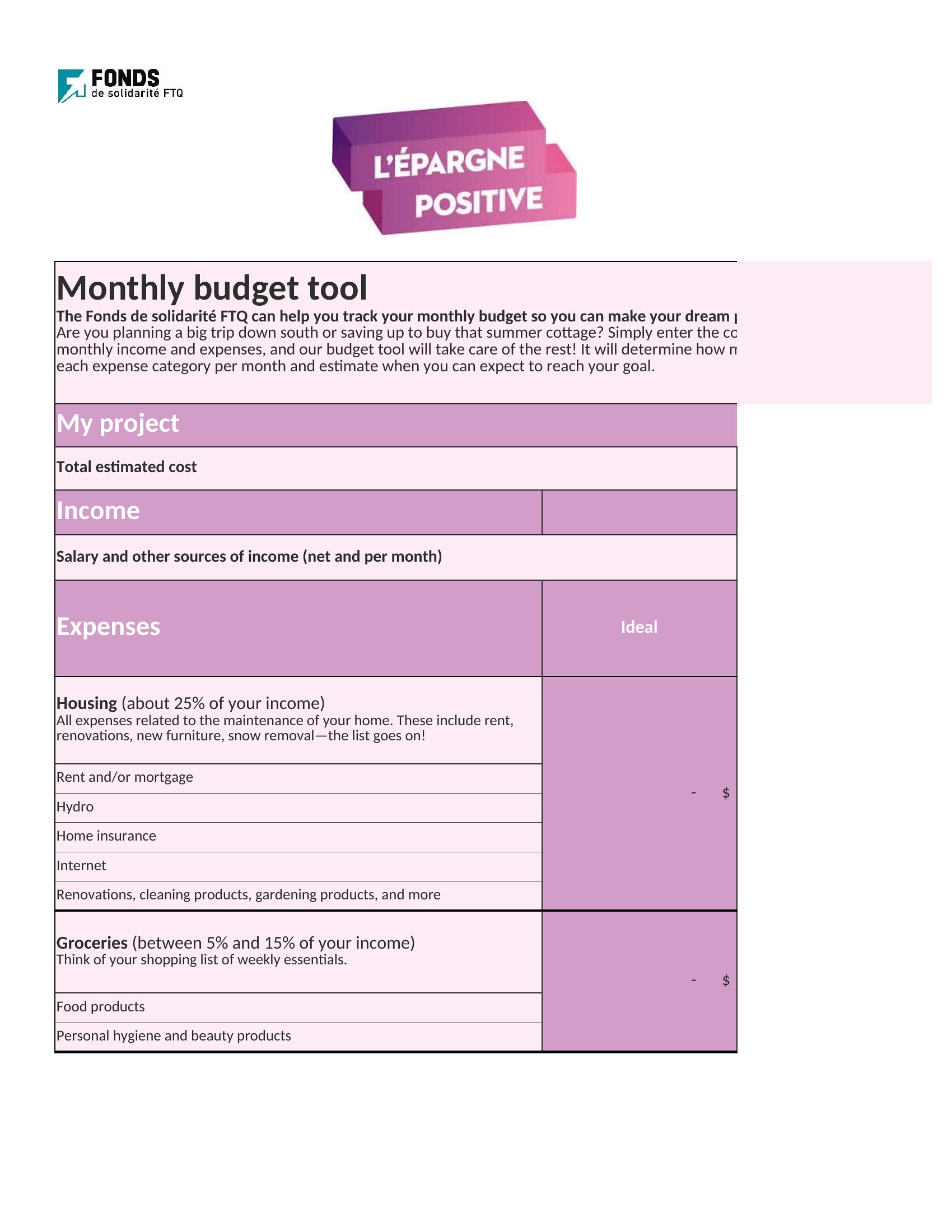
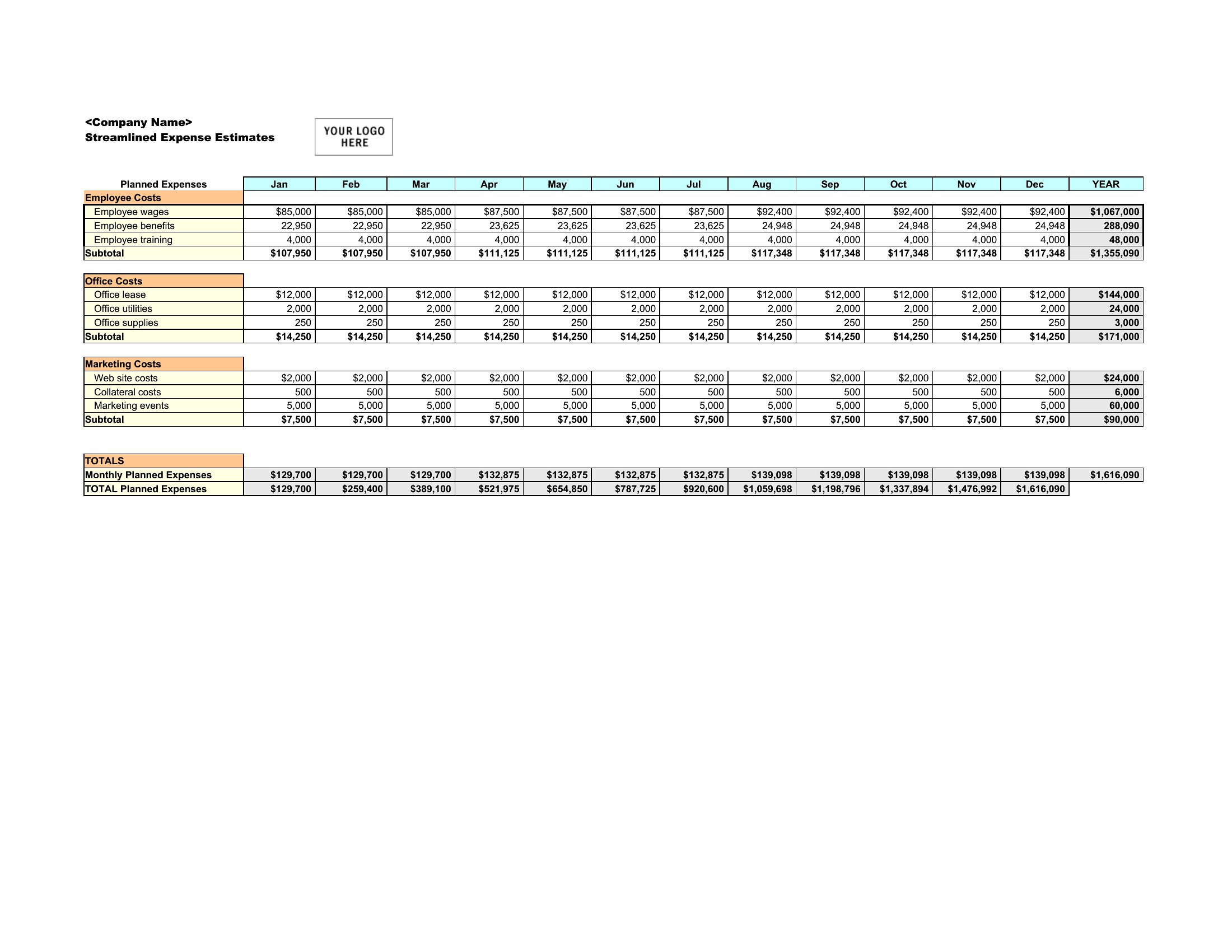
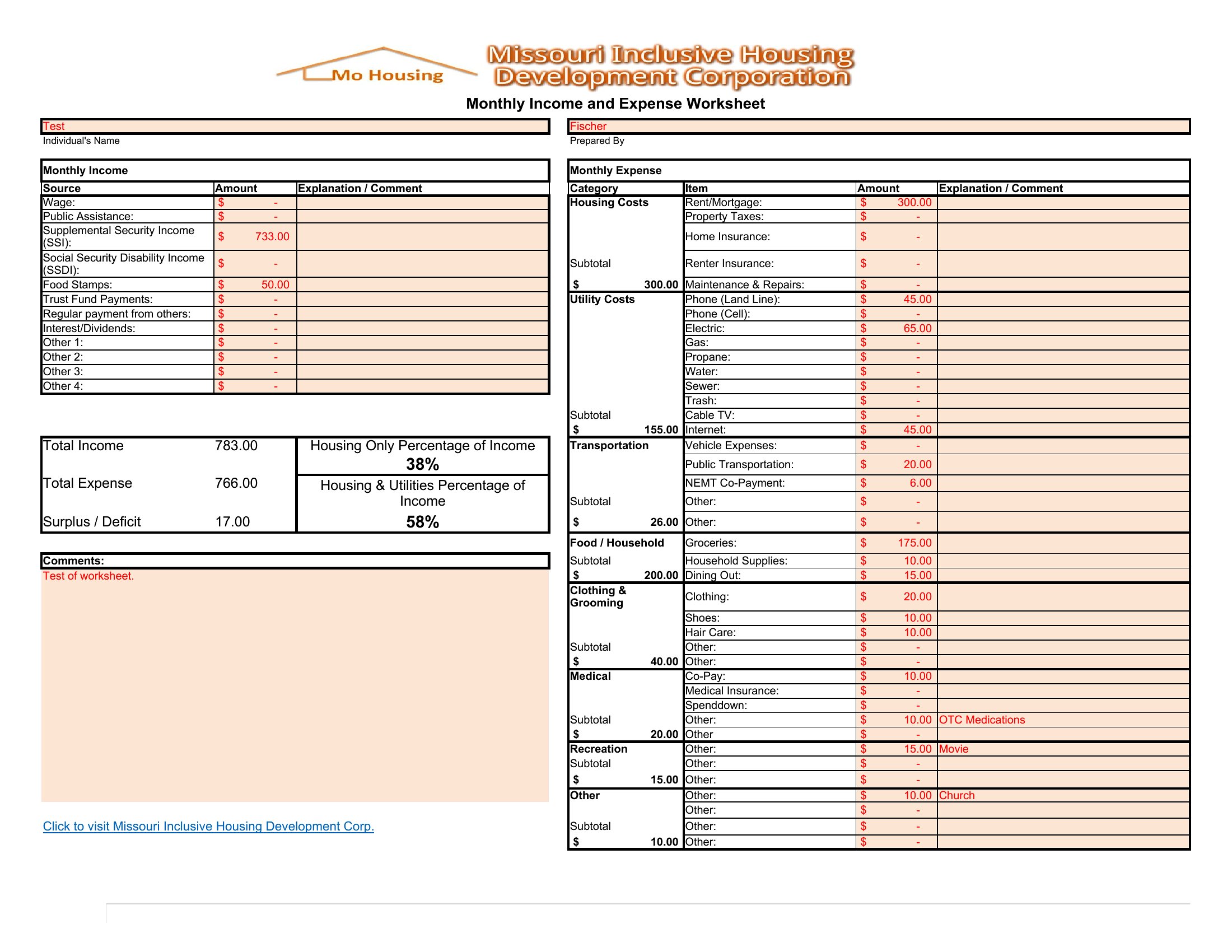
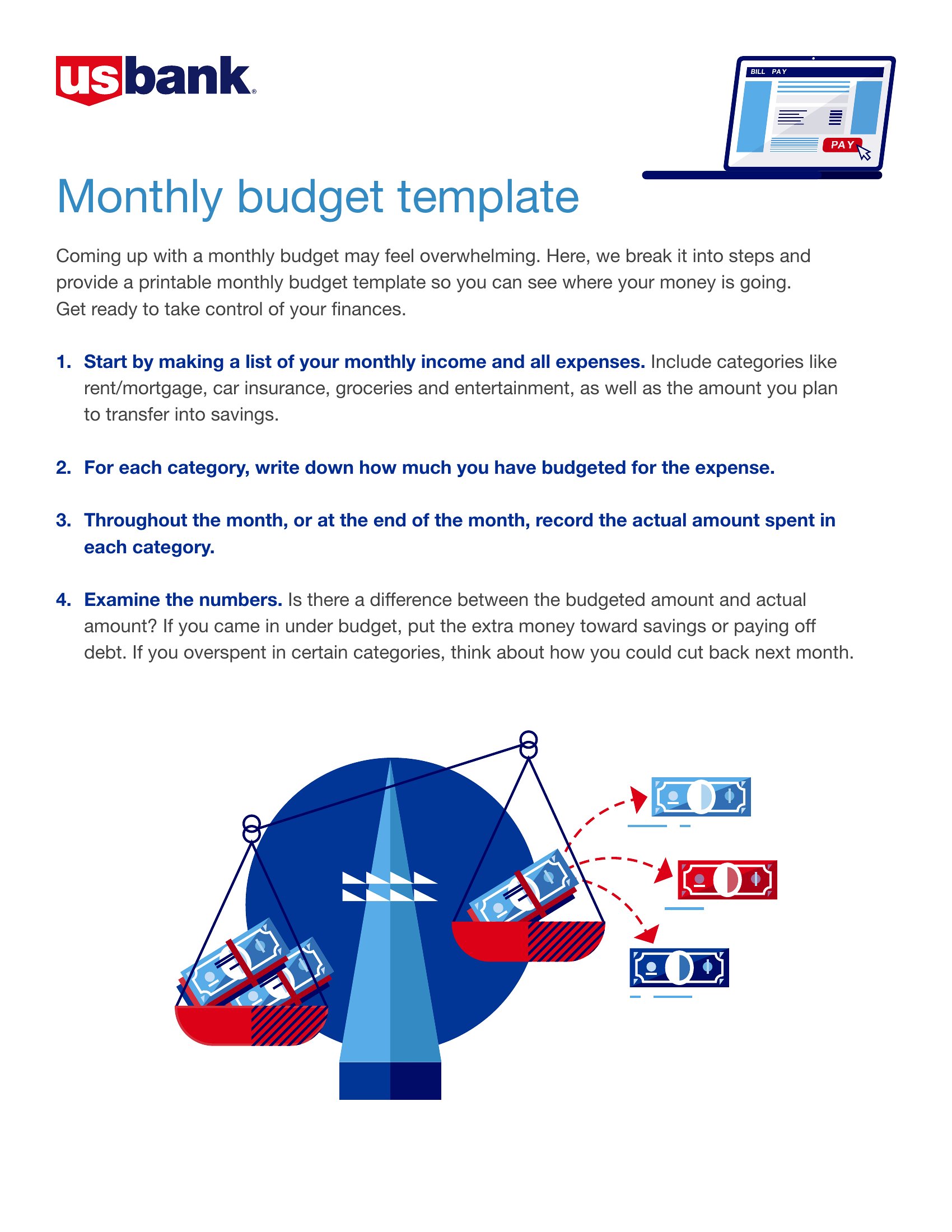
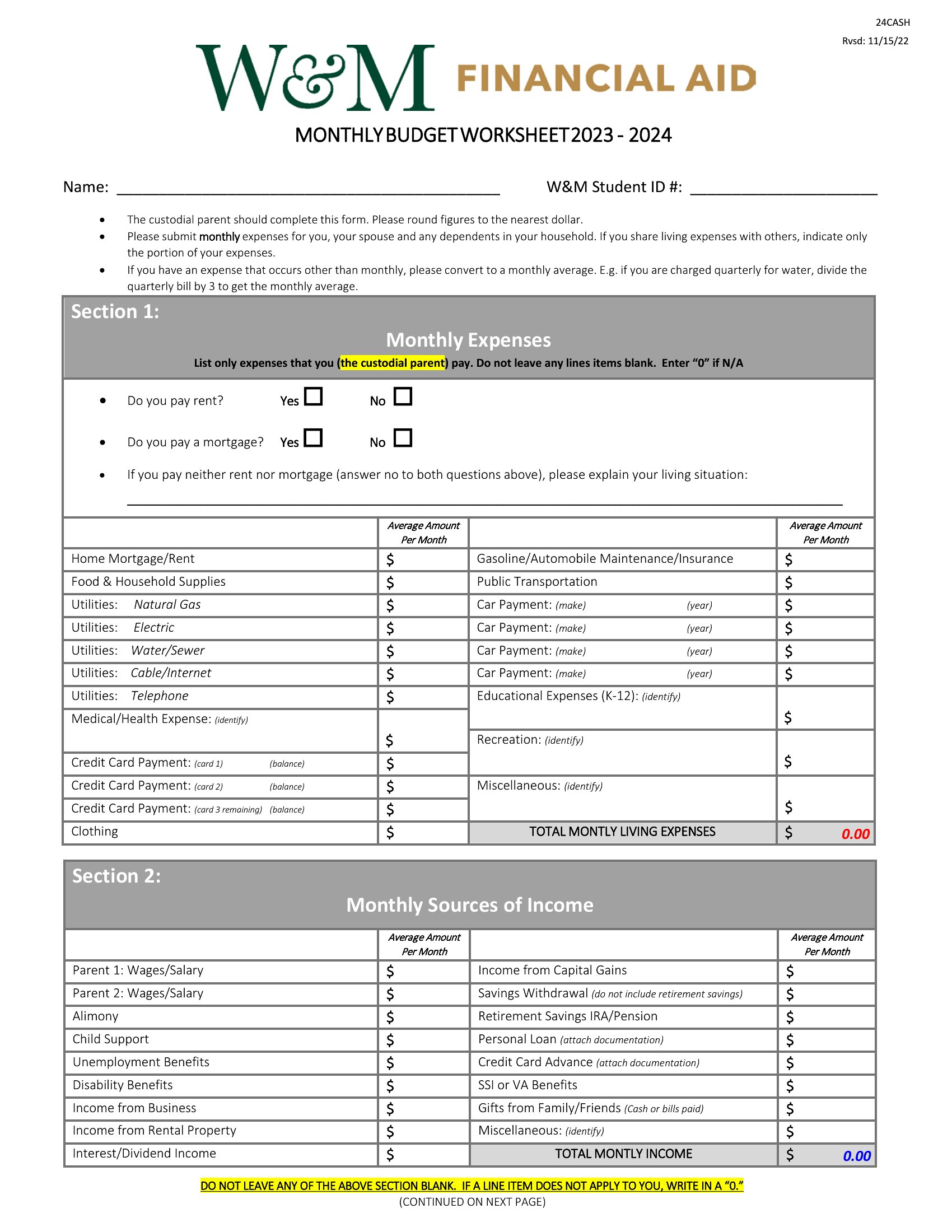
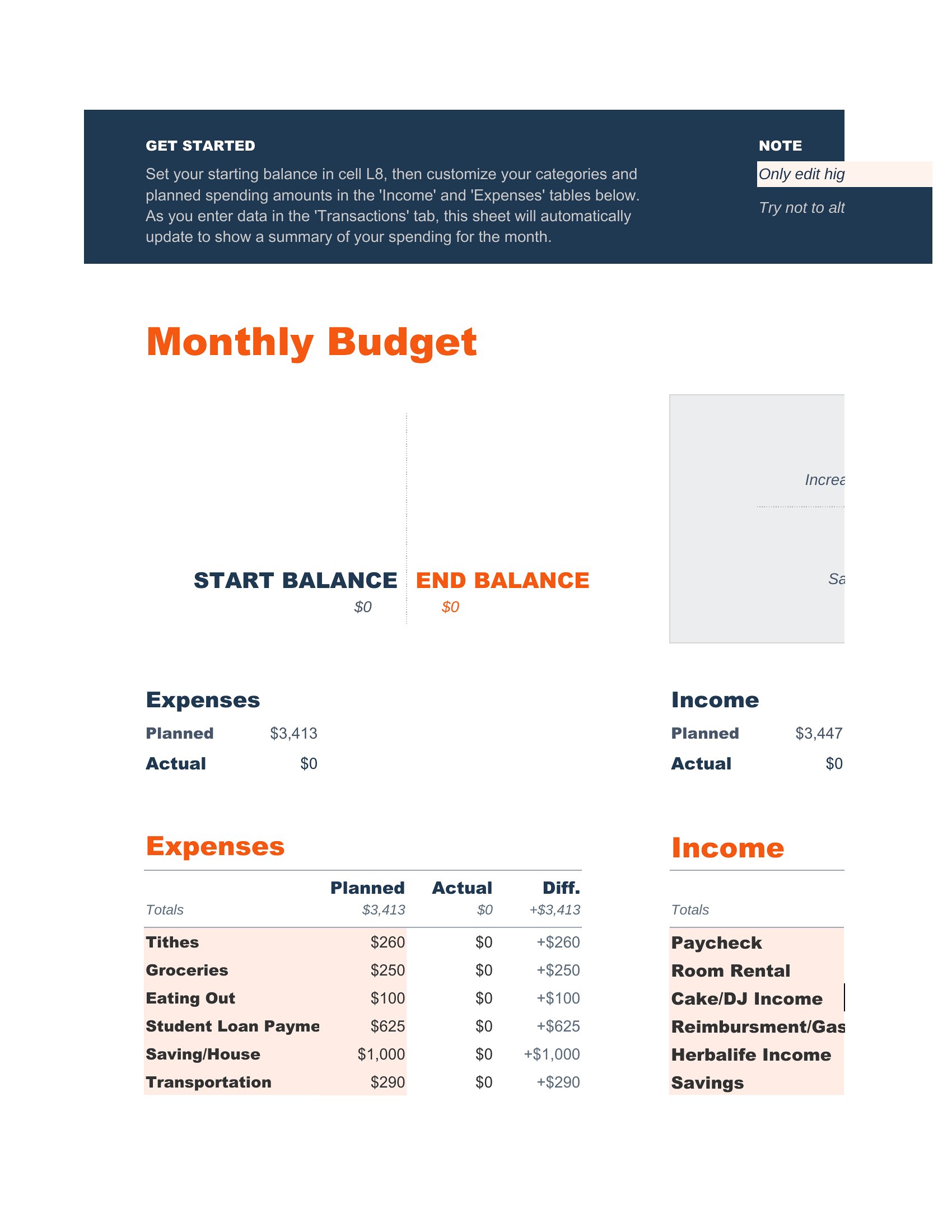
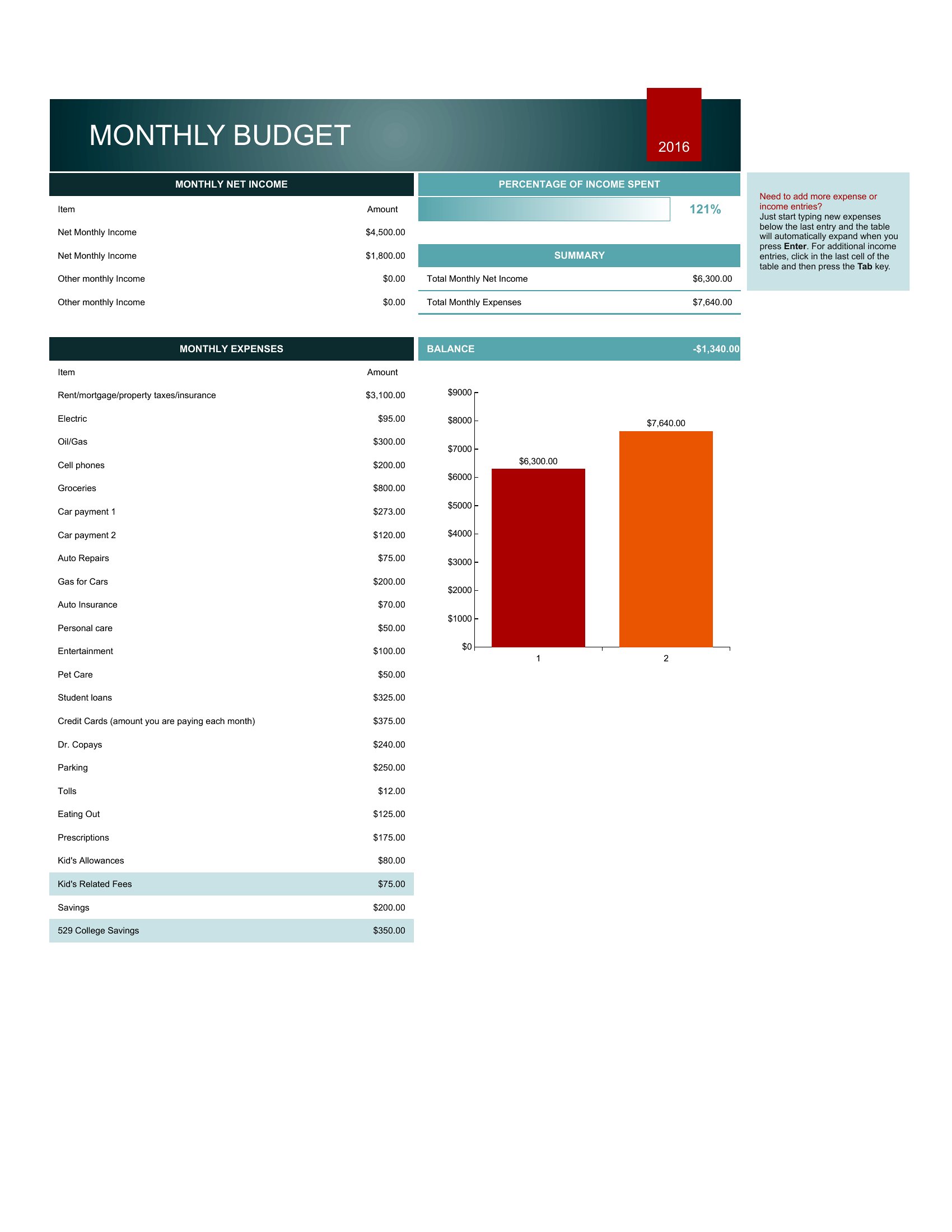
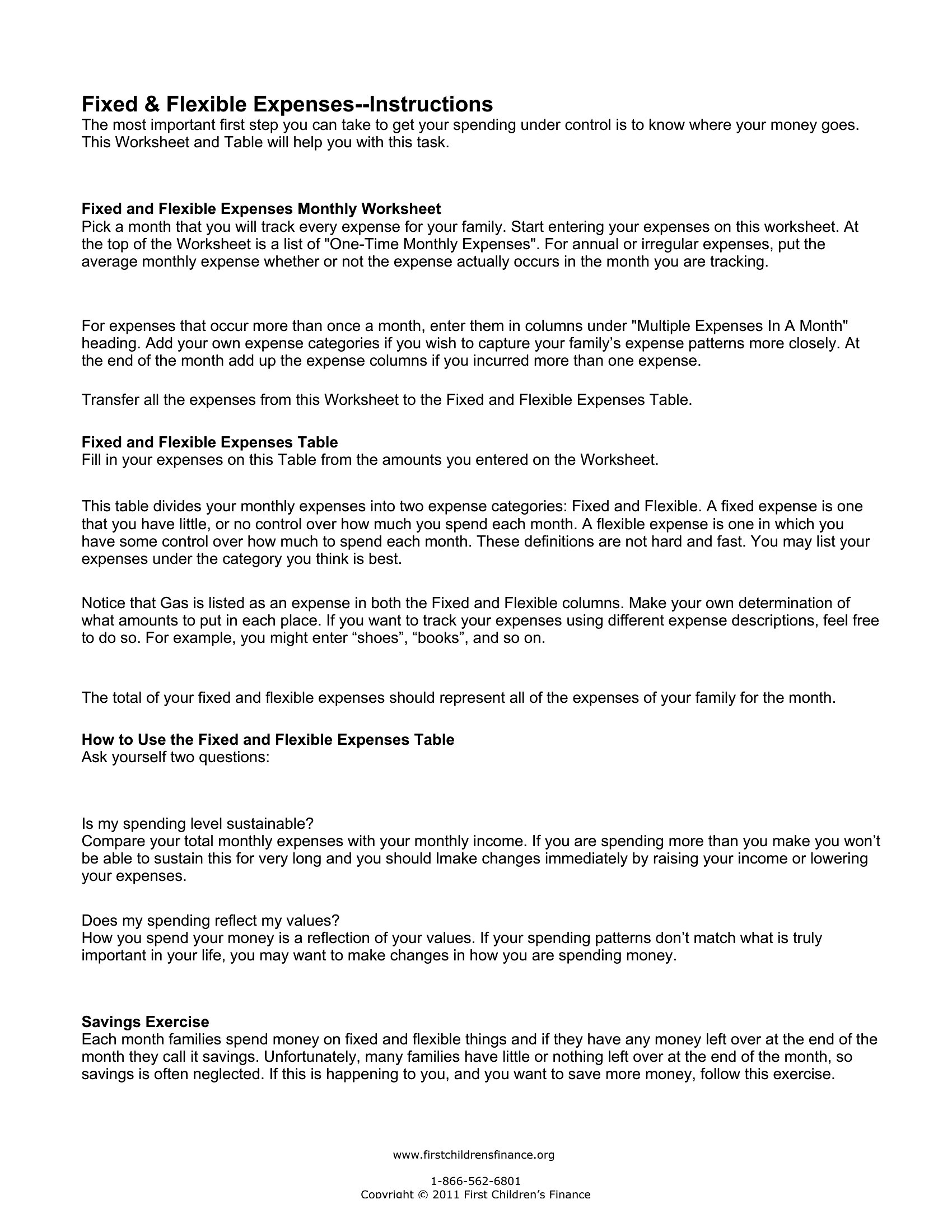
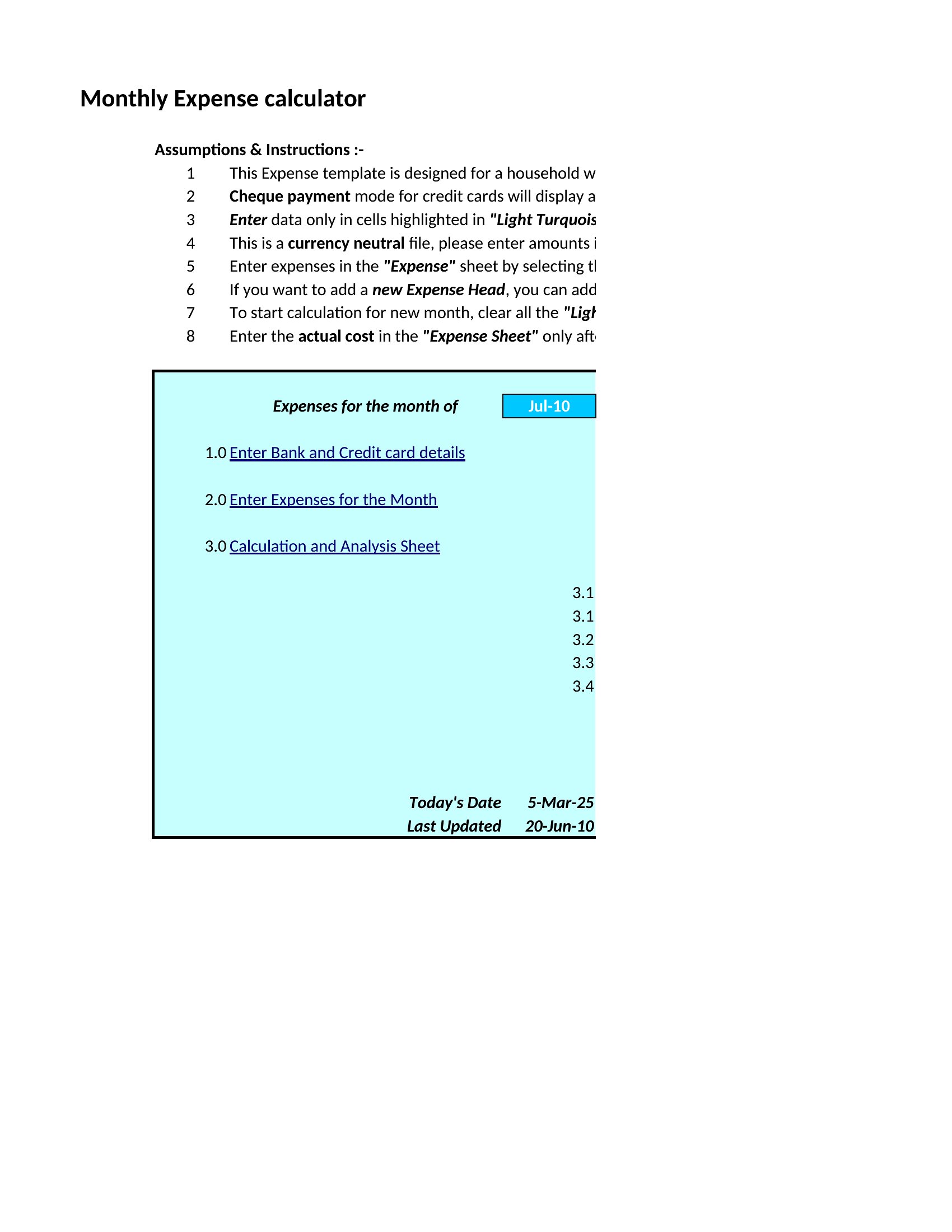
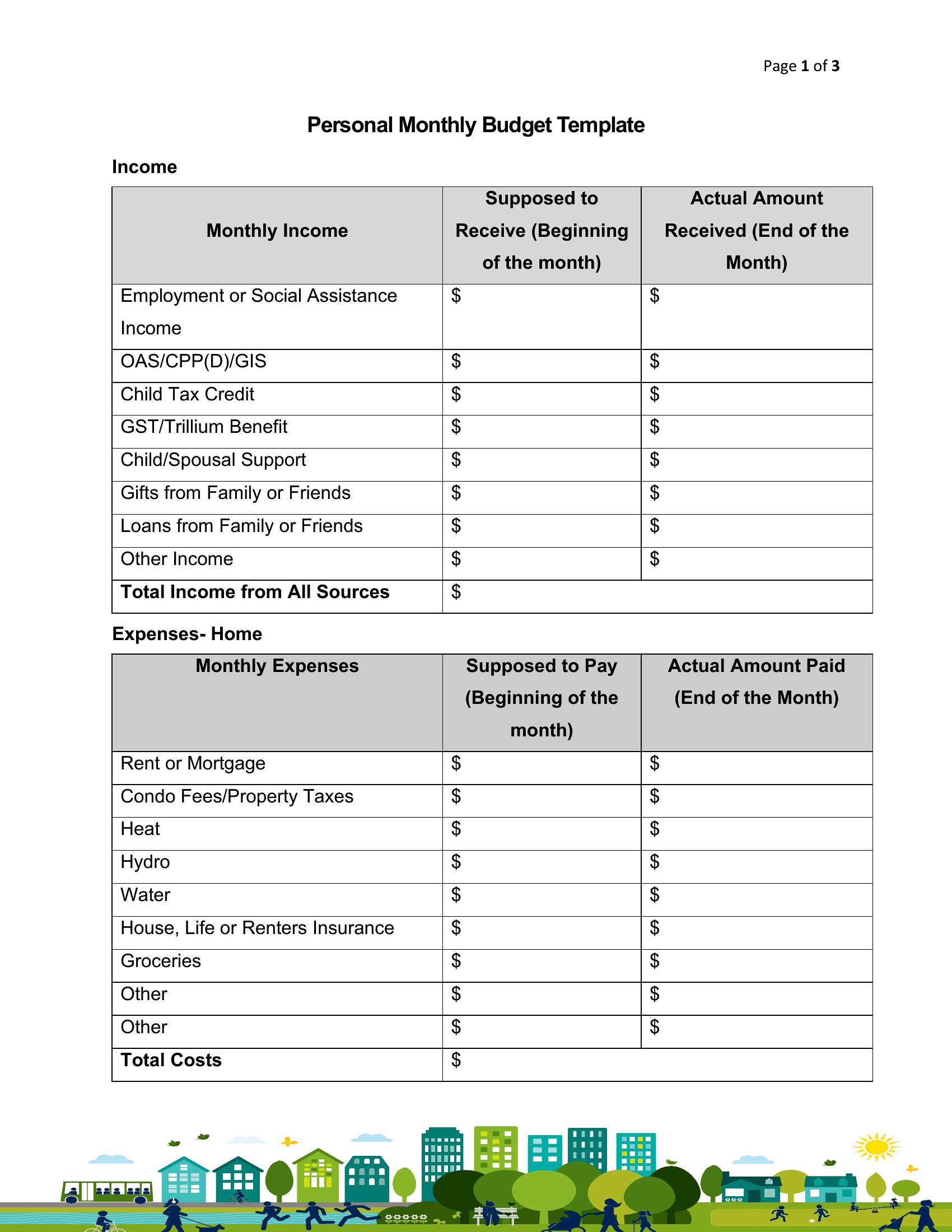
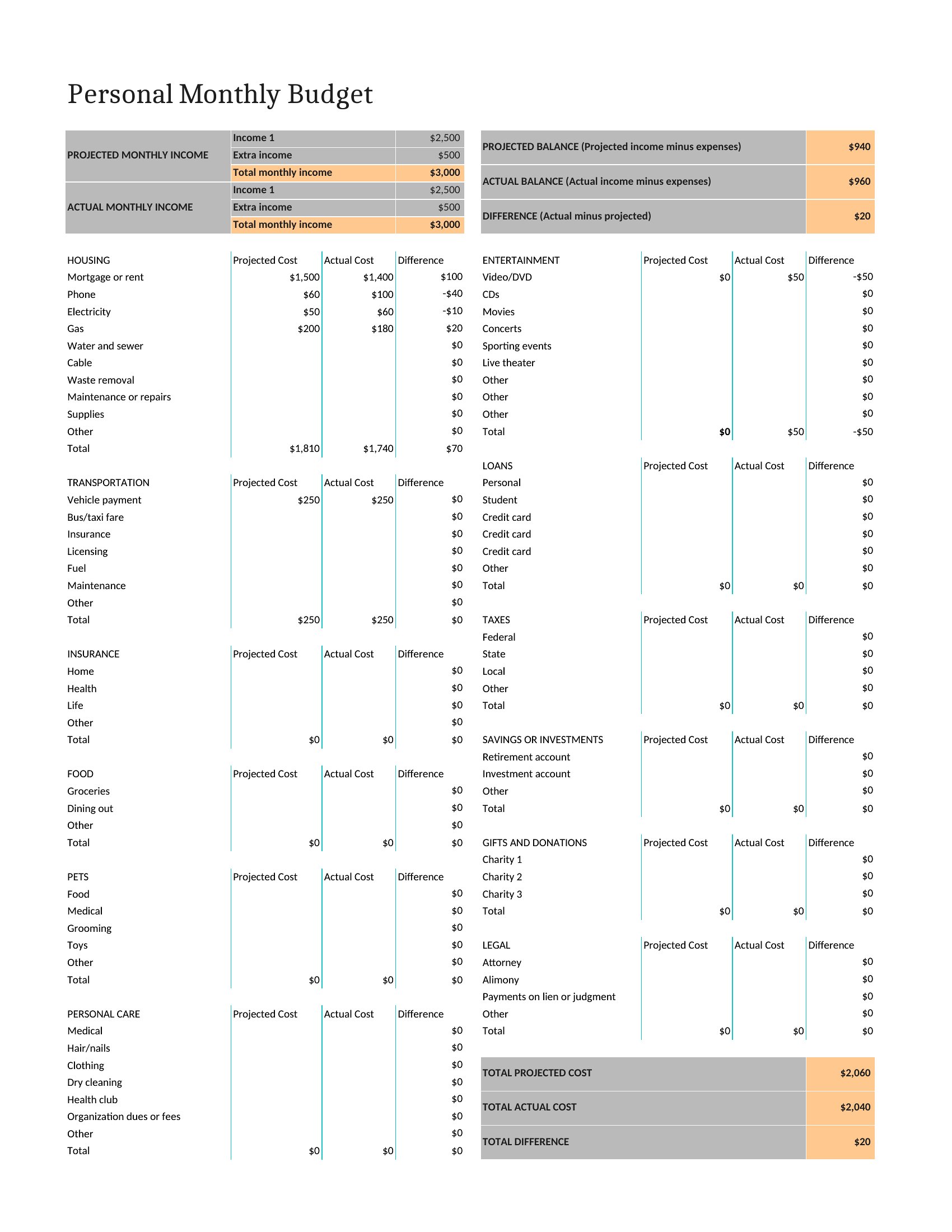
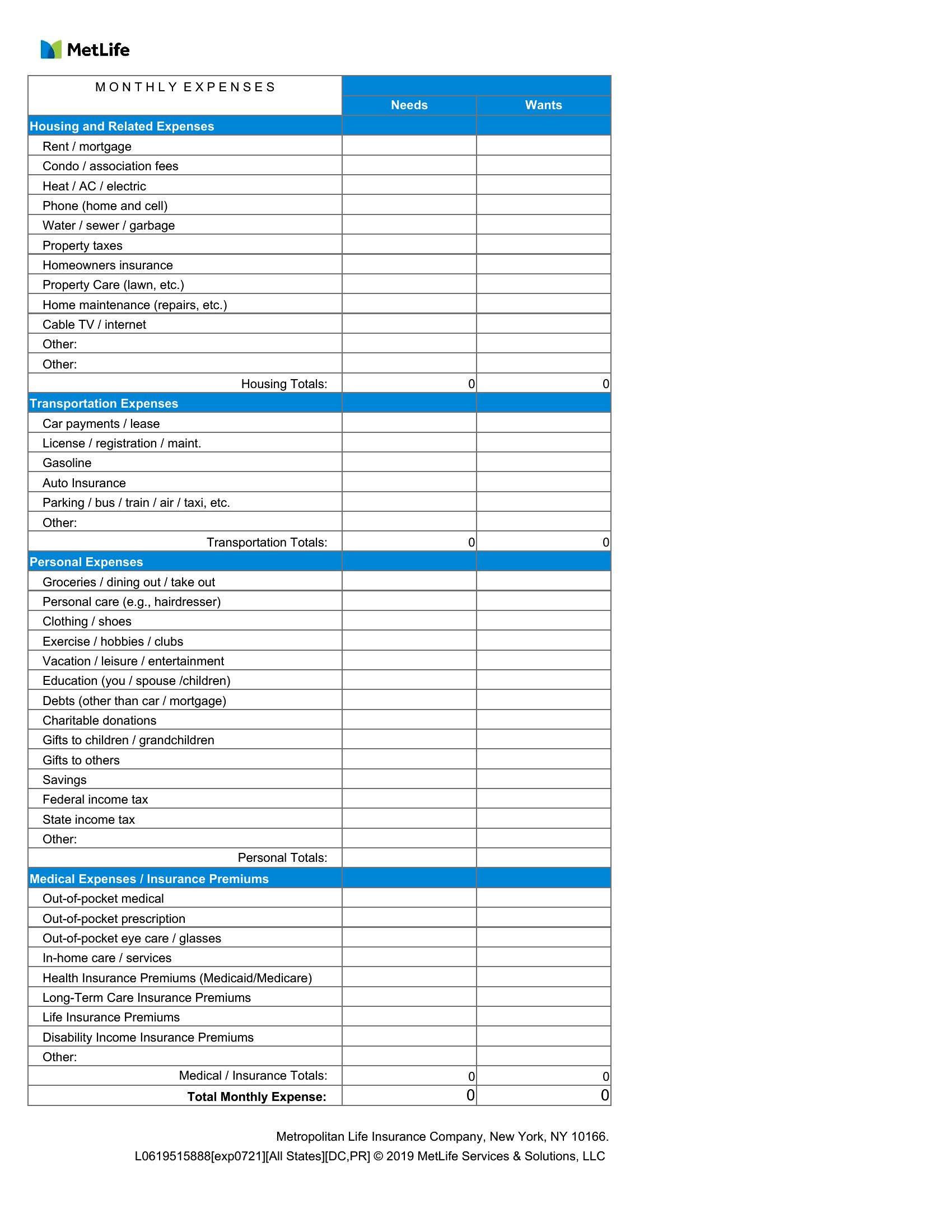
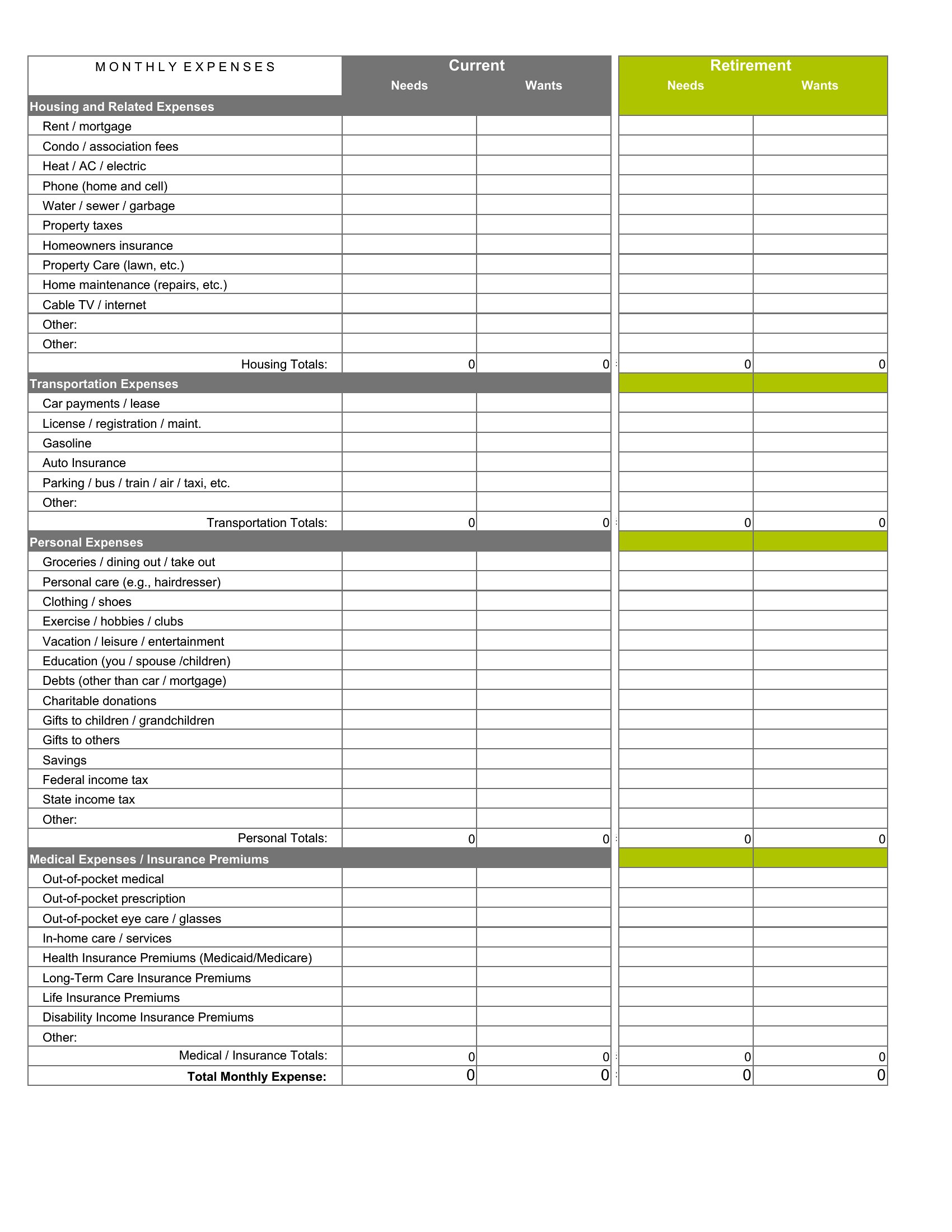
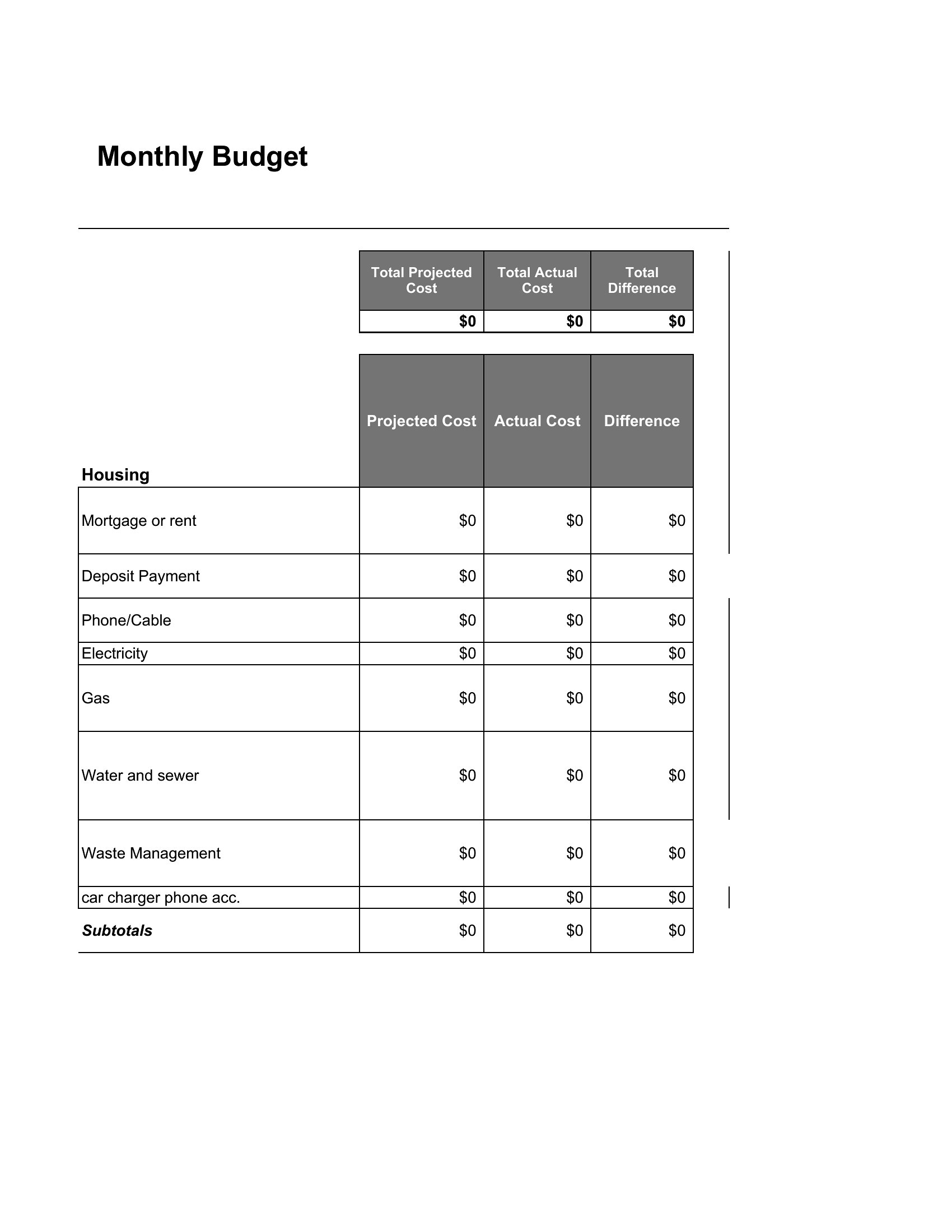
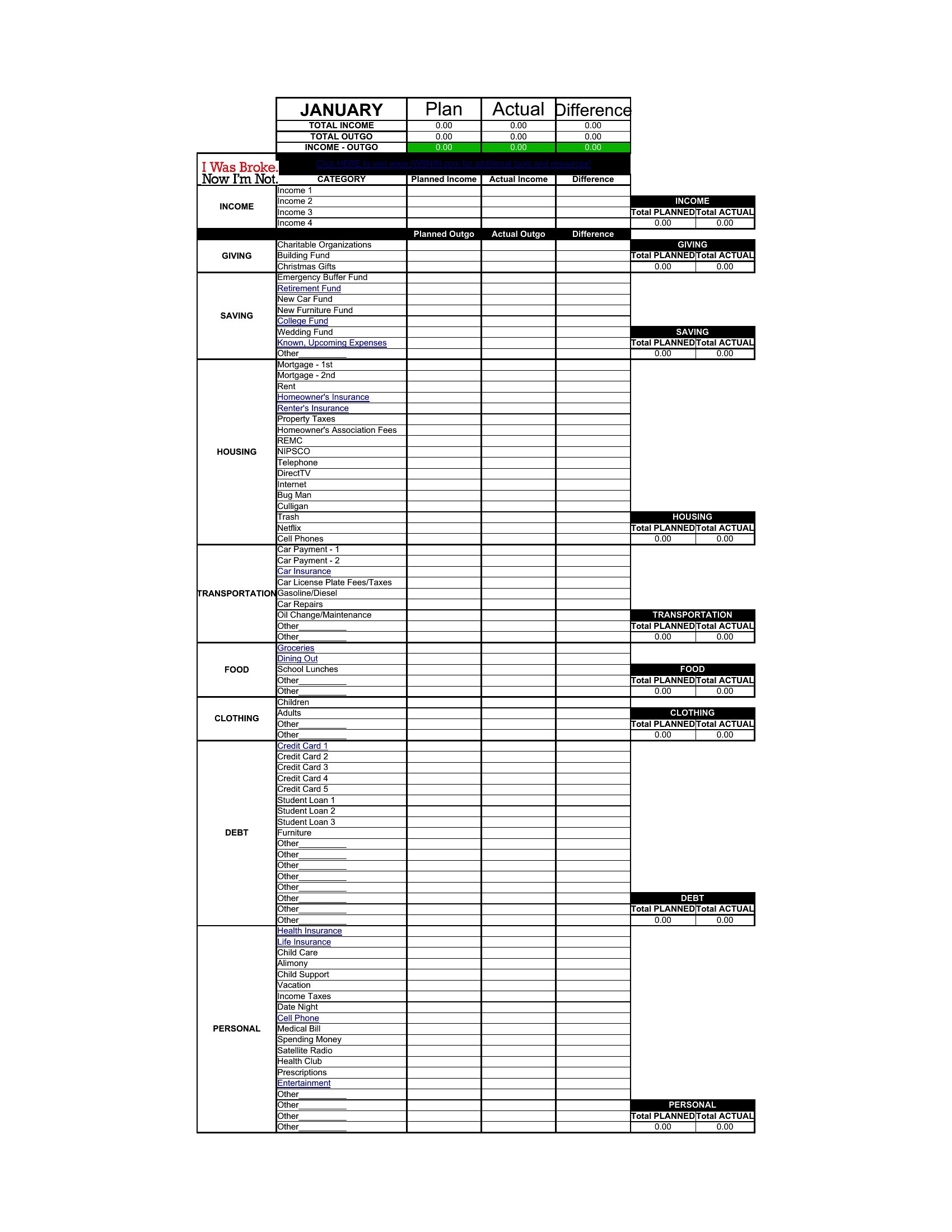
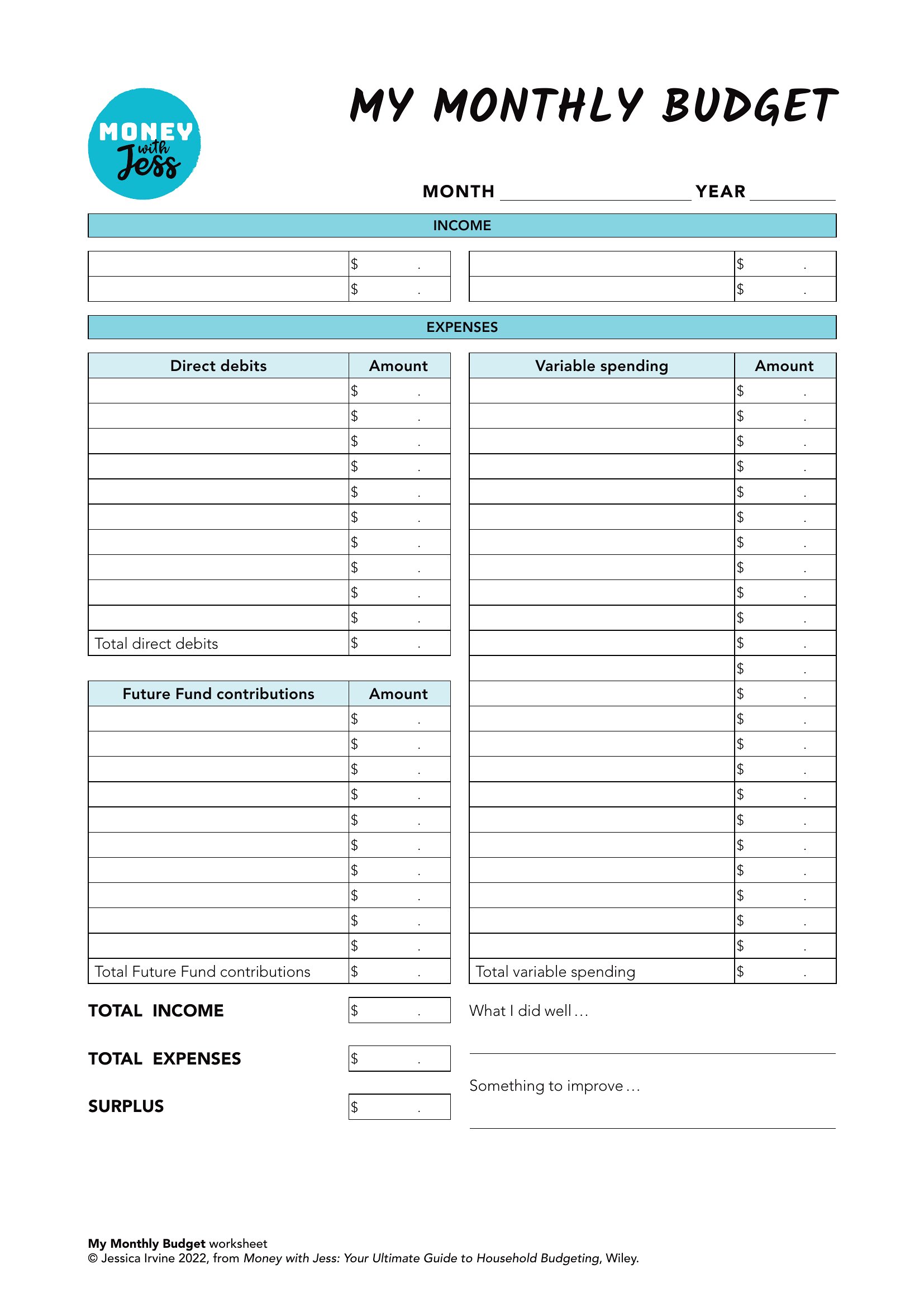
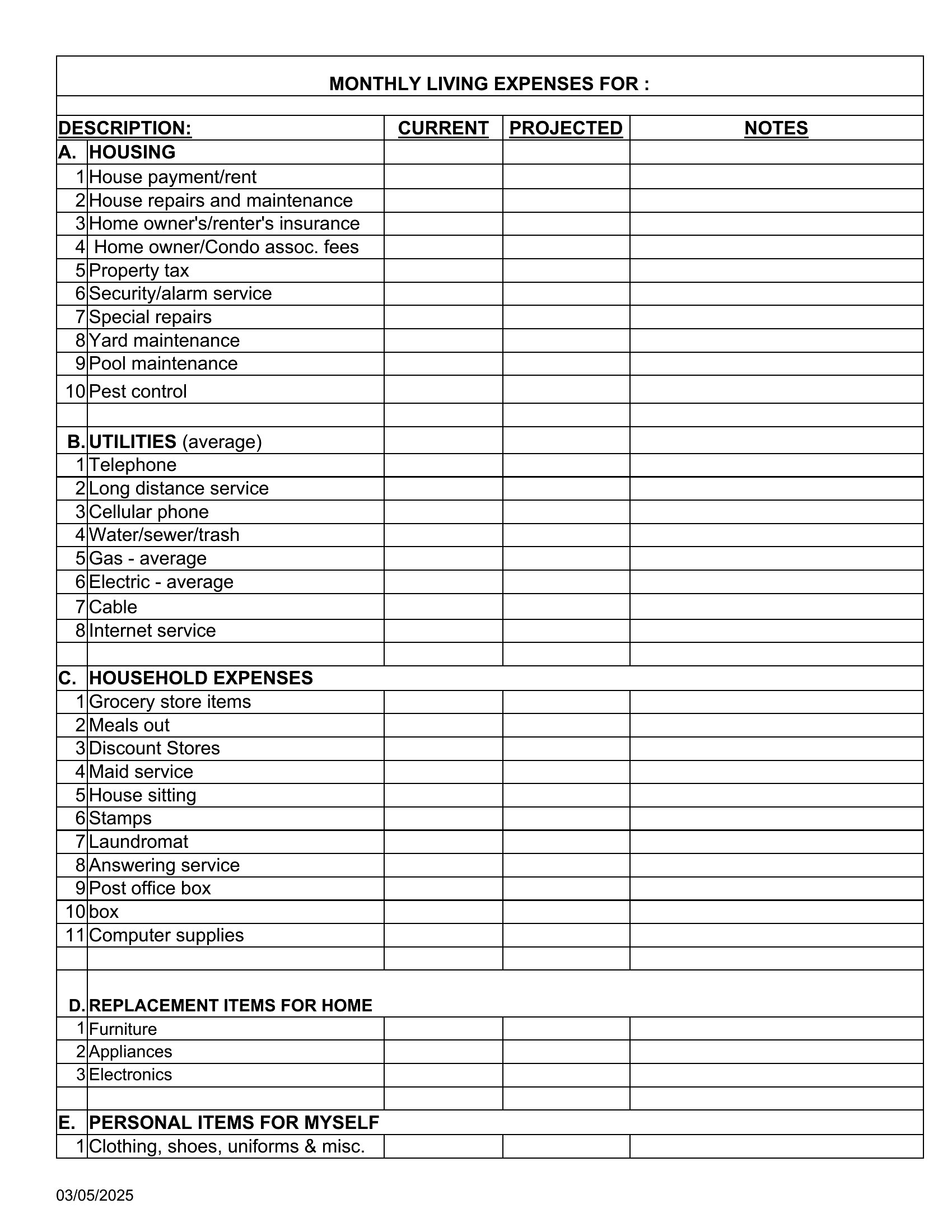
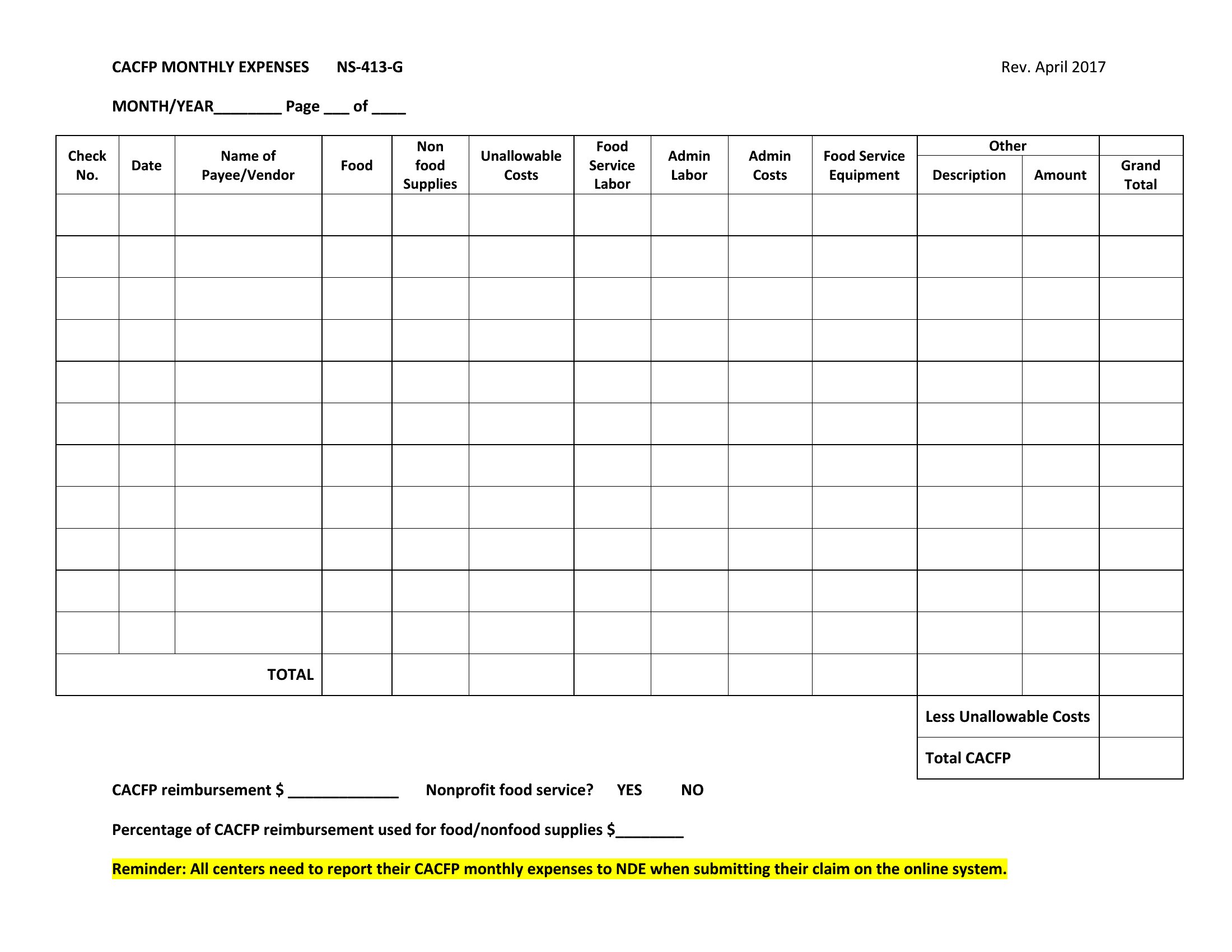
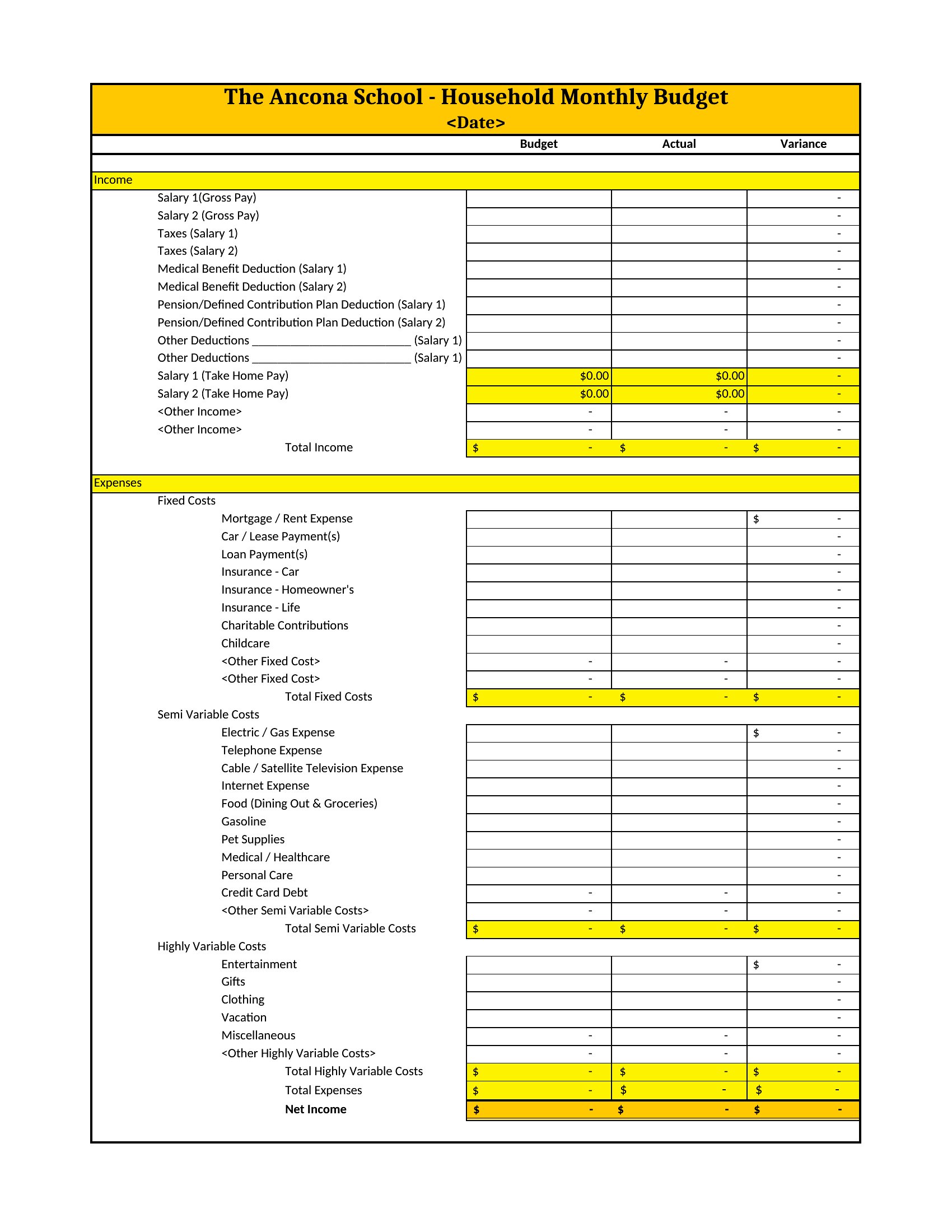
Yes, the Excel versions let you drag numbers between categories or add new line items. For example, if your car breaks down, you can reallocate funds from a discretionary category like dining out. The PDFs serve as a reference but don’t support edits—print and hand-annotate those instead.
How do I handle irregular expenses like car maintenance or holiday gifts in these templates?
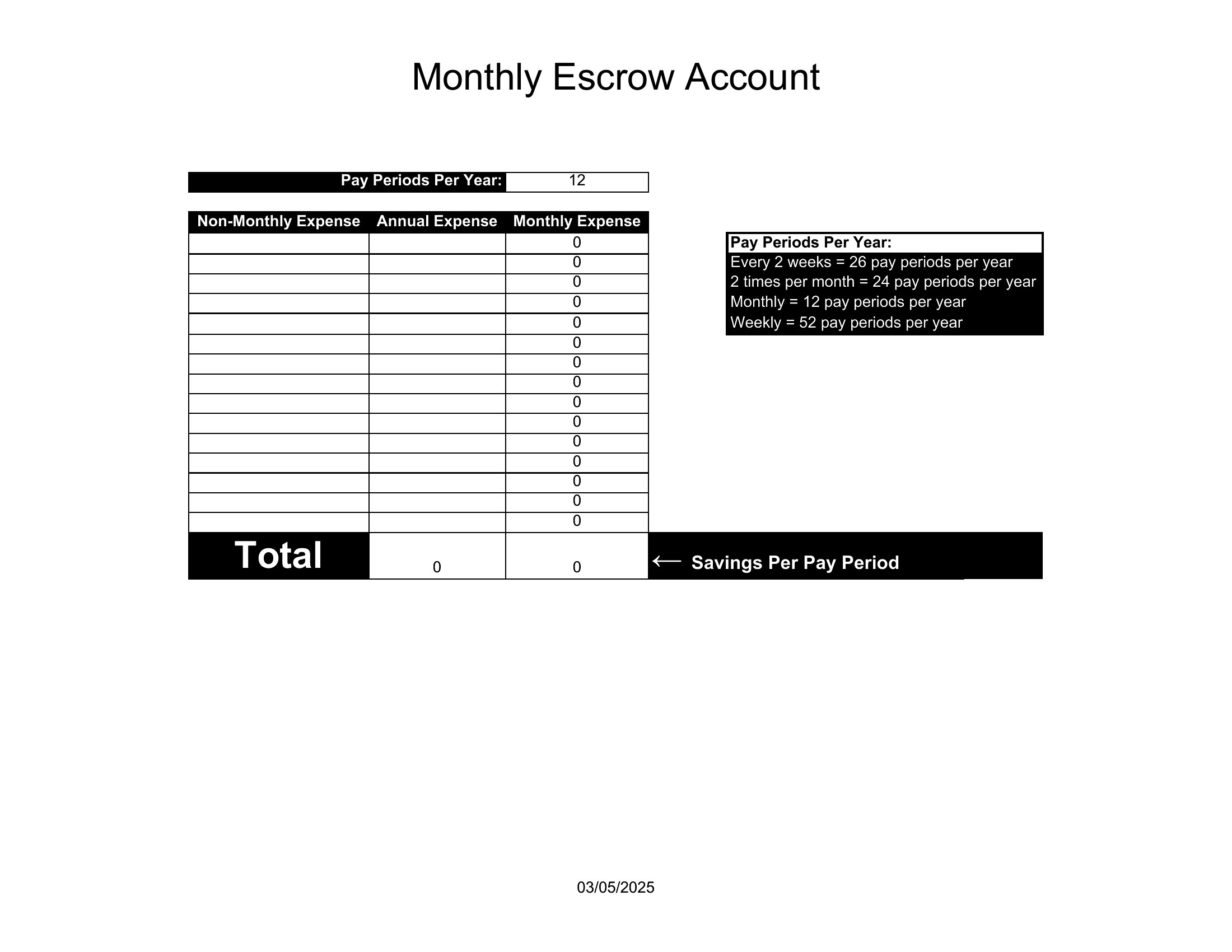
Most templates include a ‘Miscellaneous’ or ‘One-Time Costs’ section. For predictable irregular expenses (e.g., annual insurance), divide the total by 12 and set aside that amount monthly. For surprises, allocate a small buffer in the ‘Other’ category and adjust next month’s budget accordingly.
Are these templates useful if I use accounting software like QuickBooks or Mint?
Absolutely—they’re great for monthly reviews or when you need a simplified view. Export your software’s transaction data into Excel, then map it to the template’s categories. Use the PDFs to present a clear overview during performance reviews or when discussing finances with a partner.
Comments
Join the conversation
Sign in to share your thoughts and leave a comment on this resource.