FAQ
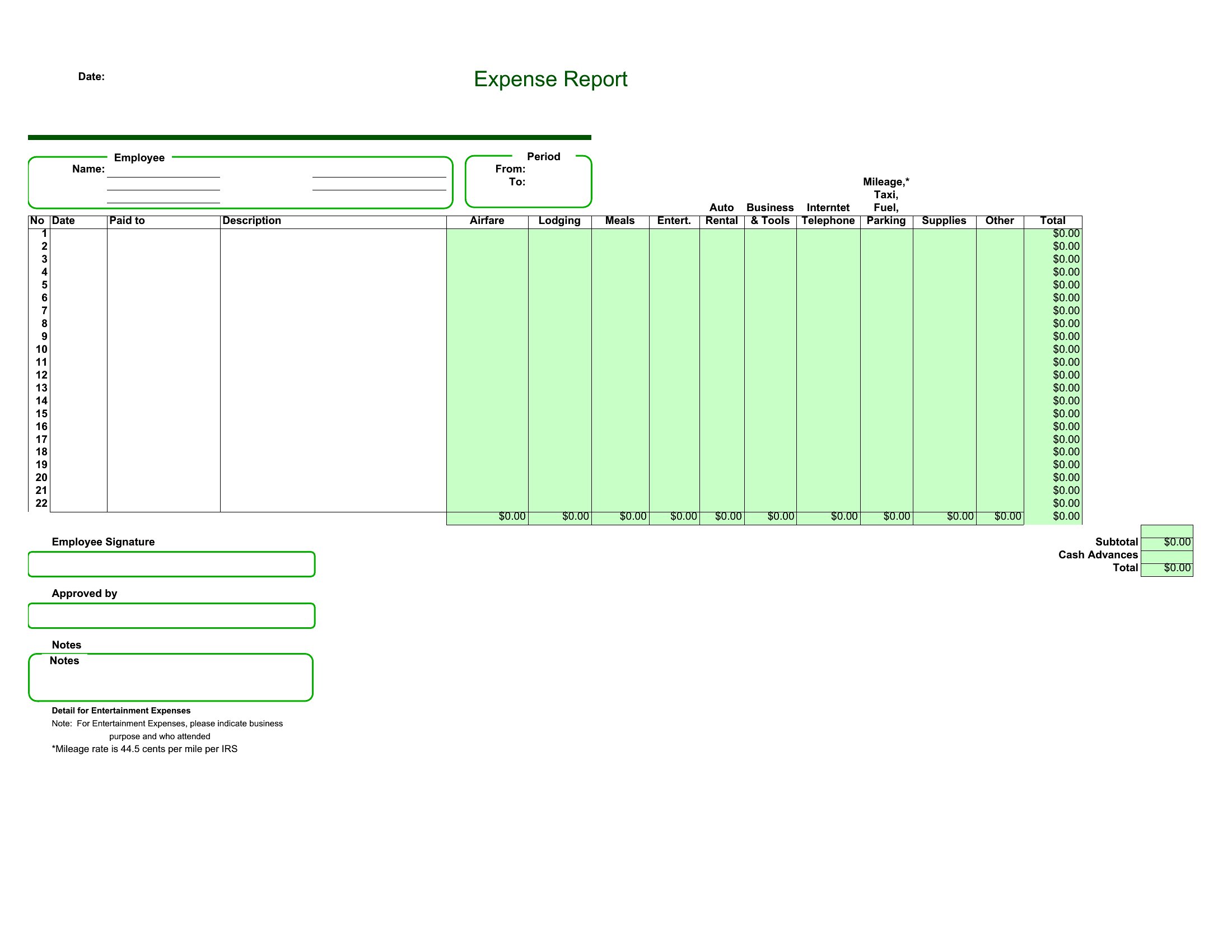
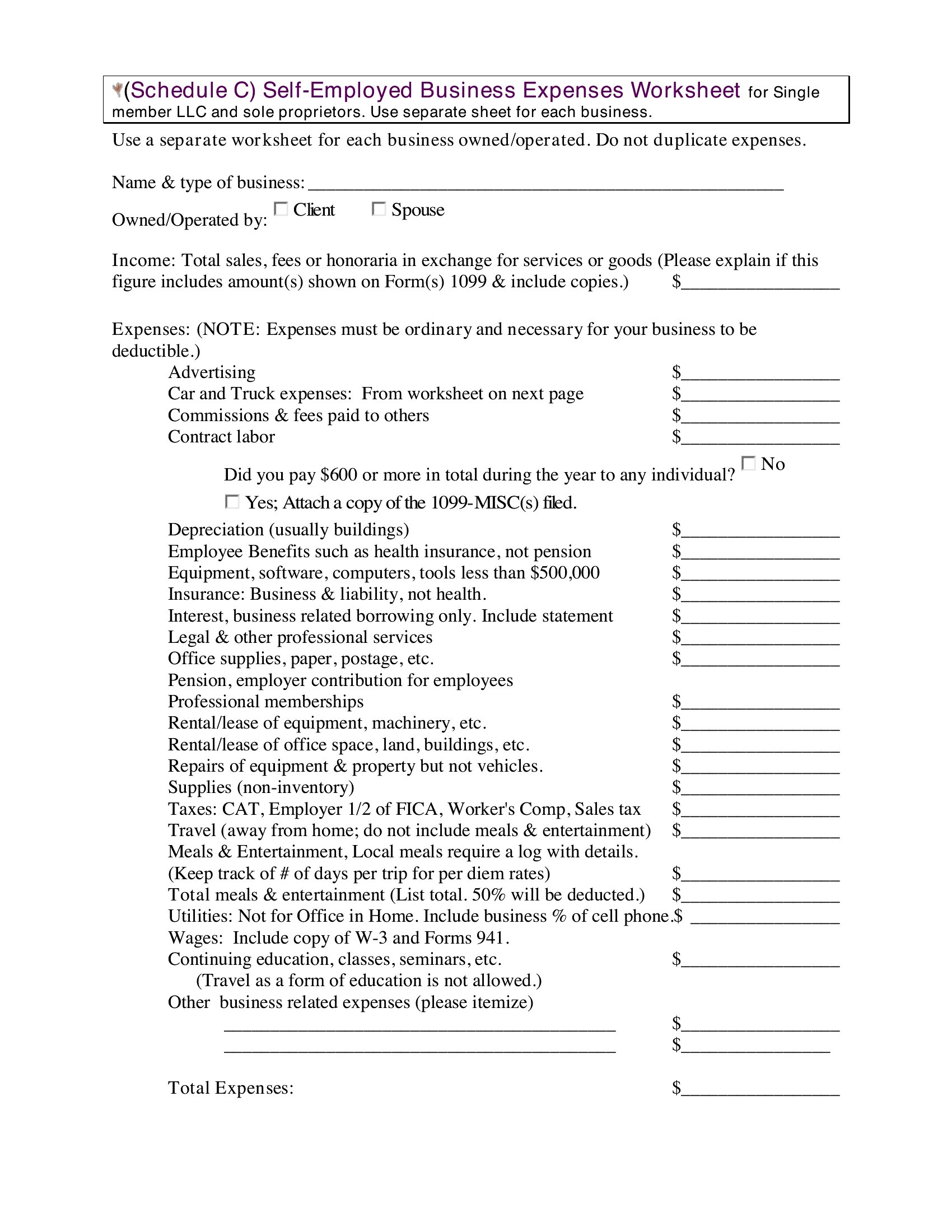
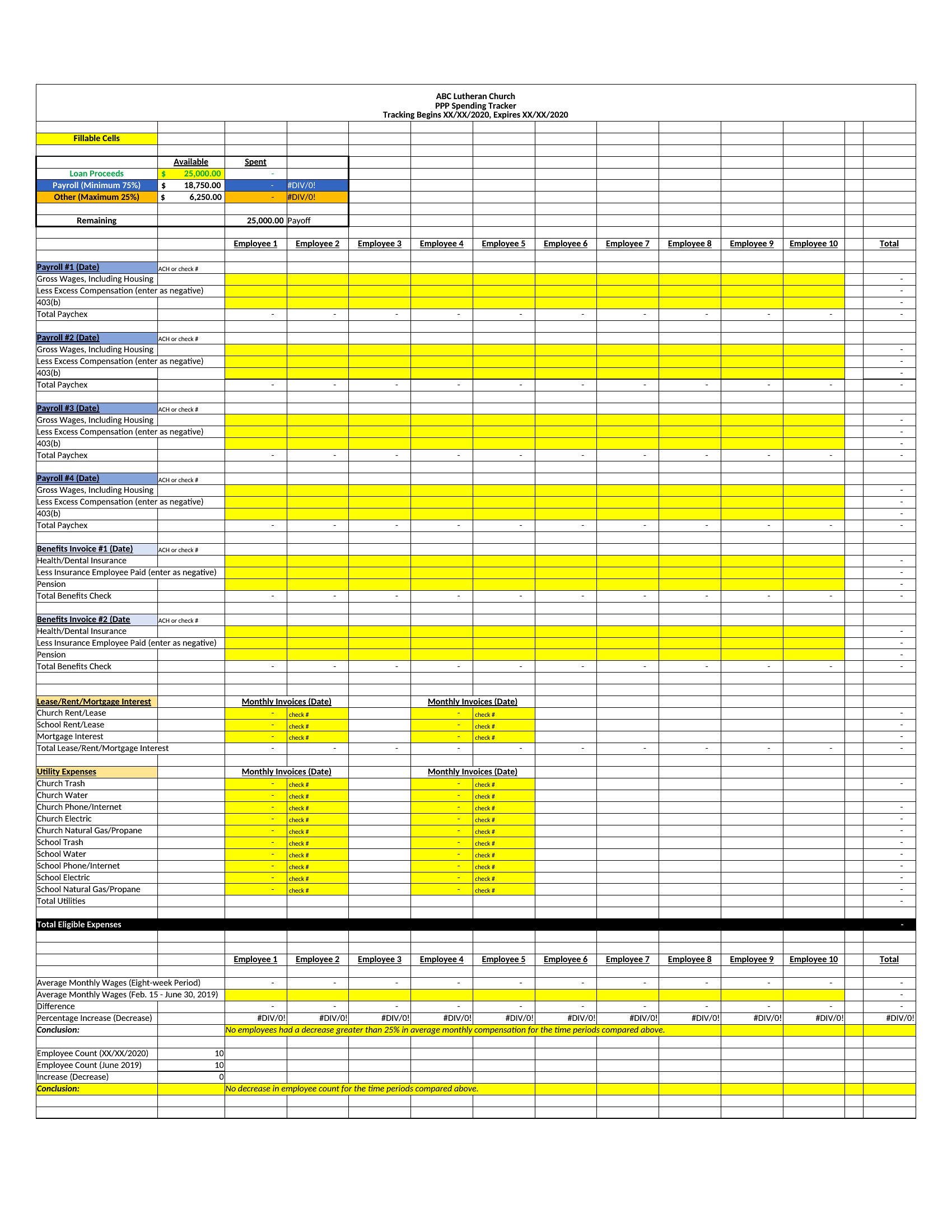
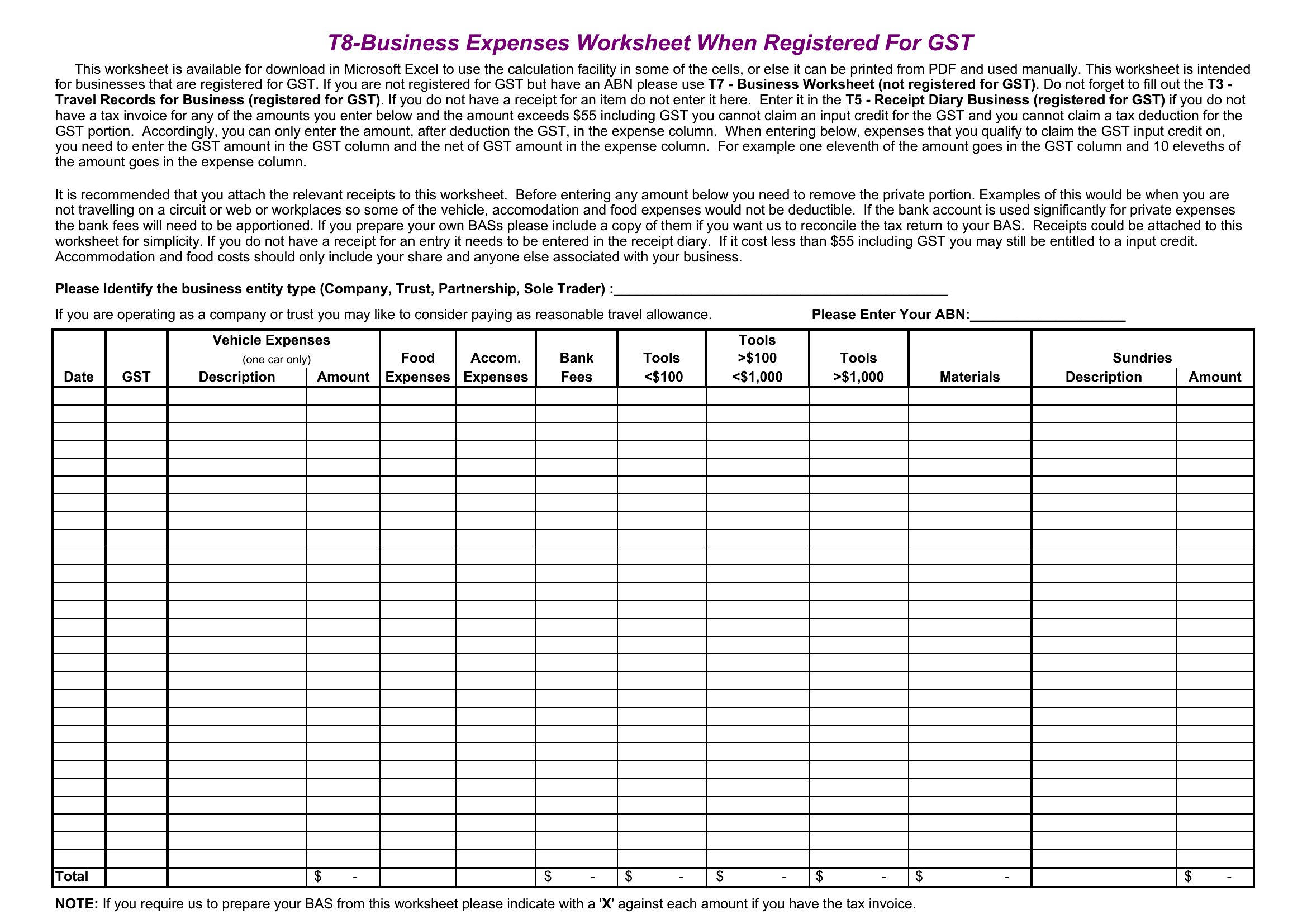
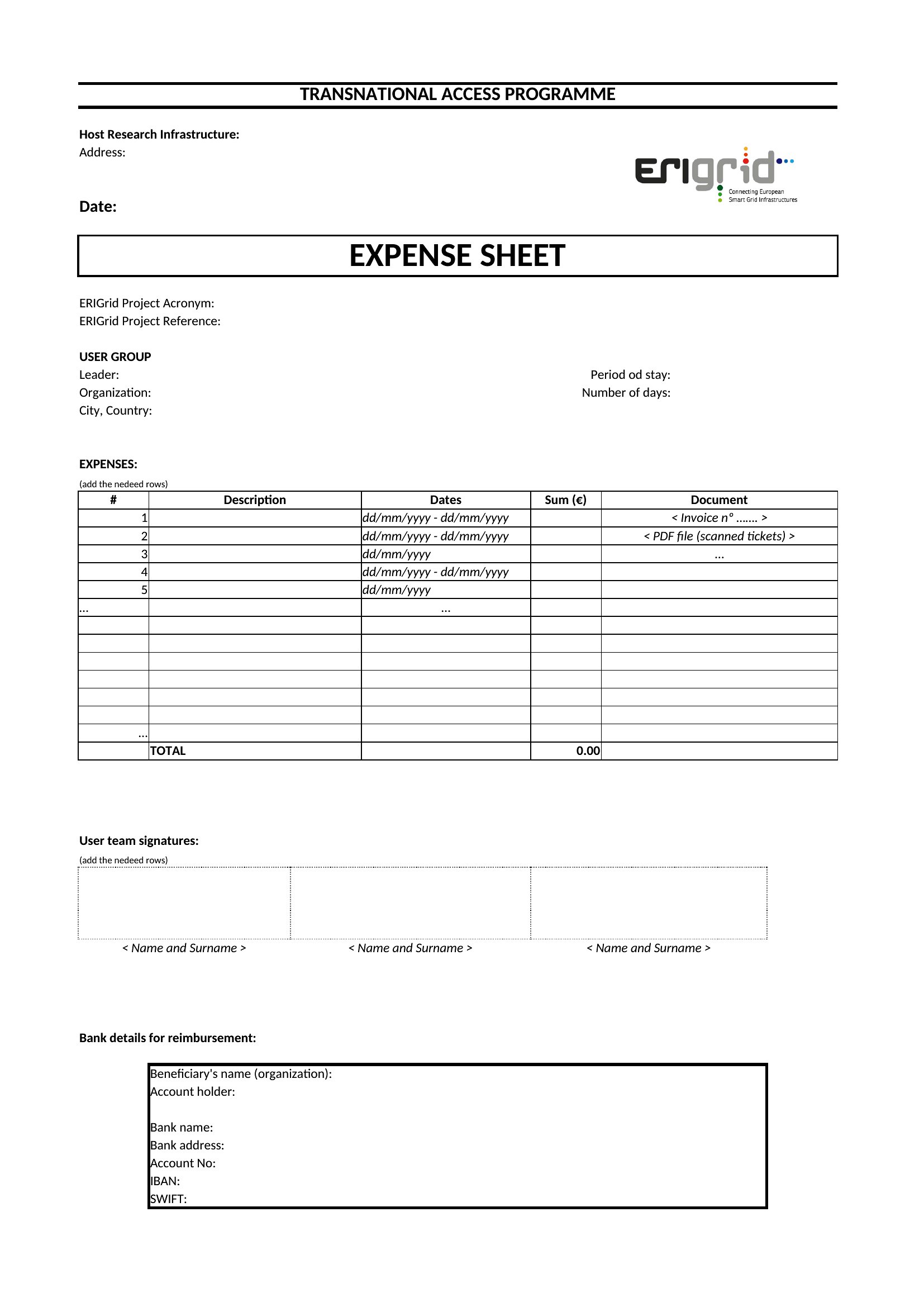
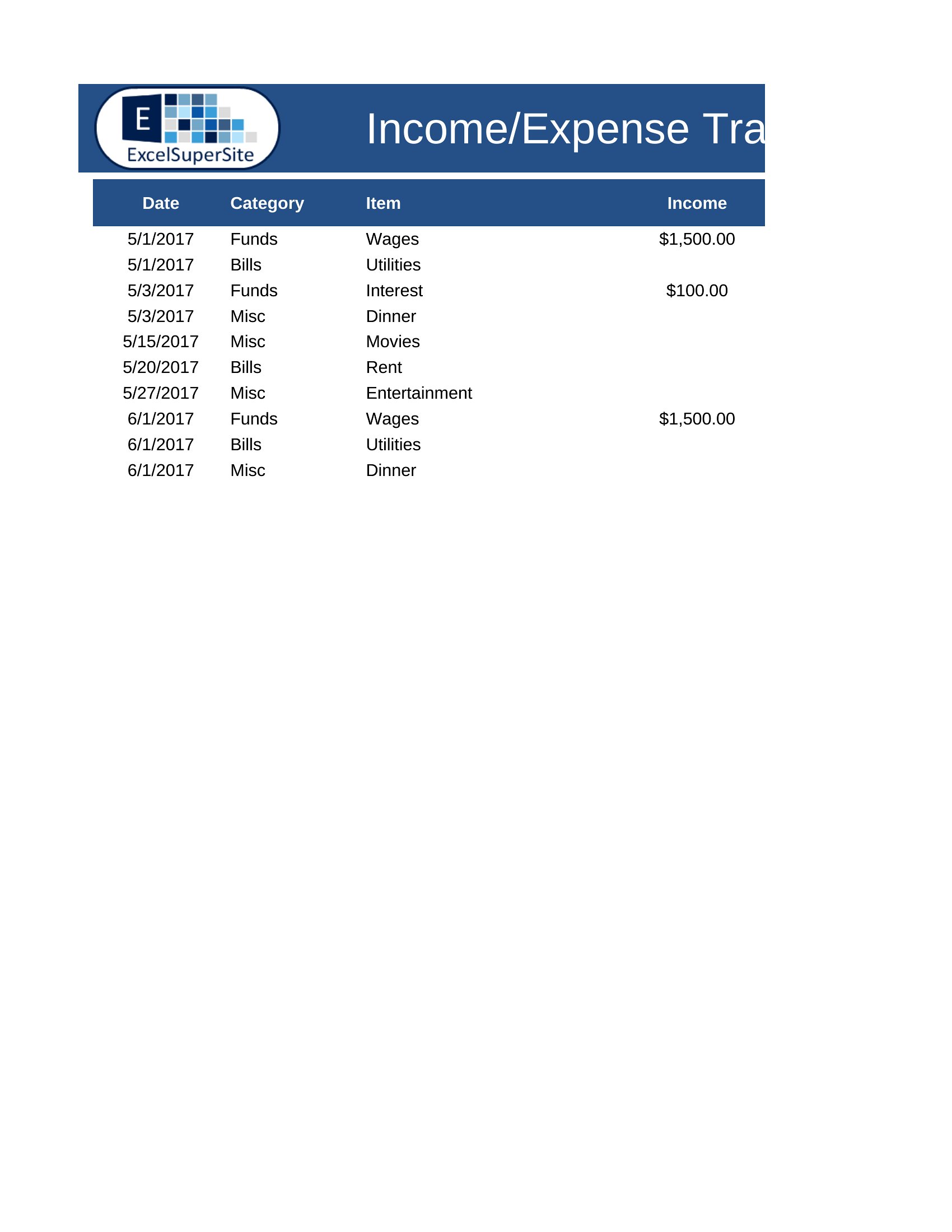
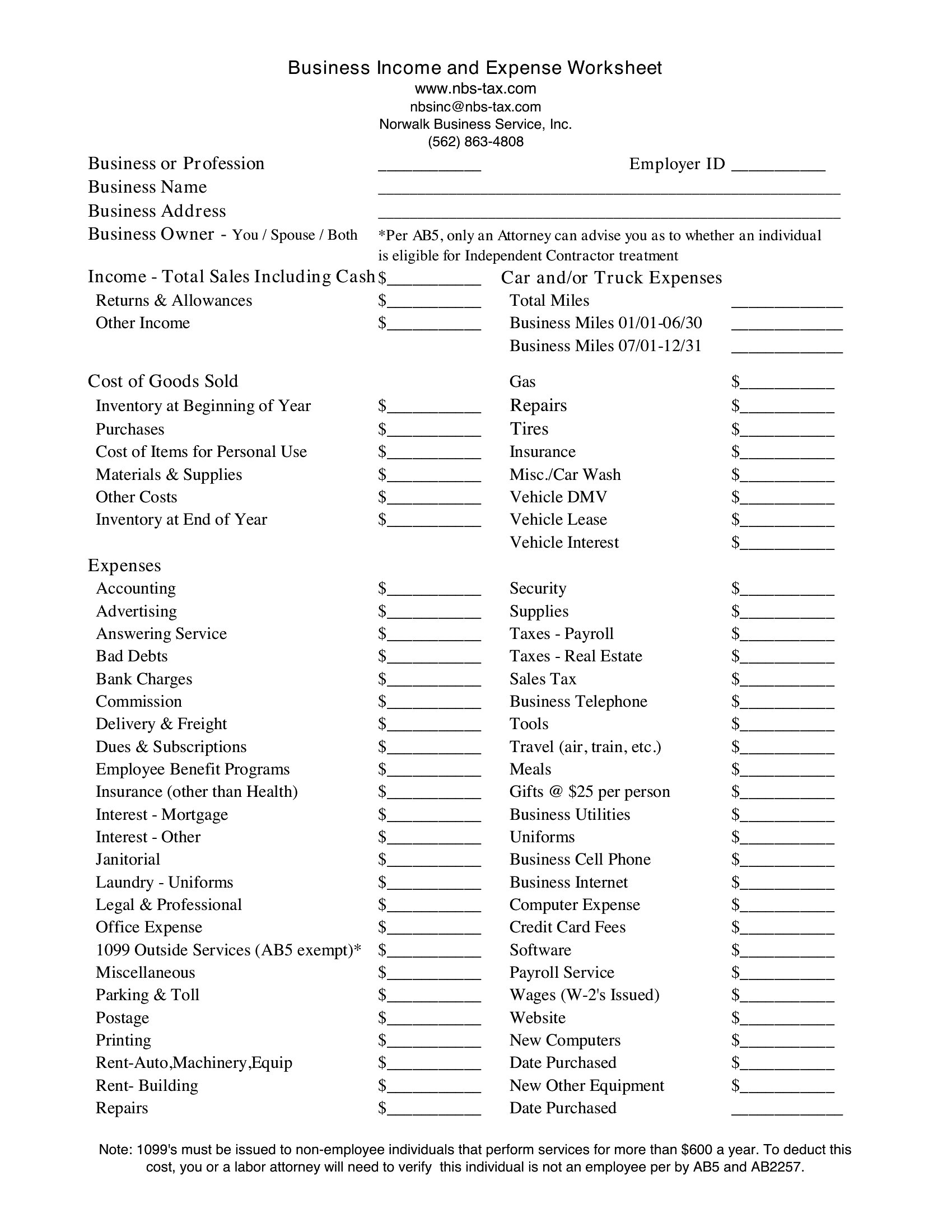
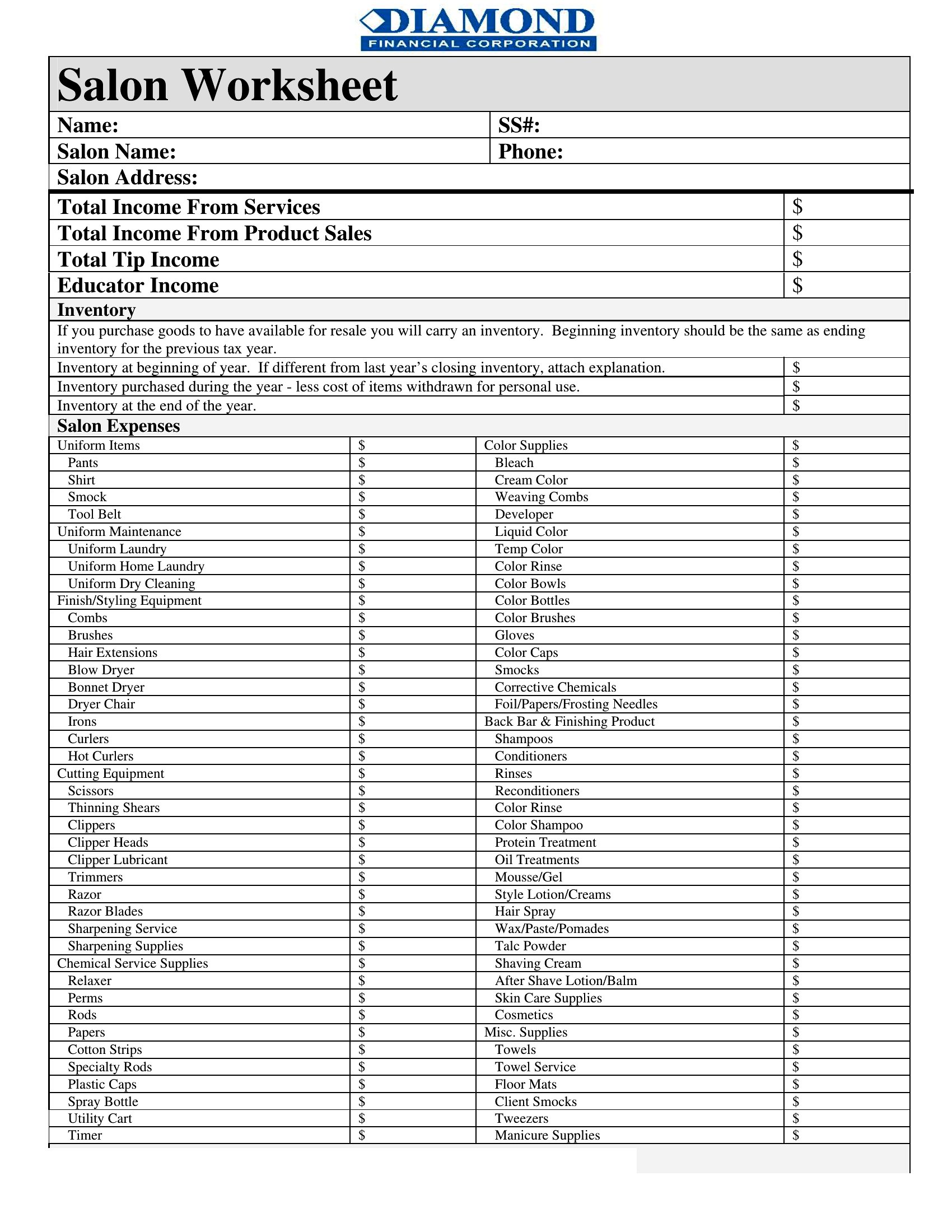
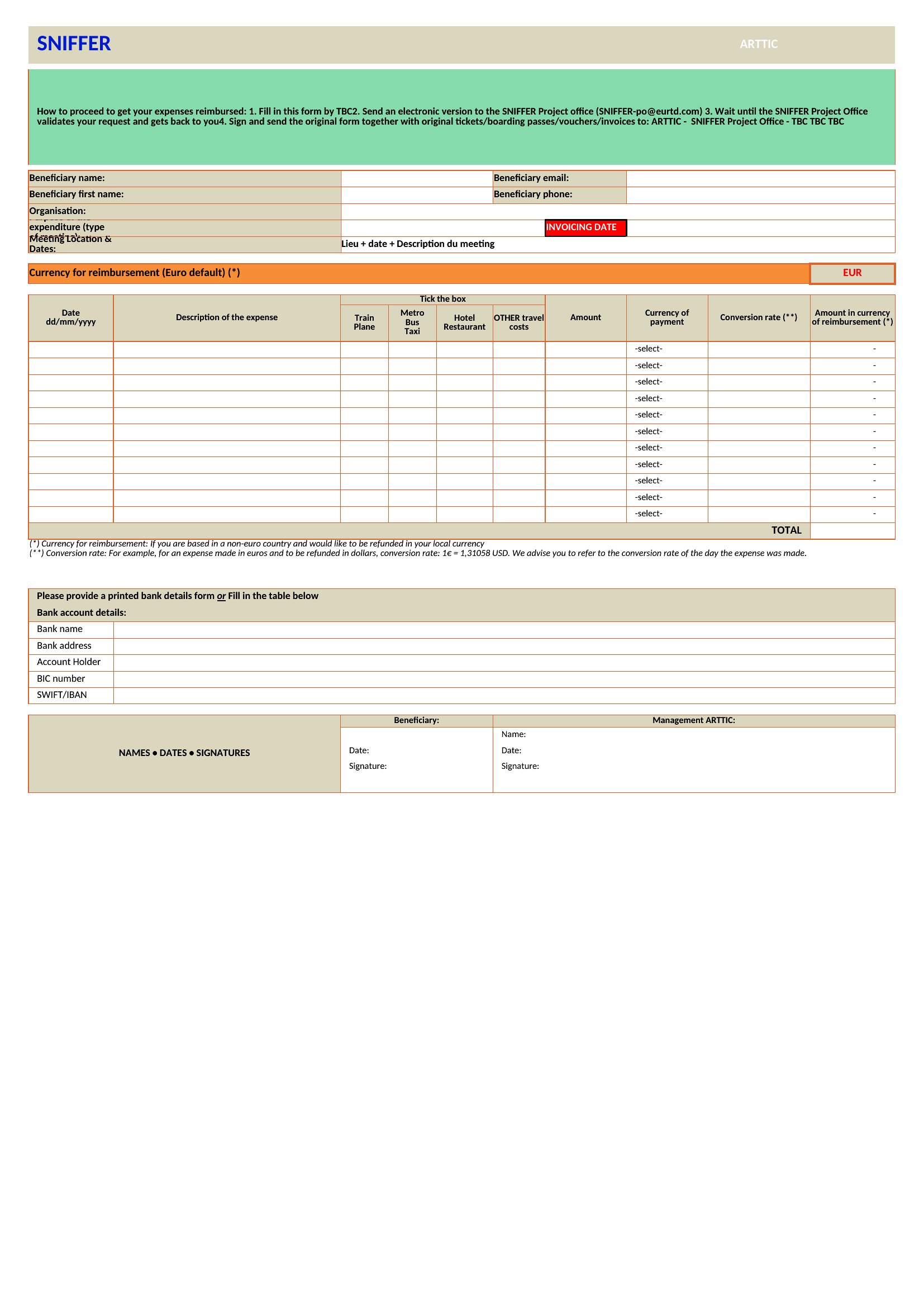
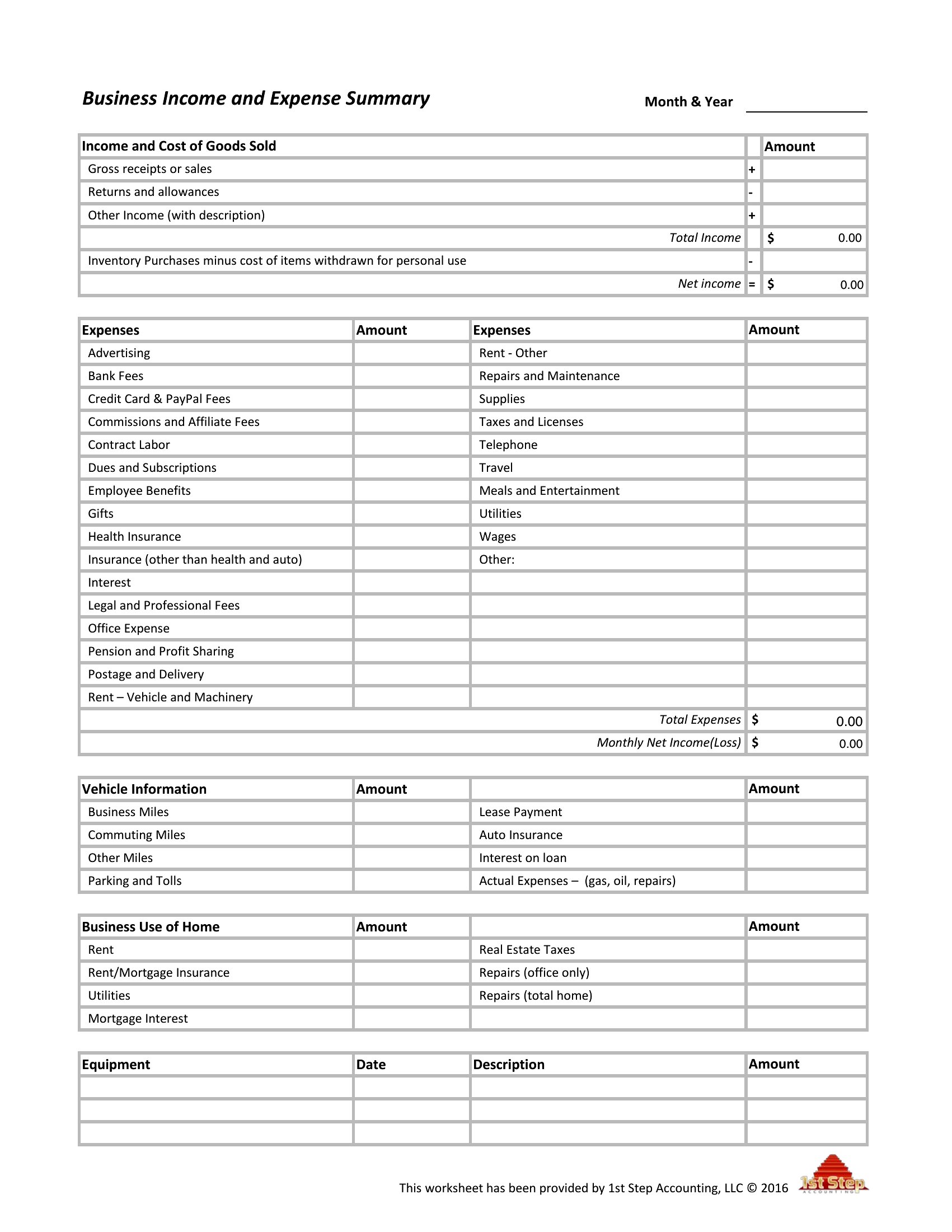
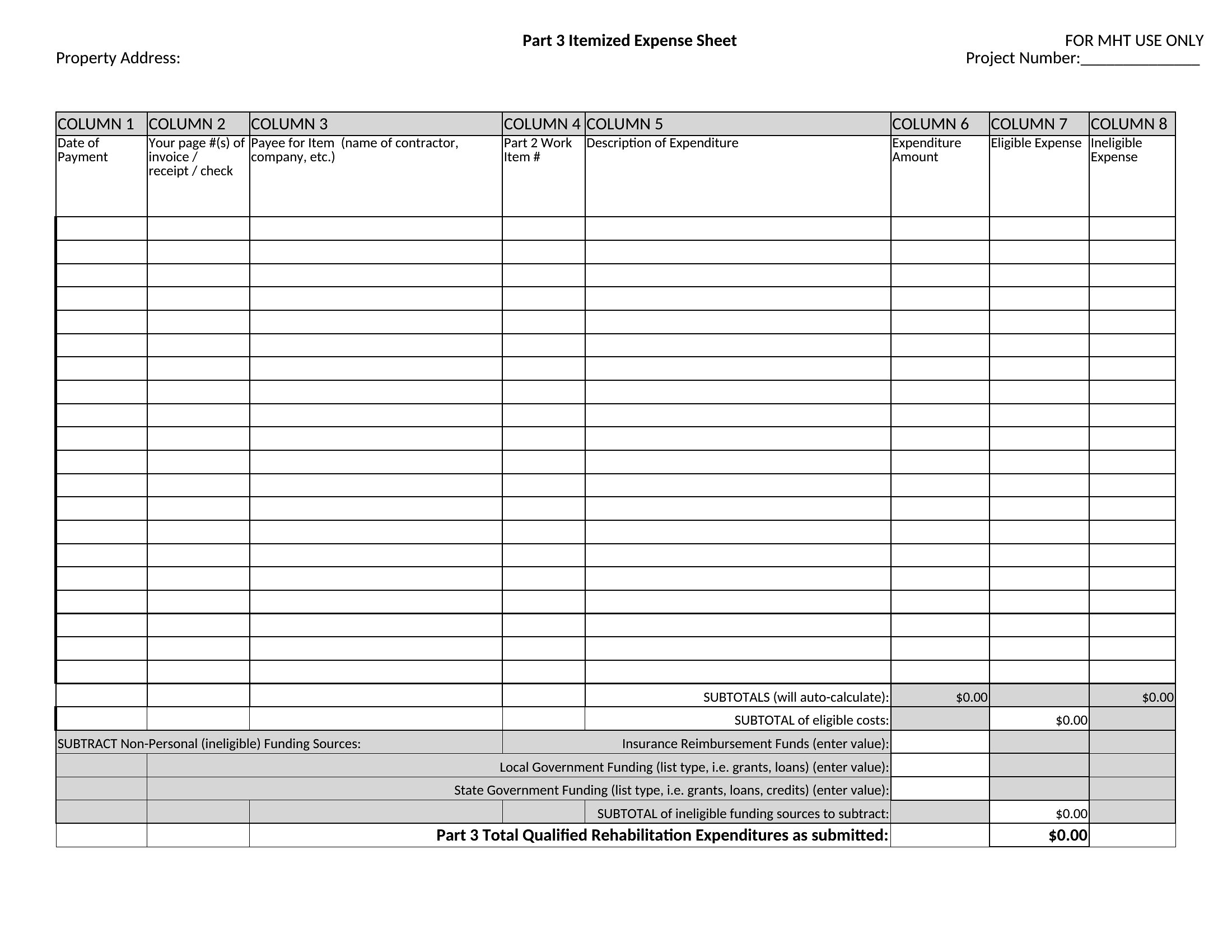
Can these spreadsheets handle multiple types of transactions, like cash, credit card, and reimbursements?
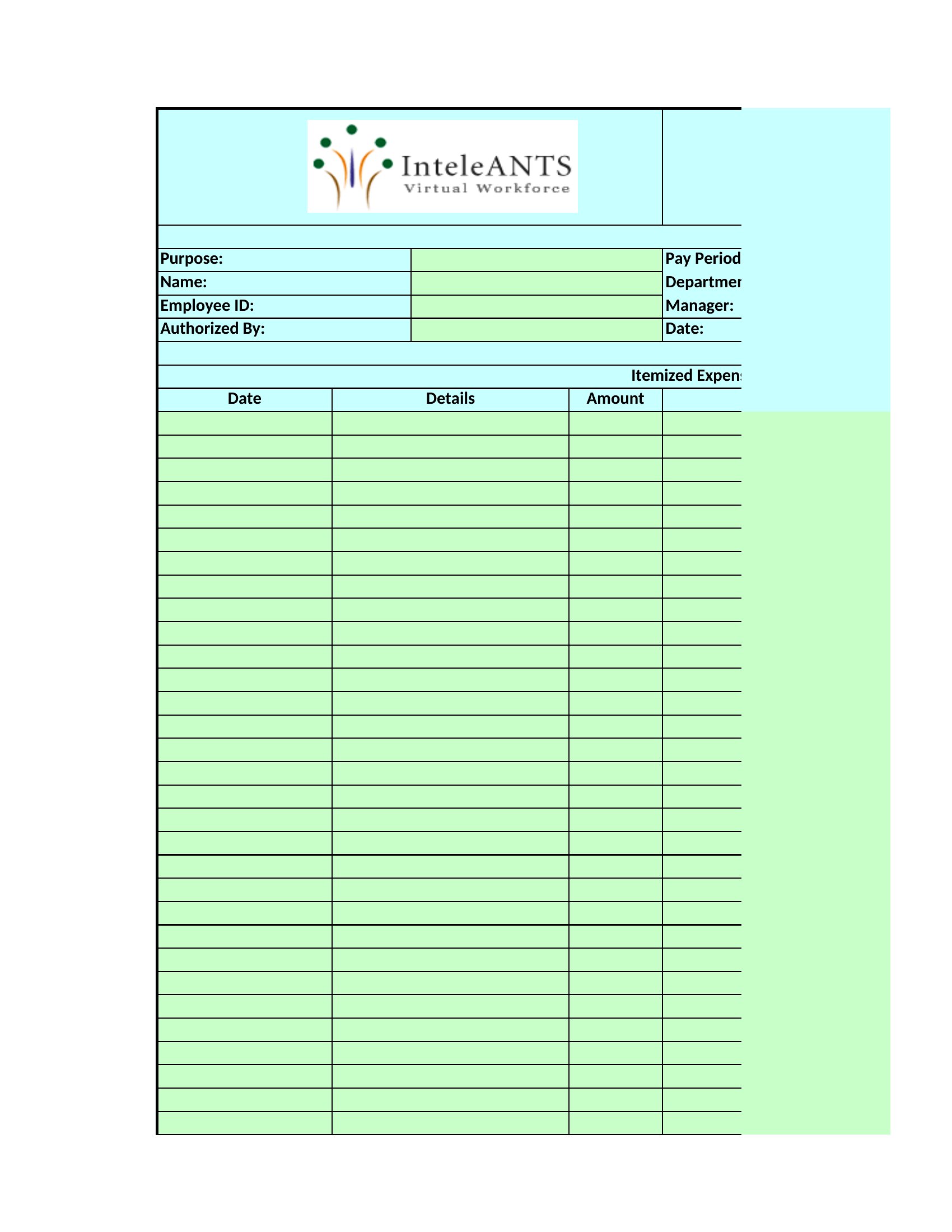
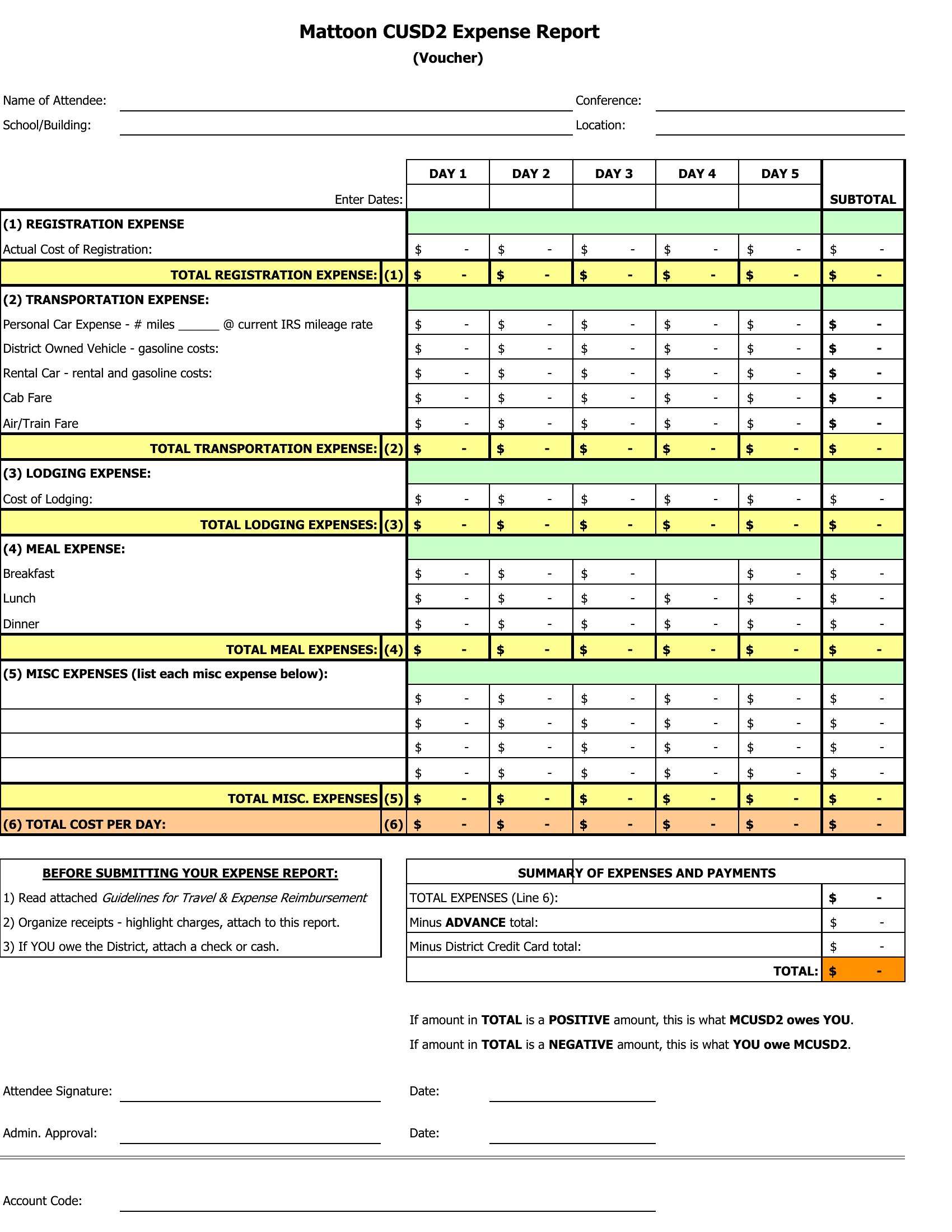
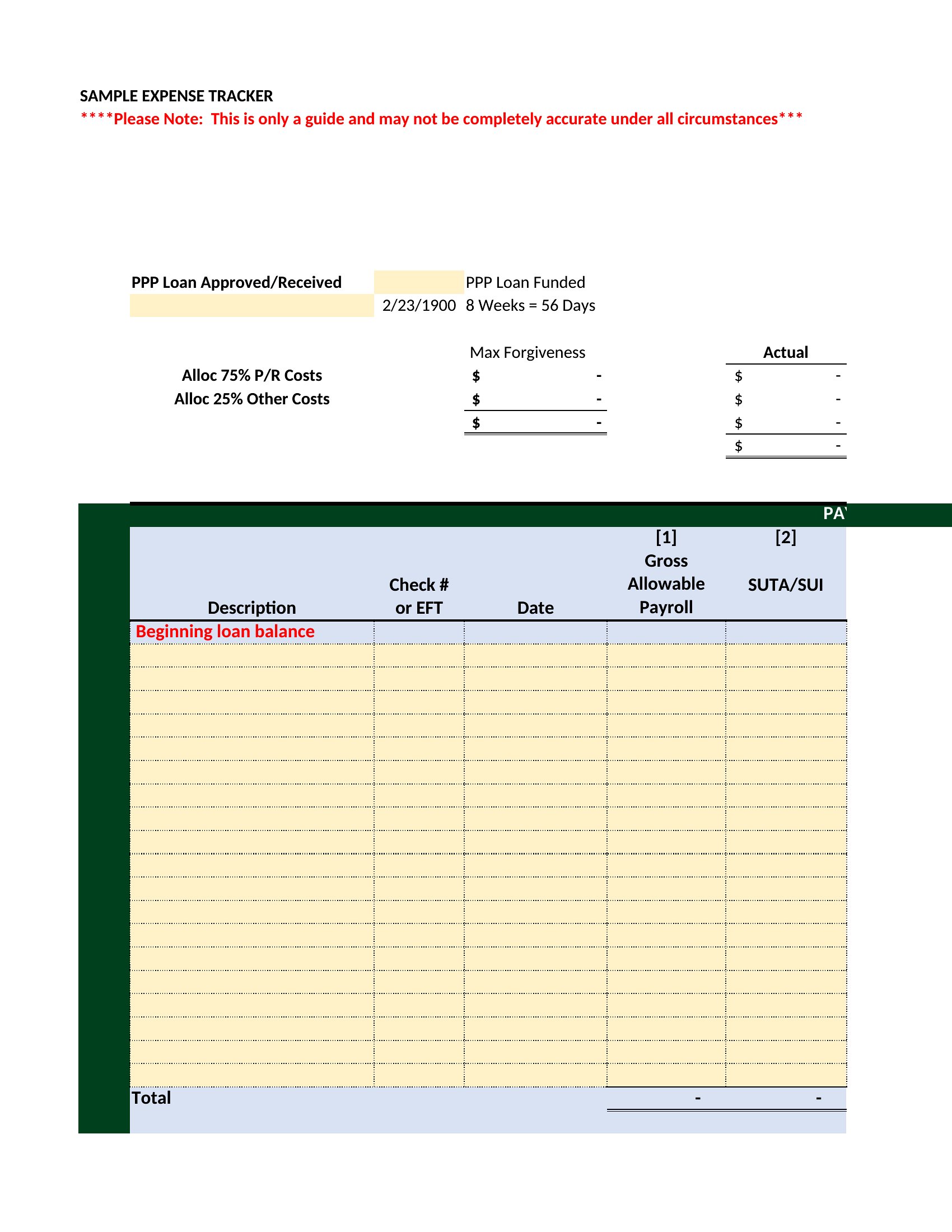
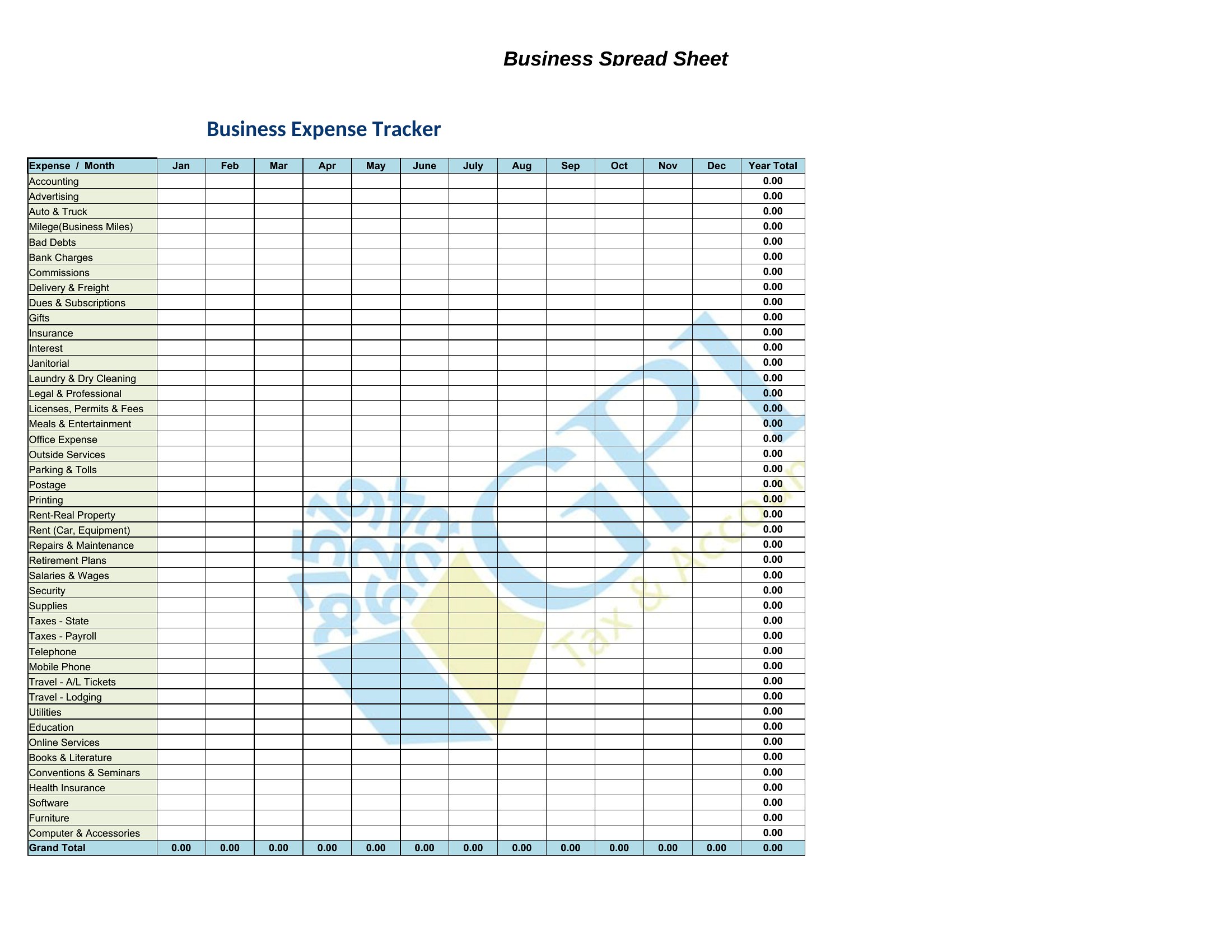
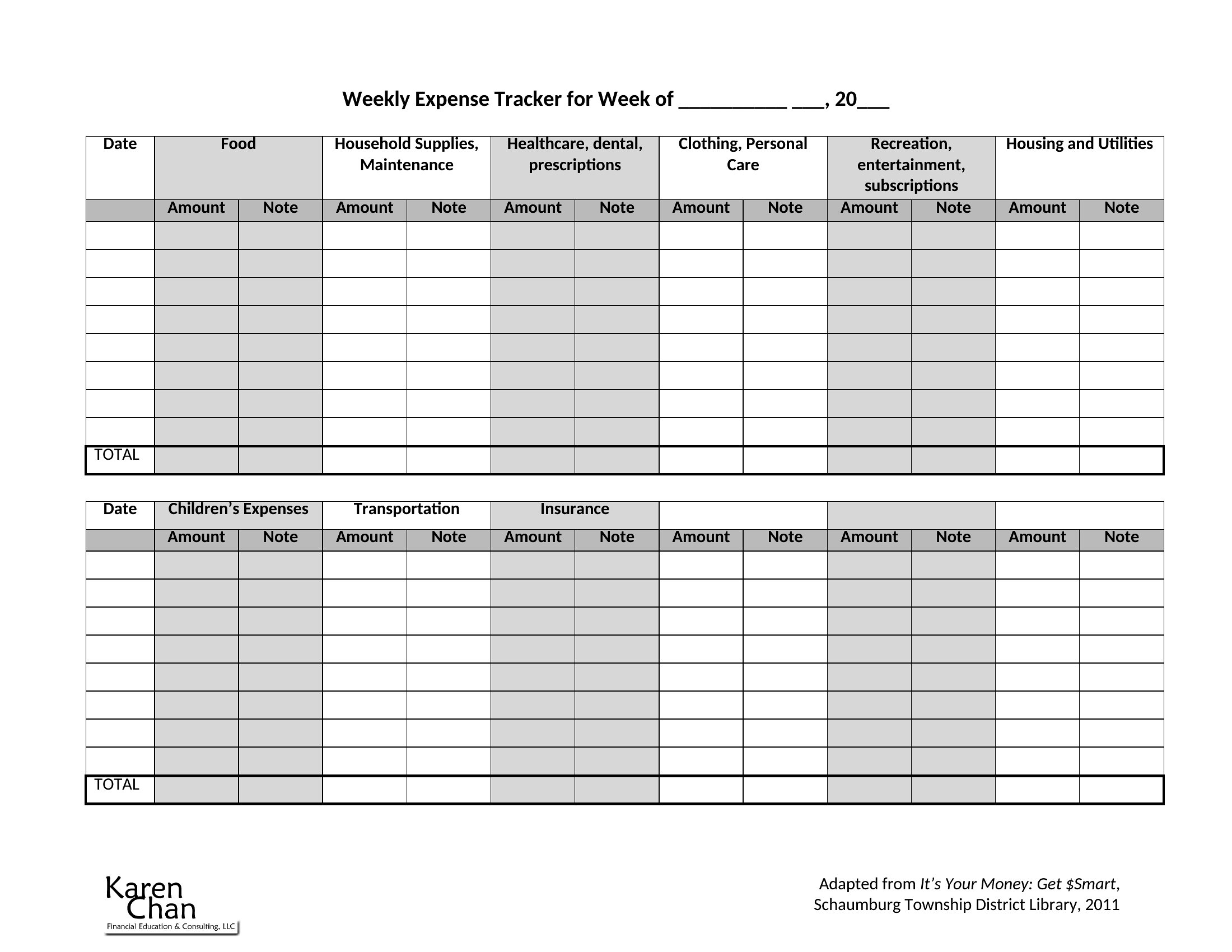
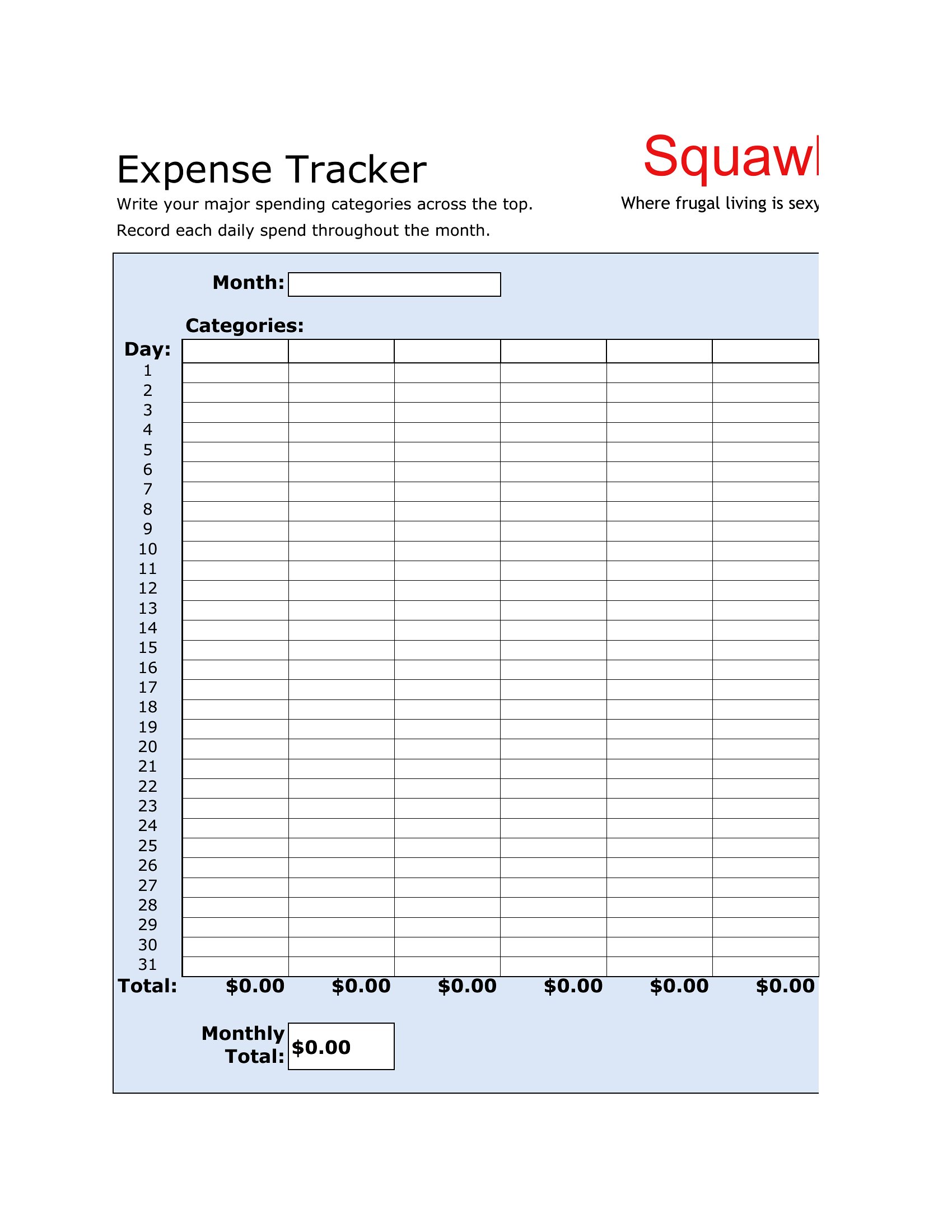
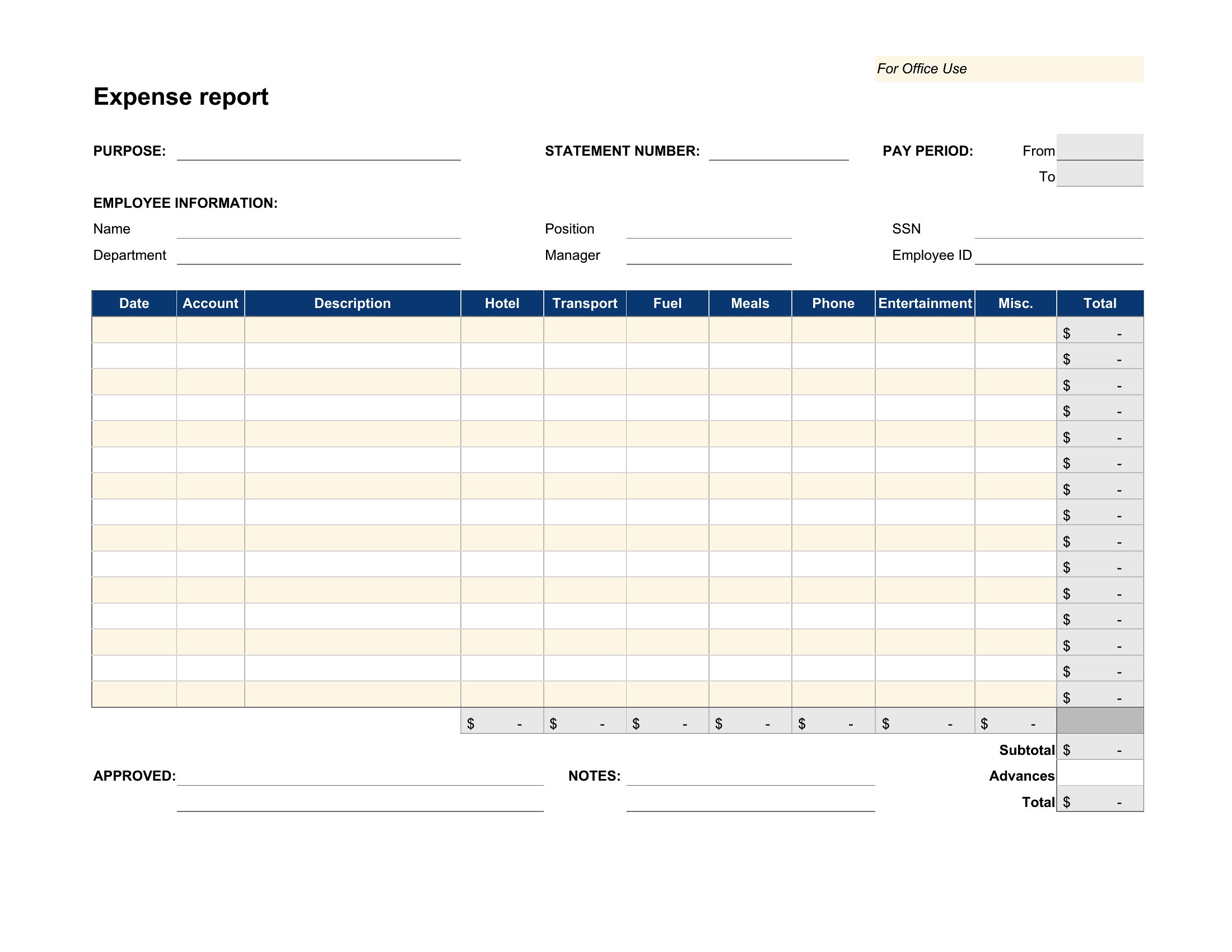
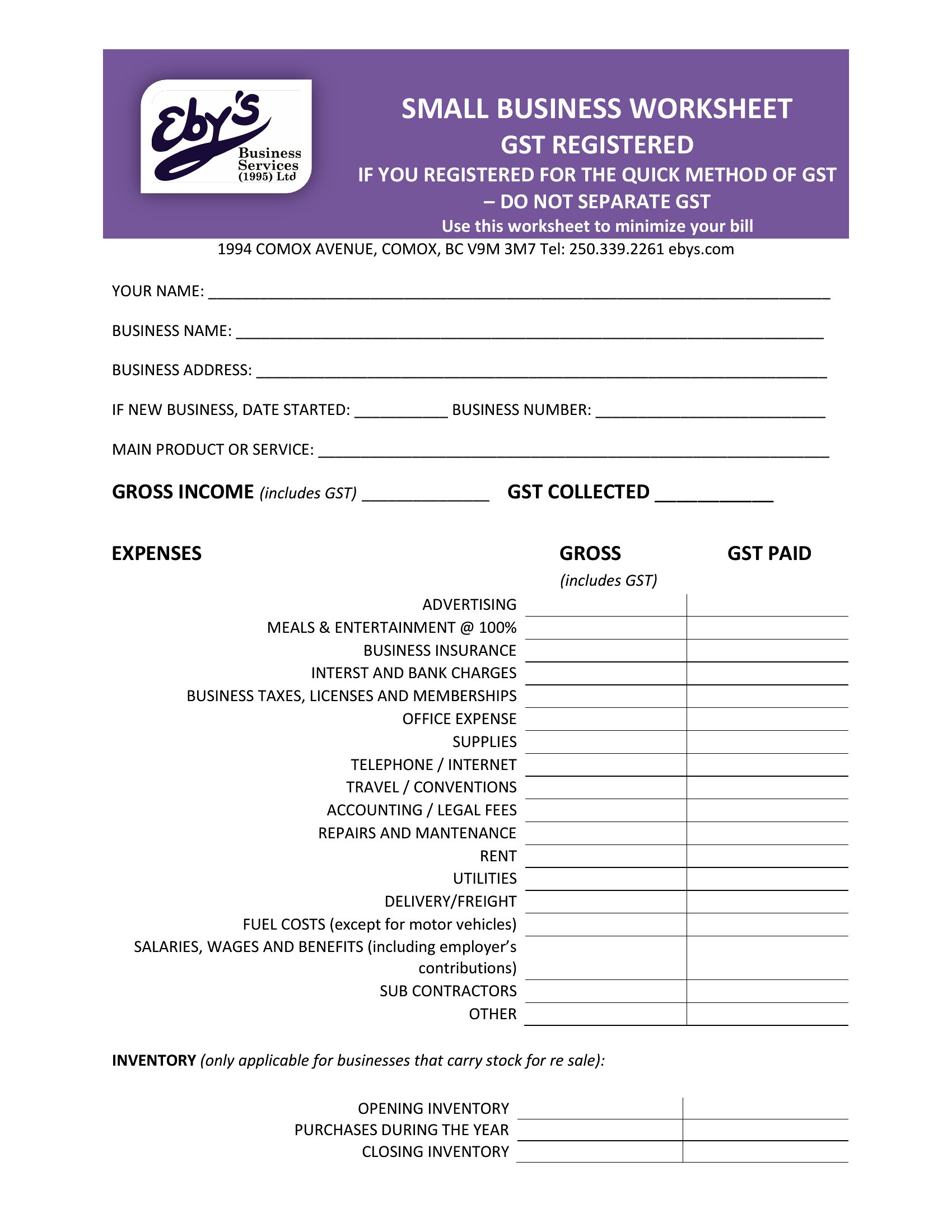
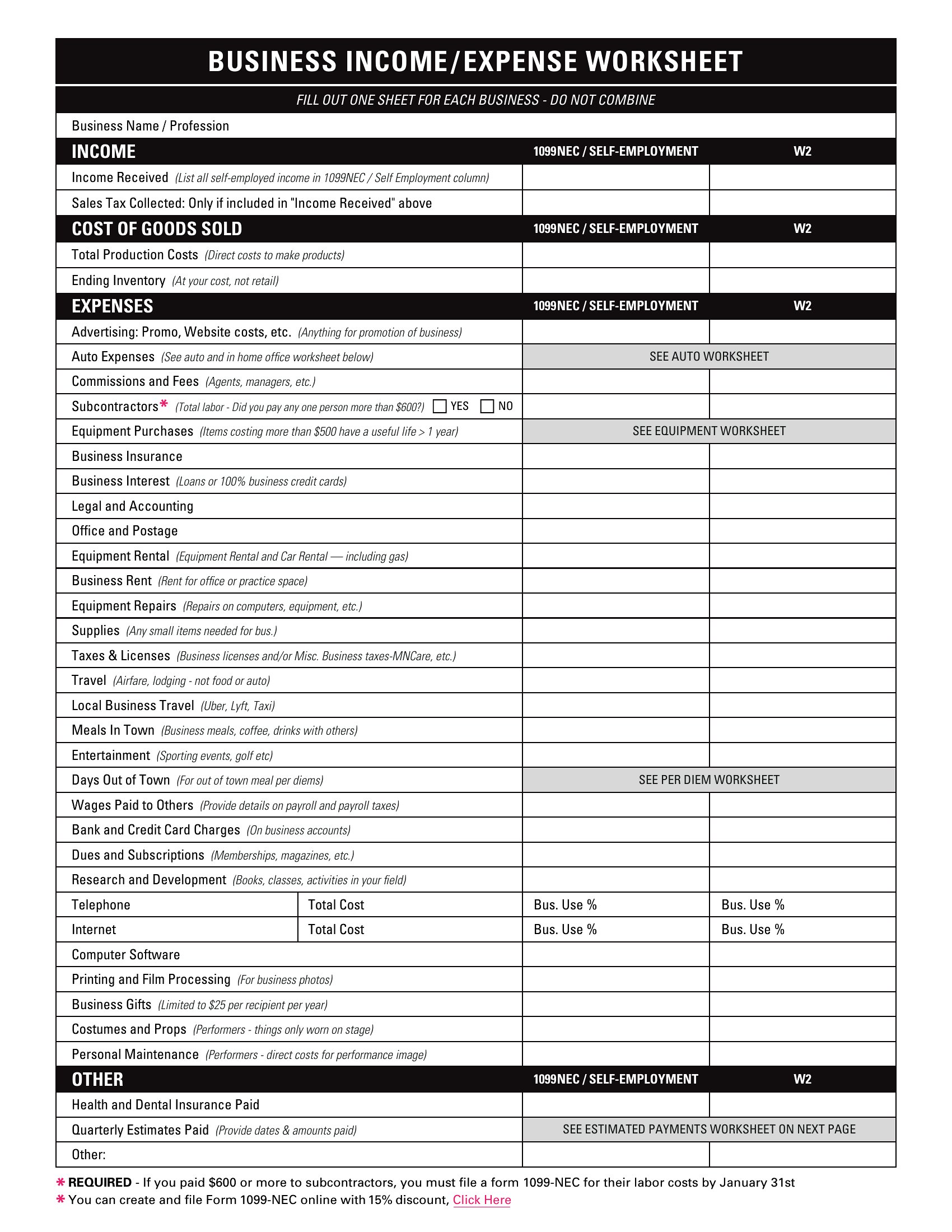
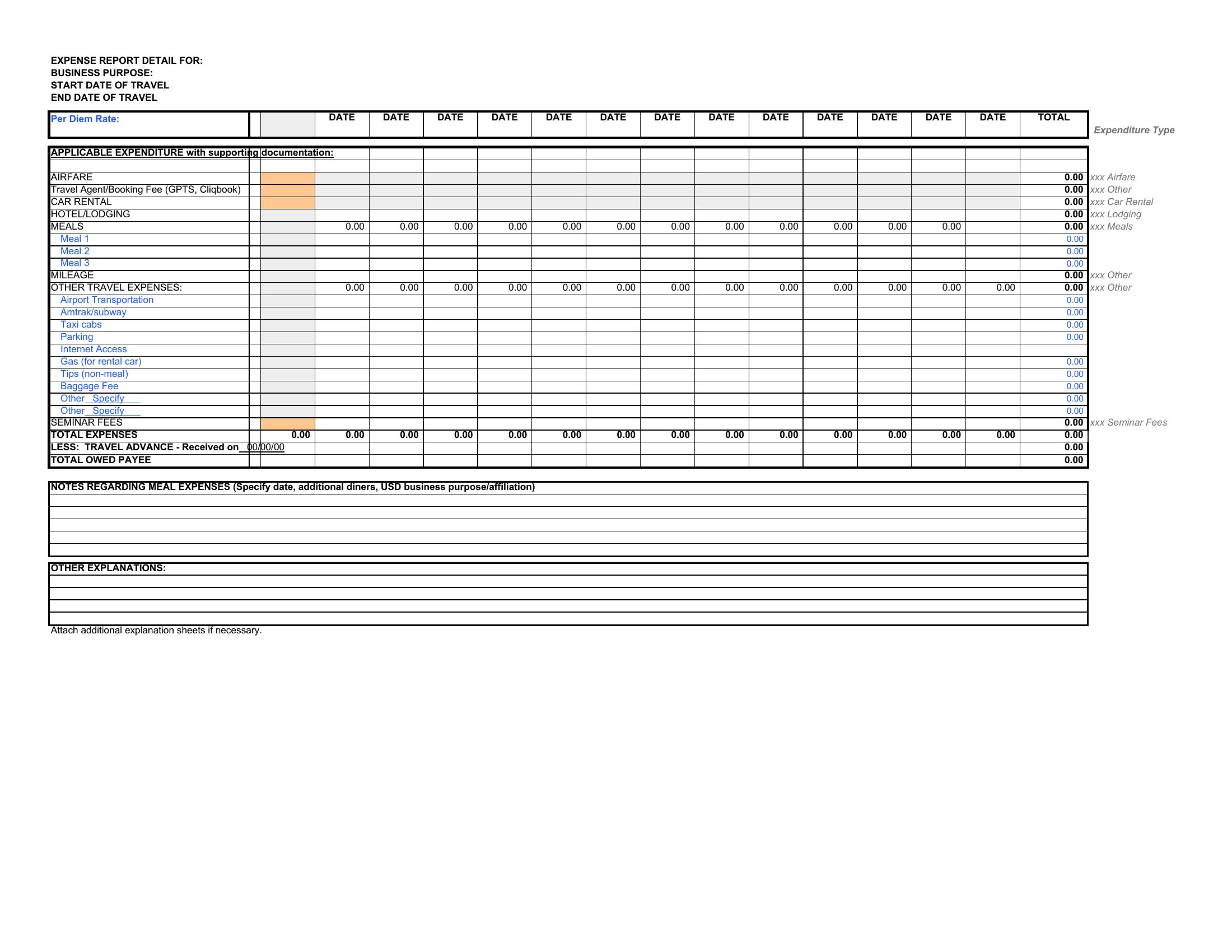
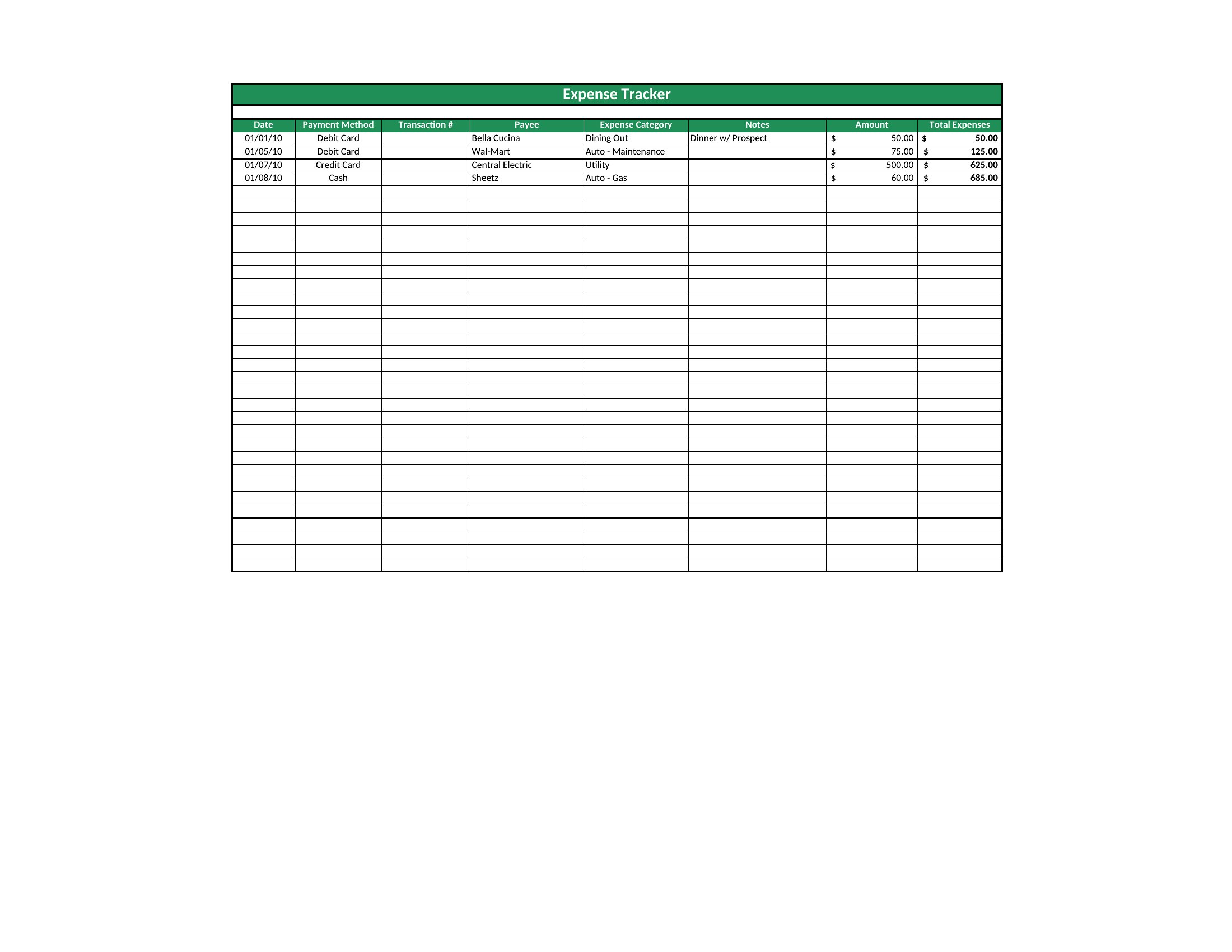
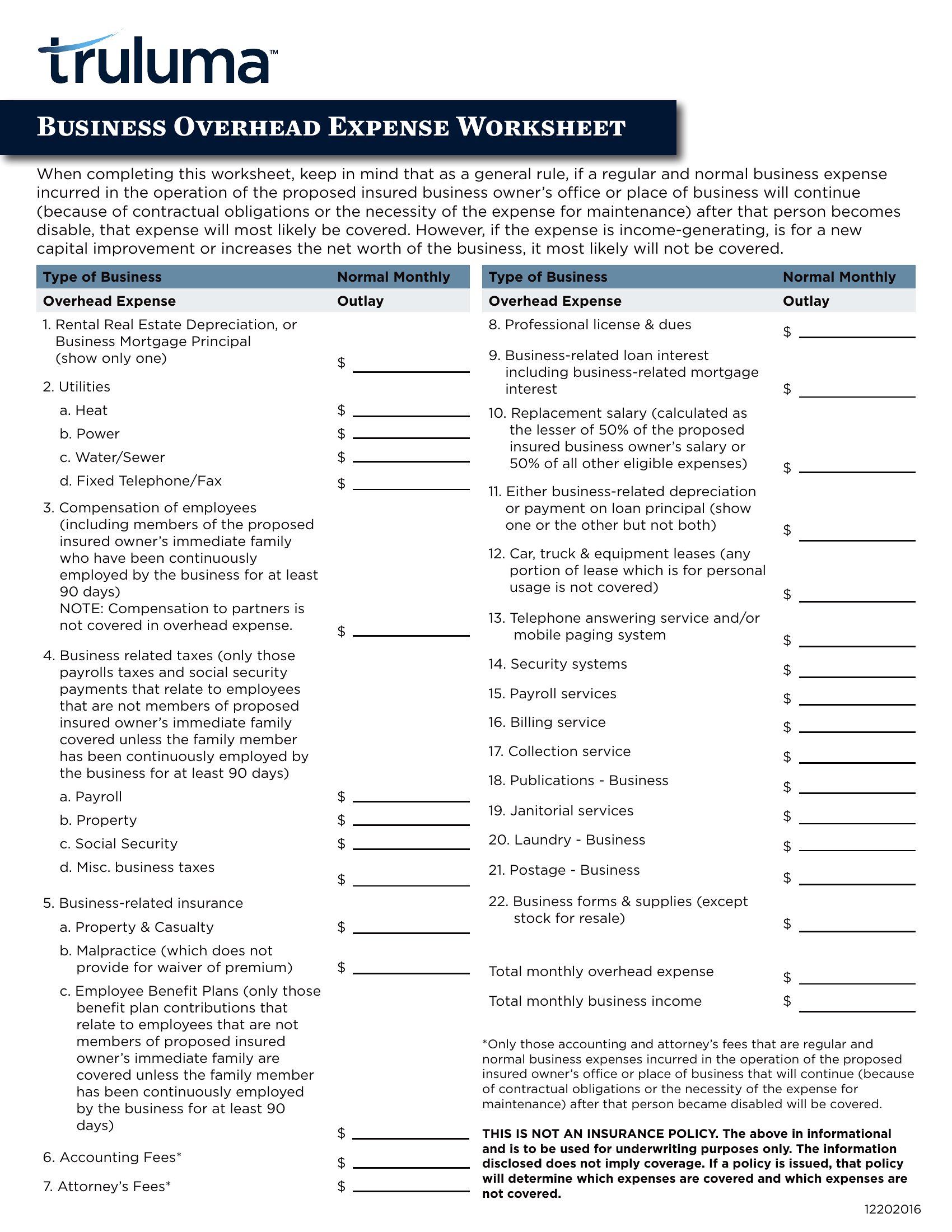
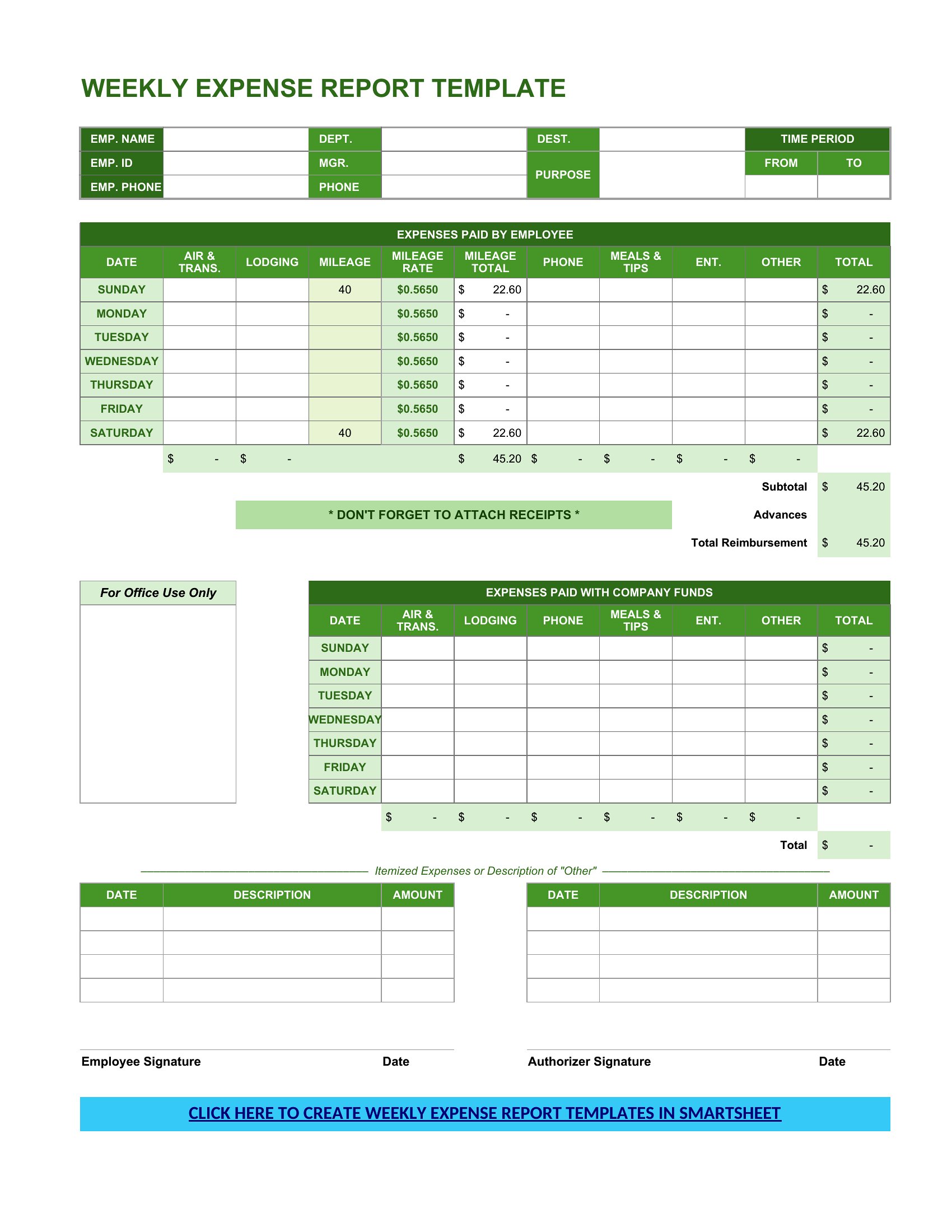
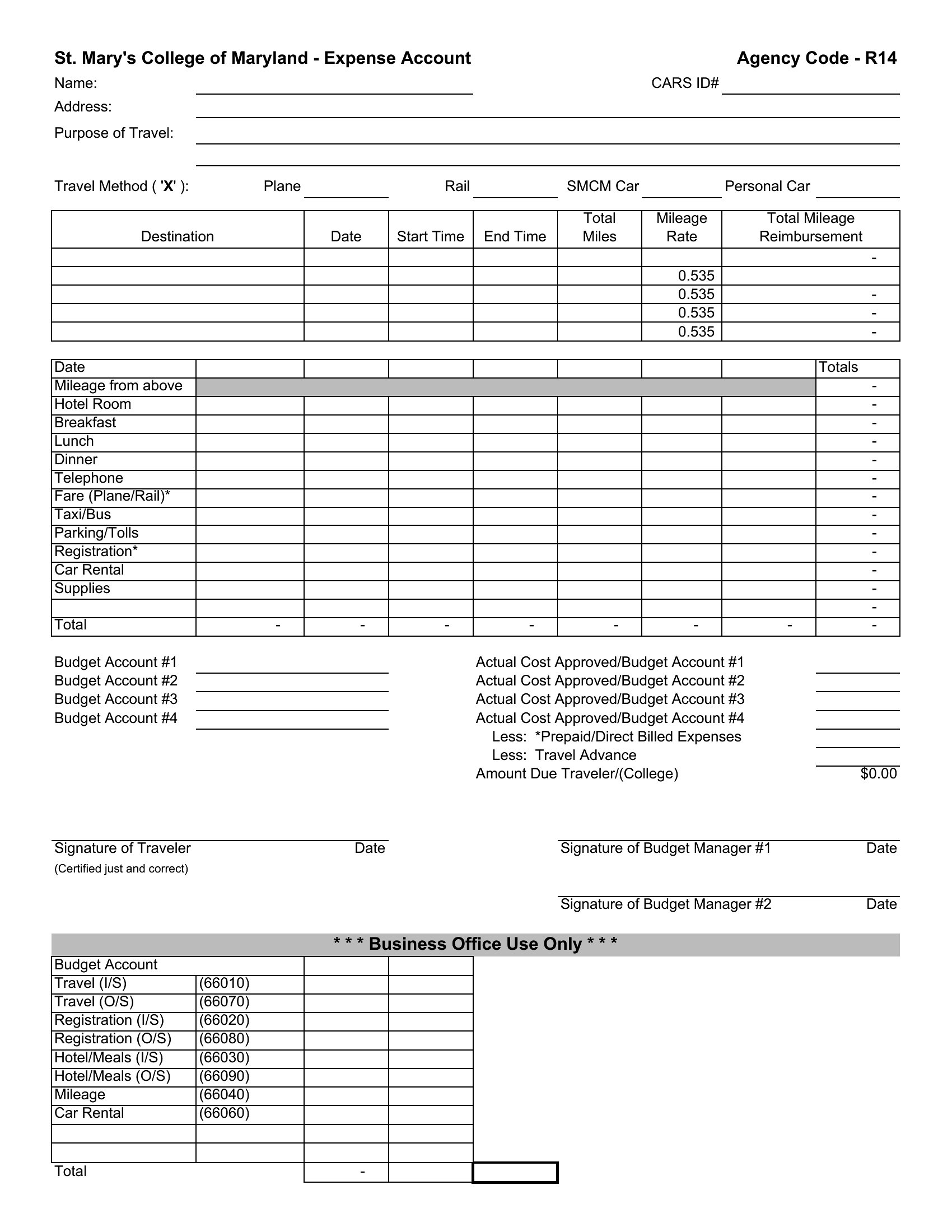
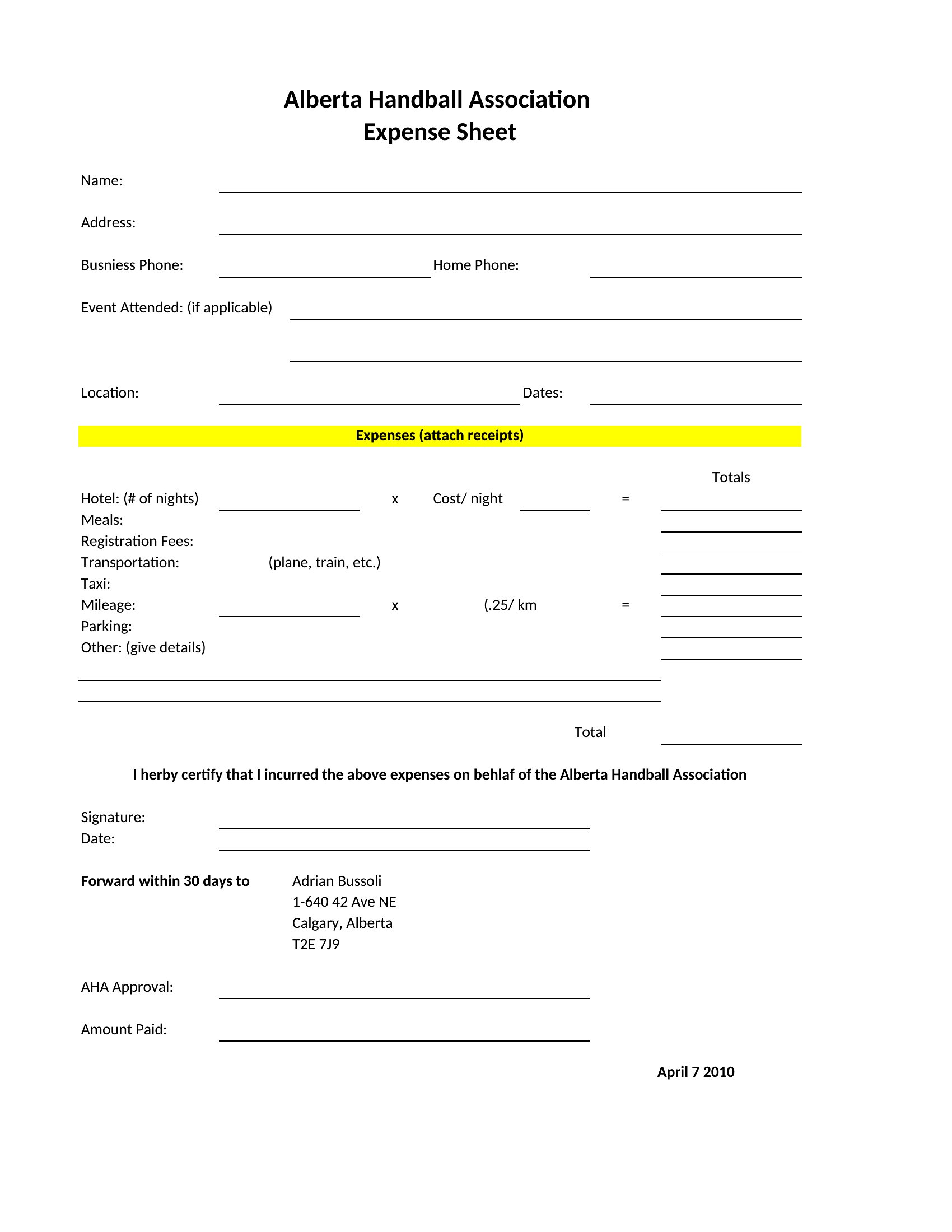
Yes, most templates in this collection include columns for transaction type, payment method, and vendor details. The Excel versions often have dropdown menus to streamline categorization, while PDF and Word formats let you manually label entries. For mixed payment methods, check templates with separate tabs or sections for each type. Always reconcile totals to your bank statements monthly to avoid discrepancies.
Do any of these templates help track mileage for business use, including IRS-safe logging?
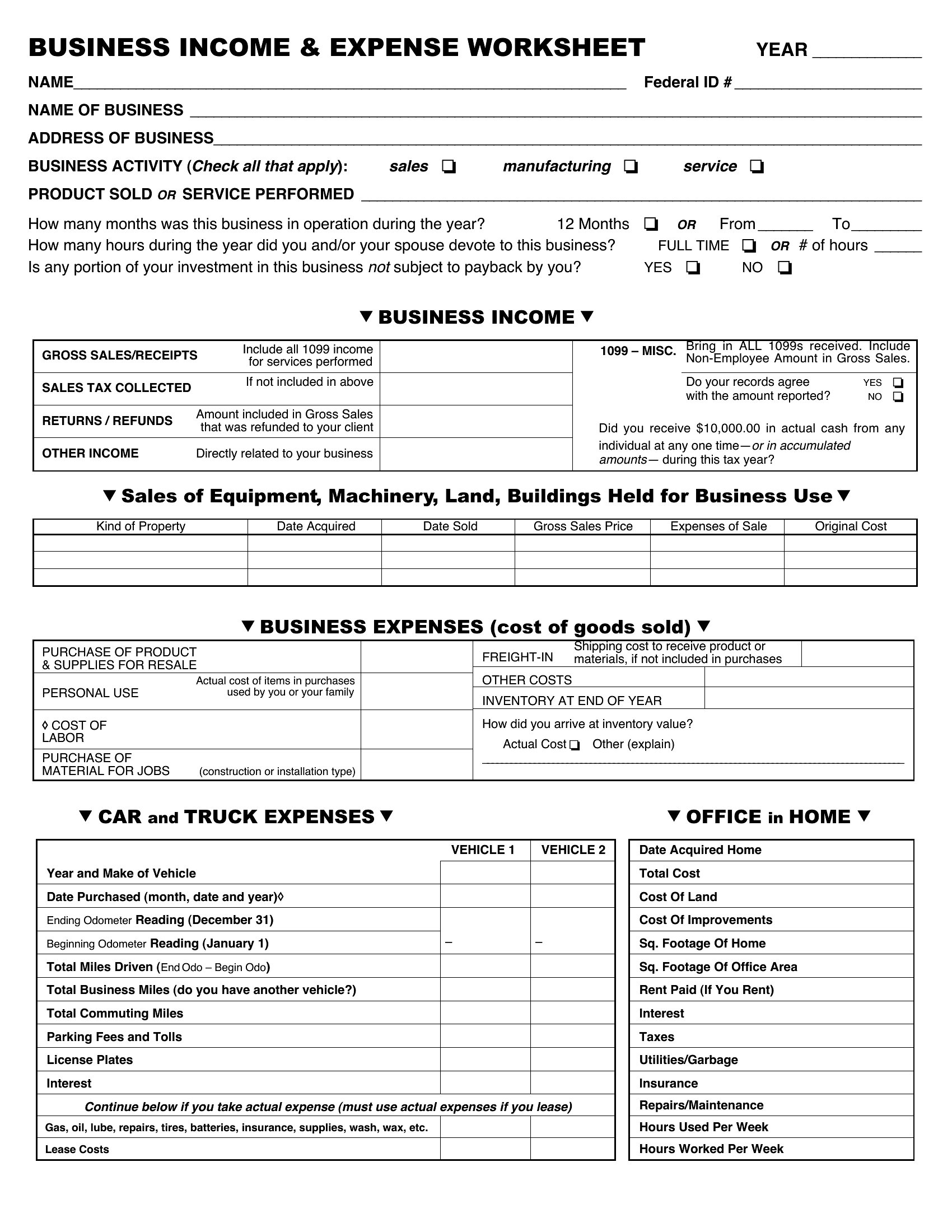
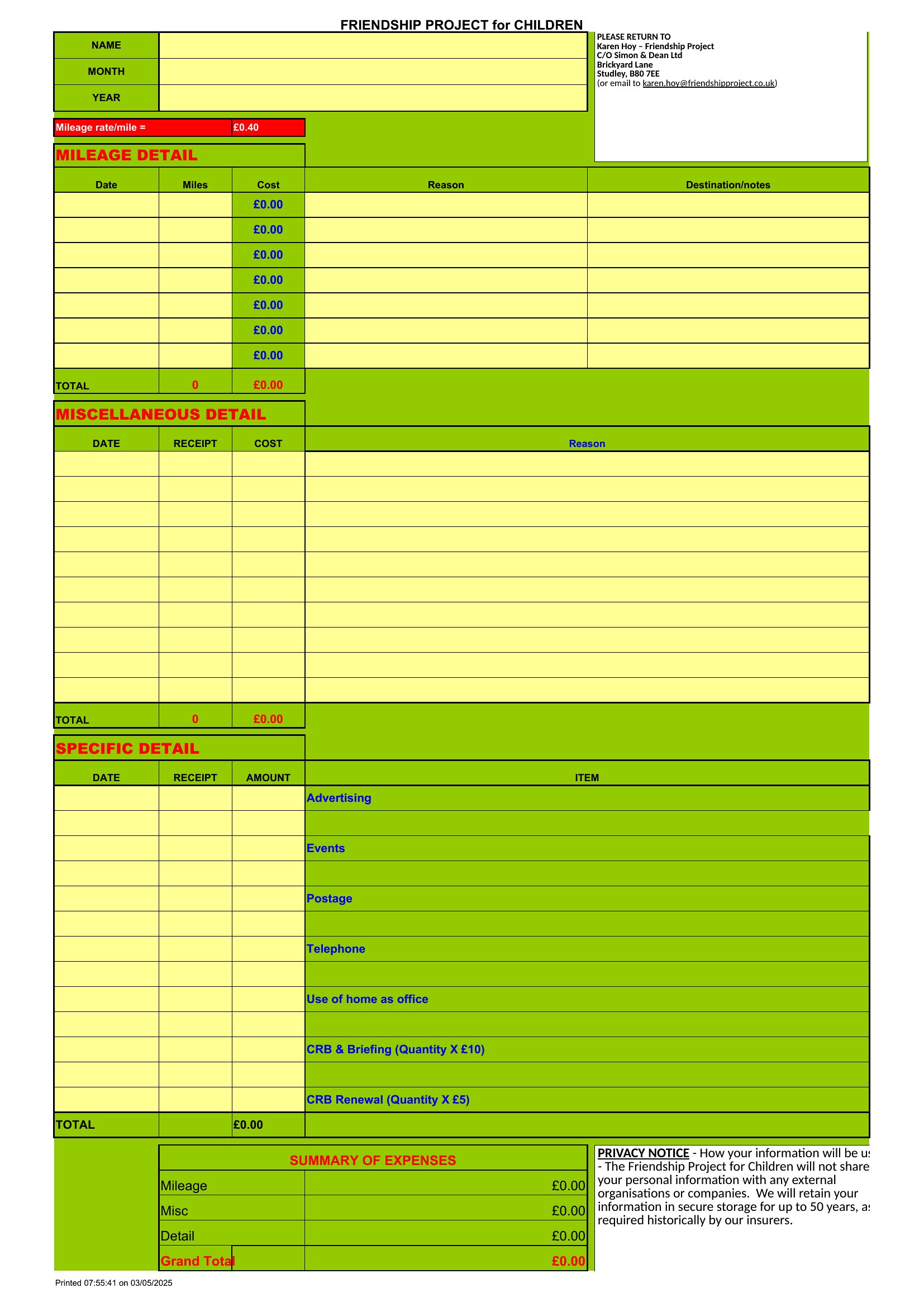
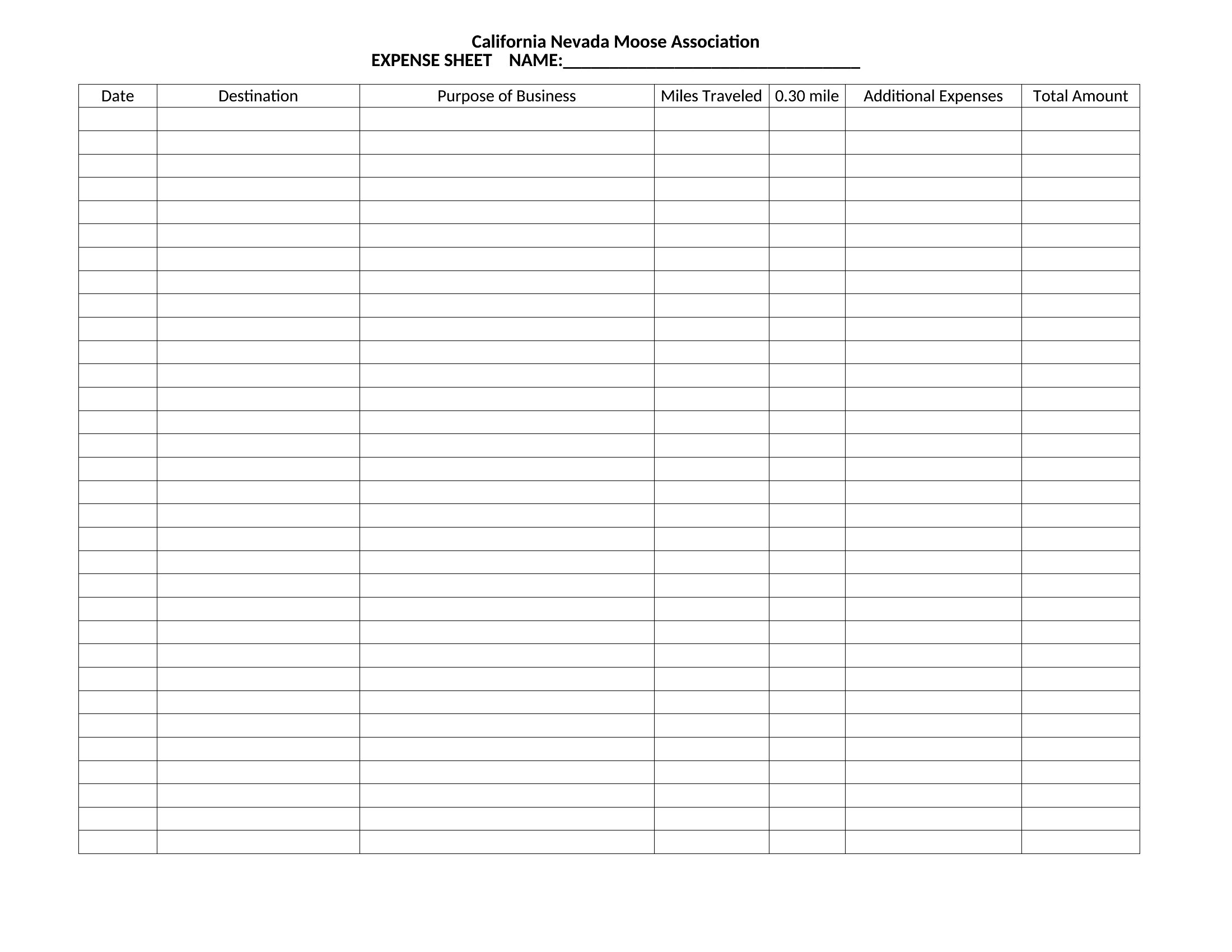
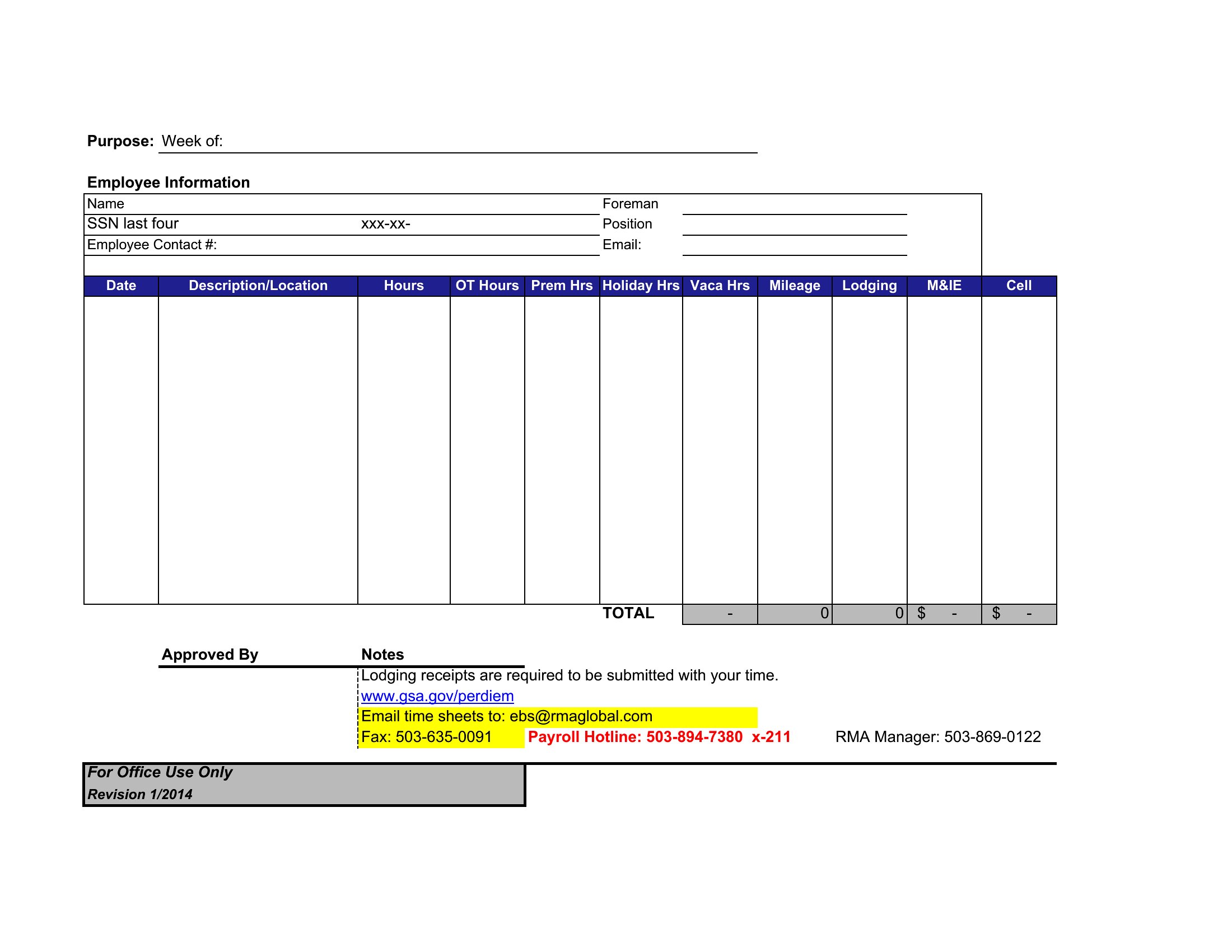
Several templates include dedicated mileage logs with columns for date, starting/ending odometer readings, purpose of trip, and business percentage. These are designed to mirror IRS Form 2106 for deductions. Look for spreadsheets labeled with ‘mileage’ or ‘vehicle’ in the title, particularly in the Excel format, as they often include built-in calculations for depreciation or standard mileage rates.
What’s the difference between a ‘fillable’ PDF and a regular PDF in this collection?
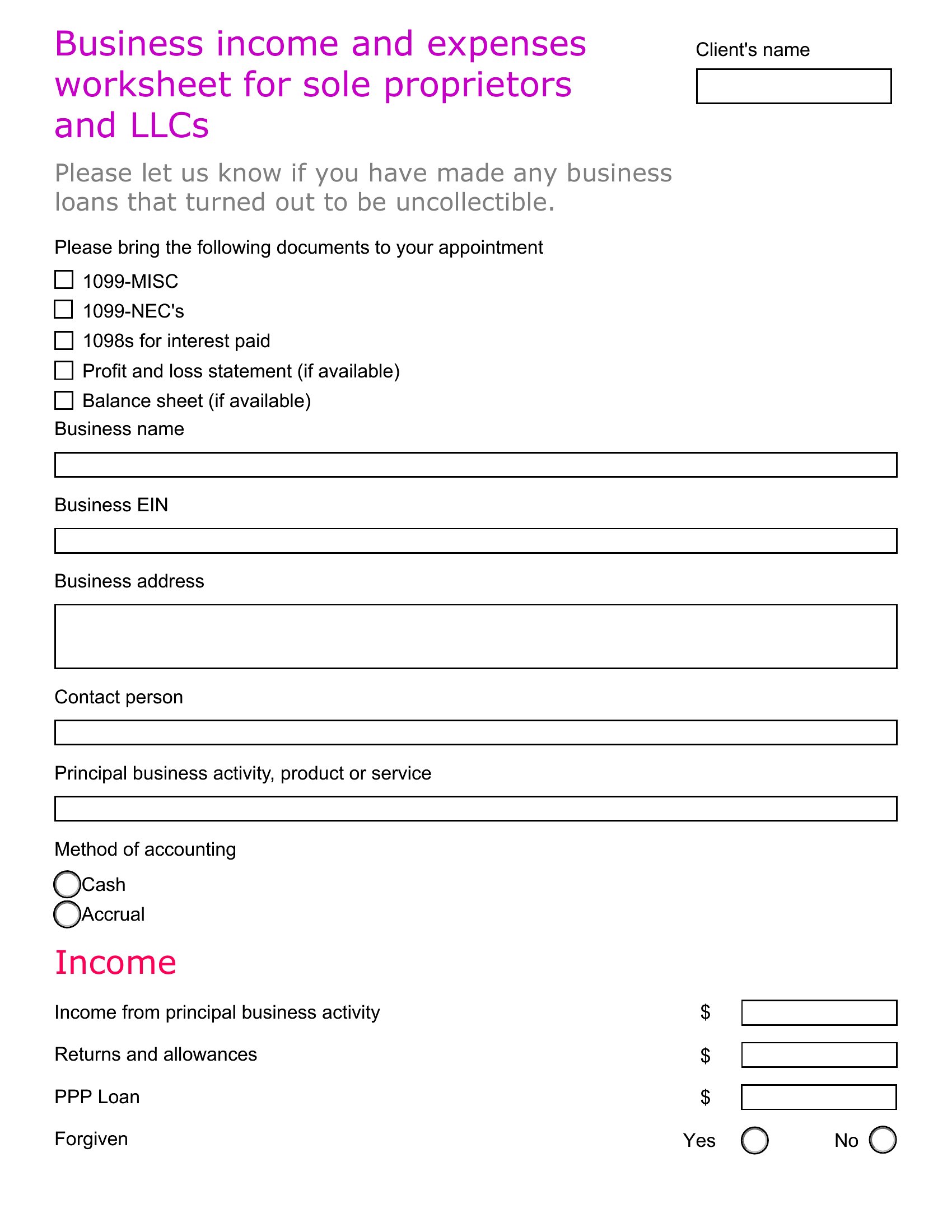
Fillable PDFs allow you to type directly into fields (like expense amounts or dates) using a PDF reader, while regular PDFs are static and require printing or manual entry in another program. Fillable PDFs are best for quick, on-the-go logging—ideal for freelancers or small teams—while regular PDFs work if you’re scanning paper receipts and attaching them as annotations. Always save a backup copy of fillable PDFs after editing to prevent data loss.
Comments
Join the conversation
Sign in to share your thoughts and leave a comment on this resource.