Skip to content
50% off this one-time $1.99 pack with HALFOFF — or unlimited with Pro.HALFOFF
Premium

Free Call Sheet Templates (Word, Excel, PDF)
Daily
leanabergersen by leanabergersen
Updated 0 downloads Quality-checked template

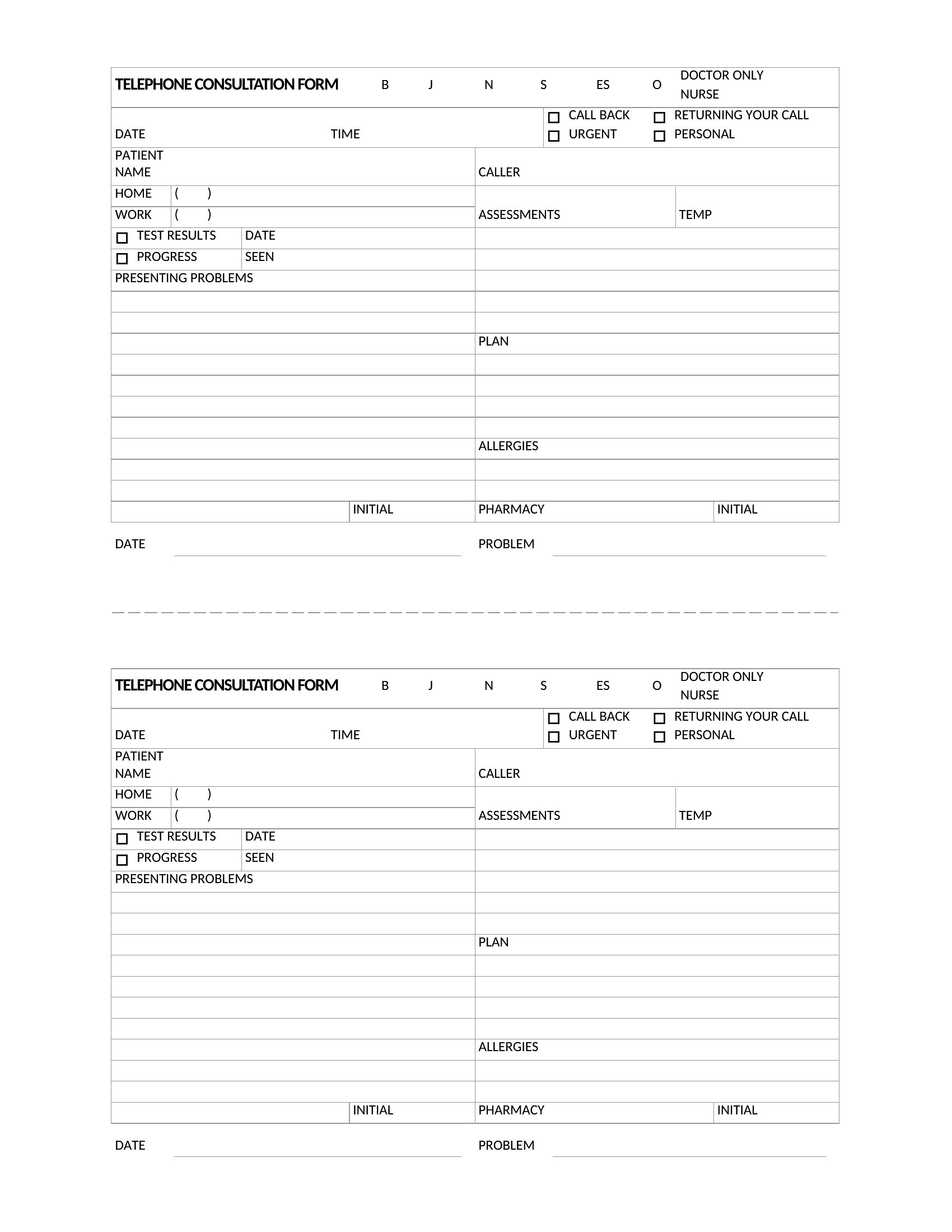
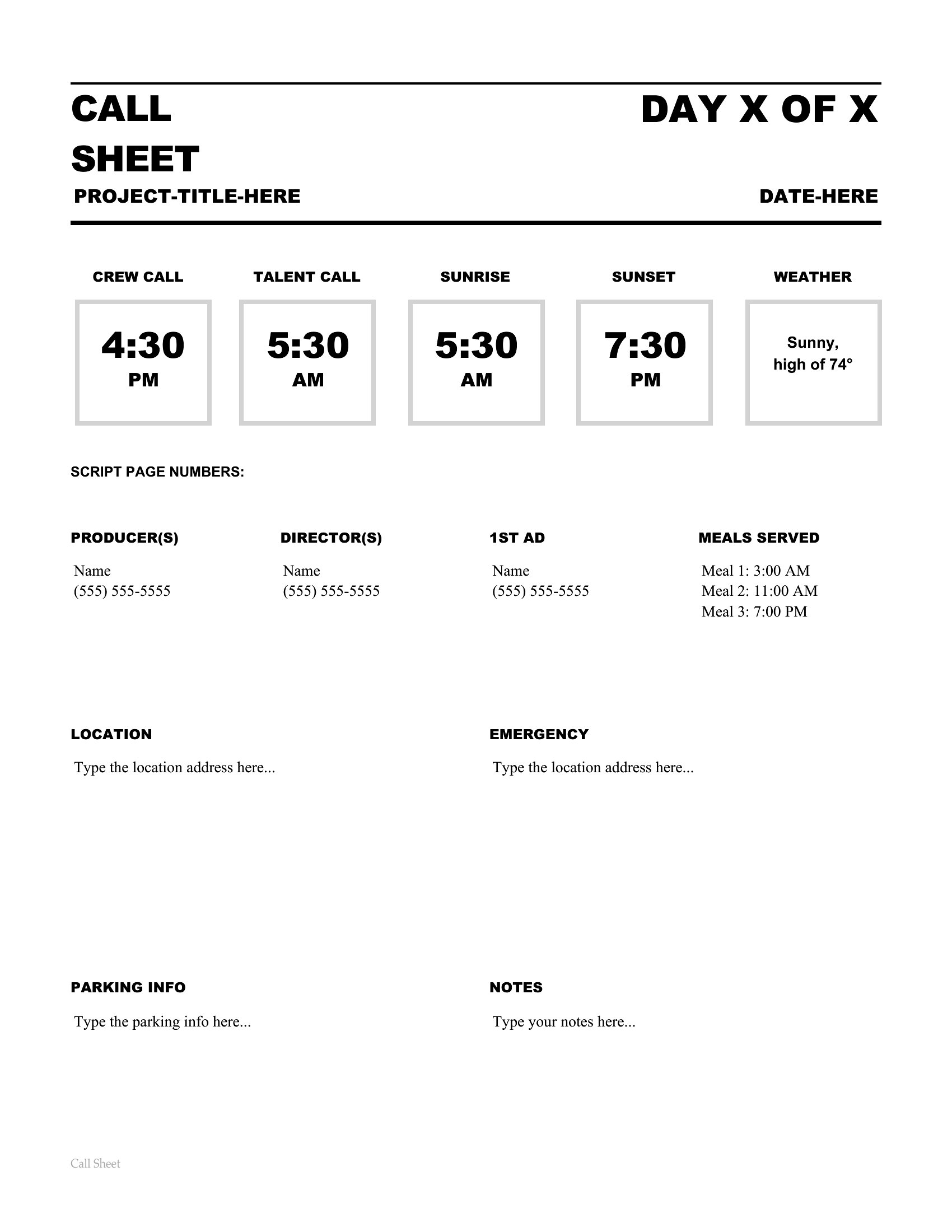
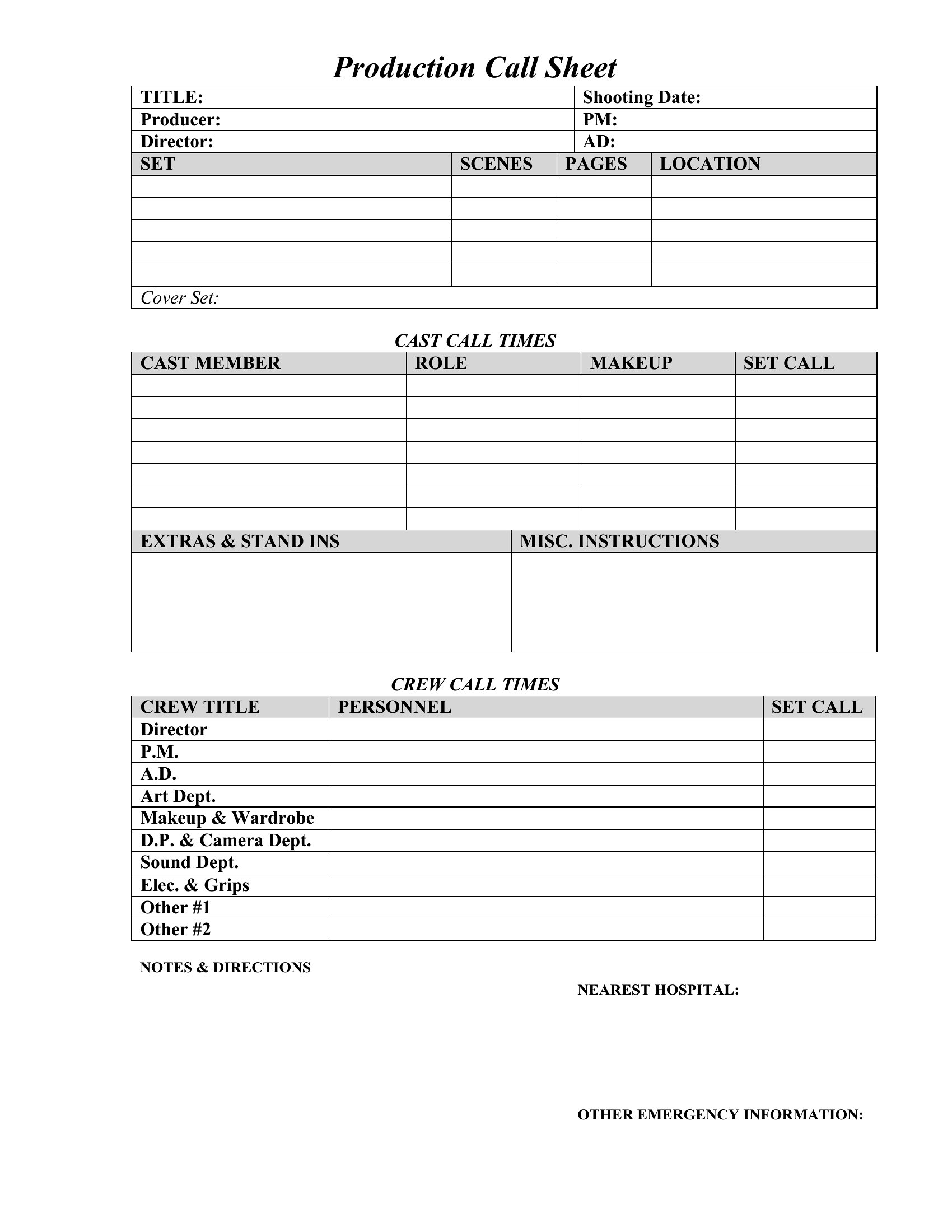
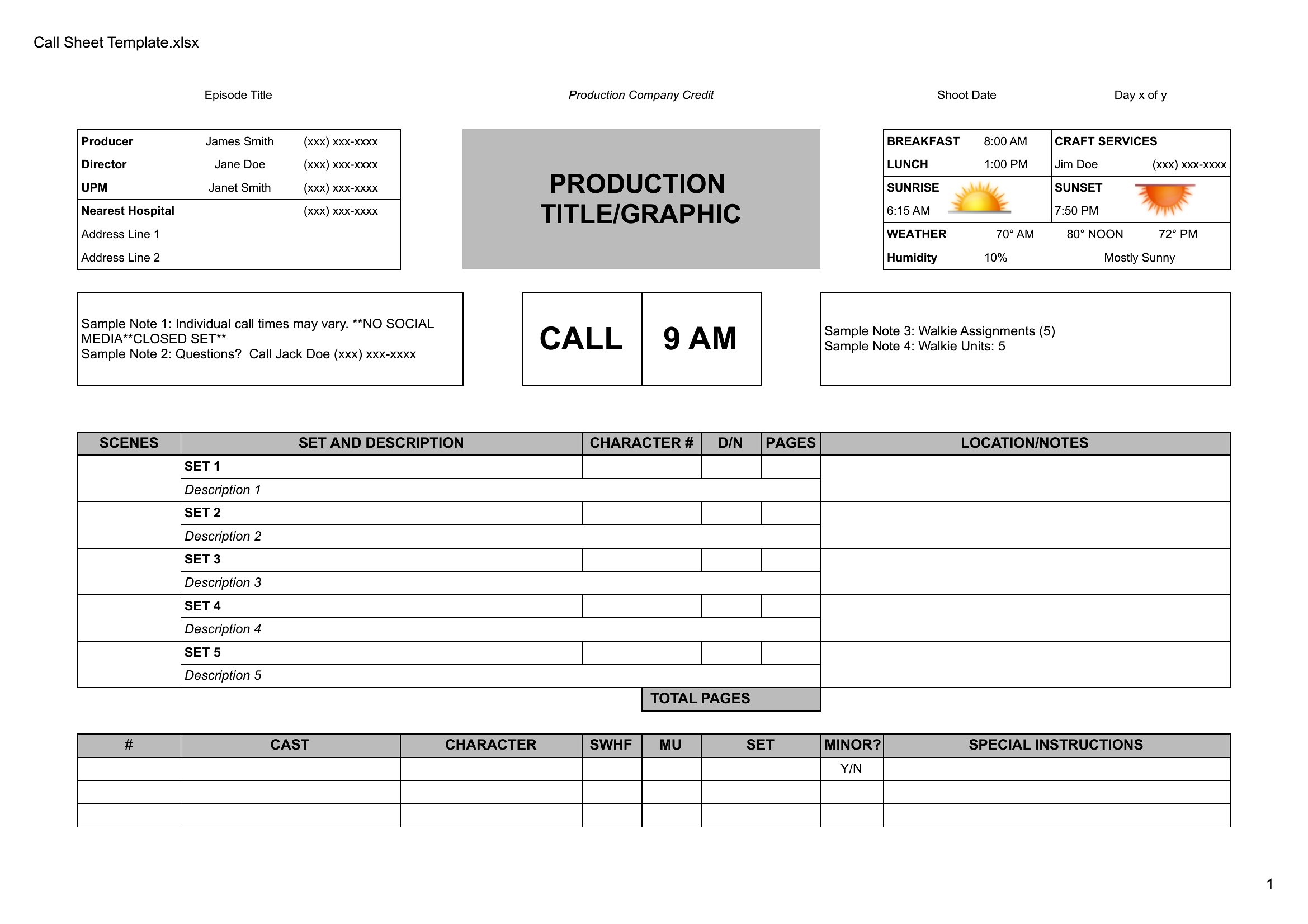
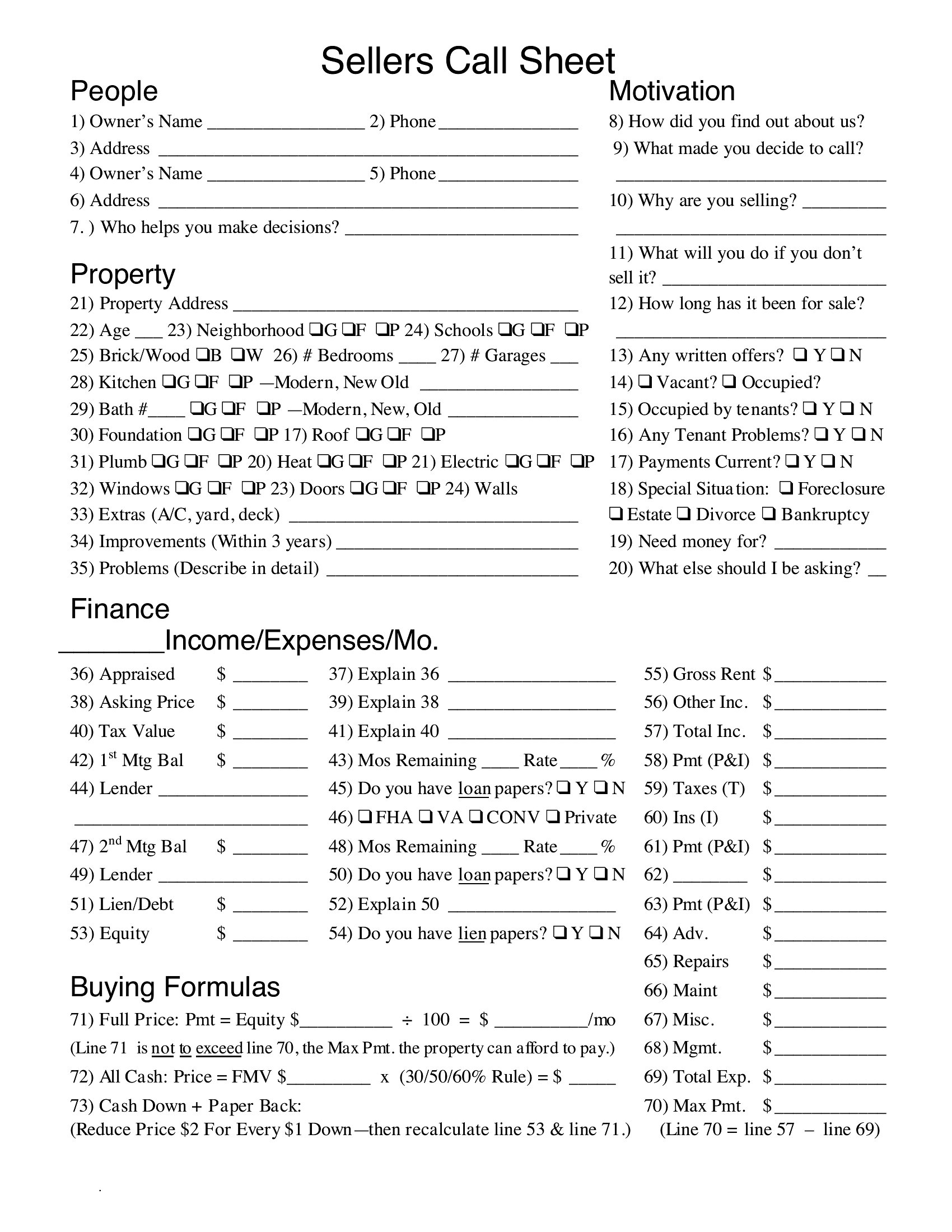
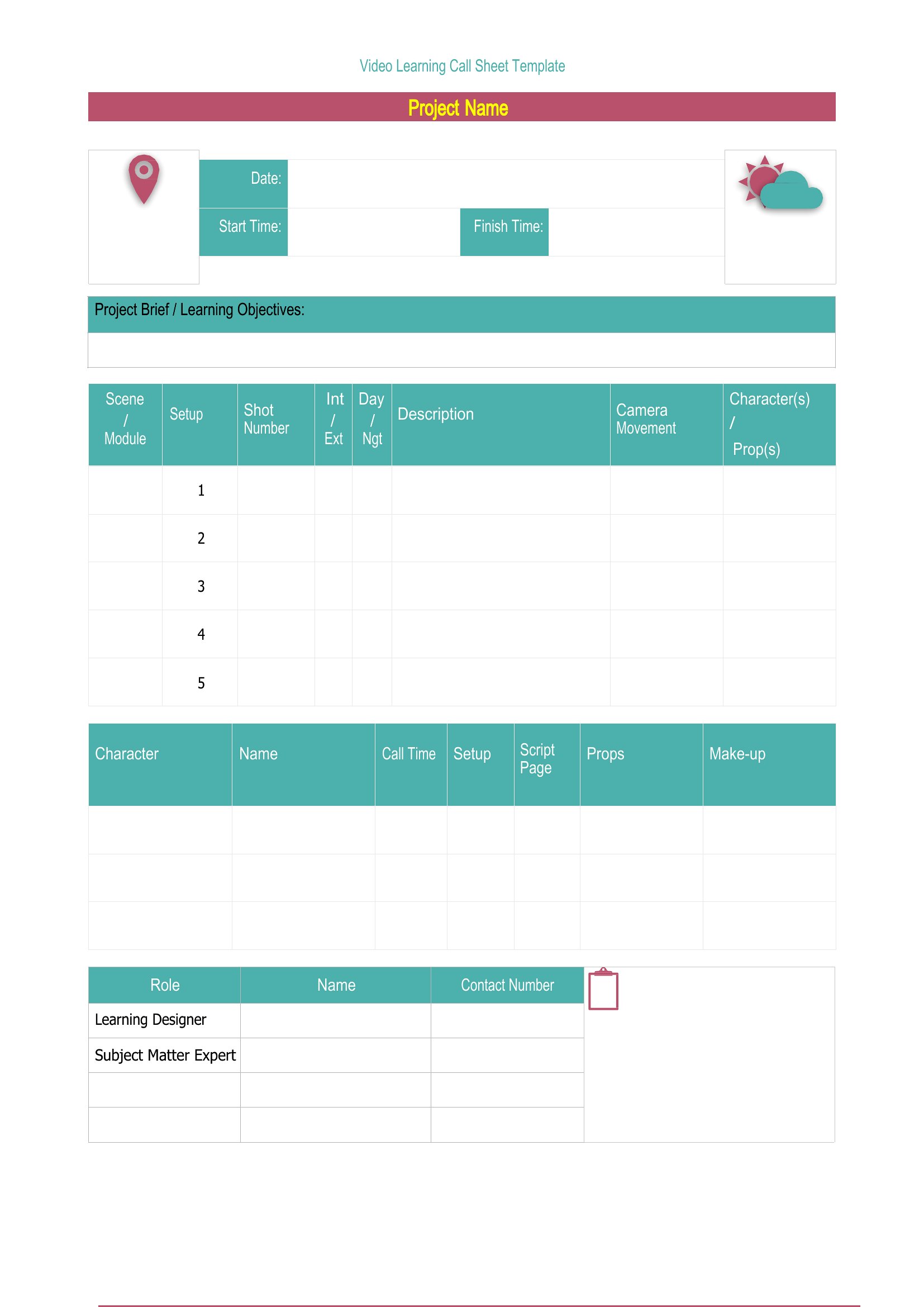
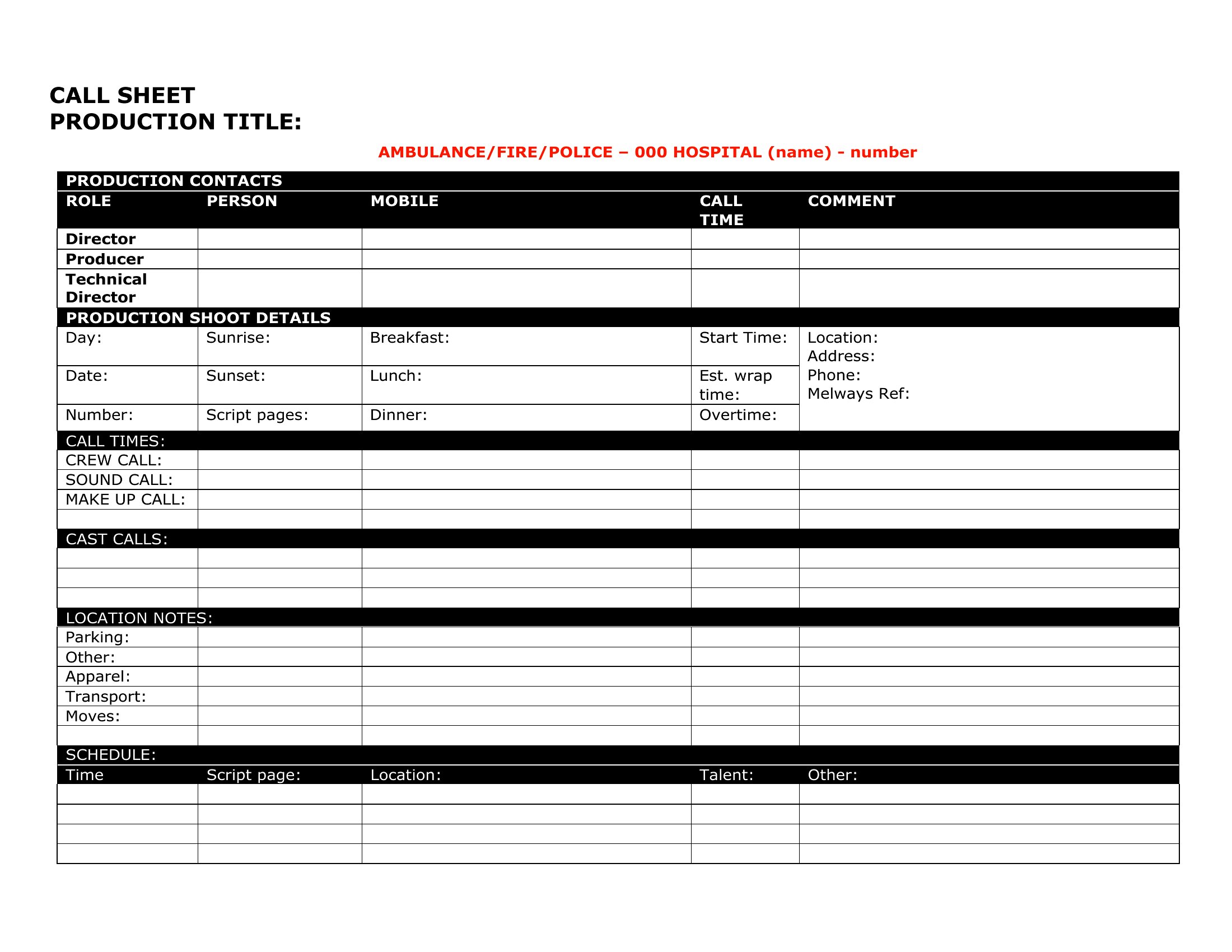
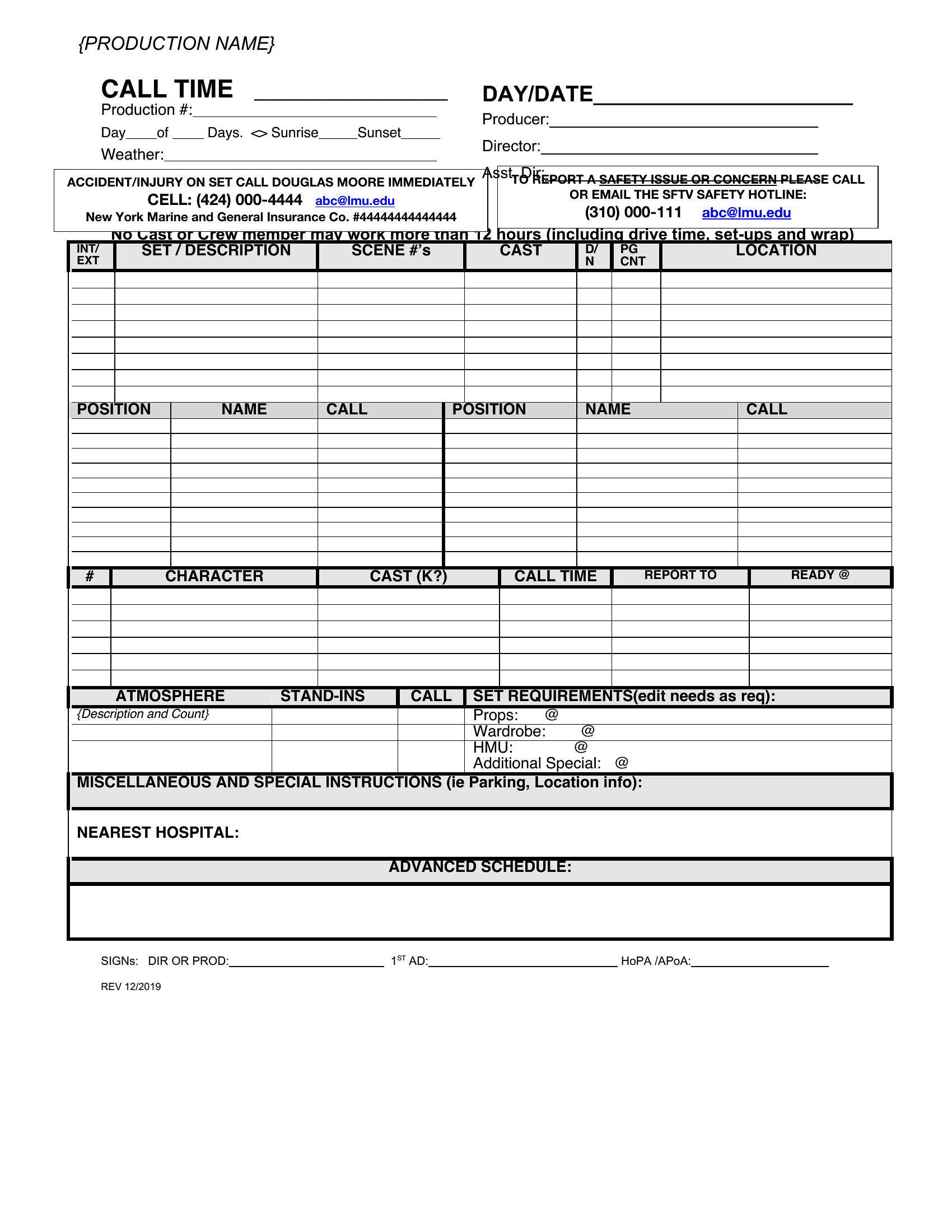
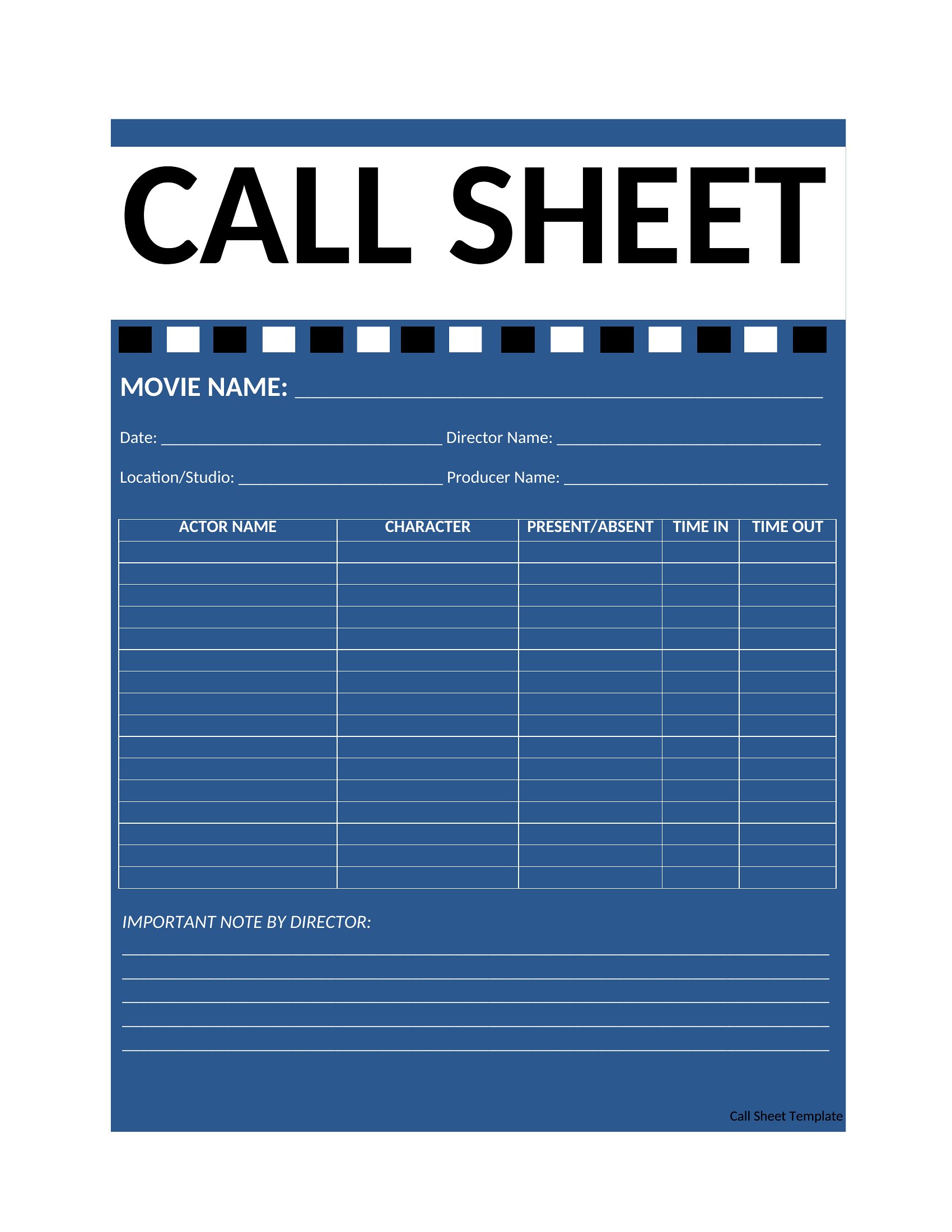
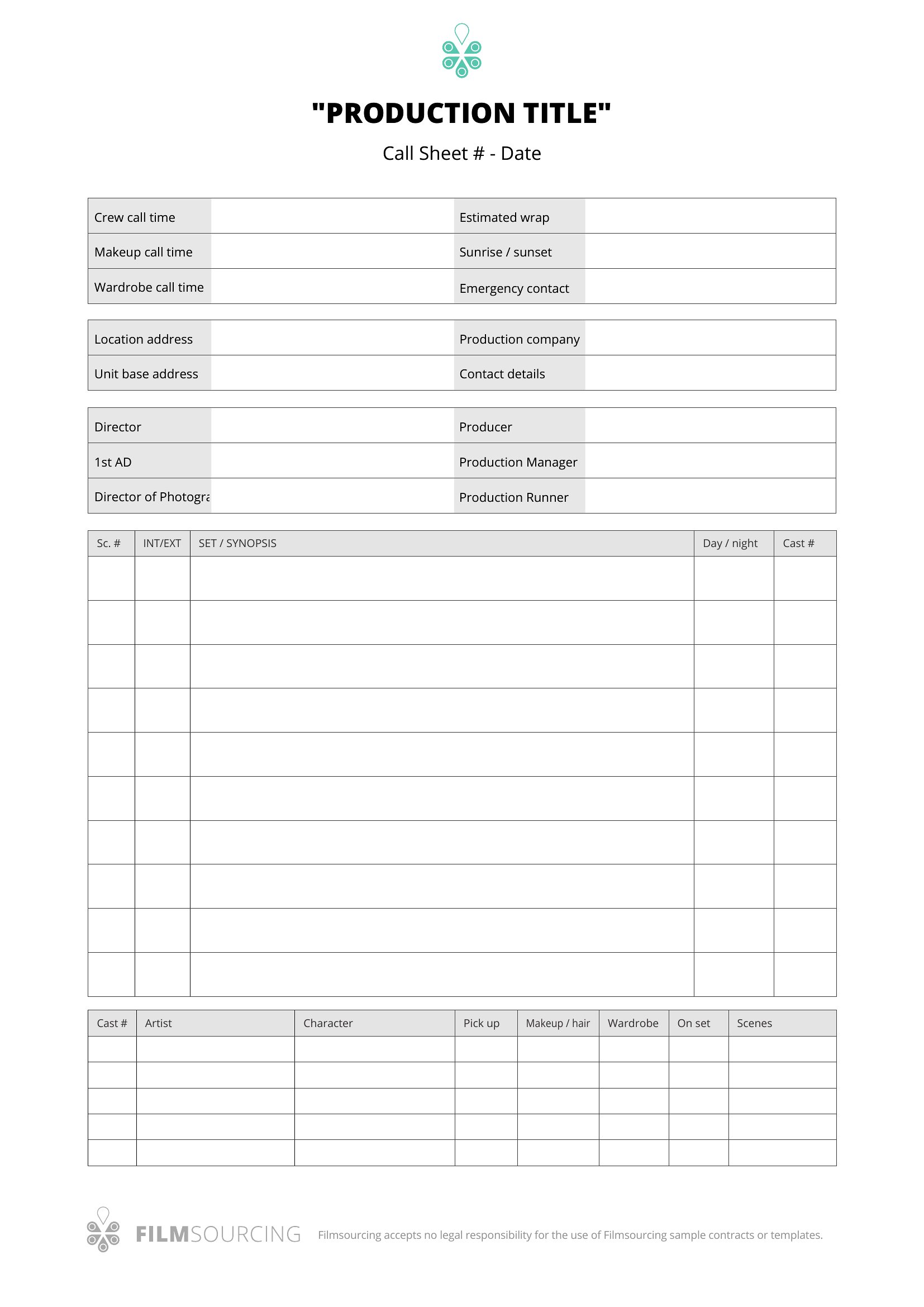
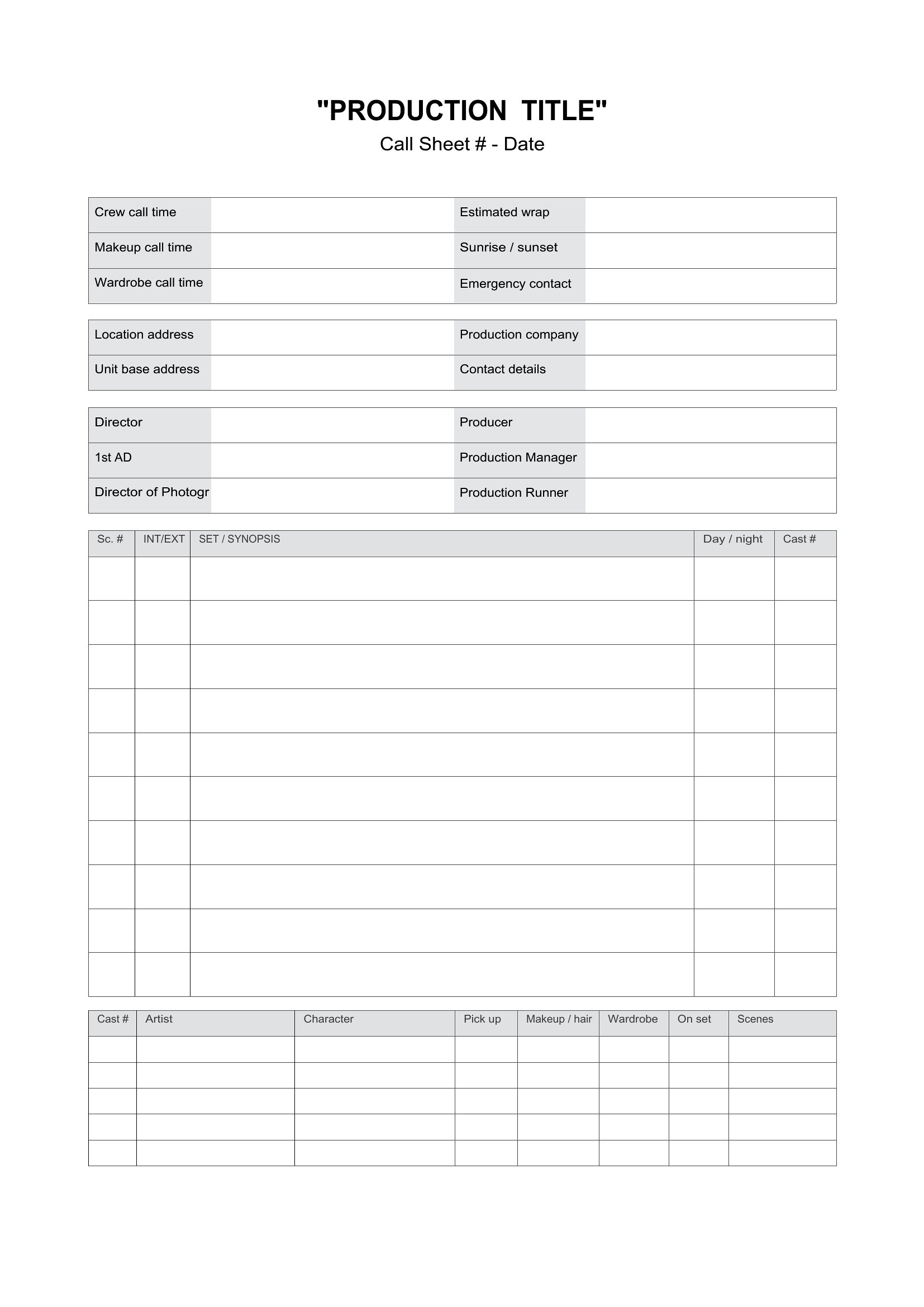
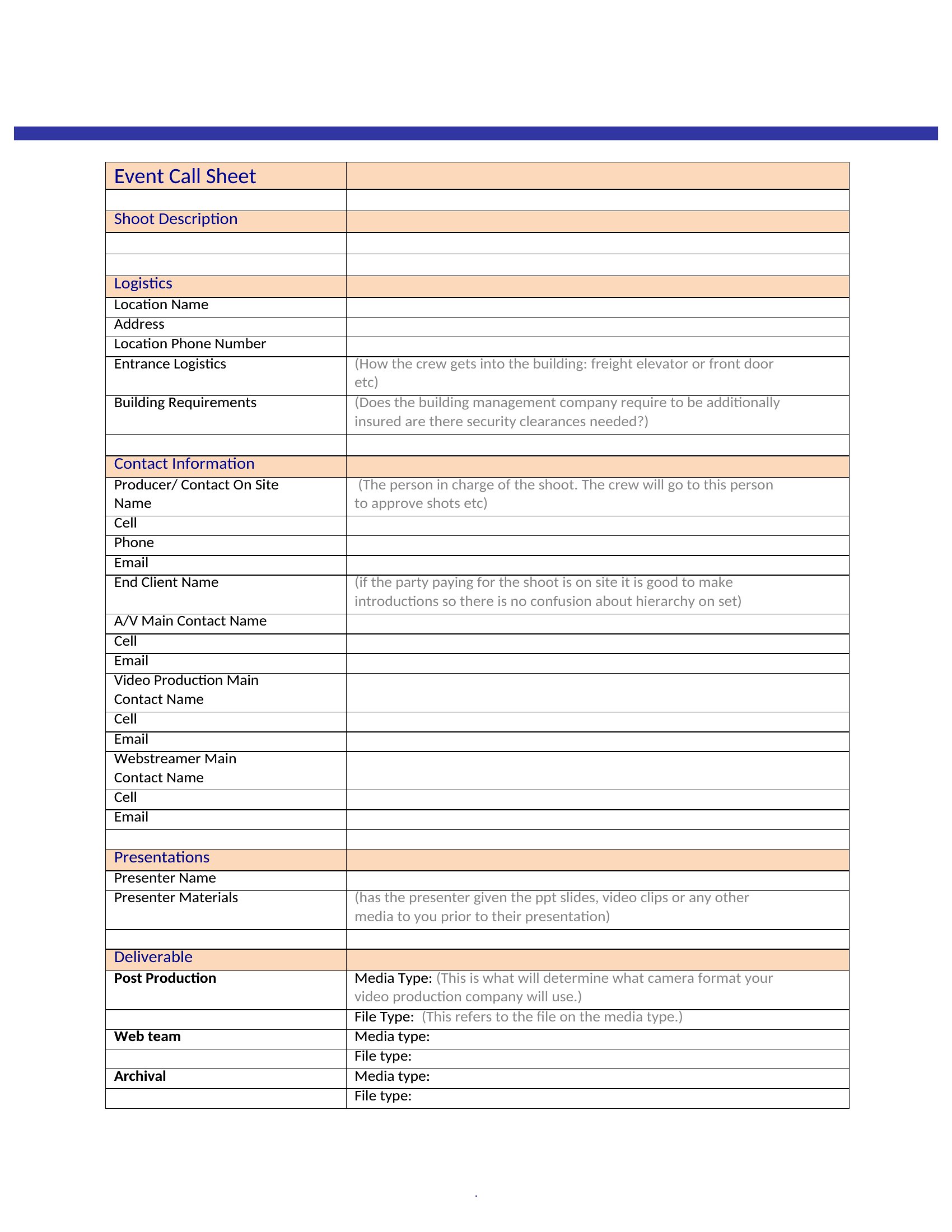
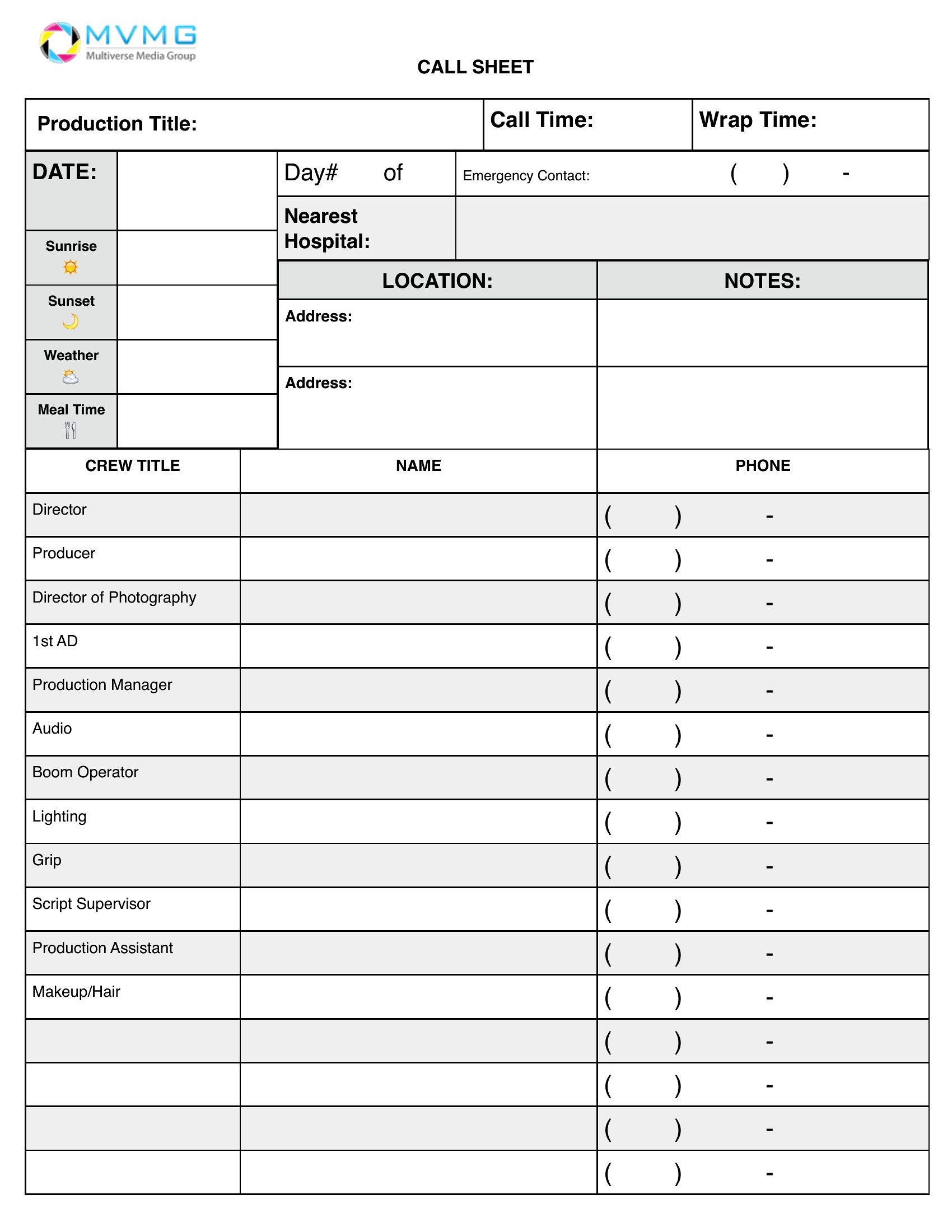
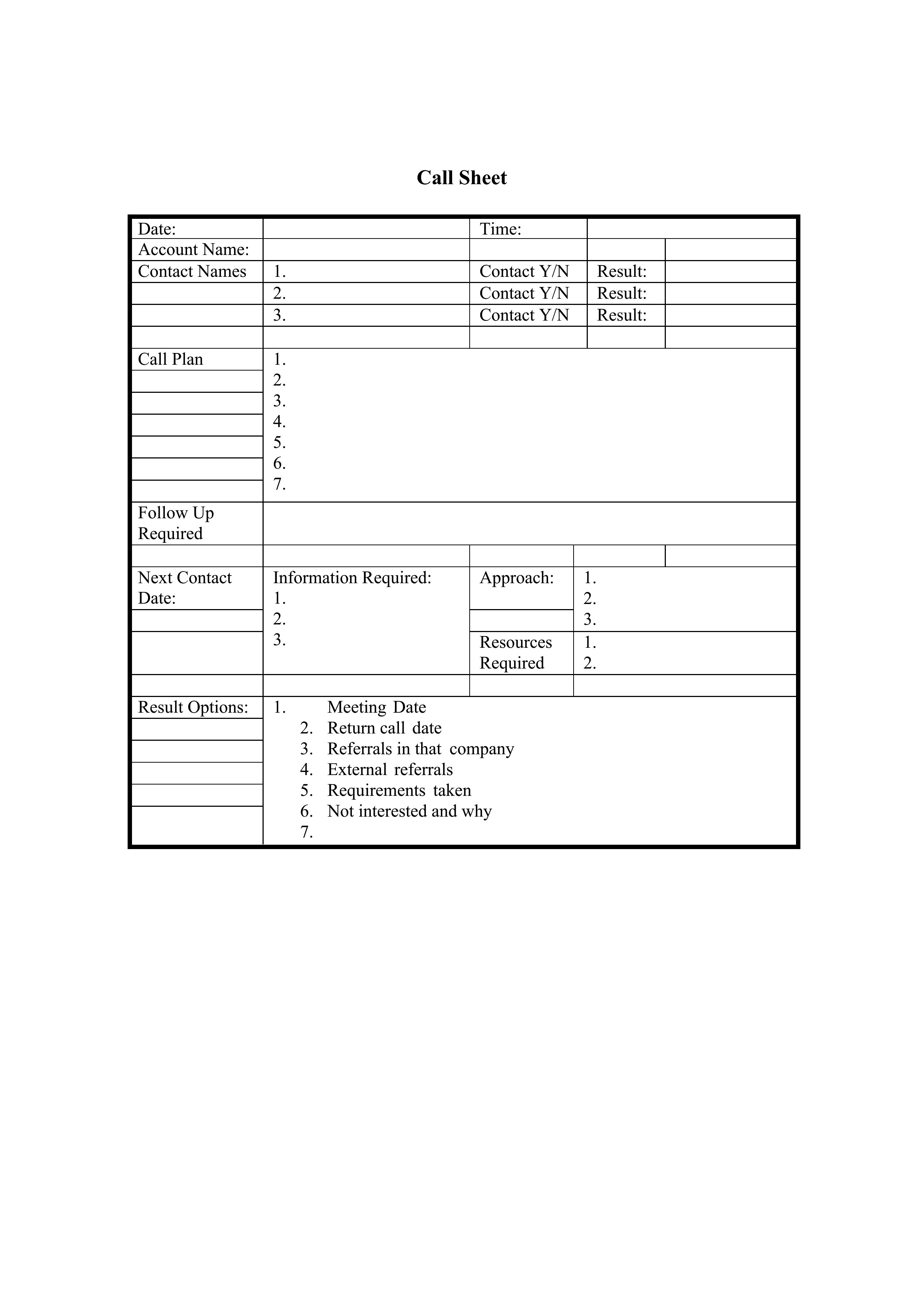
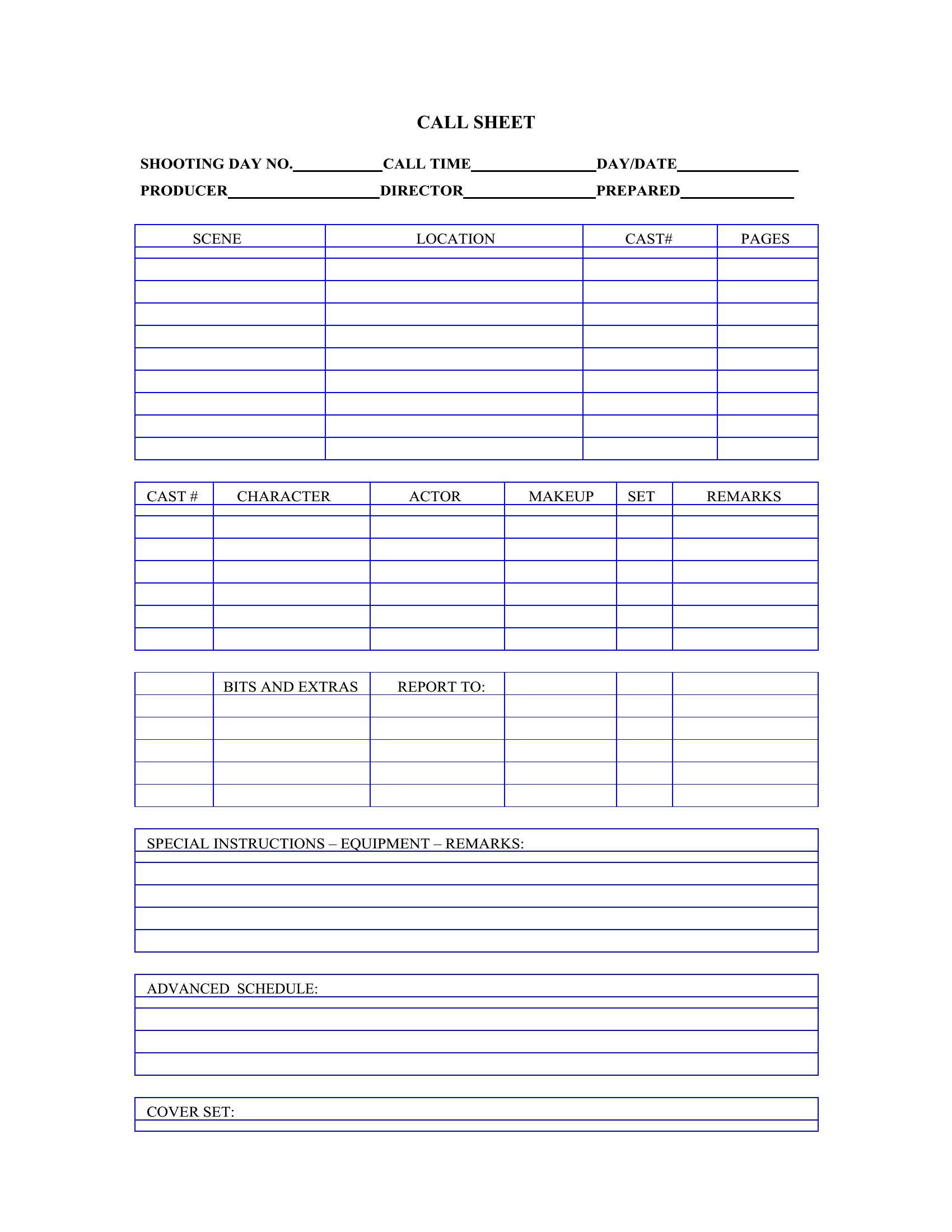
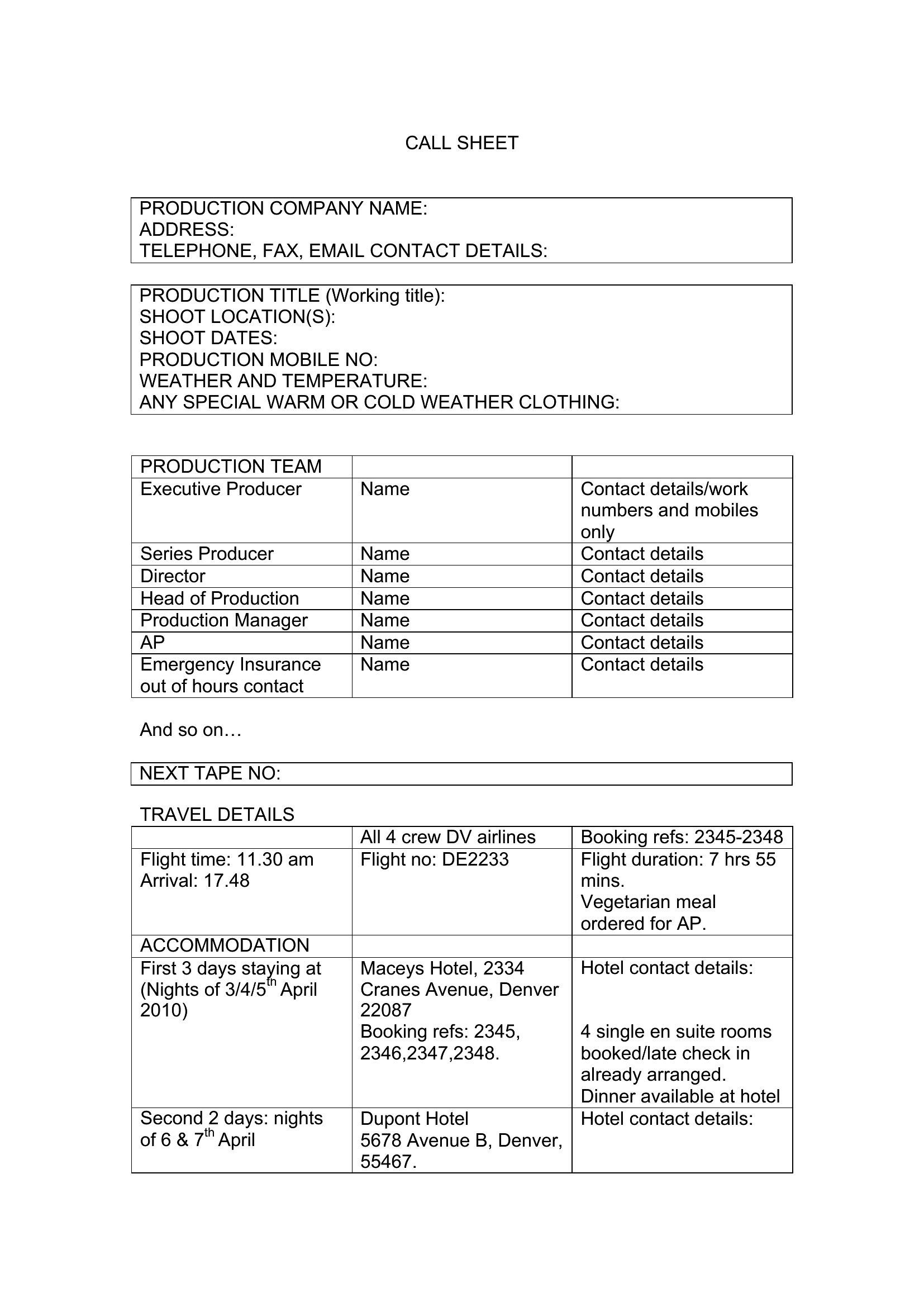
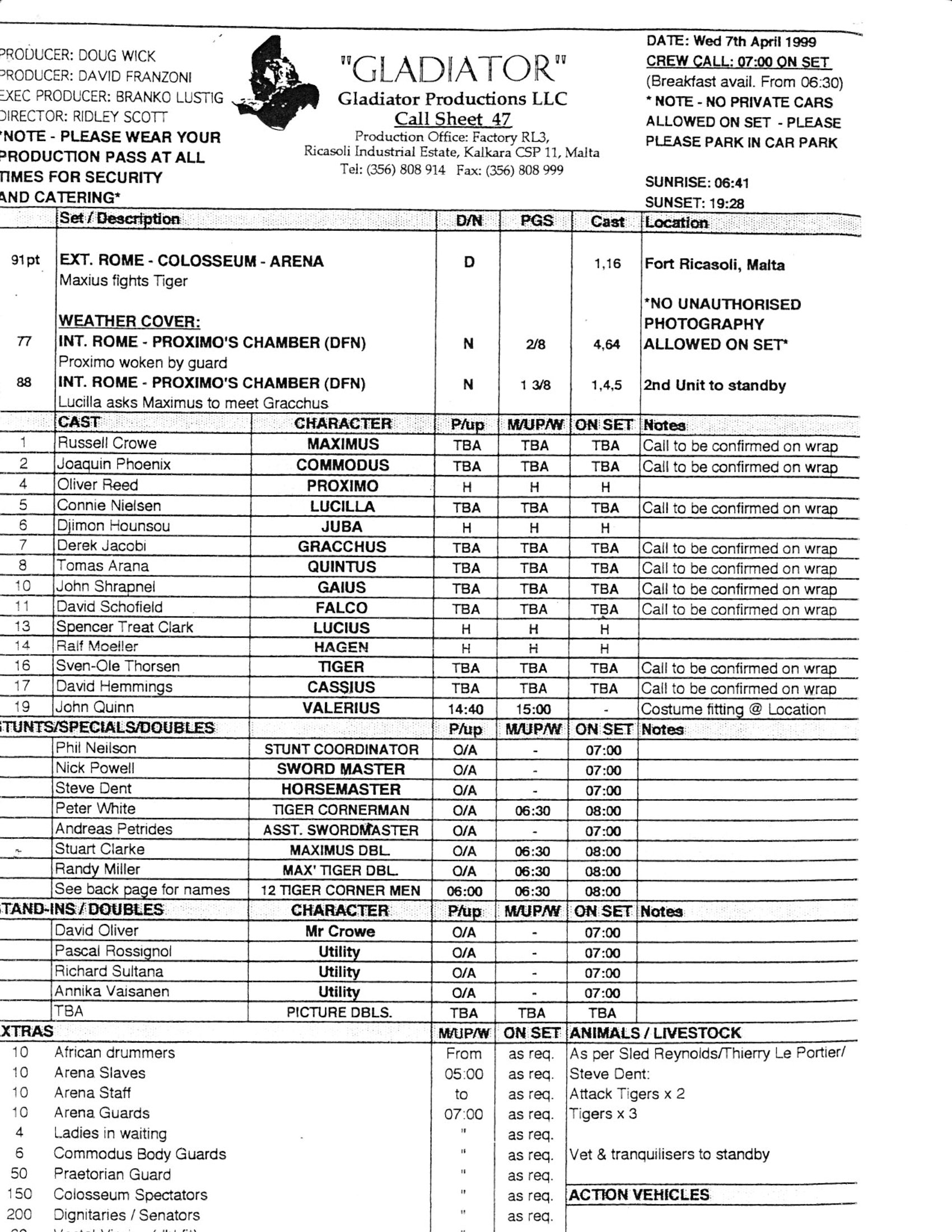
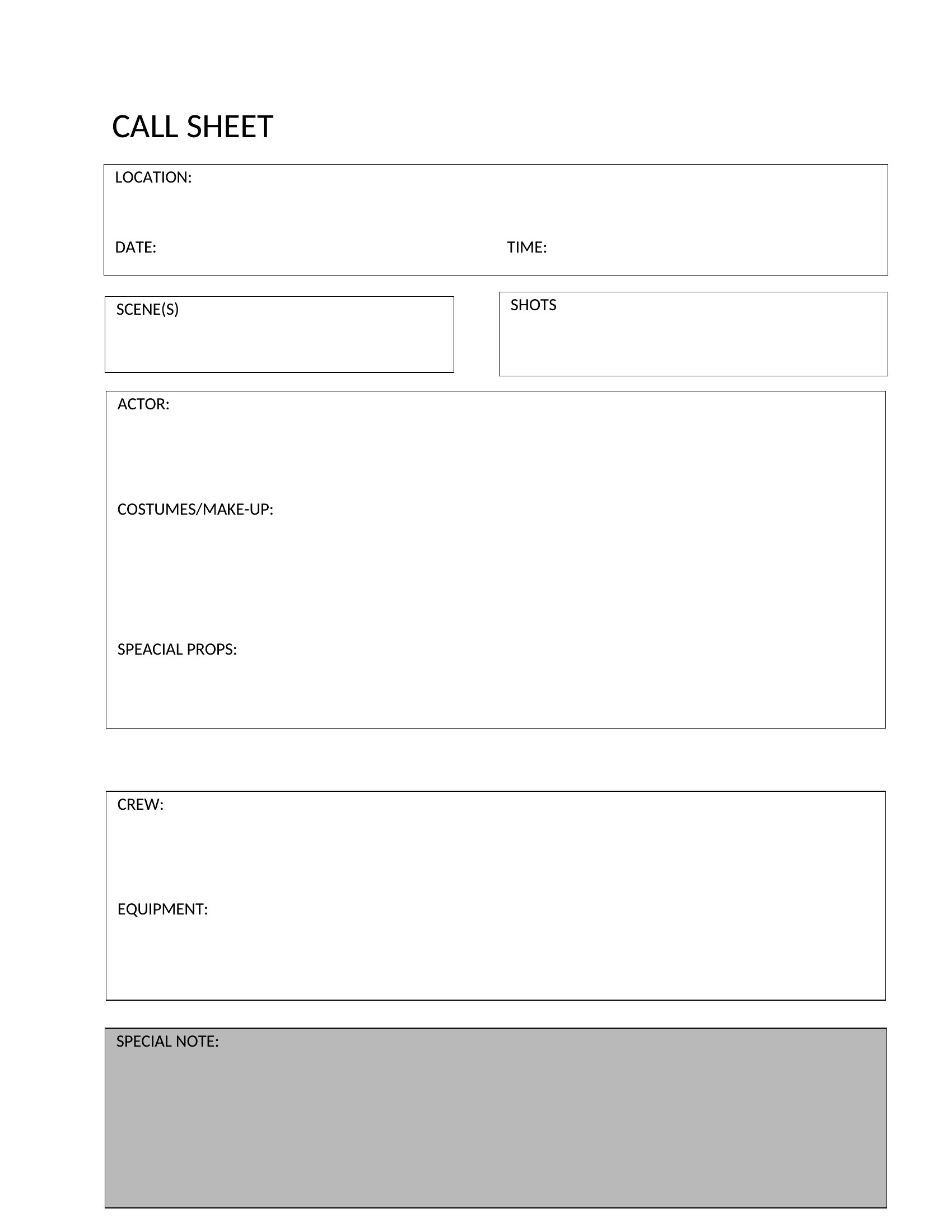
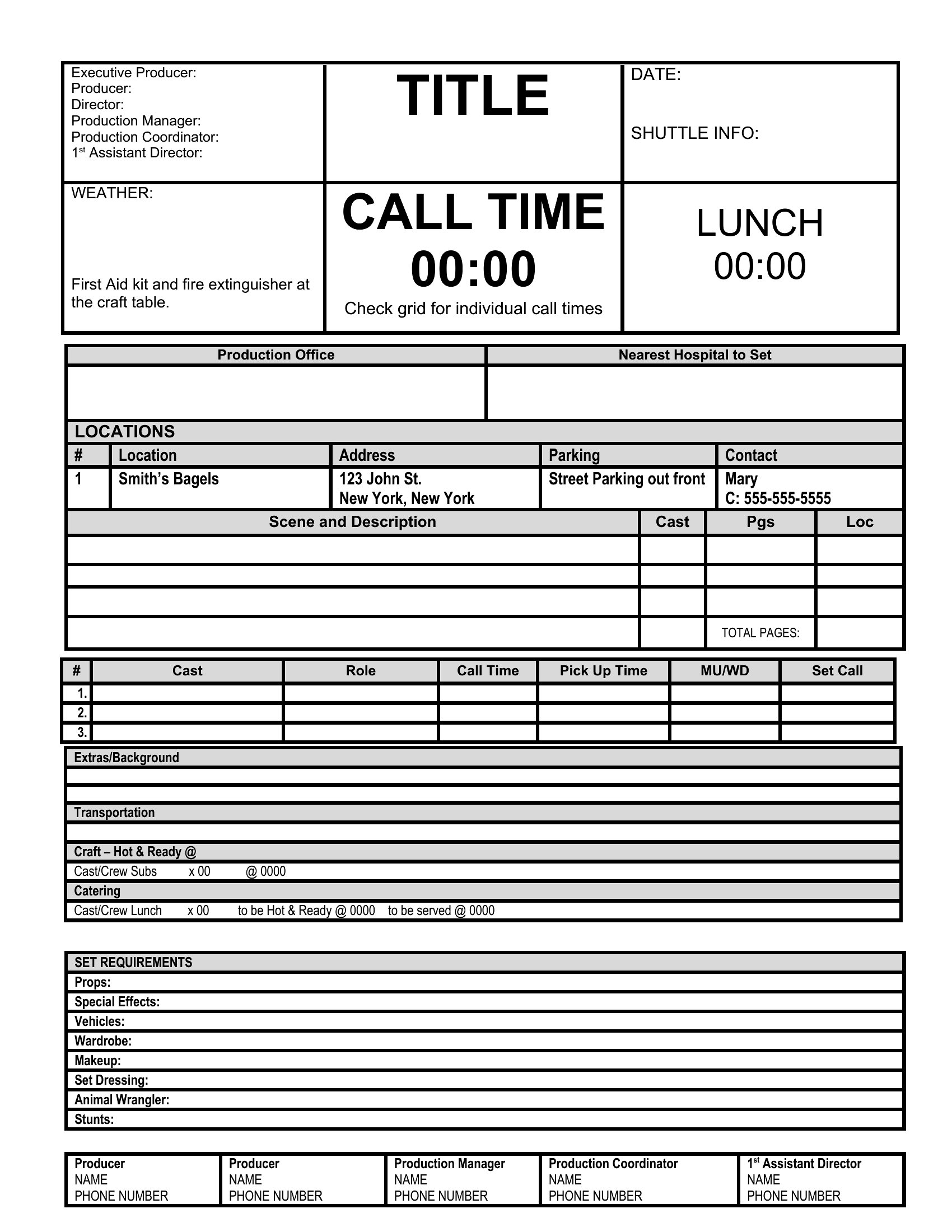
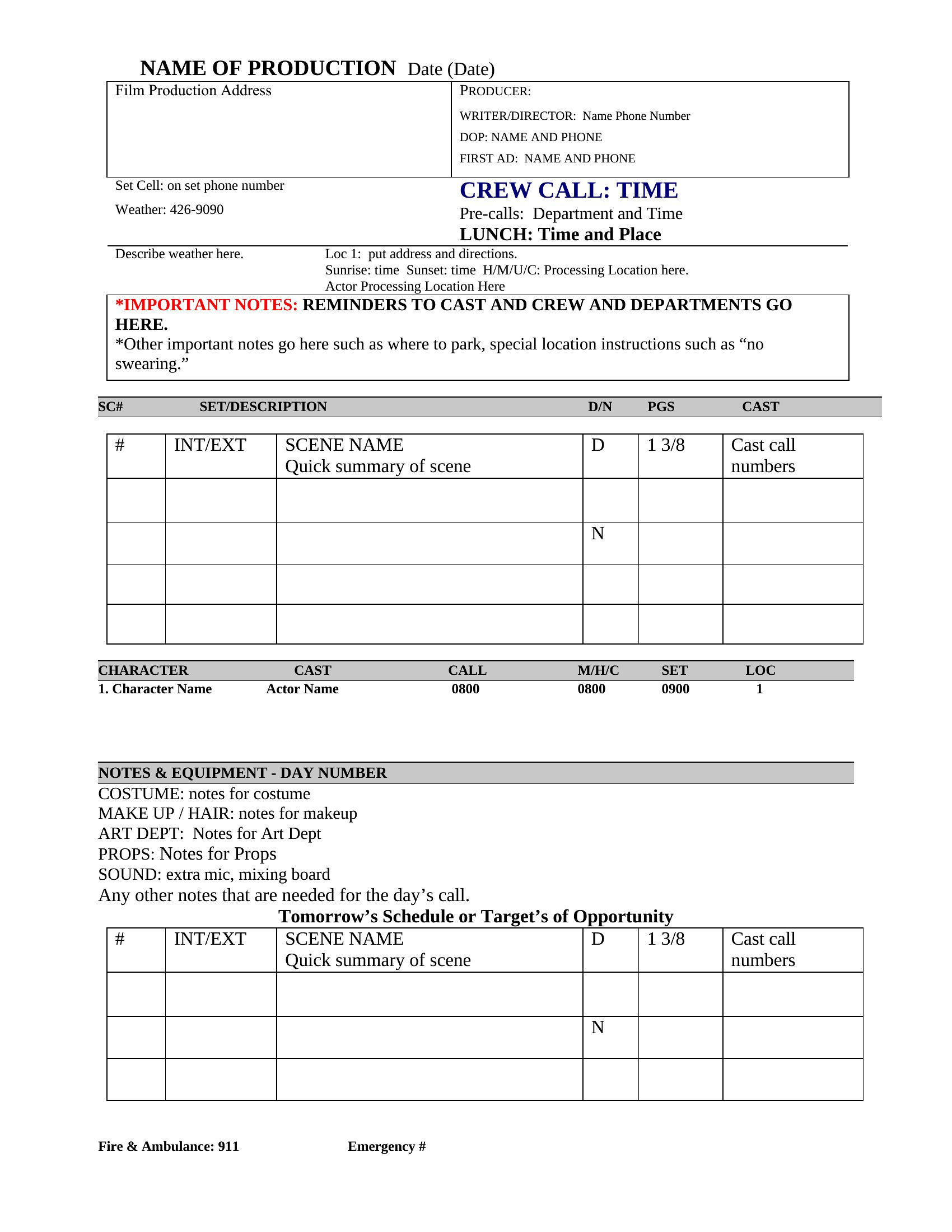
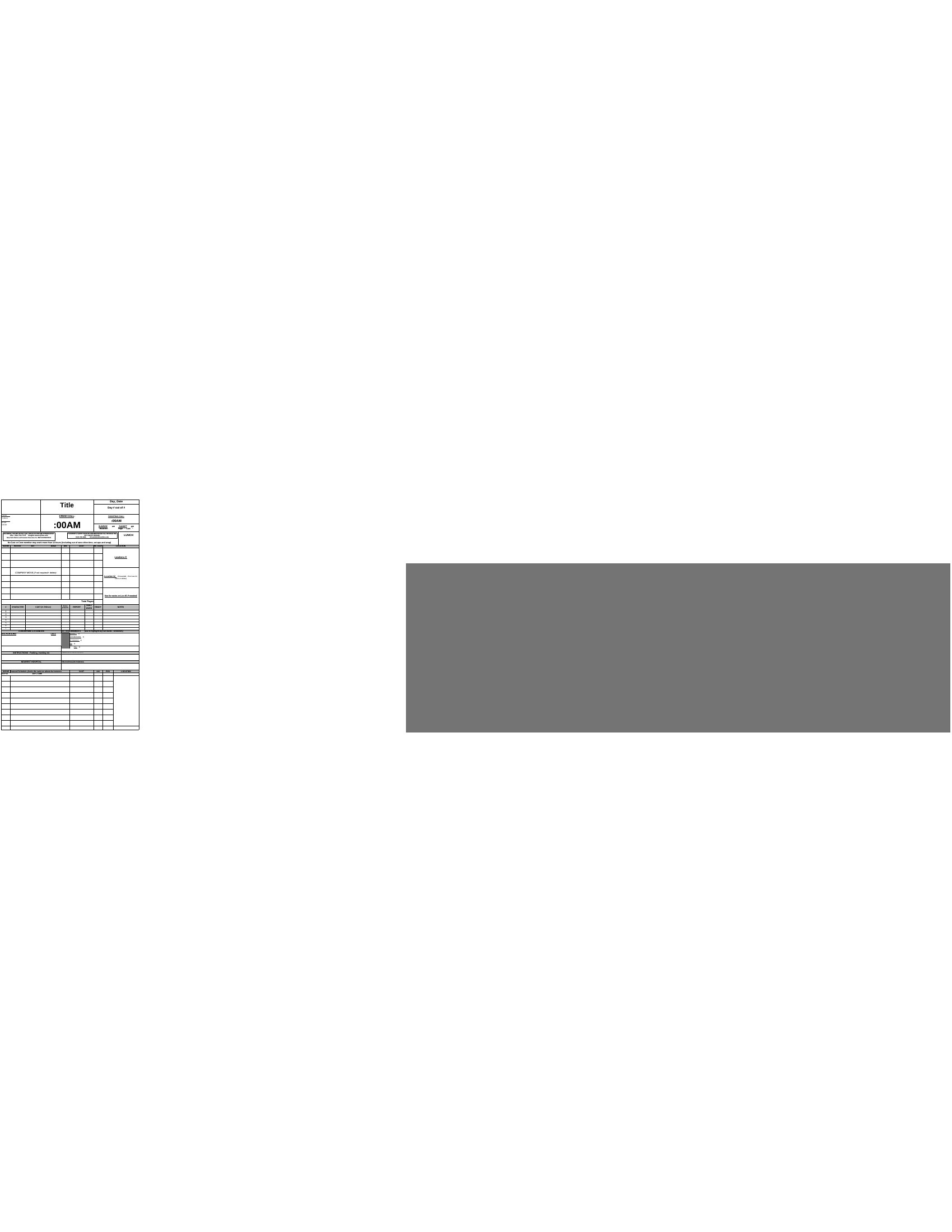
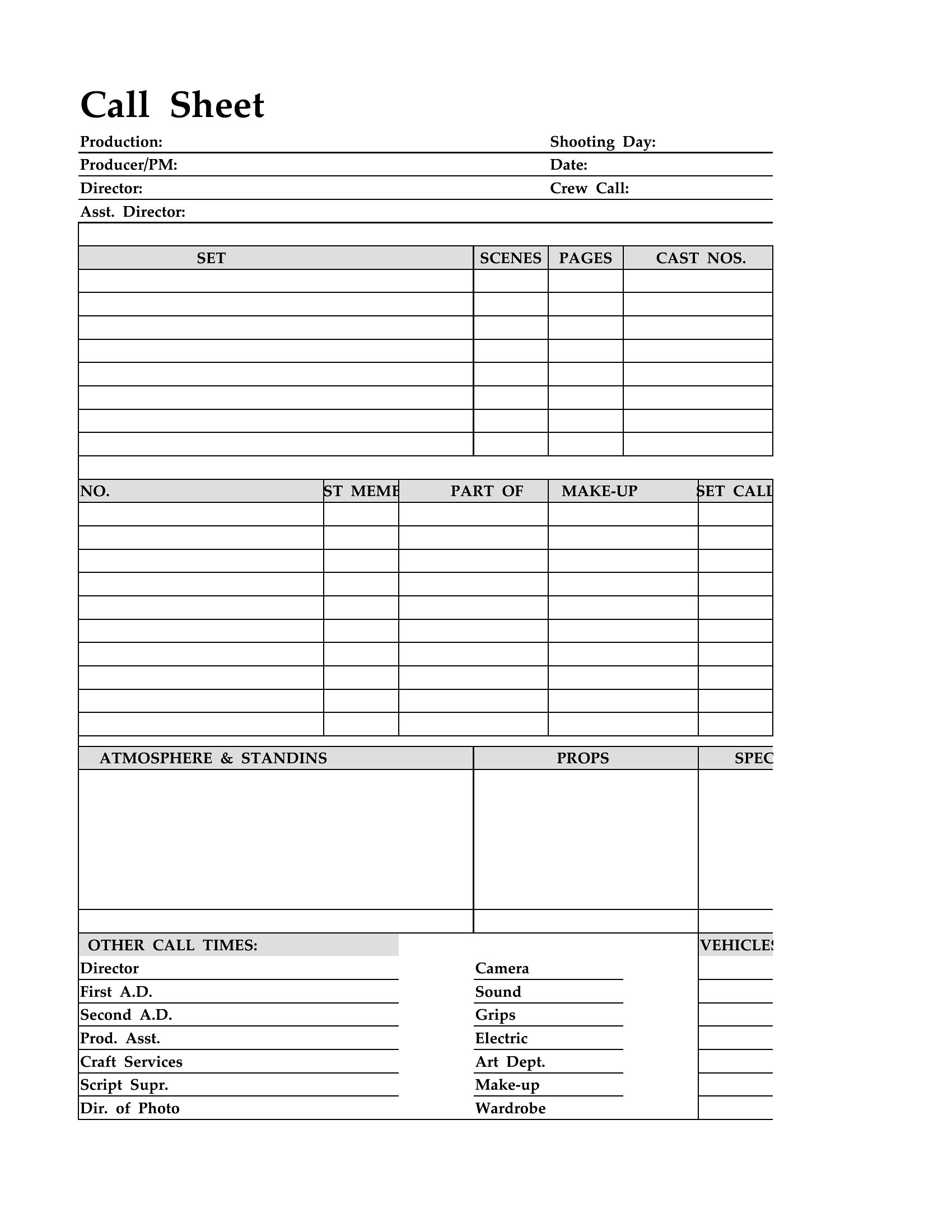
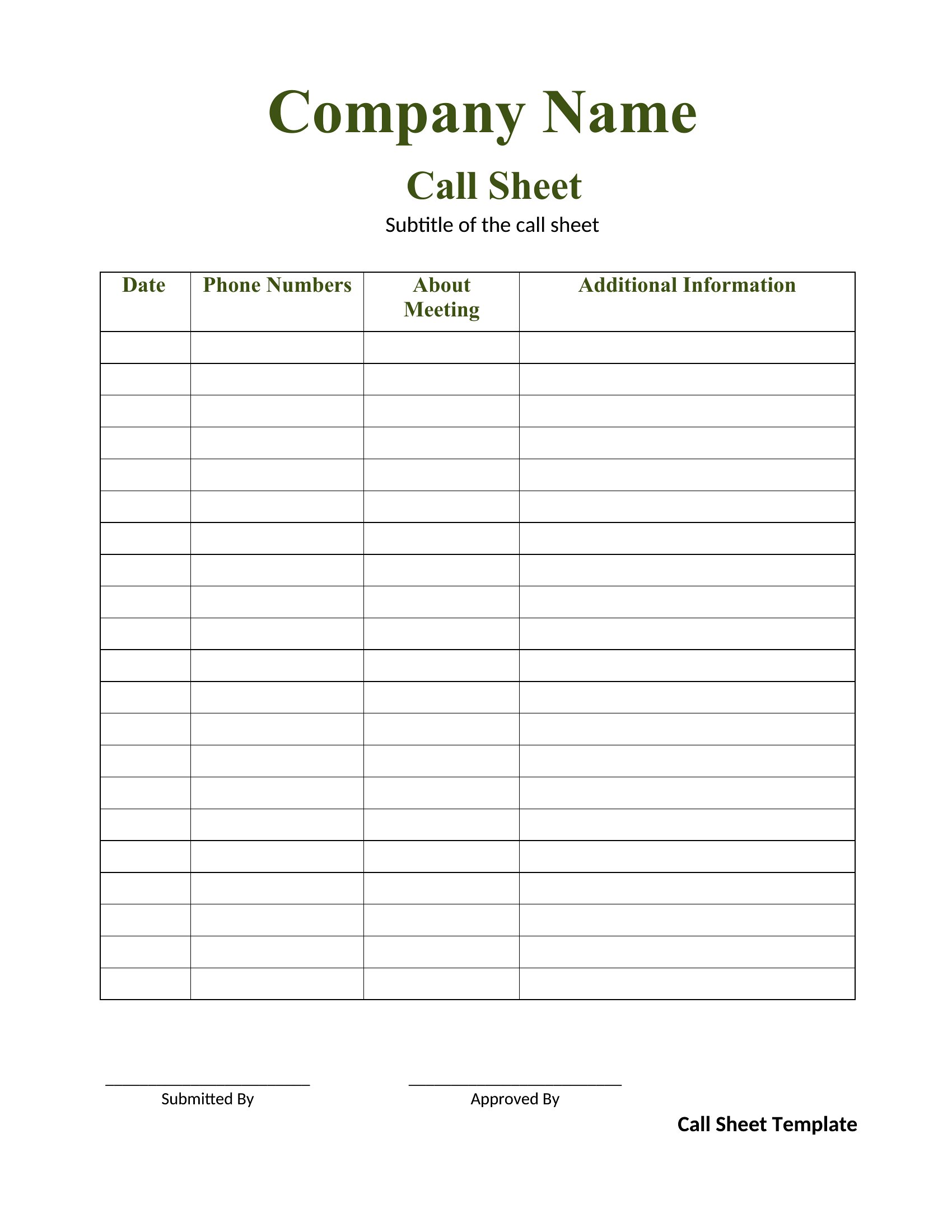
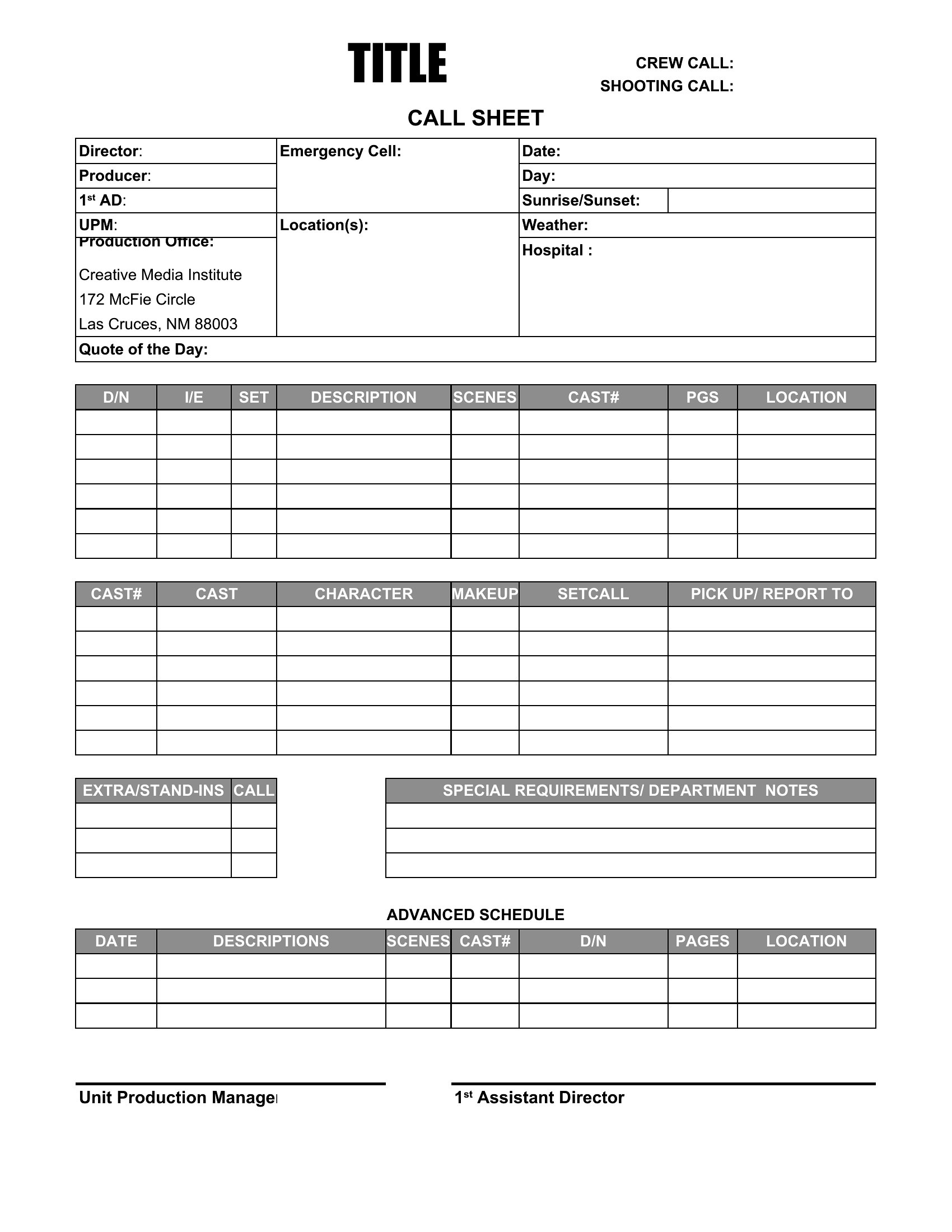
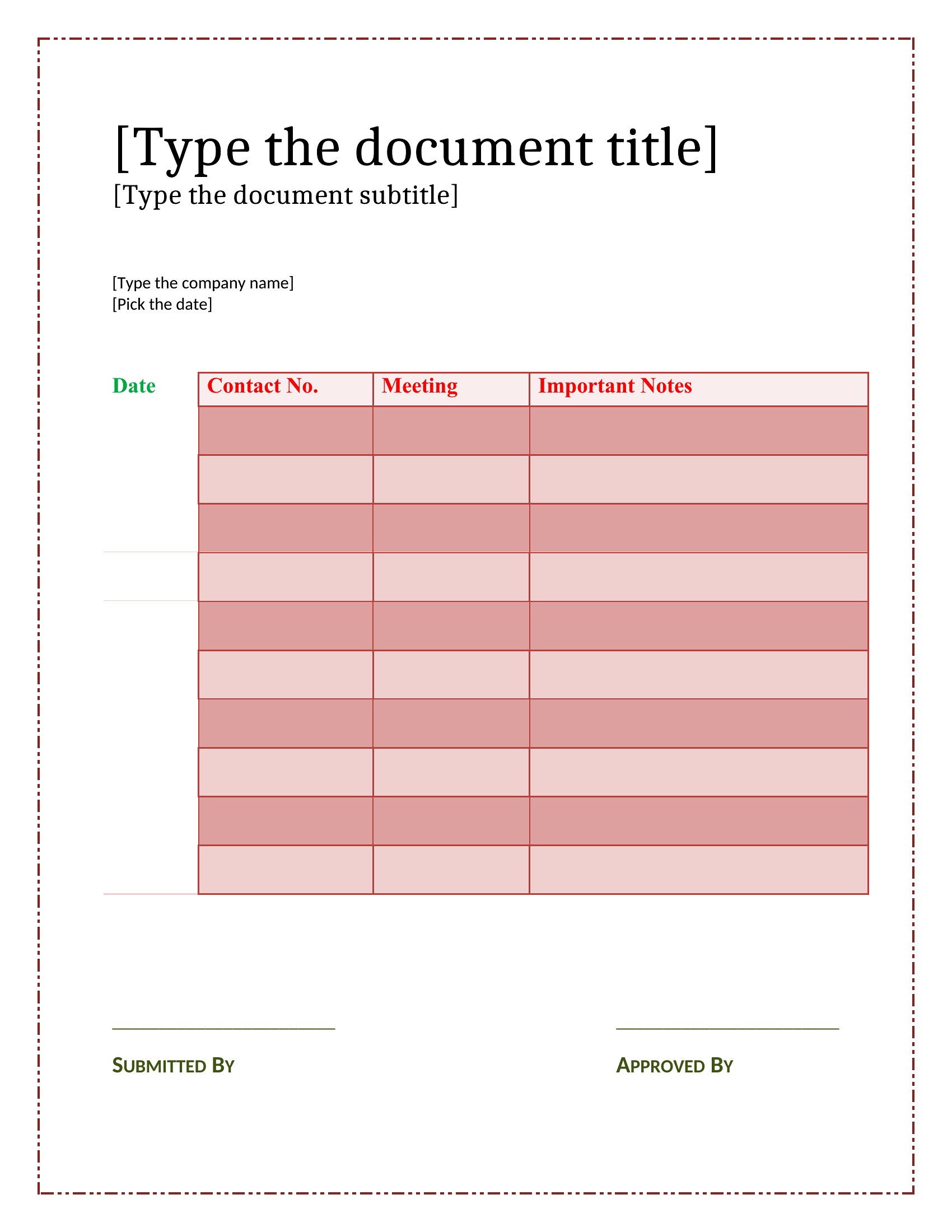
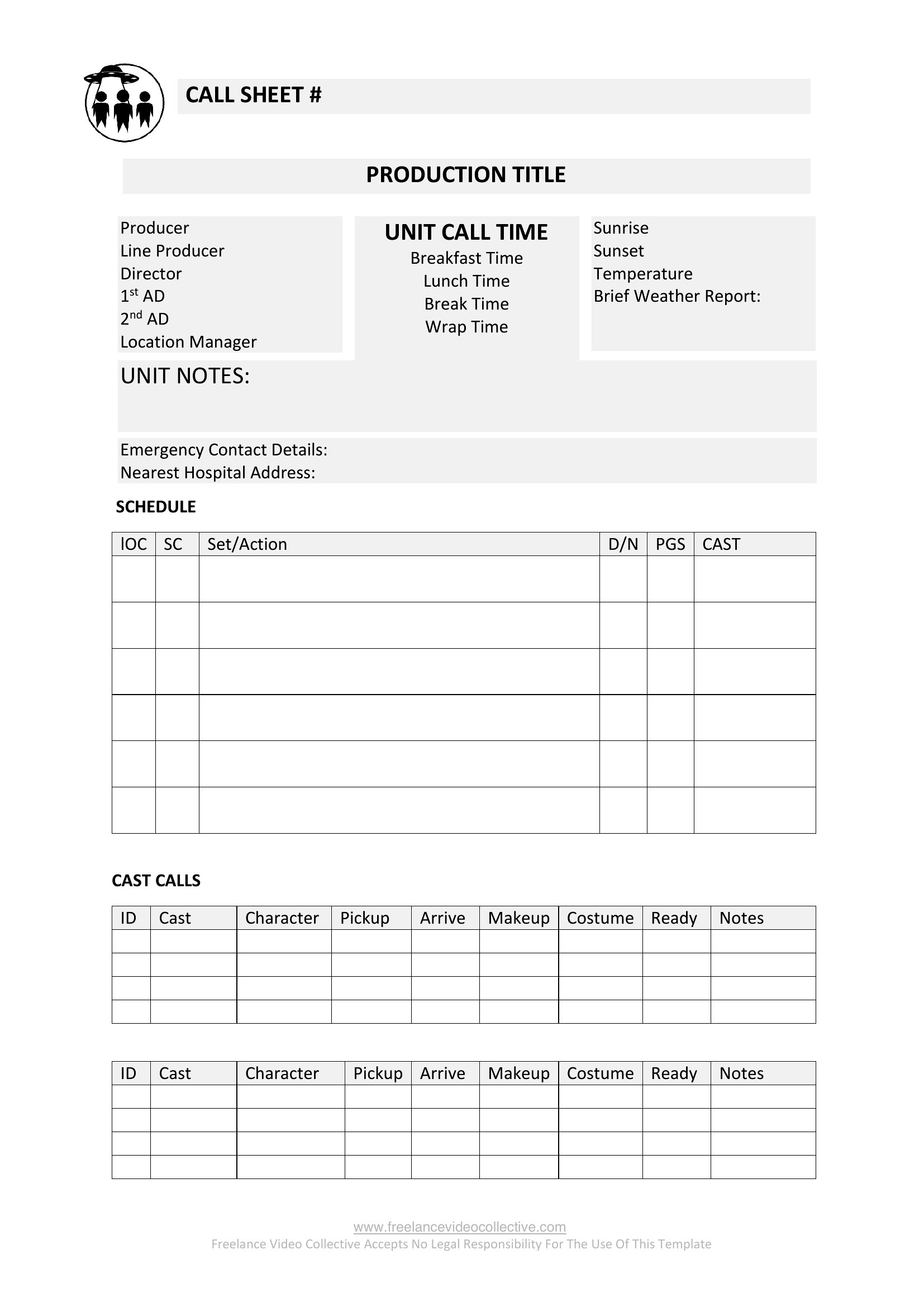
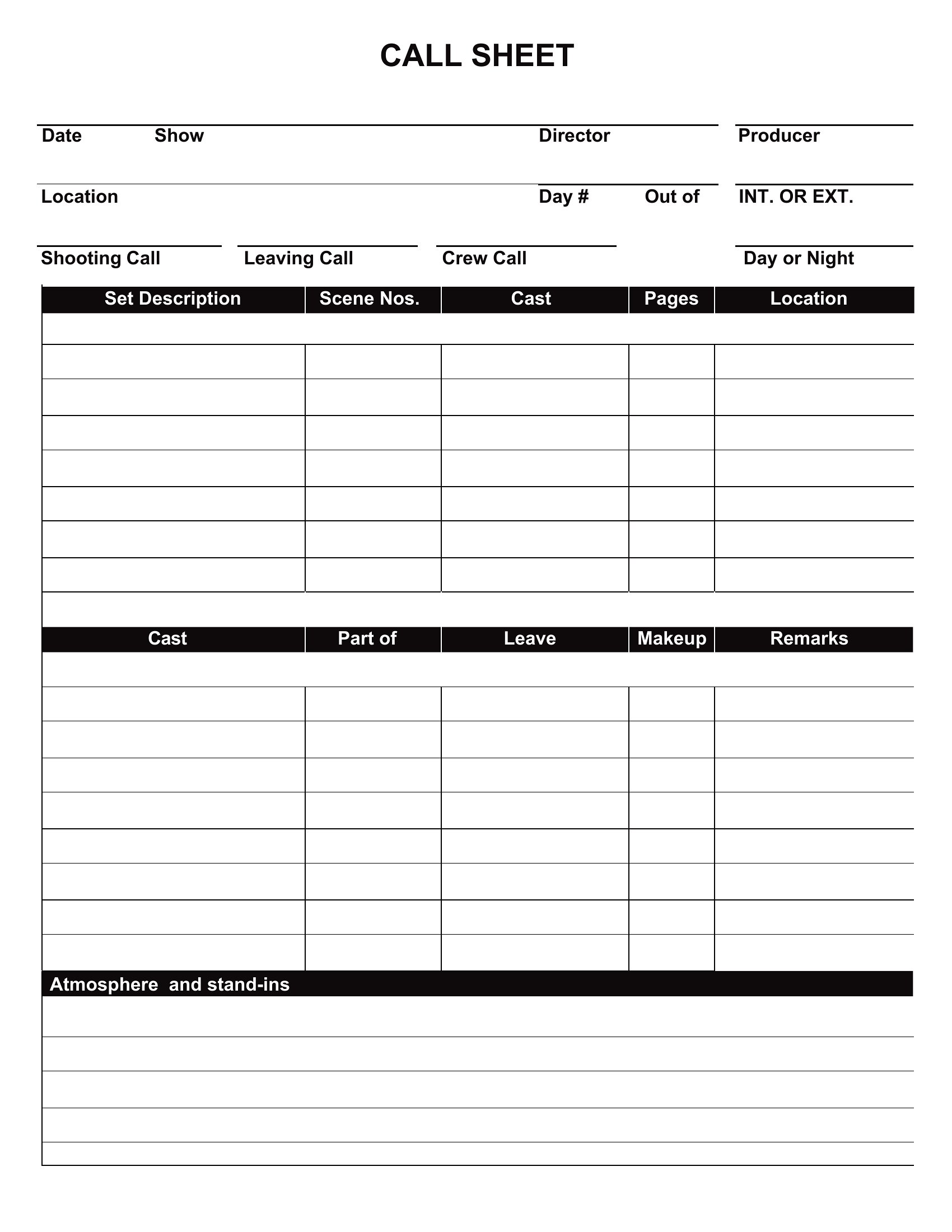
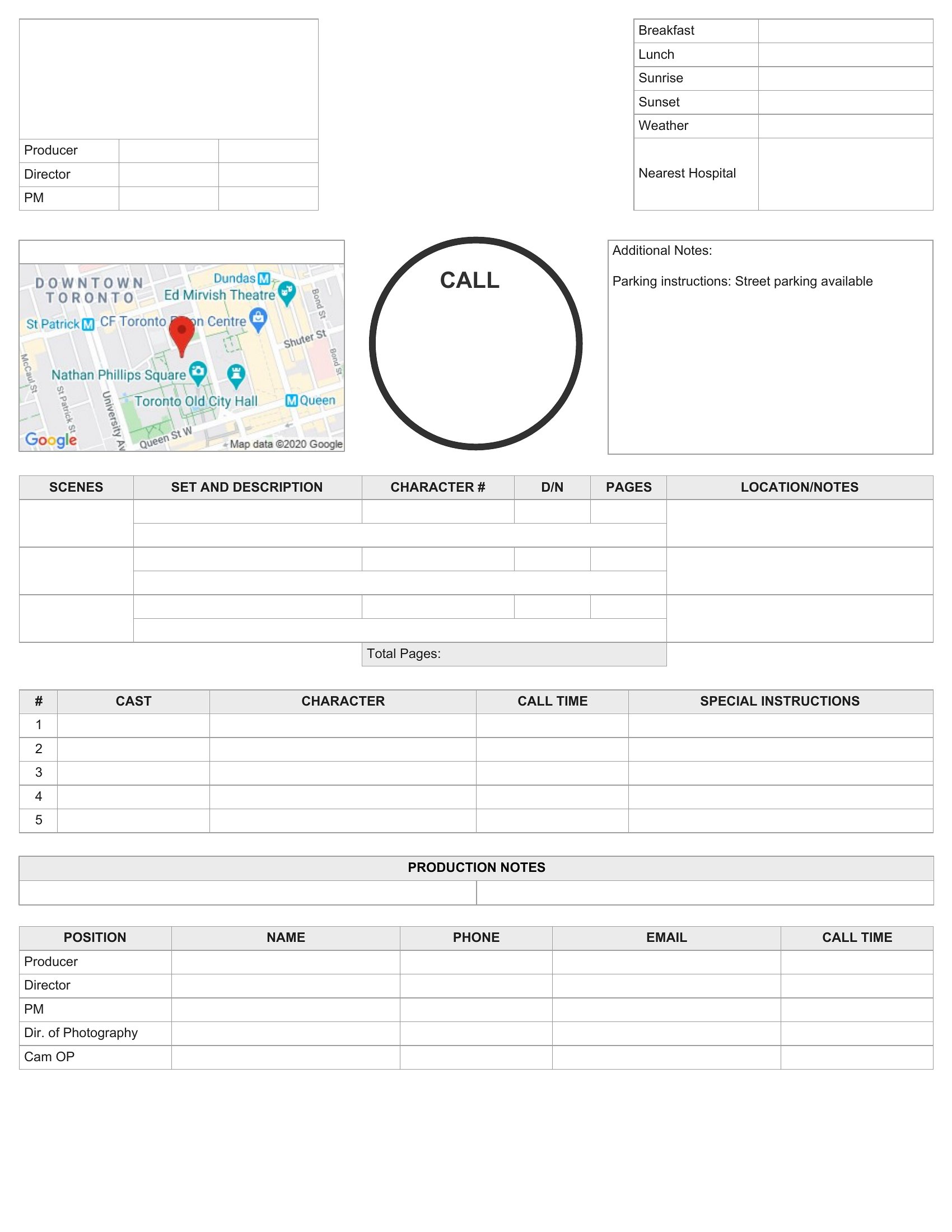
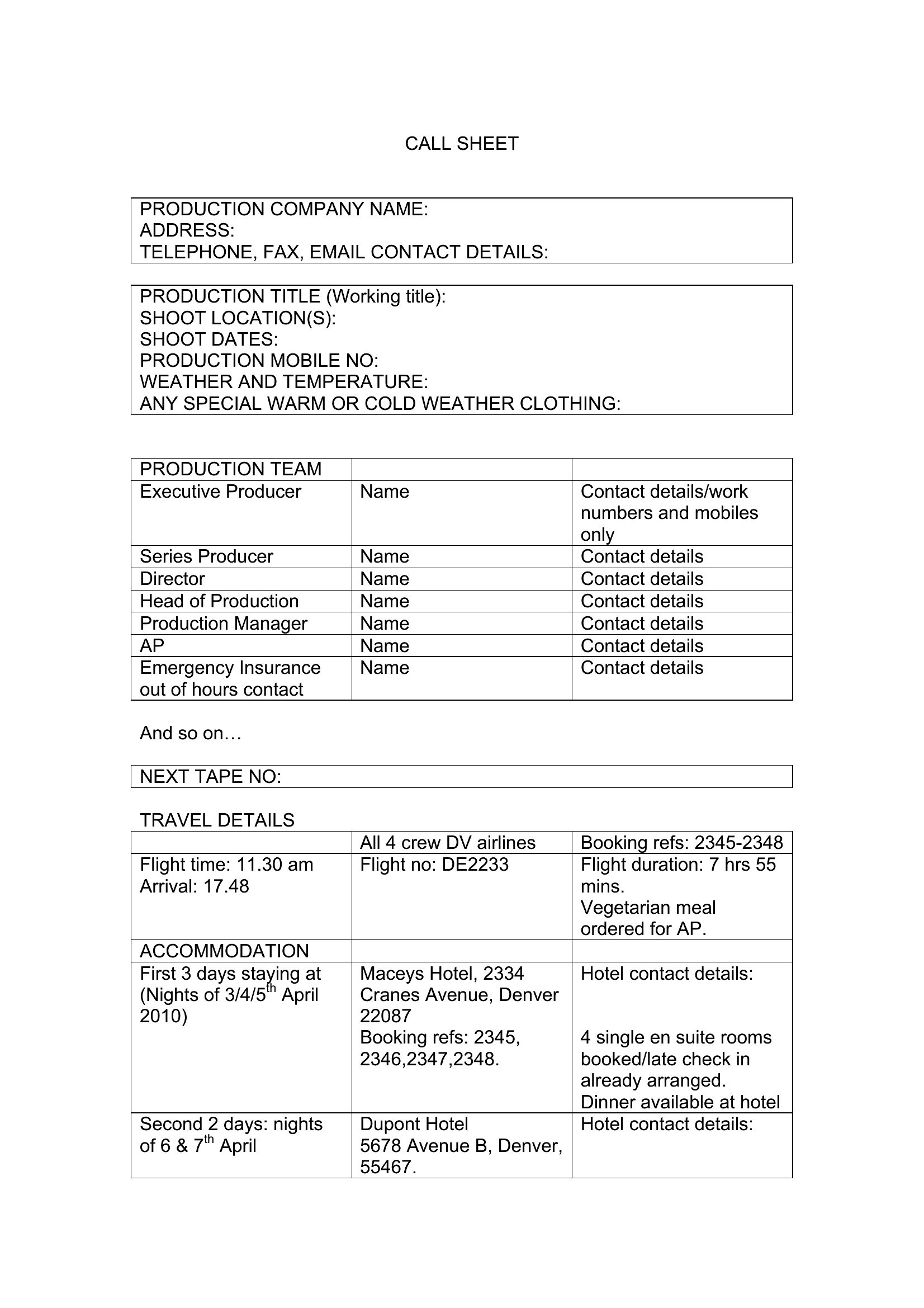
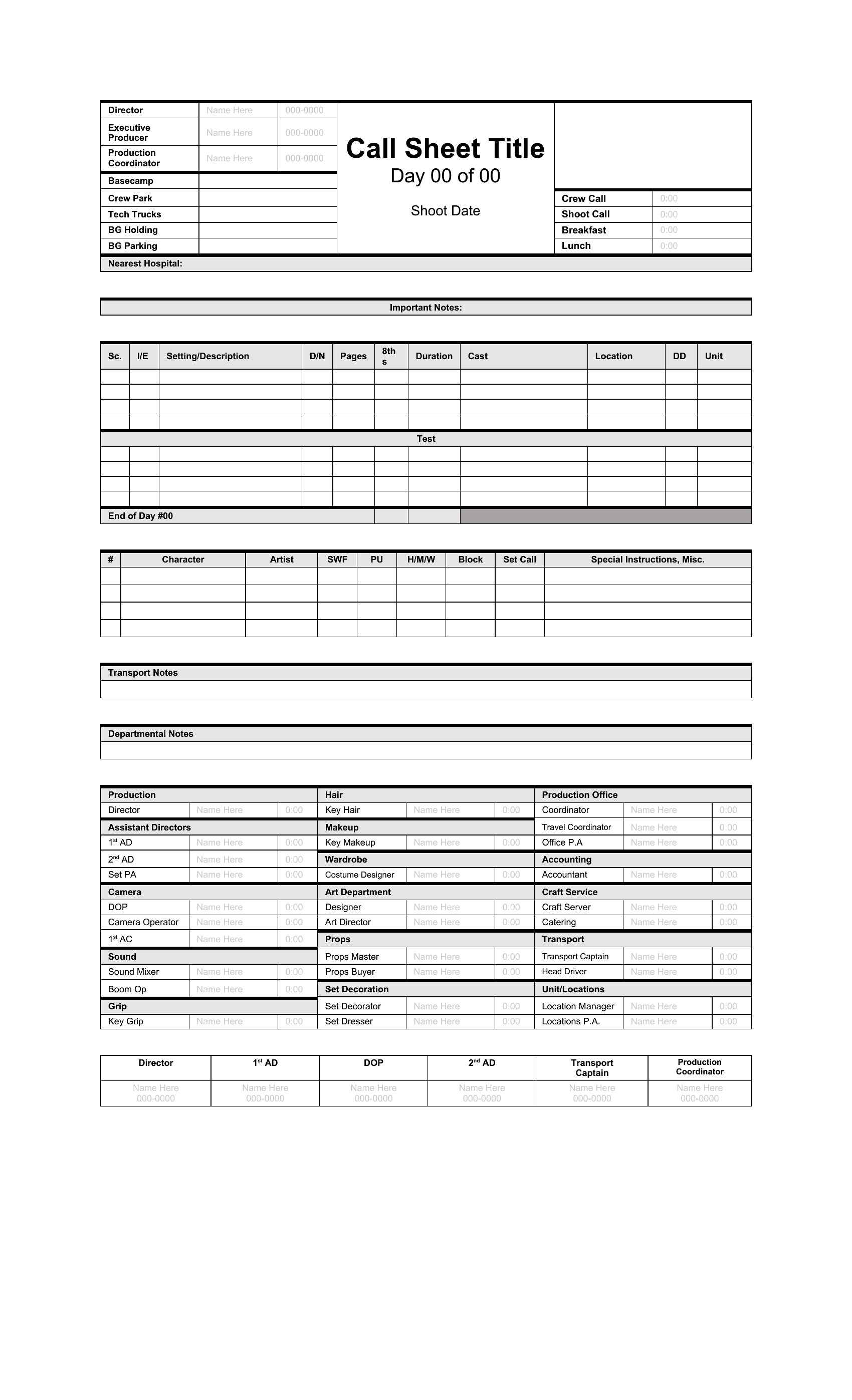
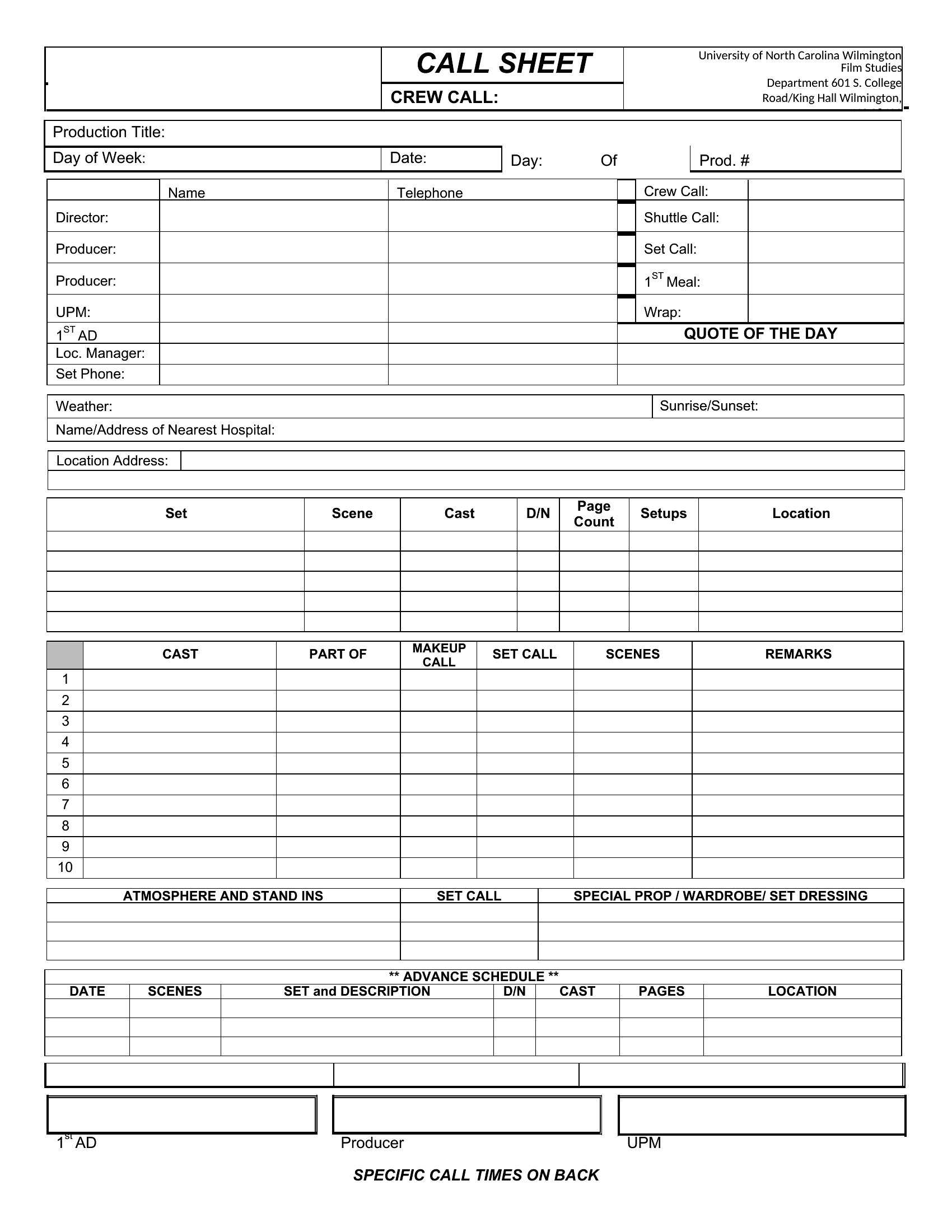
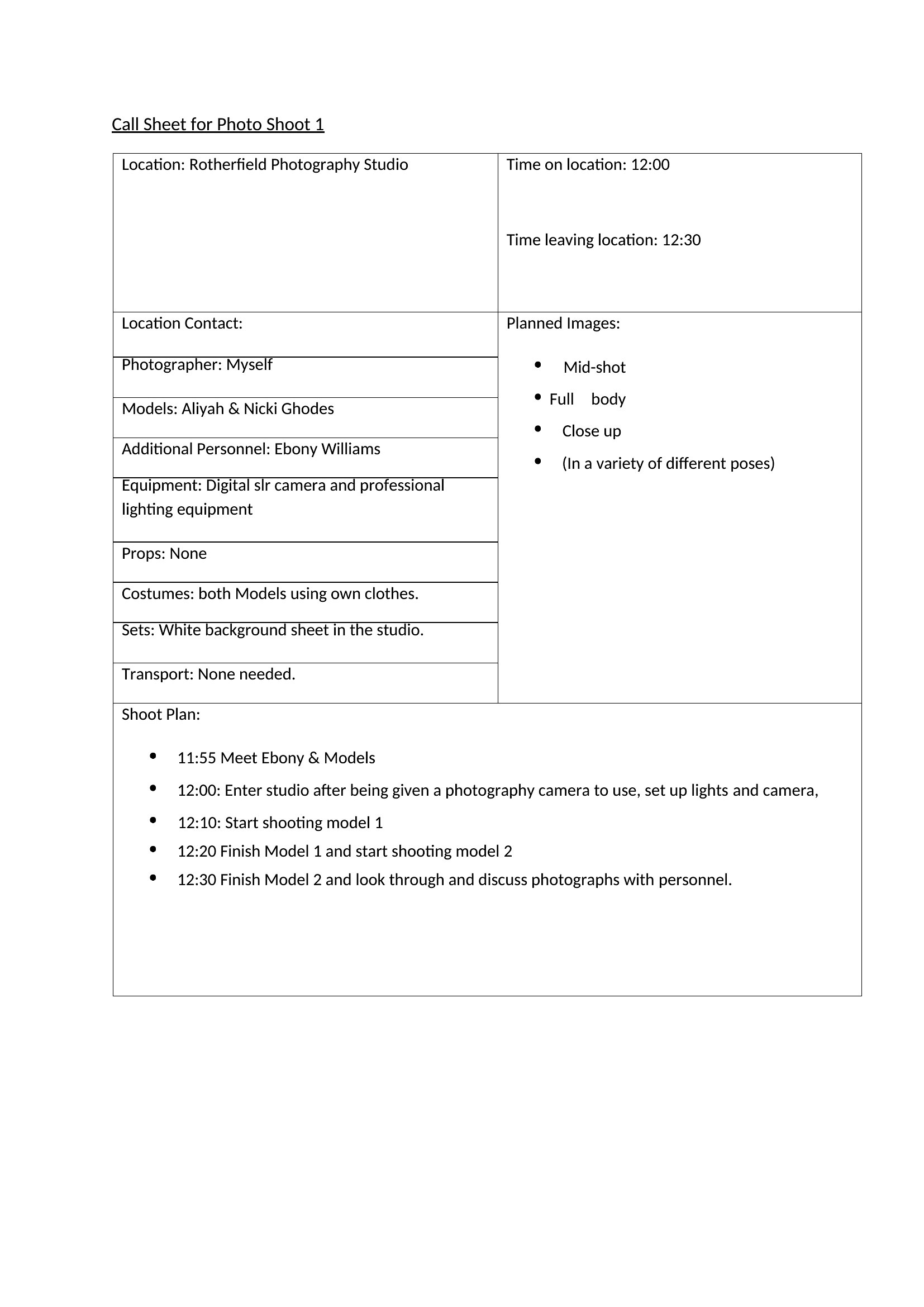
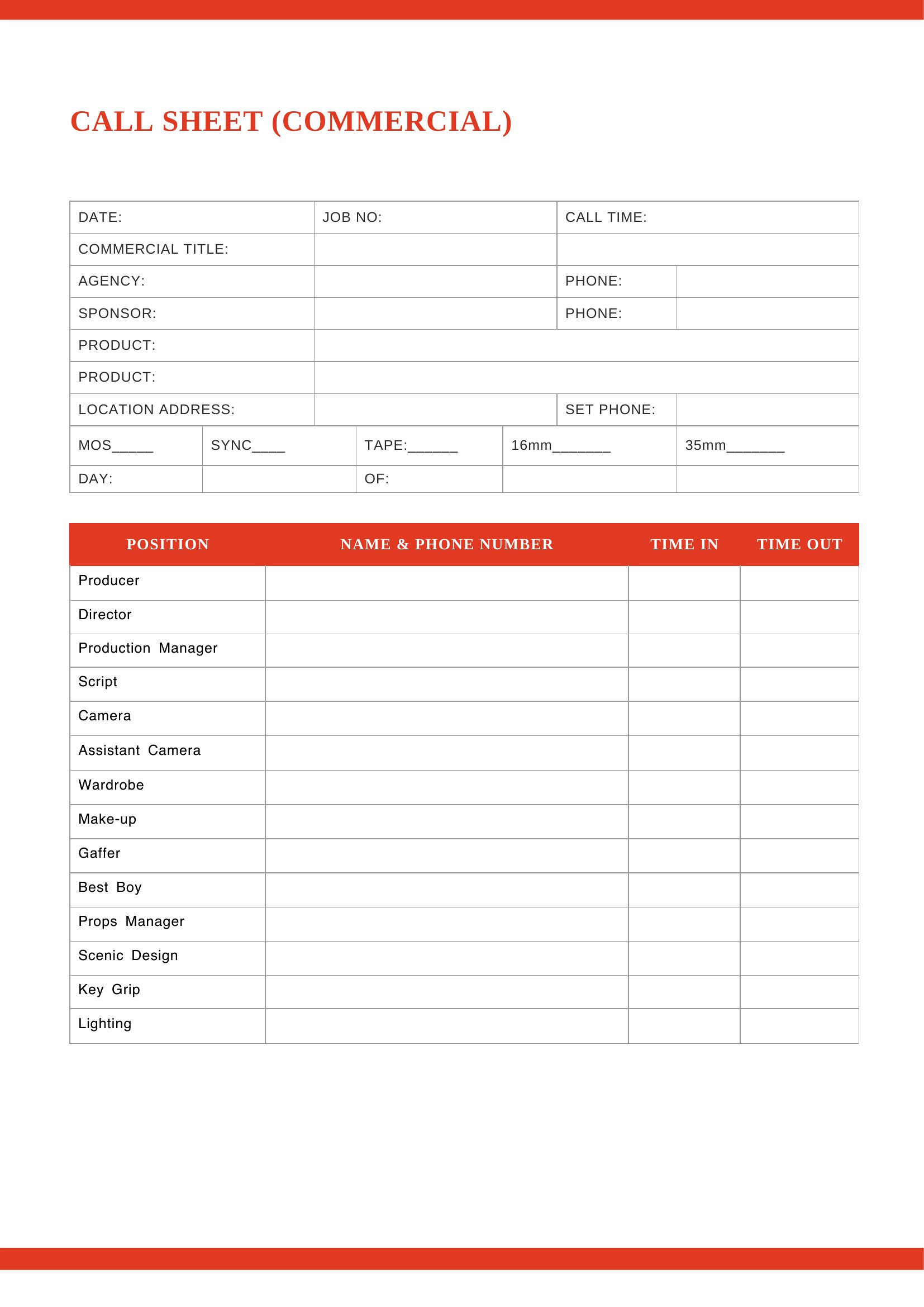
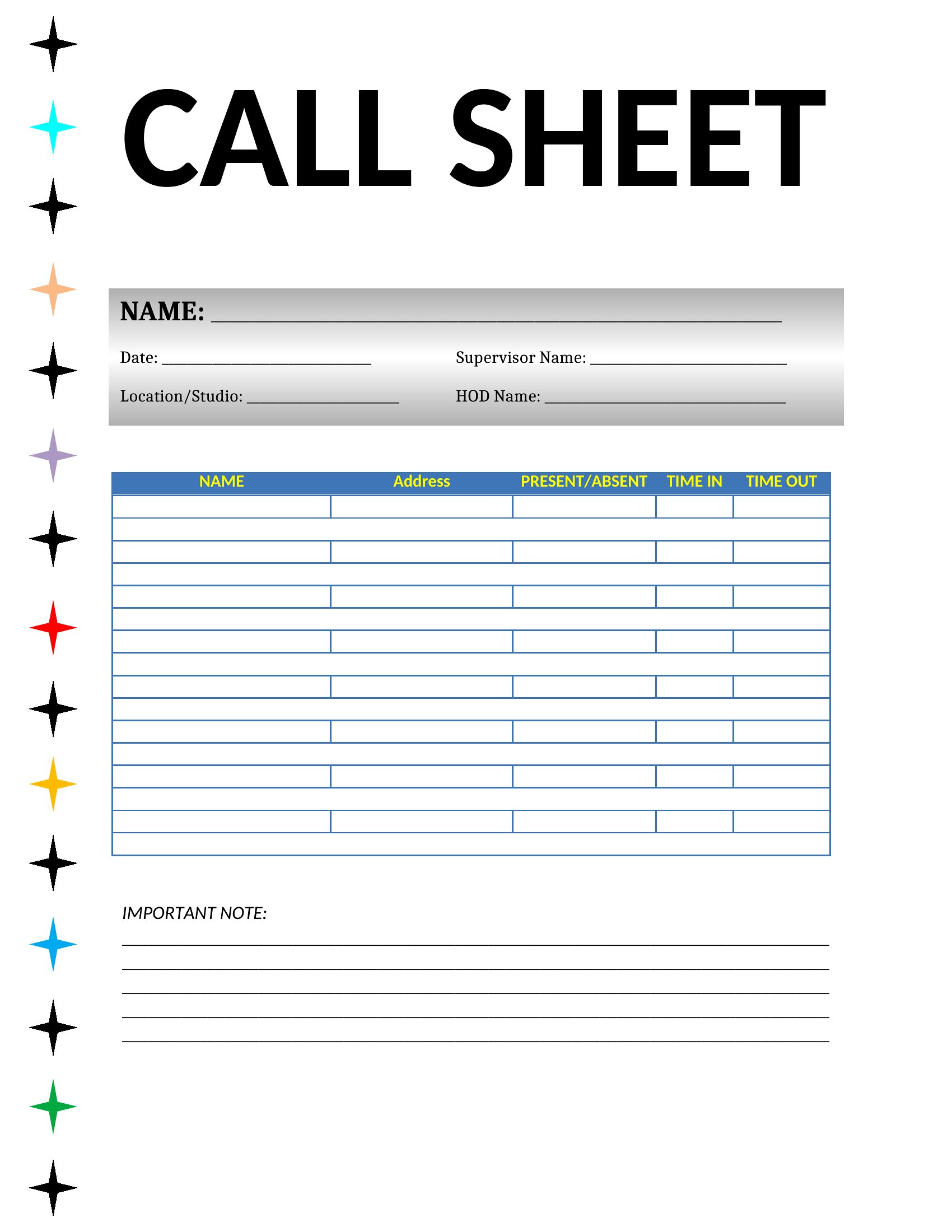
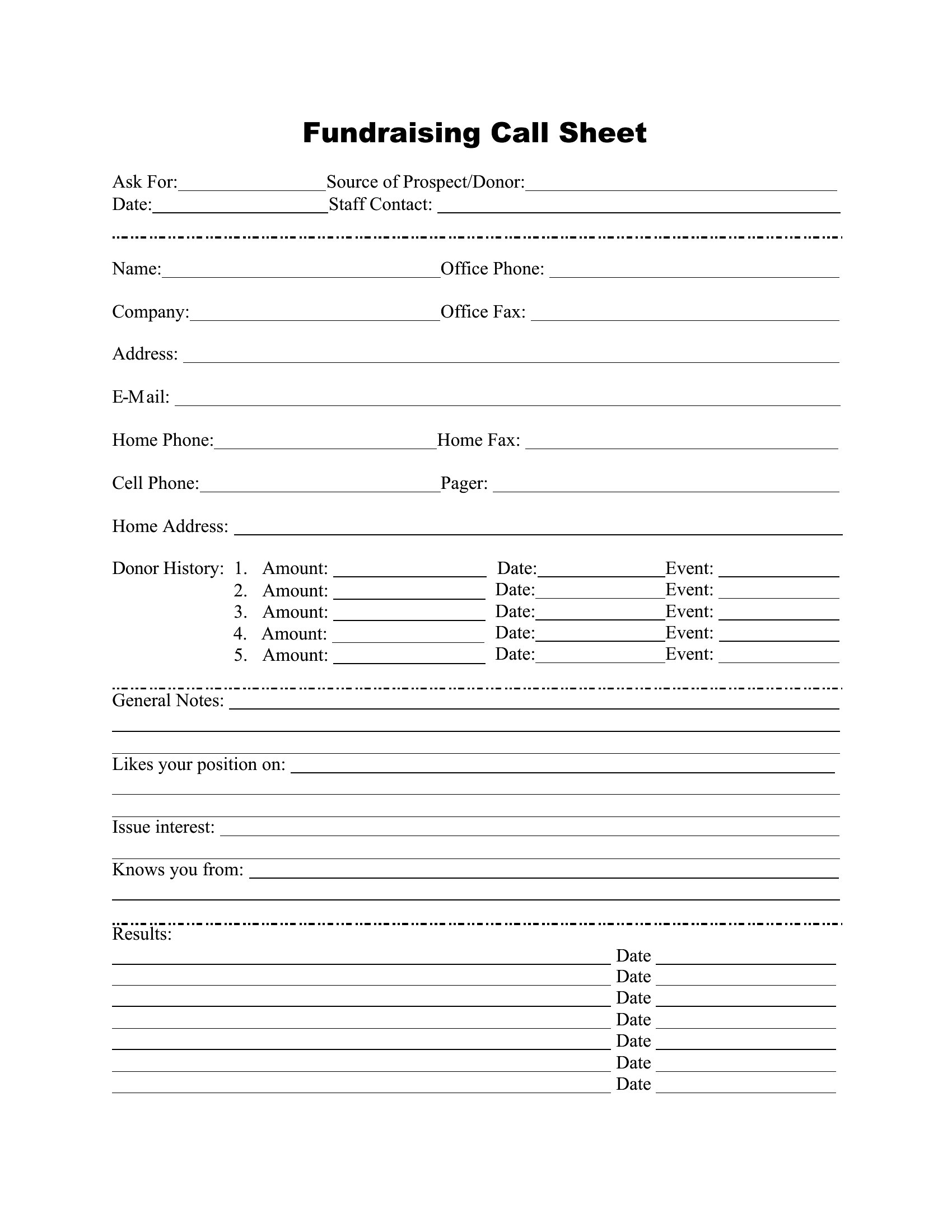
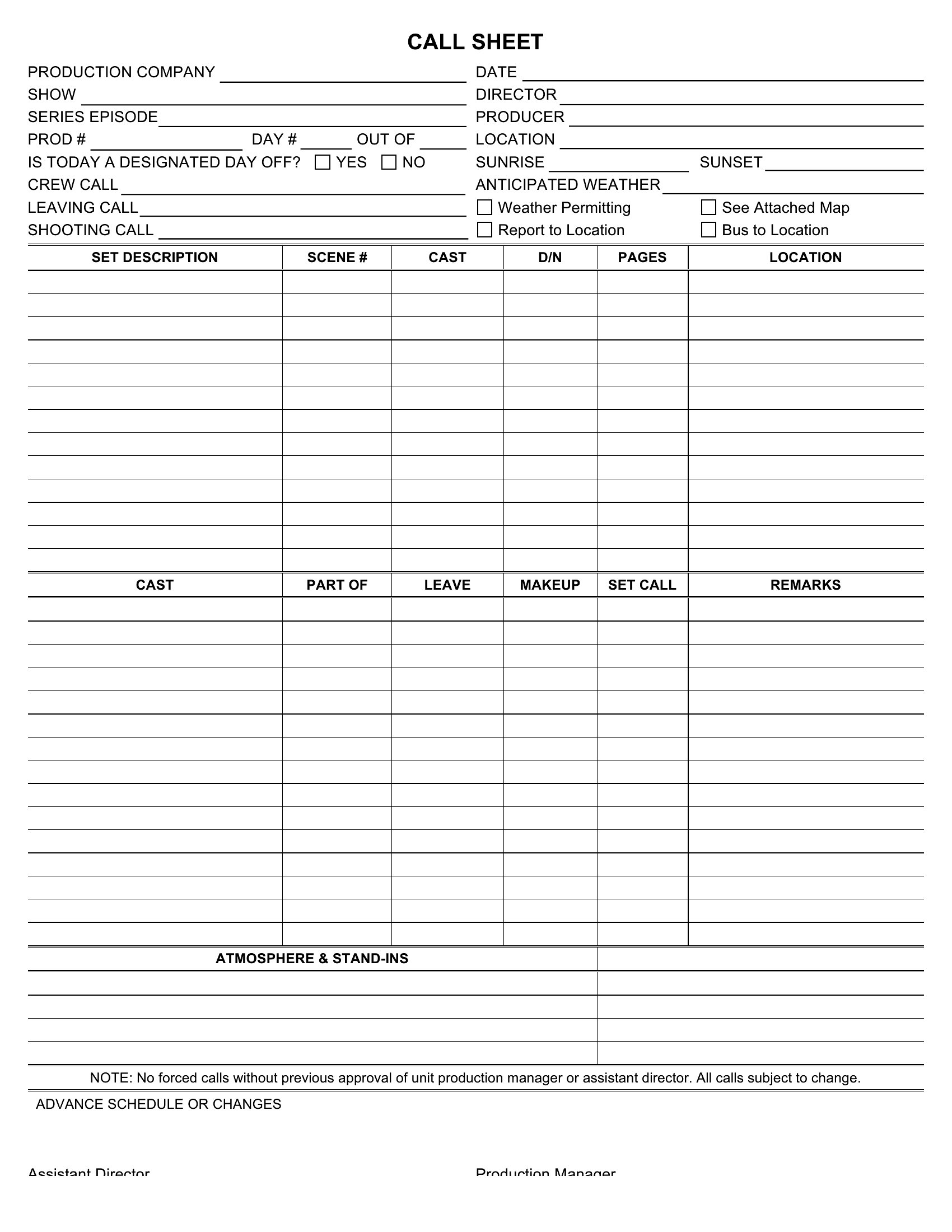
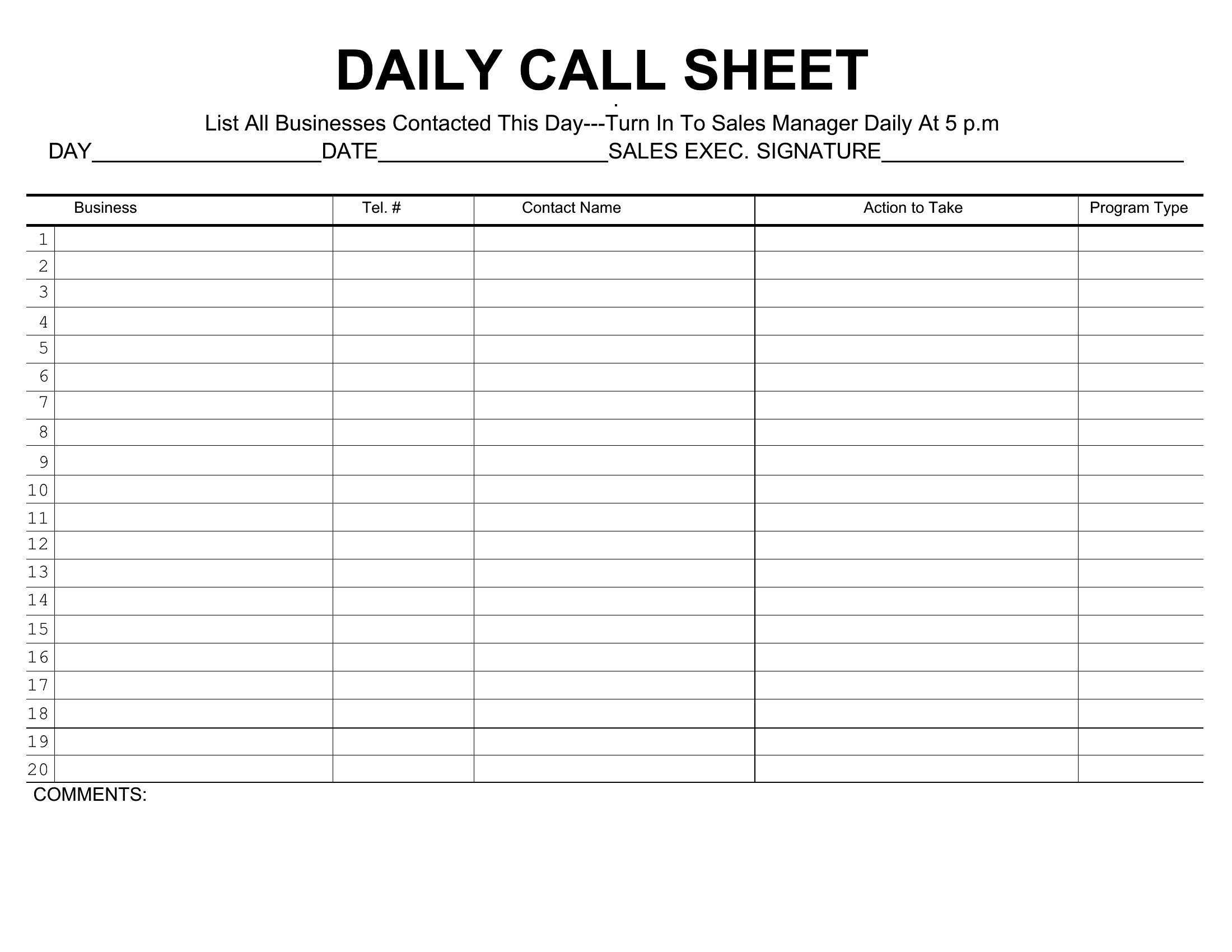
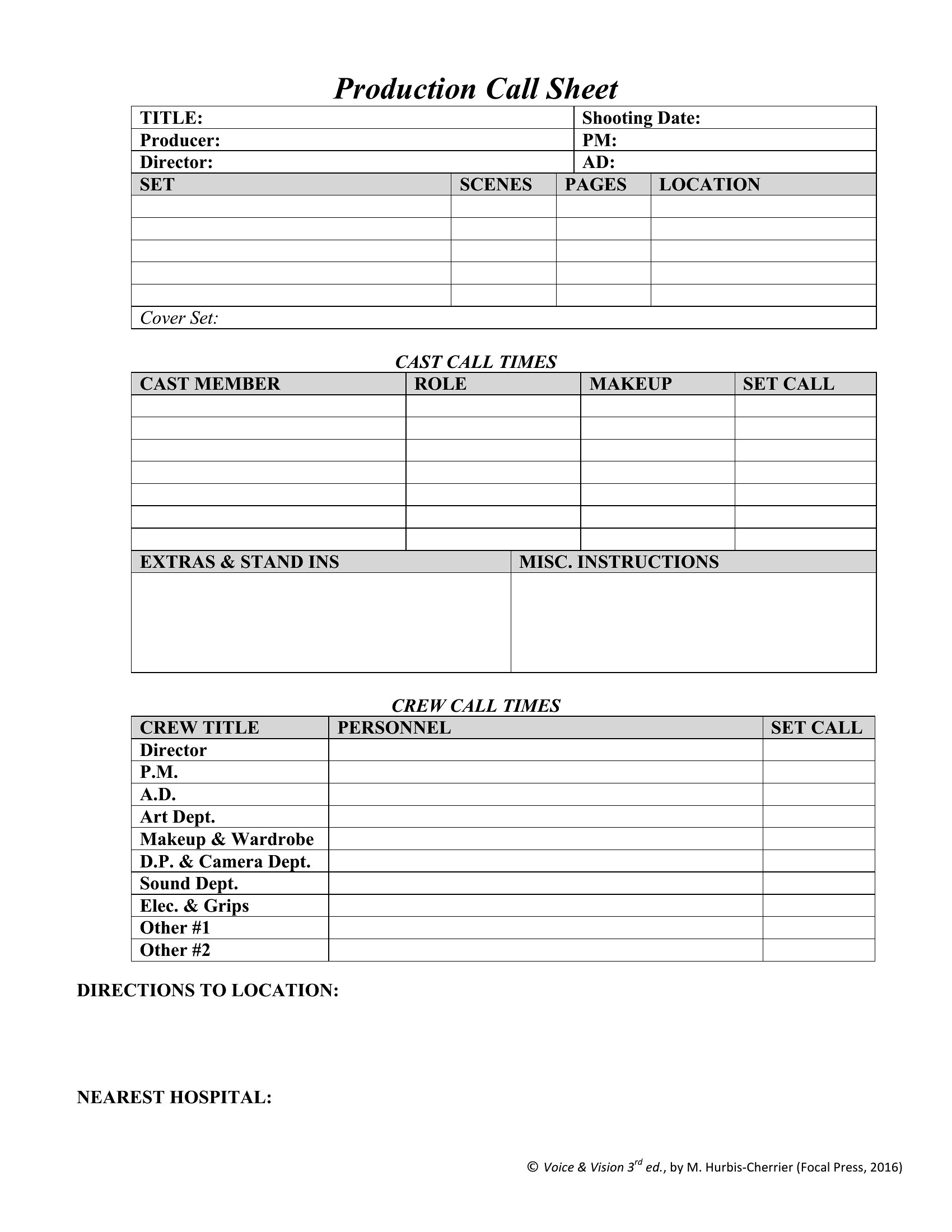
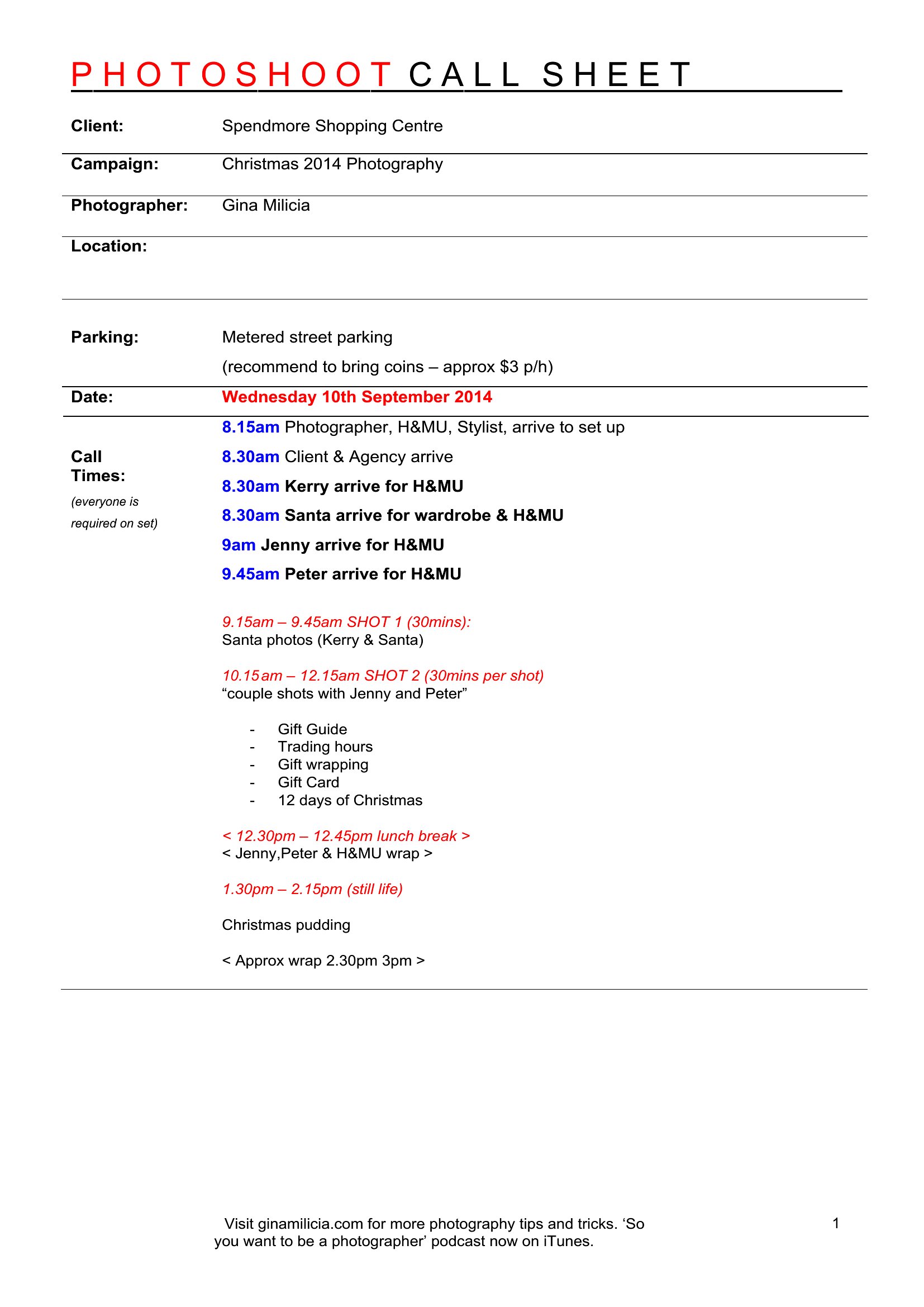
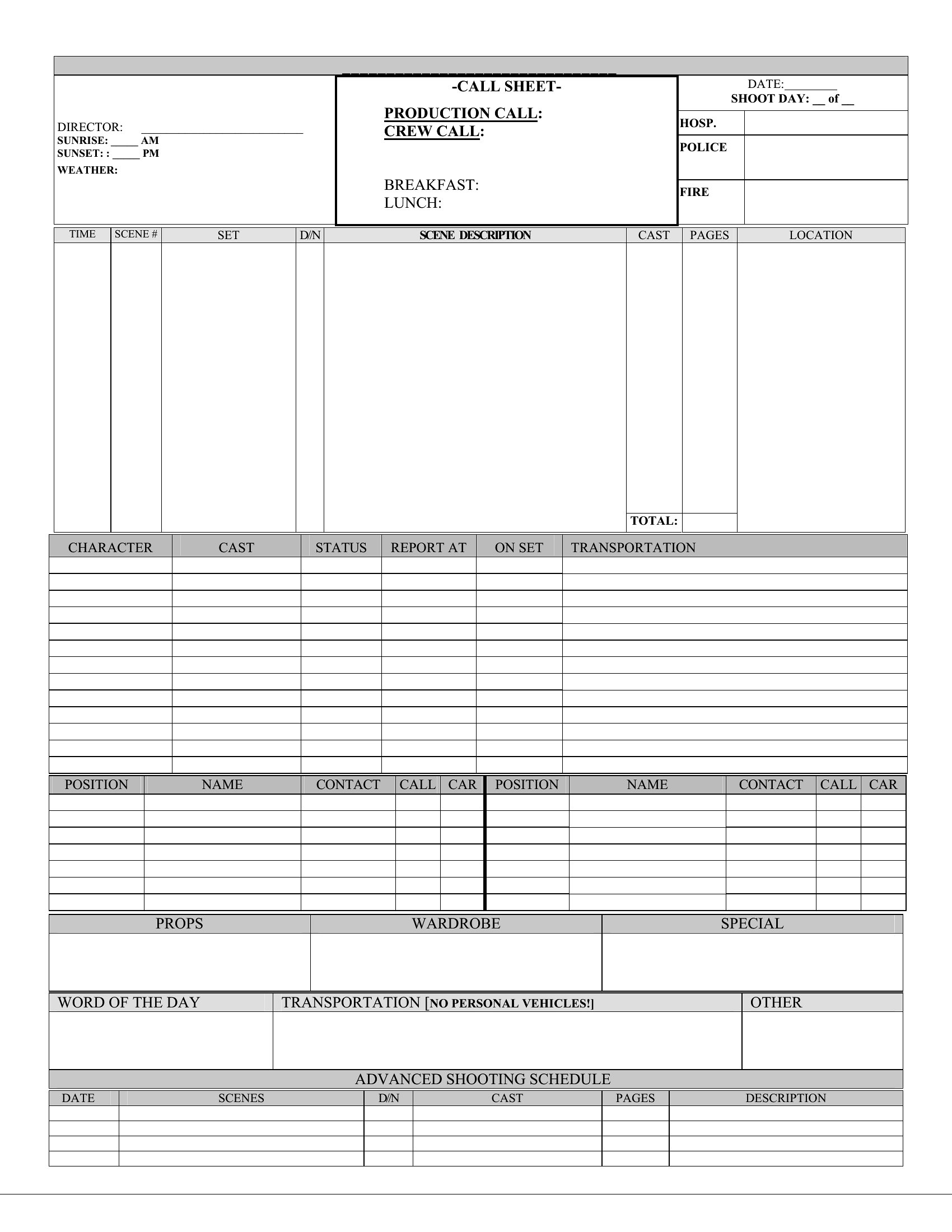
On any film or video set, a call sheet is what keeps cast and crew arriving at the right place and time with the right information. This collection of 48 call sheet templates helps producers, ADs, and indie filmmakers organize the day's schedule, contacts, locations, and scene details. The layouts pull the essentials onto one page so nobody's hunting for call times or addresses.
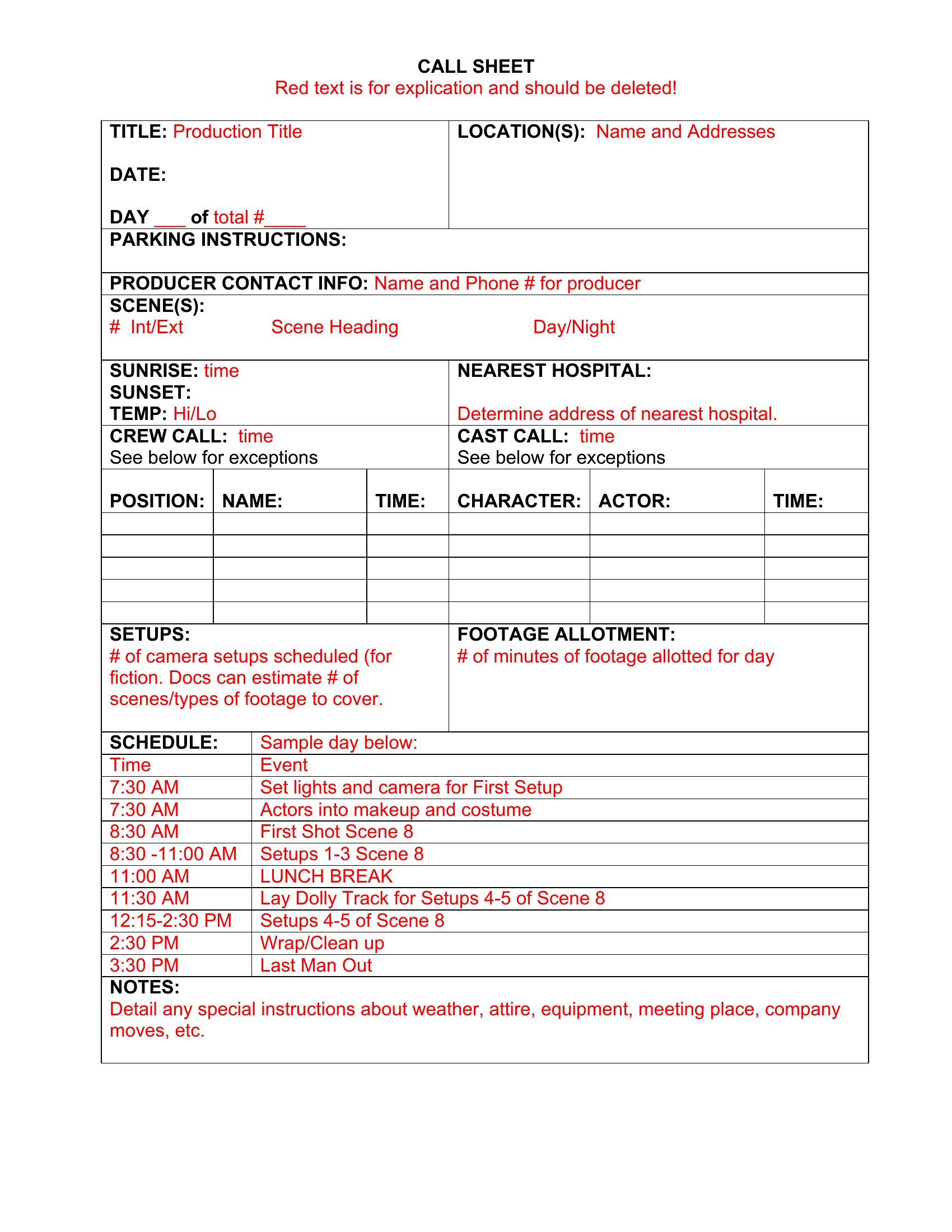
Excel versions make it easy to update times and totals, while Word and PDF files print and share cleanly the night before. Fill in your schedule, add the contacts, and send it to the team so the morning runs smoothly. Pick the call sheet that fits your production and keep the shoot on track.

When to use this Call Sheet template

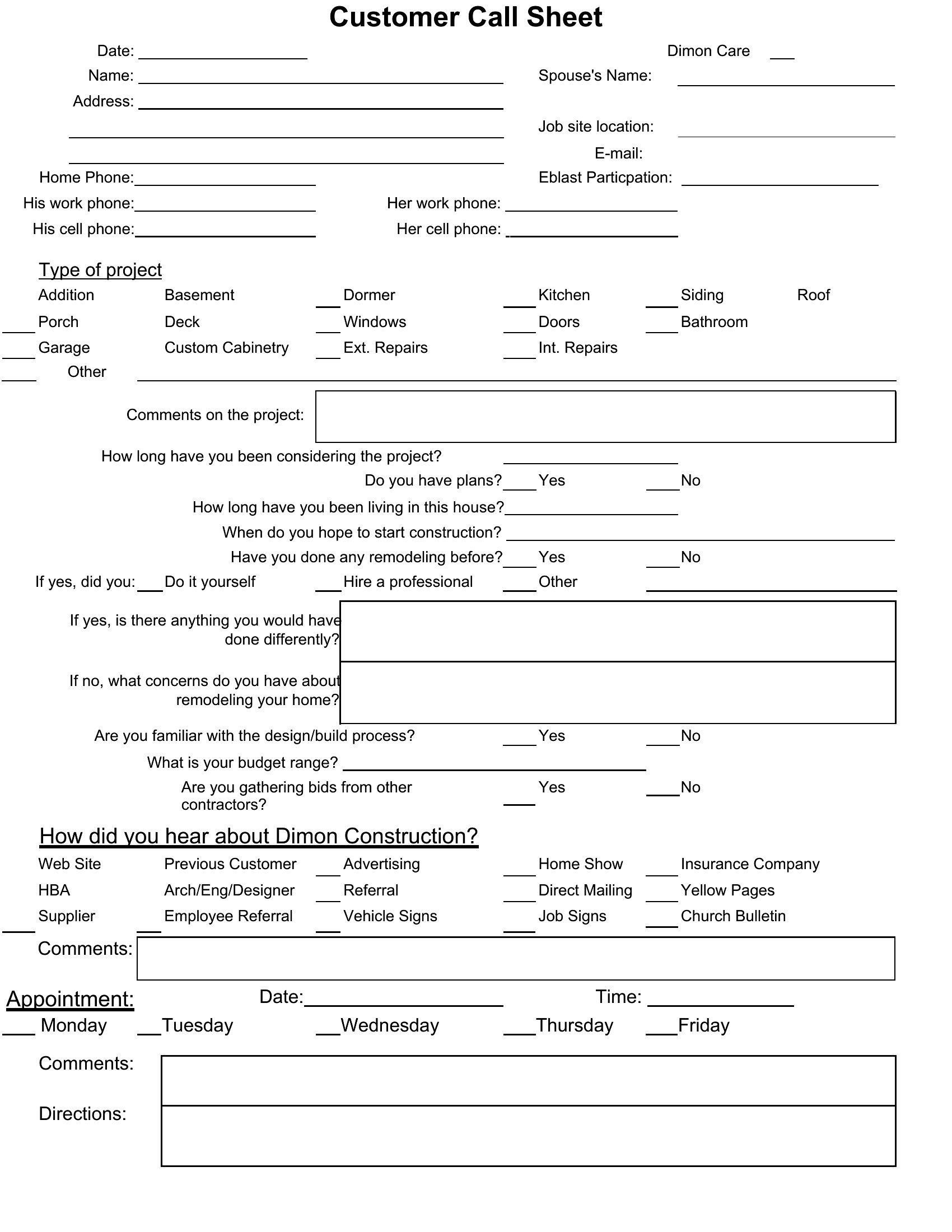
  • Line producers and assistant directors use call sheets to coordinate shoot days, listing cast call times, location maps, and meal breaks for 20+ crew members on a tight production schedule.
  • Indie filmmakers with limited crews rely on one-page call sheets to track scene numbers, shot lists, and emergency contacts when shooting in remote locations with unreliable cell service.
  • Production coordinators print call sheets for each department head to distribute at call time, ensuring electricians, grips, and catering teams arrive with the right equipment and supplies.
  • Documentary crews filming interviews across multiple cities print call sheets to include subject bios, interview questions, and backup contact info for last-minute location changes.

Which format should I download?

WordExcelPDF

Choose Word for editable call sheets where you need to customize crew names, cast details, or add your production’s logo before printing. The Excel format works best if you’re tracking shoot schedules with conditional formatting for call times, meal breaks, or page numbers. Select PDF for a ready-to-print, fillable version when you need a consistent layout for all departments without worrying about font or formatting issues. The fillable PDFs are ideal for sharing digitally via email or a production app, as they lock in place but allow quick edits to times or locations.

Choose from 48 Call Sheet Templates
How to use this Call Sheet template

Can I include a shot list or breakdown of scenes on the same page as the call sheet?

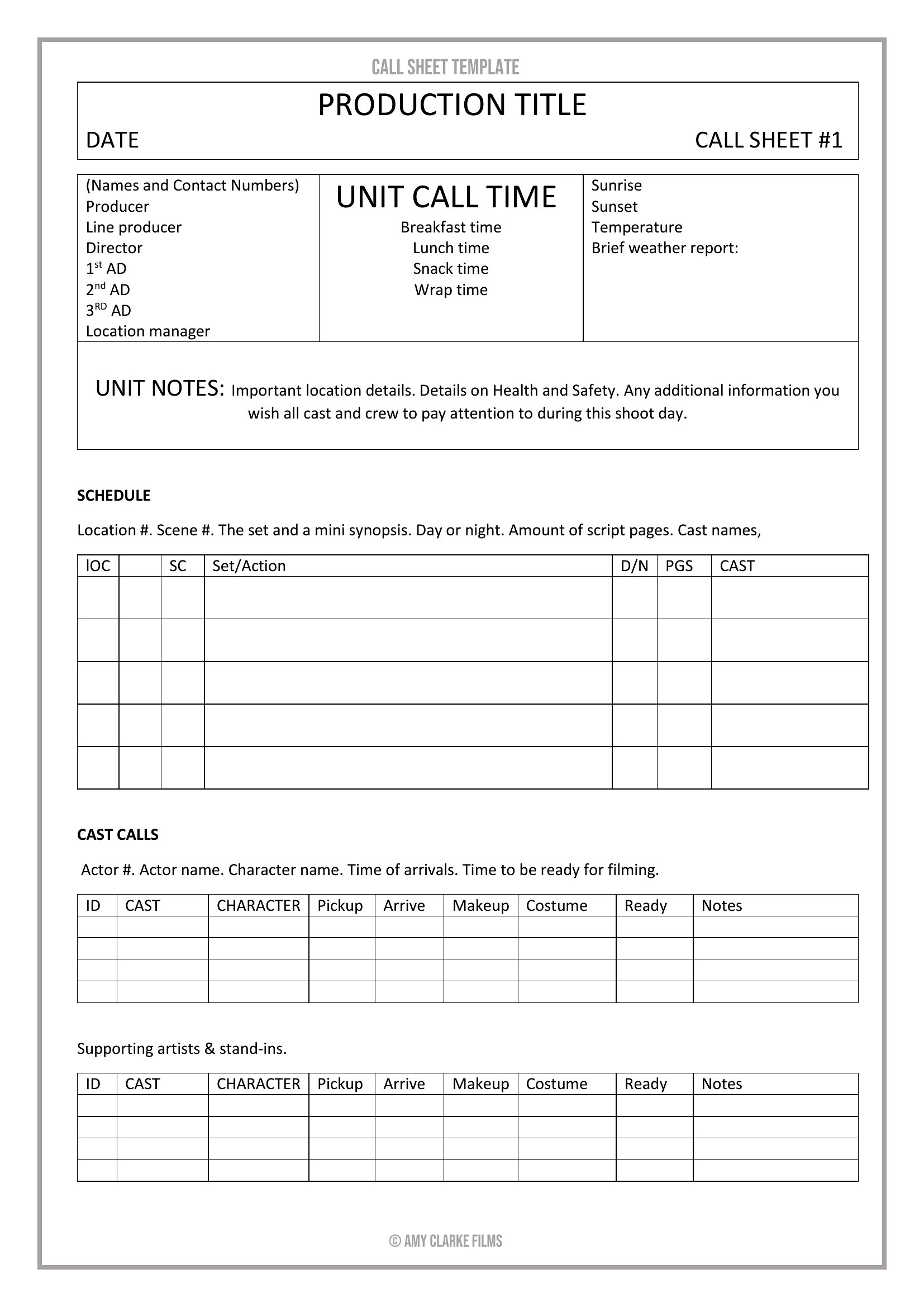
Many of these call sheet templates offer space for a brief shot list, but they’re designed to keep the primary call times and location details concise. If you need detailed scene breakdowns, consider pairing the call sheet with a separate shot list or using Excel versions that let you expand rows for additional info. For features or complex shoots, a dedicated shot sheet may be a better fit.
How do I handle last-minute changes to call times or locations after printing the call sheet?

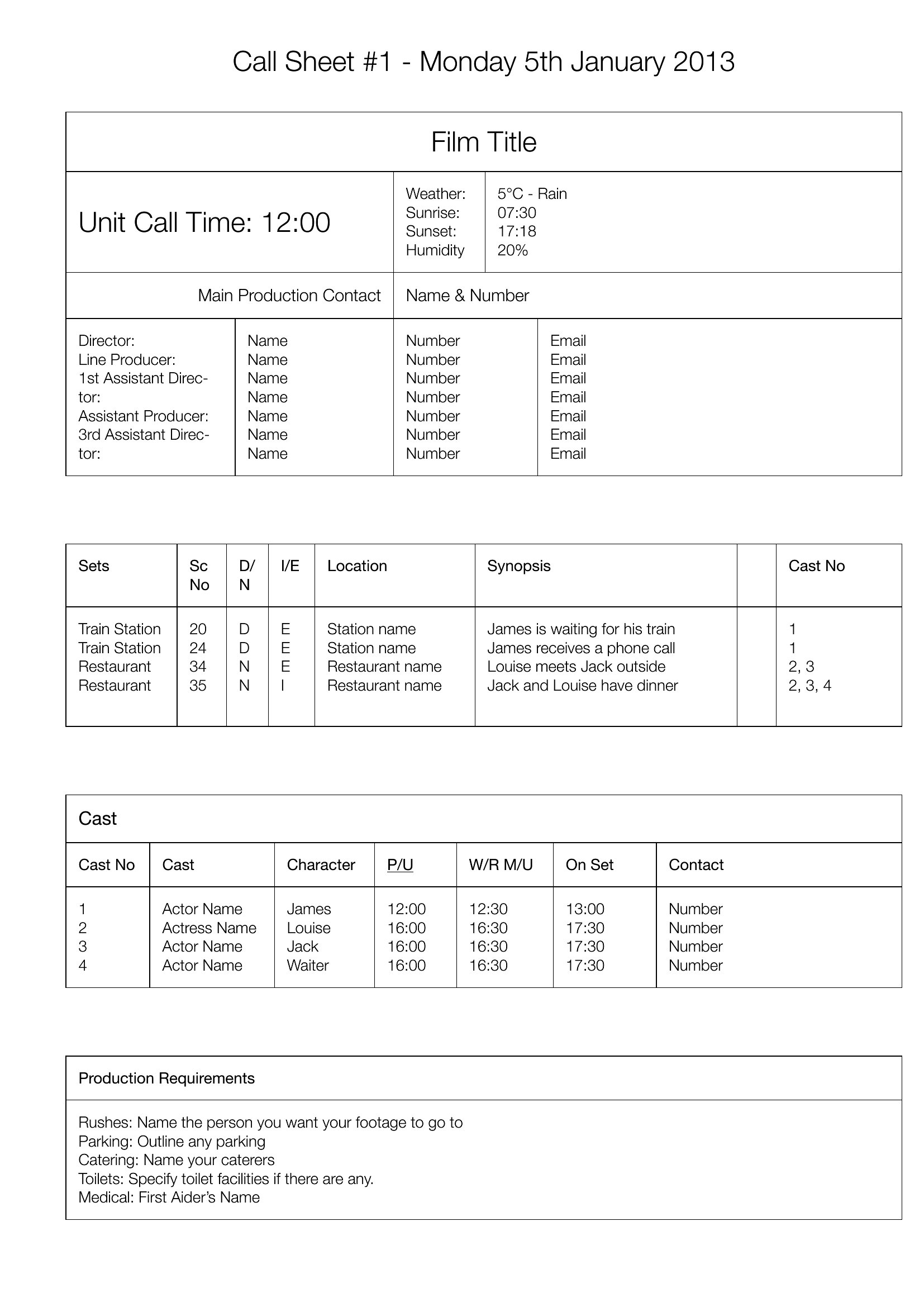
For Word or editable PDF templates, simply update the digital file and reprint or redistribute the revised version. With Excel, highlight changes in a different color or bold to make them stand out. If you’re on set, keep a master copy on a tablet or shared drive and email updates to the crew. Some templates include a “changes” section at the bottom for quick notes, but always verbally confirm critical updates with department heads.
Are these call sheets suitable for international productions where crew members may not speak the primary language of the shoot?

While the templates don’t include translation features, you can easily add bilingual call times, department names, or location instructions in a second language. The Word and Excel formats let you adjust columns or rows to include a translation key. For PDFs, save a separate bilingual version or use the comments feature to add translations. Always confirm language needs during pre-production meetings with non-native speakers to ensure clarity for everyone.
Comments

Join the conversation

Sign in to share your thoughts and leave a comment on this resource.

Newsletter

Get Weekly Design Updates
Join our community to receive curated resources and inspiration.
Weekly Tips Resources Early Access

We respect your privacy. Confirmation email required. Privacy Policy