Free Call Sheet Templates (Word, Excel, PDF)
DailyTemplates
FAQ
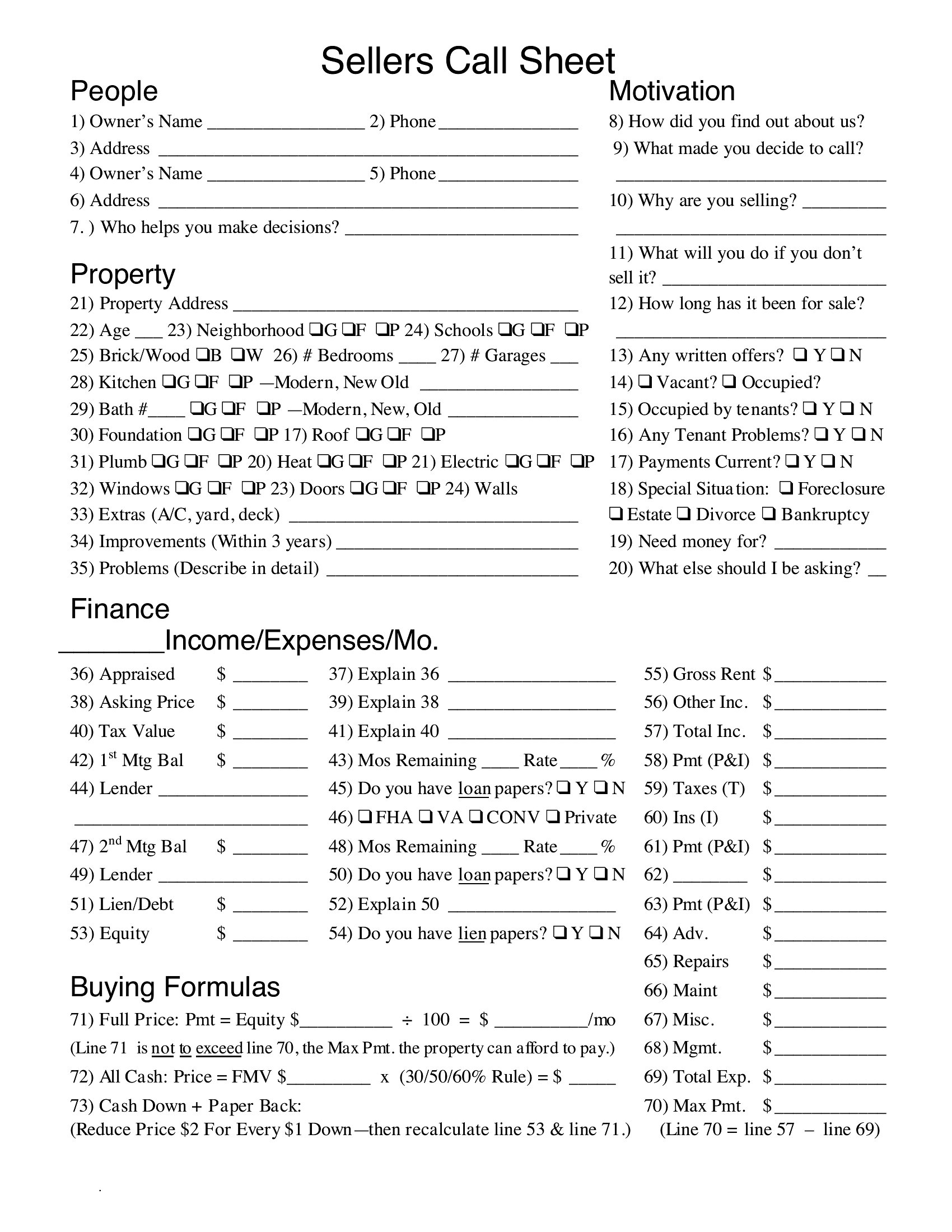
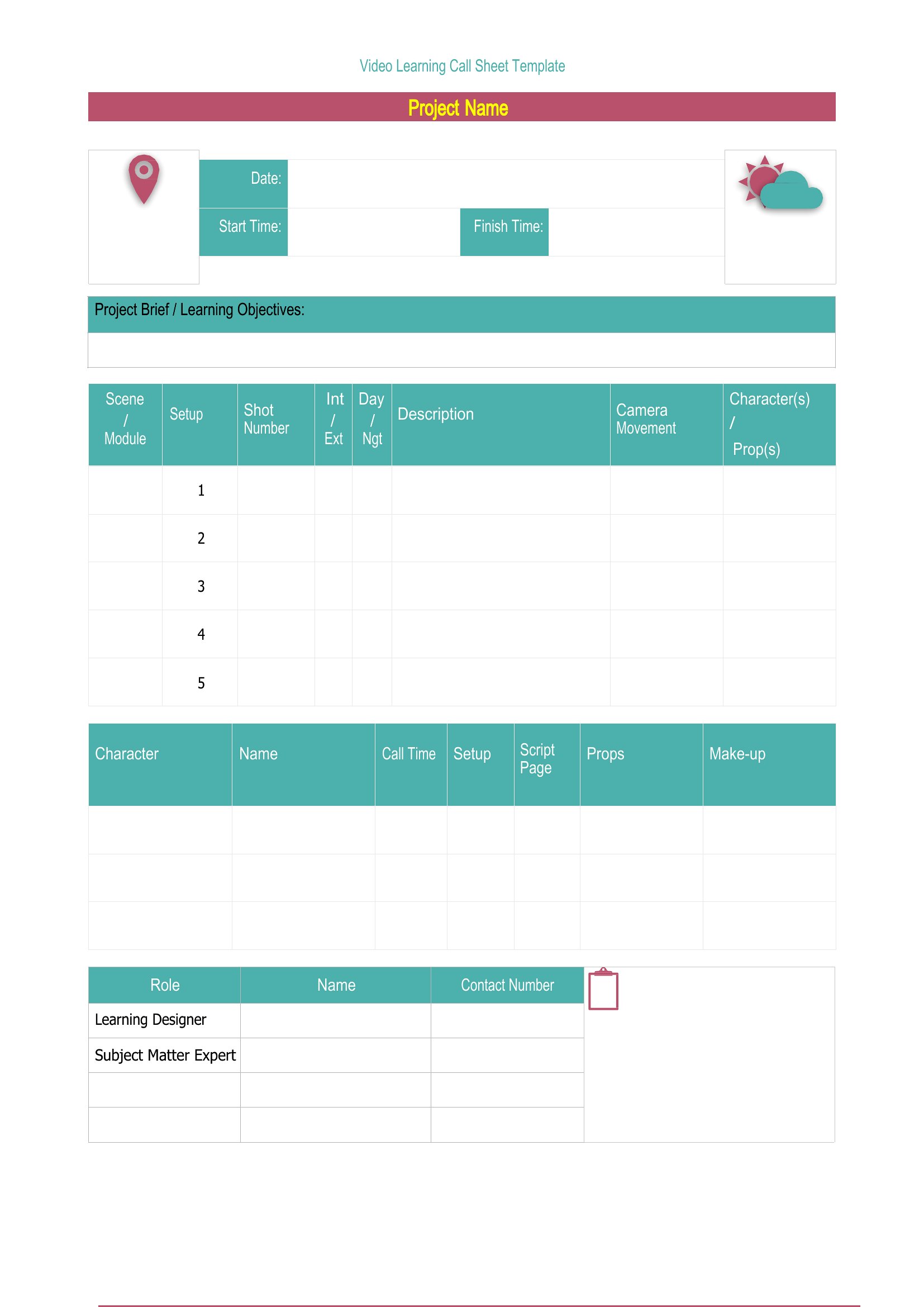
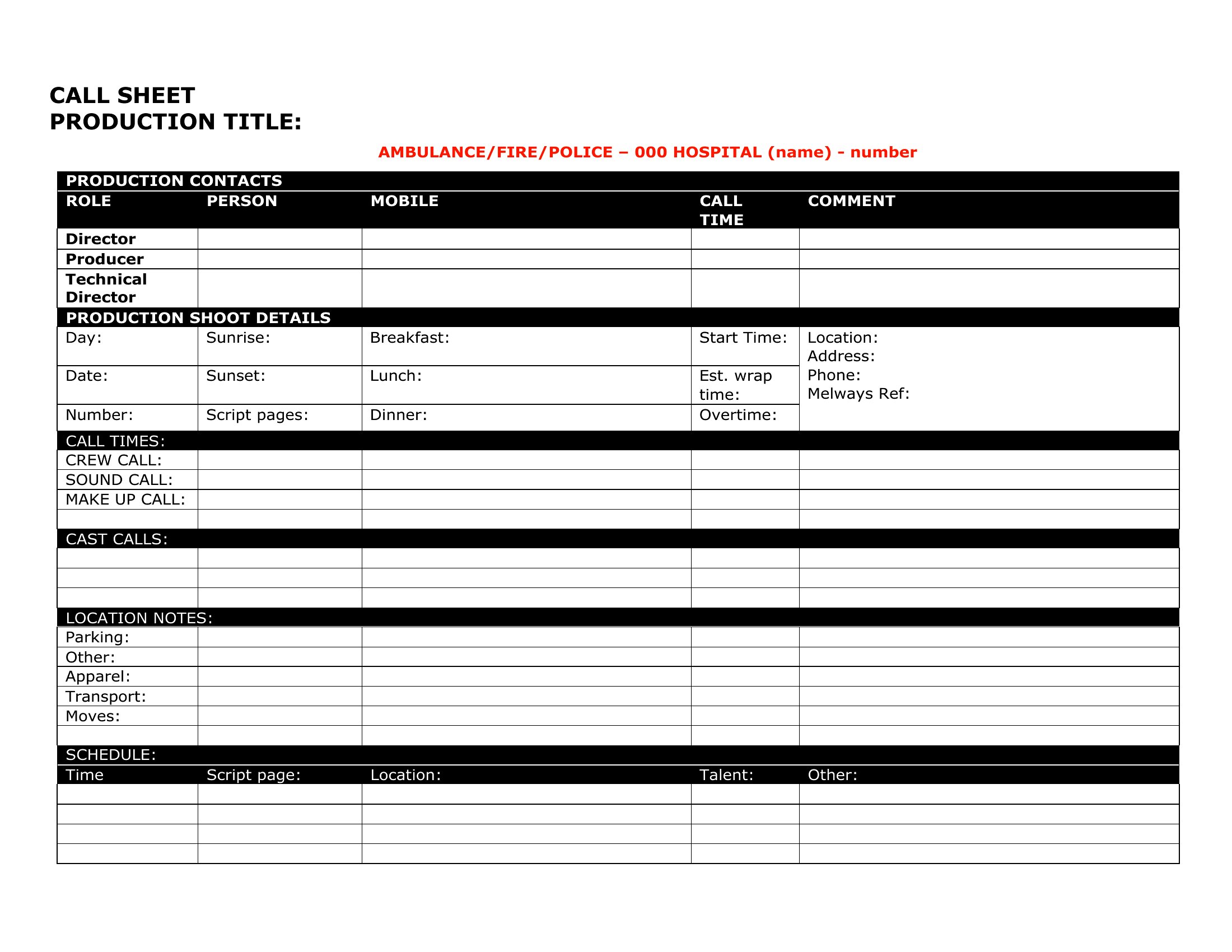
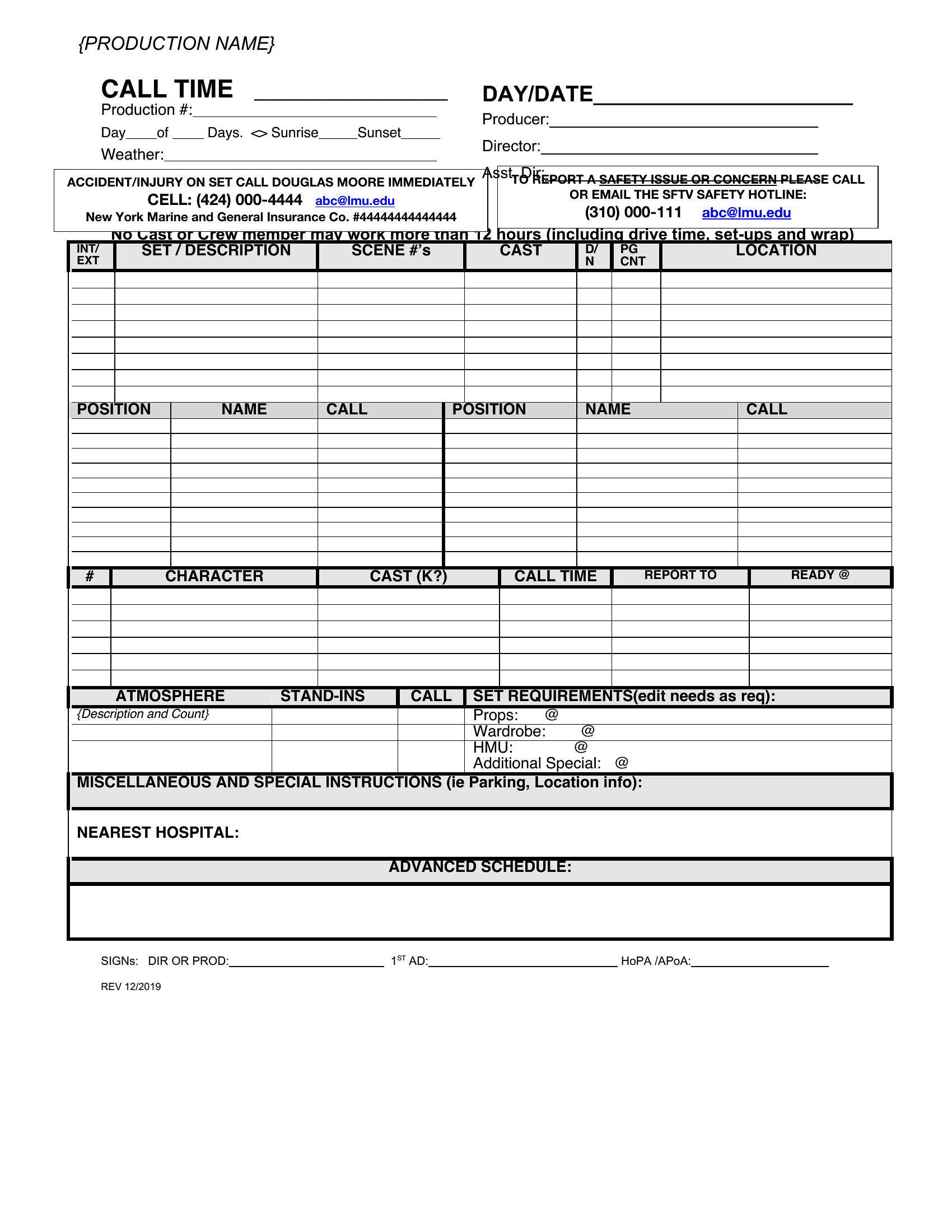
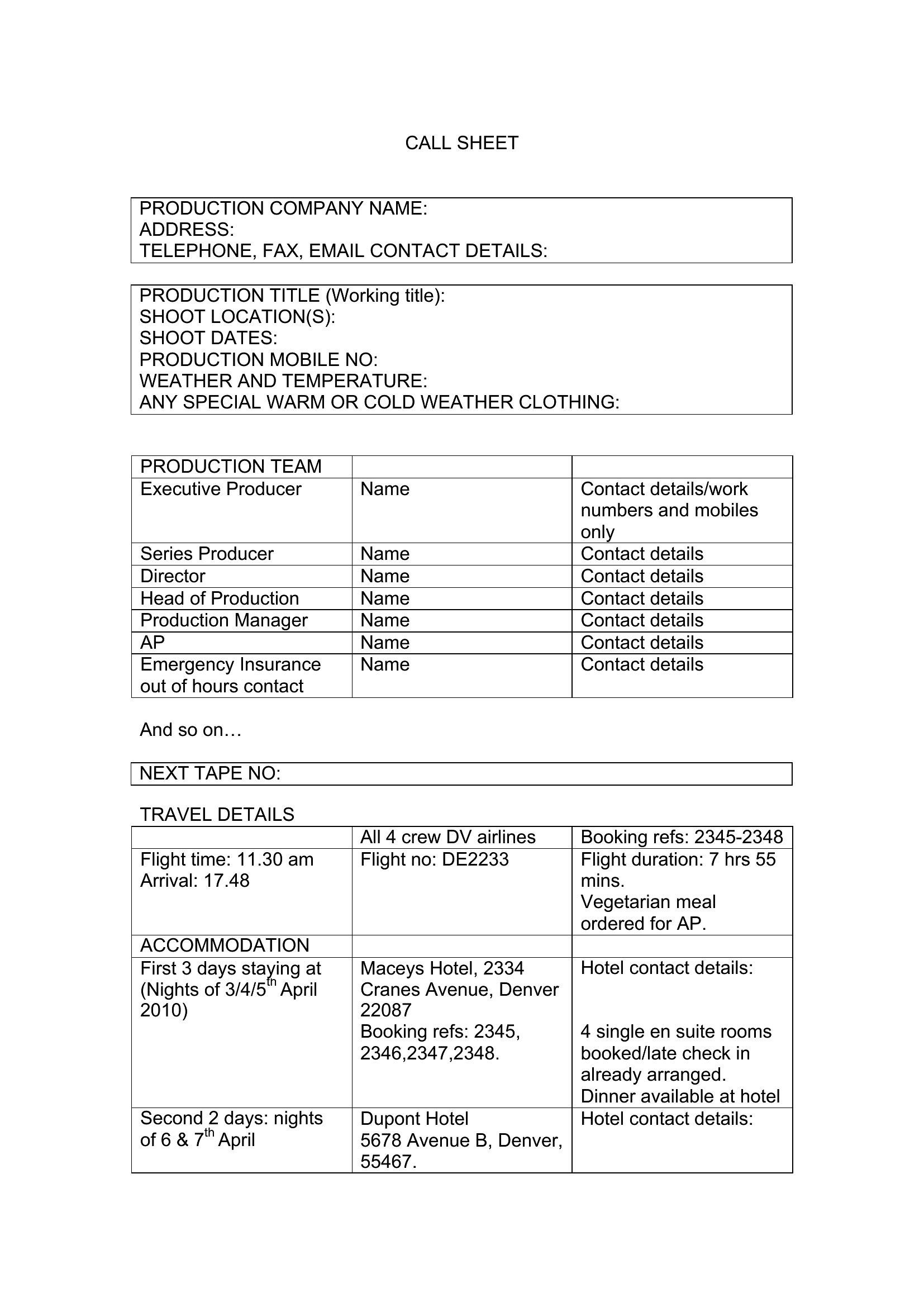
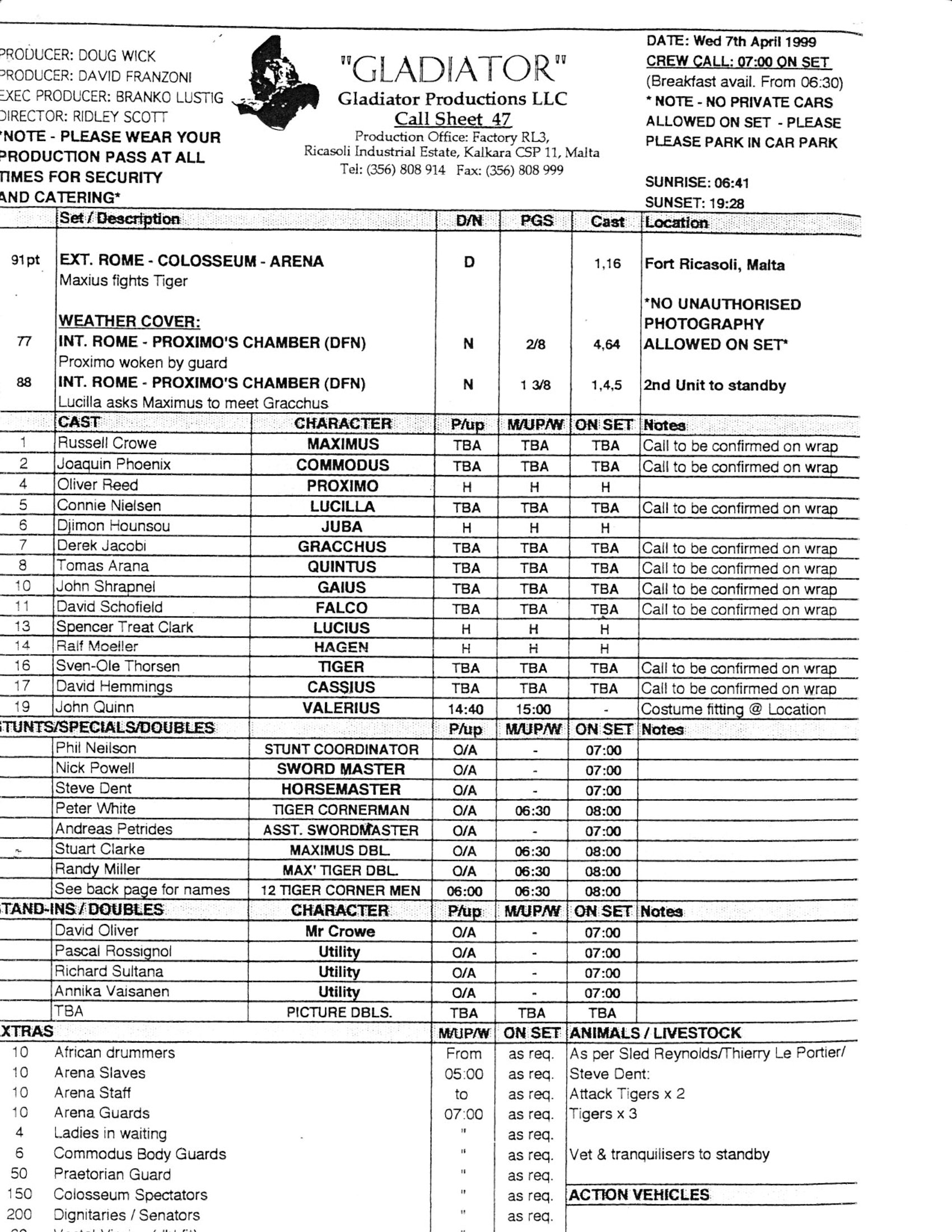
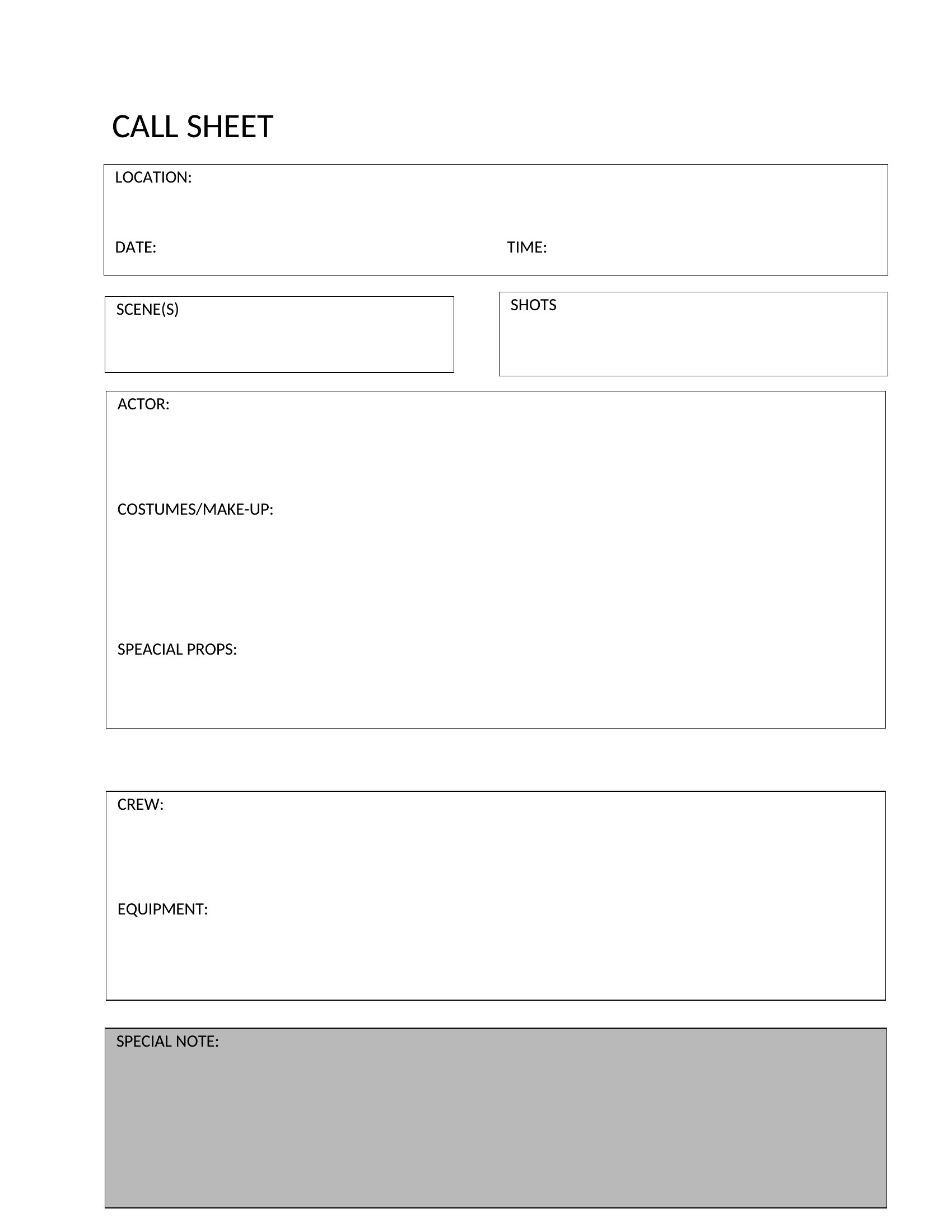
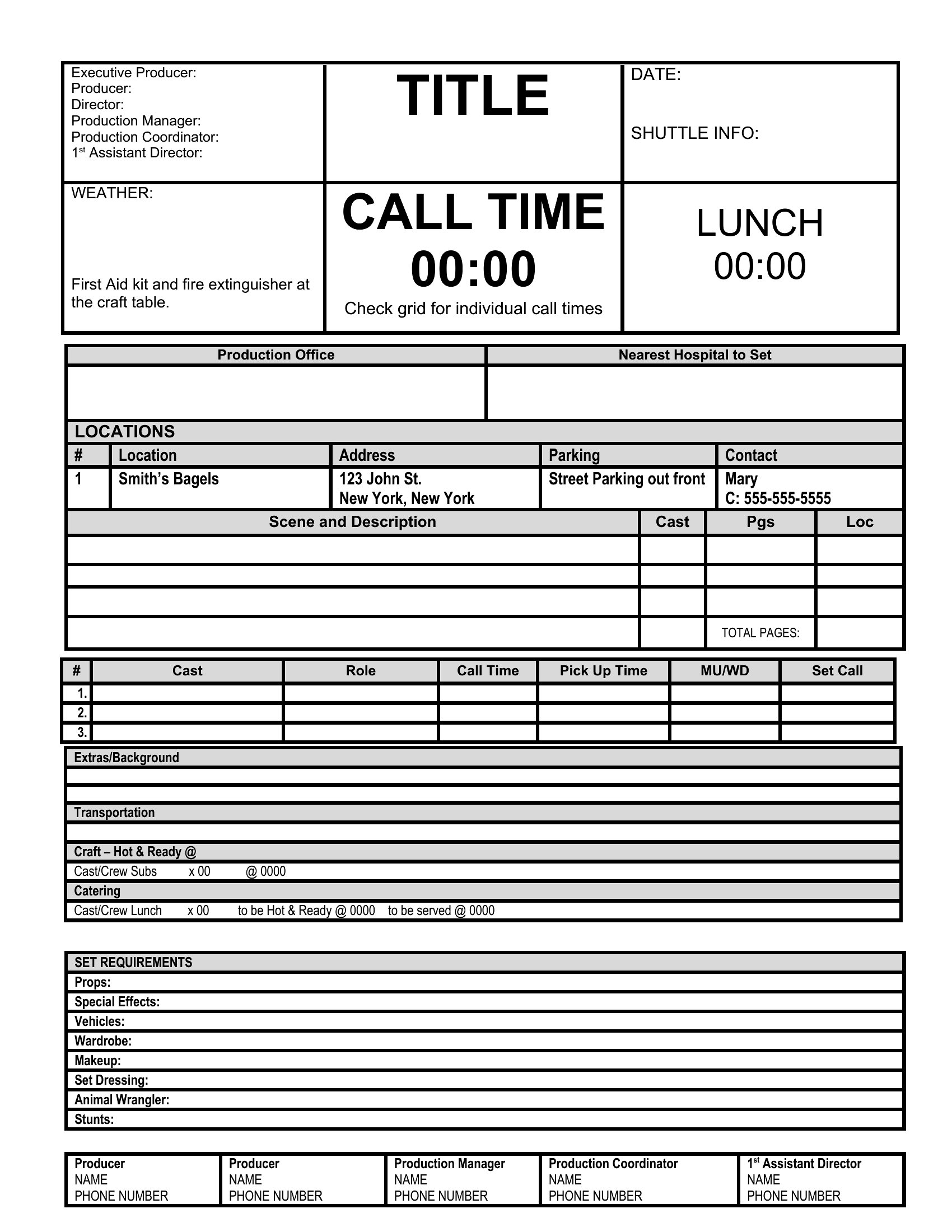
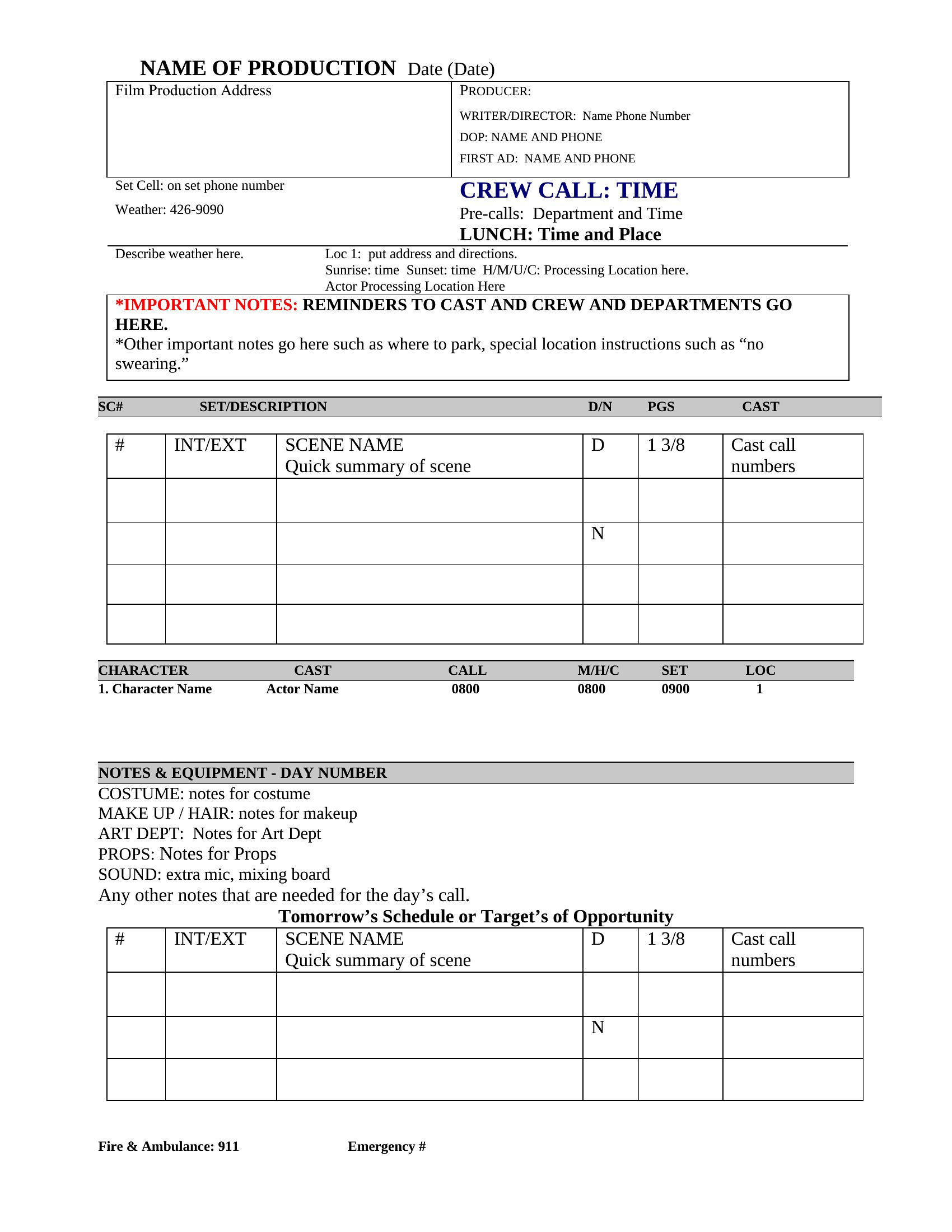
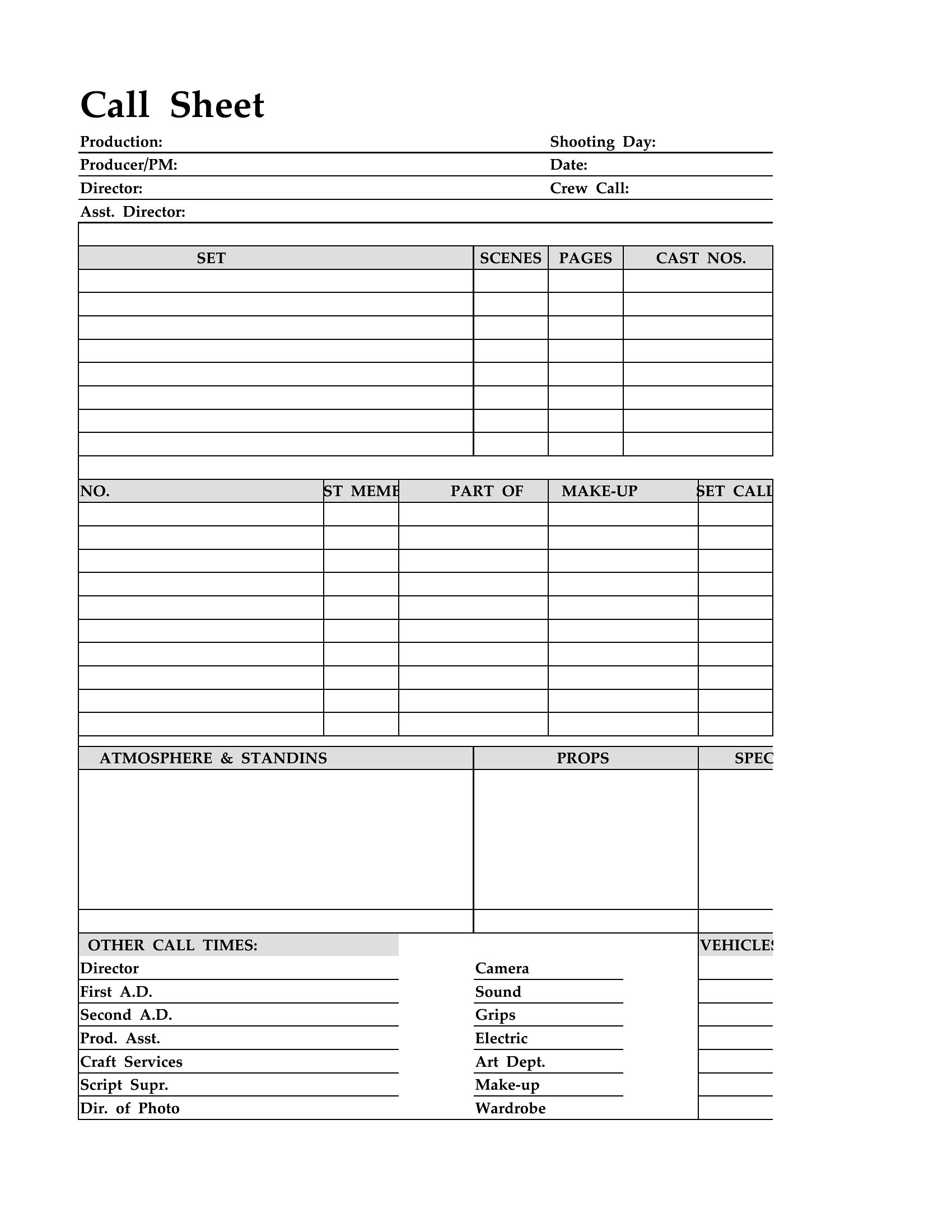
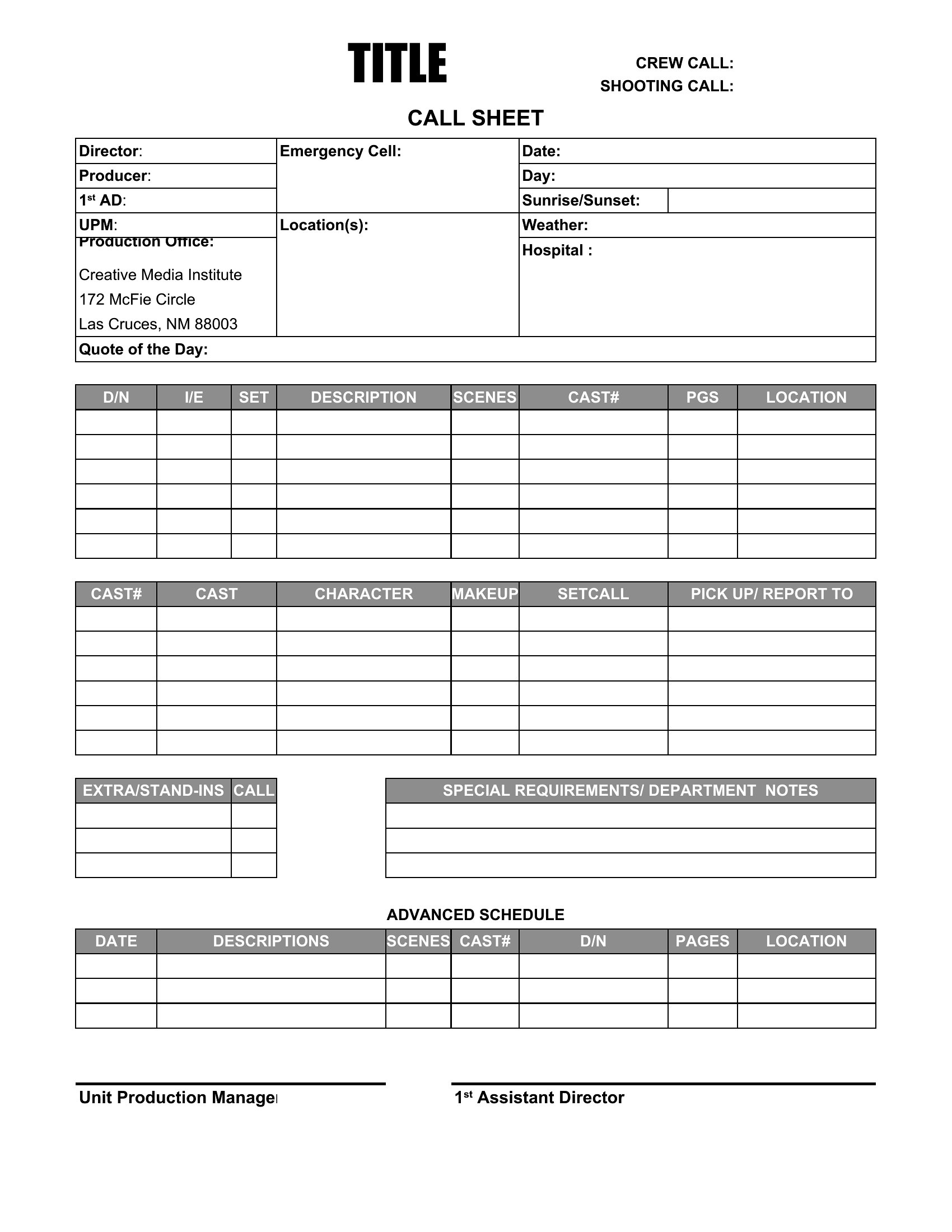
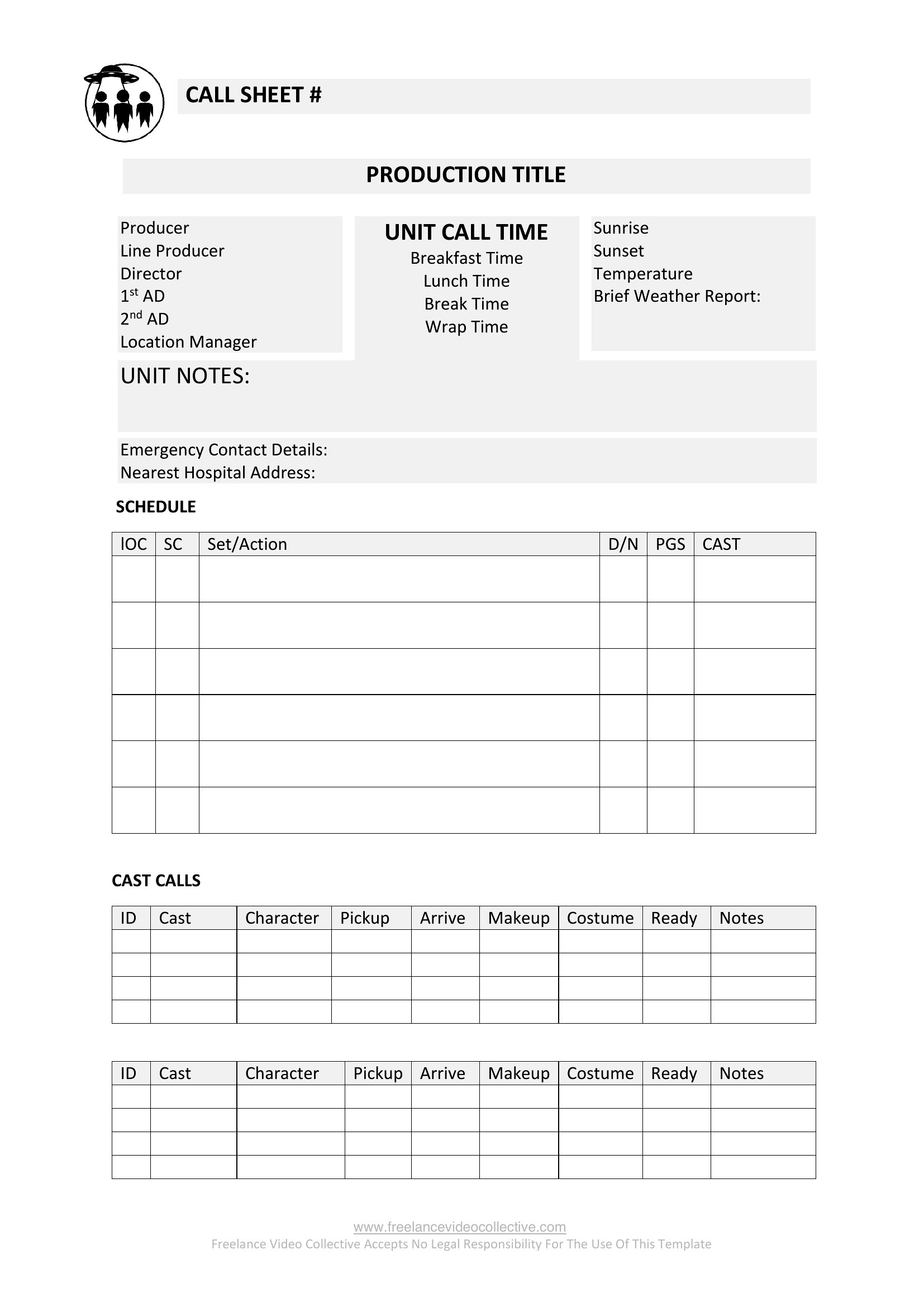
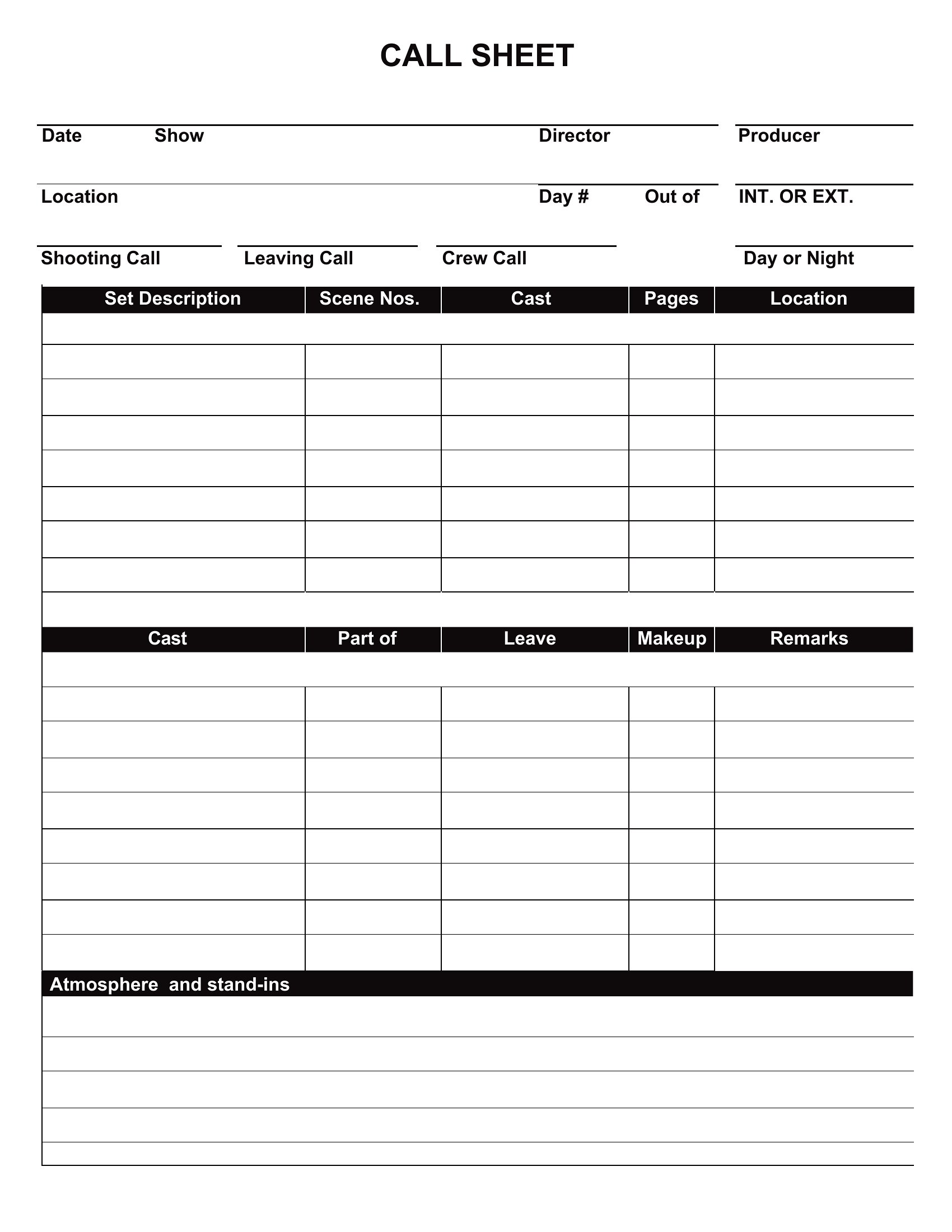
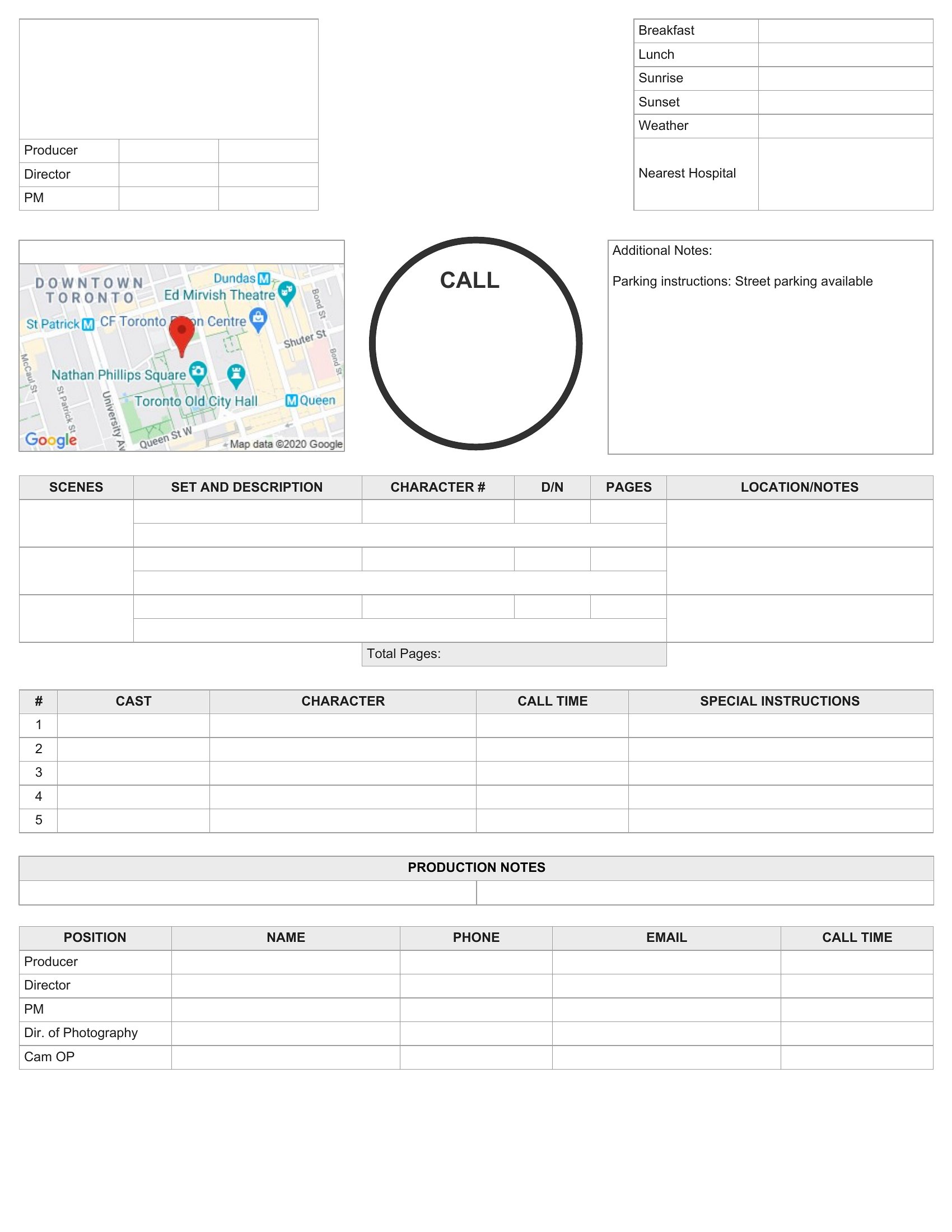
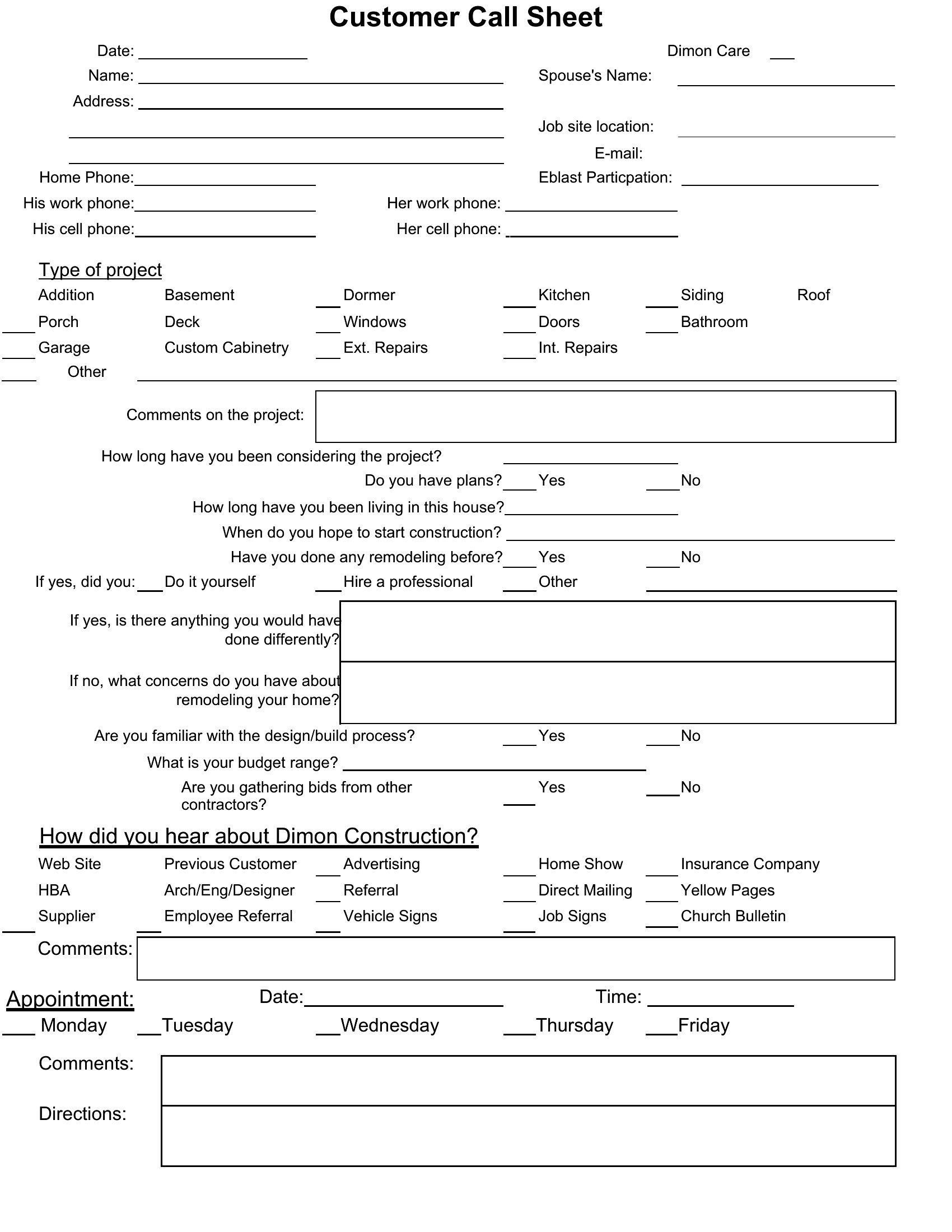
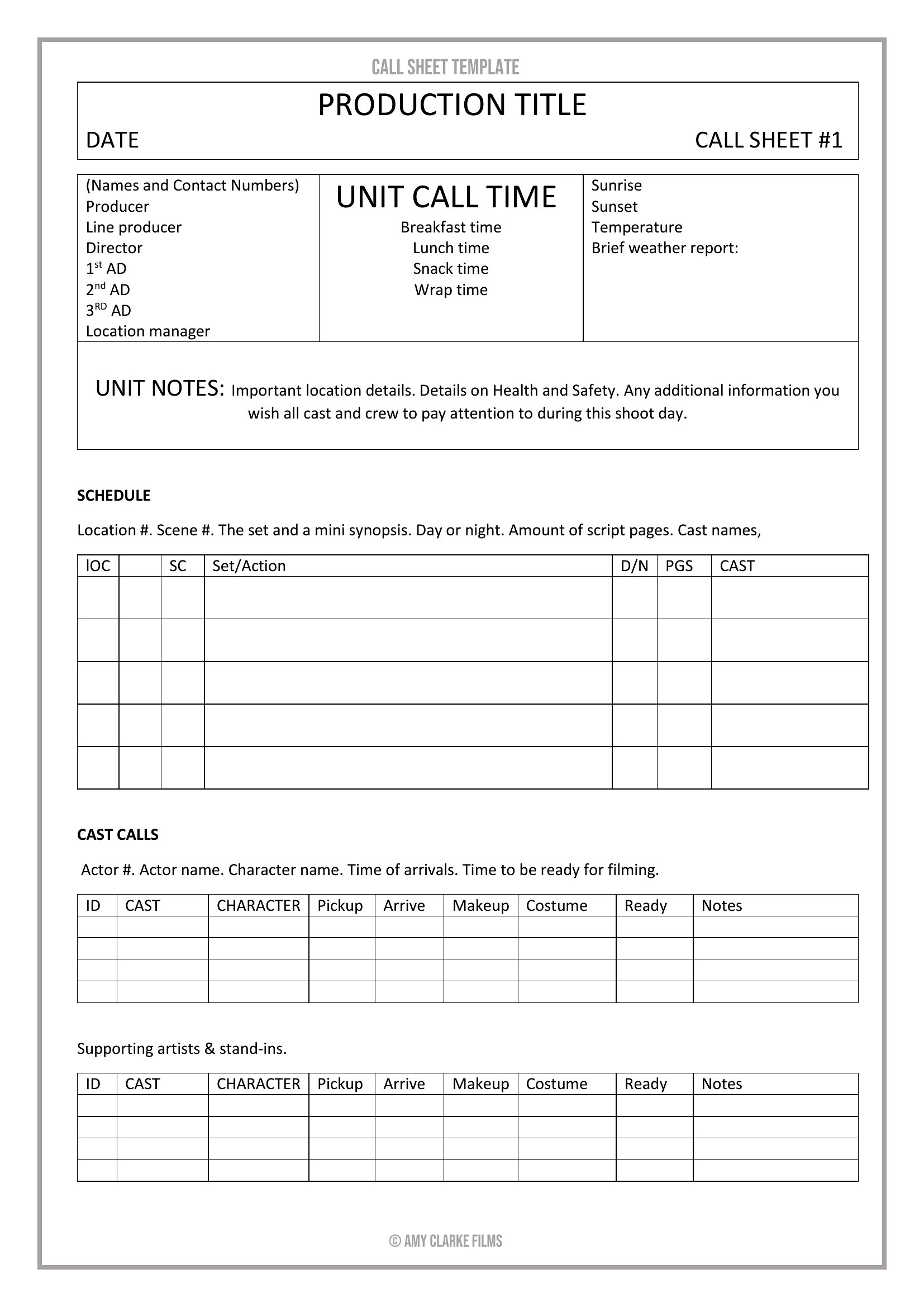
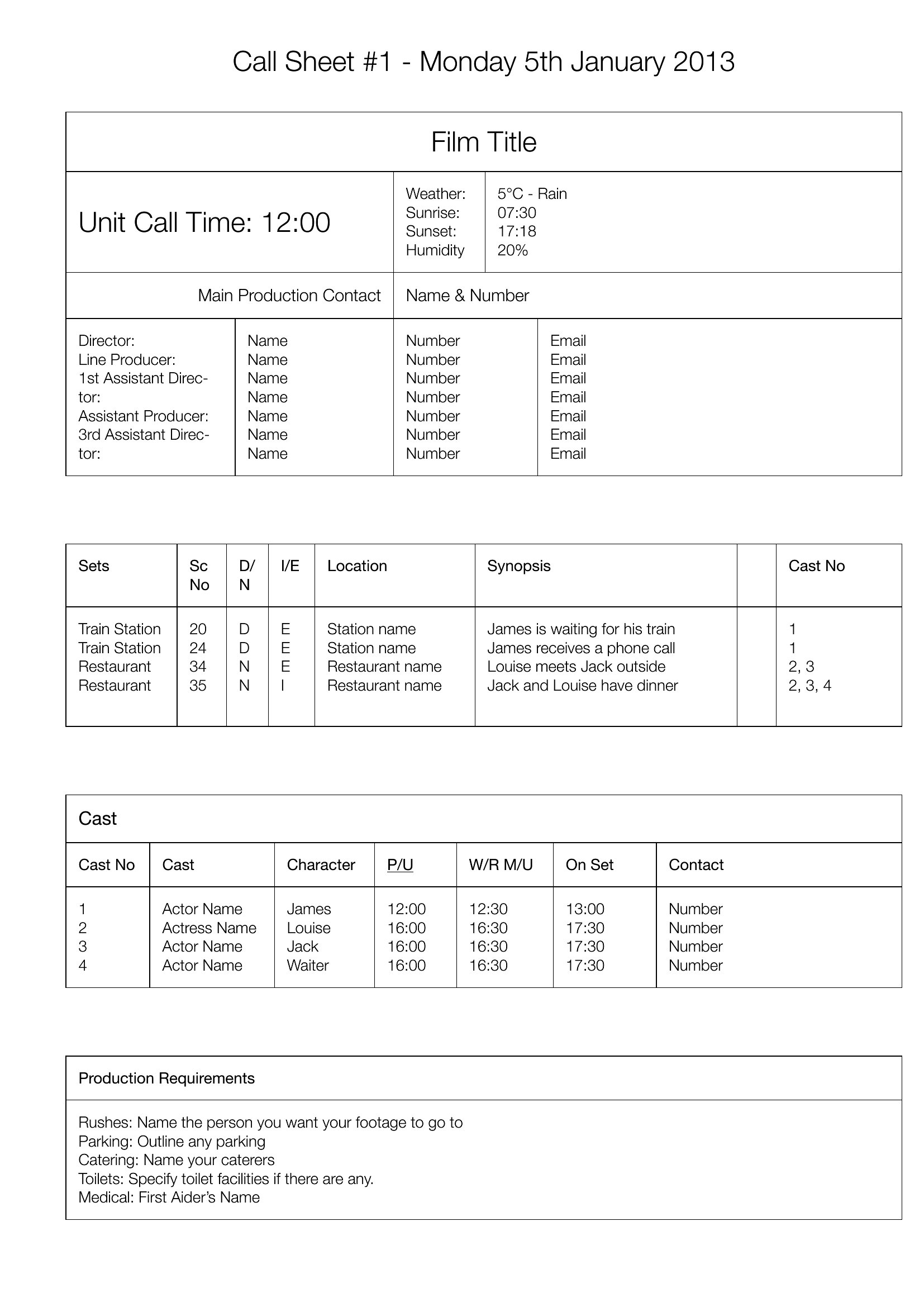
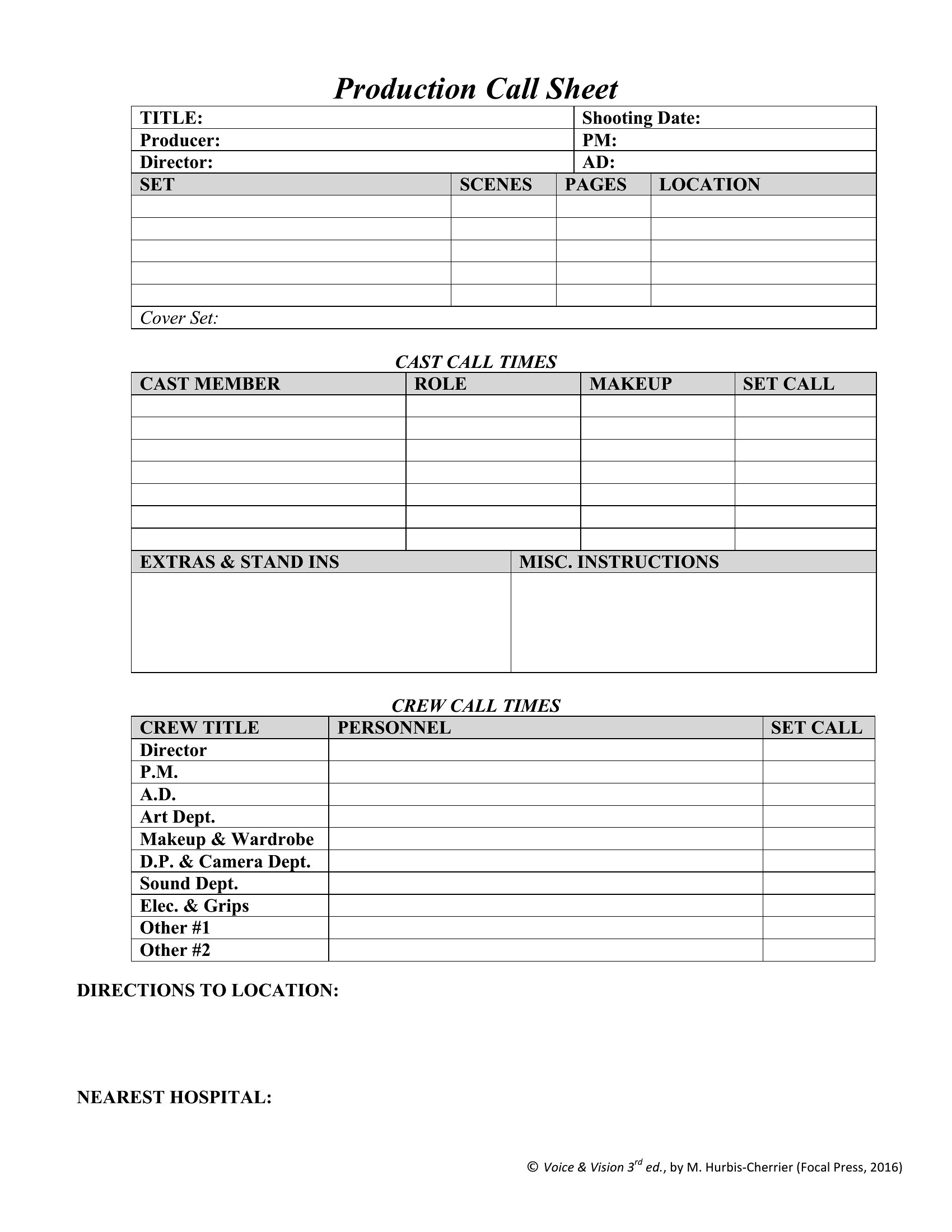
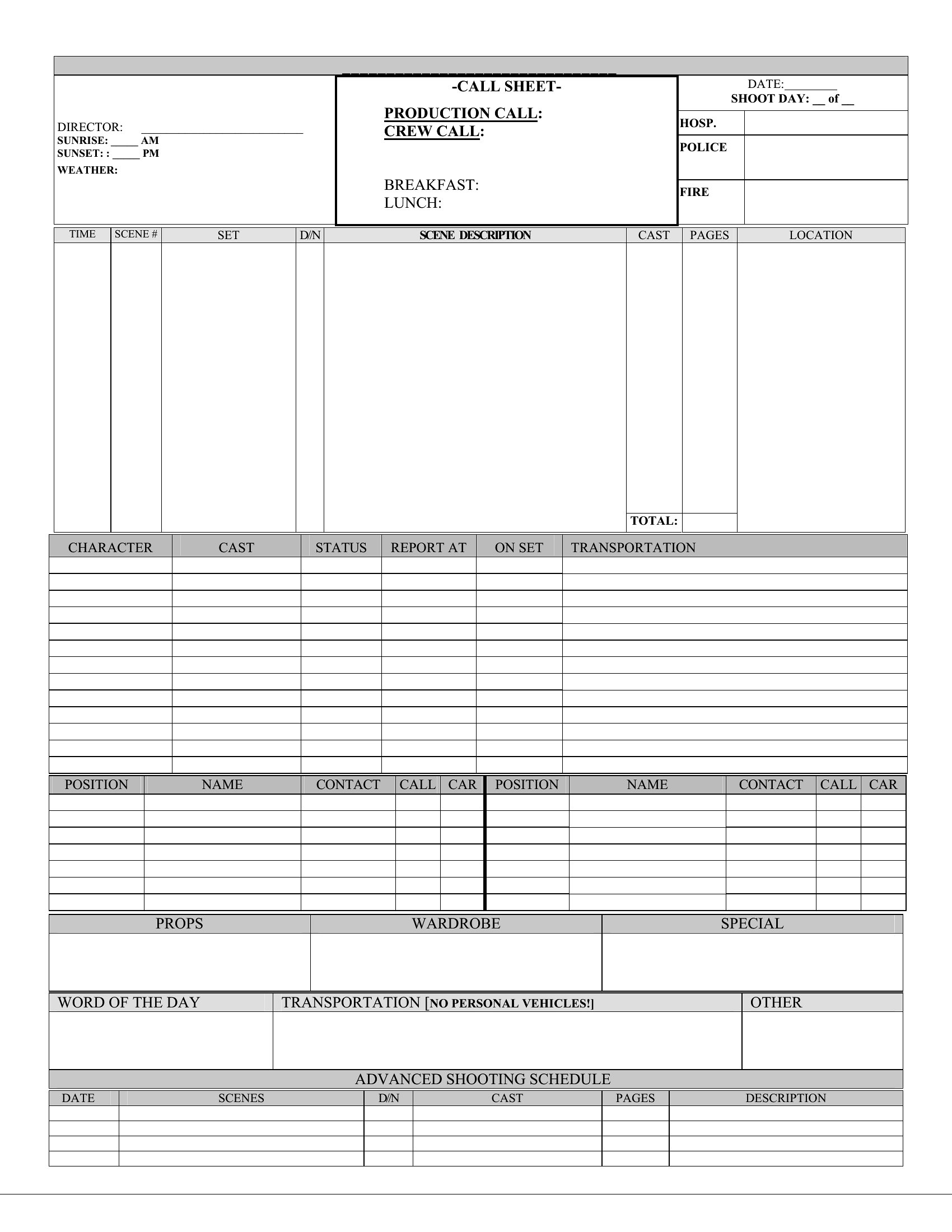
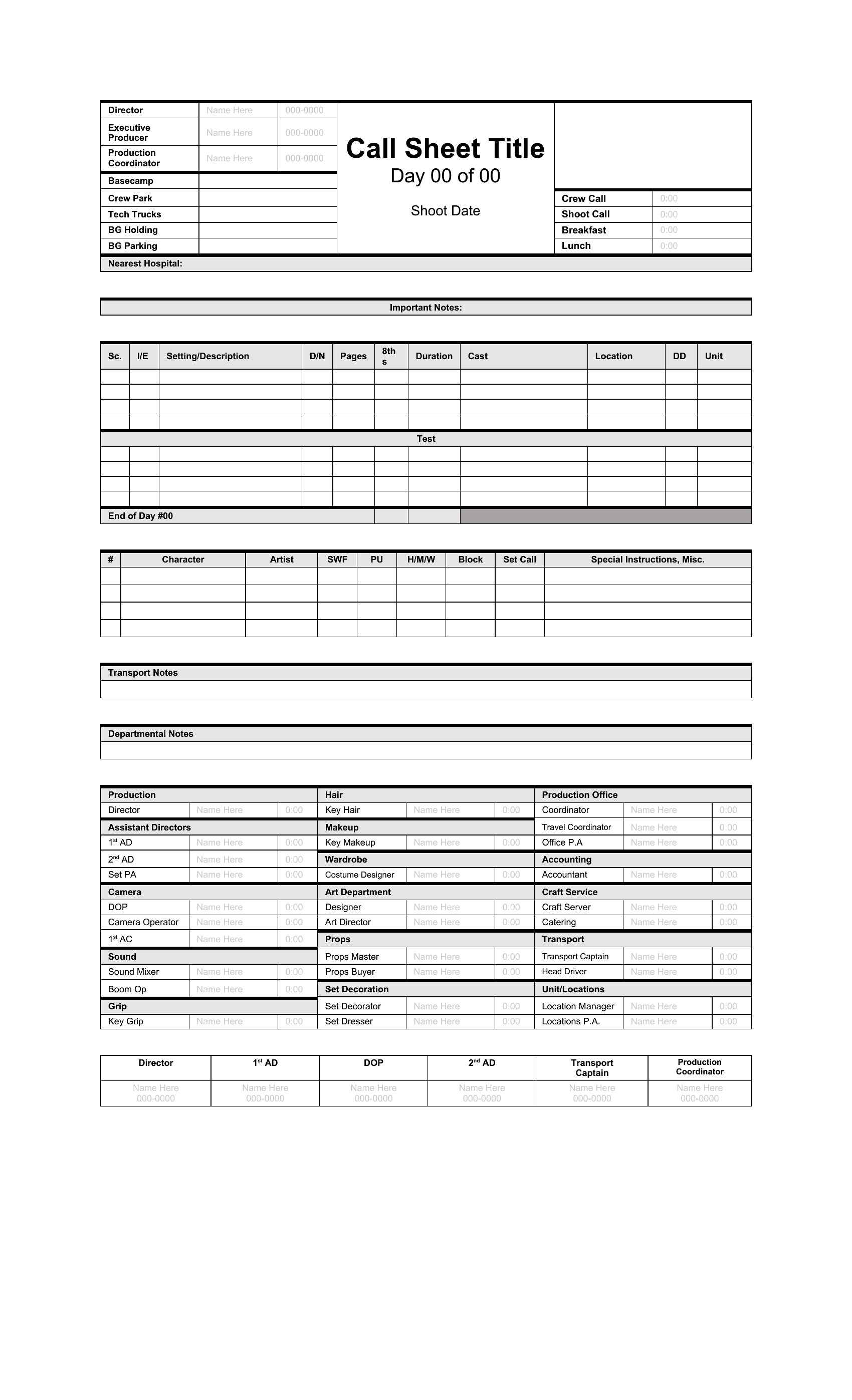
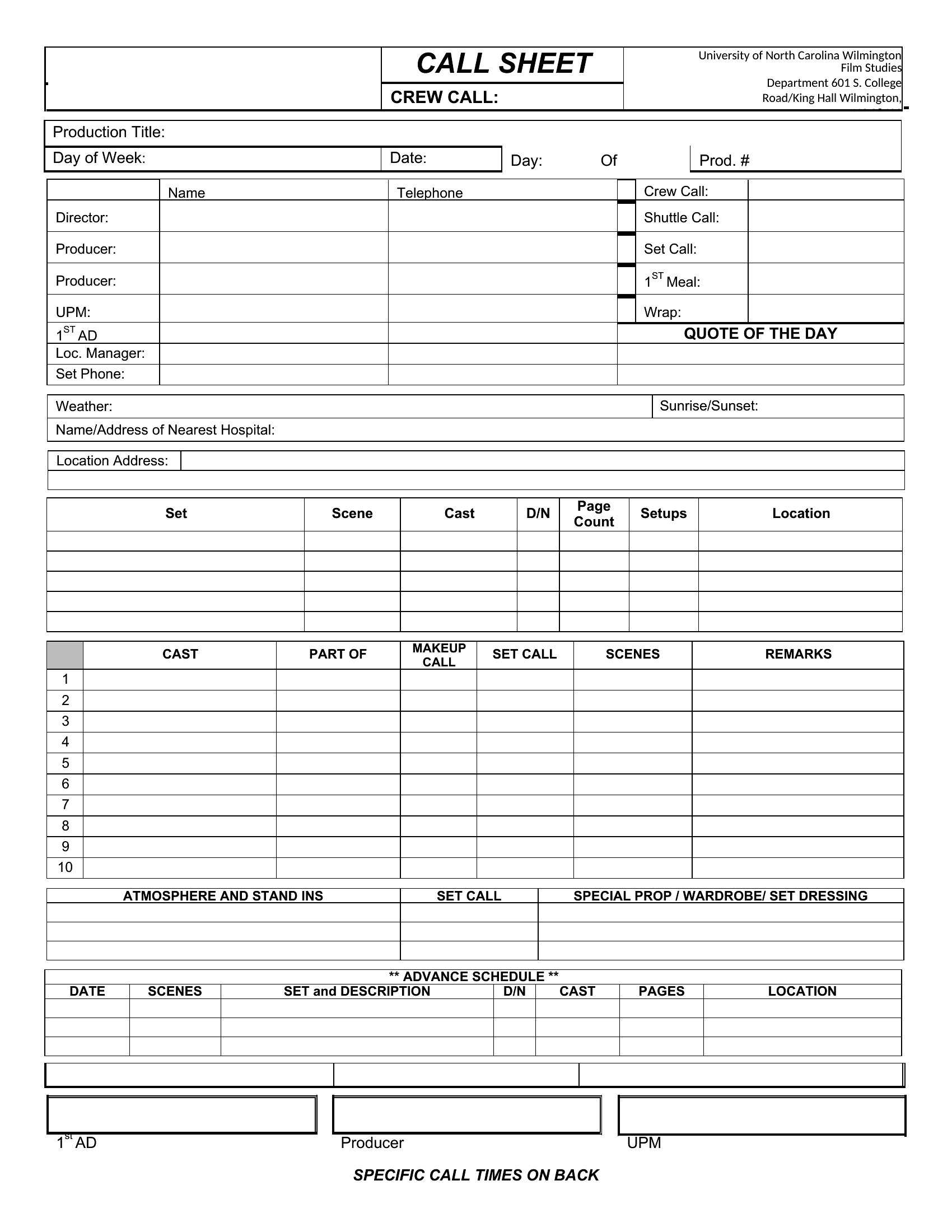
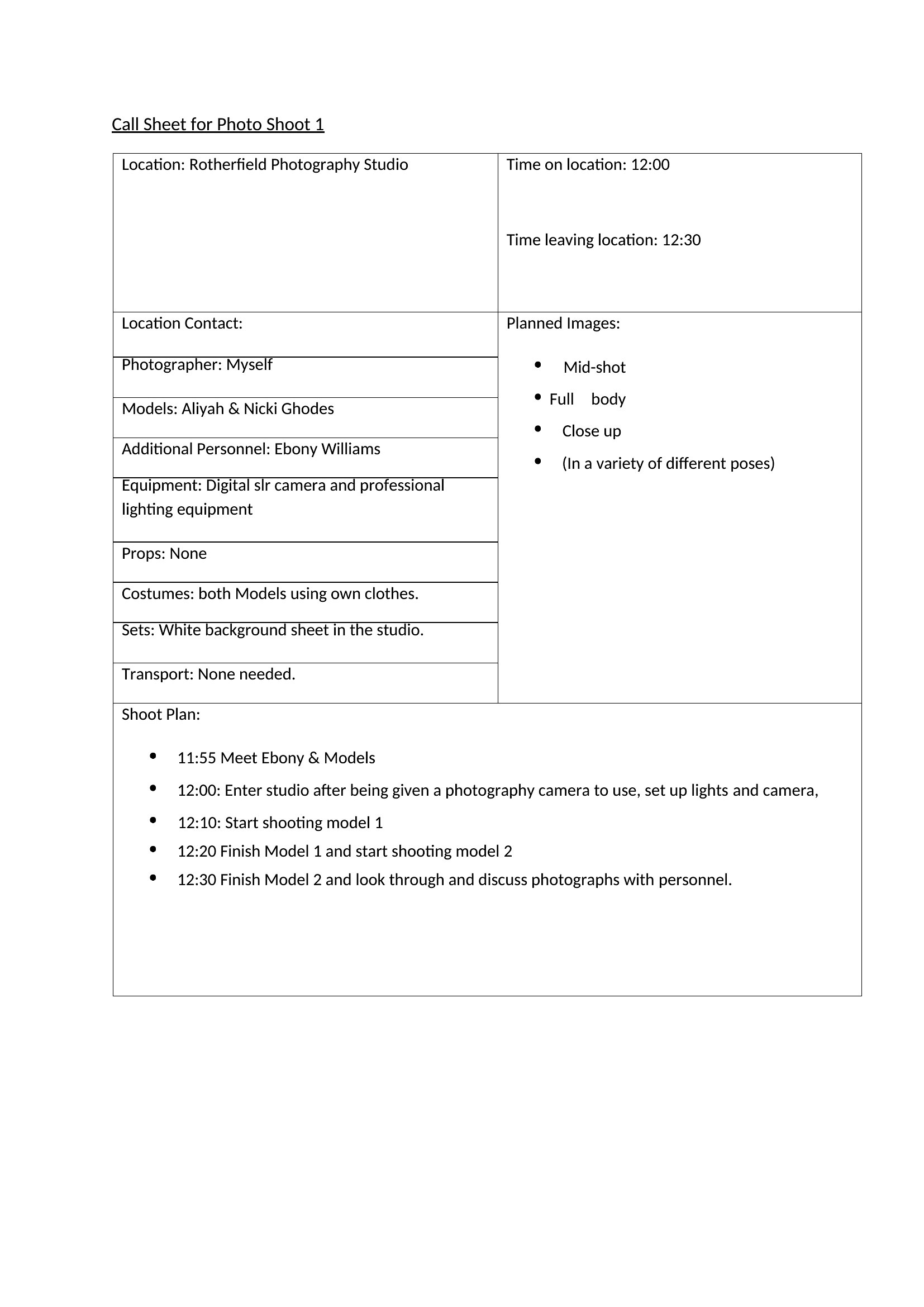
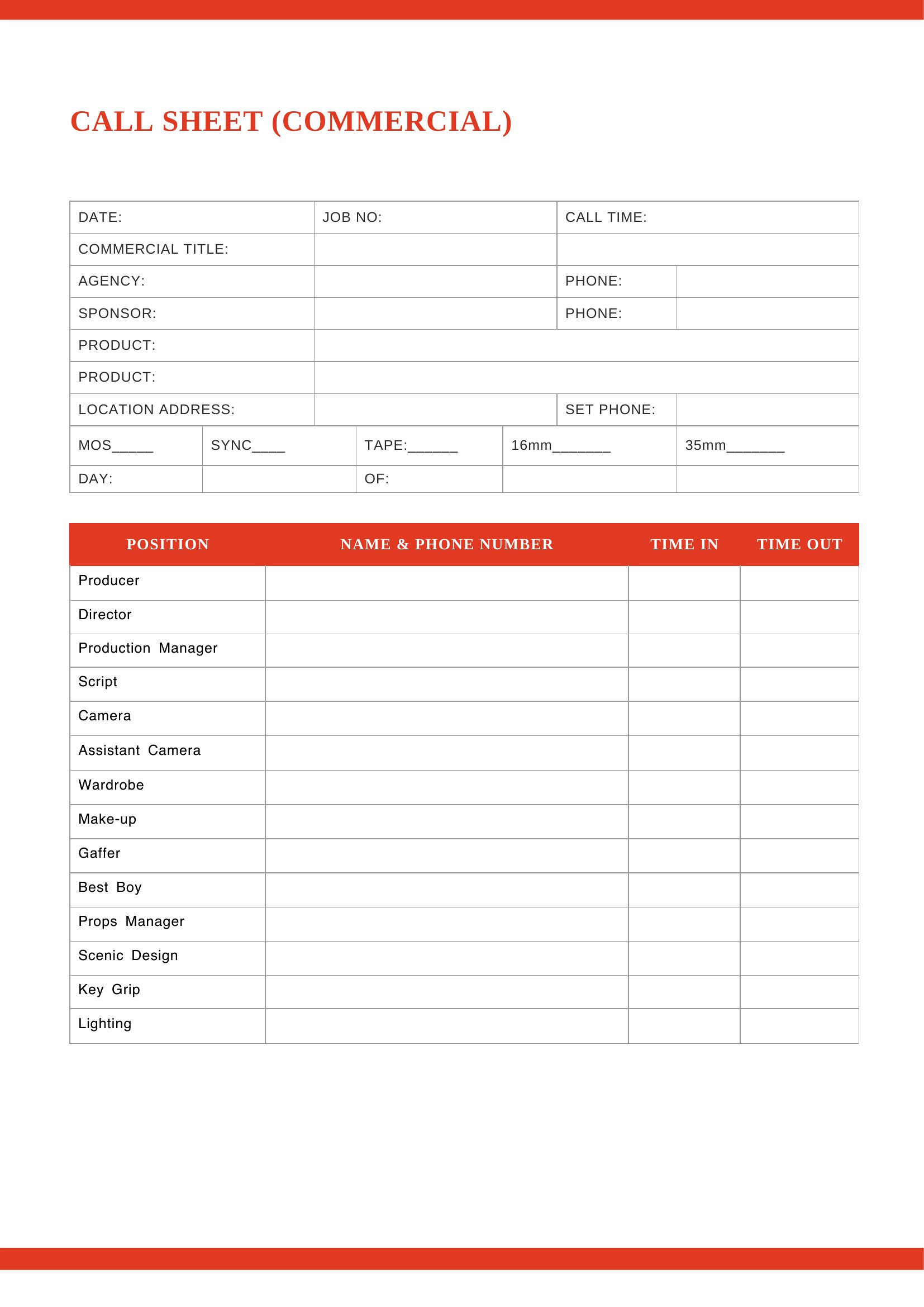
Can I include a shot list or breakdown of scenes on the same page as the call sheet?
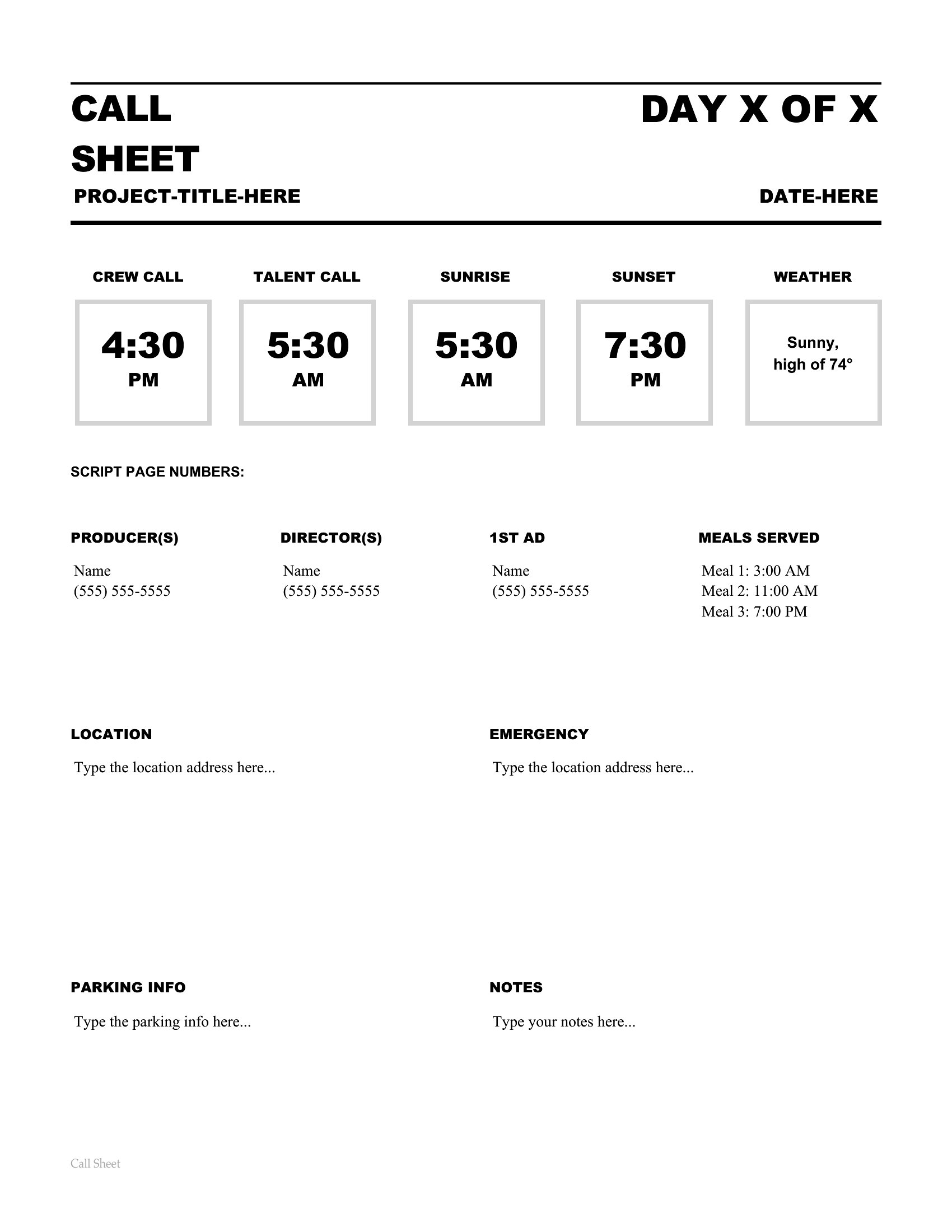
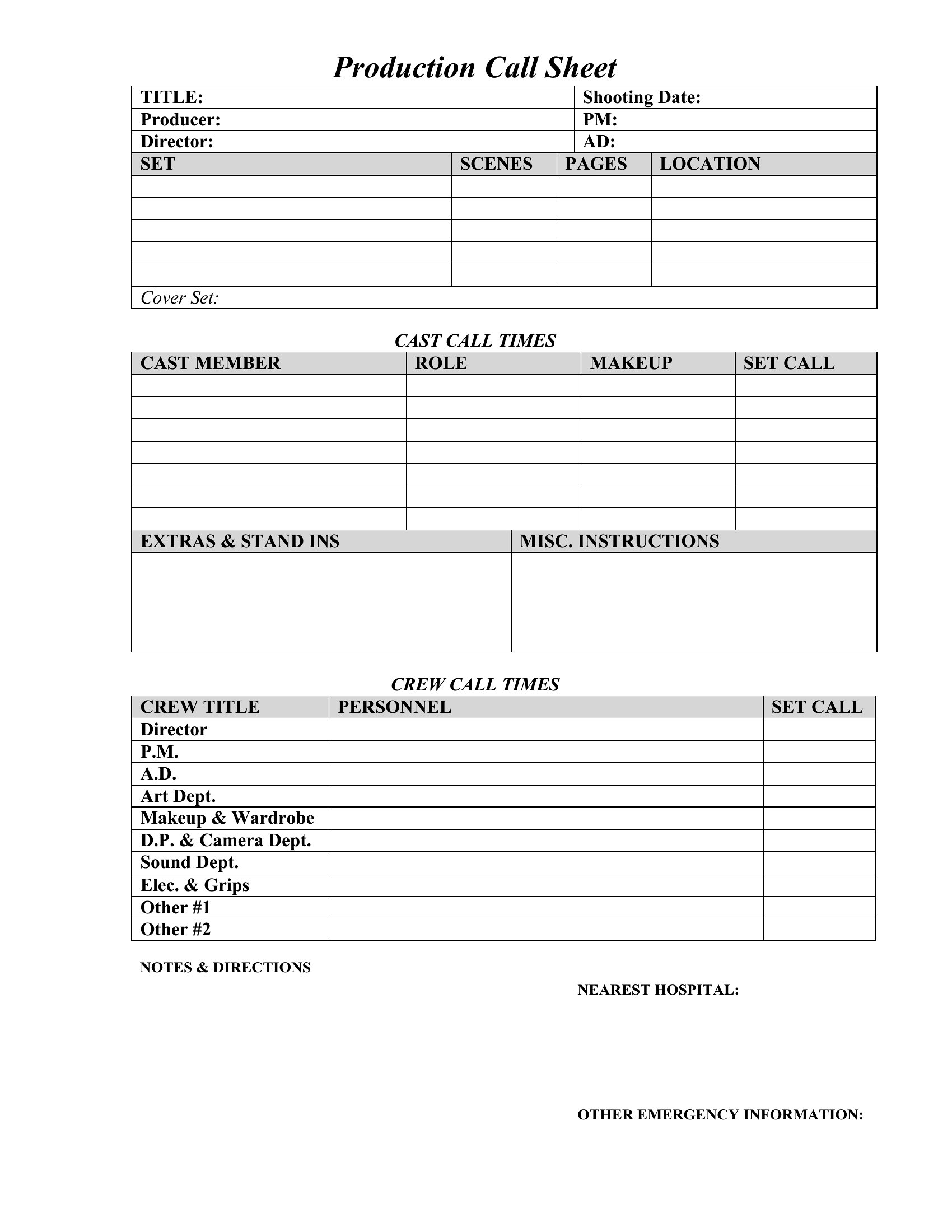
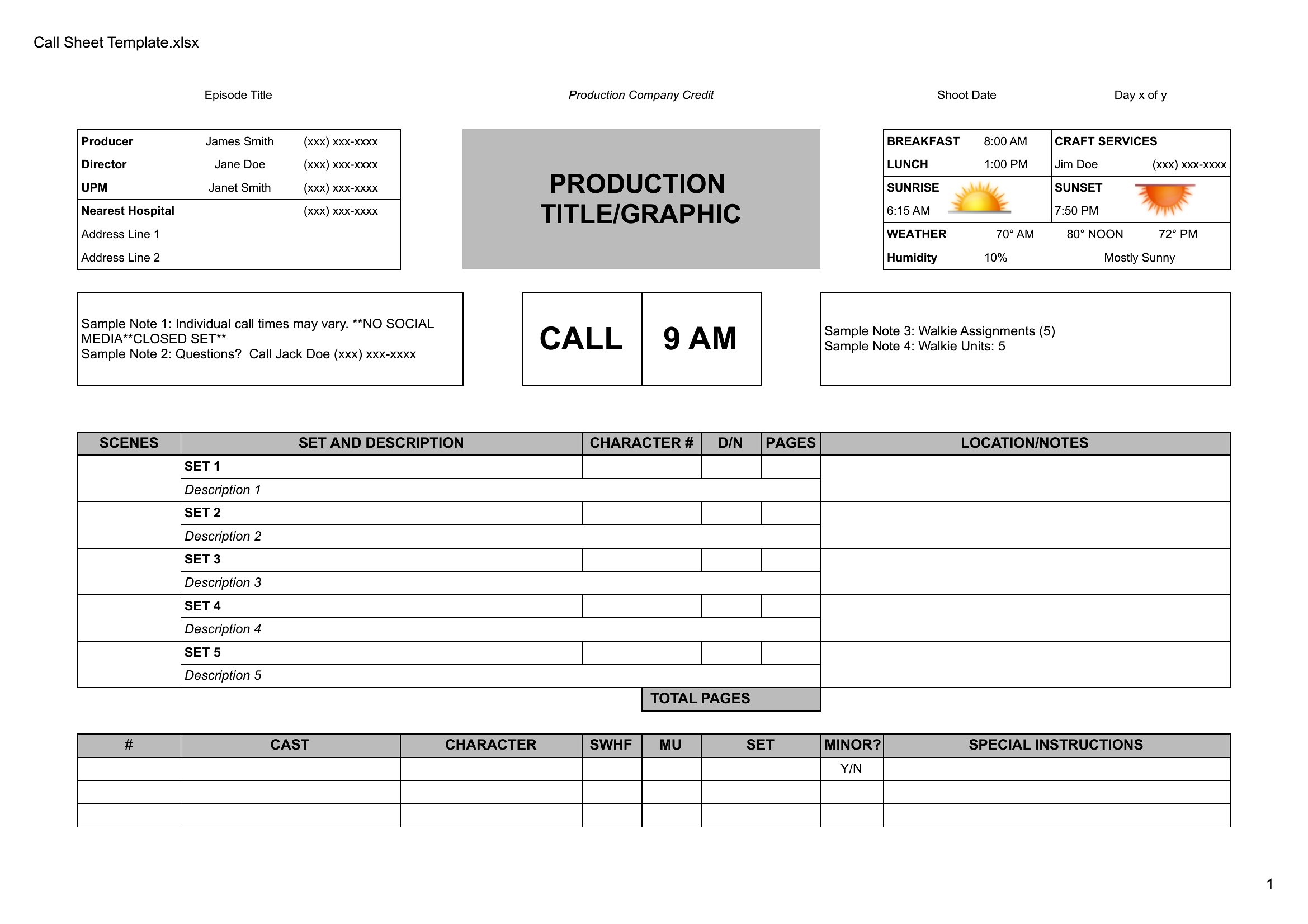
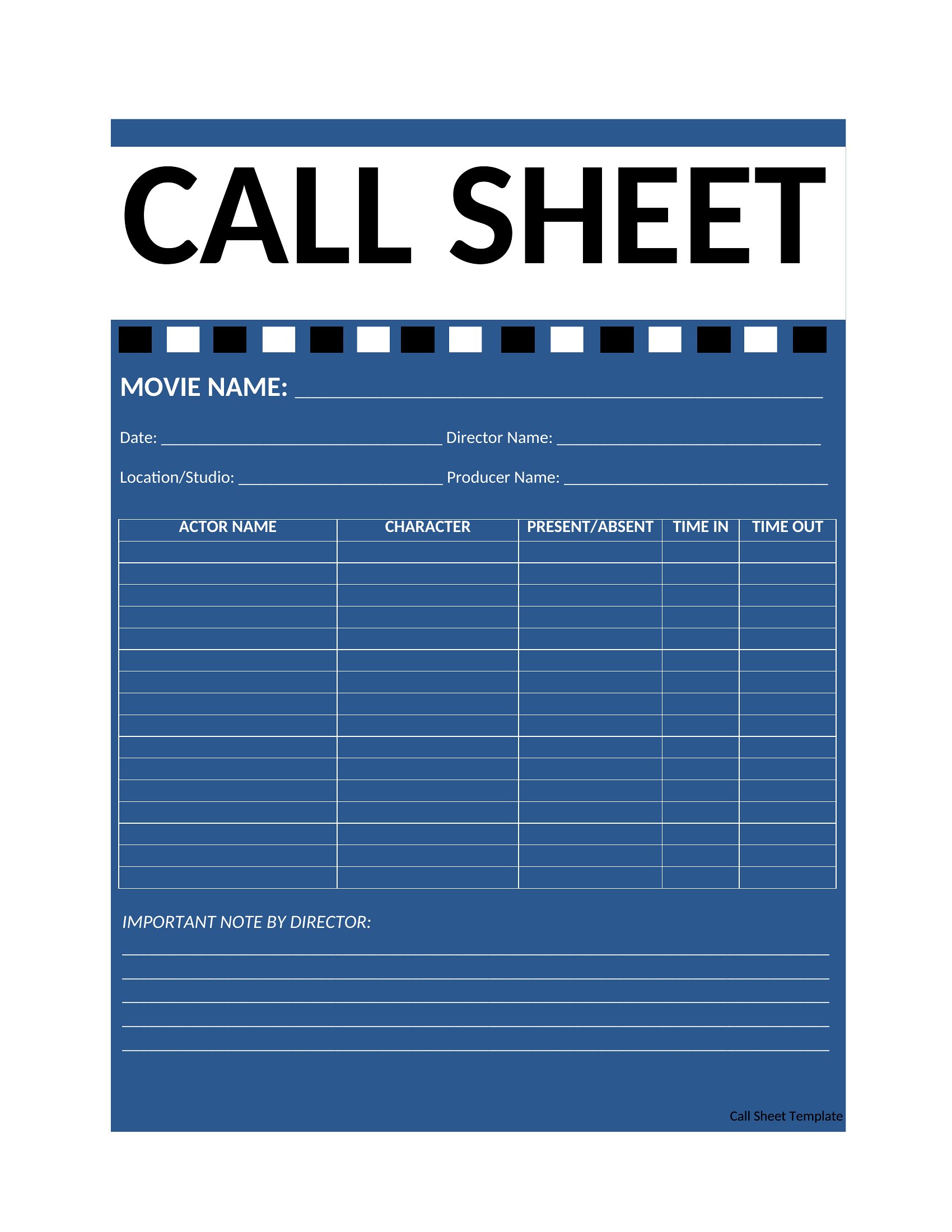
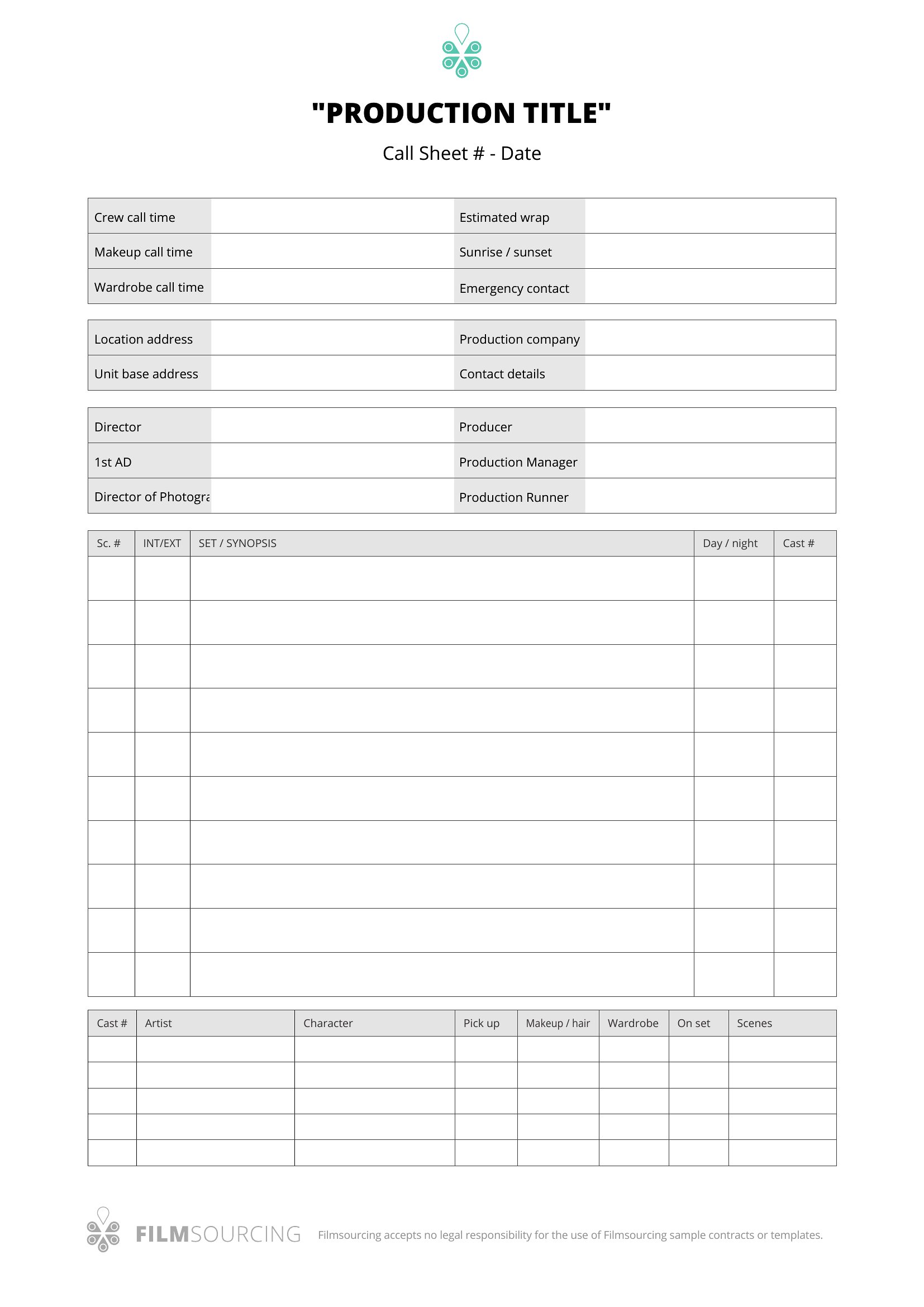
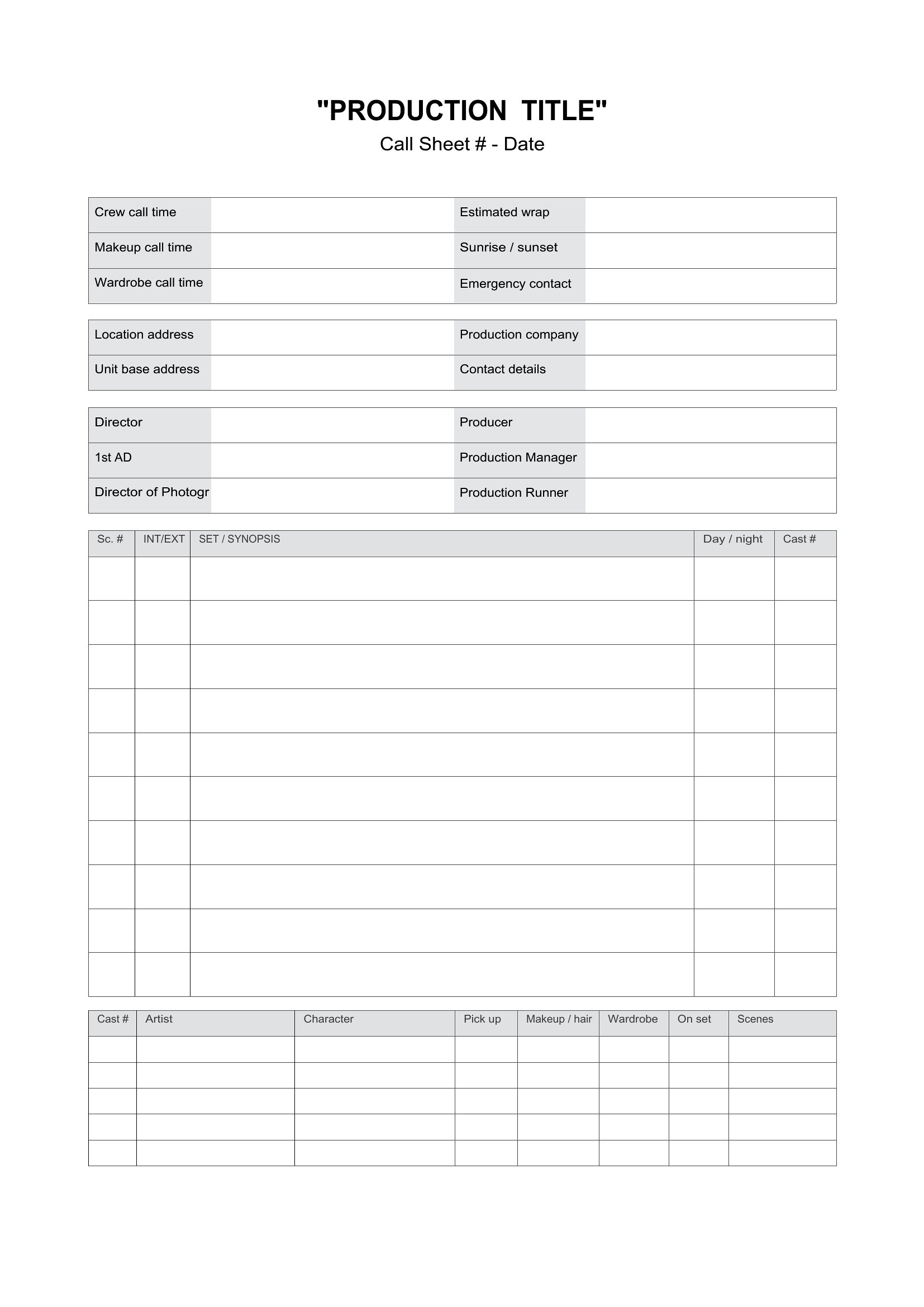
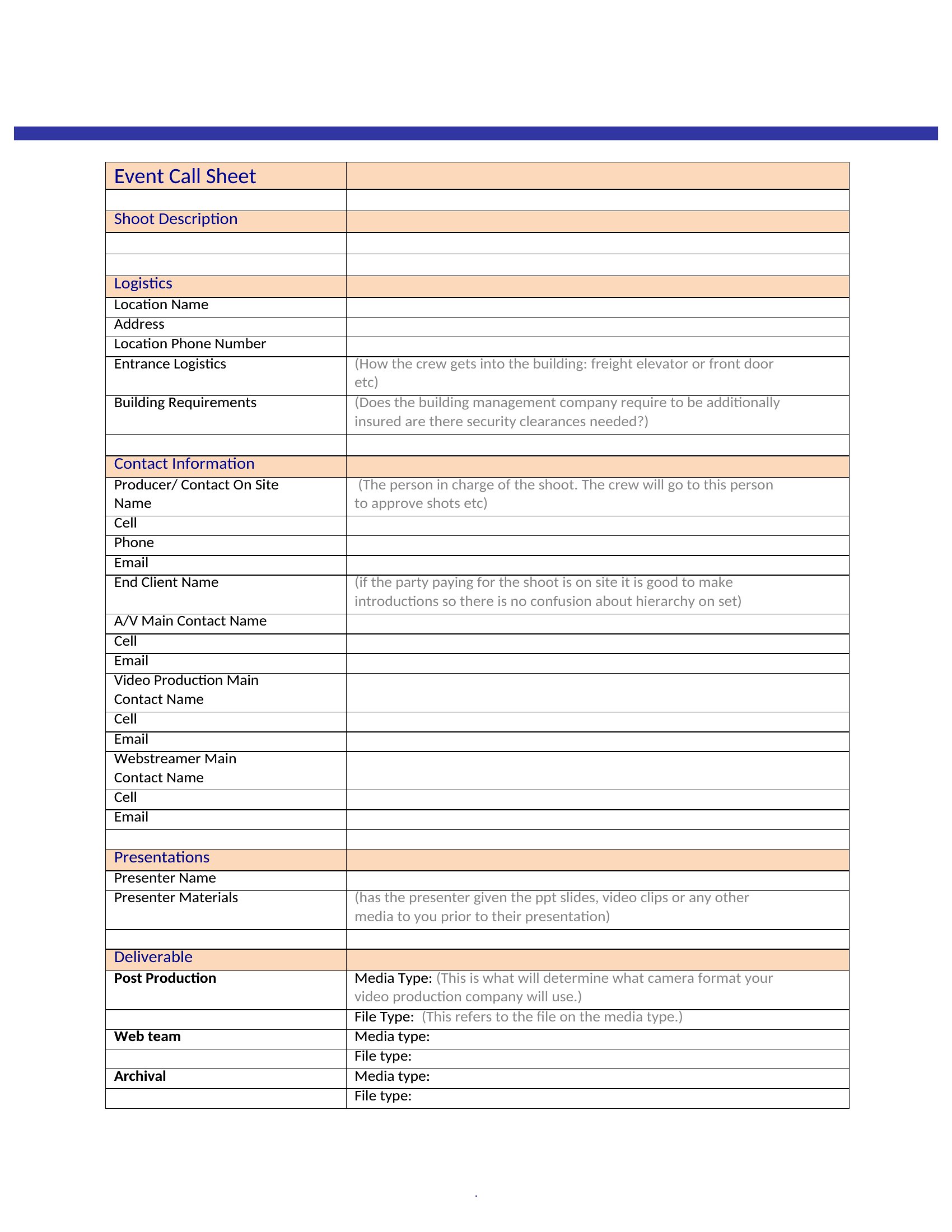
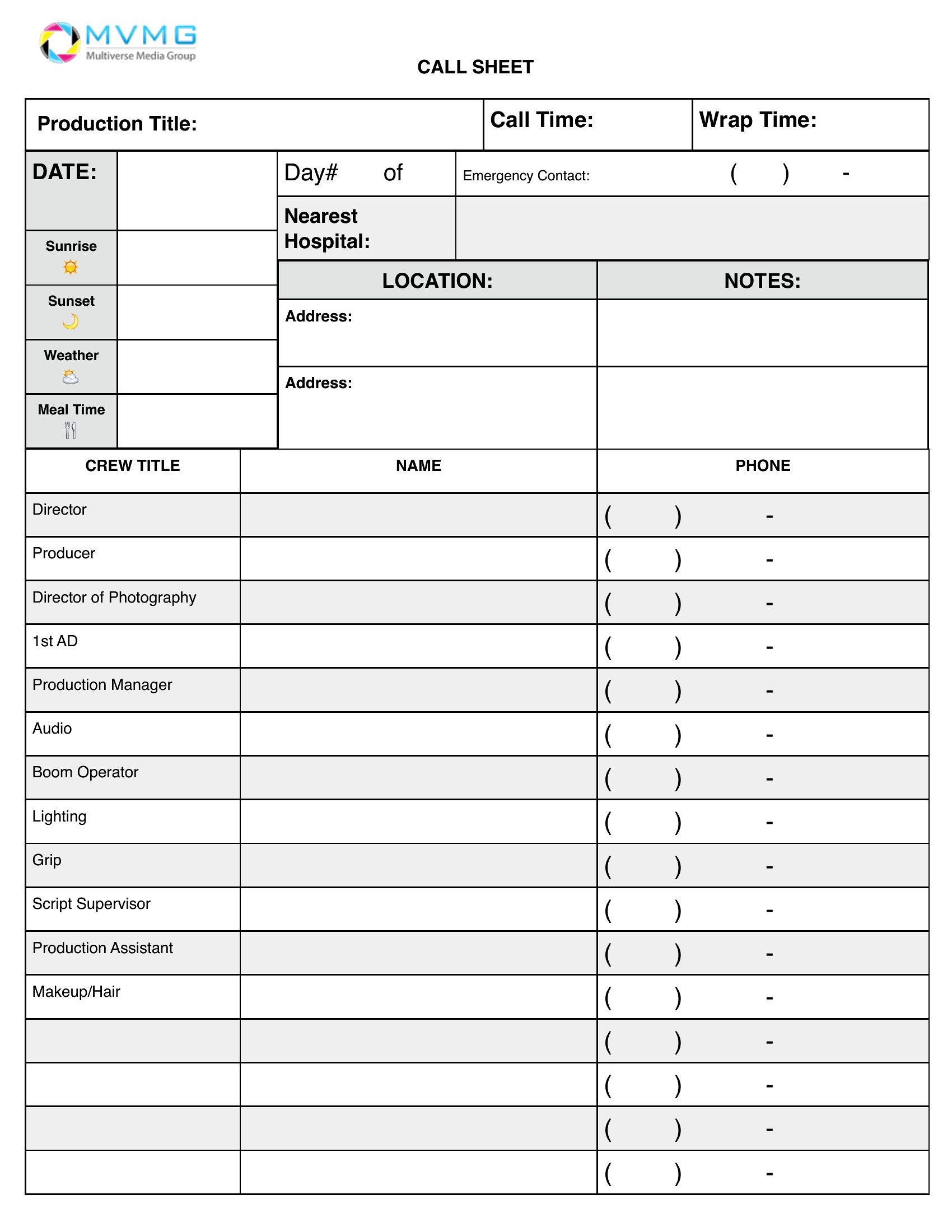
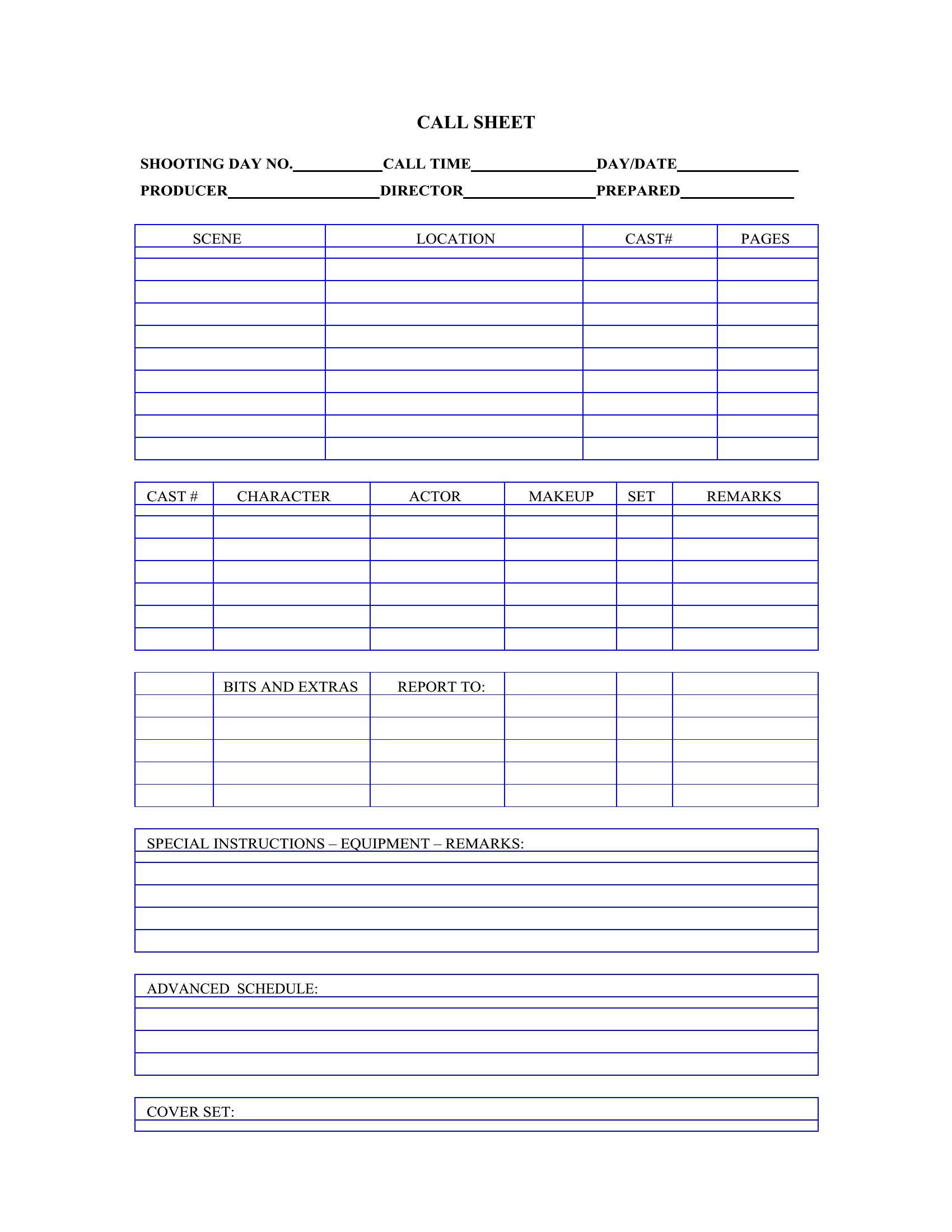
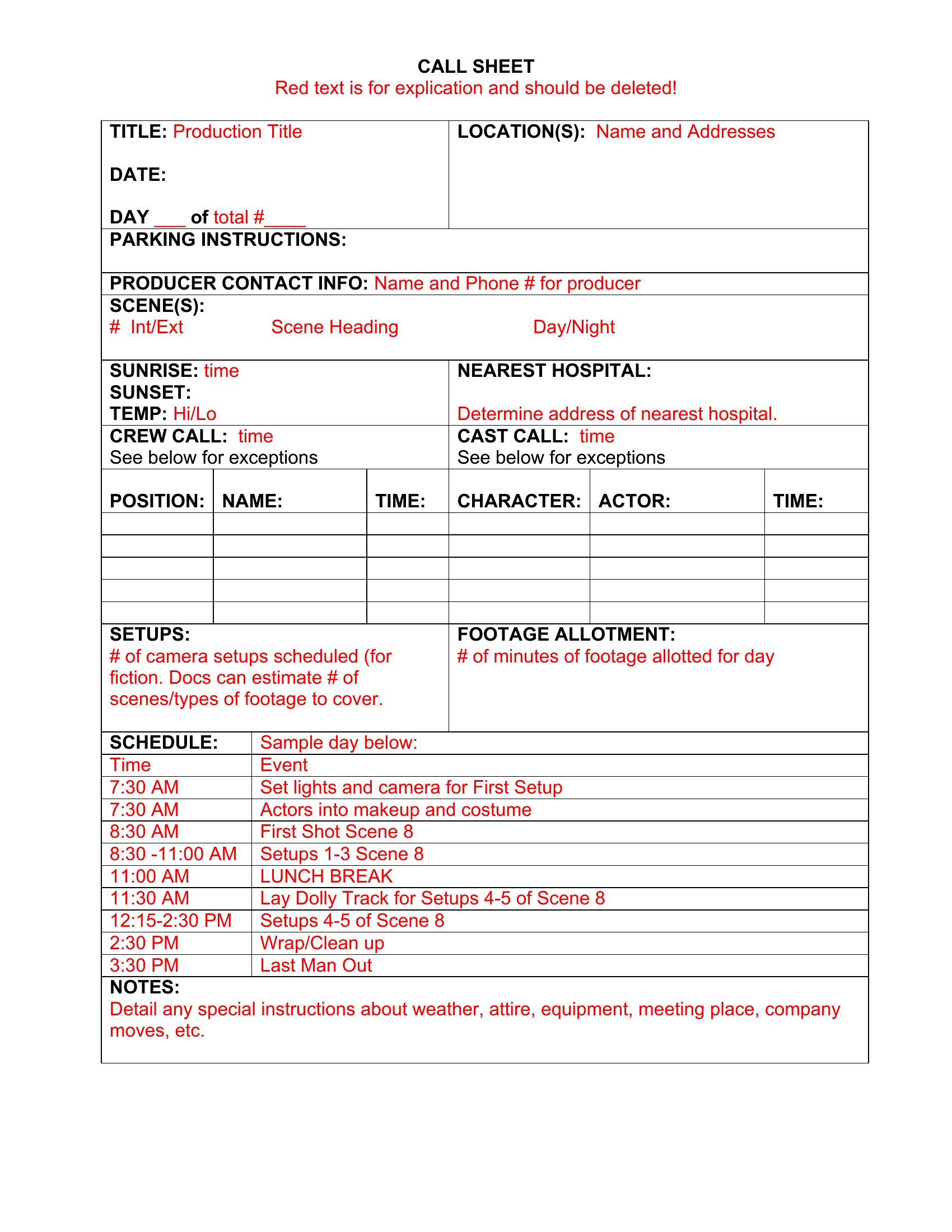
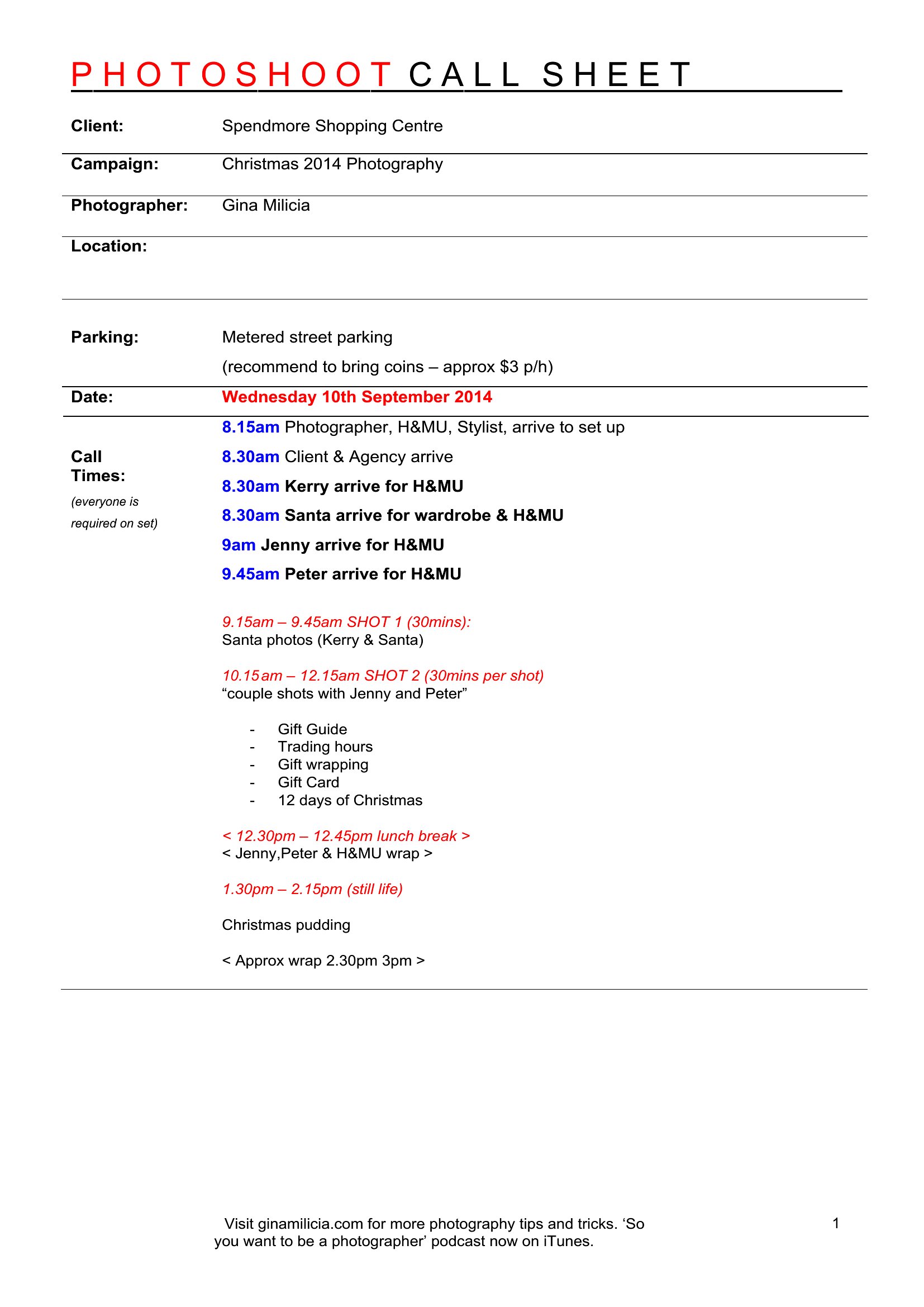
Many of these call sheet templates offer space for a brief shot list, but they’re designed to keep the primary call times and location details concise. If you need detailed scene breakdowns, consider pairing the call sheet with a separate shot list or using Excel versions that let you expand rows for additional info. For features or complex shoots, a dedicated shot sheet may be a better fit.
How do I handle last-minute changes to call times or locations after printing the call sheet?
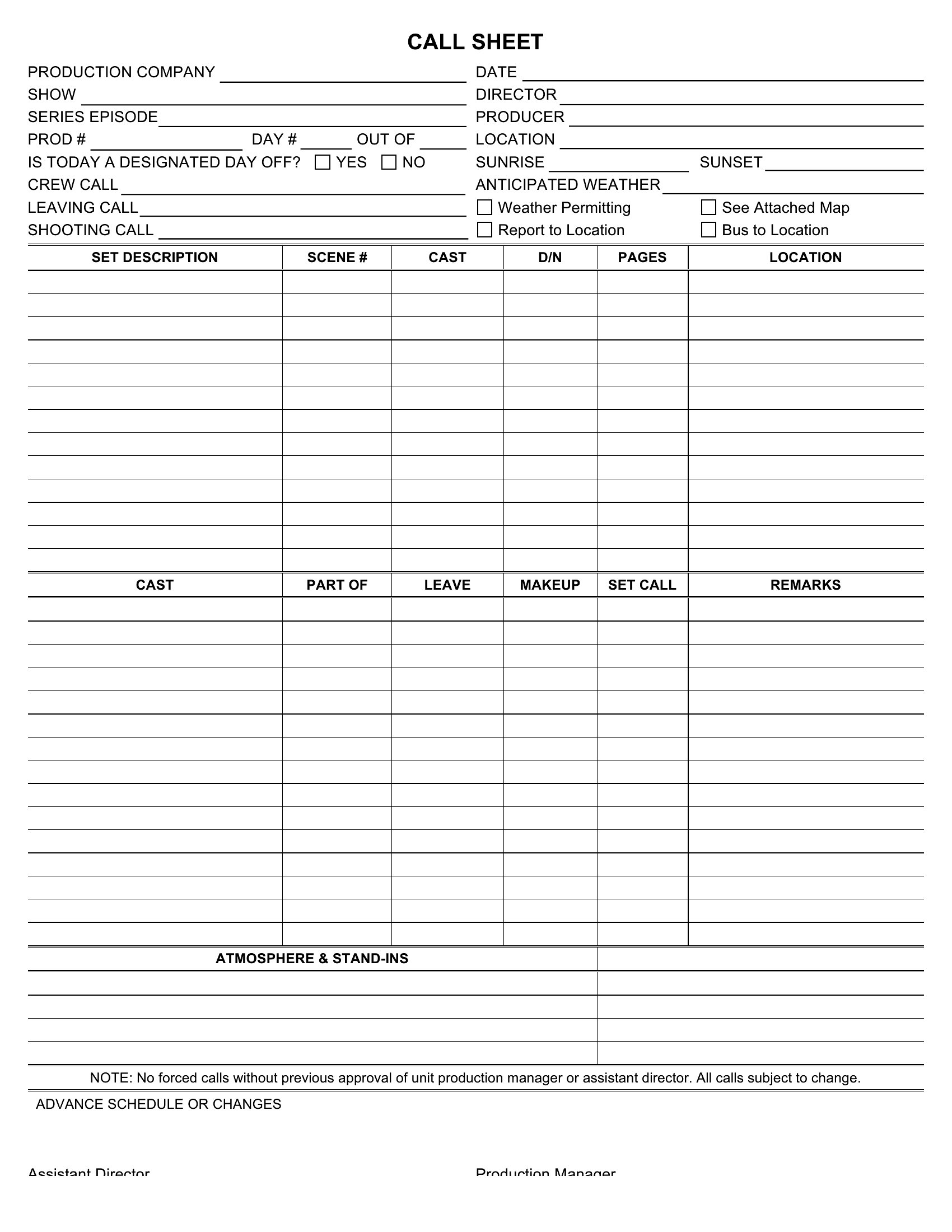
For Word or editable PDF templates, simply update the digital file and reprint or redistribute the revised version. With Excel, highlight changes in a different color or bold to make them stand out. If you’re on set, keep a master copy on a tablet or shared drive and email updates to the crew. Some templates include a “changes” section at the bottom for quick notes, but always verbally confirm critical updates with department heads.
Are these call sheets suitable for international productions where crew members may not speak the primary language of the shoot?
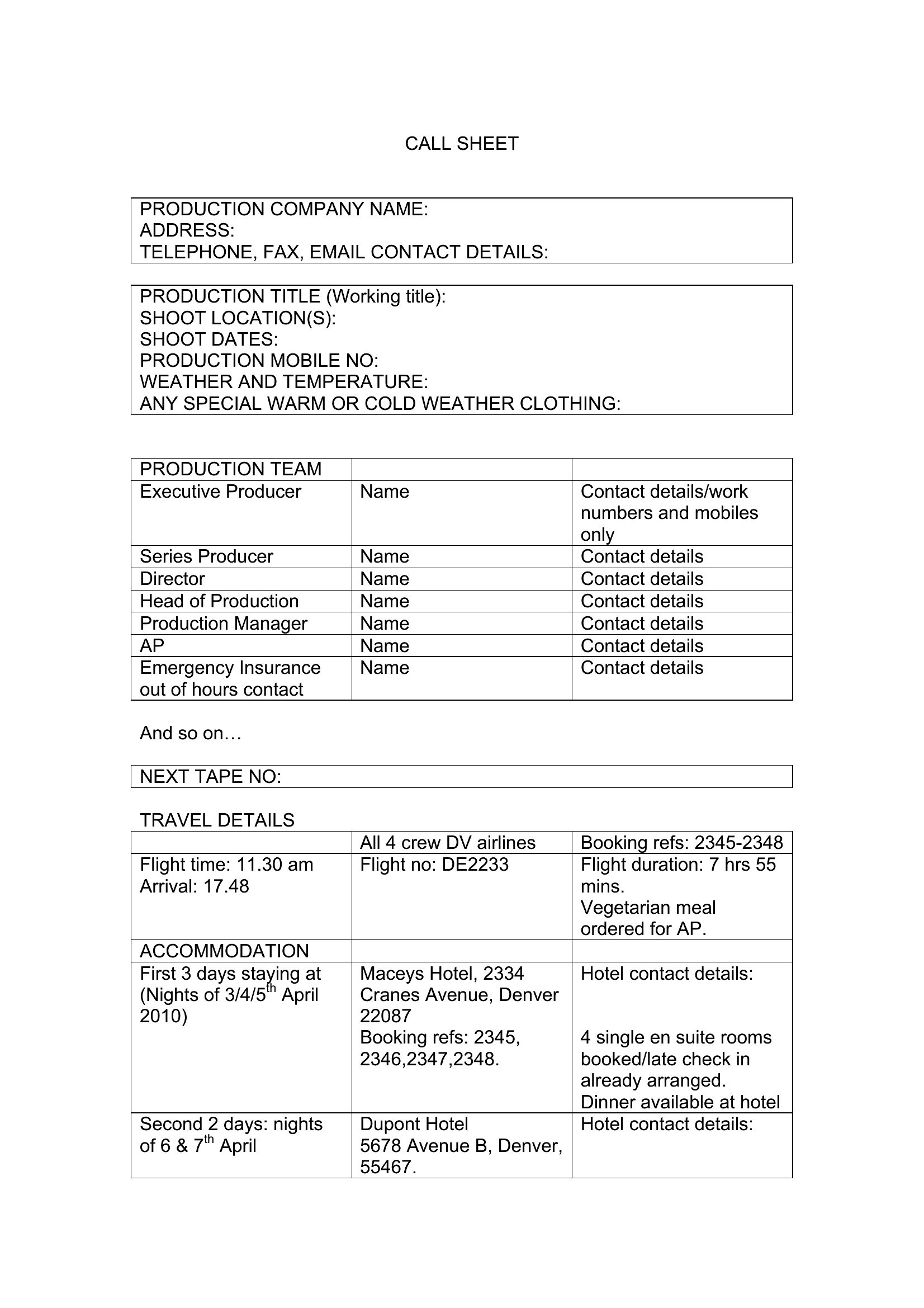
While the templates don’t include translation features, you can easily add bilingual call times, department names, or location instructions in a second language. The Word and Excel formats let you adjust columns or rows to include a translation key. For PDFs, save a separate bilingual version or use the comments feature to add translations. Always confirm language needs during pre-production meetings with non-native speakers to ensure clarity for everyone.
Comments
Join the conversation
Sign in to share your thoughts and leave a comment on this resource.