


FAQ
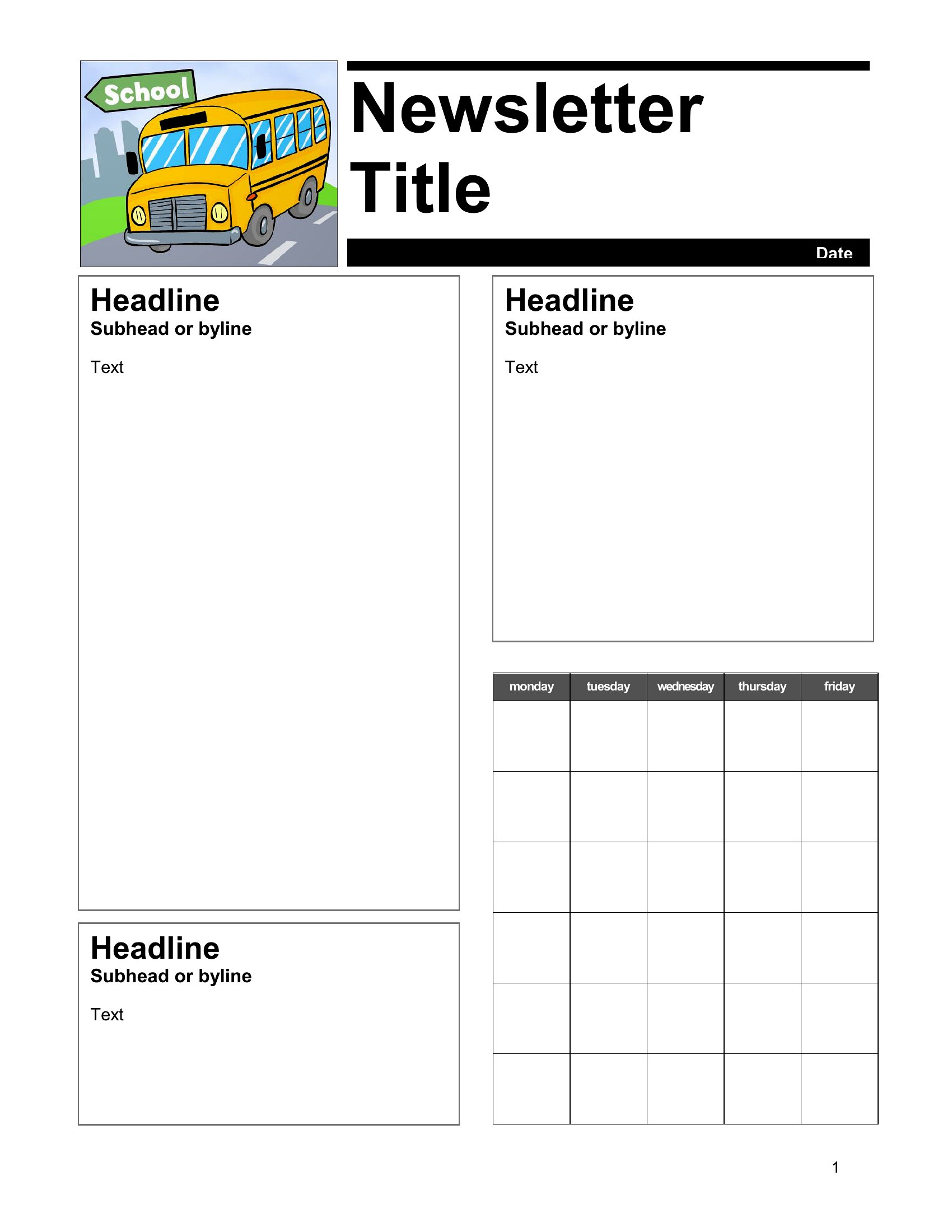
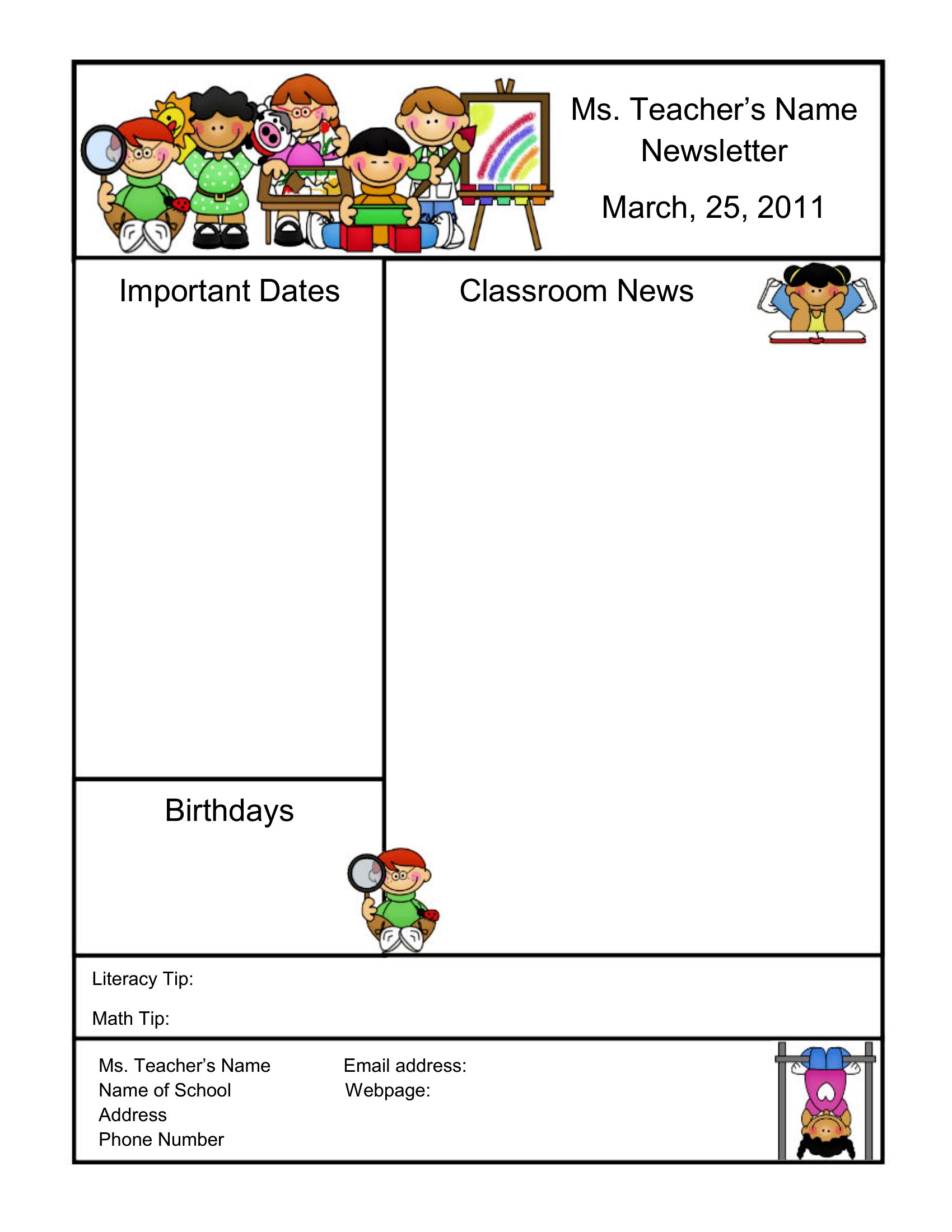
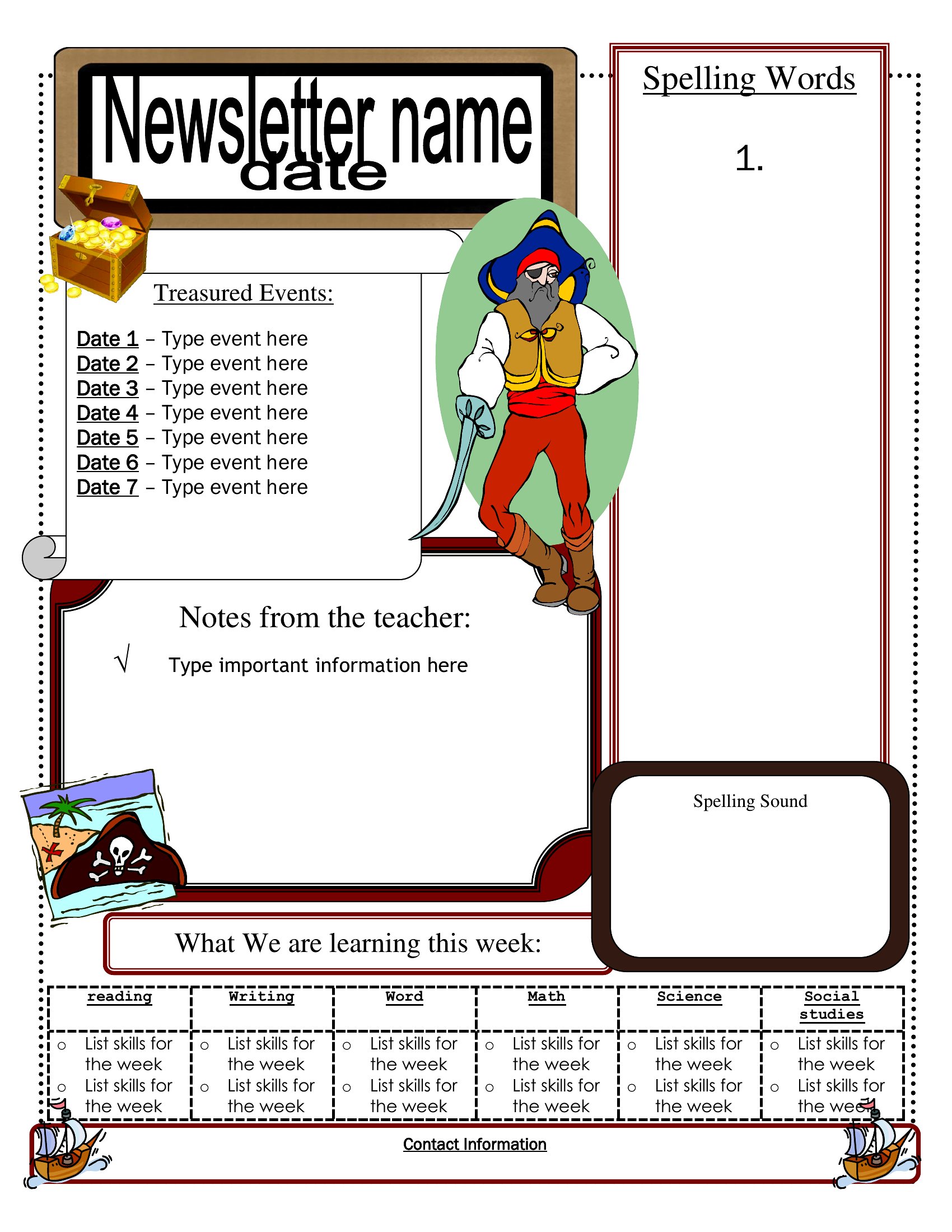
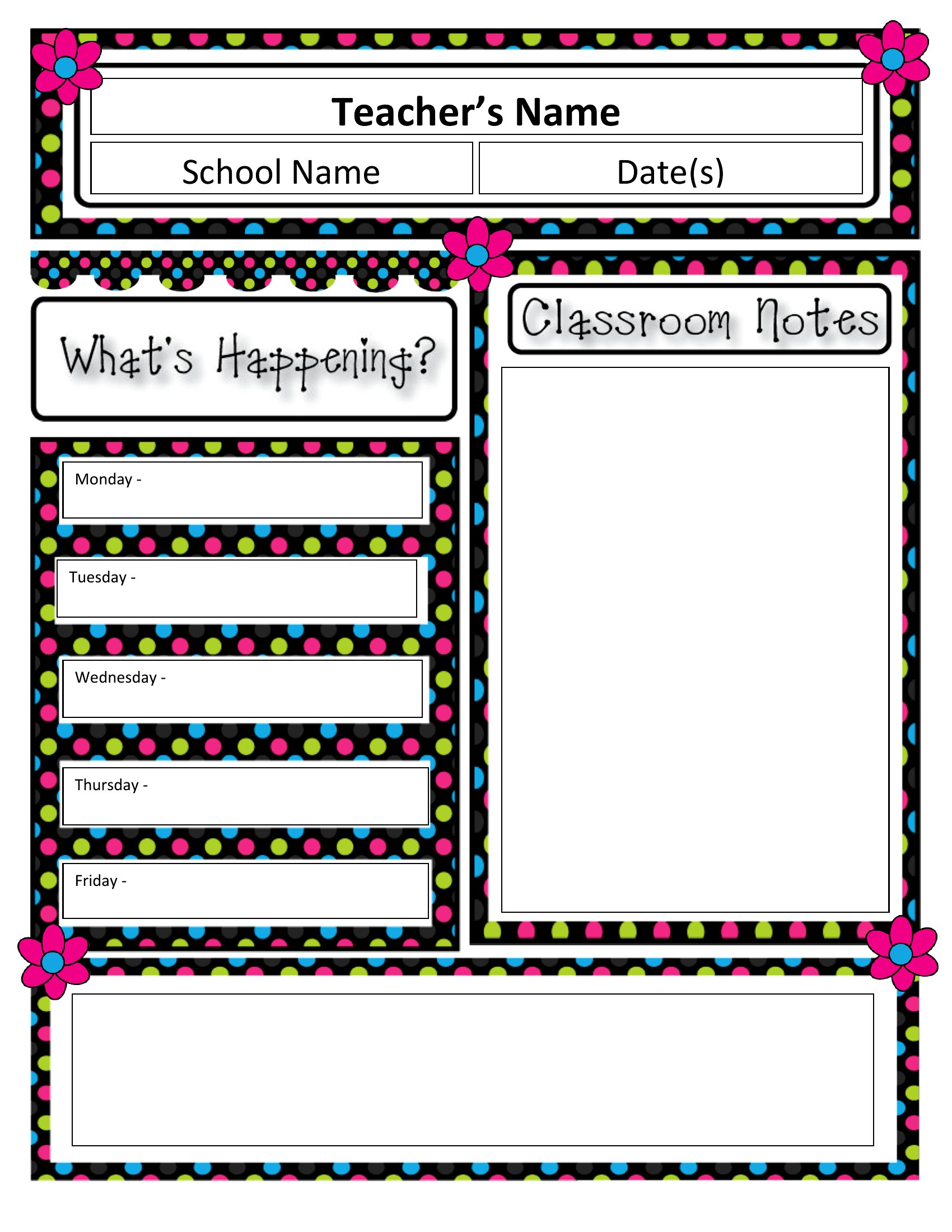
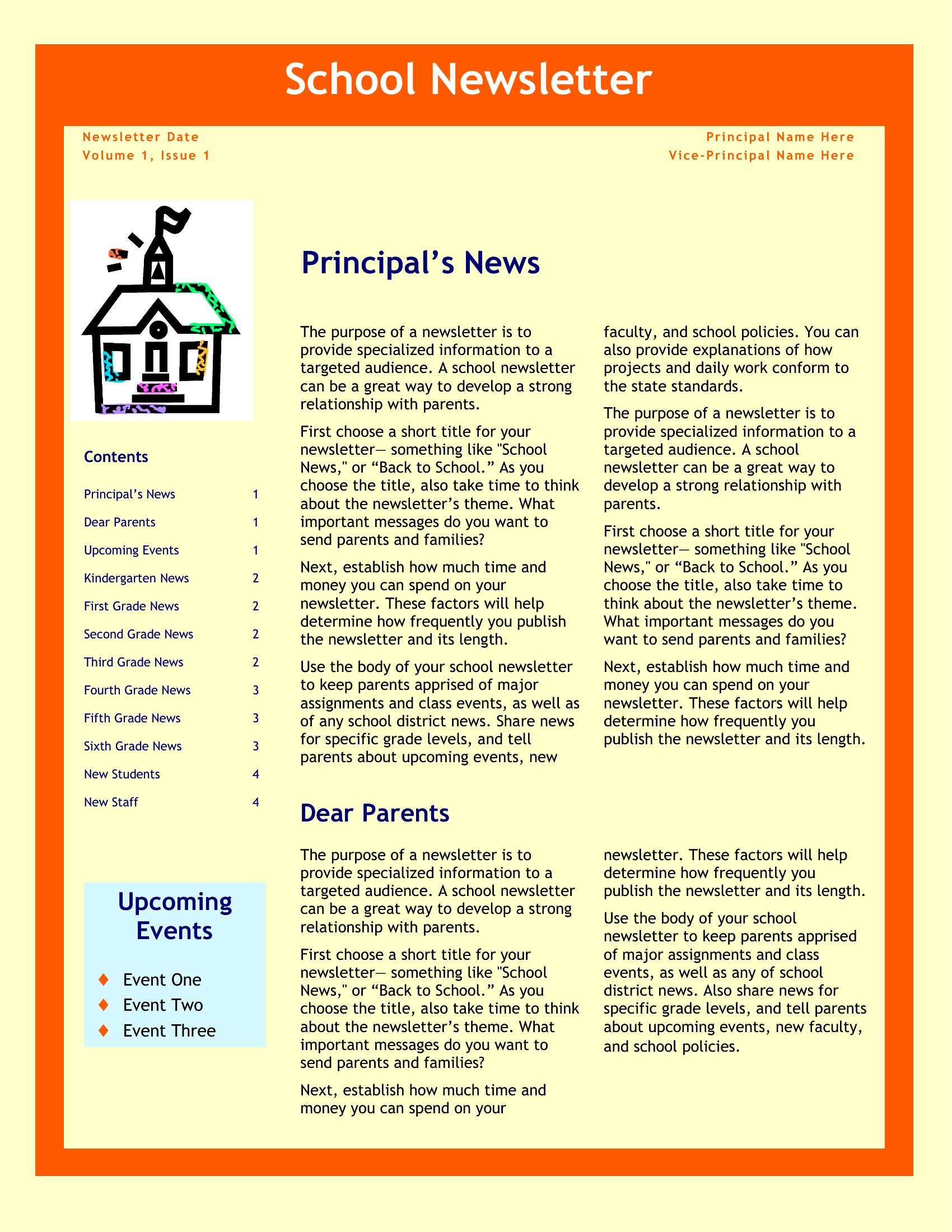
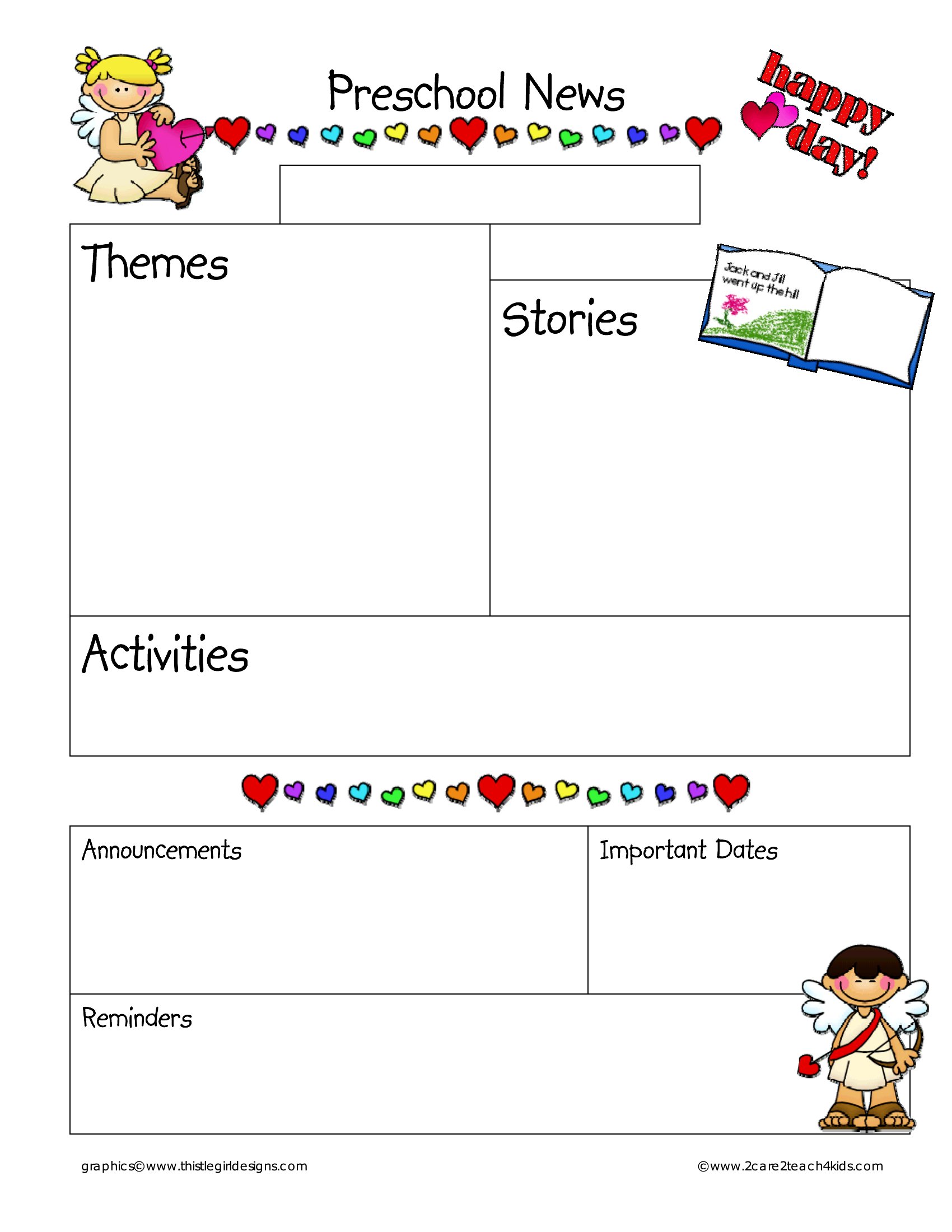
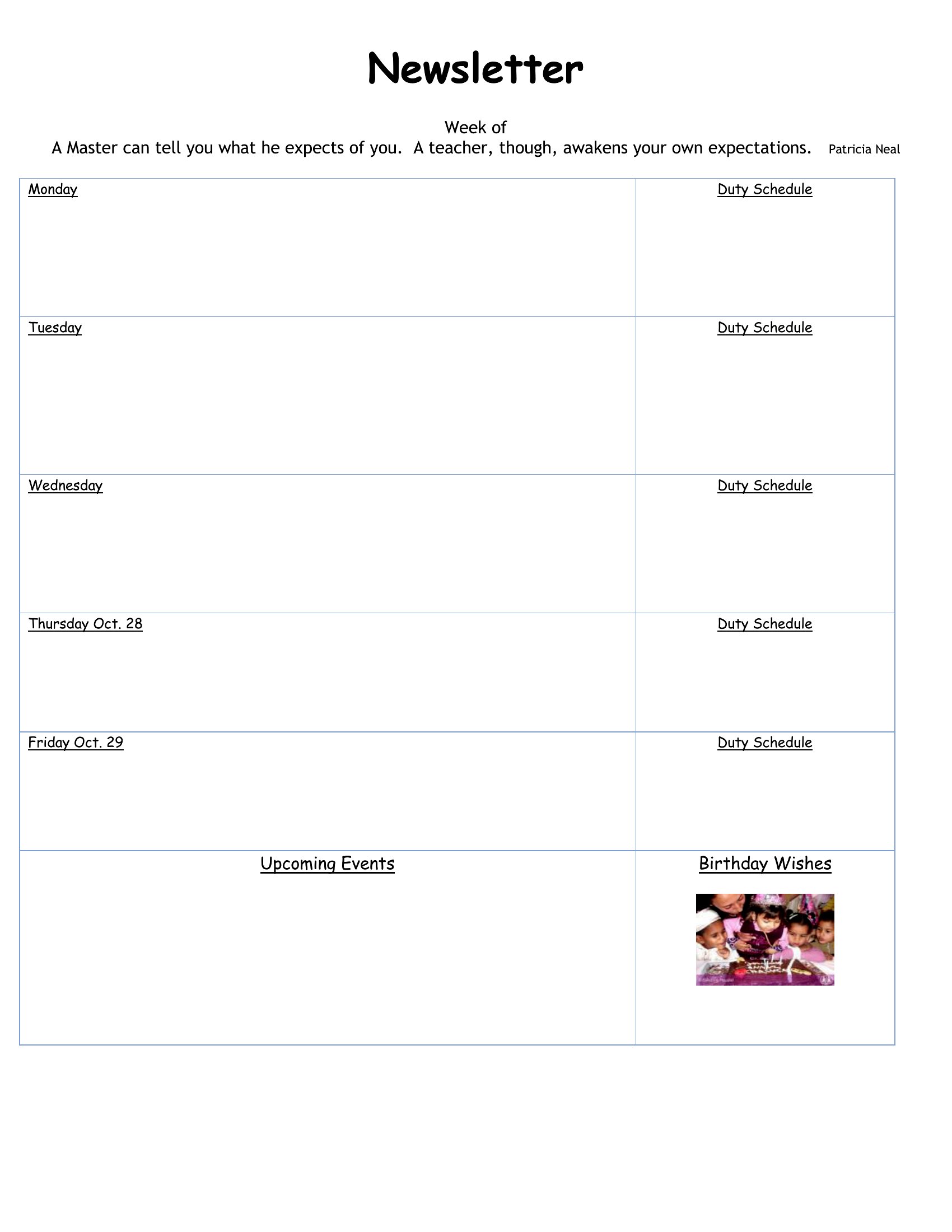
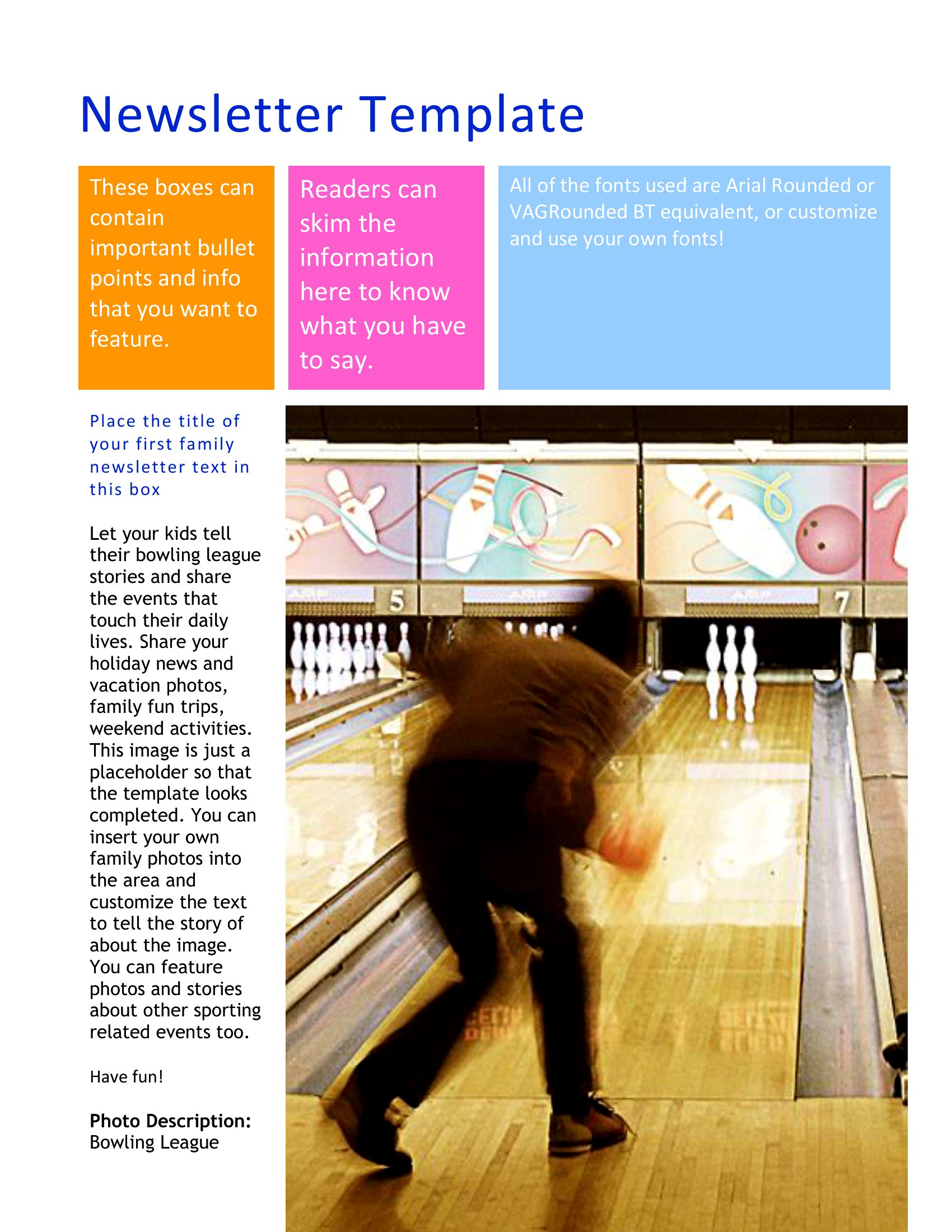
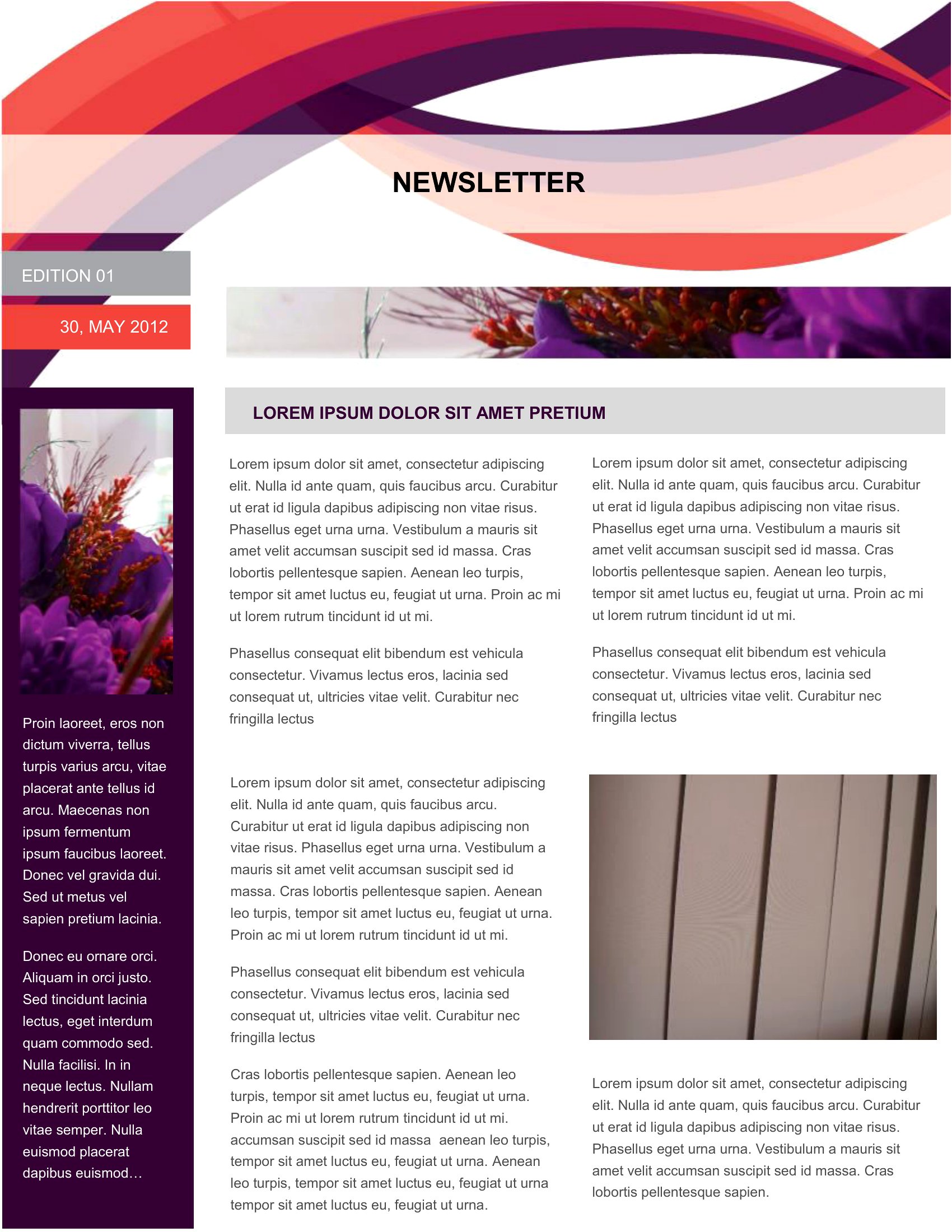
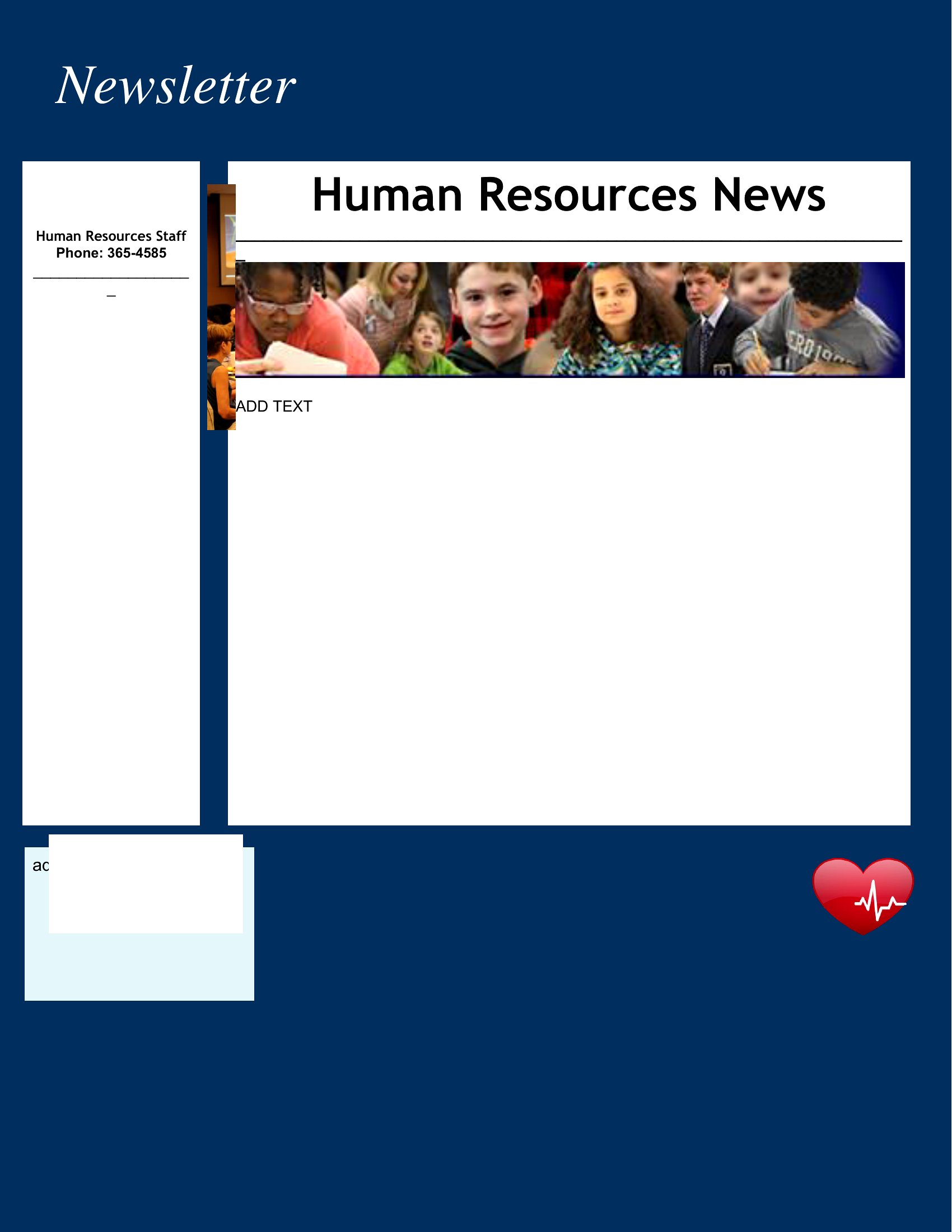
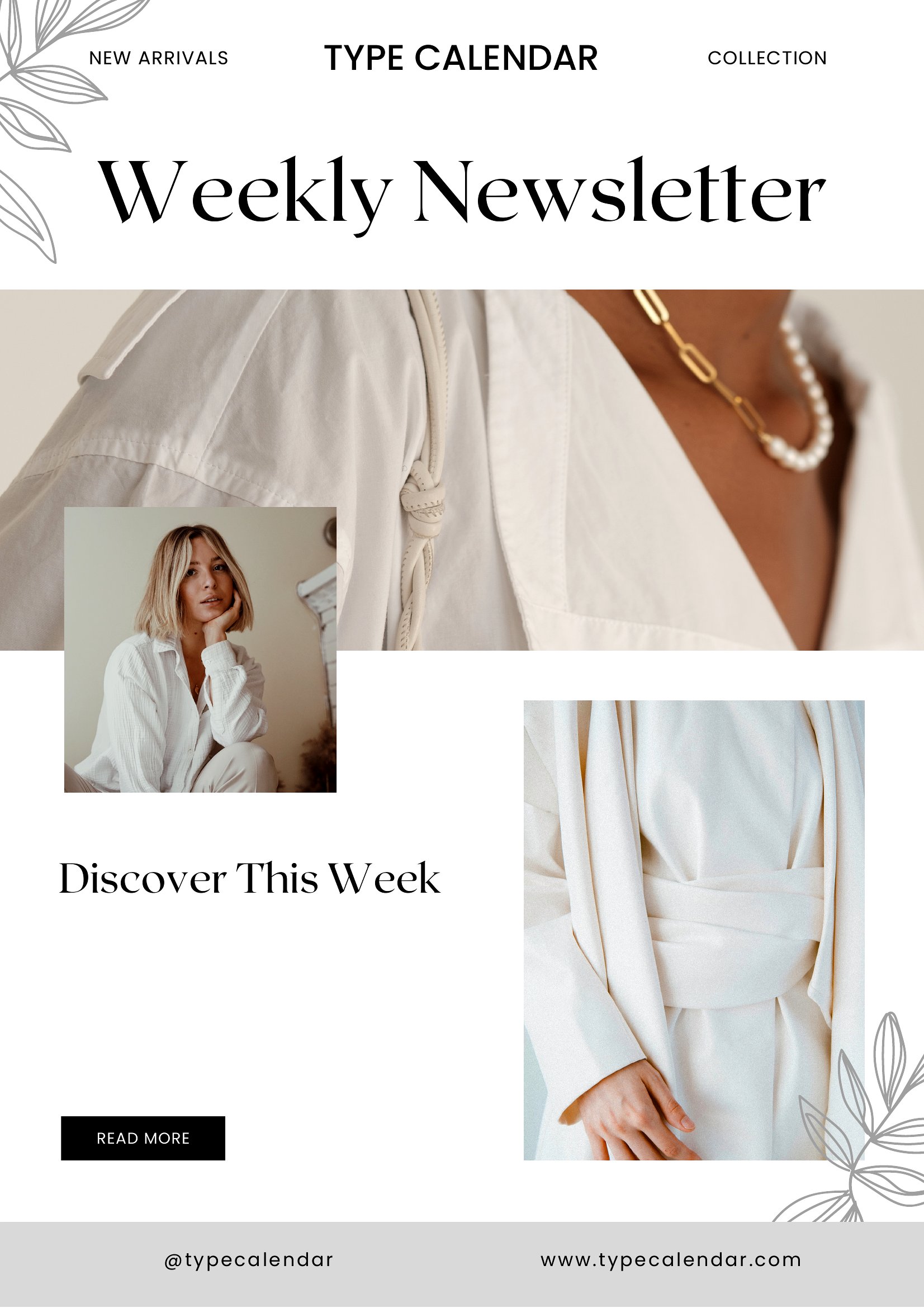
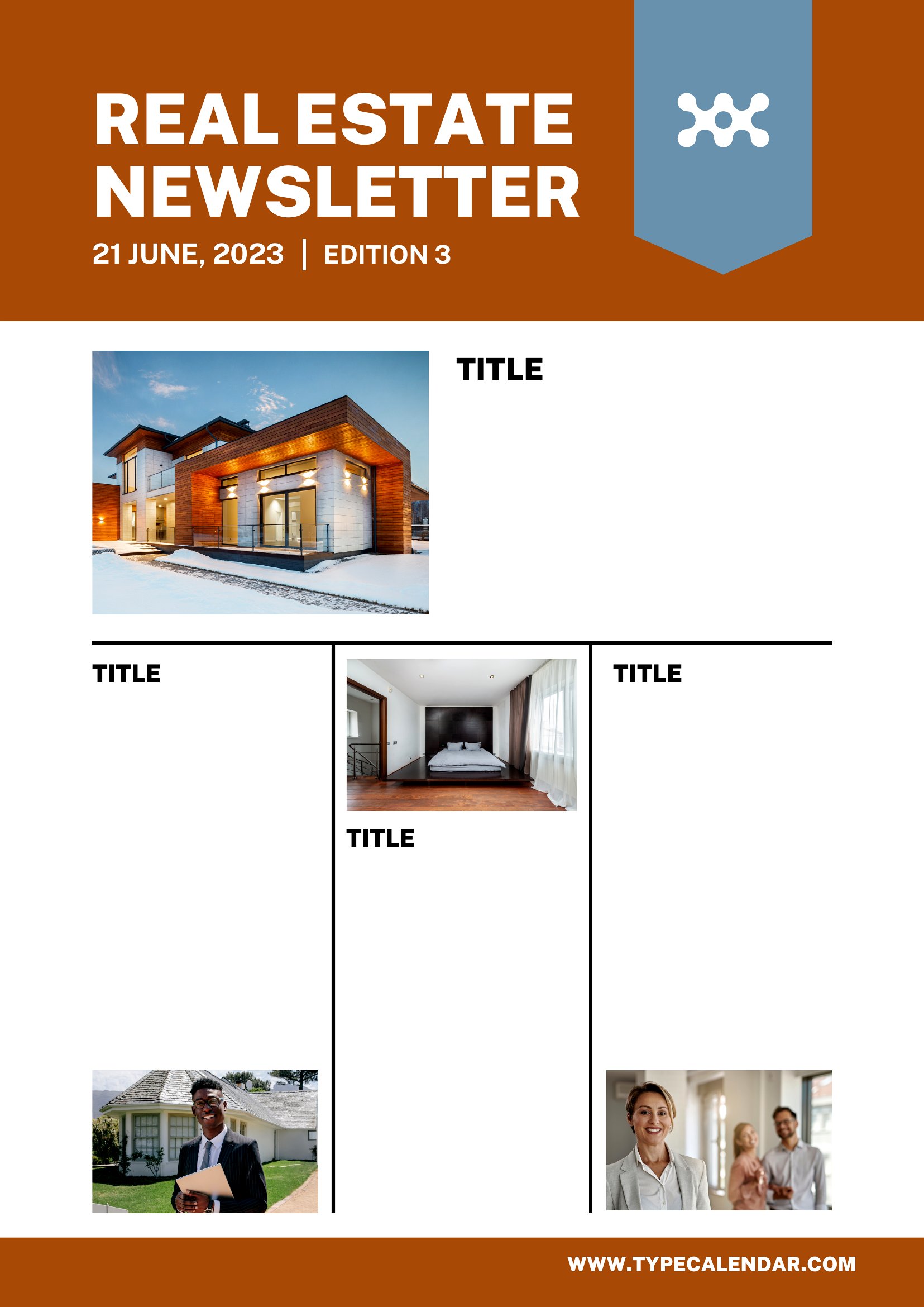
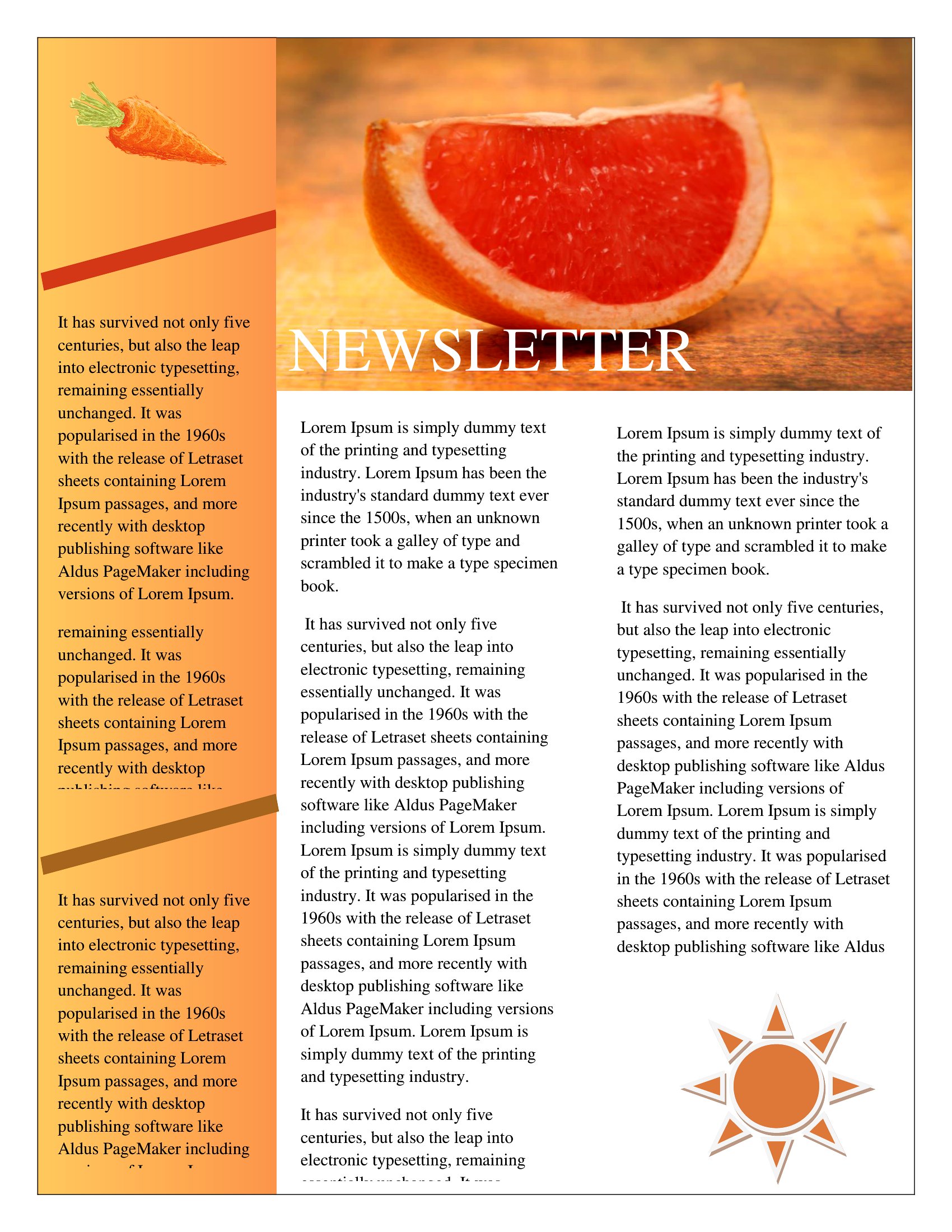
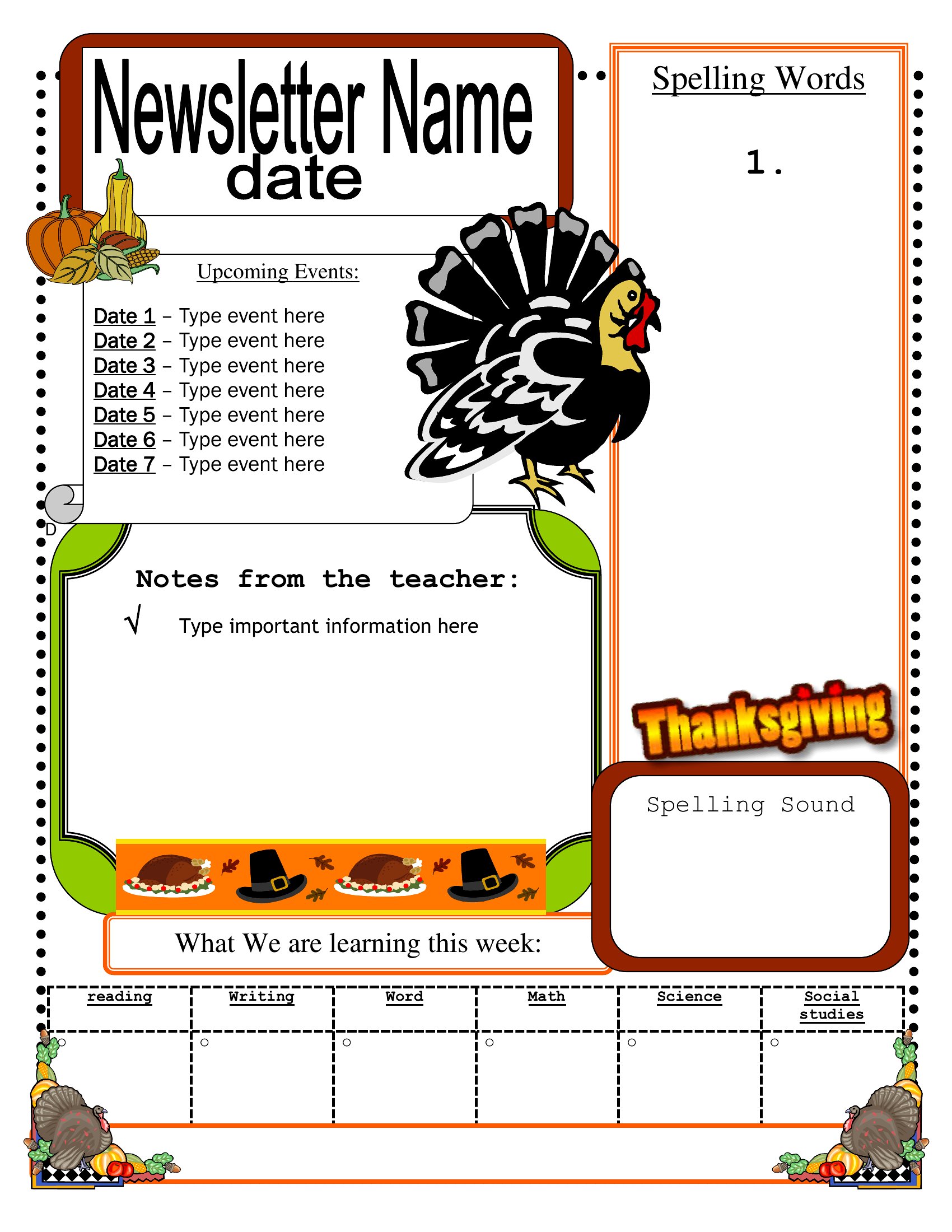
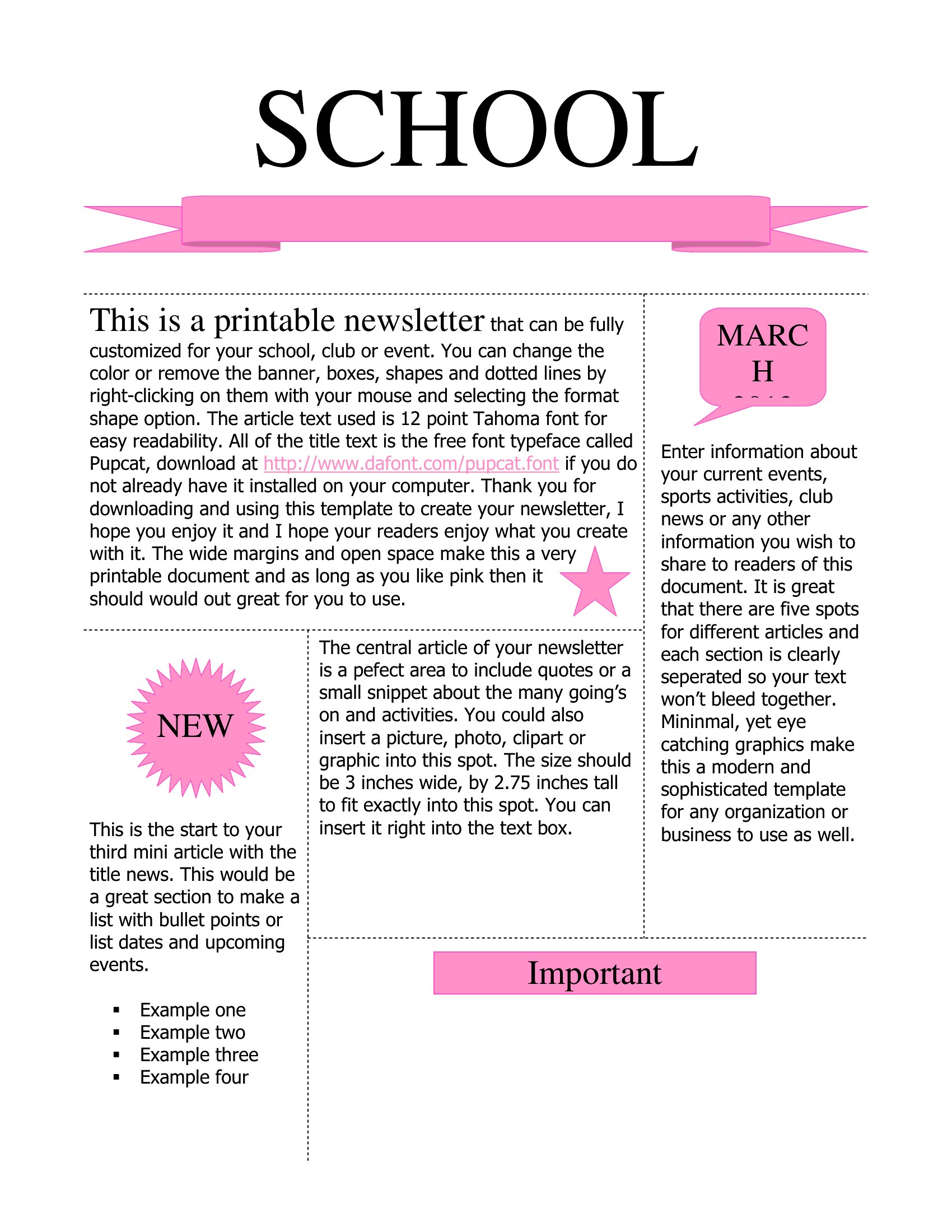
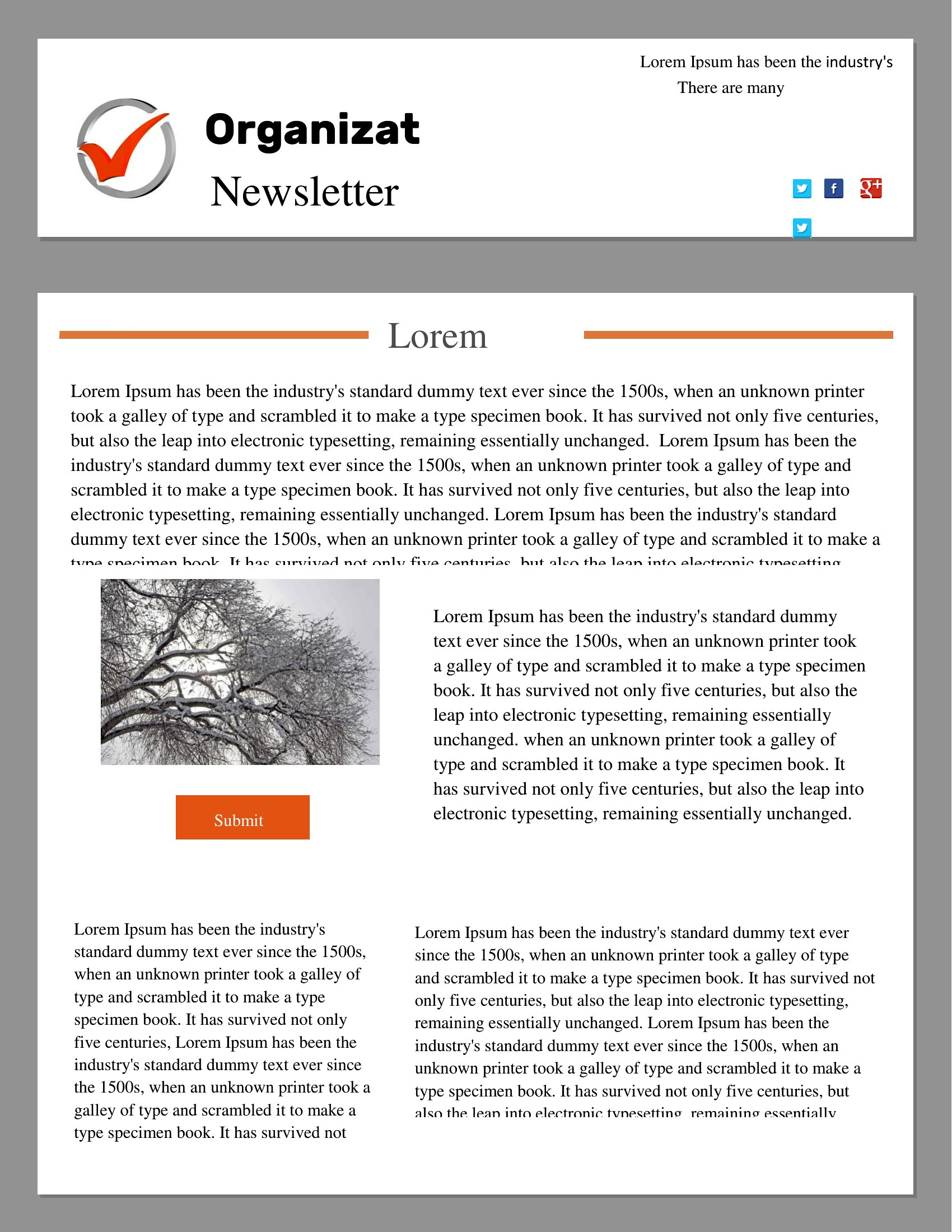
Can I adjust the column widths or spacing in these PDF newsletter templates without losing quality?
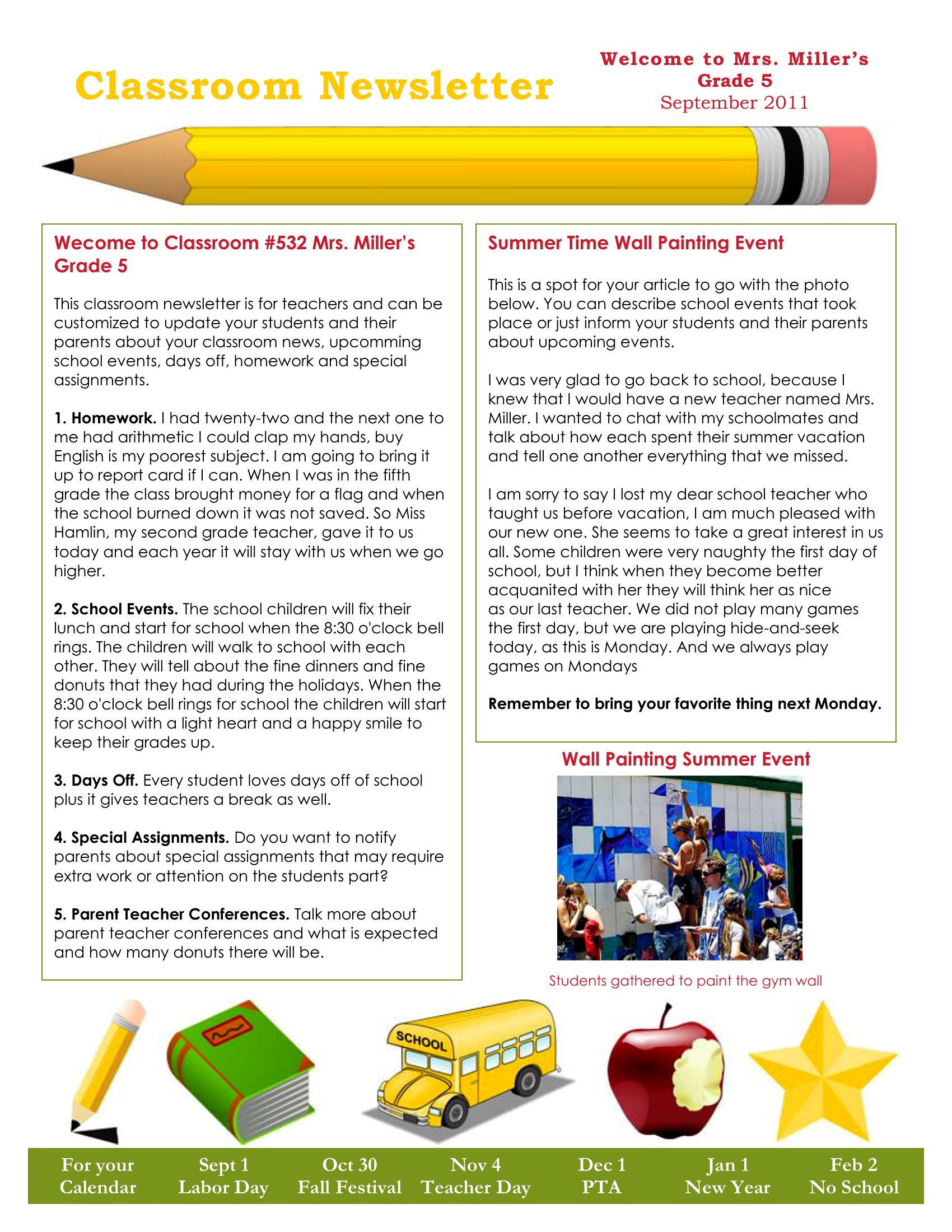
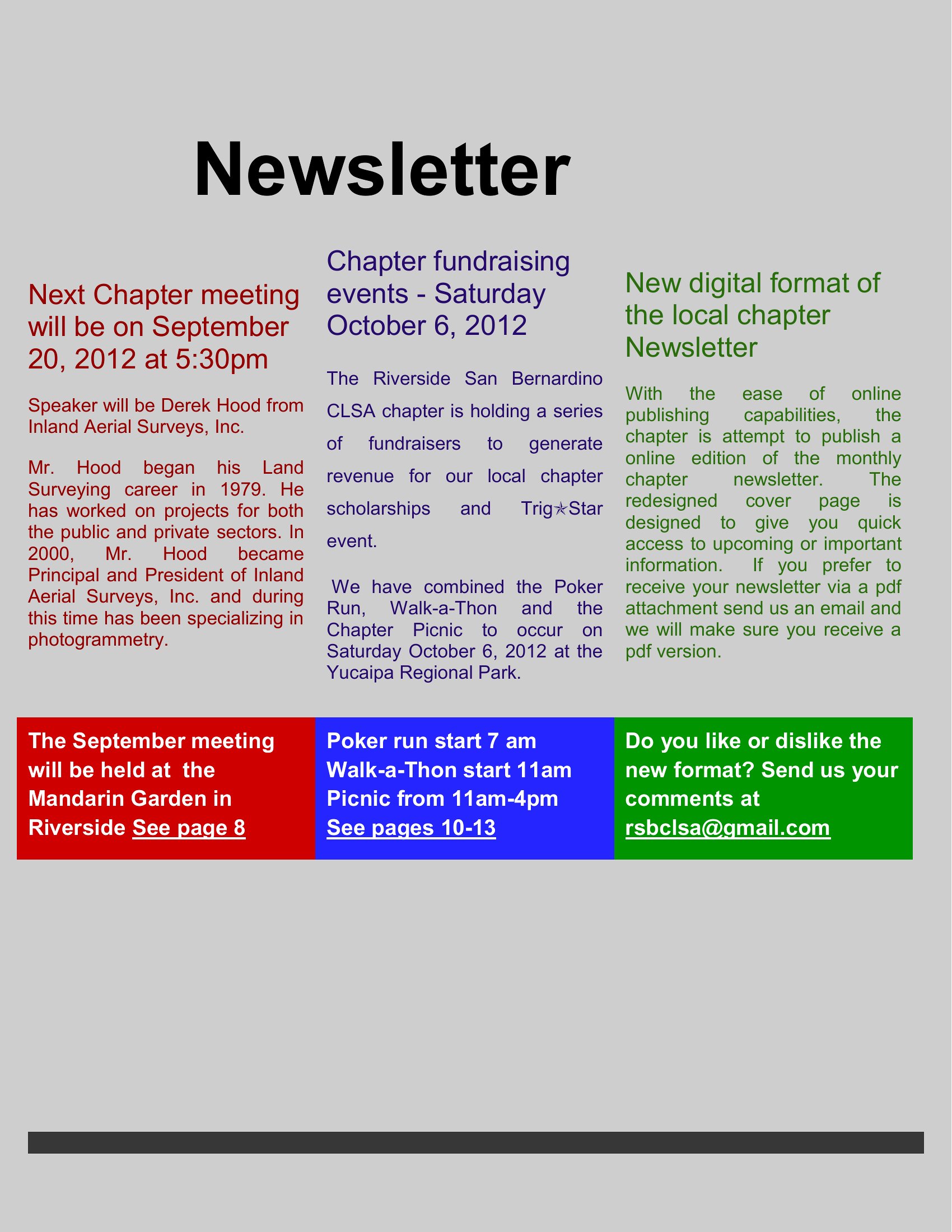
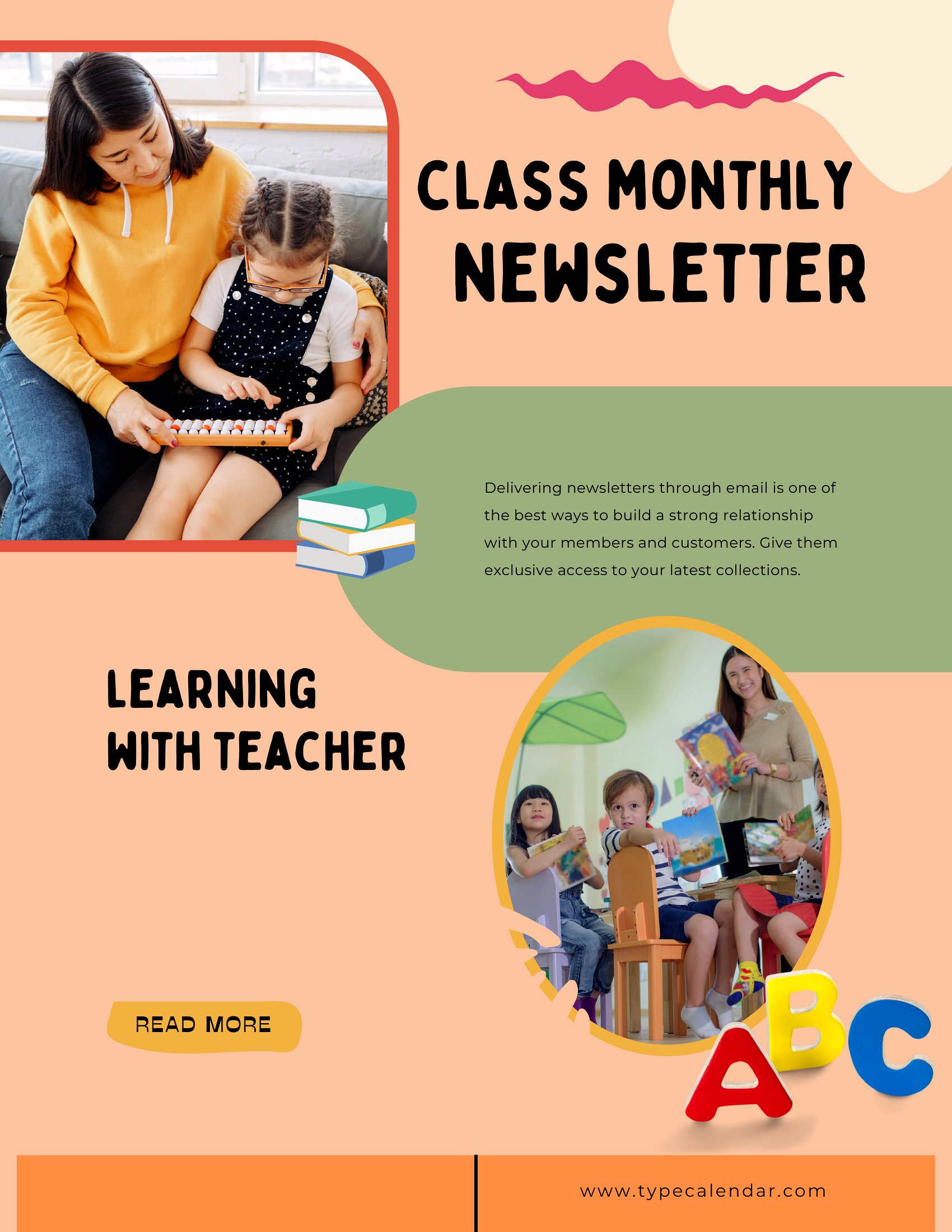
Yes, but with limitations. PDFs are static, so you’ll need to recreate the layout in a vector-based program like Adobe Illustrator or use a PDF editor to manually resize elements. For minor tweaks, try a free tool like Inkscape or Sejda to preserve sharpness. If flexibility is critical, consider designing in Word or Google Docs first, then exporting to PDF later.
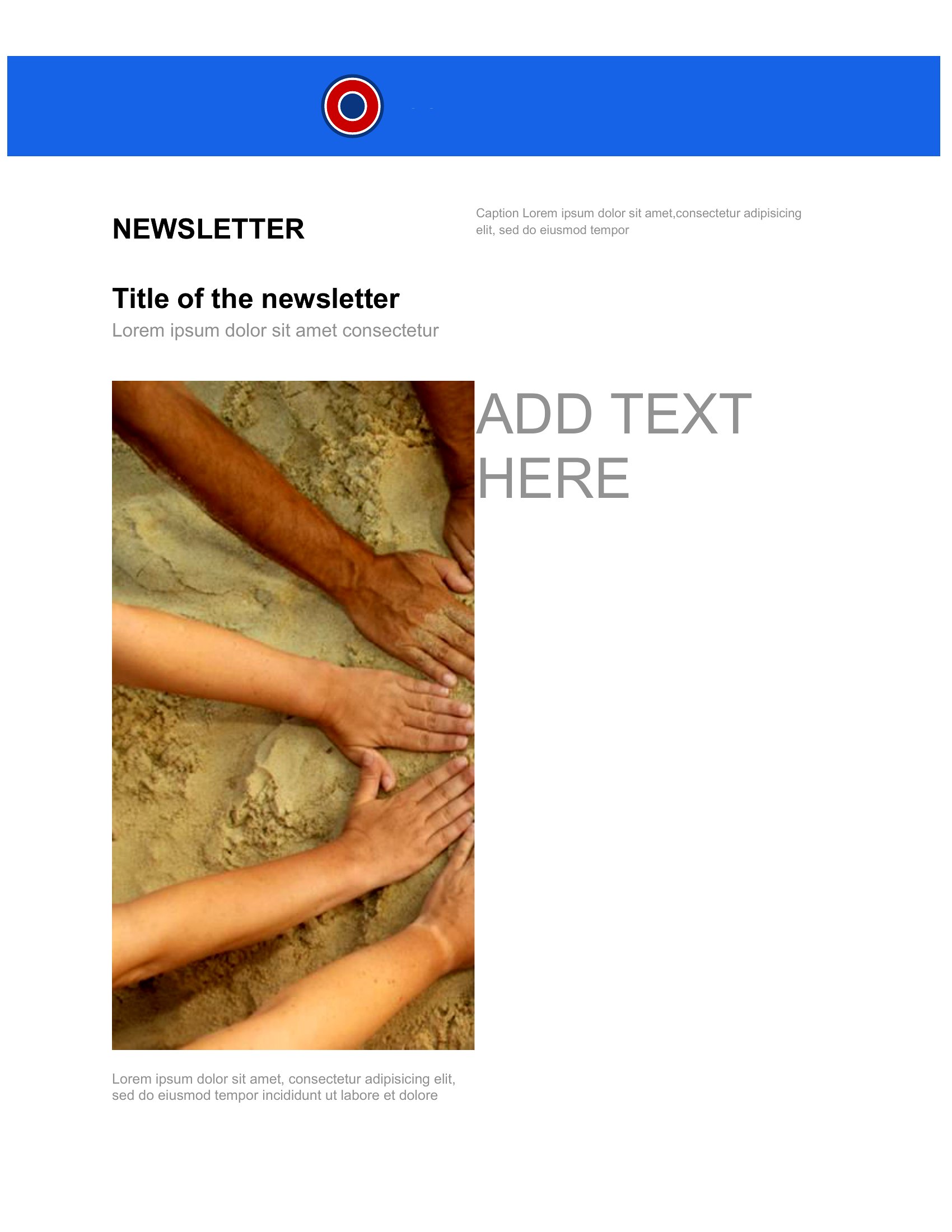
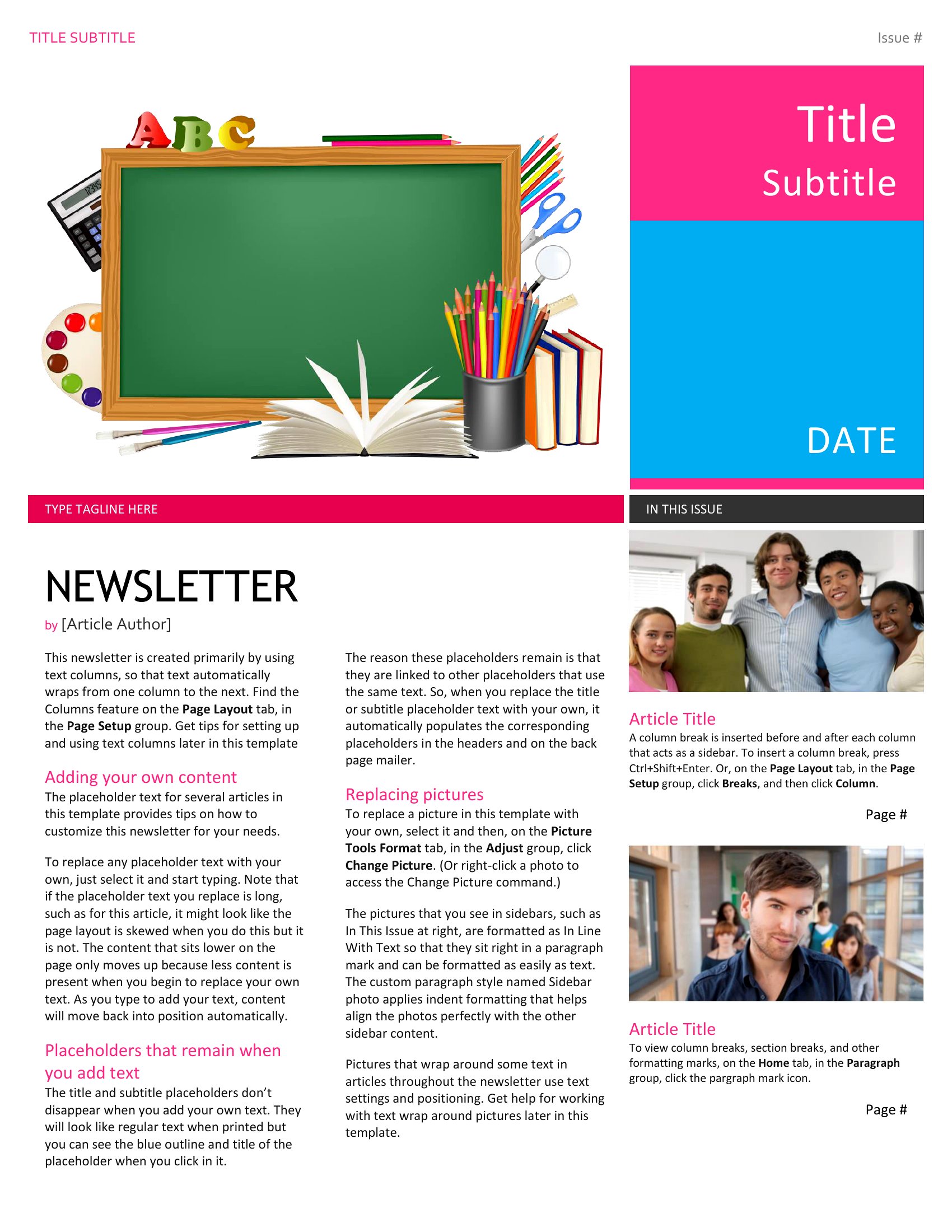
How do I ensure the newsletter template’s images don’t appear pixelated when printed?
Check the template’s resolution before printing—most professional designs use 300 DPI for images. If you replace placeholder images, save them at this resolution. For PDFs, enable “Print as Image” in your printer settings to avoid vector-to-raster conversion issues. Test print a sample first to confirm clarity, especially for full-bleed designs.
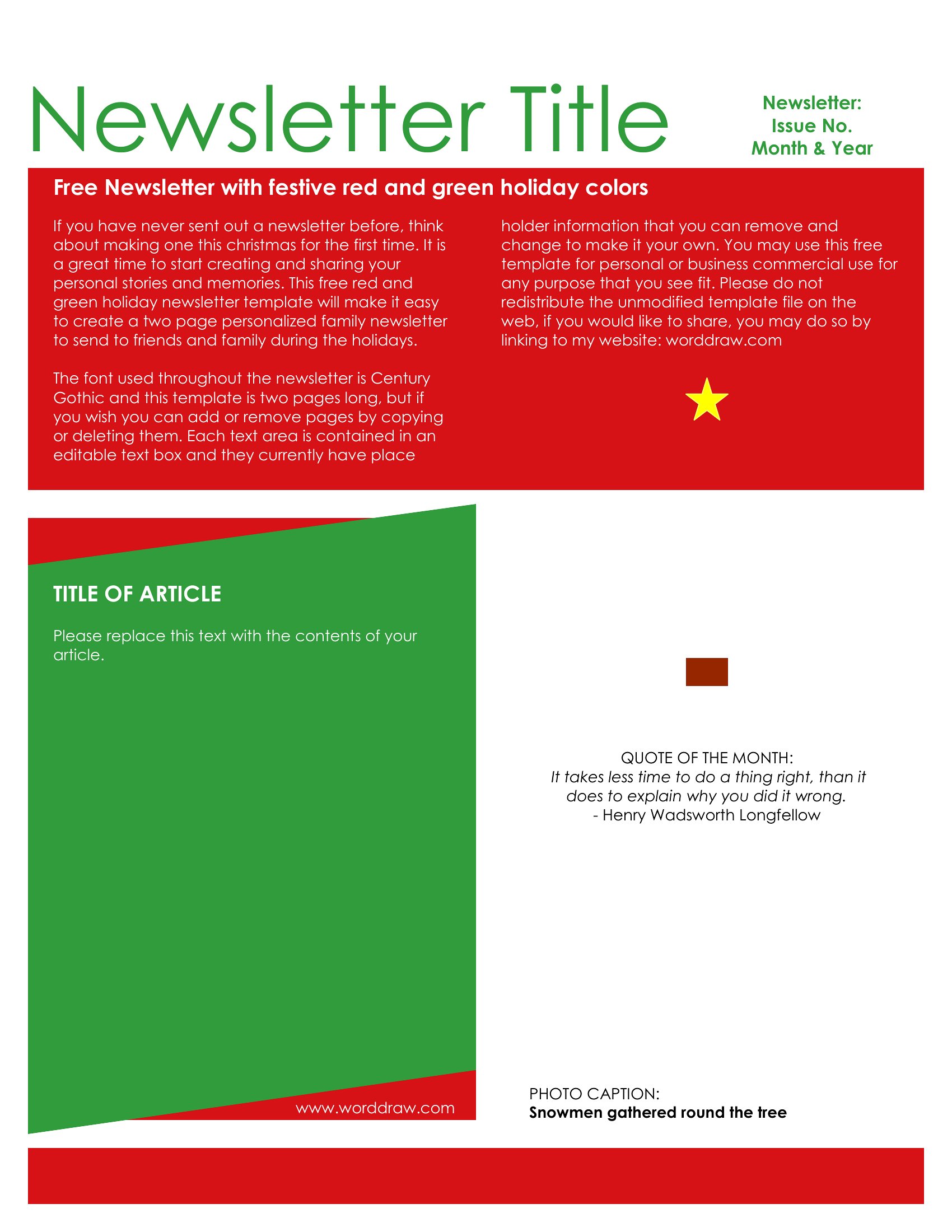
Are these templates compatible with bulk printing services like Vistaprint or Canva Print?
Yes, but verify the printer’s file requirements first. Most bulk services accept standard PDFs, but some prefer high-quality (300 DPI) CMYK files for color accuracy. If the template uses RGB colors, convert it to CMYK using tools like Adobe Acrobat or Smallpdf. Avoid templates with embedded fonts unless you’re using the same typefaces for printing.
Comments
Join the conversation
Sign in to share your thoughts and leave a comment on this resource.