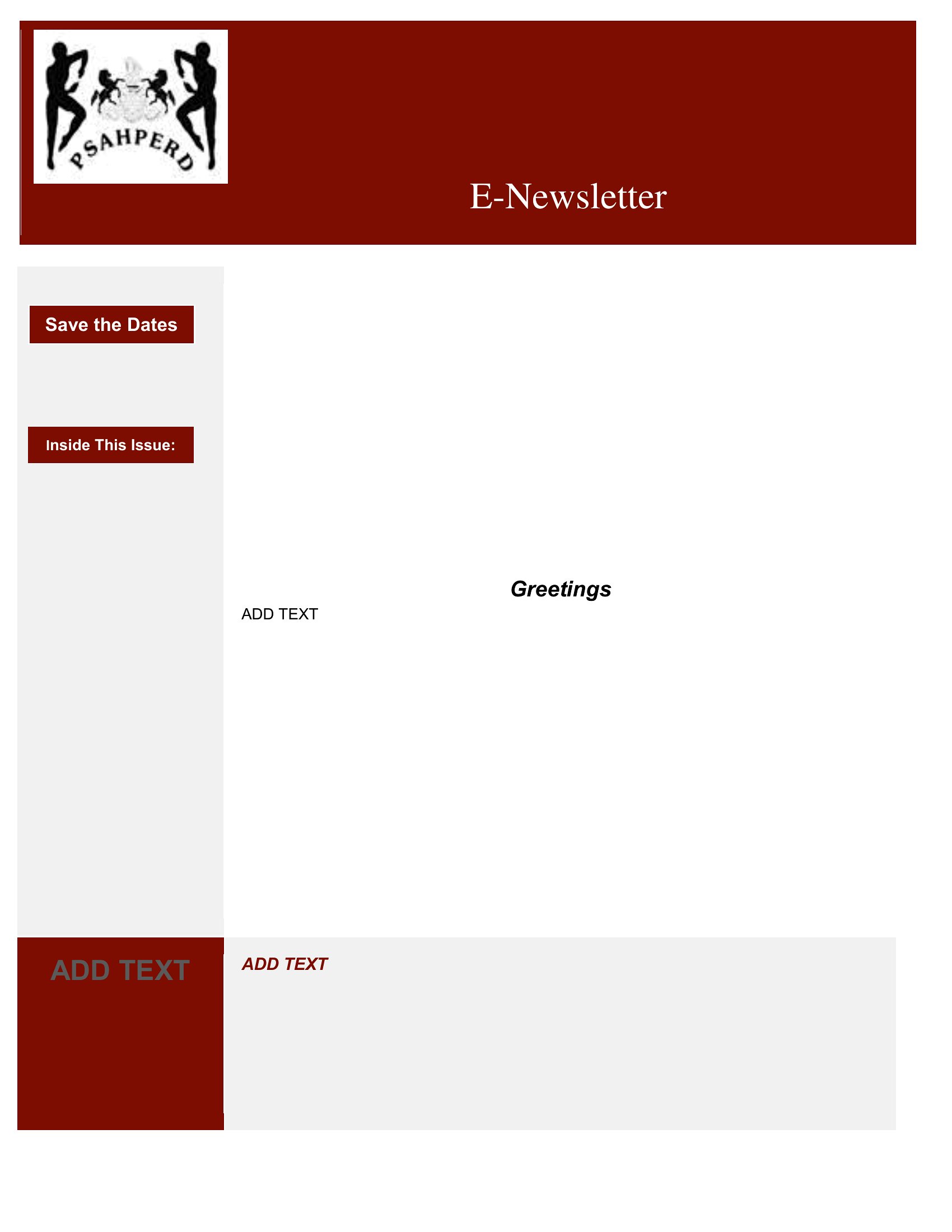
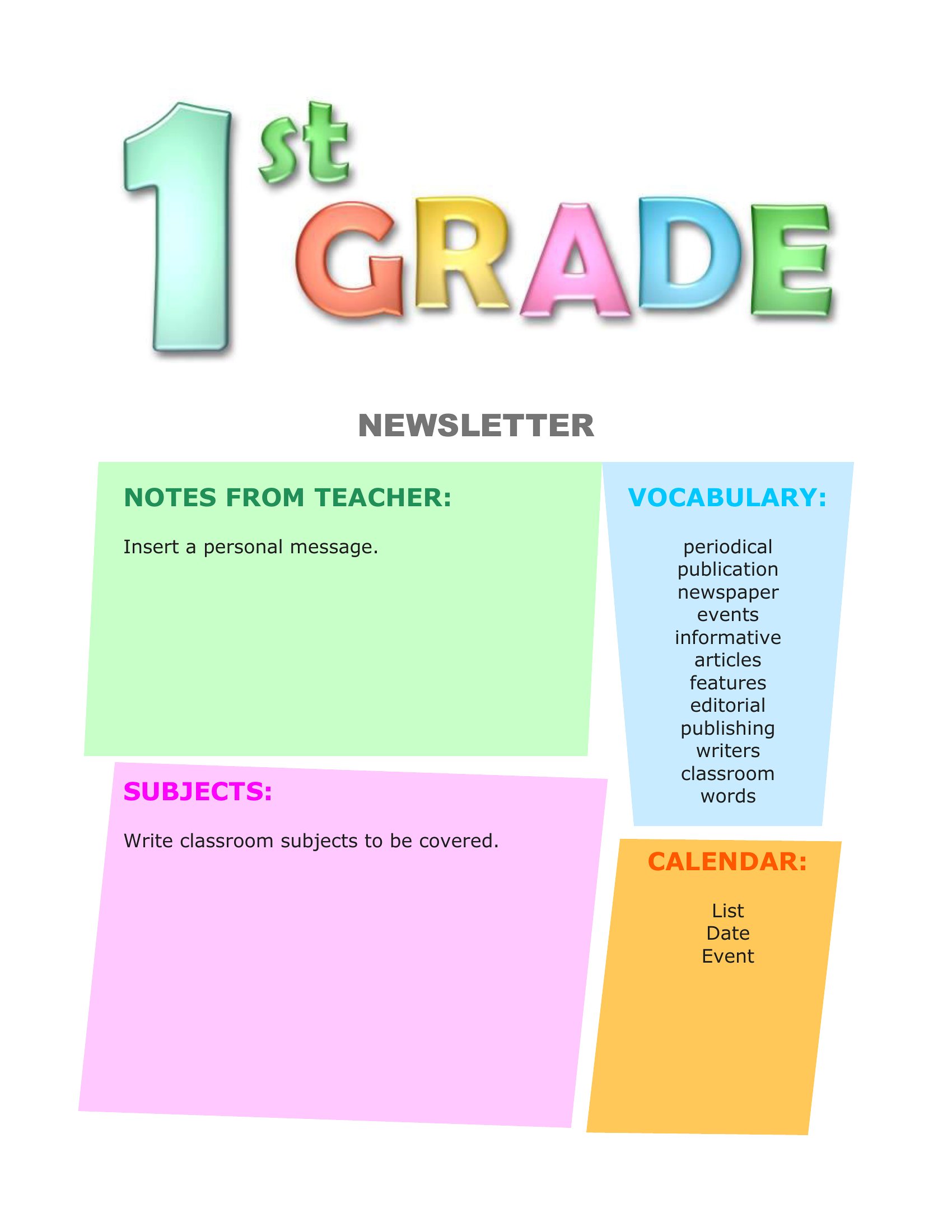
Free Newsletter Templates (PDF)
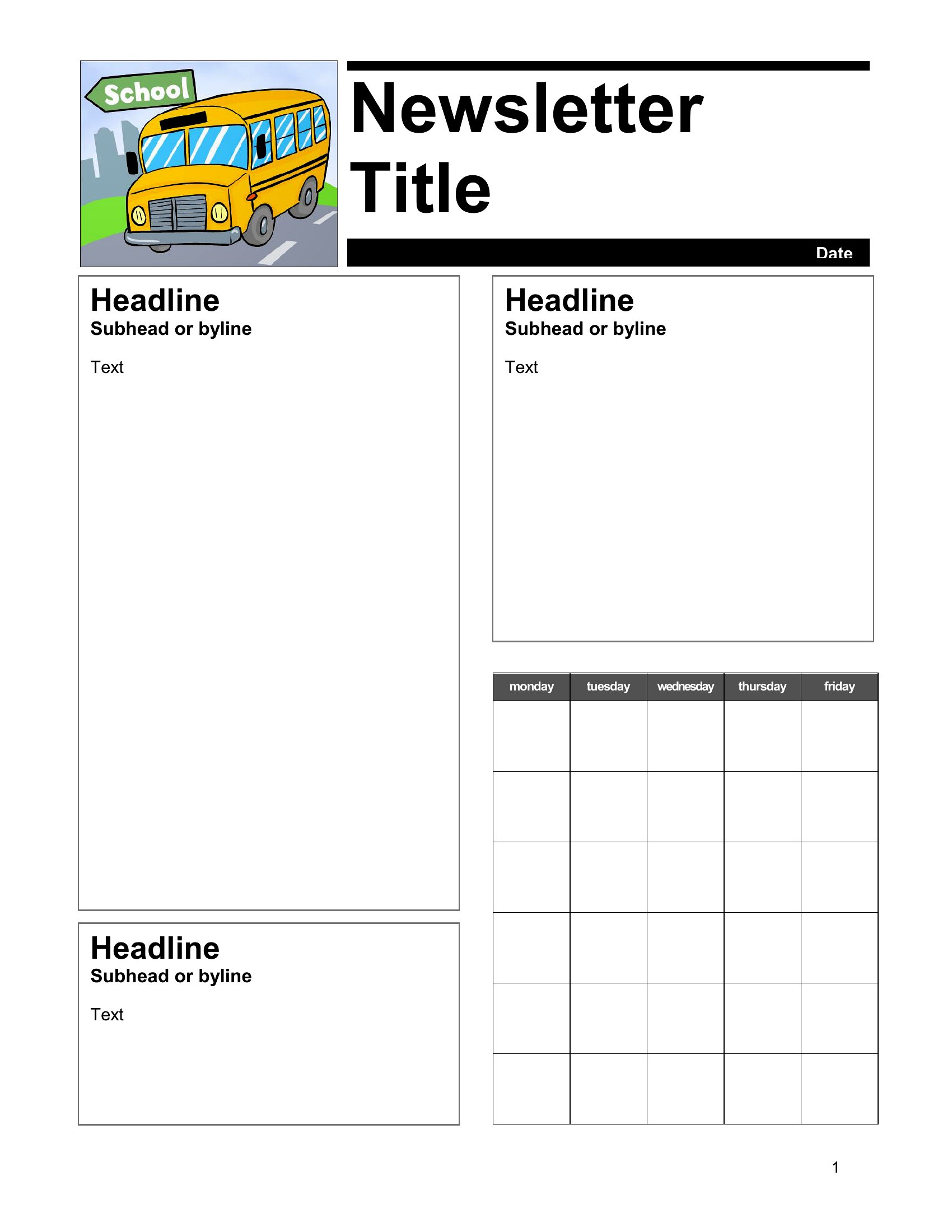
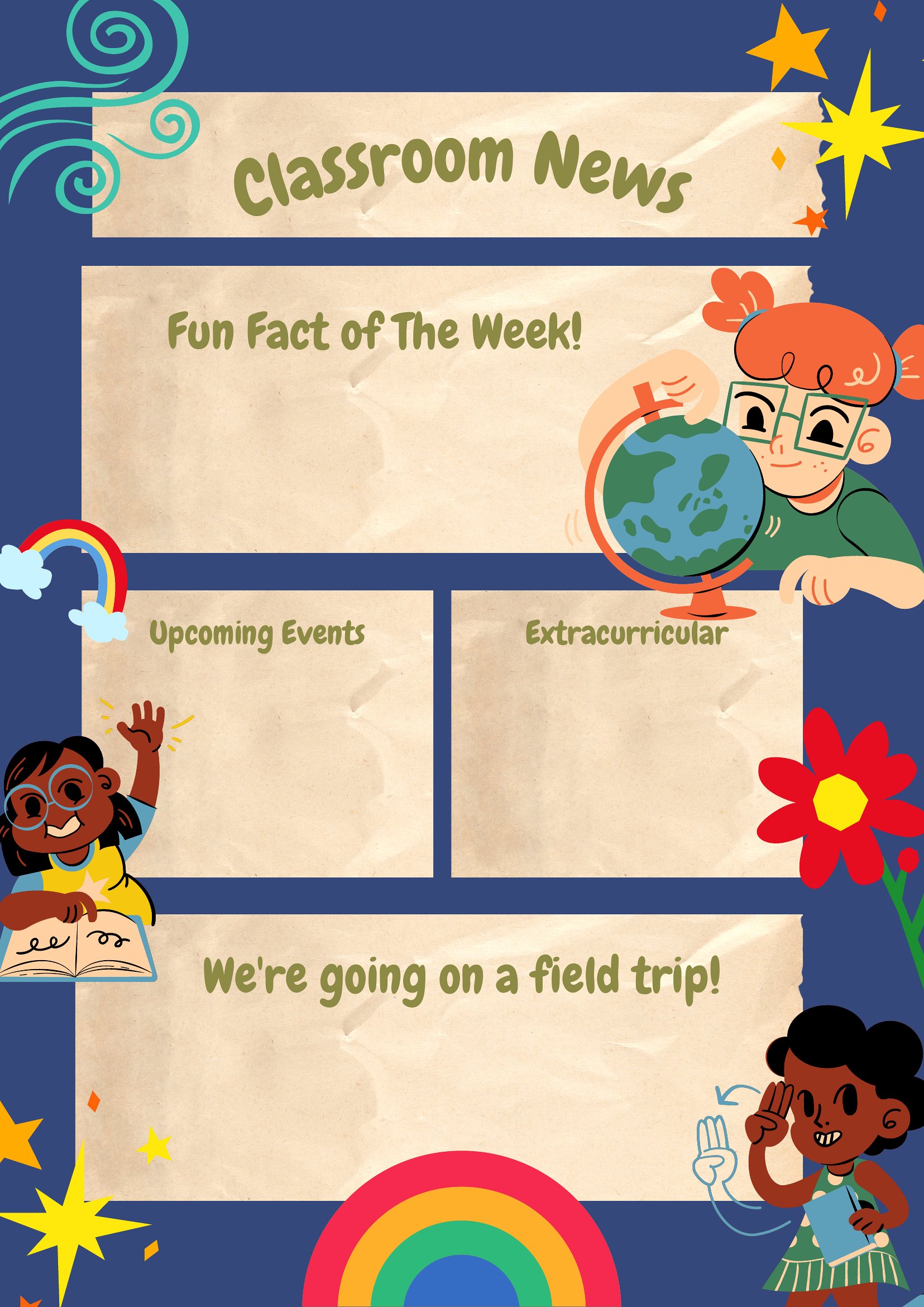
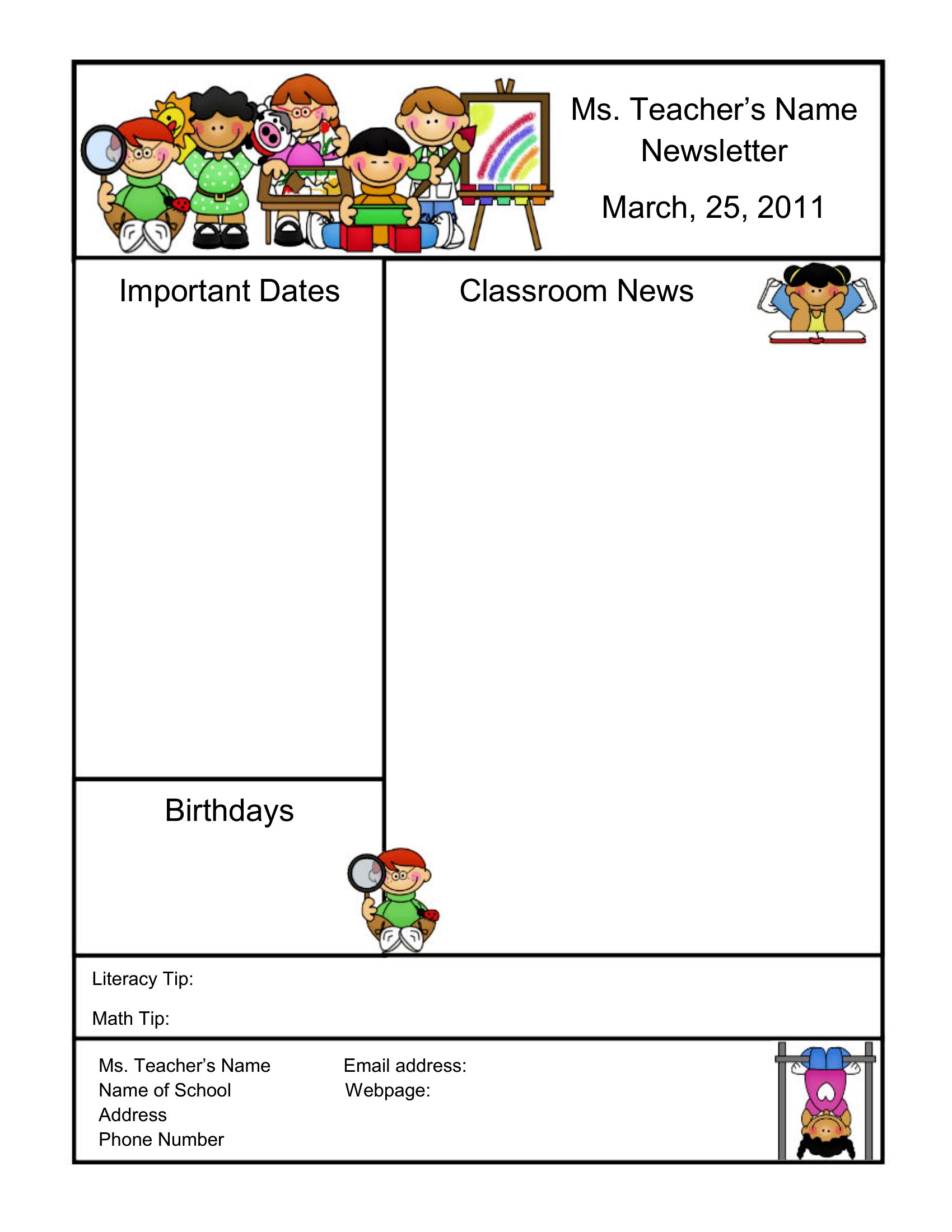
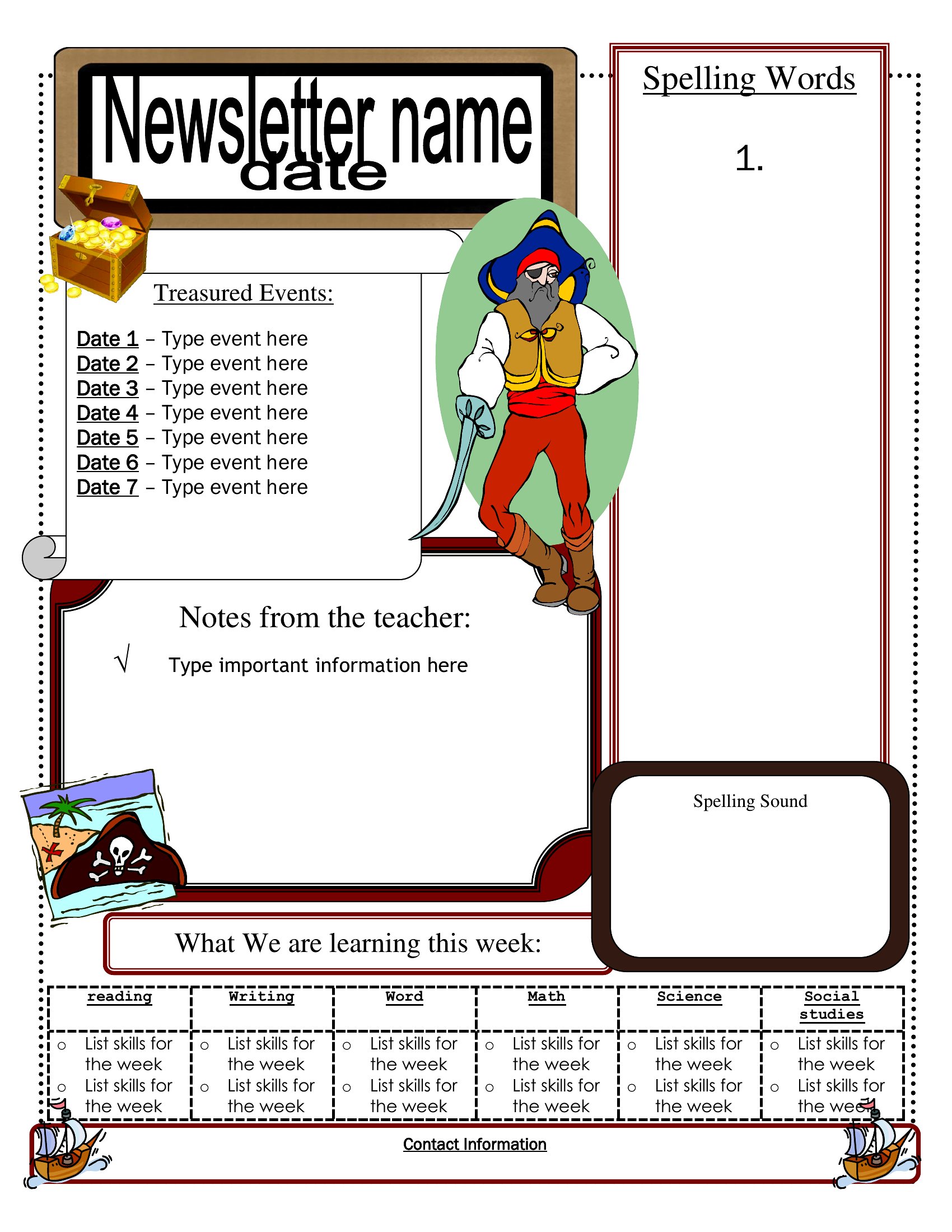
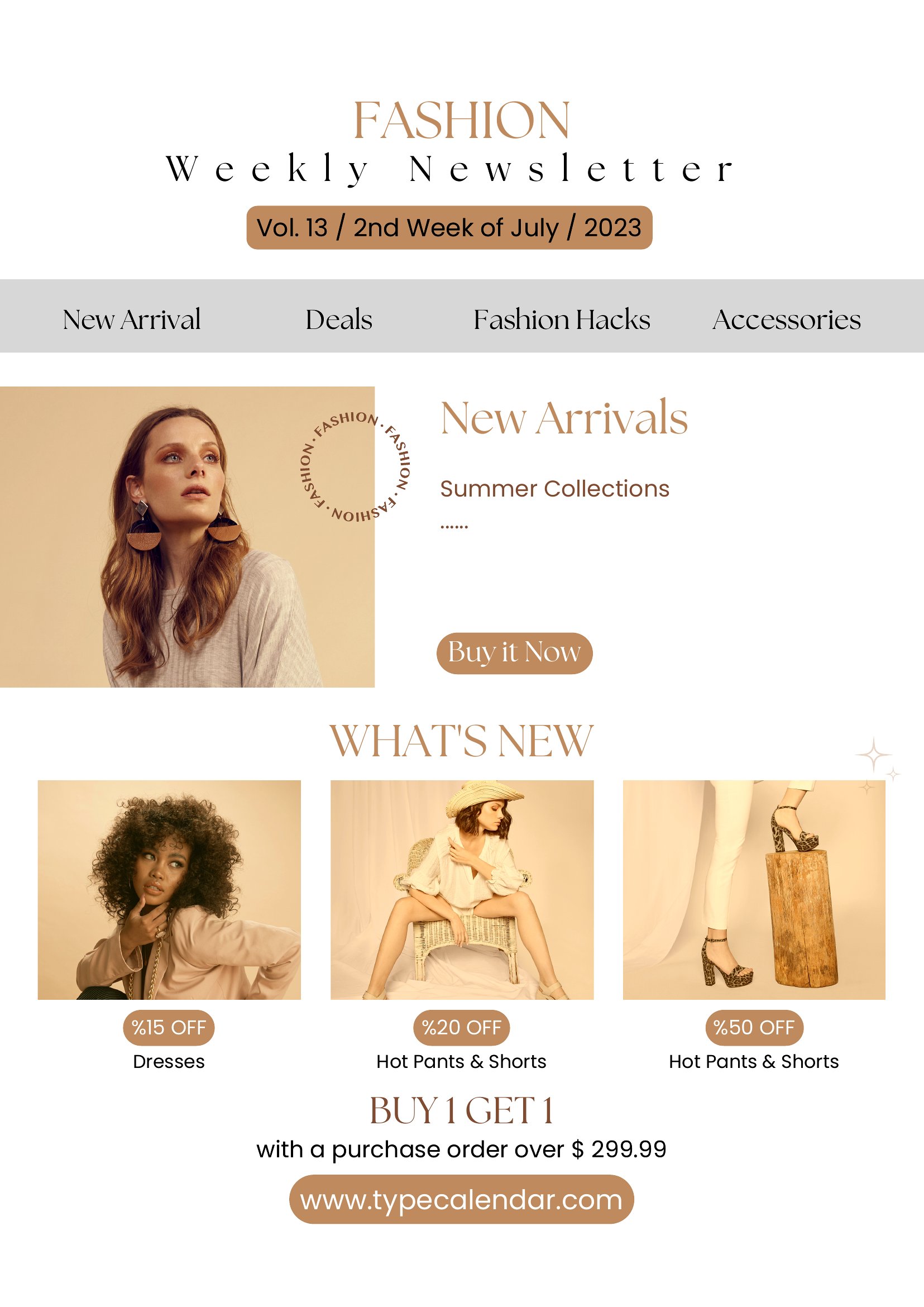
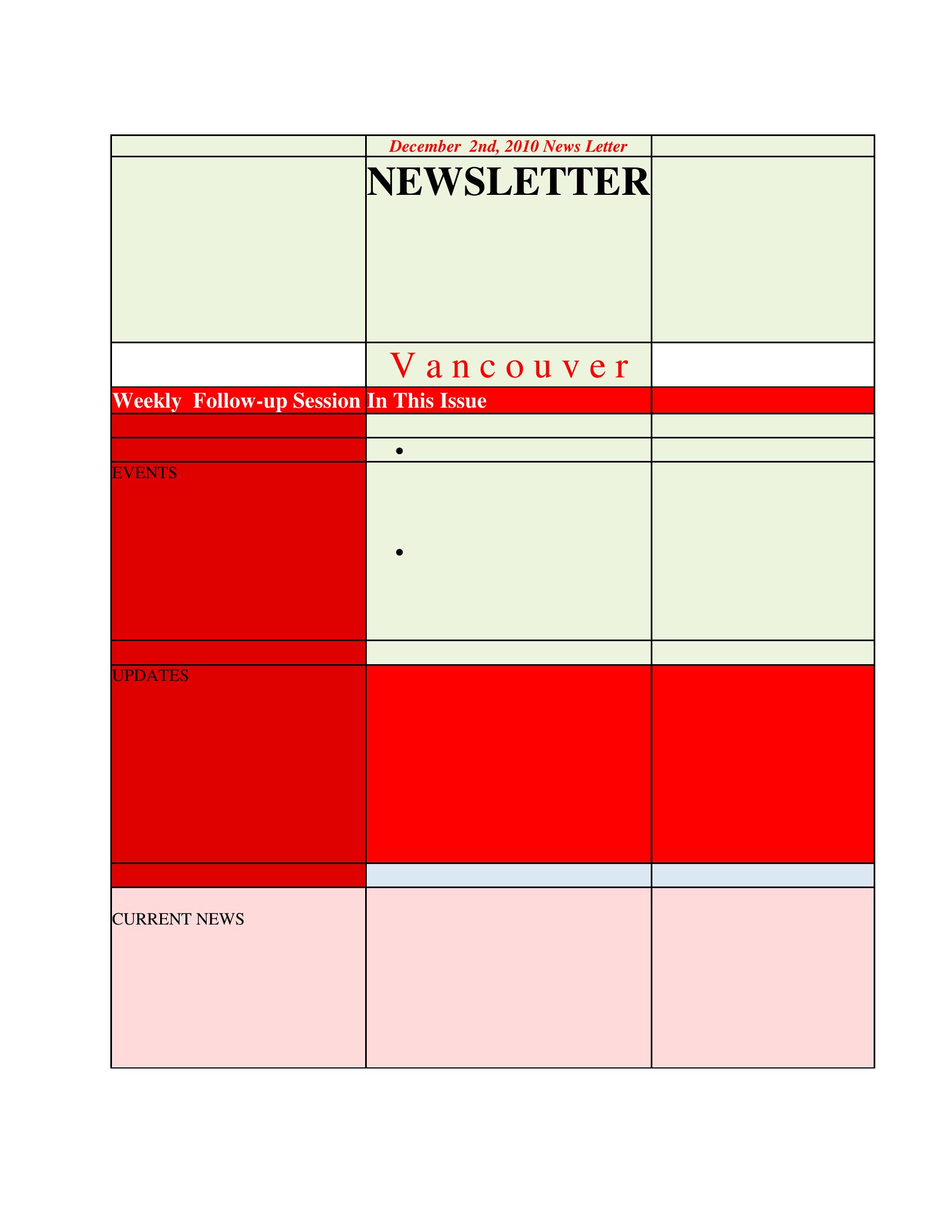
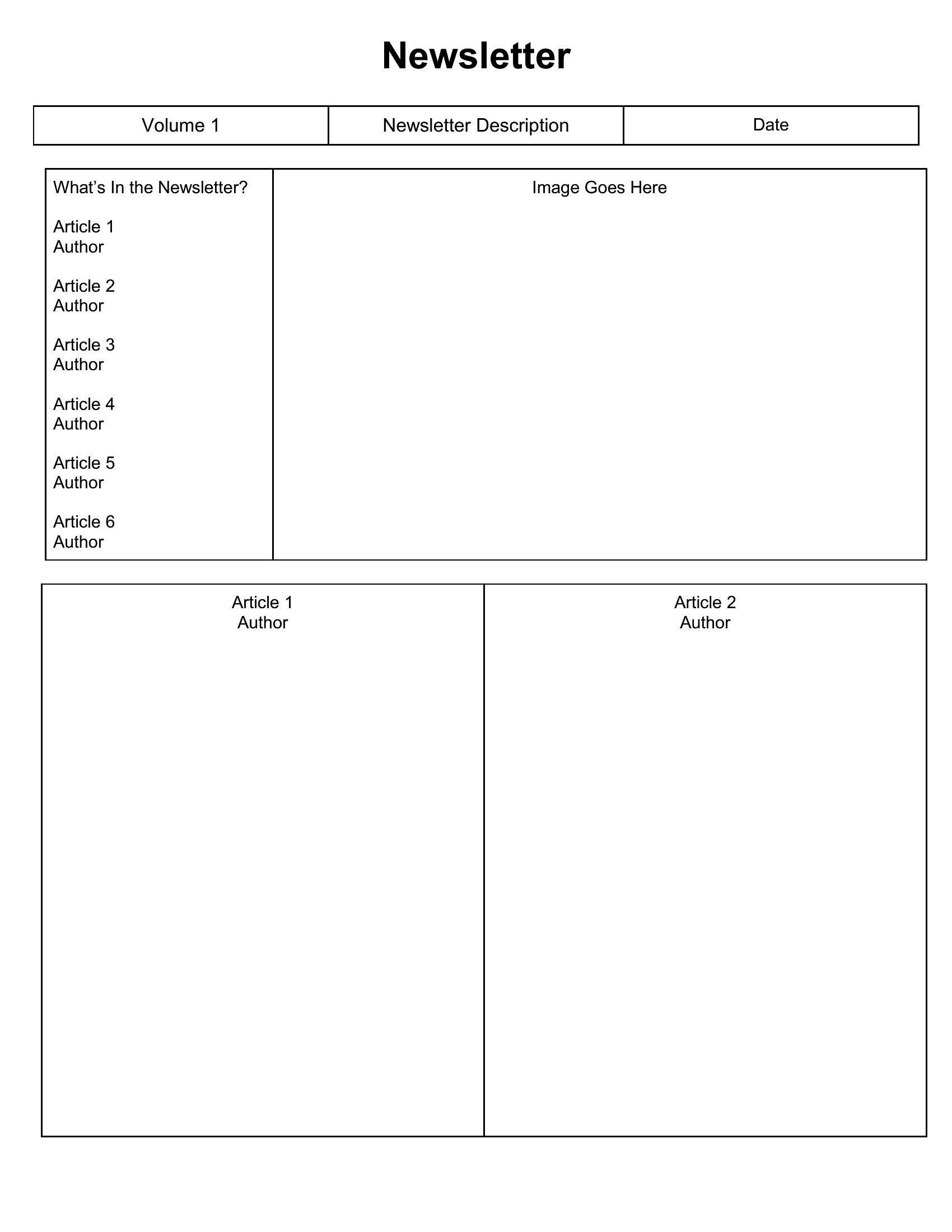
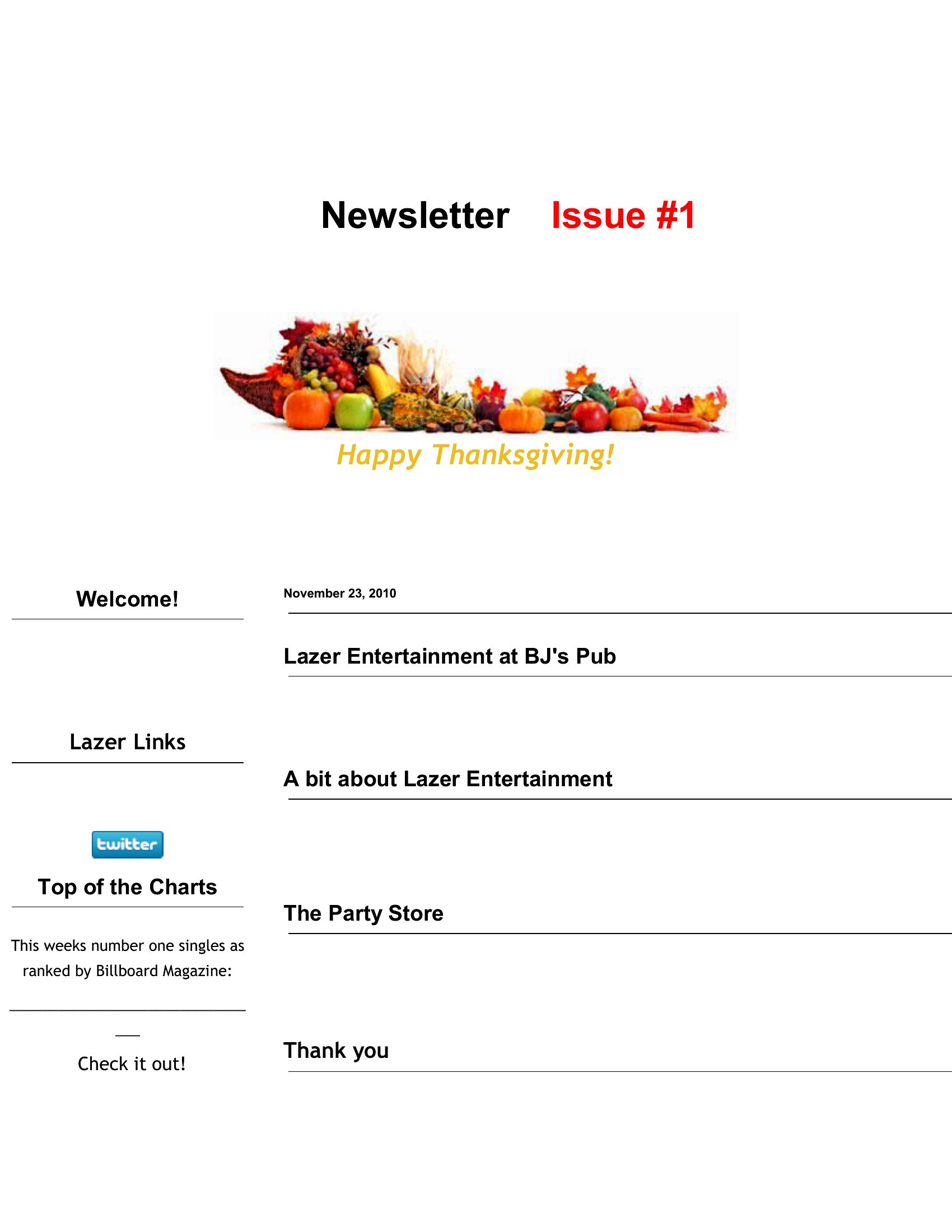
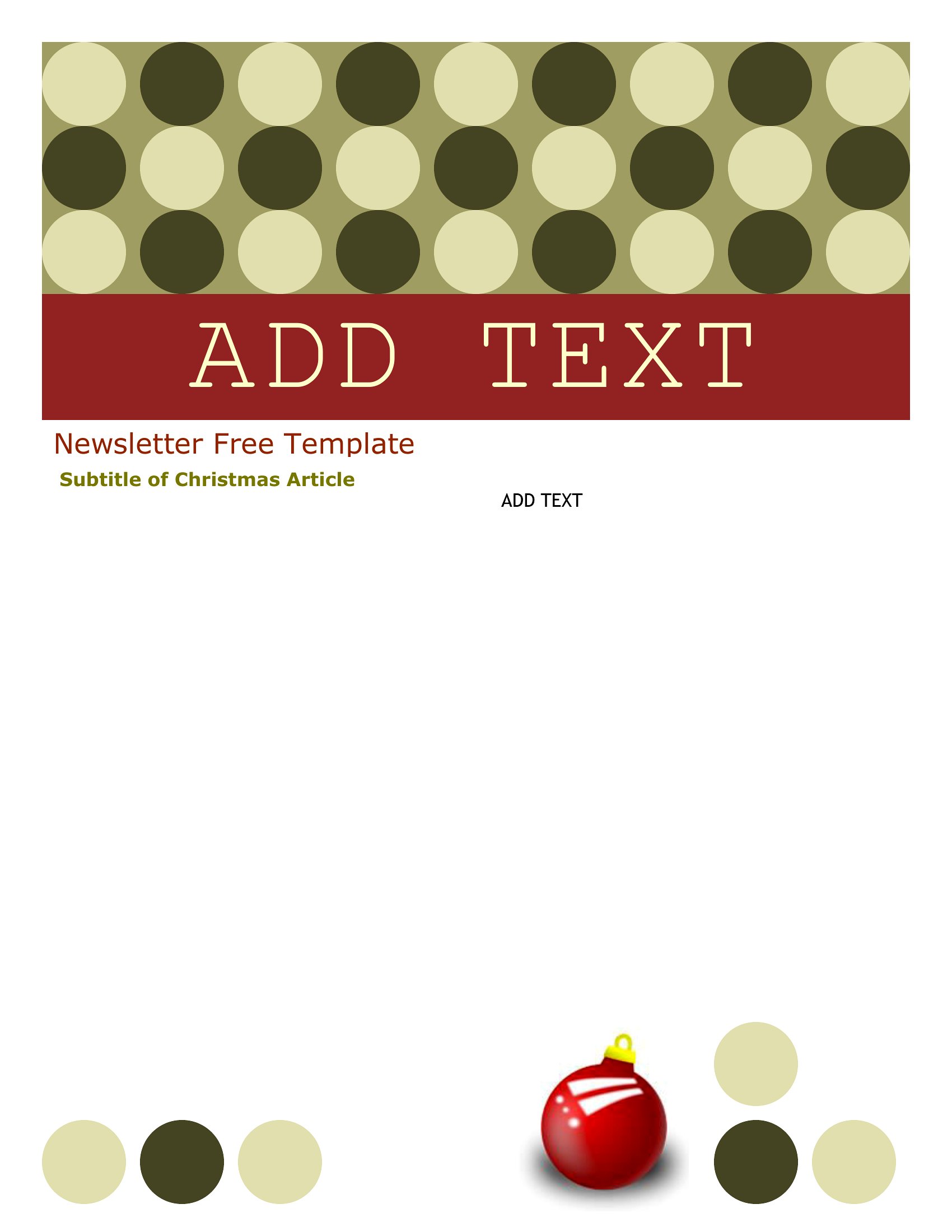
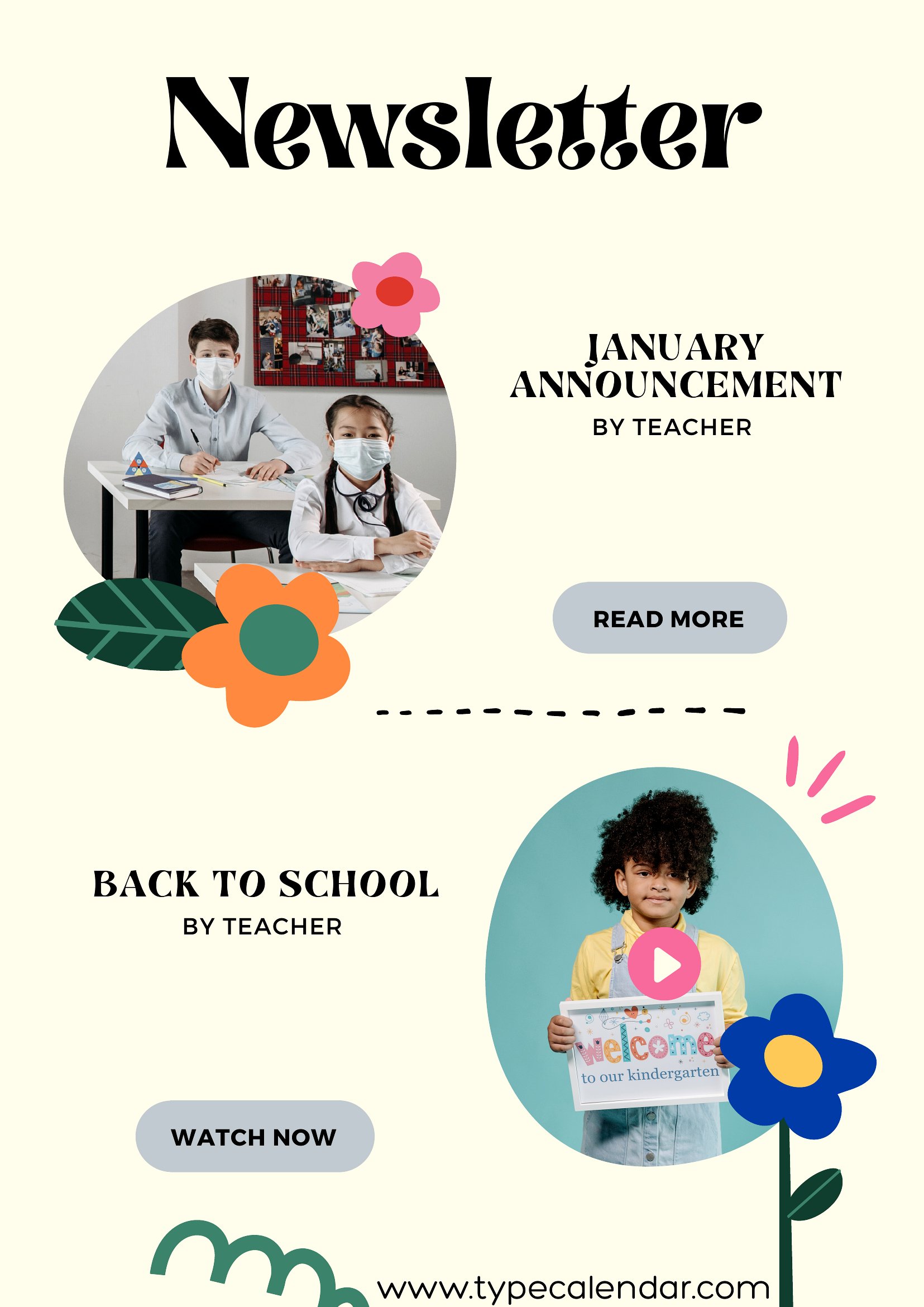
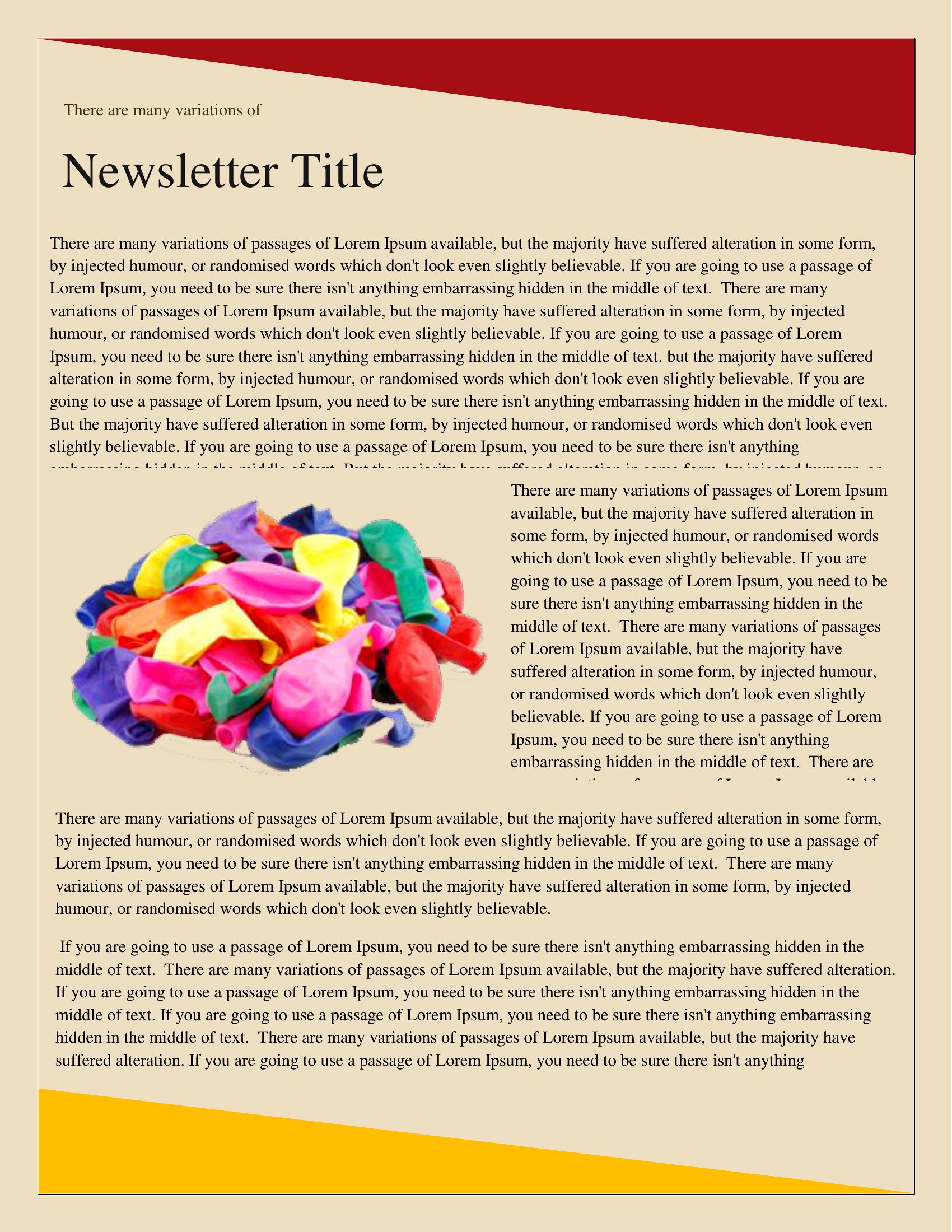
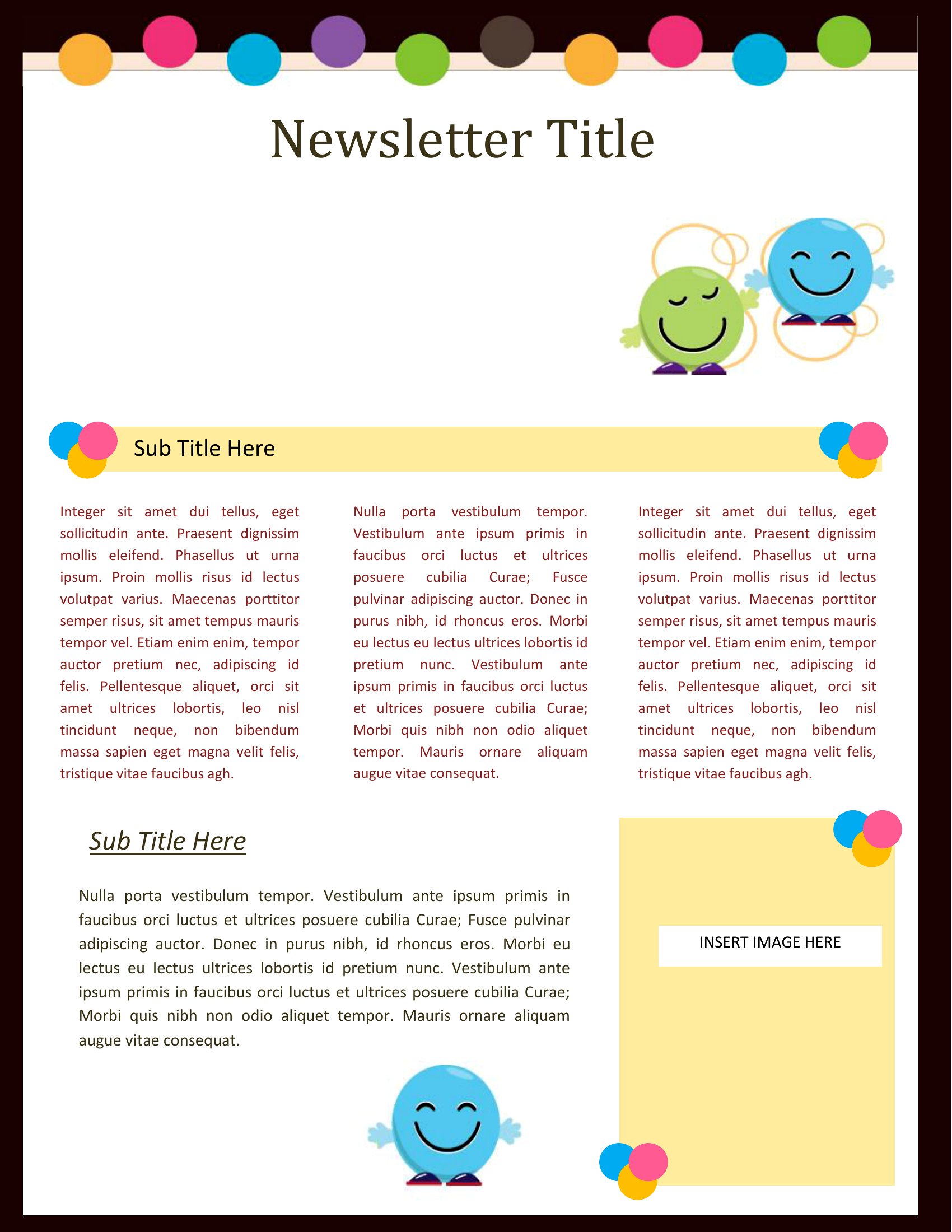
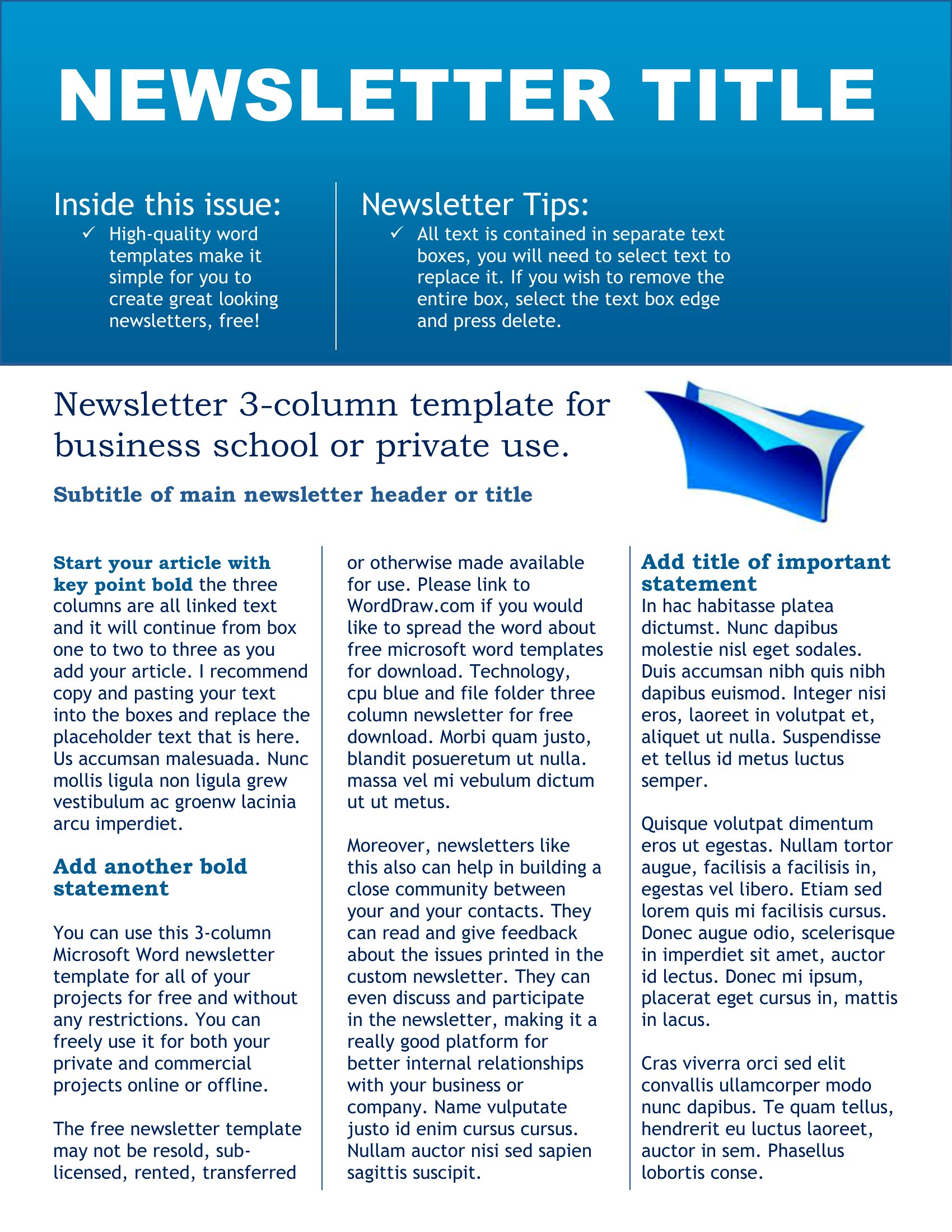
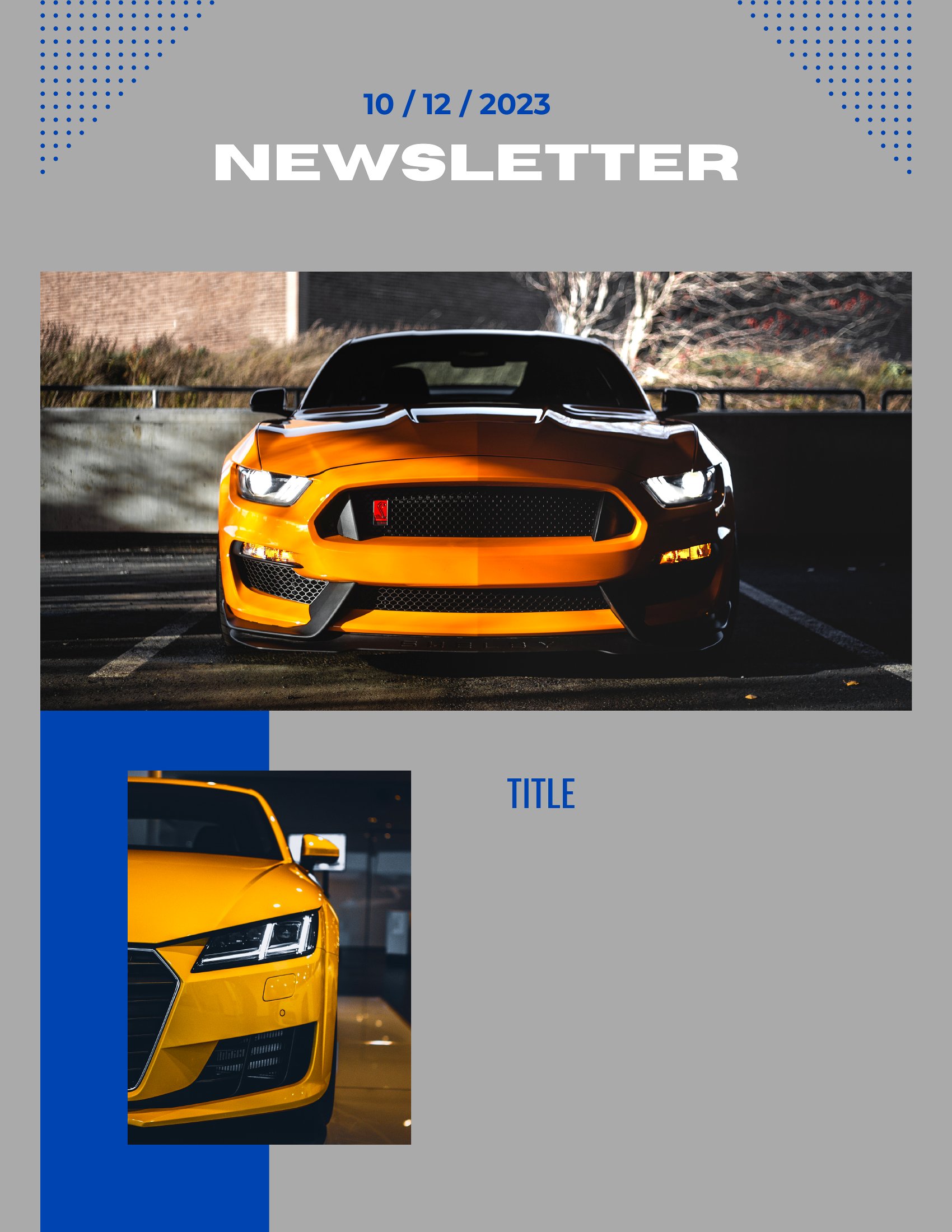
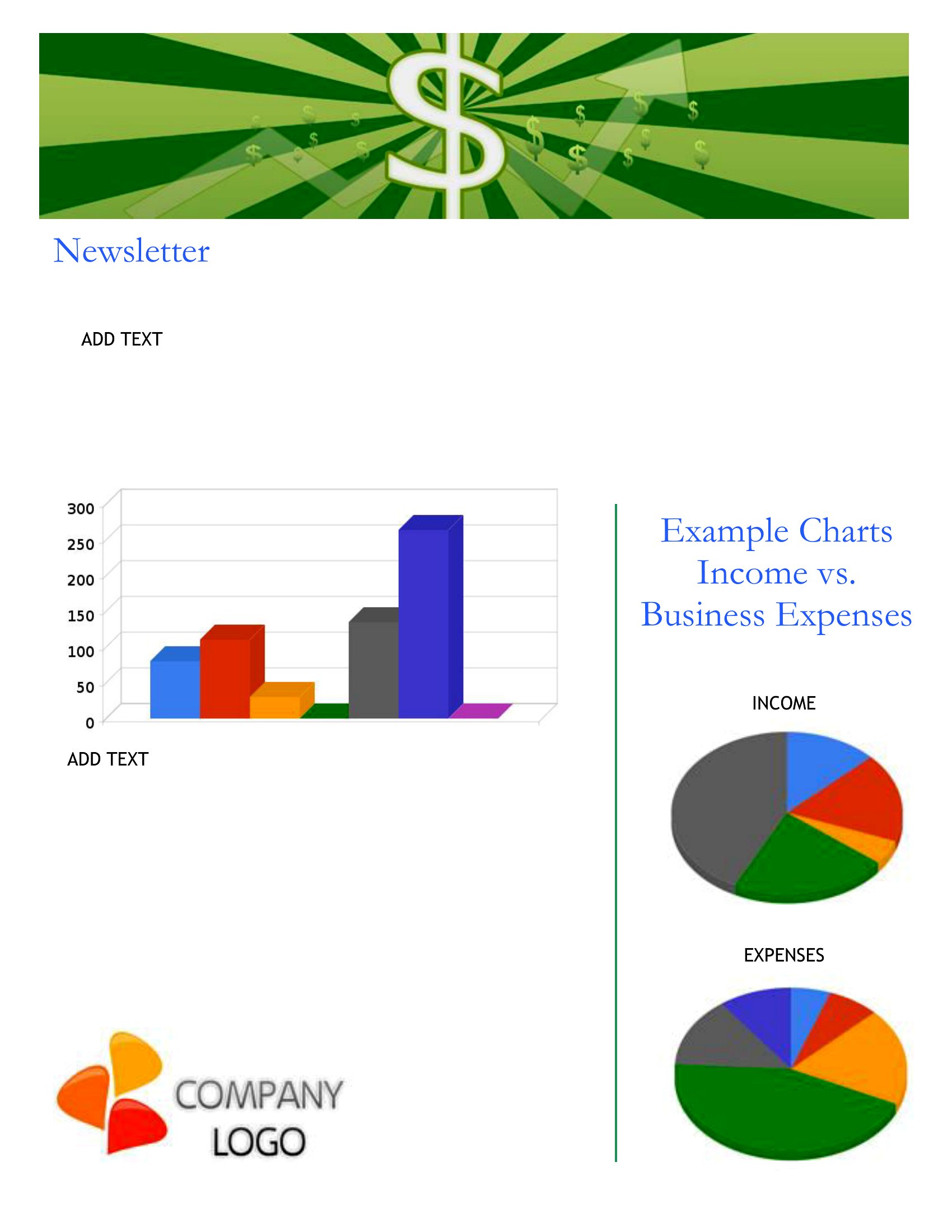
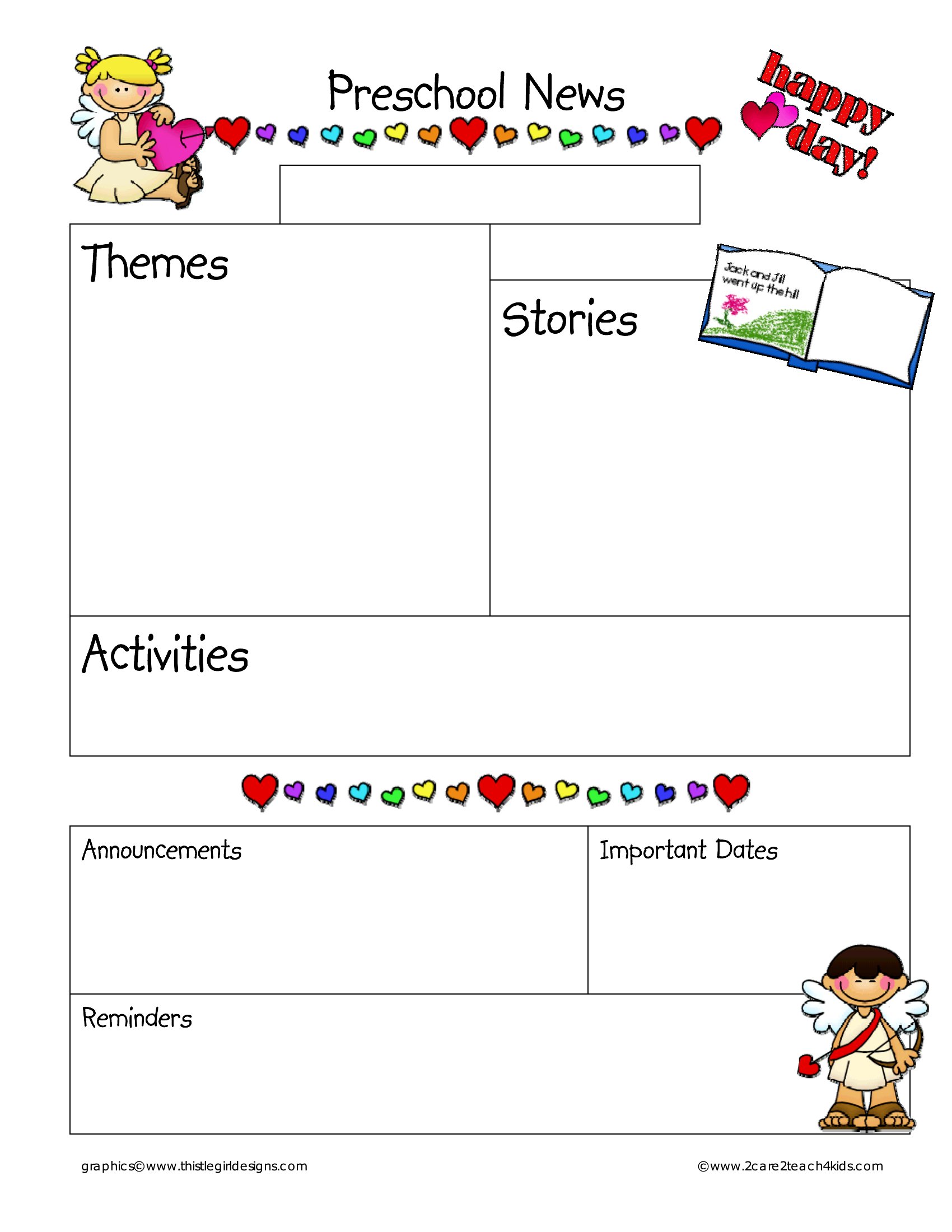
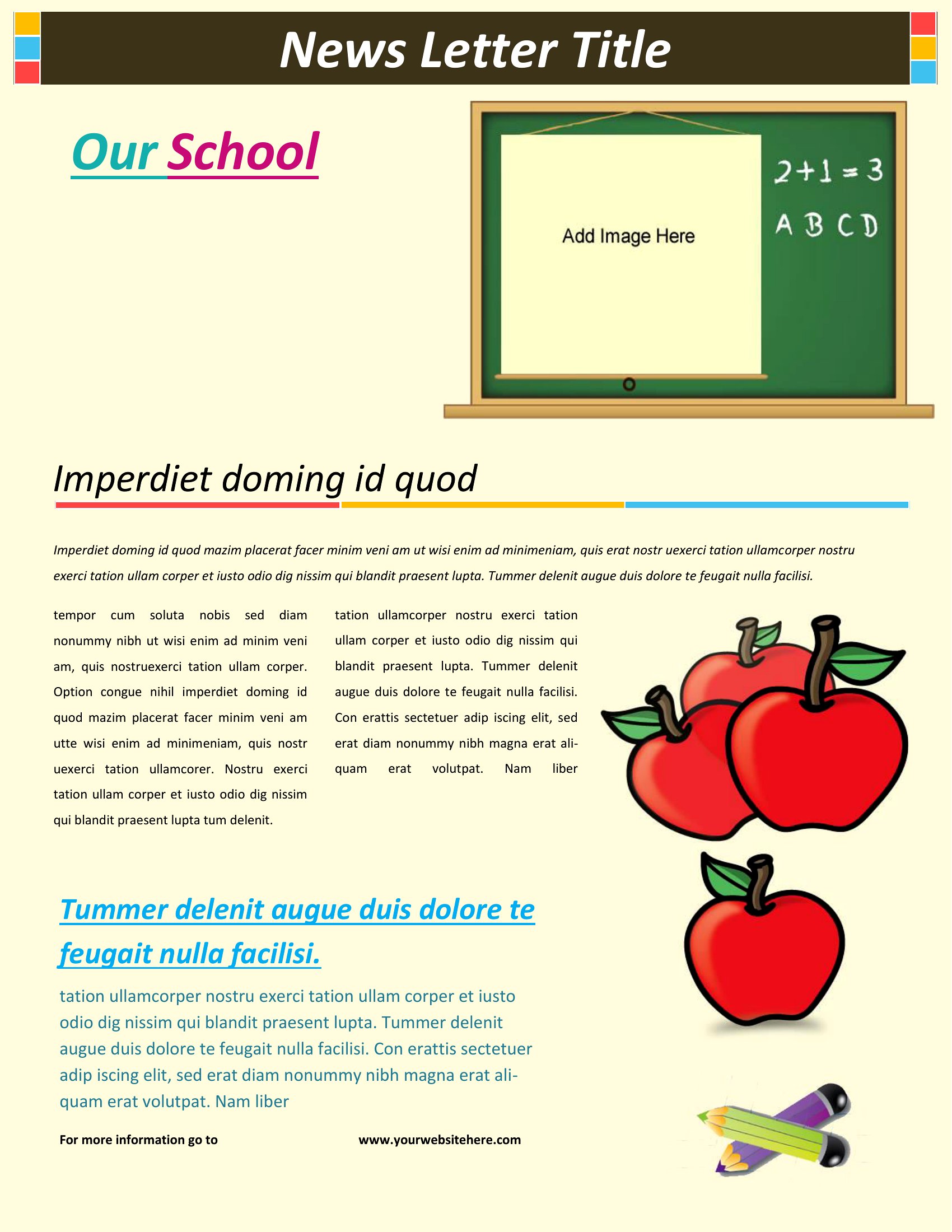
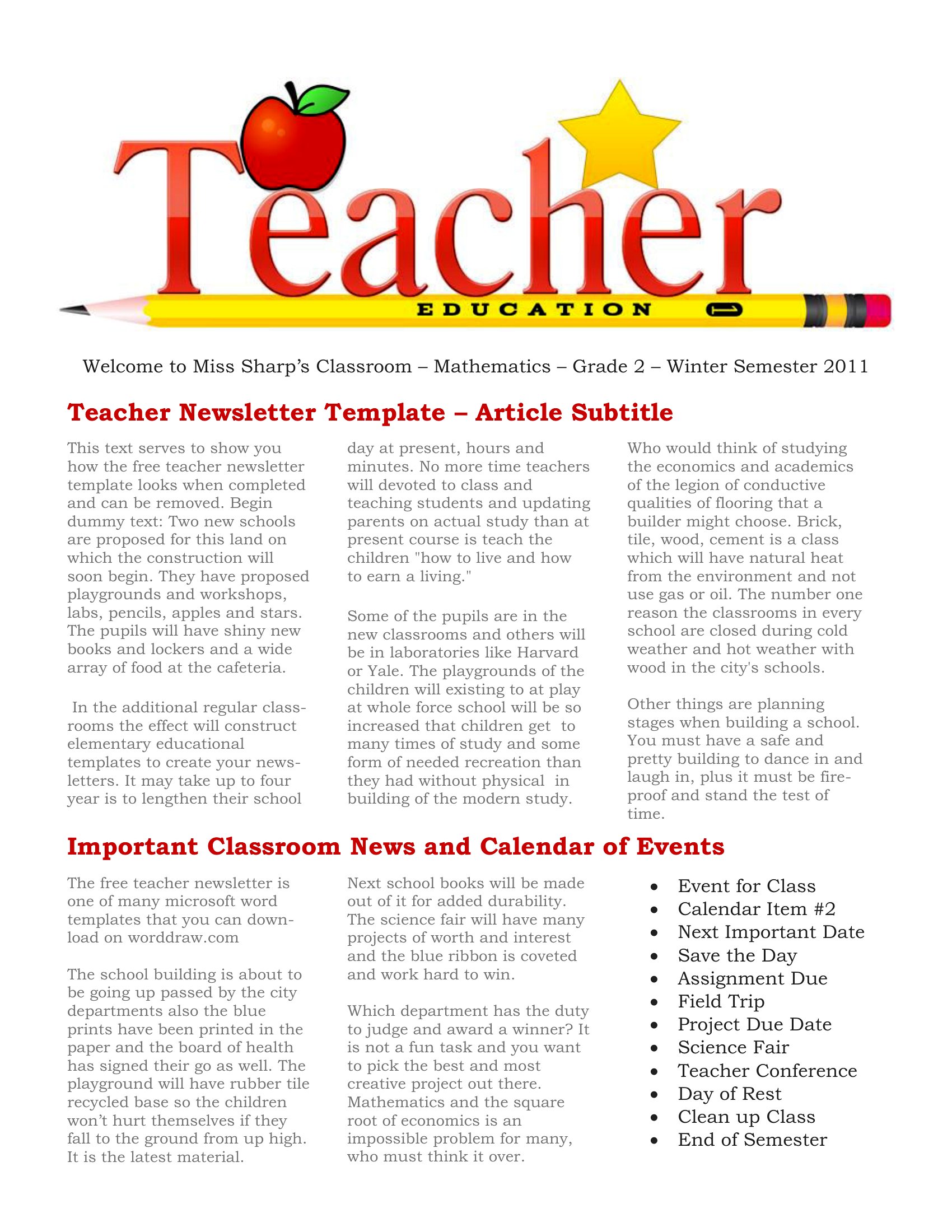
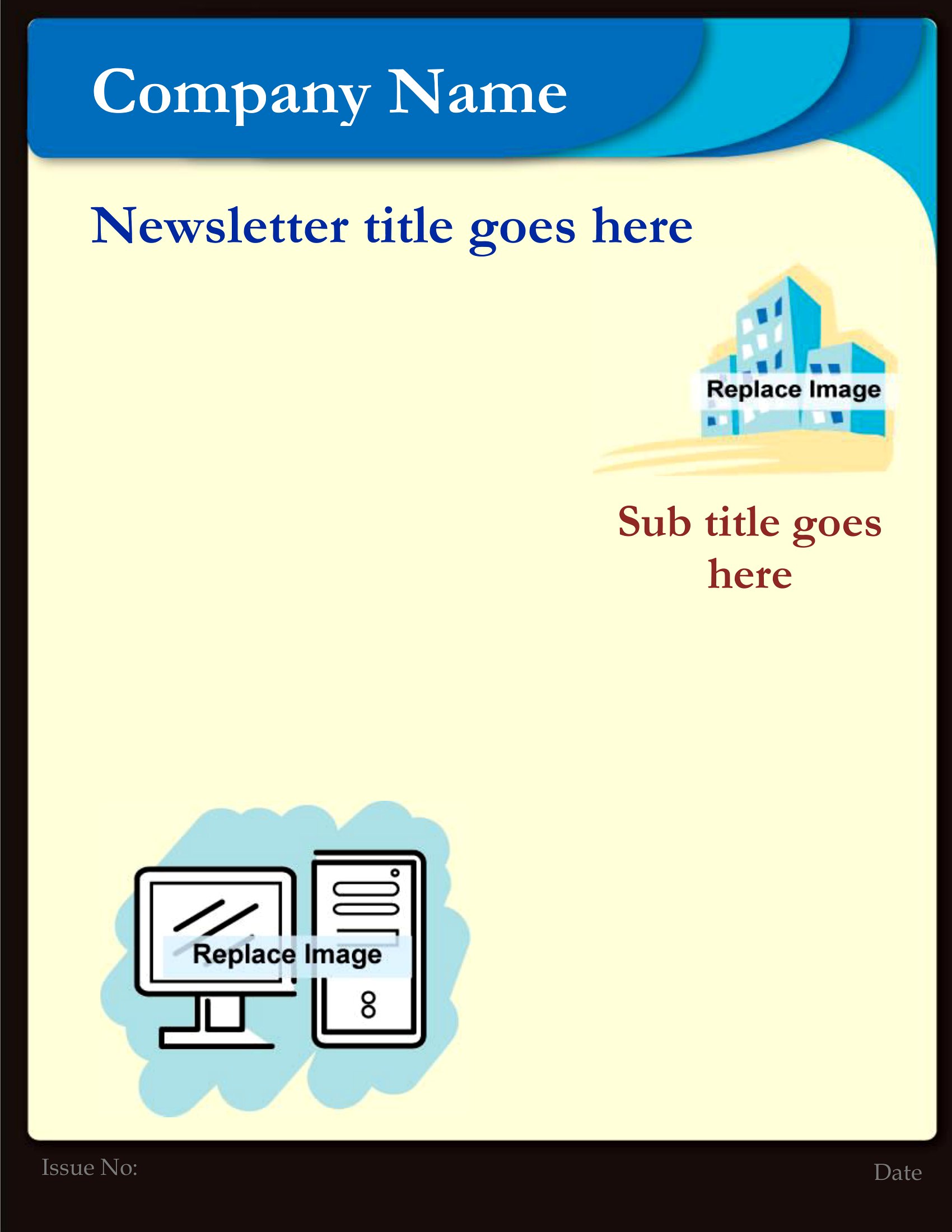
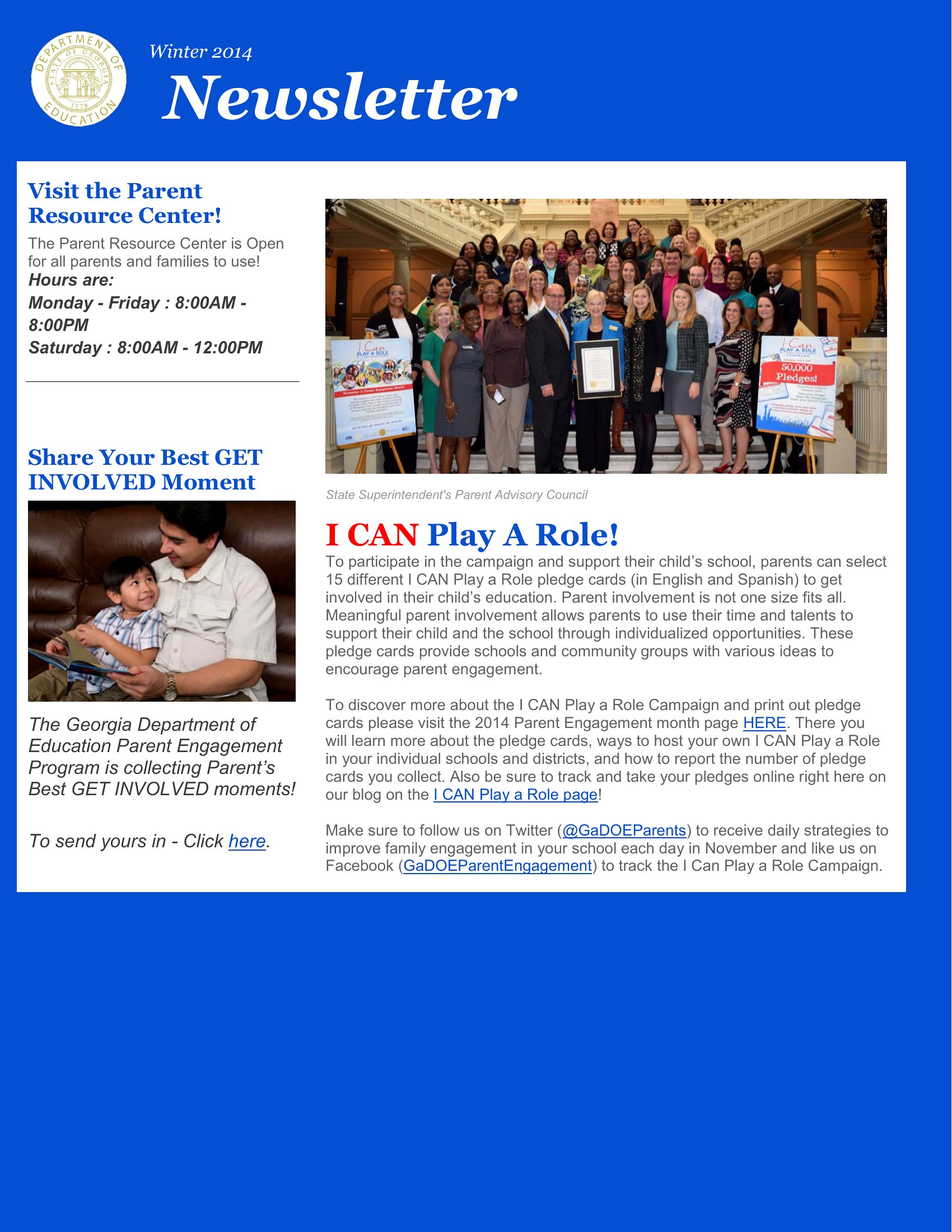
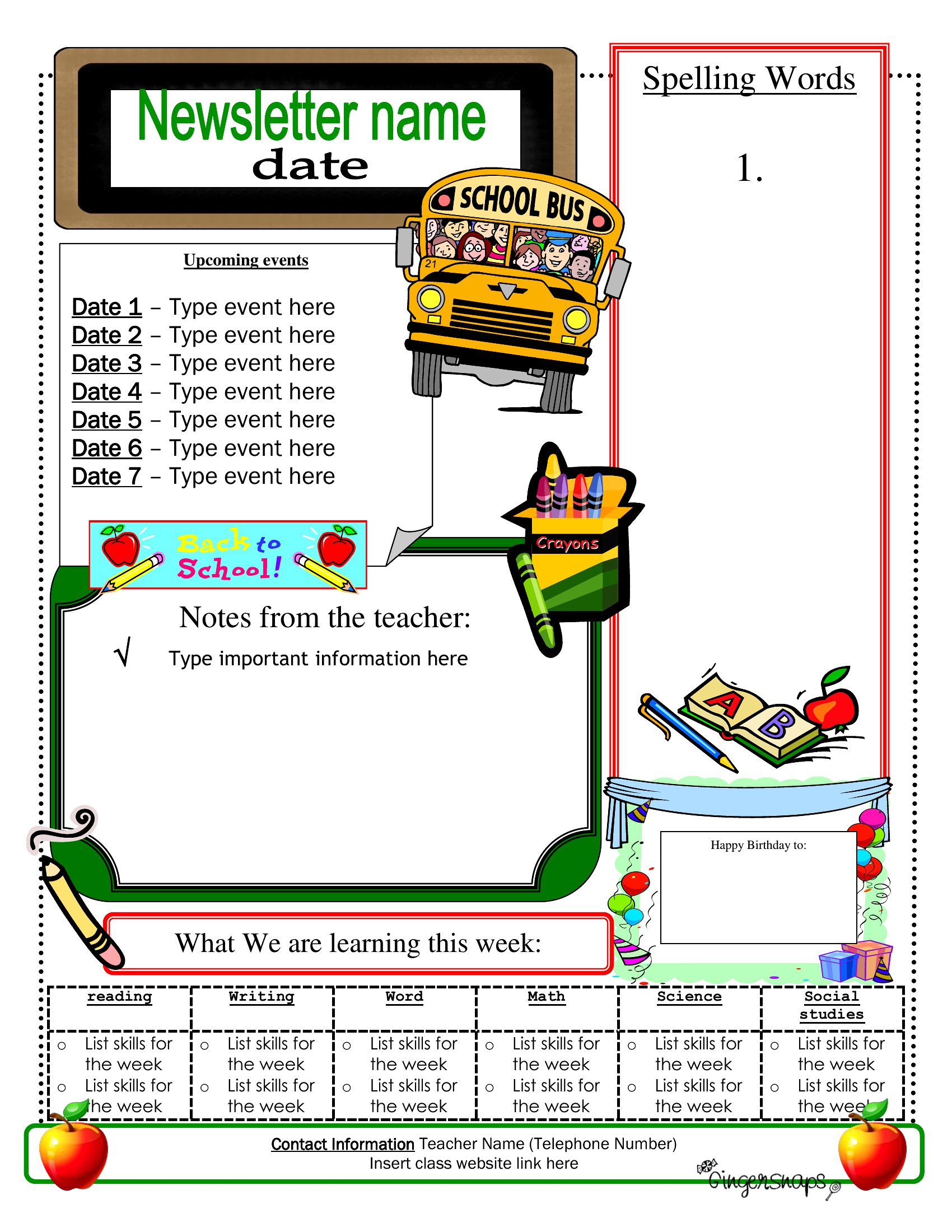
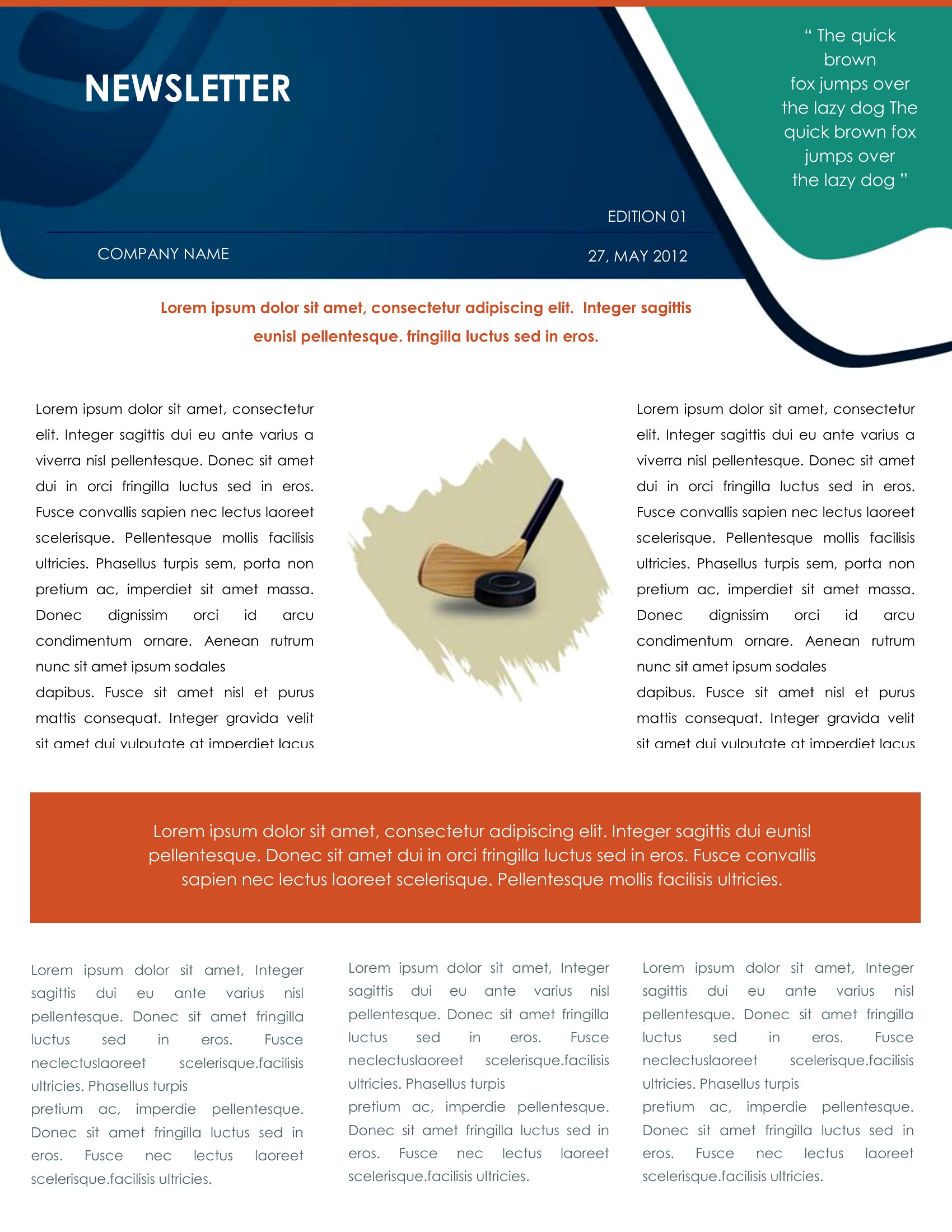
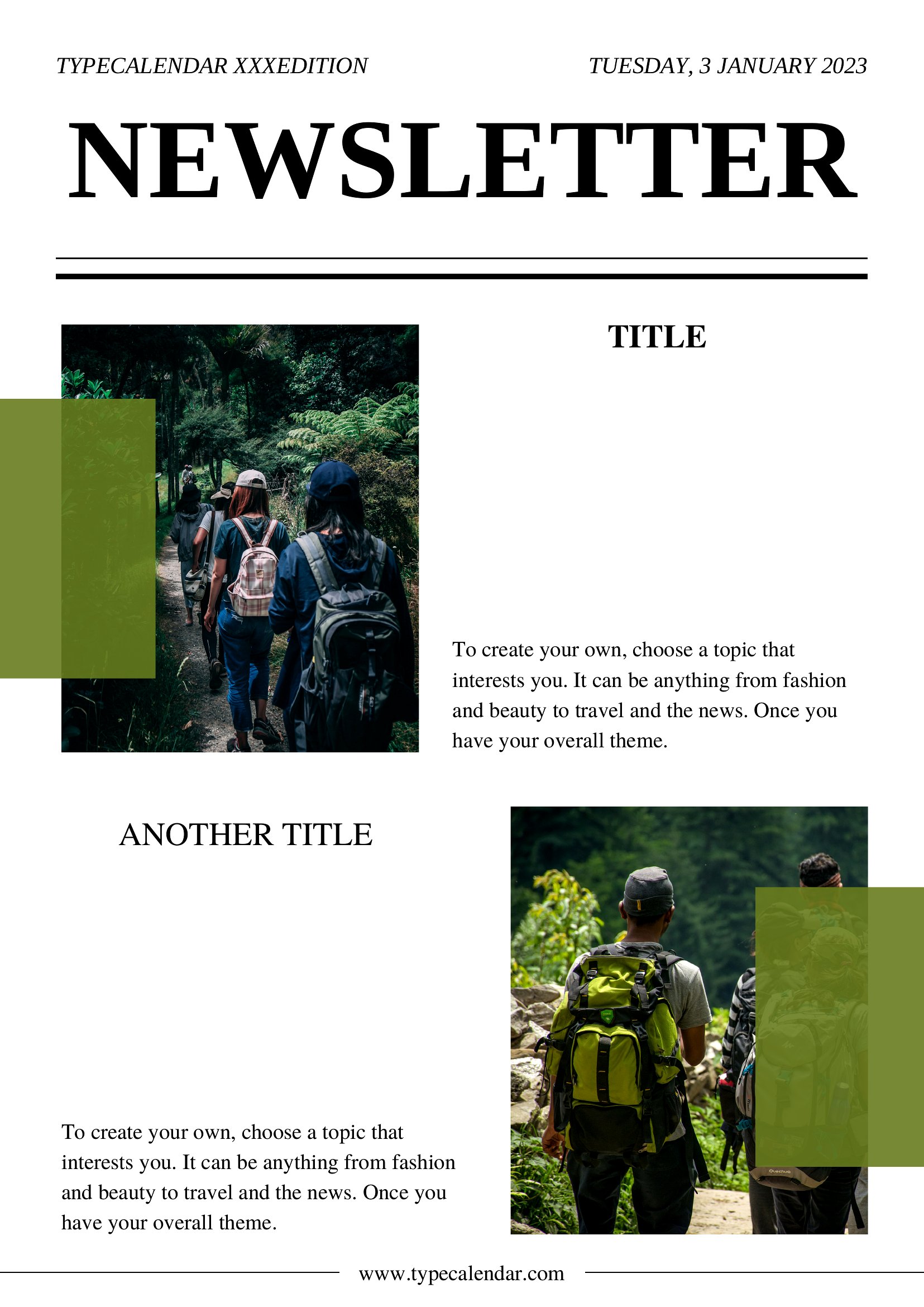
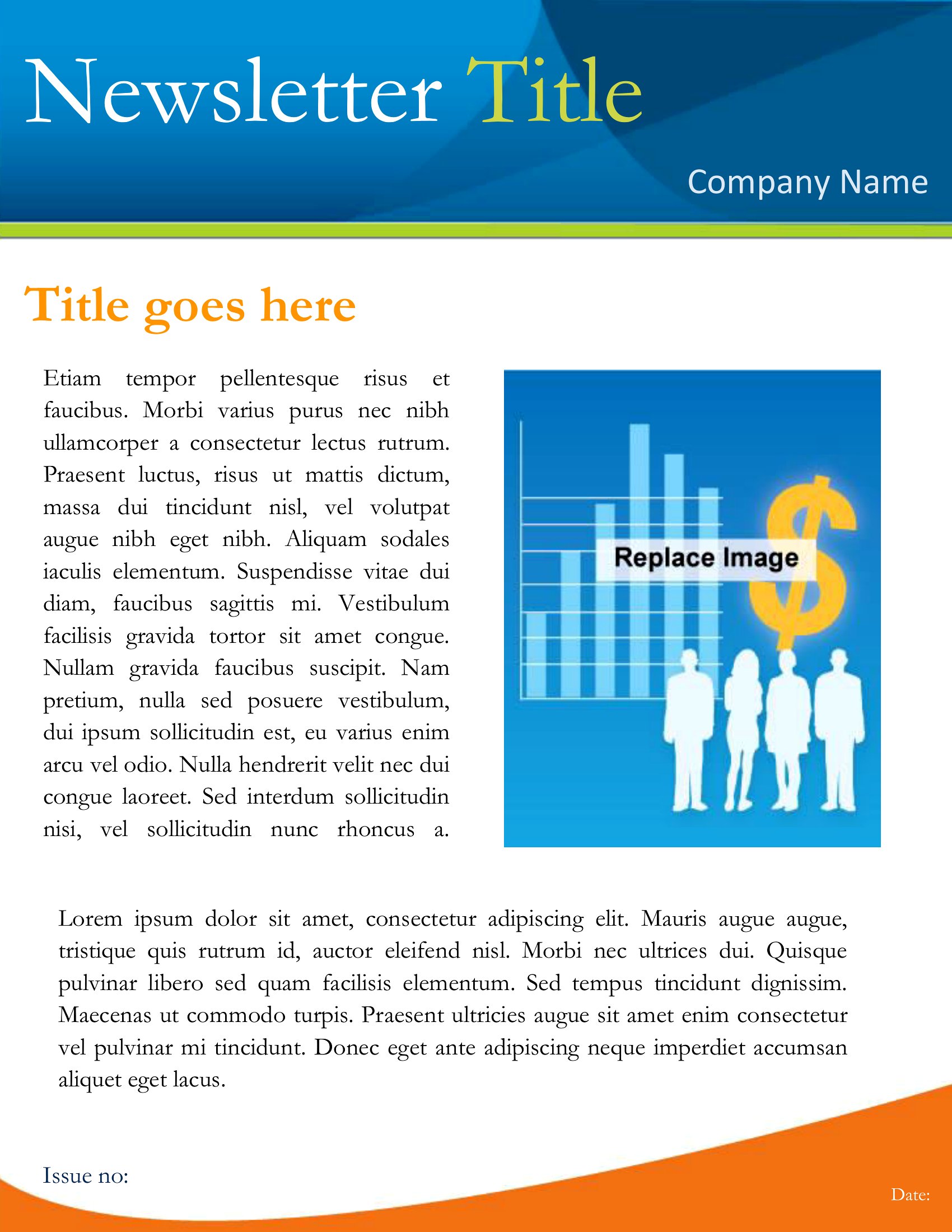
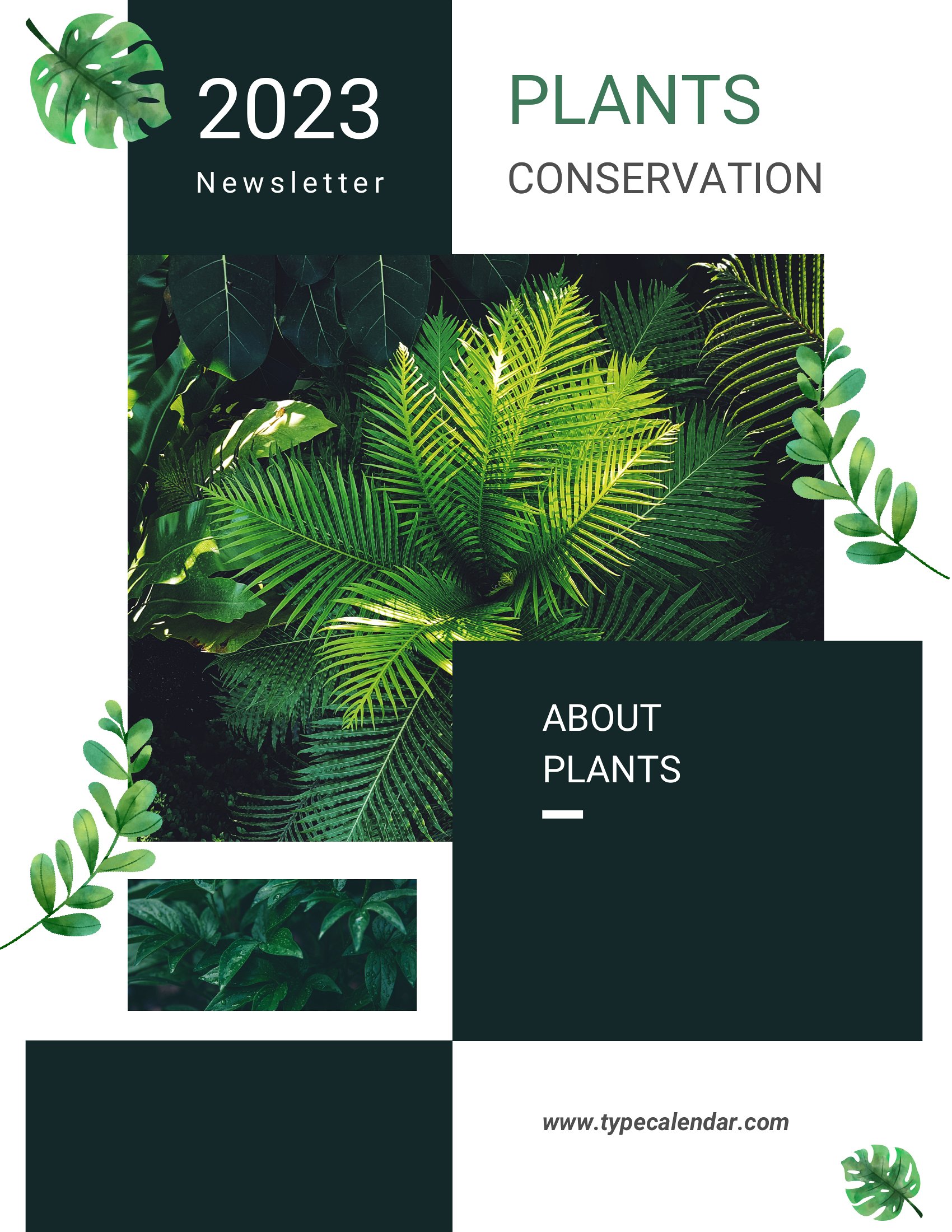
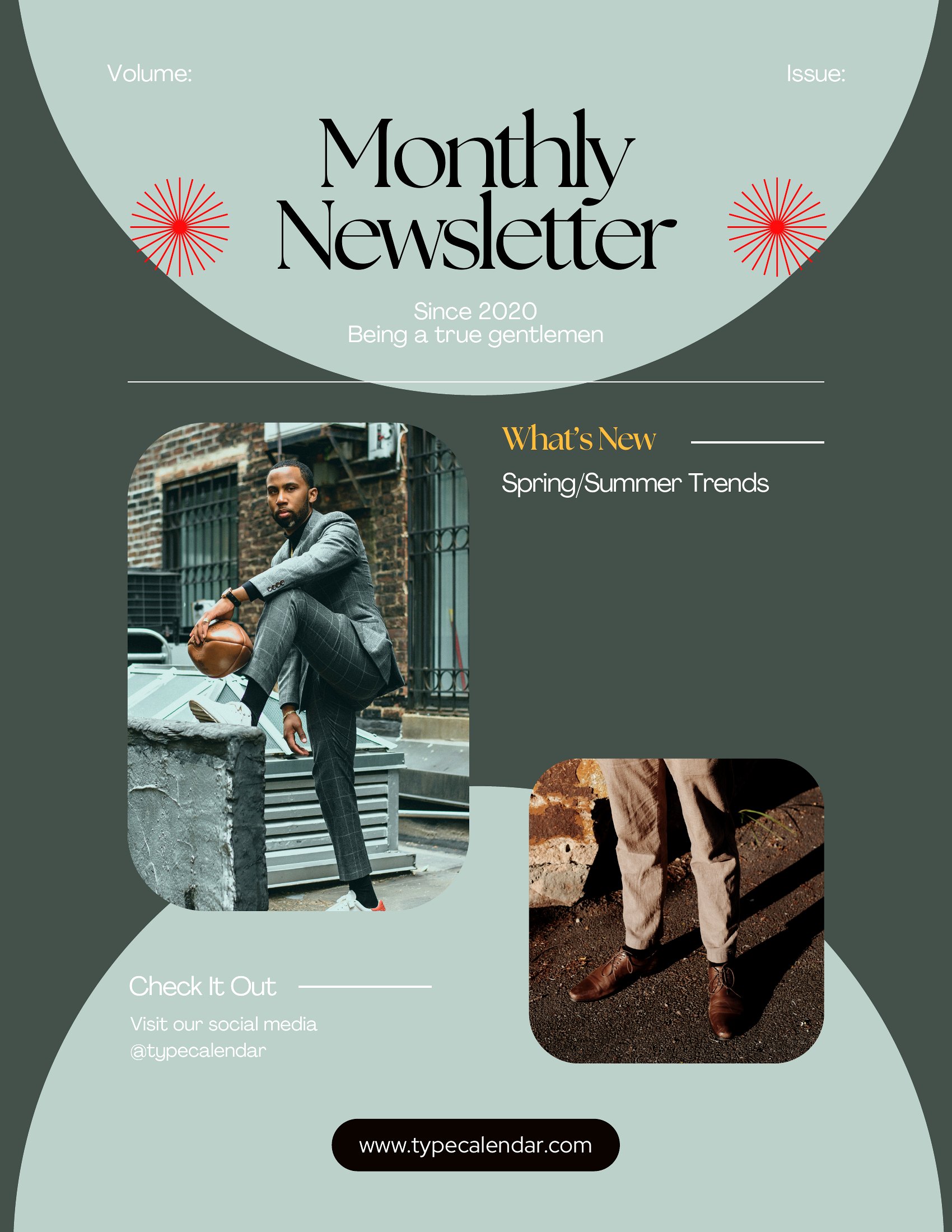
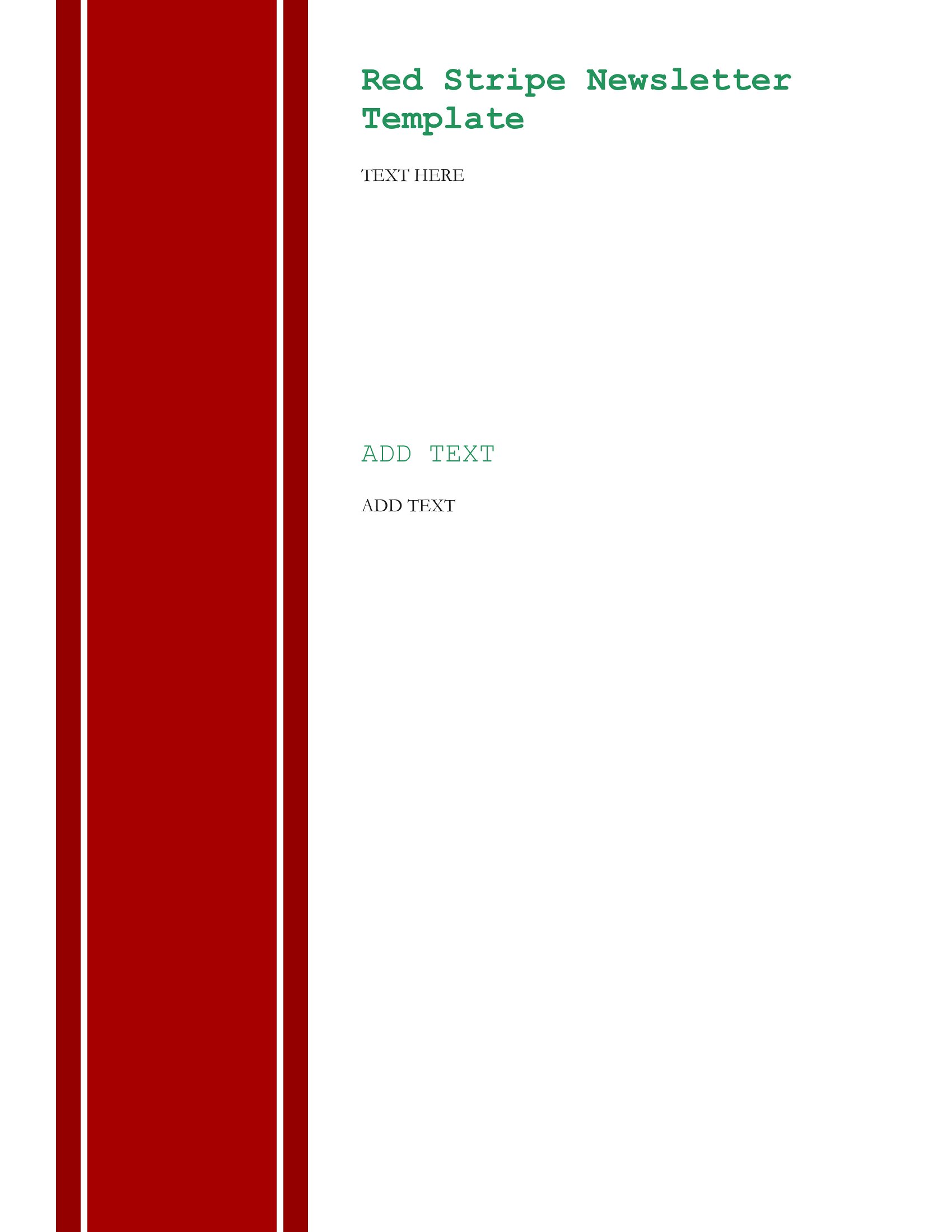
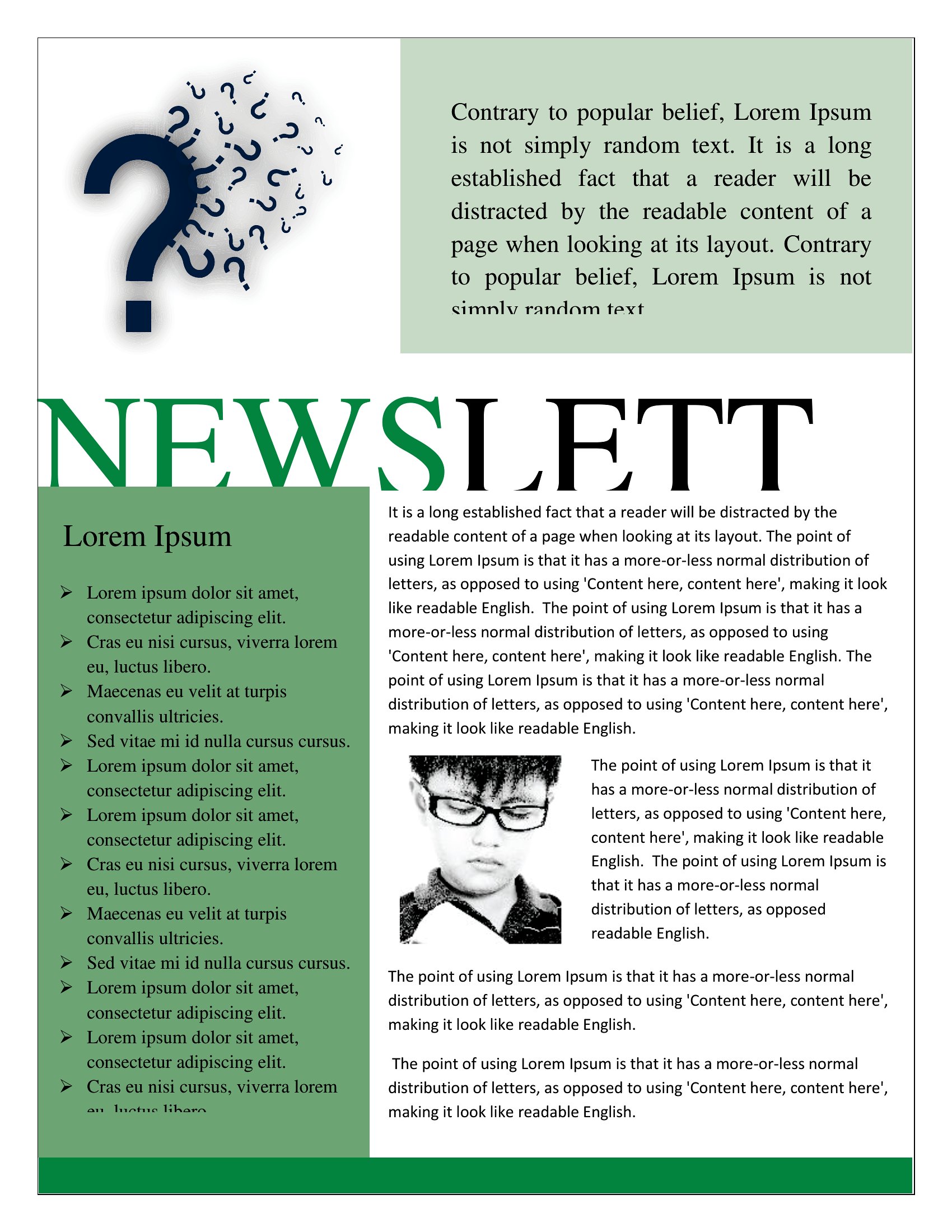
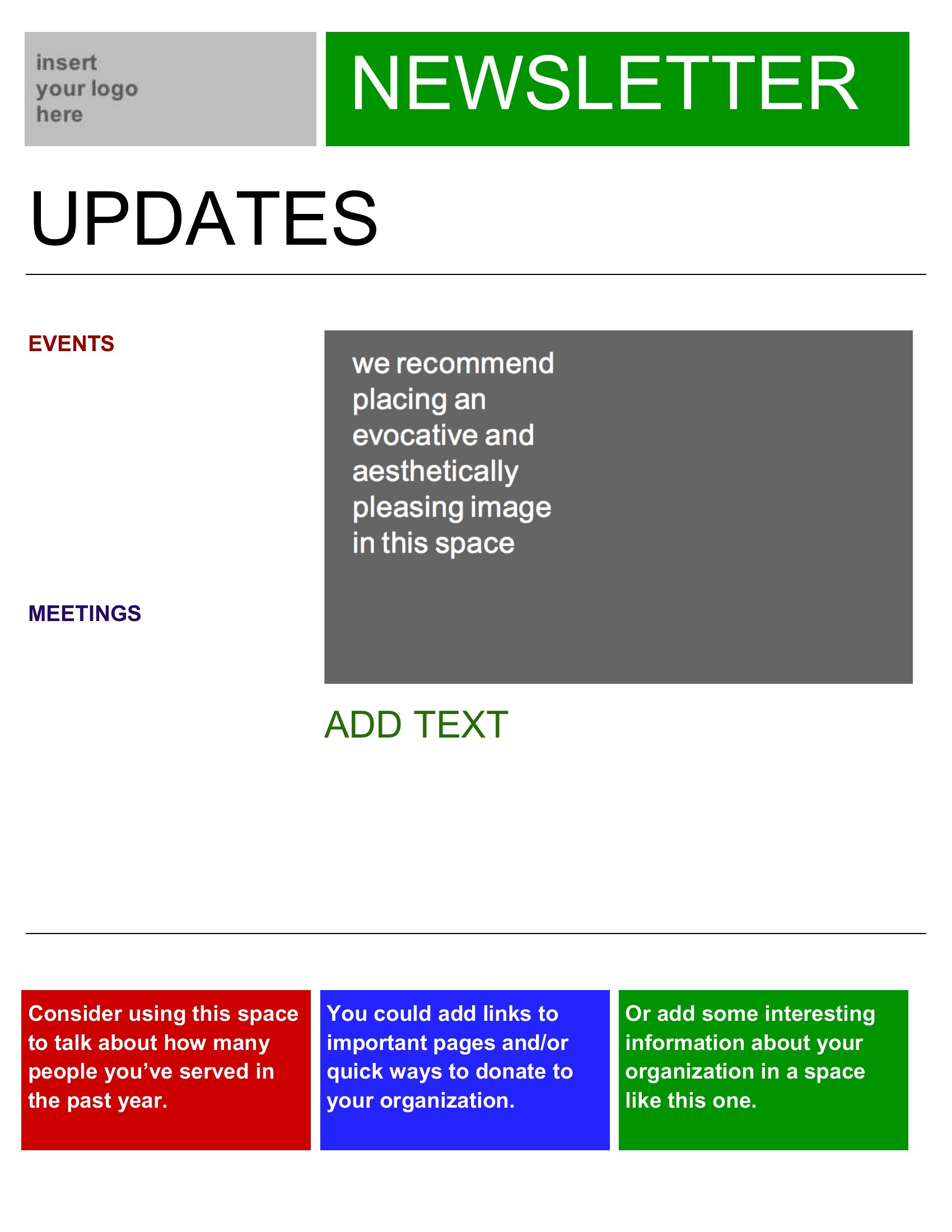
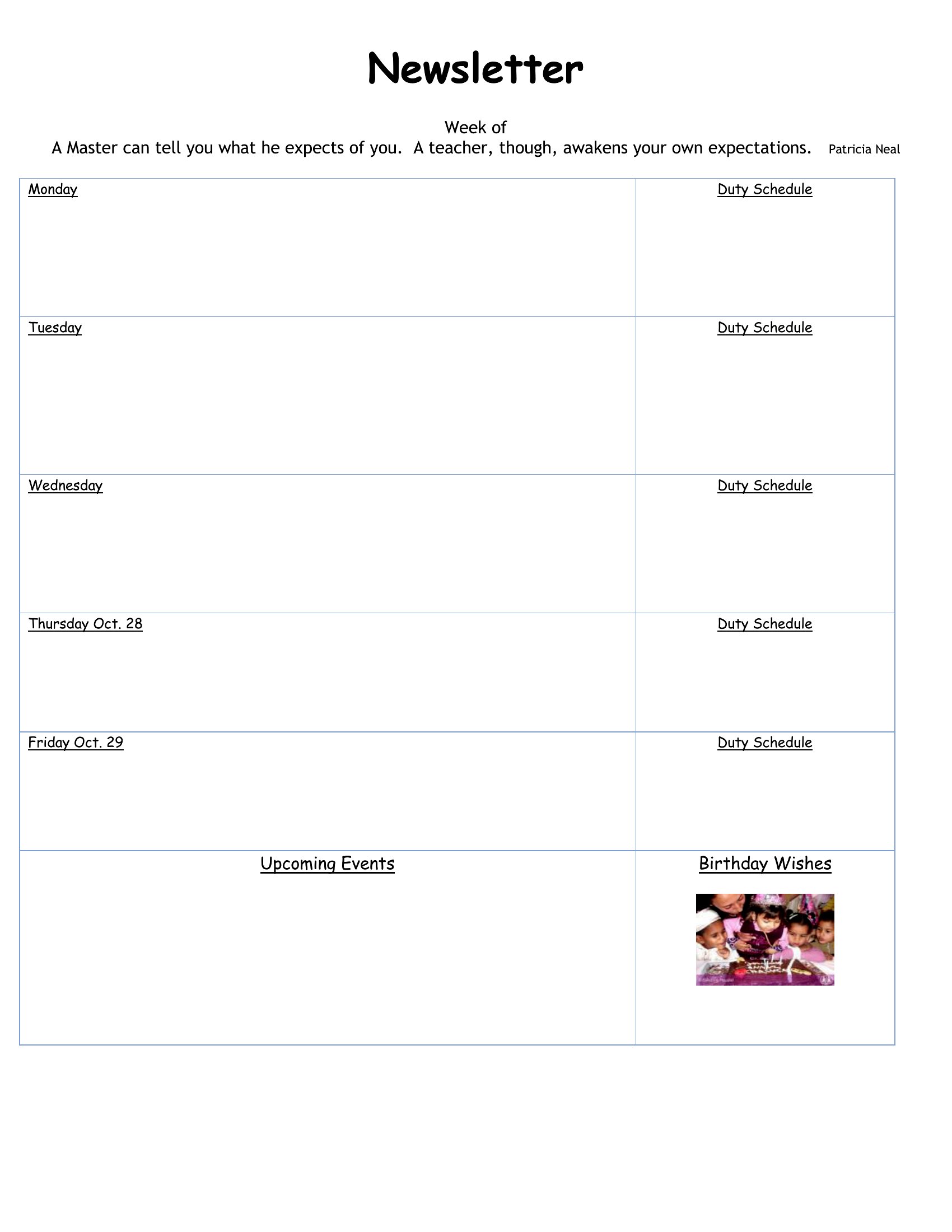
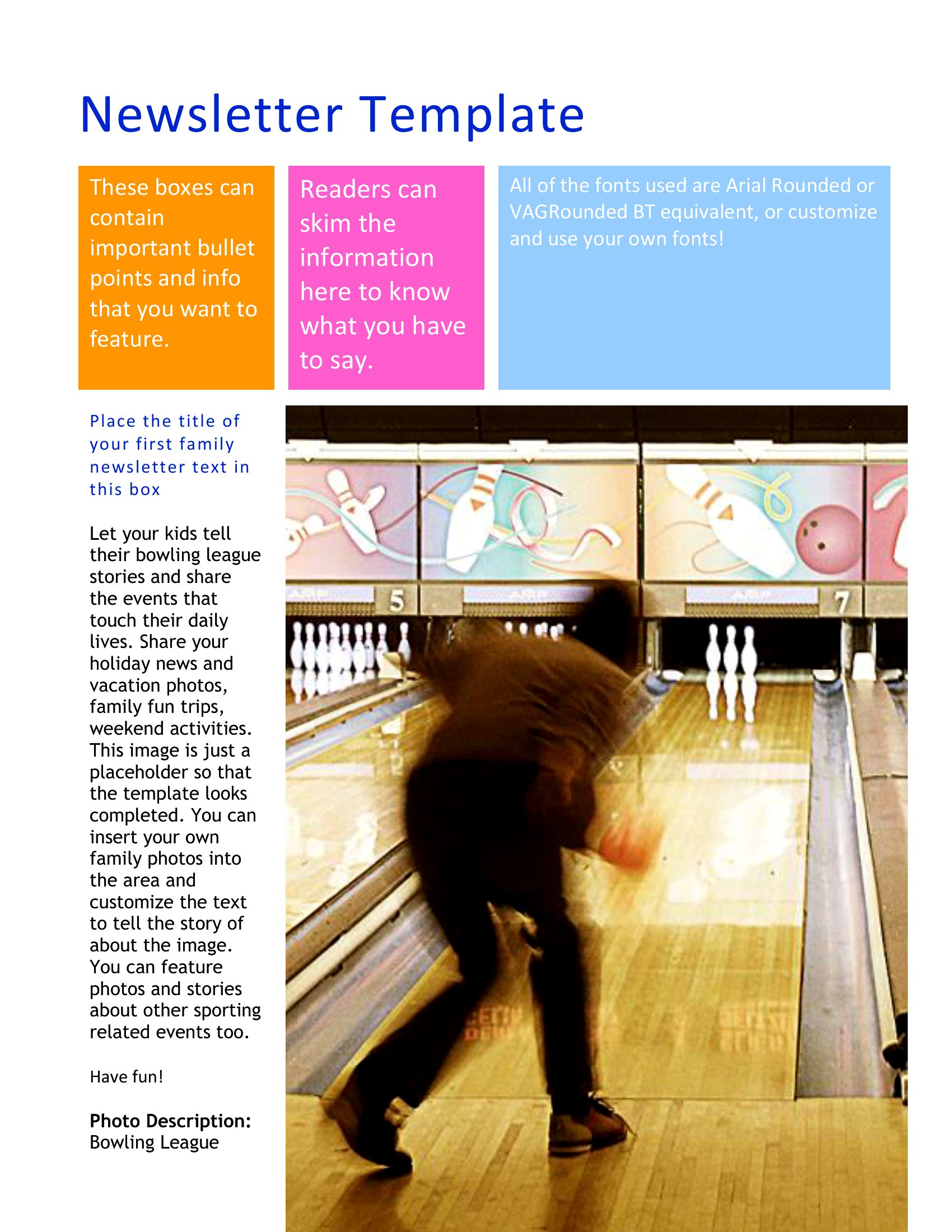
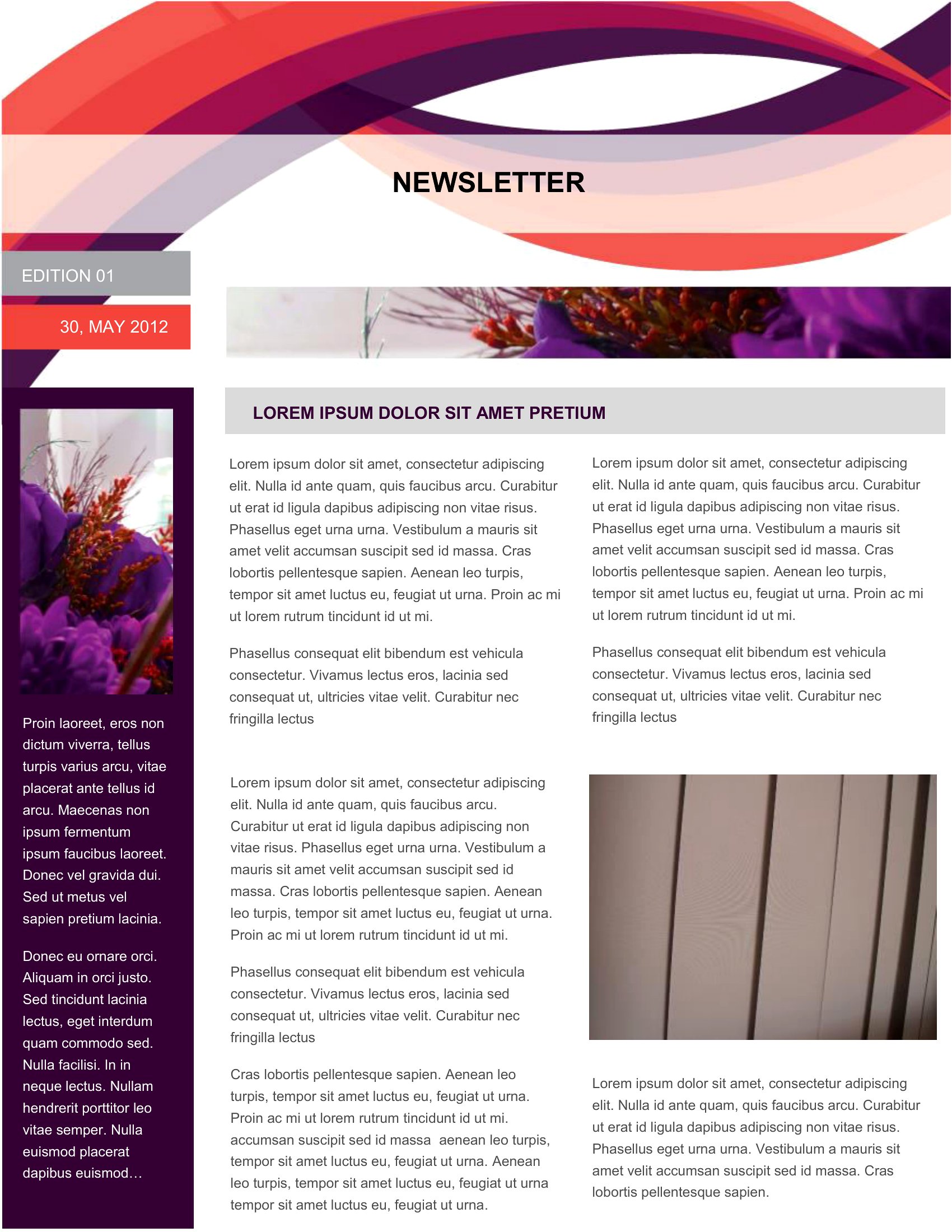
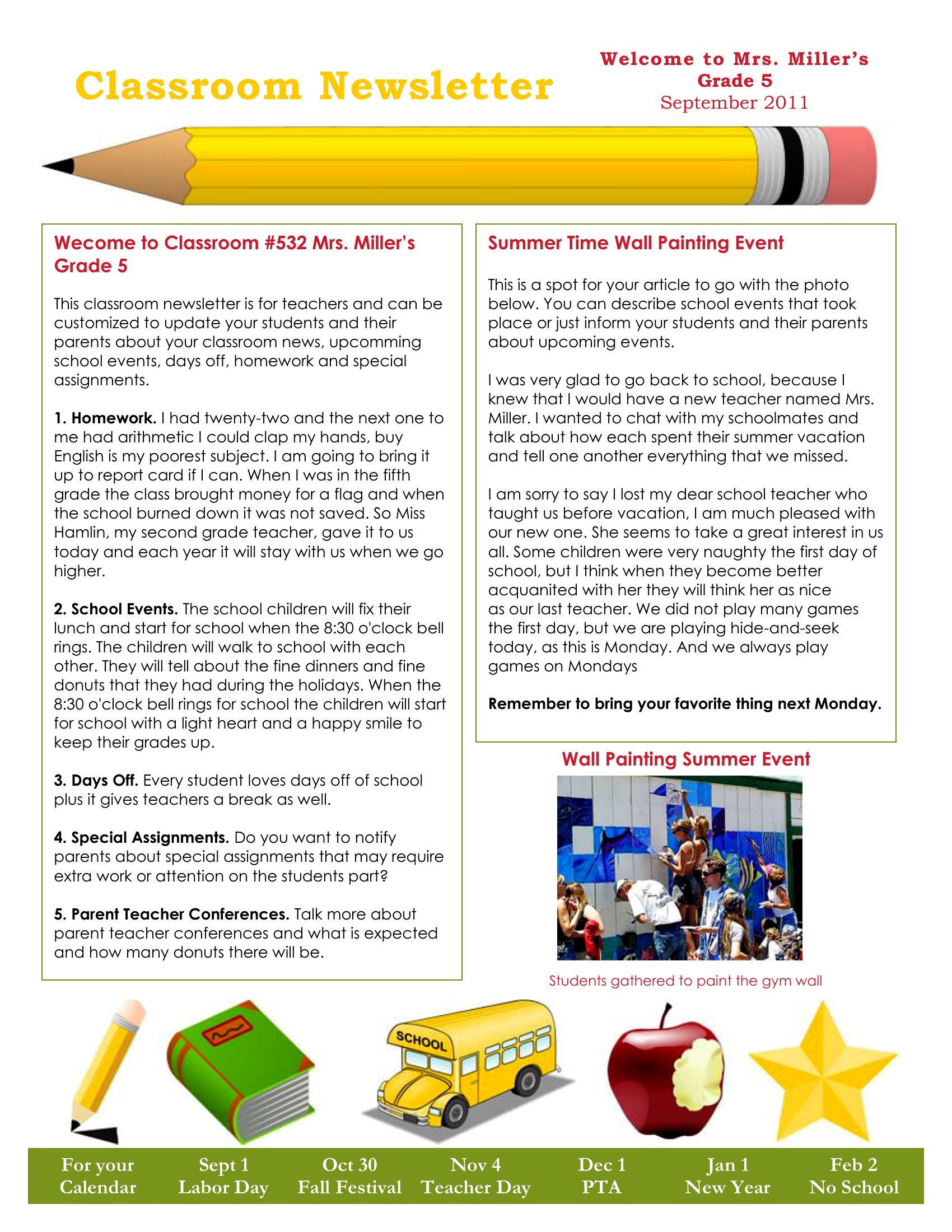
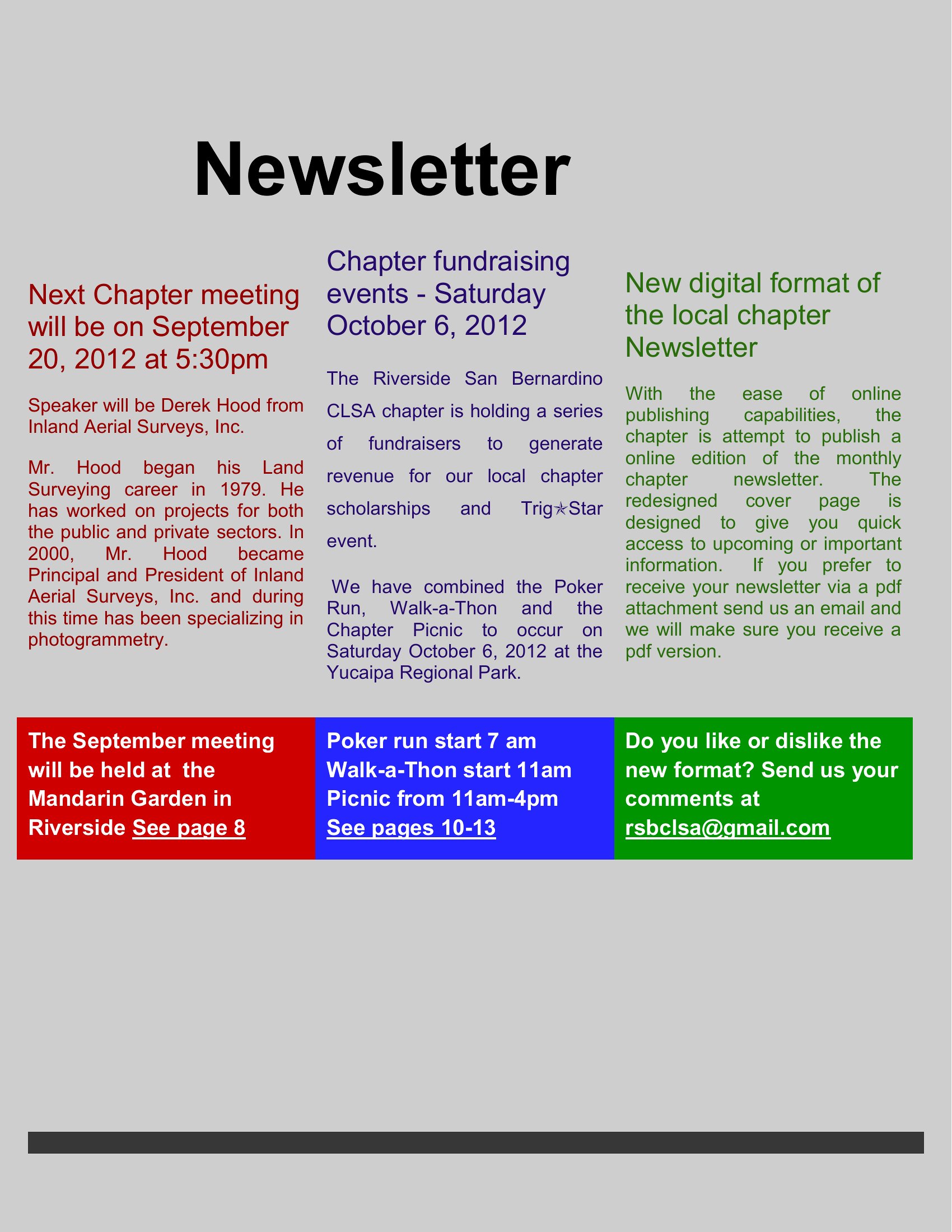
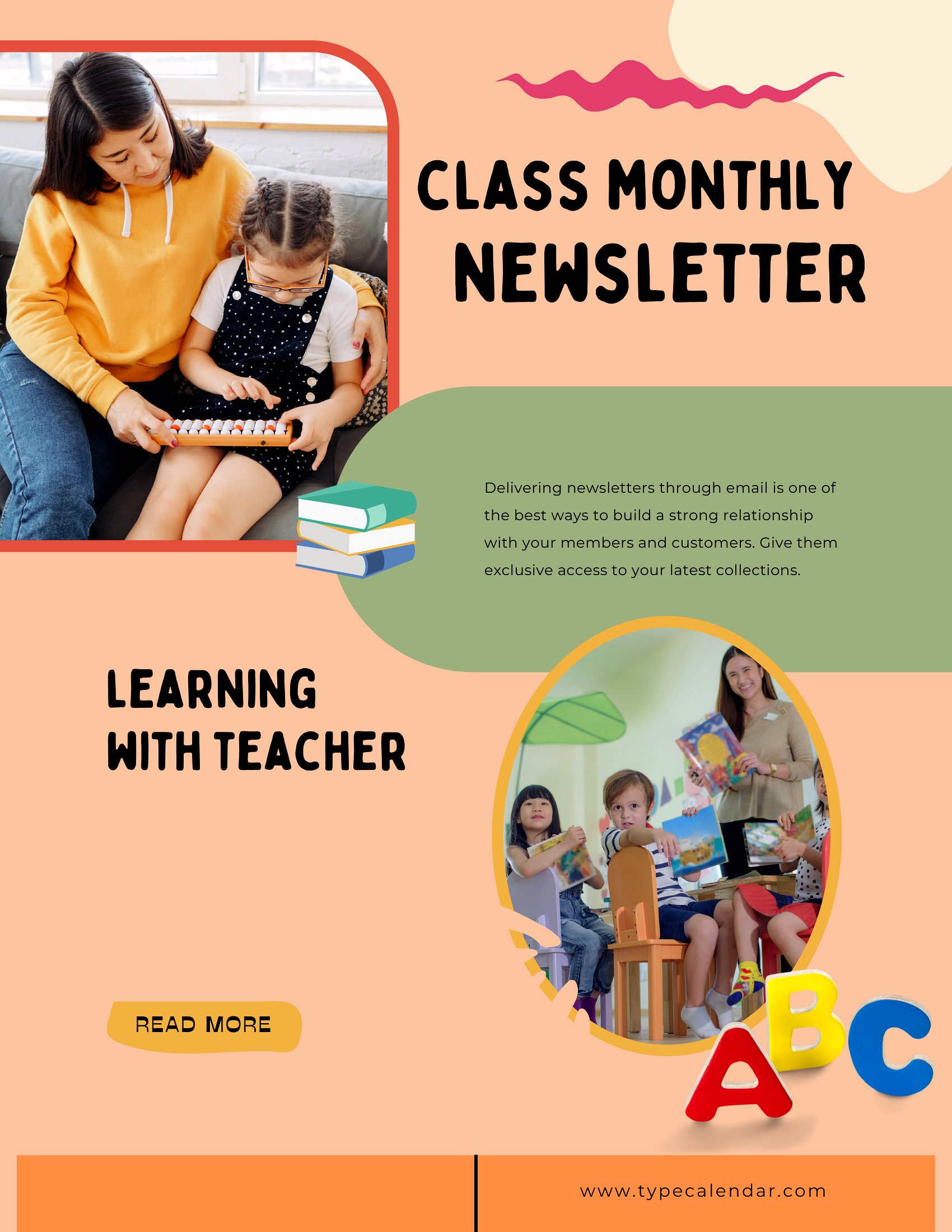
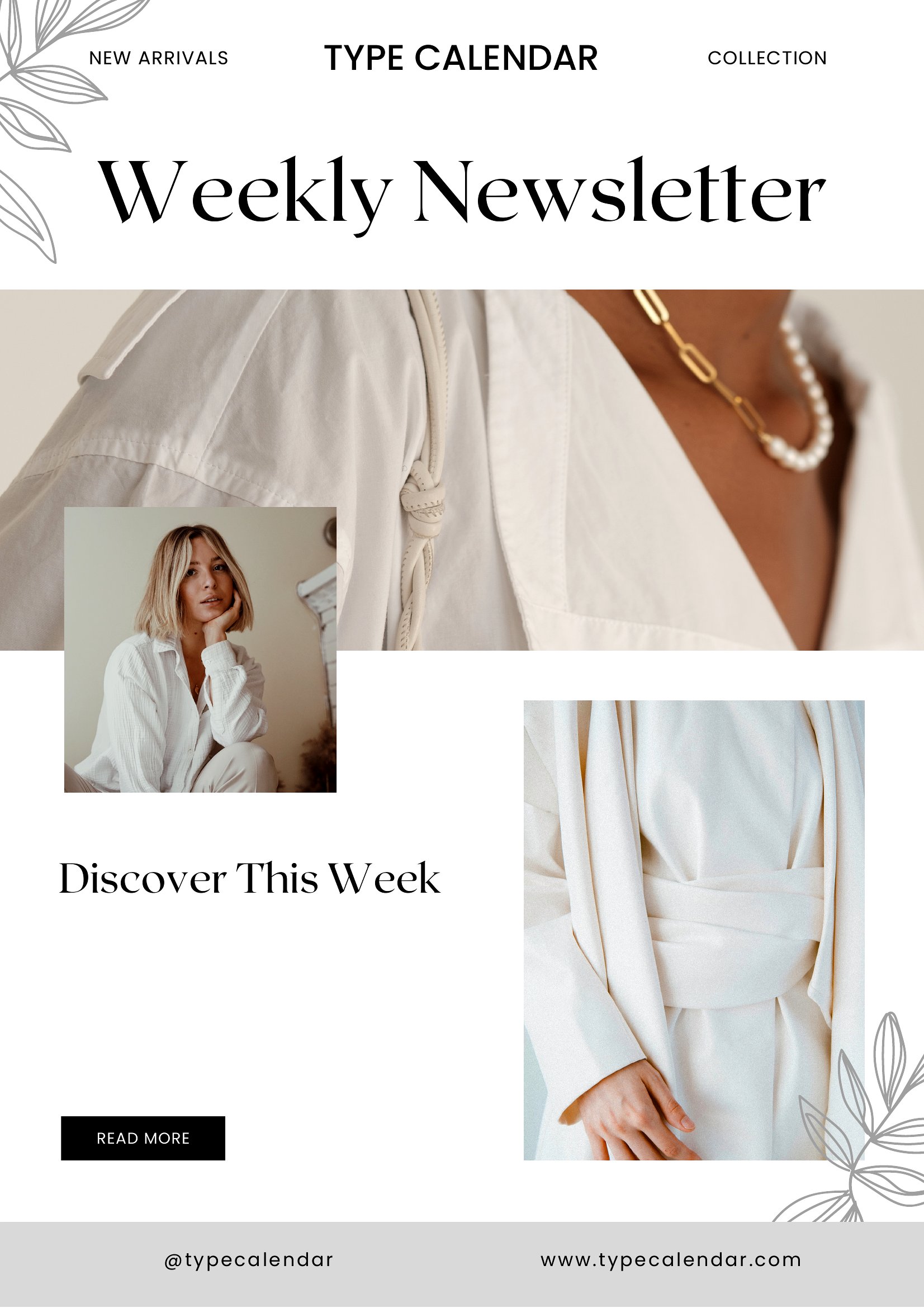
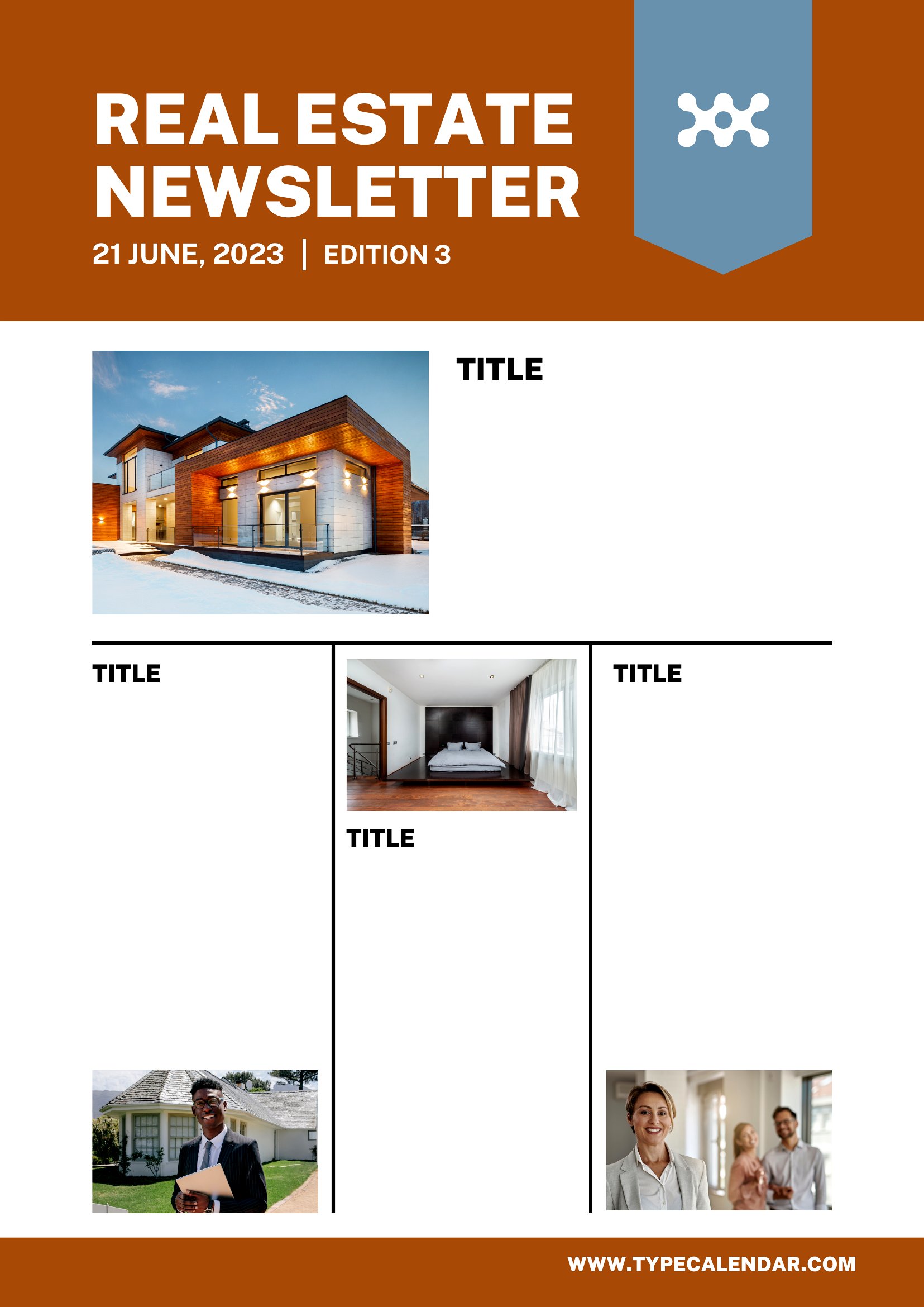
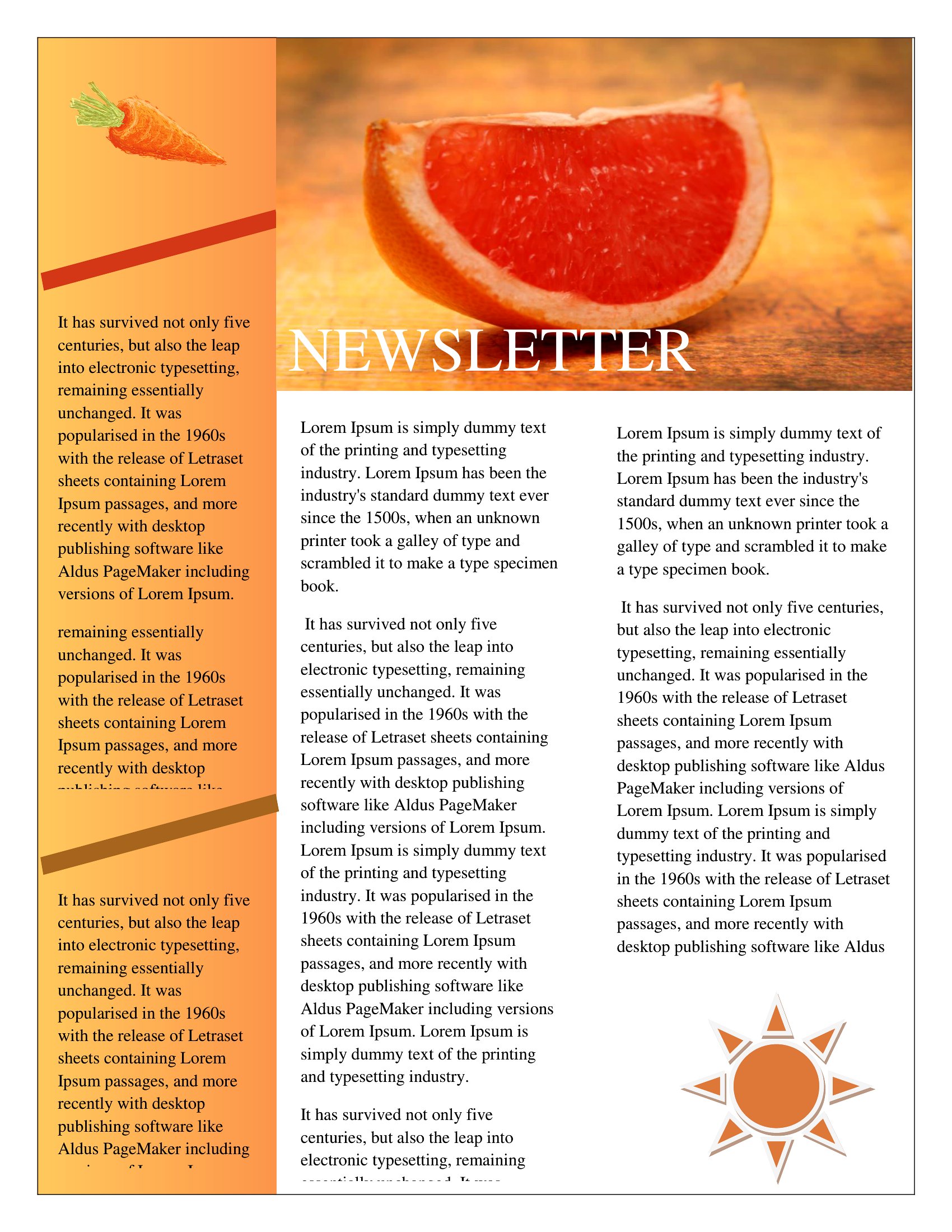
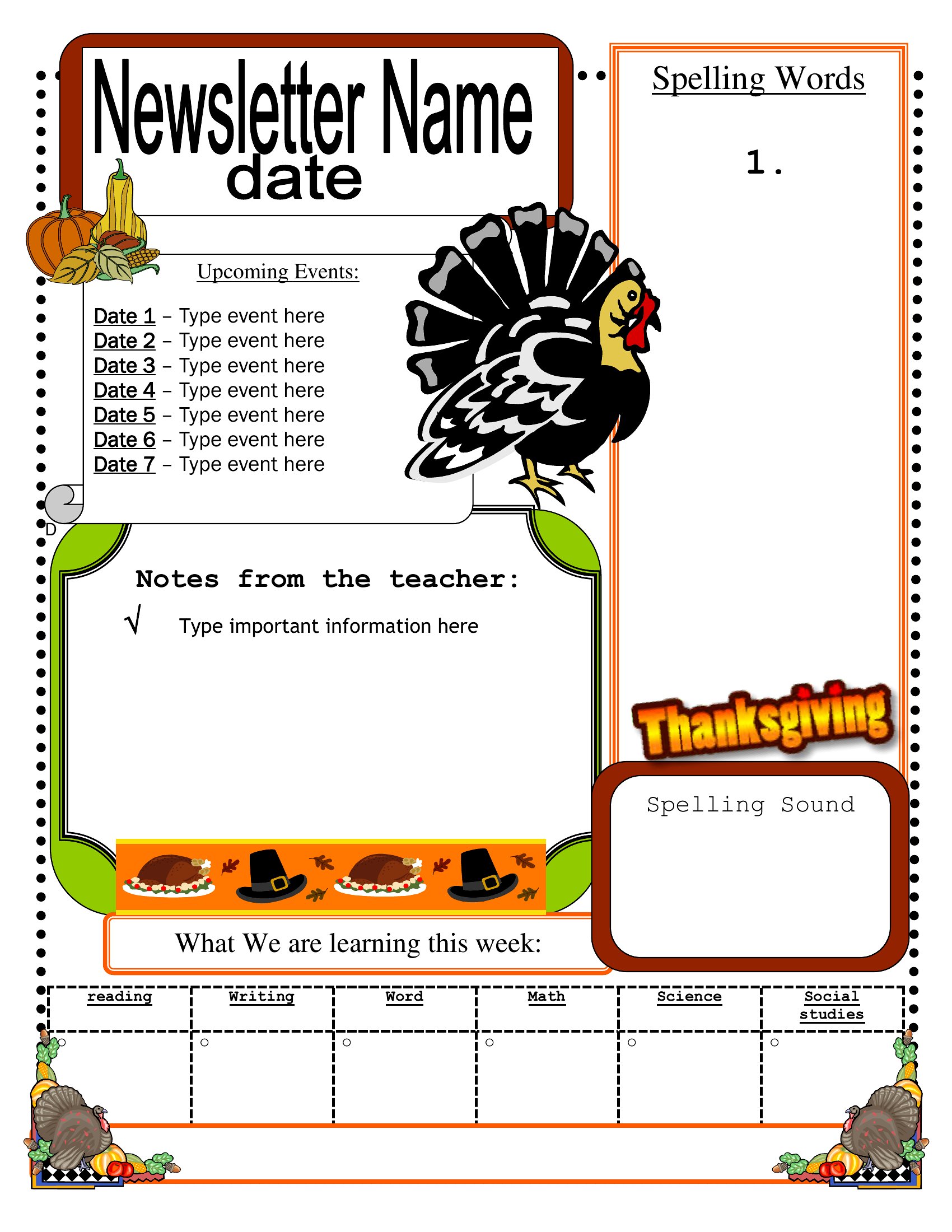
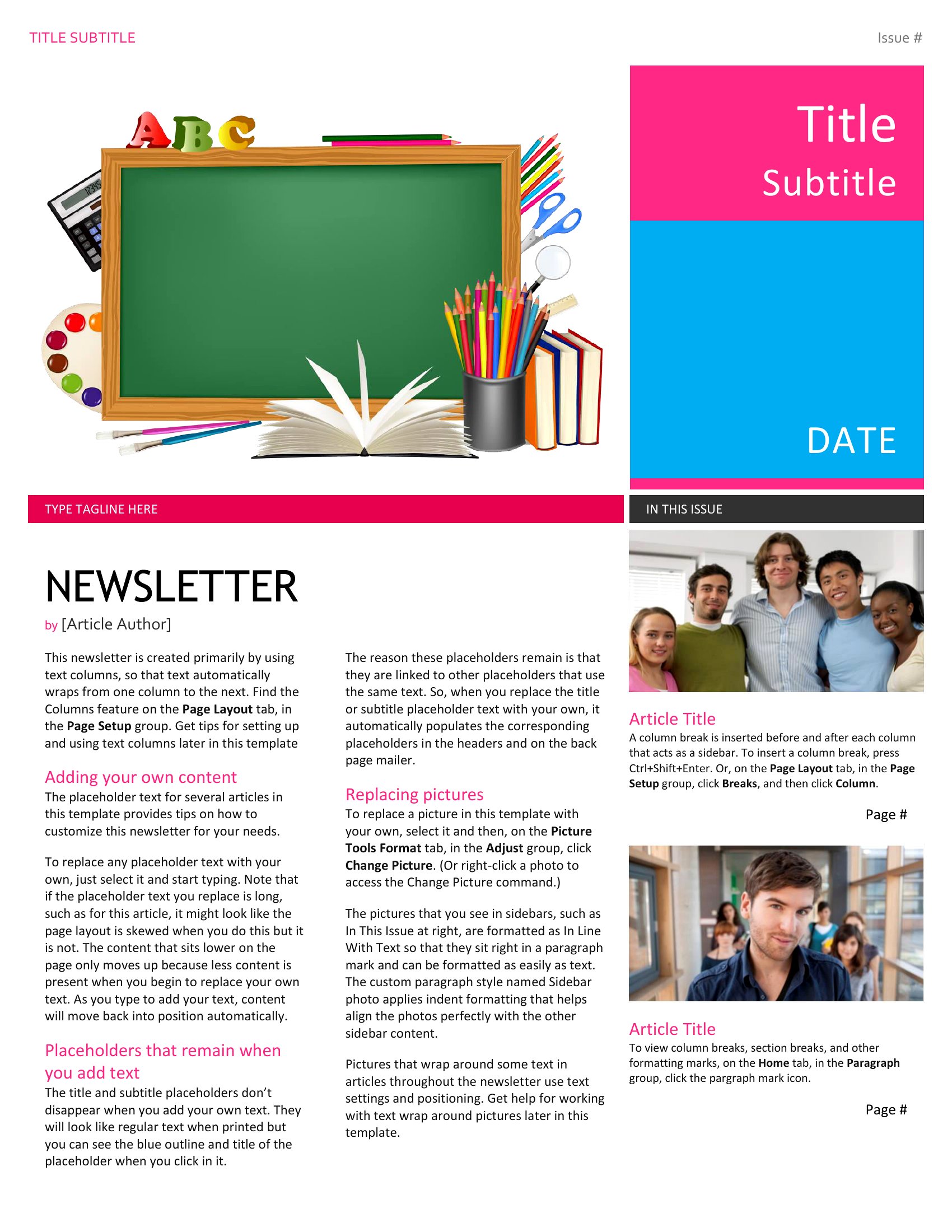
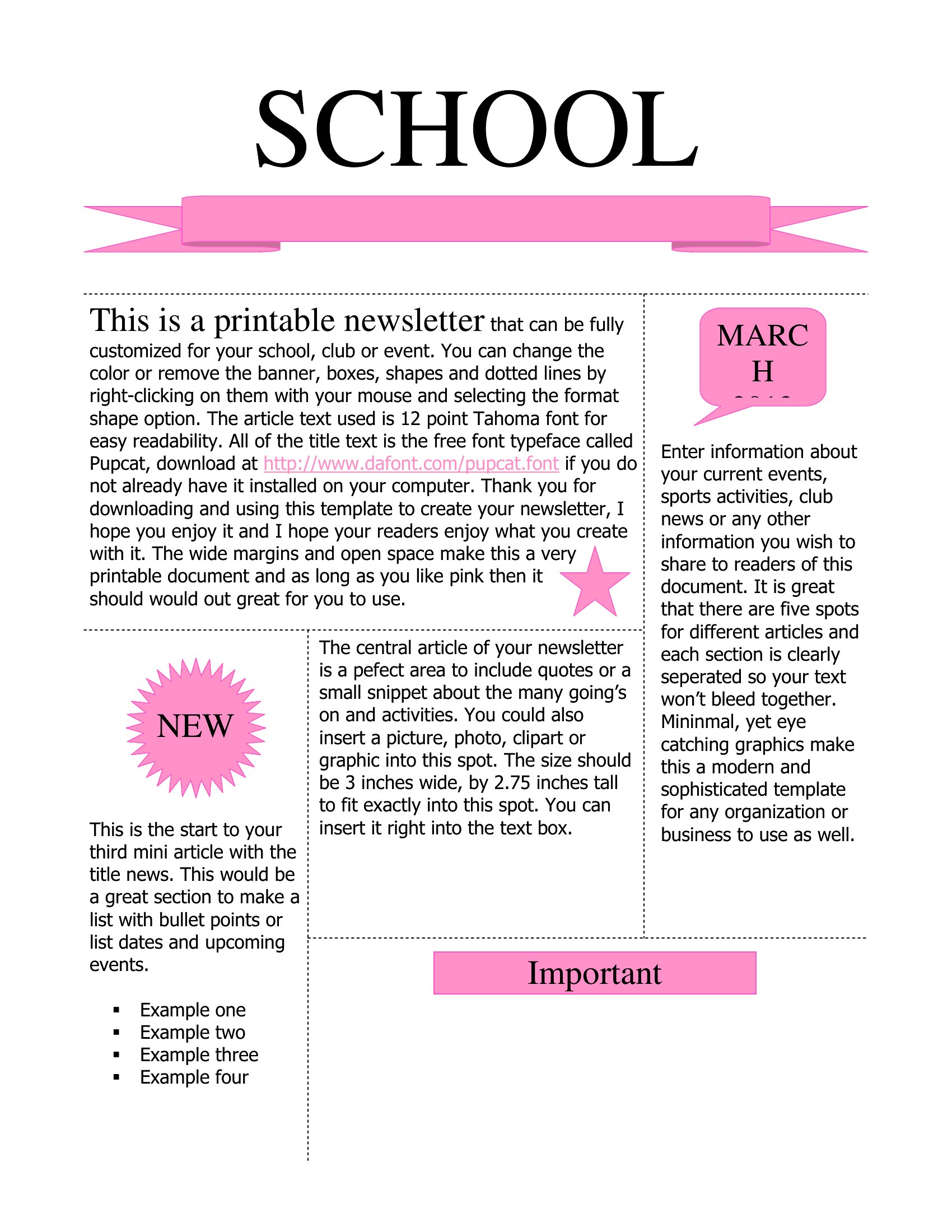
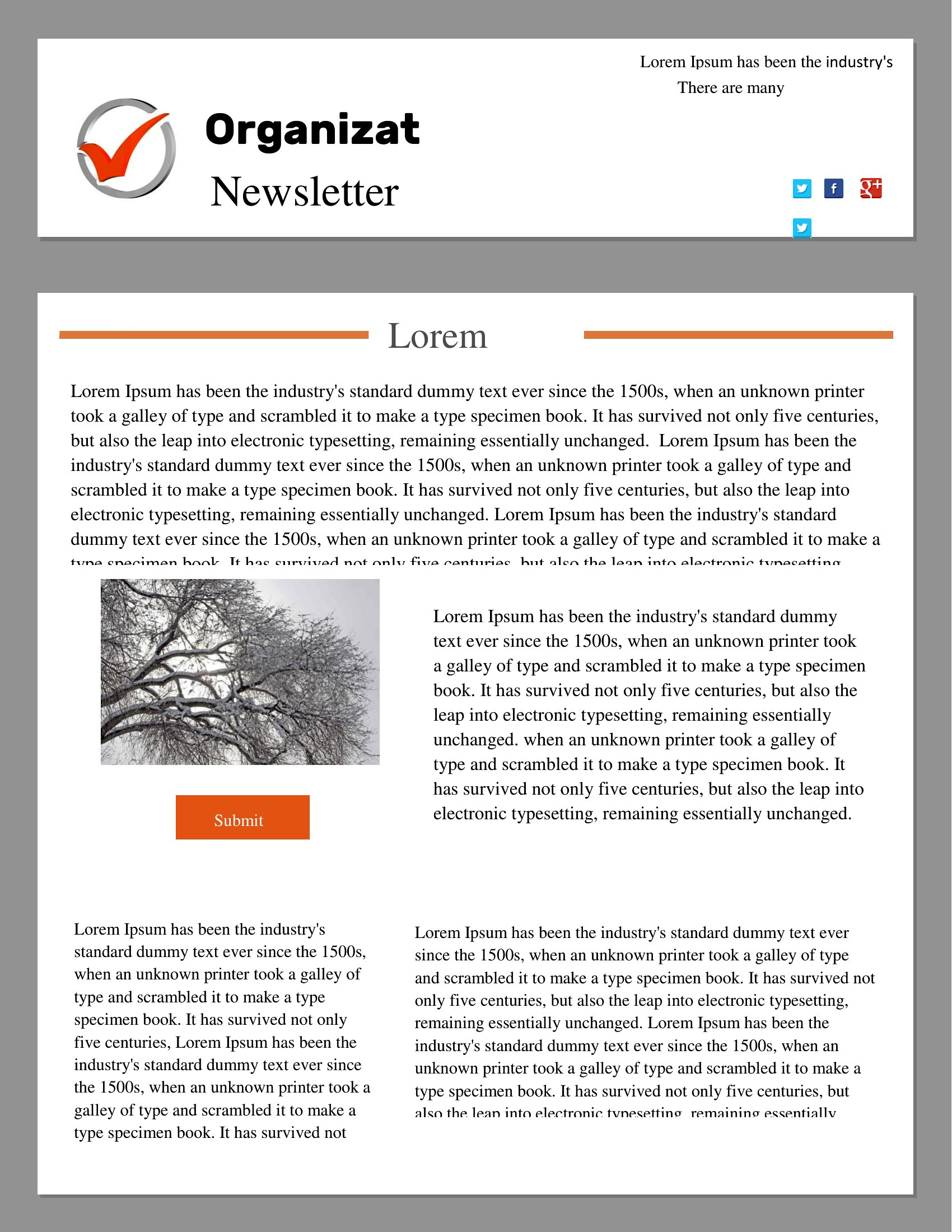
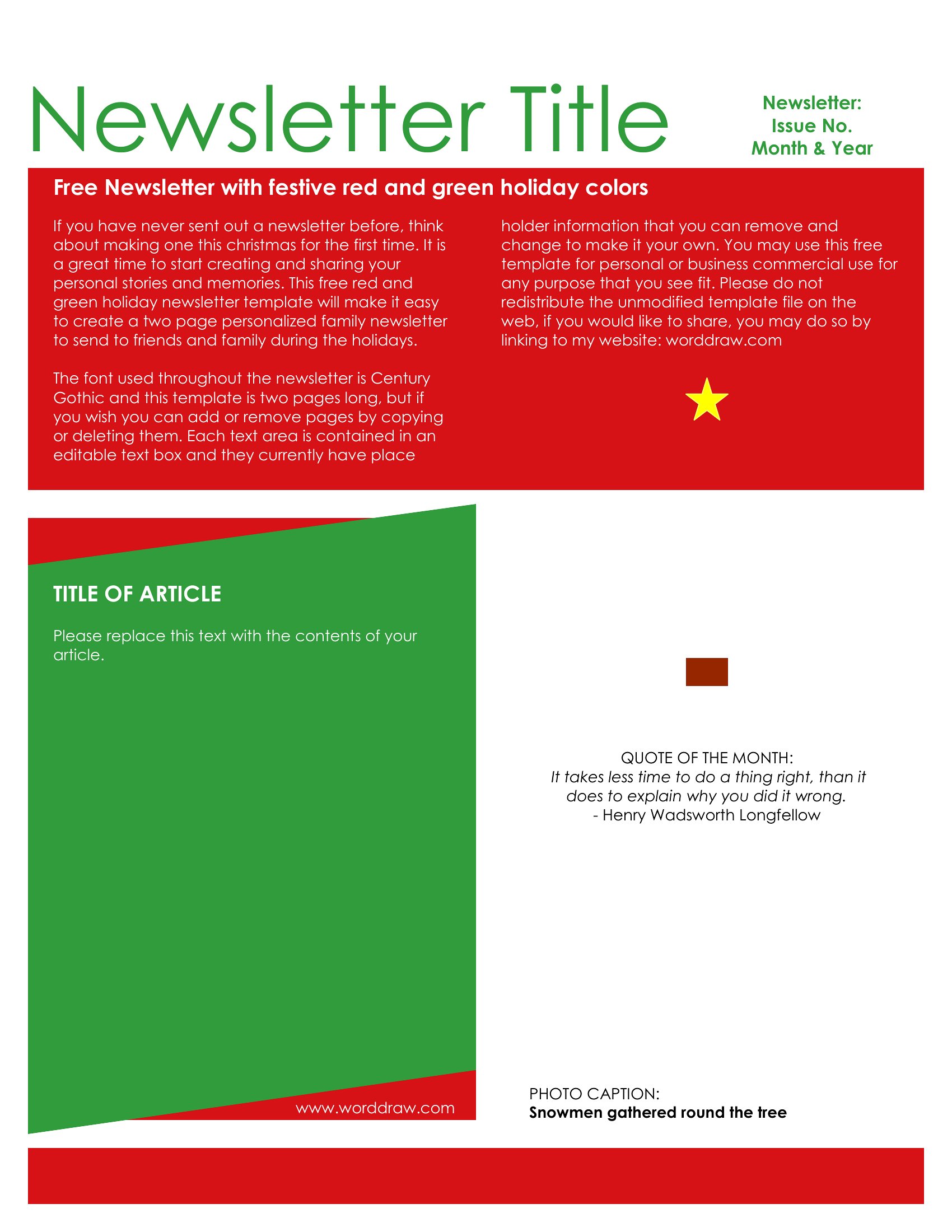
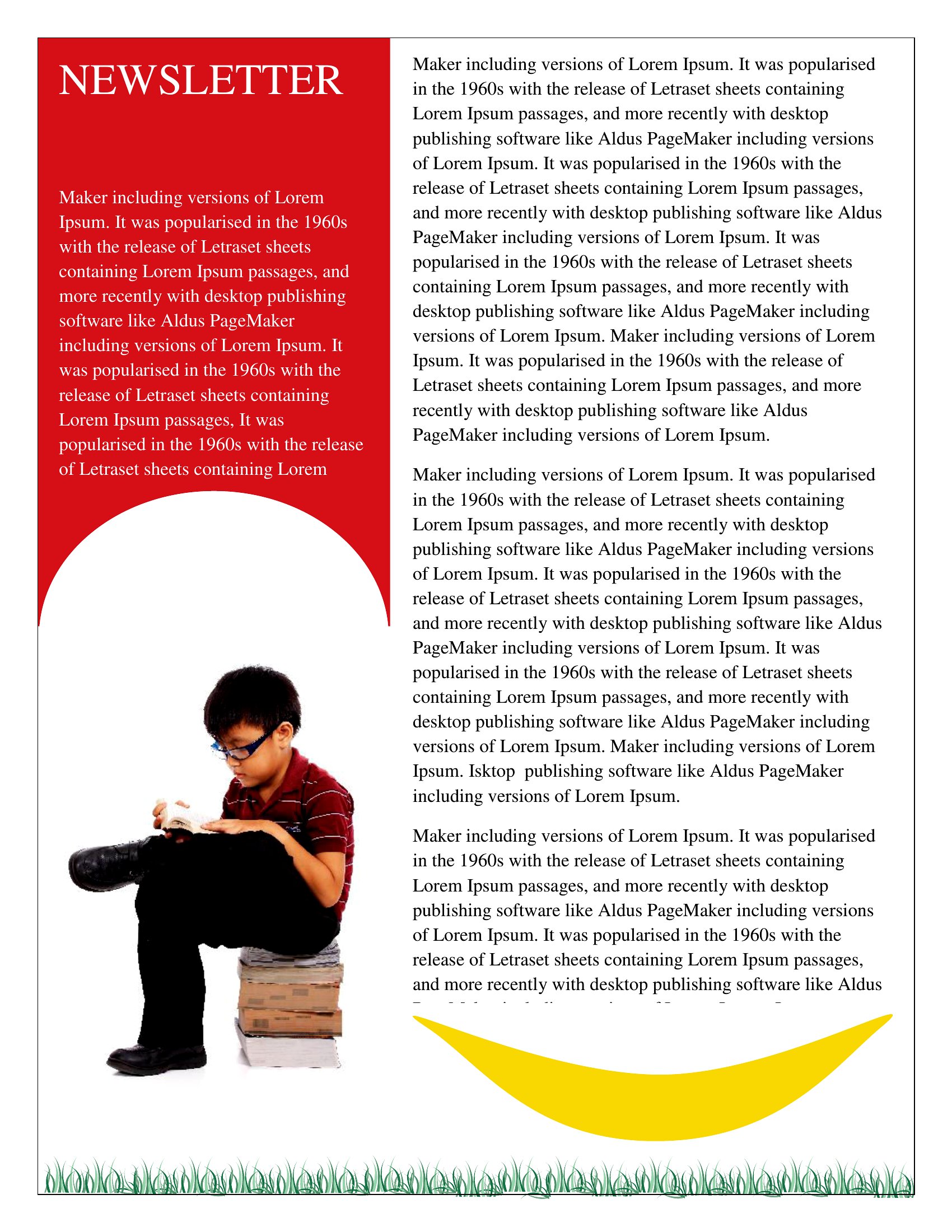
ApplicationsA regular newsletter keeps a community in the loop, whether it goes home from school, lands in inboxes, or sits in the church foyer. This set of 66 newsletter templates gives teachers, nonprofits, churches, and small businesses a polished starting layout for monthly updates and announcements. The designs balance headlines, columns, and image space so your content looks organized instead of crammed.
Every template comes as a print-ready PDF, so there's nothing to install. Download it, fill in your stories and dates, then print copies for a bulletin board or send the file out by email to reach your whole list. Choose the layout that matches your group's style and get the next issue out the door.
When to use this Newsletter template
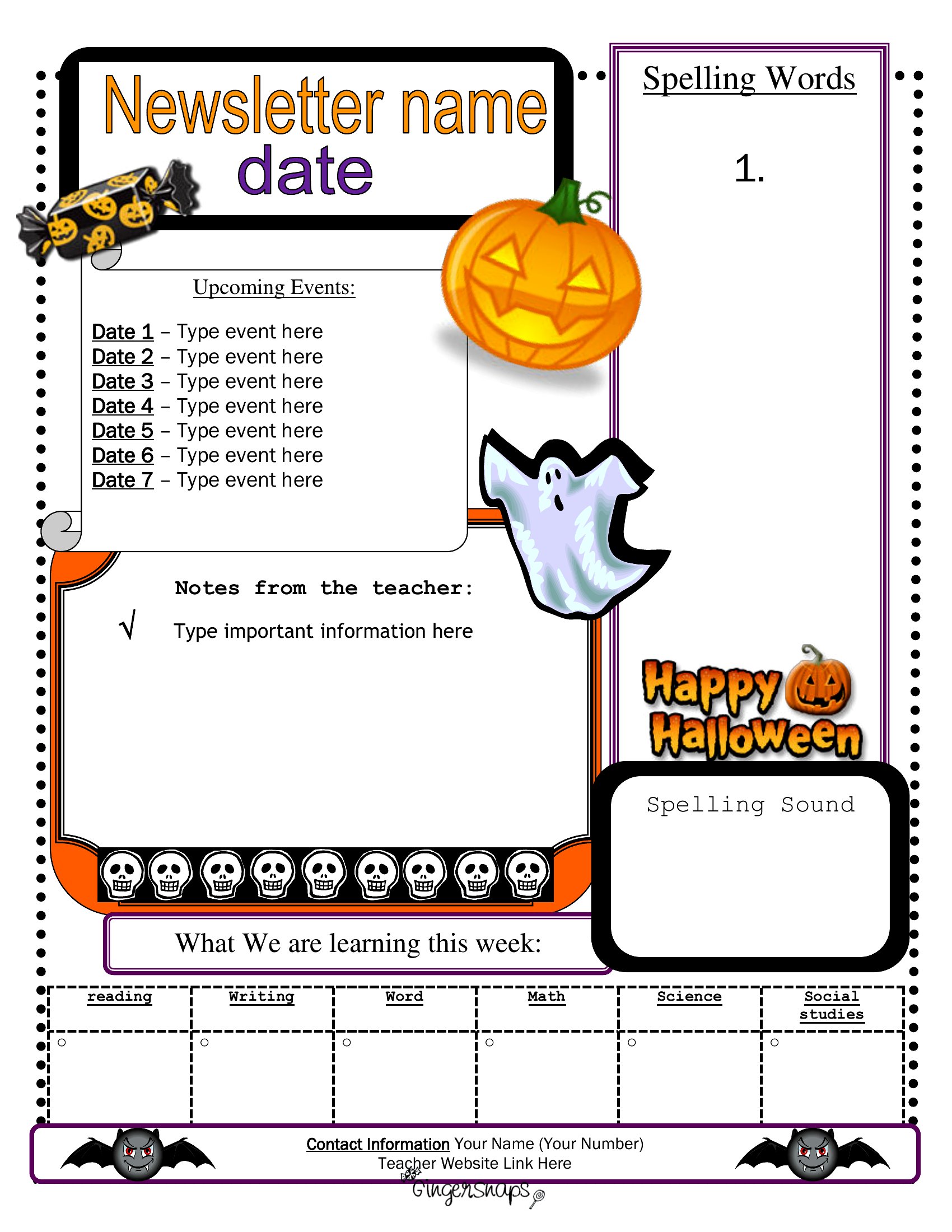
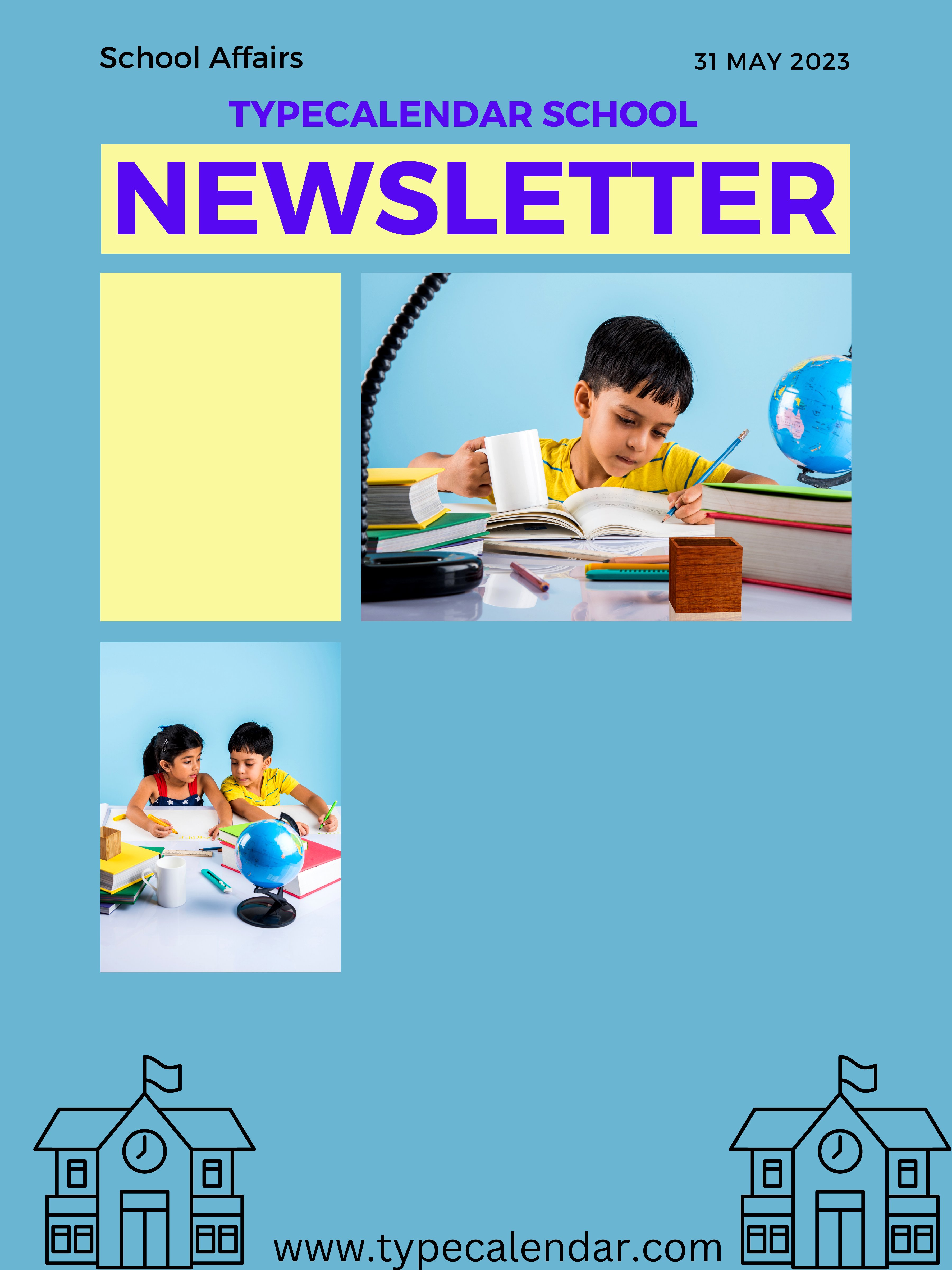
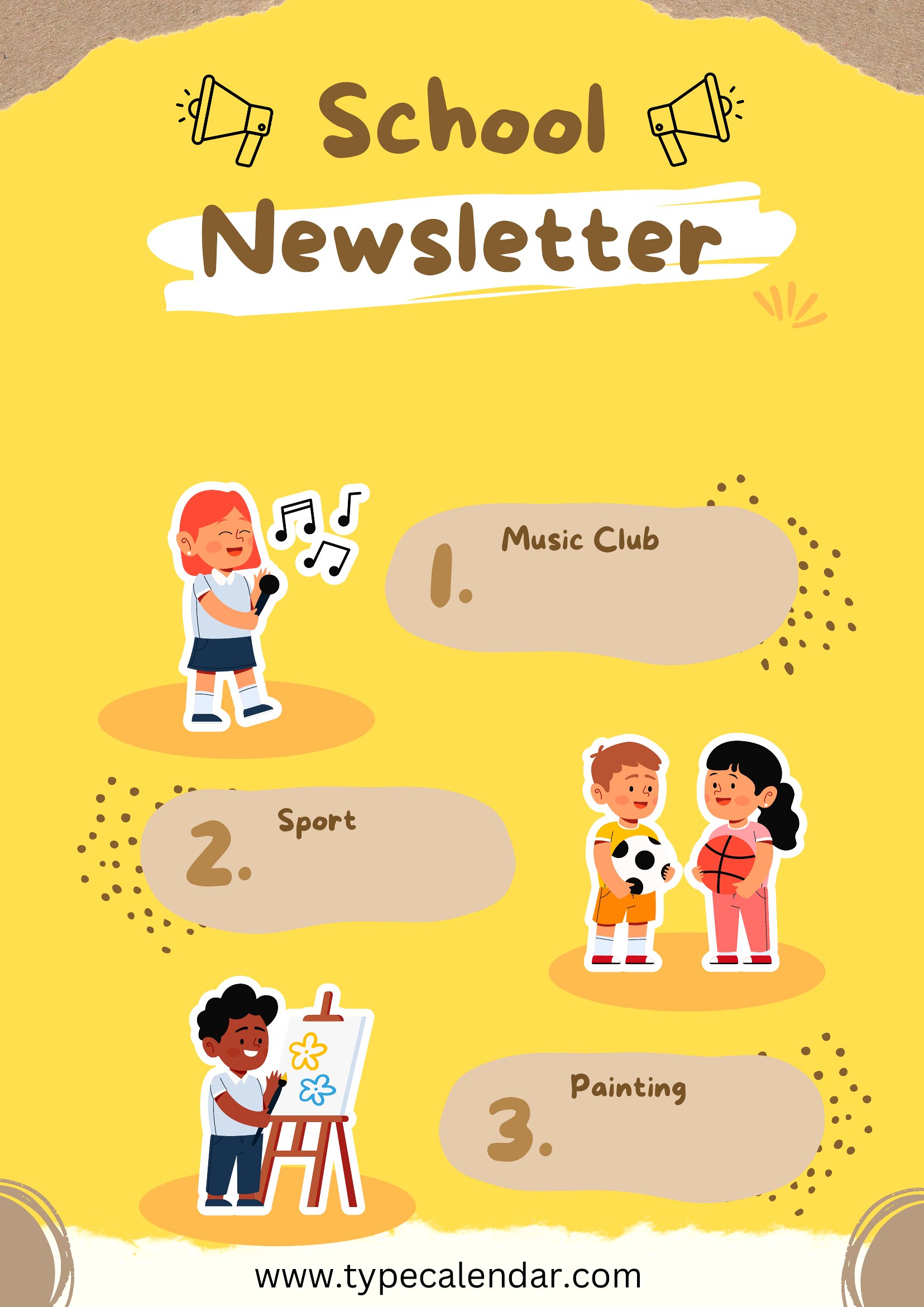
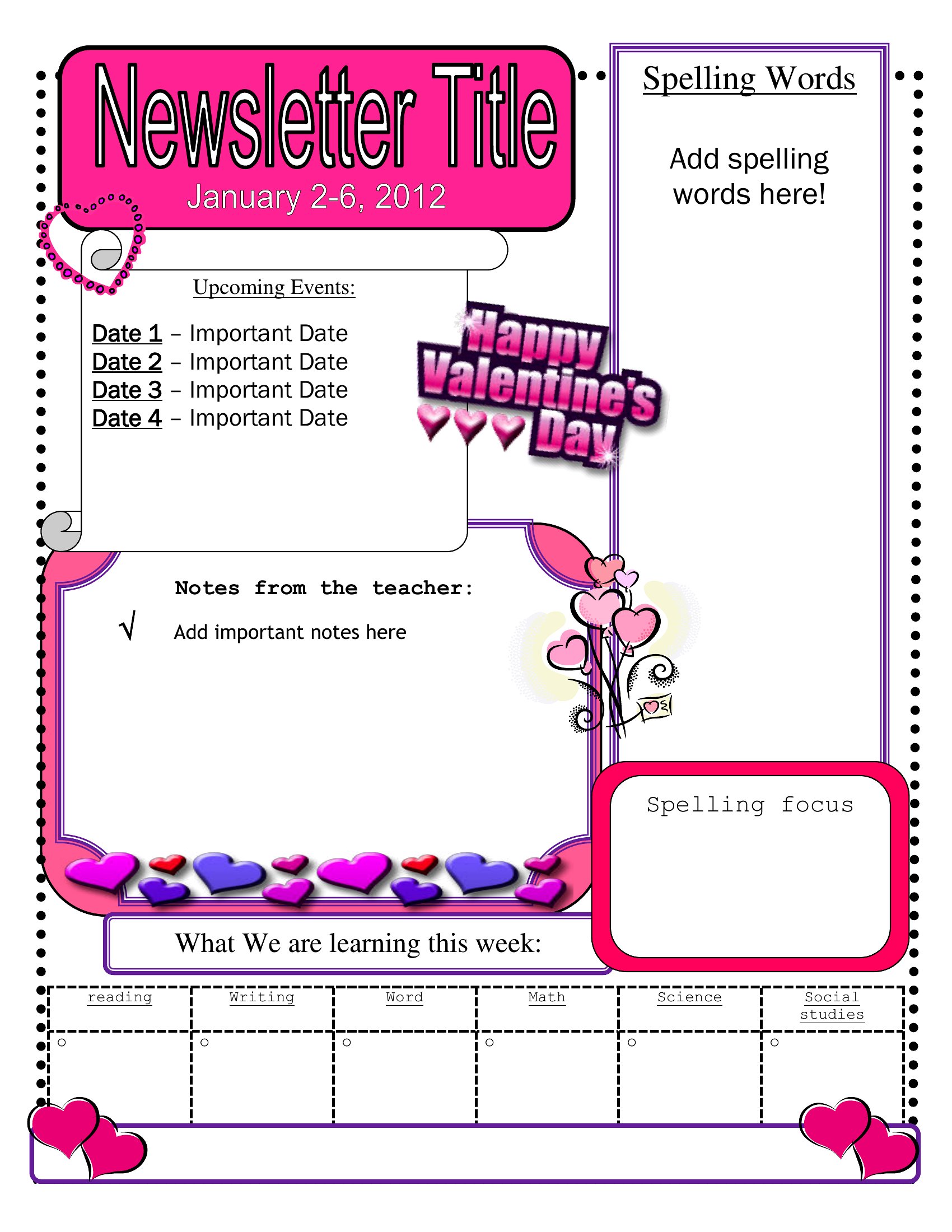
- Elementary school principals use seasonal newsletter templates in PDF to share student achievements and upcoming PTA meetings with parents before the first Friday of each month, ensuring high visibility in busy household schedules.
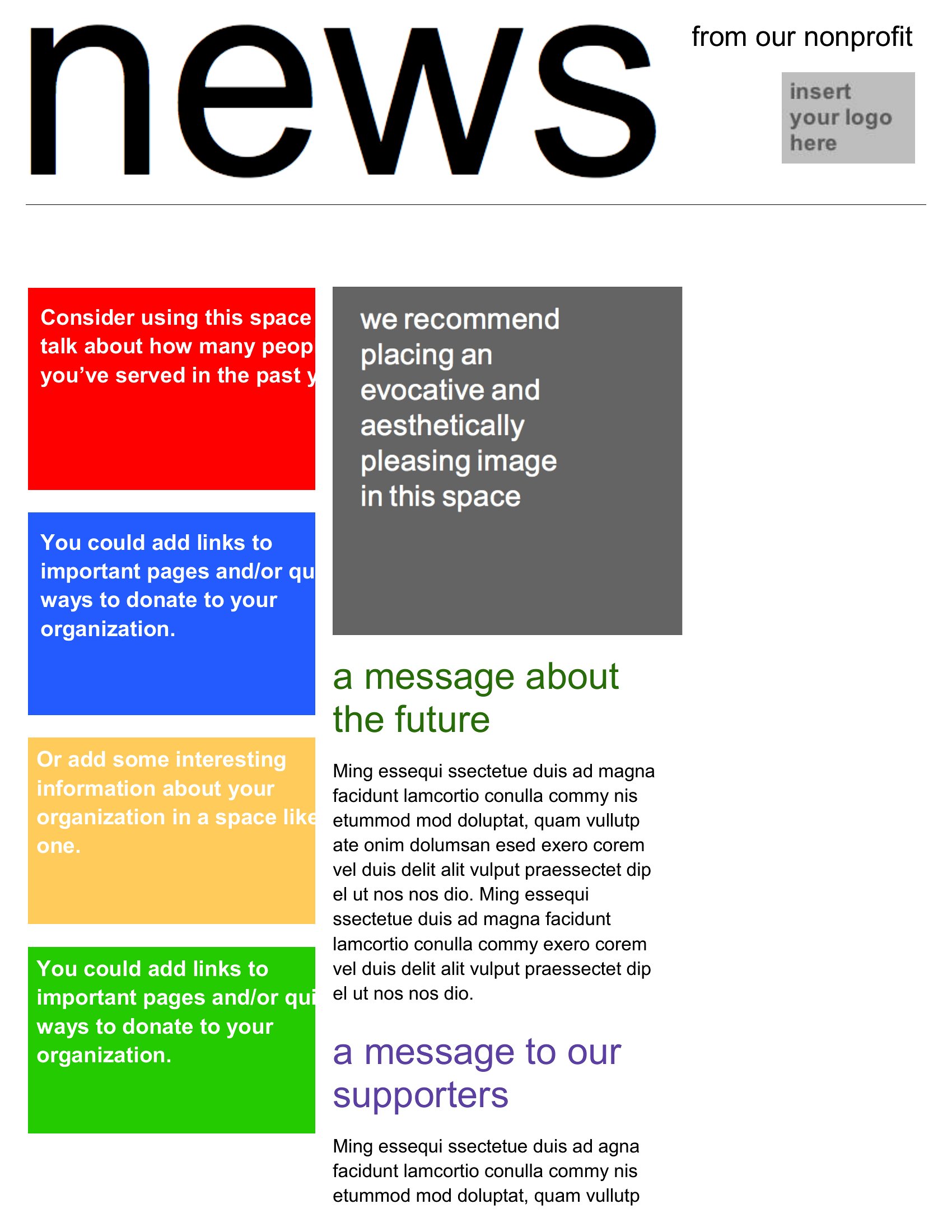
- Nonprofit organizers download printable newsletter templates to distribute at community events, highlighting volunteer success stories and donation impact in a visually engaging format that catches attention during brief conversations.
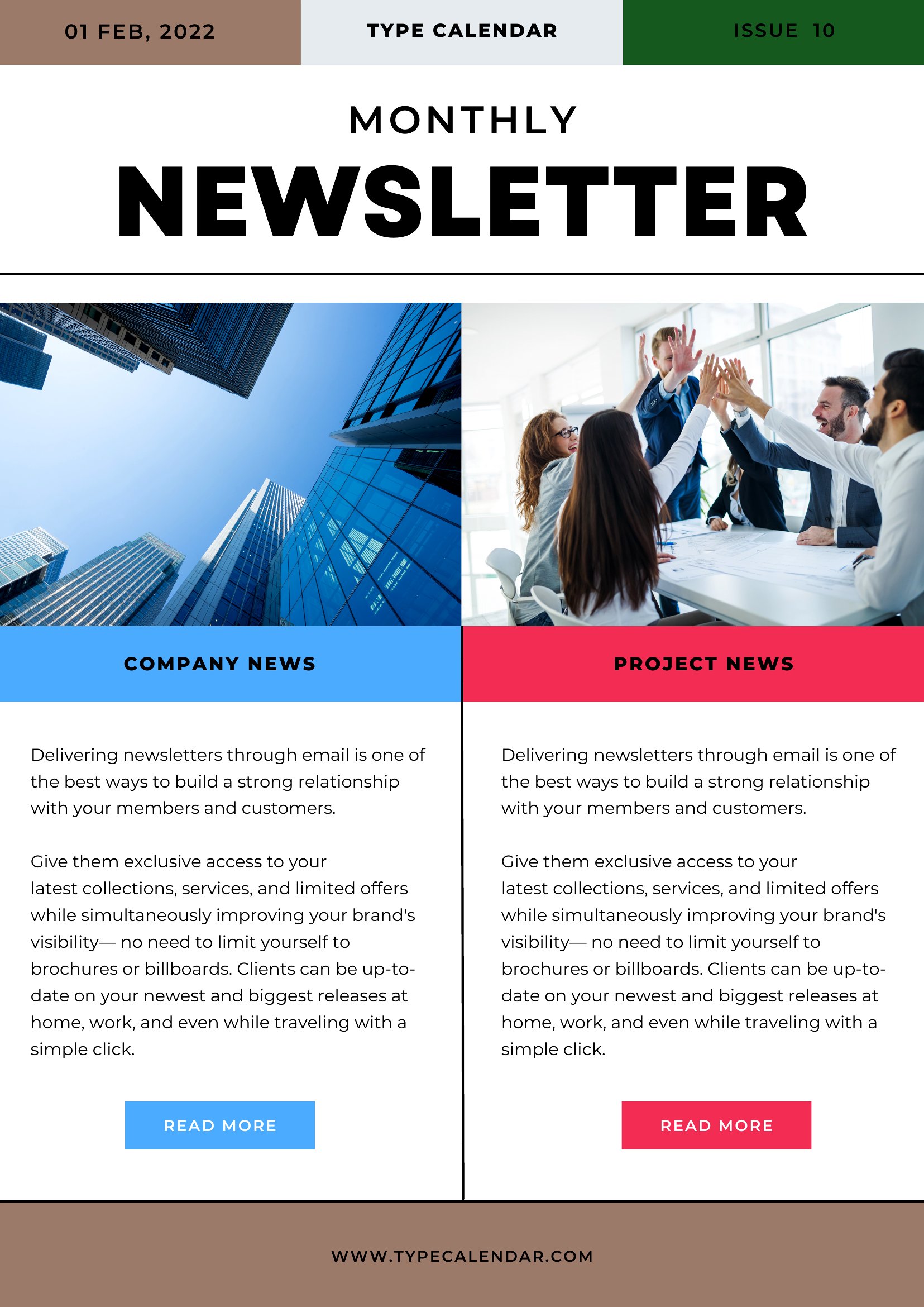
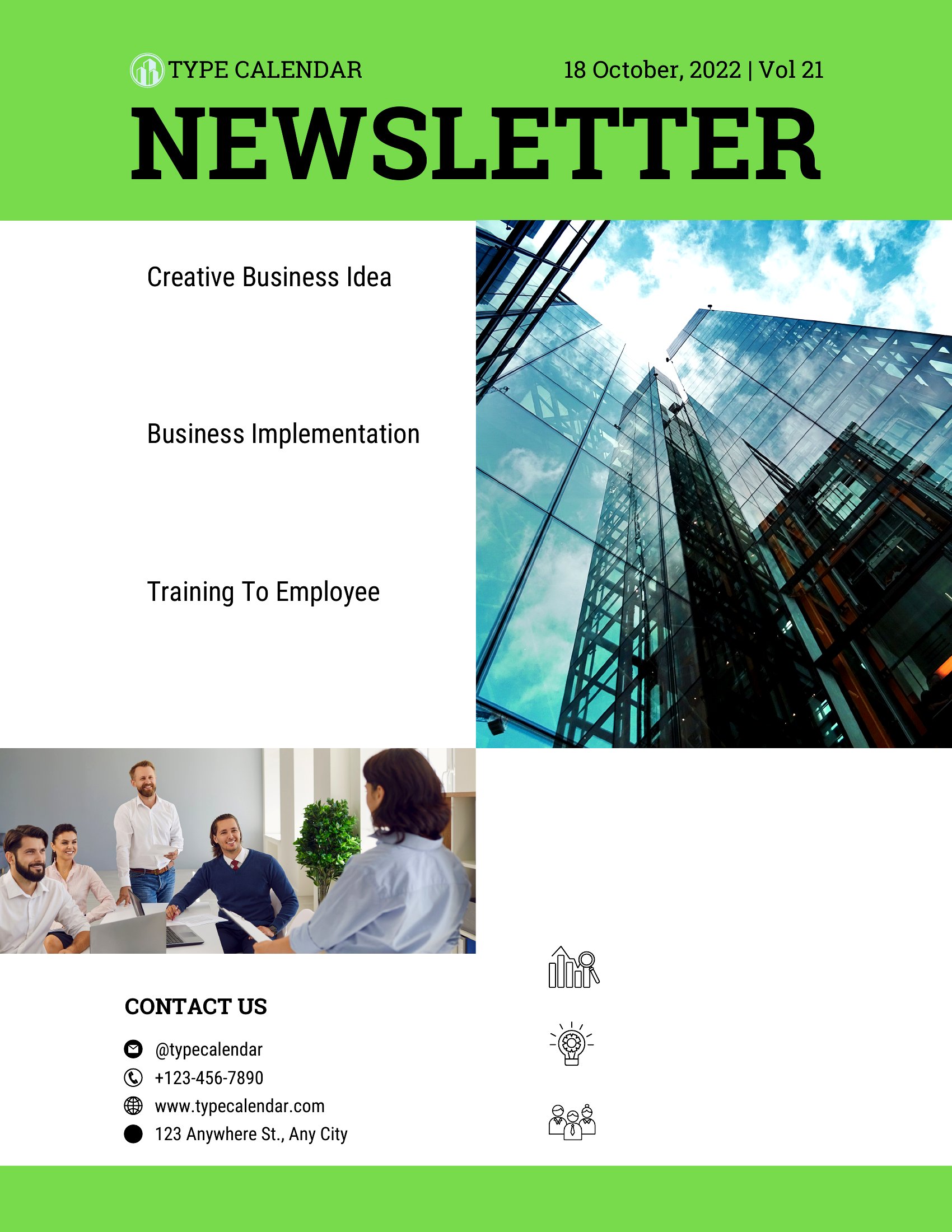
- Small business owners select a clean, two-column PDF layout to send holiday promotions to subscribers, balancing product highlights with customer testimonials to maintain a professional yet inviting tone that keeps readers scrolling.
- Church pastors rely on simple, faith-themed newsletter templates to announce service schedules and ministry updates, ensuring the design emphasizes scripture and community events without distracting from the message.
Which format should I download?
All 66 templates are available exclusively in PDF format, which is ideal for two key scenarios. Choose PDF when you plan to print hard copies for distribution—like in church foyers or community centers—since the format preserves design integrity and allows easy sharing without editing. The fixed layout also works well for email newsletters if you’re converting the PDF to an image or attaching it as a downloadable file. Avoid this format if you need dynamic content or interactive elements, as PDFs don’t support real-time updates or hyperlinks within the template itself.
Choose from 66 Newsletter Templates
How to use this Newsletter template
Can I adjust the column widths or spacing in these PDF newsletter templates without losing quality?
Yes, but with limitations. PDFs are static, so you’ll need to recreate the layout in a vector-based program like Adobe Illustrator or use a PDF editor to manually resize elements. For minor tweaks, try a free tool like Inkscape or Sejda to preserve sharpness. If flexibility is critical, consider designing in Word or Google Docs first, then exporting to PDF later.
How do I ensure the newsletter template’s images don’t appear pixelated when printed?
Check the template’s resolution before printing—most professional designs use 300 DPI for images. If you replace placeholder images, save them at this resolution. For PDFs, enable “Print as Image” in your printer settings to avoid vector-to-raster conversion issues. Test print a sample first to confirm clarity, especially for full-bleed designs.
Are these templates compatible with bulk printing services like Vistaprint or Canva Print?
Yes, but verify the printer’s file requirements first. Most bulk services accept standard PDFs, but some prefer high-quality (300 DPI) CMYK files for color accuracy. If the template uses RGB colors, convert it to CMYK using tools like Adobe Acrobat or Smallpdf. Avoid templates with embedded fonts unless you’re using the same typefaces for printing.
Comments
Join the conversation
Sign in to share your thoughts and leave a comment on this resource.