





















FAQ
Can I add a company logo or team photo to these certificates?
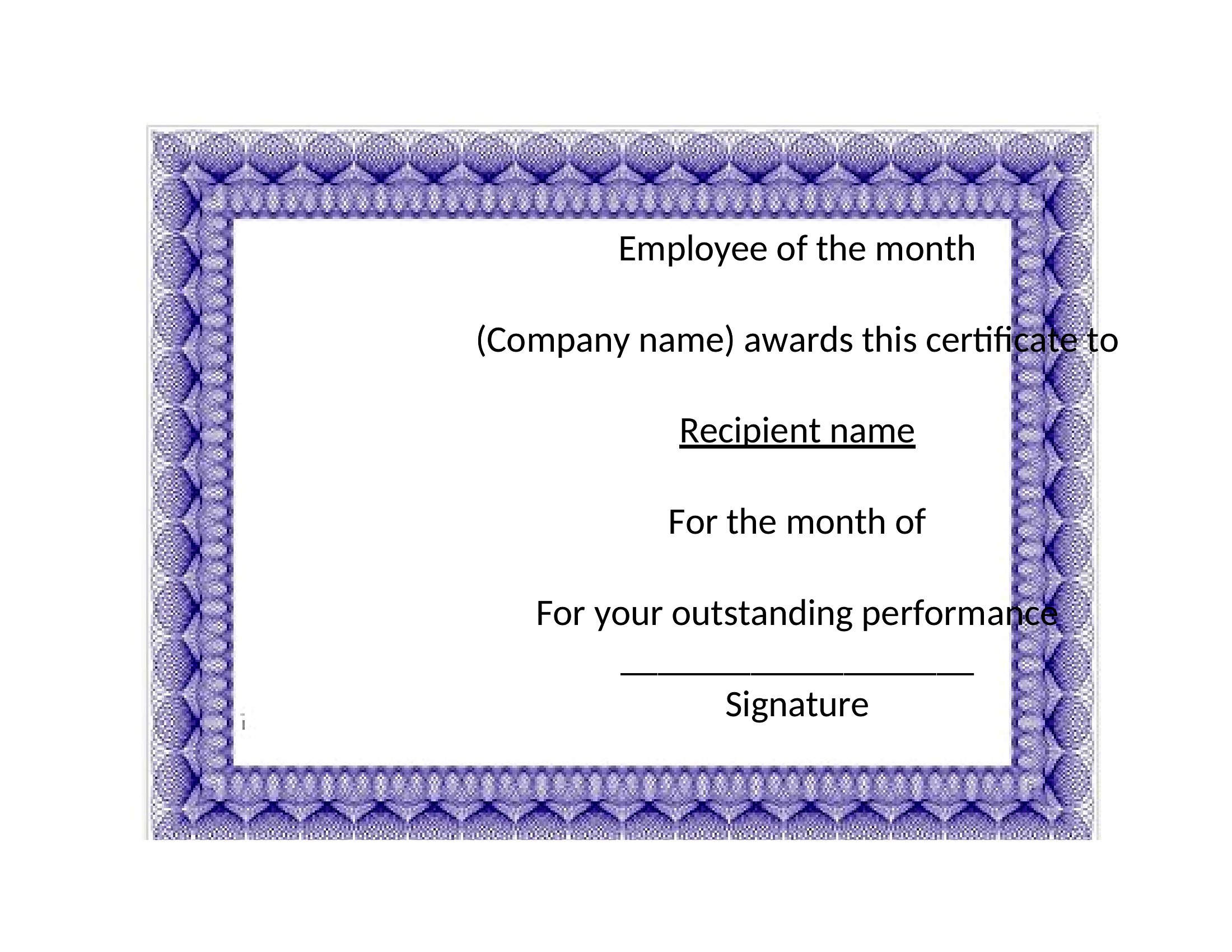
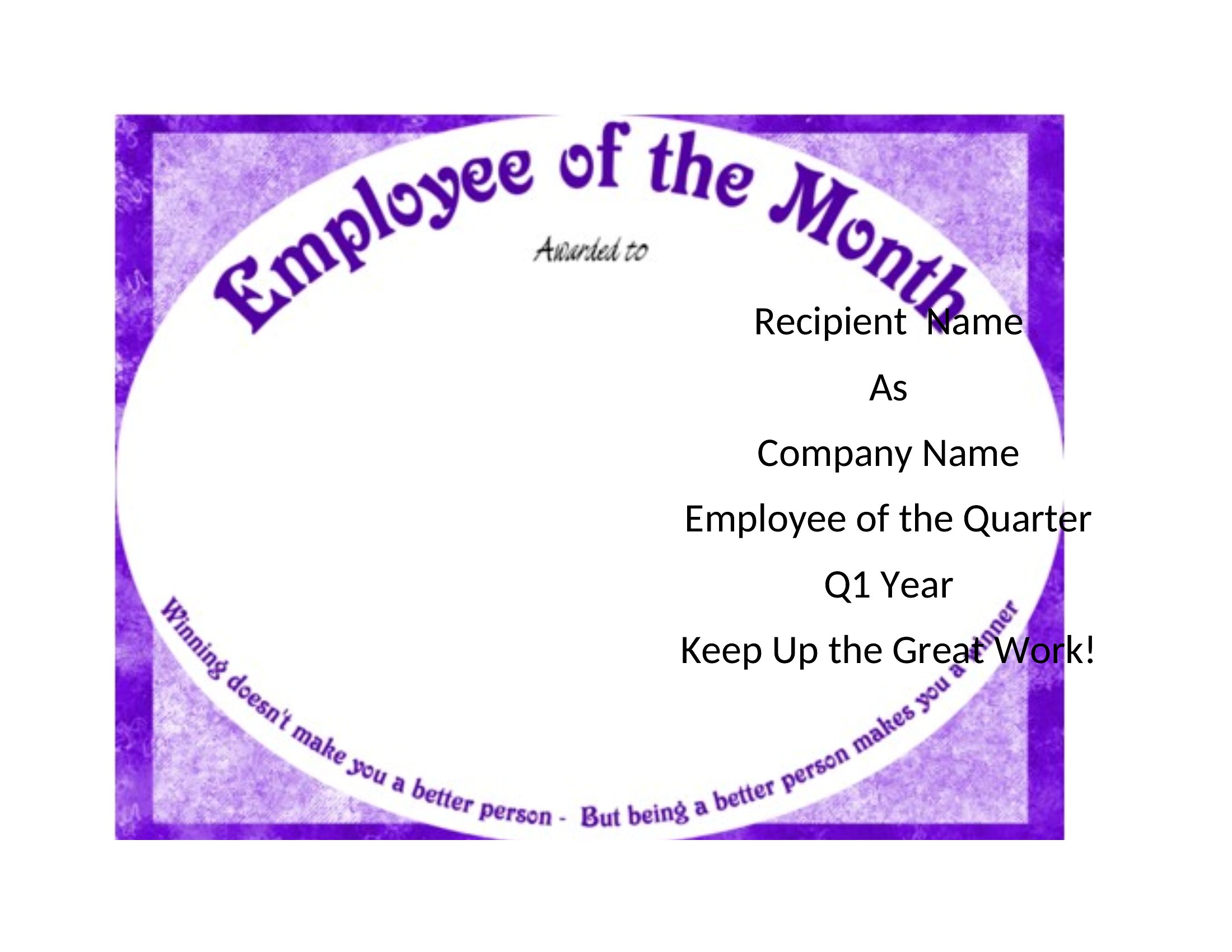
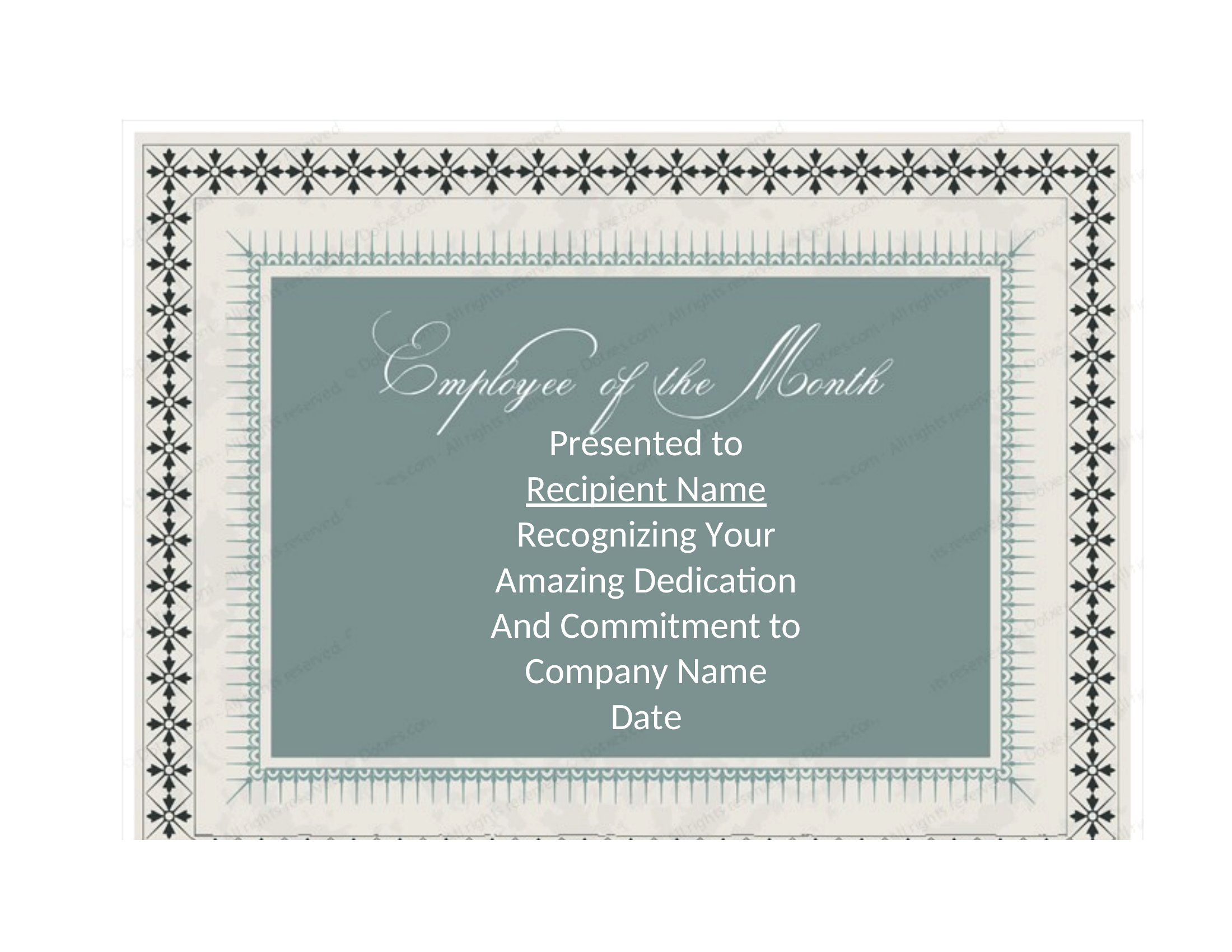
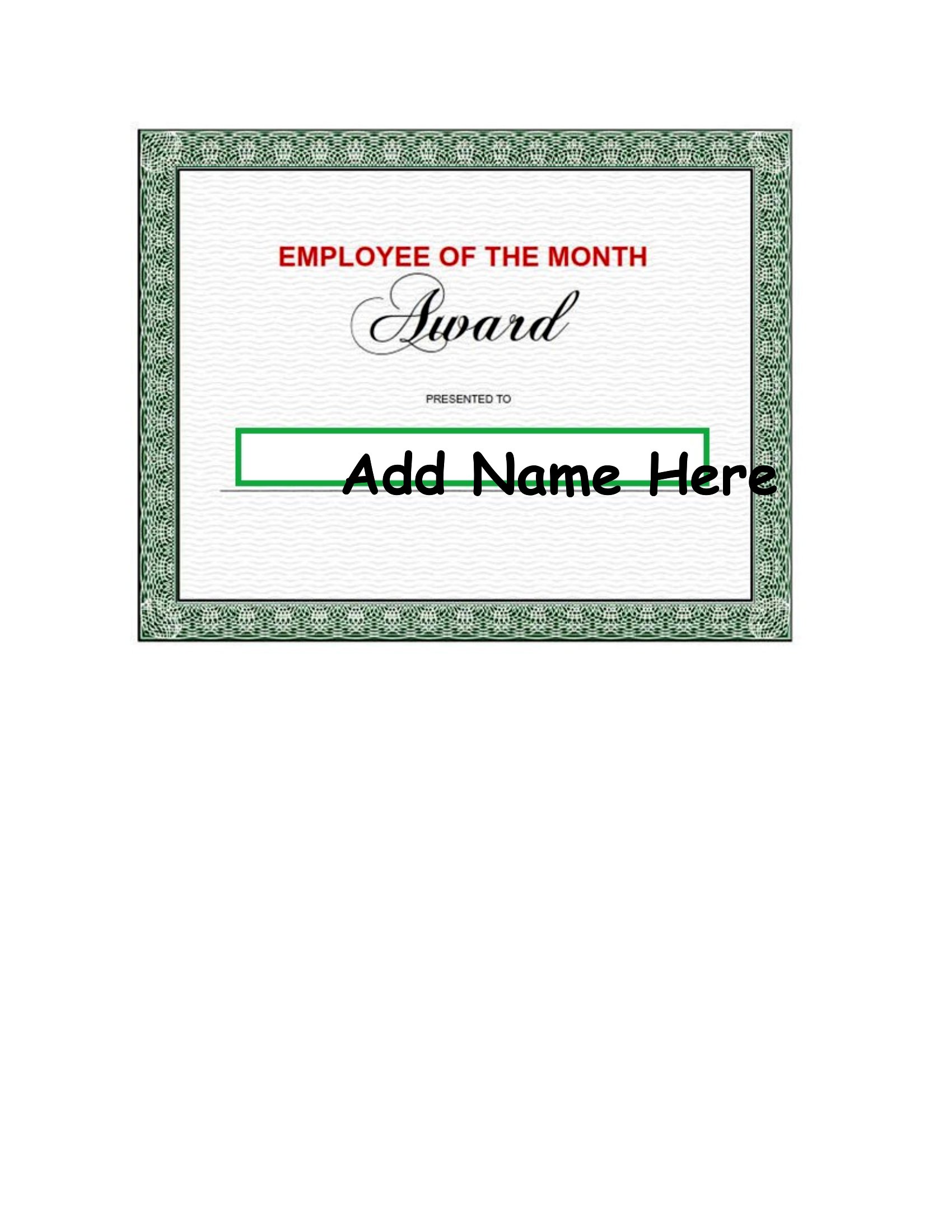
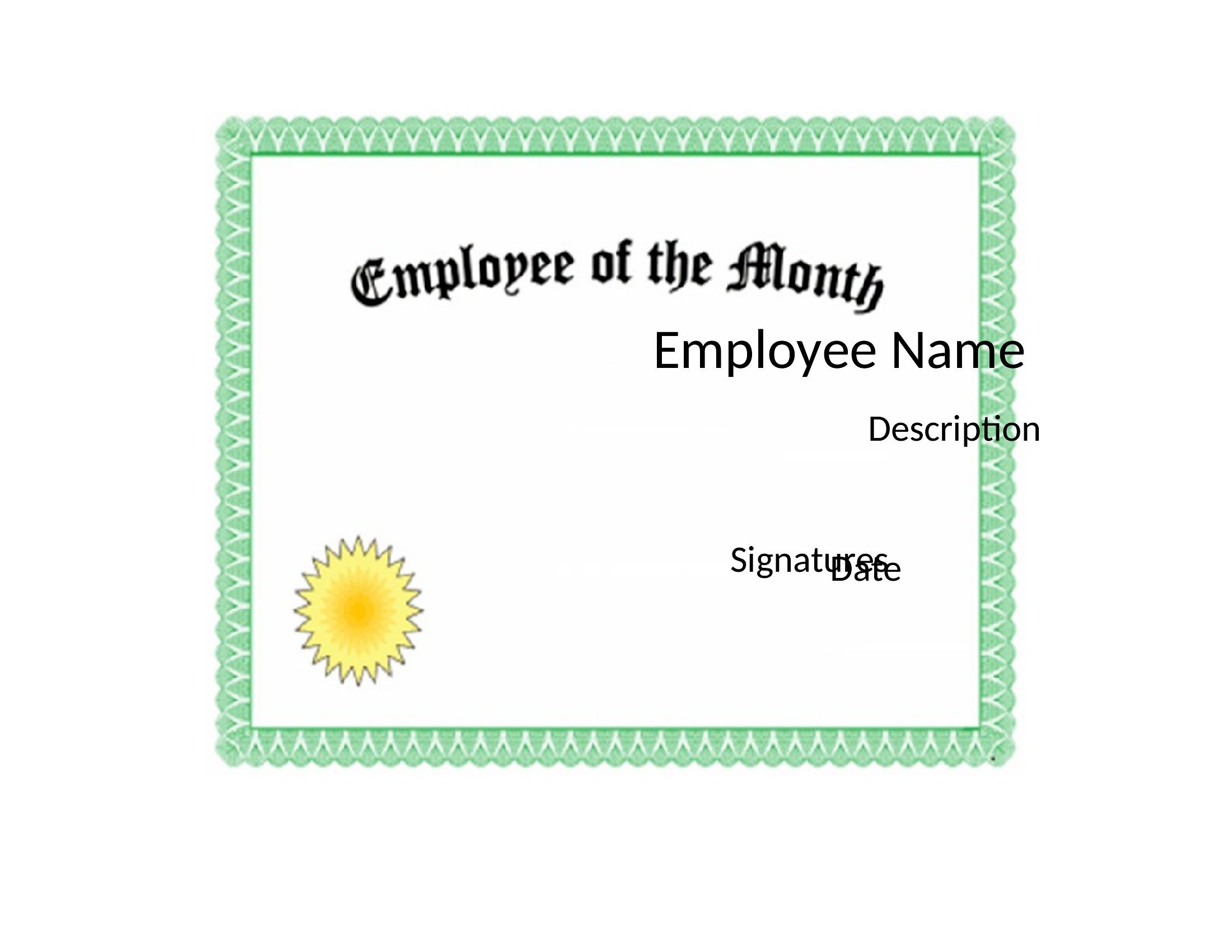
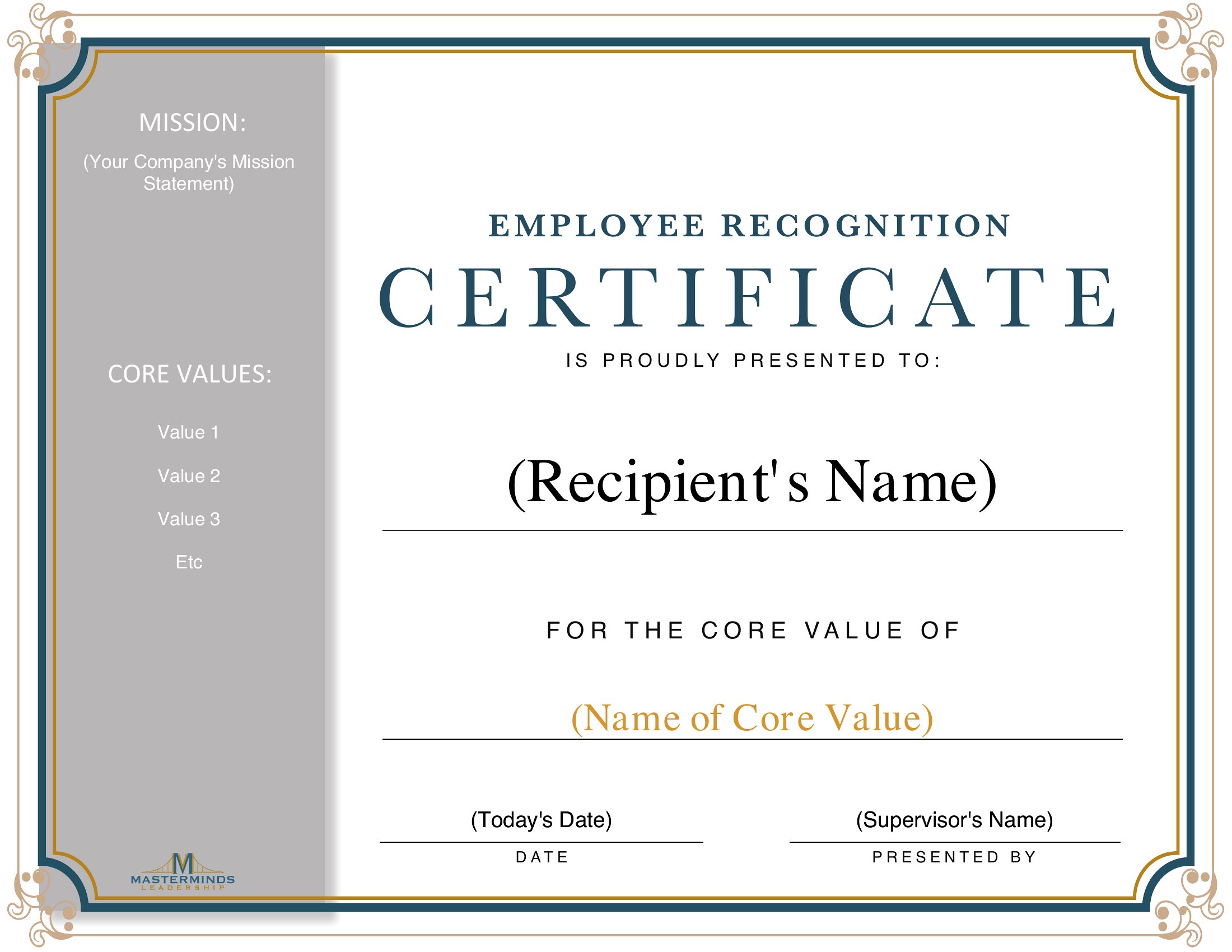
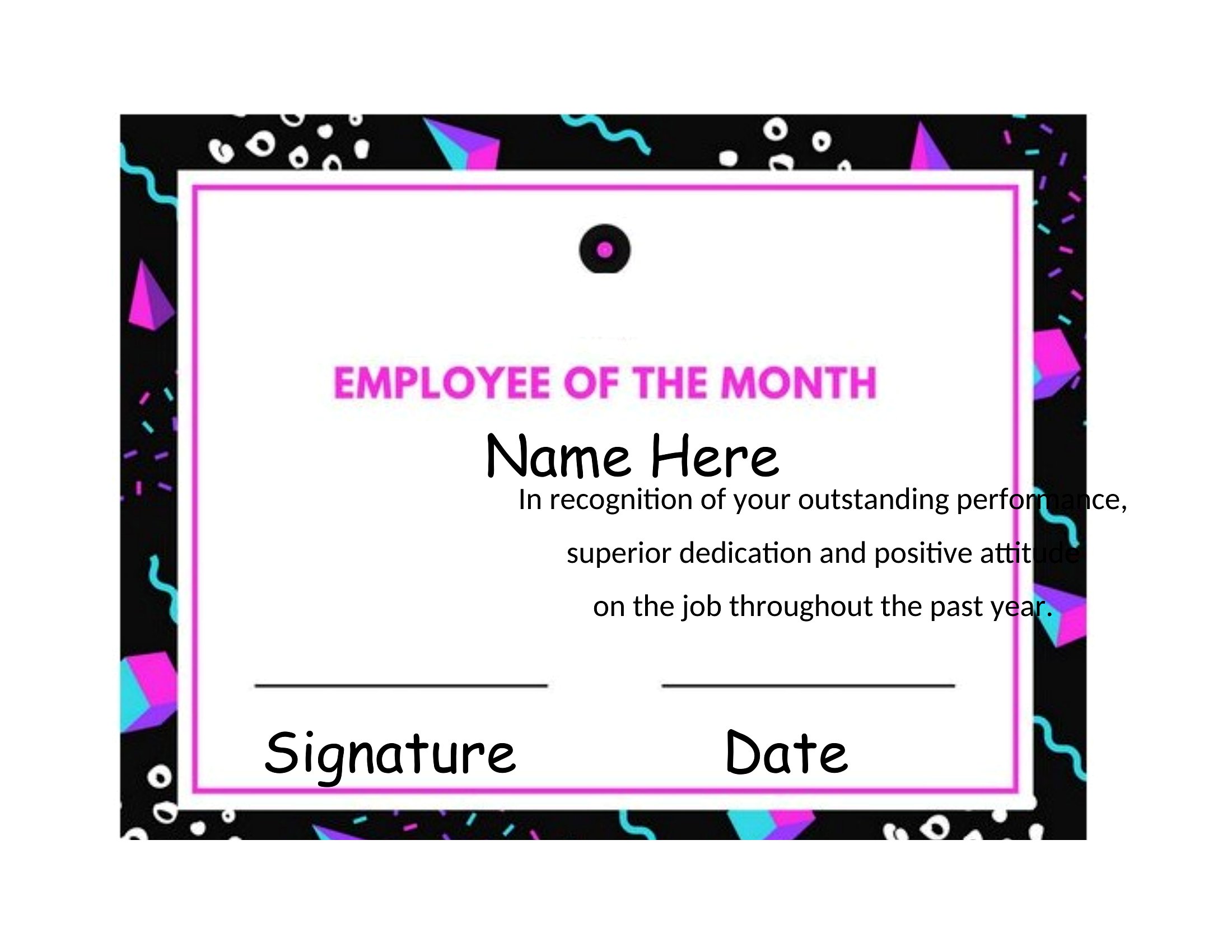
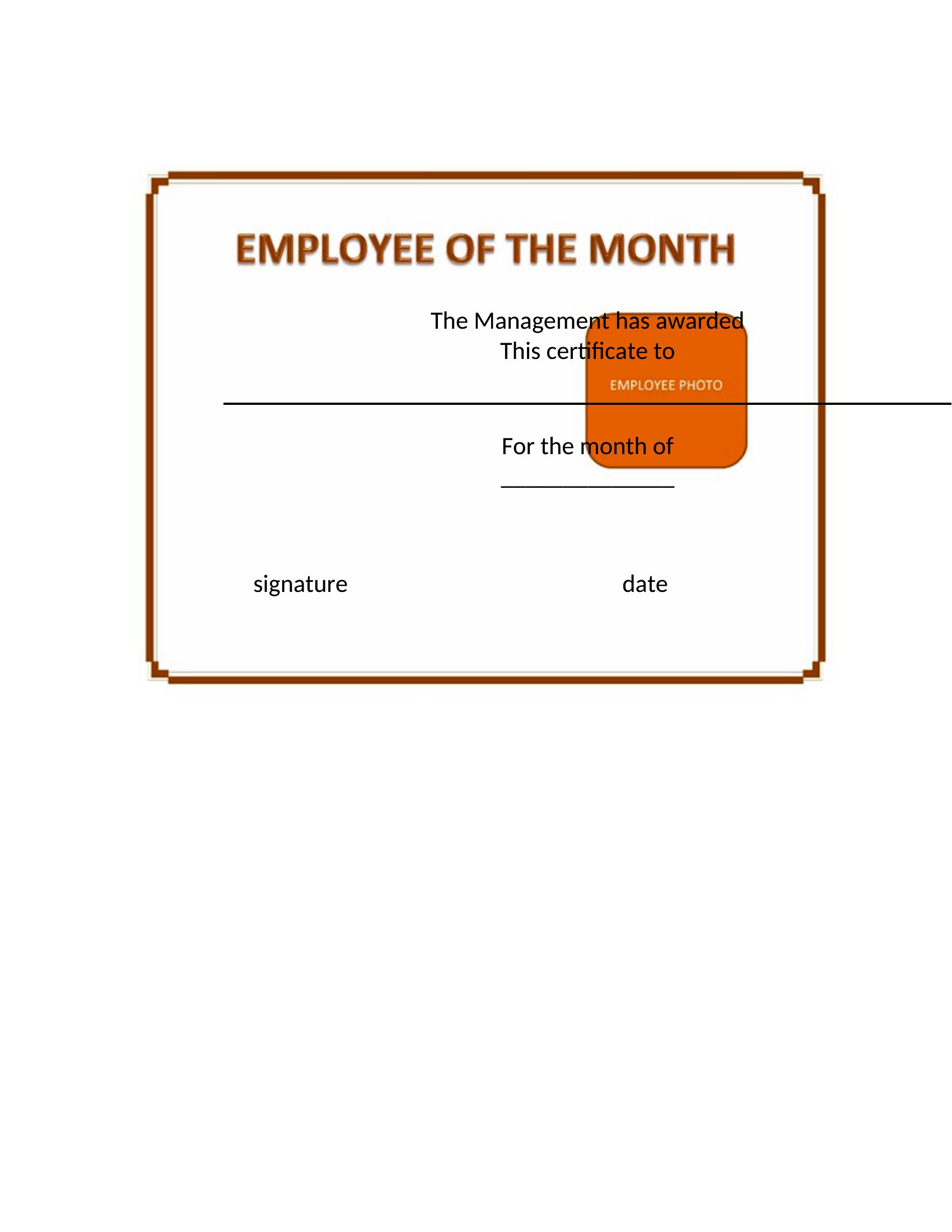
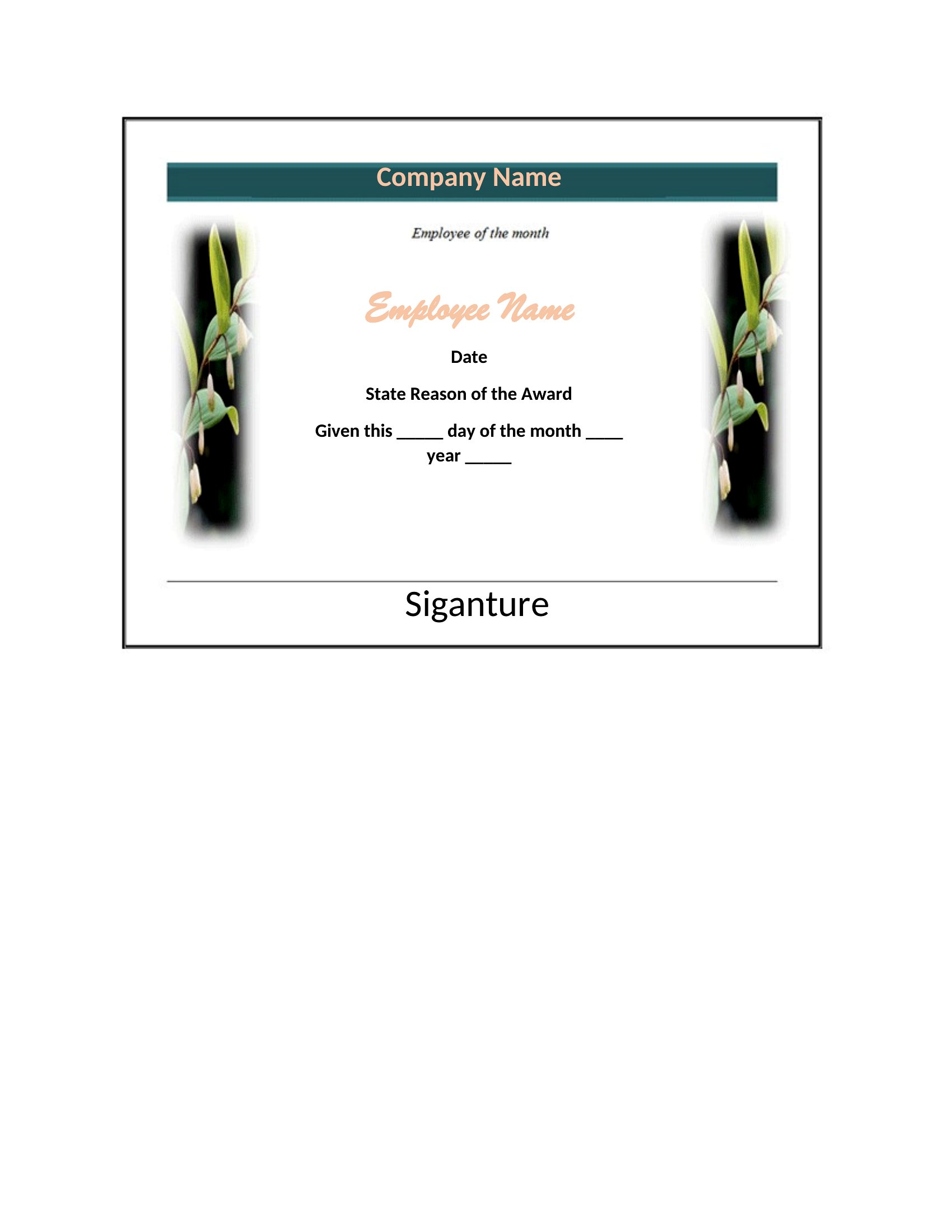
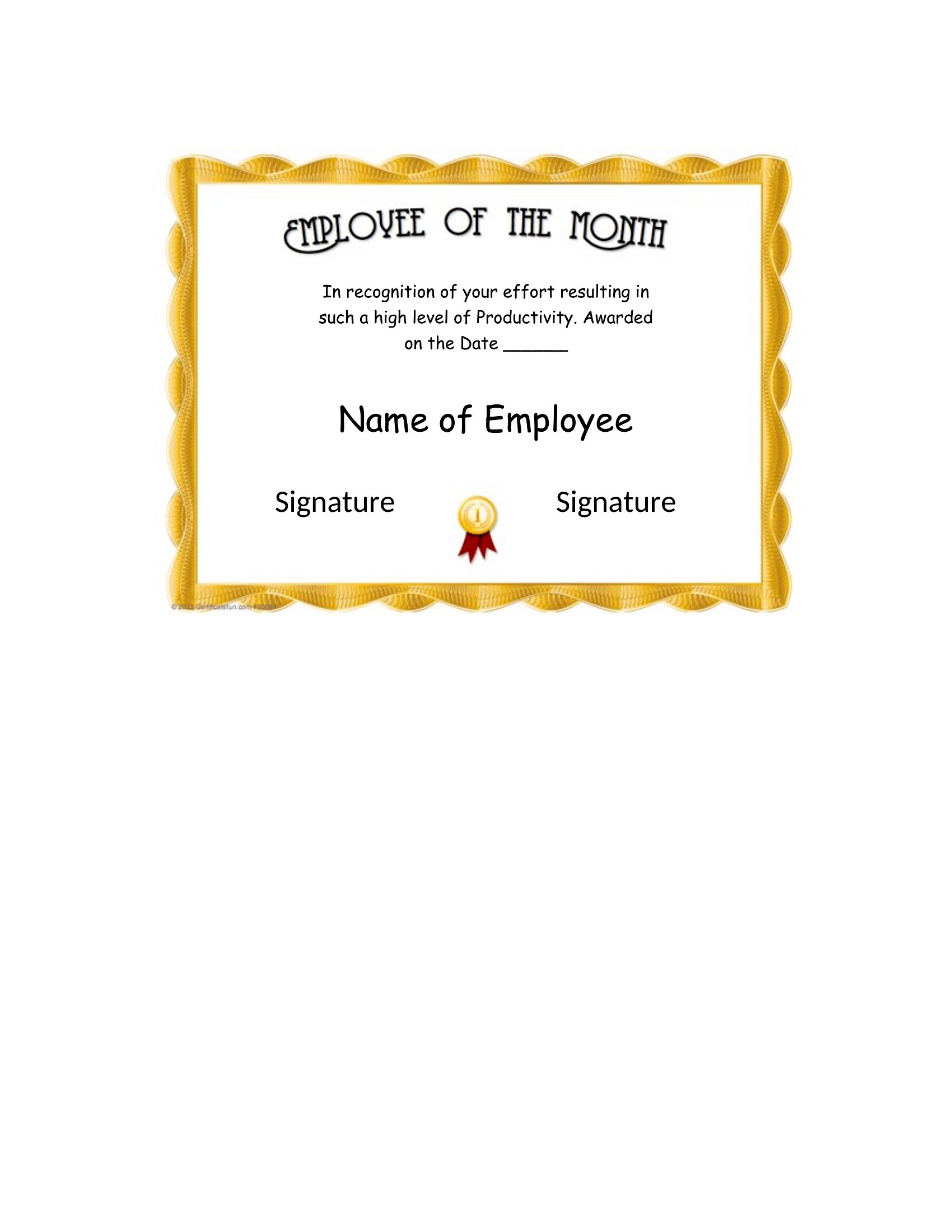
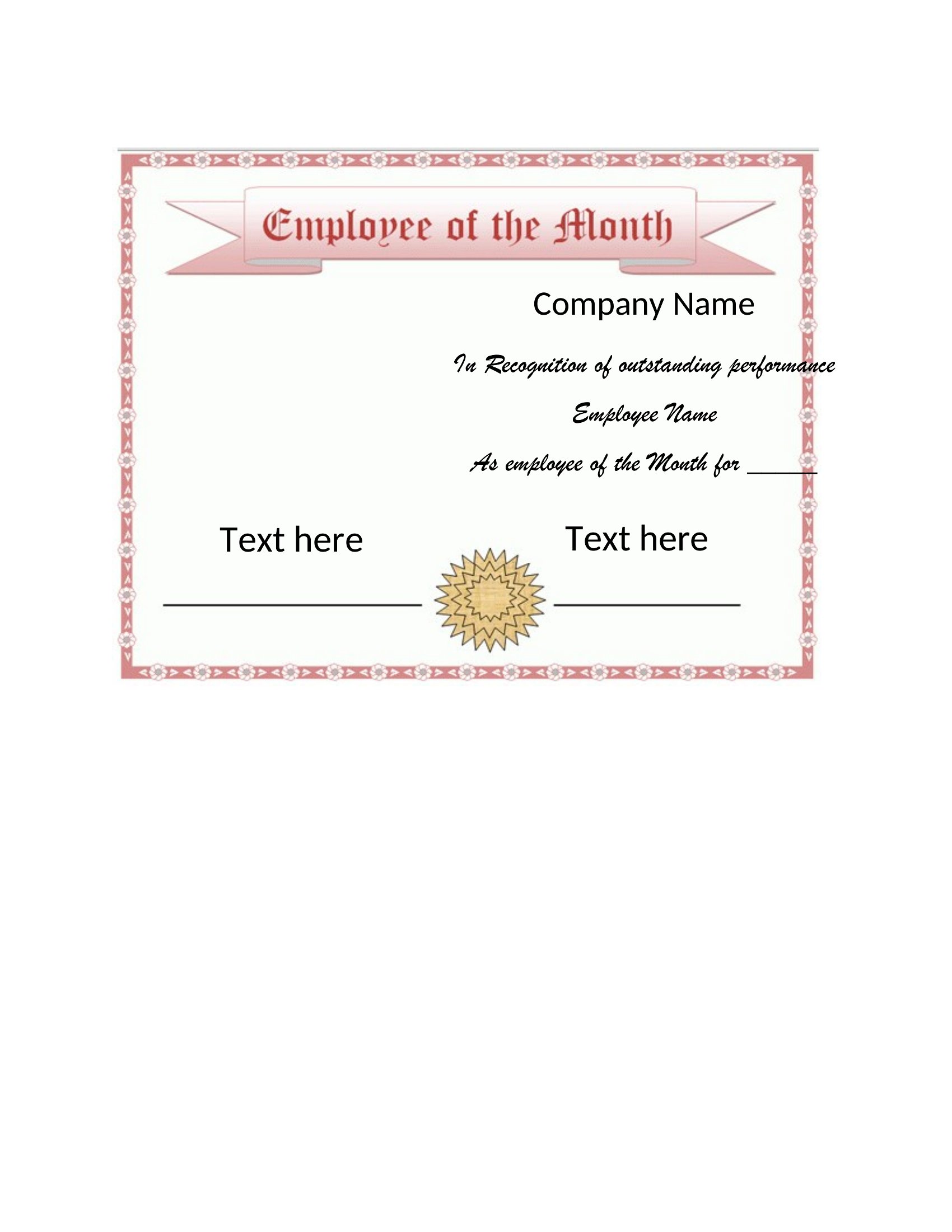
Yes, most templates include designated spaces for logos or images. In Word, you can insert your logo directly; in PDFs, check if the design has a placeholder layer for graphic overlays. For best results, use a high-resolution image and preview it before printing. Always ensure your logo fits within the certificate’s borders to avoid cutting off key details.
What if I need to recognize someone extra formally, like a long-tenured employee?
These templates include space for a brief note of achievement—use it to highlight tenure, specific contributions, or milestones like ‘15 Years of Service.’ For longer messages, some designs allow you to add a footnote or include a separate thank-you card with the certificate. Adjust the font size in Word to ensure readability while keeping the layout balanced.
How do I ensure the certificates look professional if my company has a specific color scheme?
All templates feature neutral backgrounds and text colors, but you can easily update them. In Word, use the theme colors feature to match your brand palette, or manually adjust the font/background hues. For PDFs, save the template as an editable Word file first, make color changes, then export back to PDF. Avoid using more than two accent colors to maintain a clean, polished look.
Comments
Join the conversation
Sign in to share your thoughts and leave a comment on this resource.