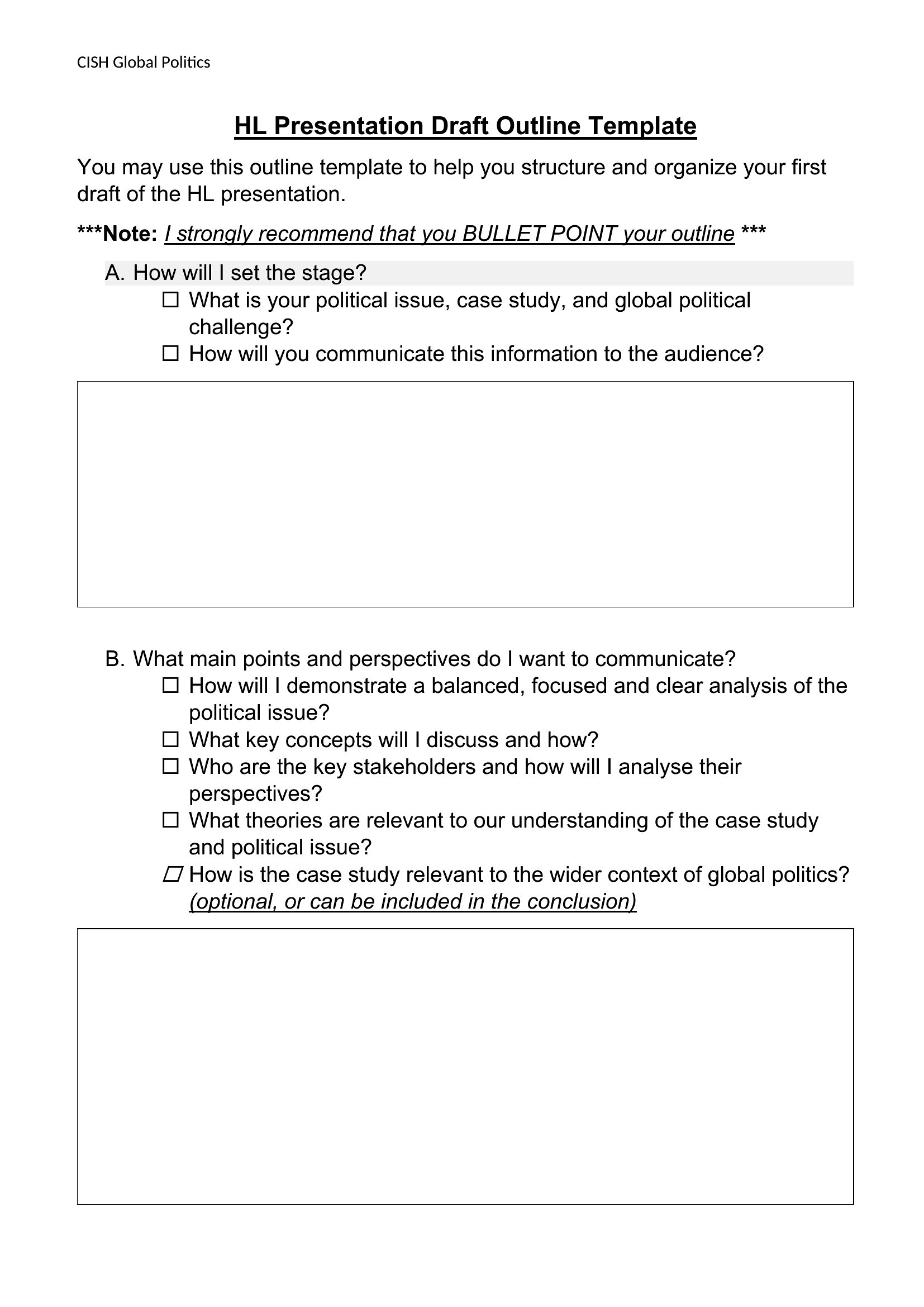
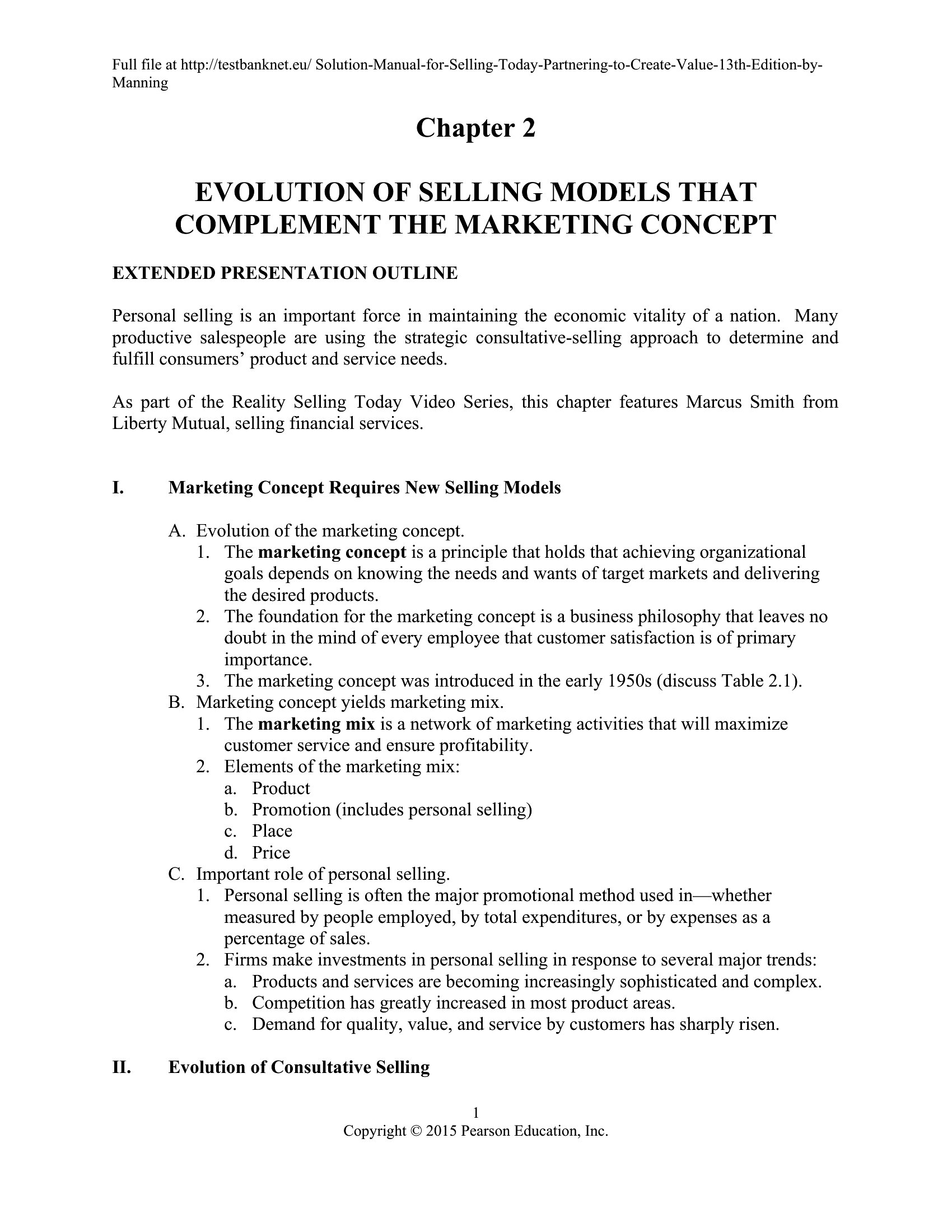
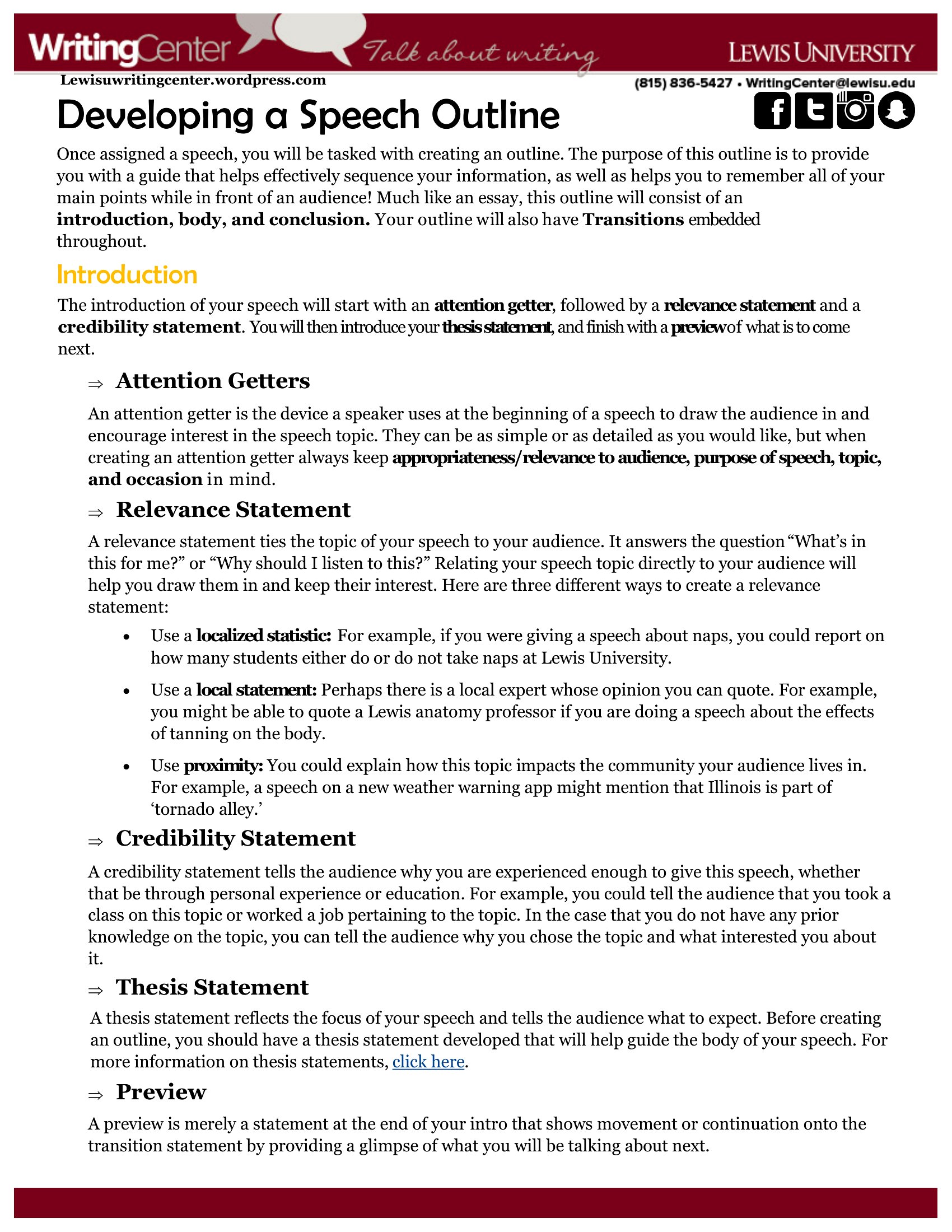
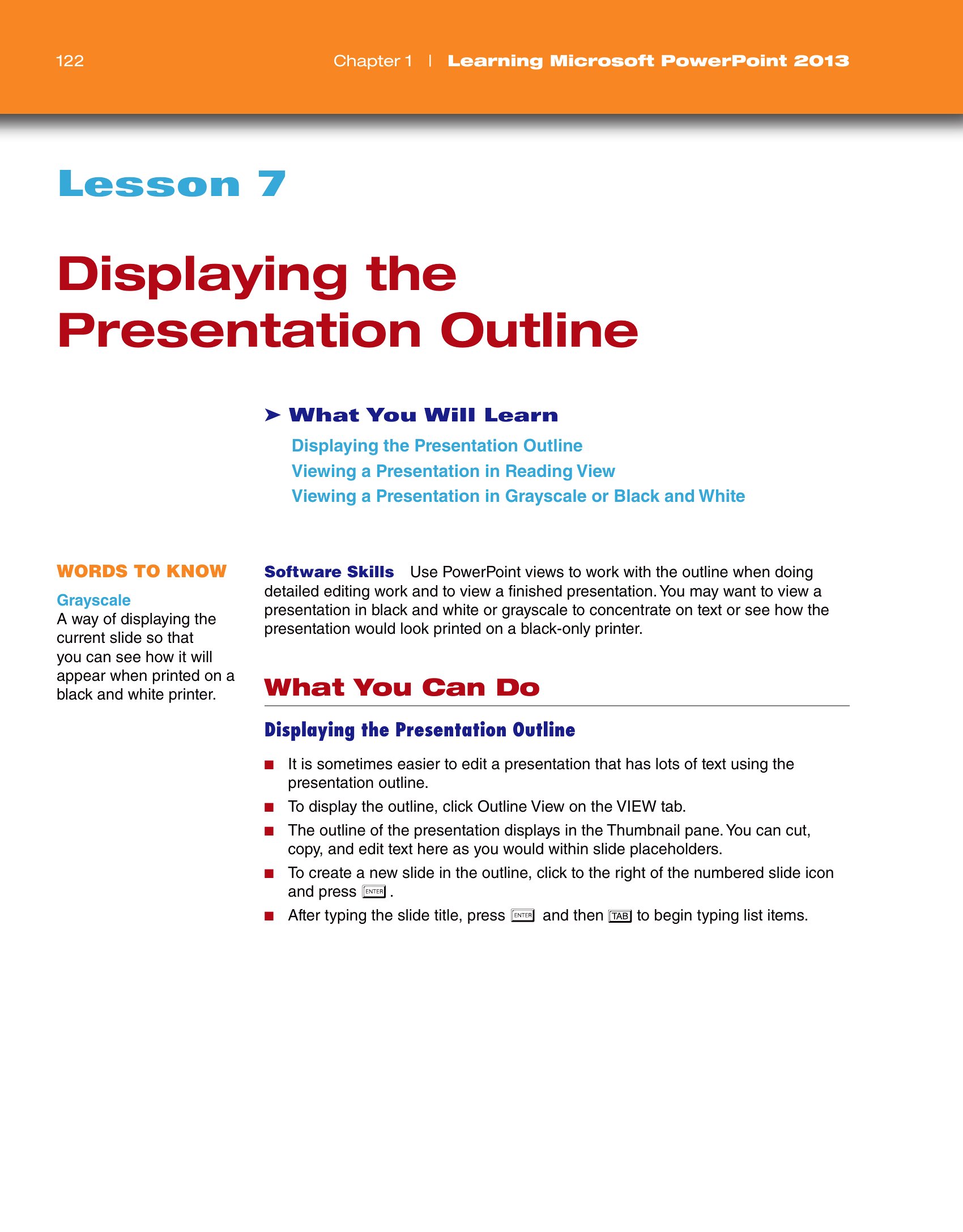

Free Presentation Outline Templates (Word, PDF)
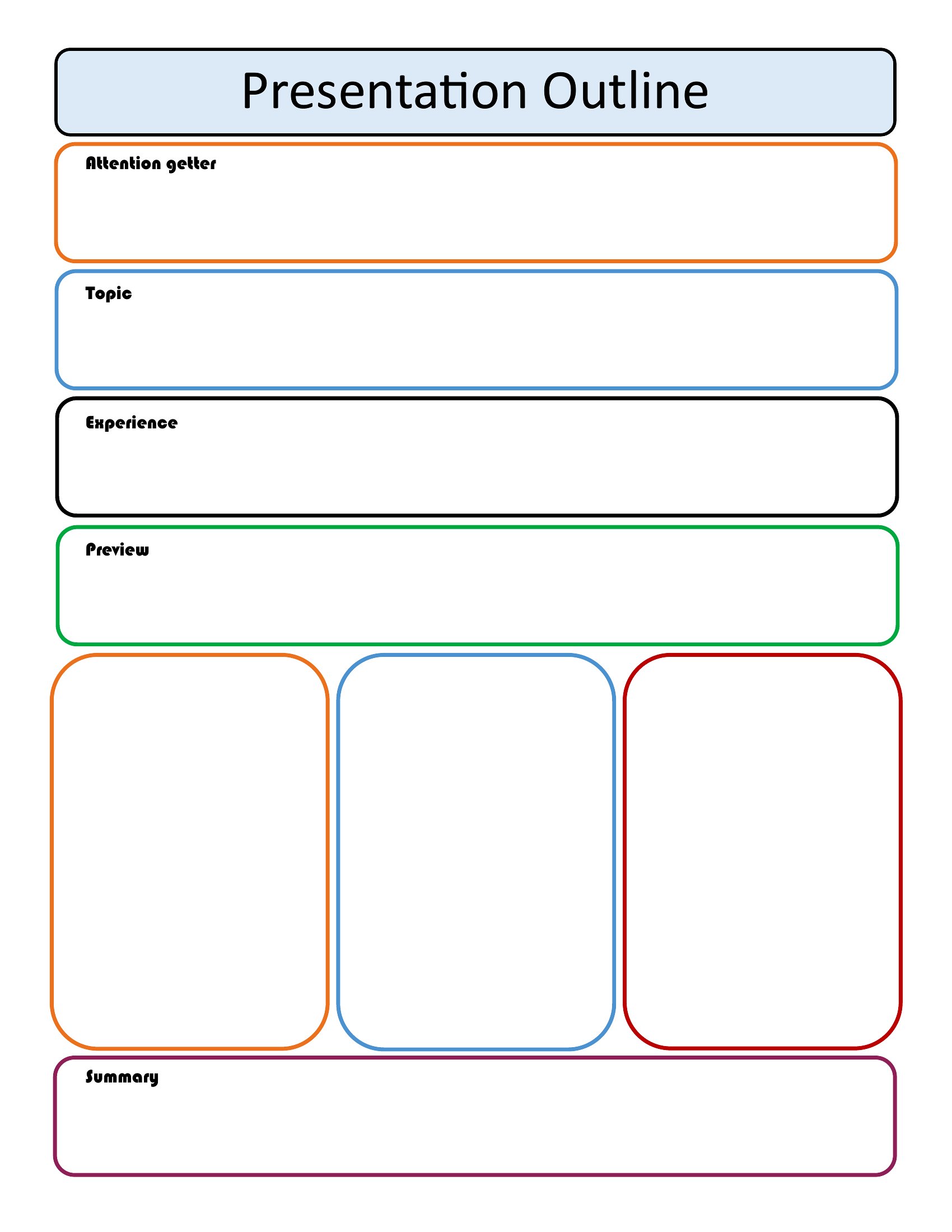
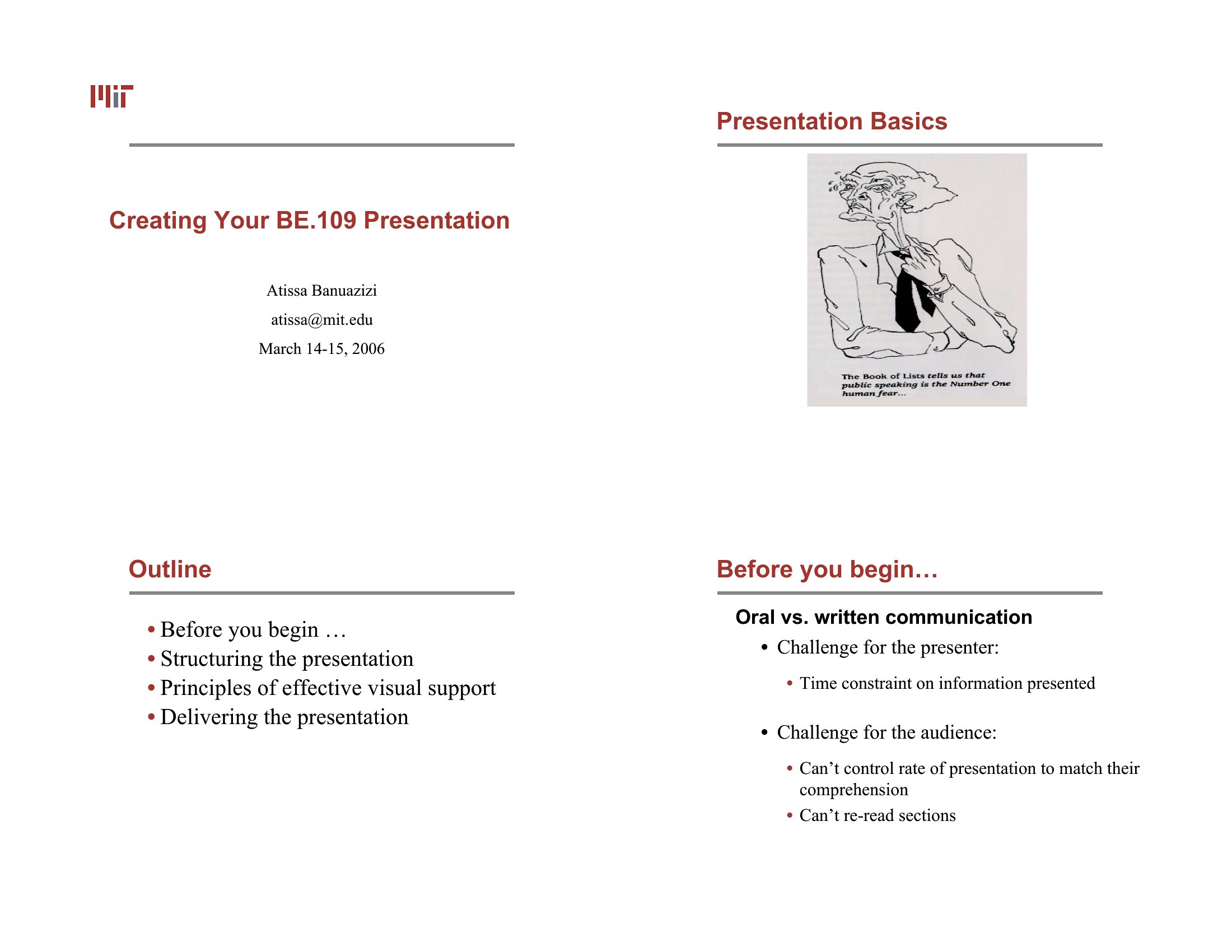
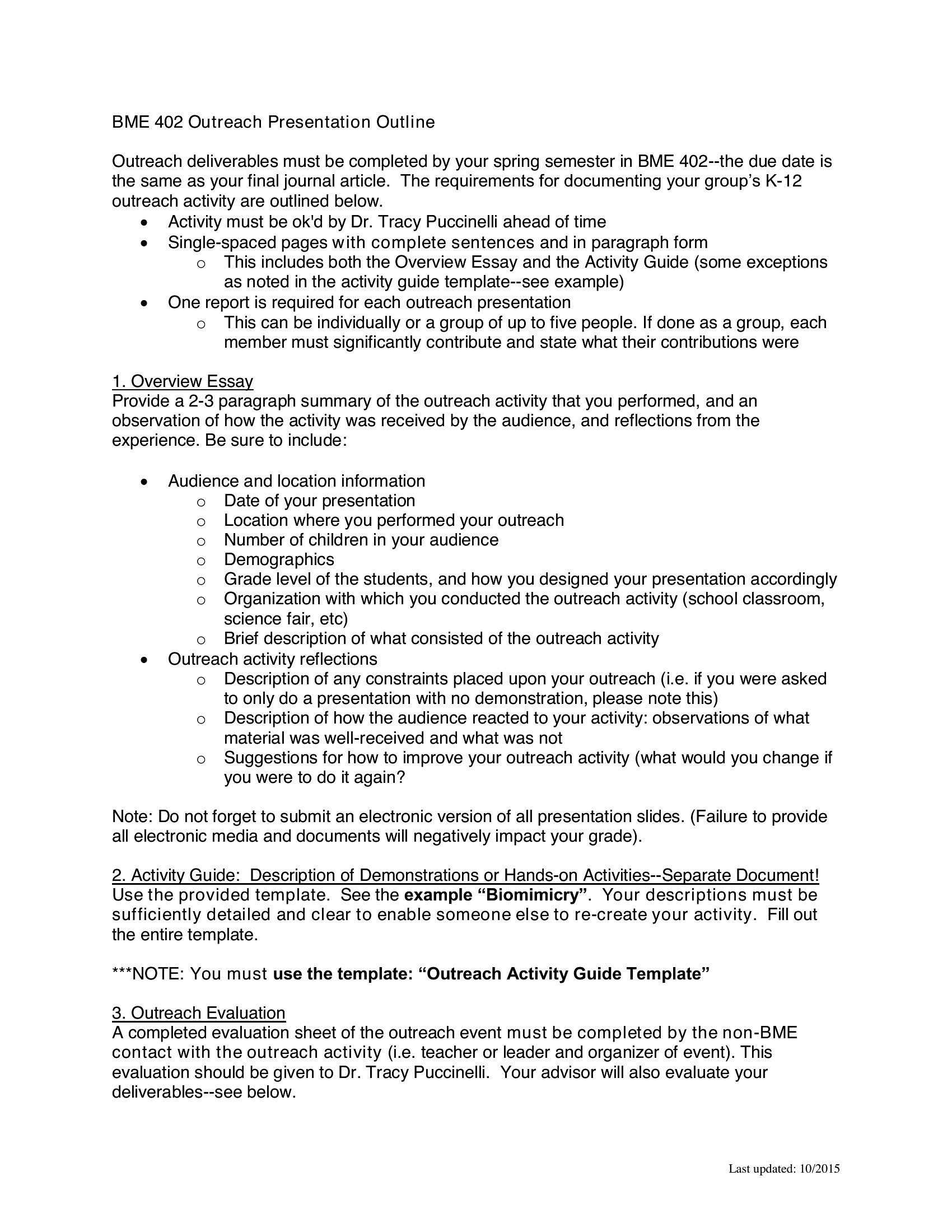
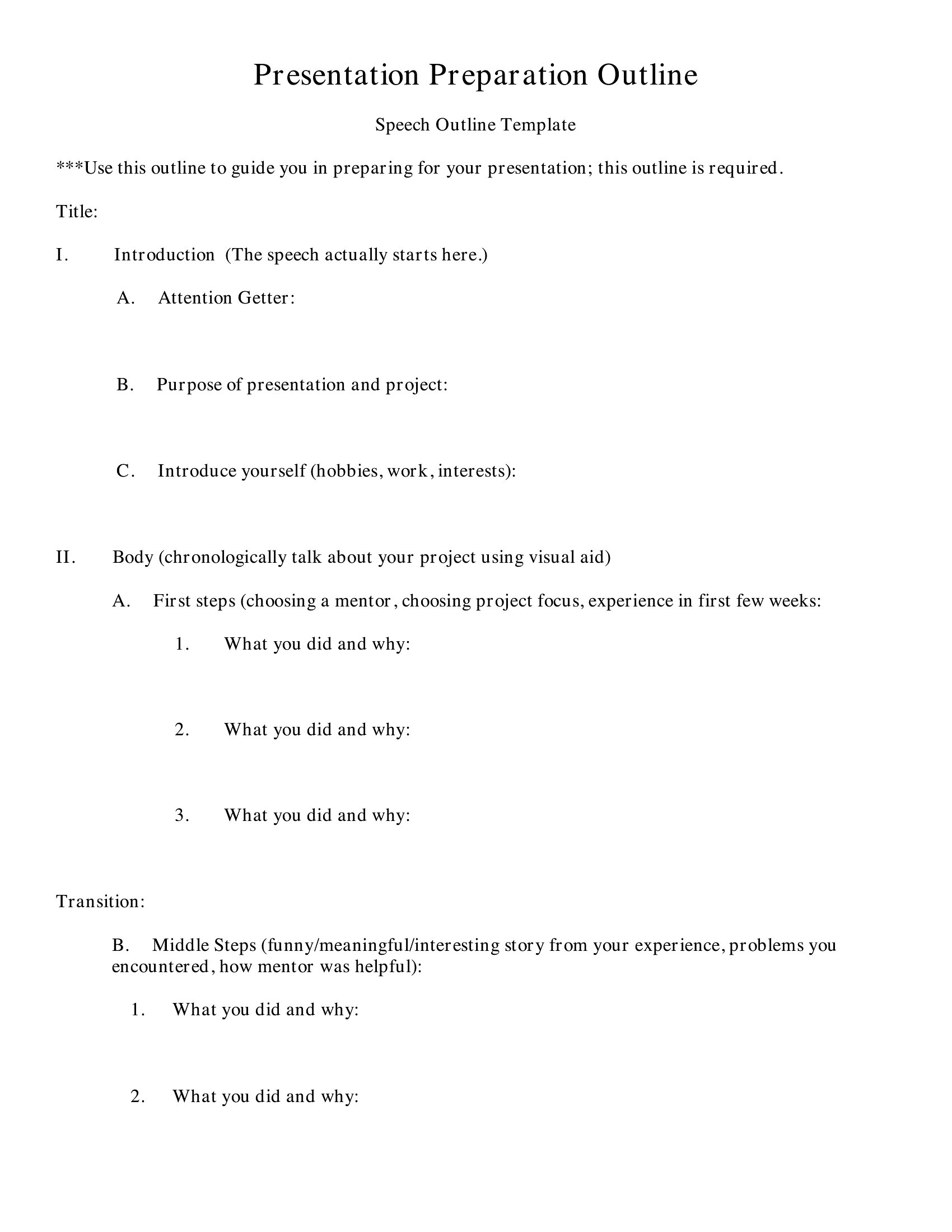
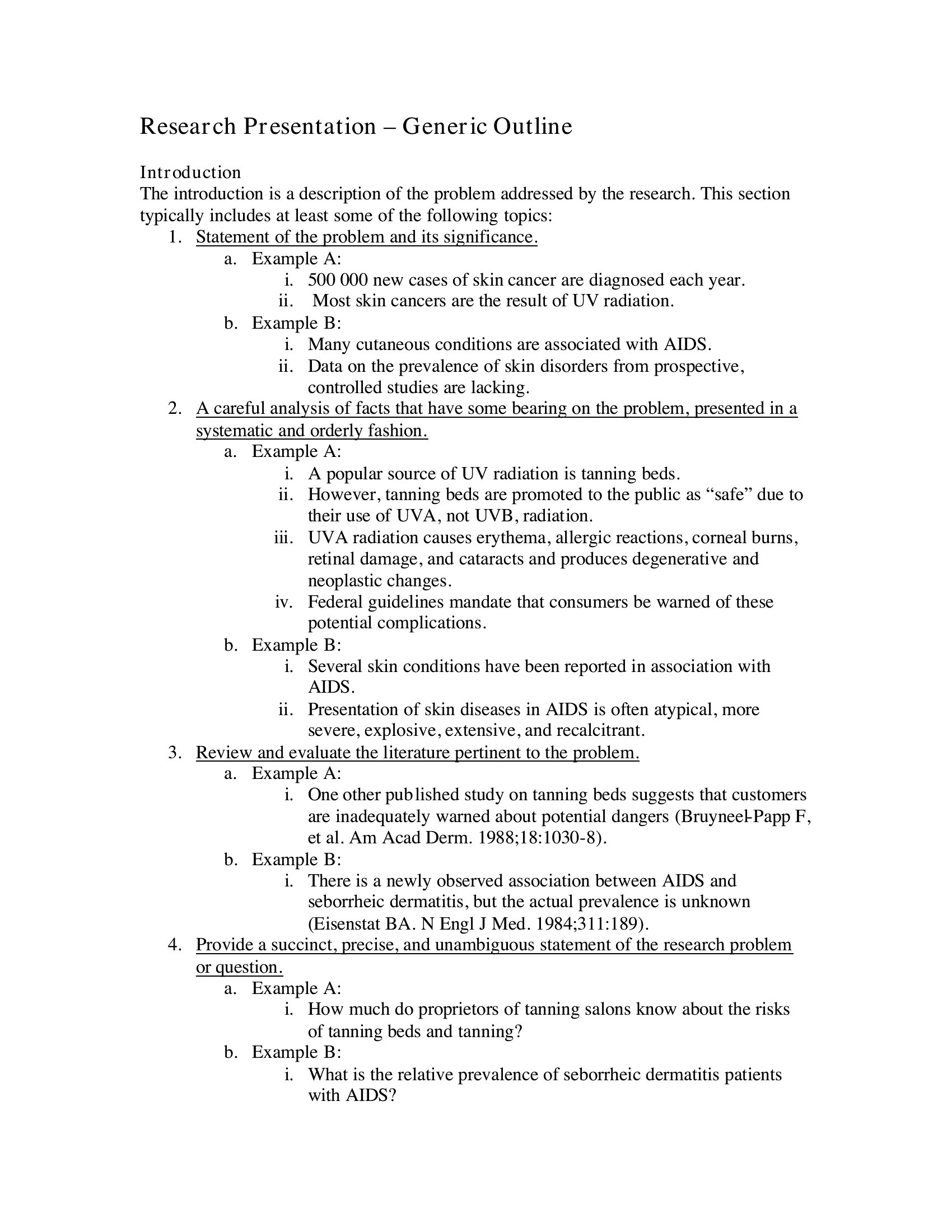
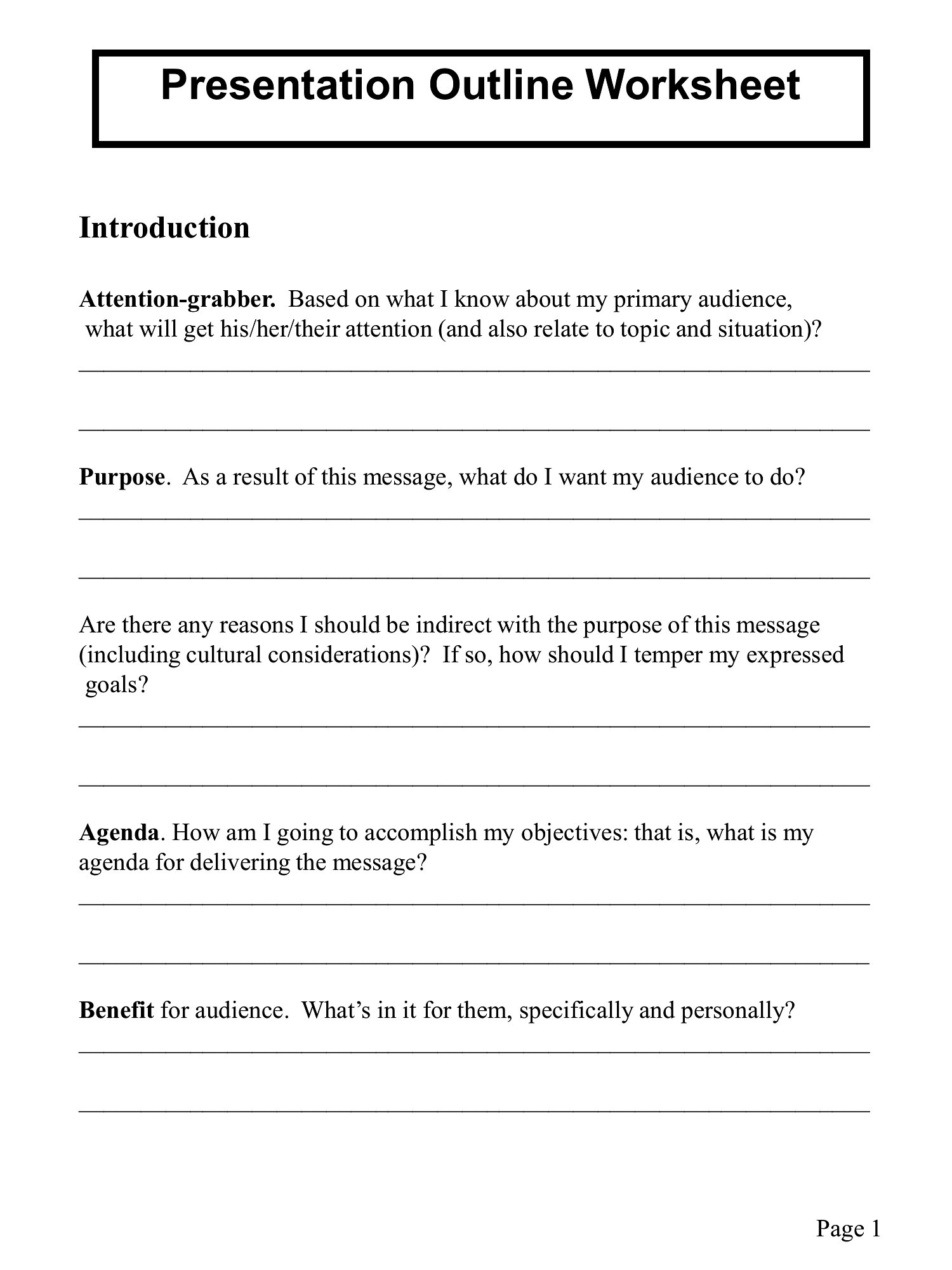
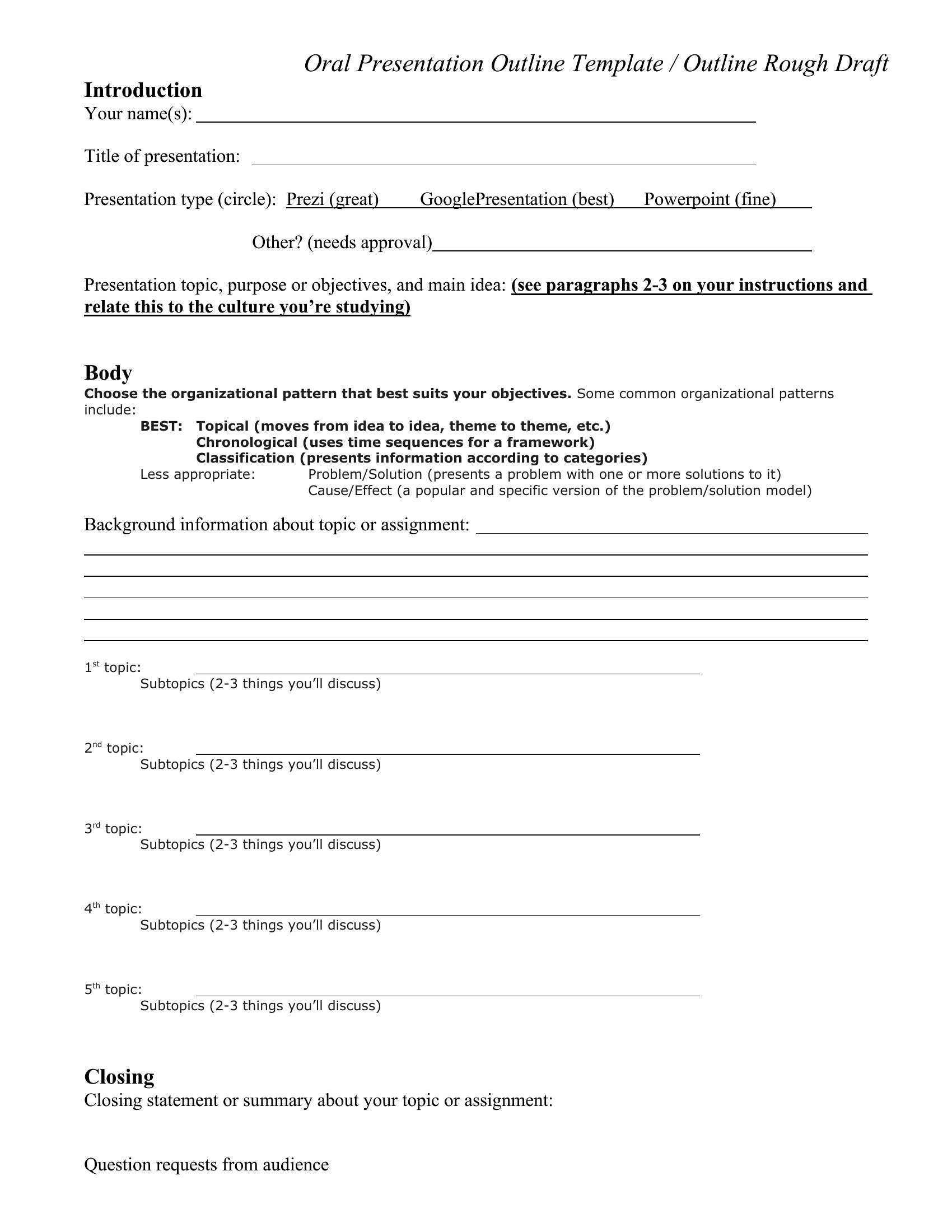
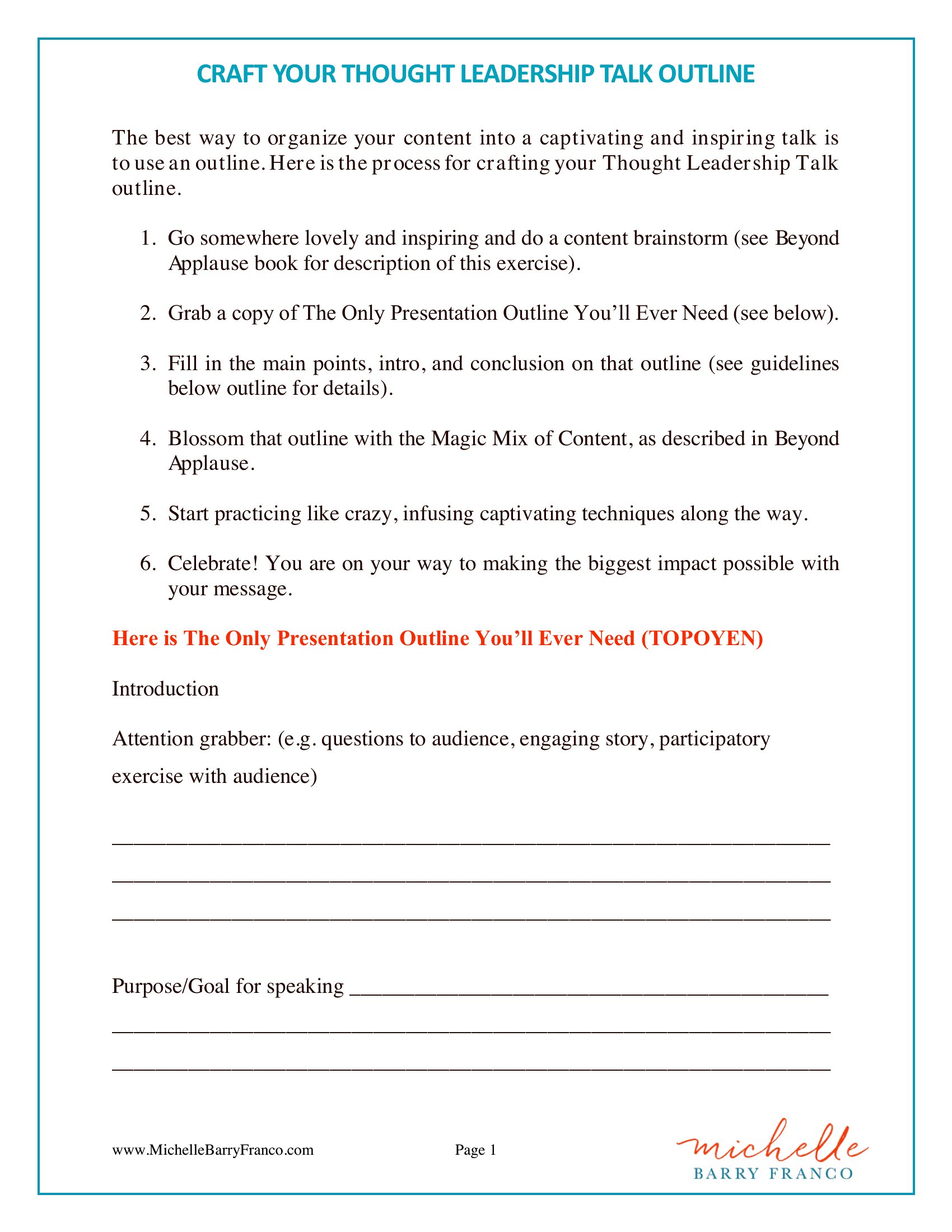
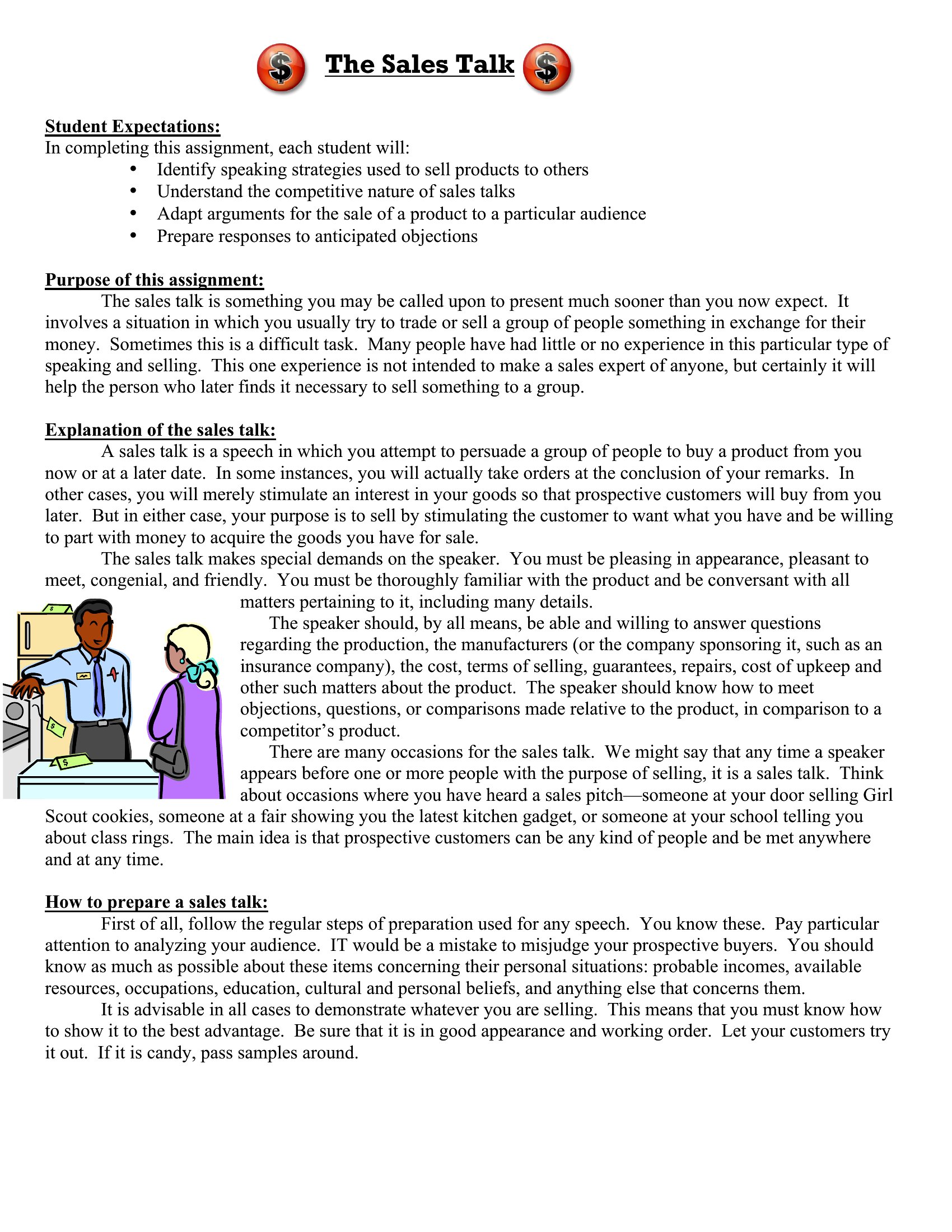
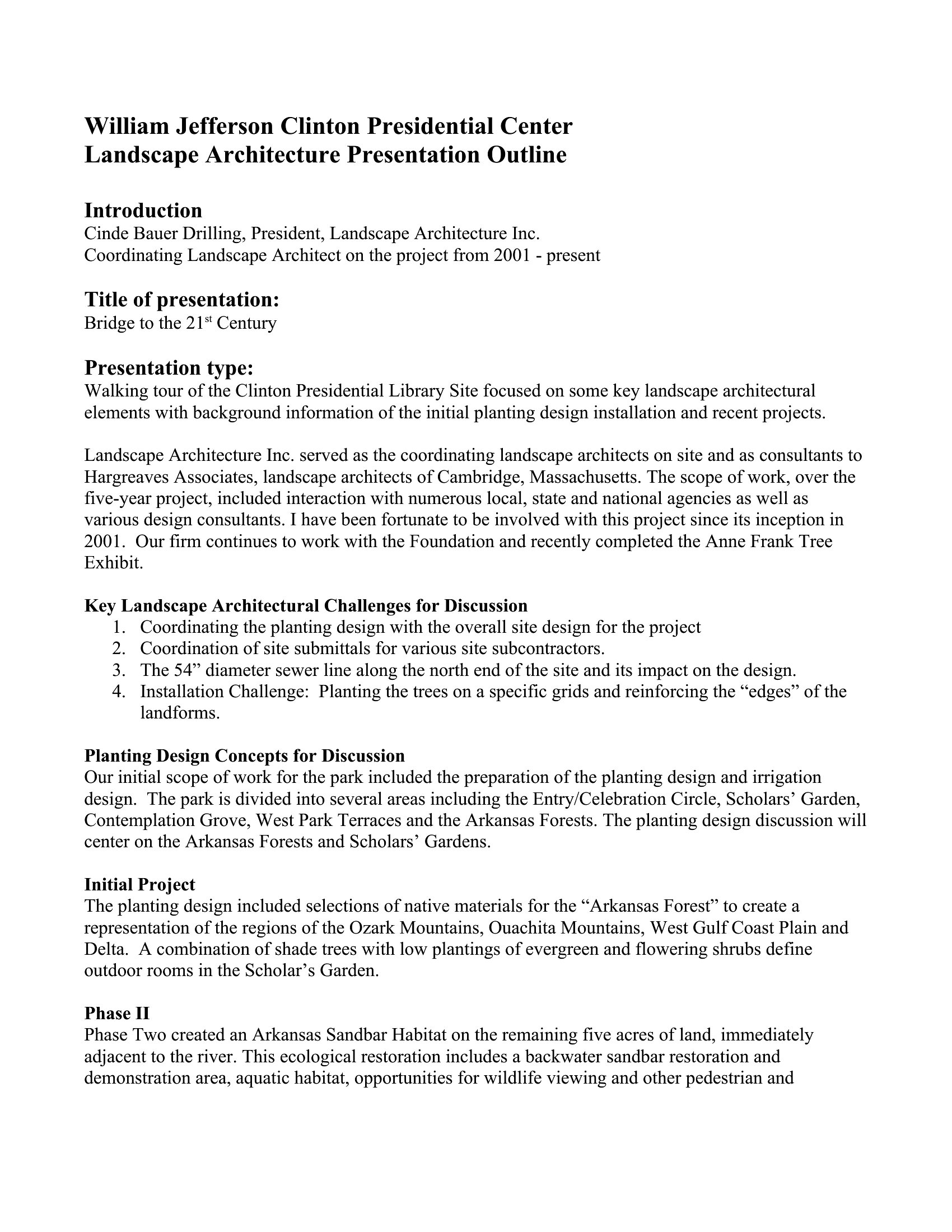
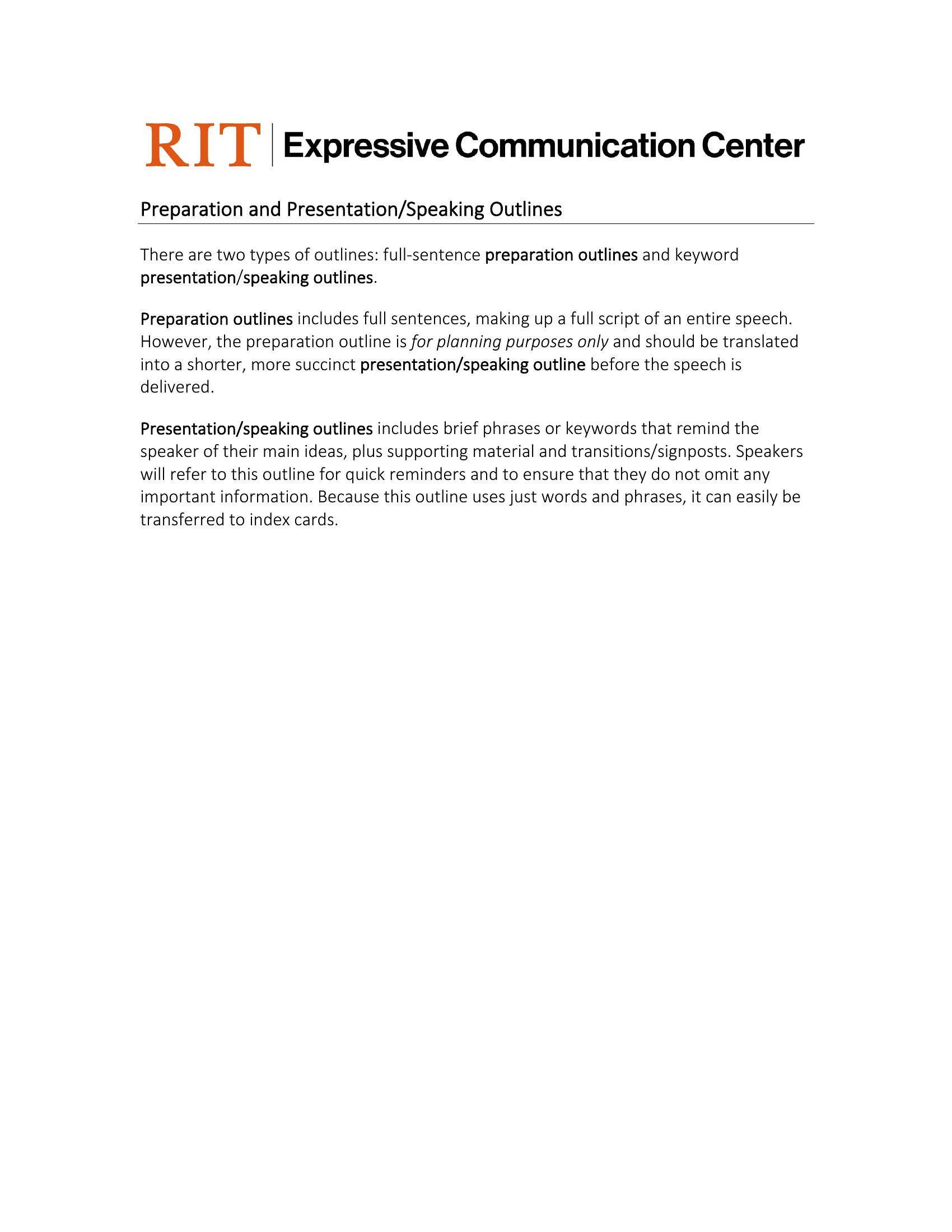
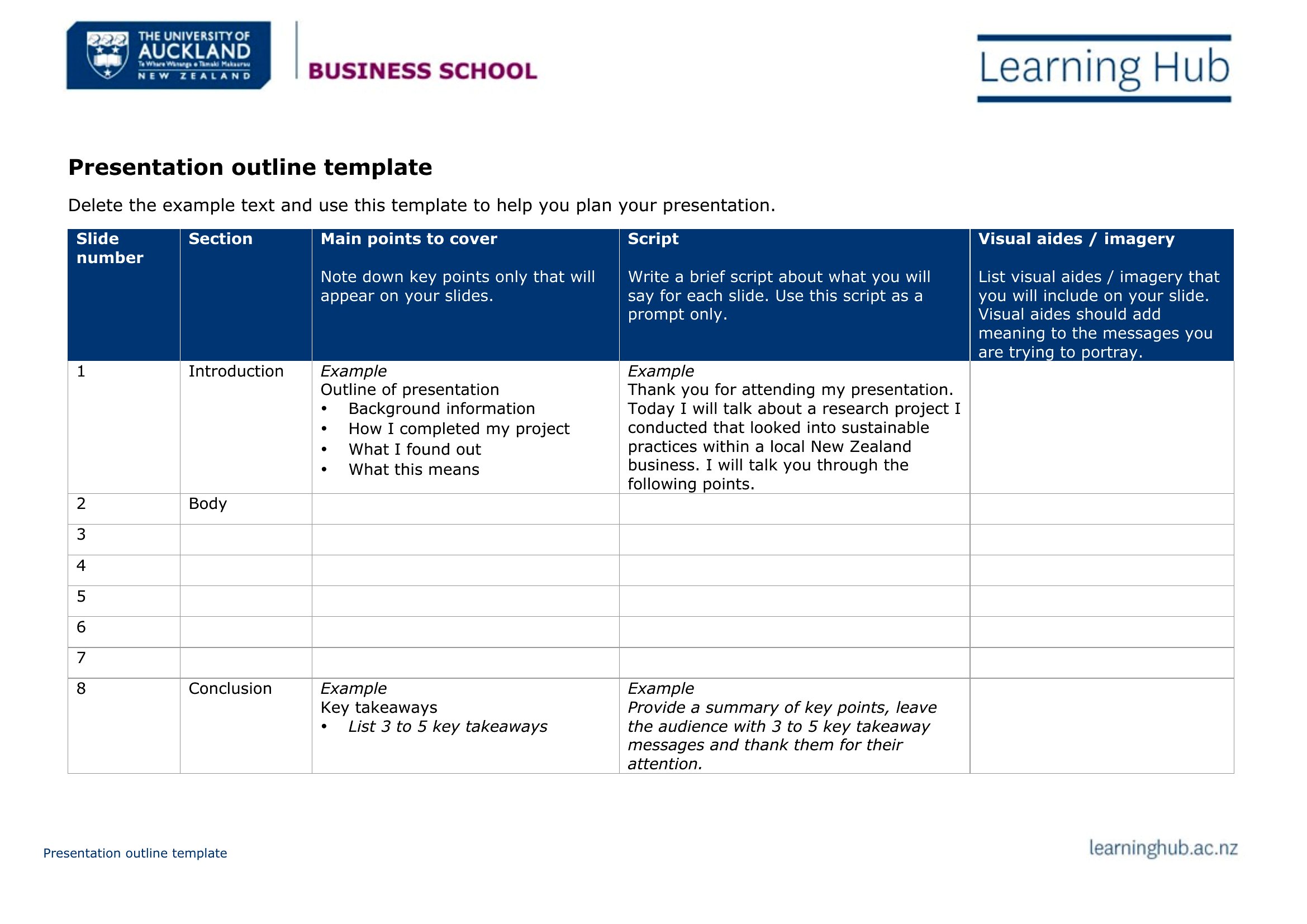
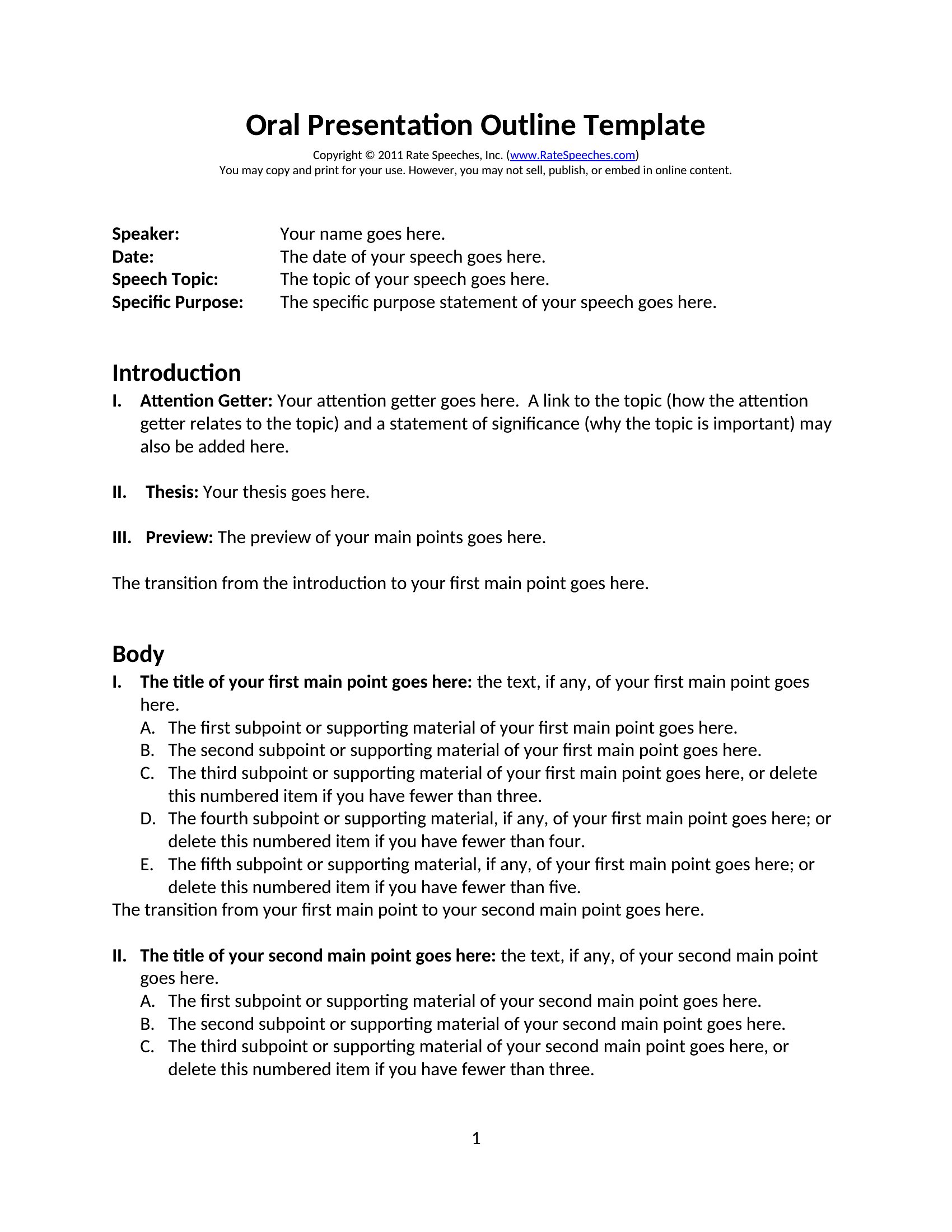
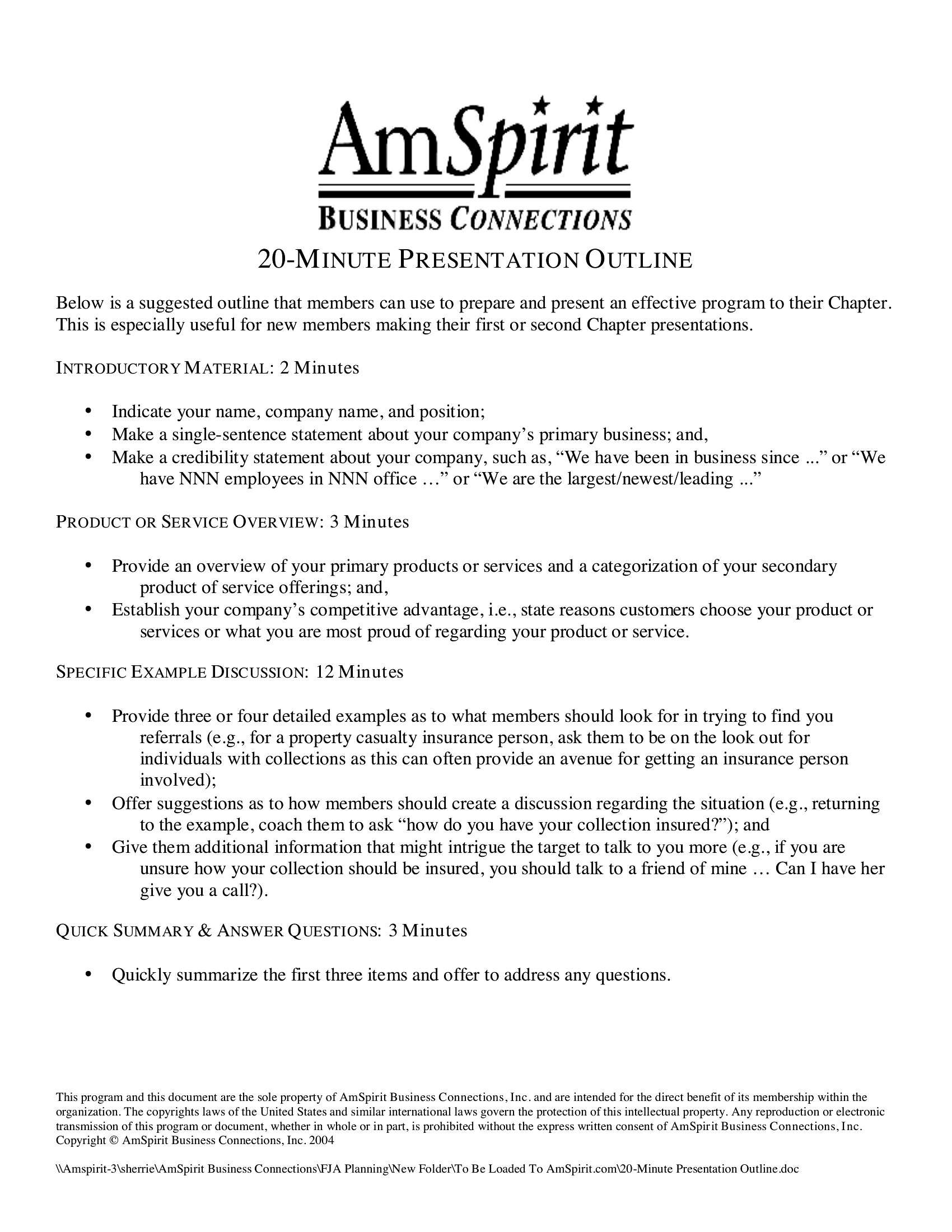
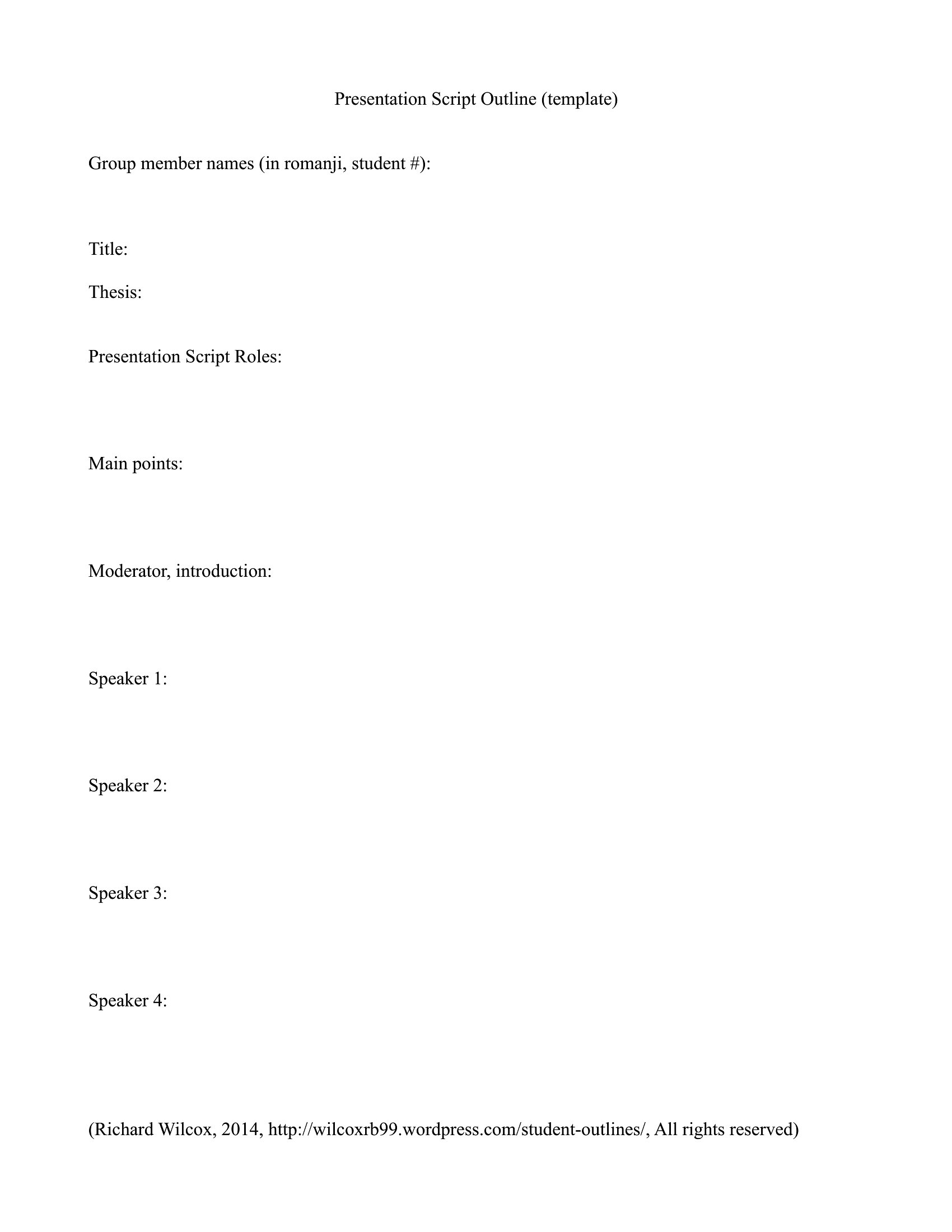
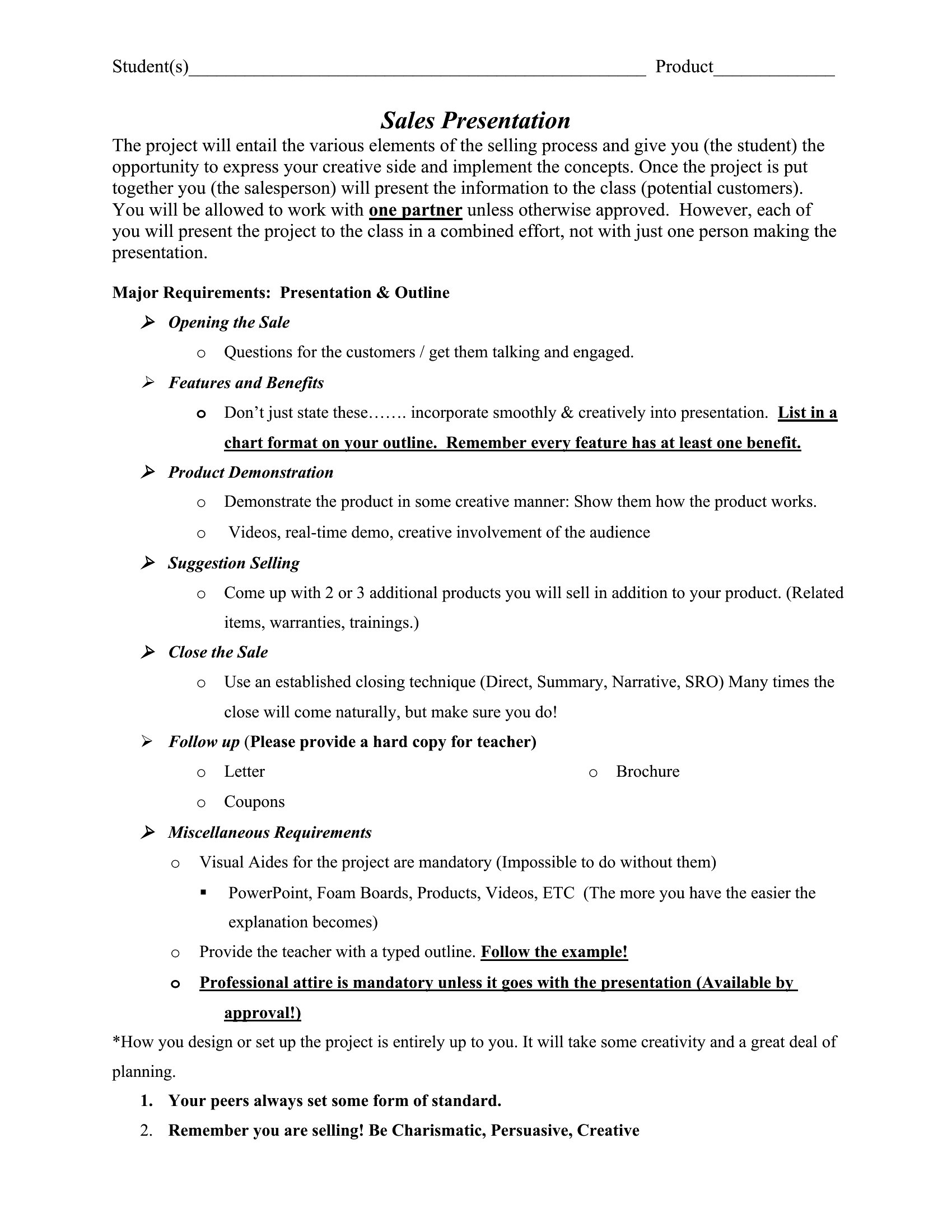
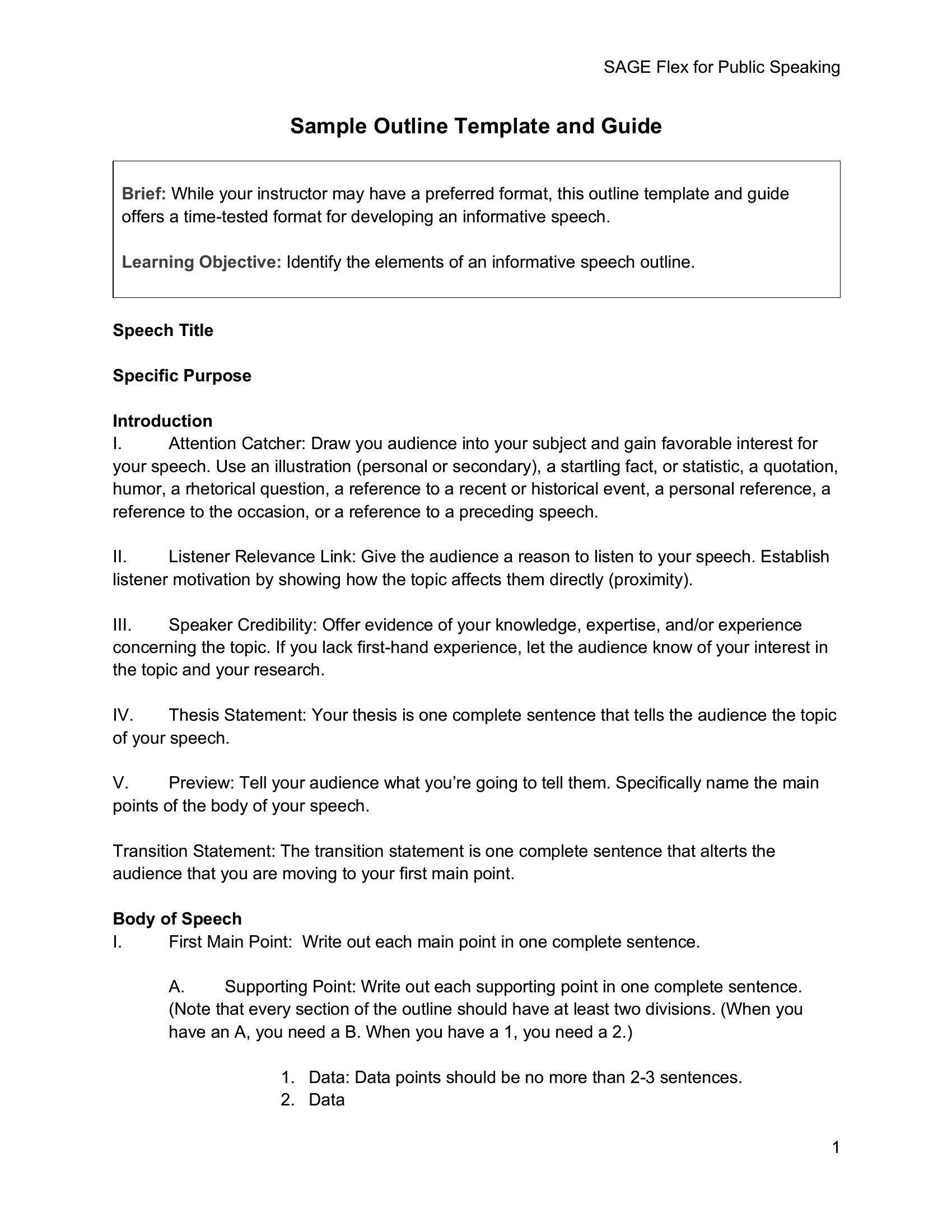
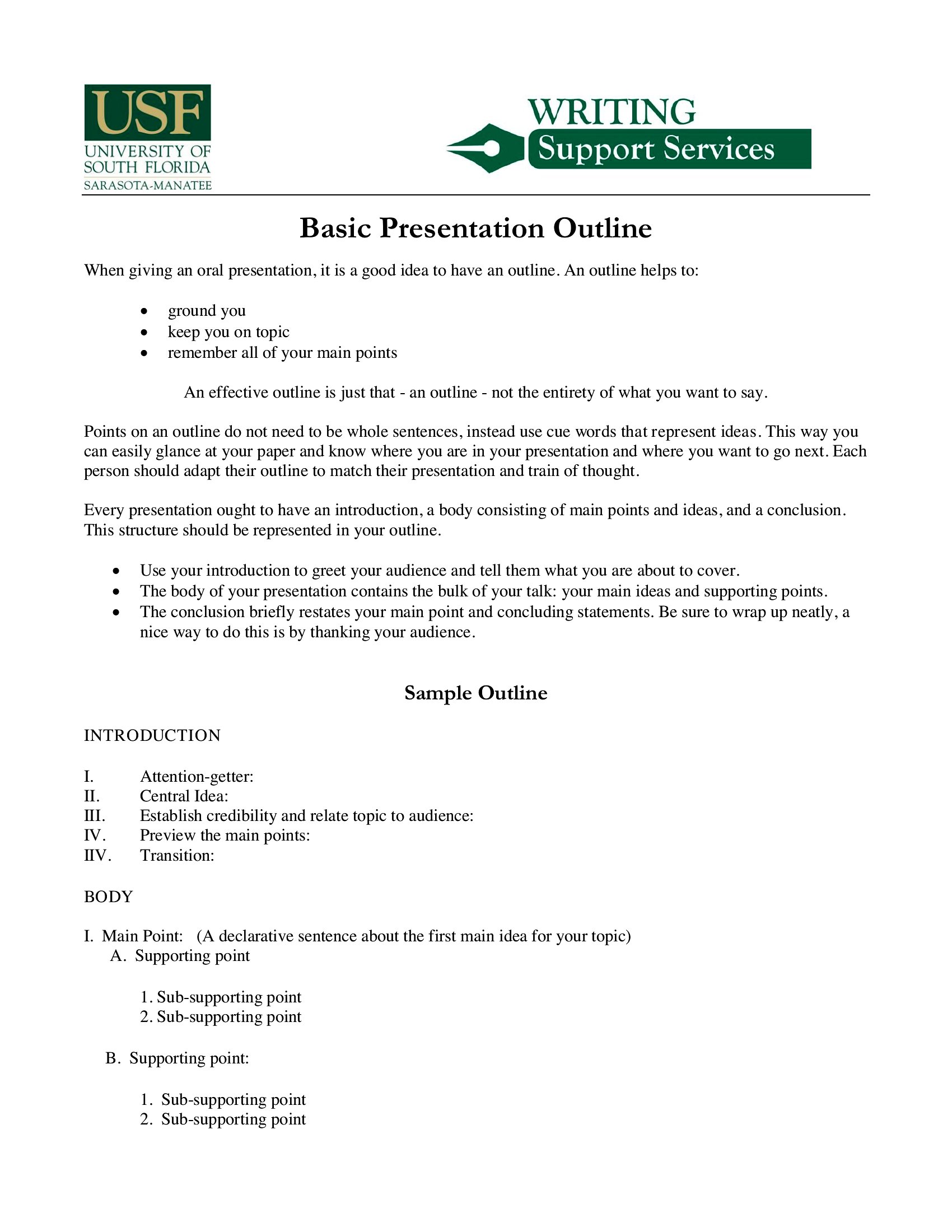
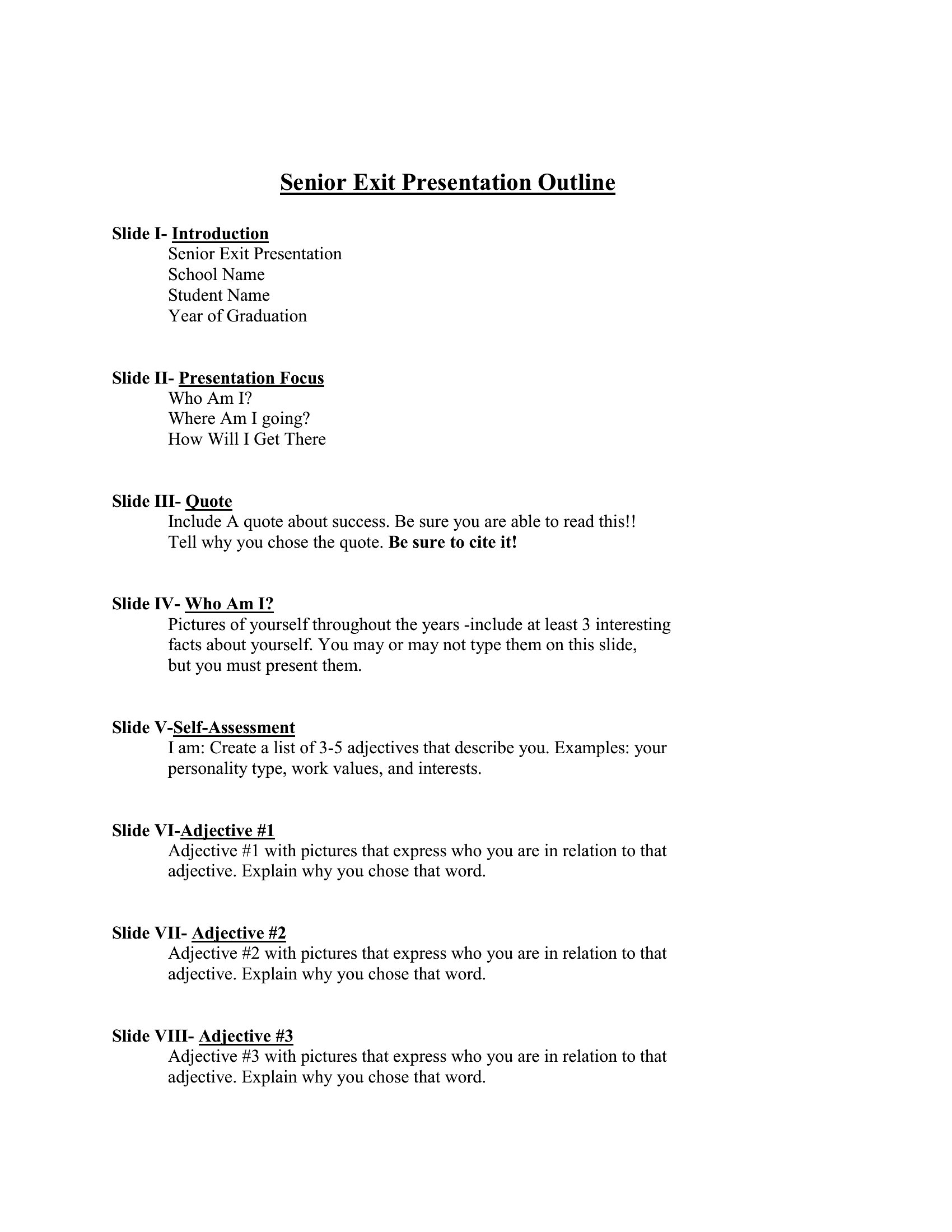
WorksheetsA clear outline is the difference between a presentation that rambles and one that lands, mapping your opening, key points, and conclusion before you ever build a slide. This set of 27 presentation outline templates helps students, professionals, and speakers structure their content so the talk flows logically and stays on time. Planning the skeleton first makes the actual slides and delivery far easier.
The templates are editable in Word for organizing your sections and available as PDFs to print and mark up. Fill in your main ideas, supporting details, and transitions, then use the outline as a guide while you rehearse. It works for class projects, sales pitches, and conference talks alike. Choose the layout that fits your topic and build a presentation that holds your audience's attention.
When to use this Presentation Outline template
- A college student preparing a 15-minute thesis defense needs a structured outline to organize their research findings, counterarguments, and final recommendations without losing focus during a tight schedule.
- A marketing manager planning a quarterly client review presentation uses an outline to align their team’s case studies, ROI data, and next steps before designing slides to keep the pitch concise and impactful.
- A first-time Toastmasters speaker practices delivering a humorous speech by mapping jokes, storytelling arcs, and transitions in an outline to ensure pacing and audience engagement without improvising too much.
- A medical researcher presenting complex data at a conference relies on an outline to sequence their methodology, results, and discussion points clearly, helping non-specialist attendees follow the narrative logically.
Which format should I download?
Choose Word if you plan to refine the outline further—adding notes, restructuring sections, or collaborating with a team before finalizing slides. The editable format works best for iterative work. Stick with PDF if you need a quick, printable reference for presentations where the outline is your only guide, like impromptu talks or rehearsals. PDFs also preserve formatting perfectly for sharing with stakeholders who shouldn’t edit the content.
How to use this Presentation Outline template
How do I ensure my outline stays concise enough for a 10-minute presentation?
Limit your main points to 3–5 key ideas and allocate time per section in the outline. Use the templates’ built-in time-tracking sections to flag overstuffed areas. Trim details to 1–2 bullet points per slide equivalent—less text means more room for visuals or live delivery.
Can I use these outlines for both technical and non-technical audiences?
Yes, but adjust the depth of language in your outline’s notes section. For technical audiences, include jargon and assumptions. For non-technical groups, simplify the outline’s key points to focus on real-world relevance, using analogies or examples instead of technical terms.
What’s the best way to adapt this outline if my presentation includes a Q&A segment?
Dedicate the last 10–15% of your outline to anticipated questions, listing potential queries under each main point. Use the notes section to draft one-sentence answers. This keeps you prepared without derailing your main narrative during the Q&A.
Comments
Join the conversation
Sign in to share your thoughts and leave a comment on this resource.