Free Income Statement Templates (Word, Excel)
StatementsTemplates
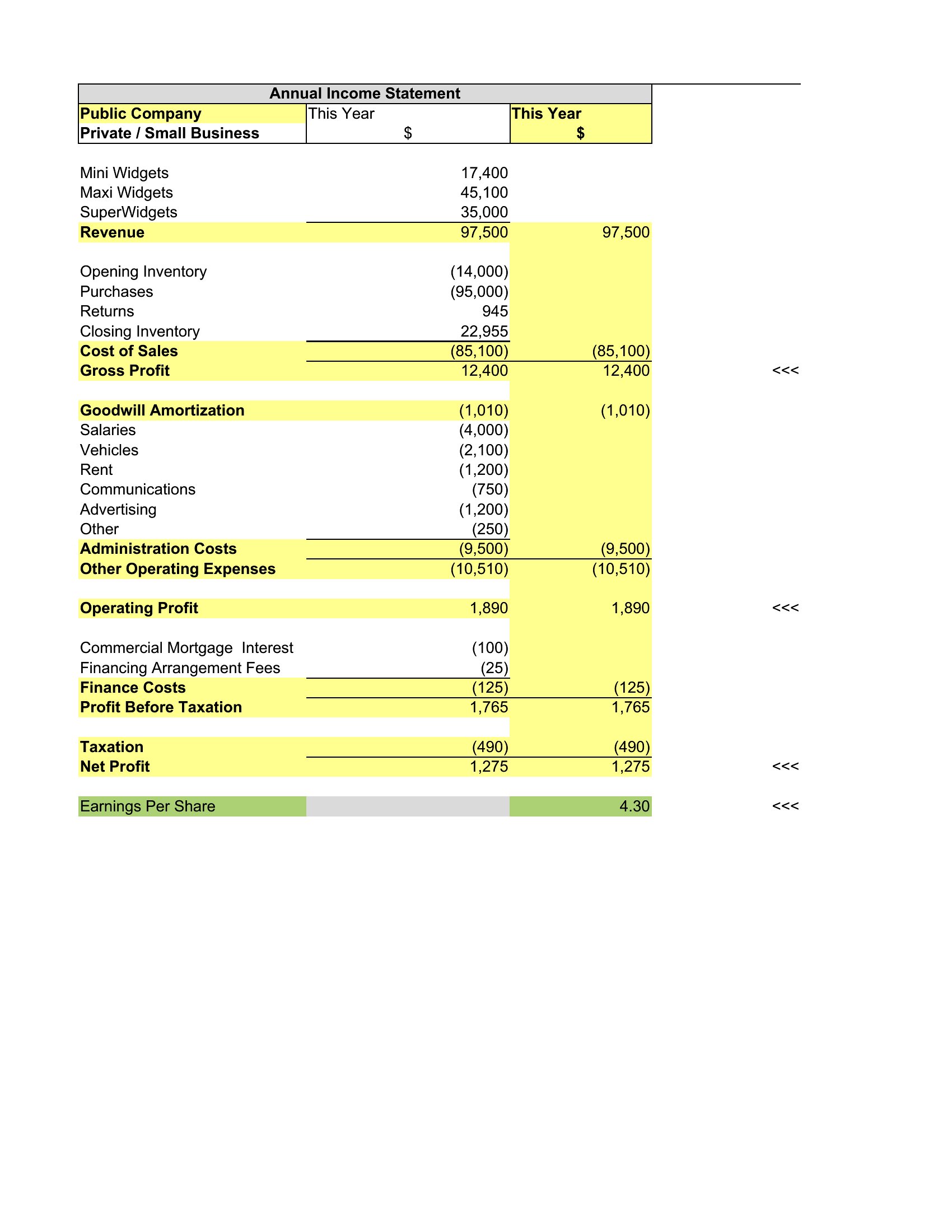
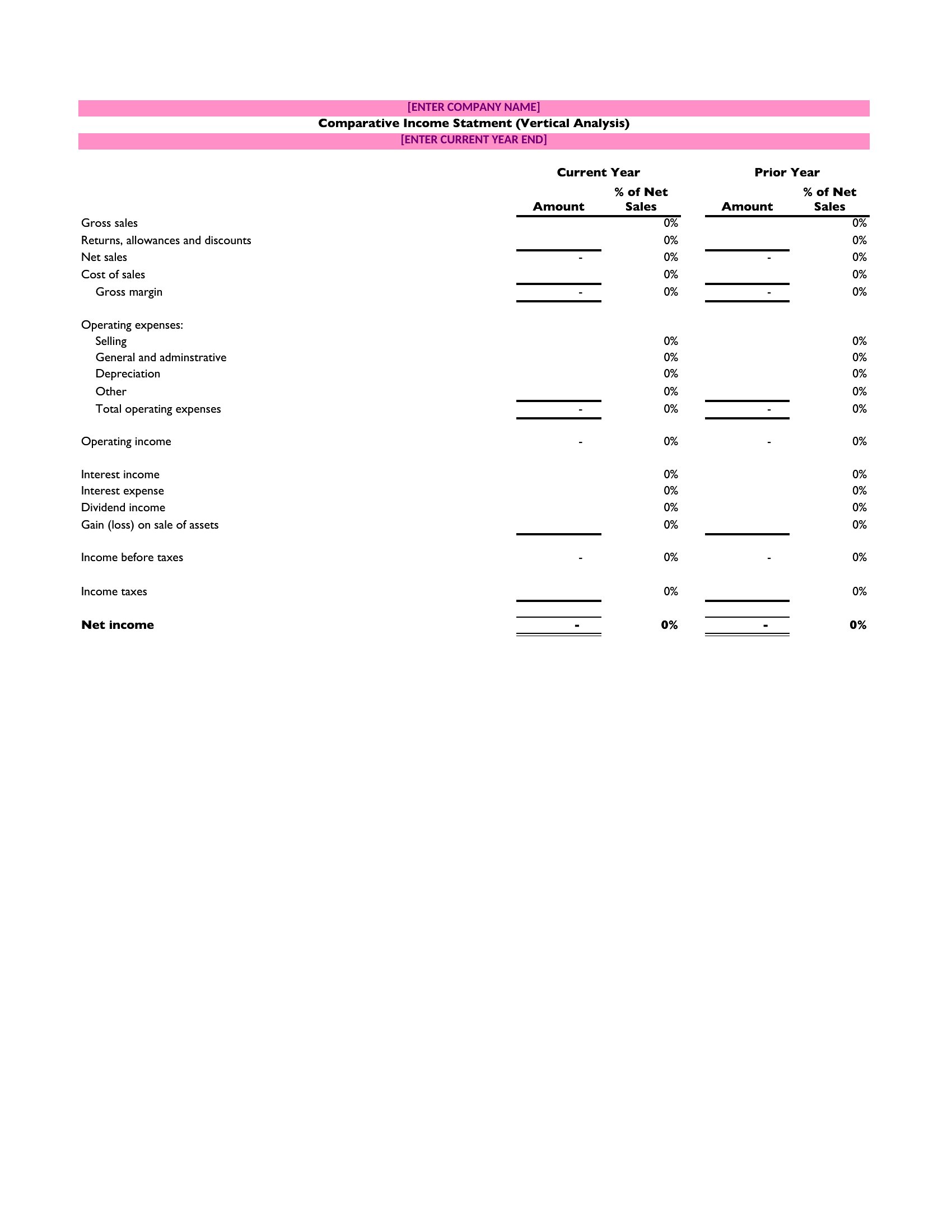
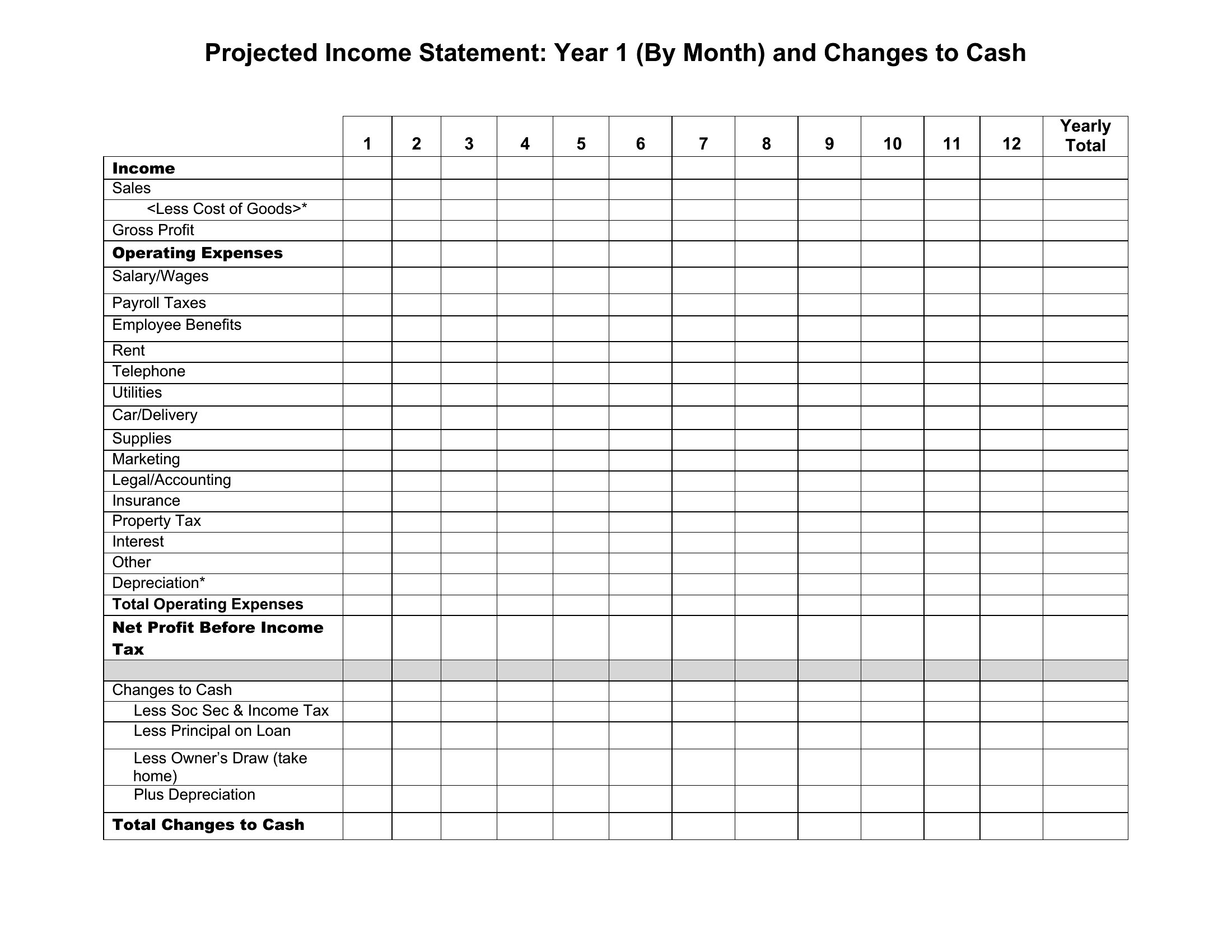
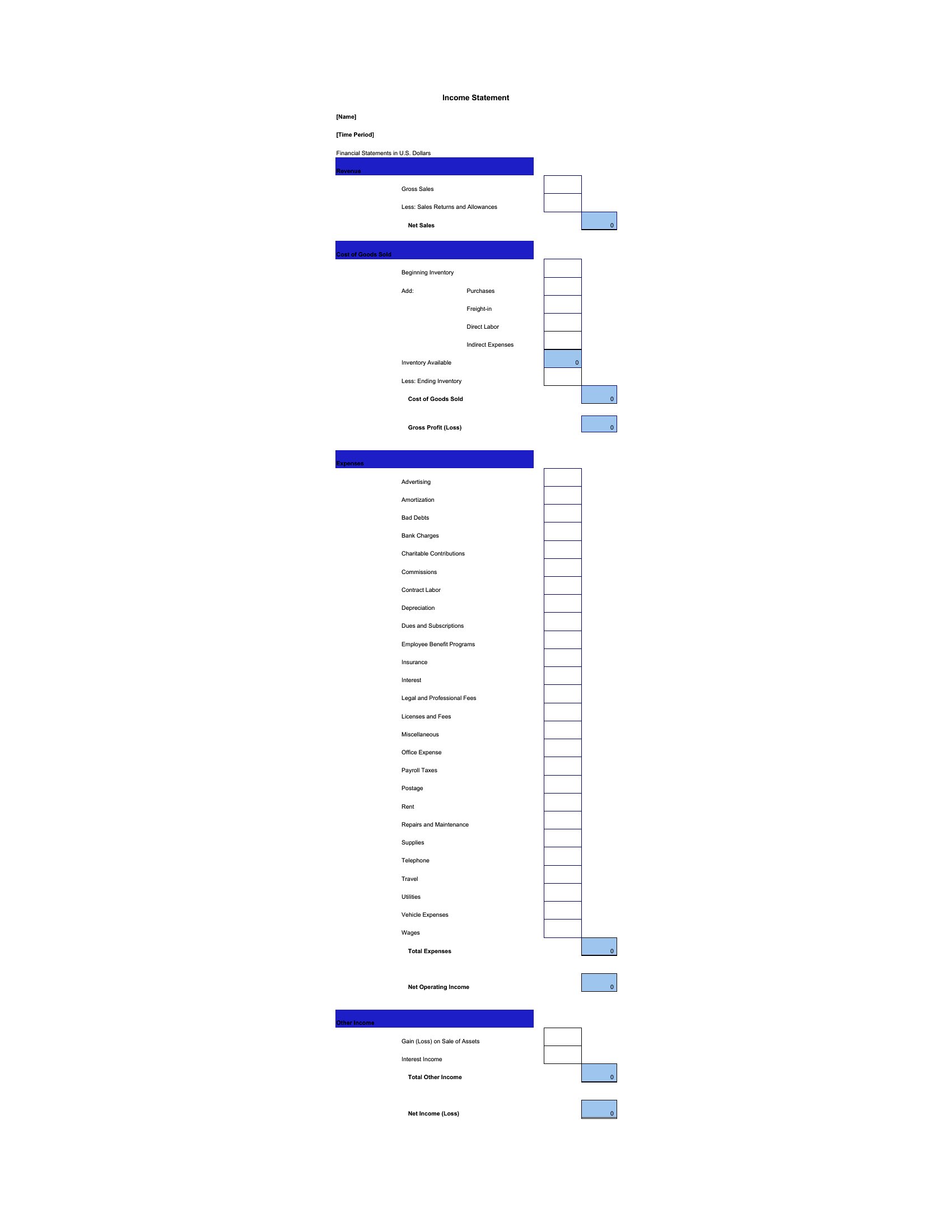
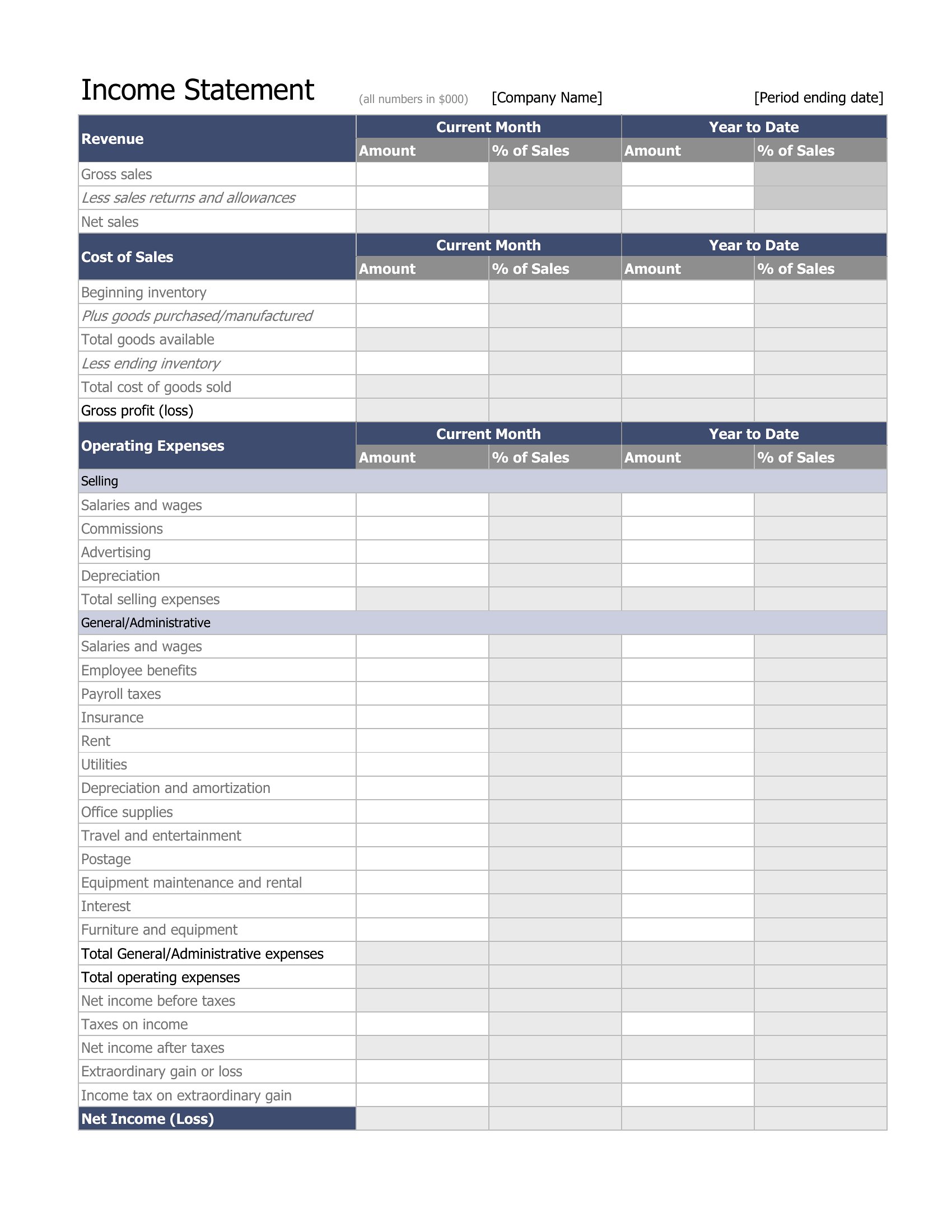
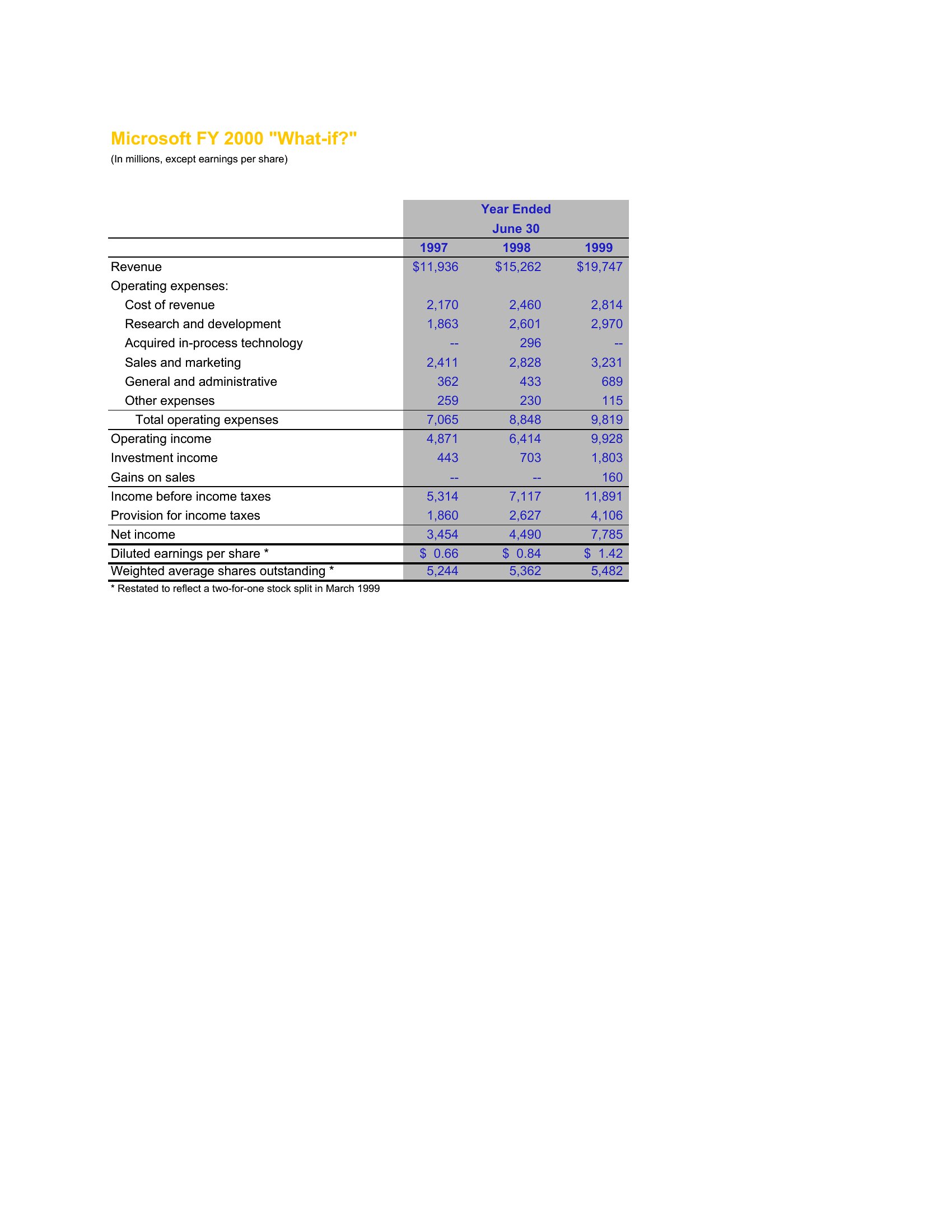
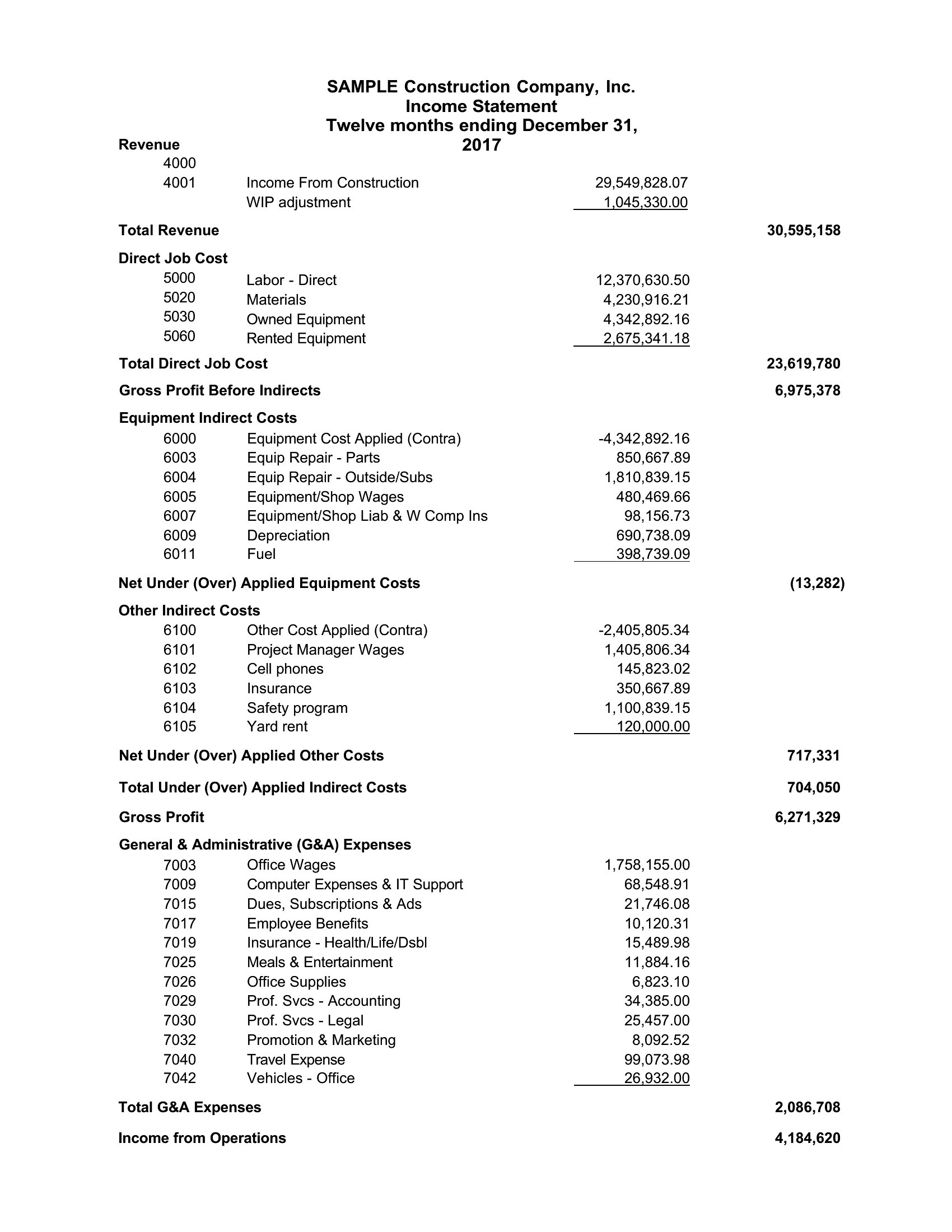
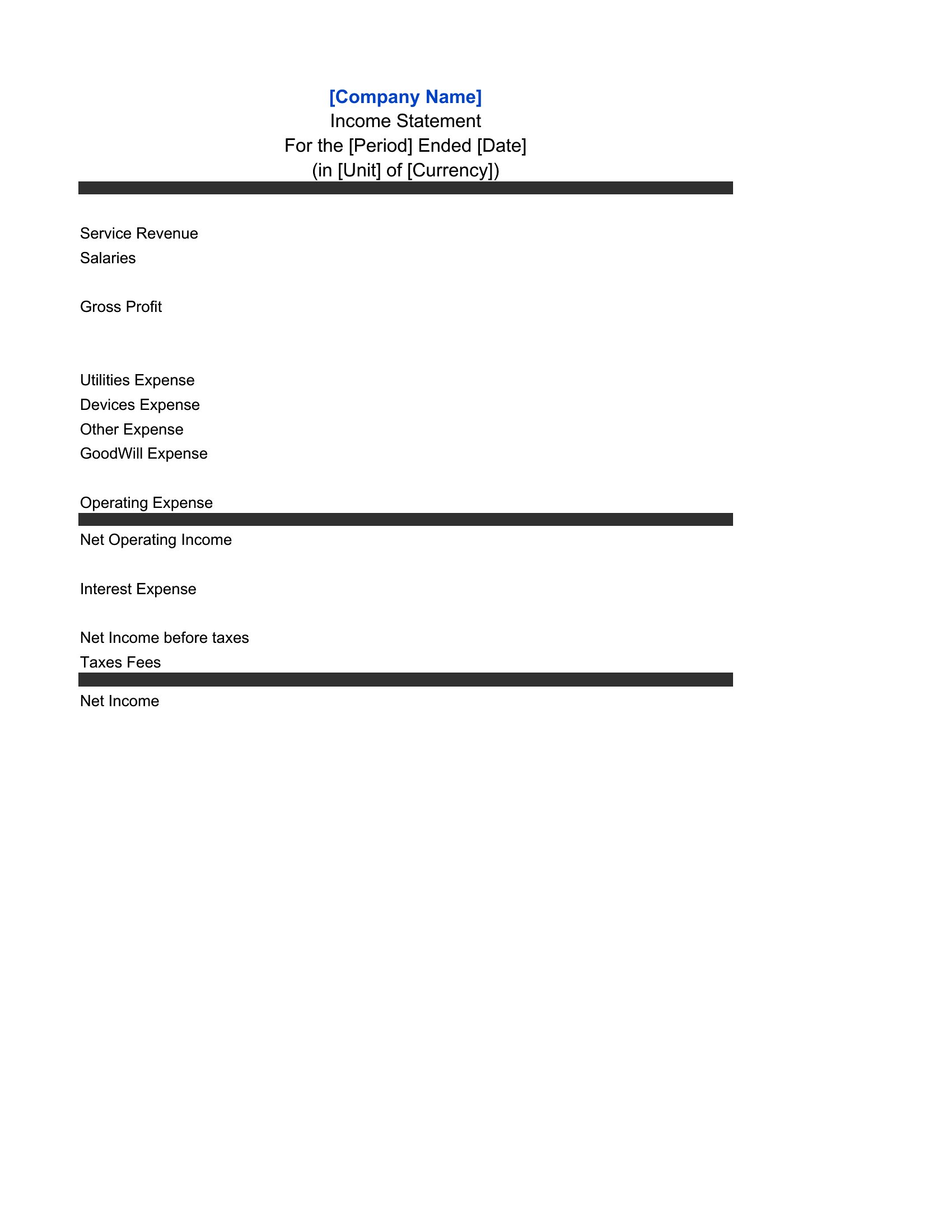
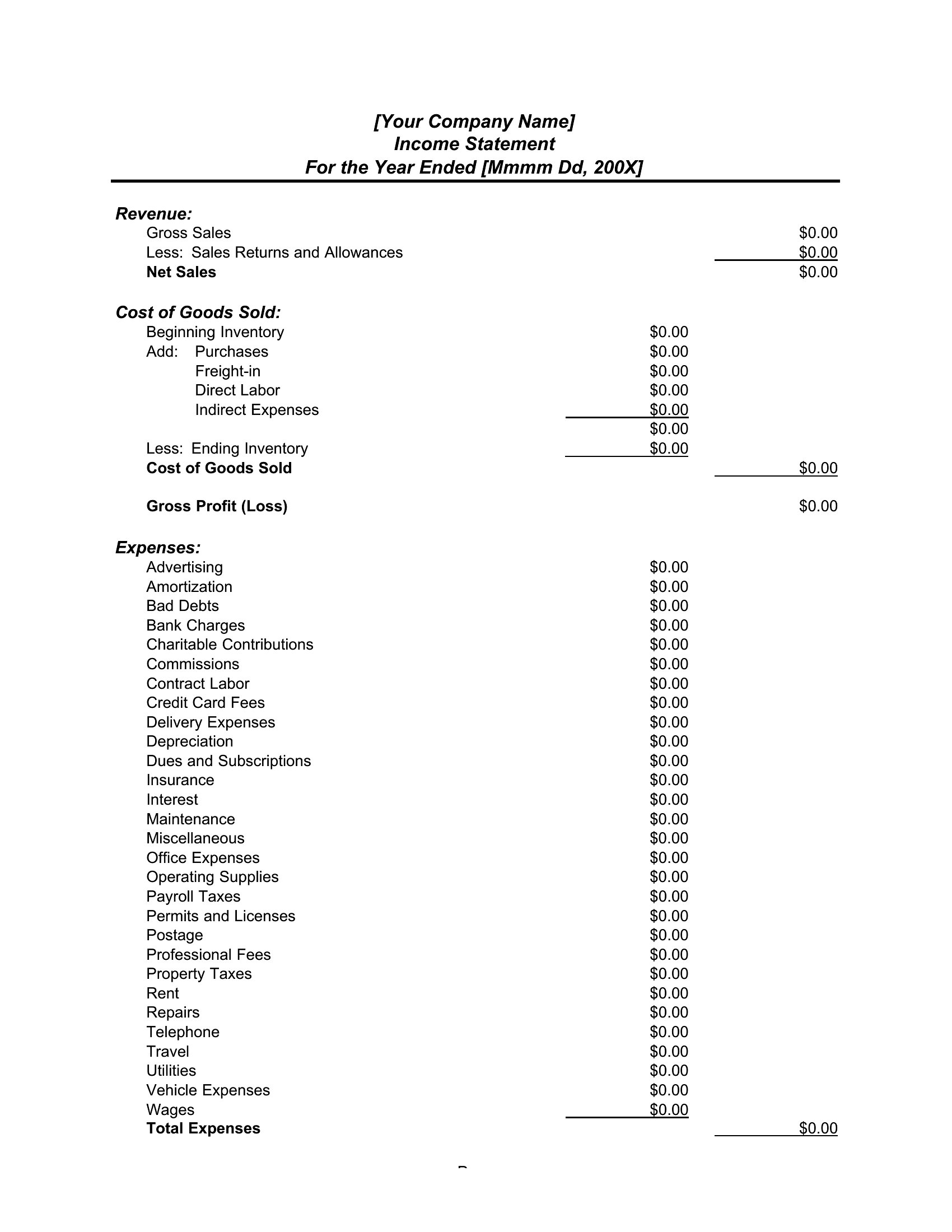
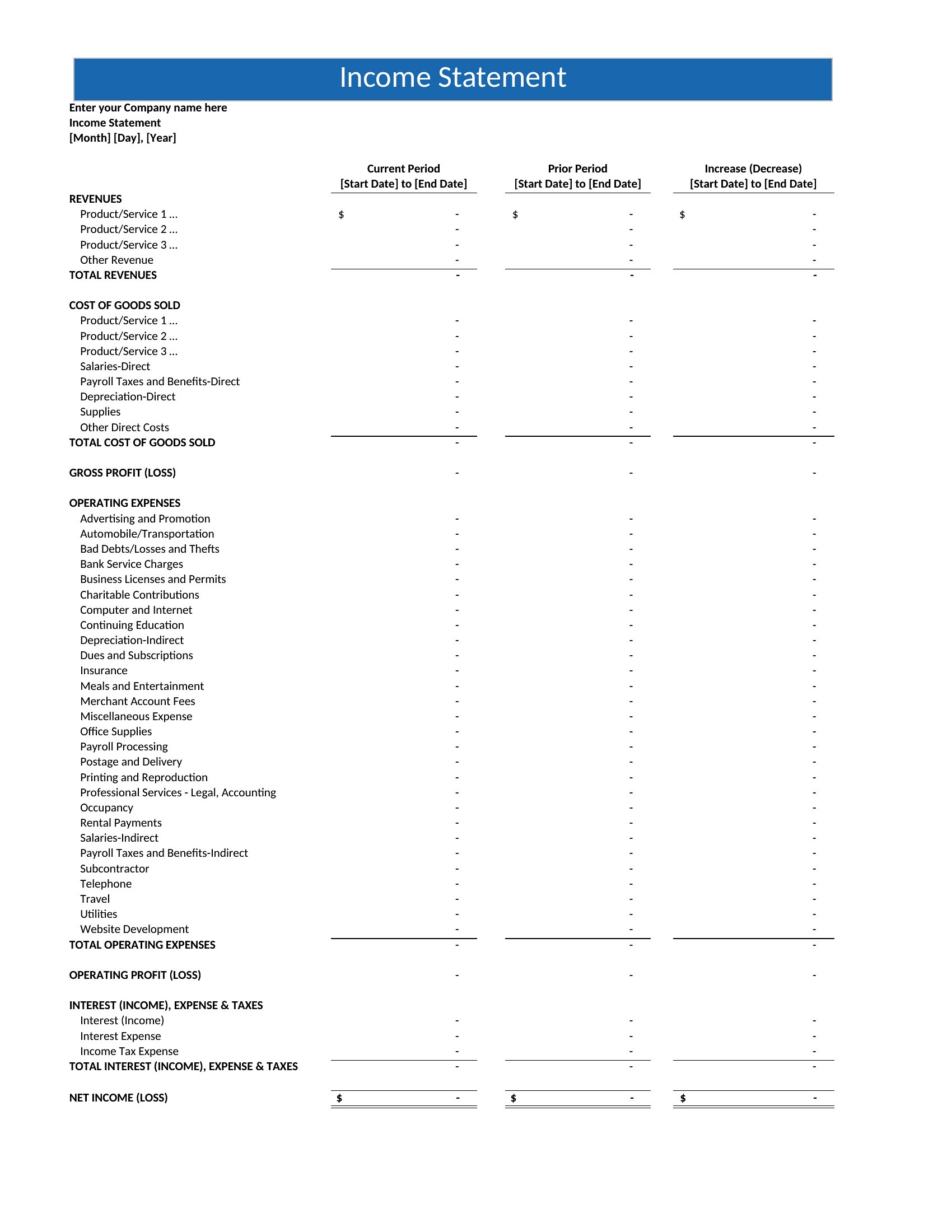
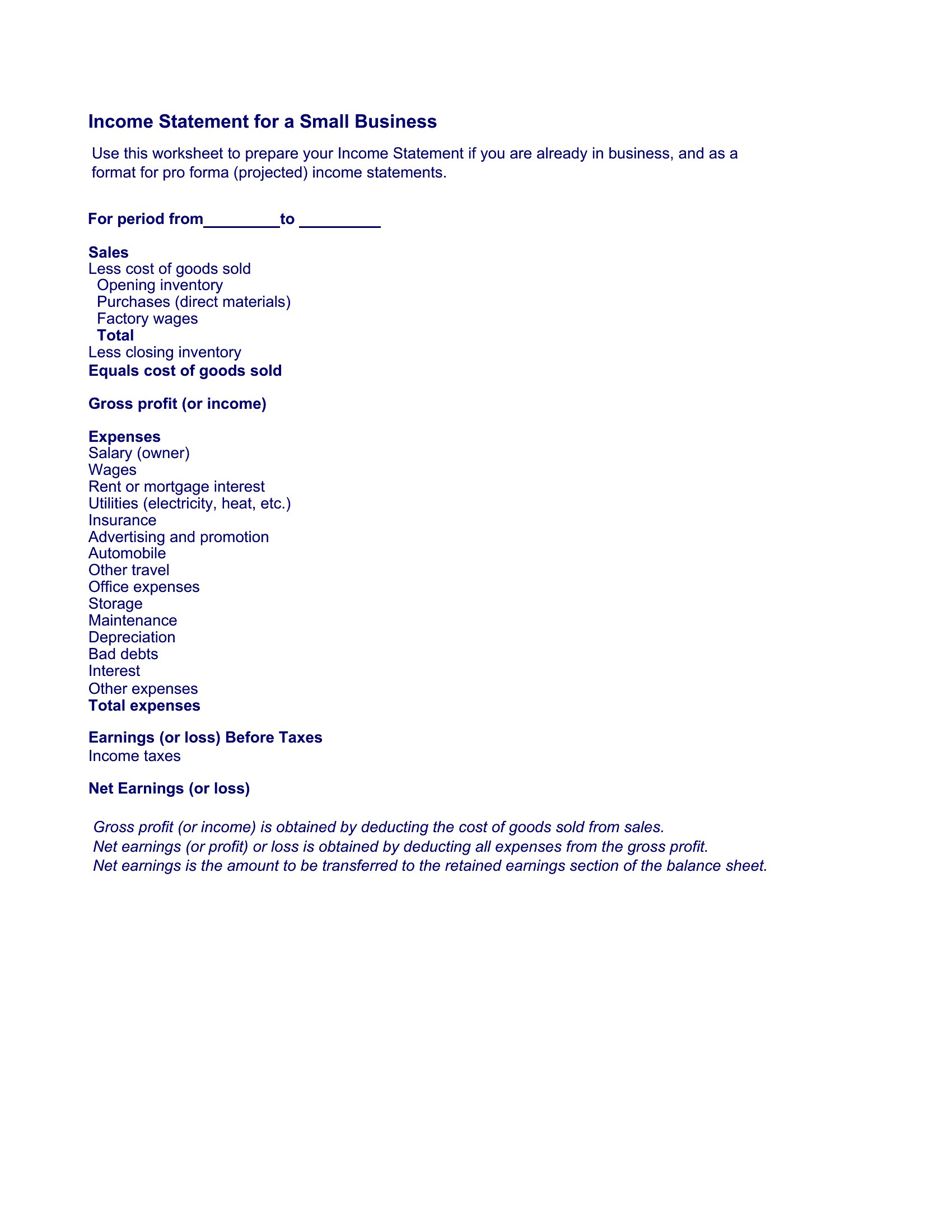
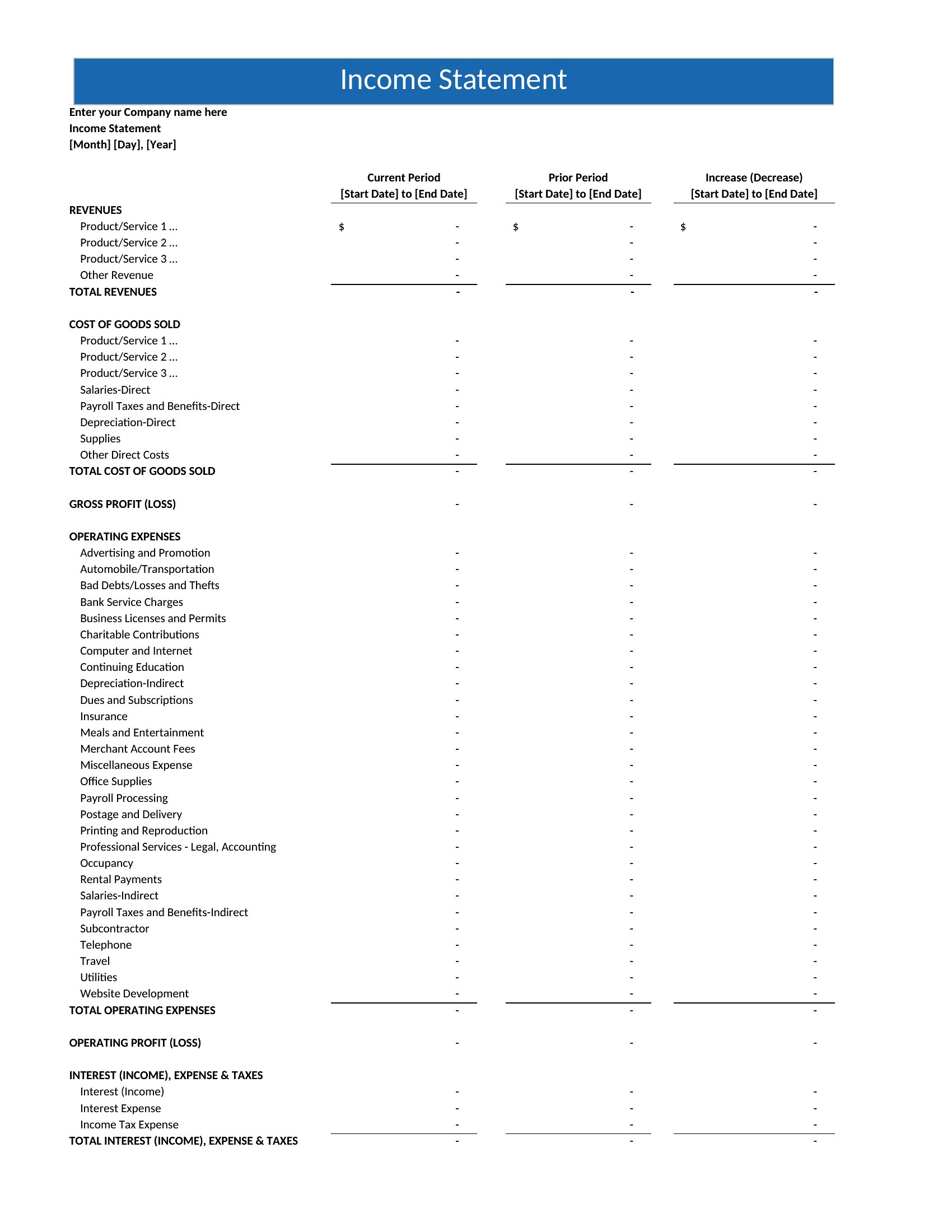
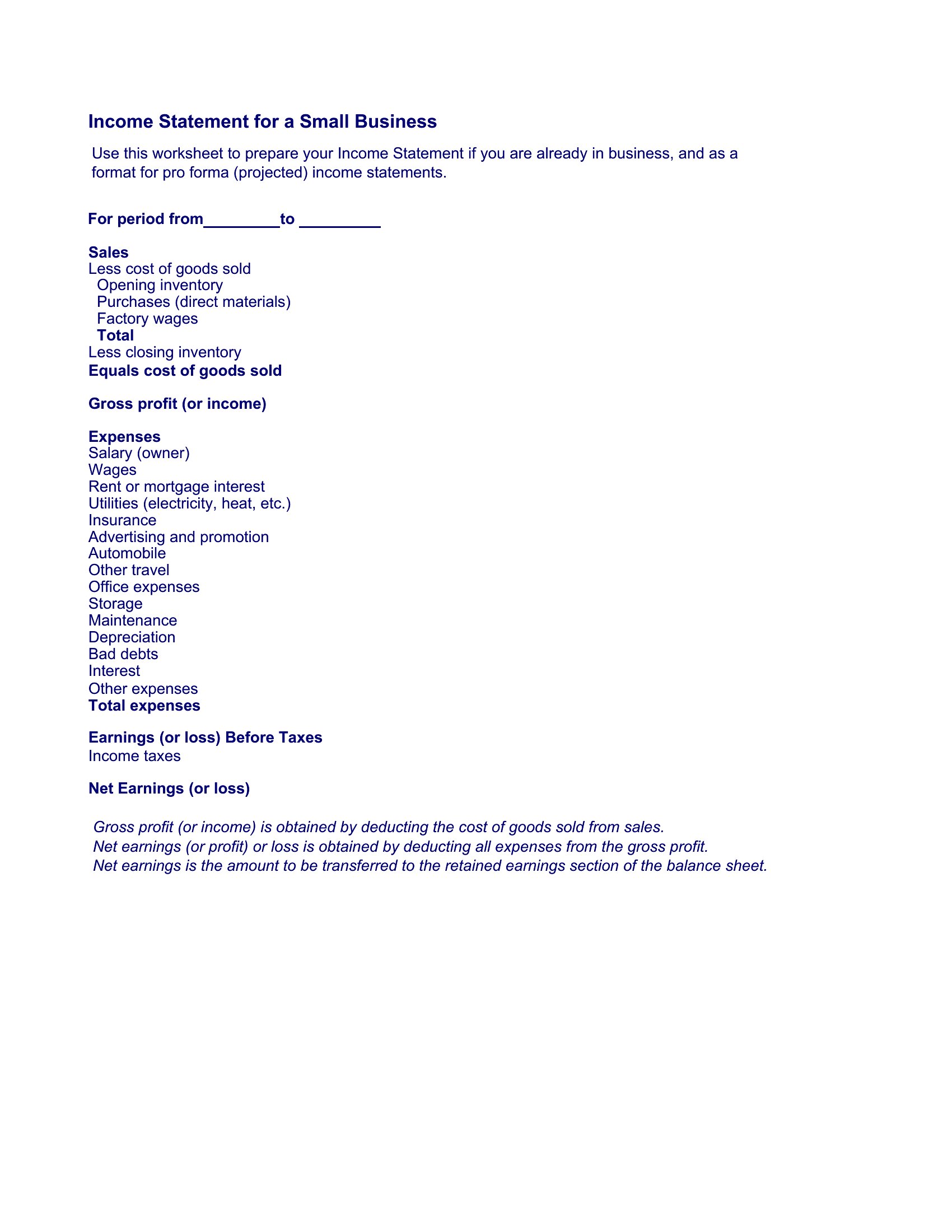
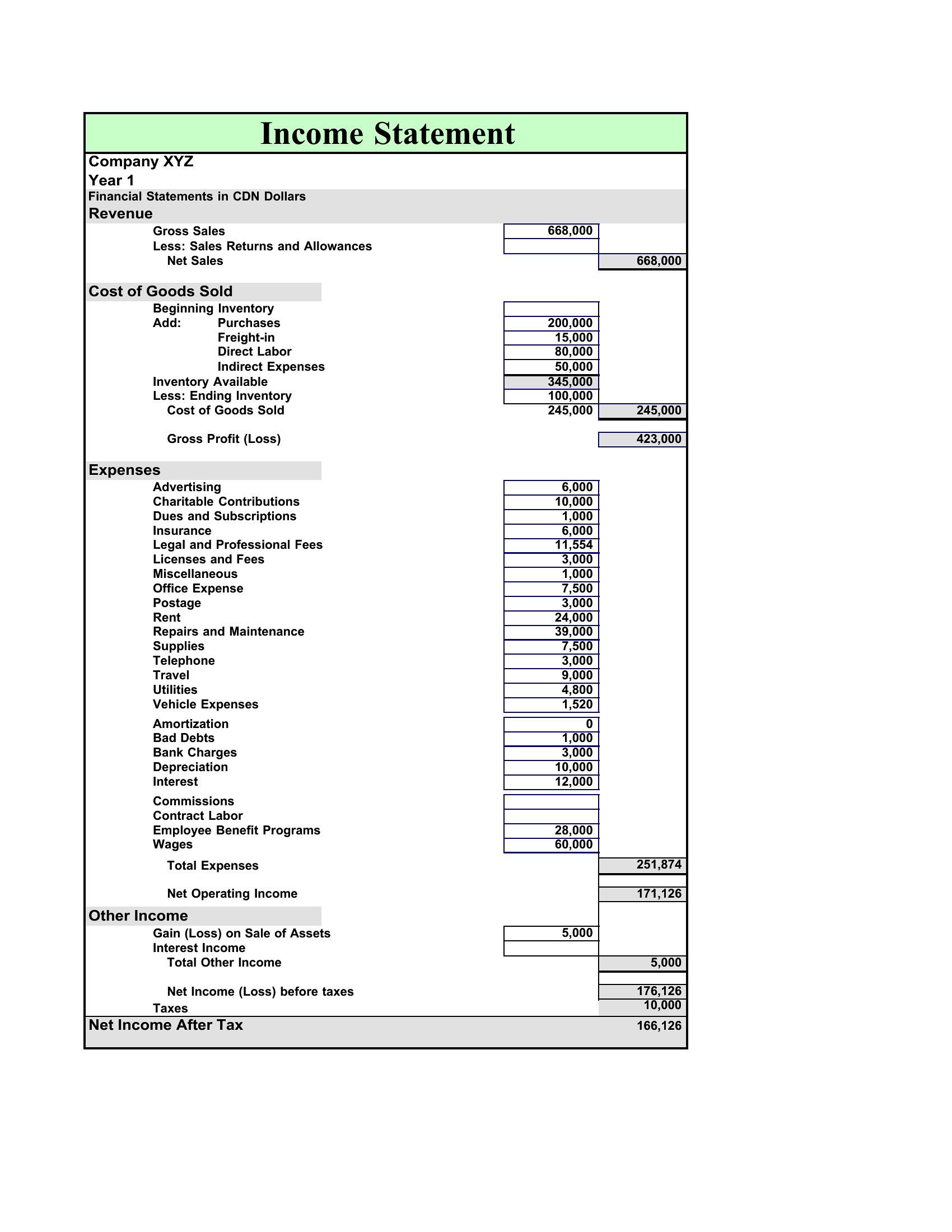
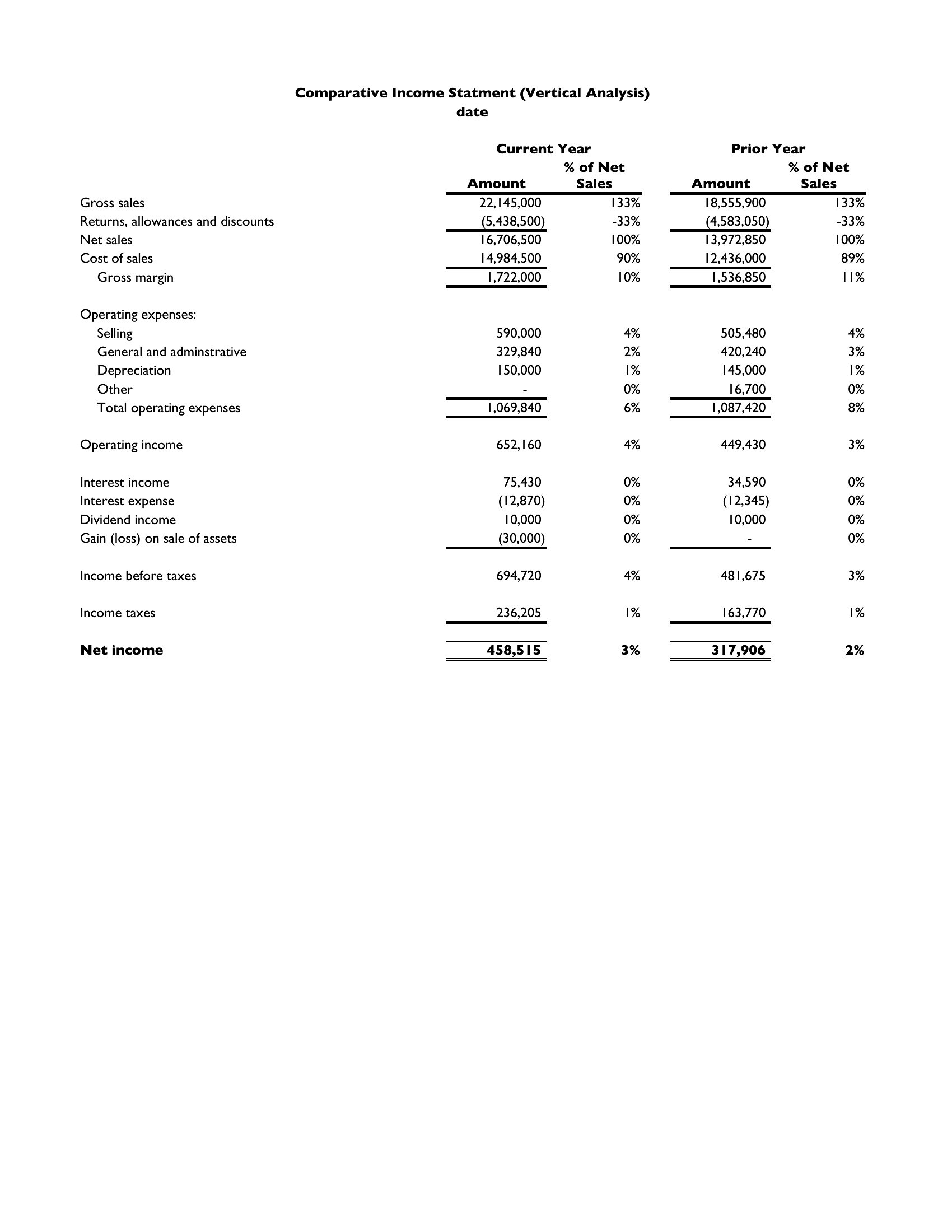
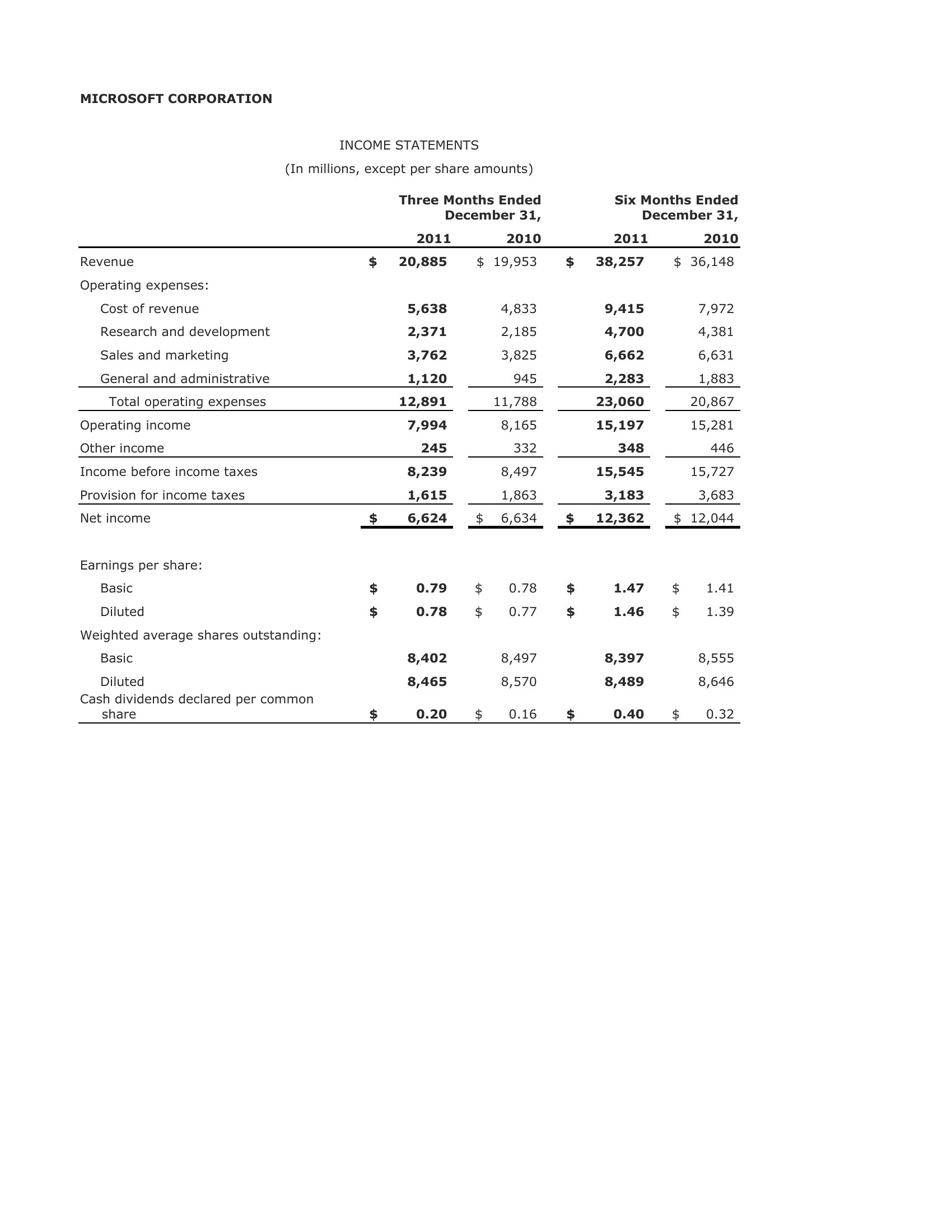
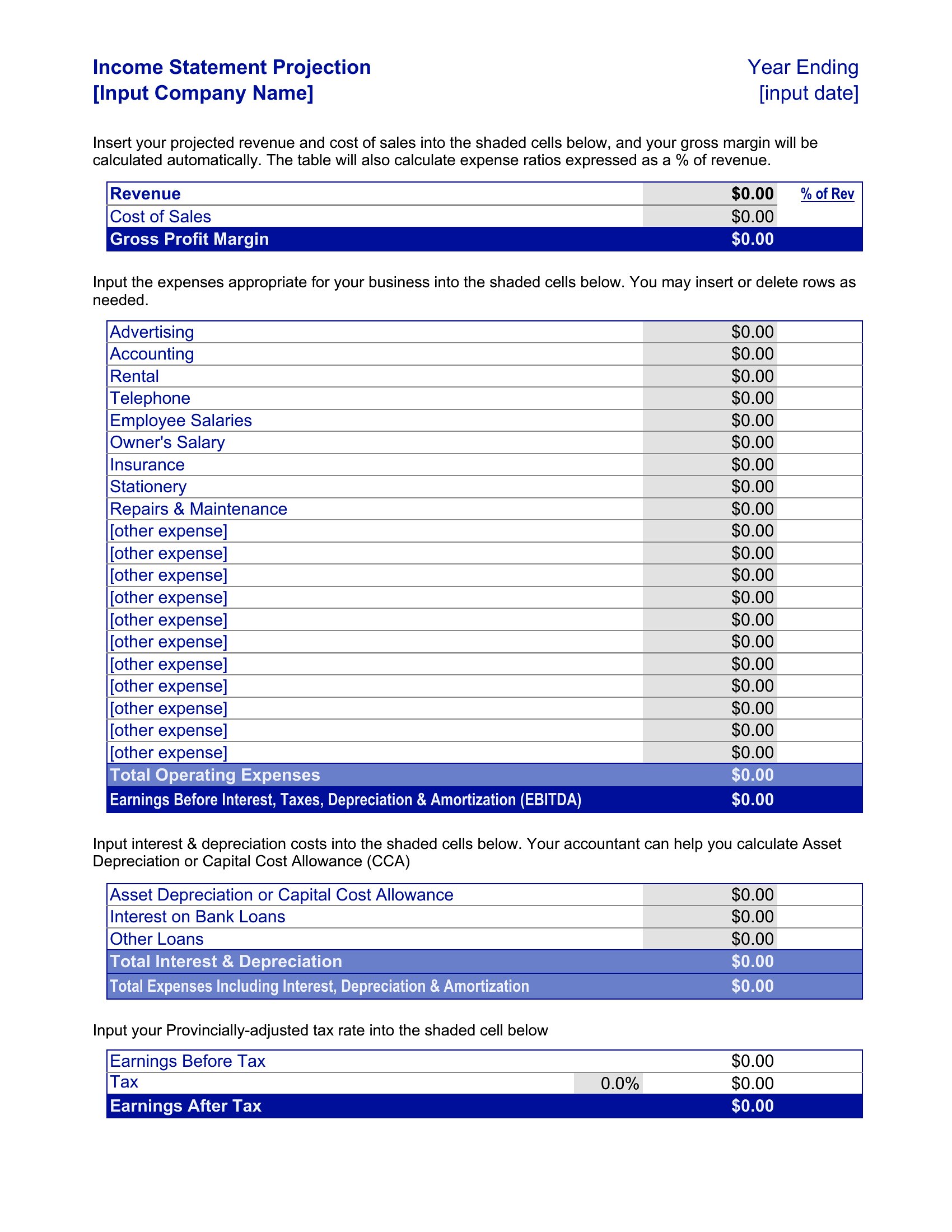
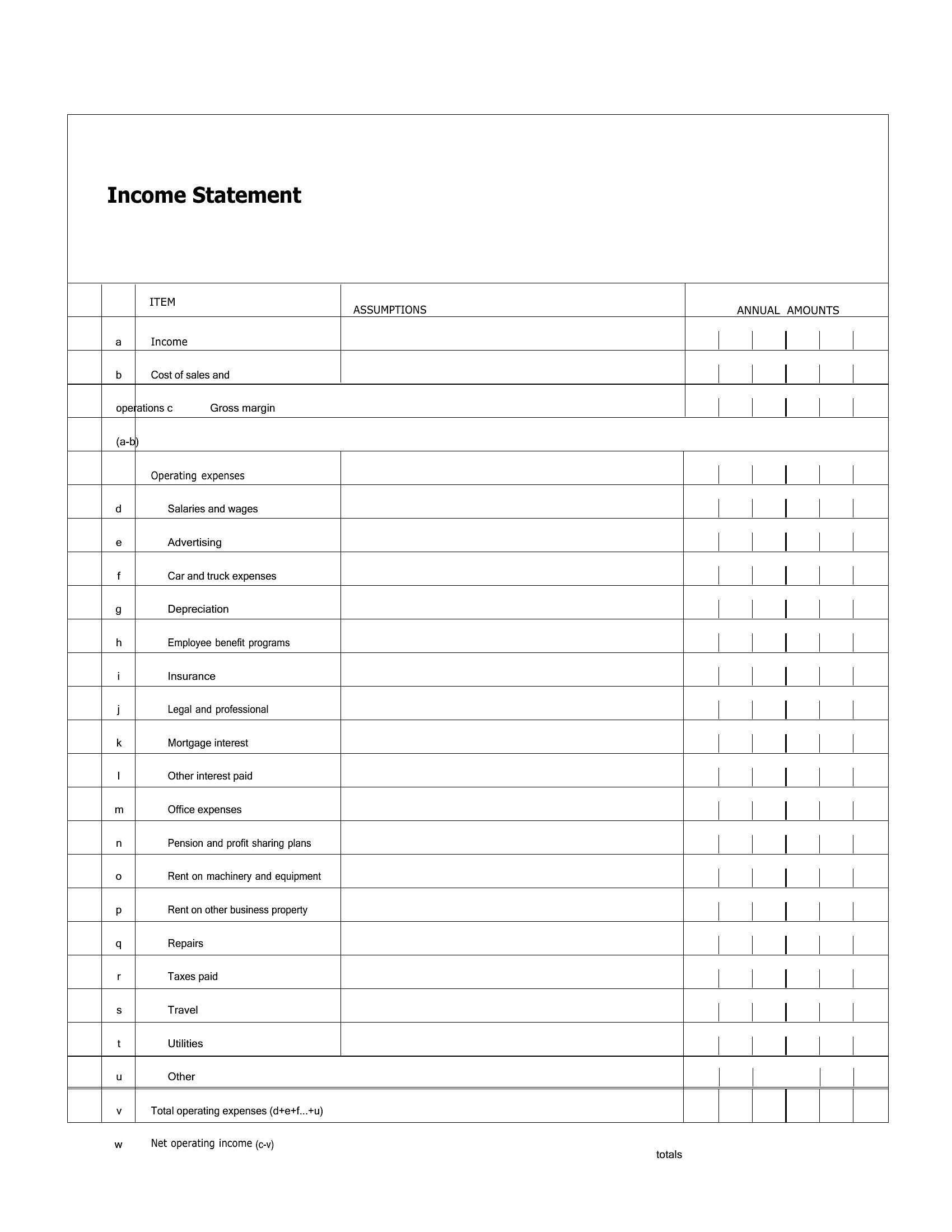
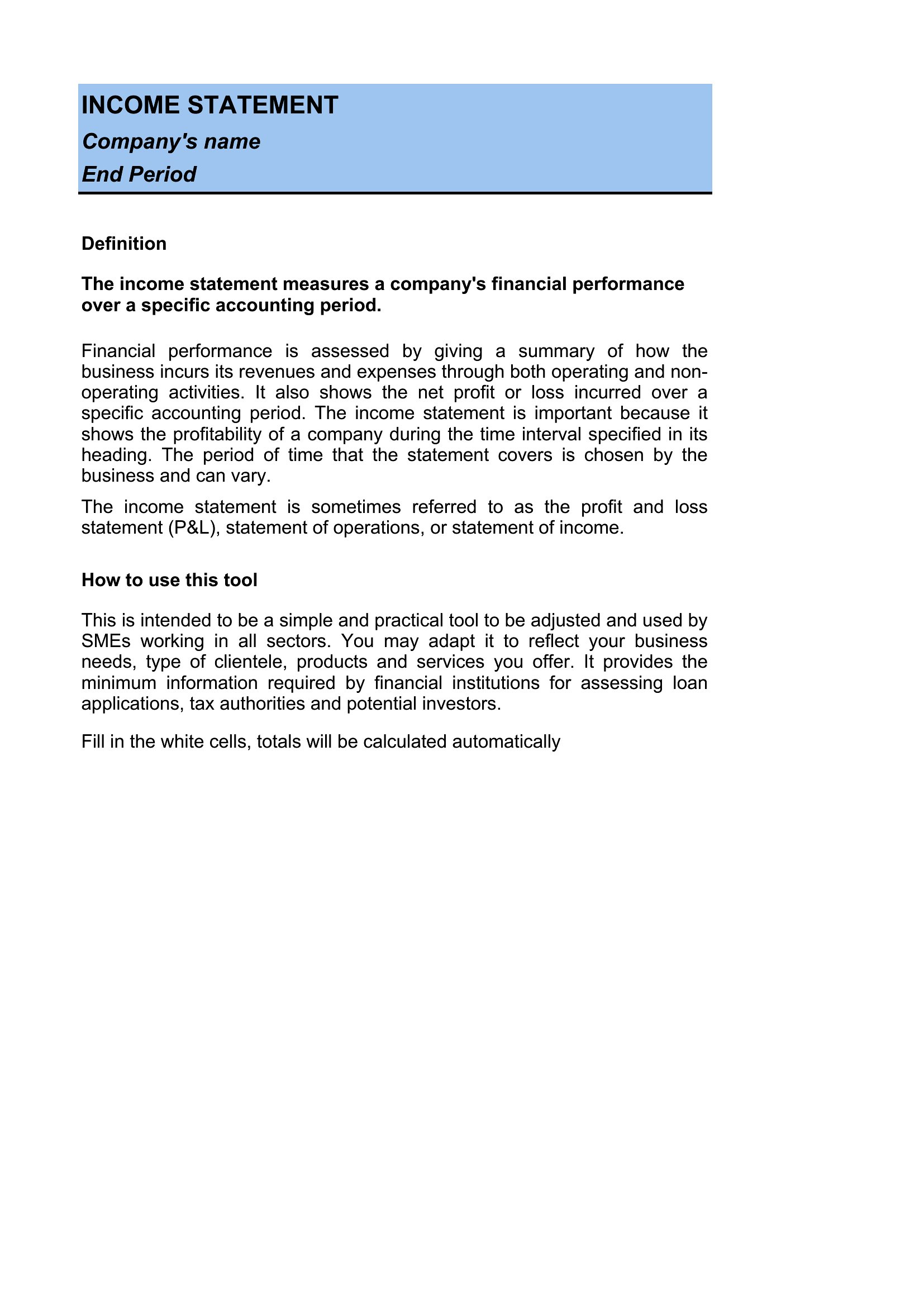
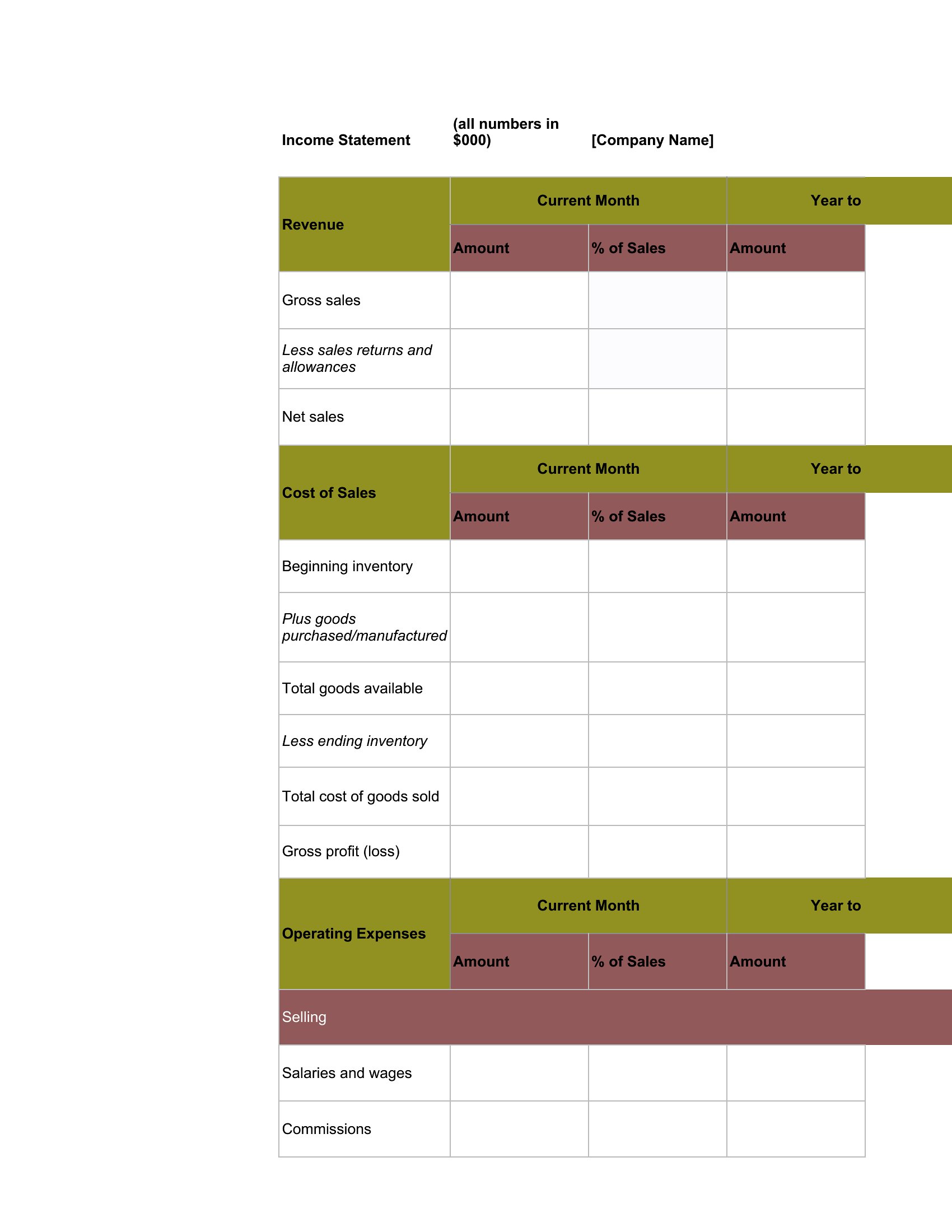
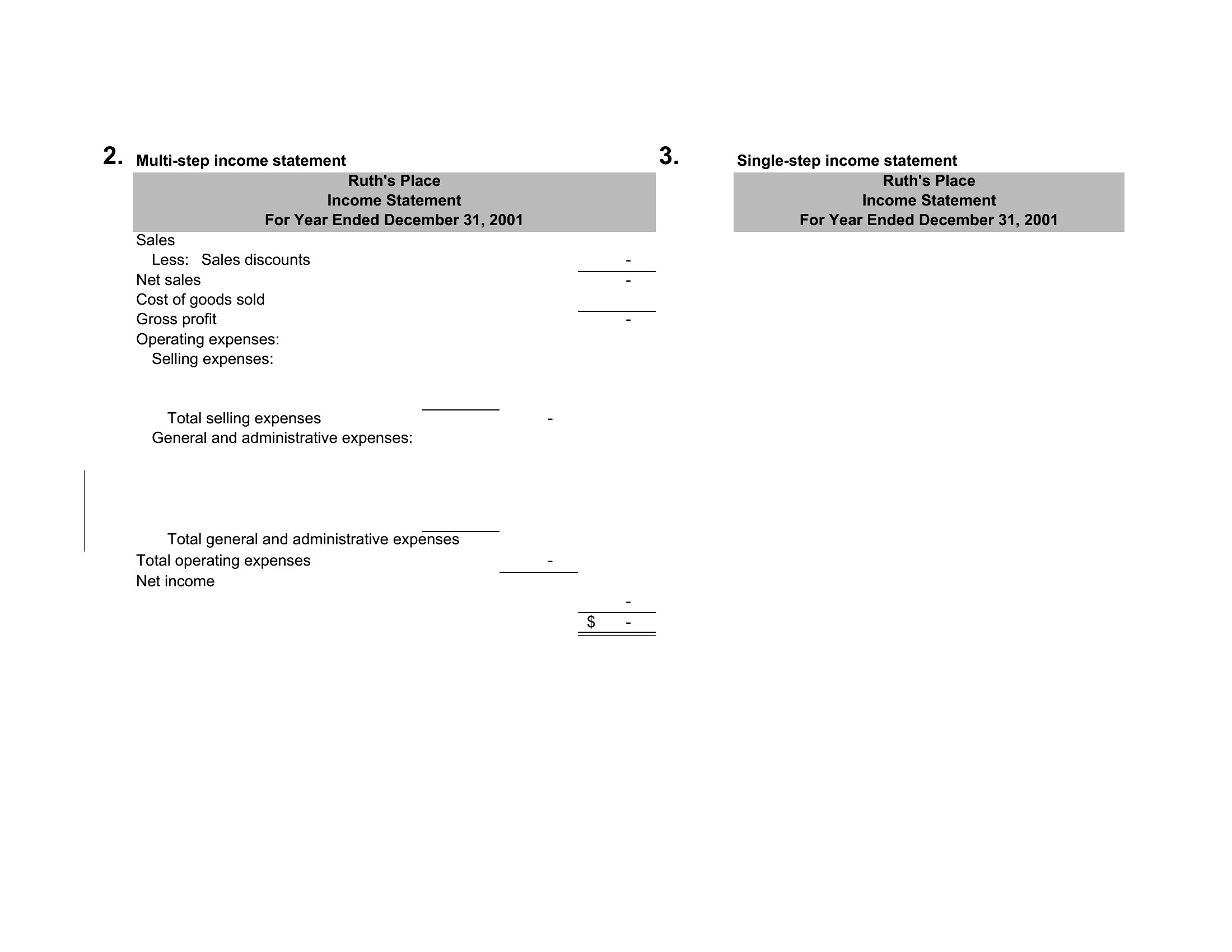
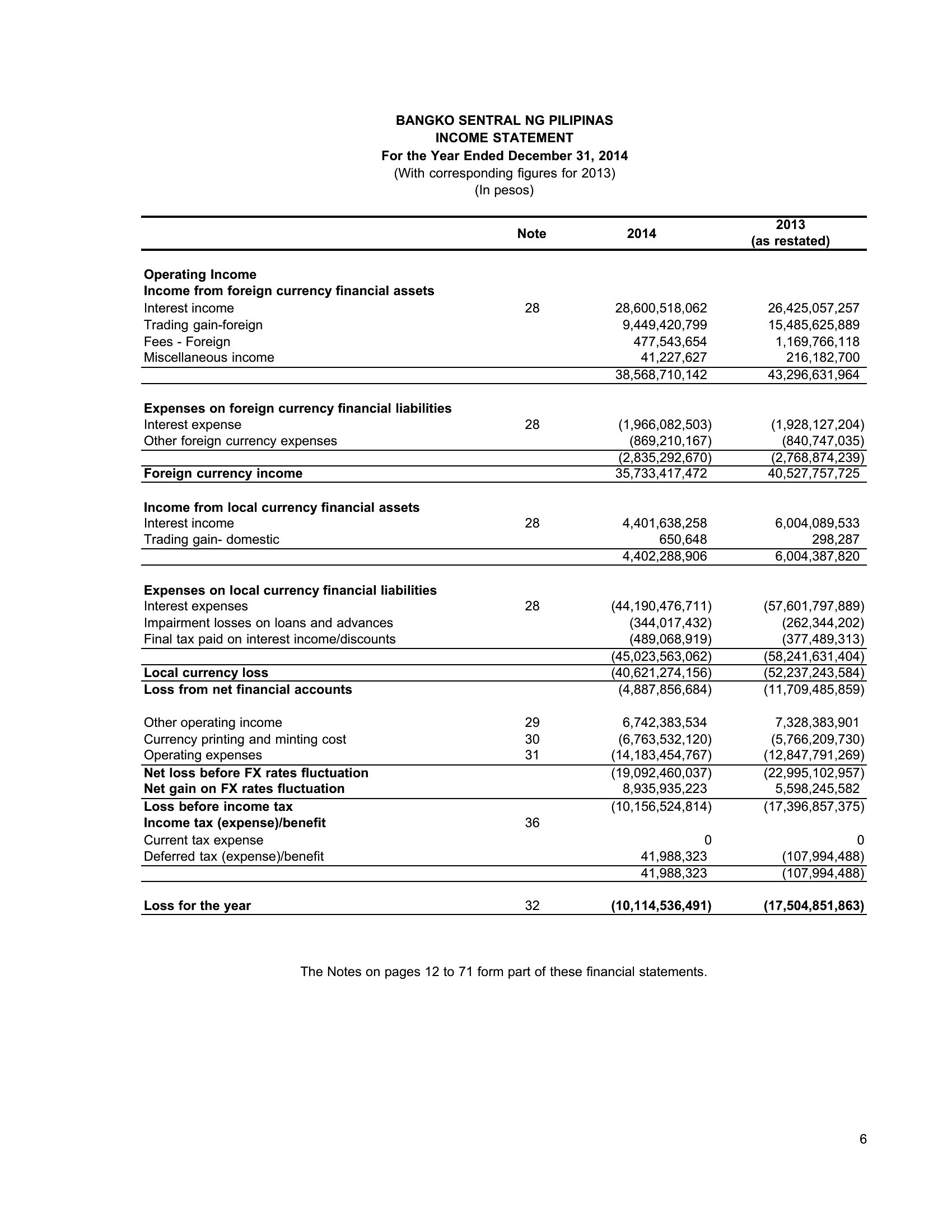
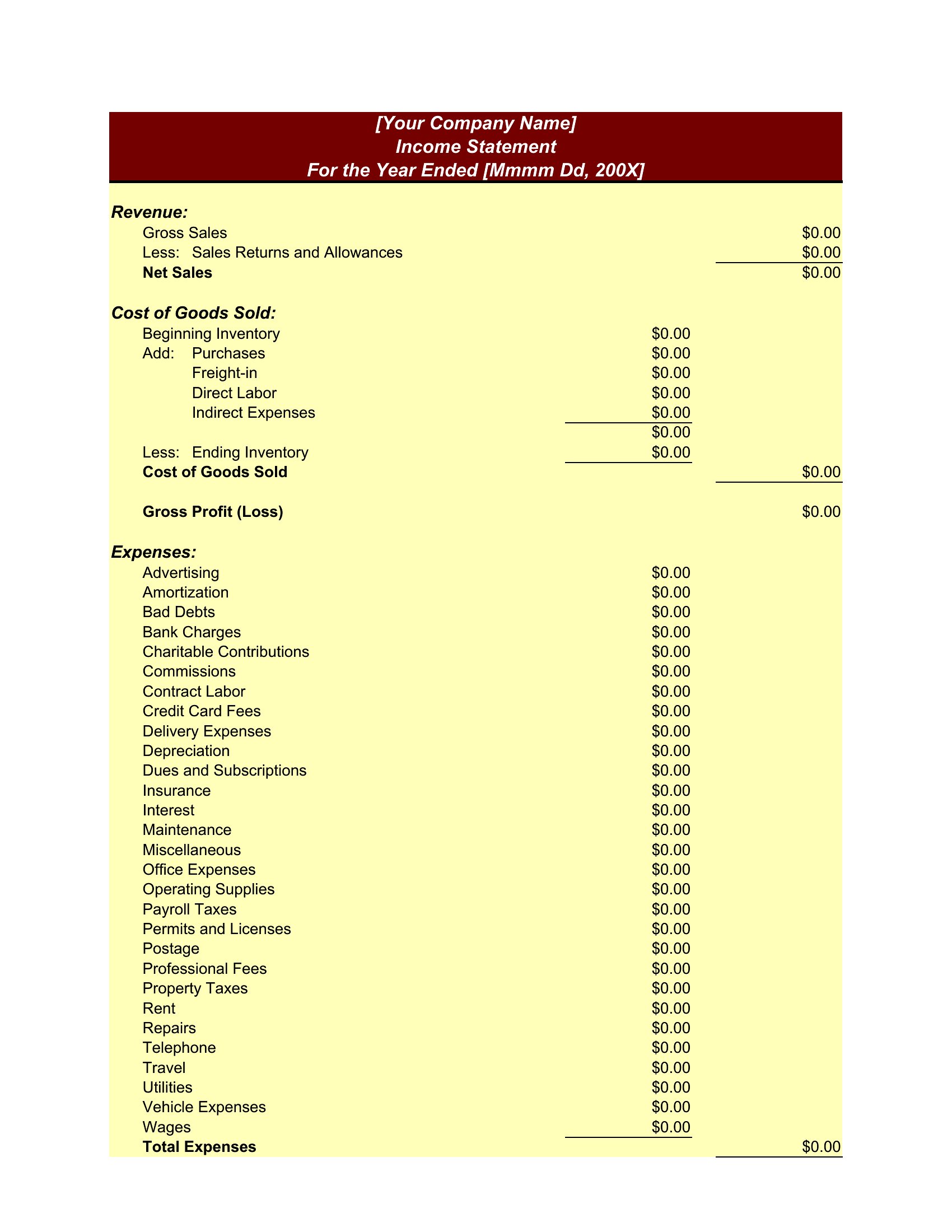
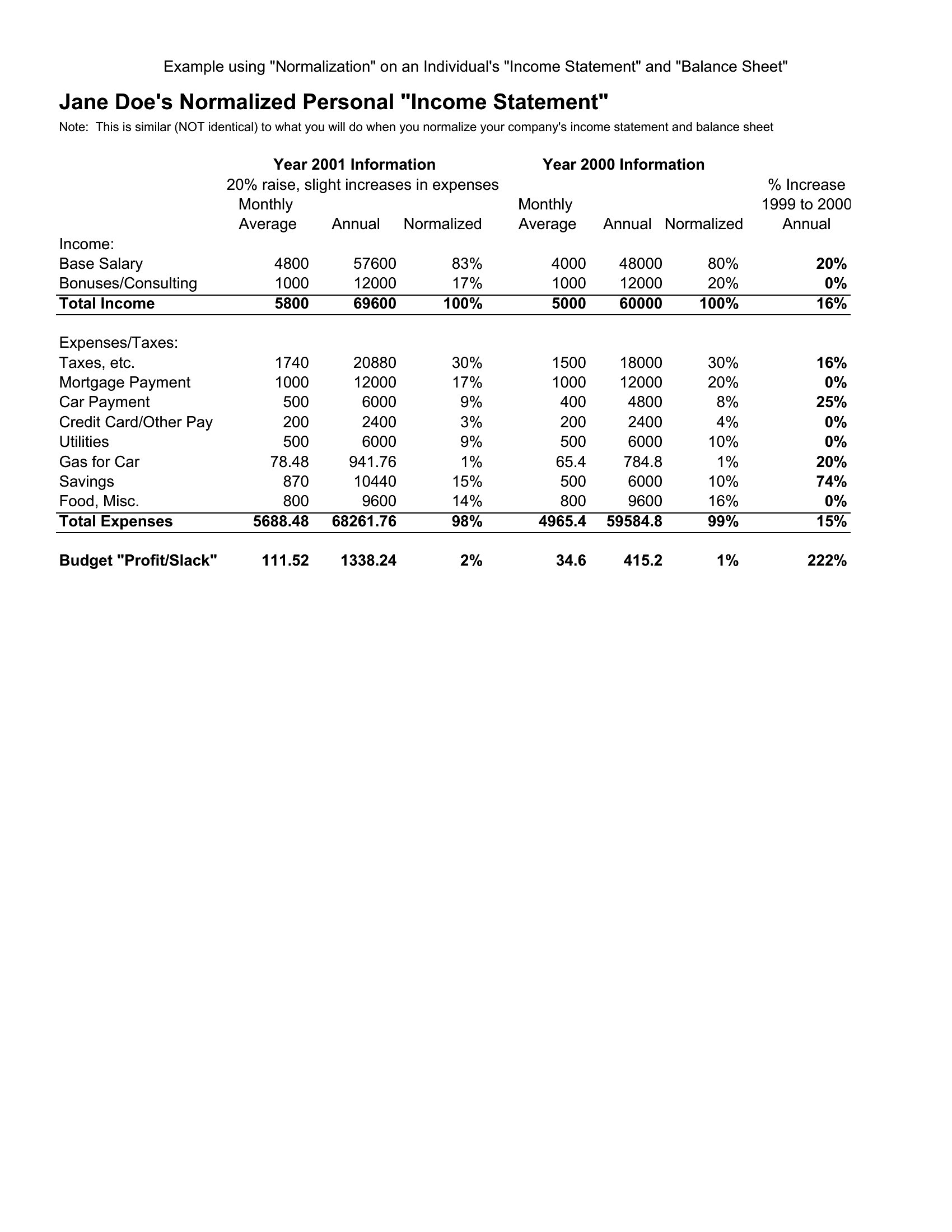
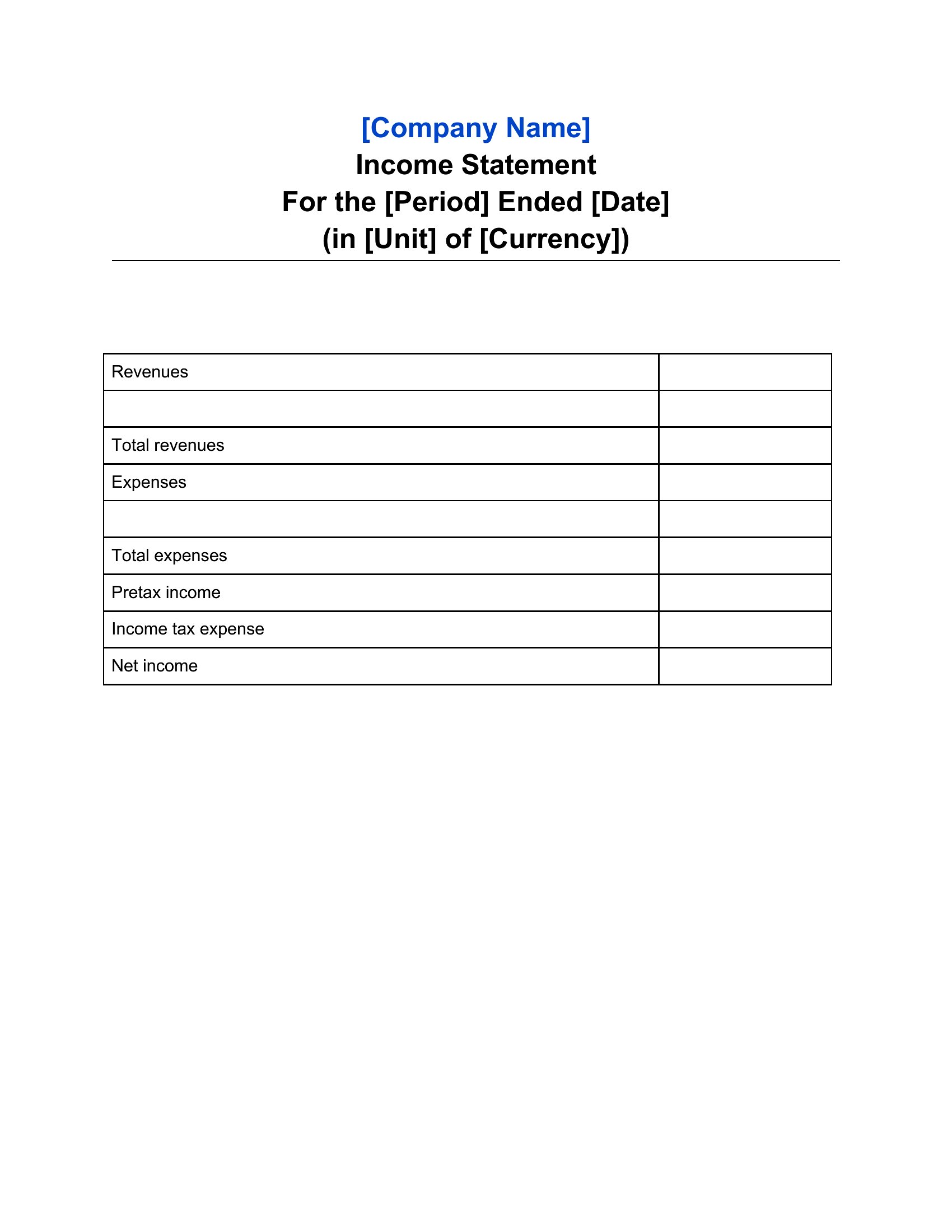
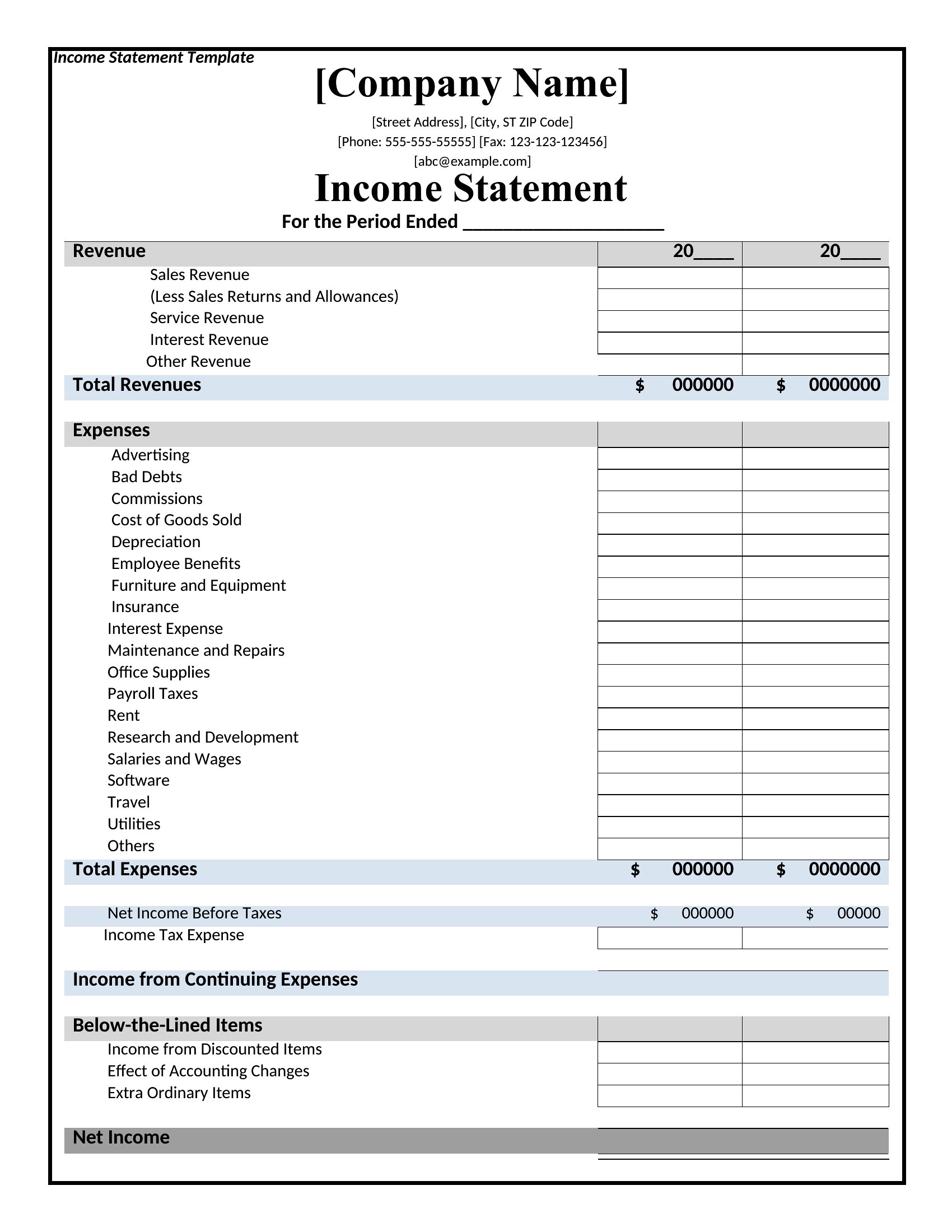
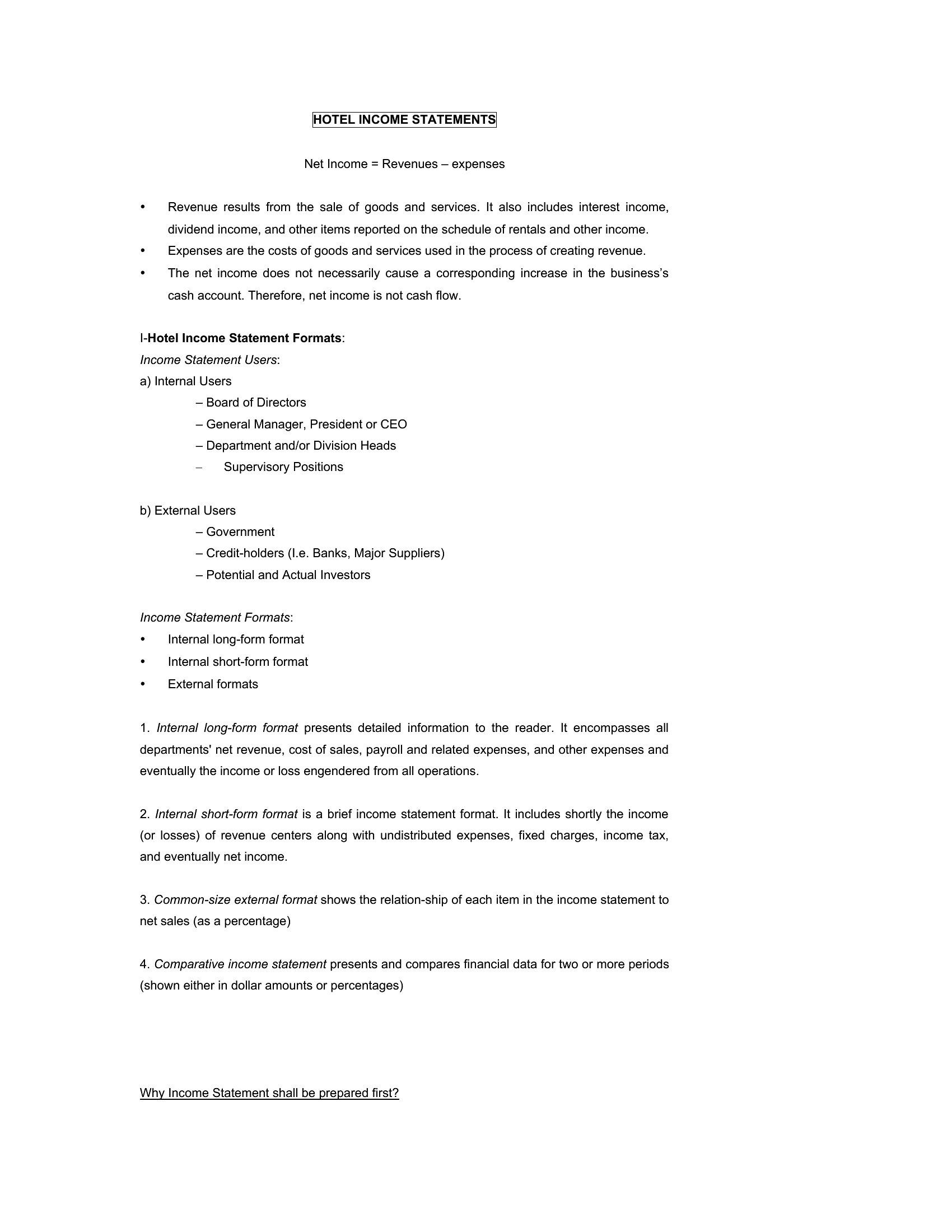
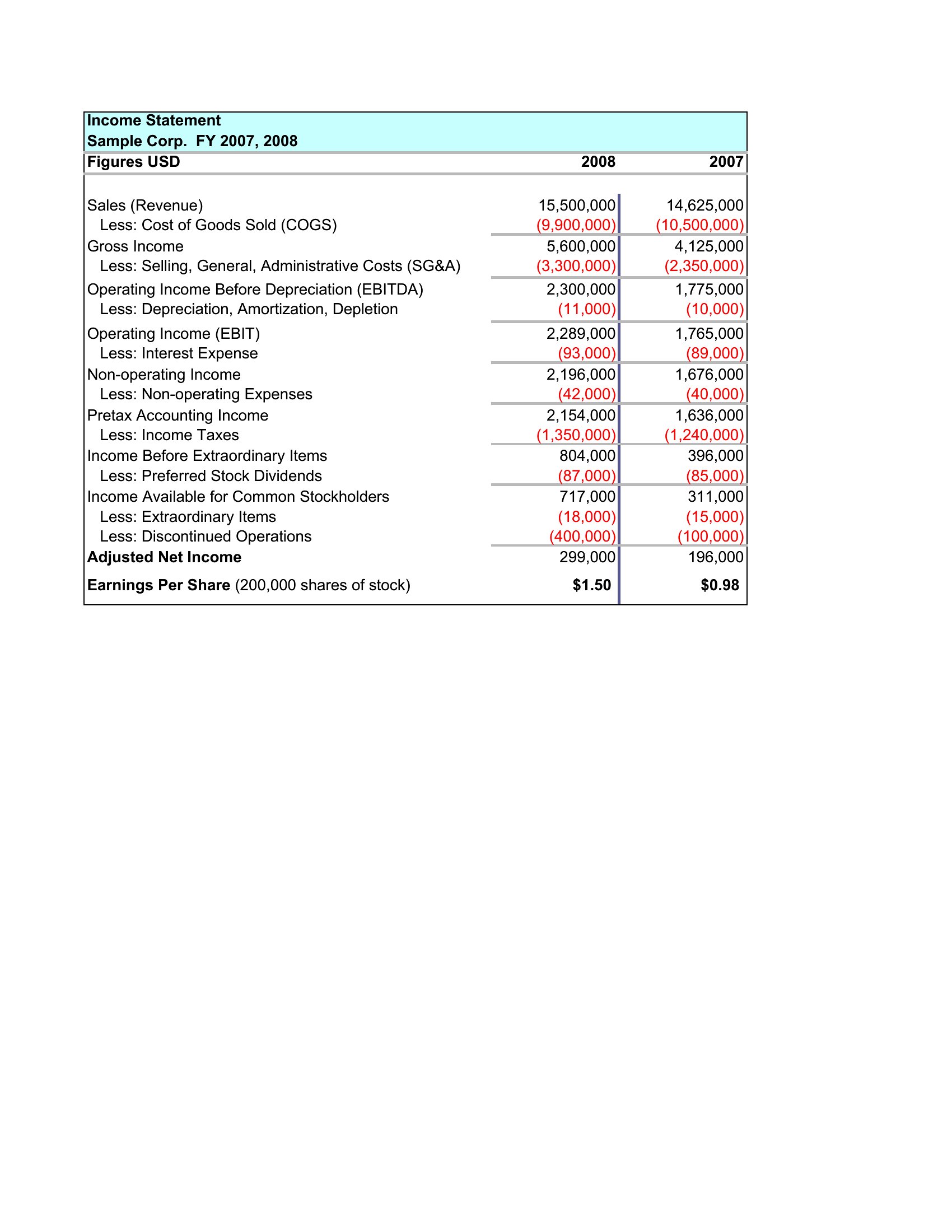
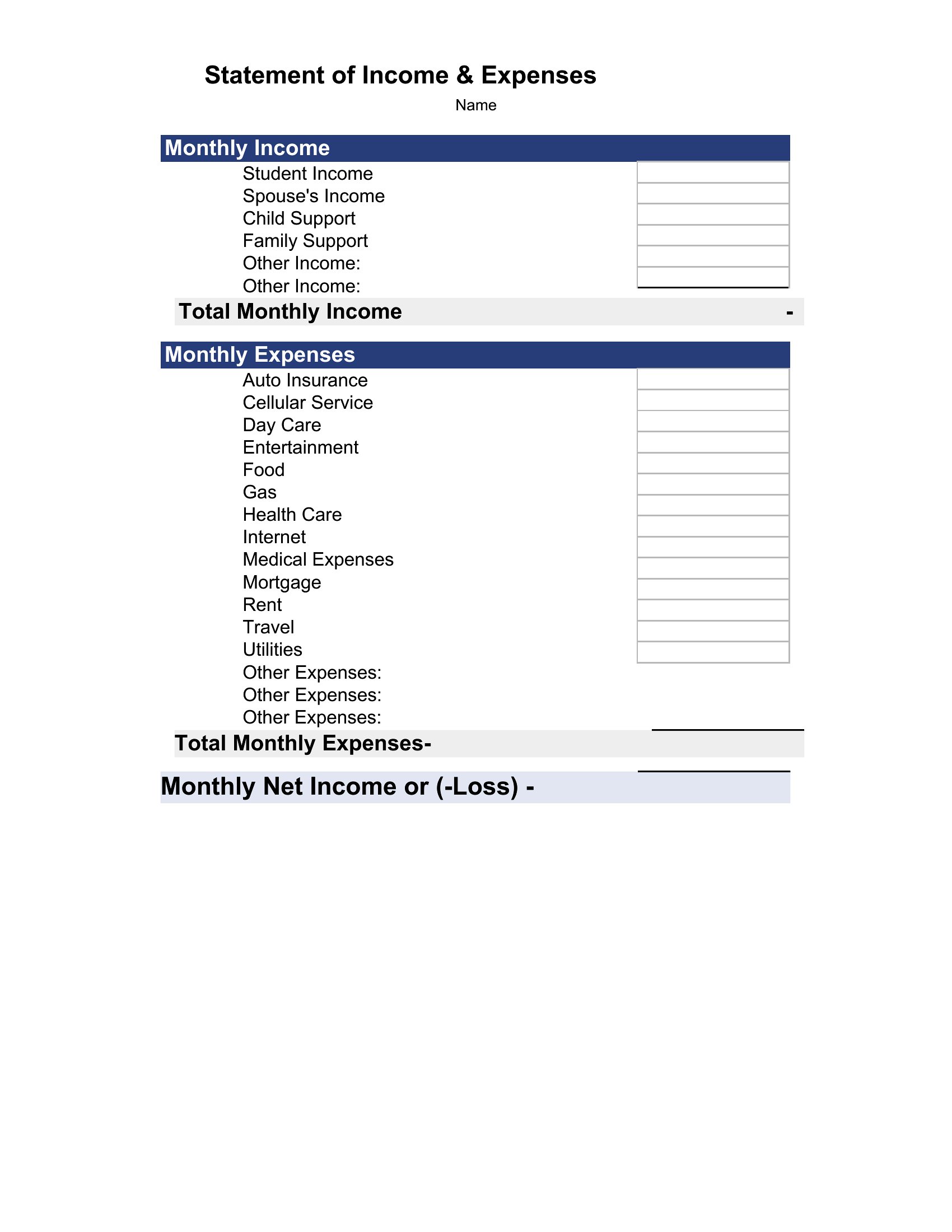
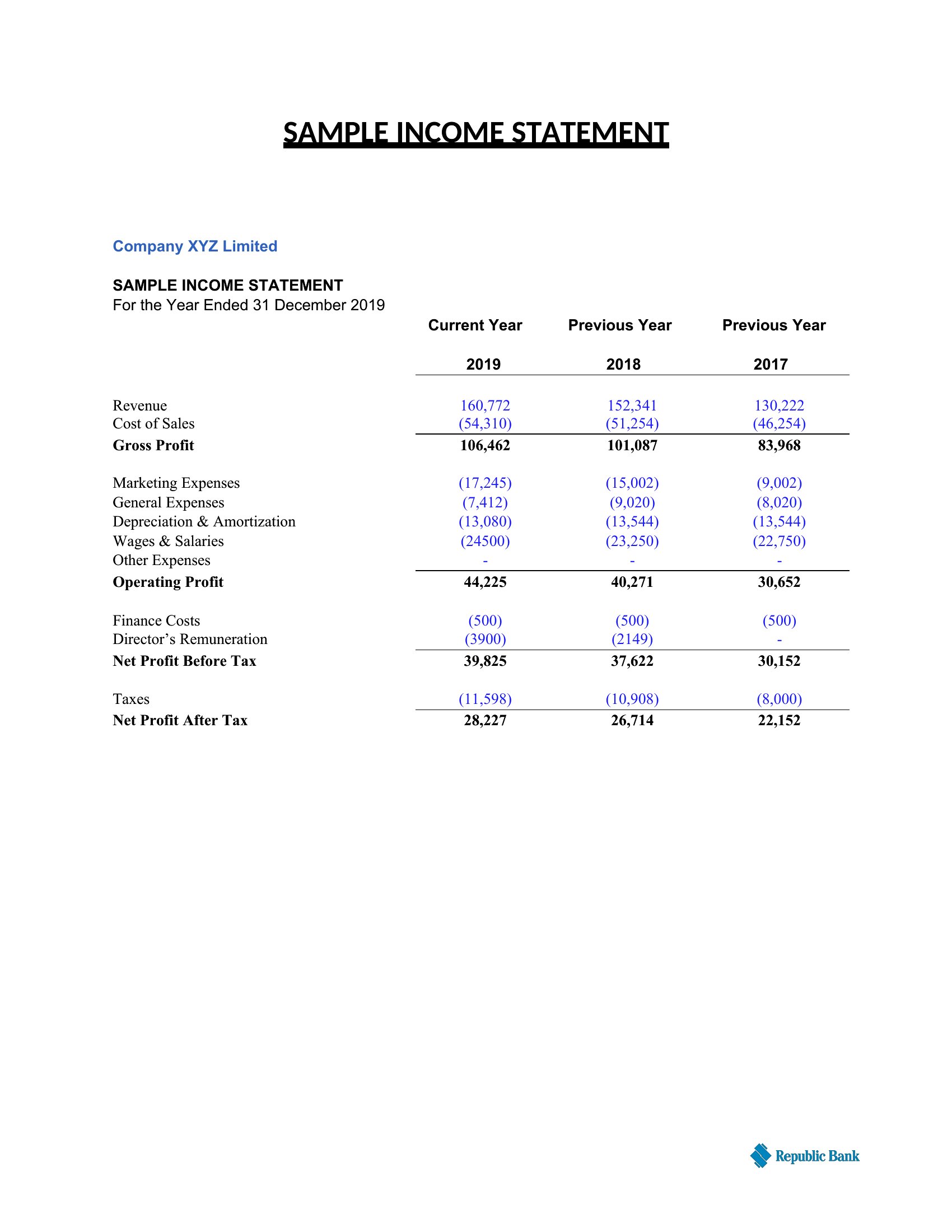
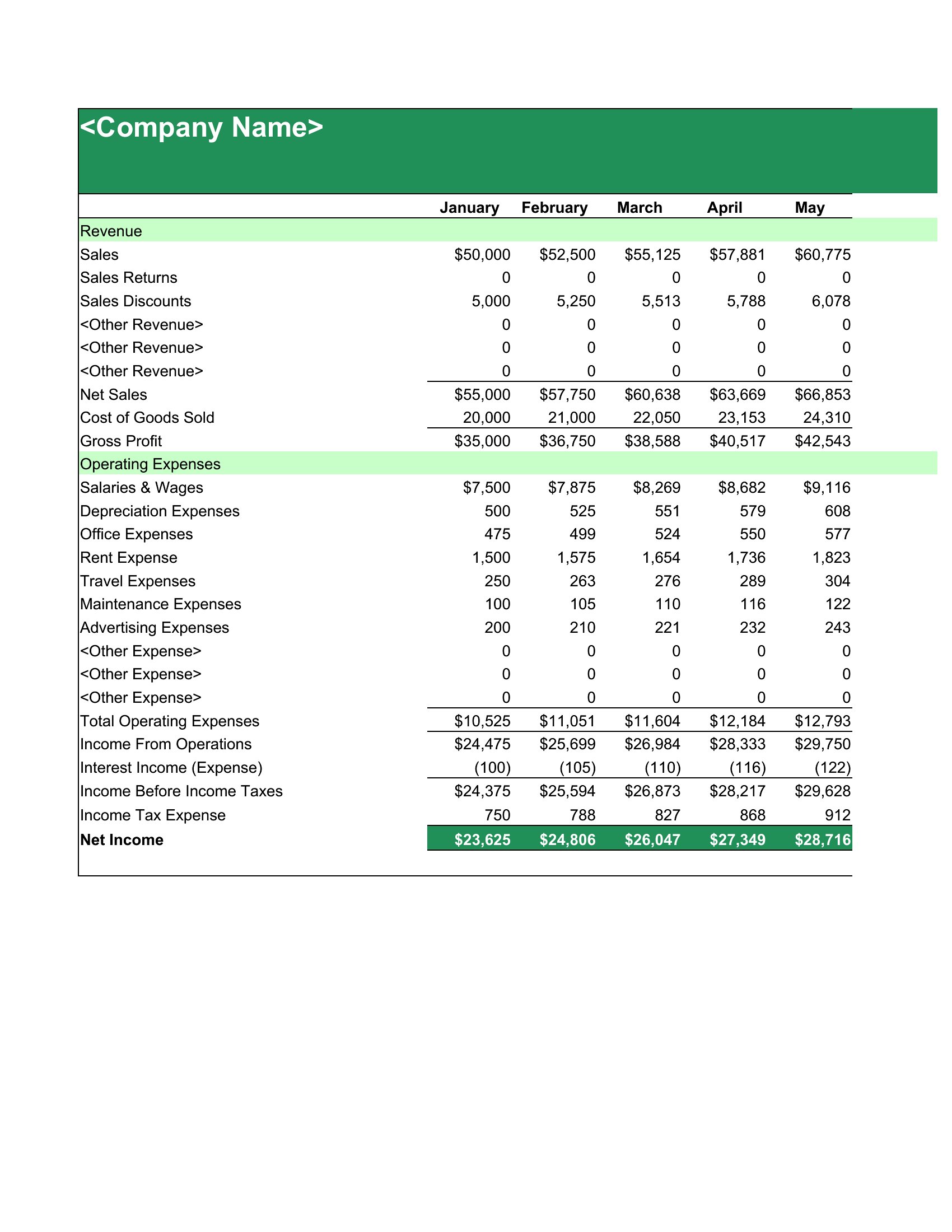
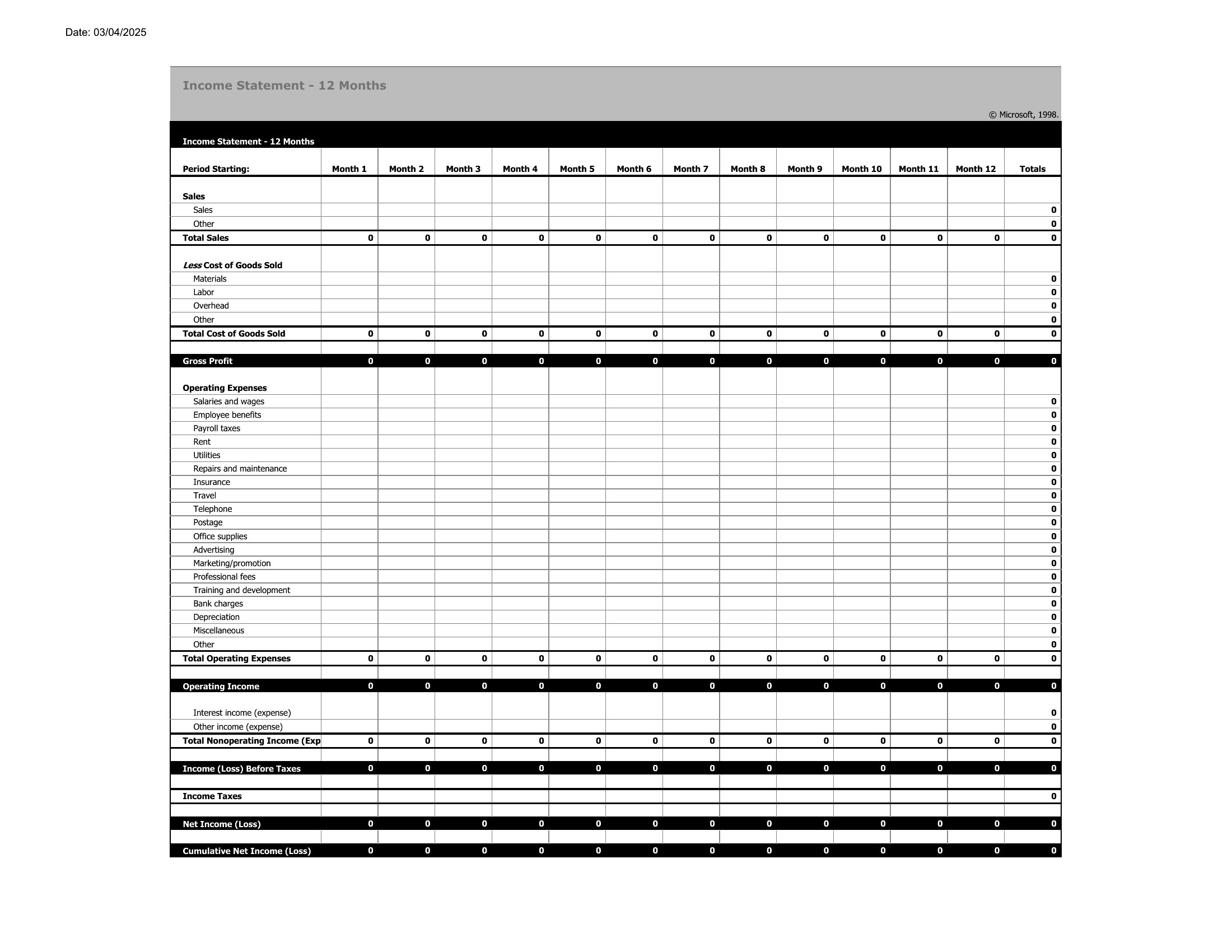
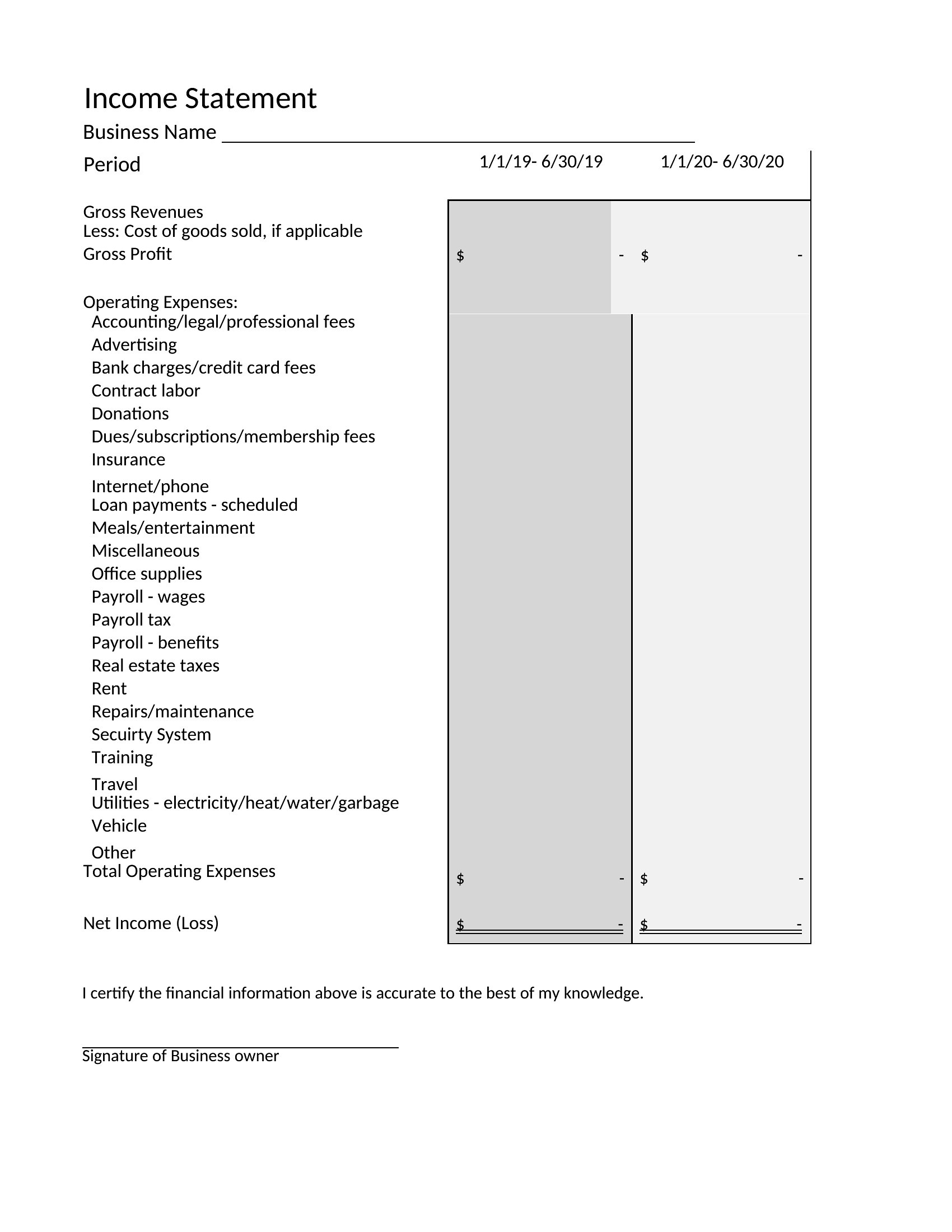
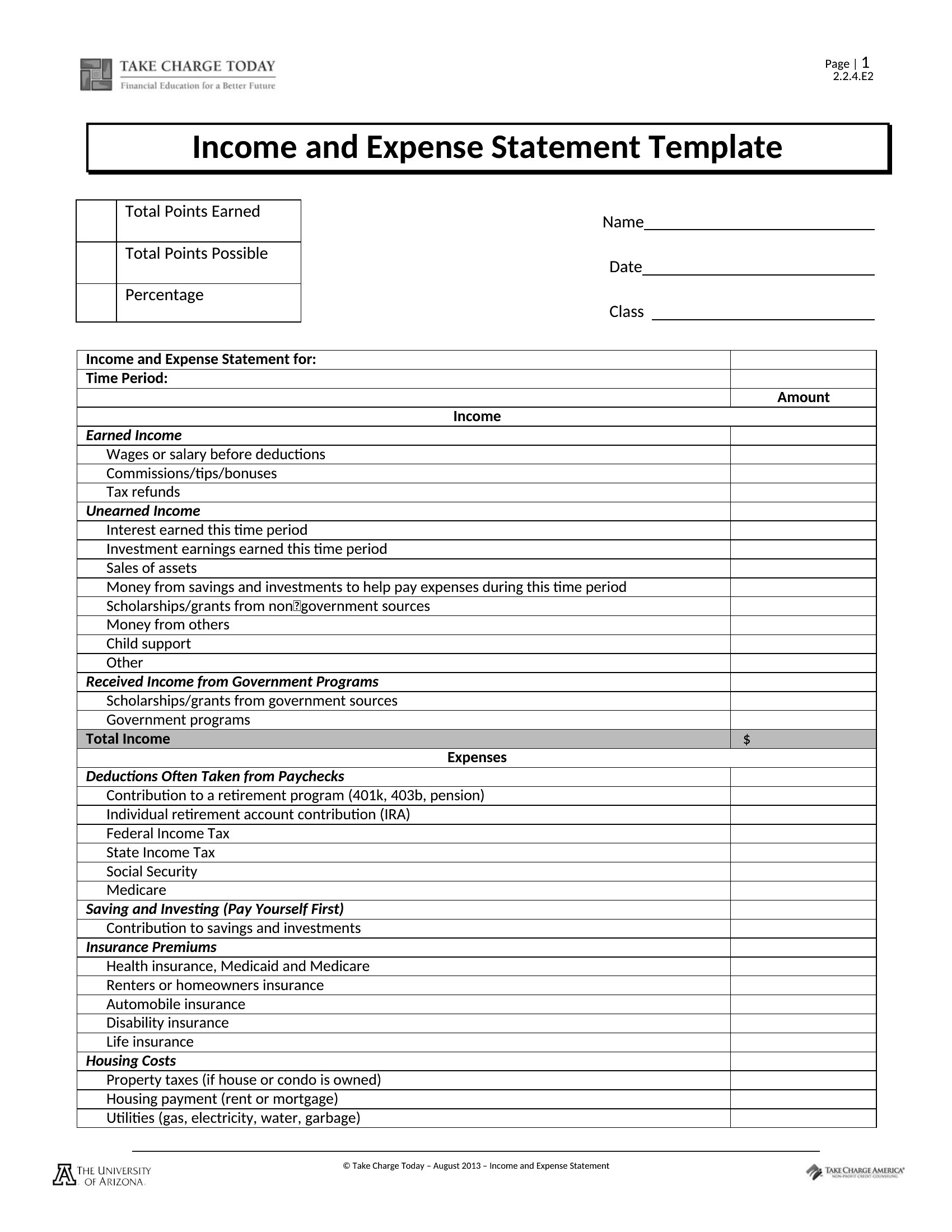
Income Statement
FAQ
Can these templates help me reconcile discrepancies between bank deposits and reported sales?
Yes, the income statement templates include sections for tracking cash vs. accrual revenue, which helps identify timing differences. For example, you can compare credit card sales recorded in your POS system against deposits cleared in your bank account by date. However, for complex reconciliations, consult a CPA to ensure compliance with accounting standards.
Do these templates include line items for common freelancer deductions like mileage or home office?
Many of these templates feature dedicated rows for freelancer-specific deductions, including mileage logs, home office percentages, and equipment depreciation. The Excel versions often include dropdown menus or preset categories to streamline entry. Always verify deductions against IRS guidelines or a tax professional’s advice for your specific situation.
How do I adjust these templates for a business with irregular revenue, like seasonal sales or project-based income?
In Excel, use conditional formatting to flag months with zero revenue or negative profit, and add a ‘Notes’ column to explain fluctuations (e.g., ‘Holiday rush’ or ‘Client delays’). In Word, manually duplicate rows for variable income streams, such as ‘Project A Revenue’ alongside ‘Retail Sales.’ For recurring irregularities, consider a hybrid approach: use Excel for tracking and Word for presenting summarized trends to stakeholders.
Comments
Join the conversation
Sign in to share your thoughts and leave a comment on this resource.