Free Event Proposal Templates (Word, Excel, PDF)
BusinessTemplates

FAQ
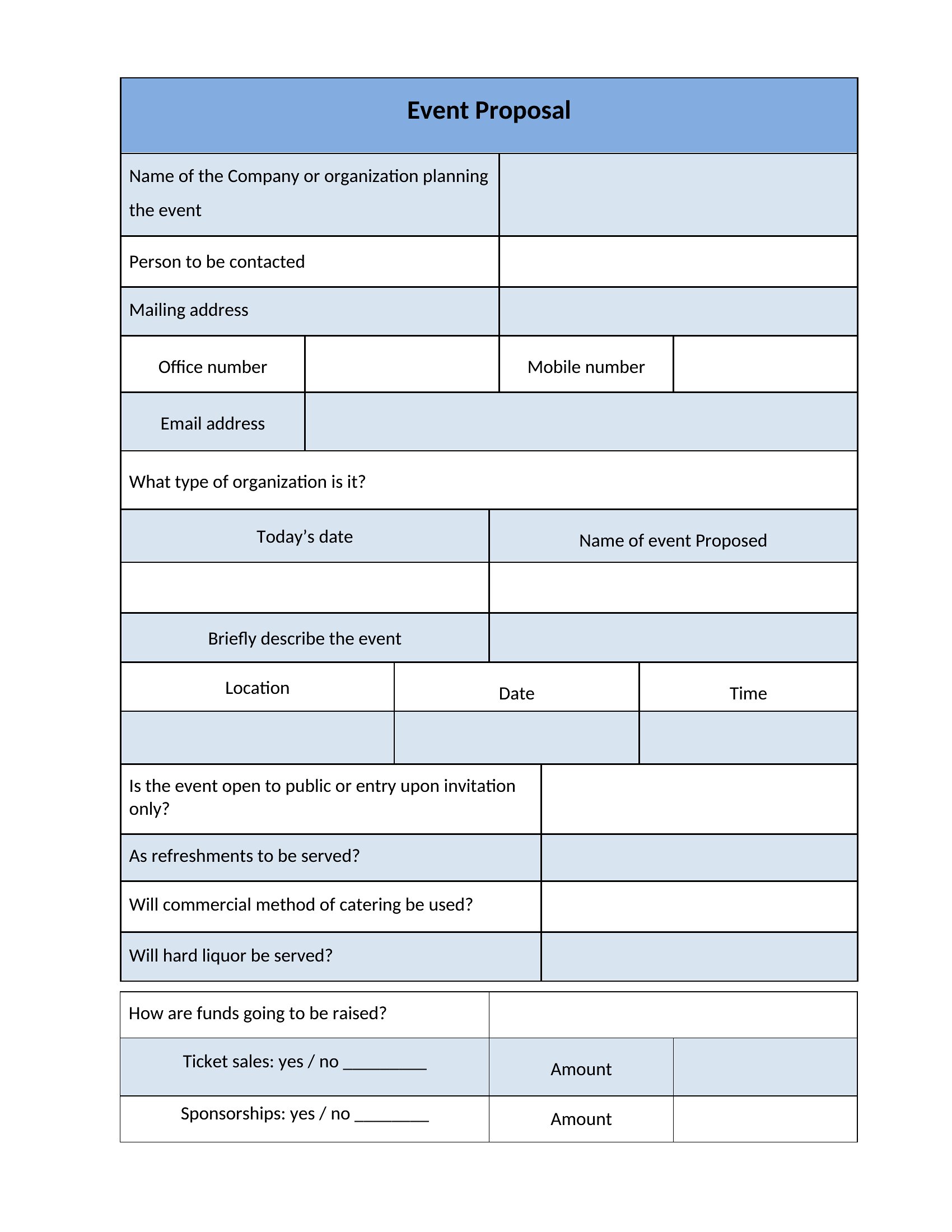
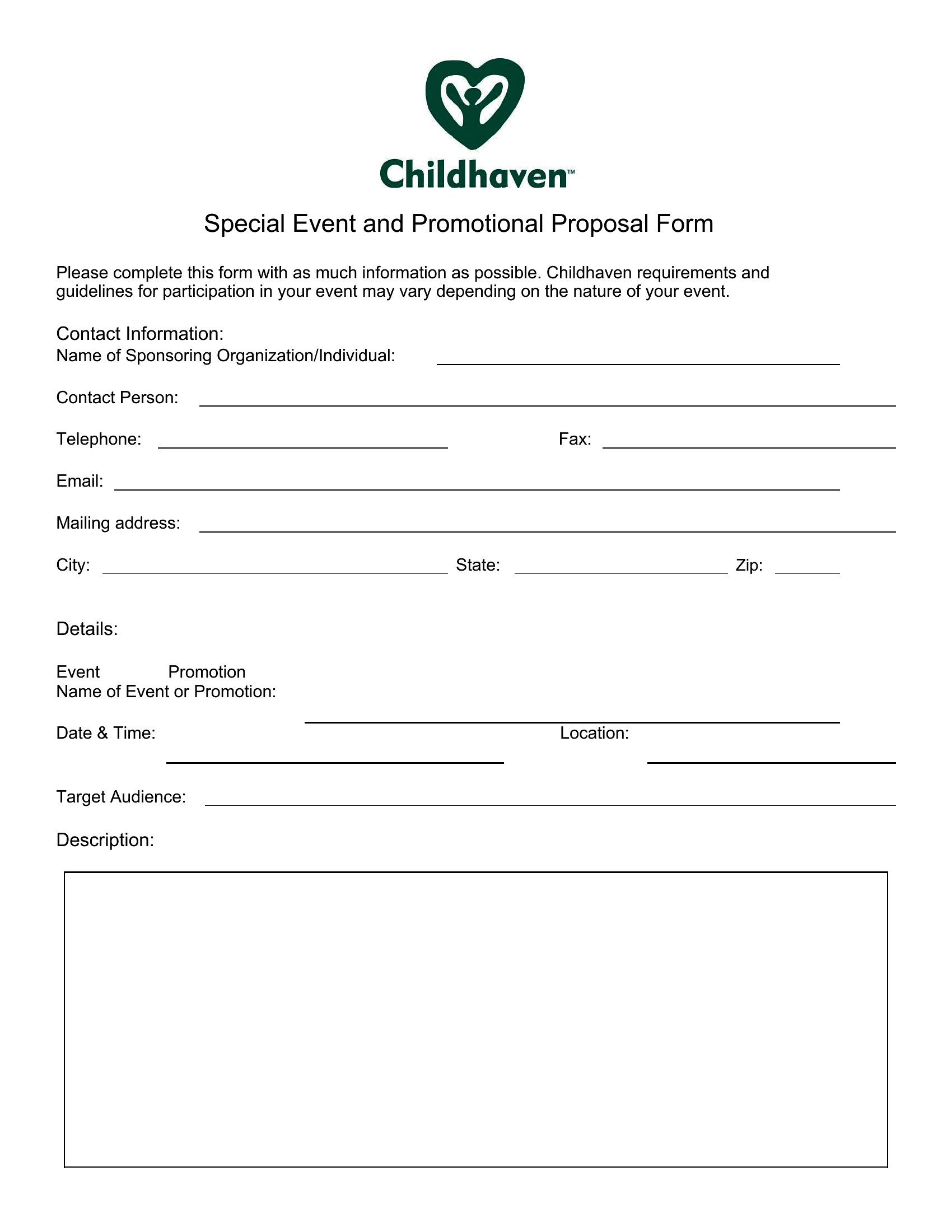
How can I tailor these templates to reflect my company’s branding while keeping the proposal professional?
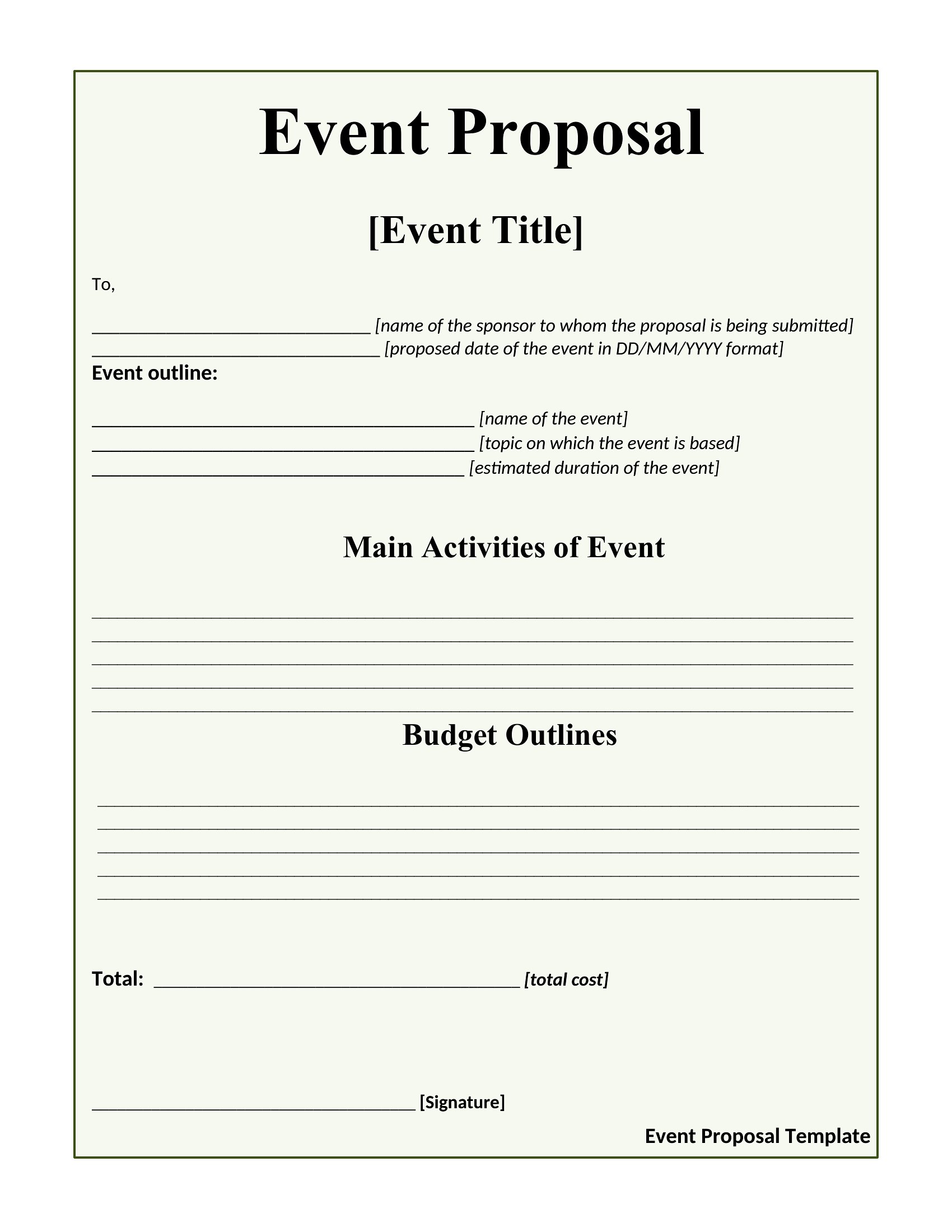
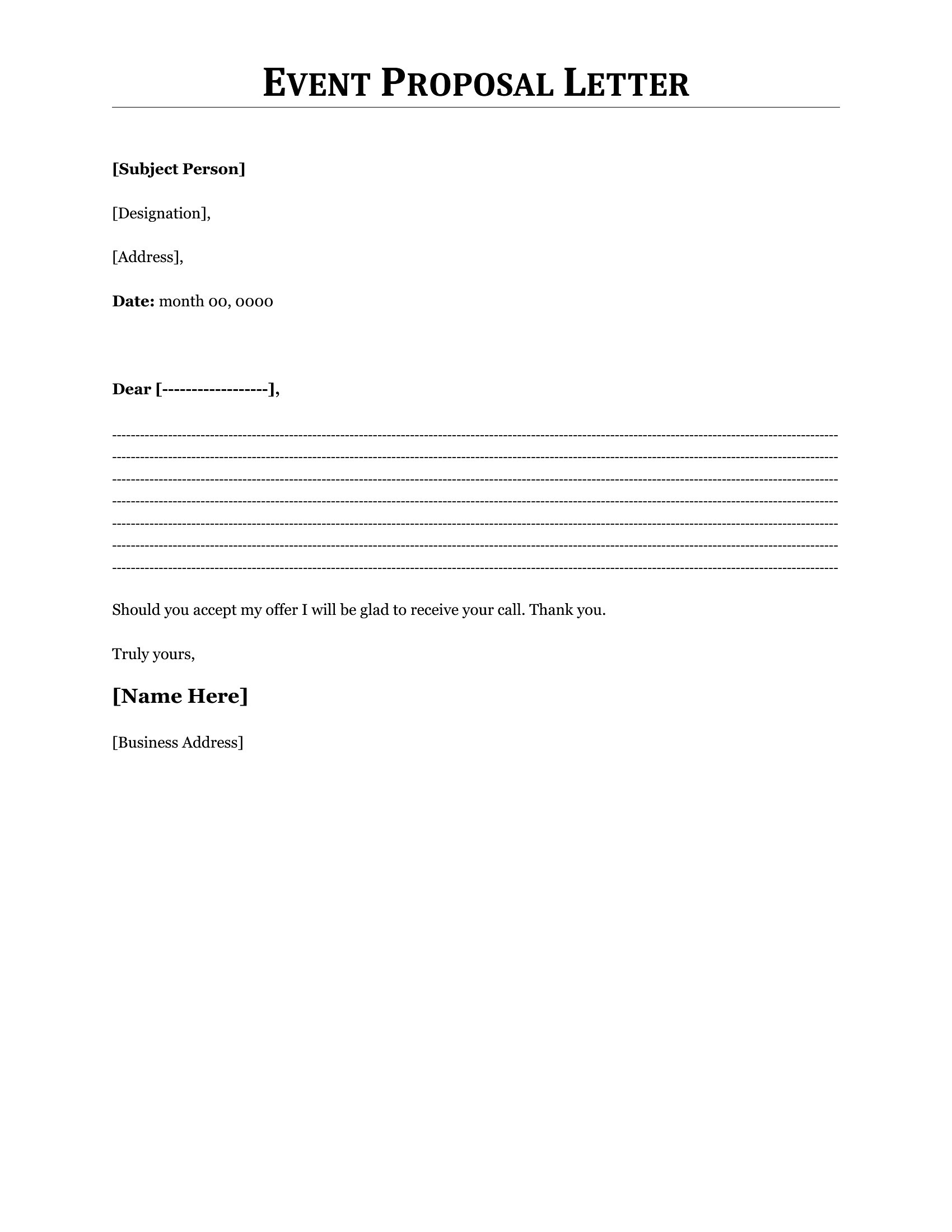
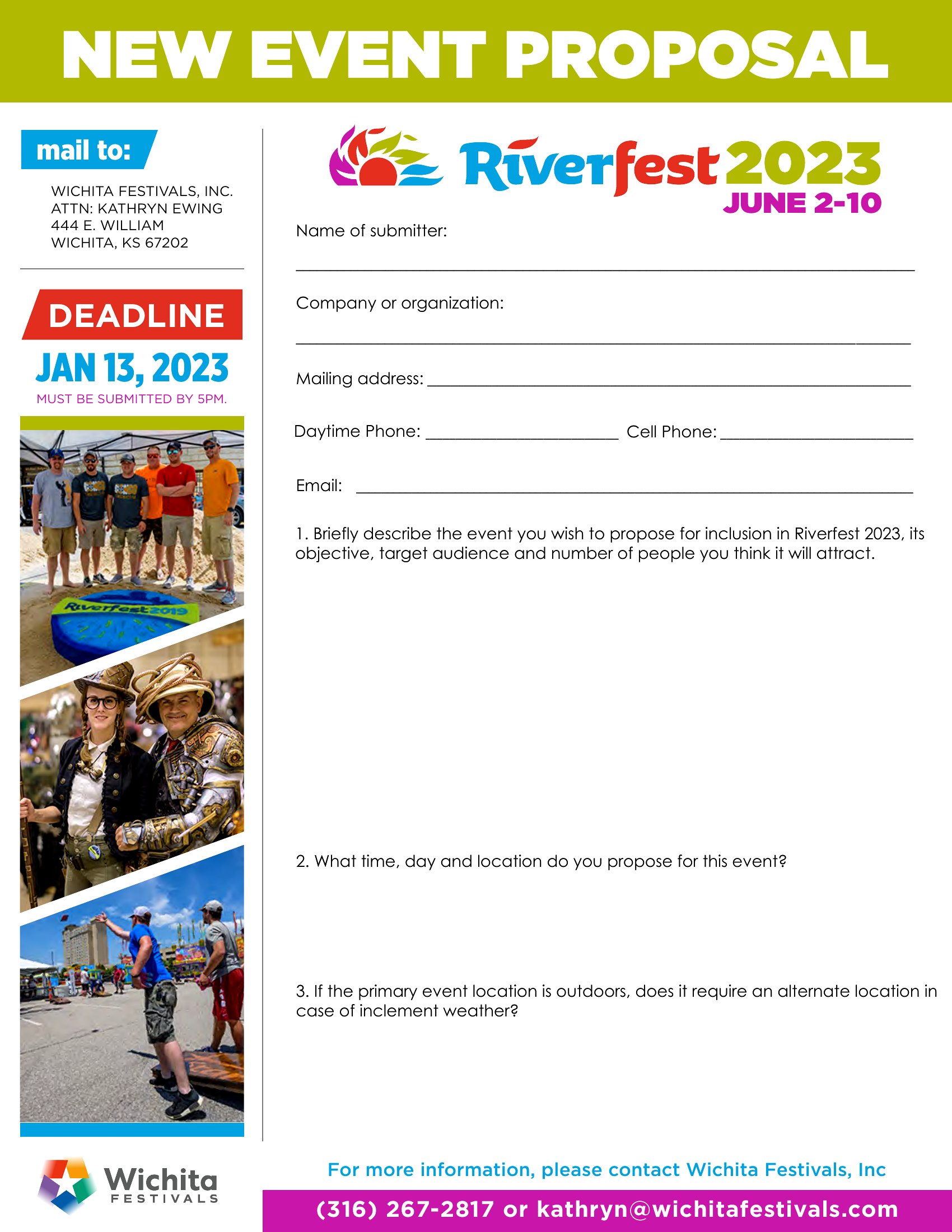
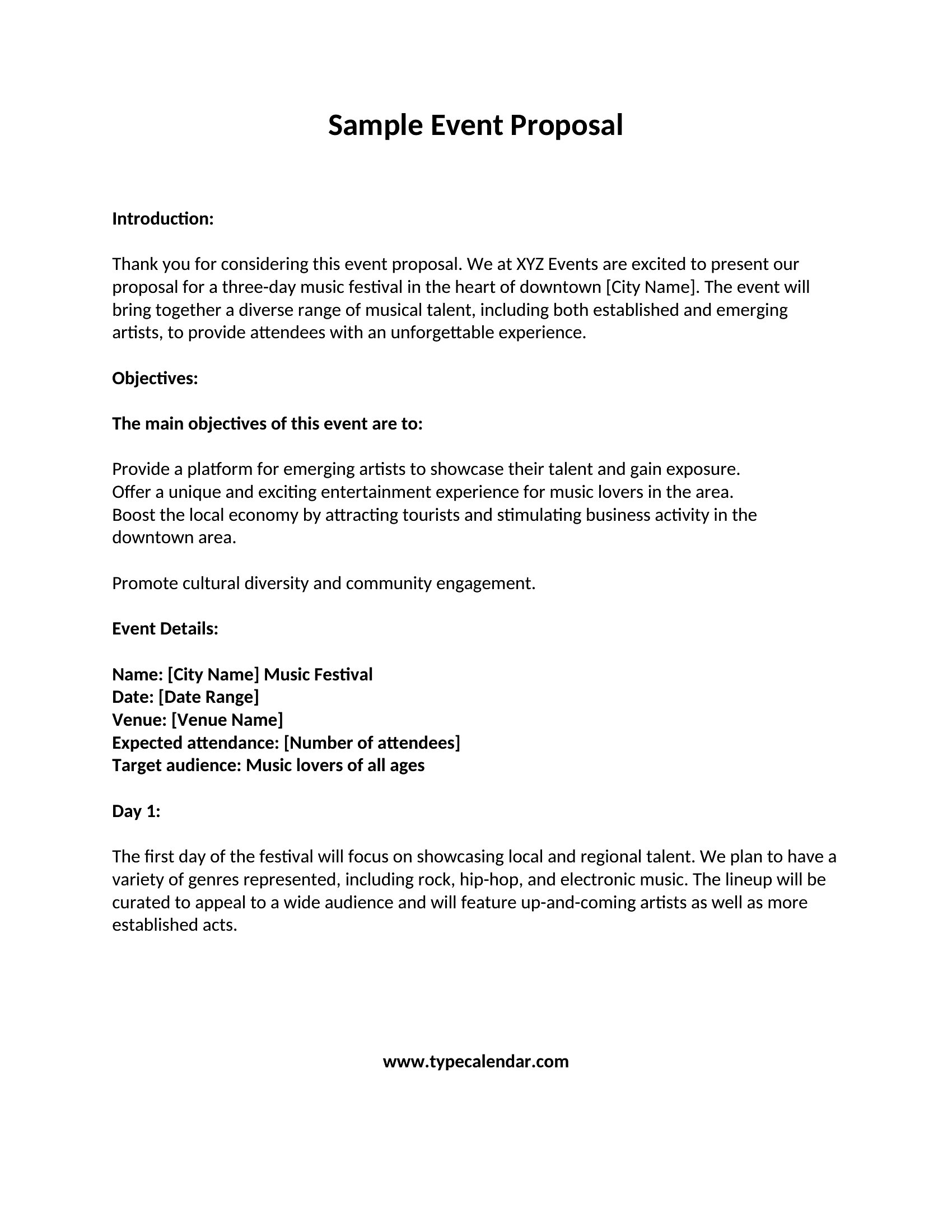
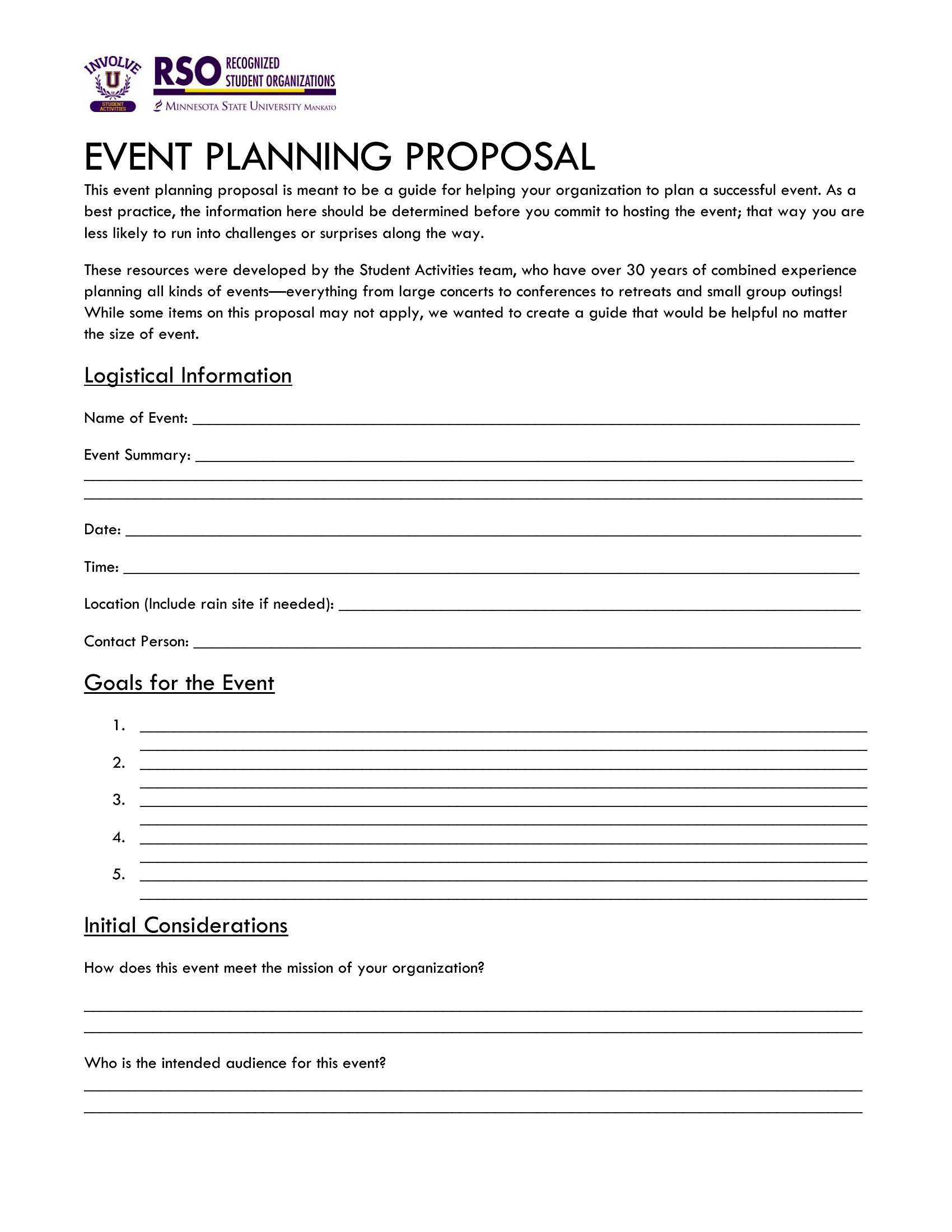
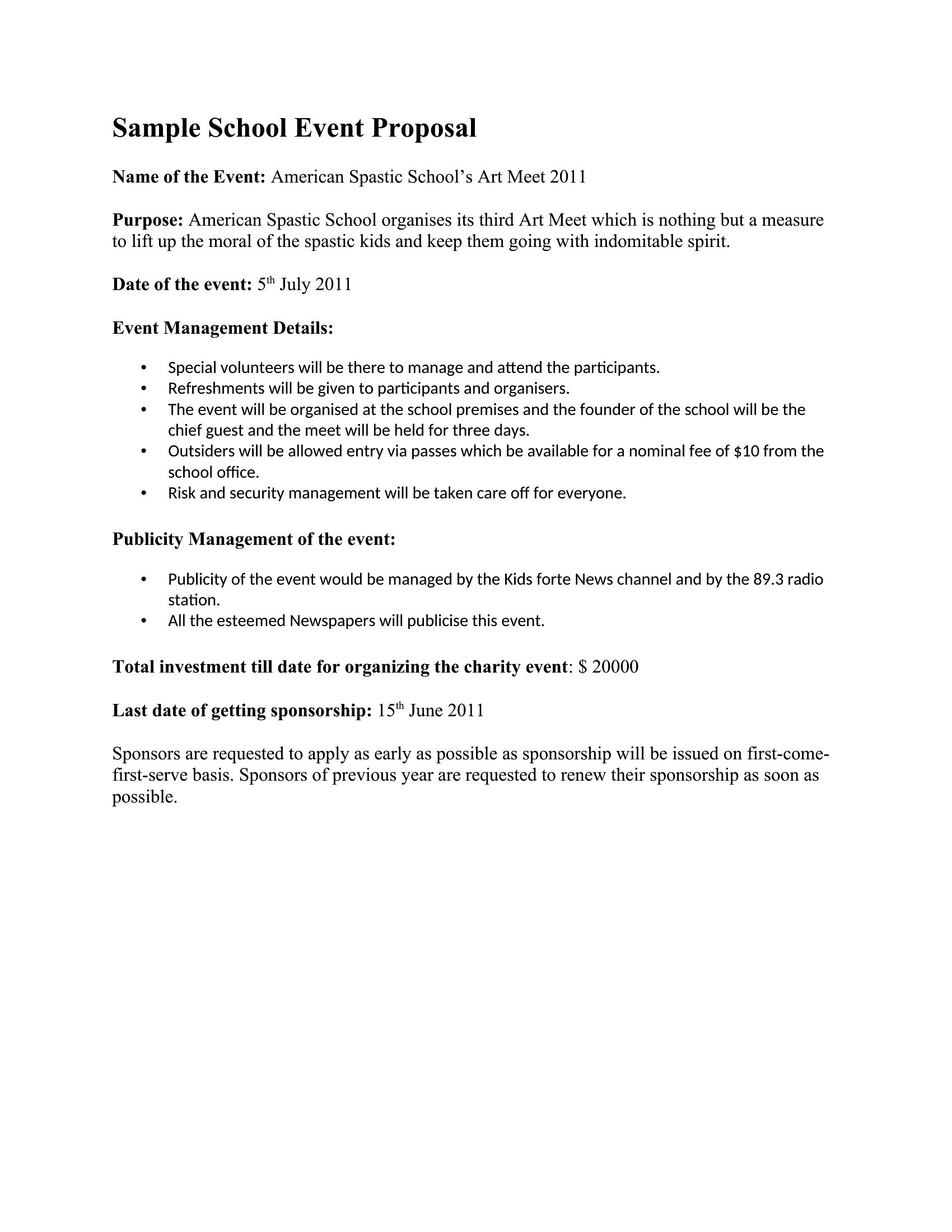
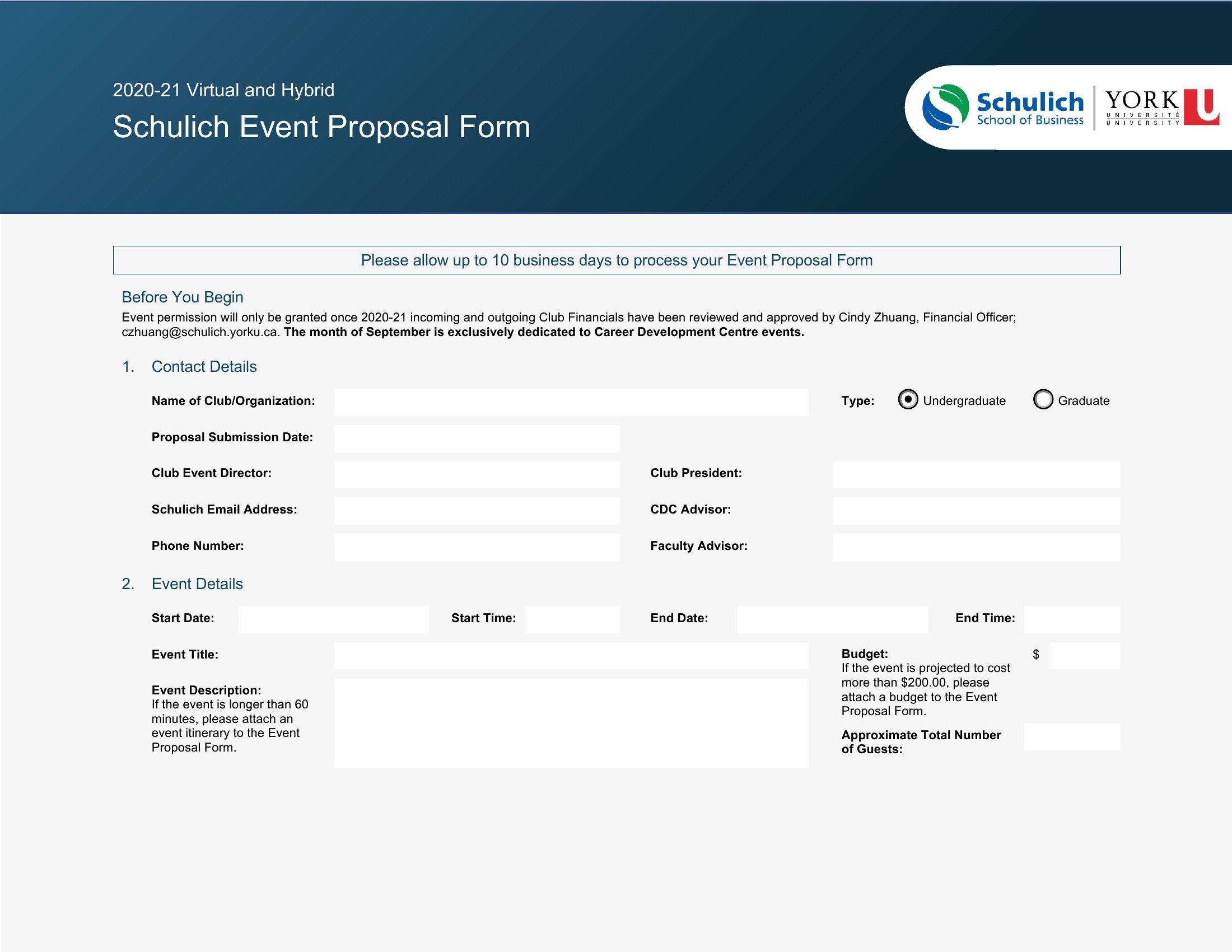
Use the Word format to replace placeholder text with your company’s colors, fonts, and logo. Many templates include sections for a cover page or footer where branding elements can be added. For consistency, save your branded version as a reusable template for future proposals.
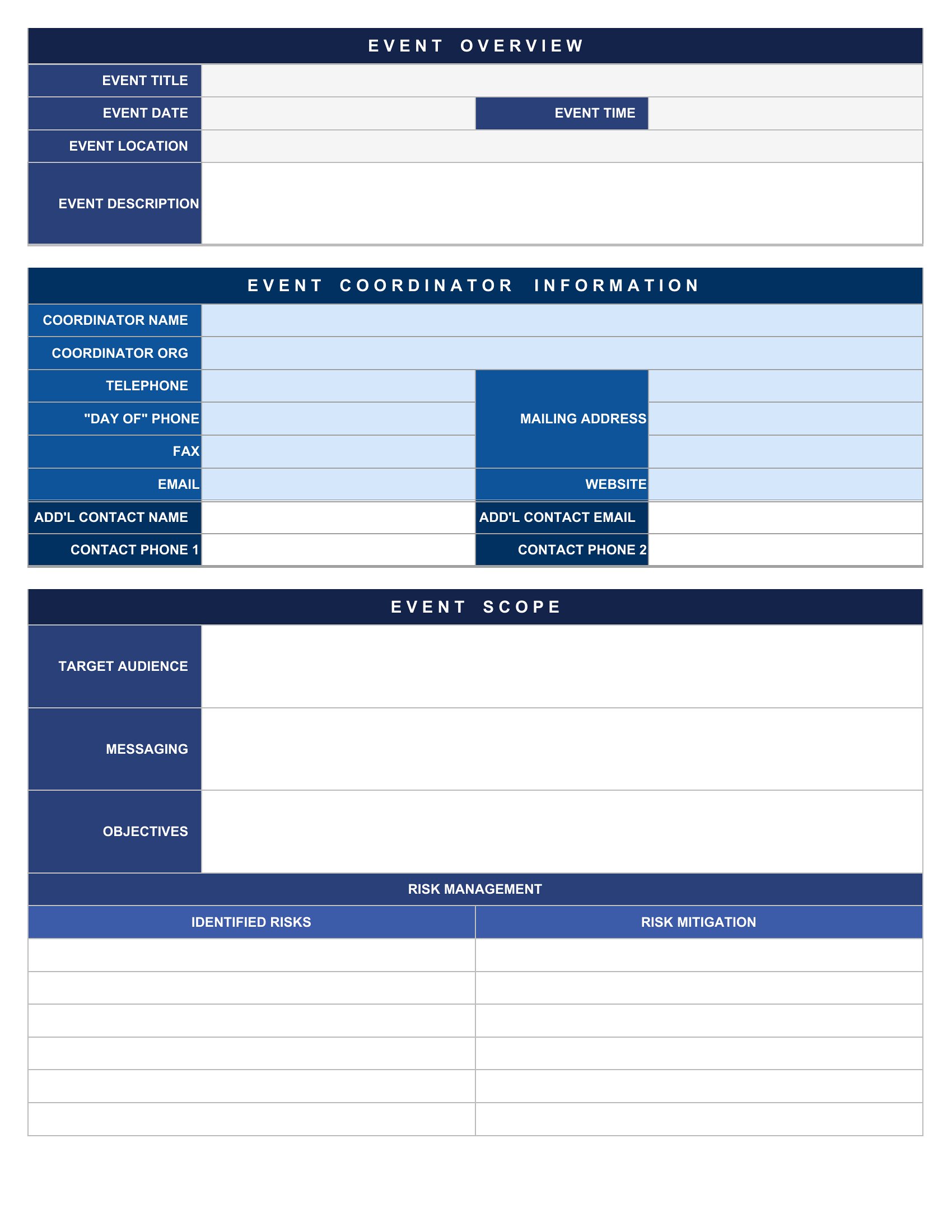
What’s the best way to include complex pricing structures, like tiered sponsorship packages or add-on services, without overwhelming the client?
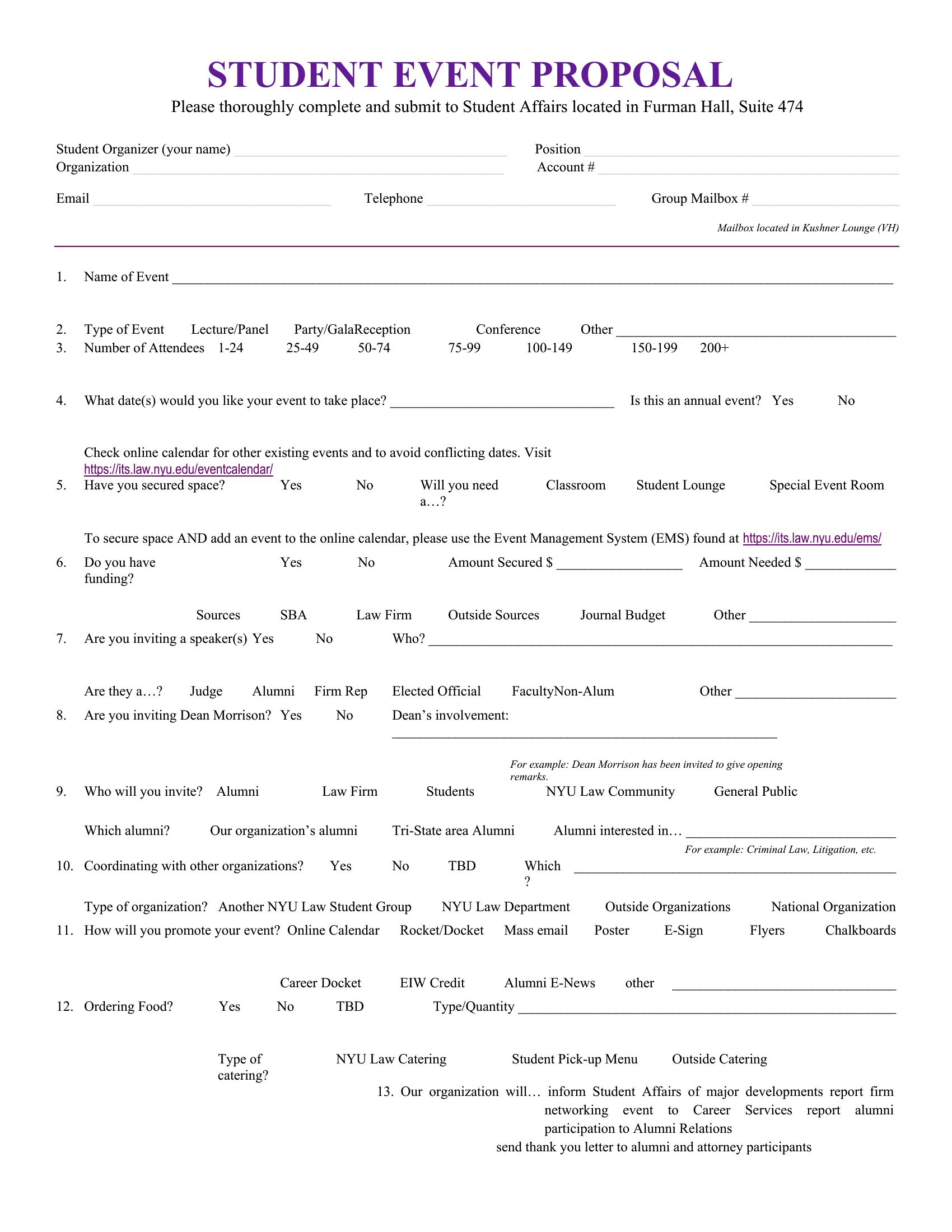
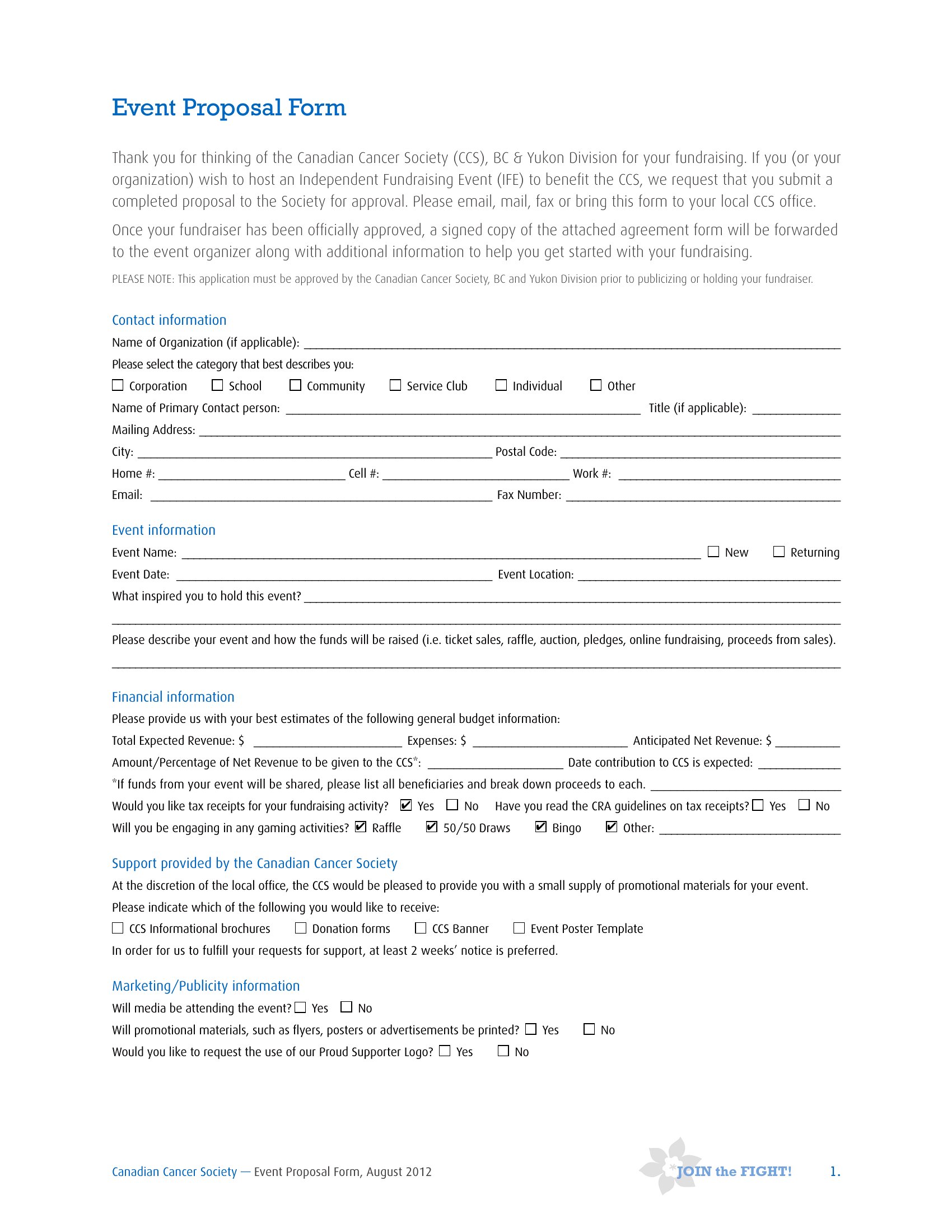
The Excel format works well for creating clear tables or dropdown menus that outline pricing tiers, discounts, or optional services. For a cleaner presentation, summarize the key options in the Word or PDF version and link to the detailed spreadsheet for reference.
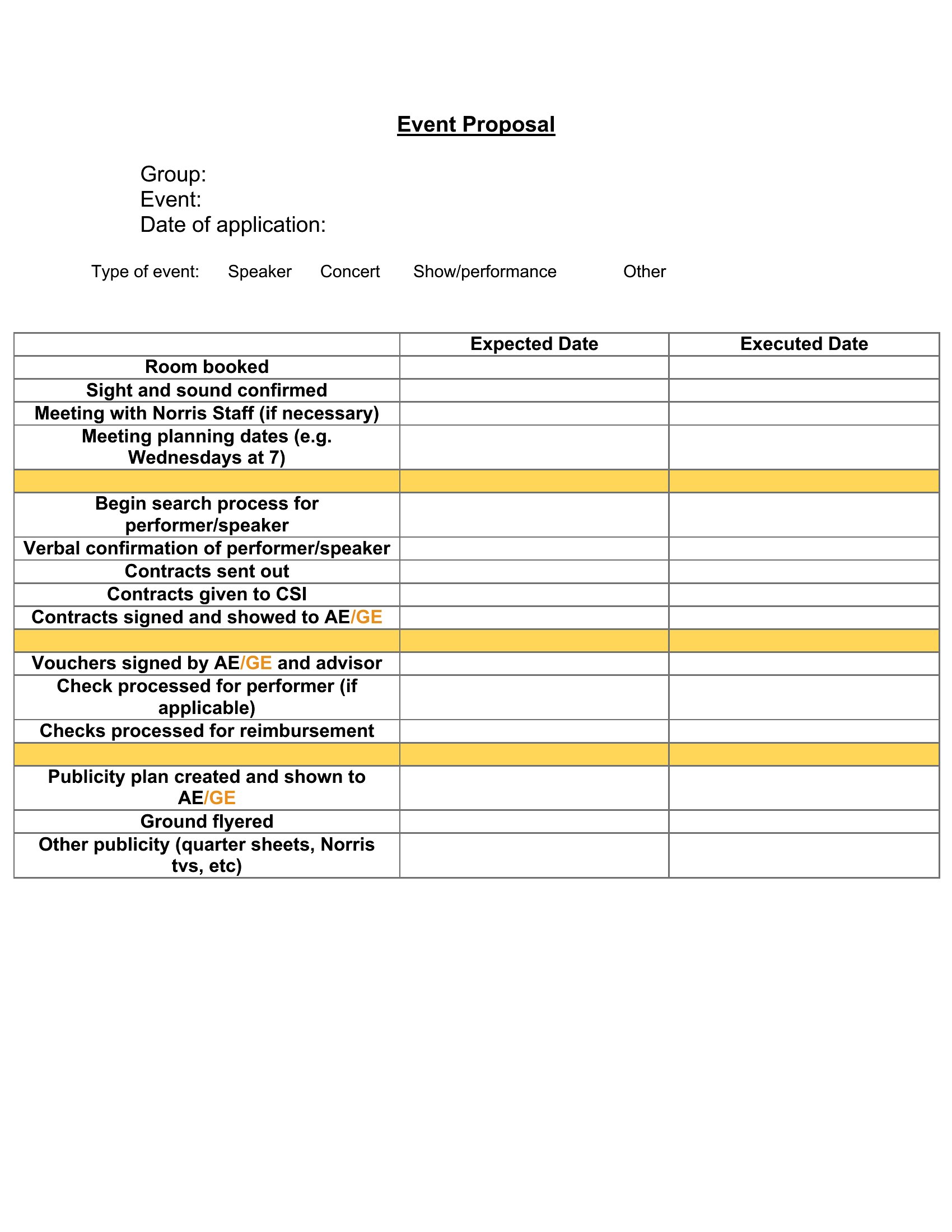
Should I include a timeline or milestone schedule in my proposal, and if so, which format works best?
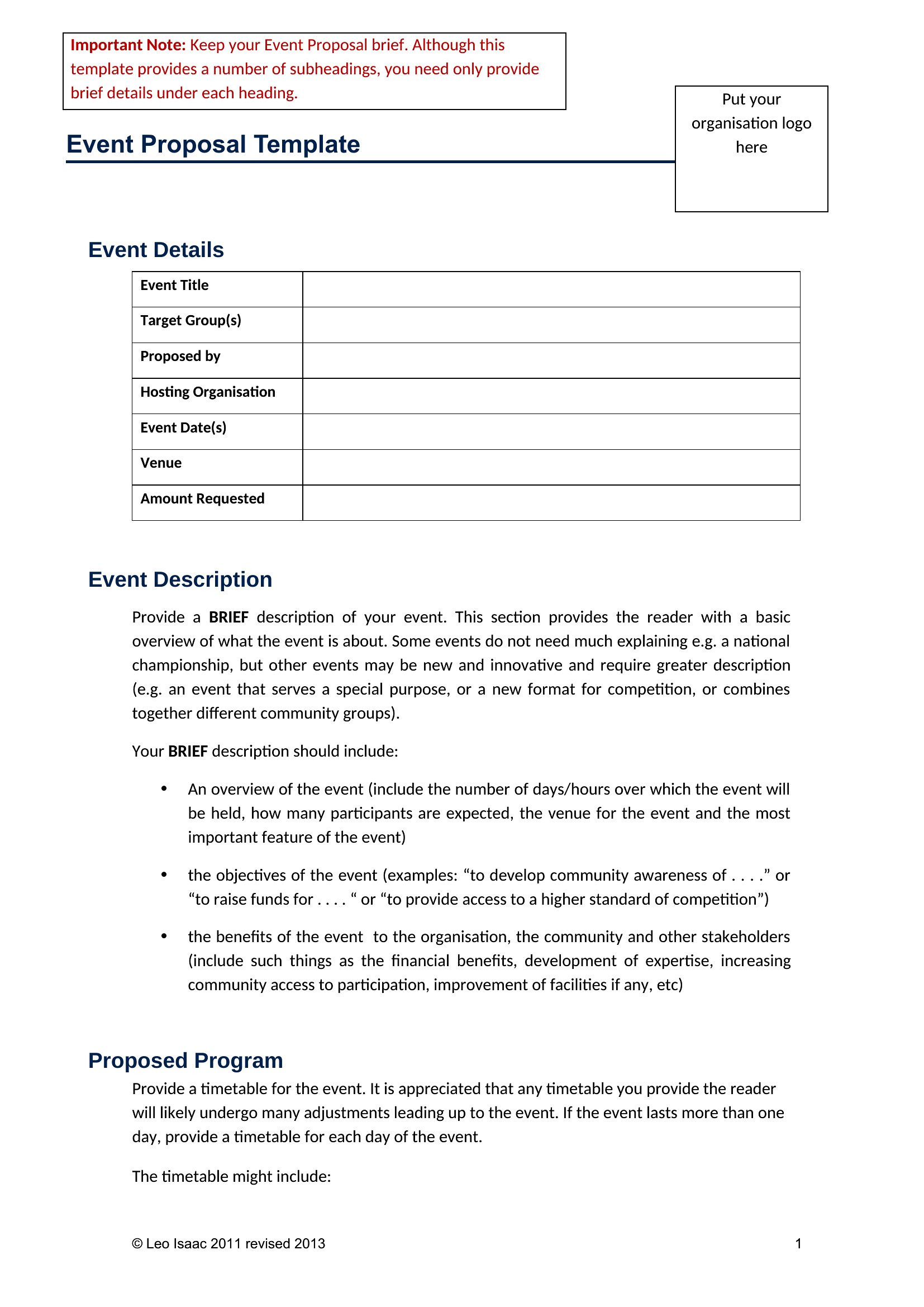
Yes, a timeline adds clarity and builds trust. Use the Word format for a visual, embedded Gantt-style chart or table outlining key dates. For more intricate scheduling, like simultaneous event tracks, Excel’s calendar functions or conditional formatting can highlight deadlines and dependencies.
Comments
Join the conversation
Sign in to share your thoughts and leave a comment on this resource.