Free Bid Proposal Templates (Word, Excel, PDF)
BusinessTemplates



FAQ
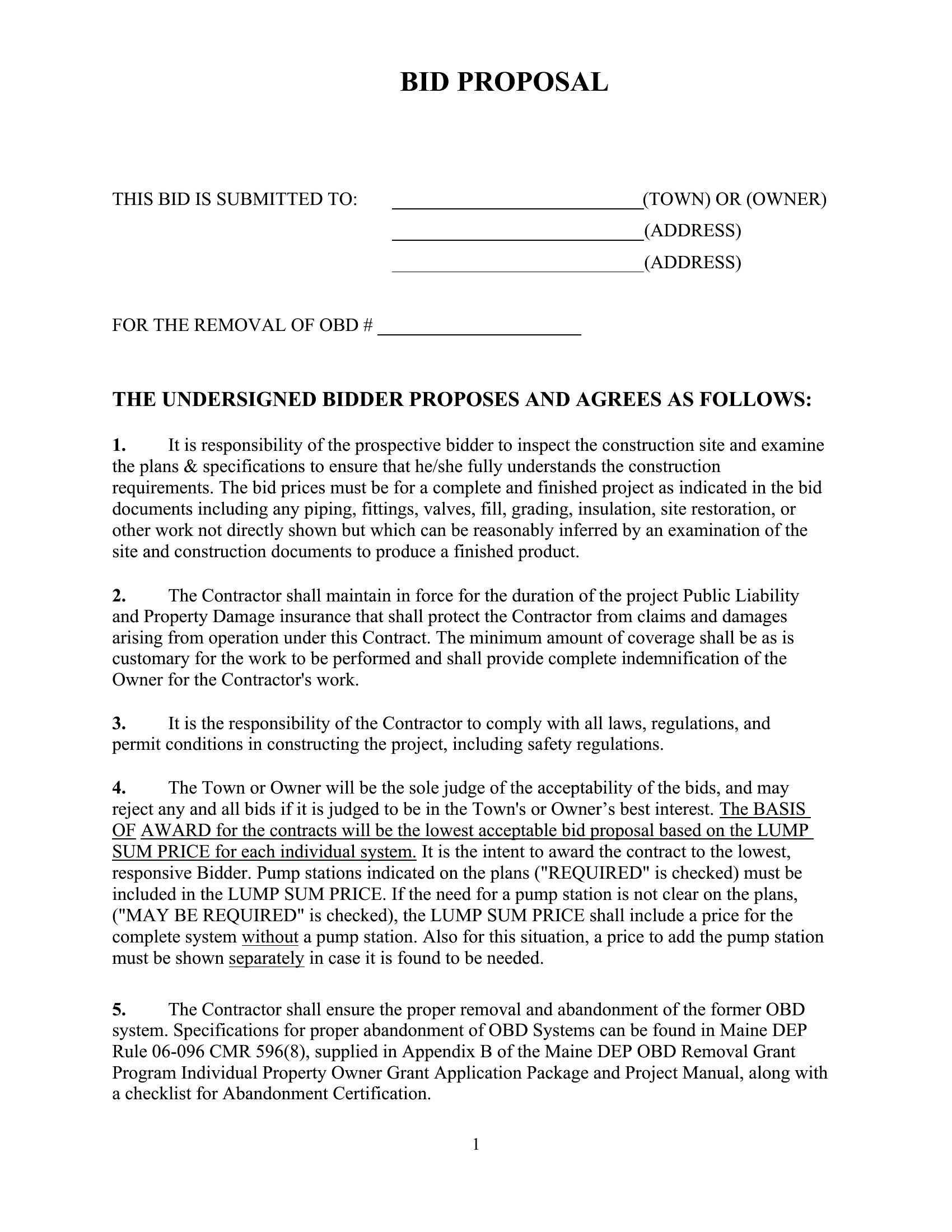
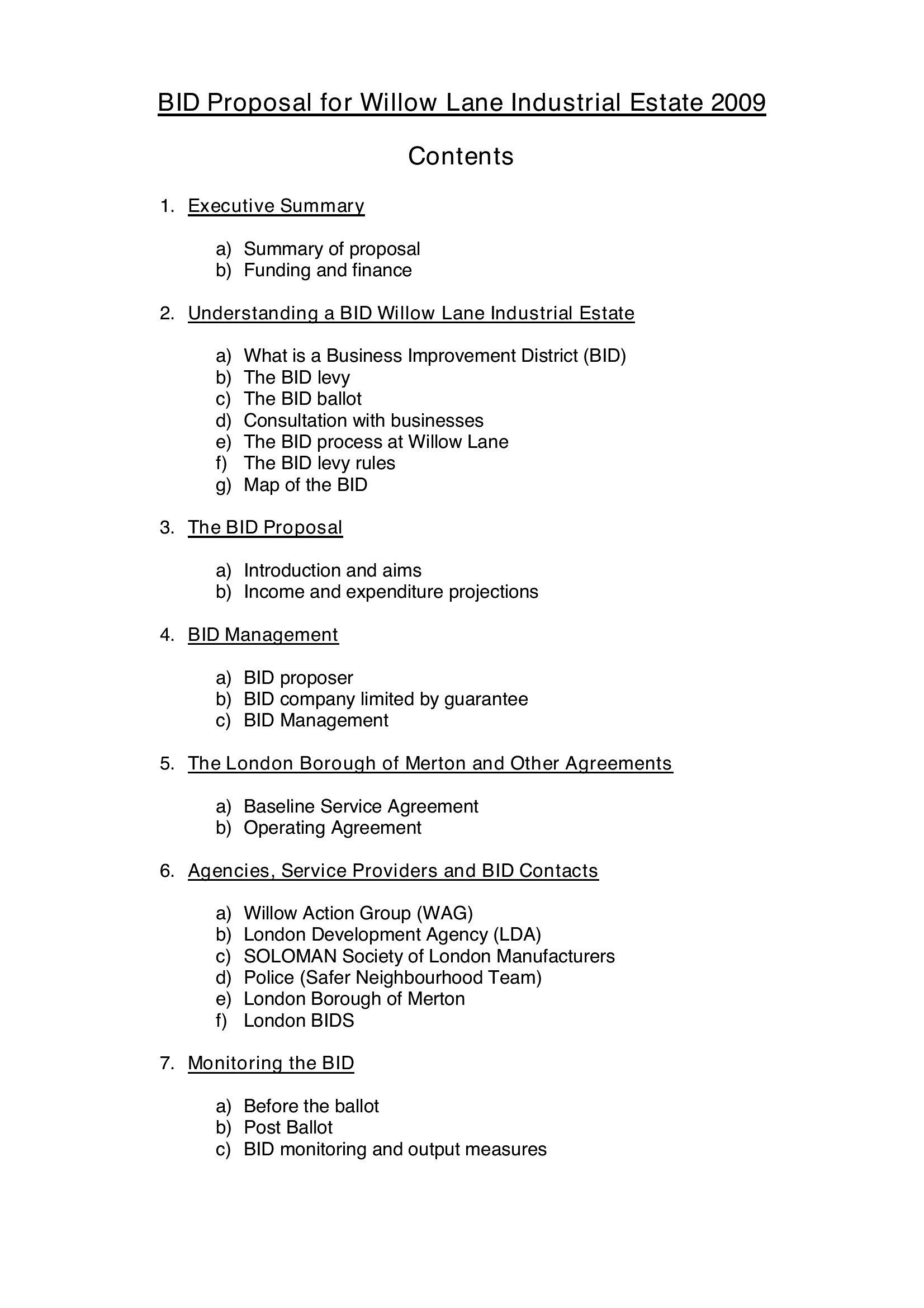
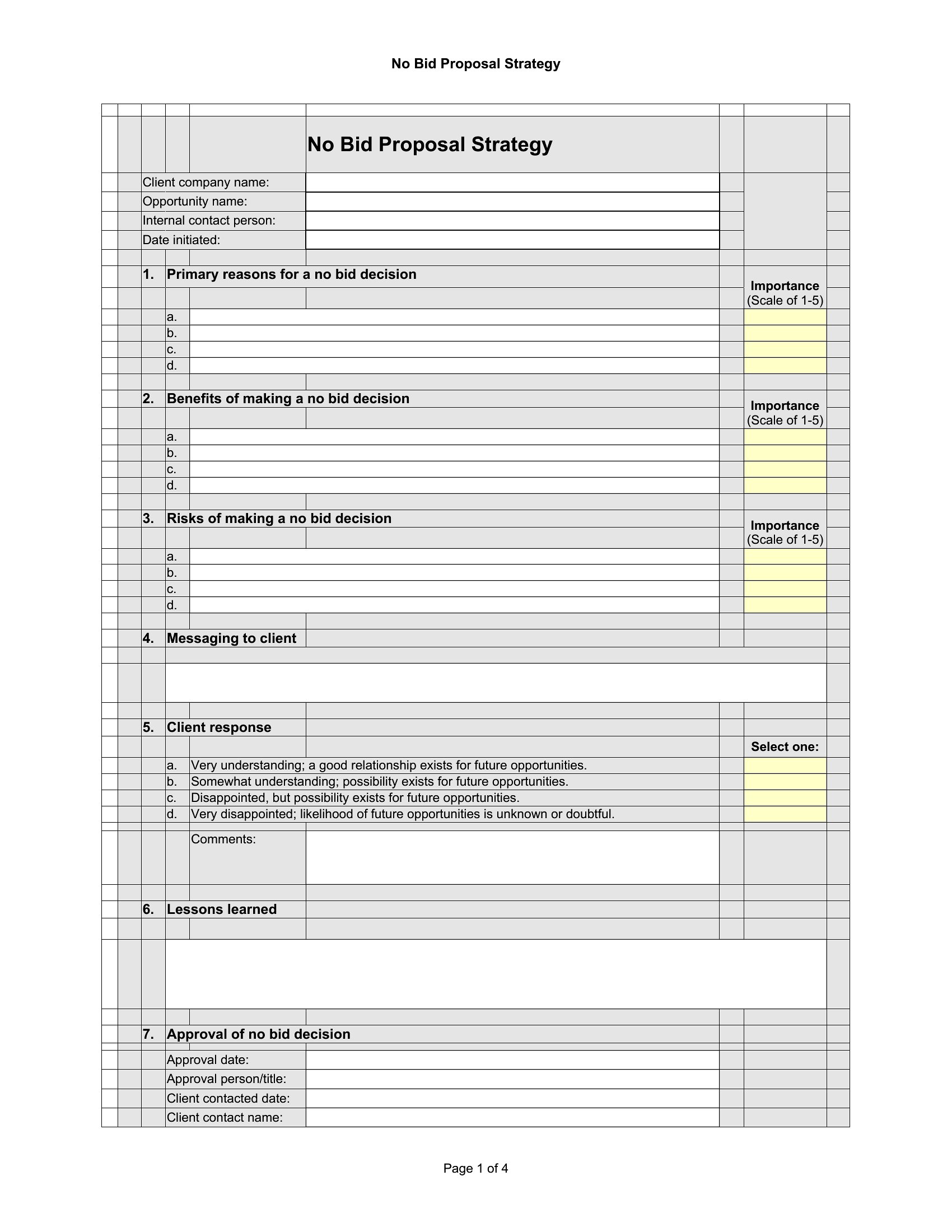
How do I decide which sections to include in my bid proposal?
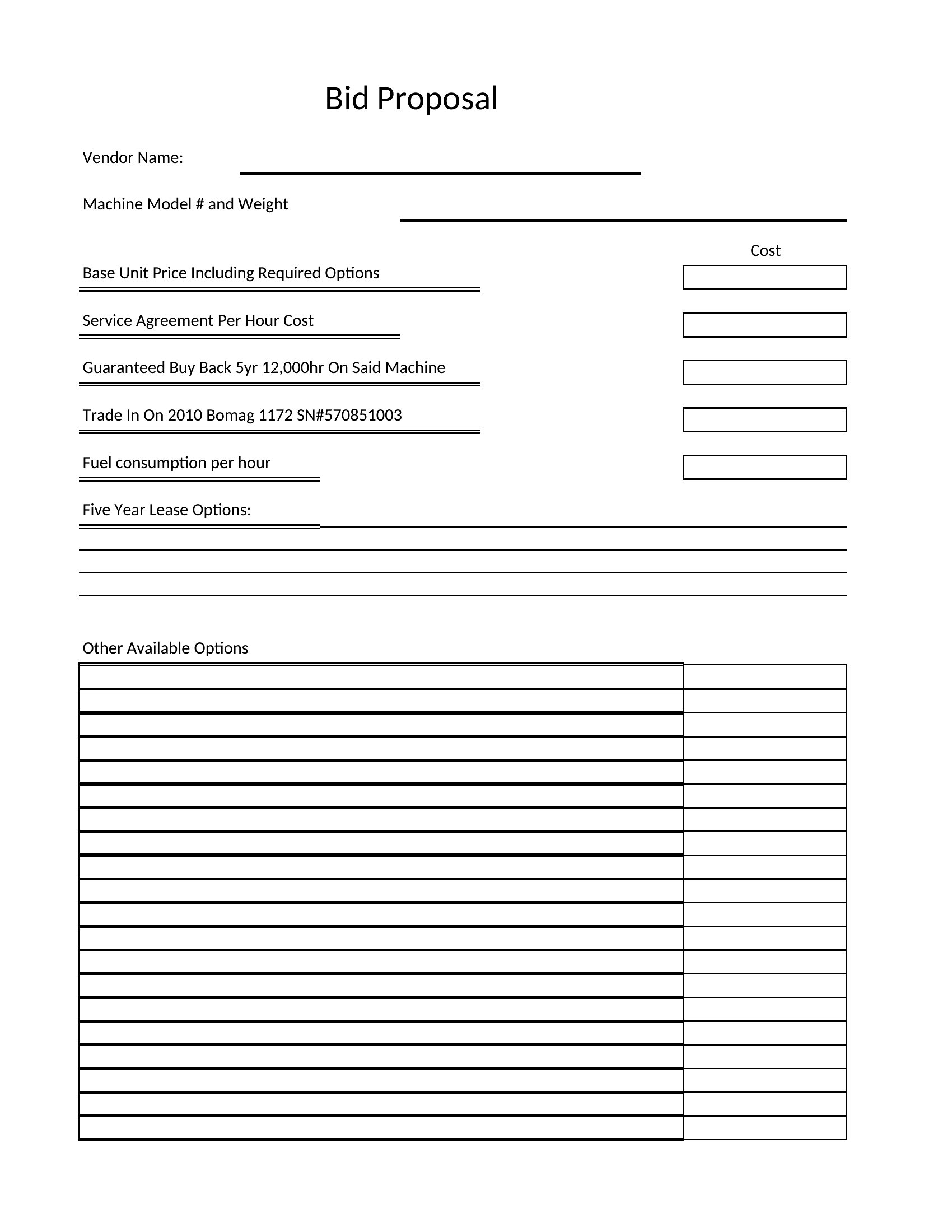
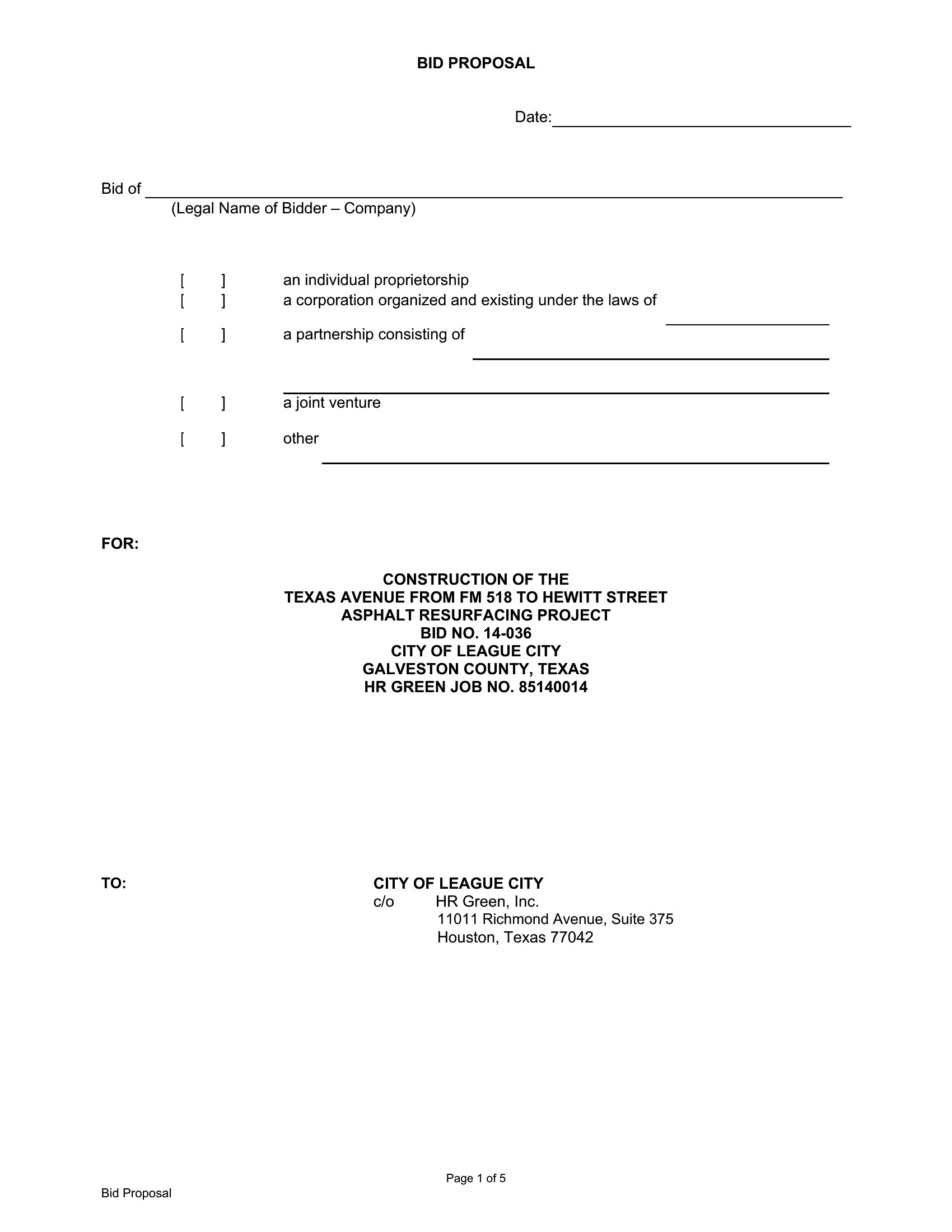
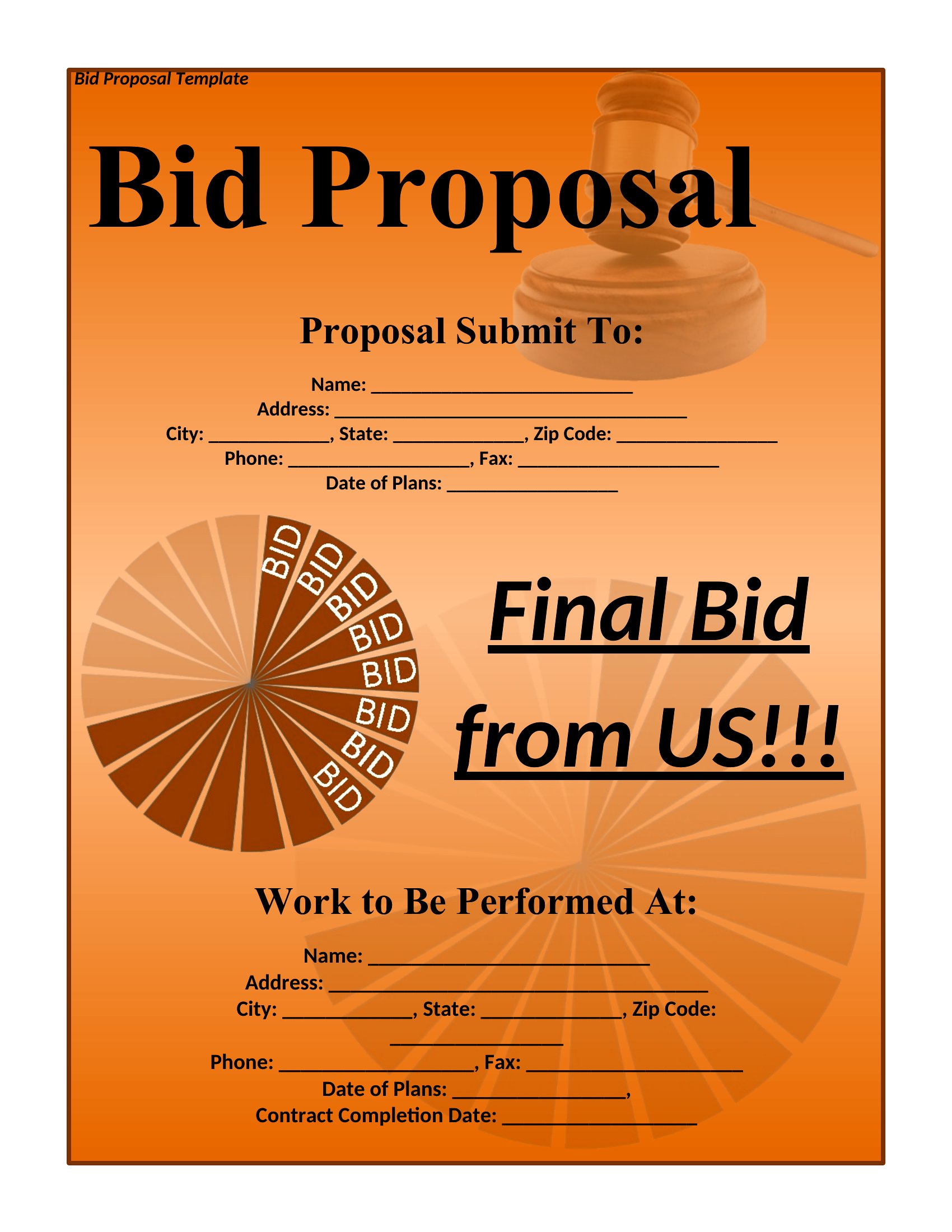
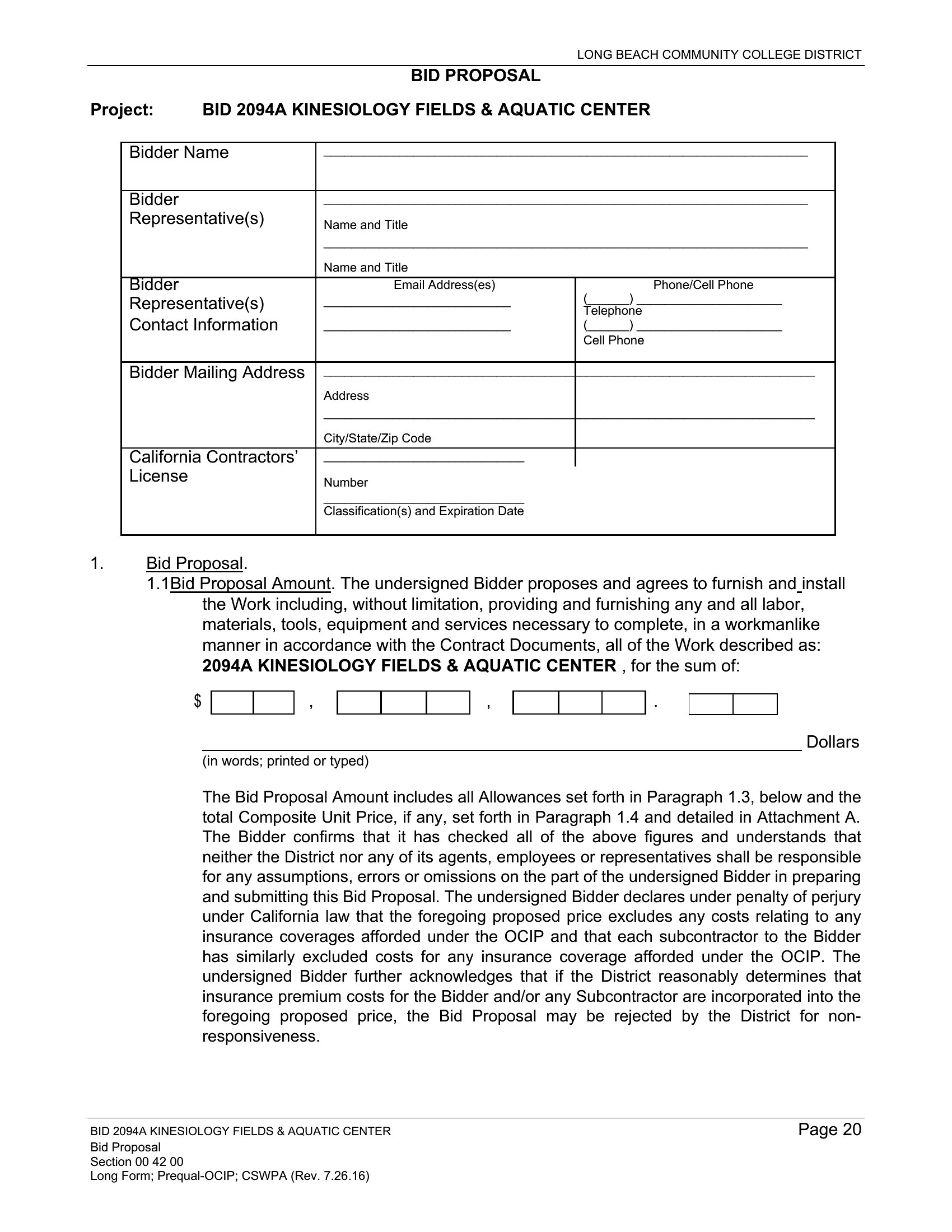
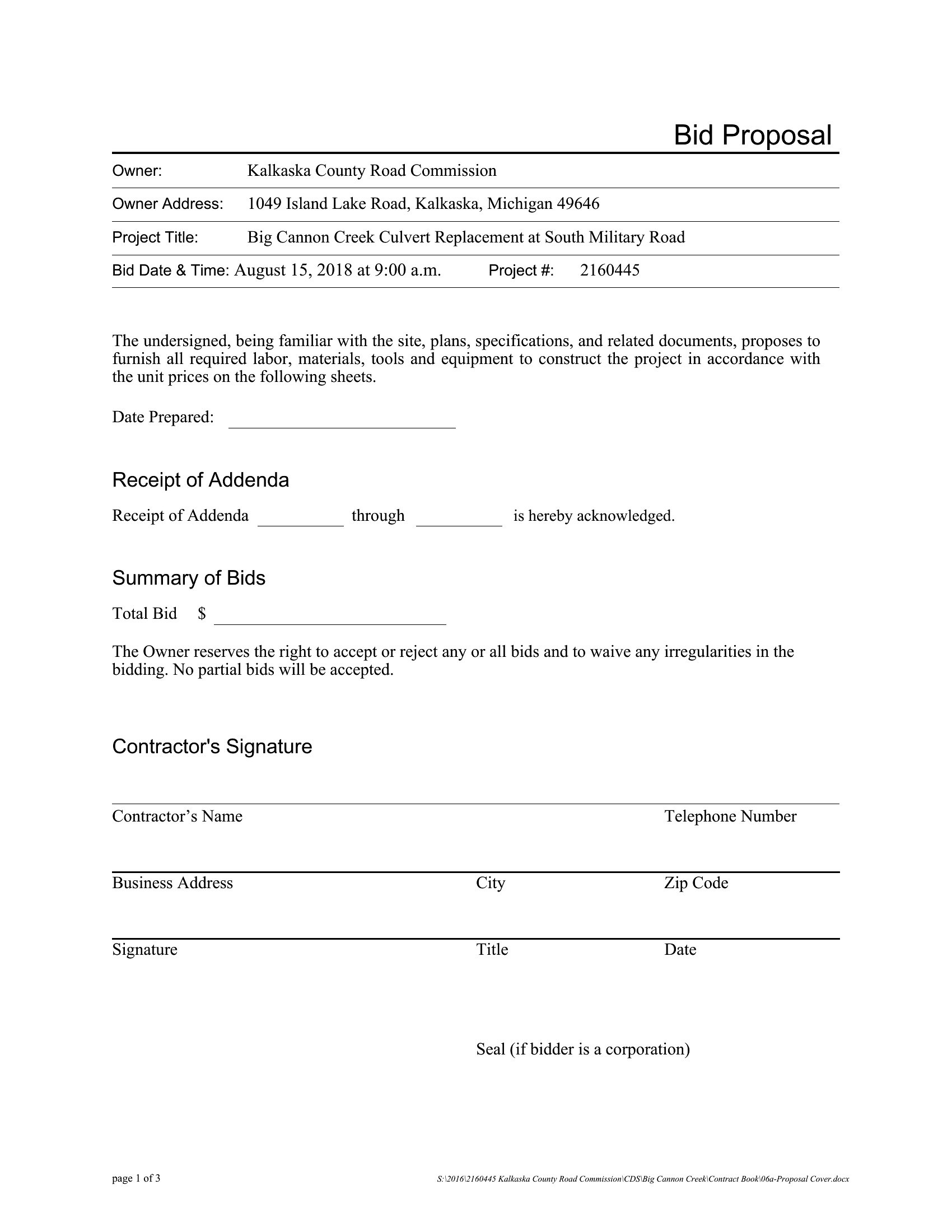
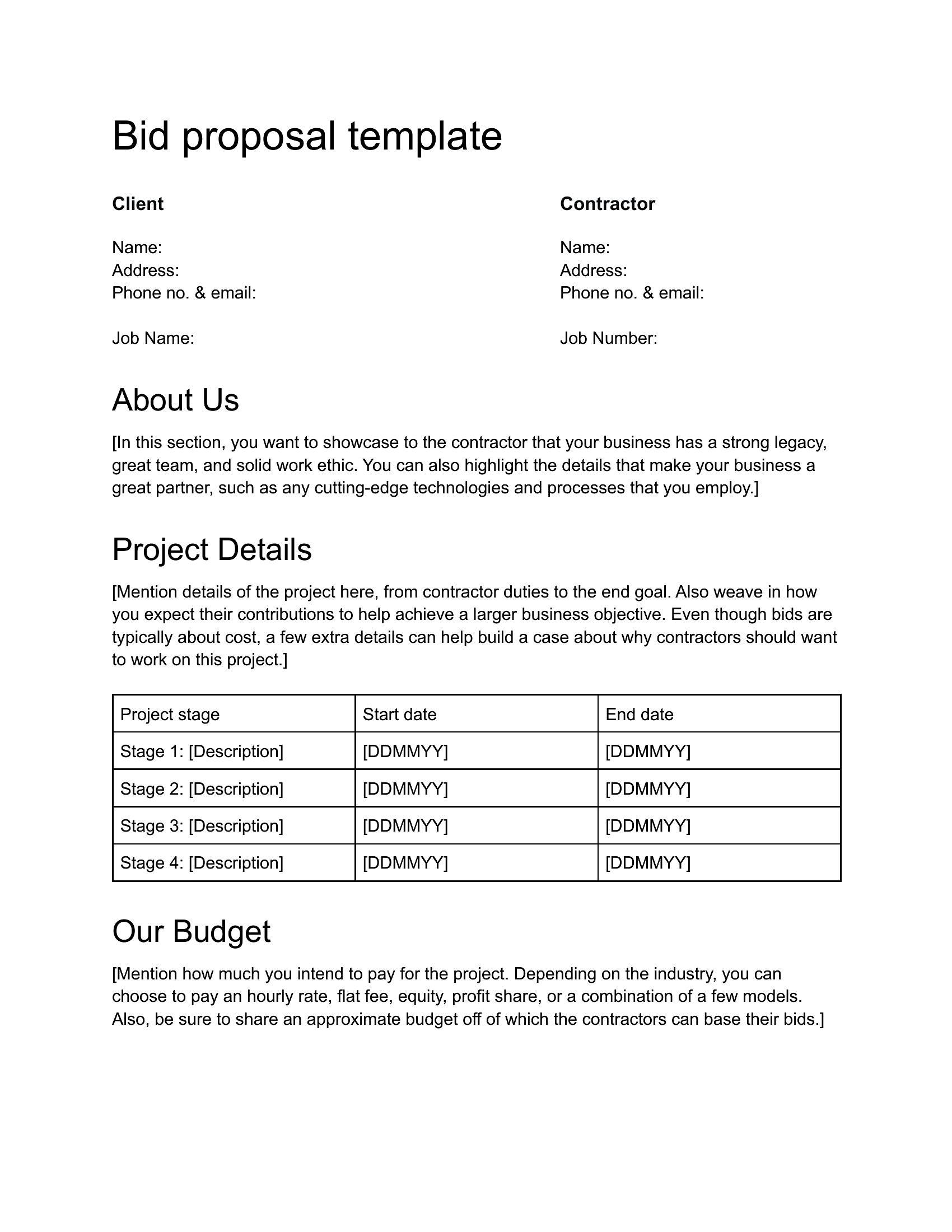
Prioritize sections based on the client’s RFP or request. Always include a clear scope of work, timeline, and pricing—these are non-negotiable for credibility. Add case studies or references if relevant to your industry, and tailor the tone (e.g., technical for contractors, visionary for consultants). Use the template’s layout to guide you, but avoid overloading with unnecessary details that dilute your key strengths.
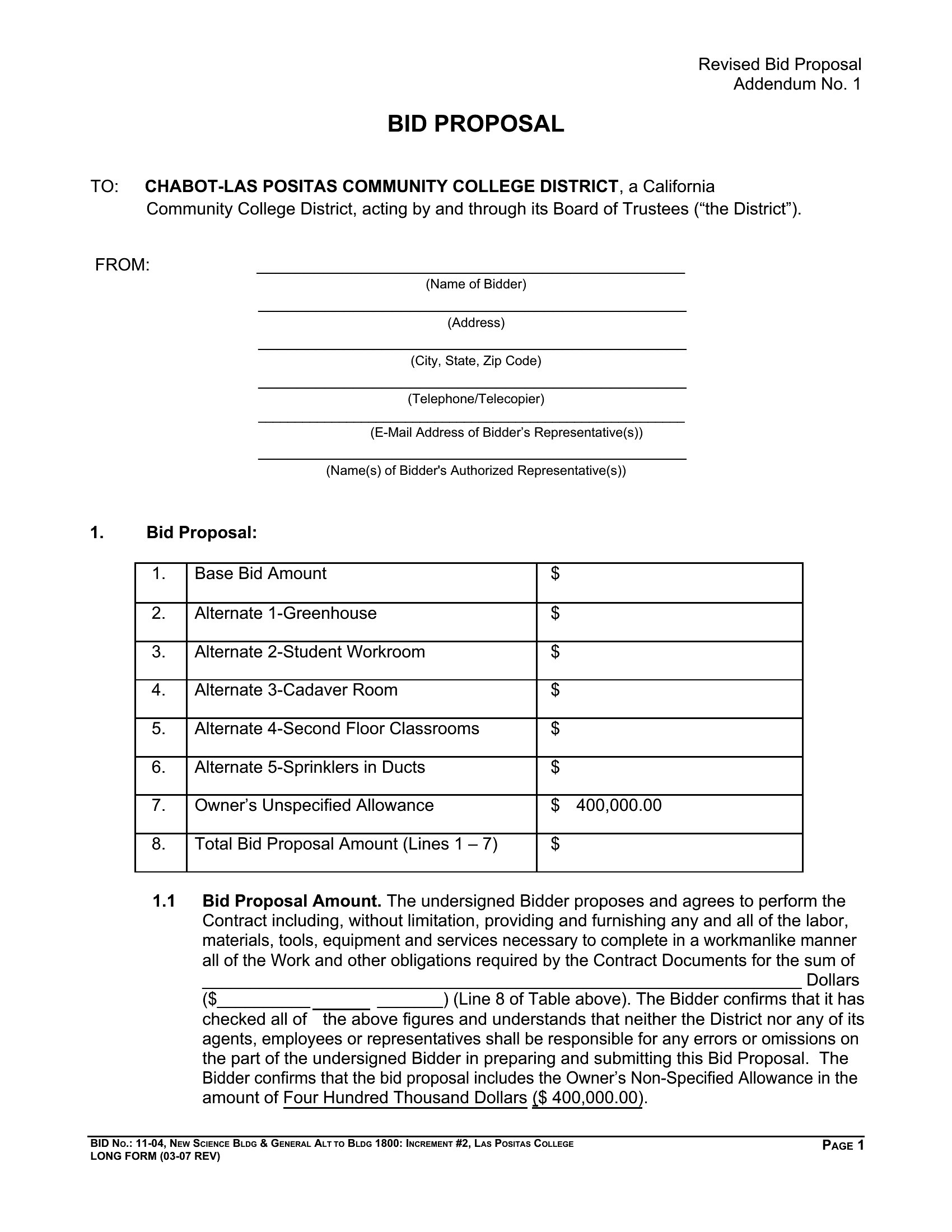
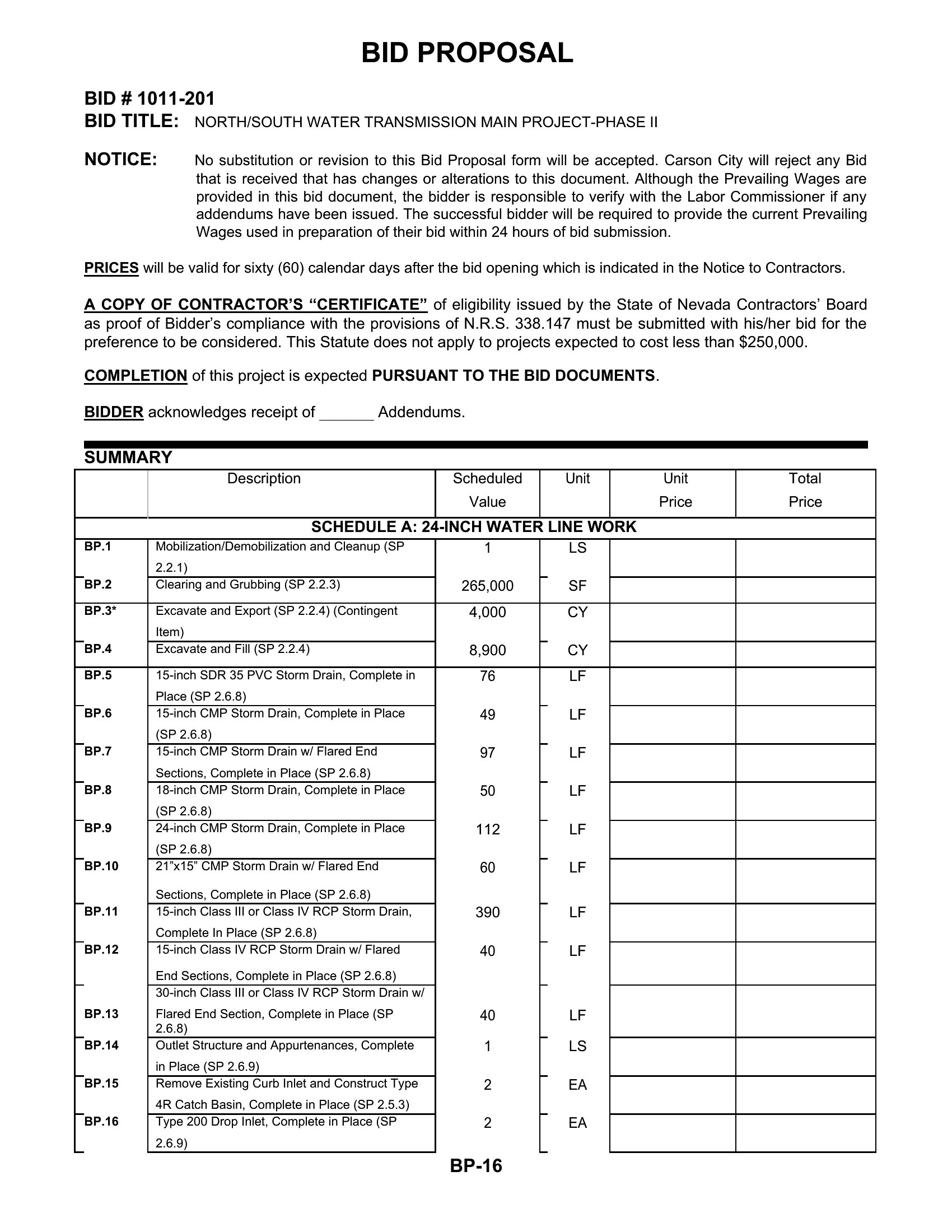
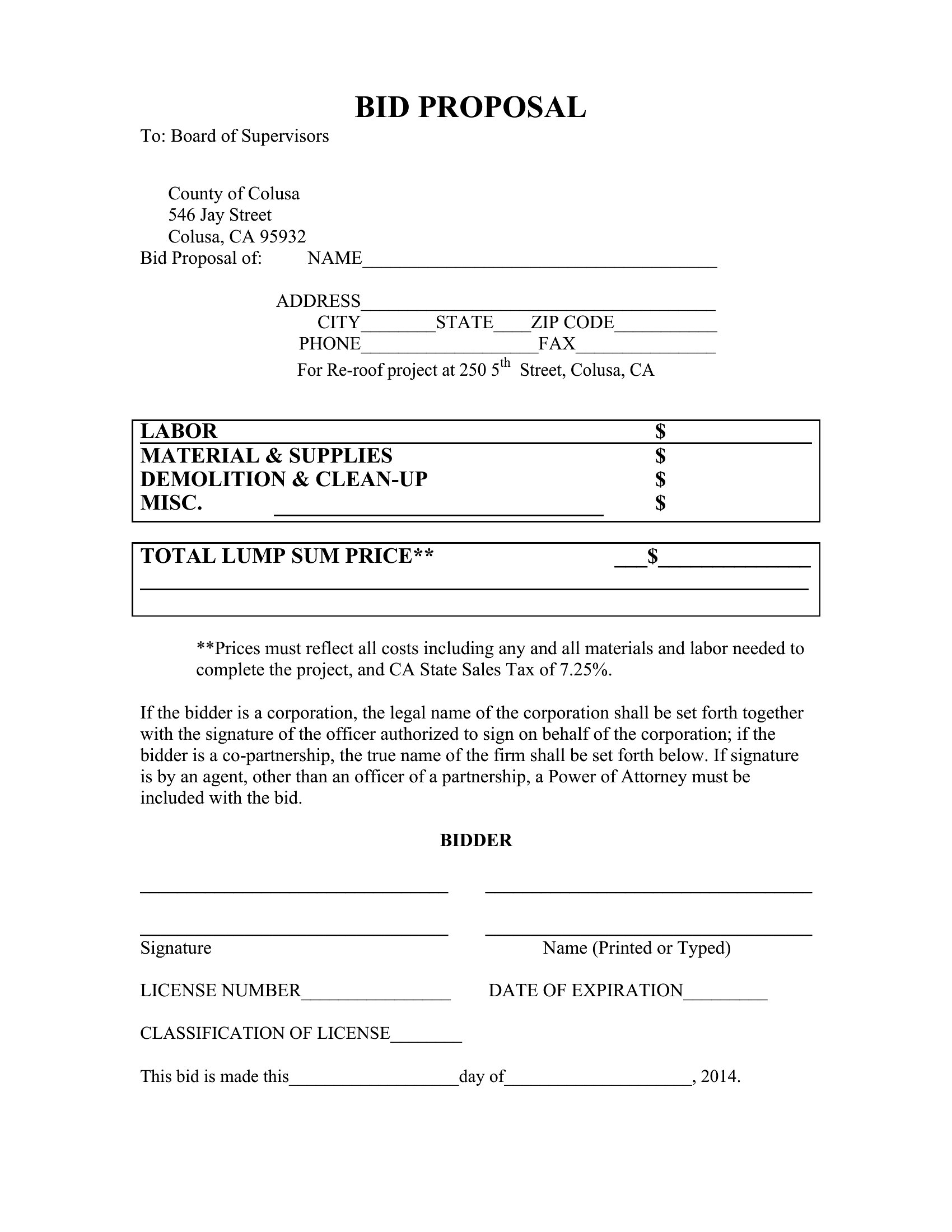
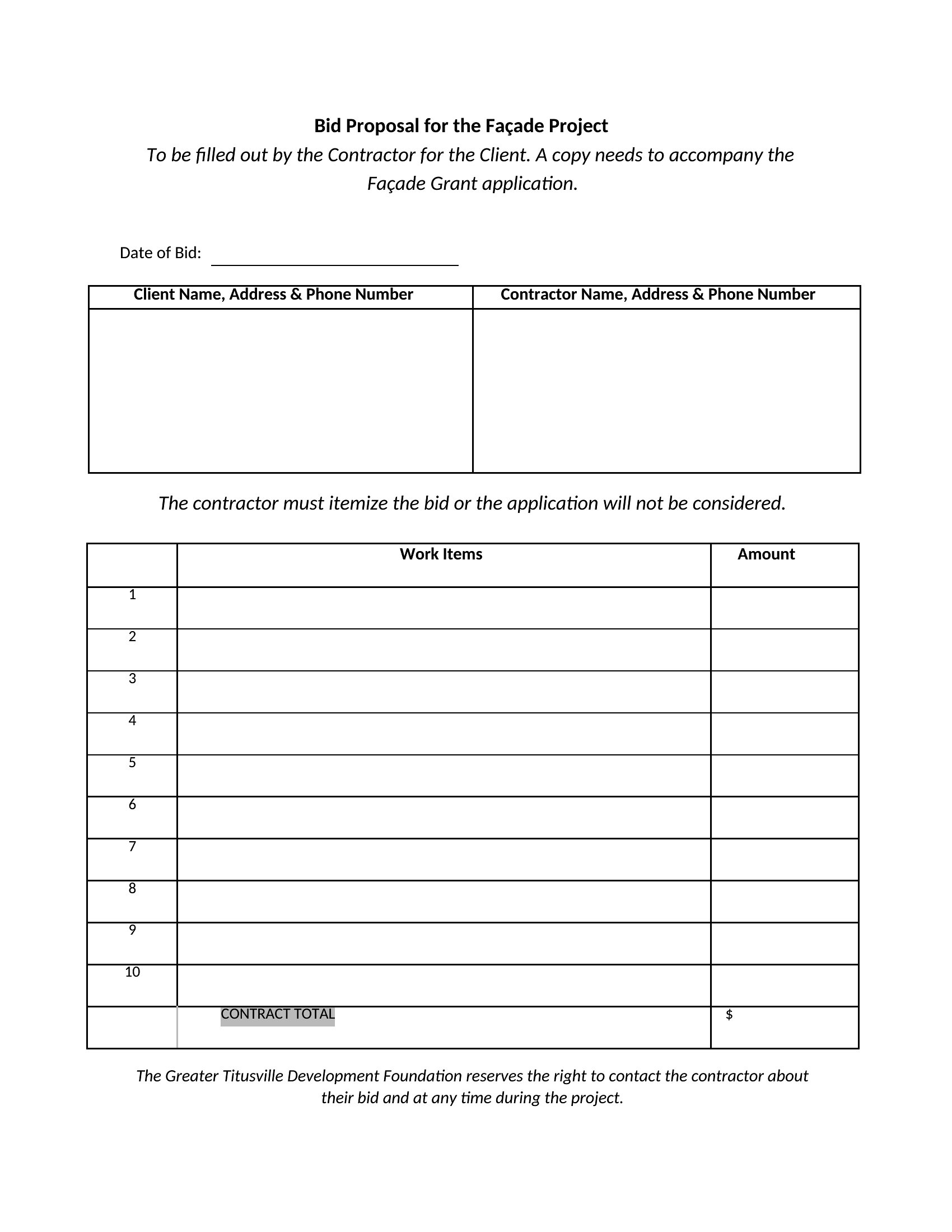
What’s the best way to handle pricing tables in a bid proposal?
Be transparent but strategic. Break down costs by phase, service, or deliverable to justify your rates, and highlight value over lowest cost. In Excel, use formulas to auto-calculate totals and avoid manual errors. For Word or PDF, keep tables clean and aligned—clutter can make your proposal harder to review. If competing on price, explain how your approach saves the client time or risk in the long run.
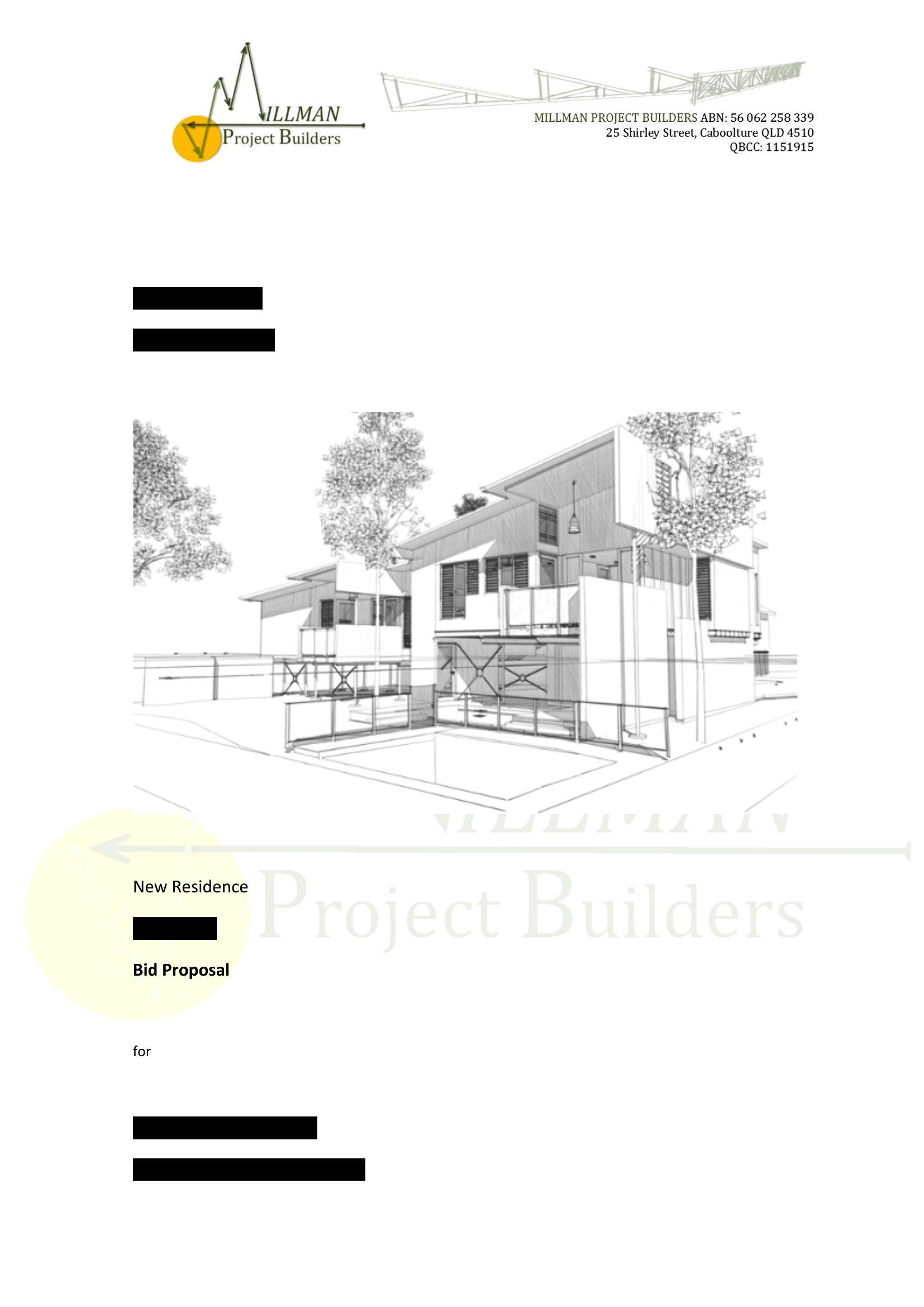
Should I include a cover letter with my bid proposal?
Yes, but keep it brief—one concise page maximum. Use it to introduce your team’s expertise, briefly recap why you’re the best fit, and reference a key section of the proposal (e.g., ‘As outlined in Section 3, our phased approach aligns with your deadline’). Avoid repeating details already in the proposal; instead, focus on building rapport and addressing the client’s specific needs or challenges. Save the cover letter as a separate Word or PDF file unless the client specifies otherwise.
Comments
Join the conversation
Sign in to share your thoughts and leave a comment on this resource.