










FAQ
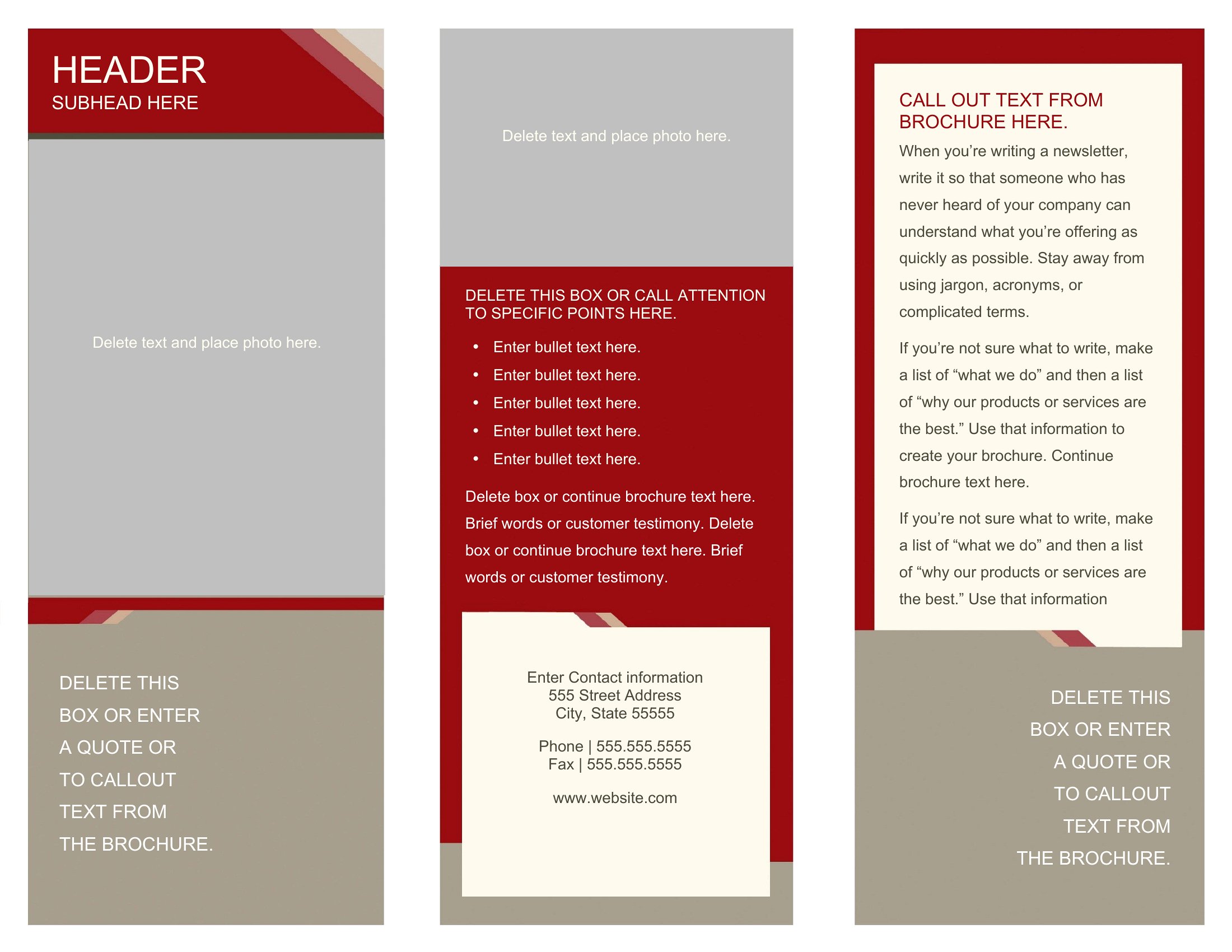
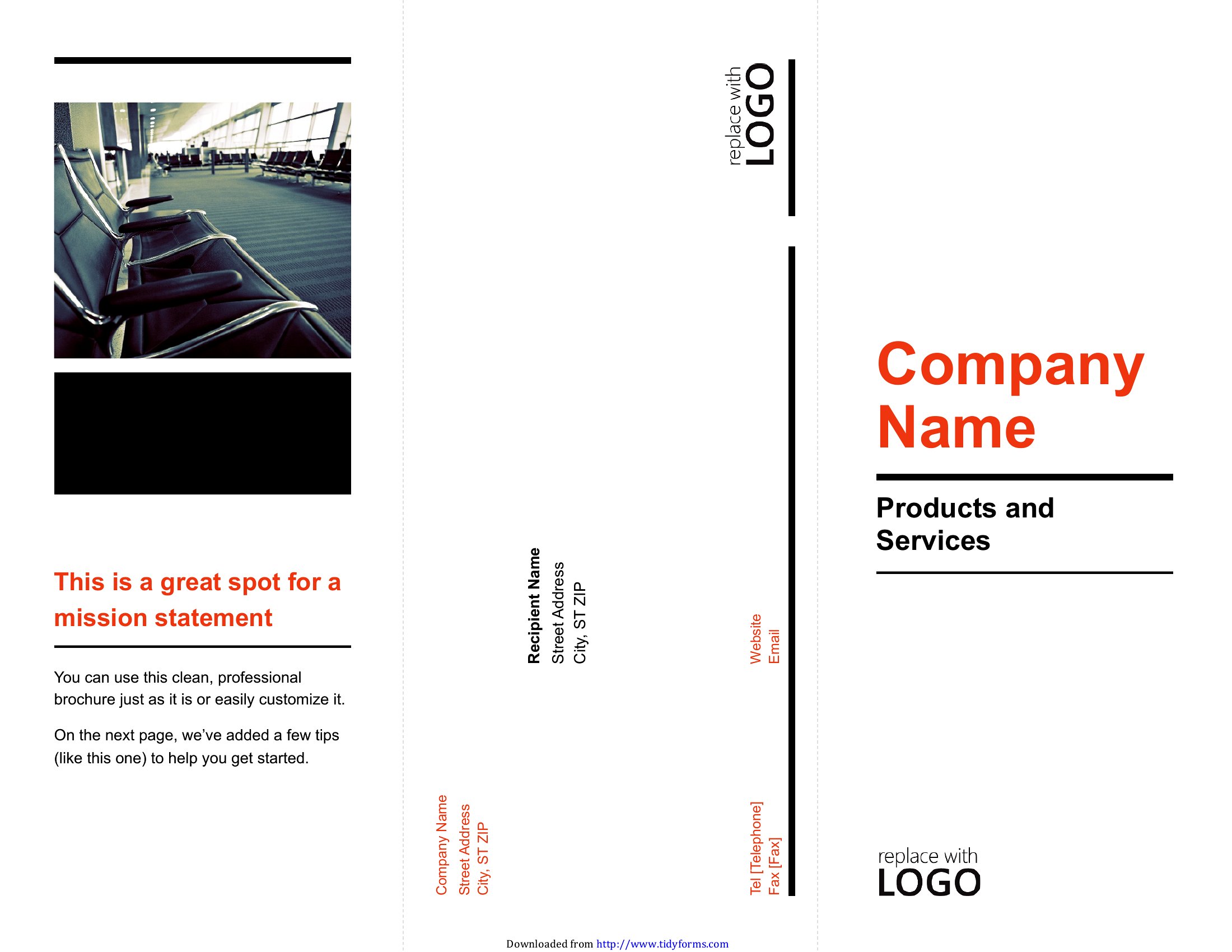
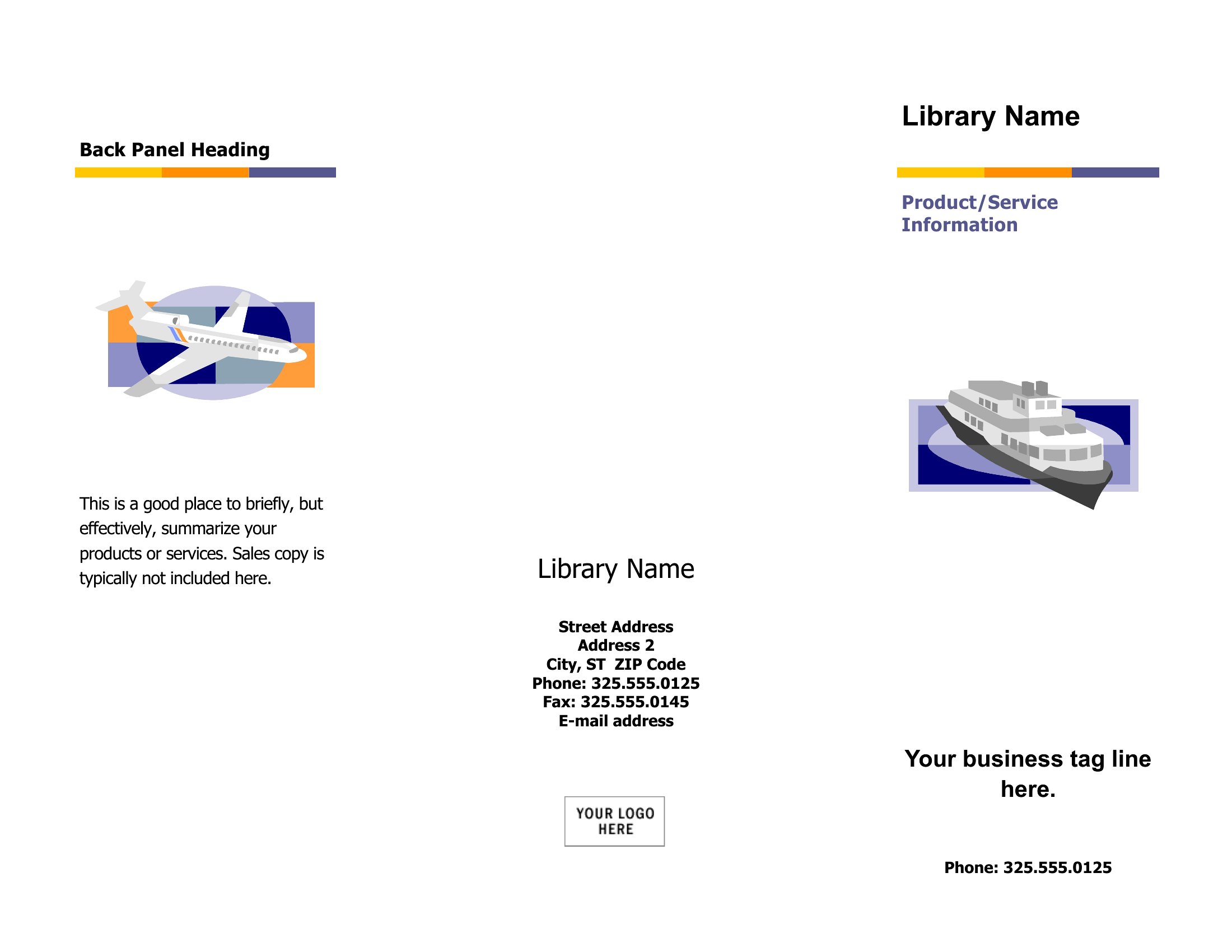
How do I ensure my brochure’s text fits within the tri-fold or bi-fold layout without cutting off details?
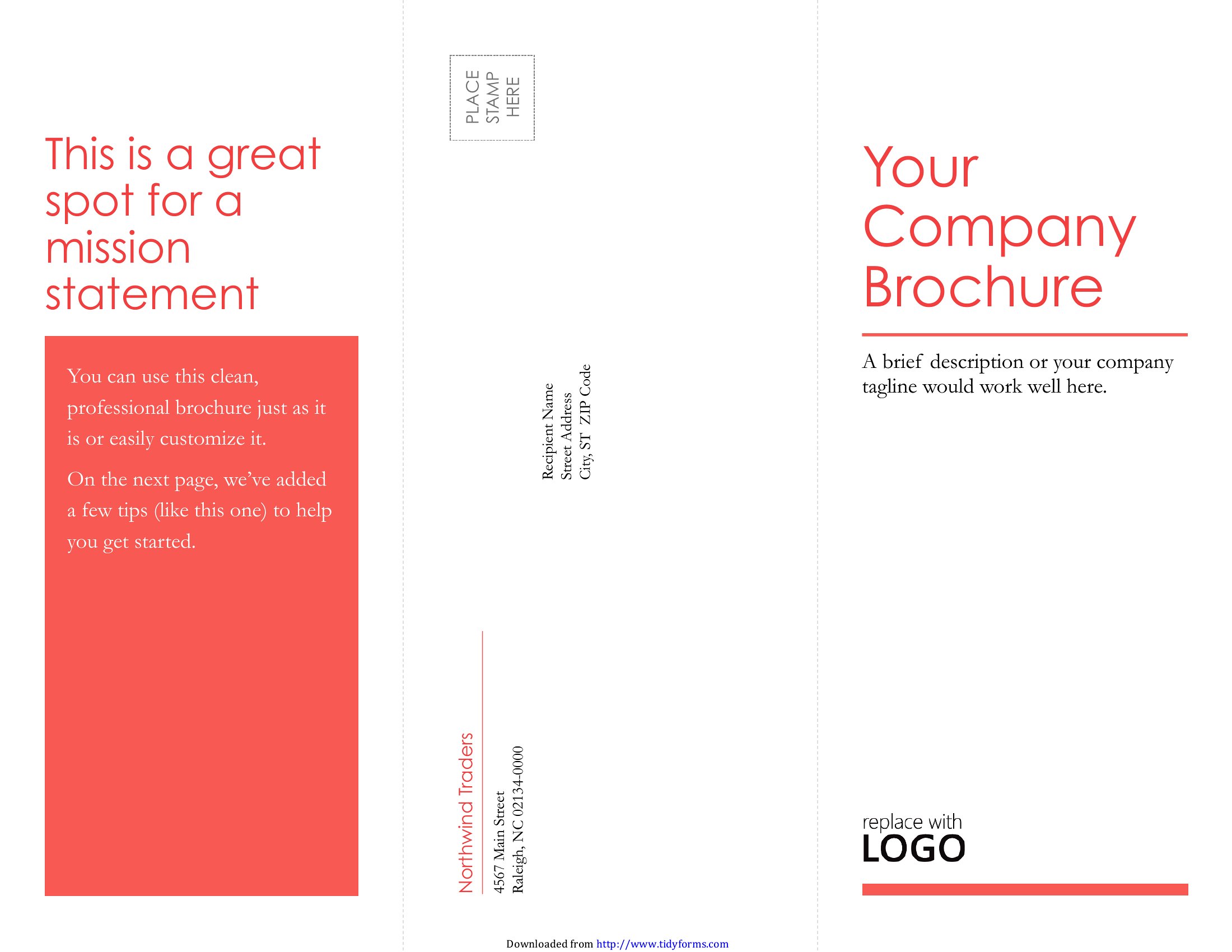
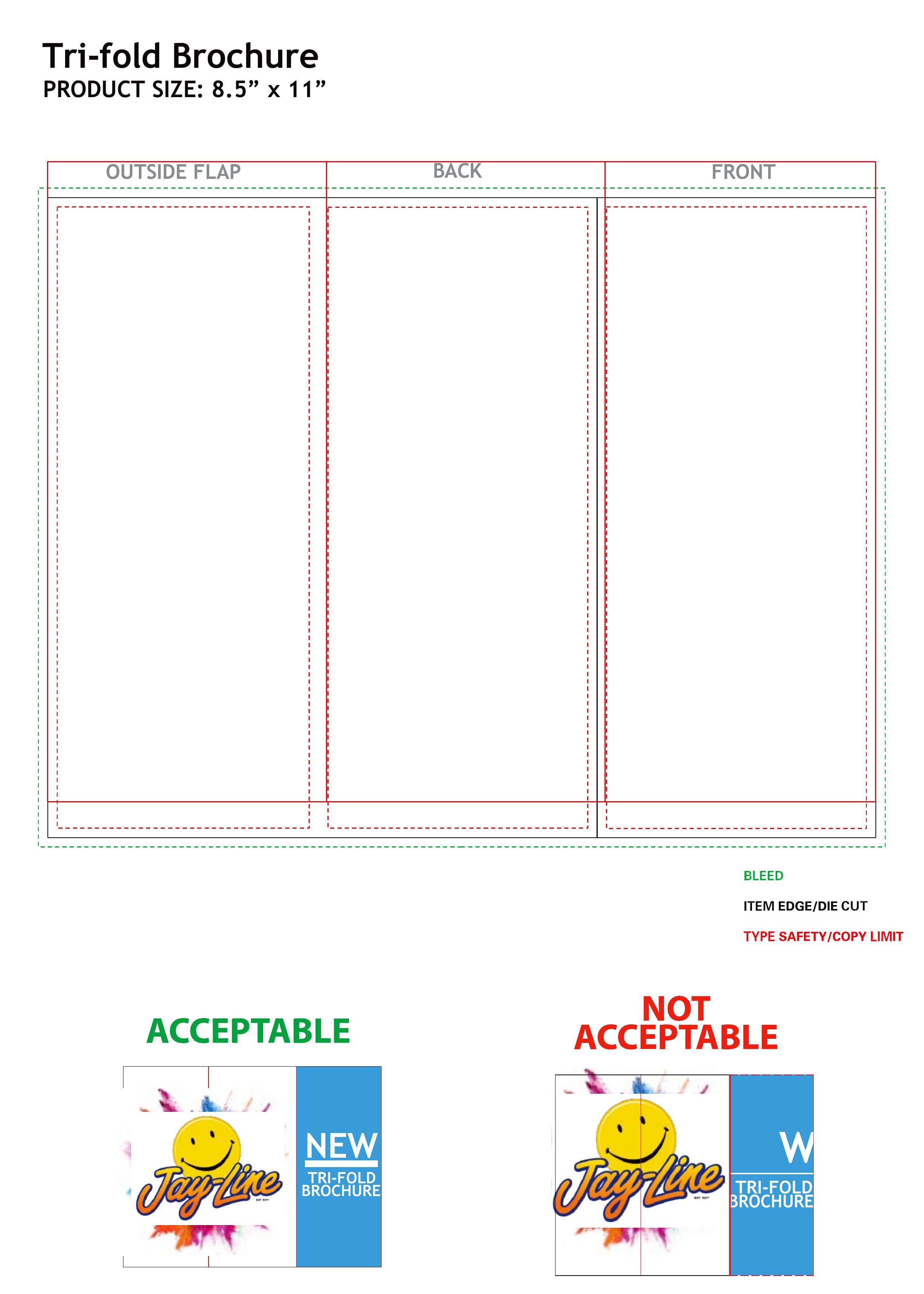
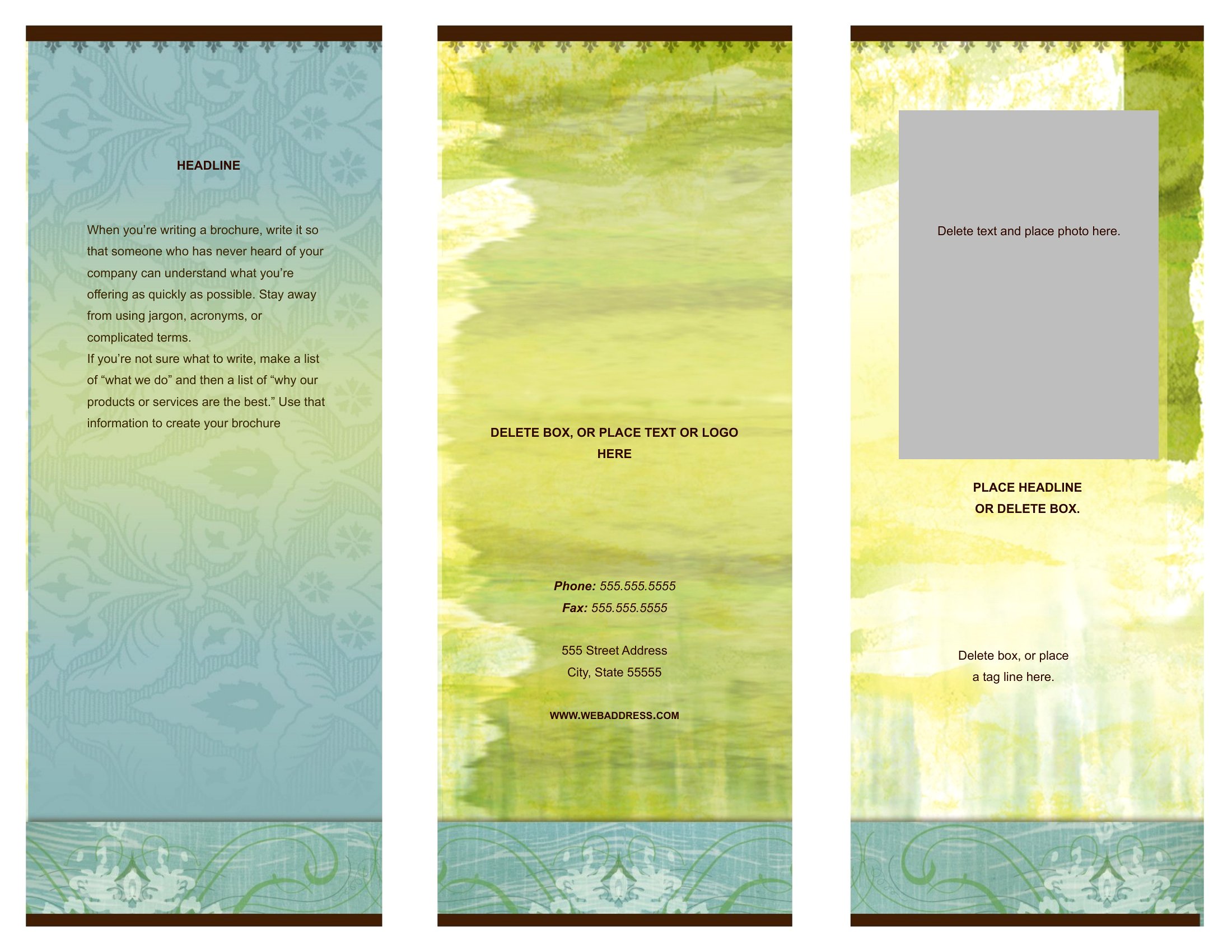
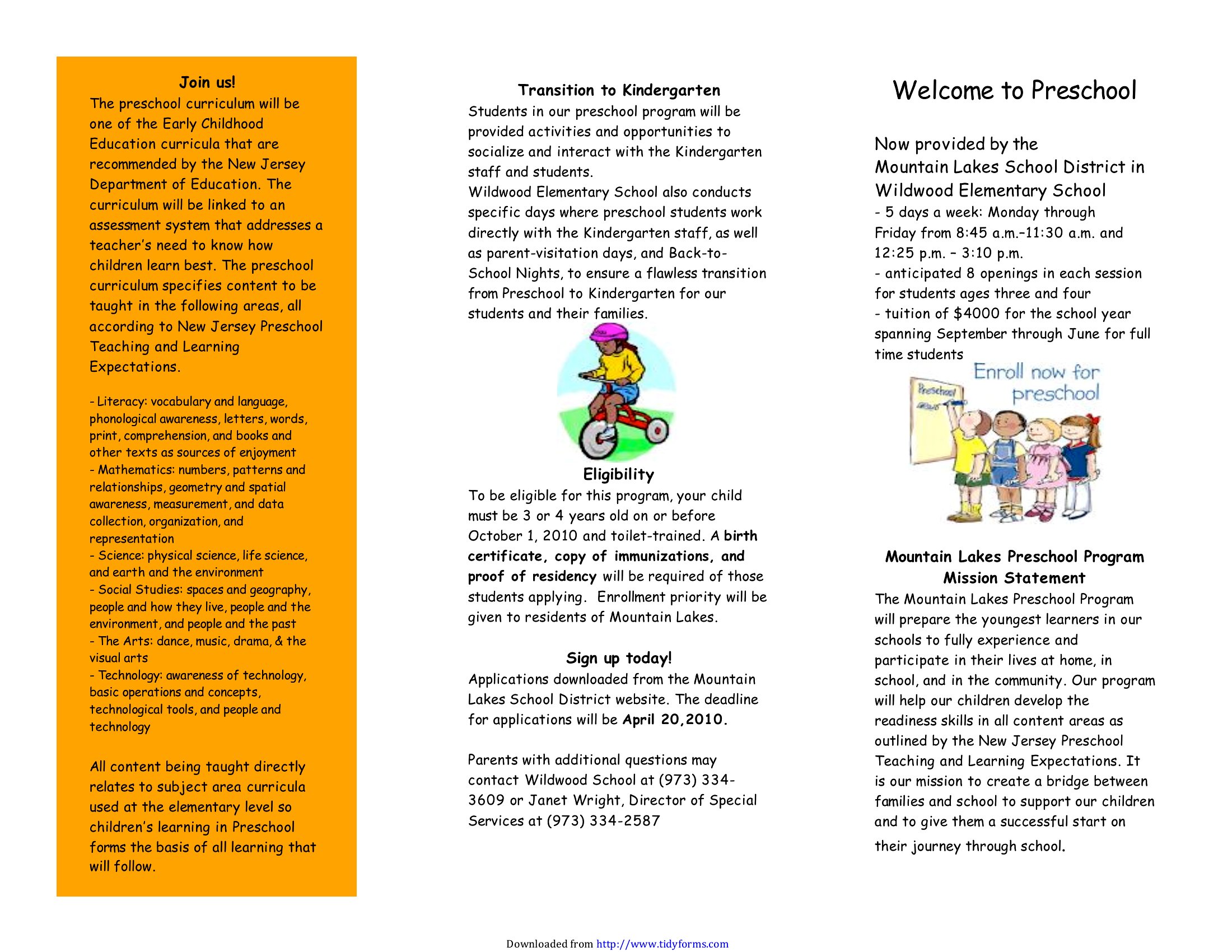
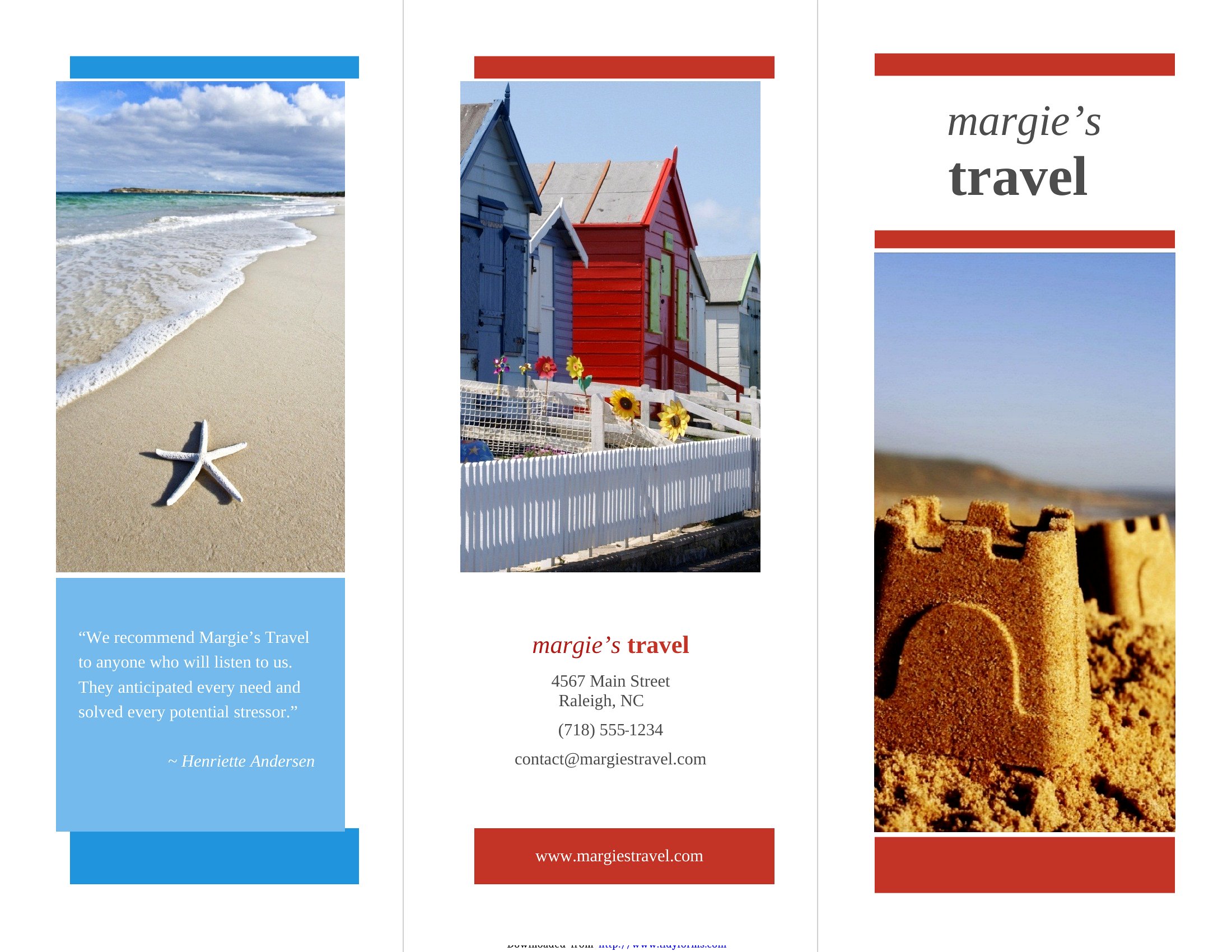
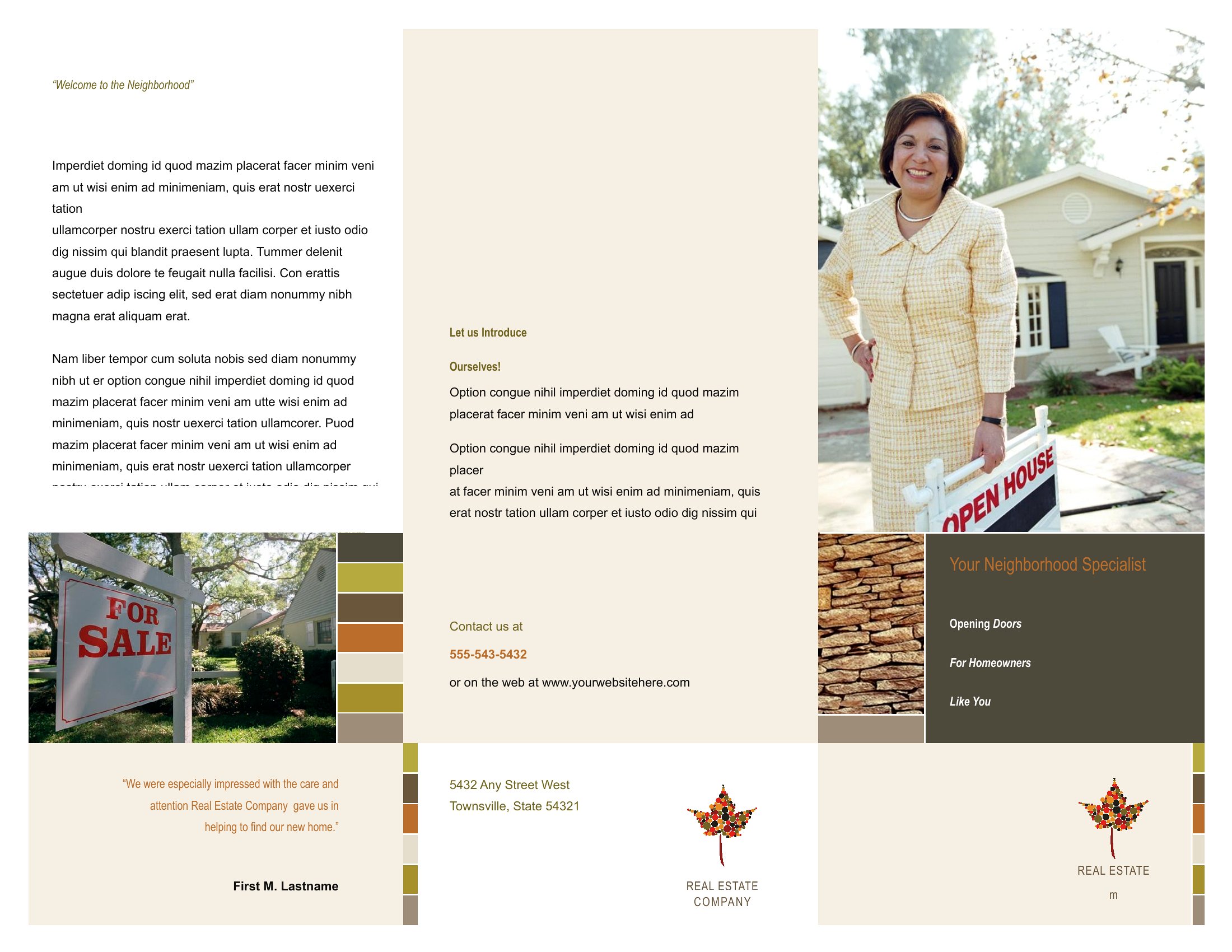
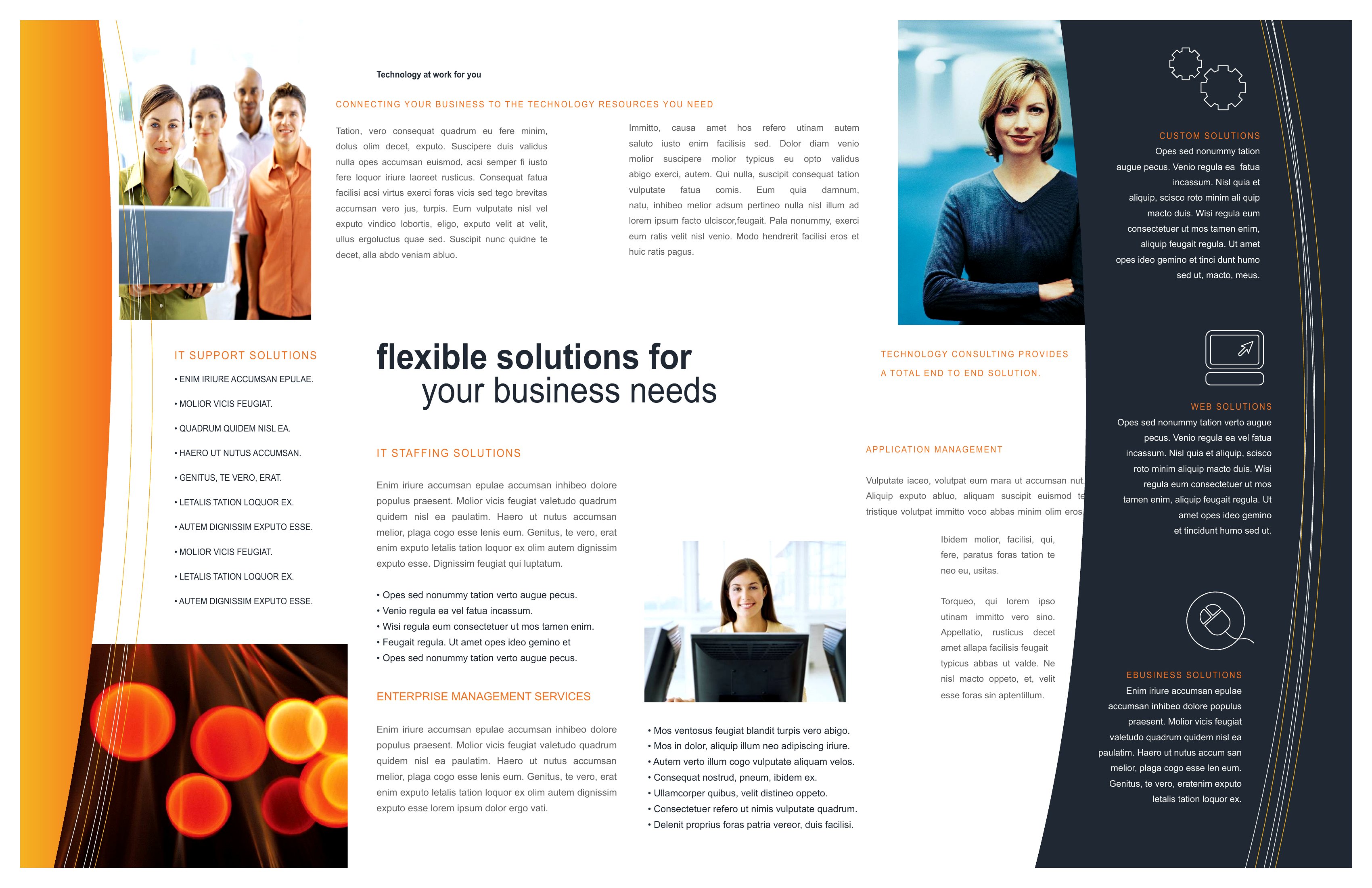
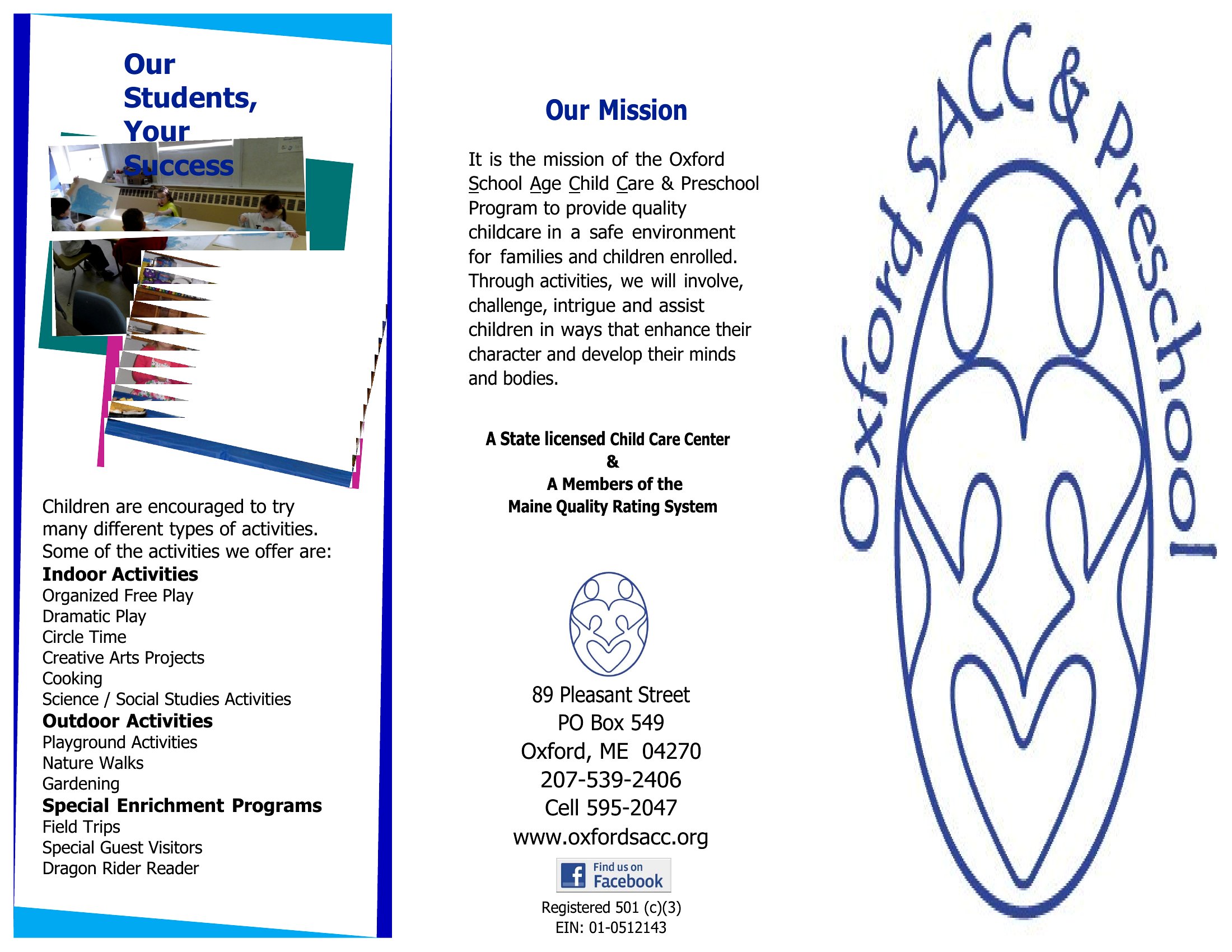
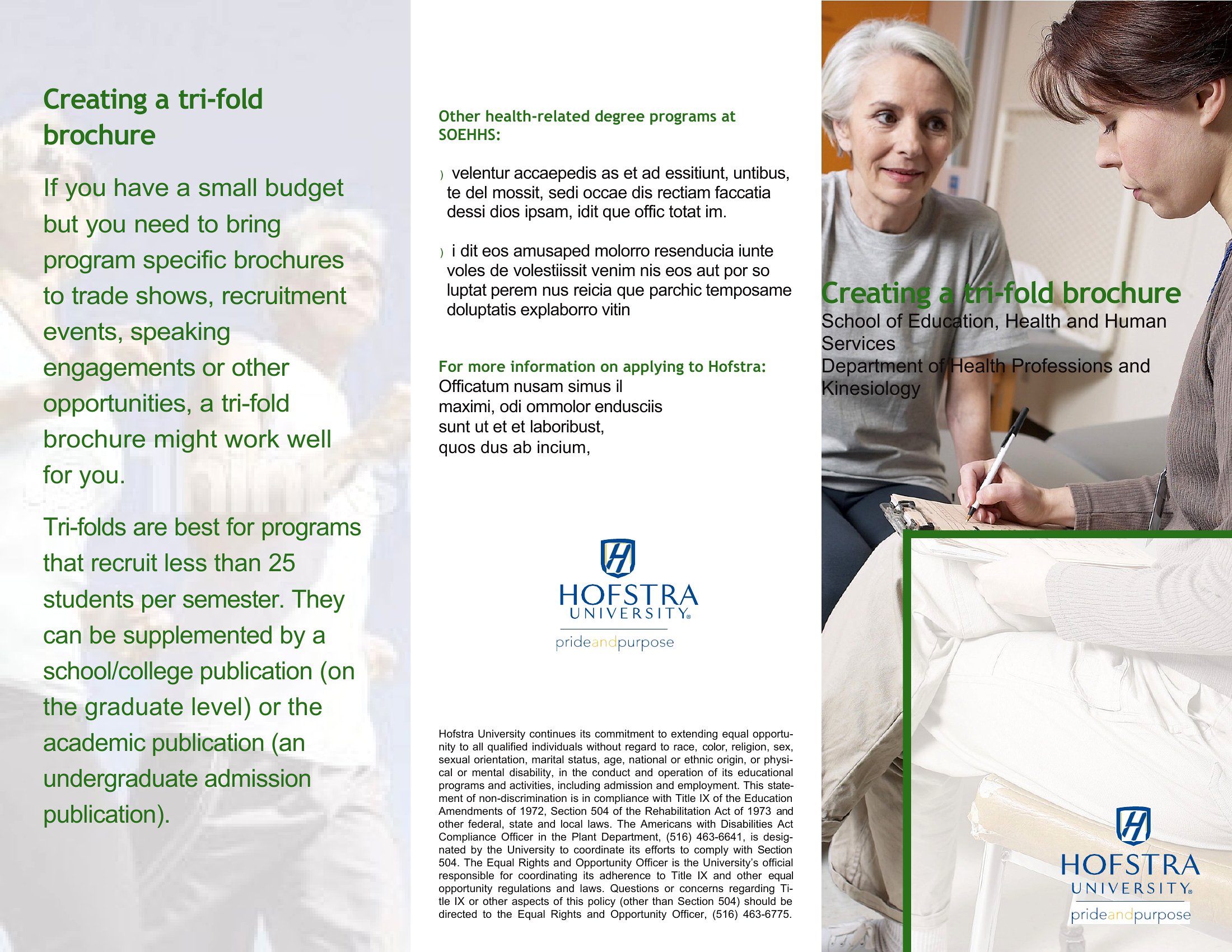
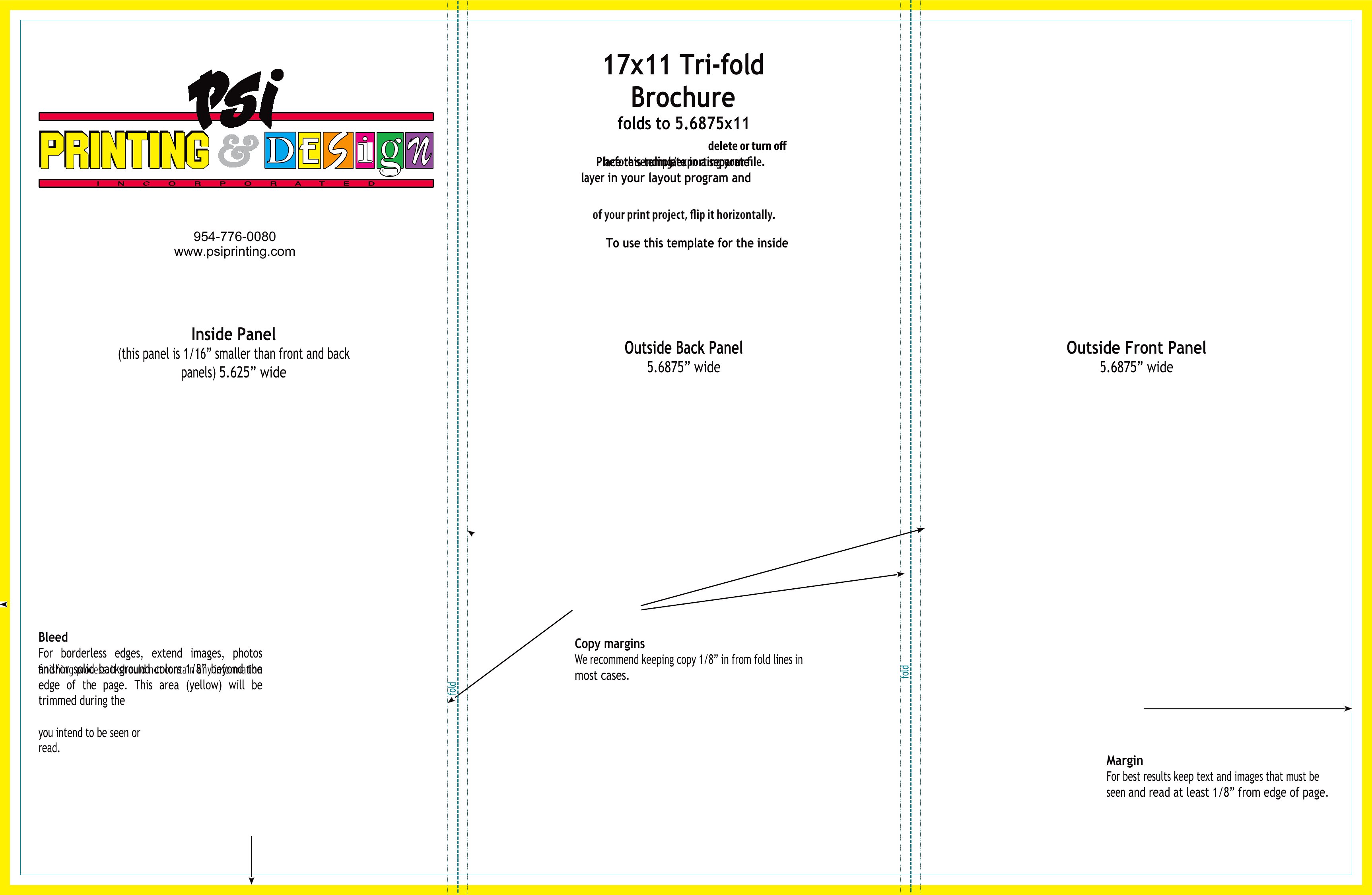
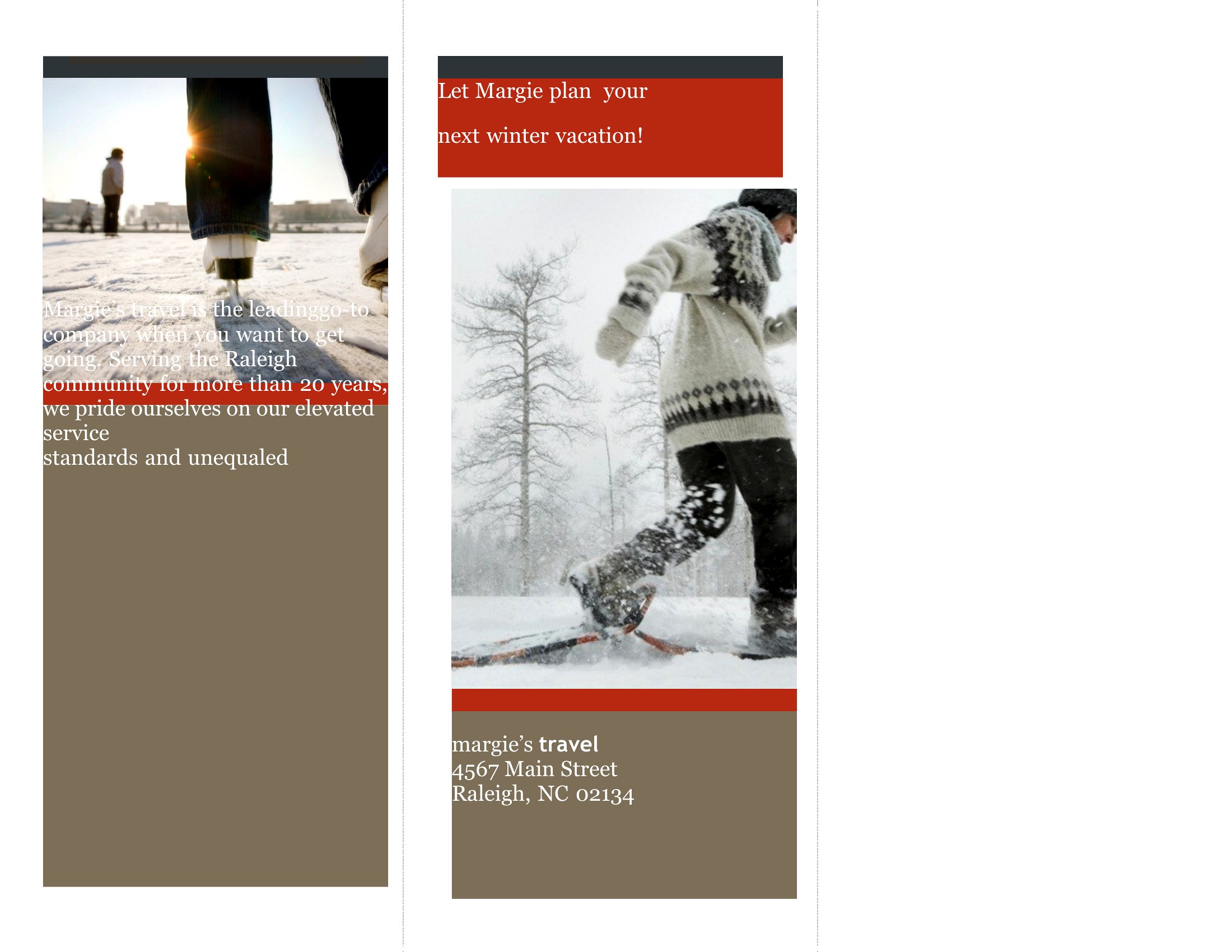
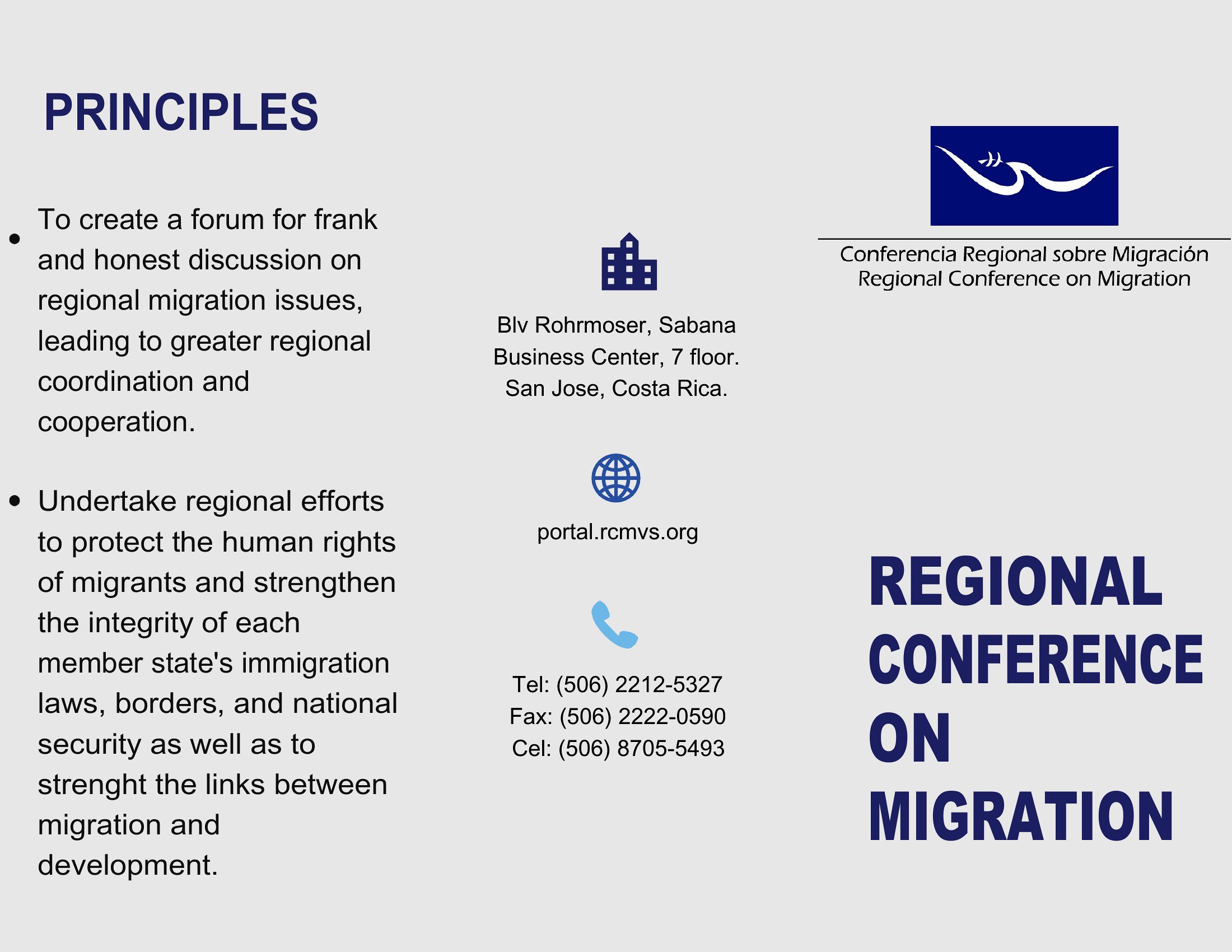
Start by drafting your content in Word with standard margins, then use the template’s placeholder boxes to test readability. Shorten headings first, then trim bullet points or descriptions. For critical info like contact details, always place it near the edges where it’s most visible when folded.
Can I combine multiple templates from this collection into one brochure?
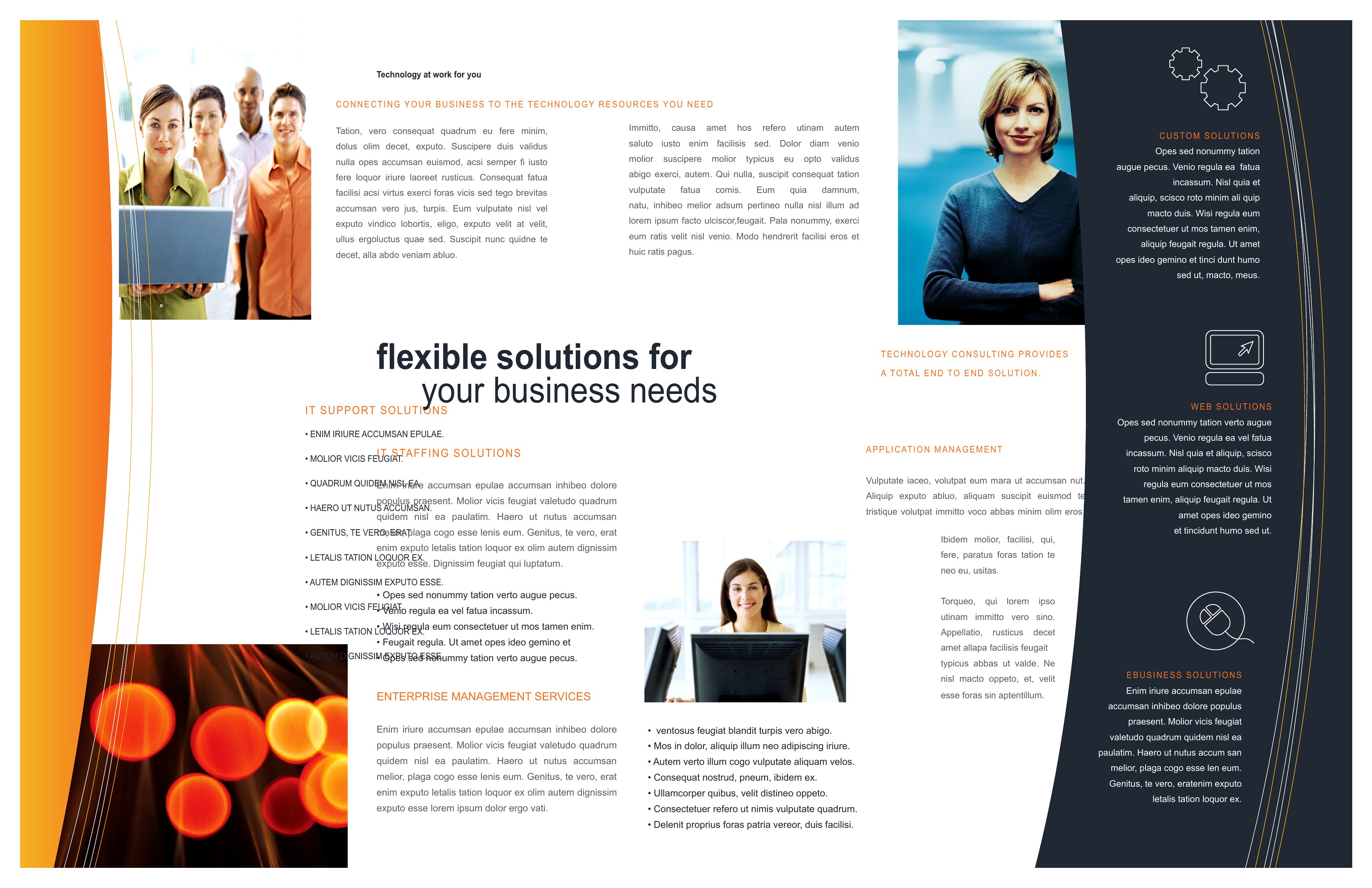
No, but you can copy-paste sections like headers, footers, or photo grids from different templates into a single Word file to create a hybrid design. Just ensure fonts and colors match for a cohesive look. For PDFs, you’d need to merge them externally using a tool like Adobe Acrobat.
Are these templates designed for single-sided or double-sided printing?
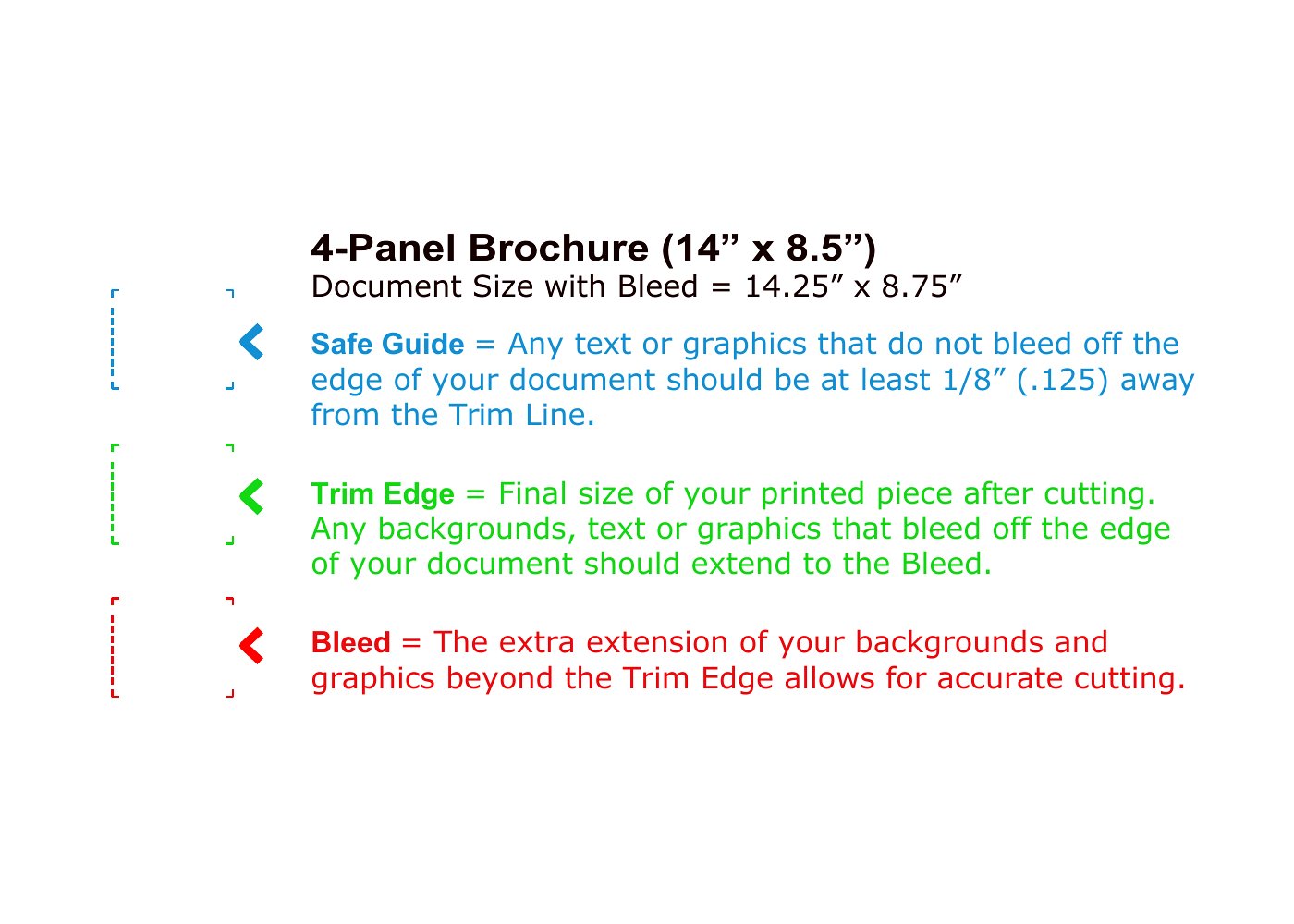
All brochures here are set up for double-sided (duplex) printing by default, with content flowing naturally when folded. For single-sided use, focus on one panel at a time—like a tri-fold’s left or center section—and ignore the reverse side’s design elements. Adjust margins if needed to avoid text bleeding into fold lines.
Comments
Join the conversation
Sign in to share your thoughts and leave a comment on this resource.