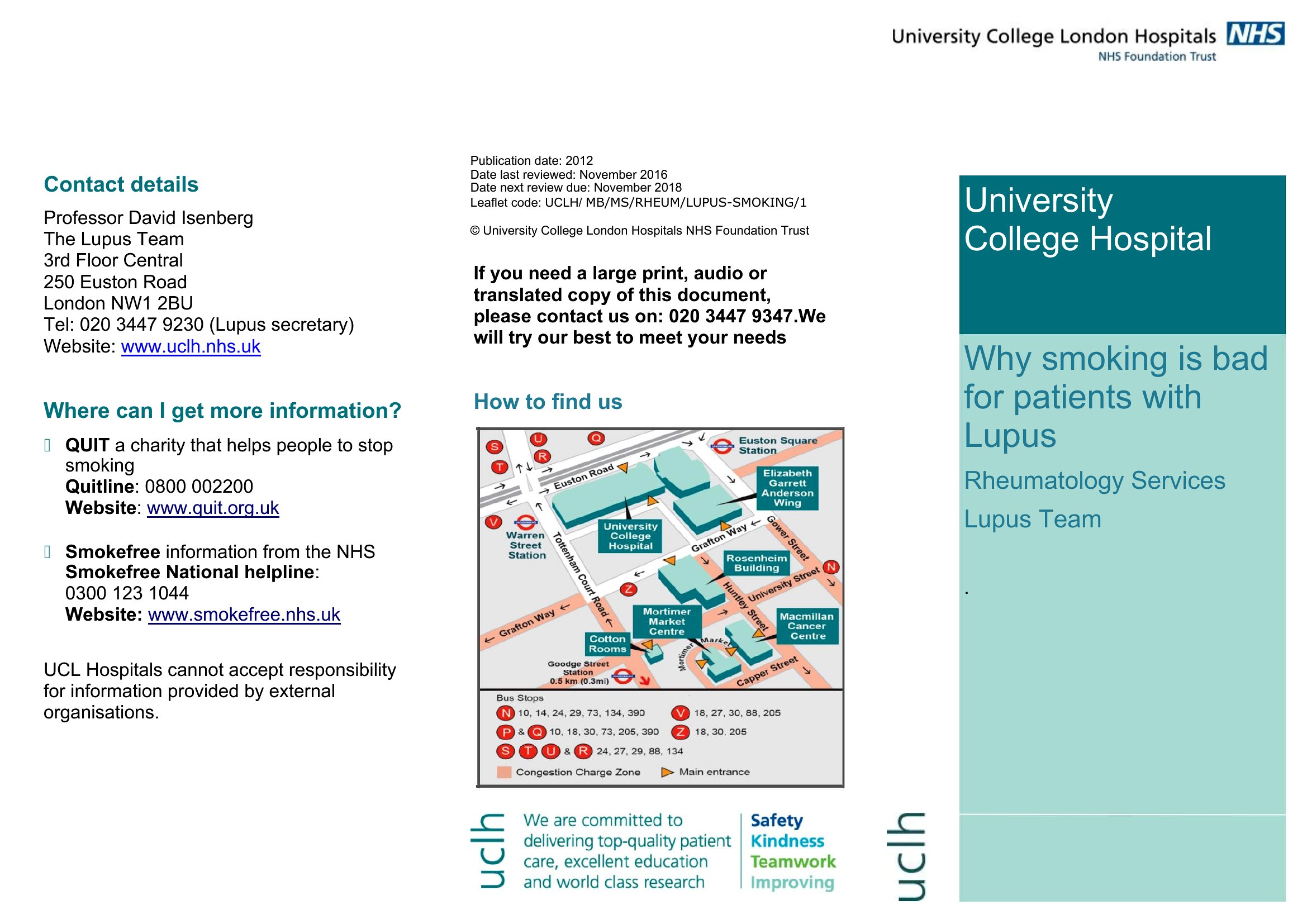
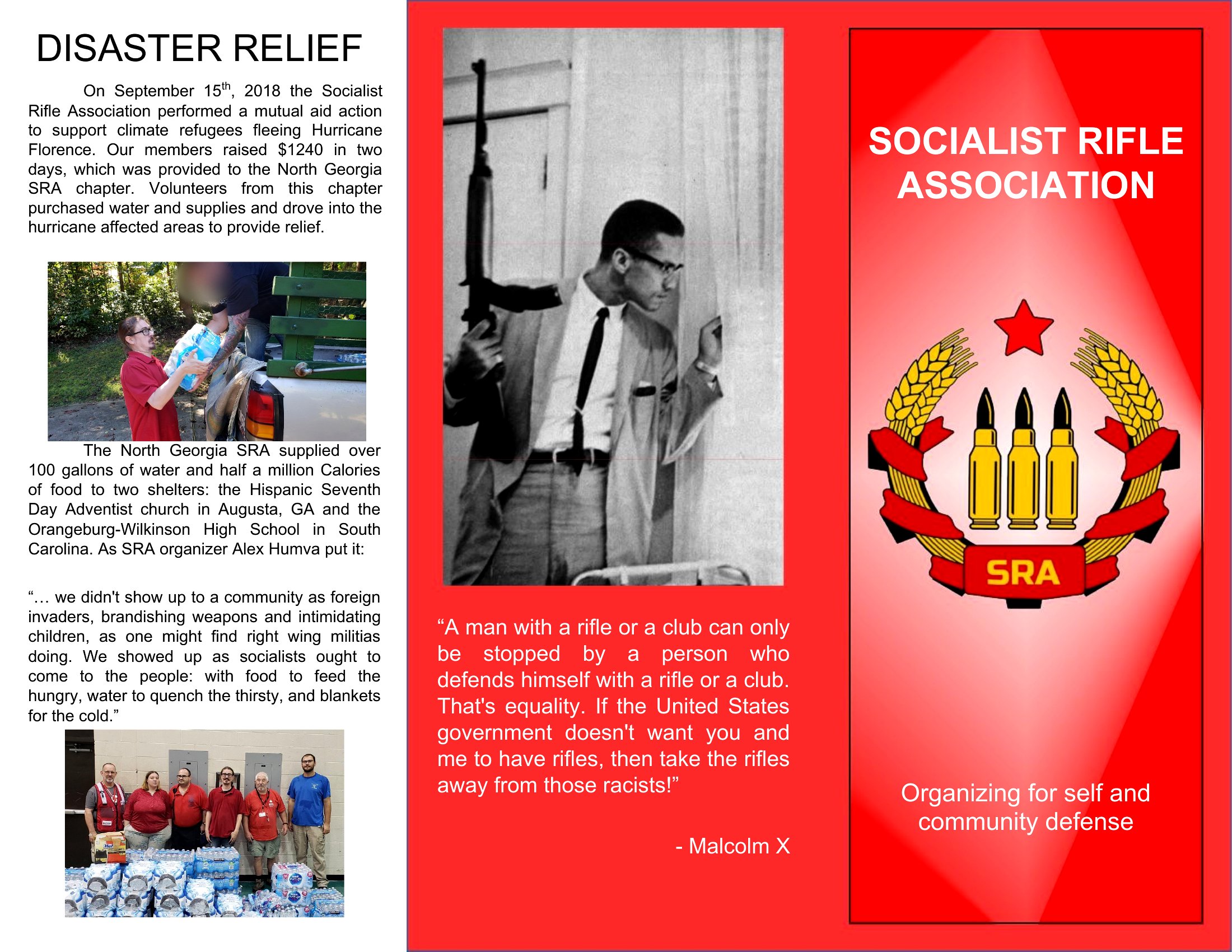
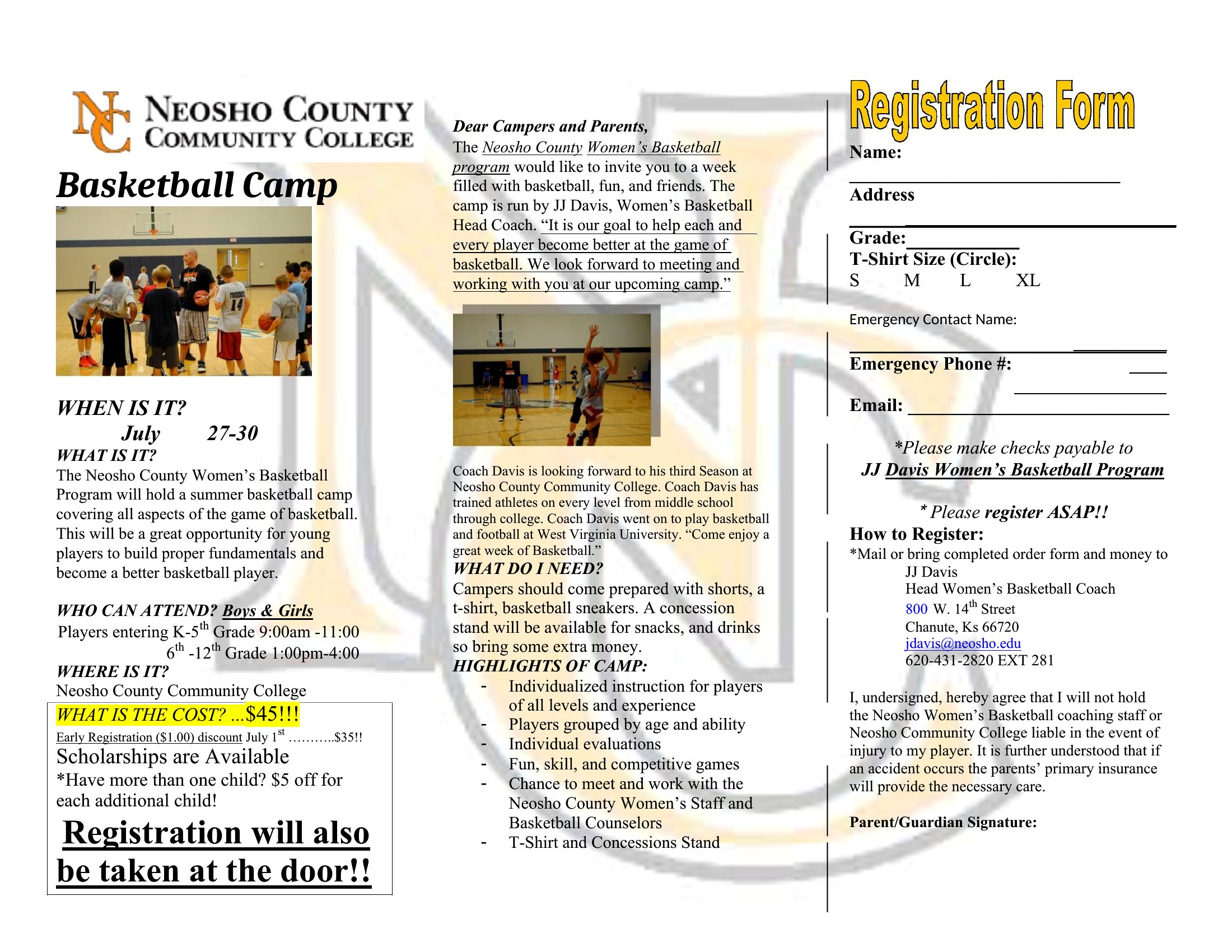
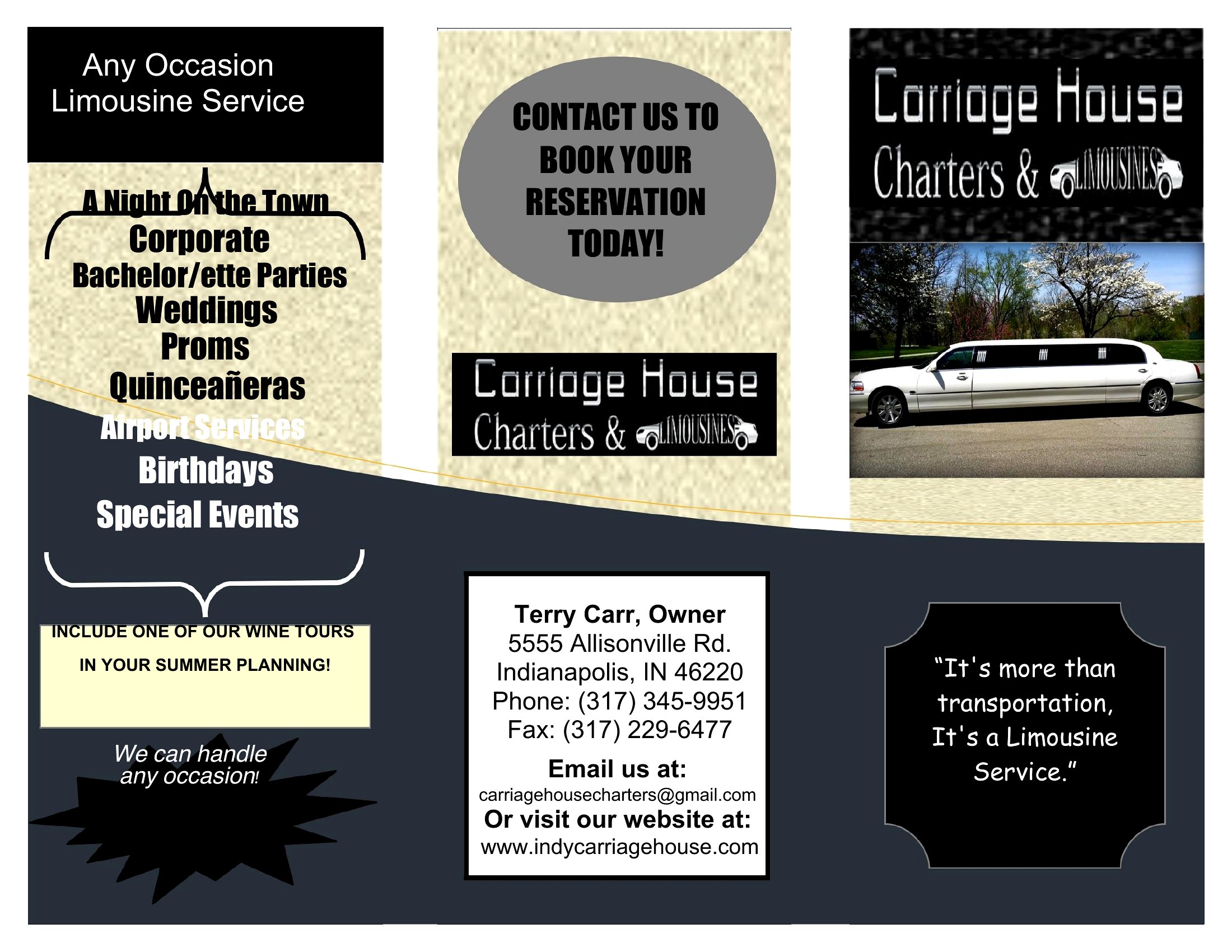
Free Pamphlet Templates (Word, PDF)
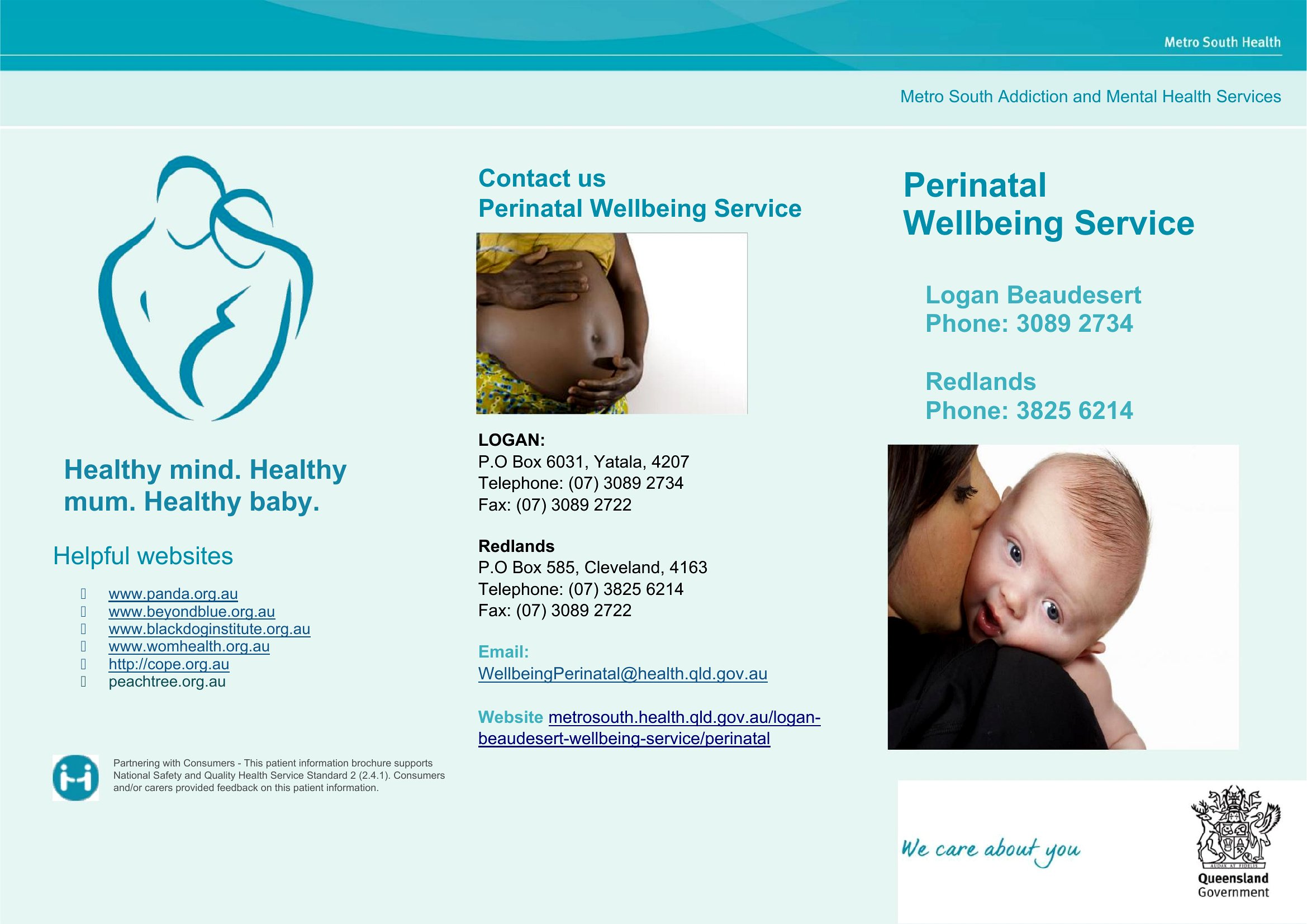
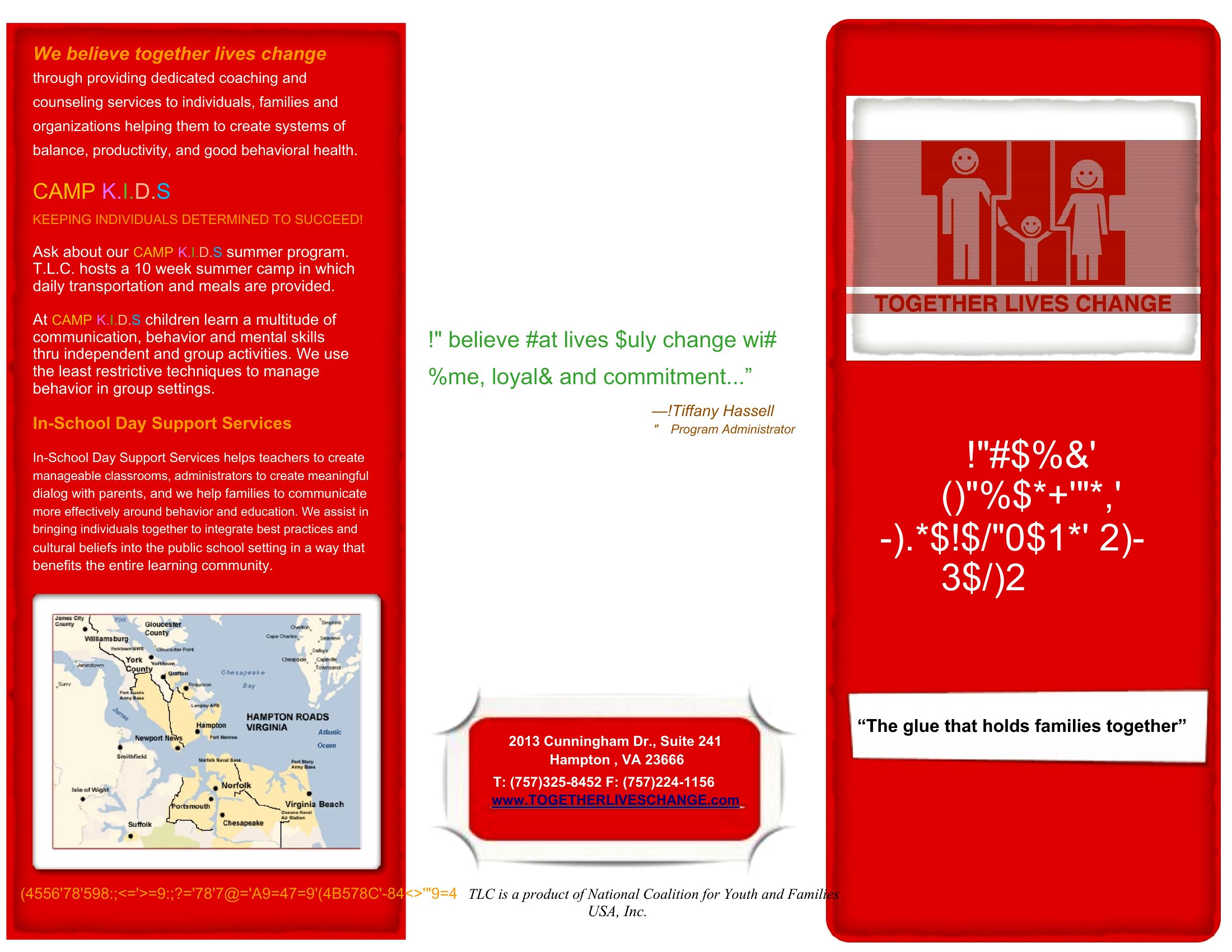
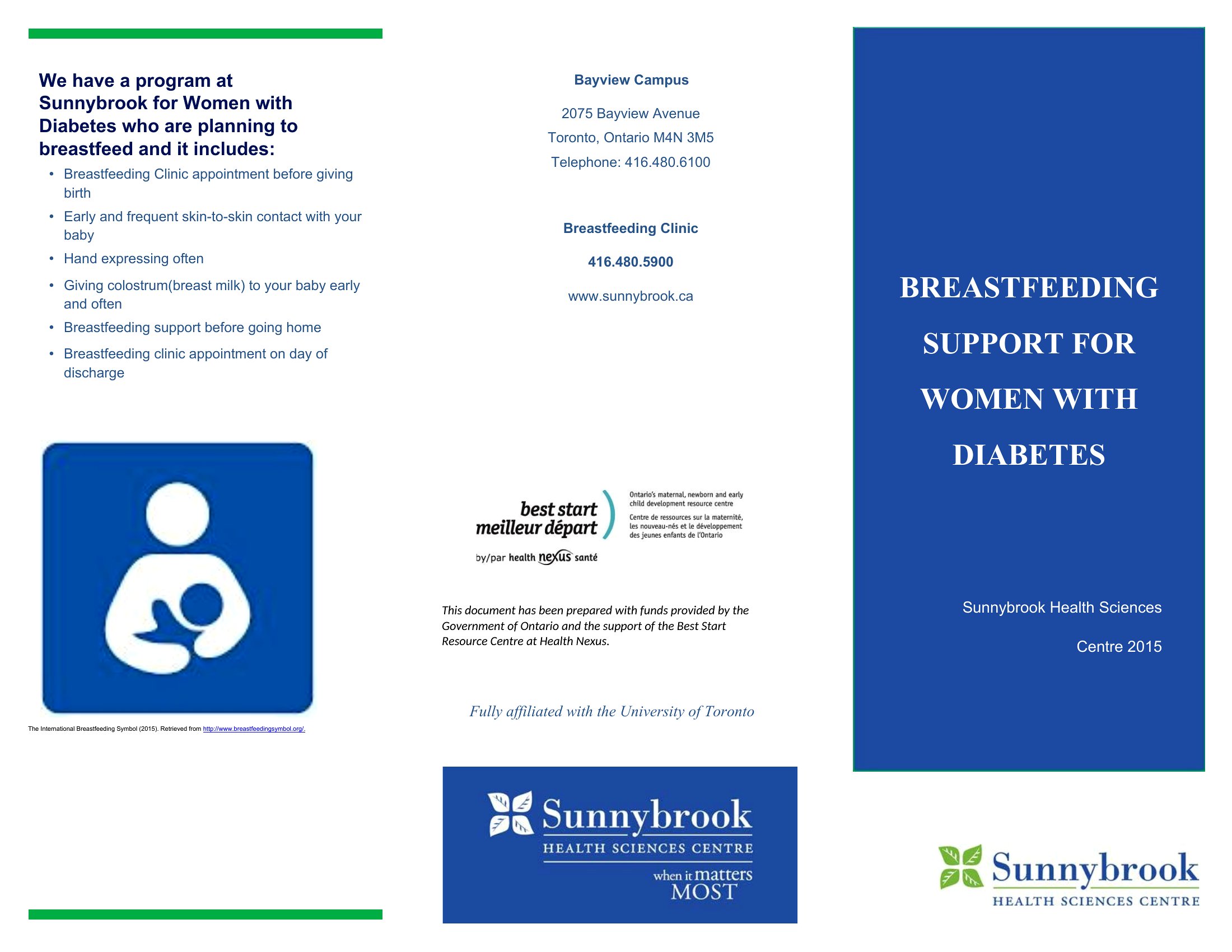
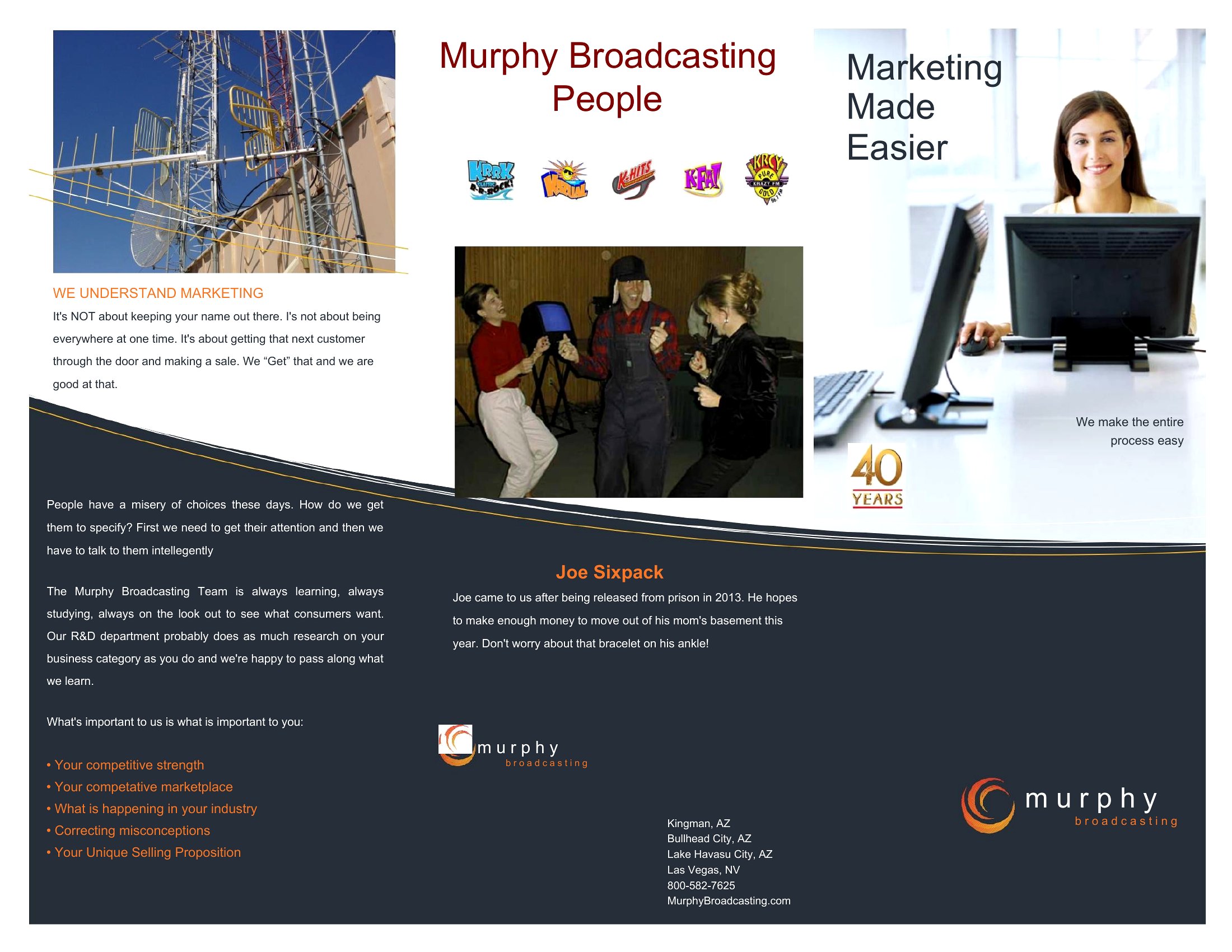
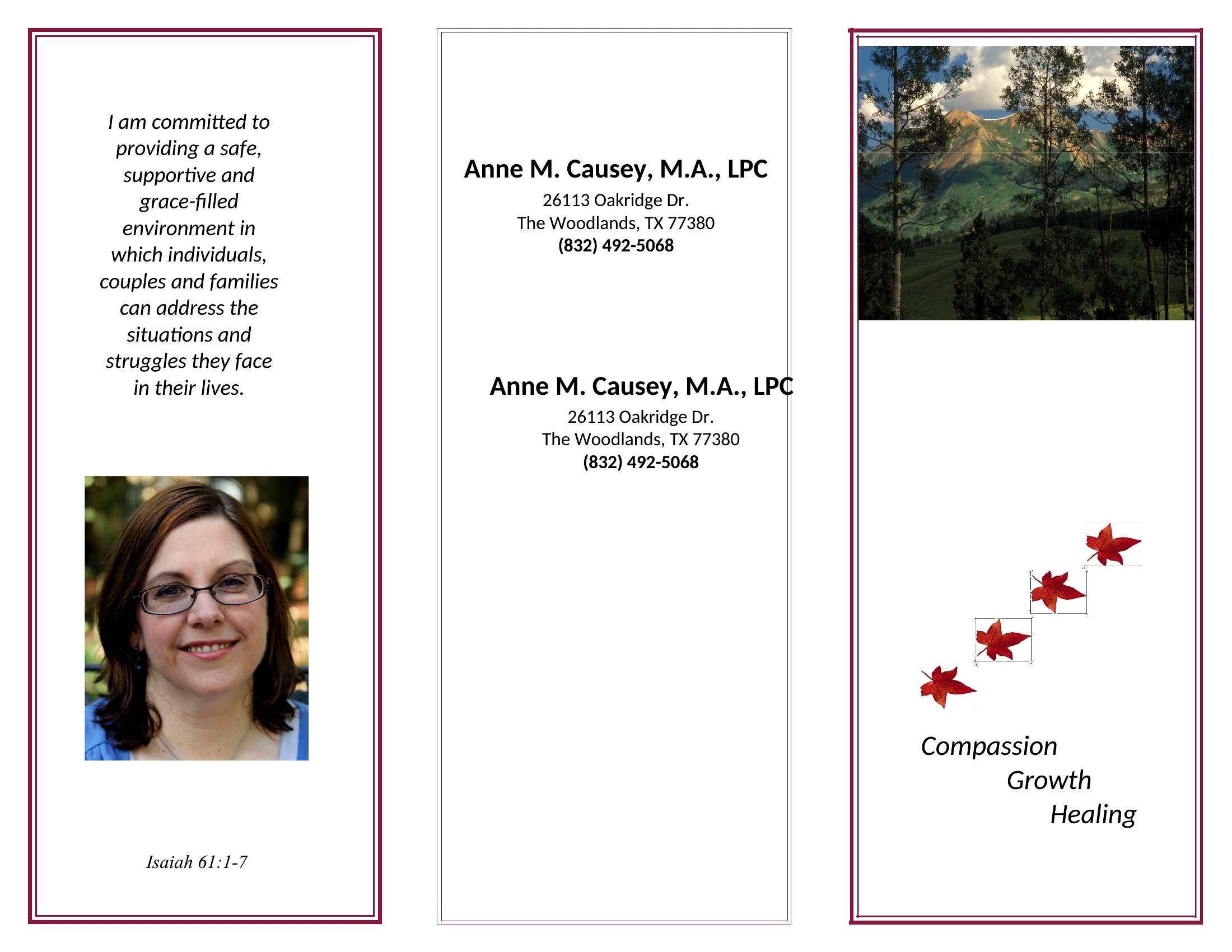
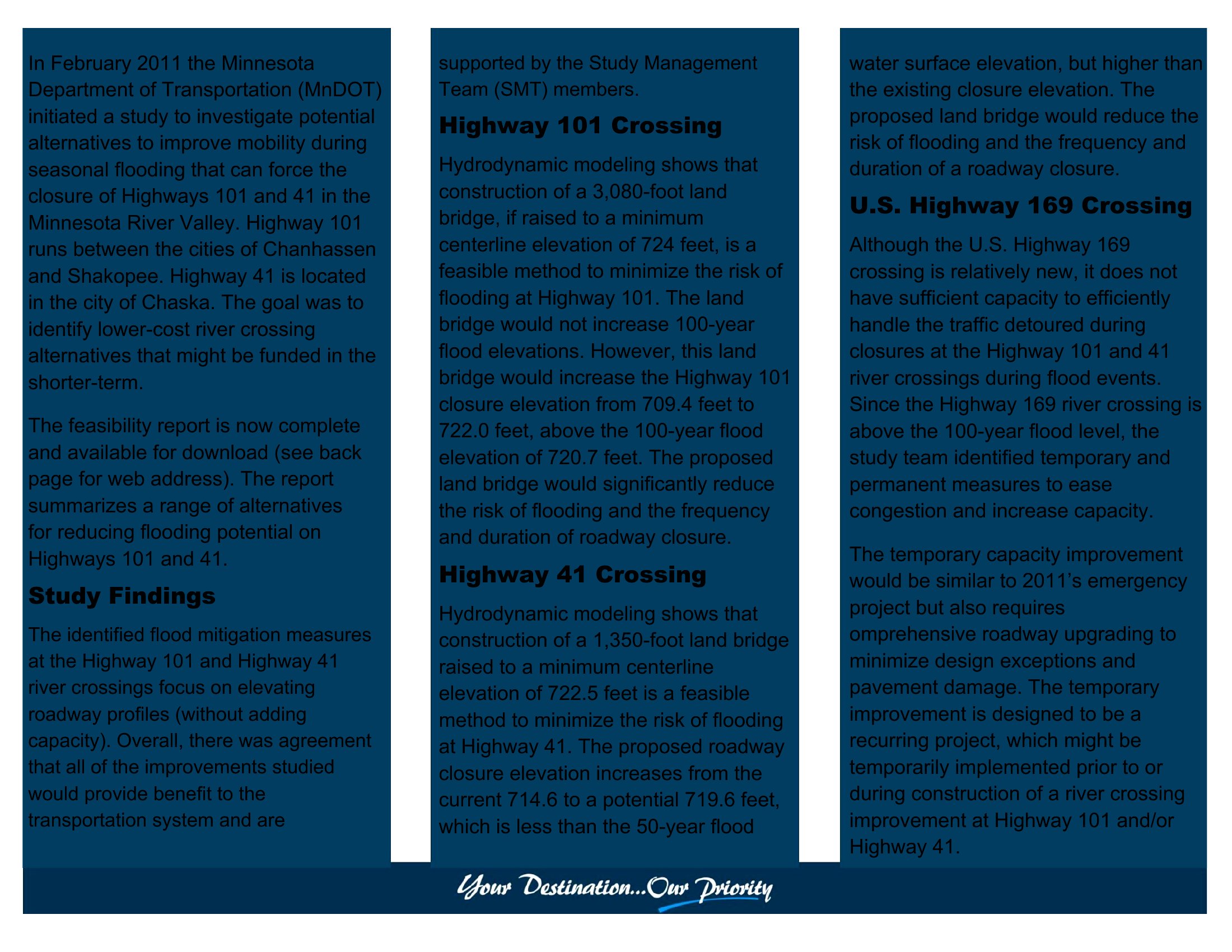
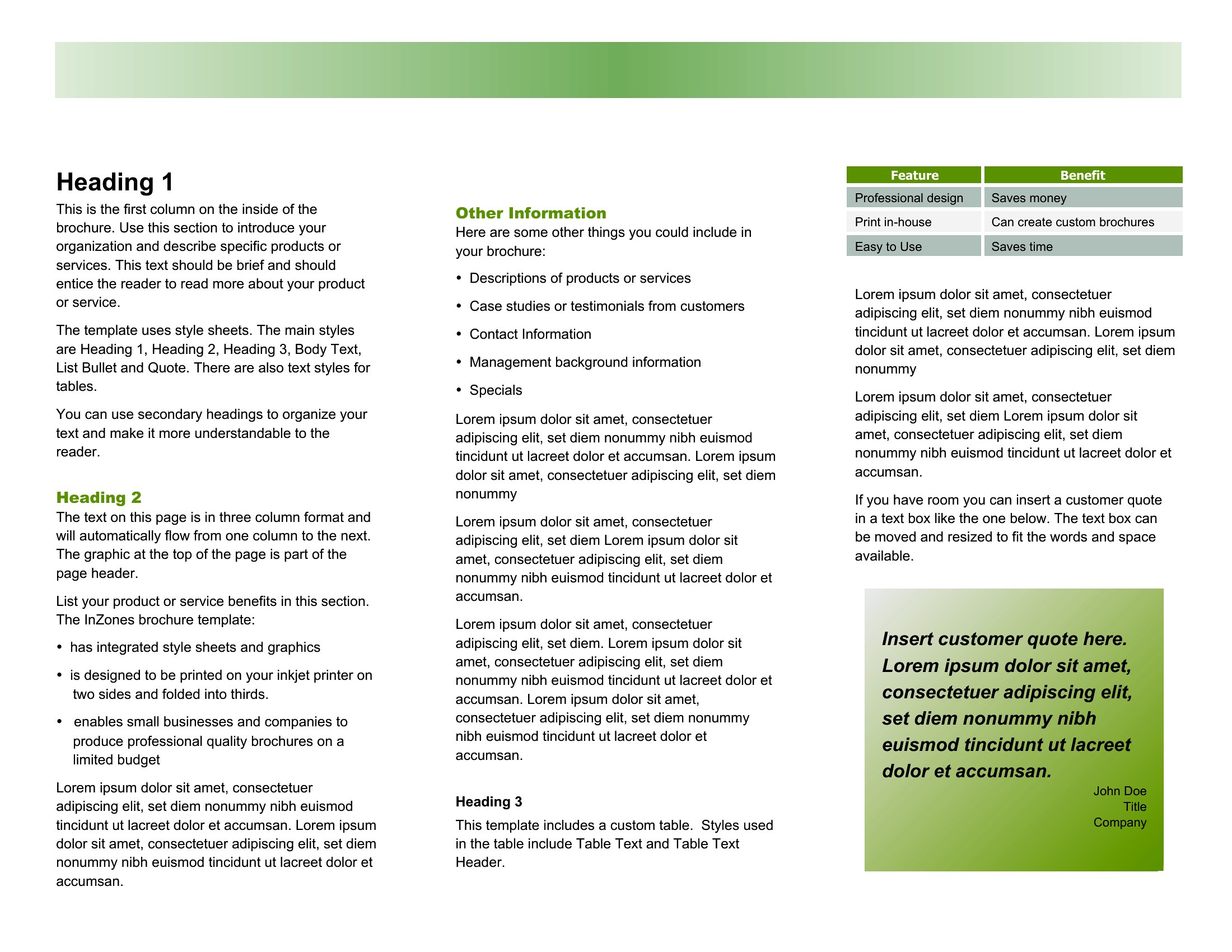
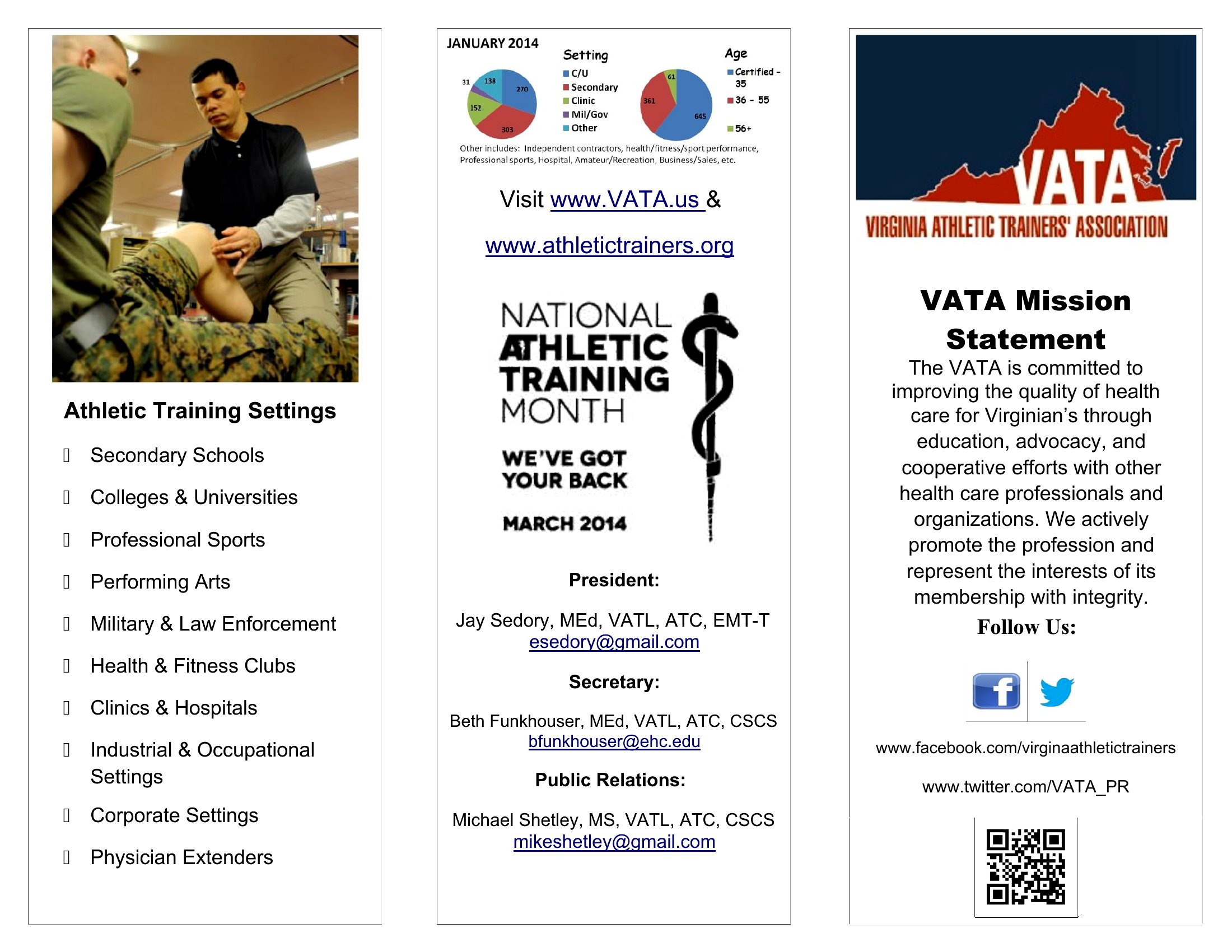
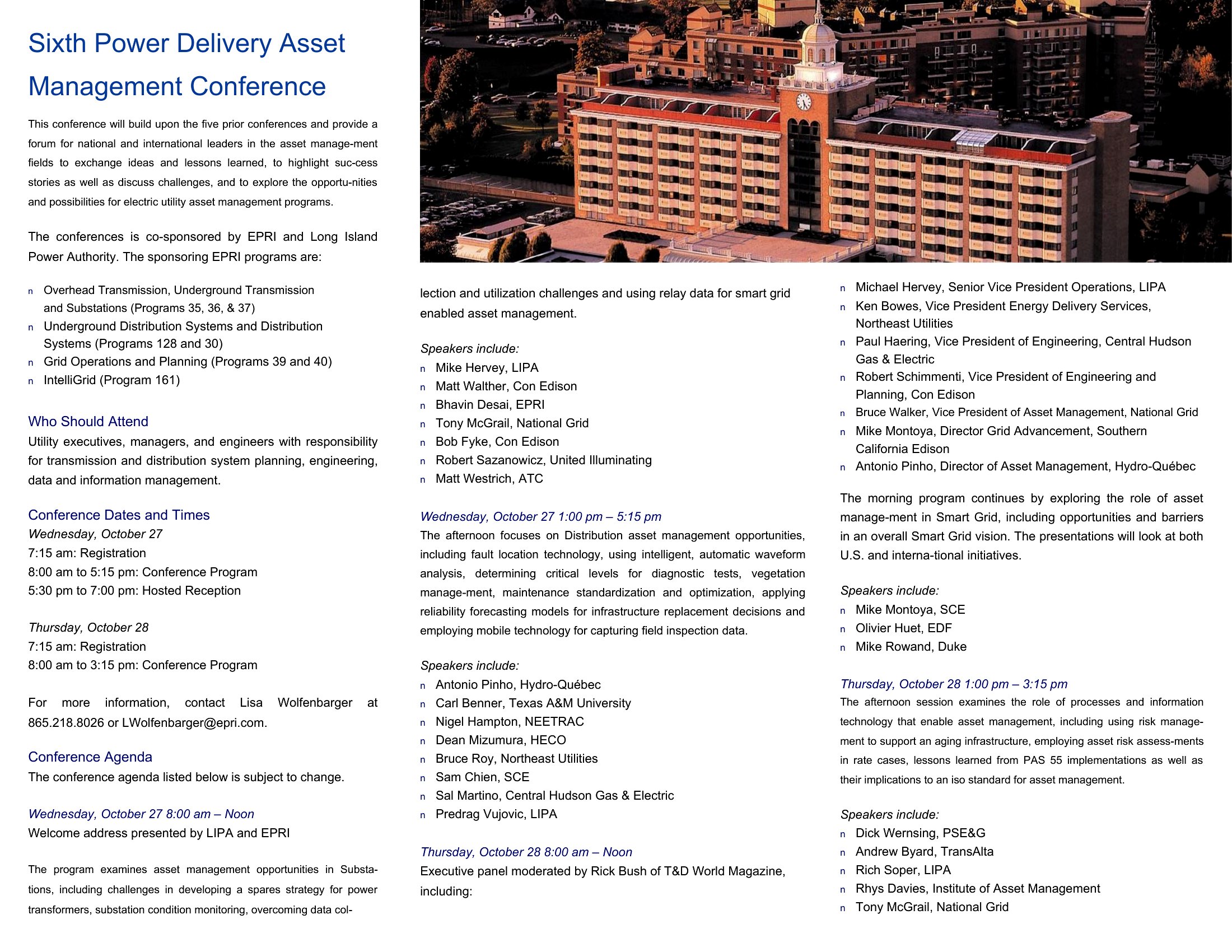
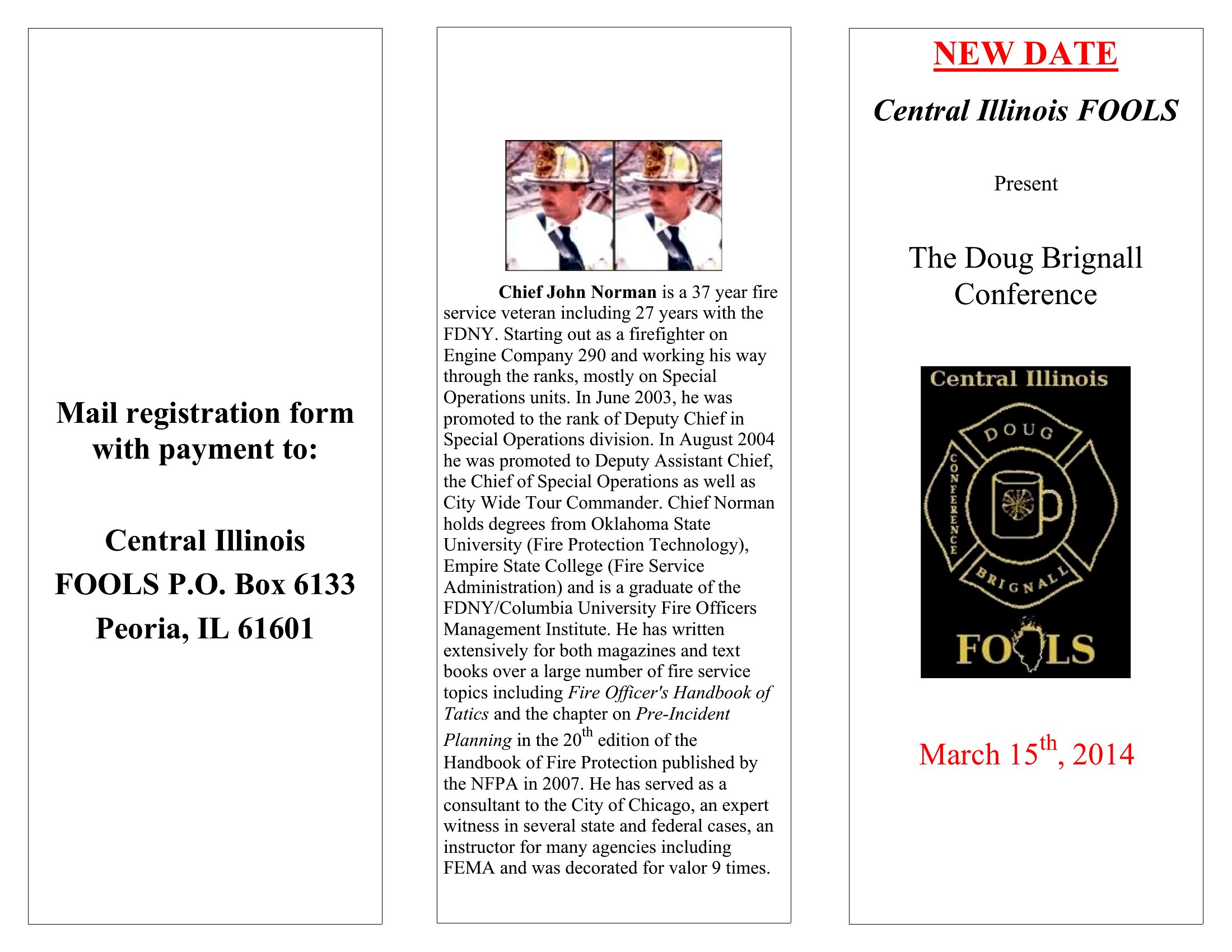
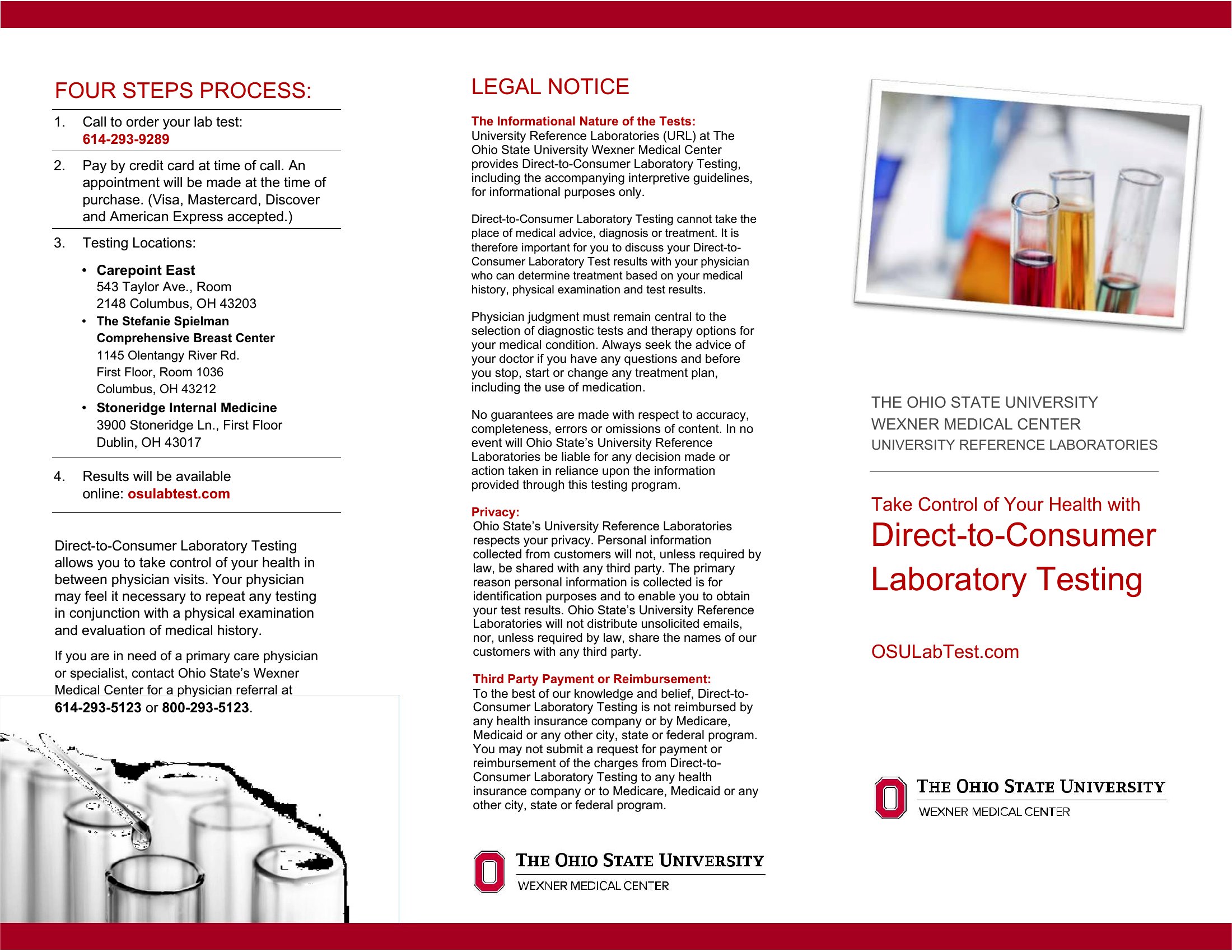
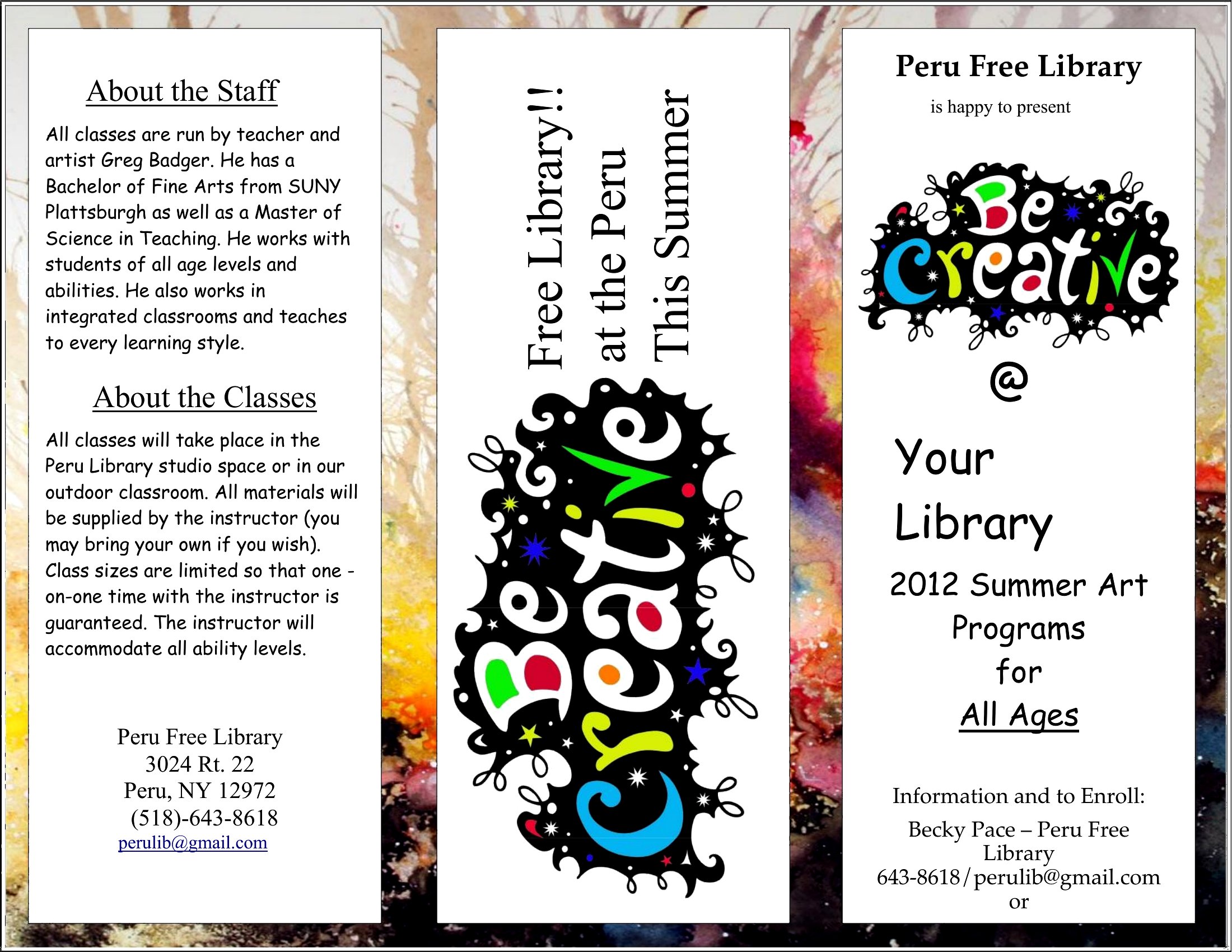
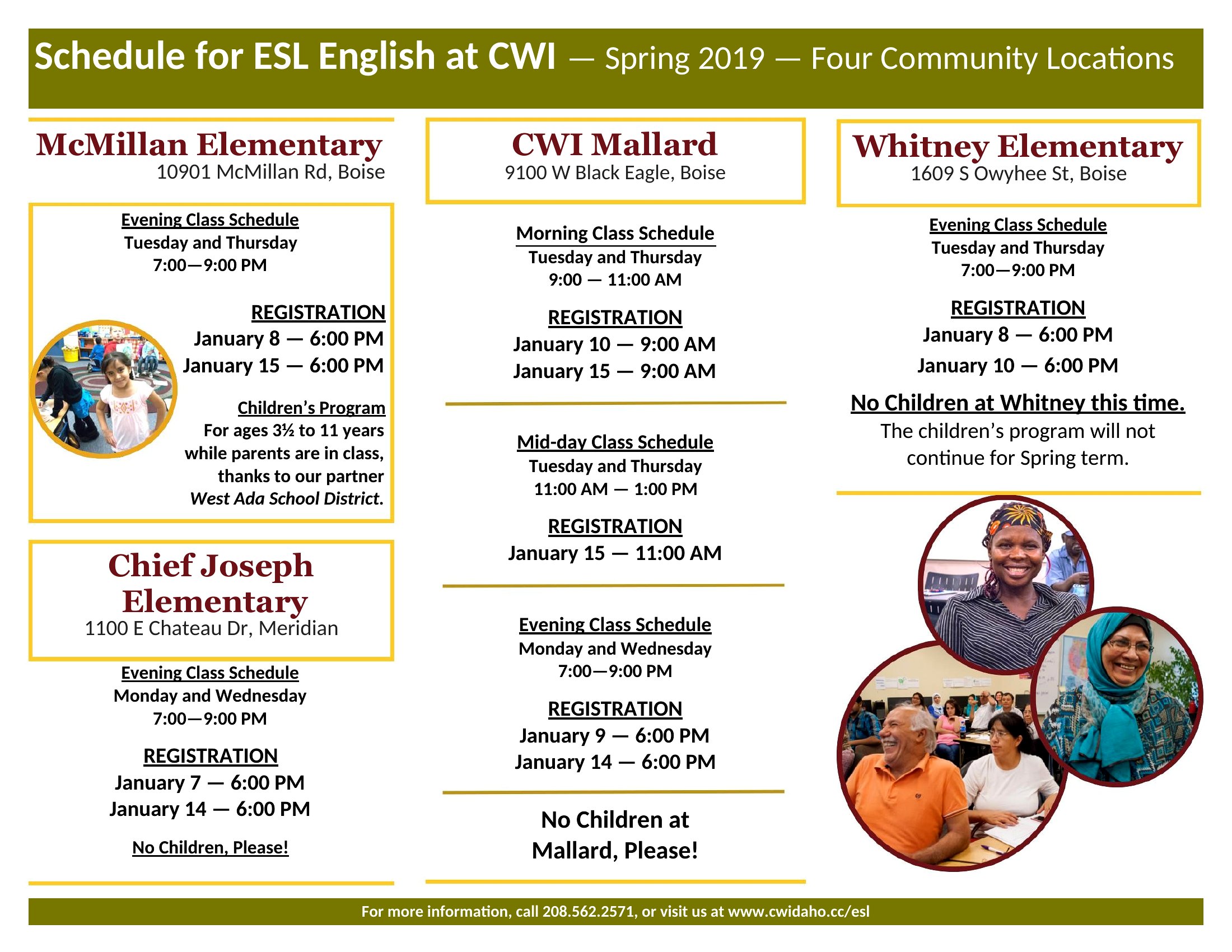
LifeA well-made pamphlet packs key information into a format people can fold up and take with them, whether it's for an event, a service, or a memorial. This collection of 51 templates helps small businesses, churches, and community groups lay out a tidy informational handout without hiring a designer.
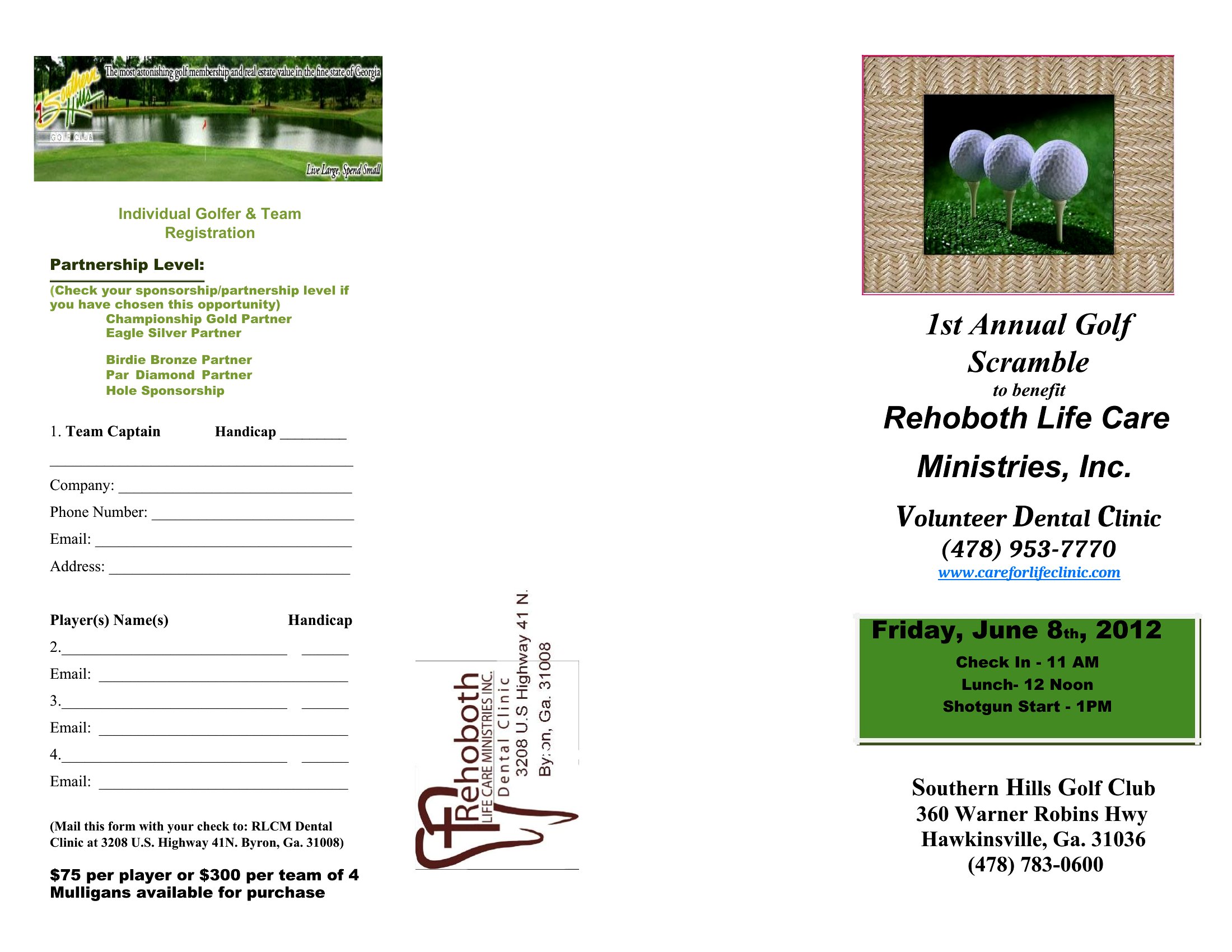
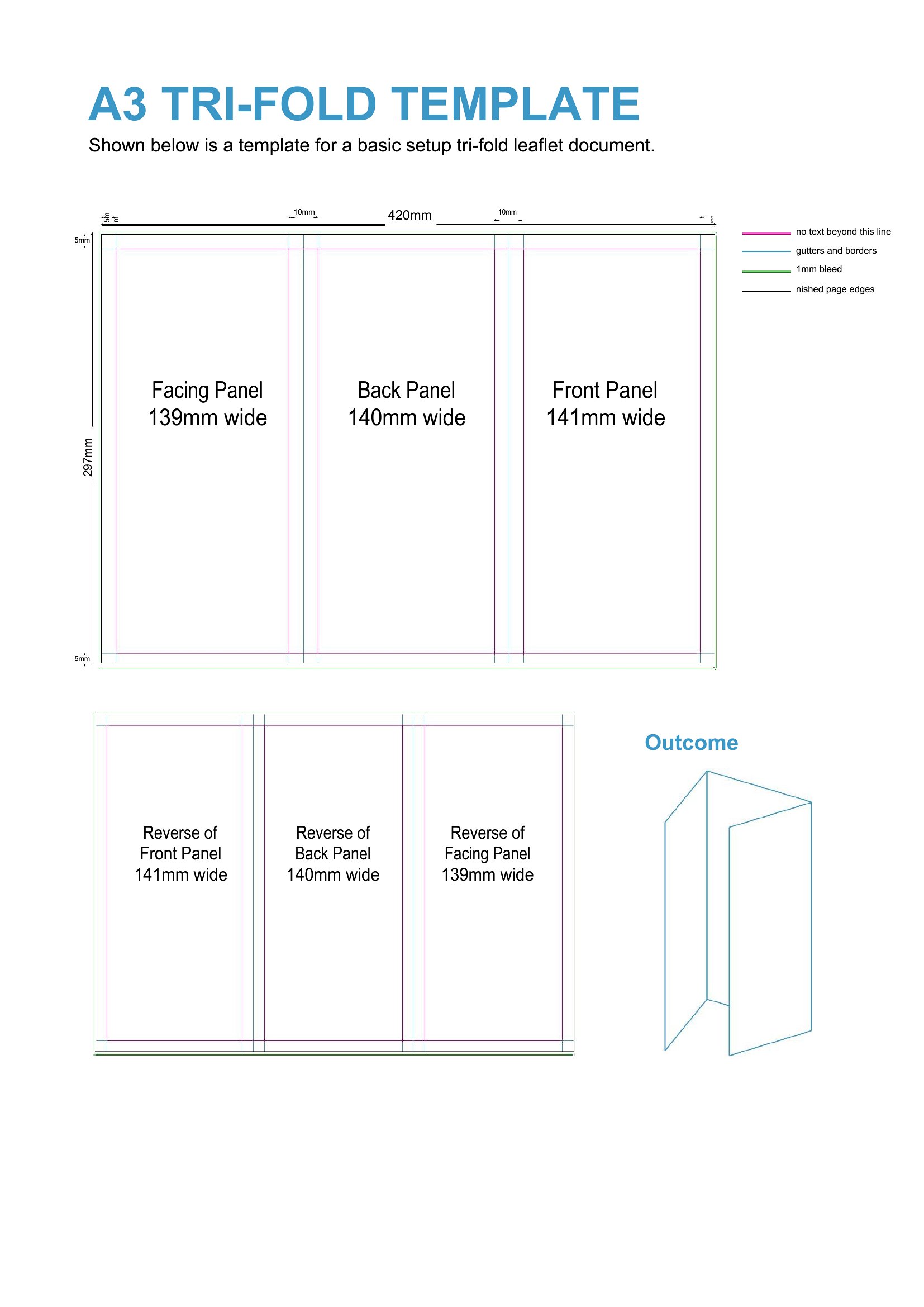
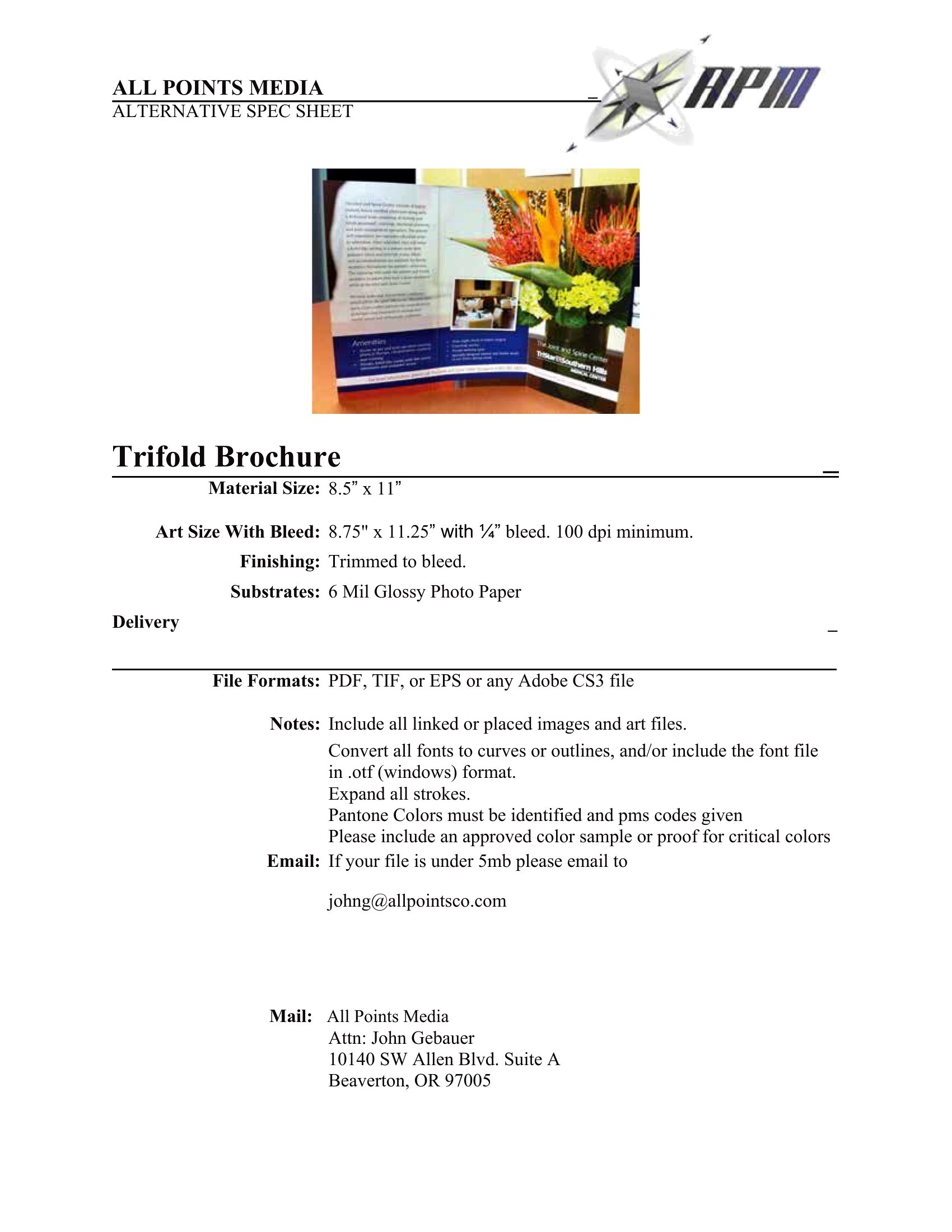
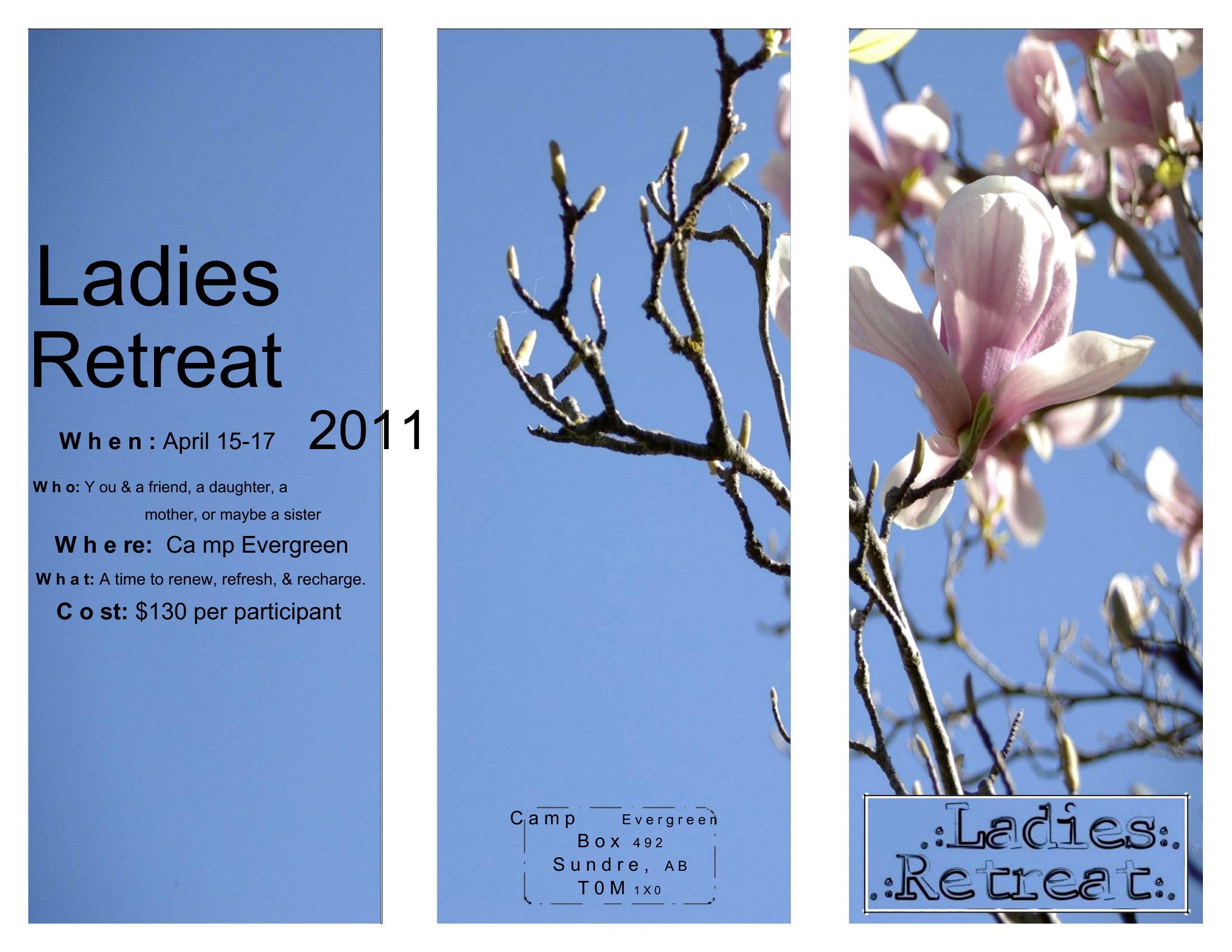
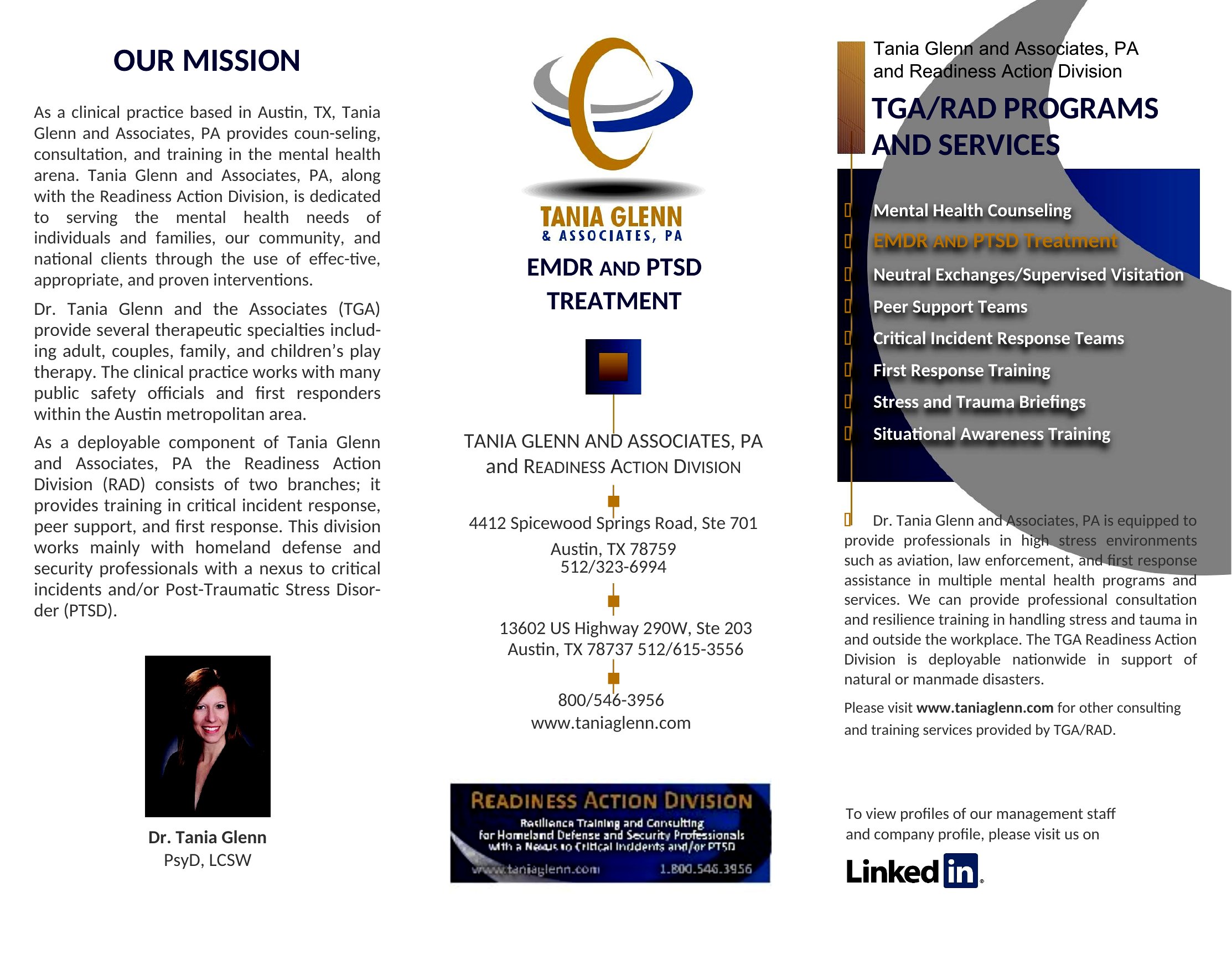
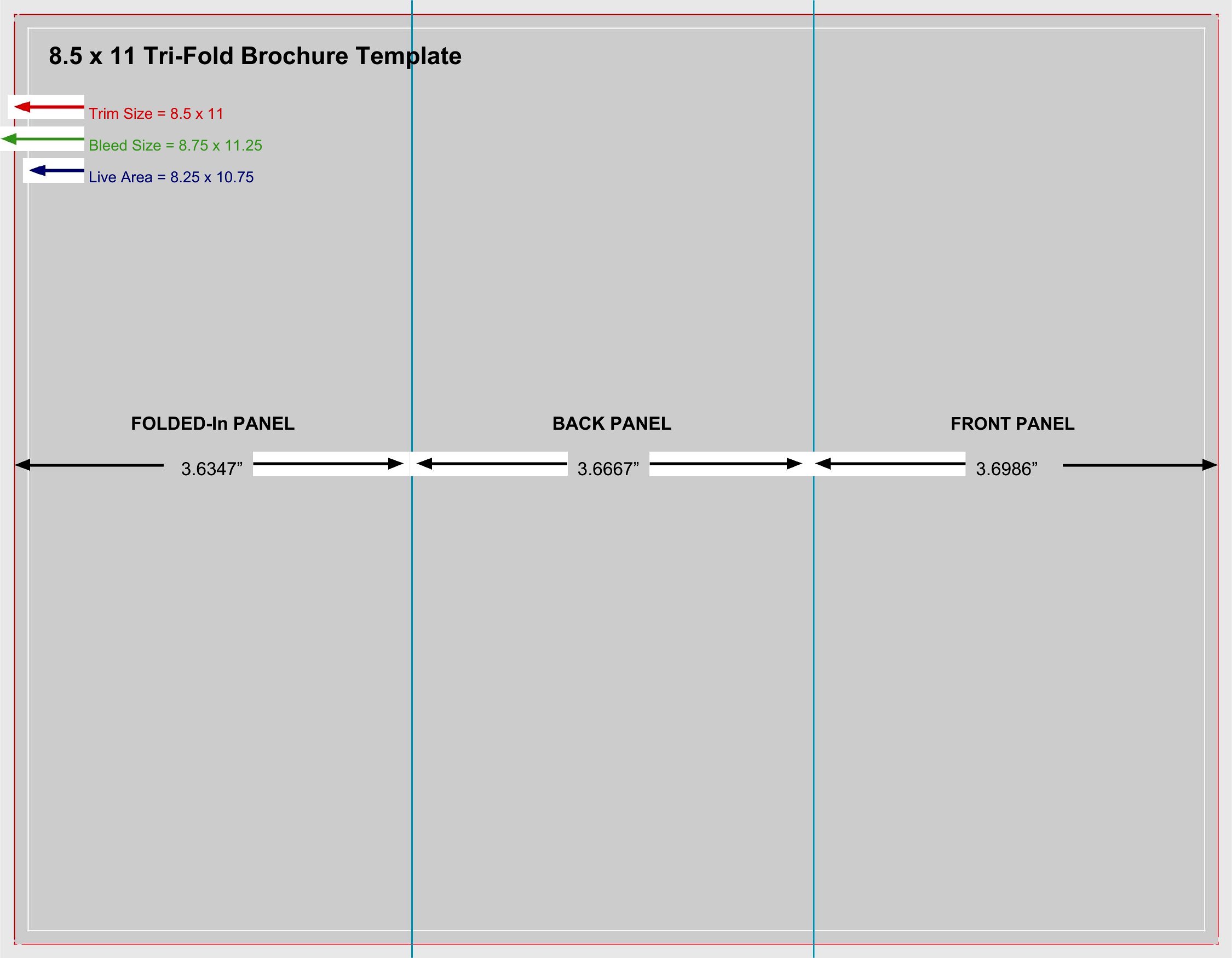
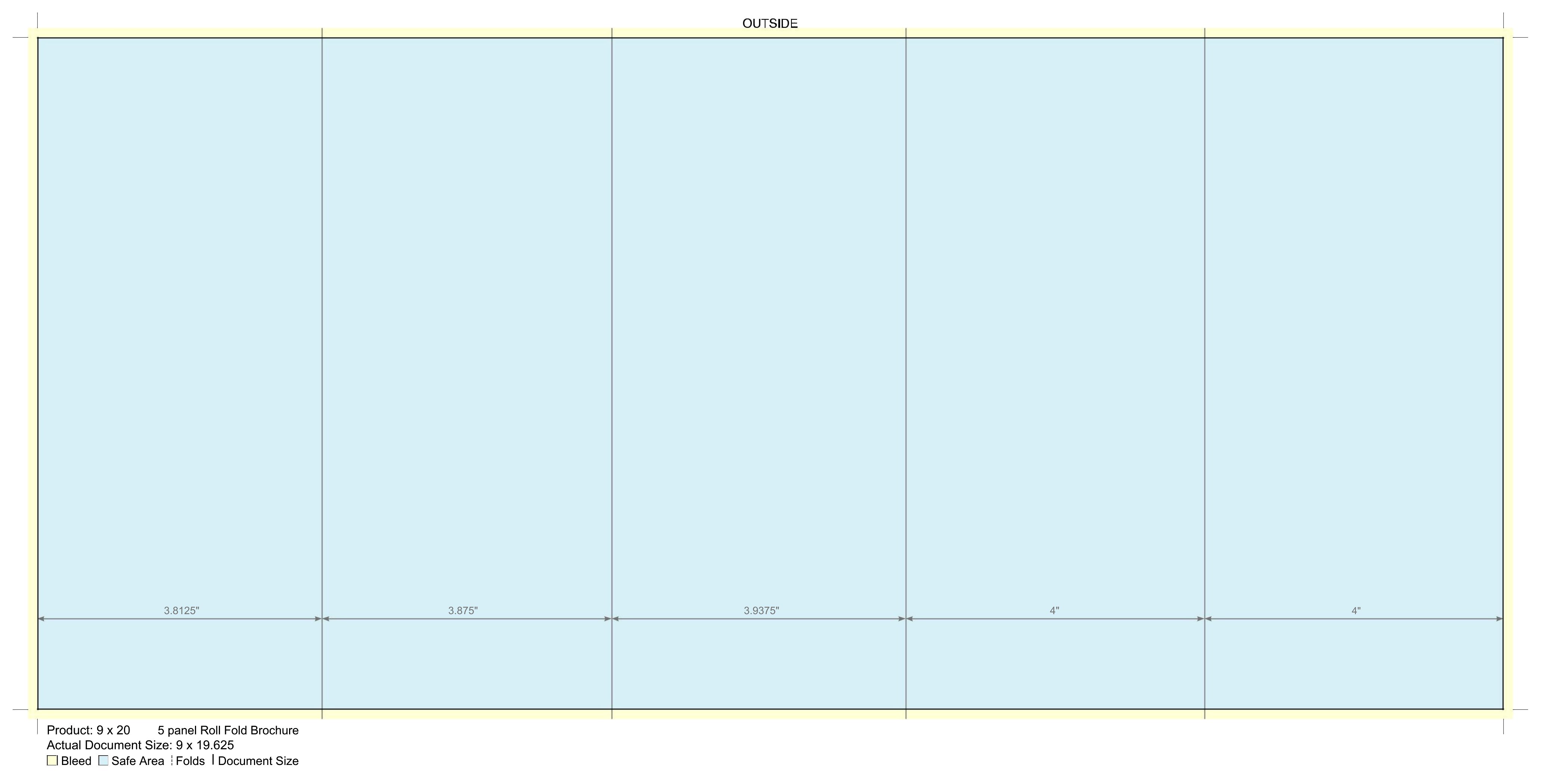
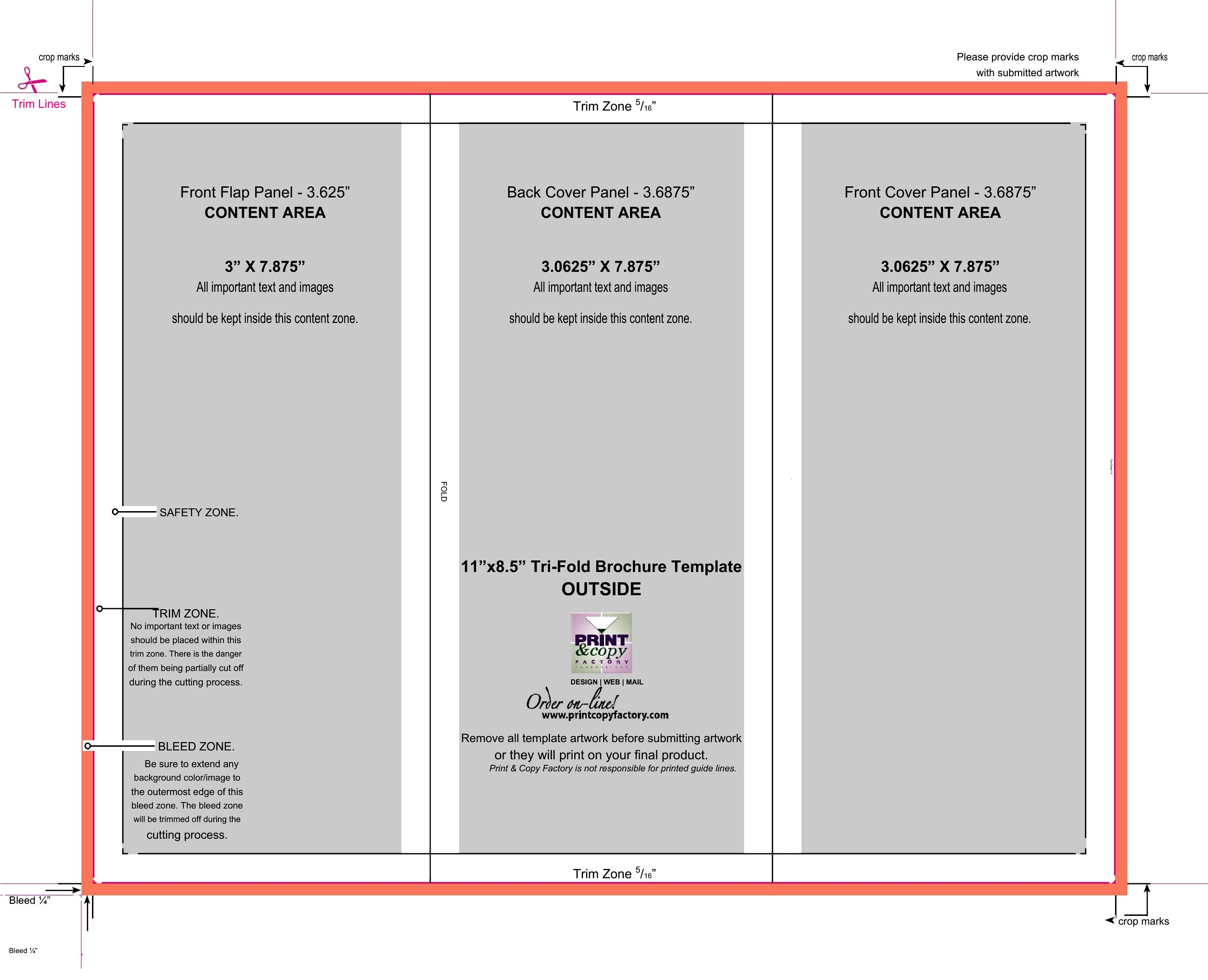
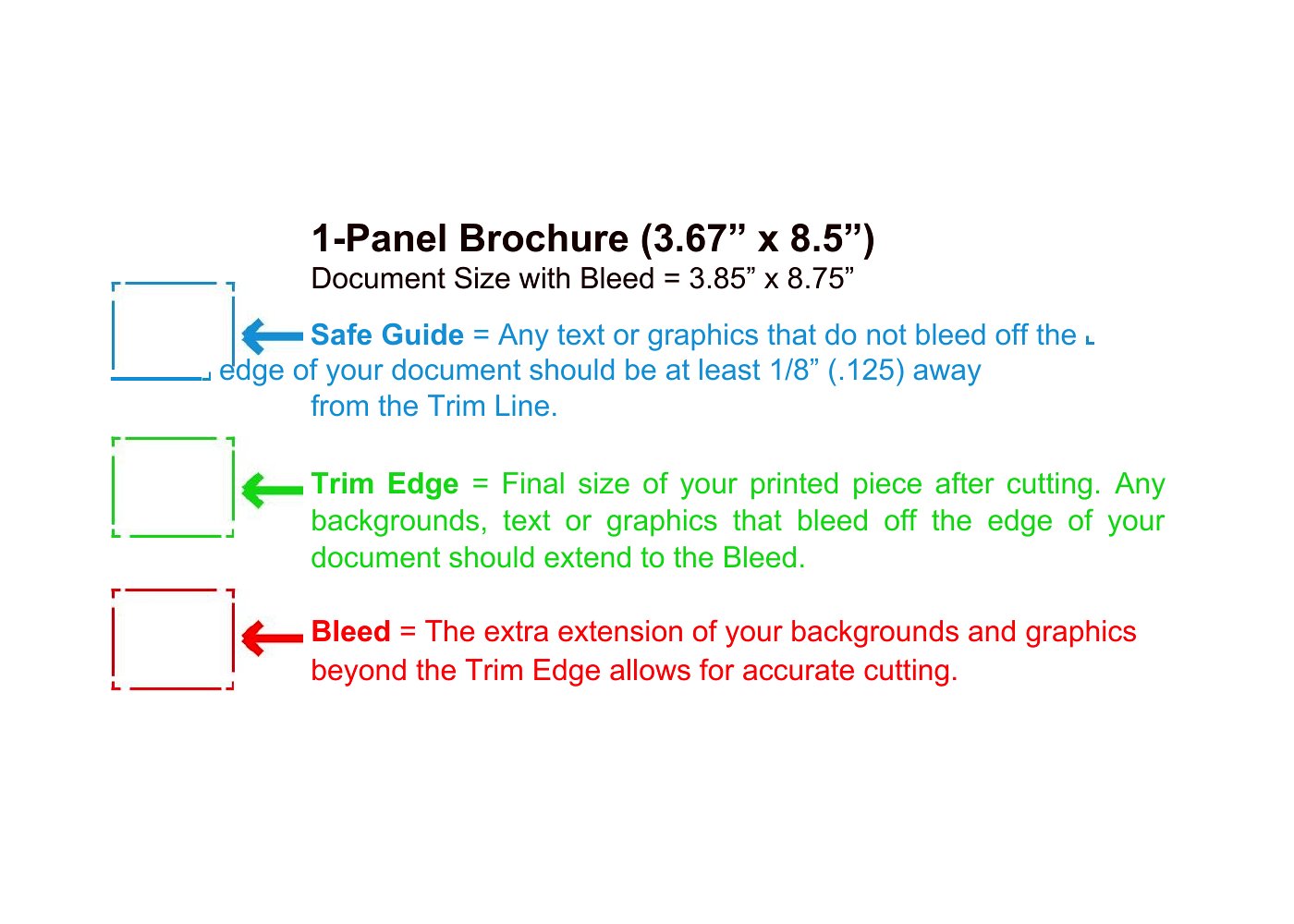
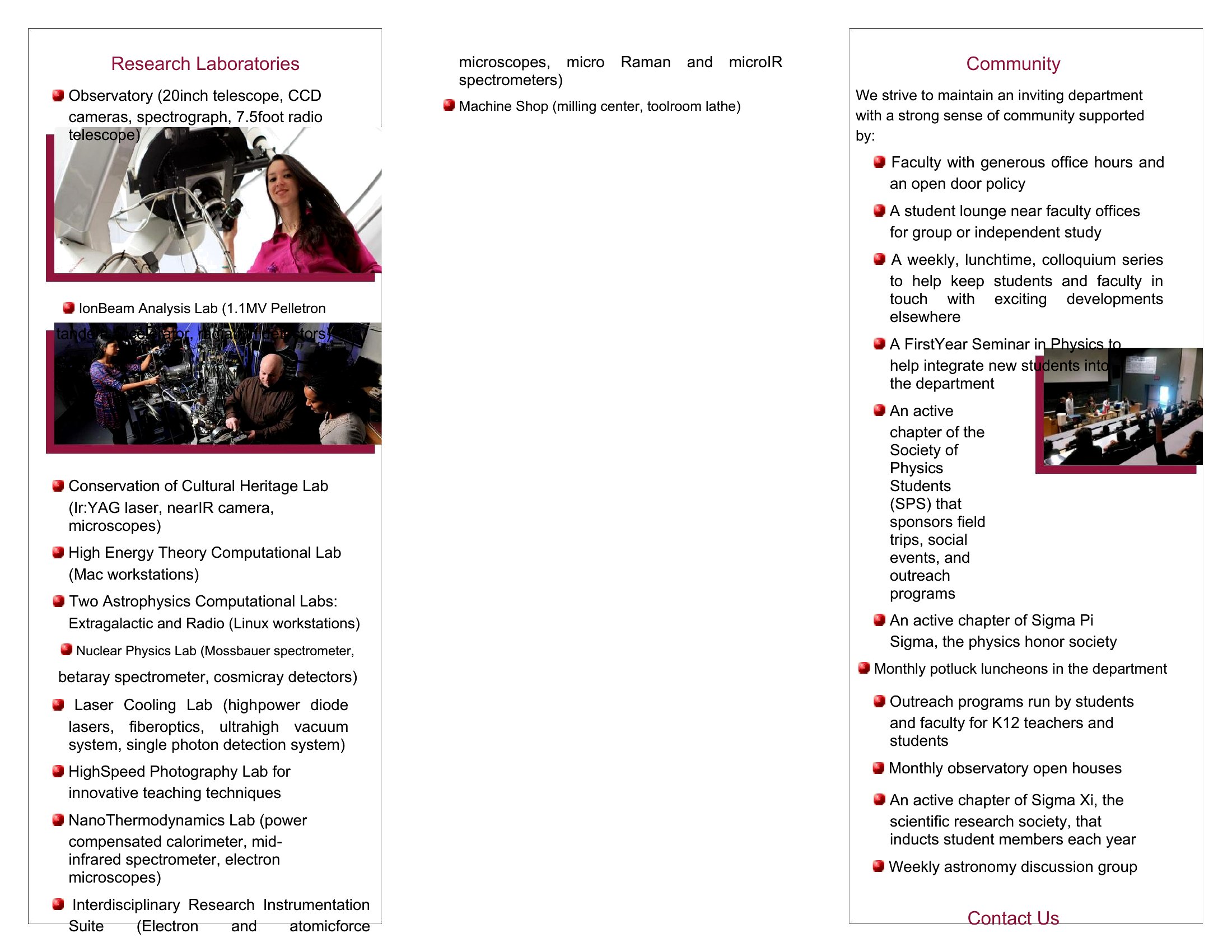
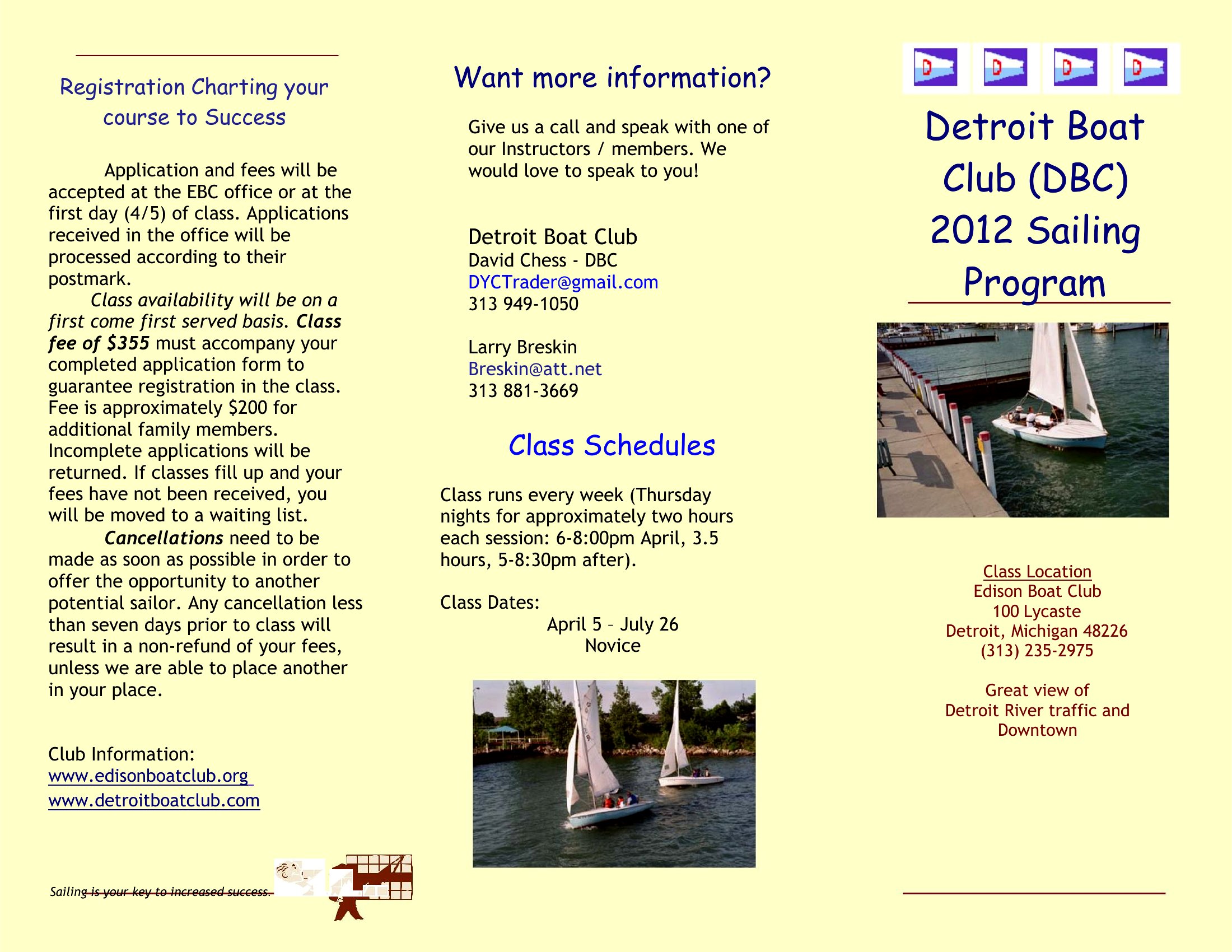
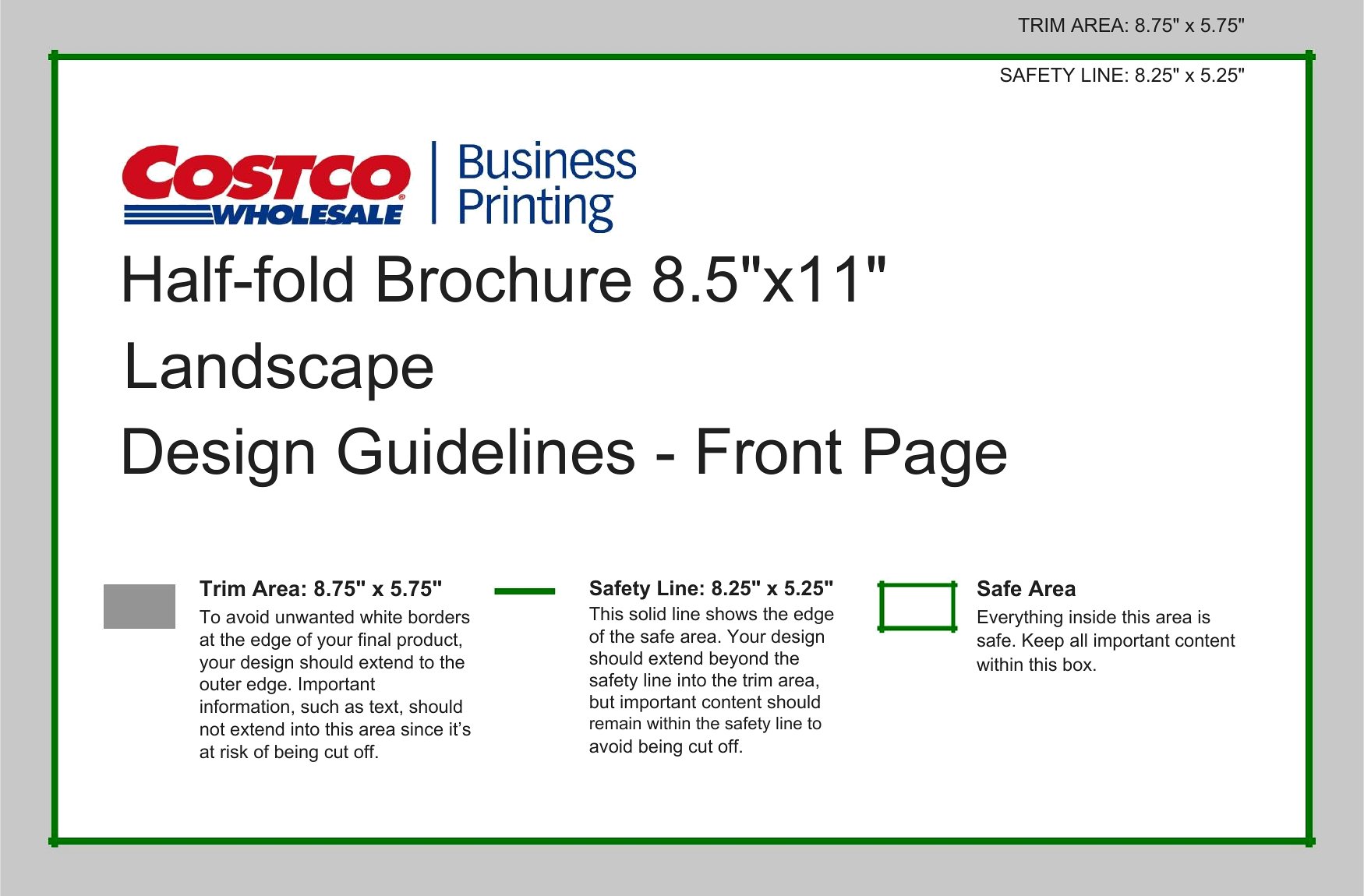
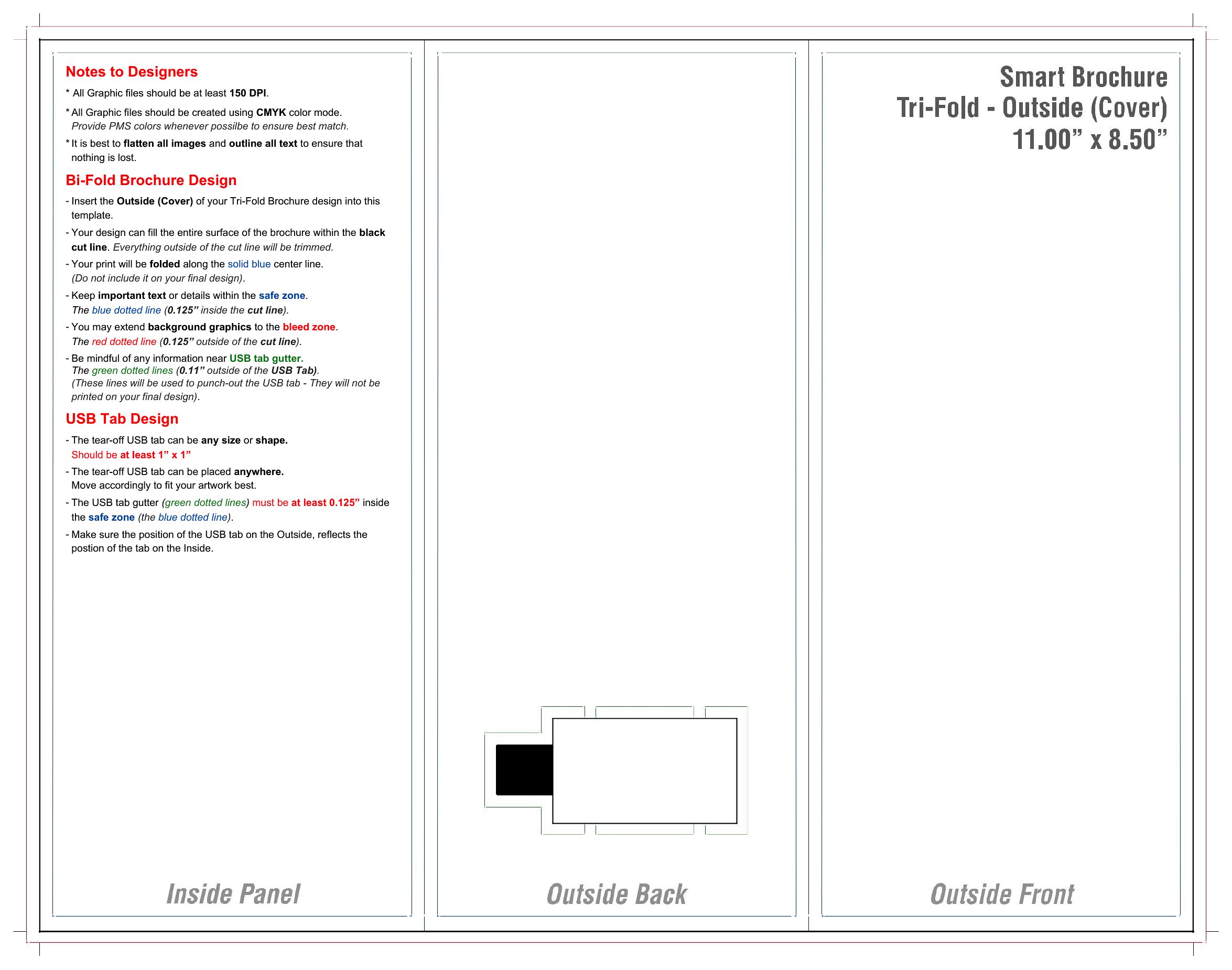
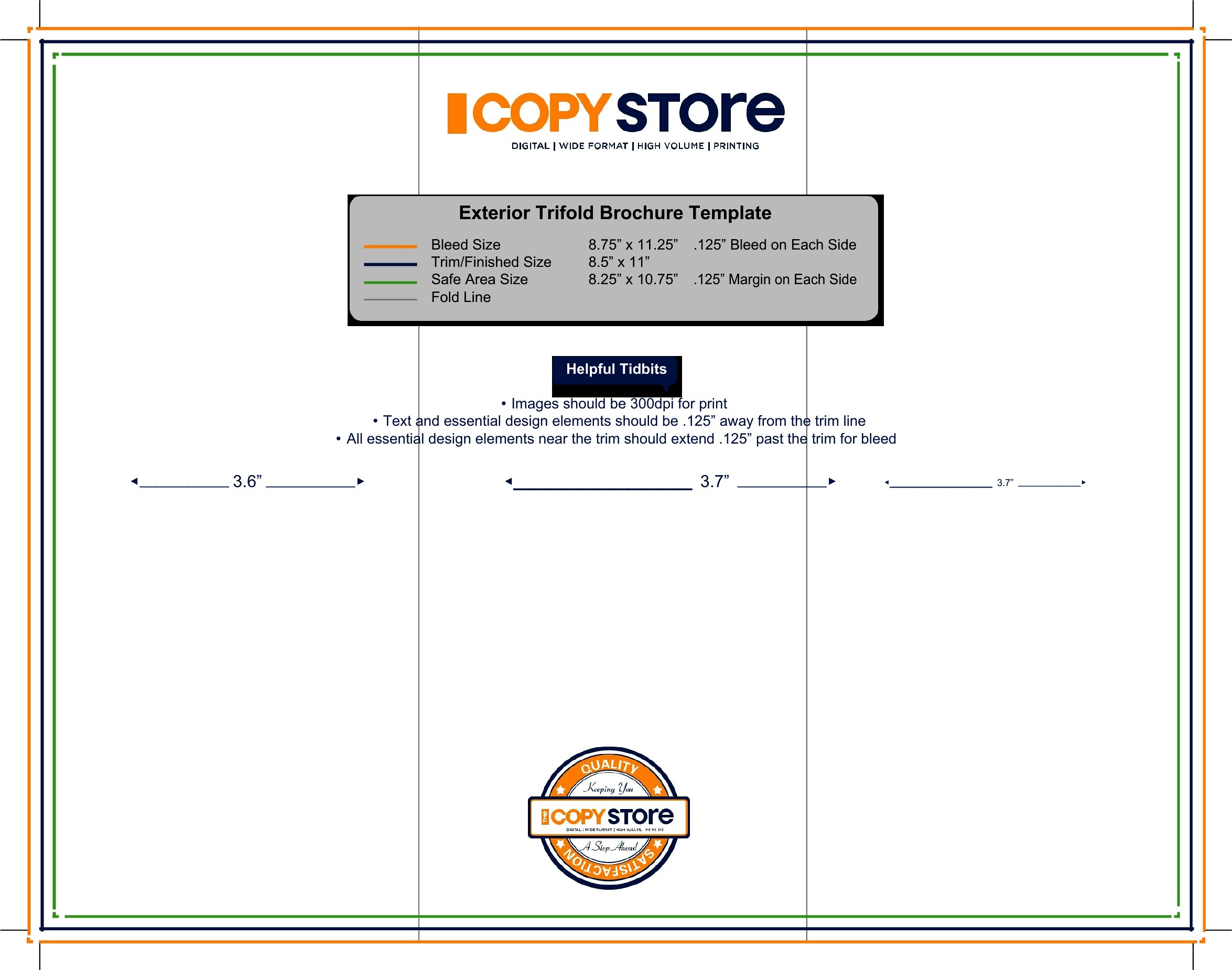
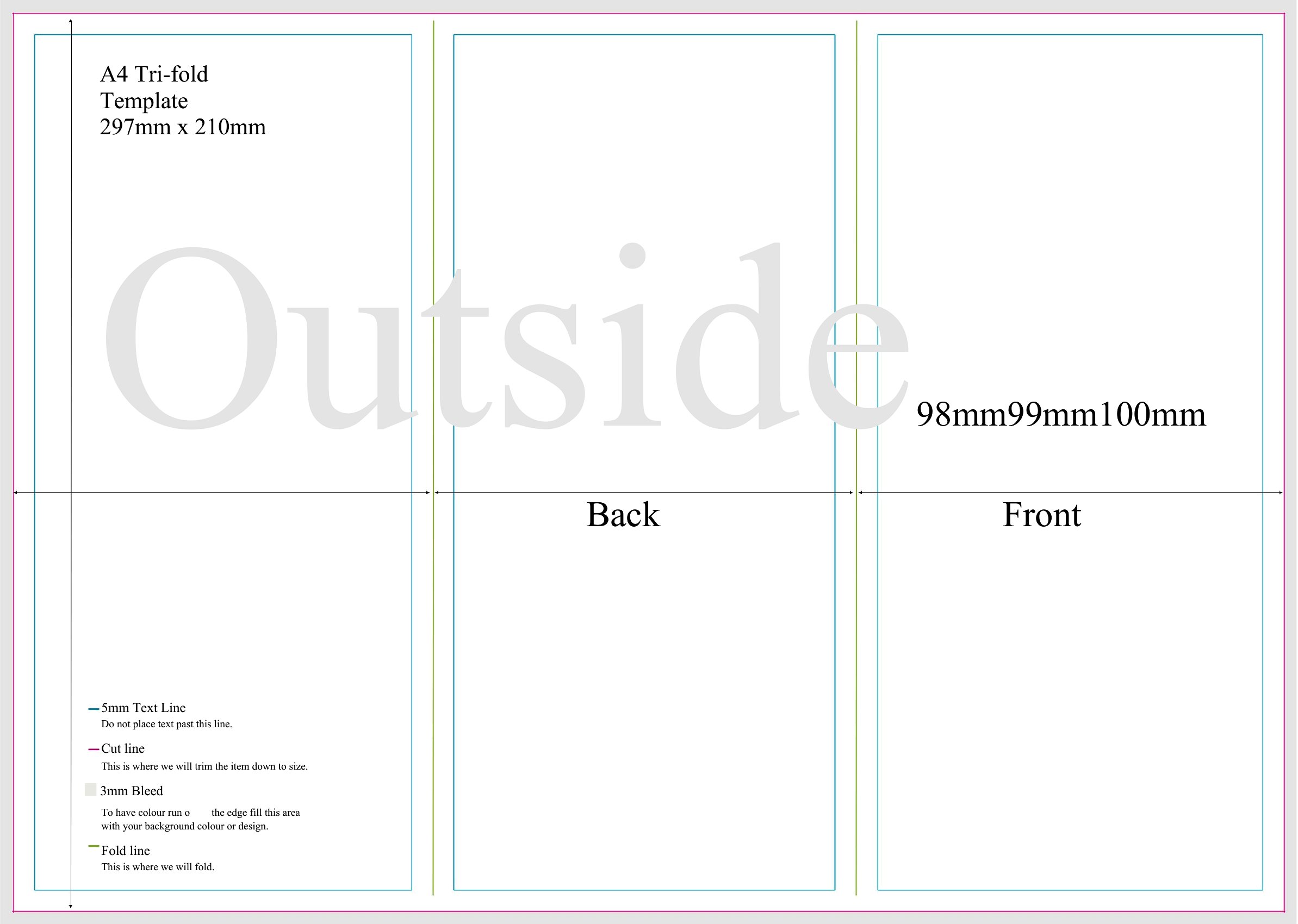
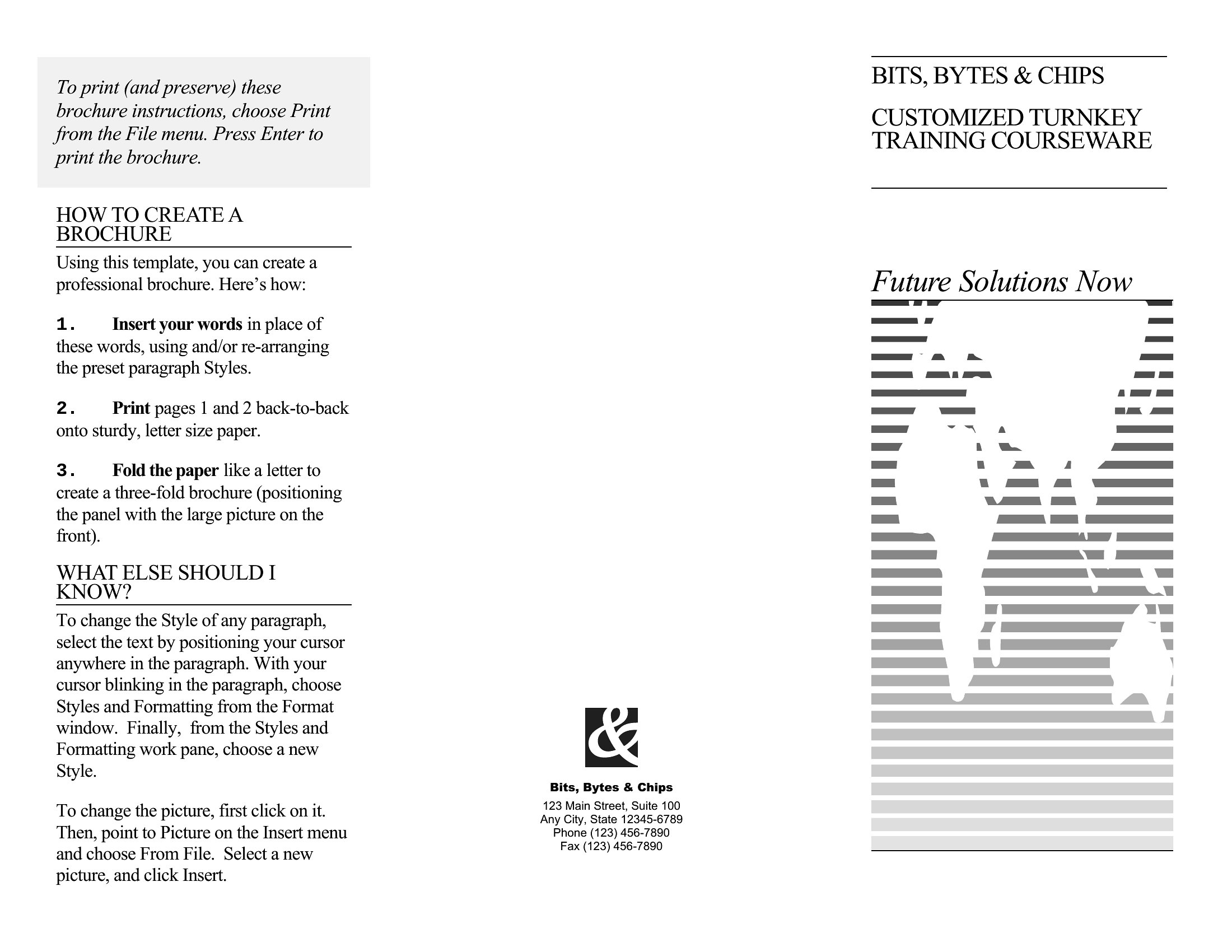
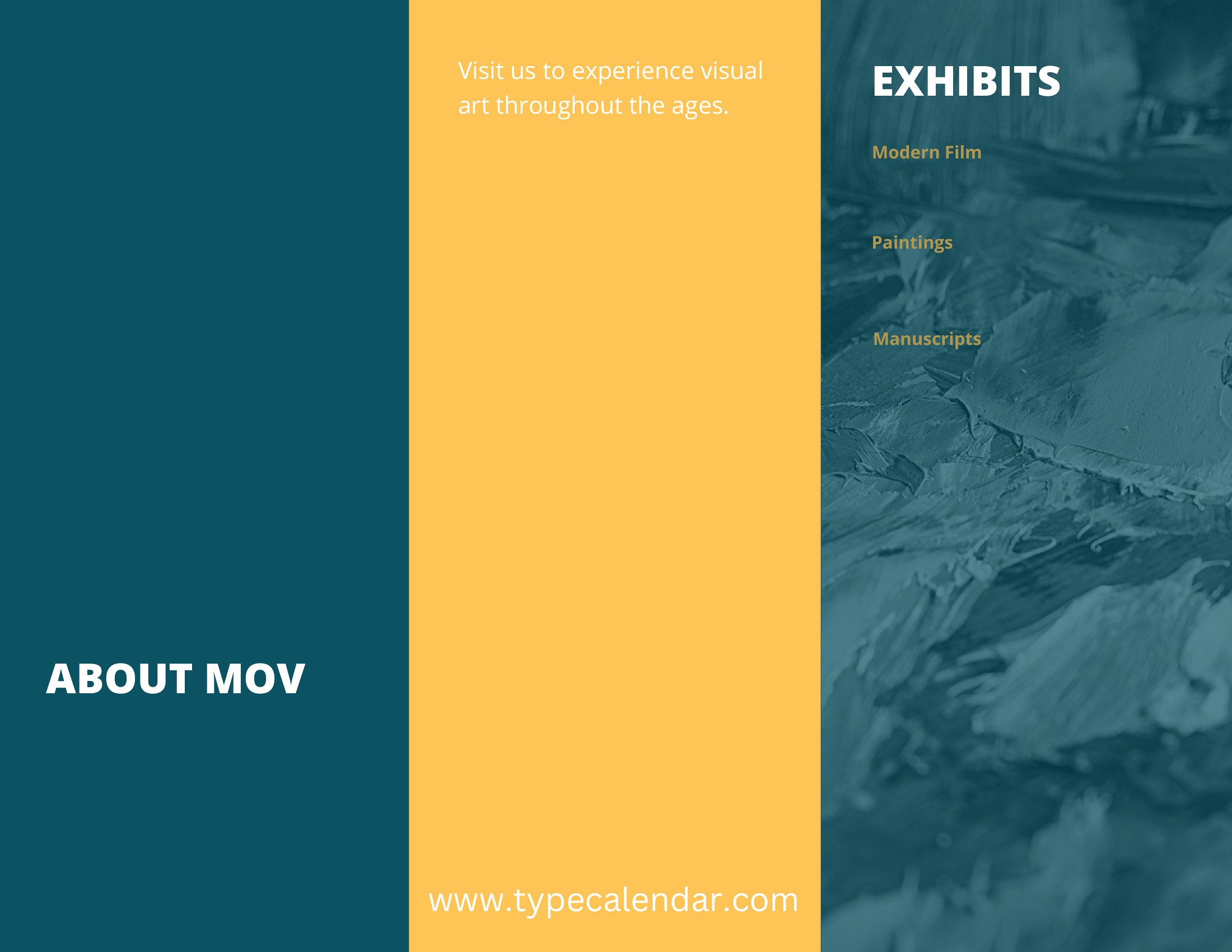
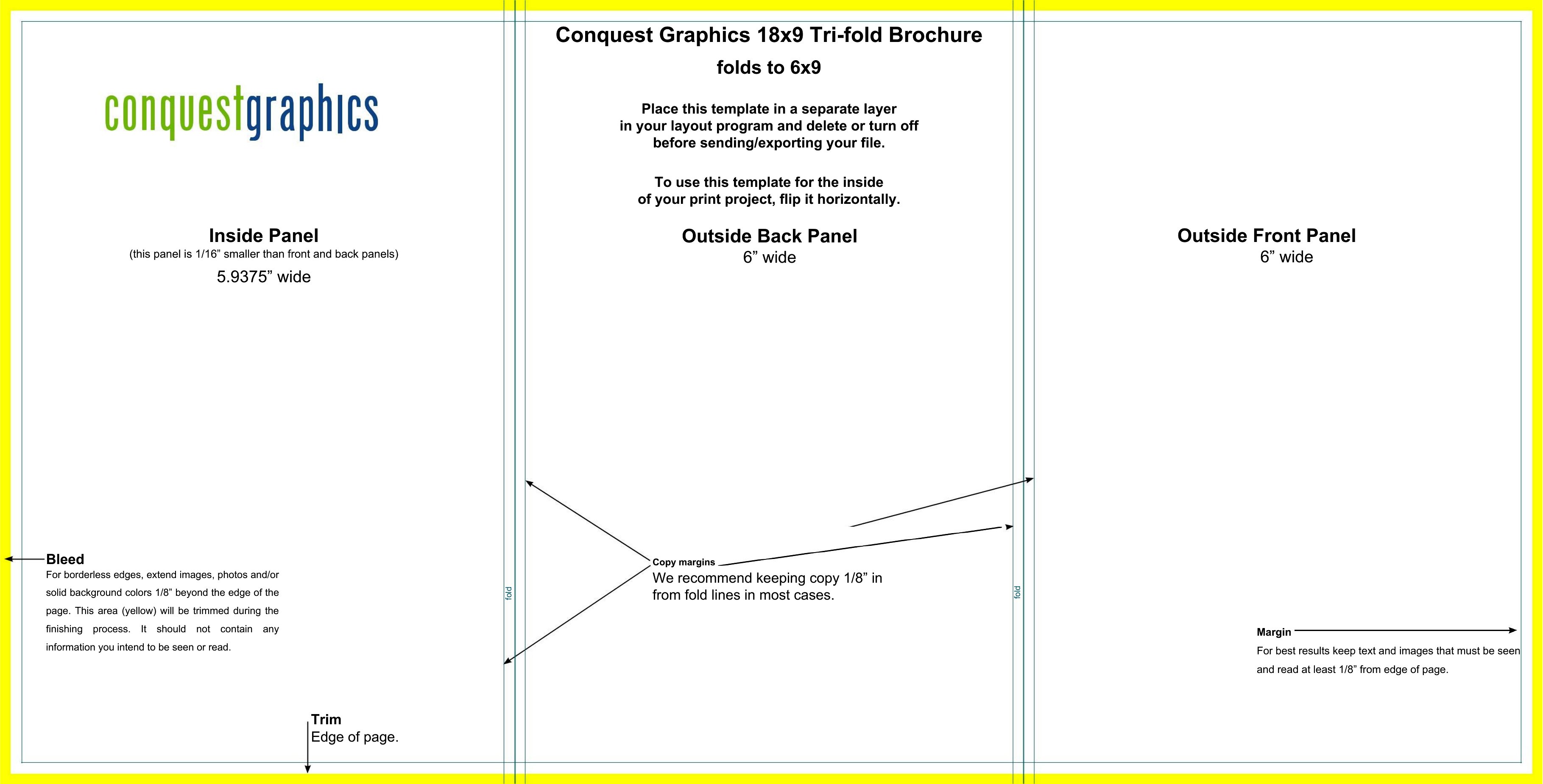
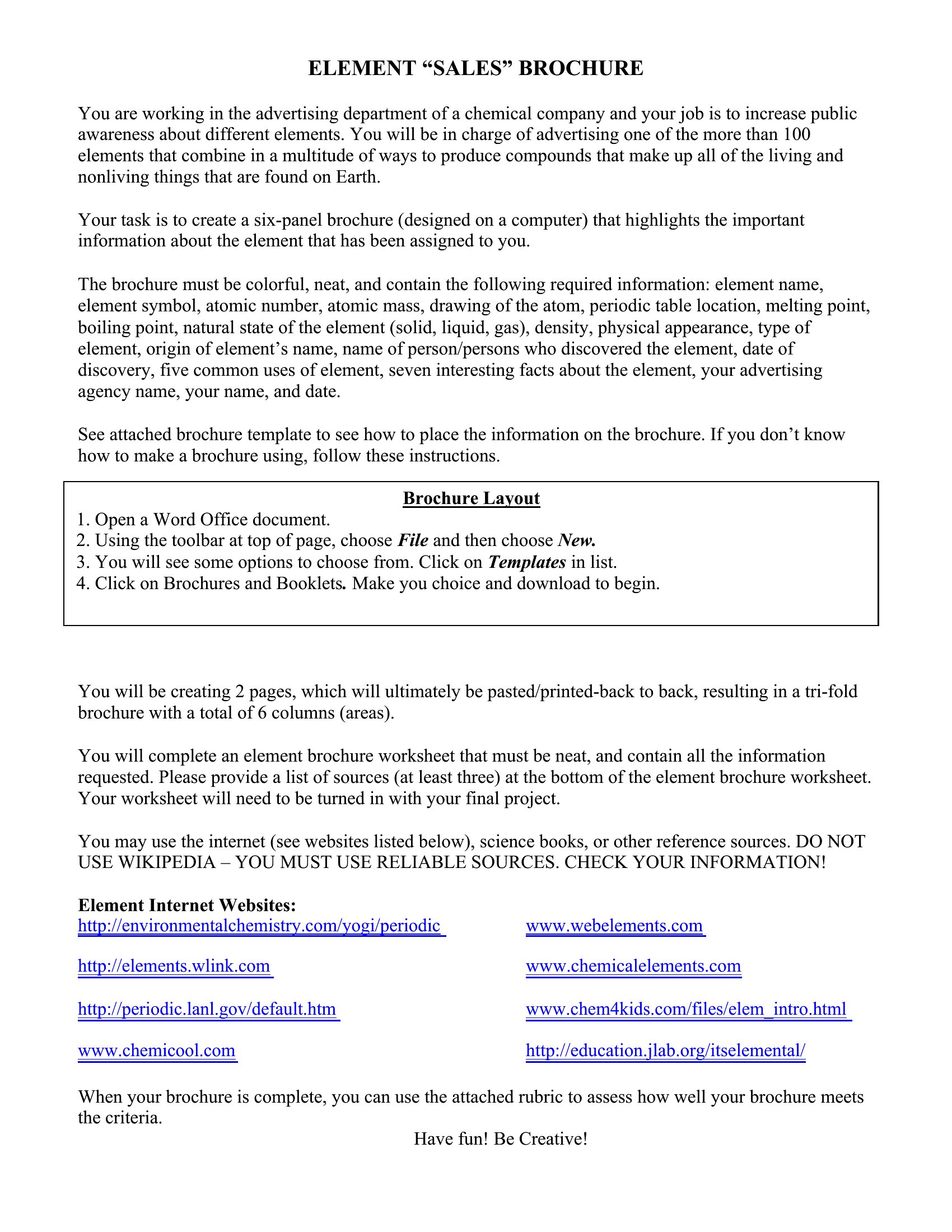
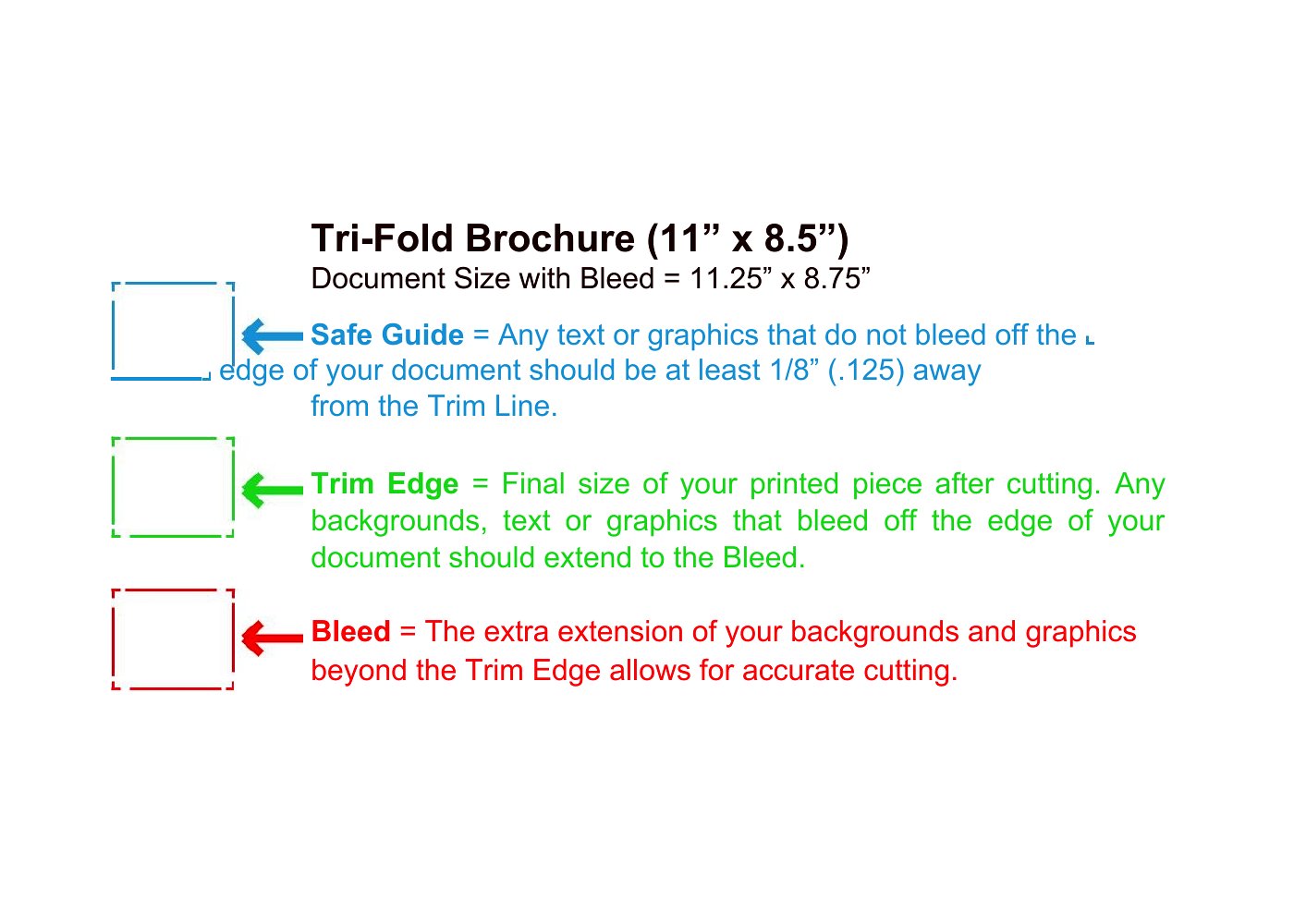
The templates come in editable Word and print-ready PDF, so you can swap in your text and images, then fold and print on a standard printer. Choose a layout, adjust the panels, and you've got a polished piece ready to hand out. There's nothing to buy. Download the design that fits your message and print a stack.
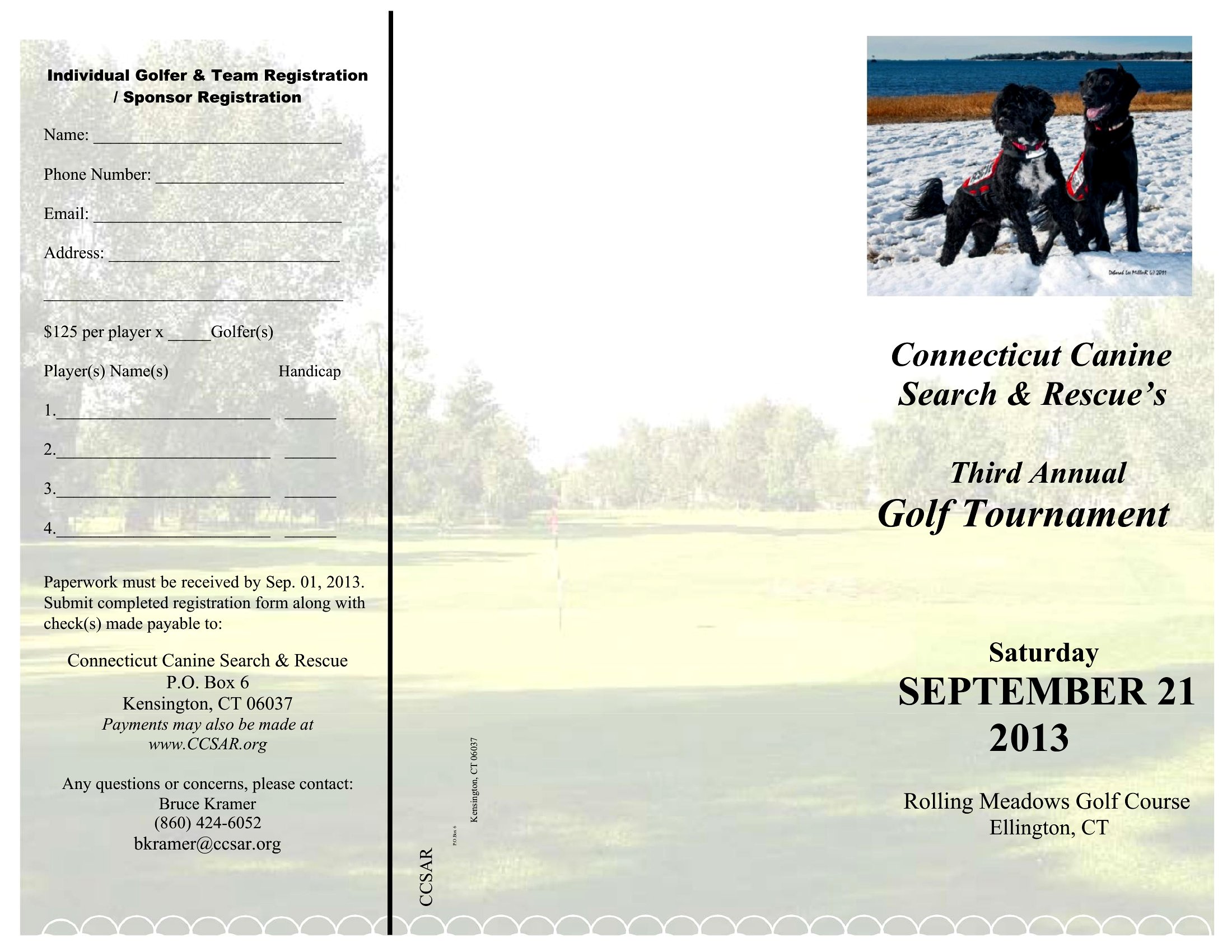
When to use this Pamphlet template
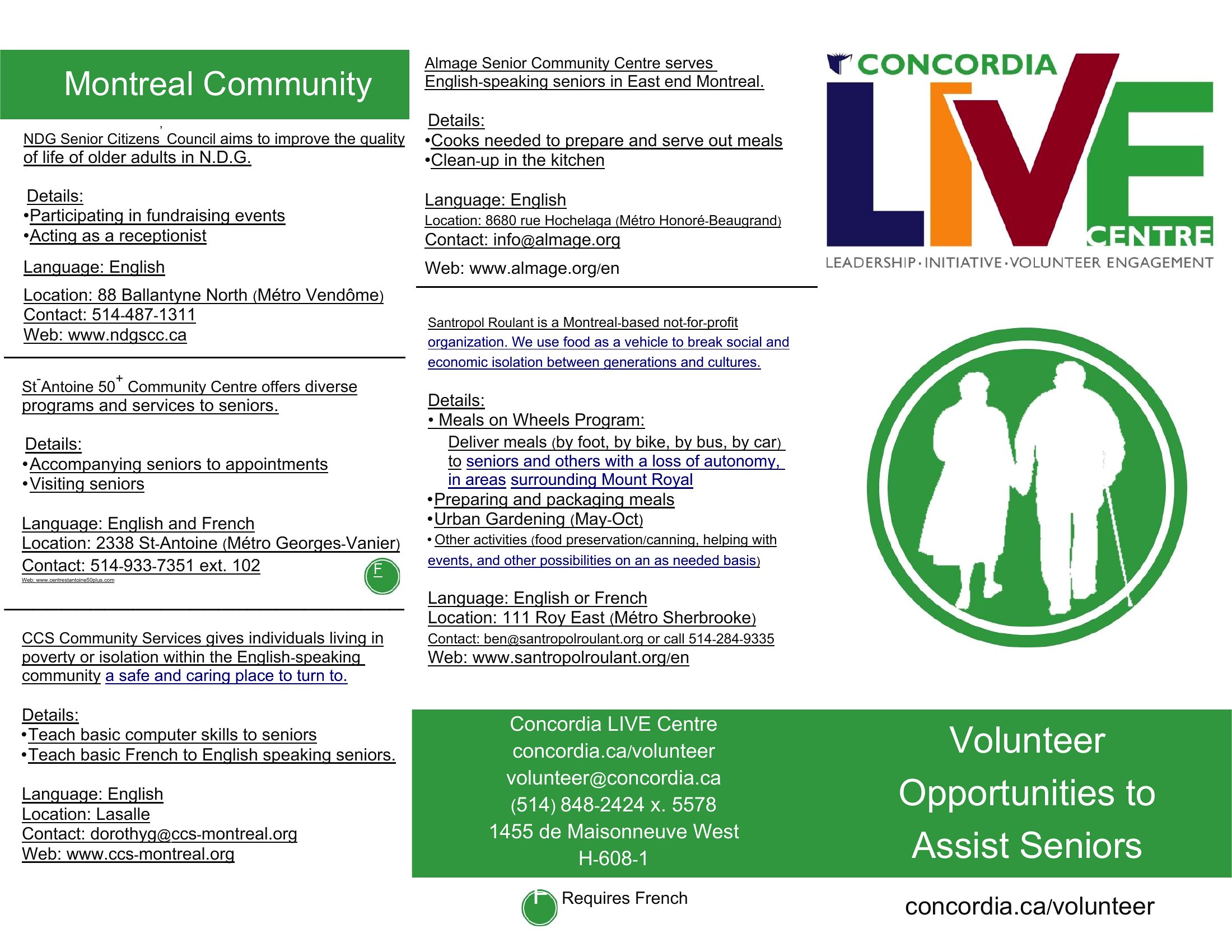
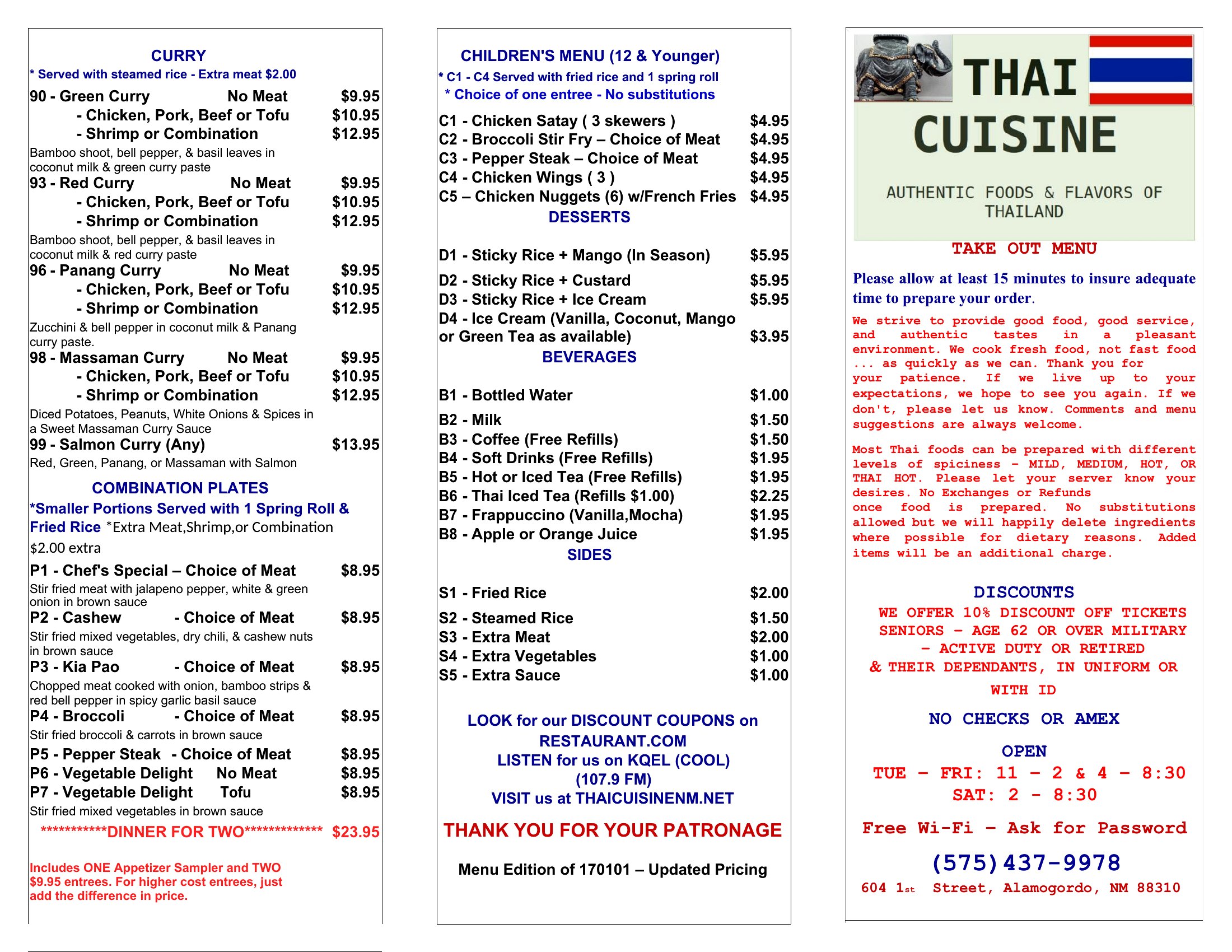
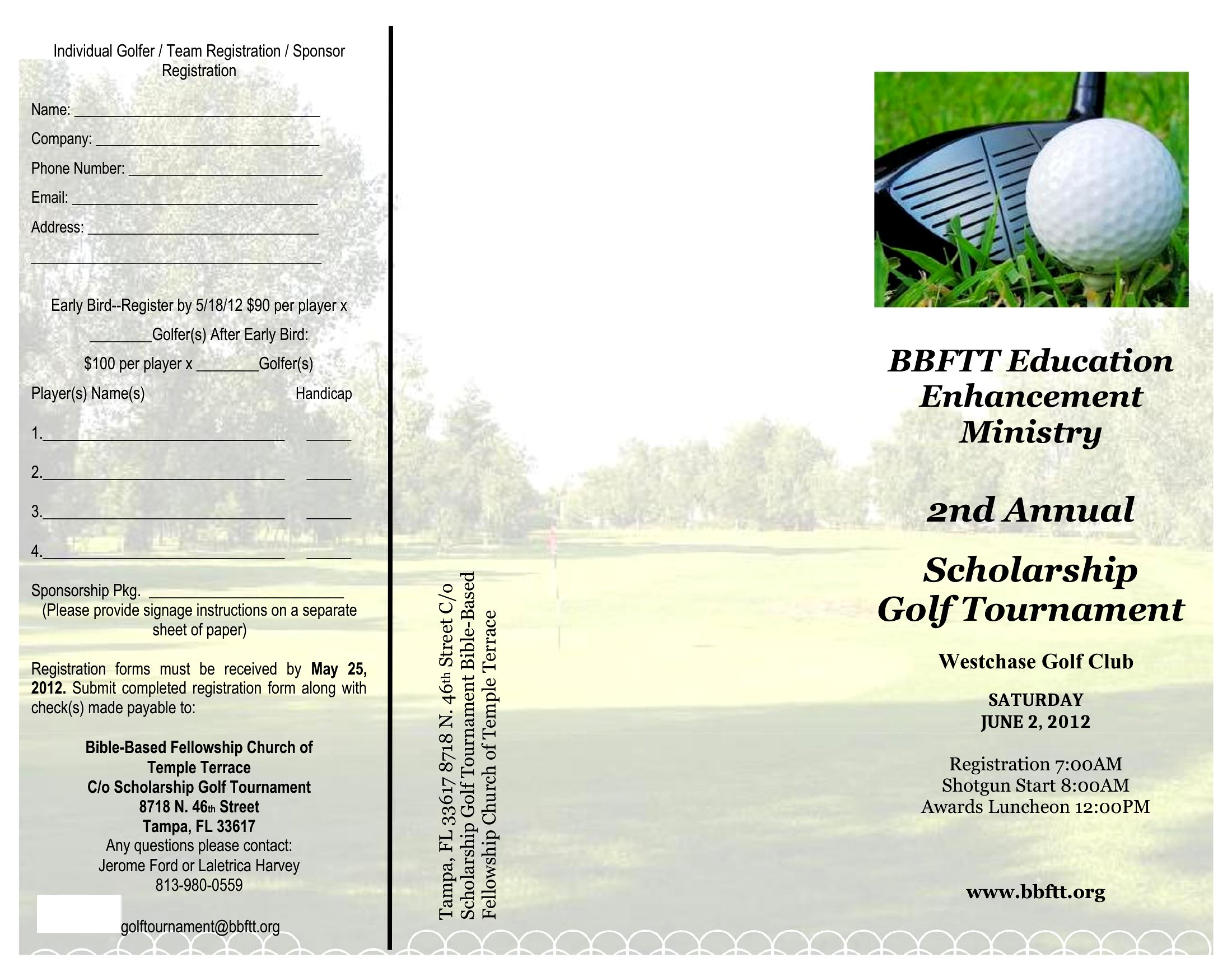
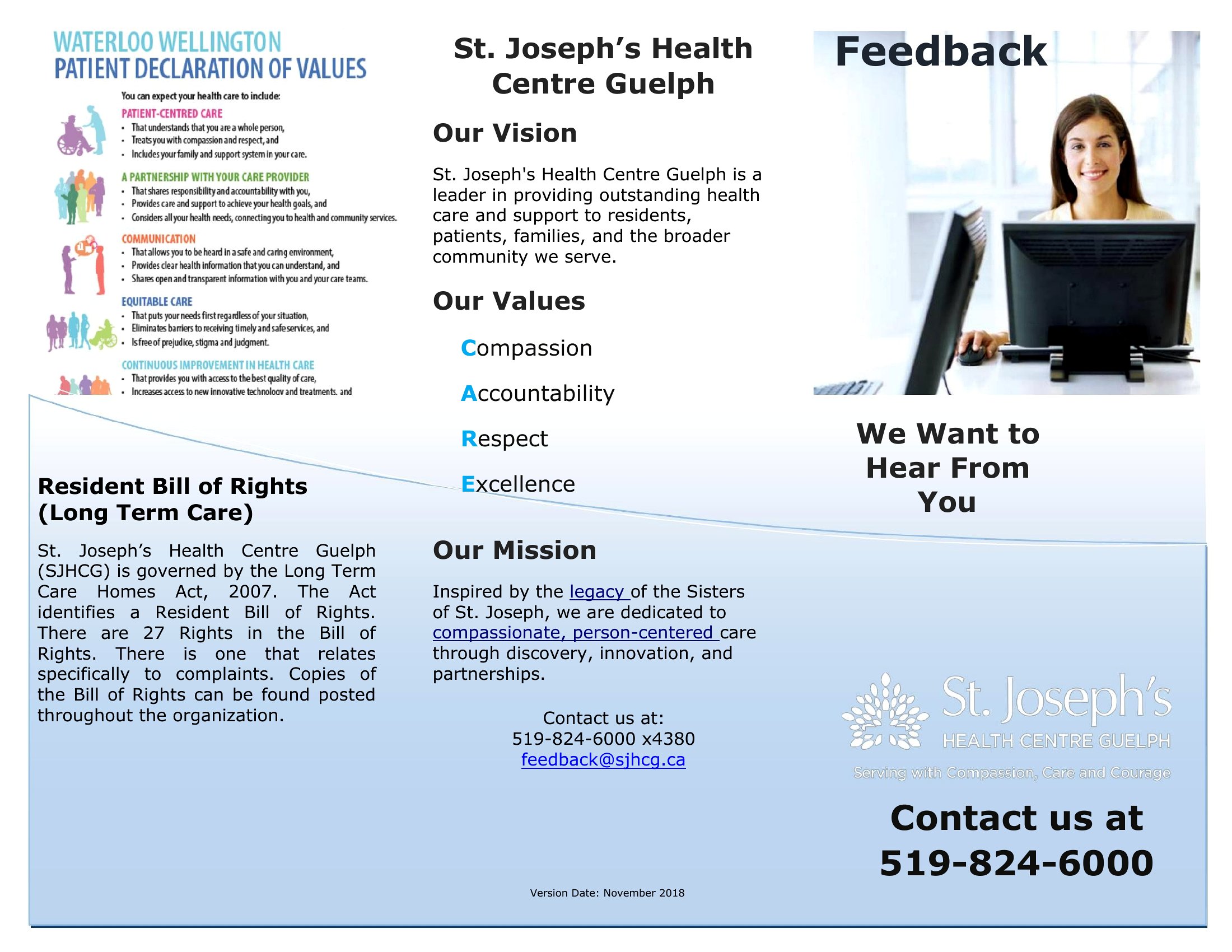
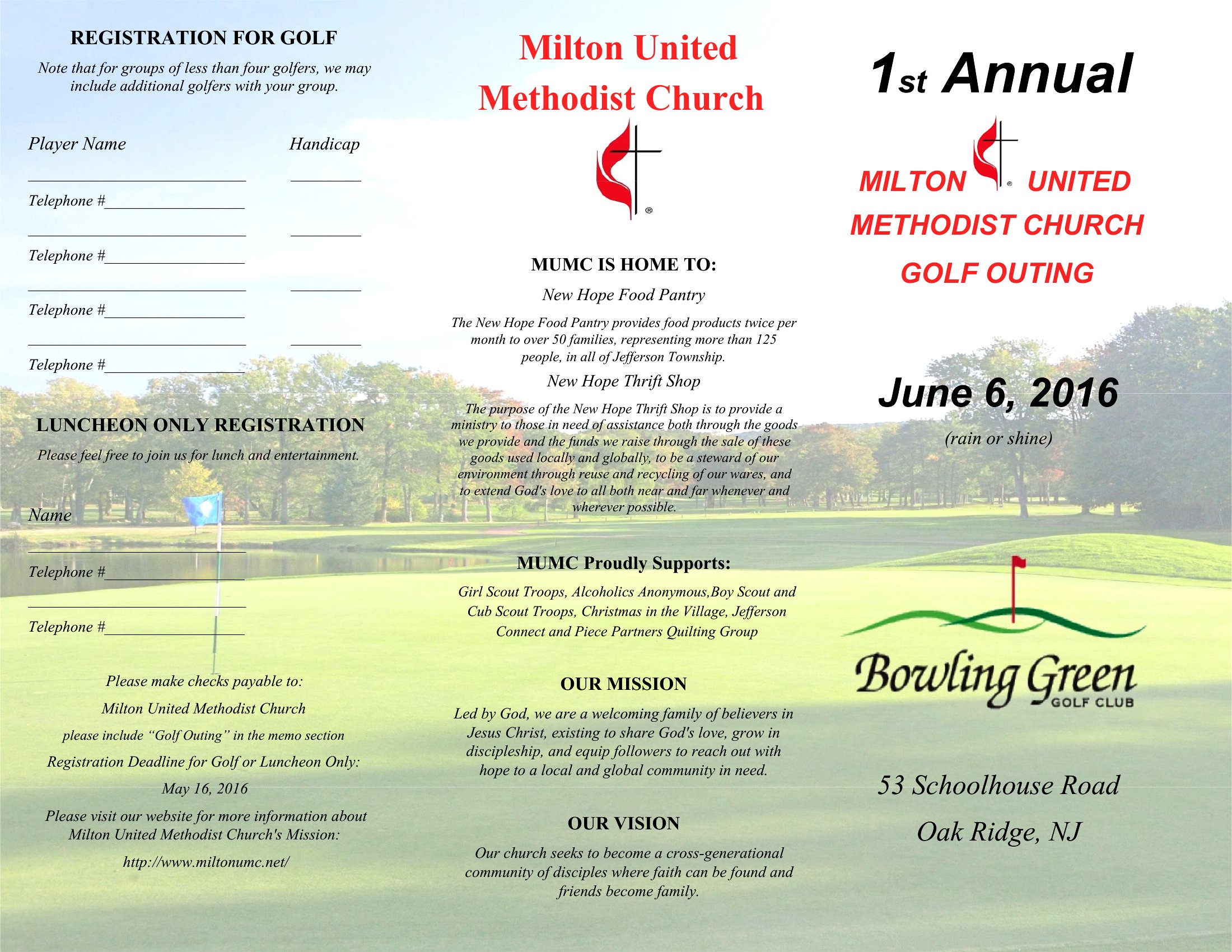
- A local church needs to quickly share service times, event details, and volunteer opportunities in a compact, printable format for visitors and members to carry home.
- A small nonprofit organizing a community blood drive wants to distribute a clear, visually balanced flyer with donor eligibility, location, and contact info at schools and libraries.
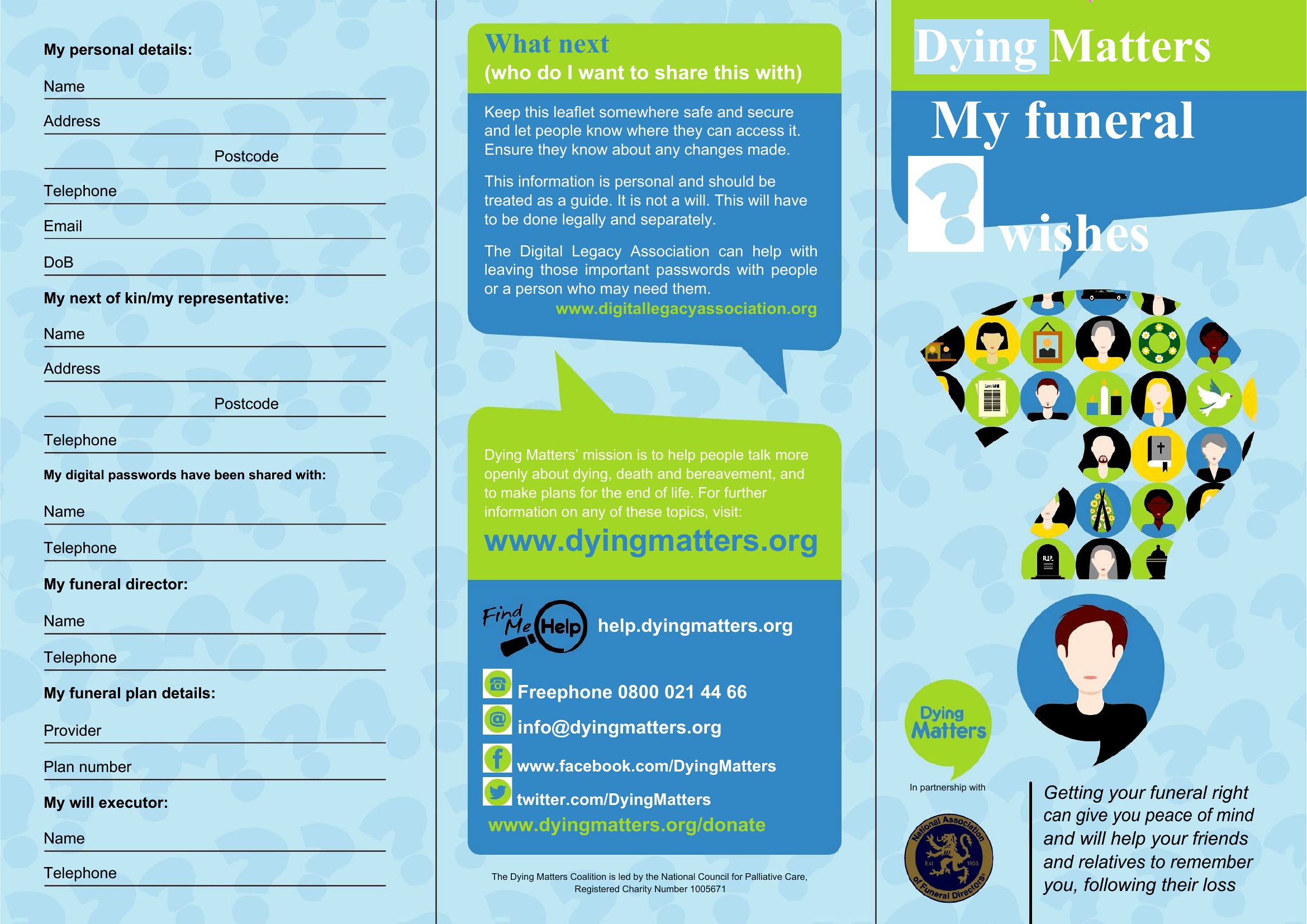
- A grief counselor at a hospice center designs a memorial pamphlet to distribute at funerals, summarizing the deceased’s life, service details, and ways to honor their legacy for families.
- A handyman service creates a tri-fold pamphlet listing services, pricing tiers, and customer testimonials to leave at home improvement stores for walk-in clients seeking trustworthy contractors.
Which format should I download?
Choose Word if you plan to update text, images, or layout frequently—this format’s editable fields let you tweak details without redesigning. Opt for PDF when you need a polished, print-ready version with consistent formatting, especially for pre-printed brochures or professional distribution. PDFs also preserve branding colors and fonts exactly as intended, while Word is ideal for collaborative edits or last-minute adjustments before printing.
Choose from 51 Pamphlet Templates
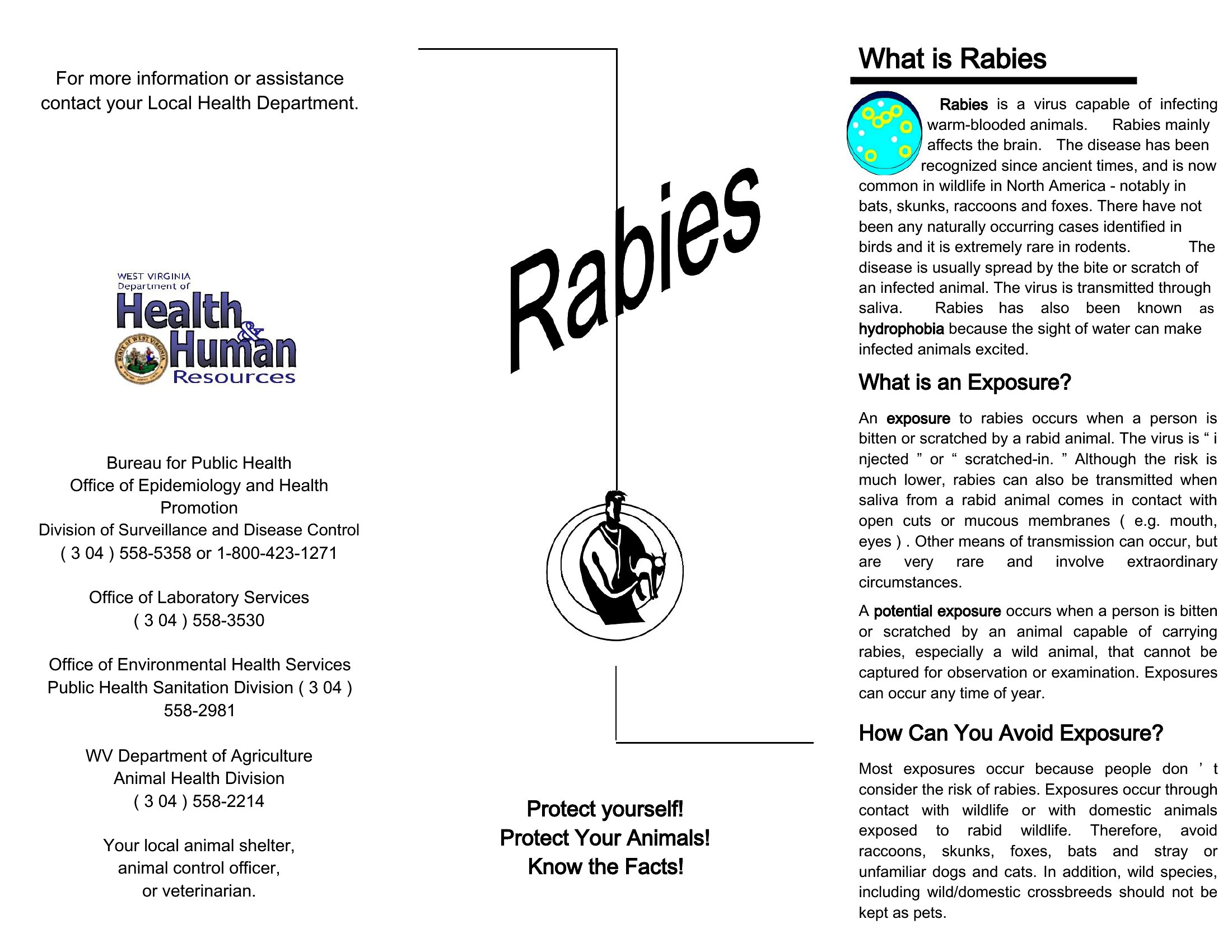
How to use this Pamphlet template
How do I ensure my pamphlet’s message stays concise while covering all necessary details?
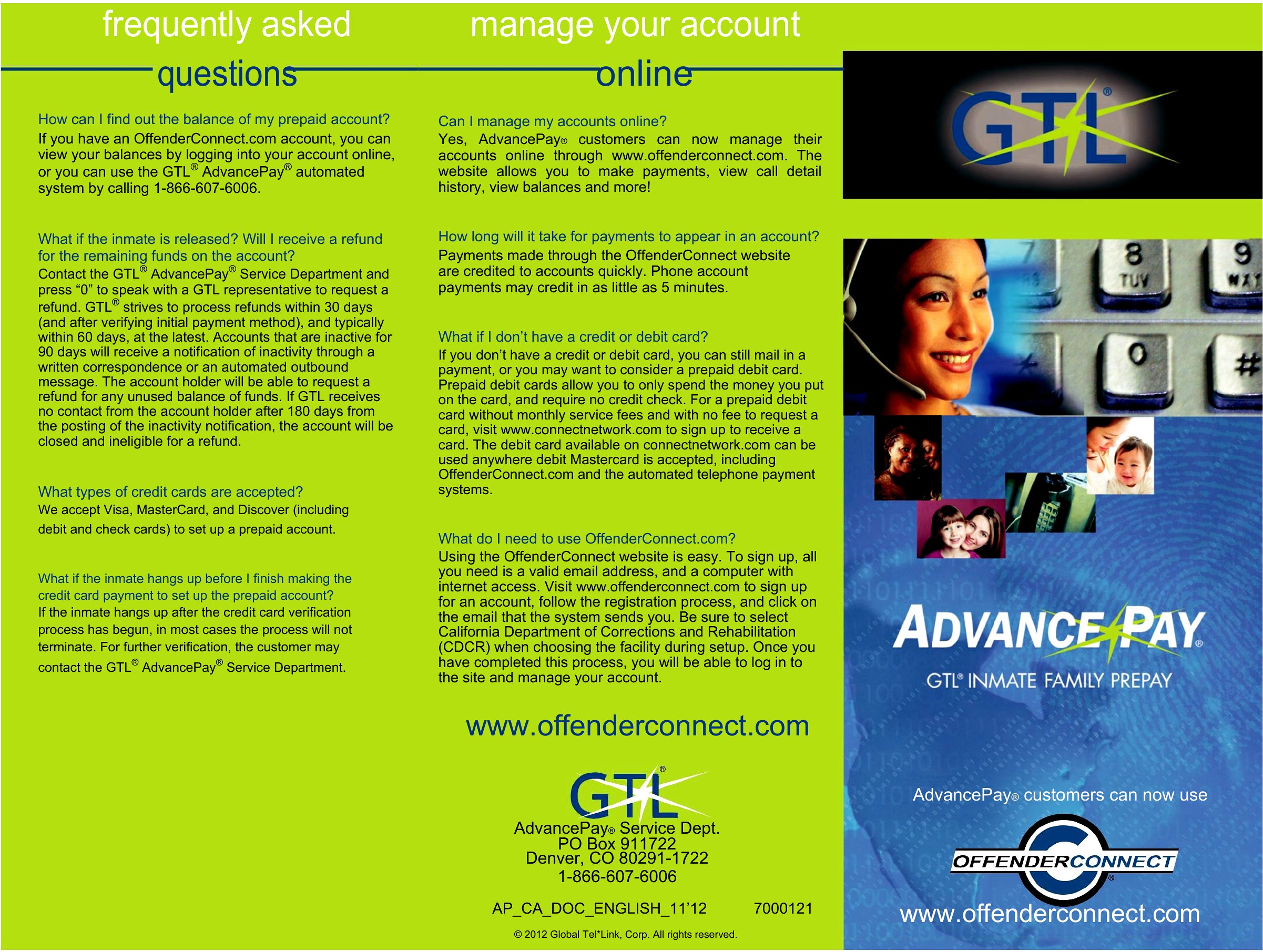
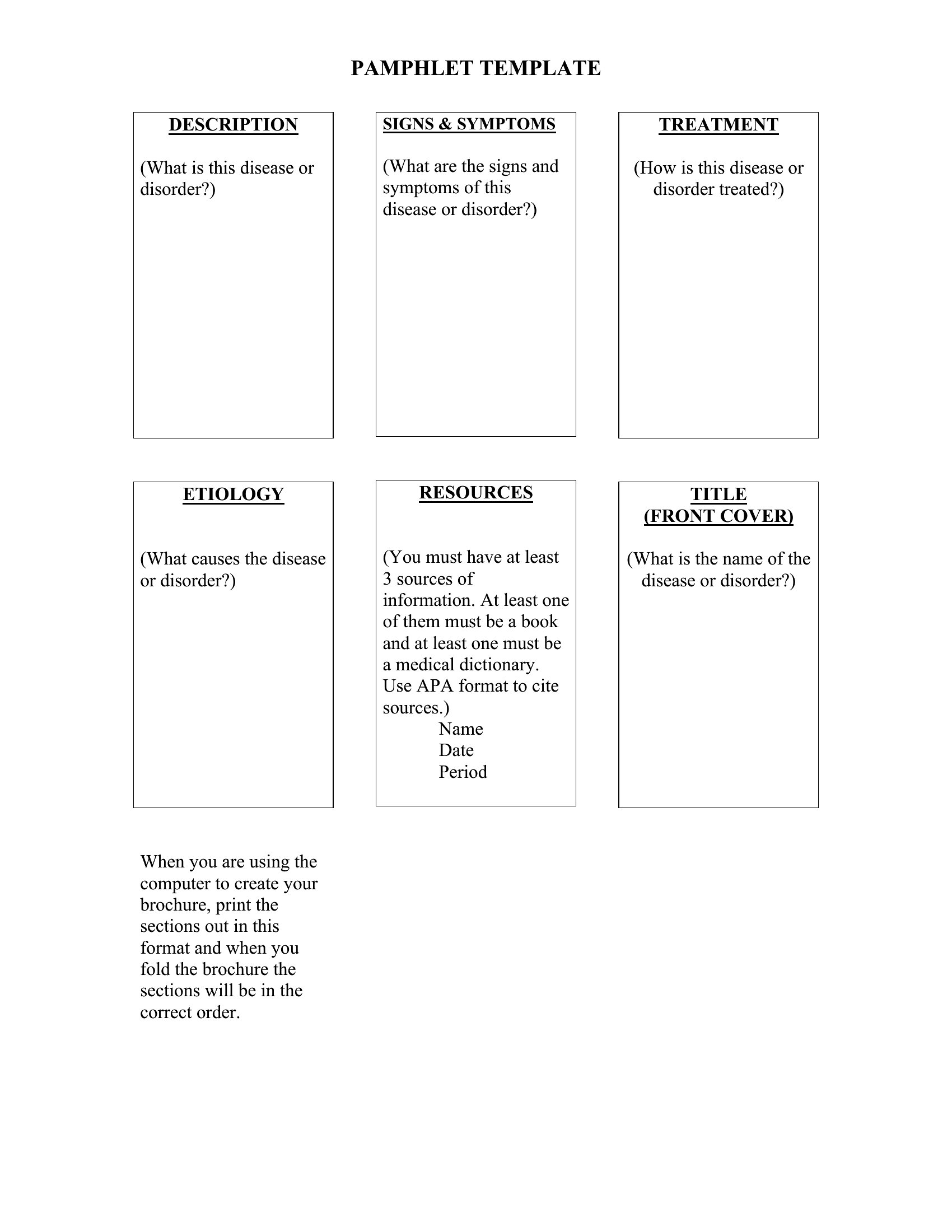
Use the tri-fold or half-fold templates to create clear sections—like ‘What,’ ‘Why,’ and ‘How’—and limit each panel to 3–5 key bullet points. Prioritize visuals (icons, maps) over dense text to break up information. Test readability by having someone unfamiliar with your topic scan it in 30 seconds.
Can I include a call-to-action without making the pamphlet feel salesy or pushy?
Yes, soften CTAs by framing them as helpful next steps, like ‘Call 555-1234 to schedule a free consultation’ or ‘Scan the QR code for a downloadable resource.’ Place CTAs near the bottom of the pamphlet after key info is shared. Avoid phrases like ‘limited-time offer’—focus on community-focused actions, like ‘Join us at the town hall meeting to share your ideas.’
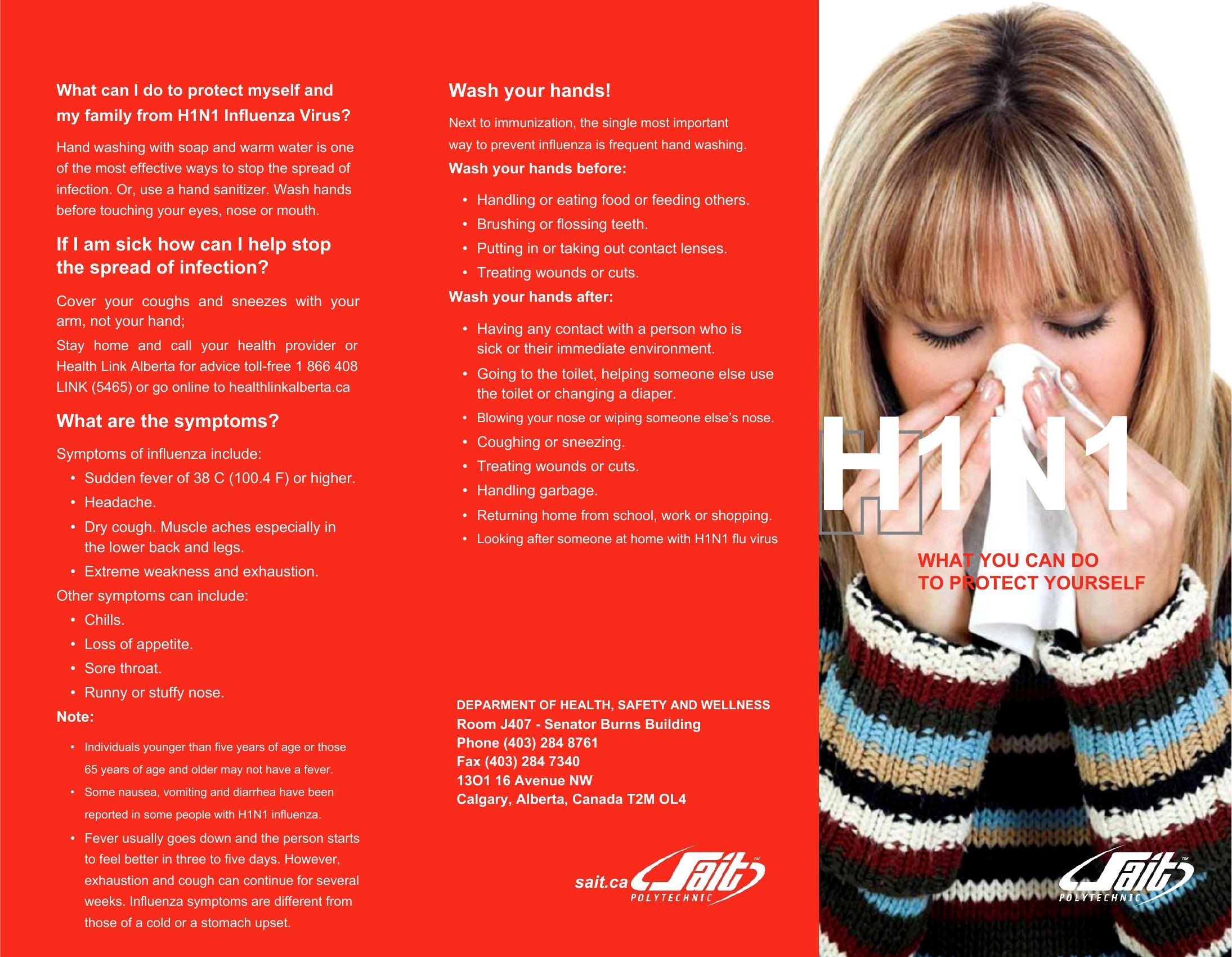
What’s the best way to handle sensitive topics, like grief support or health services, in a pamphlet’s tone?
Use warm, inclusive language that avoids clinical jargon—for example, ‘You’re not alone’ instead of ‘Depression is treatable.’ Leave ample white space to prevent visual overwhelm. If sharing contact info, include multiple channels (phone, email, online form) to accommodate different comfort levels. Review drafts with someone who understands the audience’s needs to ensure empathy is clear.
Comments
Join the conversation
Sign in to share your thoughts and leave a comment on this resource.