

Skip to content
50% off this one-time $1.99 pack with HALFOFF — or unlimited with Pro.HALFOFF
Premium

Free Brochure Templates (Word, PDF)

Life
carterpatel by carterpatel
Updated 0 downloads 1 community comment

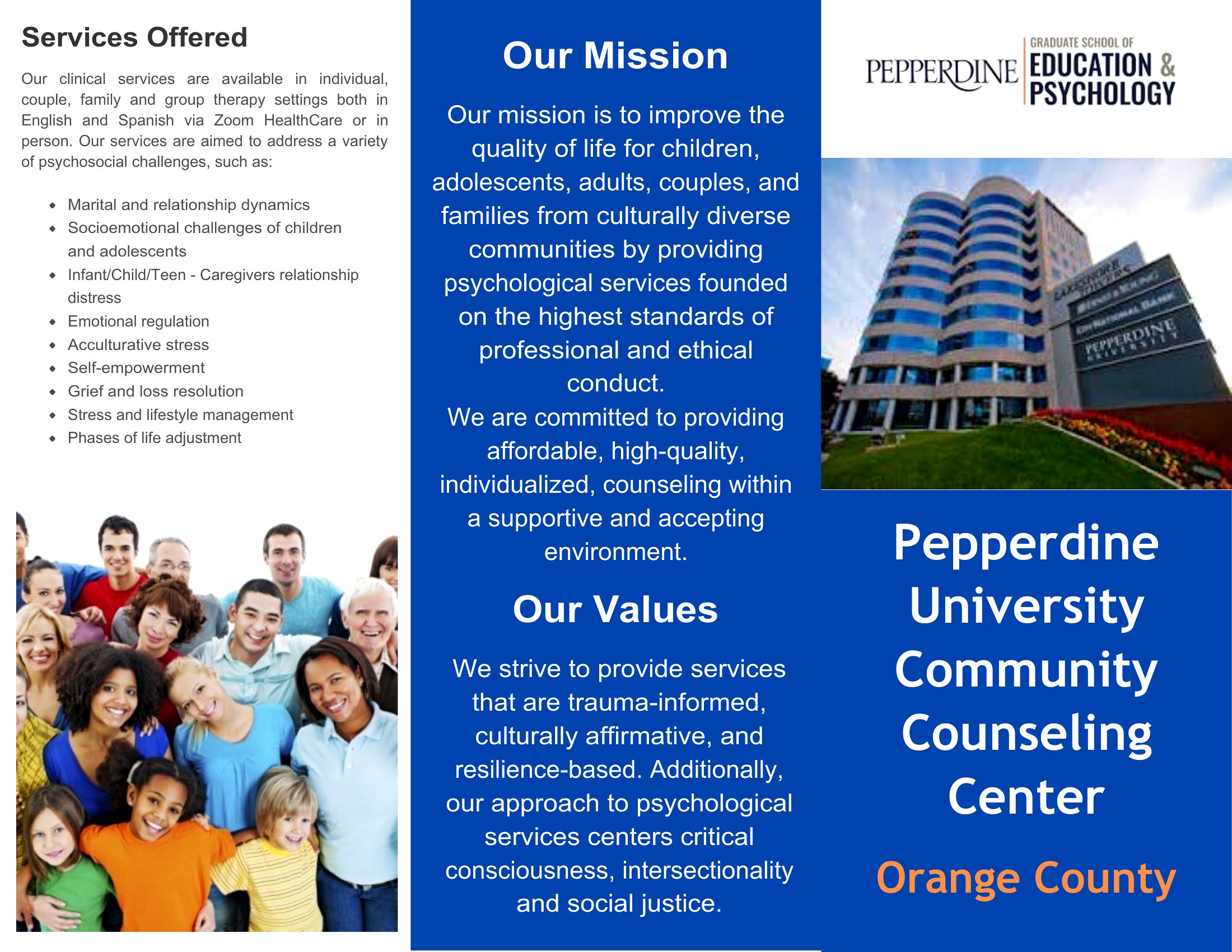
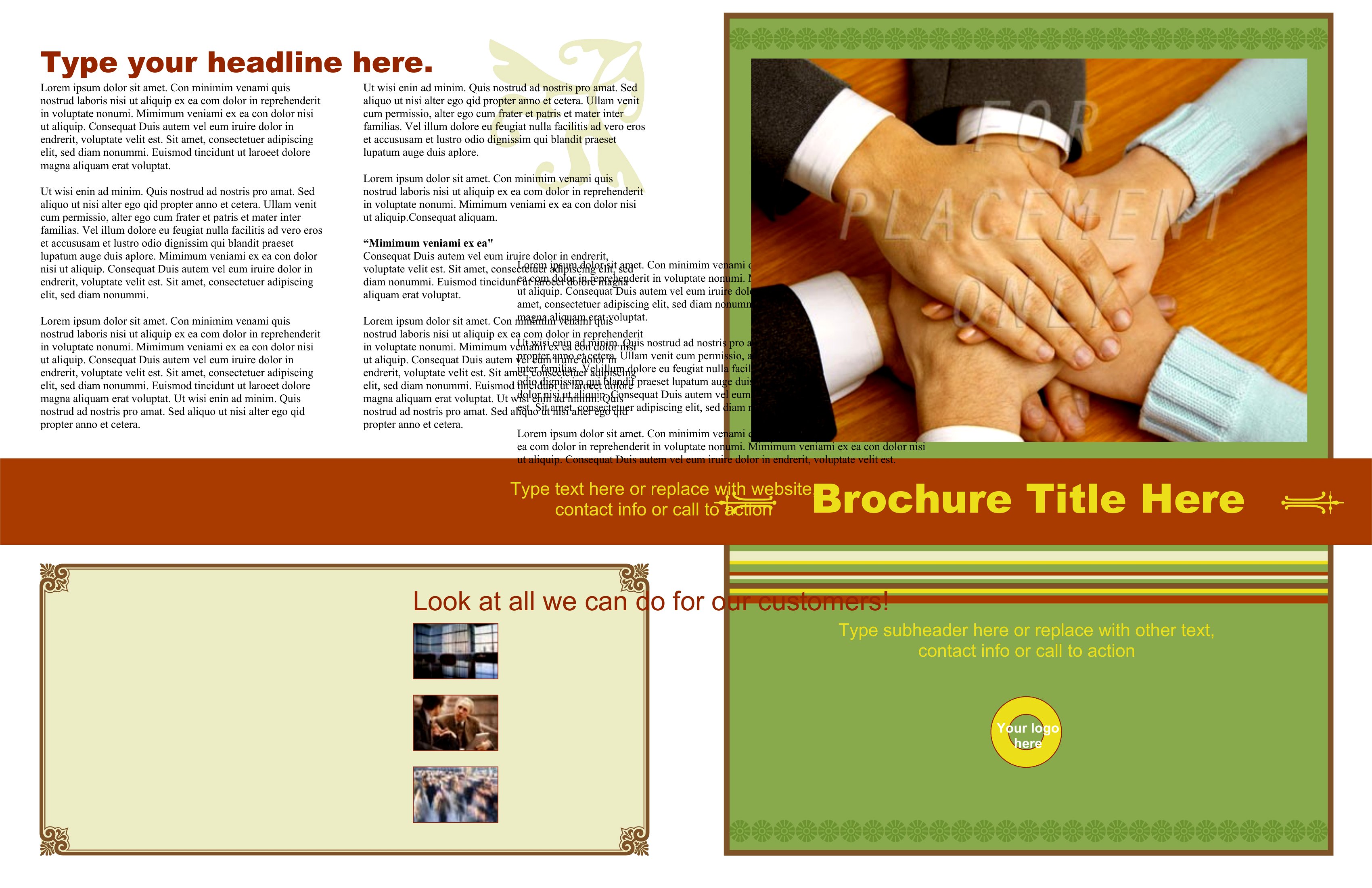
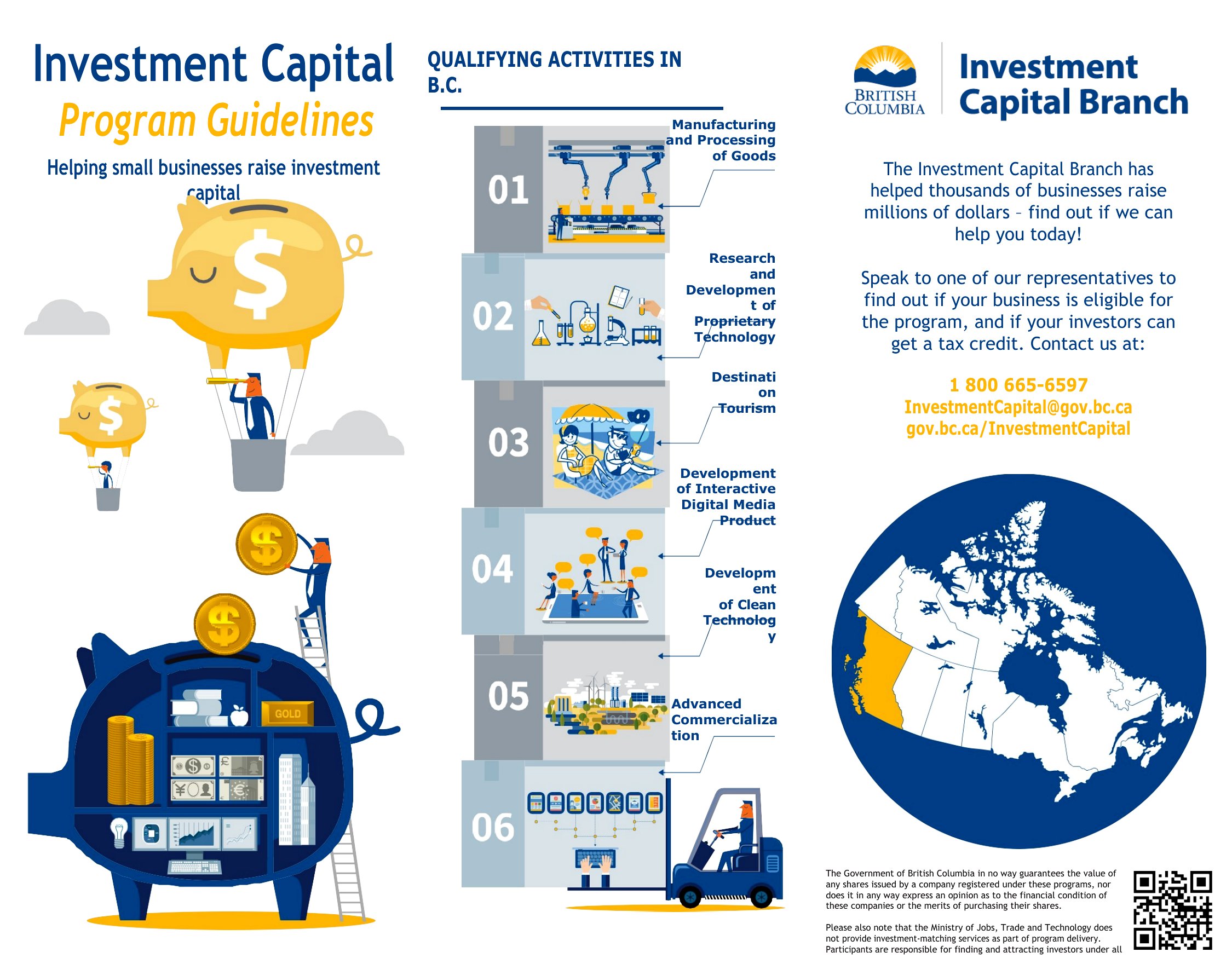
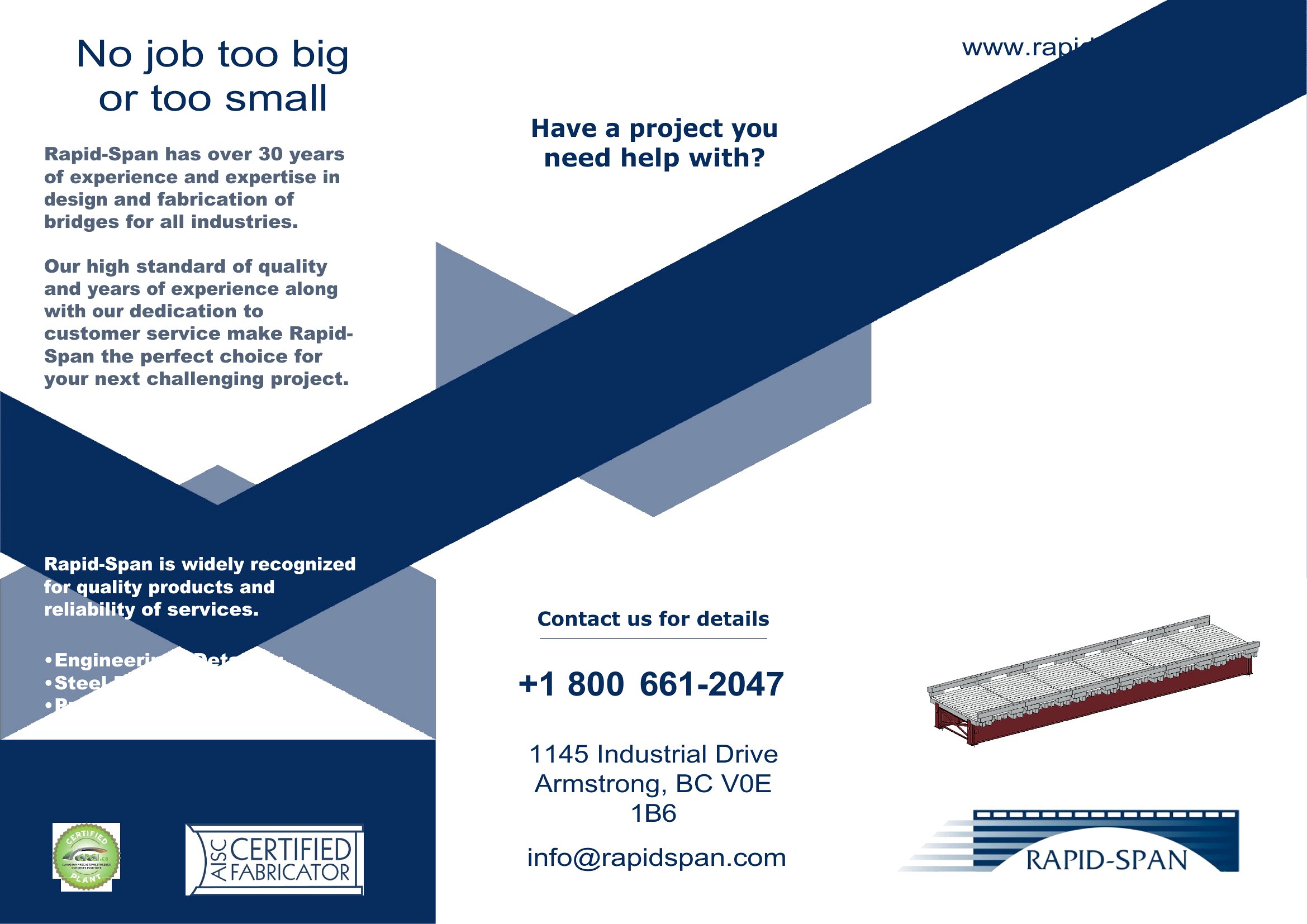
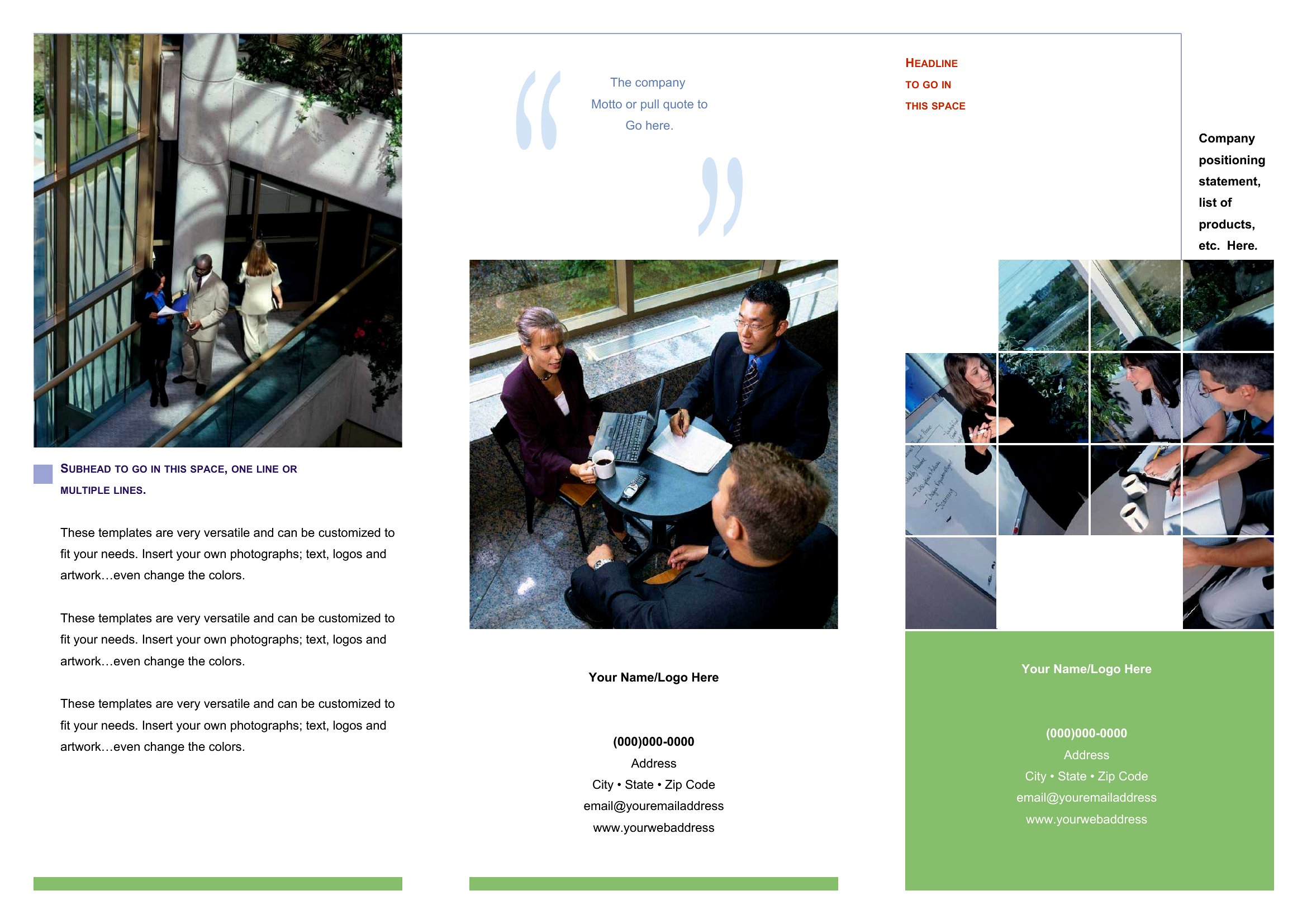
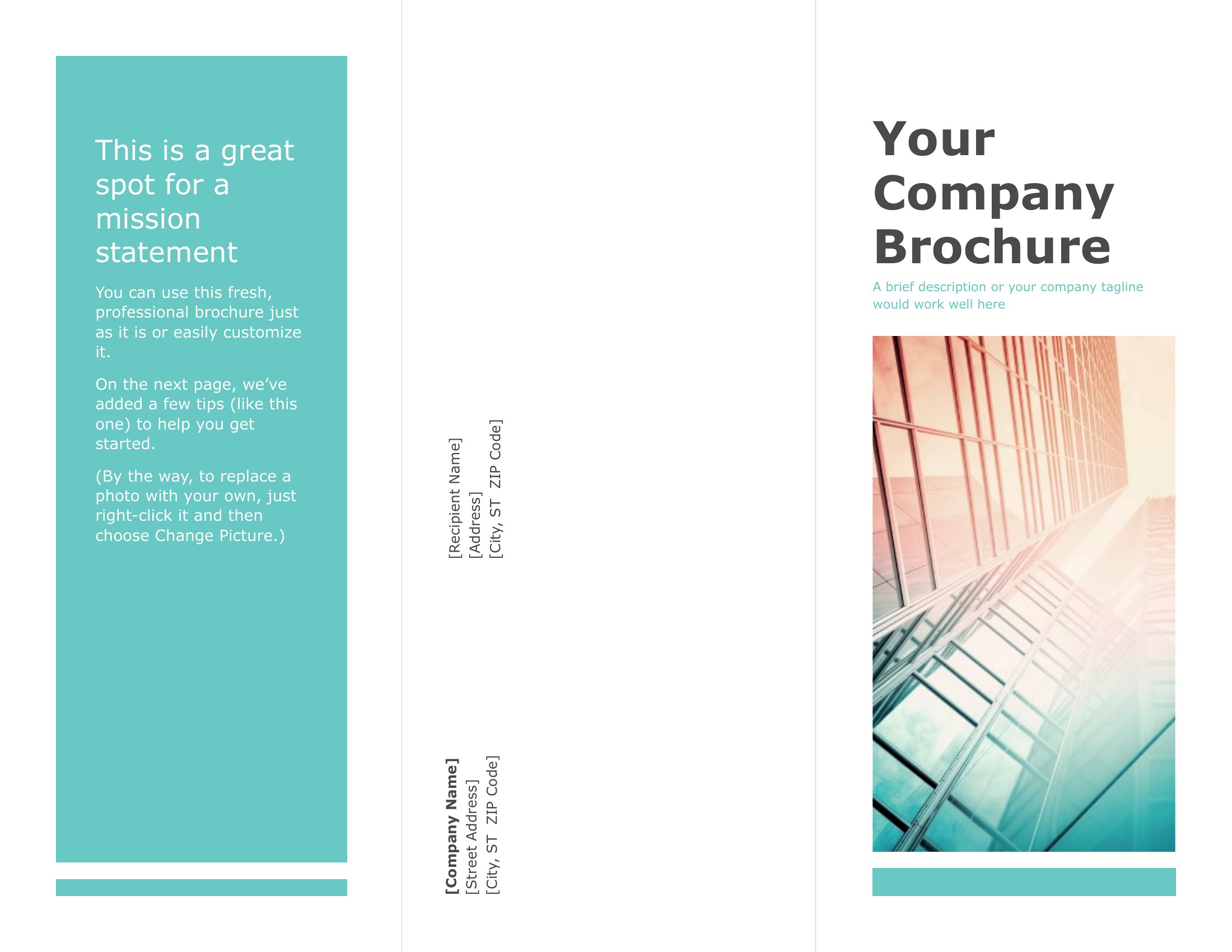
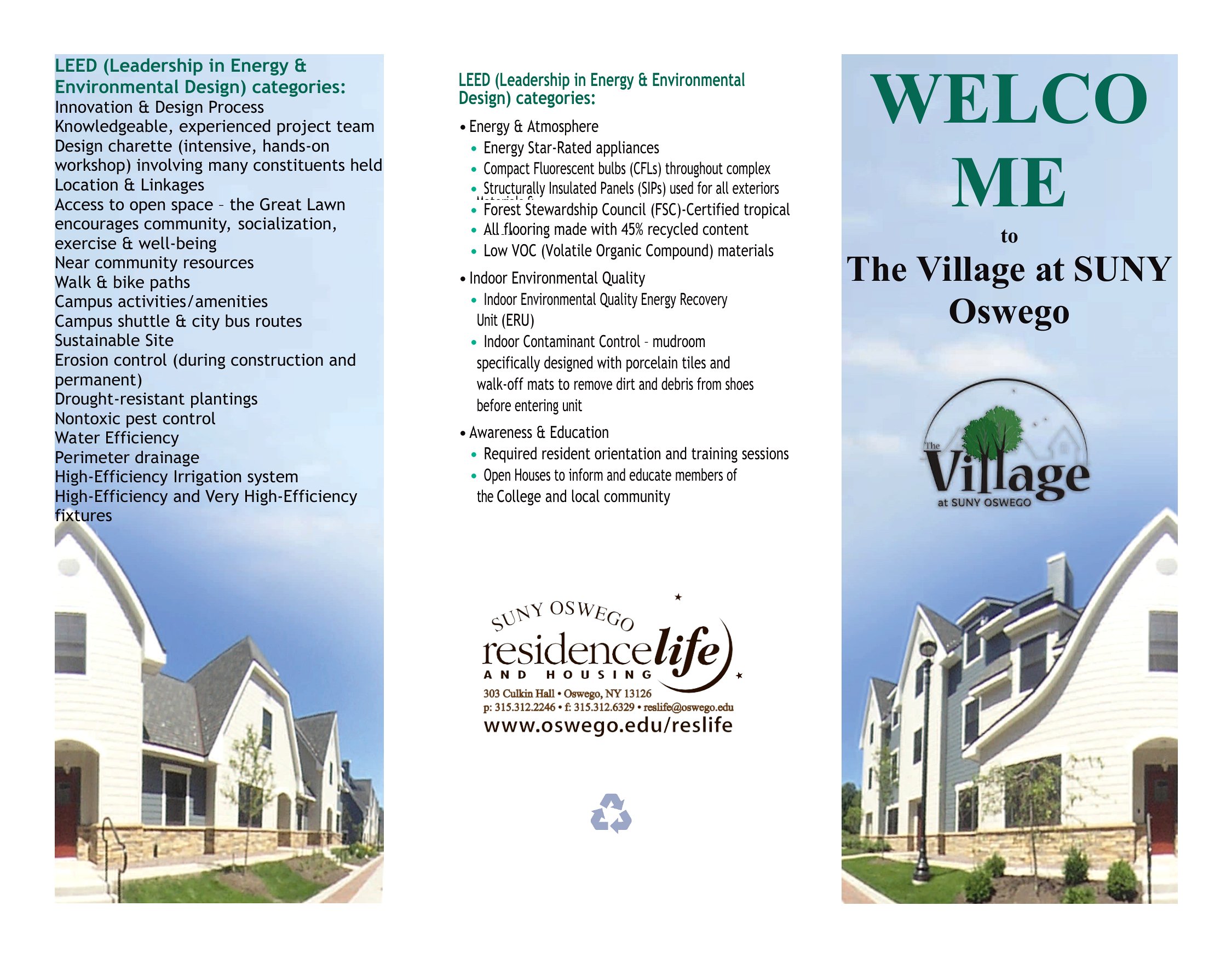
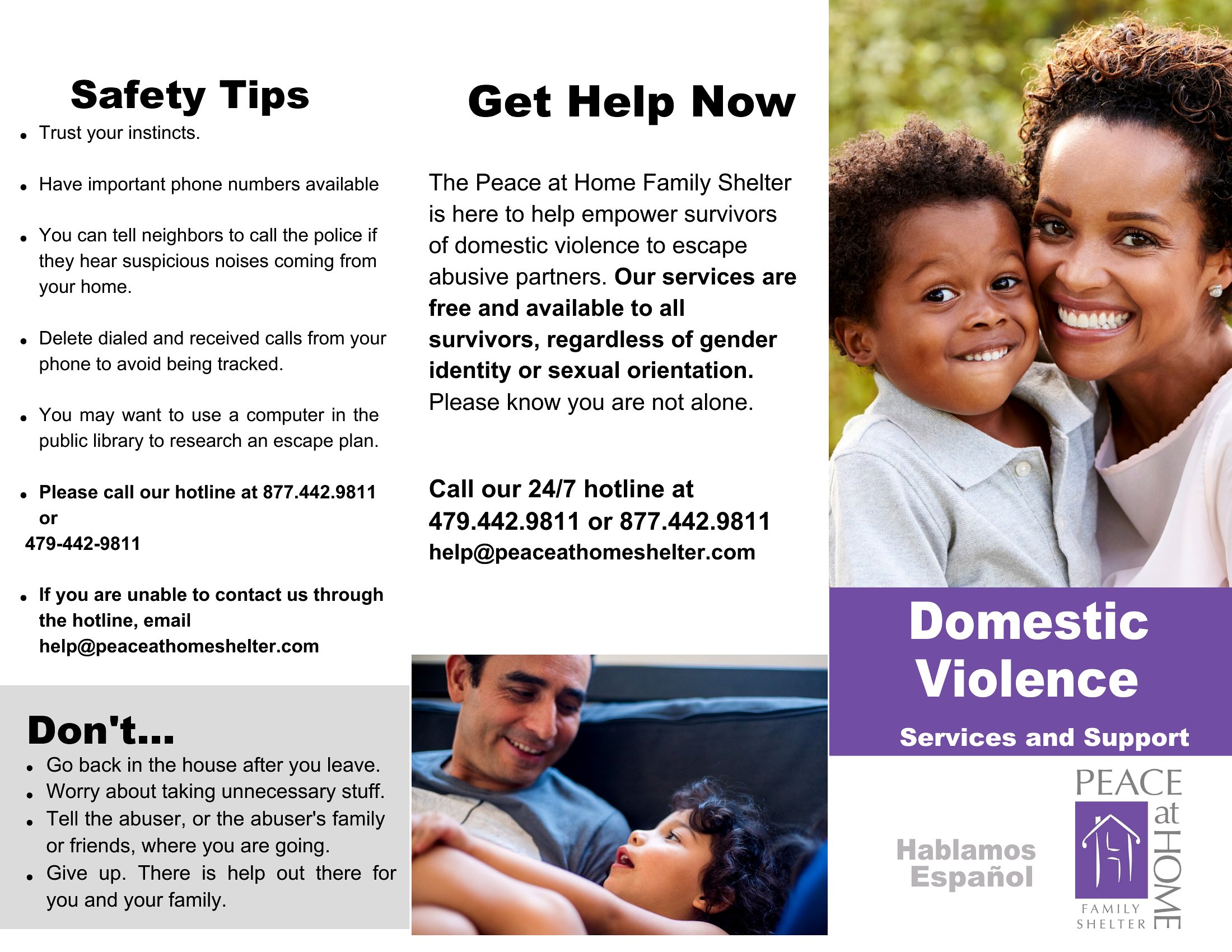
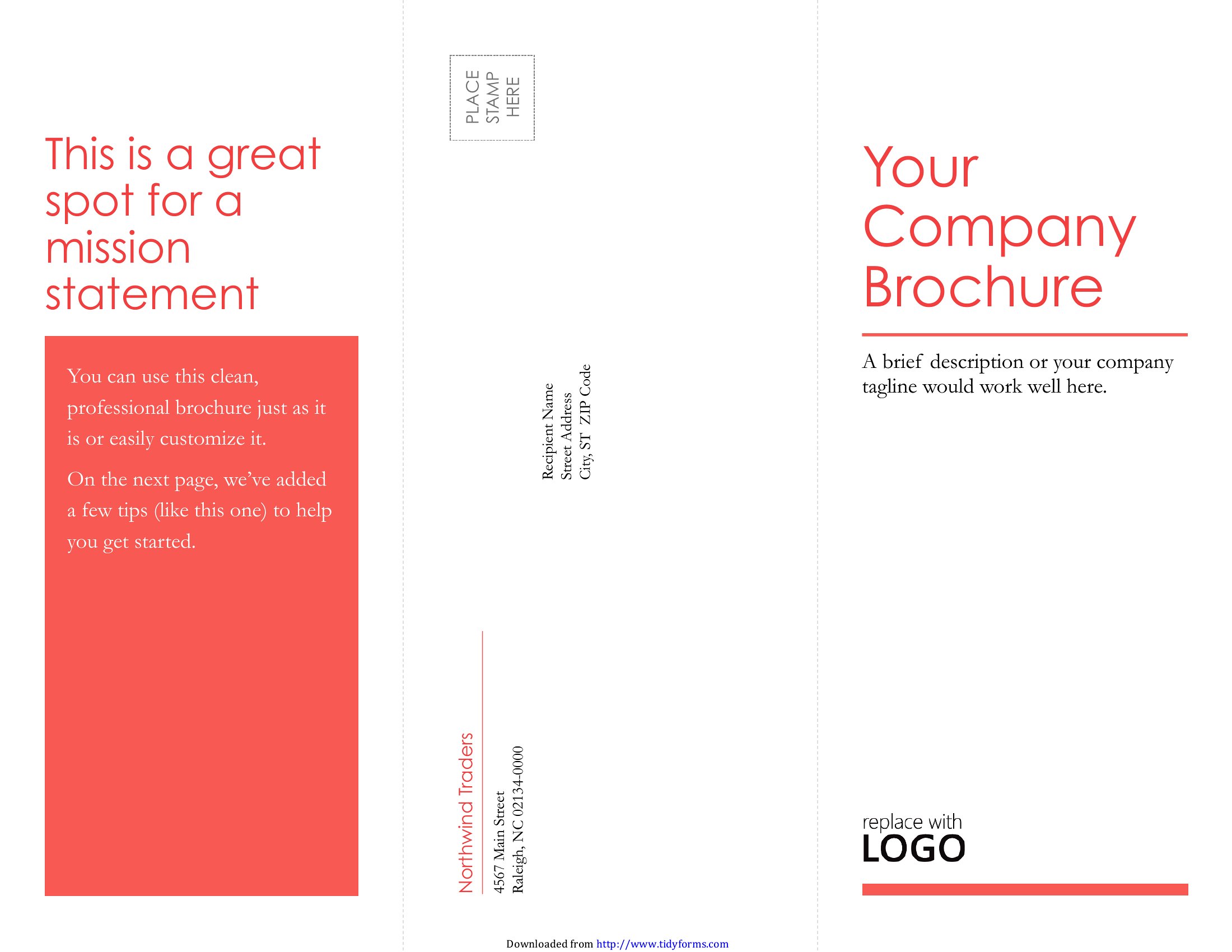
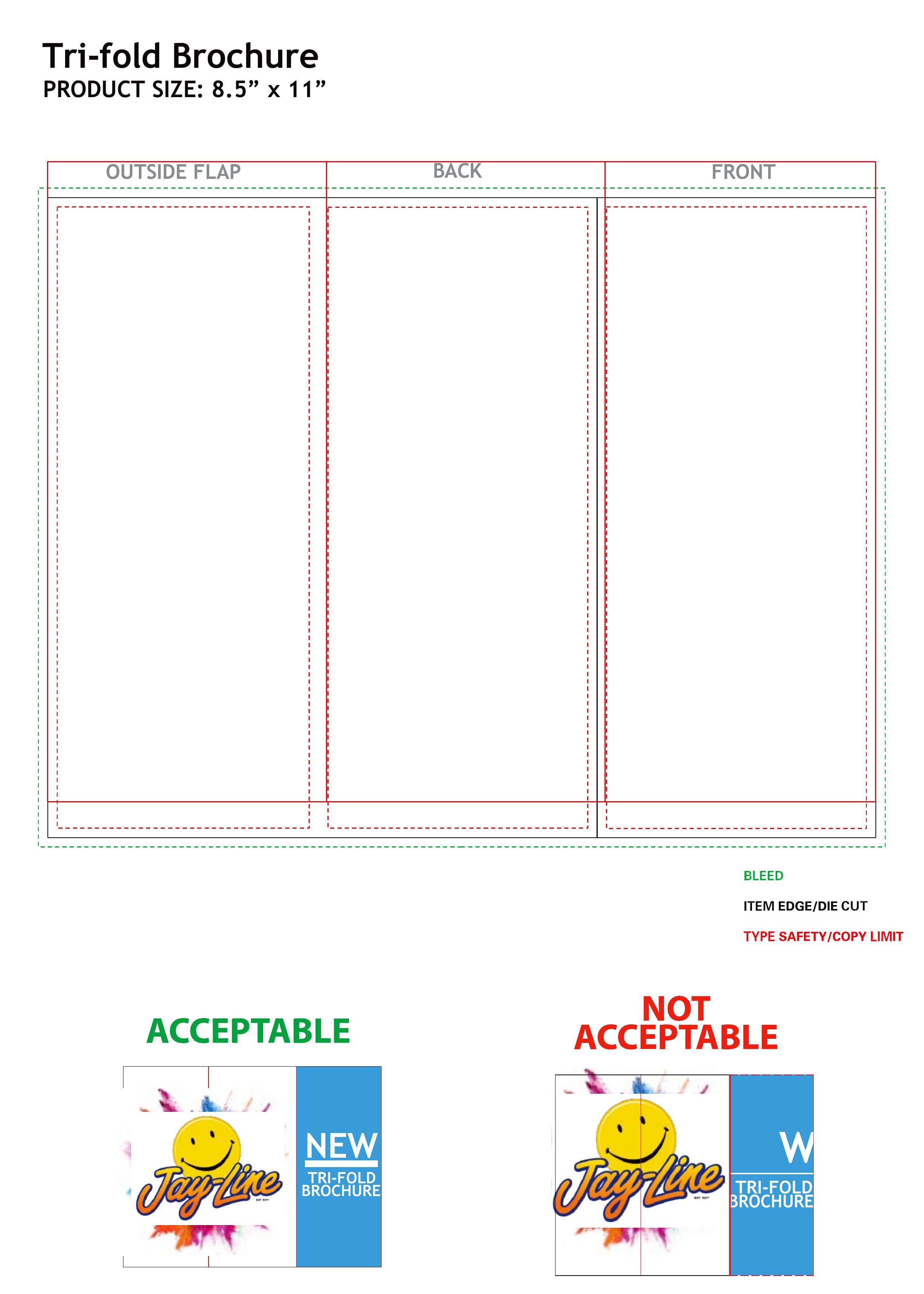
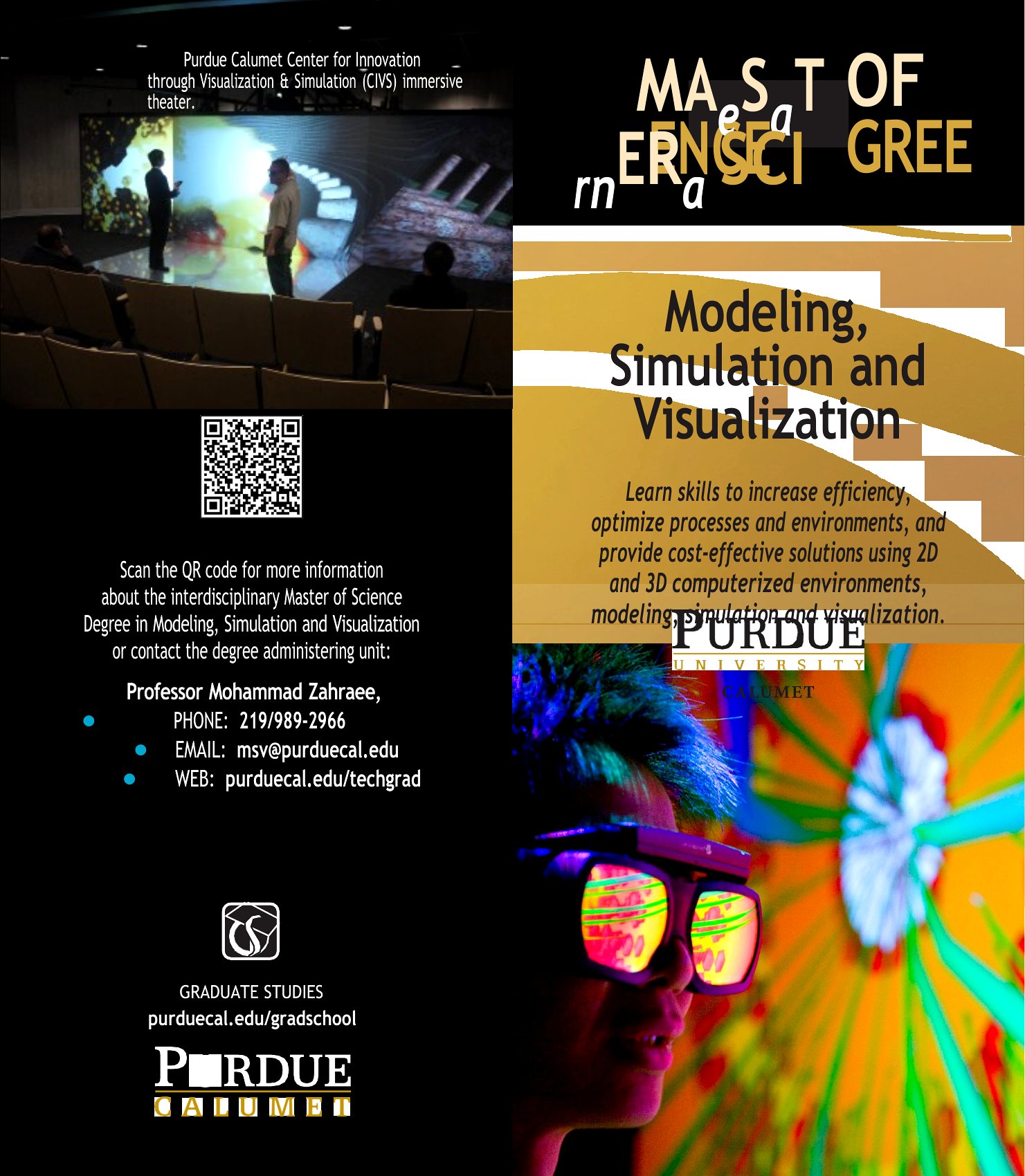
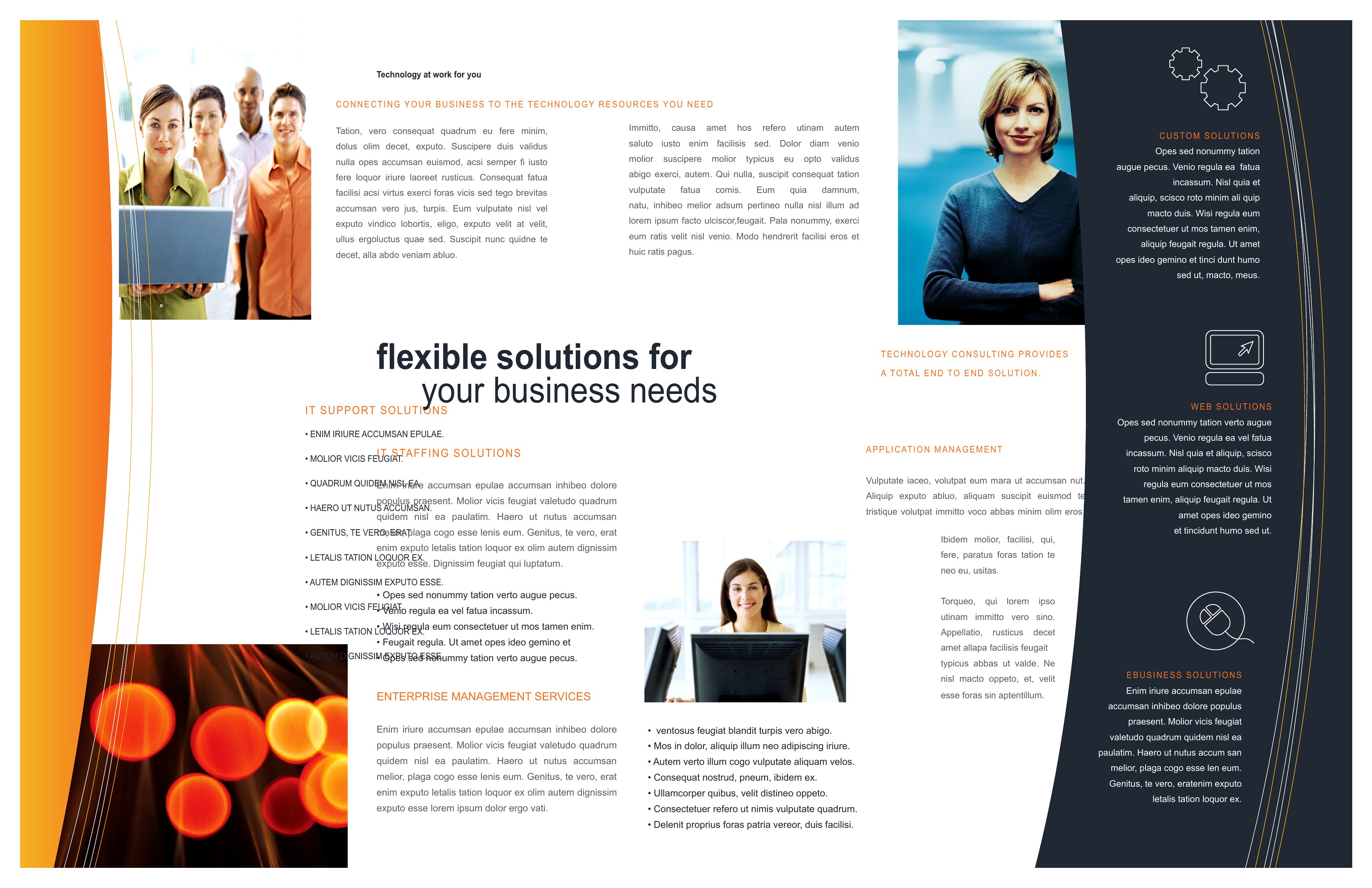
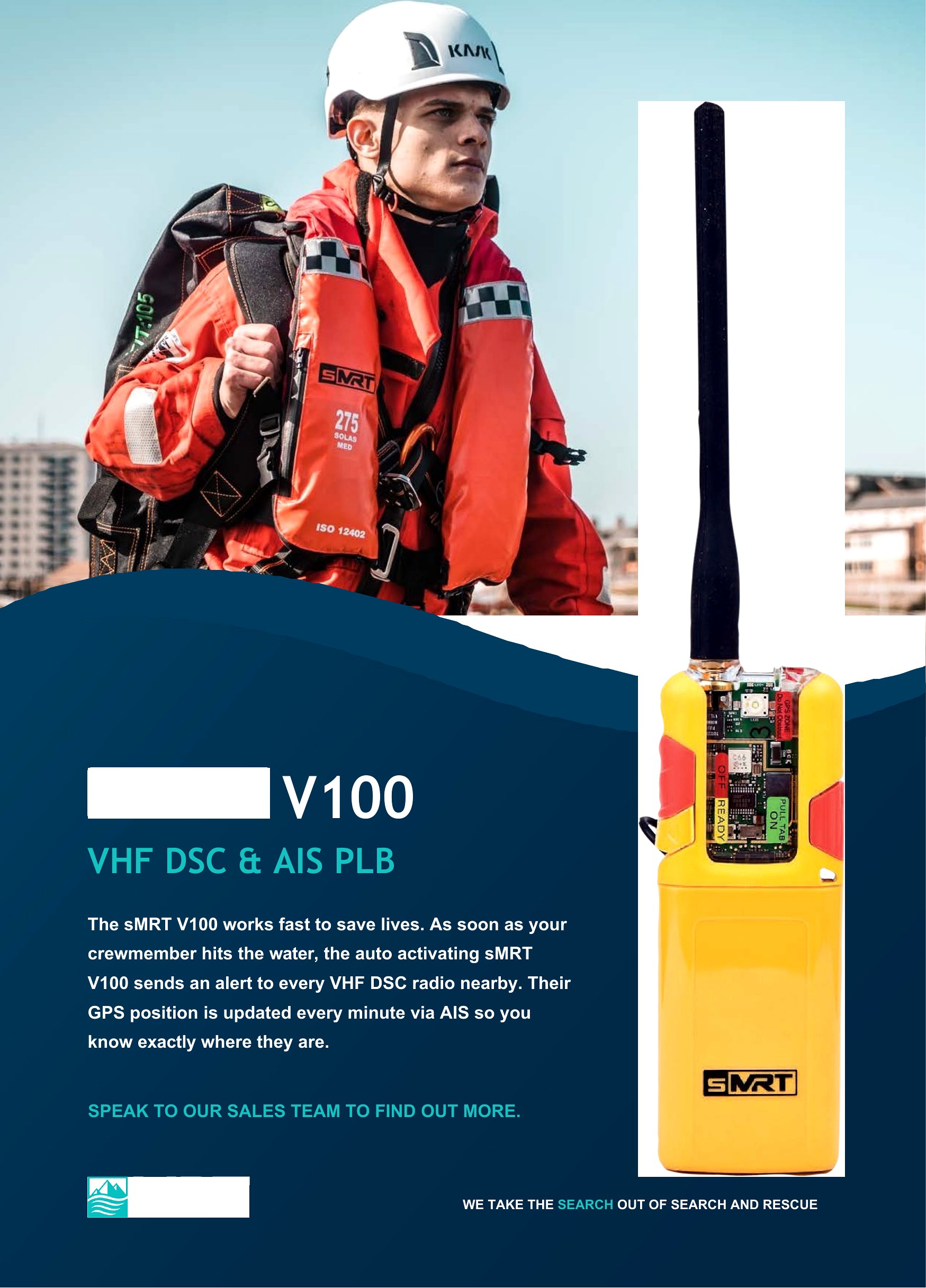
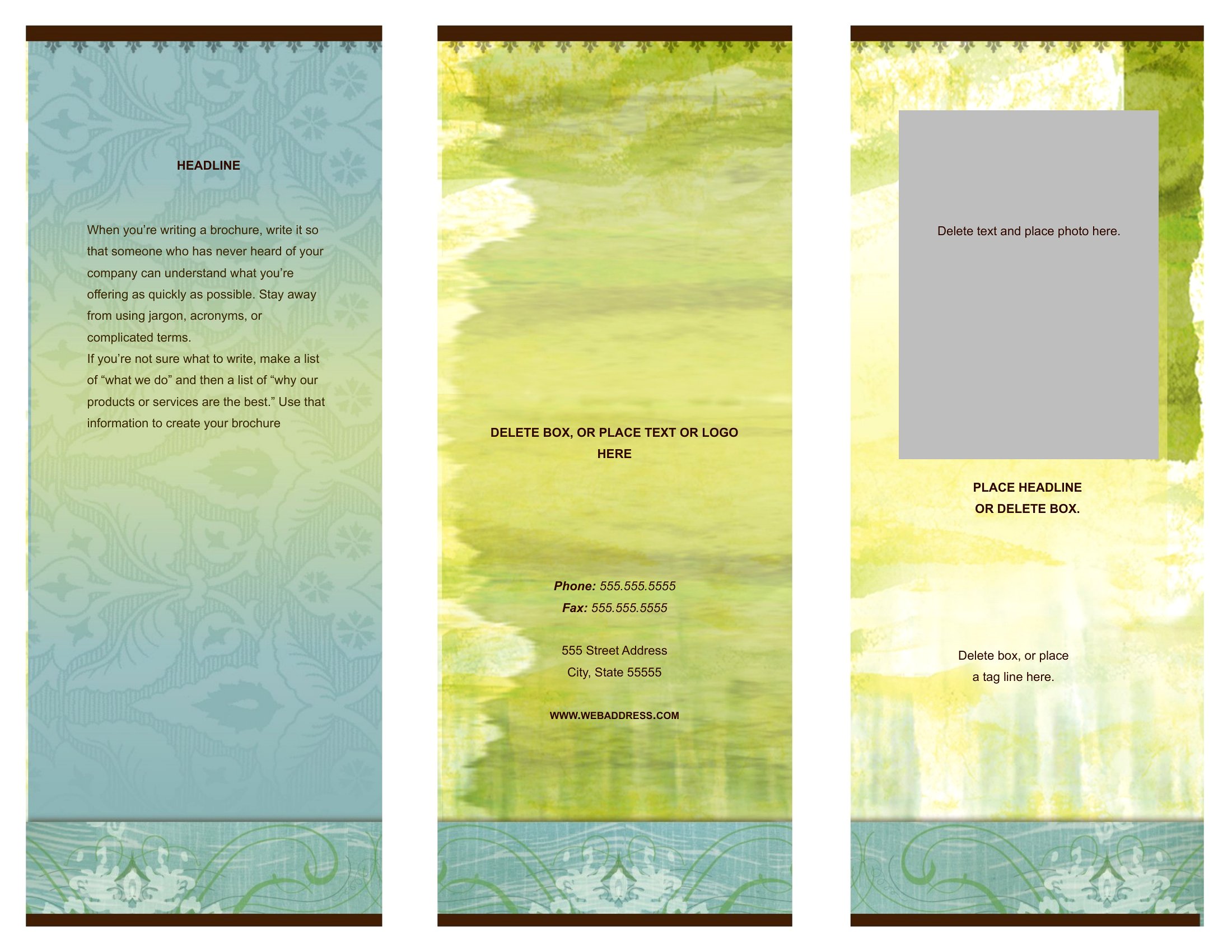
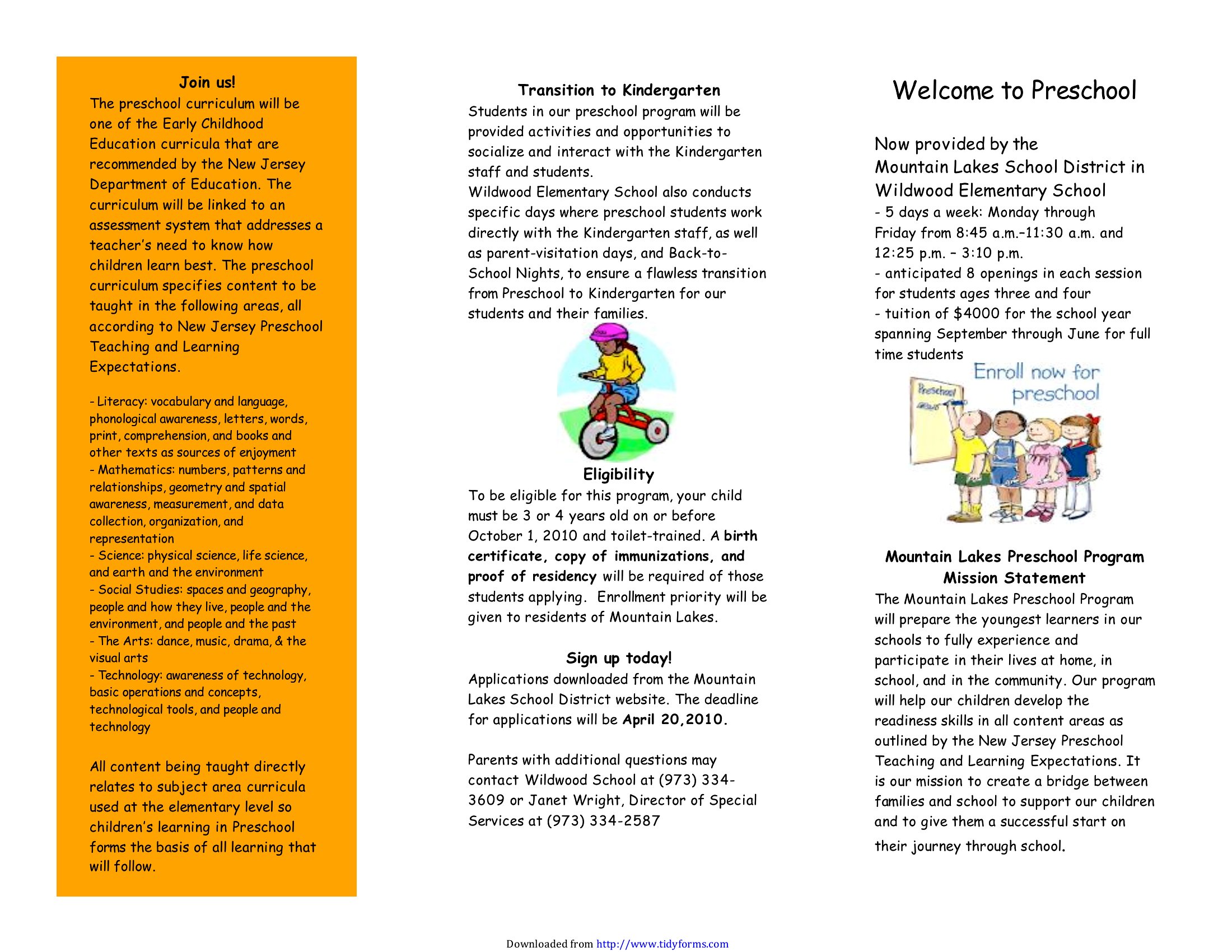
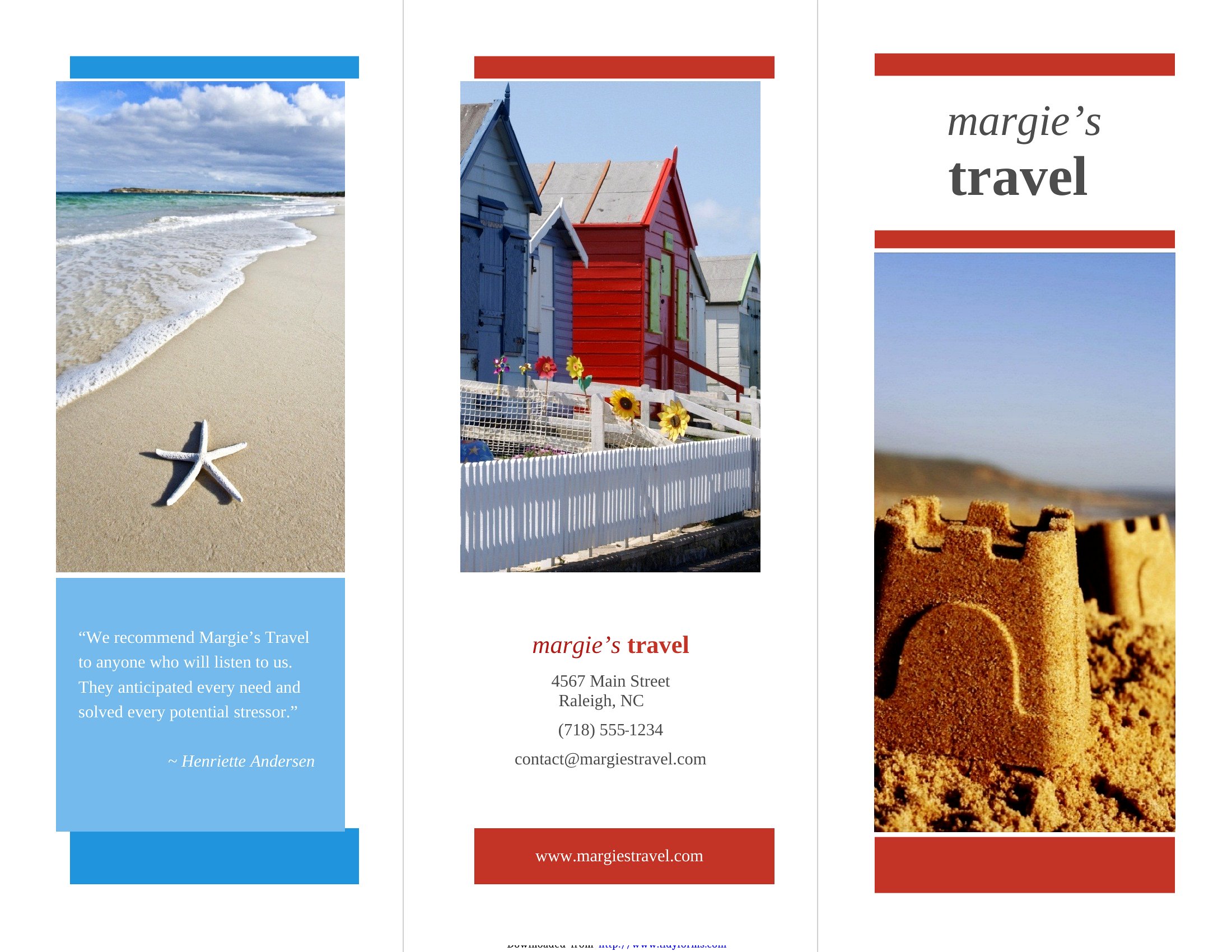
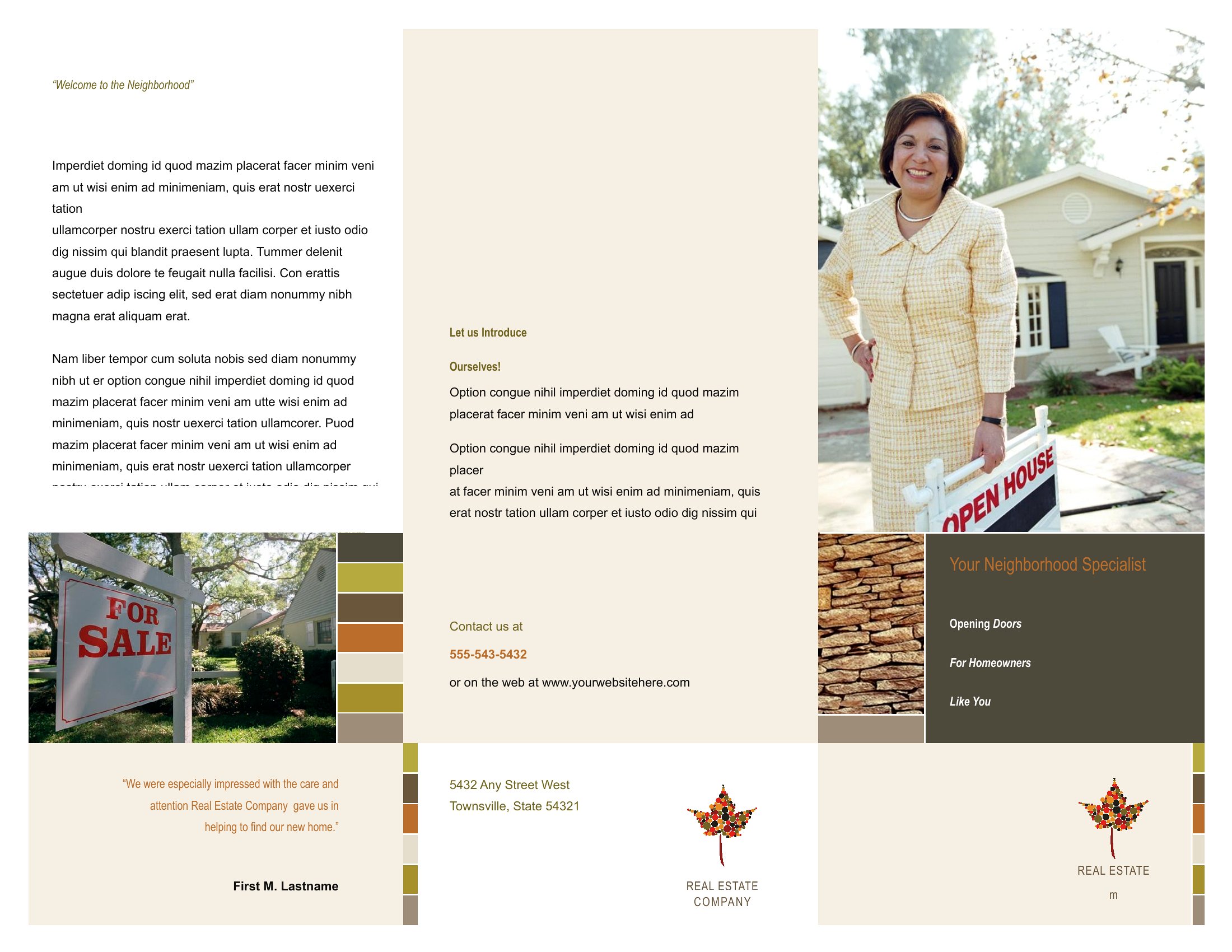
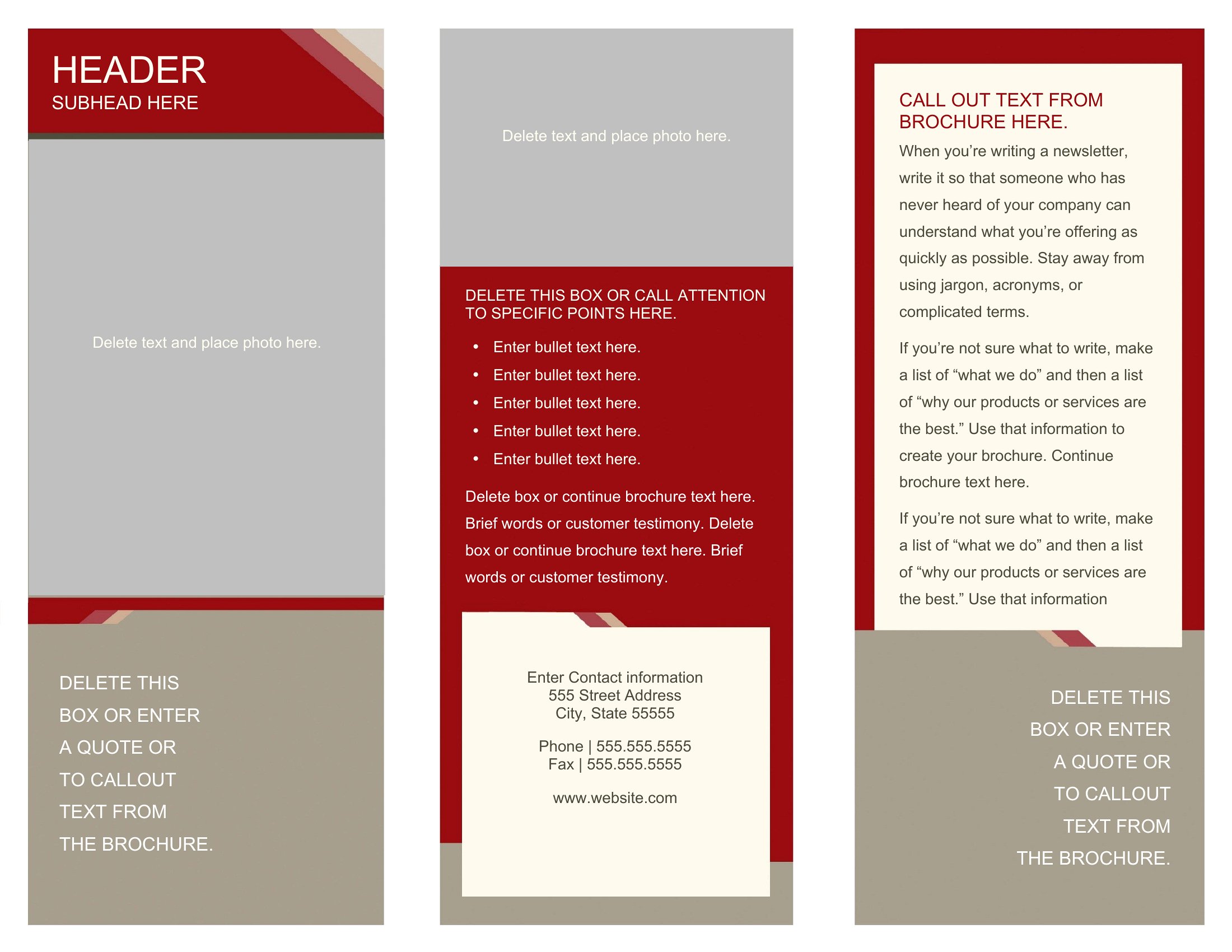
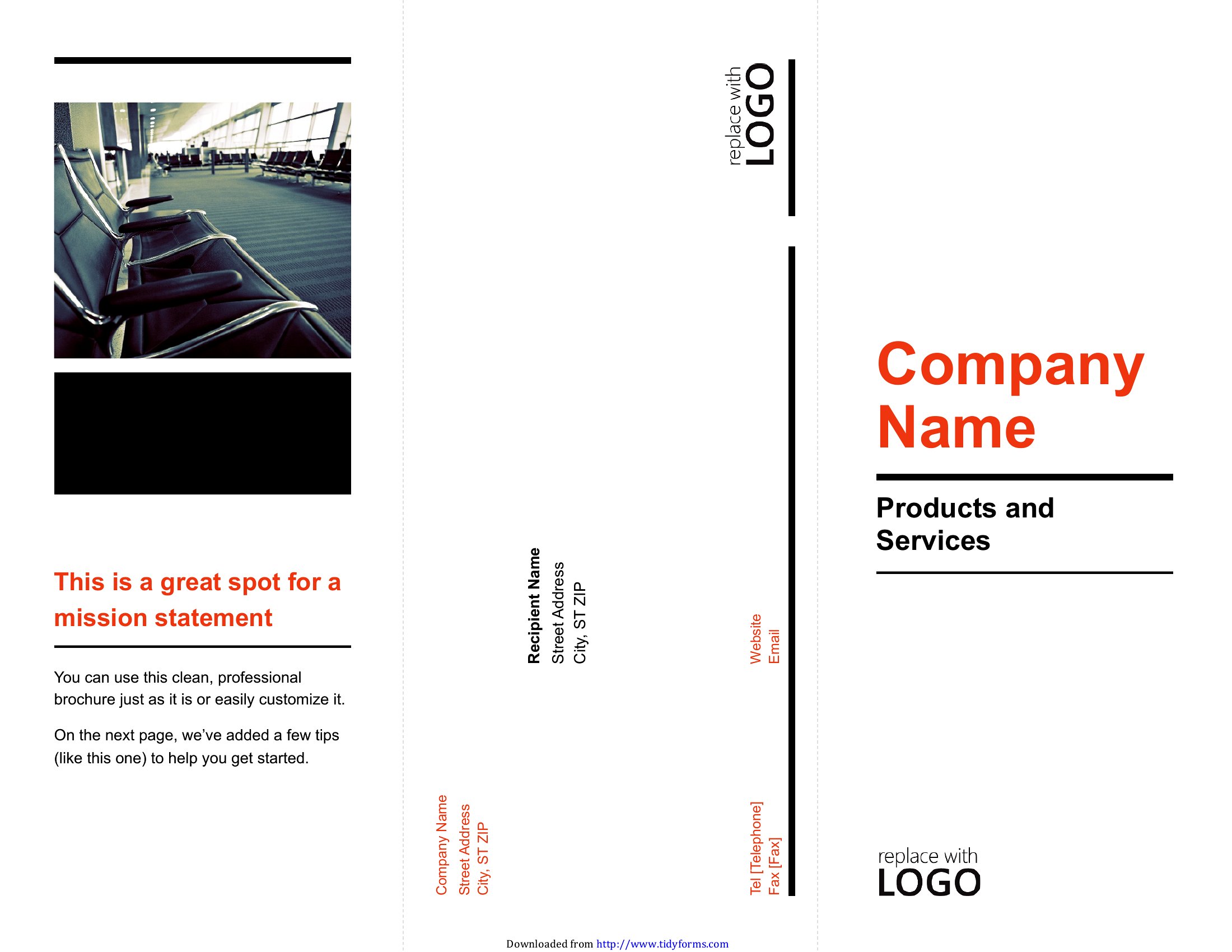
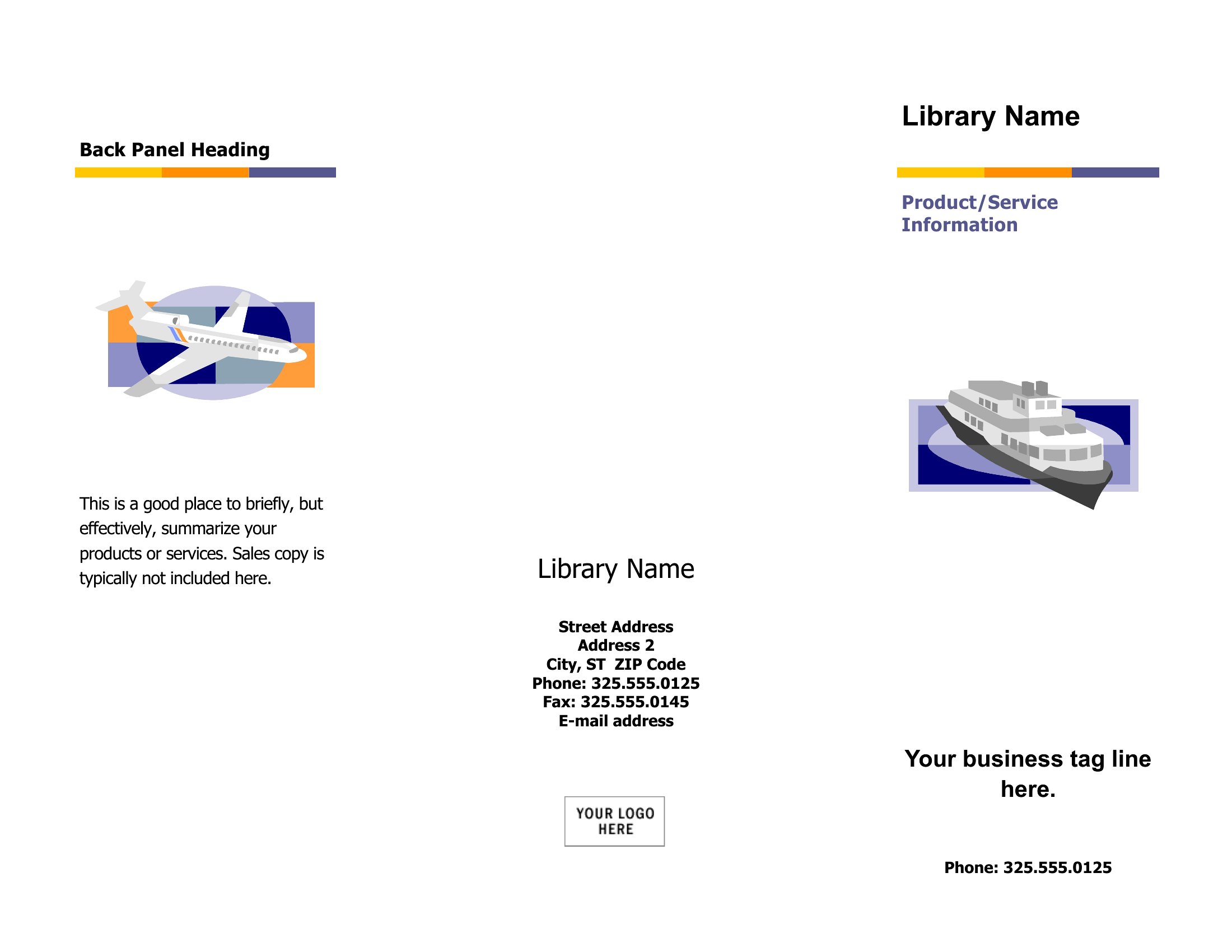
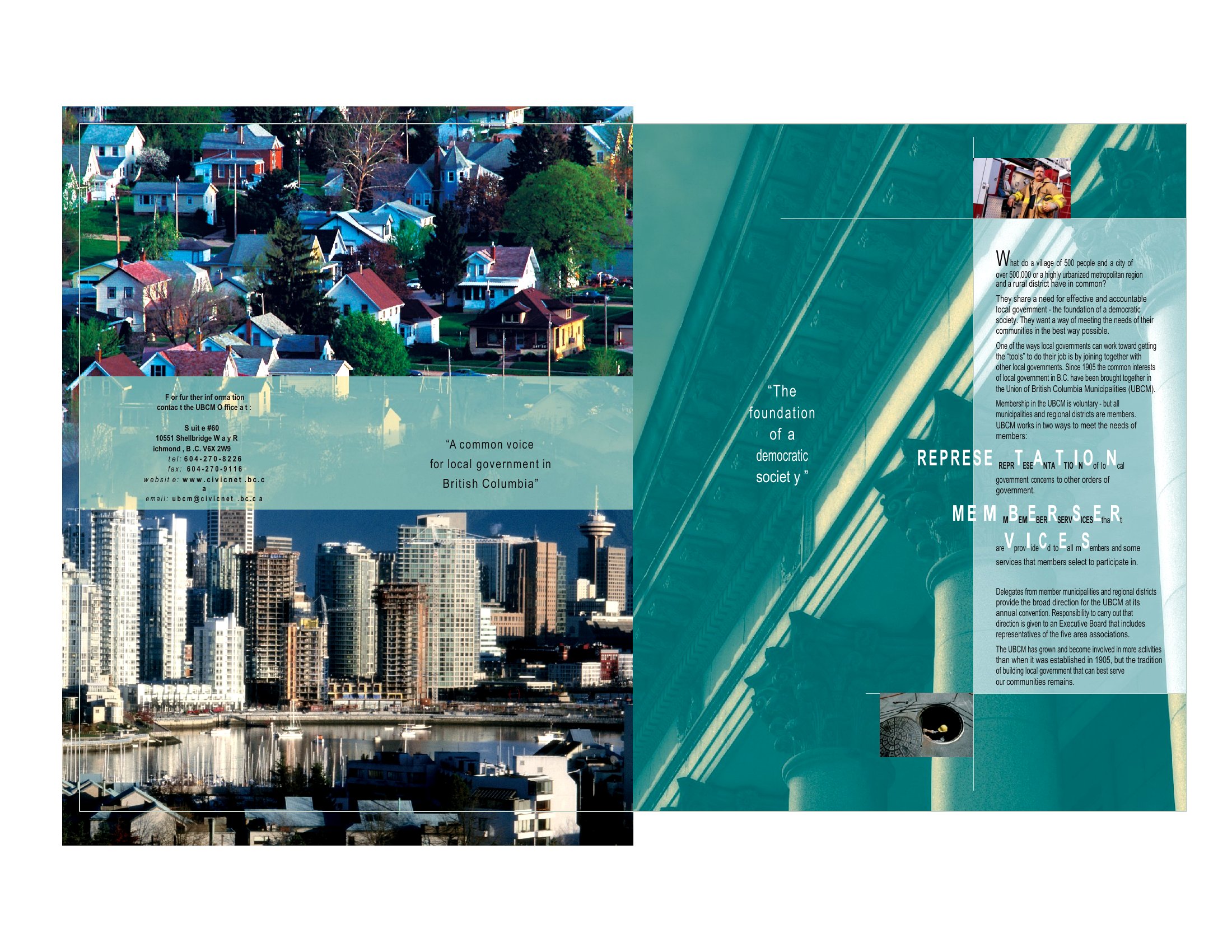
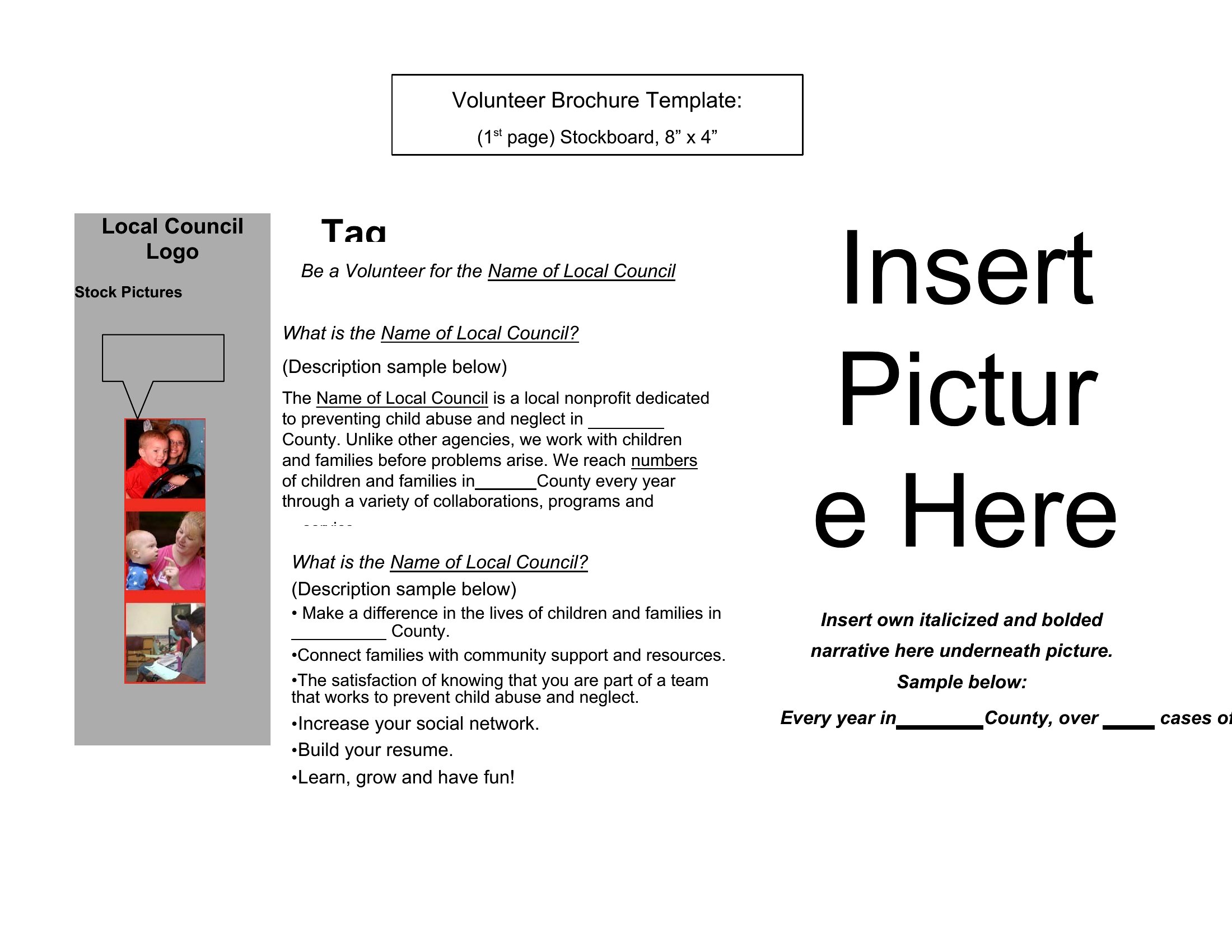
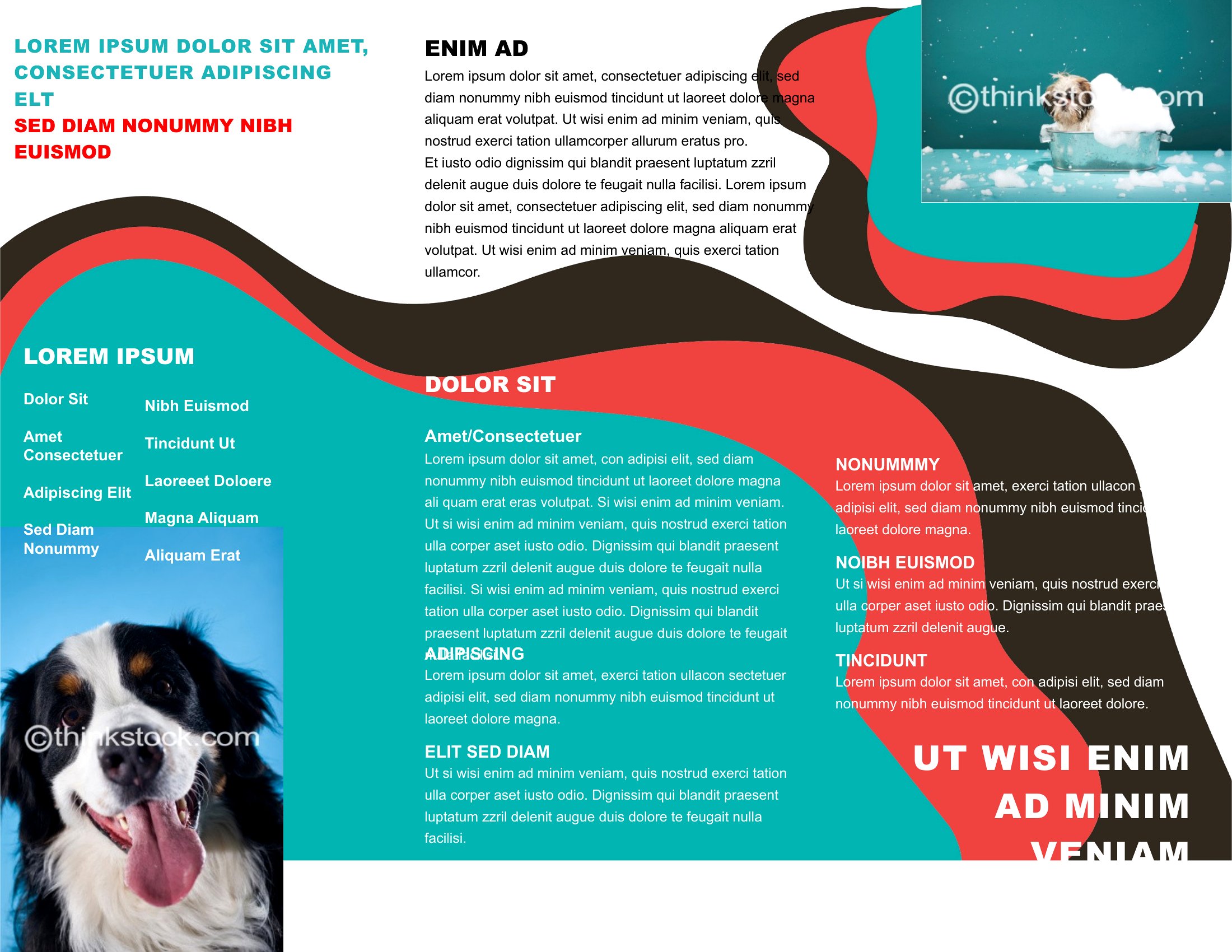
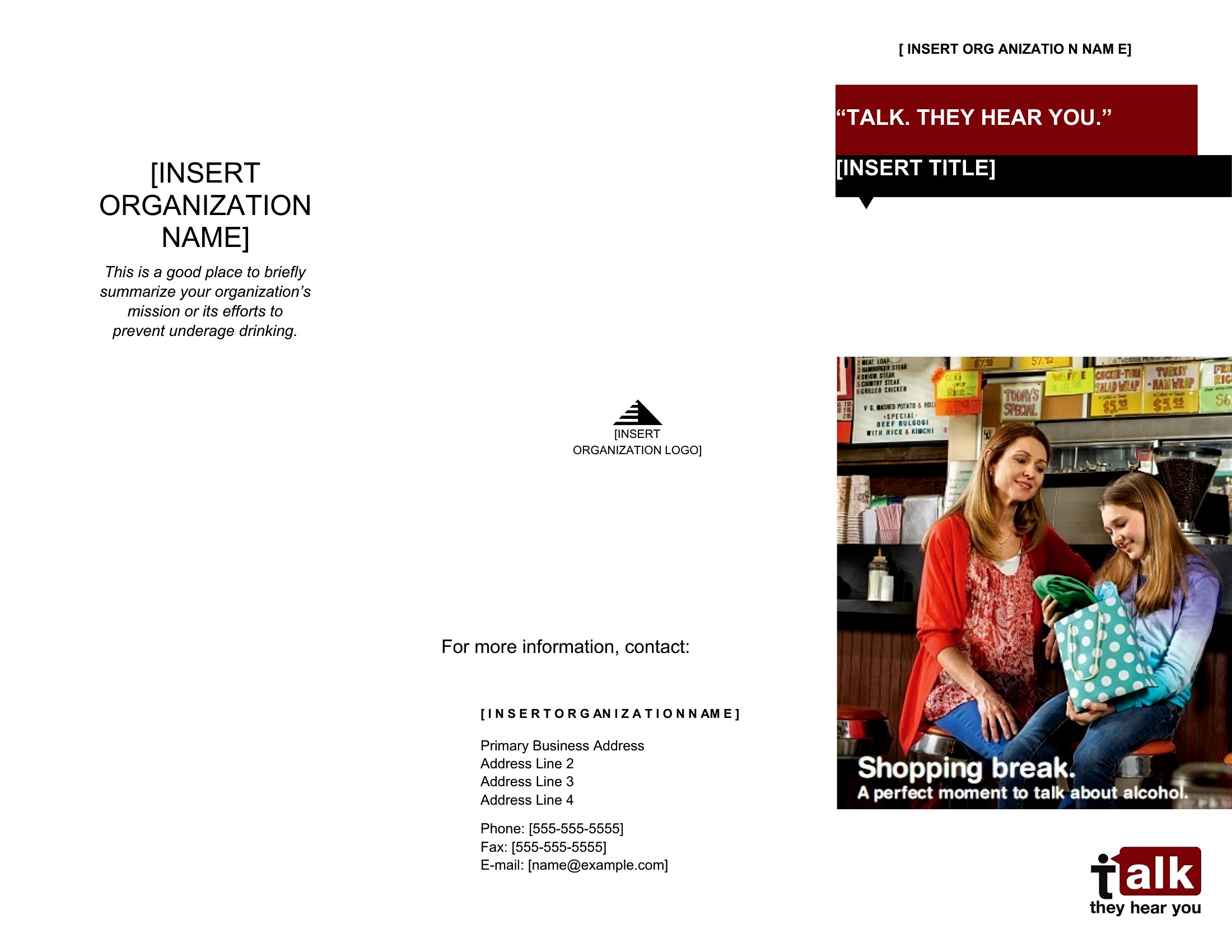
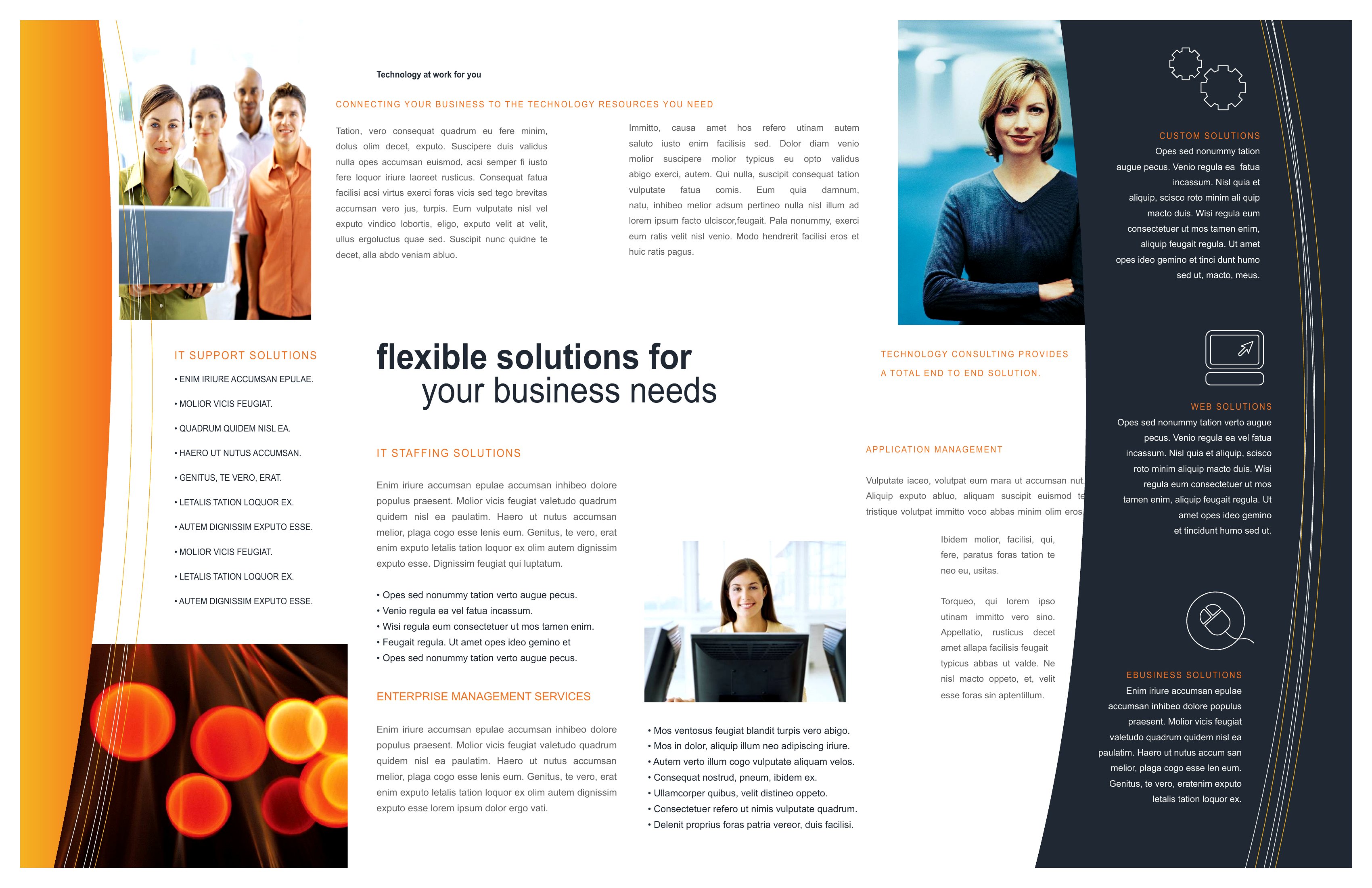
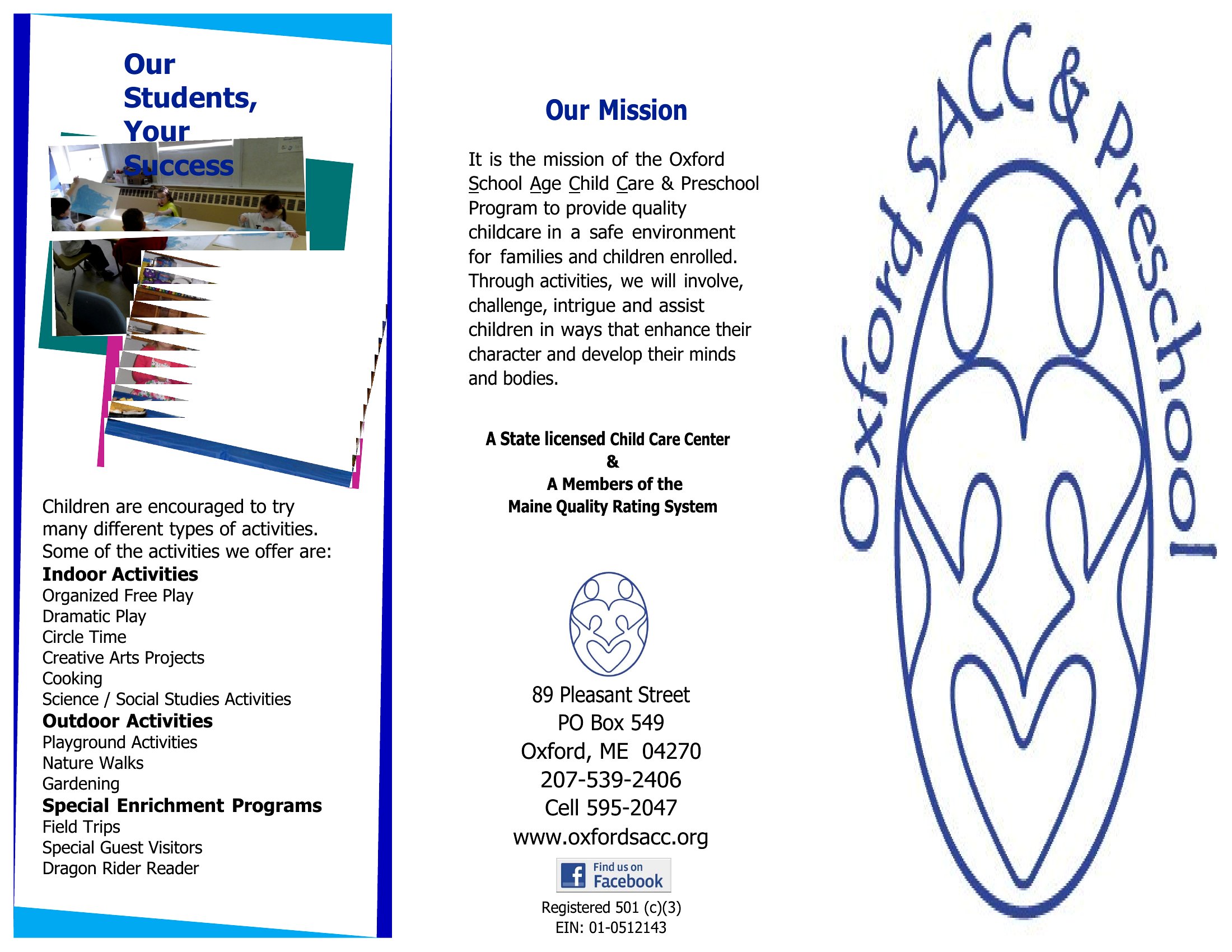
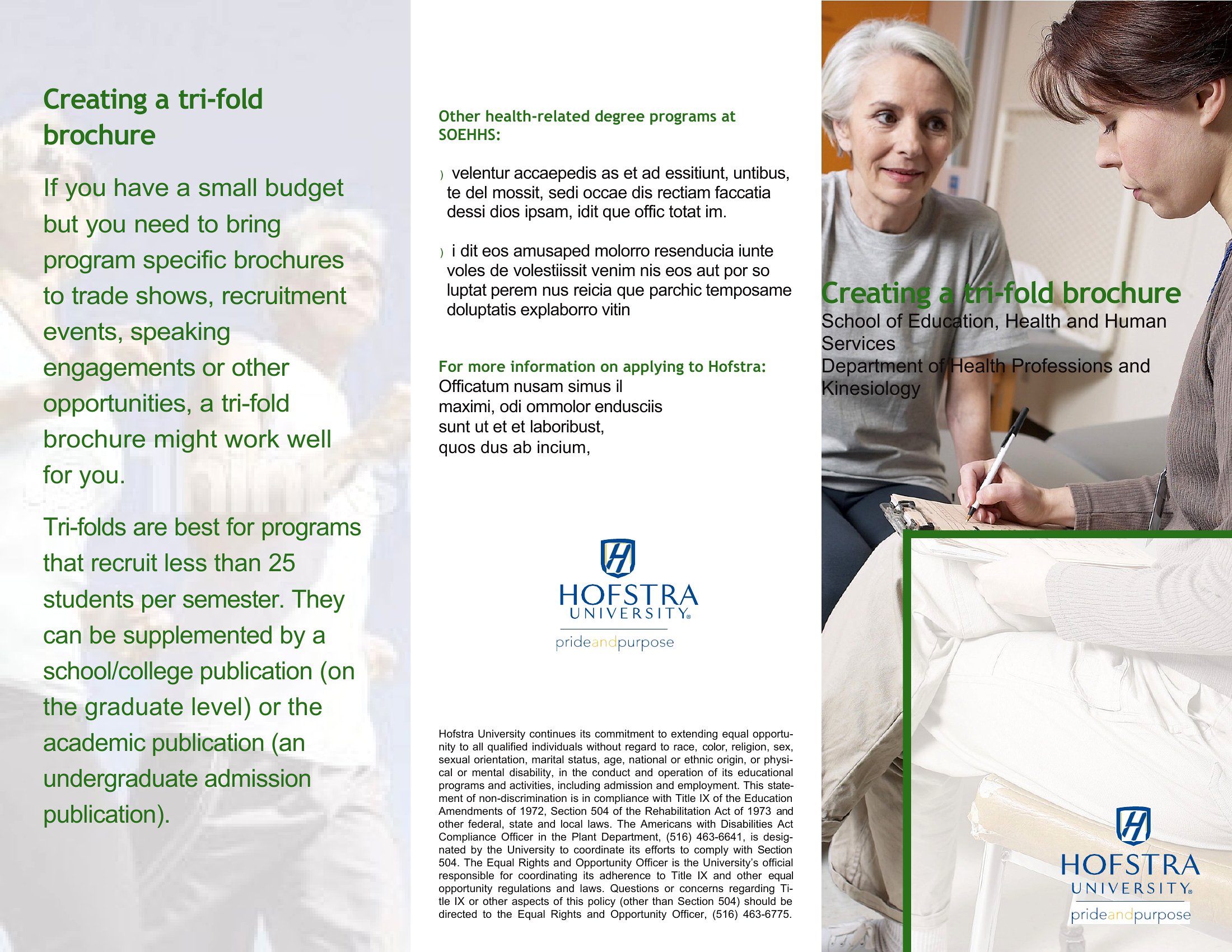
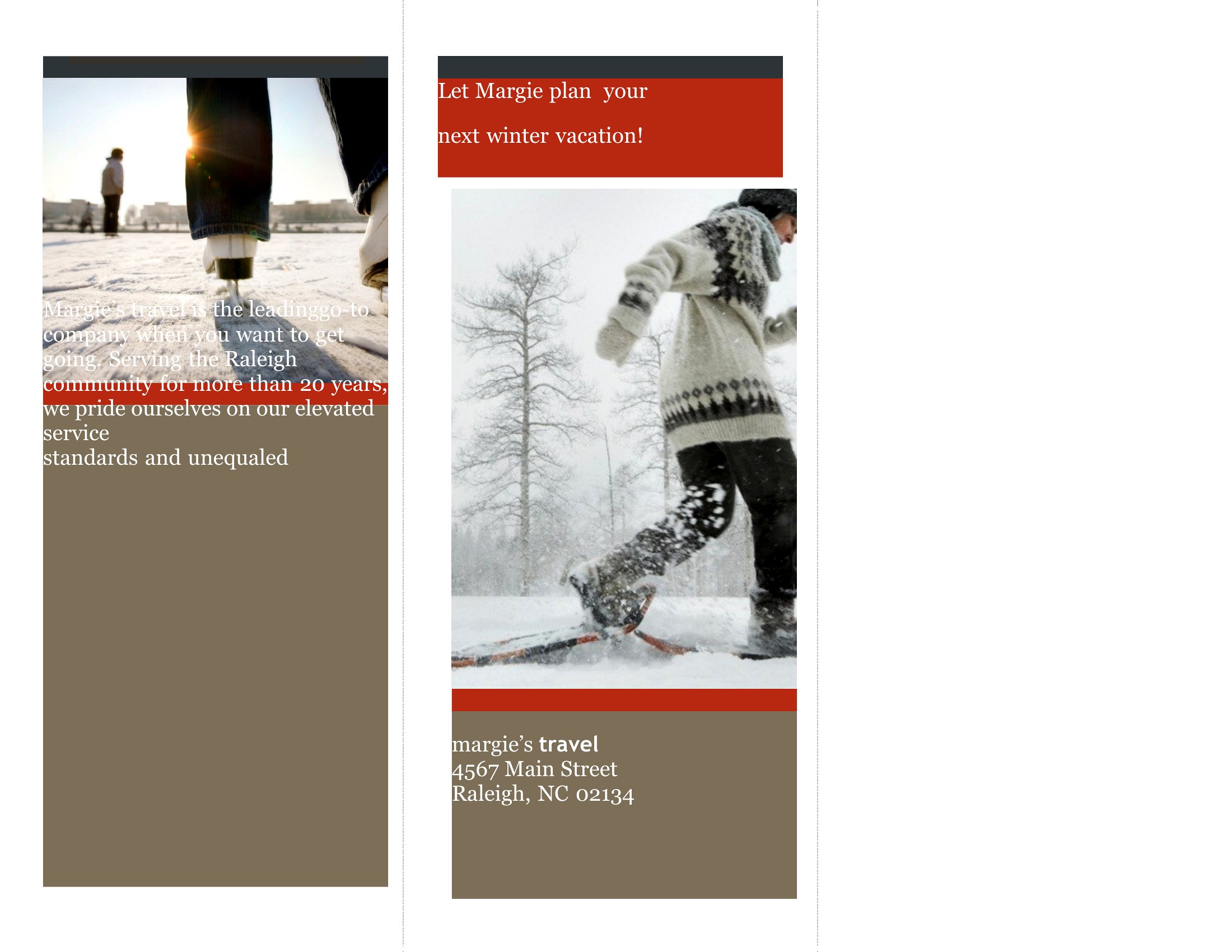
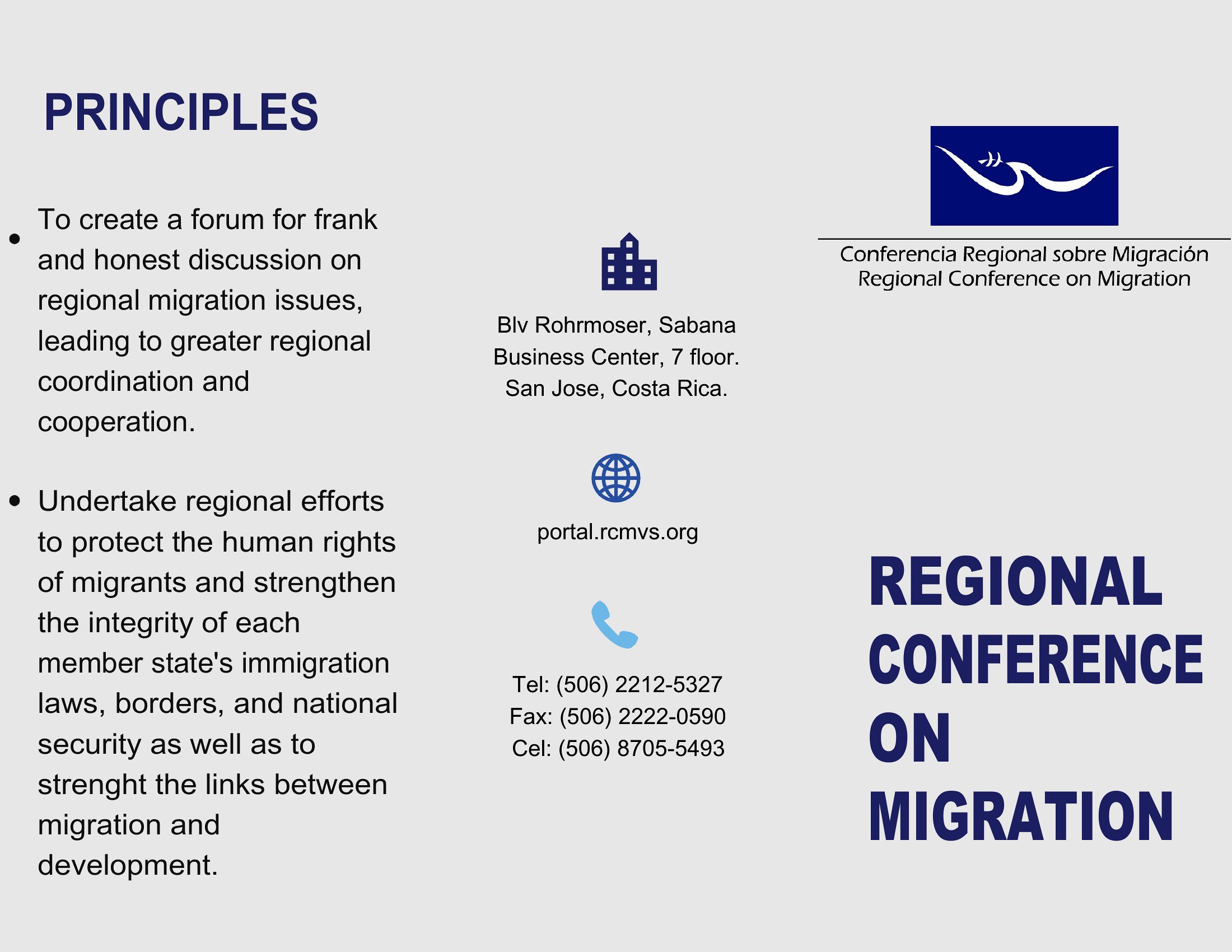
A well-laid-out brochure puts your message in someone's hands in a format they can fold up and keep. This collection of 41 brochure templates gives small businesses, nonprofits, and event organizers ready-made bi-fold and tri-fold layouts, so you can drop in your text and photos instead of wrestling with margins and columns. They work for product flyers, travel guides, service menus, and program handouts alike.

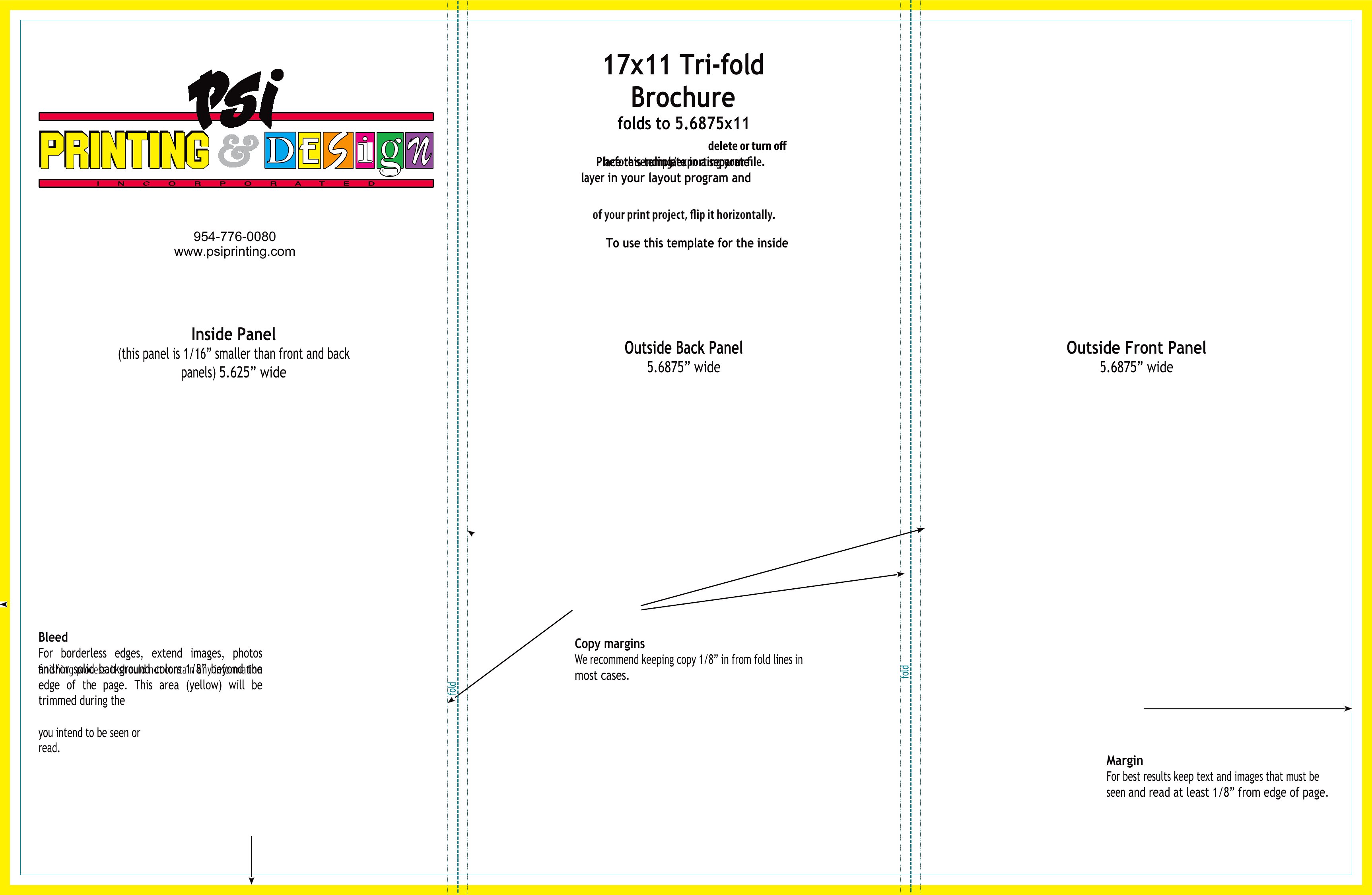
The files open in Word for easy editing and export as PDFs that print cleanly on a home or office printer. Replace the placeholder copy with your own headlines and images, adjust the colors to match your brand, and fold along the marked lines. No design background is needed. Pick a layout that suits your project and have professional-looking brochures ready before your next event.

When to use this Brochure template

  • Small local cafés can use tri-fold brochures to showcase seasonal menu highlights and event specials for customers browsing their tables or community boards.
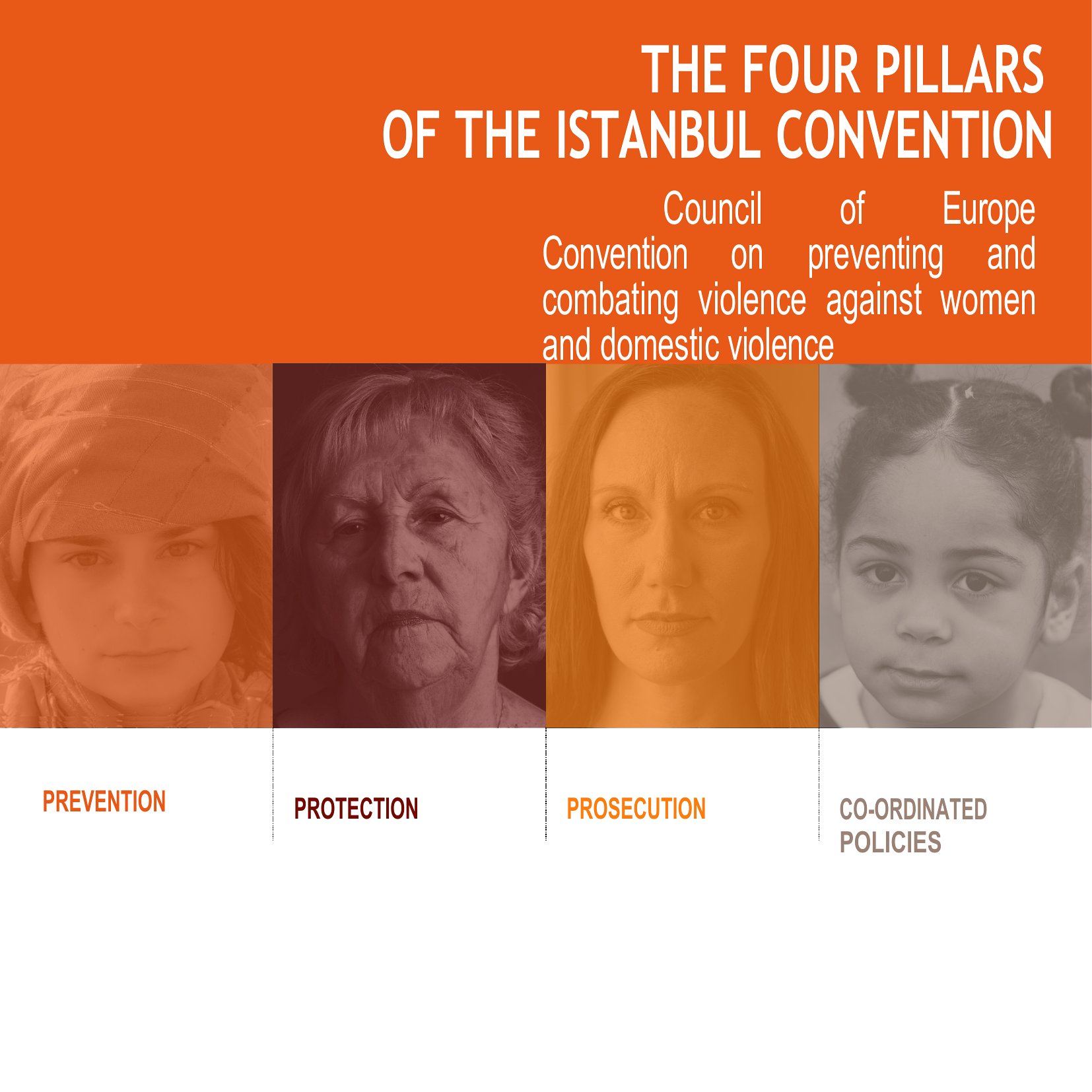
  • Nonprofit coordinators organizing volunteer fairs rely on bi-fold brochures to list shift opportunities, required training dates, and impact stats for quick reference at booths.
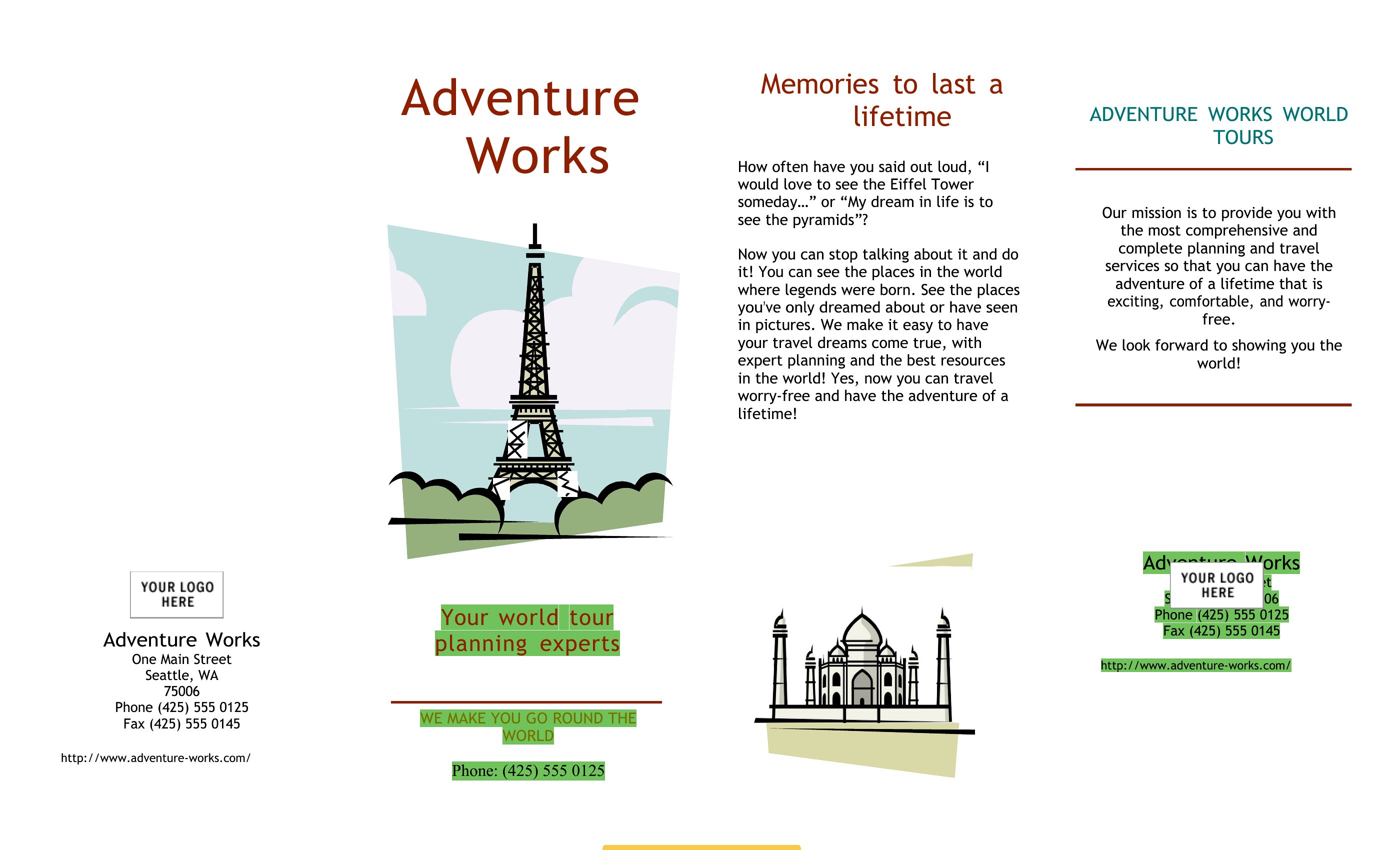
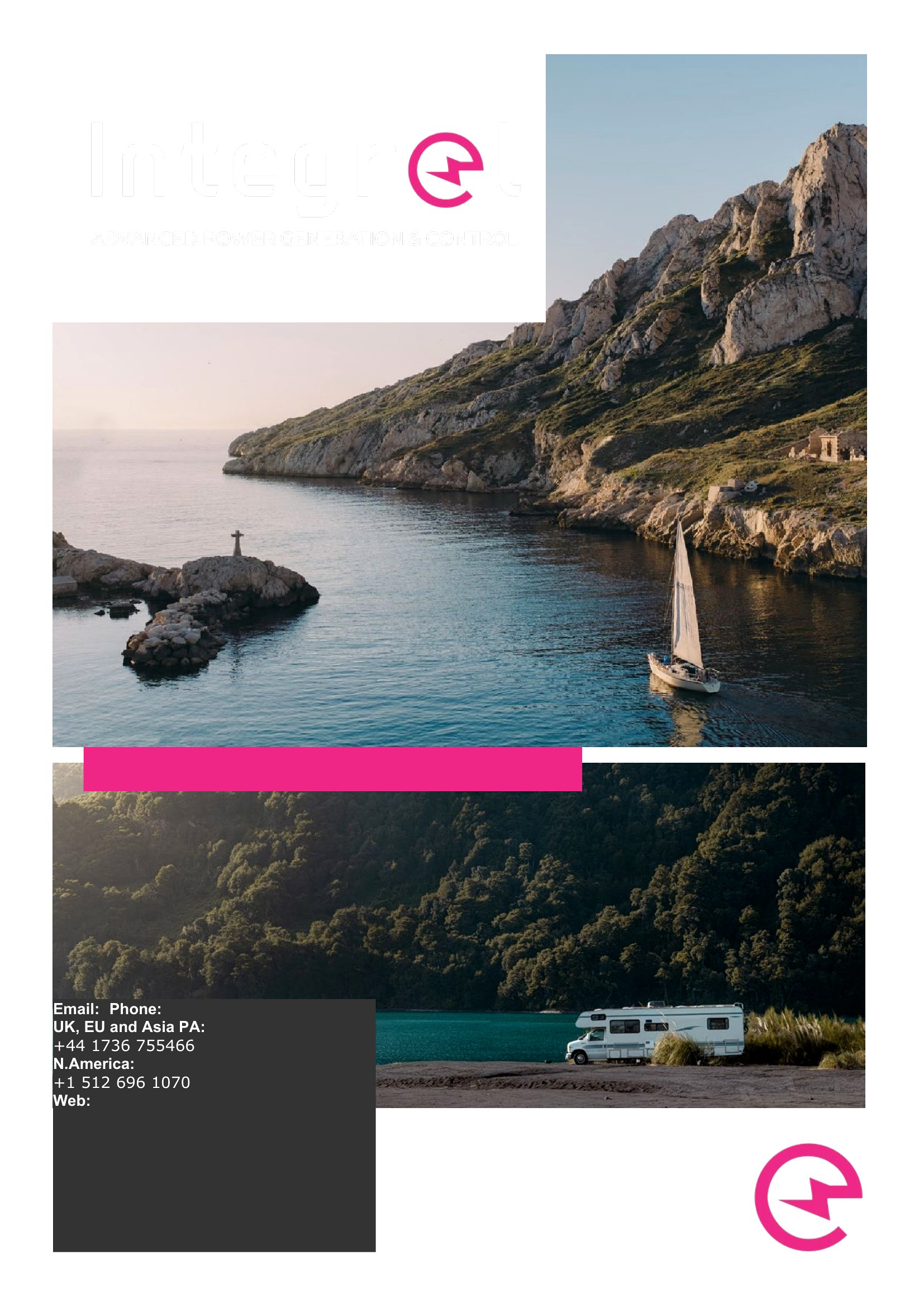
  • Tourism boards promoting niche destinations like hiking trails or historic towns benefit from glossy tri-fold brochures to combine photos, trail maps, and hotel recommendations in one portable piece.
  • Event planners for weddings or corporate retreats design Word brochures to send digital invites with embedded details like dress codes, vendor contacts, and itinerary timelines before finalizing print orders.

Which format should I download?

WordPDF

Choose Word if you need to tweak text layouts, font sizes, or integrate last-minute updates before printing—this format lets you refine brochures endlessly. Opt for PDF when you’re finalizing designs for printing or sharing a polished, uneditable version with clients or vendors. The PDF format preserves visual fidelity for professional presentations where formatting shouldn’t change.

Choose from 41 Brochure Templates

How to use this Brochure template

How do I ensure my brochure’s text fits within the tri-fold or bi-fold layout without cutting off details?

Start by drafting your content in Word with standard margins, then use the template’s placeholder boxes to test readability. Shorten headings first, then trim bullet points or descriptions. For critical info like contact details, always place it near the edges where it’s most visible when folded.

Can I combine multiple templates from this collection into one brochure?

No, but you can copy-paste sections like headers, footers, or photo grids from different templates into a single Word file to create a hybrid design. Just ensure fonts and colors match for a cohesive look. For PDFs, you’d need to merge them externally using a tool like Adobe Acrobat.

Are these templates designed for single-sided or double-sided printing?

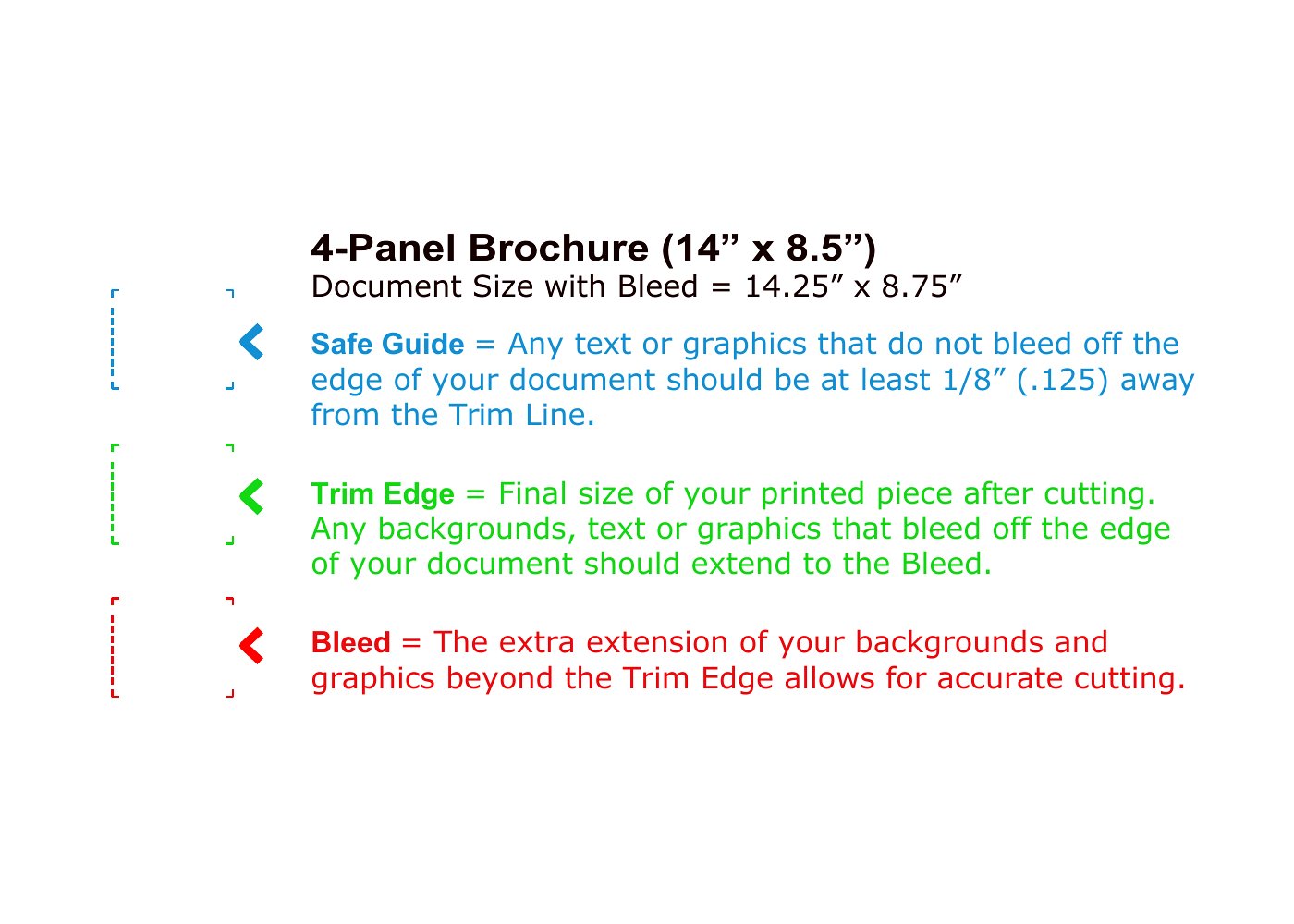
All brochures here are set up for double-sided (duplex) printing by default, with content flowing naturally when folded. For single-sided use, focus on one panel at a time—like a tri-fold’s left or center section—and ignore the reverse side’s design elements. Adjust margins if needed to avoid text bleeding into fold lines.

Comments

Join the conversation

Sign in to share your thoughts and leave a comment on this resource.

Newsletter

Get Weekly Design Updates

Join our community to receive curated resources and inspiration.

Weekly Tips Resources Early Access

We respect your privacy. Confirmation email required. Privacy Policy