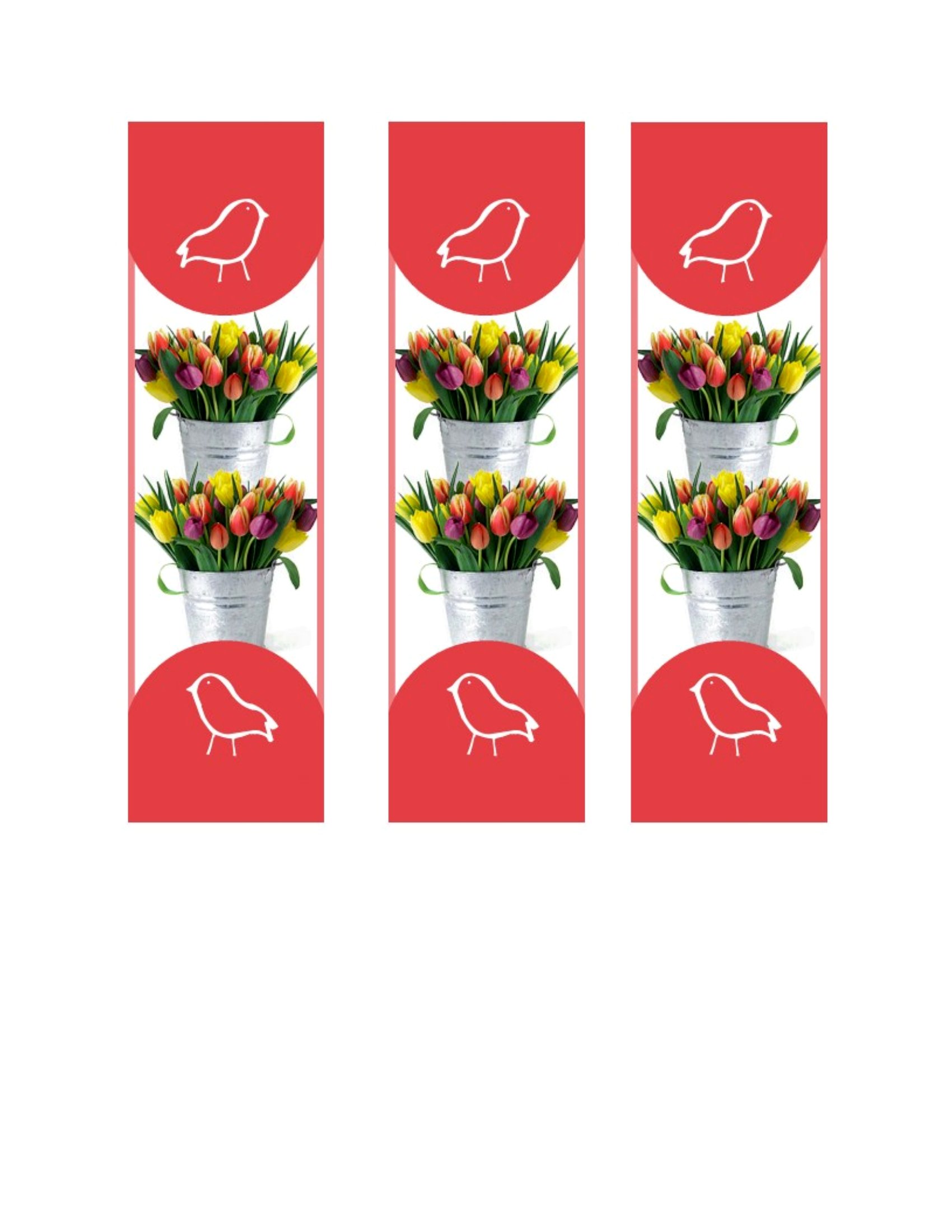
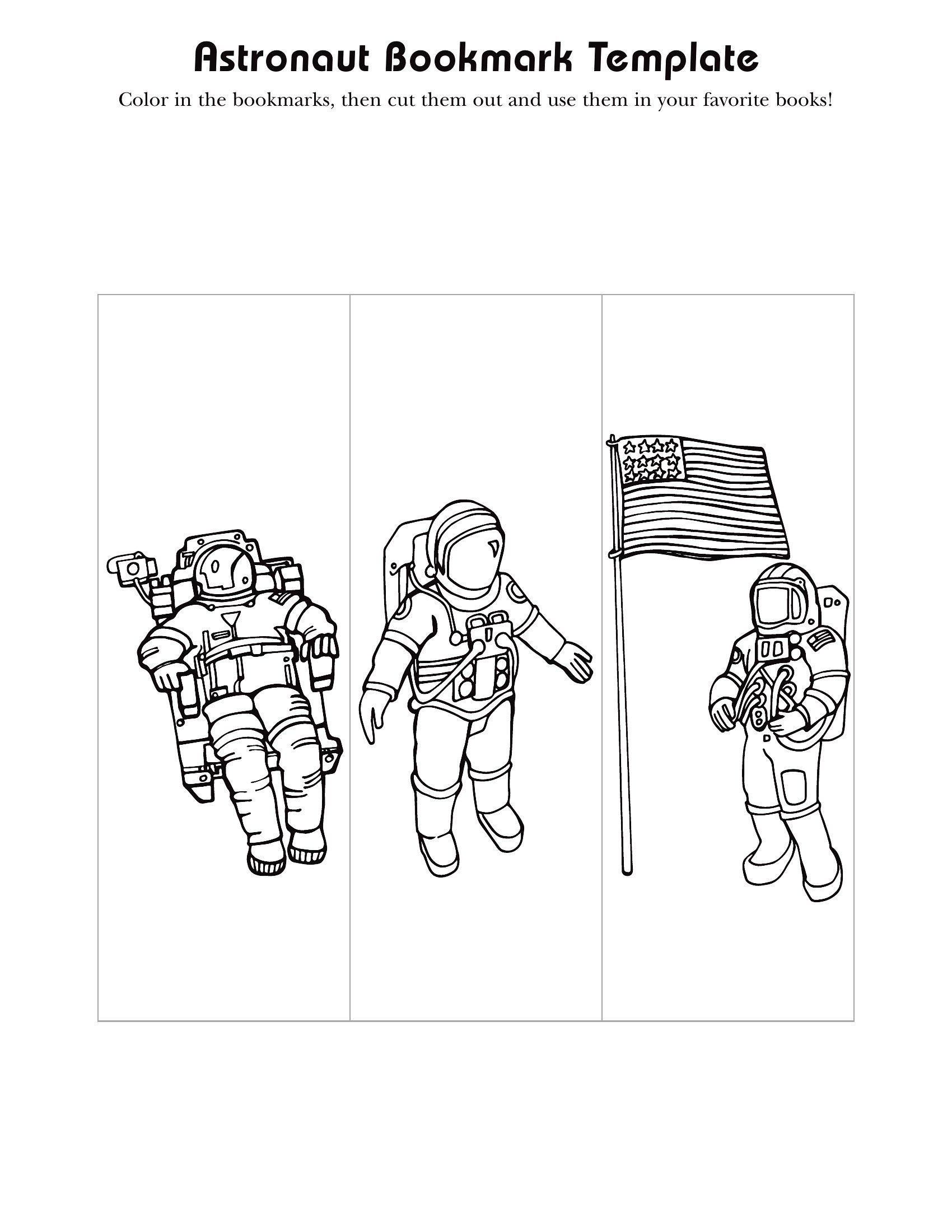
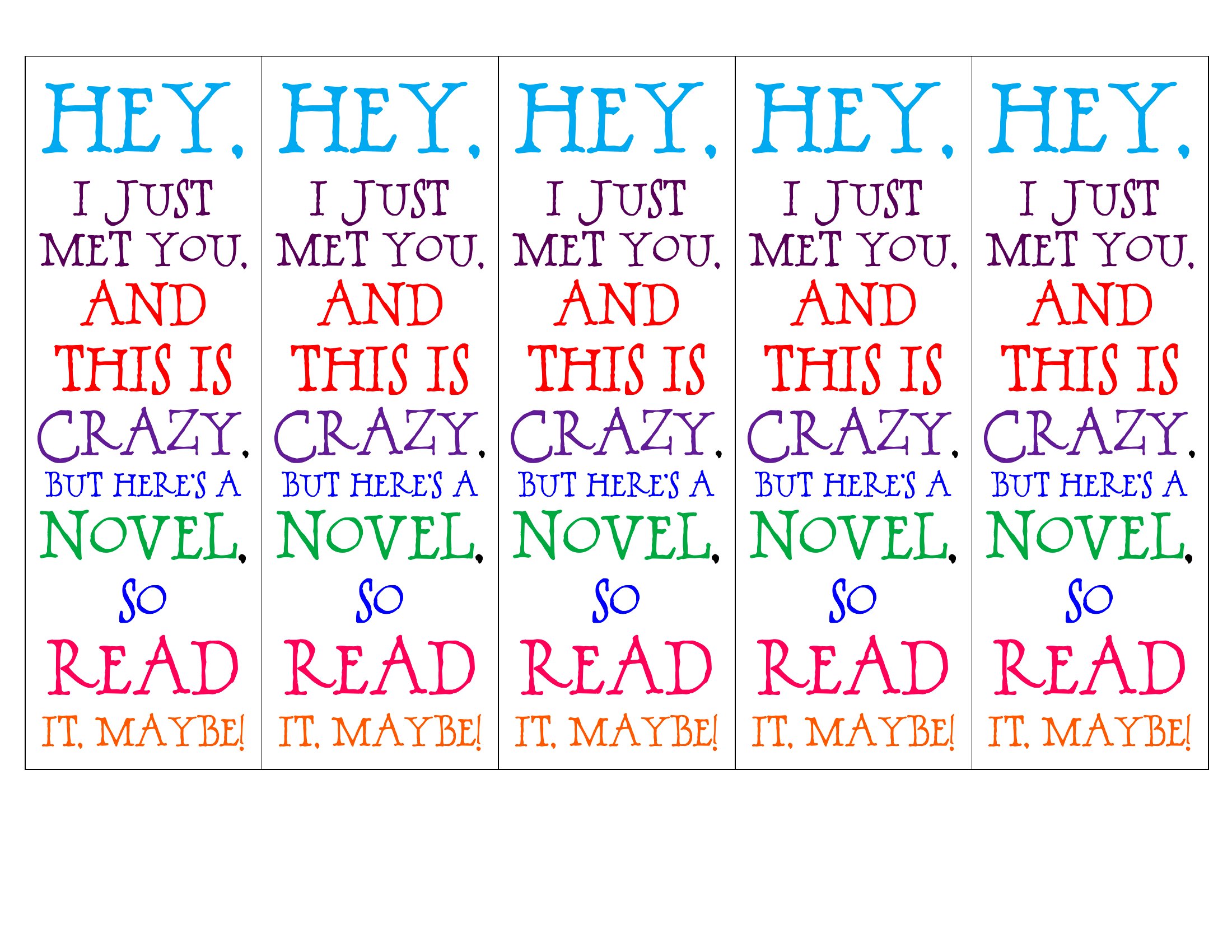
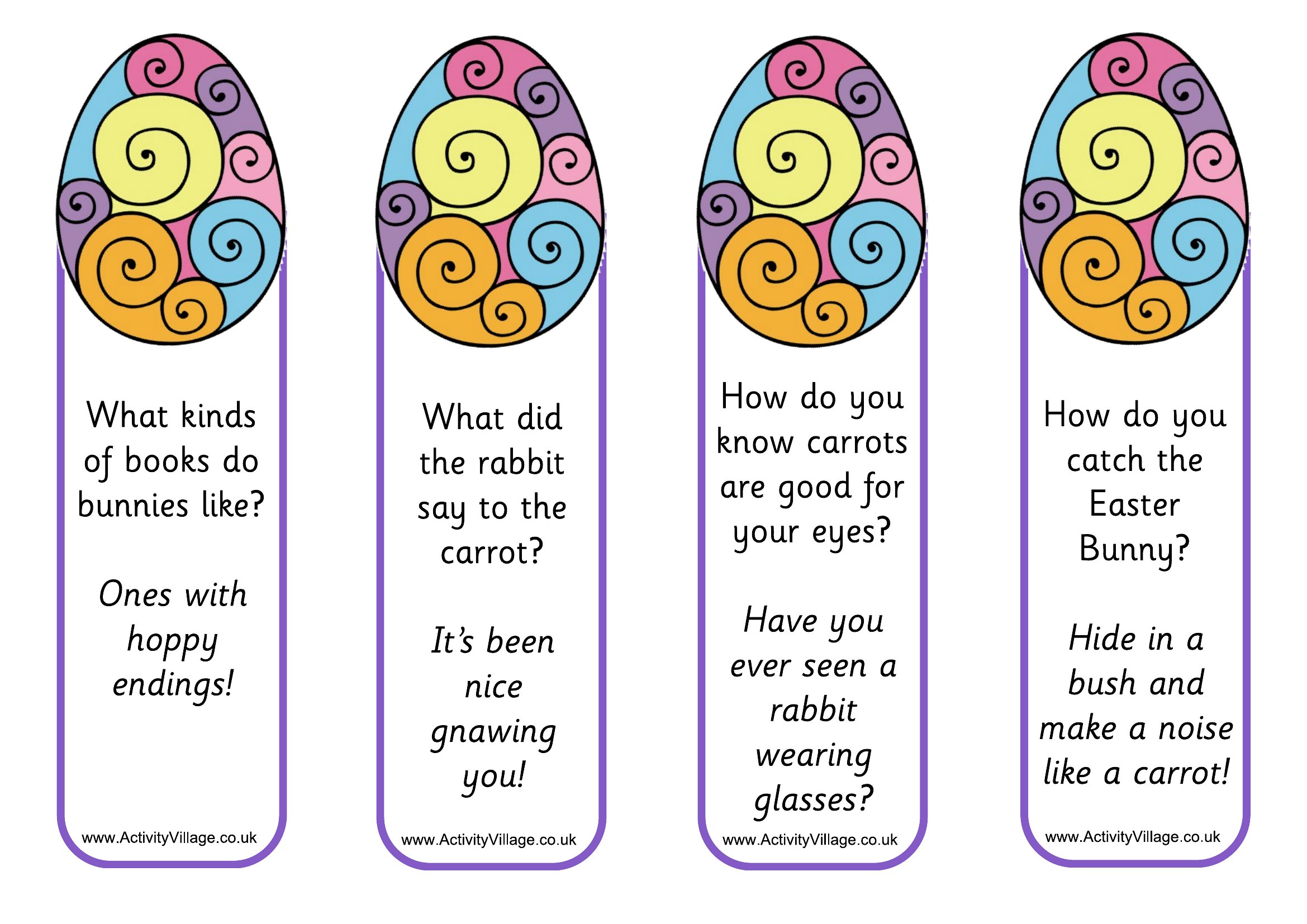
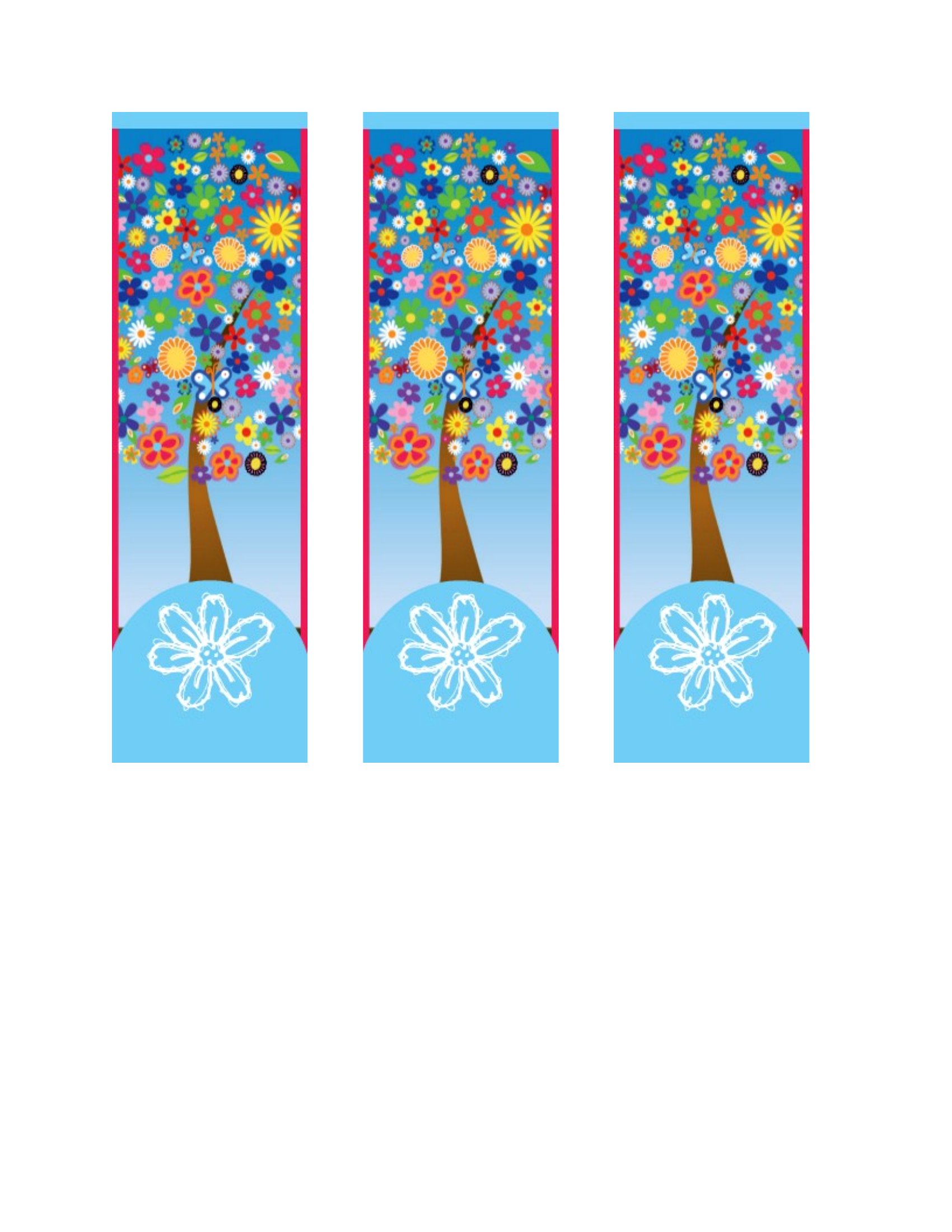
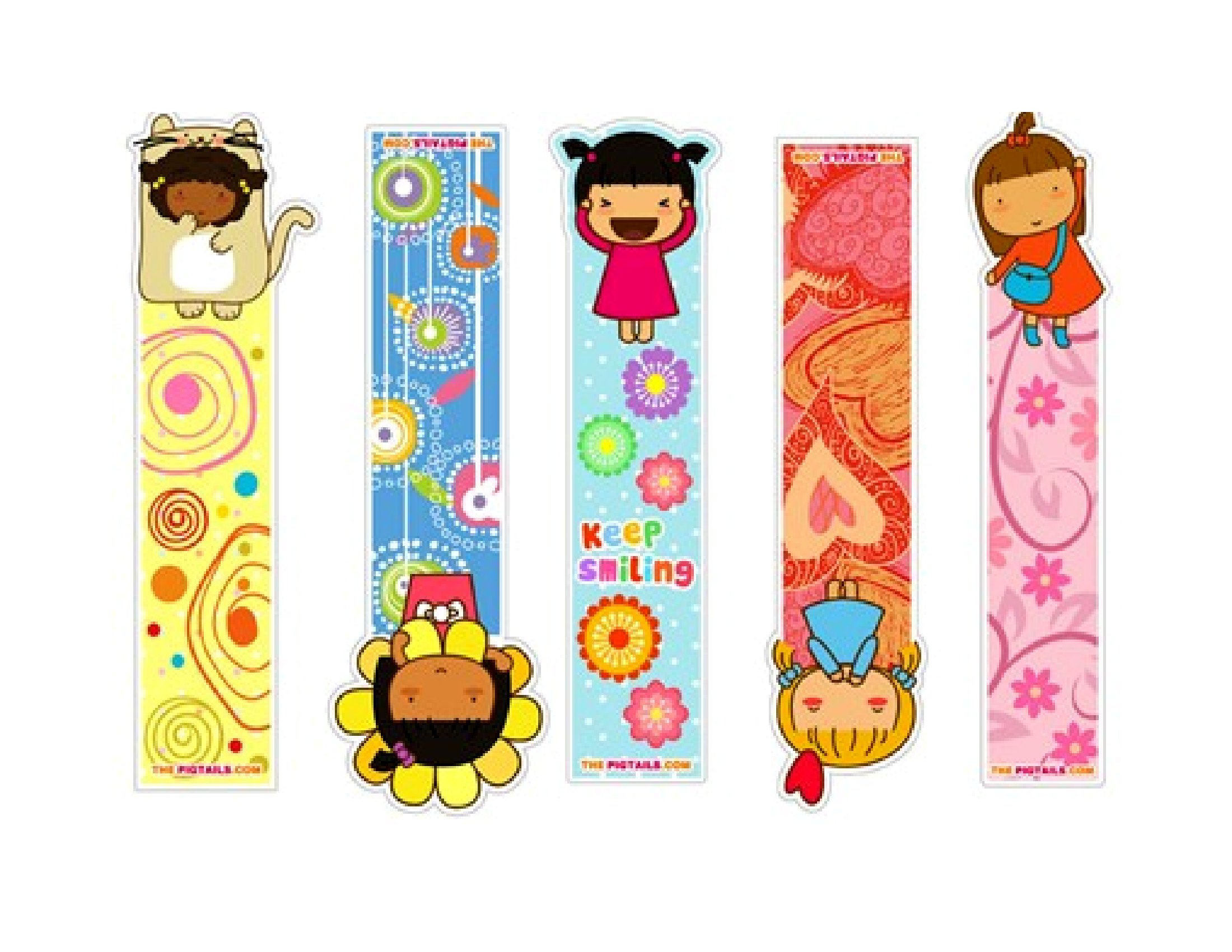
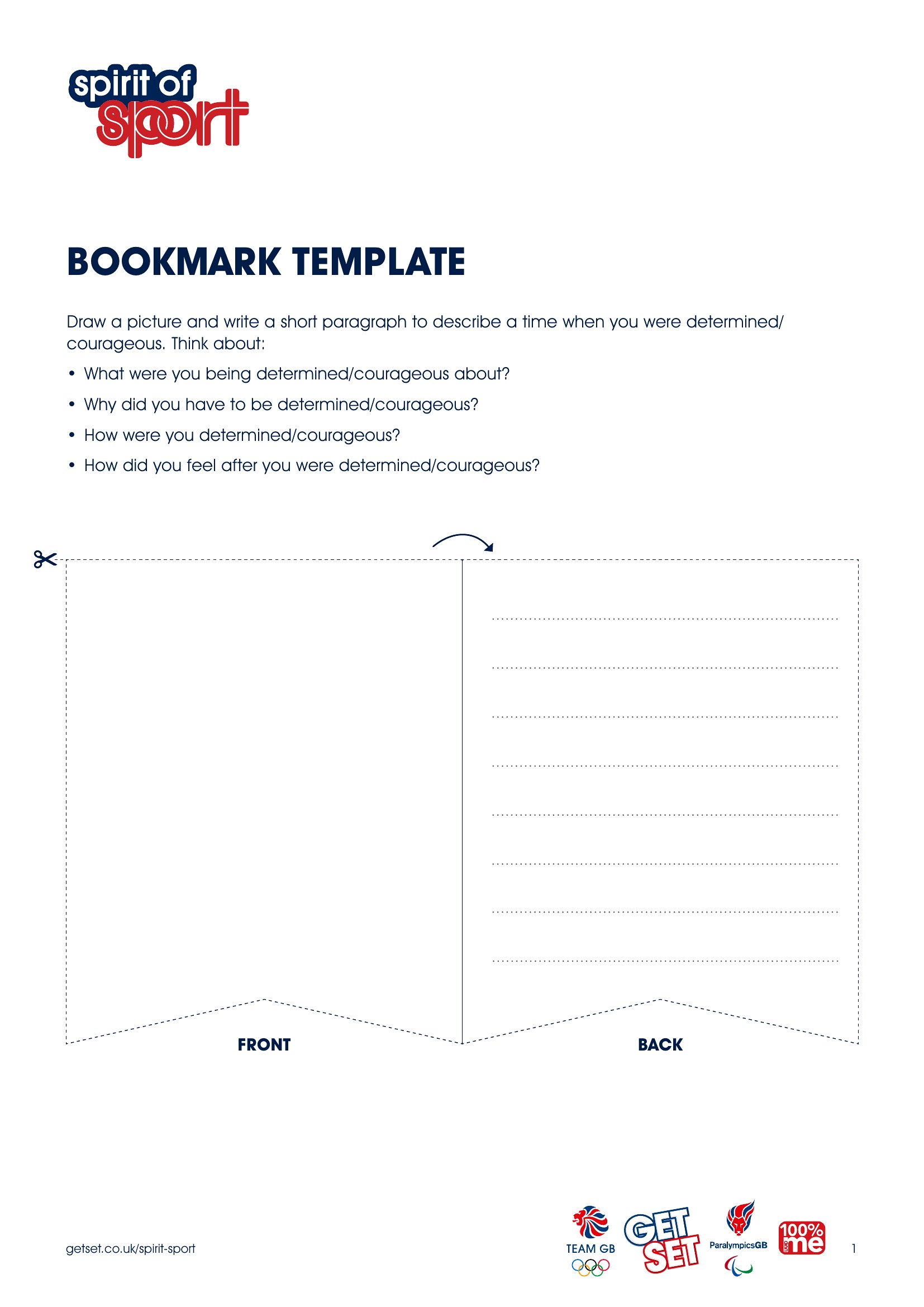
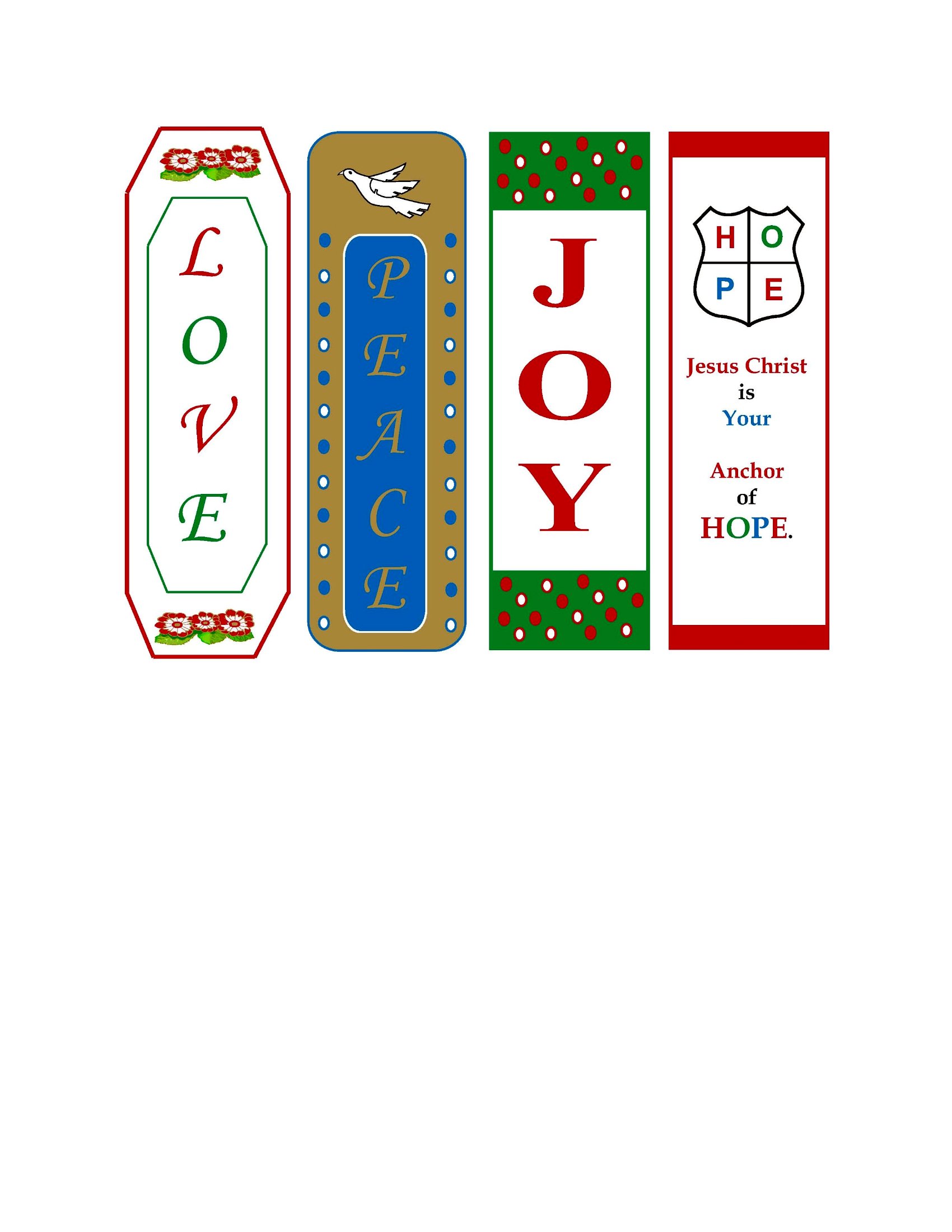

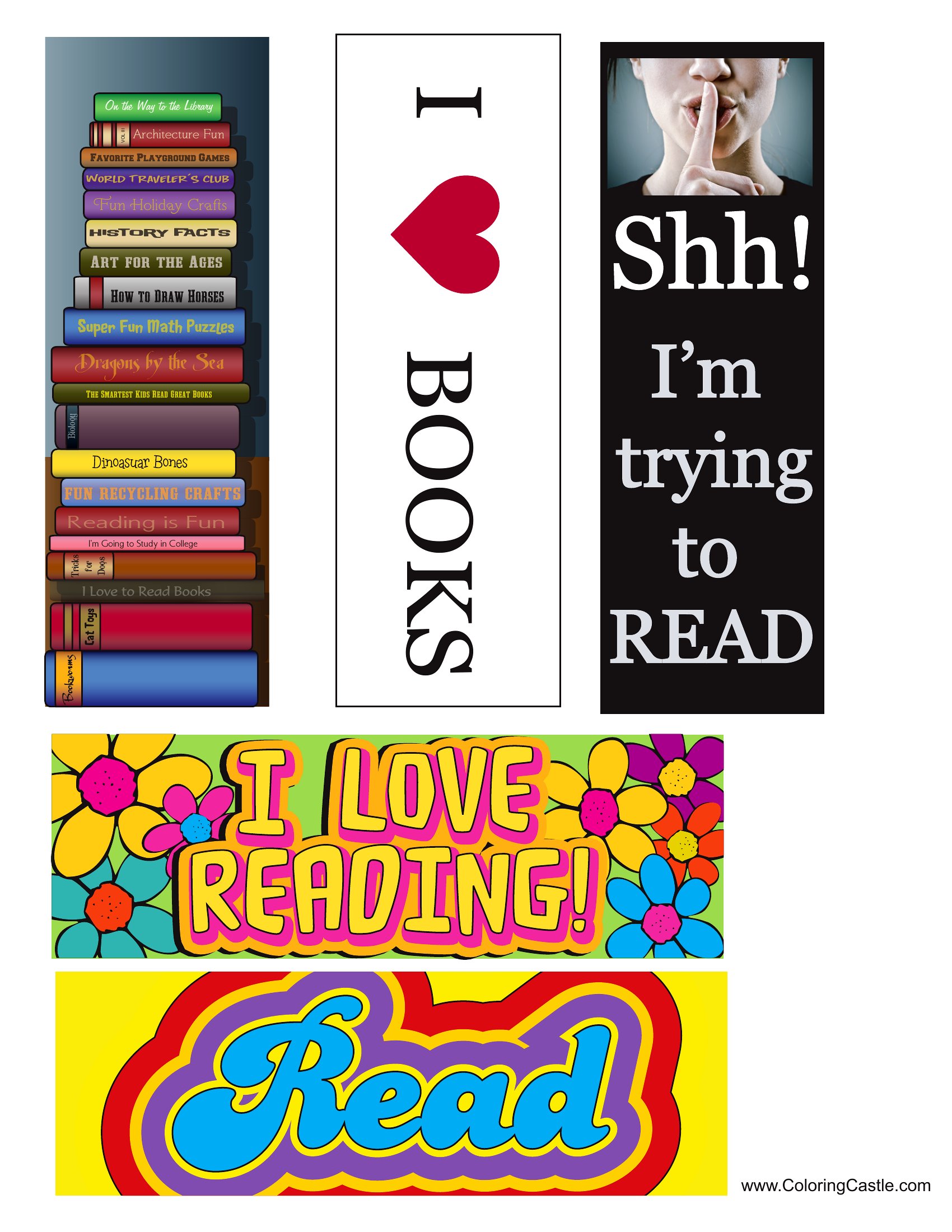
Free Printable Bookmark Templates (Word, PDF)
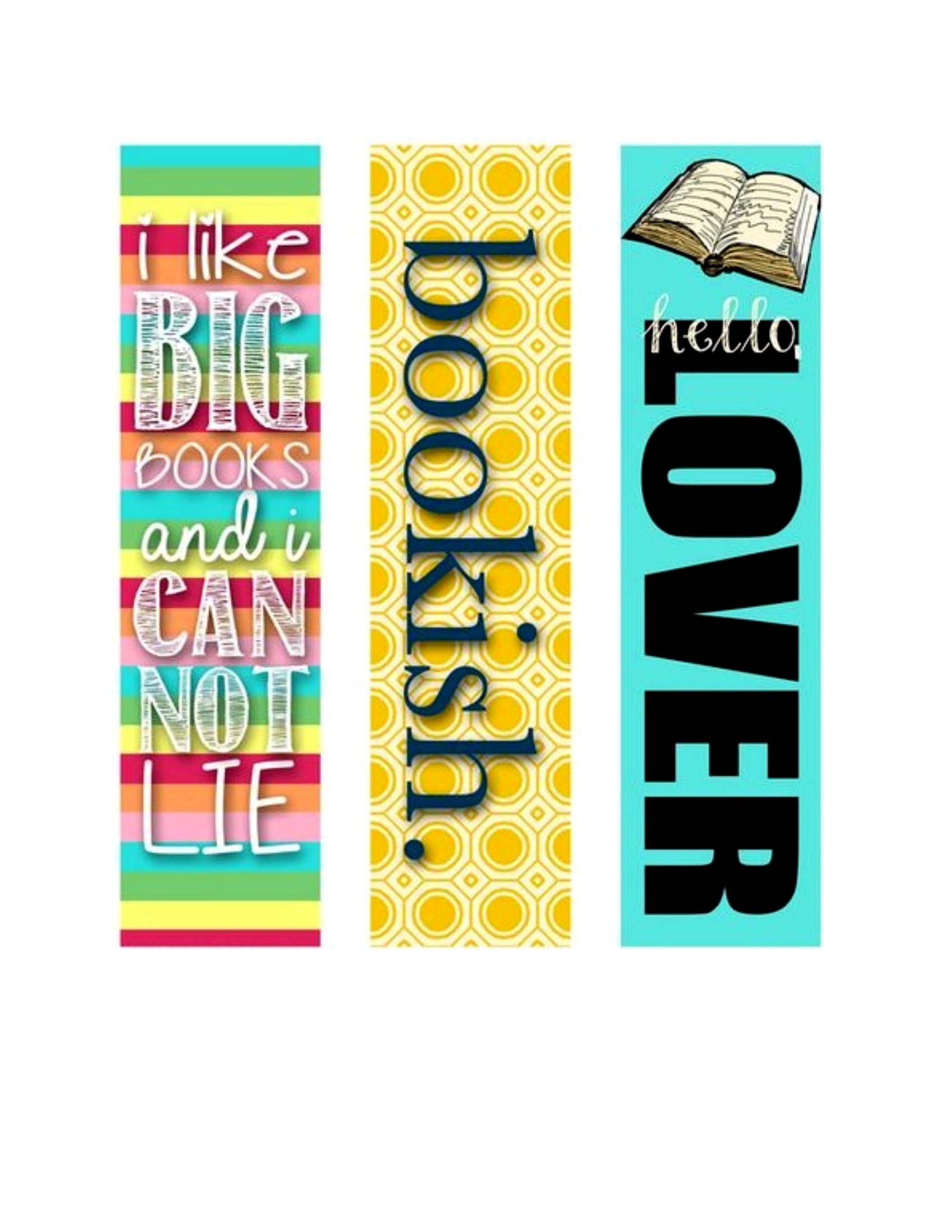
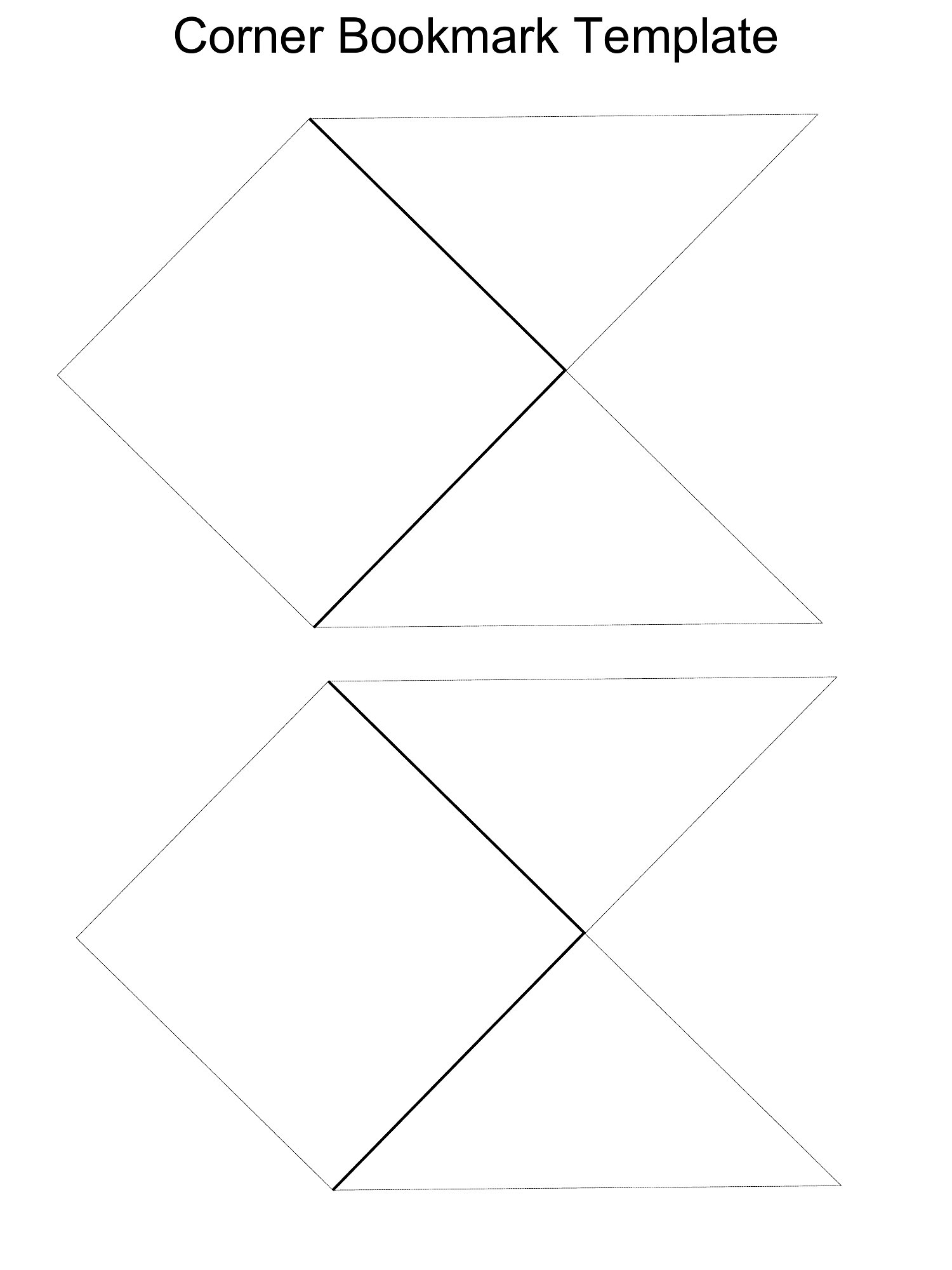
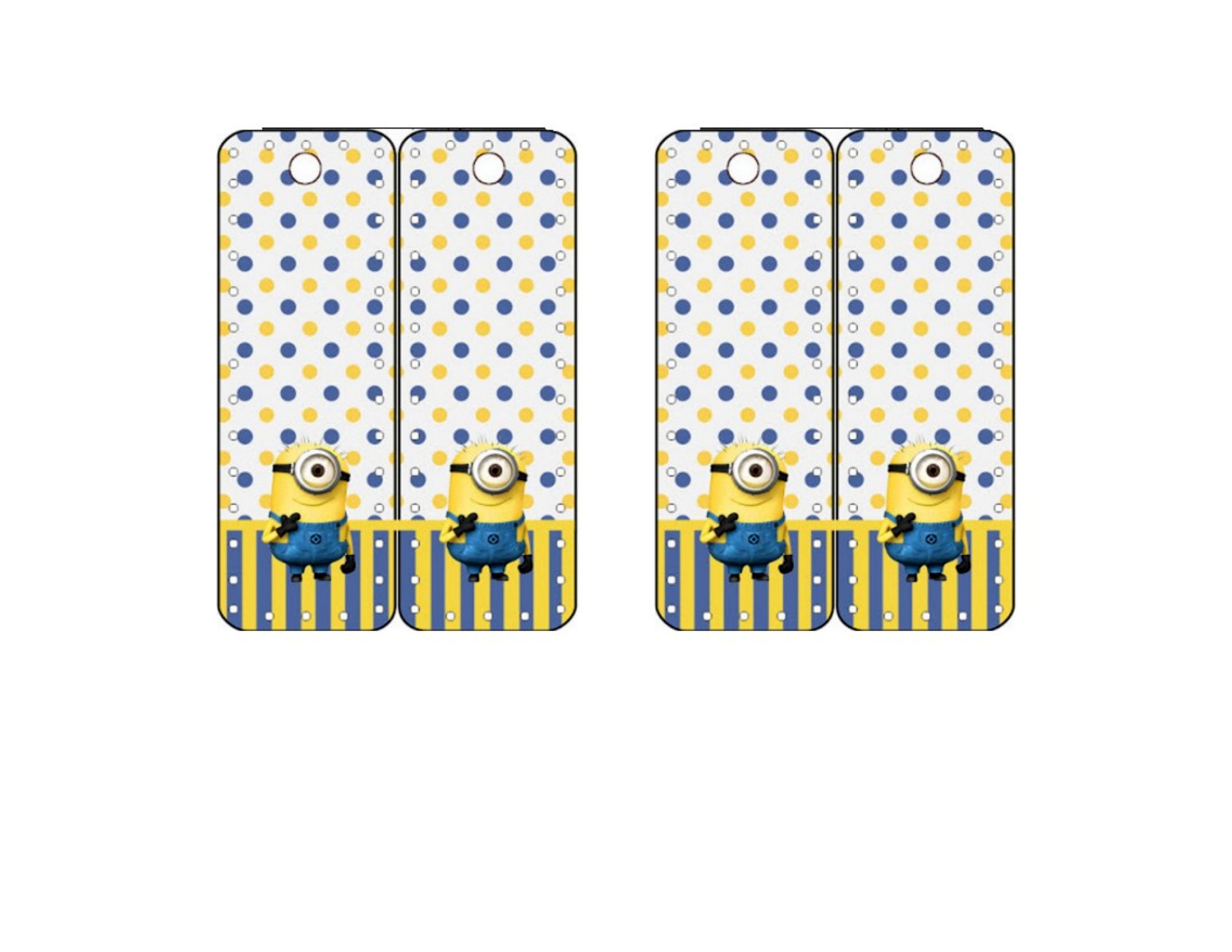
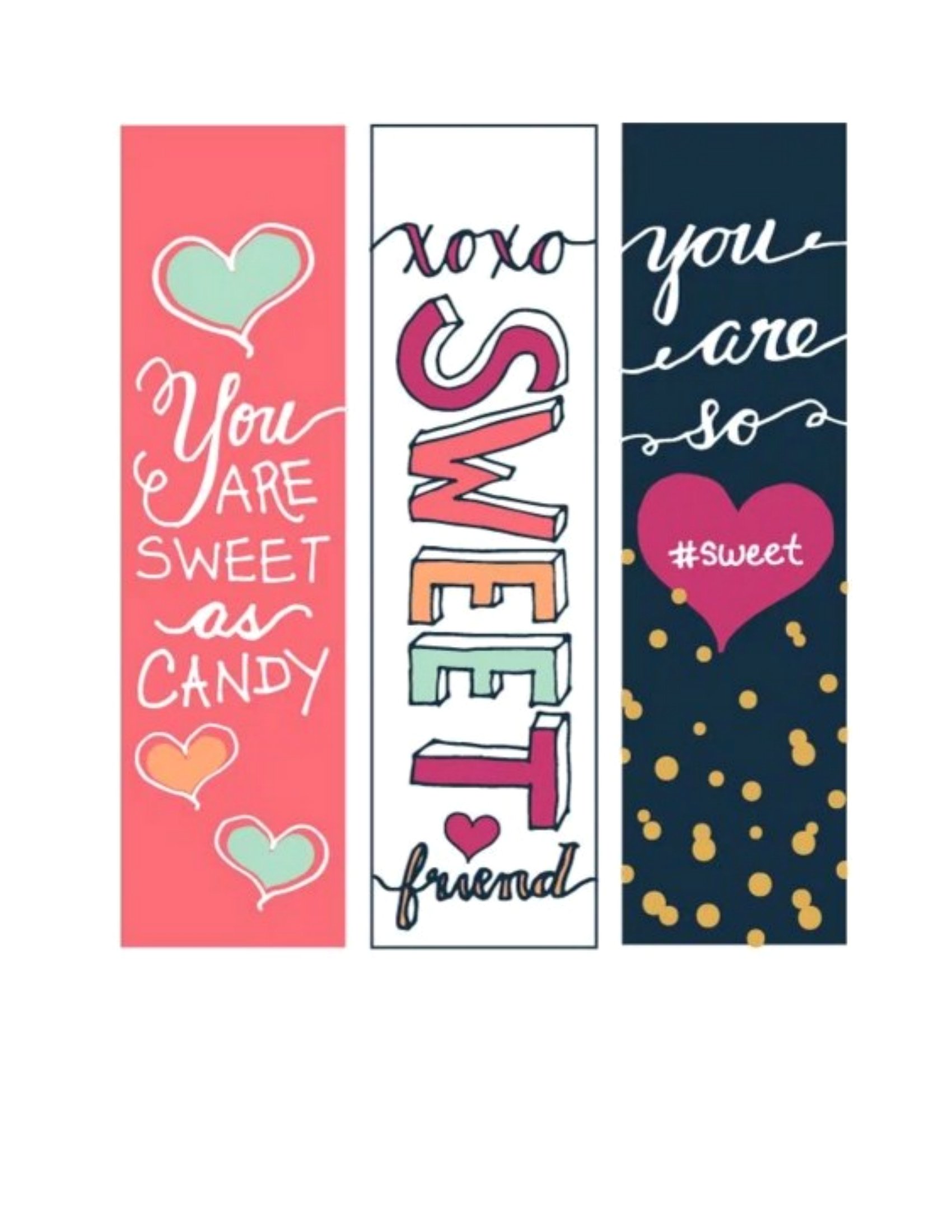
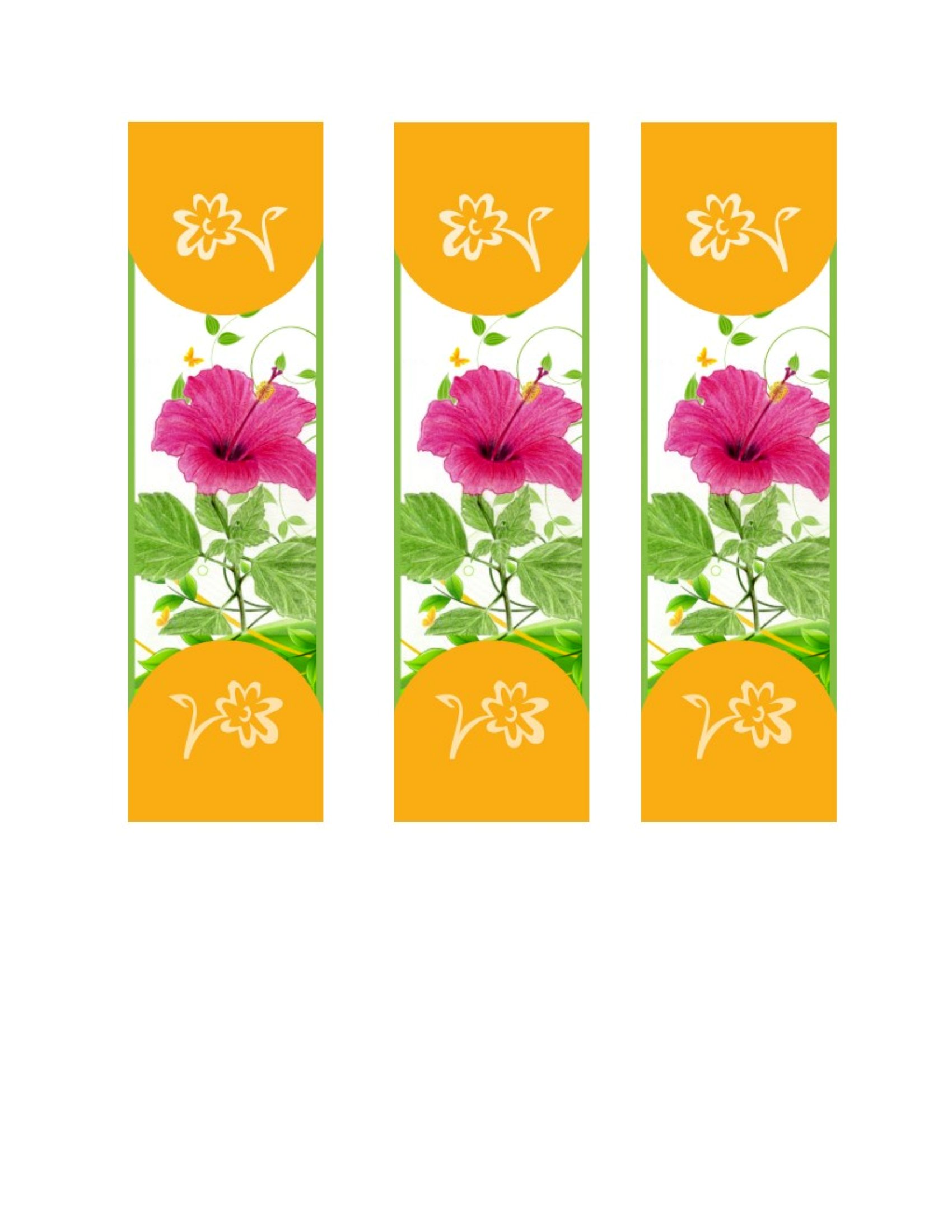
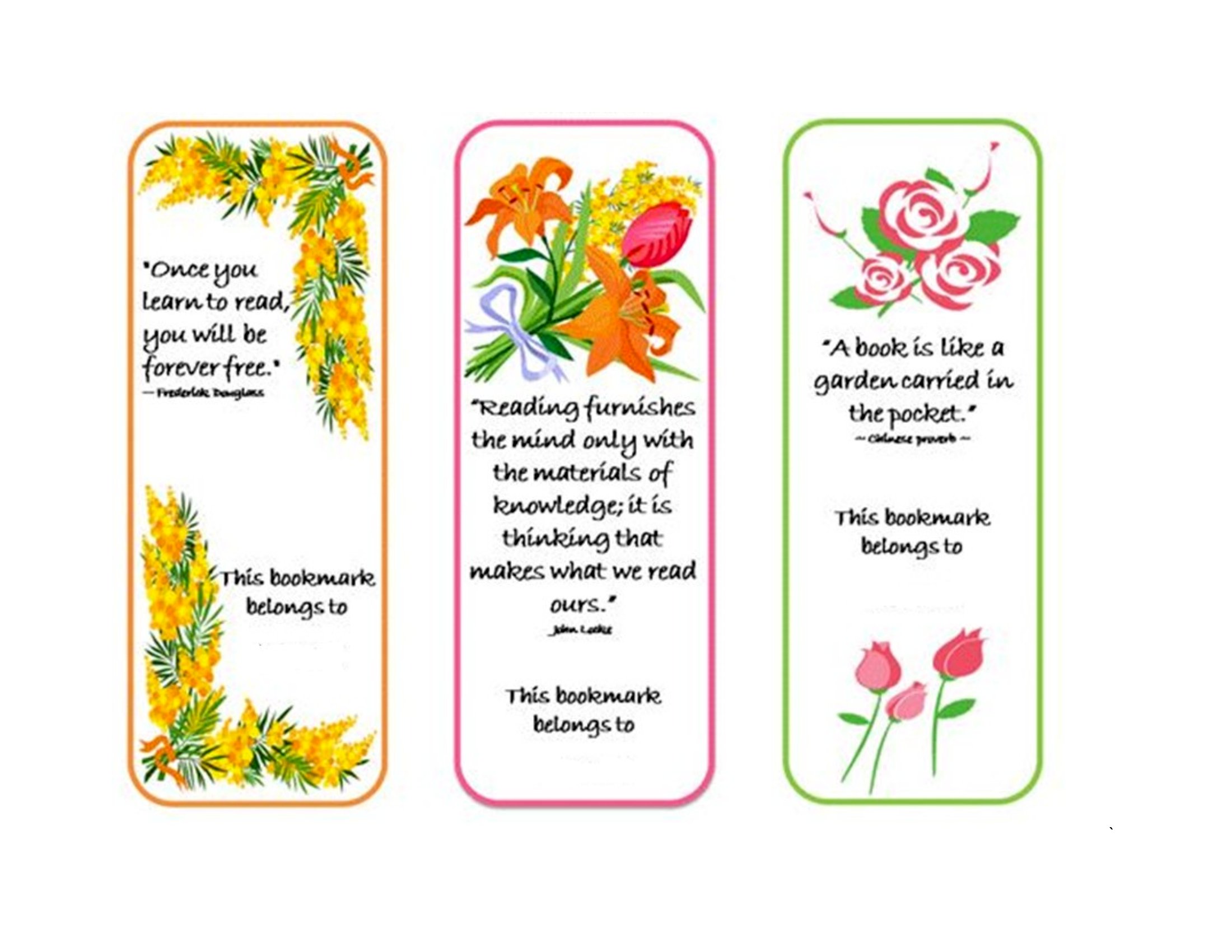
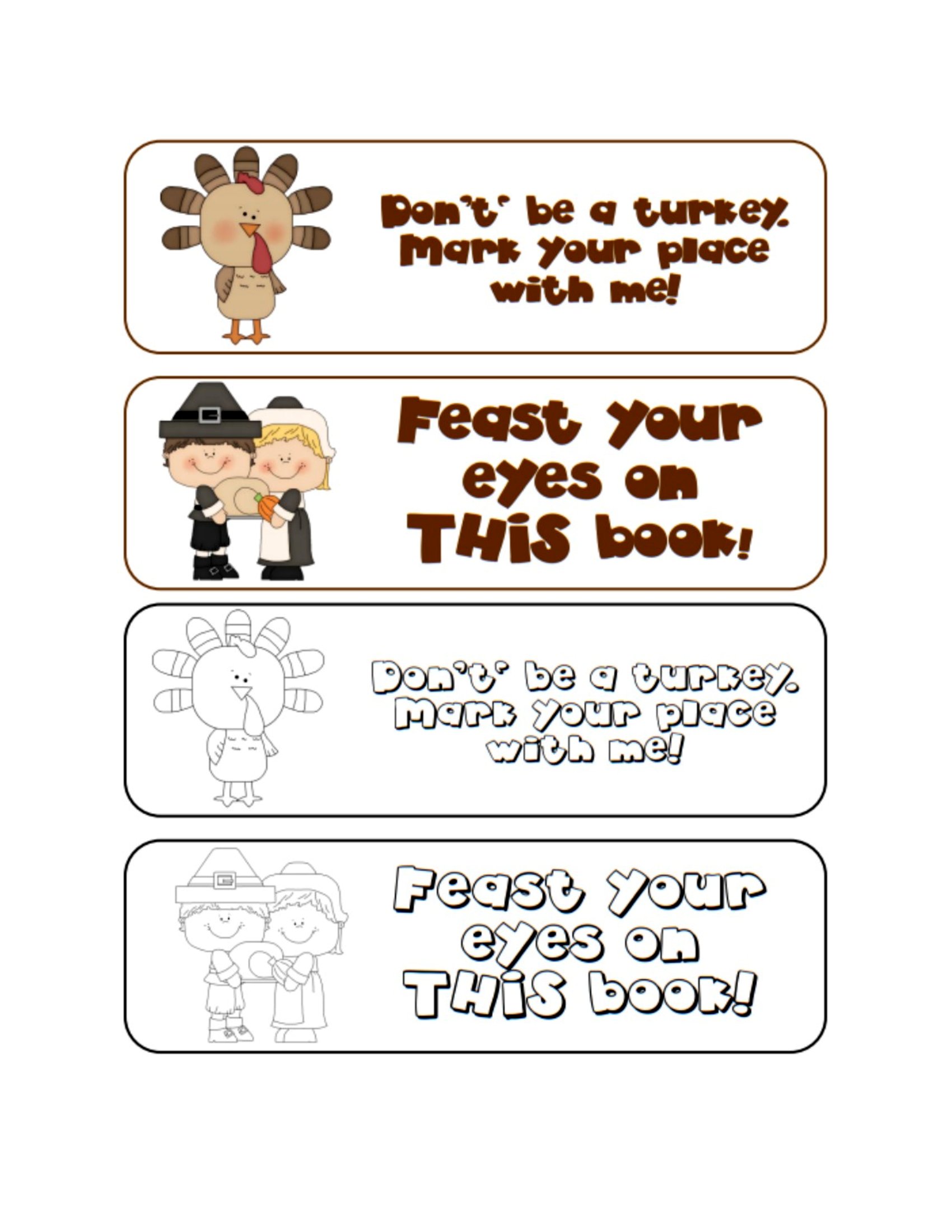
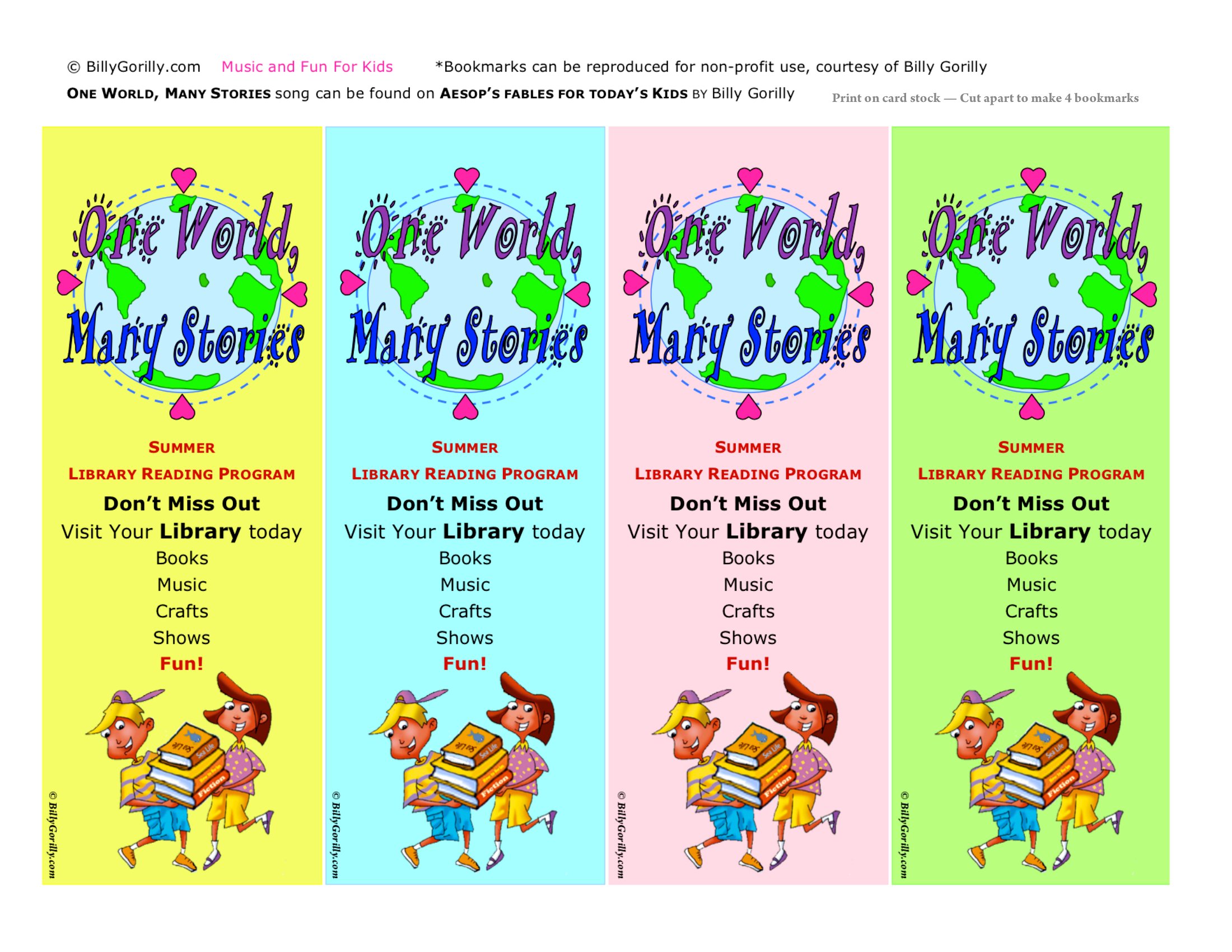
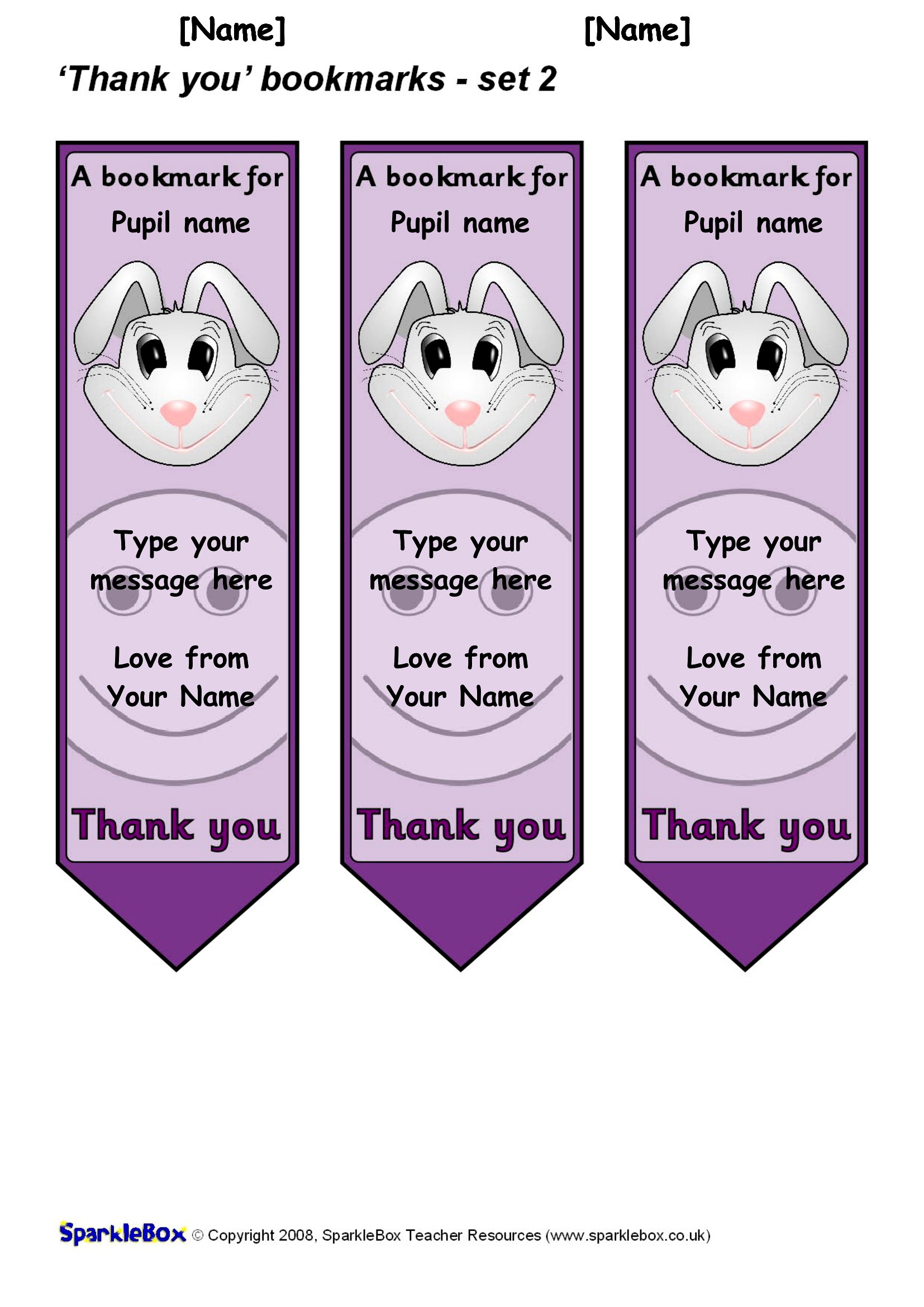
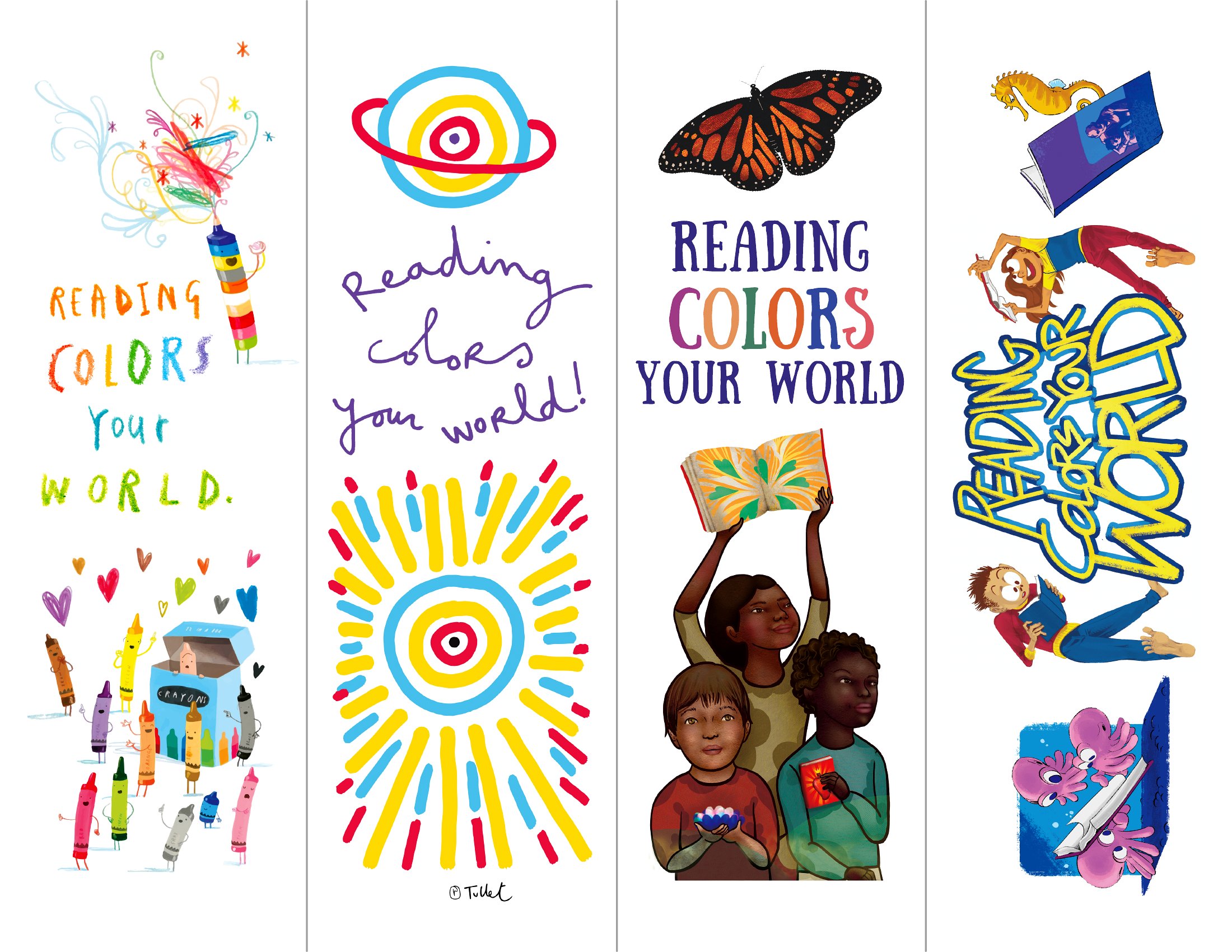
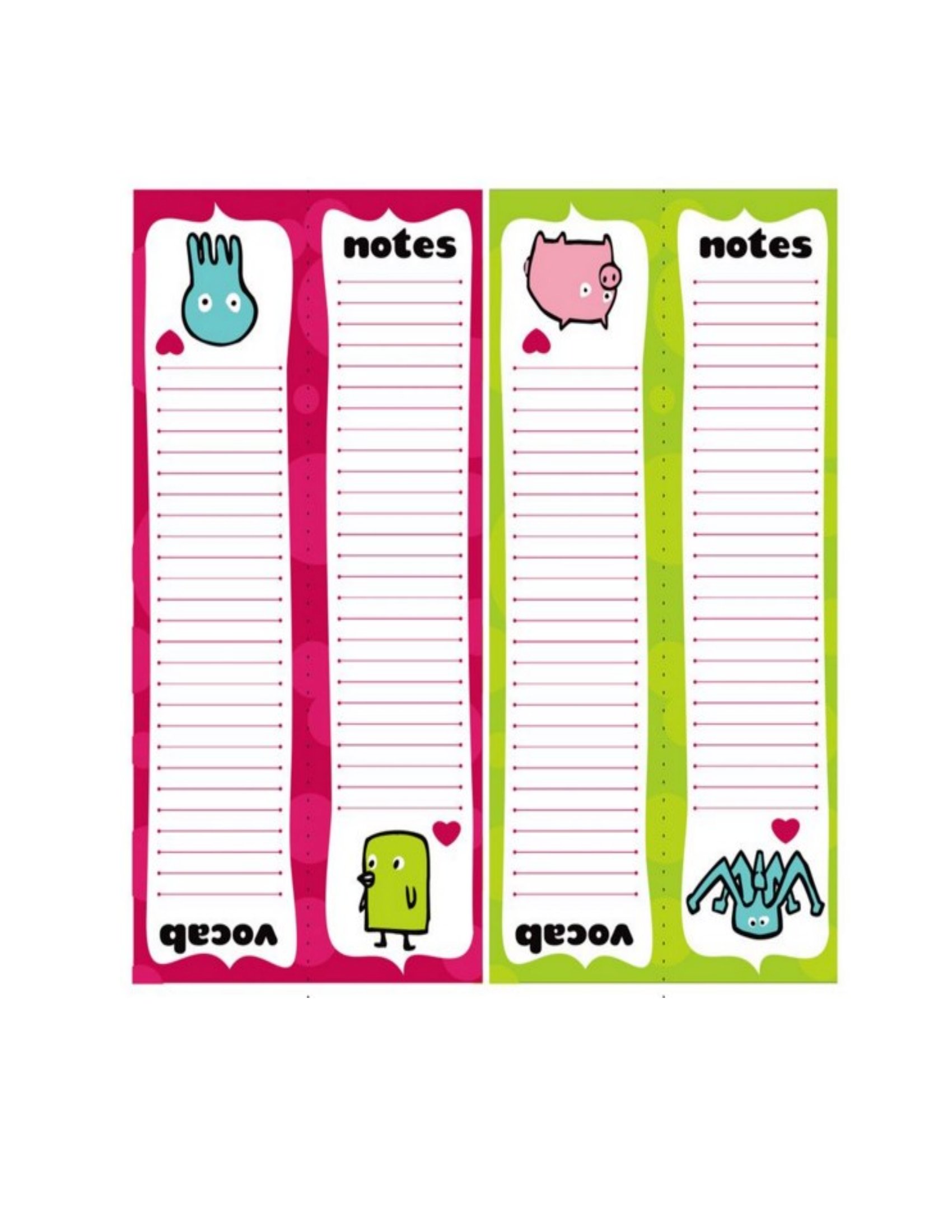
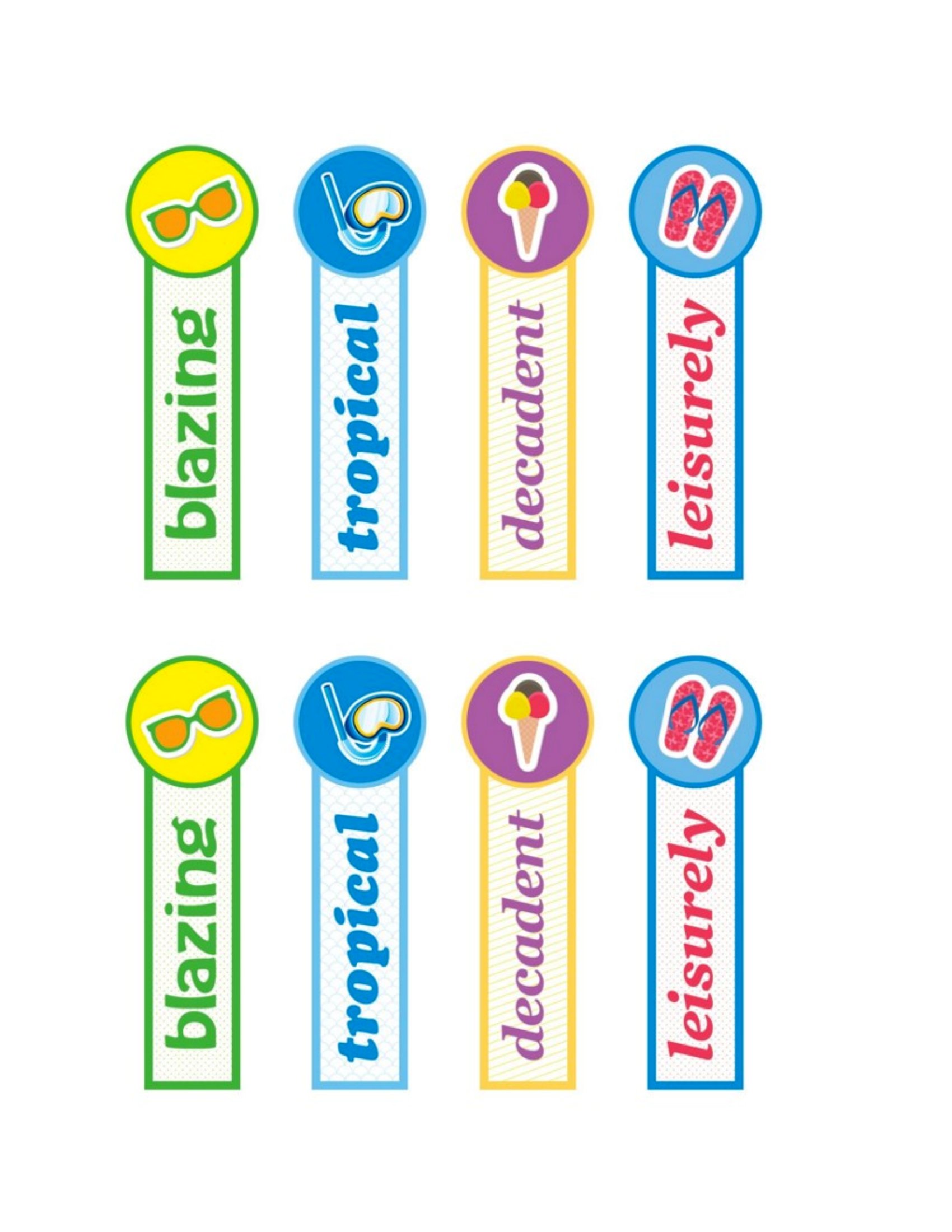
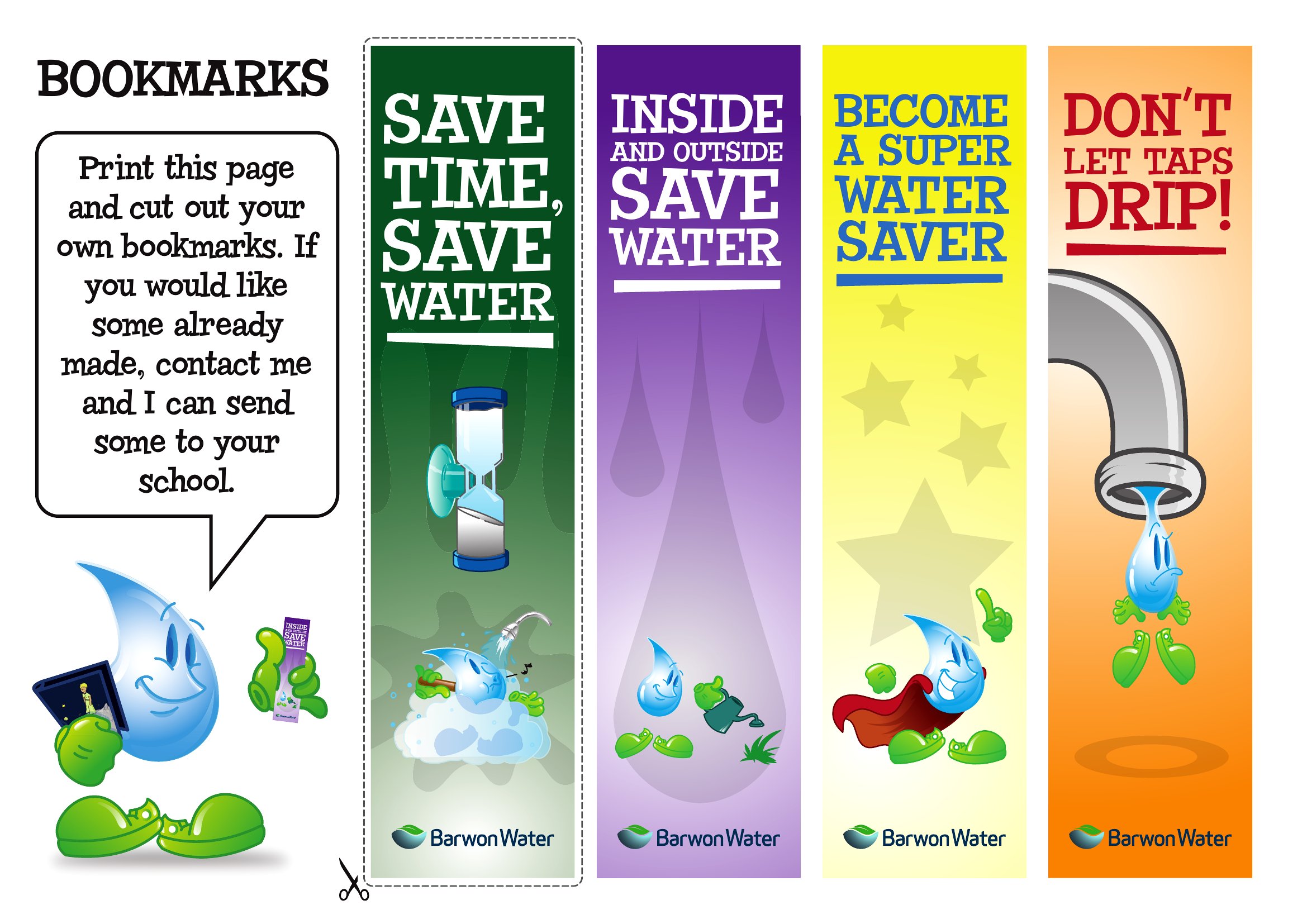
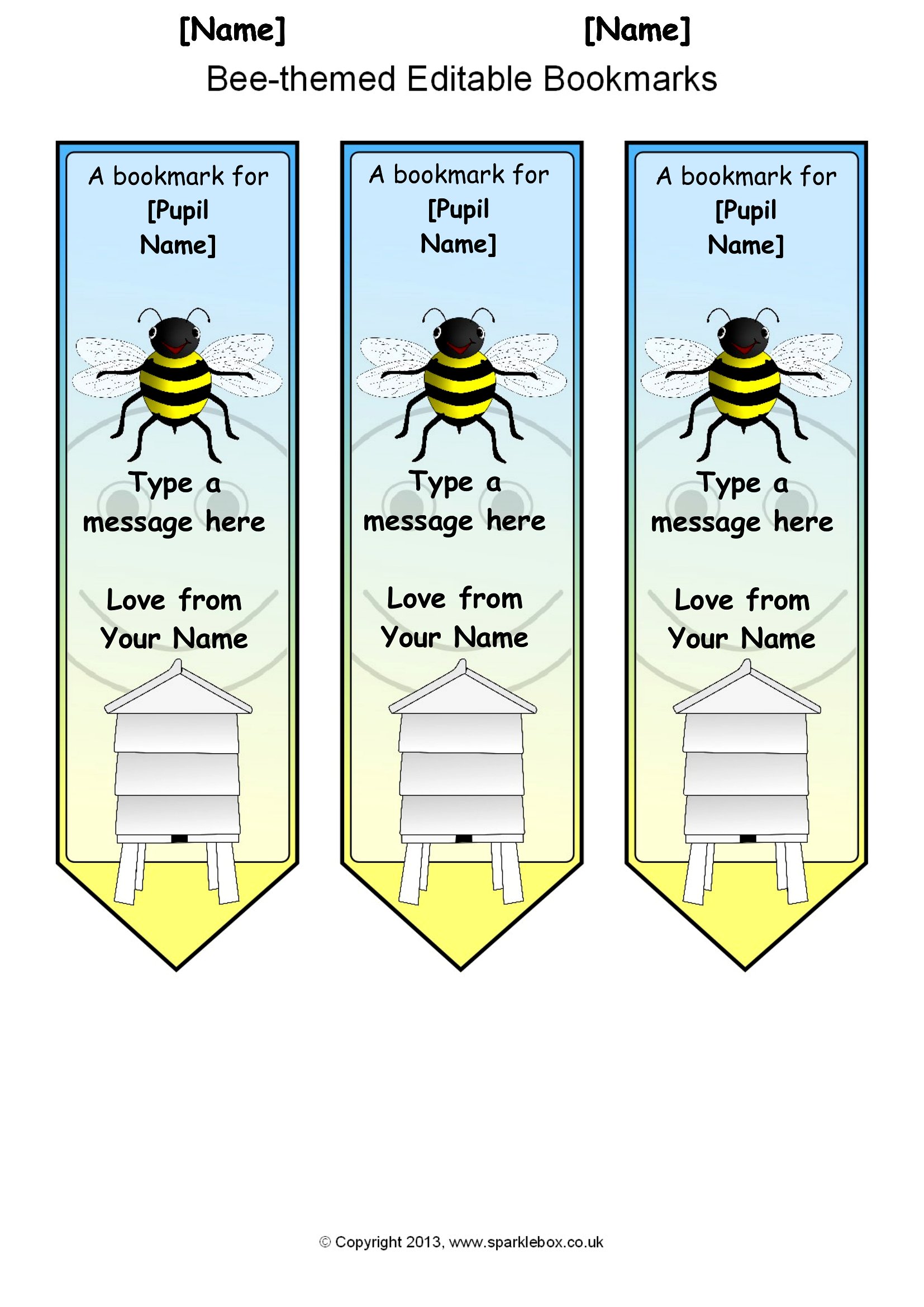
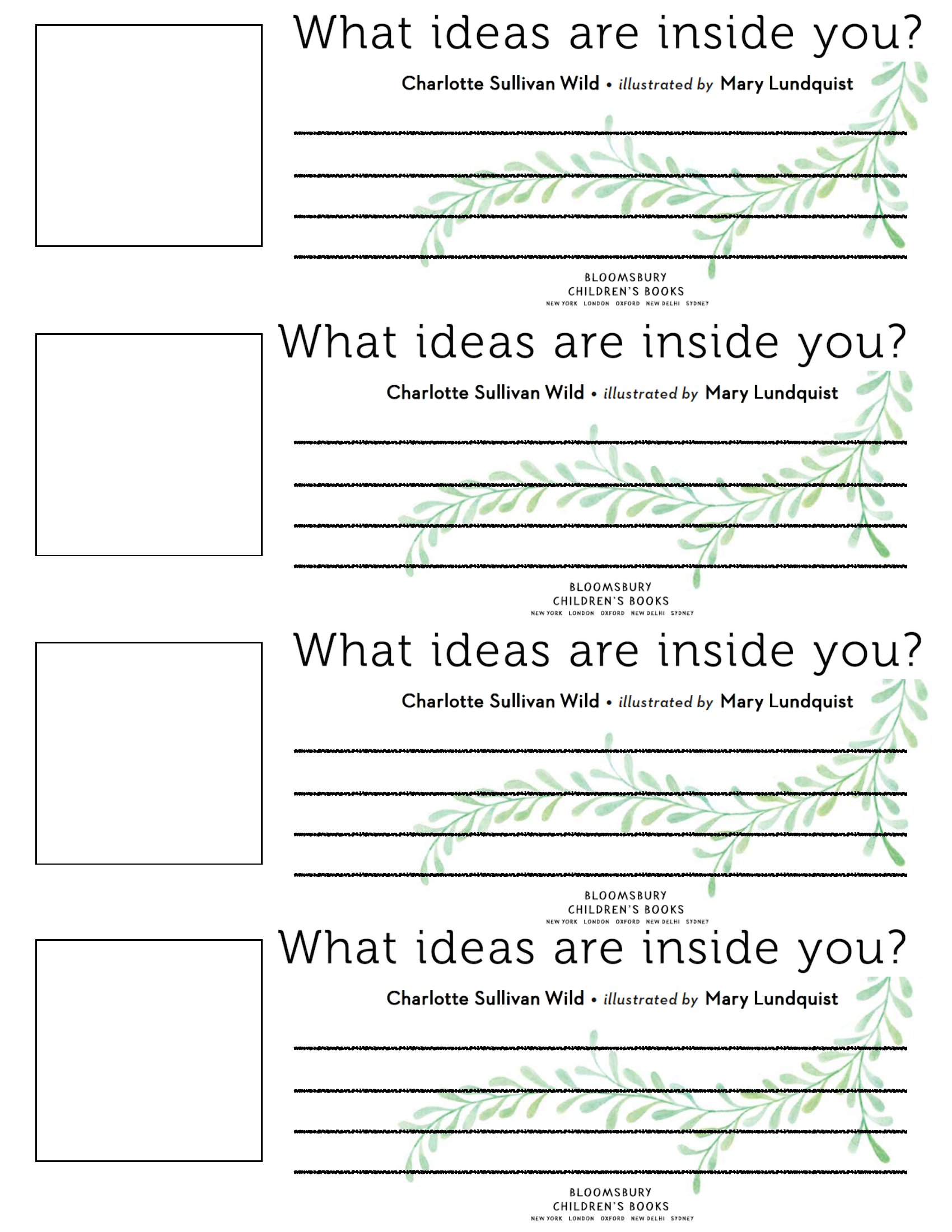
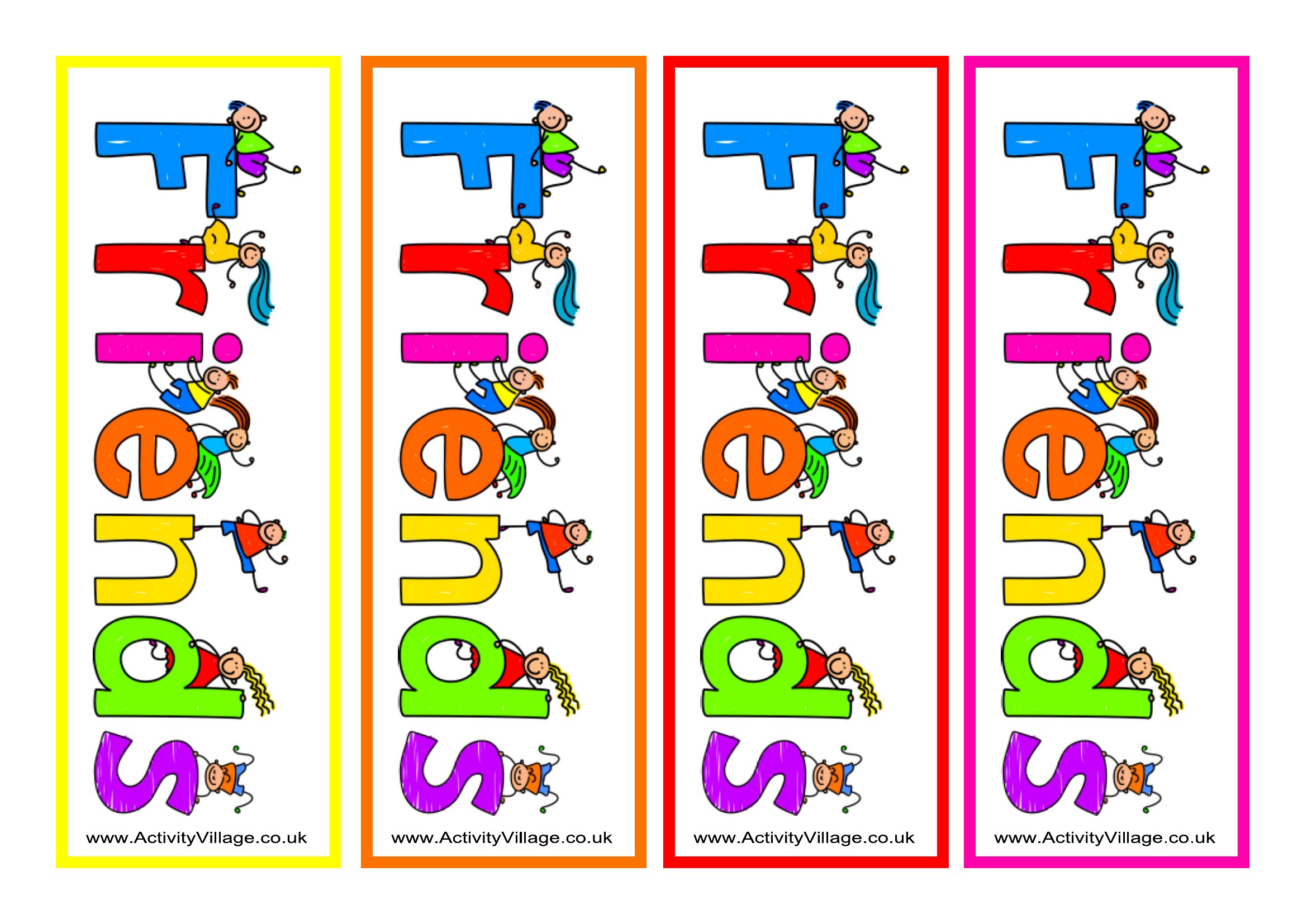
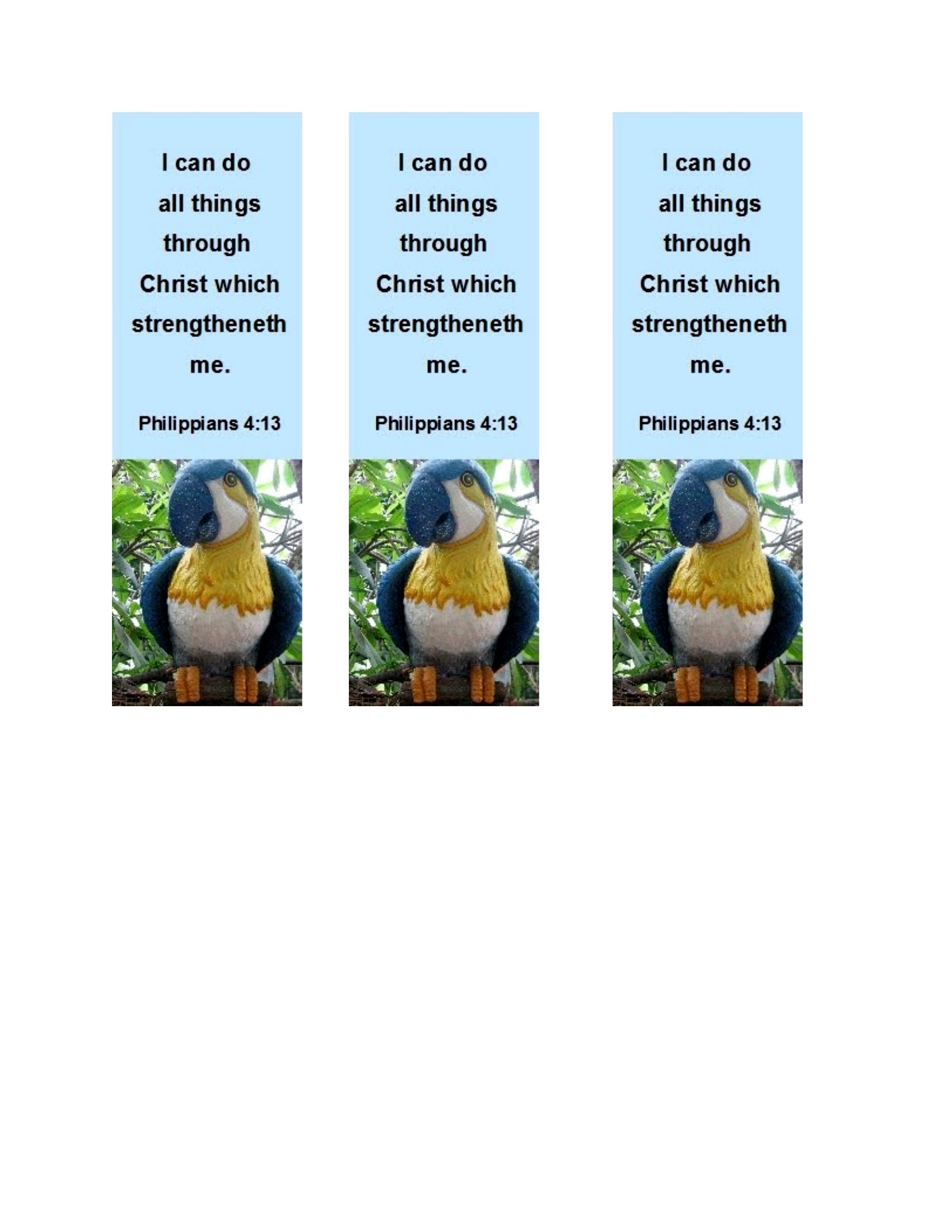
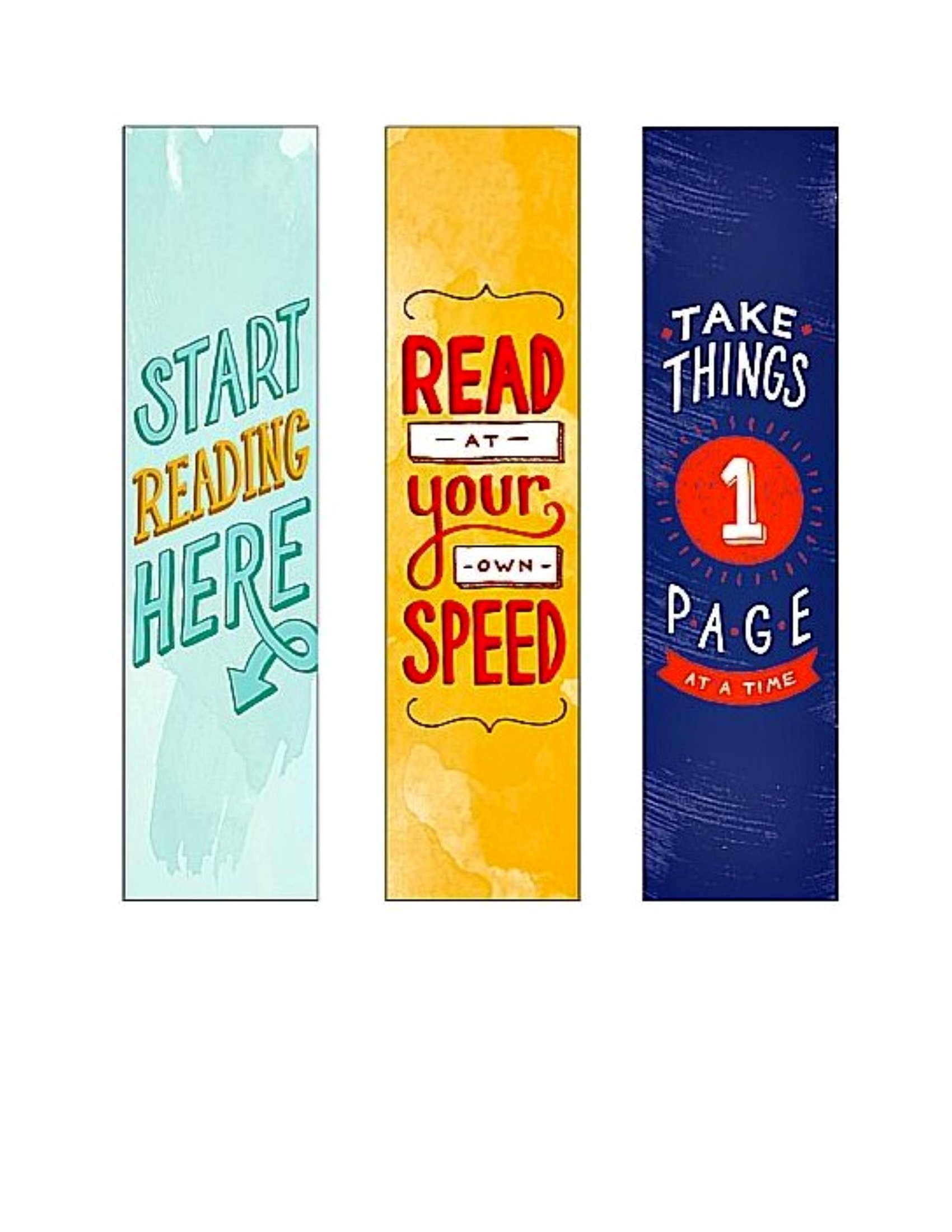
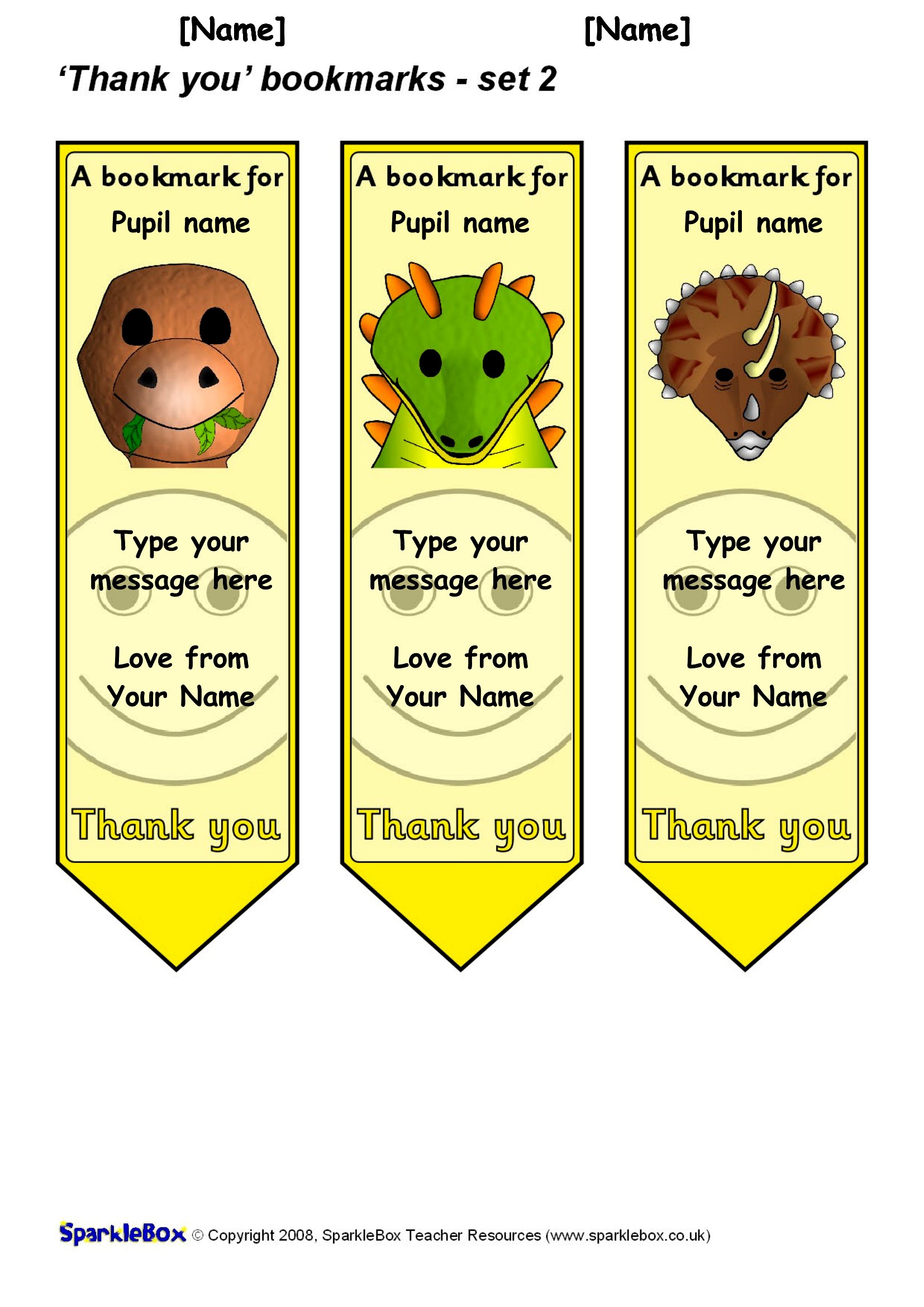
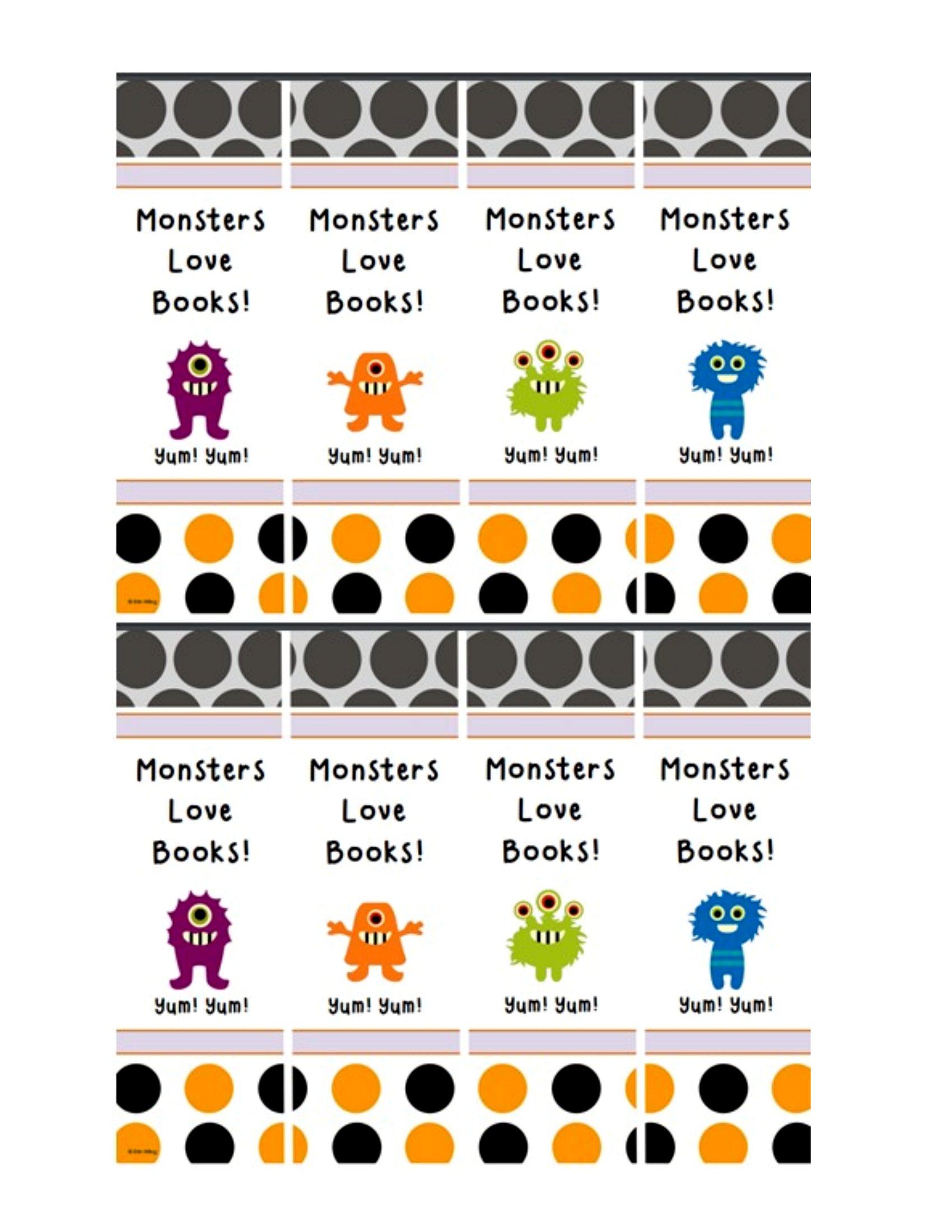
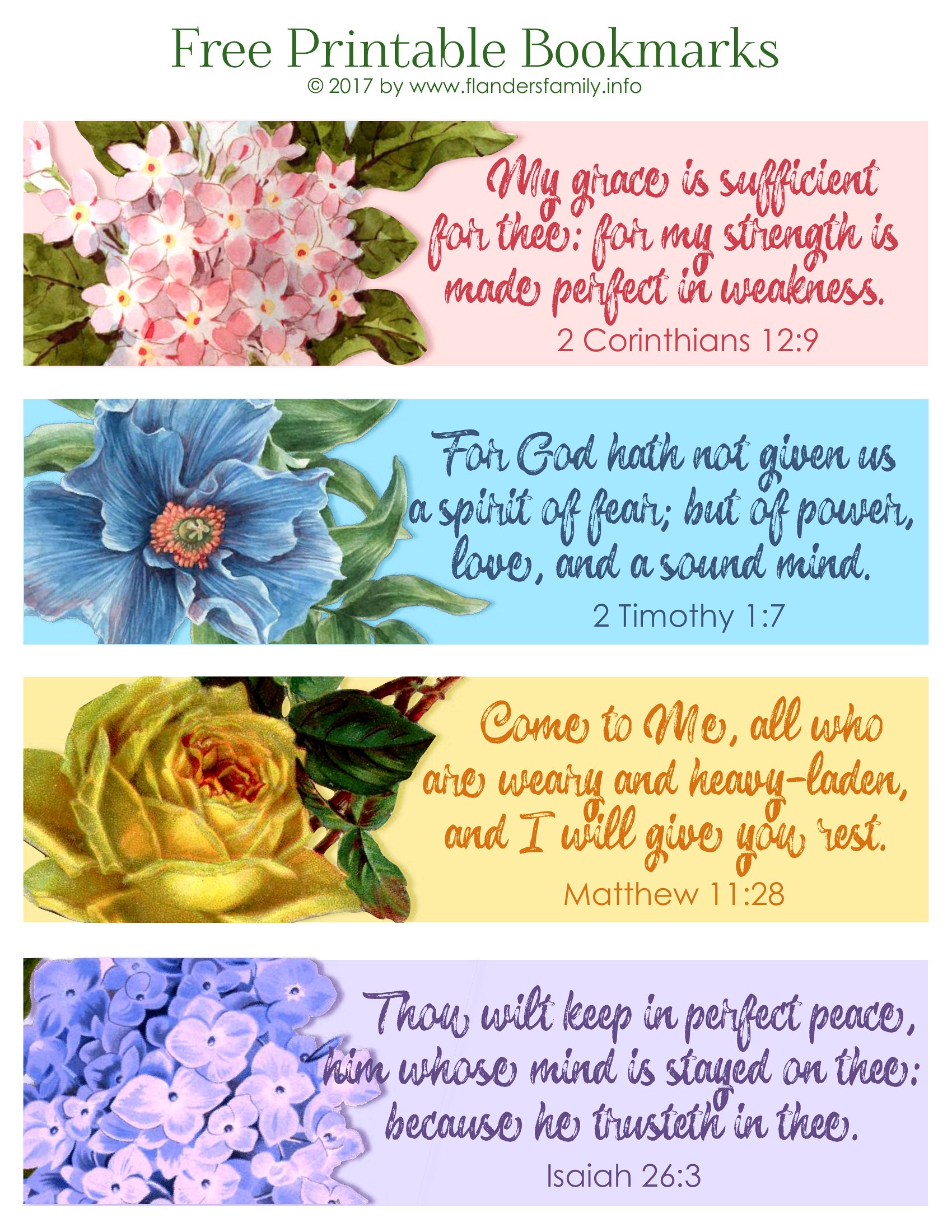
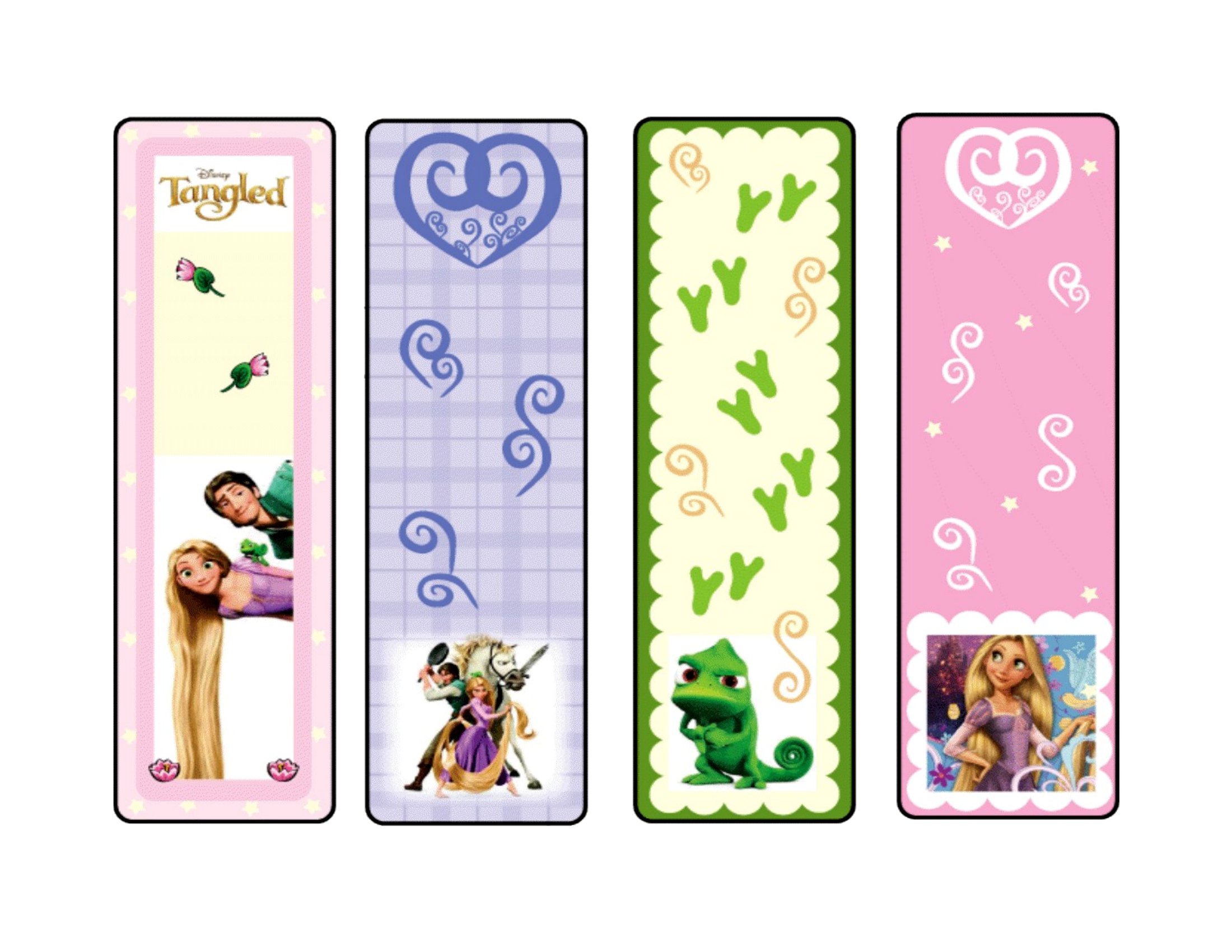
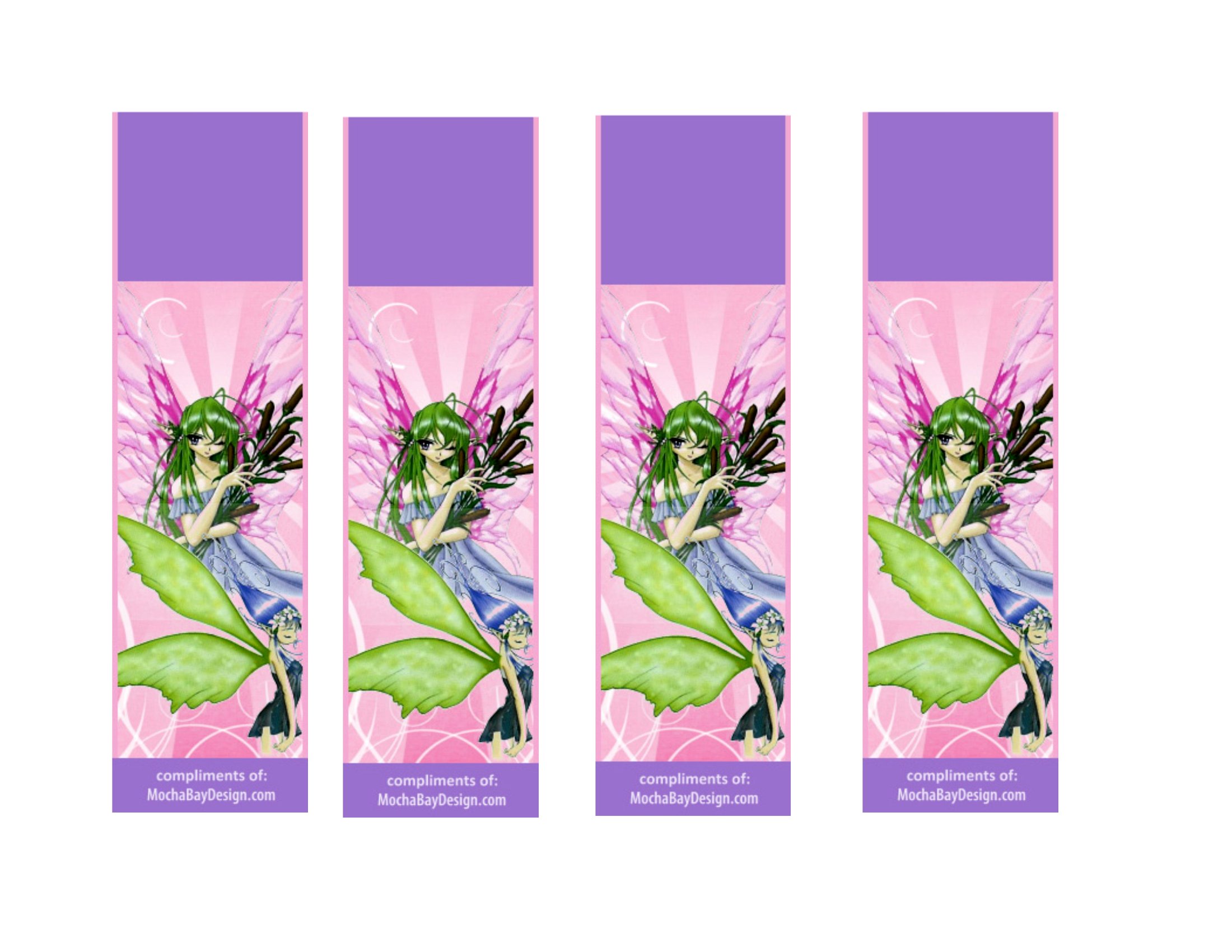
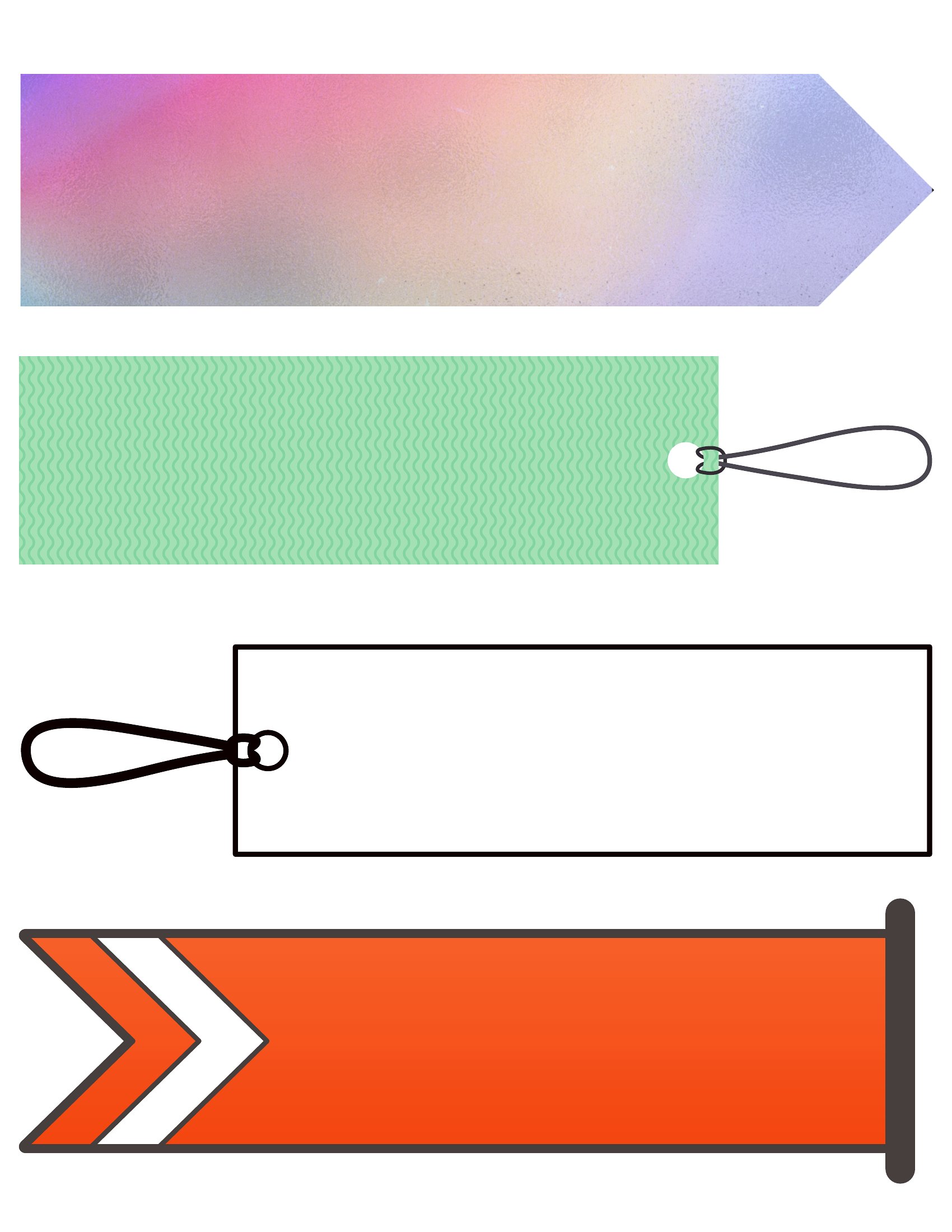
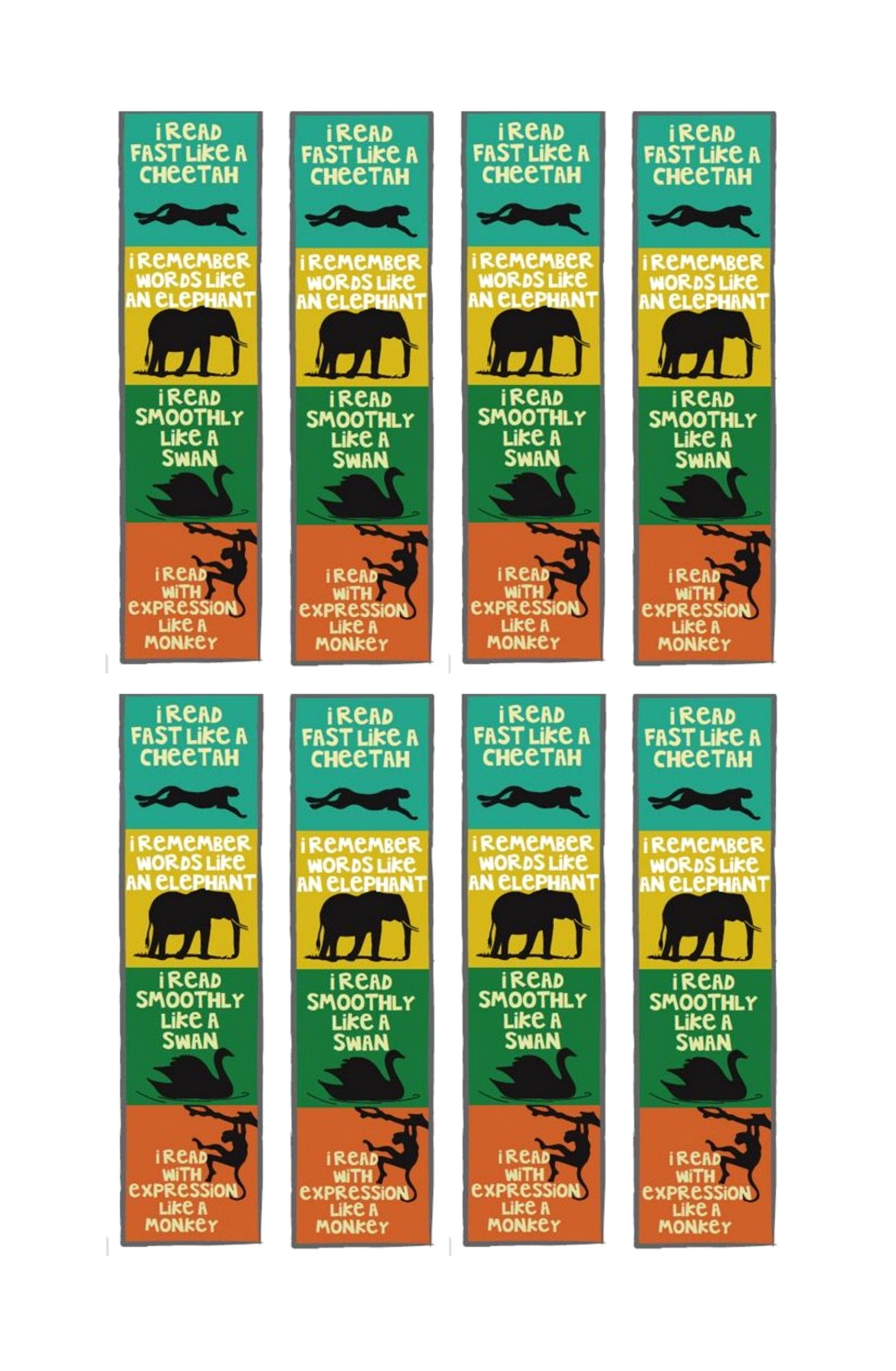
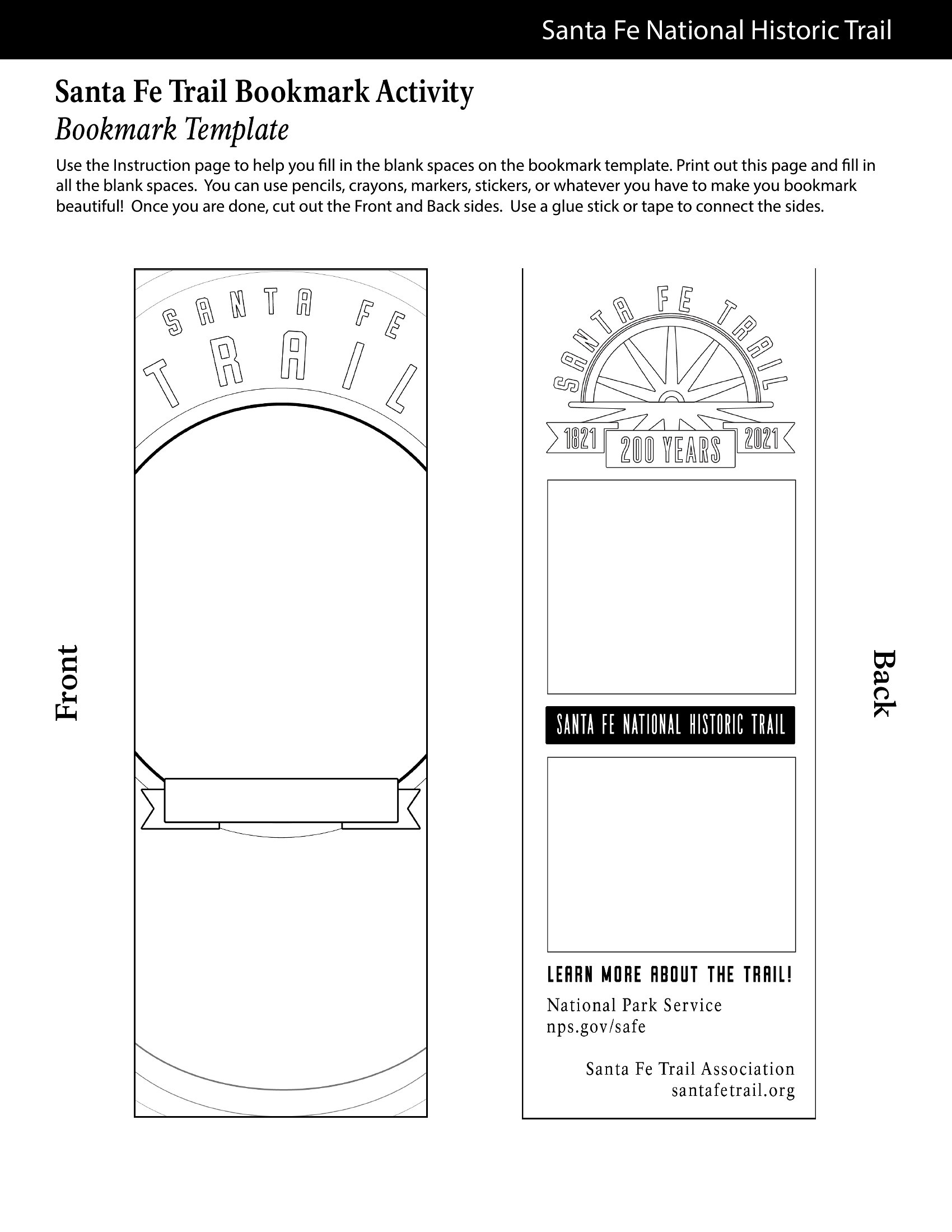
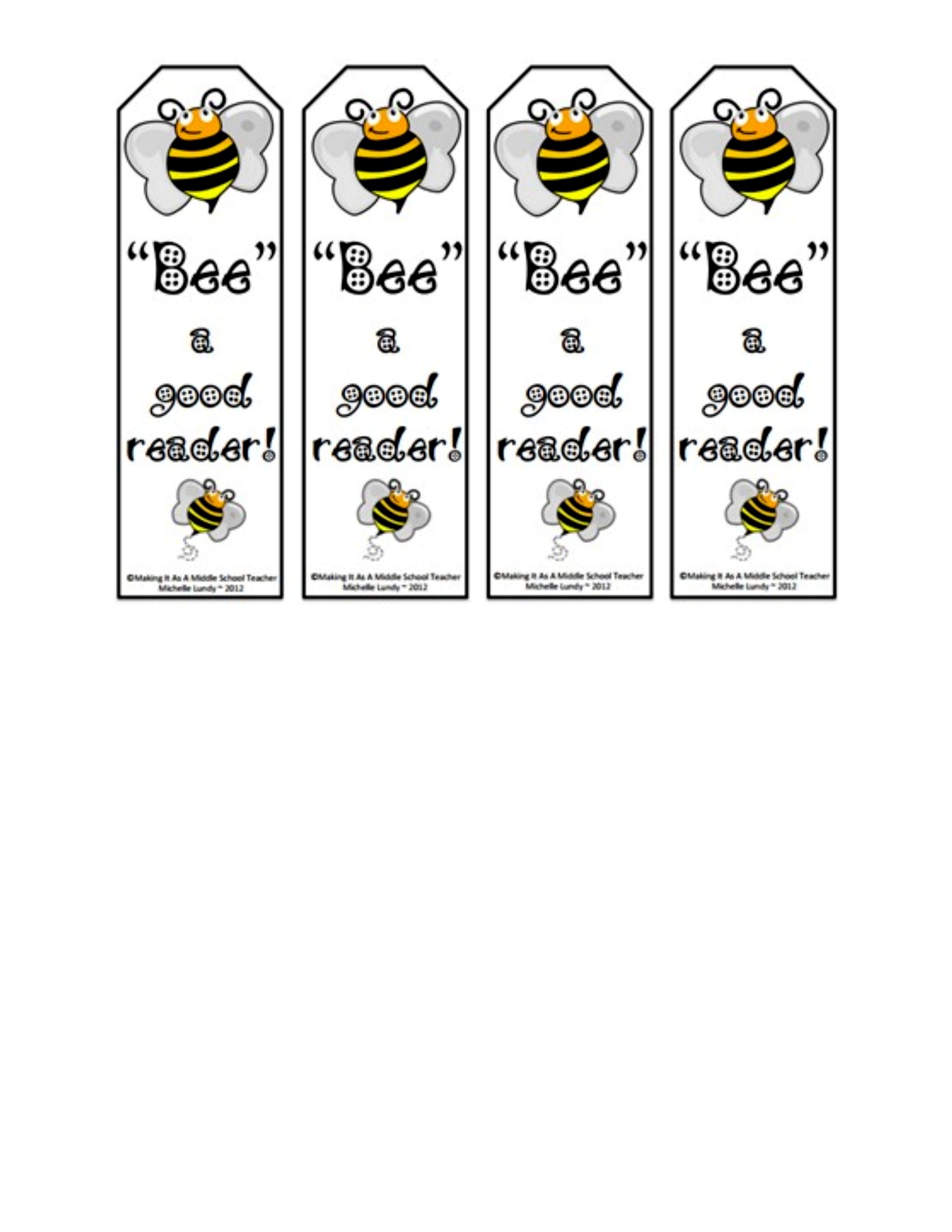
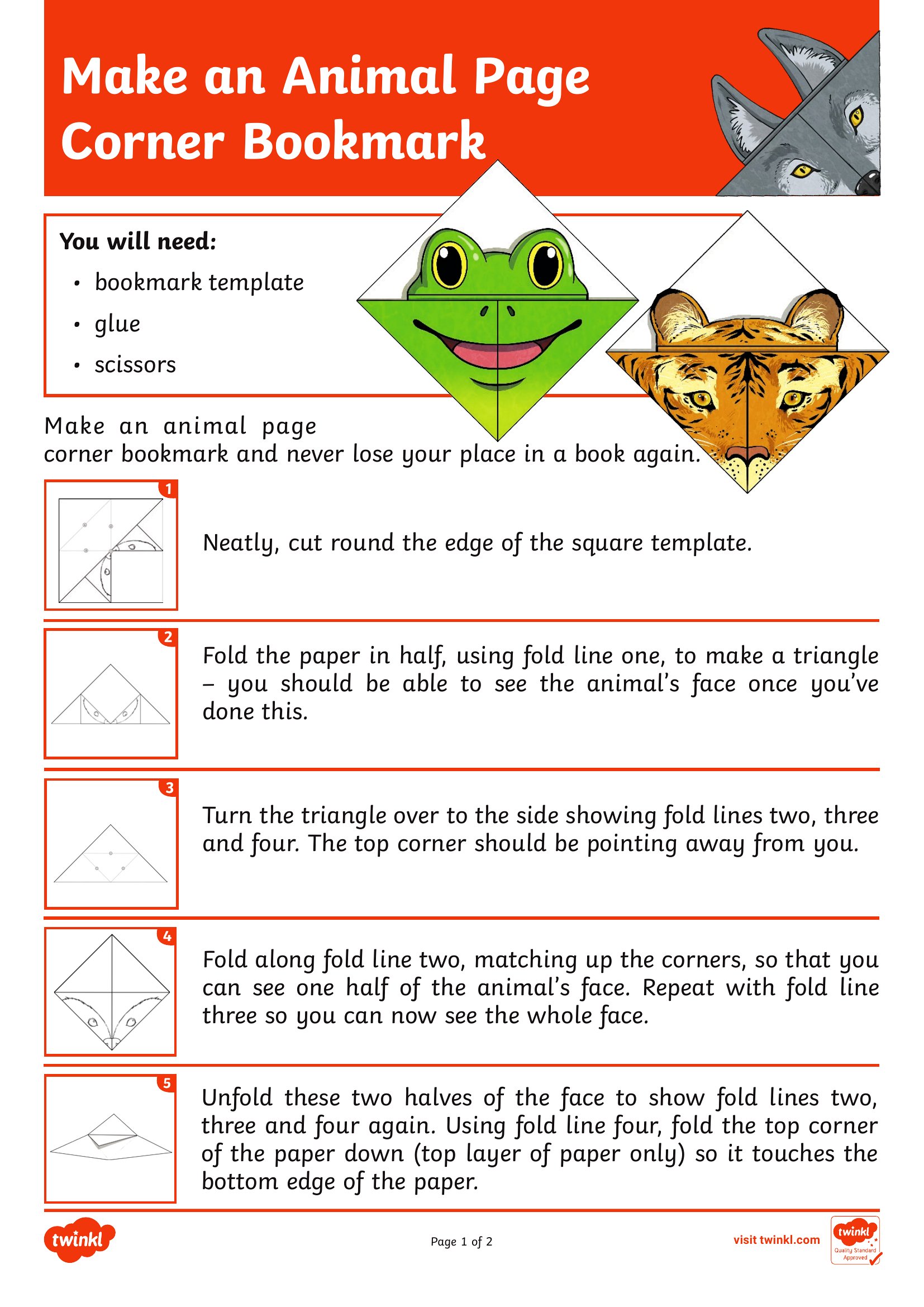
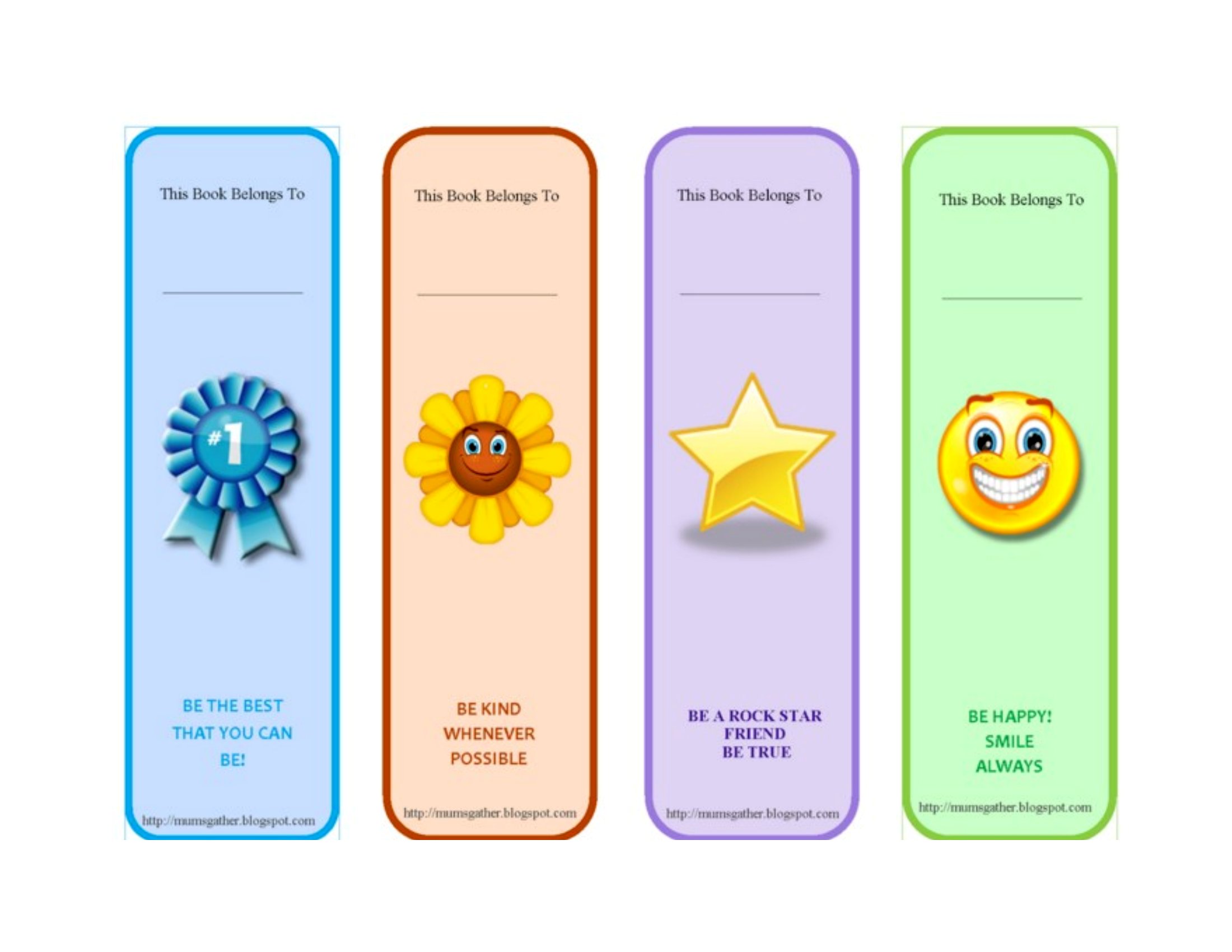
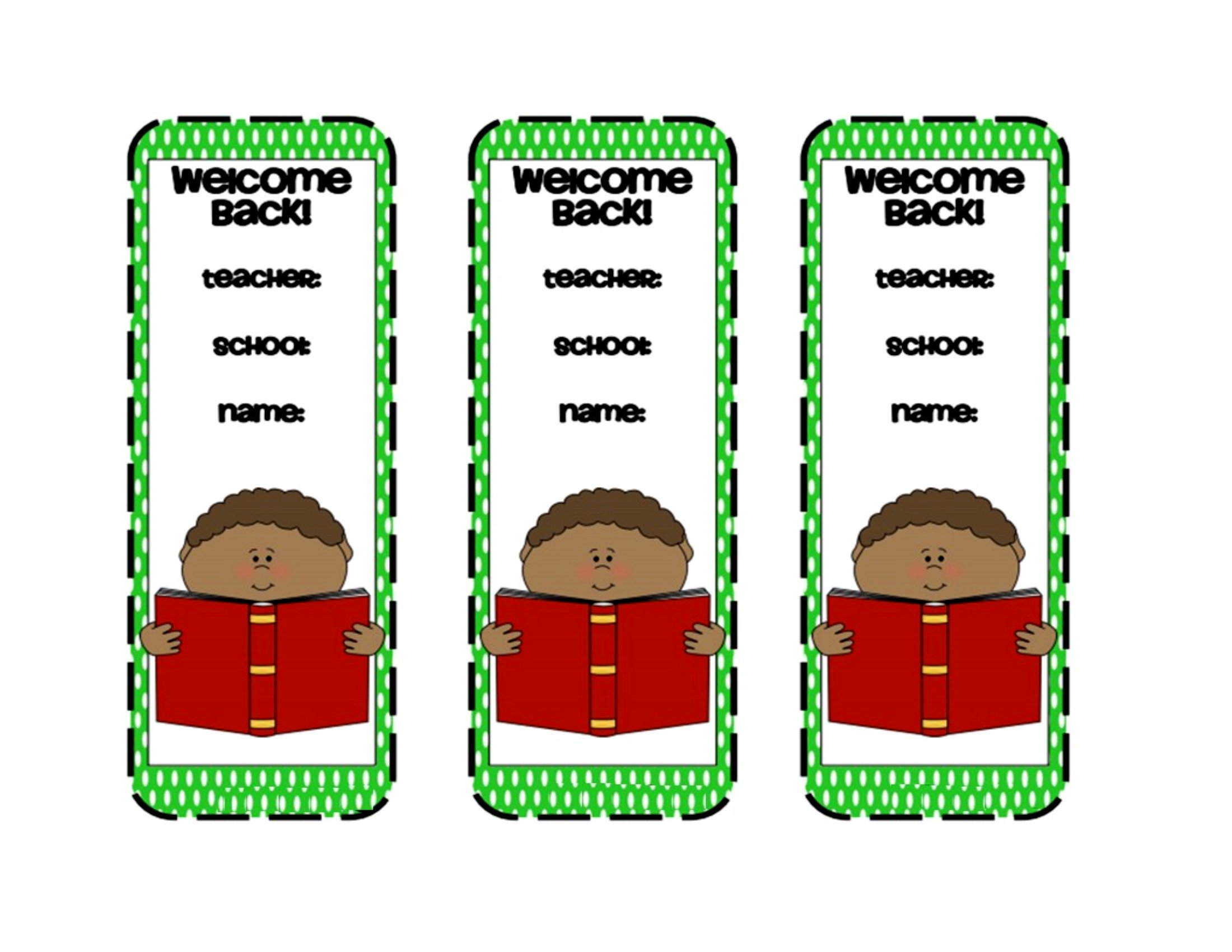
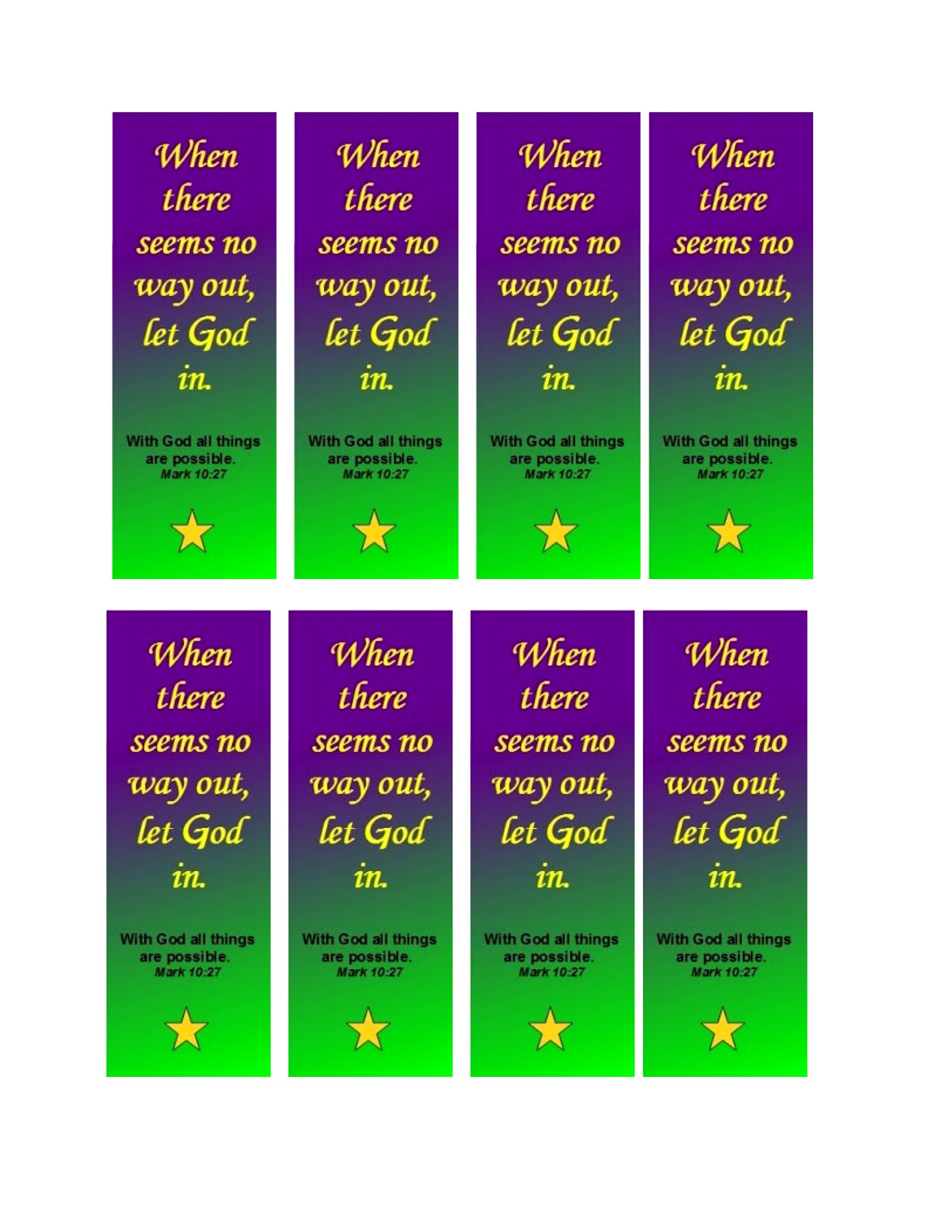
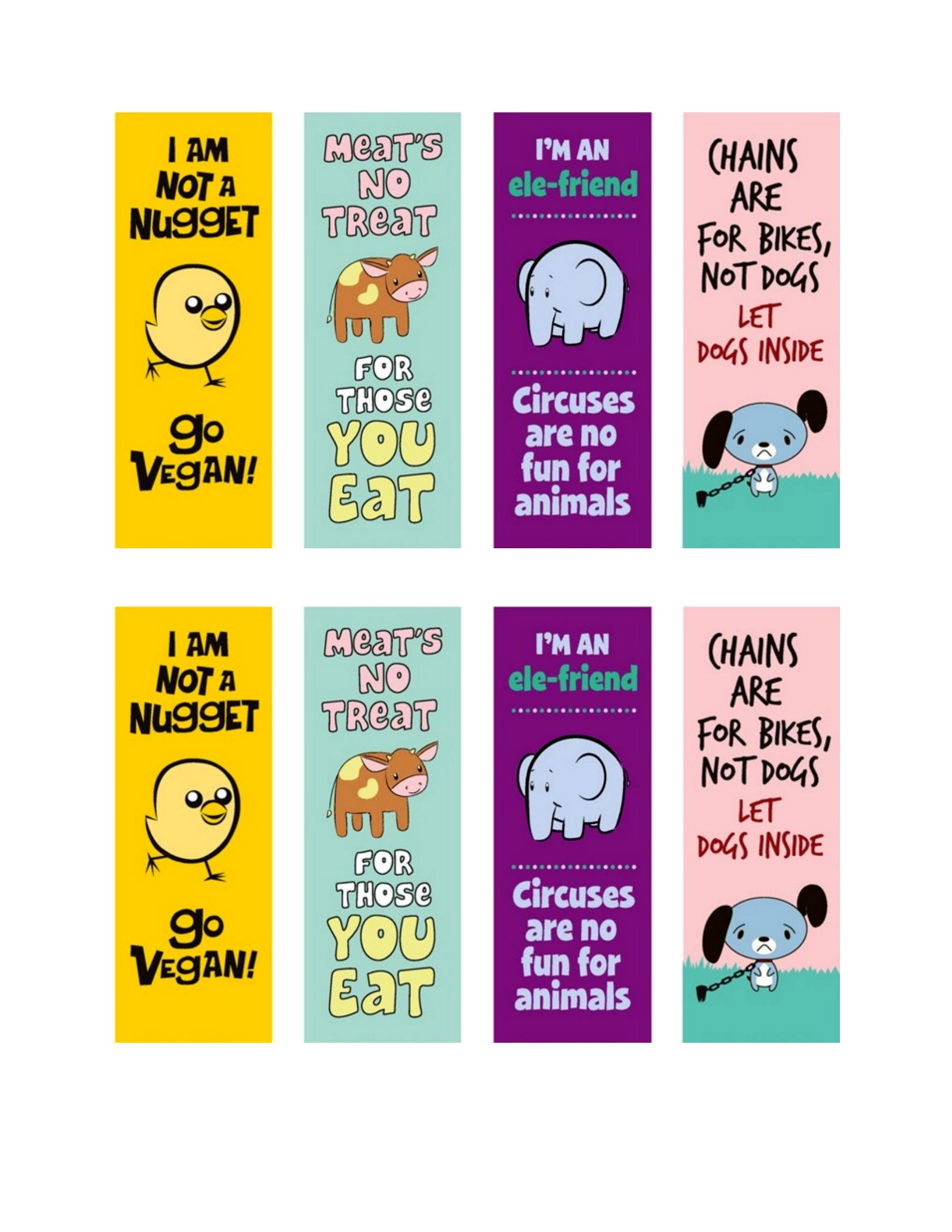
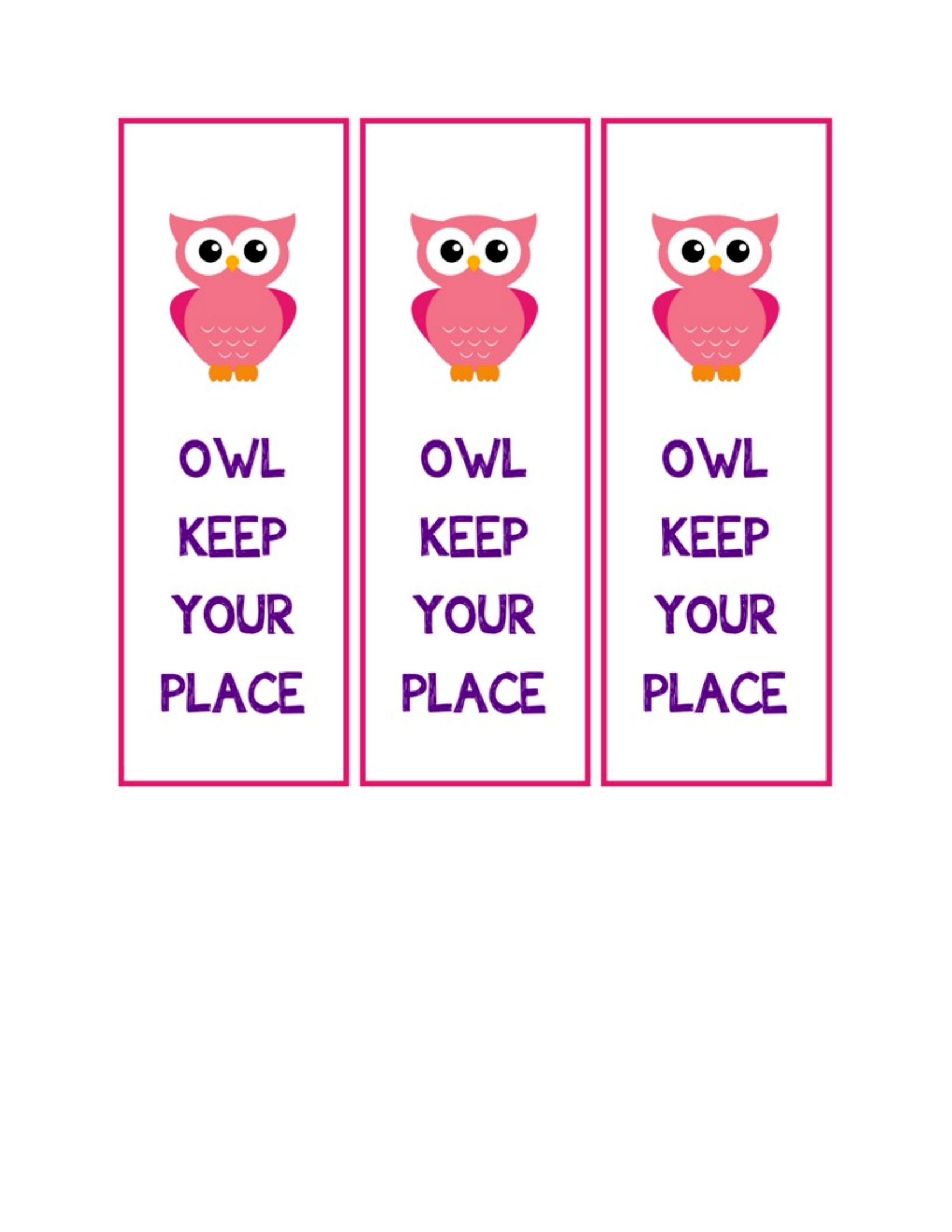
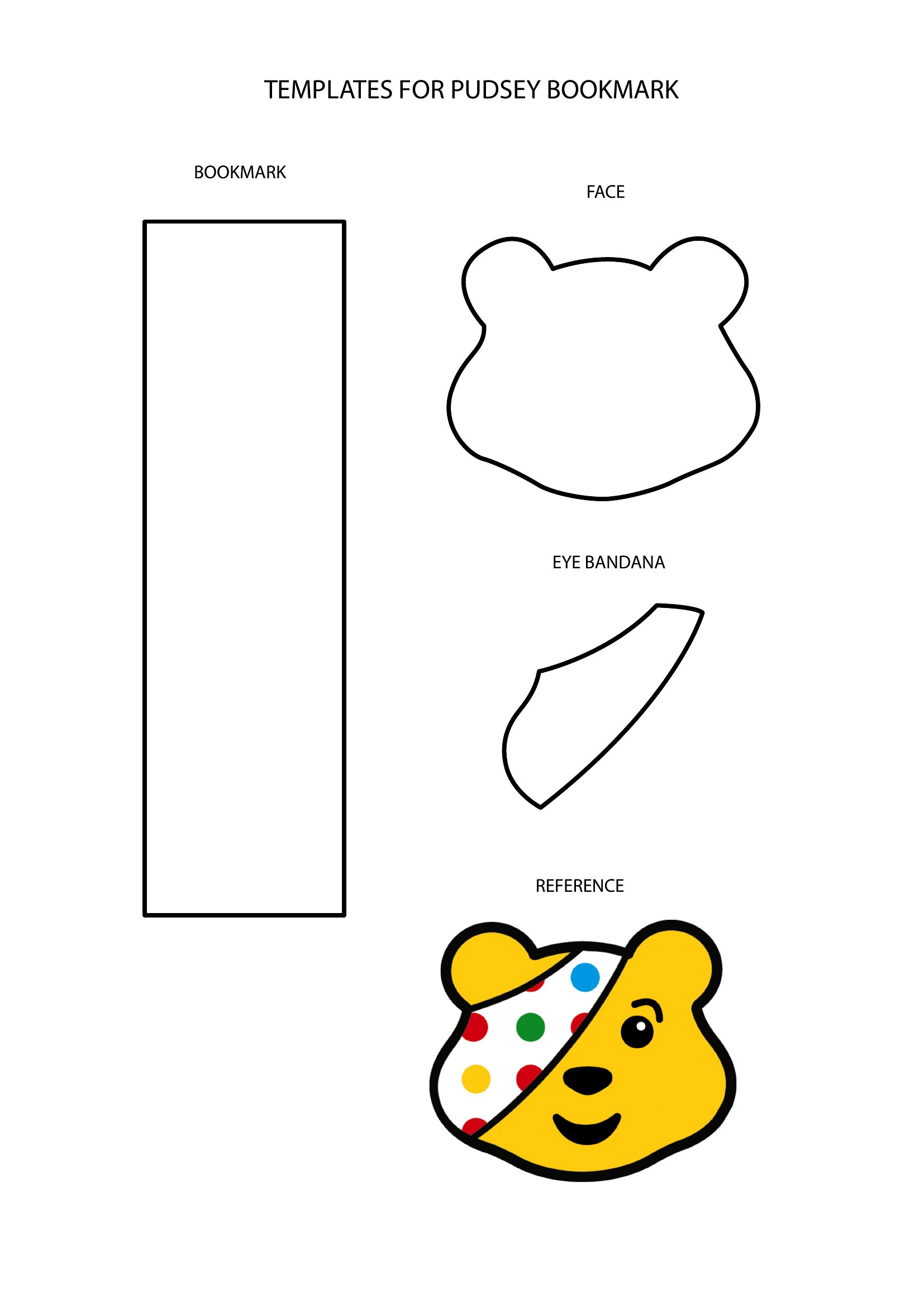
LifeA good bookmark is a small thing that makes reading more fun, and making your own means you get the look you actually want. This batch of 50 bookmark templates gives readers, teachers, and crafters a range of blank and decorated layouts to personalize with quotes, names, or artwork. They're handy for classroom reading rewards, library handouts, party favors, or just keeping your place in style.
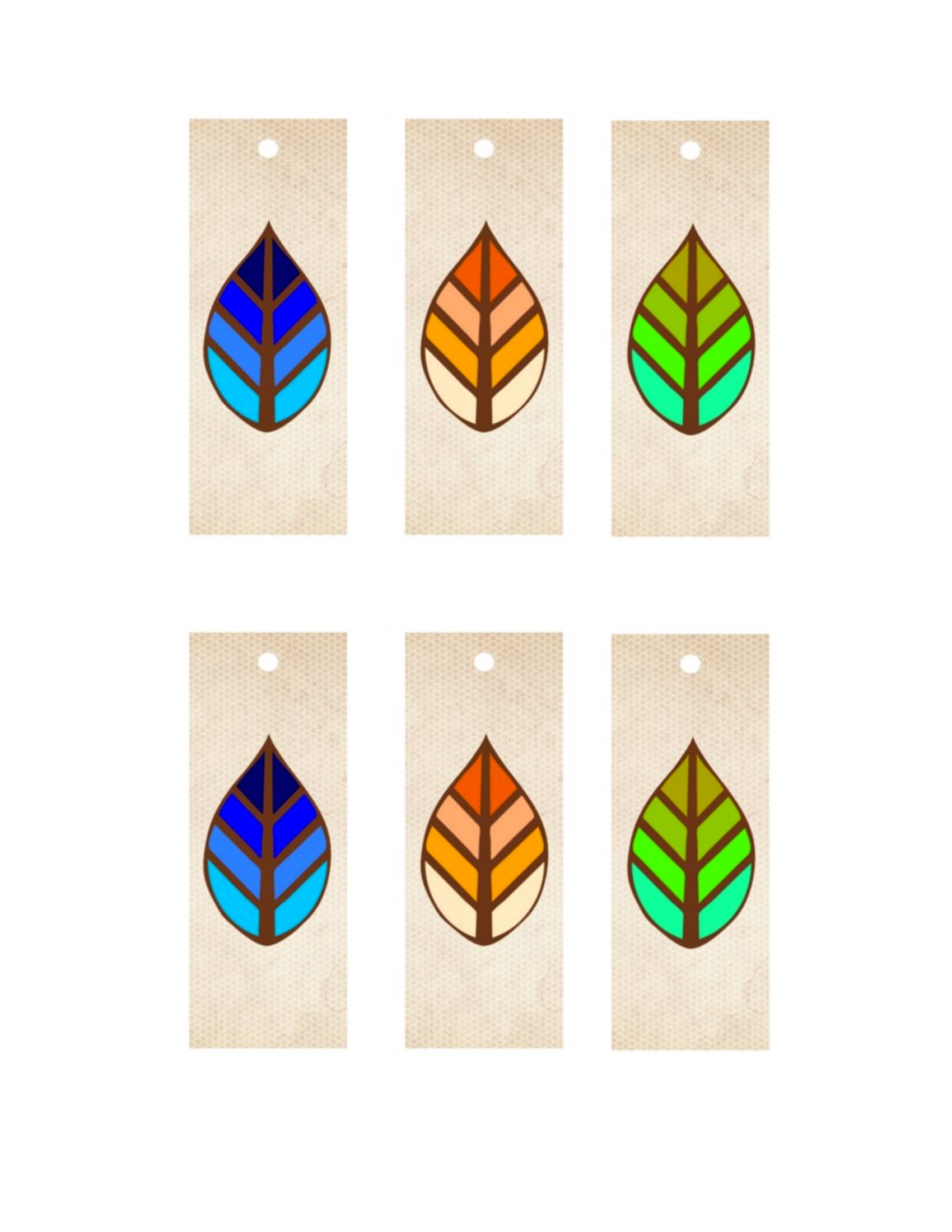
Each design comes in Word so you can swap text and colors, plus print-ready PDFs that line up several bookmarks per page to save paper. Print on card stock for durability, cut along the guides, and add a ribbon or hole punch if you like. Choose a style that fits the occasion and have a stack ready before your next chapter.
When to use this Bookmark template
- English teachers printing weekly bookmarks with reading goals for their high school students to track progress in favorite novels.
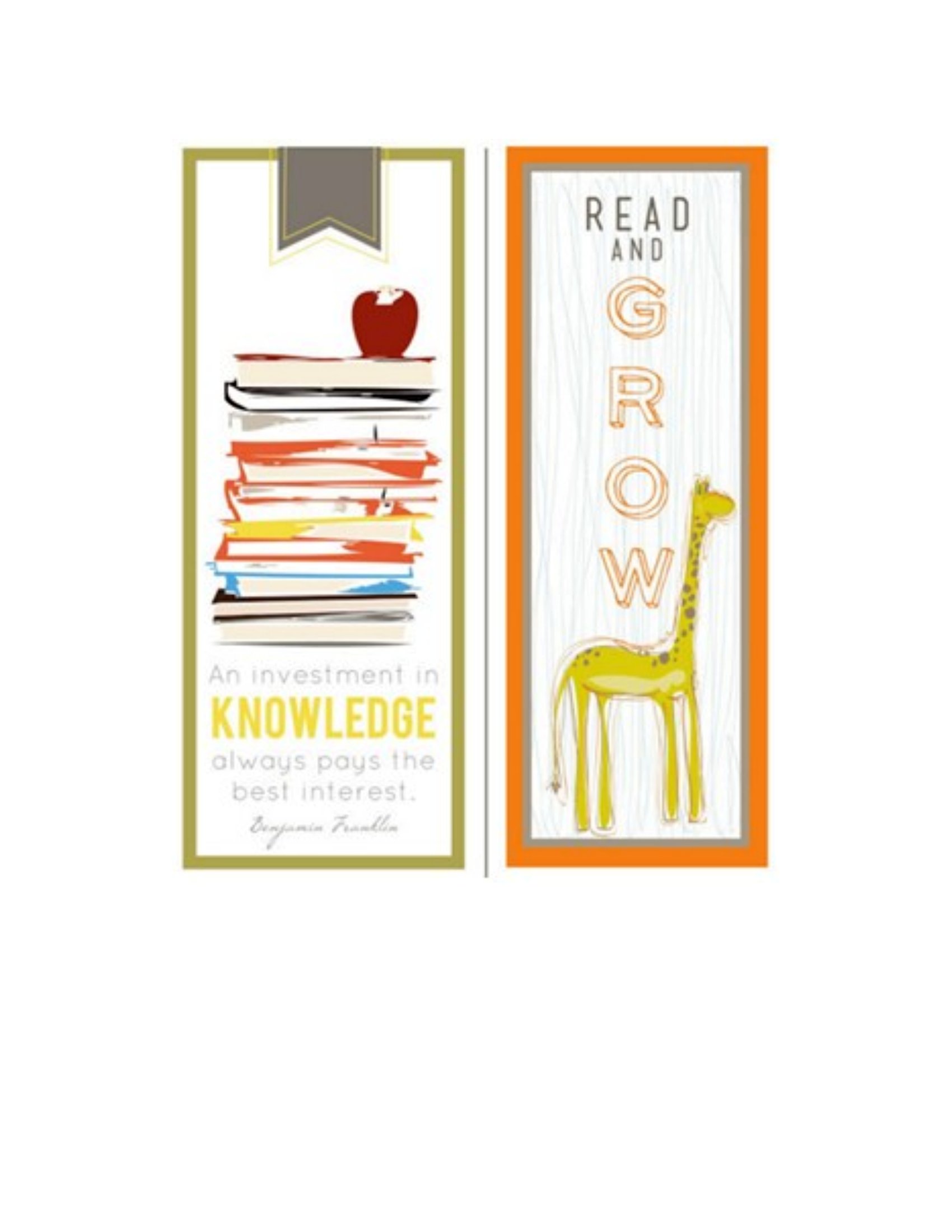
- Small bookstore owners creating custom bookmarks with their logo and a quote from a featured author to include with purchases.
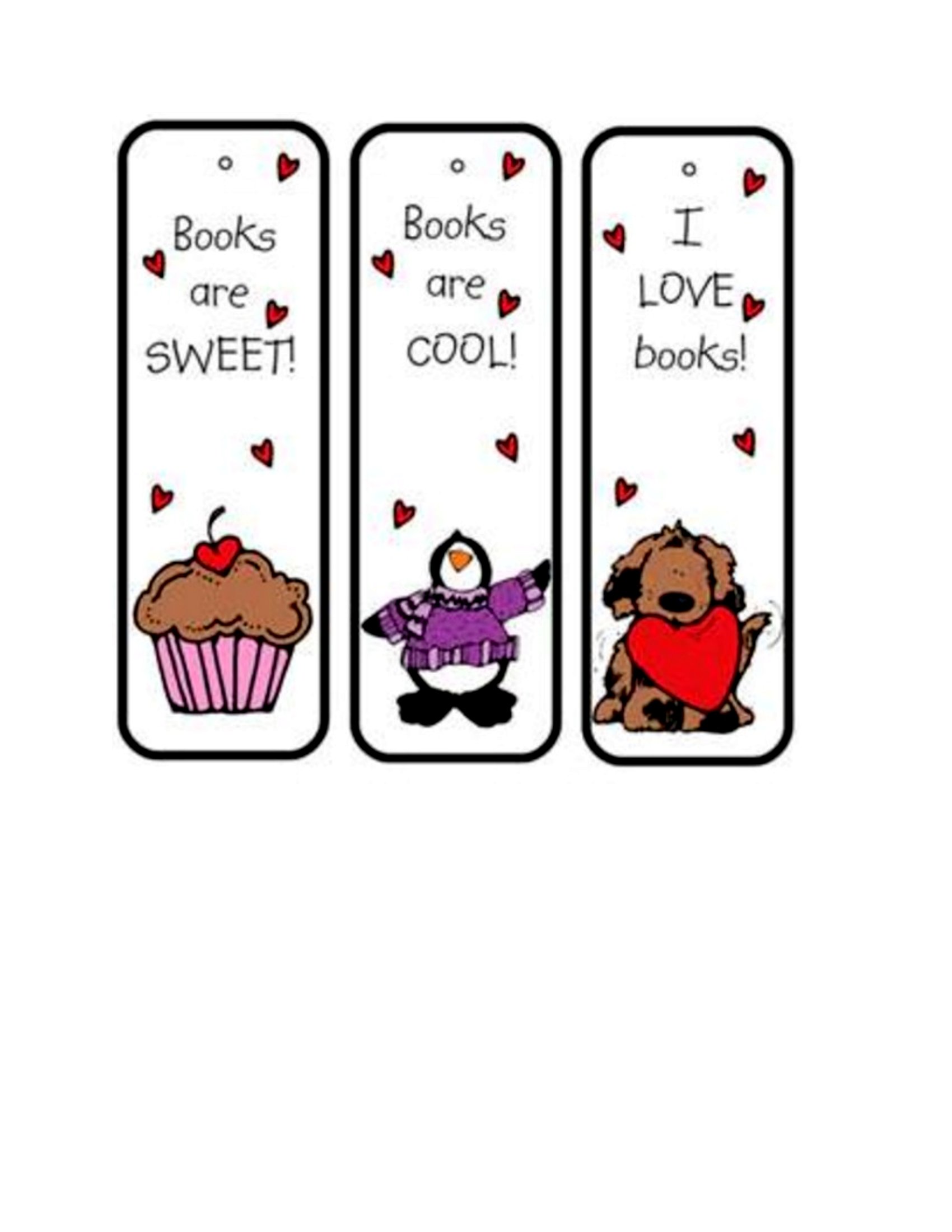
- Parents designing personalized bookmarks with their child’s name and a hand-drawn illustration as a gift for a birthday or holiday.
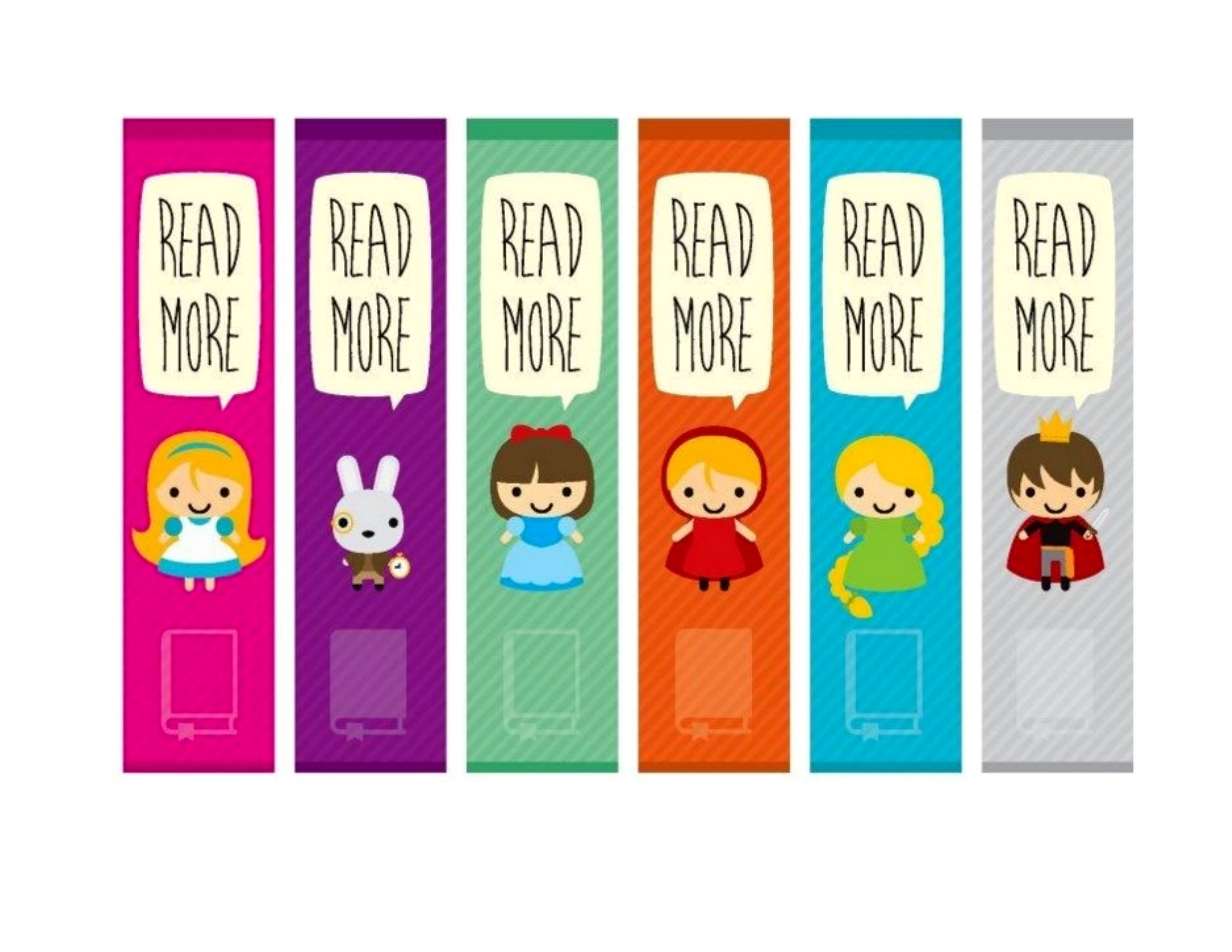
- Librarians assembling a set of decorative bookmarks to hand out at storytelling events, each featuring a different children’s book character.
Which format should I download?
Choose Word if you want to add text, adjust fonts, or insert images before printing—ideal for customizing content like names or quotes. Opt for PDF if you need a polished, print-ready version that can’t be altered, perfect for distributing pre-designed bookmarks at events or in classrooms. PDFs are best when sharing digital files or ensuring no one accidentally edits the design.
Choose from 50 Bookmark Templates
How to use this Bookmark template
Can I use these templates to add my own artwork or photos?
Yes, the Word templates are fully editable, so you can insert your own artwork, photos, or handwritten text. PDFs are static, so they’re best for designs you want to keep intact but can be printed with any images you like before saving as a PDF.
Are these bookmarks sized for standard paper or do I need to adjust them?
Most templates in this collection are designed to fit standard 8.5 x 11-inch paper when printed. Simply trim the excess after printing to get the classic bookmark size. Check individual template descriptions for any that specify custom sizes.
How can I make sure the text on my bookmark is still readable after printing?
Use a dark font on a light background or vice versa for contrast. For Word templates, adjust font size to at least 10–12pt before printing. If using PDFs, preview the file on your printer first to check legibility, and consider using a matte finish for text-heavy designs to reduce glare.
Comments
Join the conversation
Sign in to share your thoughts and leave a comment on this resource.