
Free High School Diploma Templates (Word)
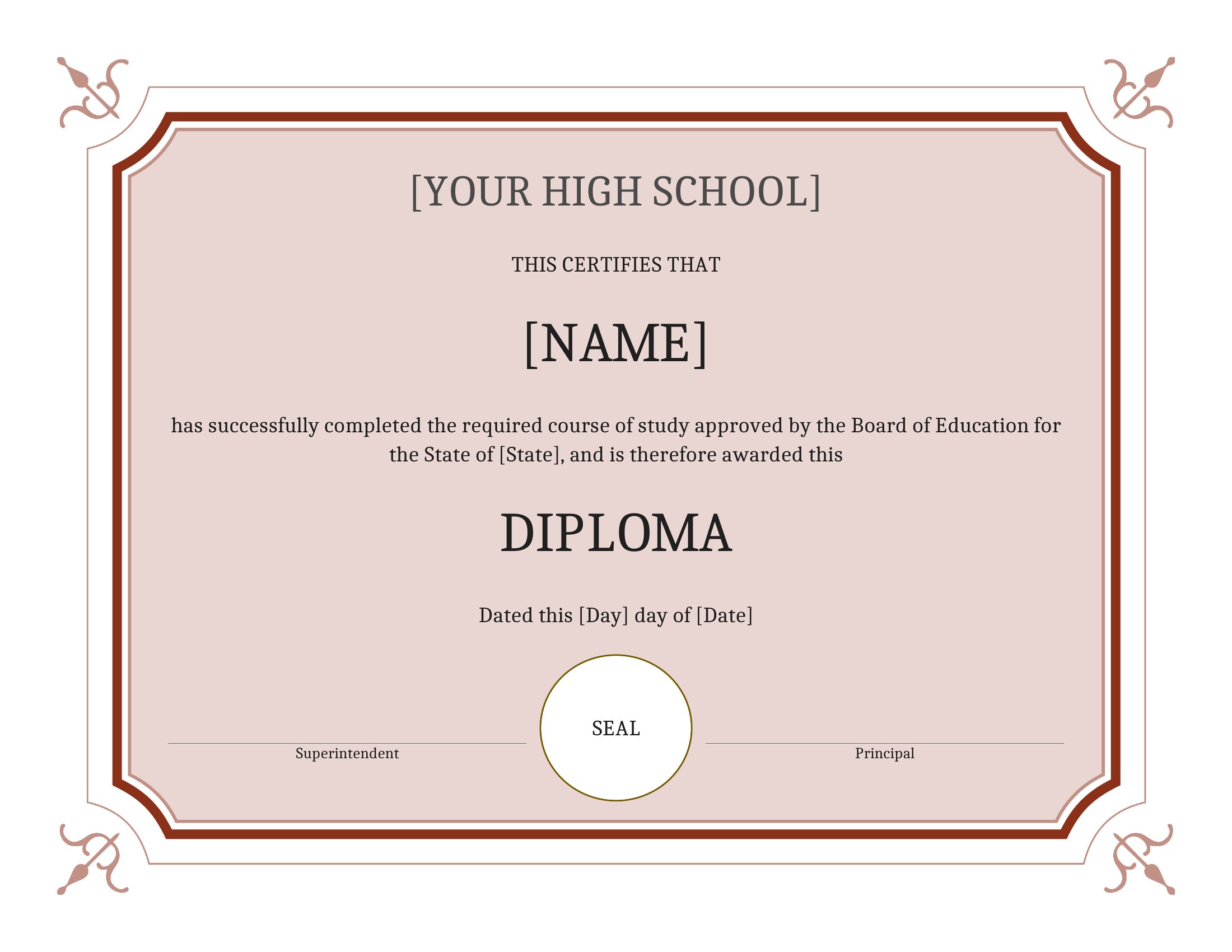
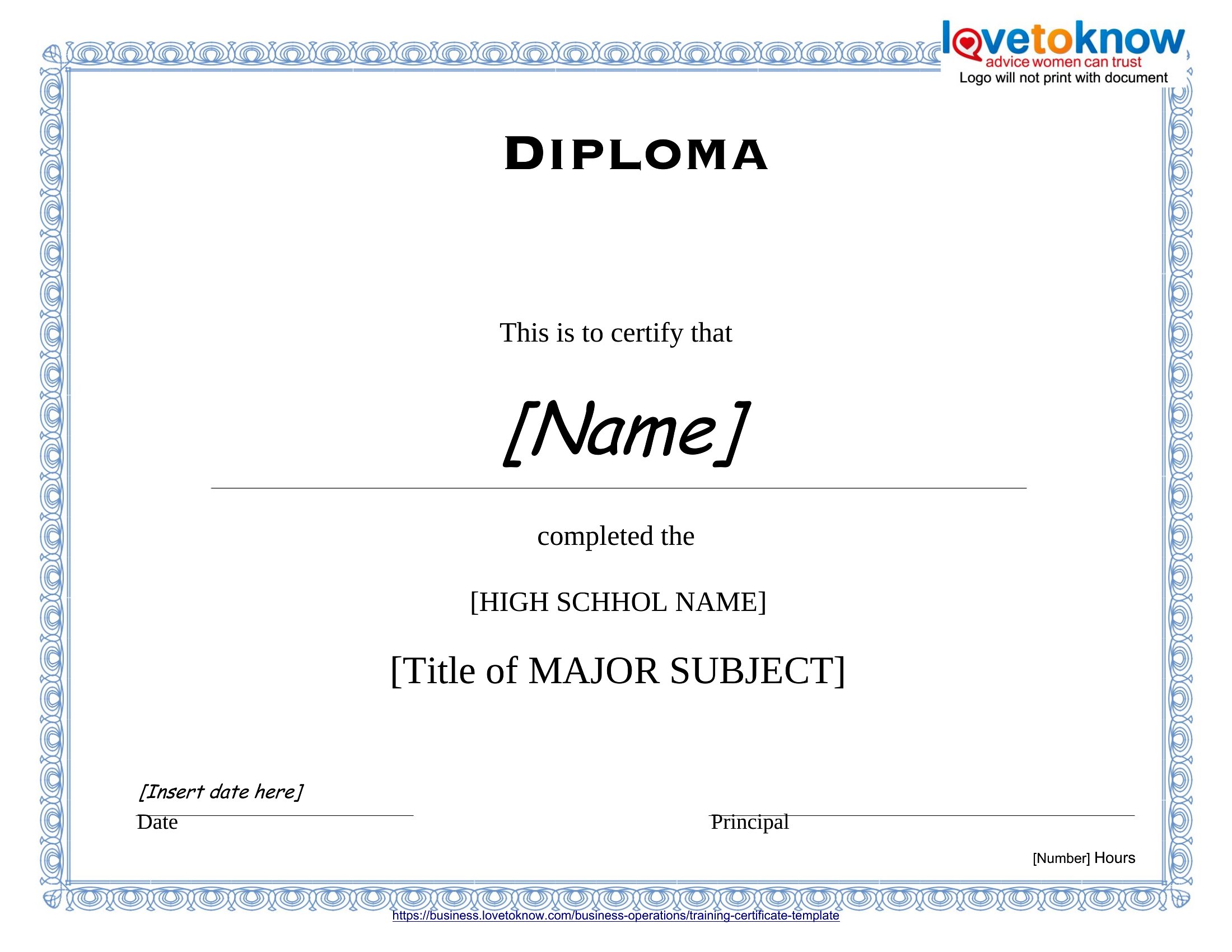
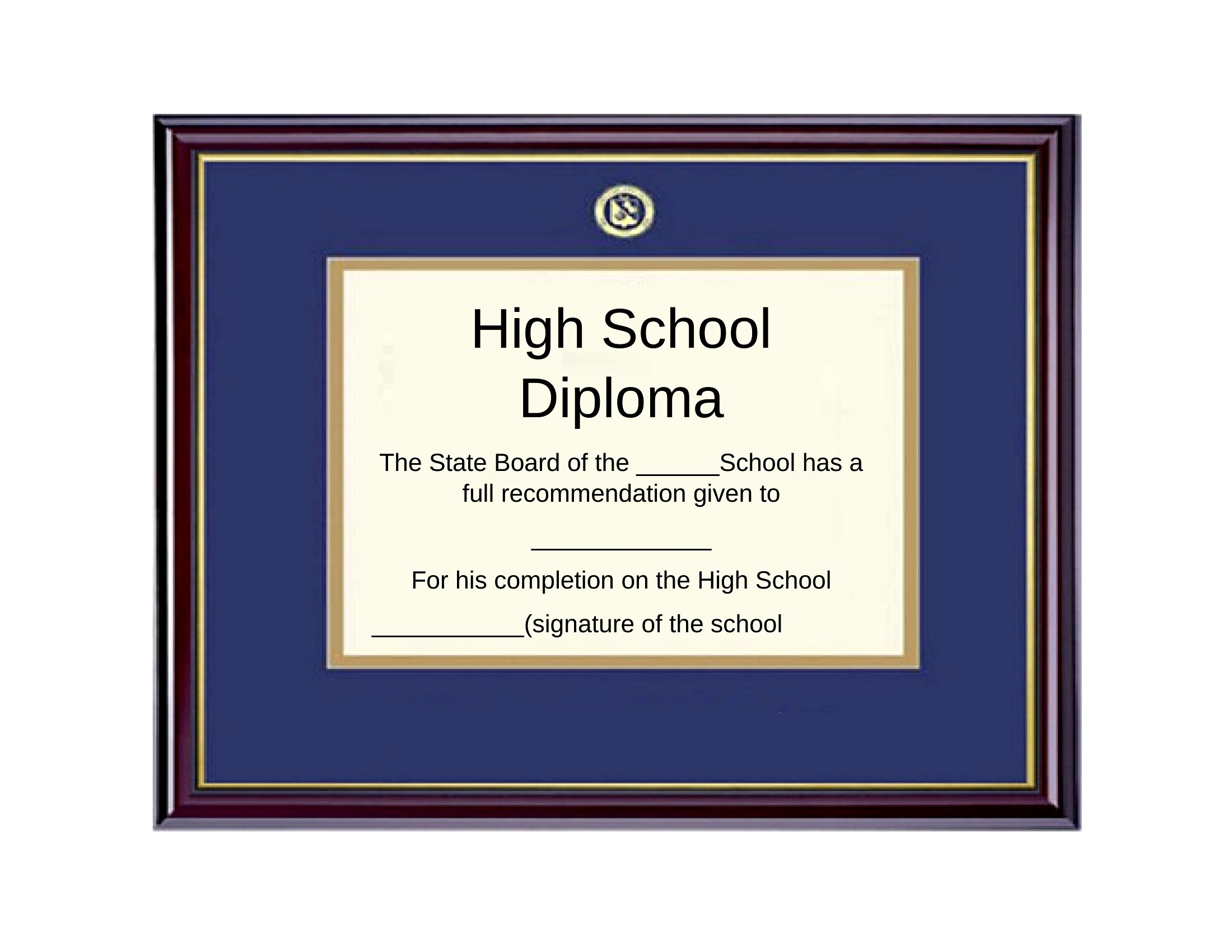
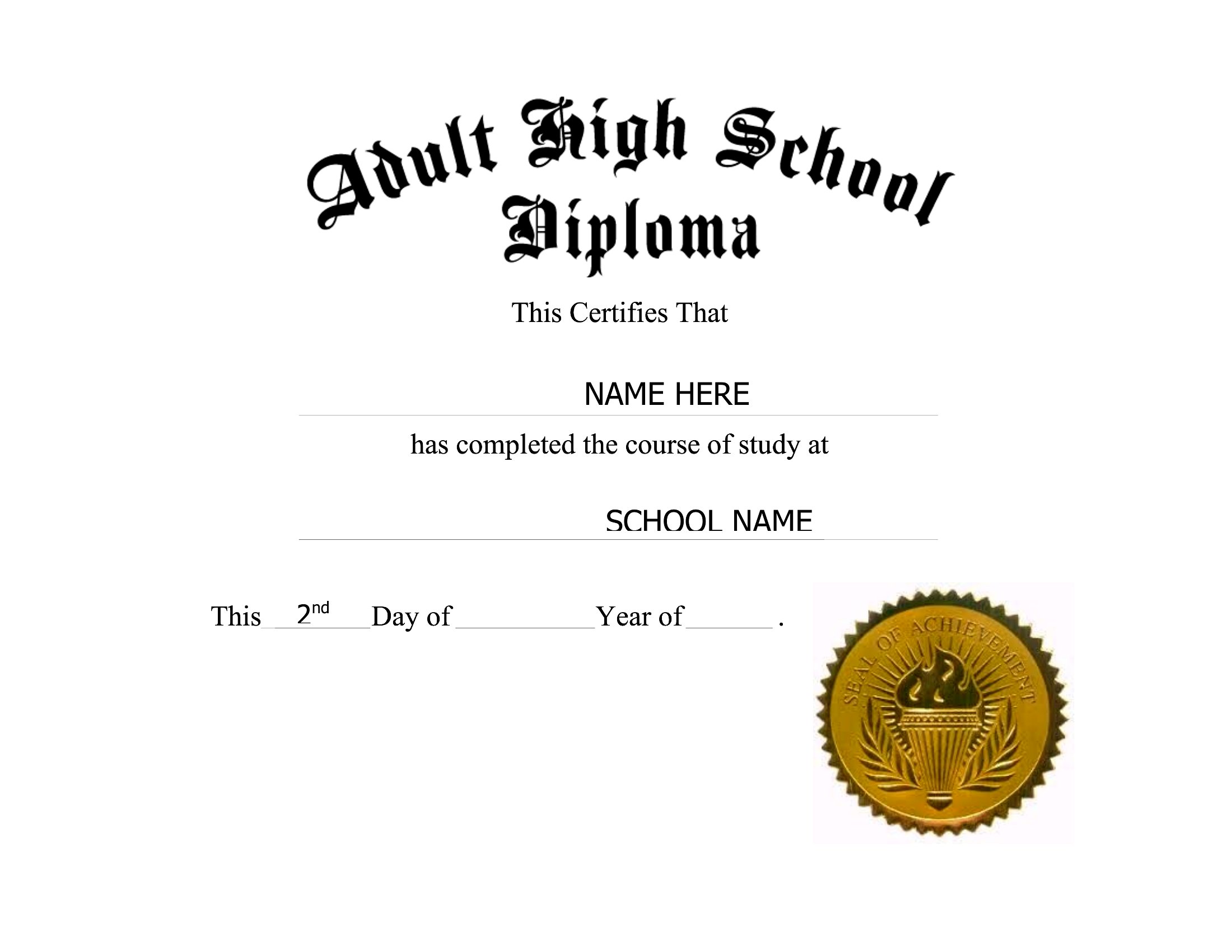
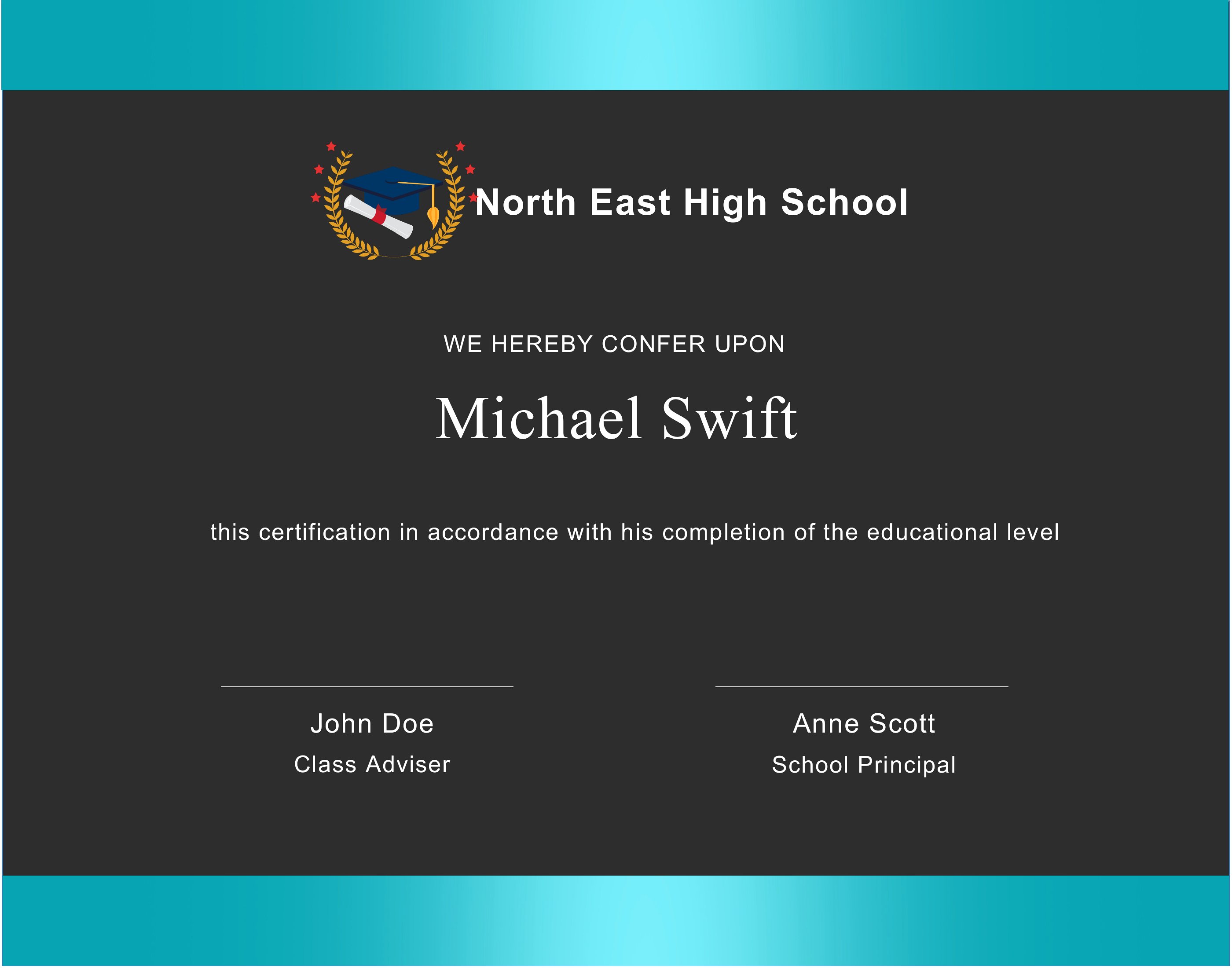
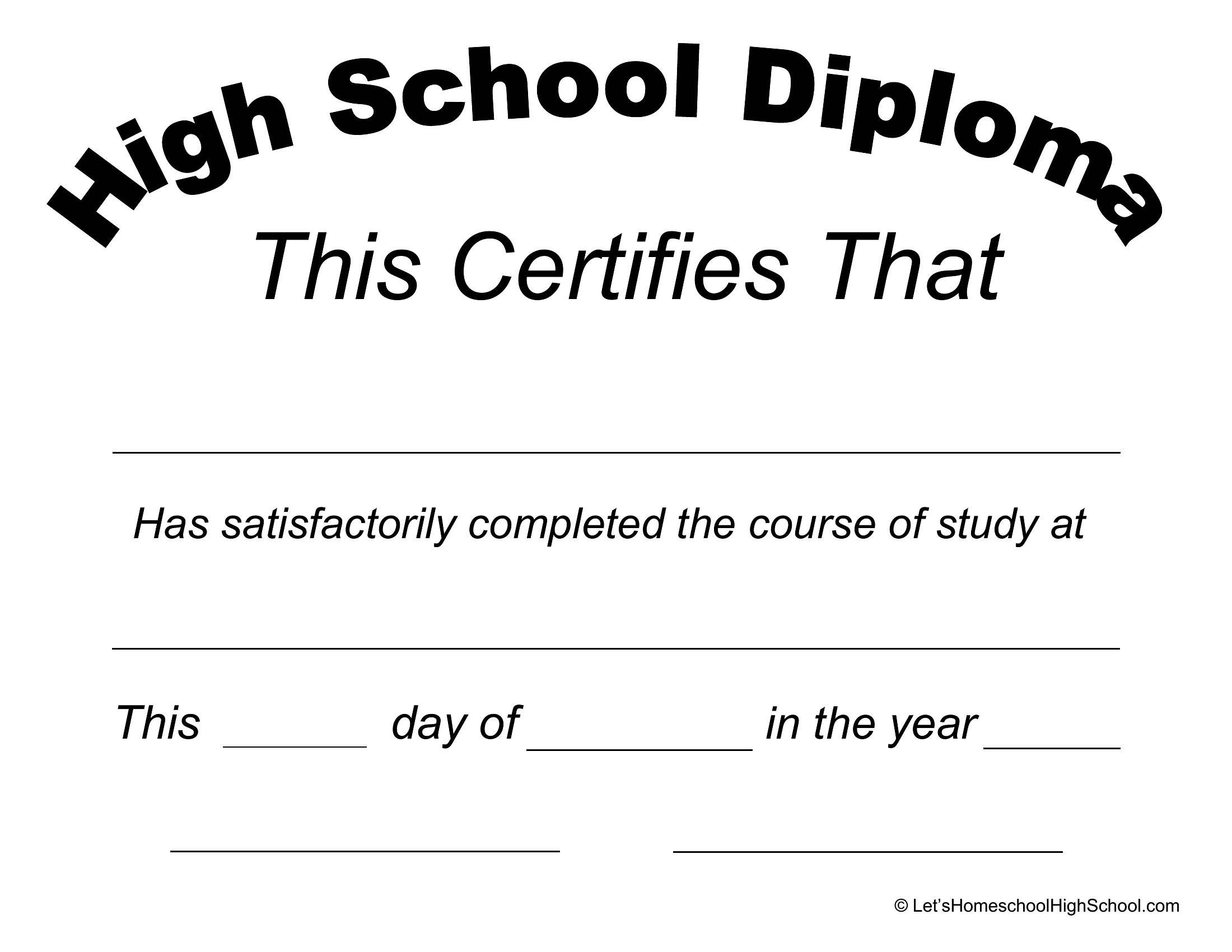
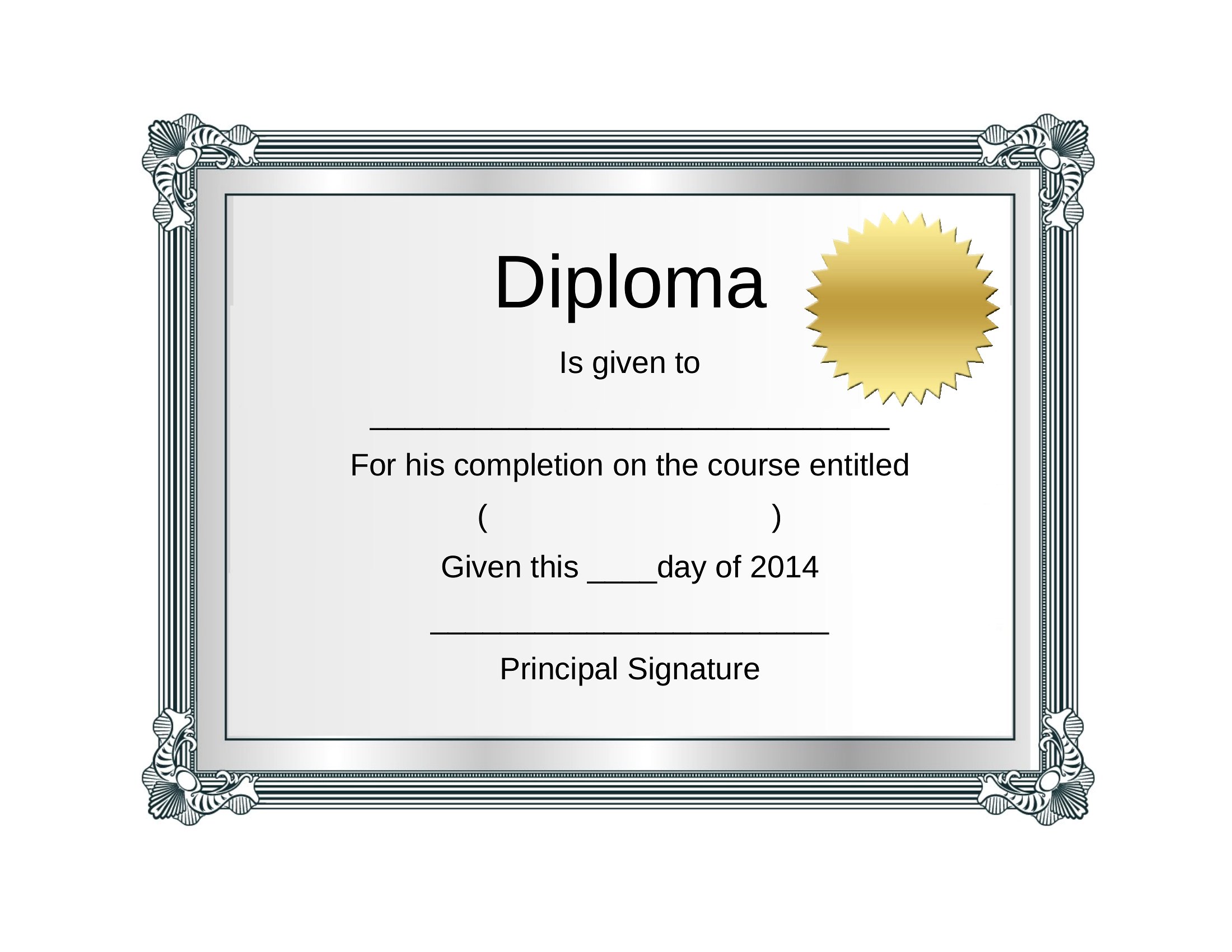
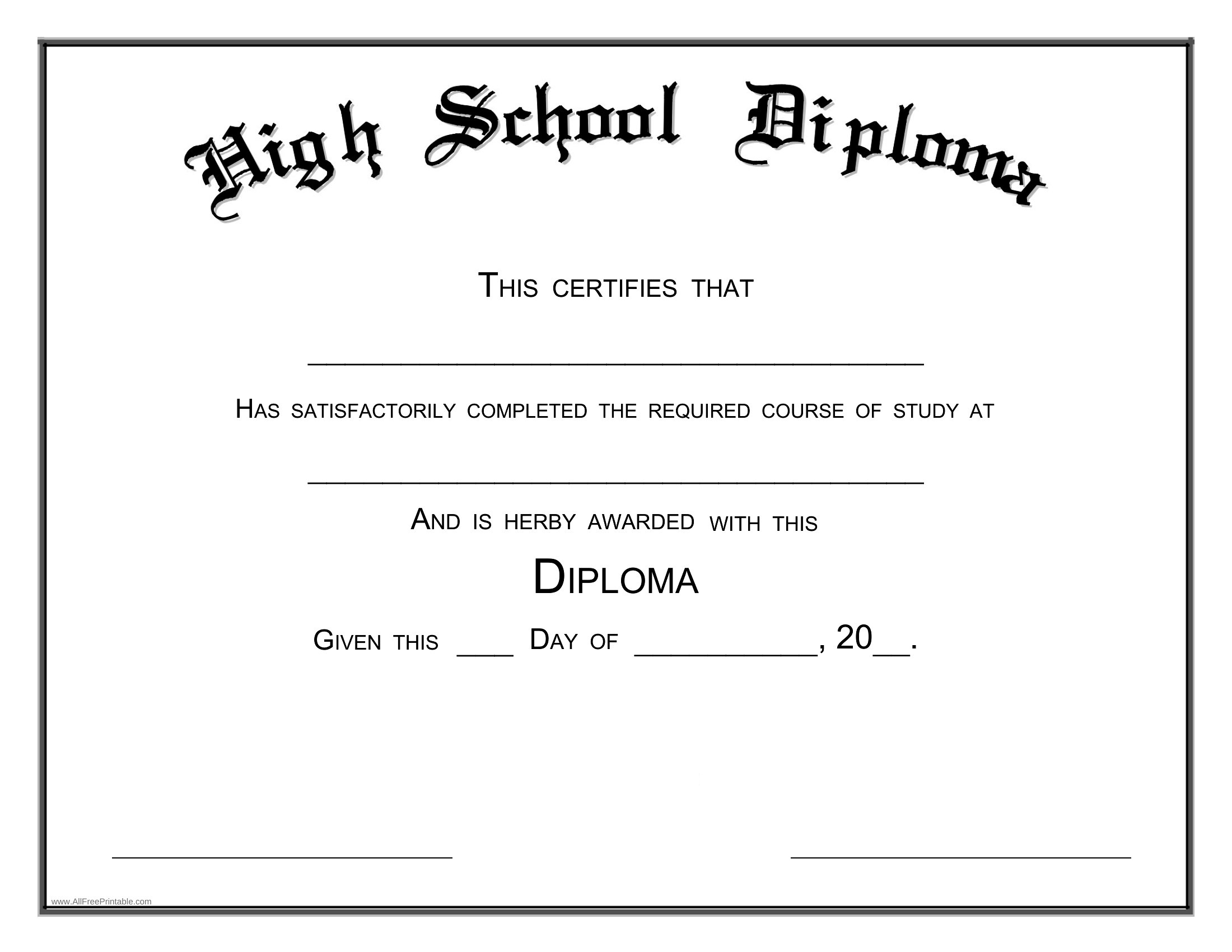
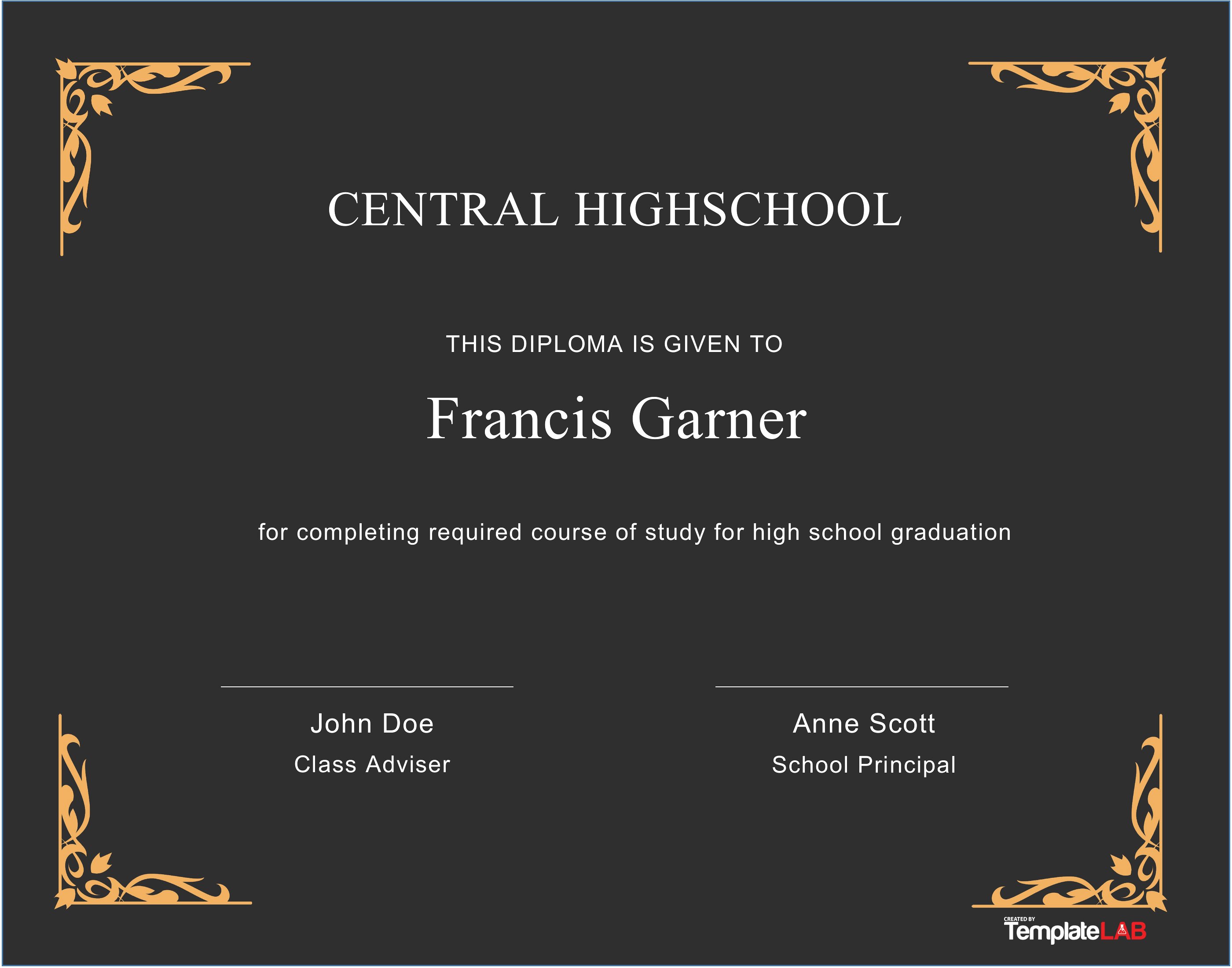
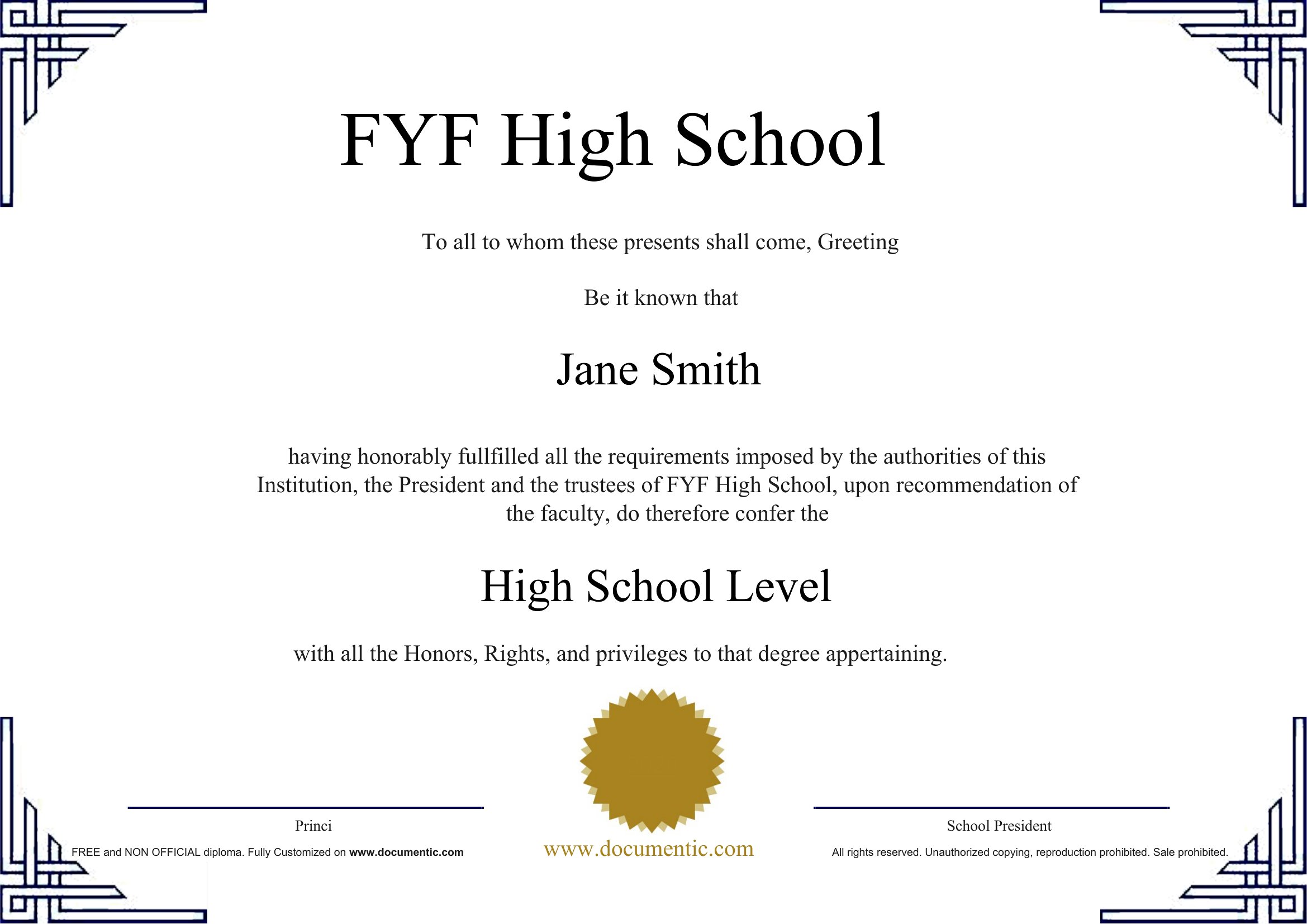
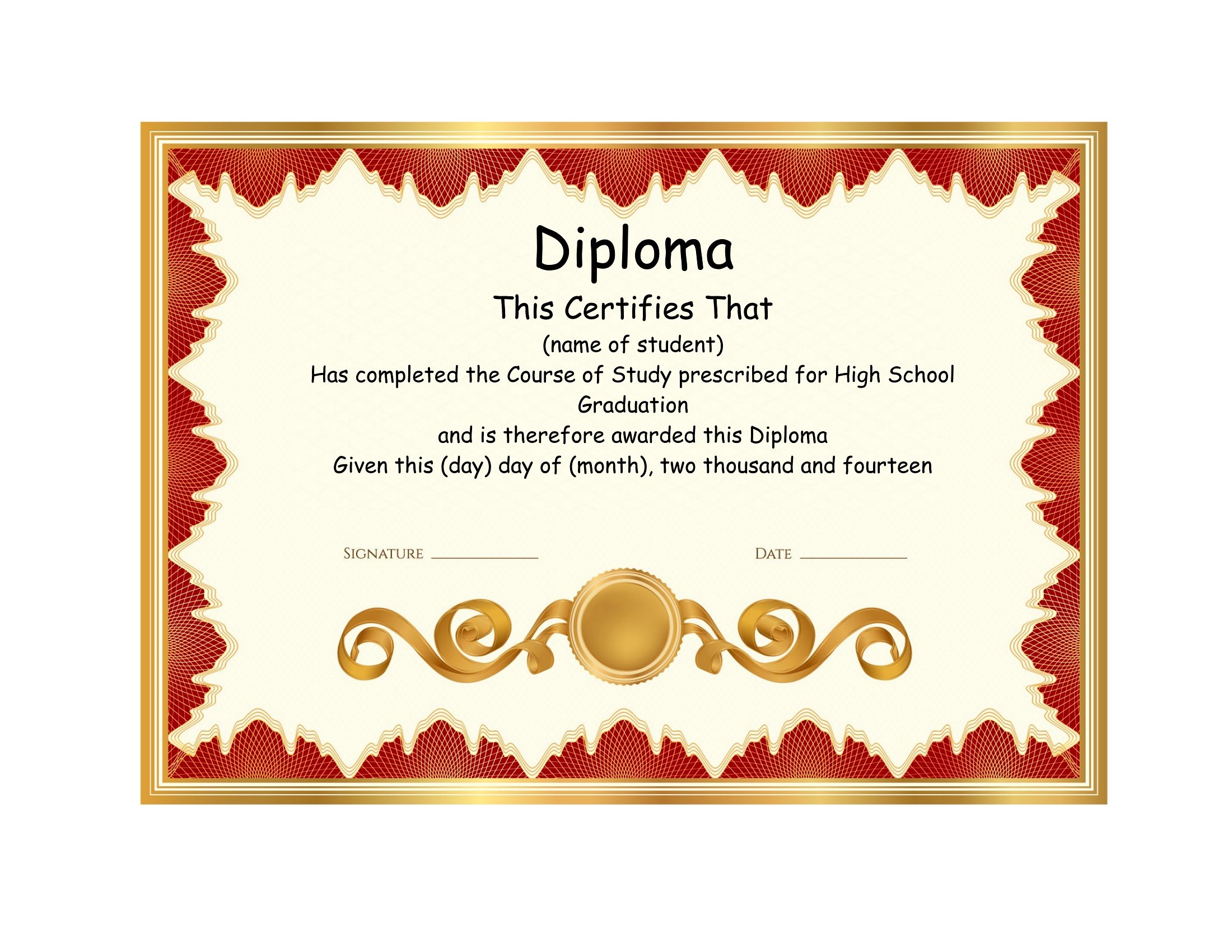
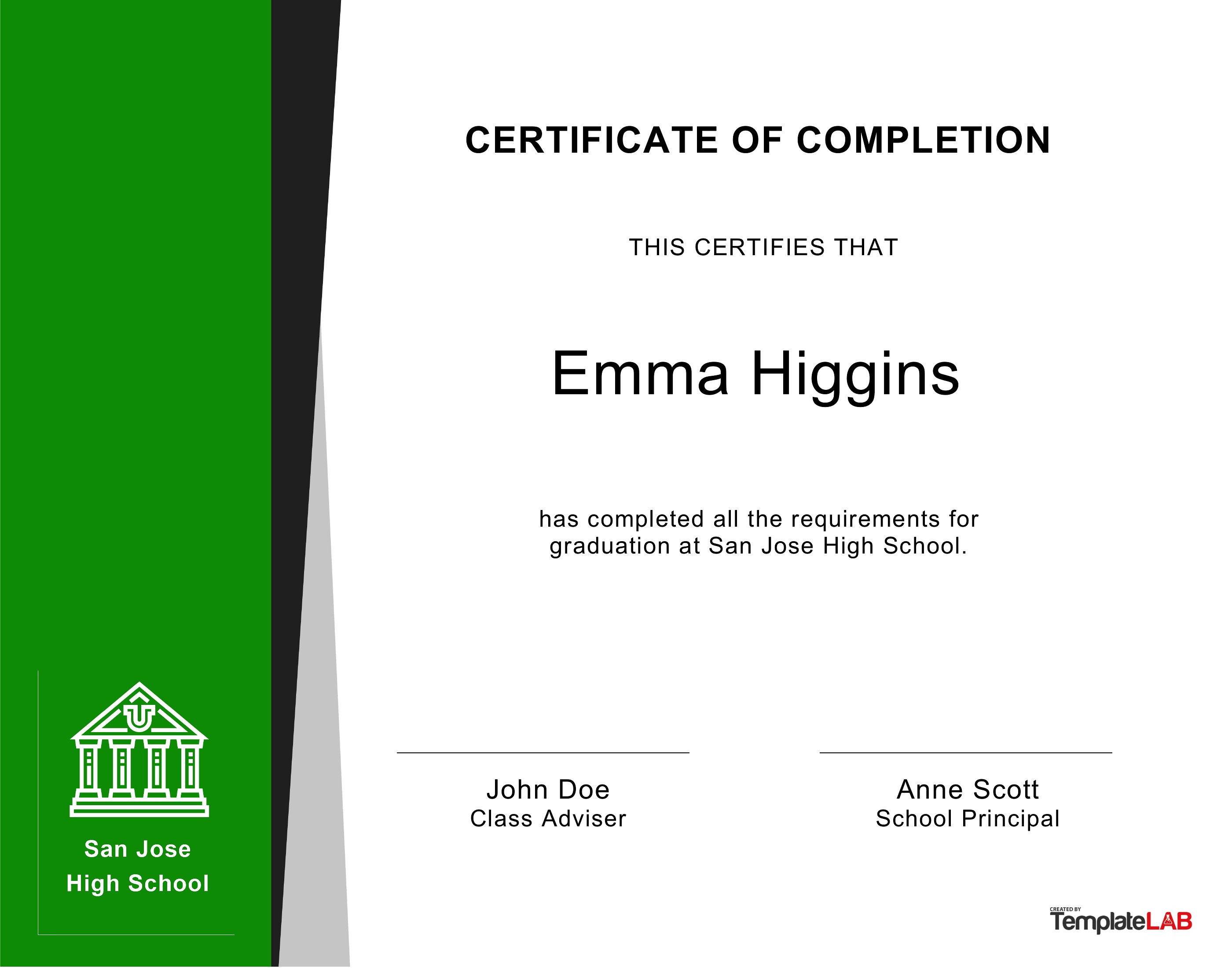
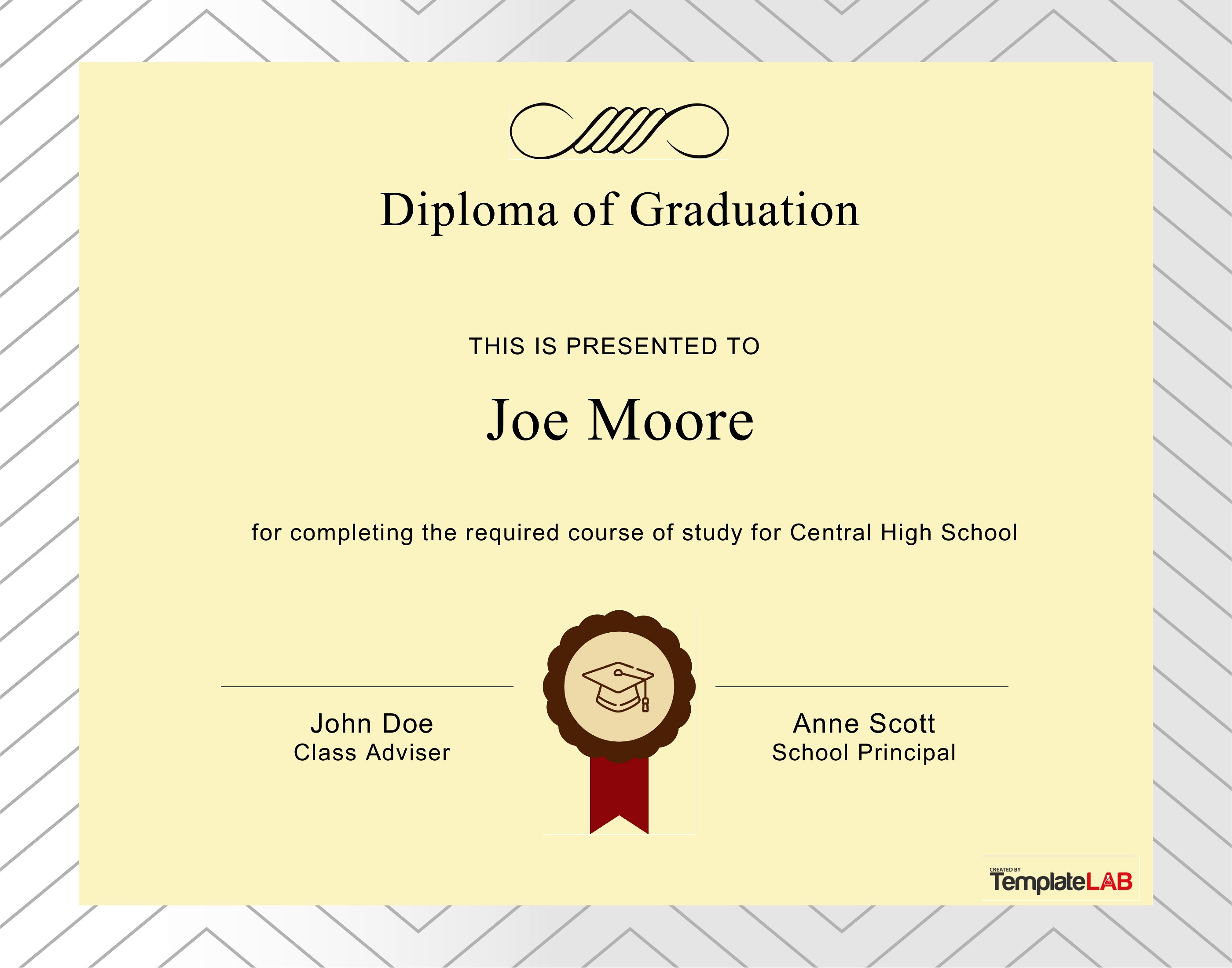
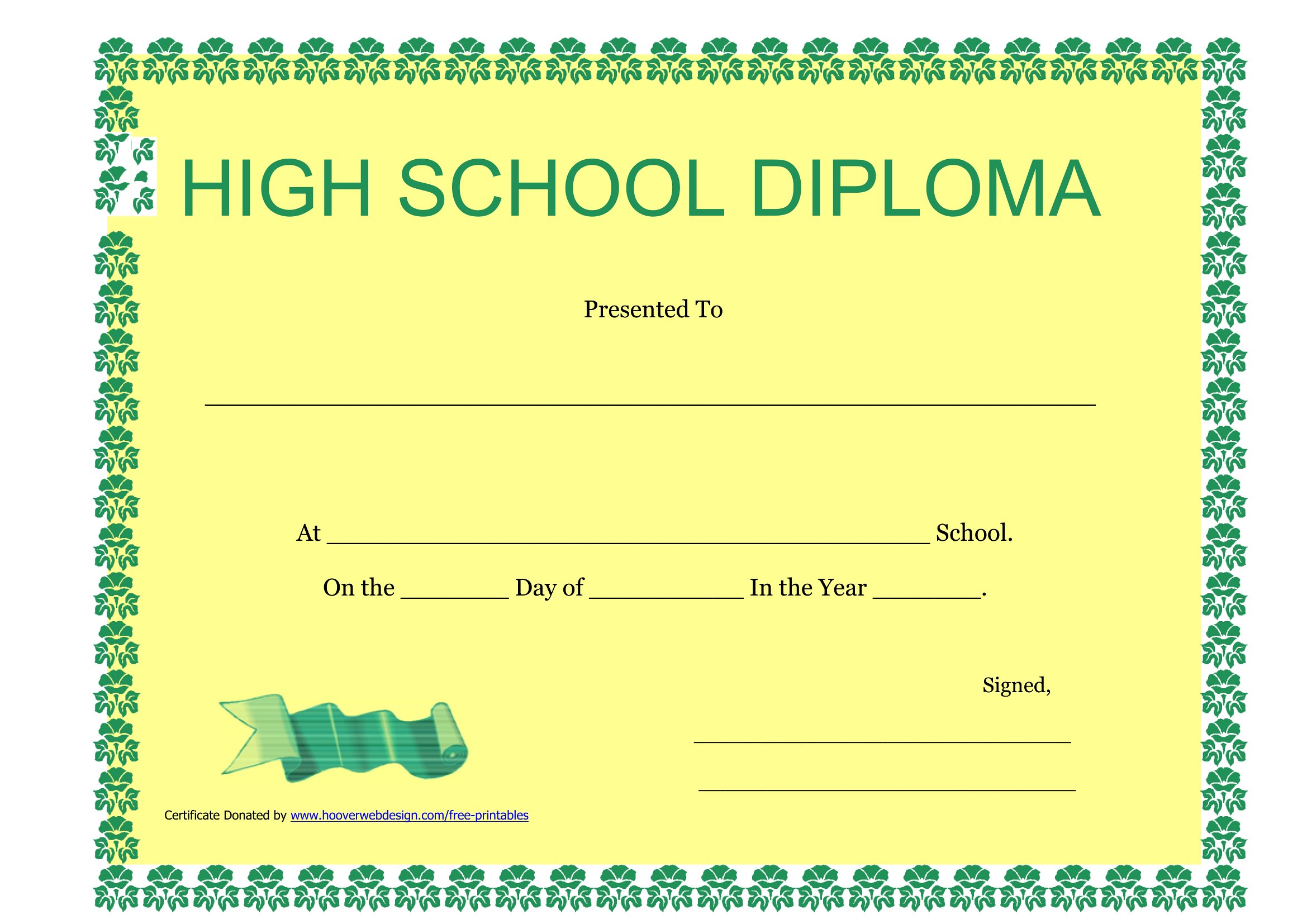
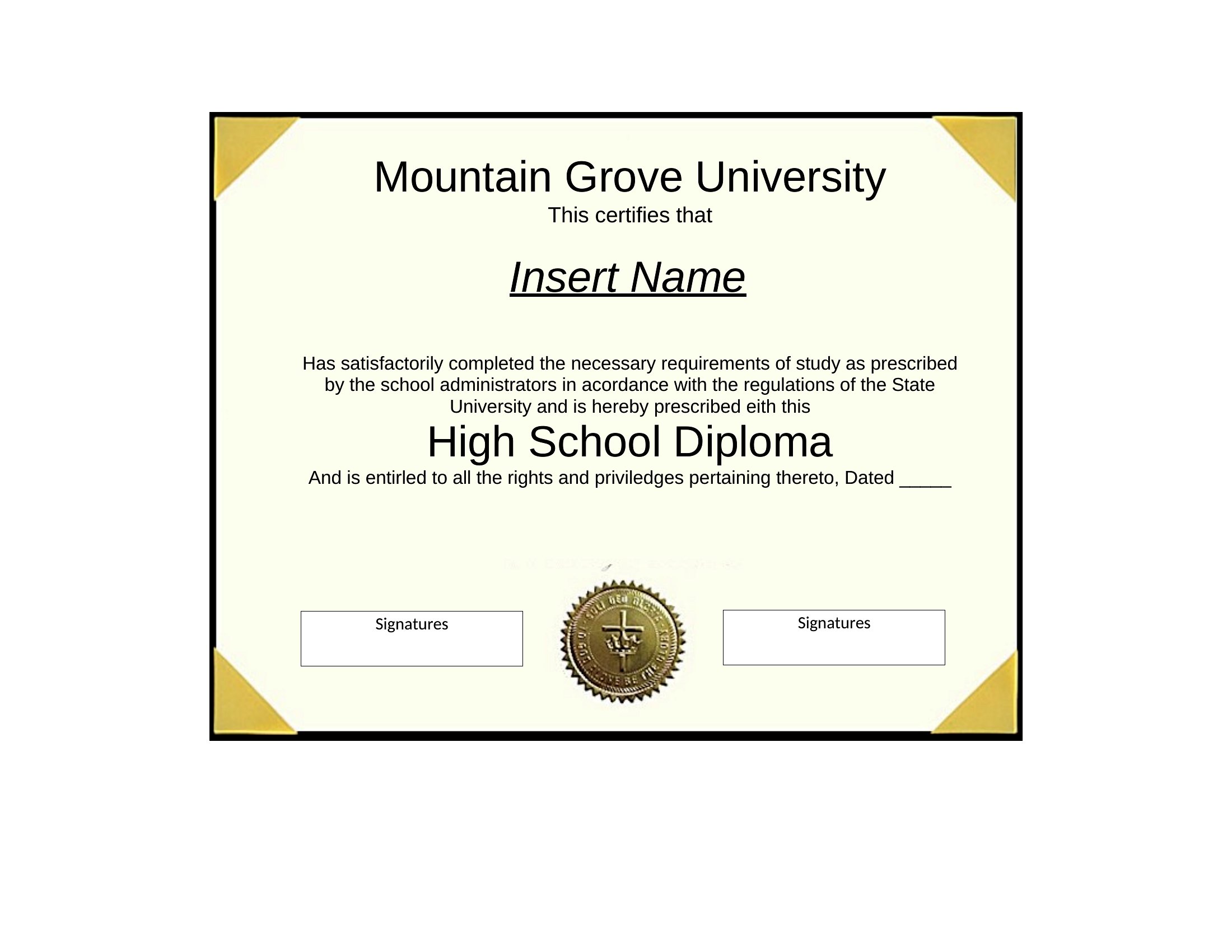
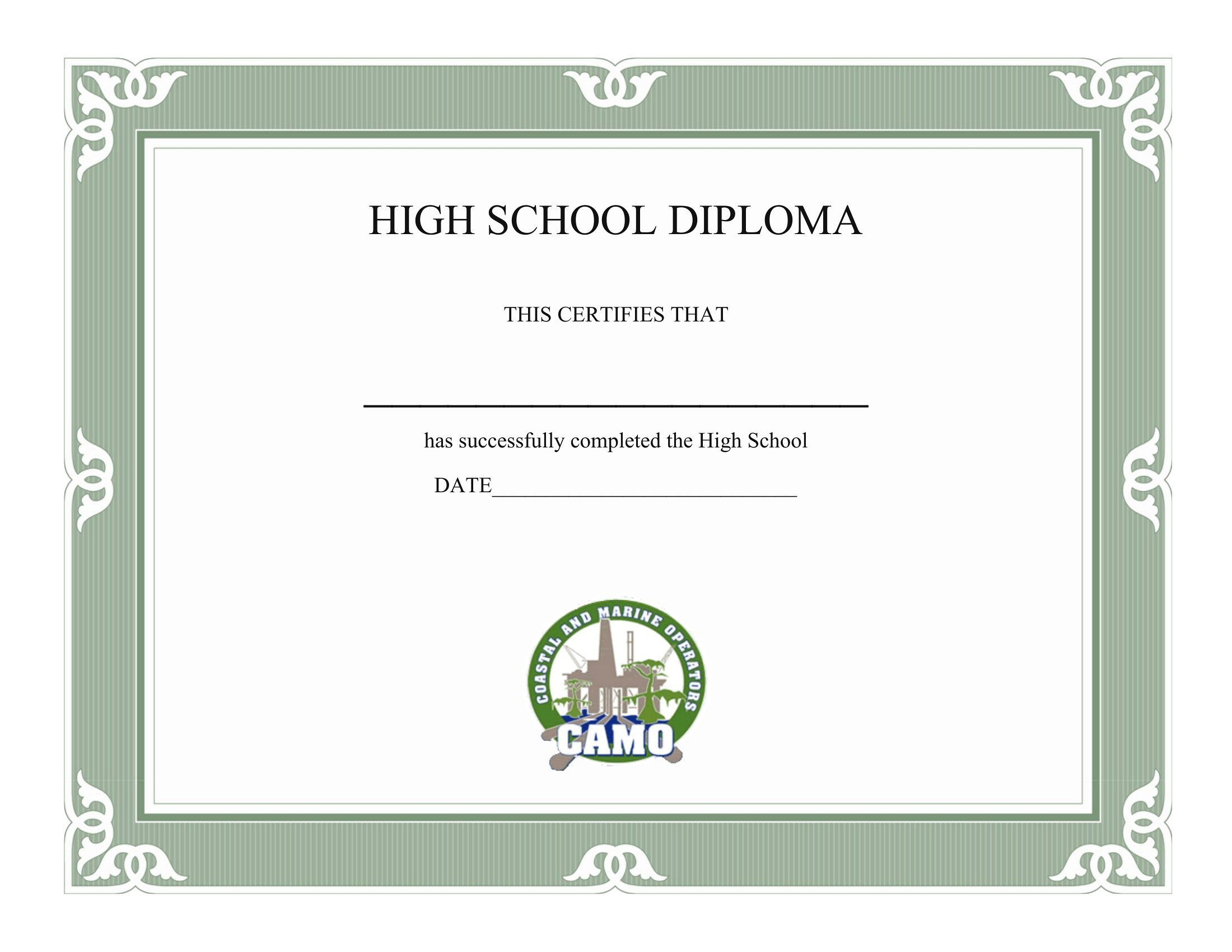
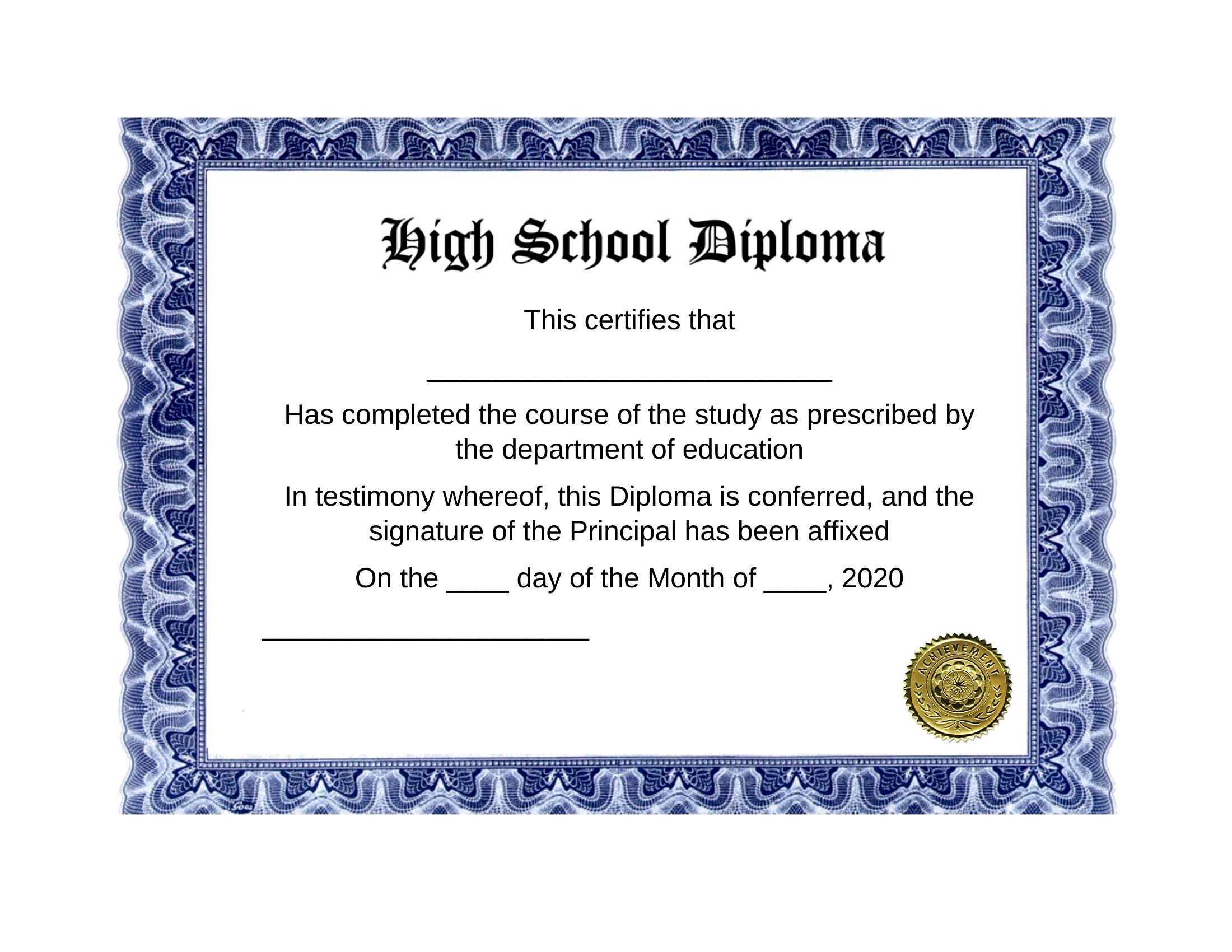
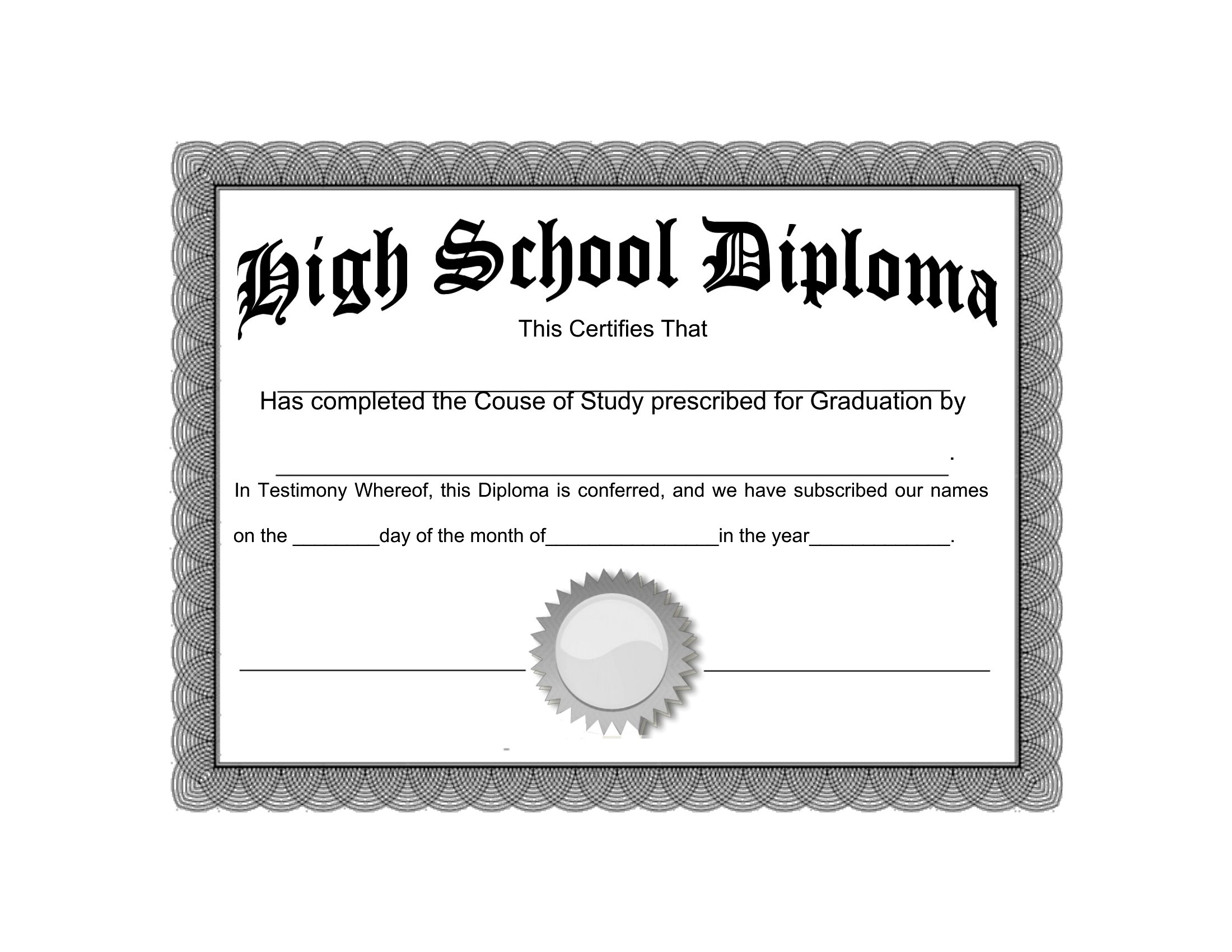
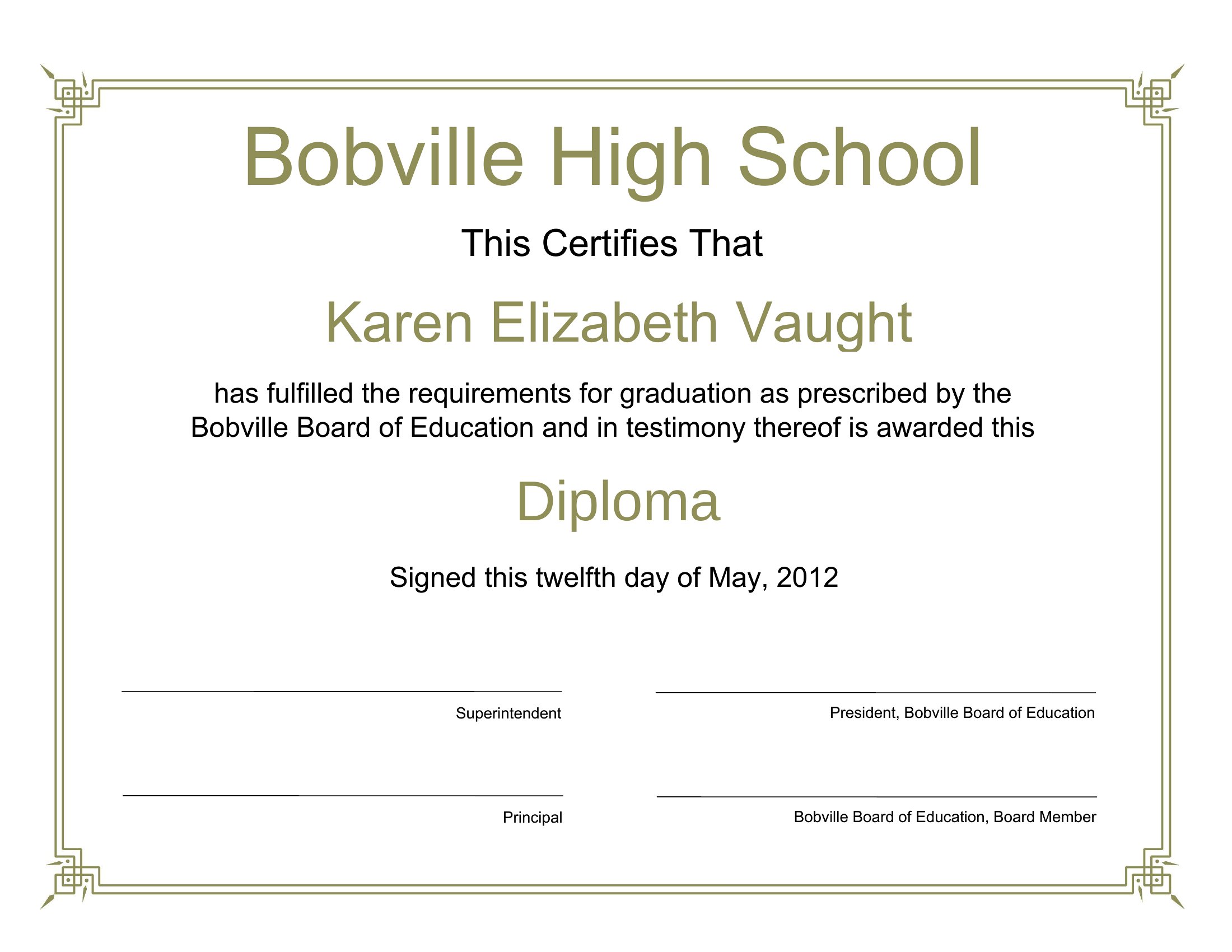
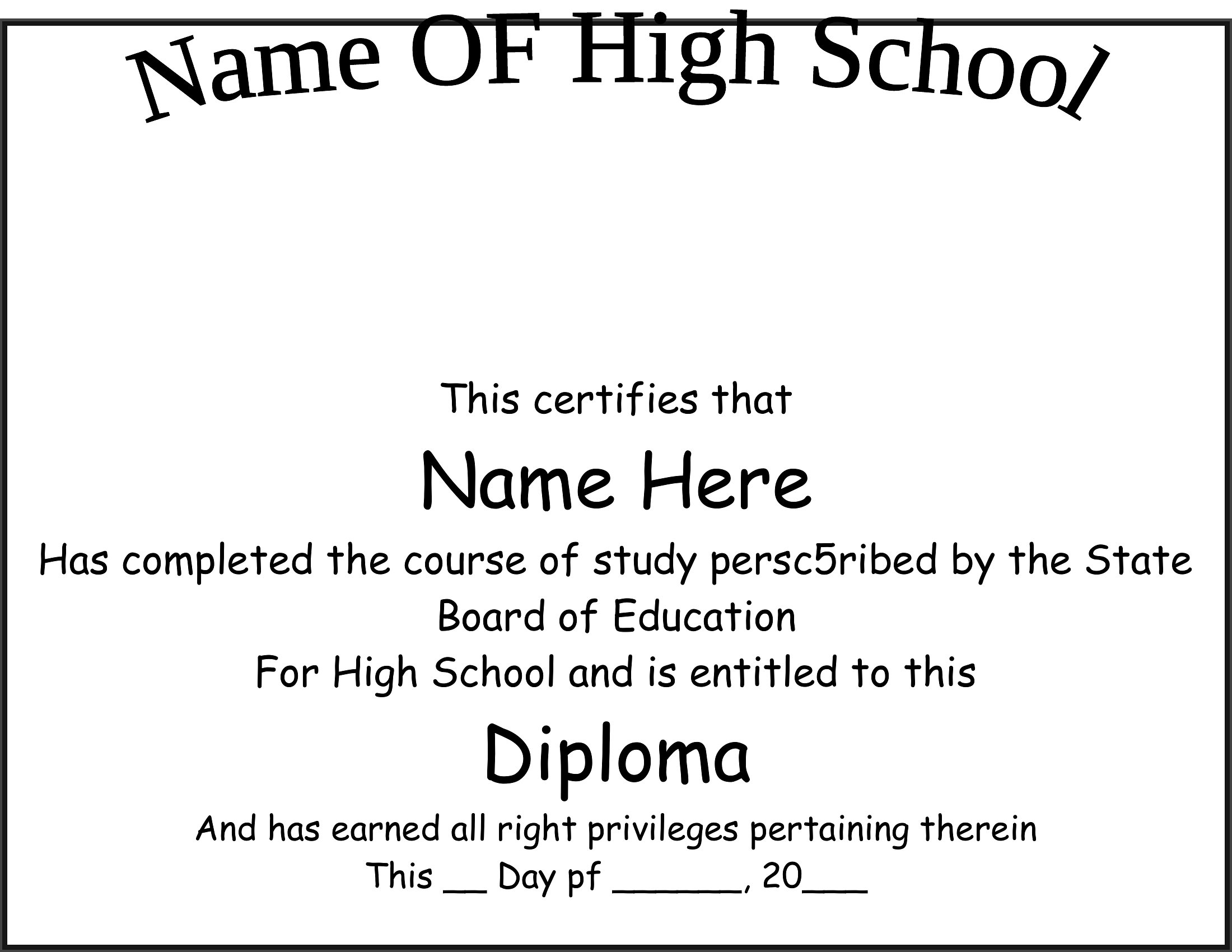
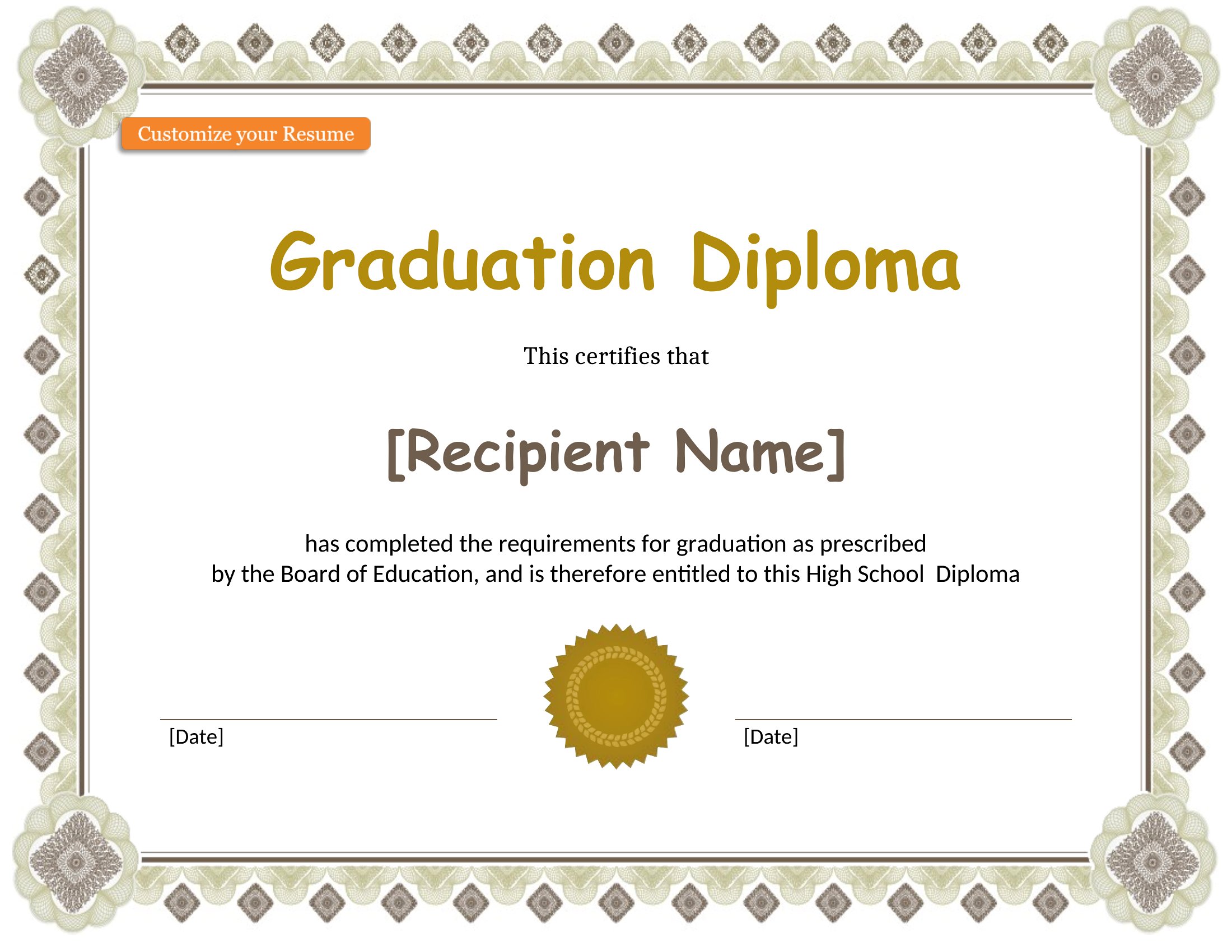
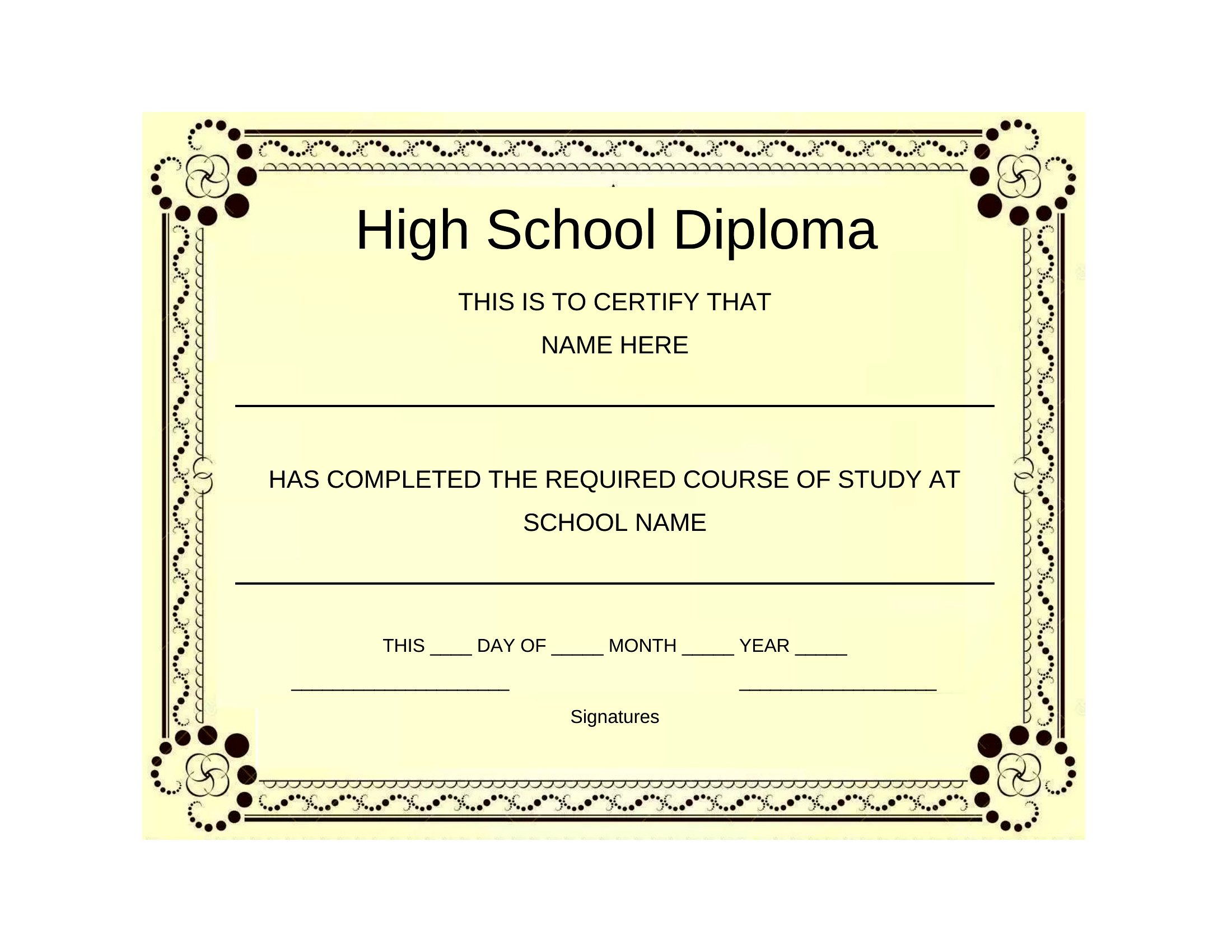
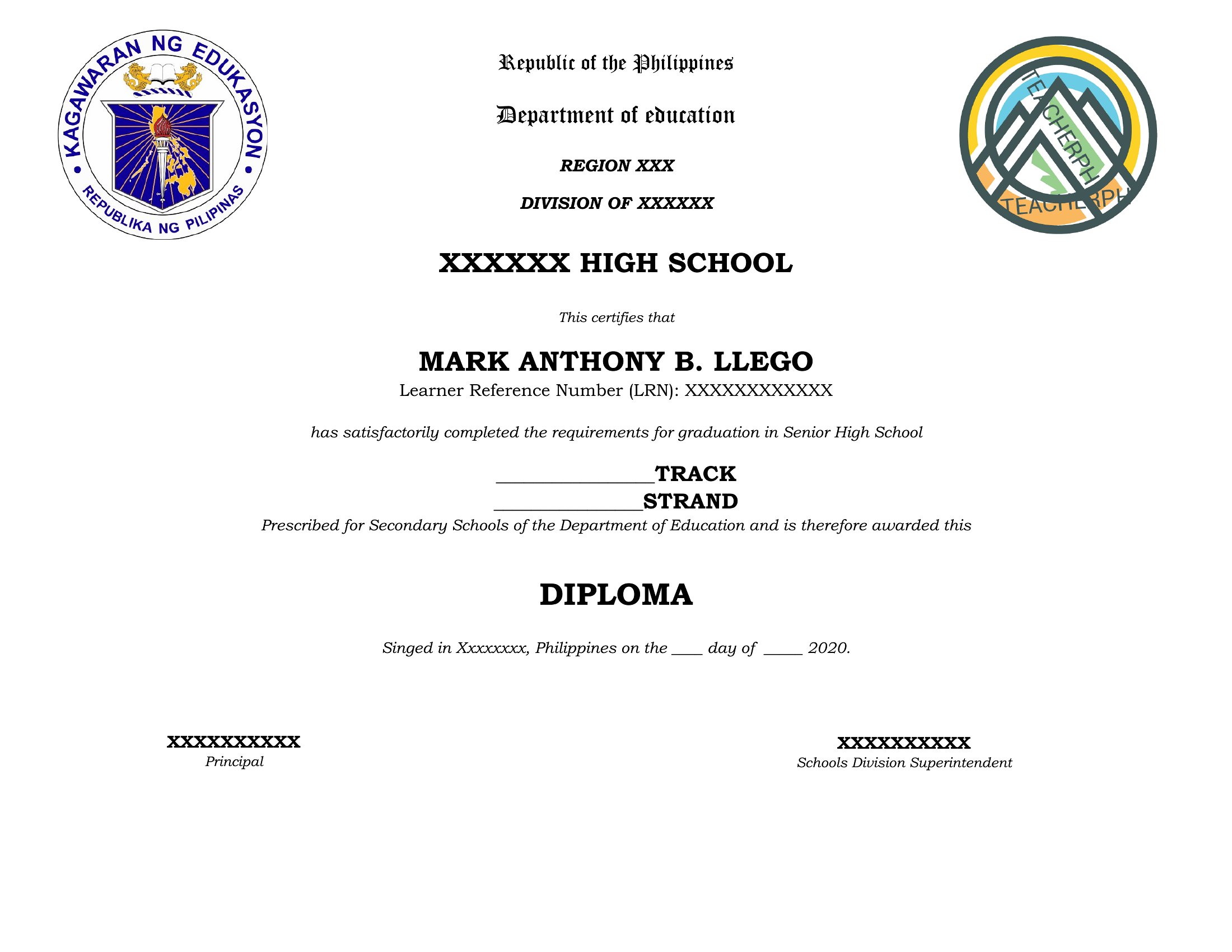
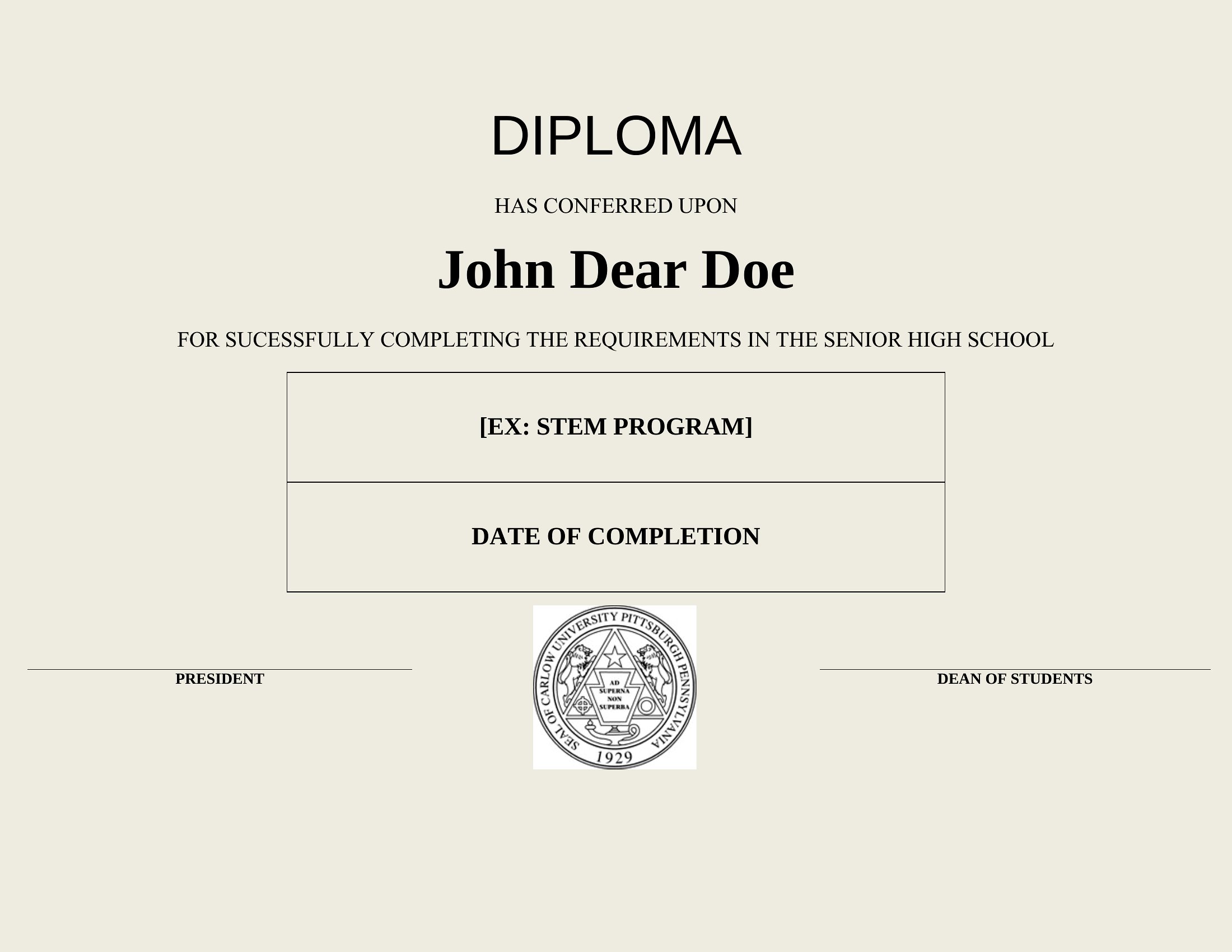
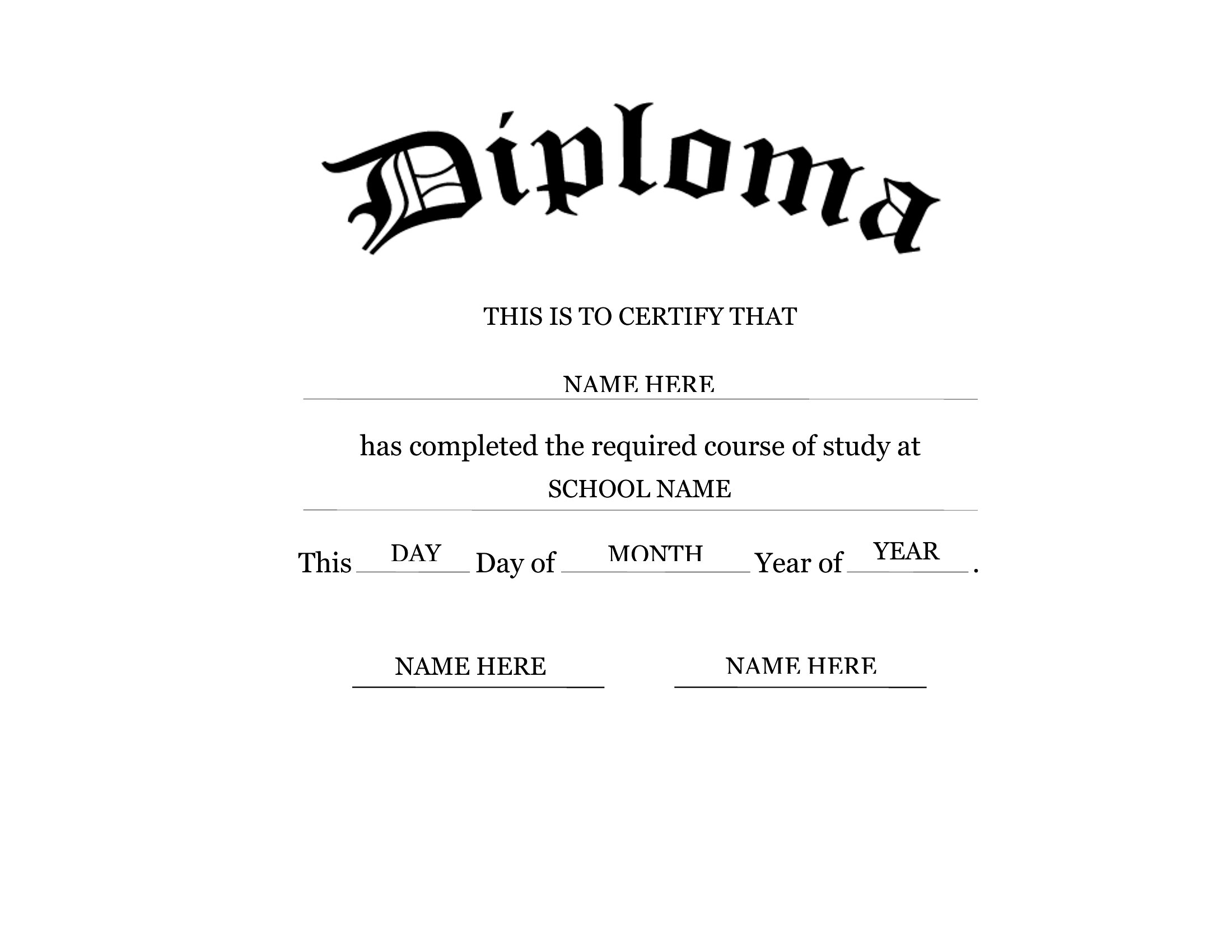
LifeA high school diploma template comes in handy for homeschool graduations, replacement keepsakes, or simply a polished commemorative copy. This set of 30 templates offers classic, official-looking designs with space for the name, school, date, and signatures. Homeschool families and graduates can produce a diploma that looks the part without paying a printer.
Each template is editable in Microsoft Word, so you can add the details, adjust the wording, and print on regular or heavier paper. No design skills are needed; personalize it and you're ready to frame. Download the design you like and create a diploma worth displaying.
When to use this High School Diploma template
- Homeschool parents planning a graduation ceremony need professional-looking diplomas to honor their student’s hard work in a budget-friendly way. These templates let them print official certificates without ordering from a third party.
- Adult learners returning to school later in life want a replacement diploma after losing or damaging their original, and these customizable designs let them recreate the document with their school’s name and graduation details.
- Schools hosting award ceremonies for extracurricular achievements—like debate teams or art clubs—can use these templates to create themed diplomas or certificates with spaces for specific accolades and sponsor logos.
- Graduates organizing a class reunion decades later may need digital or printed copies of their diplomas to share with alumni, and these editable Word files let them easily update or recreate their diplomas for photos or records.
Which format should I download?
This collection only offers Word format because it’s the most versatile for personalization. Word files allow homeschool families, graduates, or schools to edit text fields (like names or dates) directly in Microsoft Word, ensuring the diploma matches their school’s branding or specific requirements. The editable nature also lets users adjust fonts, add seals, or include extra lines for honors without design constraints.
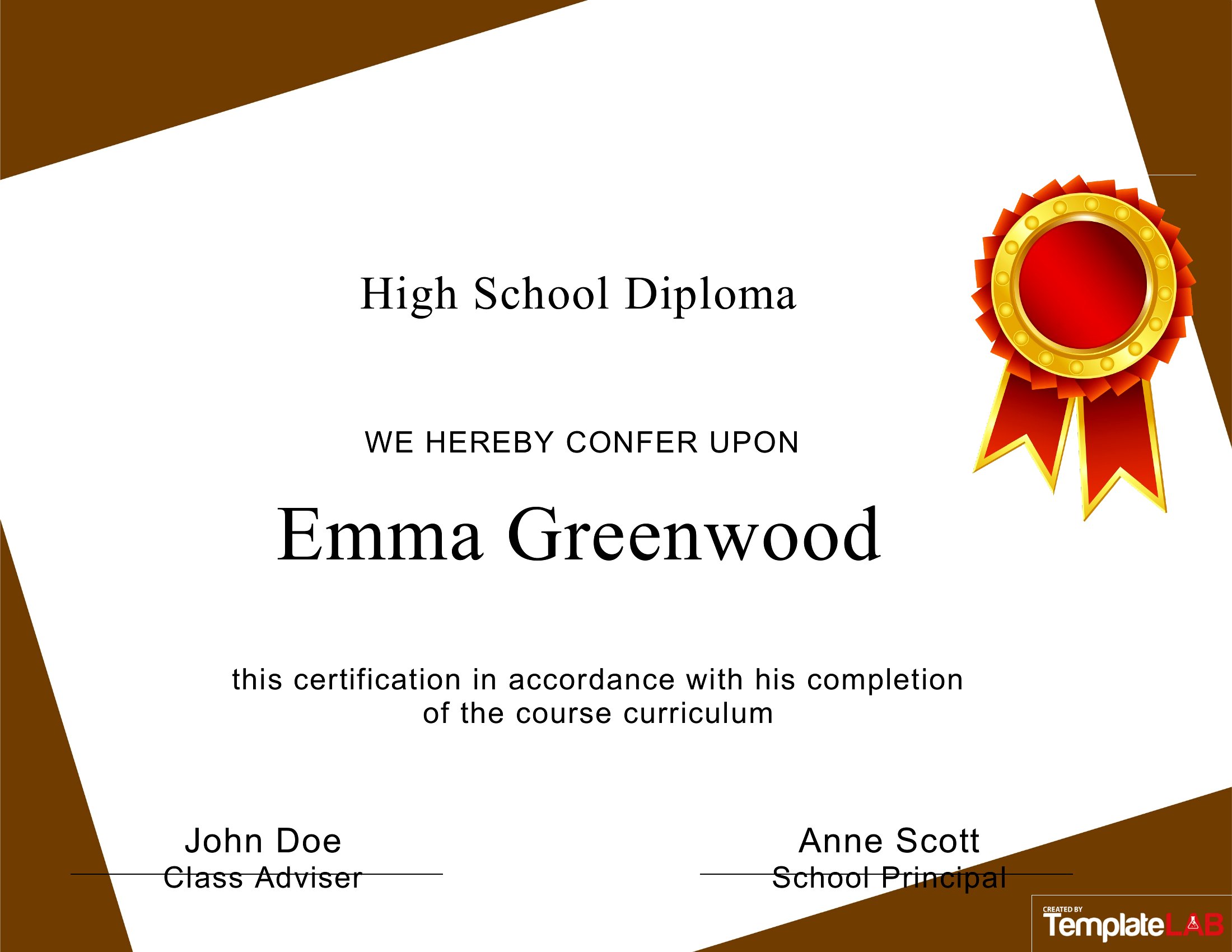
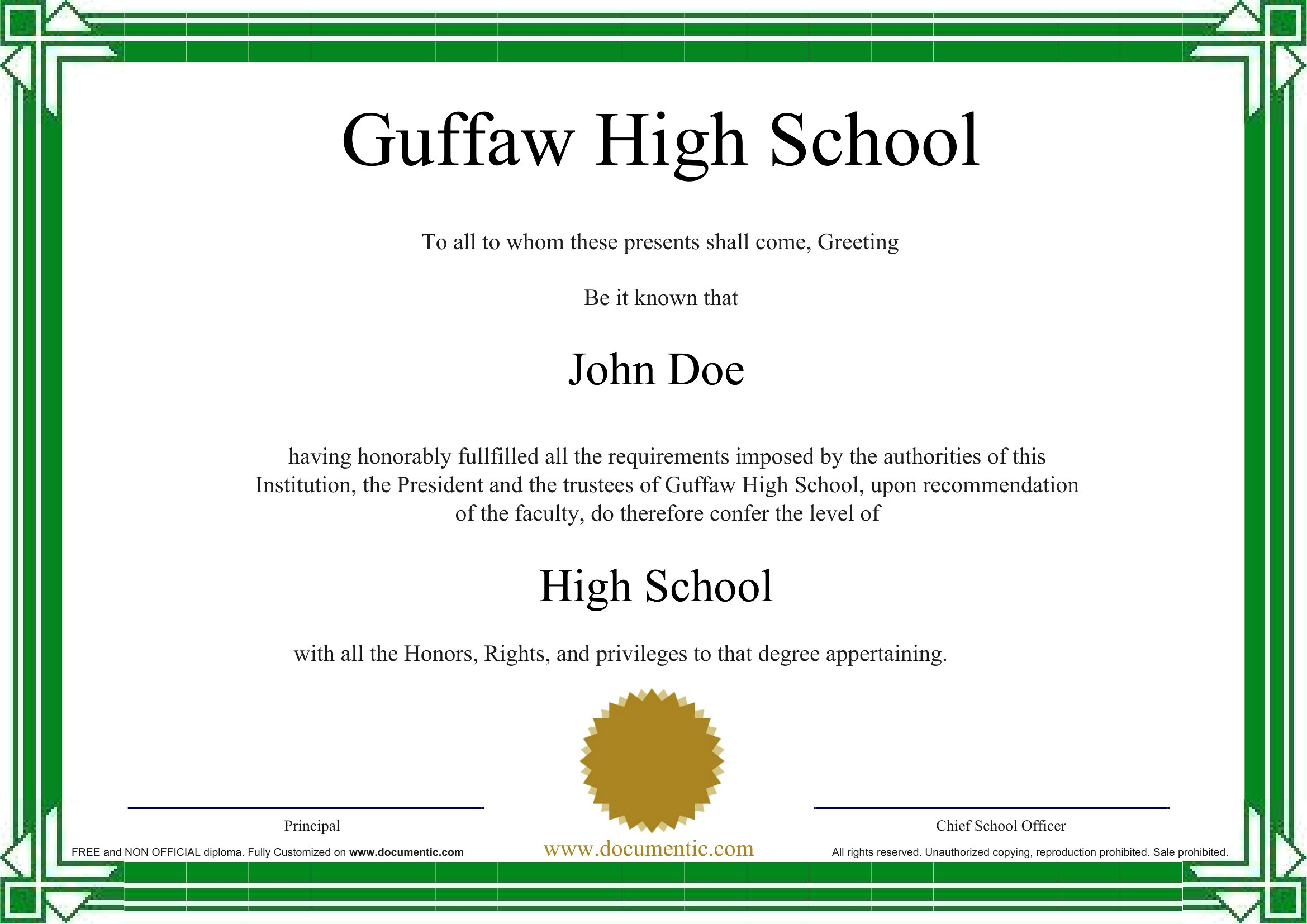
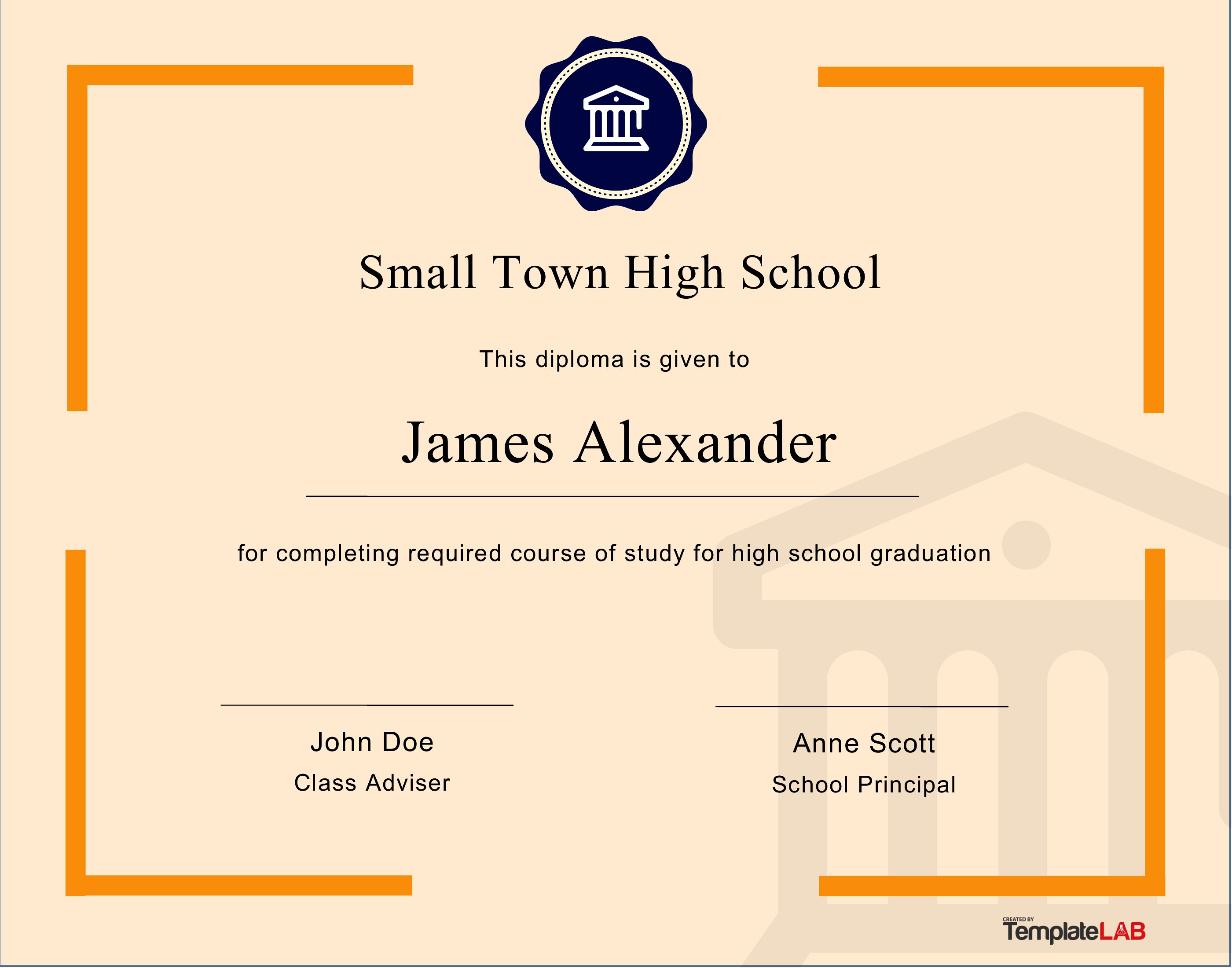
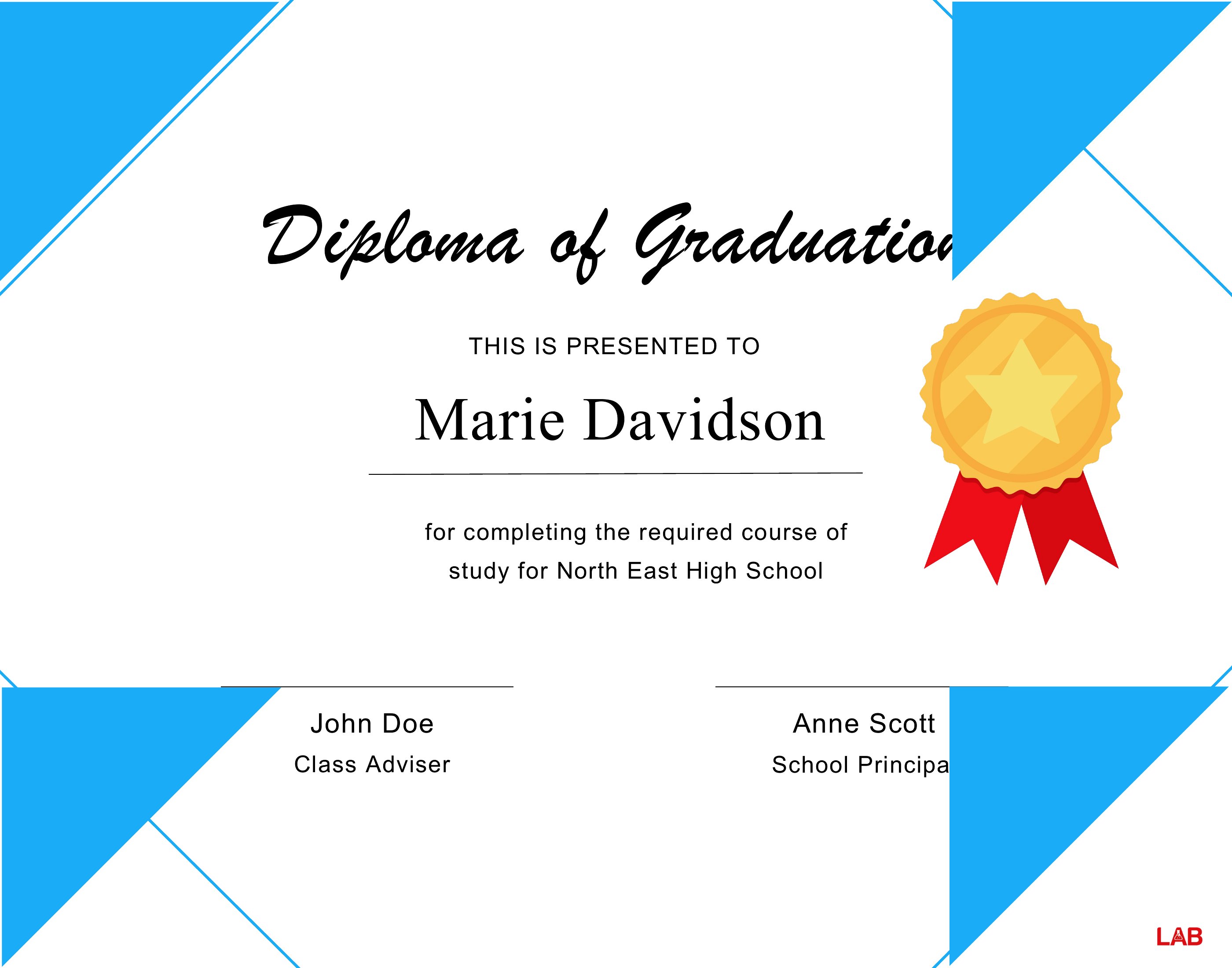
Choose from 30 High School Diploma Templates
How to use this High School Diploma template
Can I include a school seal or mascot in the diploma template?
Yes, these Word templates are designed to be fully editable, so you can insert your school’s seal, mascot, or other logos by copying and pasting them into the document. If the seal requires specific placement, adjust the layout in Word to ensure it aligns correctly with the text. For best results, save the seal as a high-resolution image before inserting it.
Do these templates accommodate non-traditional graduation details like ‘summa cum laude’ or Latin honors?
Many of these templates include space for Latin honors, such as ‘cum laude’ or ‘magna cum laude,’ though the exact phrasing may vary by design. If you need a specific Latin term or additional lines for honors, you can manually add them in Word’s editable fields. For highly customized details, check templates with extra lines under the graduate’s name or in the signature section.
What if my school’s diploma has a unique layout, like multiple signatures or a different date format?
These templates are starting points and can be adapted to match your school’s layout. For example, you can add or remove signature lines in Word, or adjust the date field to fit your preferred format (e.g., ‘Month Day, Year’). If the structure is very different, use a blank template and manually redesign the sections to mirror your school’s official diploma. For legal or official use, verify with your school’s administration first.
Comments
Join the conversation
Sign in to share your thoughts and leave a comment on this resource.