
FAQ
Can I include a school seal or mascot in the diploma template?
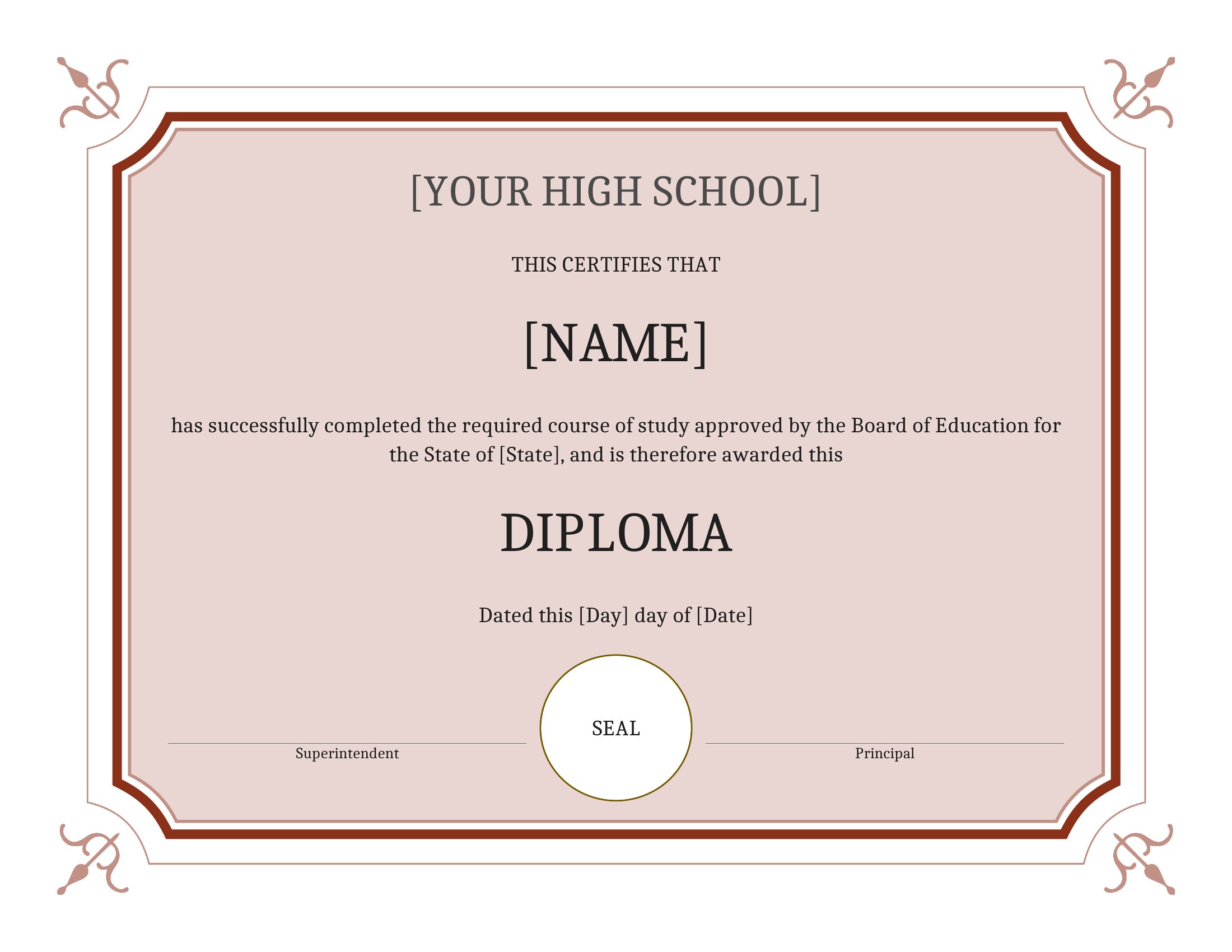
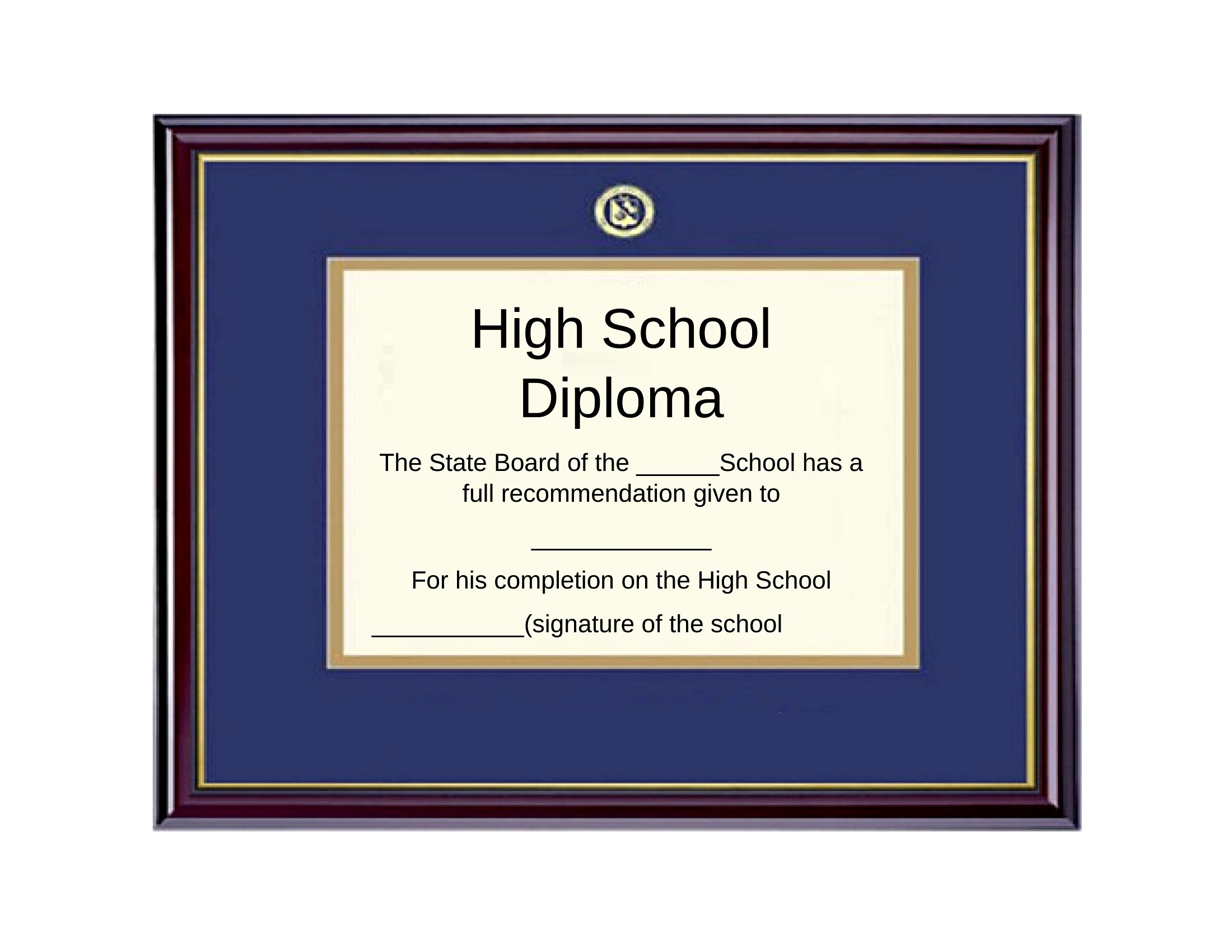
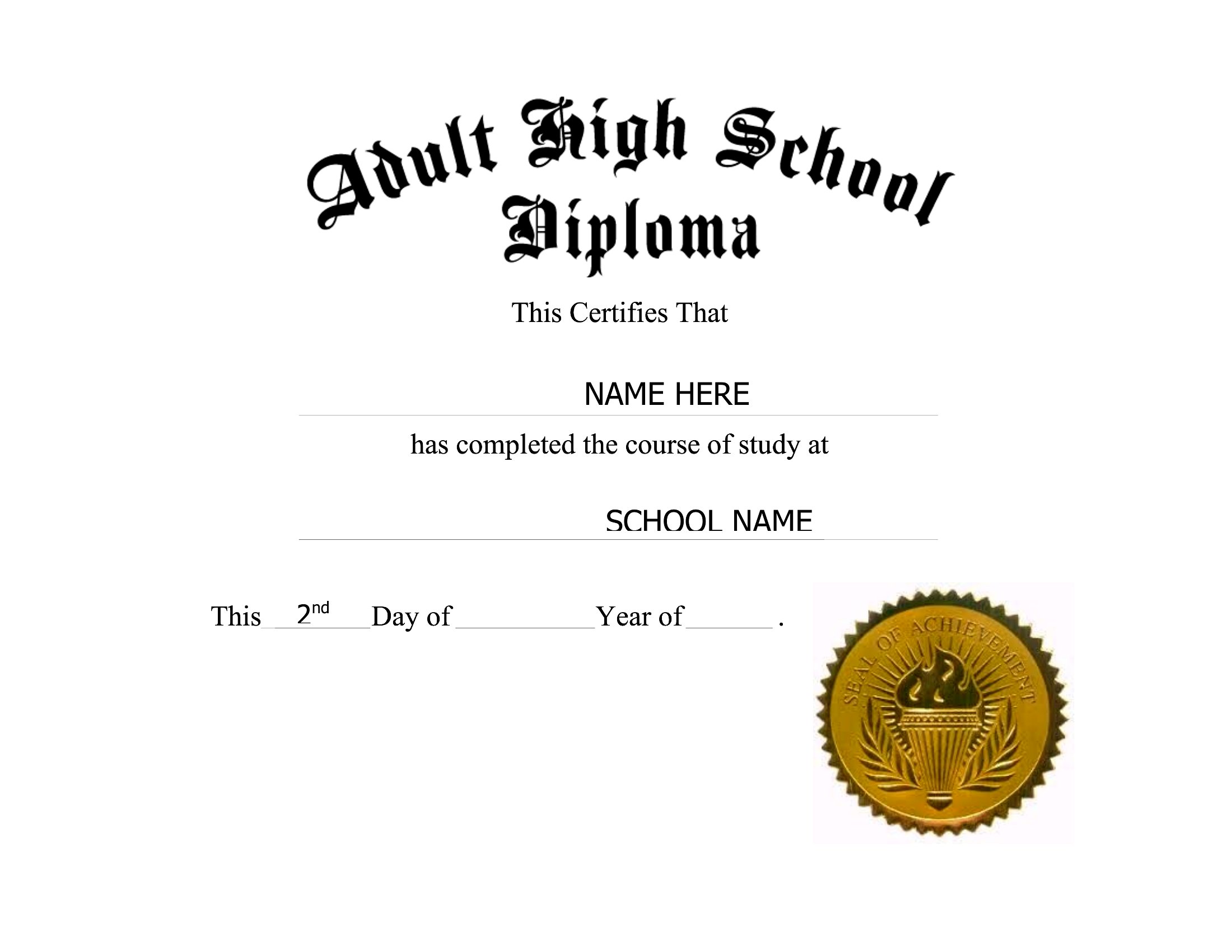
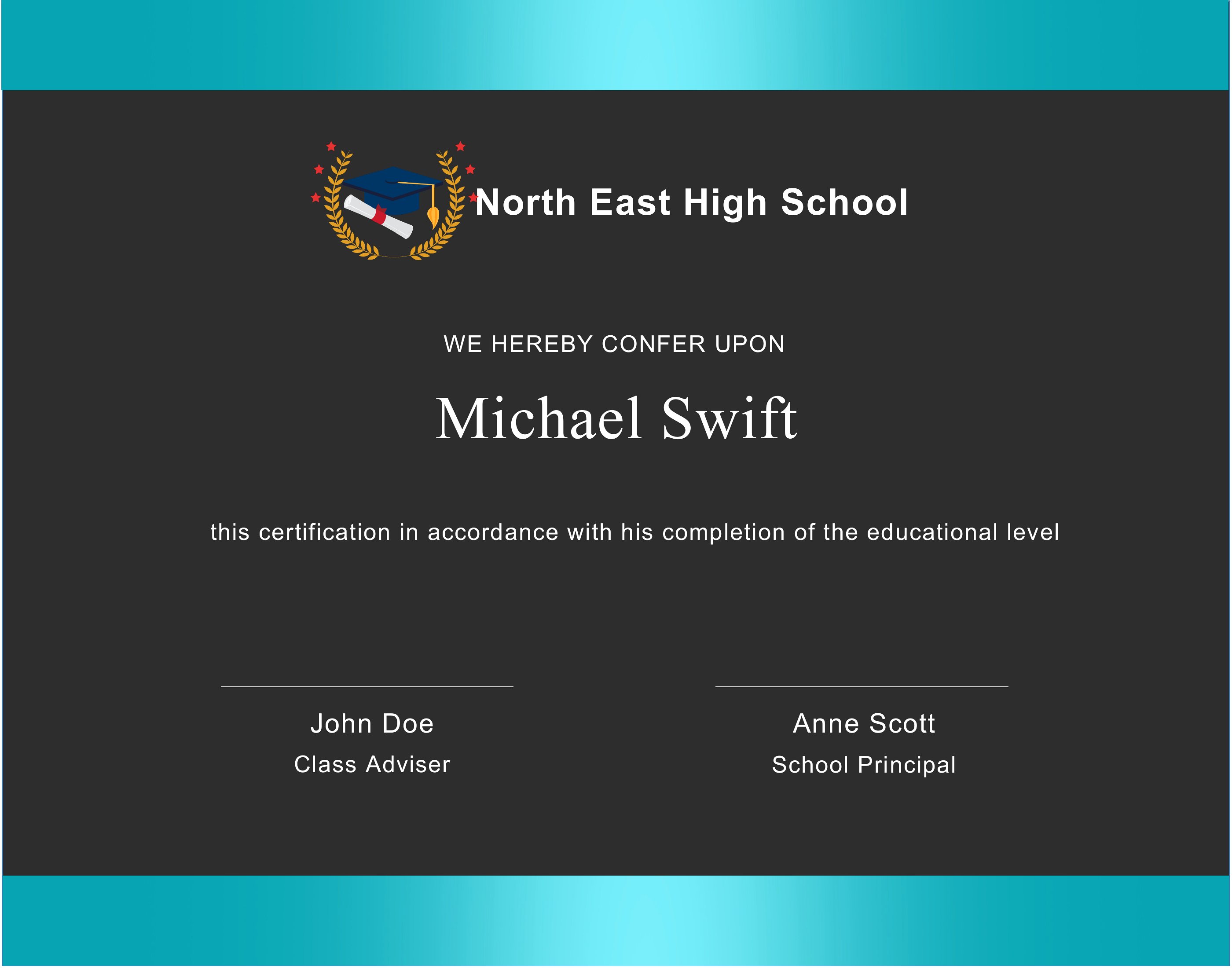
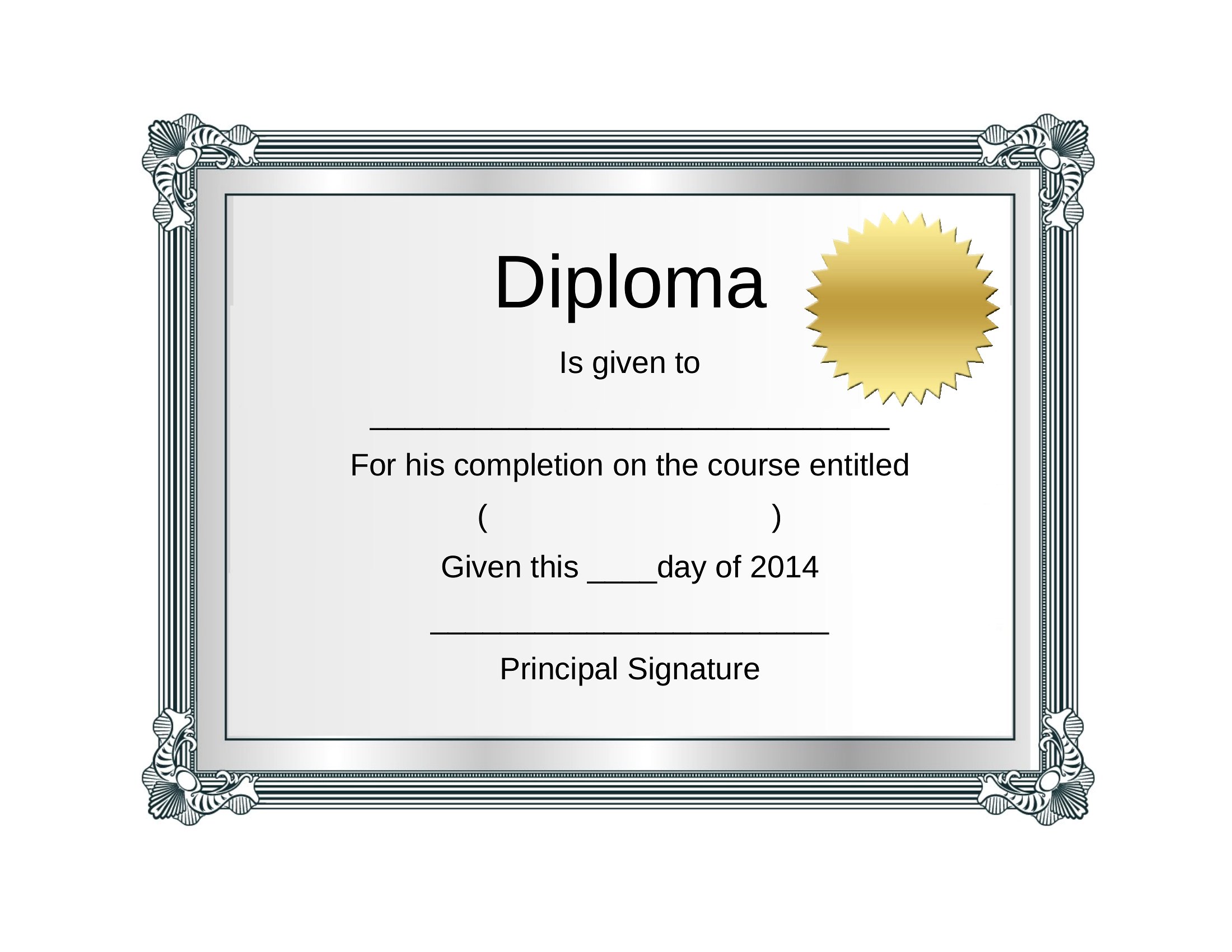
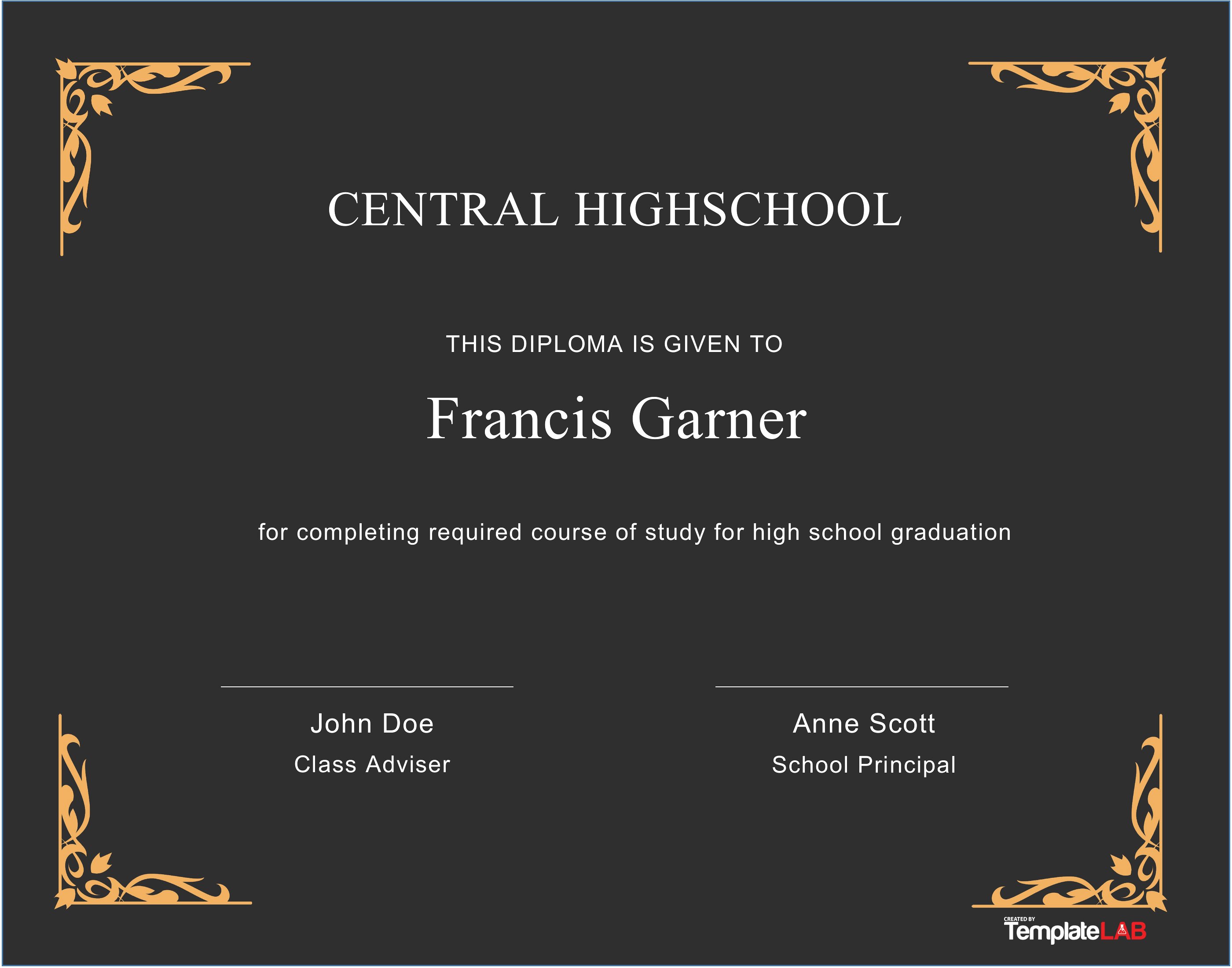
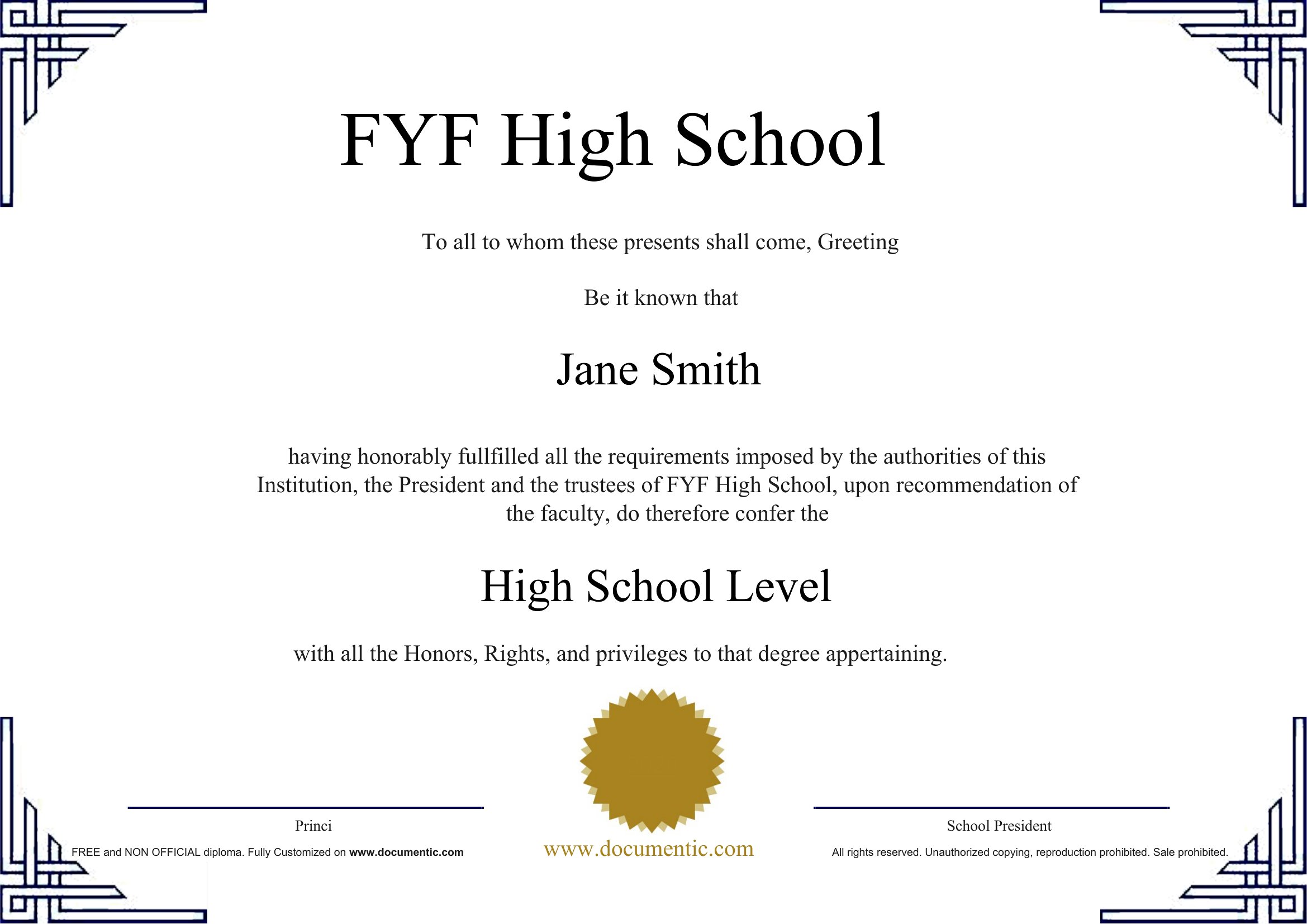
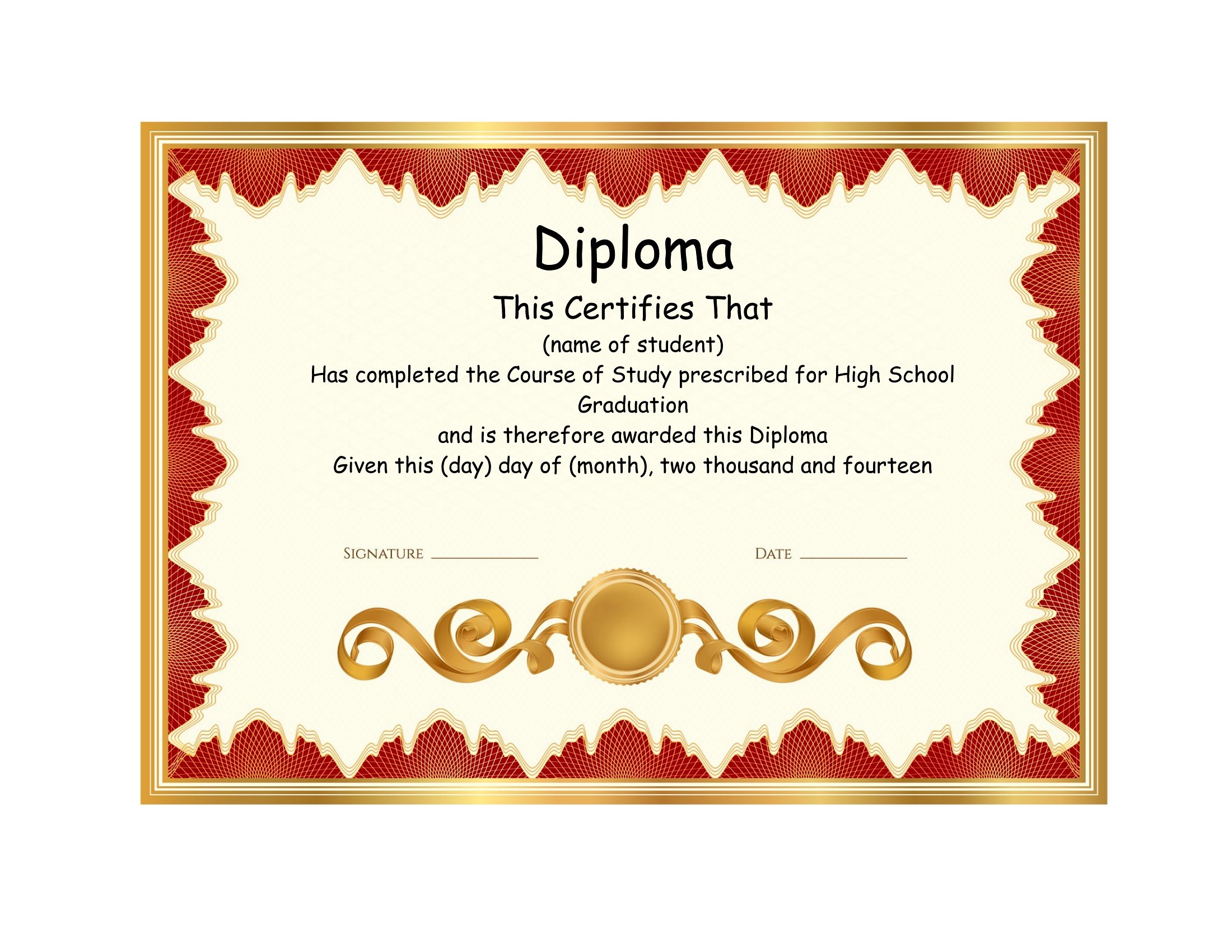
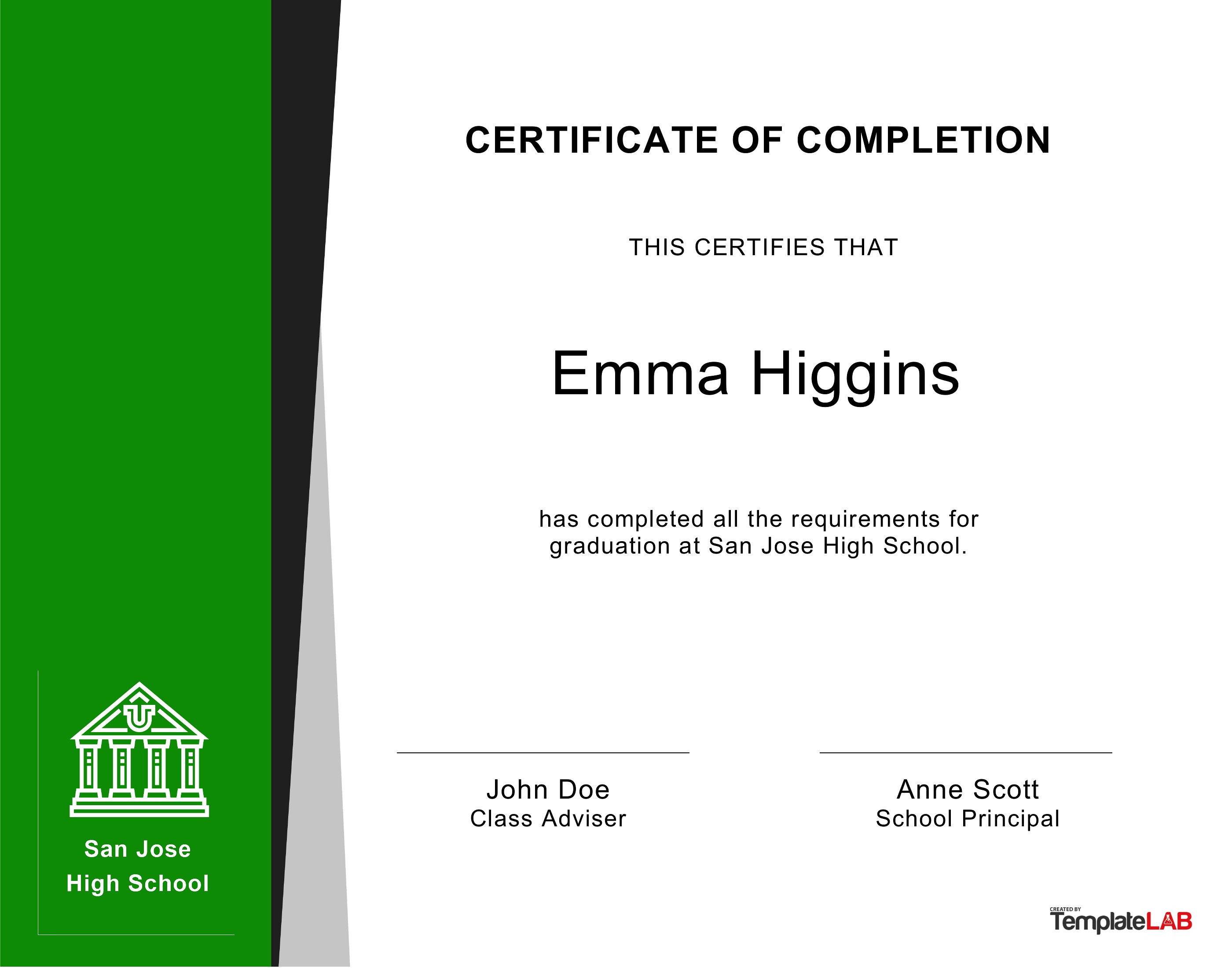
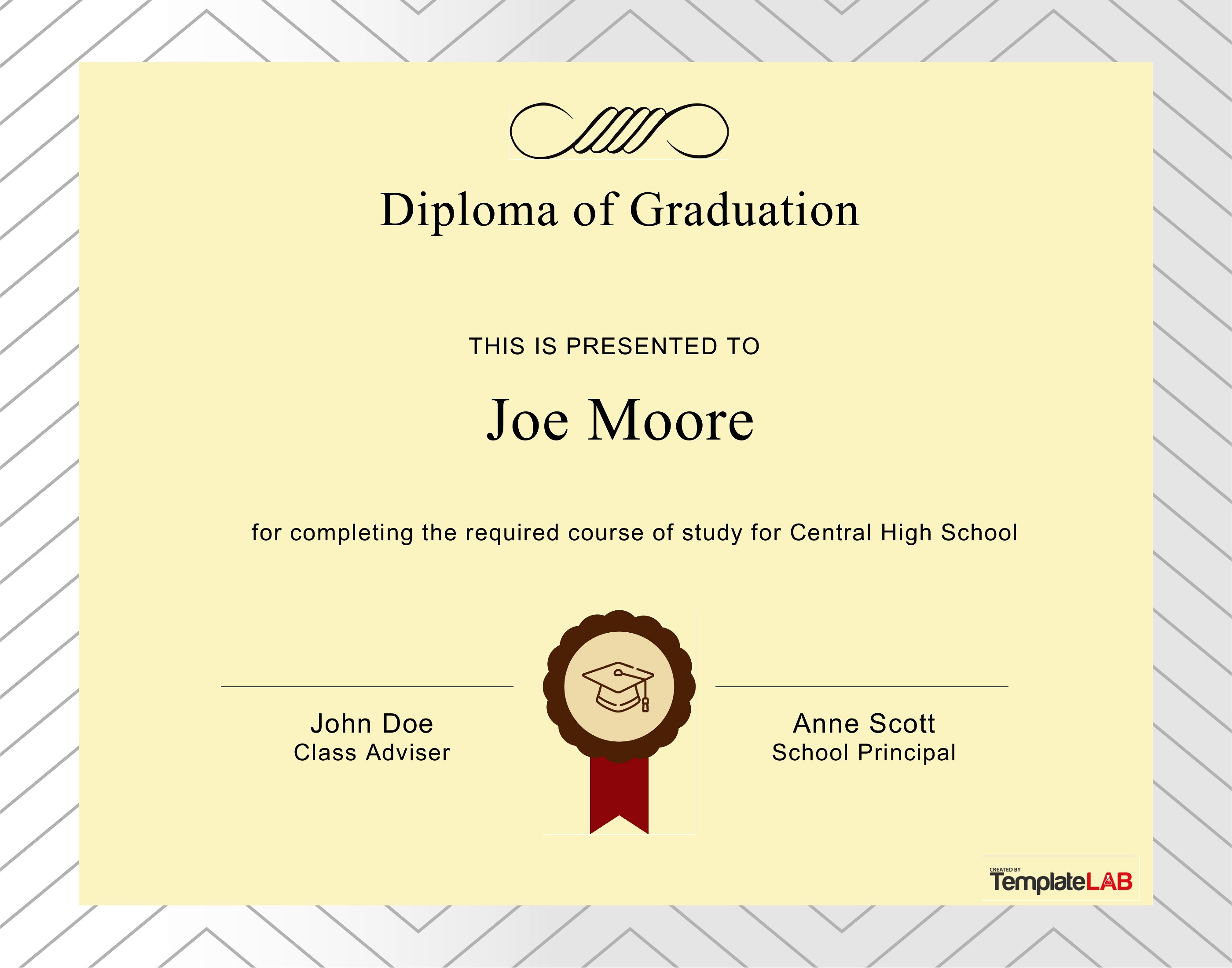
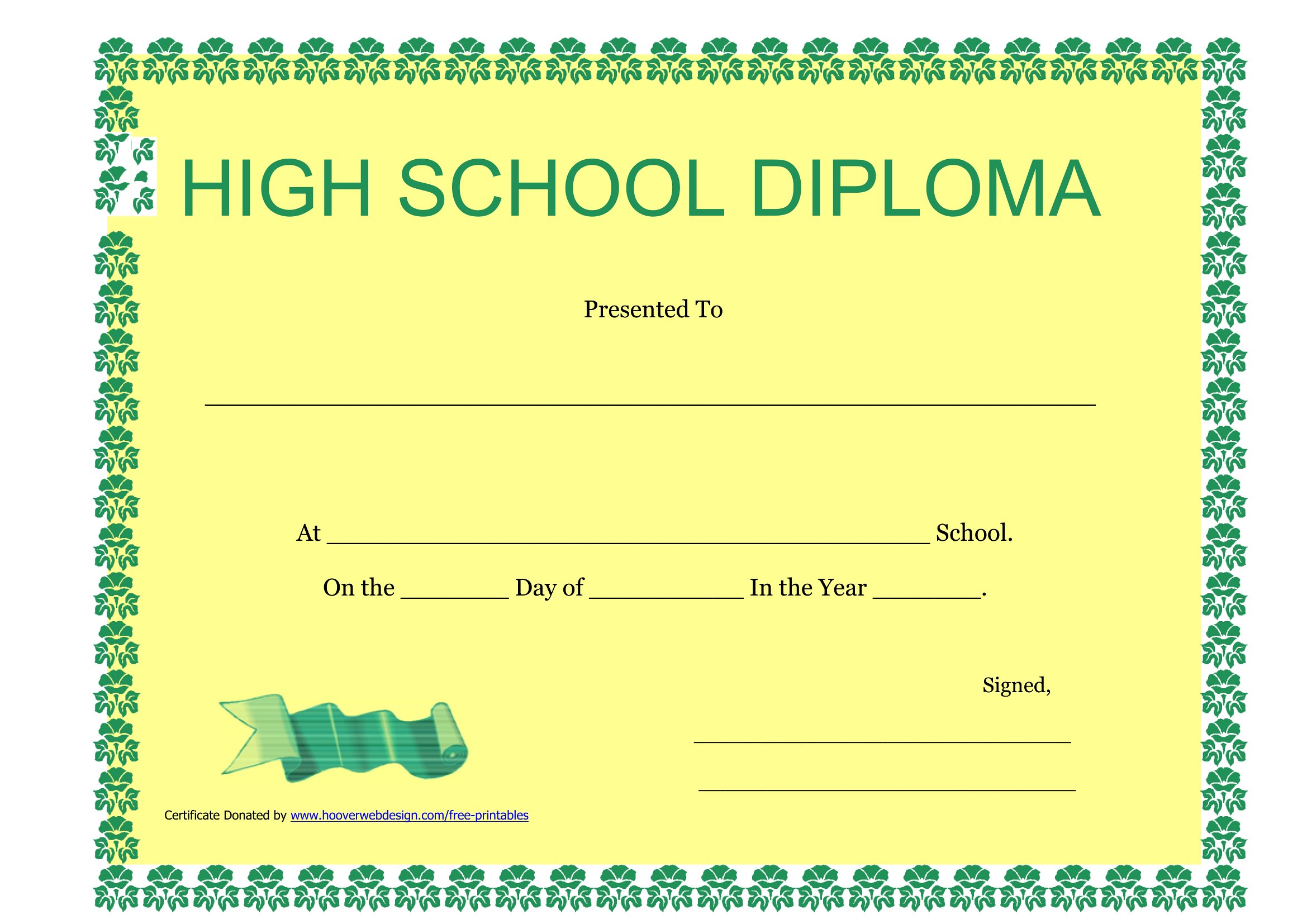
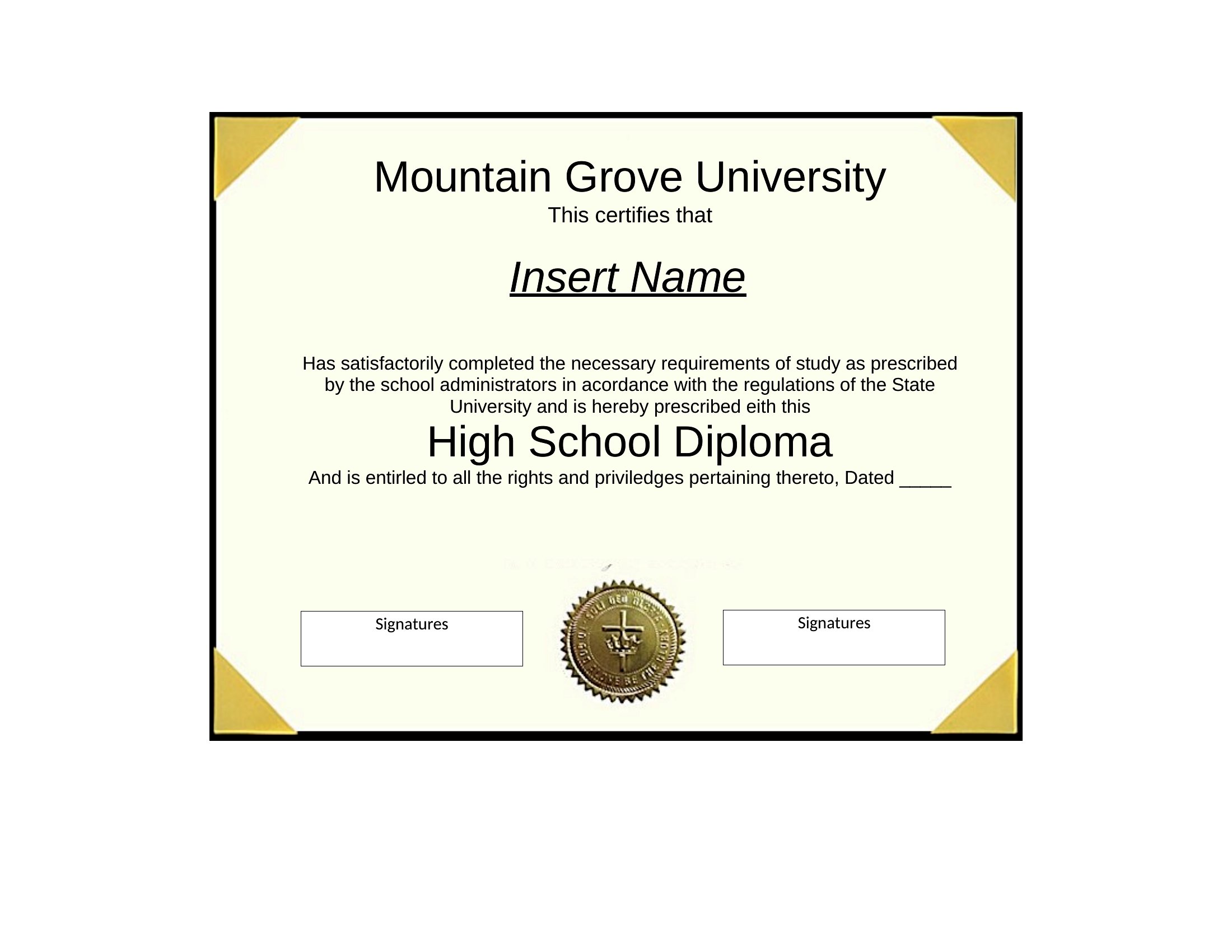
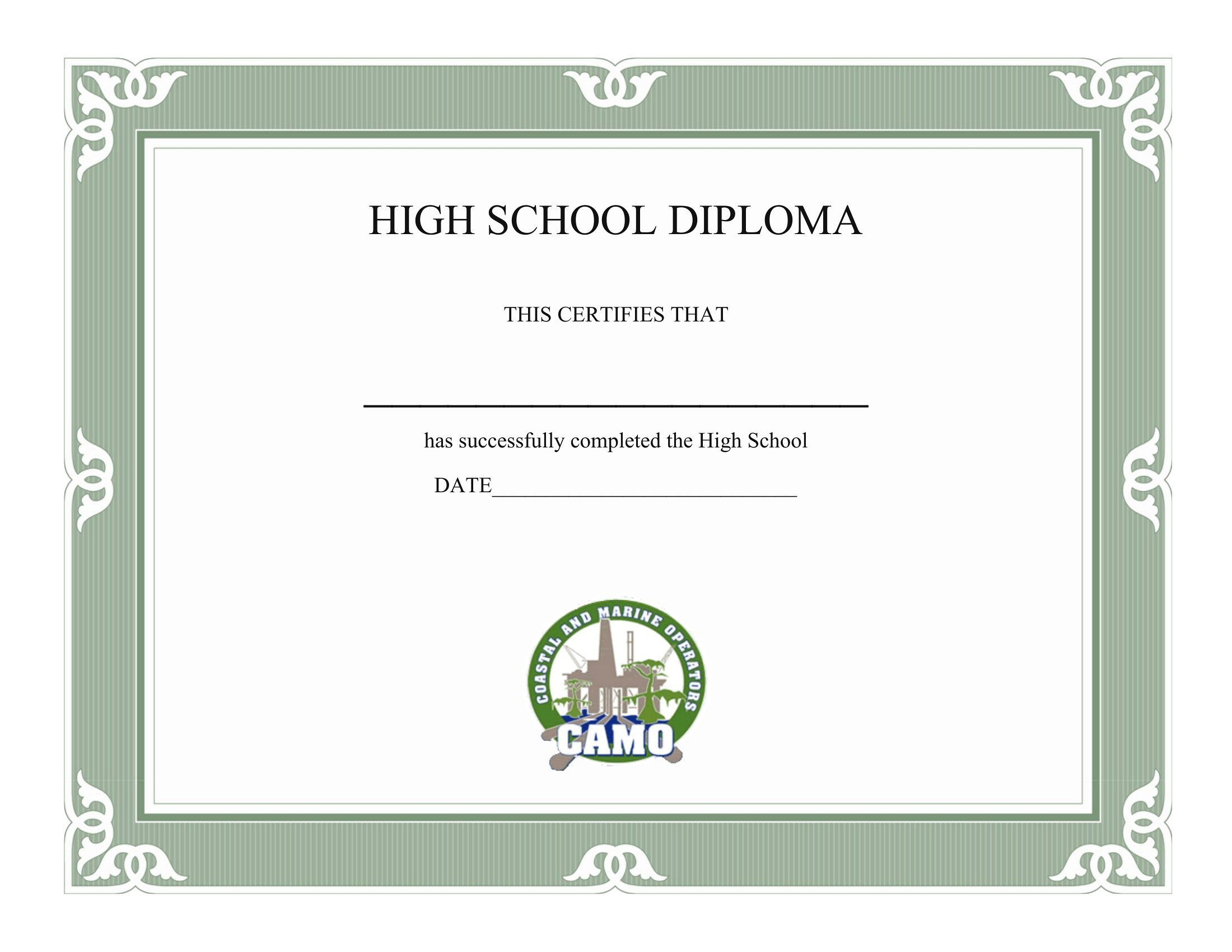
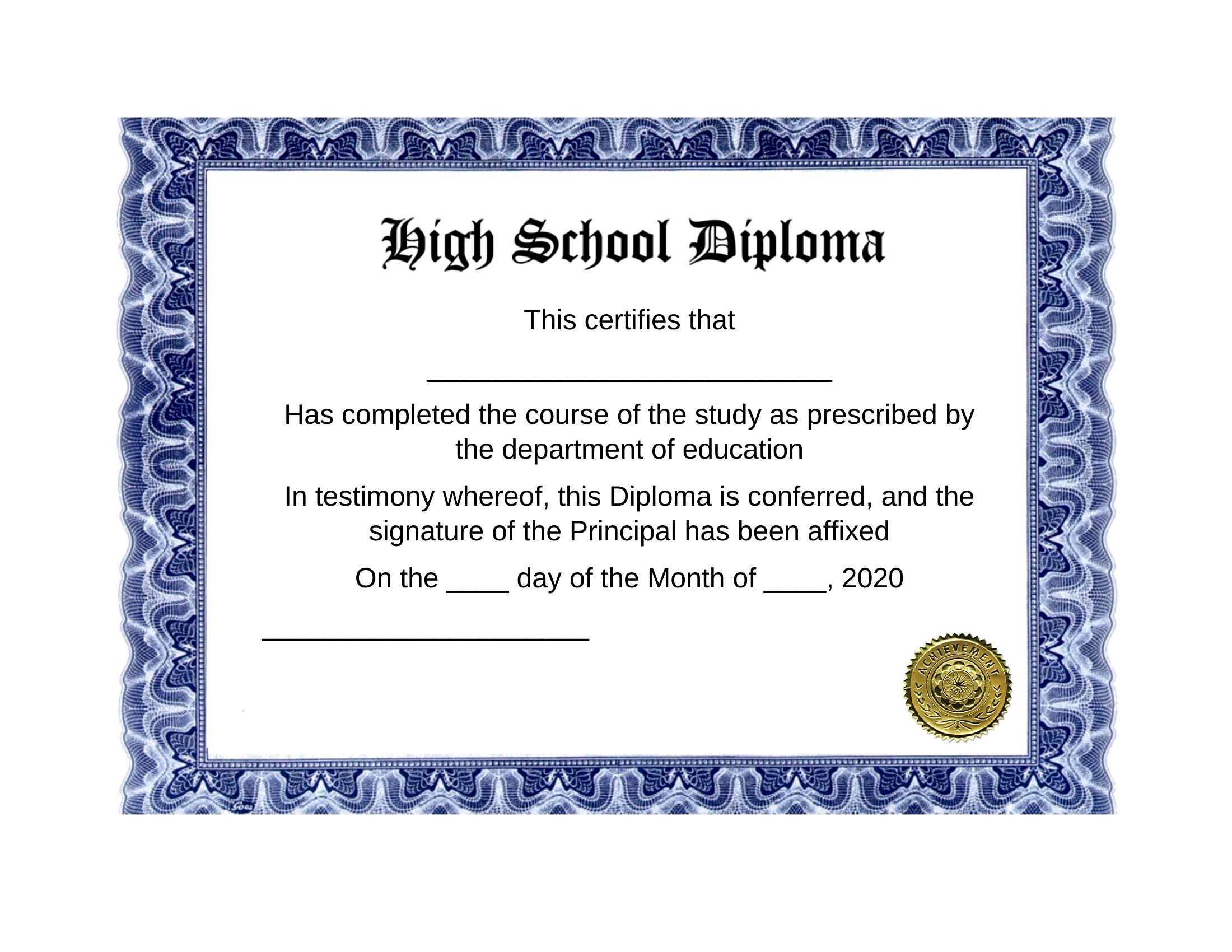
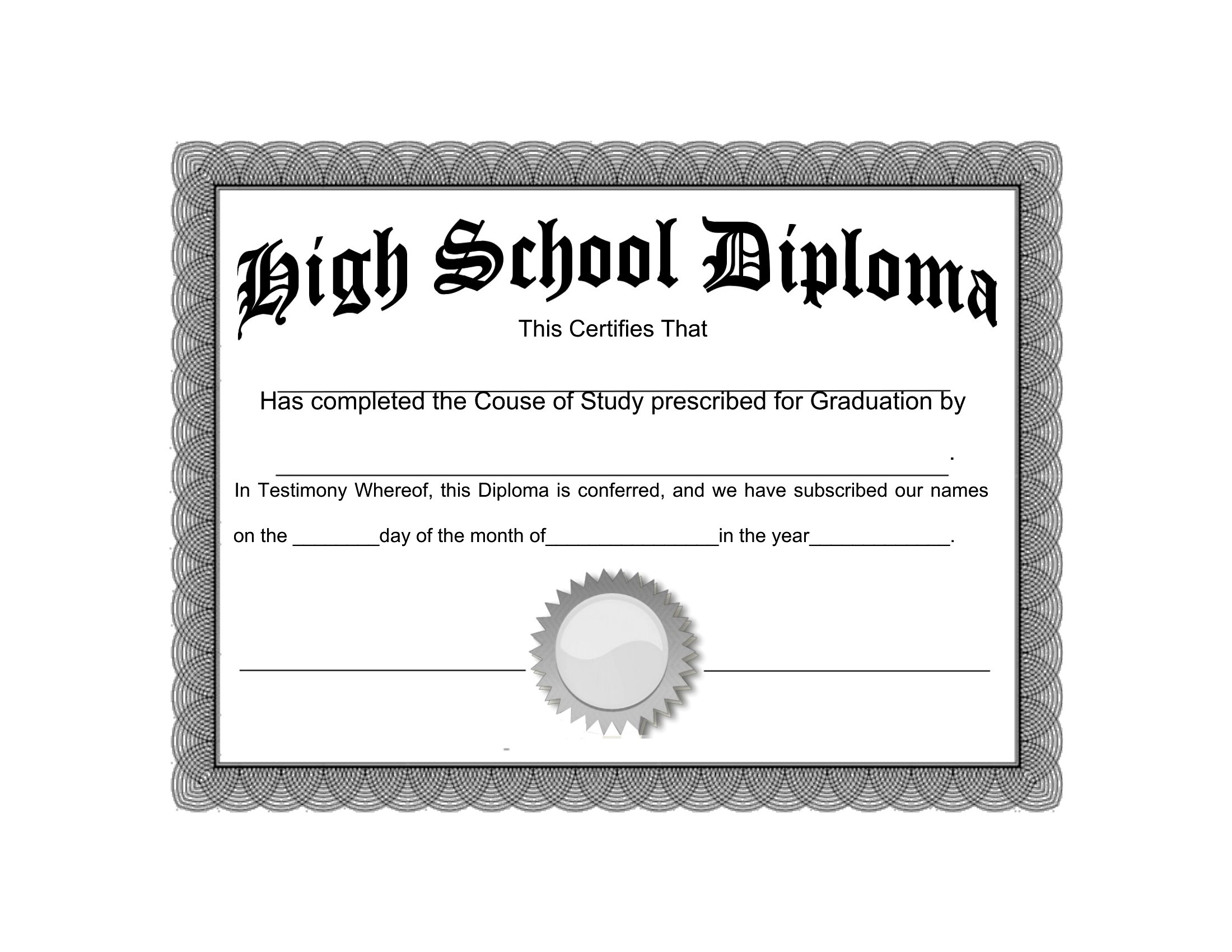
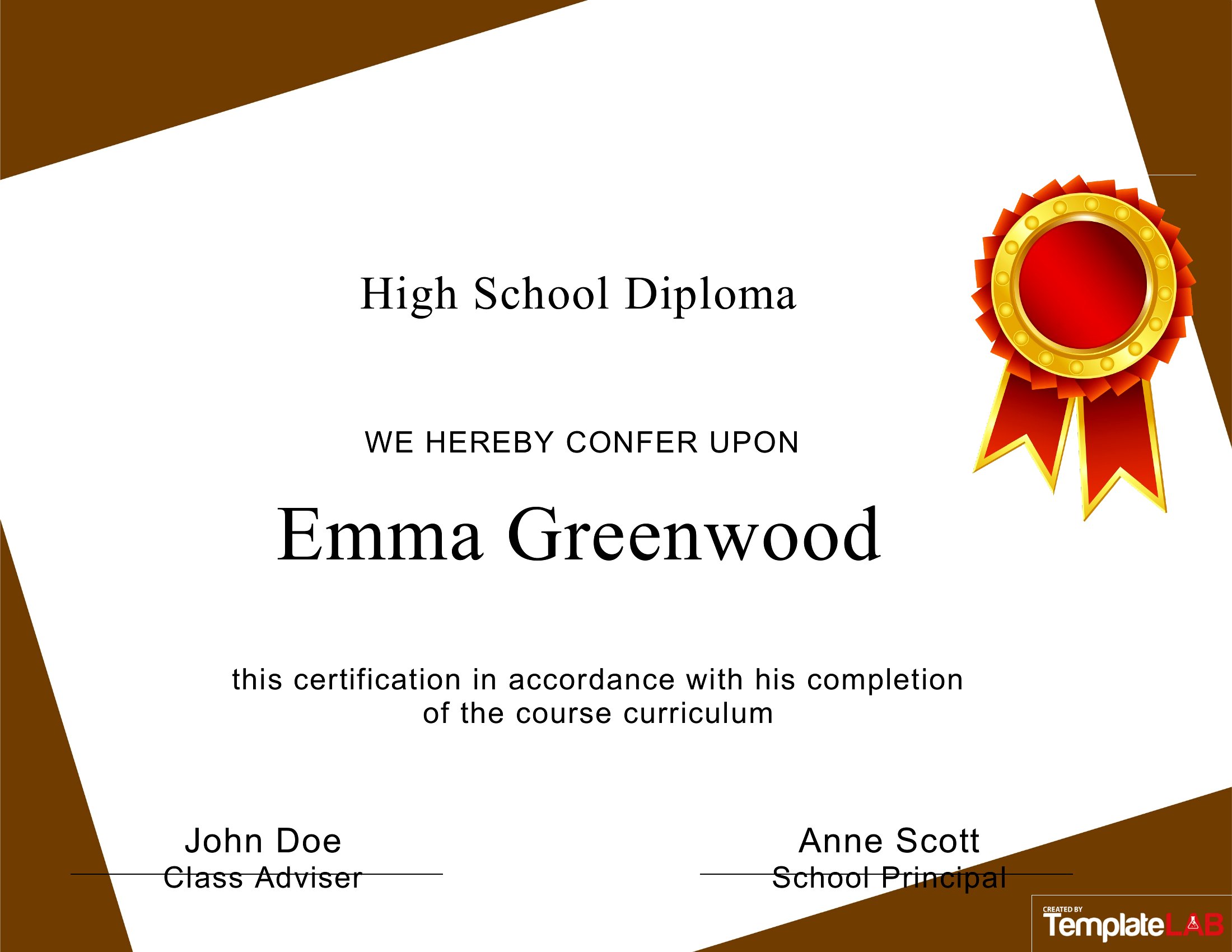
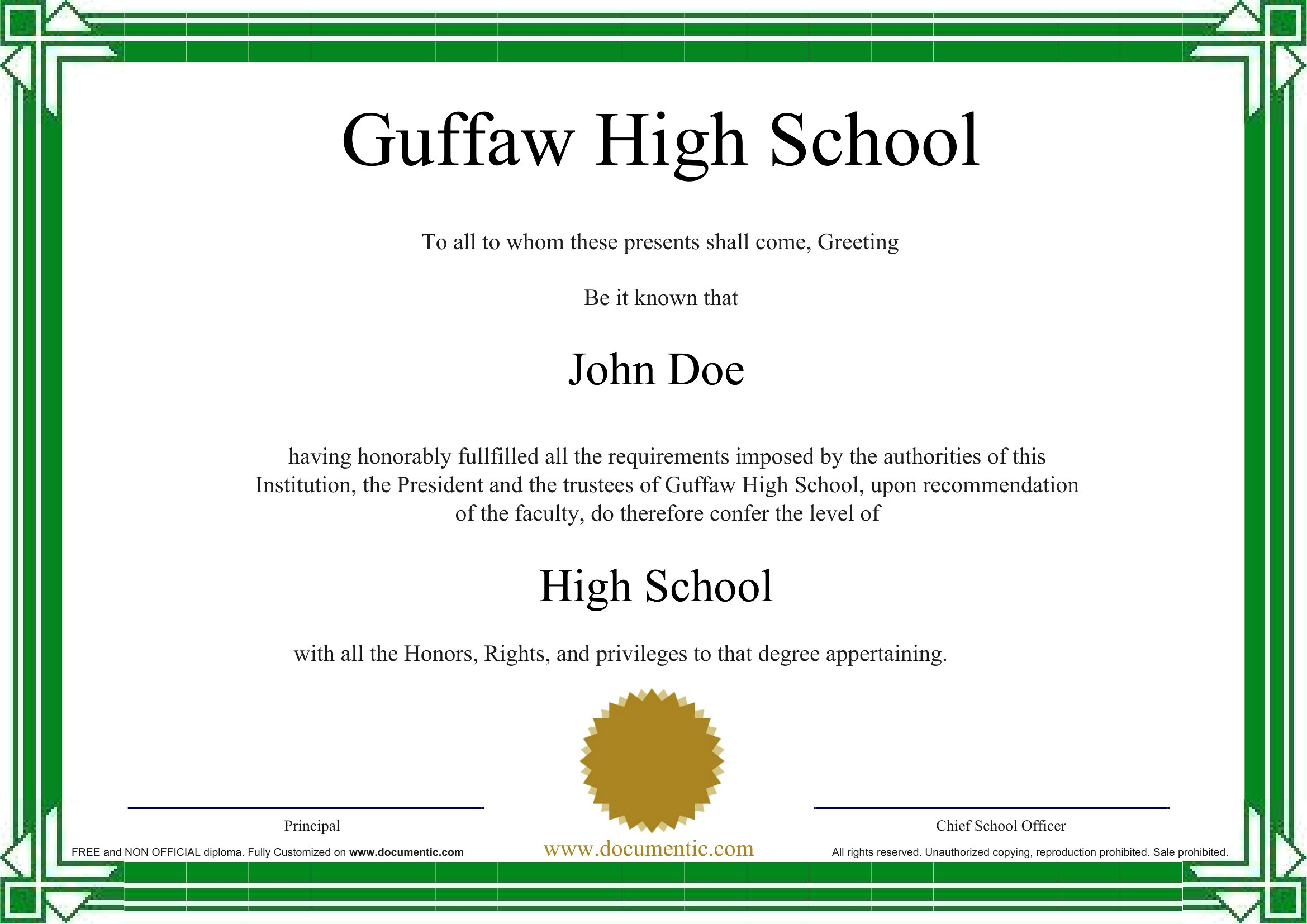
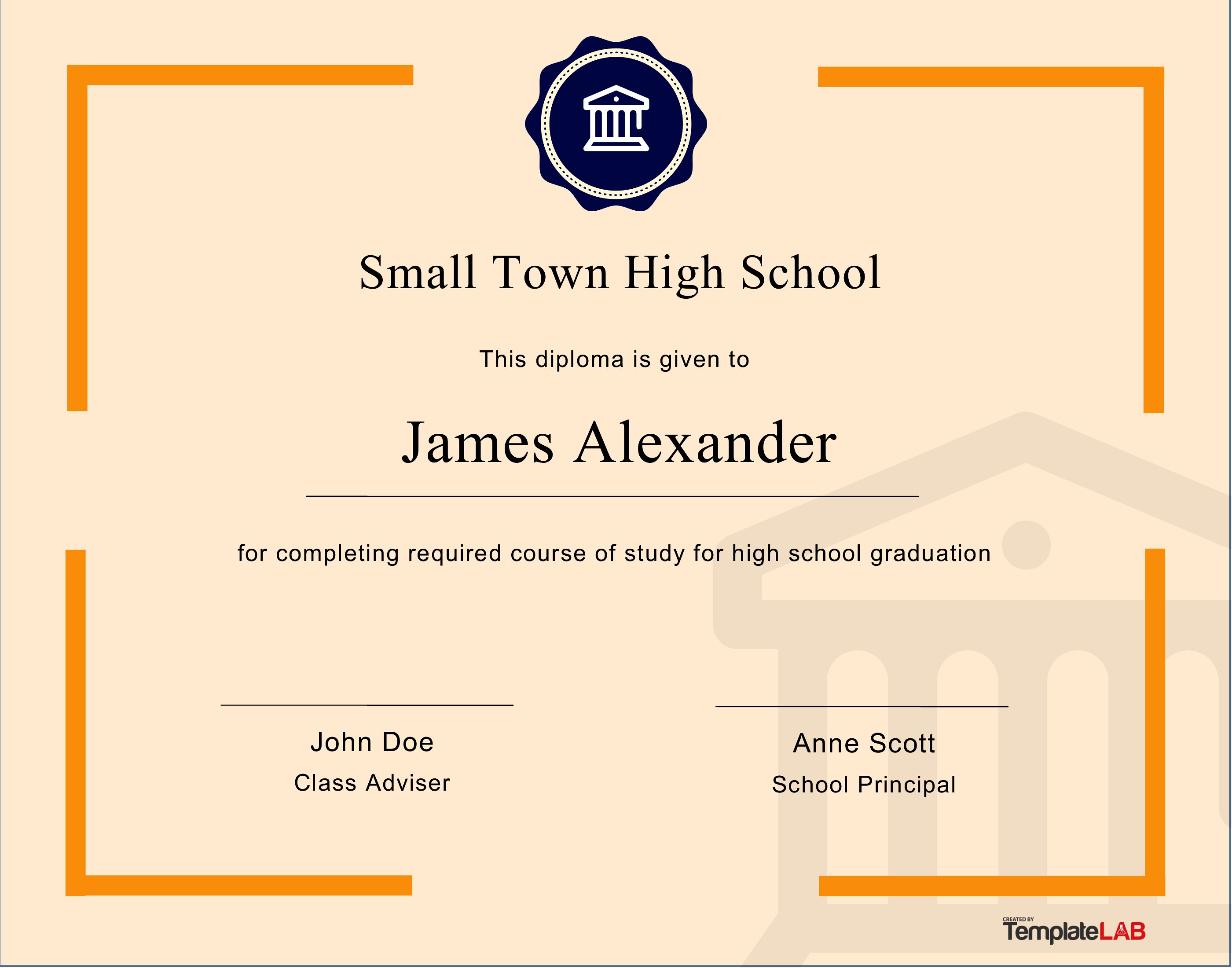
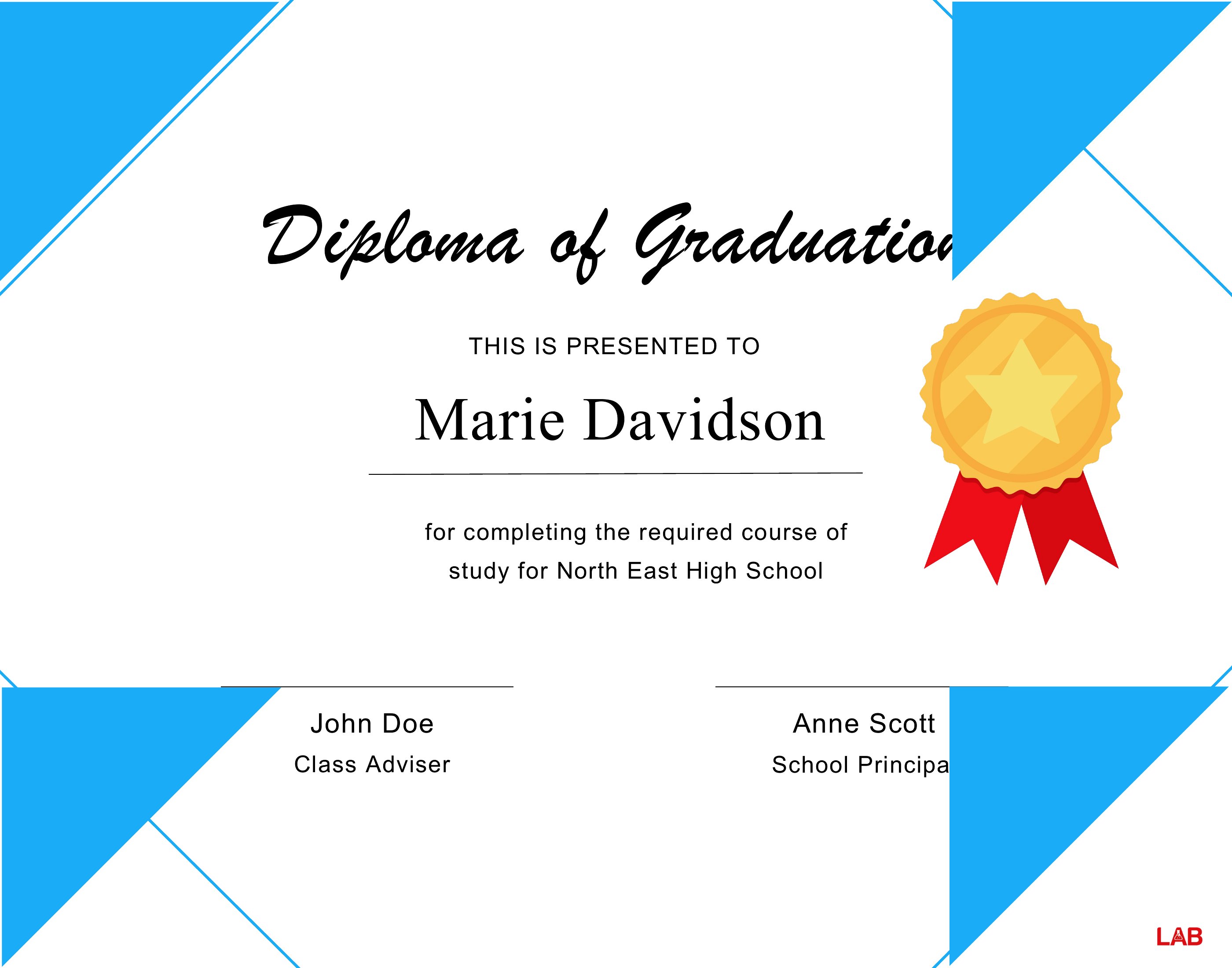
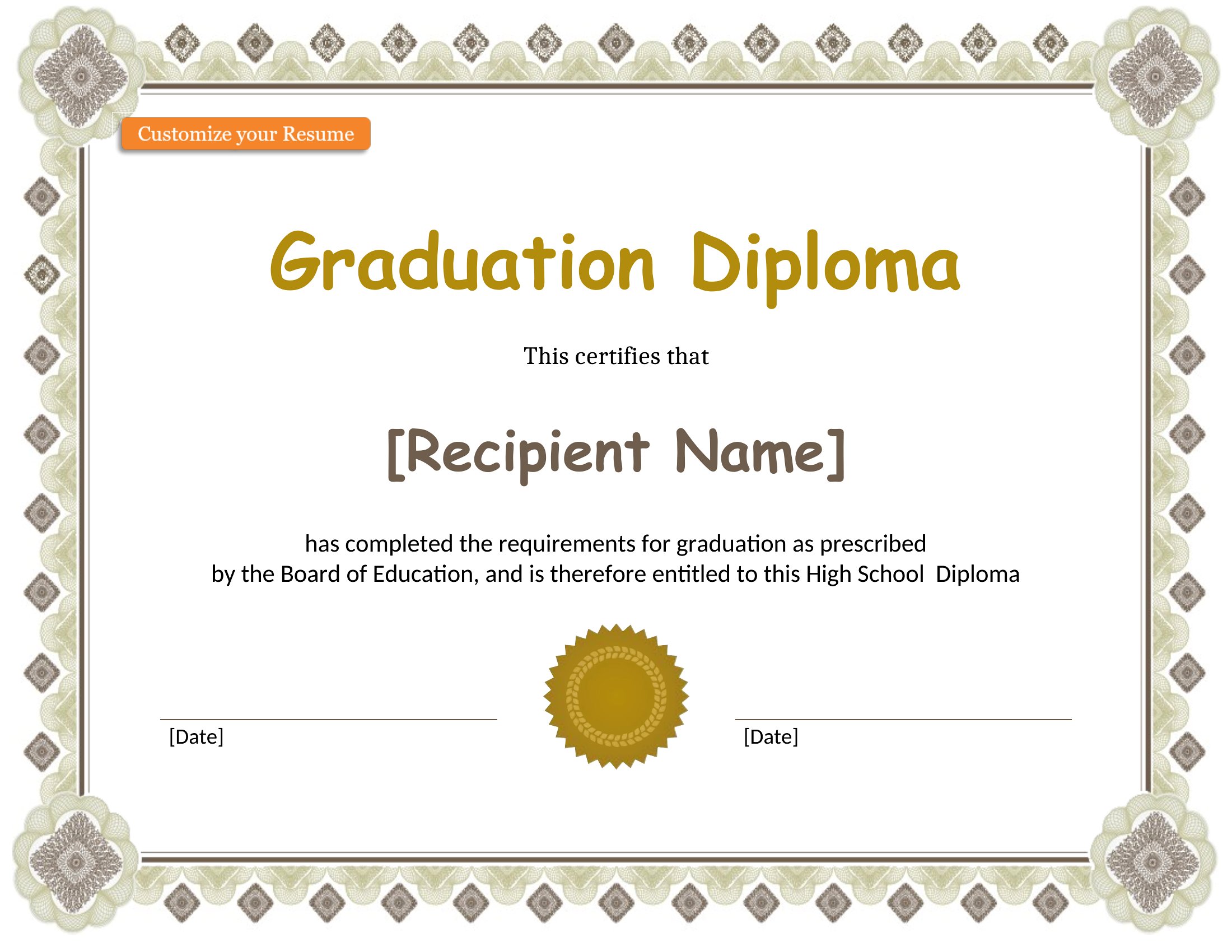
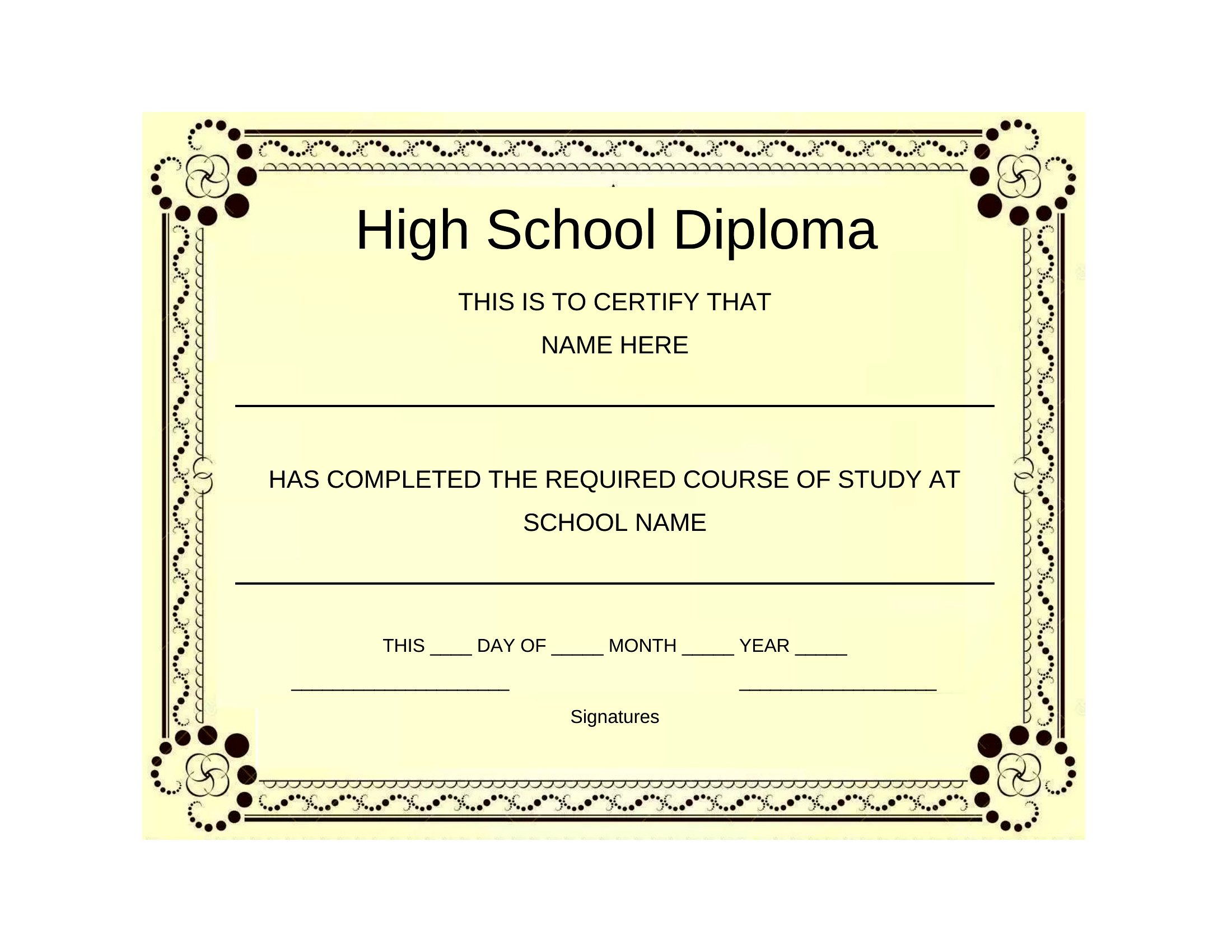
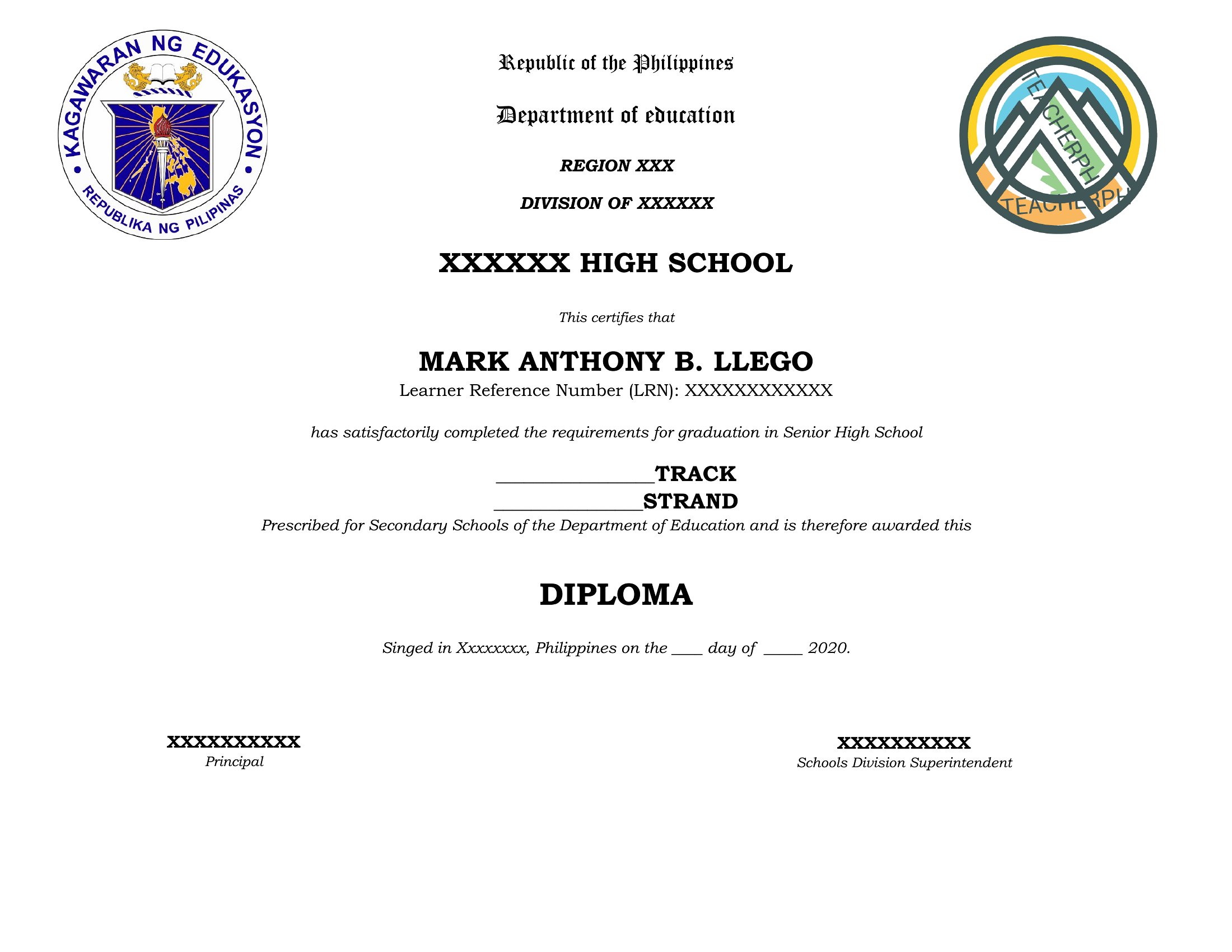
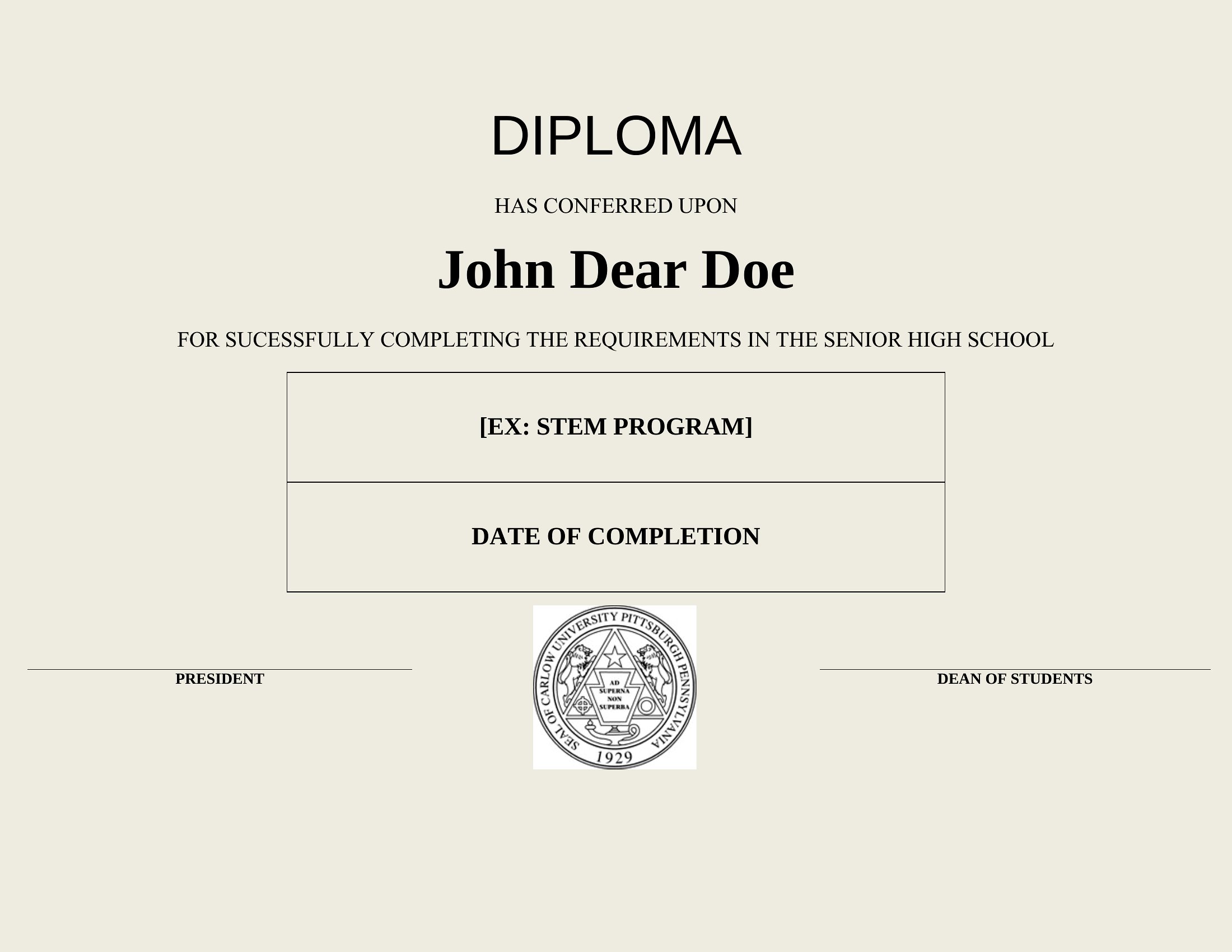
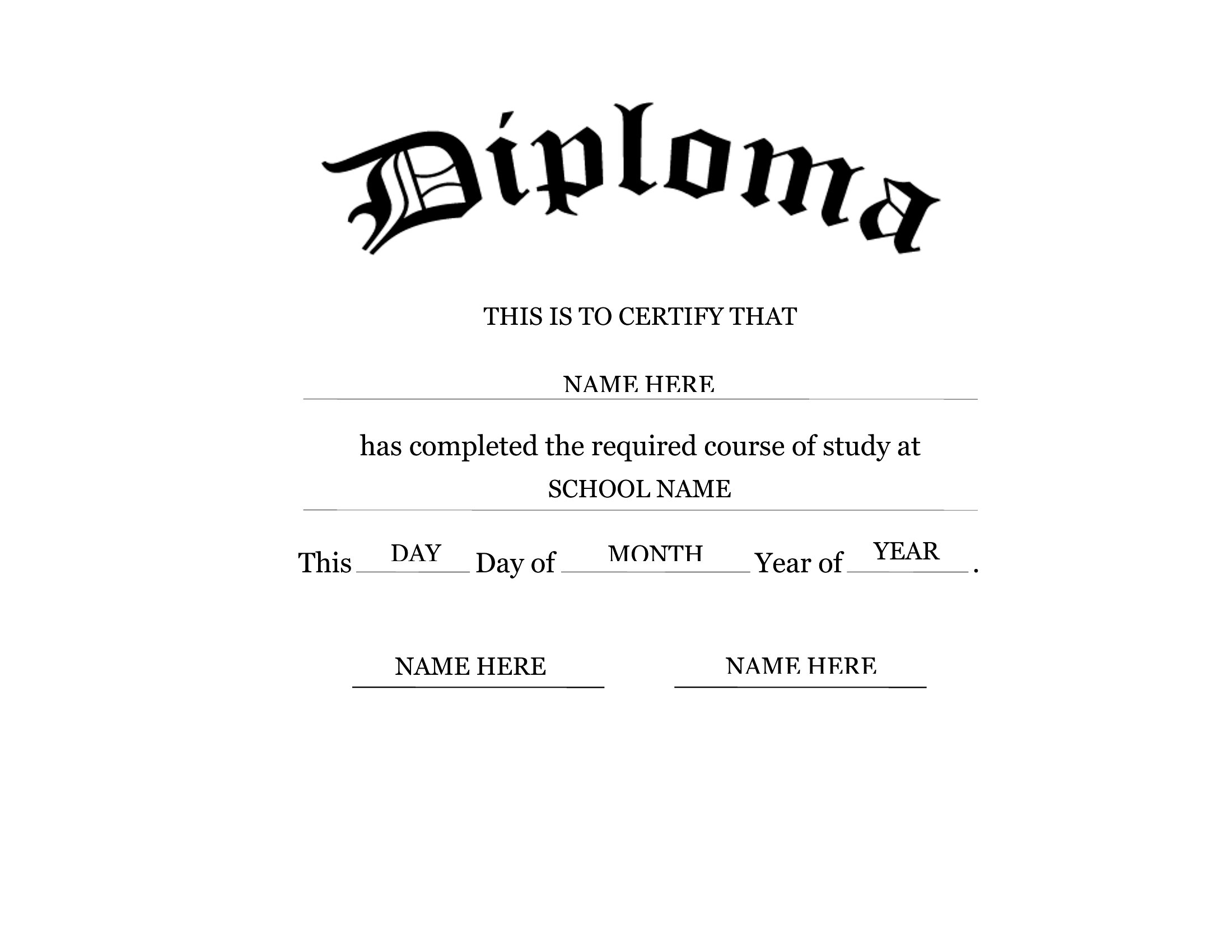
Yes, these Word templates are designed to be fully editable, so you can insert your school’s seal, mascot, or other logos by copying and pasting them into the document. If the seal requires specific placement, adjust the layout in Word to ensure it aligns correctly with the text. For best results, save the seal as a high-resolution image before inserting it.
Do these templates accommodate non-traditional graduation details like ‘summa cum laude’ or Latin honors?
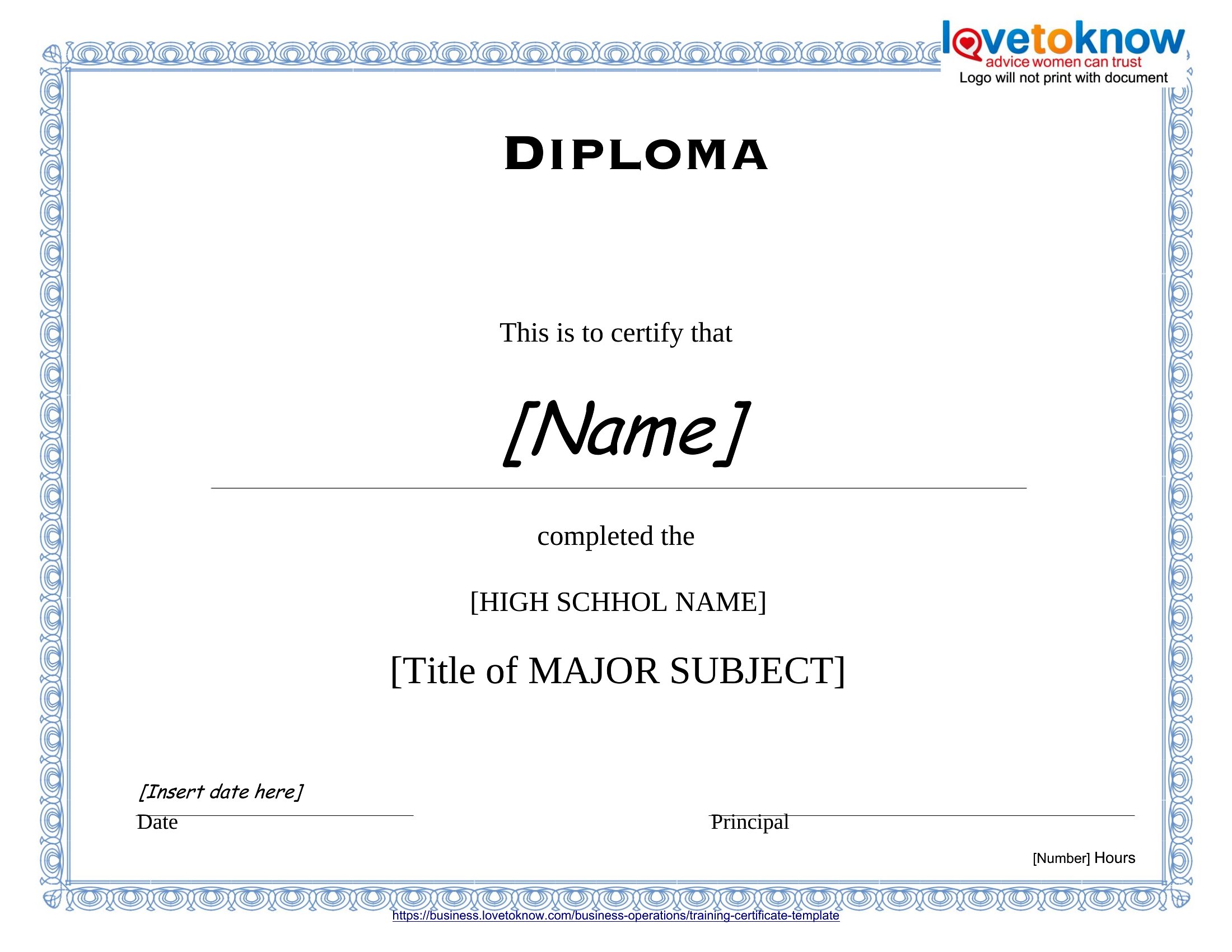
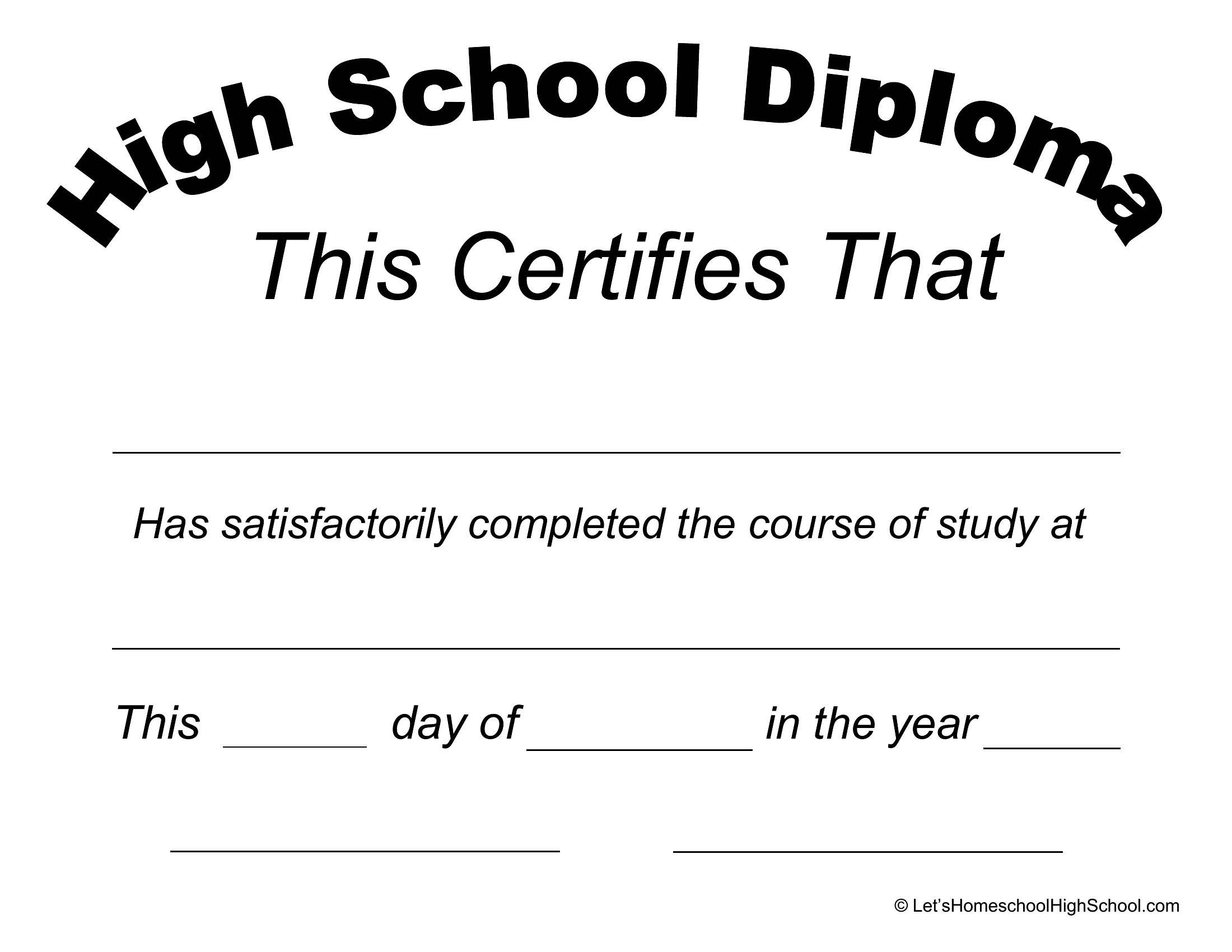
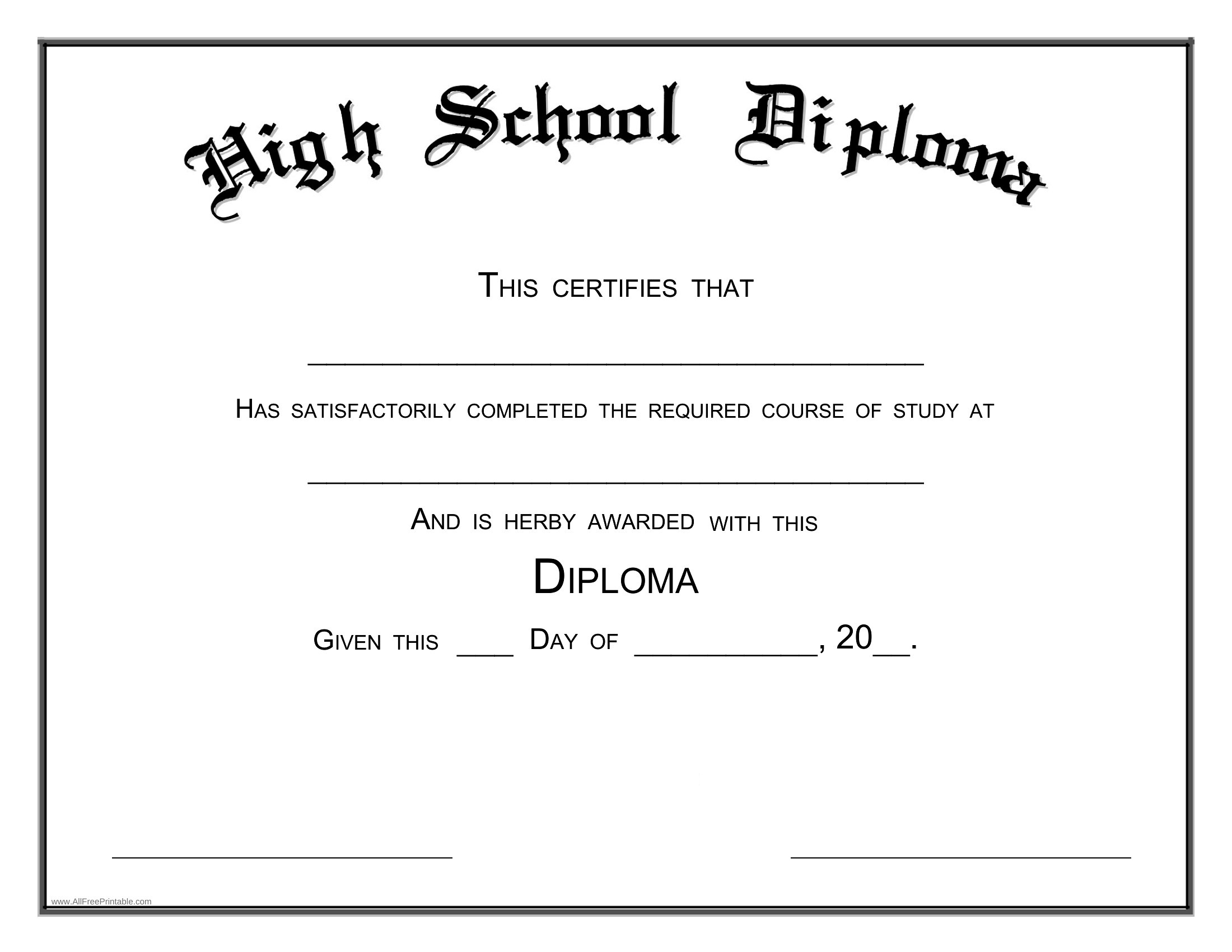
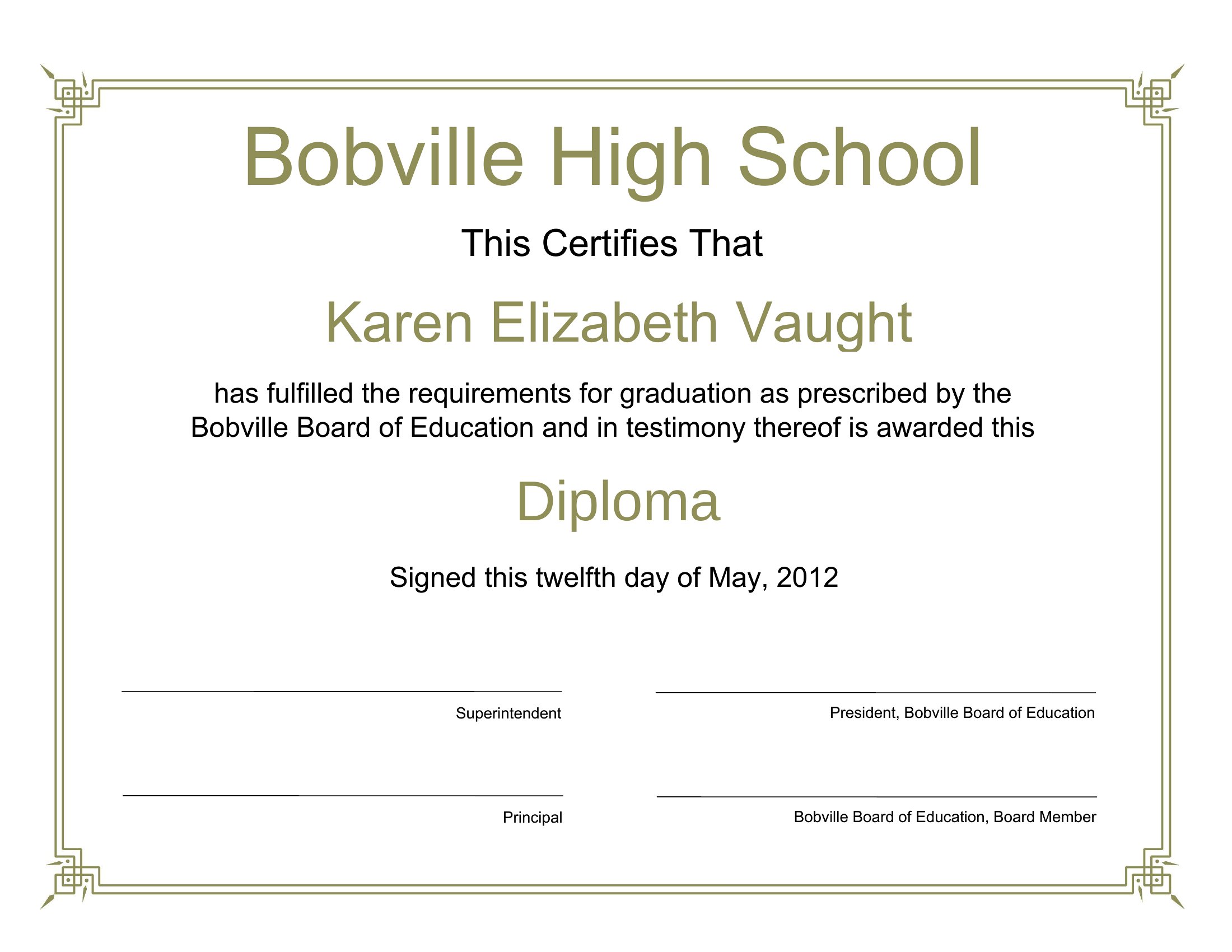
Many of these templates include space for Latin honors, such as ‘cum laude’ or ‘magna cum laude,’ though the exact phrasing may vary by design. If you need a specific Latin term or additional lines for honors, you can manually add them in Word’s editable fields. For highly customized details, check templates with extra lines under the graduate’s name or in the signature section.
What if my school’s diploma has a unique layout, like multiple signatures or a different date format?
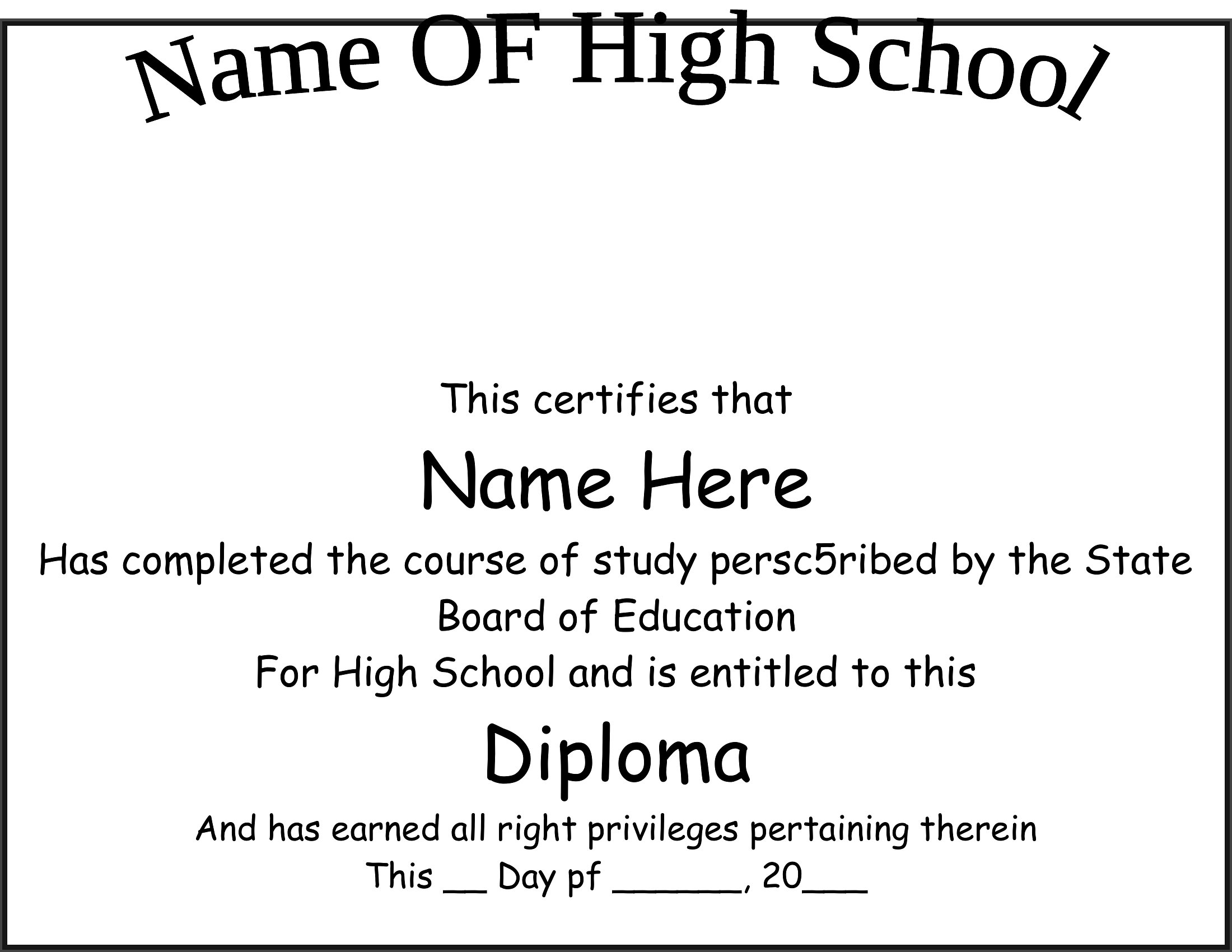
These templates are starting points and can be adapted to match your school’s layout. For example, you can add or remove signature lines in Word, or adjust the date field to fit your preferred format (e.g., ‘Month Day, Year’). If the structure is very different, use a blank template and manually redesign the sections to mirror your school’s official diploma. For legal or official use, verify with your school’s administration first.
Comments
Join the conversation
Sign in to share your thoughts and leave a comment on this resource.