Skip to content
50% off this one-time $1.99 pack with HALFOFF — or unlimited with Pro.HALFOFF
Premium

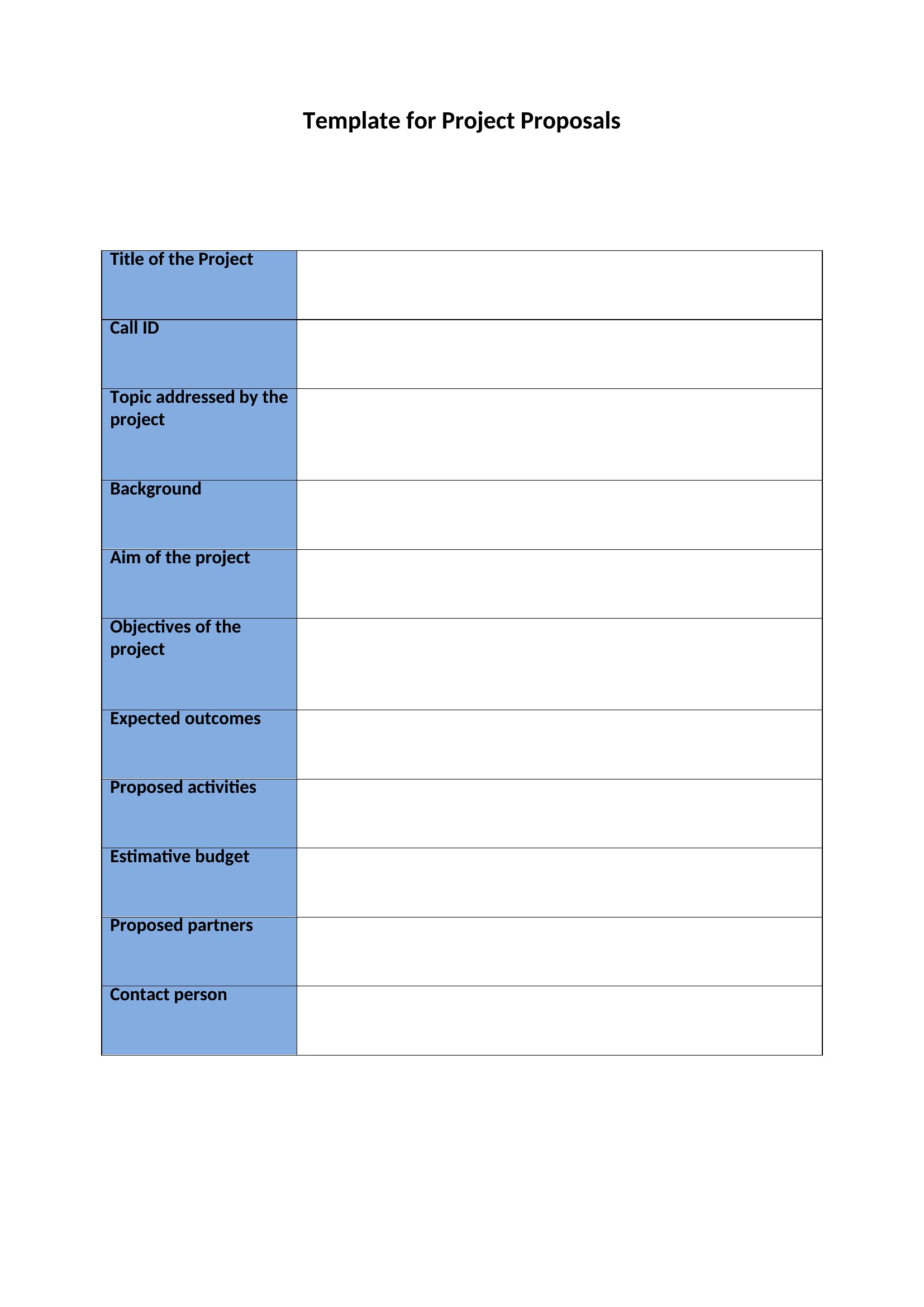
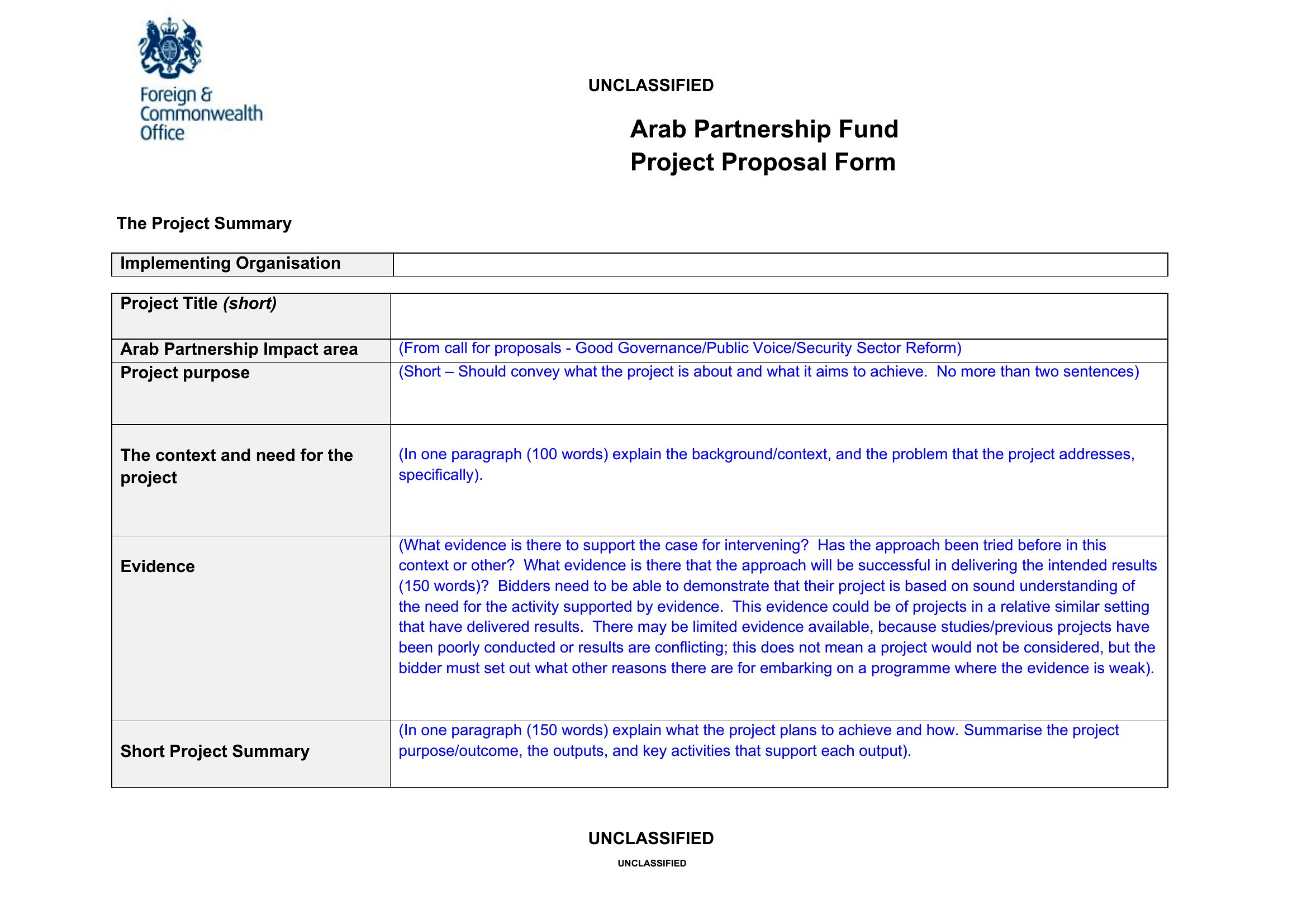
Free Project Proposal Templates (Word, PDF)

Analysis
leajensen by leajensen
Updated 0 downloads Quality-checked template

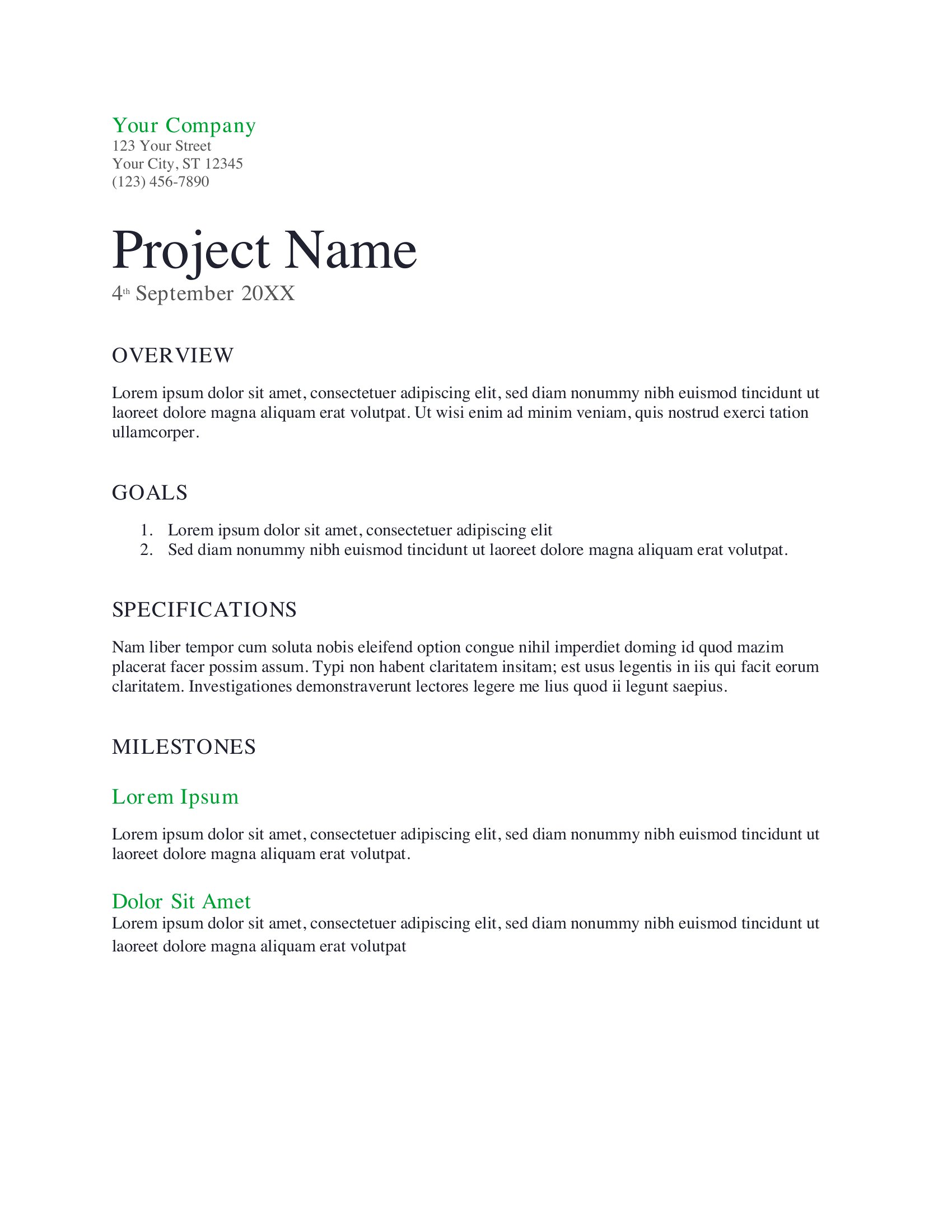
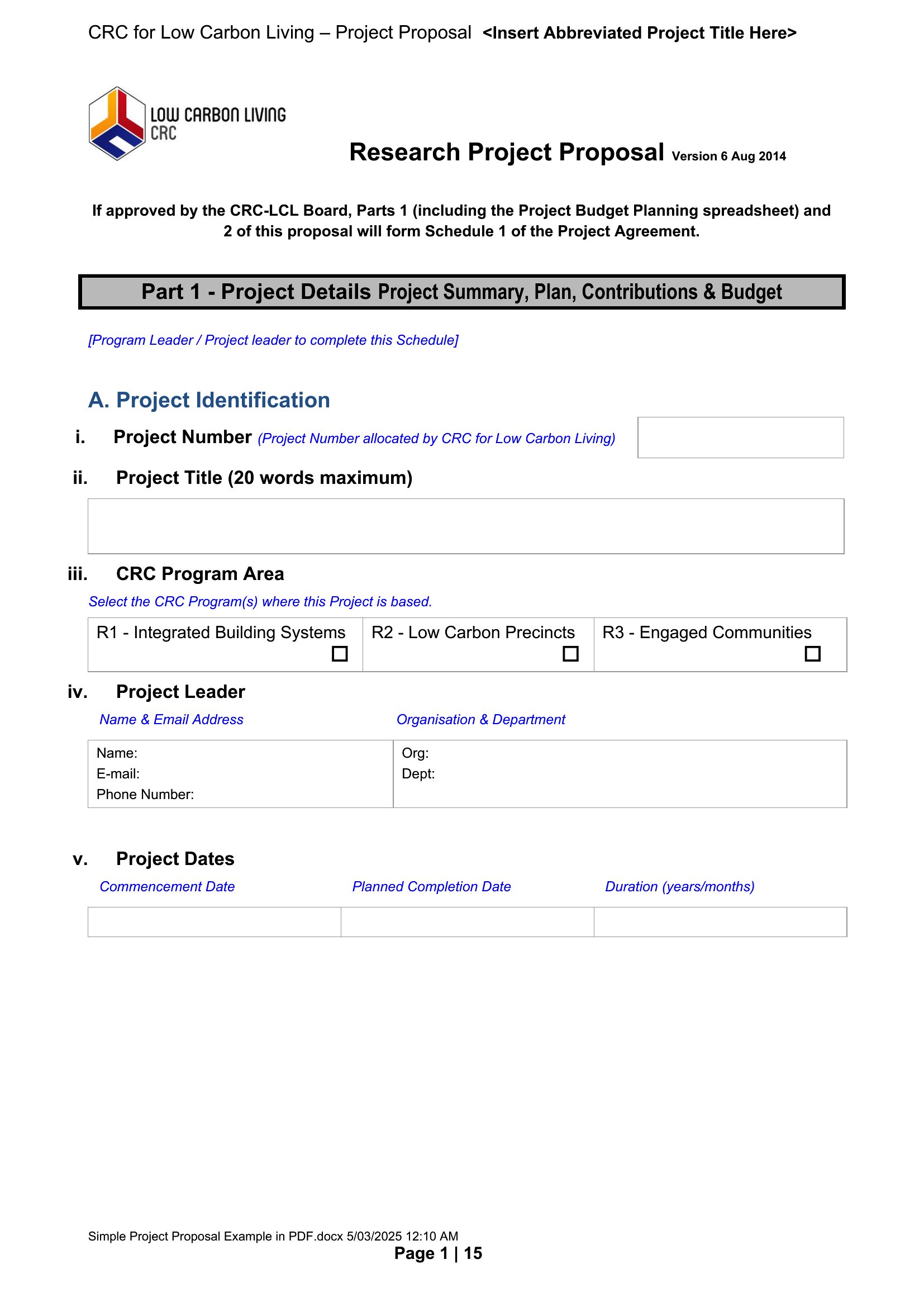
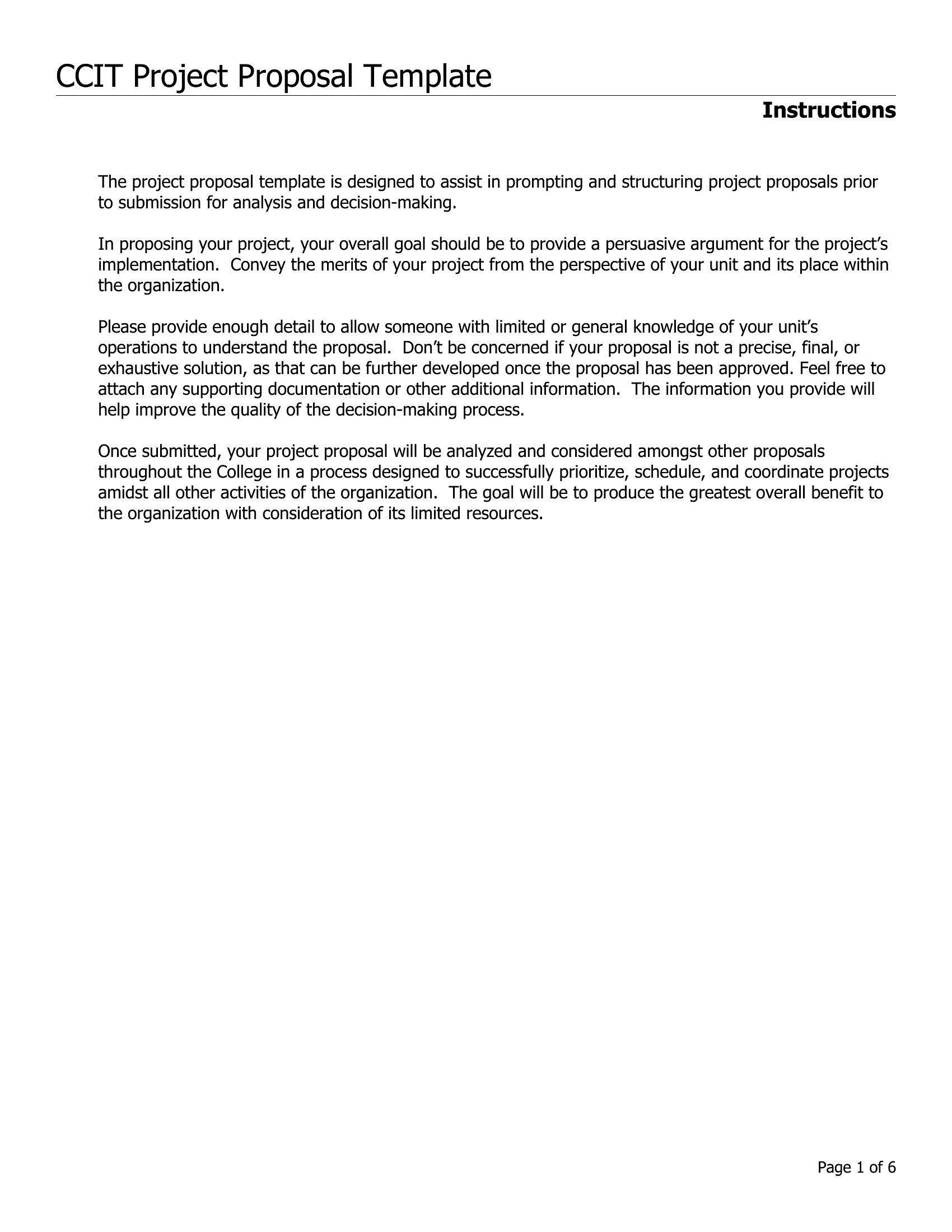
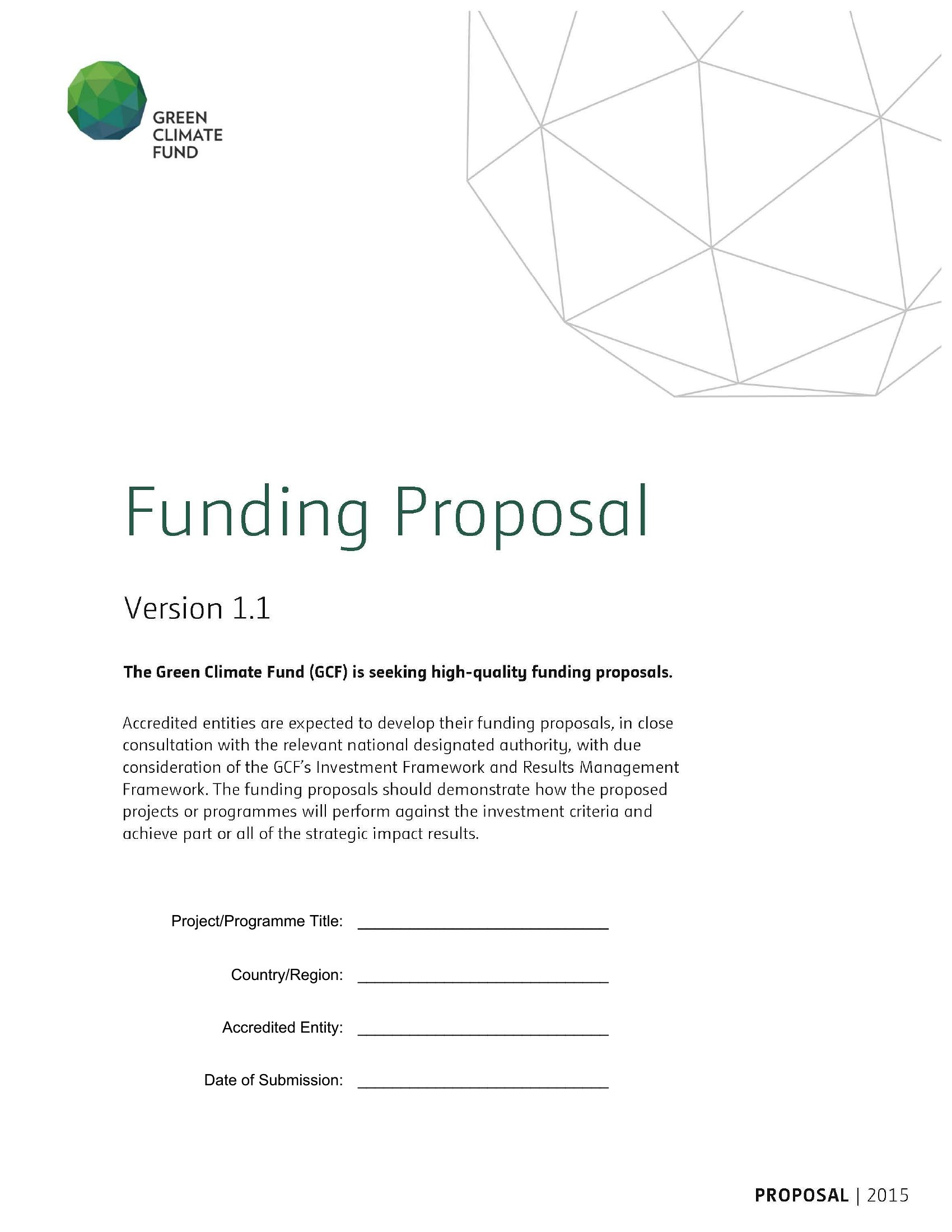
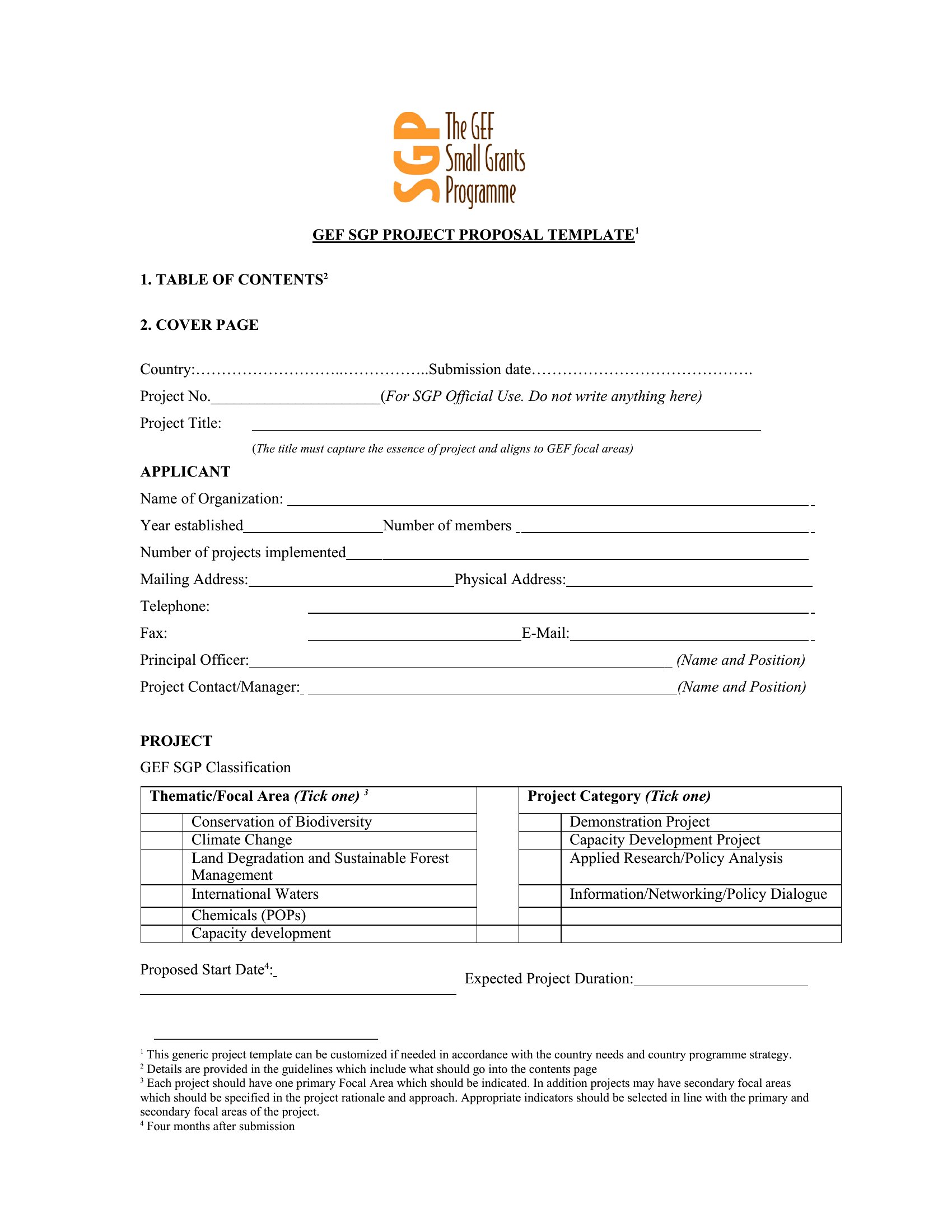
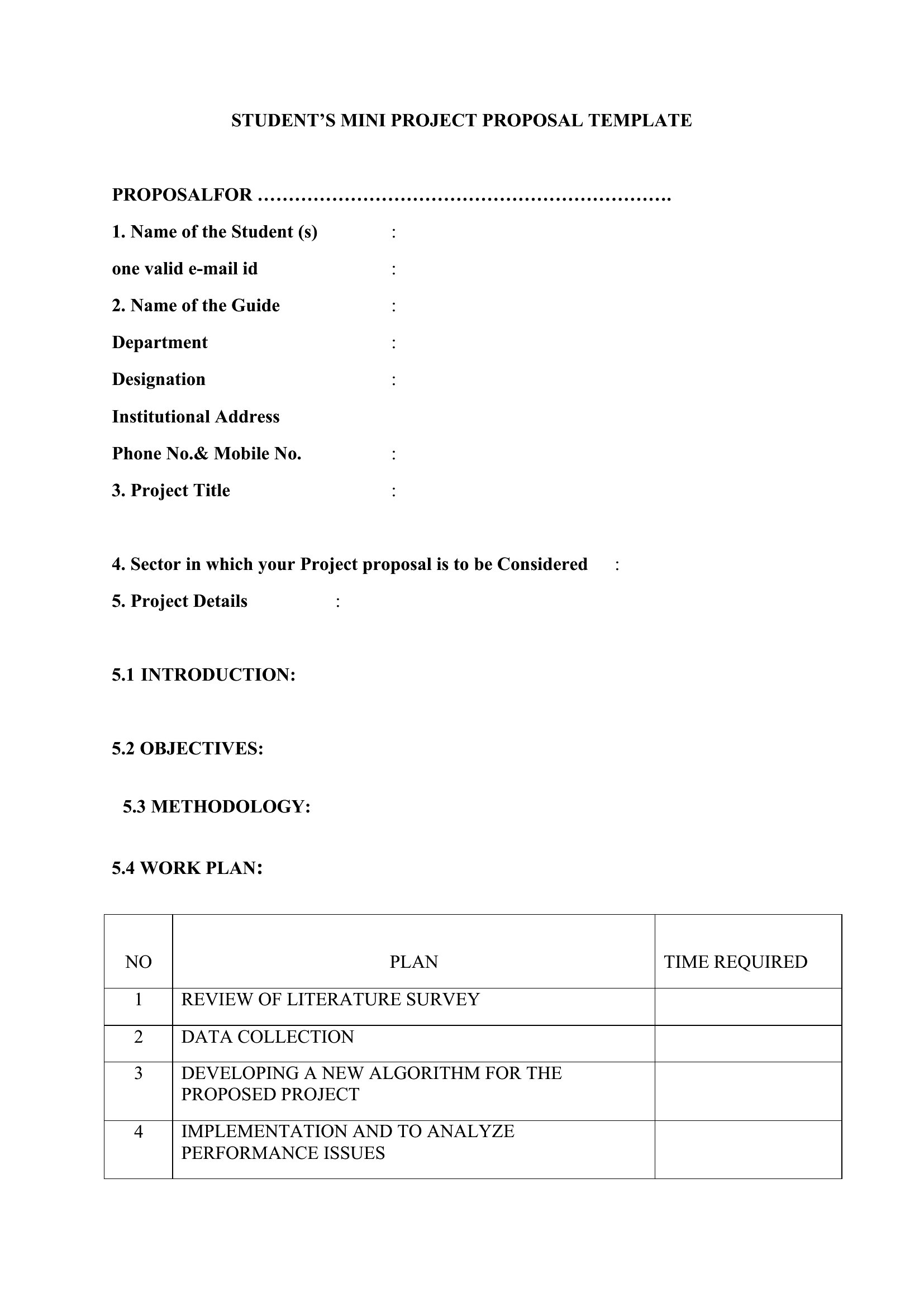
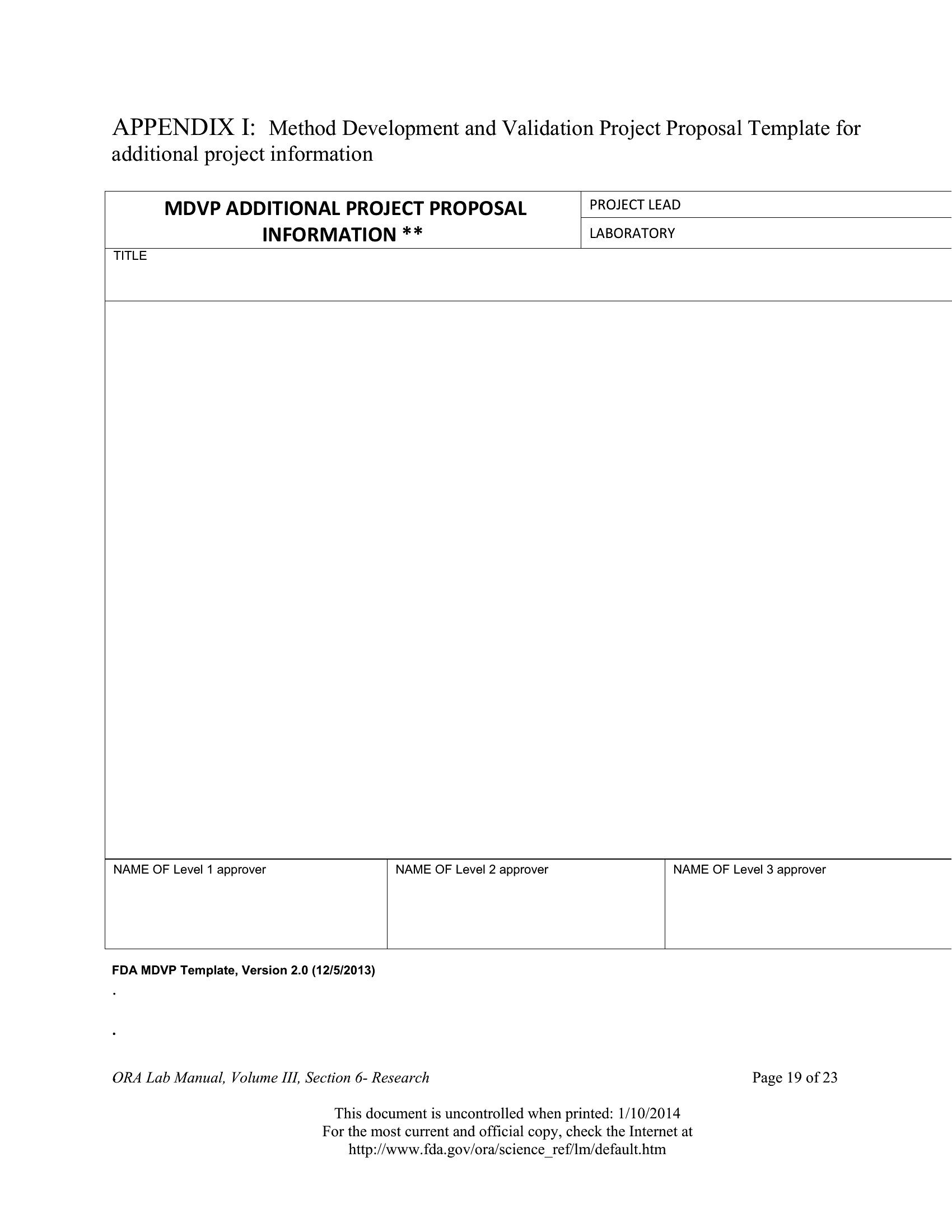
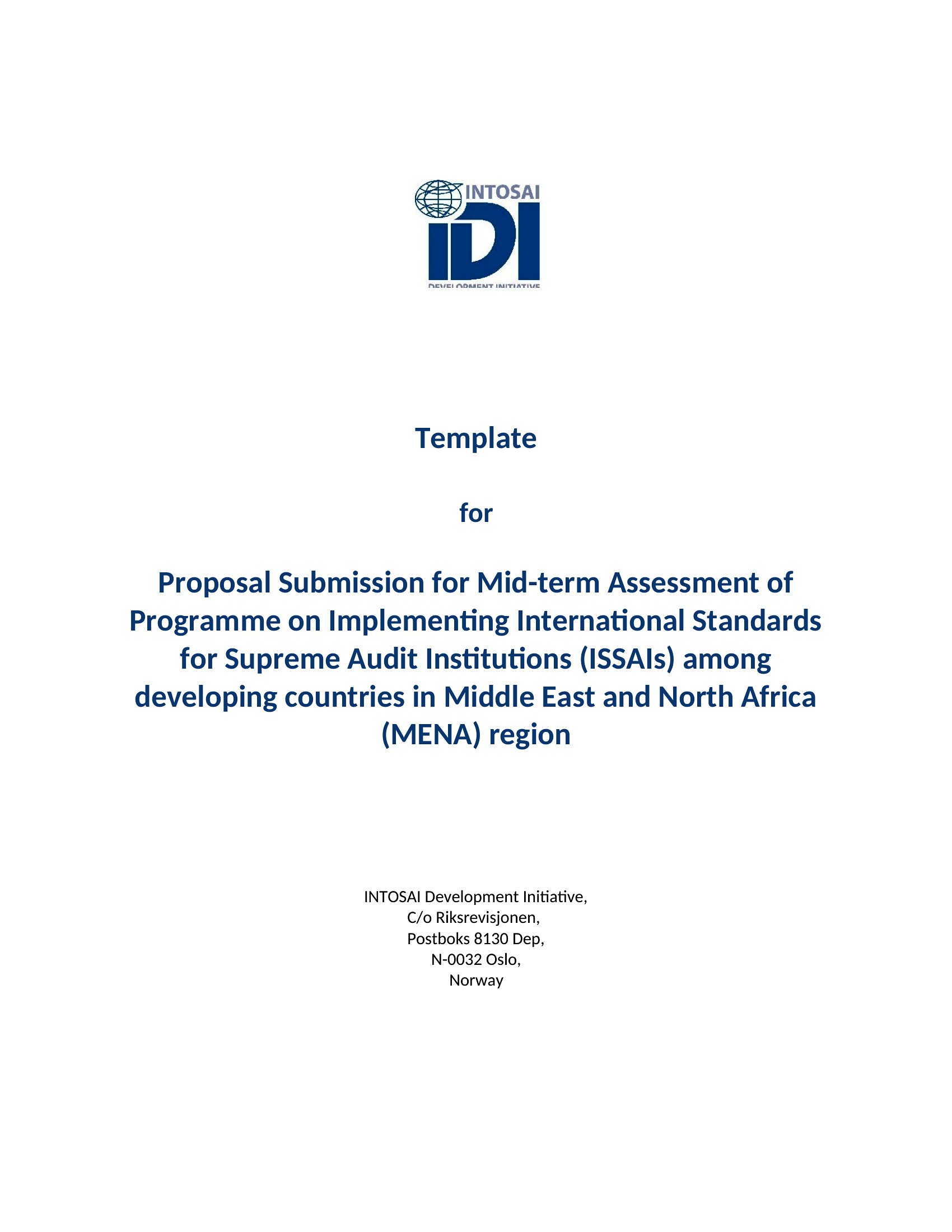
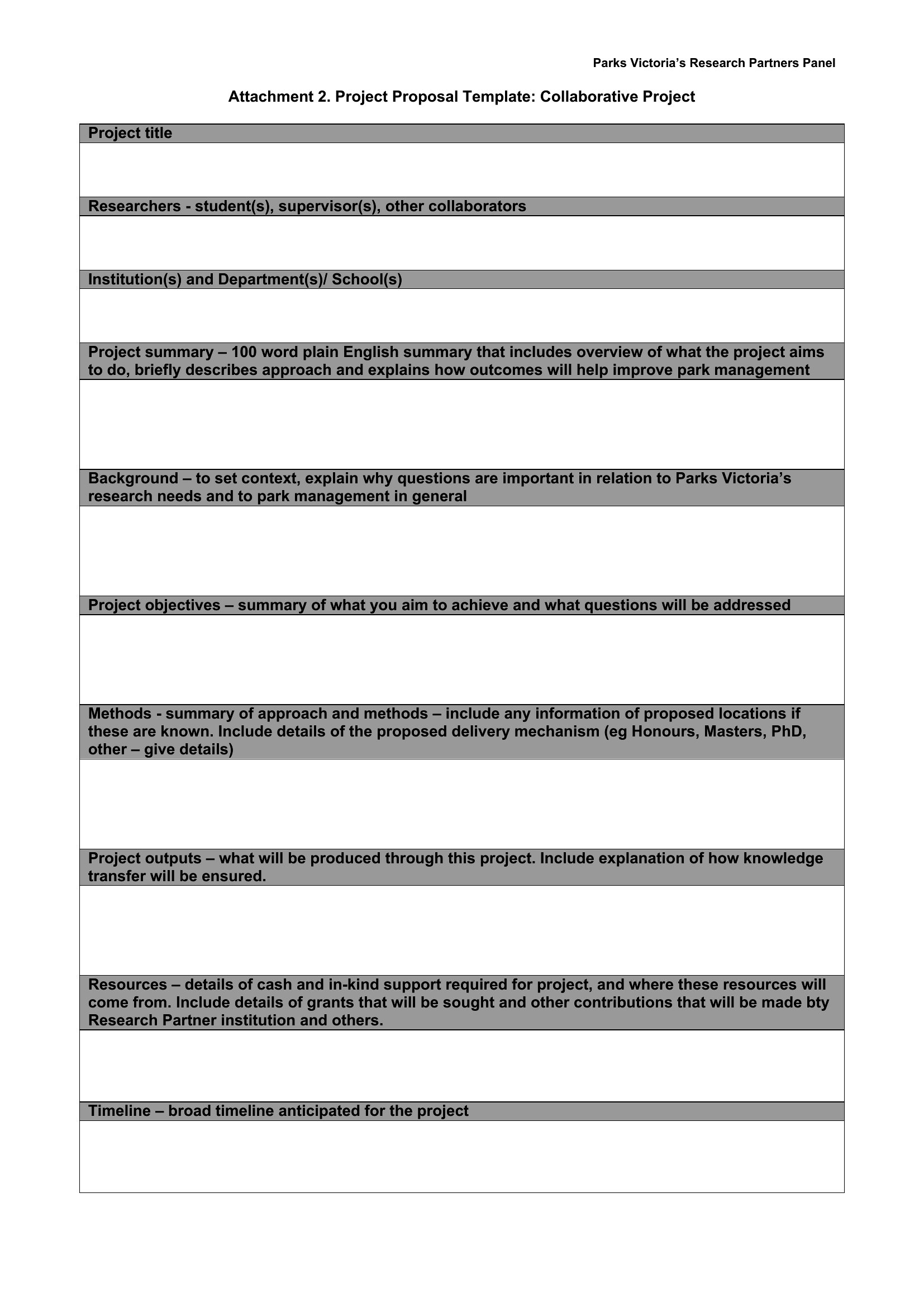
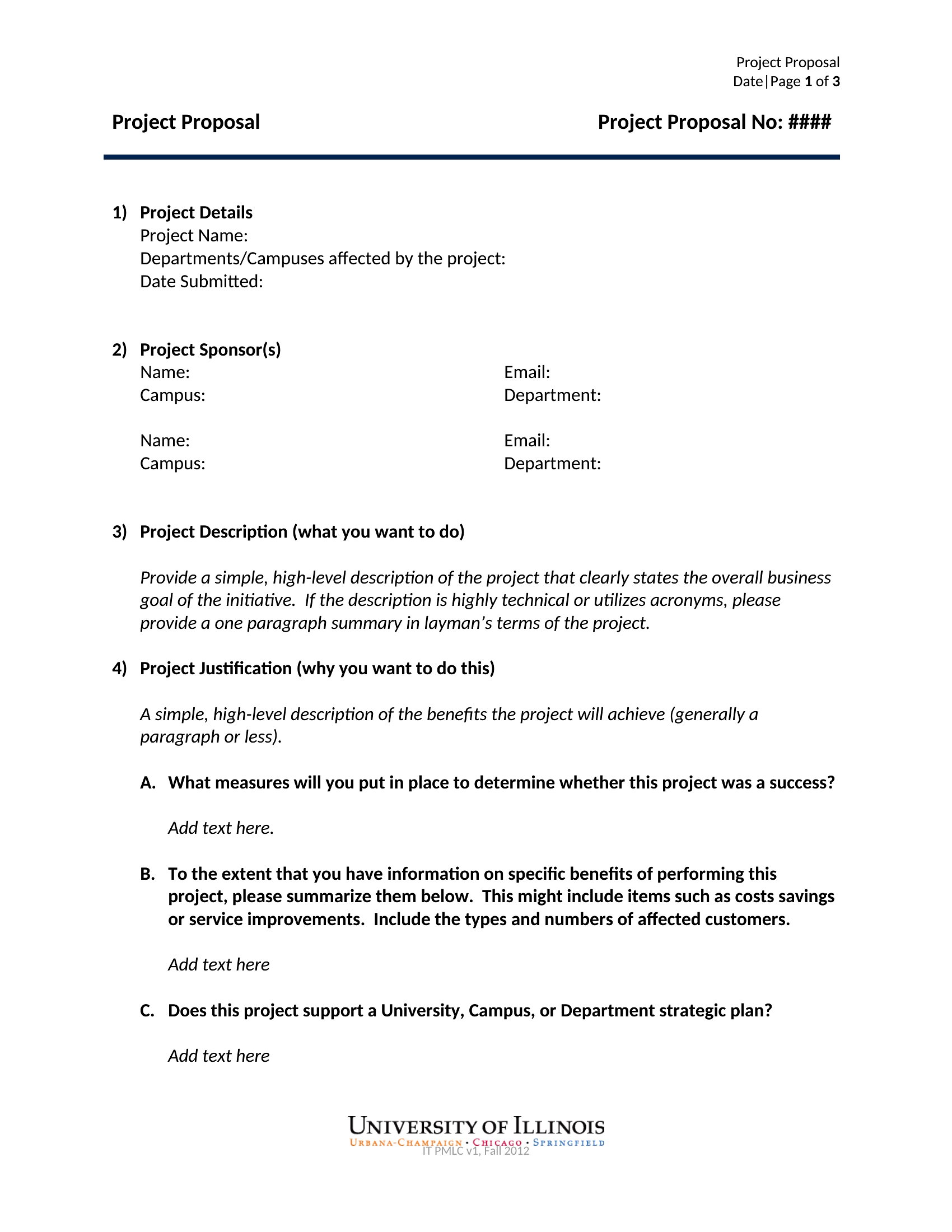
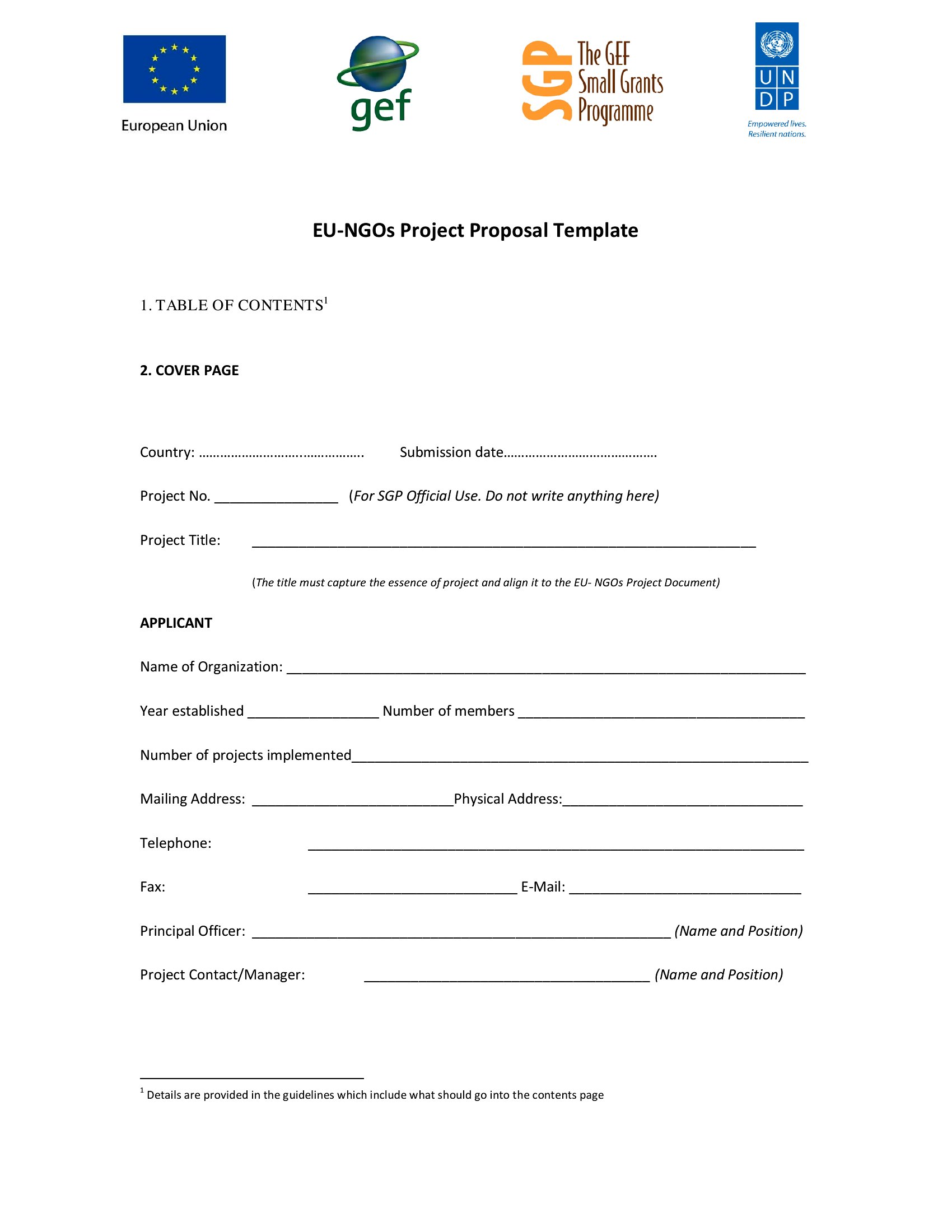
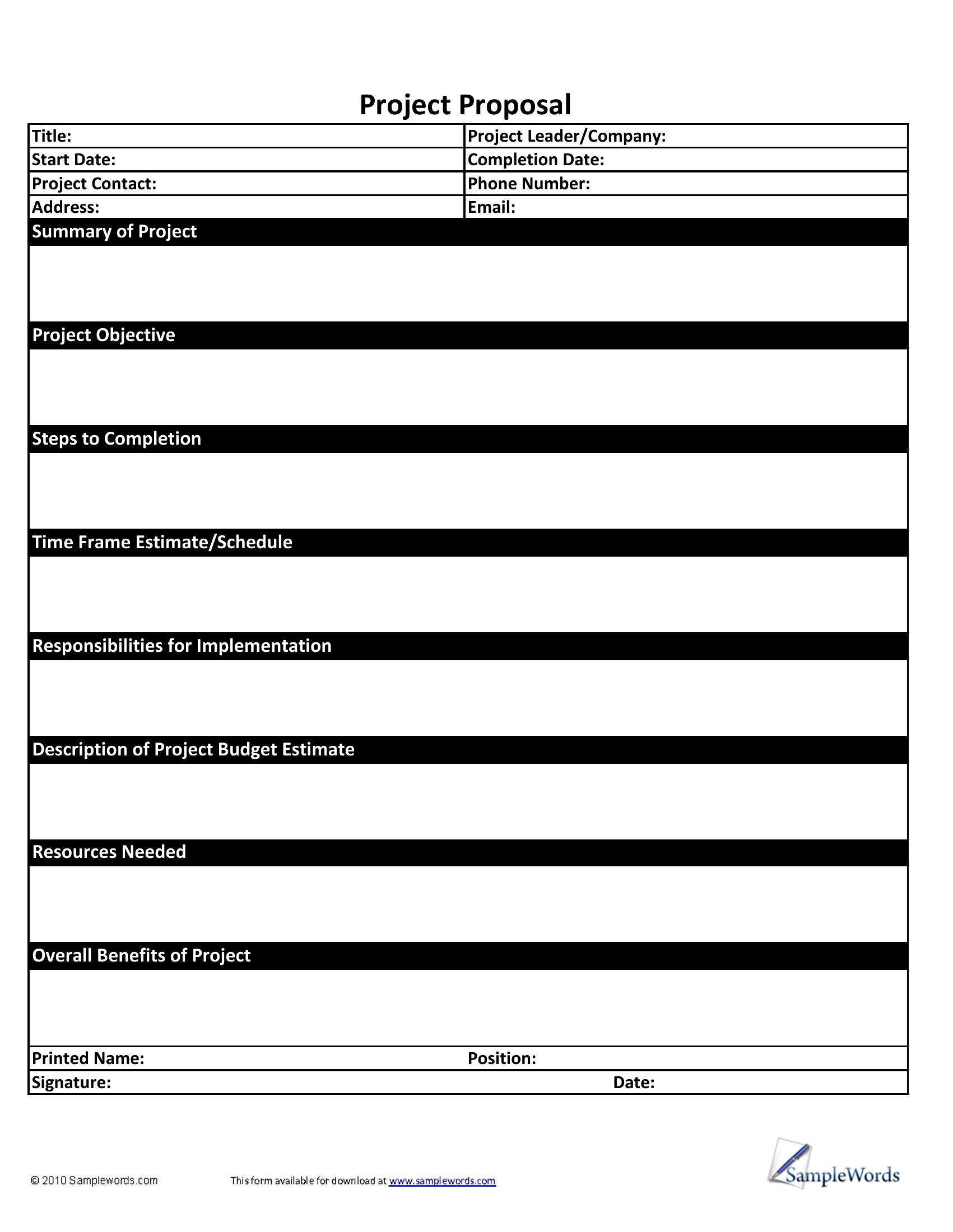
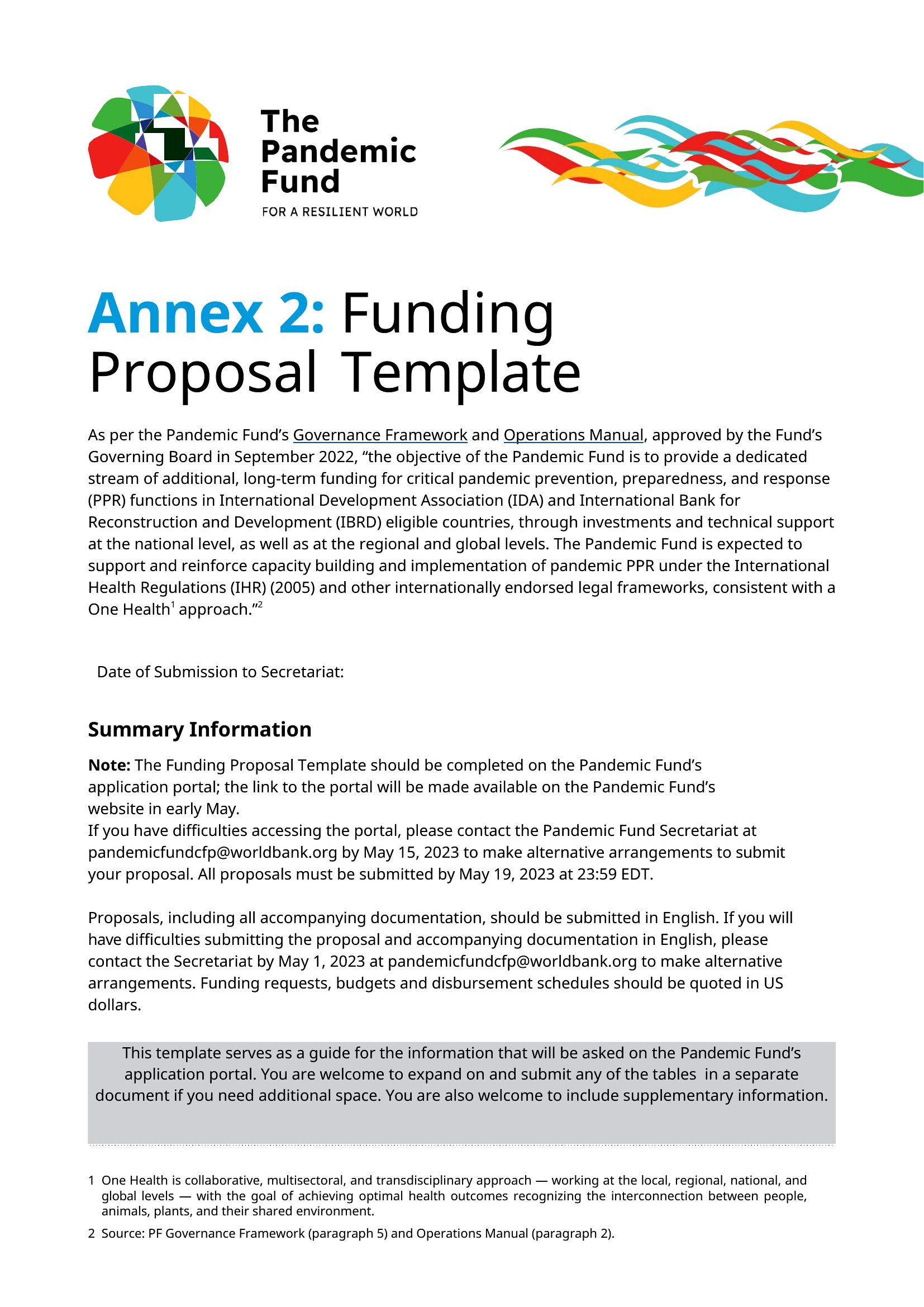
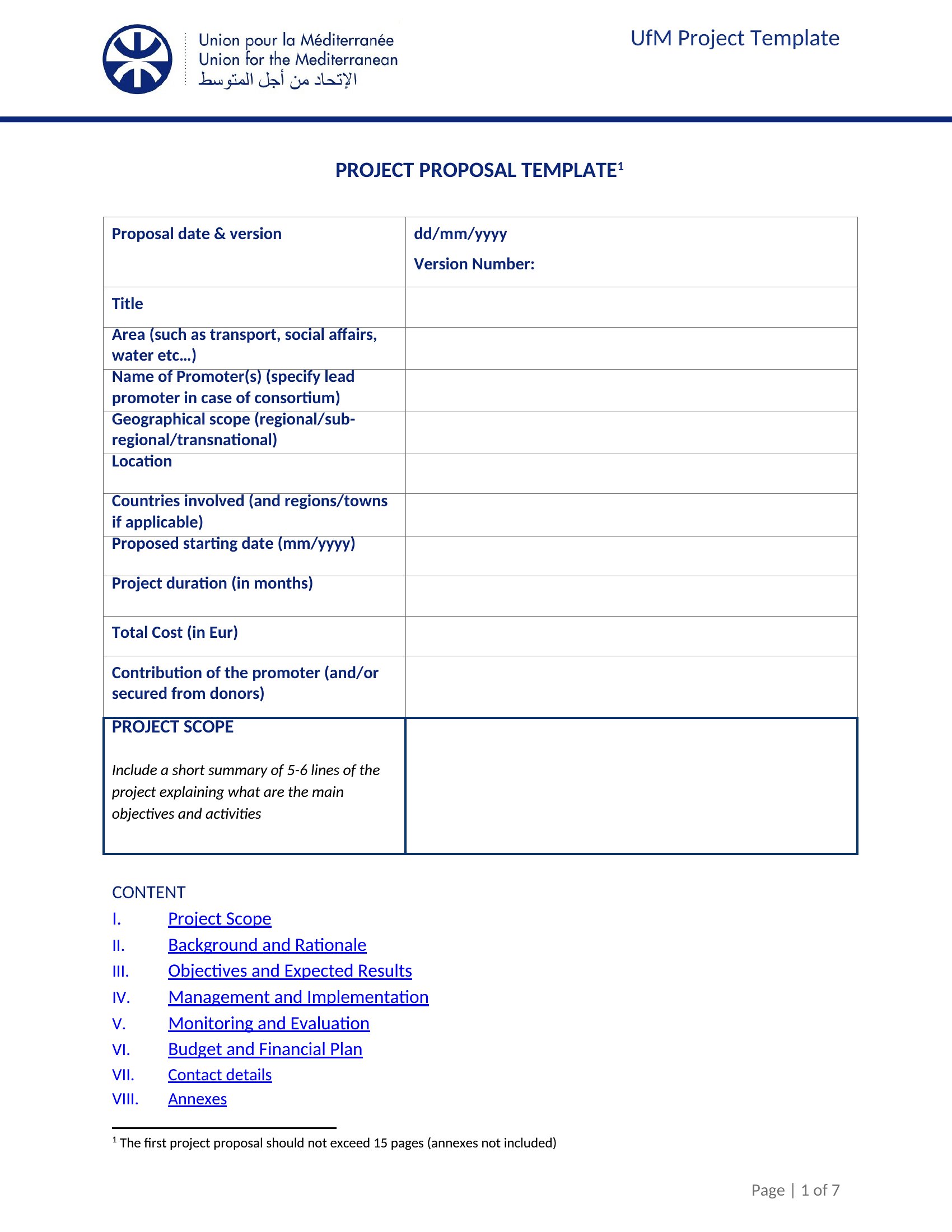
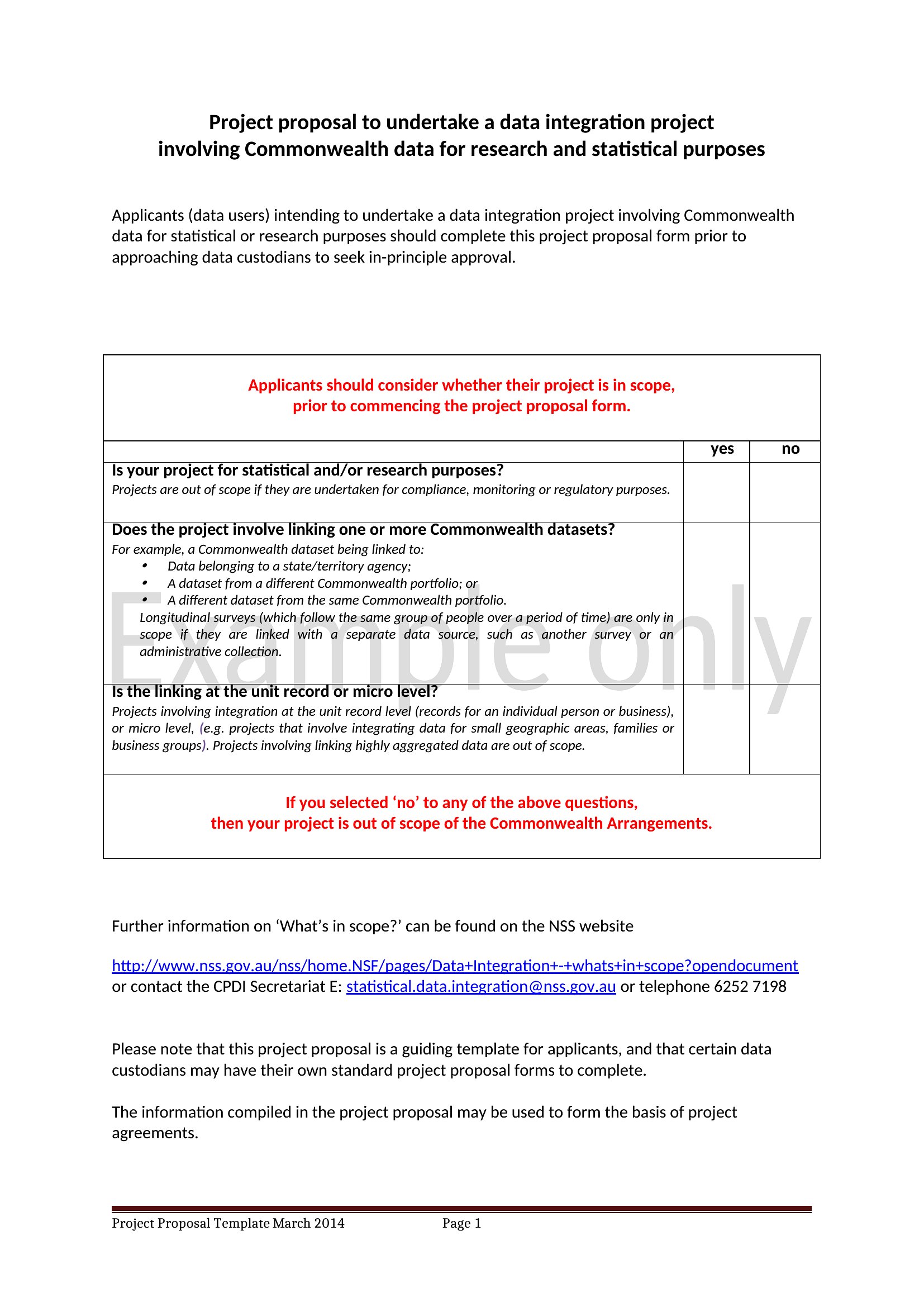
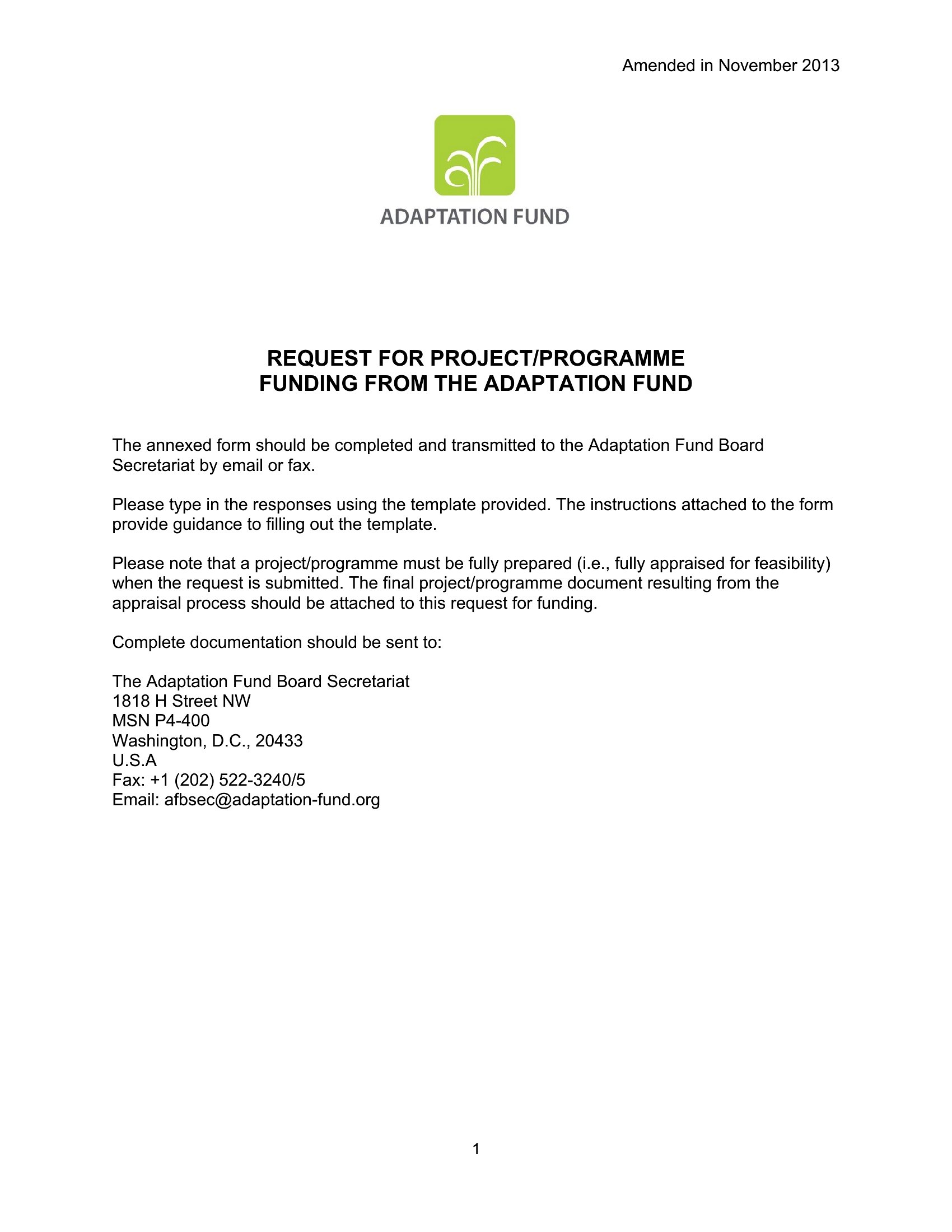
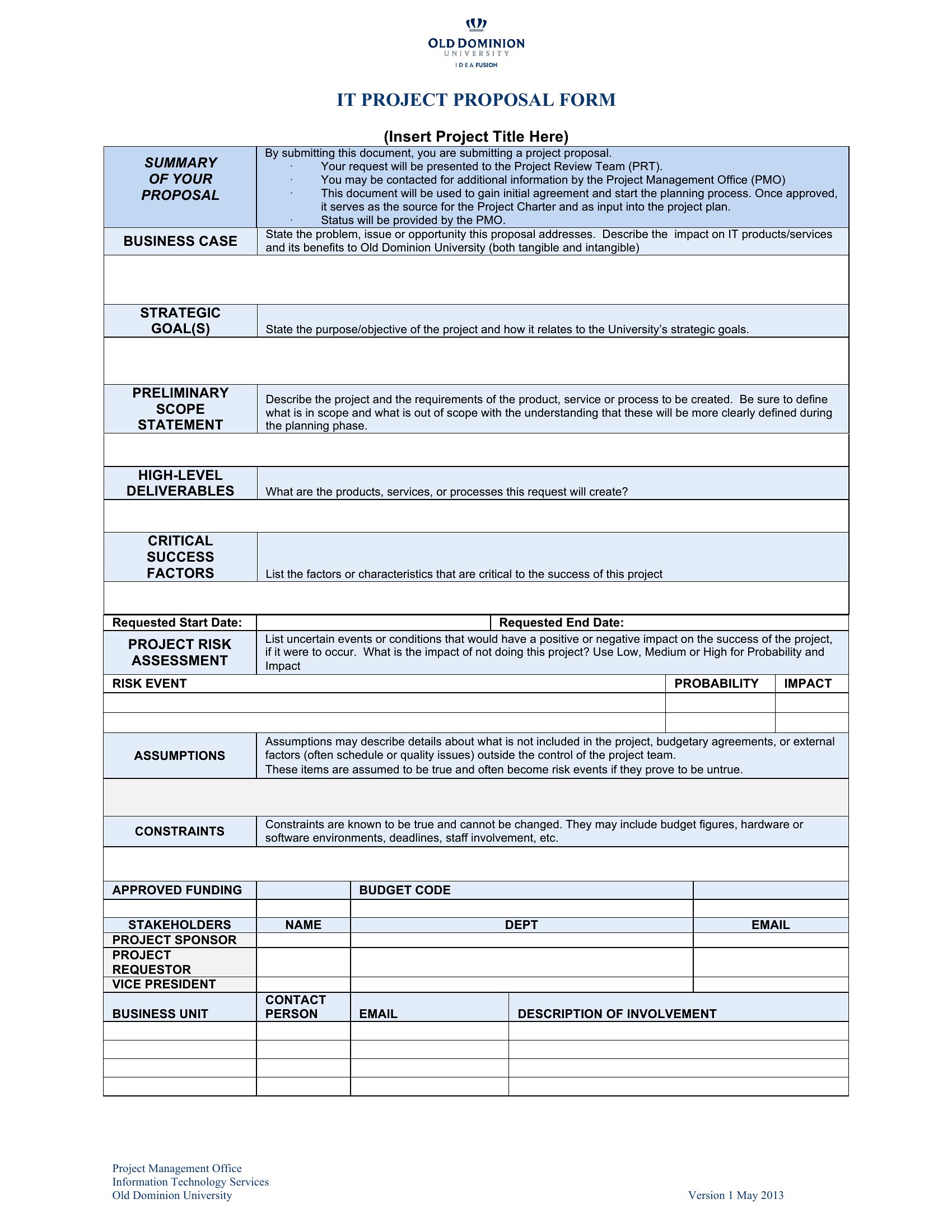
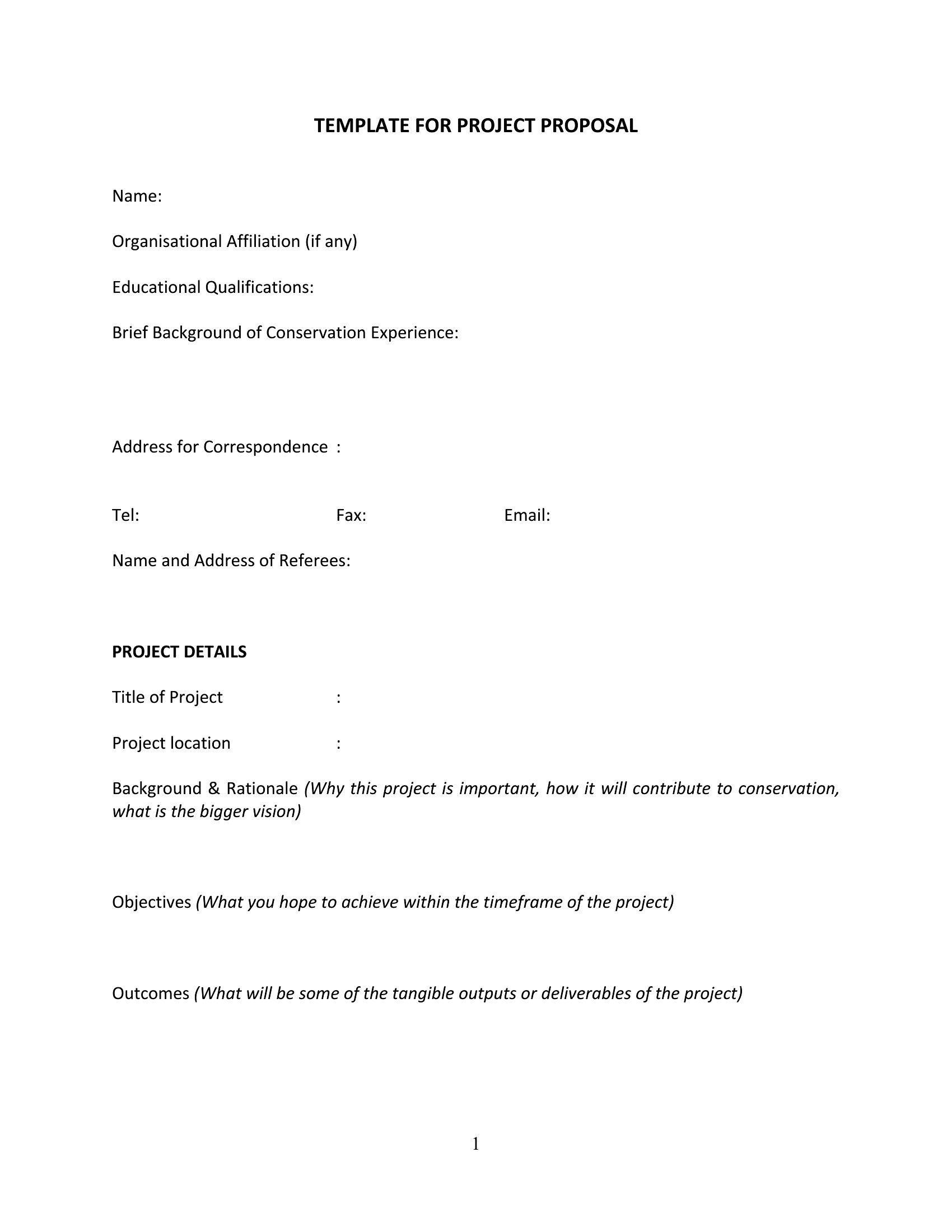
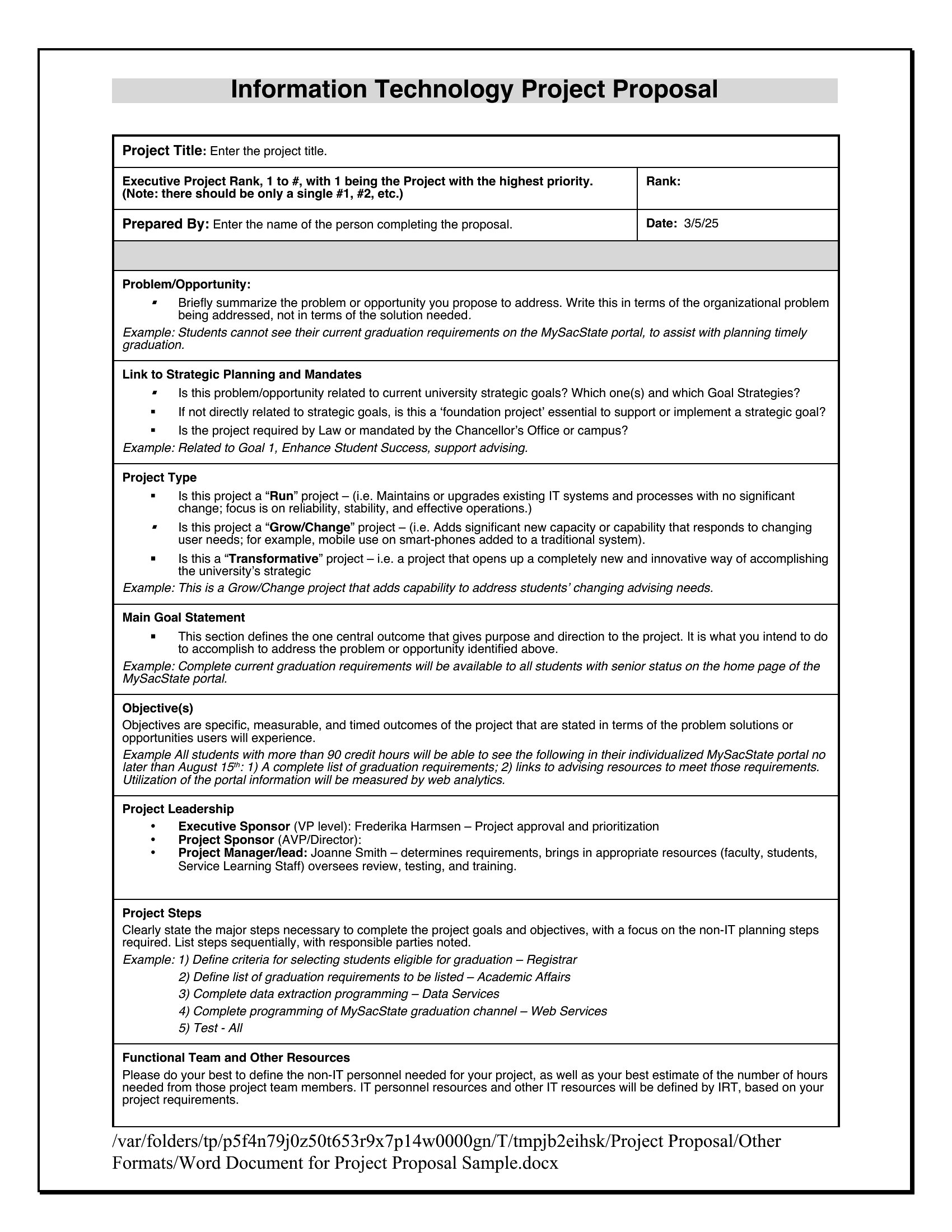
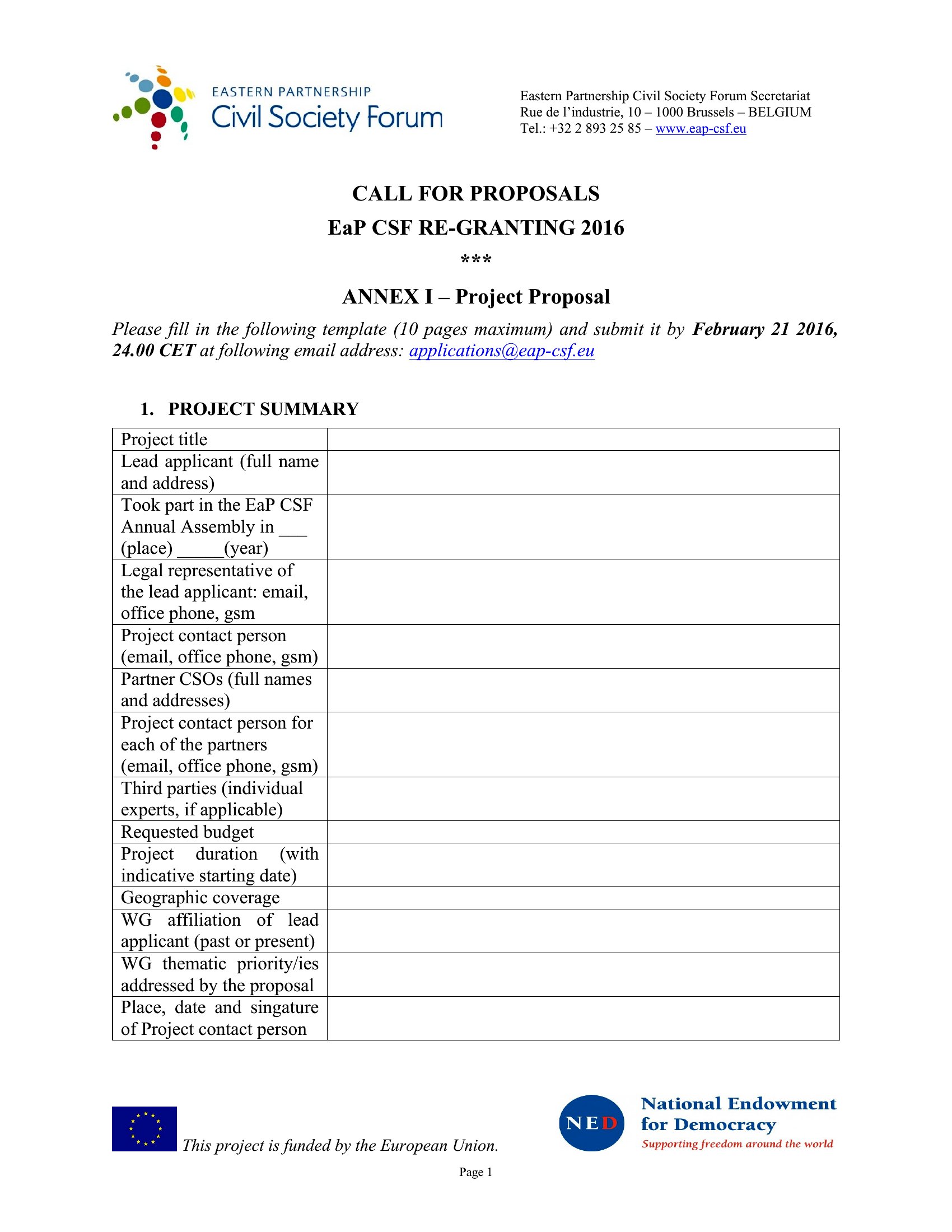
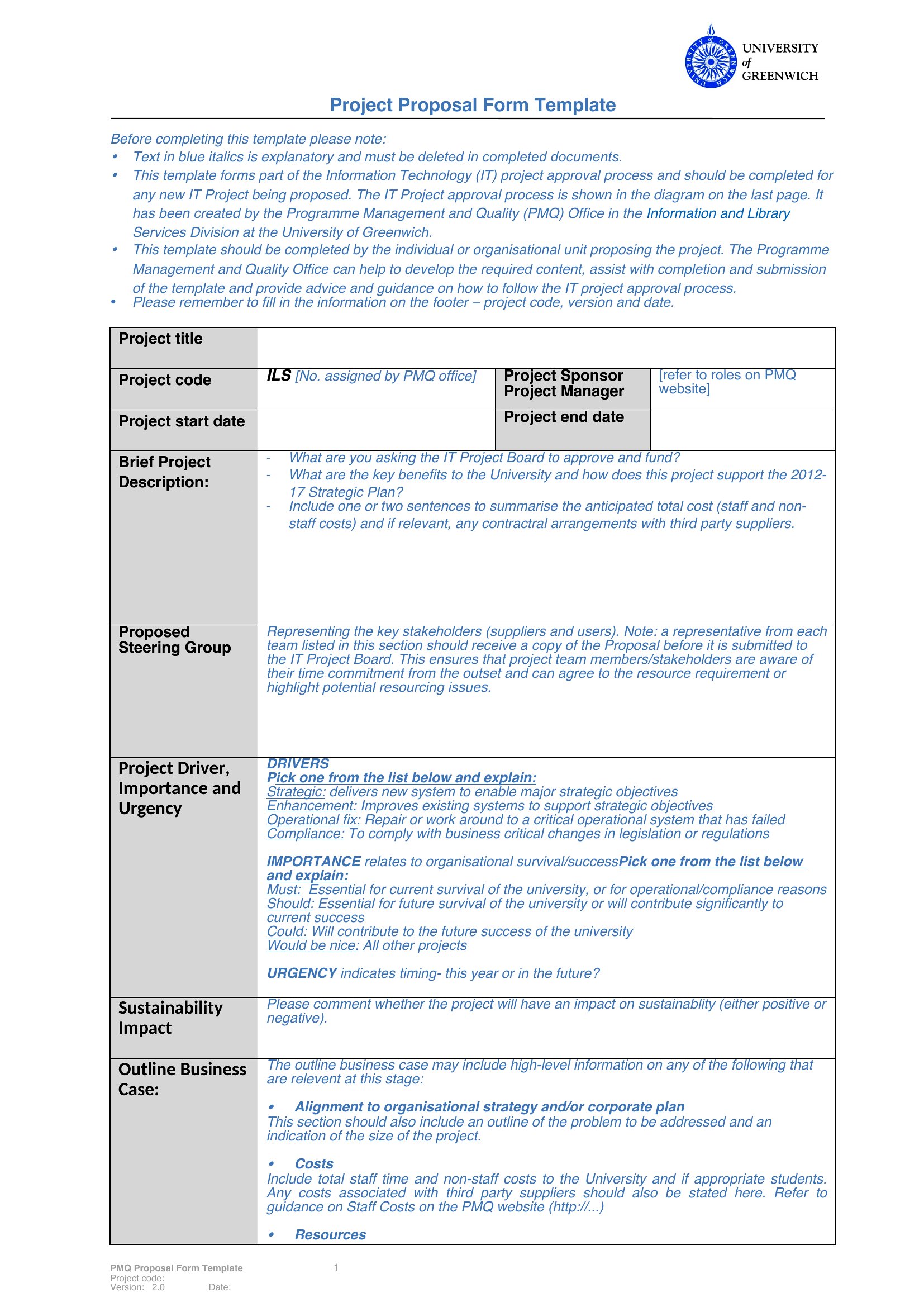
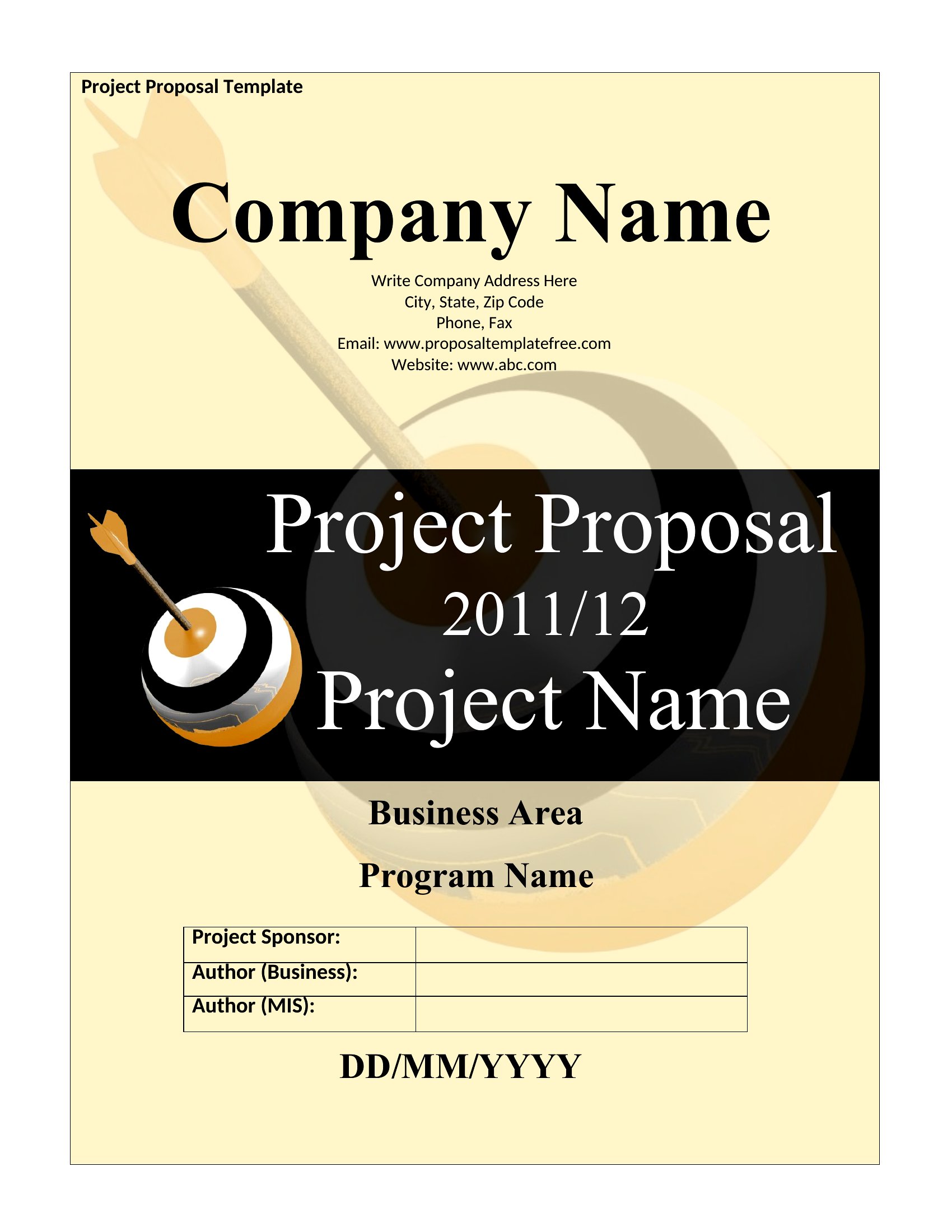
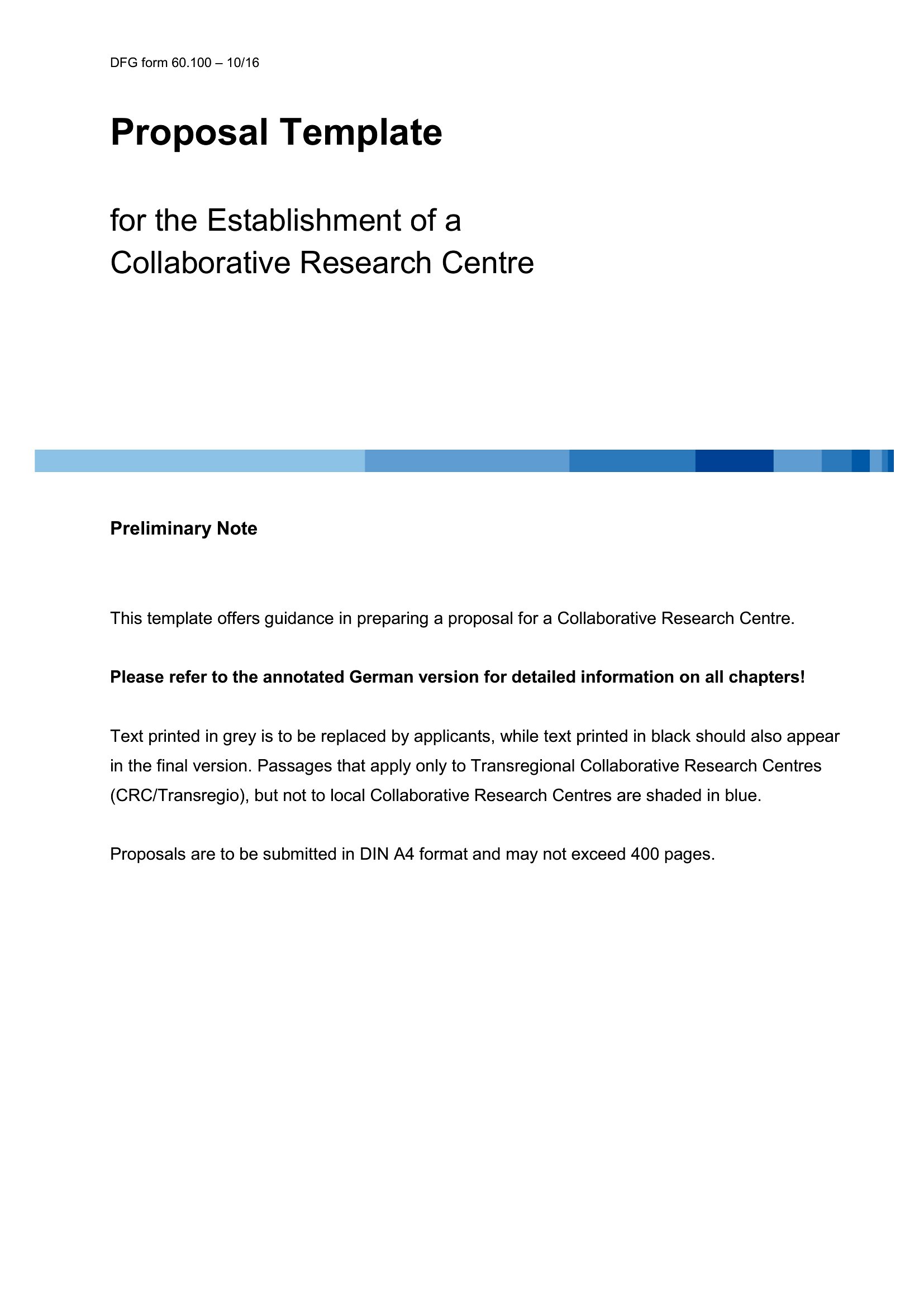
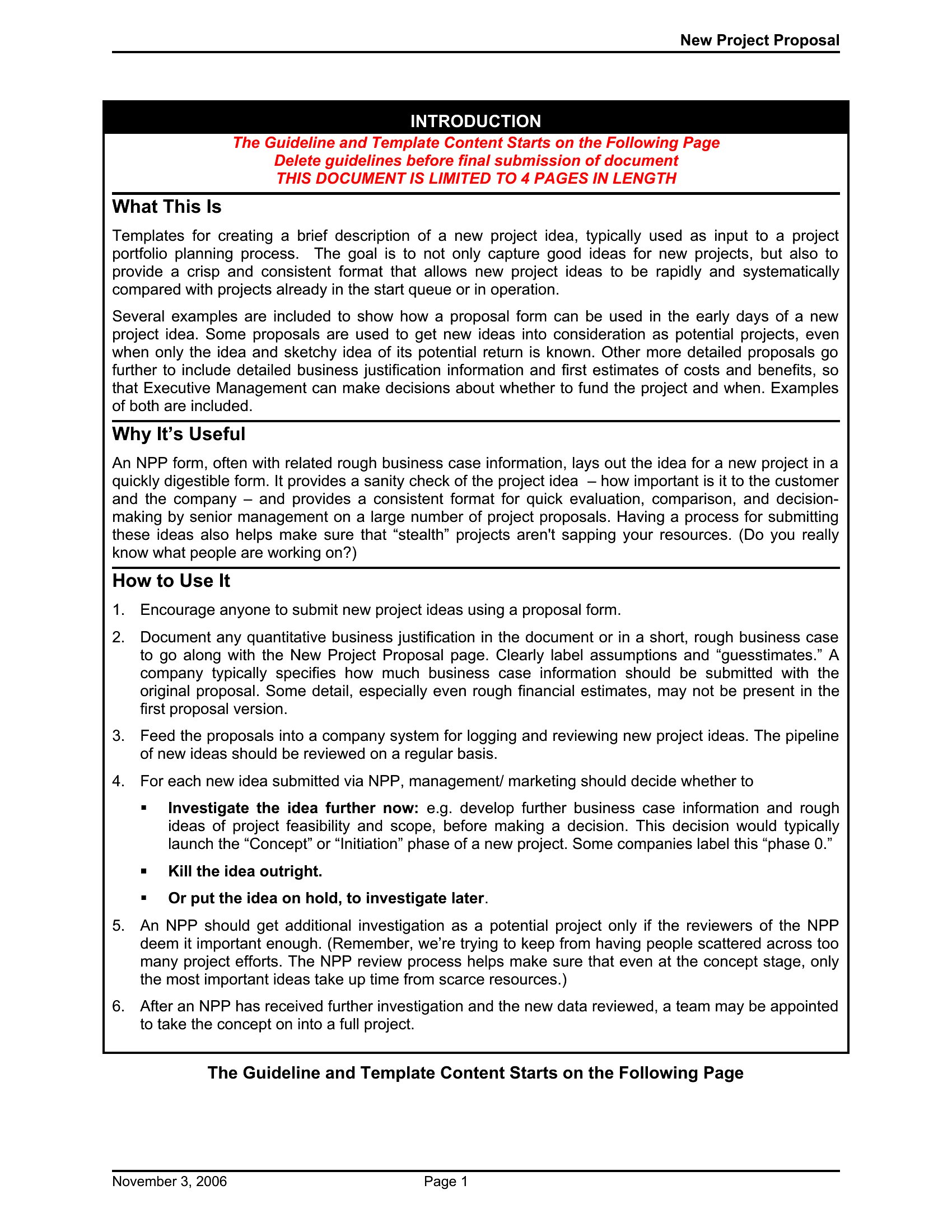
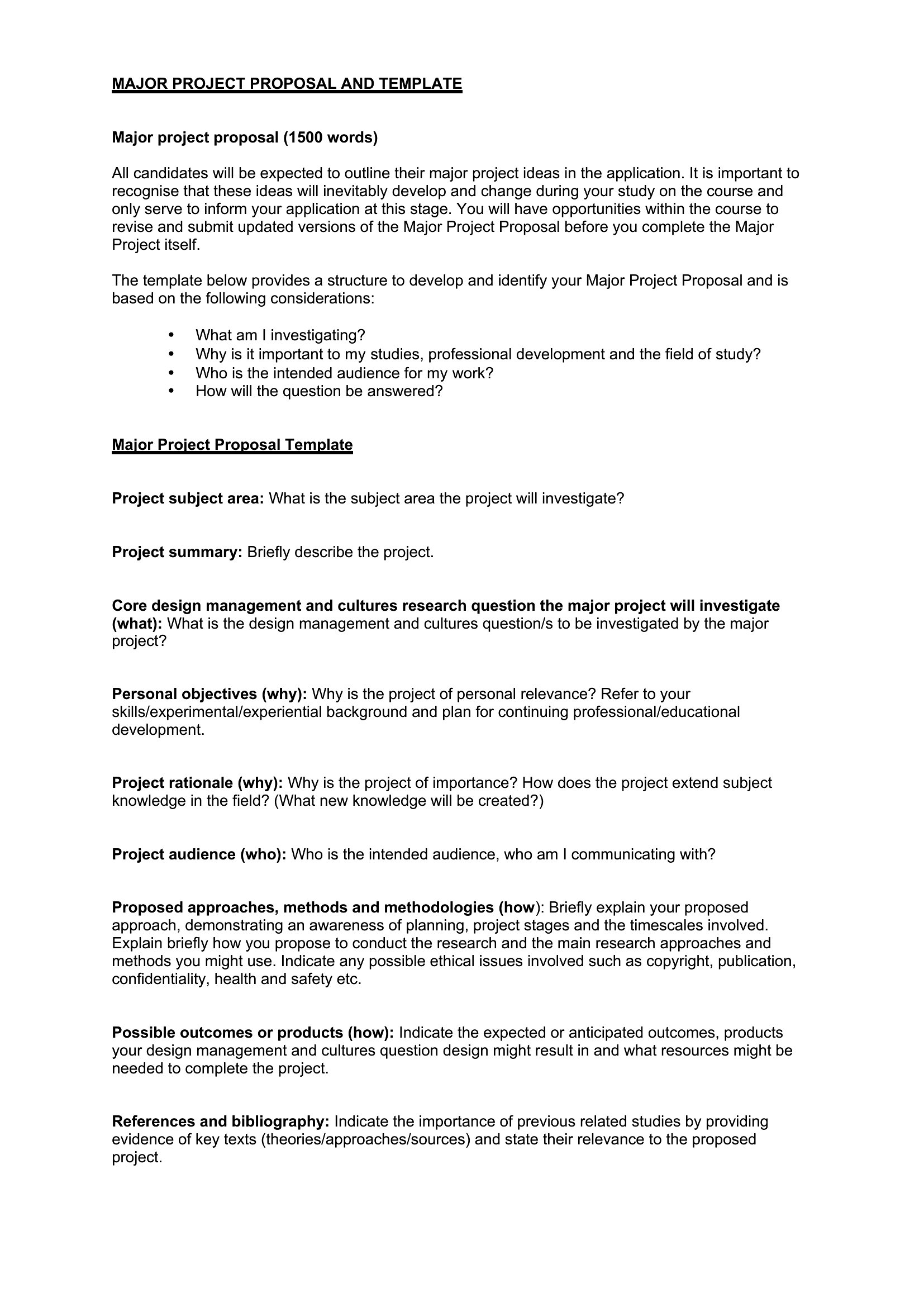
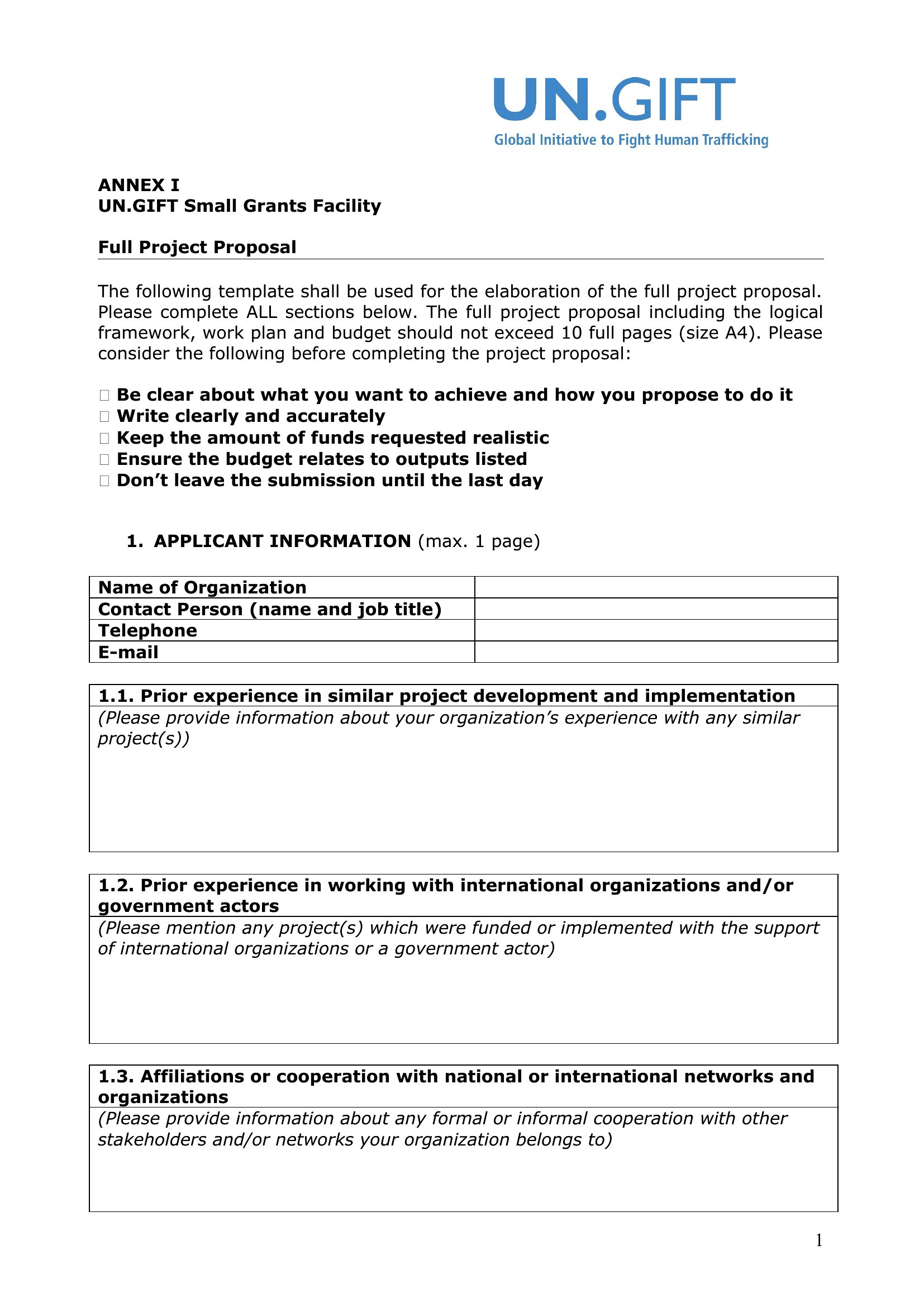
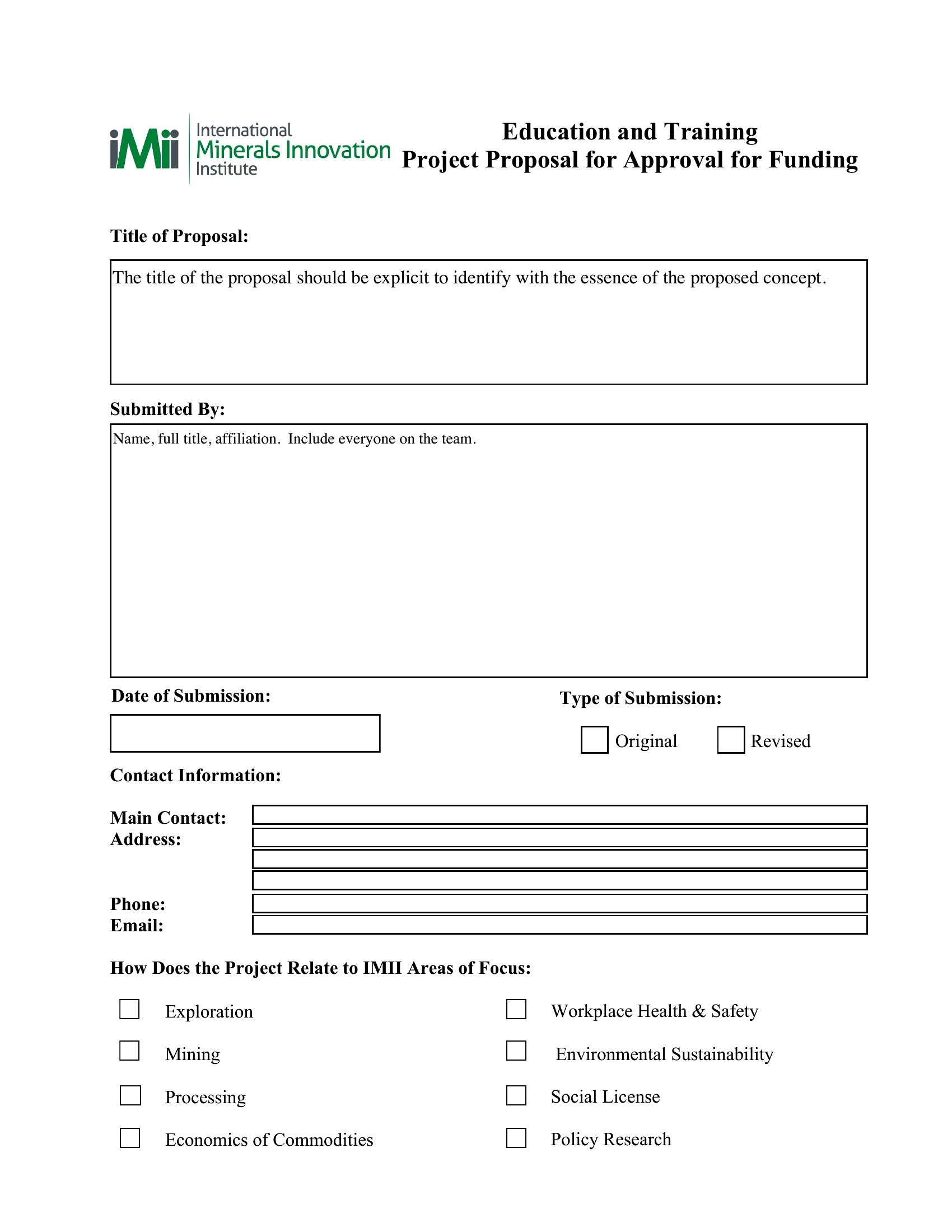
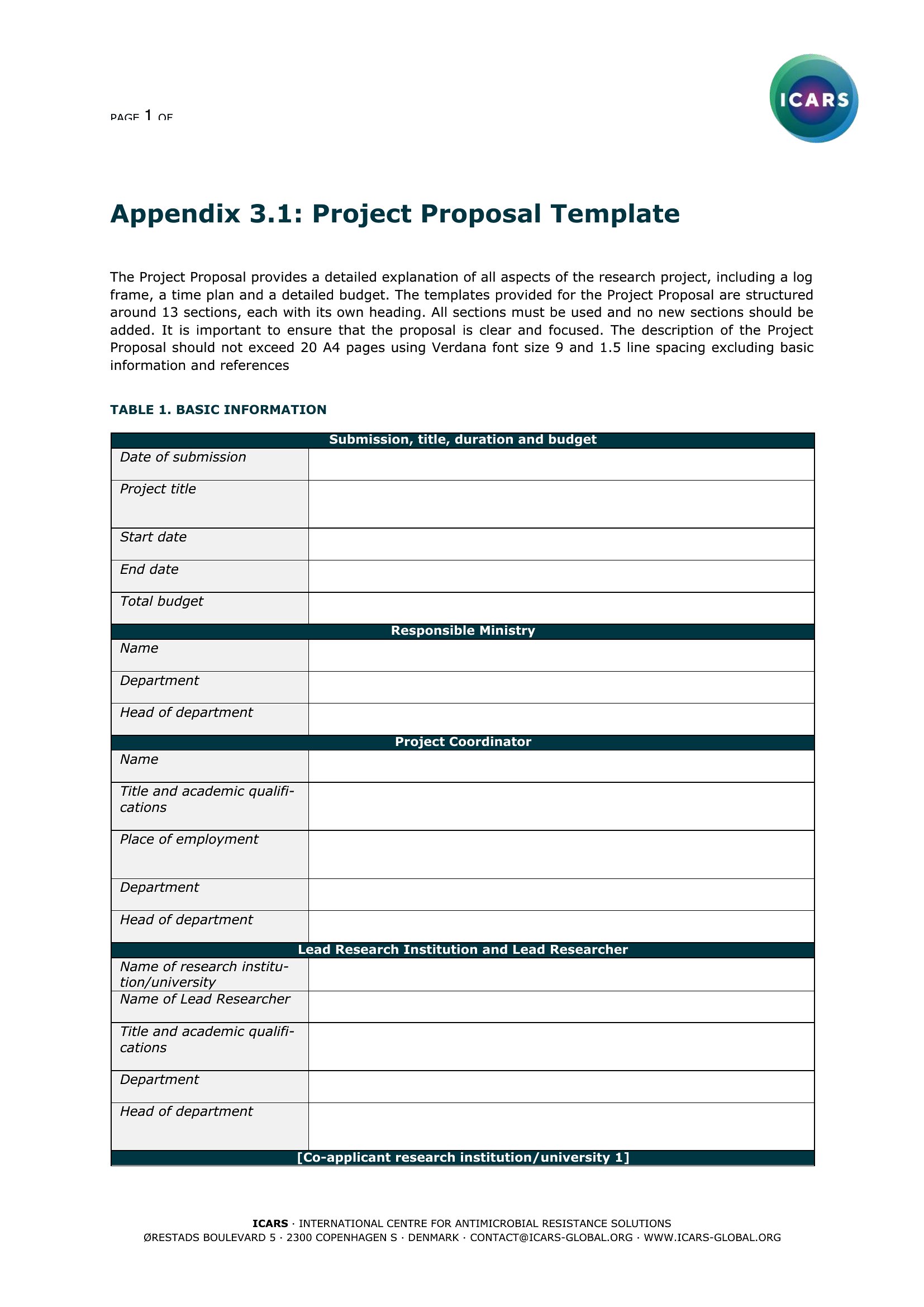
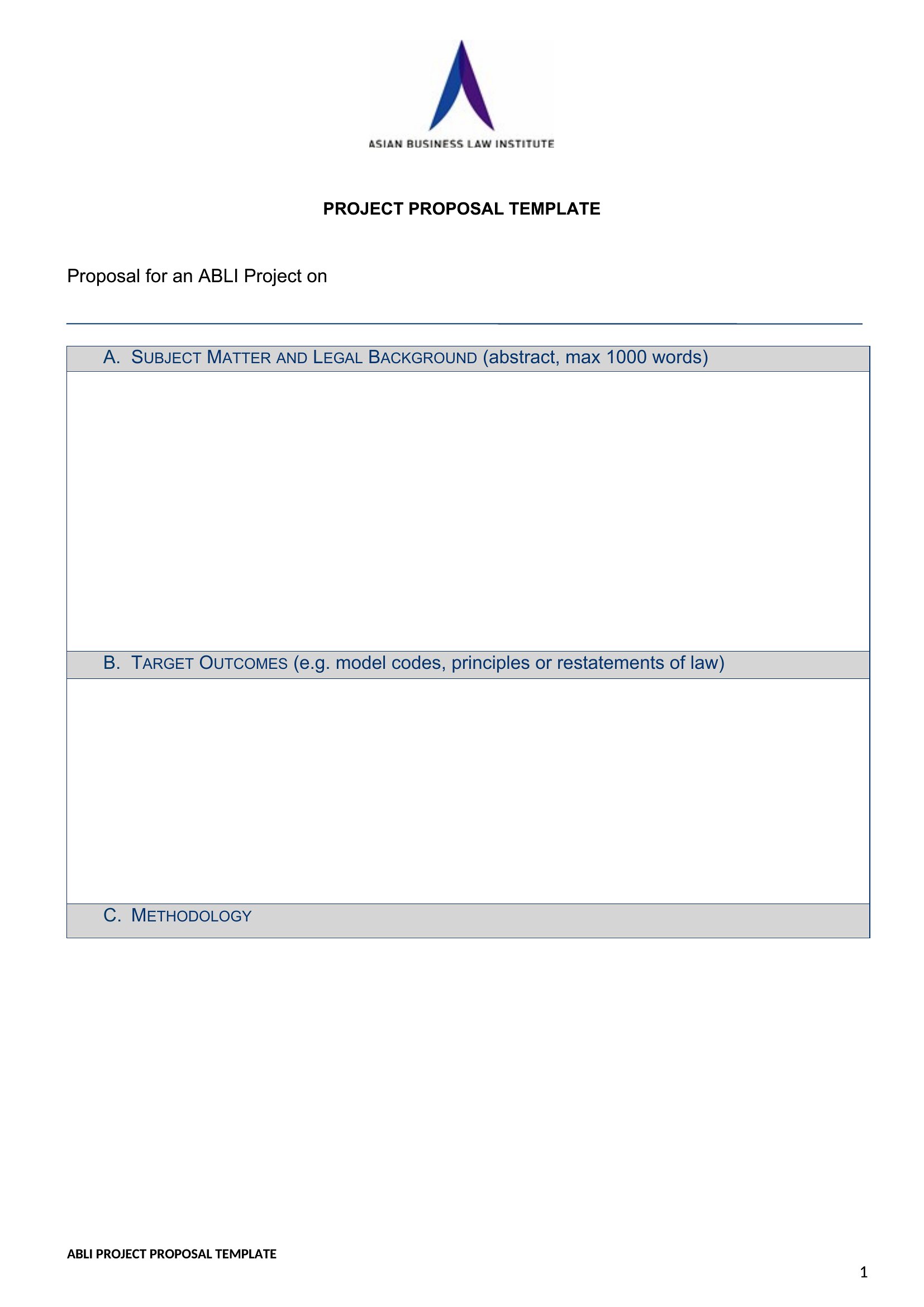
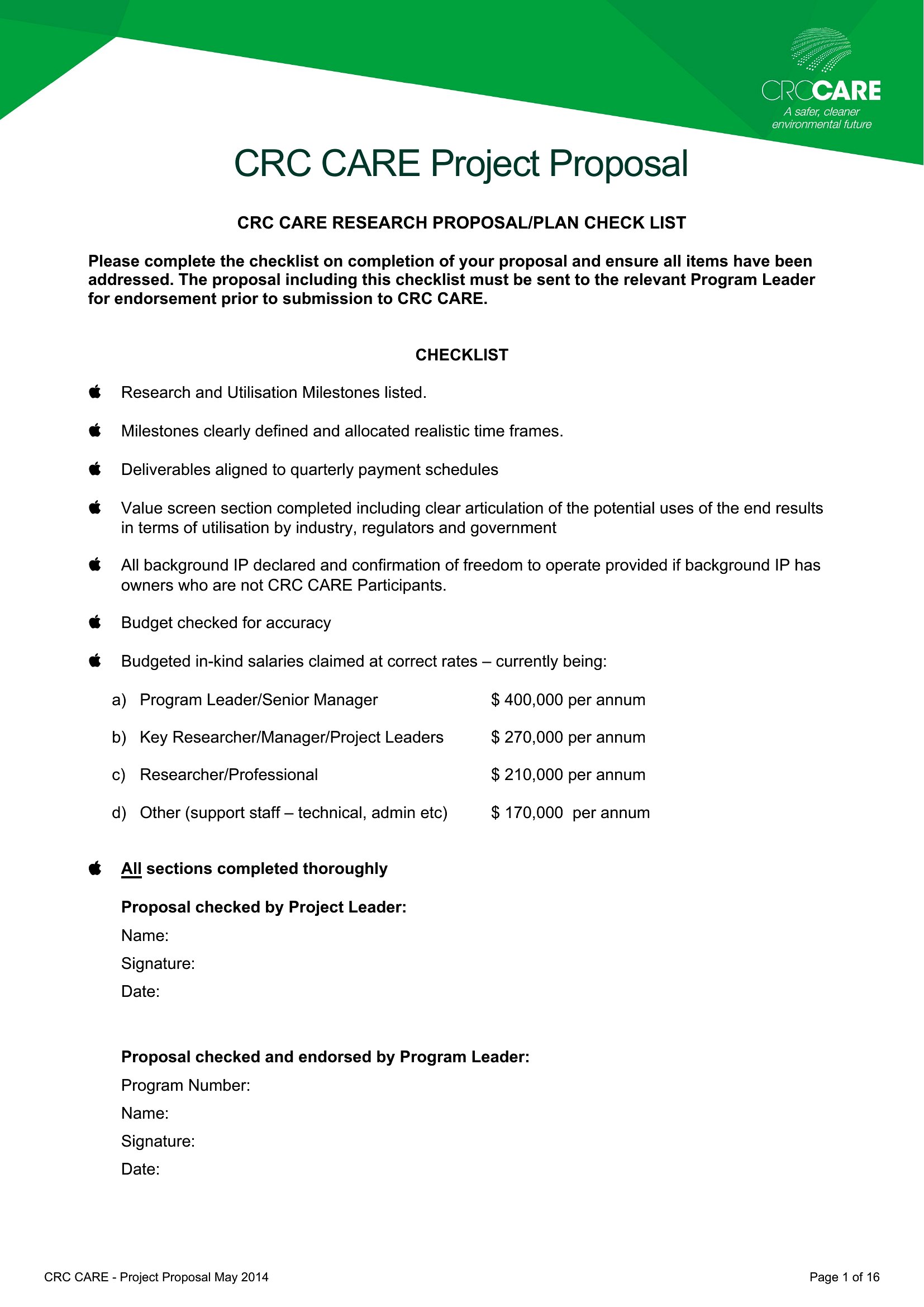
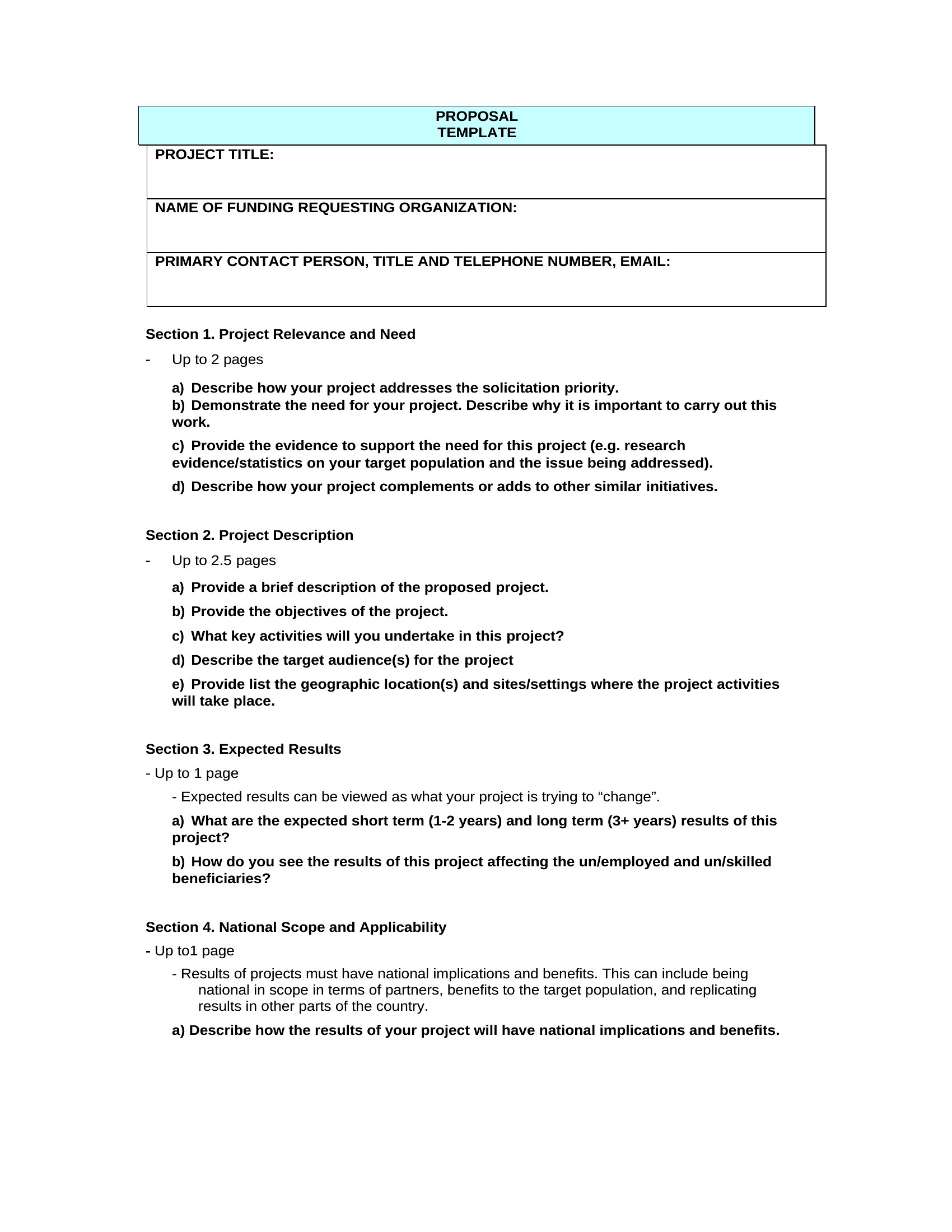
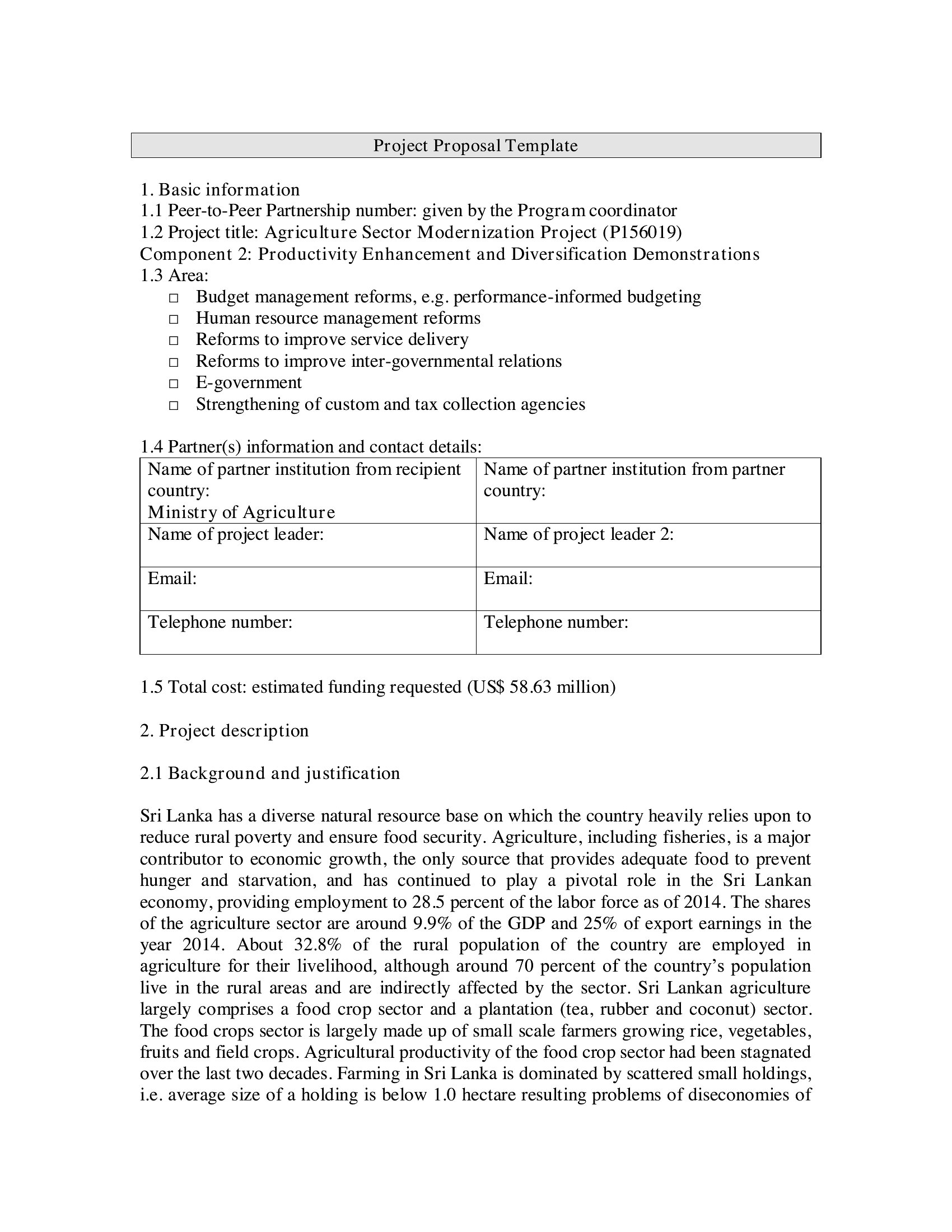
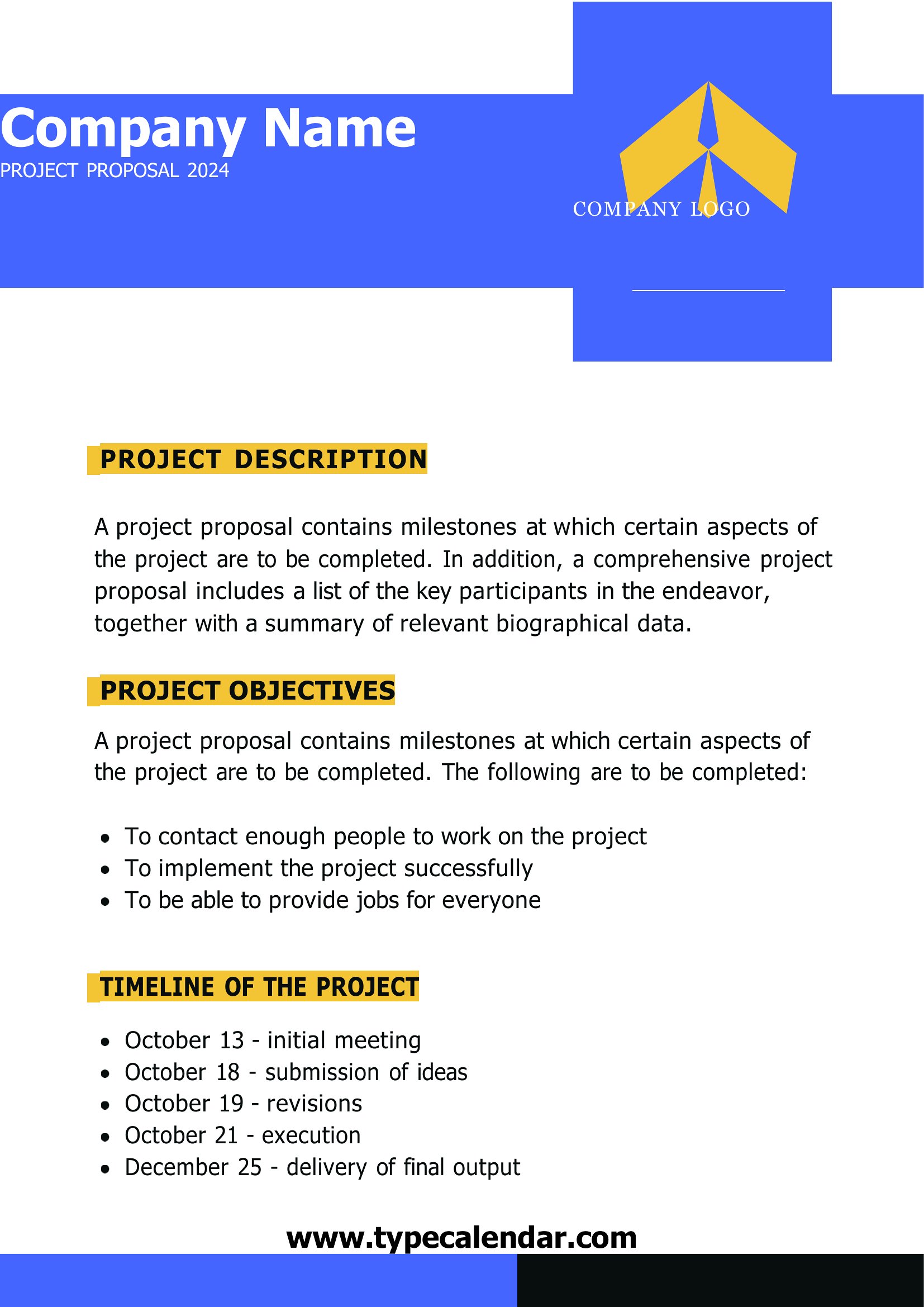
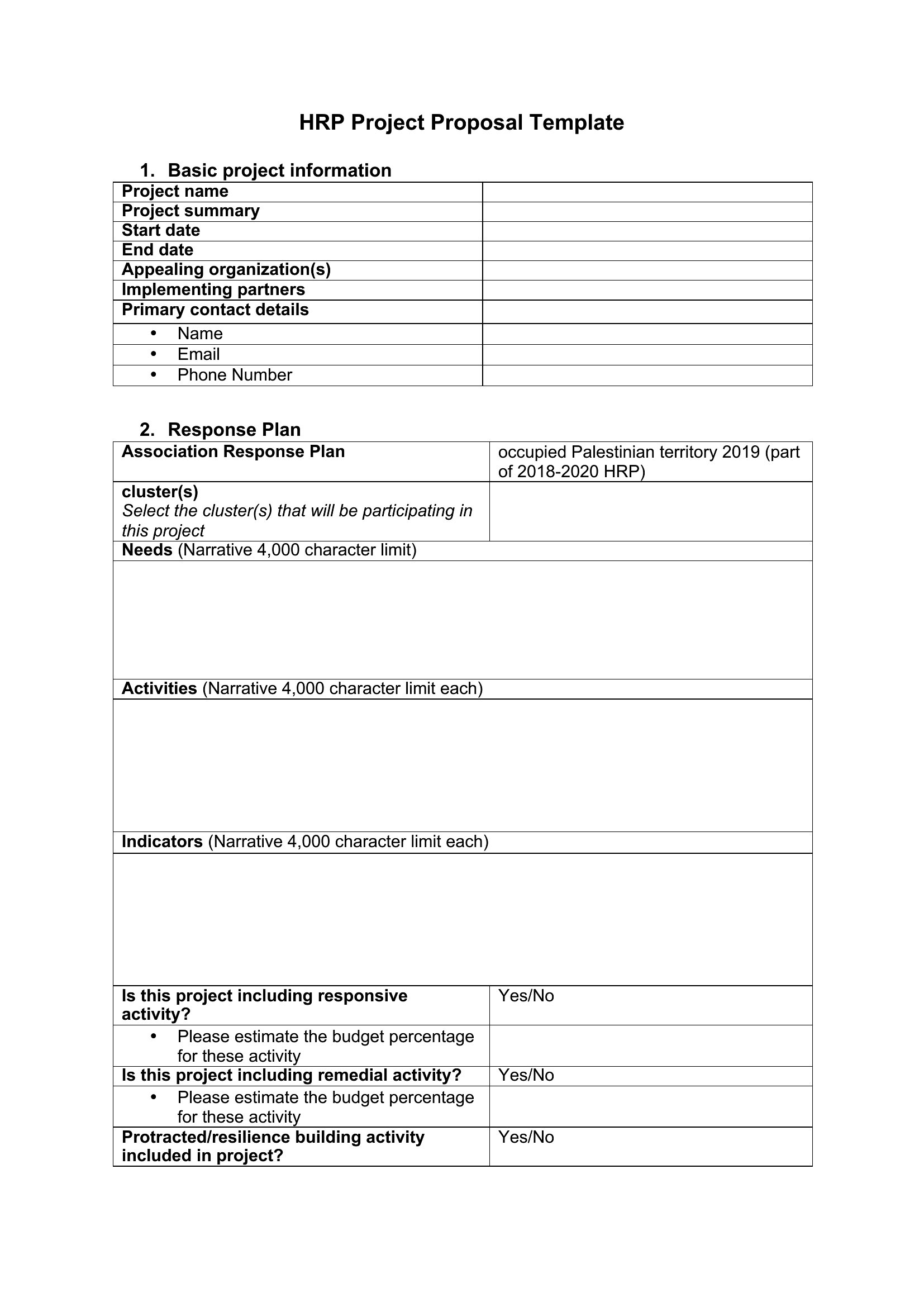
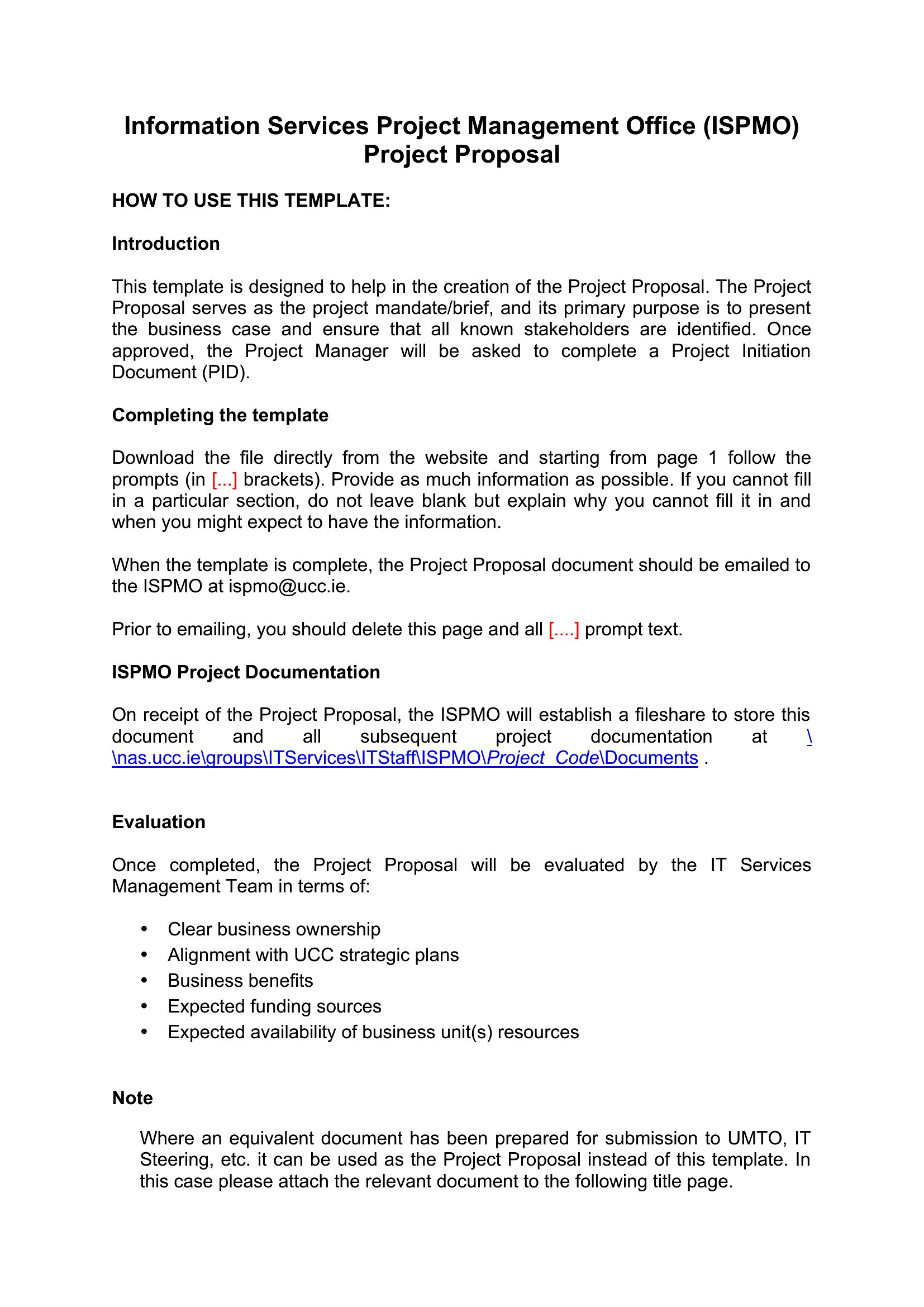
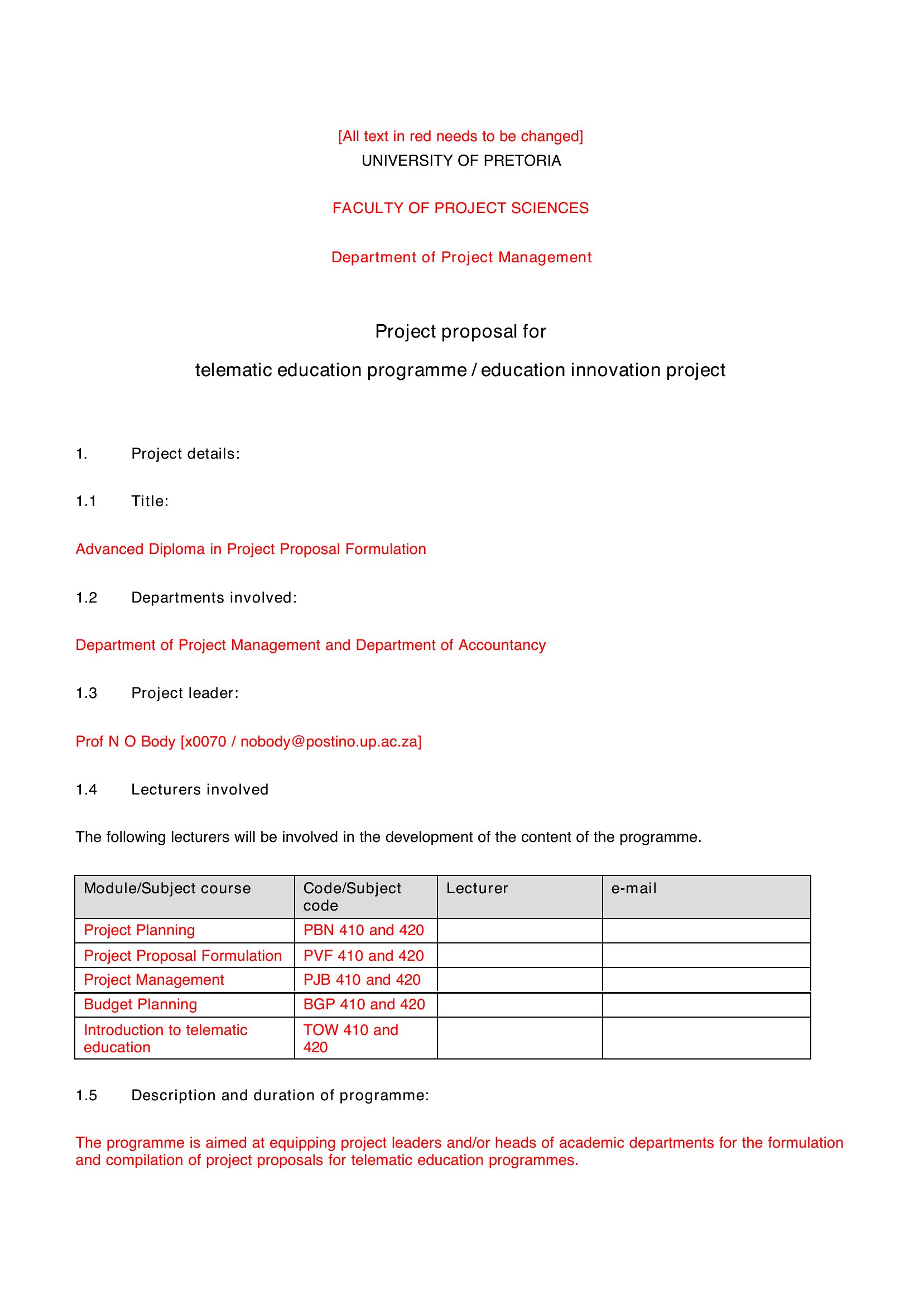
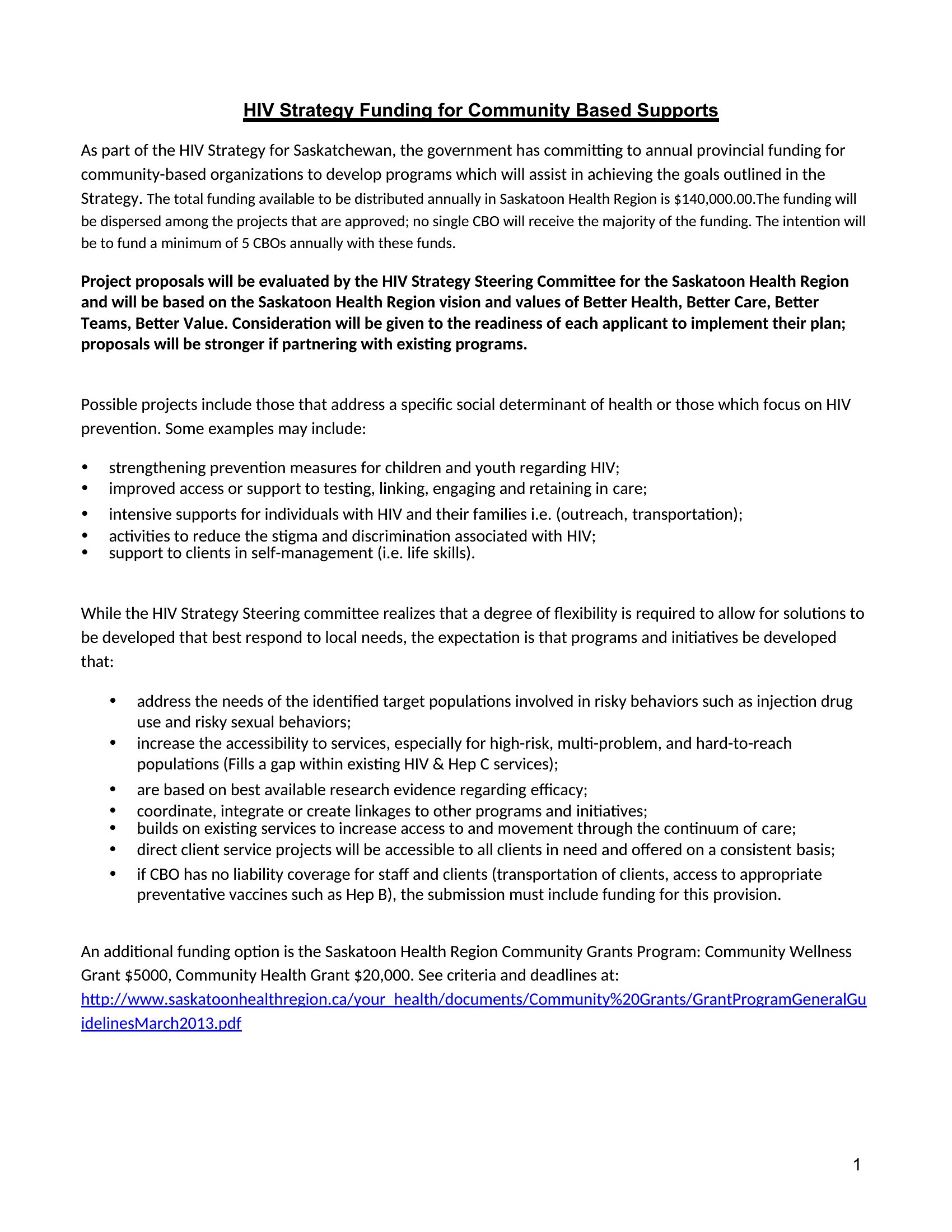
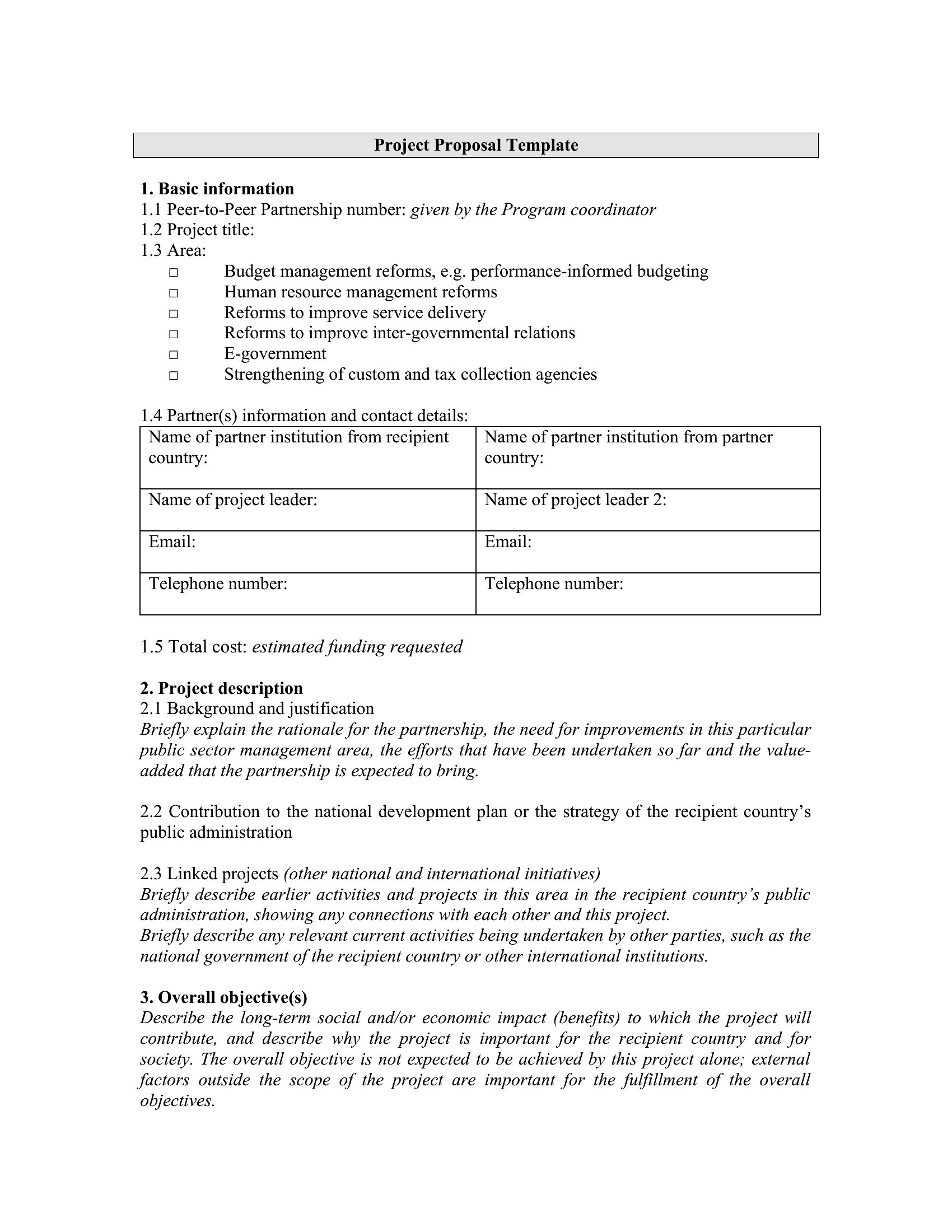
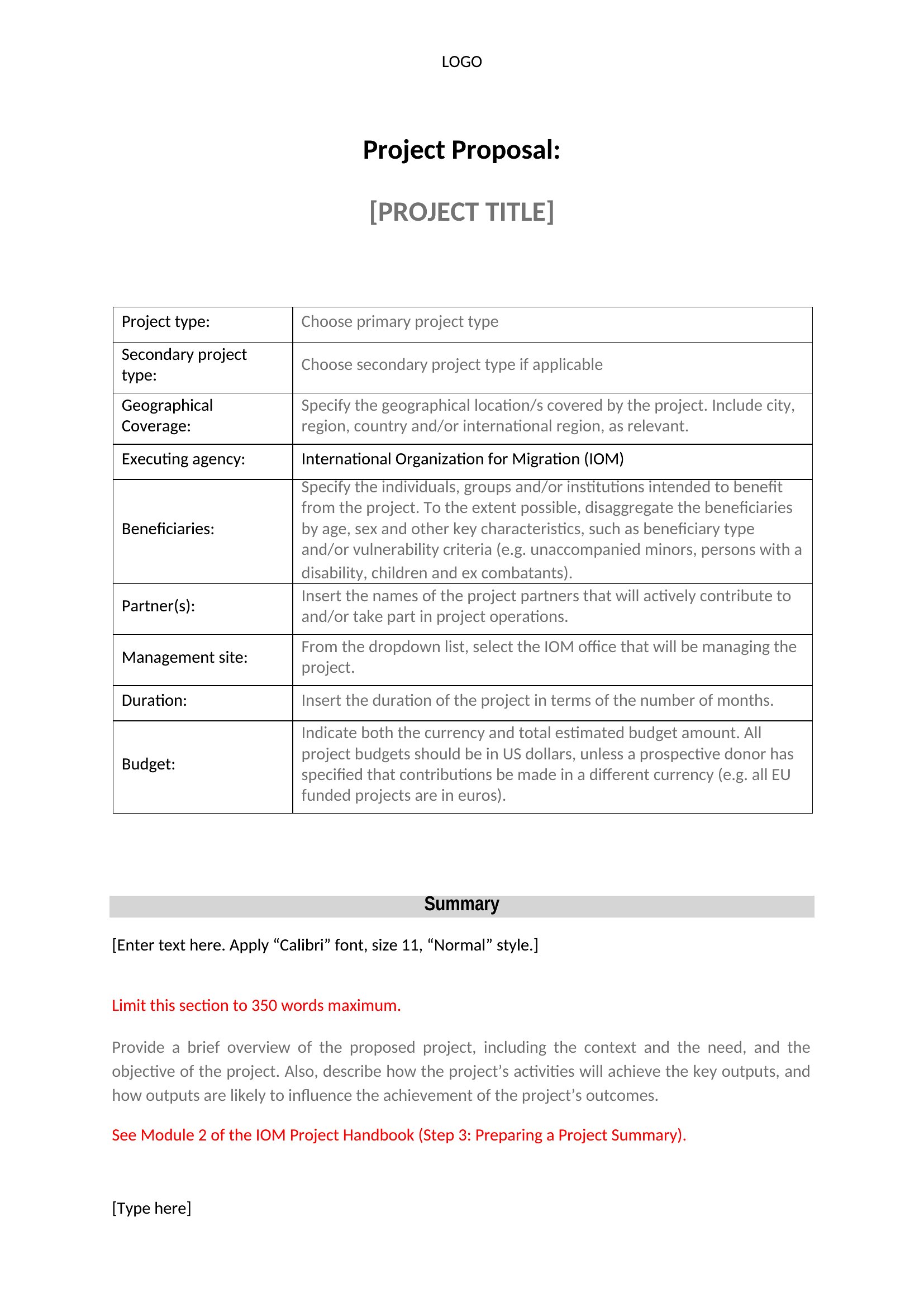
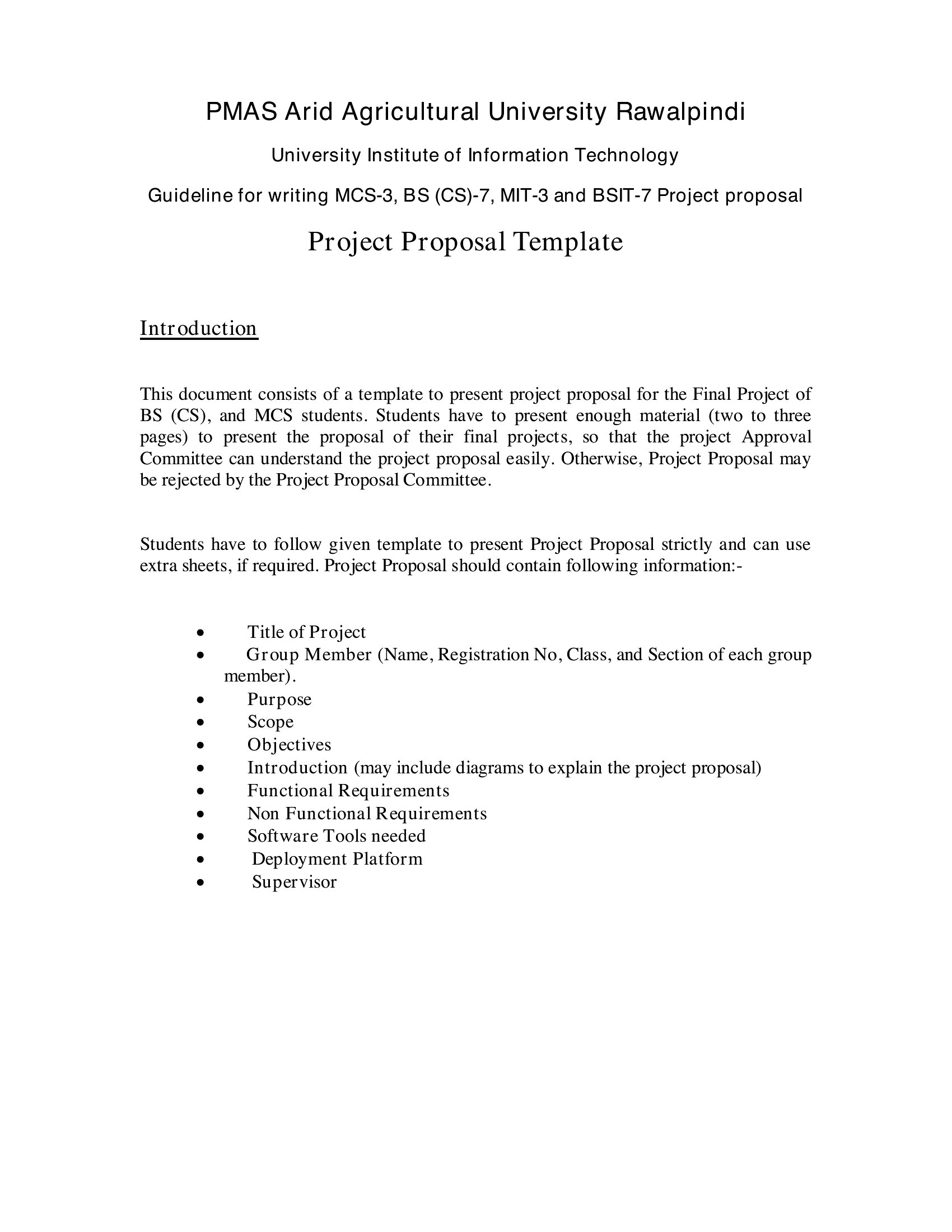
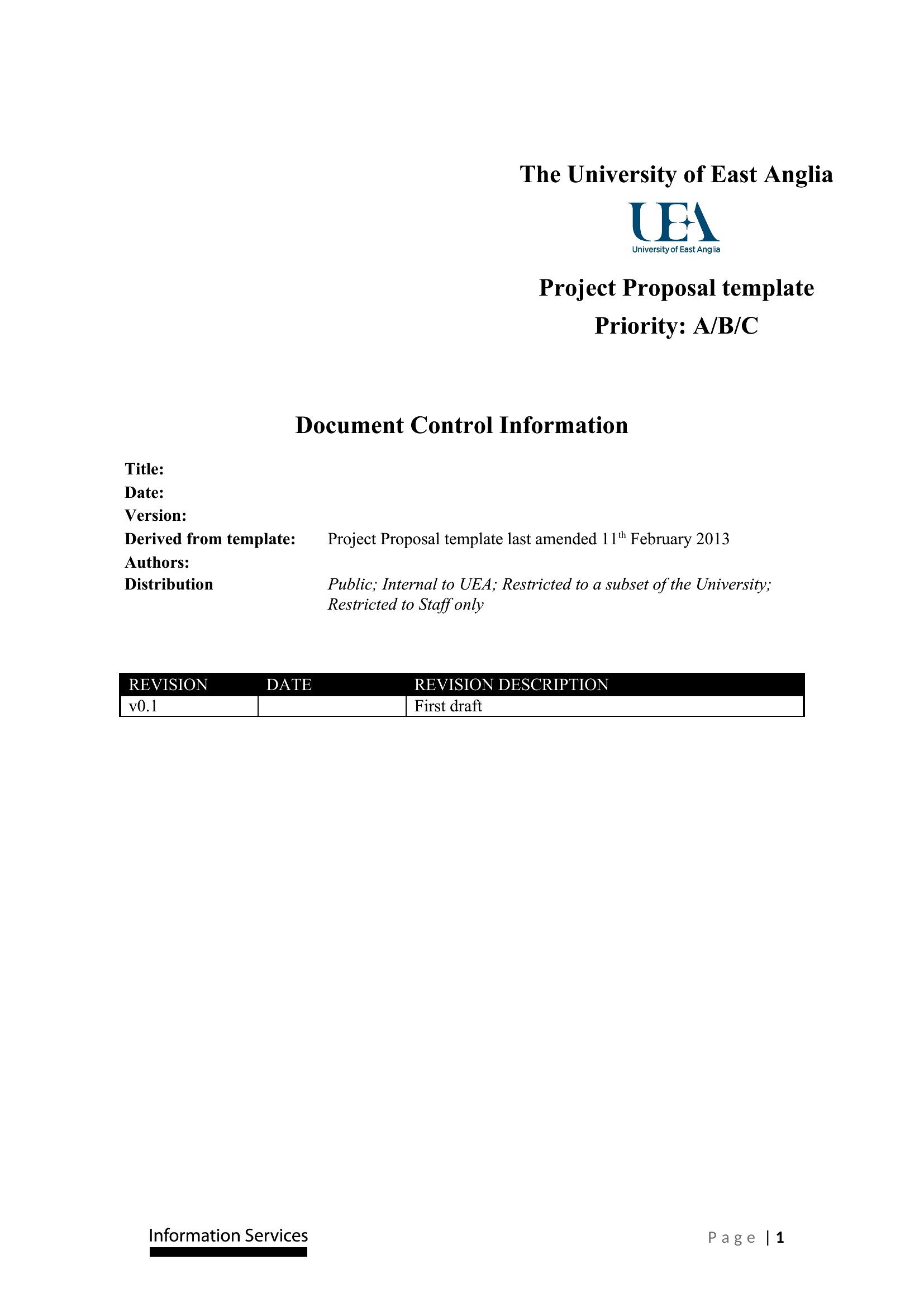
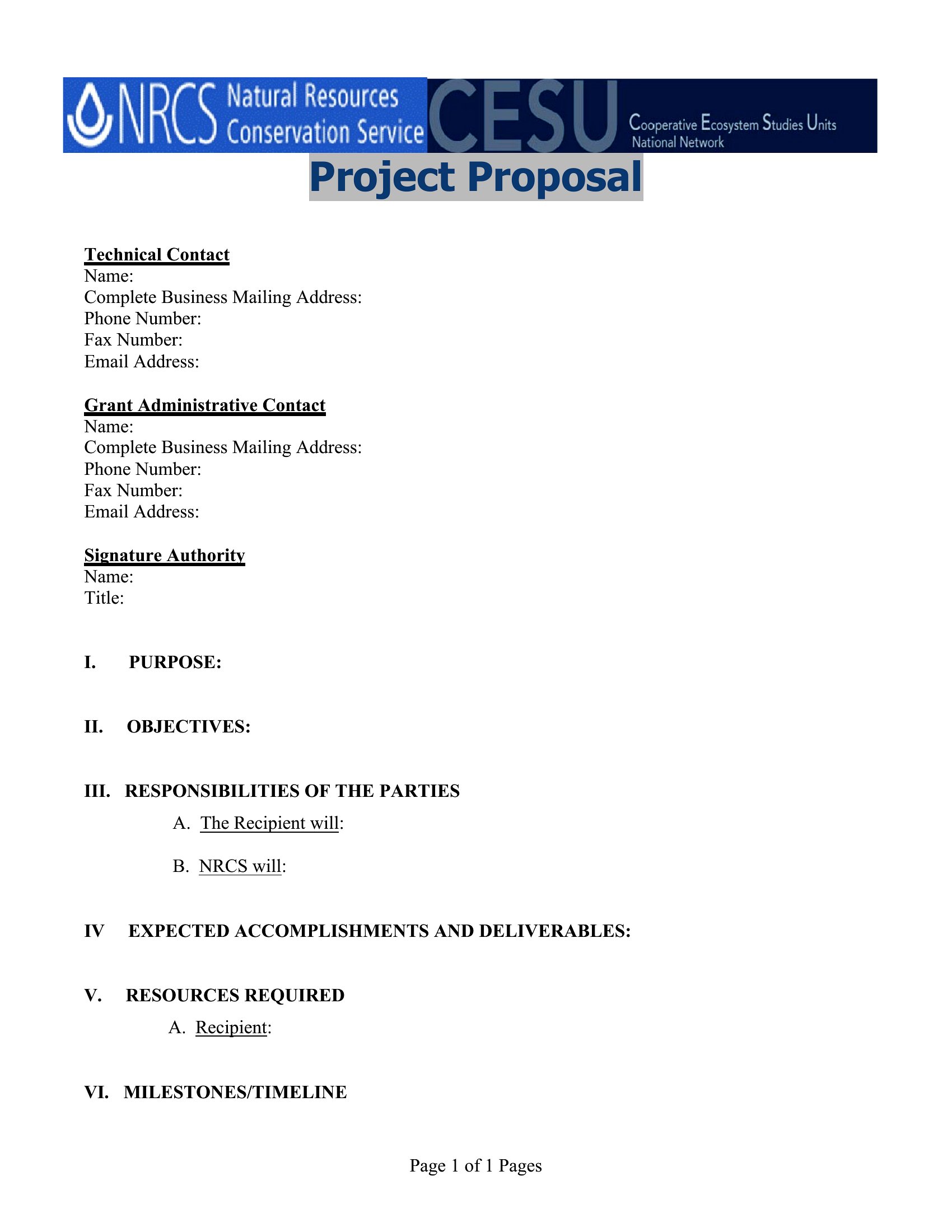
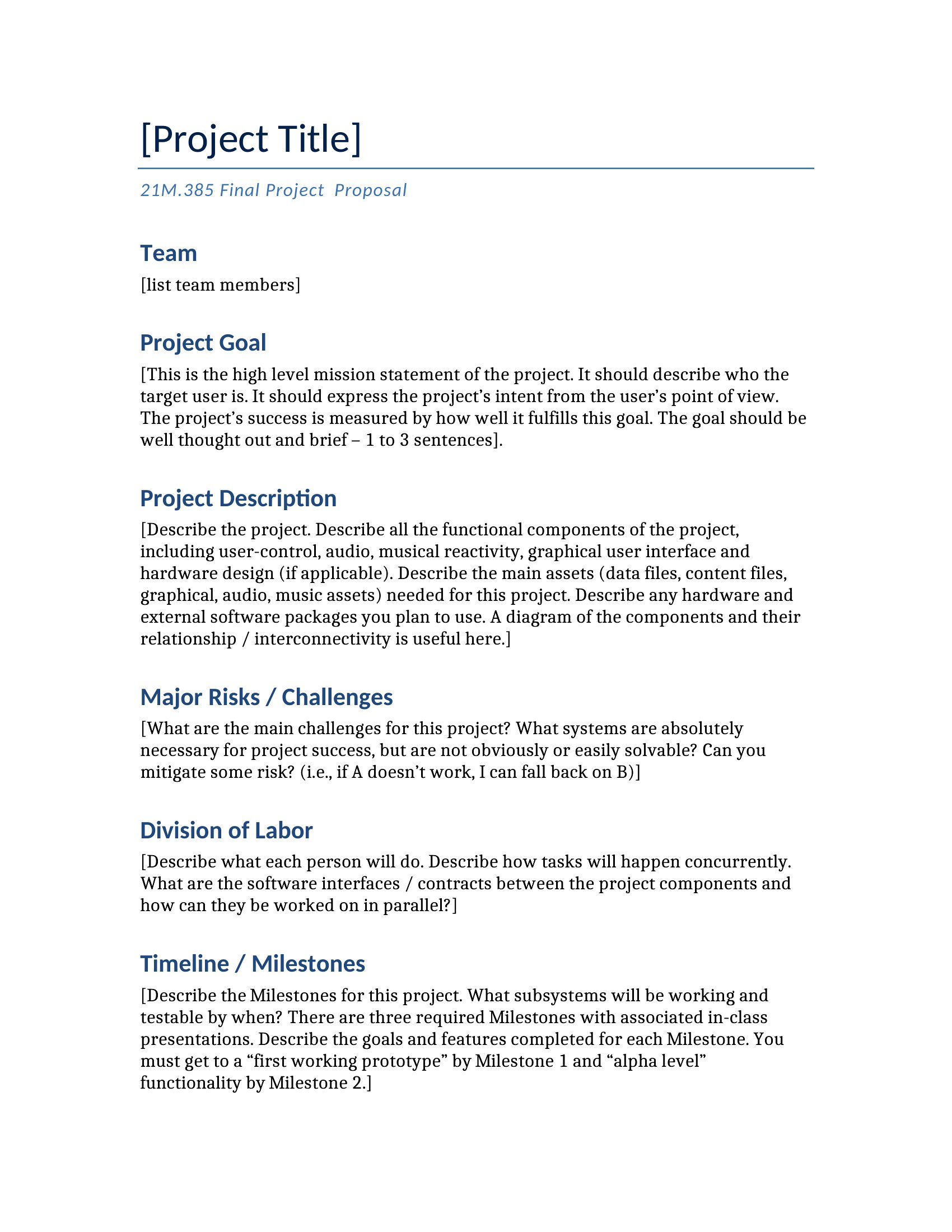
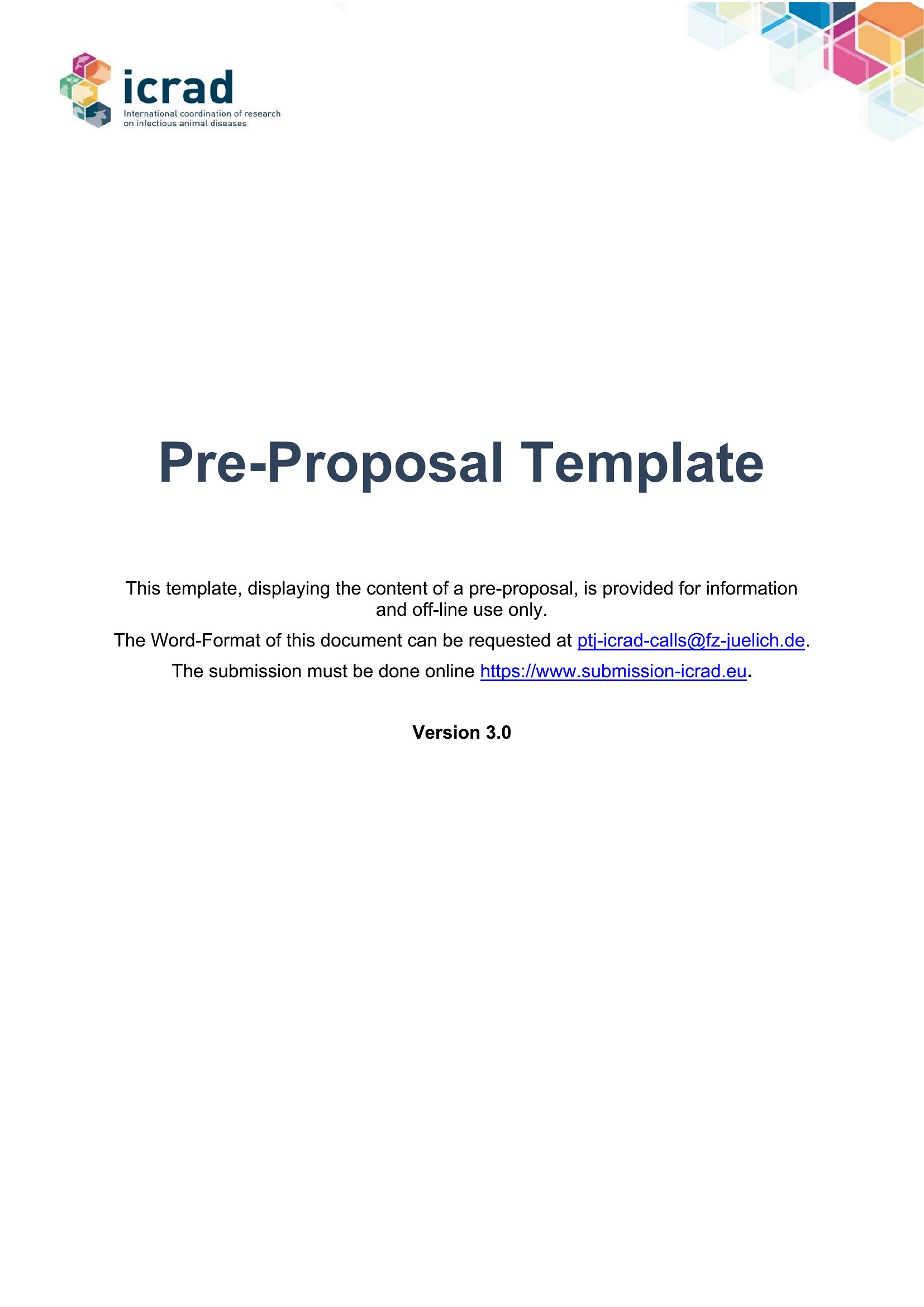
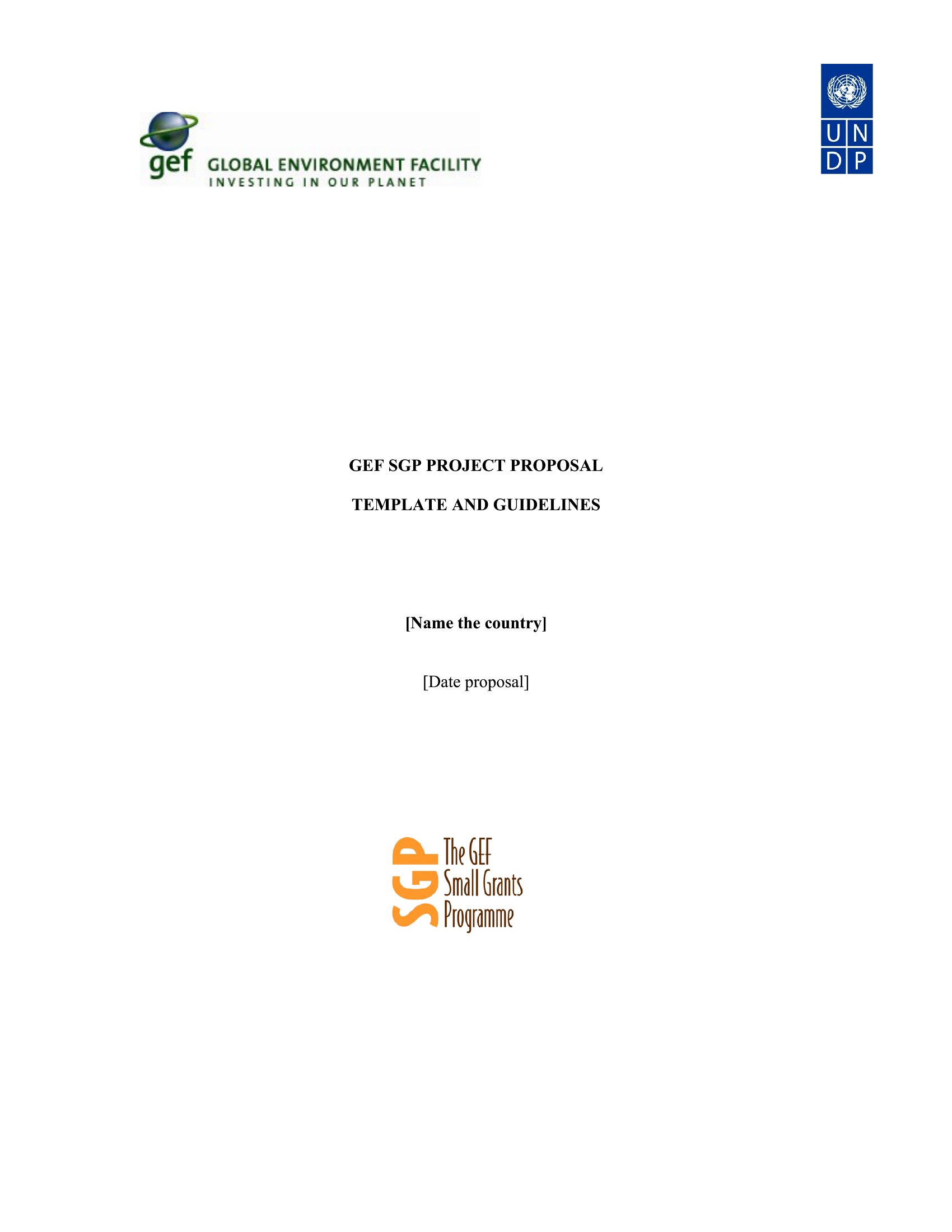
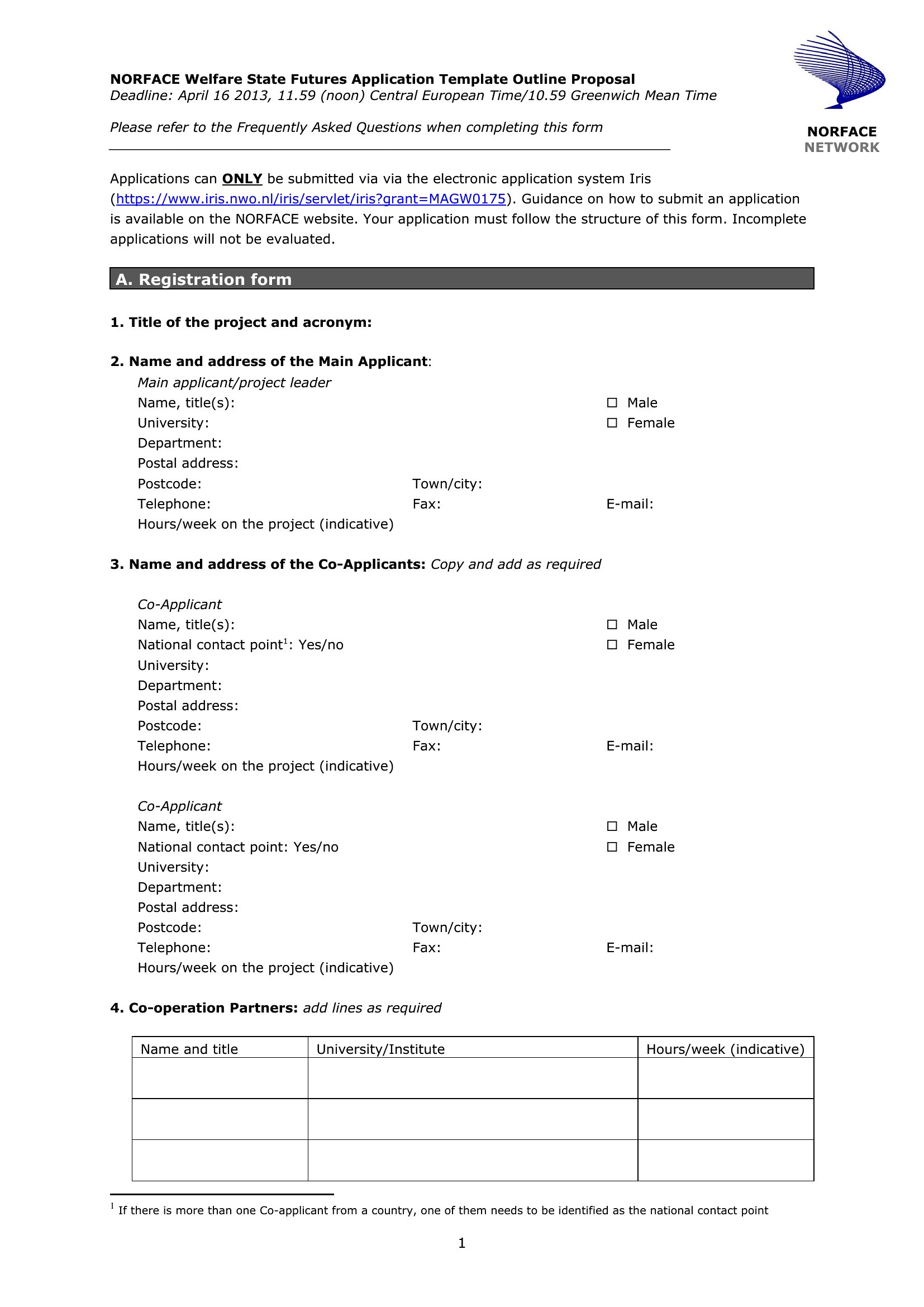
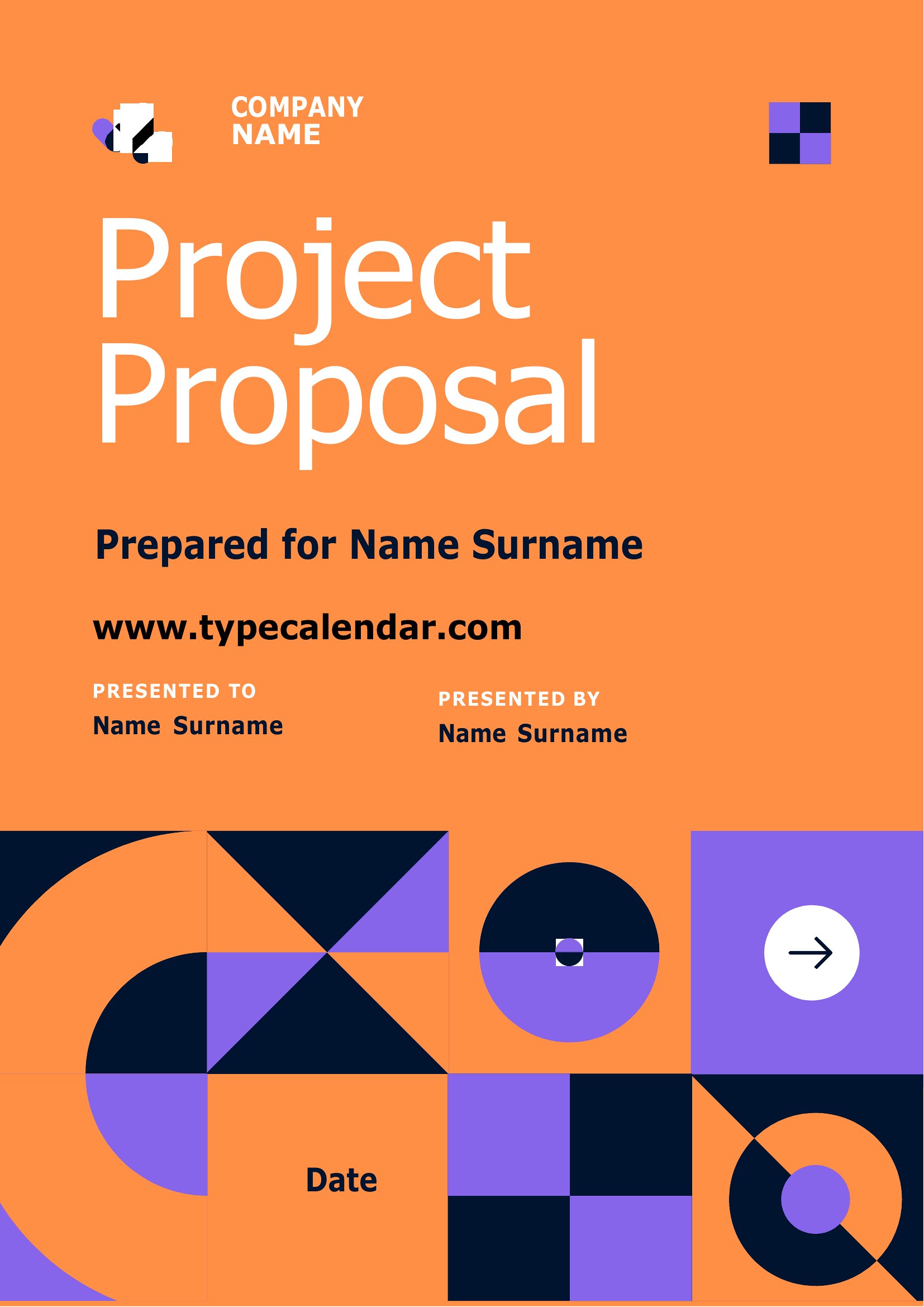
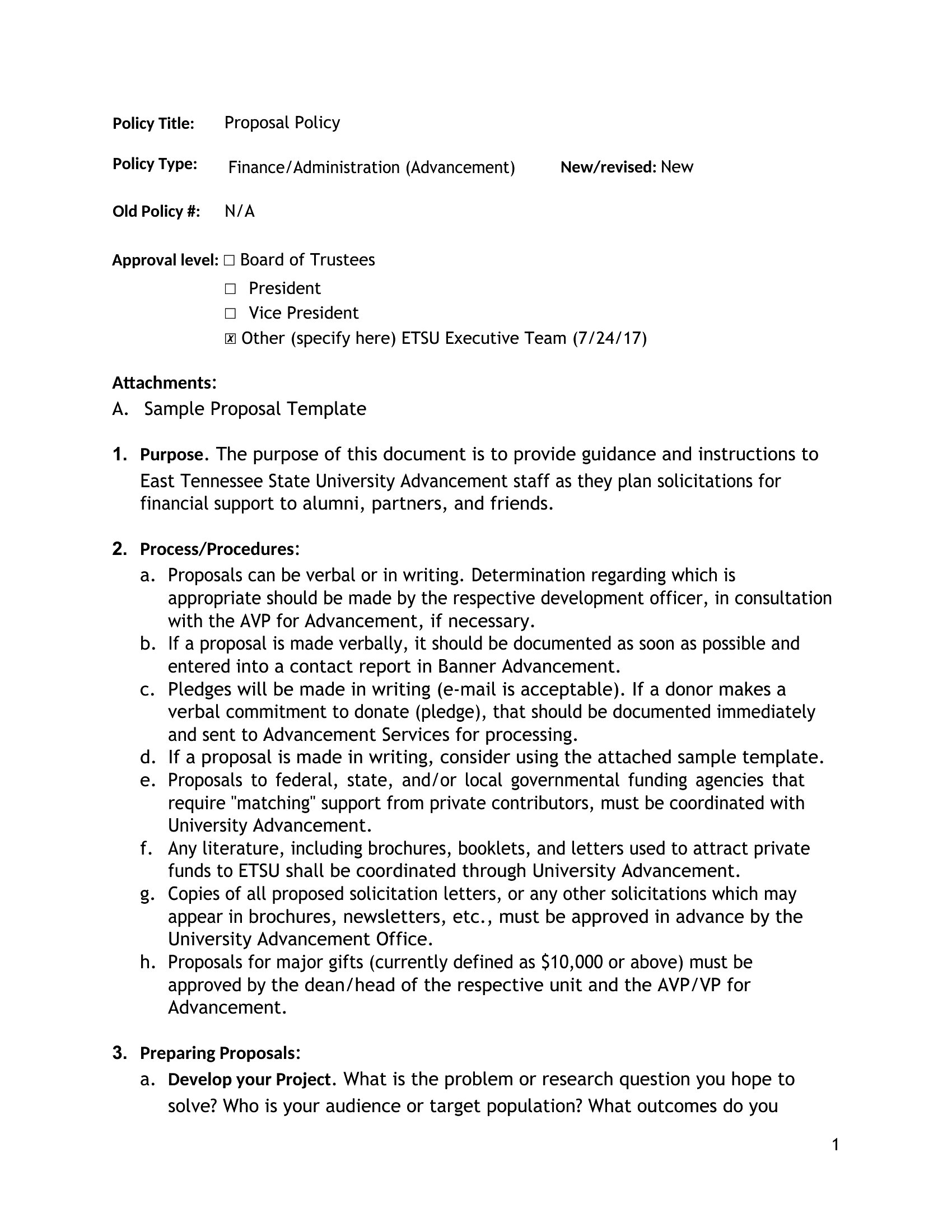
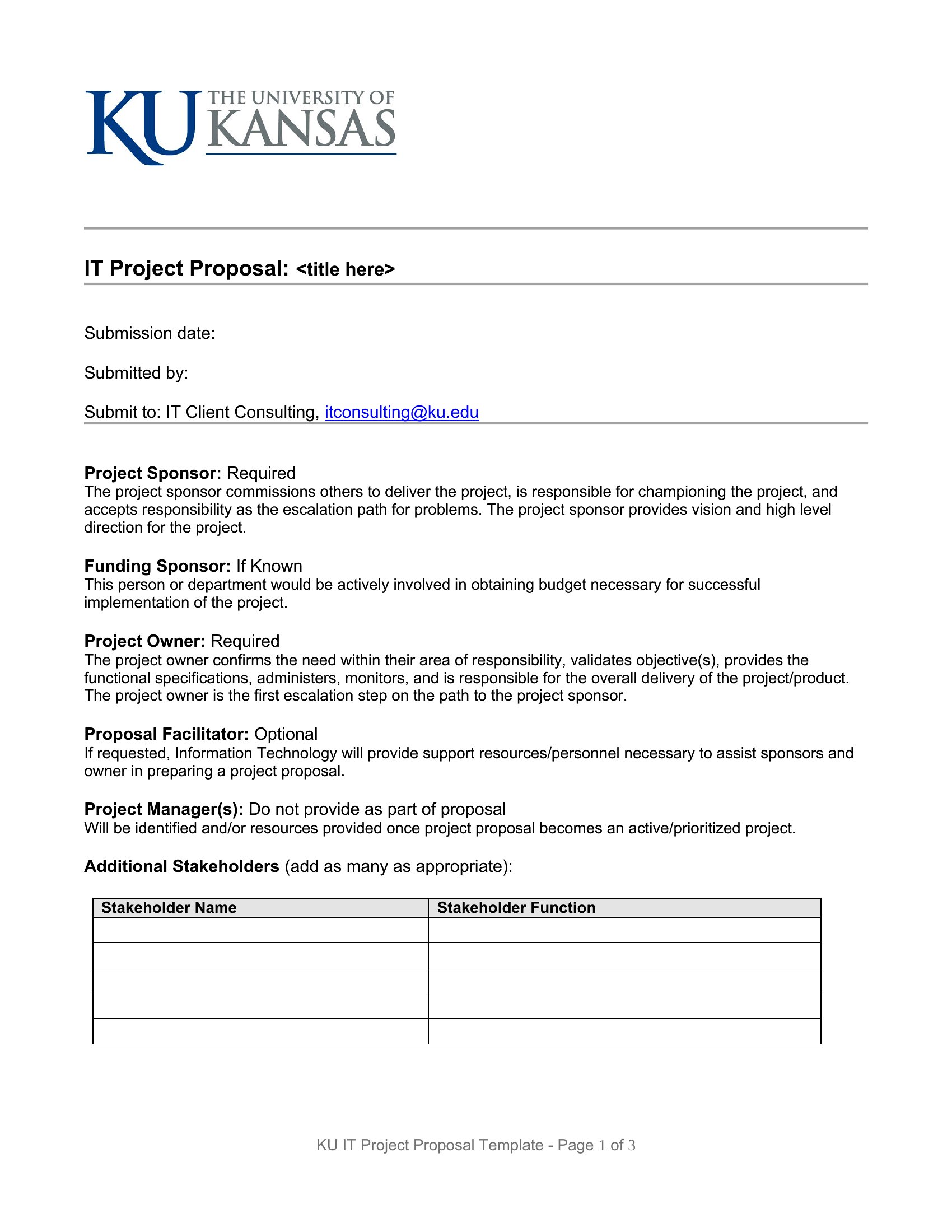
A strong project proposal sells an idea by laying out the problem, the plan, the timeline, and the payoff in one organized document. These 62 templates help managers, students, and consultants pitch a project with clarity, walking a decision-maker through objectives, scope, and budget so approval becomes an easy yes.

Draft and refine in the Word versions, then share a clean PDF for review and sign-off. Replace the sample sections with your own goals and details, keep the language direct, and back claims with specifics. Download the structure that fits your idea and turn a rough concept into a proposal people want to fund.

When to use this Project Proposal template

  • A nonprofit program manager pitching a community health initiative to a board of directors needs to justify funding with measurable impact metrics and a clear 18-month rollout plan.
  • A freelance consultant submitting a technical migration proposal to a mid-sized tech firm must align their solution to the client’s existing IT infrastructure and compliance requirements.
  • A university research team drafting a grant proposal for a faculty-led study needs to outline methodology, expected outcomes, and budget breakdowns in a format that meets funder-specific guidelines.
  • A marketing director presenting a rebranding campaign to executive leadership requires a visual timeline, competitor analysis, and projected ROI to secure approval for the next fiscal year.

Which format should I download?

WordPDF

Choose Word when drafting a detailed proposal that will undergo multiple revisions with stakeholders—its trackable edits and comments help refine content collaboratively before finalizing. Opt for PDF when sharing a polished, review-ready version with decision-makers, as it preserves formatting and prevents accidental alterations. PDFs also work best for formal submissions where version control is critical (e.g., grant applications). Stick to PDF if your audience prefers printable or easily distributed documents with embedded signatures or approval fields.

How to use this Project Proposal template

How can I tailor a template to include specific compliance requirements for my industry?

Begin with the Word version to add a dedicated compliance section near the scope outline, then list regulations (e.g., HIPAA, GDPR) with checkboxes for verification. Reference your industry’s standard frameworks in the problem statement to align expectations. For highly regulated fields, consider consulting a compliance specialist to review the draft before finalizing the PDF.

What’s the best way to structure a timeline when my project has multiple interdependent phases?

Use a Gantt-style table in the Word template to map phases horizontally with dependencies as arrows between tasks. Color-code critical path items and include buffer periods for approvals. In the PDF, convert this to a visual flowchart or simplified bar graph to make it scannable for non-technical reviewers.

Should I include a contingency plan in every proposal, even for low-risk projects?

Yes, but keep it concise. Add a brief “Risk Mitigation” section under the budget, noting two potential delays (e.g., vendor unavailability, approval holdups) with preemptive steps. For low-risk projects, this builds credibility by showing you’ve anticipated variables. Avoid overloading—focus on what could realistically derail the timeline or budget.

Comments

Join the conversation

Sign in to share your thoughts and leave a comment on this resource.

Newsletter

Get Weekly Design Updates

Join our community to receive curated resources and inspiration.

Weekly Tips Resources Early Access

We respect your privacy. Confirmation email required. Privacy Policy