
Free Self-Employment Ledger Templates (Word, Excel)
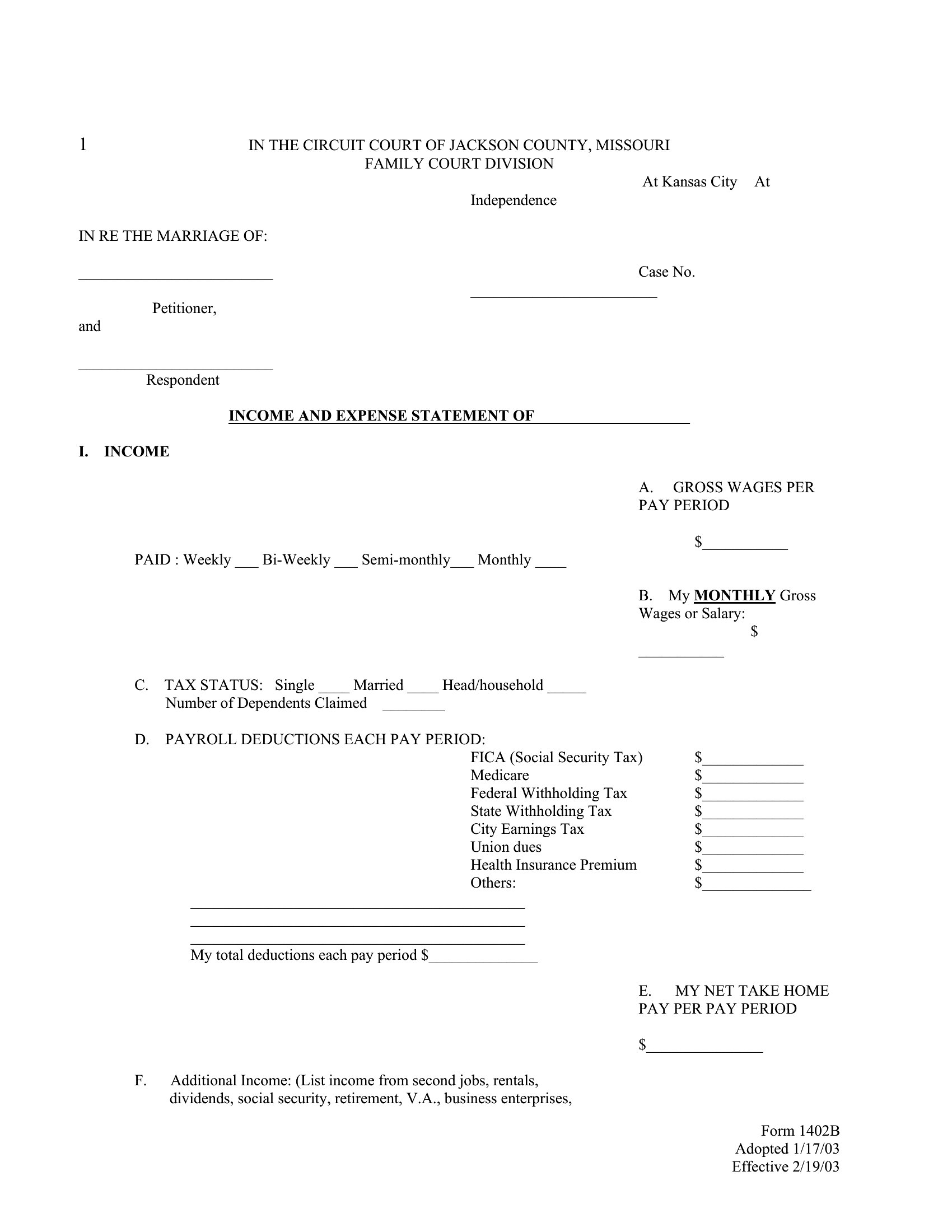
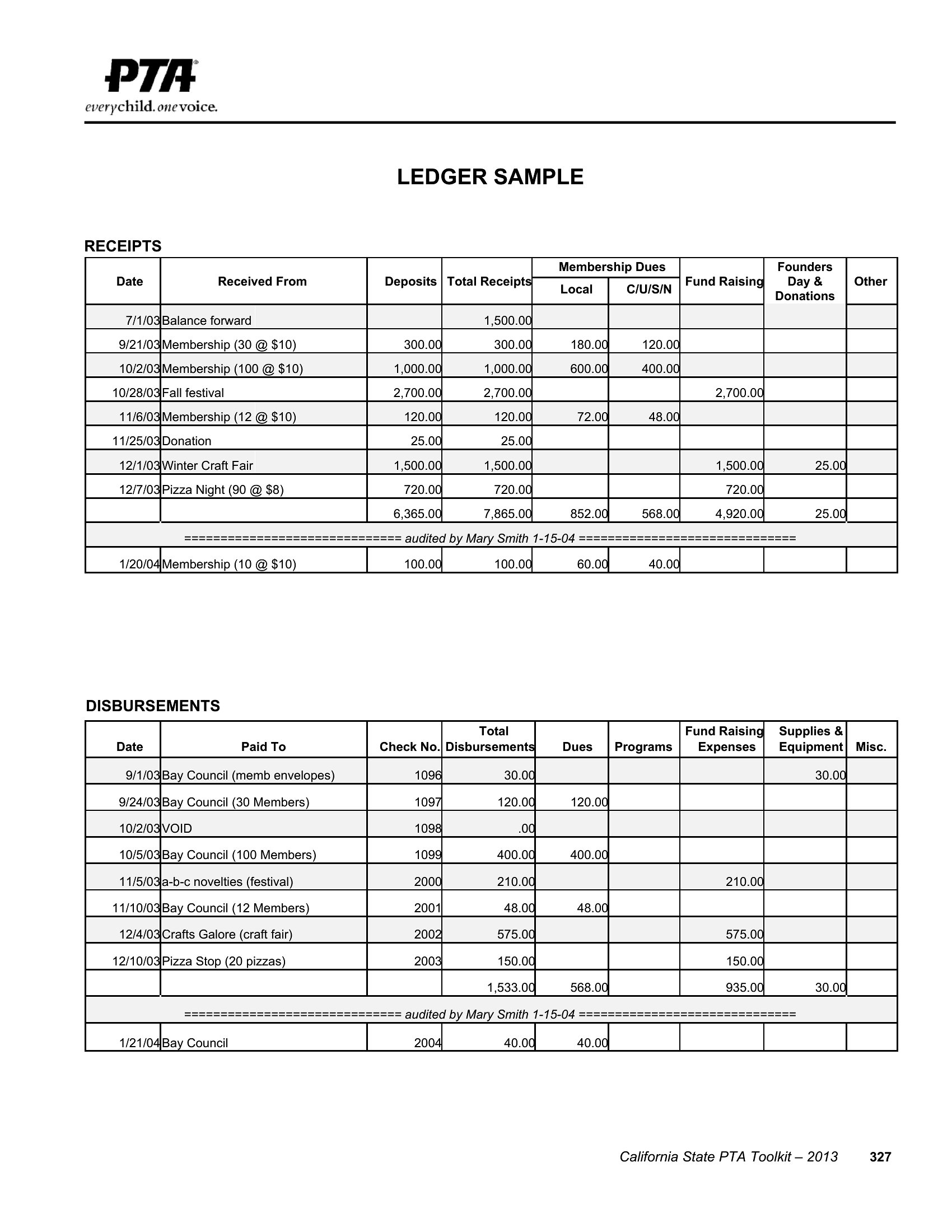
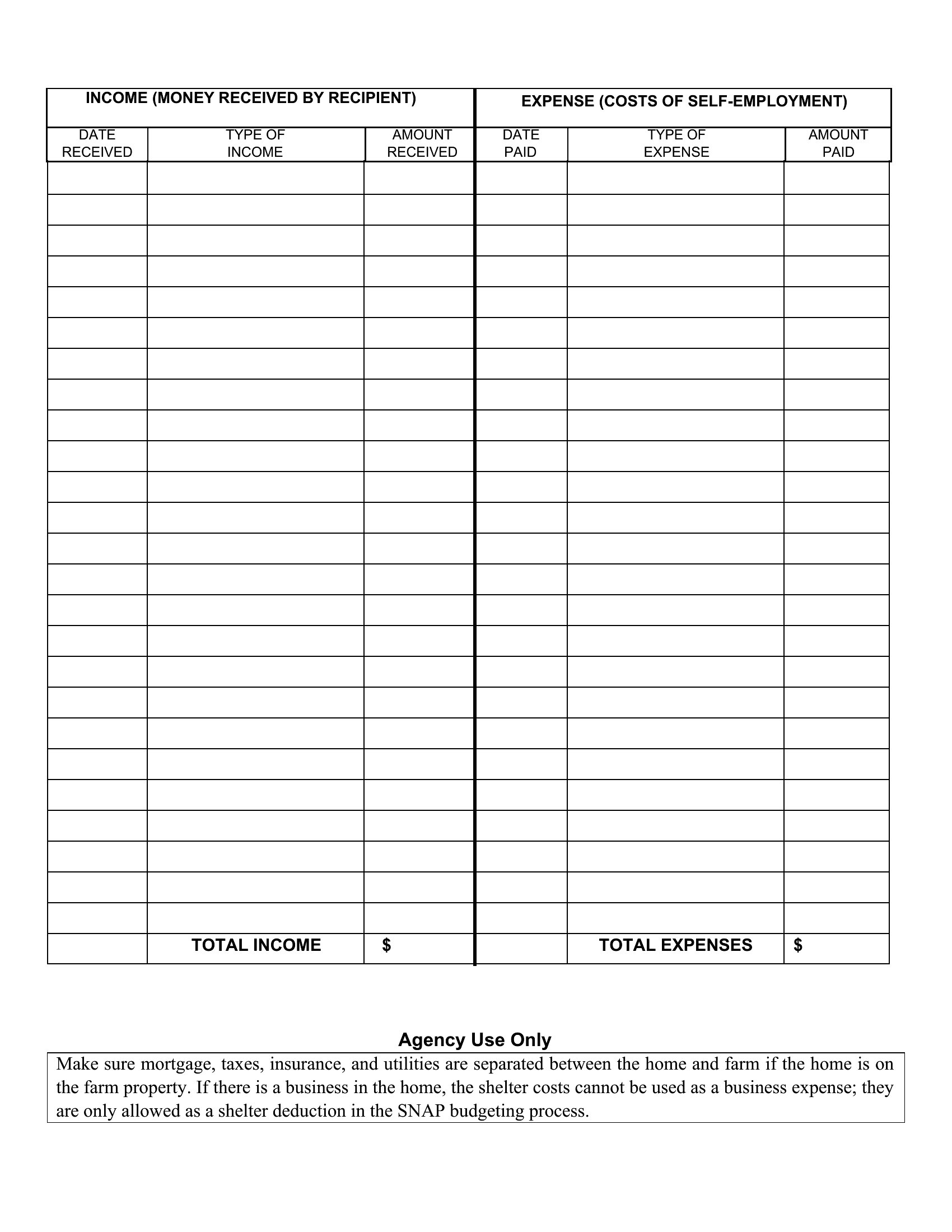
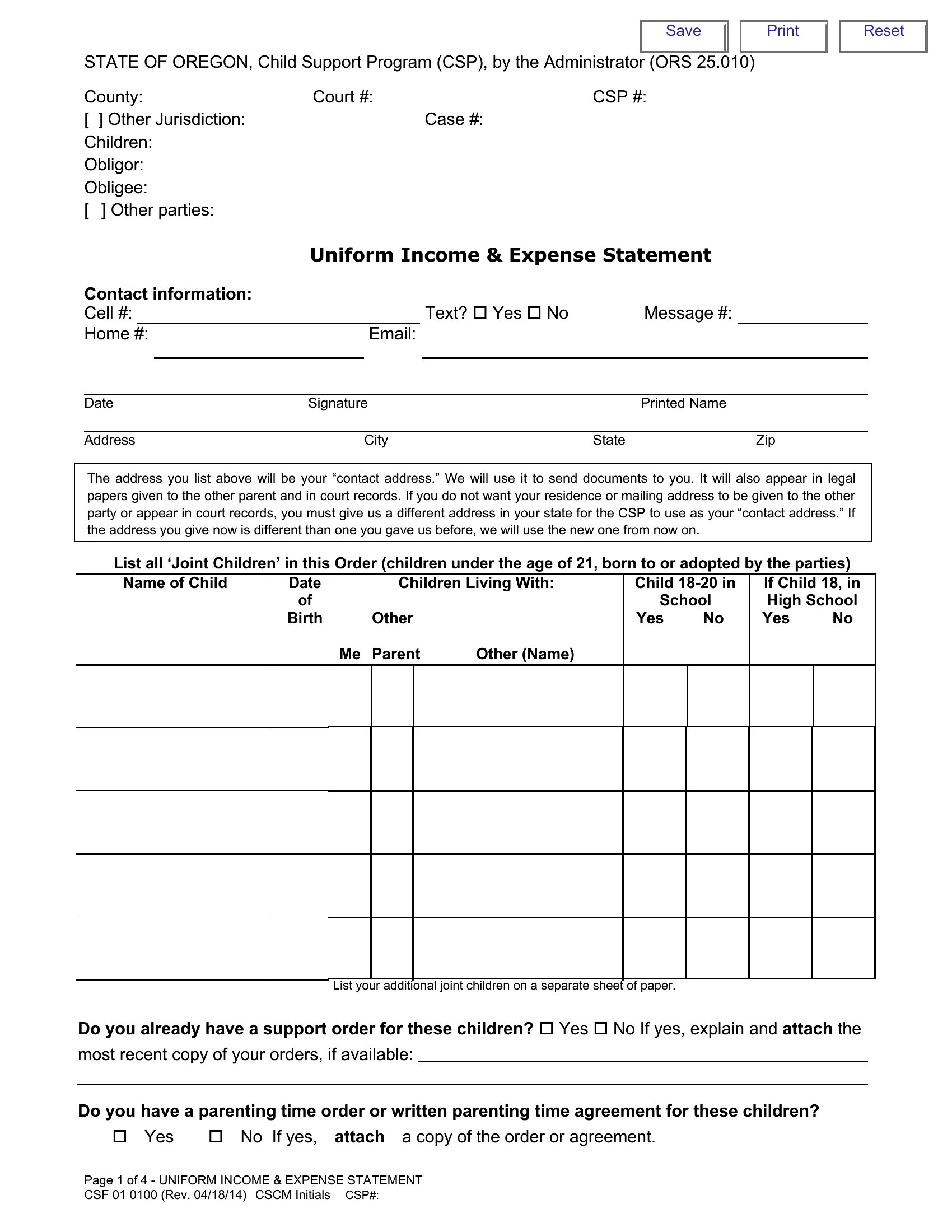
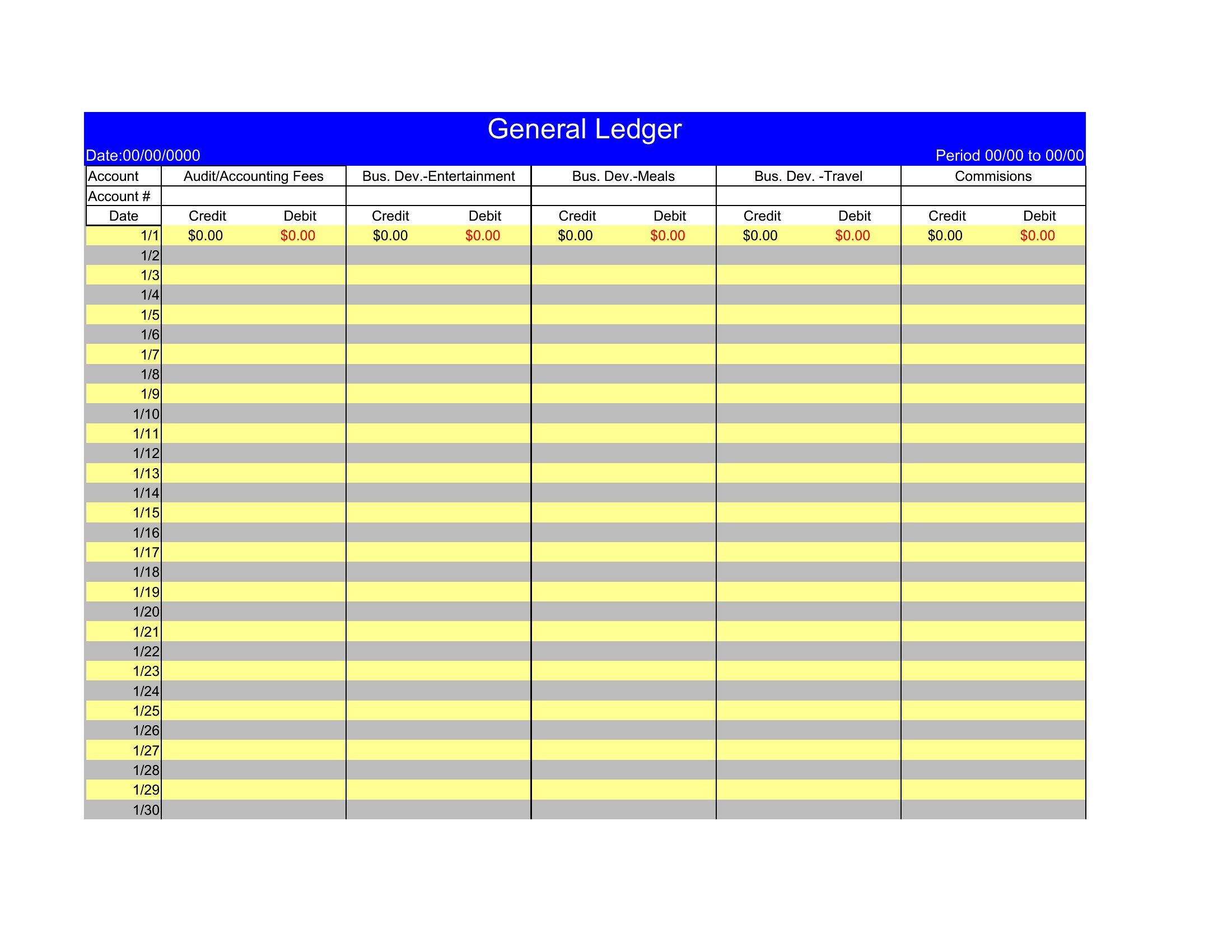
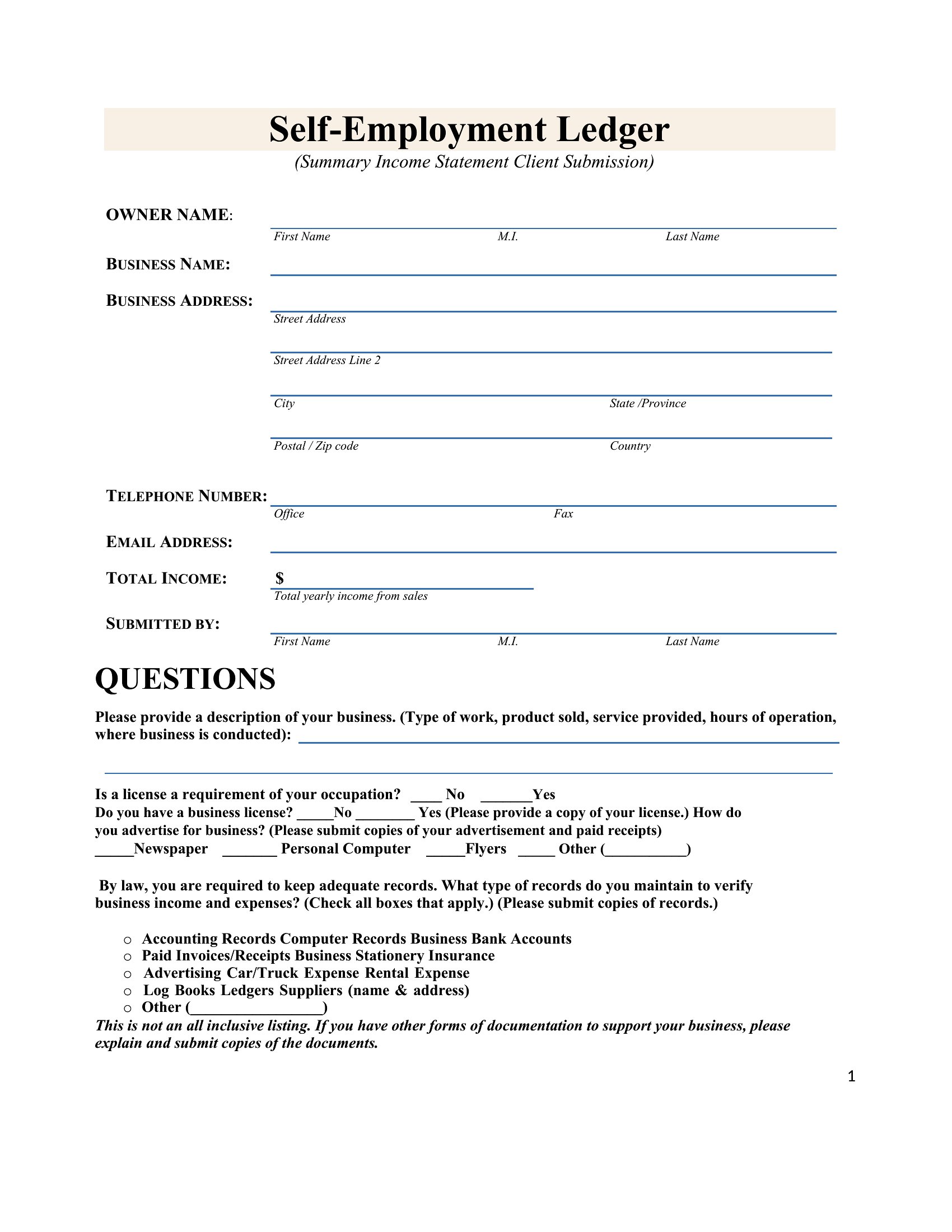
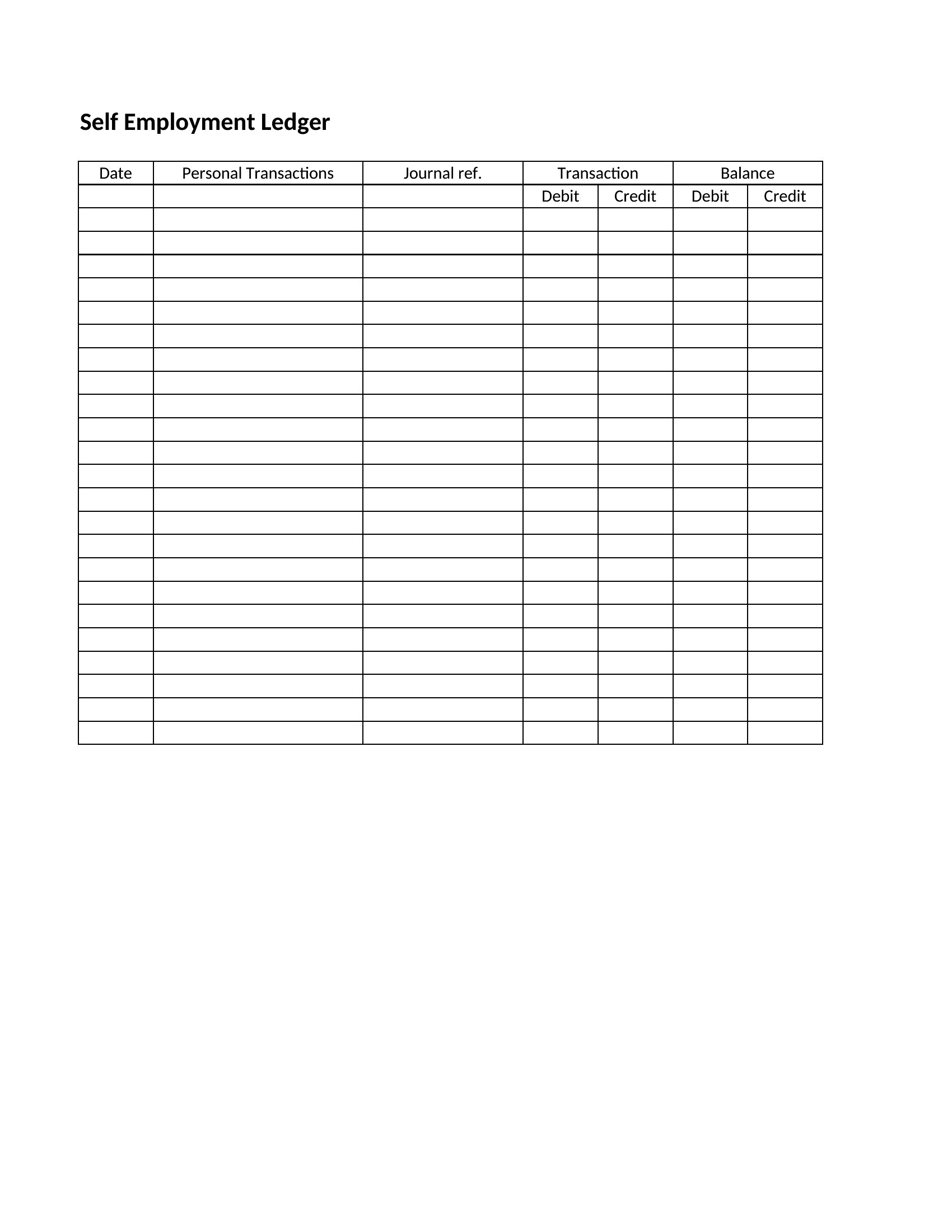
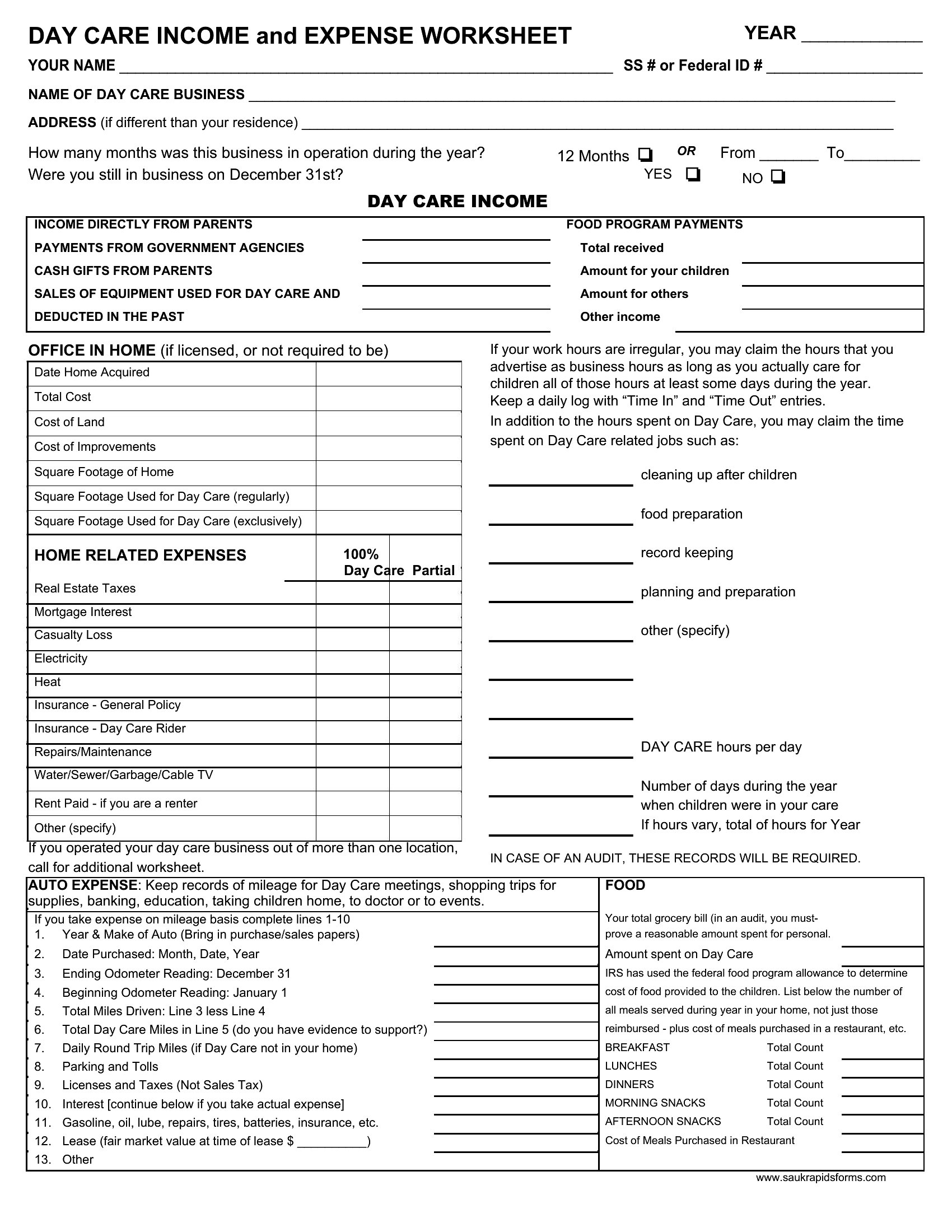
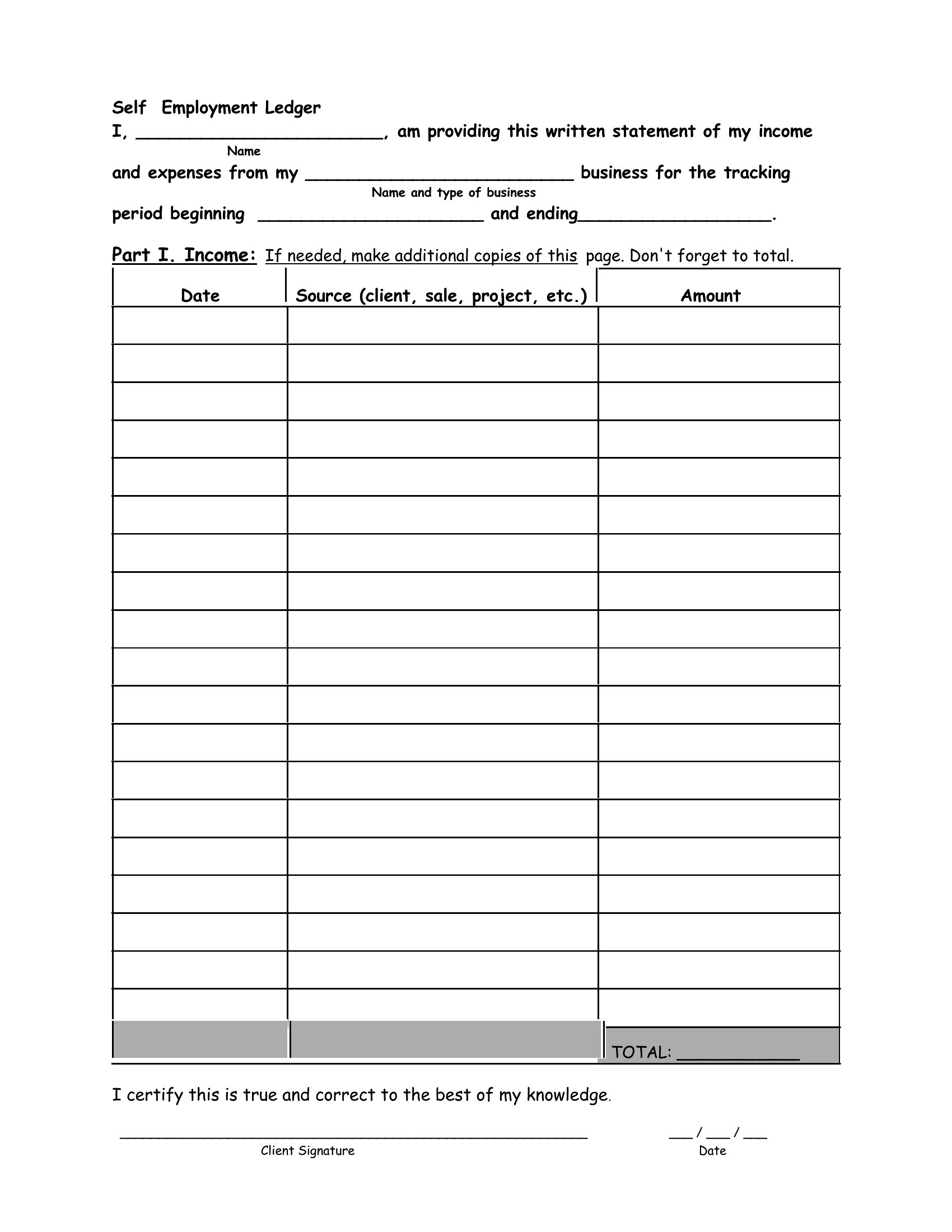
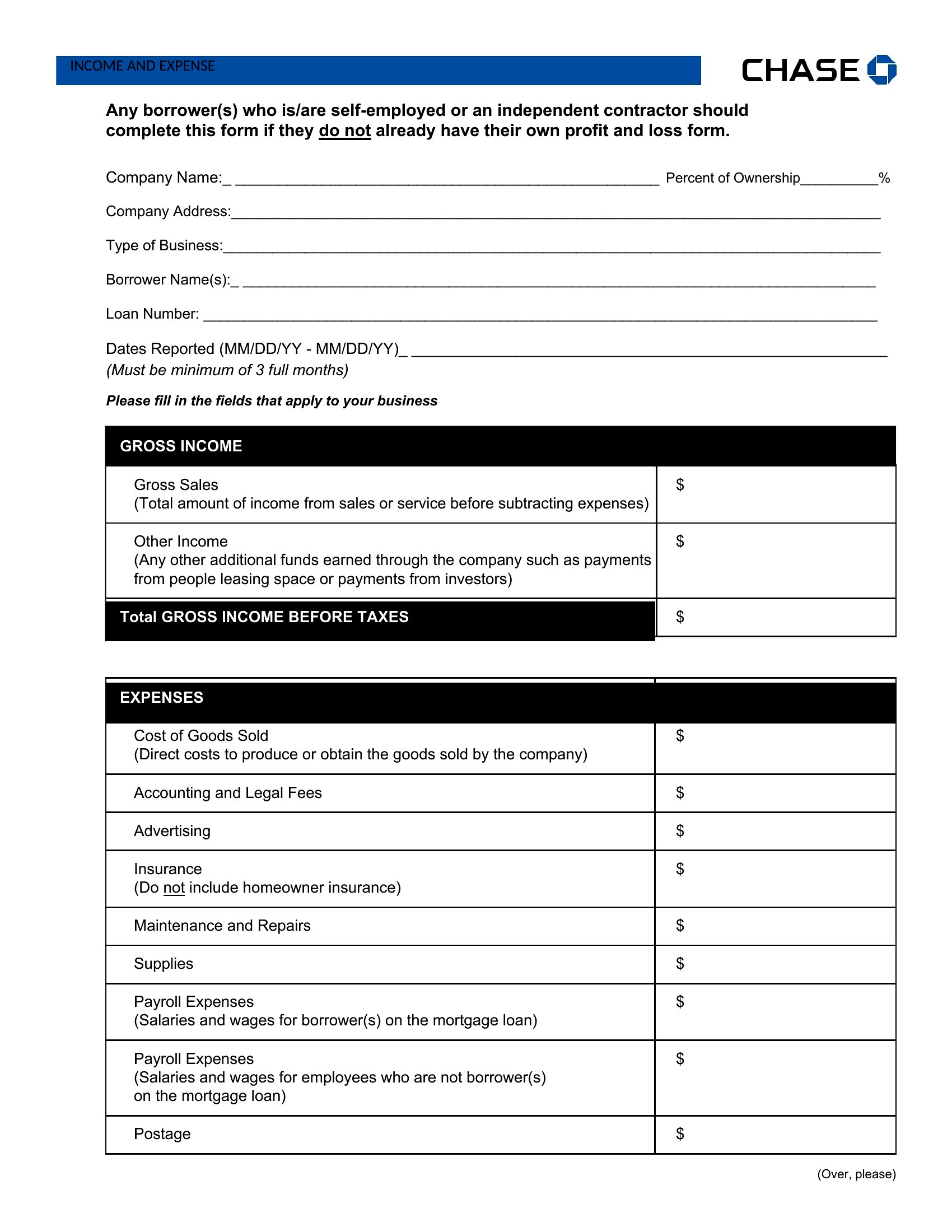
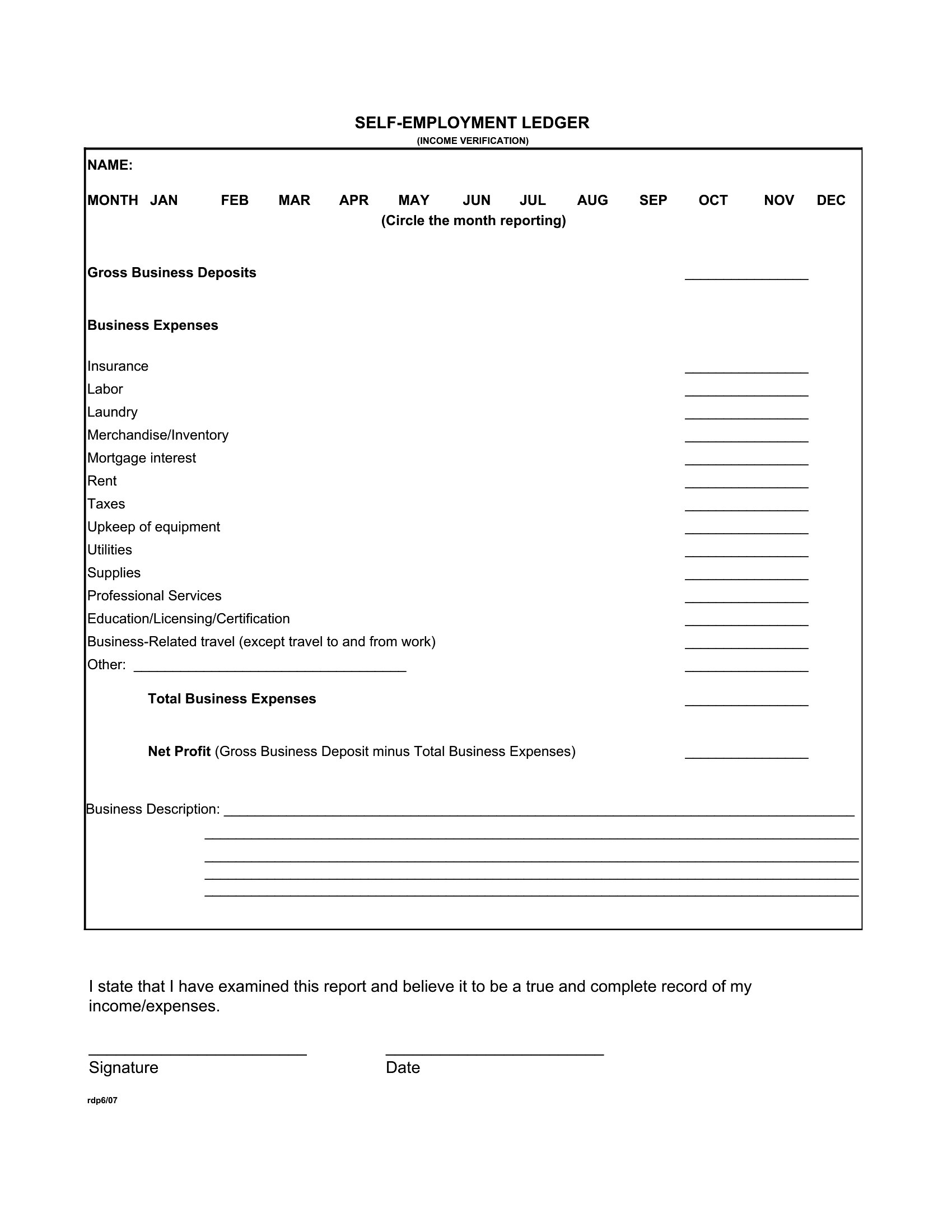
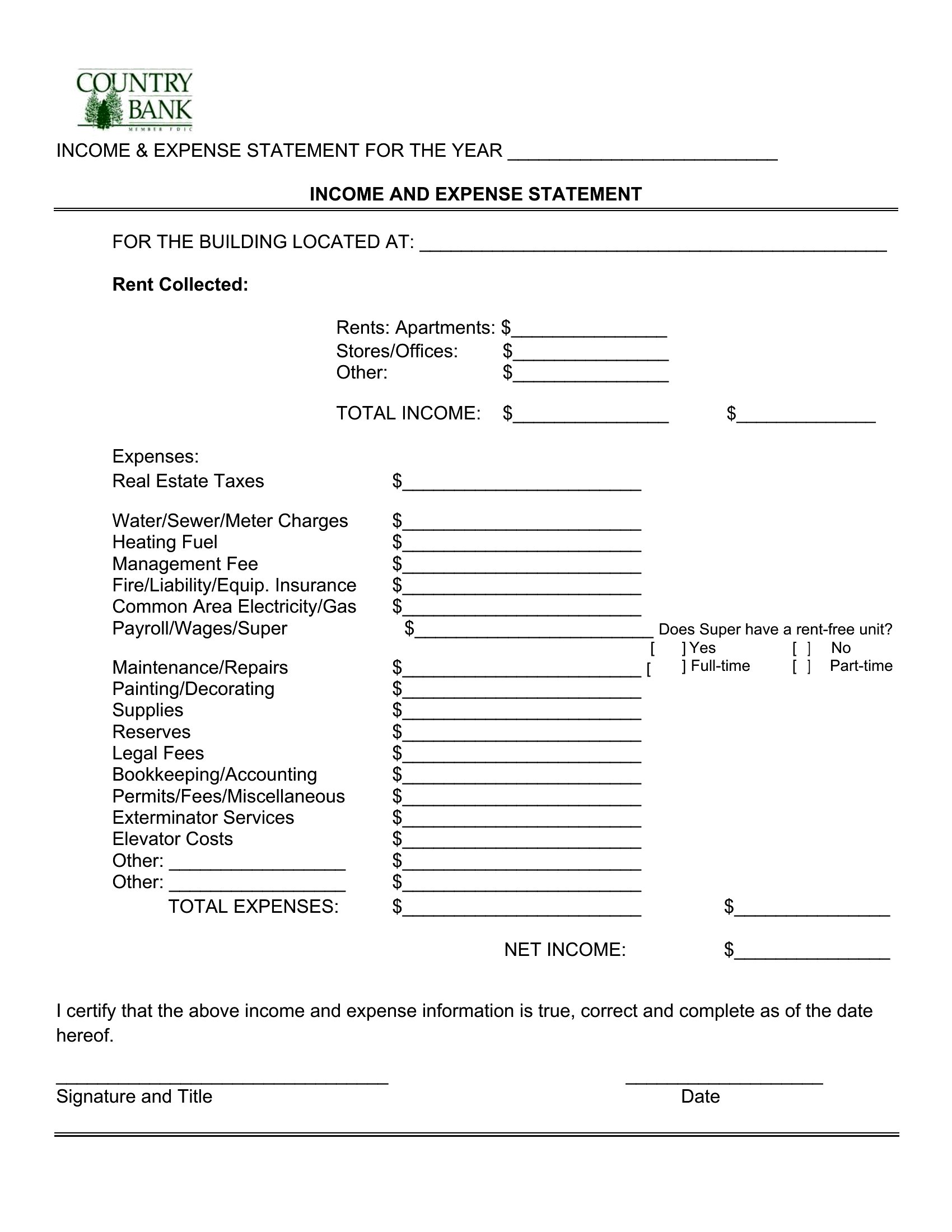
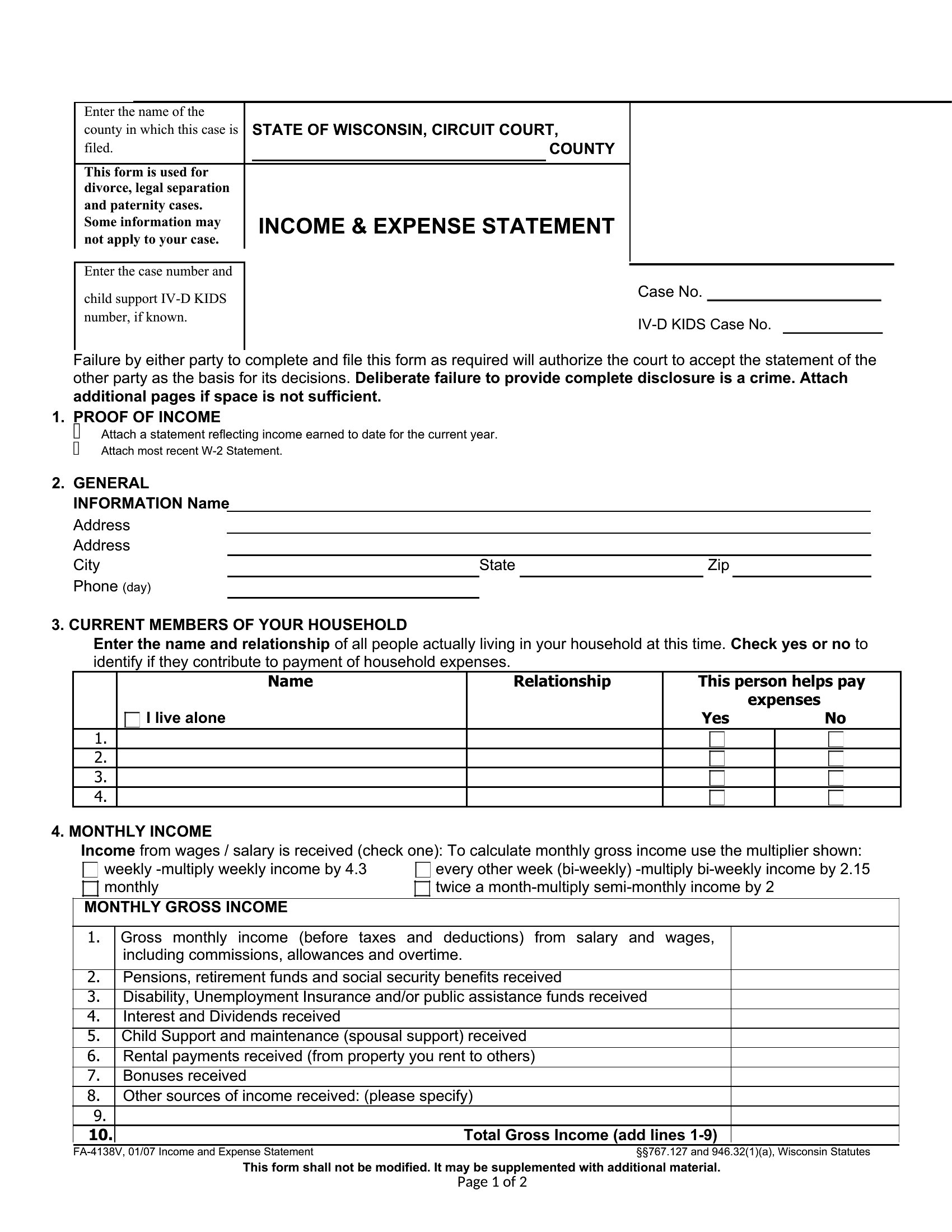
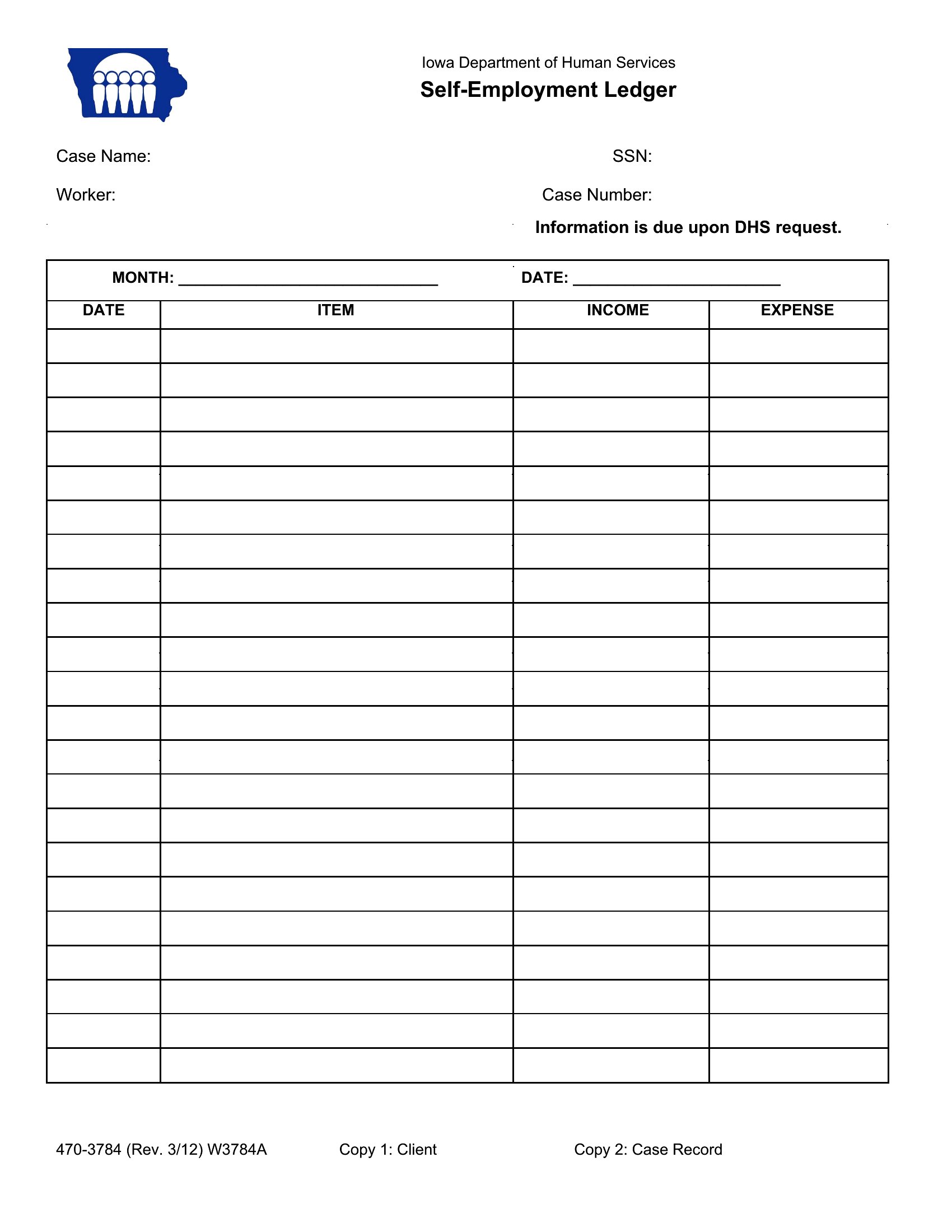
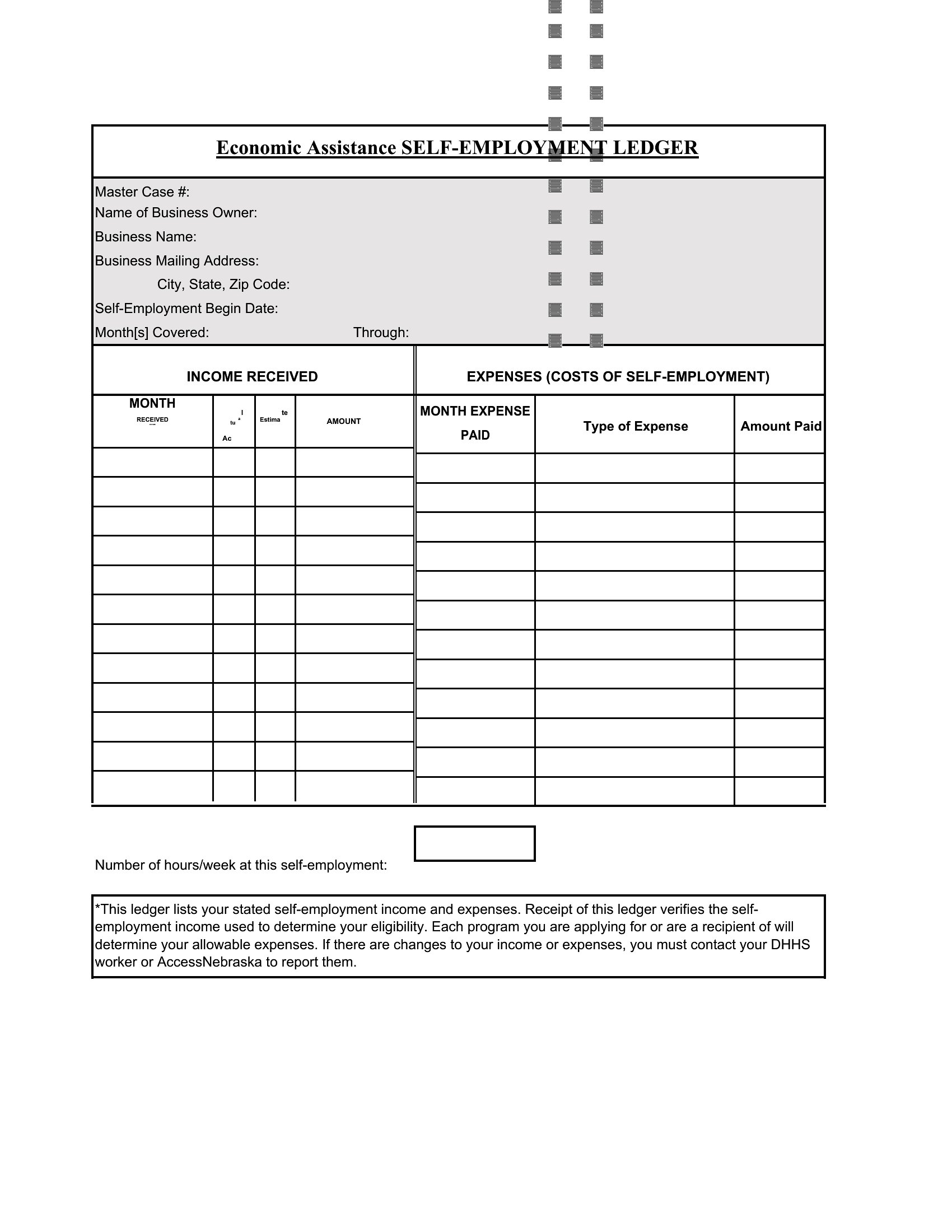
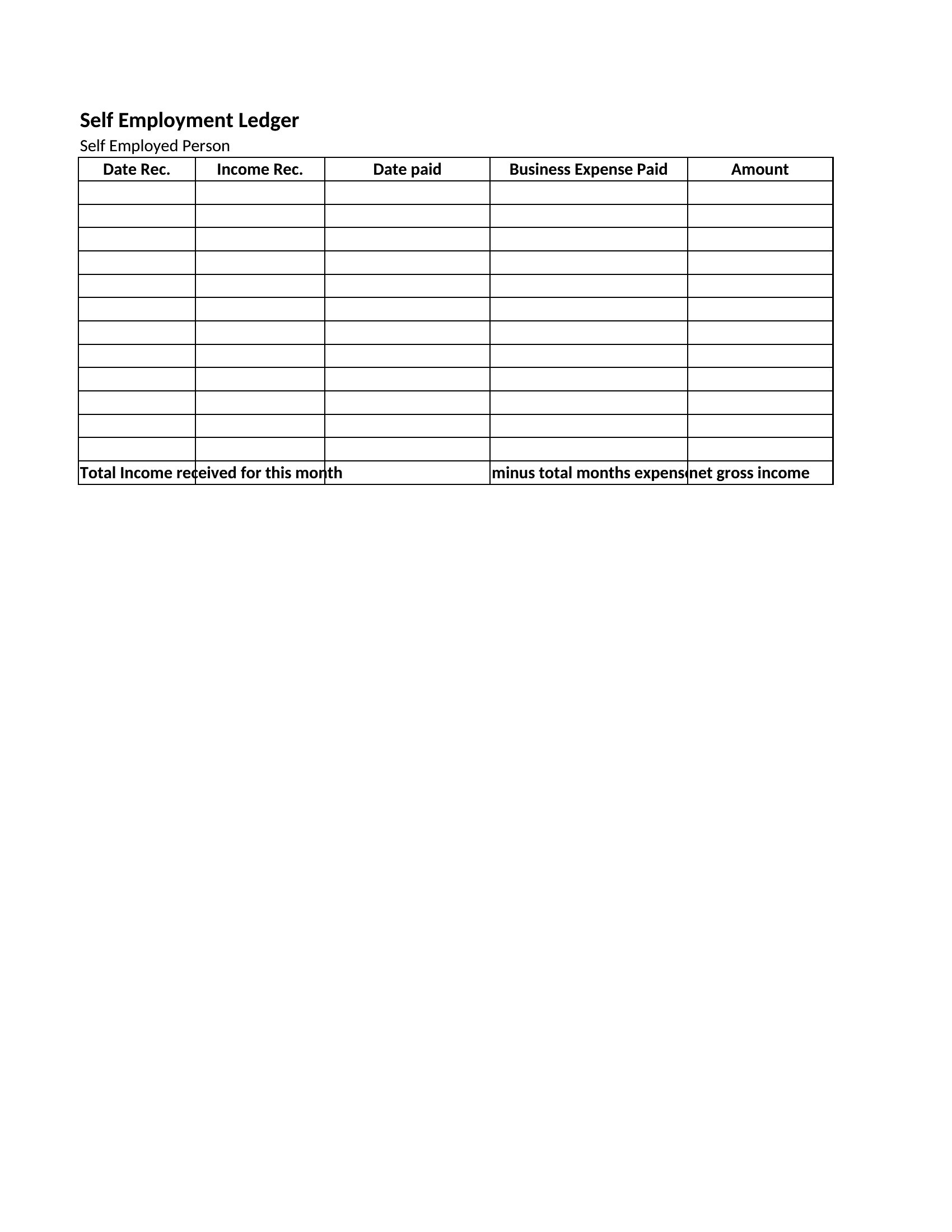
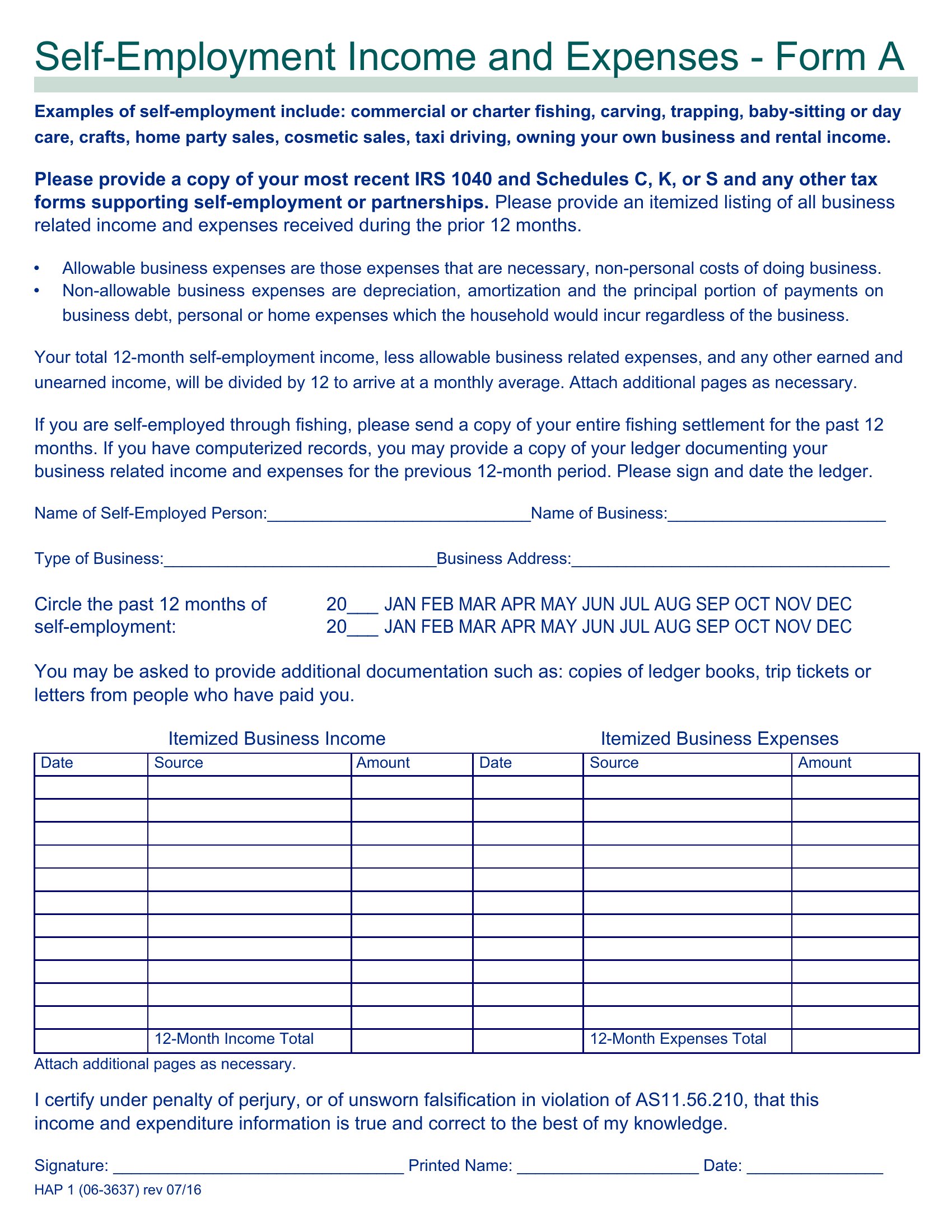
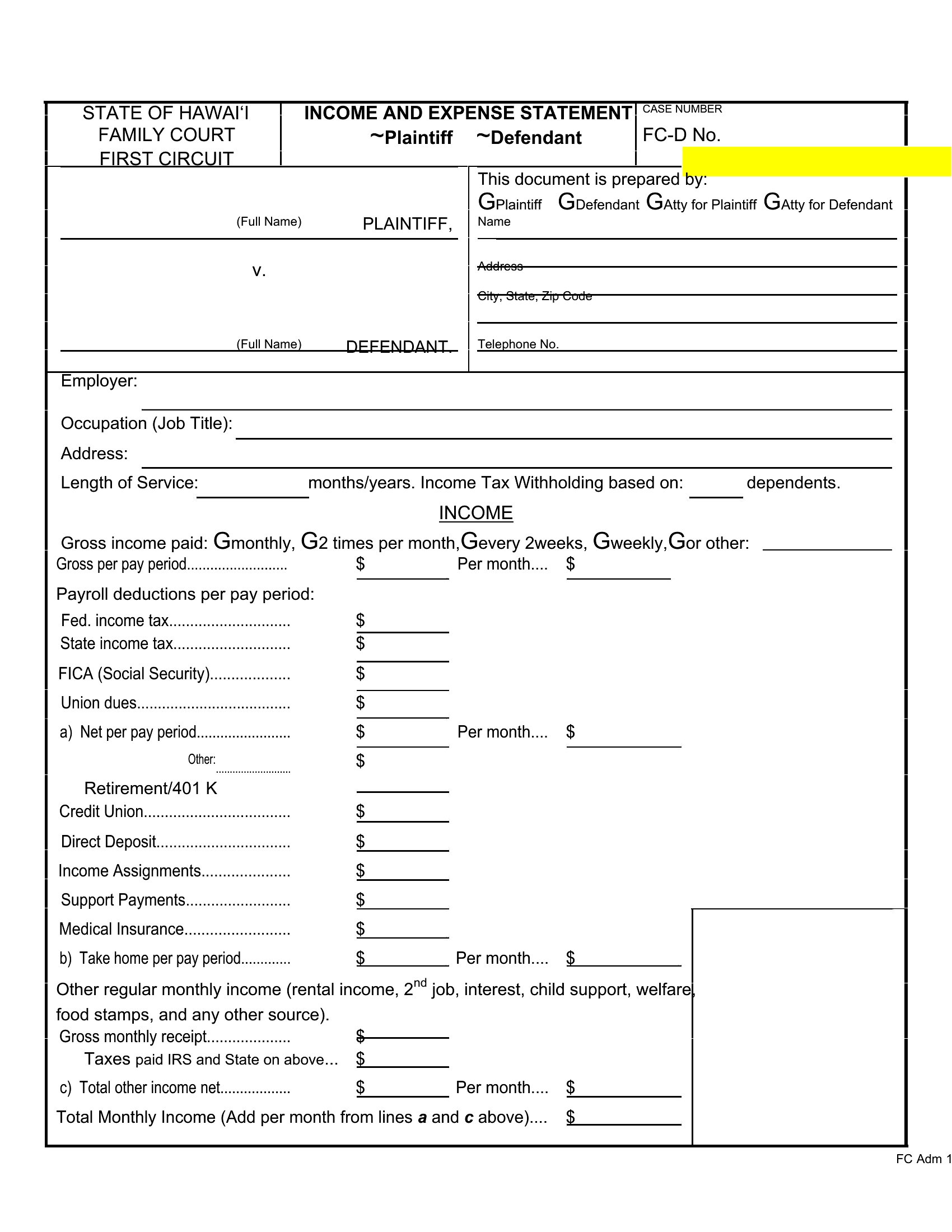
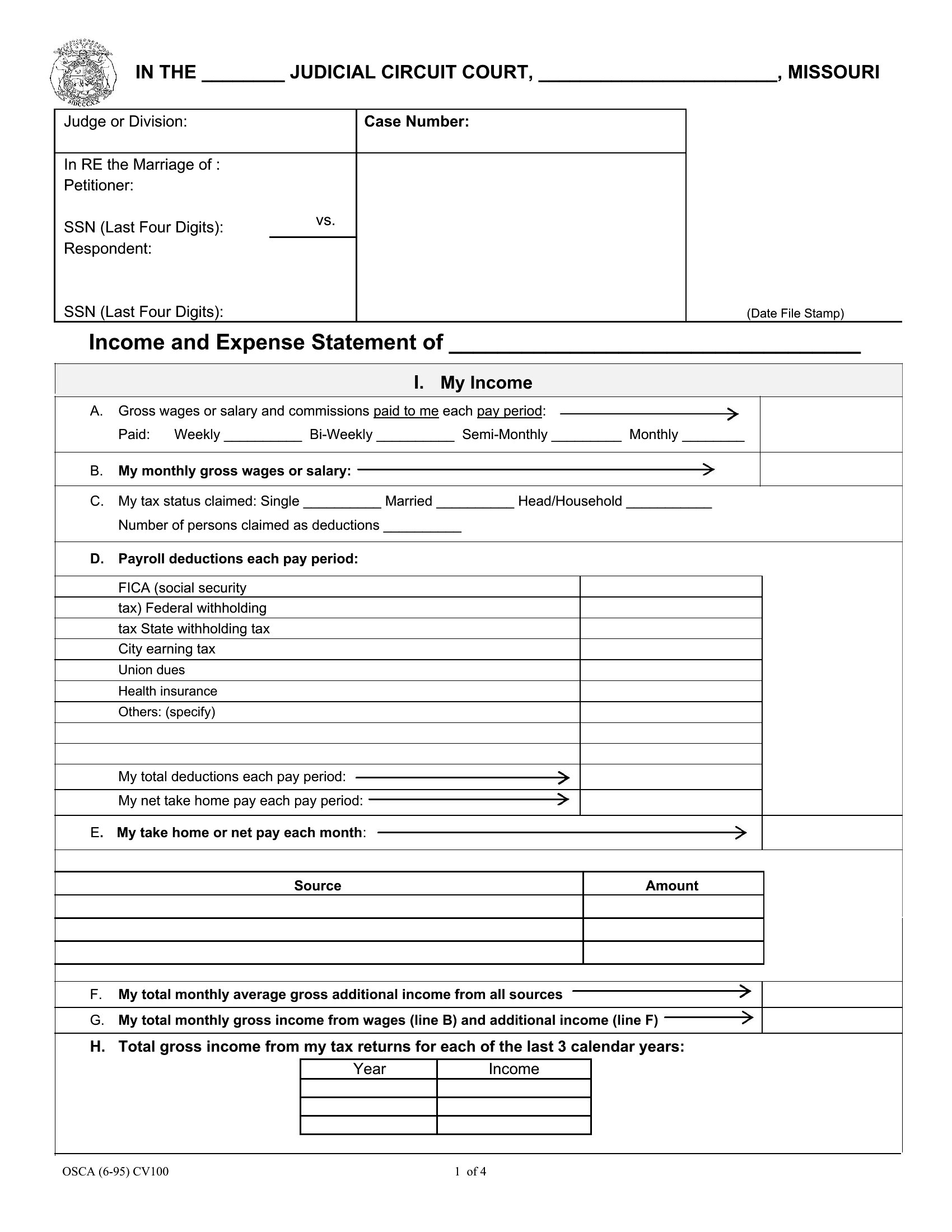
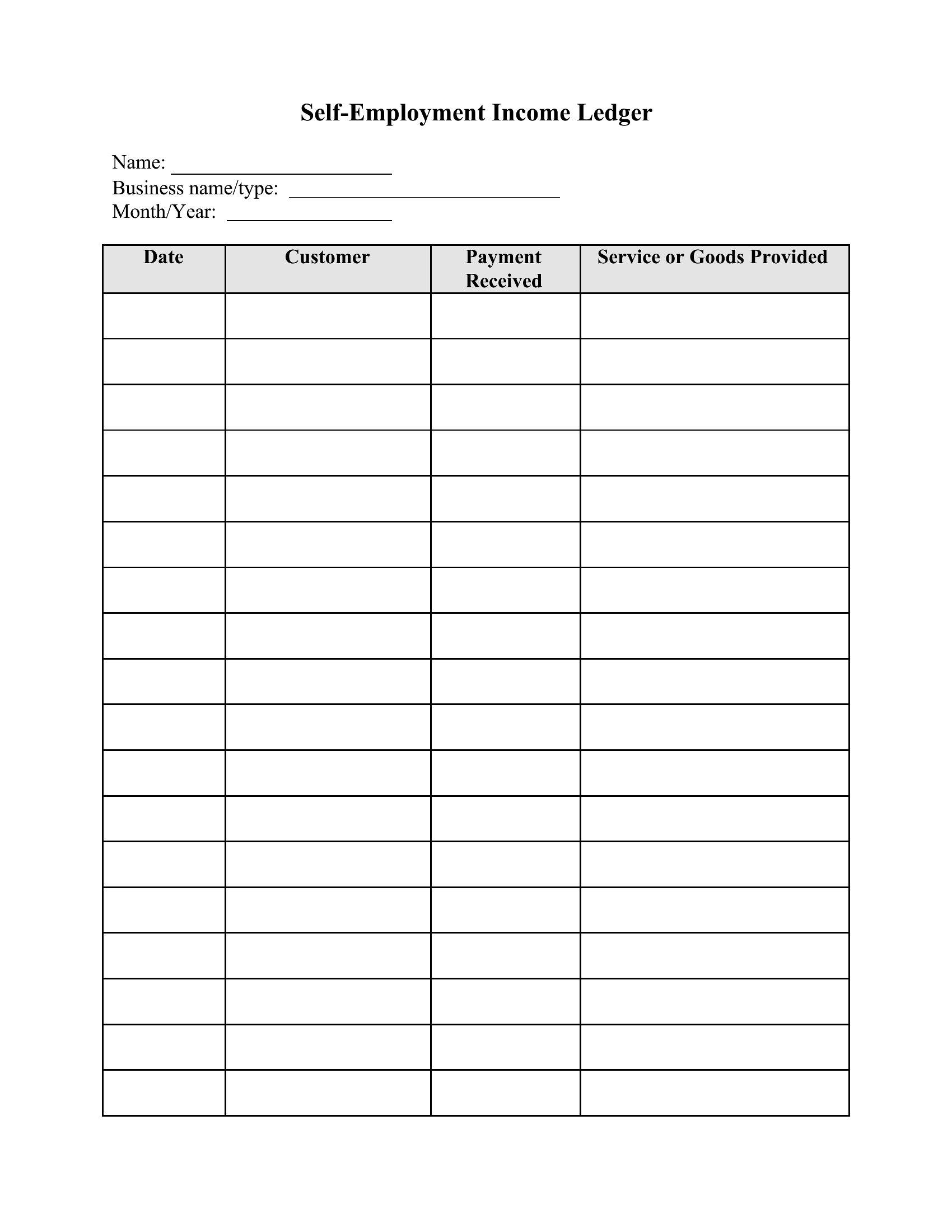
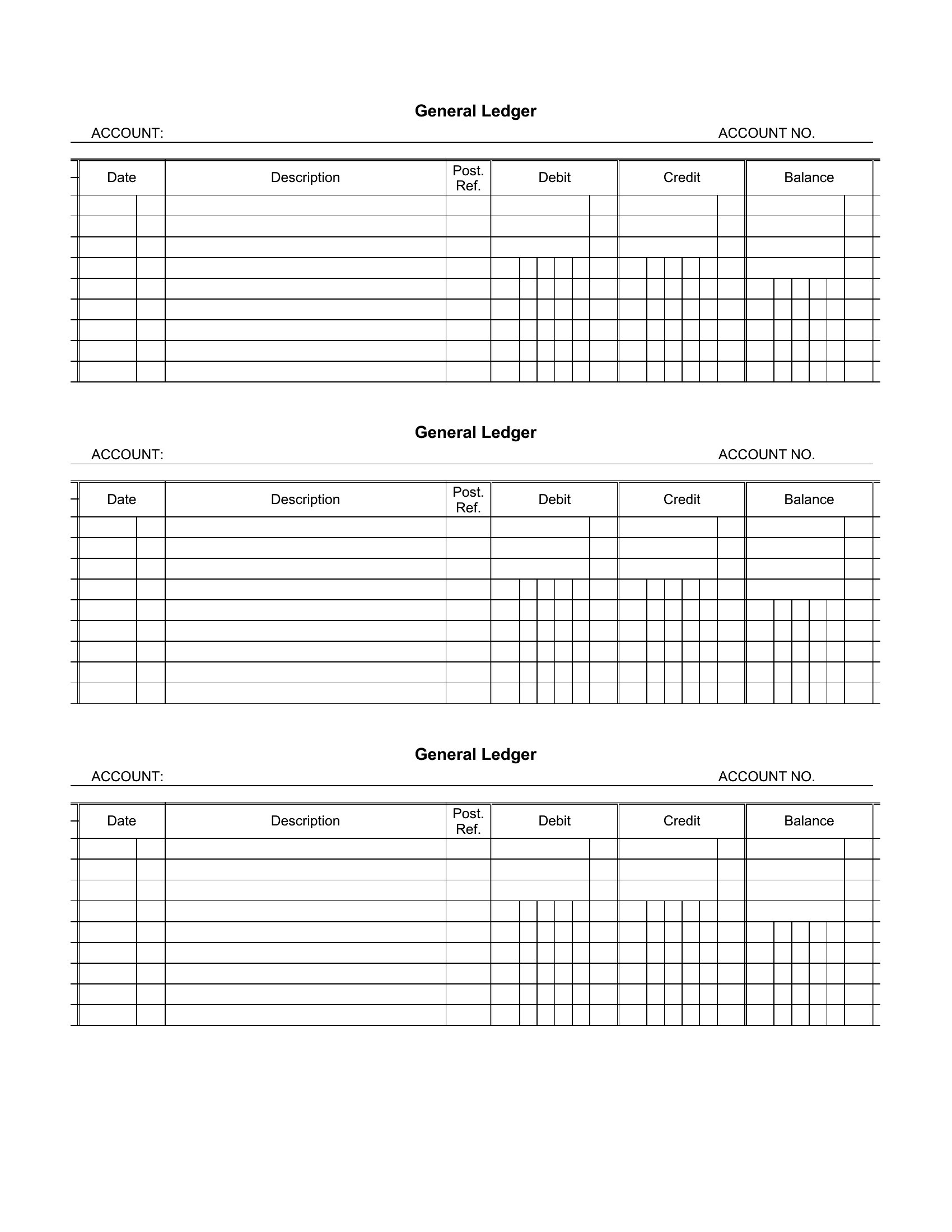
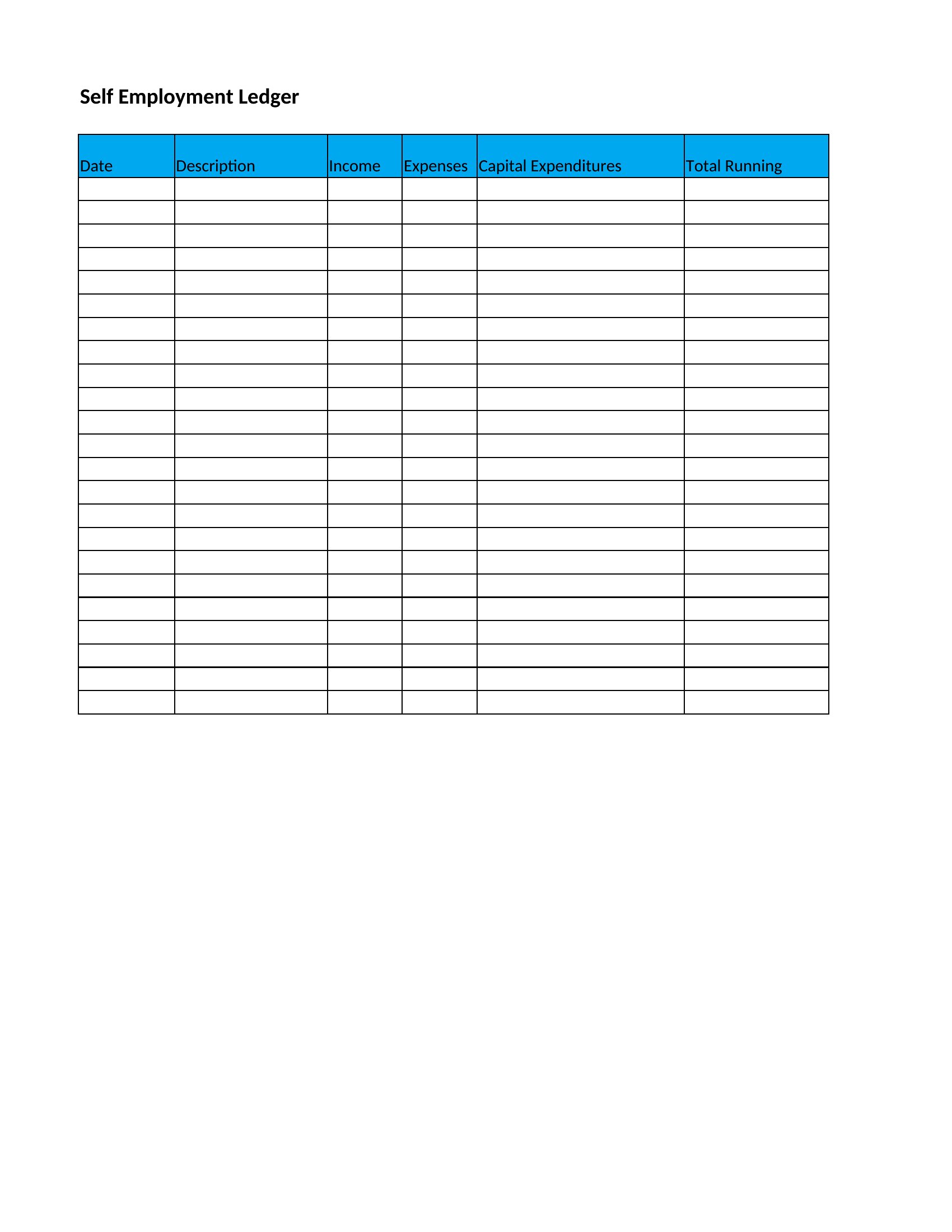
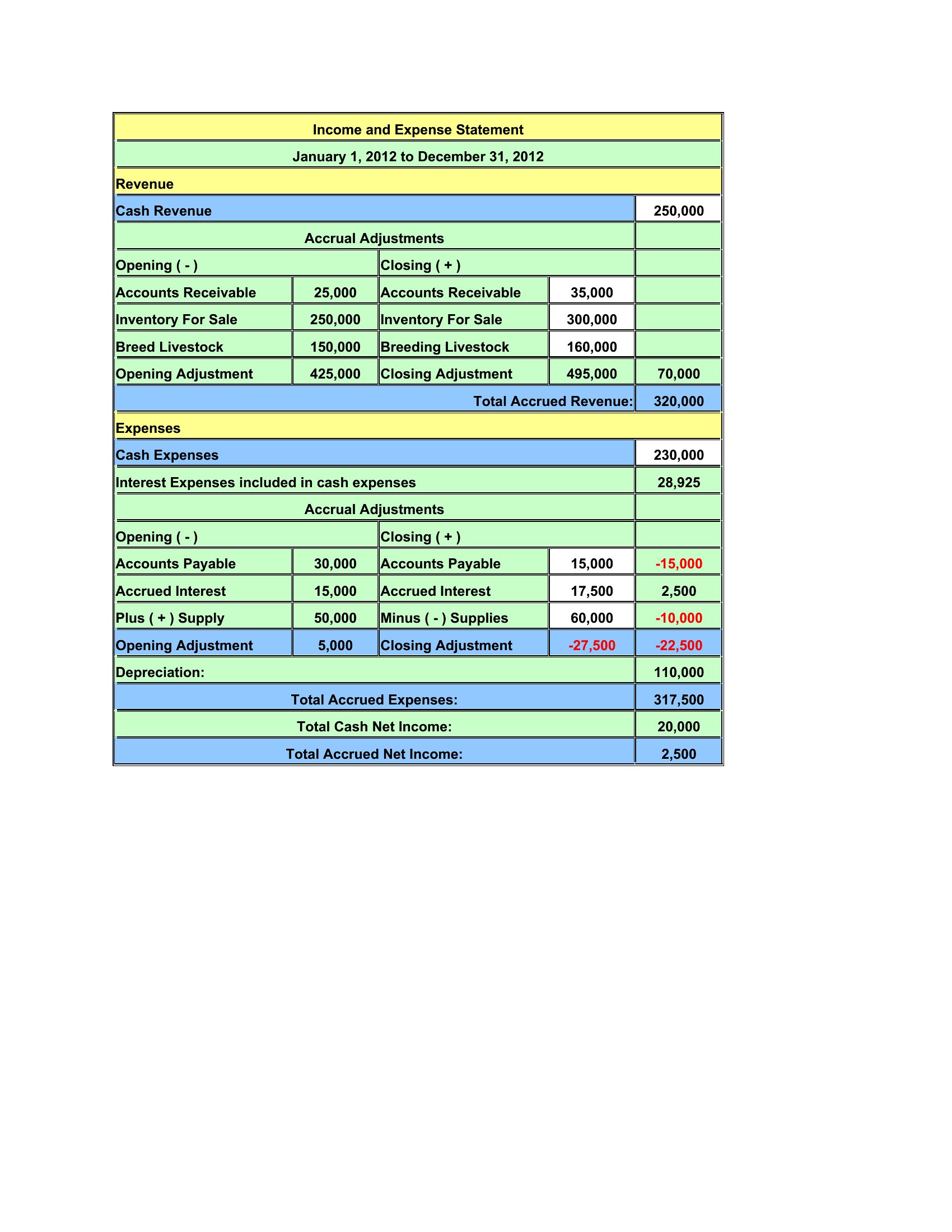
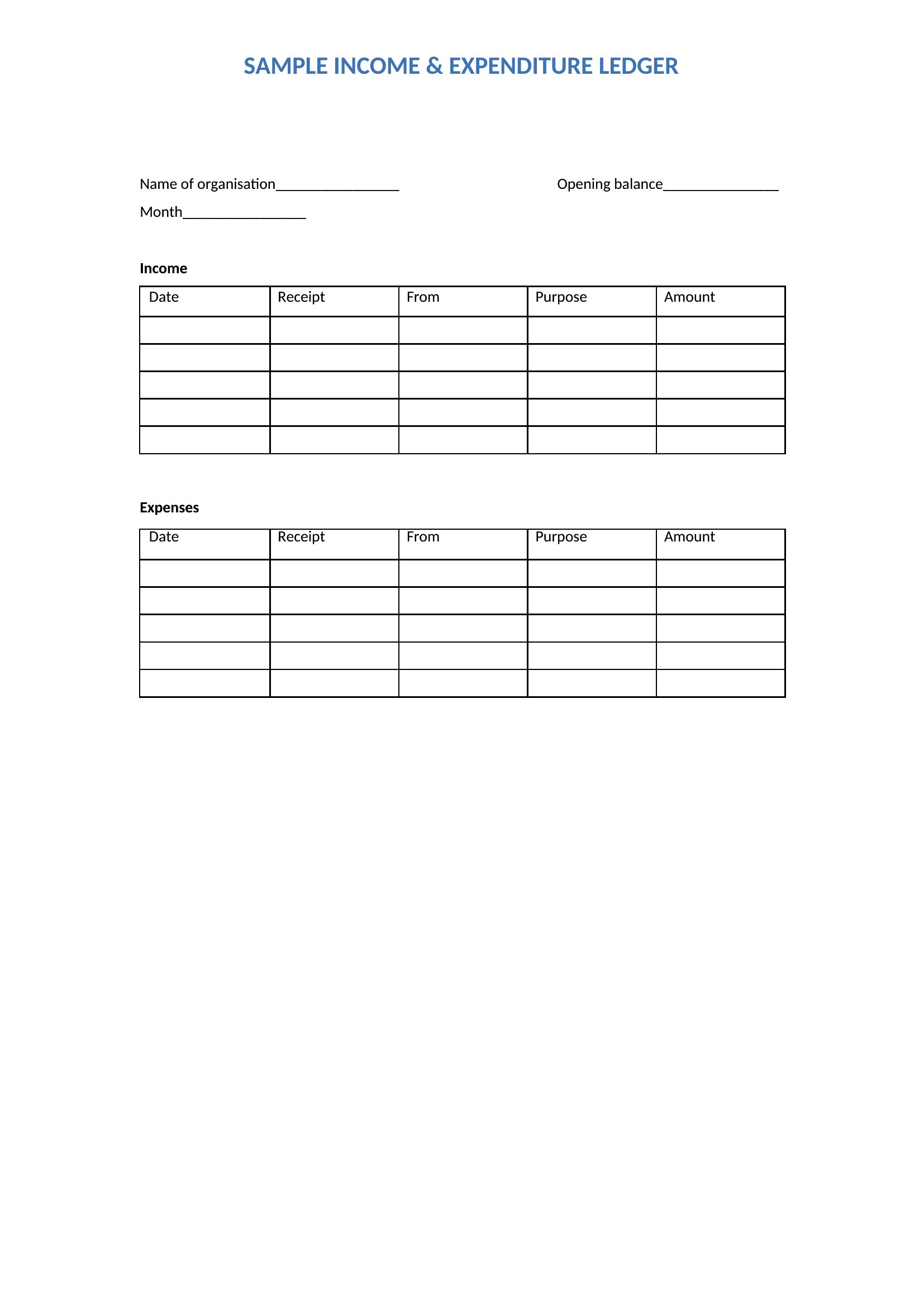
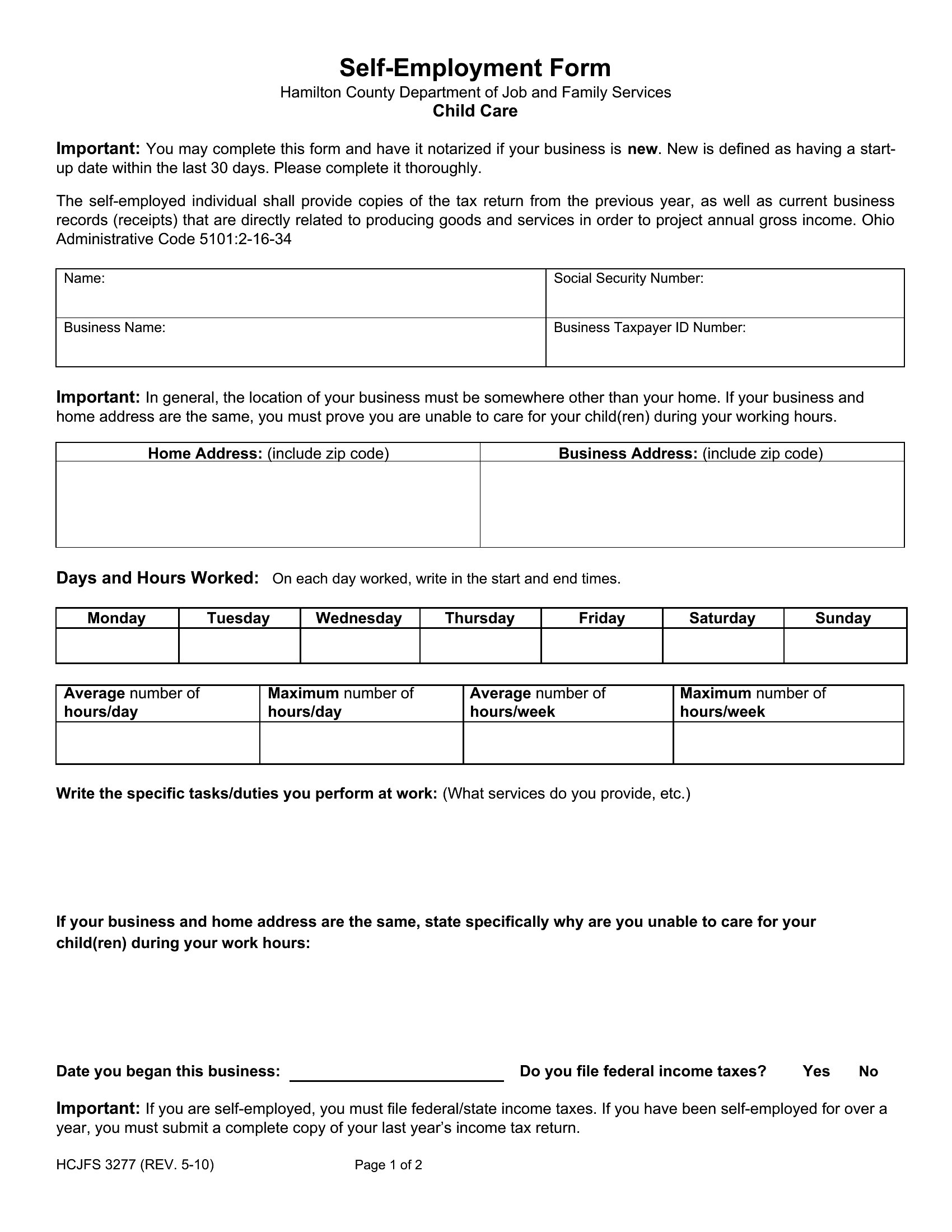
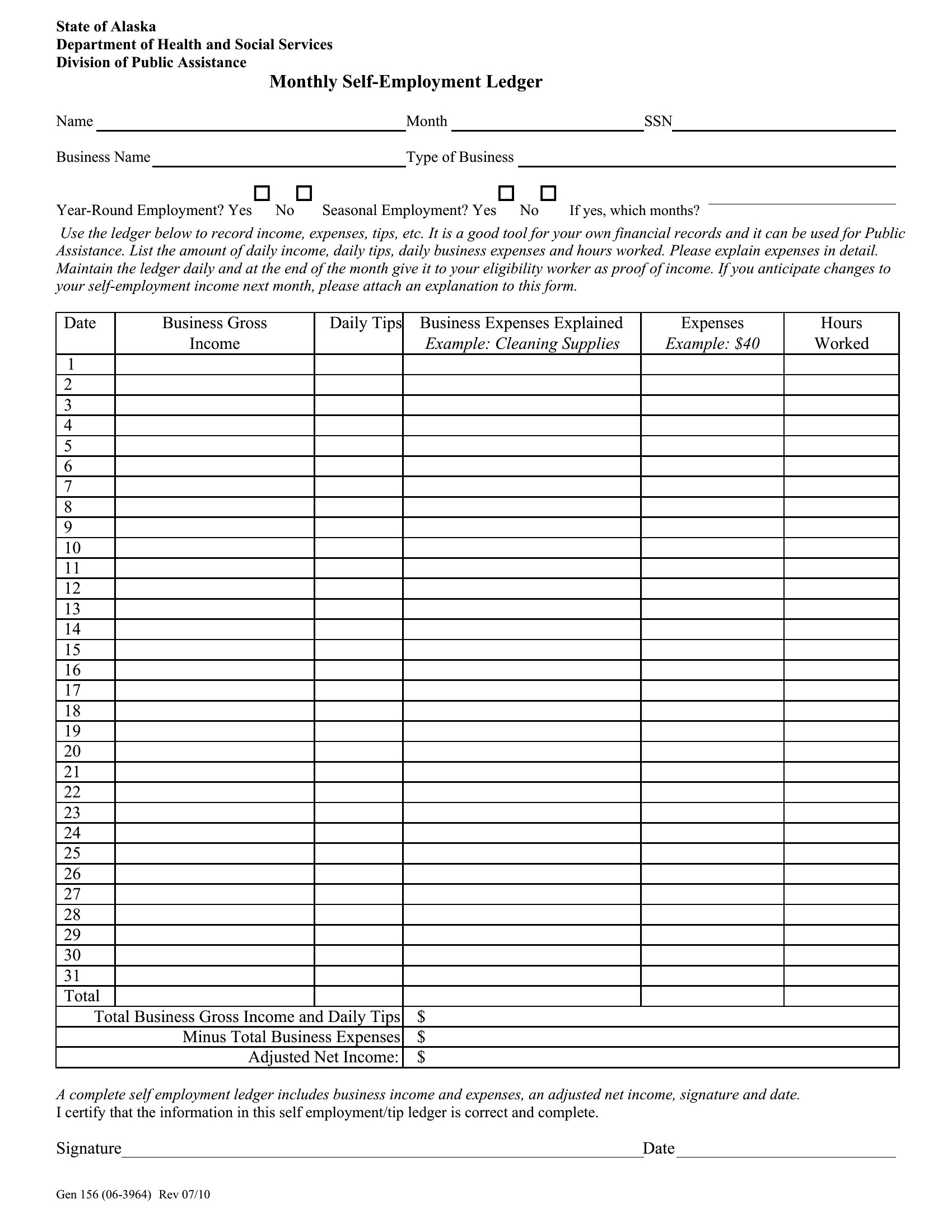
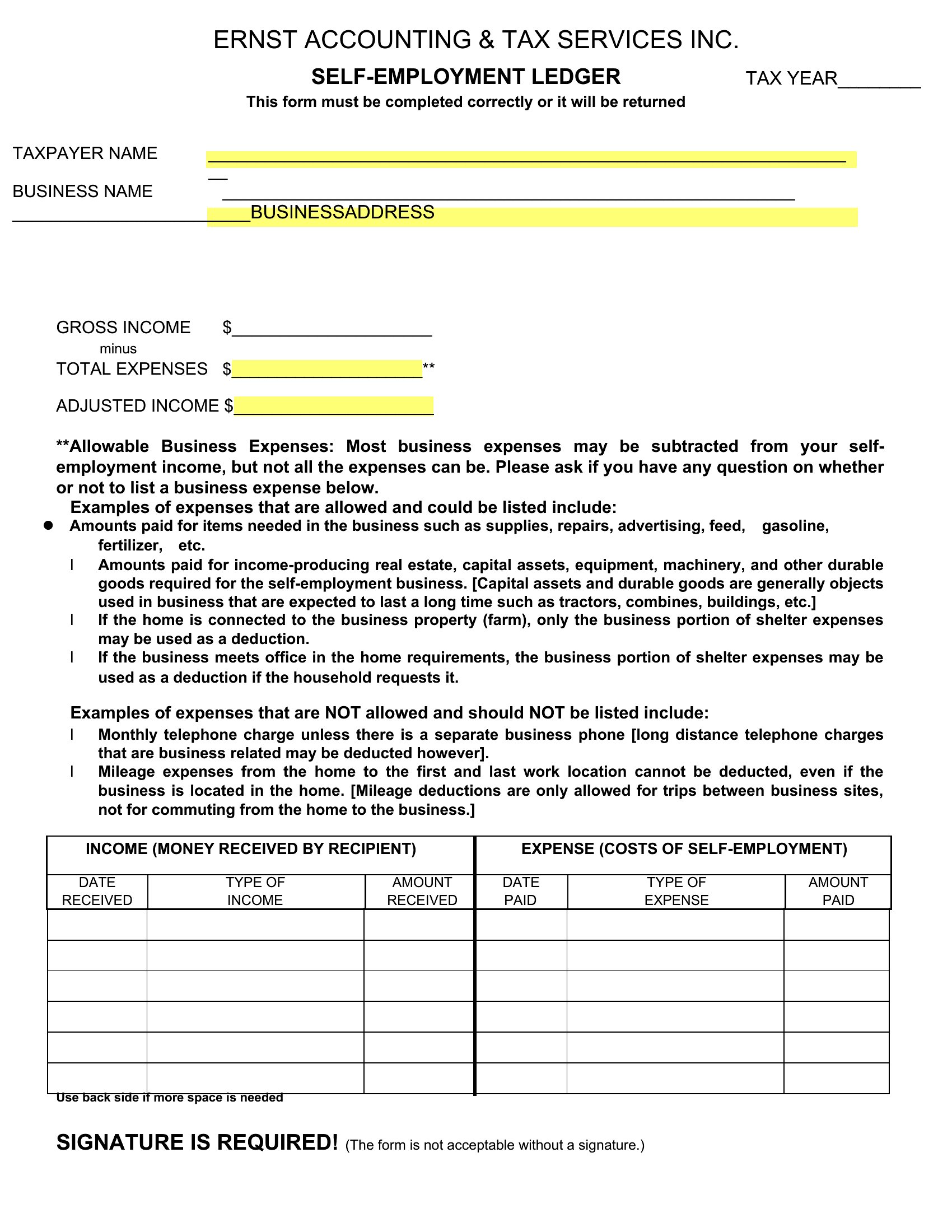
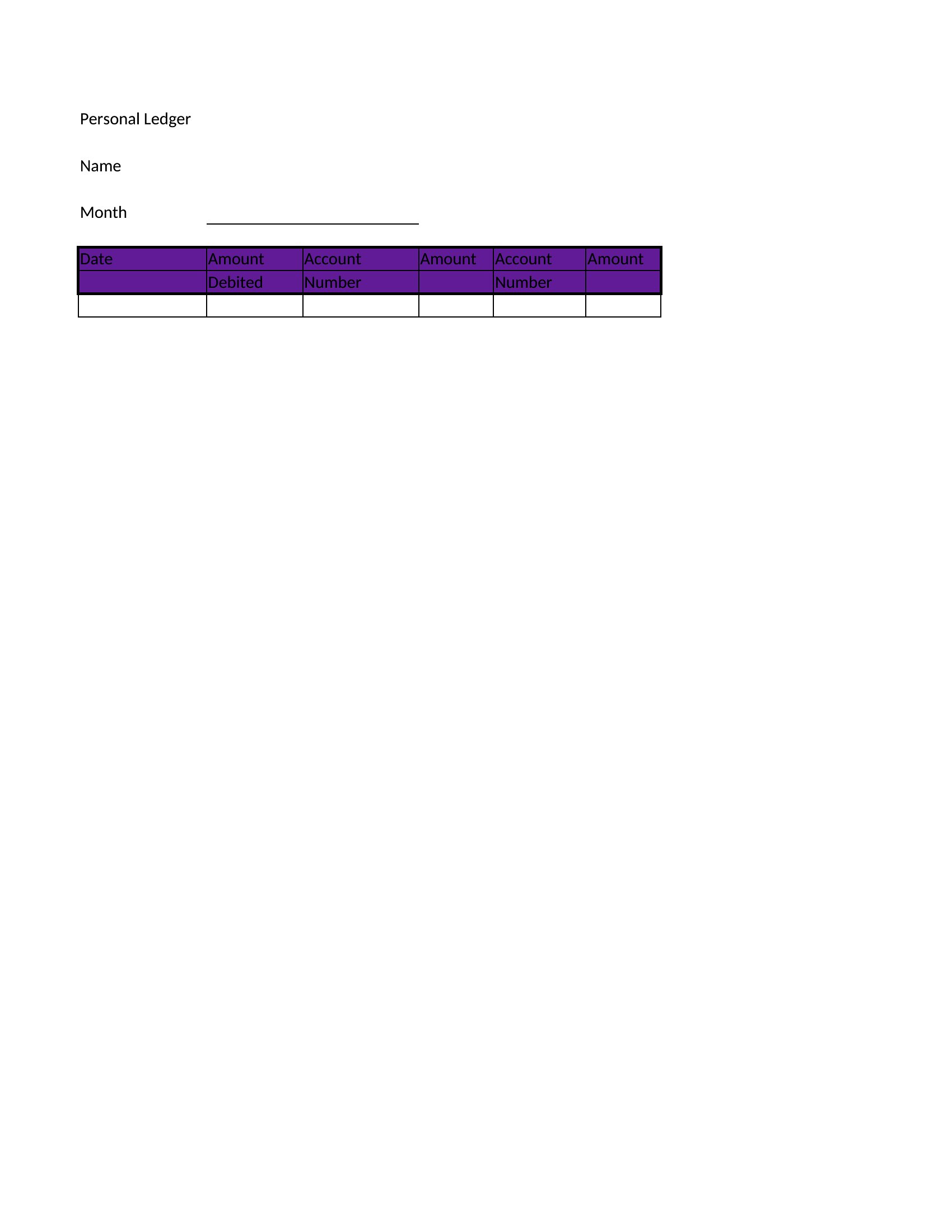
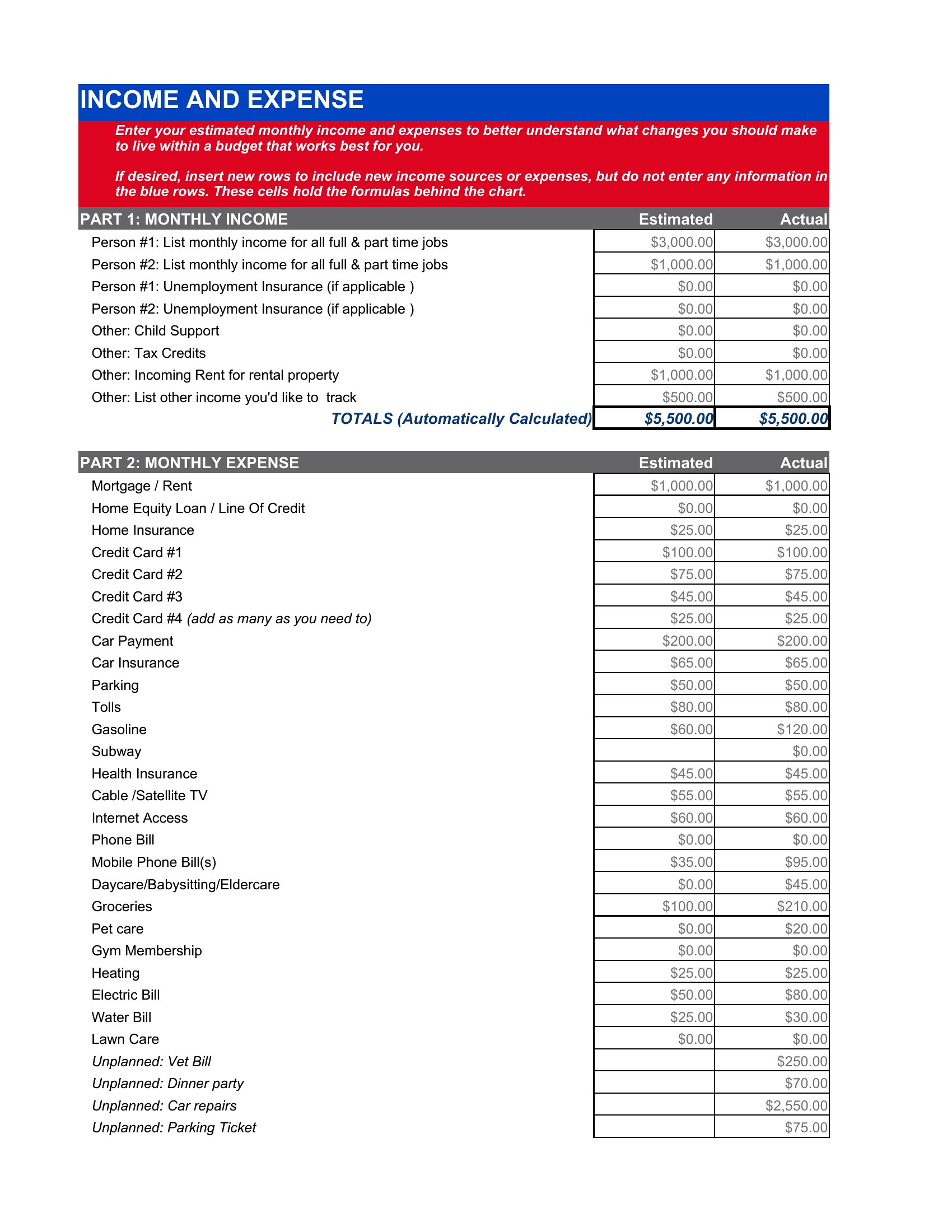
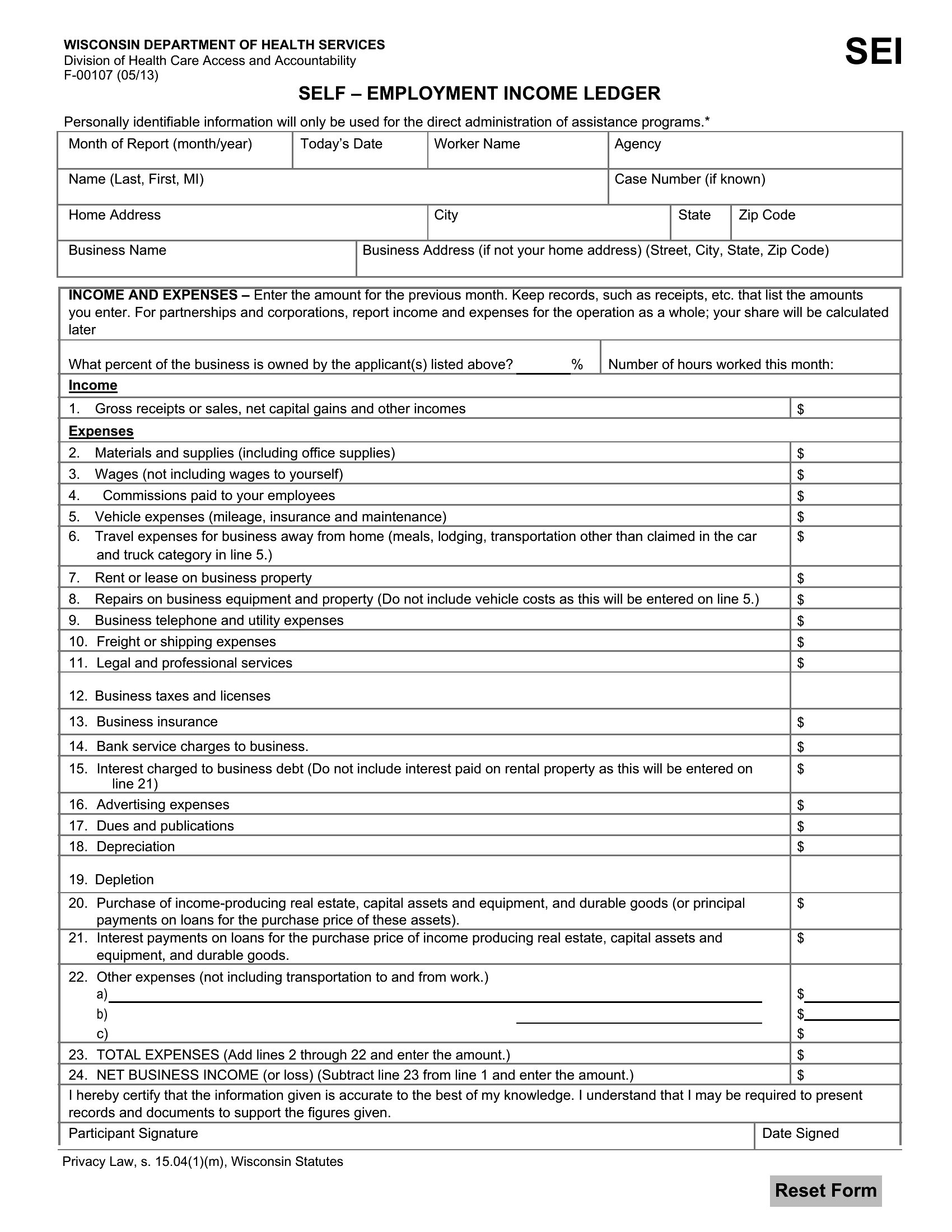
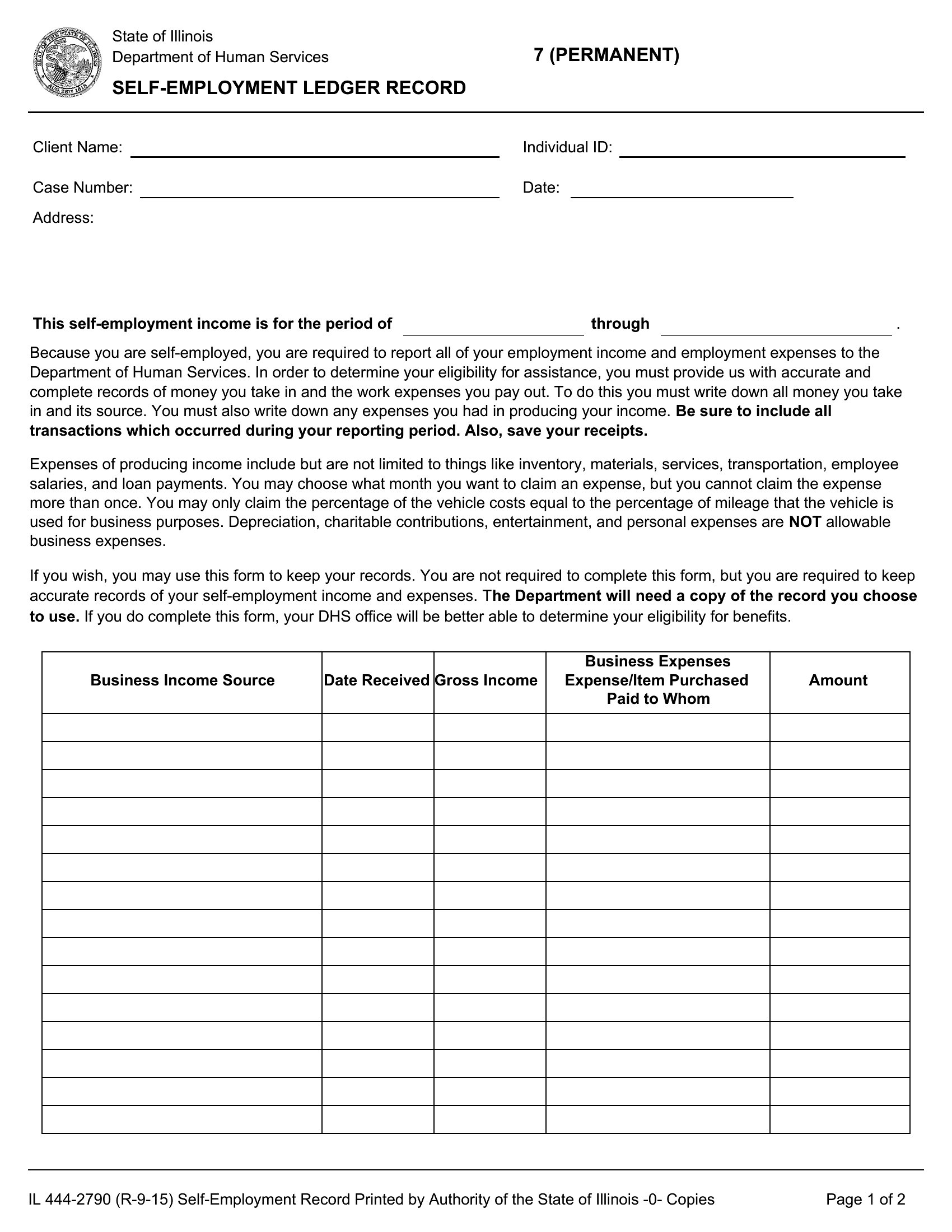
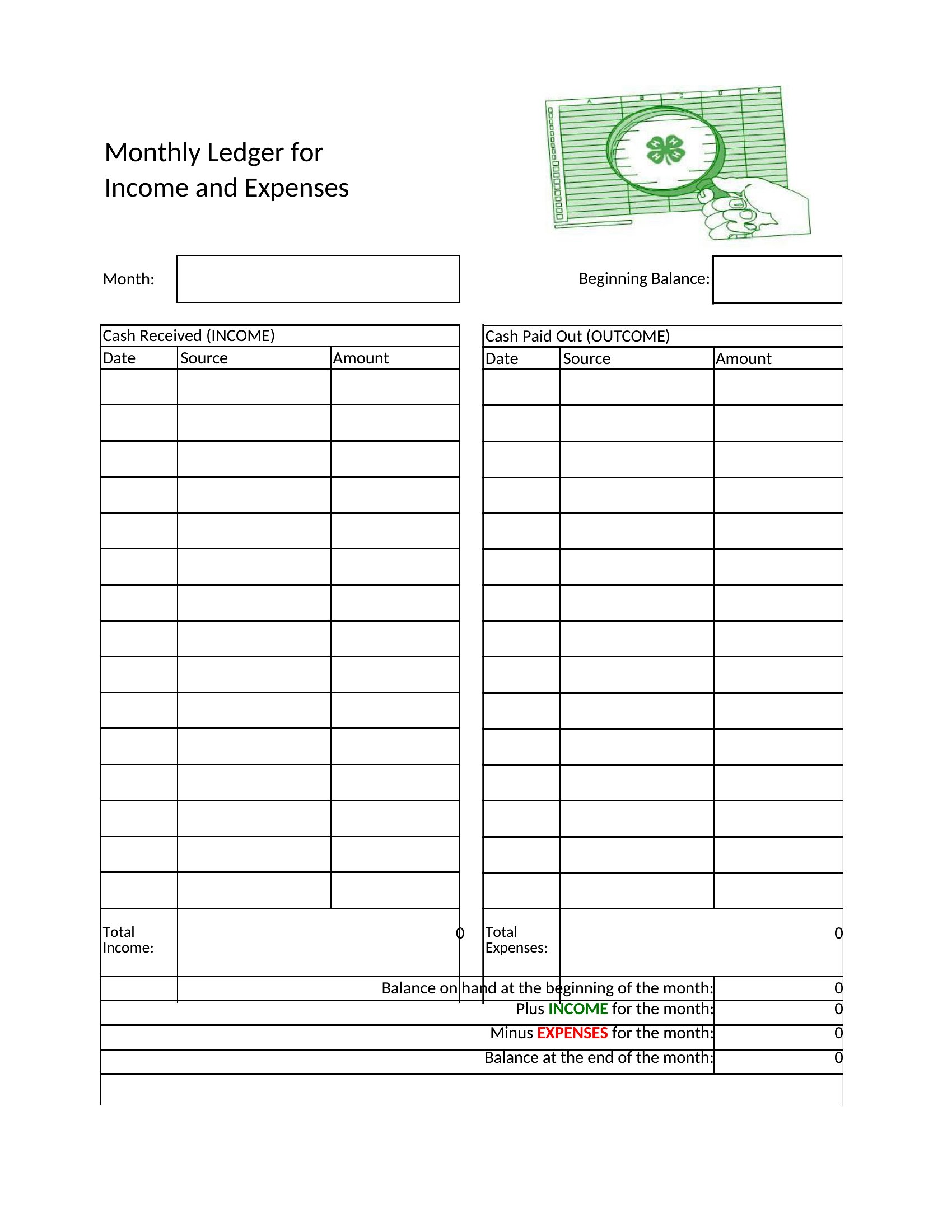
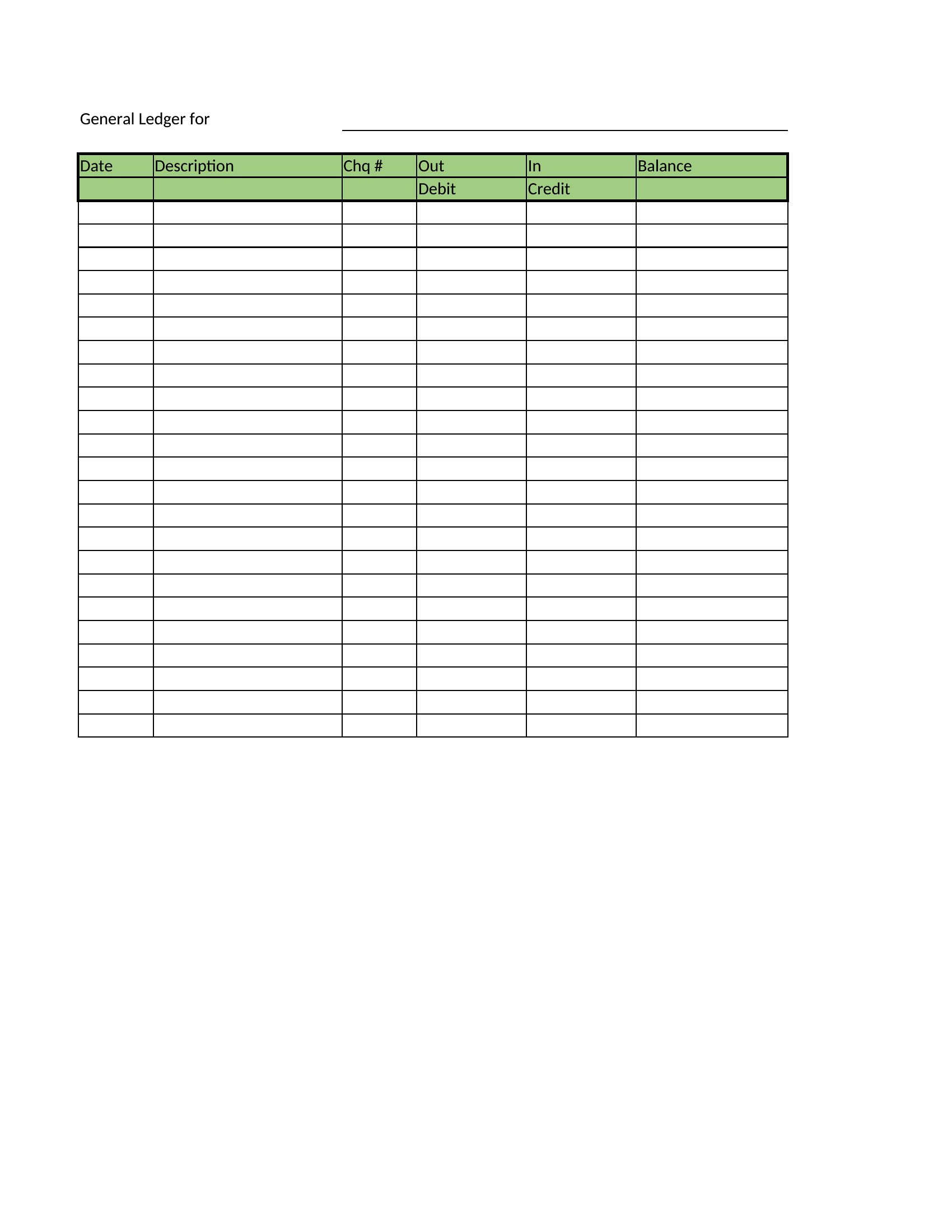
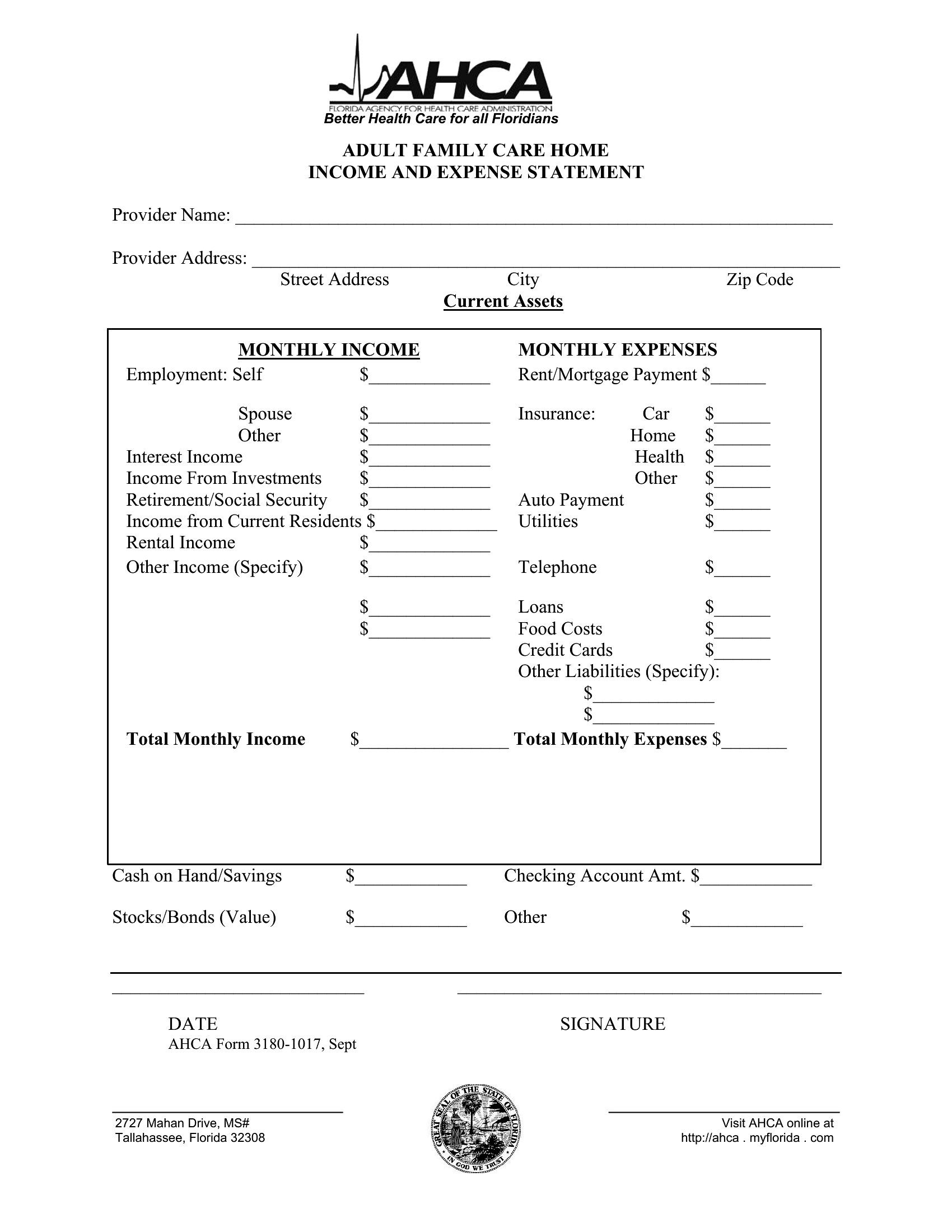
StatementsFreelancers and gig workers don't get a pay stub, so a self-employment ledger becomes the record that proves income for loans, benefits, or taxes. This set of 39 templates gives independent contractors and small operators a clear way to log earnings and expenses month by month, building the documentation that lenders and agencies often ask to see.
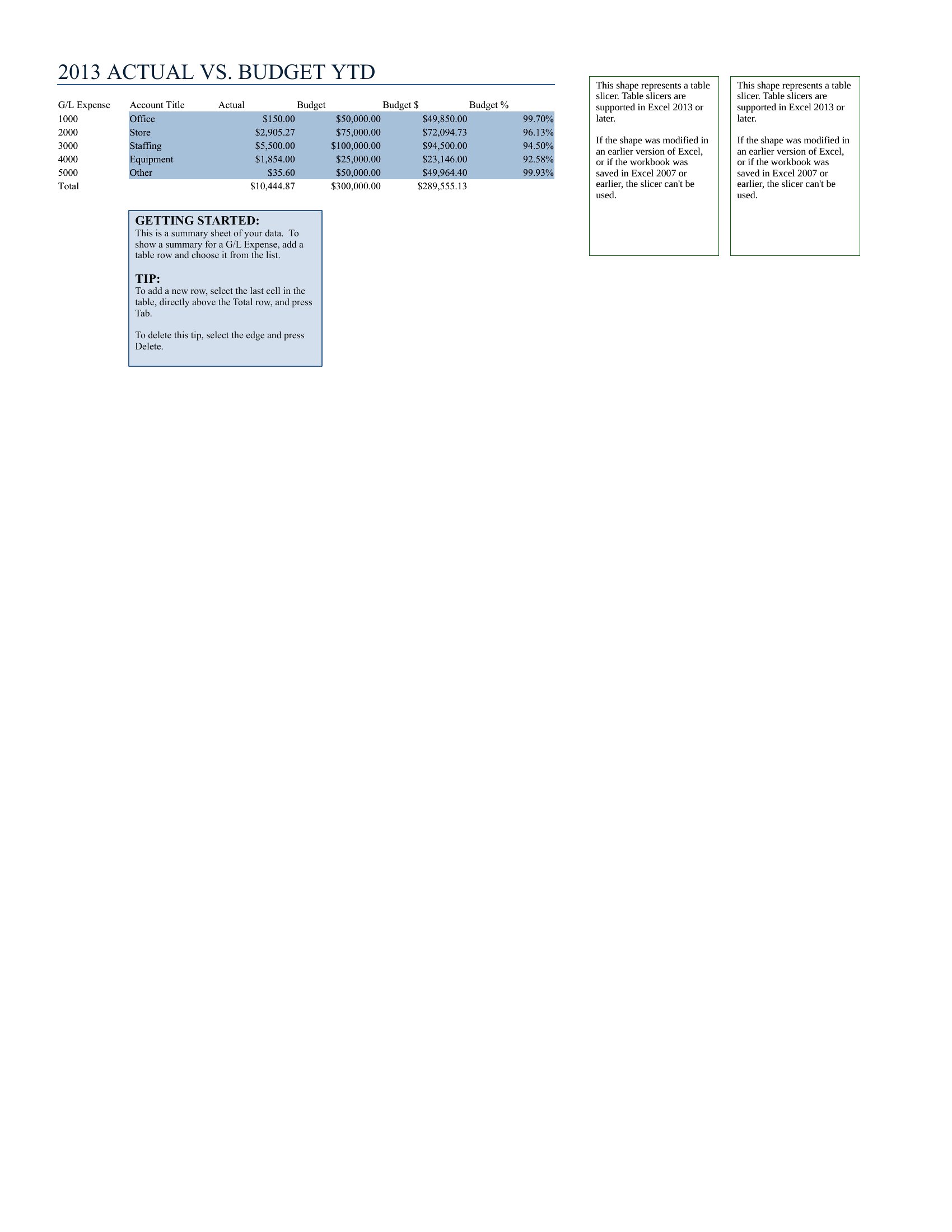
Use the Excel versions to total income and expenses automatically, or the Word layouts for a tidy printed record. Enter each payment and cost as it happens, keep receipts to back it up, and your year-end picture comes together on its own. Accuracy matters since this may support an official application, so double-check the figures. Download the ledger that fits and track your business income with less stress.
When to use this Self-Employment Ledger template
- A freelance graphic designer tracking project-based income for their quarterly tax filing to claim the self-employment tax deduction; they need a structured log to separate client payments from personal expenses.
- A rideshare driver applying for a small business loan who must prove steady monthly earnings—these templates help organize receipts and trip logs for the lender’s documentation requirements.
- An Etsy seller preparing for their annual tax audit who needs to reconcile handwritten notes of sales and material costs into a clear, chronological record for the IRS.
- A consultant billing hourly but paid in irregular lump sums who wants to reconcile take-home pay against IRS Schedule C deductions, using templates to cross-check client invoices with bank deposits.
Which format should I download?
Choose Word if you prefer a fillable, printable form to jot down expenses by hand or type in receipt details as you go, ideal for those who work from paper records or need a portable ledger. Excel is best for contractors who need automatic calculations—summing income, deducting expenses, and tracking monthly profit margins with formulas. The Excel versions also make it easier to generate year-end summaries for accountants or tax software like TurboTax Self-Employed.
How to use this Self-Employment Ledger template
Can these templates help me separate business and personal expenses if I use my personal bank account?
Yes, these ledgers include columns for expense categories (like supplies, travel, or home office) so you can log transactions as they occur. However, for stronger tax support, consider pairing this with a separate business bank account to avoid mixing personal and professional spending.
Do I need to adjust these templates if my self-employment income varies monthly?
All templates account for irregular income with flexible entries, but the Excel versions let you add conditional formatting or simple formulas to highlight months with higher or lower earnings. For extreme fluctuations, you might also track quarterly totals in a separate sheet for better trend analysis.
How detailed should I be when logging mileage or home office expenses?
The IRS has specific rules for deducting these costs—mileage requires dates, destinations, and purpose (e.g., client meetings), while home office deductions need square footage calculations. These templates include sections for both, but double-check current IRS guidelines or consult a tax professional to ensure compliance.
Comments
Join the conversation
Sign in to share your thoughts and leave a comment on this resource.