Skip to content
50% off this one-time $1.99 pack with HALFOFF — or unlimited with Pro.HALFOFF
Premium

Free Christmas Flyer Templates (Word, PDF)
Life
adhirasheikh by adhirasheikh
Updated 0 downloads Quality-checked template

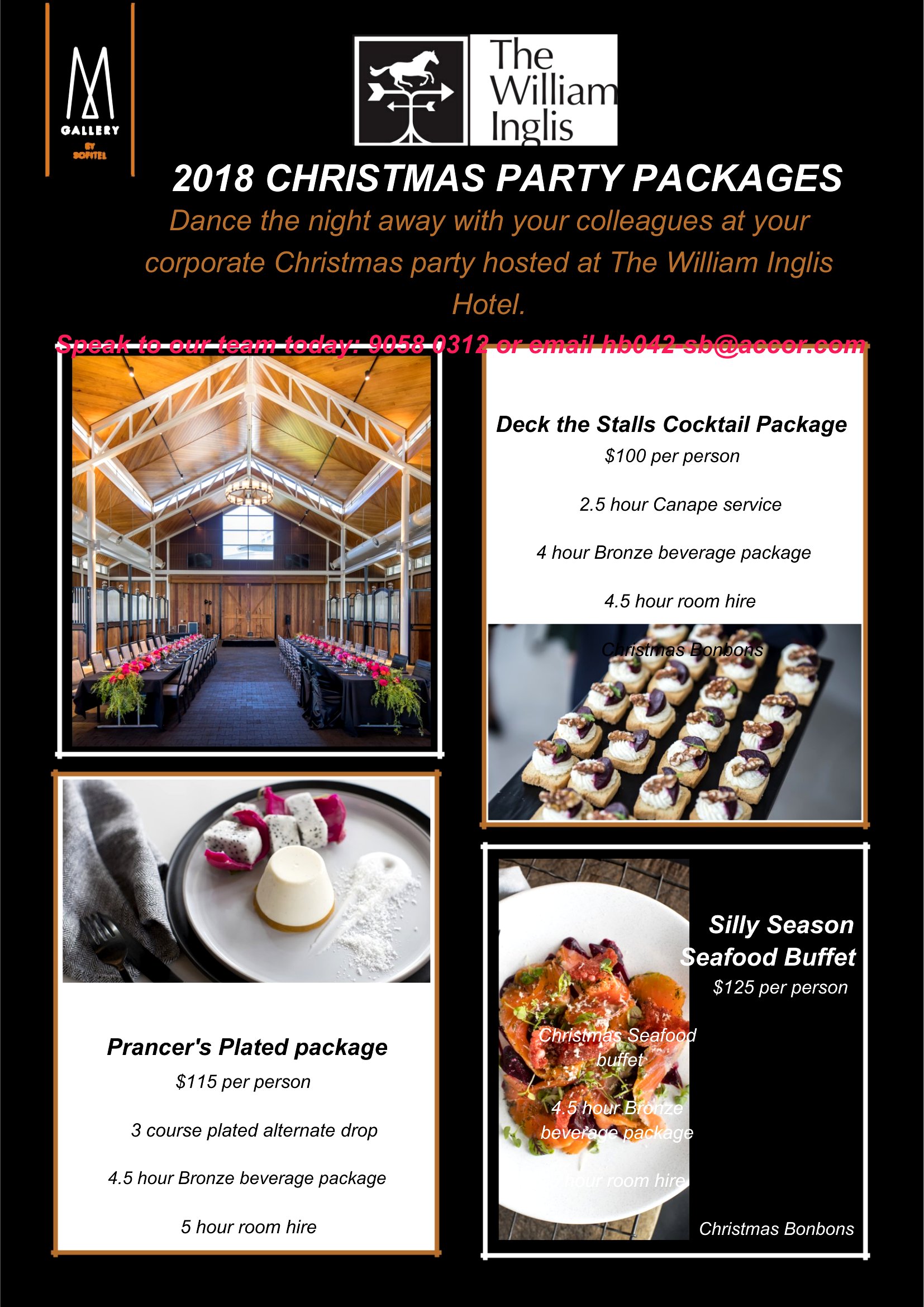
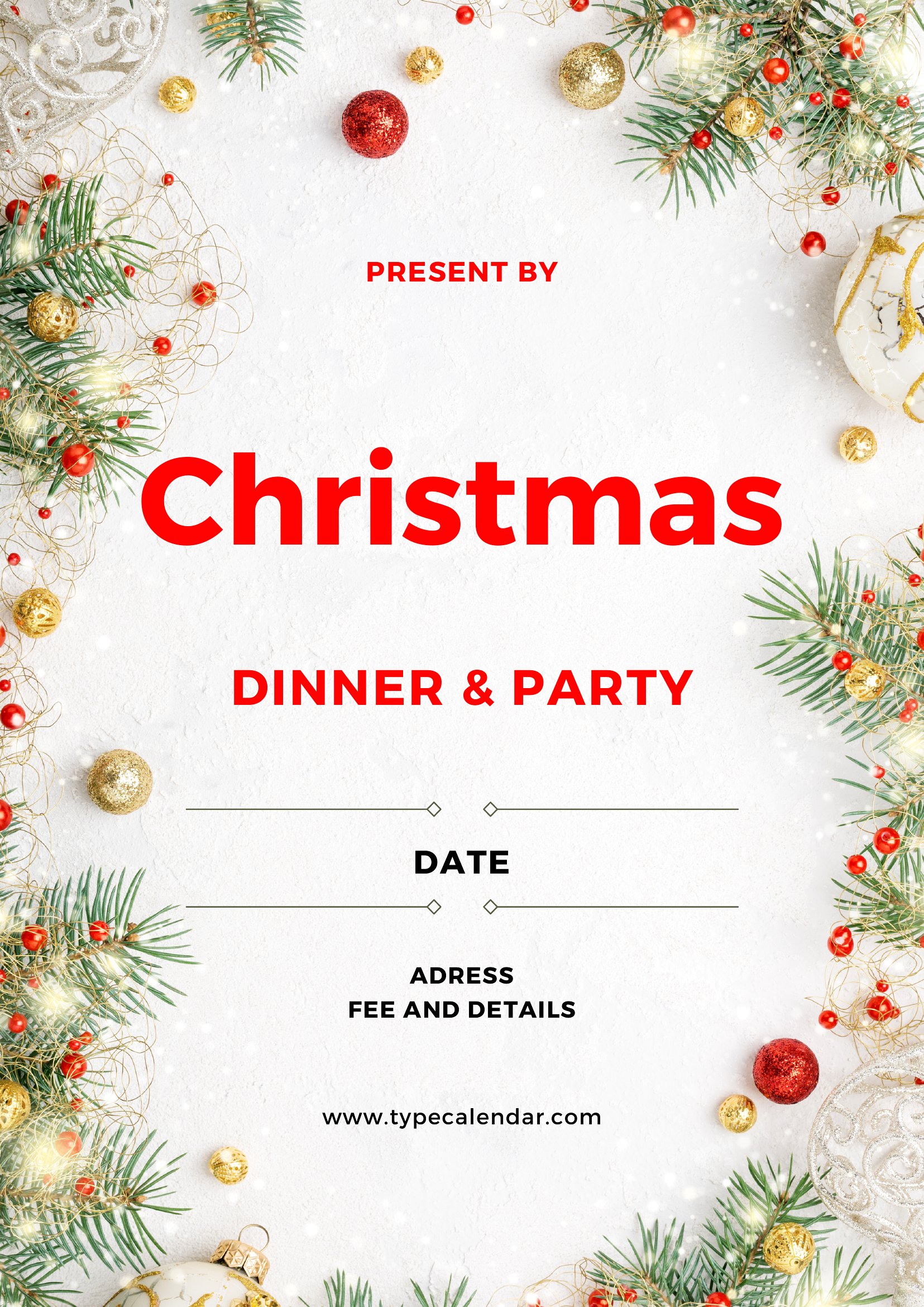
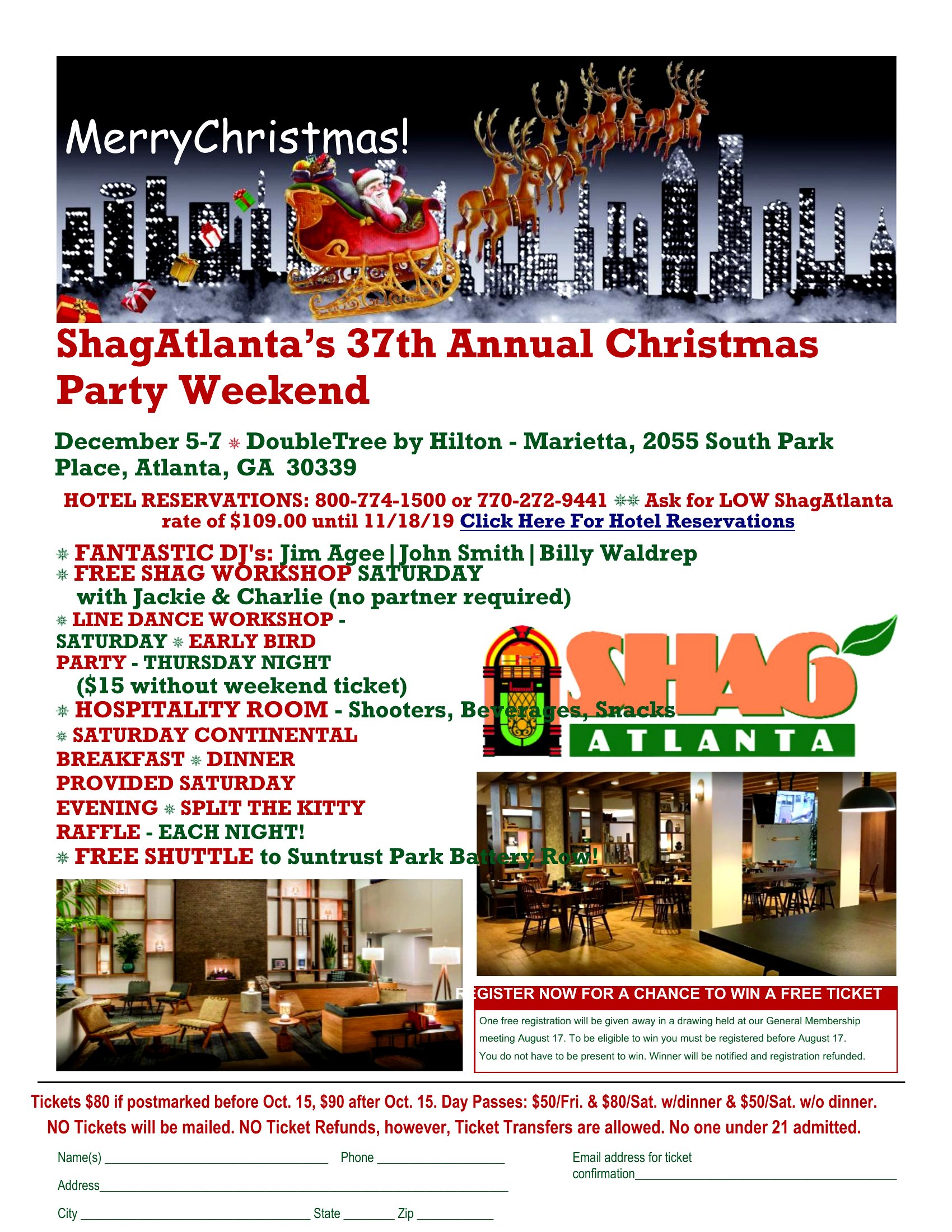
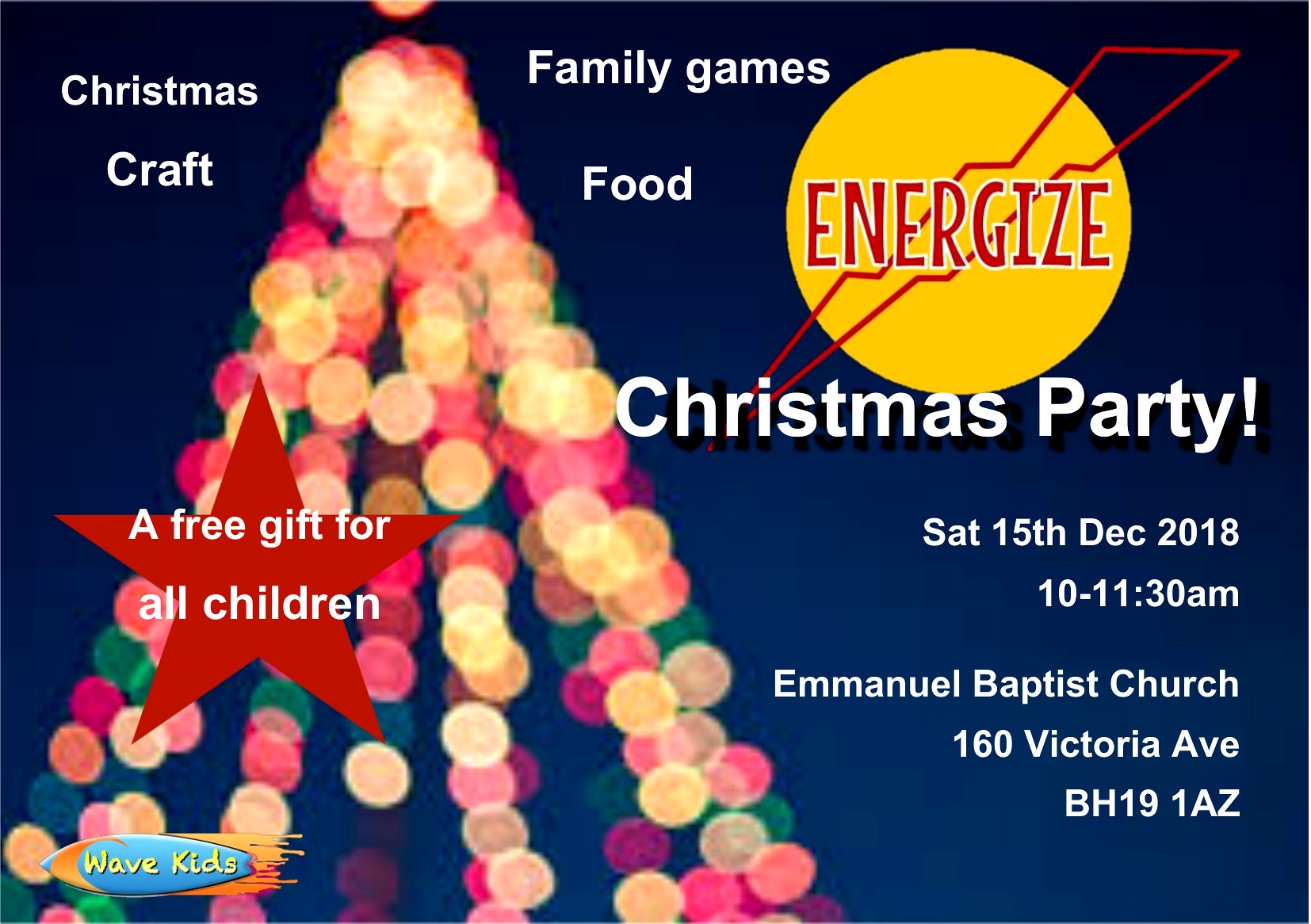
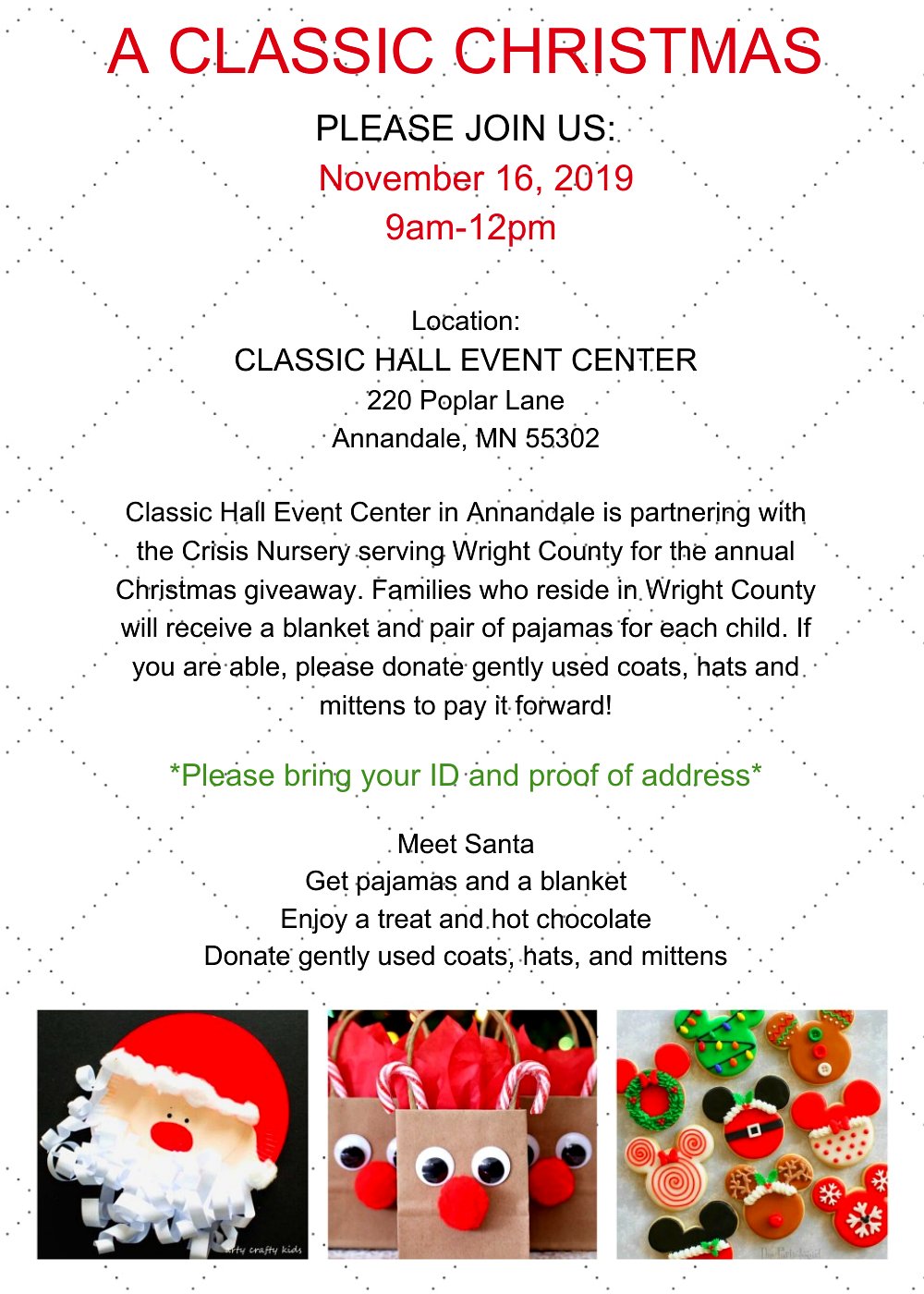
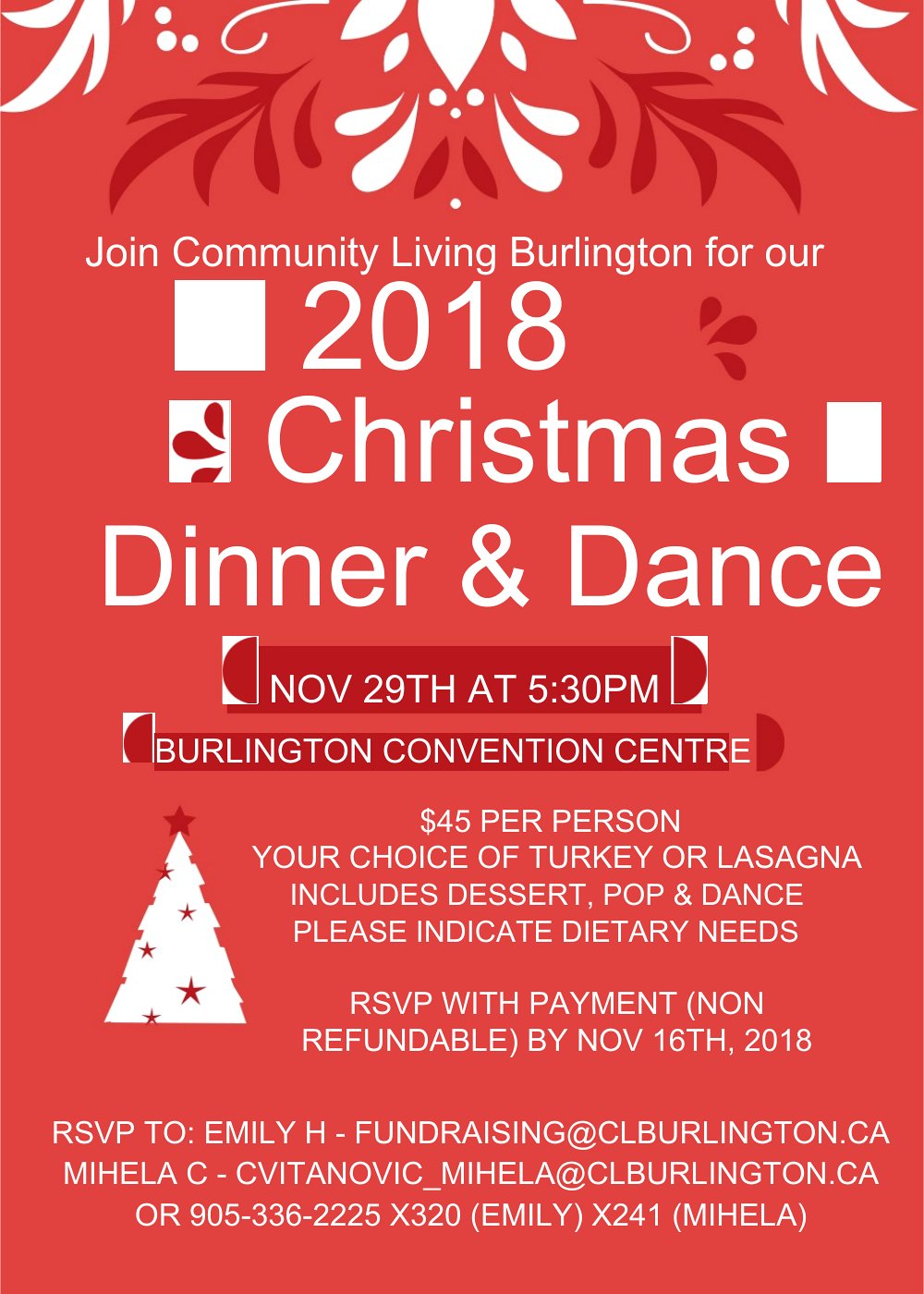
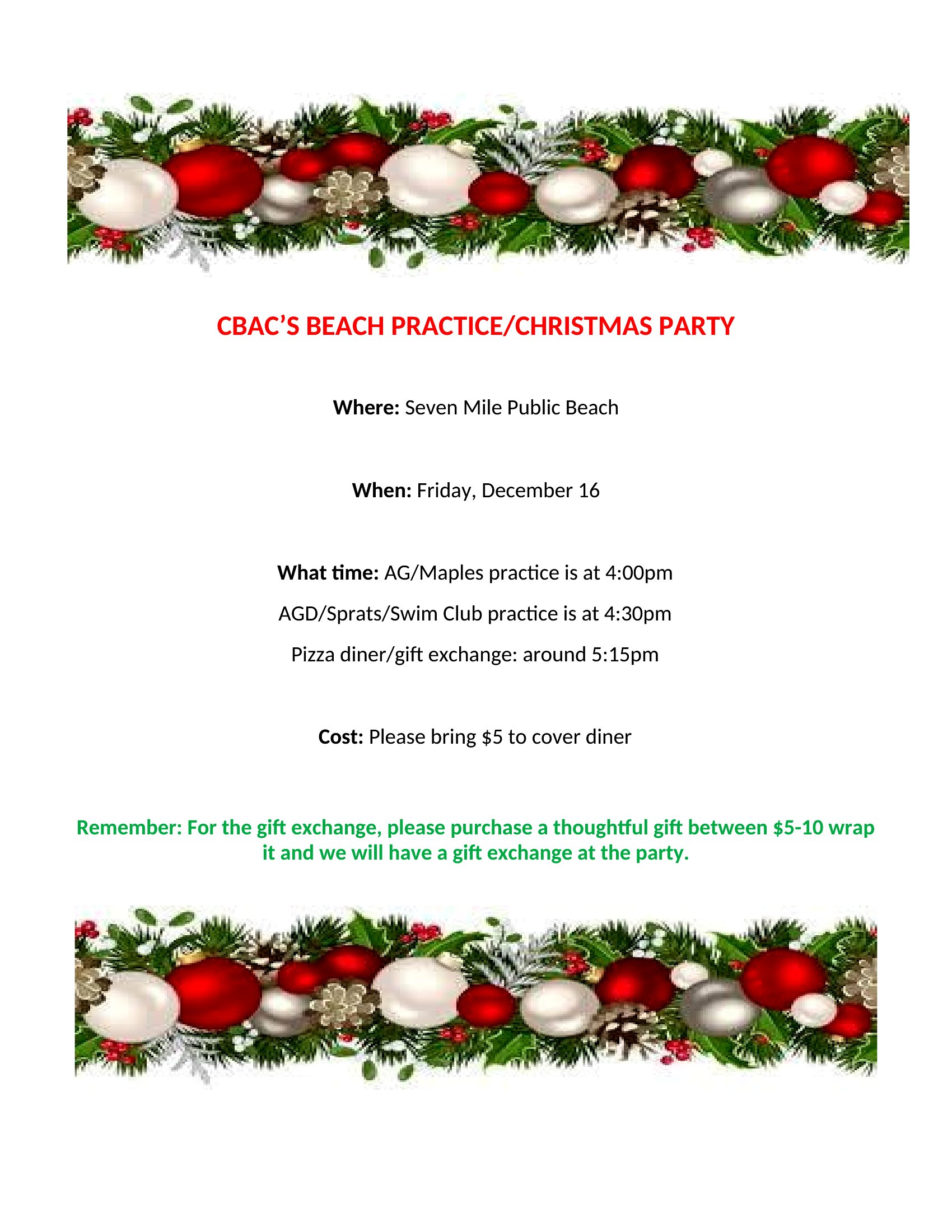
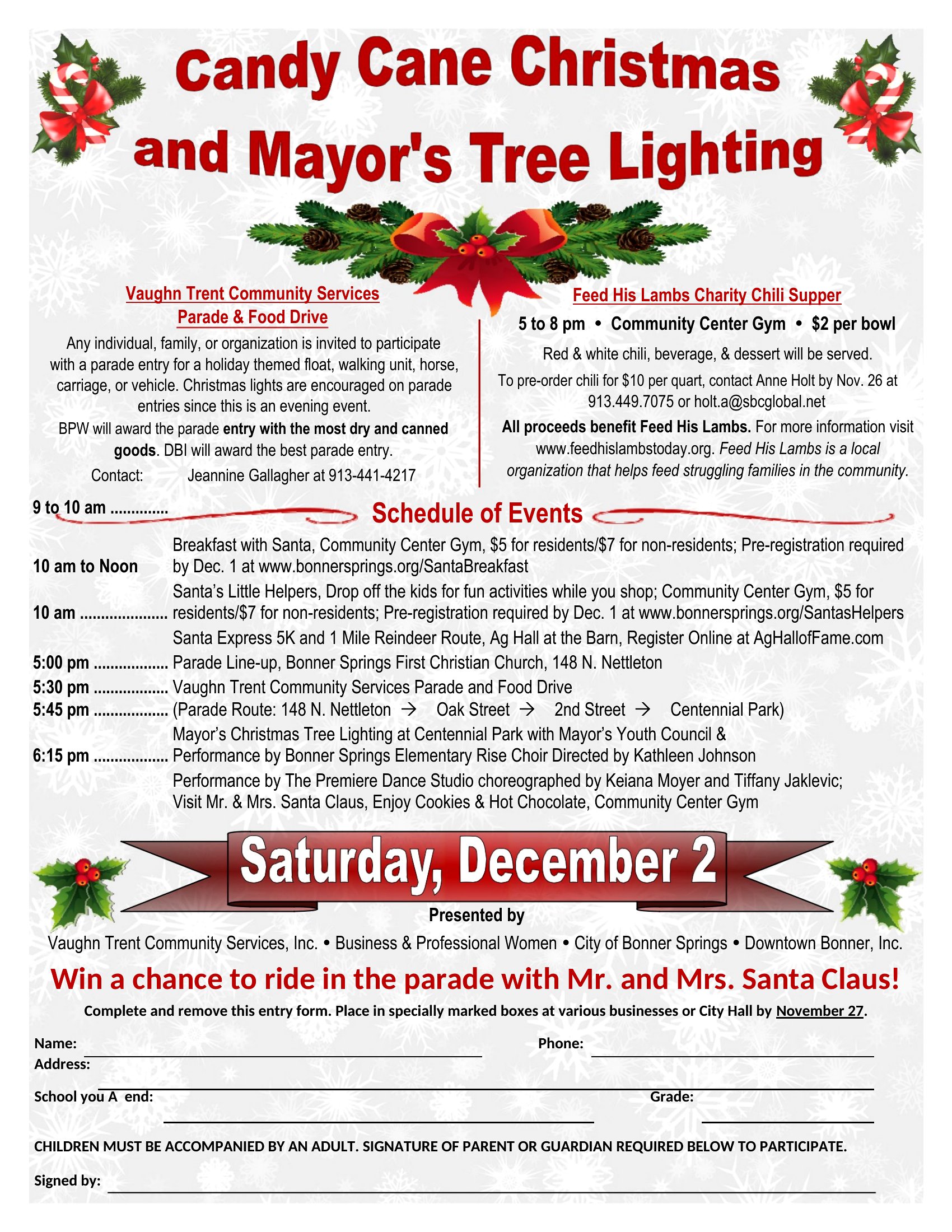
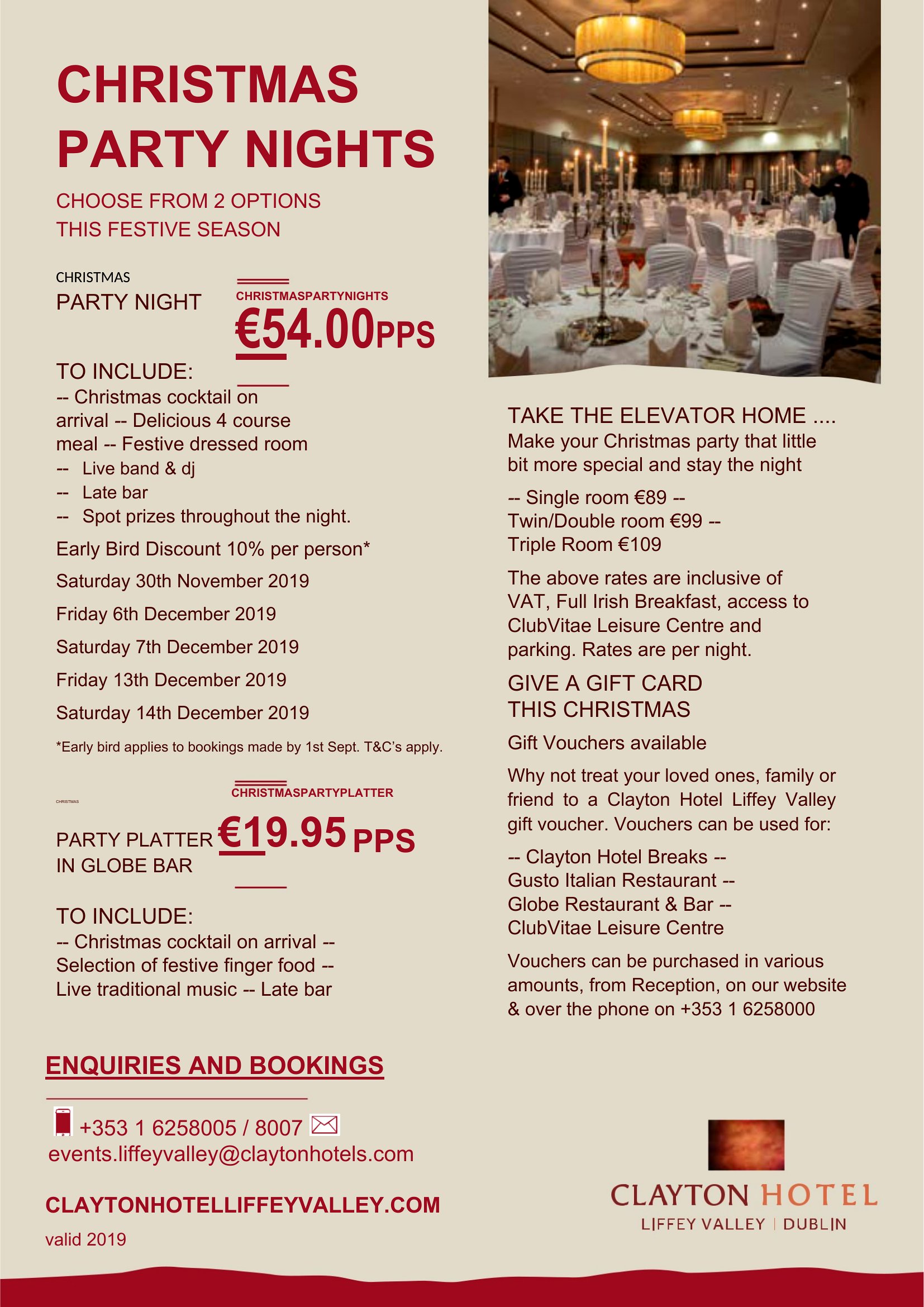
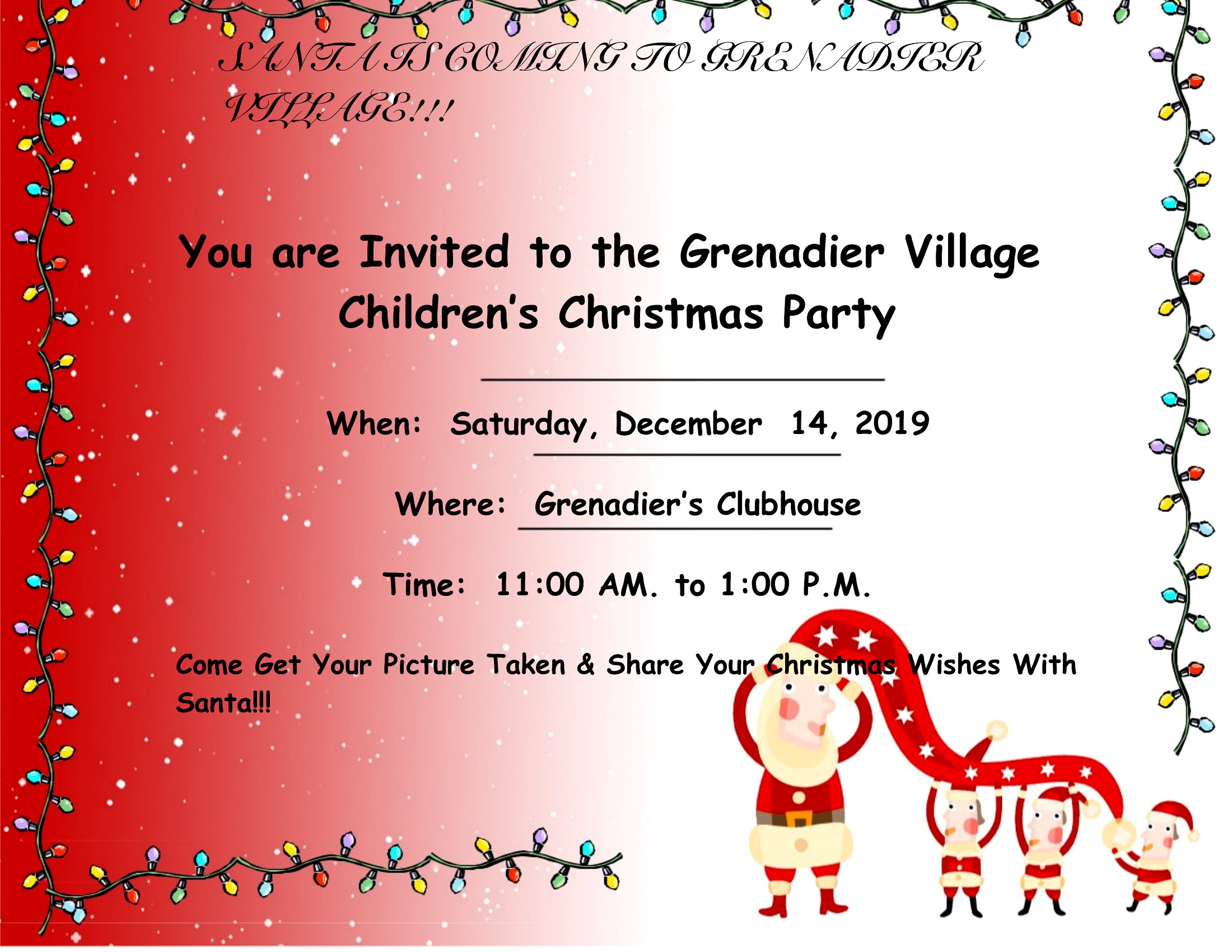
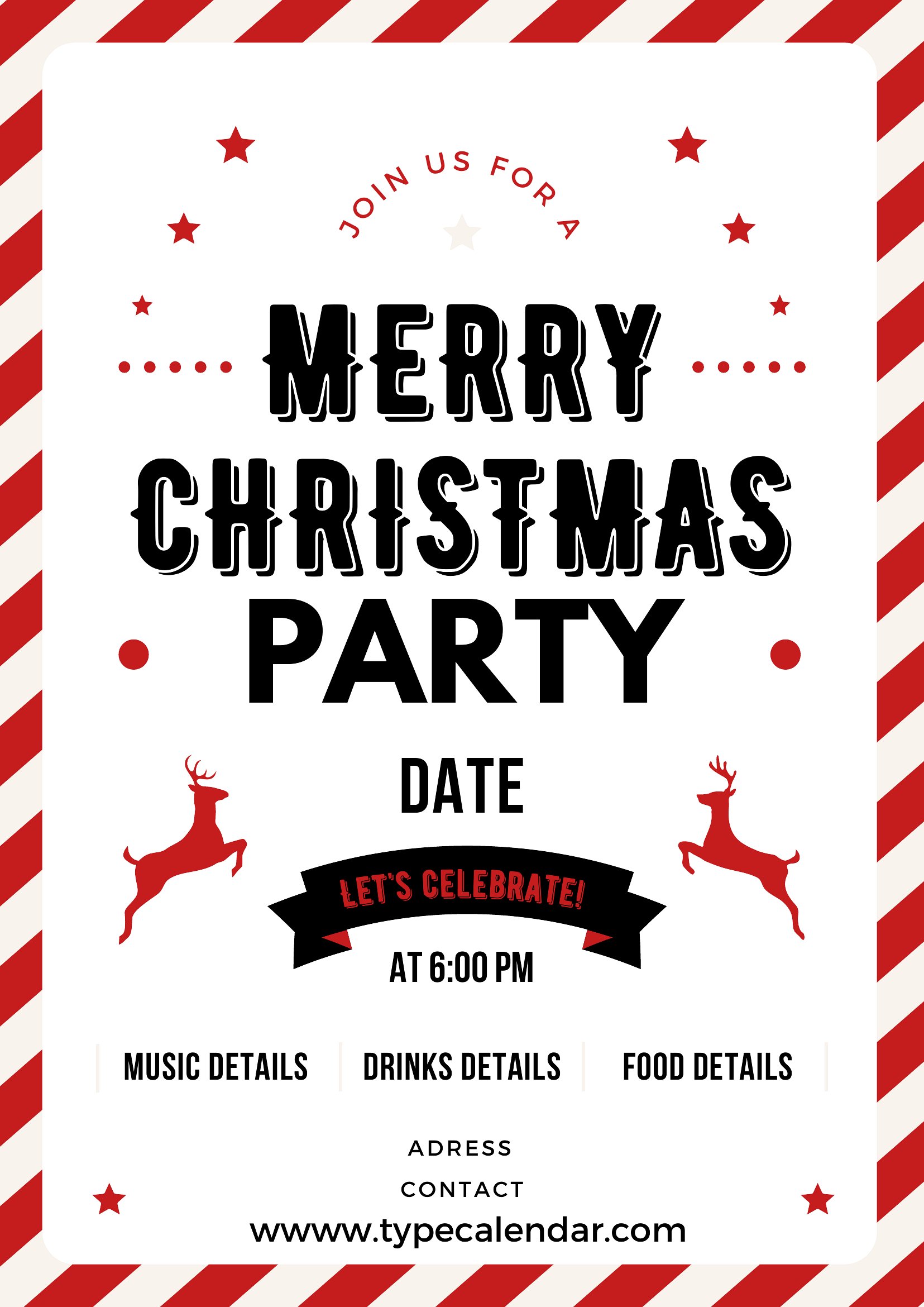
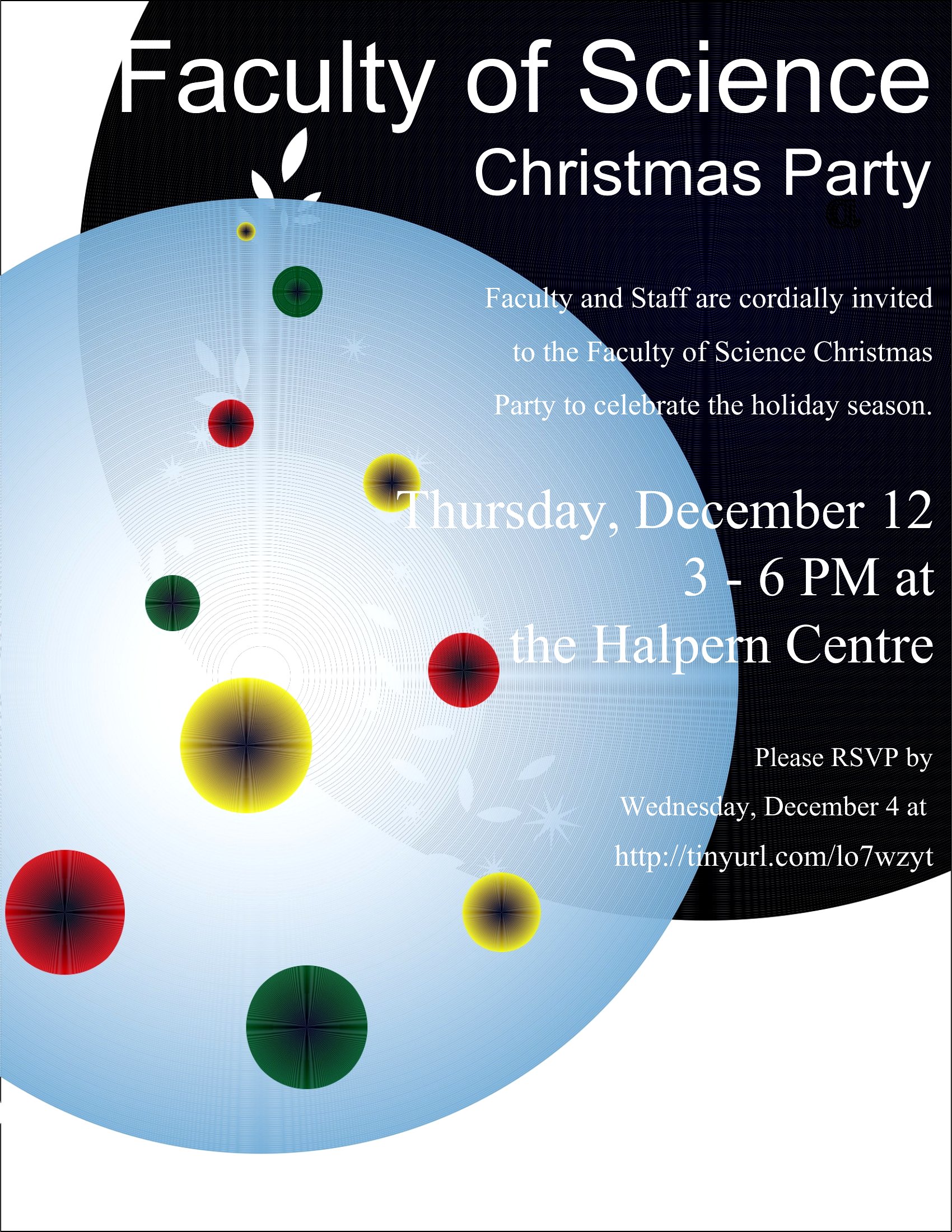
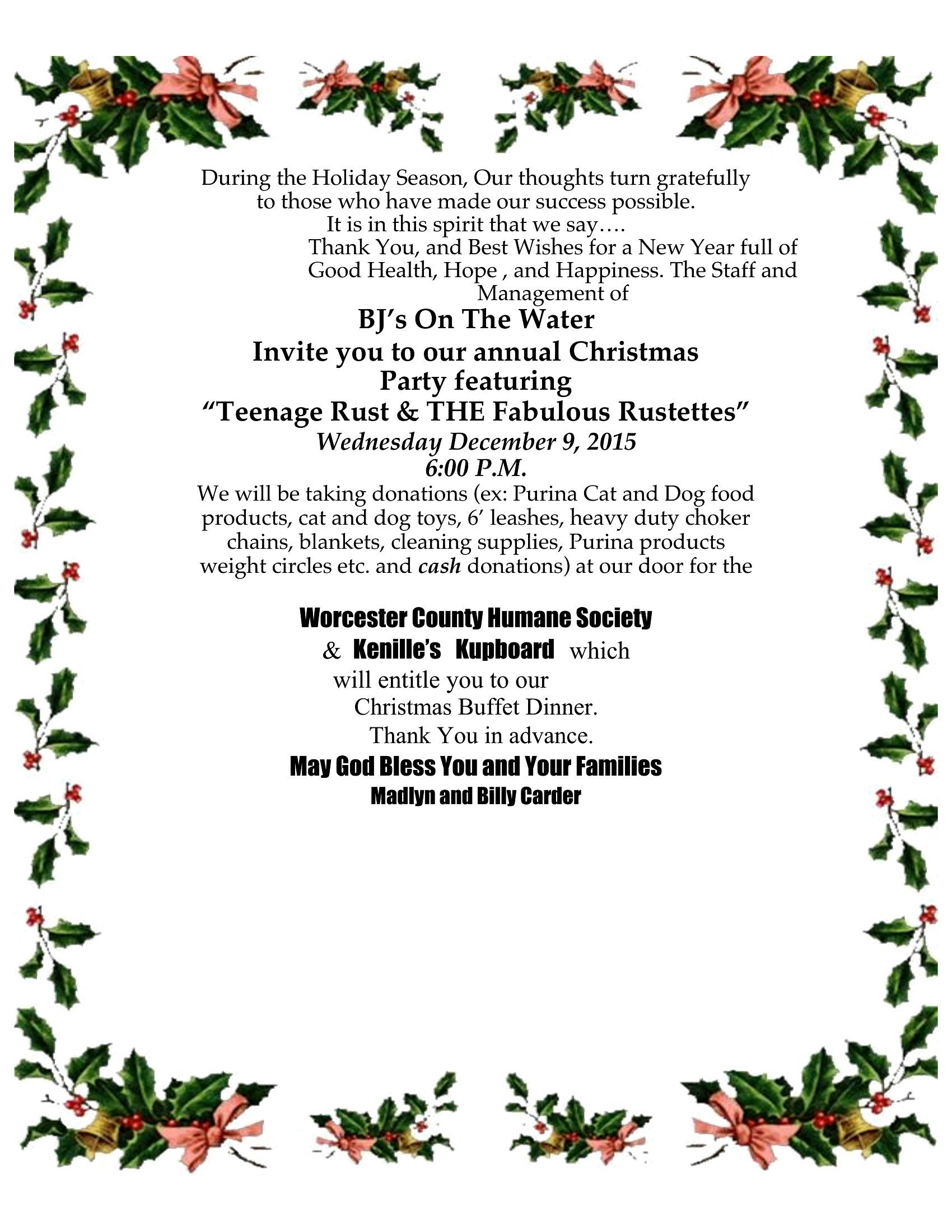
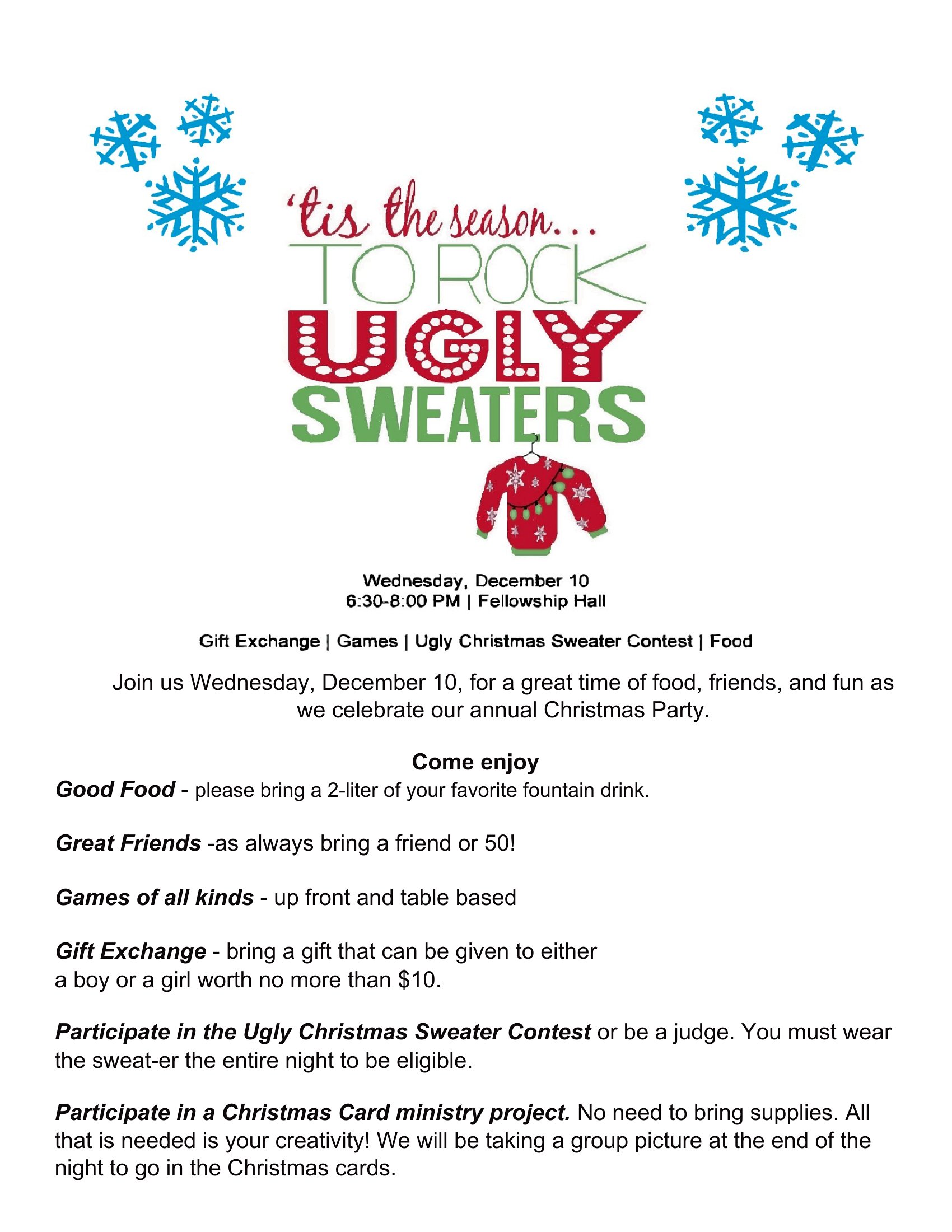
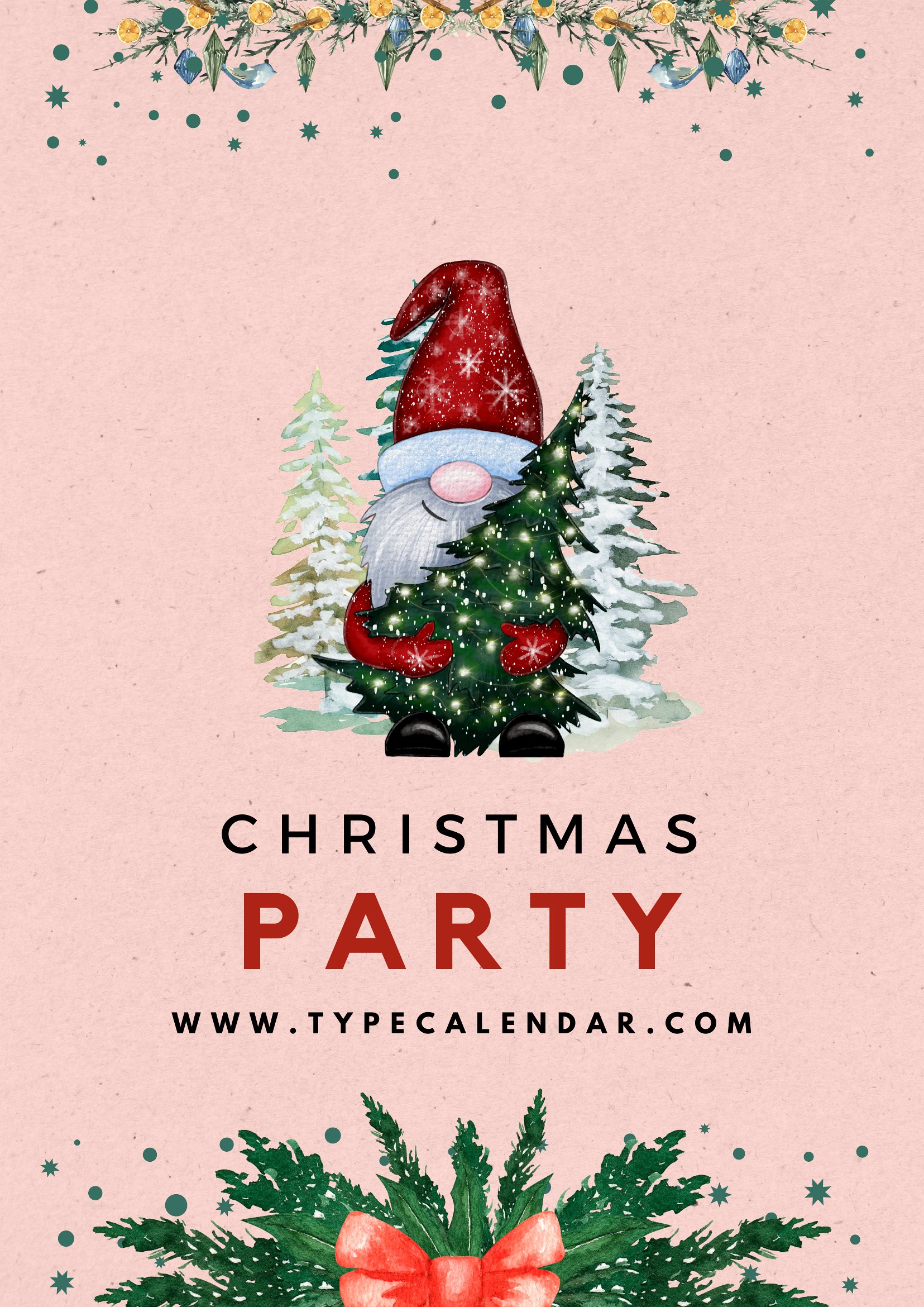
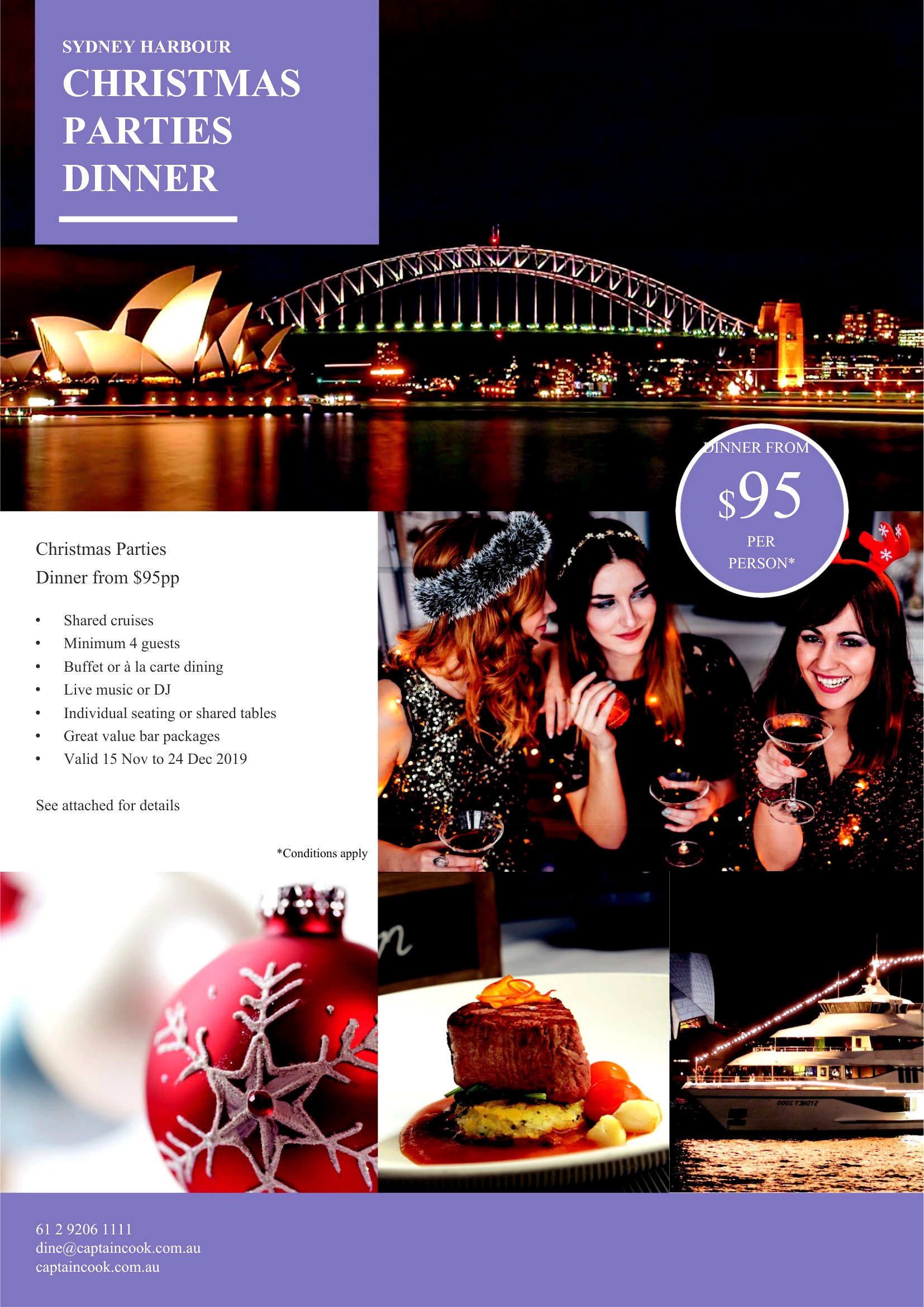
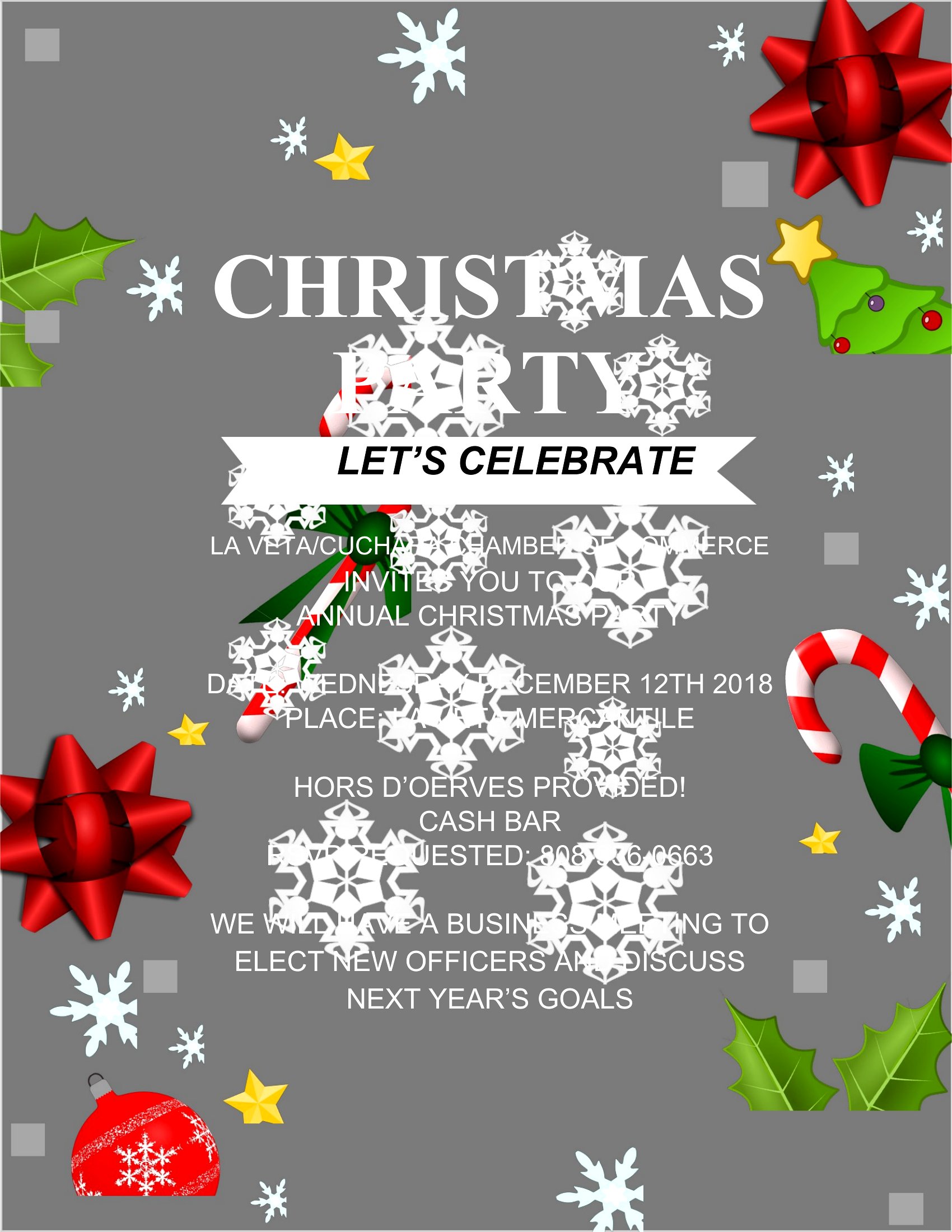
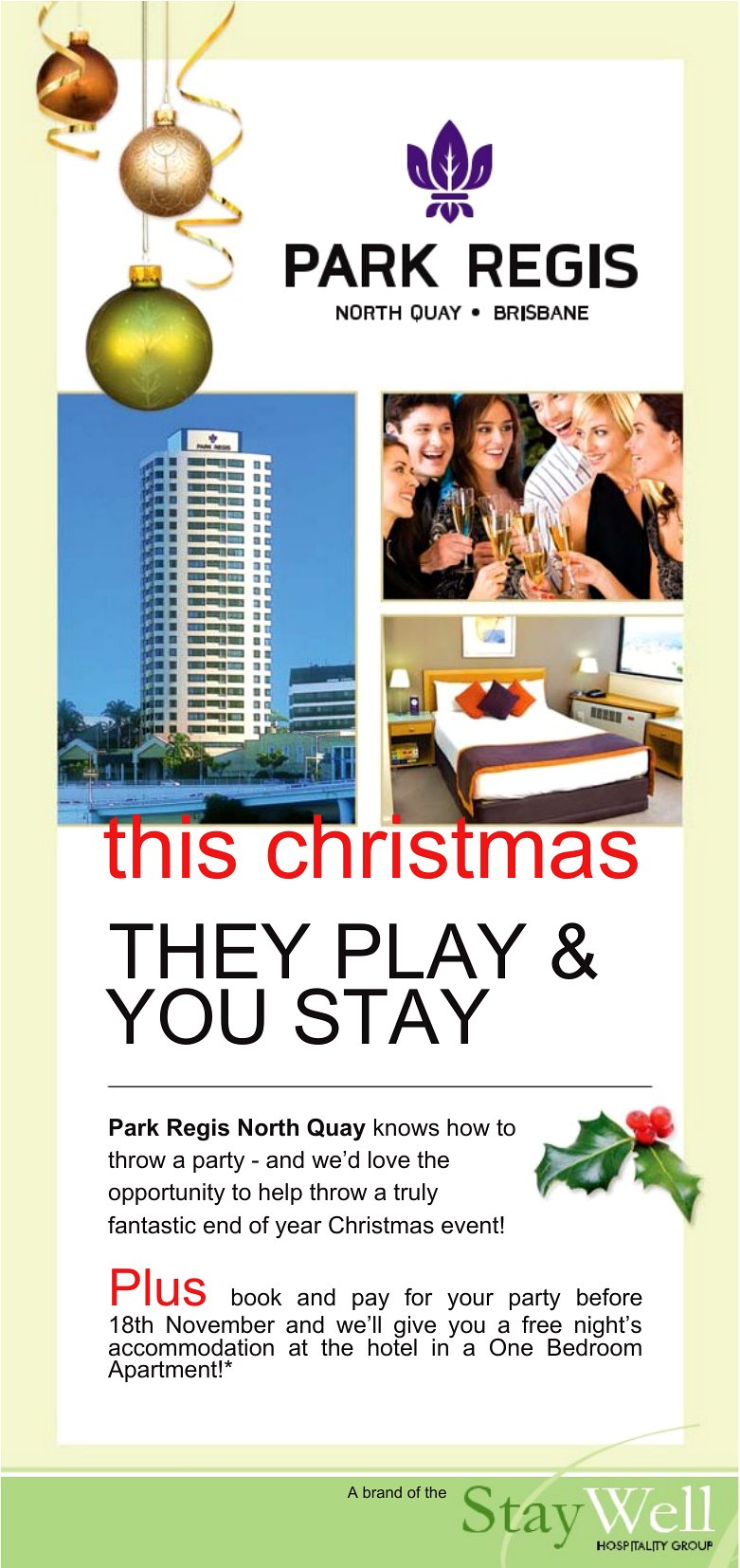
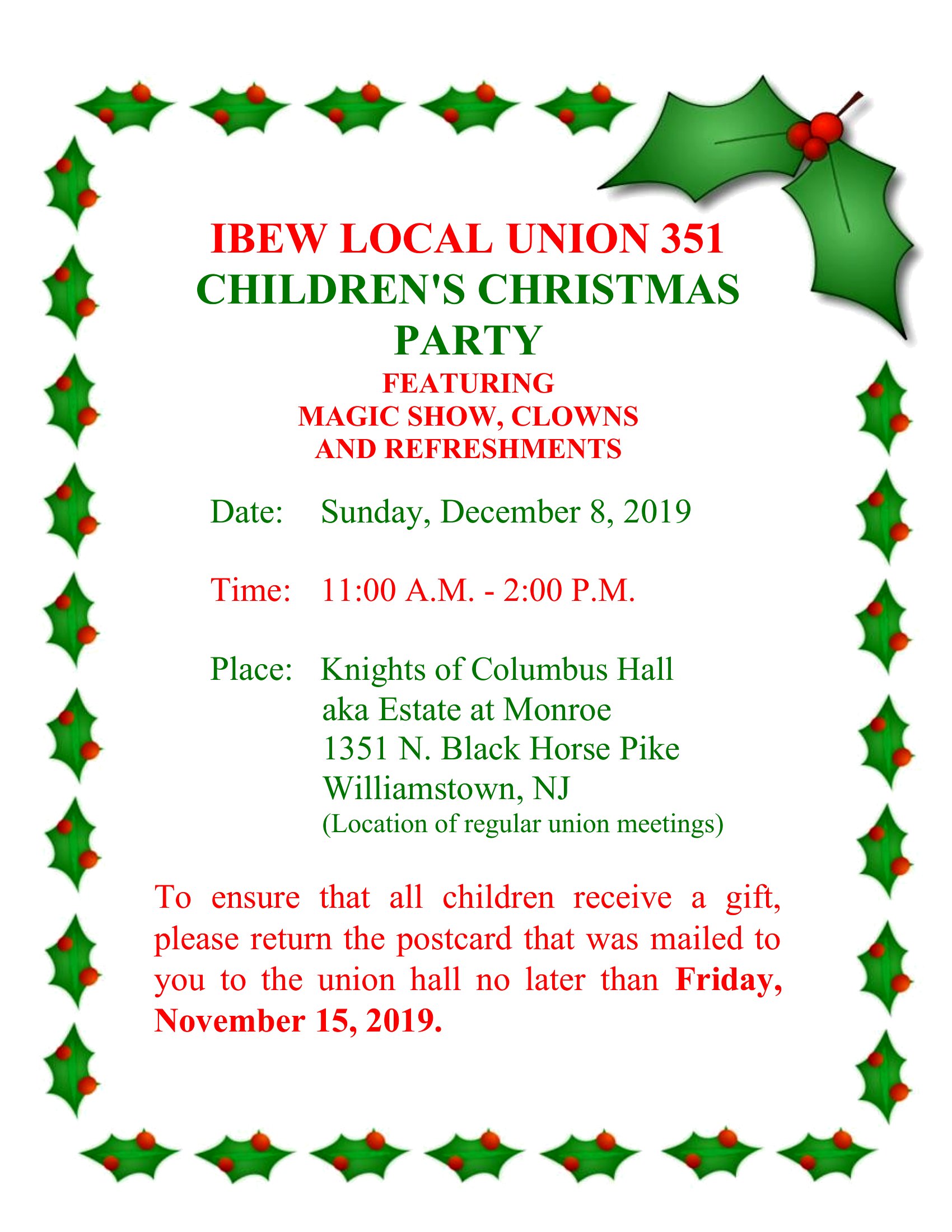
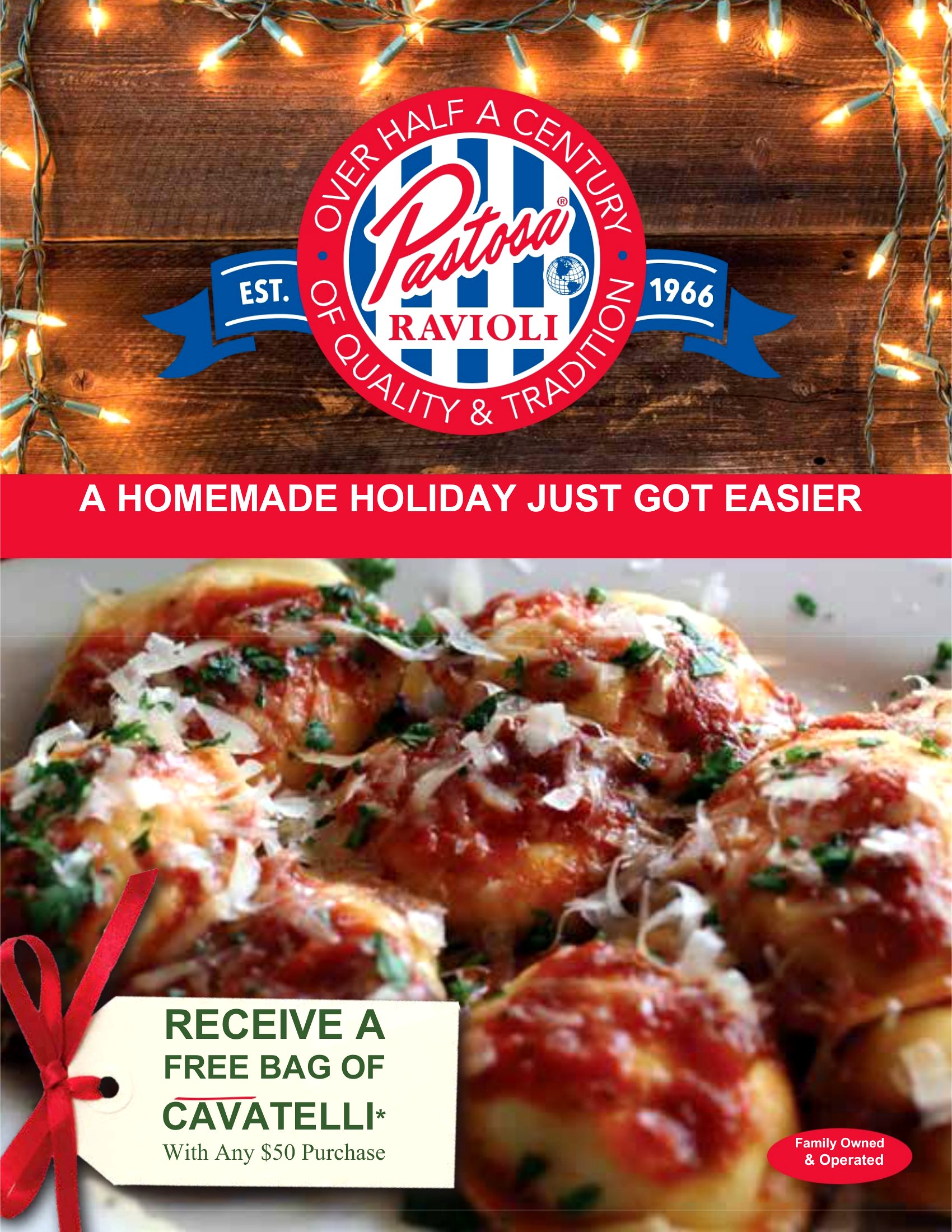
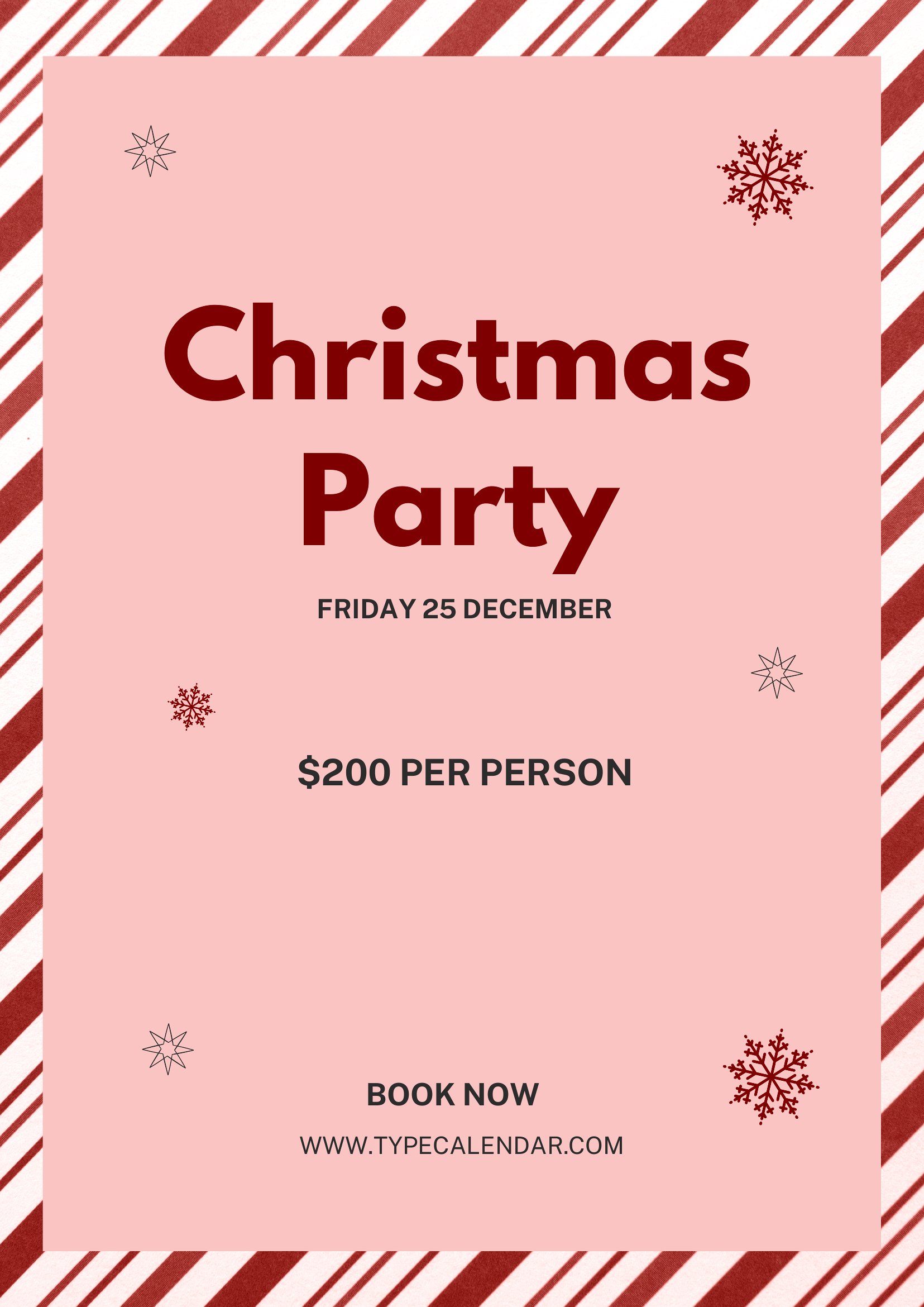
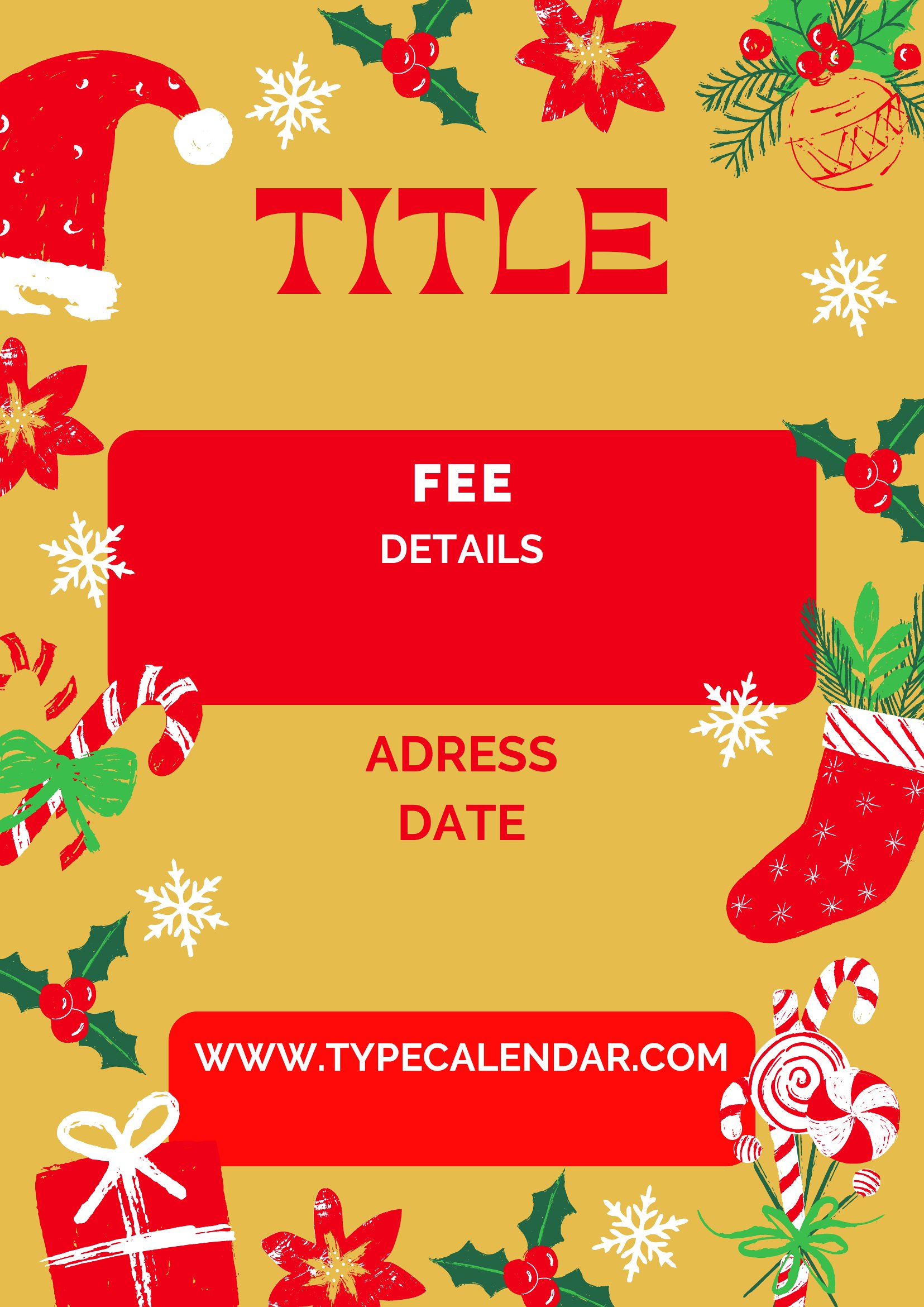
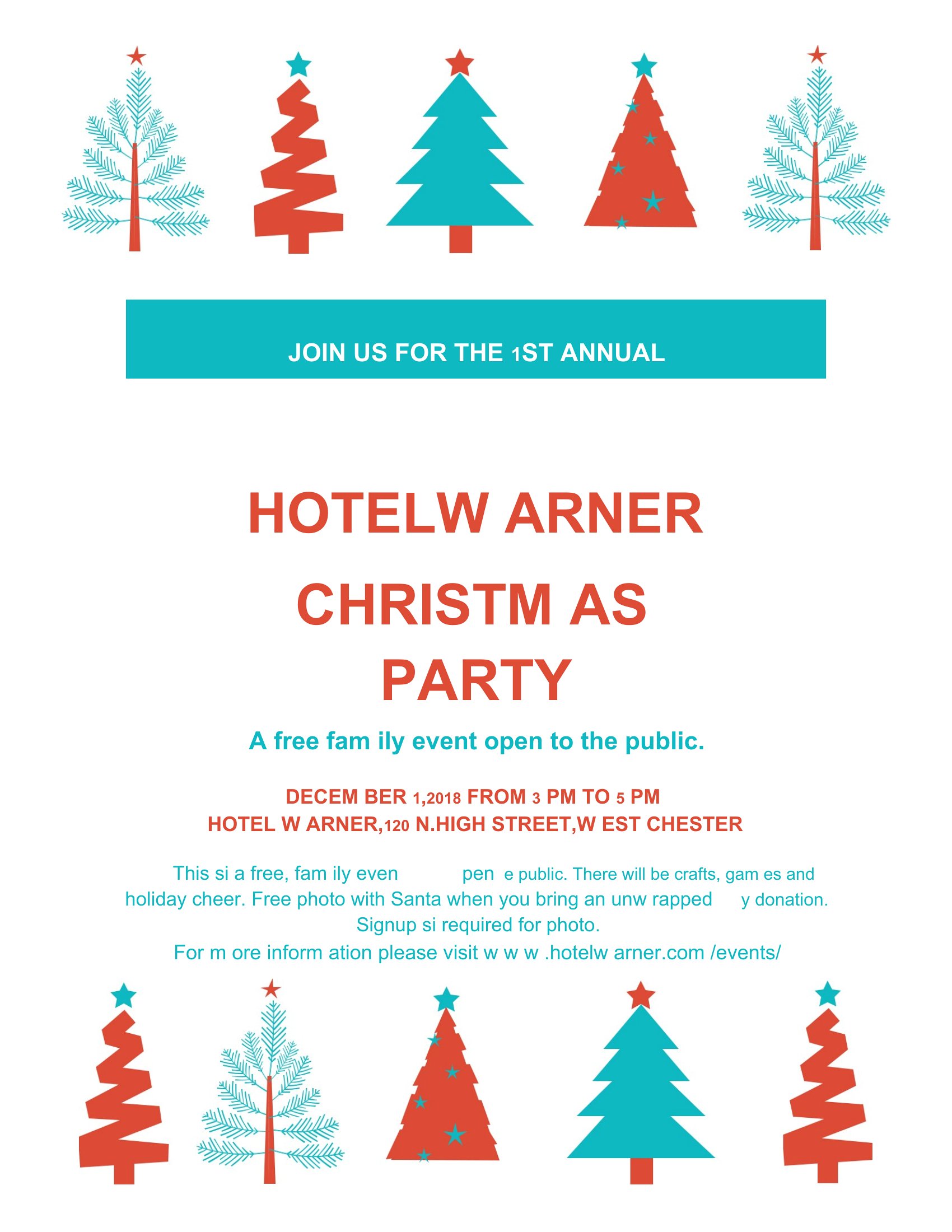
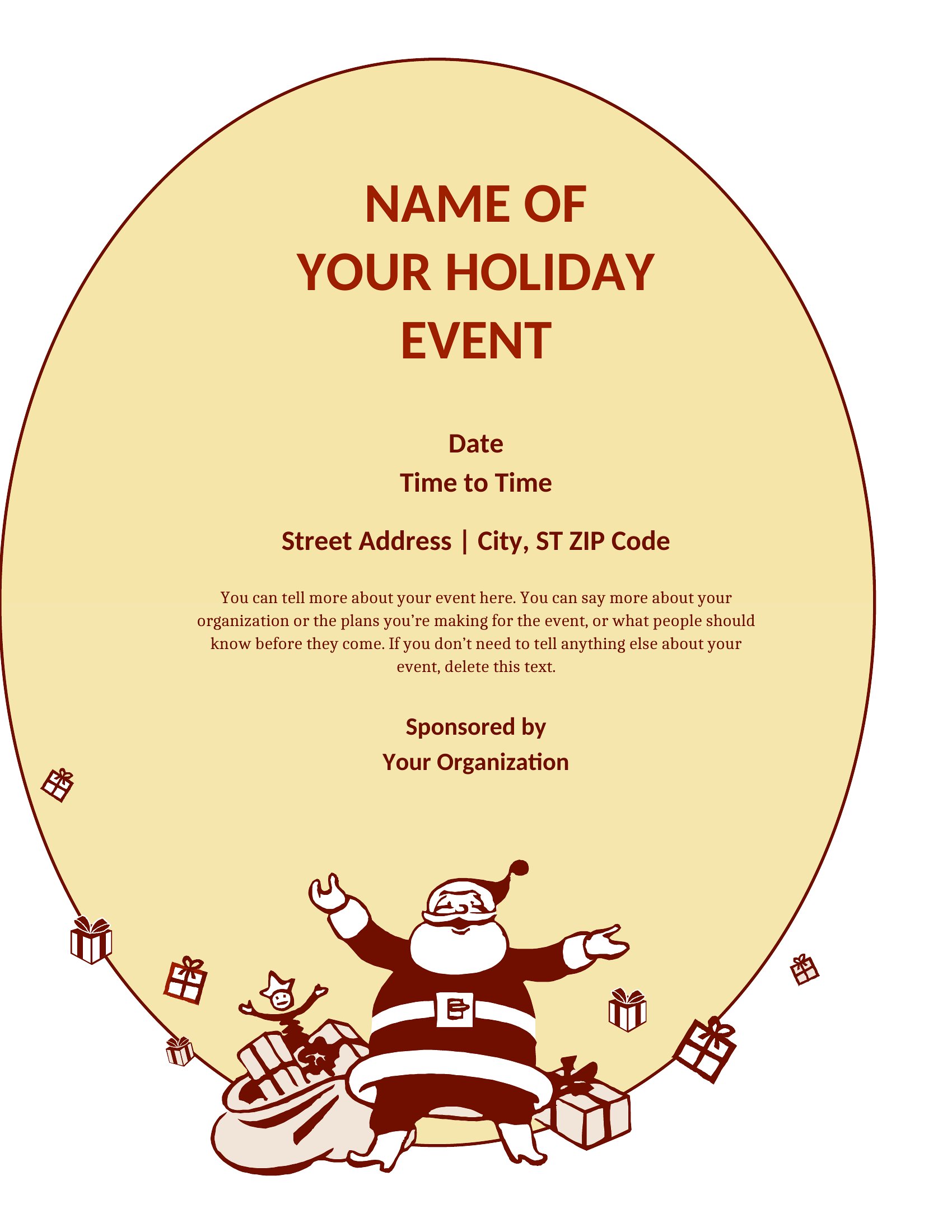
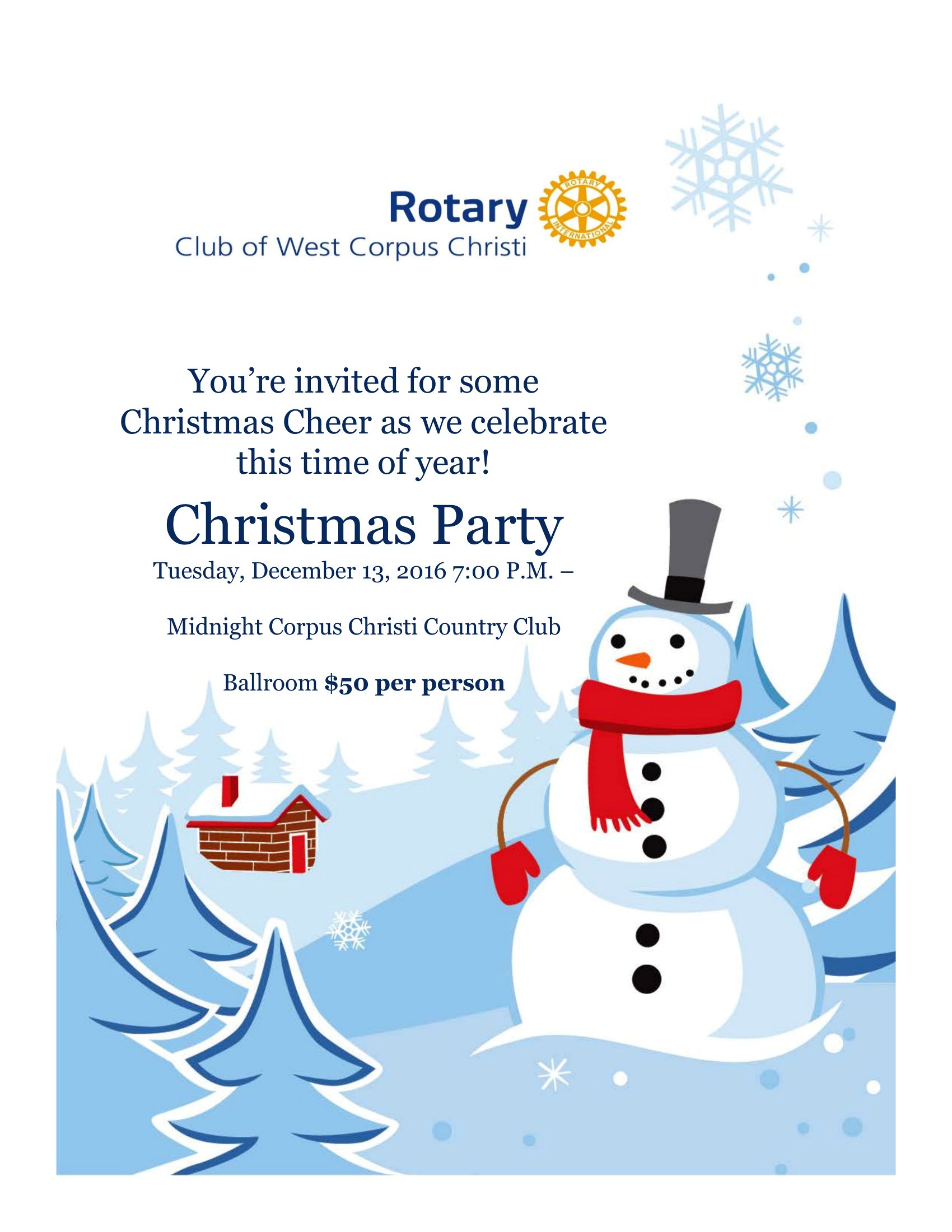
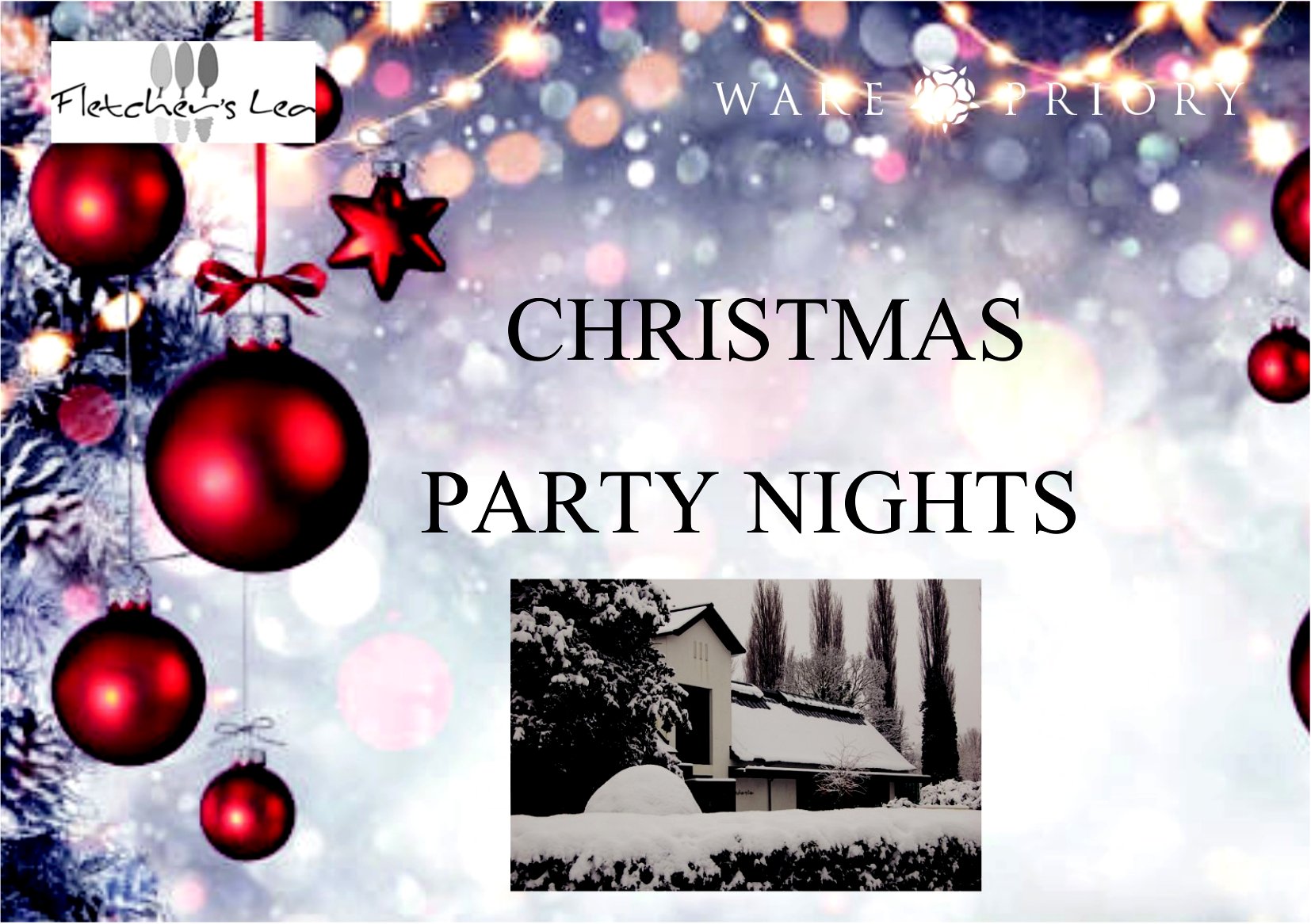
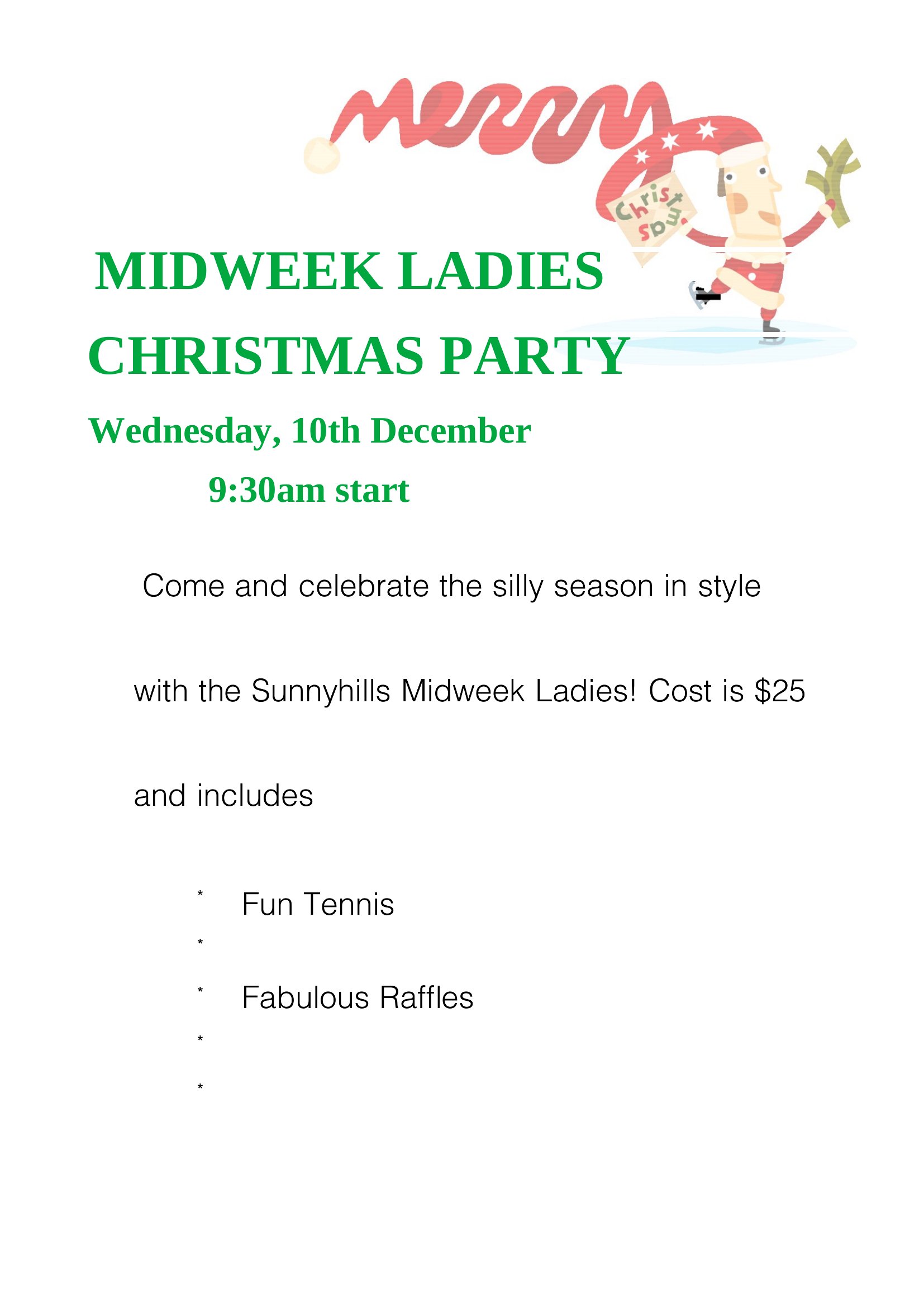
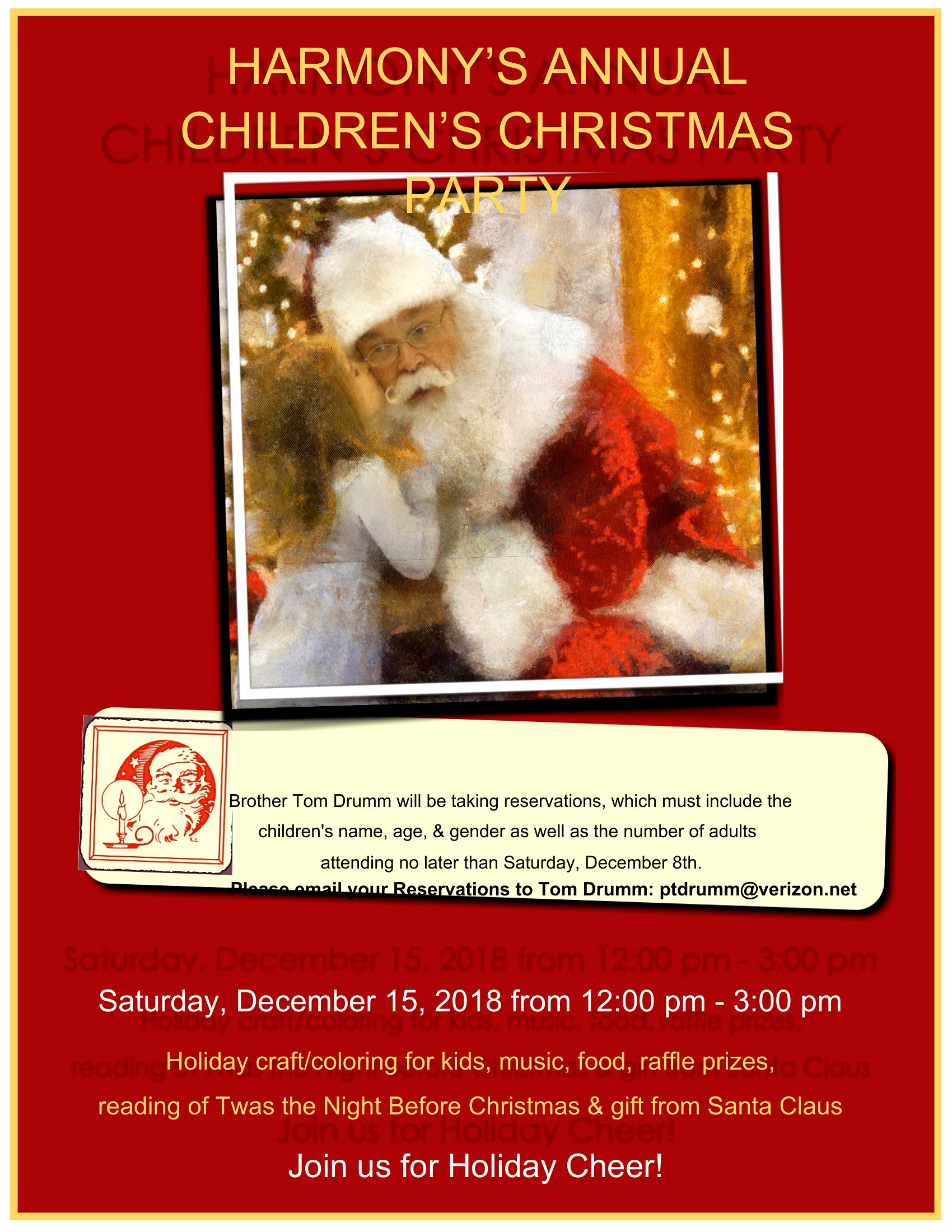
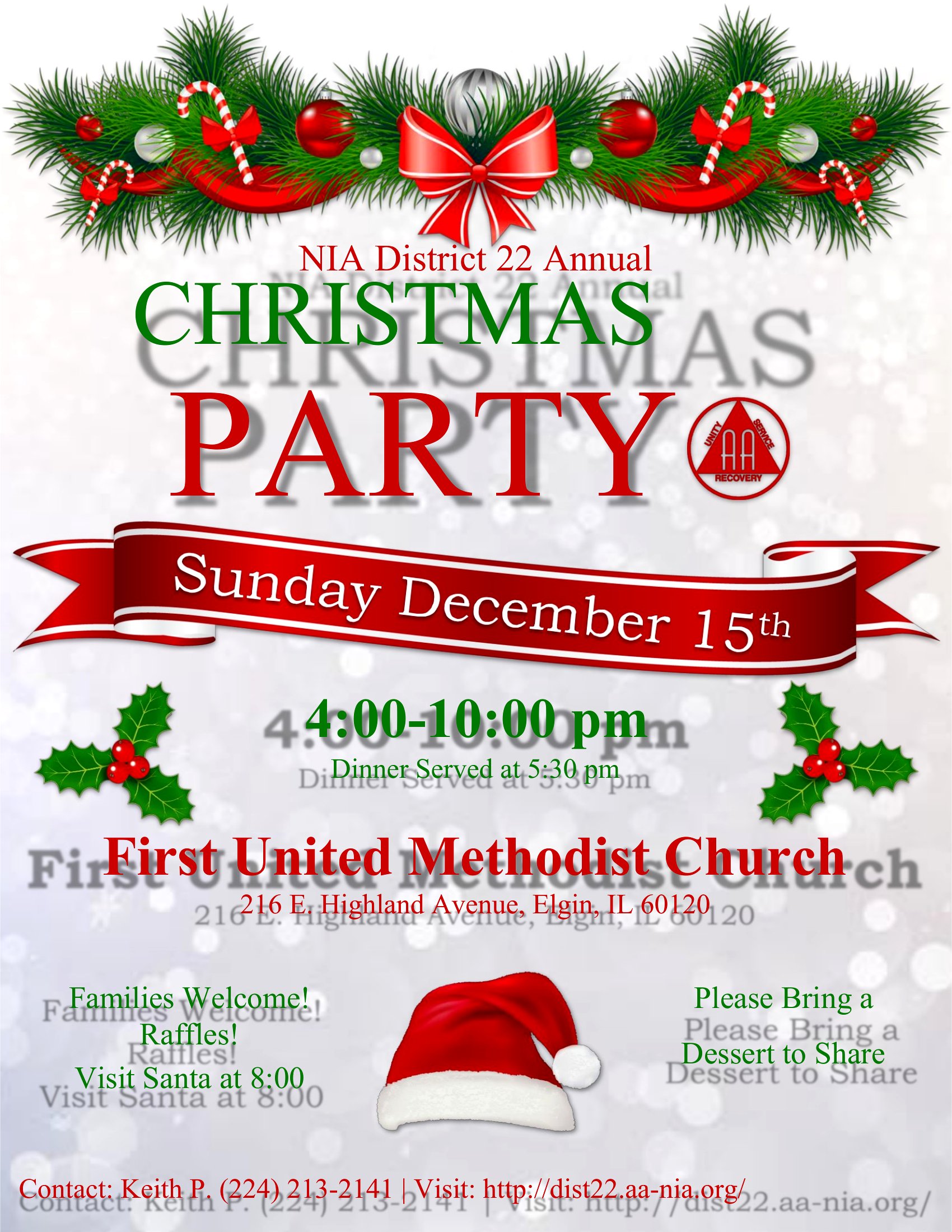
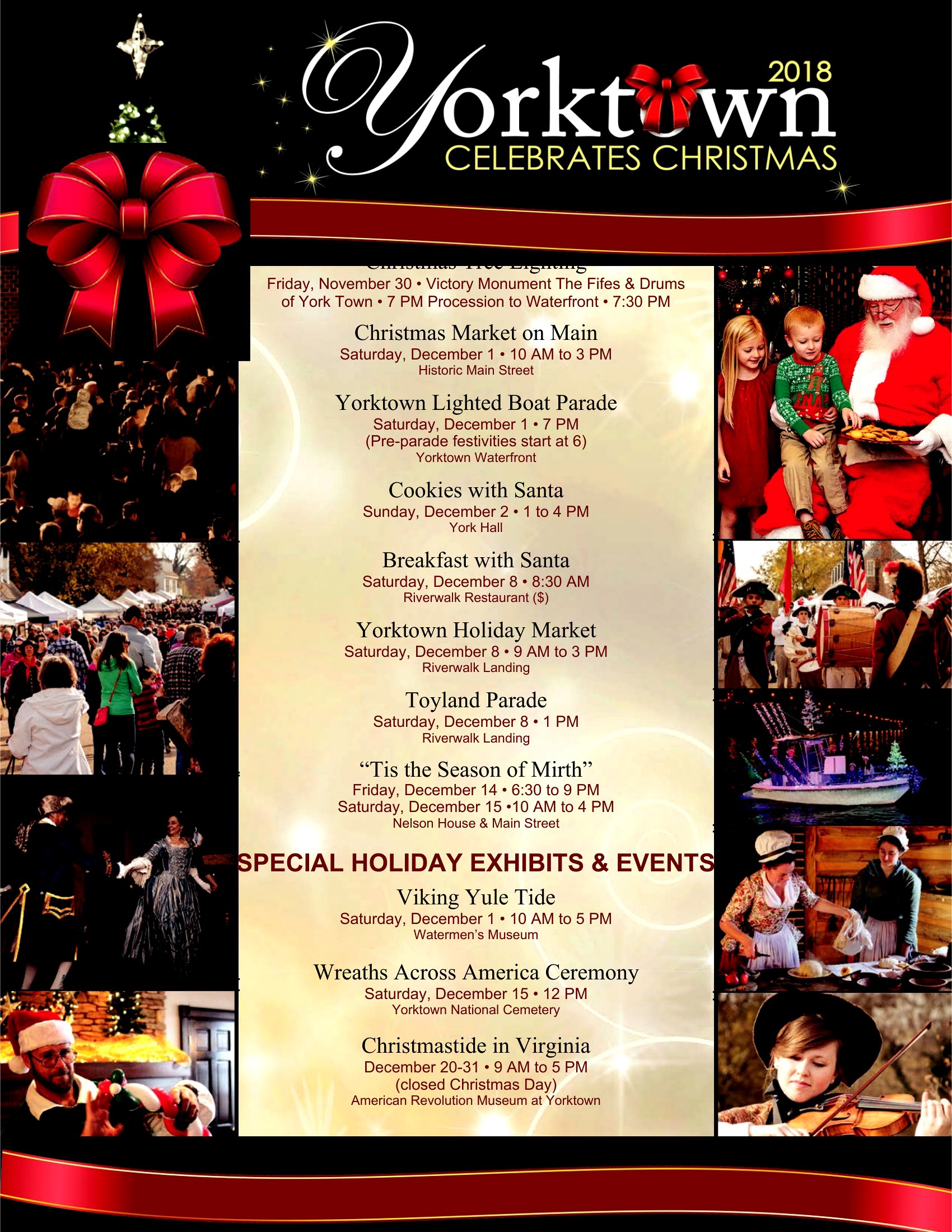
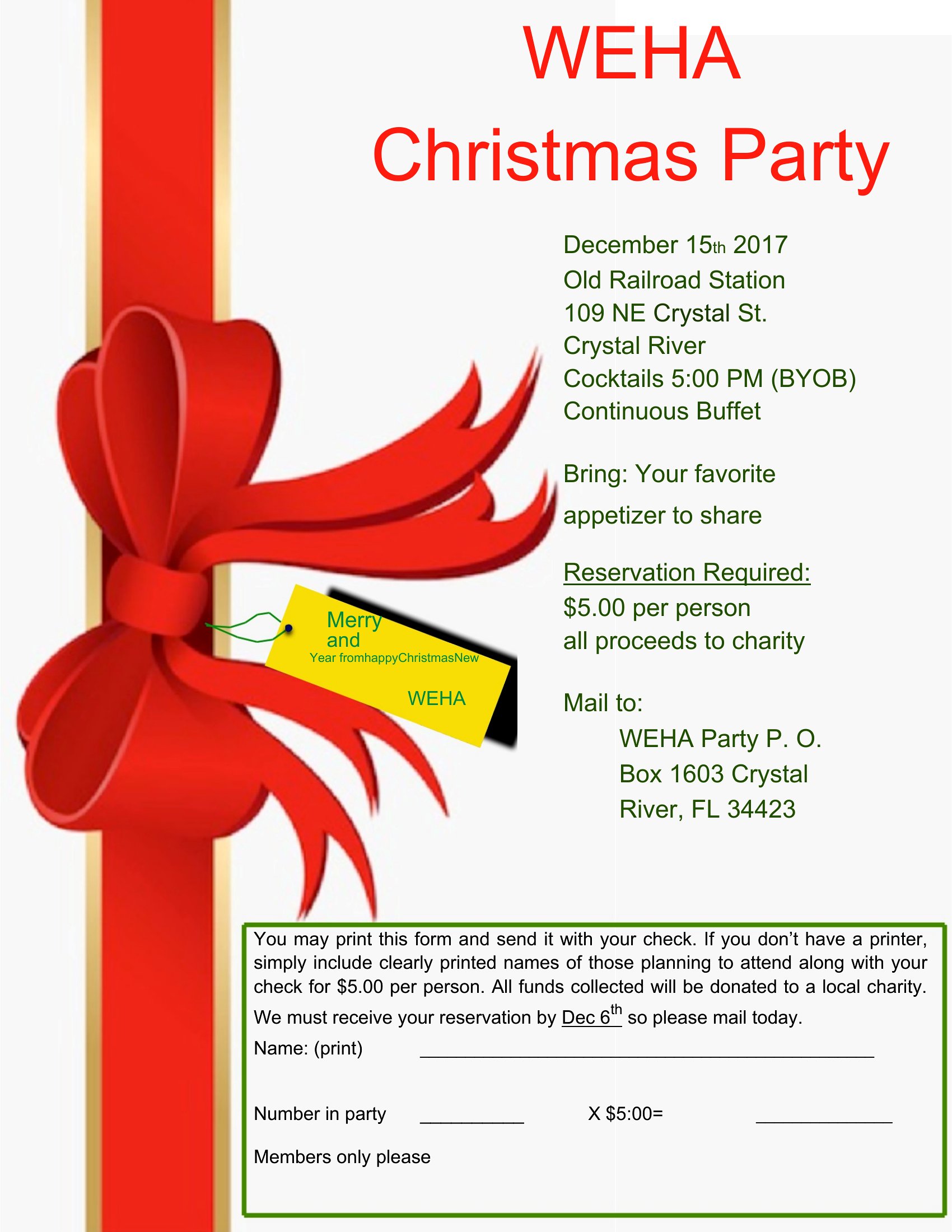
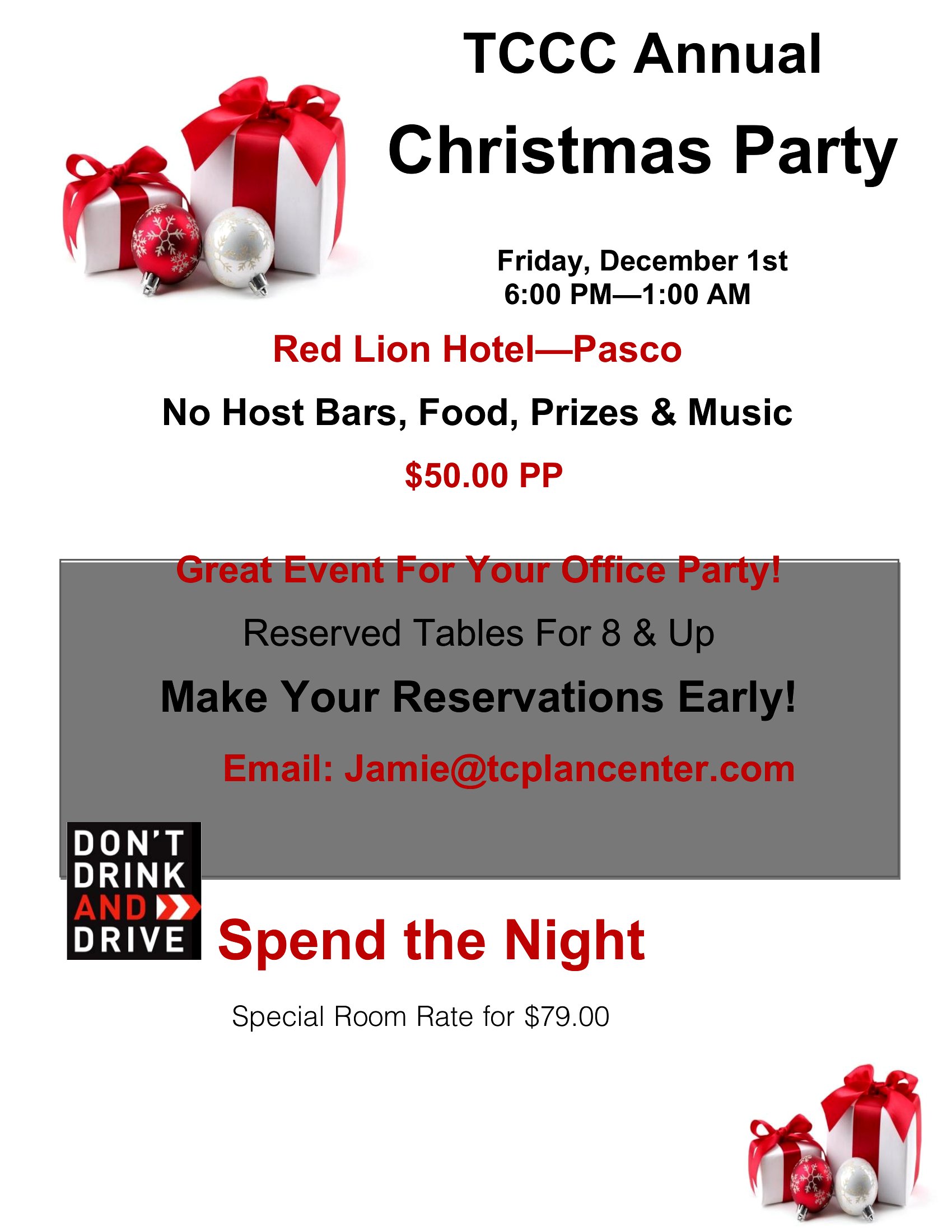
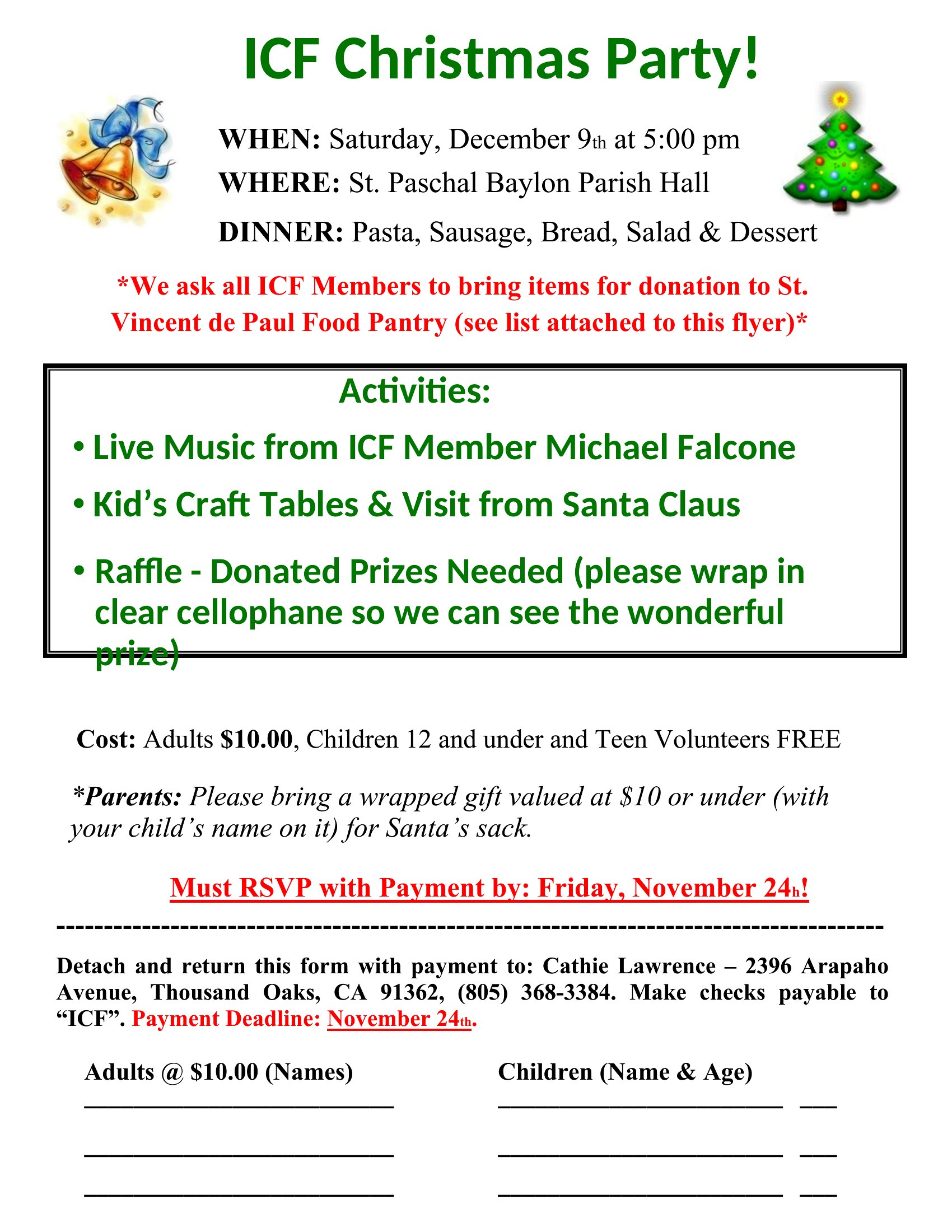
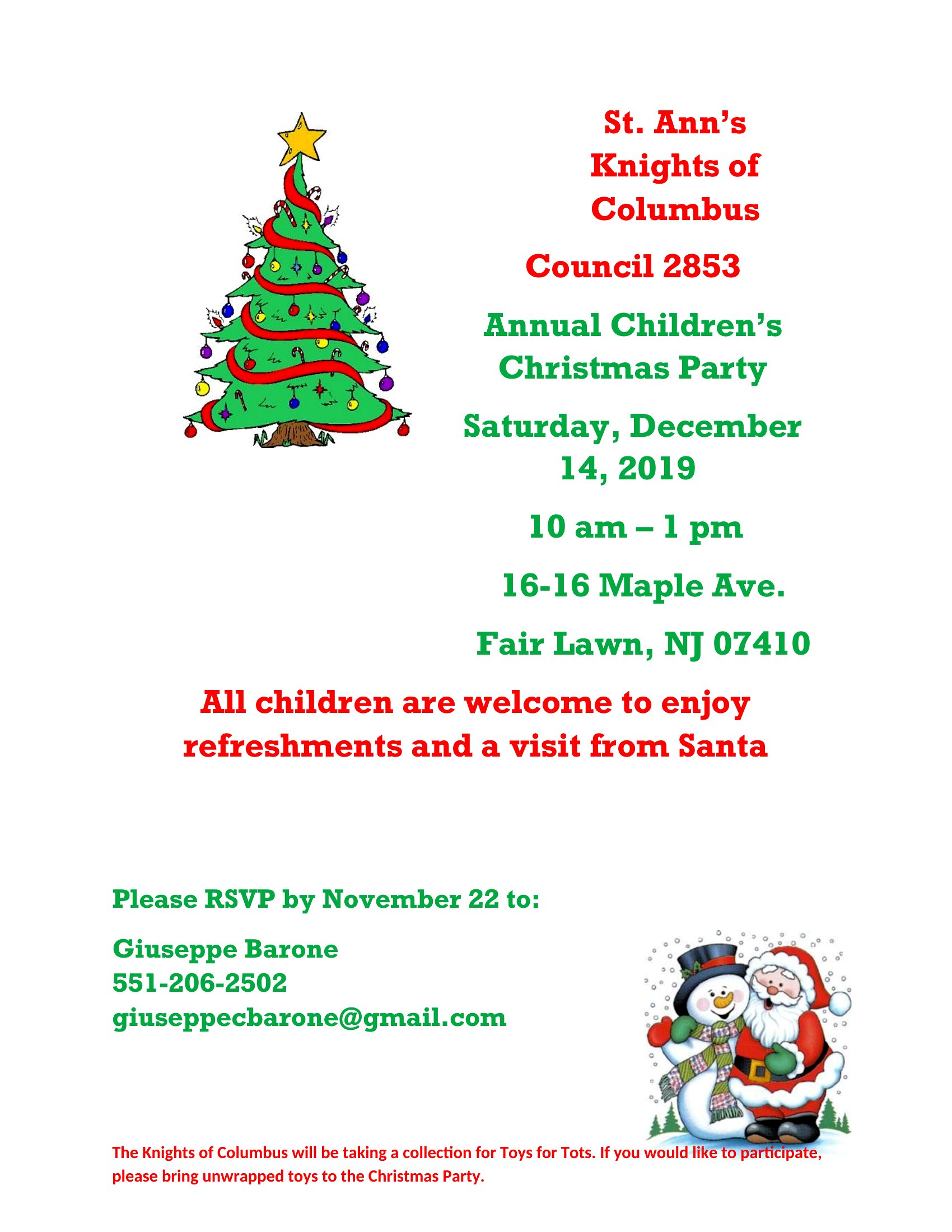
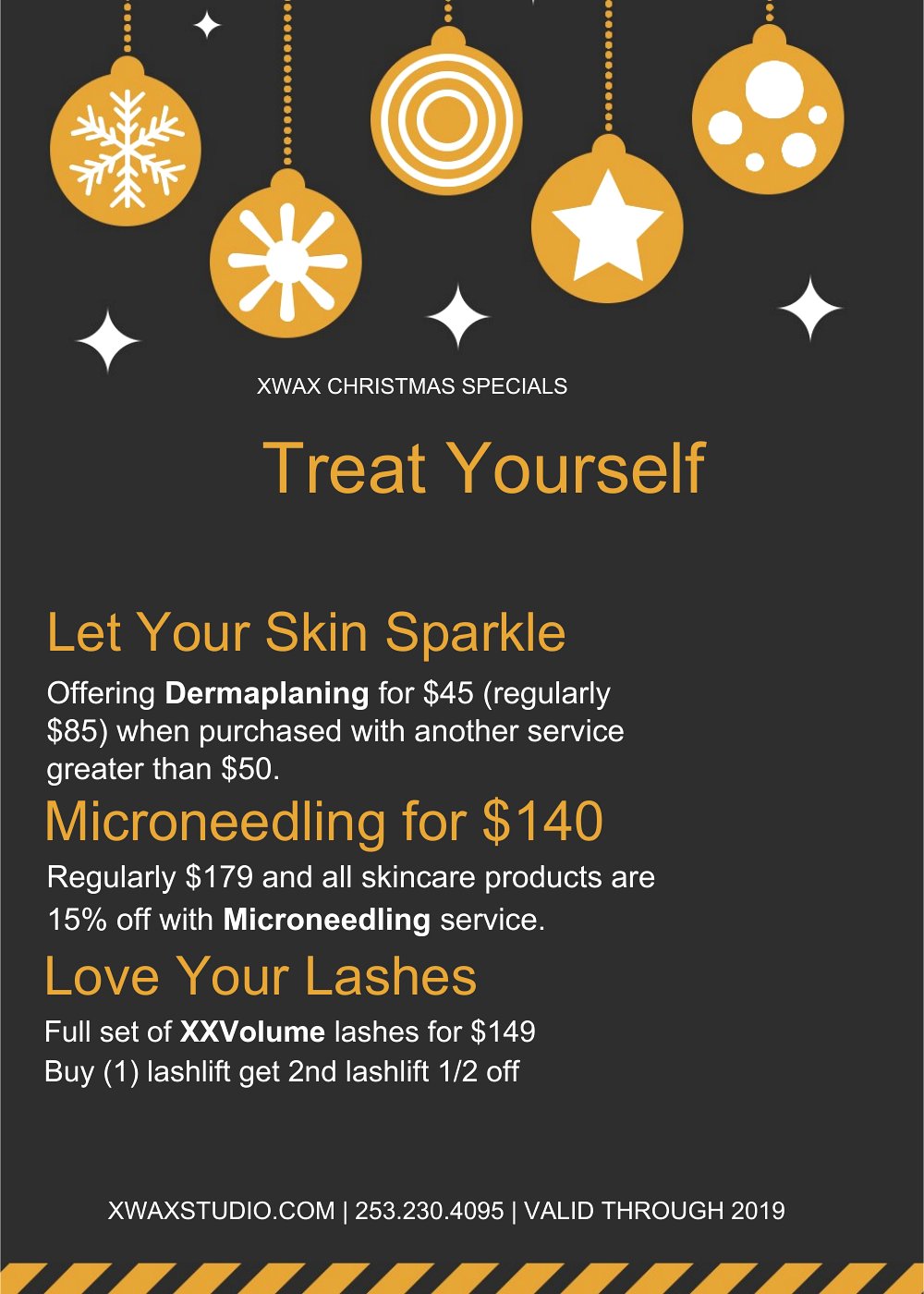
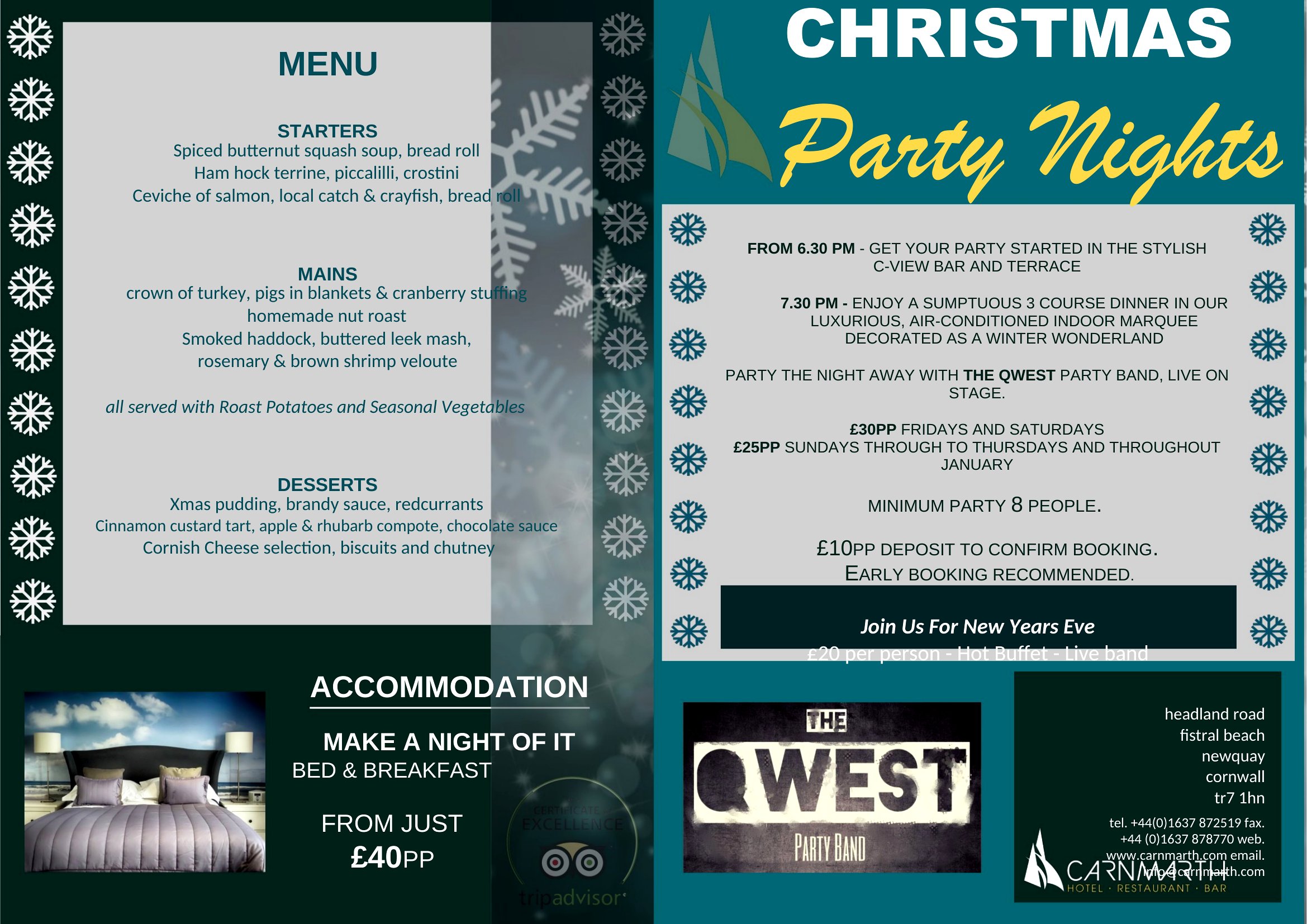
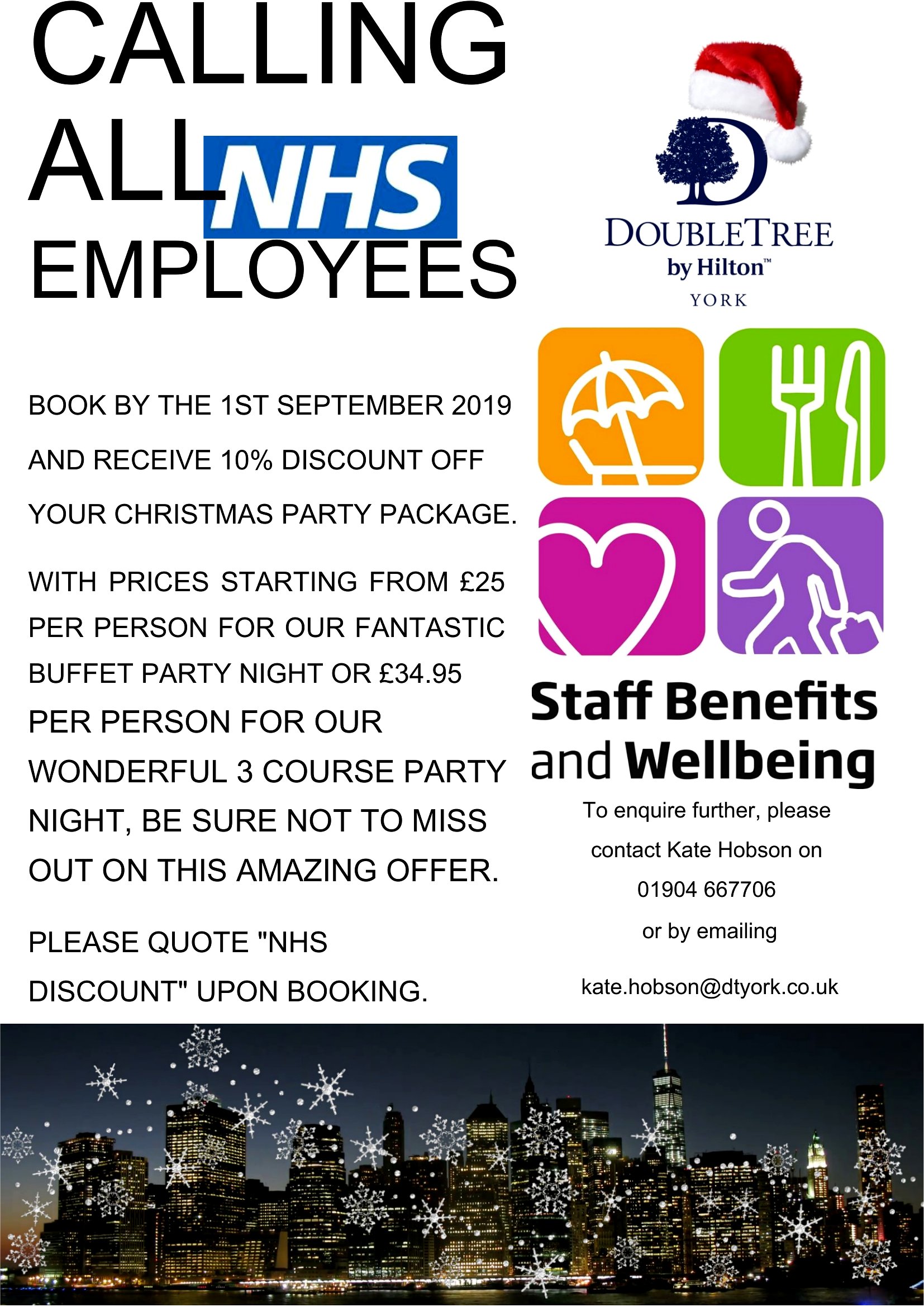
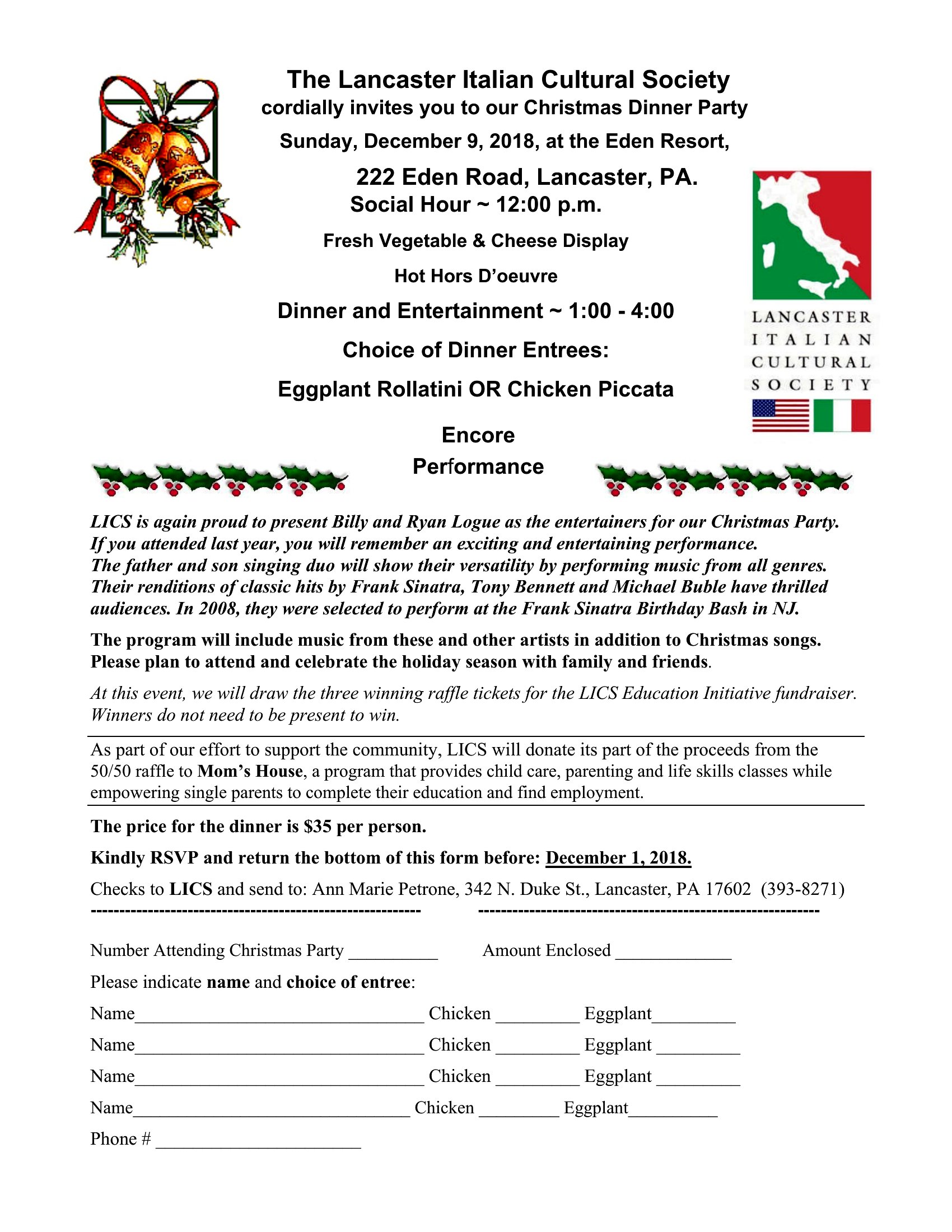
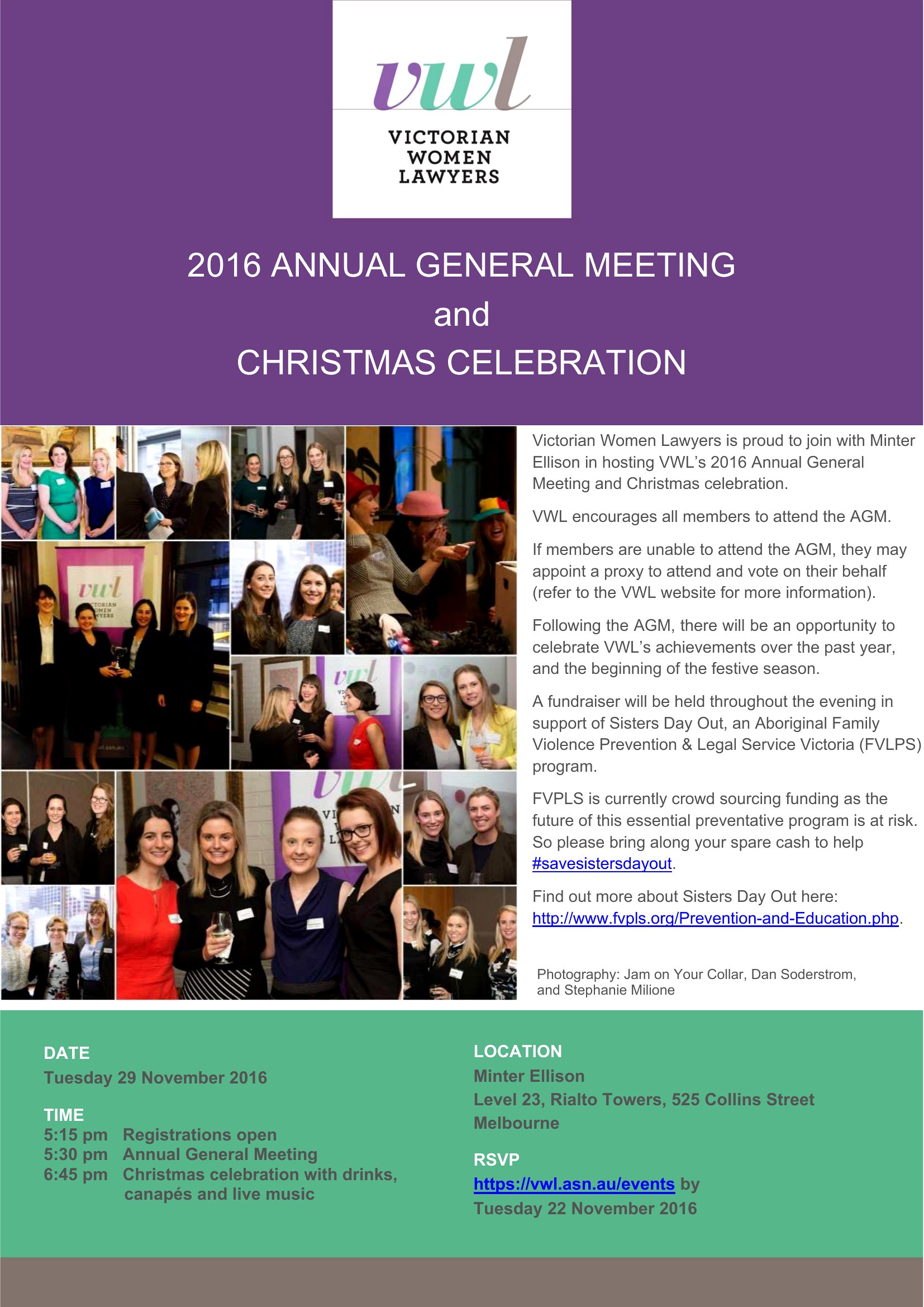
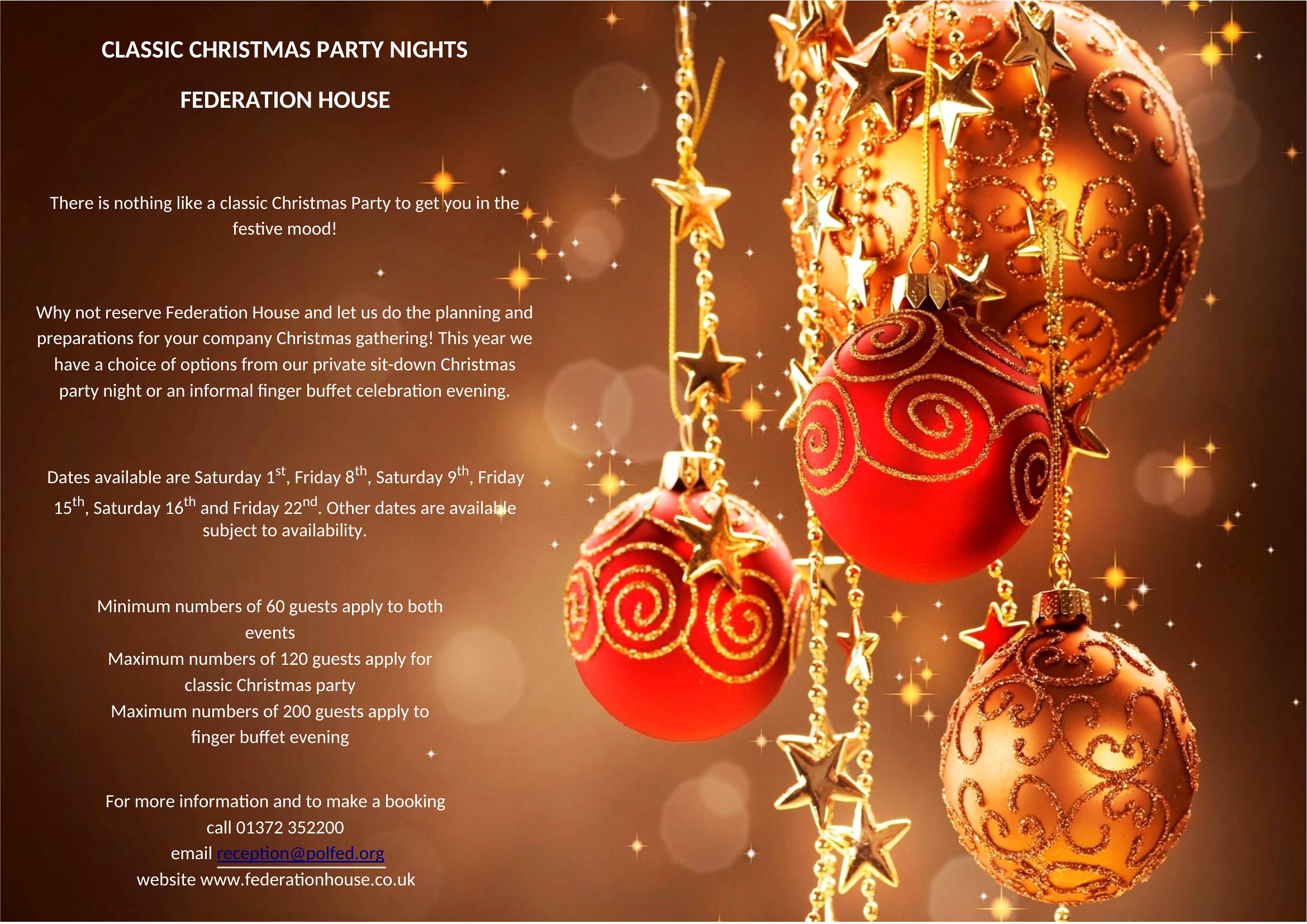
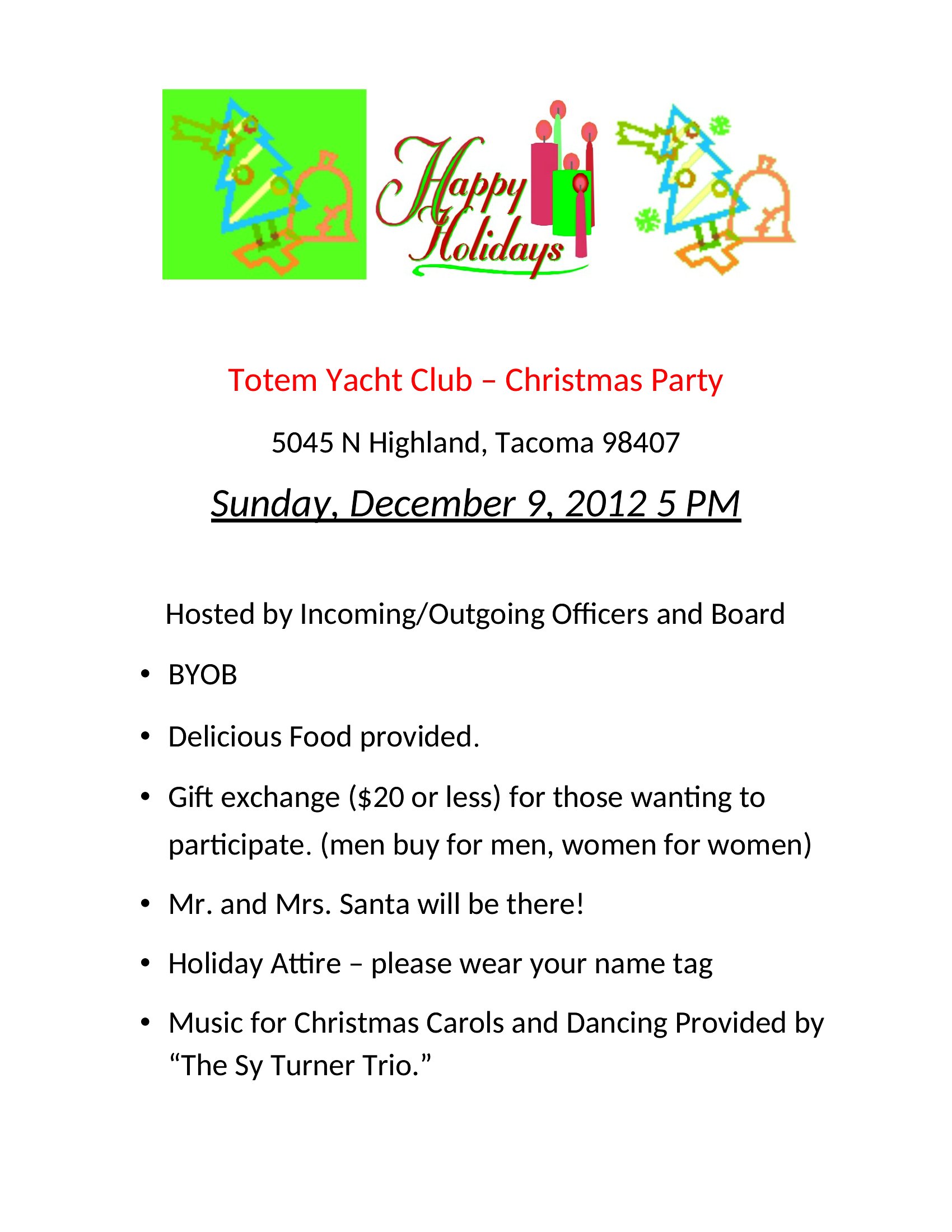
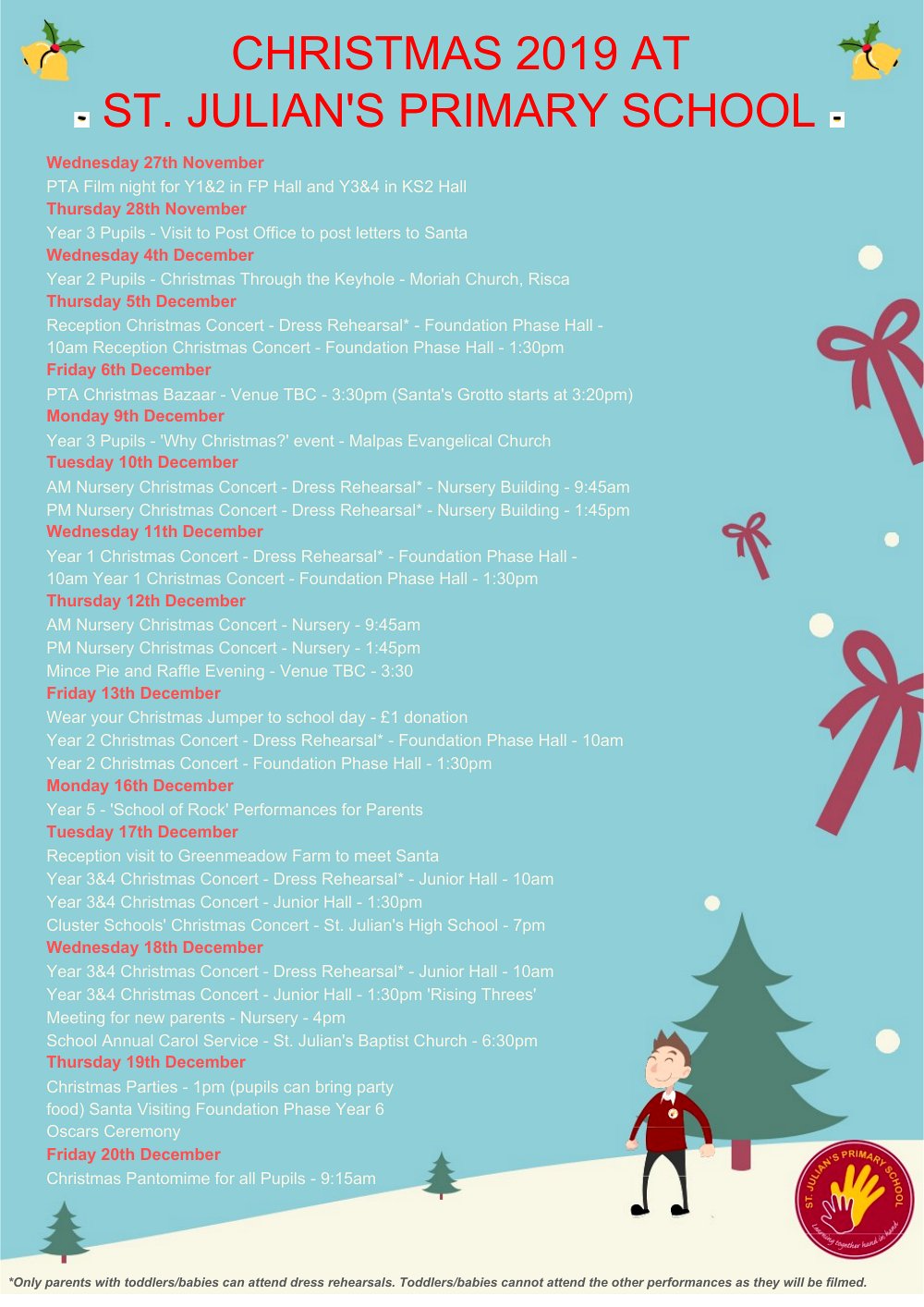
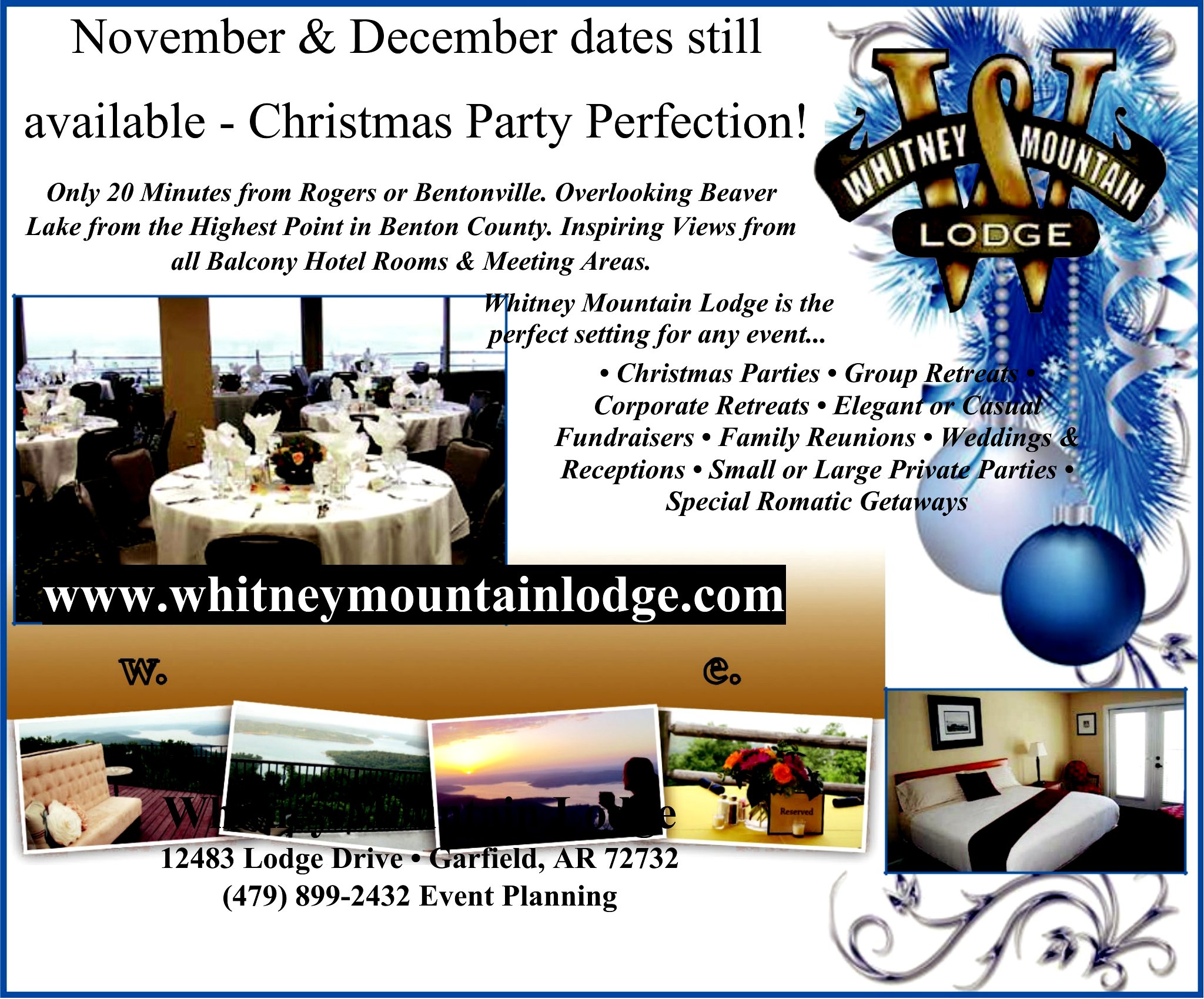
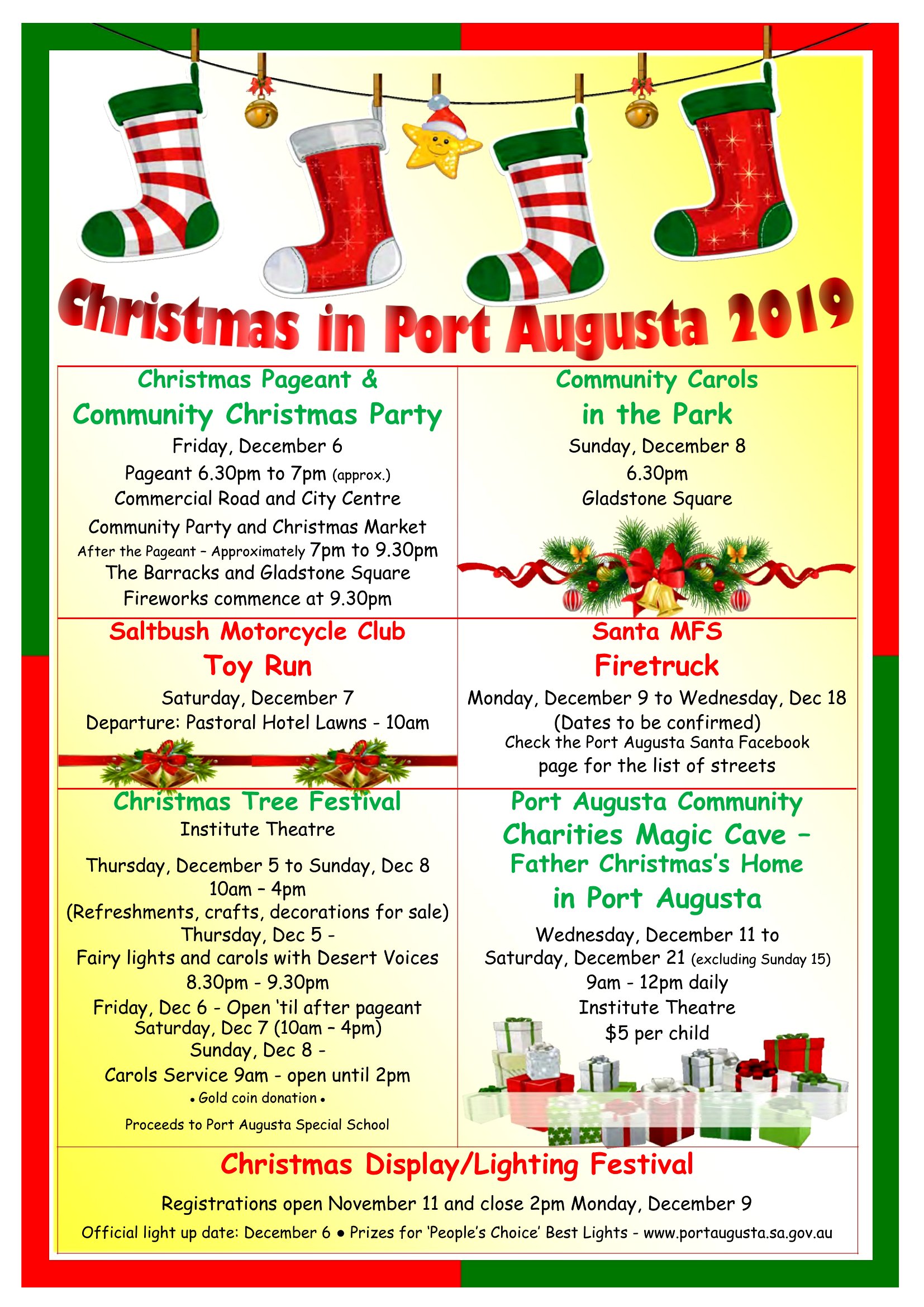
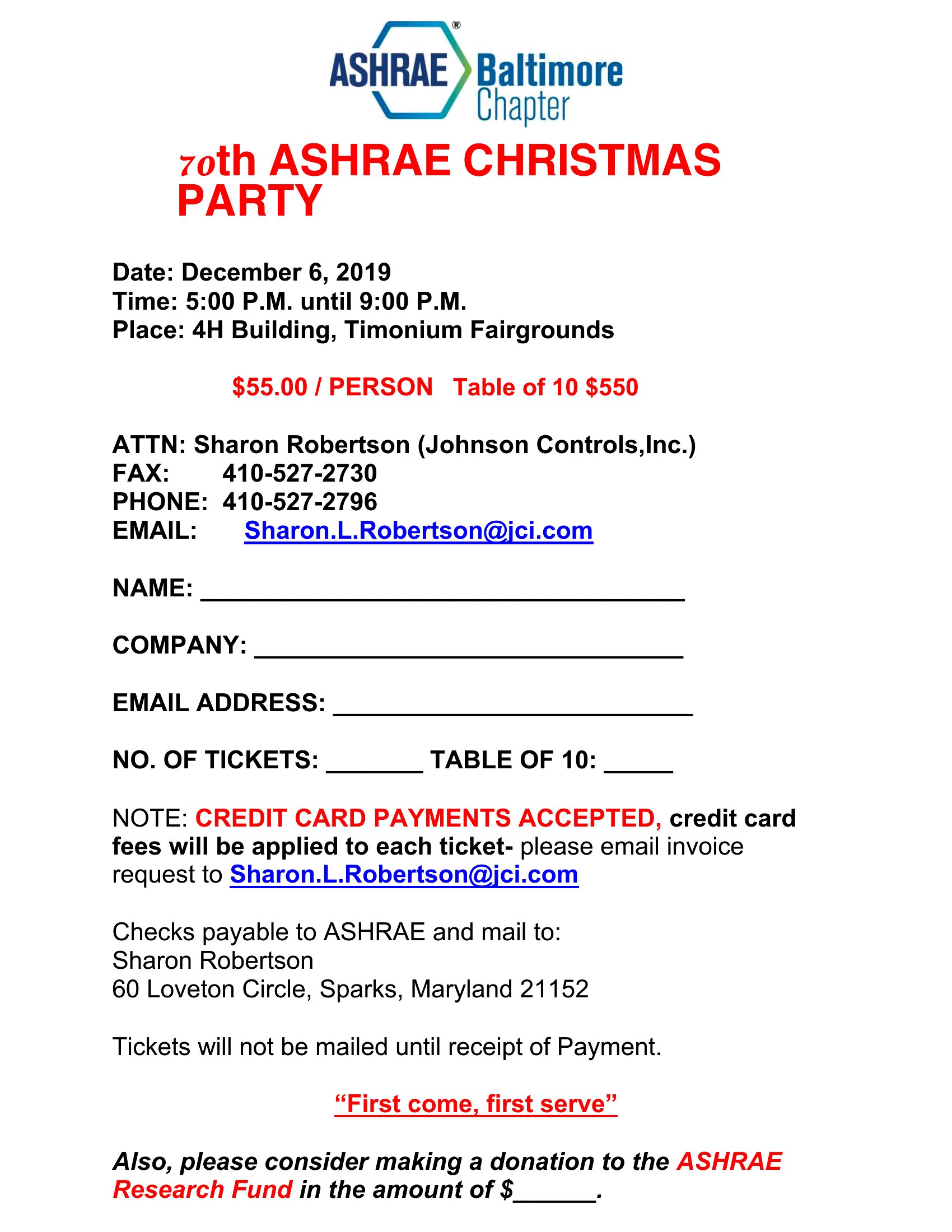
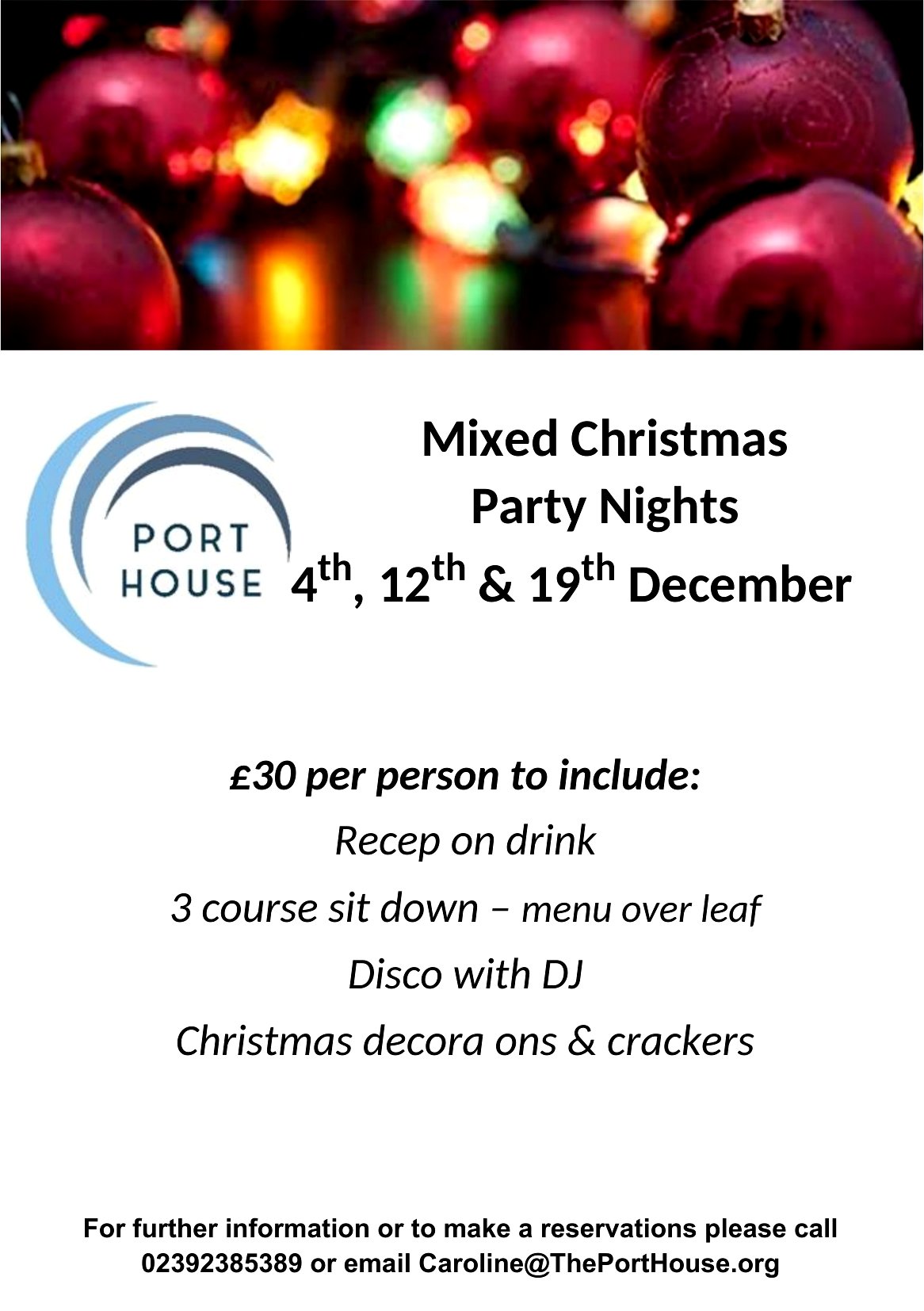
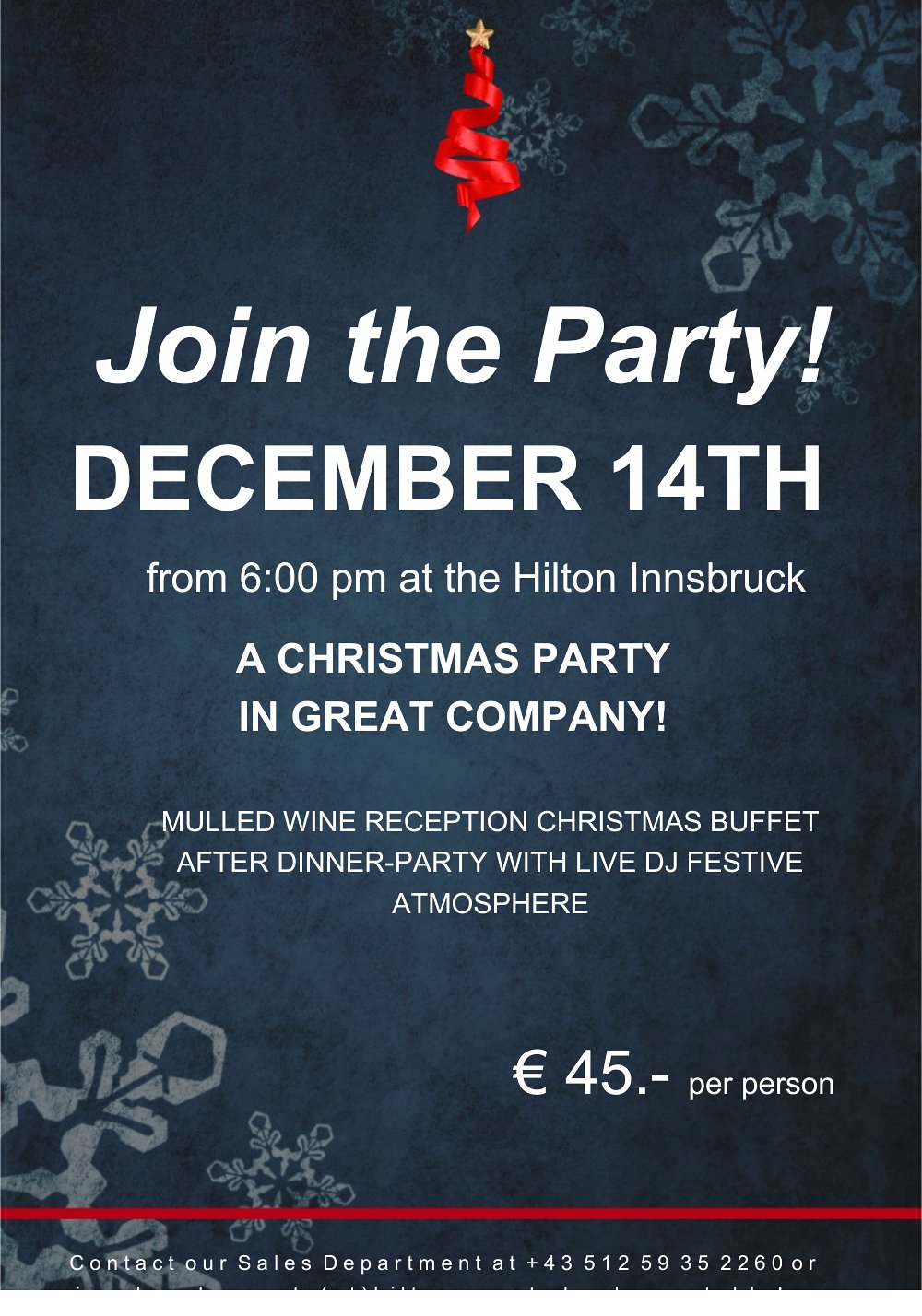
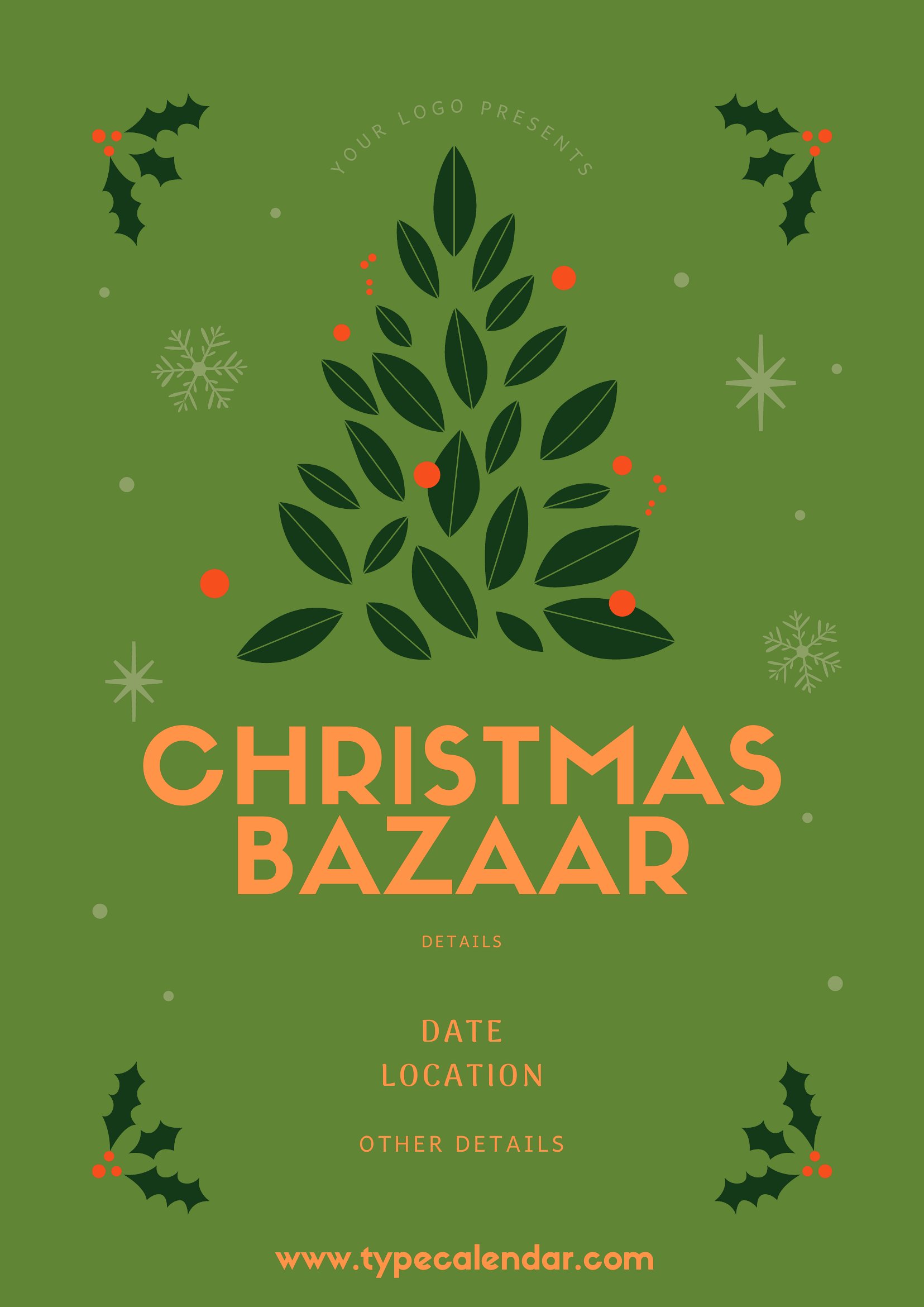
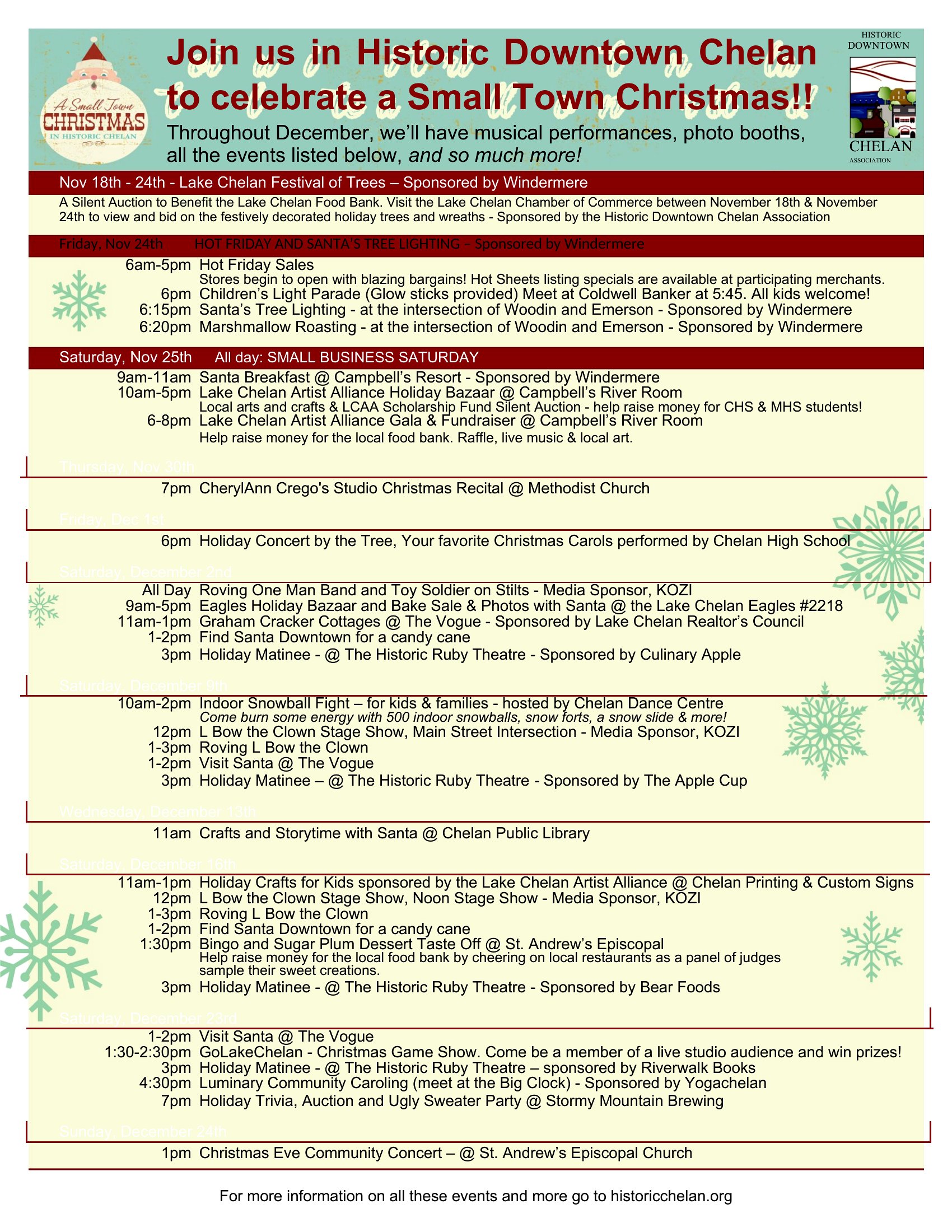
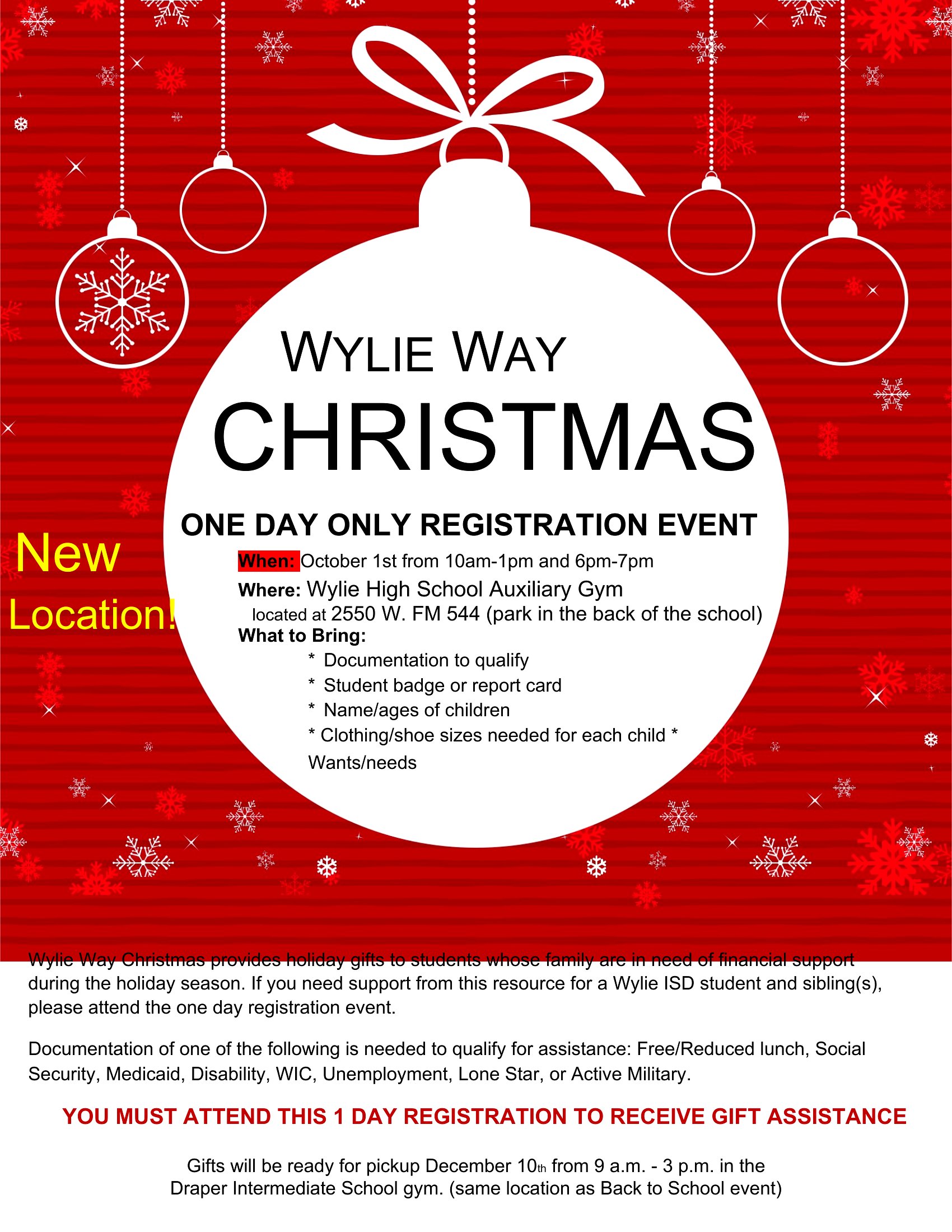
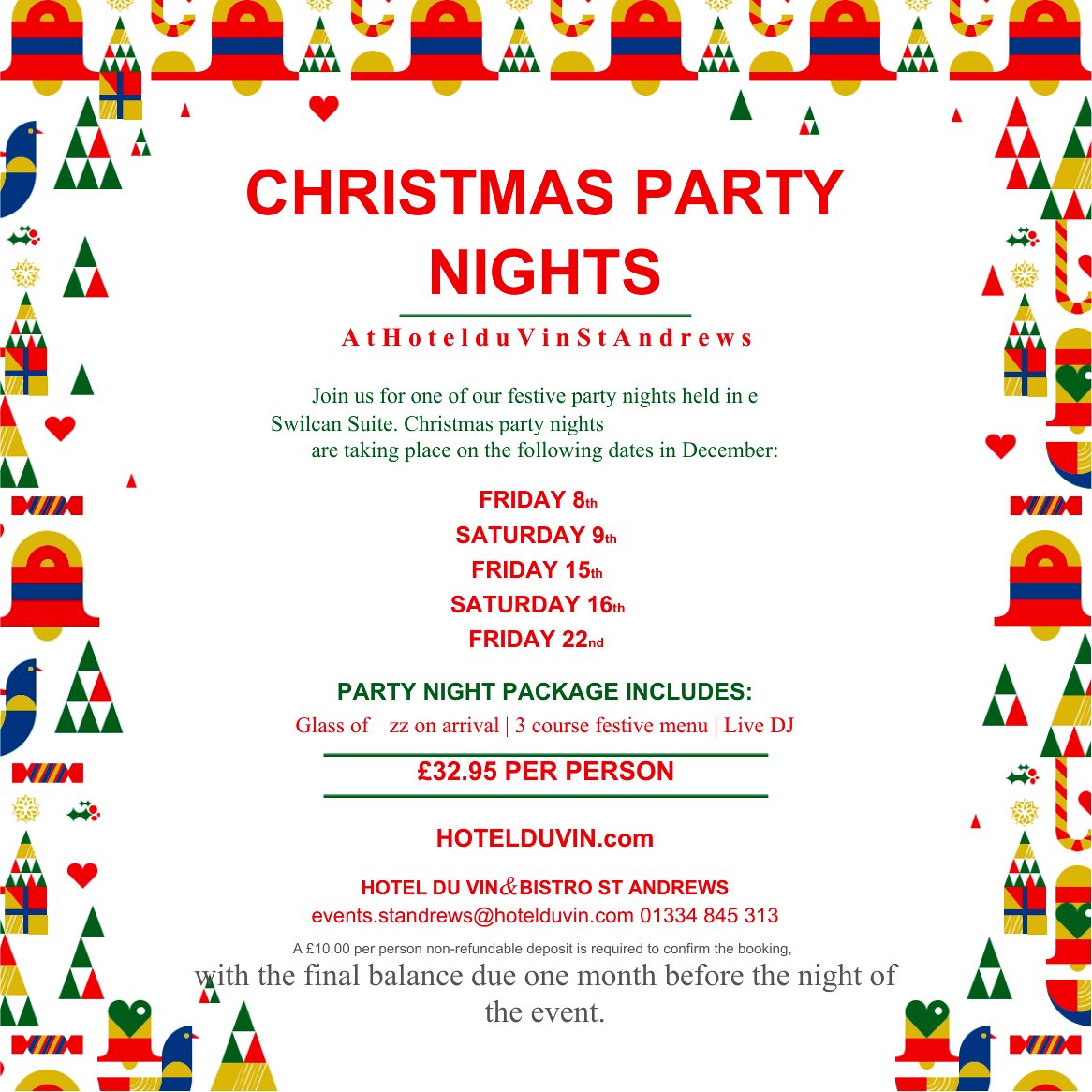
Promoting a holiday sale, toy drive, or community event calls for a flyer that catches the eye, and this set of 57 Christmas designs gives you festive layouts ready to fill with details. Shops, churches, and event organizers can announce a sale, party, or fundraiser with seasonal graphics that look professional without a designer.

Open the Word versions to swap in your text, dates, and images, or print the PDF copies for a quick handout. They're set up for standard paper, so posting them around town or sharing online is simple. Download the layout that fits your event and get the word out before the holidays arrive.

When to use this Christmas Flyer template

  • Small local shops can announce a Black Friday sale or holiday gift-wrapping service to customers already browsing their storefronts, using eye-catching designs that align with their brand.
  • Churches hosting a toy drive or food pantry for families in need need to distribute flyers at Sunday services, with clear donation deadlines and volunteer opportunities highlighted.
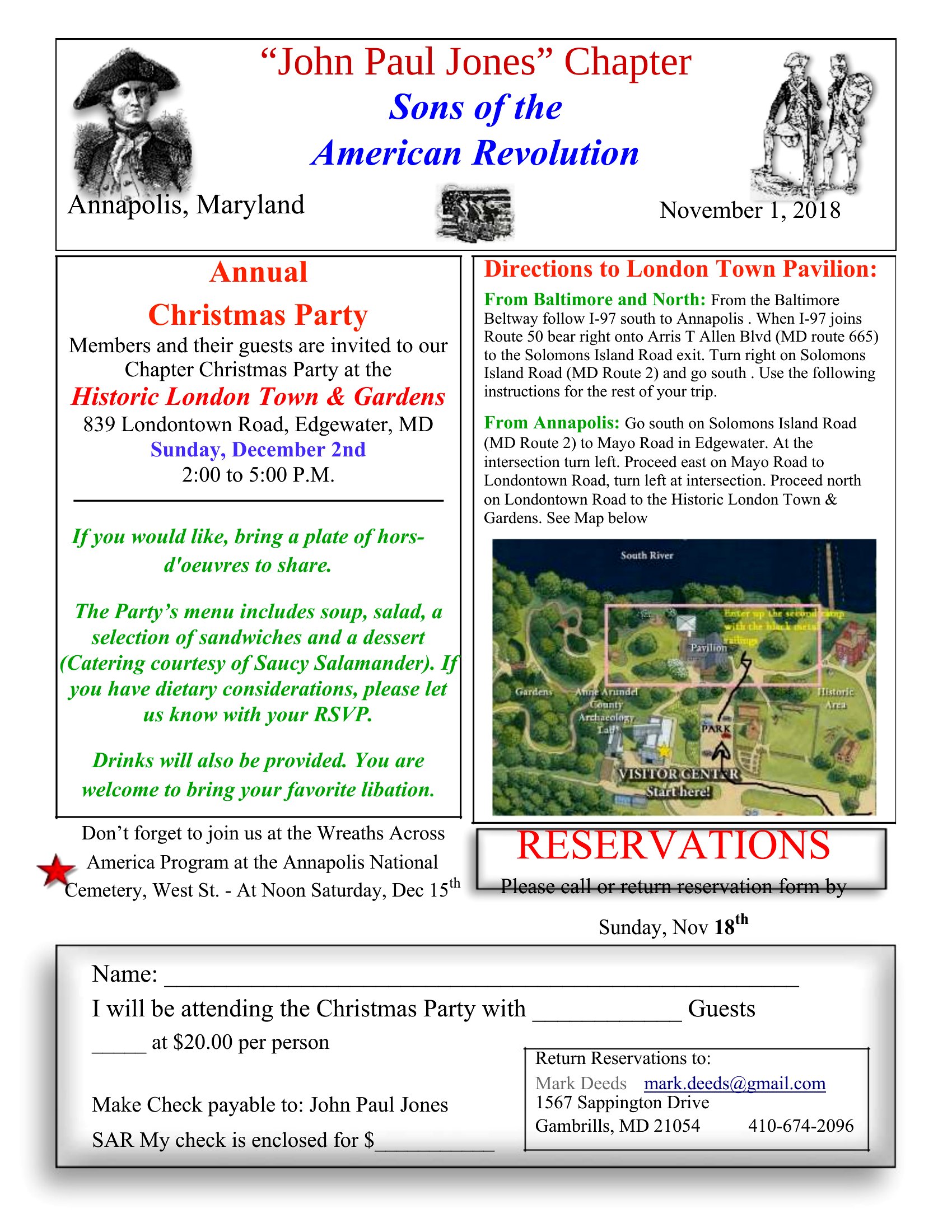
  • Community centers organizing a holiday potluck or caroling event require flyers to post in high-traffic areas like coffee shops and libraries, where neighbors can sign up as hosts or participants.
  • Nonprofits running a charity fundraiser, like a Christmas tree sale or silent auction, rely on flyers with QR codes for online donations to reach supporters who prefer digital engagement over physical handouts.

Which format should I download?

WordPDF

Choose the Word format if you need to edit the text, dates, or branding last-minute—most designs include placeholder sections for your details, and the editable text box positions make it easy to adjust. The PDF format works best when you only need to print the flyer as-is, like for a bulk mailout or one-time event, since the graphics and layouts are already optimized for high-quality printing without adjustments. Avoid mixing formats unless you’re exporting from Word to PDF later, as the PDFs here are static and not editable.

Choose from 57 Christmas Flyer Templates
How to use this Christmas Flyer template

How can I make sure the flyer design matches my organization’s colors if I’m using one of the pre-set themes?

Most templates include a color guide or swatch section—simply replace the placeholder colors with your brand’s hex codes in Word or use the PDF as a reference to identify which elements (like borders or text boxes) need color adjustments. For a seamless match, stick to bold or contrasting colors so your text remains legible.
Are there templates here that work well for bilingual flyers, like English and Spanish, for communities with mixed language speakers?
While these templates aren’t explicitly bilingual, many include two-column layouts or side-by-side text boxes that can accommodate English on one side and Spanish on the other. Use the Word version to duplicate and translate the text within the same design, keeping the festive graphics centered to avoid crowding.
What’s the best way to print these flyers at home without losing the holiday-themed graphics or text clarity?

Print the PDF versions on matte or glossy cardstock using at least 300 DPI settings, and enable “print as picture” in your printer settings to preserve the graphics. For Word files, export as a high-resolution PDF before printing to avoid pixelation. Test a single copy first to check ink coverage and alignment before bulk printing.

Comments

Join the conversation

Sign in to share your thoughts and leave a comment on this resource.

Newsletter

Get Weekly Design Updates
Join our community to receive curated resources and inspiration.
Weekly Tips Resources Early Access
We respect your privacy. Confirmation email required. Privacy Policy