Free Christmas Flyer Templates (Word, PDF)
LifeTemplates











FAQ
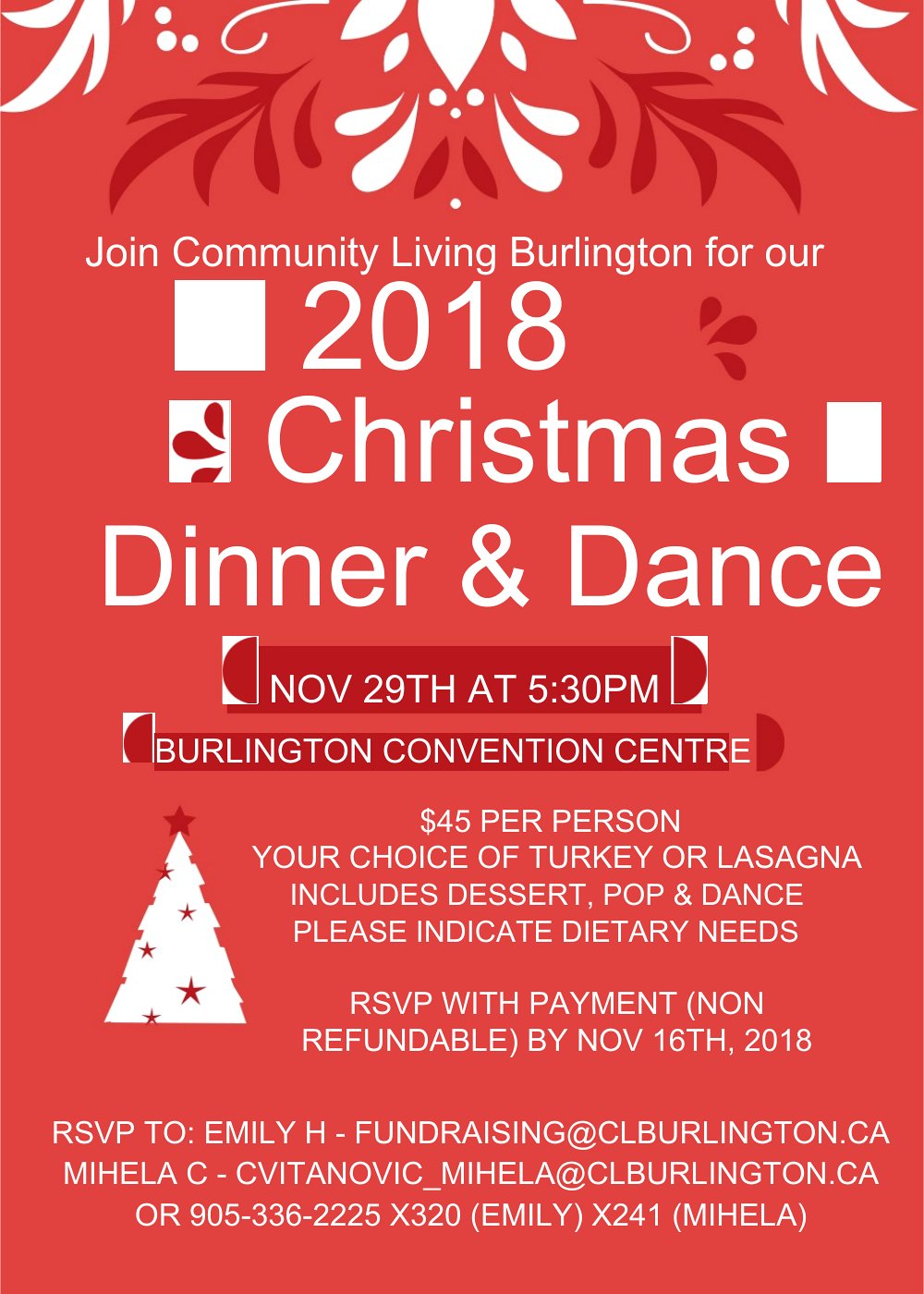
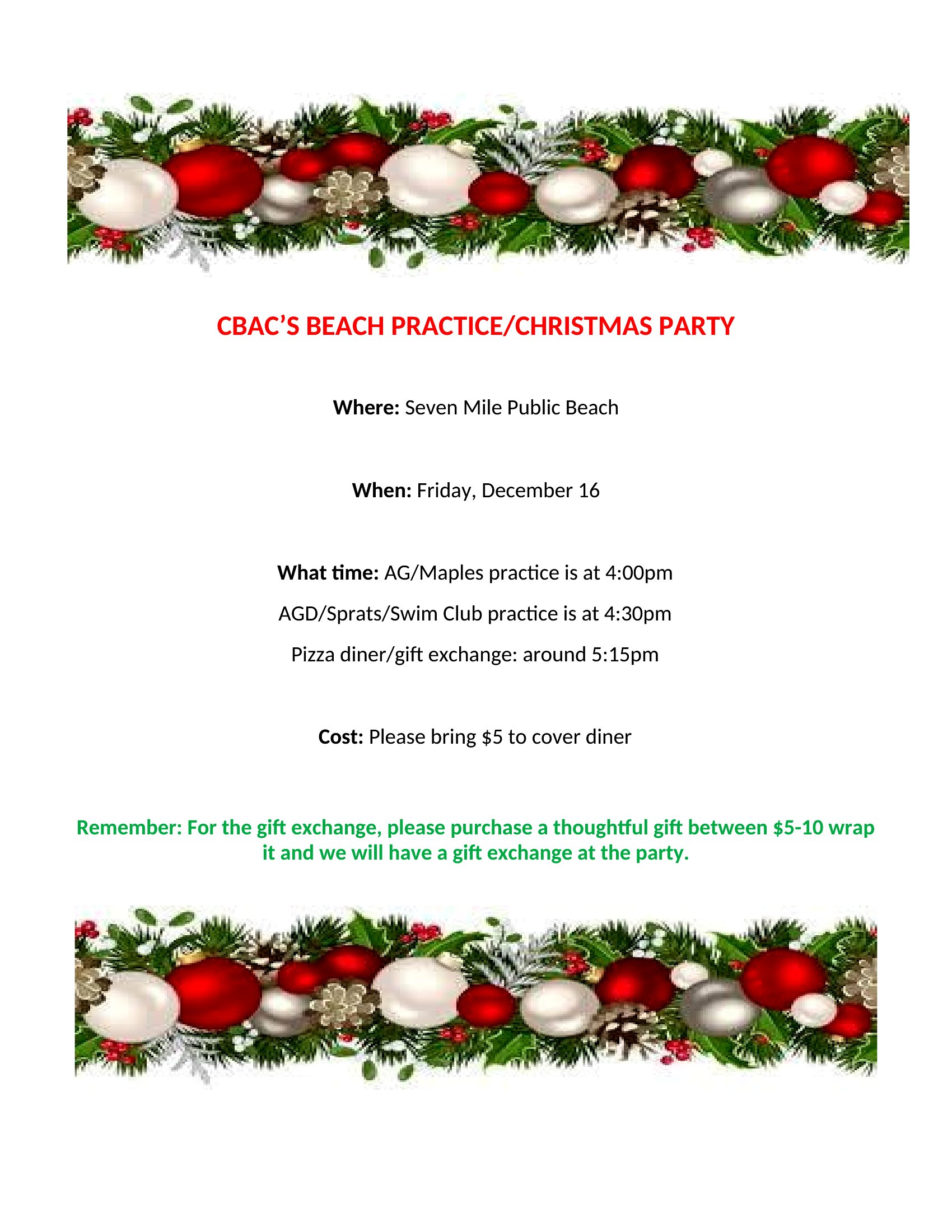
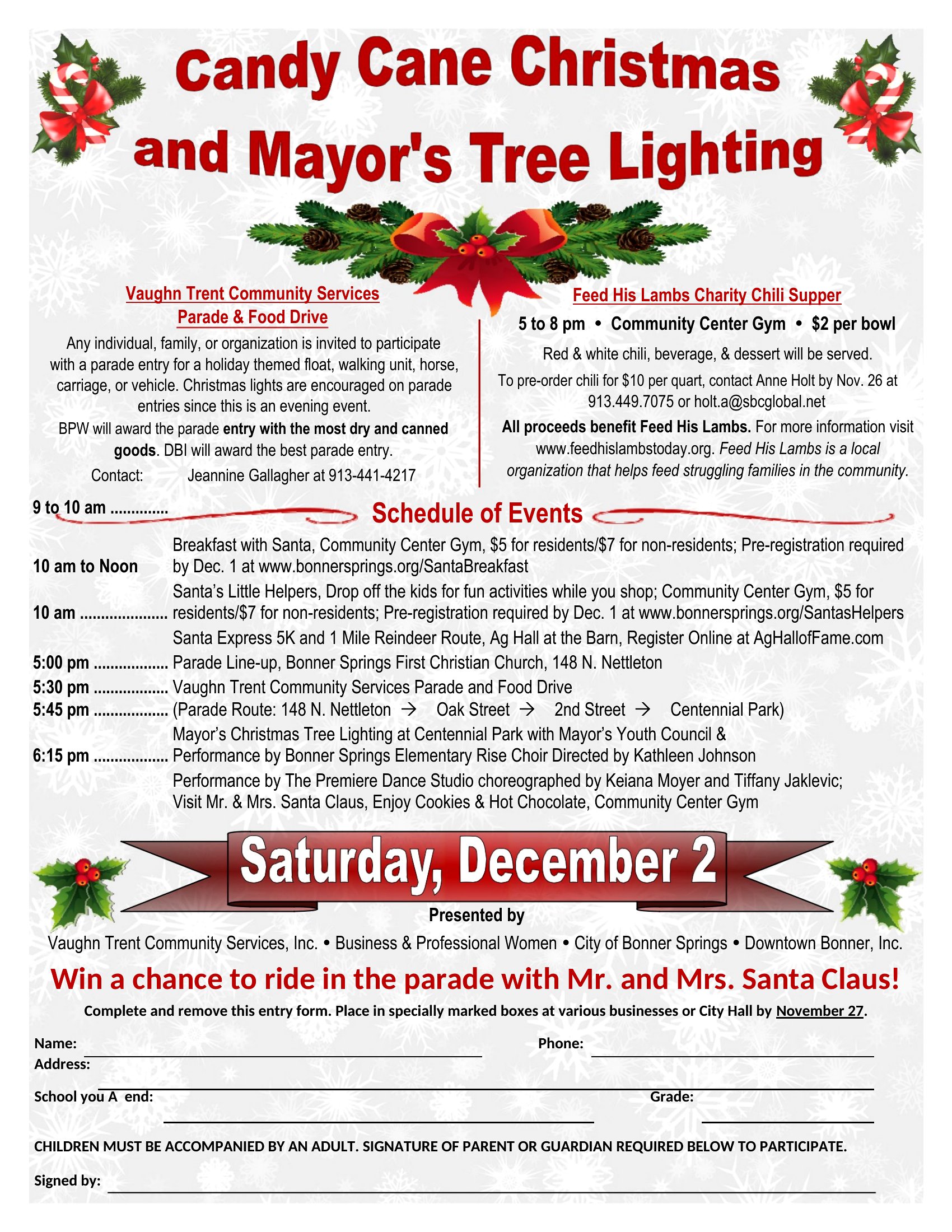
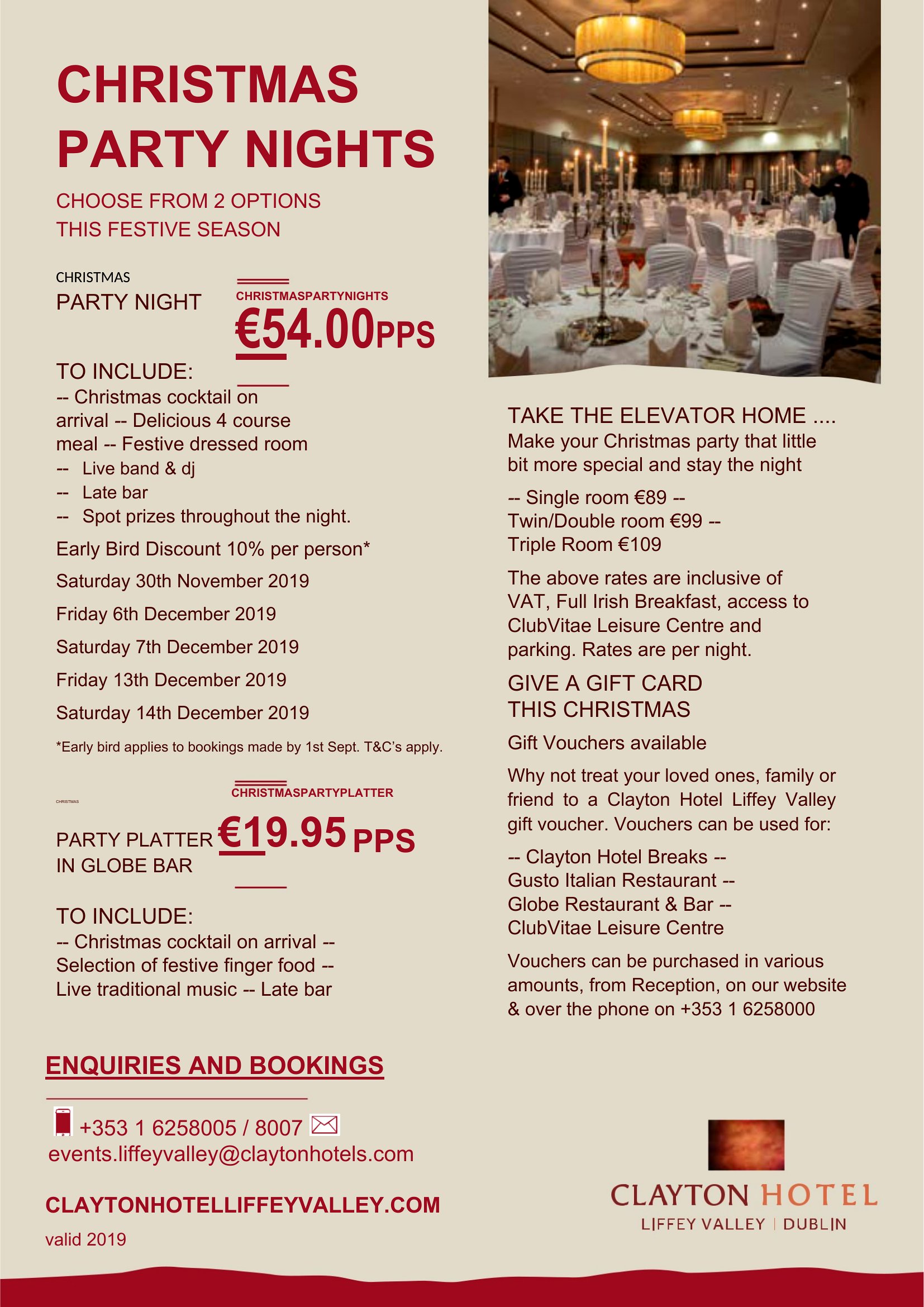
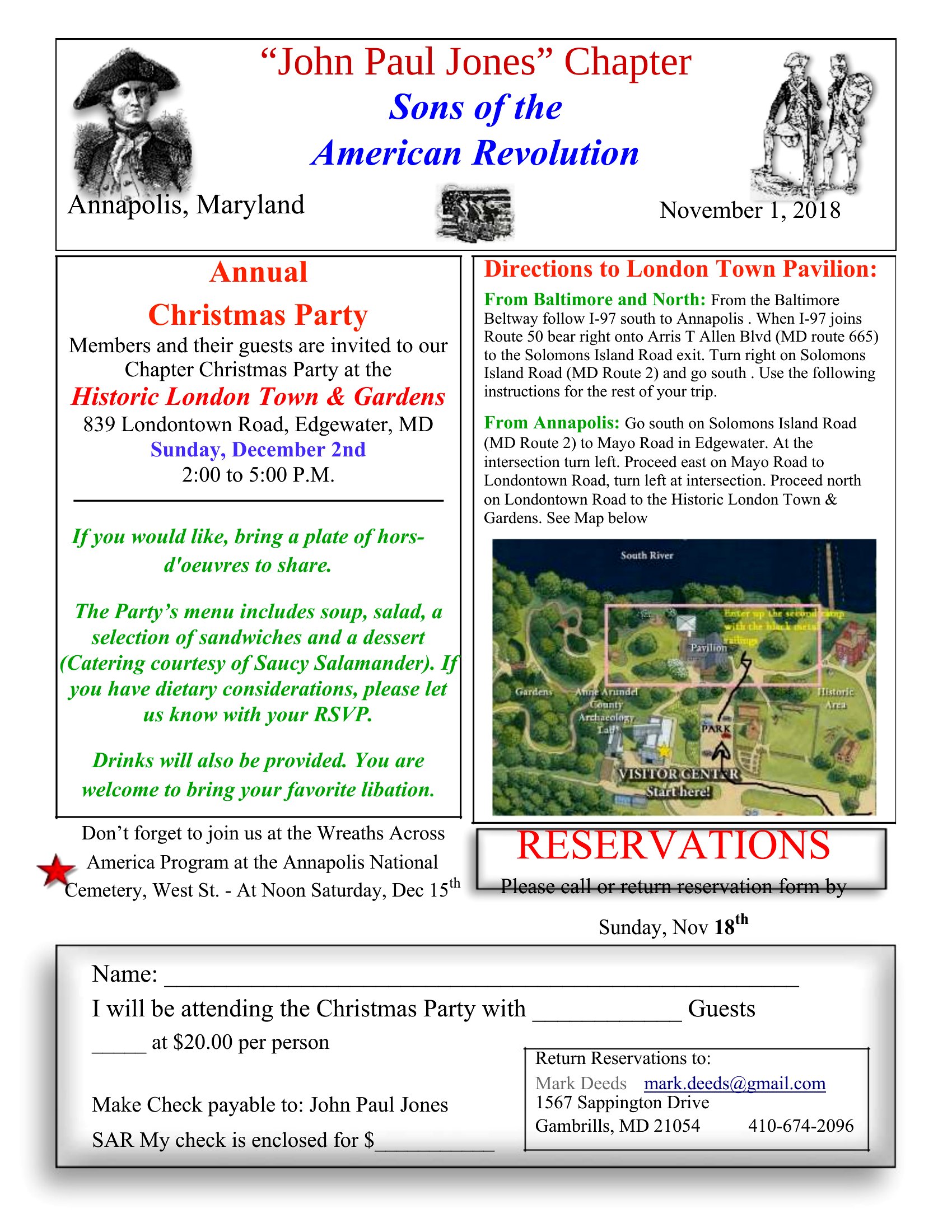
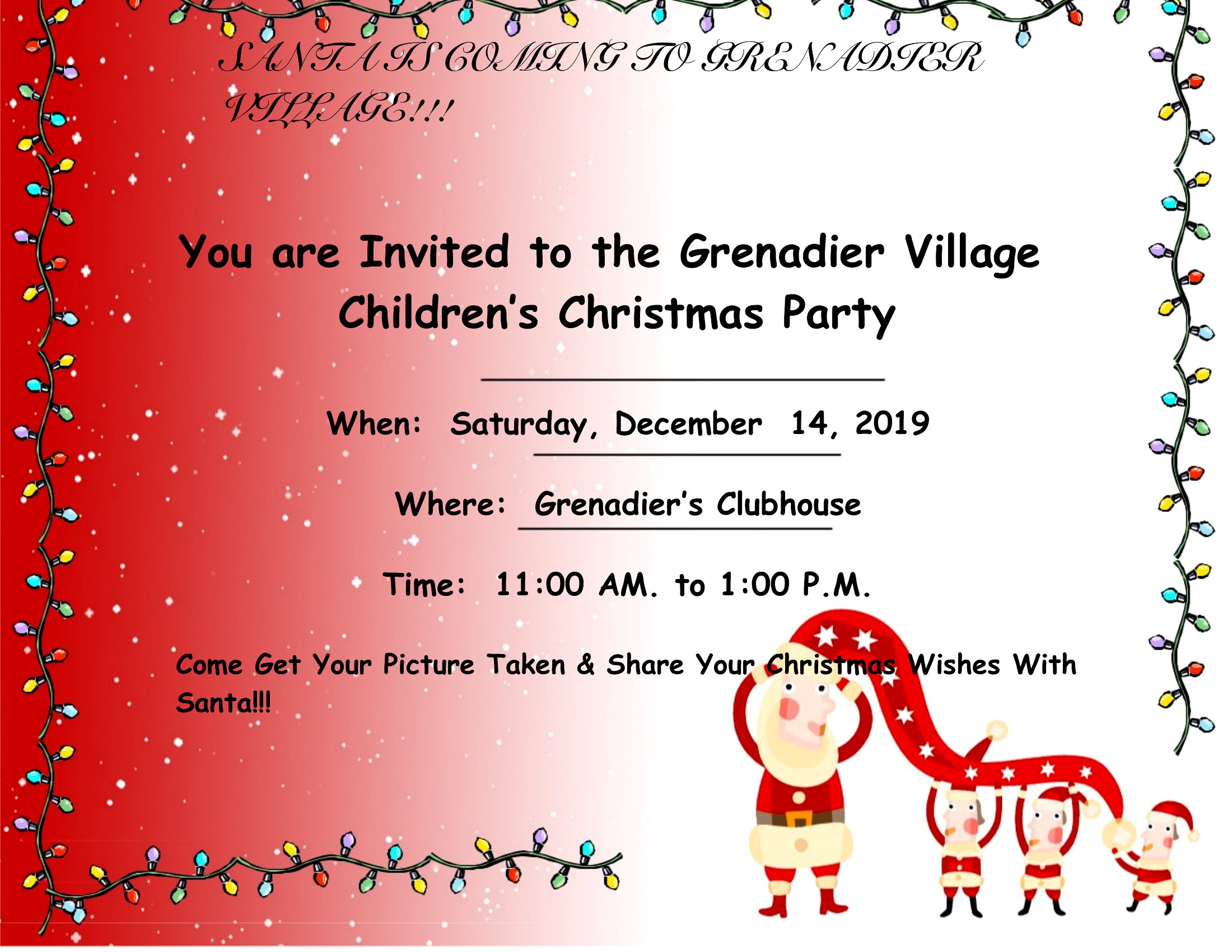
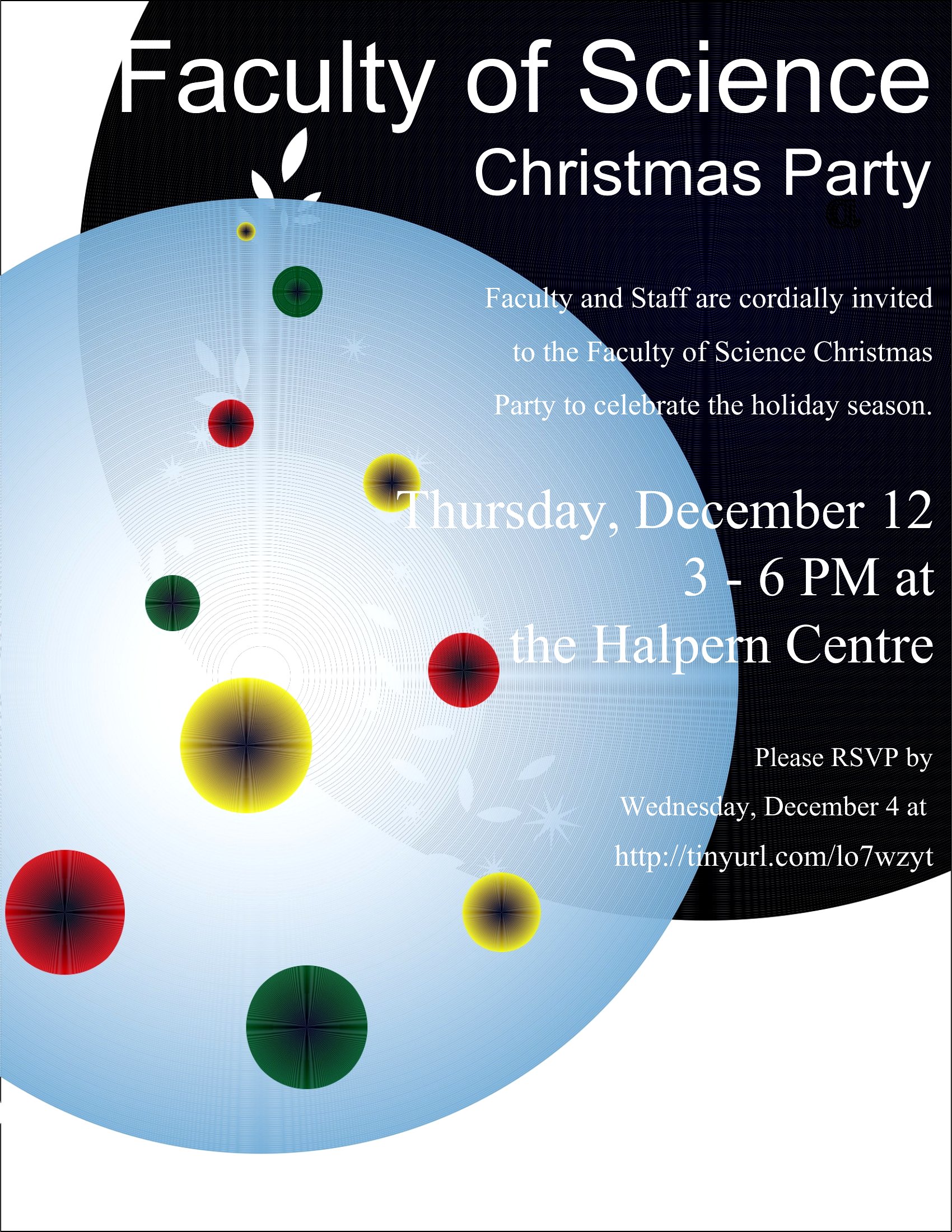
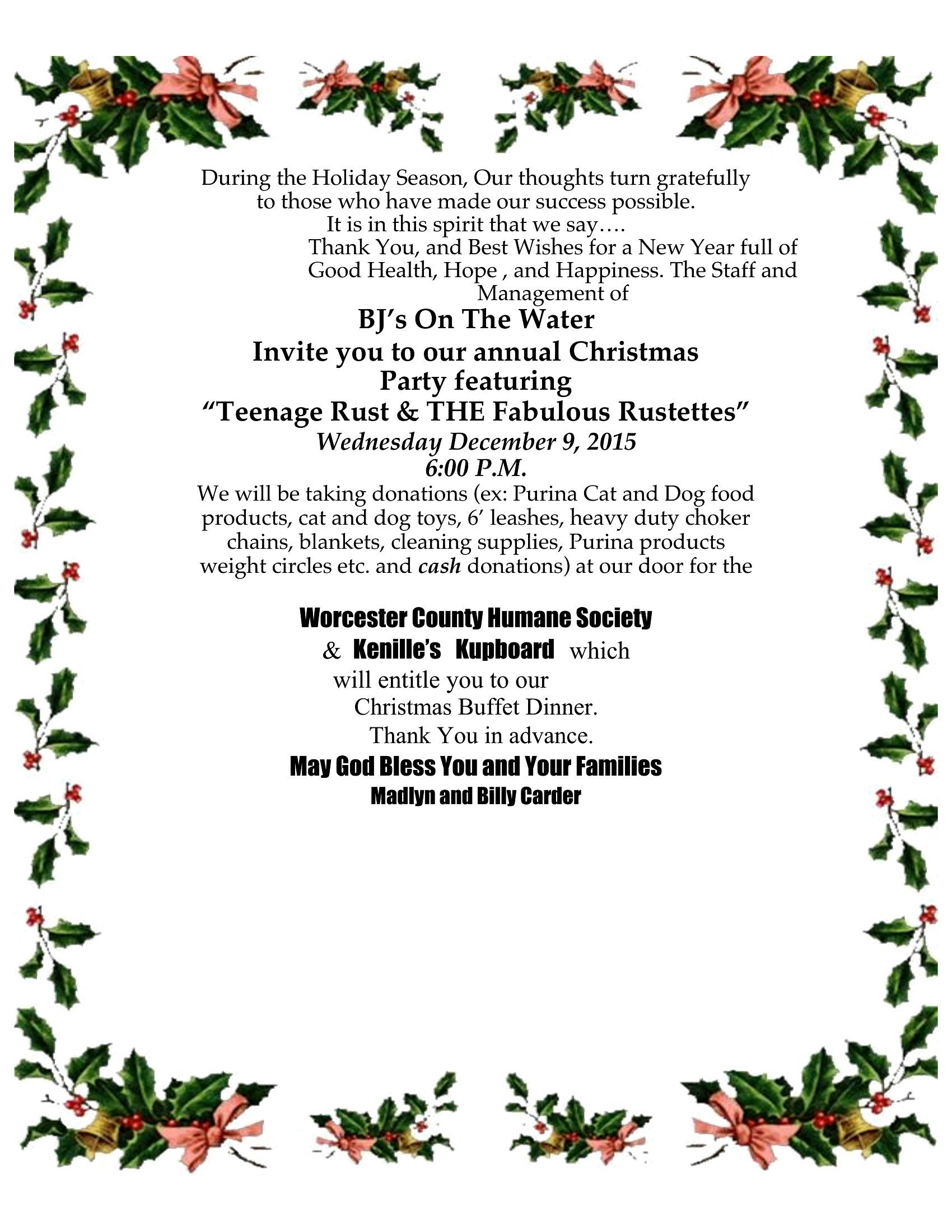
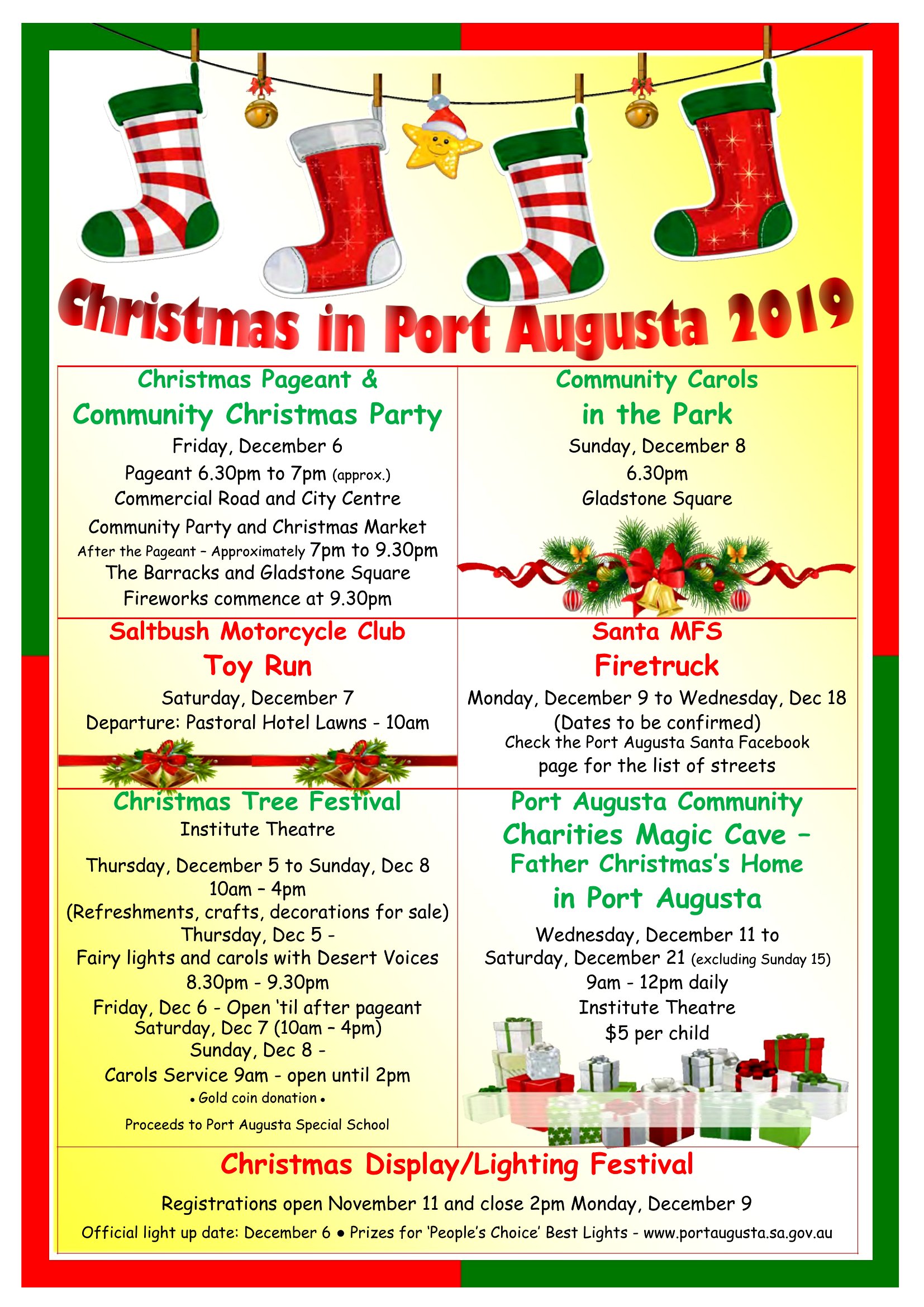
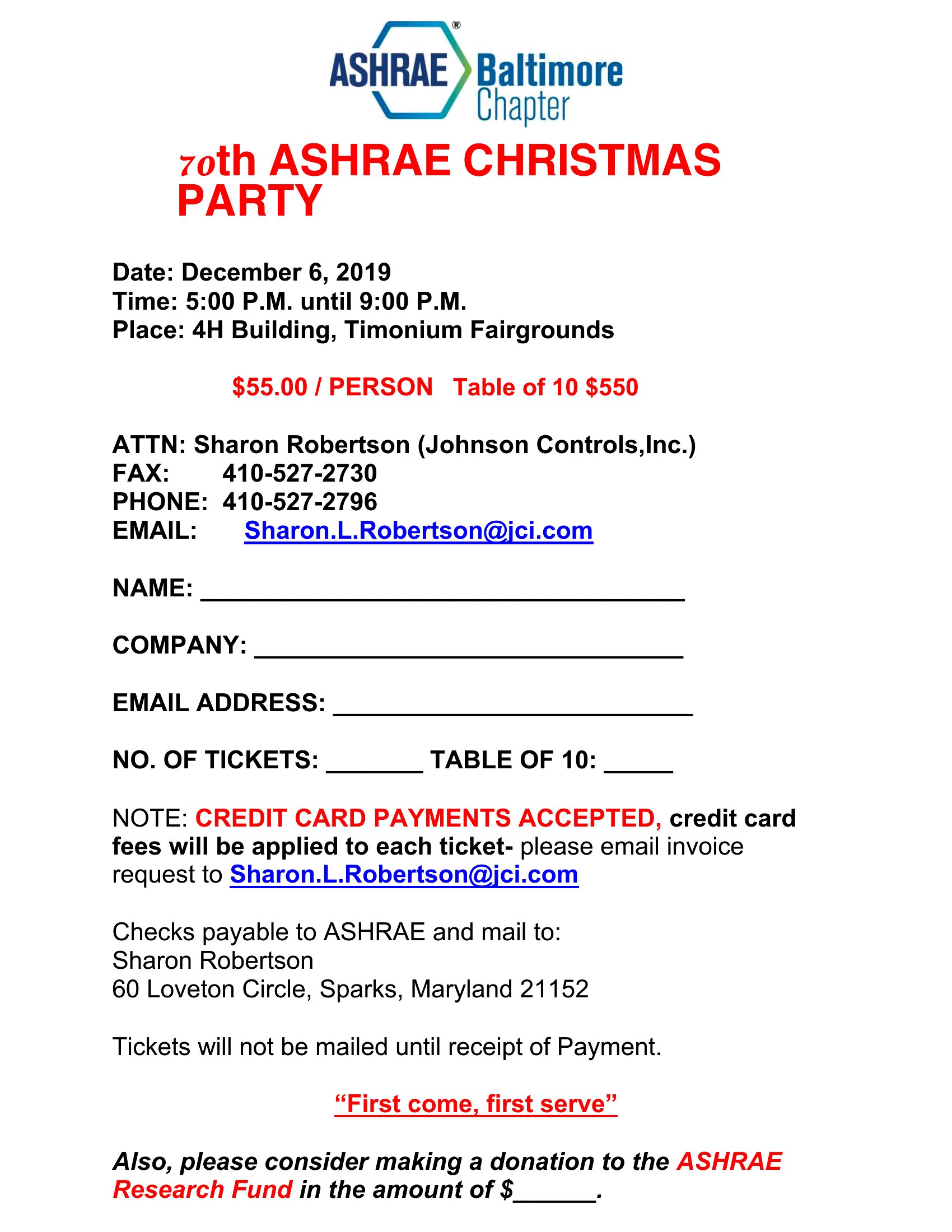
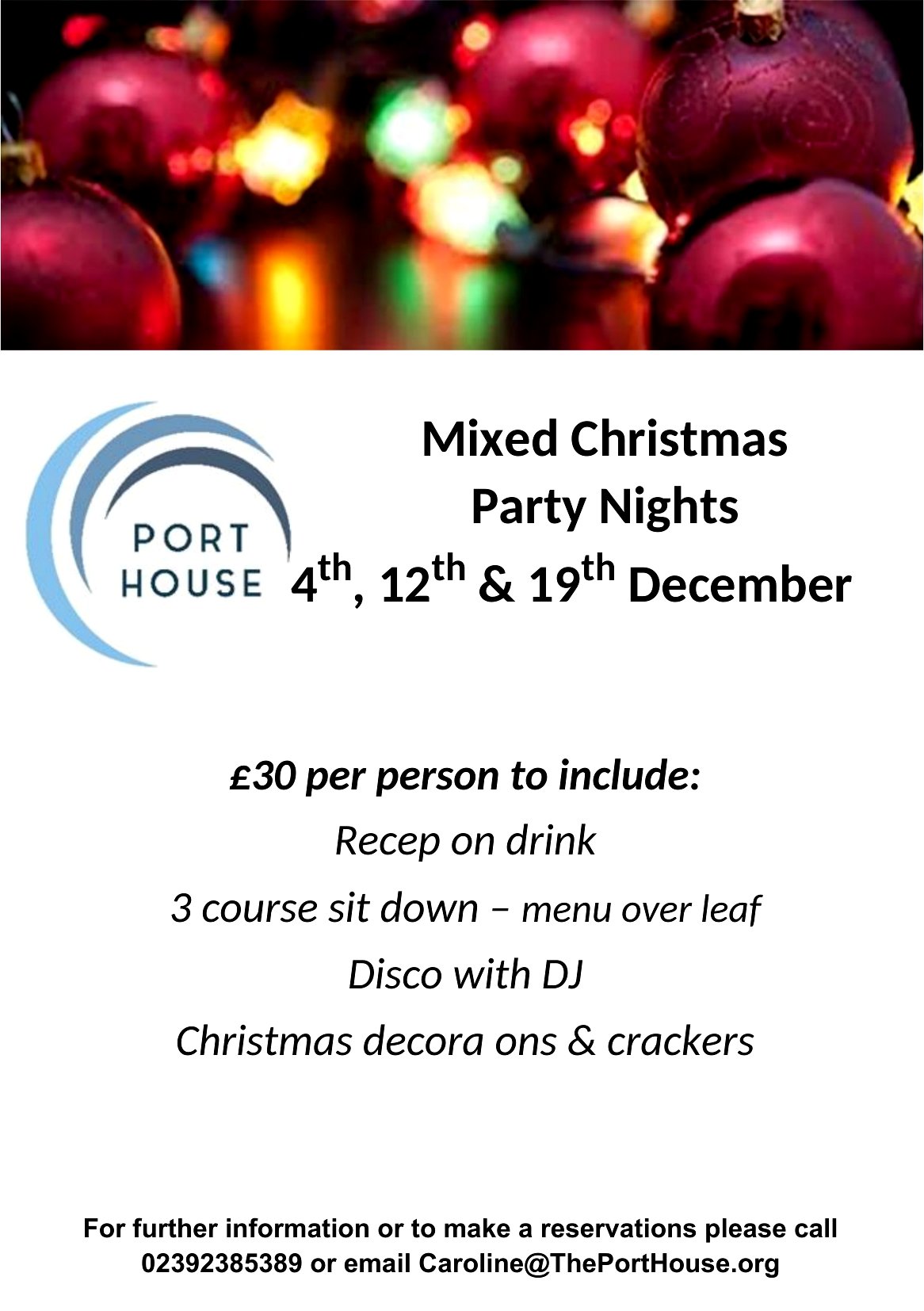
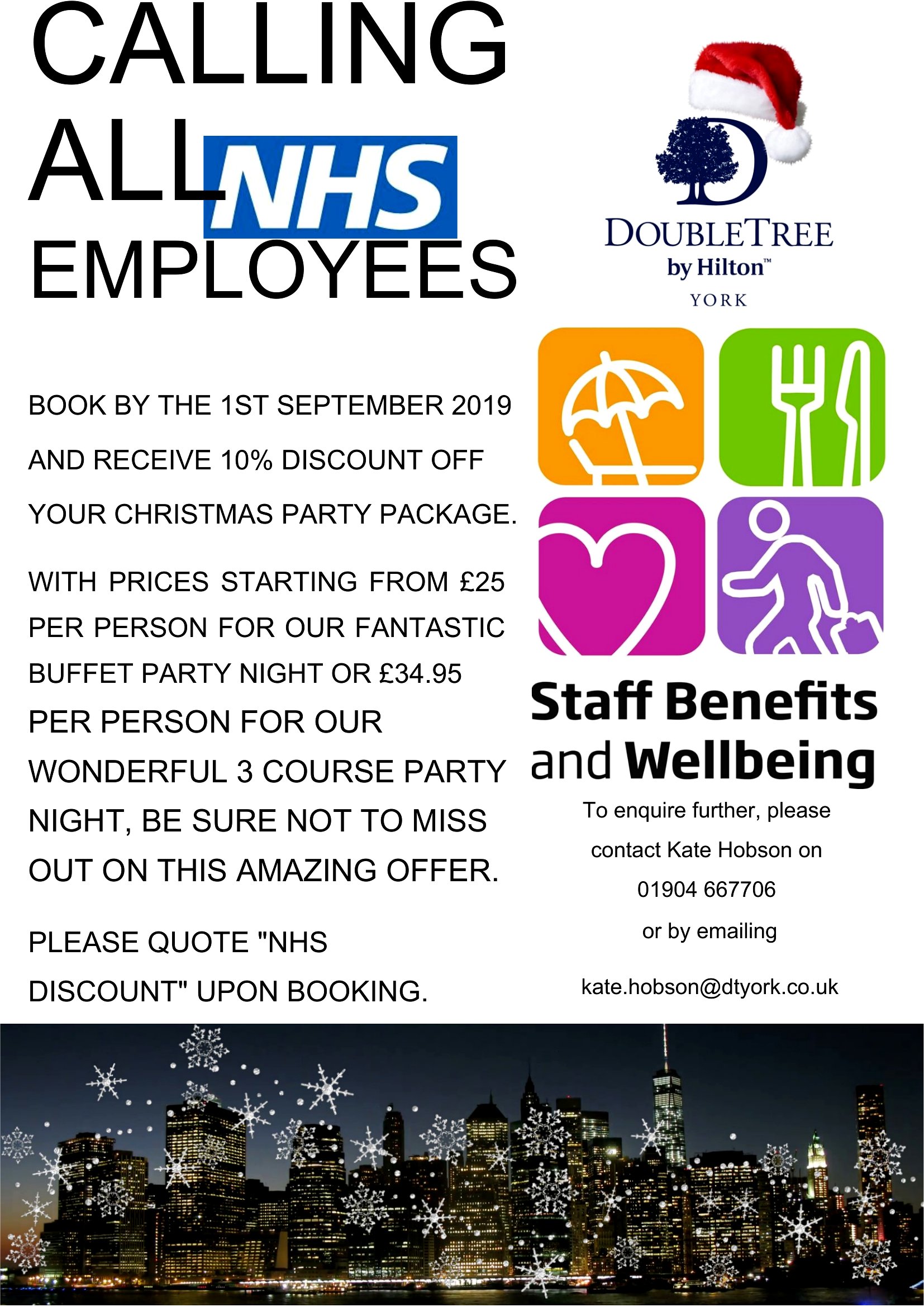
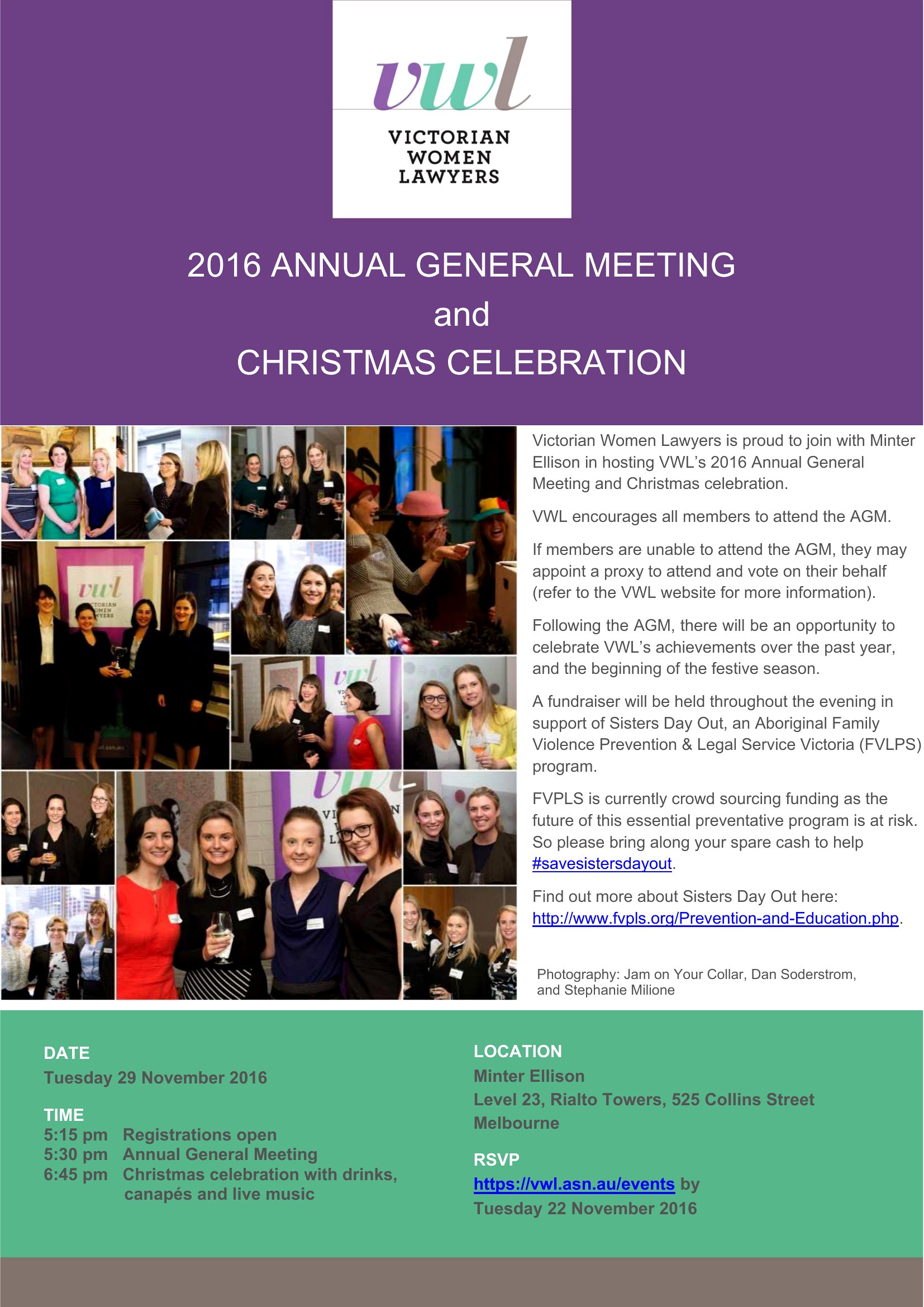
How can I make sure the flyer design matches my organization’s colors if I’m using one of the pre-set themes?
Most templates include a color guide or swatch section—simply replace the placeholder colors with your brand’s hex codes in Word or use the PDF as a reference to identify which elements (like borders or text boxes) need color adjustments. For a seamless match, stick to bold or contrasting colors so your text remains legible.
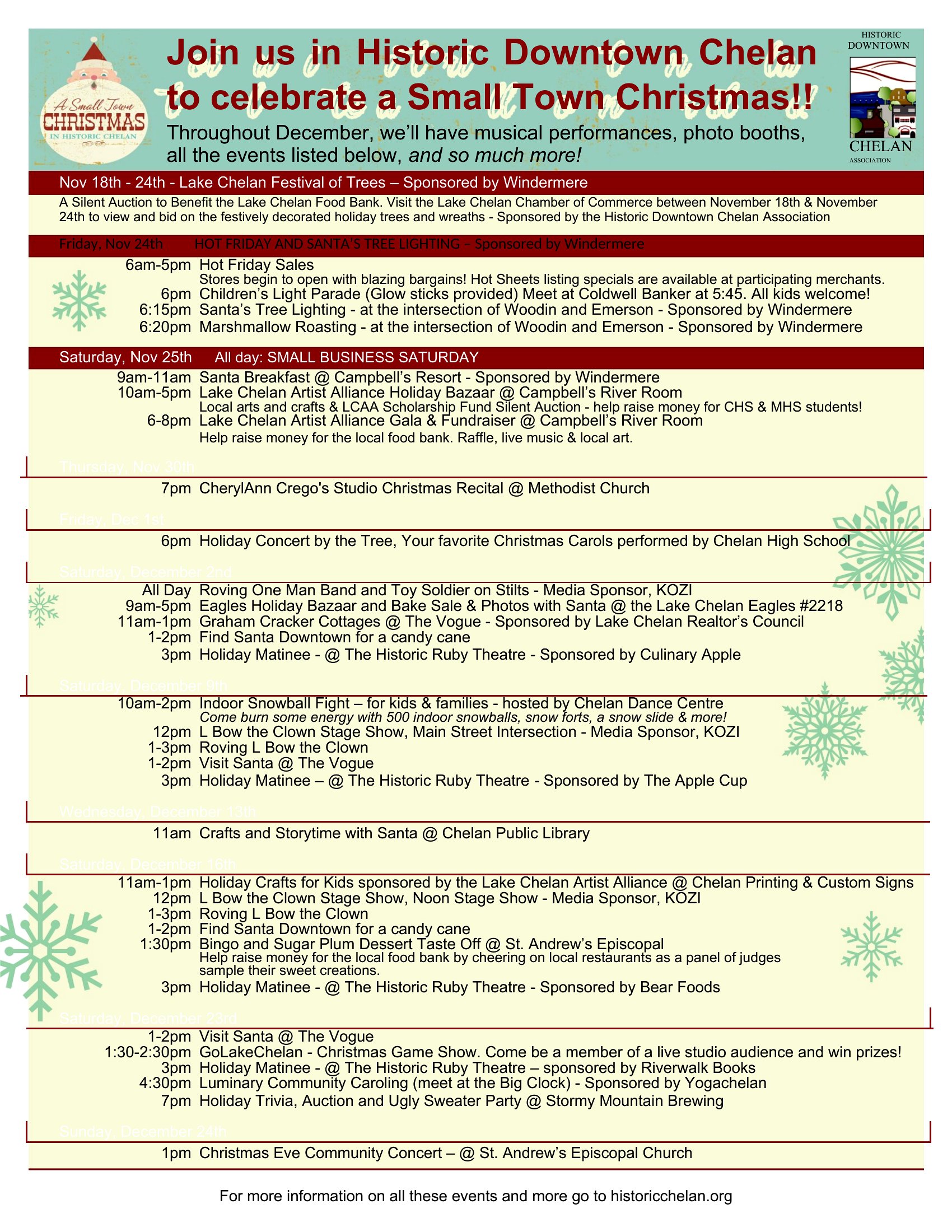
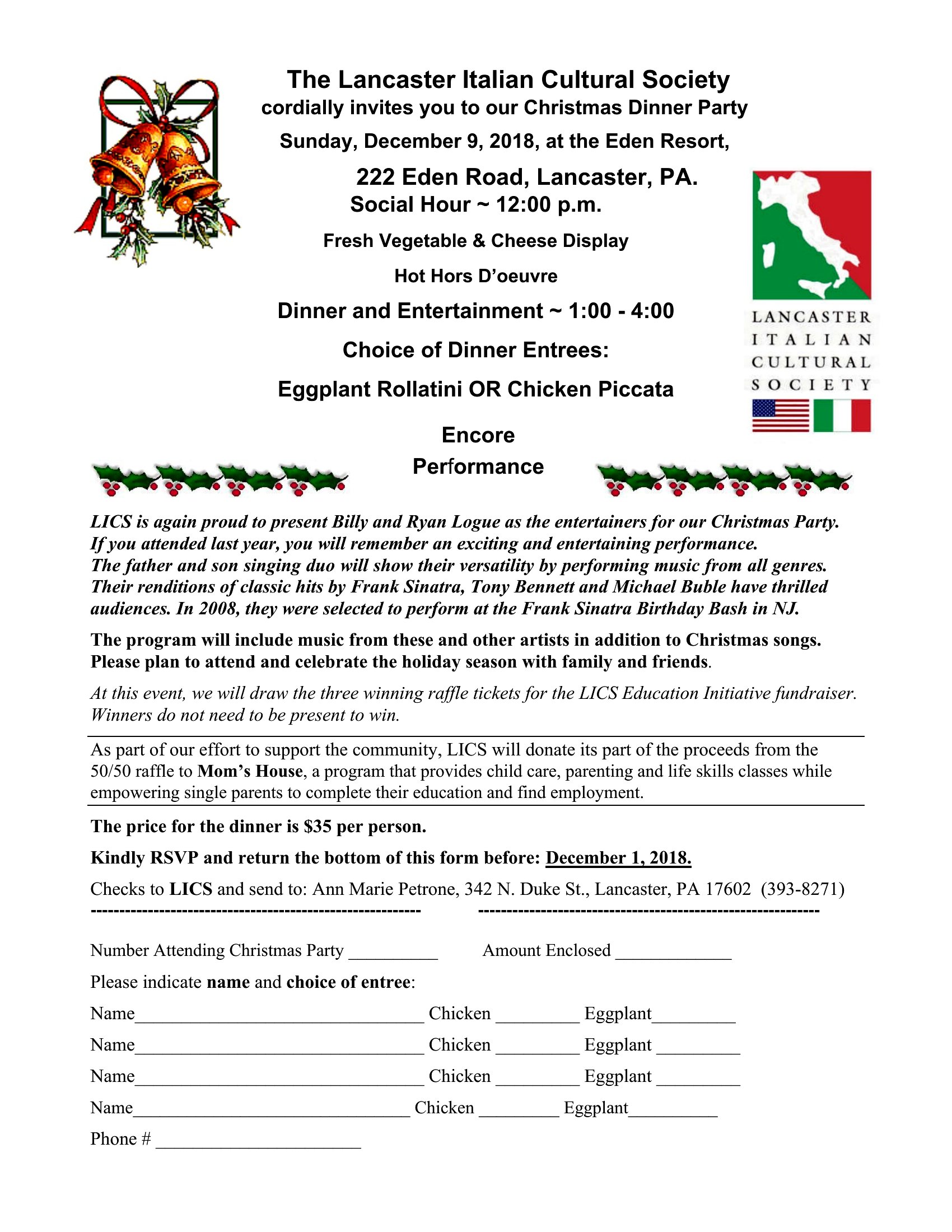
Are there templates here that work well for bilingual flyers, like English and Spanish, for communities with mixed language speakers?
While these templates aren’t explicitly bilingual, many include two-column layouts or side-by-side text boxes that can accommodate English on one side and Spanish on the other. Use the Word version to duplicate and translate the text within the same design, keeping the festive graphics centered to avoid crowding.
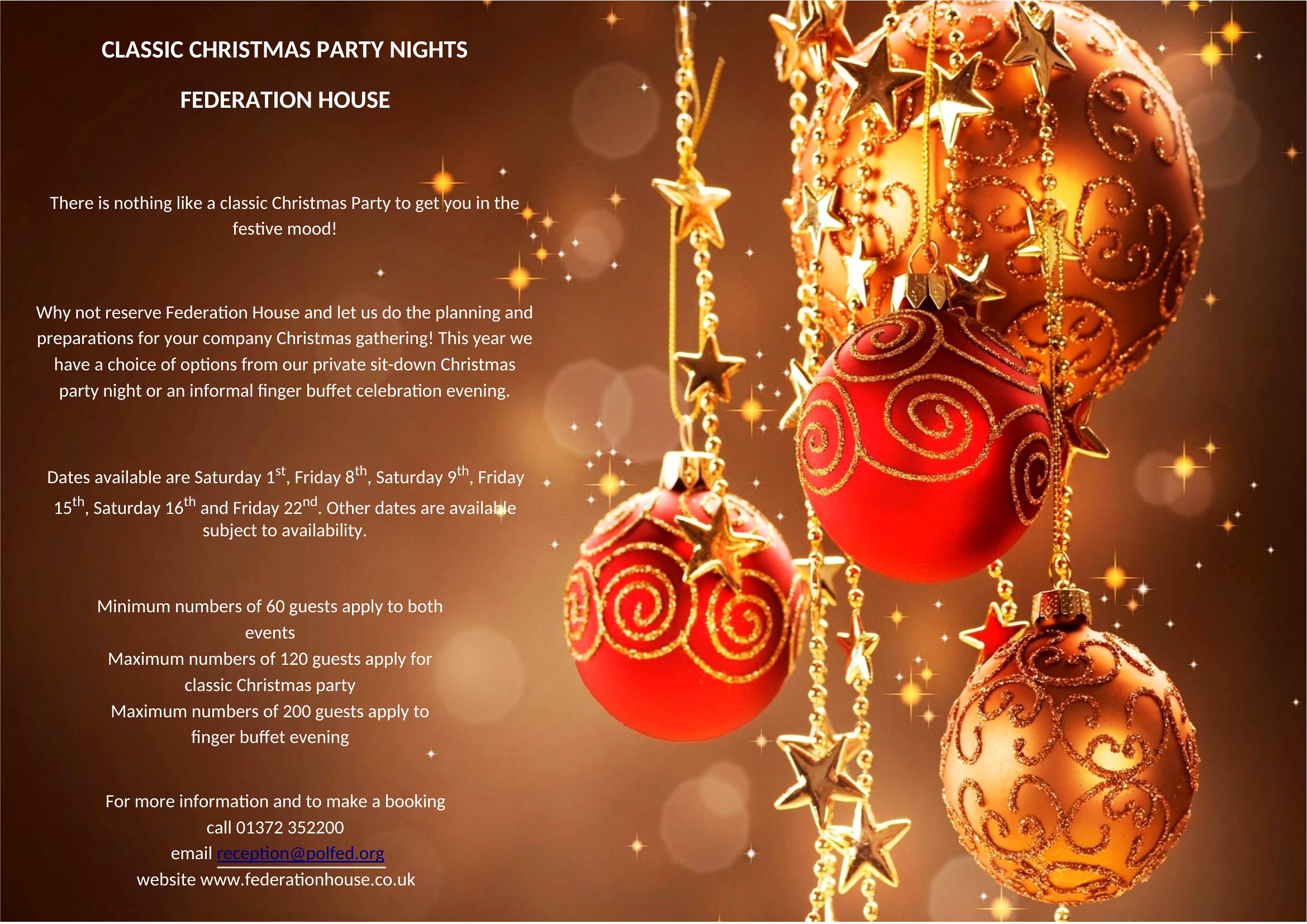
What’s the best way to print these flyers at home without losing the holiday-themed graphics or text clarity?
Print the PDF versions on matte or glossy cardstock using at least 300 DPI settings, and enable “print as picture” in your printer settings to preserve the graphics. For Word files, export as a high-resolution PDF before printing to avoid pixelation. Test a single copy first to check ink coverage and alignment before bulk printing.
Comments
Join the conversation
Sign in to share your thoughts and leave a comment on this resource.