Free Pay Stub Templates (Word, Excel, PDF)
StatementsTemplates
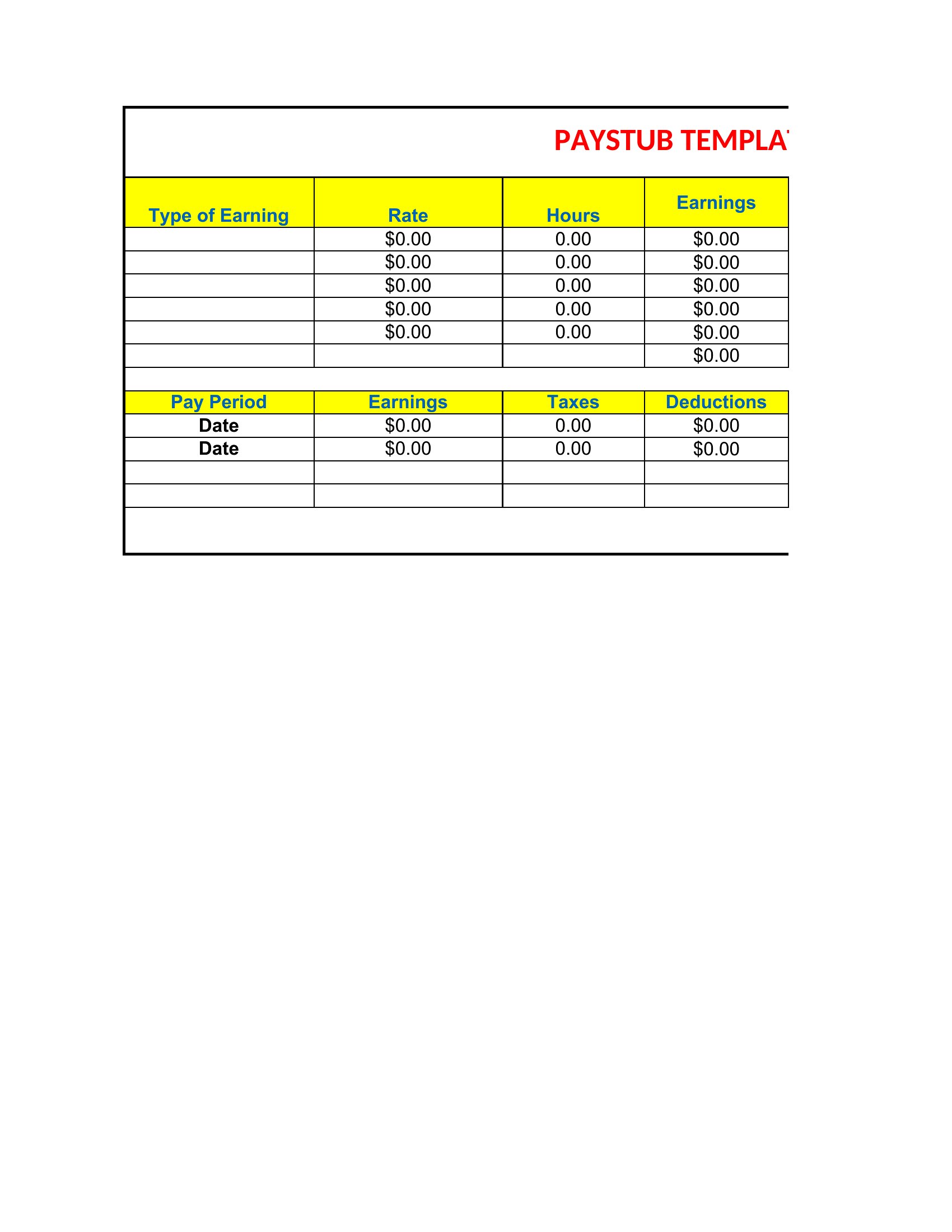
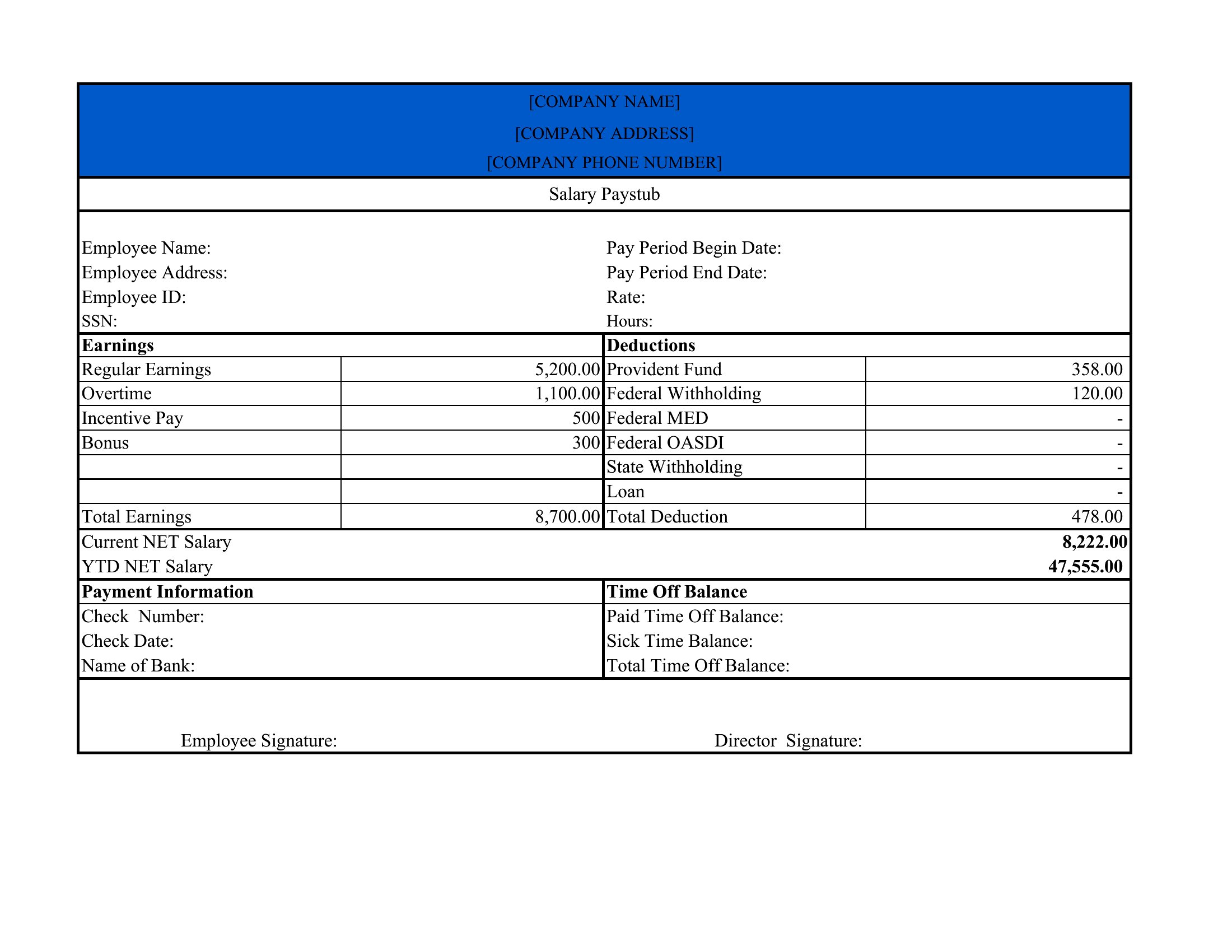
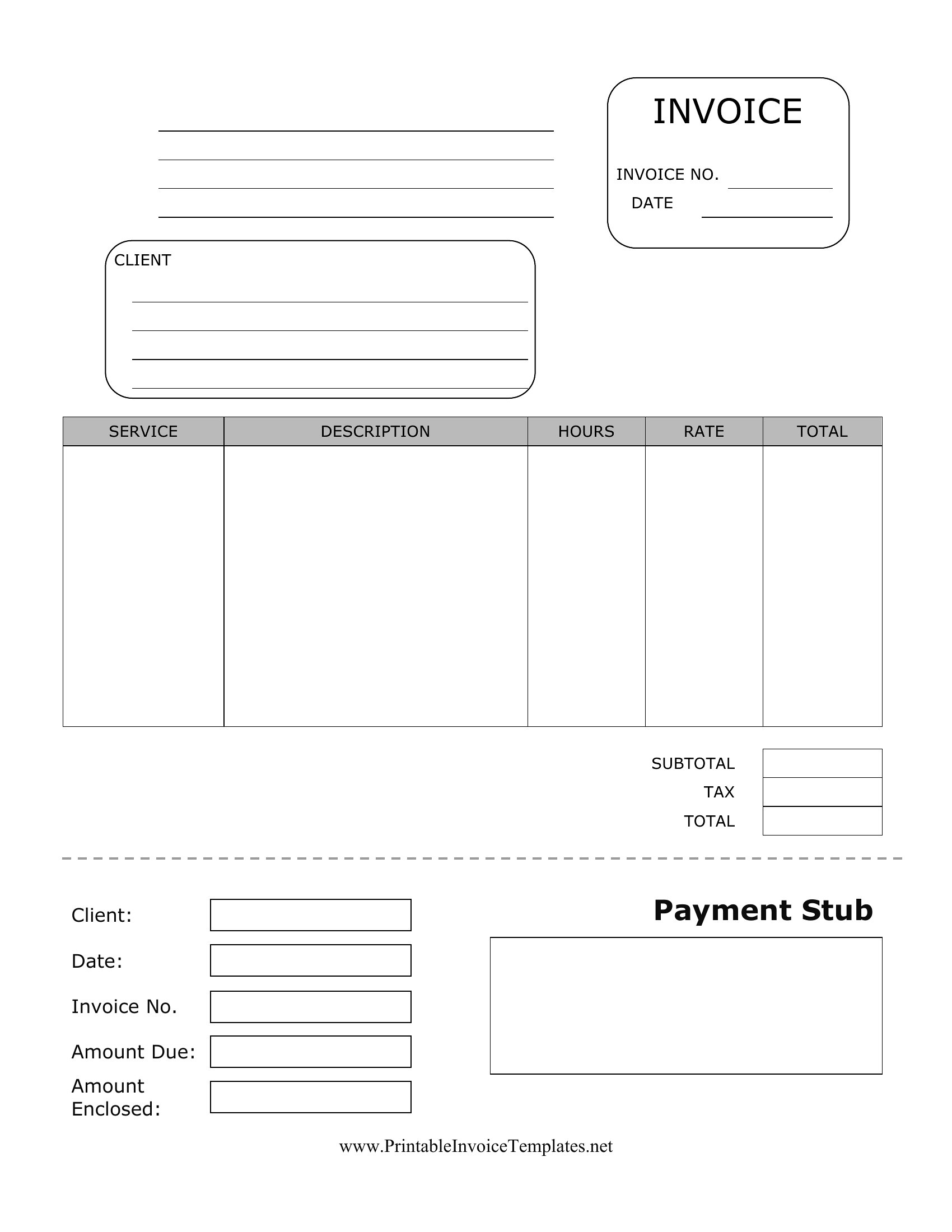
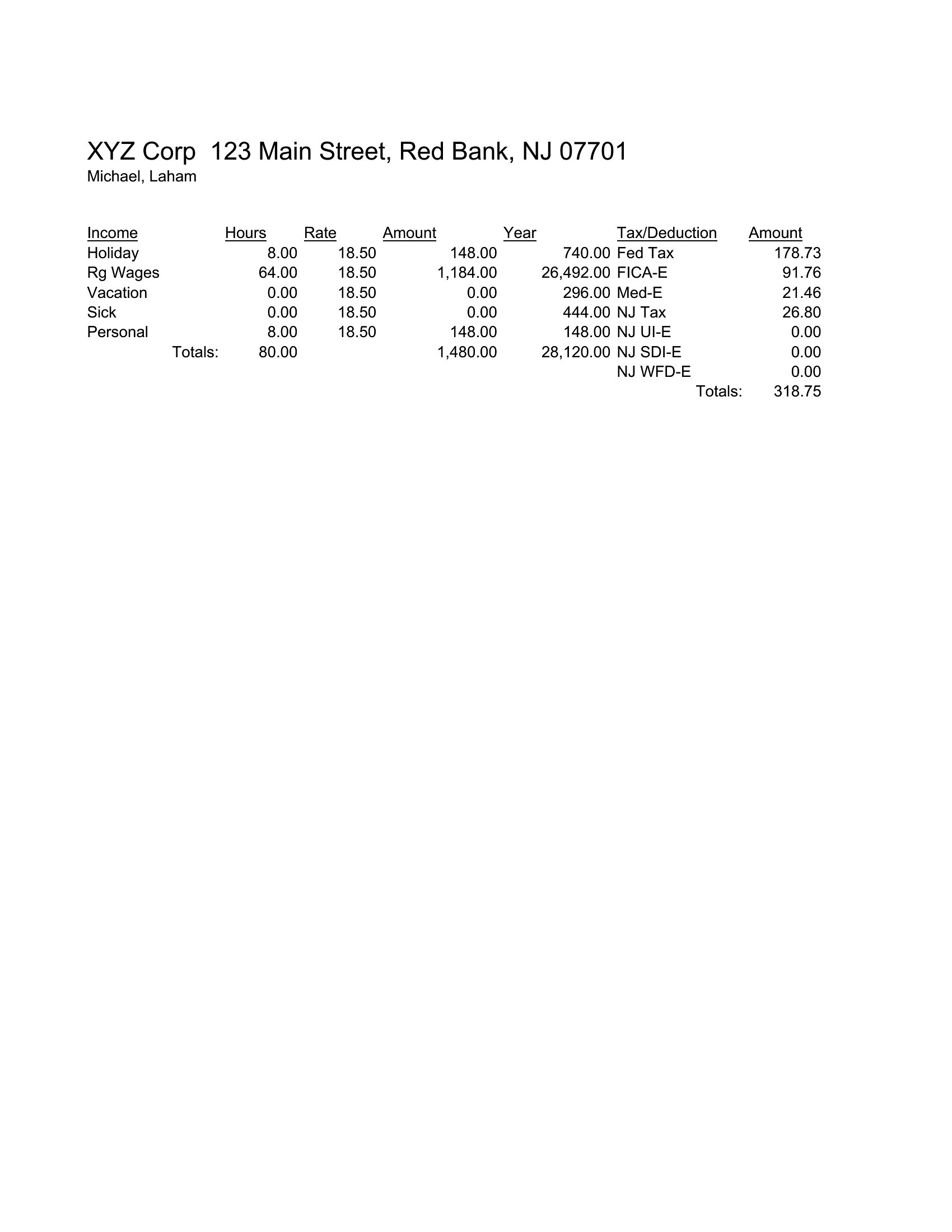
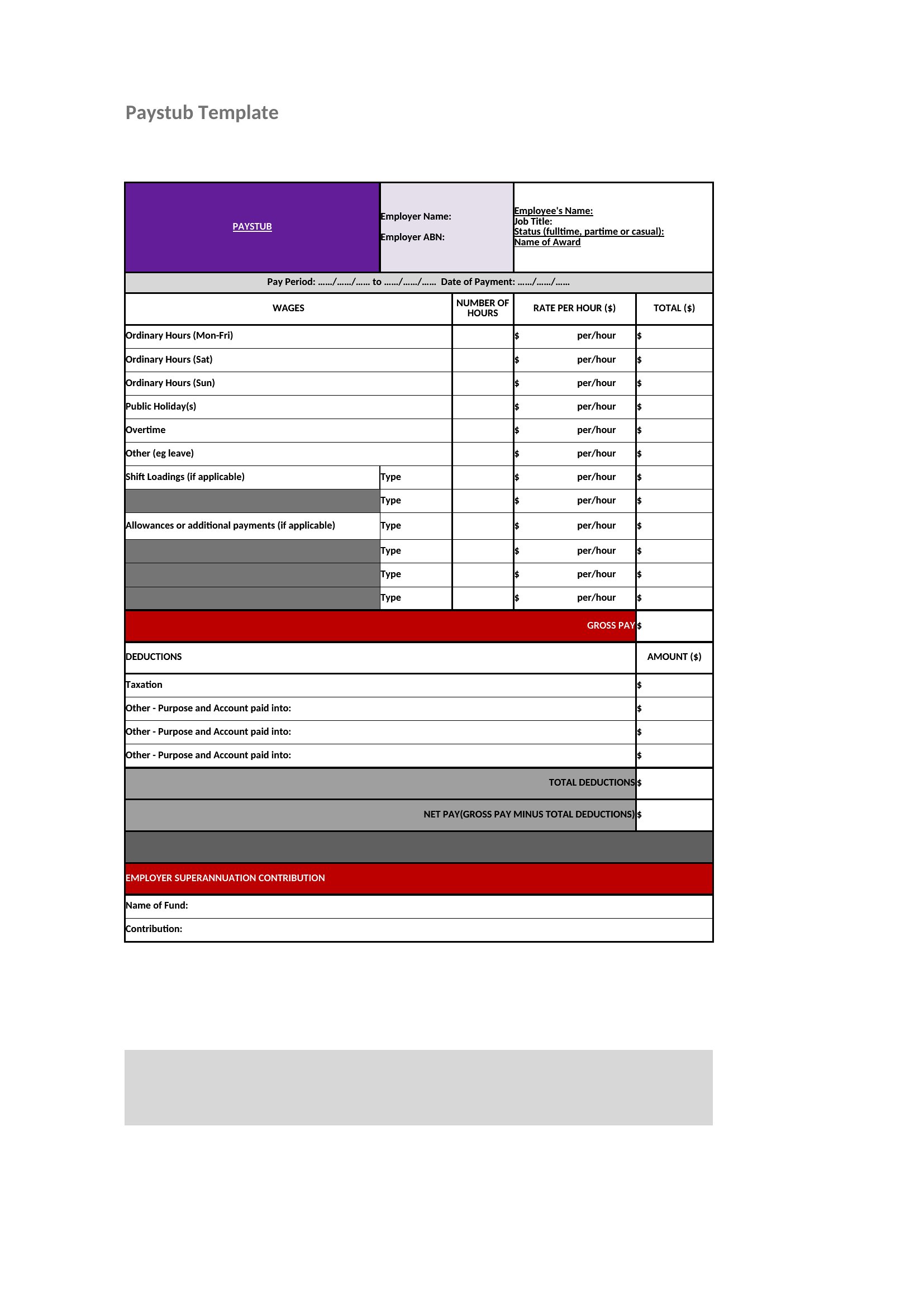
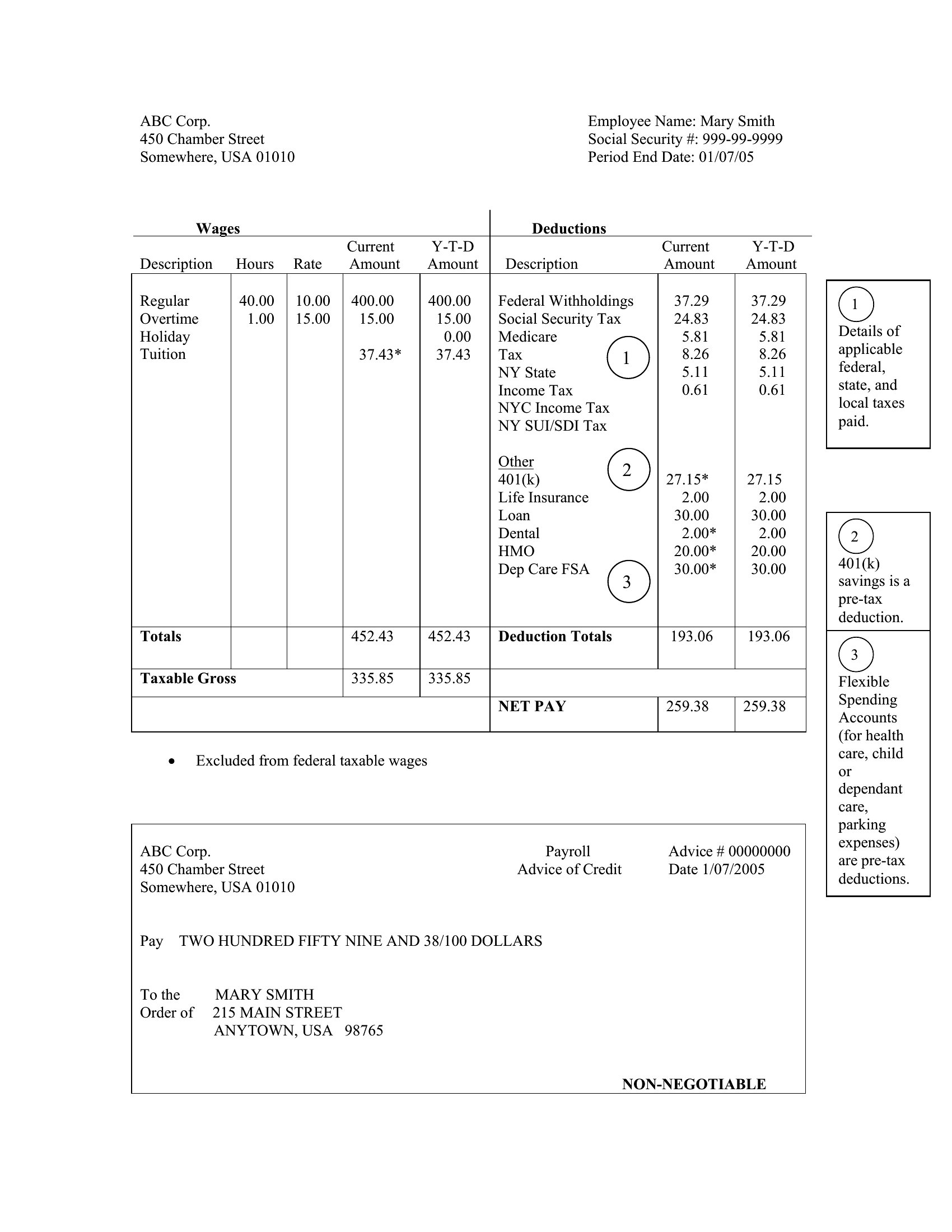
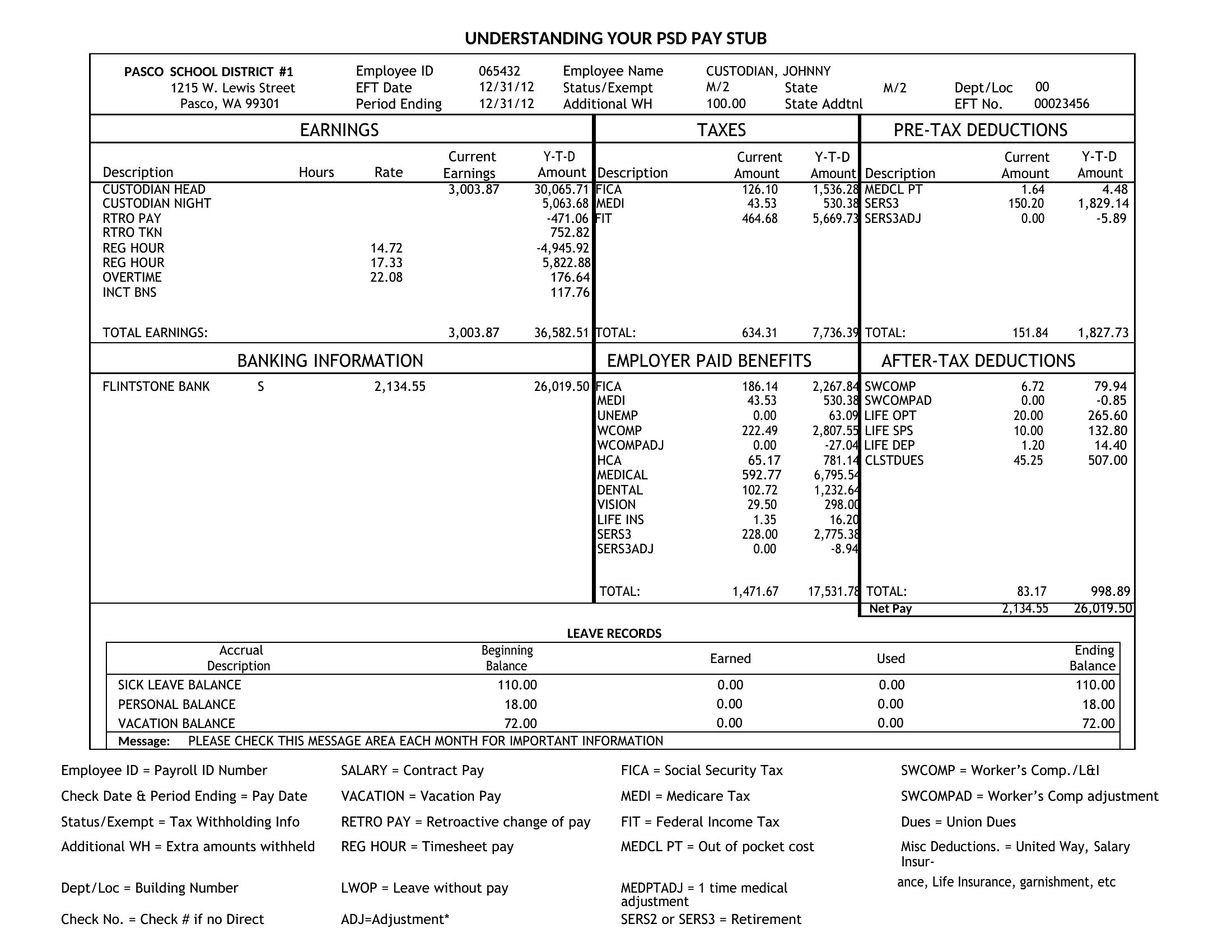
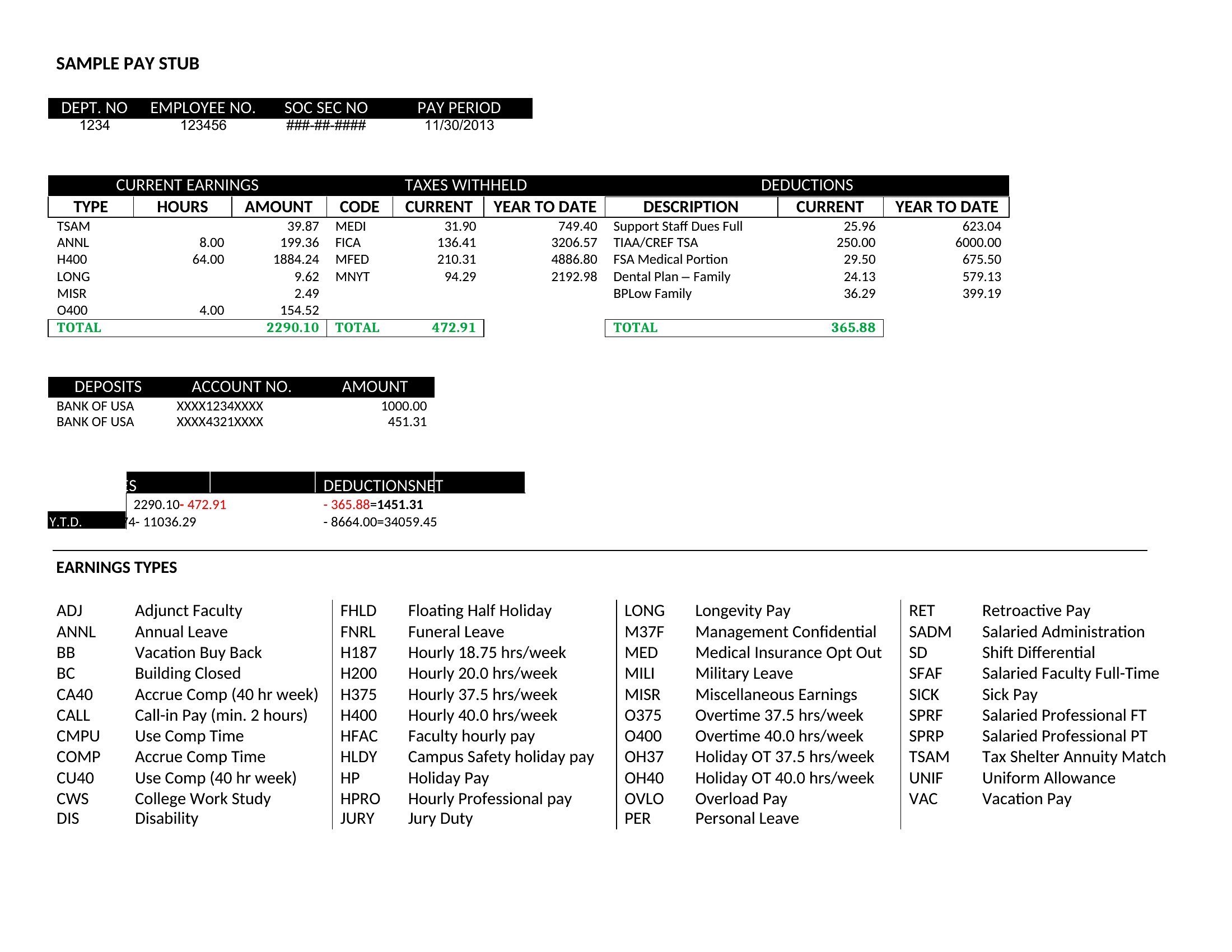
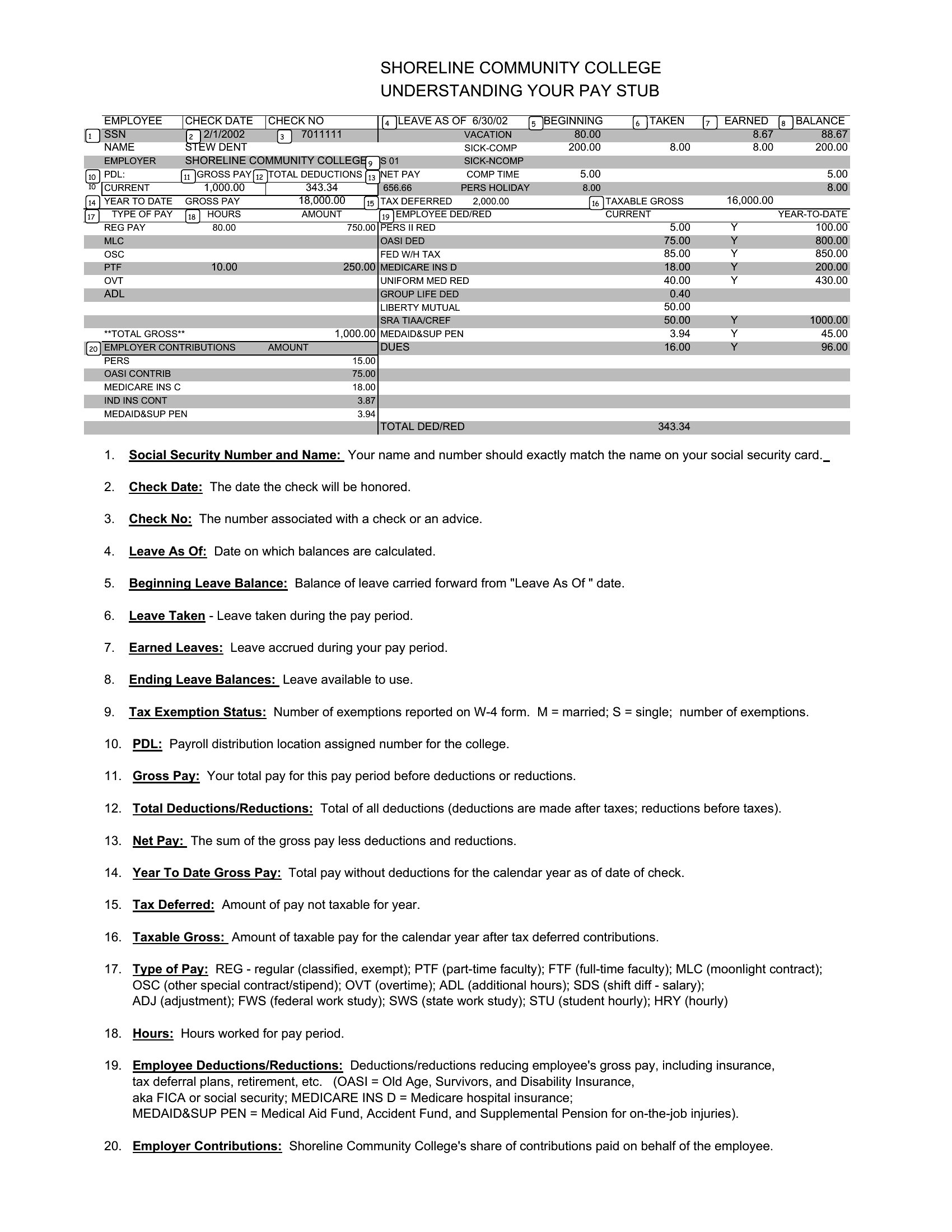
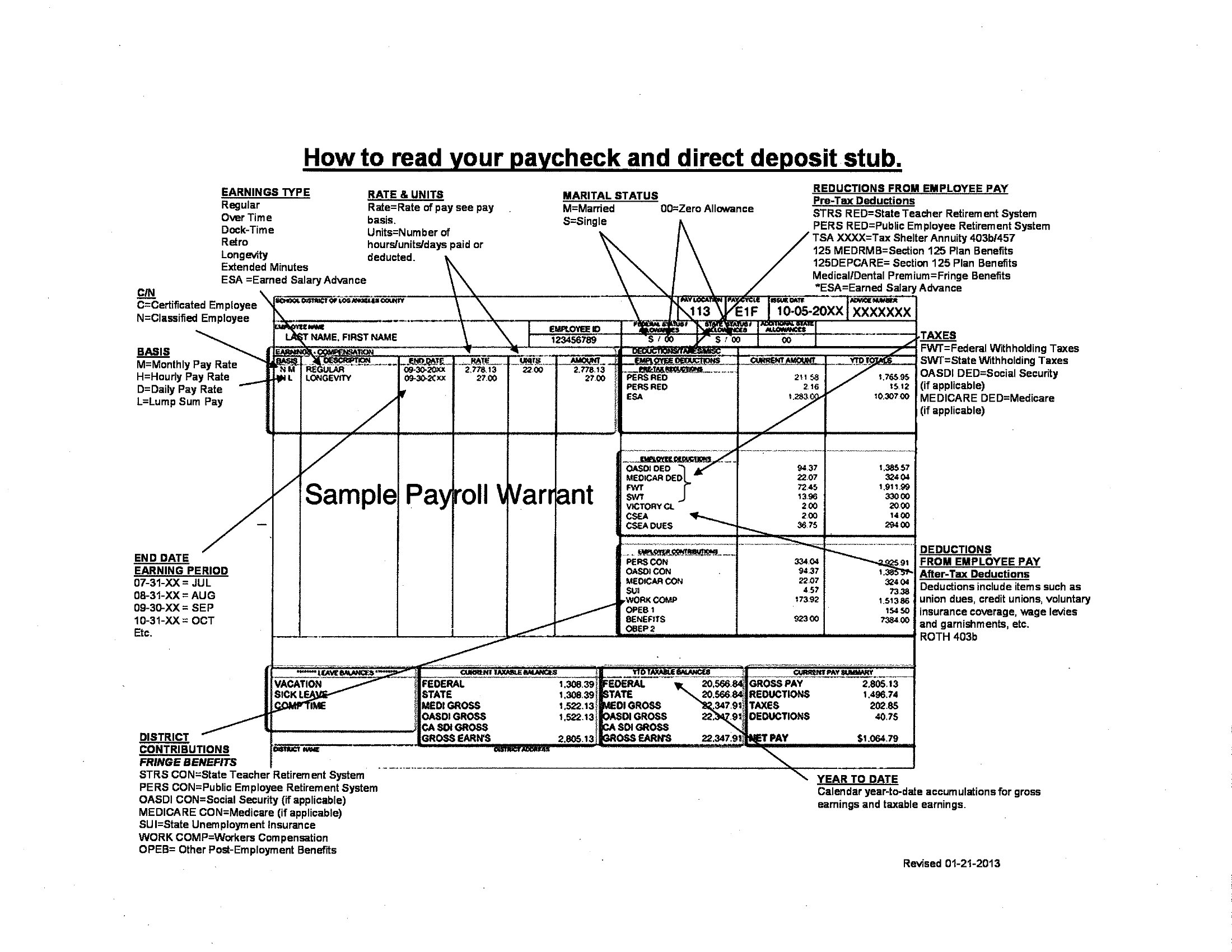
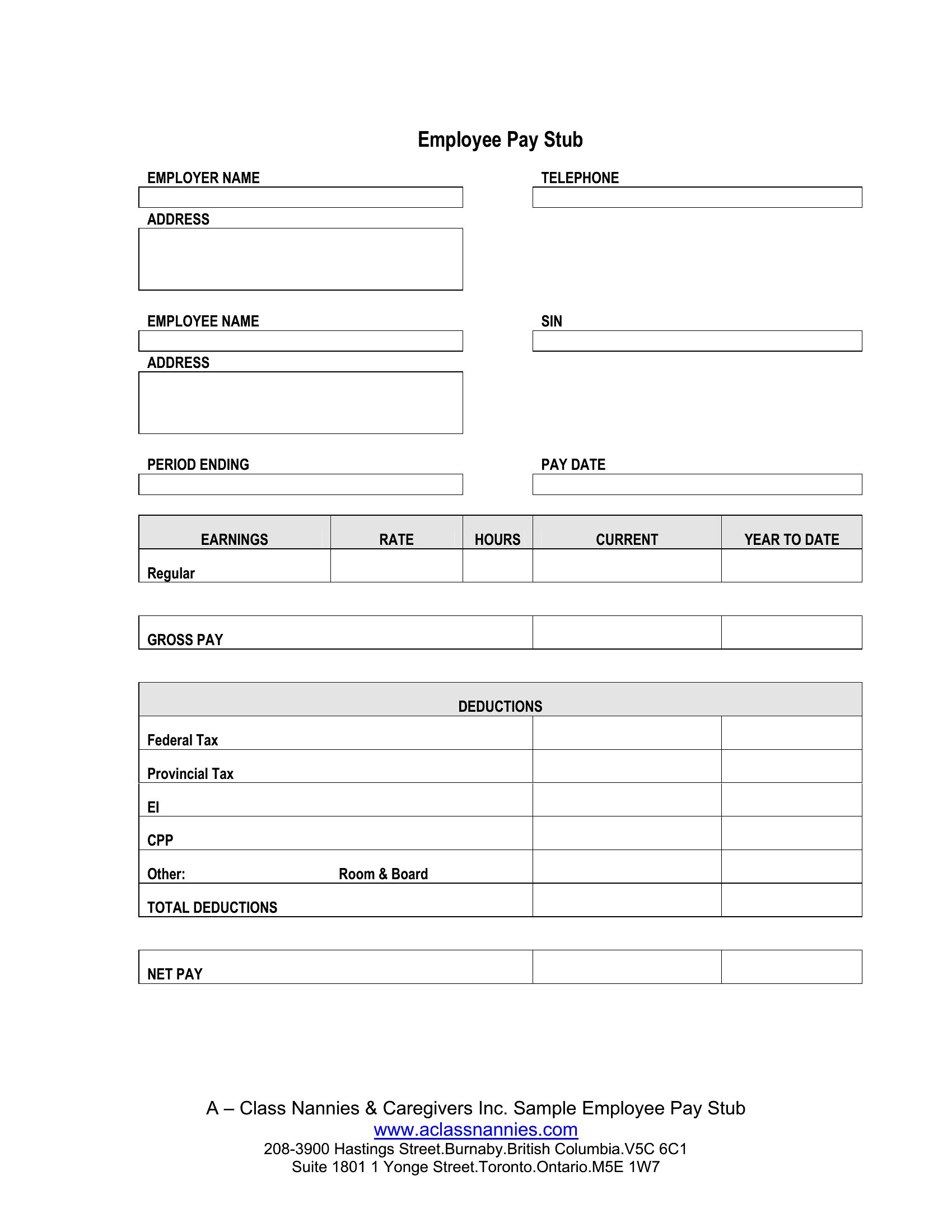
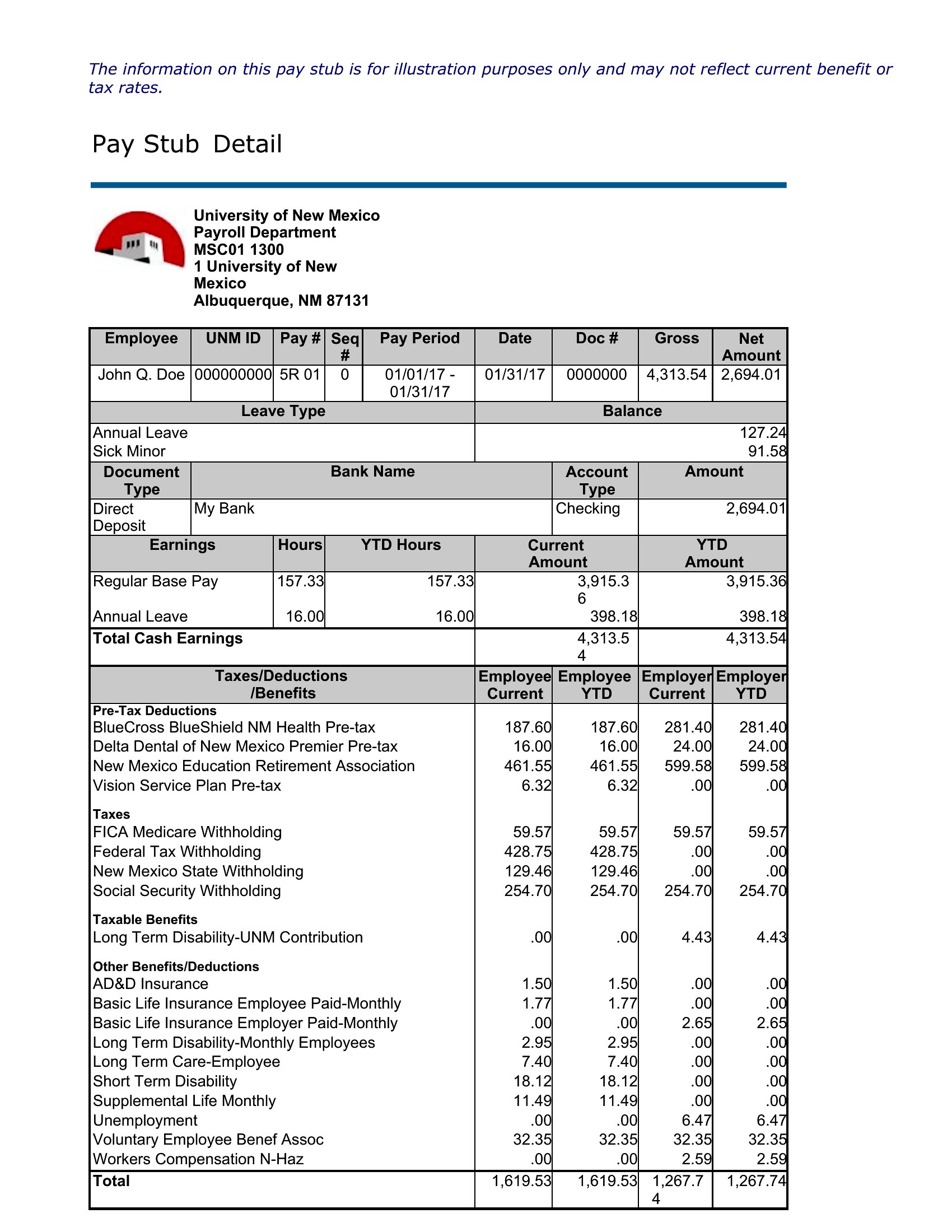
Pay Stub Sample
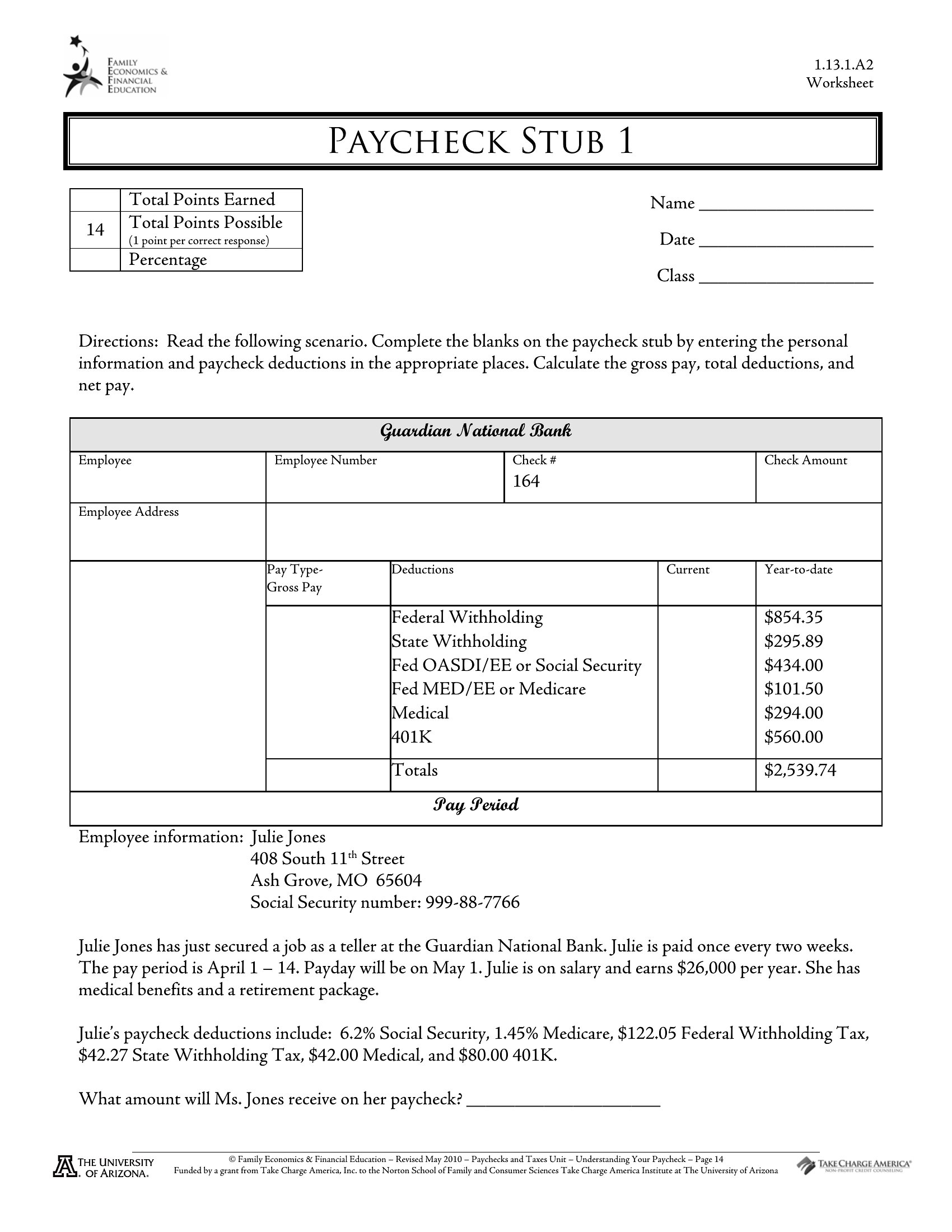
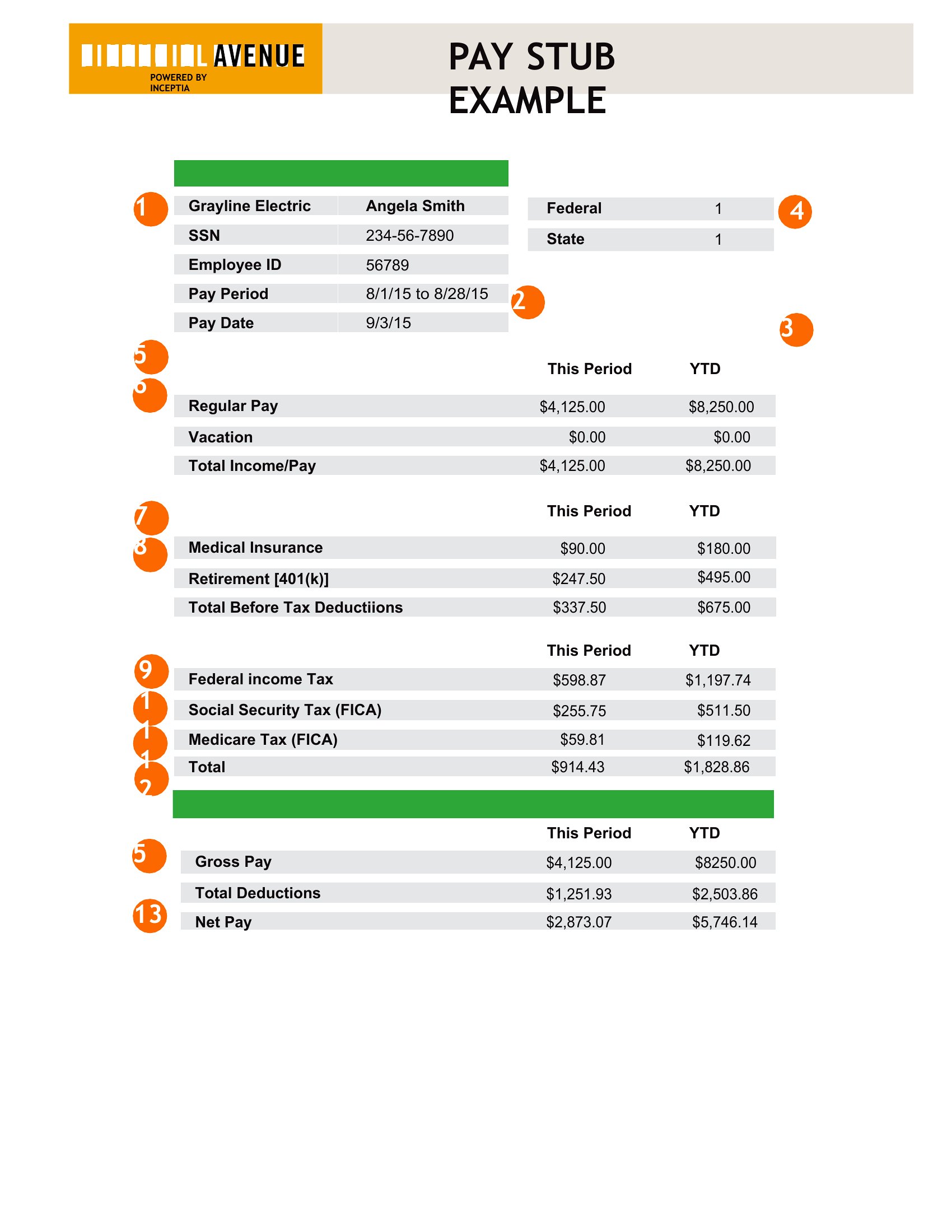
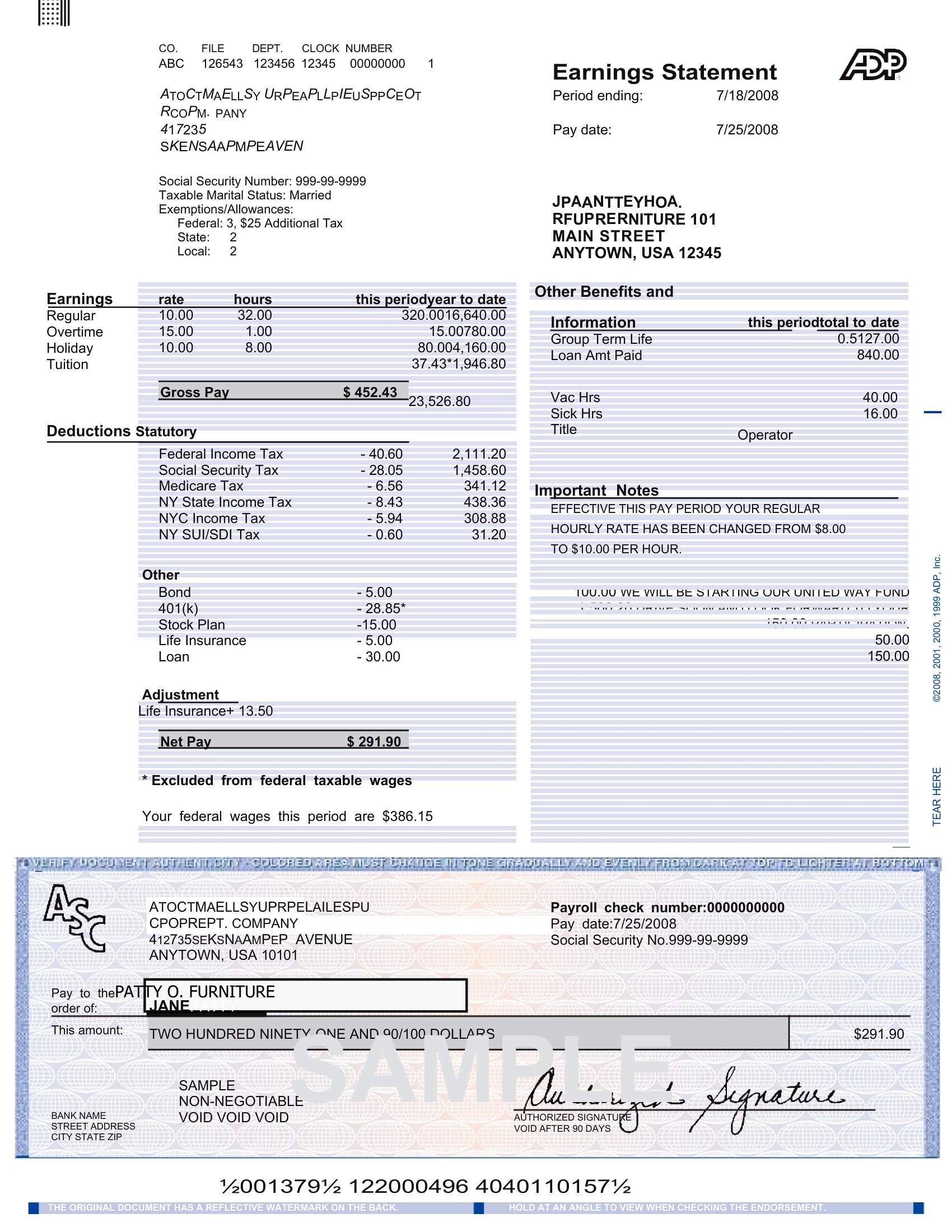
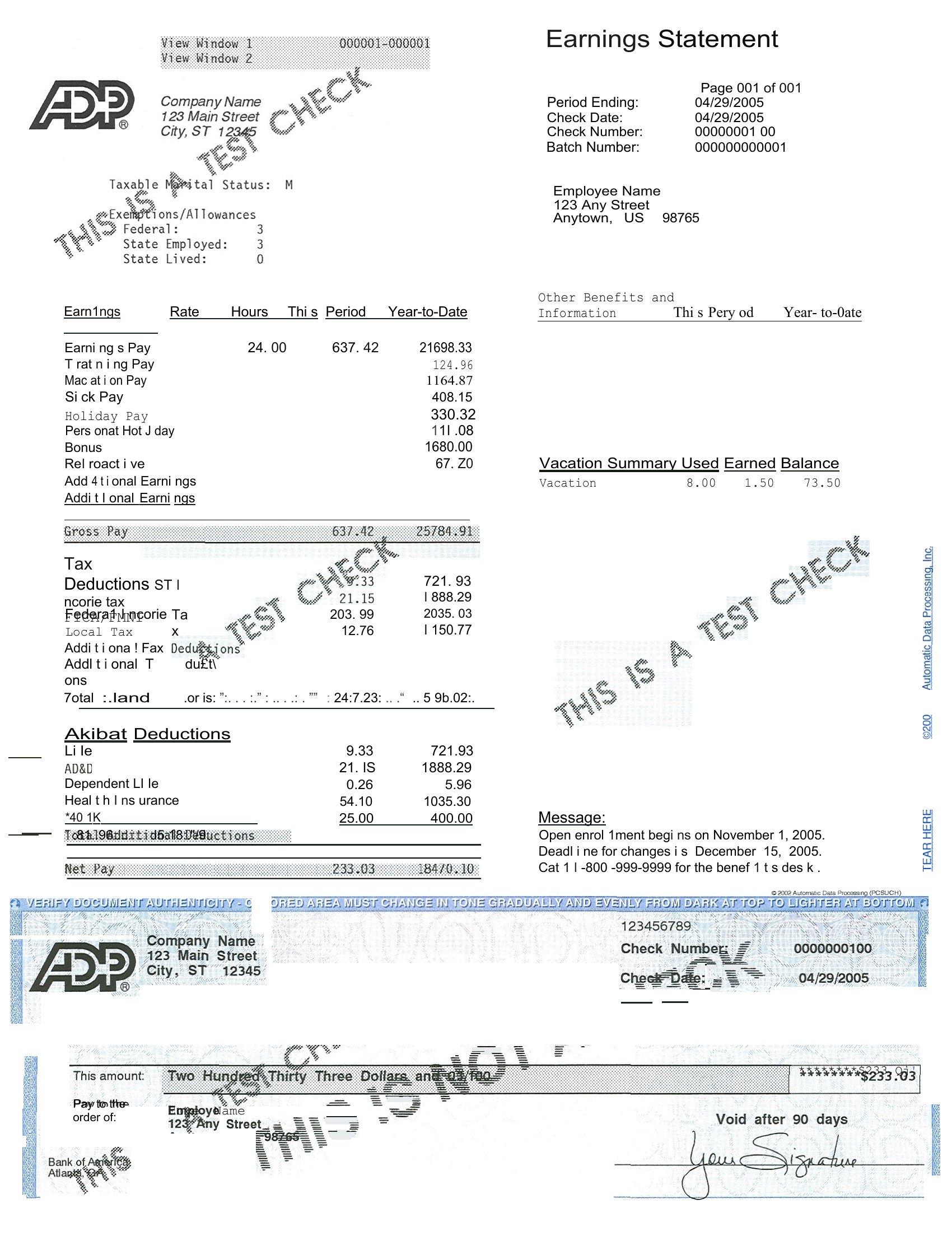
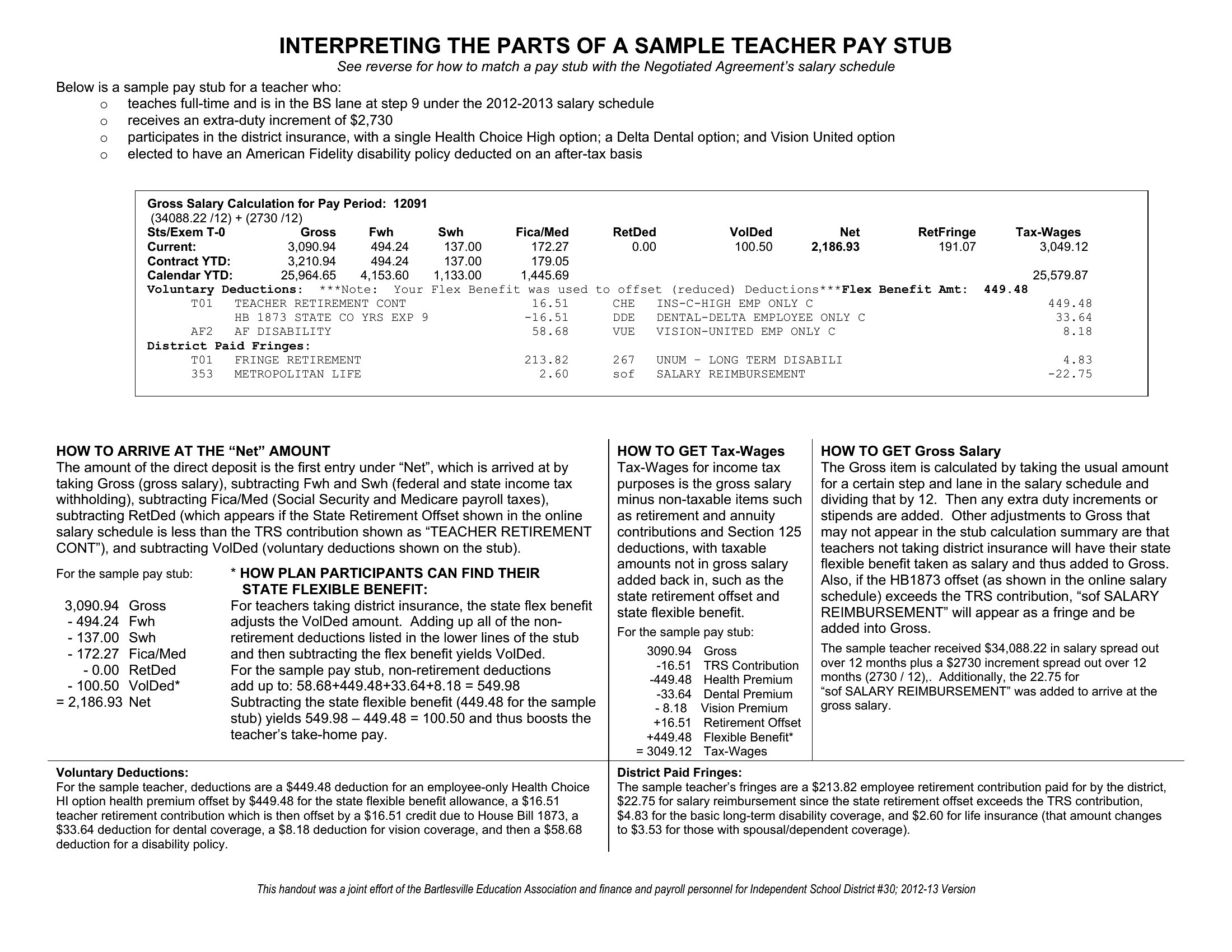
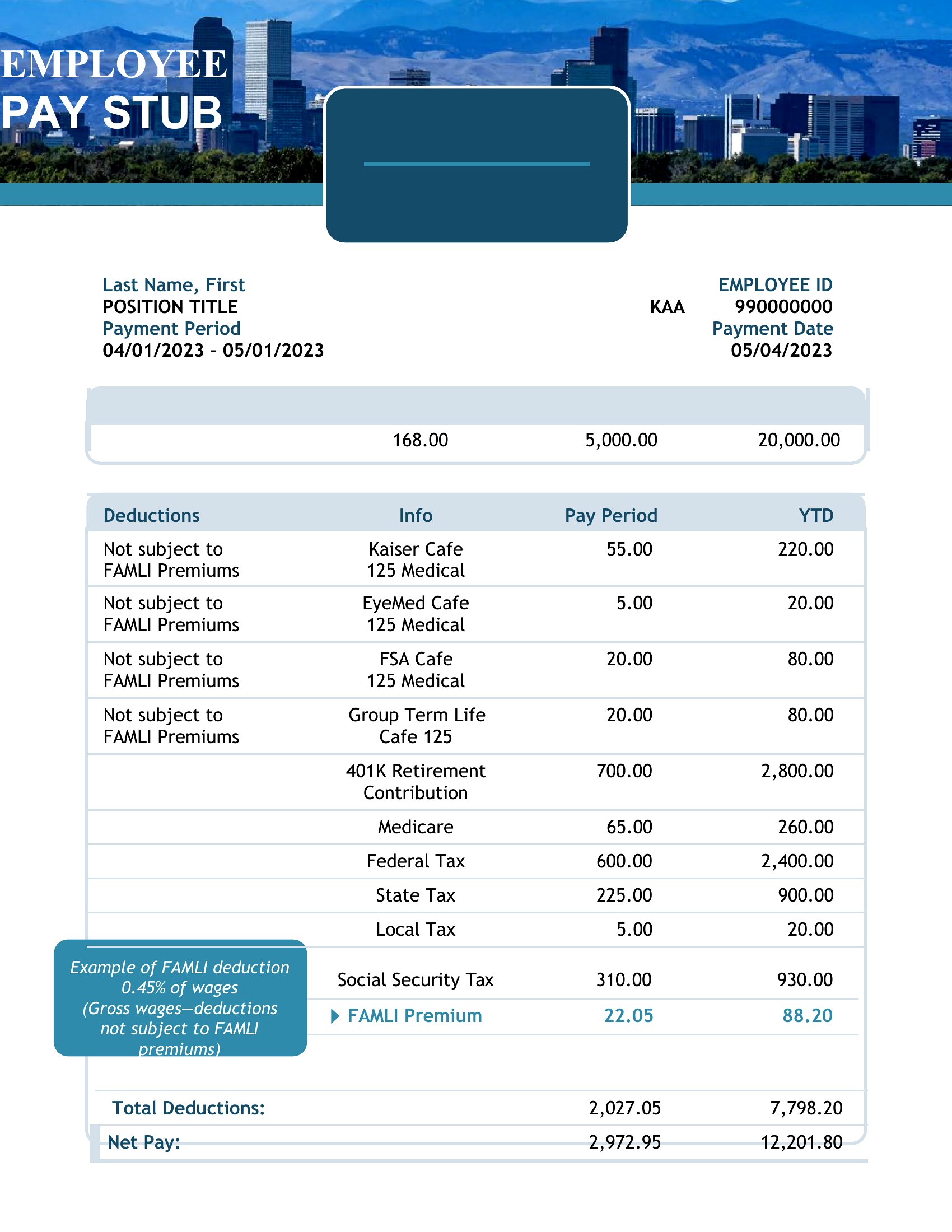
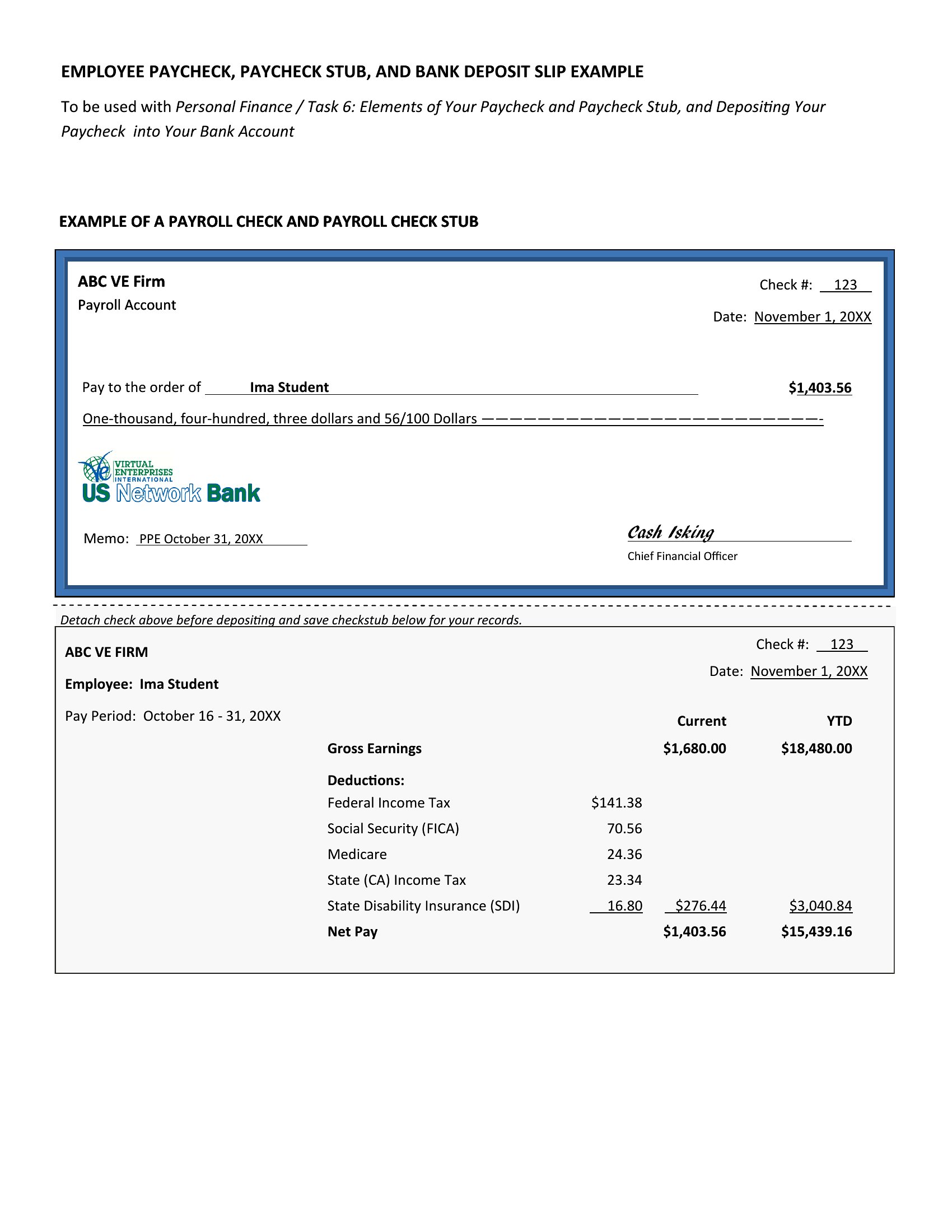
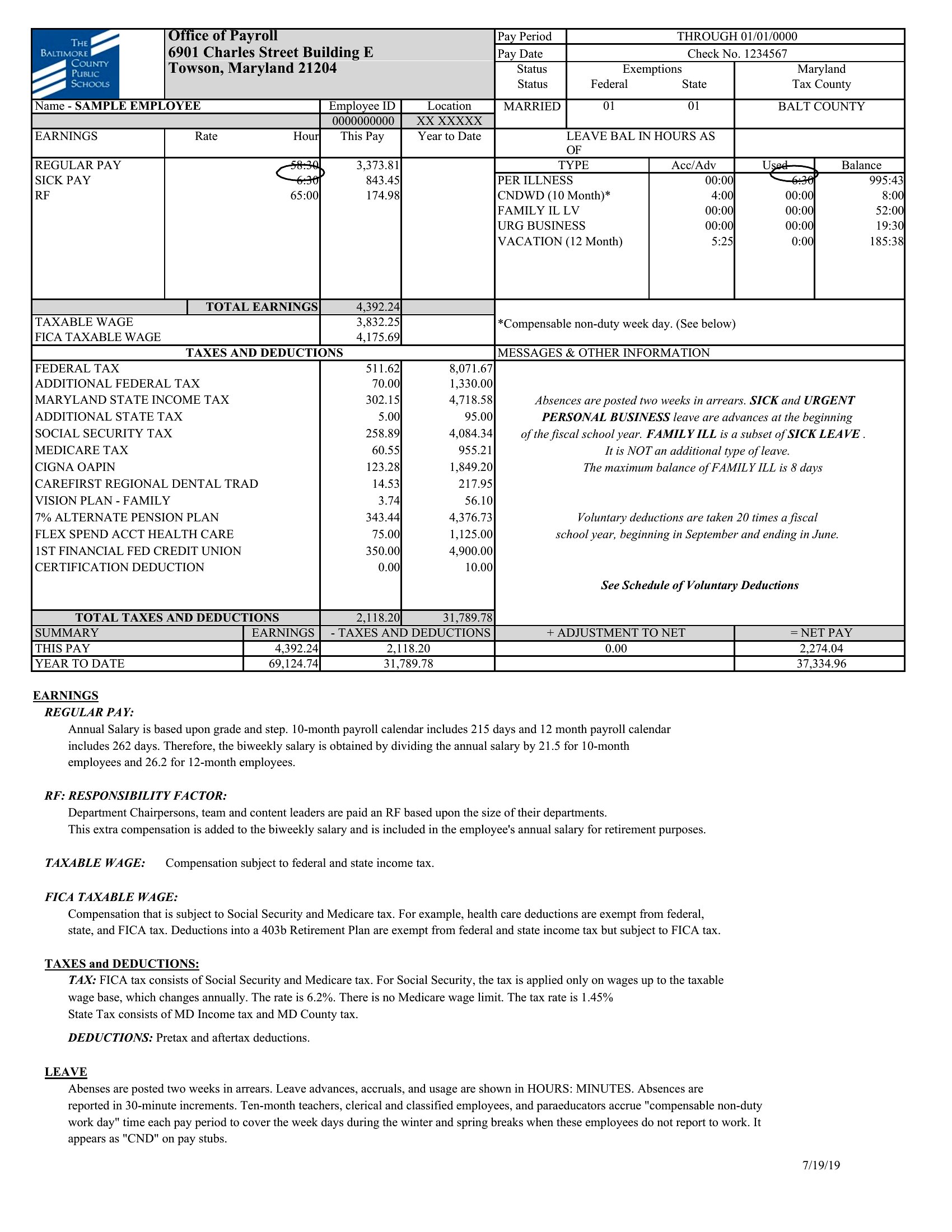
Pay Stub Pdf
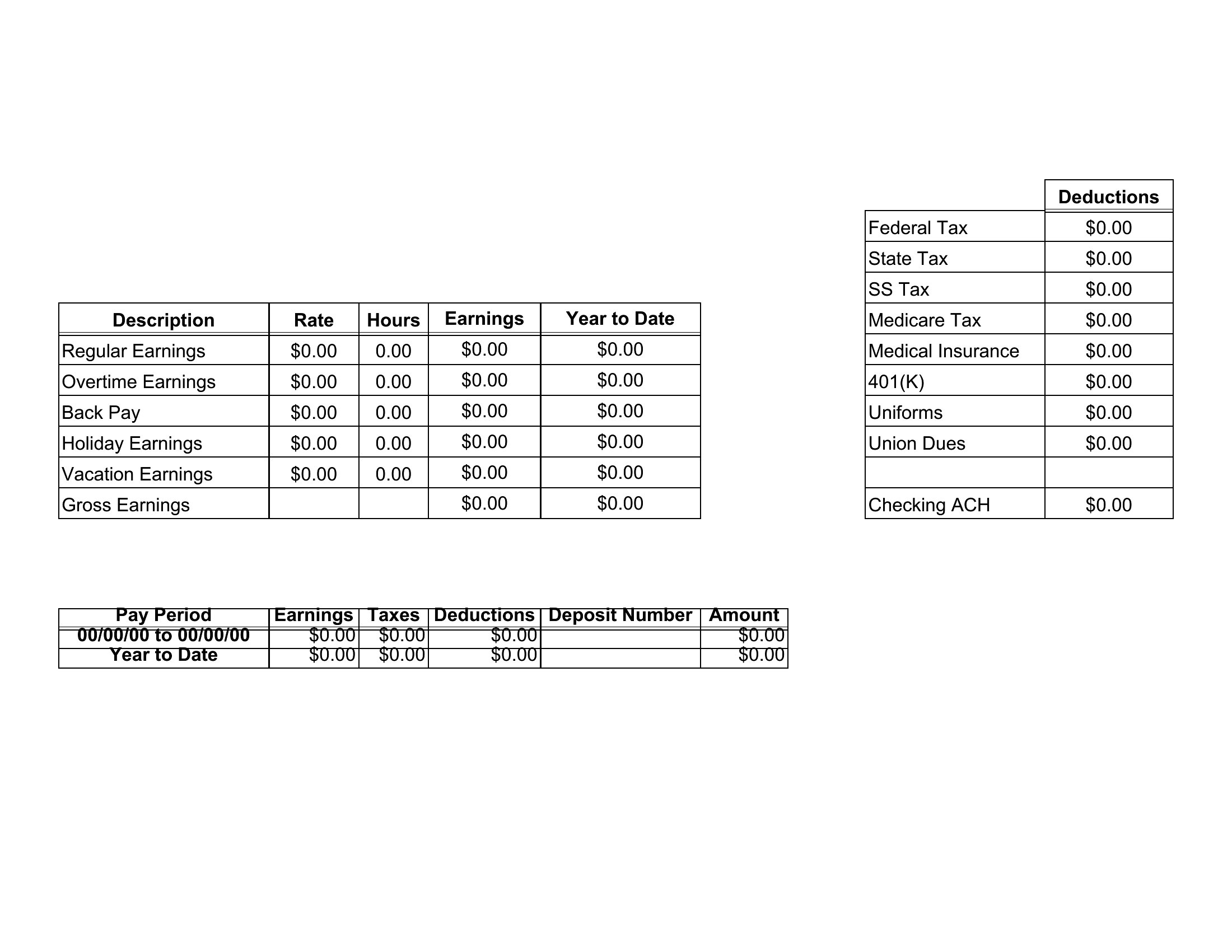
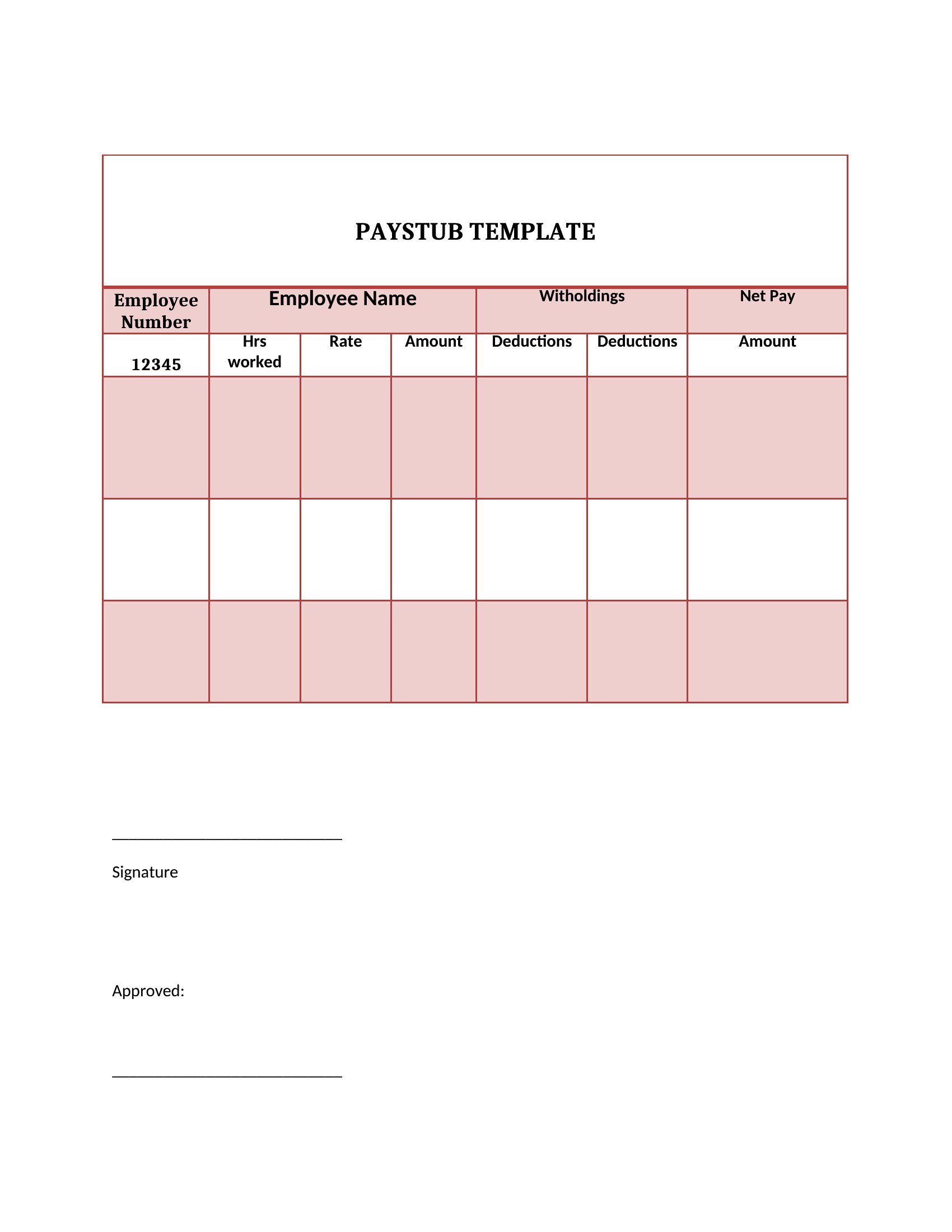
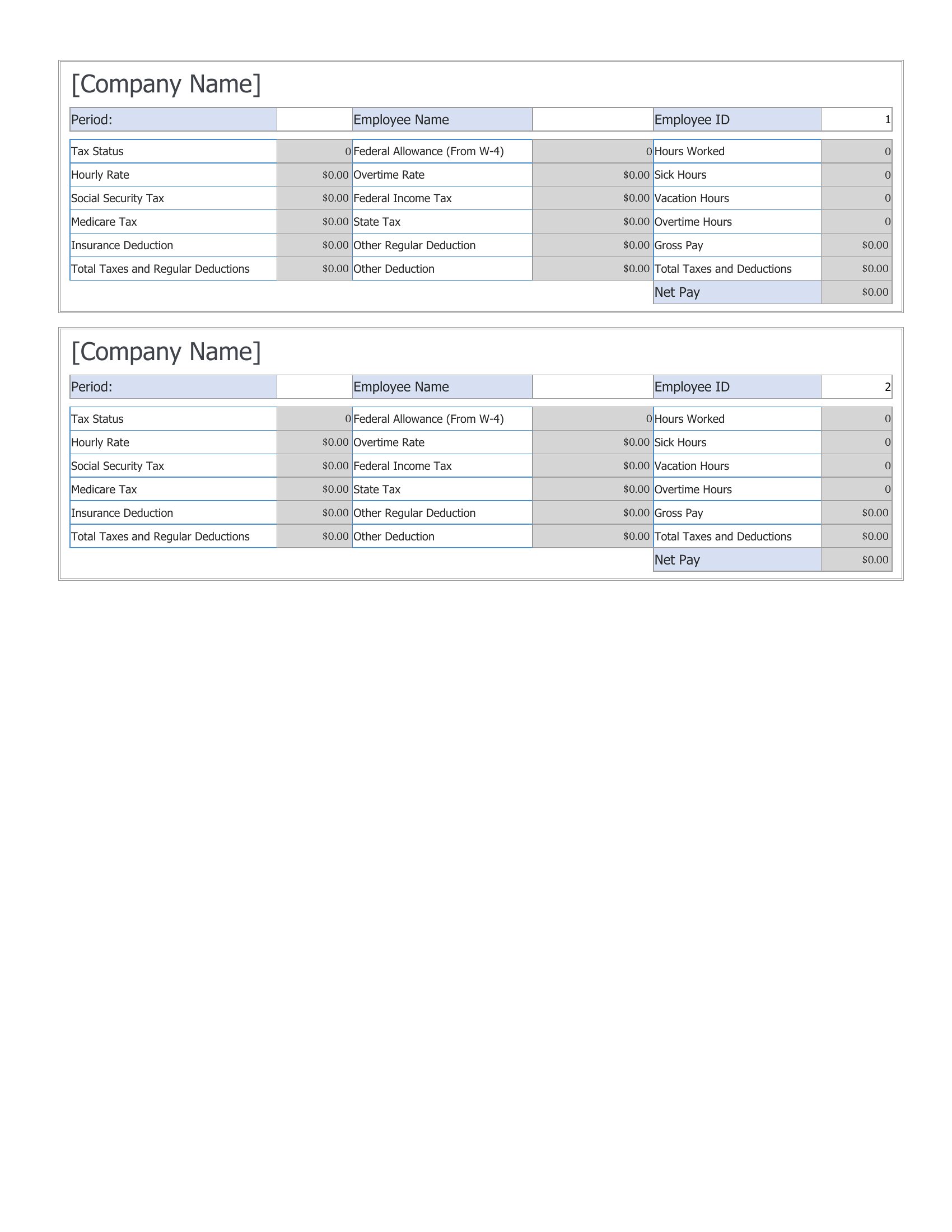
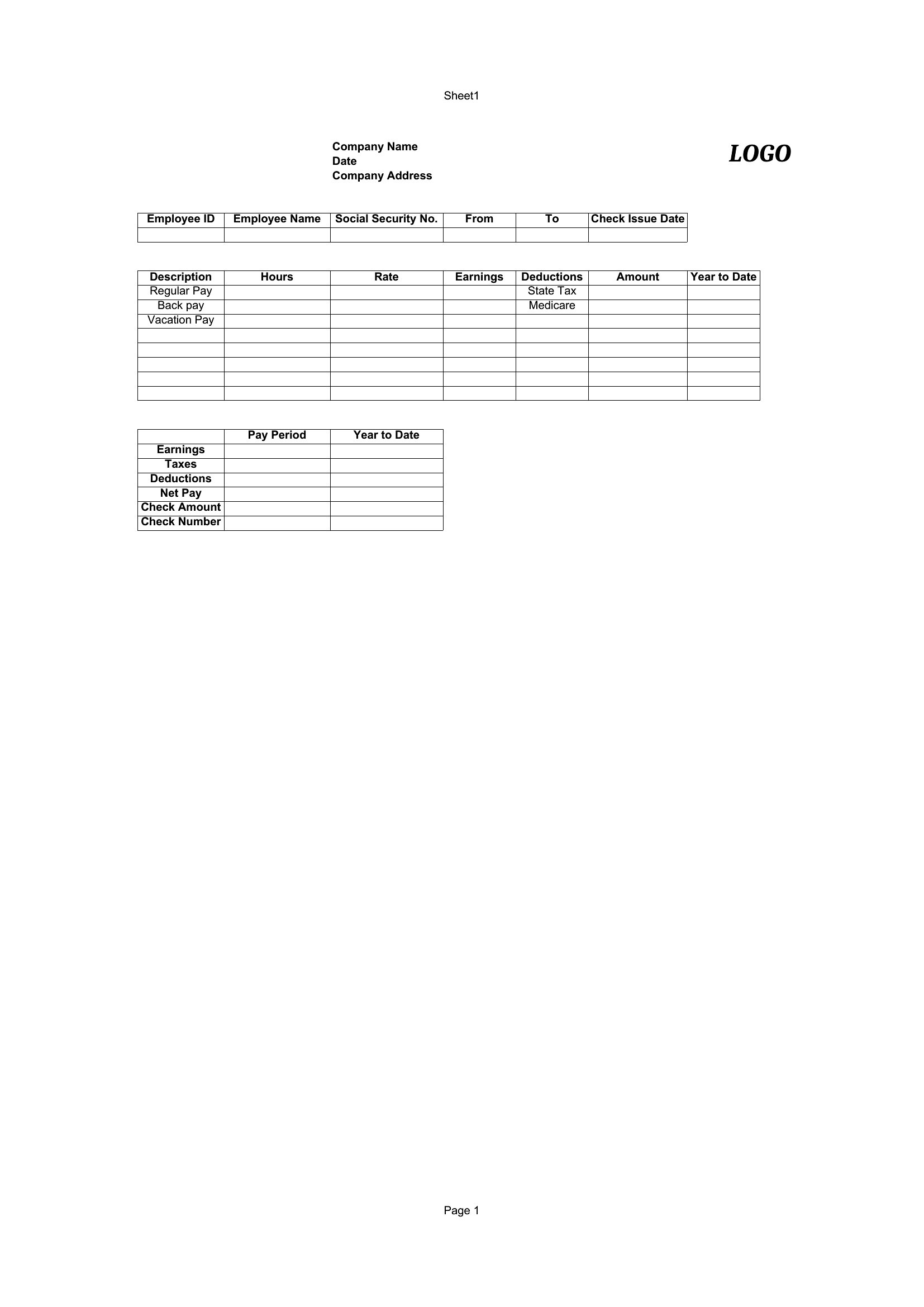
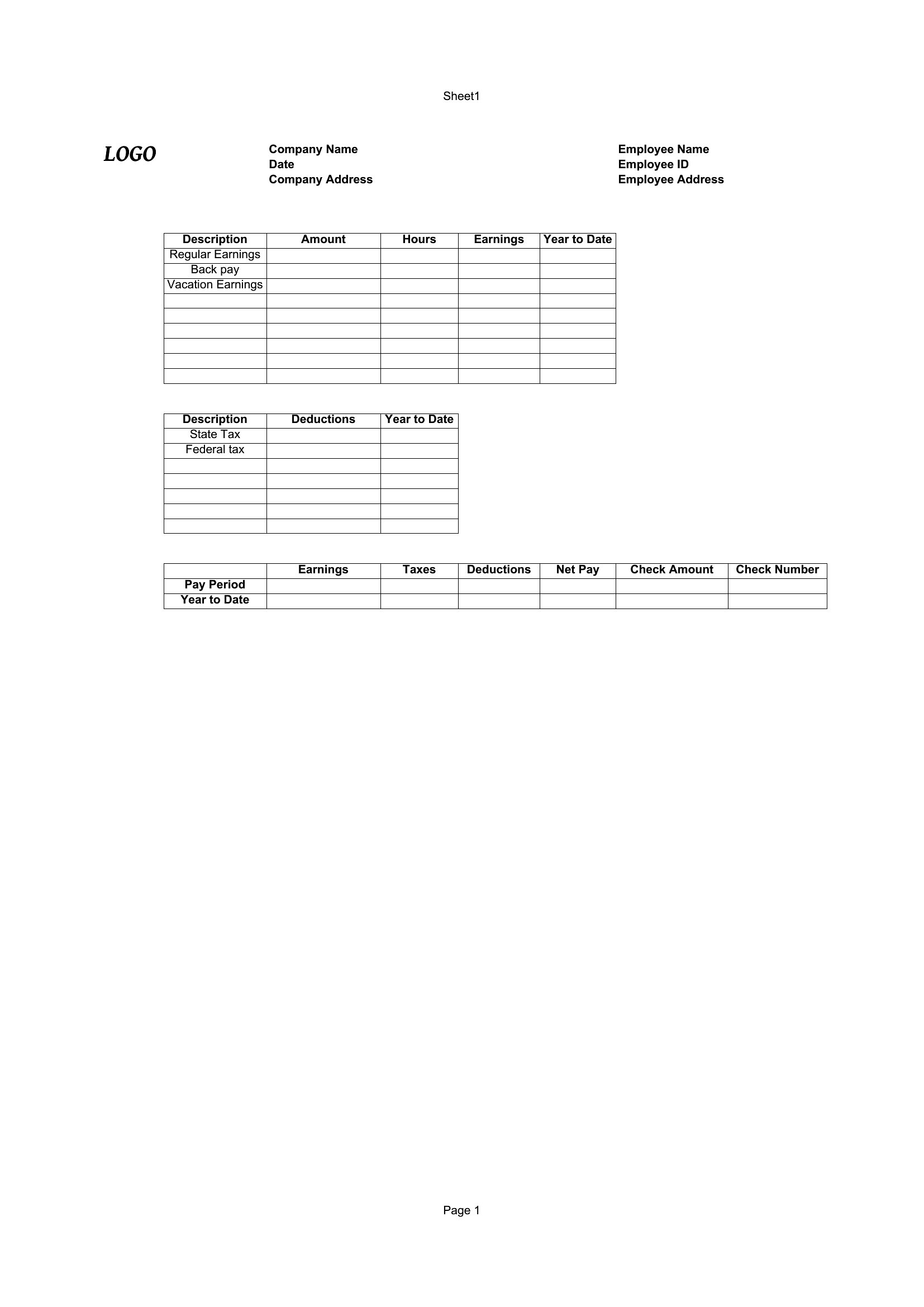
Blank Pay Stub
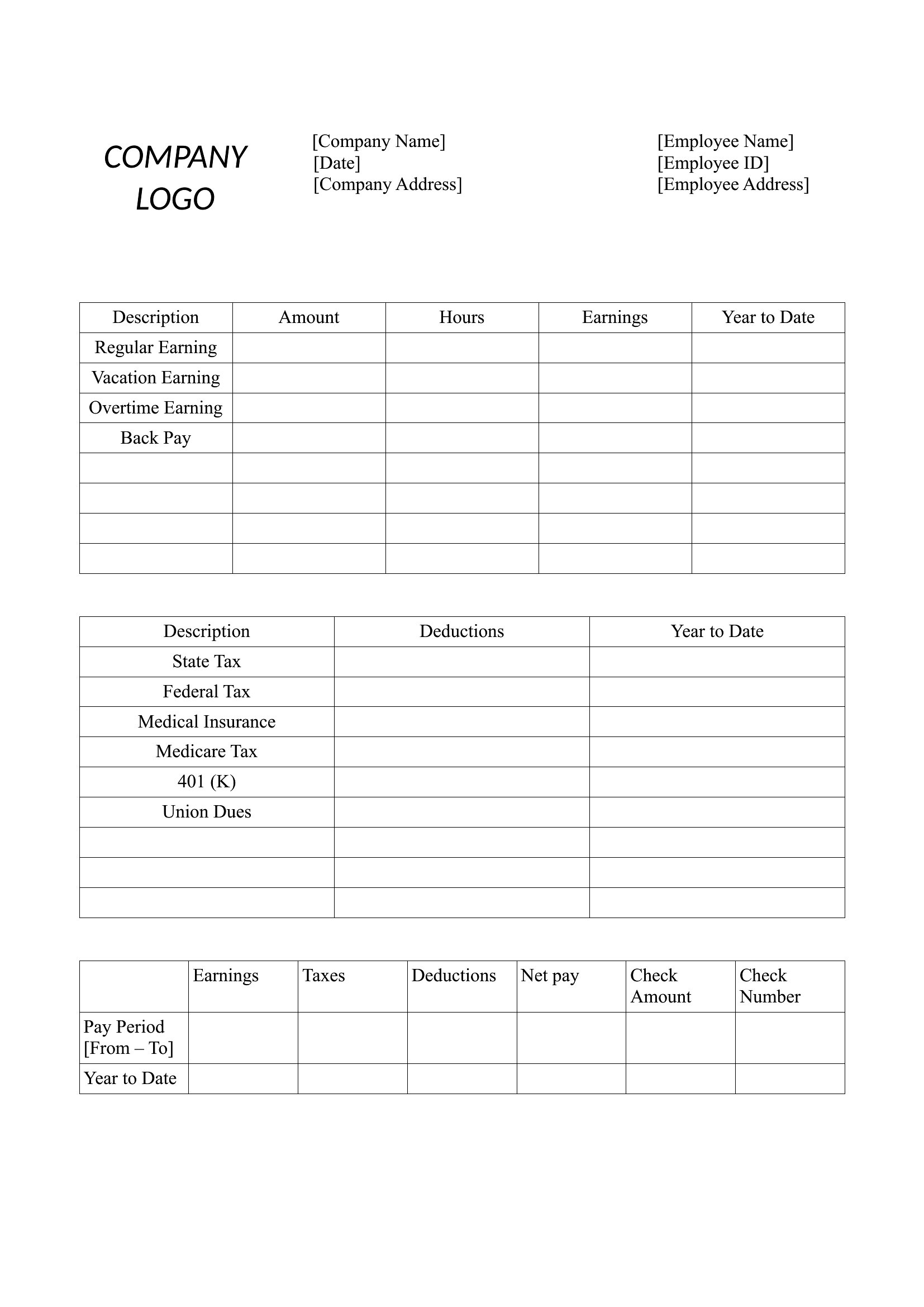
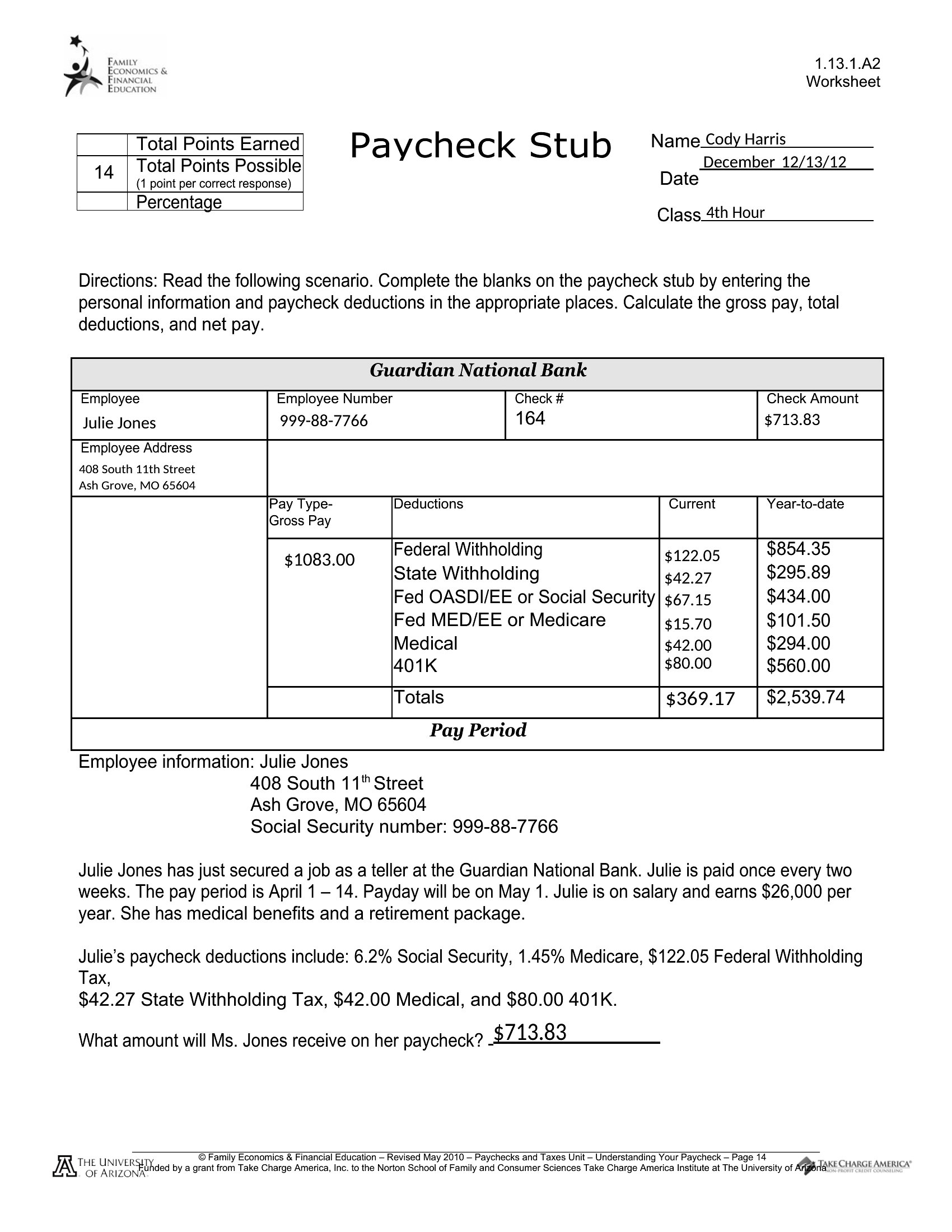
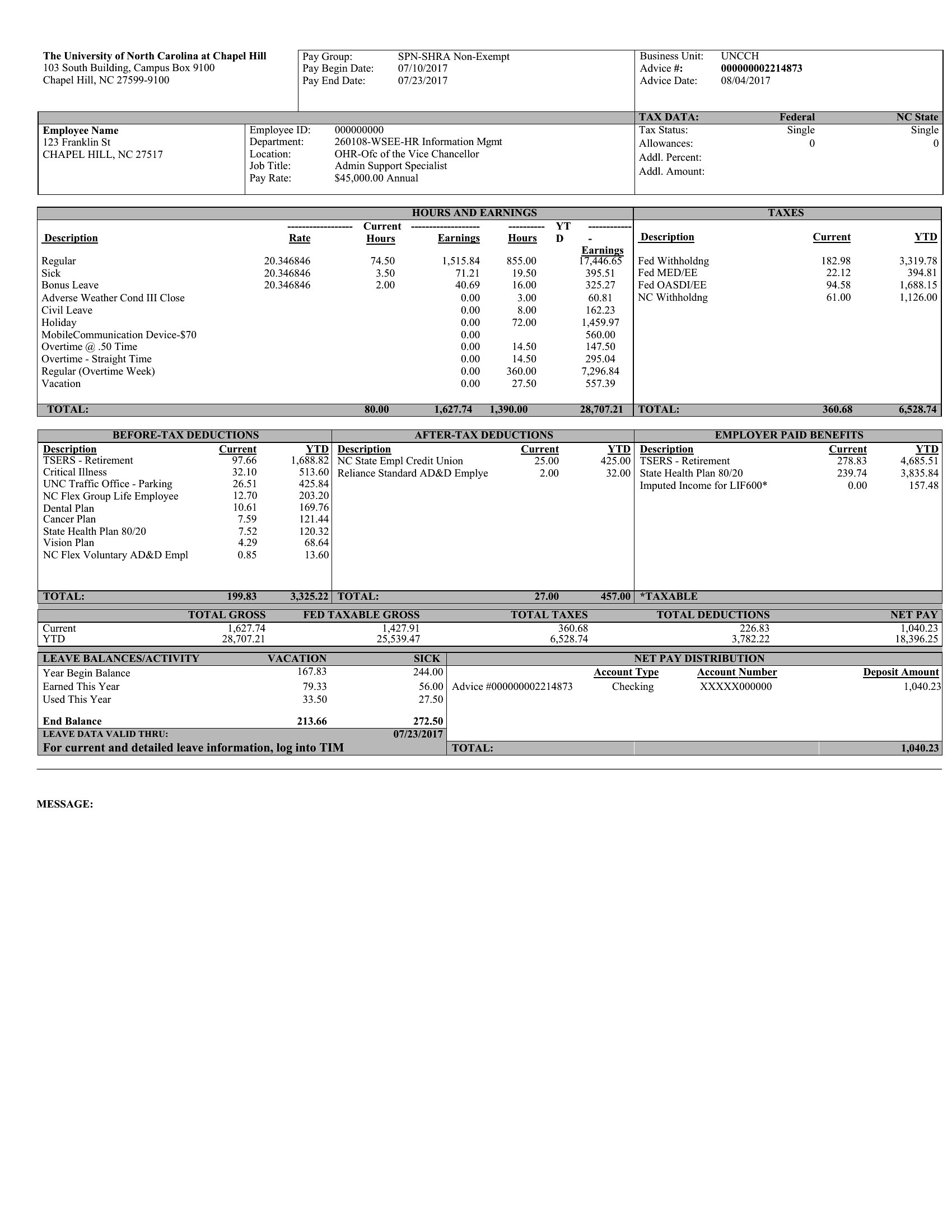
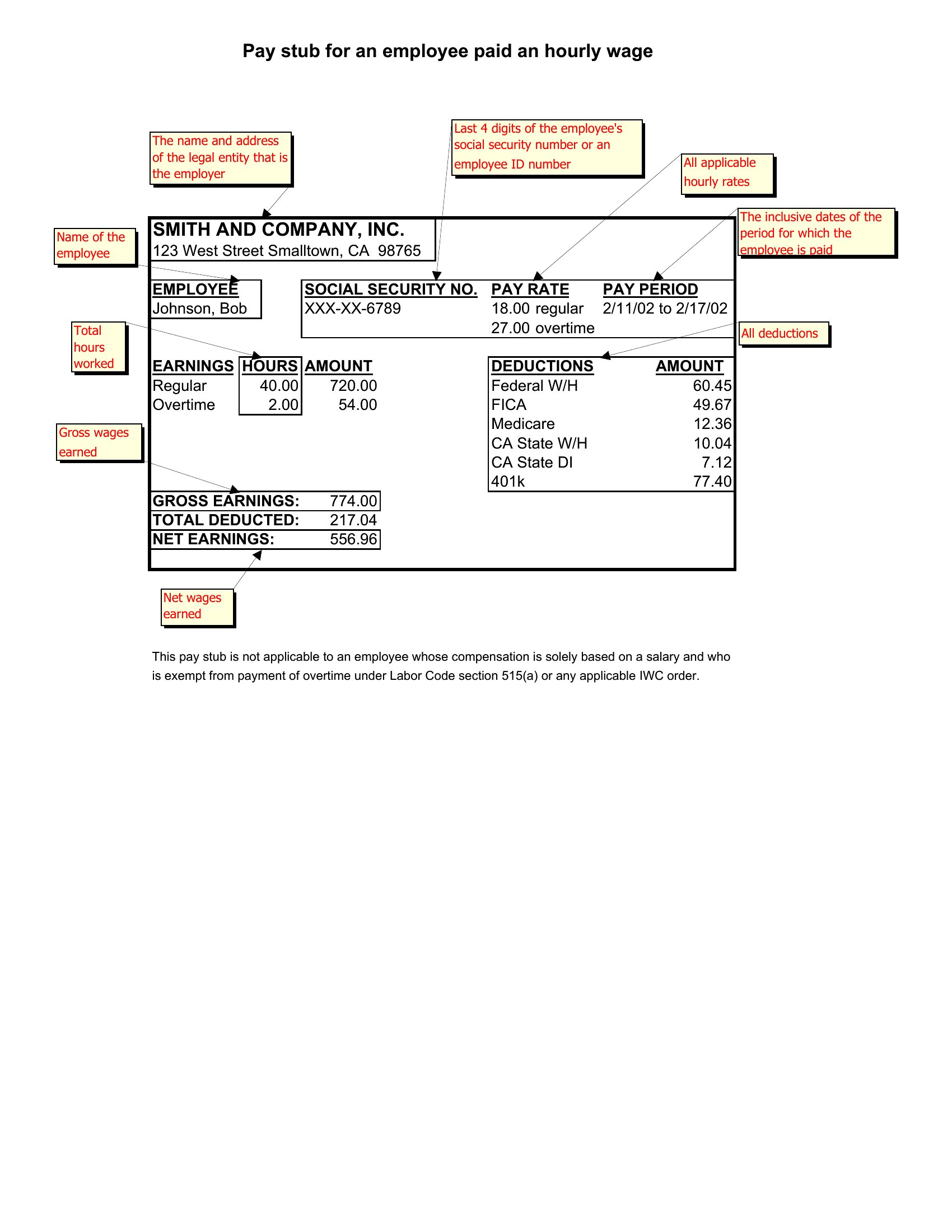
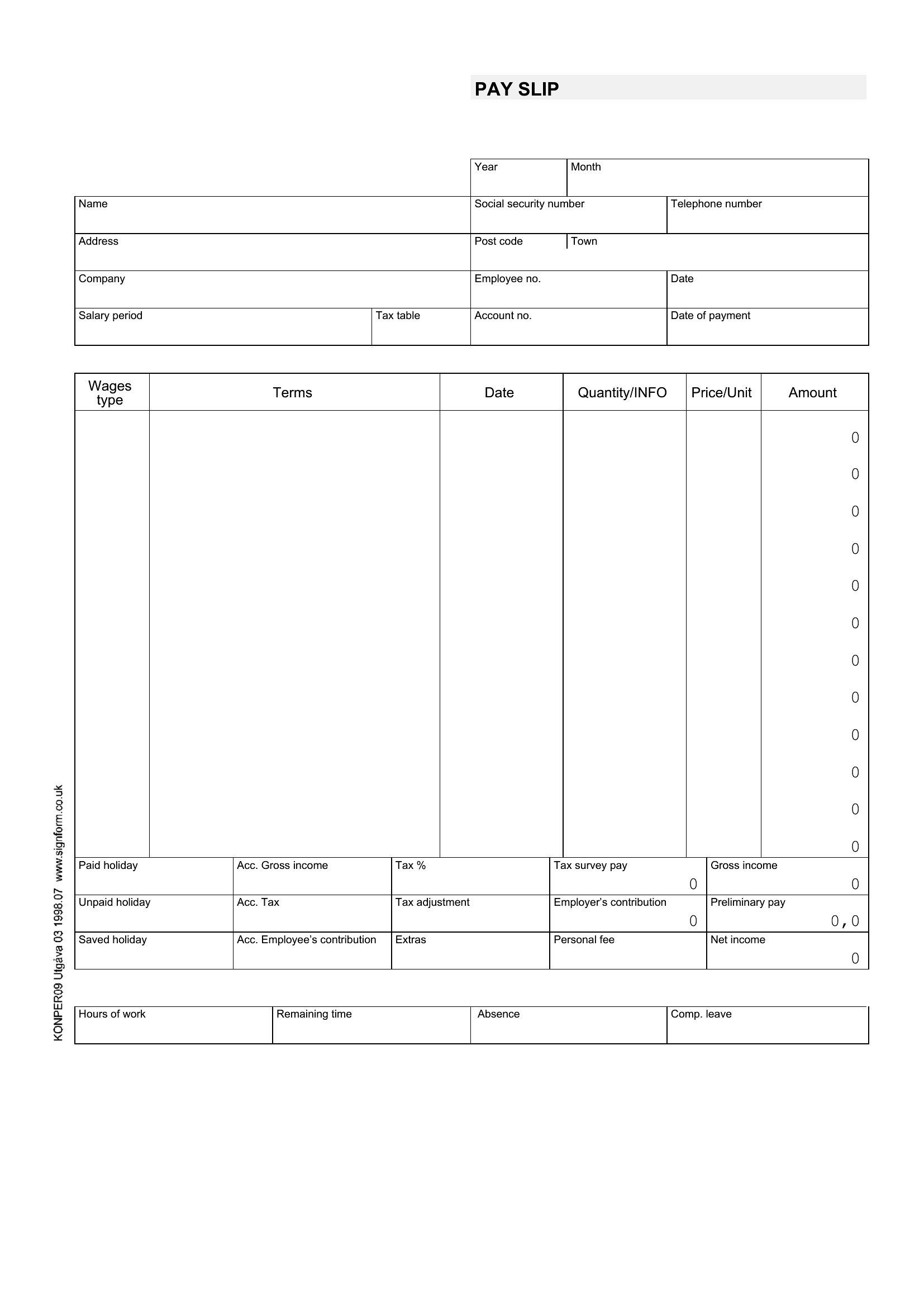
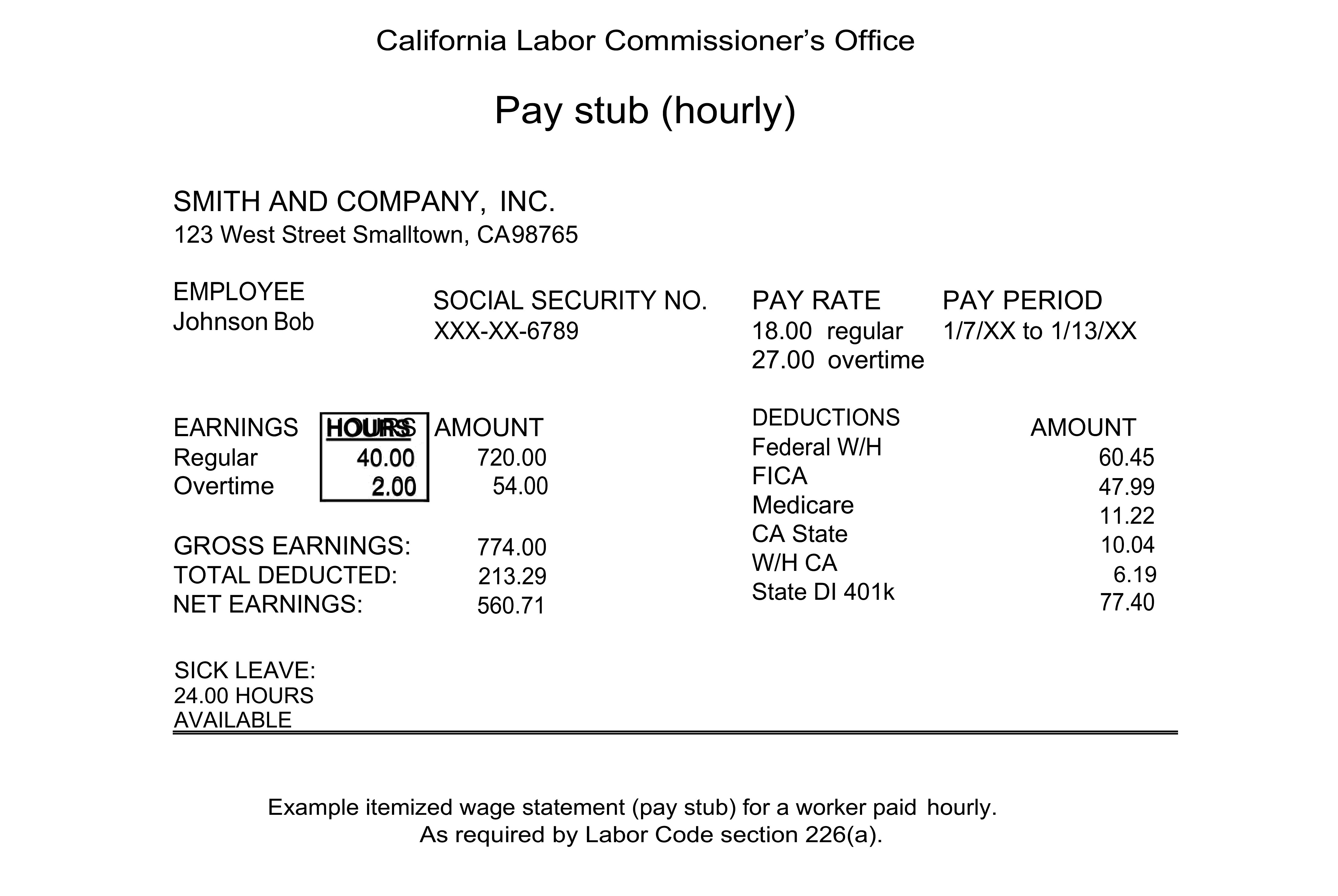
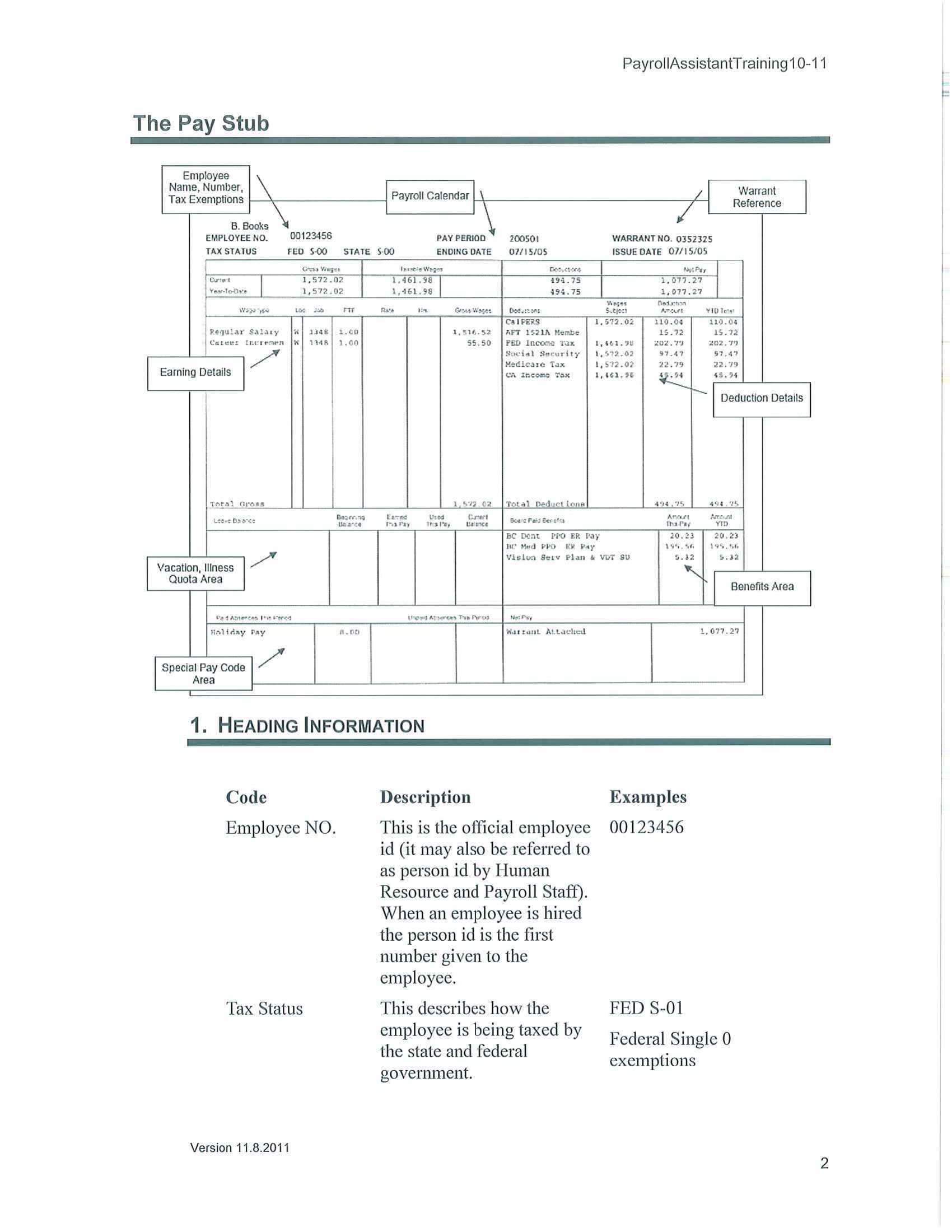
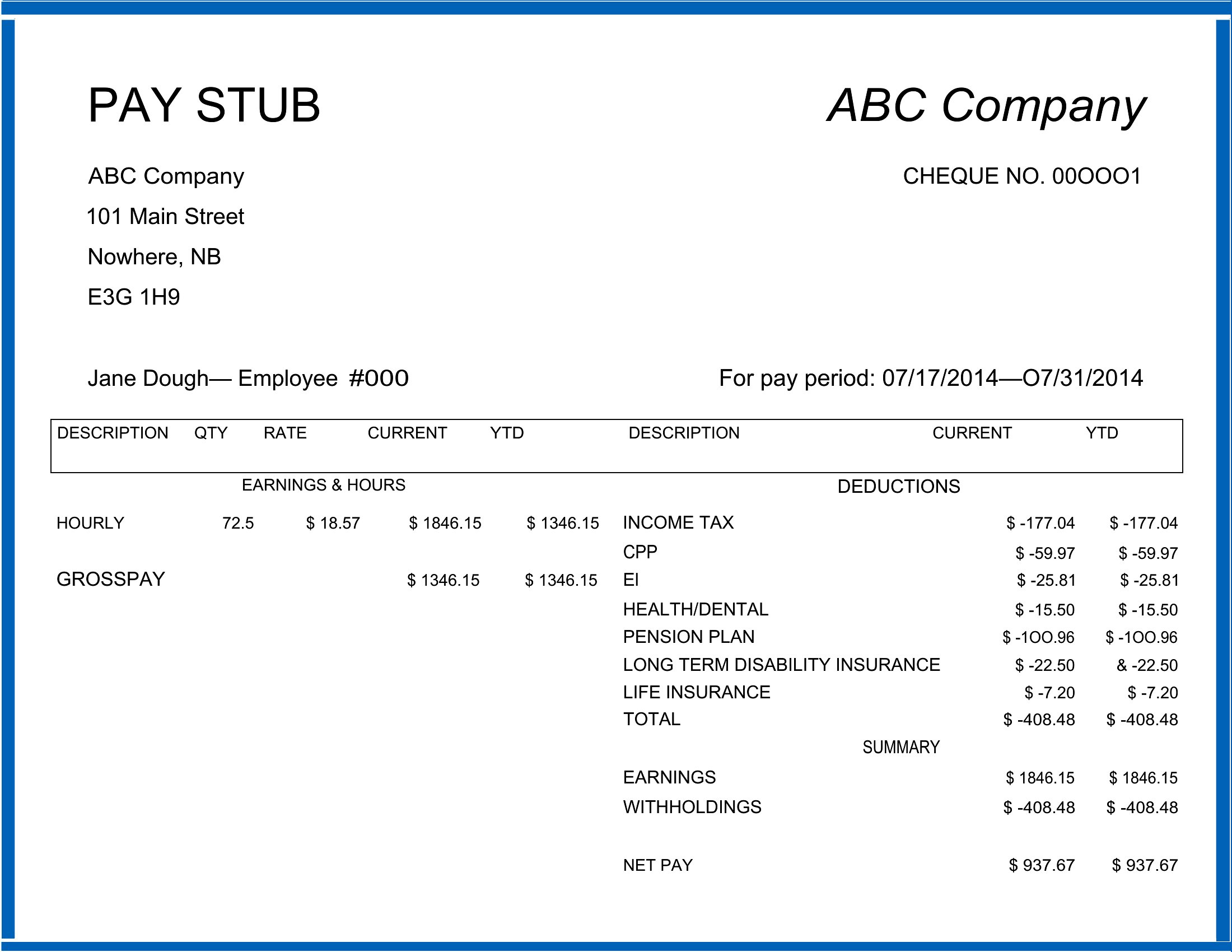
FAQ
Can these templates handle state-specific payroll requirements like California’s itemized deduction rules?
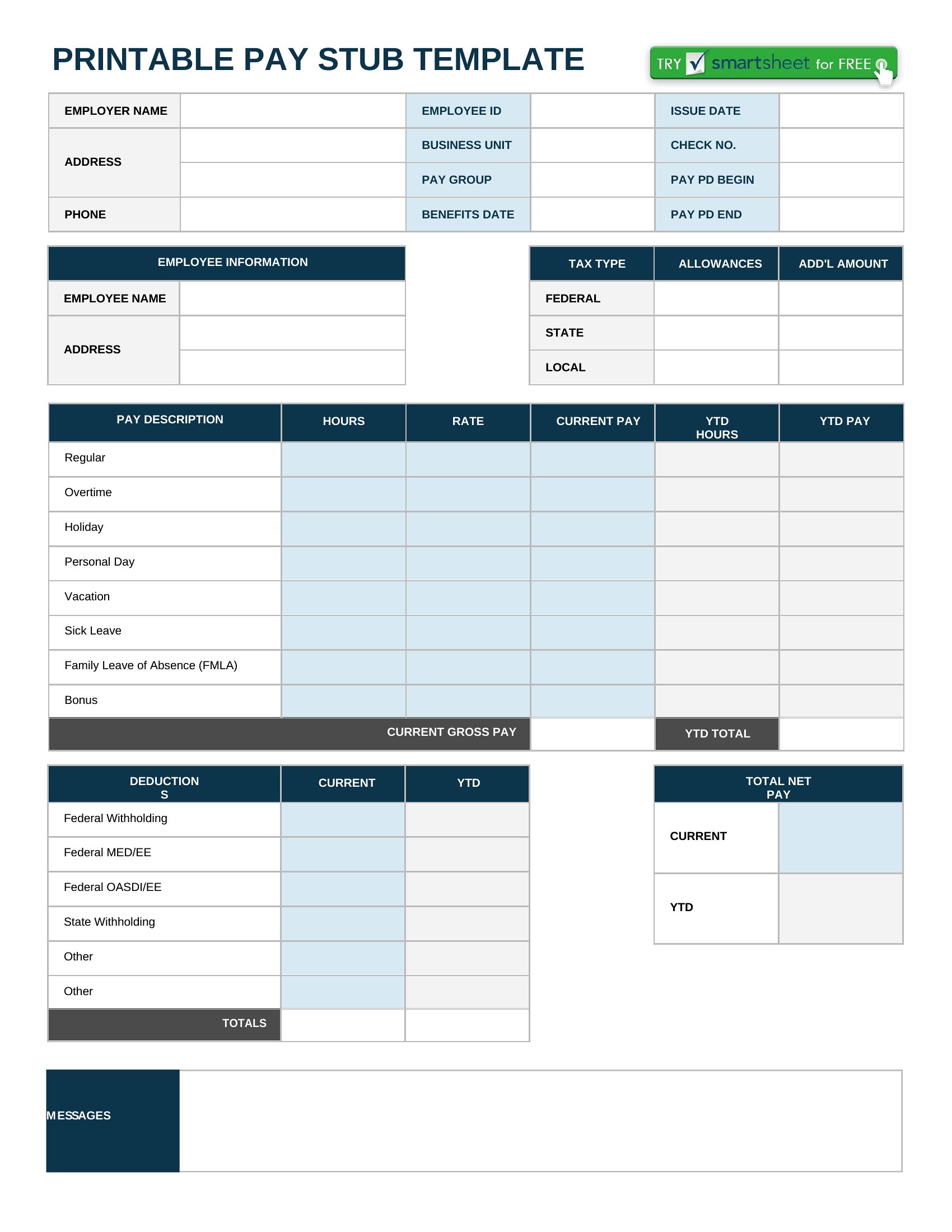
These templates provide standard fields for federal/state withholding, Social Security, and Medicare, but they aren’t legally binding documents. For state-specific compliance, consult a payroll service or tax professional to ensure accuracy, especially for deductions like local taxes or bonded worker fees. Use the template as a starting point, then verify against your state’s labor board guidelines.
What’s the best way to ensure the pay stub matches our company’s branding without distorting the layout?
For Word templates, replace placeholder logos/text with your brand assets, then adjust font sizes manually to preserve alignment. In PDFs, use a design tool like Canva to overlay your logo (as a transparent PNG) while keeping the existing text structure intact. Avoid scaling the entire document—focus on replacing only the branded elements in the header/footer areas.
How do I account for irregular pay periods, like biweekly with fluctuating hours?
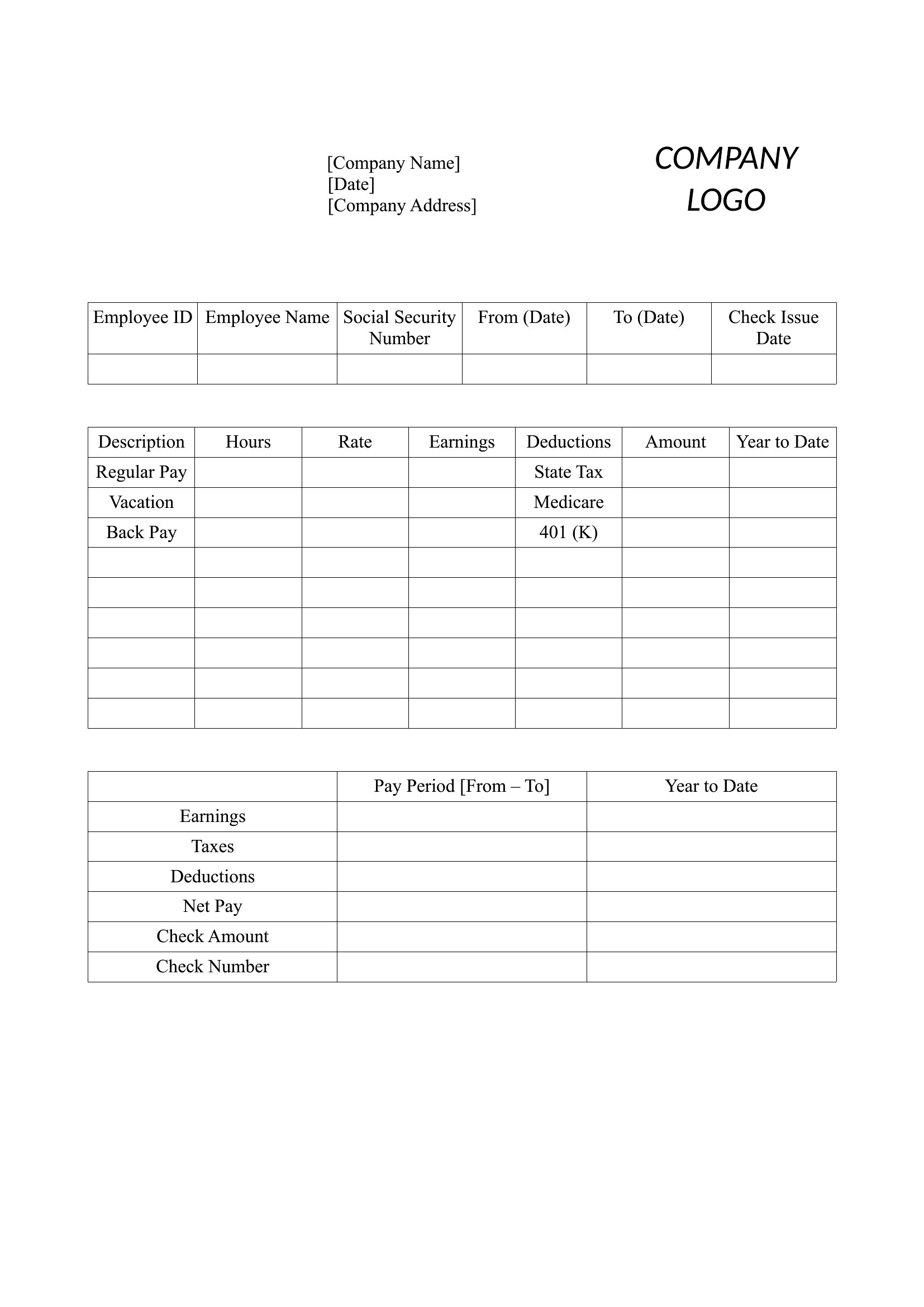
Start with a blank Excel template to input variable hours/days worked per pay period, then copy the formula structure into a Word or PDF template. Label the stub clearly (e.g., “Pay Period: [Dates]”) and note “Variable Hours” under earnings. For PDFs, pre-fill the template using a tool like Adobe Acrobat’s form-fill feature to automate recurring fields while keeping the irregular details manual.
Comments
Join the conversation
Sign in to share your thoughts and leave a comment on this resource.