FAQ
Can I add recurring bills like subscriptions or memberships to these checklists?
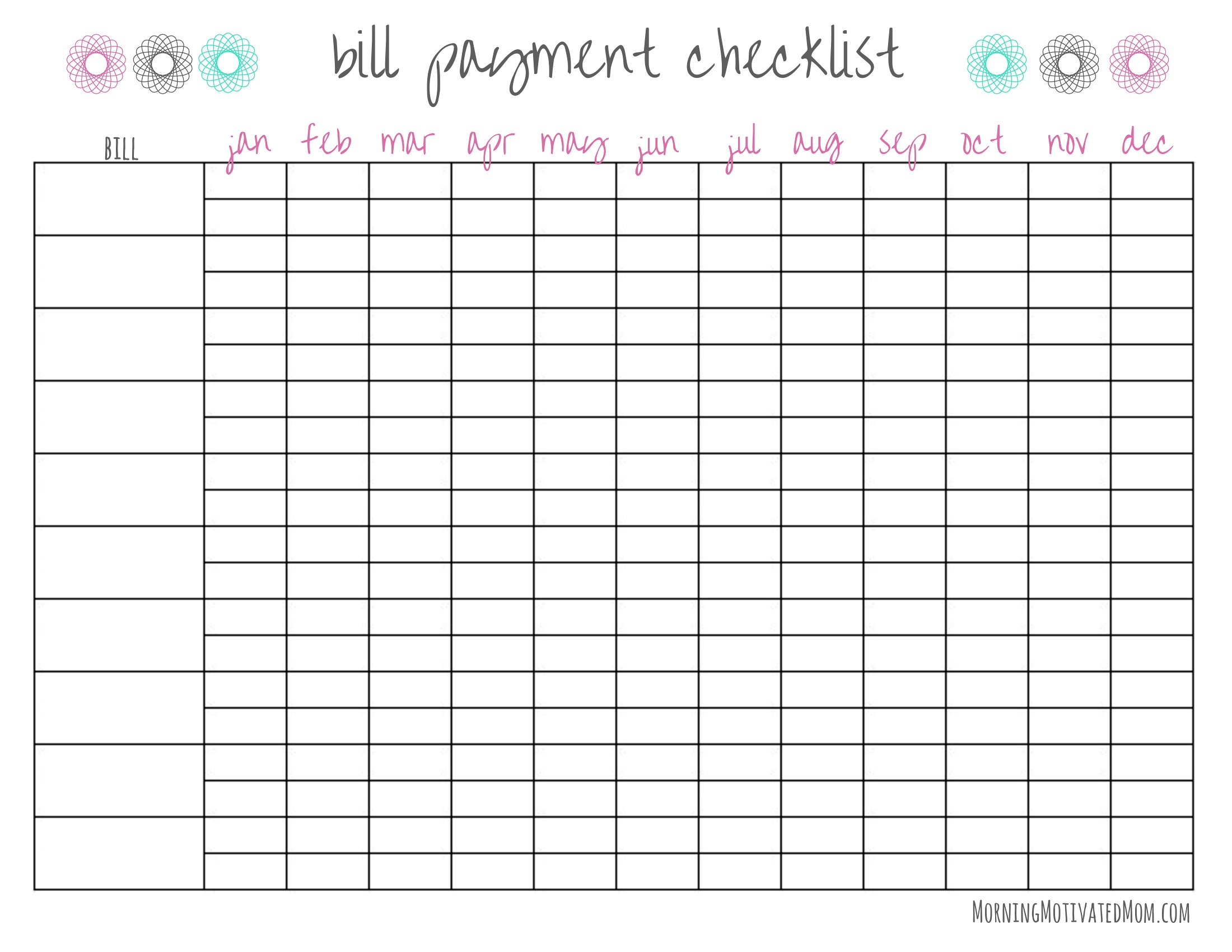
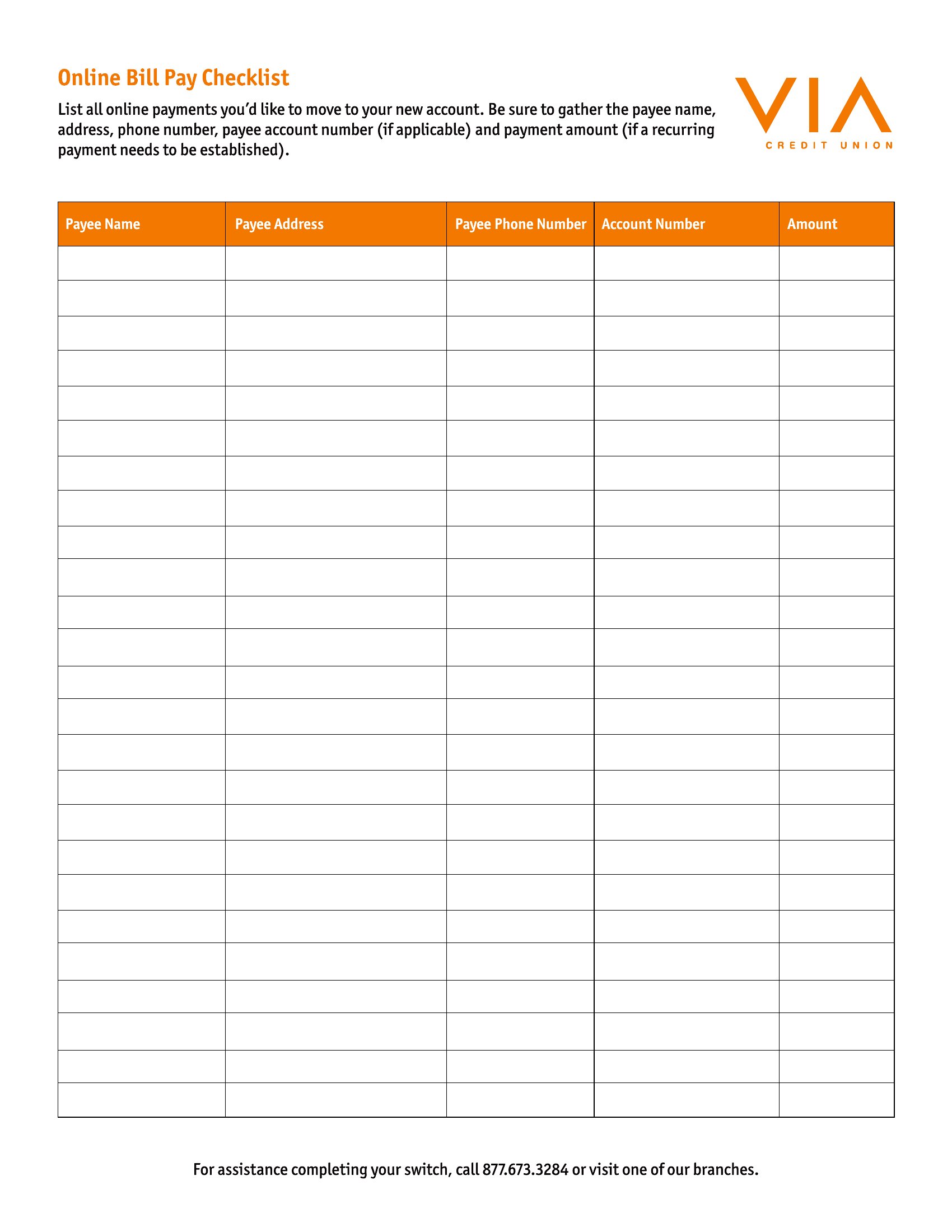
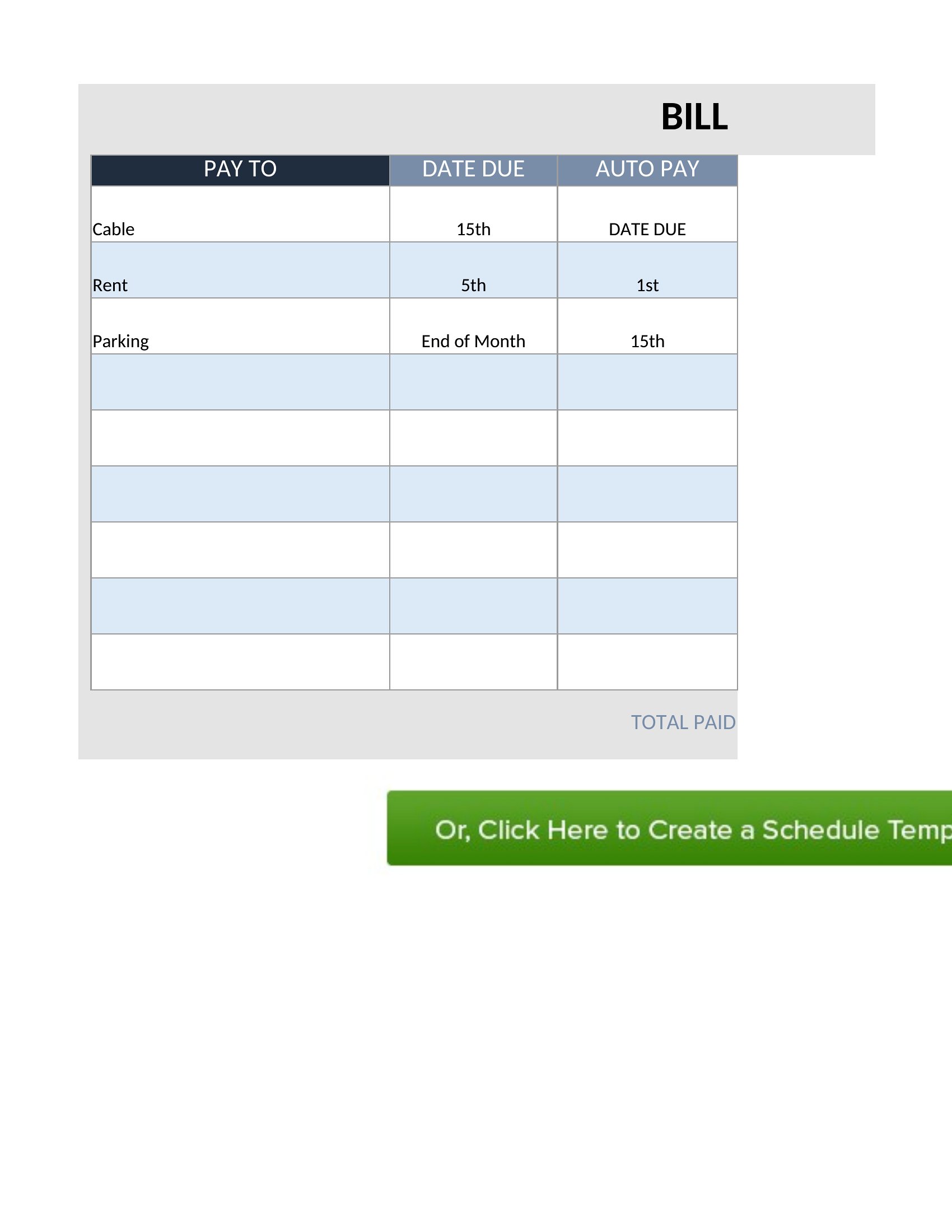
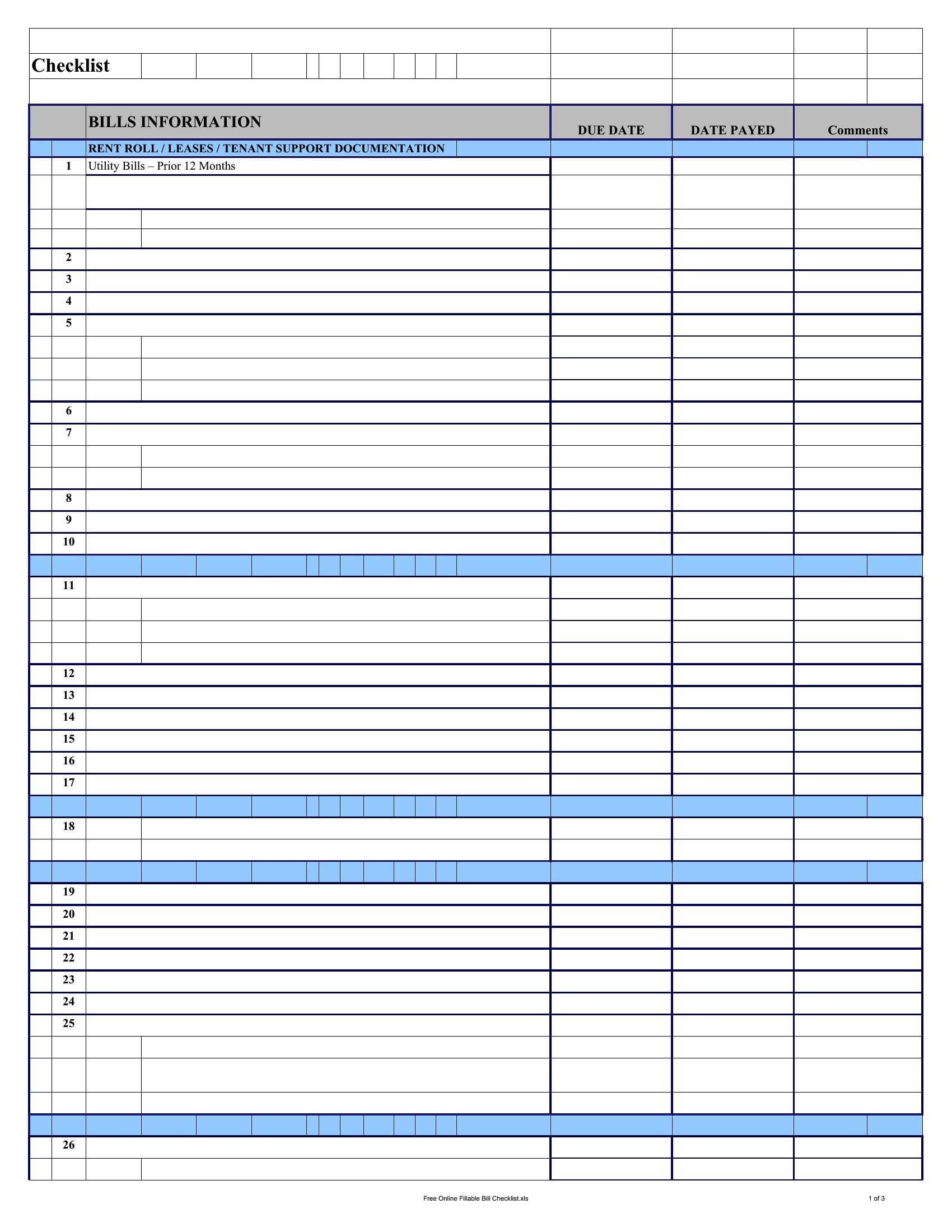
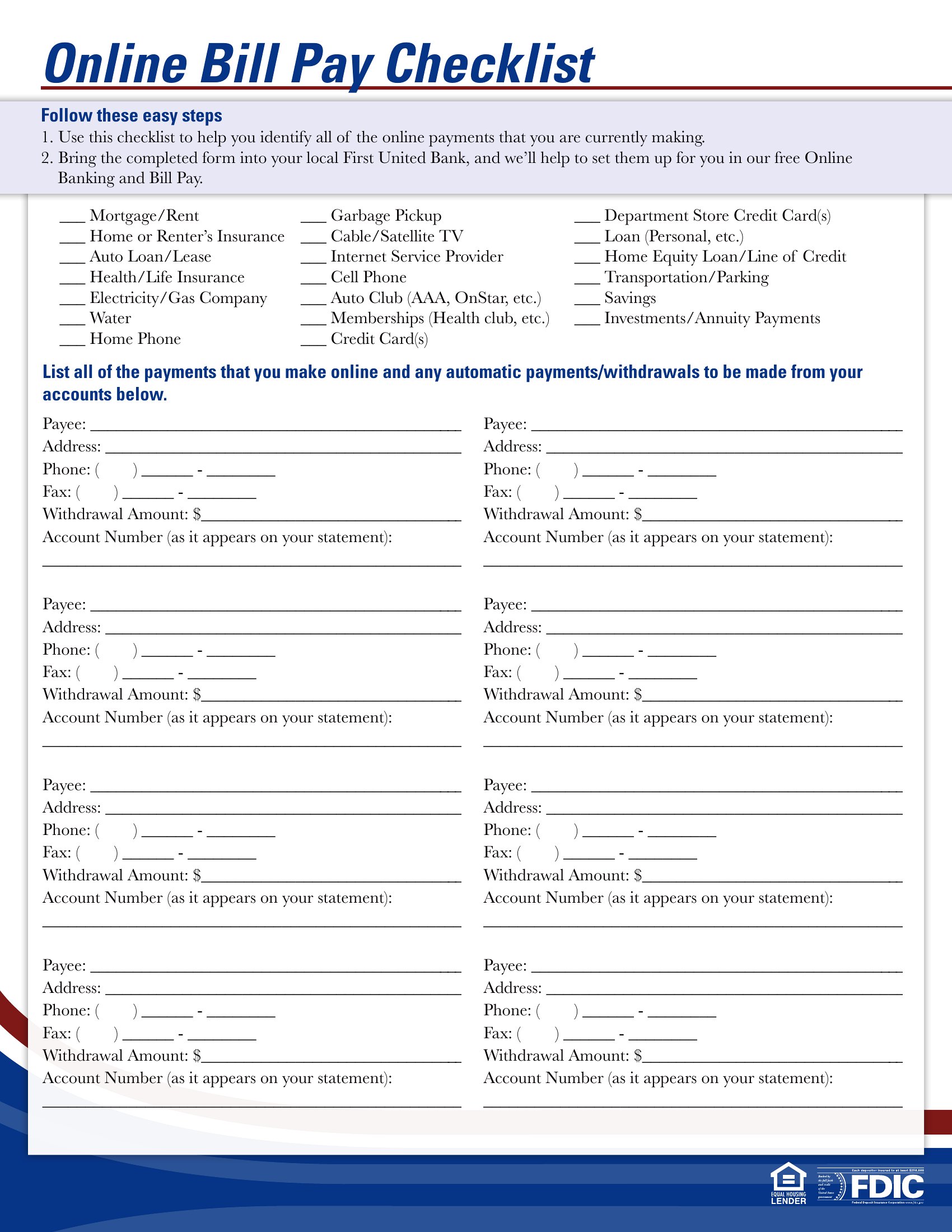
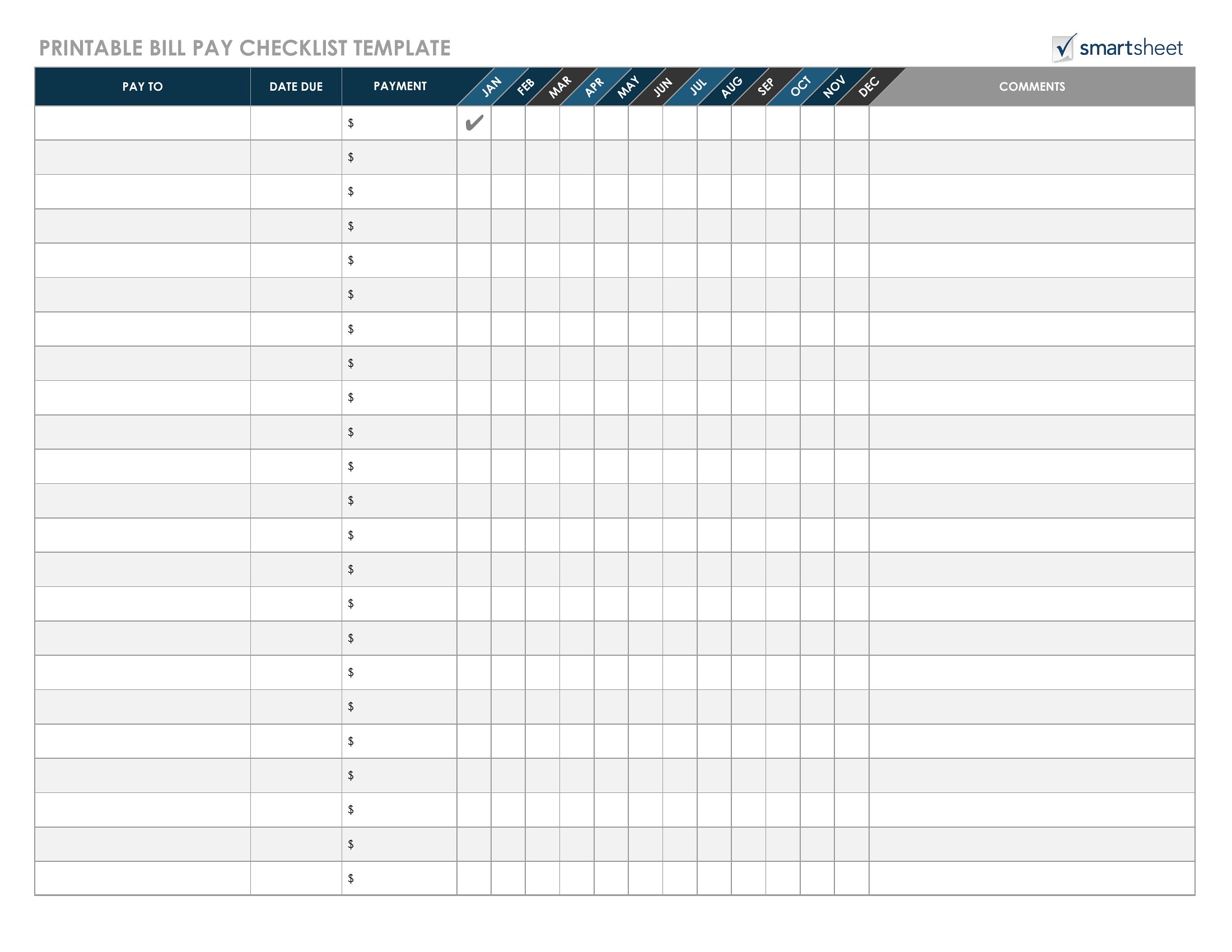
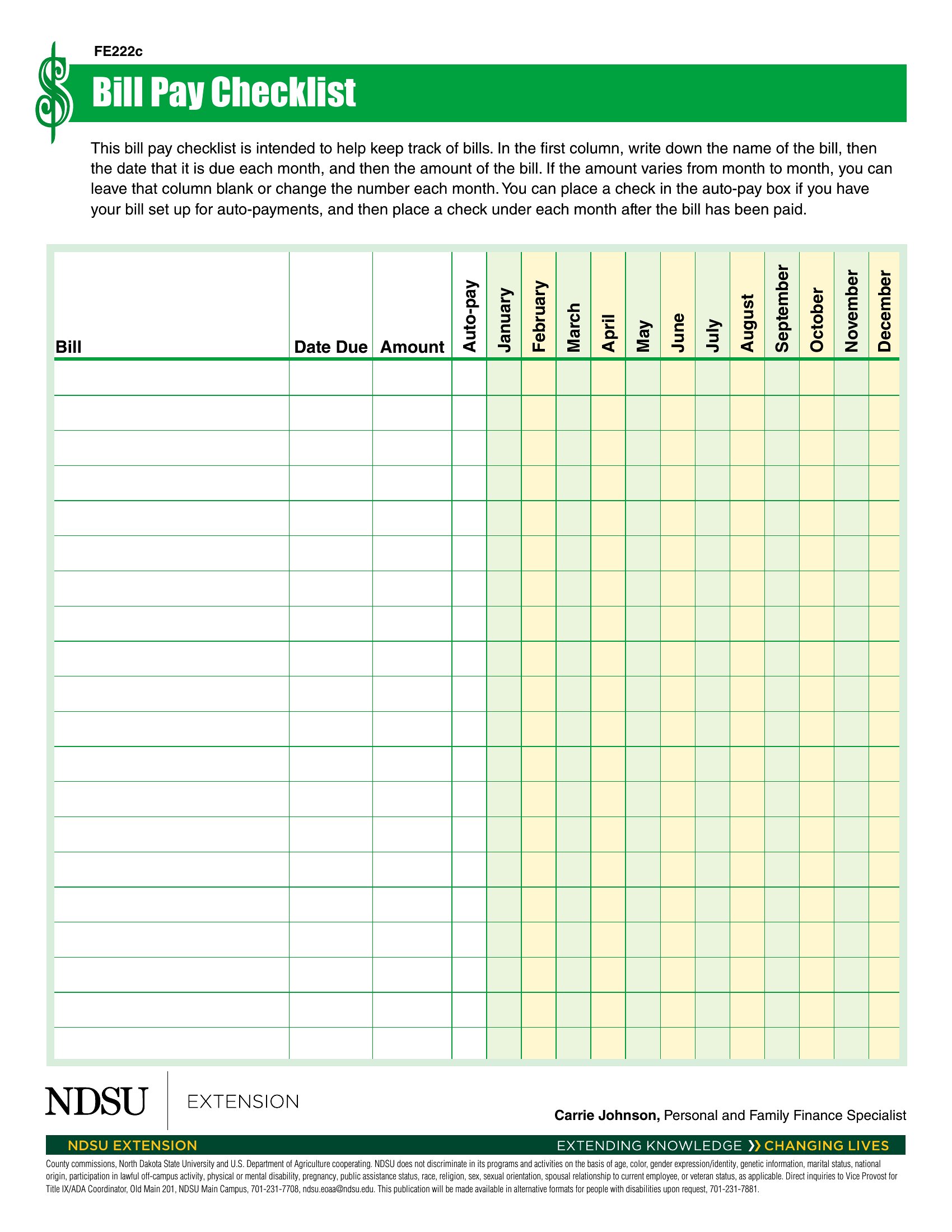
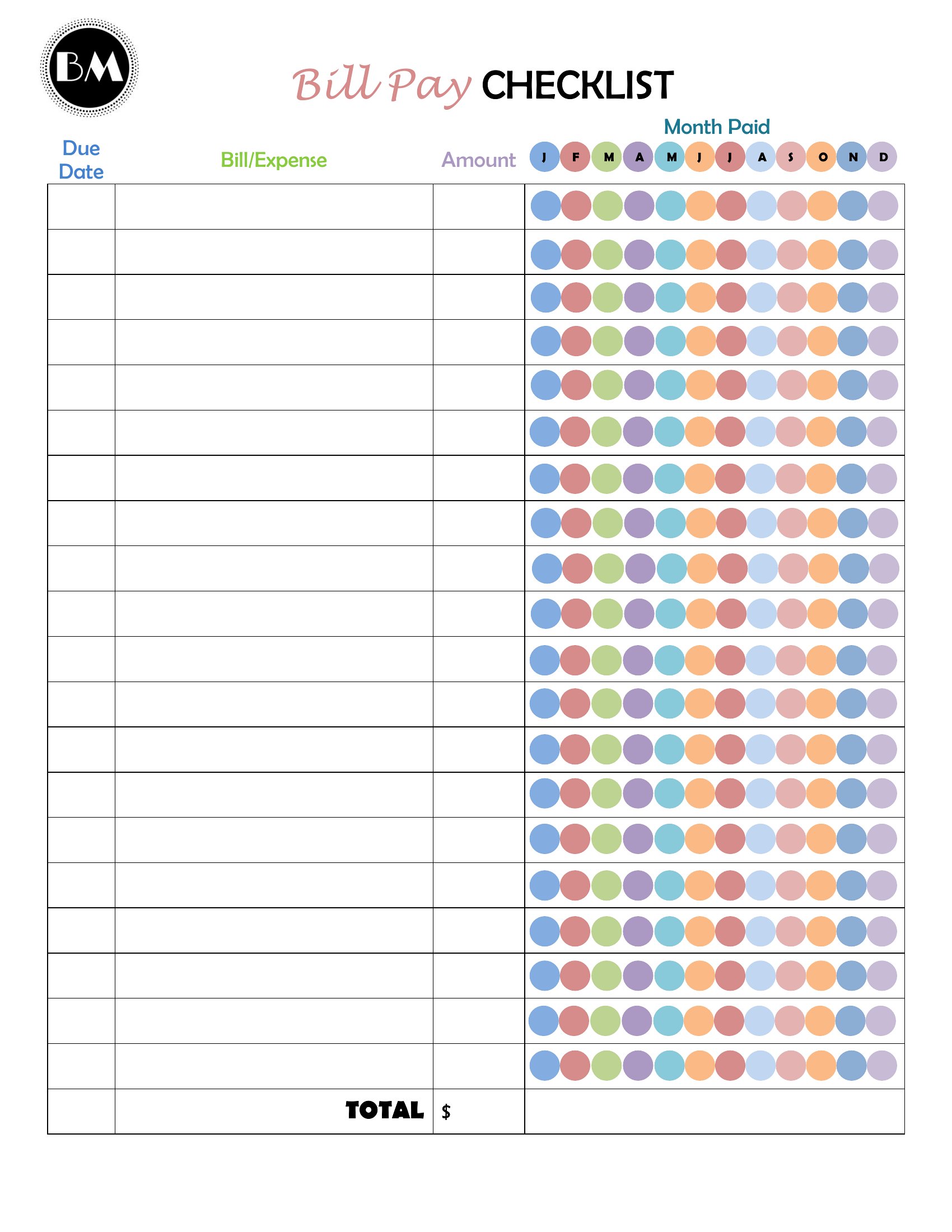
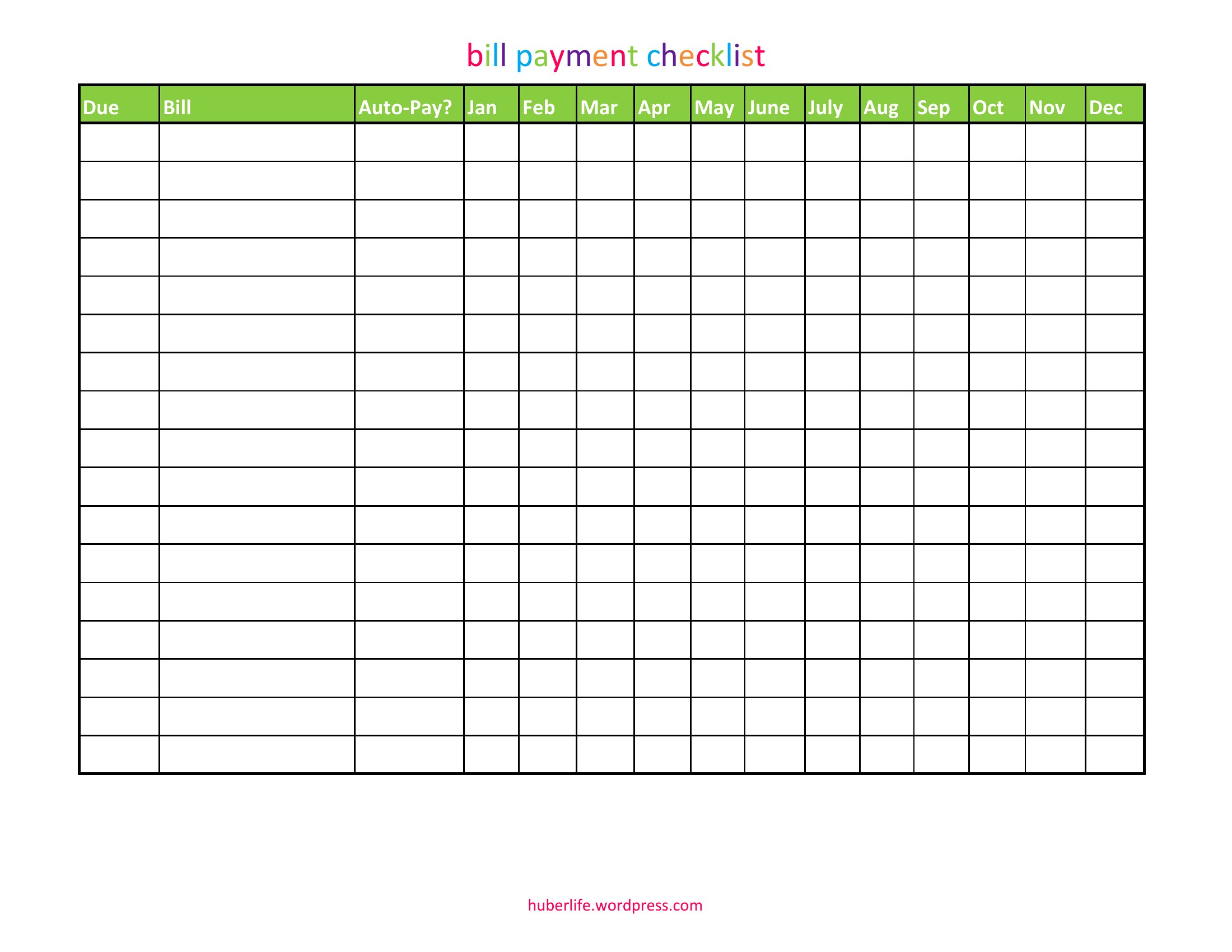
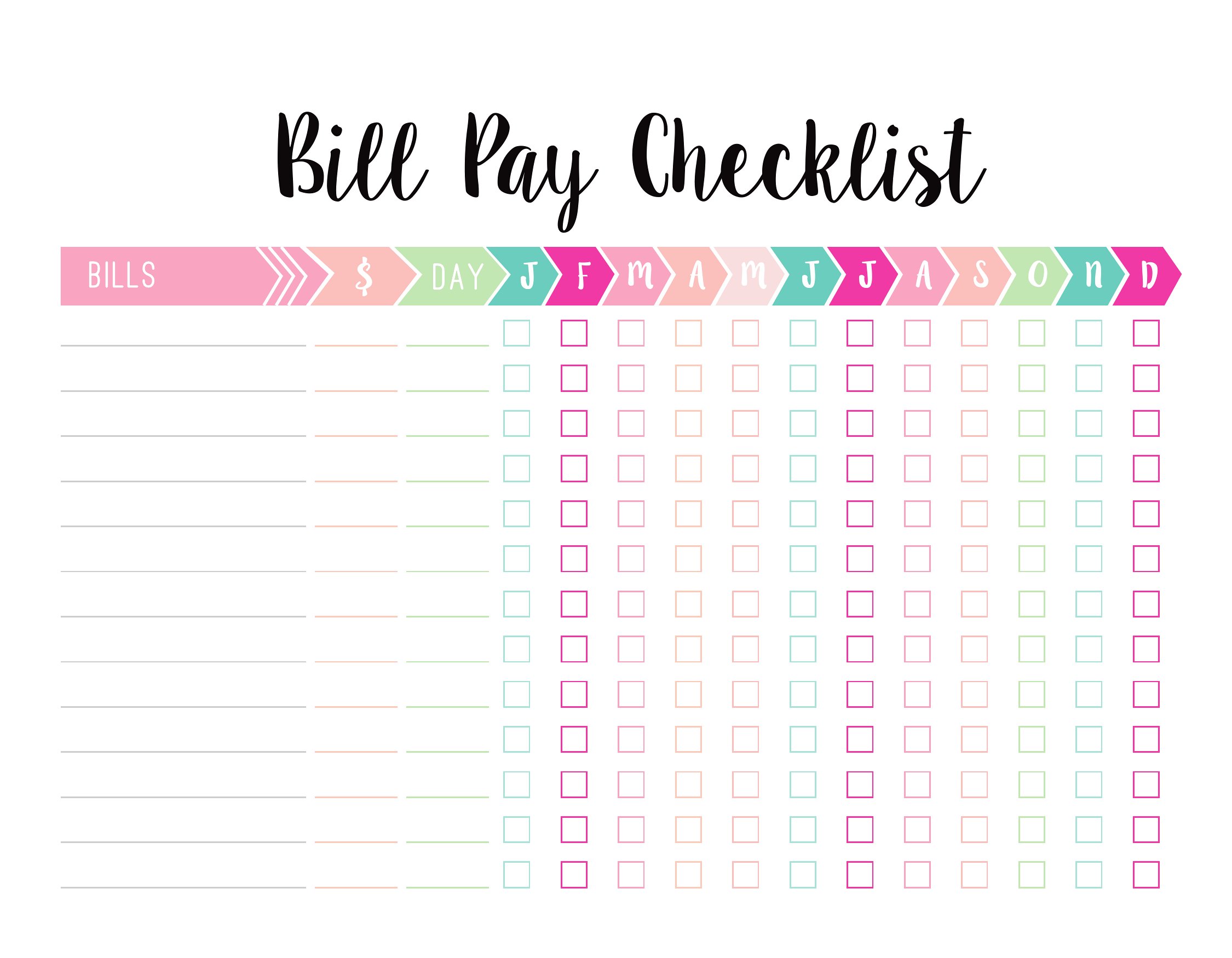
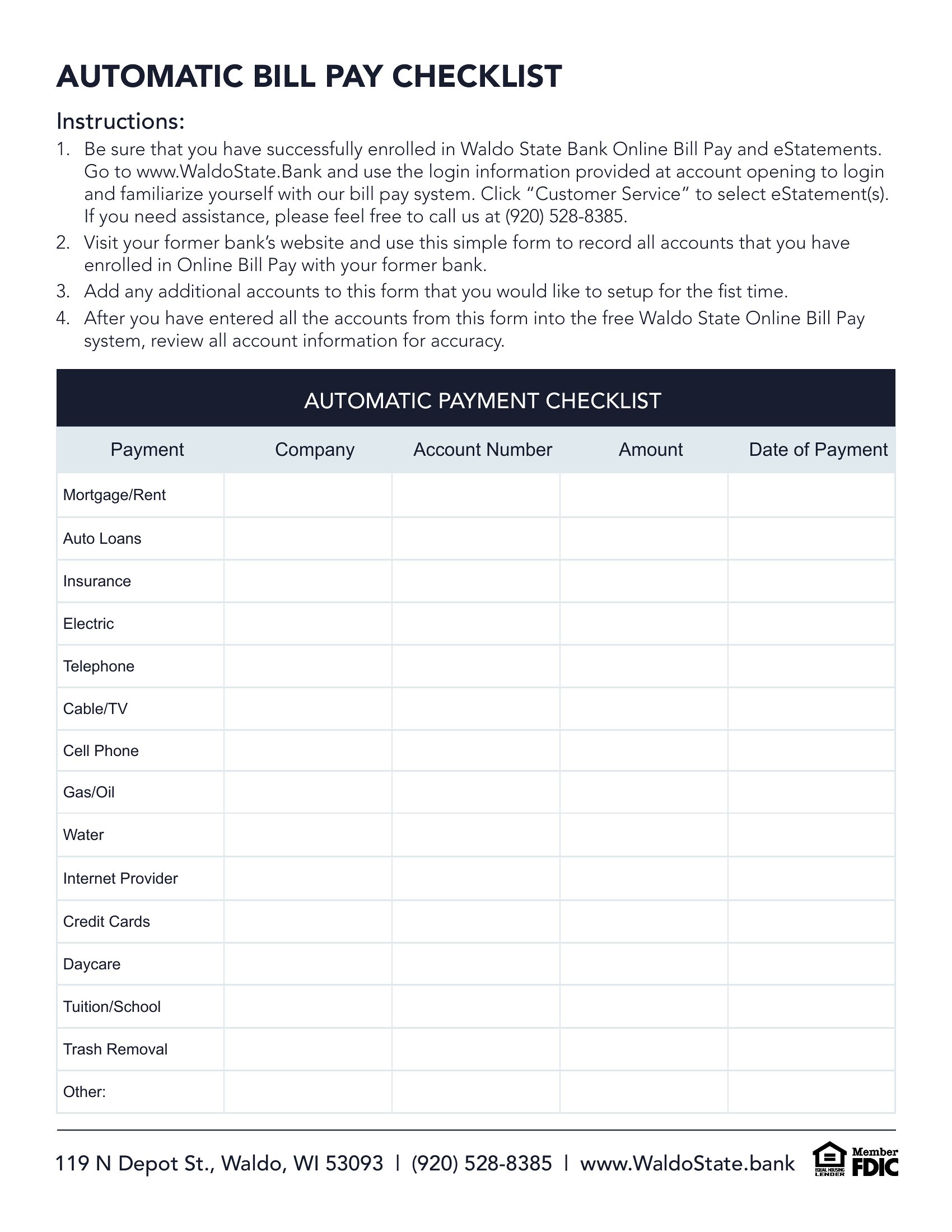
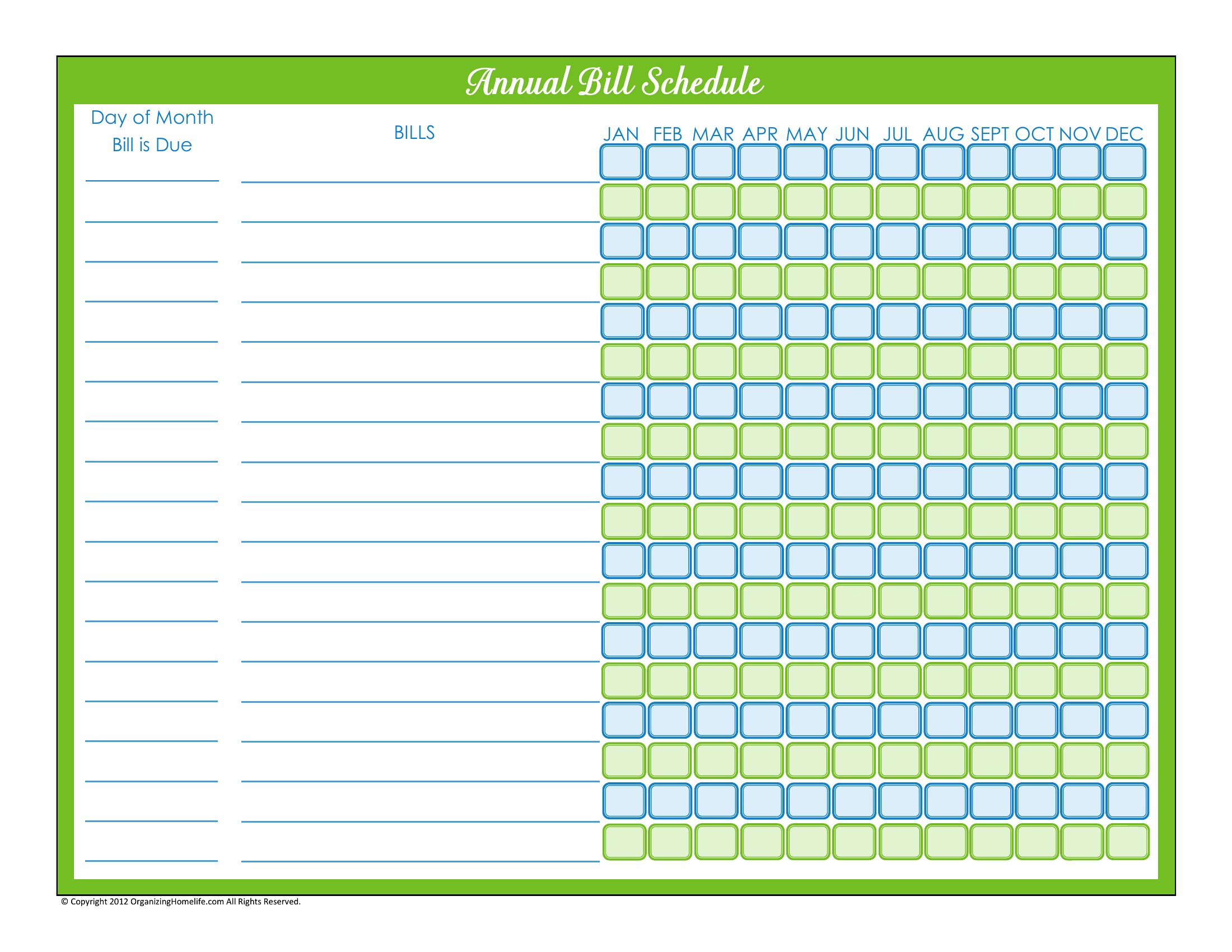
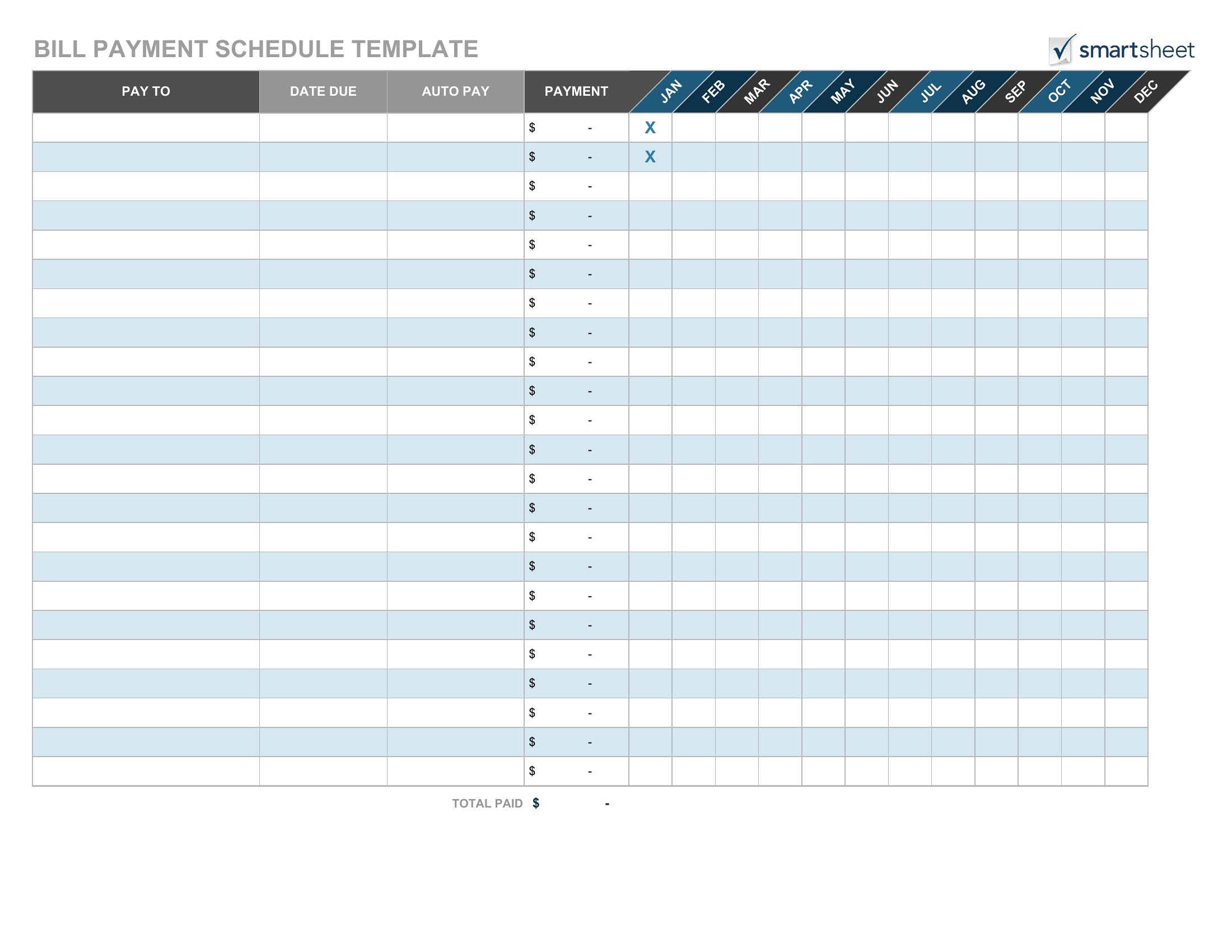
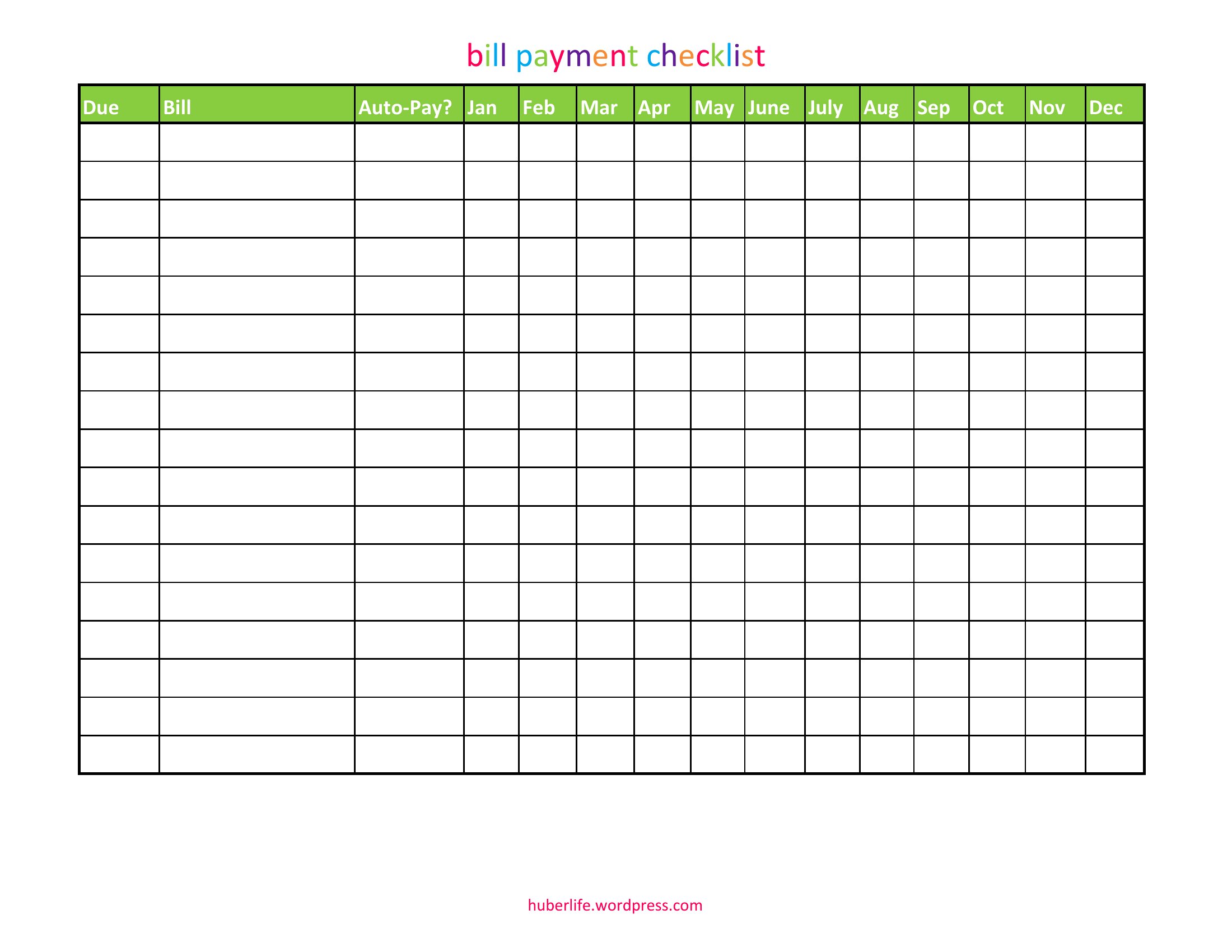
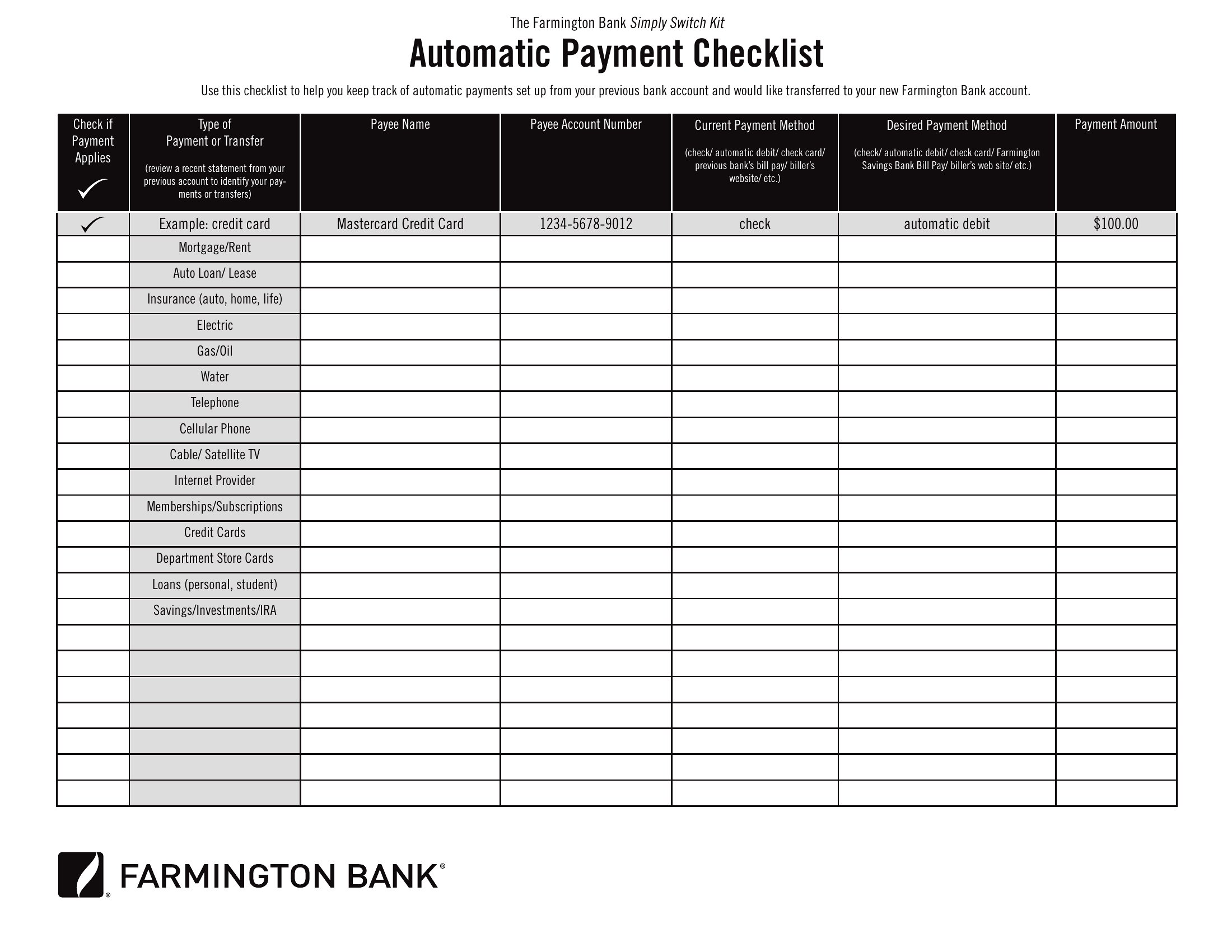
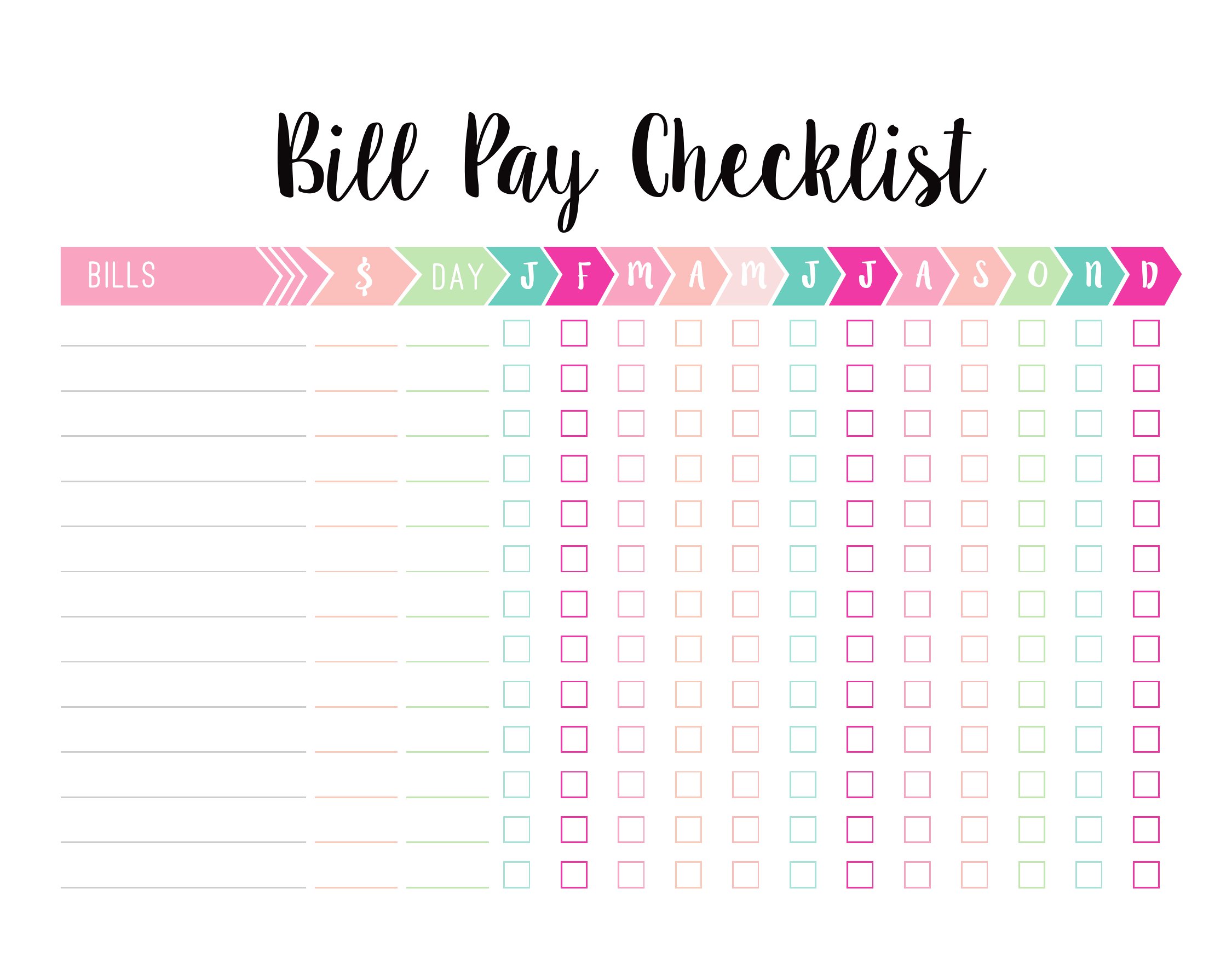
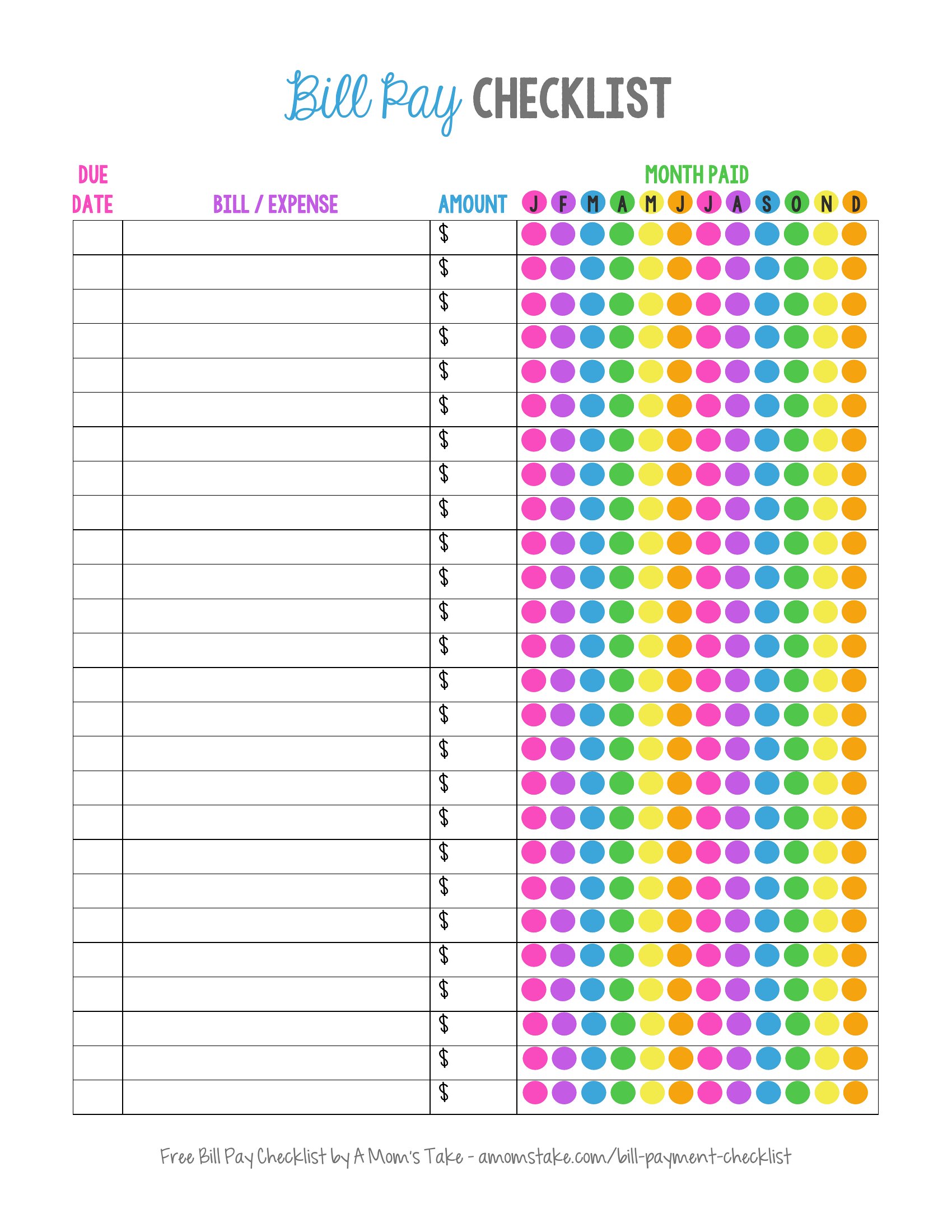
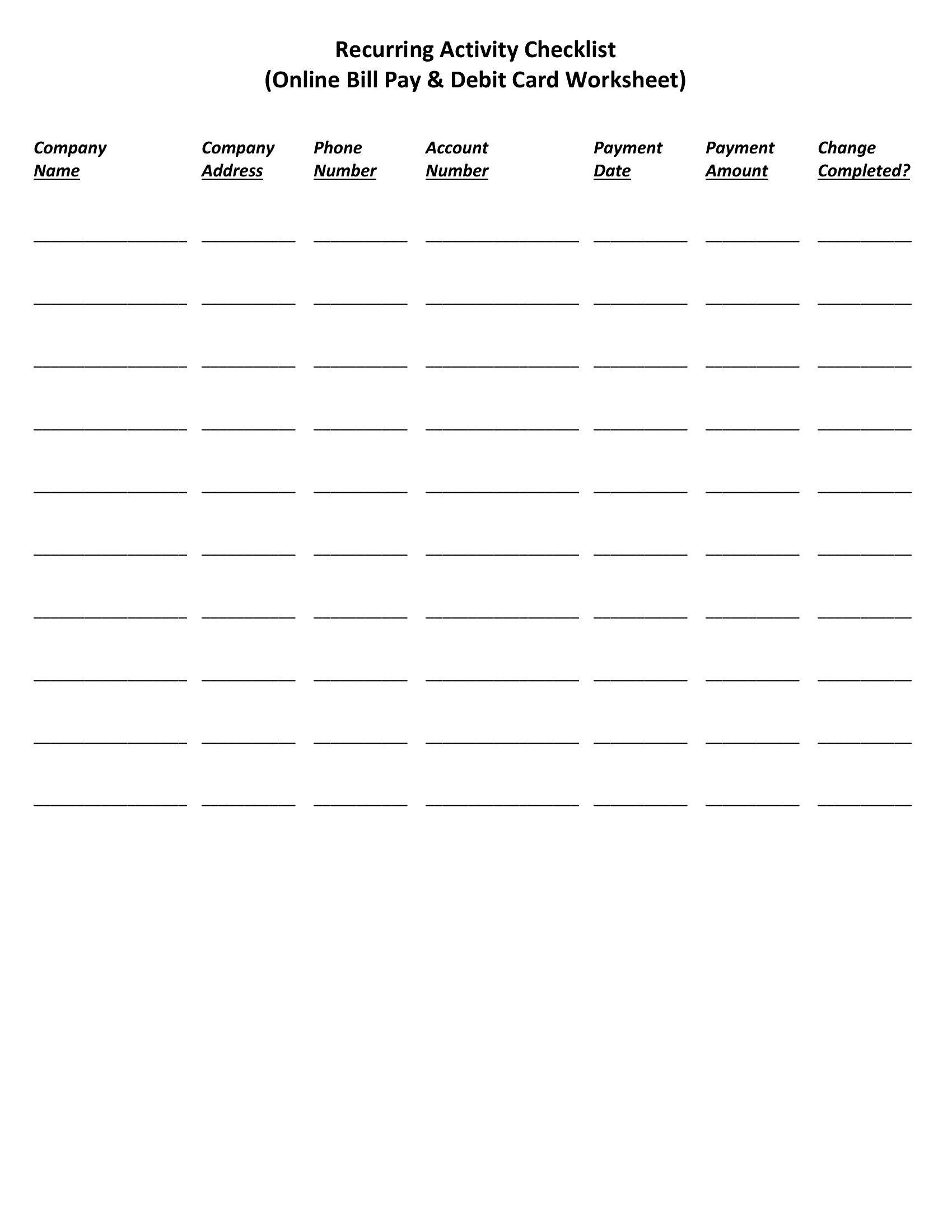
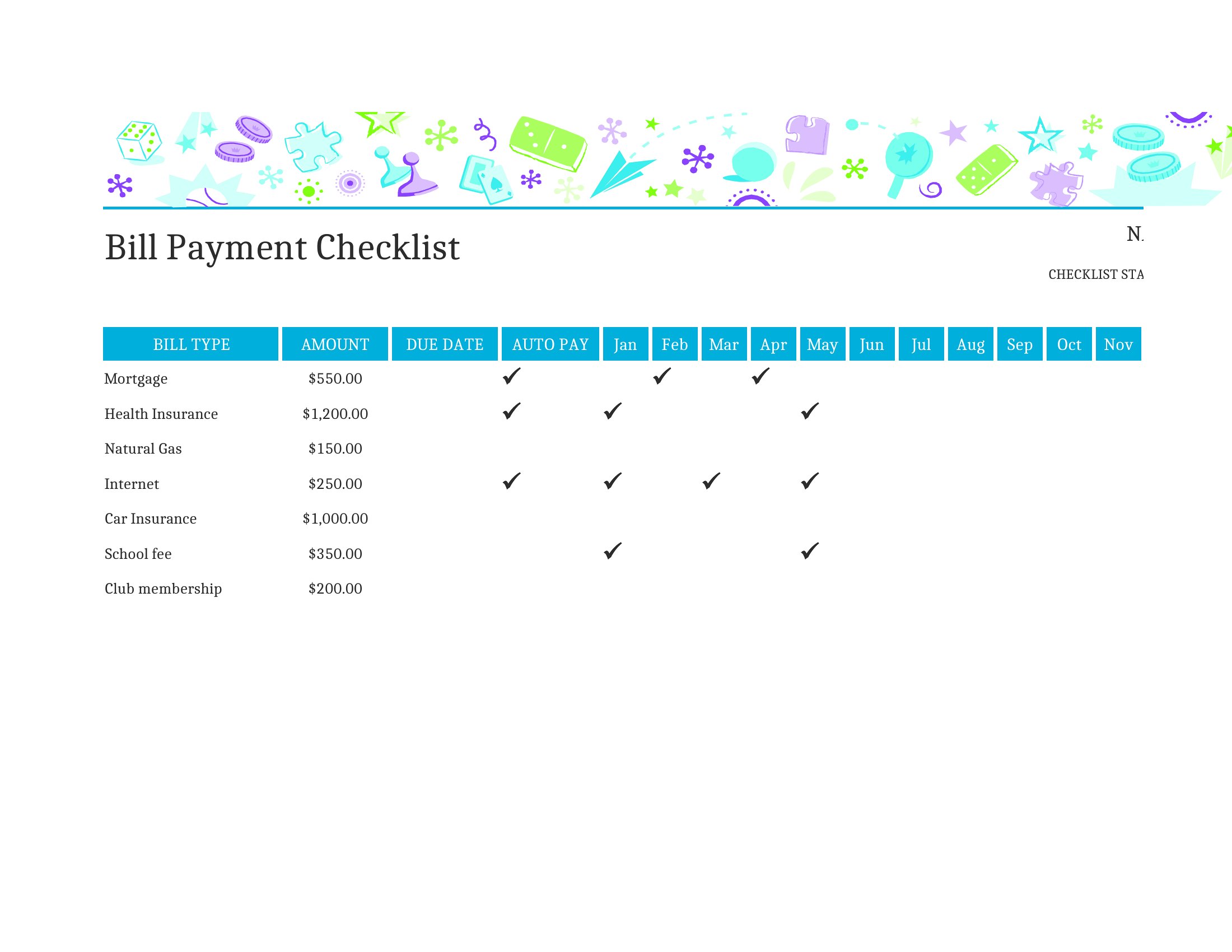
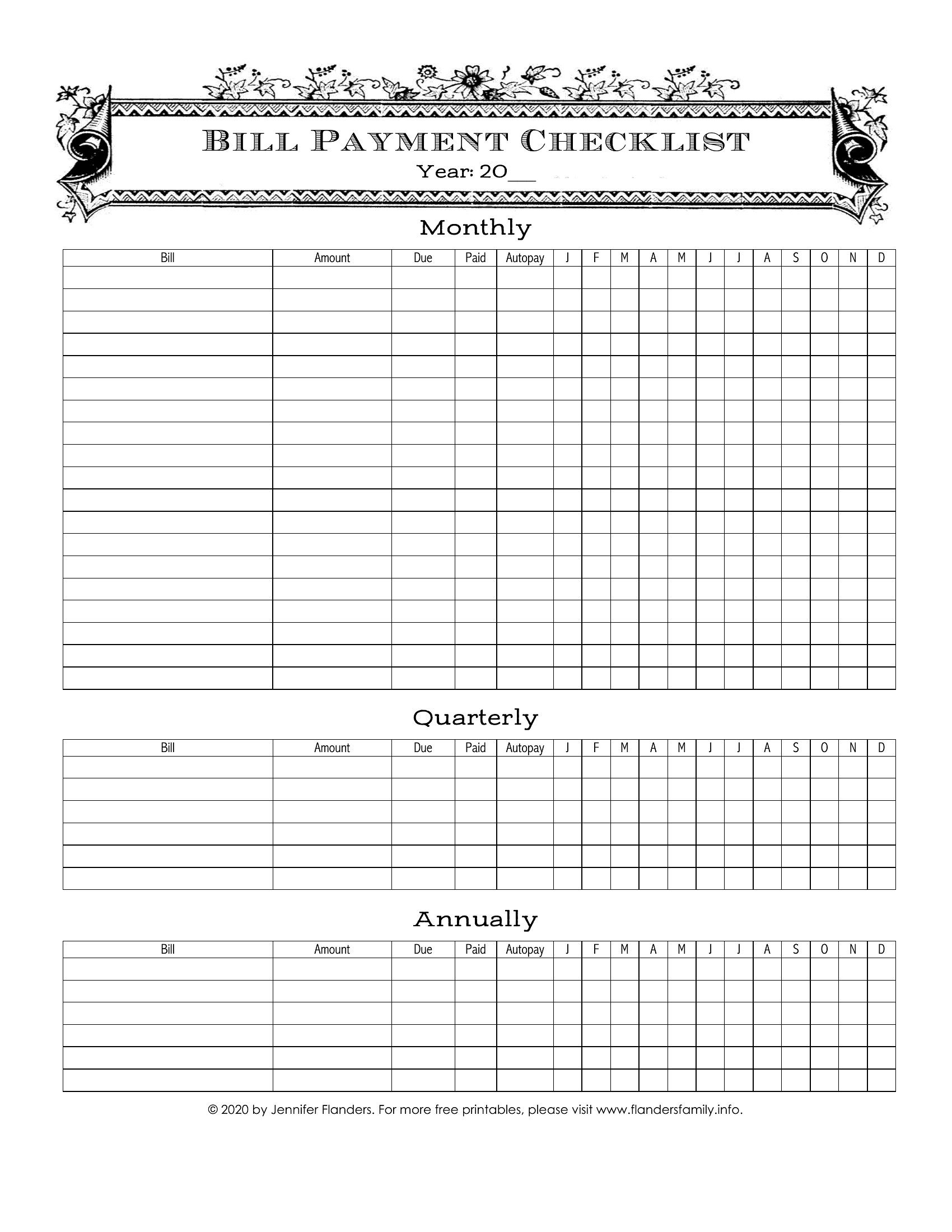
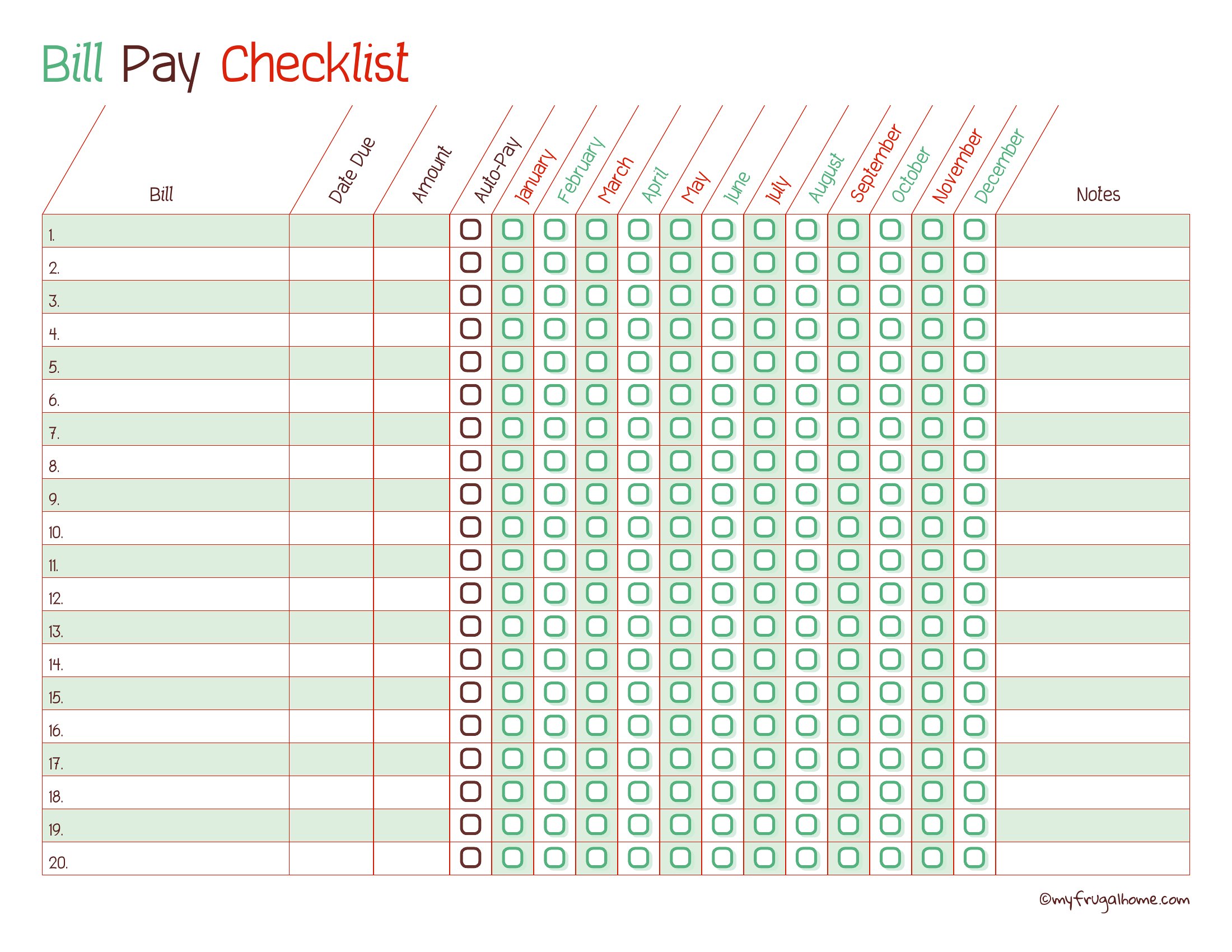
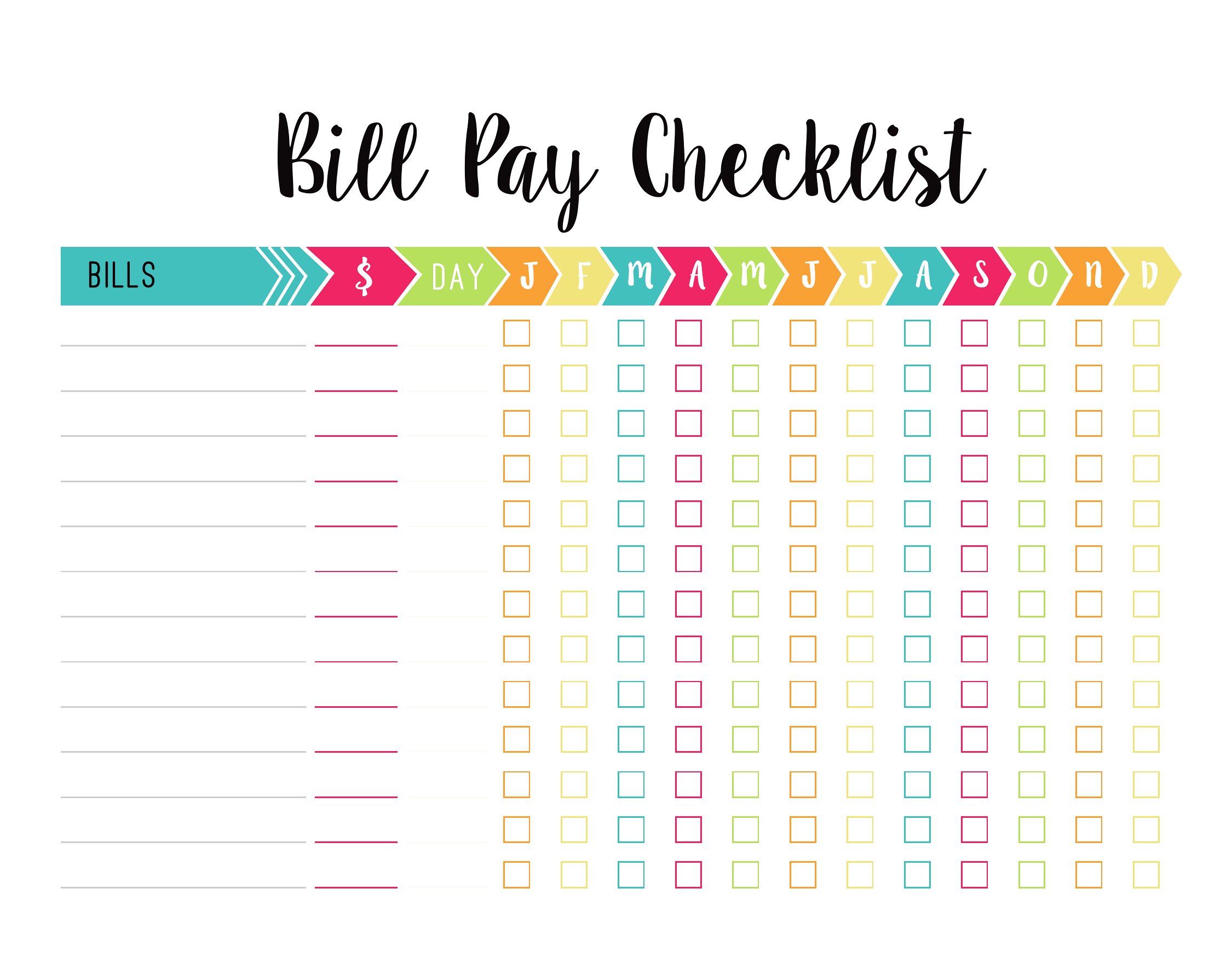
Yes, most templates include sections for recurring payments. In Excel, you can use formulas to auto-fill future due dates, while PDF checklists often have checkboxes or pre-set dates for monthly subscriptions. Label these clearly to distinguish them from one-time bills.
What if my bills have irregular due dates, like quarterly taxes or bi-weekly freelance payments?
Many templates include a notes column or customizable fields to list irregular schedules. In Excel, you can highlight these in a separate tab or color-code them. PDF versions may require manual entry, but you can still mark them as ‘quarterly’ or ‘bi-weekly’ for clarity.
Should I include non-bill expenses like groceries or car maintenance in this checklist?
It’s optional but helpful for some households. If you’re tracking every outgoing, add a ‘non-essential’ category to these checklists. Focus on bills first, but these templates can double as a lightweight budget planner if you label expenses clearly. Avoid mixing them with mandatory payments unless you’re using the Excel version for totals.
Comments
Join the conversation
Sign in to share your thoughts and leave a comment on this resource.