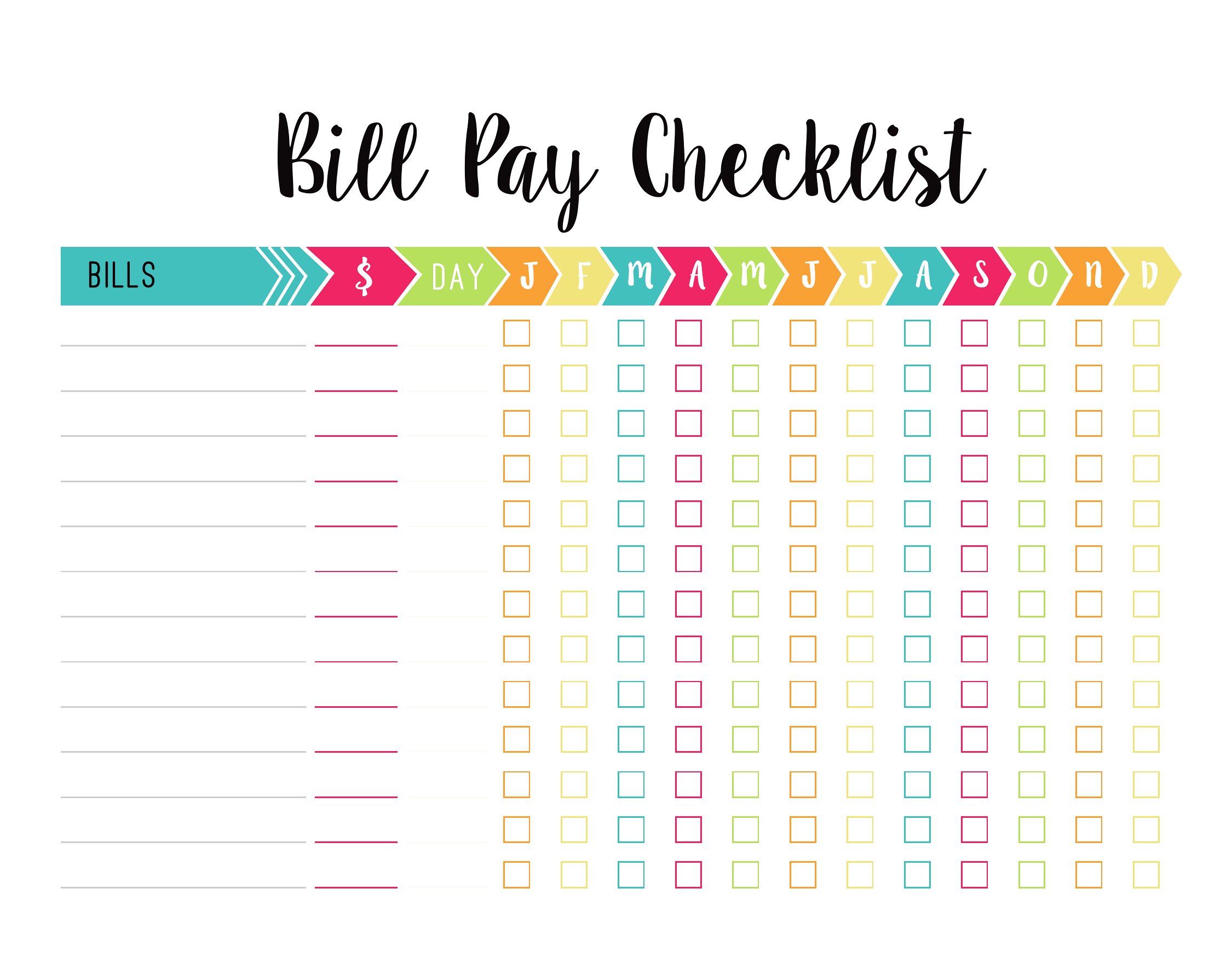
Free Bill Pay Checklists (Excel, PDF)
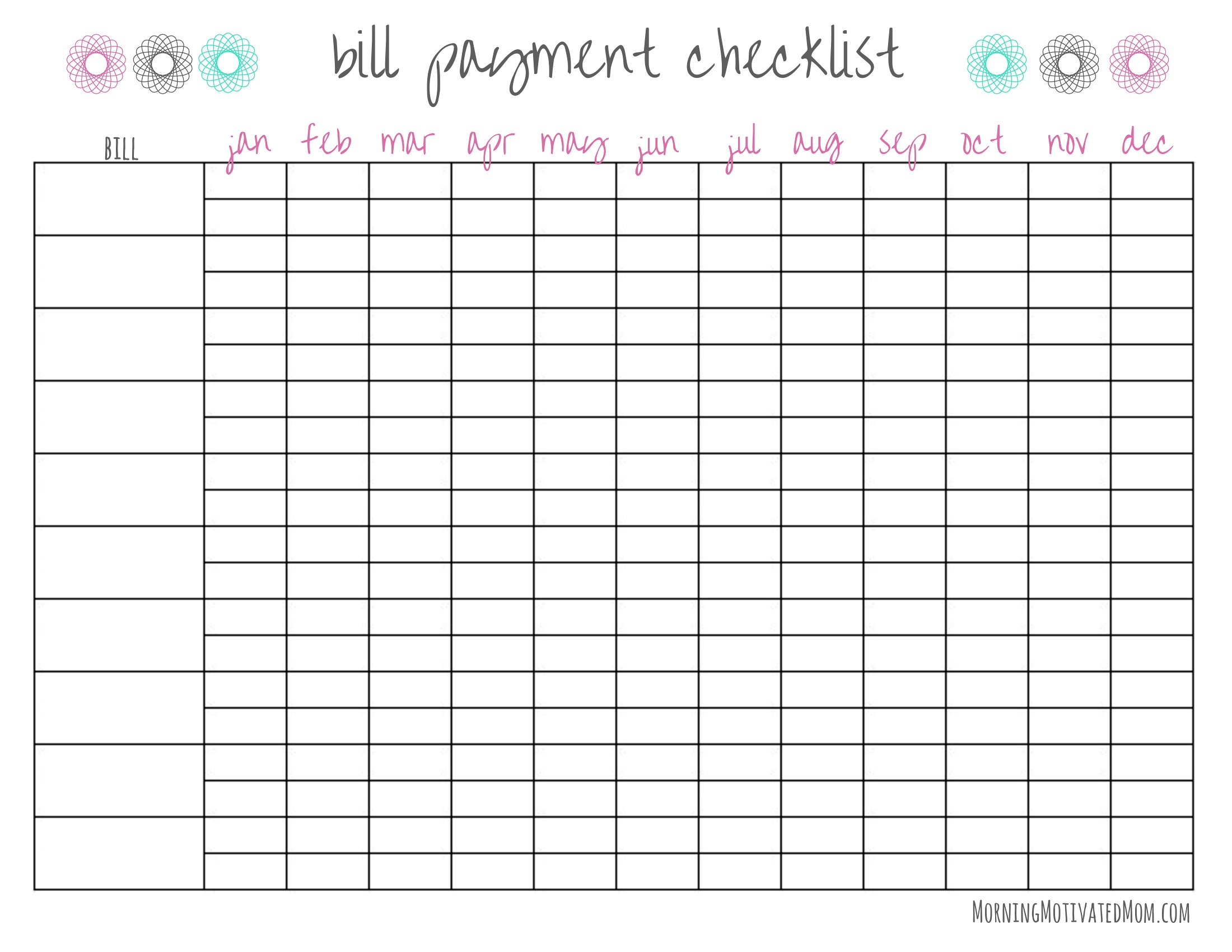
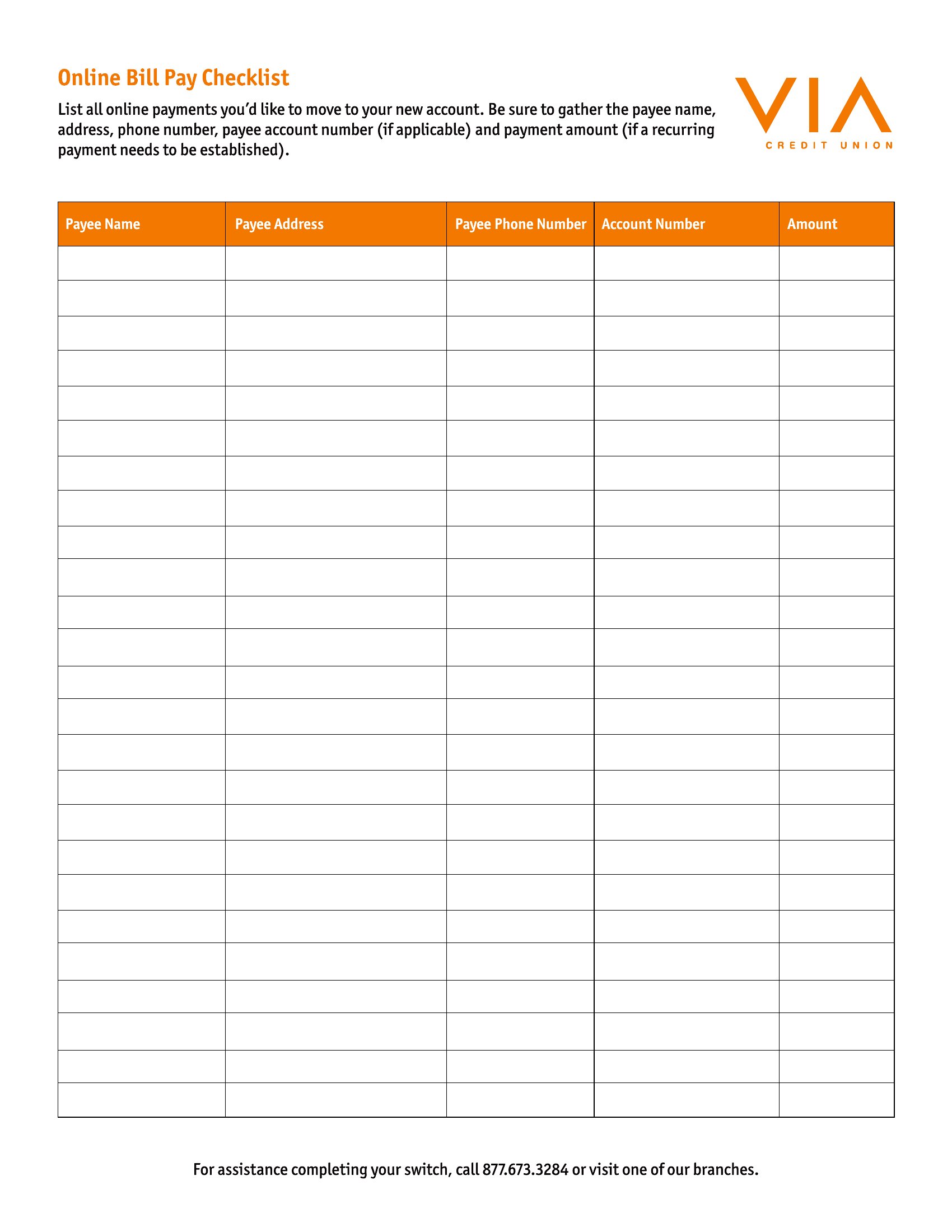
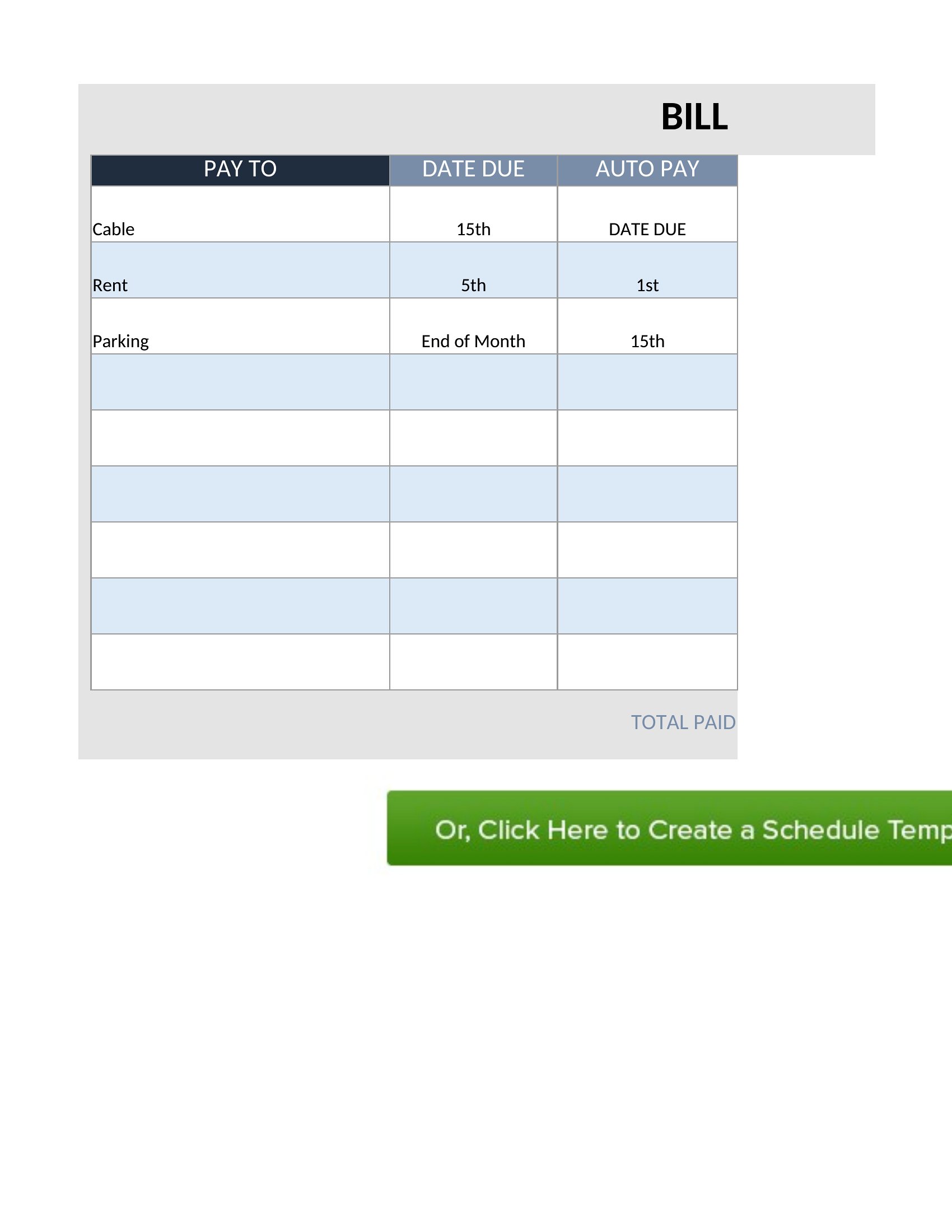
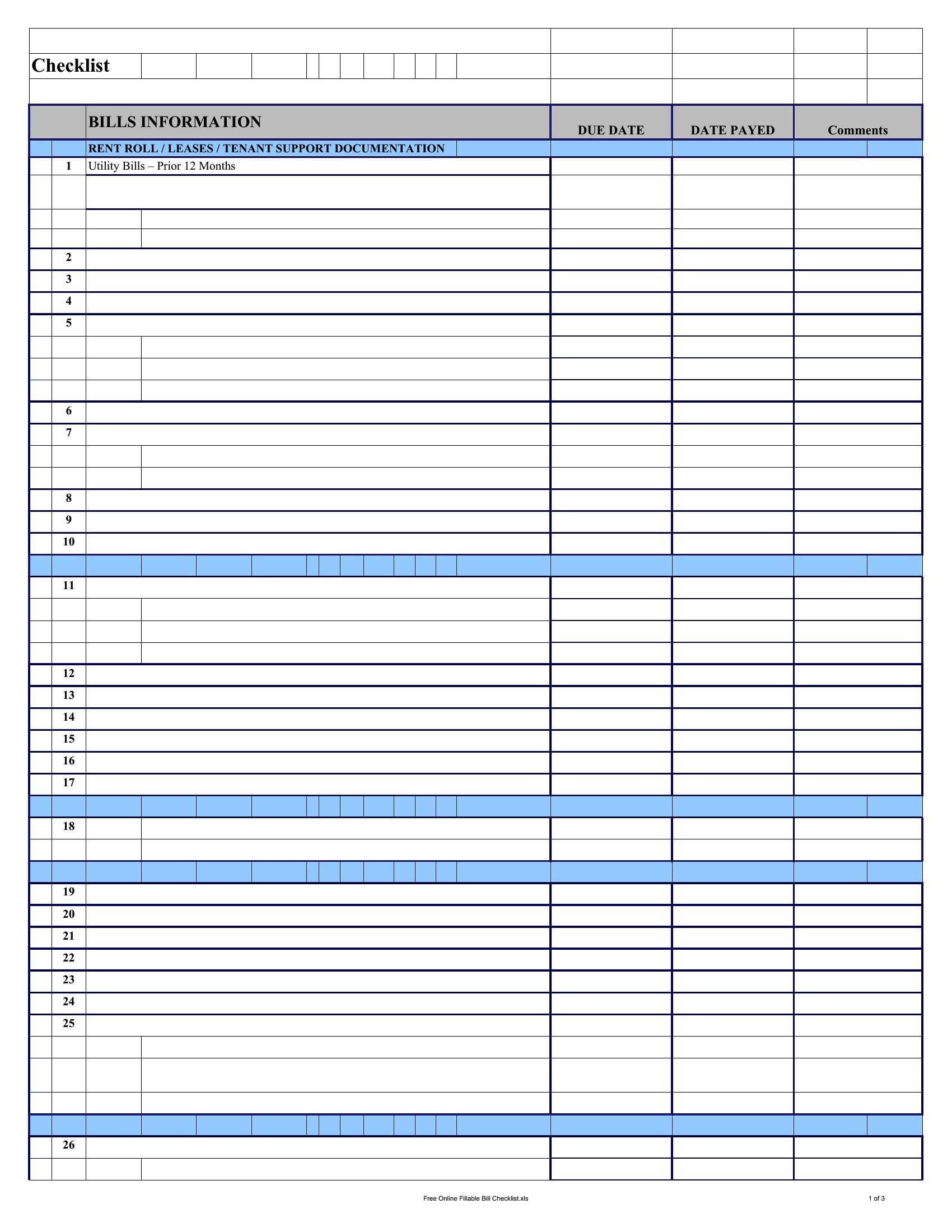
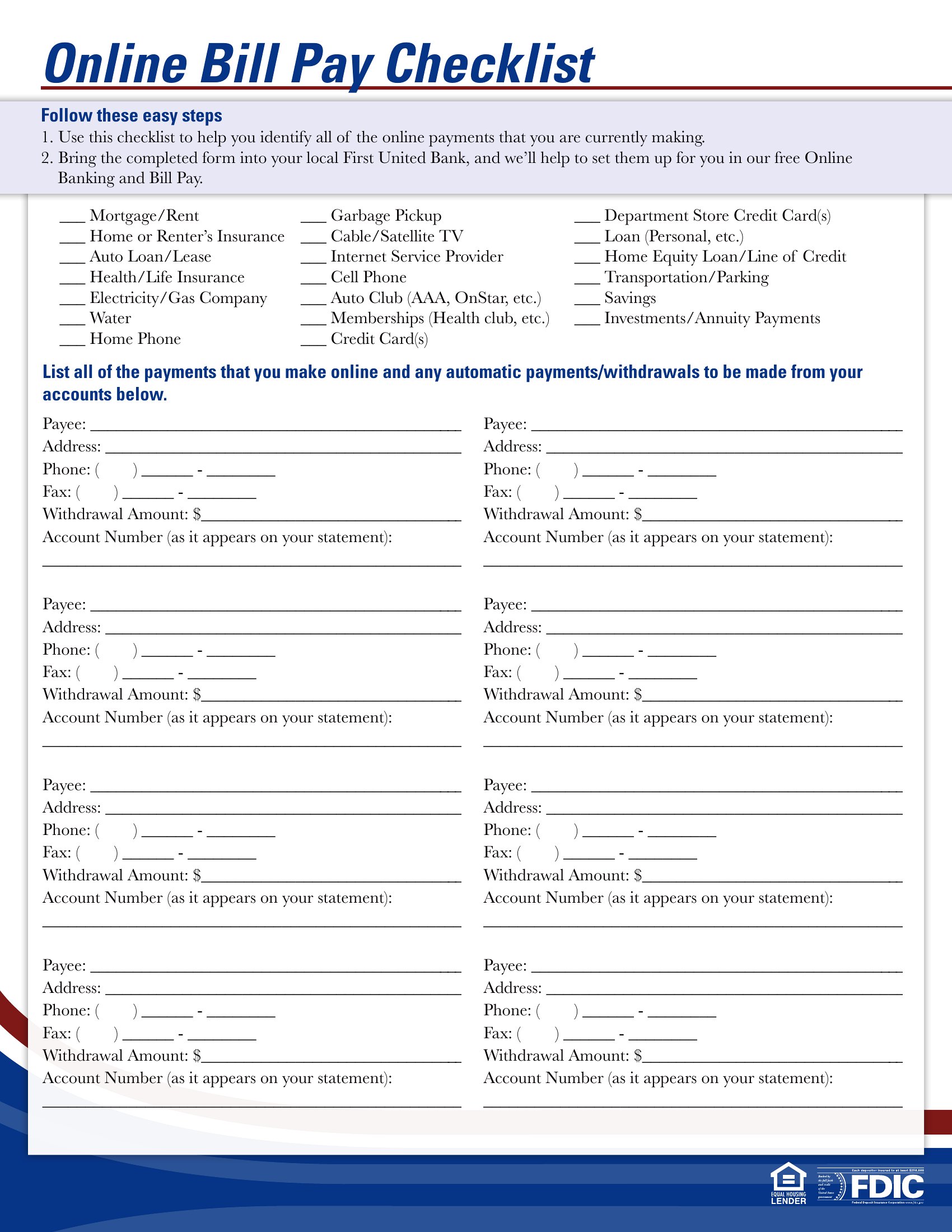
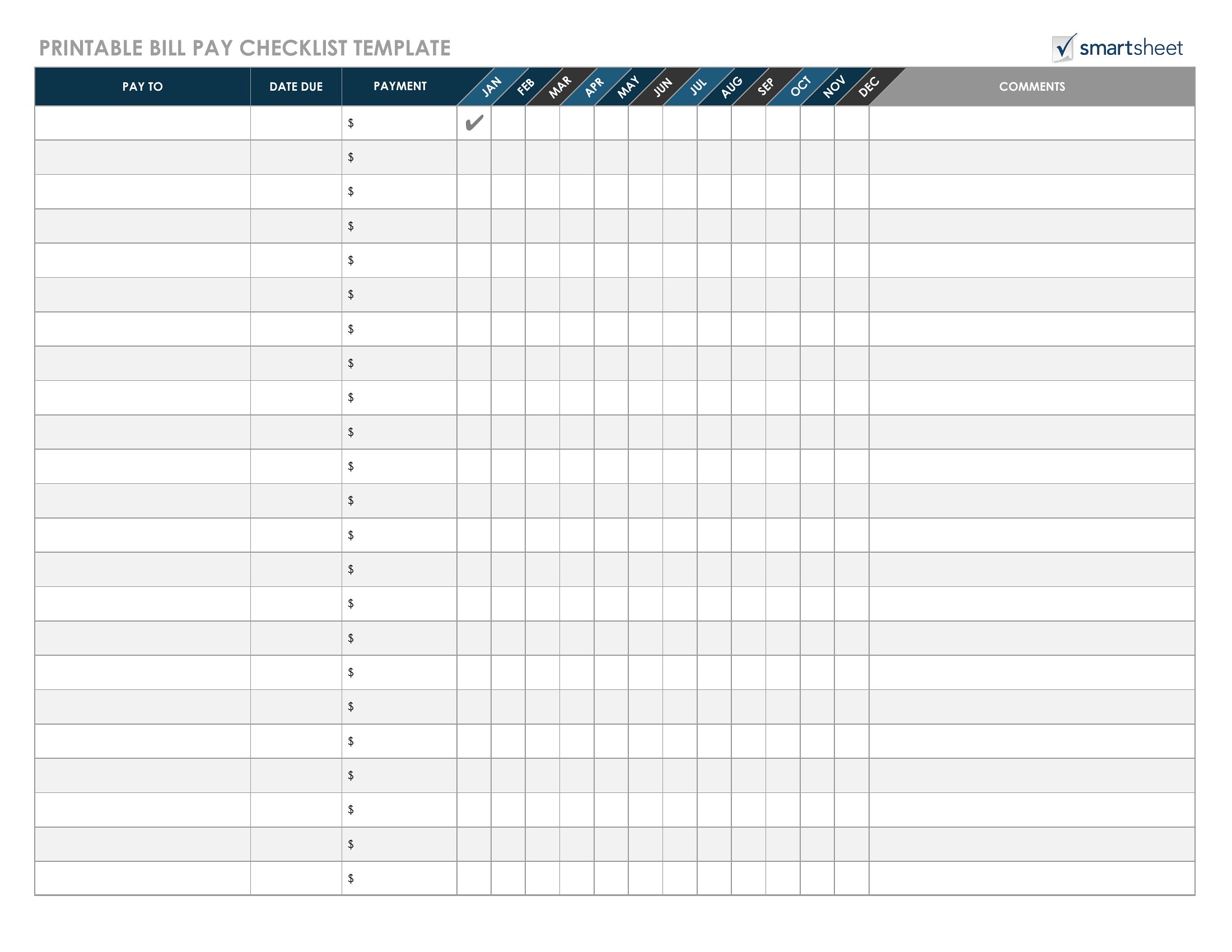
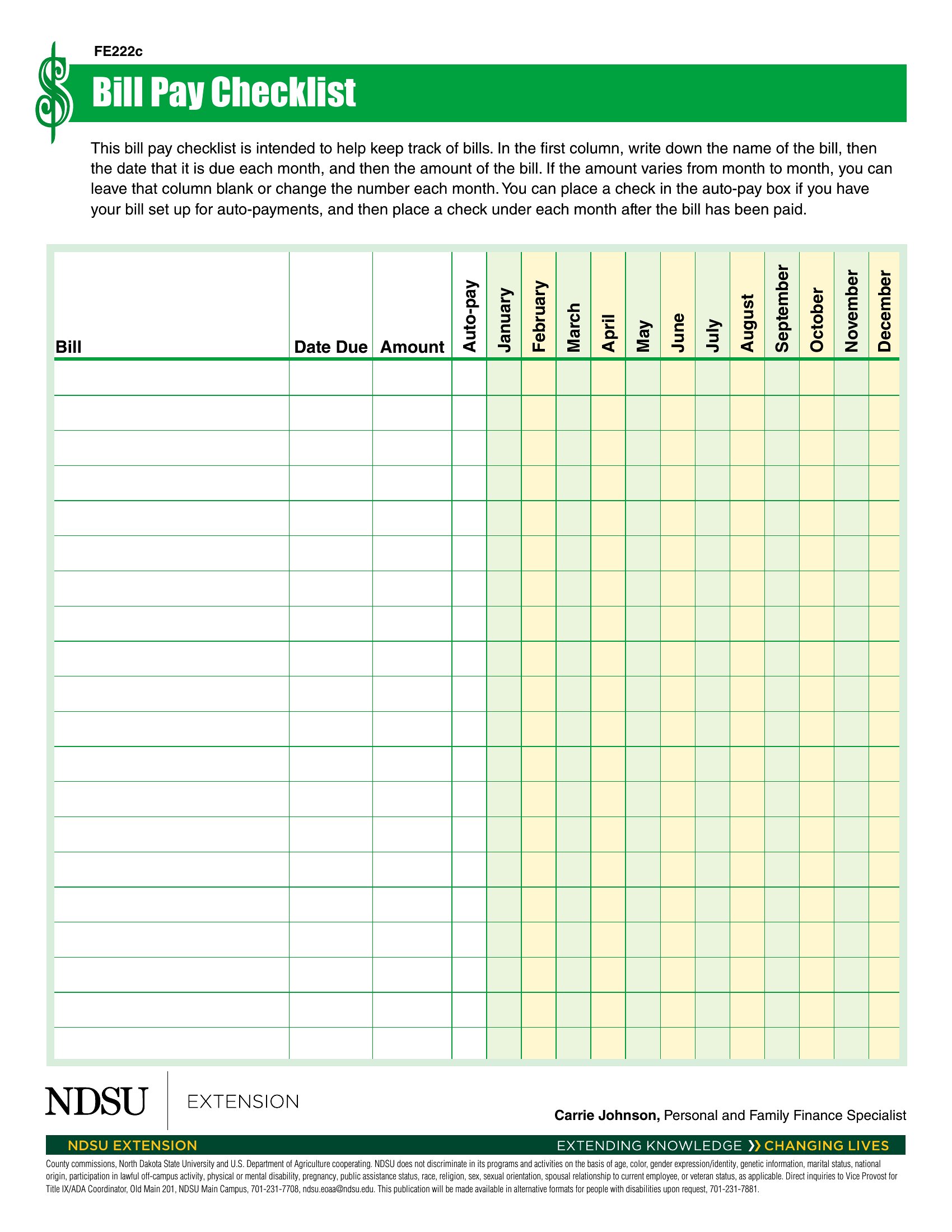
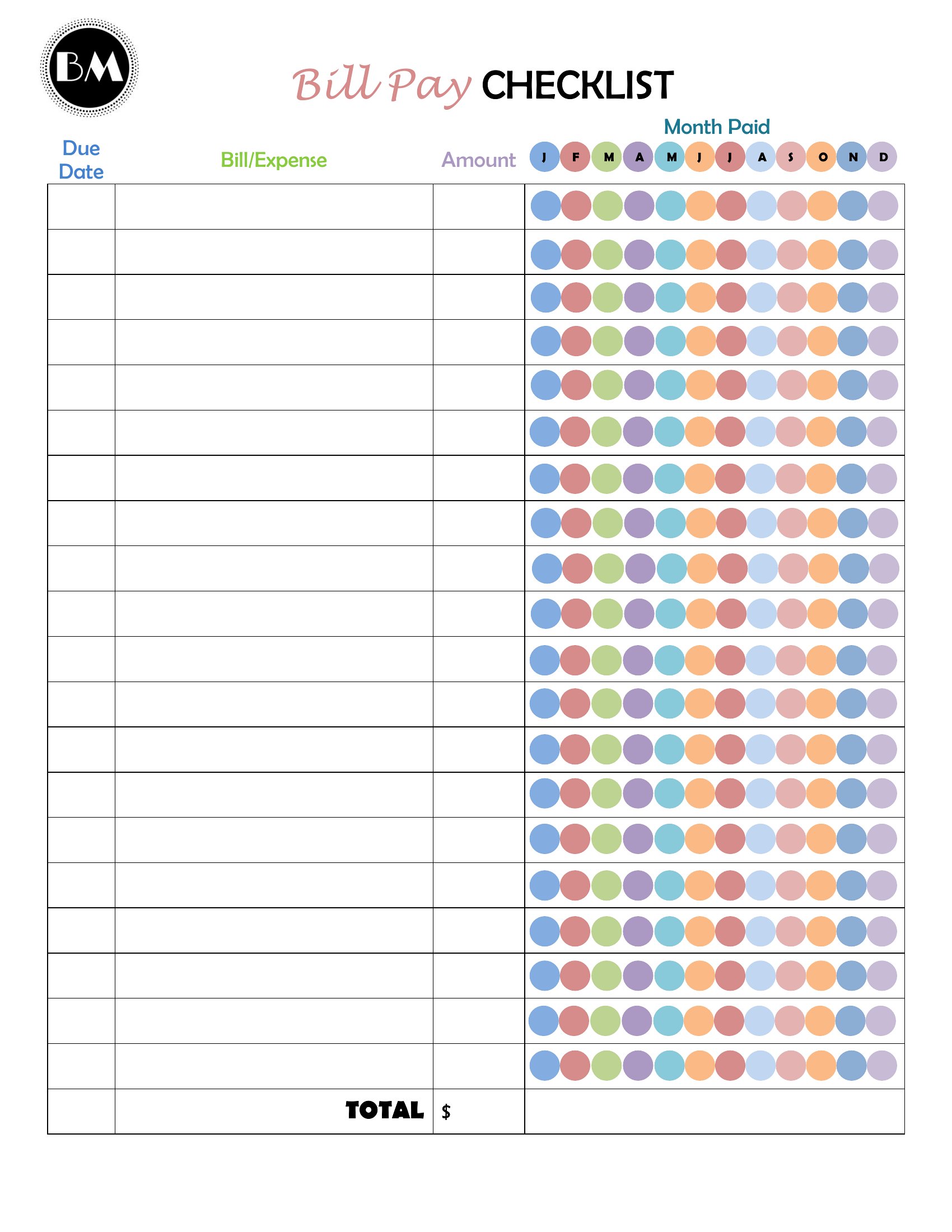
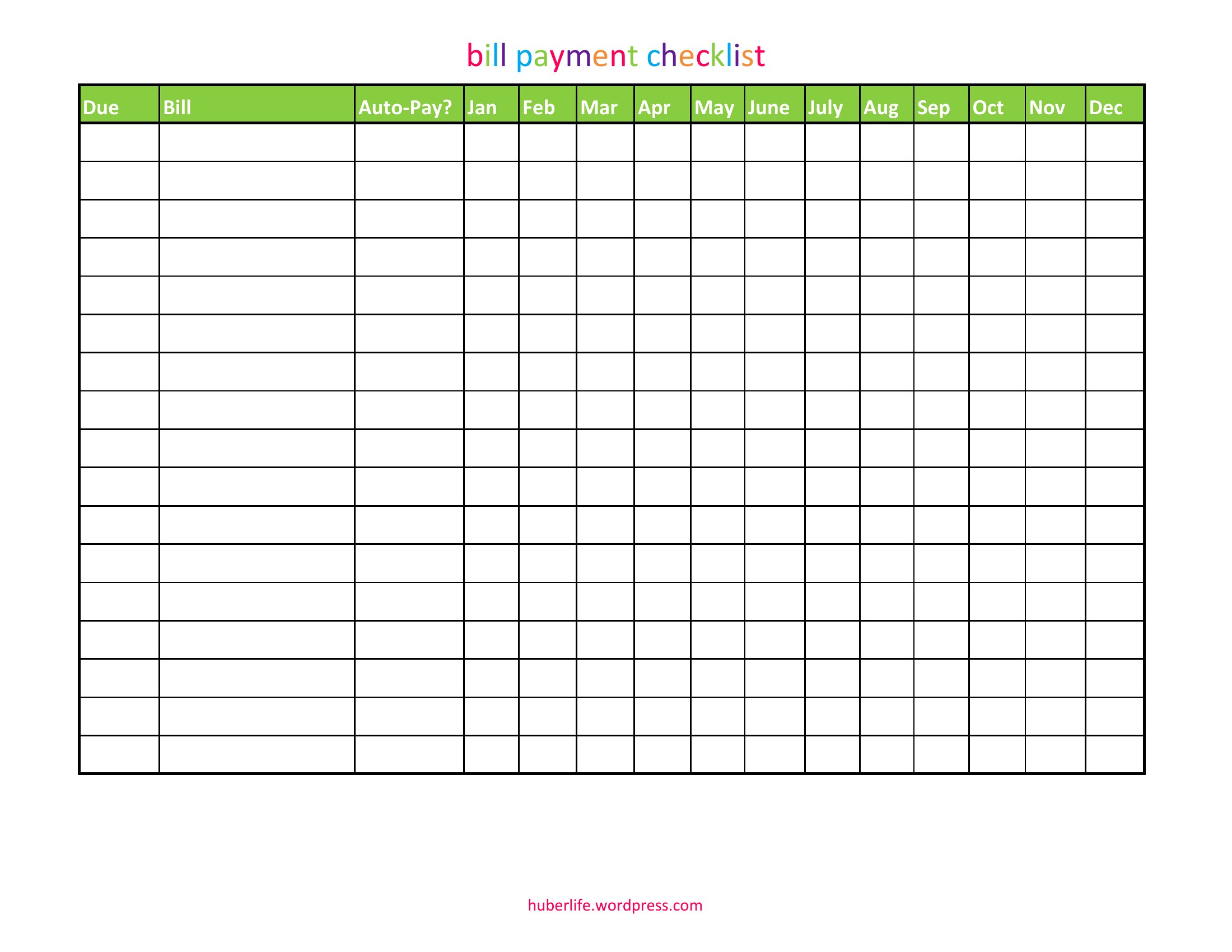
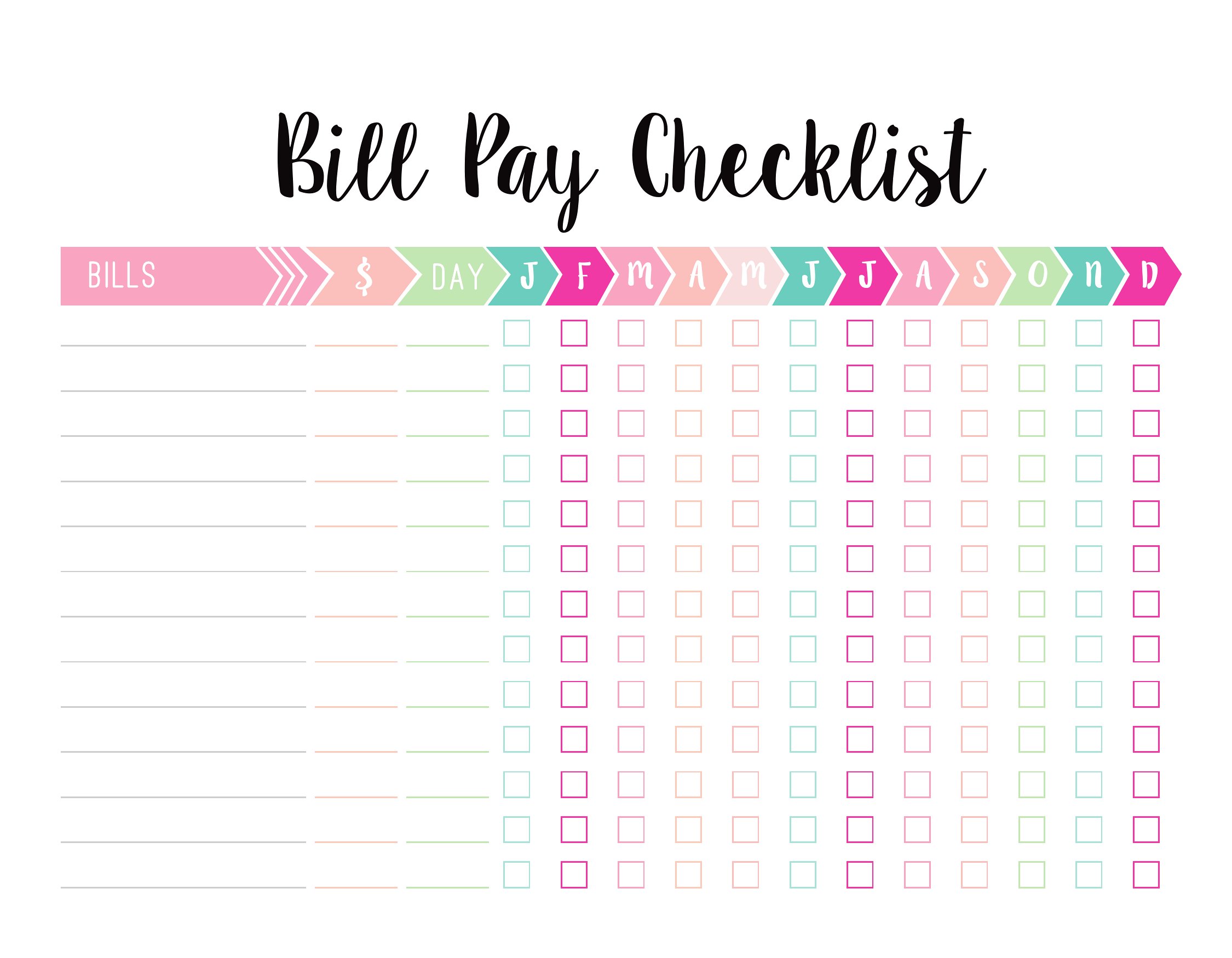
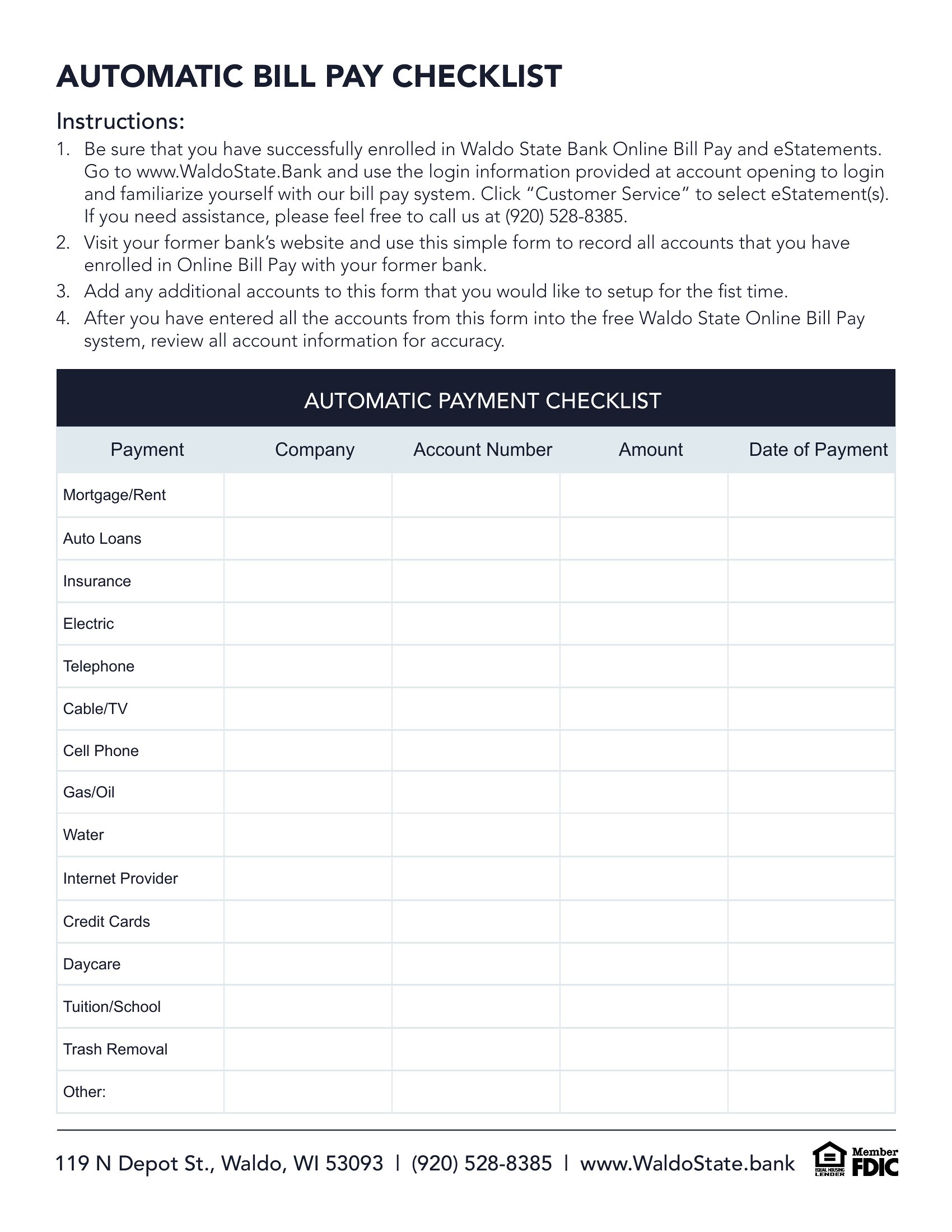
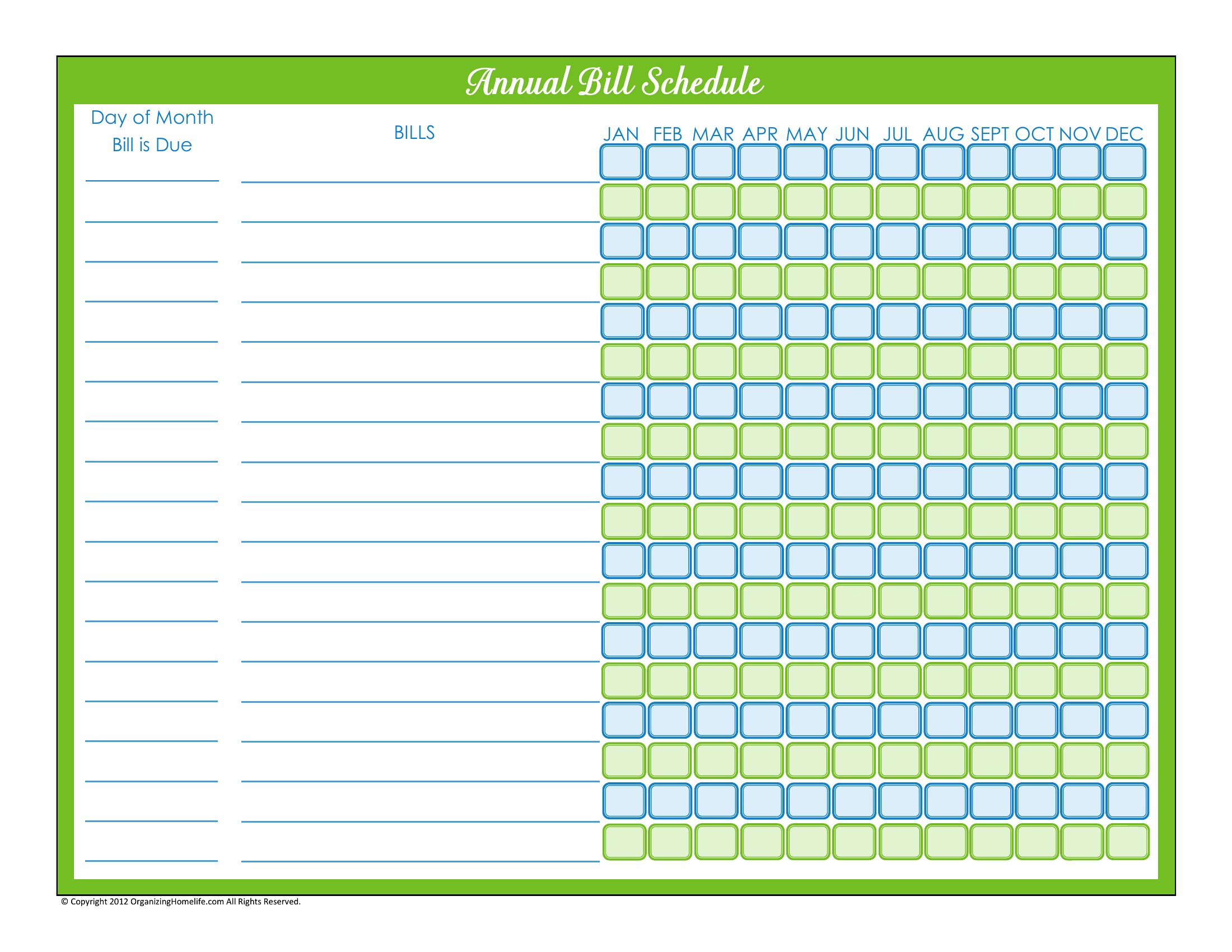
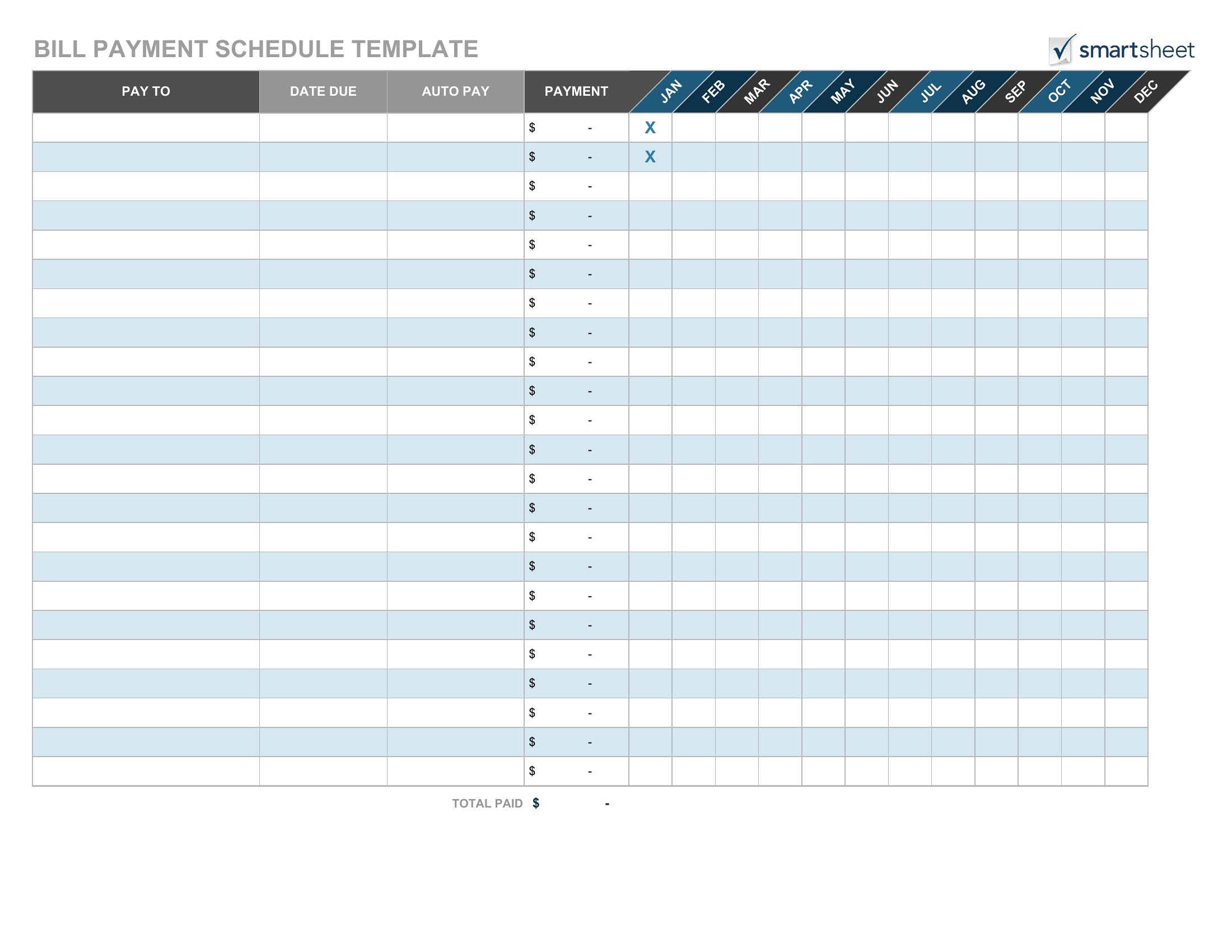
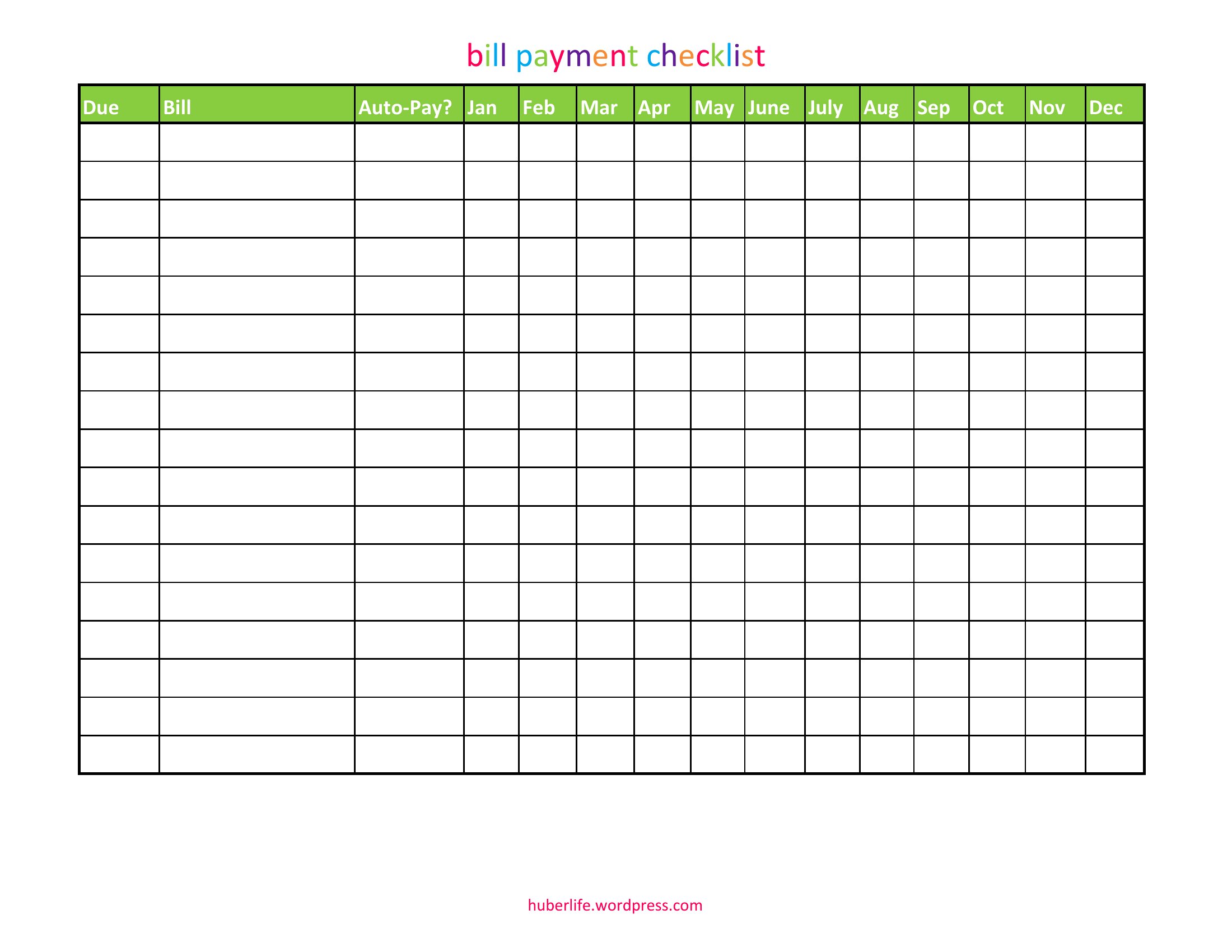
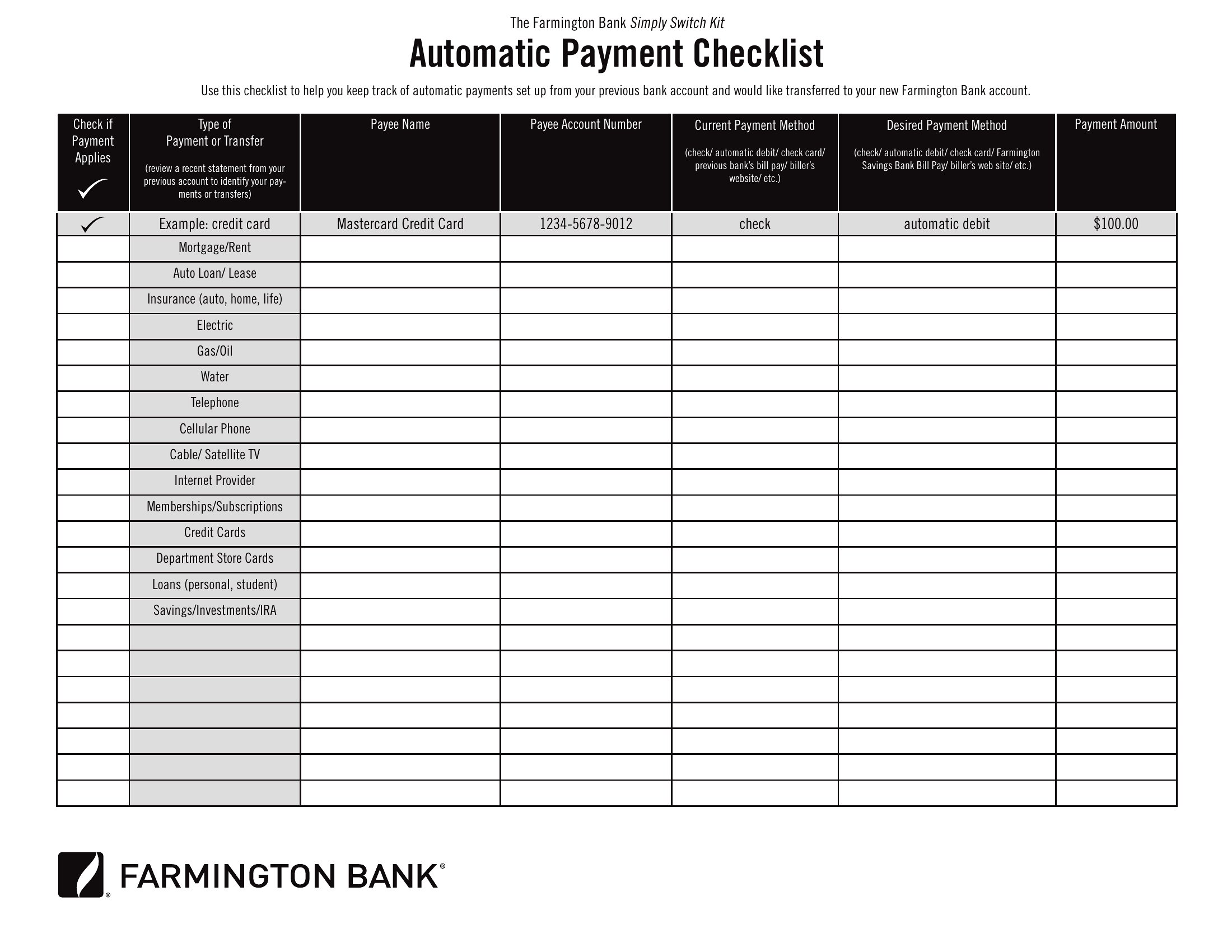
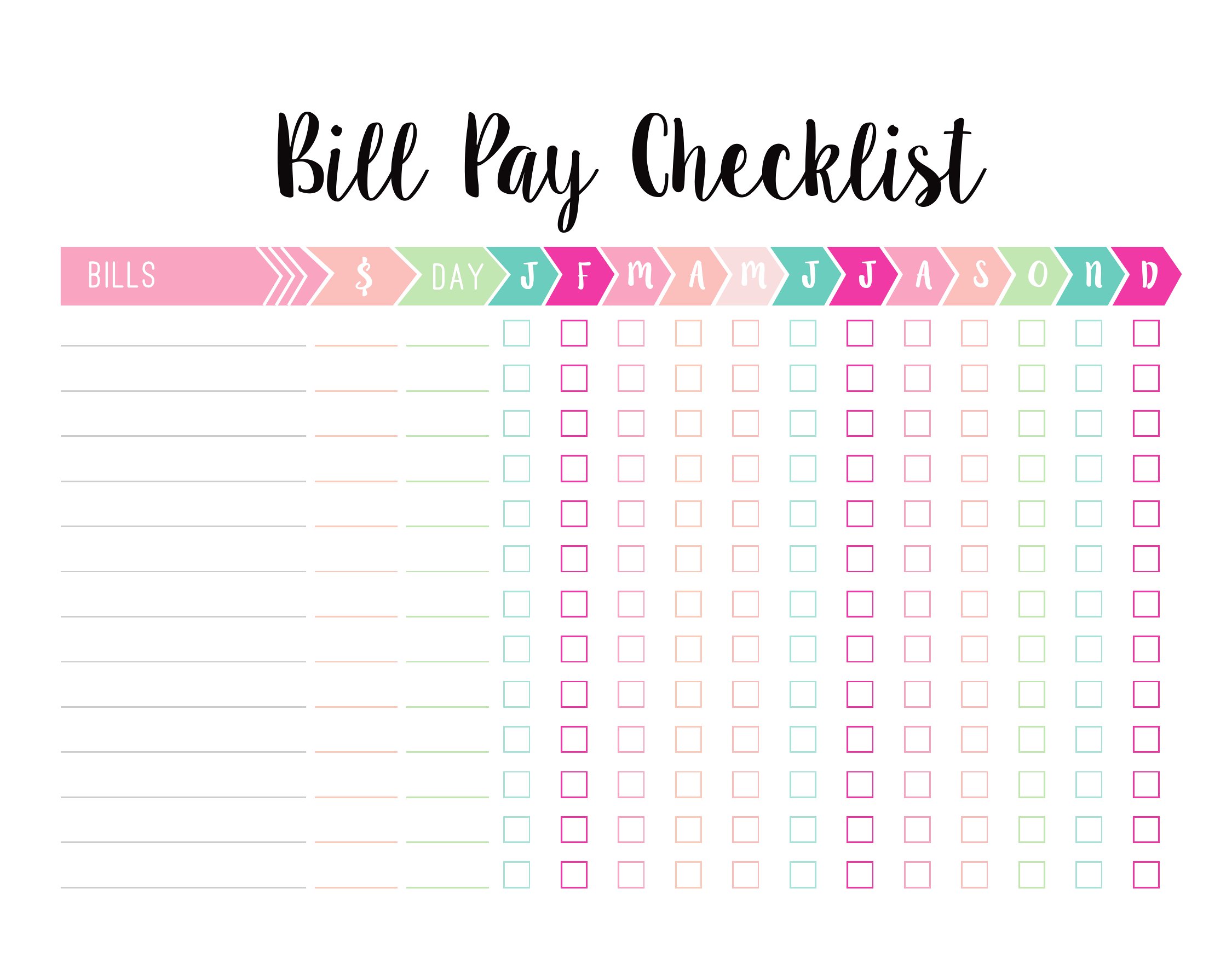
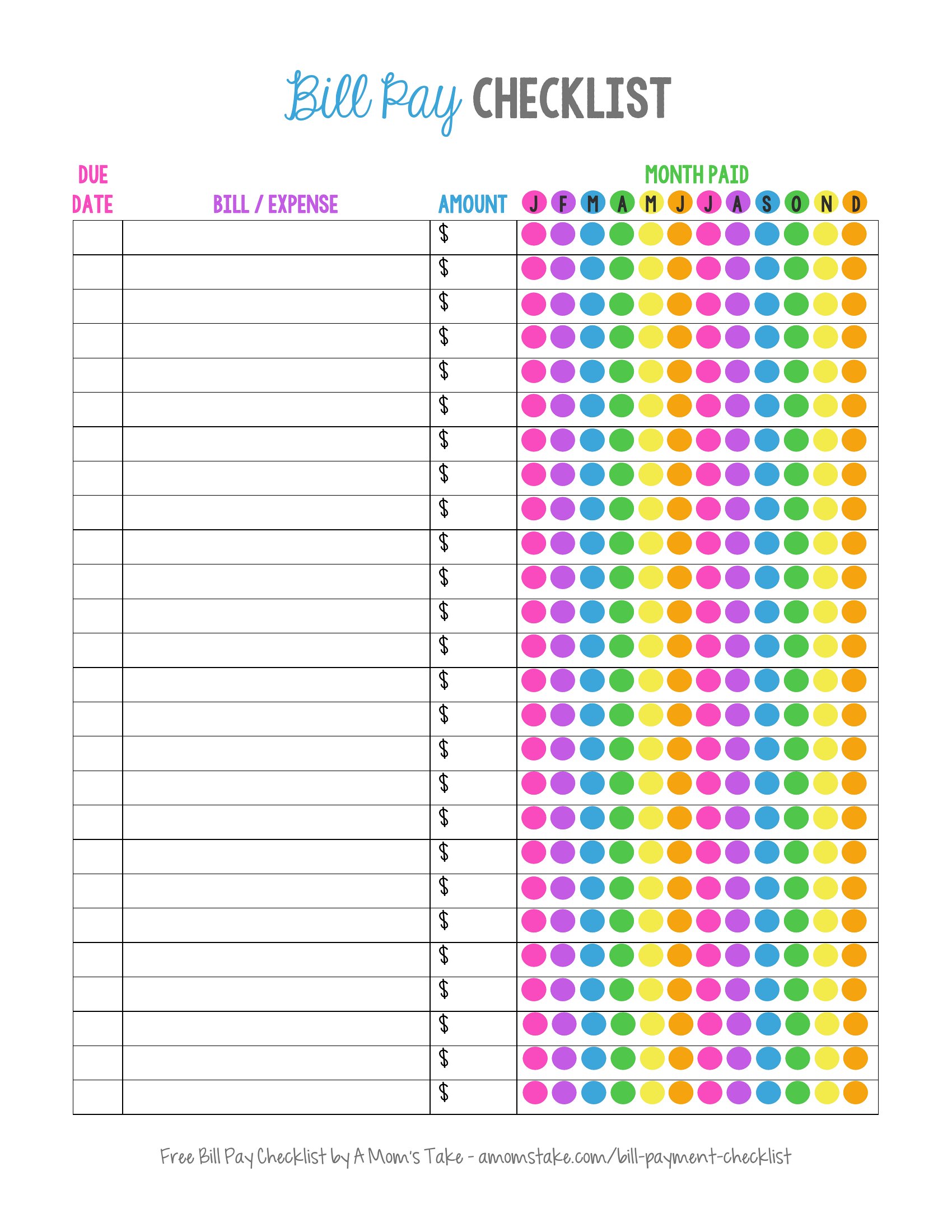
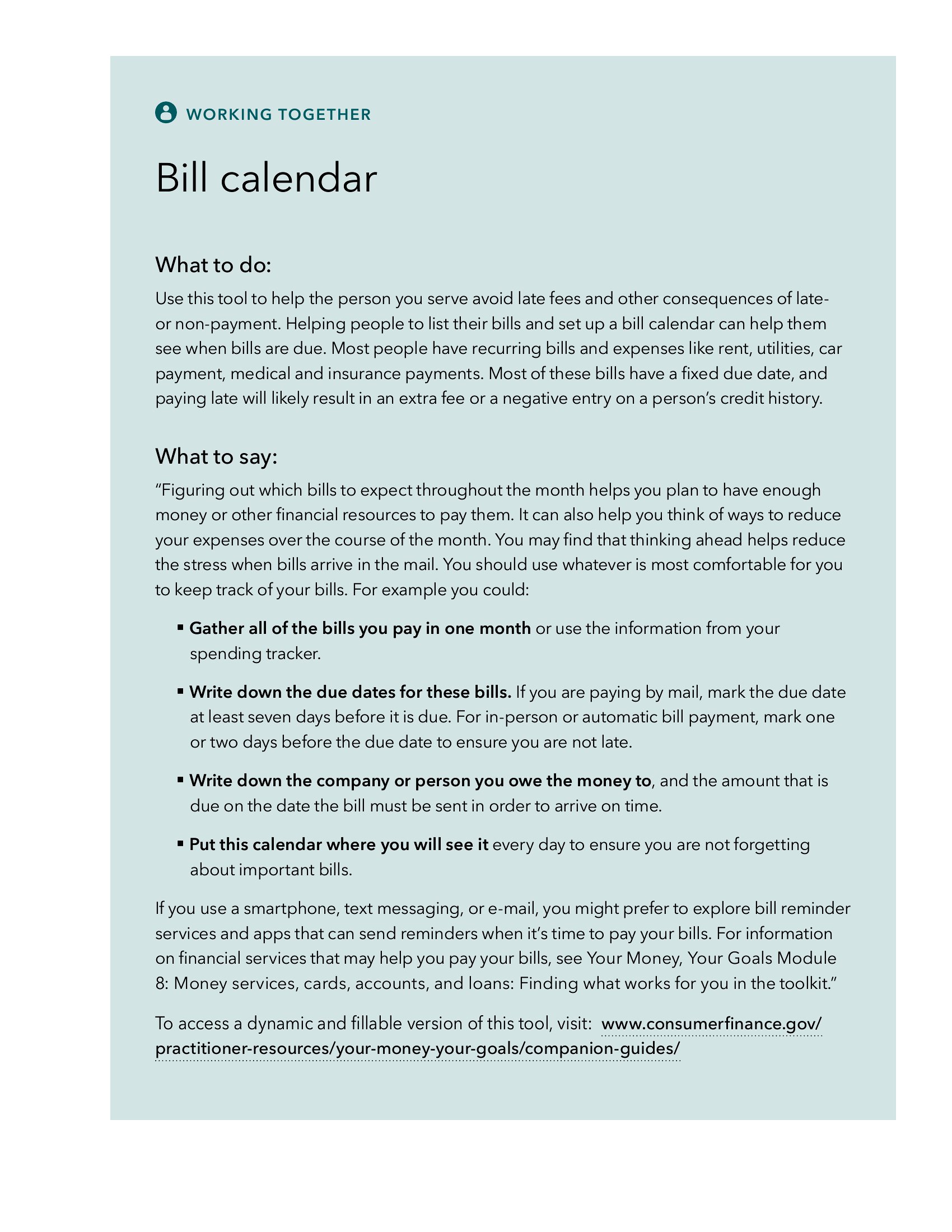
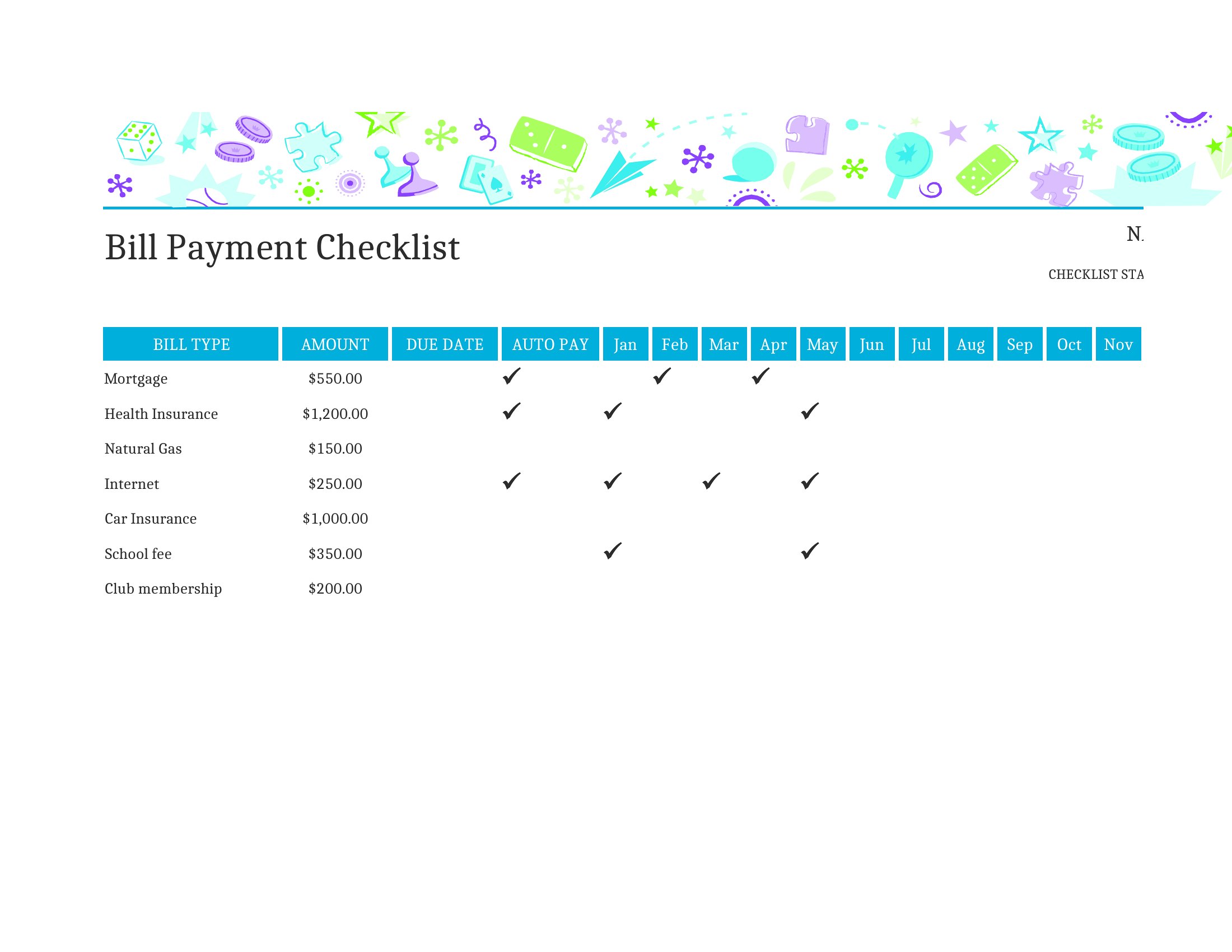
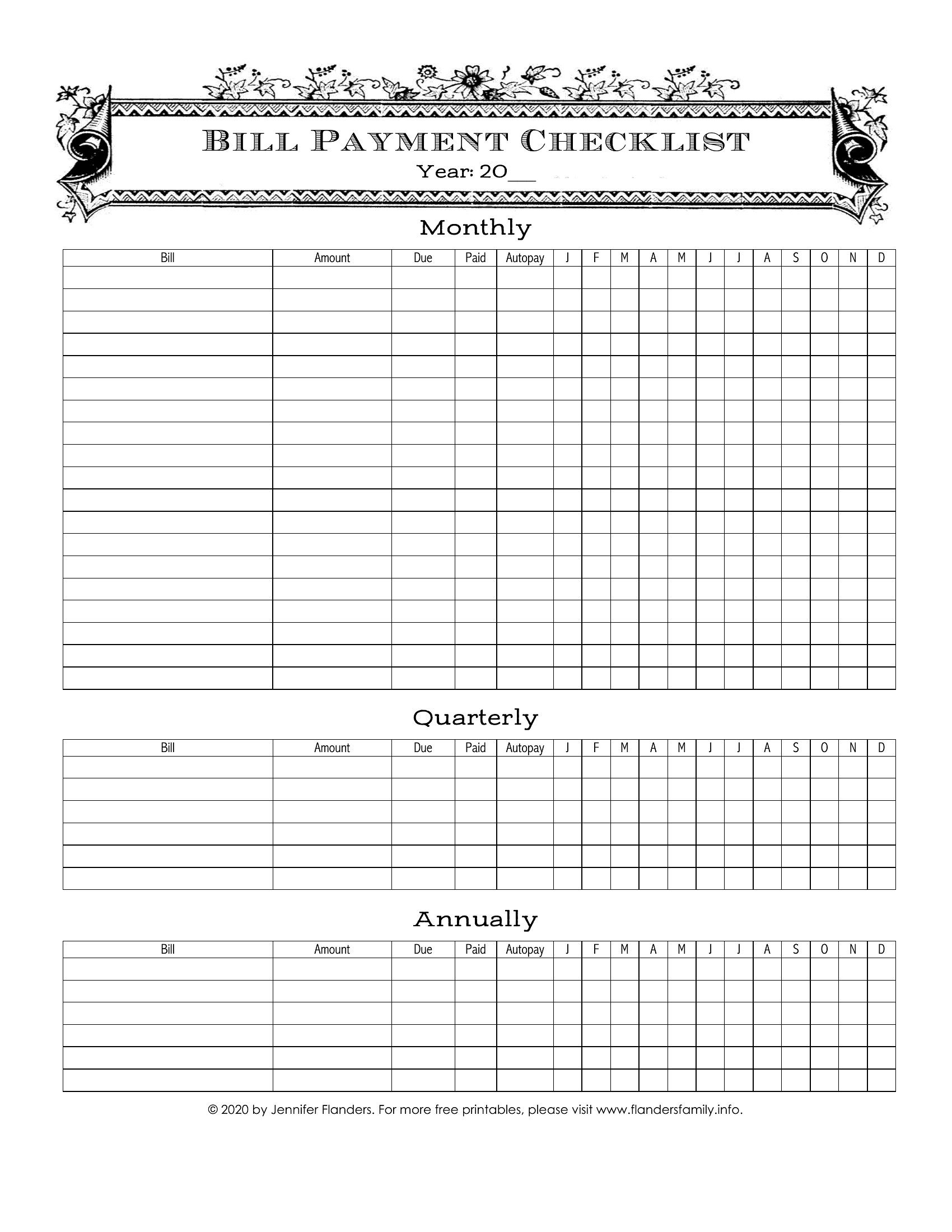
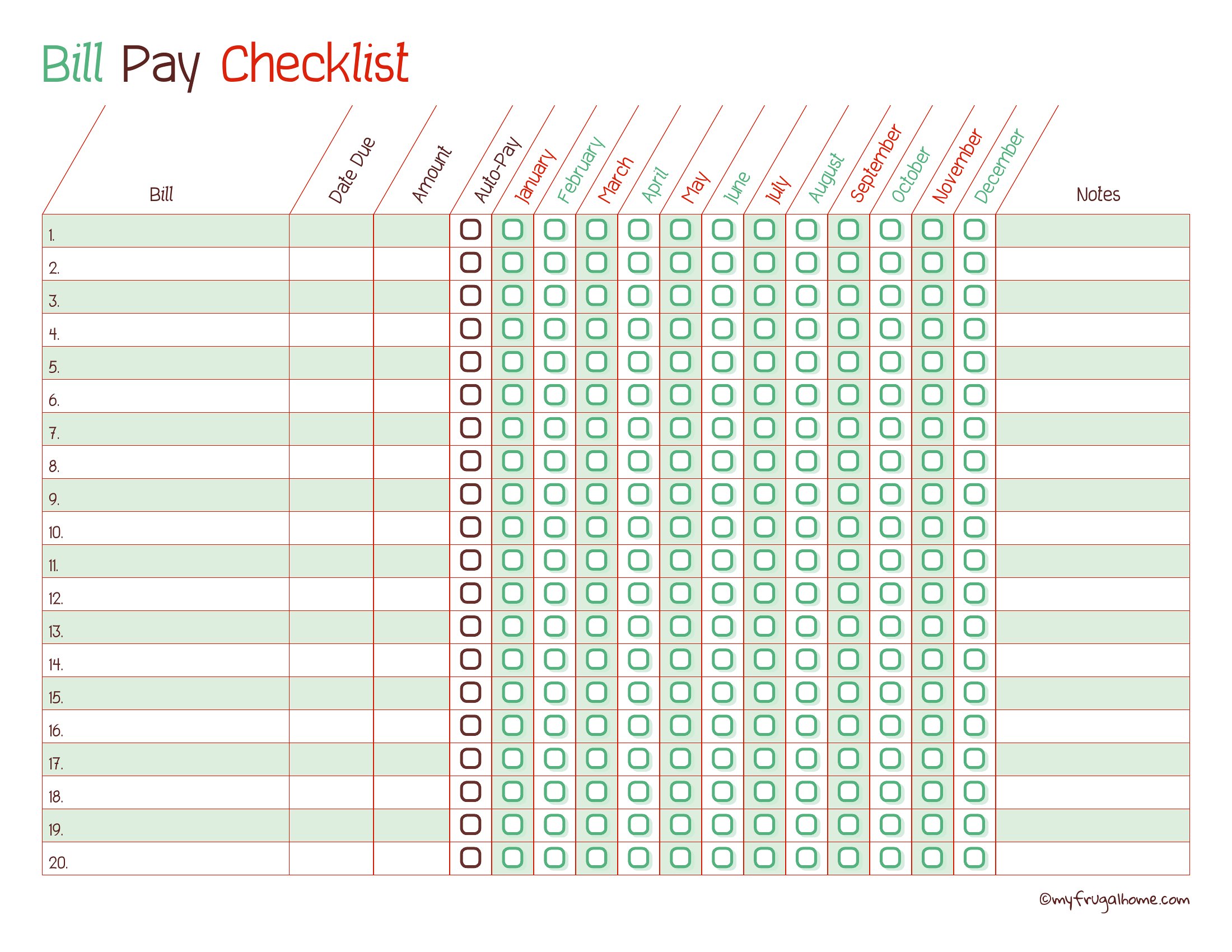
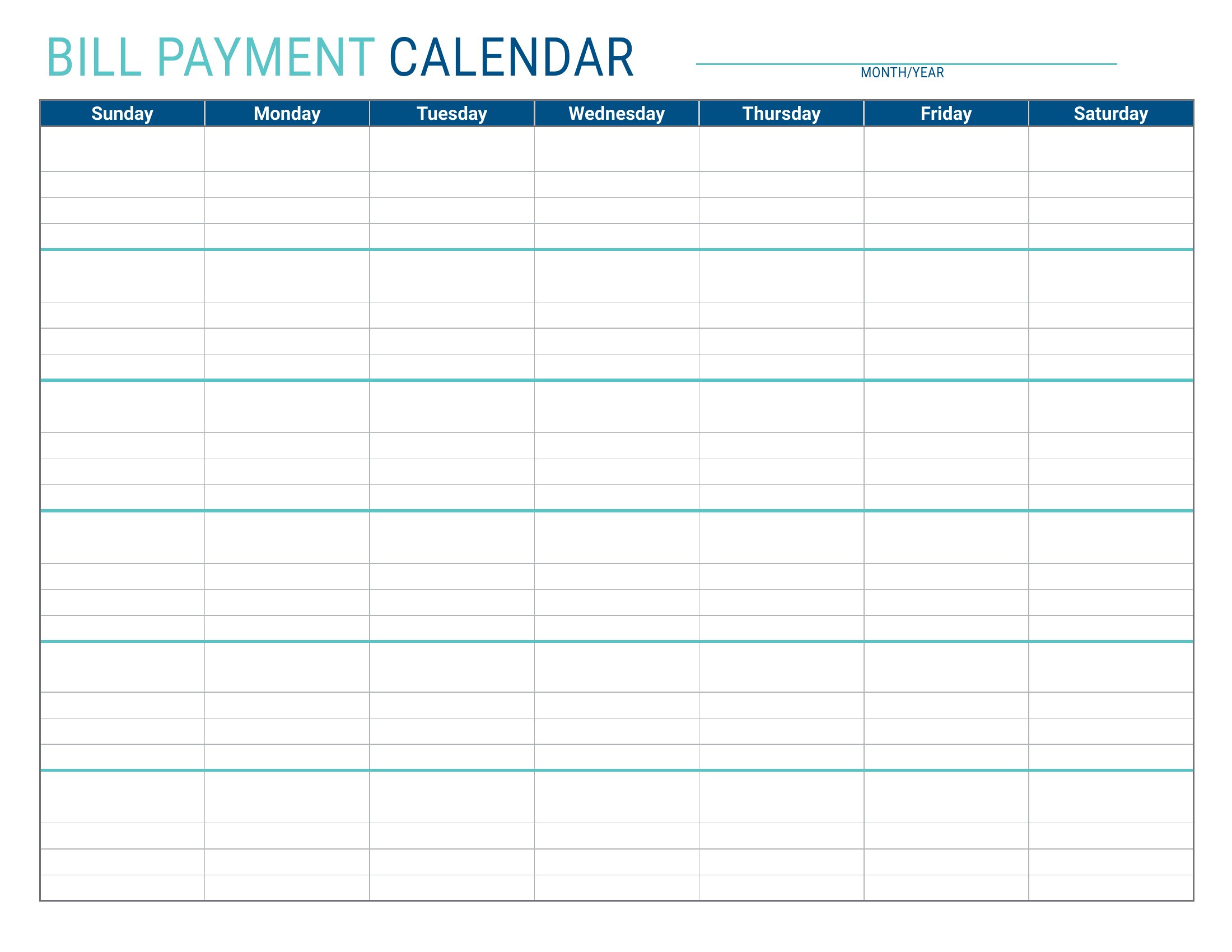
ApplicationsLate fees usually come down to a forgotten due date, not a lack of money, and a monthly bill checklist fixes that. These 25 templates give households and busy families one place to list every bill, its due date, amount, and whether it's been paid. Layouts cover simple monthly grids and fuller organizers that track several months at once.
Pick the Excel versions to total your monthly outgoings automatically, or print the PDFs to pin on the fridge and check off by hand. Glance at it each payday and nothing slips through the cracks. Treat the figures as your own estimates and adjust as bills change through the year. Download the organizer that fits your budget and stop paying for missed dates.
When to use this Bill Pay Checklist template
- Small business owners managing irregular vendor payments and payroll taxes to avoid missed deadlines with reminders built into their workflow.
- New parents juggling mortgages, childcare costs, and medical bills need a visual tracker to stay ahead of fluctuating due dates each month.
- College students splitting rent, utilities, and student loans with roommates require a shared checklist to prevent confusion over who pays what.
- Retirees on fixed incomes use these checklists to allocate limited funds and prioritize bills, ensuring essentials like prescriptions and property taxes are never overlooked.
Which format should I download?
Choose Excel when you want automatic calculations to track monthly totals, set conditional formatting for overdue bills, or sort payments by priority. The PDF versions are best for quick, printable checklists to post on a fridge or share with family members who don’t use spreadsheets. Both formats allow customization, but Excel is ideal for data-heavy tracking while PDF works for simple, portable reminders.
How to use this Bill Pay Checklist template
Can I add recurring bills like subscriptions or memberships to these checklists?
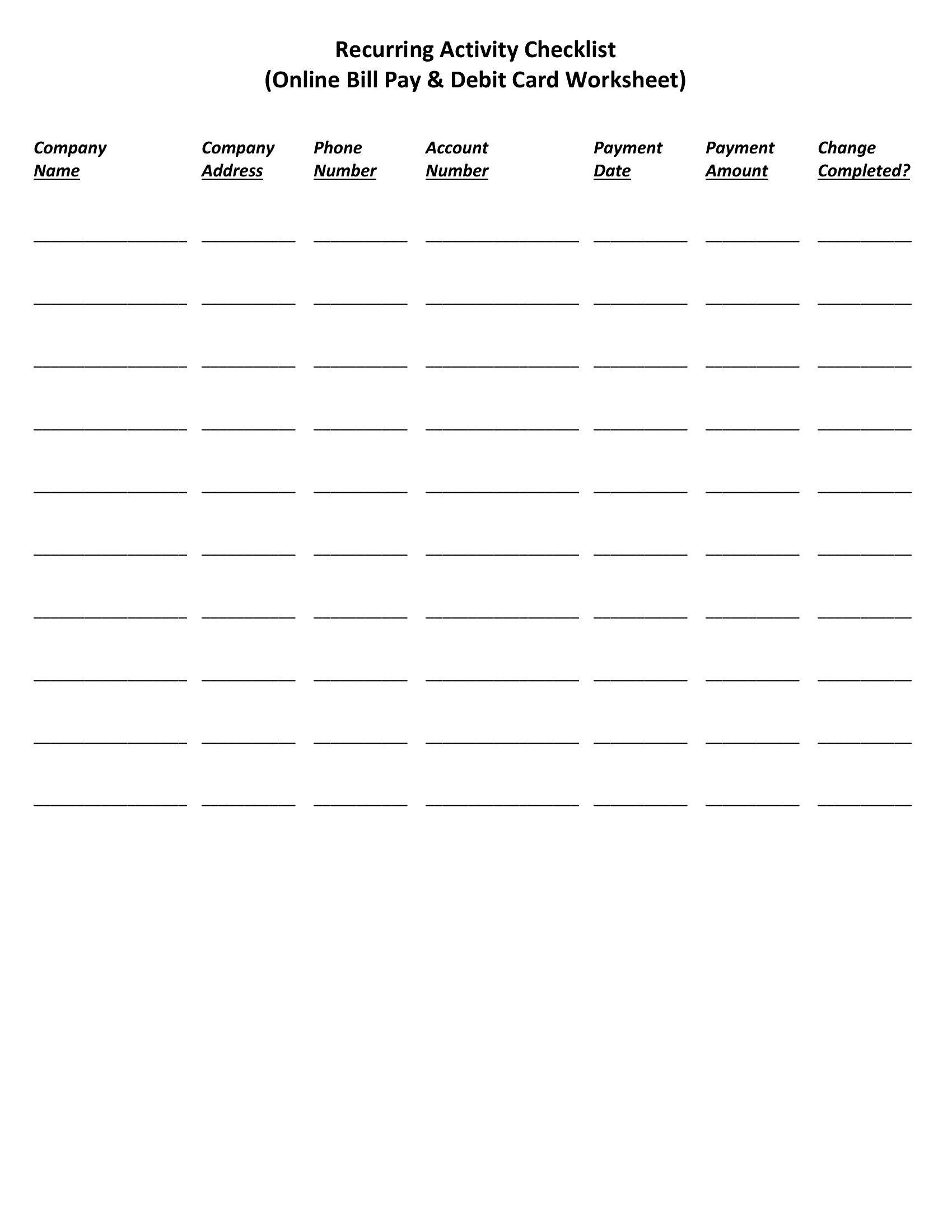
Yes, most templates include sections for recurring payments. In Excel, you can use formulas to auto-fill future due dates, while PDF checklists often have checkboxes or pre-set dates for monthly subscriptions. Label these clearly to distinguish them from one-time bills.
What if my bills have irregular due dates, like quarterly taxes or bi-weekly freelance payments?
Many templates include a notes column or customizable fields to list irregular schedules. In Excel, you can highlight these in a separate tab or color-code them. PDF versions may require manual entry, but you can still mark them as ‘quarterly’ or ‘bi-weekly’ for clarity.
Should I include non-bill expenses like groceries or car maintenance in this checklist?
It’s optional but helpful for some households. If you’re tracking every outgoing, add a ‘non-essential’ category to these checklists. Focus on bills first, but these templates can double as a lightweight budget planner if you label expenses clearly. Avoid mixing them with mandatory payments unless you’re using the Excel version for totals.
Comments
Join the conversation
Sign in to share your thoughts and leave a comment on this resource.