


FAQ
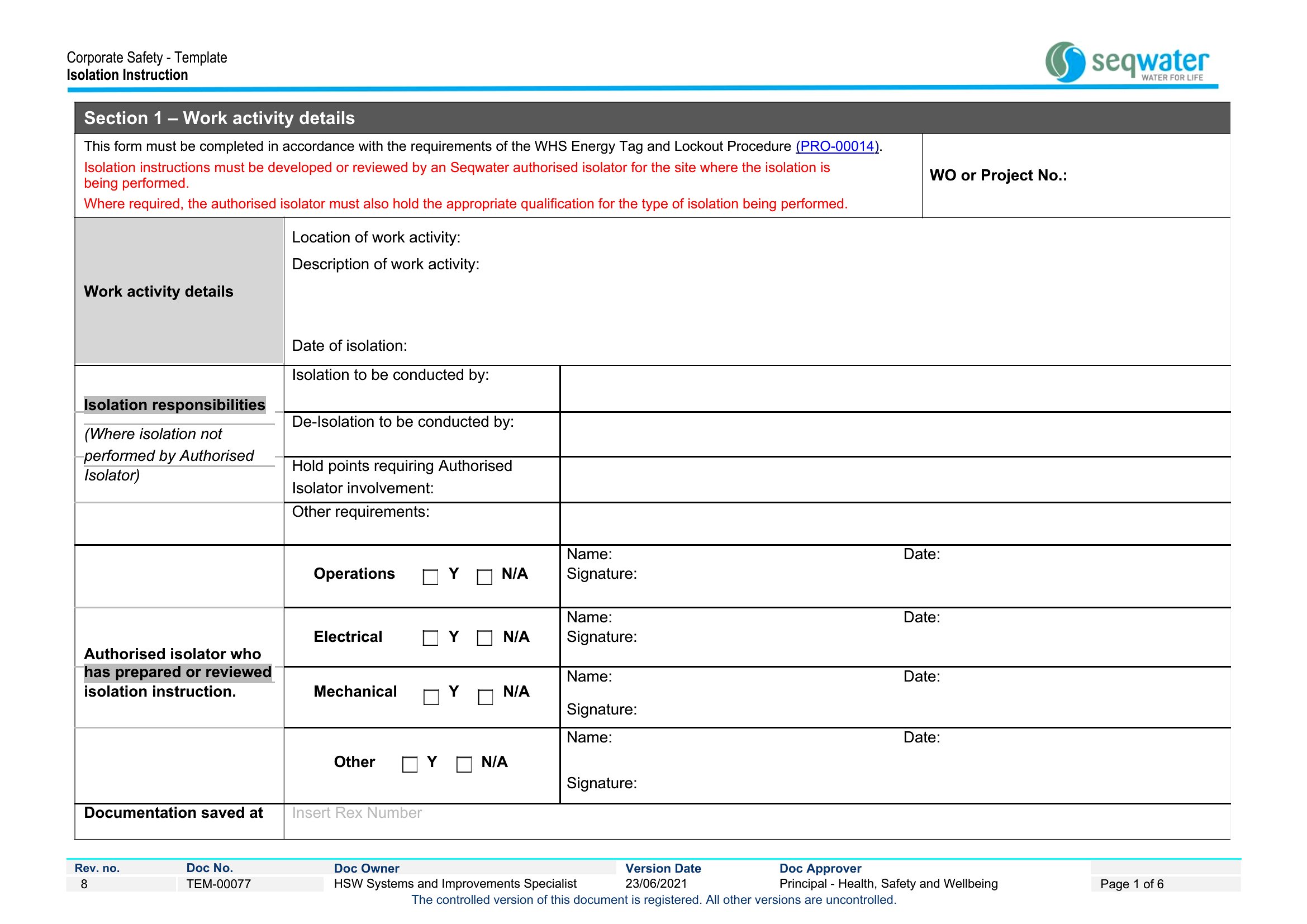
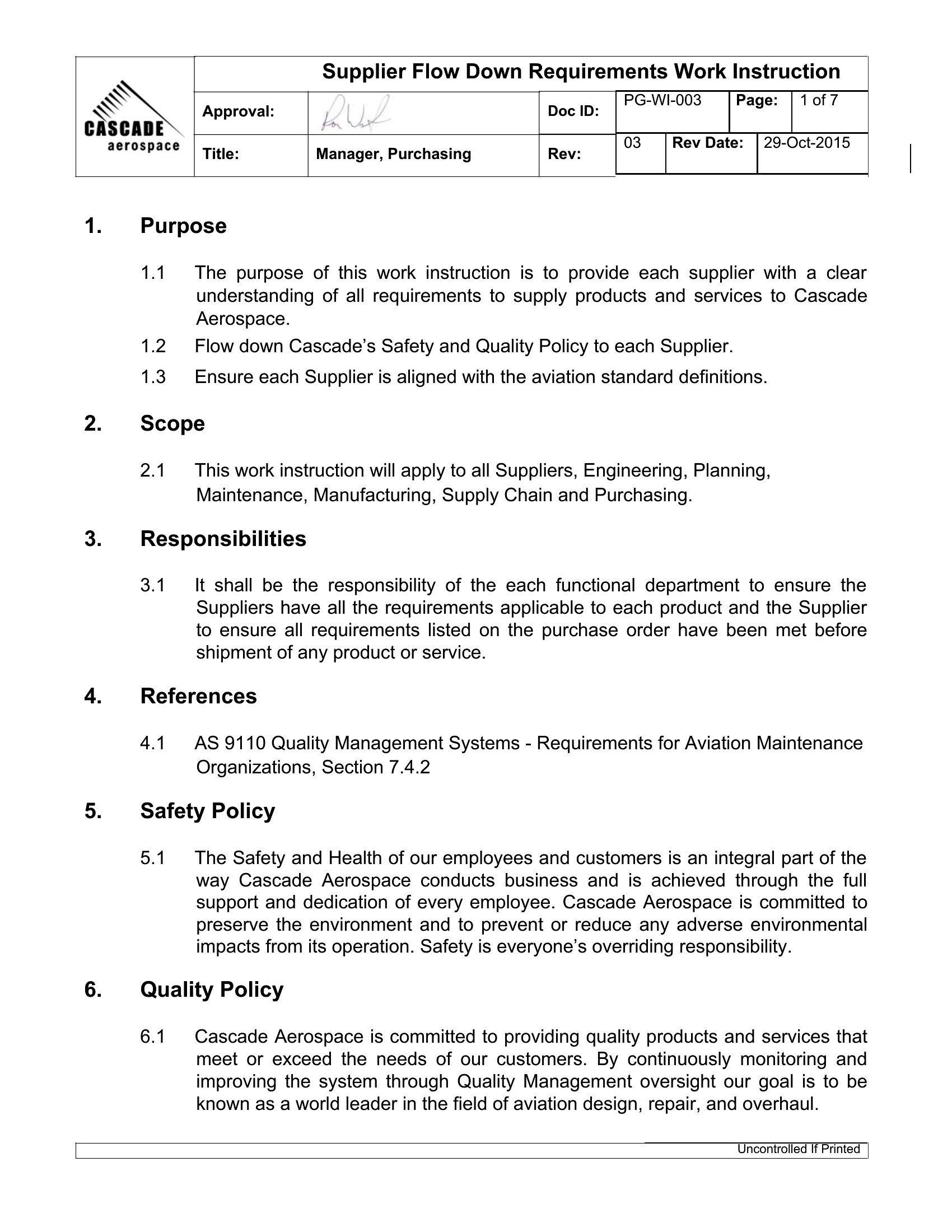
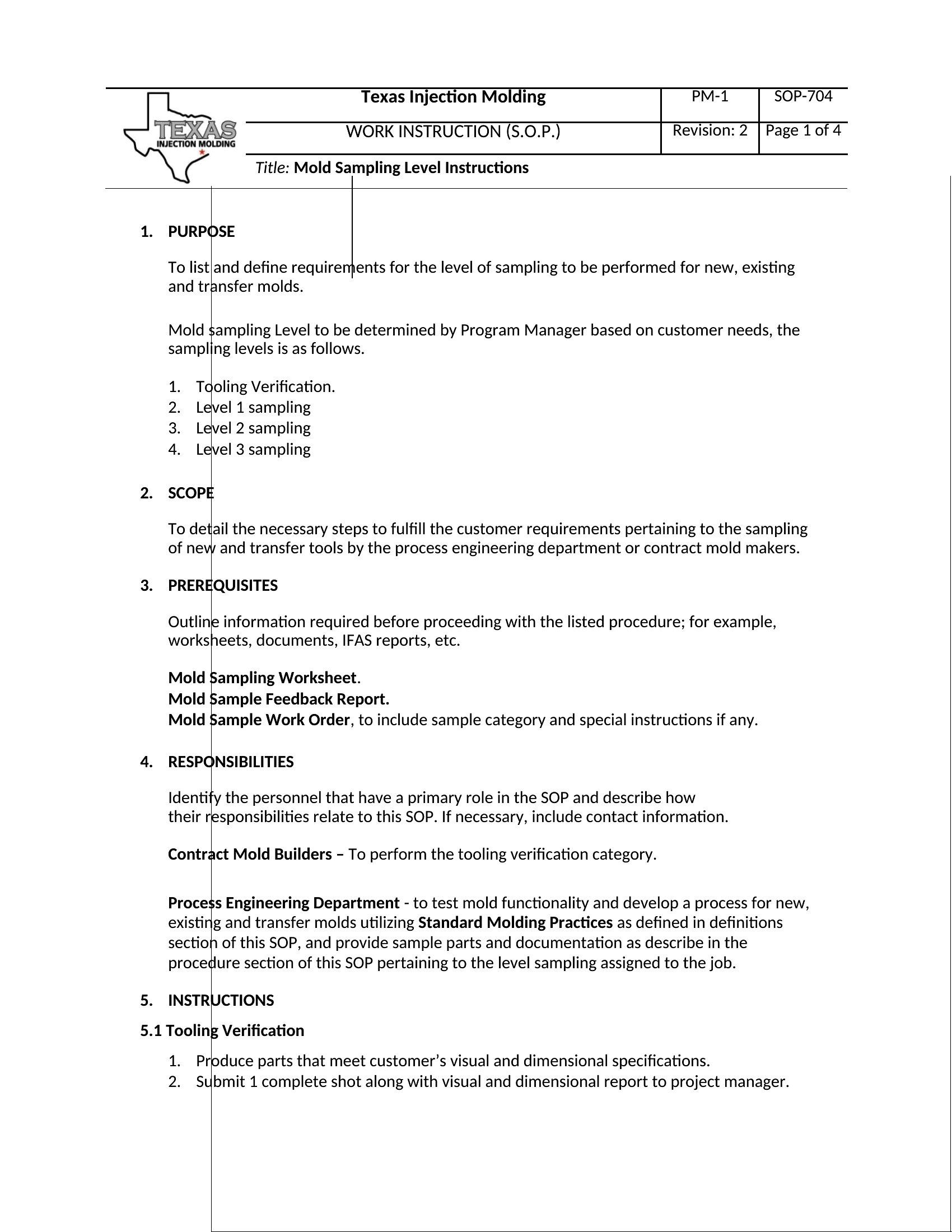
How do I decide when a task needs a work instruction instead of a standard operating procedure (SOP)?
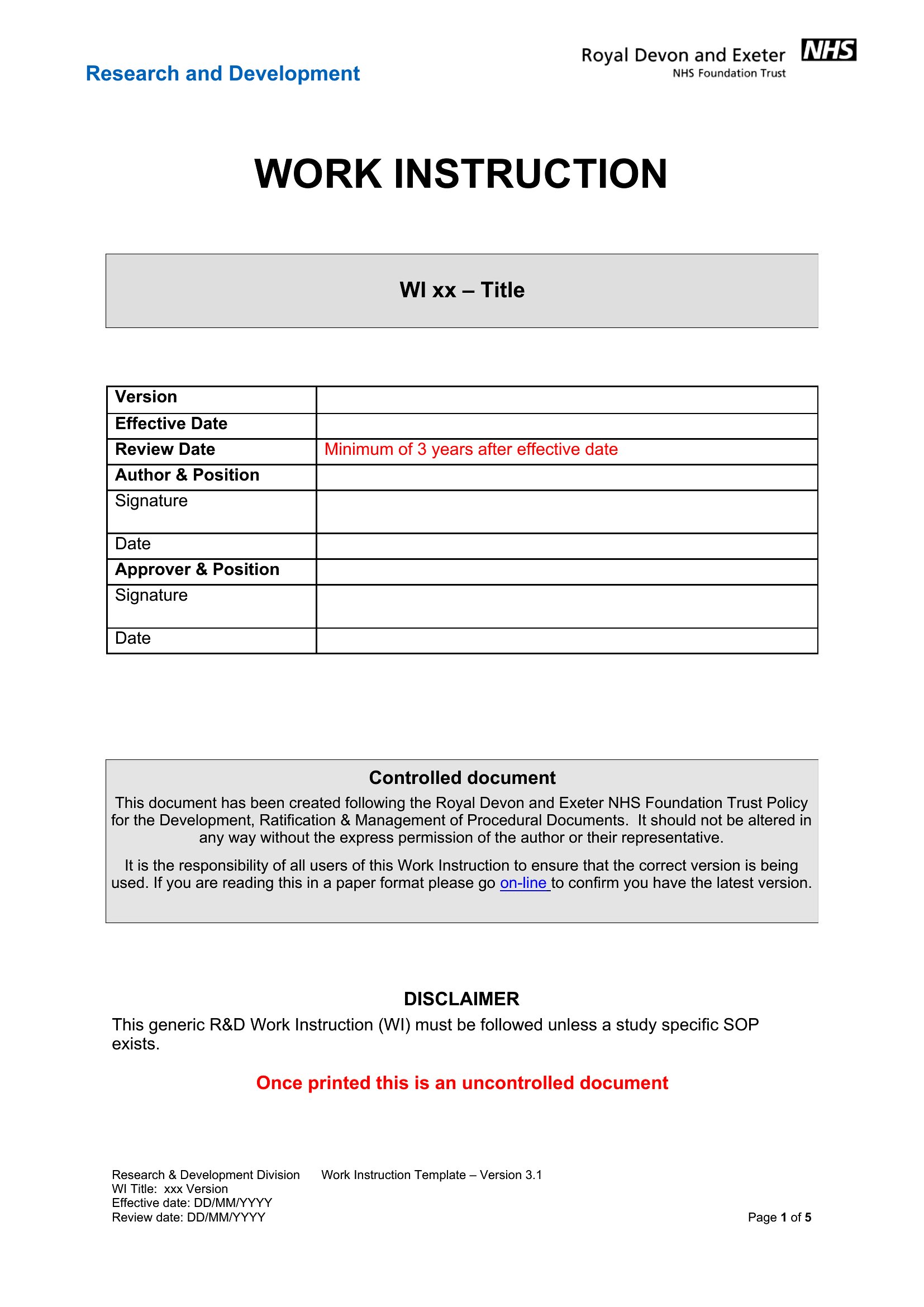
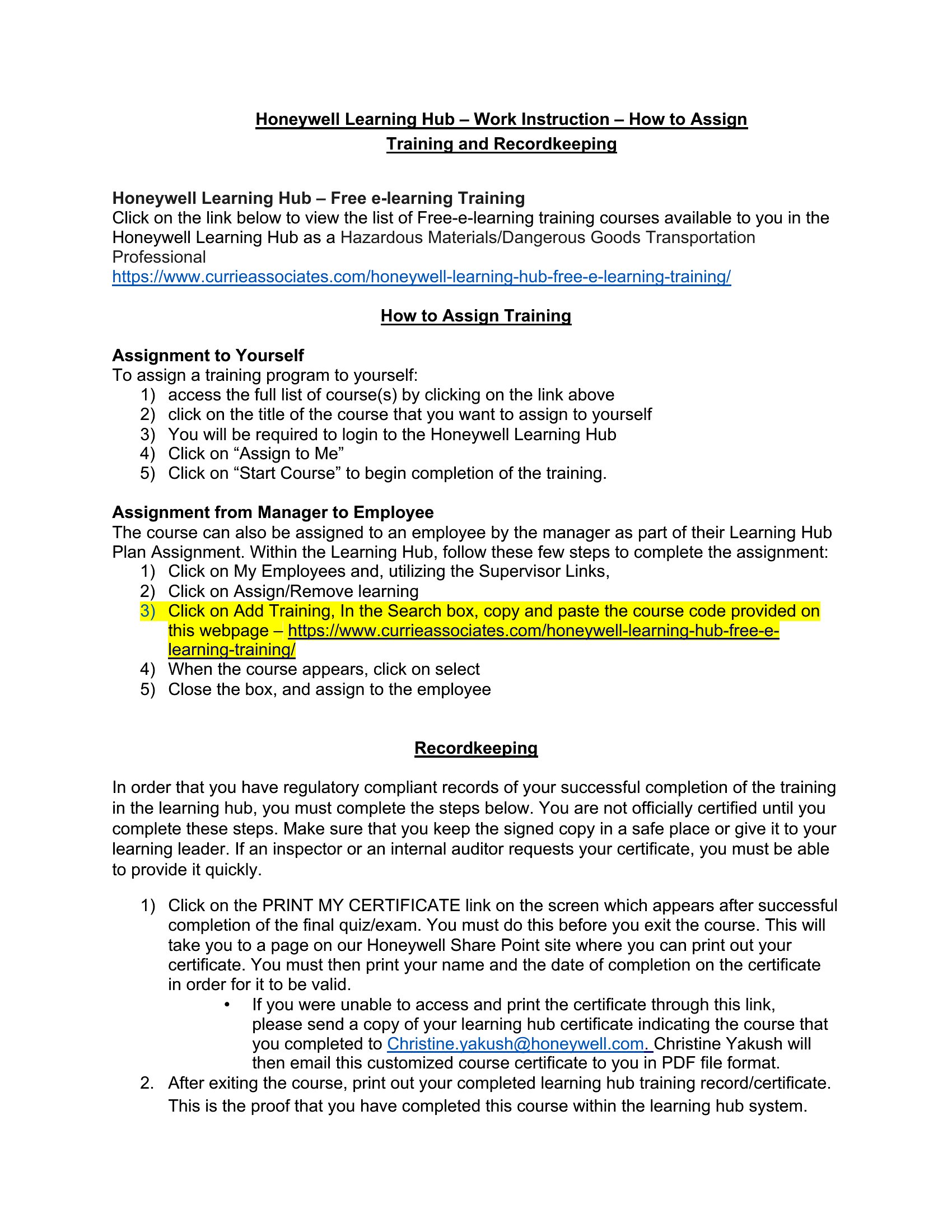
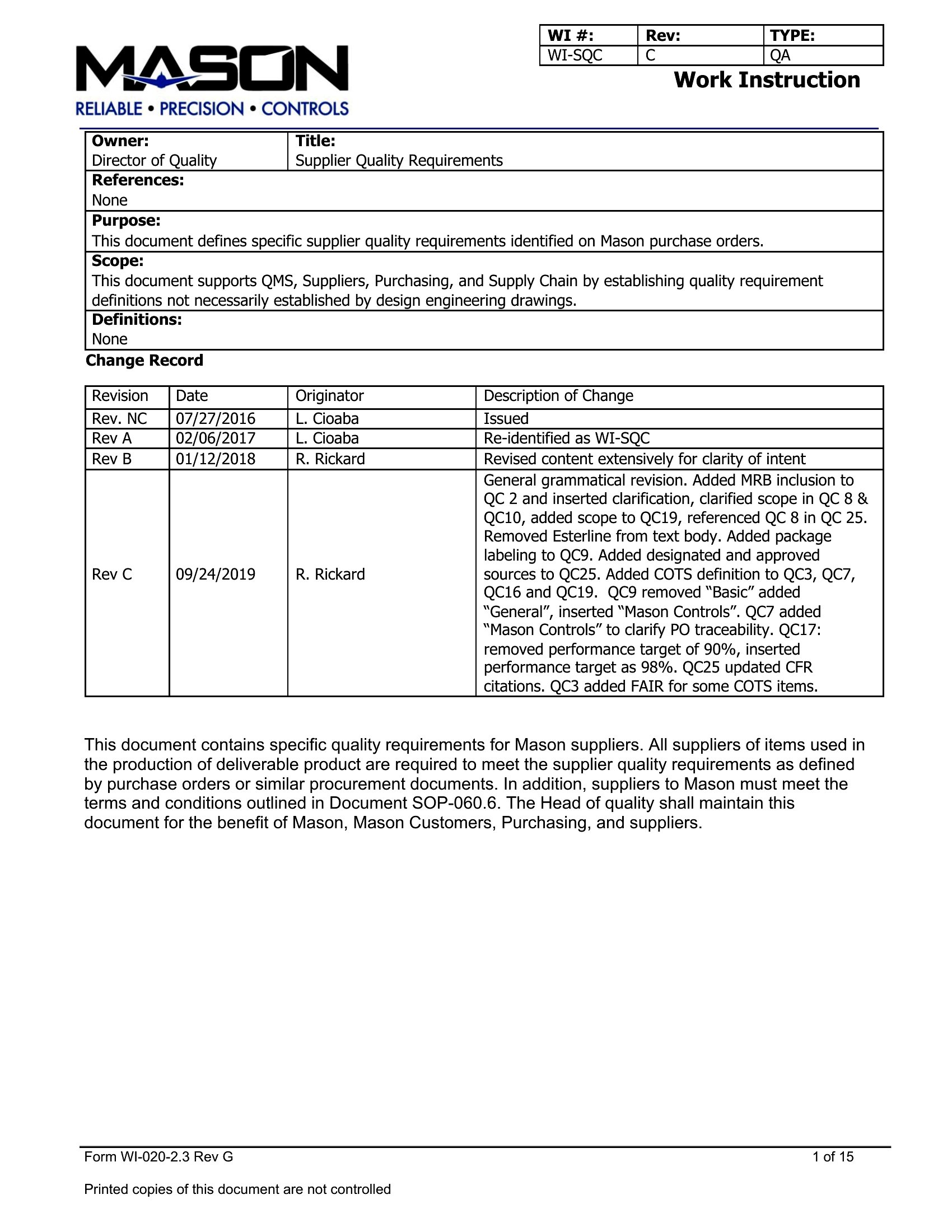
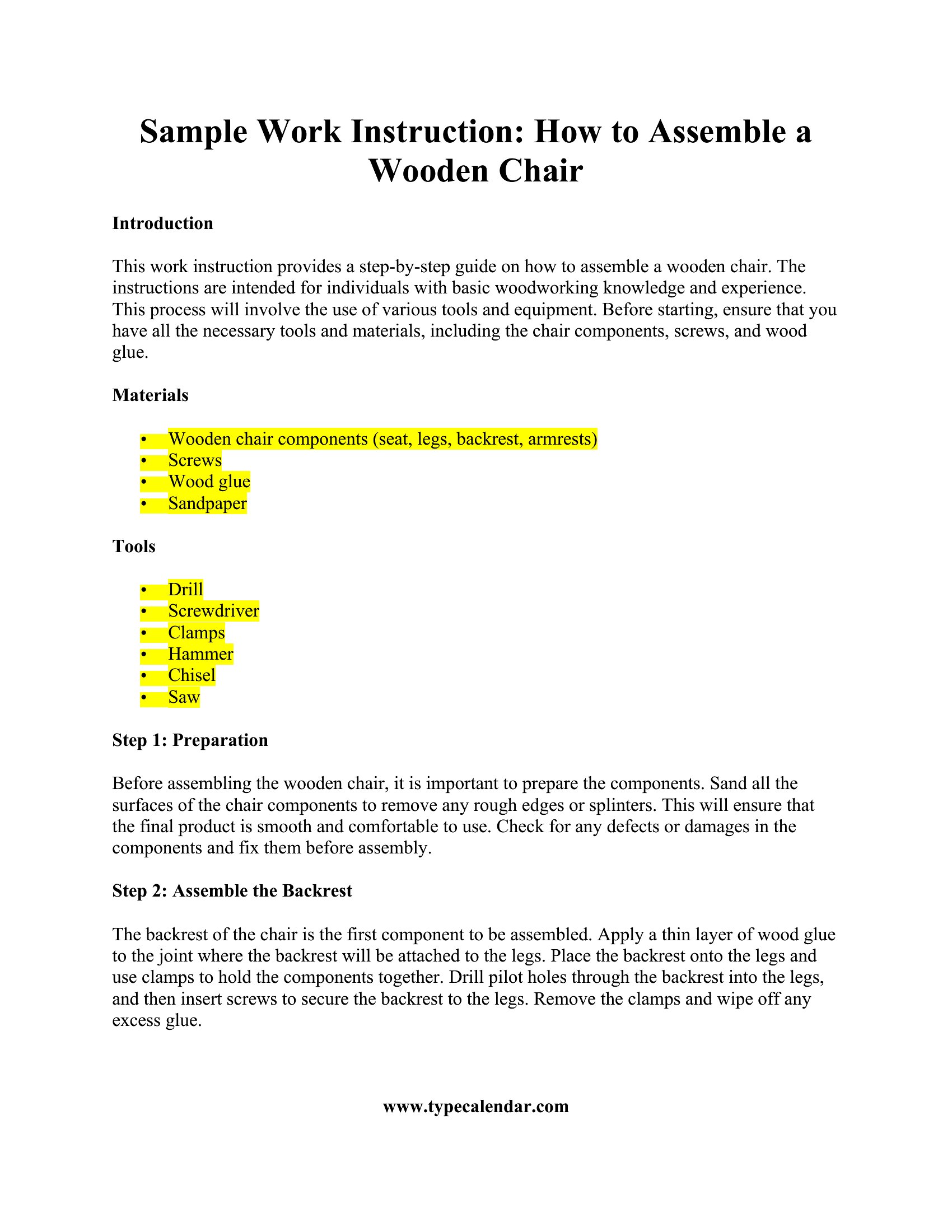
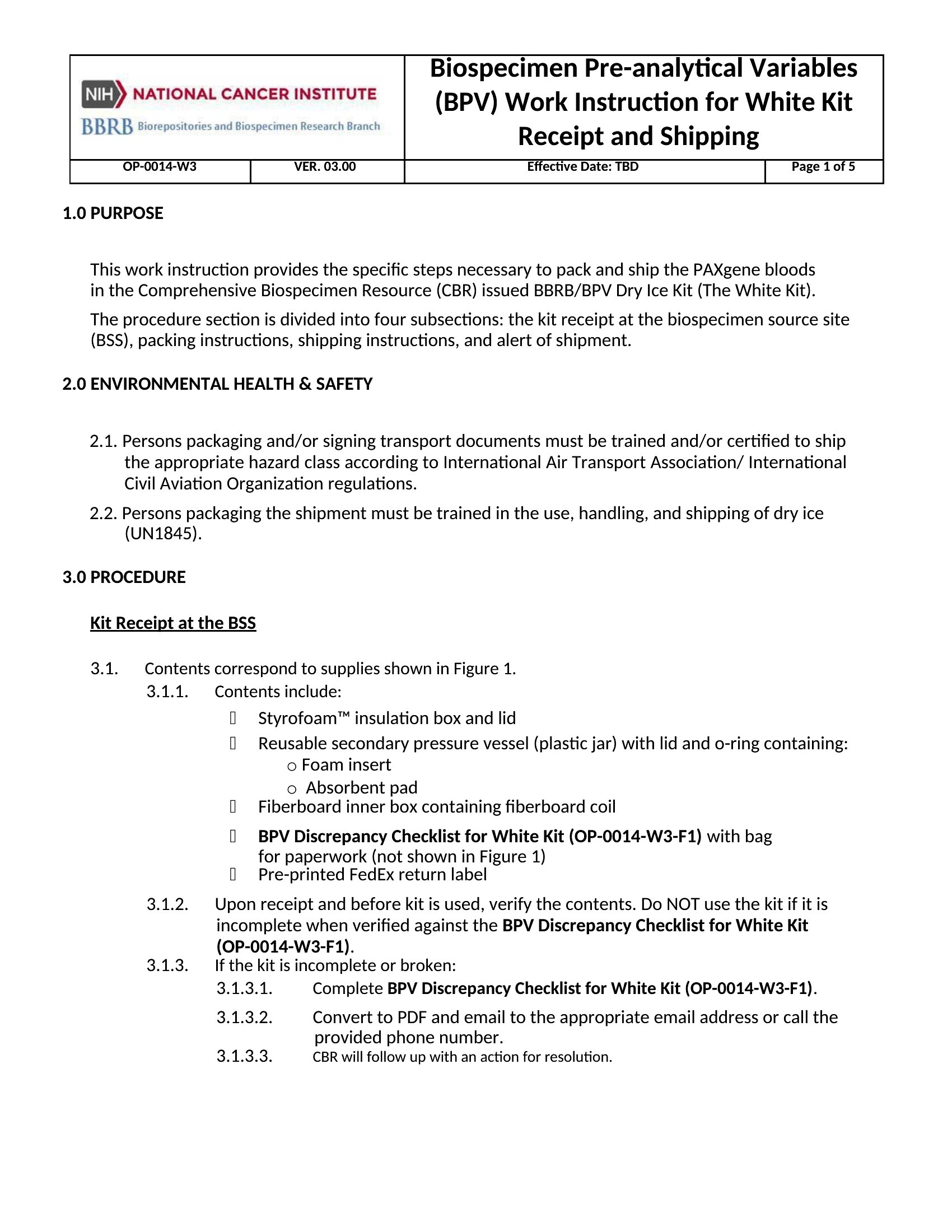
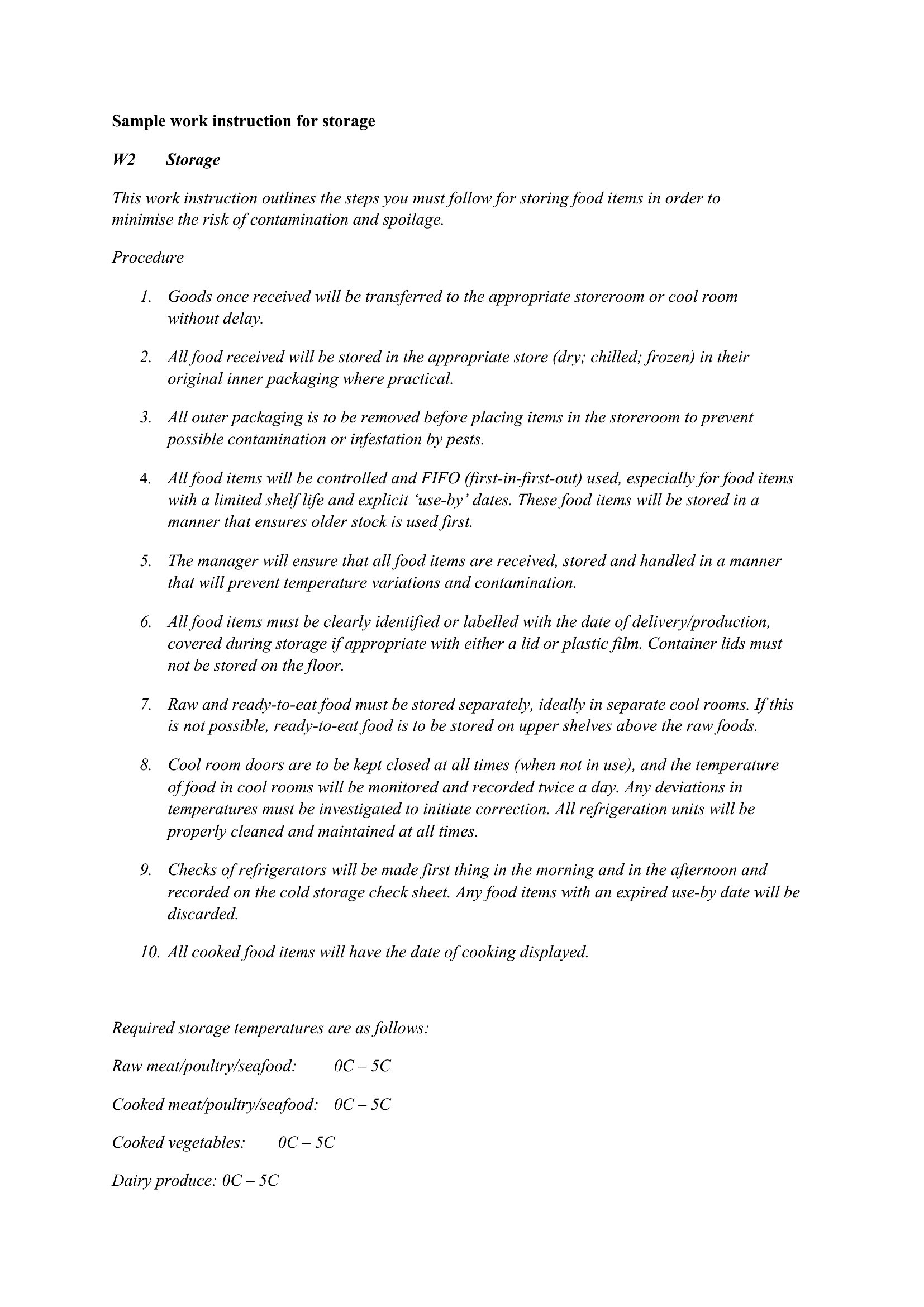
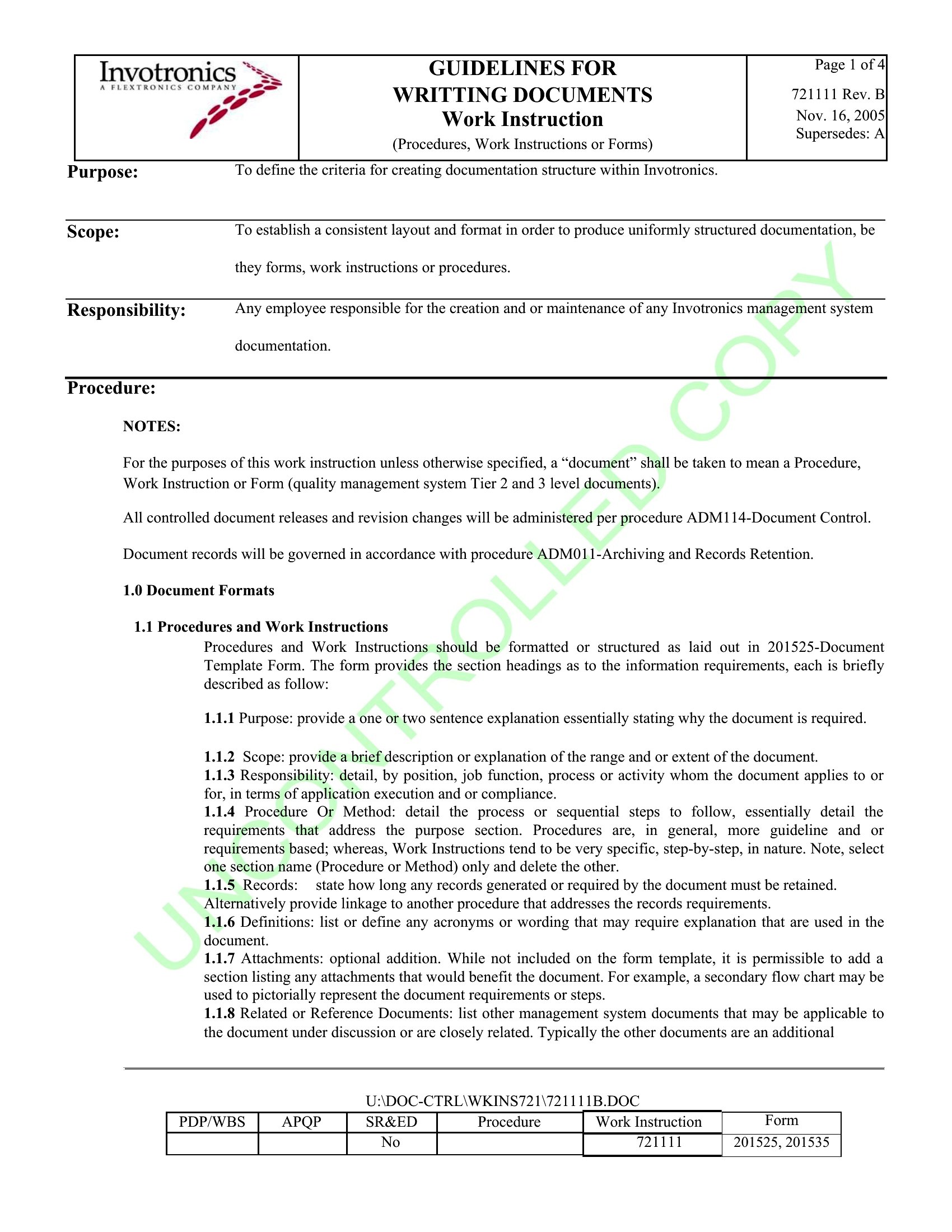
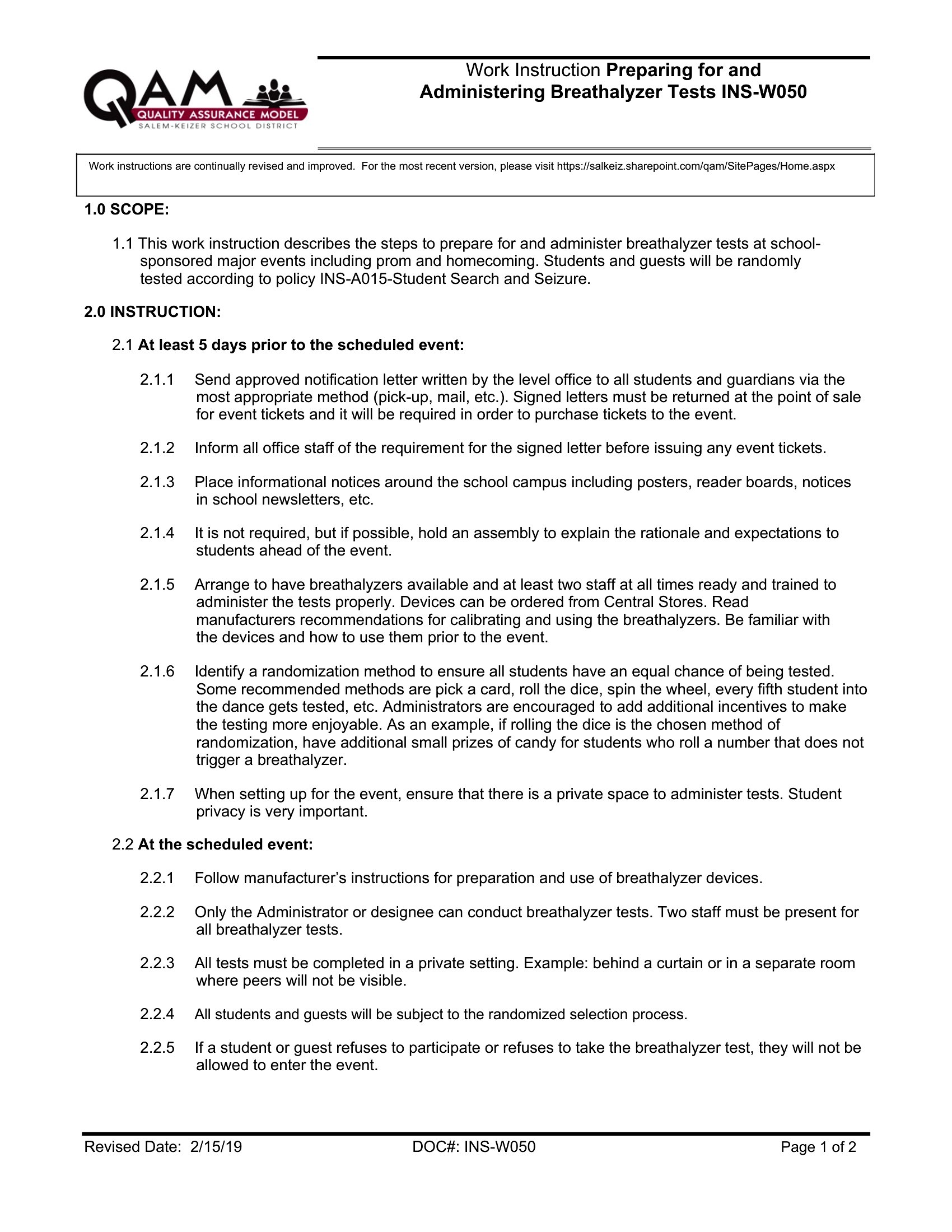
Use a work instruction for highly repetitive, hands-on tasks with clear steps—like operating machinery or assembling components—where visuals or checklists improve accuracy. Reserve SOPs for broader processes (e.g., ‘how to handle customer complaints’) that involve multiple steps, roles, or decision points. Work instructions focus on *doing*, while SOPs cover *why* and *when*.
Can I include video or audio steps in these templates, and if not, how do I reference external media?
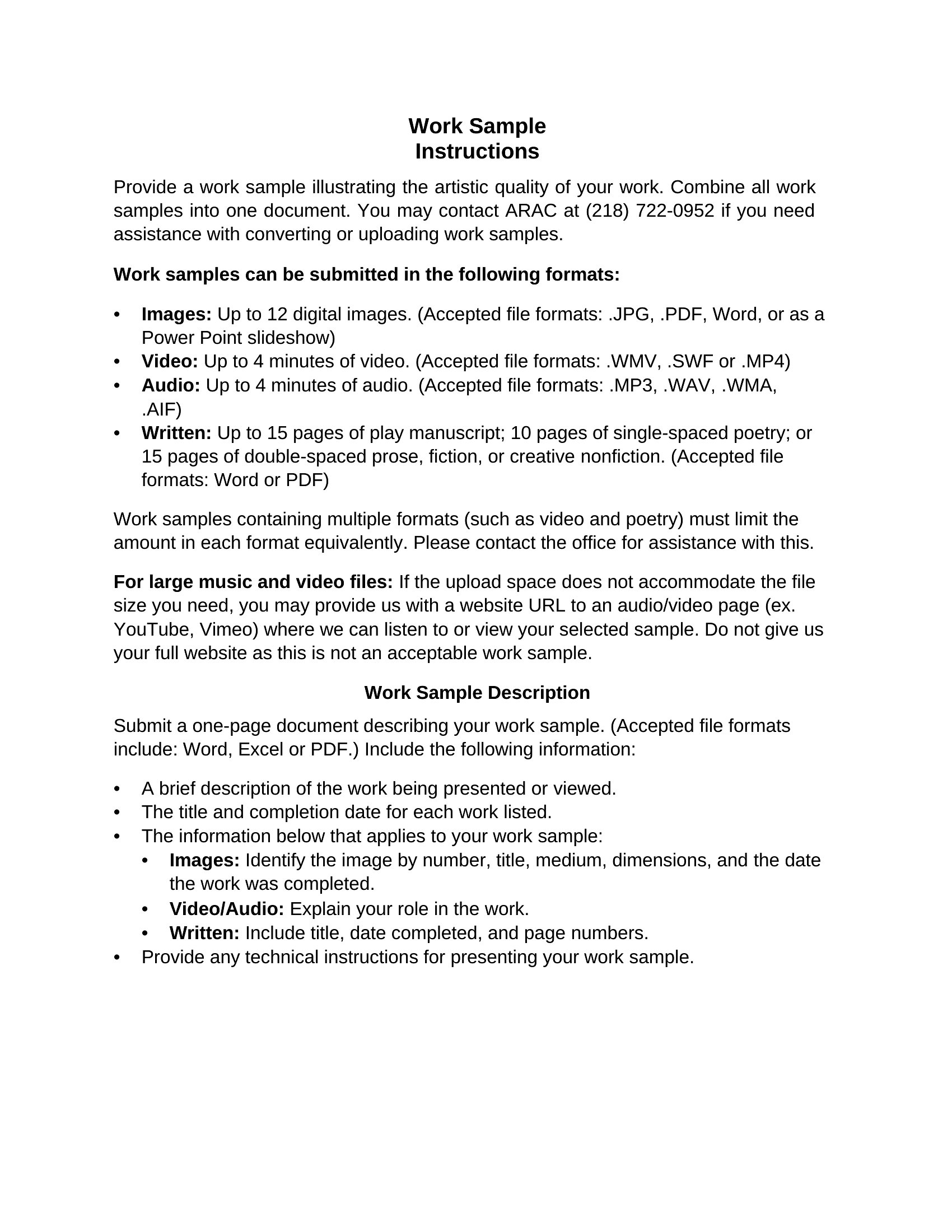
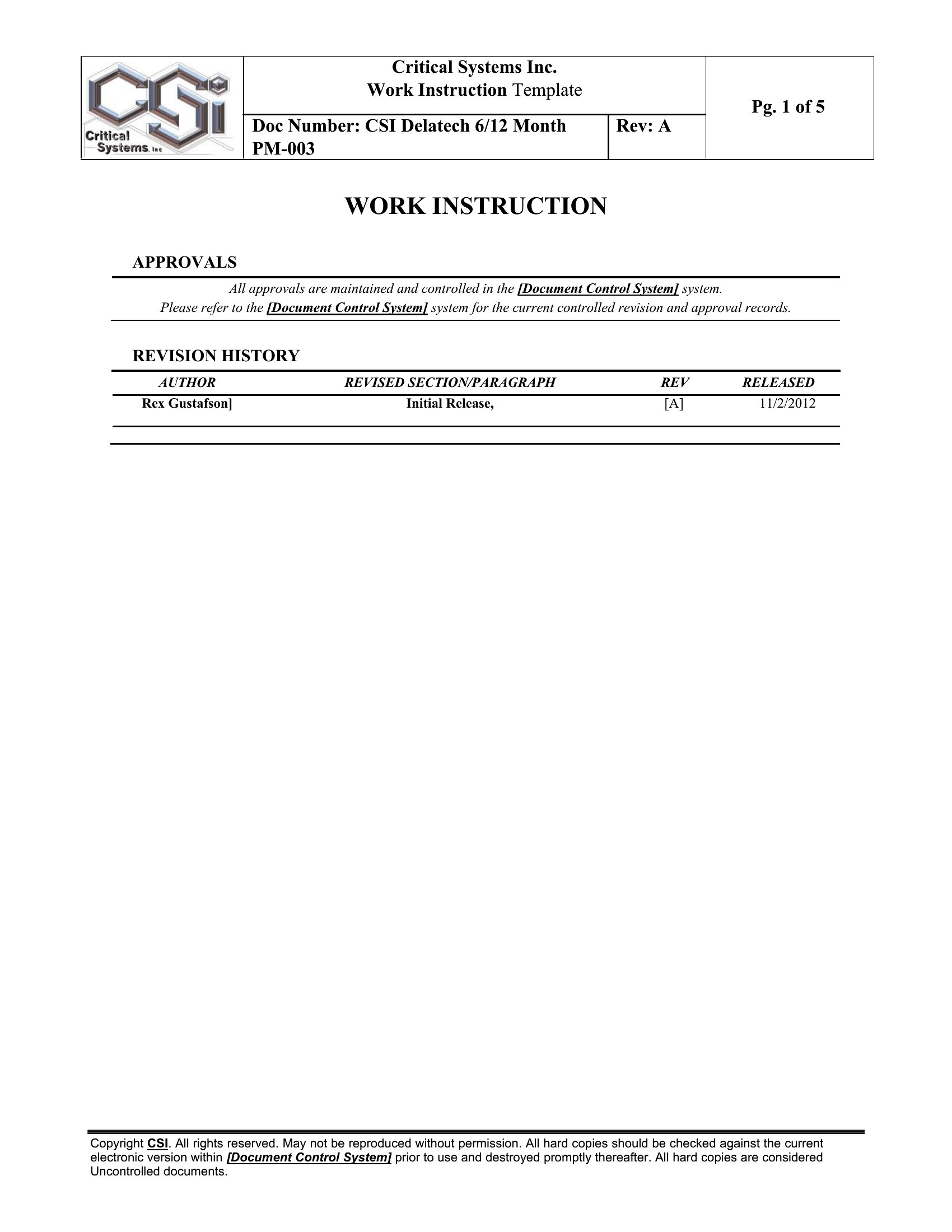
These Word templates don’t support embedded video or audio directly, but you can link to files hosted on company intranets or platforms like YouTube. Add a step like ‘Refer to Video Tutorial: [Link]’ and include a screenshot of the video’s key frame in the template. For audio, transcribe critical instructions and attach the recording as a supplementary file. Always test links work for all users before distributing.
Should I include ‘what-if’ scenarios or troubleshooting in work instructions, or save those for separate guides?
Keep work instructions focused on the *correct* step-by-step method, but add a brief ‘Common Issues’ section at the end for quick fixes (e.g., ‘If part X doesn’t align, recheck step 3 for debris’). Save detailed troubleshooting—like root-cause analysis or multi-step repairs—for a separate guide linked in the instruction. This keeps the primary document clear and actionable while giving users a path for deeper issues.
Comments
Join the conversation
Sign in to share your thoughts and leave a comment on this resource.