

Skip to content
50% off this one-time $1.99 pack with HALFOFF — or unlimited with Pro.HALFOFF
Premium

Free Work Instruction Templates (Word)

Analysis
amauryperez by amauryperez
Updated 0 downloads Quality-checked template

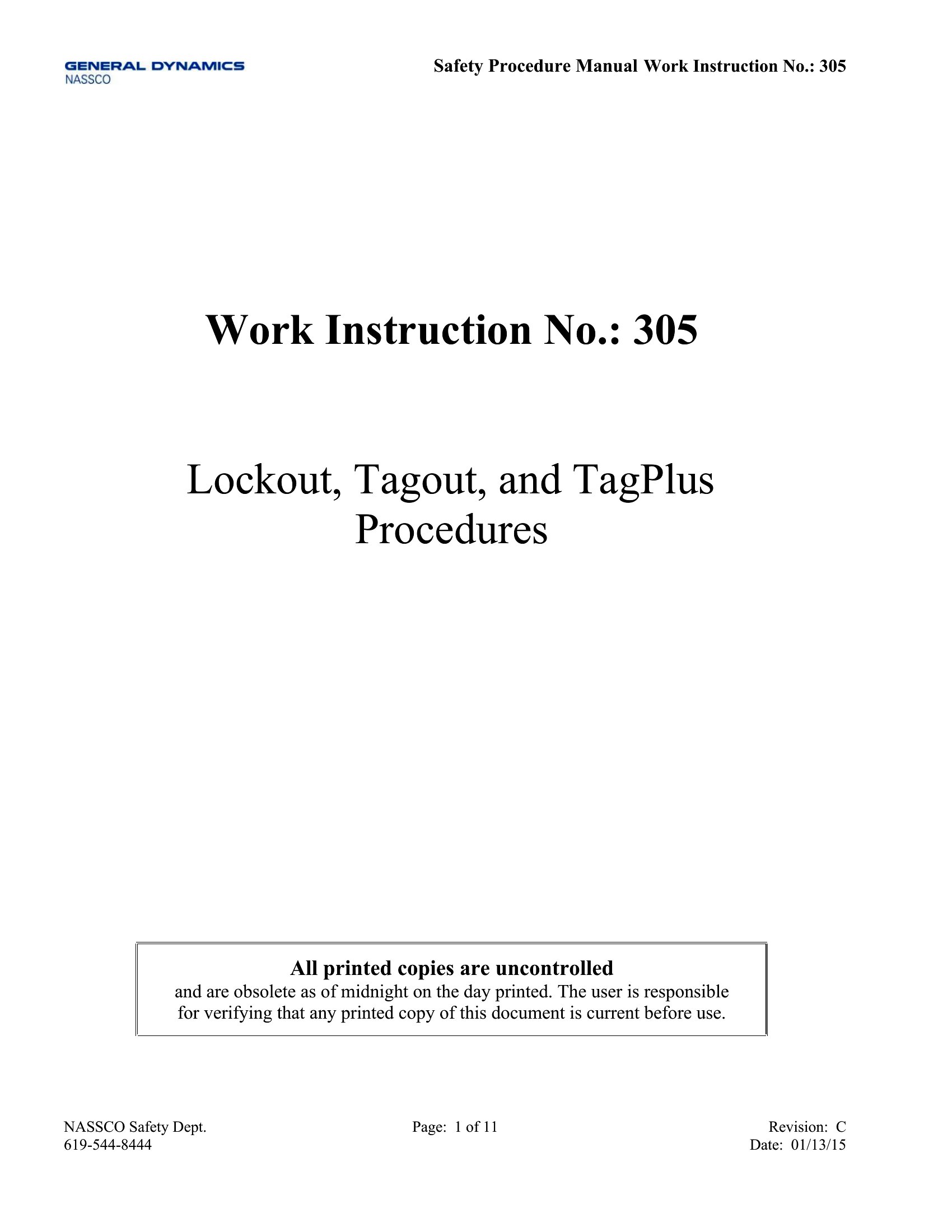
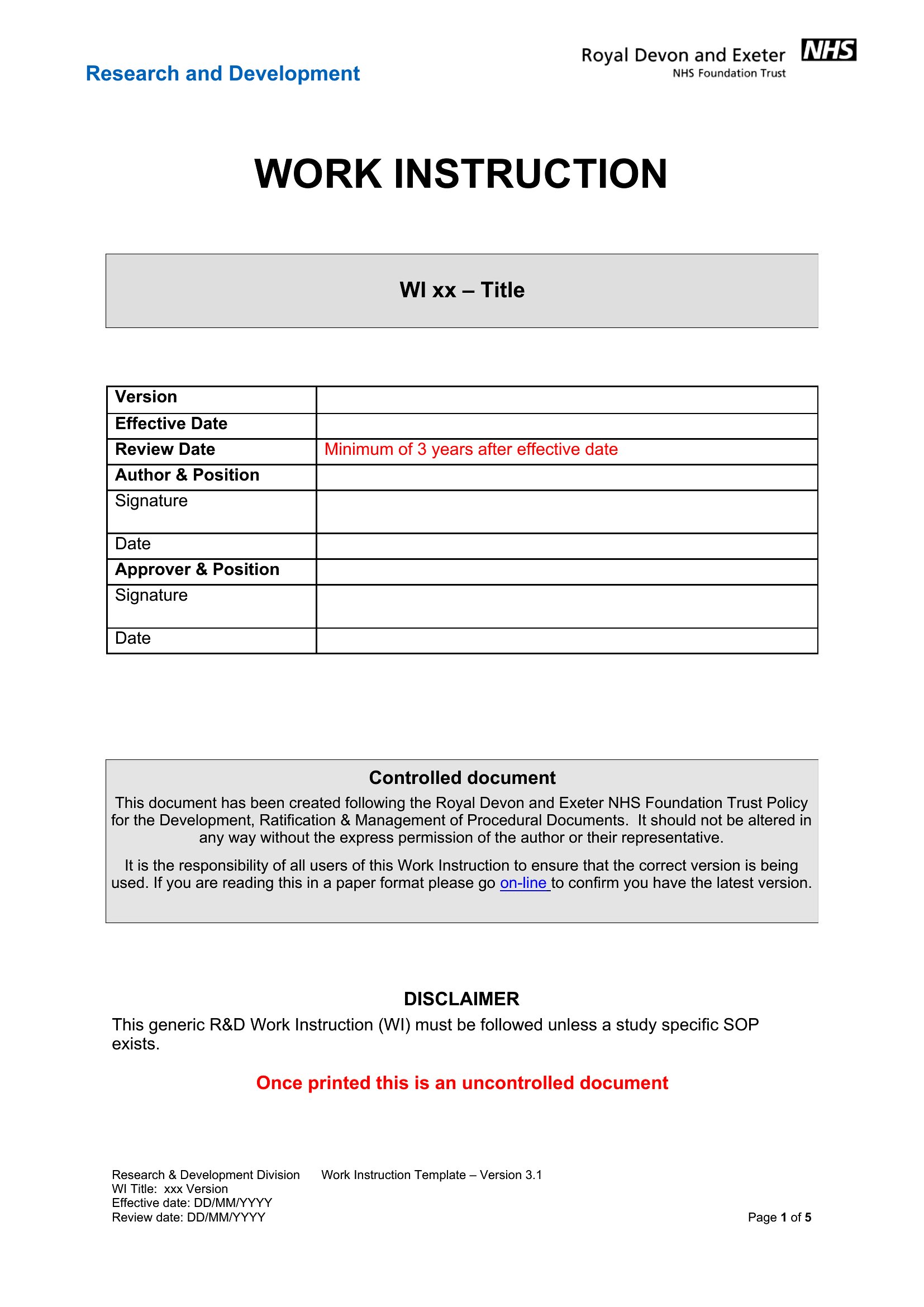
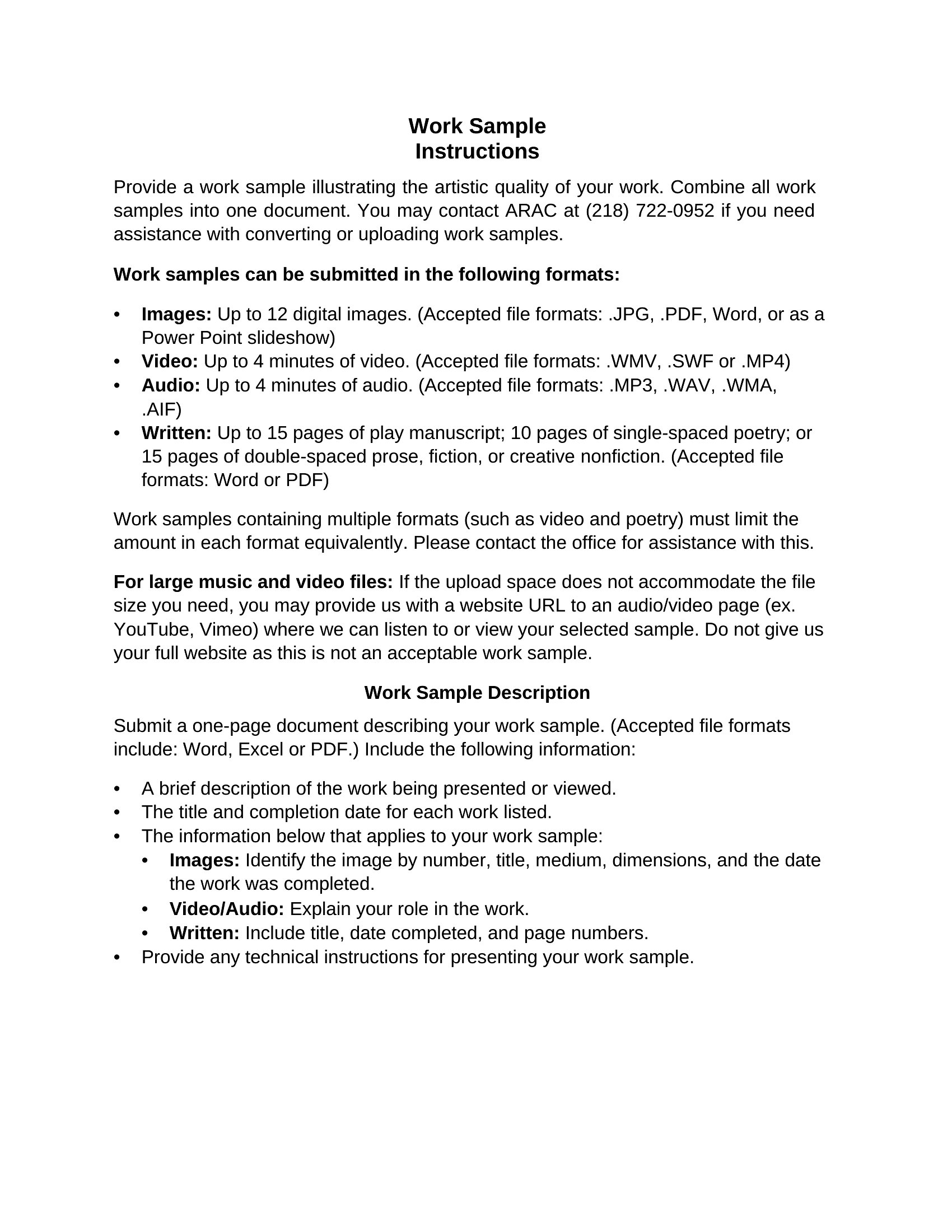
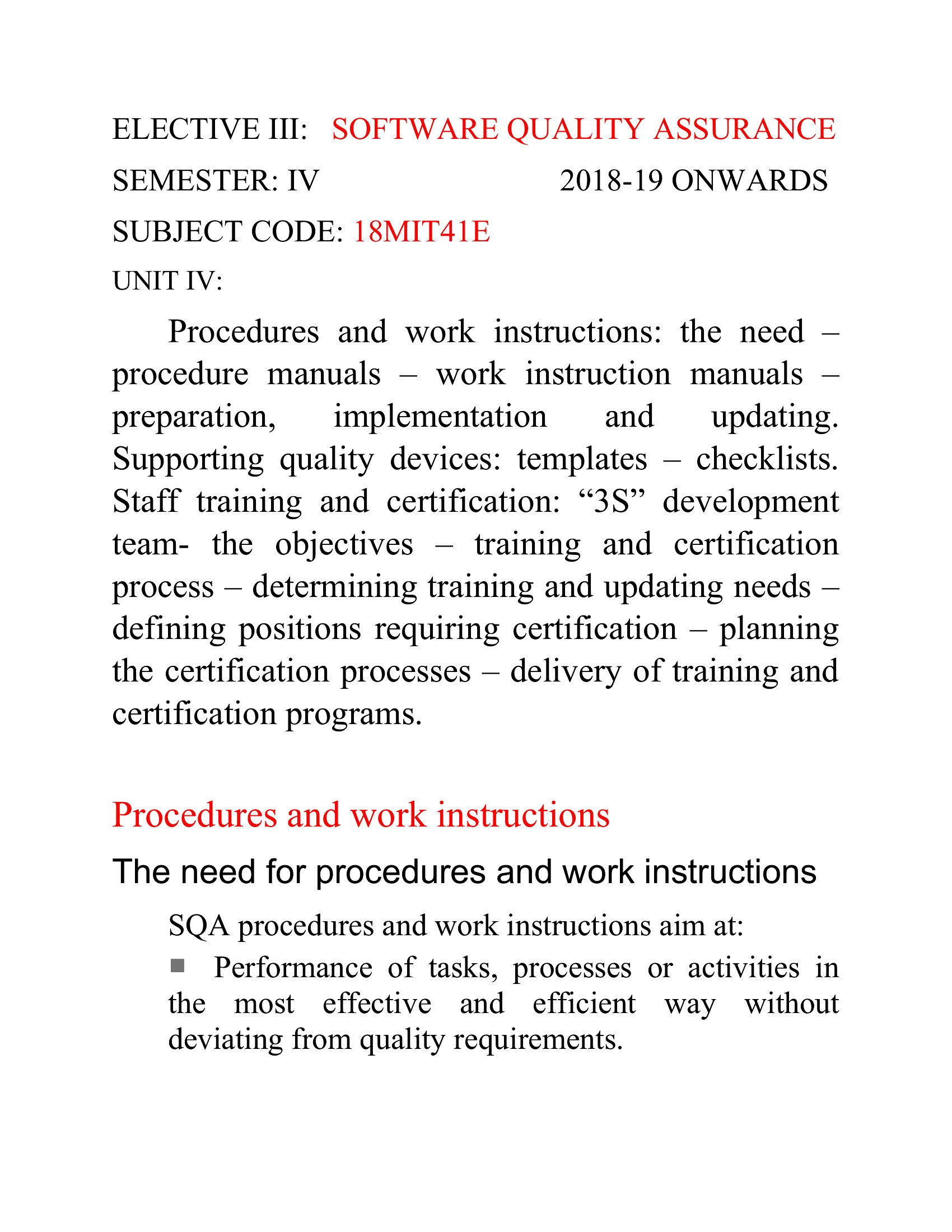
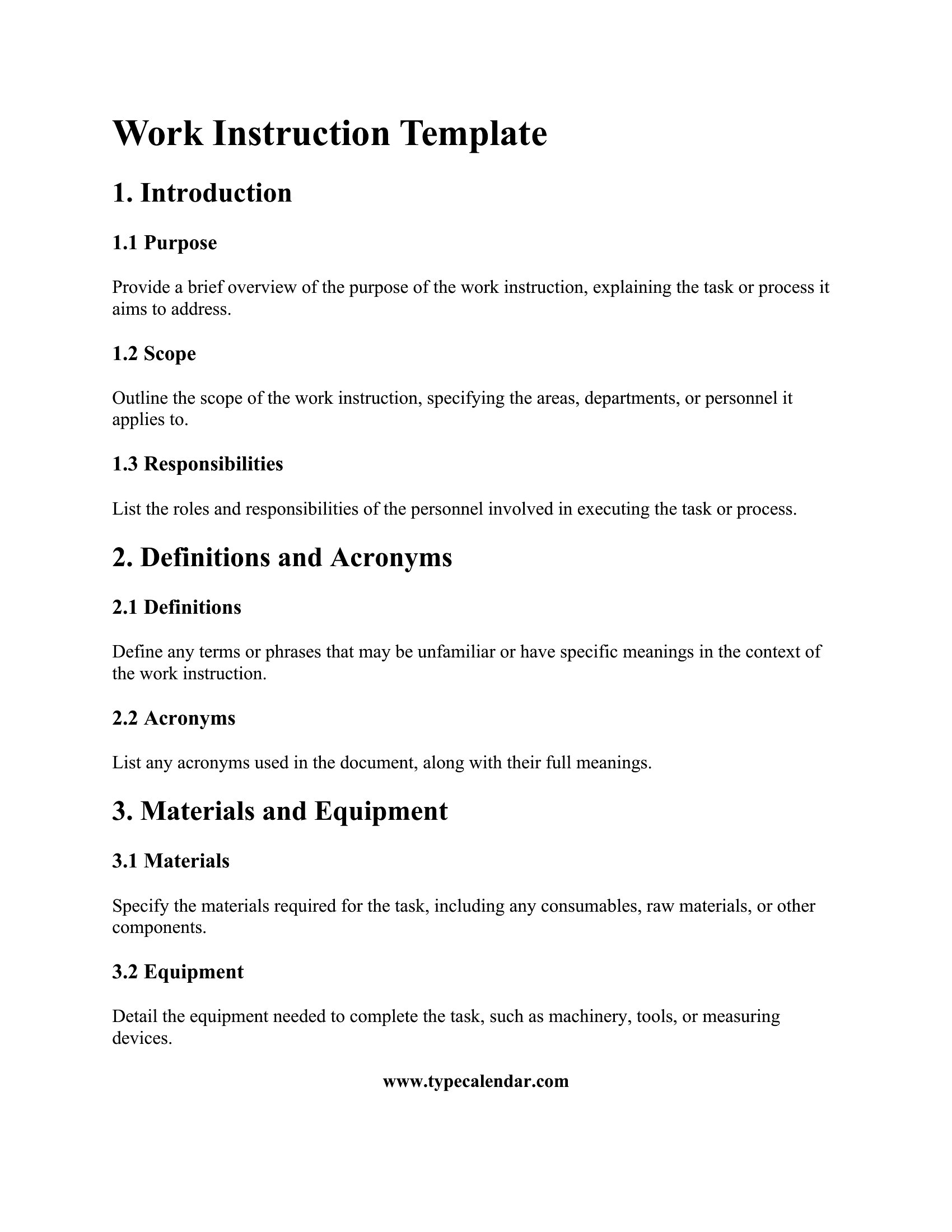
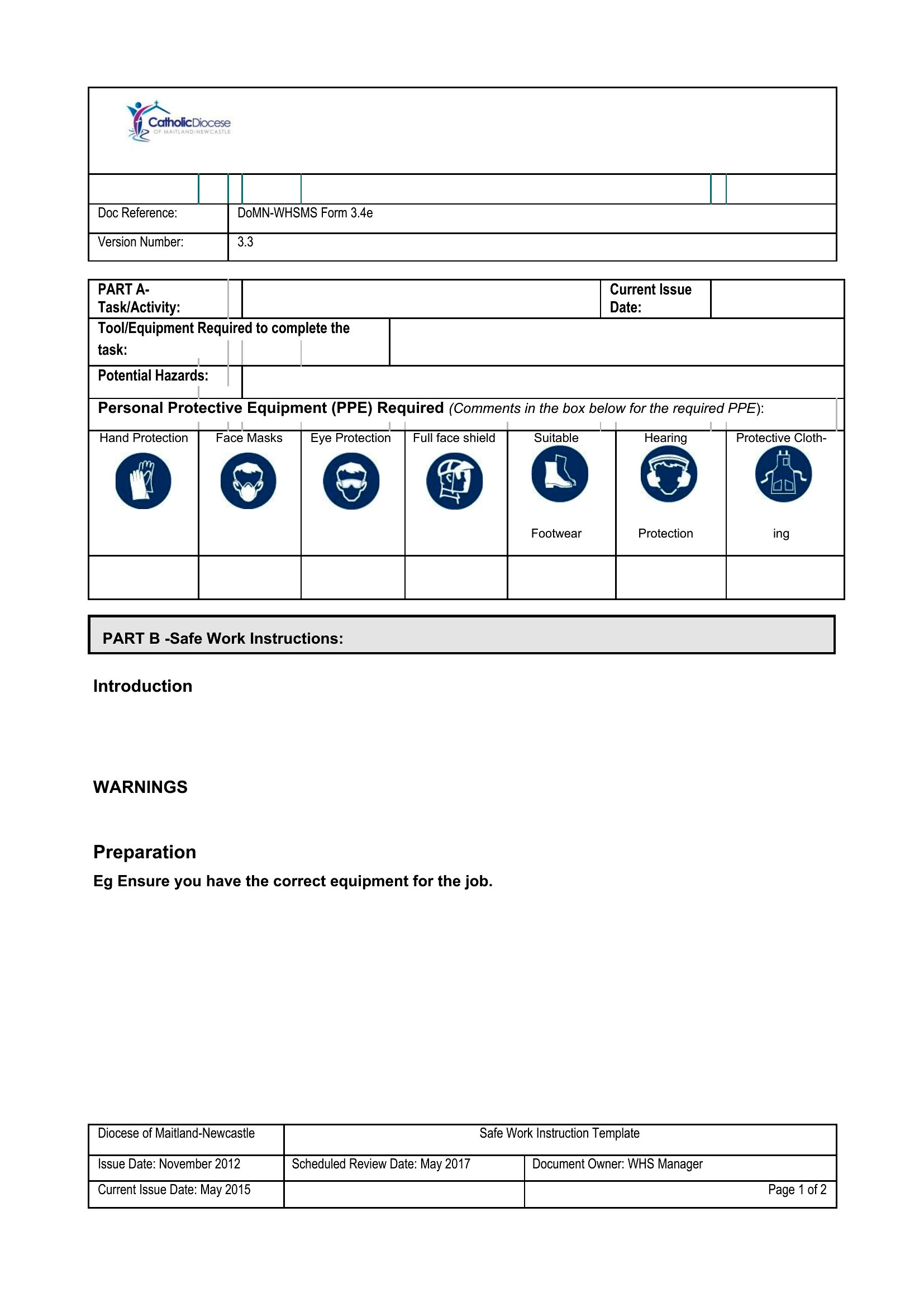
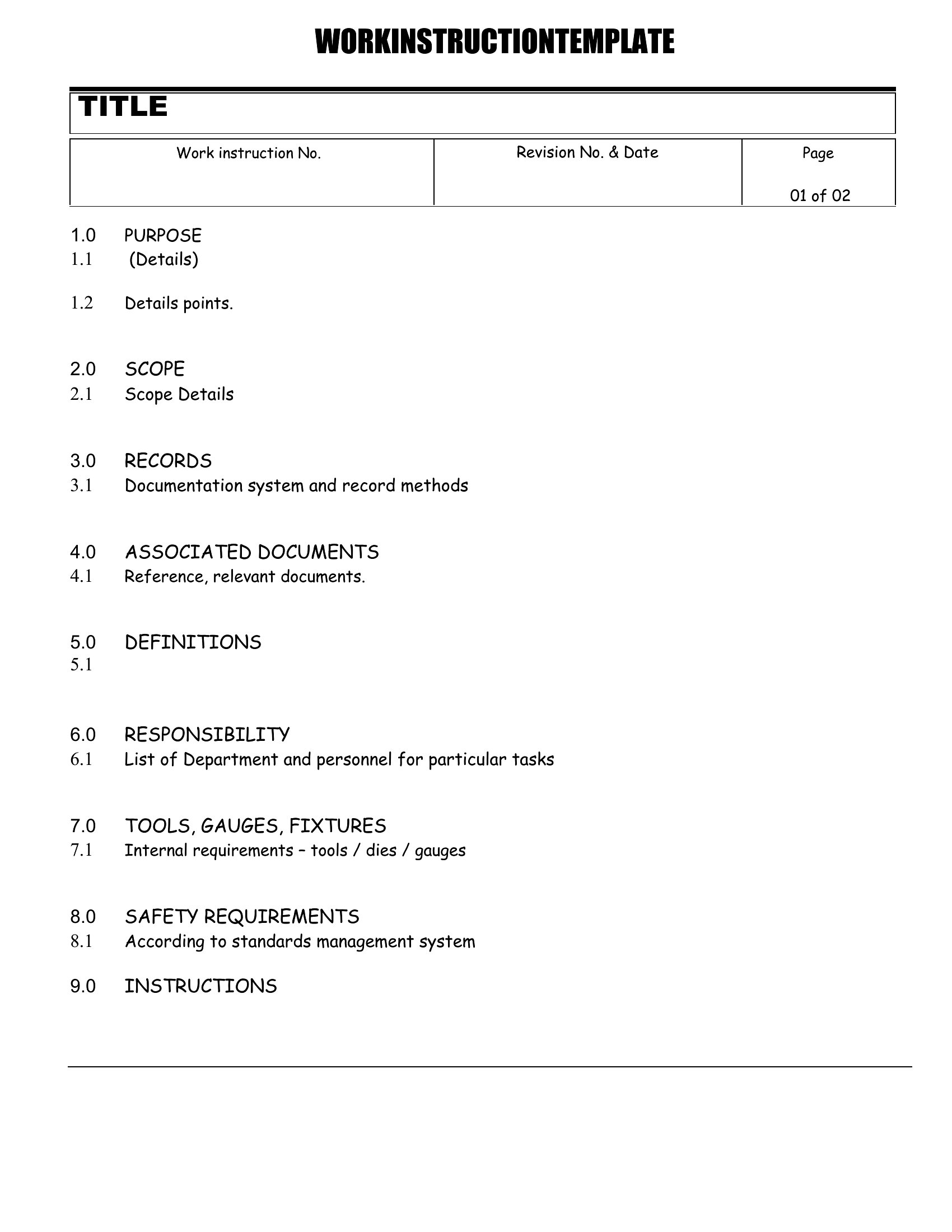
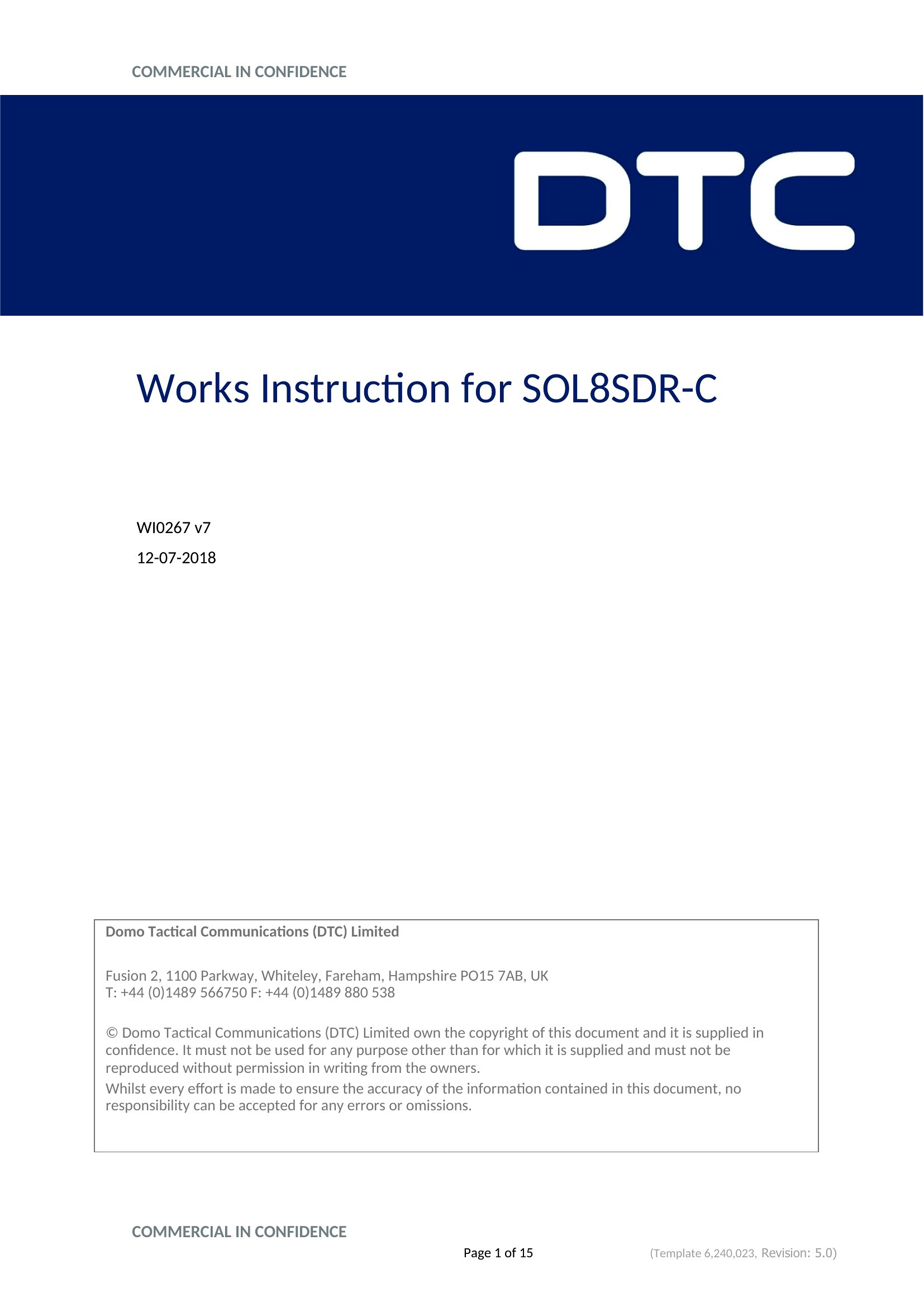
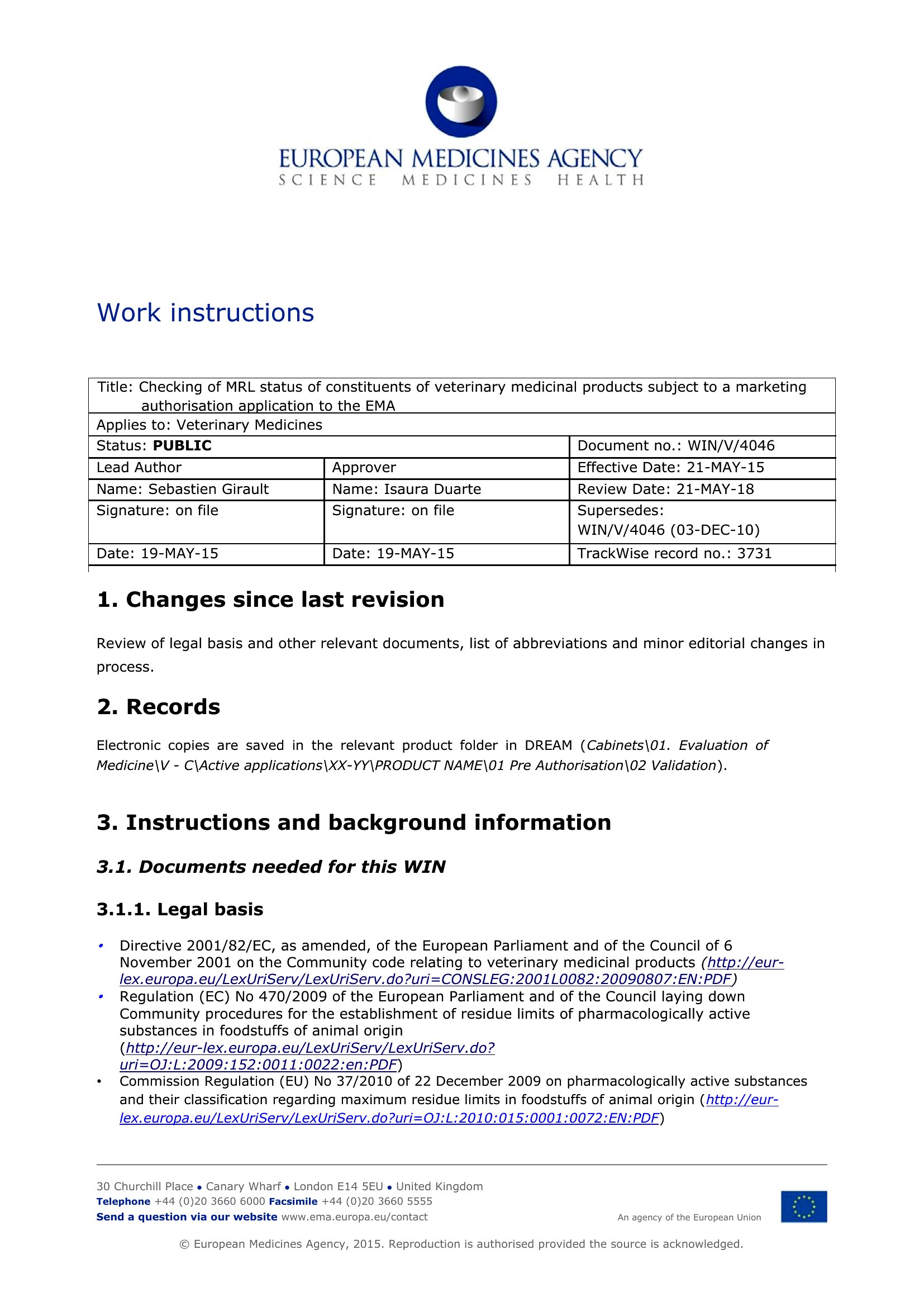
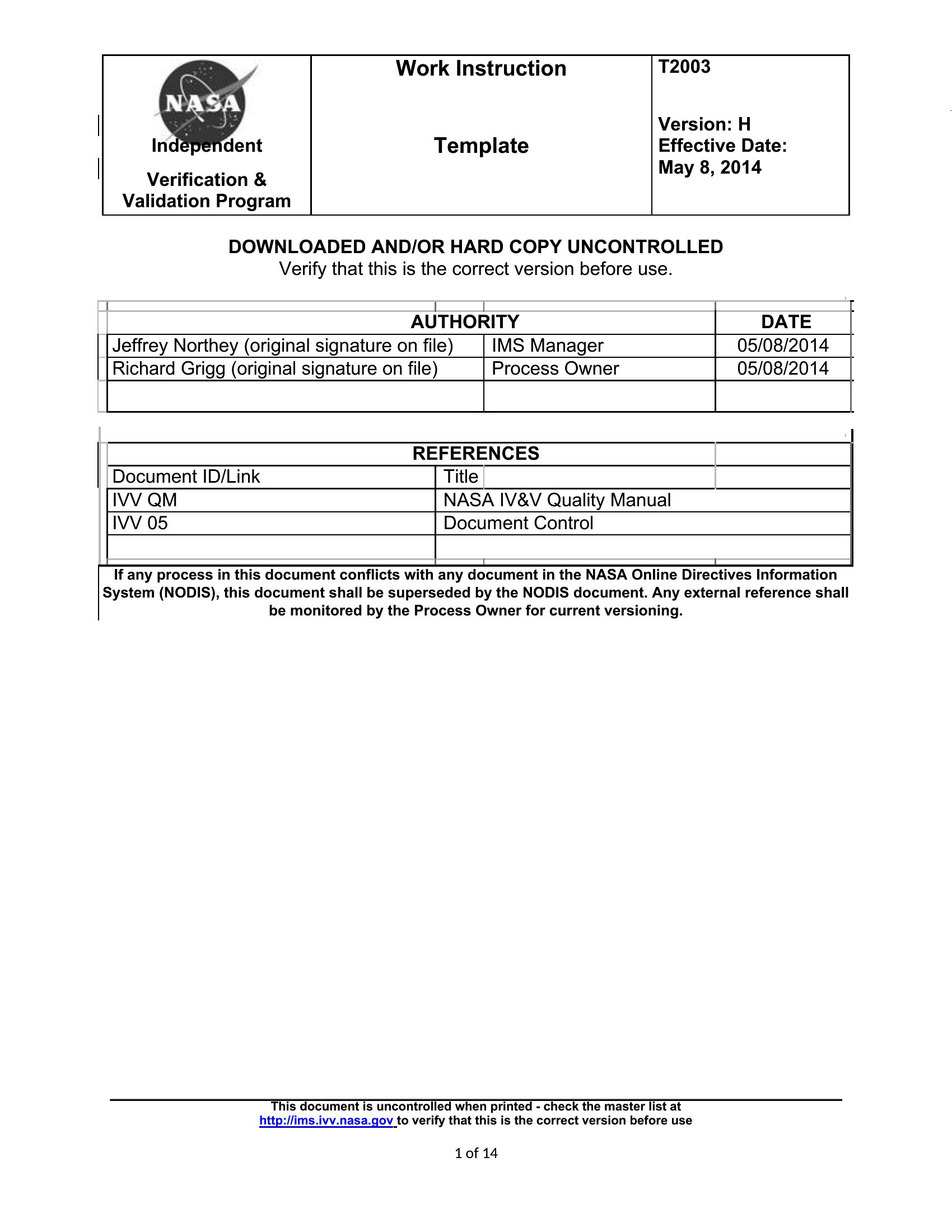
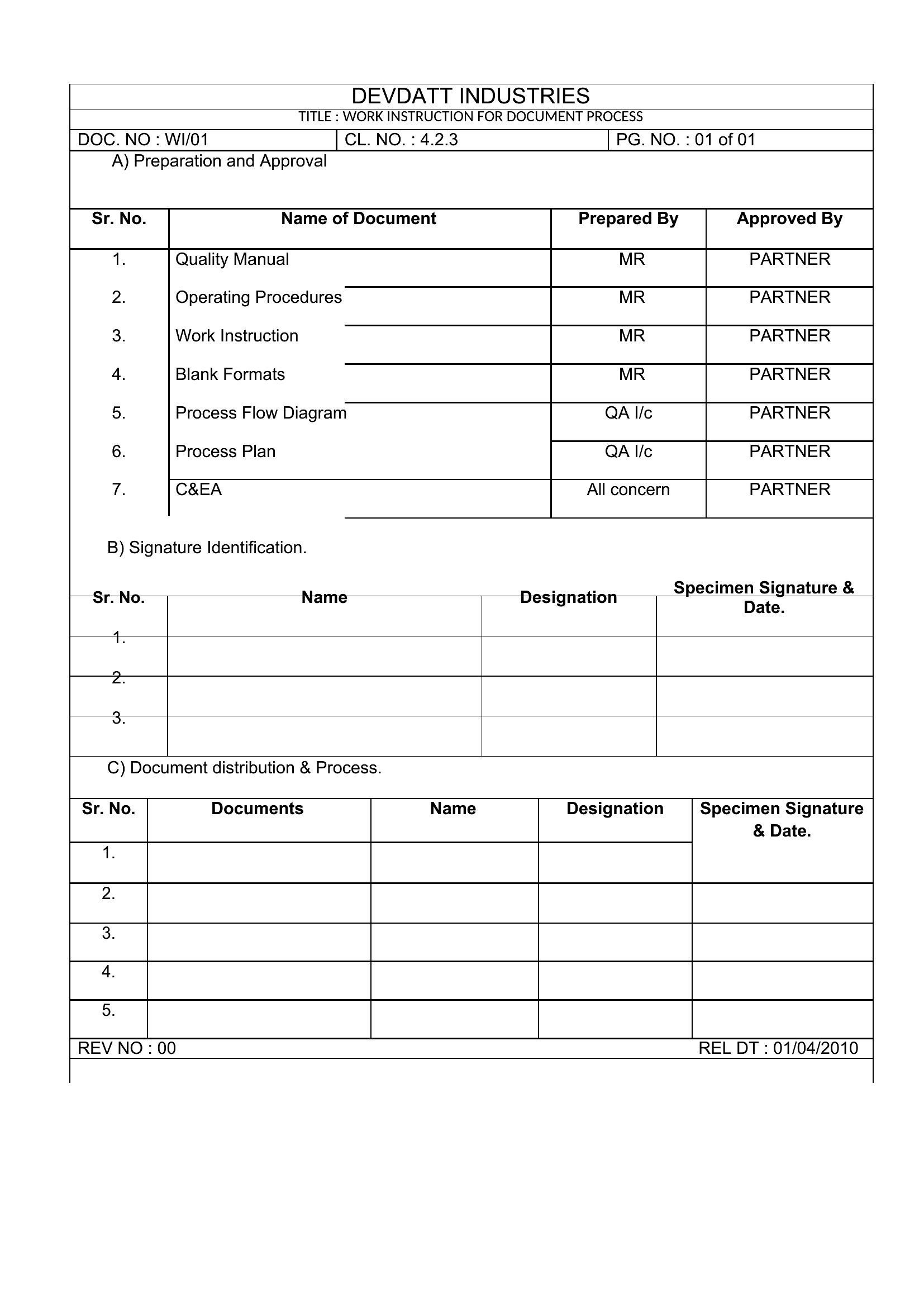
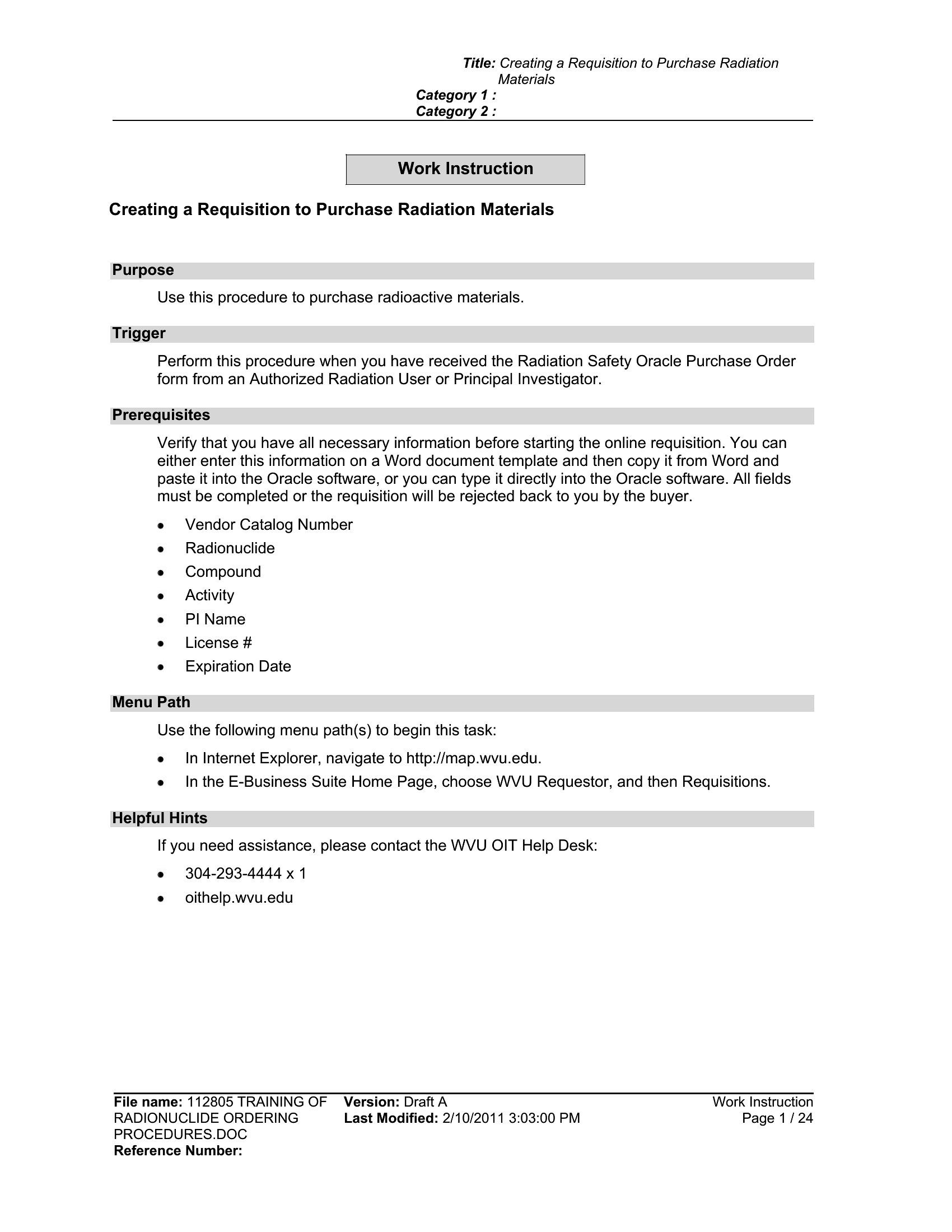
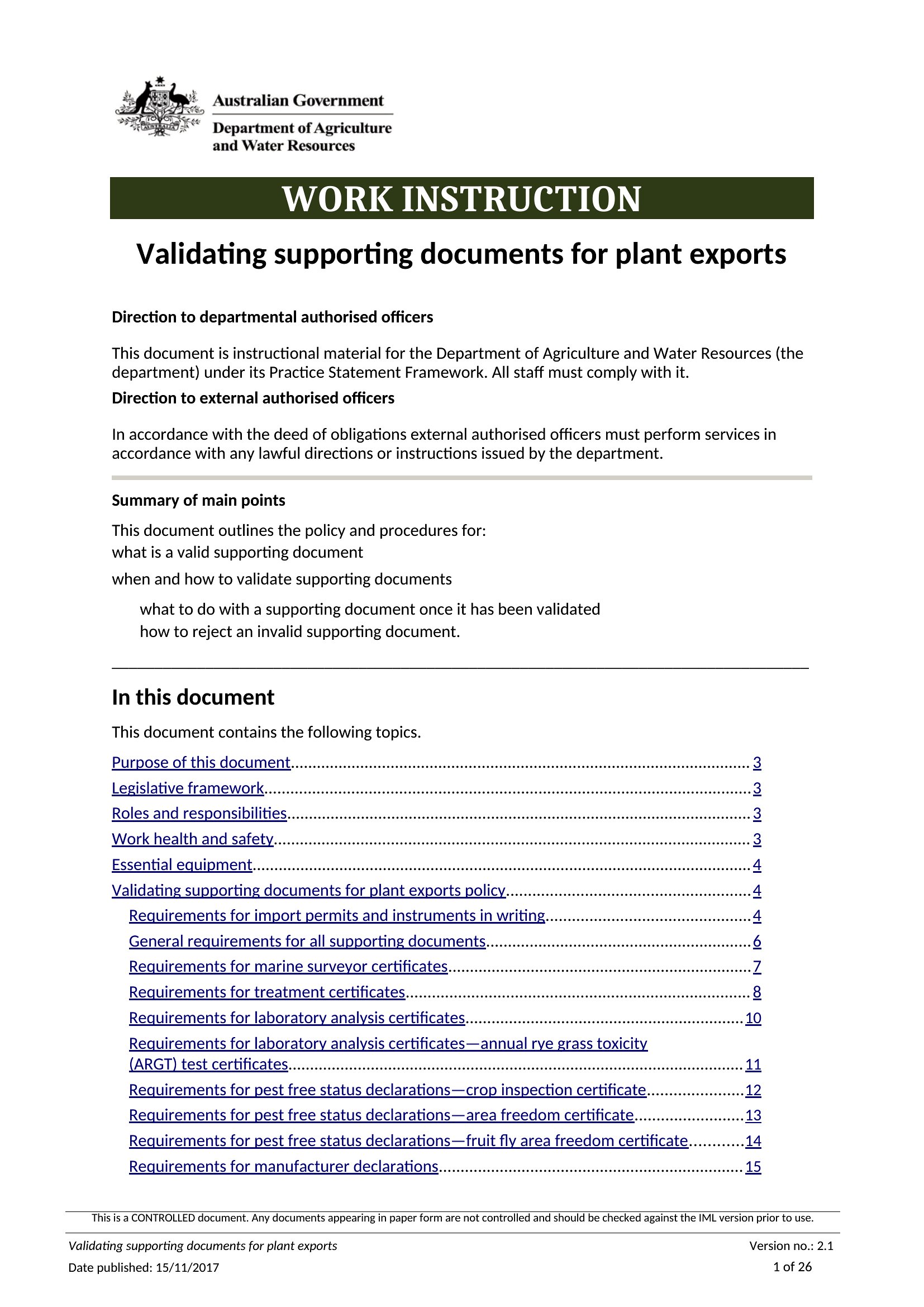
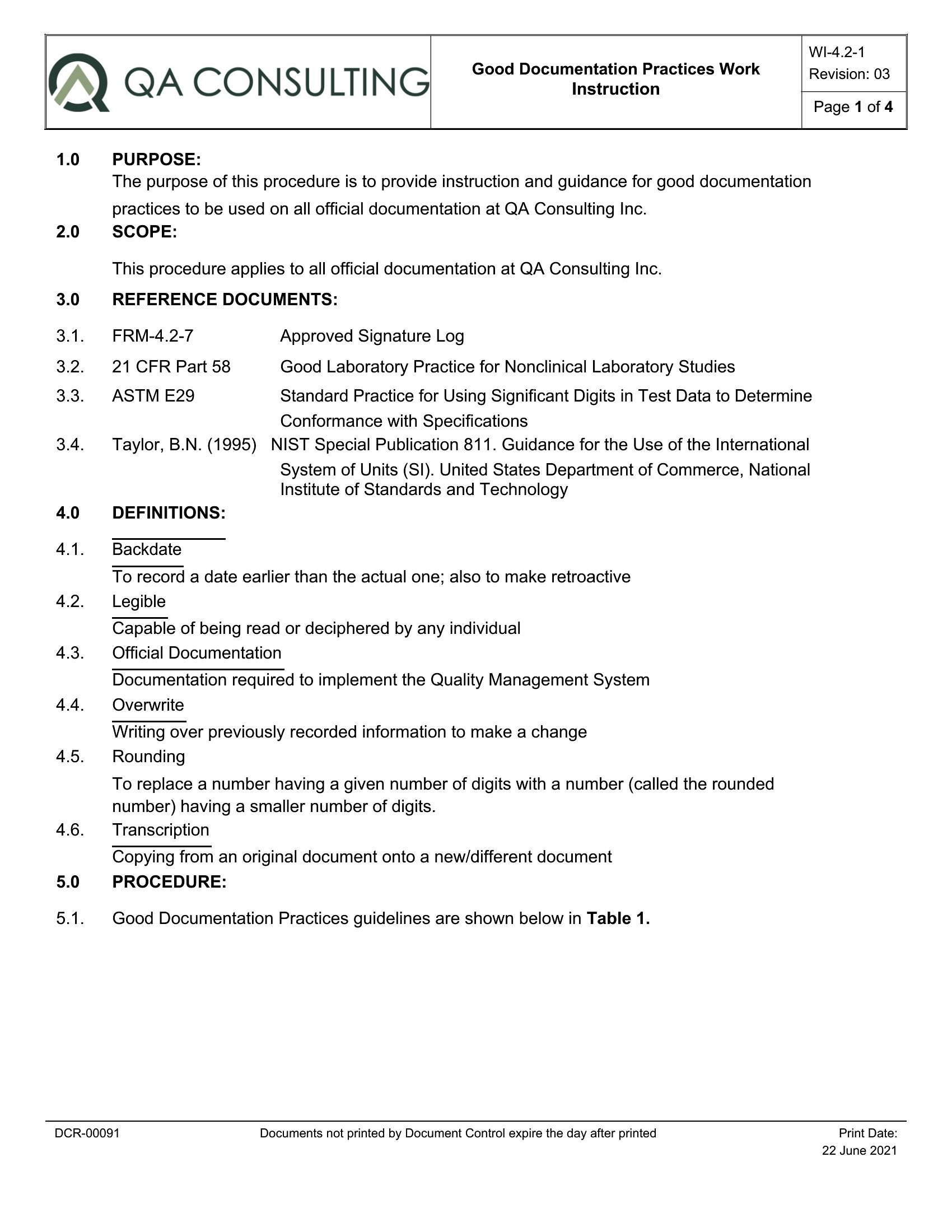
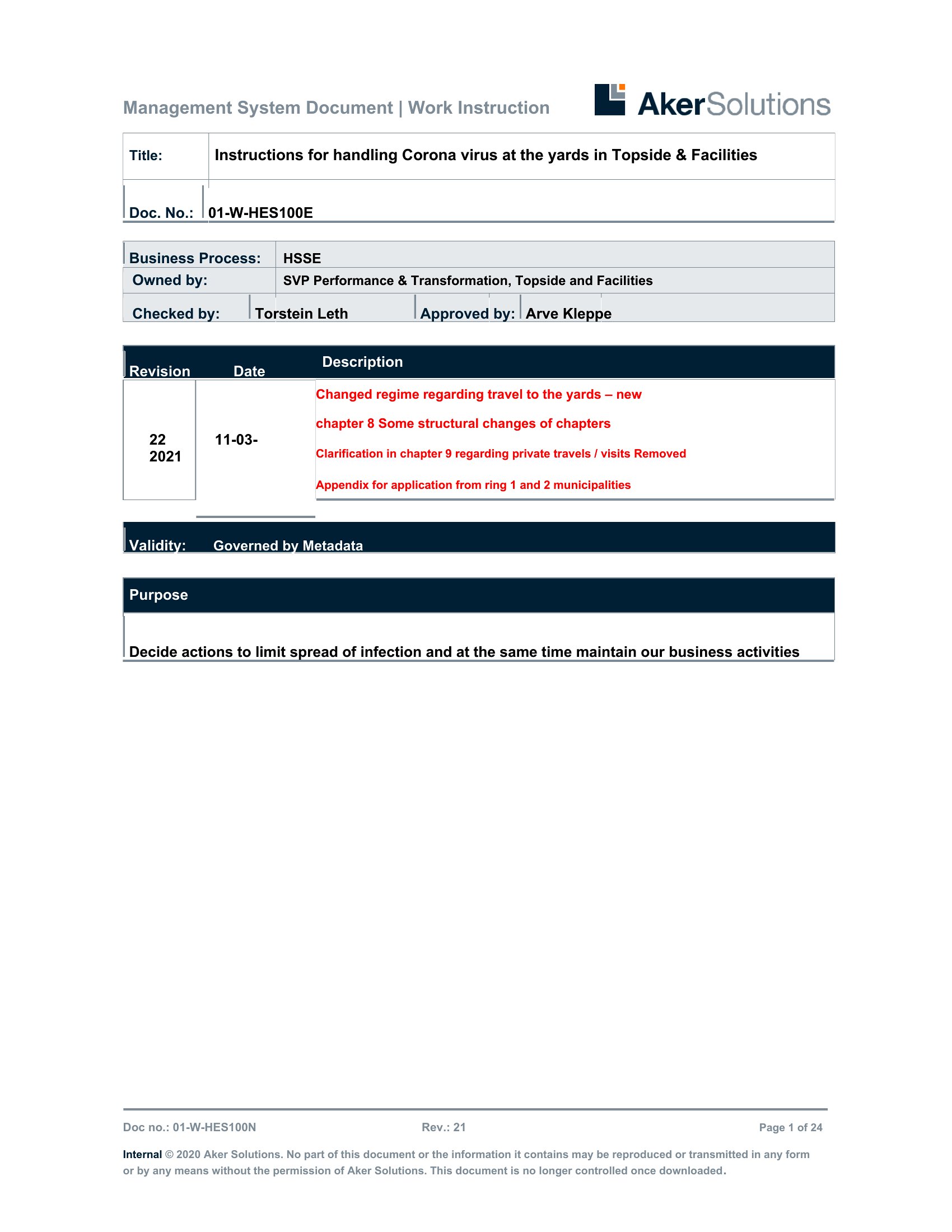
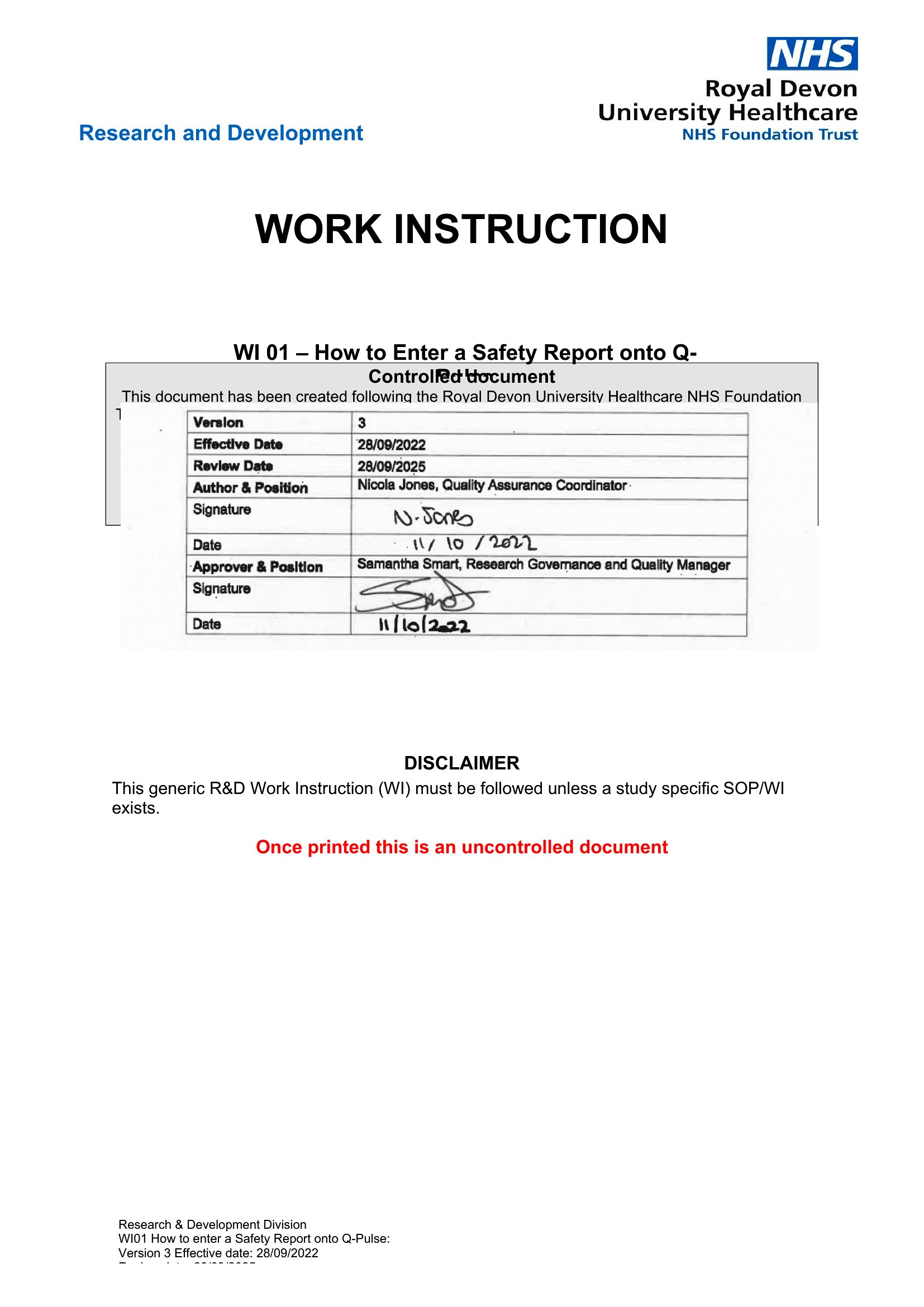
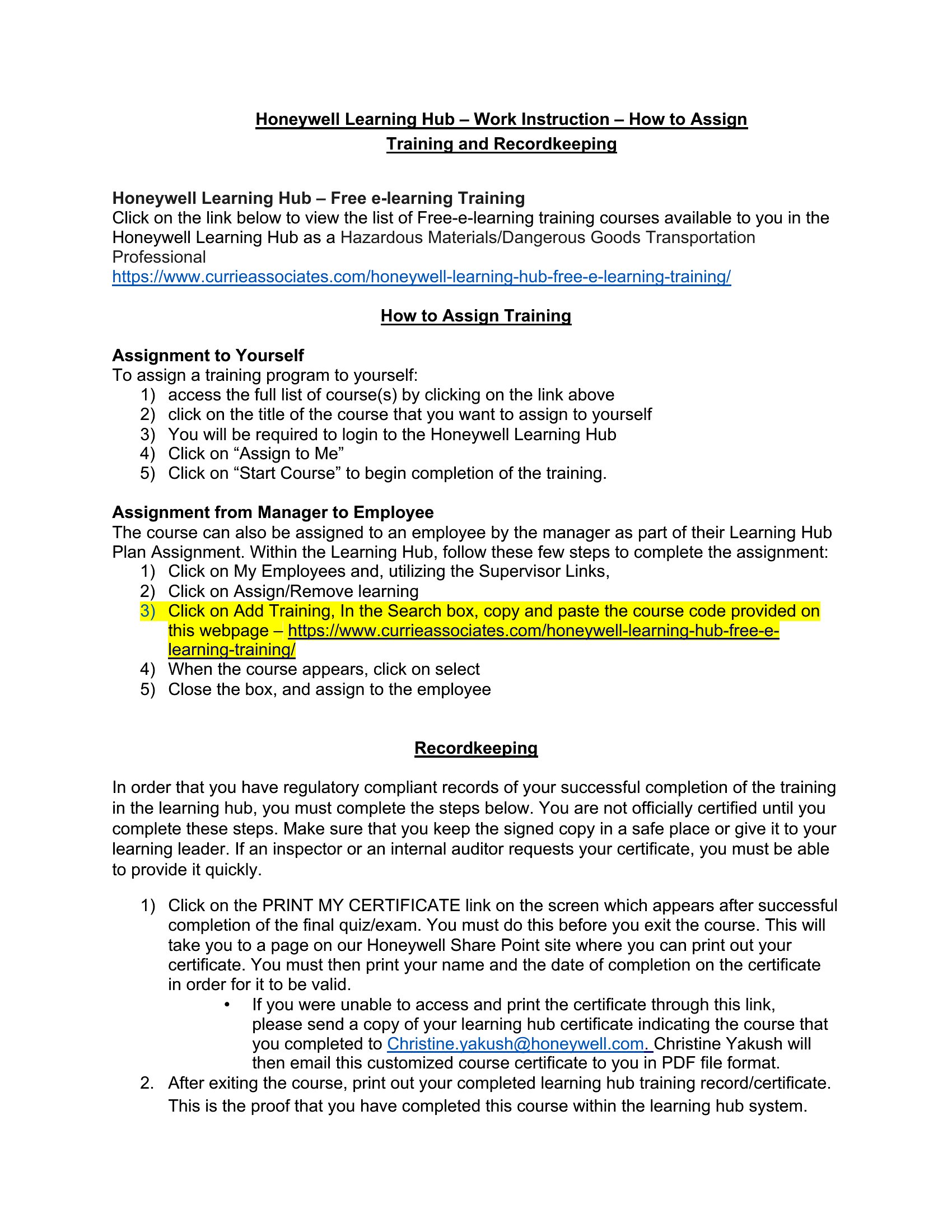
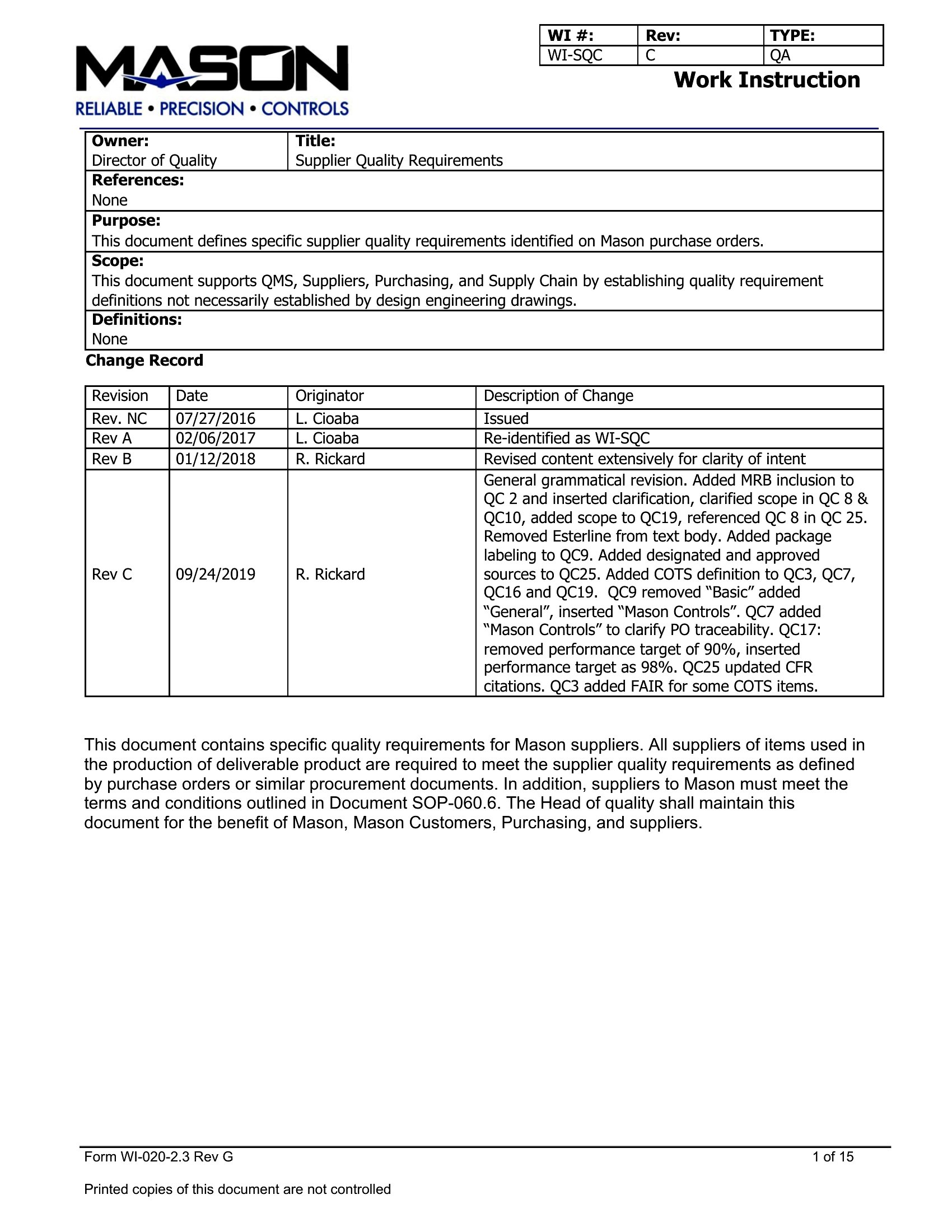
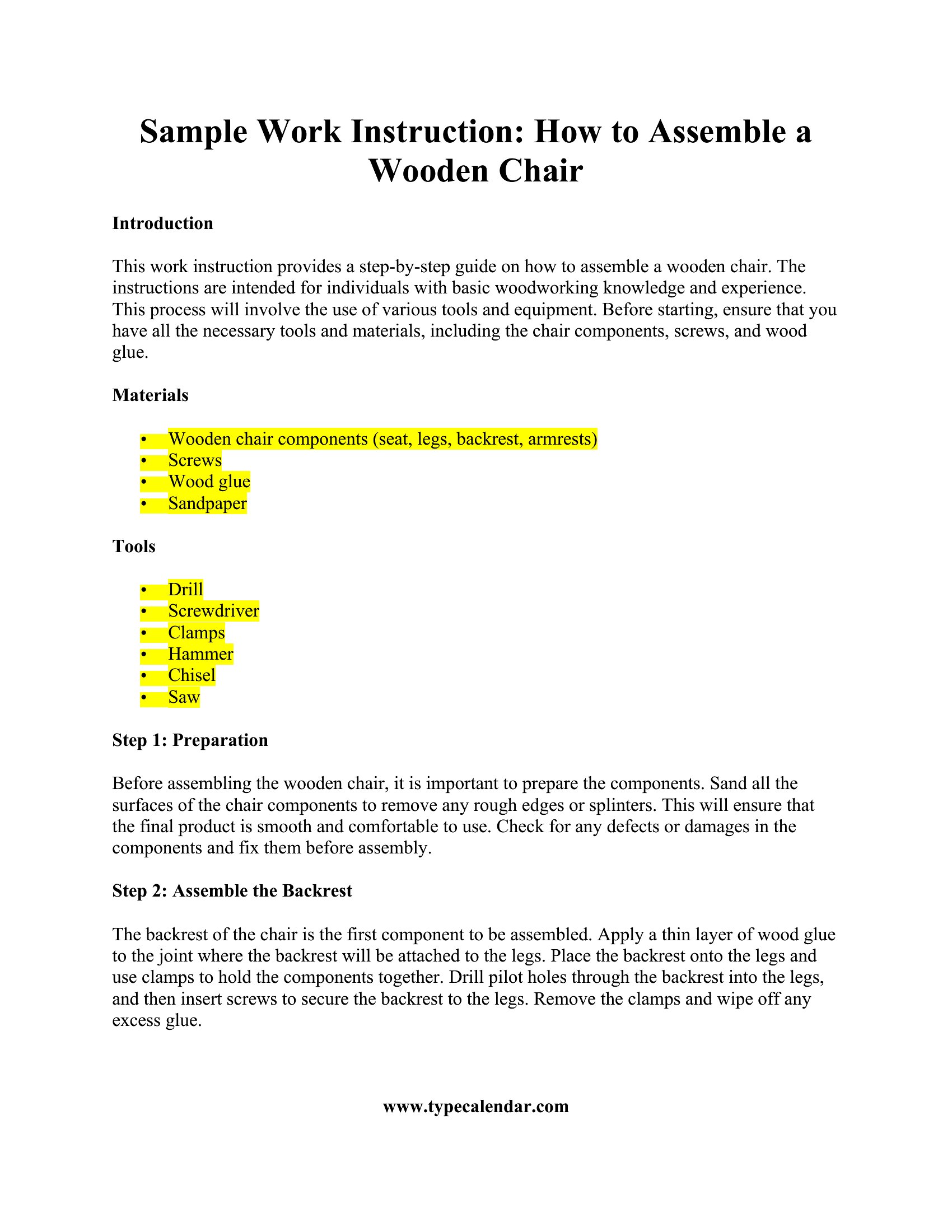
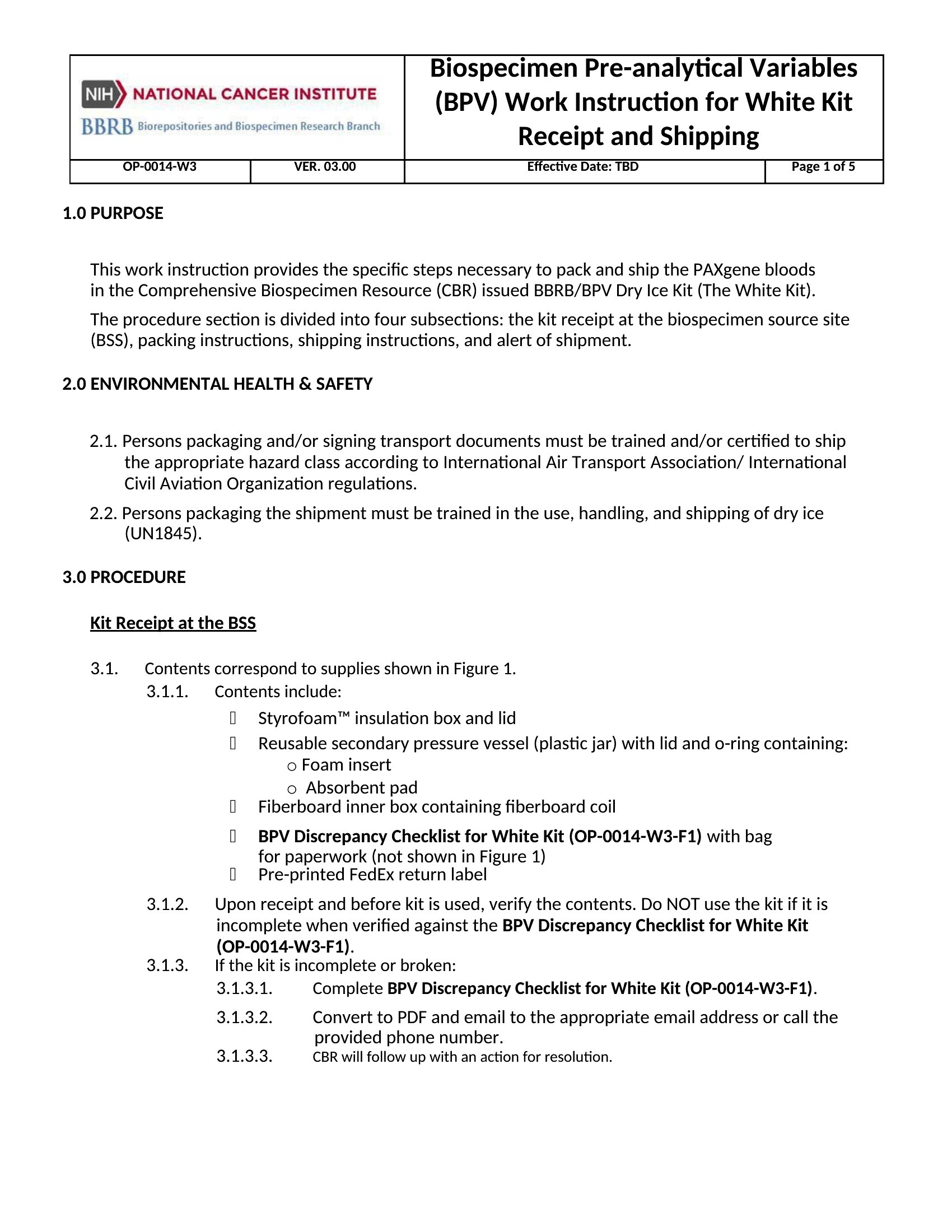
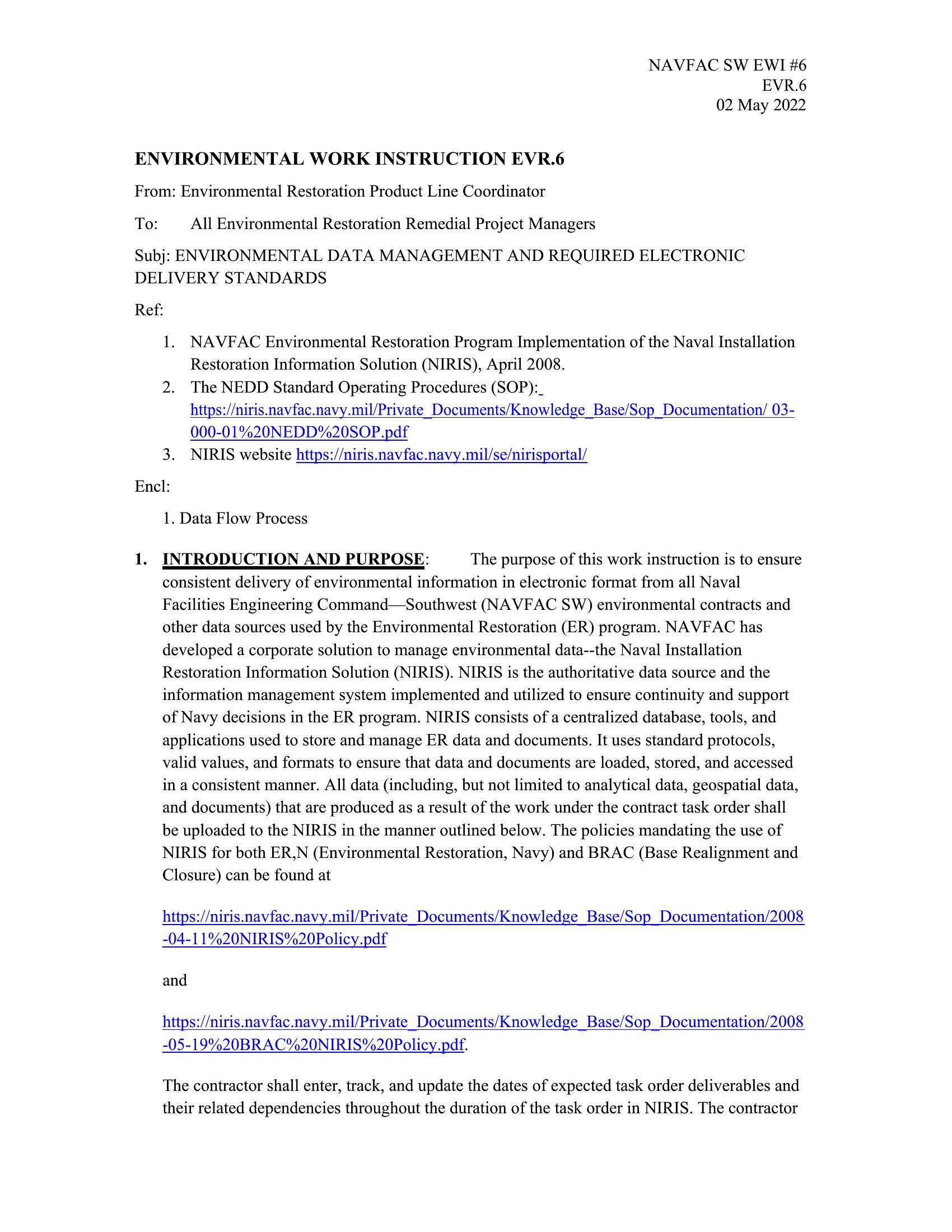
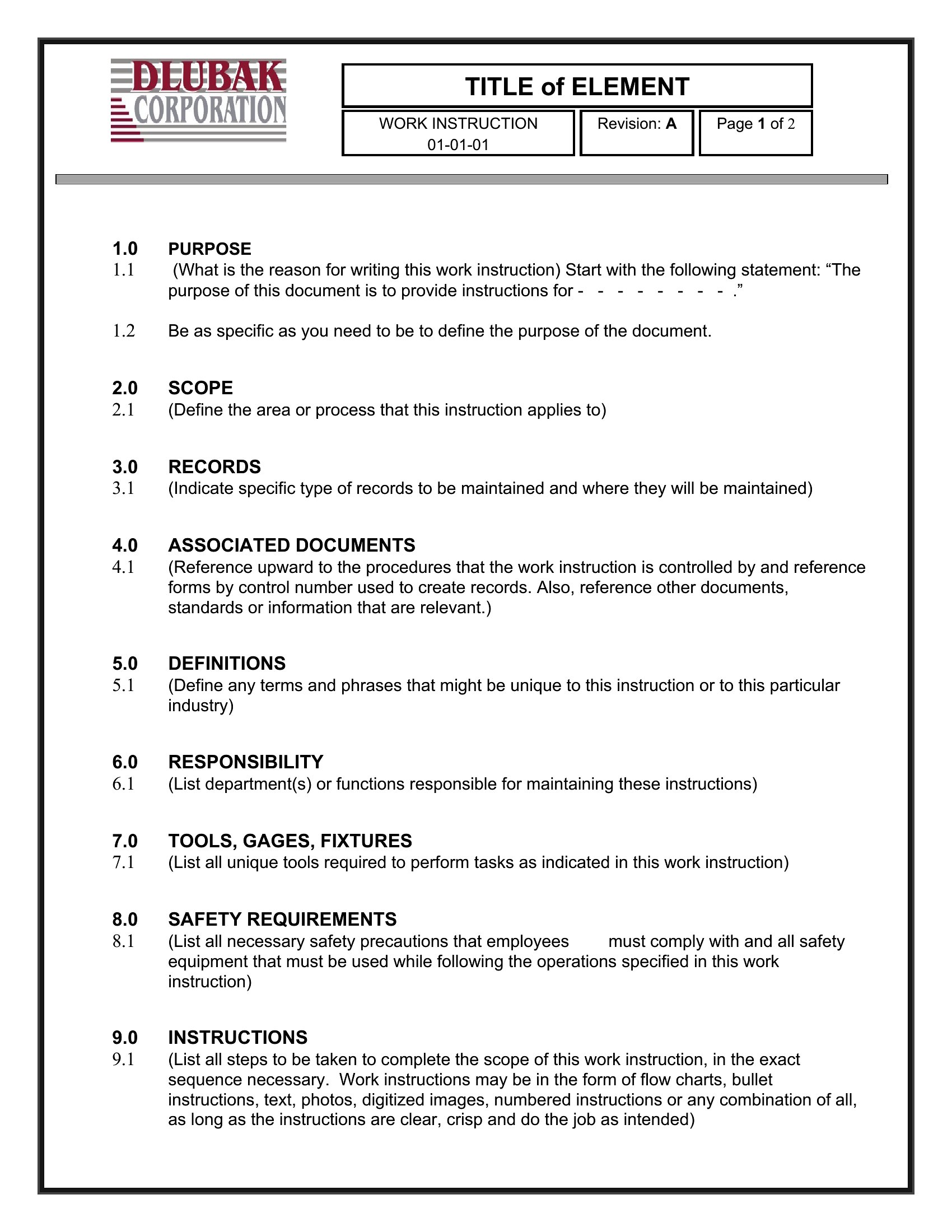
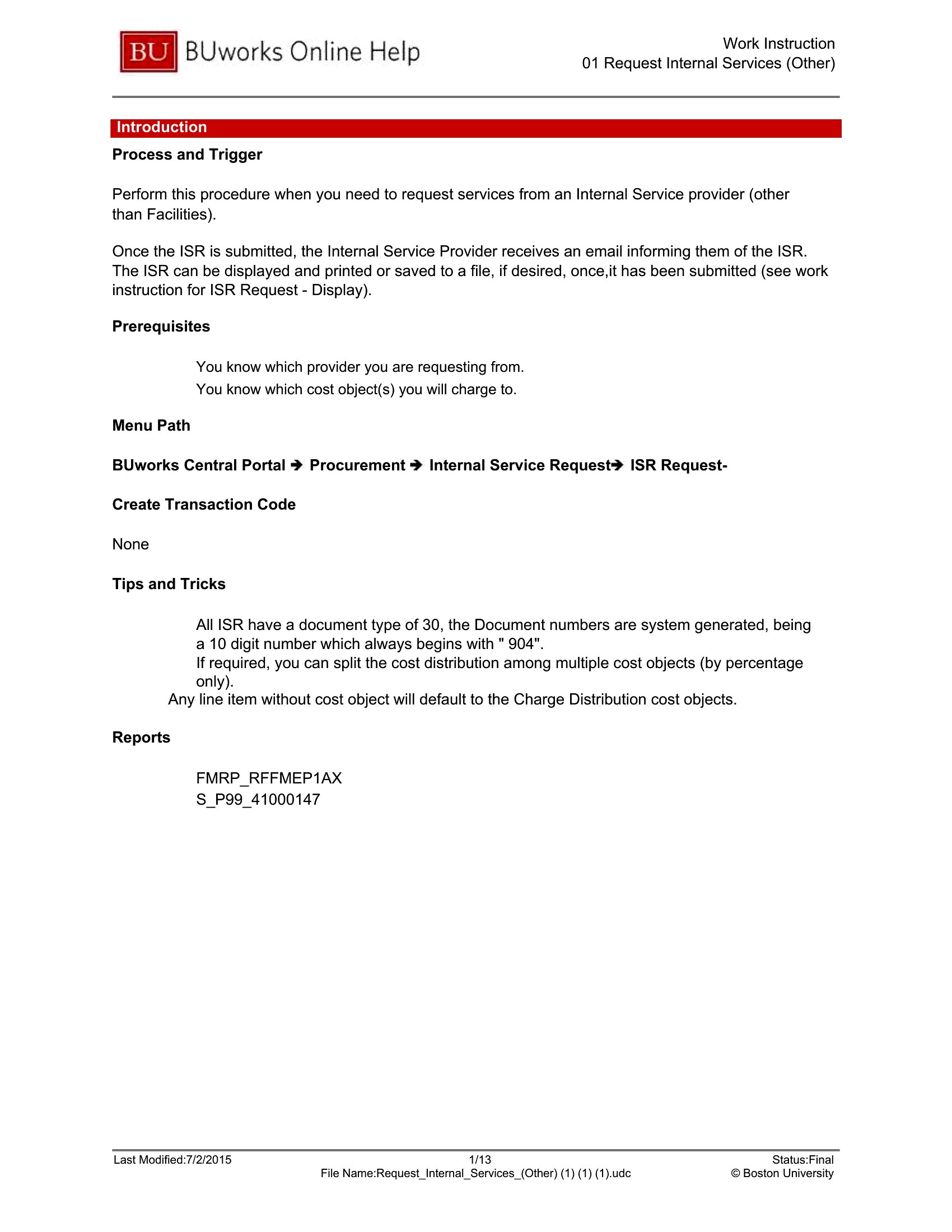
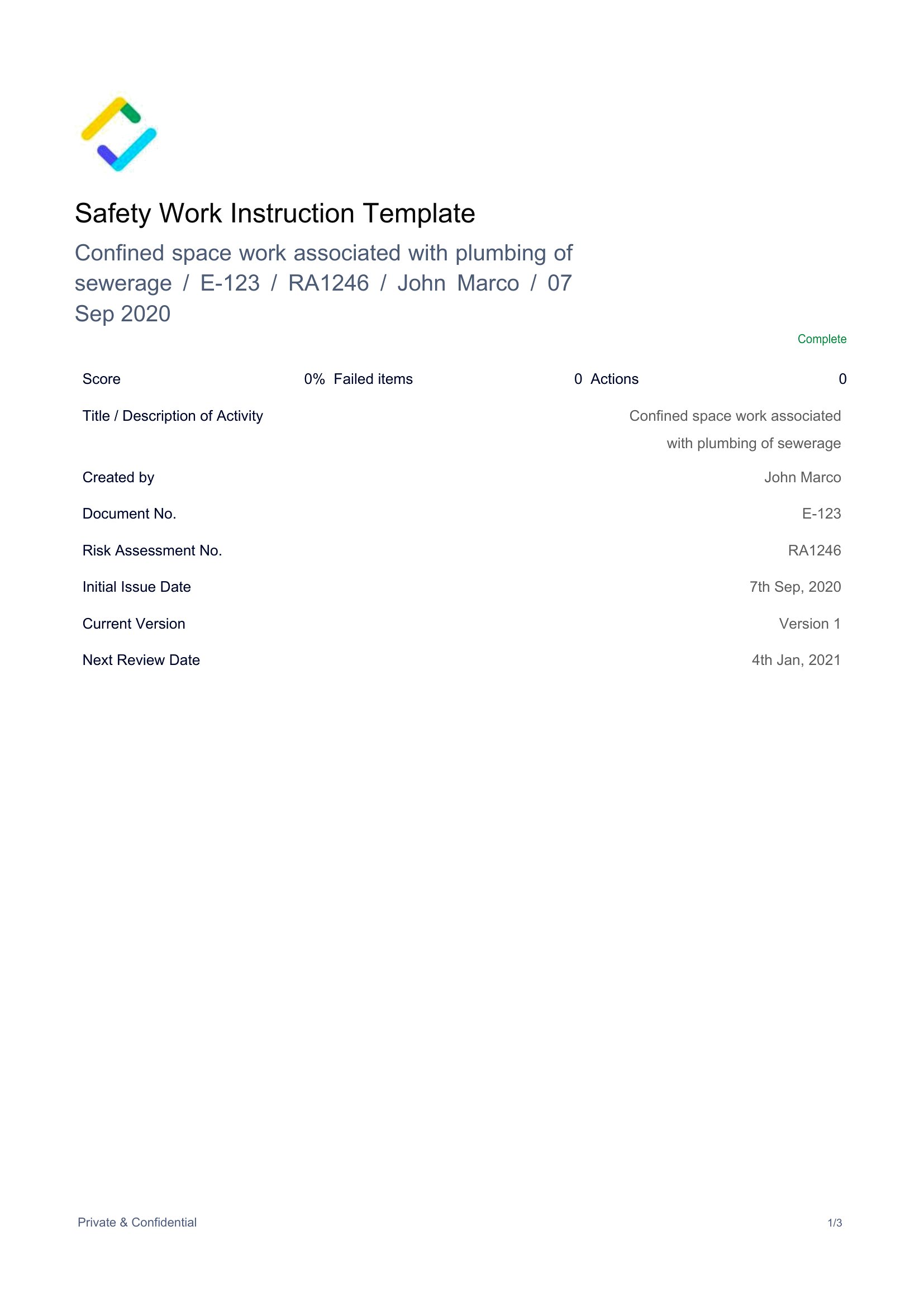
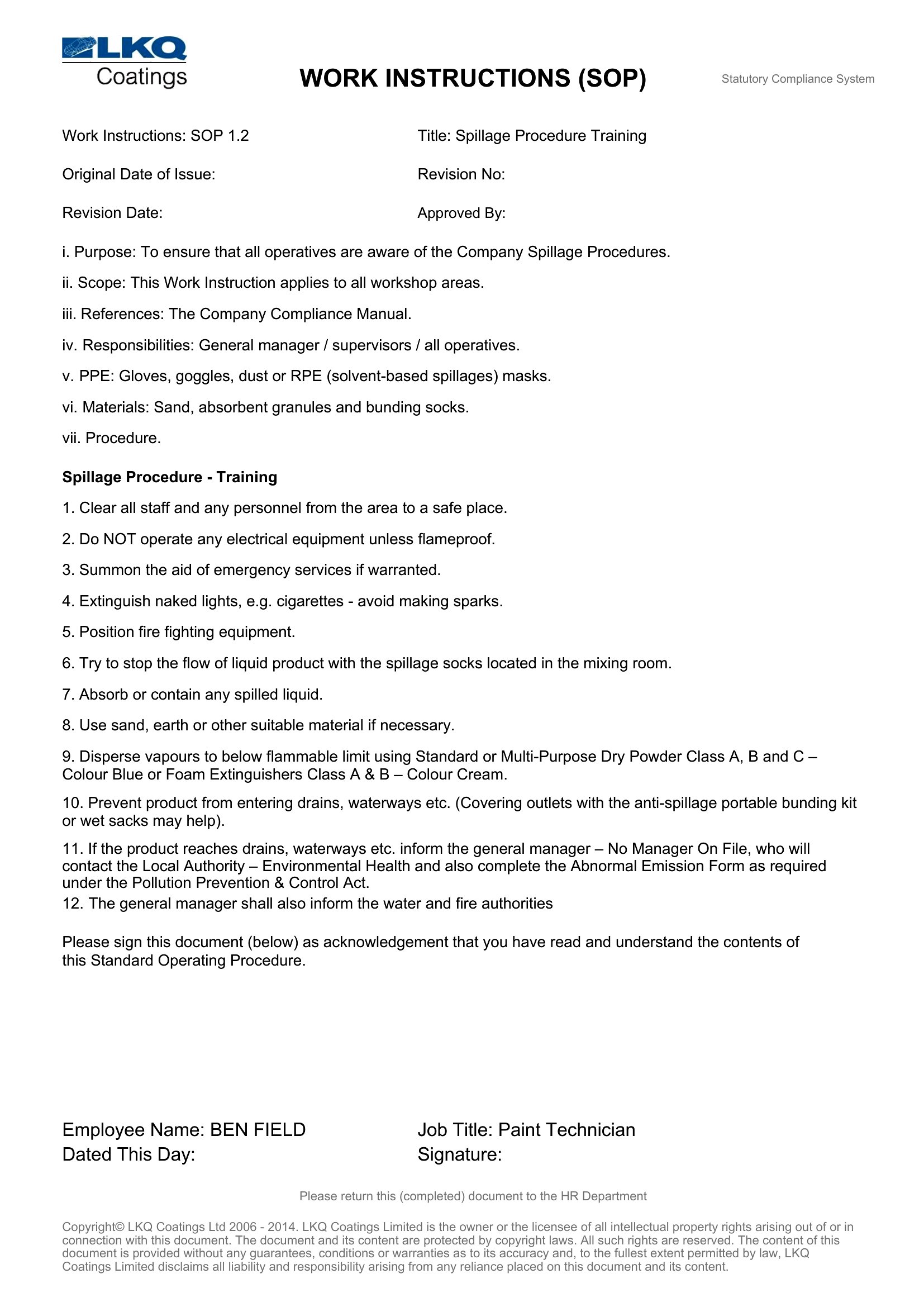
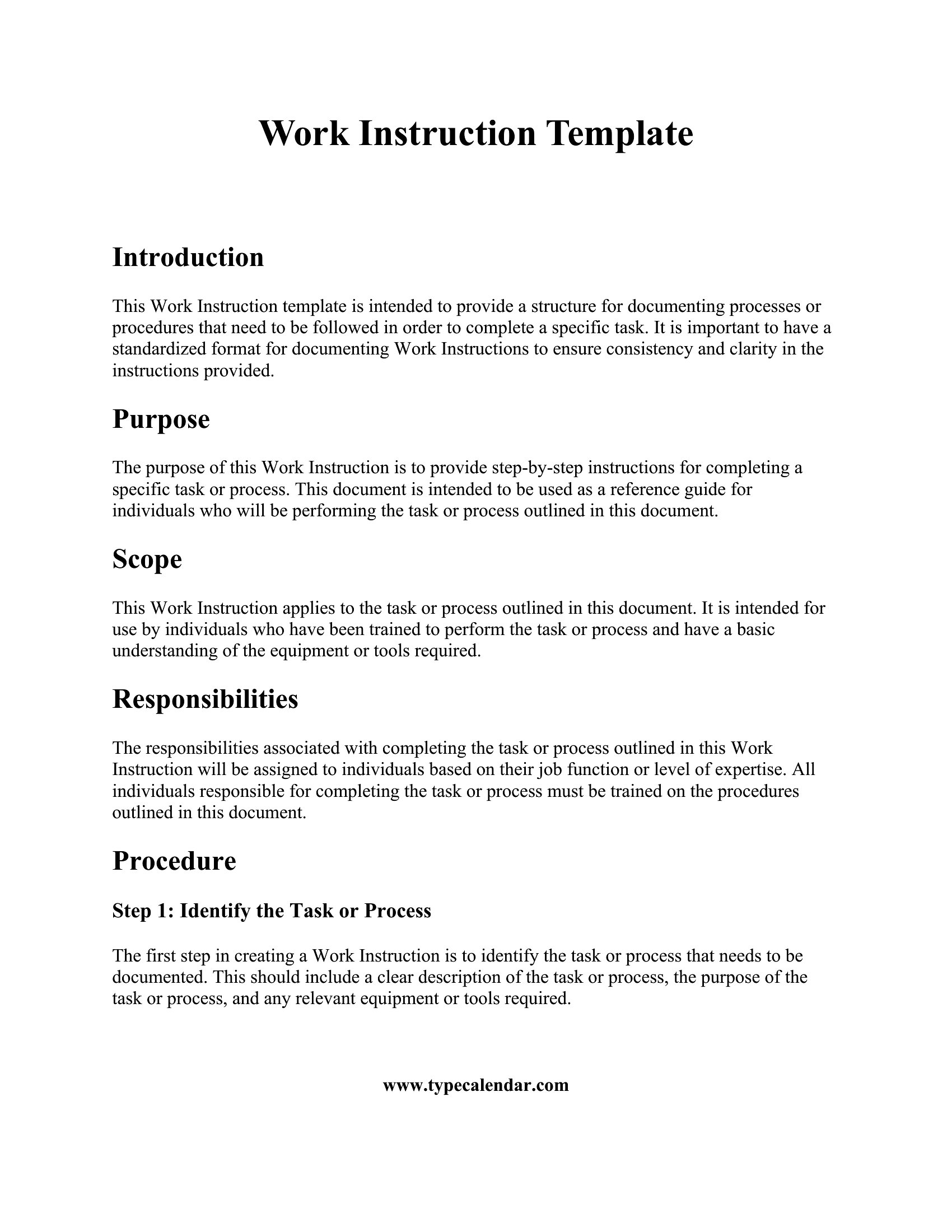
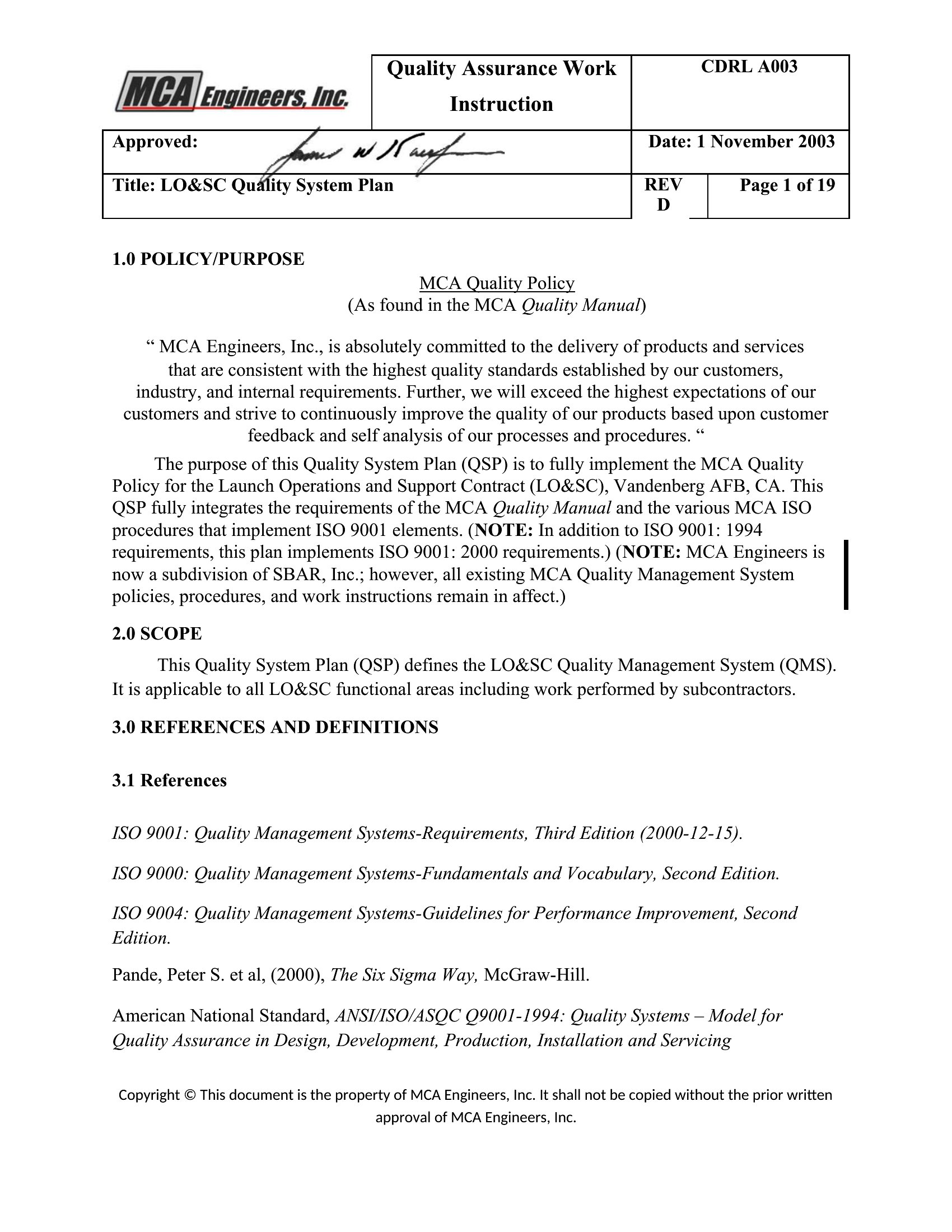
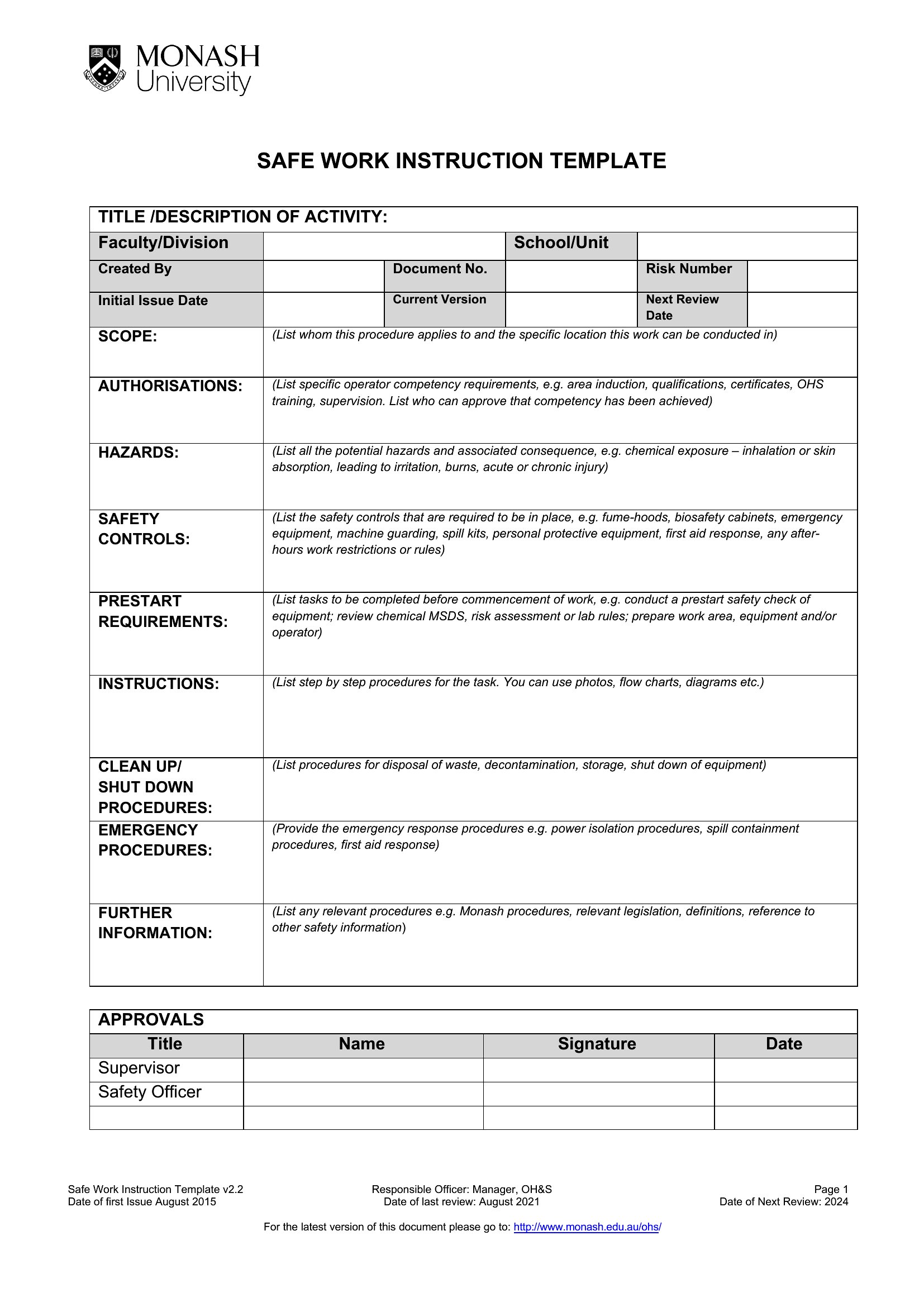
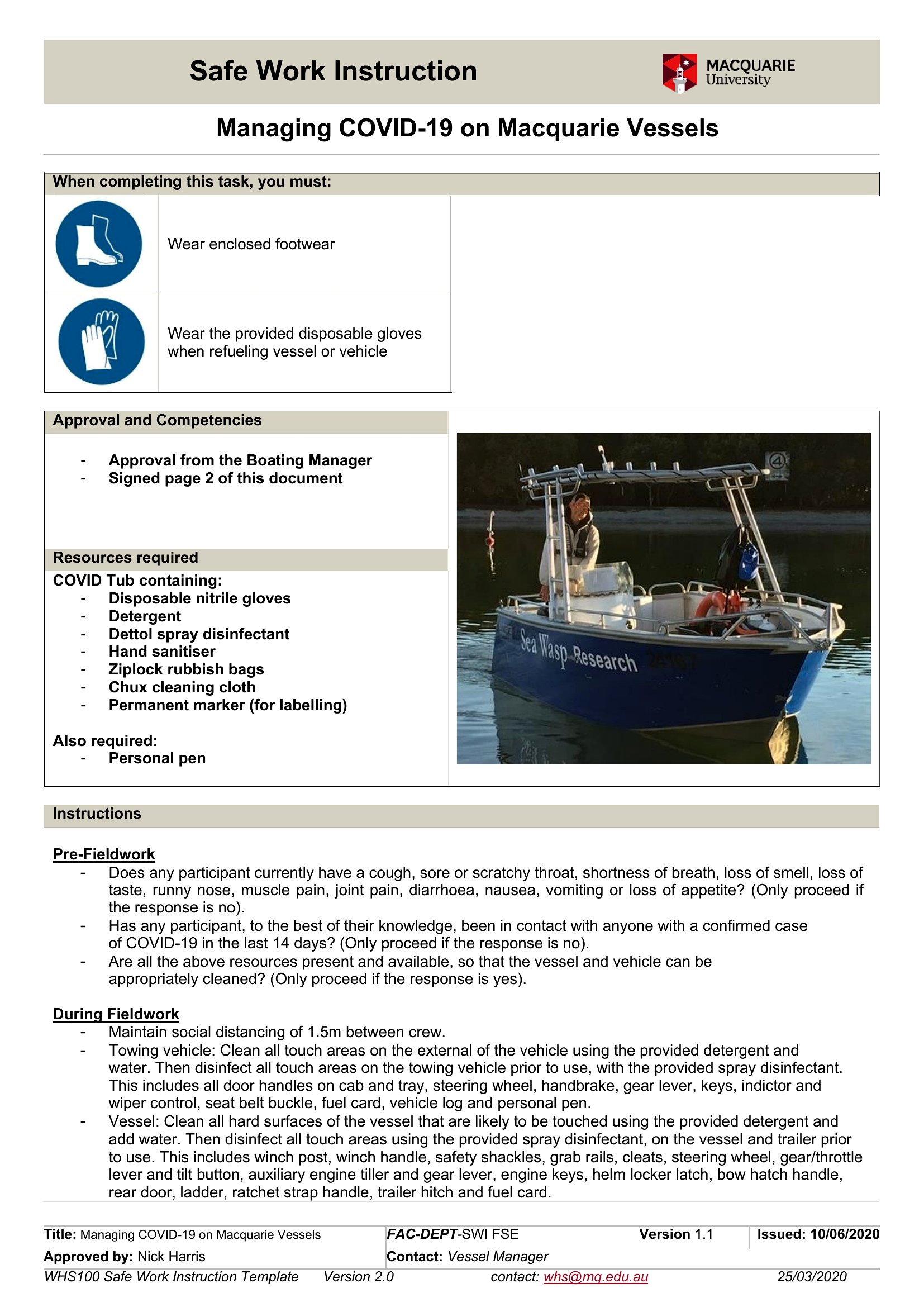
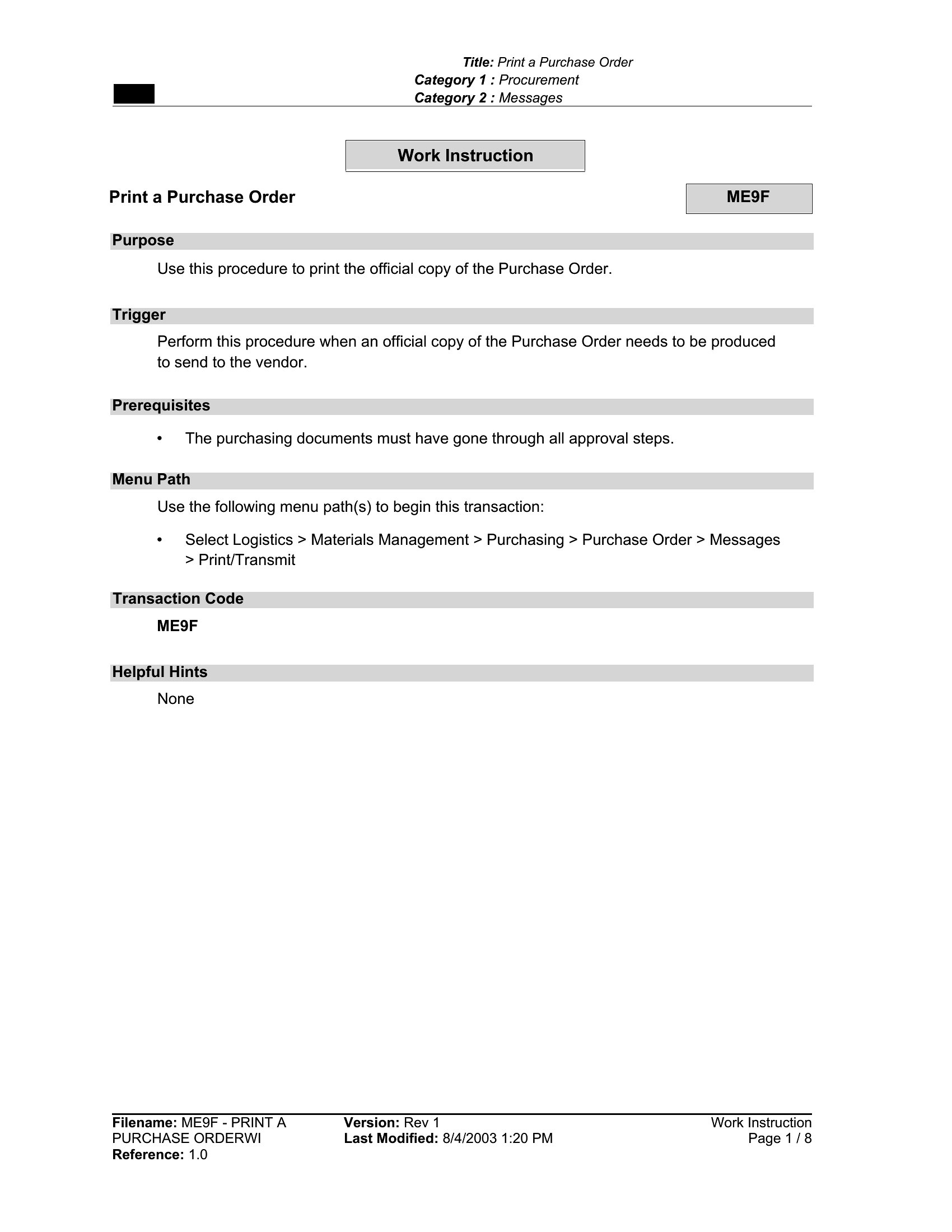
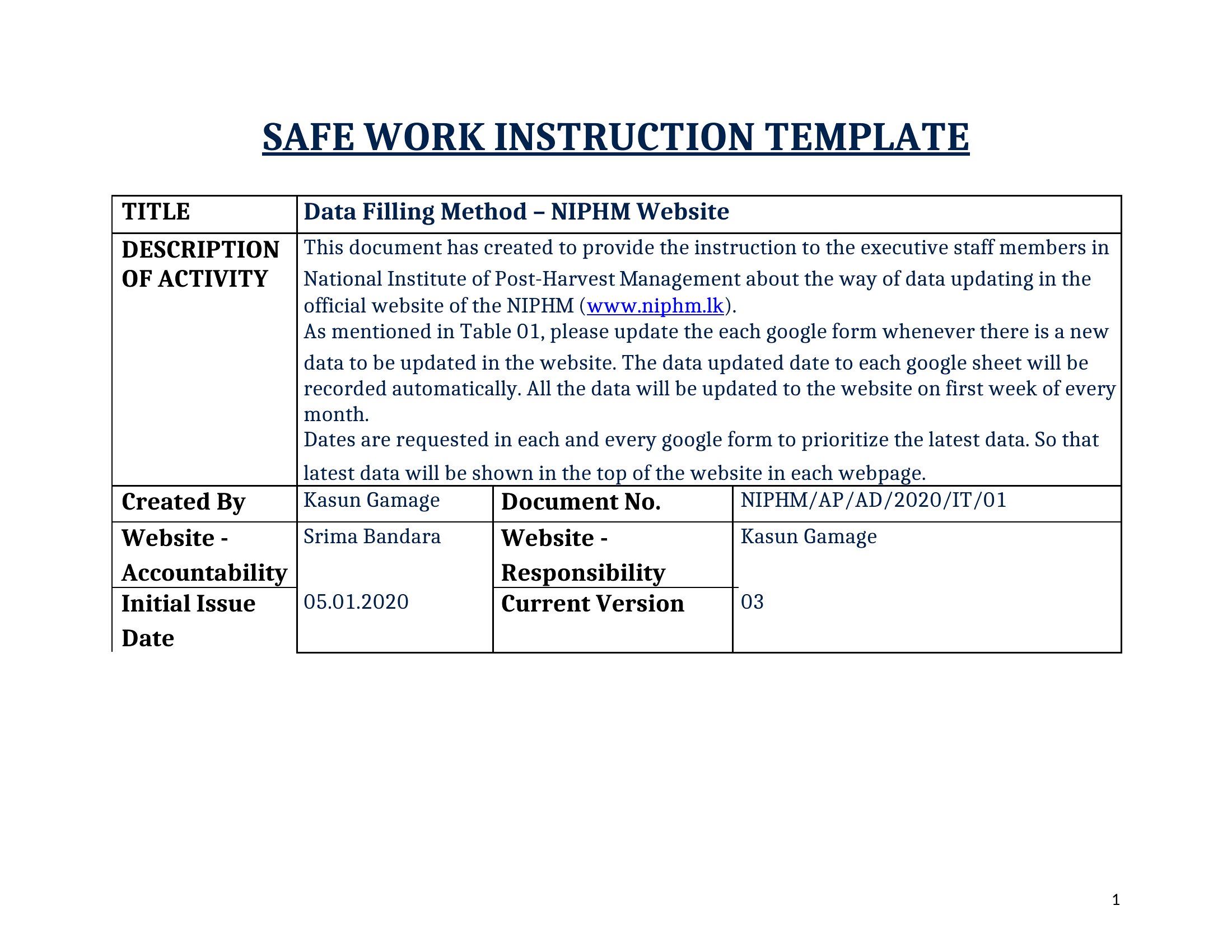
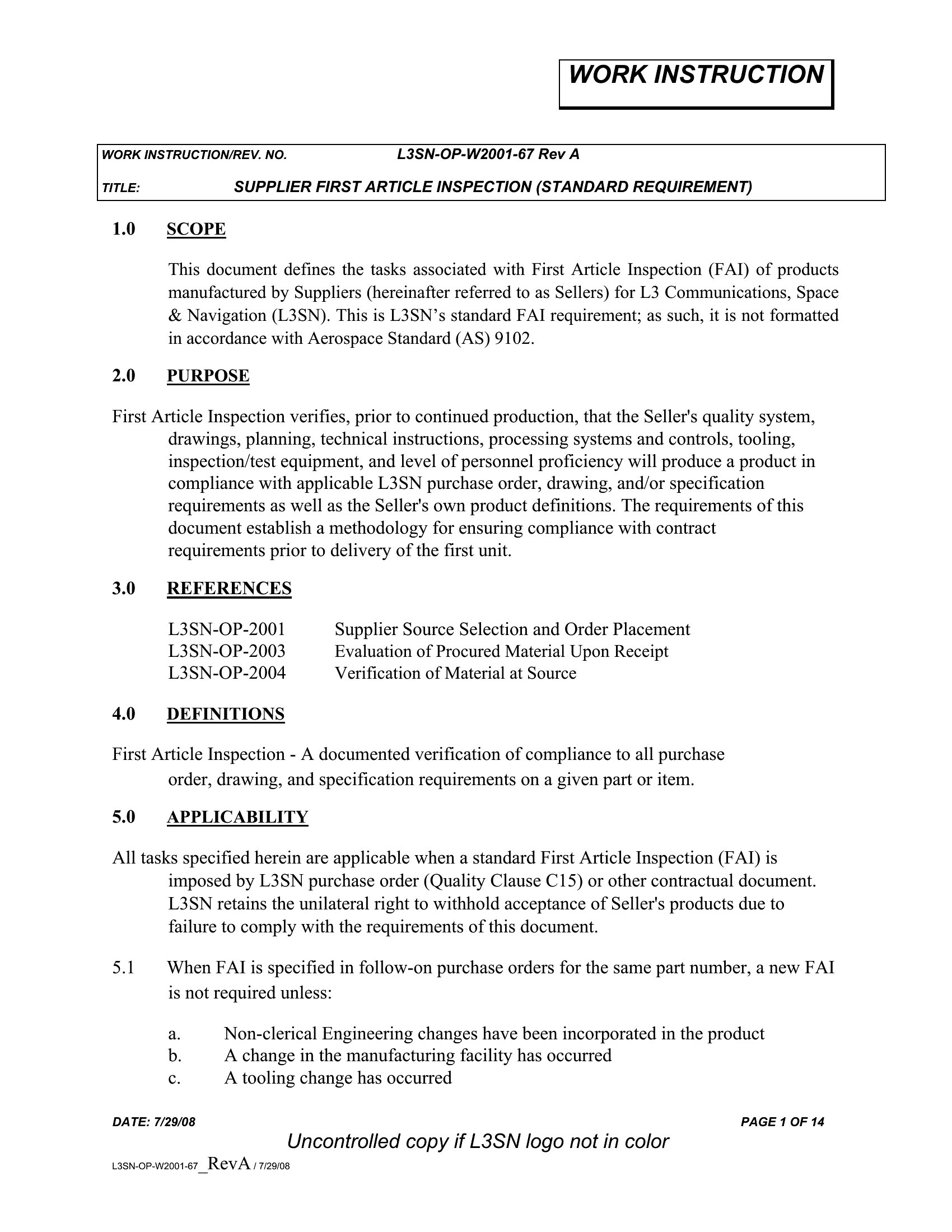
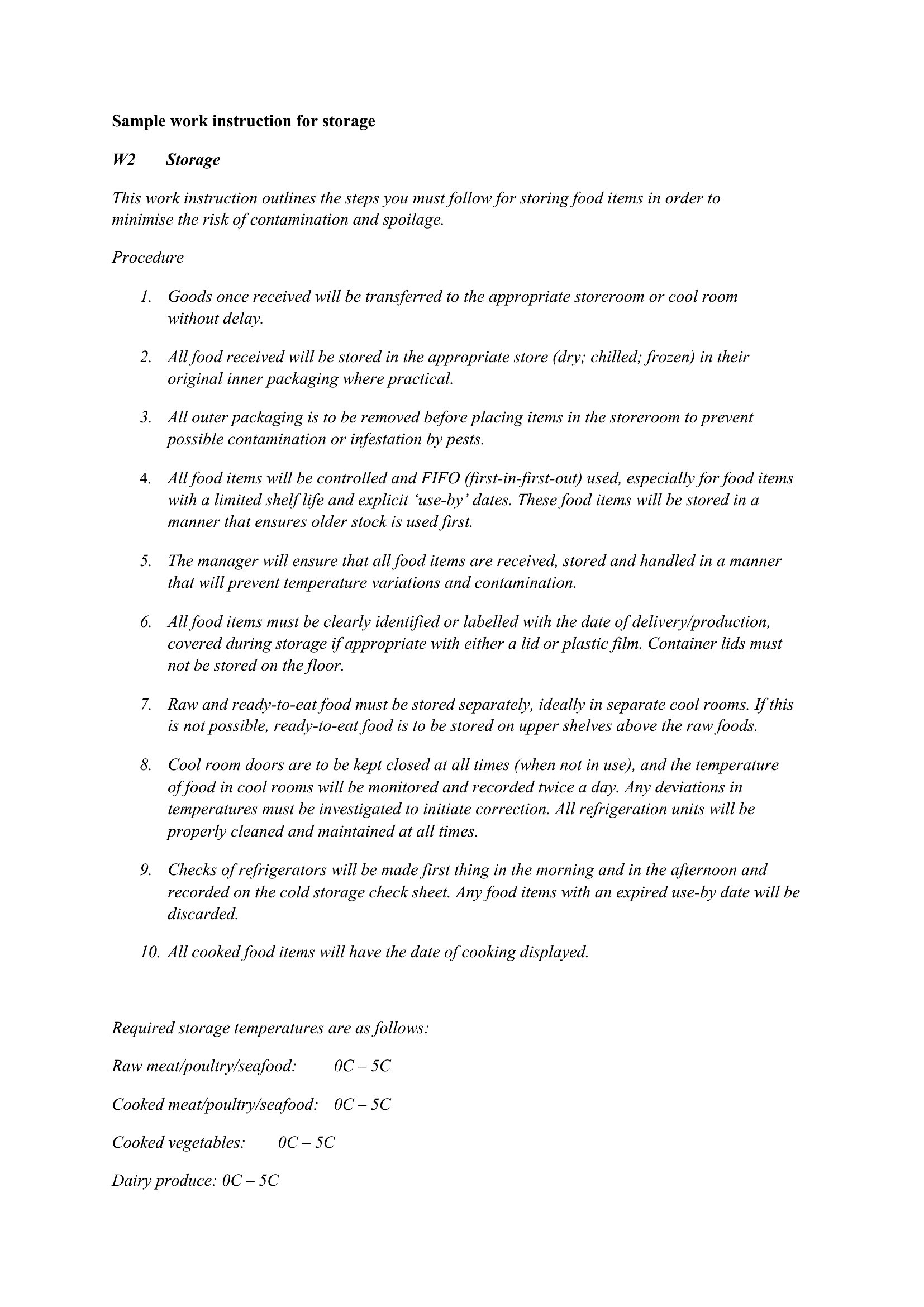
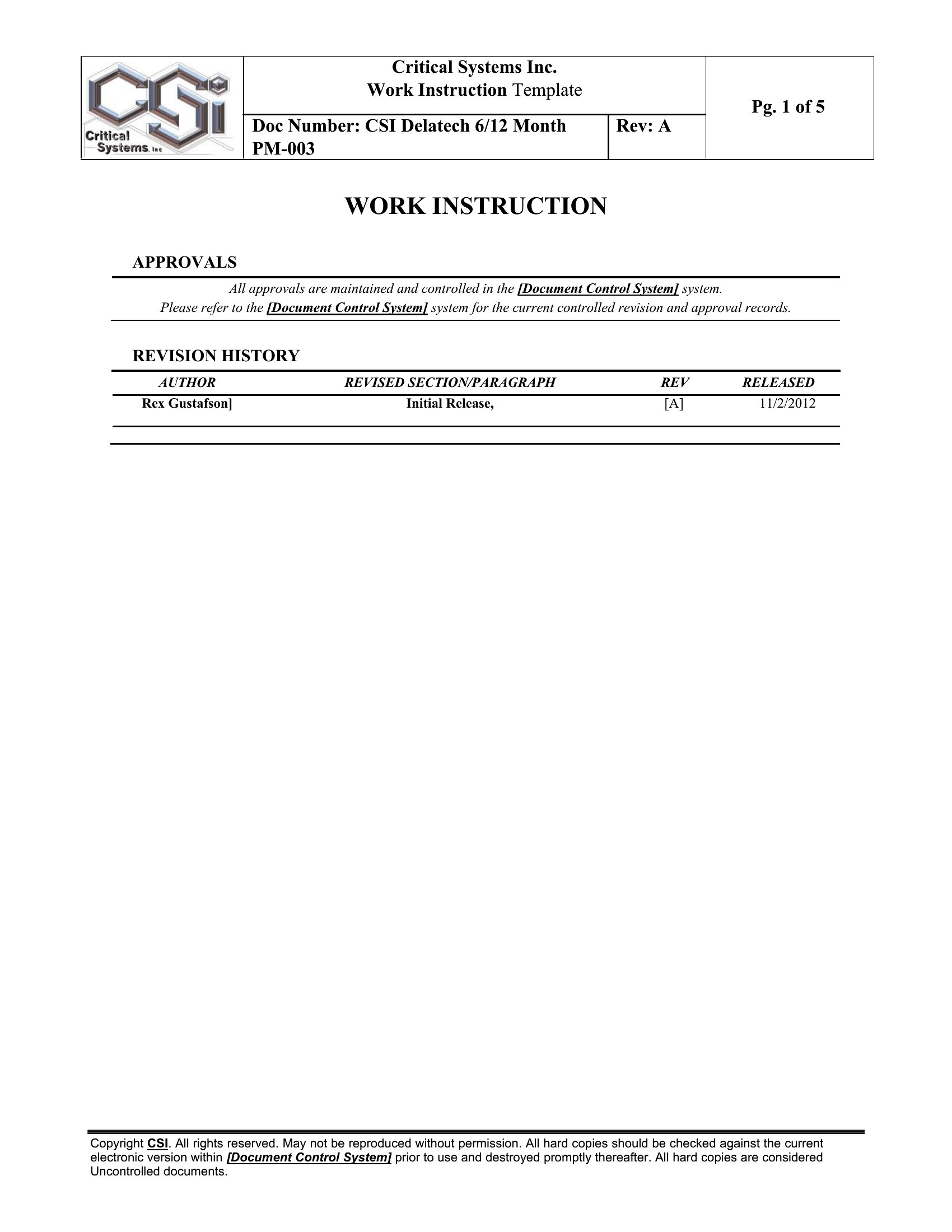
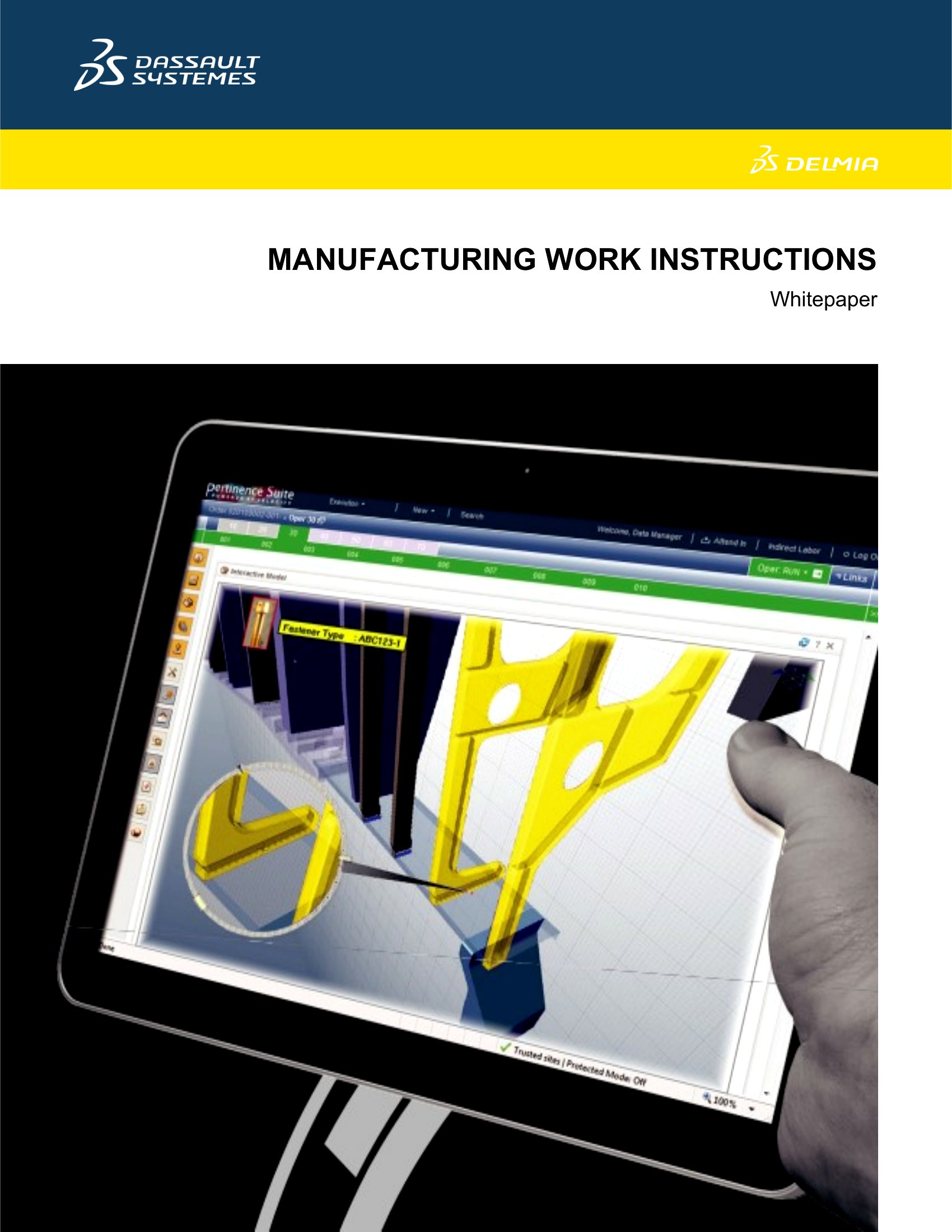
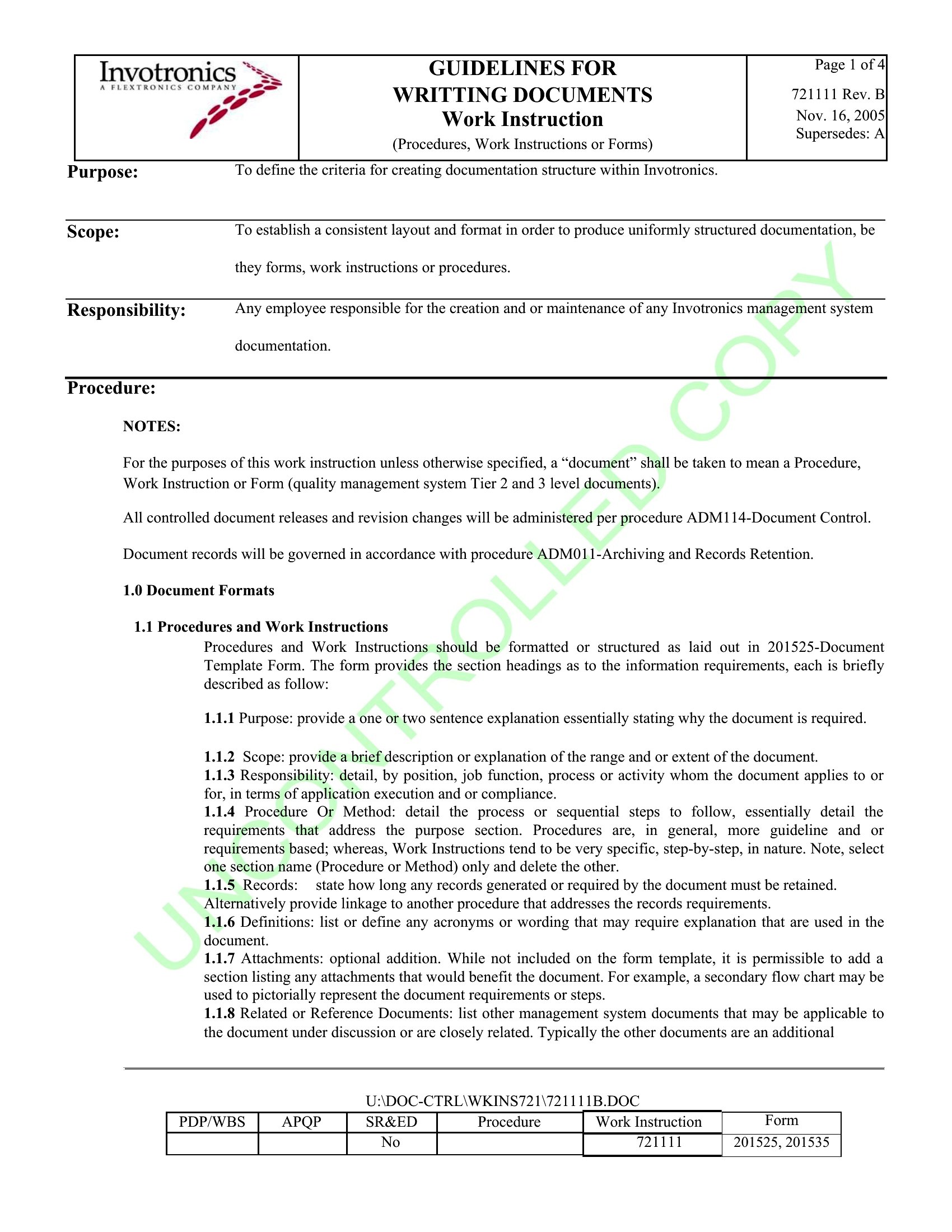
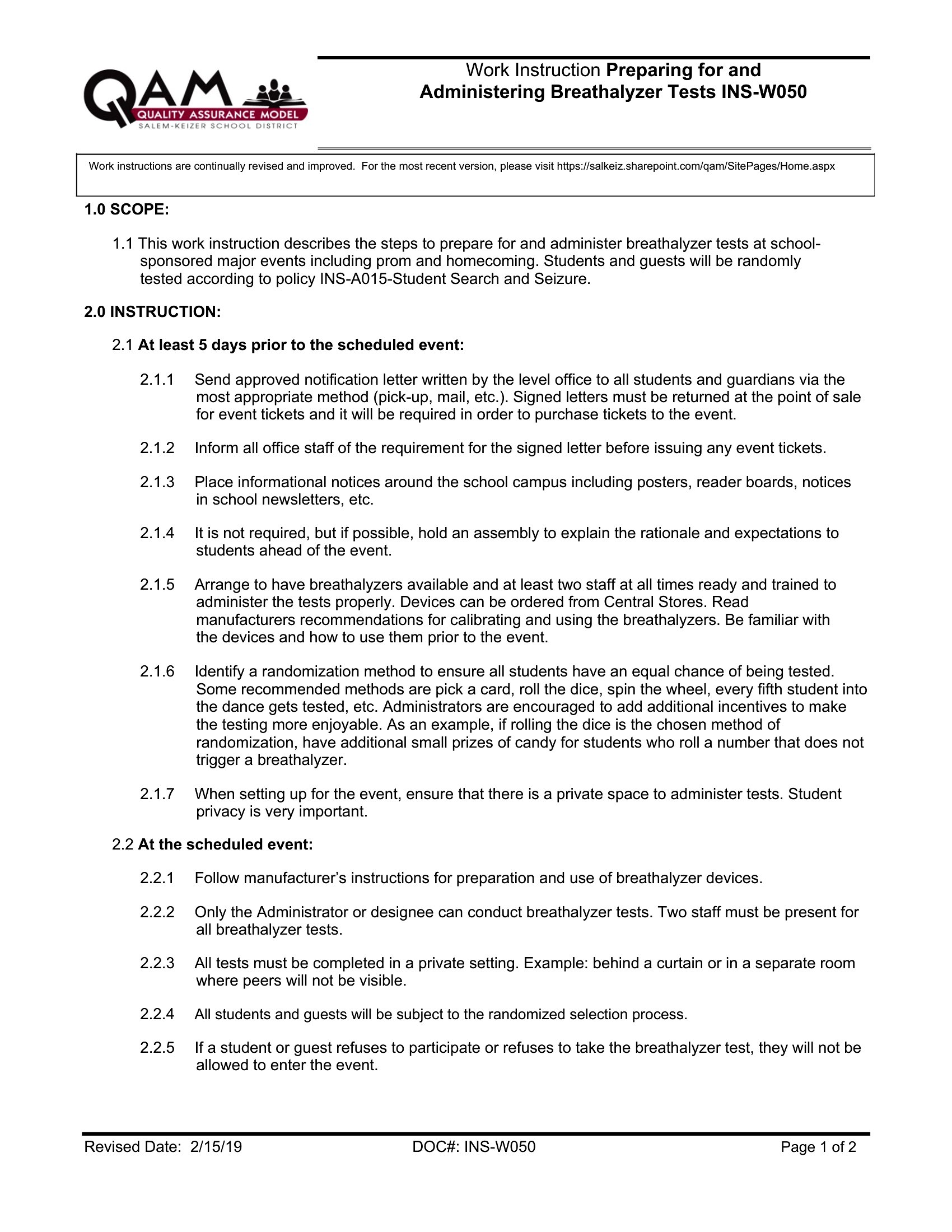
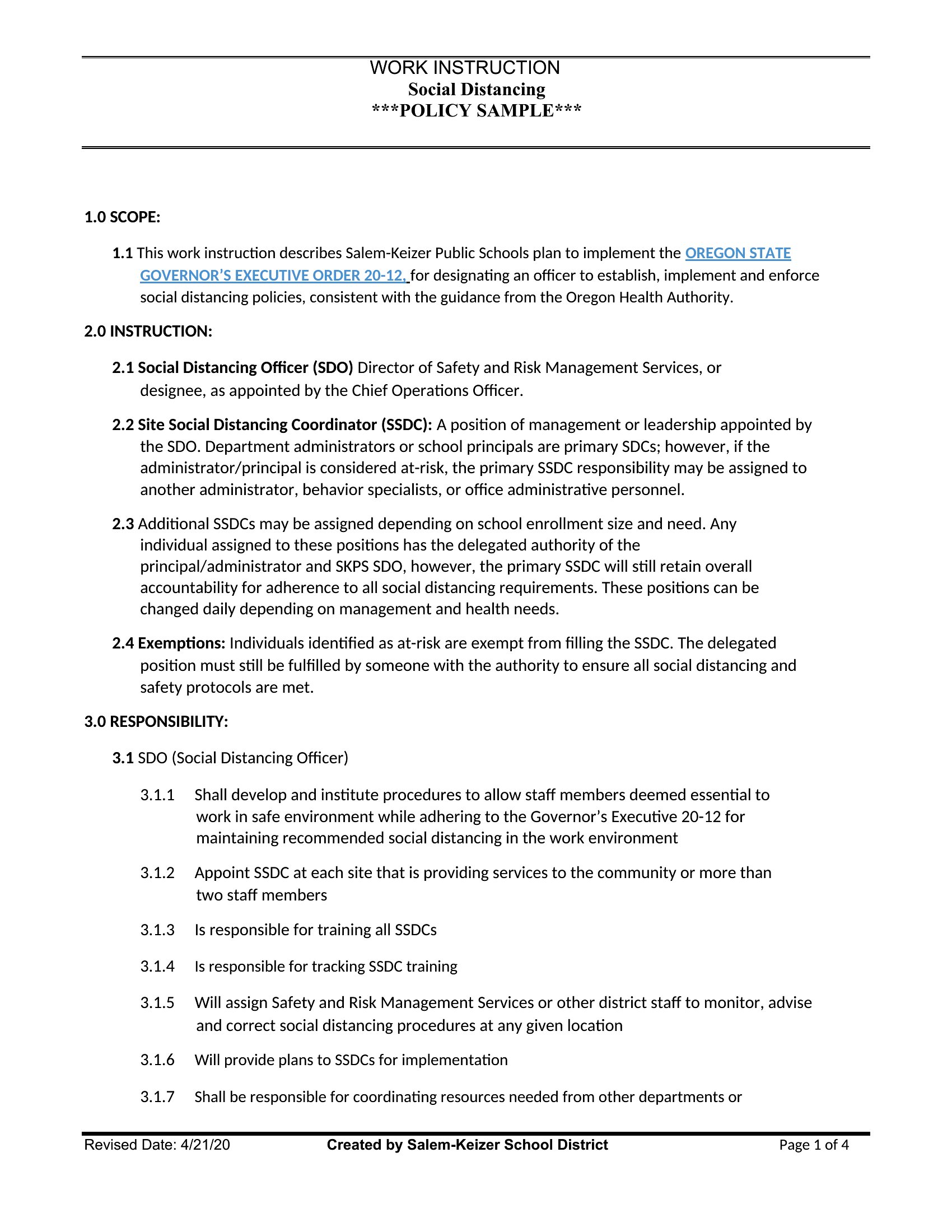
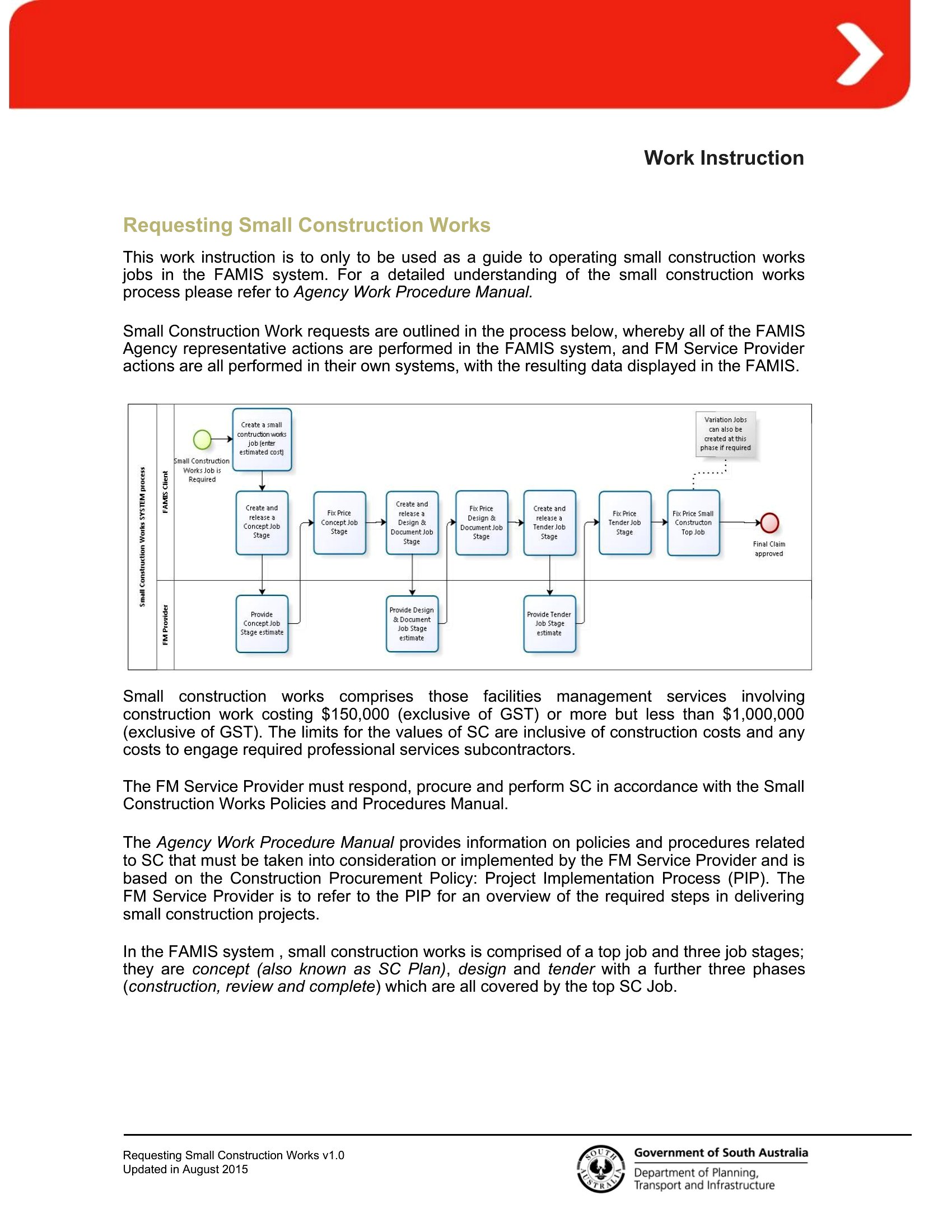
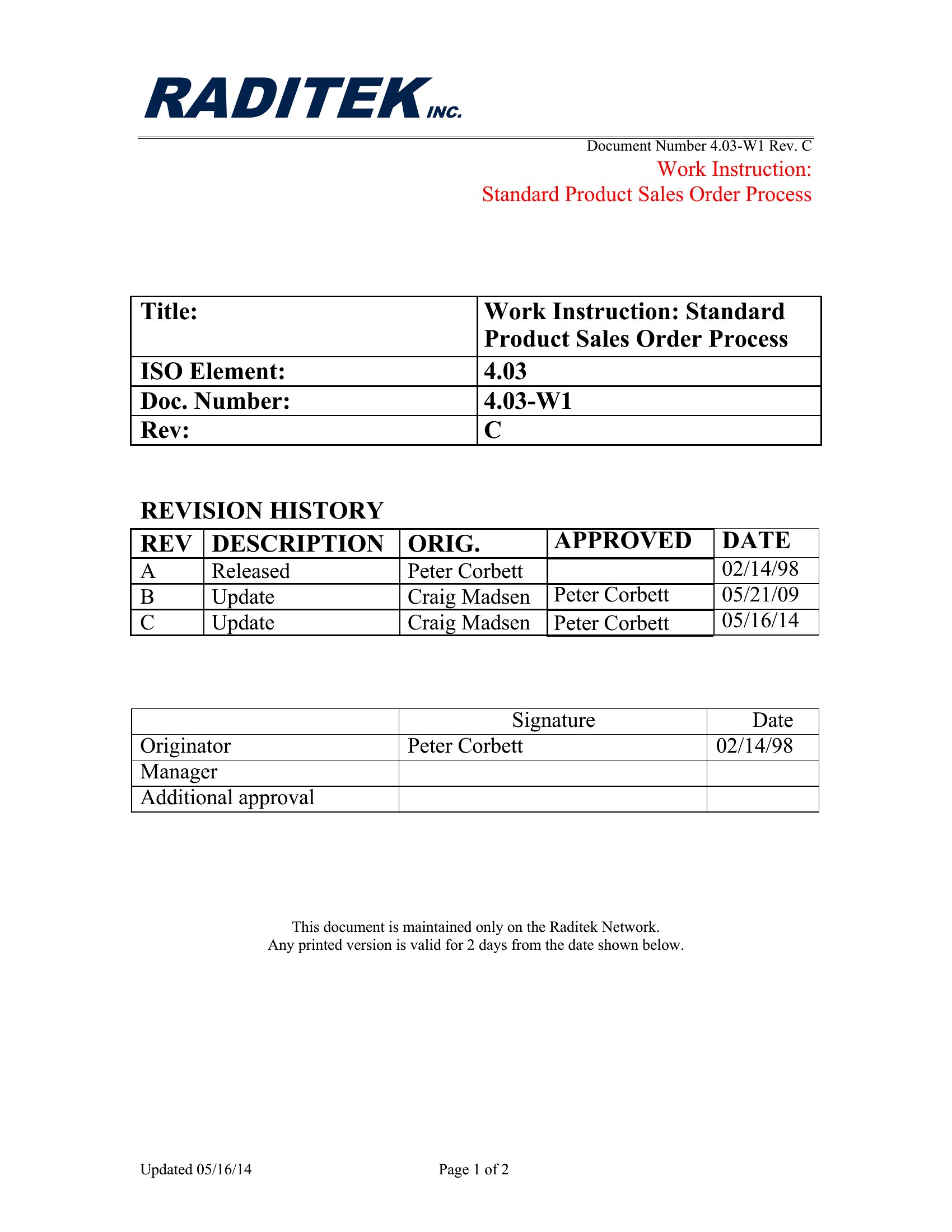
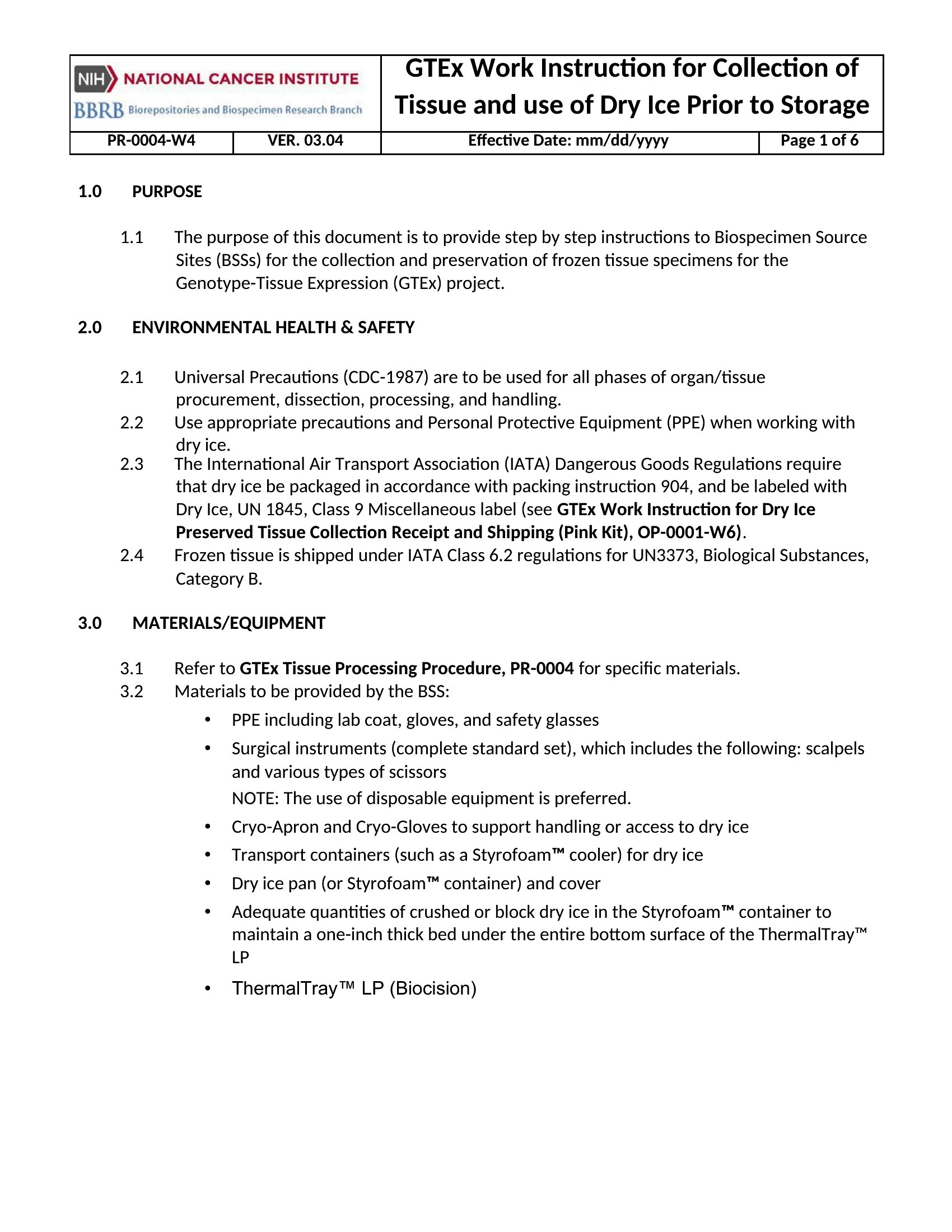
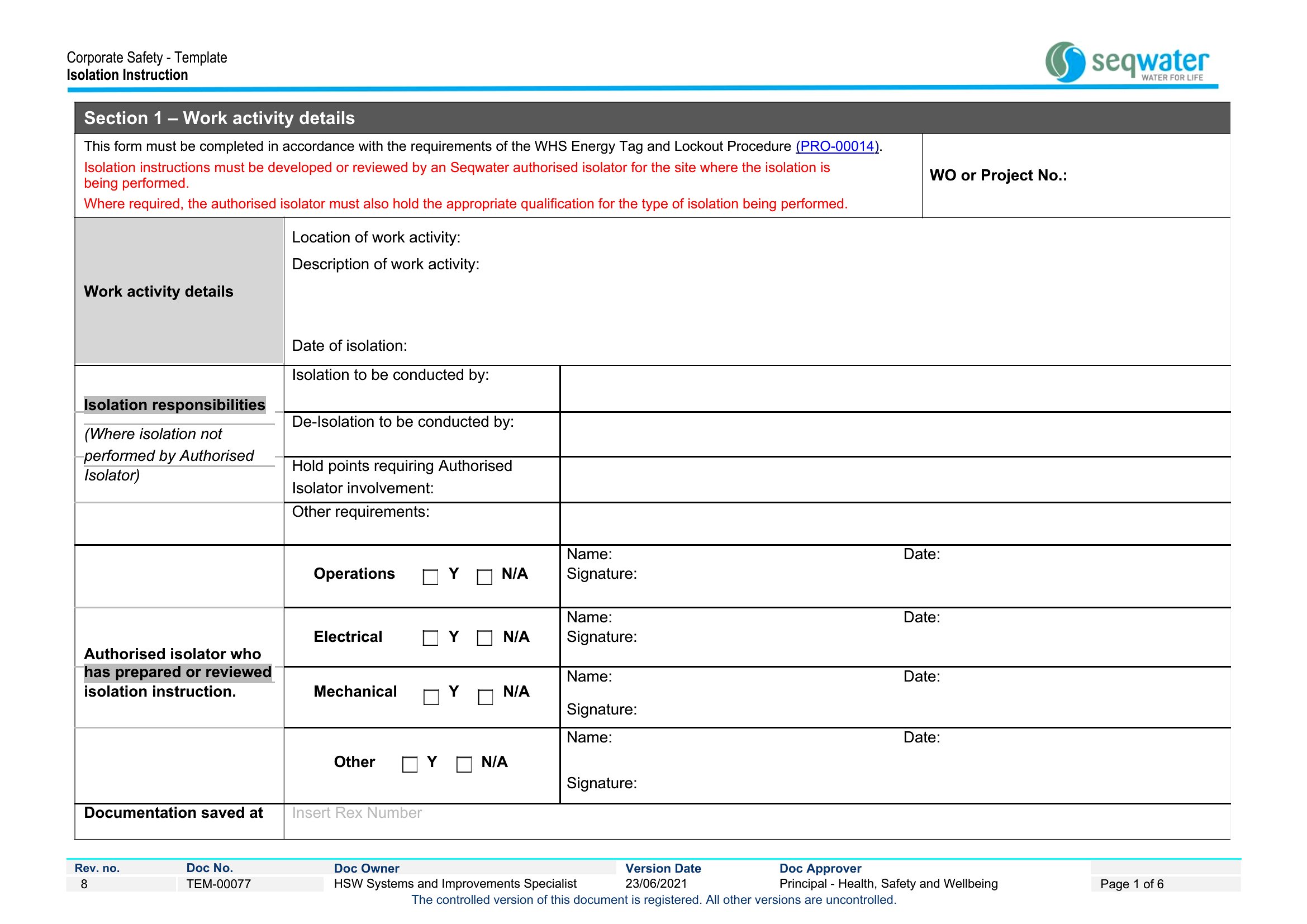
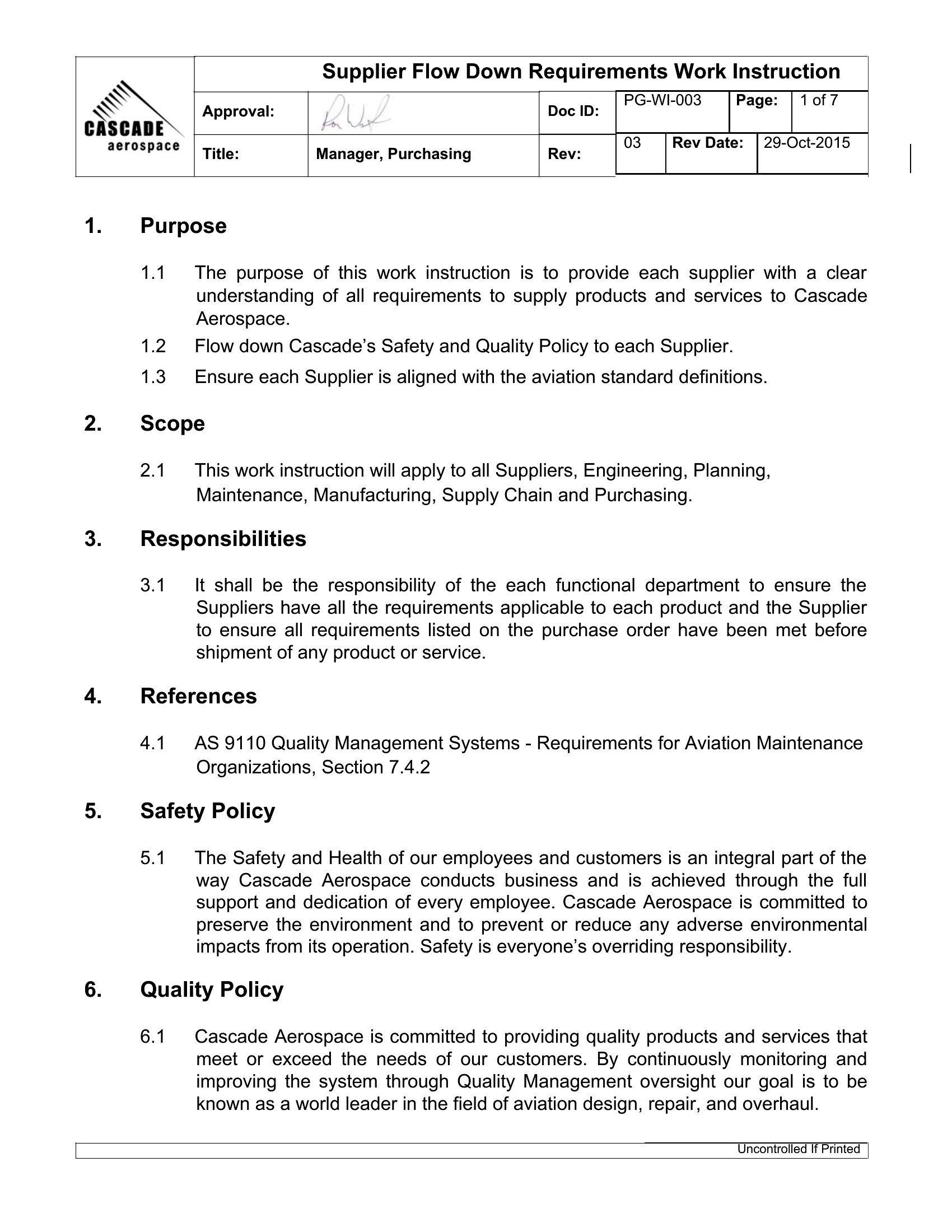
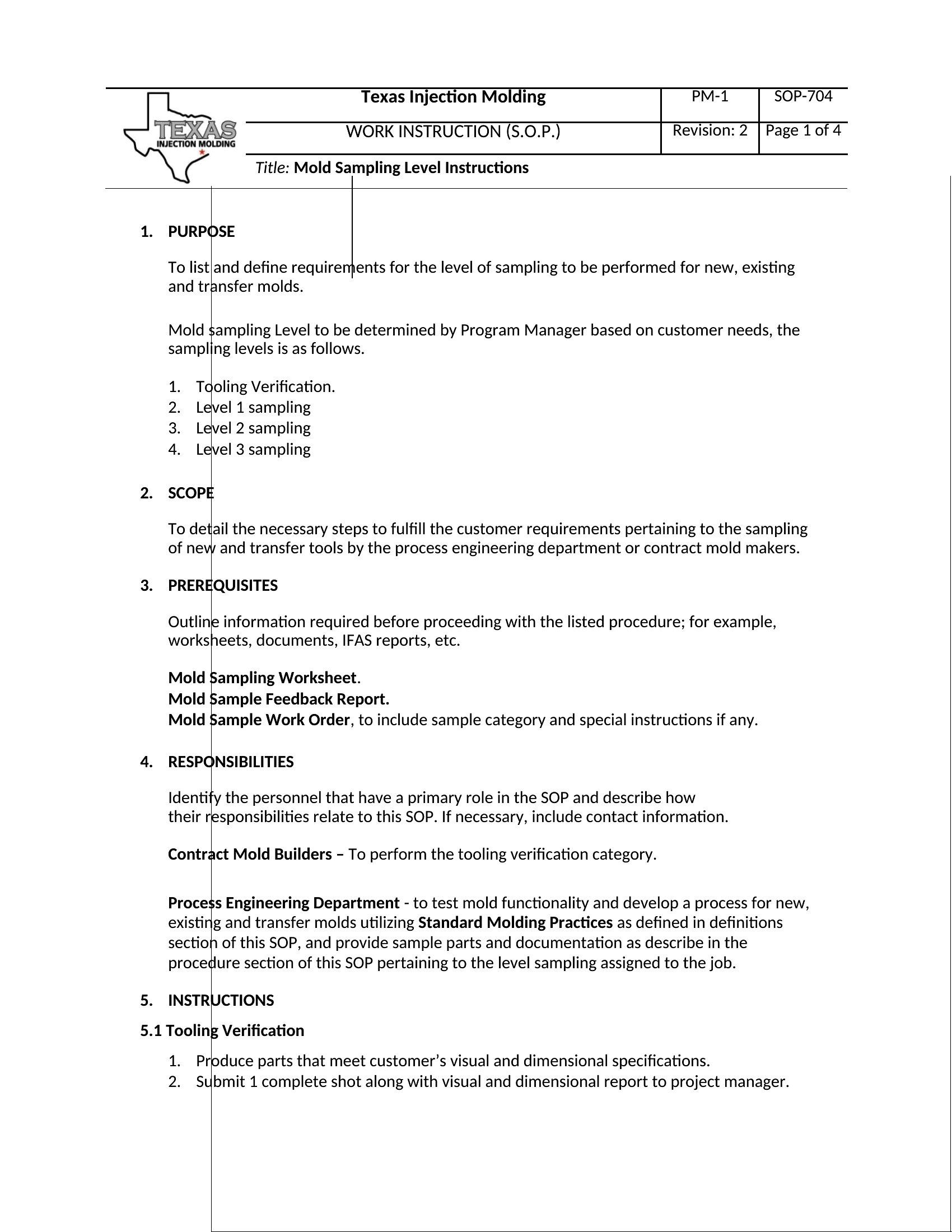
A work instruction zooms in on a single task and shows exactly how to perform it step by step, leaving no room for guesswork on the floor. This collection of 46 templates suits manufacturing, assembly, and standardized procedures, with room for numbered steps, photos, safety notes, and quality checks. Operations managers, quality teams, and trainers can capture the right method so every worker follows it the same way.

The templates open in Word, ready for you to list the steps, insert images, and flag the points where mistakes tend to happen. Clear visuals and short instructions make them easy to follow at the workstation. Choose the layout that fits your process and turn a tricky task into something anyone can do correctly.

When to use this Work Instruction template

  • Operations managers in automotive assembly lines use these to standardize repetitive tasks like torque wrench calibration, ensuring all technicians follow the exact same sequence and torque specifications with visual references.
  • Quality control inspectors in pharmaceutical manufacturing rely on these to document precise procedures for inspecting sterile packaging, including photo attachments of acceptable vs. rejected seals and step-by-step checks for contamination risks.
  • Trainers at a food processing plant deploy these during onboarding to teach new employees how to safely operate high-speed slicing machines, with embedded safety warnings and checklists for pre-operation inspections.
  • Lean manufacturing coaches in electronics assembly use these as part of kaizen workshops to map out the ideal workflow for soldering circuit boards, including cycle time targets and error-reduction techniques for first-time operators.

Which format should I download?

Word

Word is the best format here because it strikes a balance between flexibility and accessibility. Use it when you need to embed team-specific details like company safety protocols or photos of equipment—features that are harder to customize in static PDFs. Opt for Word if your team collaborates remotely and needs to co-author instructions in real-time, or if you’re integrating these into broader training manuals where formatting consistency matters.

Choose from 46 Work Instruction Templates

How to use this Work Instruction template

How do I decide when a task needs a work instruction instead of a standard operating procedure (SOP)?

Use a work instruction for highly repetitive, hands-on tasks with clear steps—like operating machinery or assembling components—where visuals or checklists improve accuracy. Reserve SOPs for broader processes (e.g., ‘how to handle customer complaints’) that involve multiple steps, roles, or decision points. Work instructions focus on *doing*, while SOPs cover *why* and *when*.

Can I include video or audio steps in these templates, and if not, how do I reference external media?

These Word templates don’t support embedded video or audio directly, but you can link to files hosted on company intranets or platforms like YouTube. Add a step like ‘Refer to Video Tutorial: [Link]’ and include a screenshot of the video’s key frame in the template. For audio, transcribe critical instructions and attach the recording as a supplementary file. Always test links work for all users before distributing.

Should I include ‘what-if’ scenarios or troubleshooting in work instructions, or save those for separate guides?

Keep work instructions focused on the *correct* step-by-step method, but add a brief ‘Common Issues’ section at the end for quick fixes (e.g., ‘If part X doesn’t align, recheck step 3 for debris’). Save detailed troubleshooting—like root-cause analysis or multi-step repairs—for a separate guide linked in the instruction. This keeps the primary document clear and actionable while giving users a path for deeper issues.

Comments

Join the conversation

Sign in to share your thoughts and leave a comment on this resource.

Newsletter

Get Weekly Design Updates

Join our community to receive curated resources and inspiration.

Weekly Tips Resources Early Access

We respect your privacy. Confirmation email required. Privacy Policy