Free Unit Plan Templates (Word, PDF)
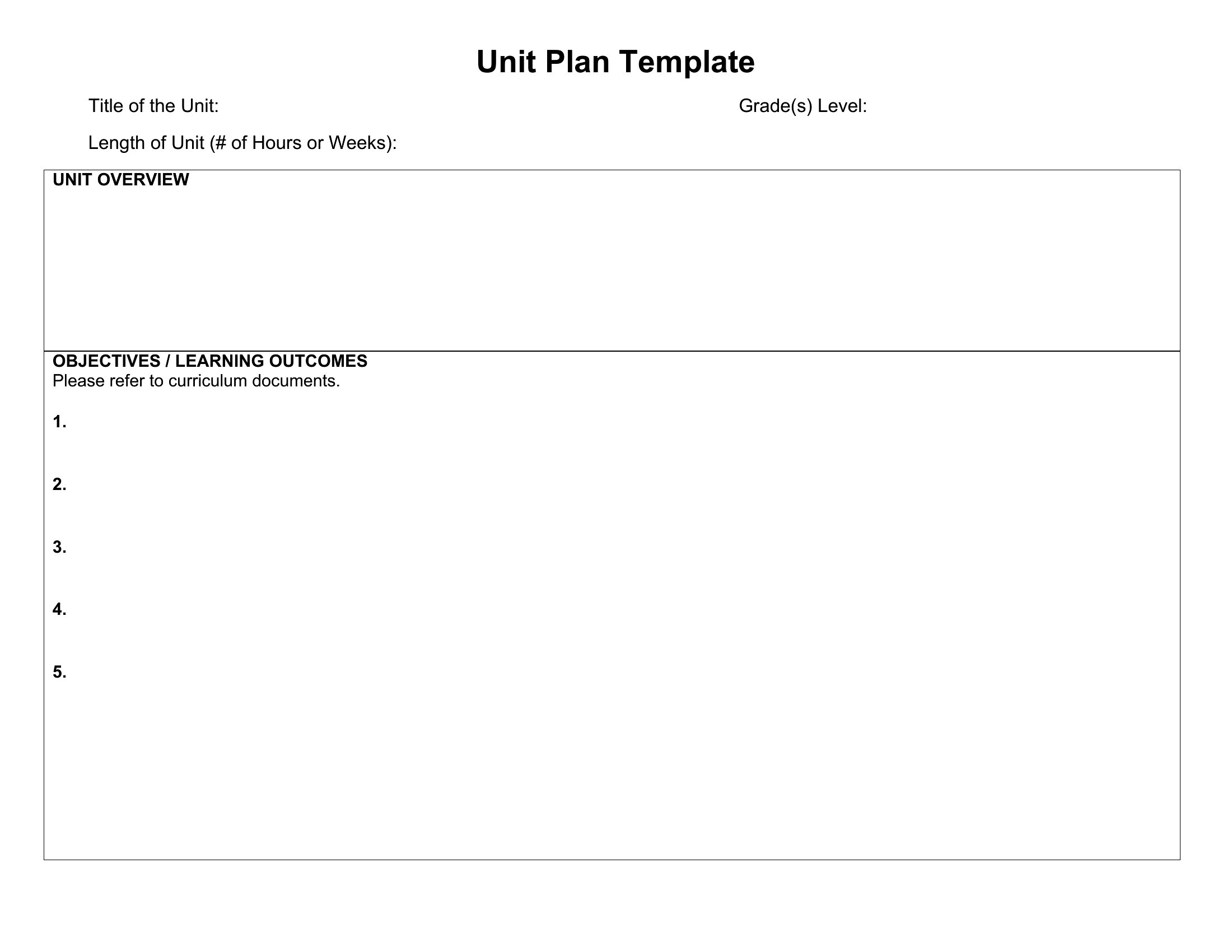
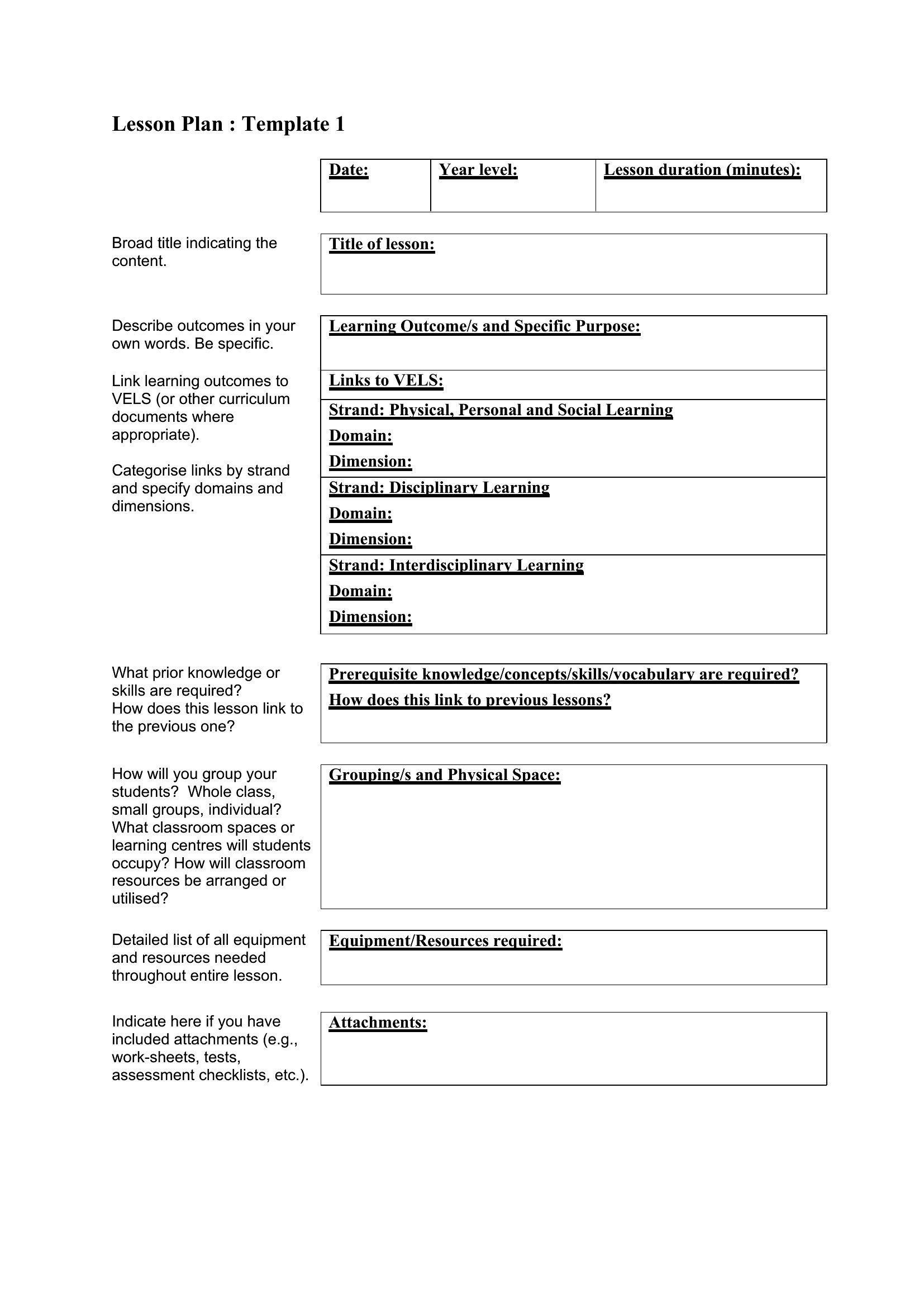
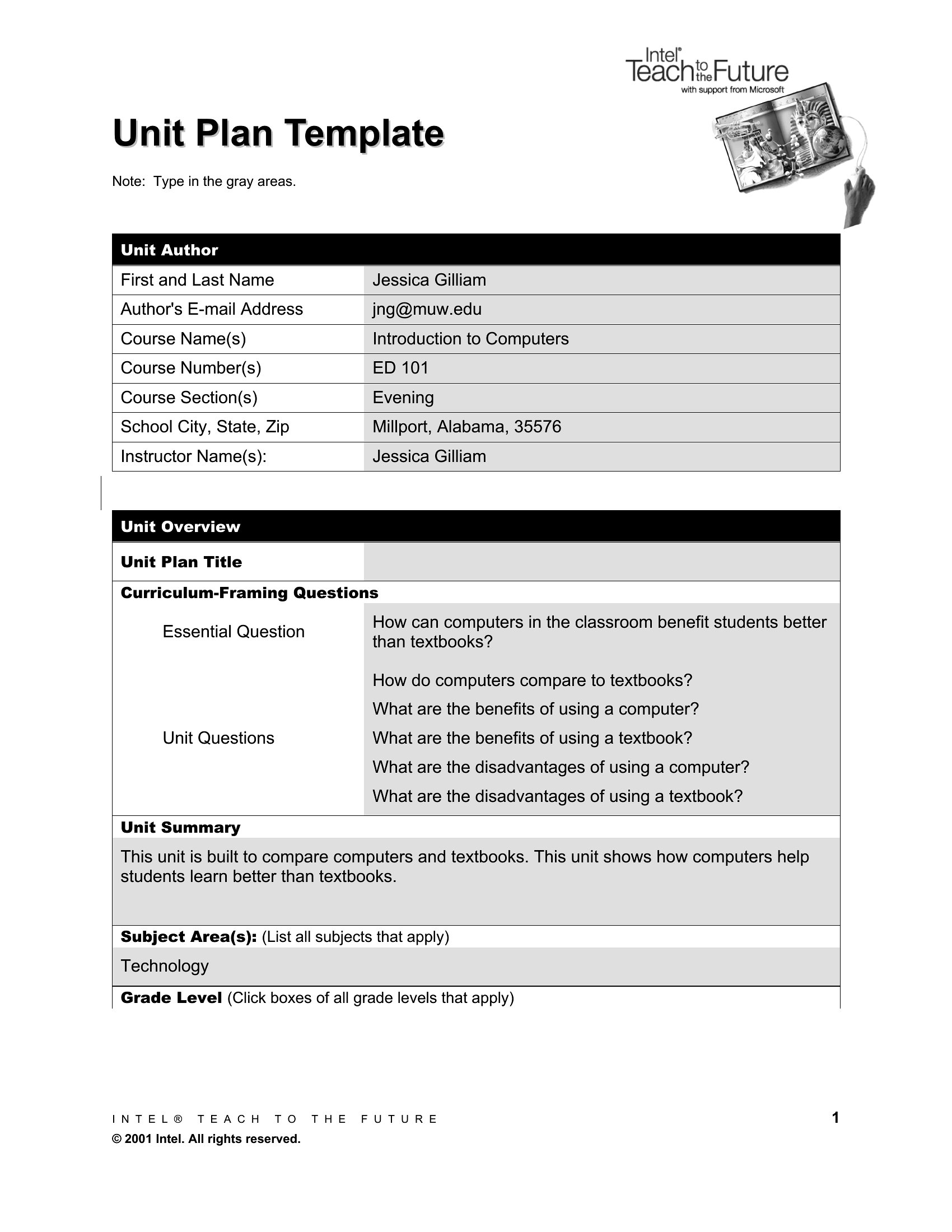
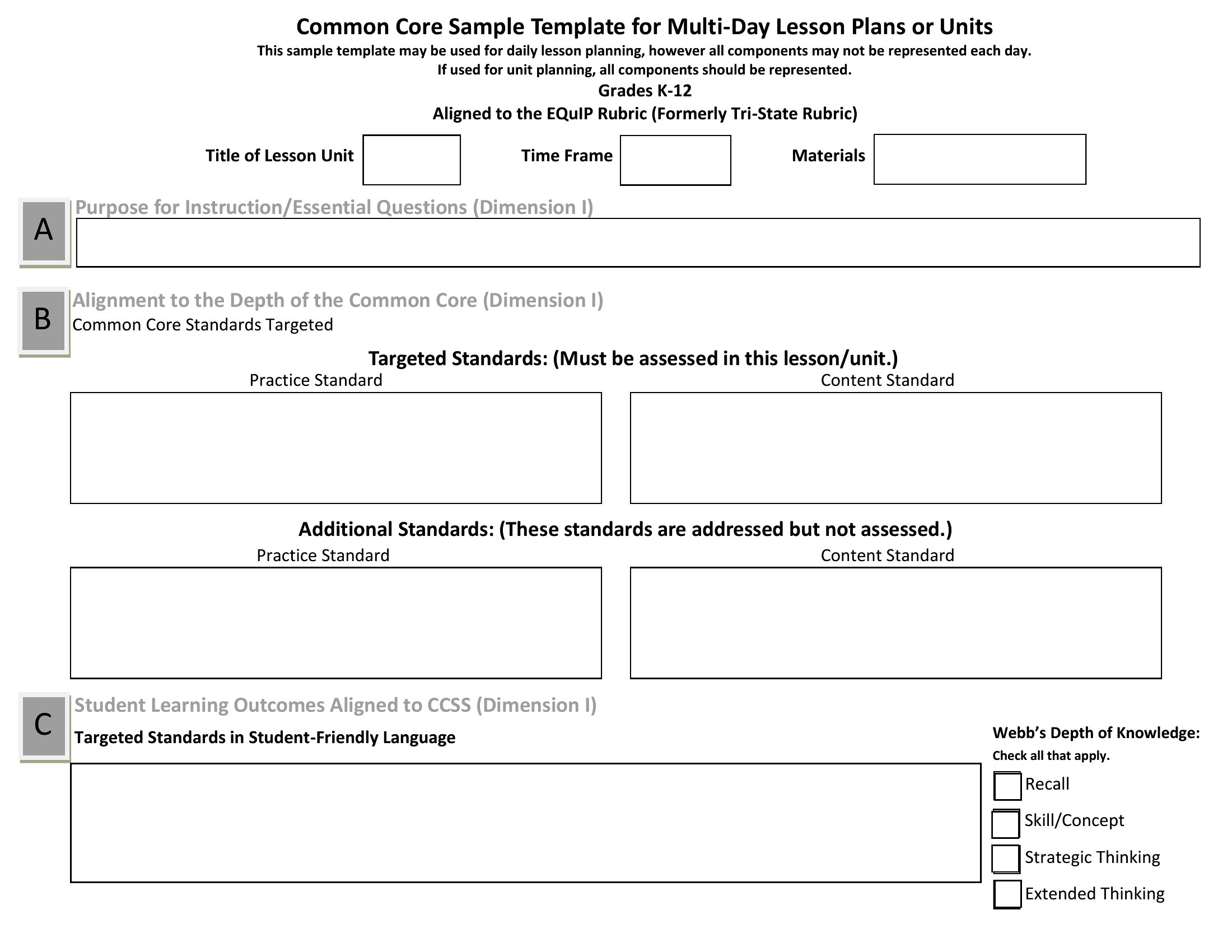
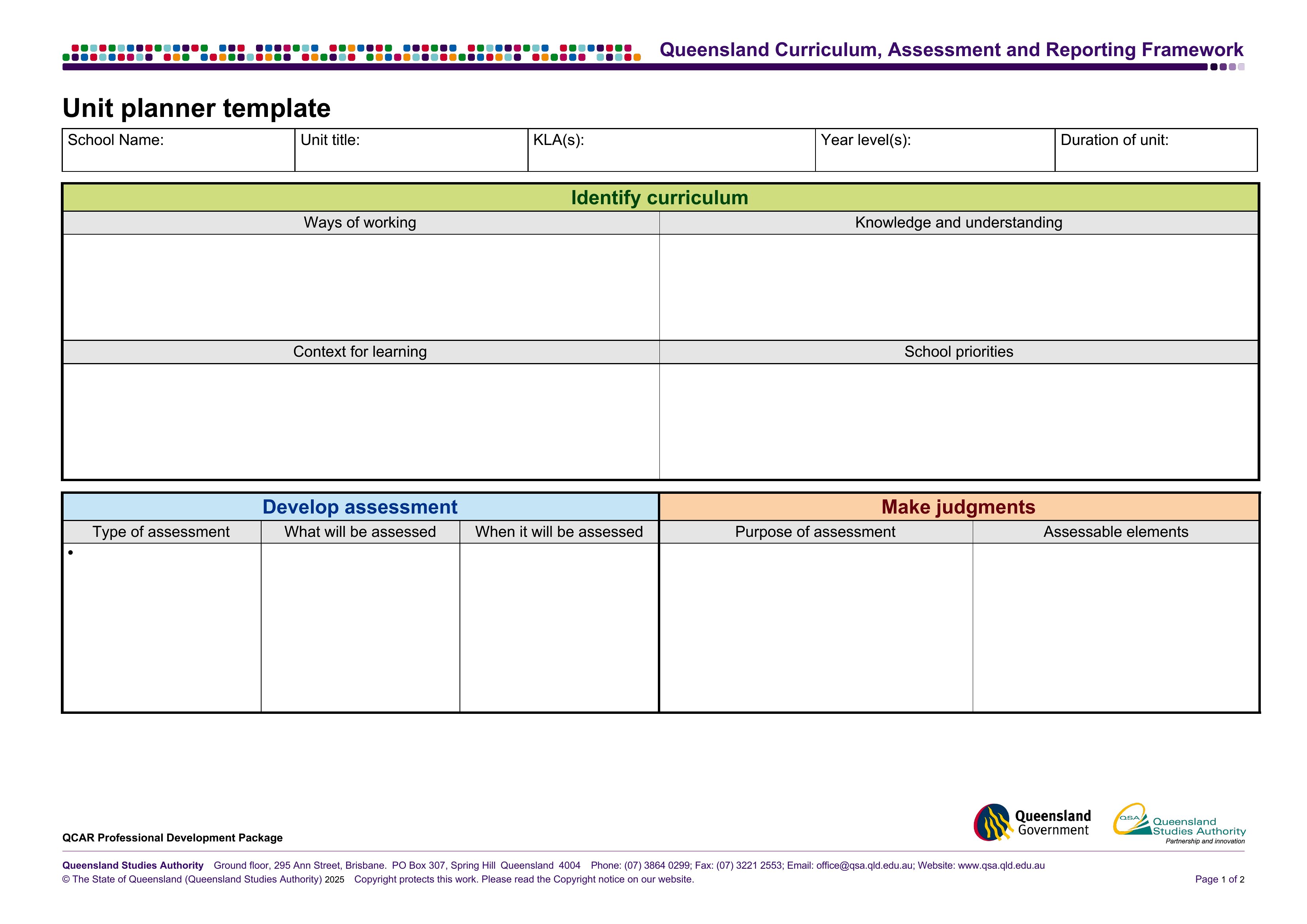
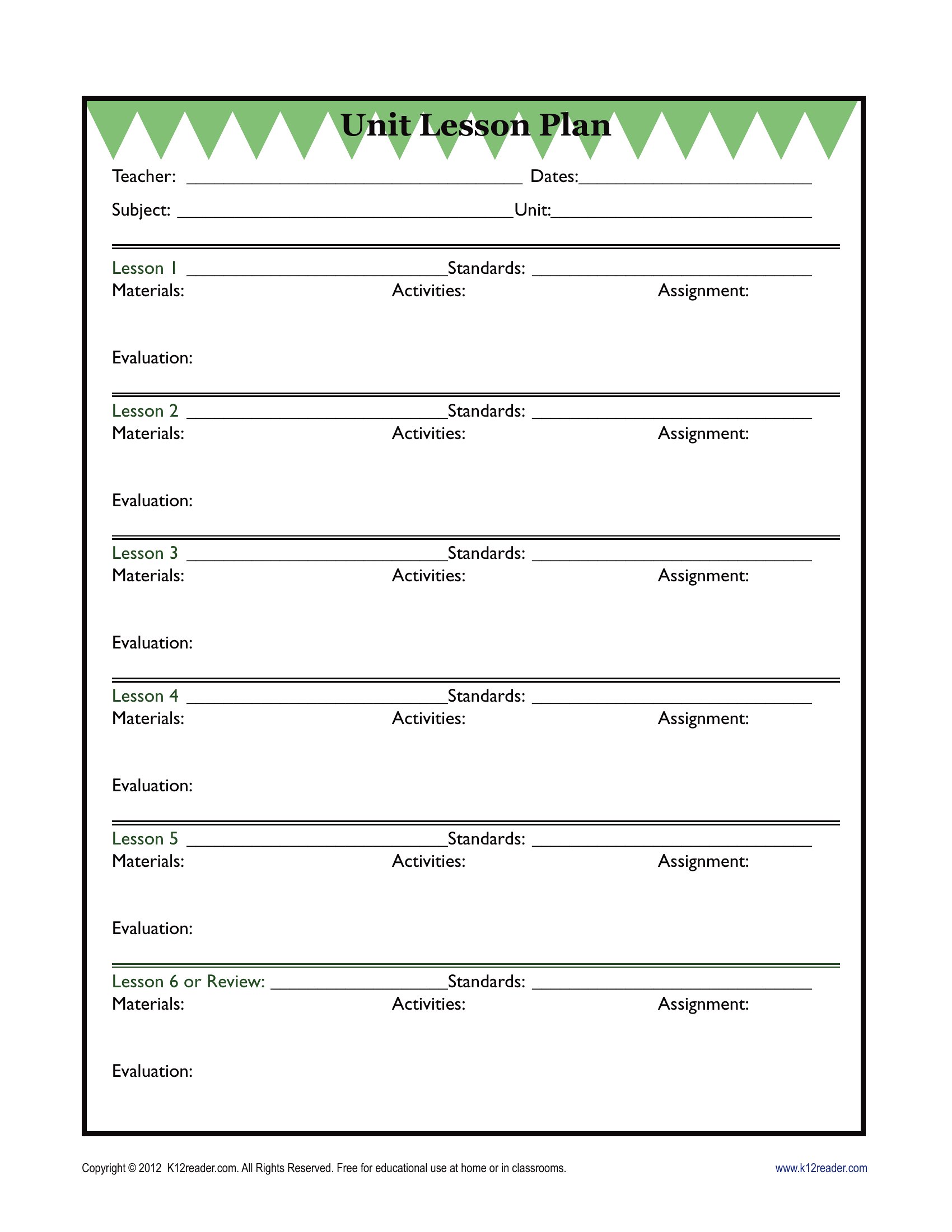
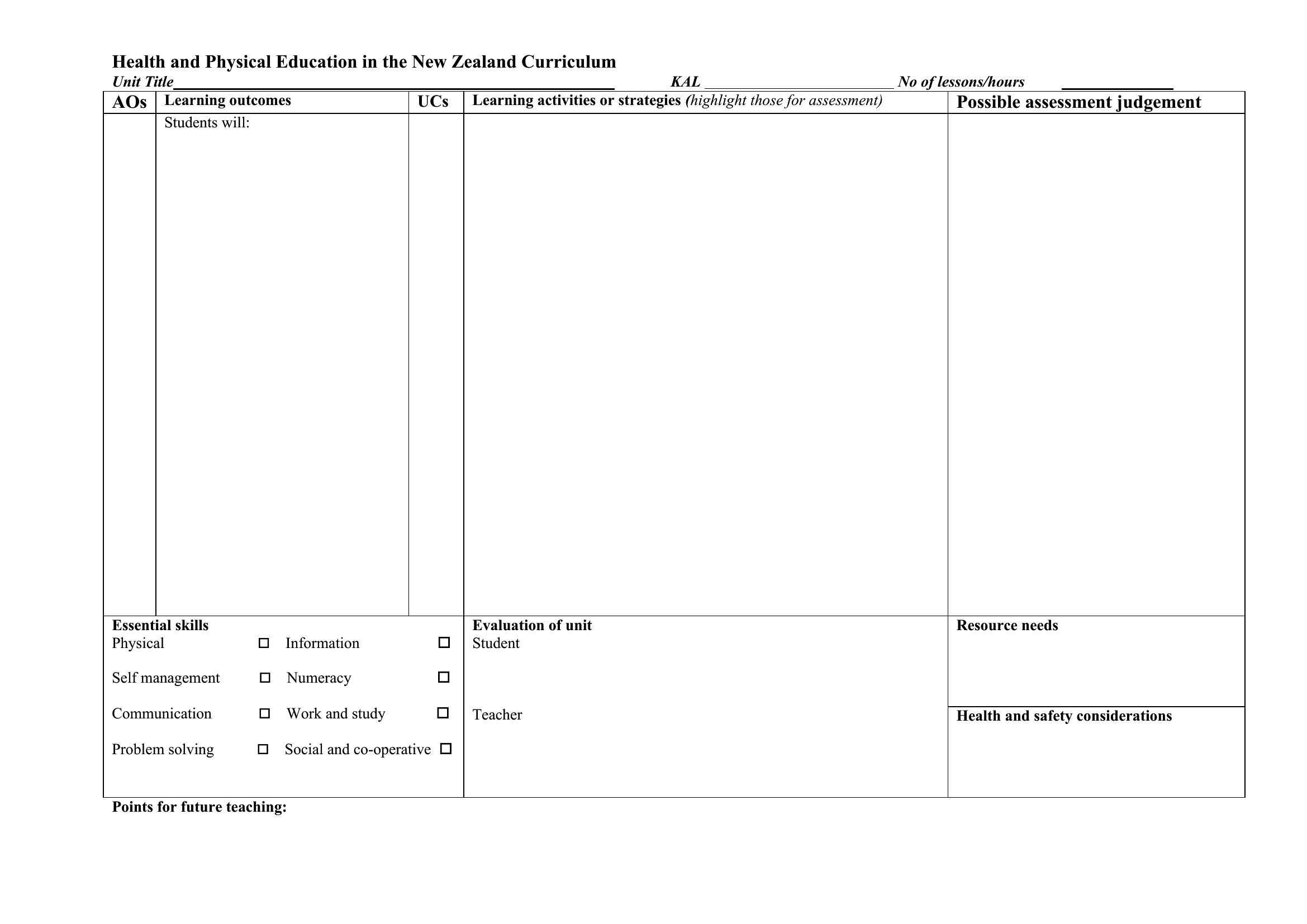
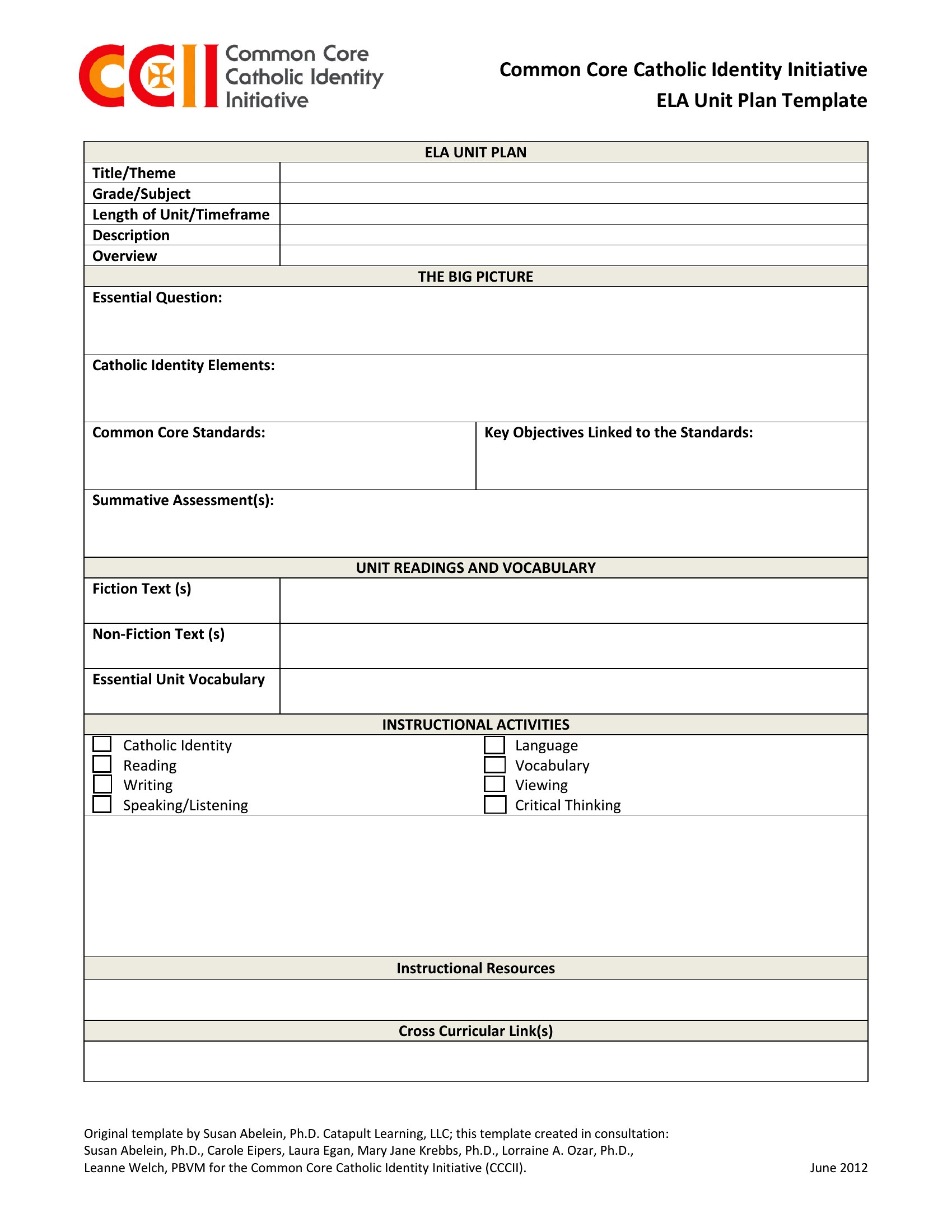
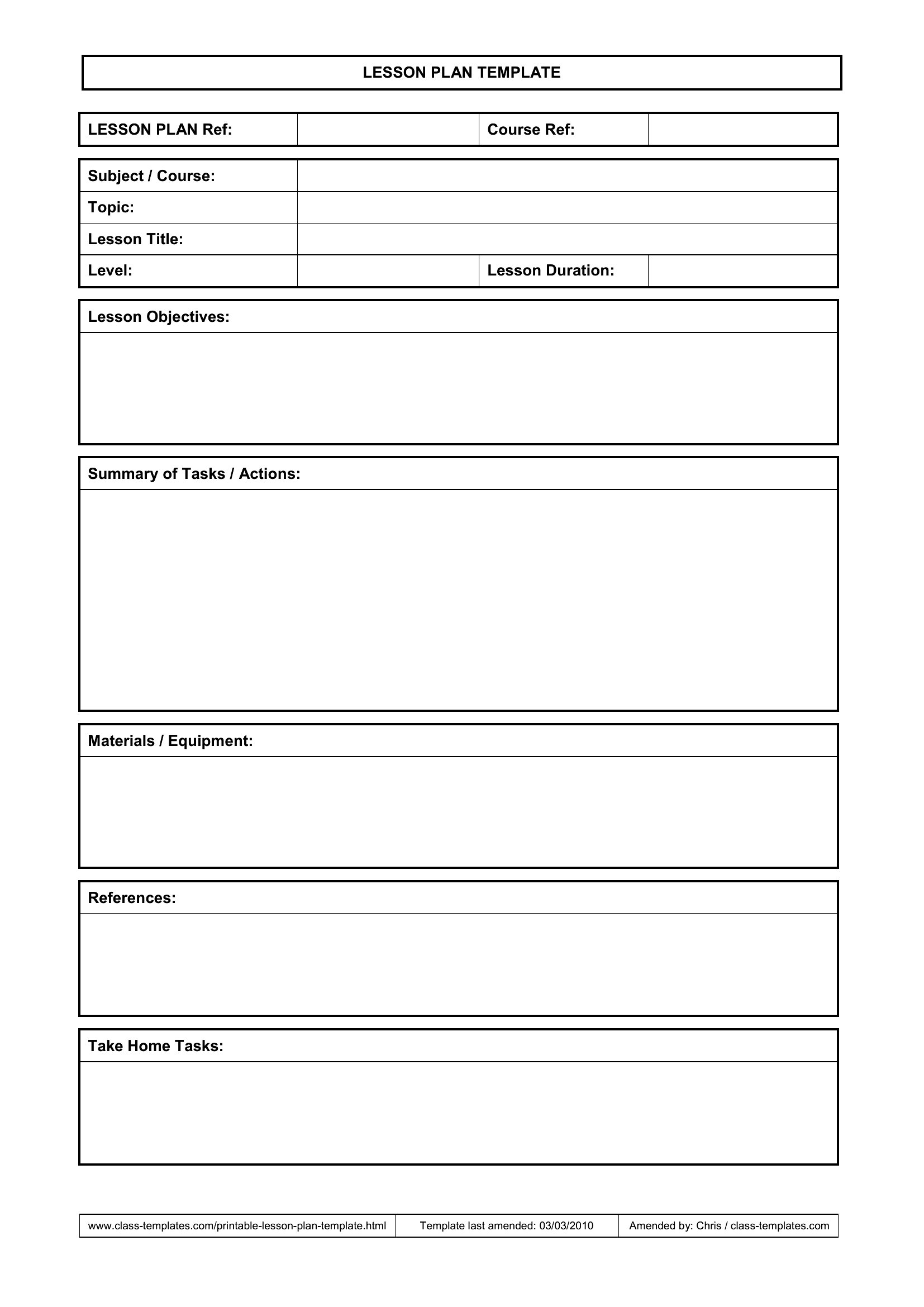
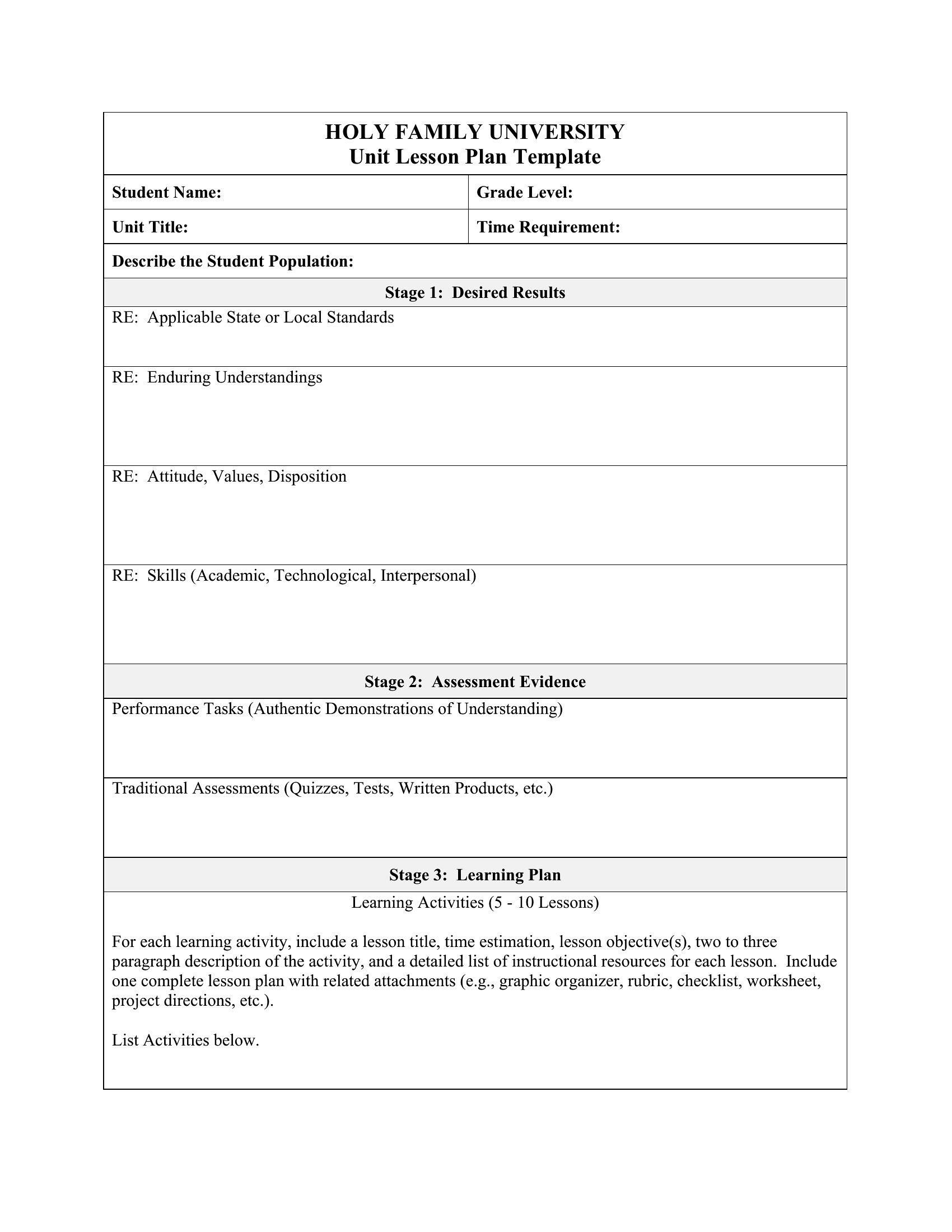
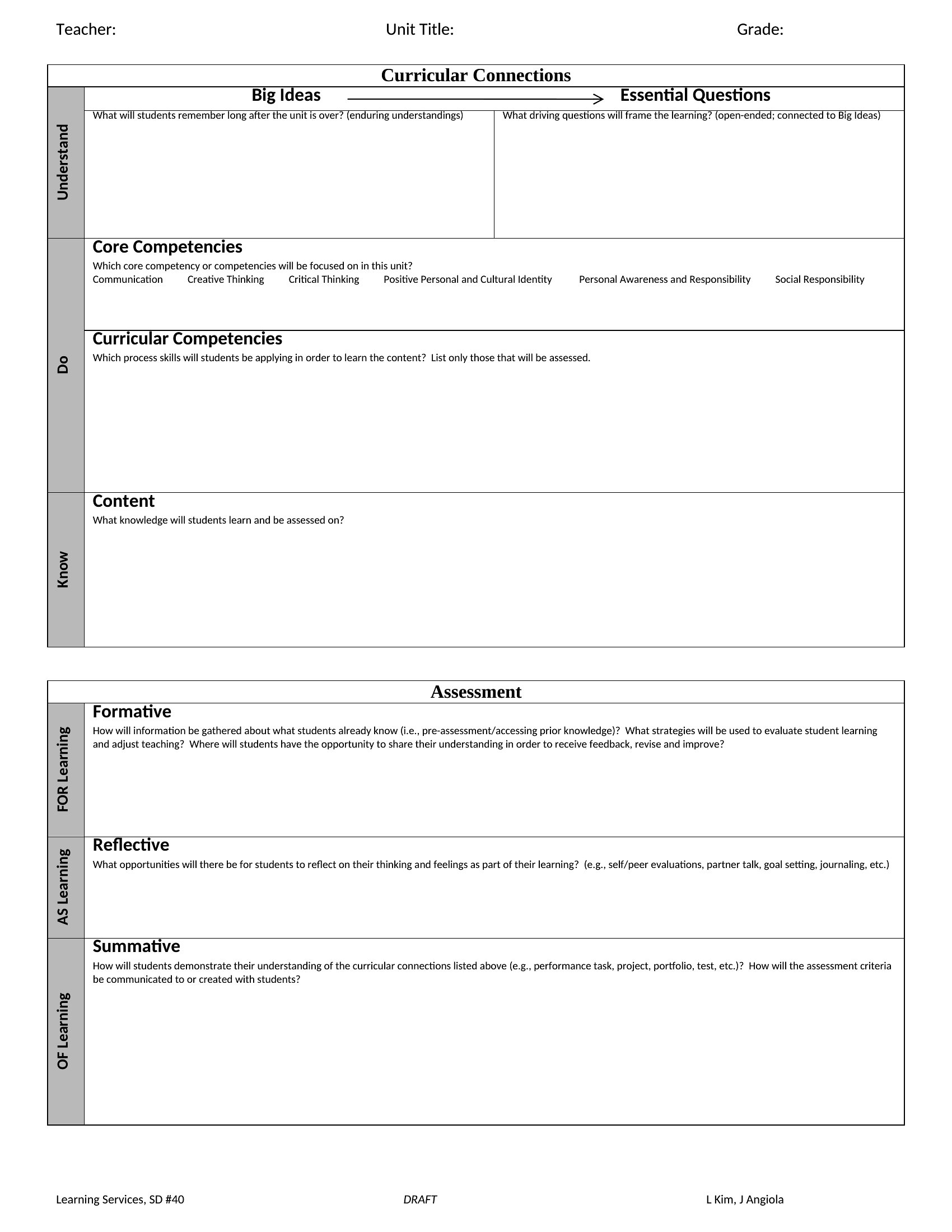
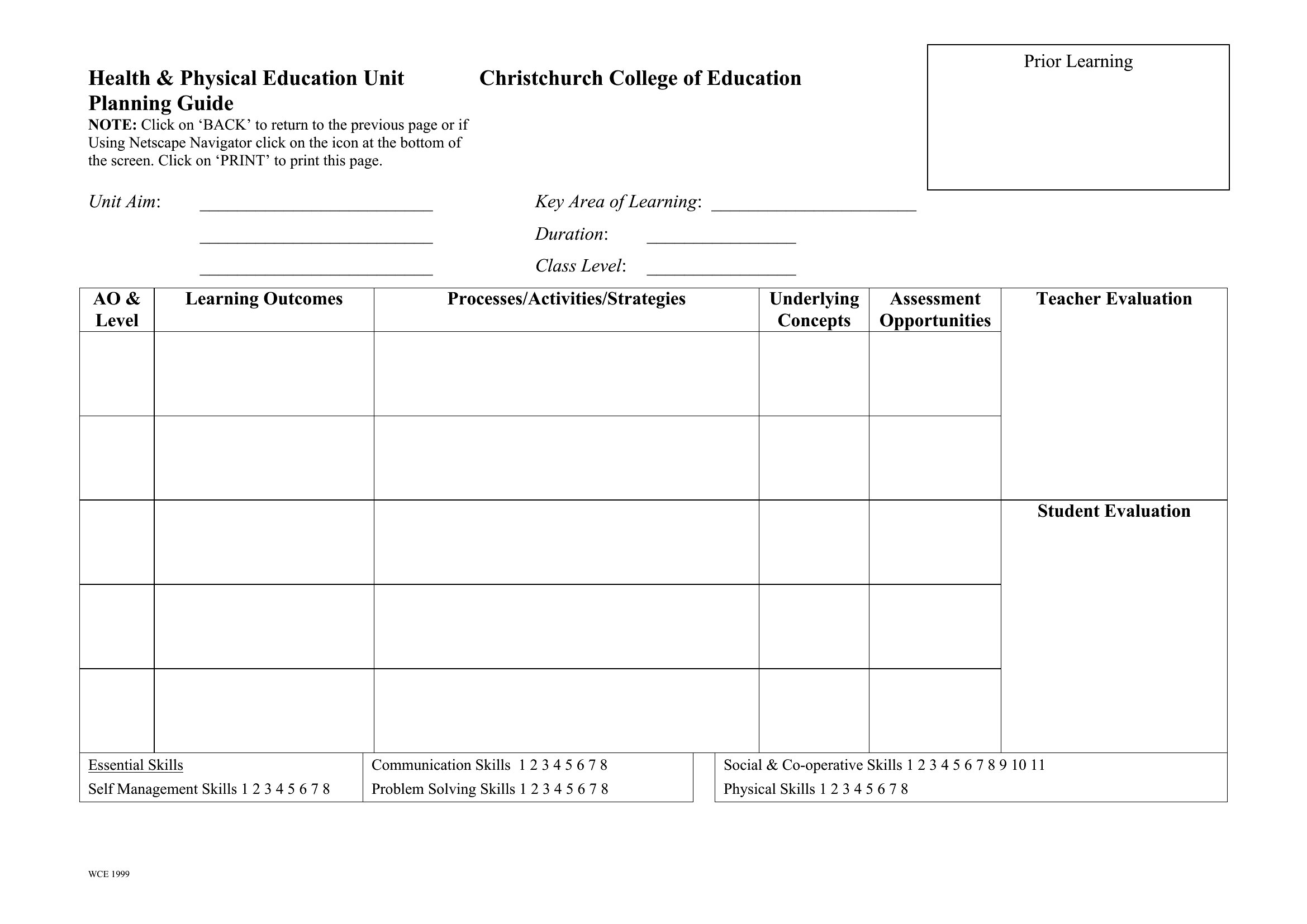
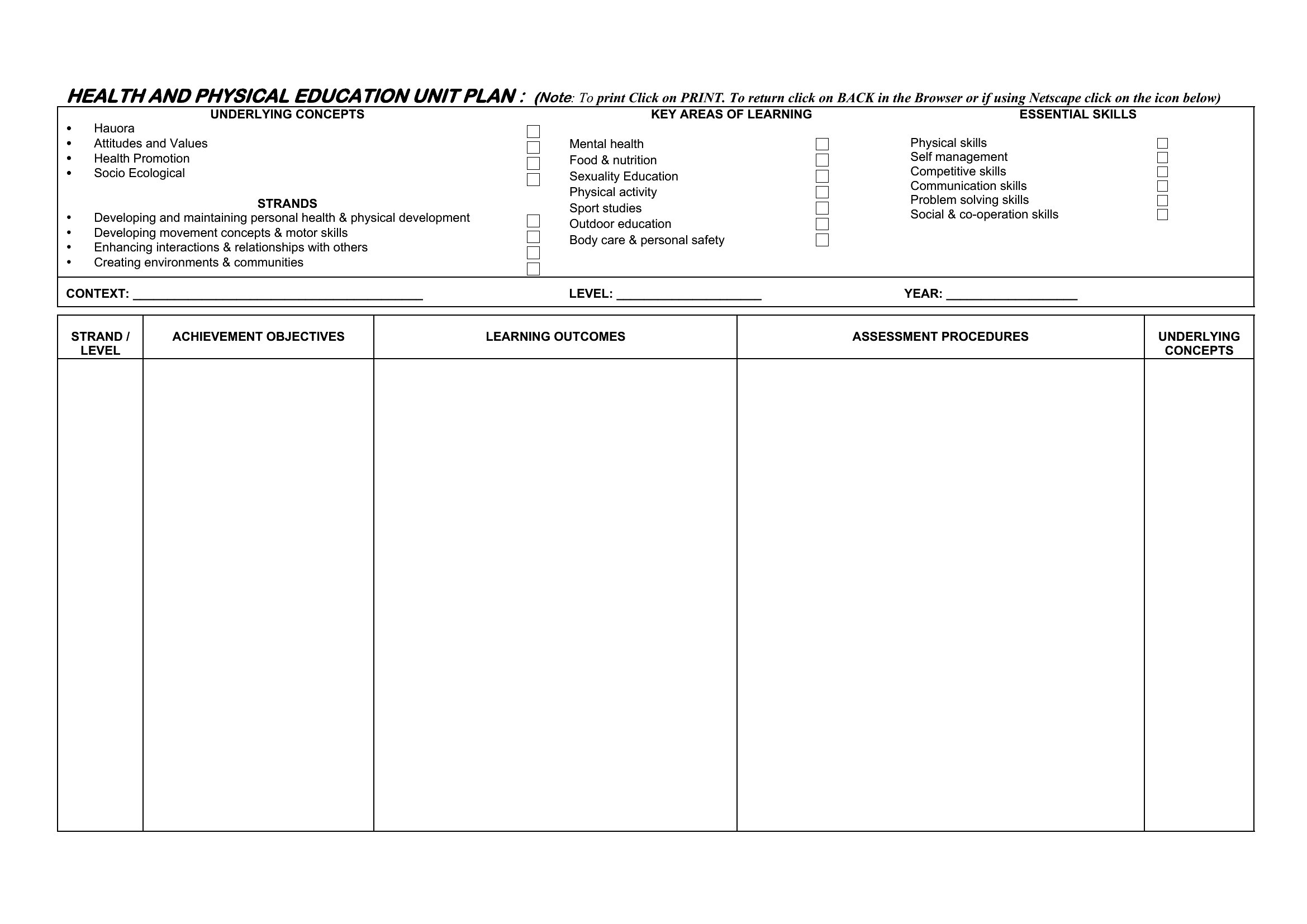
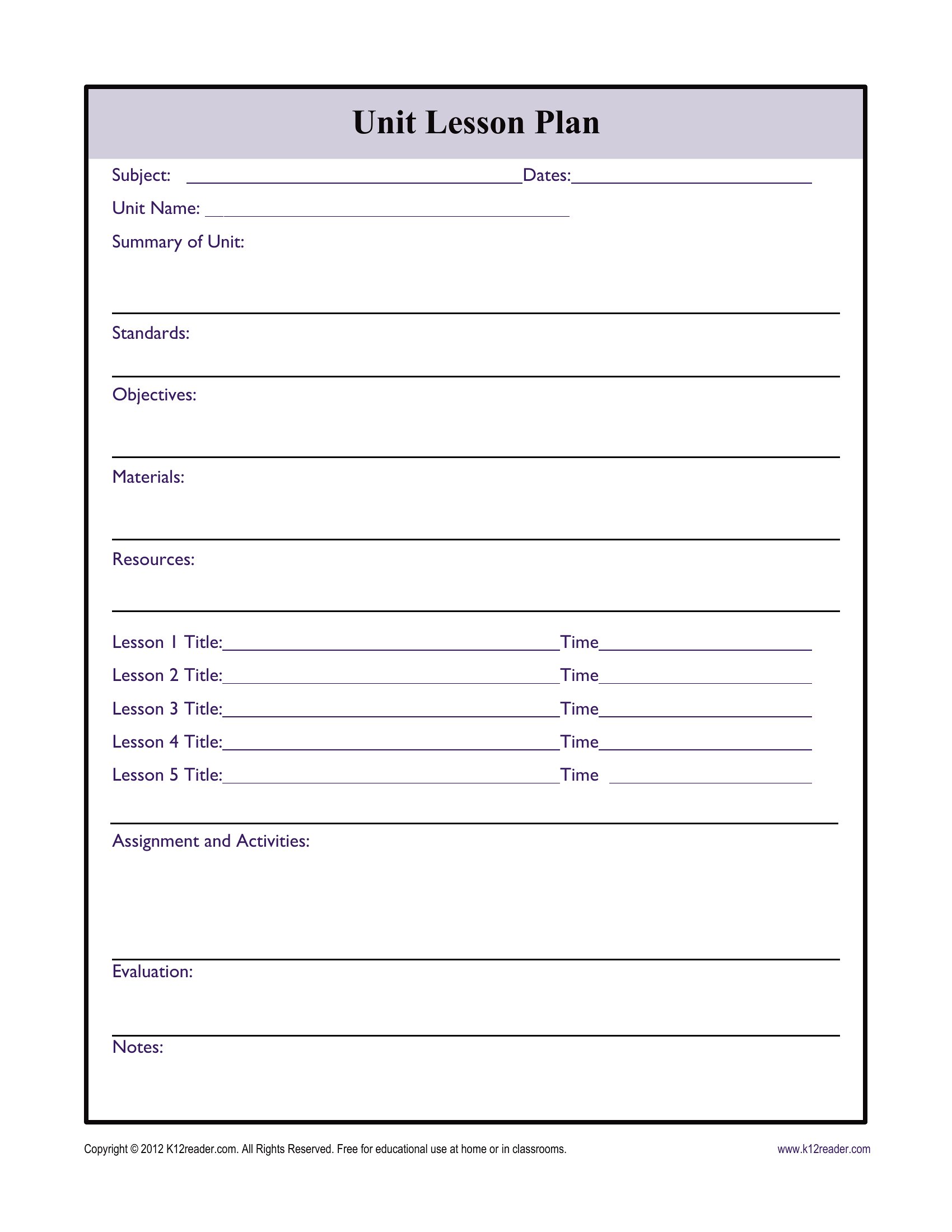
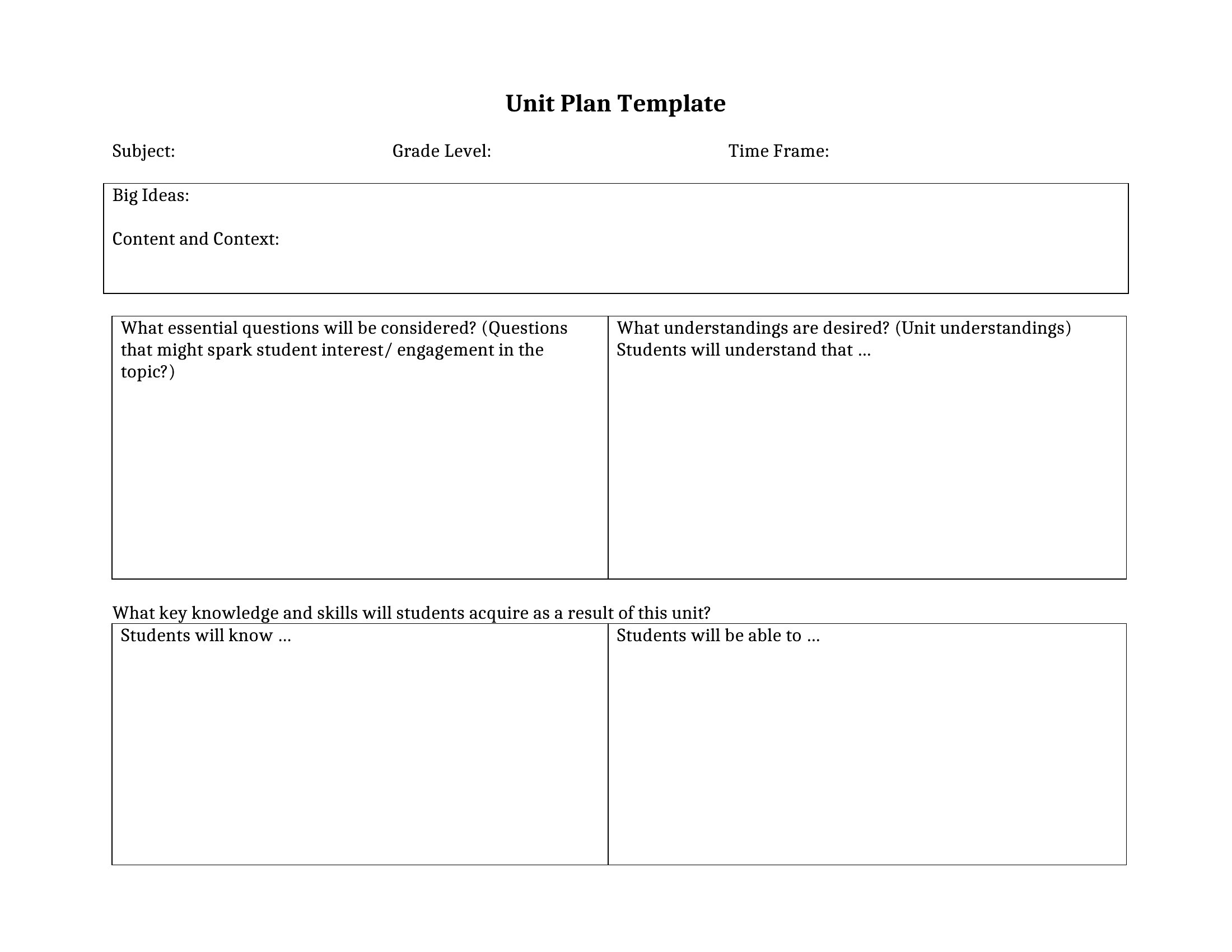
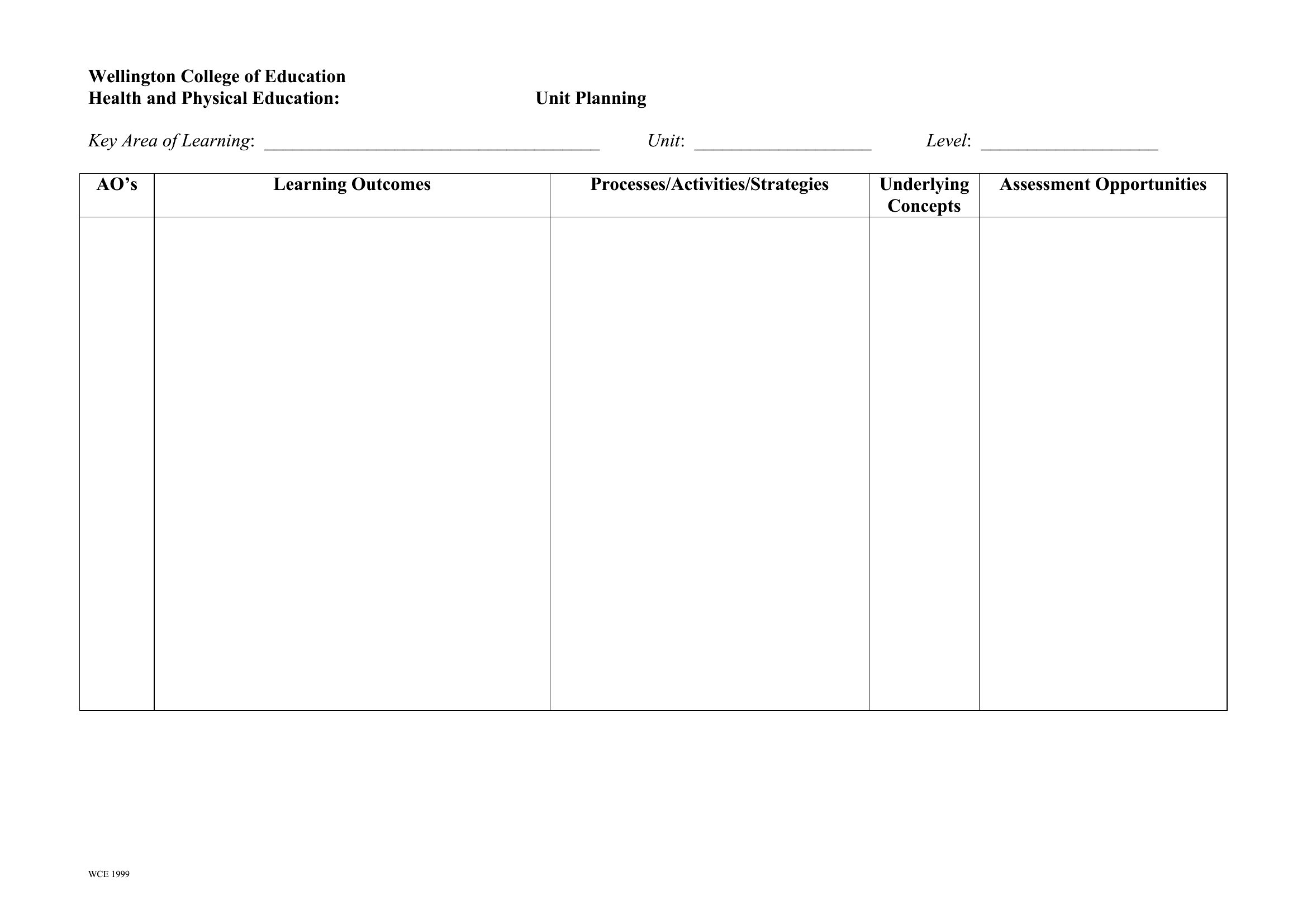
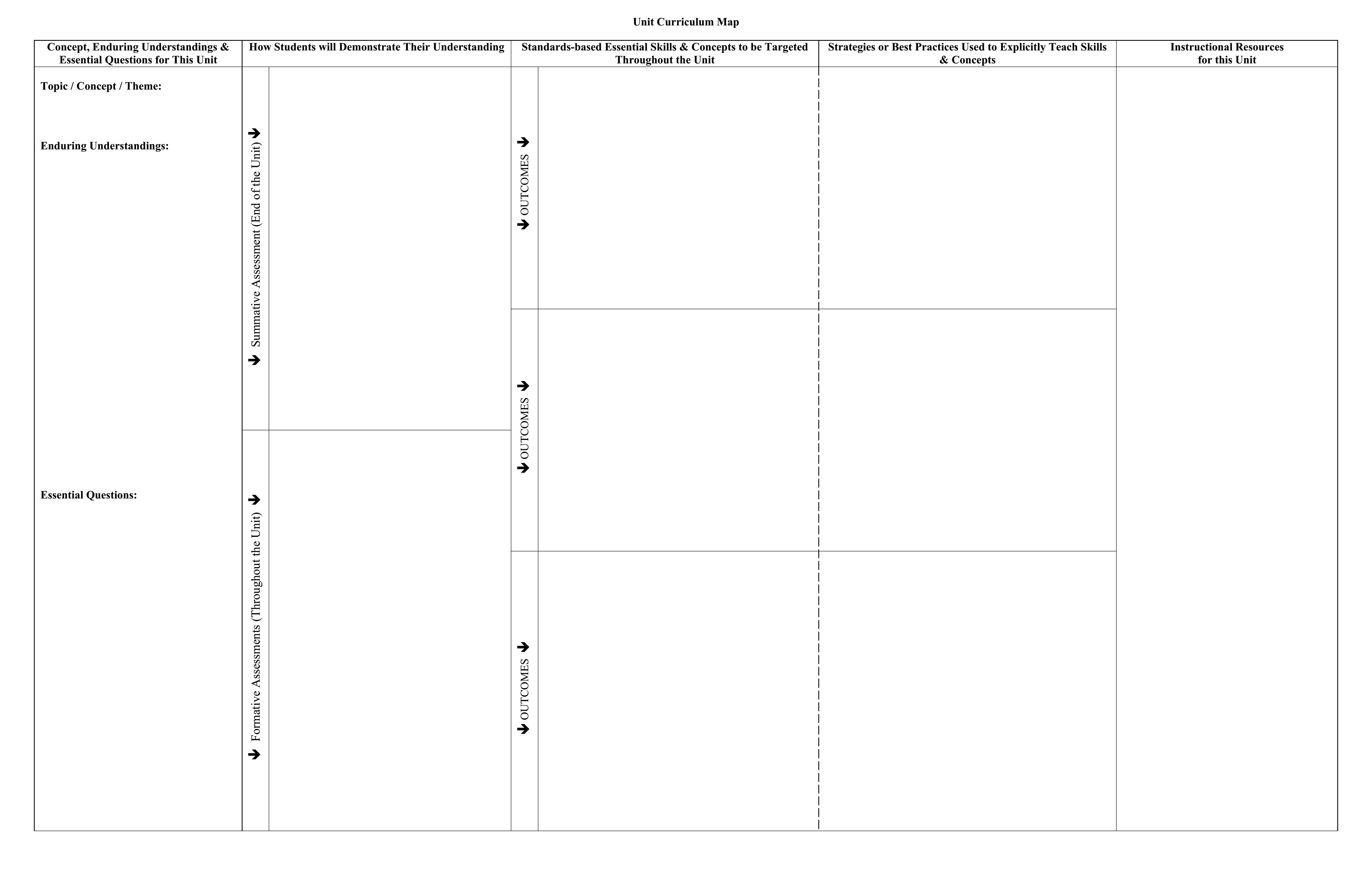
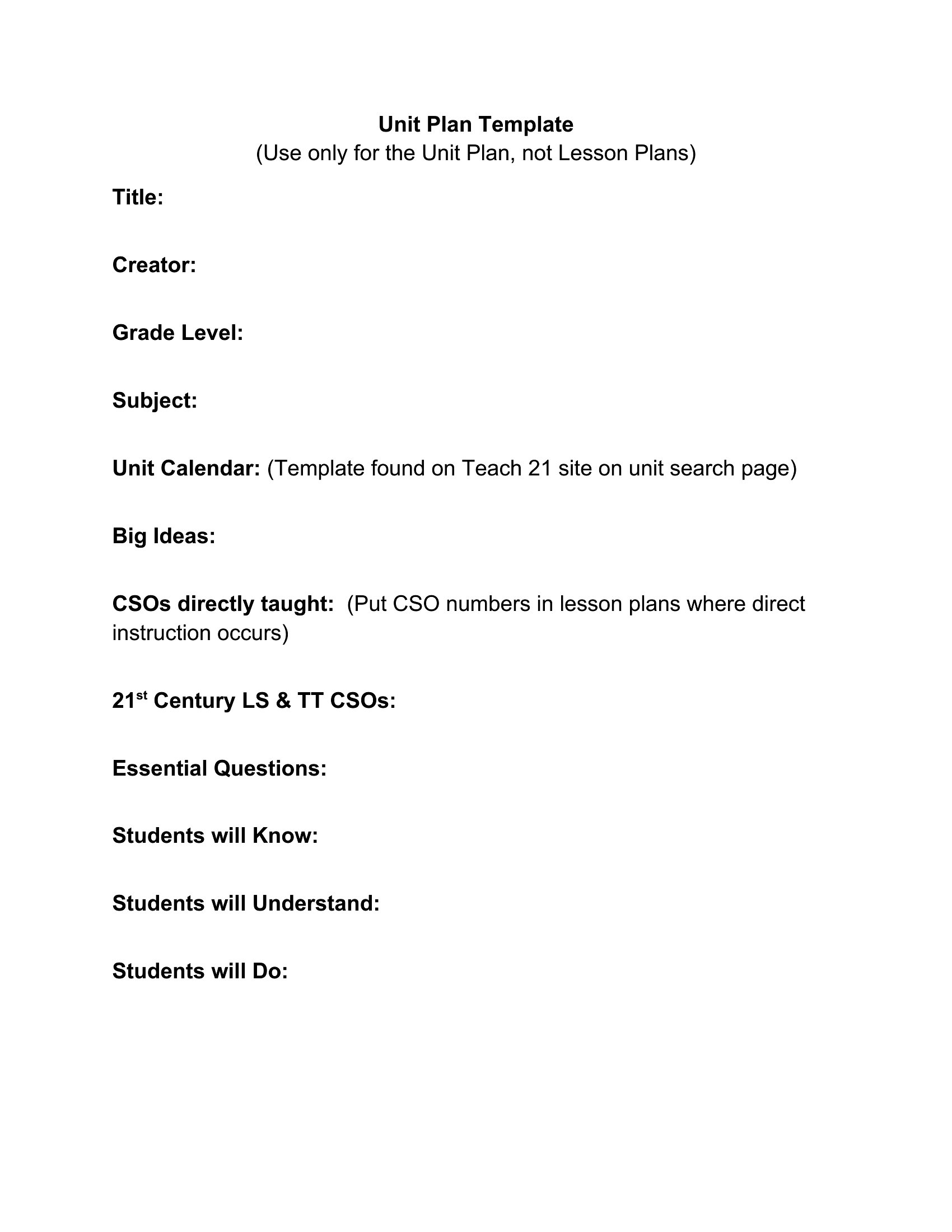
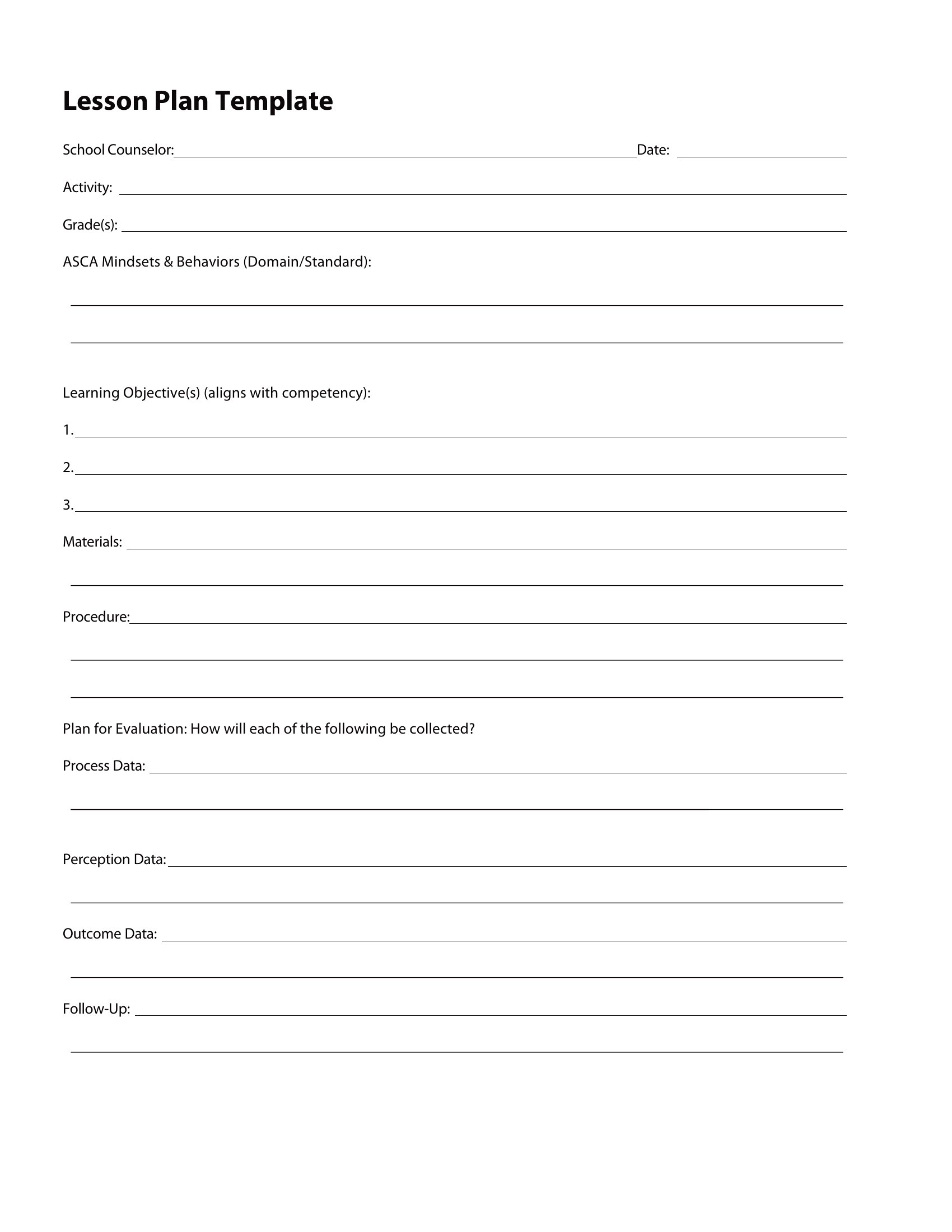
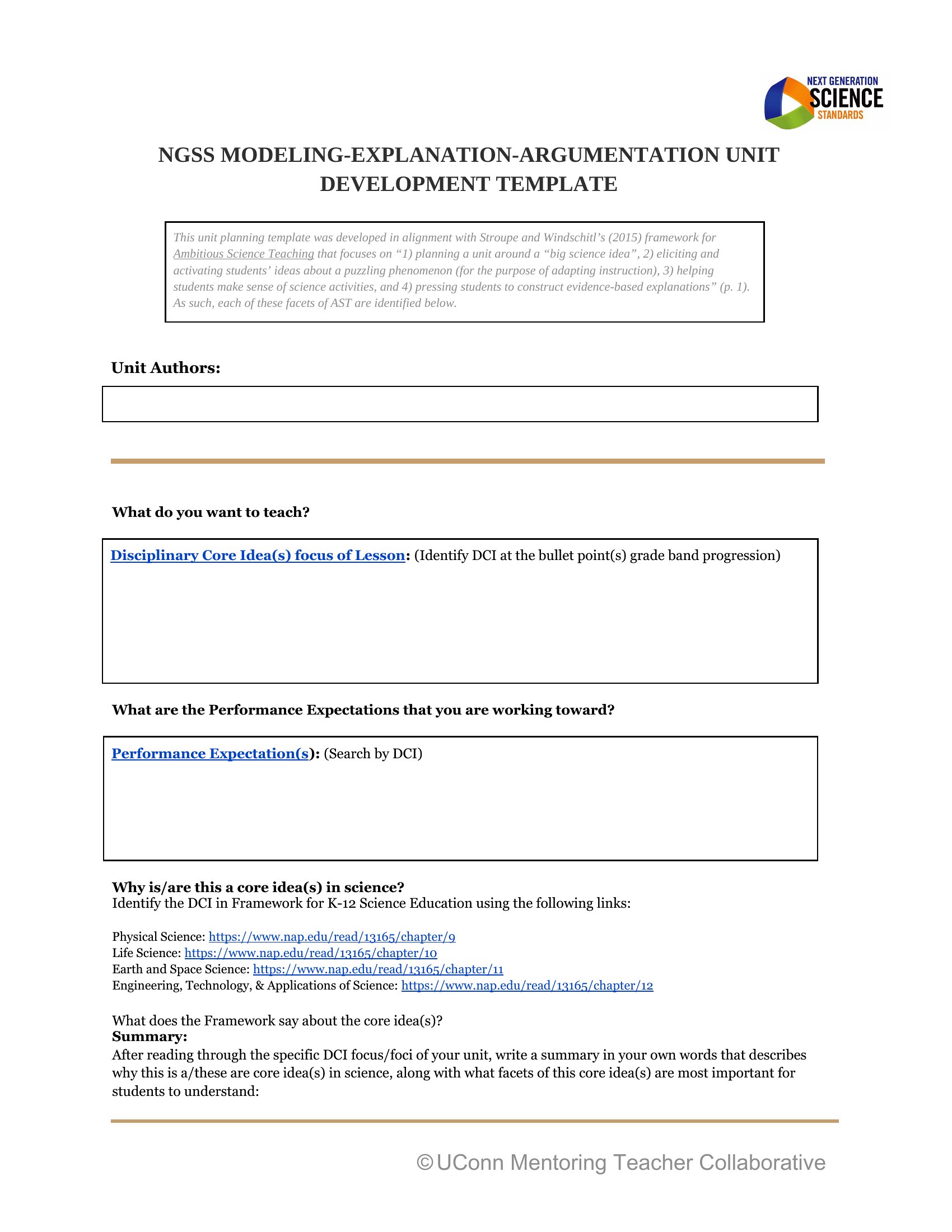
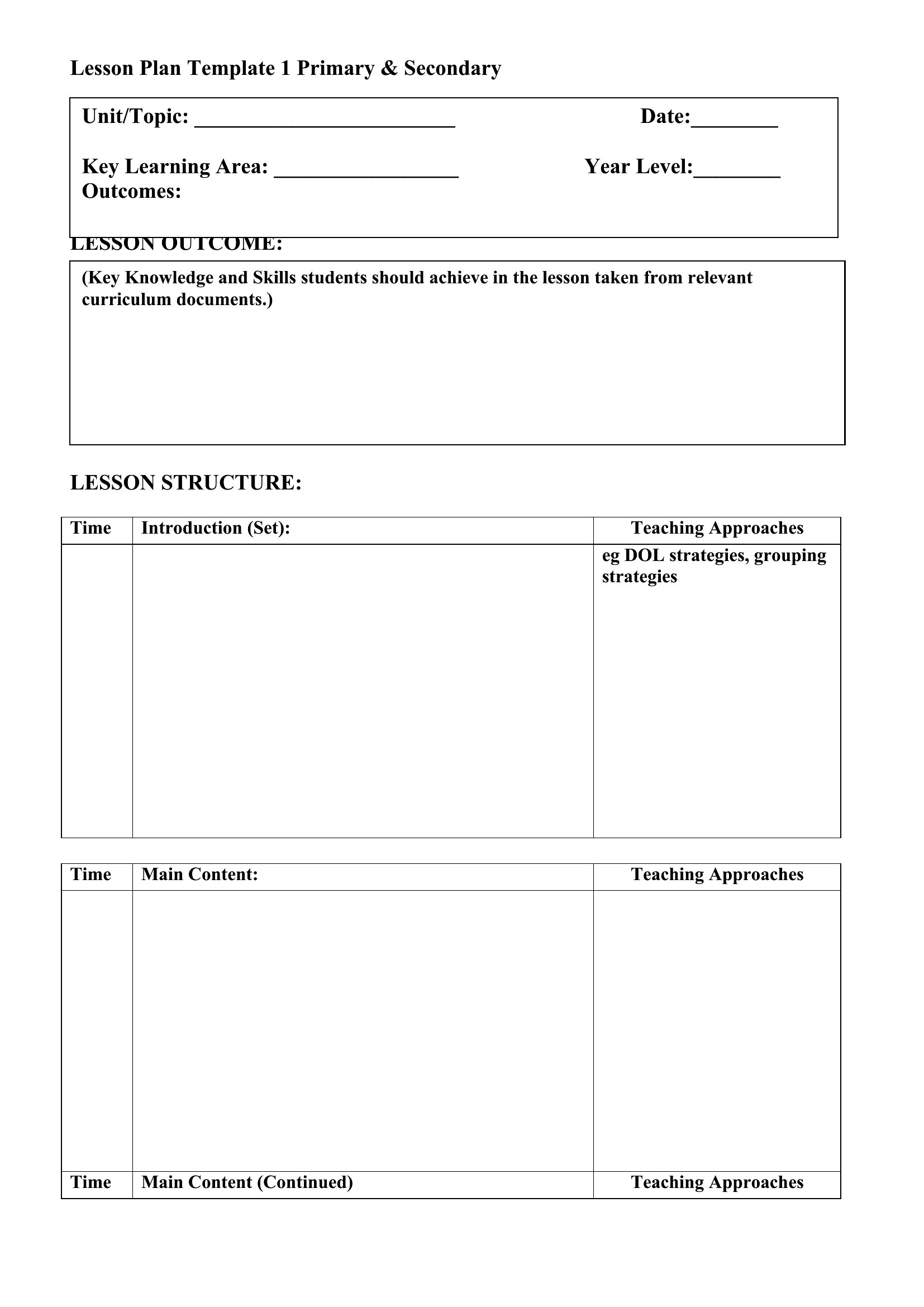
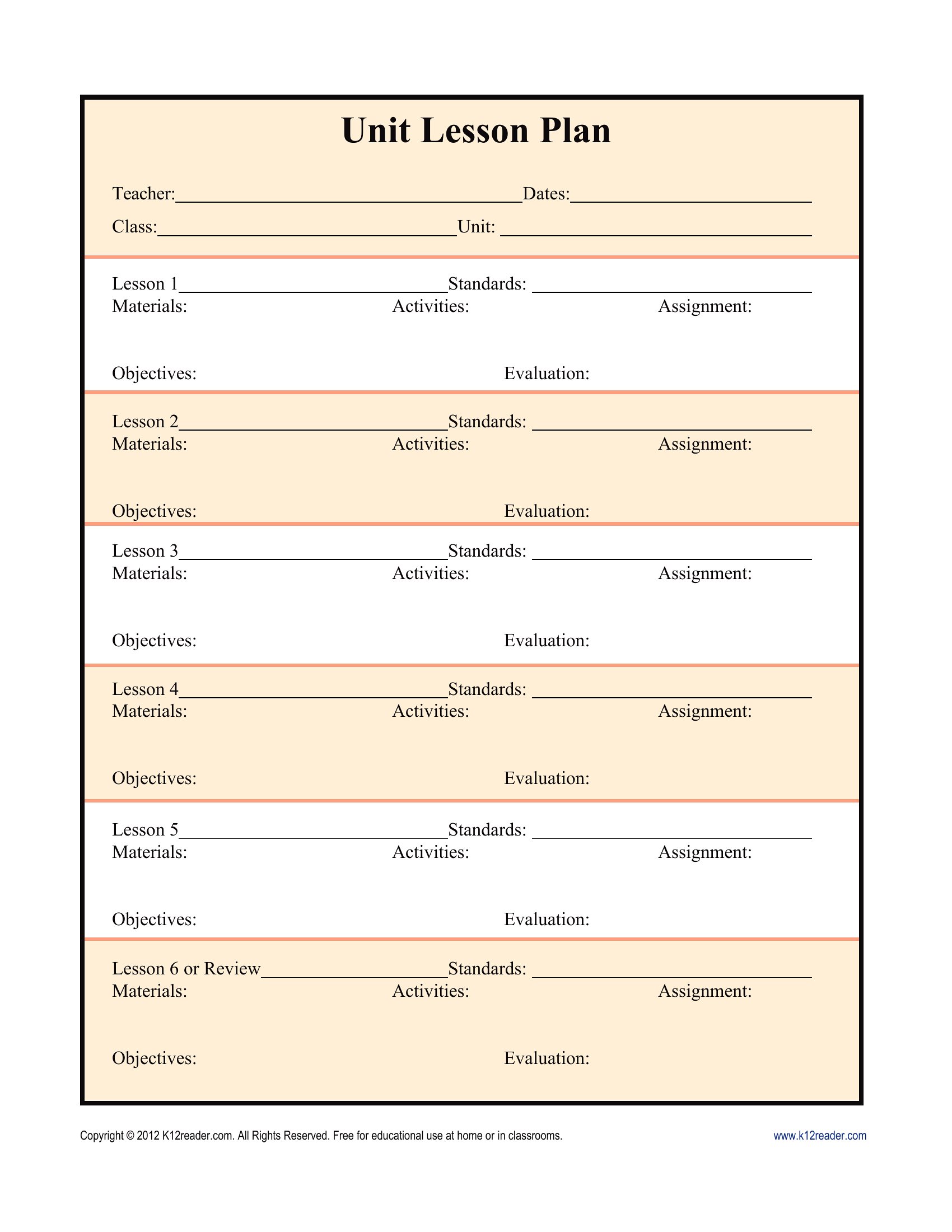
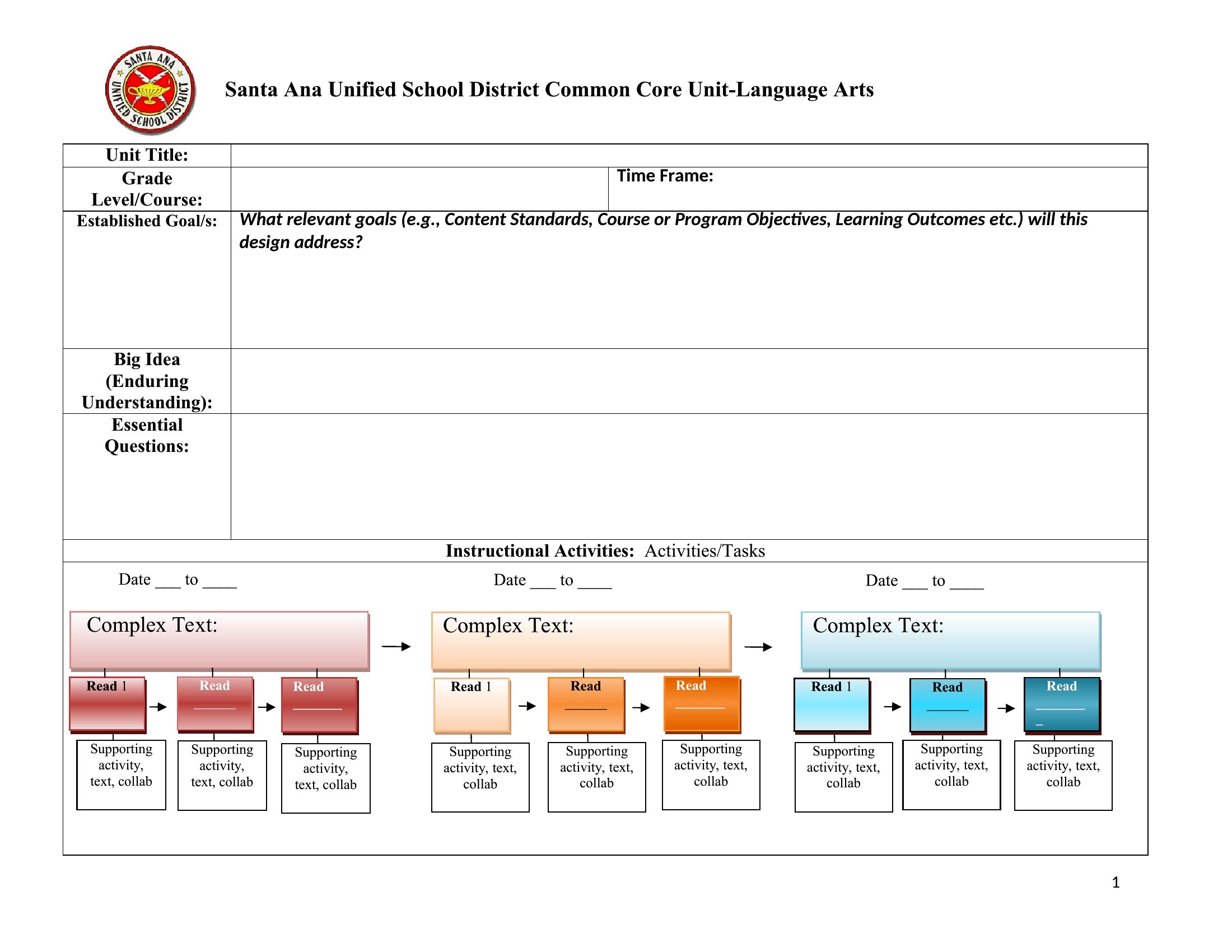
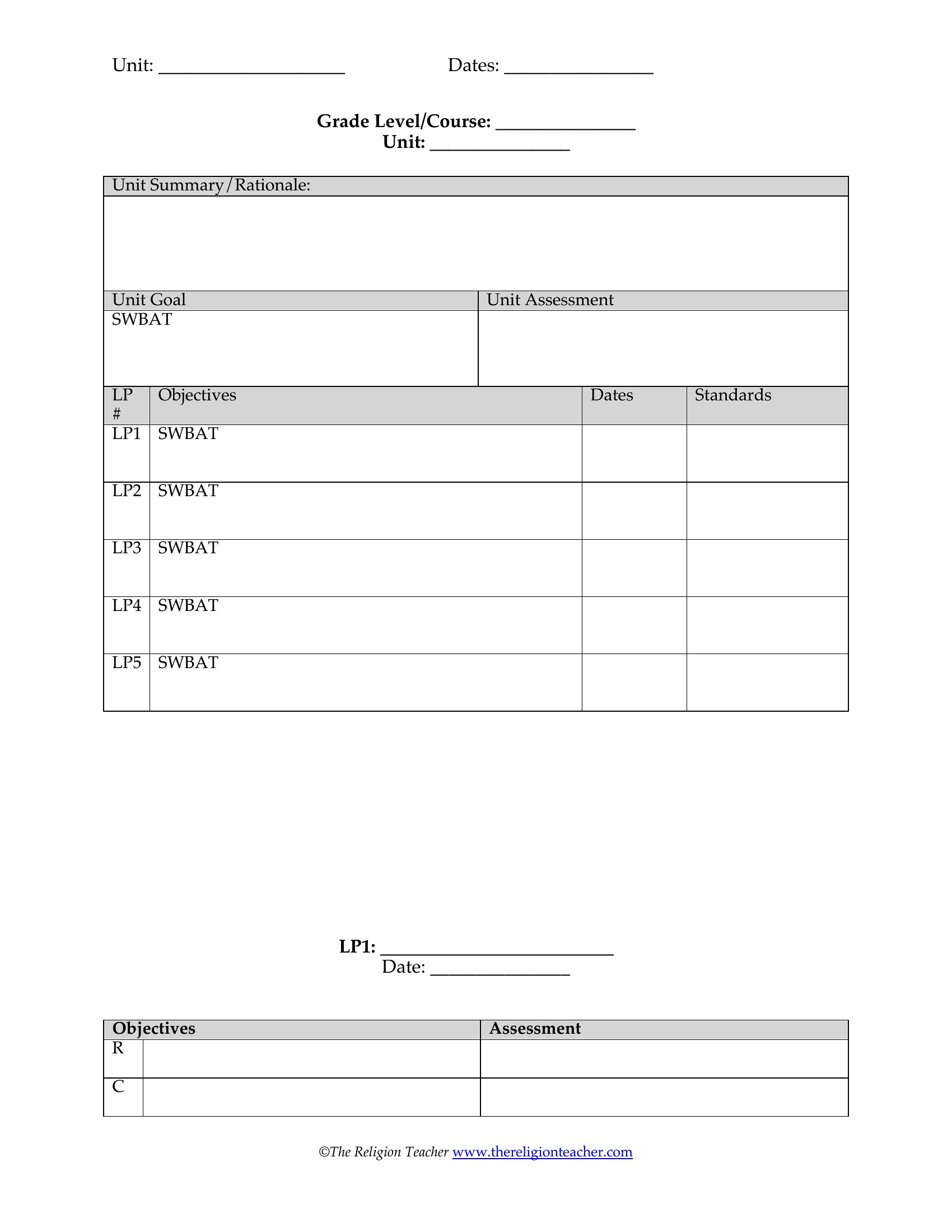
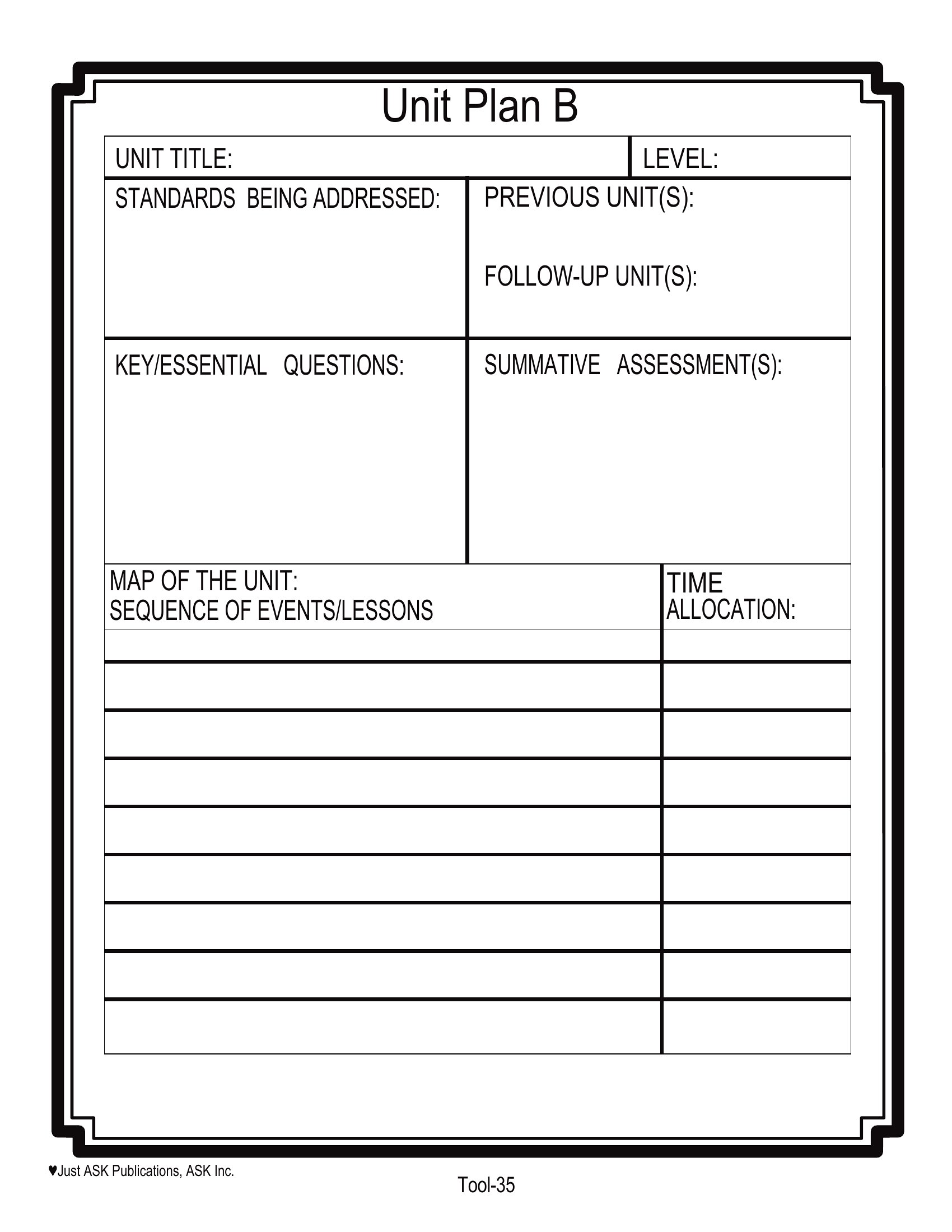
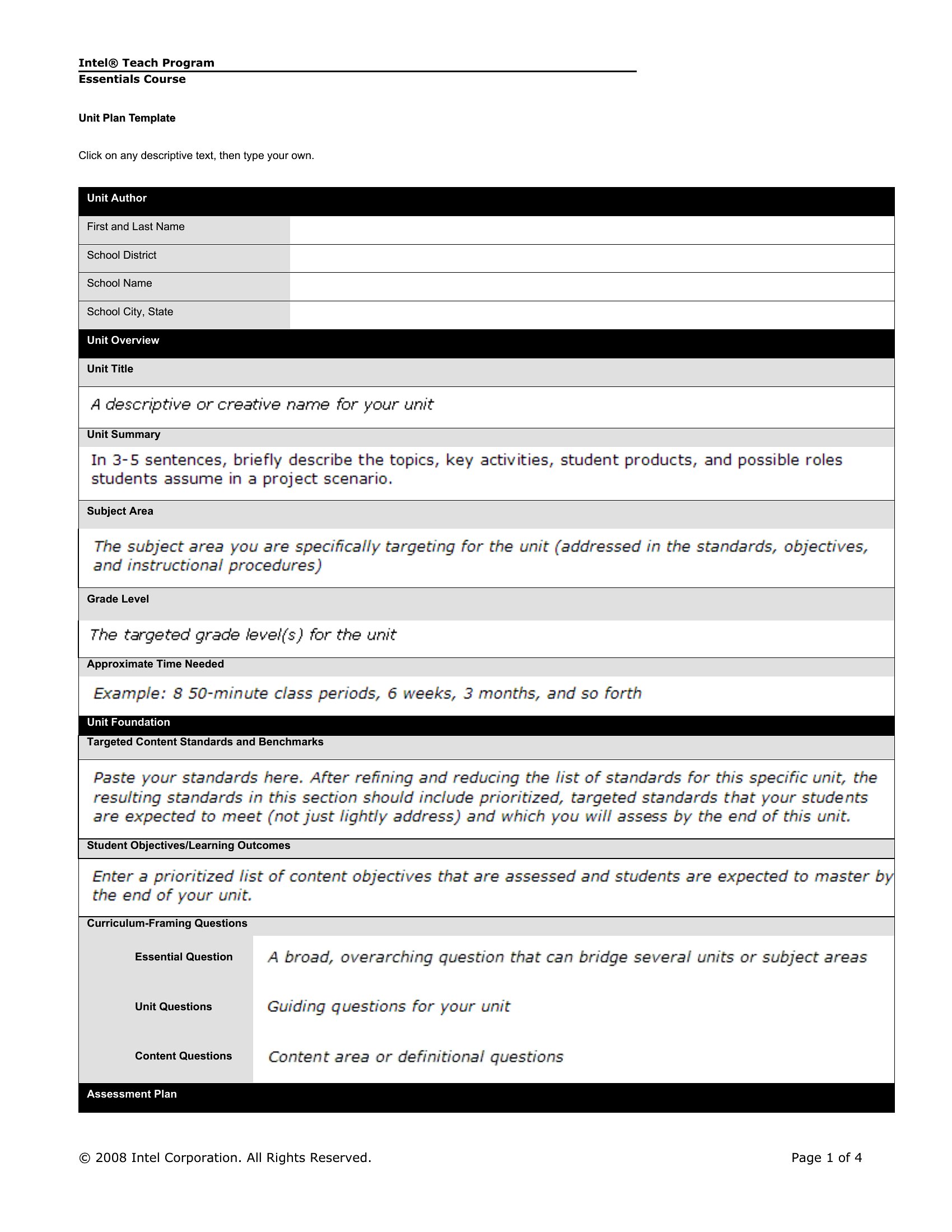
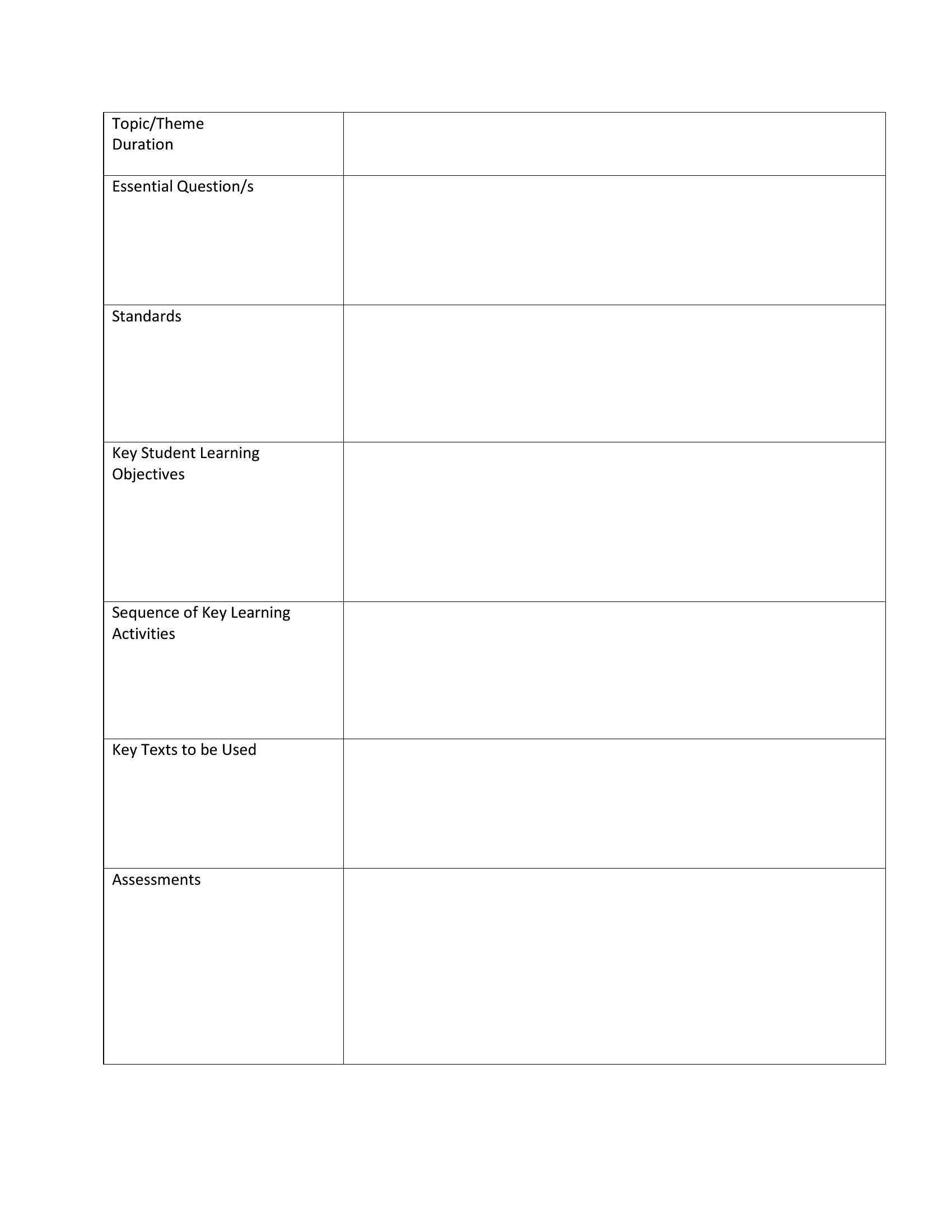
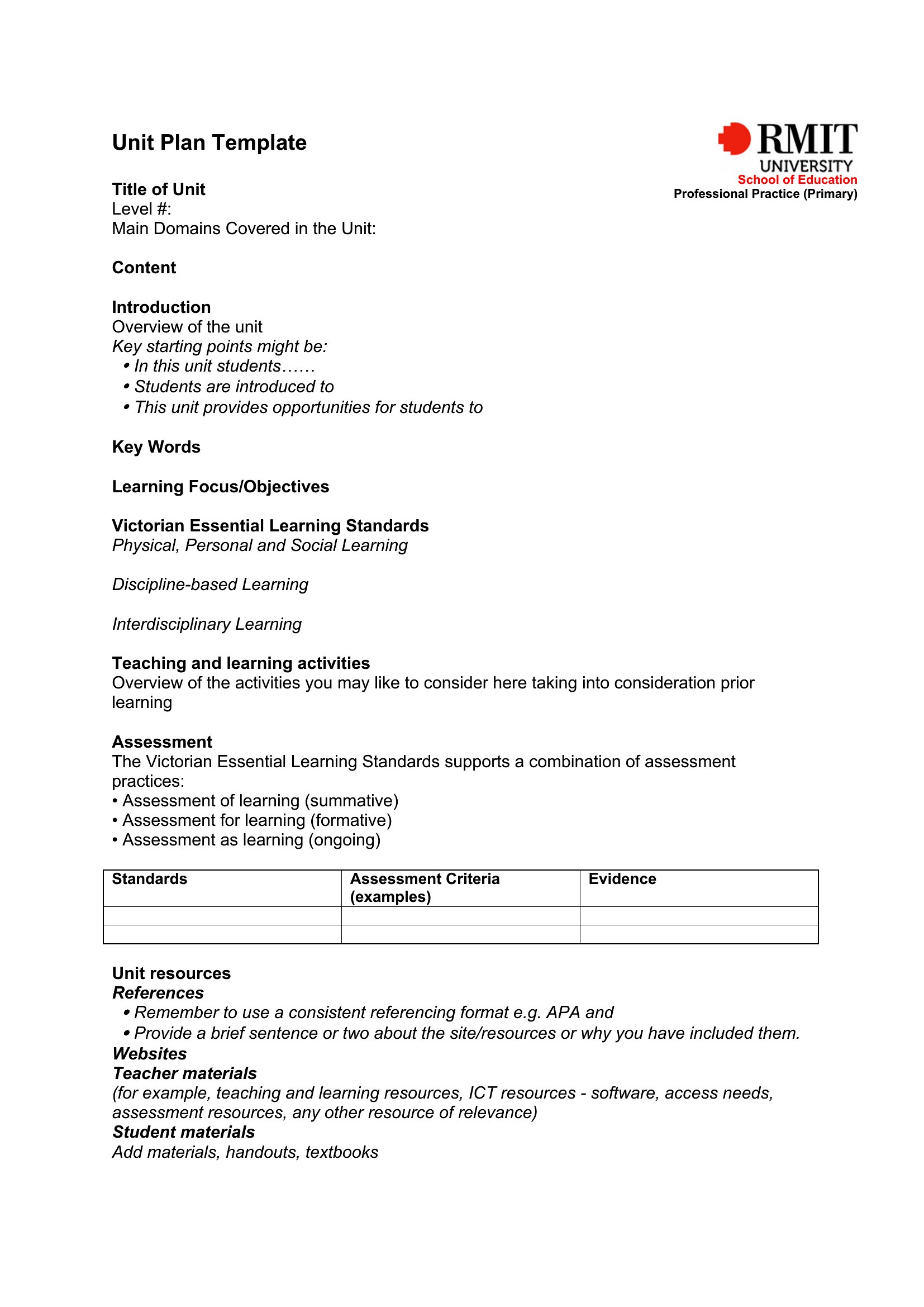
AcademicA unit plan helps teachers see the big picture before zooming into daily lessons, mapping objectives, activities, and assessments across a multi-week topic. This set of 38 templates supports approaches like backward design and UDL, with room for standards, essential questions, and pacing. Classroom teachers, student teachers, and curriculum coordinators can plan a cohesive unit instead of stitching together lessons on the fly.
The templates open in Word for easy editing and come as PDFs for sharing or printing. Lay out your goals, slot in the lessons, and align everything to the standards you're held to. Pick the planning style that fits your classroom and build a unit that holds together from day one to the final assessment.
When to use this Unit Plan template
- High school science teachers designing a 3-week ecology unit need to outline NGSS standards, hands-on lab activities, and formative assessments—this template helps structure the progression logically while leaving space for student choice in inquiry projects.
- Curriculum coordinators reviewing middle school ELA units across three districts will use backward design templates to align fiction reading units with common essential questions and benchmark assessments for standardized testing.
- Student teachers on their first placement must document their unit plan for supervisor feedback, so they select a template that includes reflective prompts for differentiation strategies and evidence-based teaching moves tied to lesson objectives.
- Special education teams planning a math unit for grades 4–6 use UDL-compatible templates to embed multiple means of engagement (e.g., video models, manipulatives) and representation (e.g., graphic organizers, multilingual vocabulary lists) into daily lesson plans.
Which format should I download?
Choose Word if you need to collaborate in real-time with colleagues, update pacing guides dynamically, or embed hyperlinks to digital resources like YouTube clips or Google Forms. Save as PDF when you’re finalizing a unit plan for principal approval or sharing with substitute teachers—it locks the layout for consistency. PDF also ensures accessibility for screen readers if your district requires tagged documents for compliance. Both formats support backward design and UDL frameworks, but Word excels for iterative drafting while PDF suits formal distribution.
Choose from 38 Unit Plan Templates
How to use this Unit Plan template
How can I ensure my unit plan template aligns with state or national standards without copying them verbatim?
Start by listing the exact grade-level standards in a dedicated section, then use the ‘objectives’ column to rephrase them in student-friendly language tied to your essential questions. For example, if California’s ELA standard reads ‘Cite textual evidence,’ your unit plan might say ‘Students will annotate one text per week and write a claim with two sentences of evidence.’ This shows alignment without plagiarizing the official wording. Many templates include a ‘standards mapping’ page to track coverage across lessons.
What’s the best way to adapt these templates for a project-based unit where assessments are largely student-driven?
Use the ‘differentiation strategies’ column to outline how you’ll scaffold the project’s phases (e.g., rubric check-ins, peer feedback sessions) and reserve the ‘assessment’ section for criteria that can be flexible but still measurable, like ‘team presentation includes a data visualization.’ Templates like the ‘Inquiry Unit Plan’ include space for ‘student contracts’ or ‘learning agreements’—ideal for documenting how students will demonstrate mastery through choice. Avoid vague language like ‘creative project’; instead, specify ‘3-minute oral defense with annotated slides.’
My school requires unit plans to include ‘cultural responsiveness’—how can I incorporate this without adding extra pages?
Integrate cultural responsiveness by revisiting the ‘essential questions’ and ‘activities’ sections to highlight diverse perspectives. For example, in a U.S. history unit, add a line like ‘Day 5: Analyze primary sources from the Civil Rights Movement, including perspectives from activists, politicians, and journalists.’ Use the ‘resources’ column to list books, films, or guest speaker opportunities that reflect your students’ backgrounds. Many templates have a ‘notes’ section—add a bullet point like ‘Review student interests survey to tailor examples.’
Comments
Join the conversation
Sign in to share your thoughts and leave a comment on this resource.