Free Bill of Materials Templates (Word, Excel)
DataTemplates
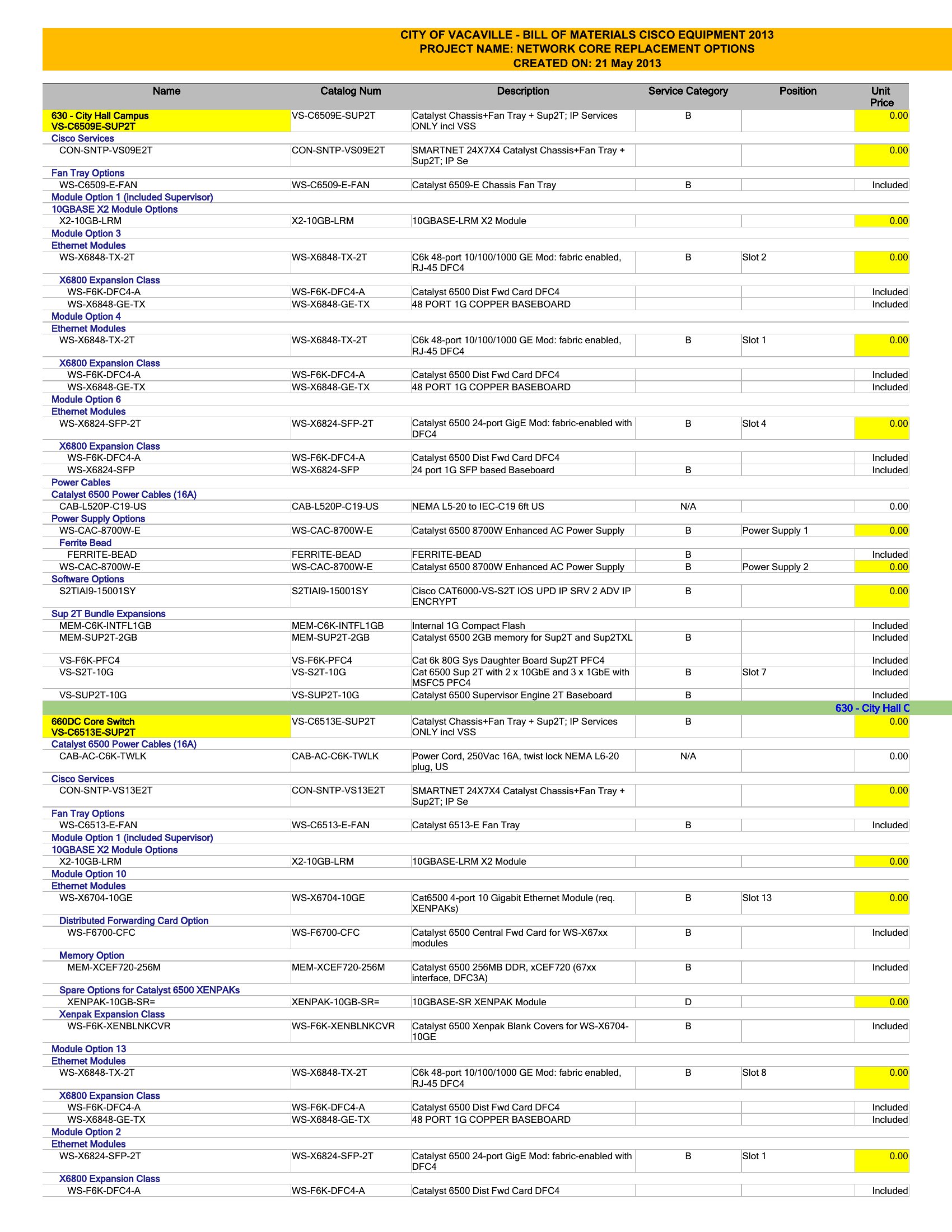
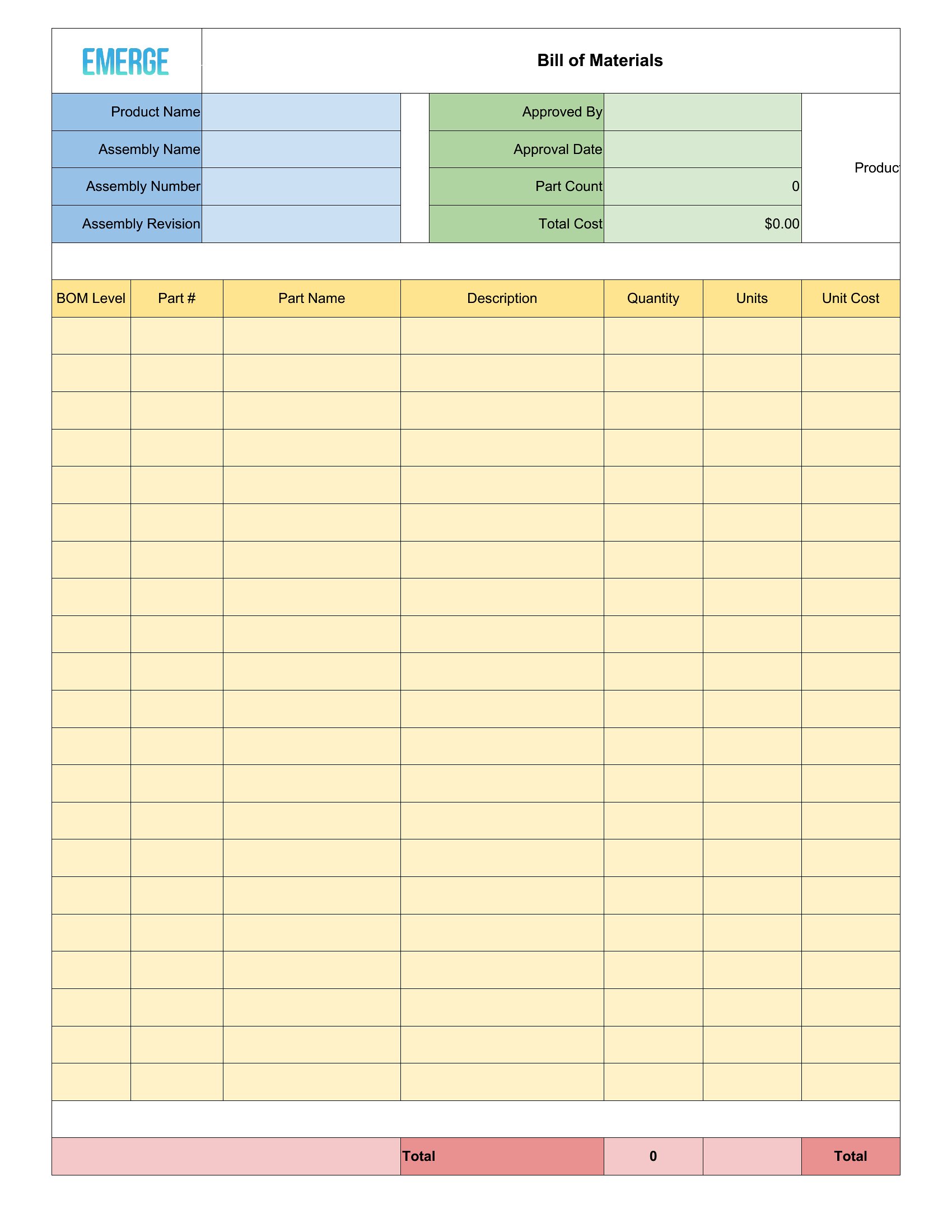
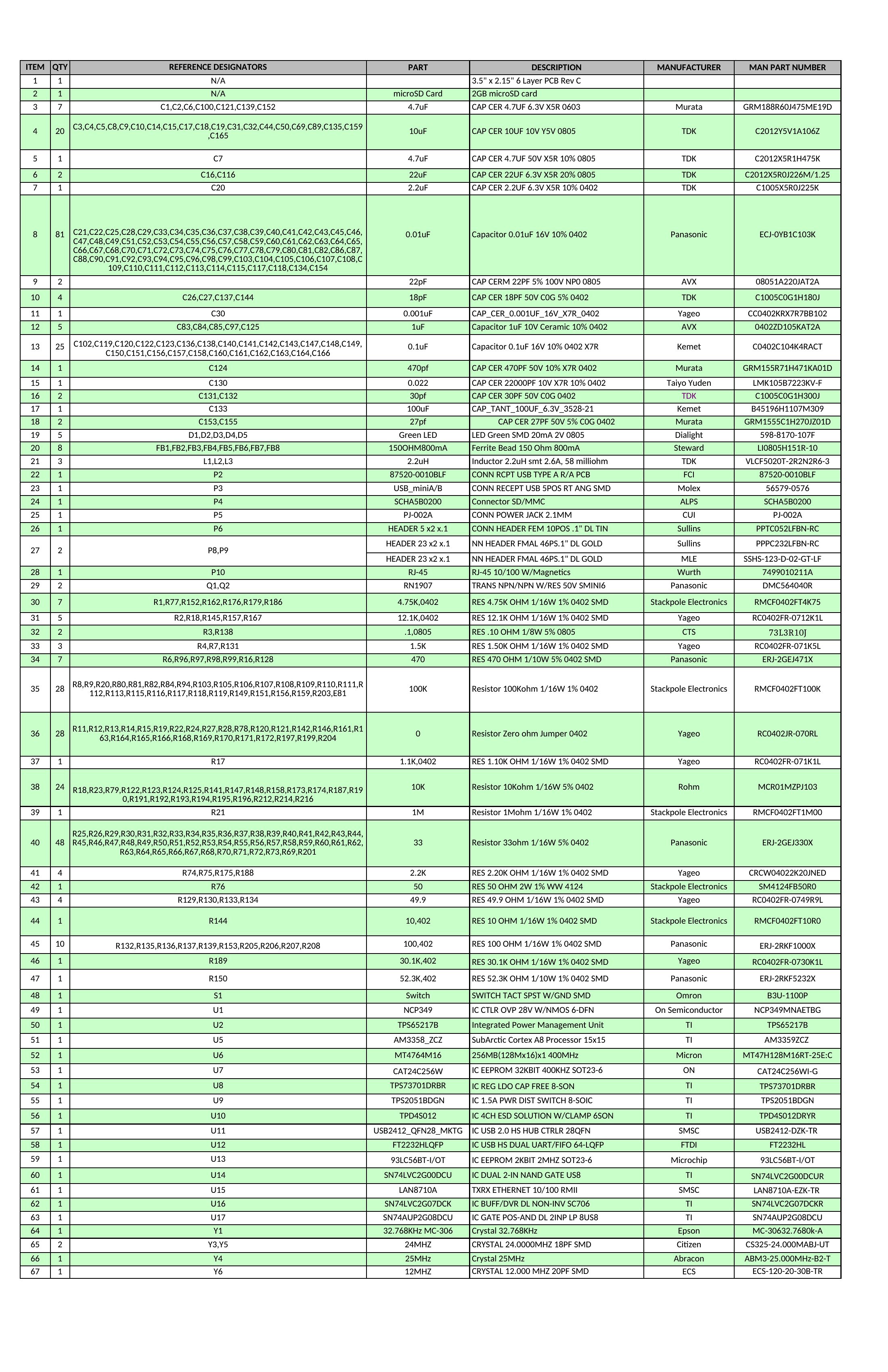
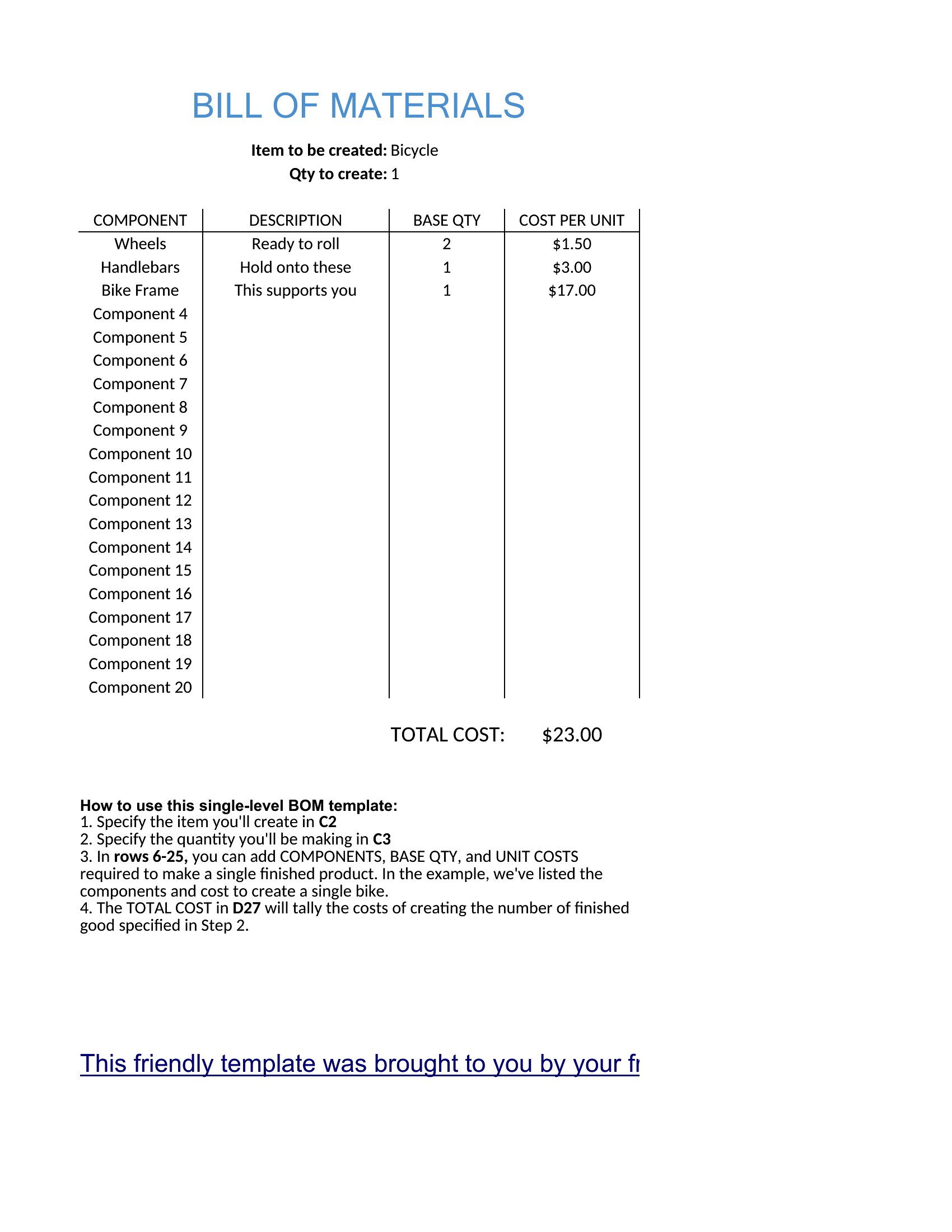
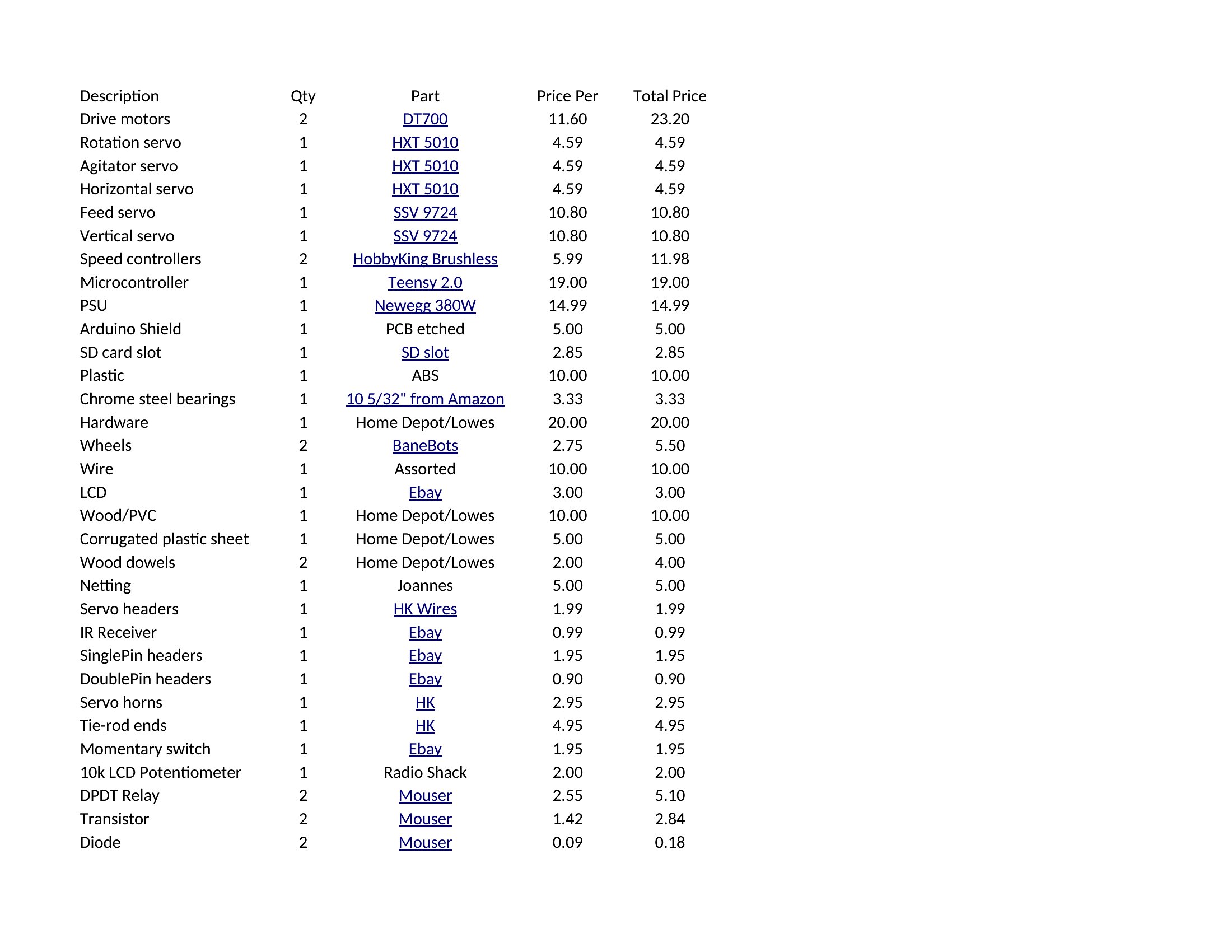
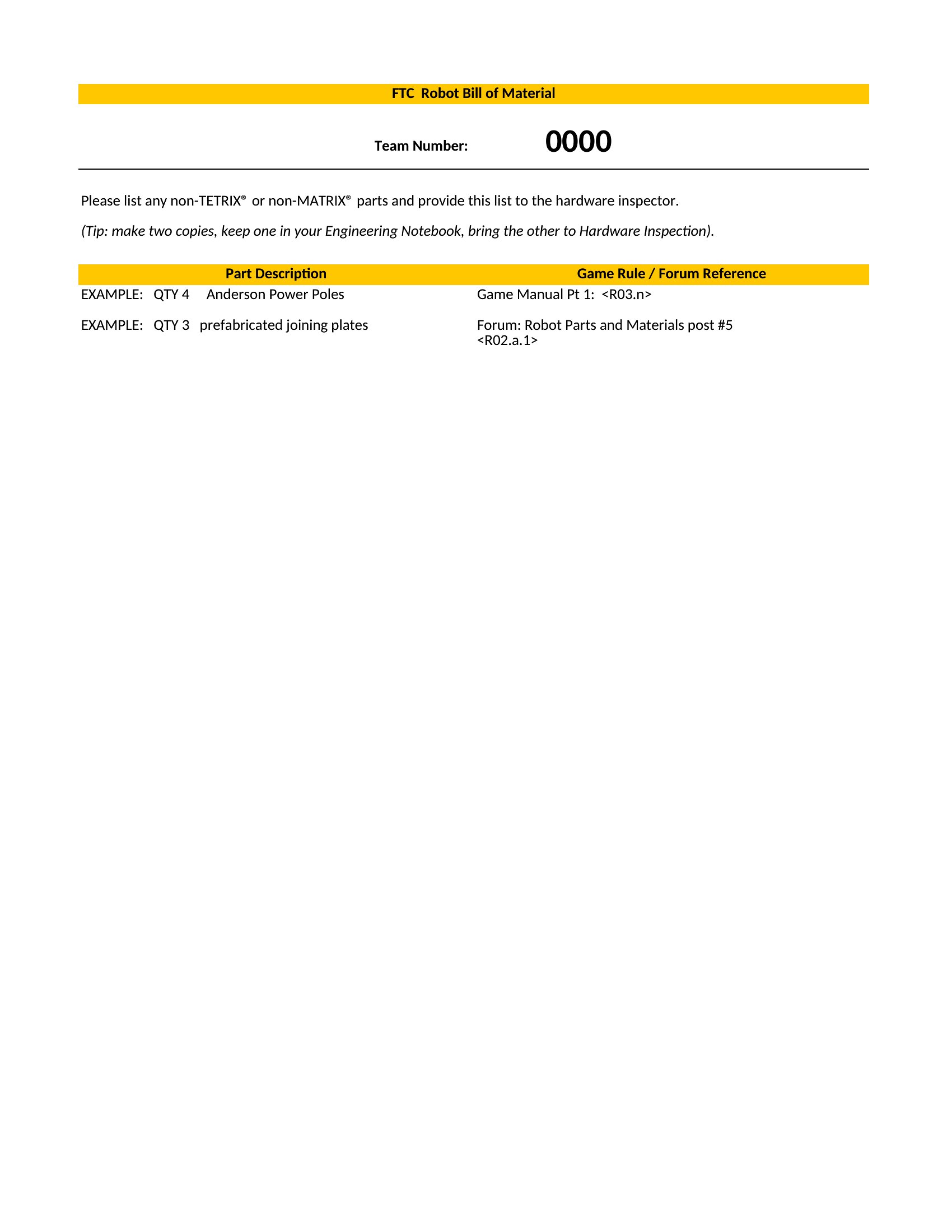
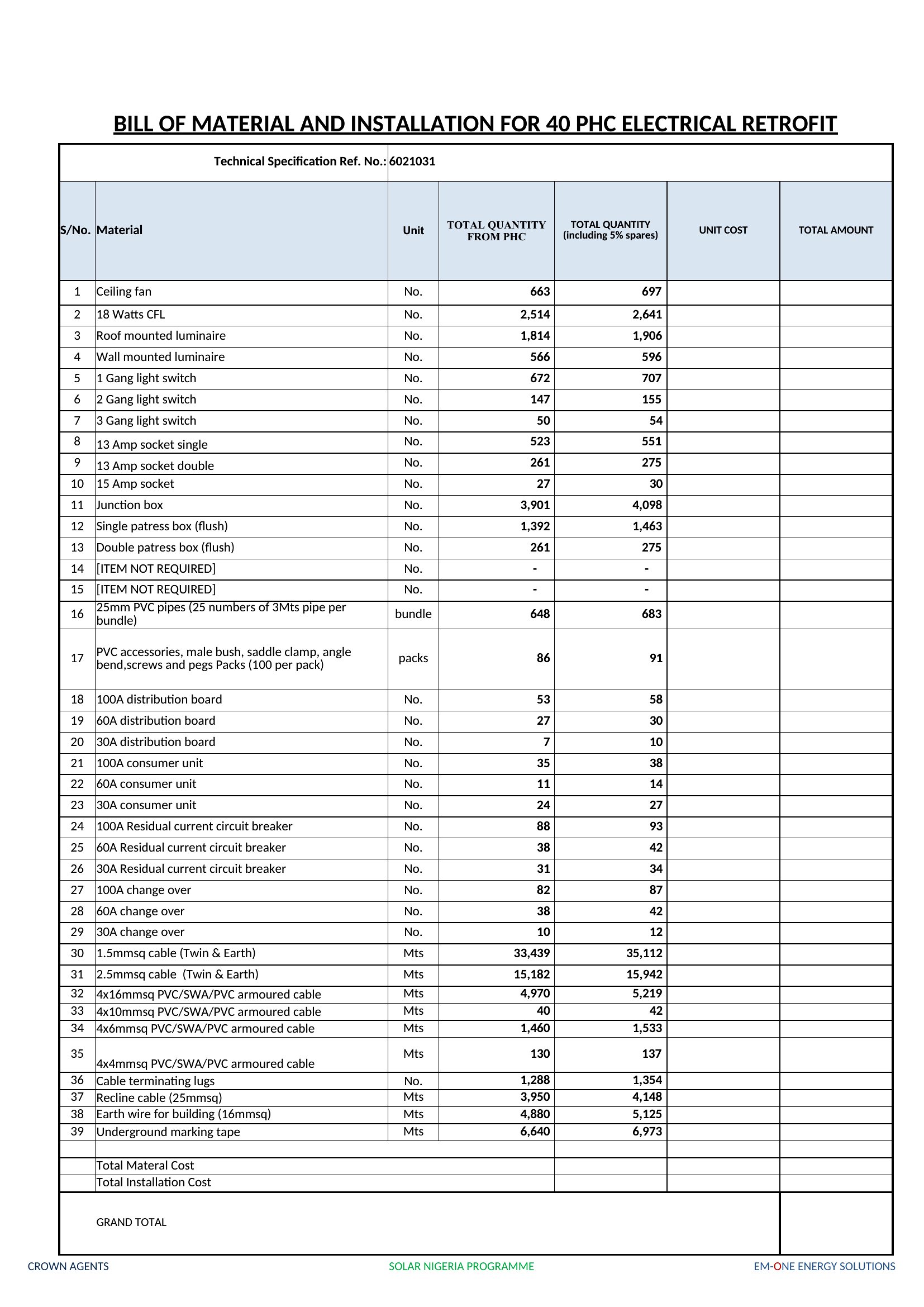
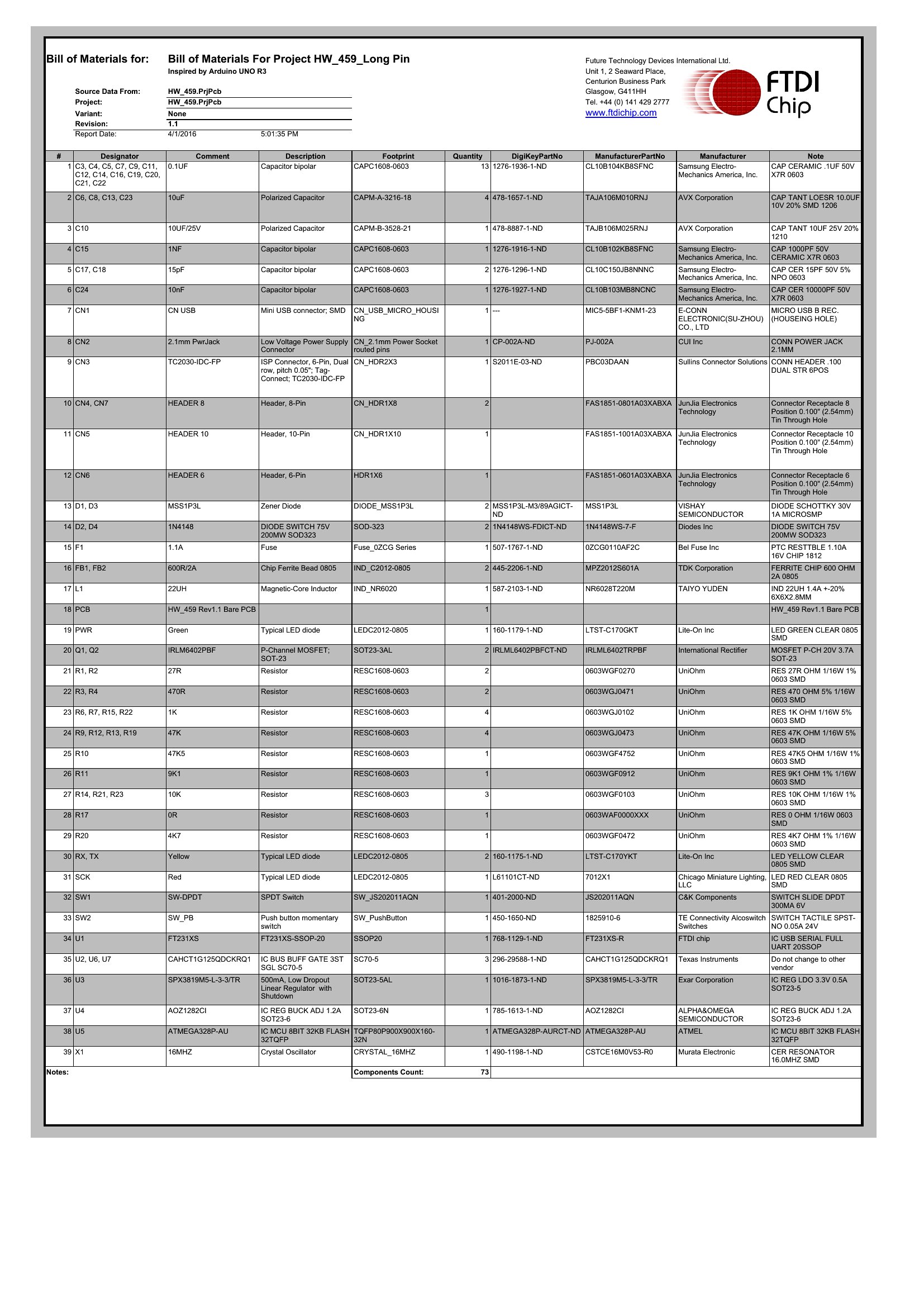
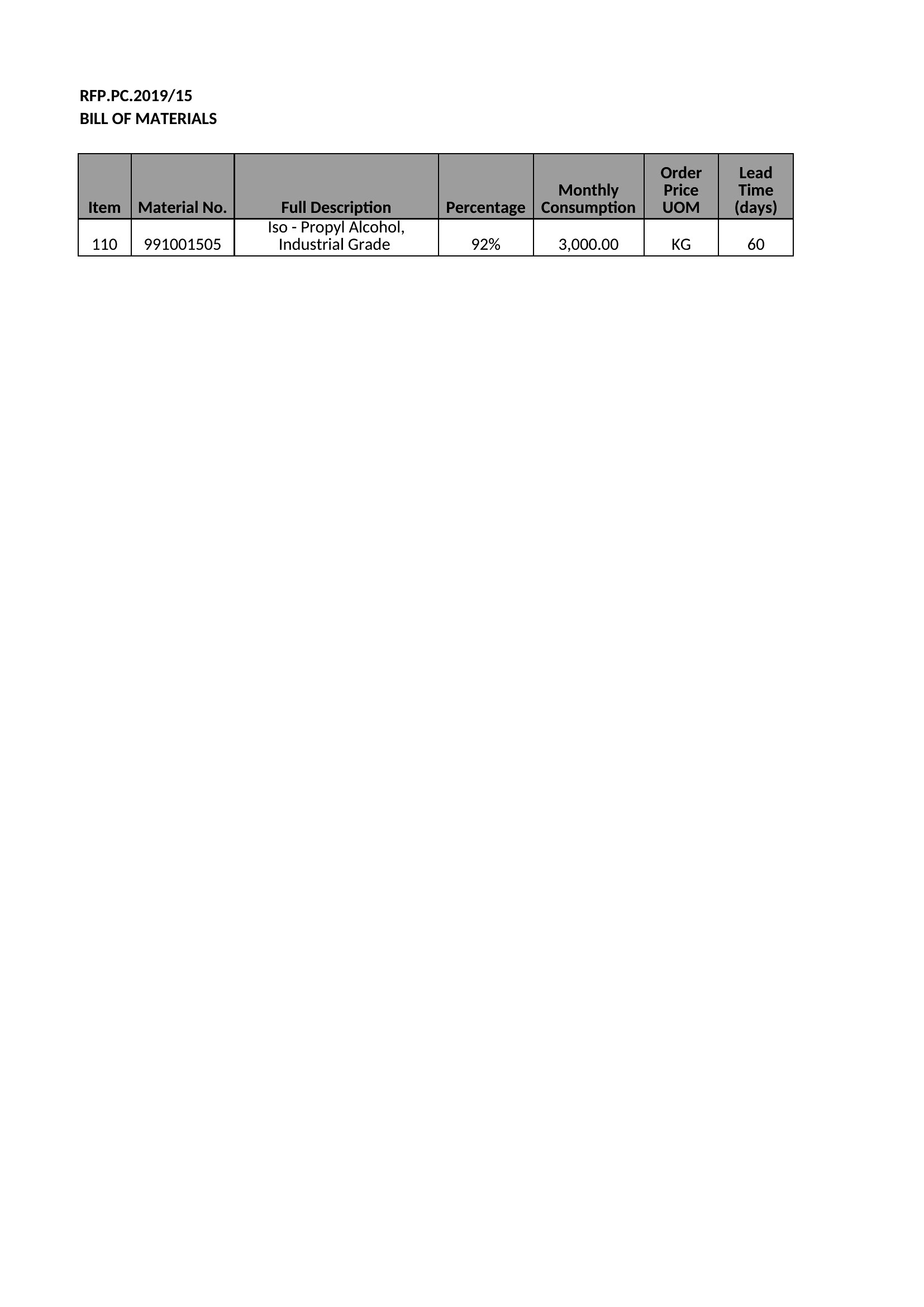
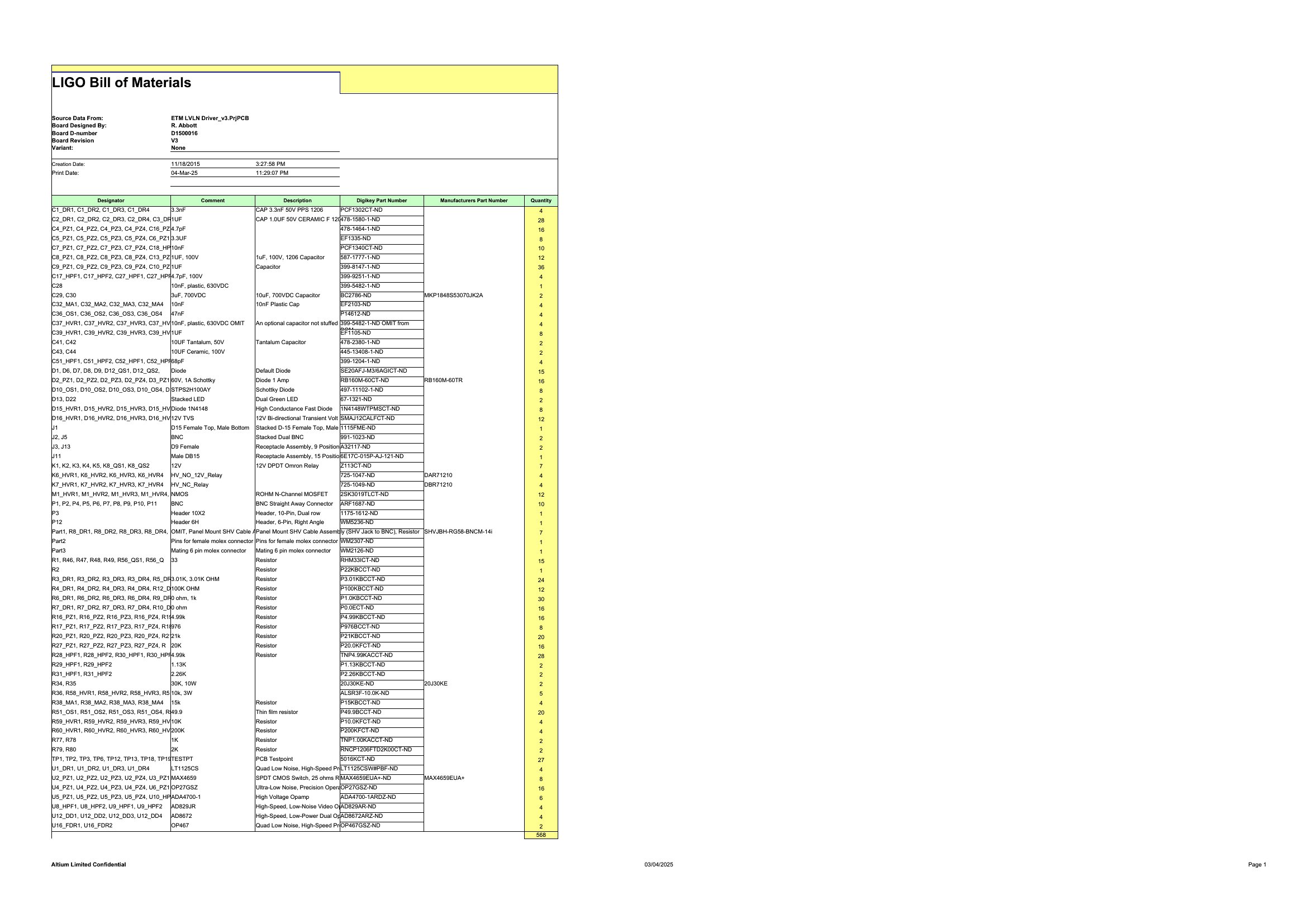
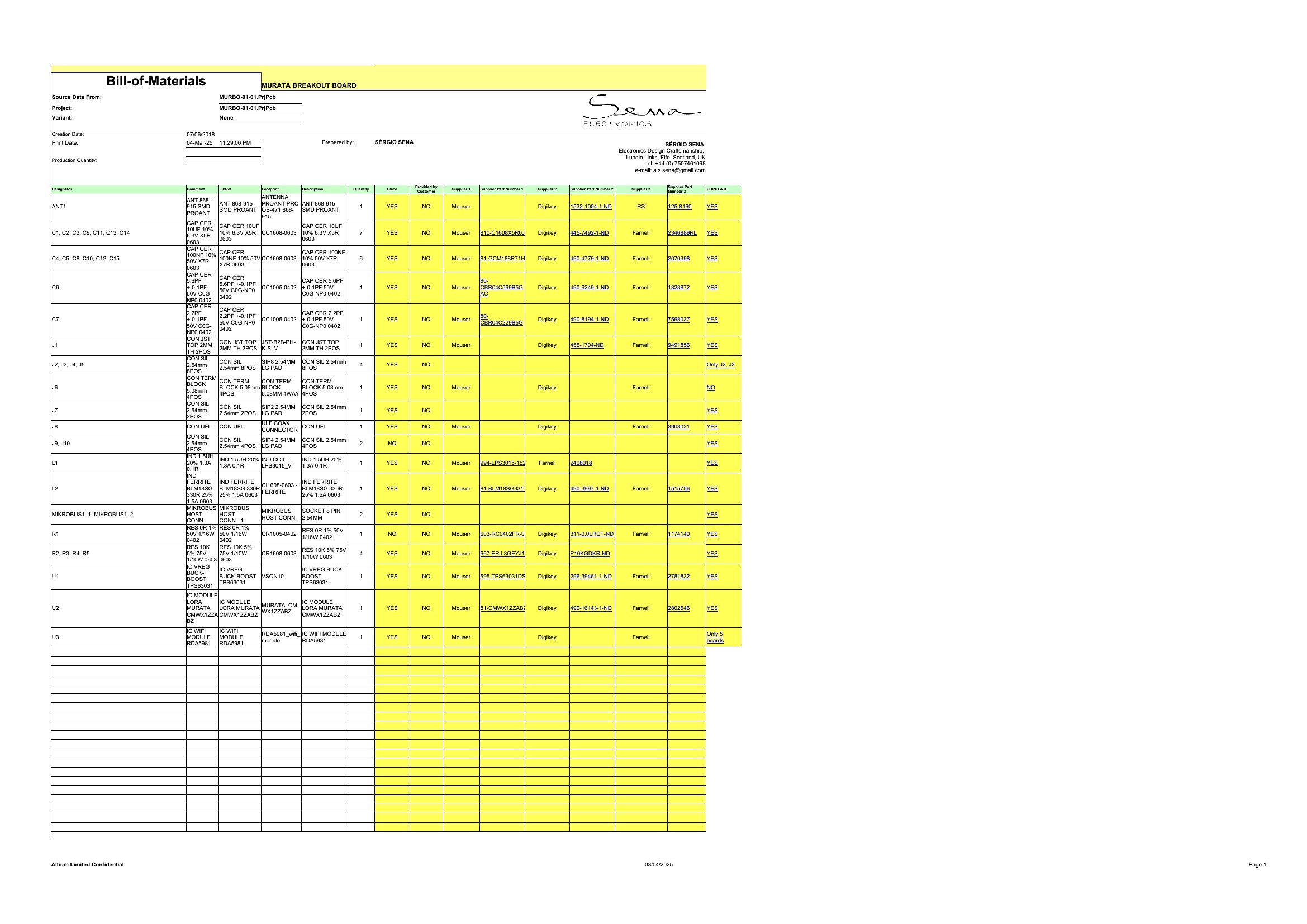
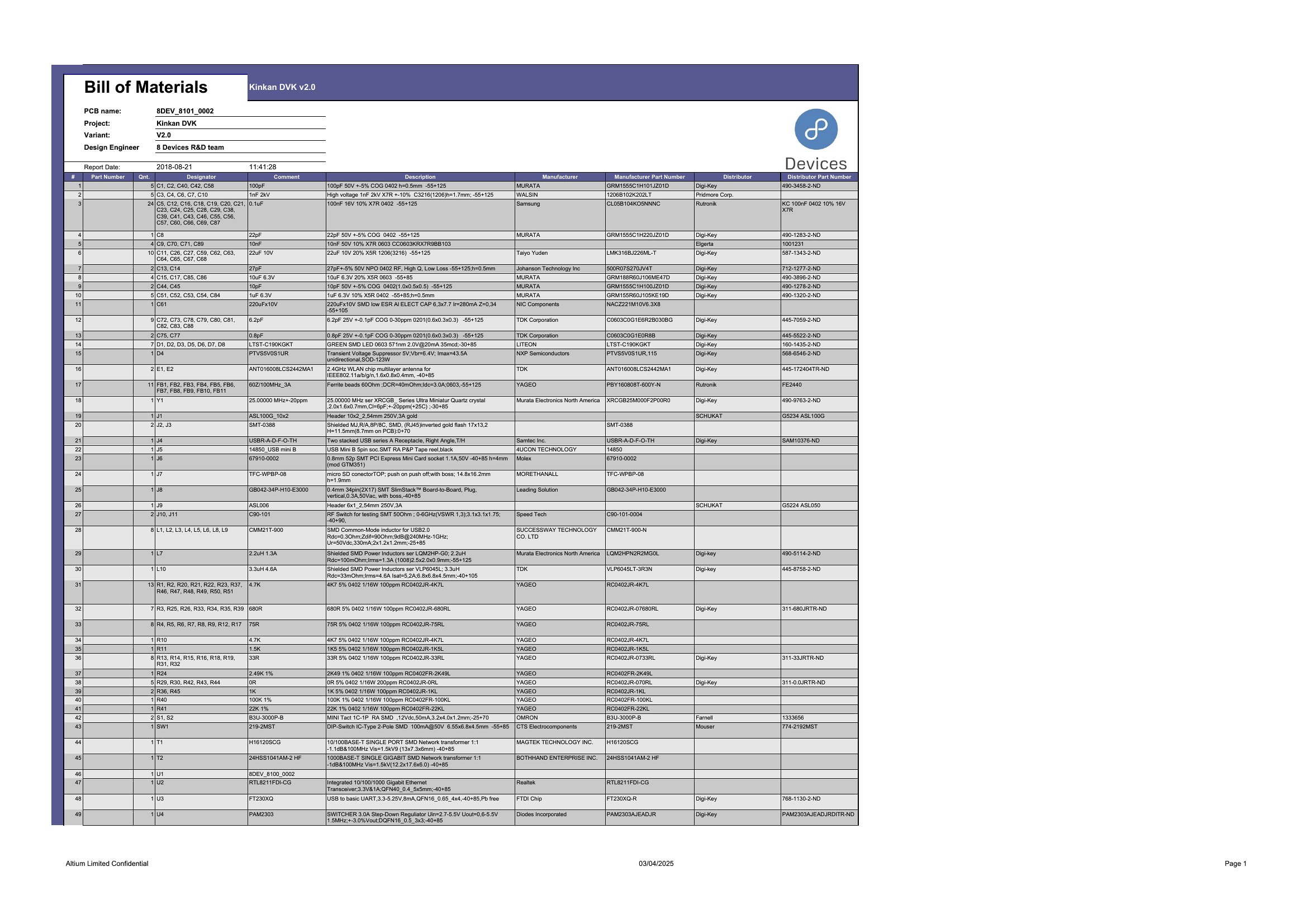

FAQ
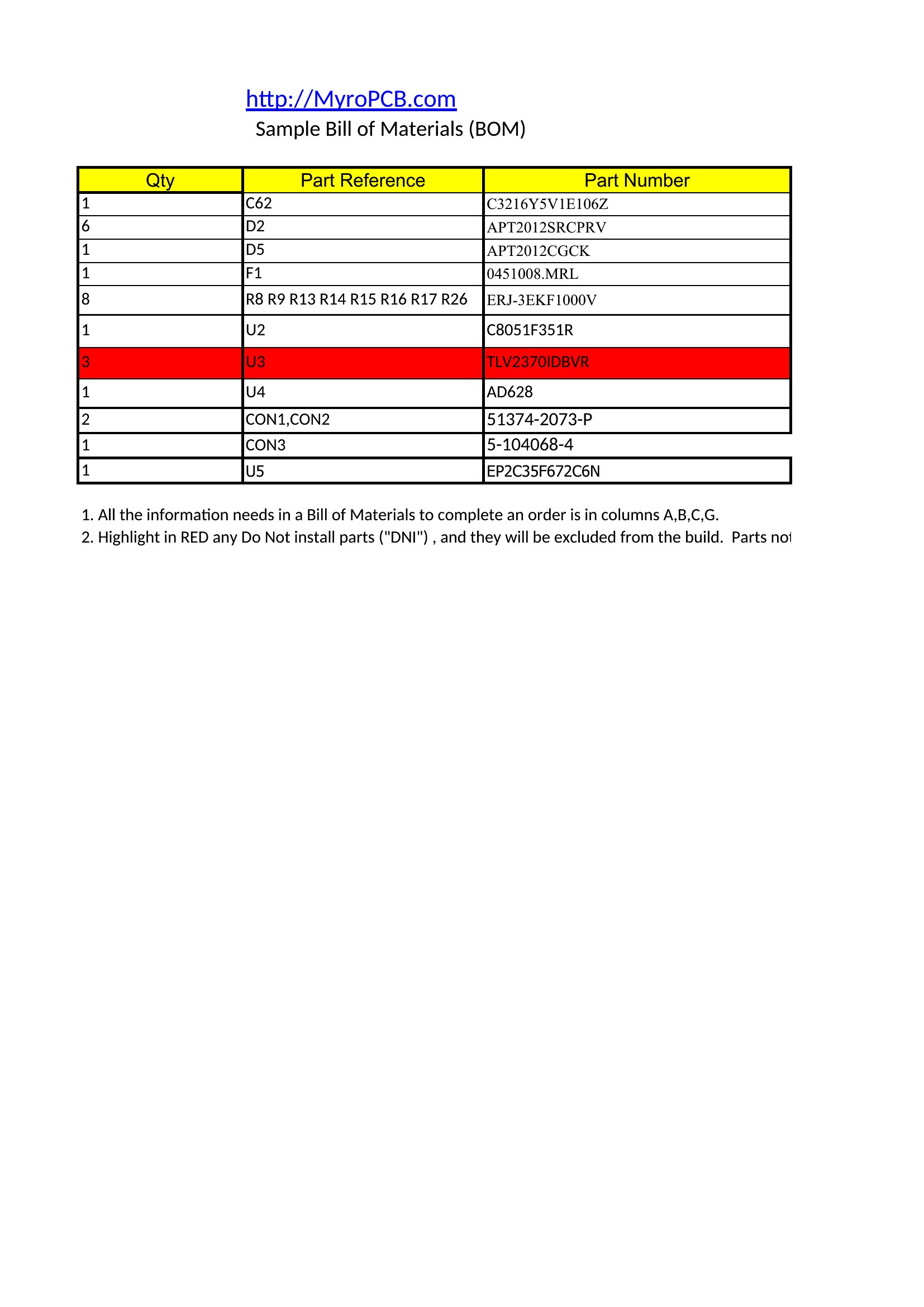
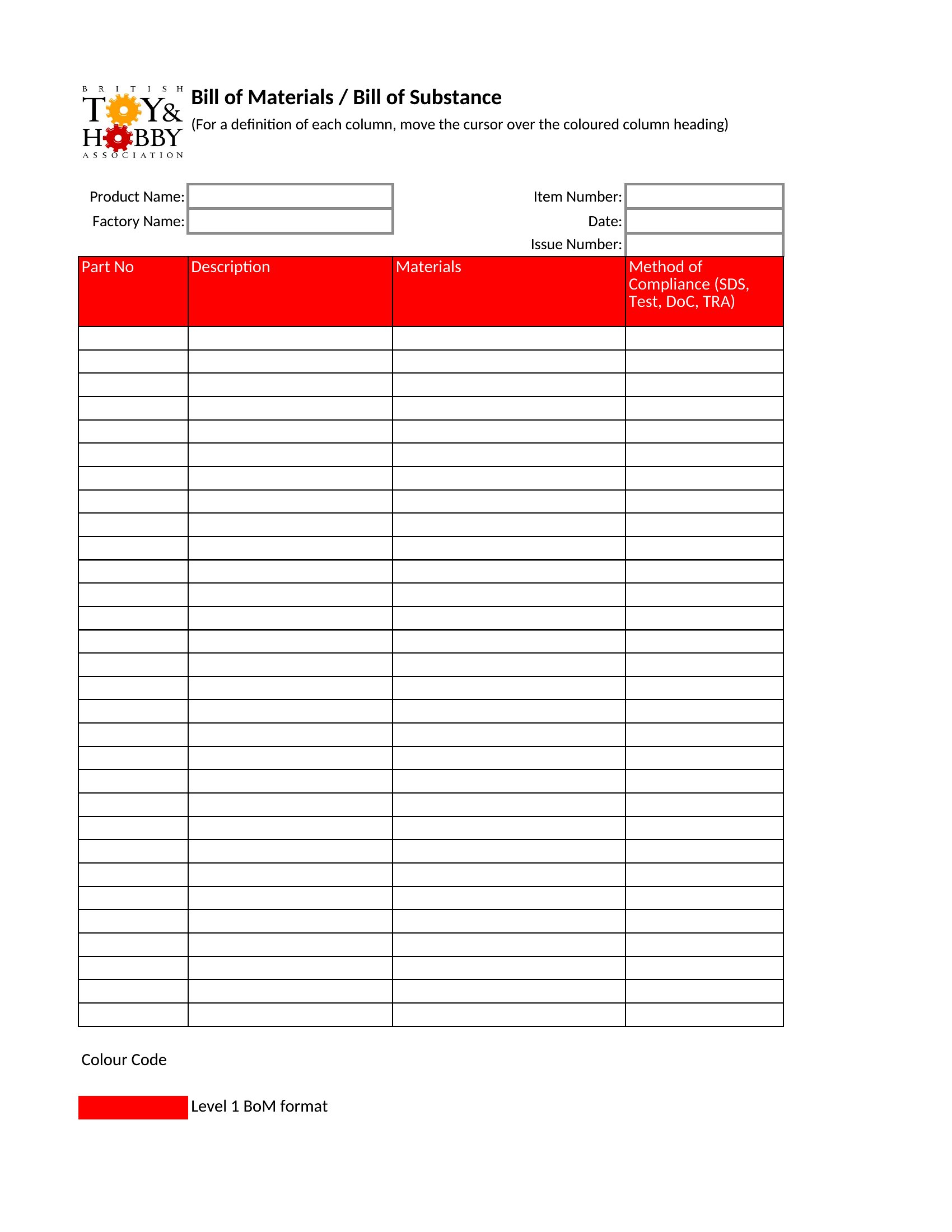
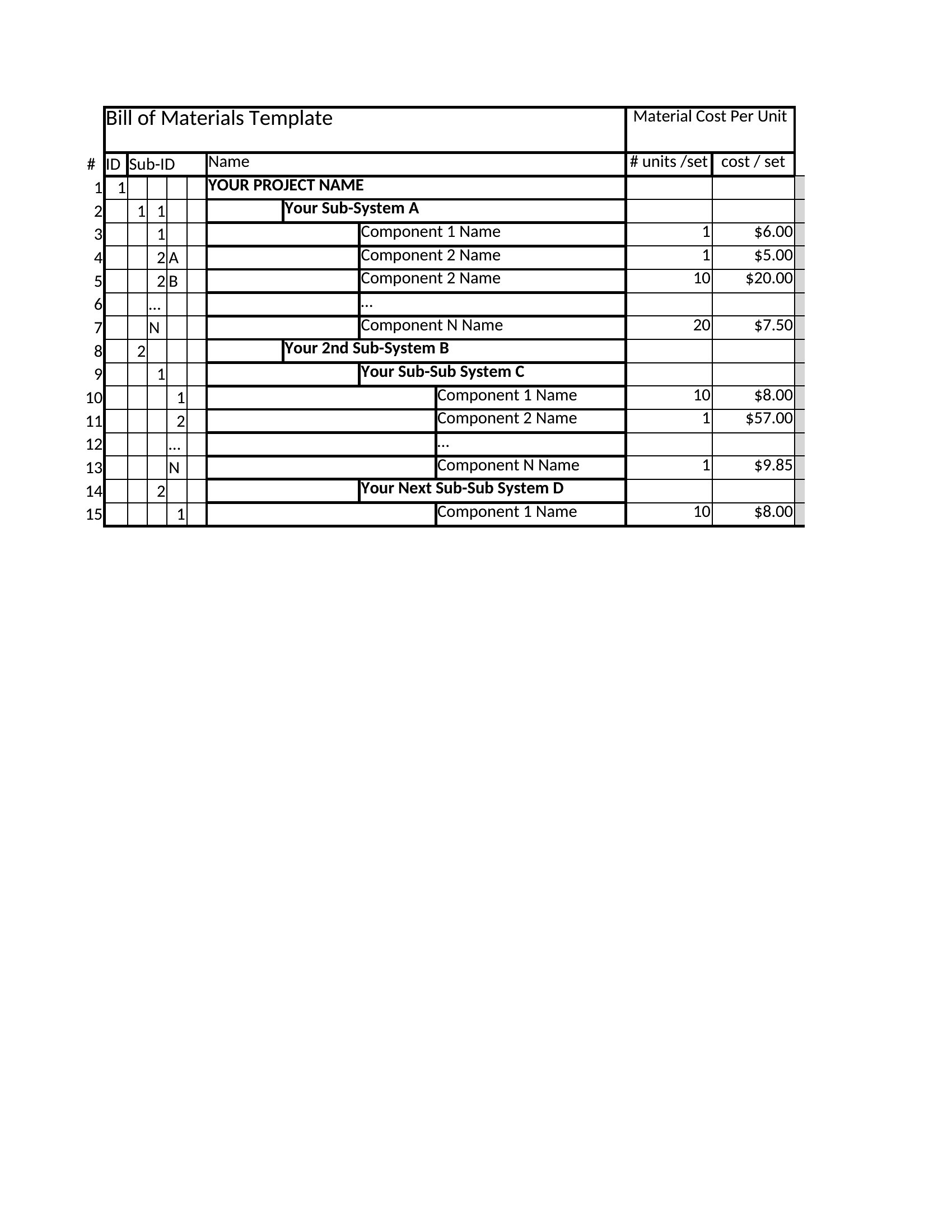
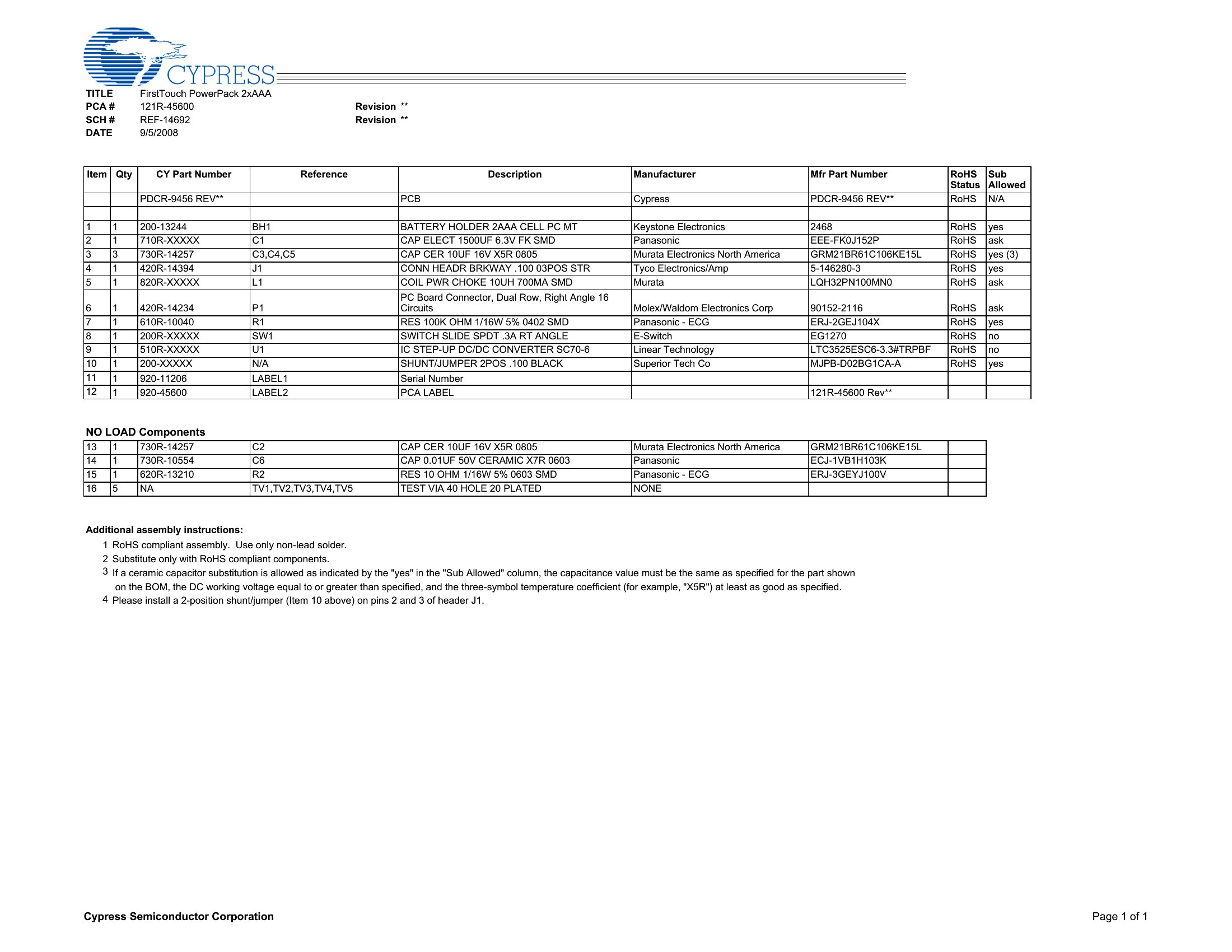
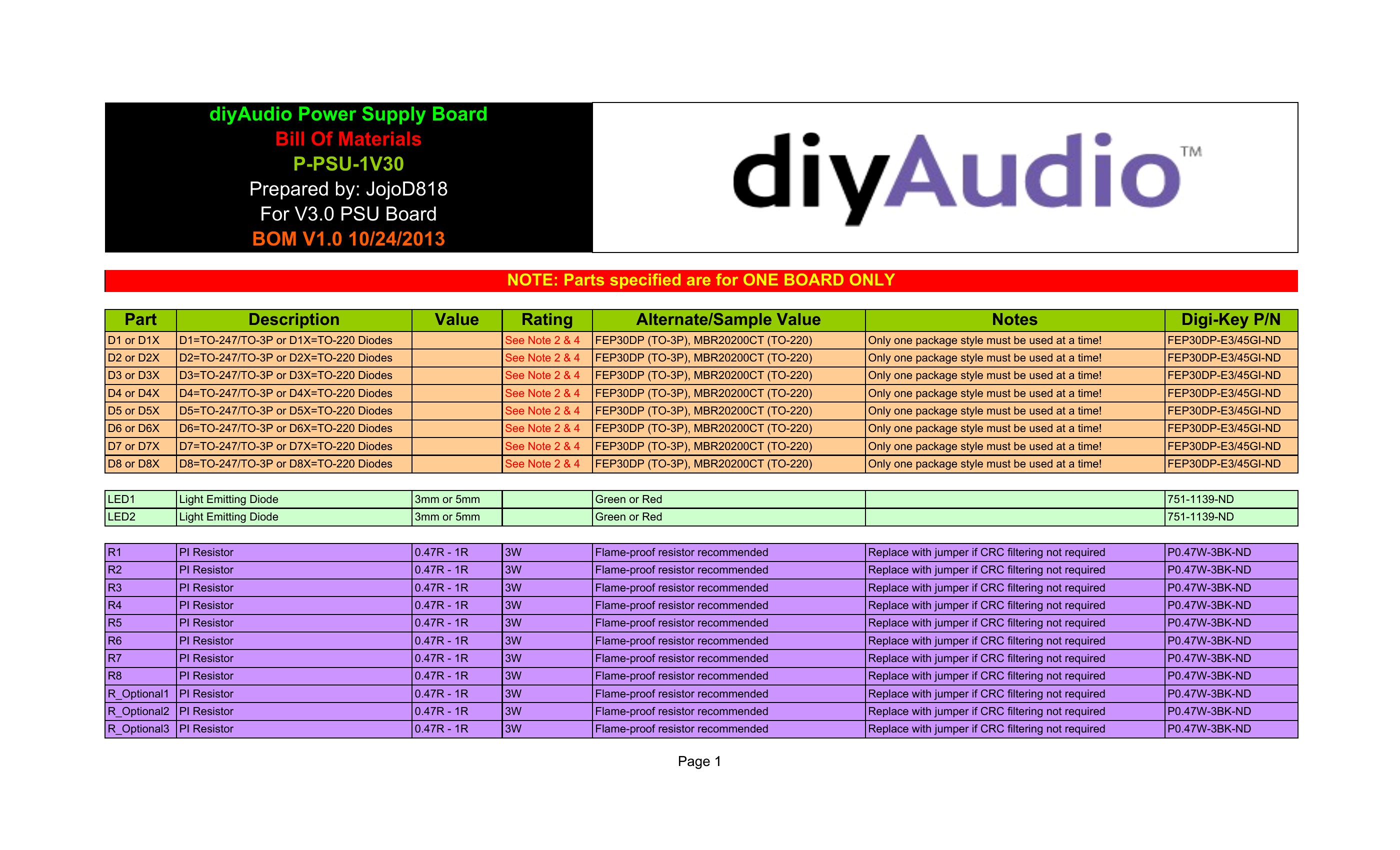
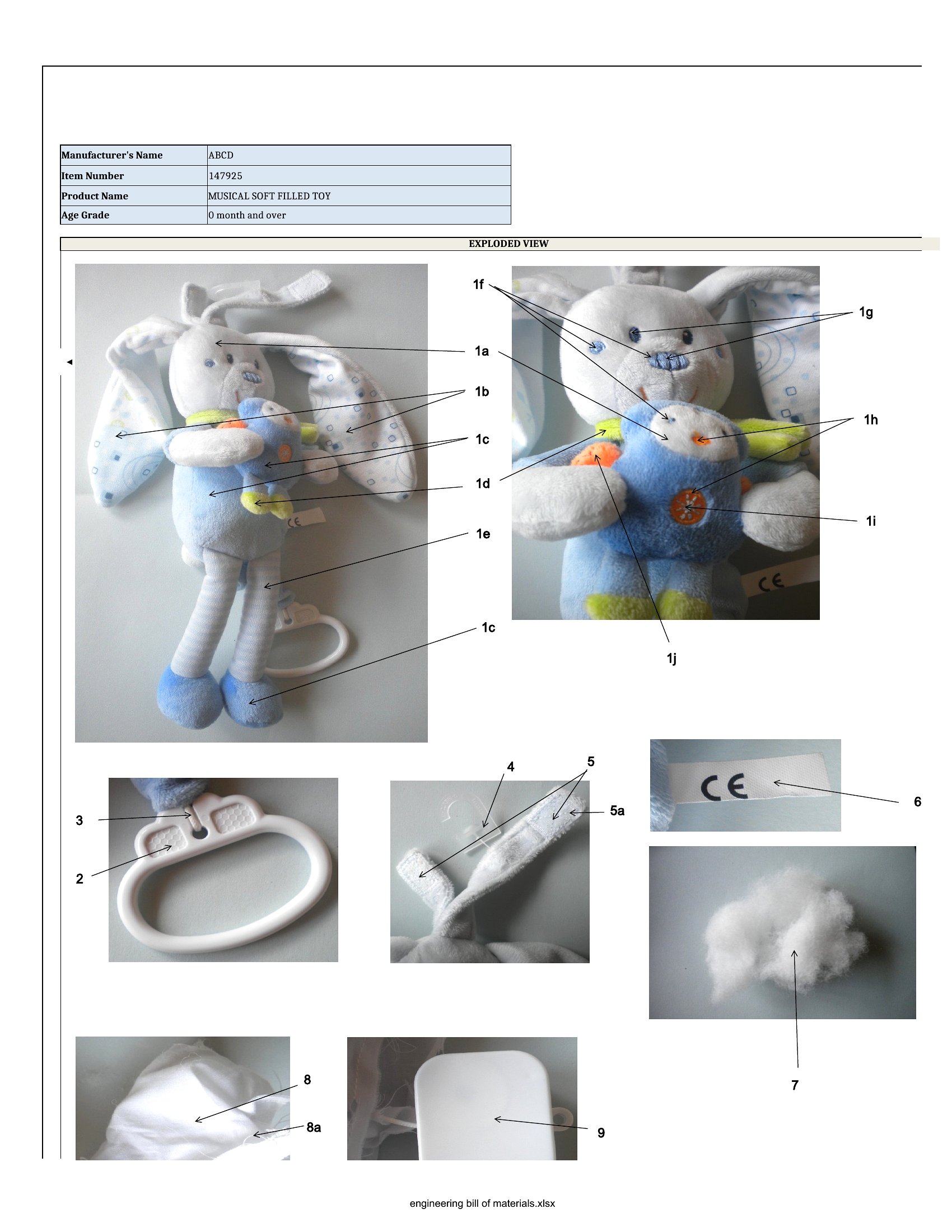
How do I include sub-assemblies in a bill of materials?
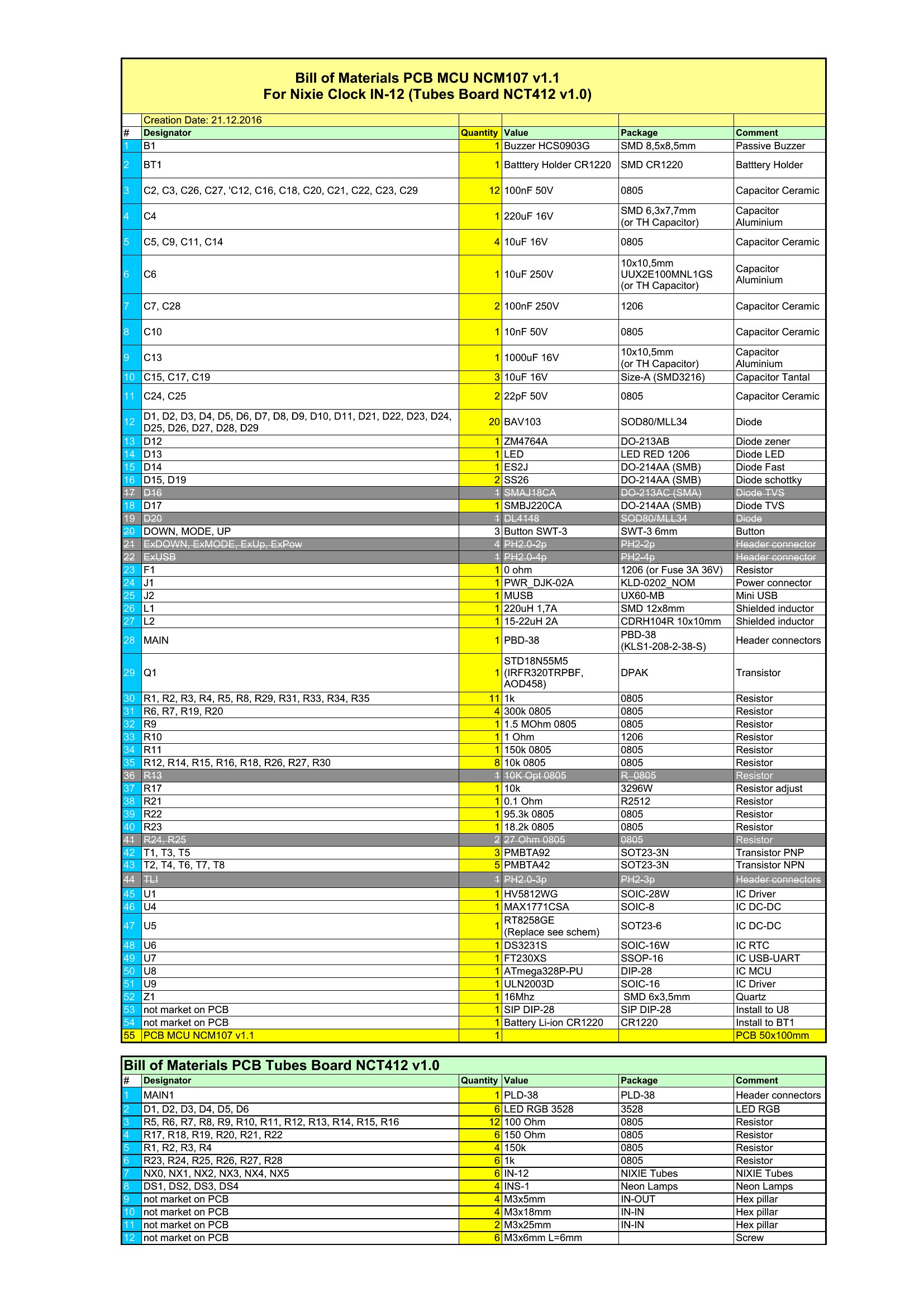
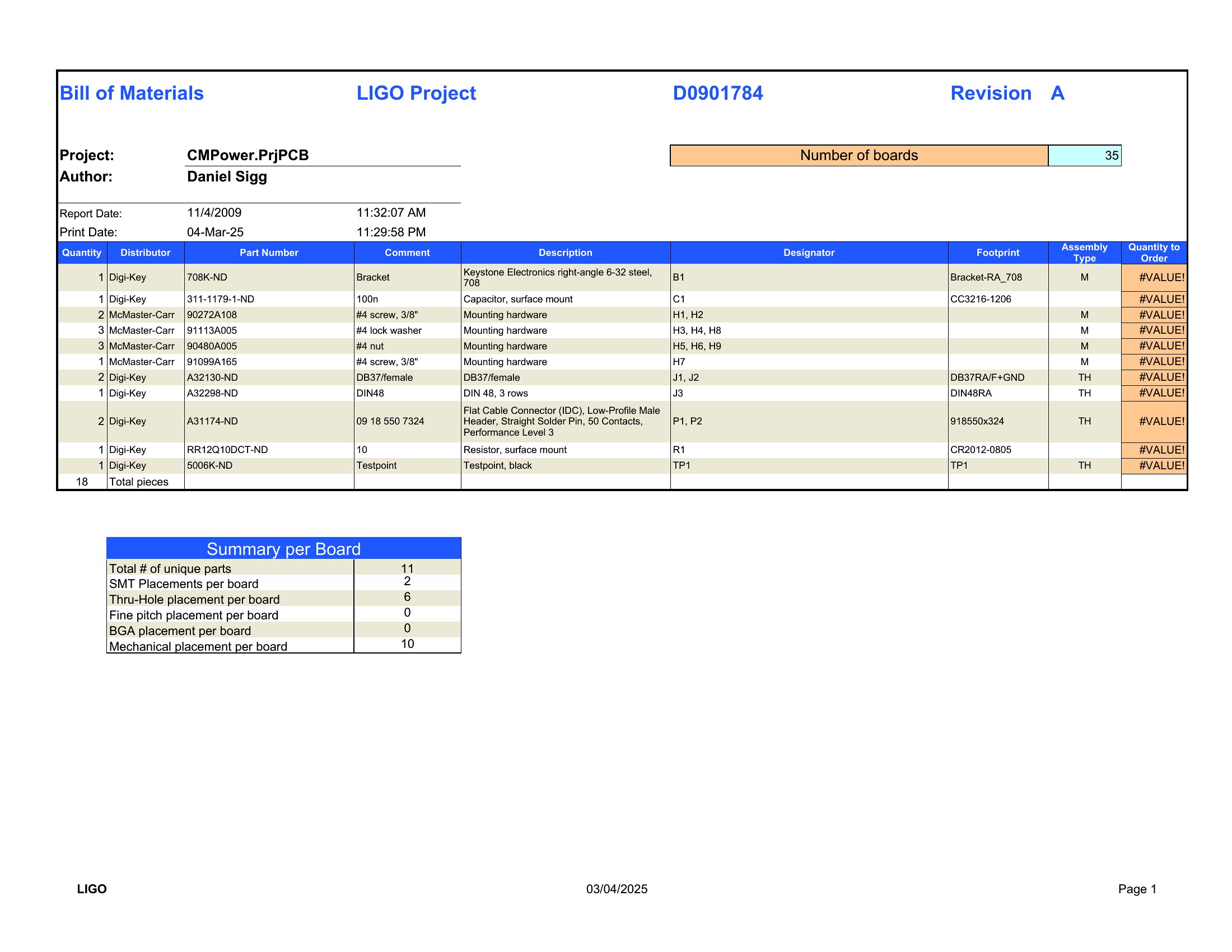
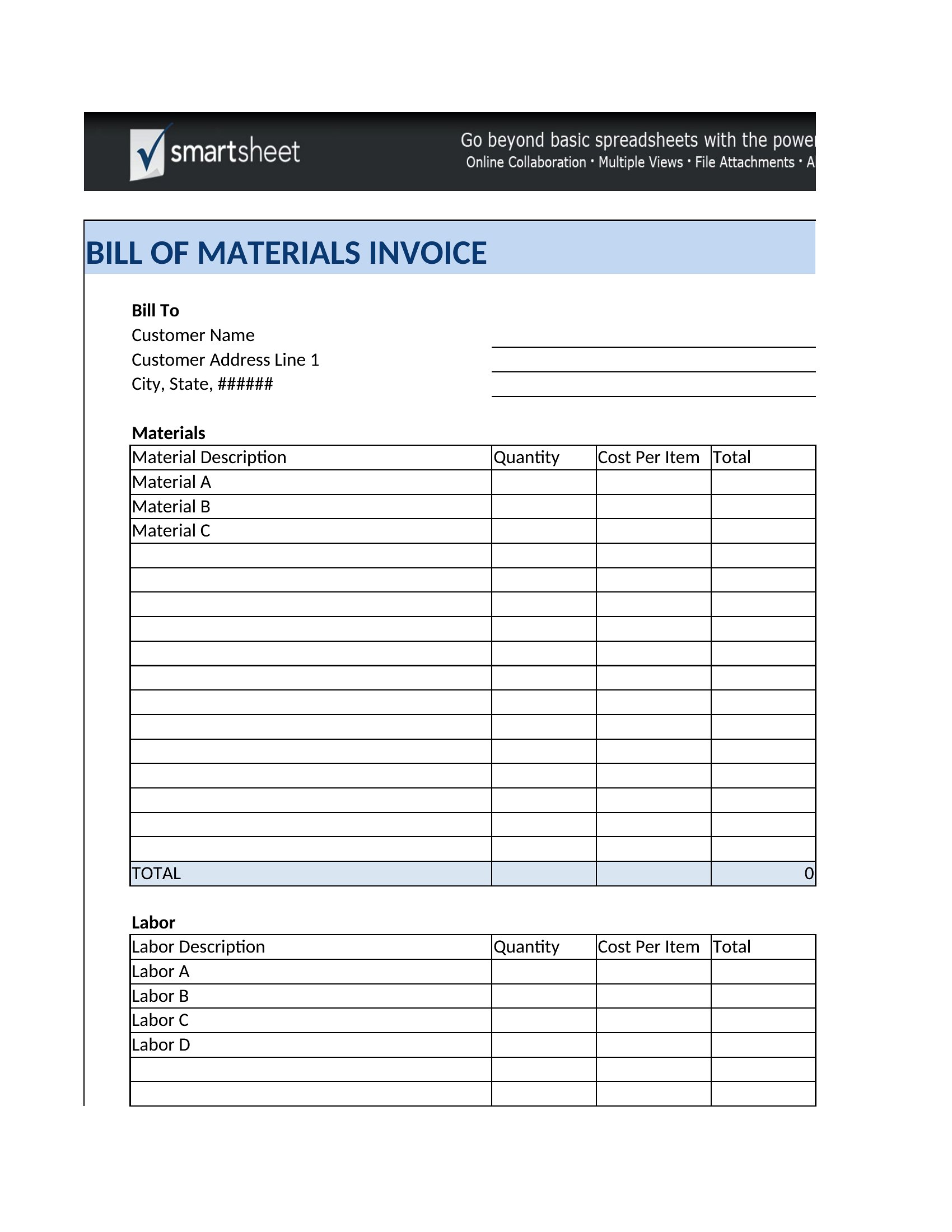
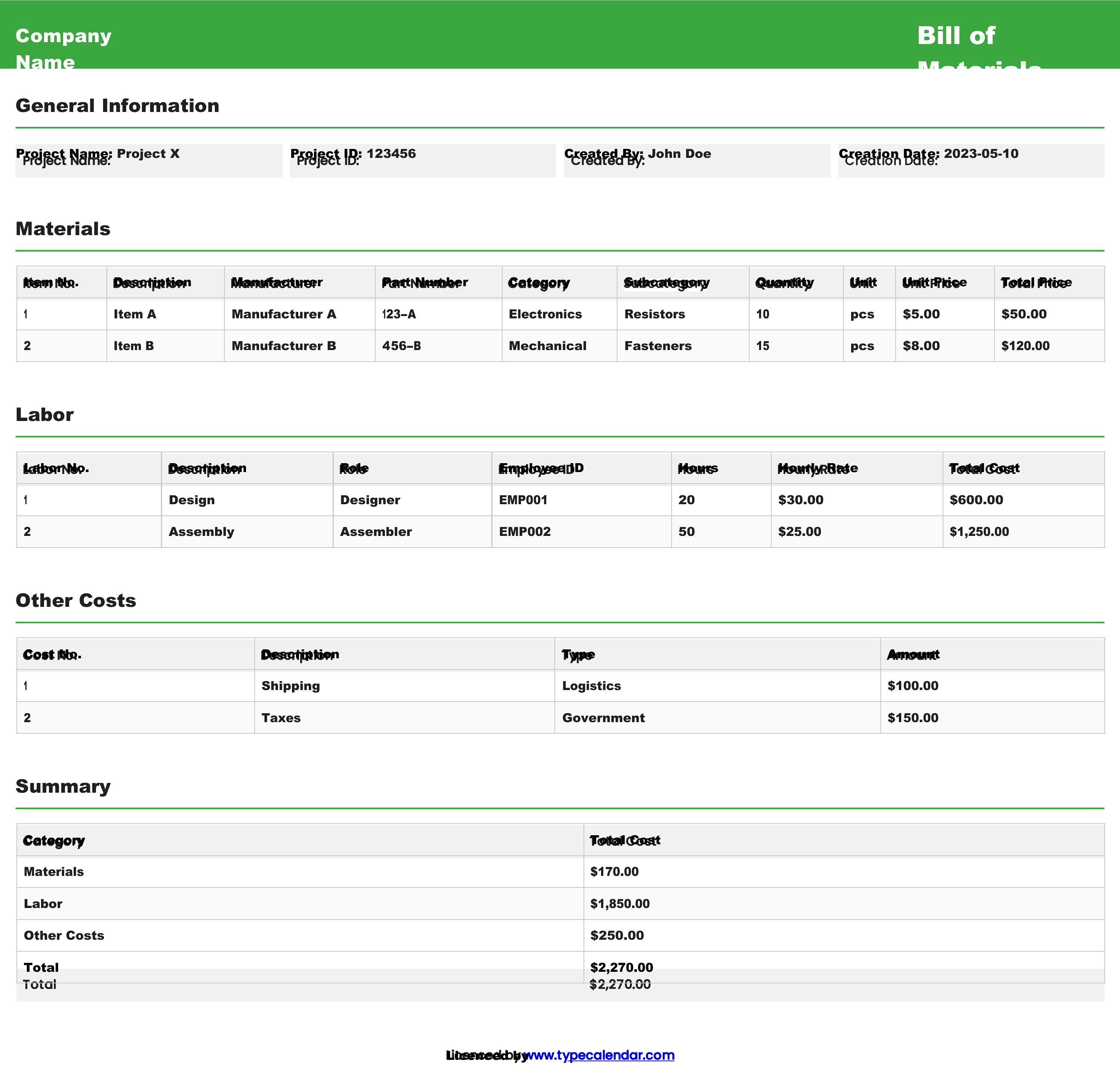
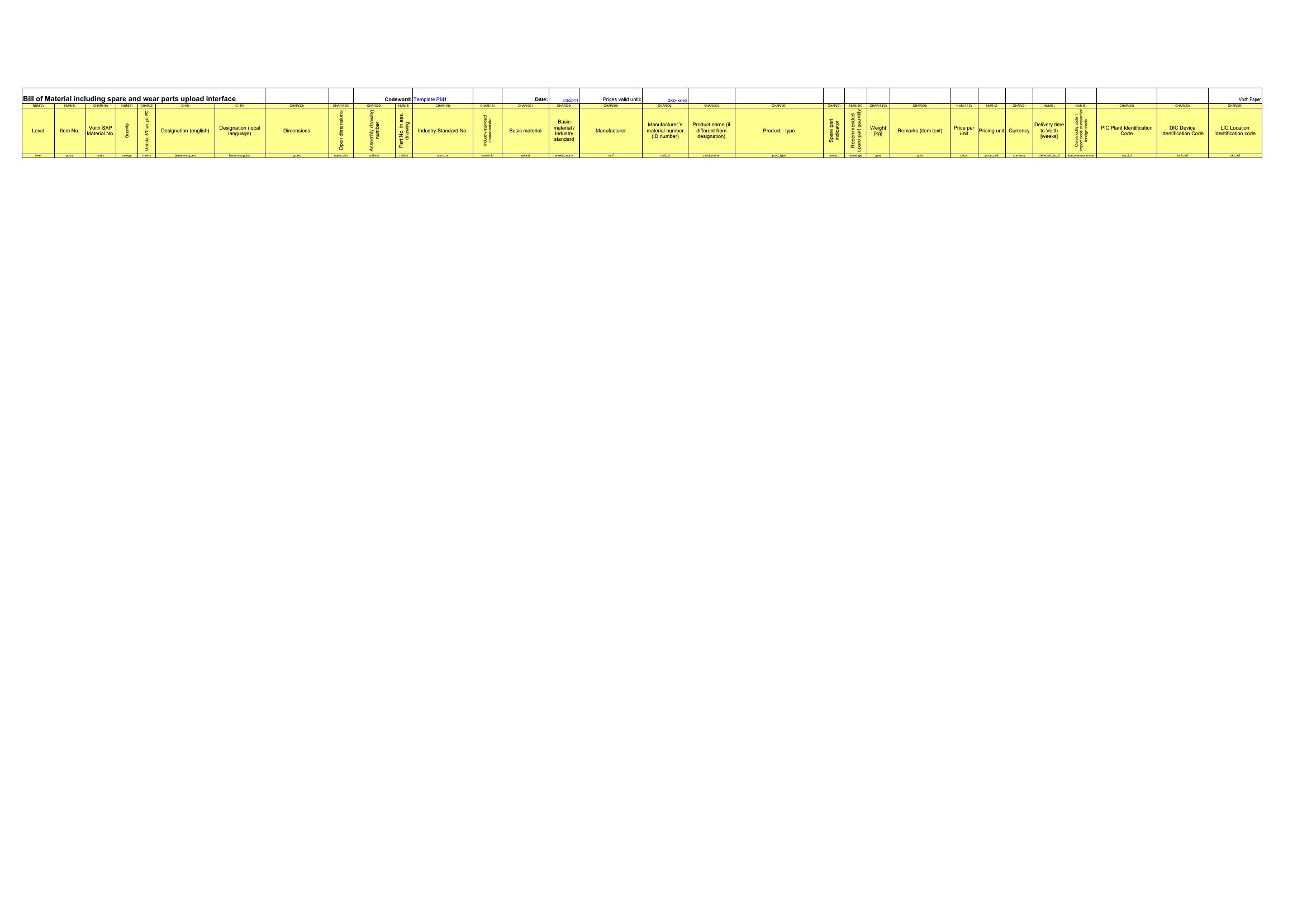
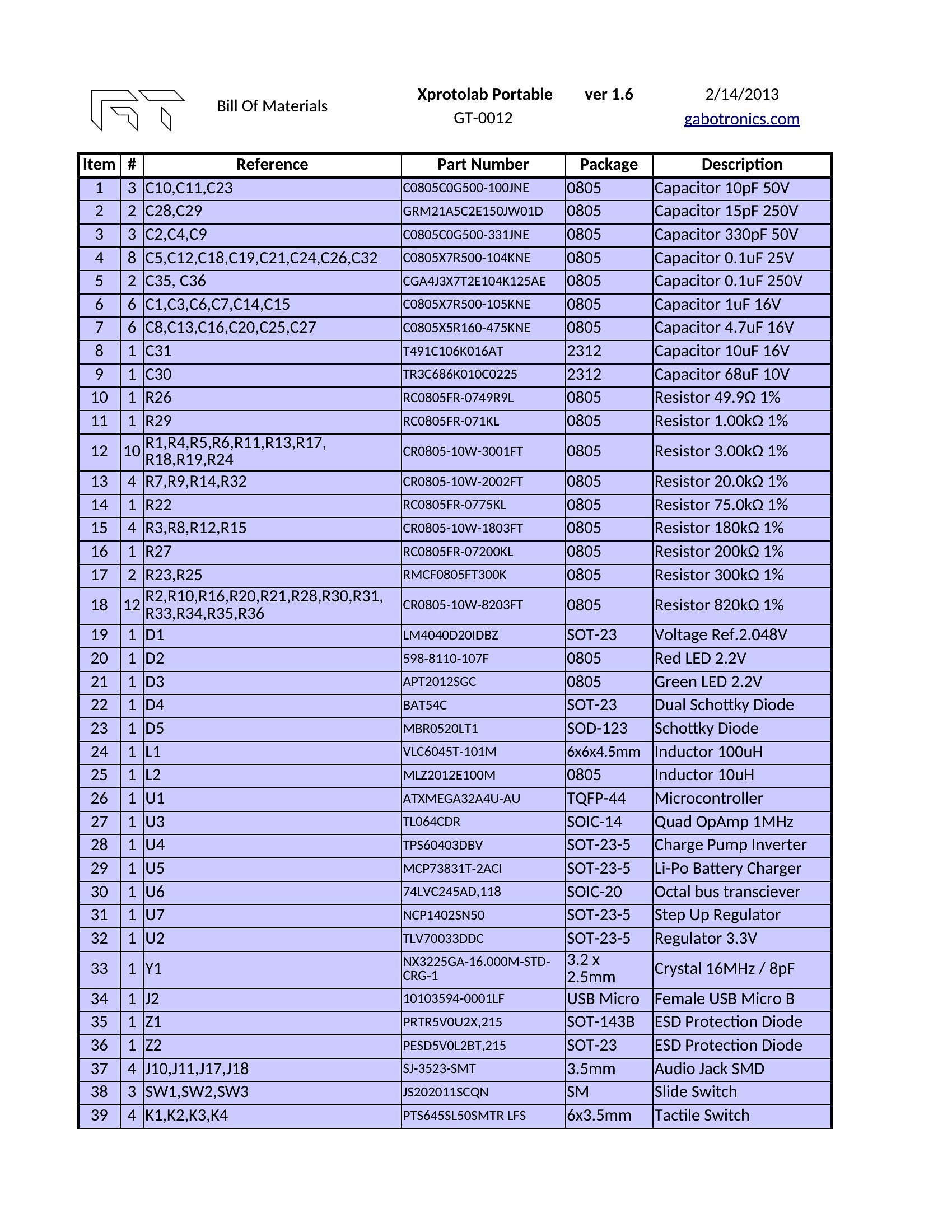
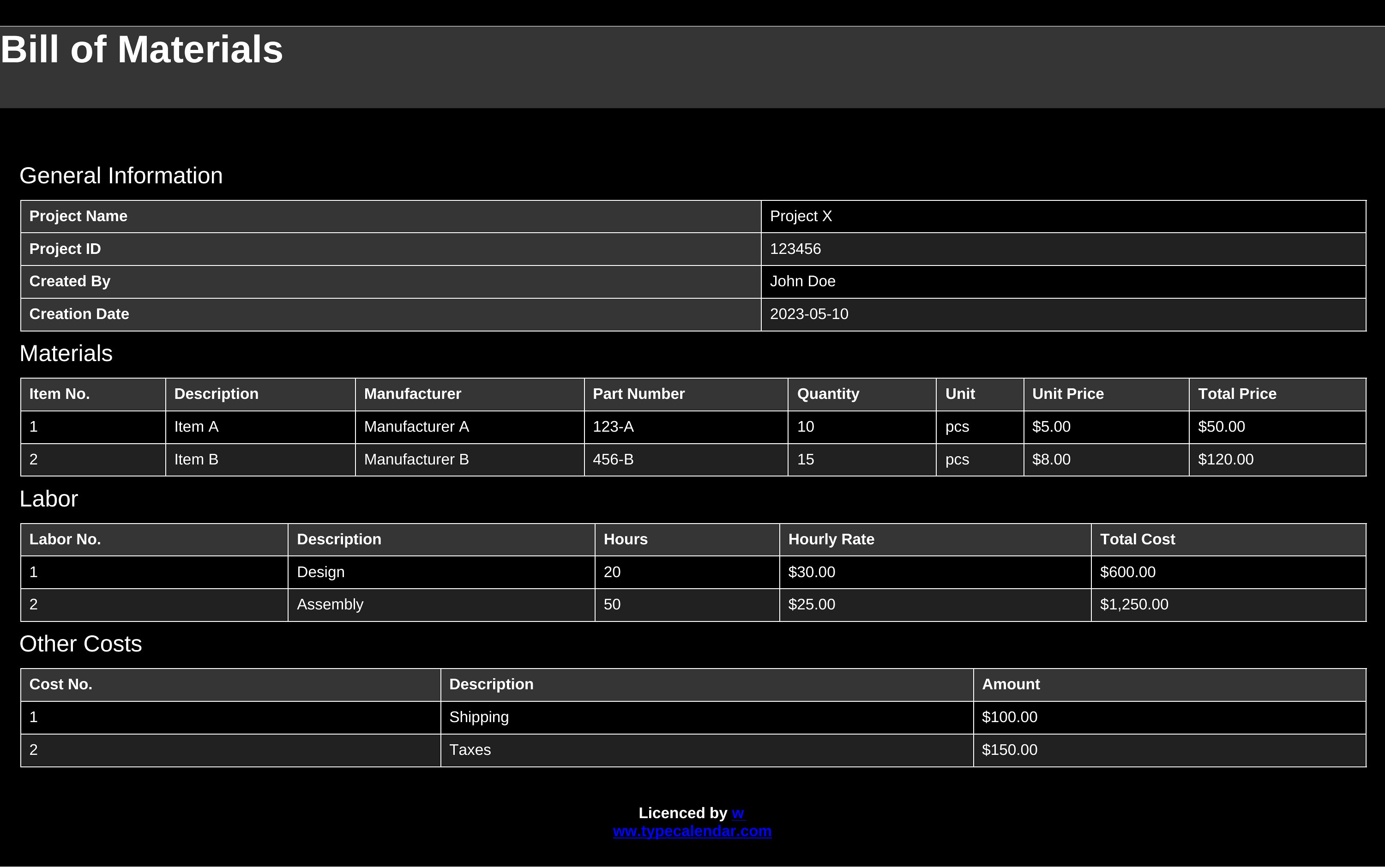
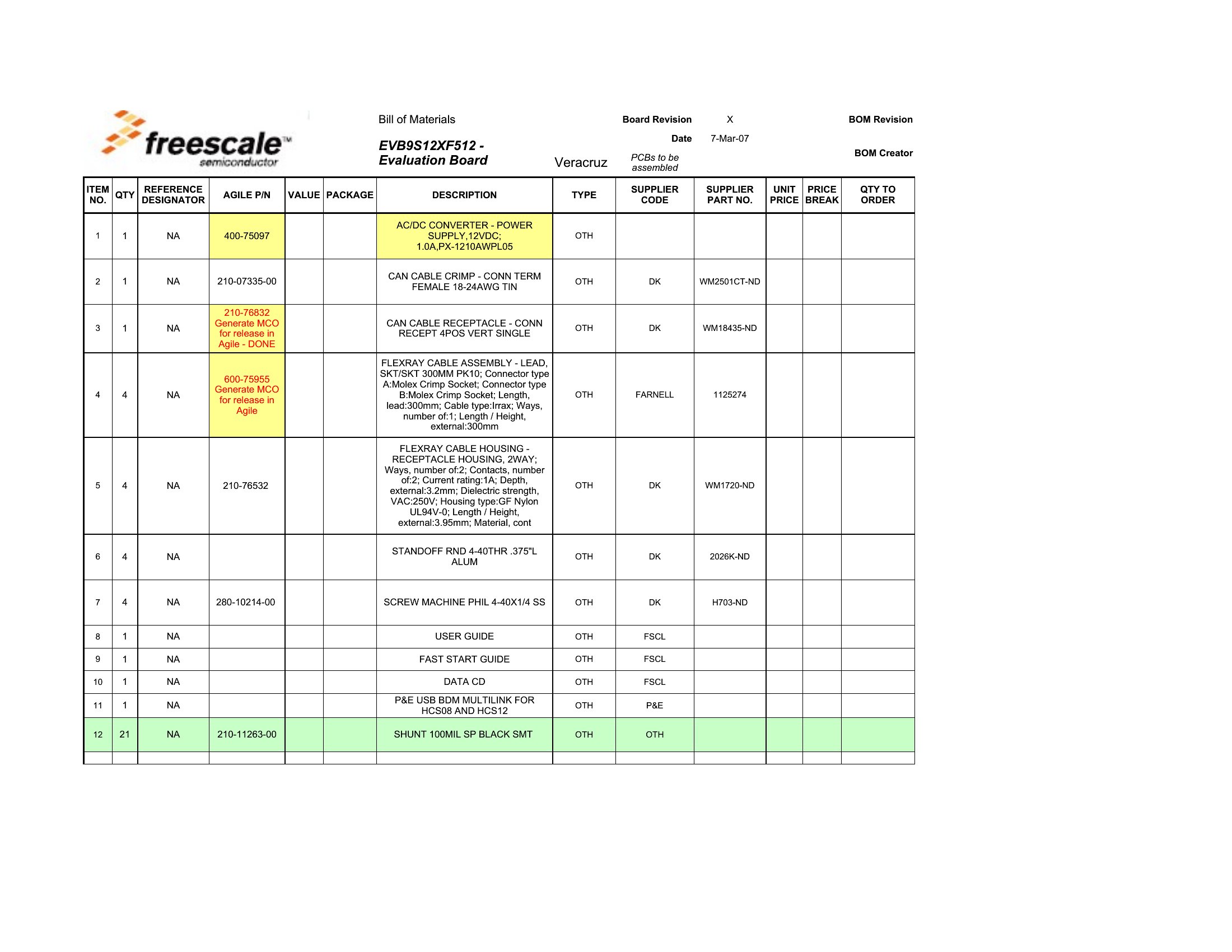
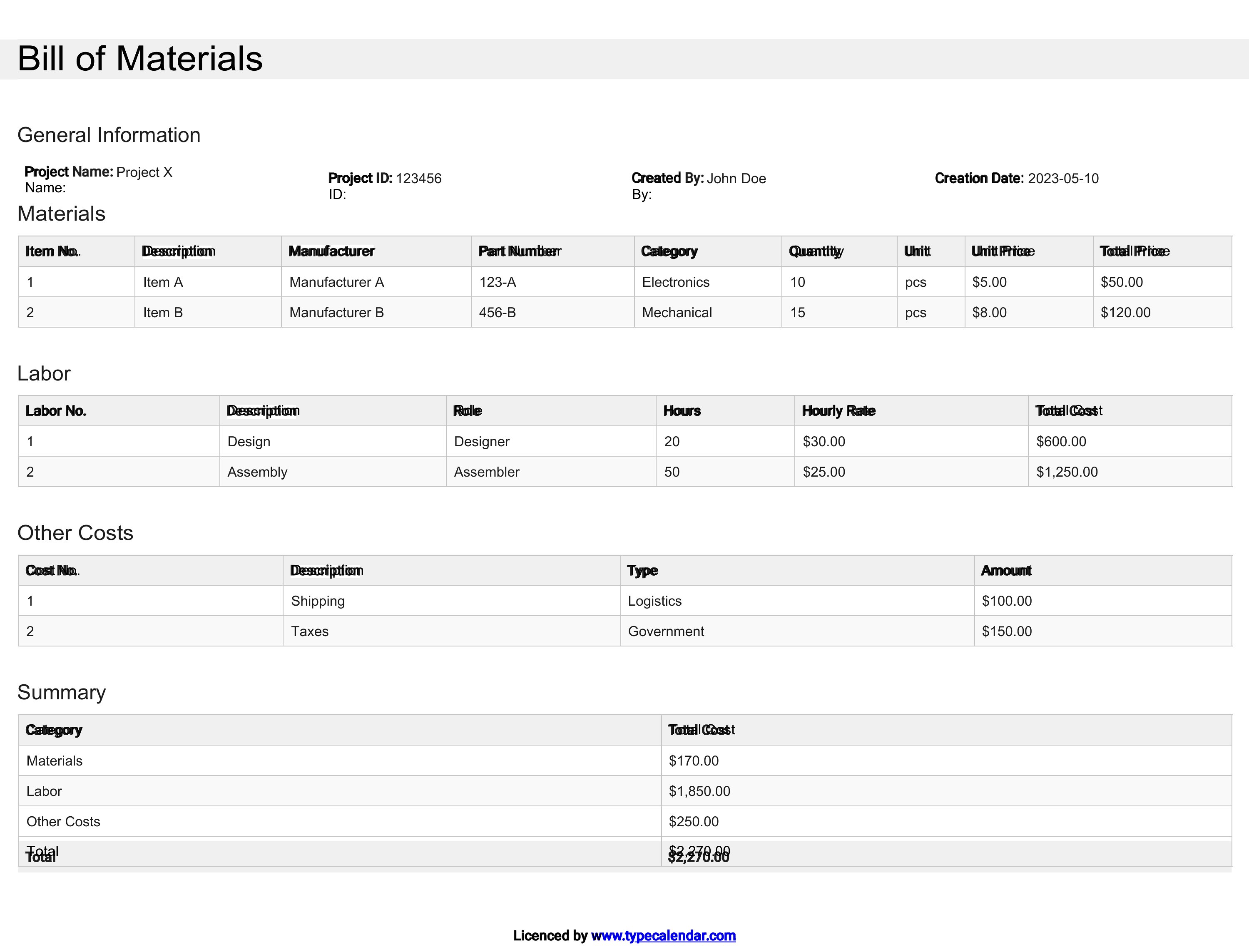
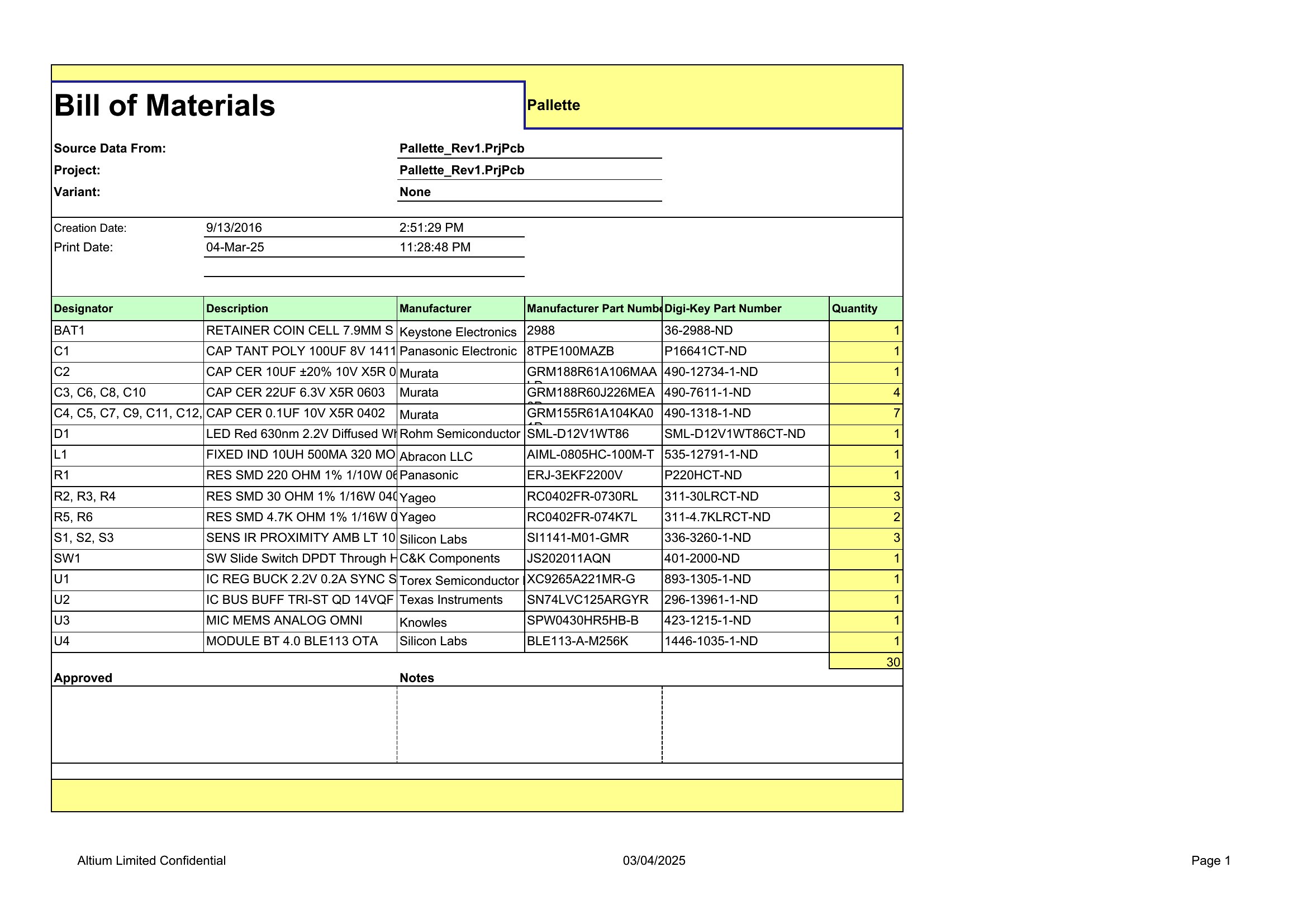
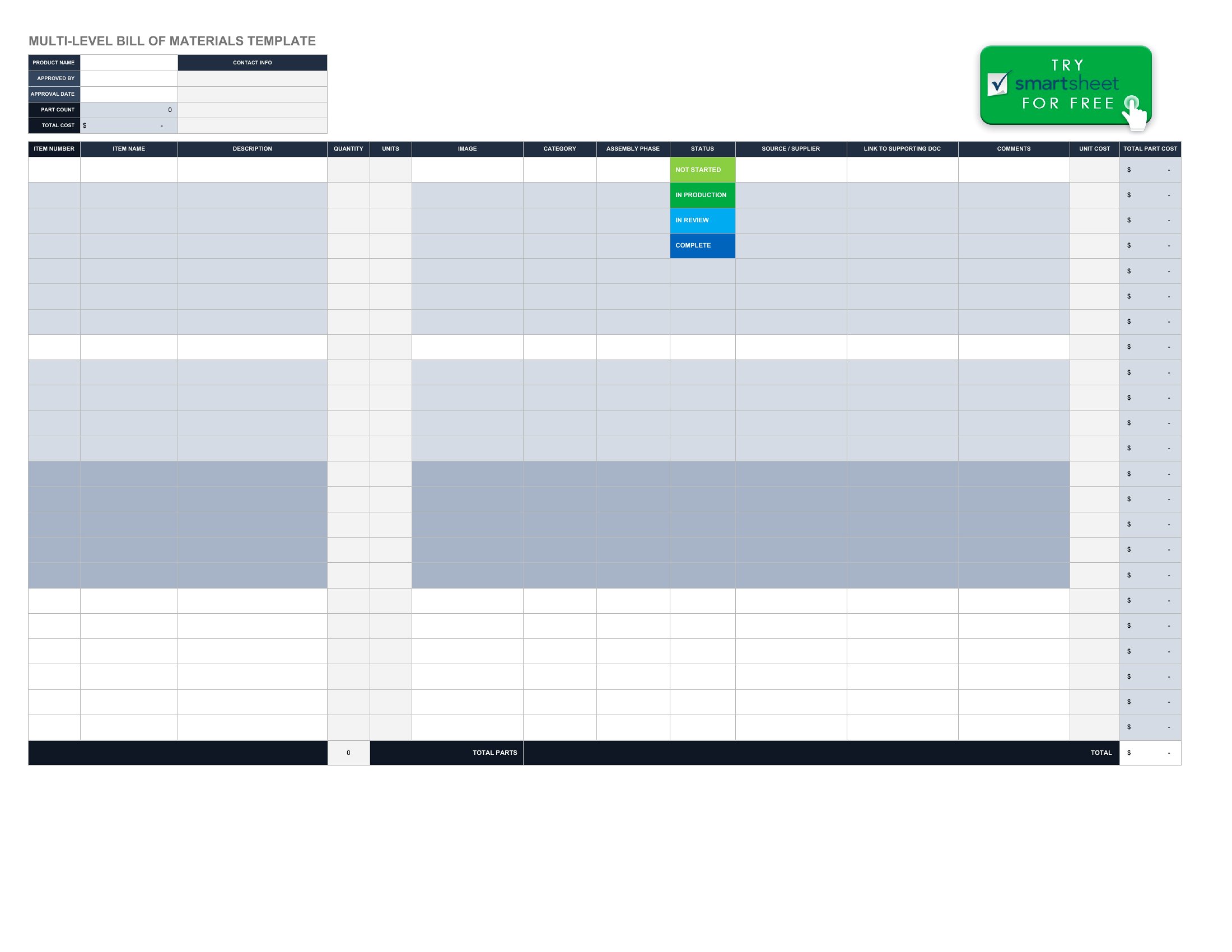
Most templates in this collection allow you to nest sub-assemblies under parent components by indenting rows or using hierarchical levels. In Excel, use drop-down lists for parent-child relationships, while Word lets you group sections with heading styles for clarity. Start with the highest-level assembly and drill down to individual parts.
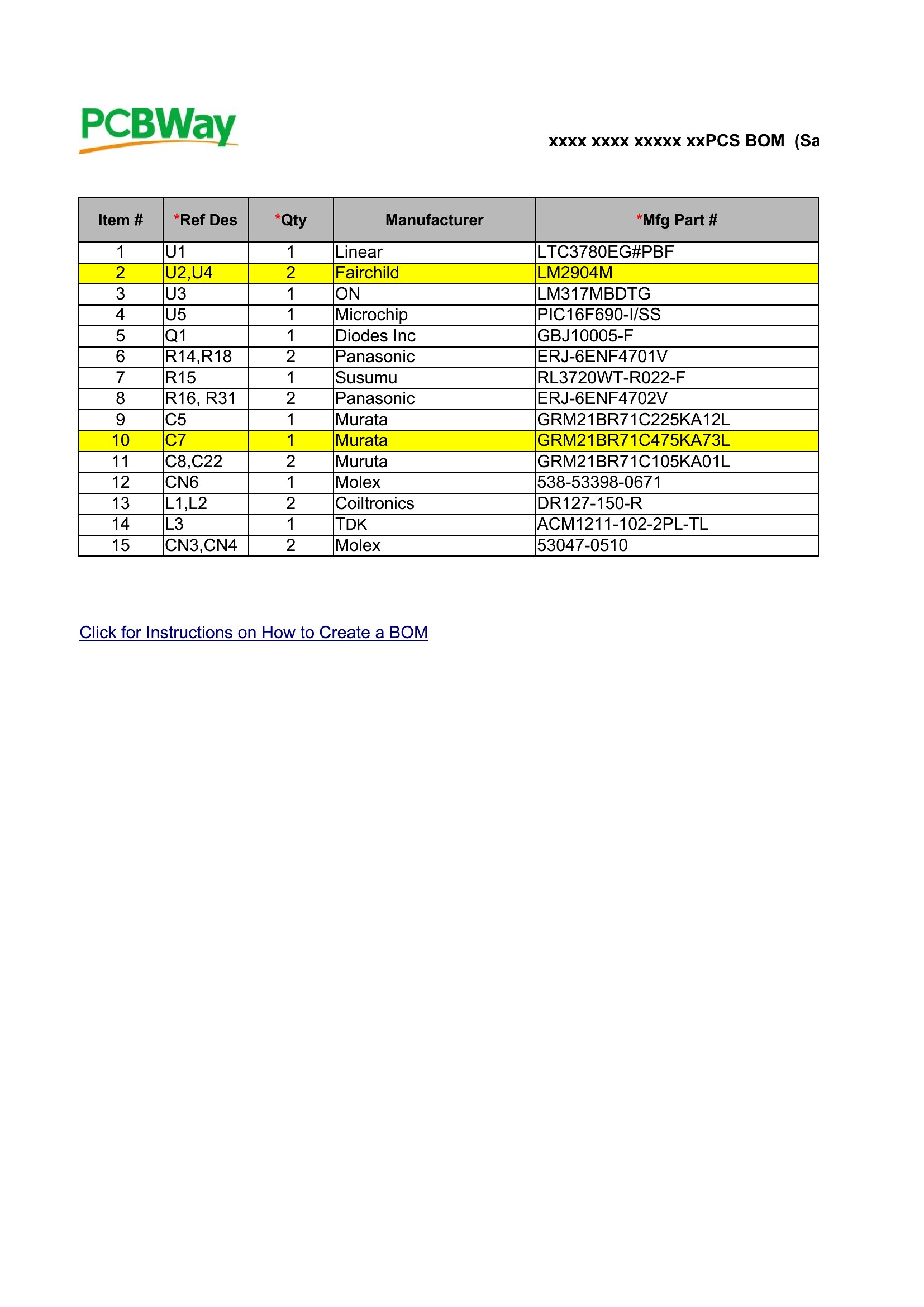
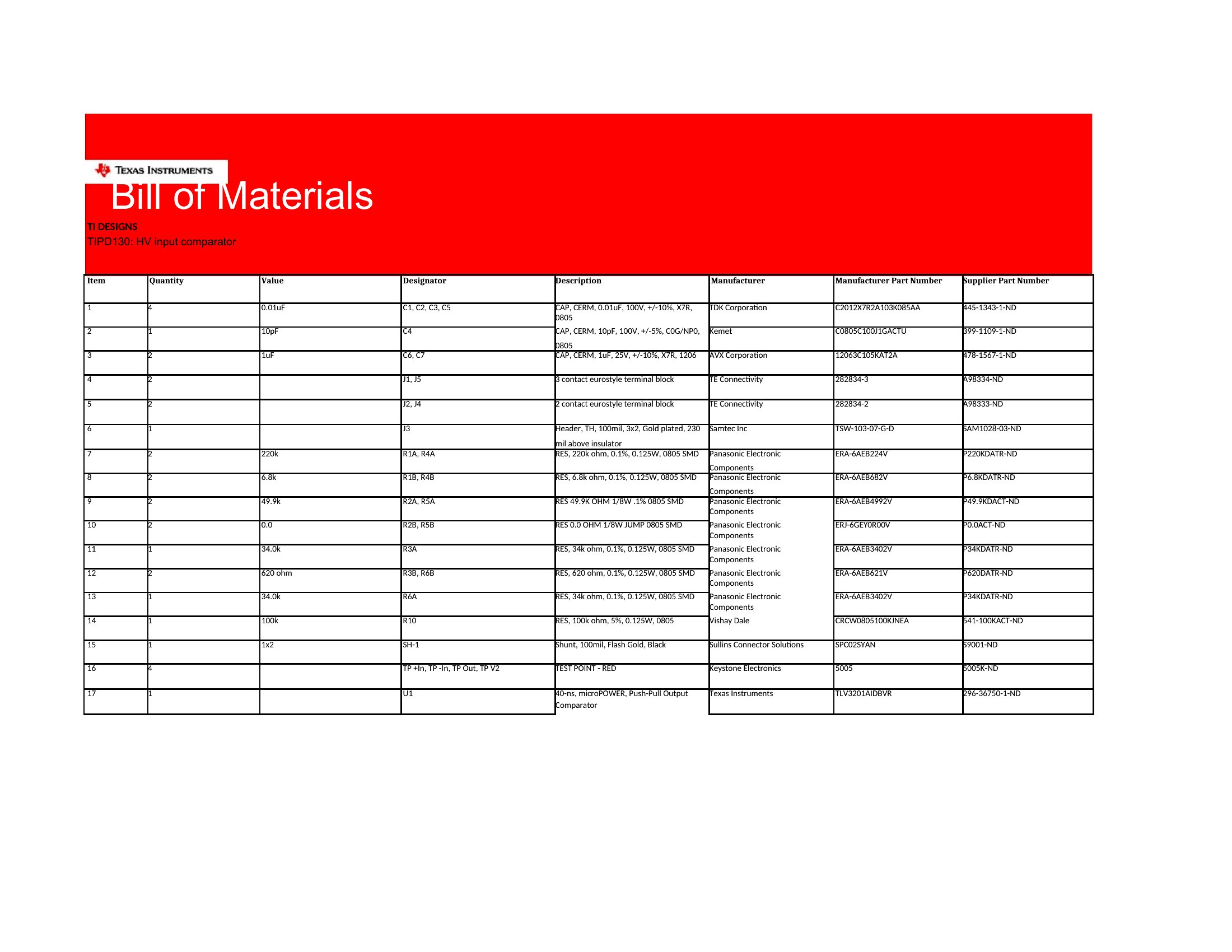
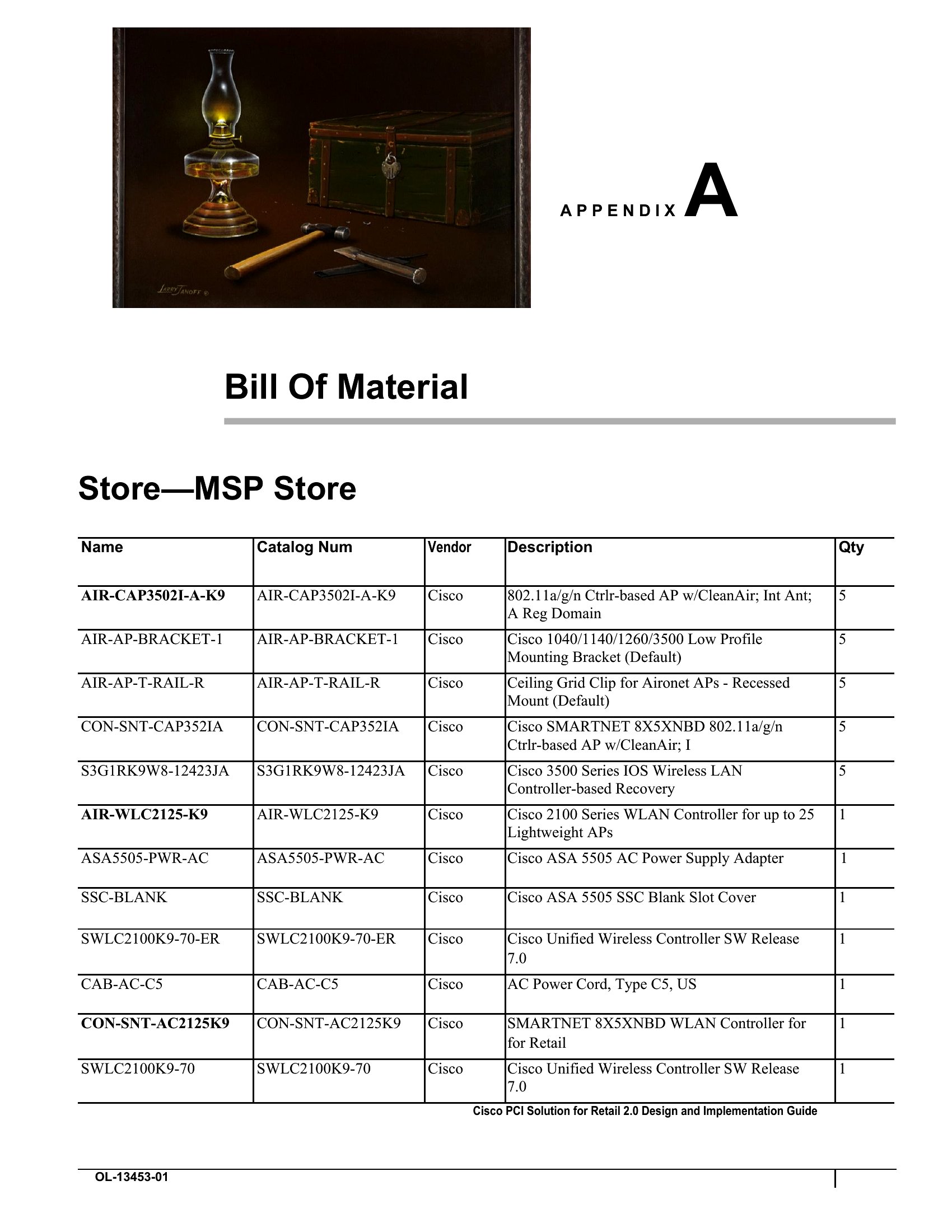
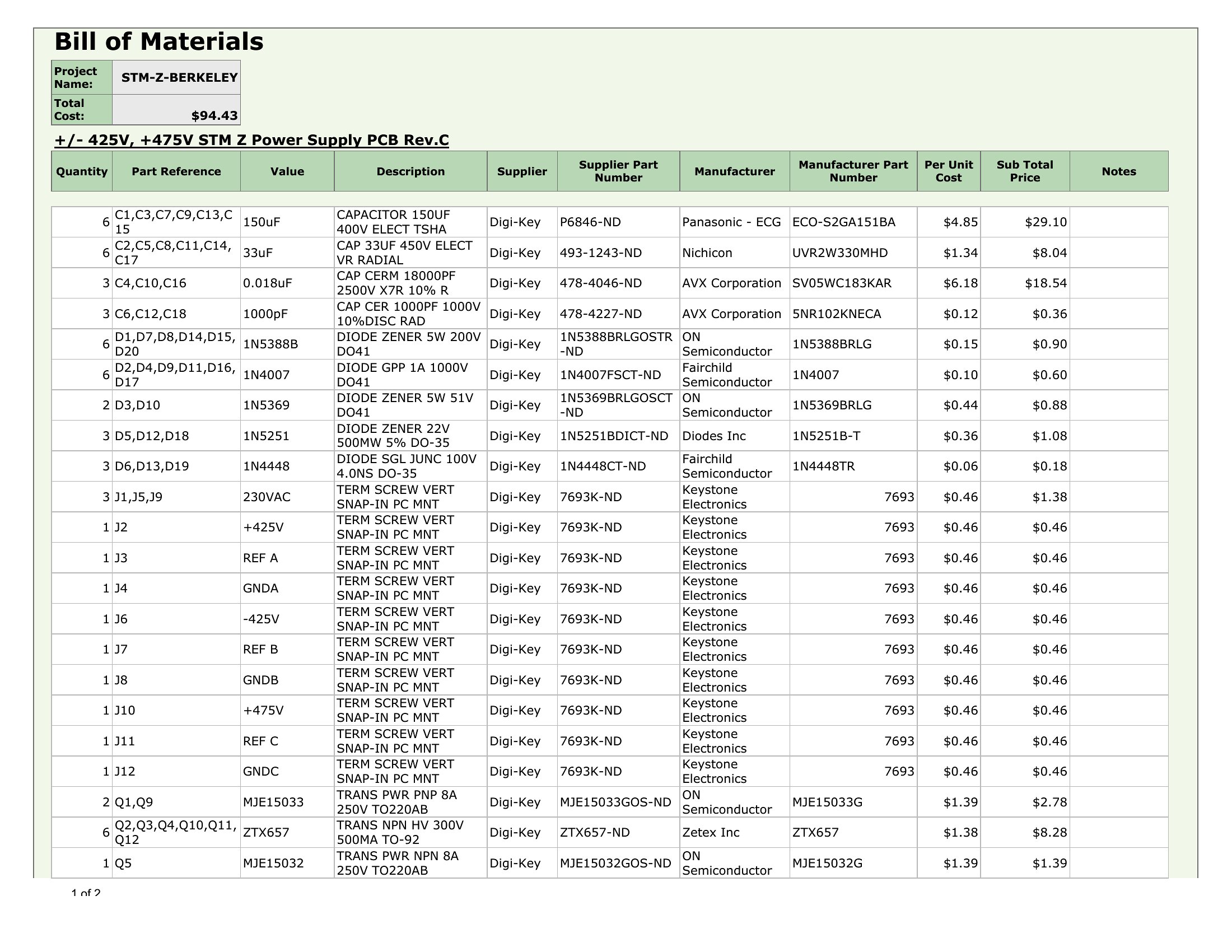
Can I link supplier data directly to part numbers for automatic updates?
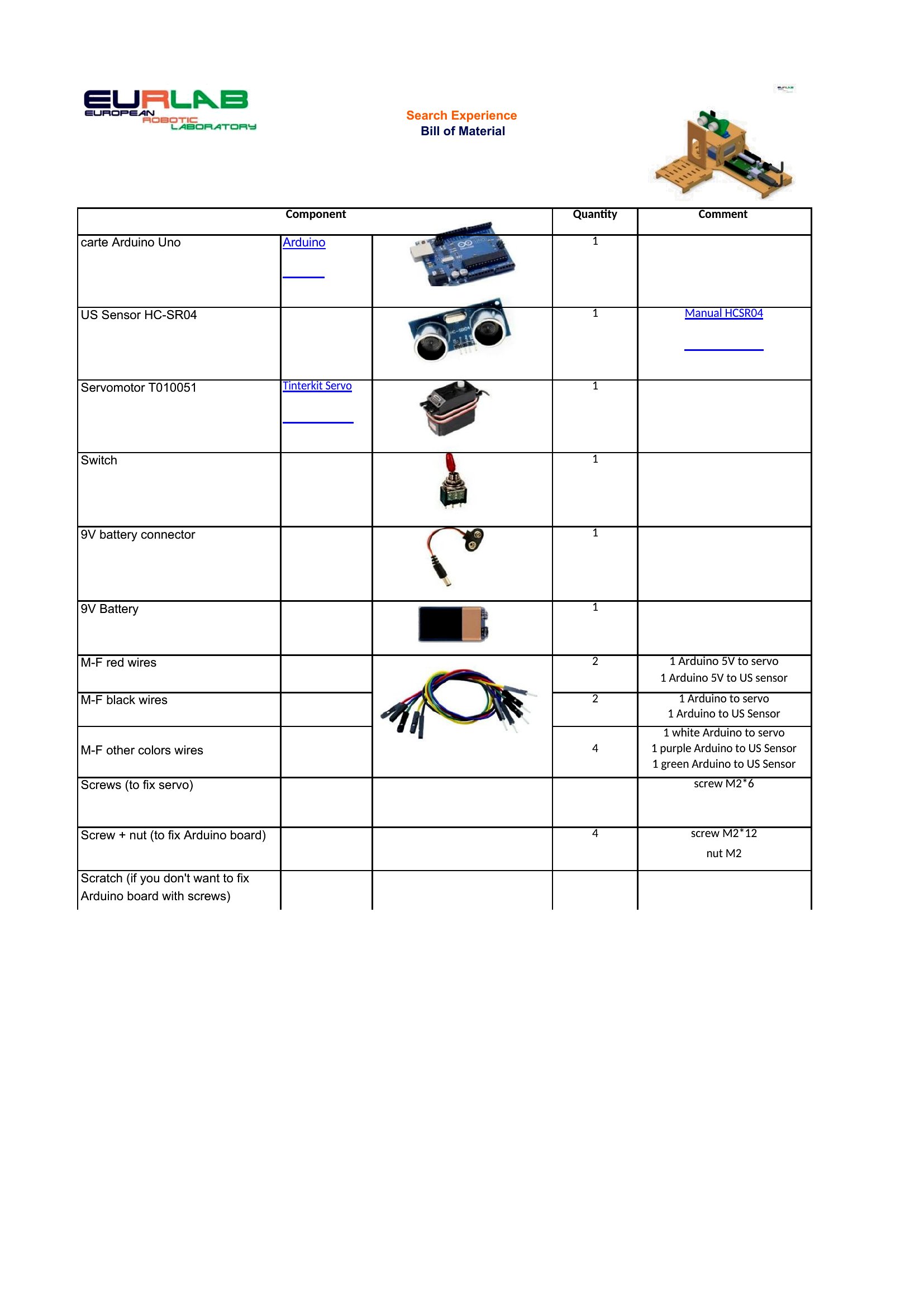
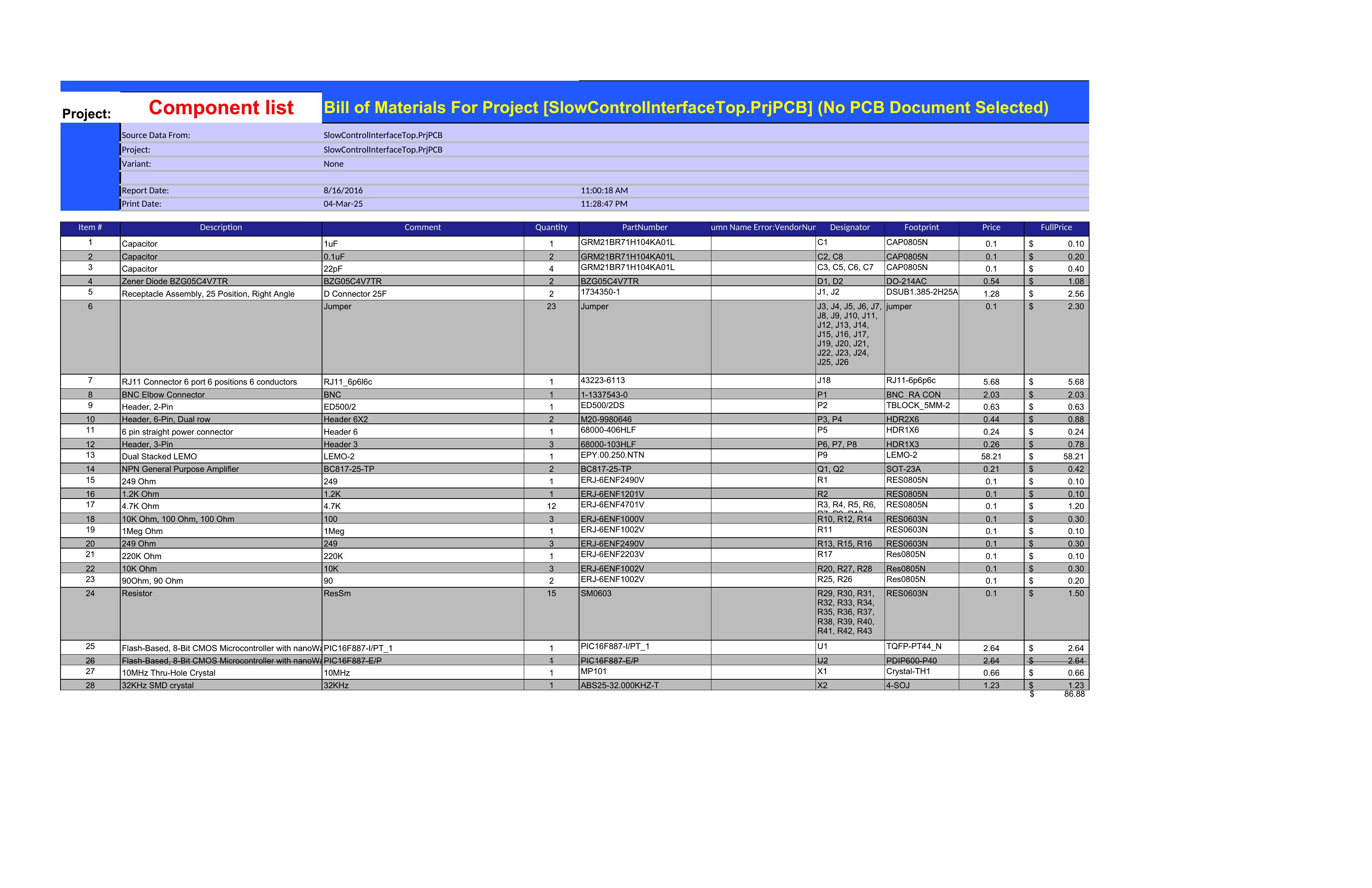
Excel templates are designed for this—add a column for supplier names or contact info, then use Excel’s VLOOKUP or INDEX-MATCH functions to pull pricing or lead times dynamically. Word doesn’t support live data links, but you can paste supplier details into a table and update them manually for documentation purposes.
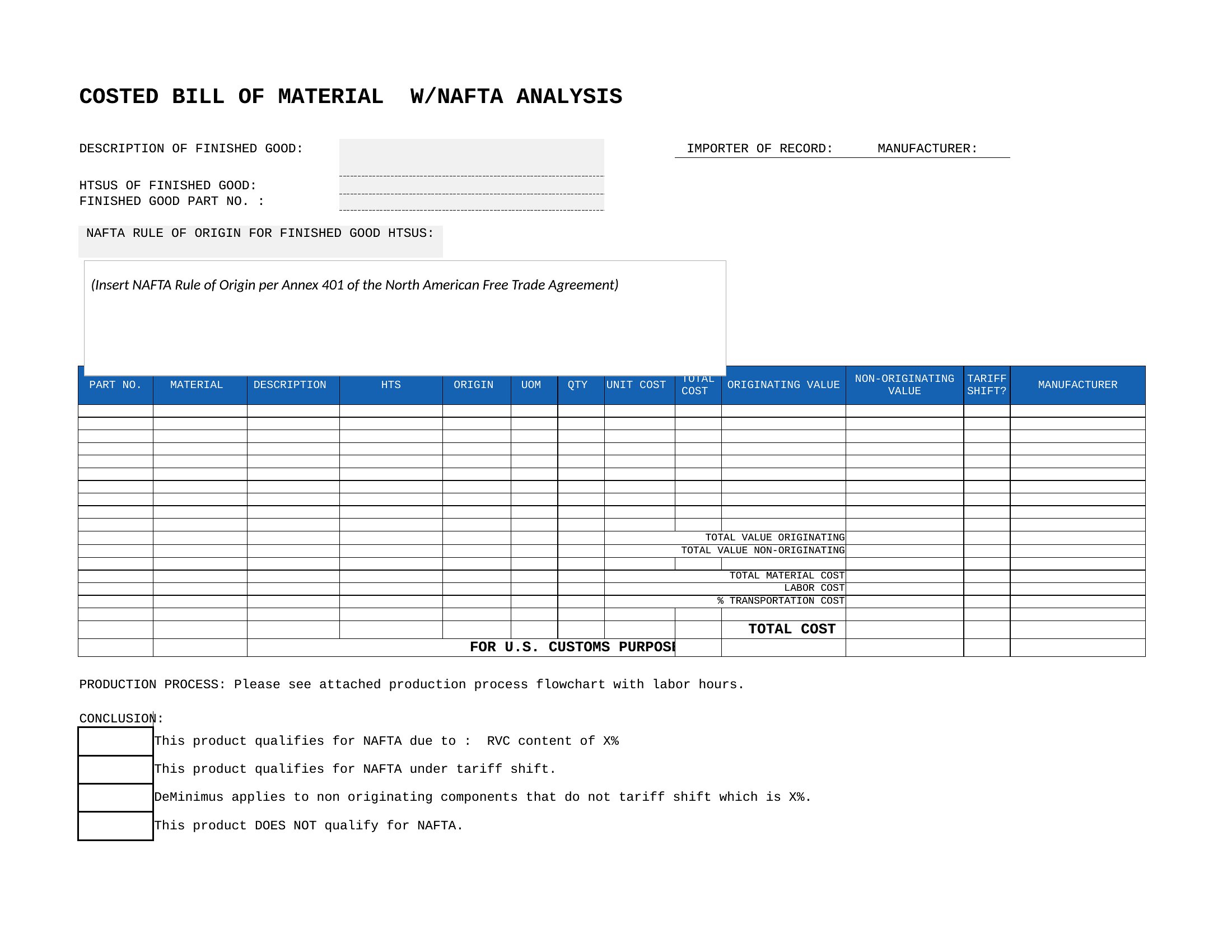
What’s the best way to track version changes in a bill of materials?
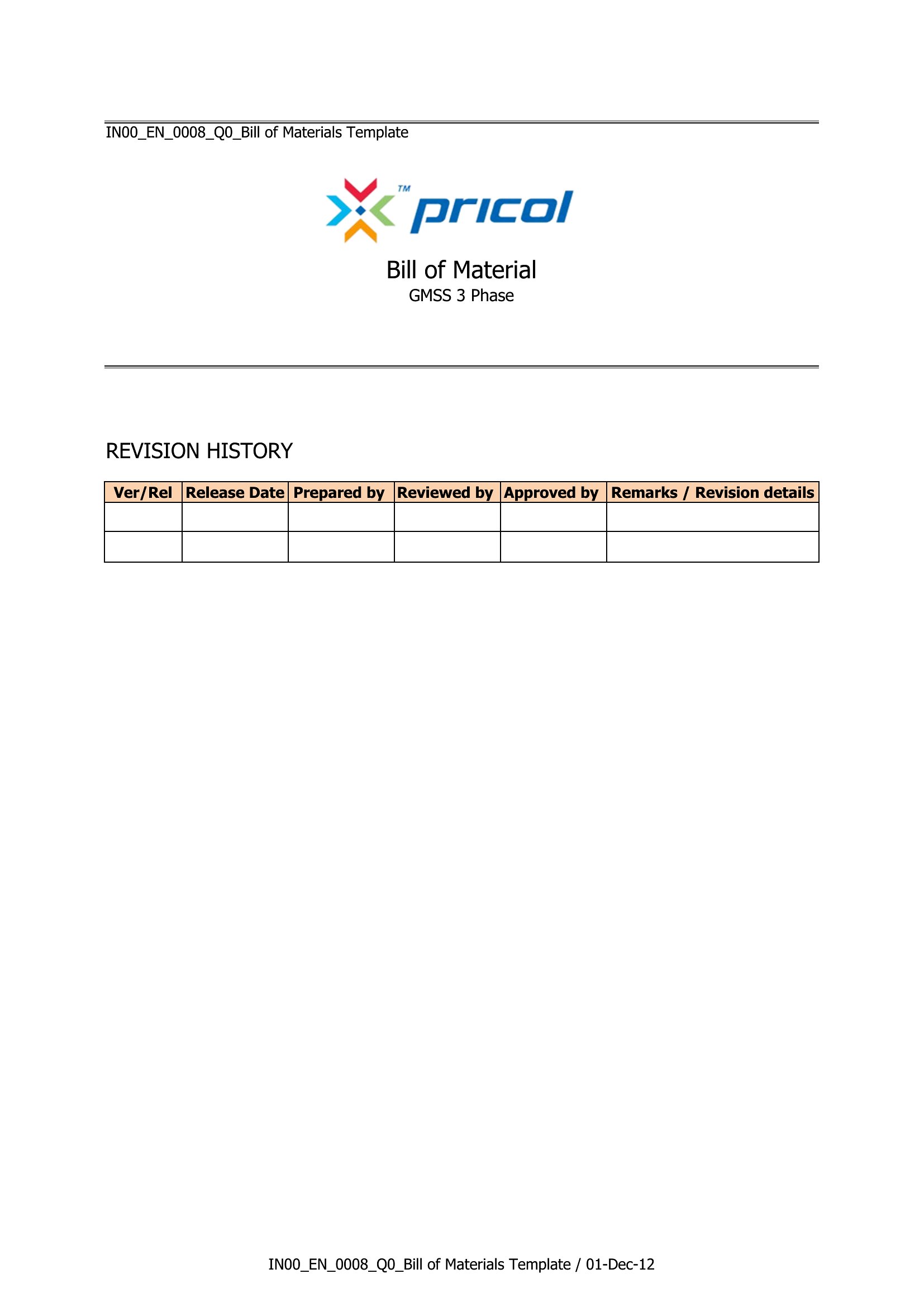
Add a ‘Revision History’ section at the top of your Word template with columns for date, revision number, and changes made. For Excel, use a separate worksheet labeled ‘Version Log’ to timestamp edits. This helps teams compare iterations, especially when parts or costs change between product runs.
Comments
Join the conversation
Sign in to share your thoughts and leave a comment on this resource.