Skip to content
50% off this one-time $1.99 pack with HALFOFF — or unlimited with Pro.HALFOFF
Premium

Free Bill of Materials Templates (Word, Excel)
Data
fernandomolina by fernandomolina
Updated 0 downloads Quality-checked template

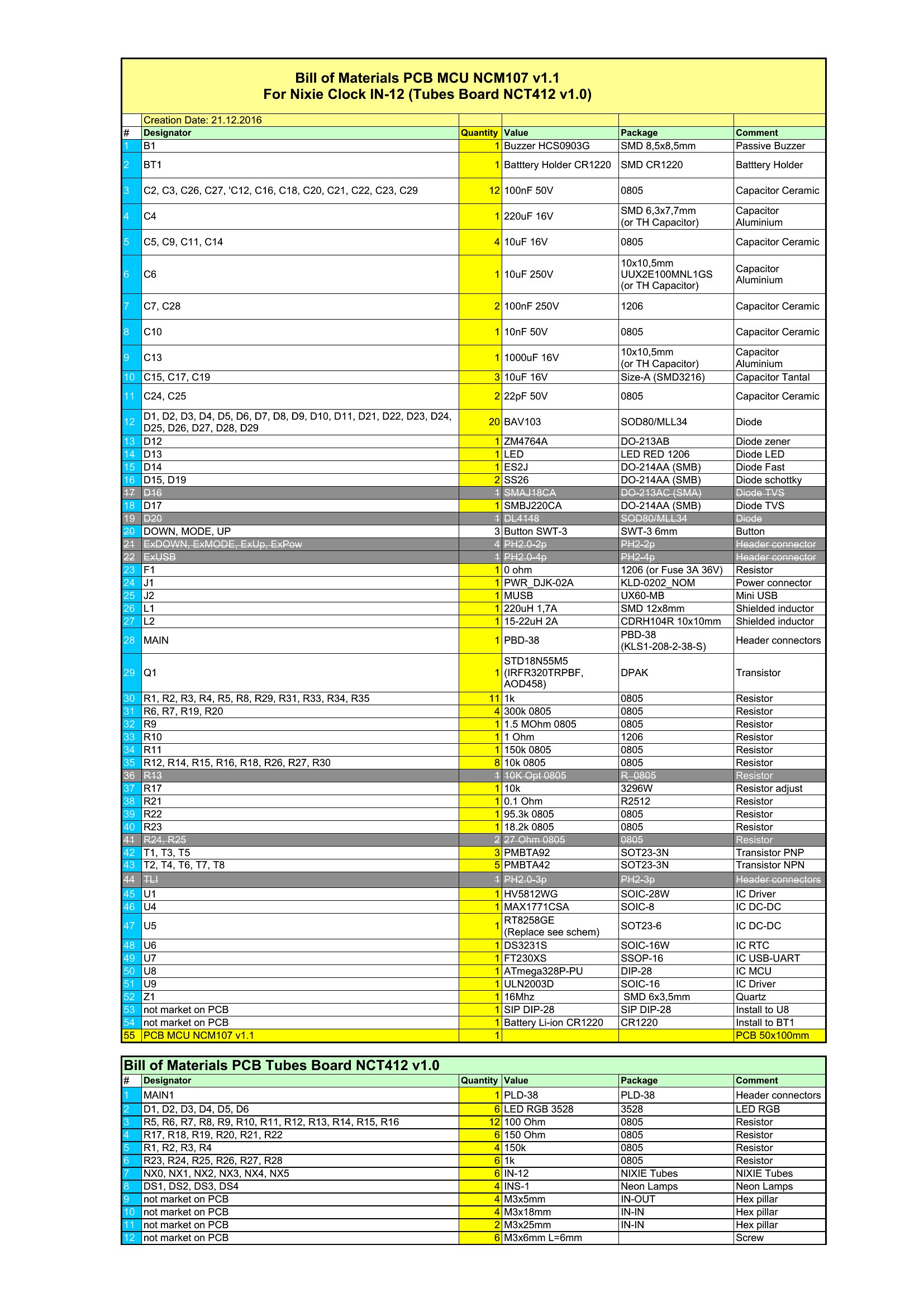
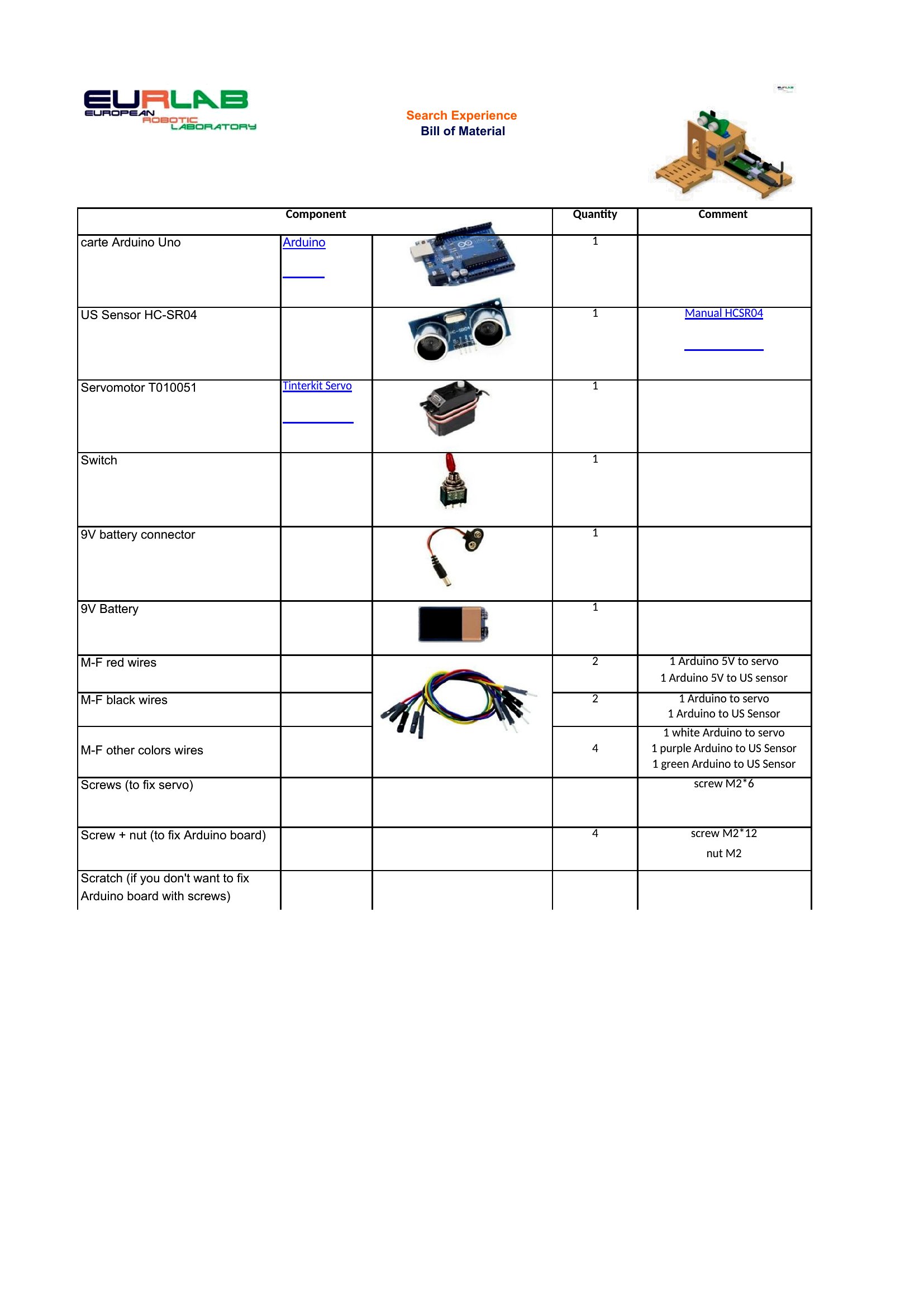
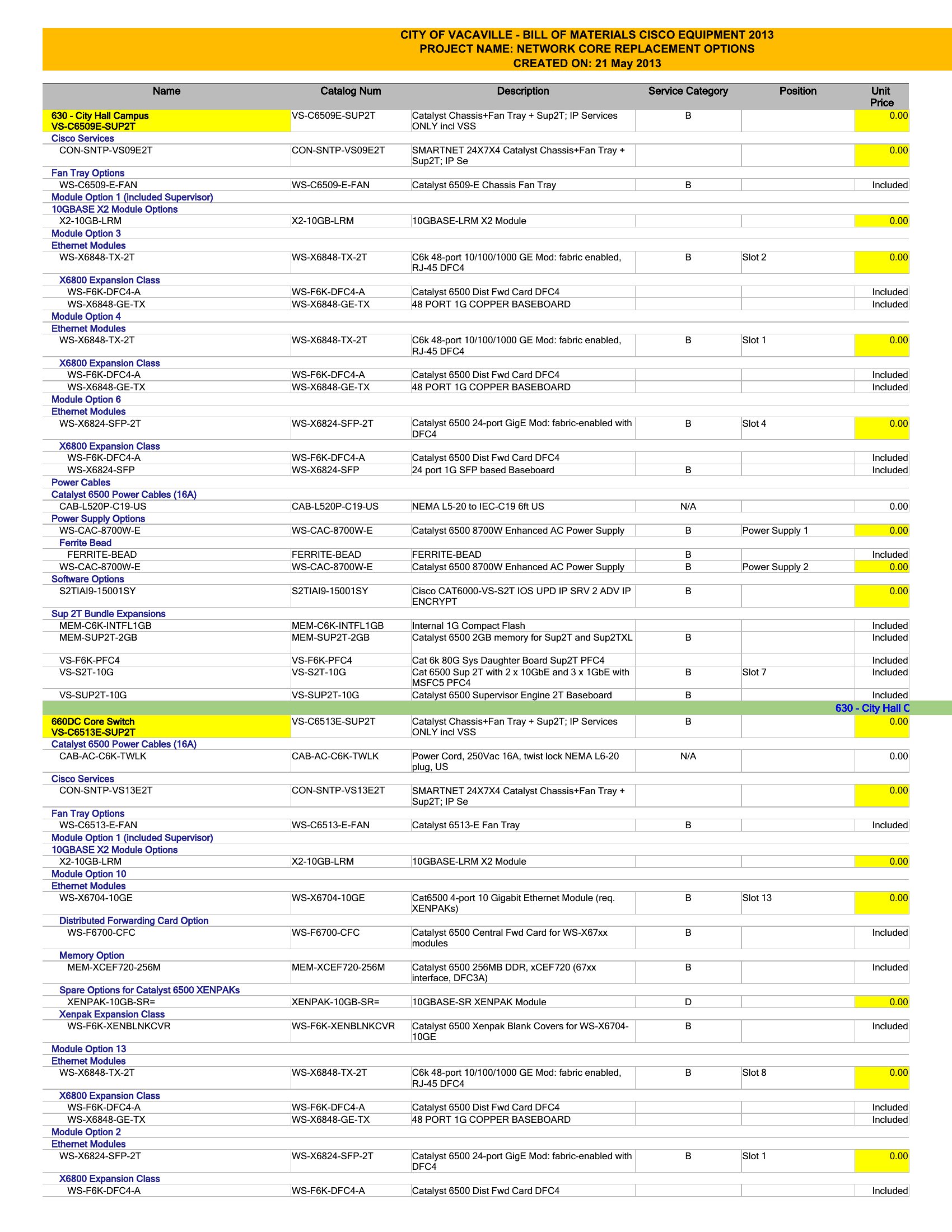
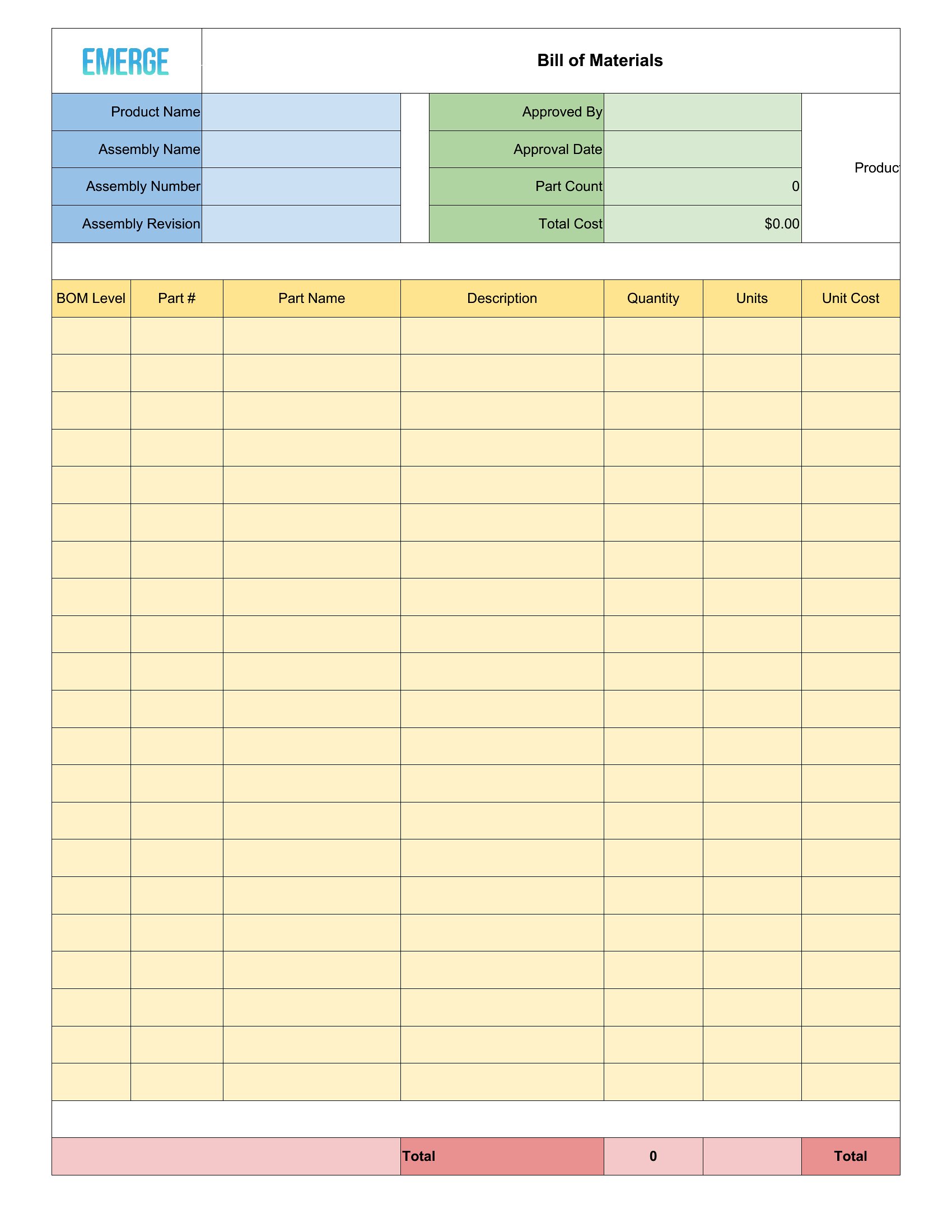
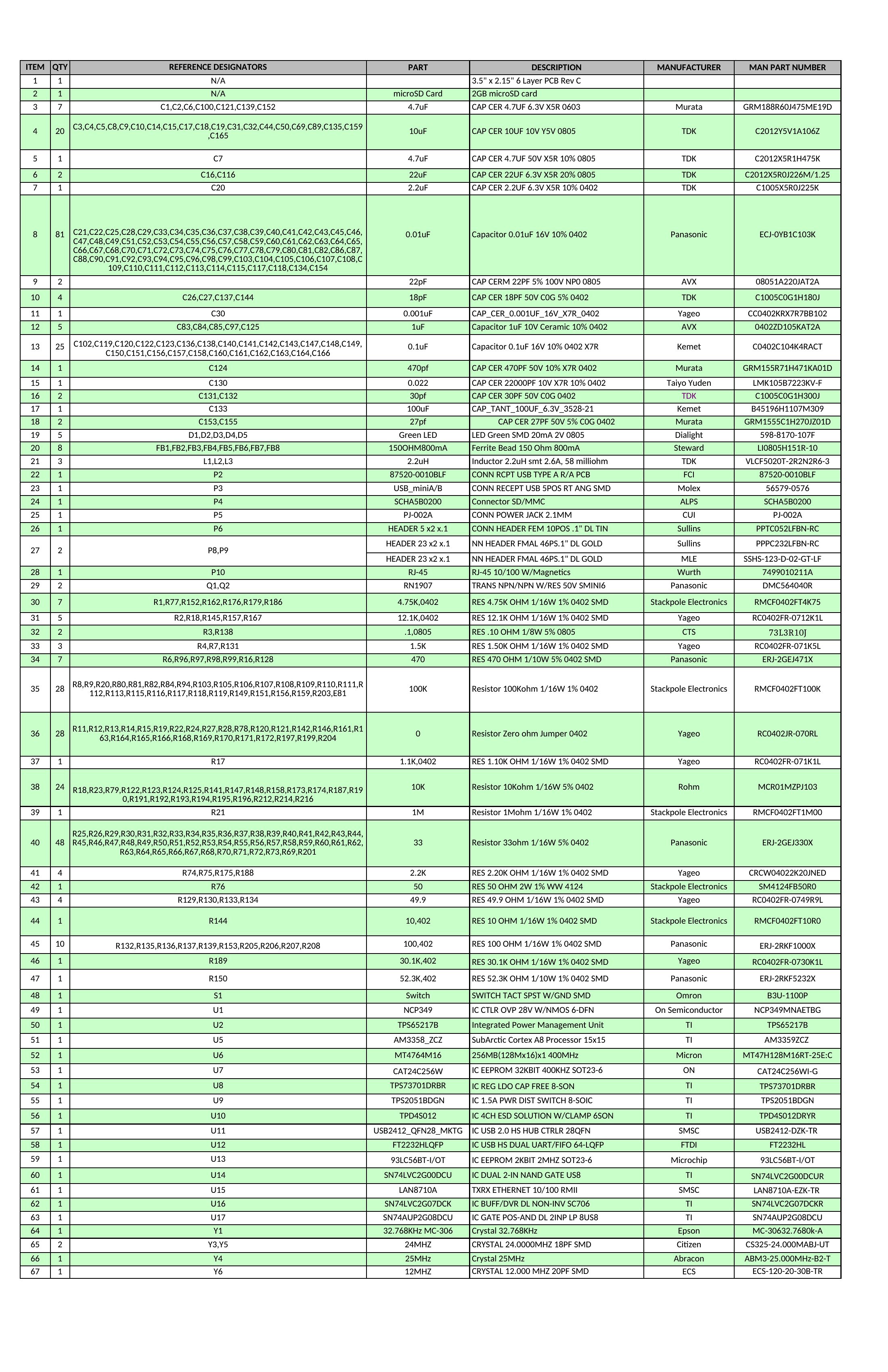
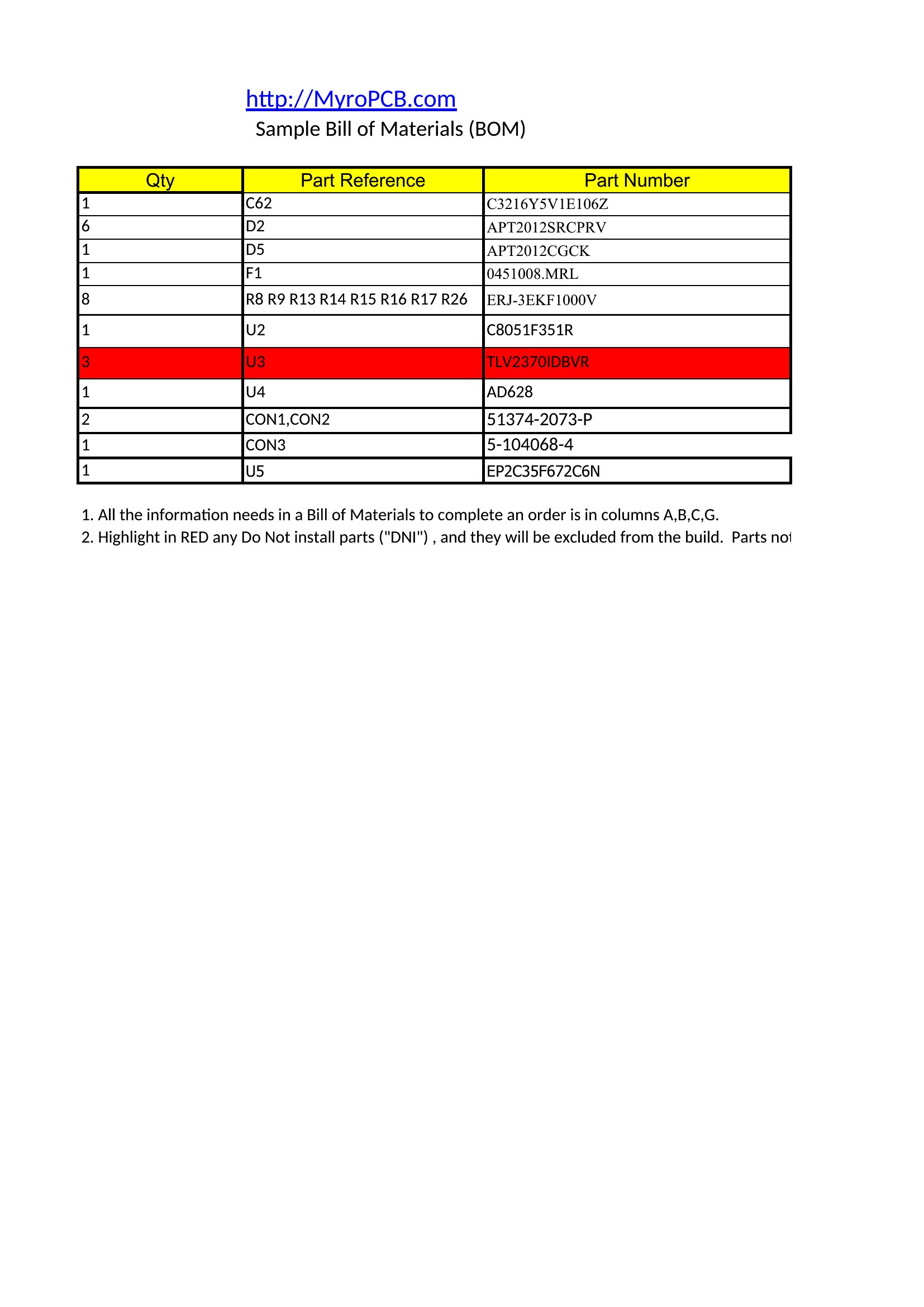
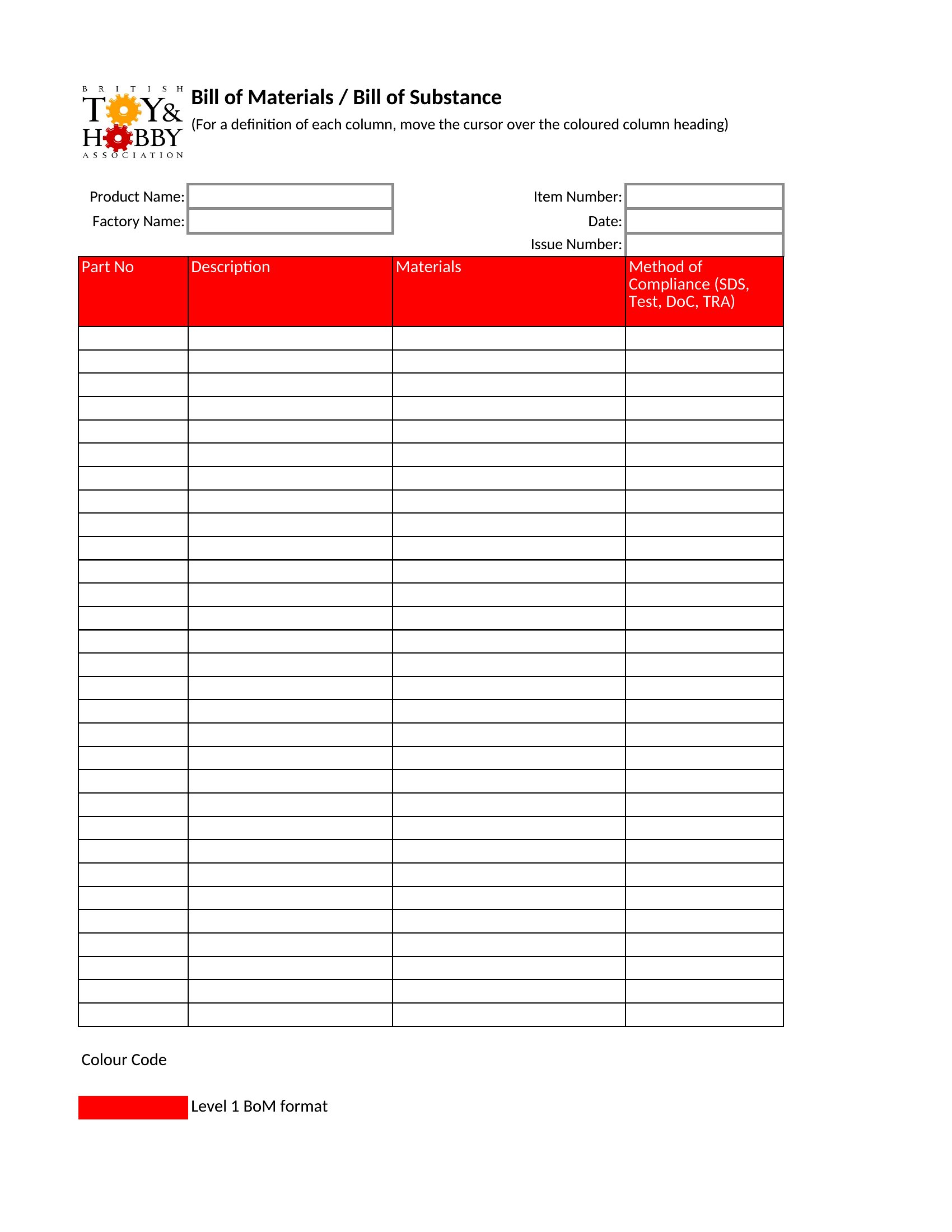
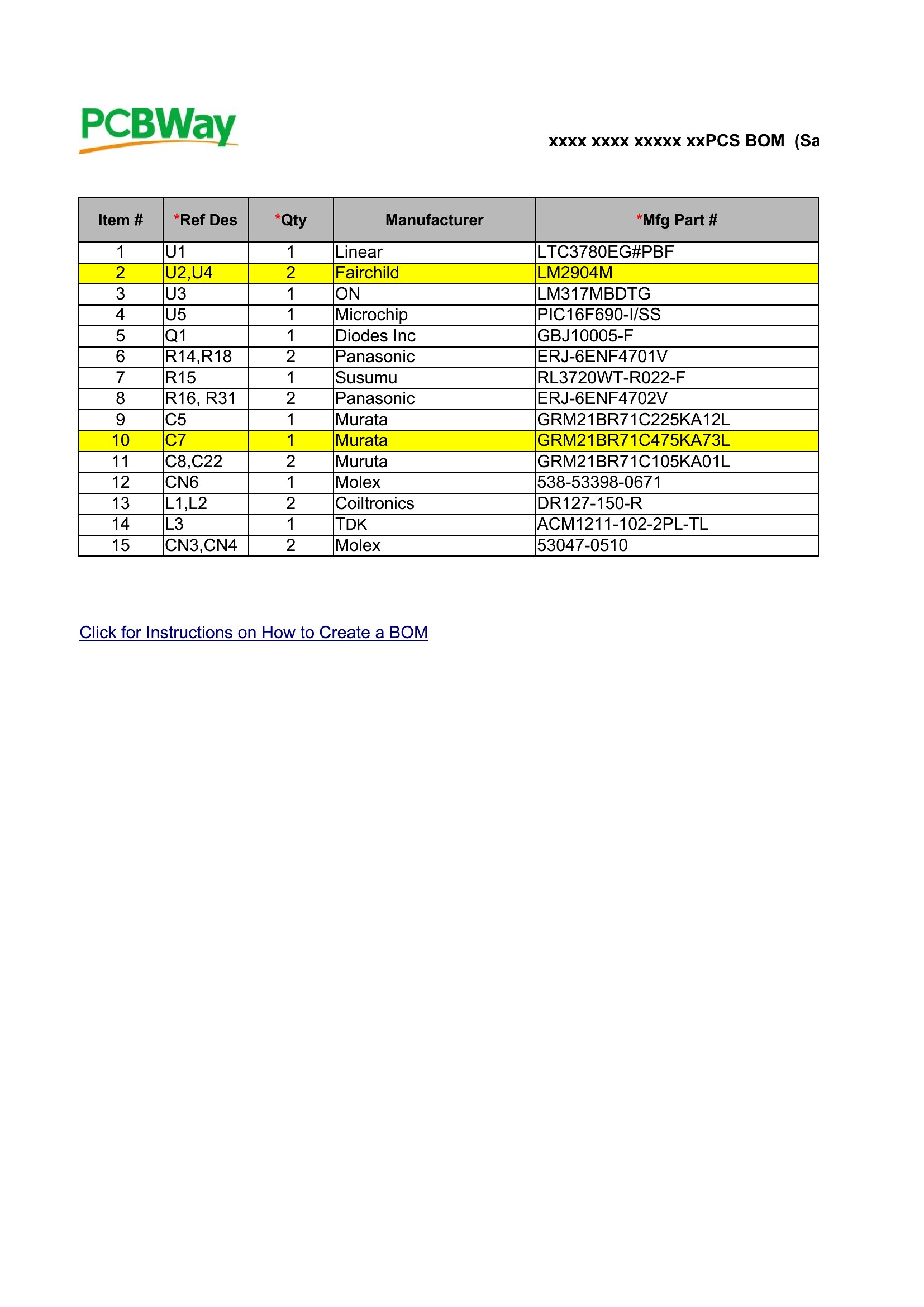
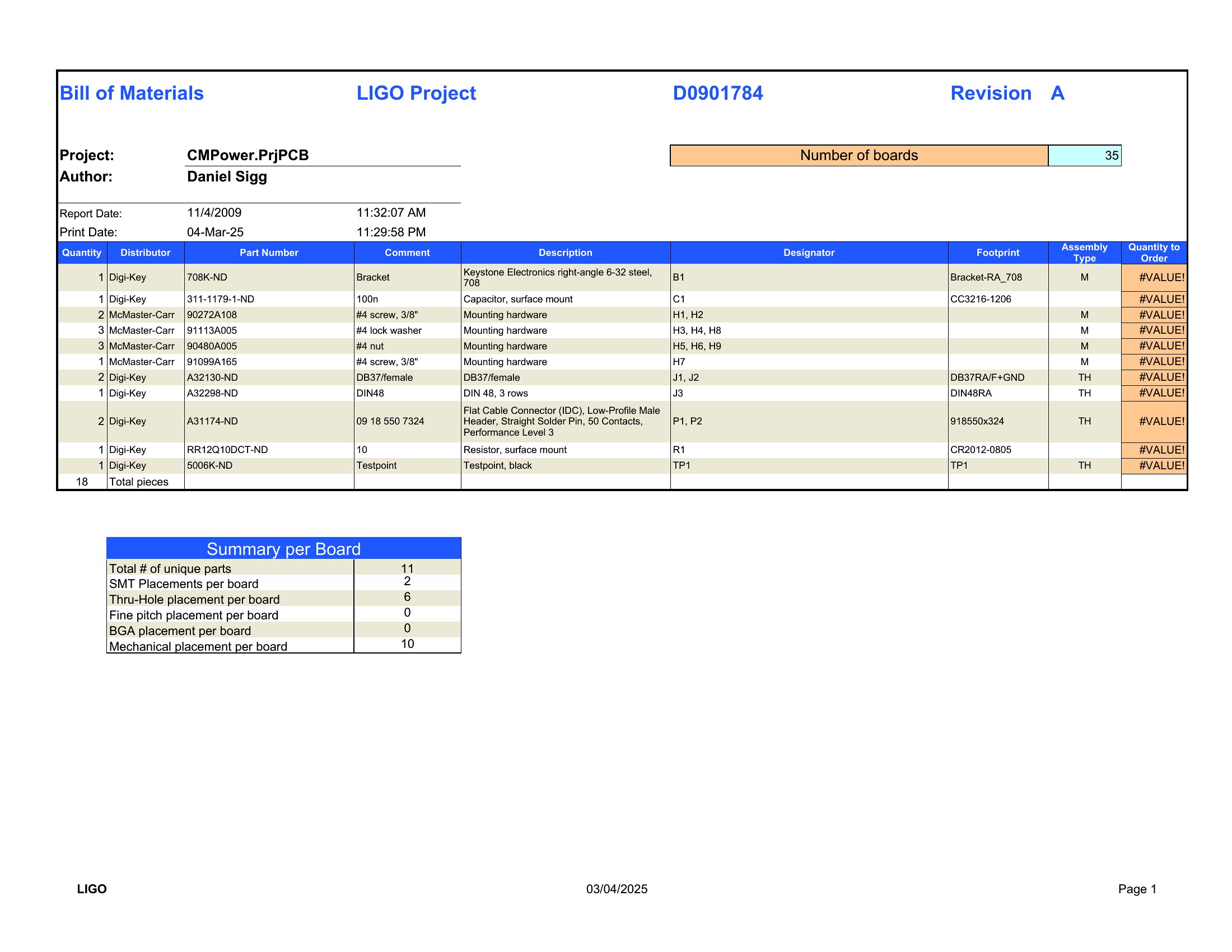
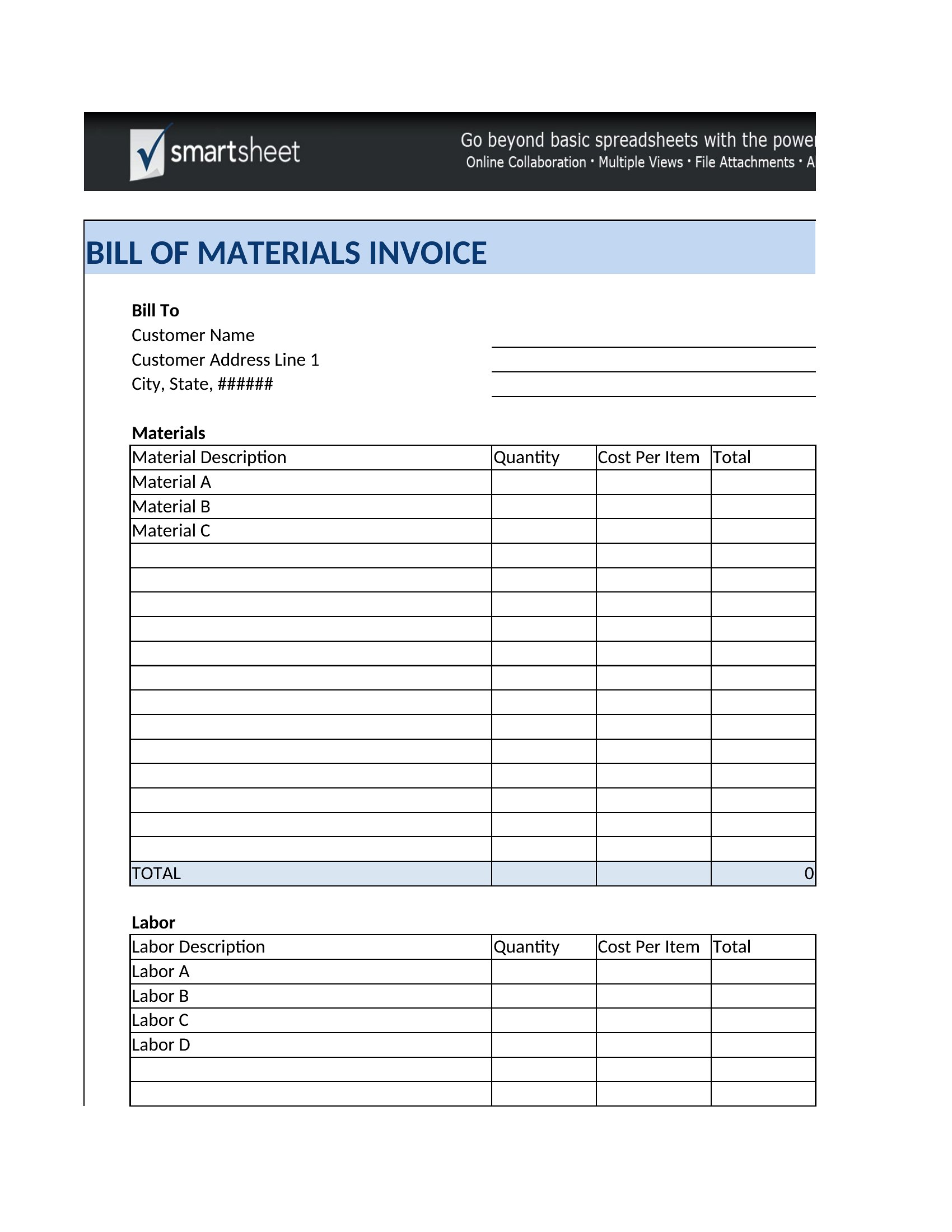
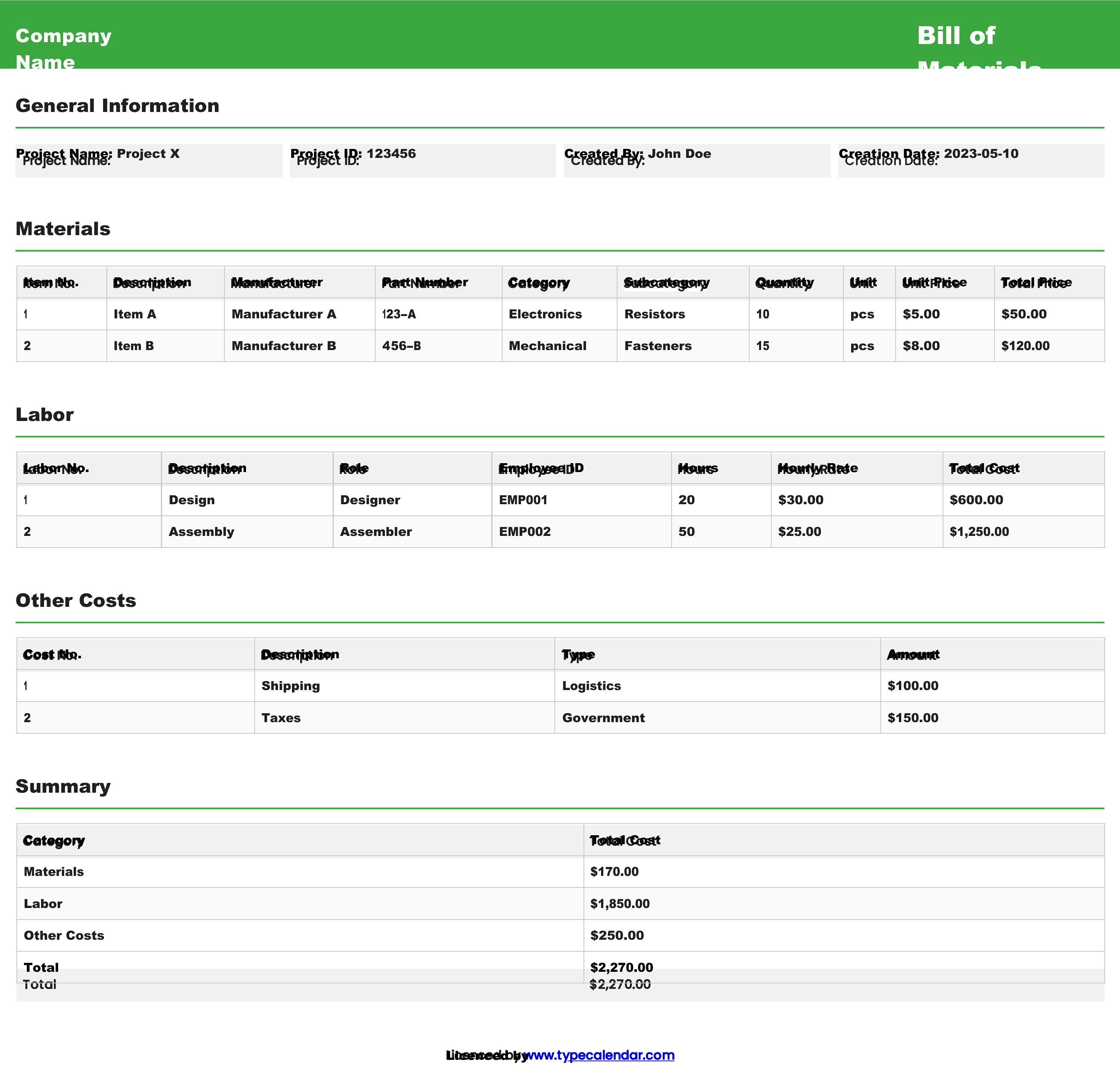
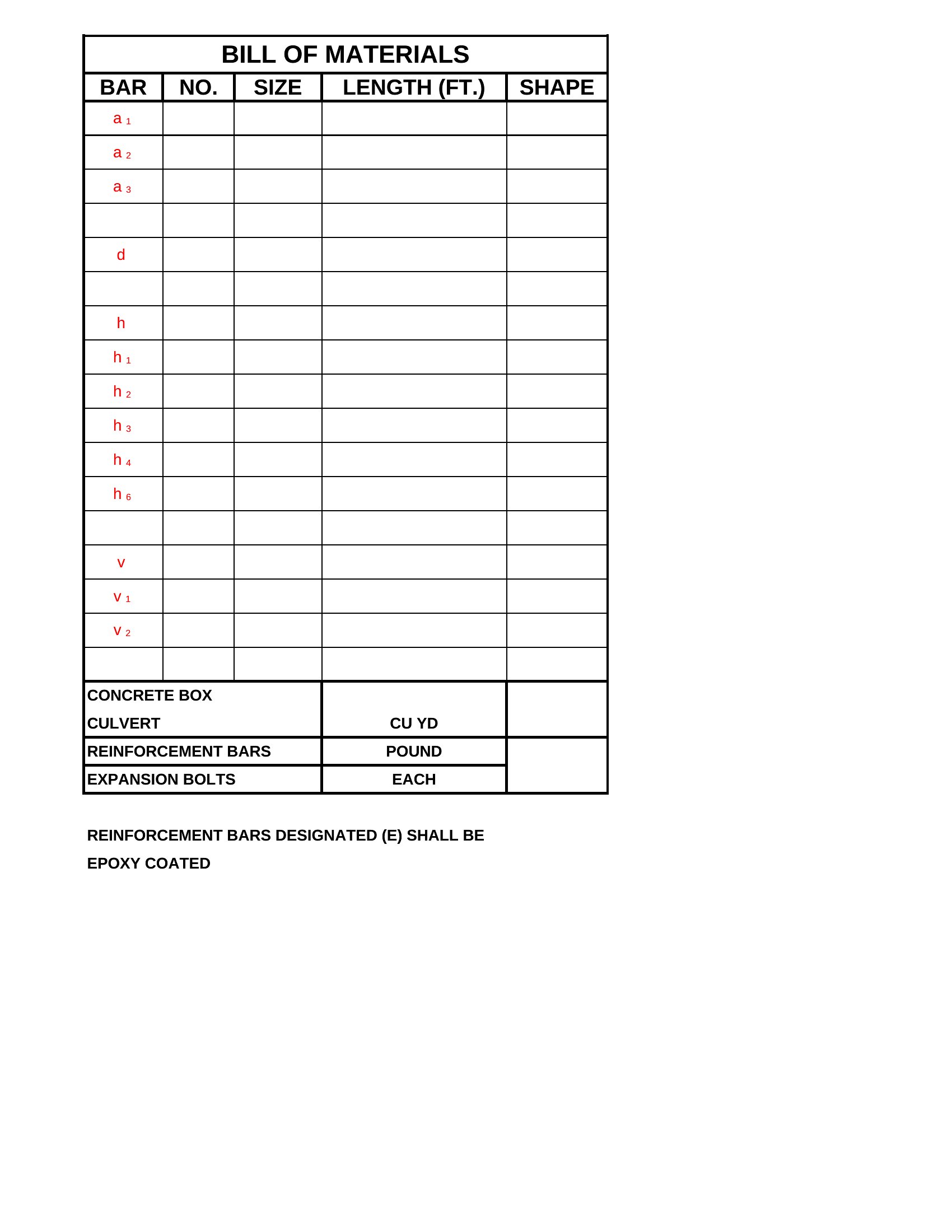
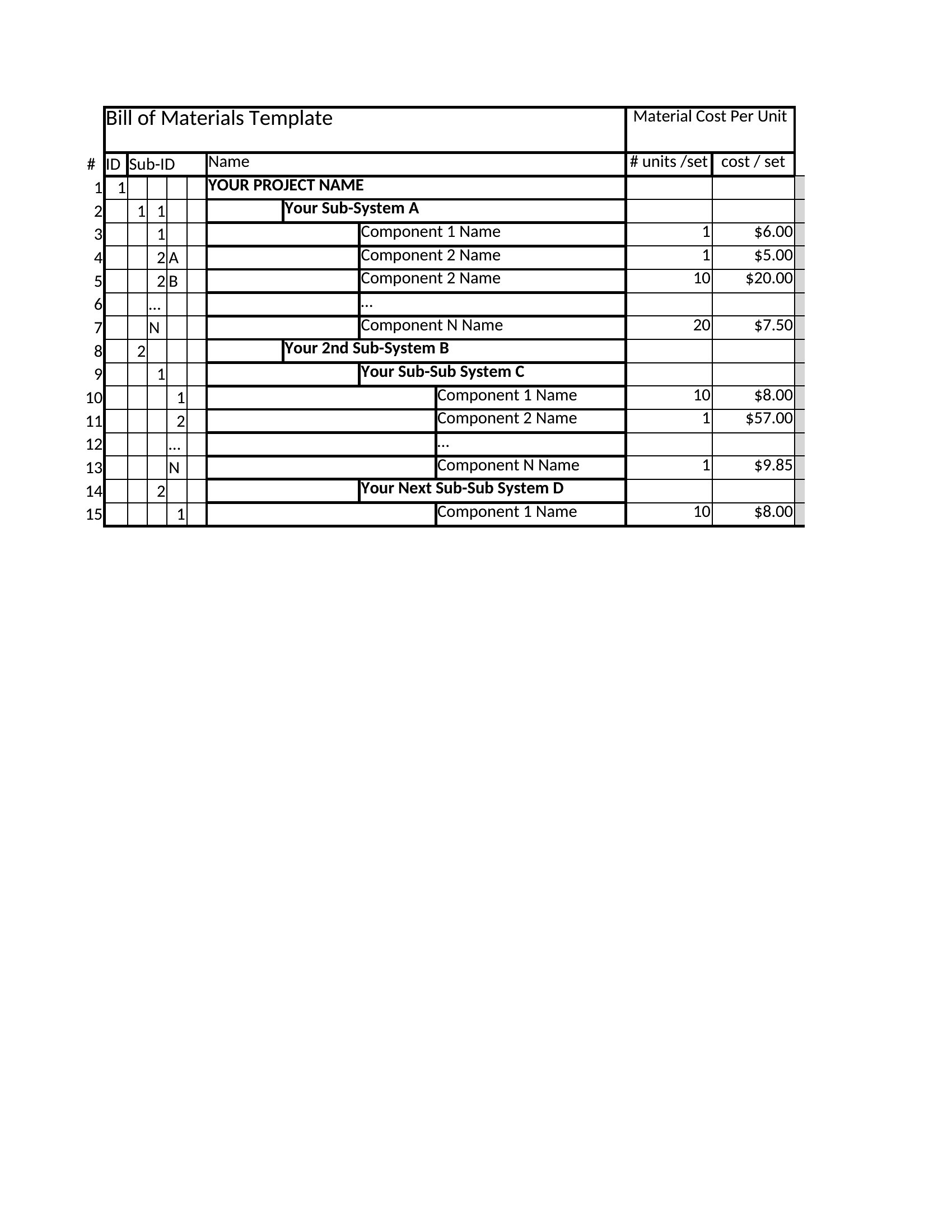
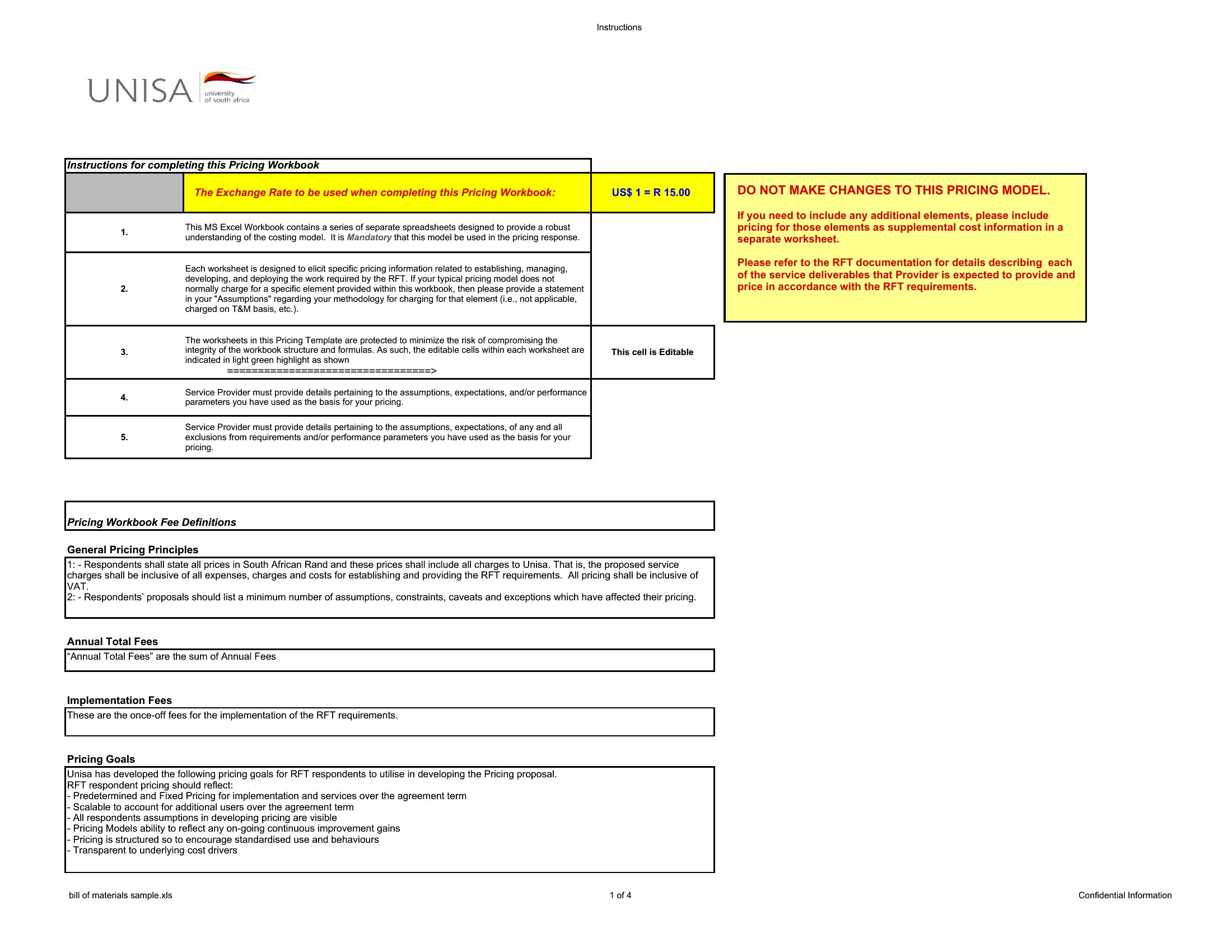
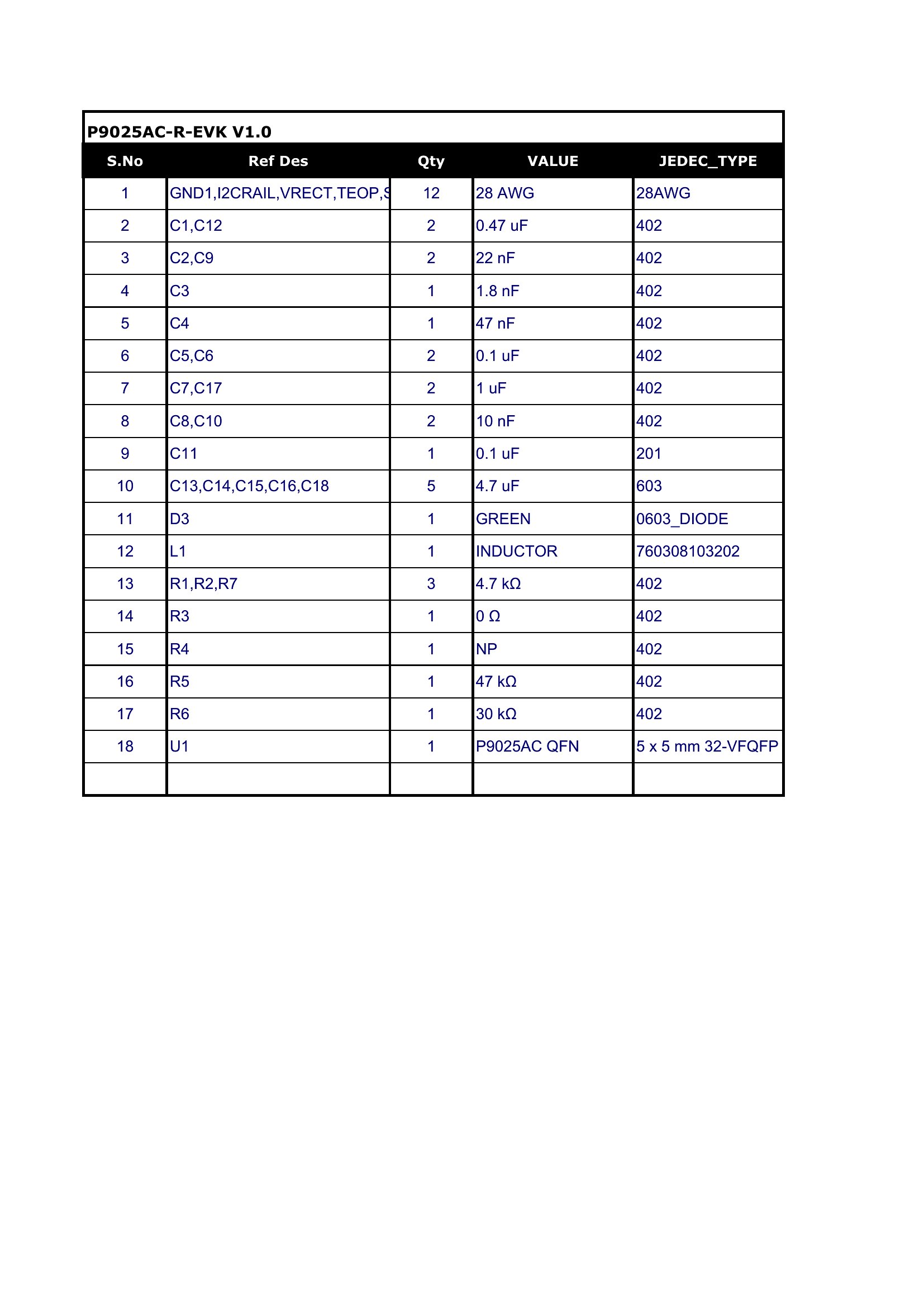
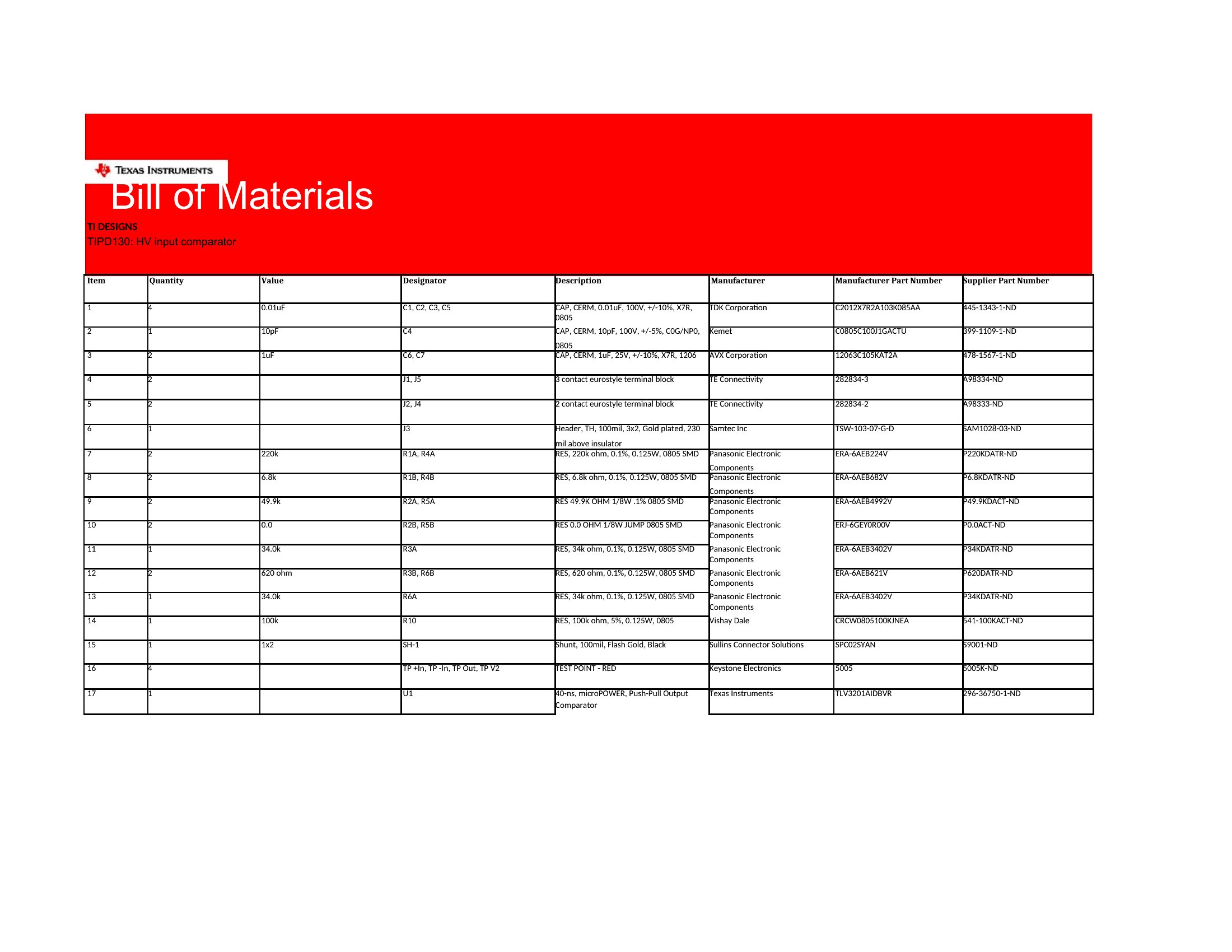
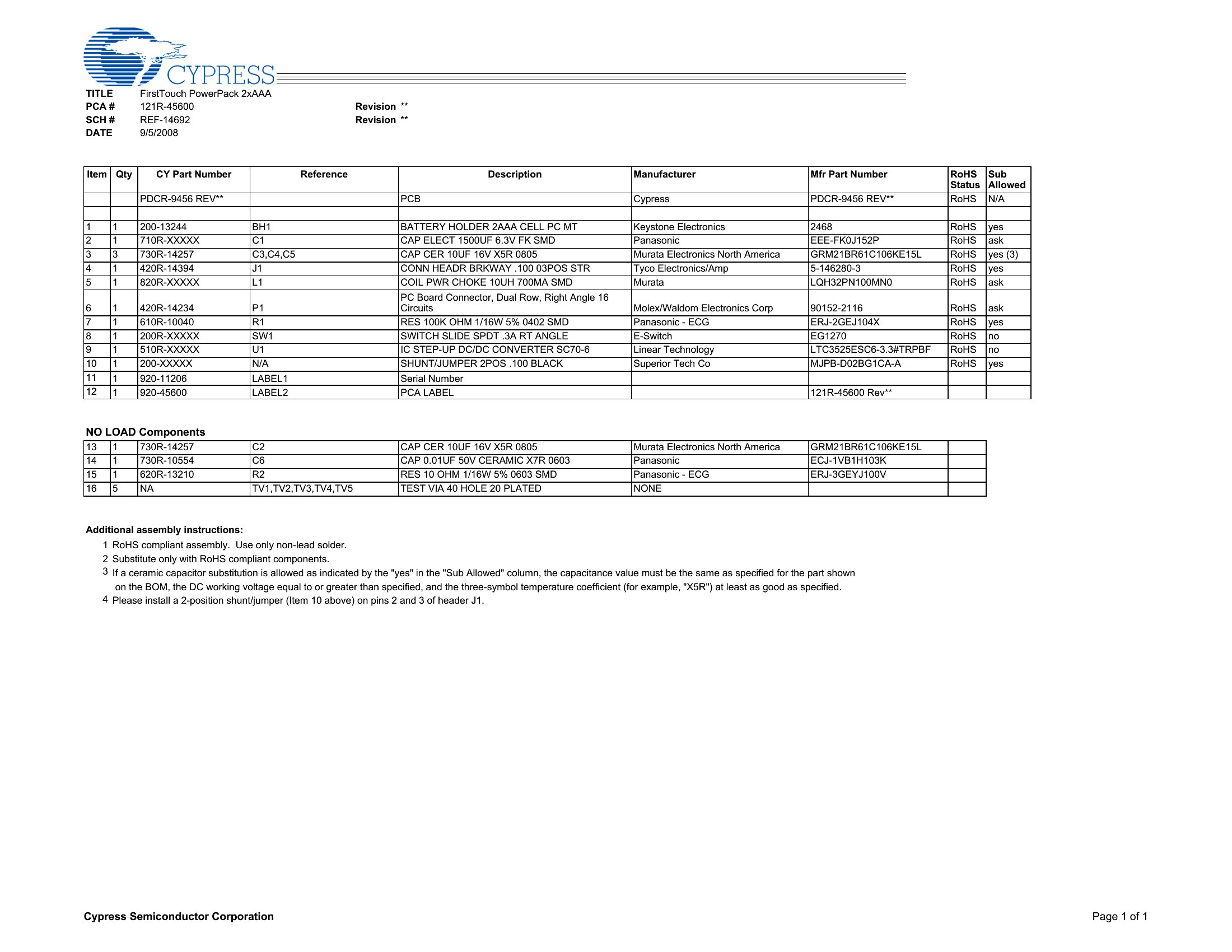
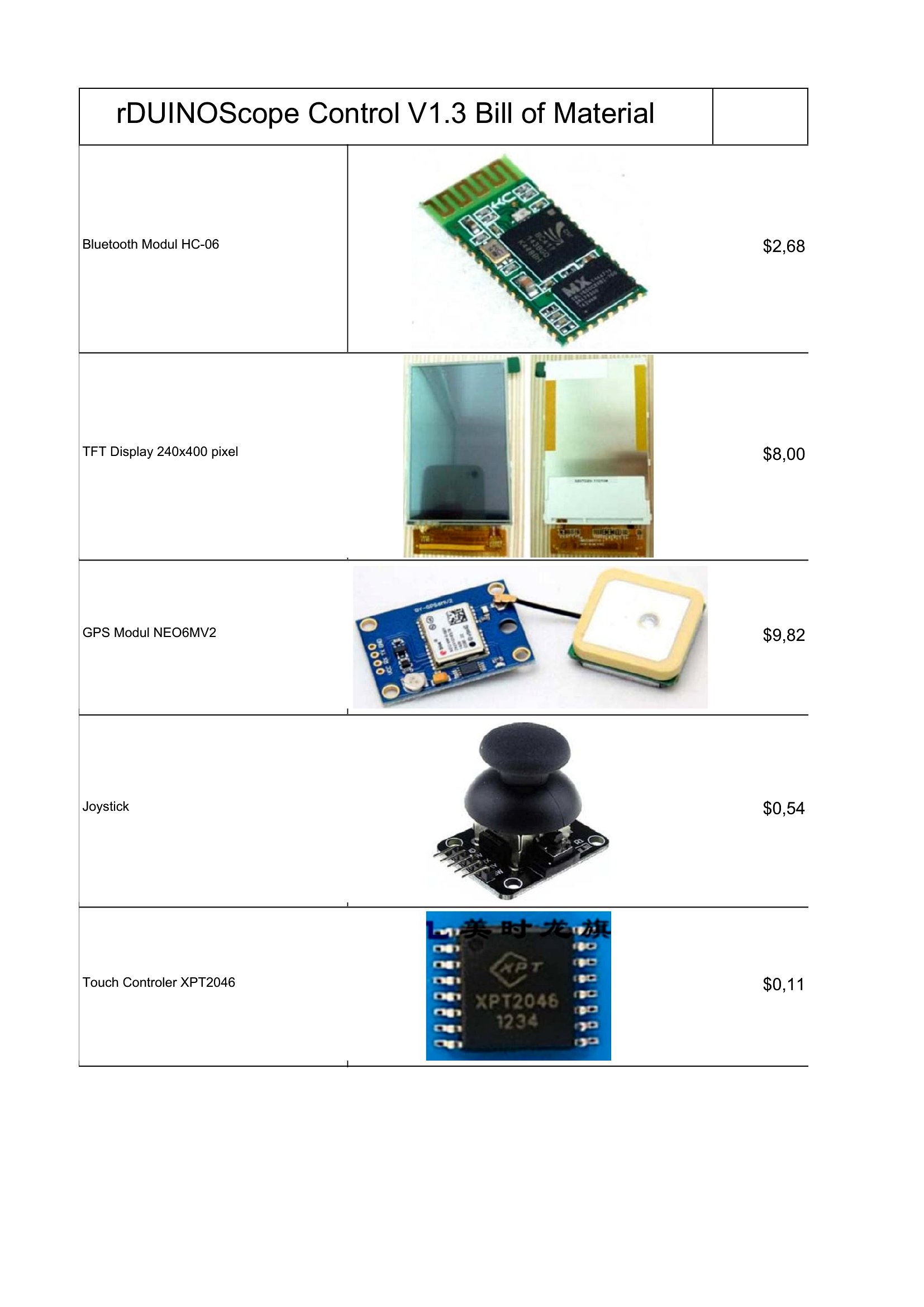
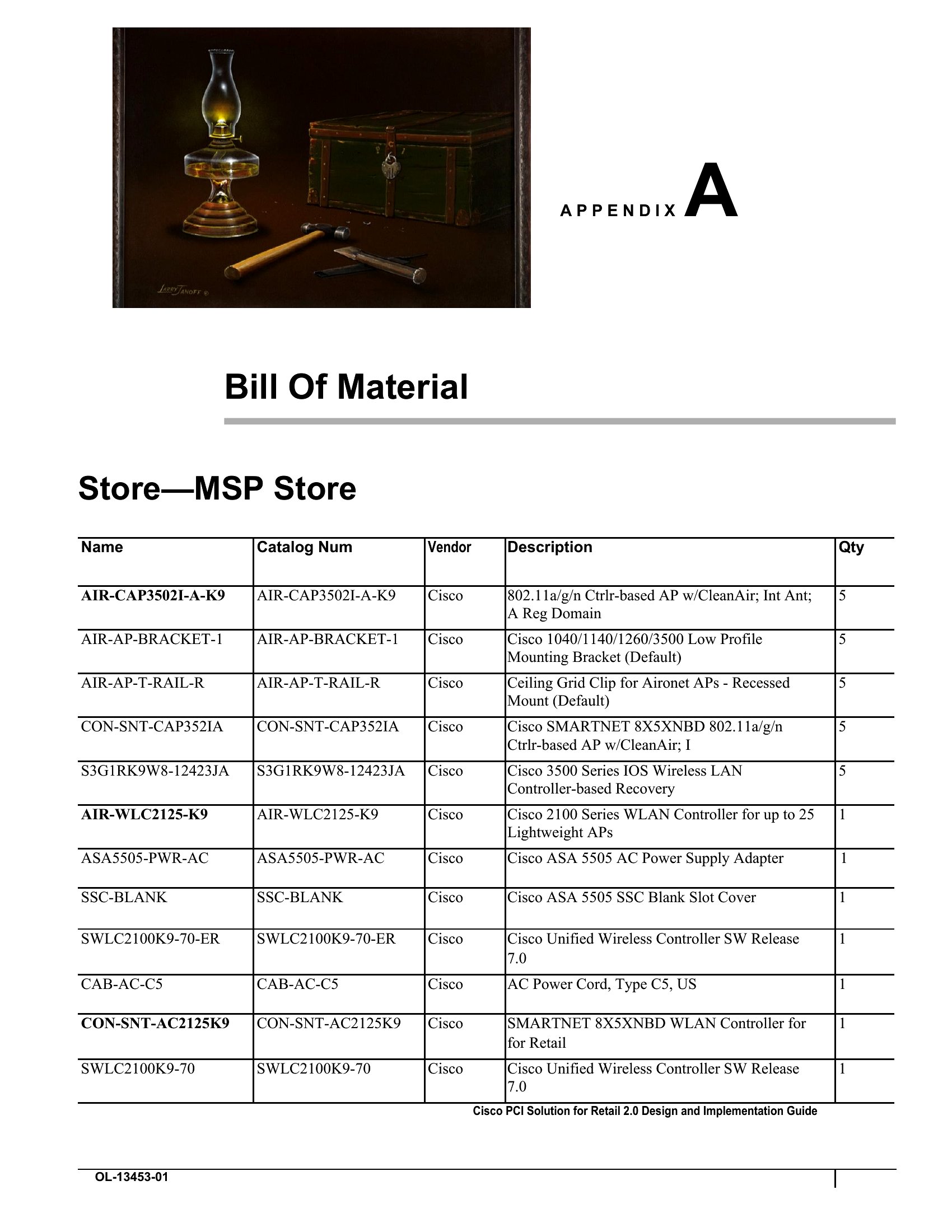
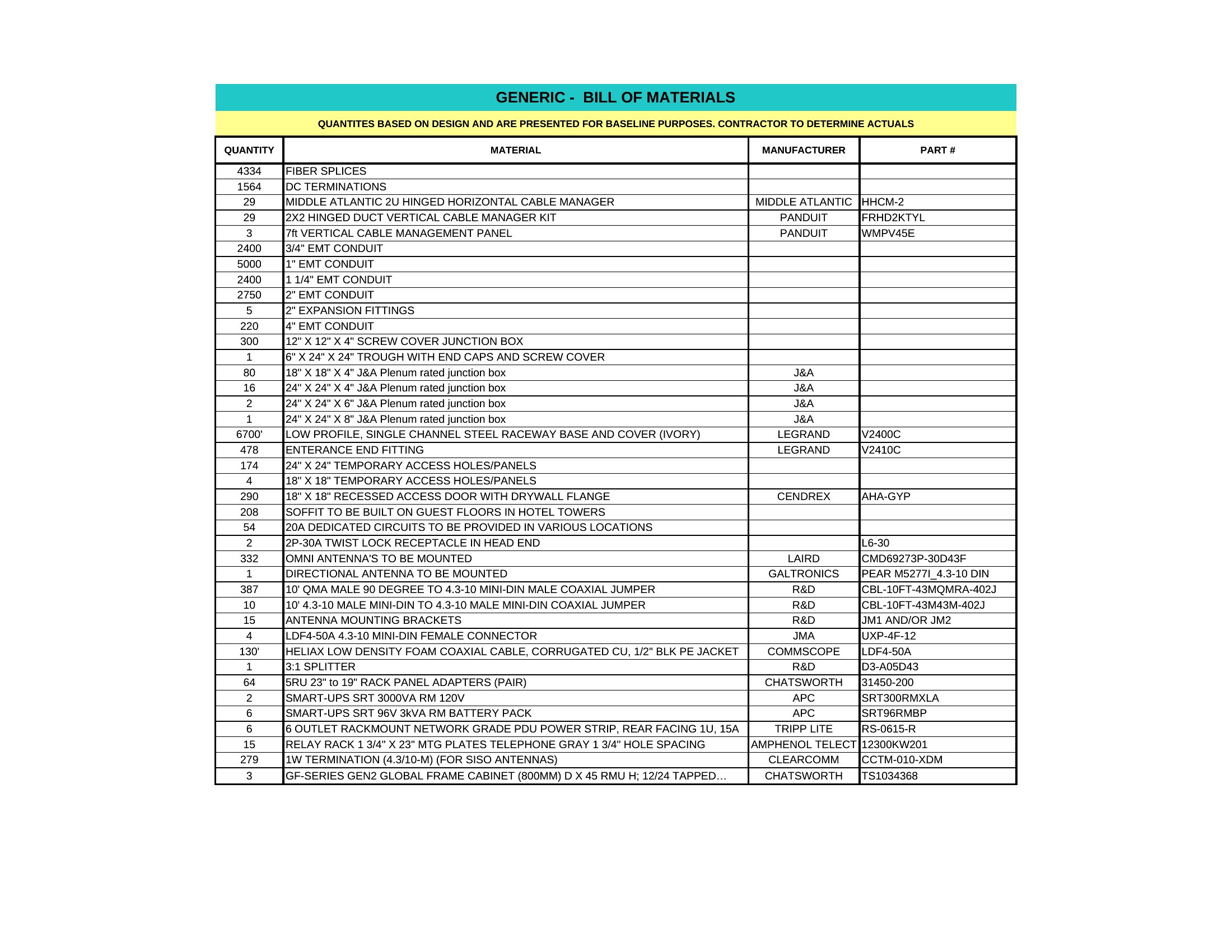
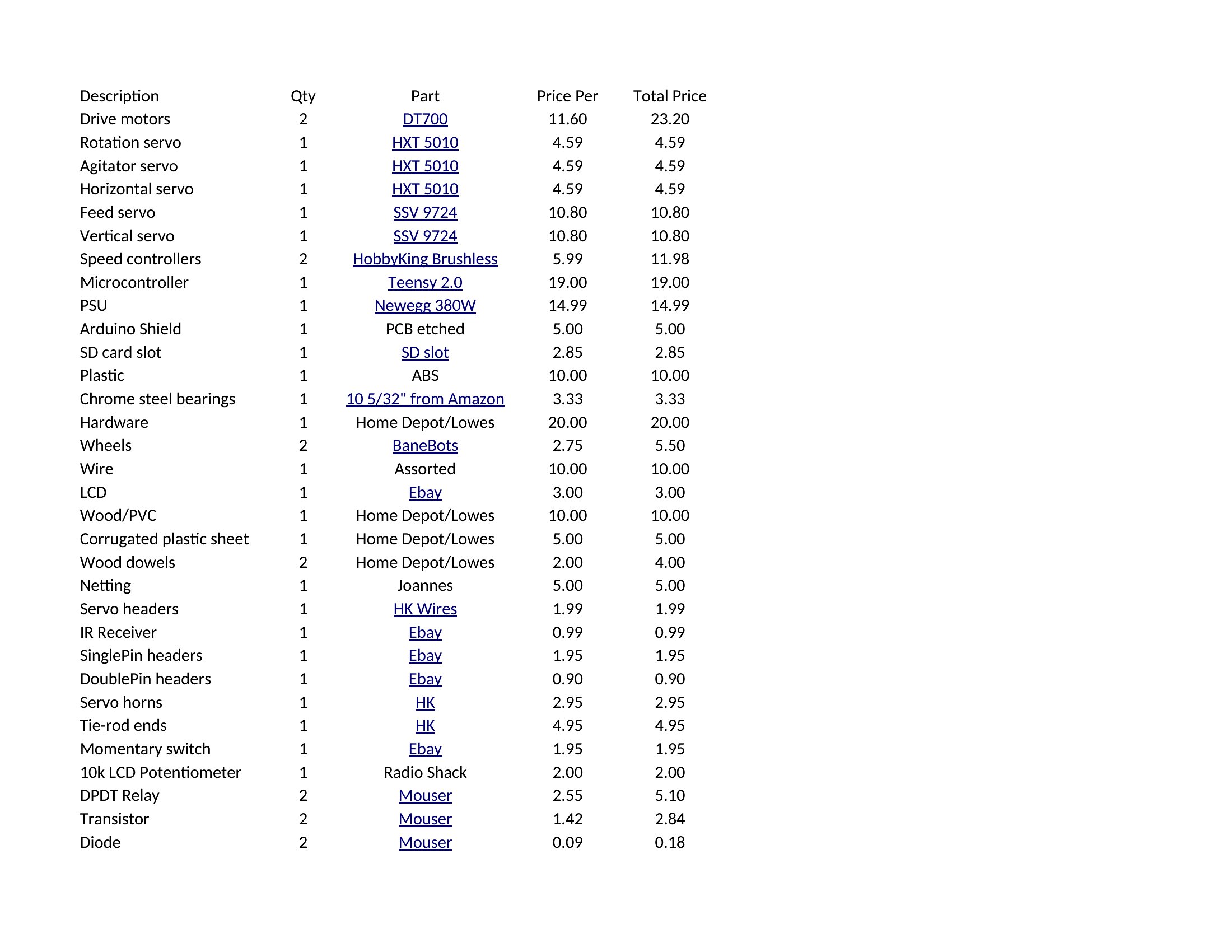
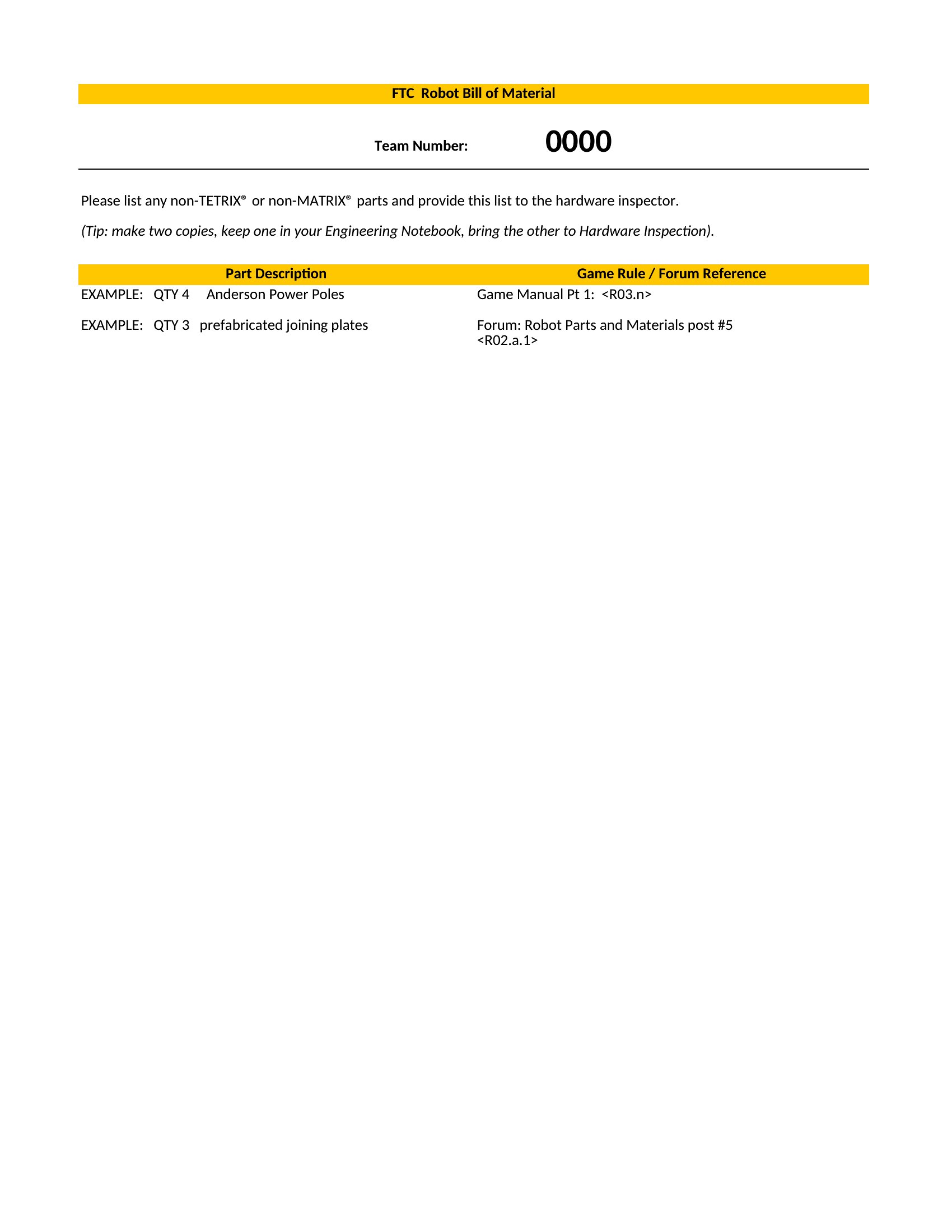
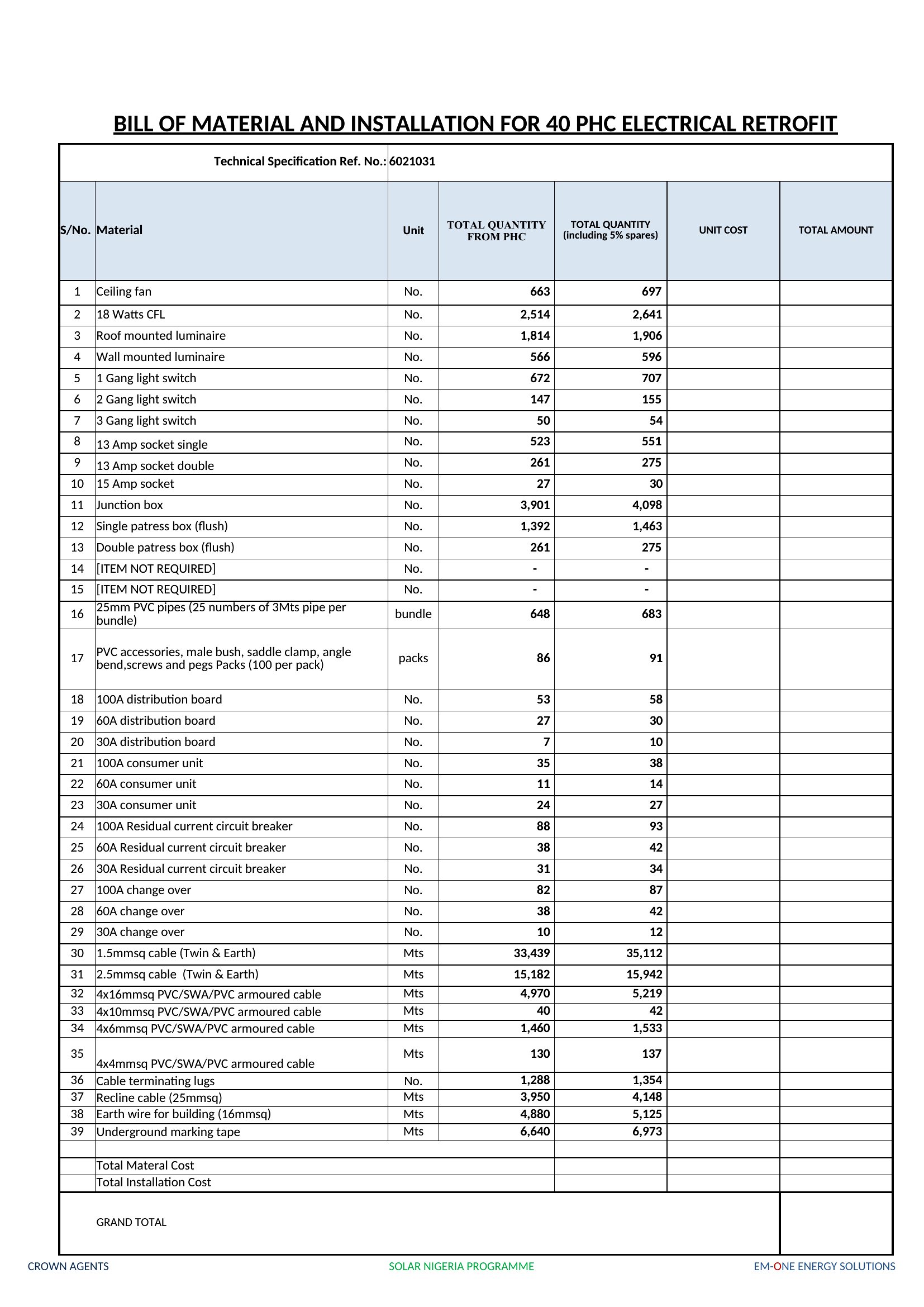
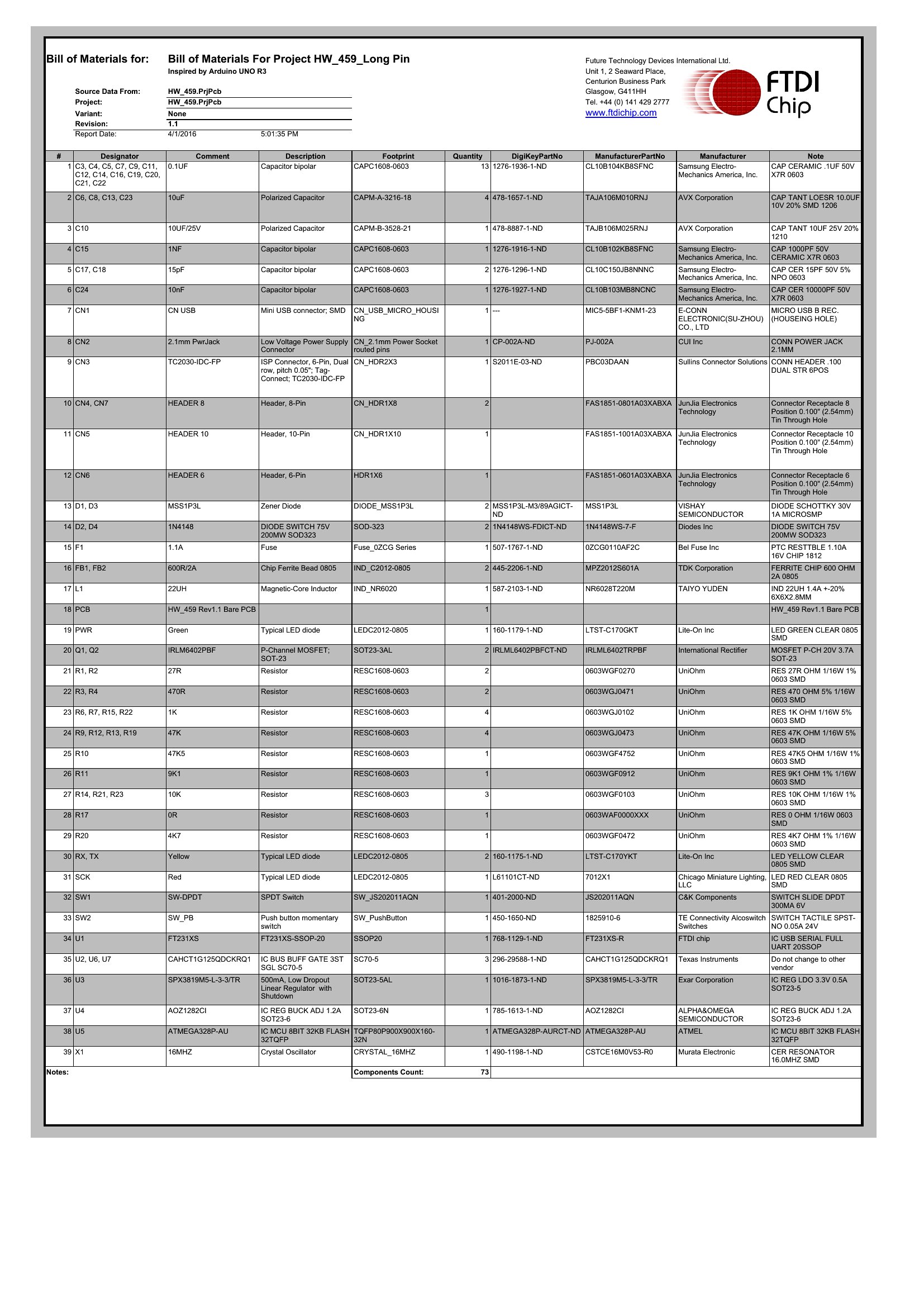
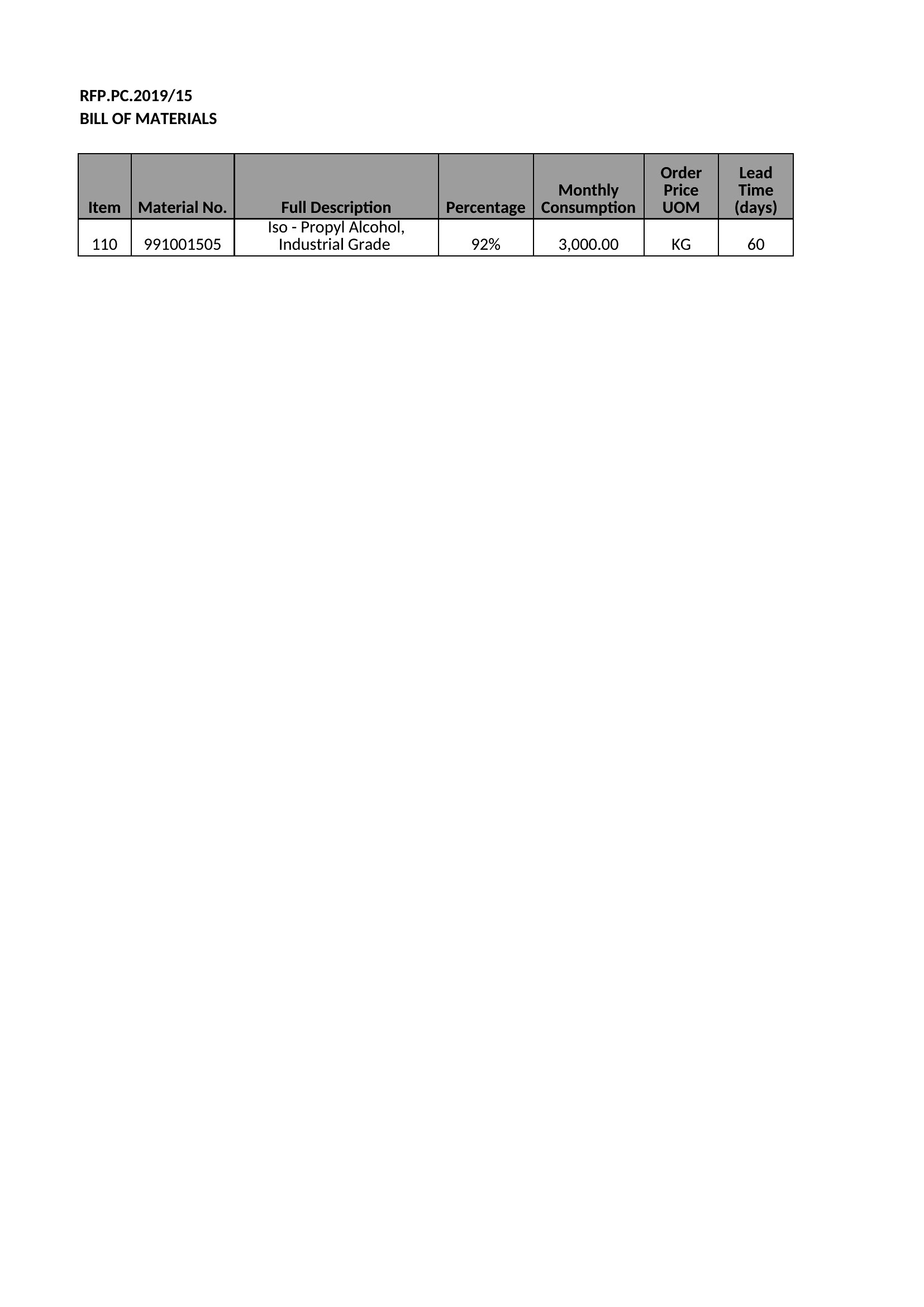
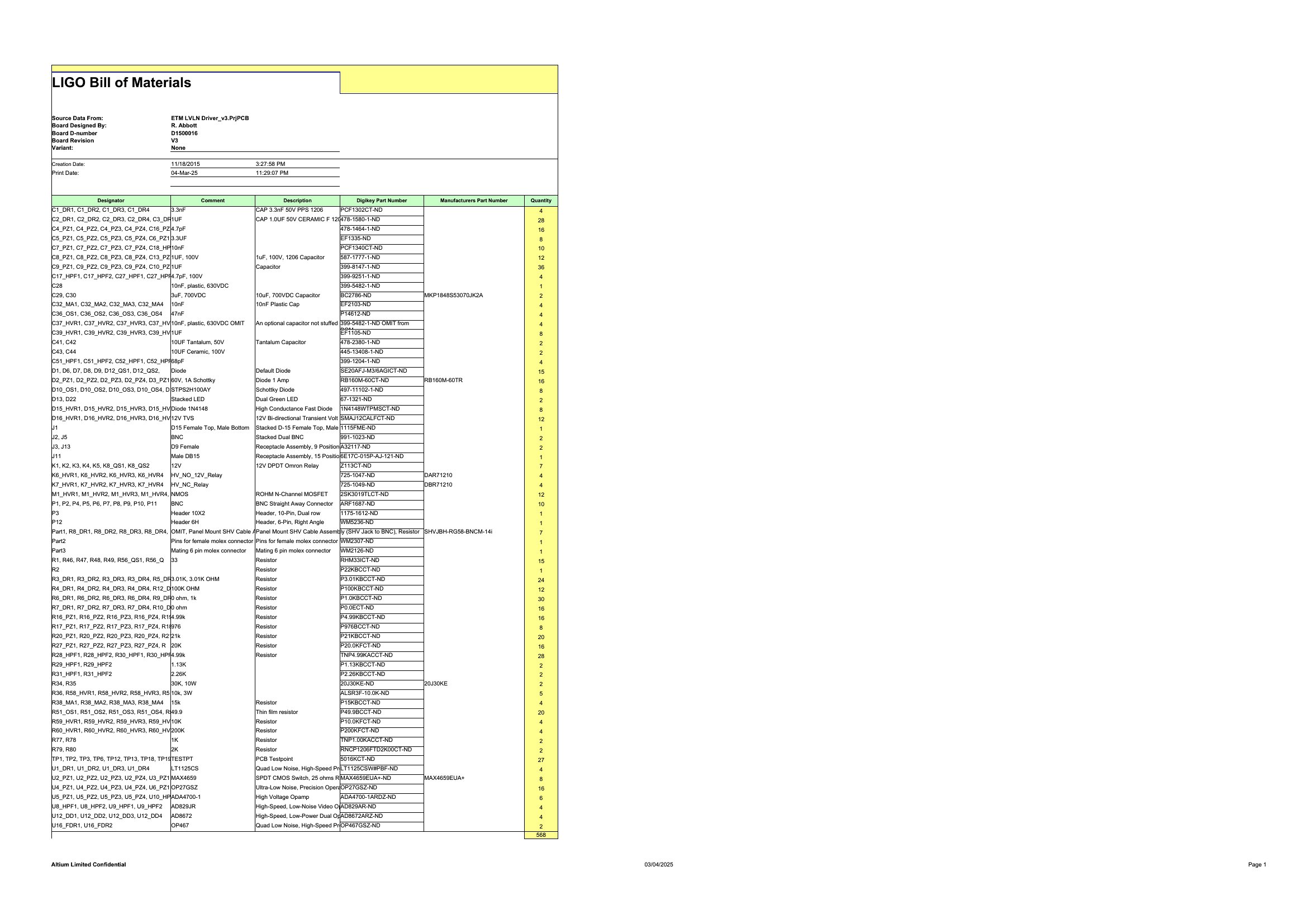
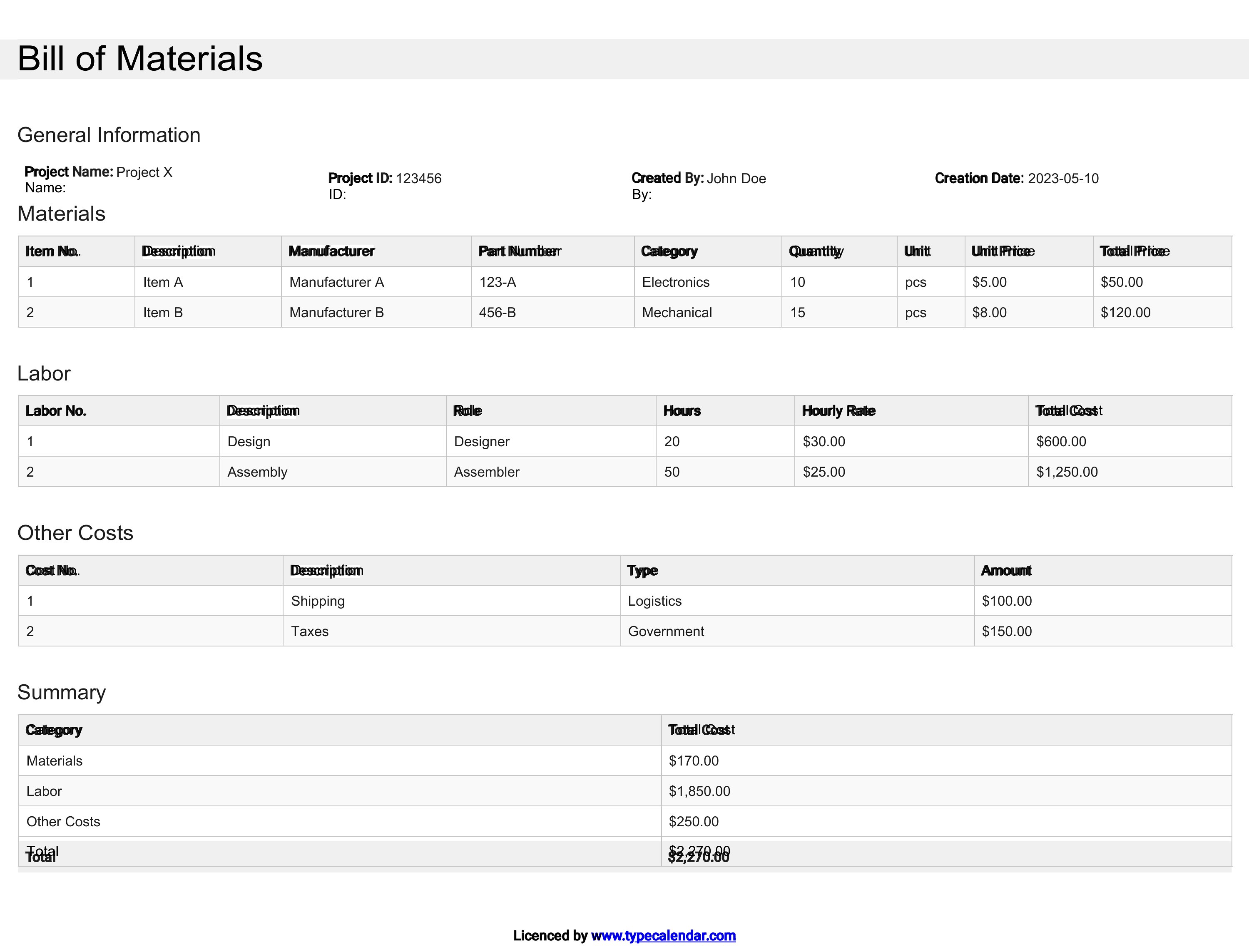
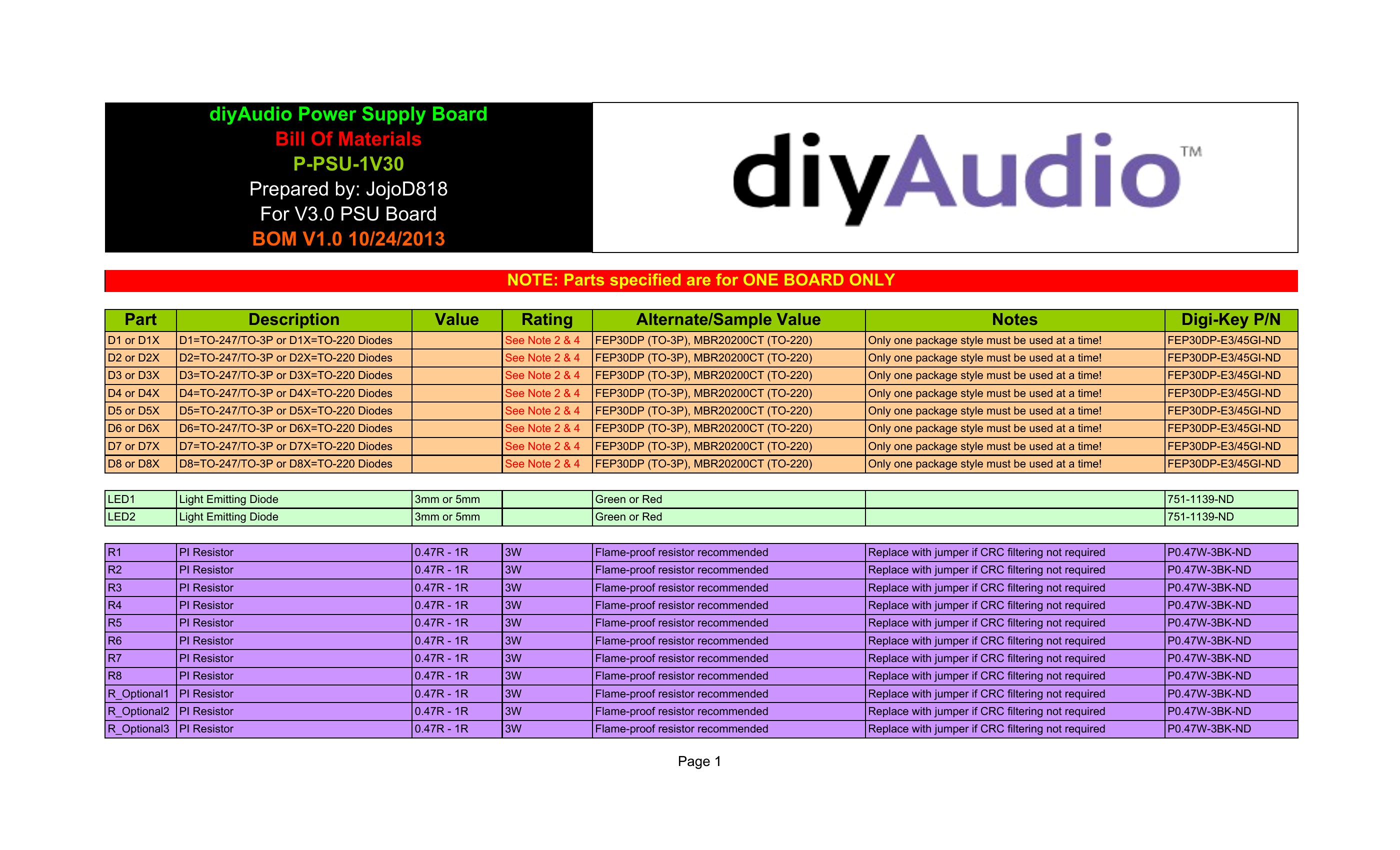
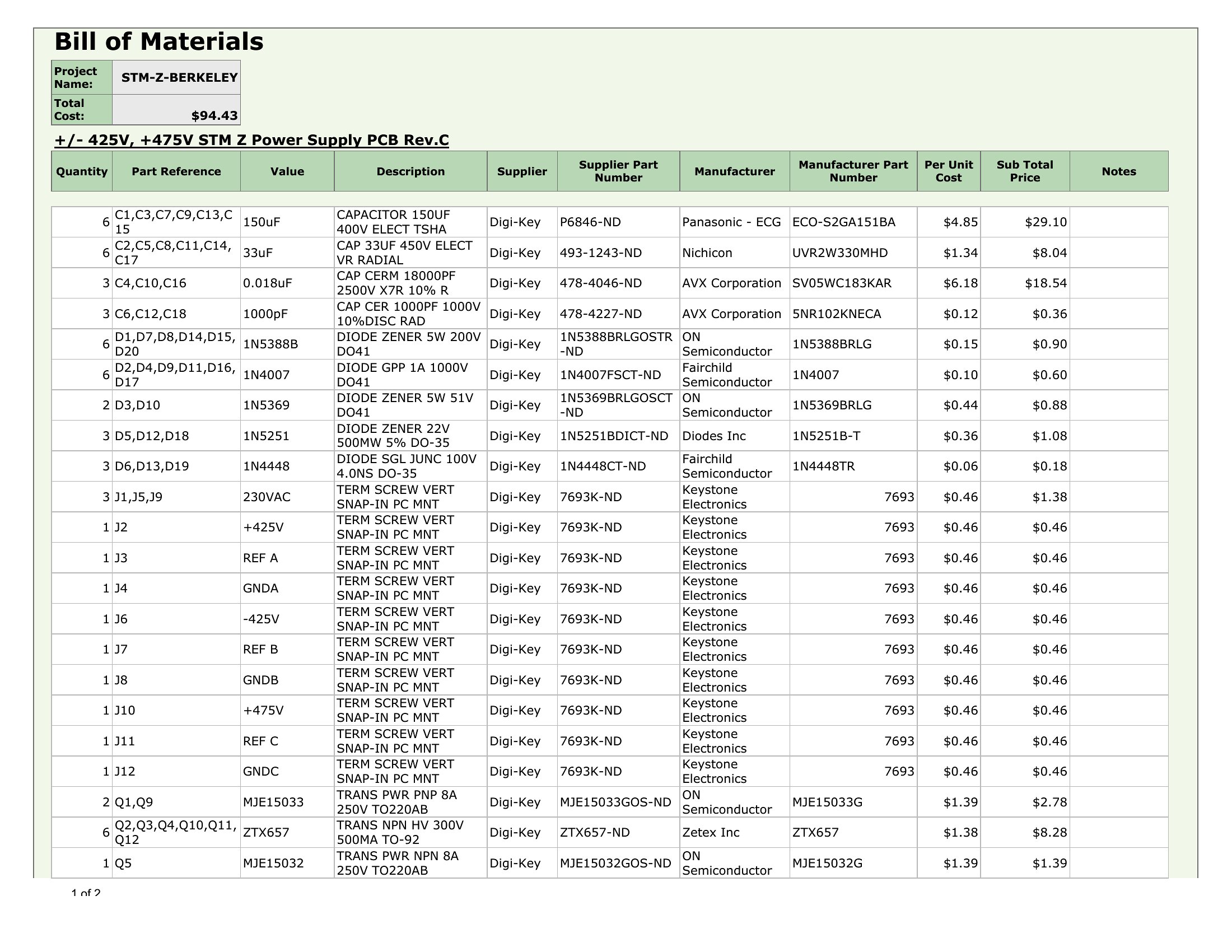
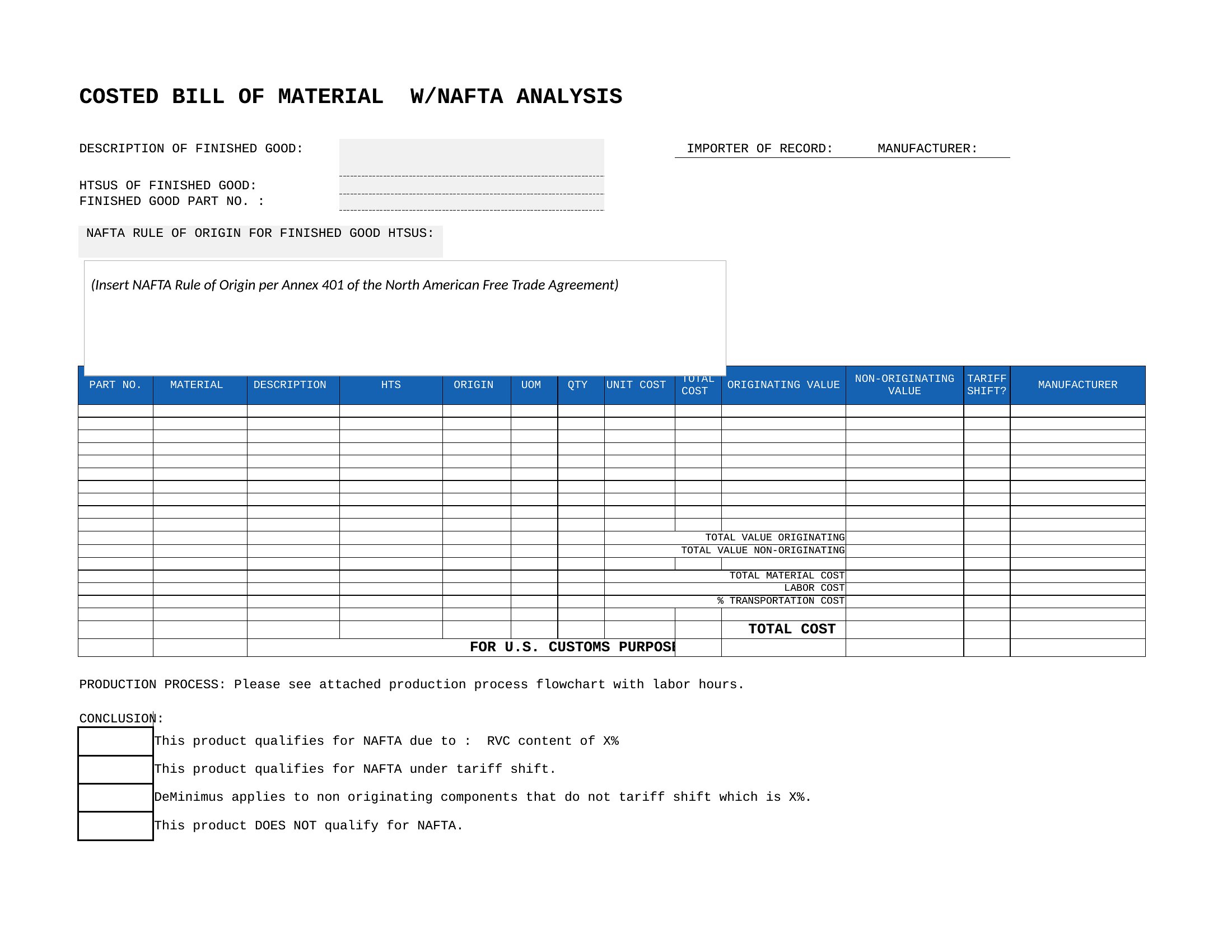
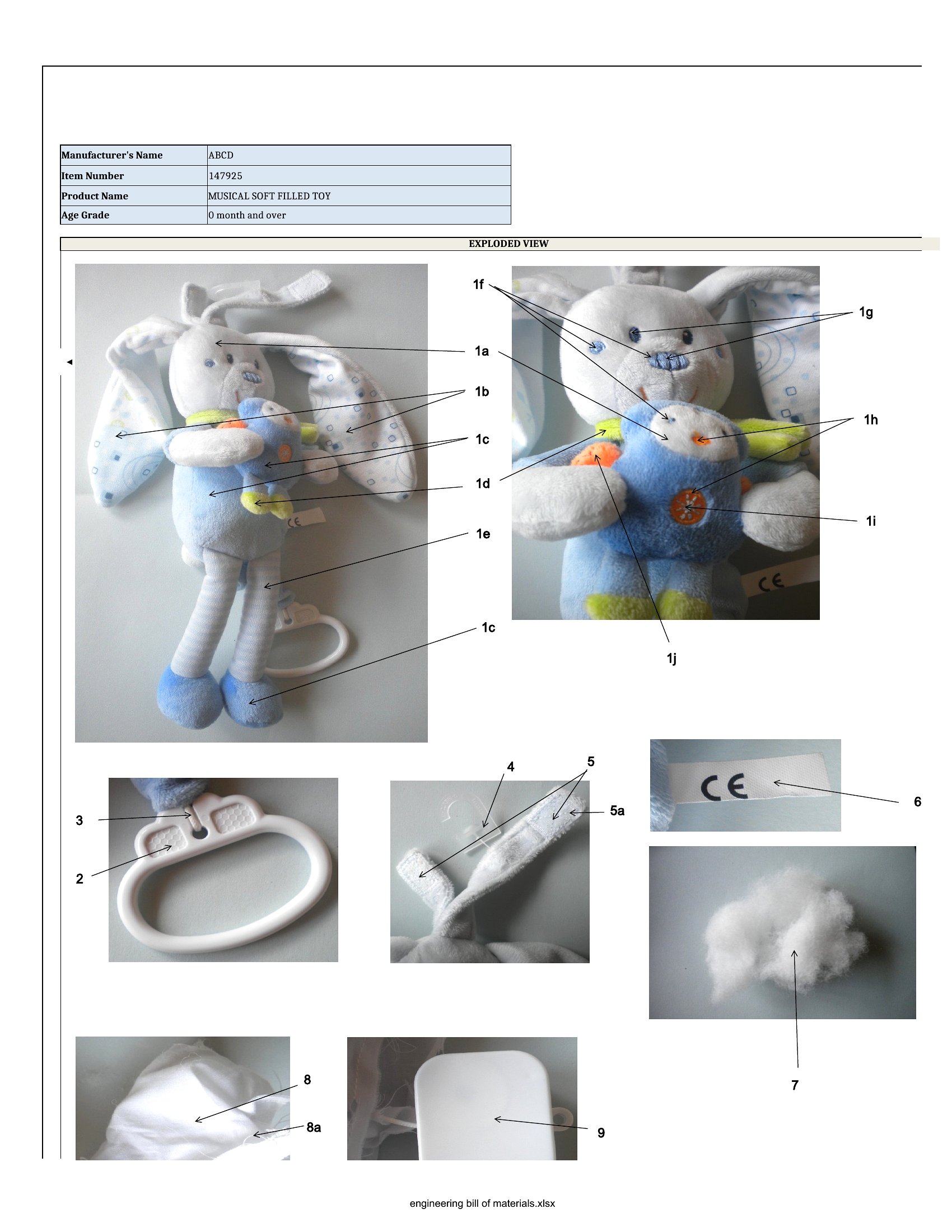
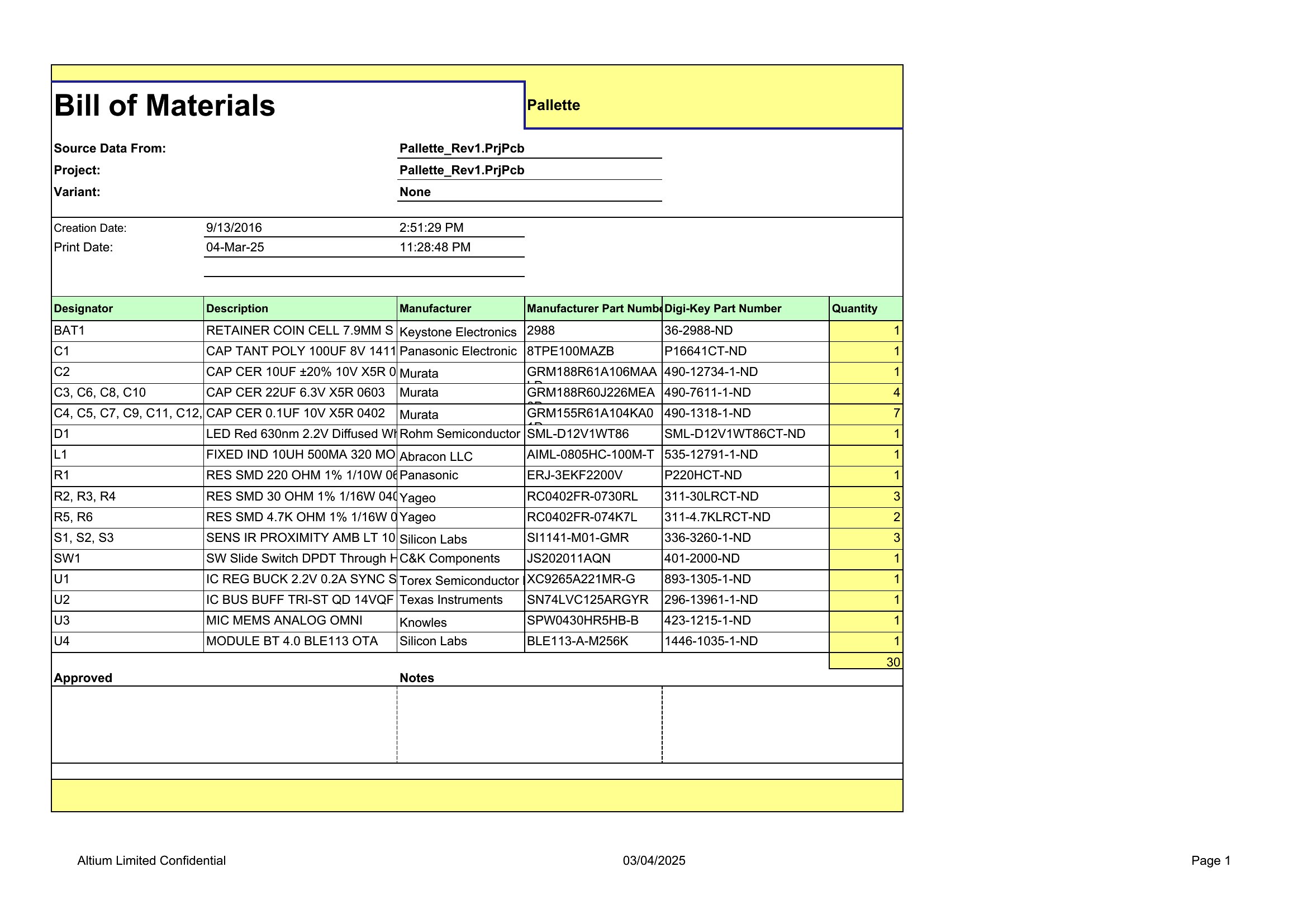
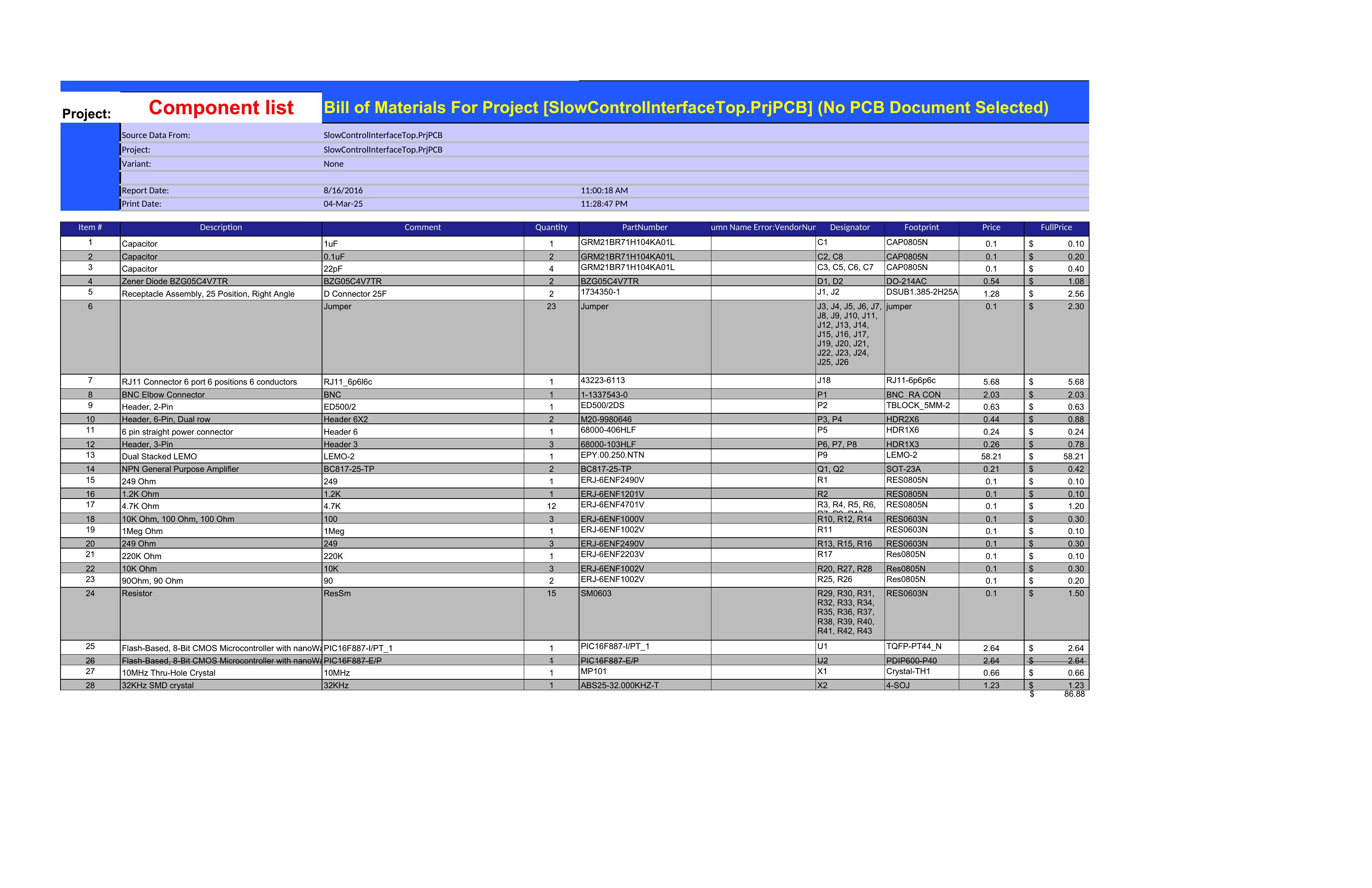
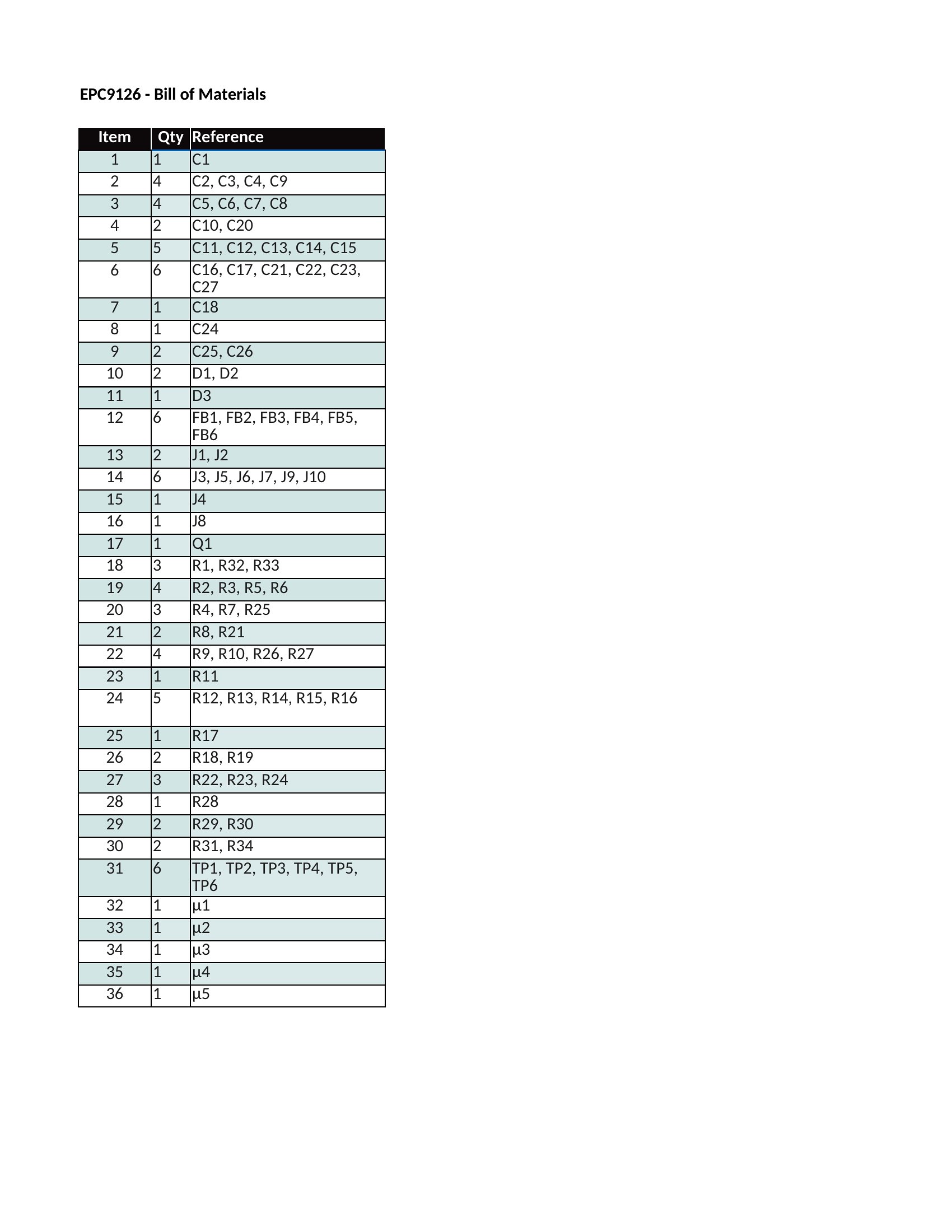
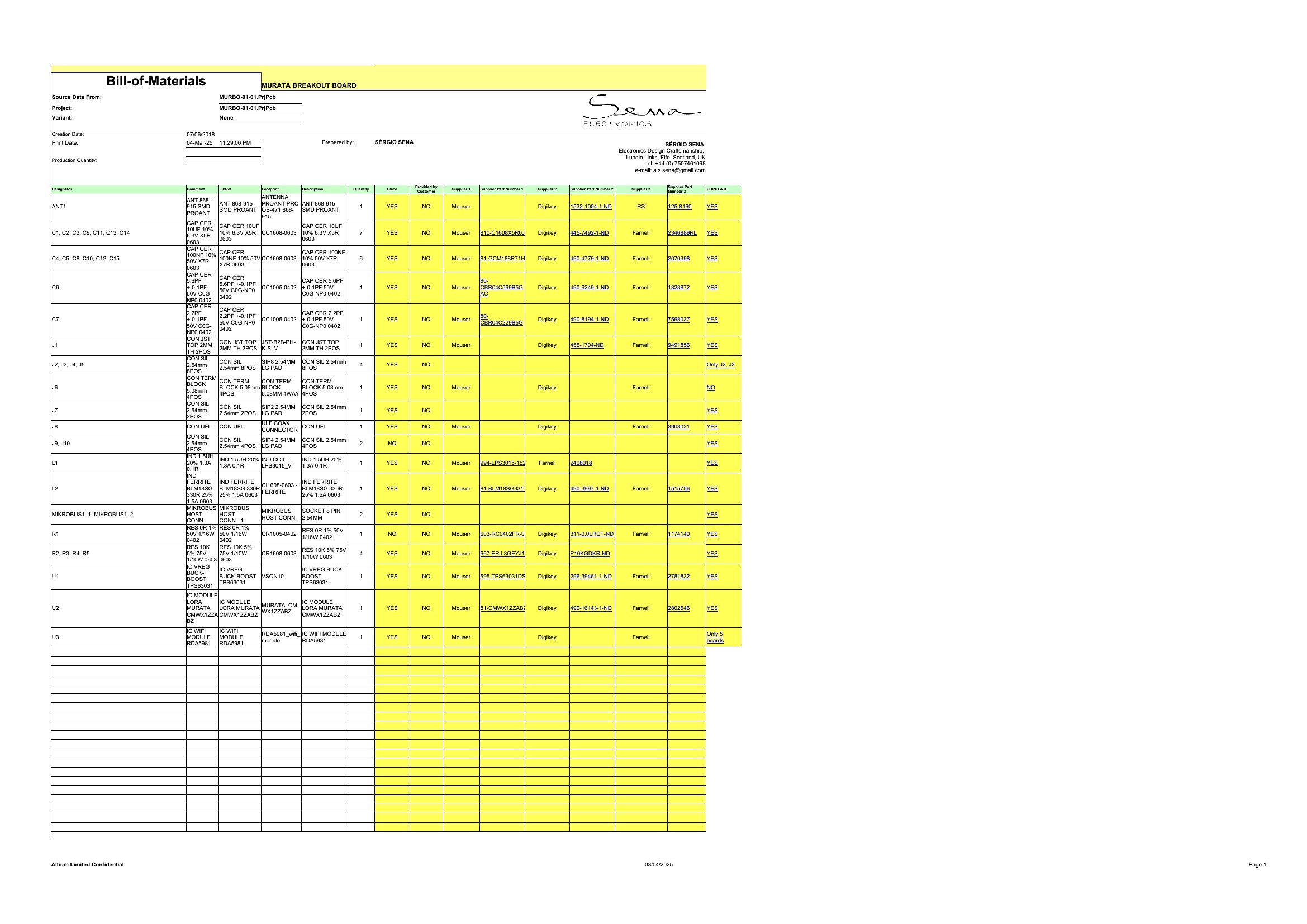
A bill of materials lists every part, quantity, and cost that goes into building a product, and getting it right keeps manufacturing on budget. These 50 templates give engineers, makers, and procurement teams a structured way to capture components, suppliers, and unit prices. Anyone assembling a product can plan purchasing without missing a part.
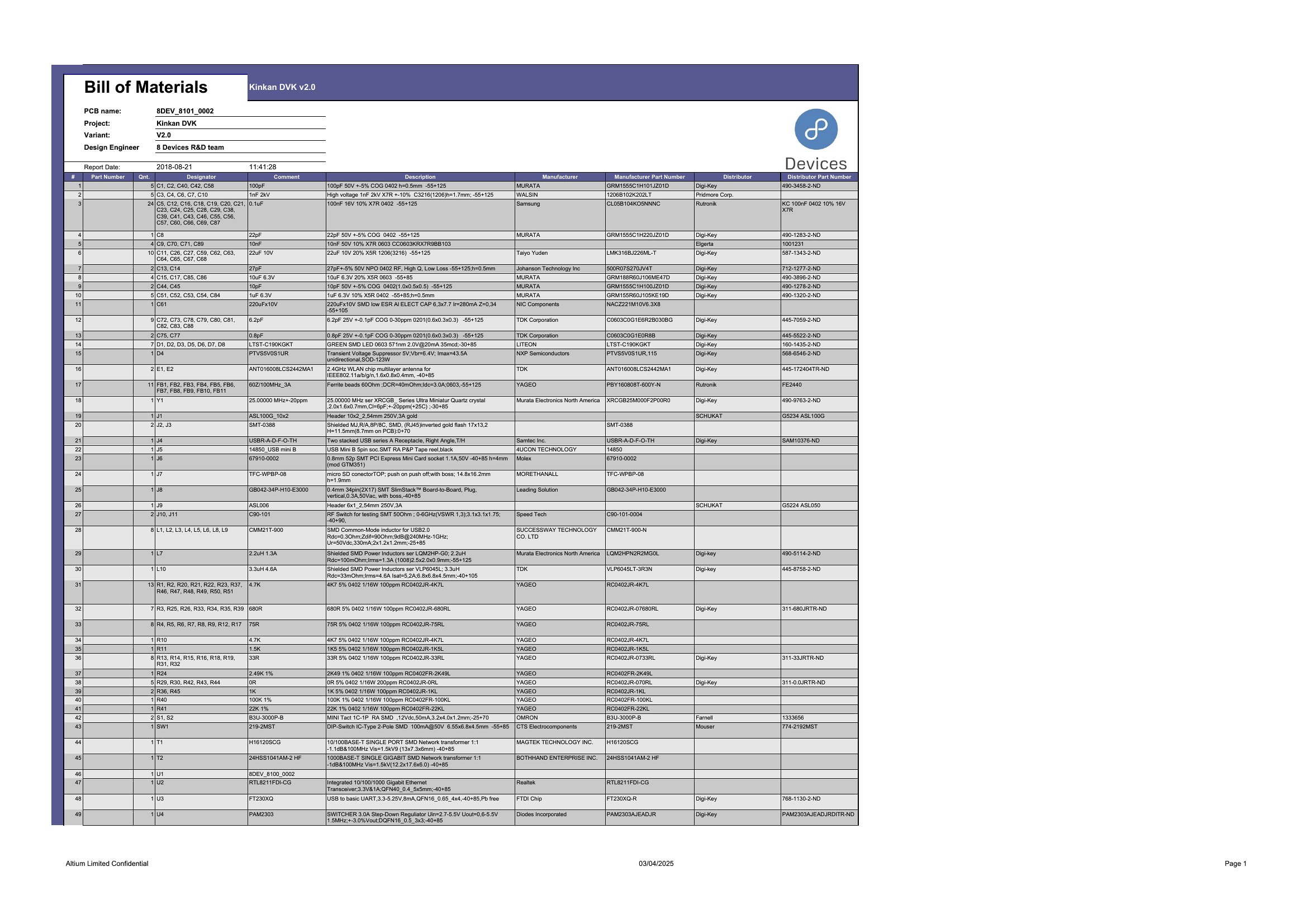
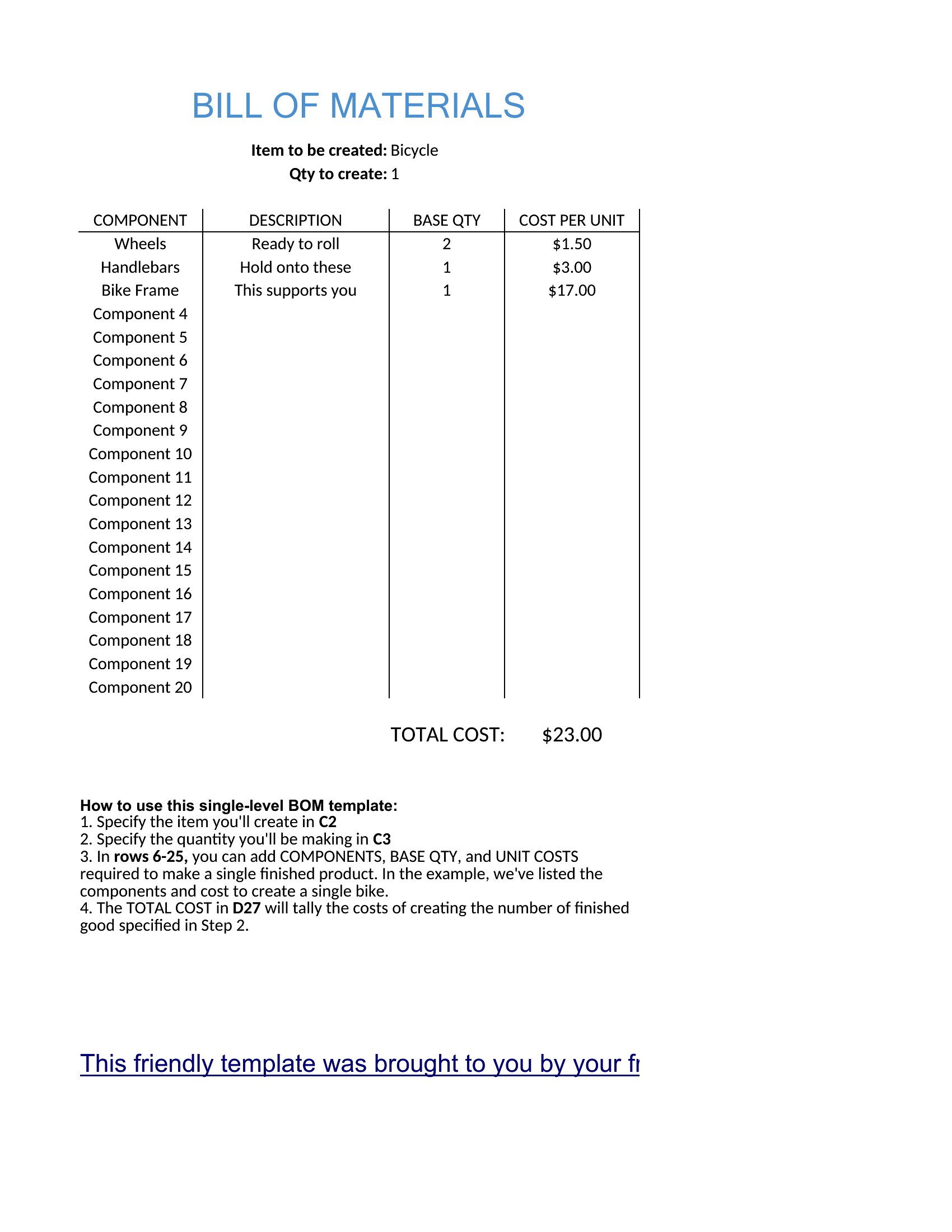
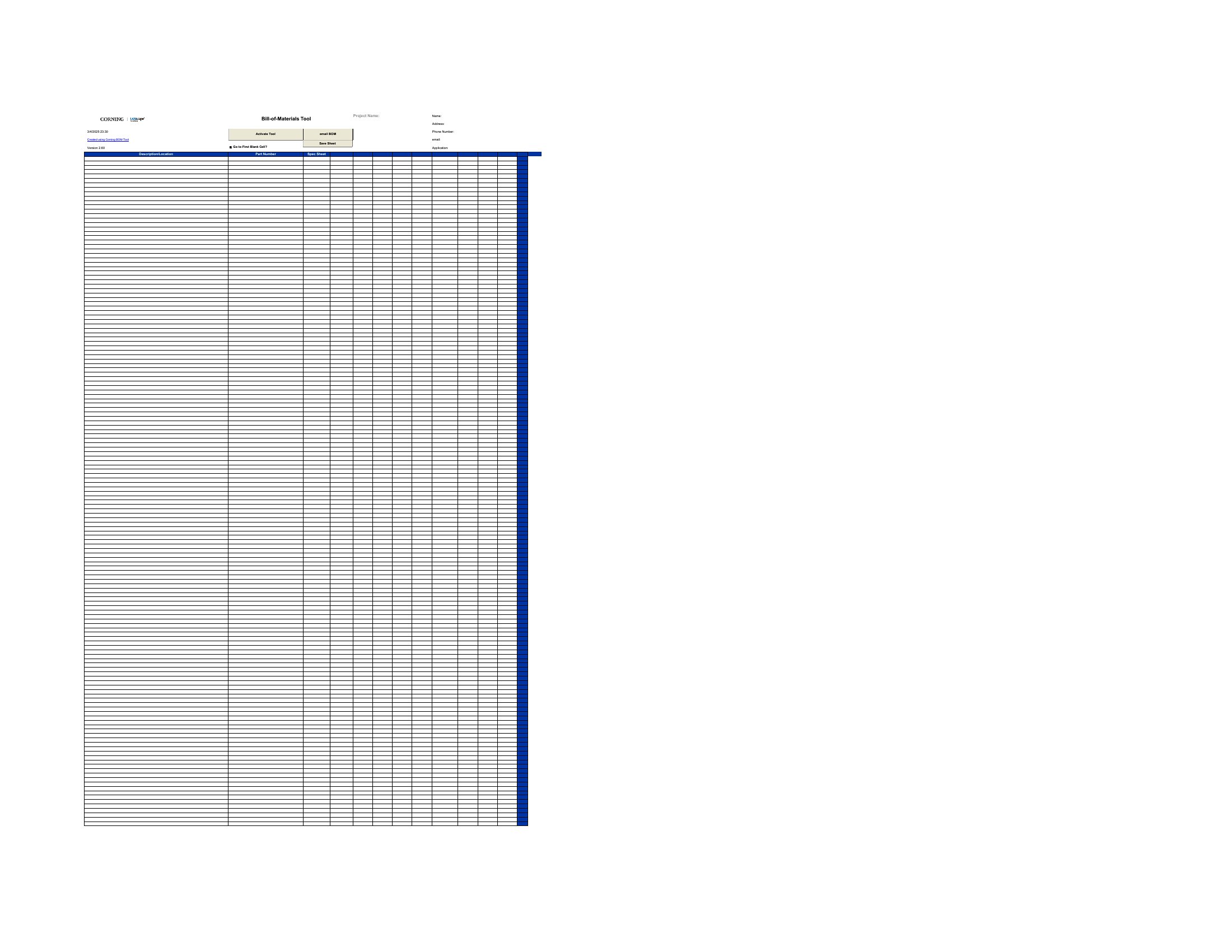
You'll get Word versions for documentation and Excel sheets that total quantities and costs automatically as you type. Add your components, adjust the columns, and the totals update on their own. Print it for the shop floor or share it with suppliers. Download the format that fits your build and start listing your parts.

When to use this Bill of Material Form template

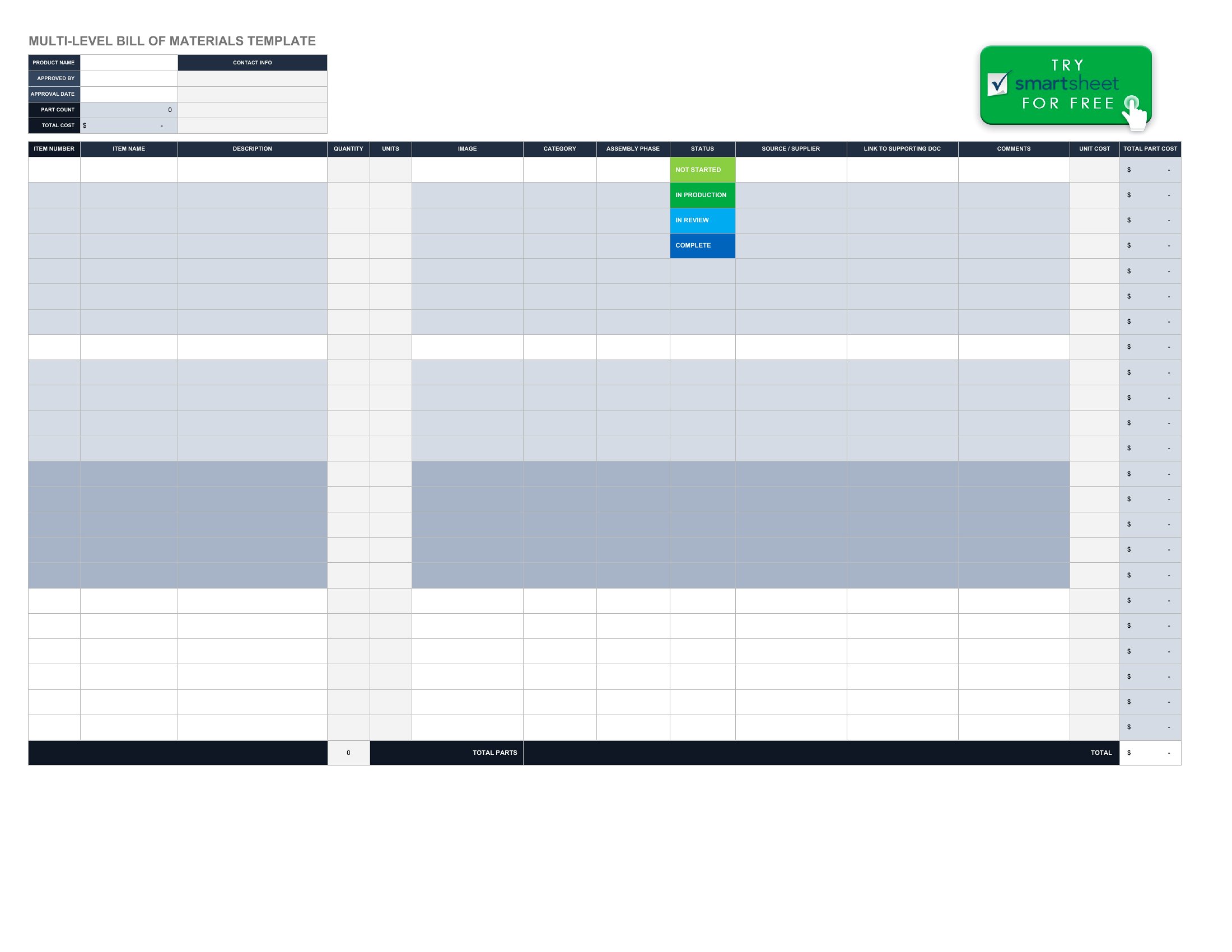
  • Engineers designing a custom machine need to document every bolt, motor, and cable in one place before ordering—these templates help organize parts by assembly stage to avoid delays.
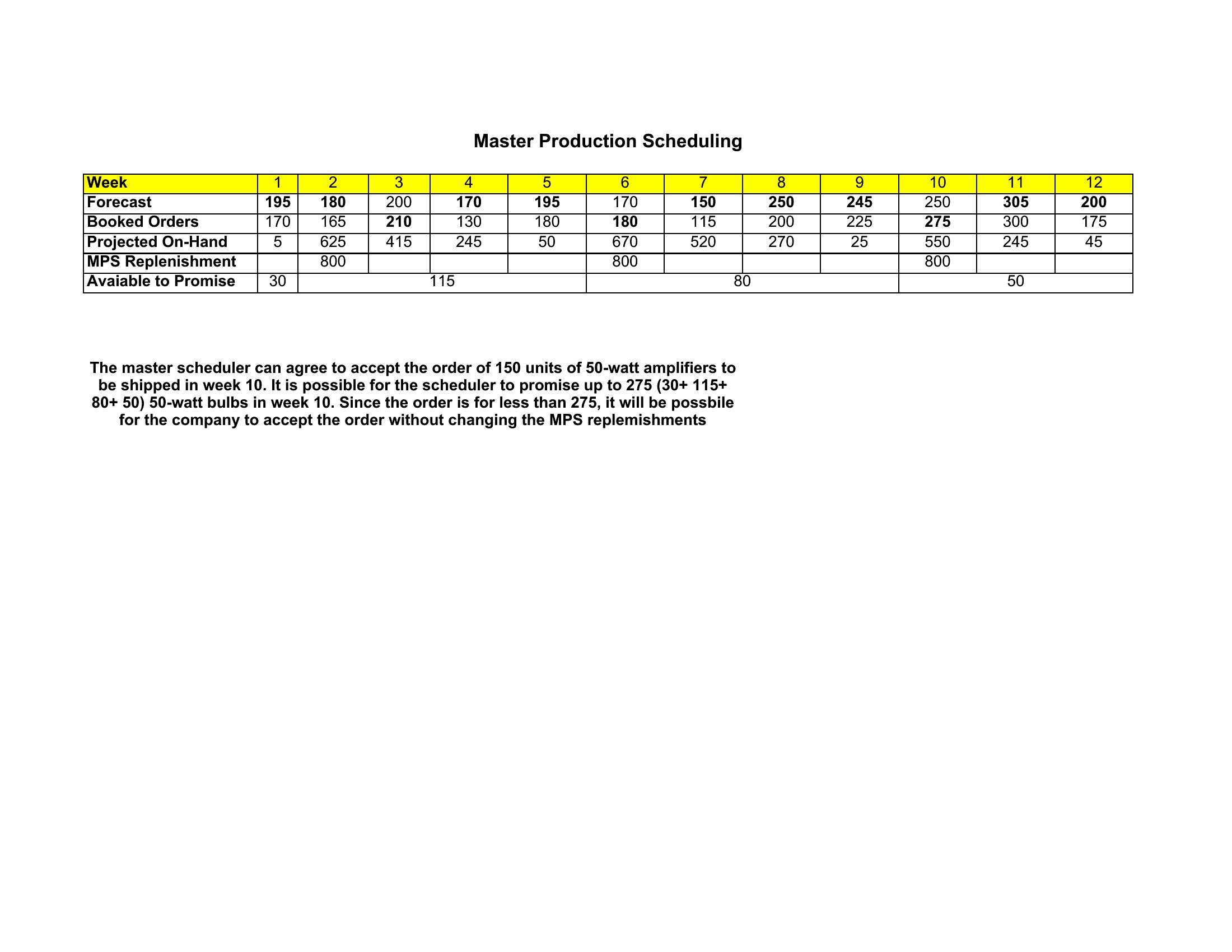
  • Small-scale manufacturers assembling limited-edition furniture must track wood planks, screws, and finishes in one spreadsheet to calculate material costs per unit.
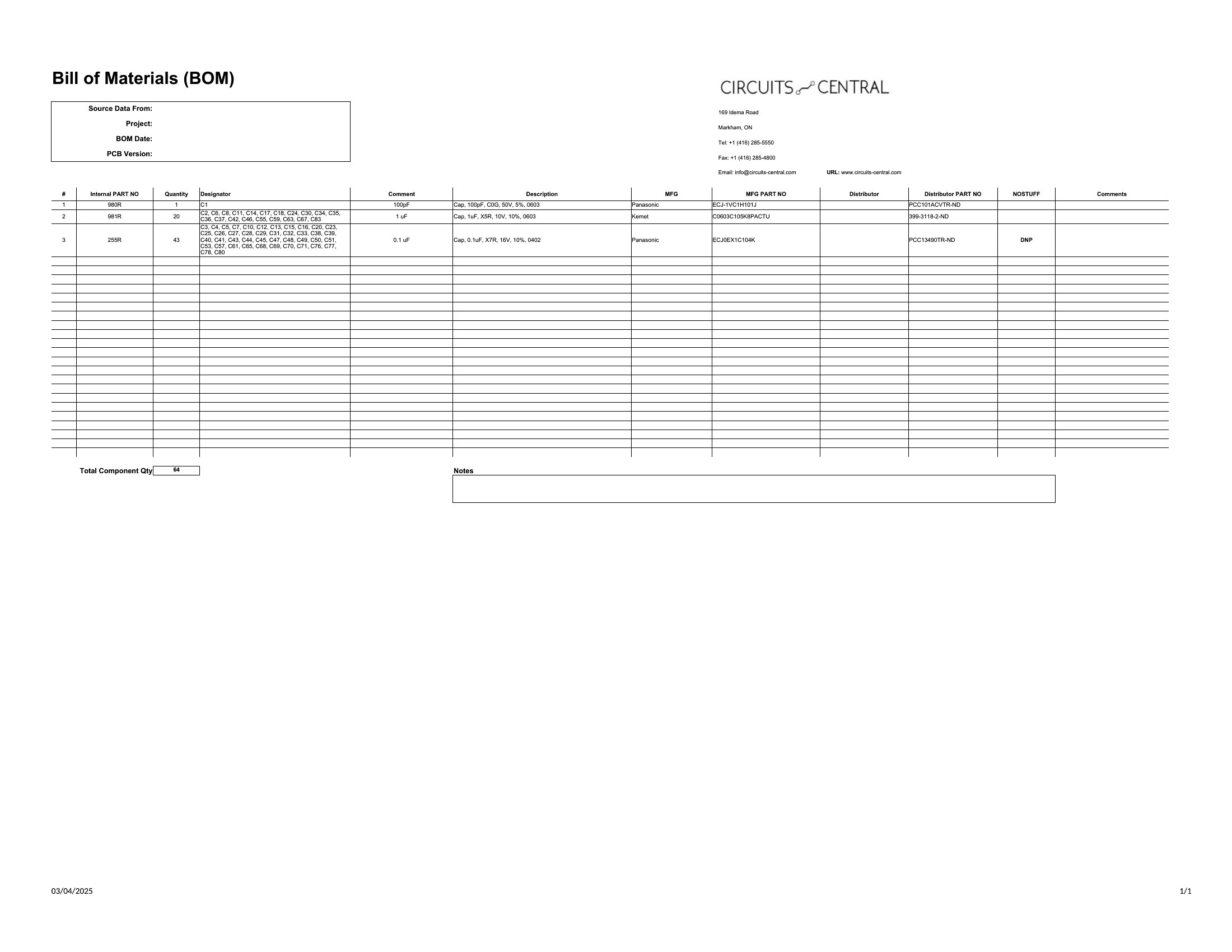
  • Procurement teams coordinating with overseas suppliers require a standardized list of part numbers and supplier details to streamline approvals and prevent stockouts.
  • DIYers building a home theater system can use these to log cables, speakers, and mounting hardware at the right price before shopping to avoid last-minute trips.

Which format should I download?

WordExcel

For detailed documentation with supplier notes or assembly instructions, Word is the best choice—its structure supports embedded comments and formatting. Excel is ideal for dynamic calculations, such as adjusting unit costs or summing total material expenses across multiple batches. Stick with Word if you’re finalizing a static BOM for records; use Excel if you need to recalculate totals or filter parts by supplier or category.

Choose from 50 Bill of Material Form Templates
How to use this Bill of Material Form template

How do I include sub-assemblies in a bill of materials?

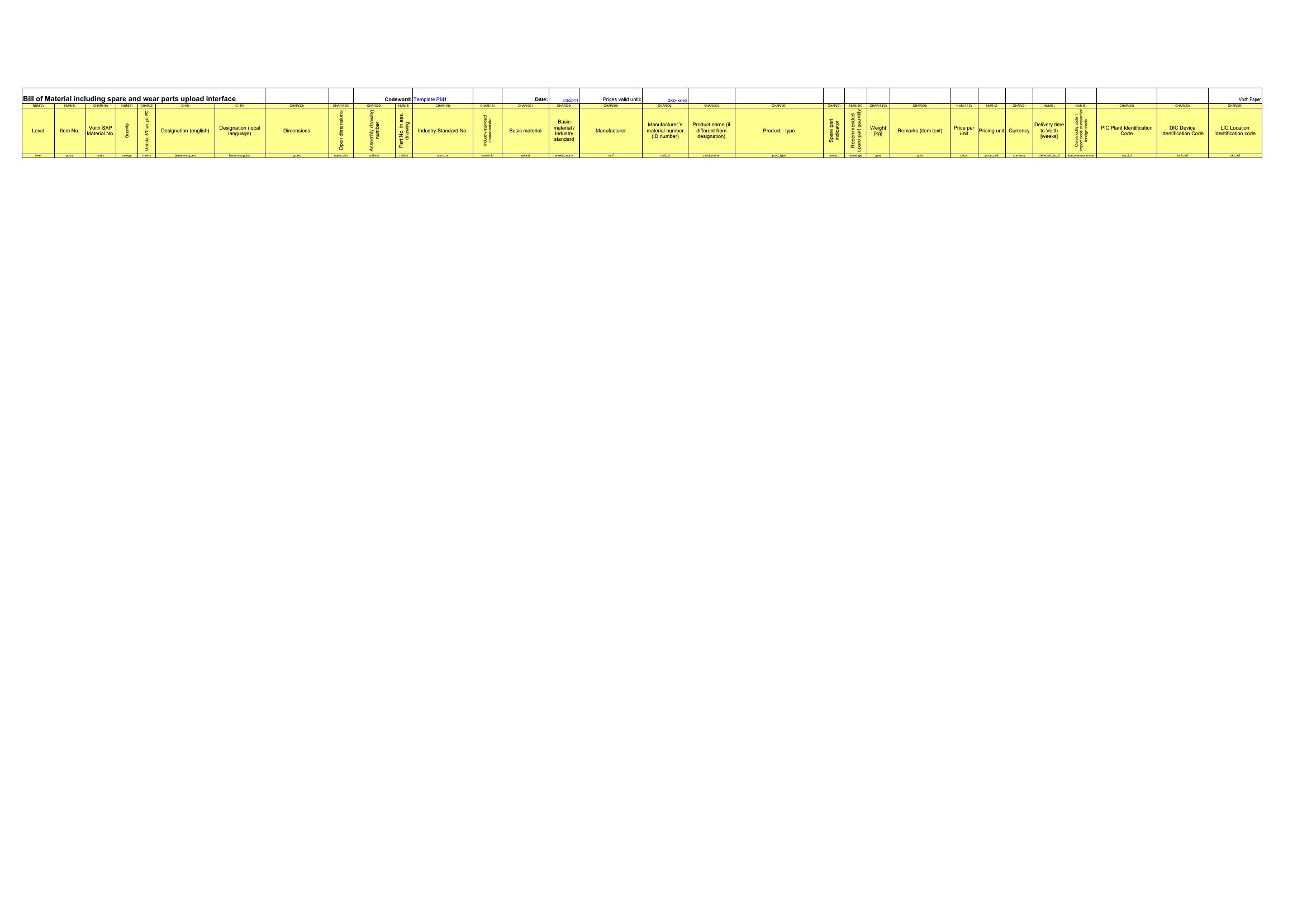
Most templates in this collection allow you to nest sub-assemblies under parent components by indenting rows or using hierarchical levels. In Excel, use drop-down lists for parent-child relationships, while Word lets you group sections with heading styles for clarity. Start with the highest-level assembly and drill down to individual parts.
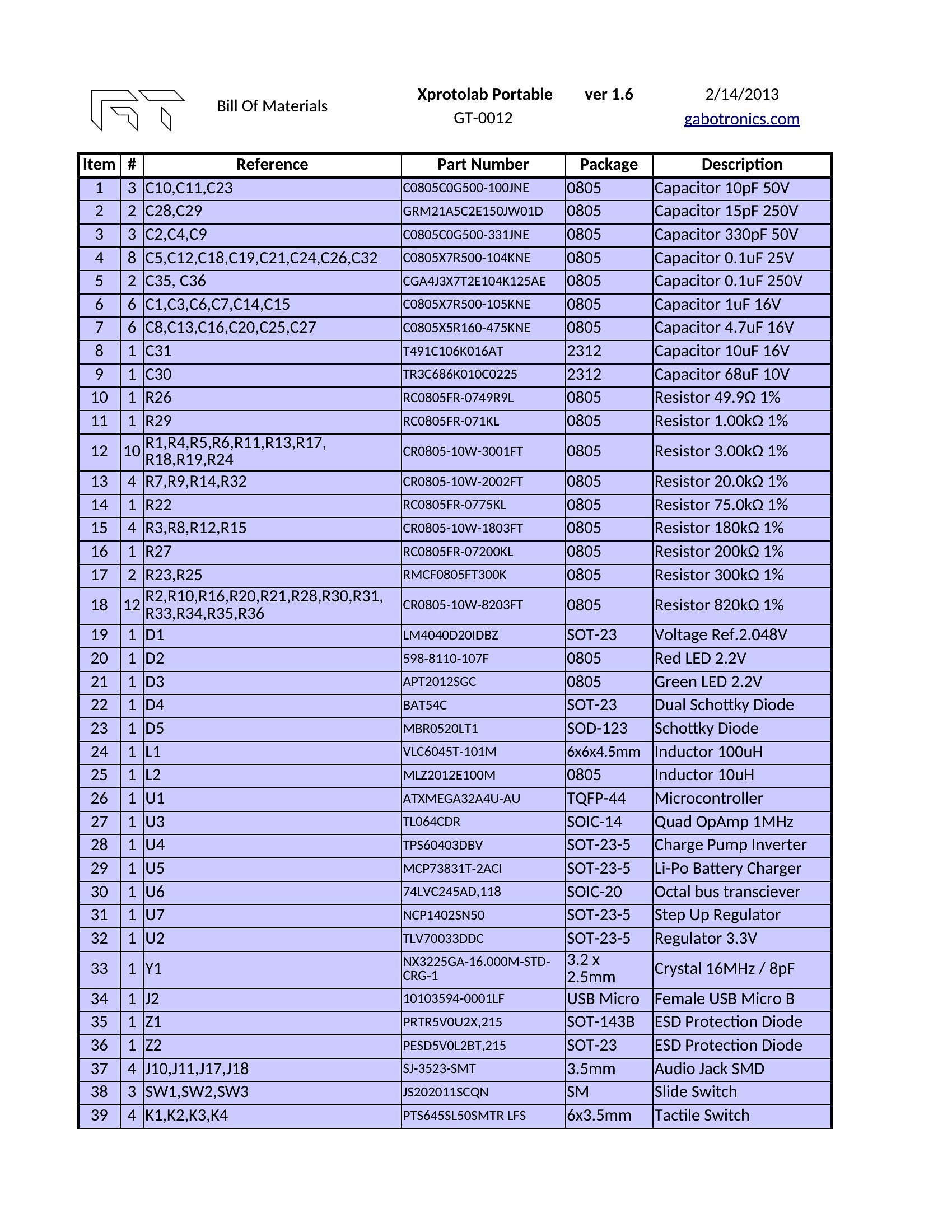
Can I link supplier data directly to part numbers for automatic updates?

Excel templates are designed for this—add a column for supplier names or contact info, then use Excel’s VLOOKUP or INDEX-MATCH functions to pull pricing or lead times dynamically. Word doesn’t support live data links, but you can paste supplier details into a table and update them manually for documentation purposes.
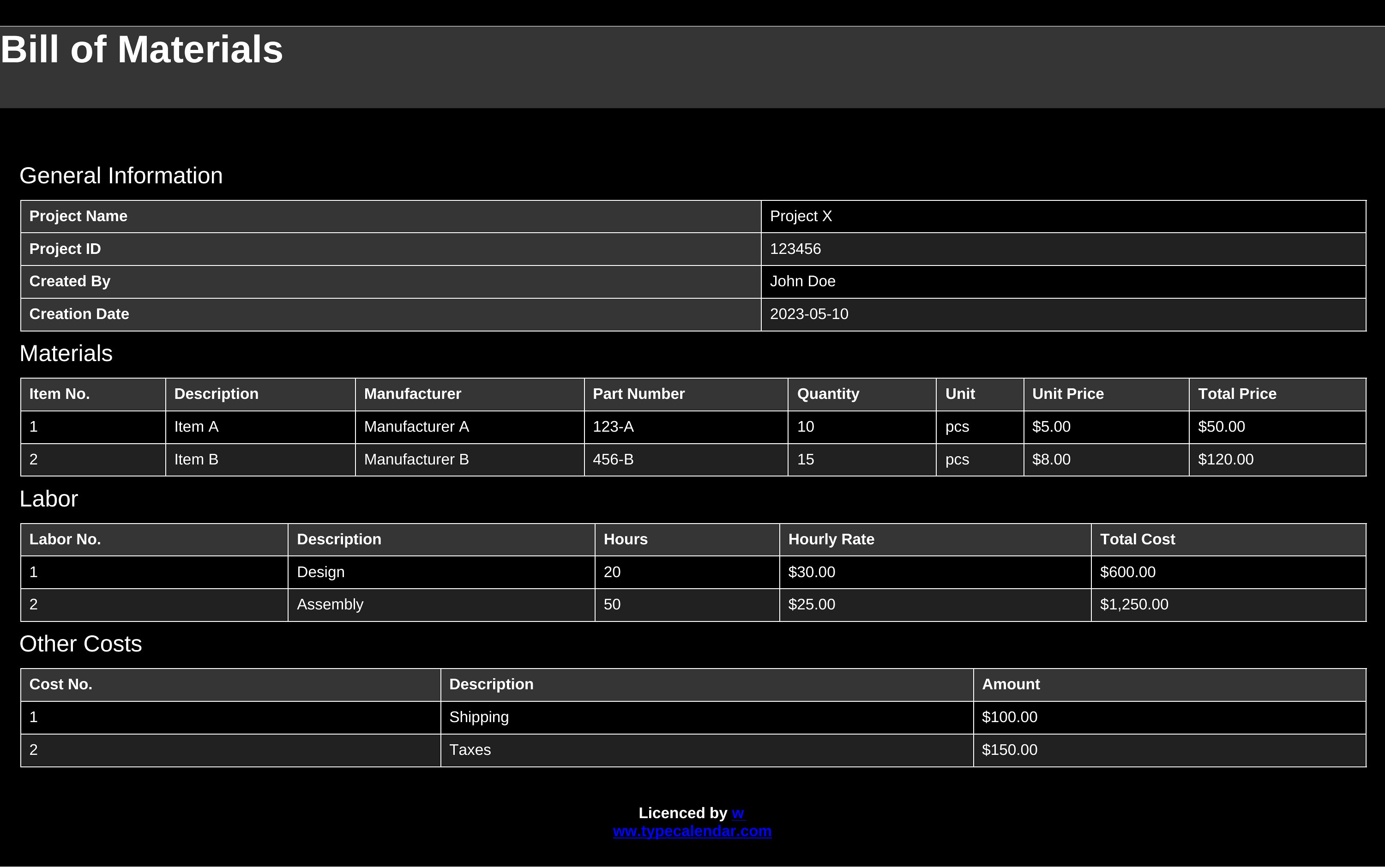
What’s the best way to track version changes in a bill of materials?

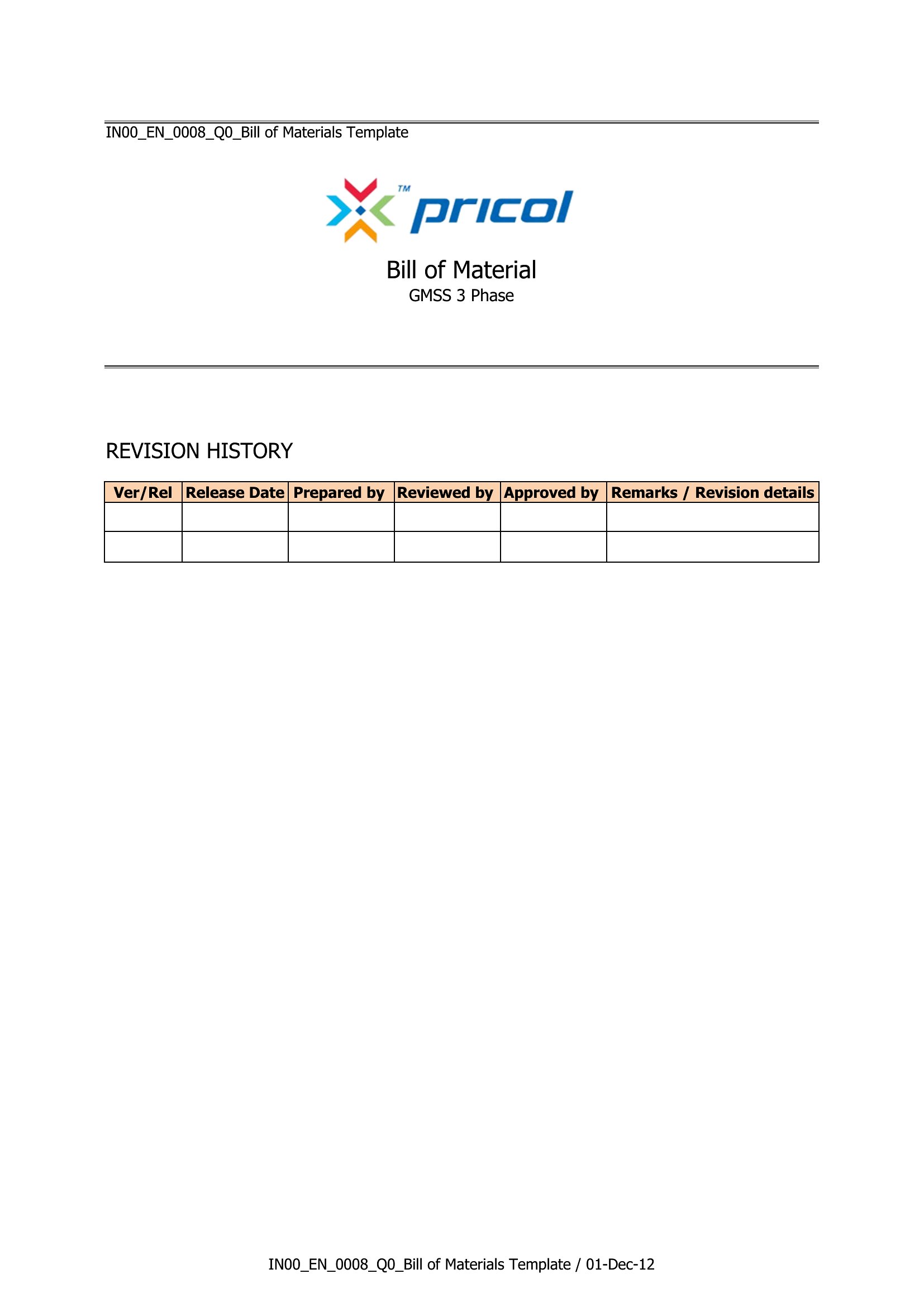
Add a ‘Revision History’ section at the top of your Word template with columns for date, revision number, and changes made. For Excel, use a separate worksheet labeled ‘Version Log’ to timestamp edits. This helps teams compare iterations, especially when parts or costs change between product runs.

Comments

Join the conversation

Sign in to share your thoughts and leave a comment on this resource.

Newsletter

Get Weekly Design Updates
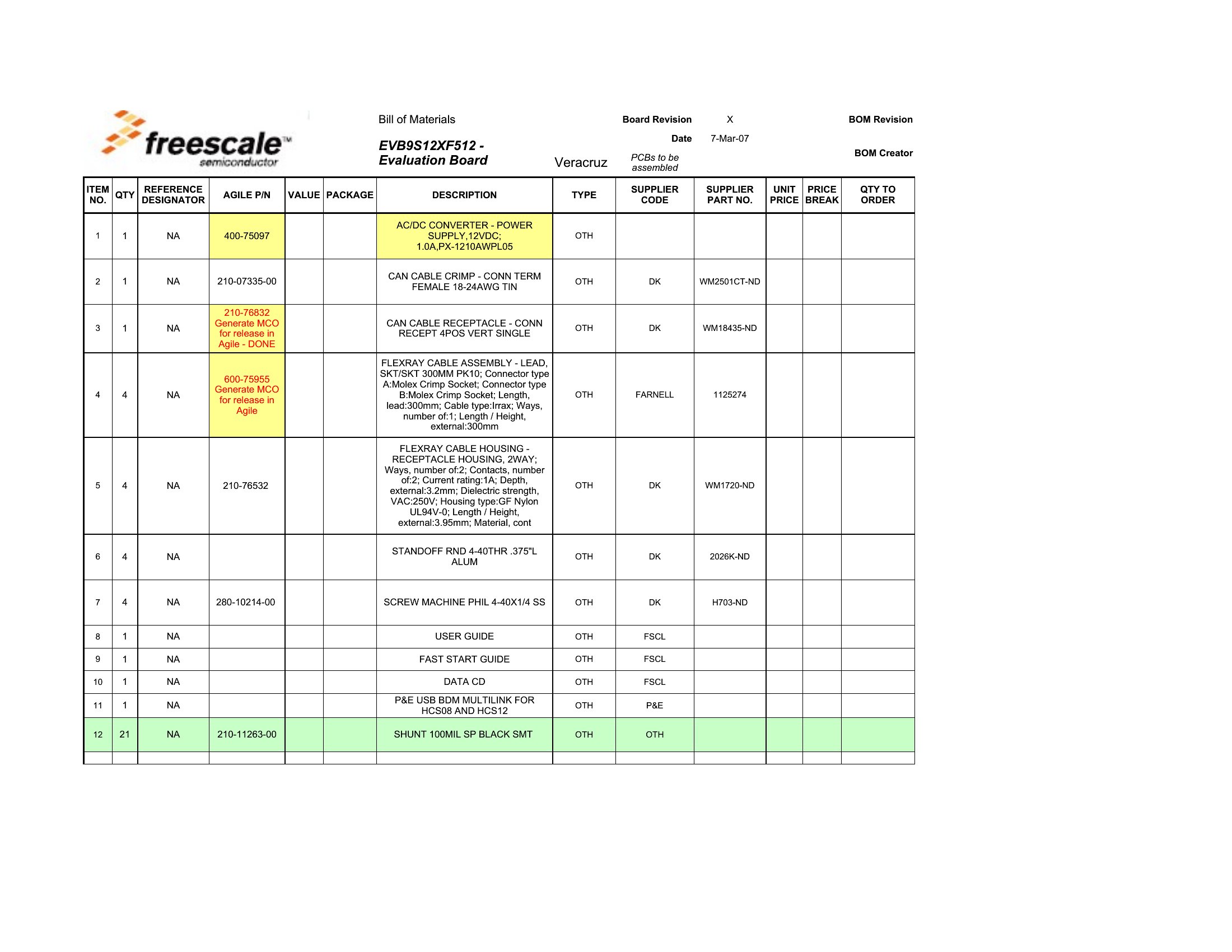
Join our community to receive curated resources and inspiration.
Weekly Tips Resources Early Access
We respect your privacy. Confirmation email required. Privacy Policy