
























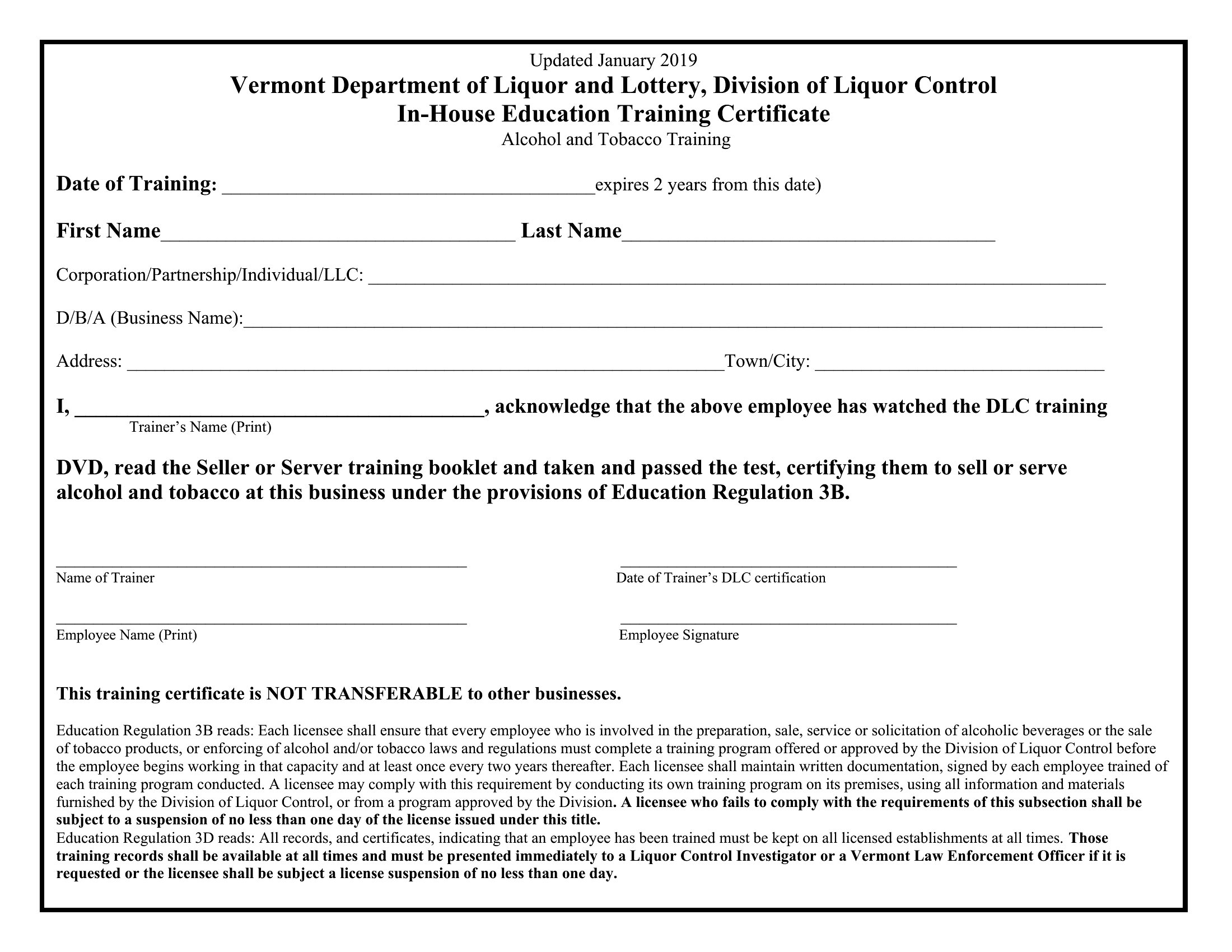


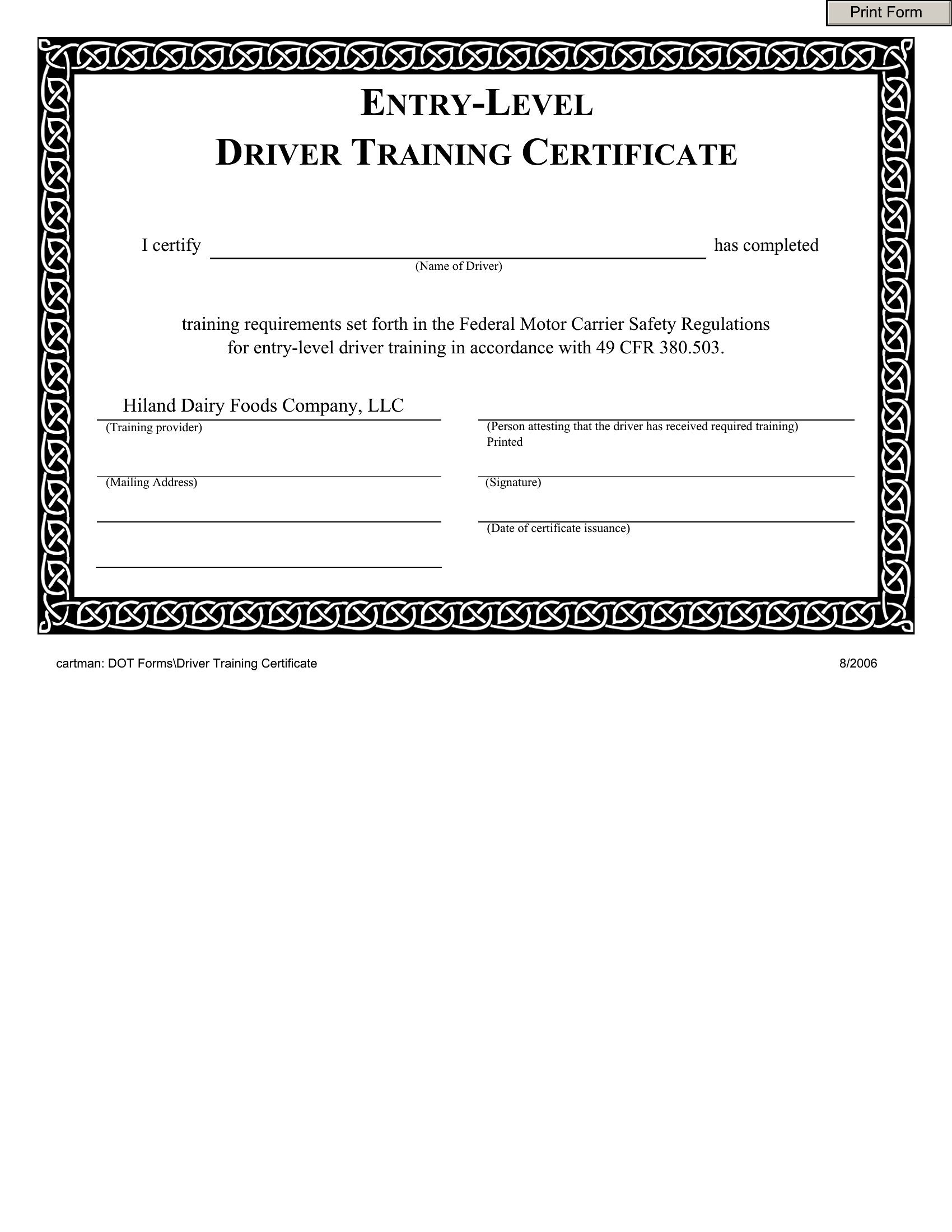


FAQ
Can I add a unique ID or barcode to track certificates in Word?
Yes, you can manually insert a unique identifier or barcode by copying one from a template or using Word’s built-in shapes and text boxes. For bulk tracking, consider adding a serial number in the footer or a QR code linking to a participant’s records. This keeps certificates professional while maintaining organizational control.
How do I ensure the certificate looks consistent across multiple print runs?
Save the Word template as a ‘template file’ (.dotx) to preserve fonts, colors, and branding. Store it securely and reopen it for every print batch—this prevents accidental formatting changes. For high-volume prints, use Word’s ‘Save As’ to duplicate the file with a new name before editing details like names or dates.
Are these templates suitable for bilingual training programs?
The templates are designed in English but can be adapted for bilingual use. Duplicate the document, translate the text manually, and adjust the layout to fit both languages. Use Word’s ‘insert text box’ feature to layer translations if space is limited, keeping the original design intact for one language while adding the second in a smaller font.
Comments
Join the conversation
Sign in to share your thoughts and leave a comment on this resource.