

FAQ
Can I add photos or screenshots of my workouts to these journals?
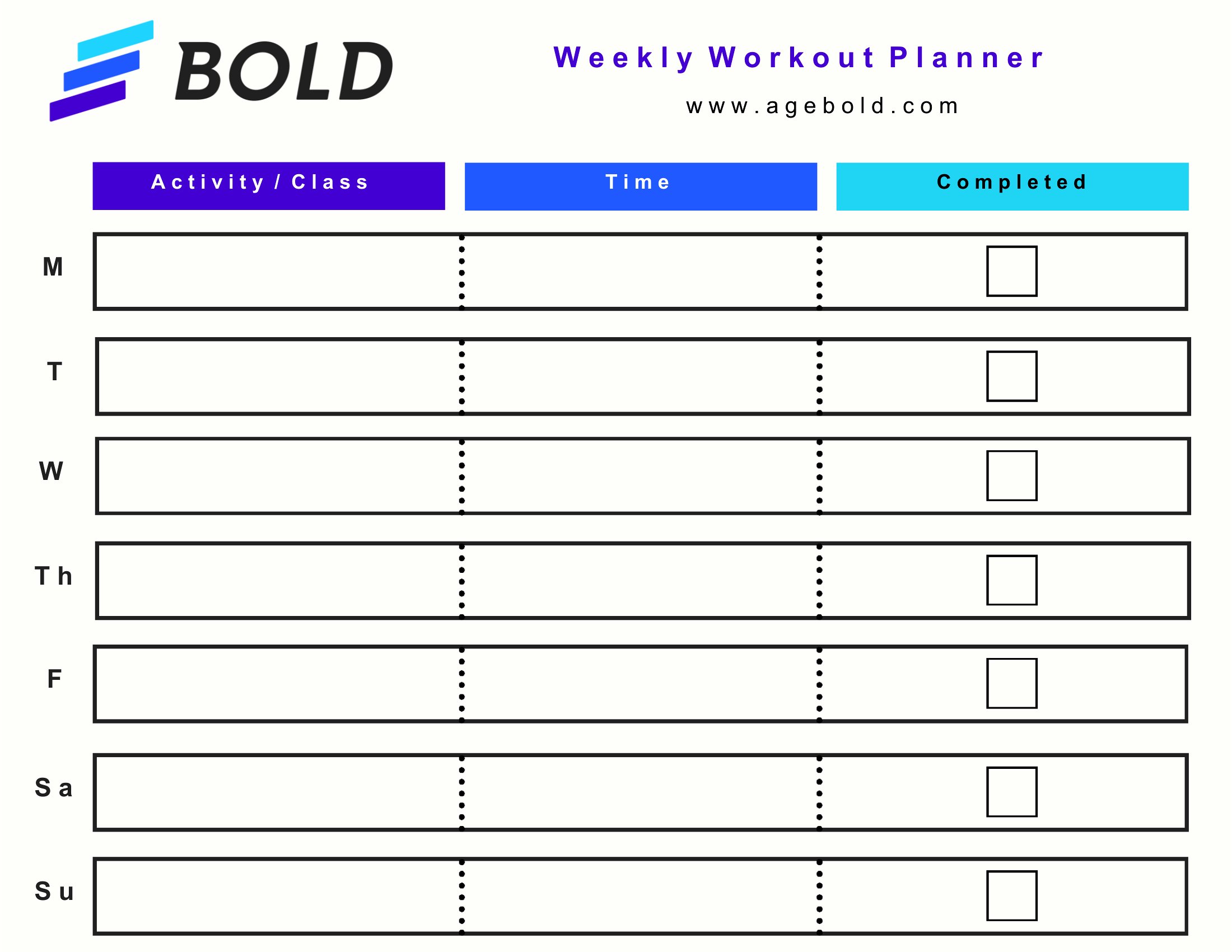
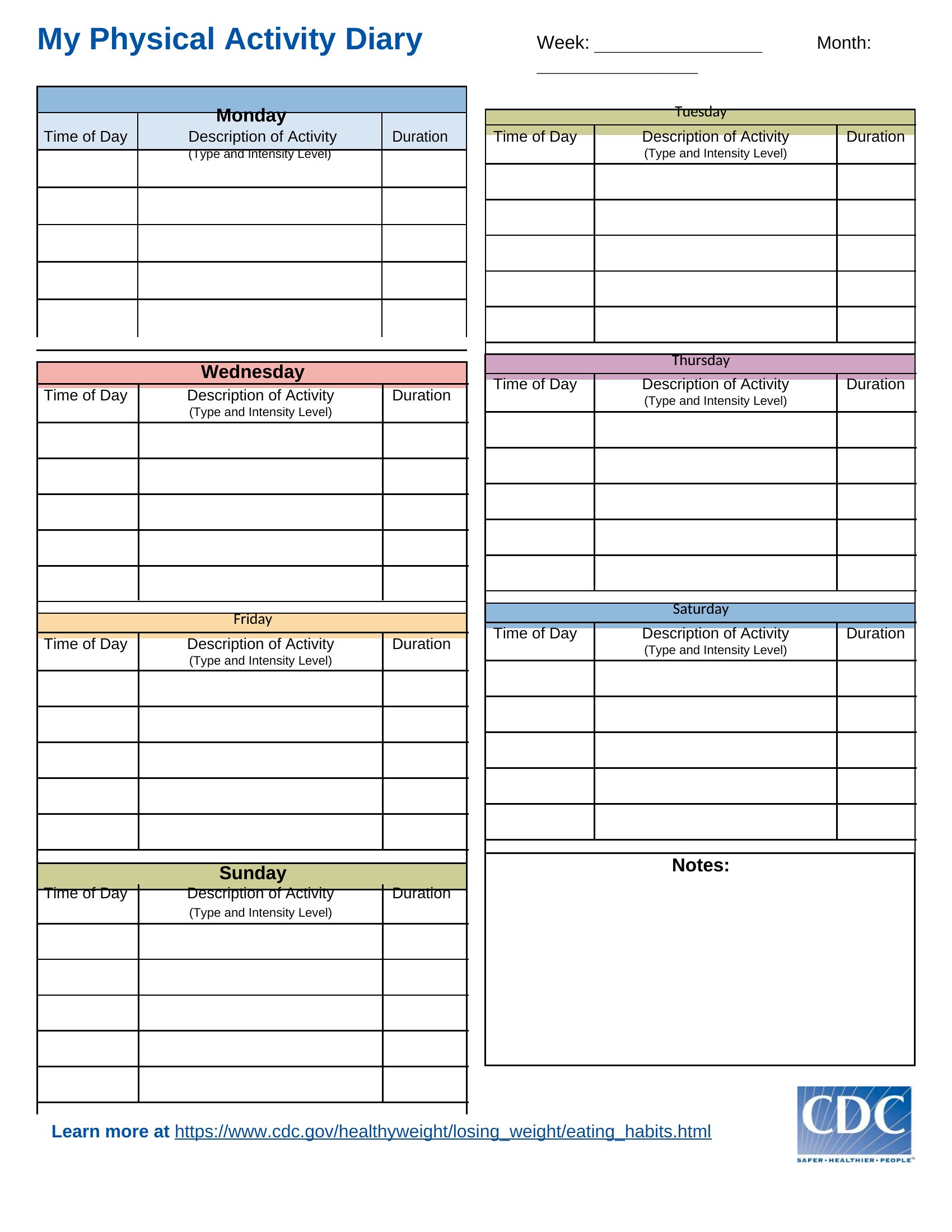
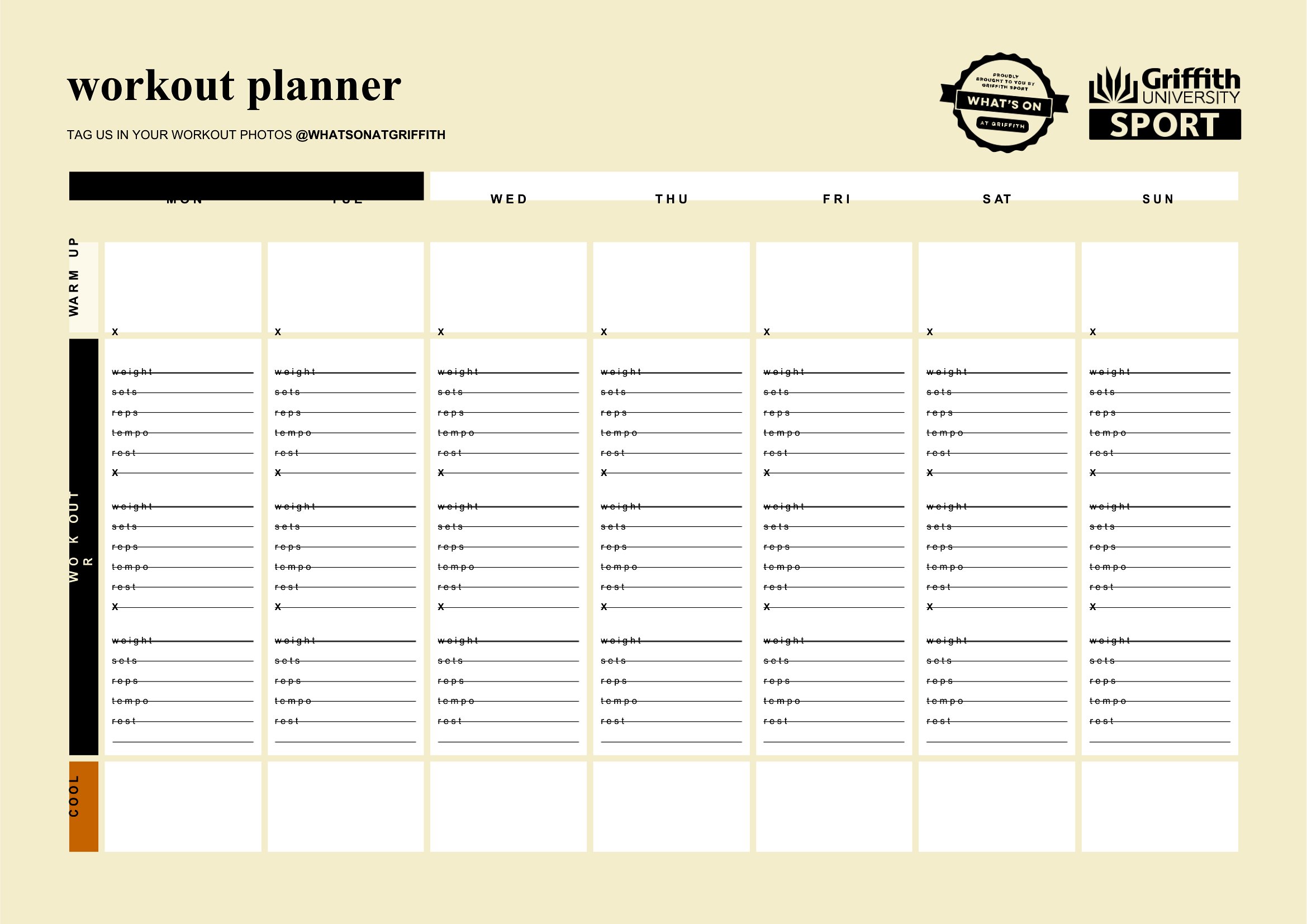
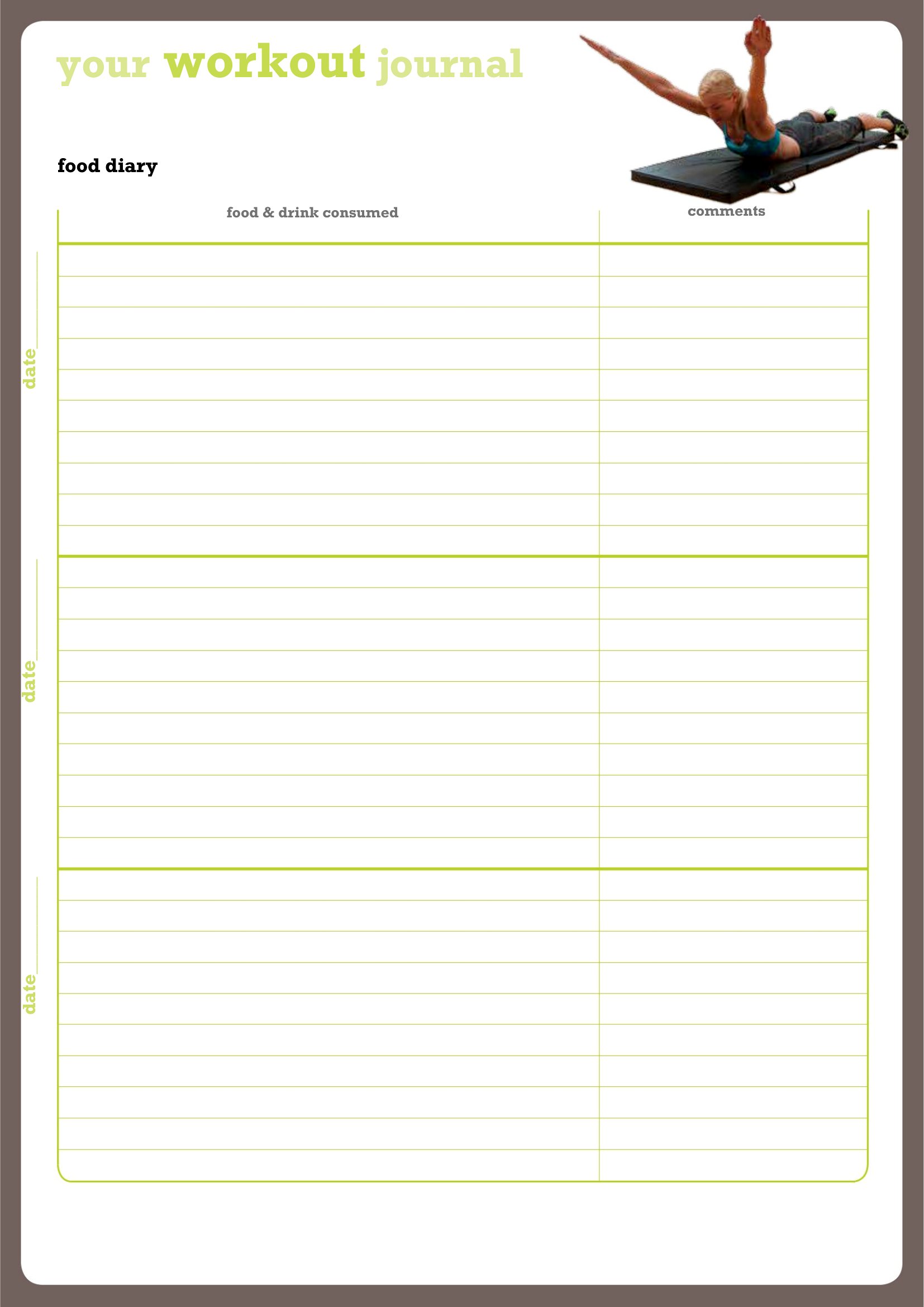
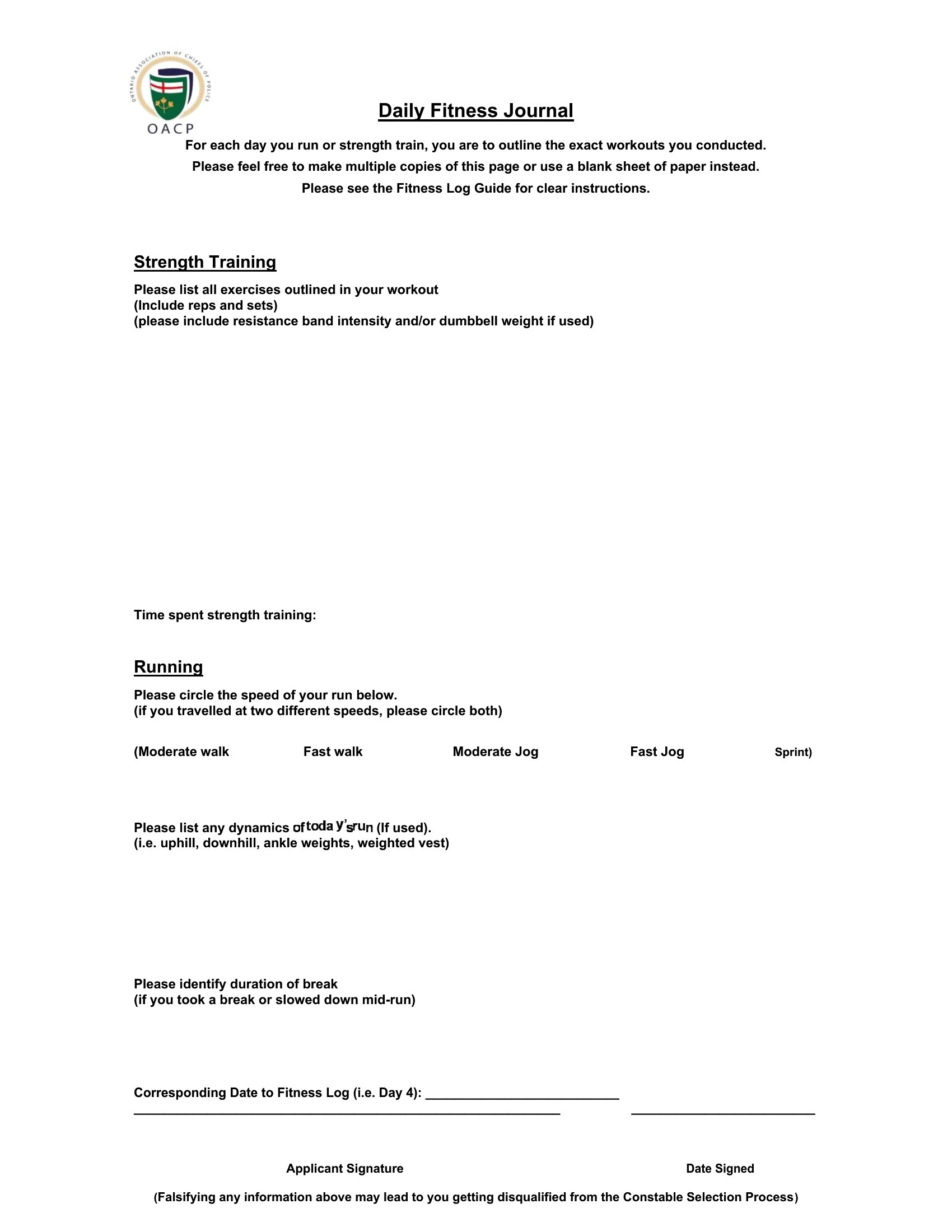
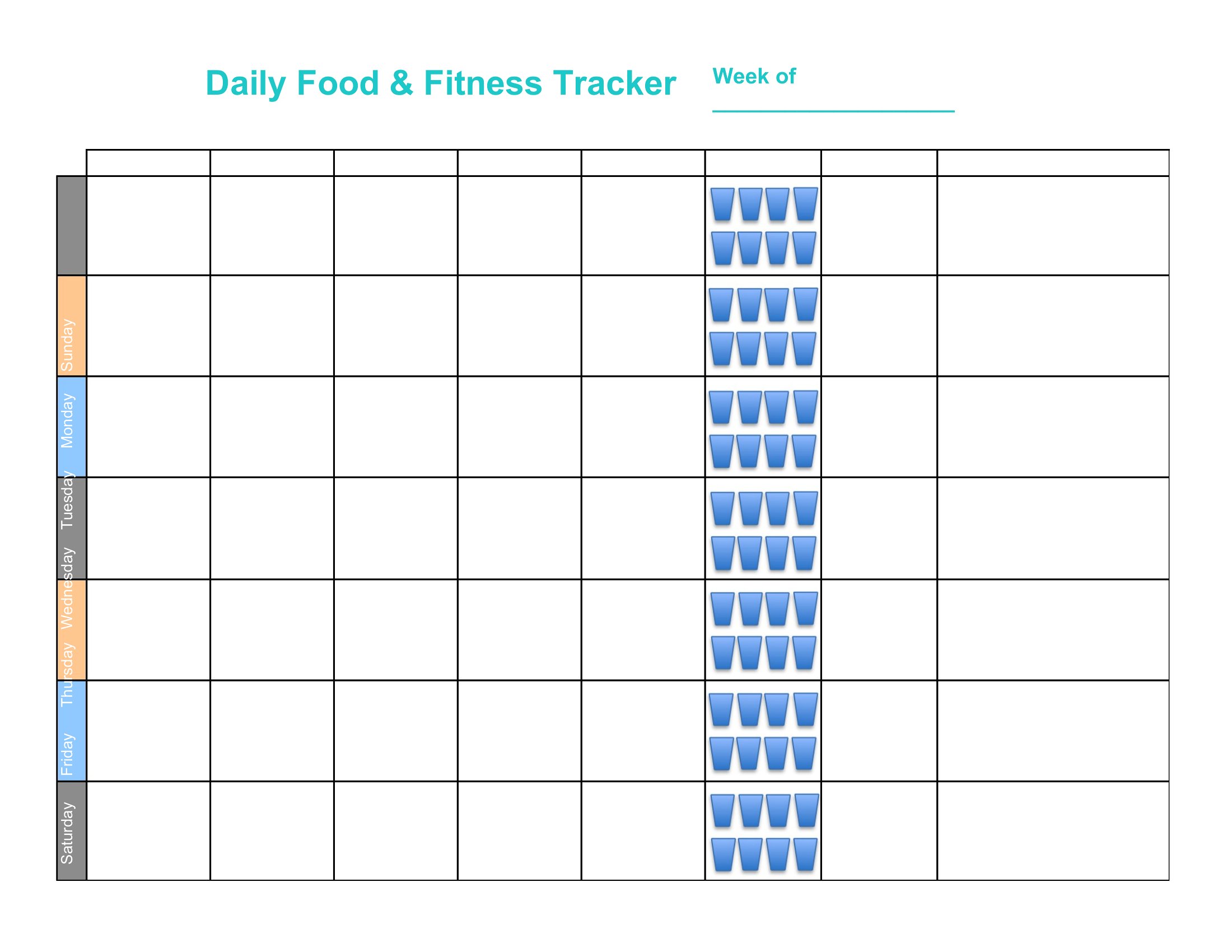
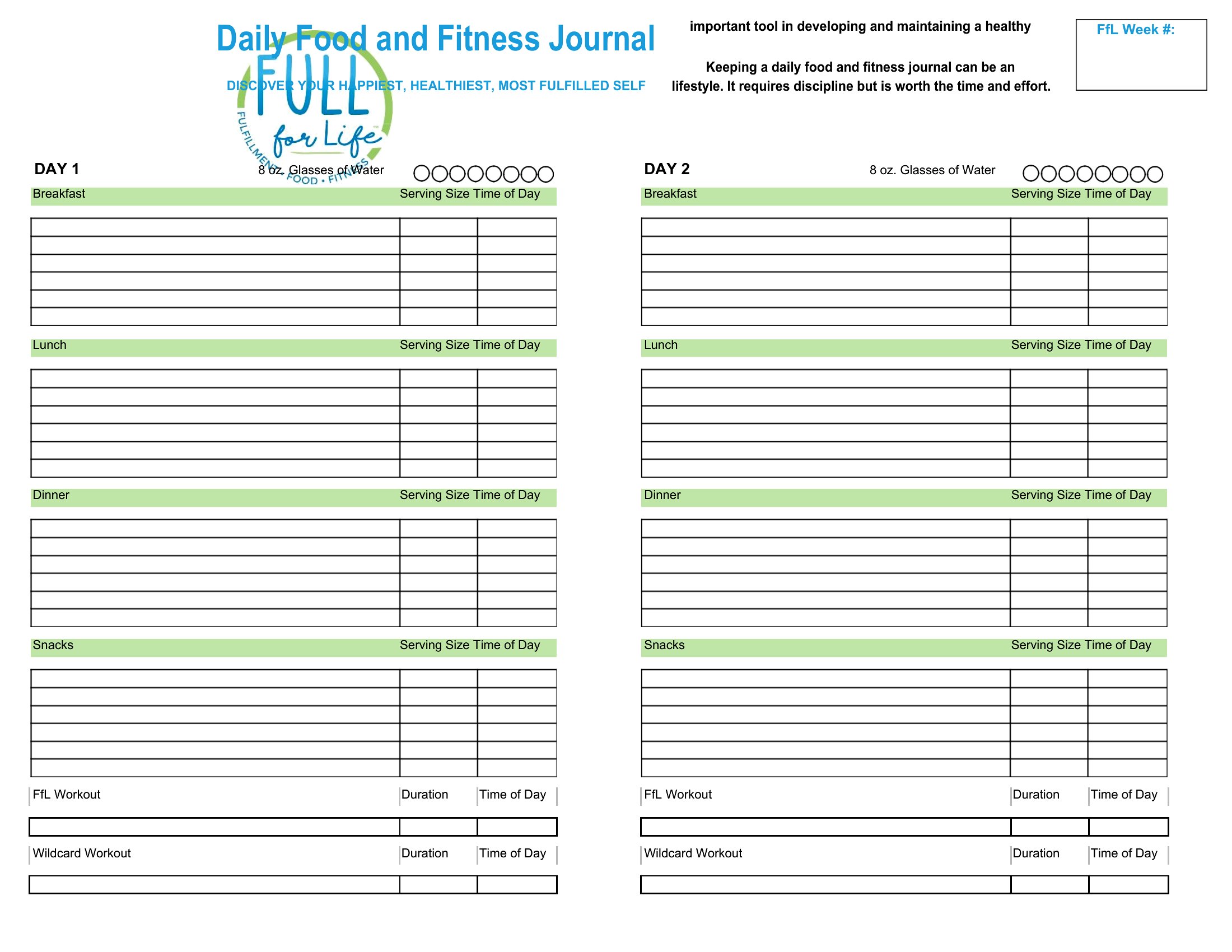
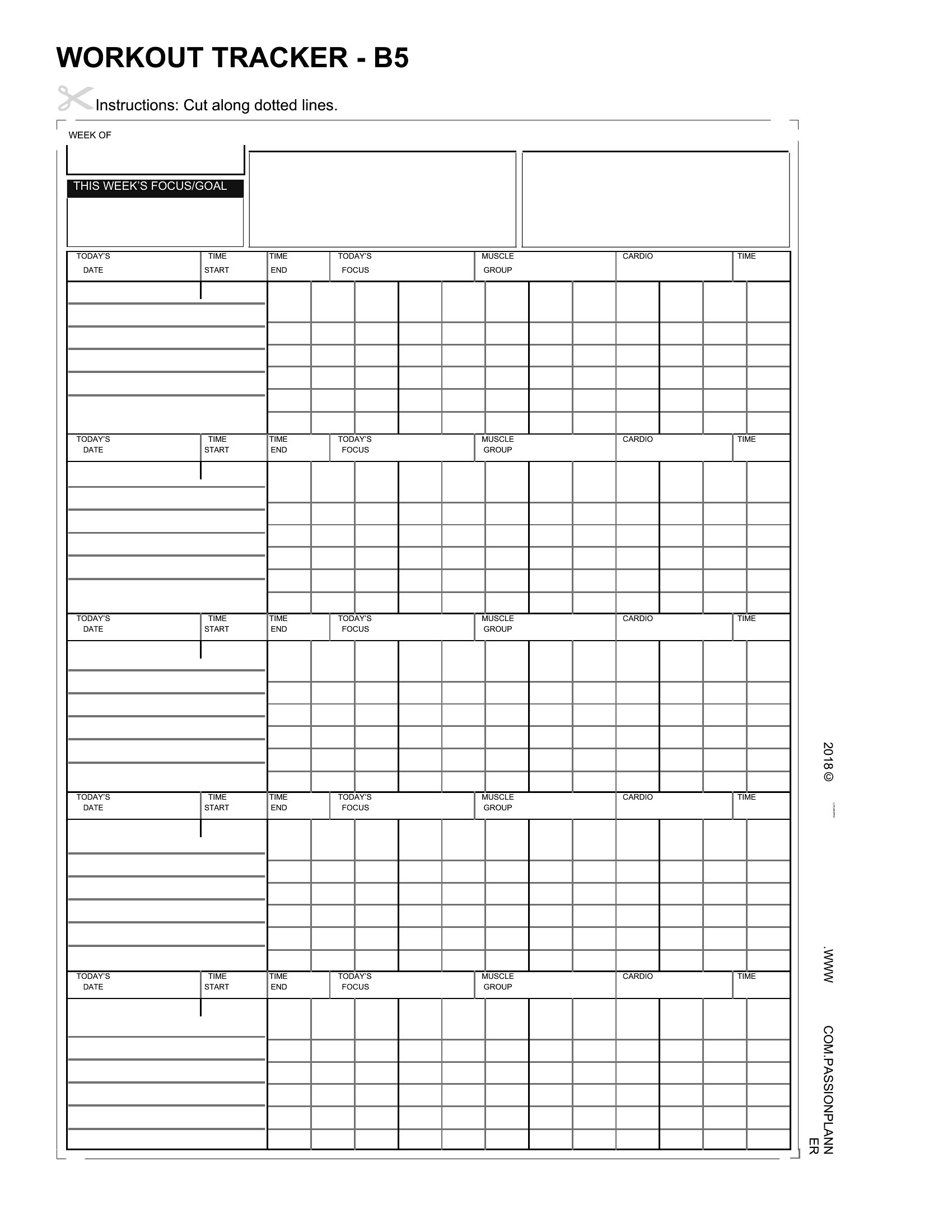
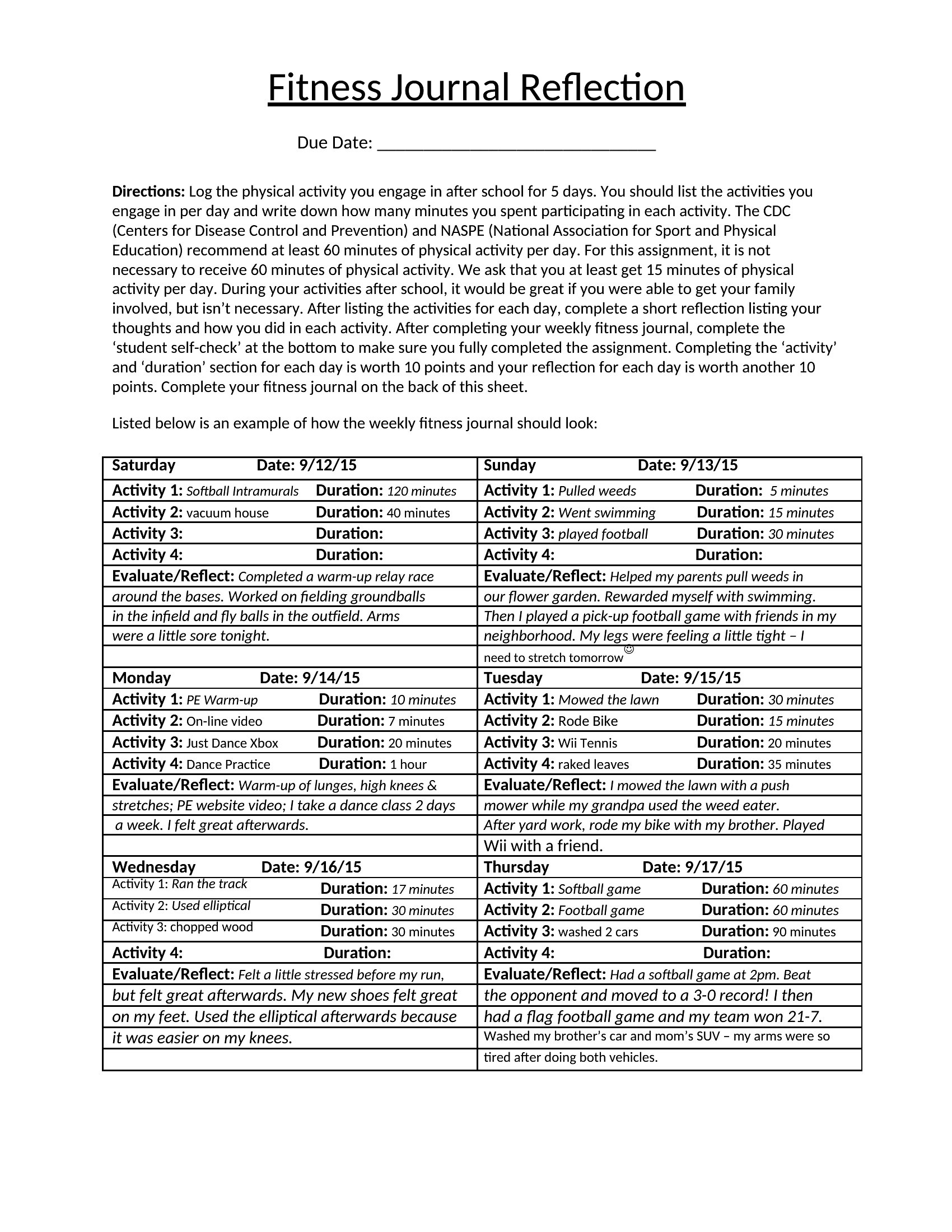
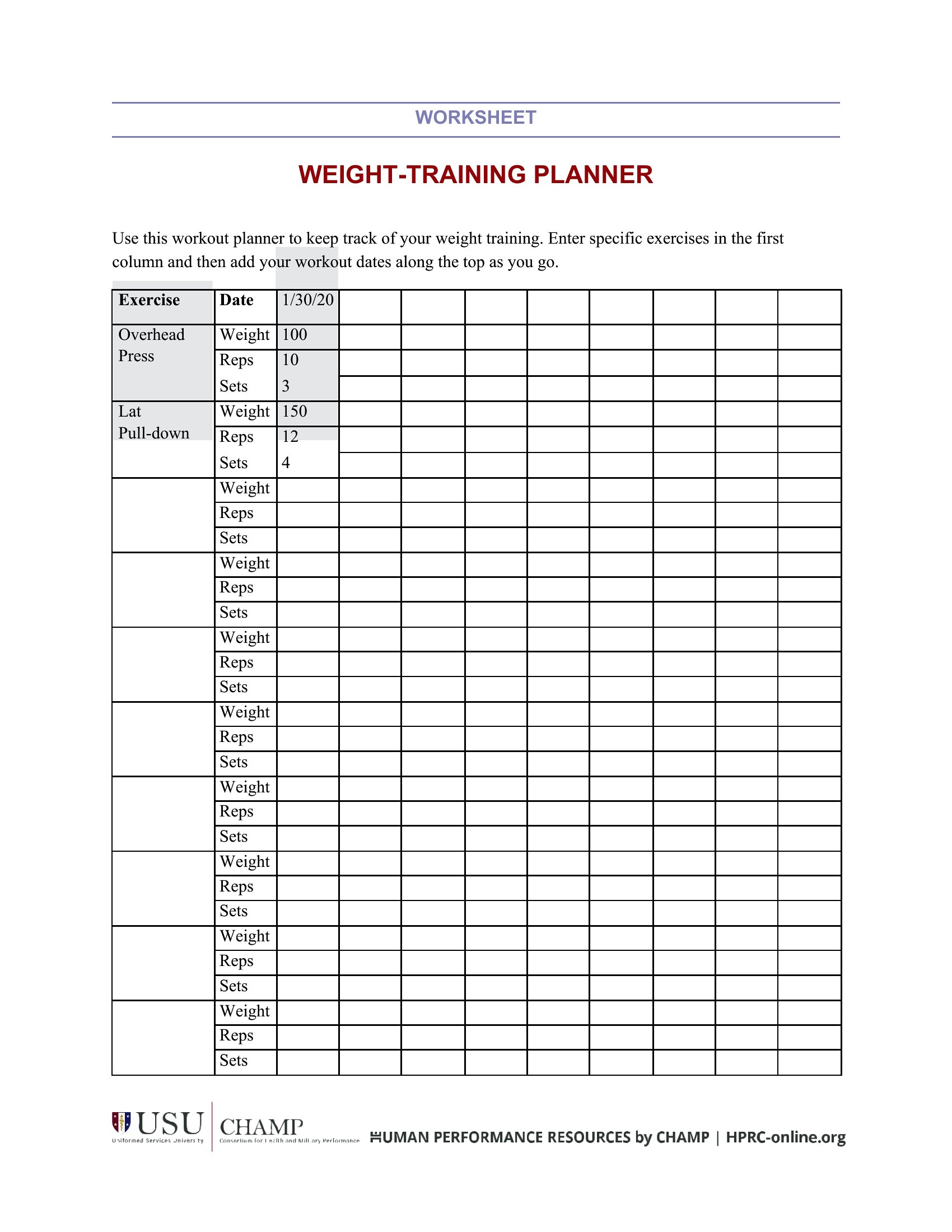
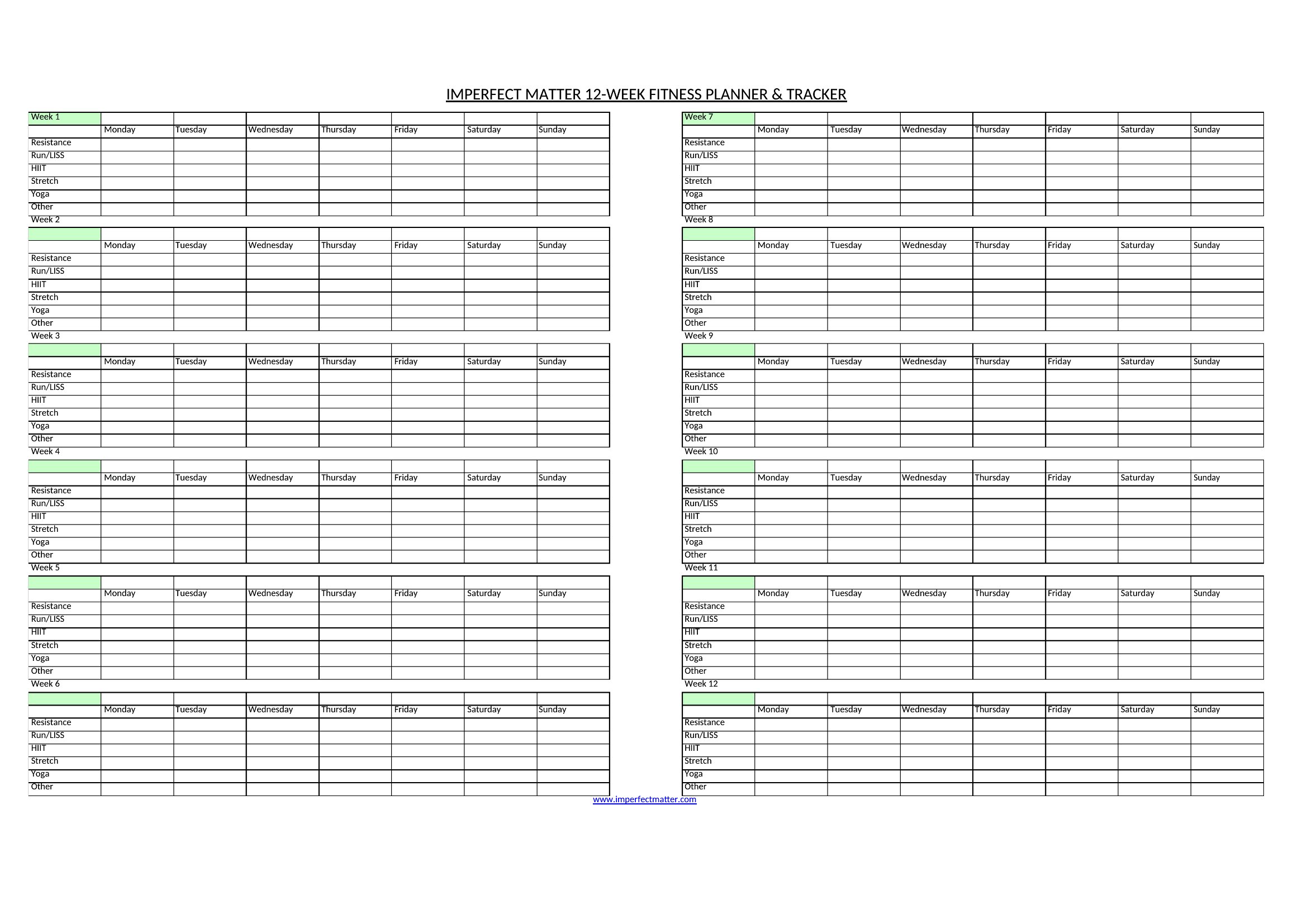
No, these Word templates focus on text-based tracking, so they don’t include embedded image placeholders. For visual logs, consider scanning handwritten notes or creating a separate photo album. The editable tables are designed to keep your workout data organized without unnecessary clutter.
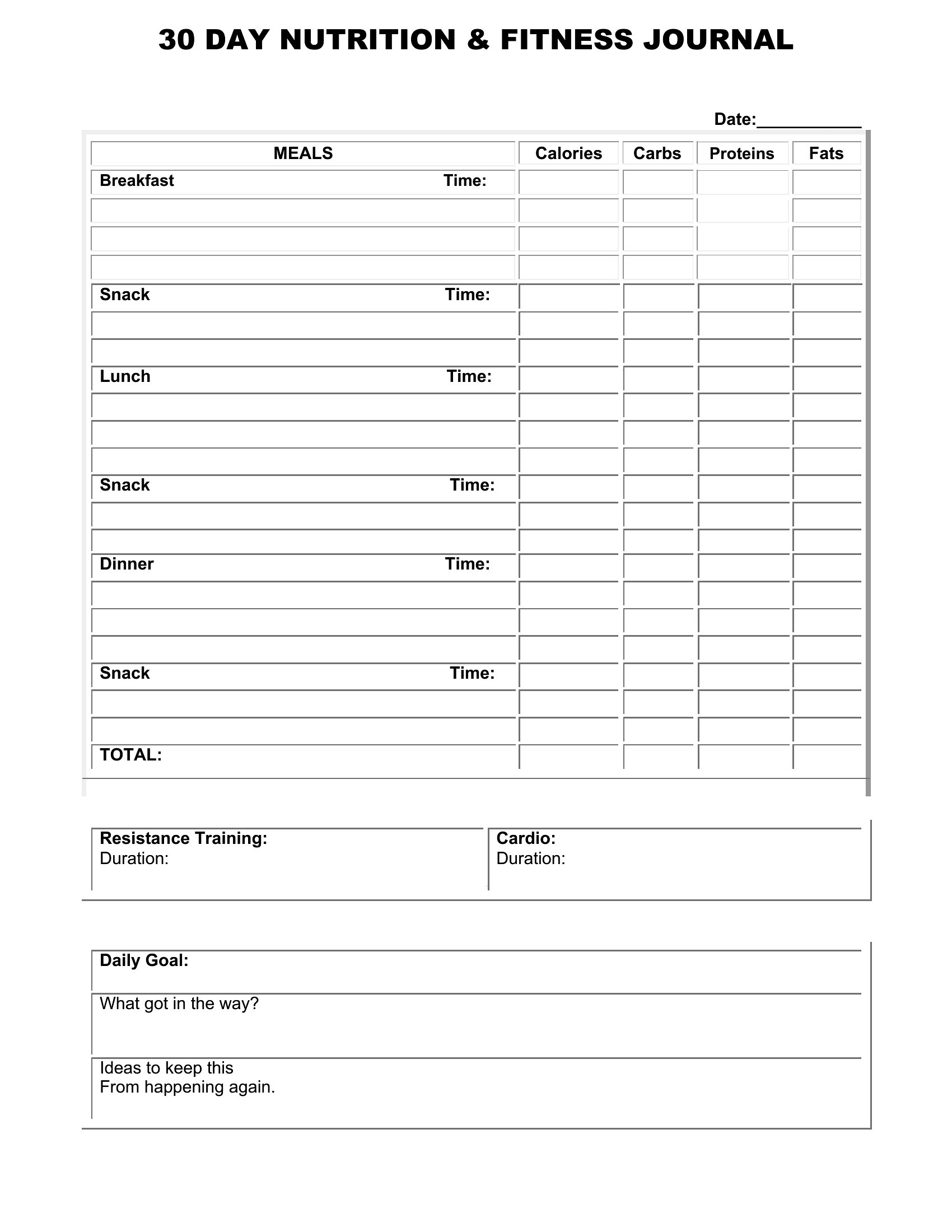
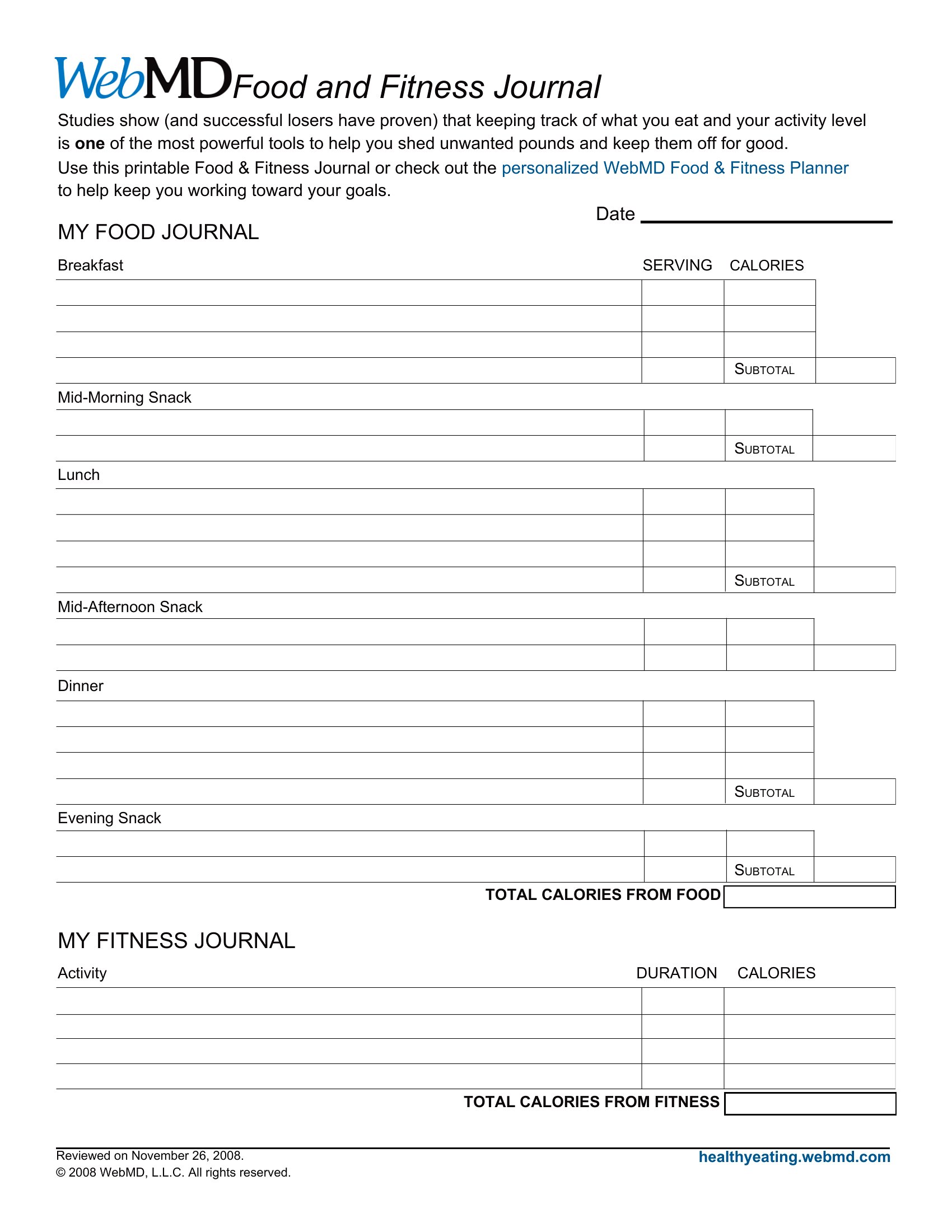
Are the meal-tracking sections detailed enough for macro counting?
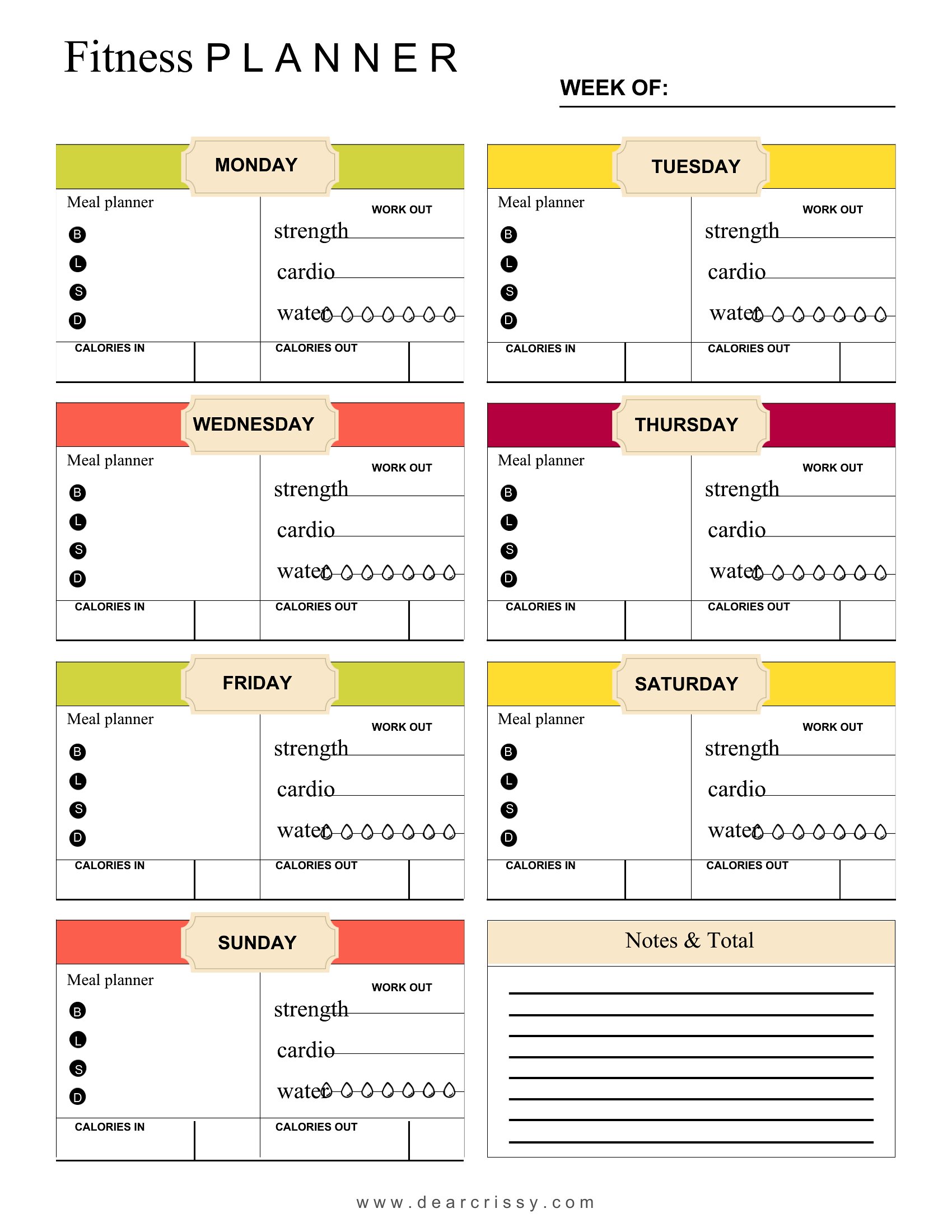
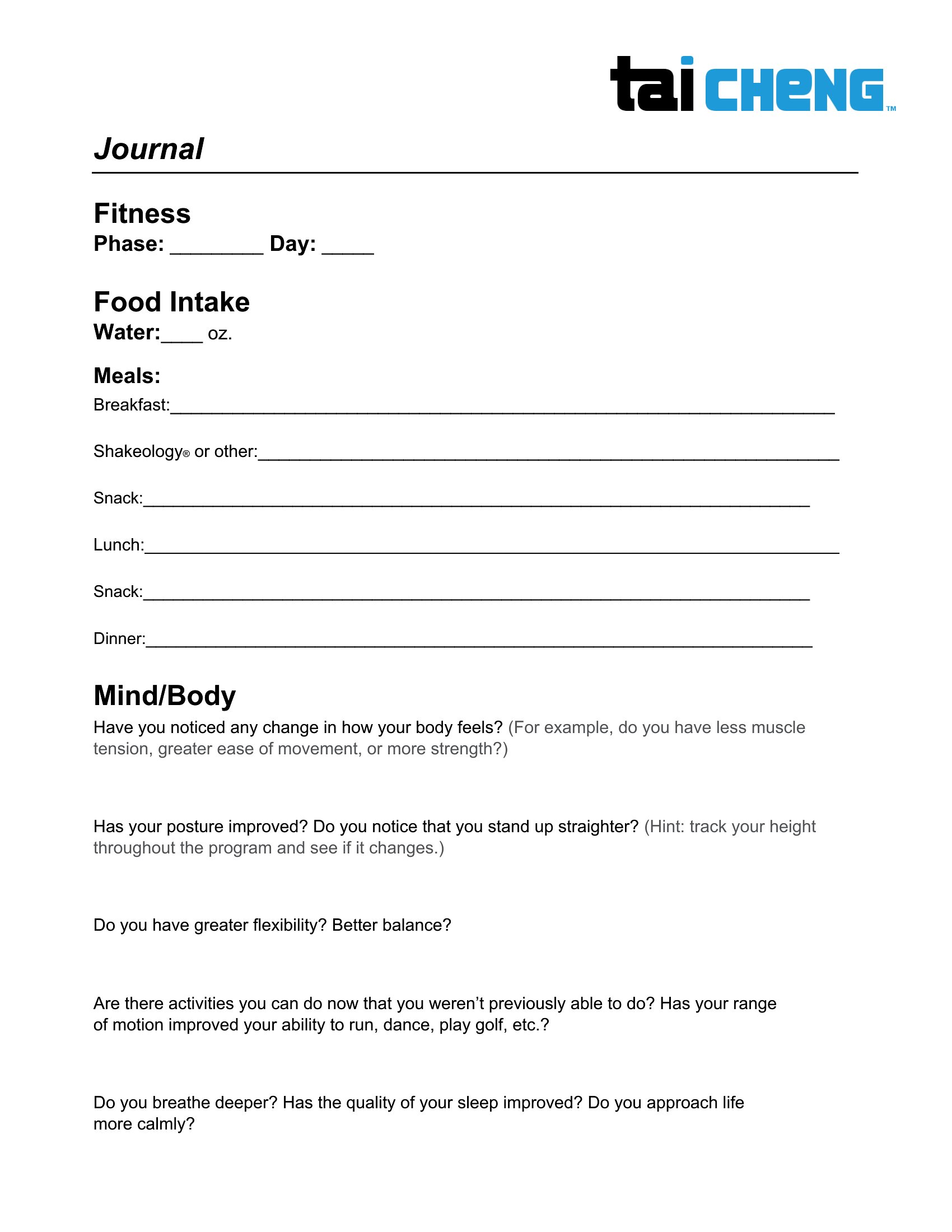
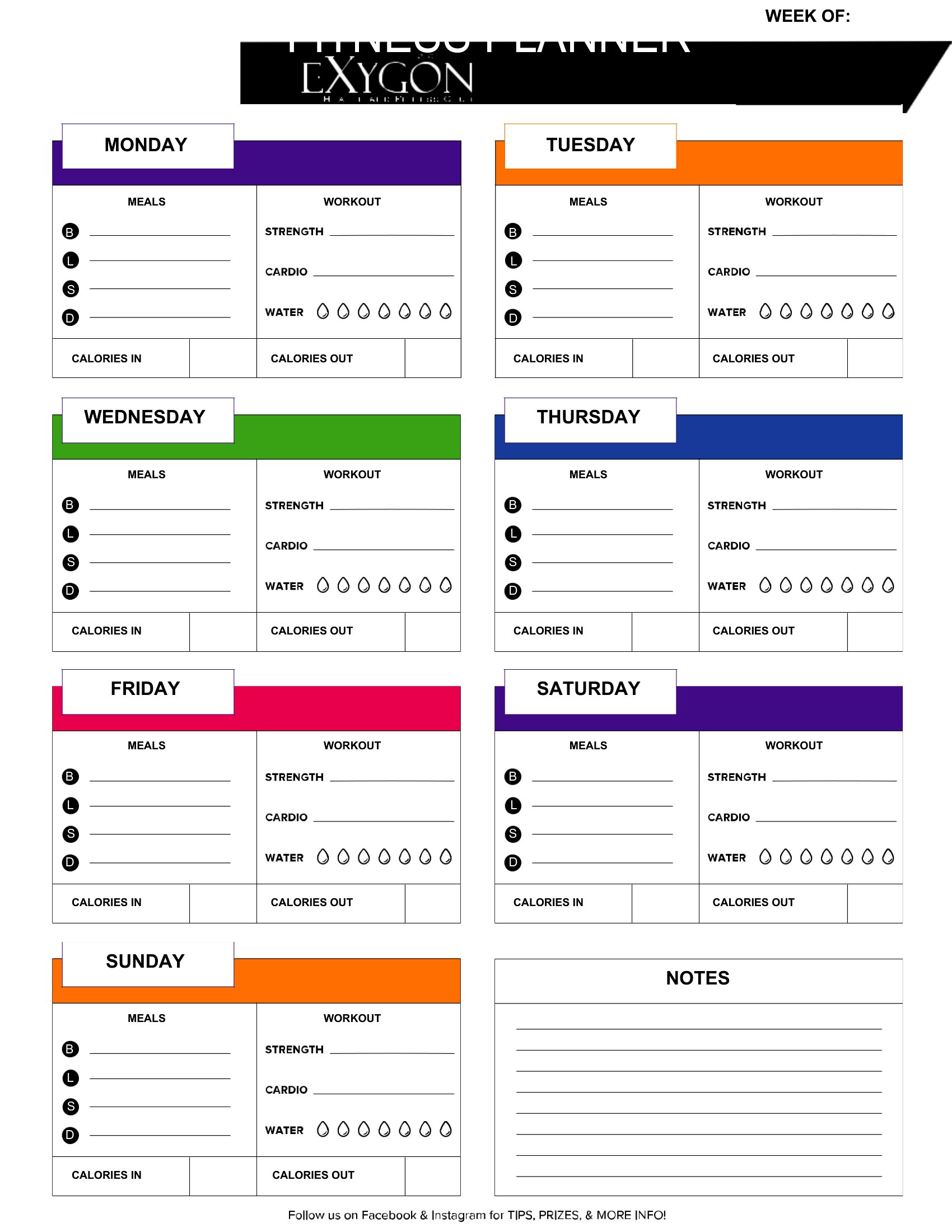
The meal sections provide space for food names, portion sizes, and basic notes, but they’re not pre-formatted for macro tracking. If you need detailed calorie or nutrient tracking, you’ll want to add columns for carbs, protein, and fats. The templates are flexible enough to accommodate these adjustments in Word.
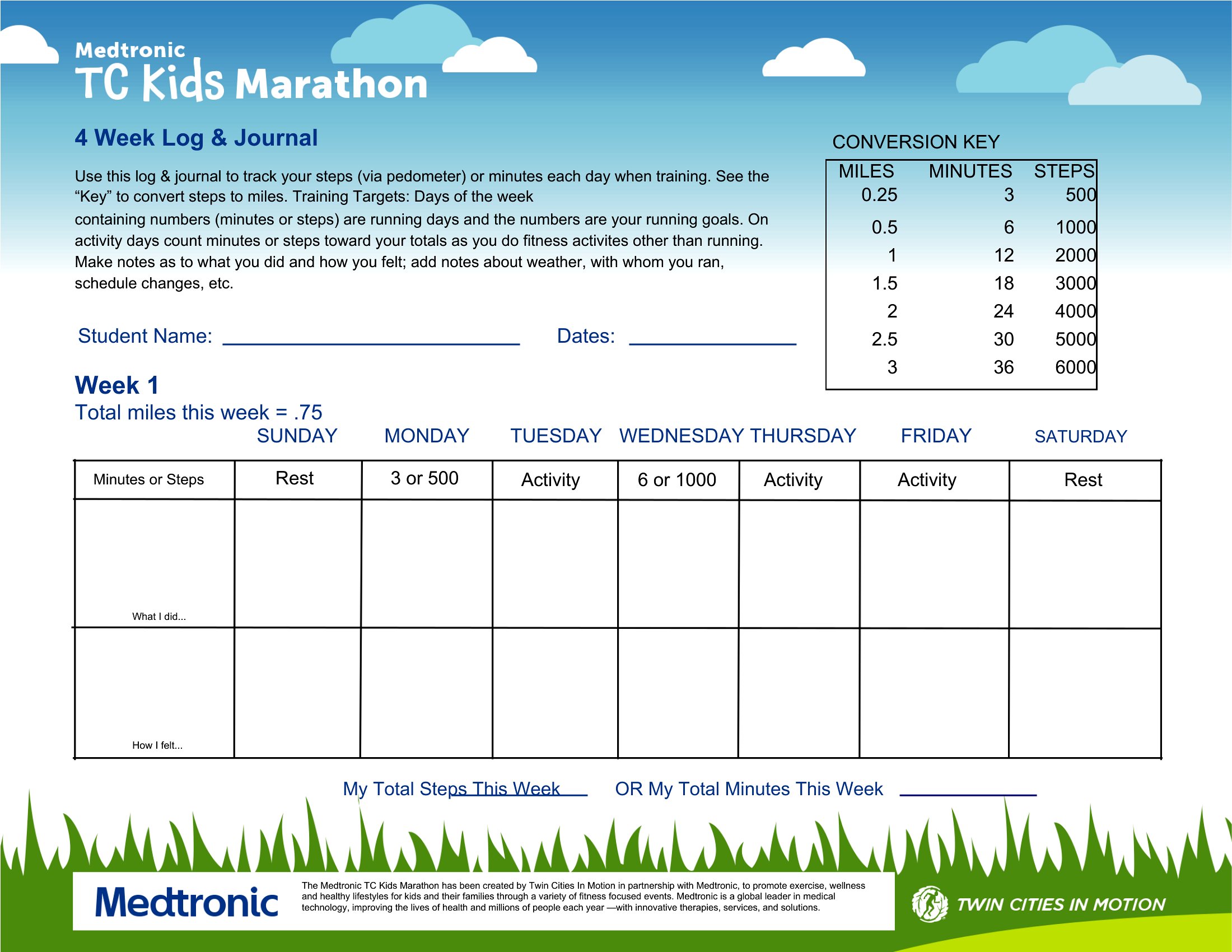
How do I customize the weekly goal pages to fit my specific fitness objectives?
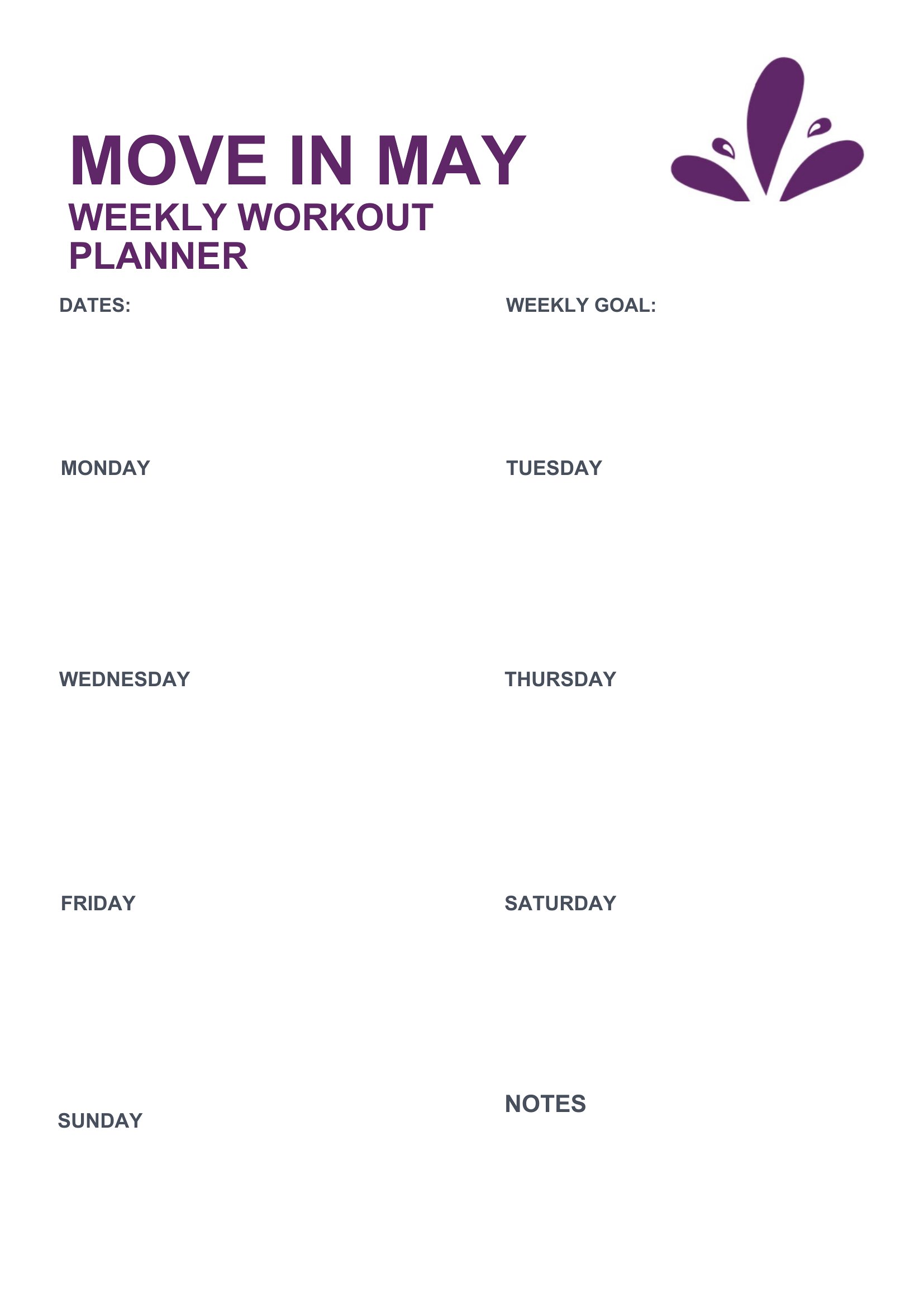
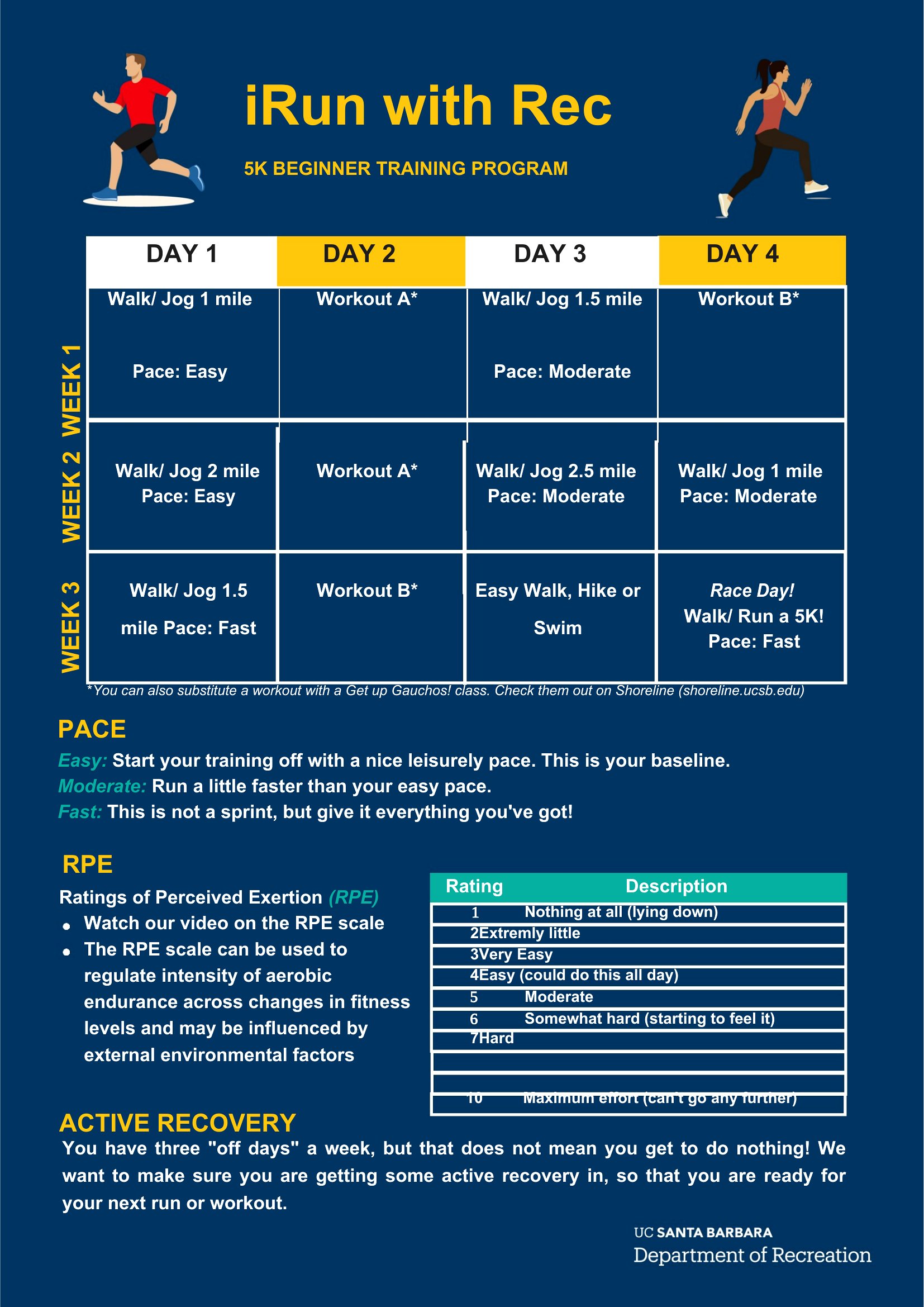
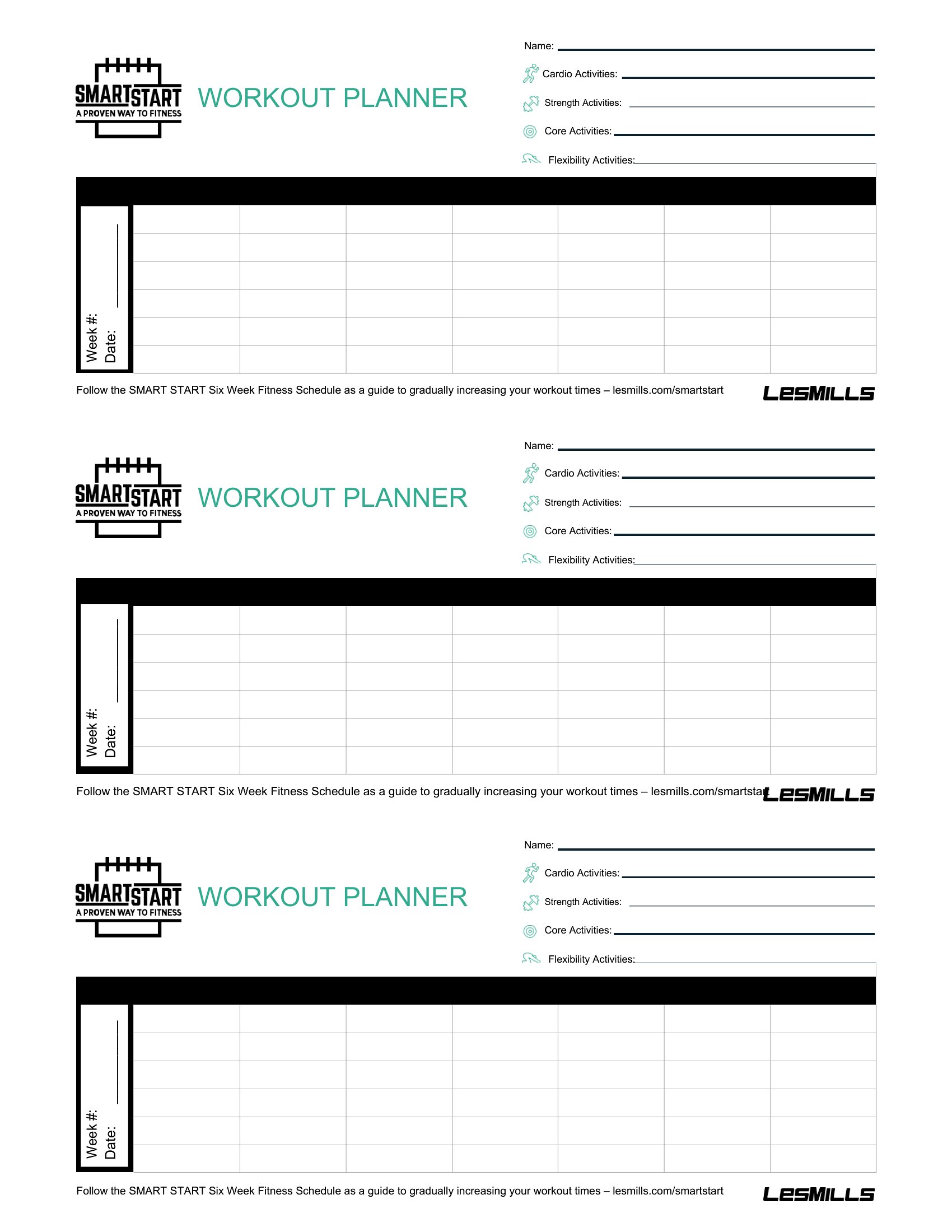
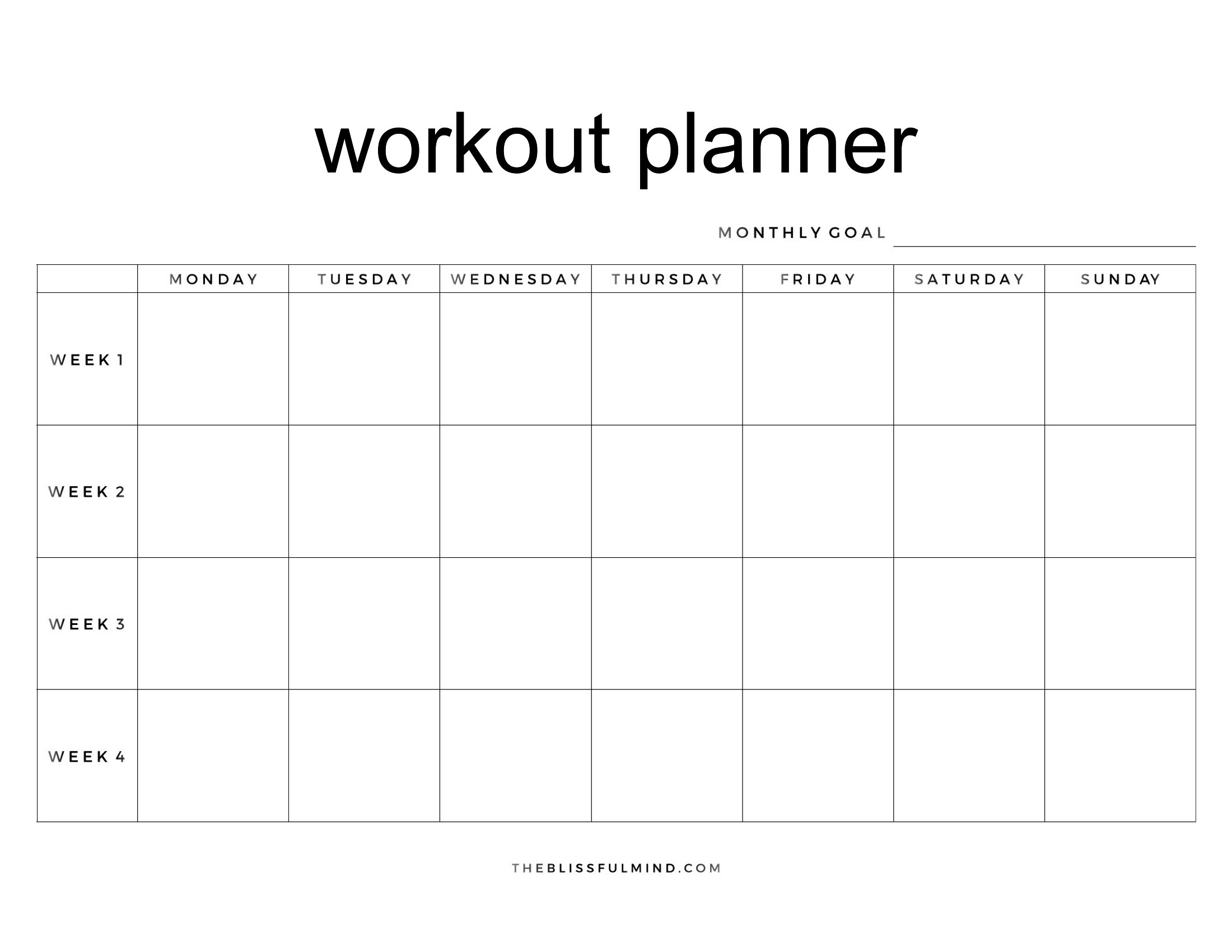
Open the Word template and select the goal pages—you’ll see text boxes and tables you can resize or merge. Replace placeholder text with your objectives, like “increase squat by 20 lbs” or “improve 5K time.” Use the drawing tools in Word to add progress bars or checklists if needed, keeping the focus on visual motivation.
Comments
Join the conversation
Sign in to share your thoughts and leave a comment on this resource.