FAQ
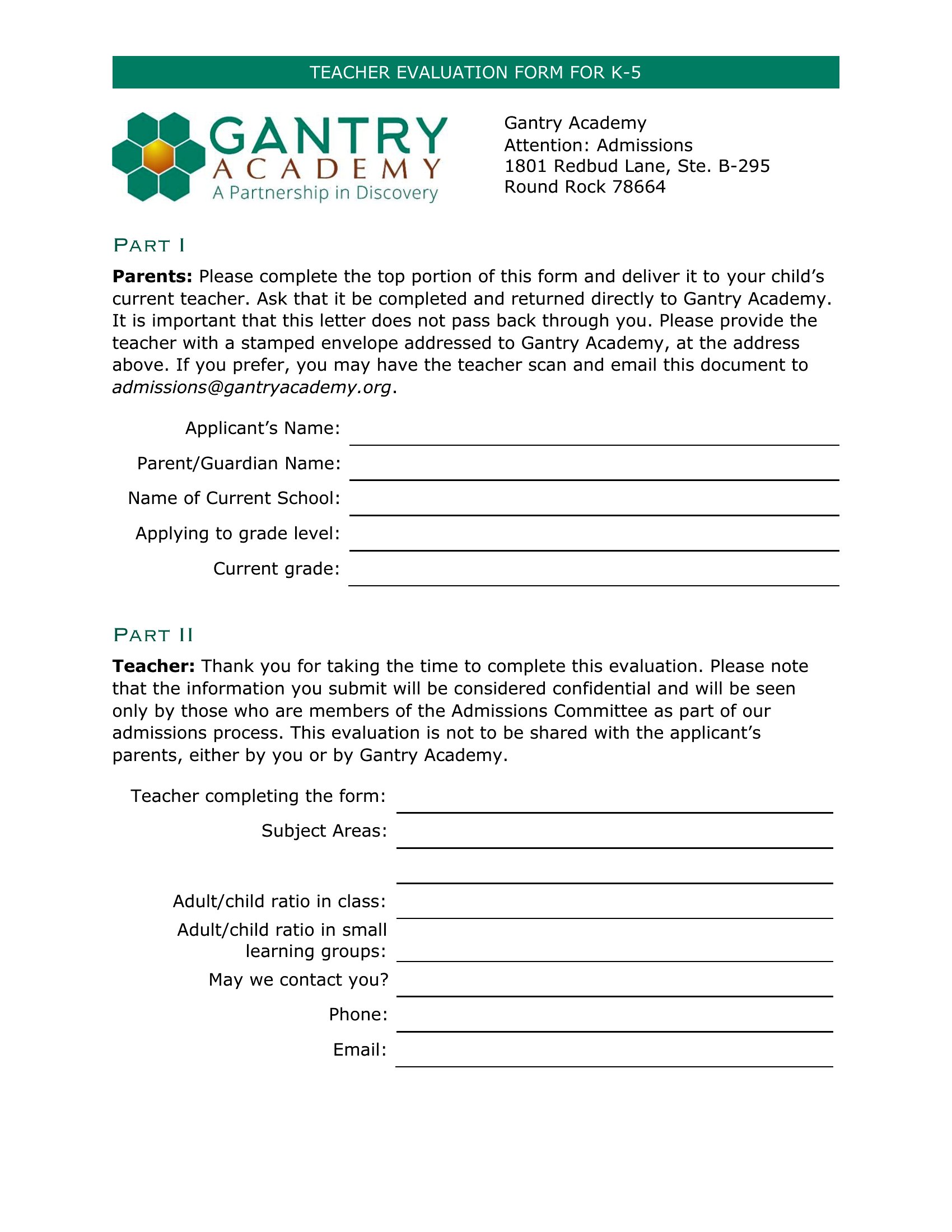
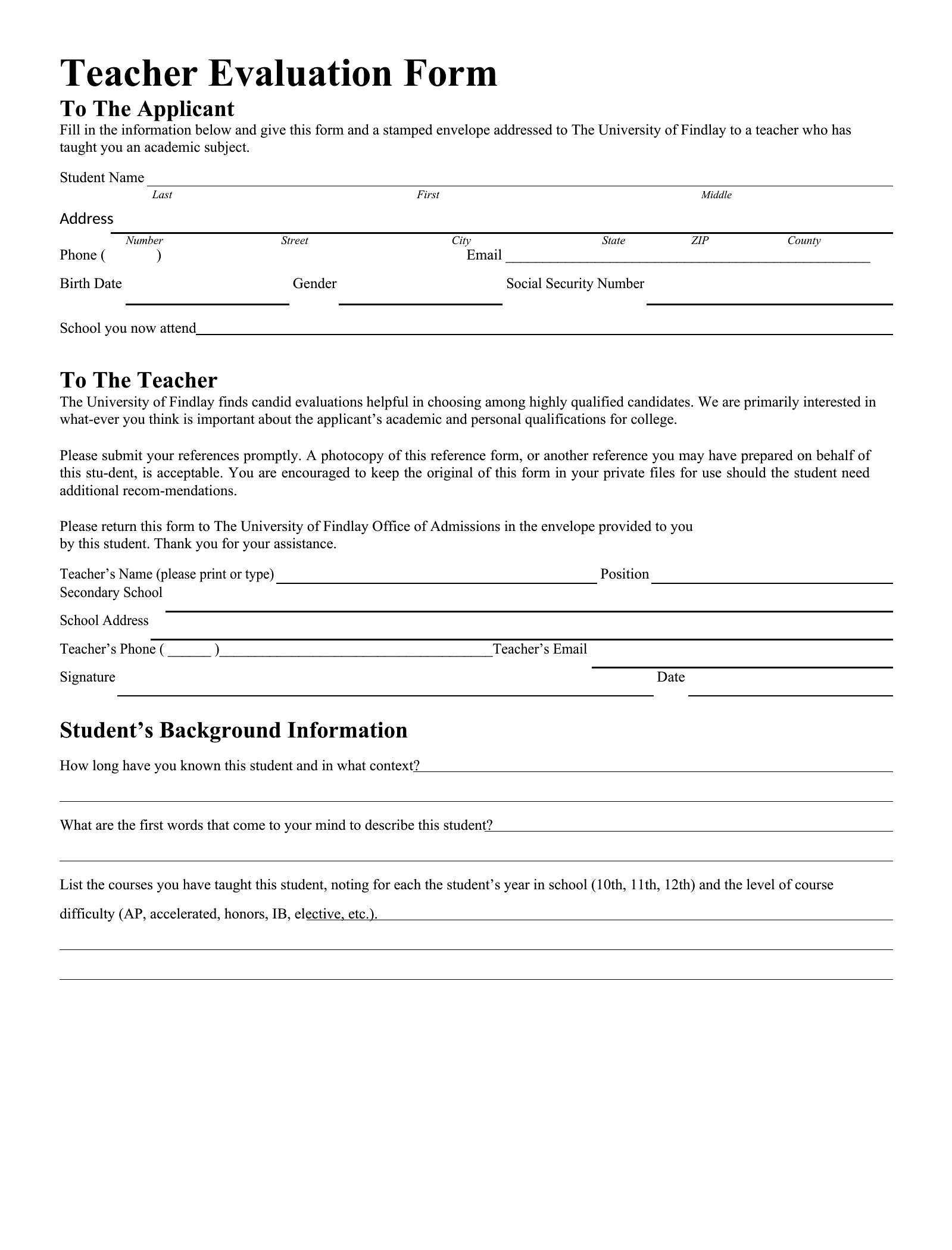
How do I adjust the evaluation criteria to fit a specific grade level or teaching specialty, like special education or STEM?
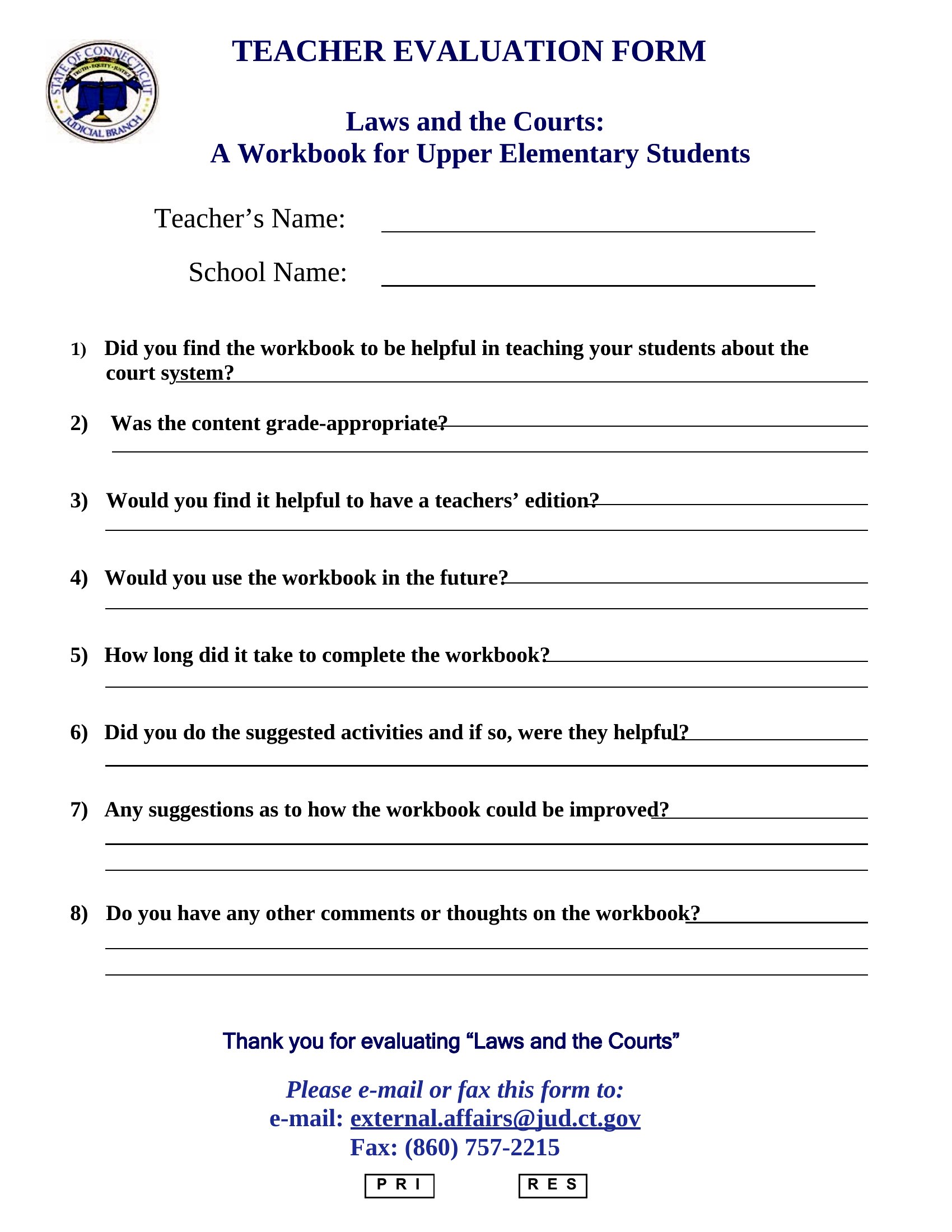
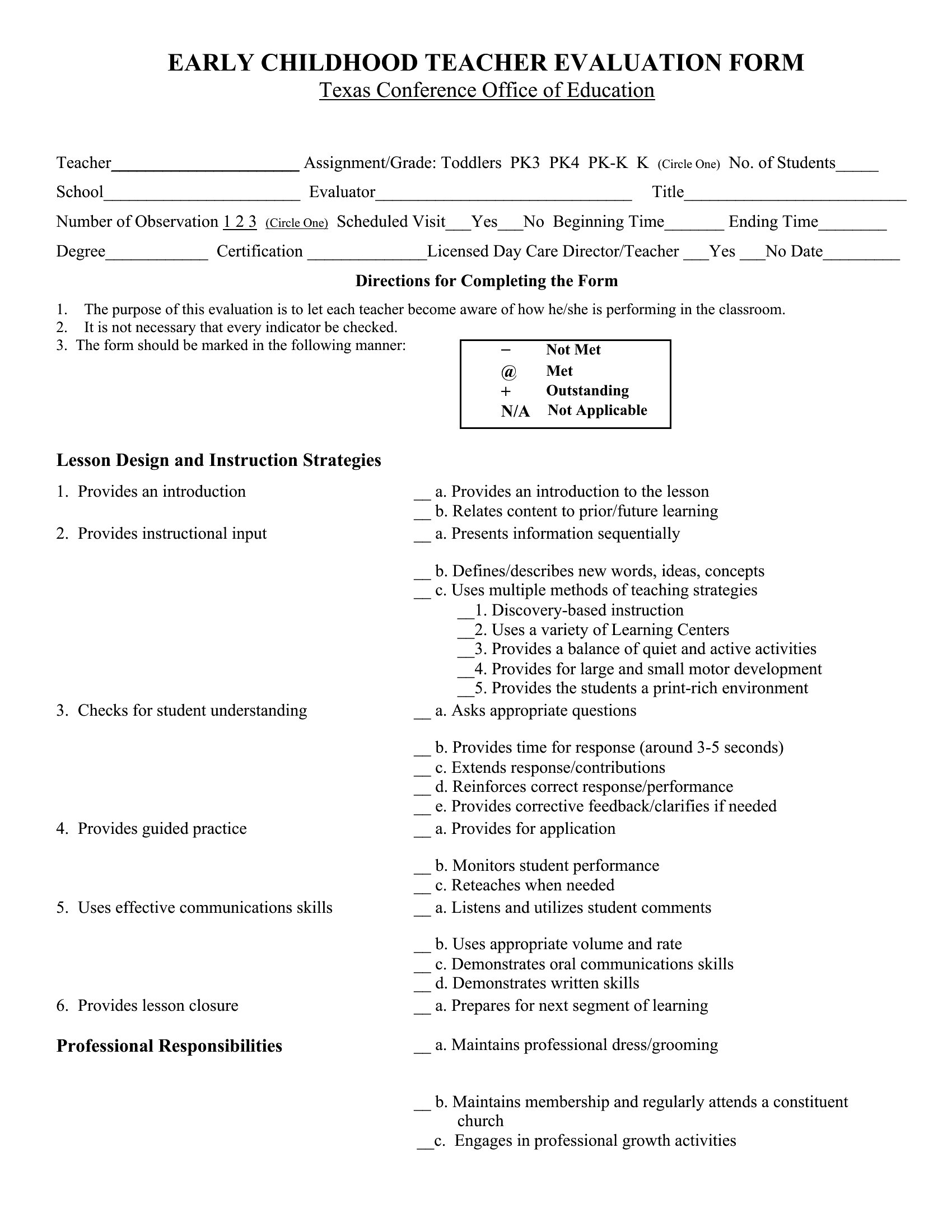
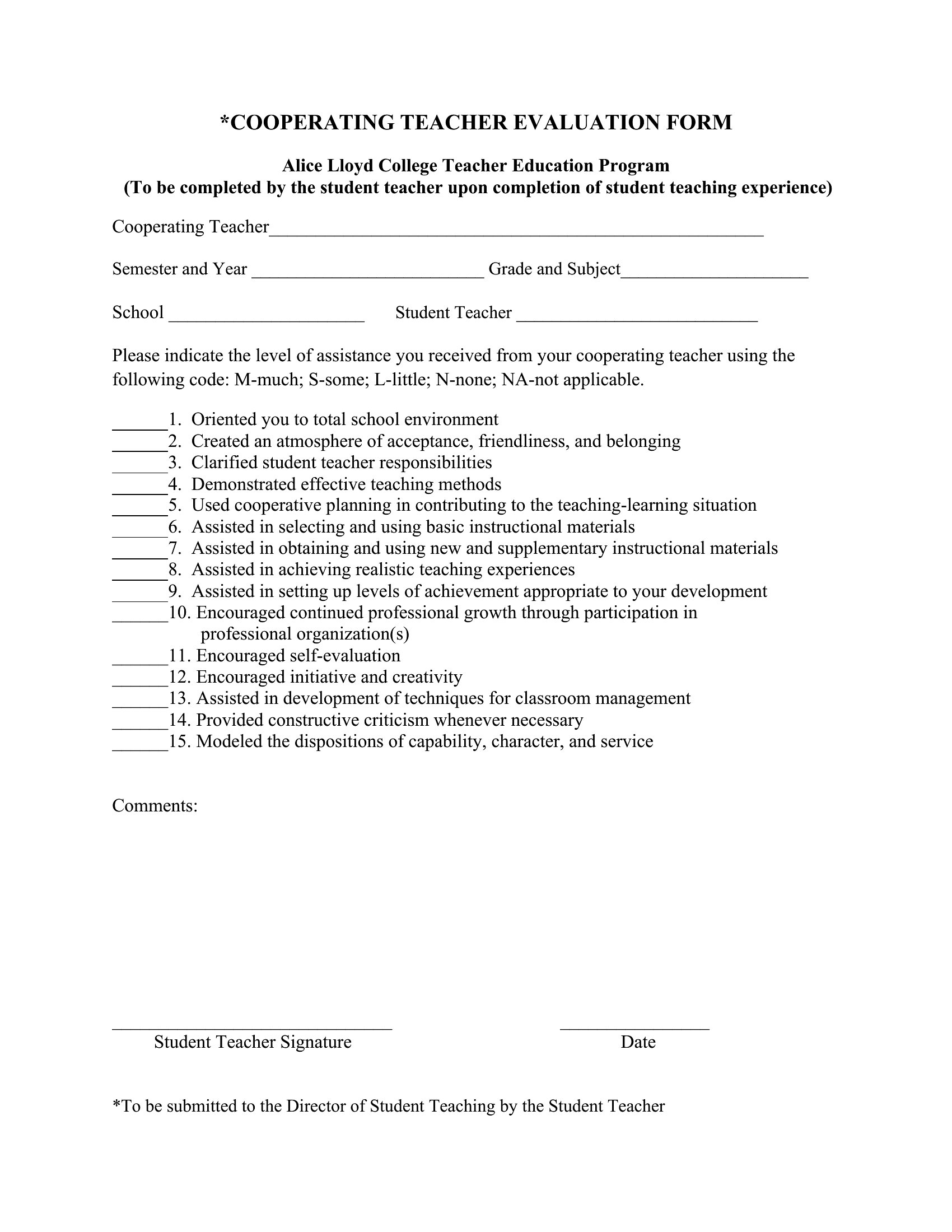
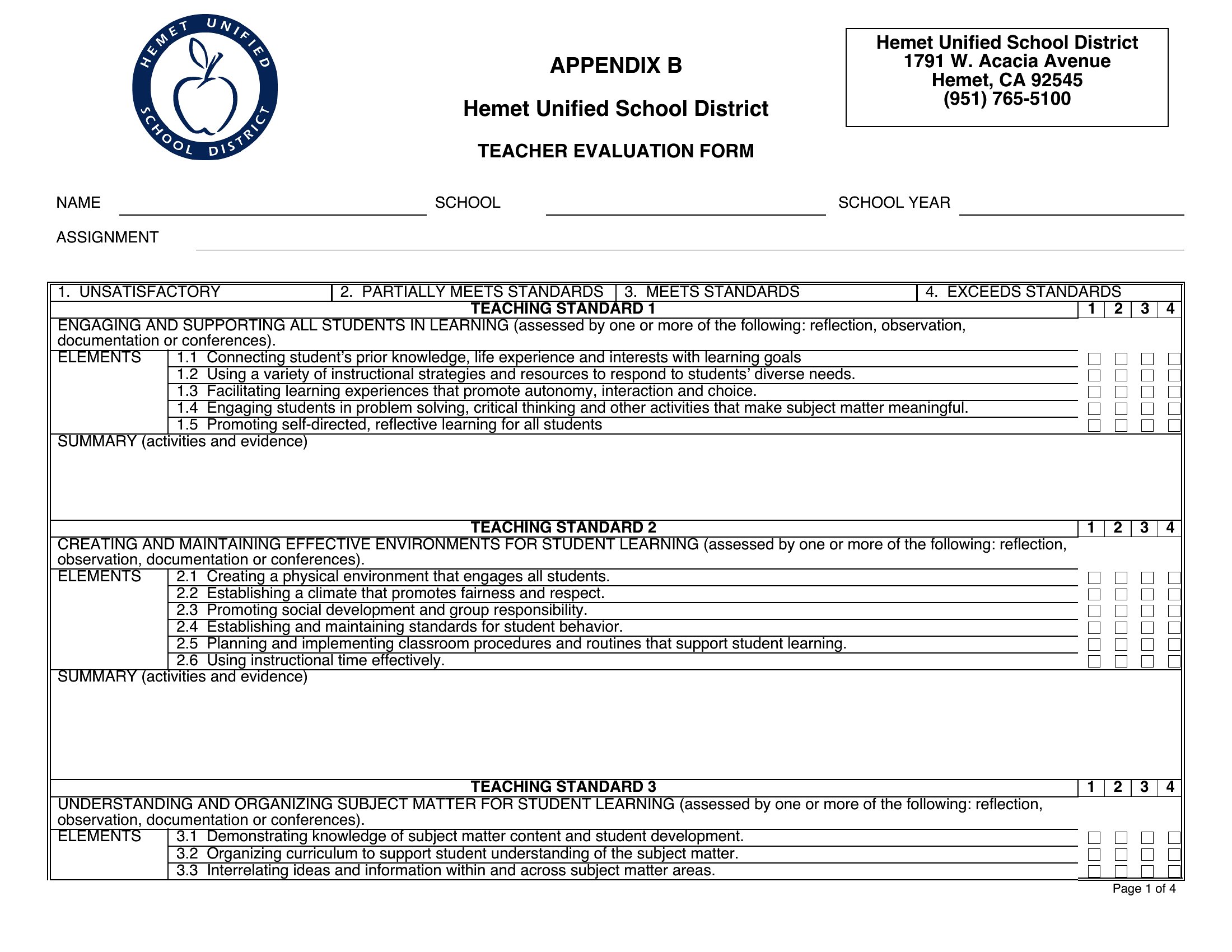
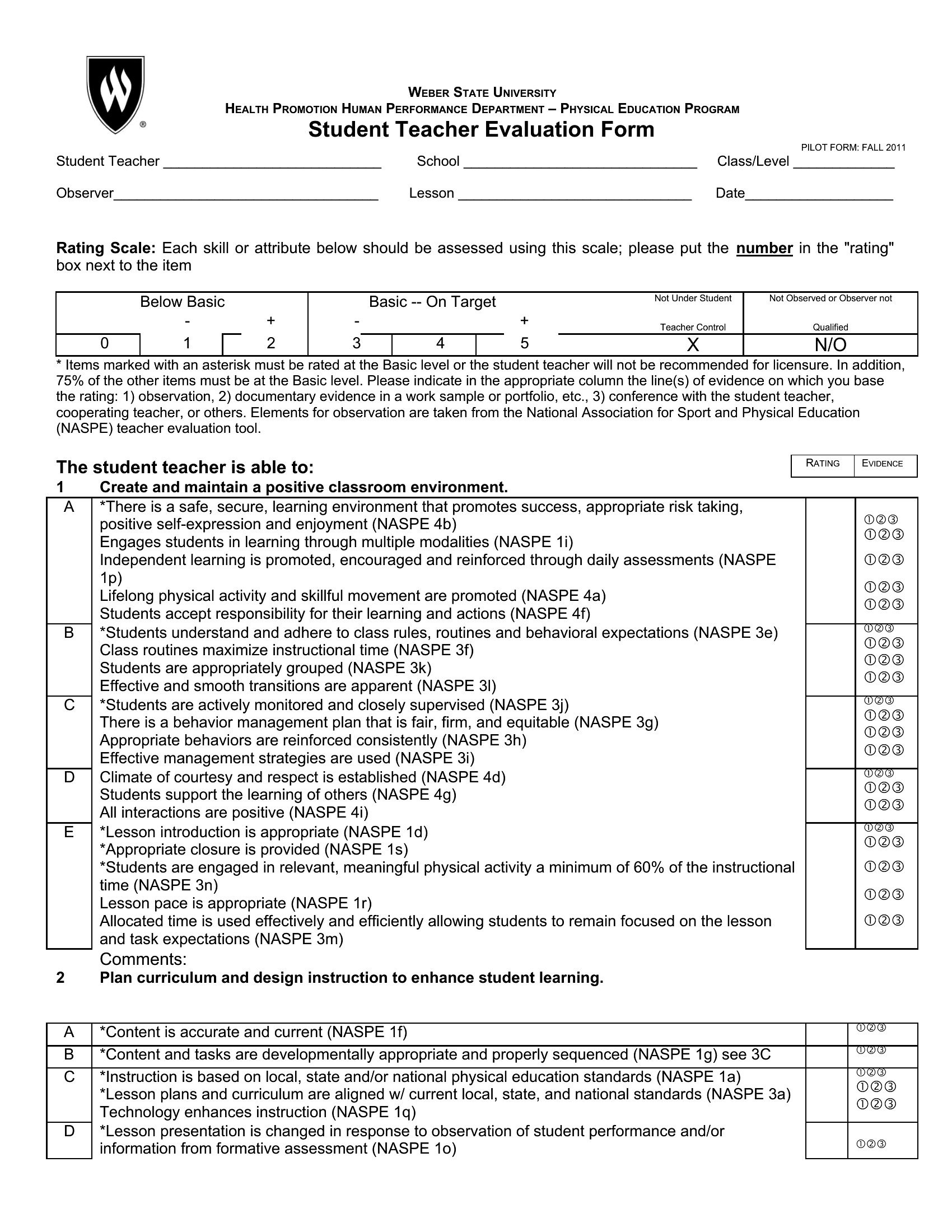
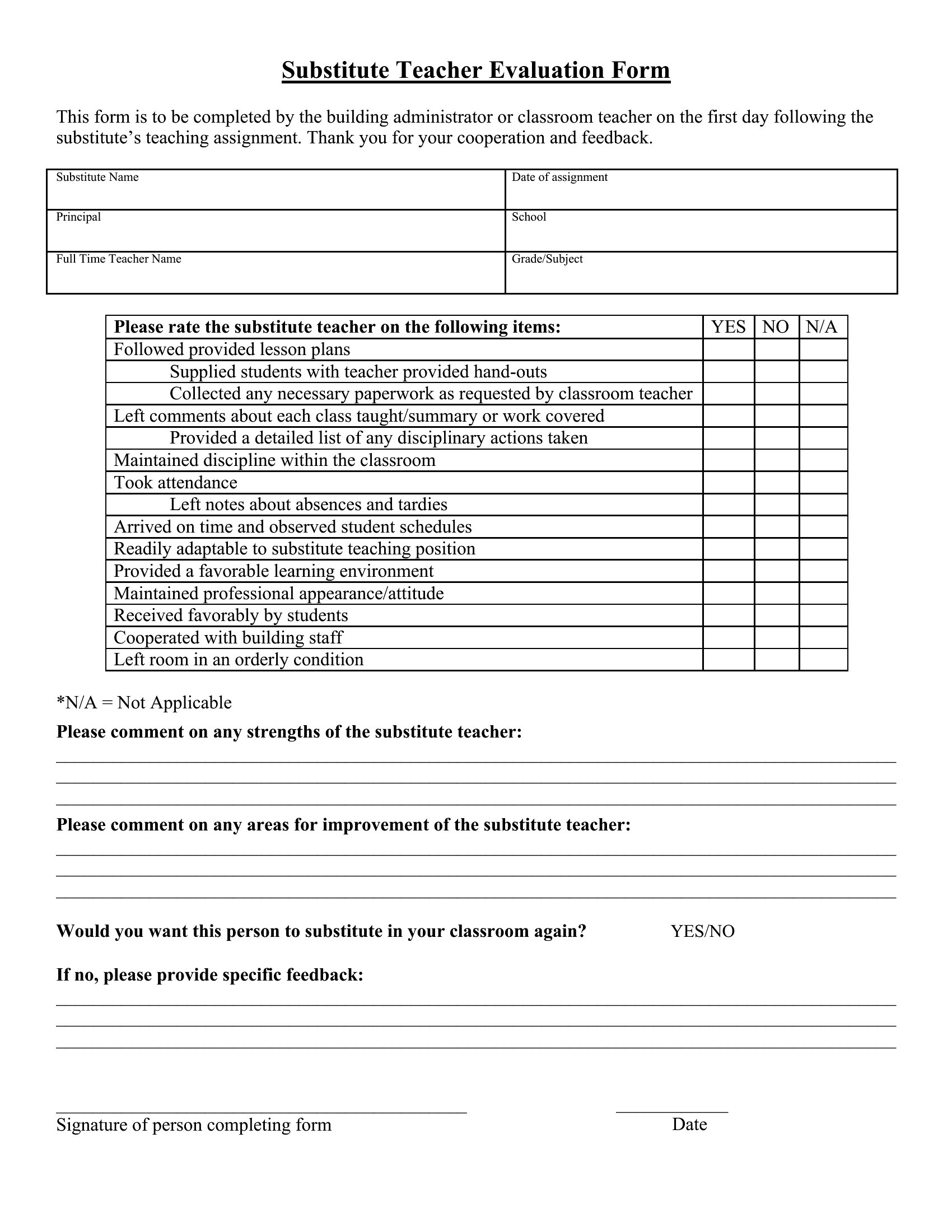
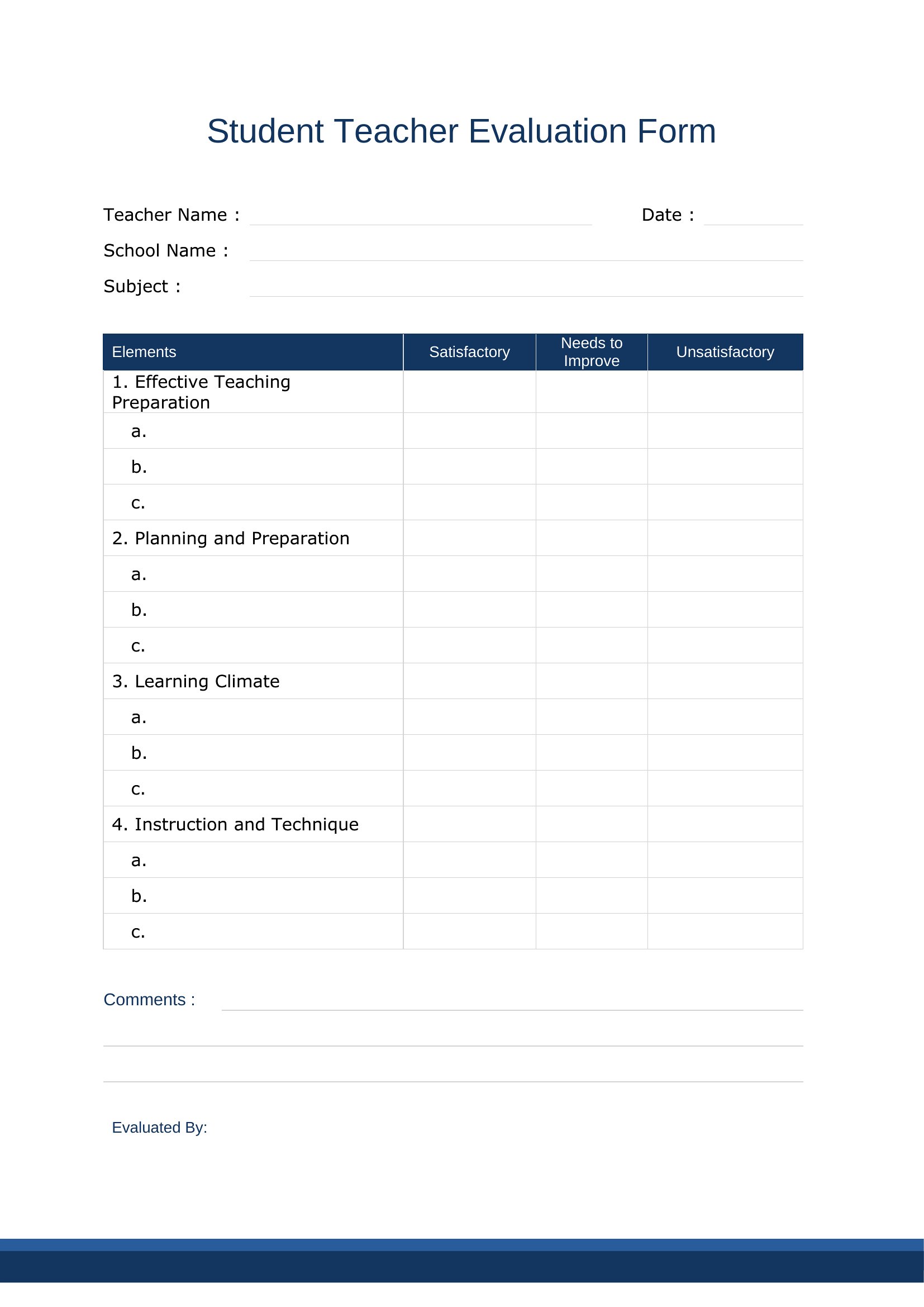
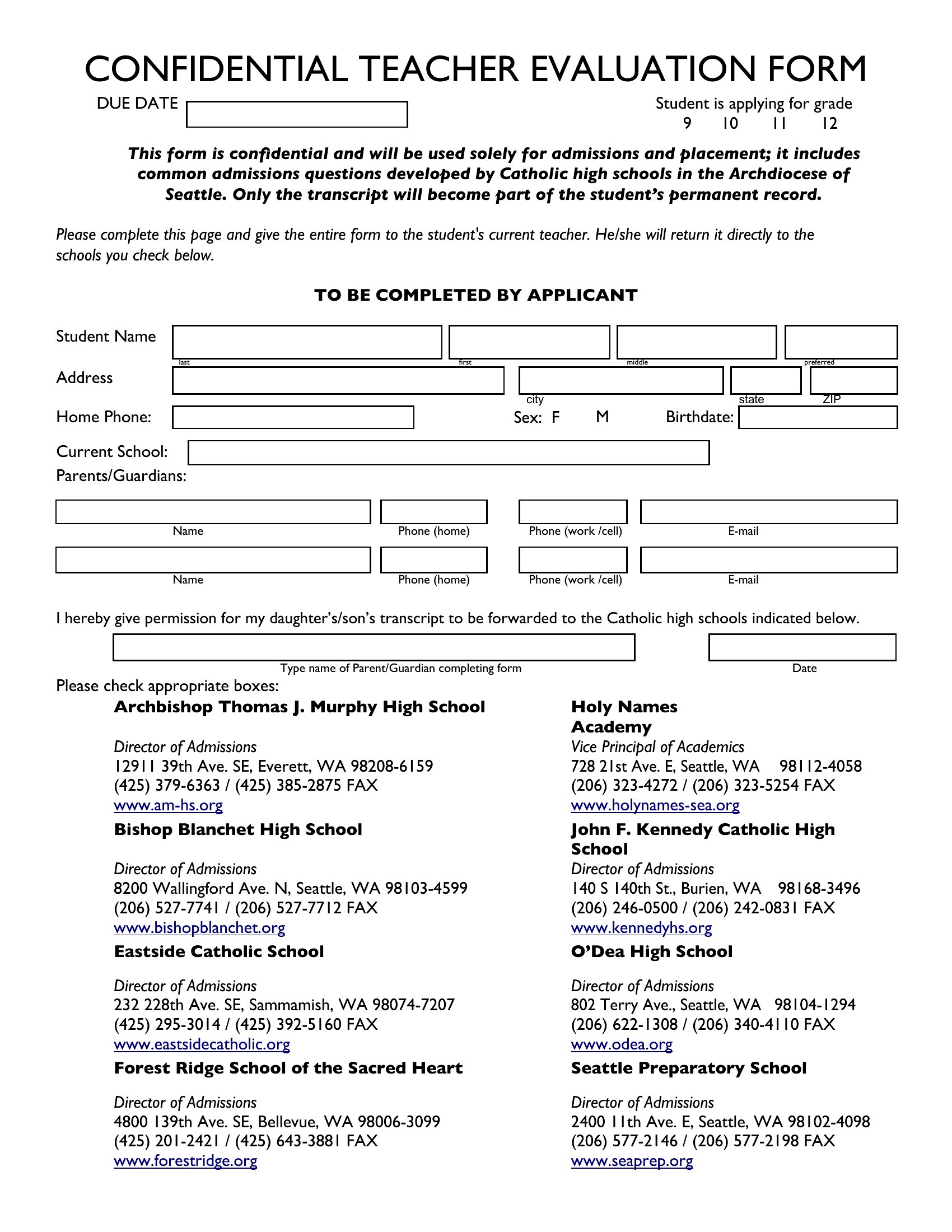
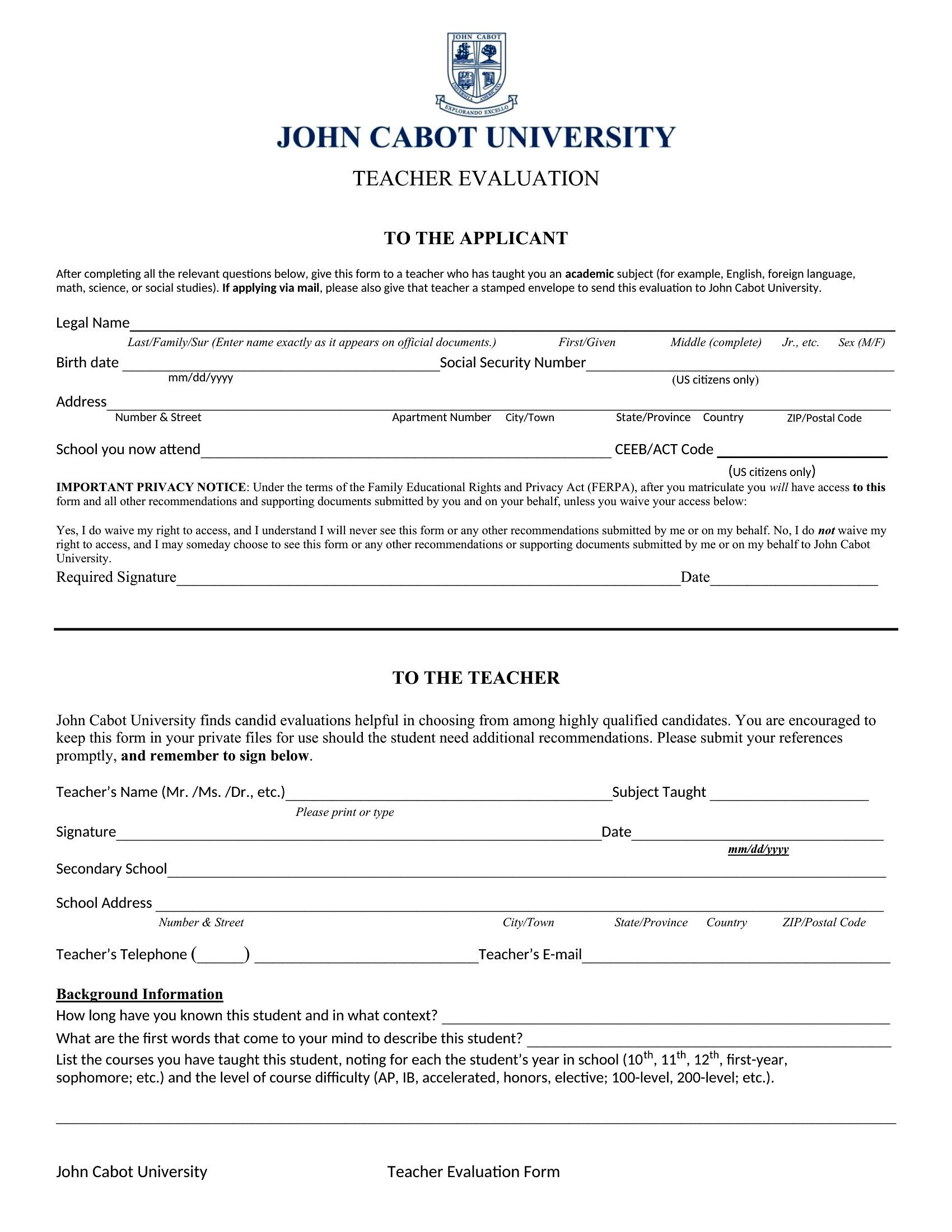
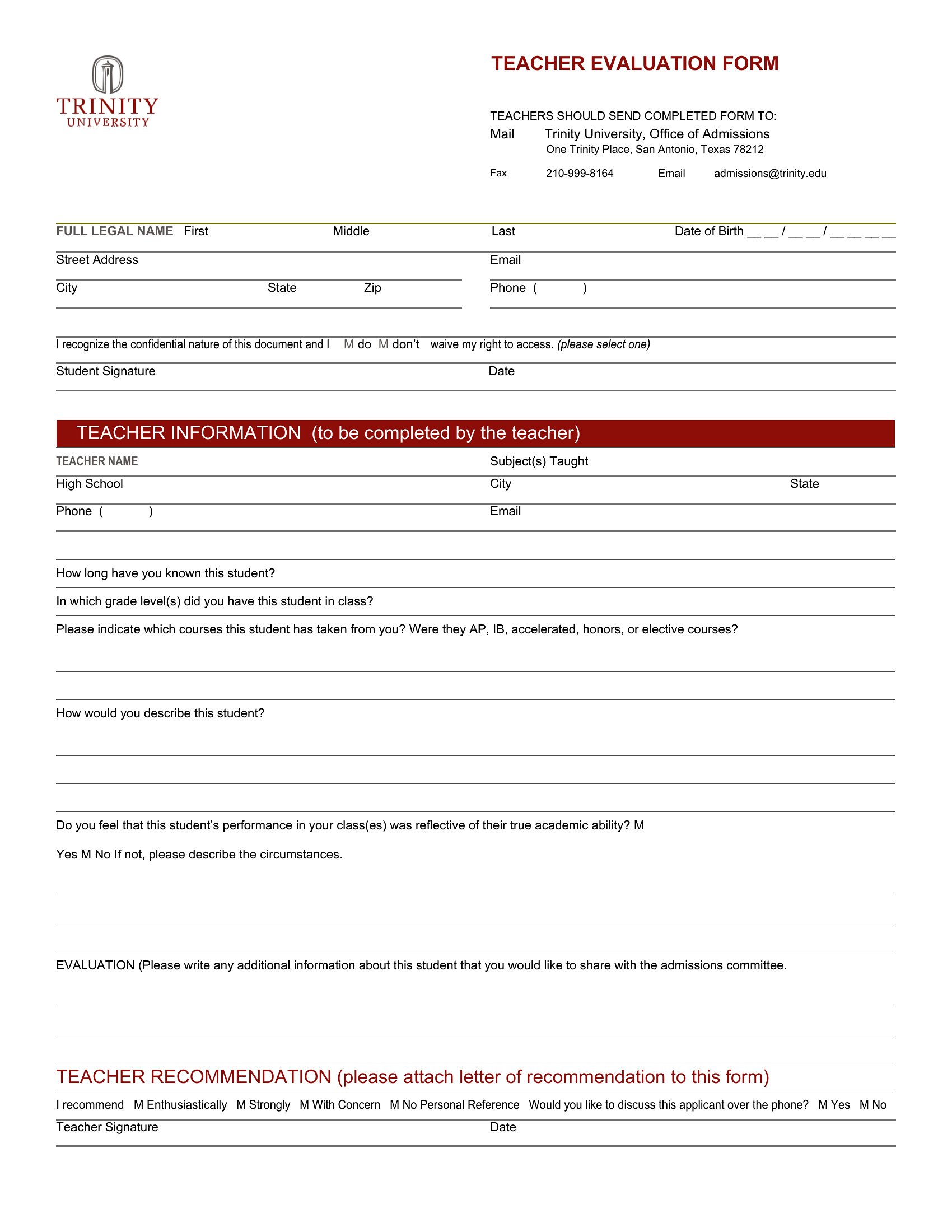
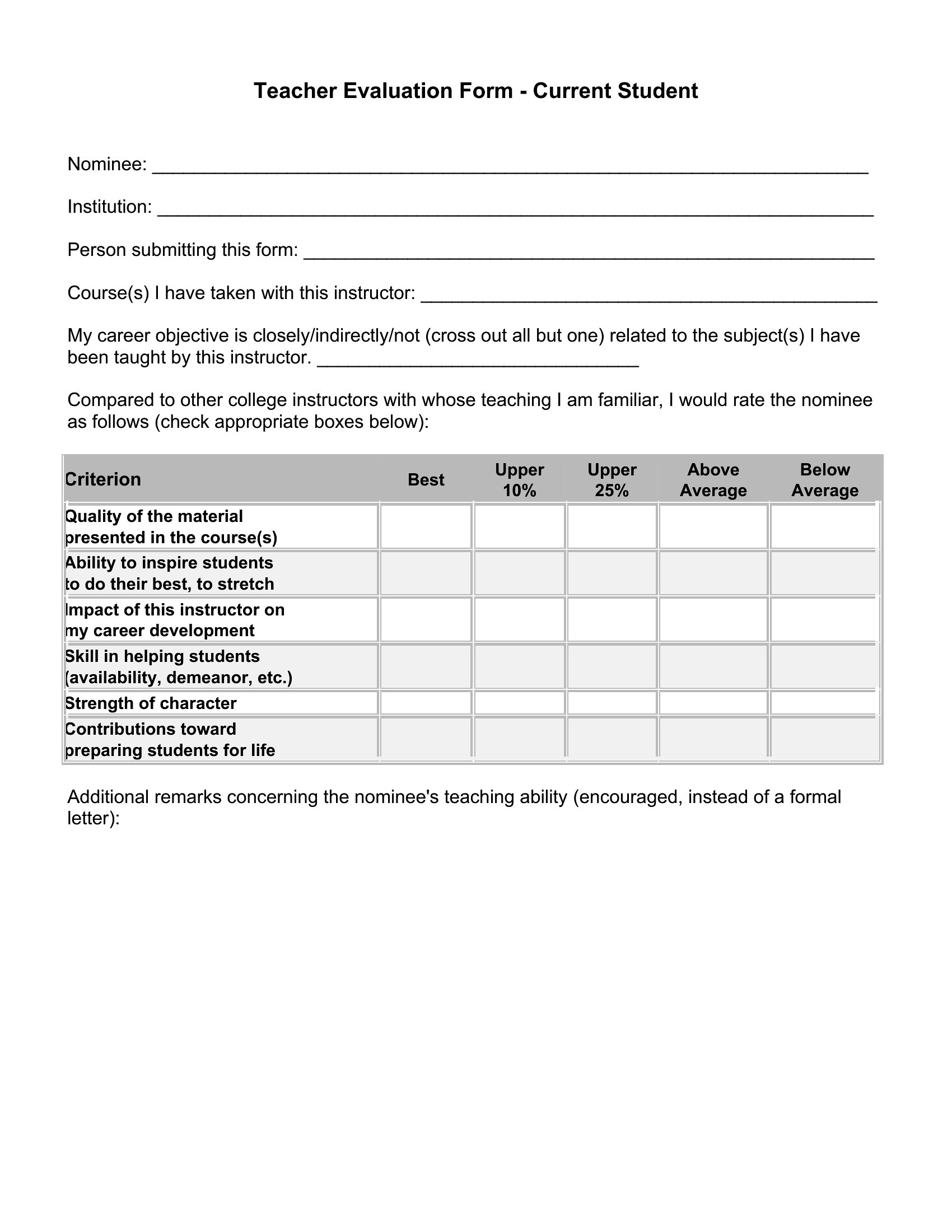
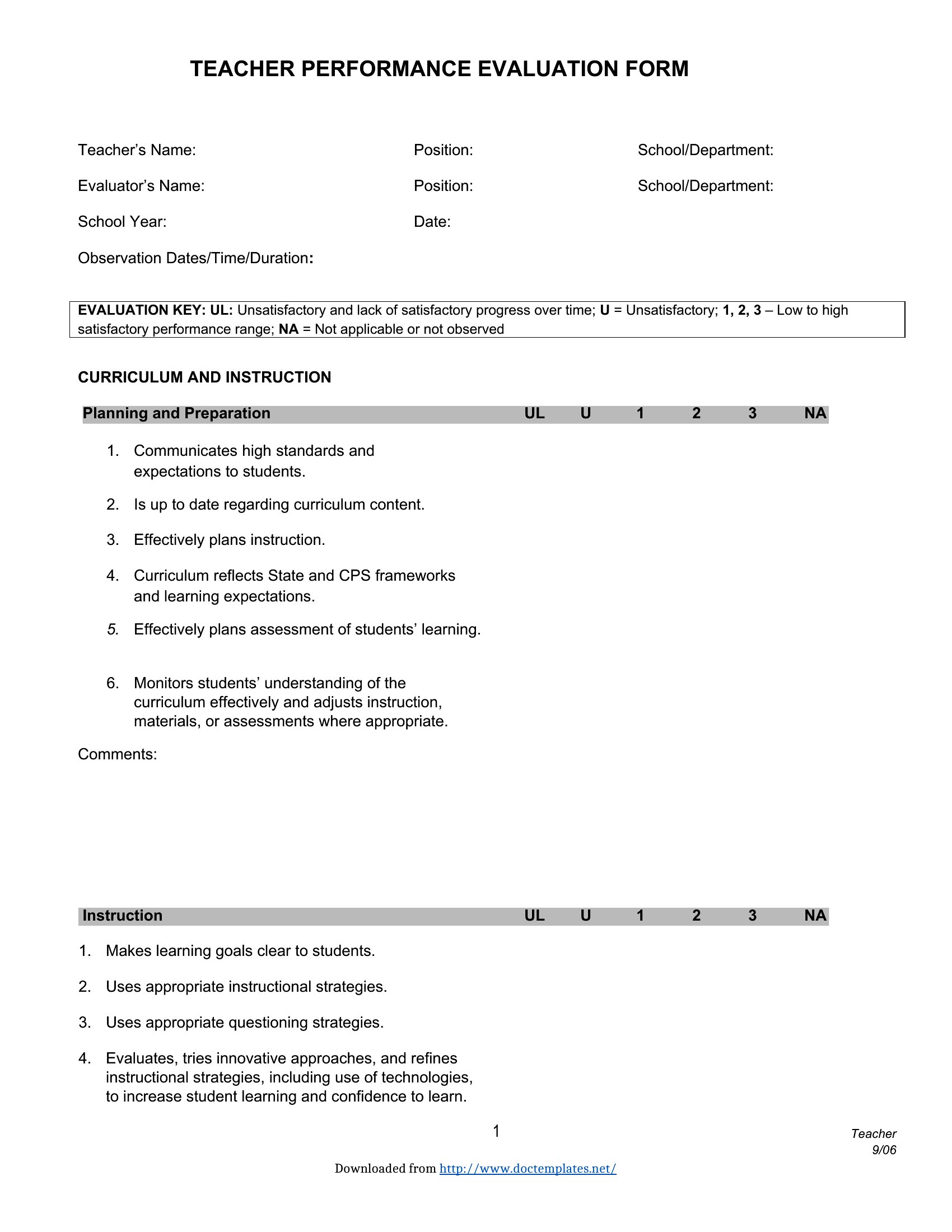
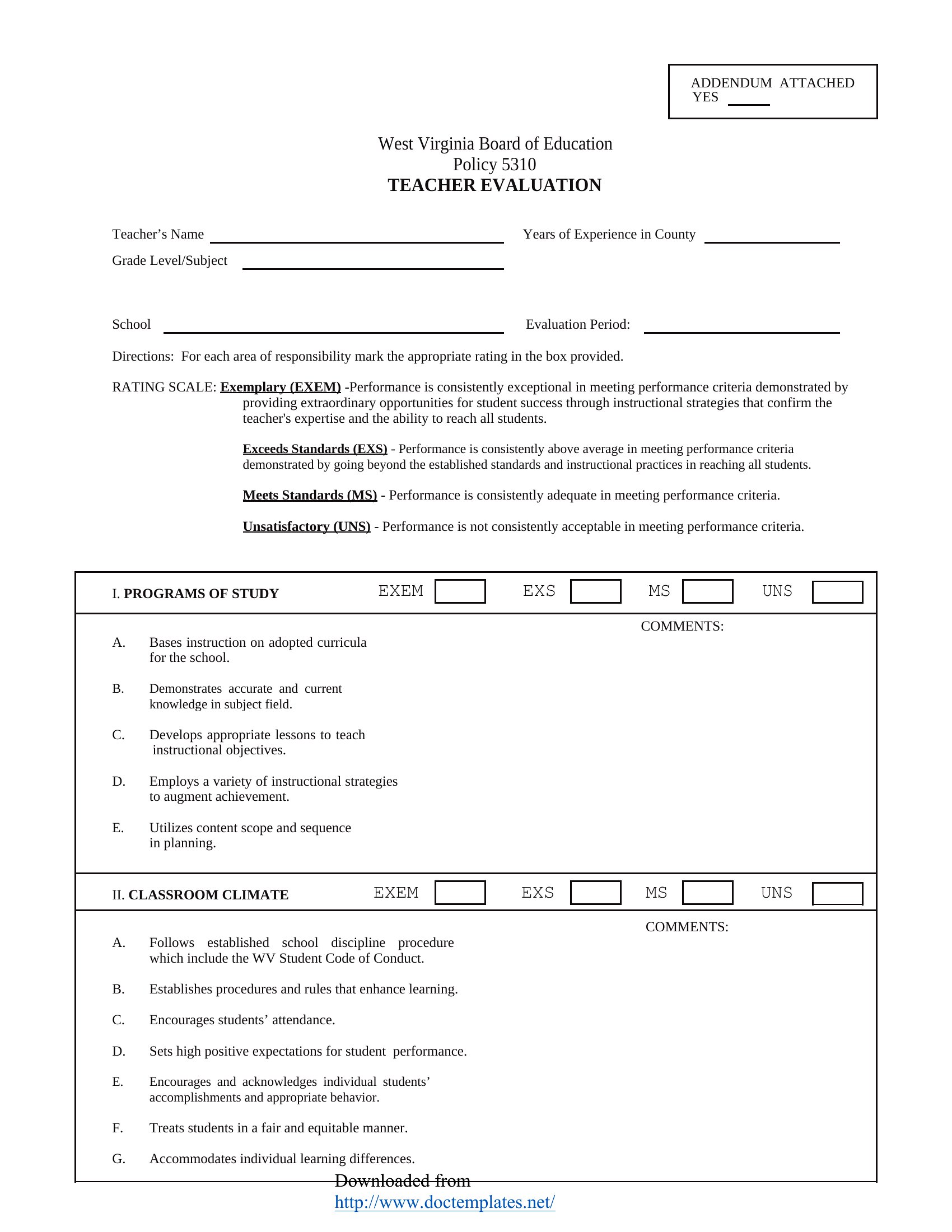
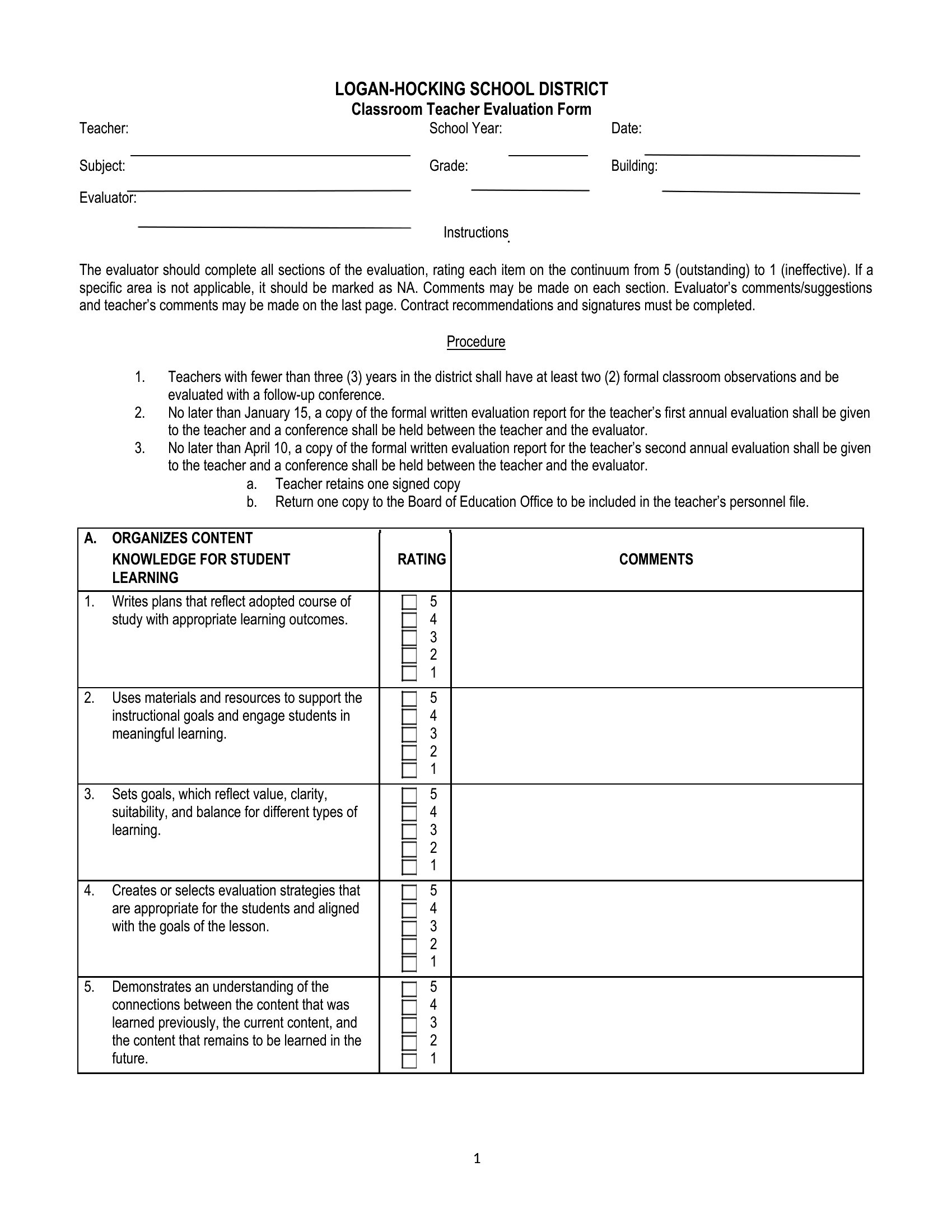
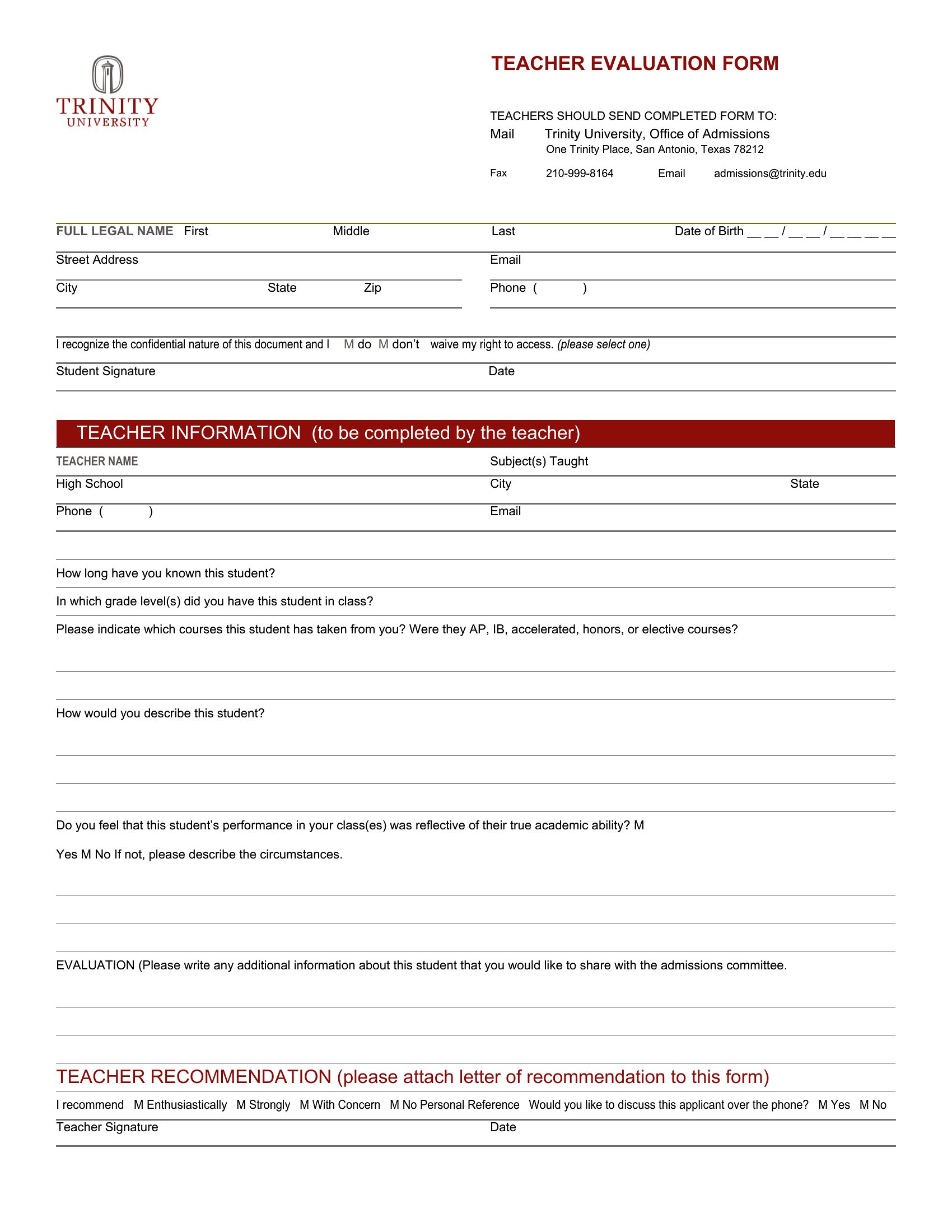
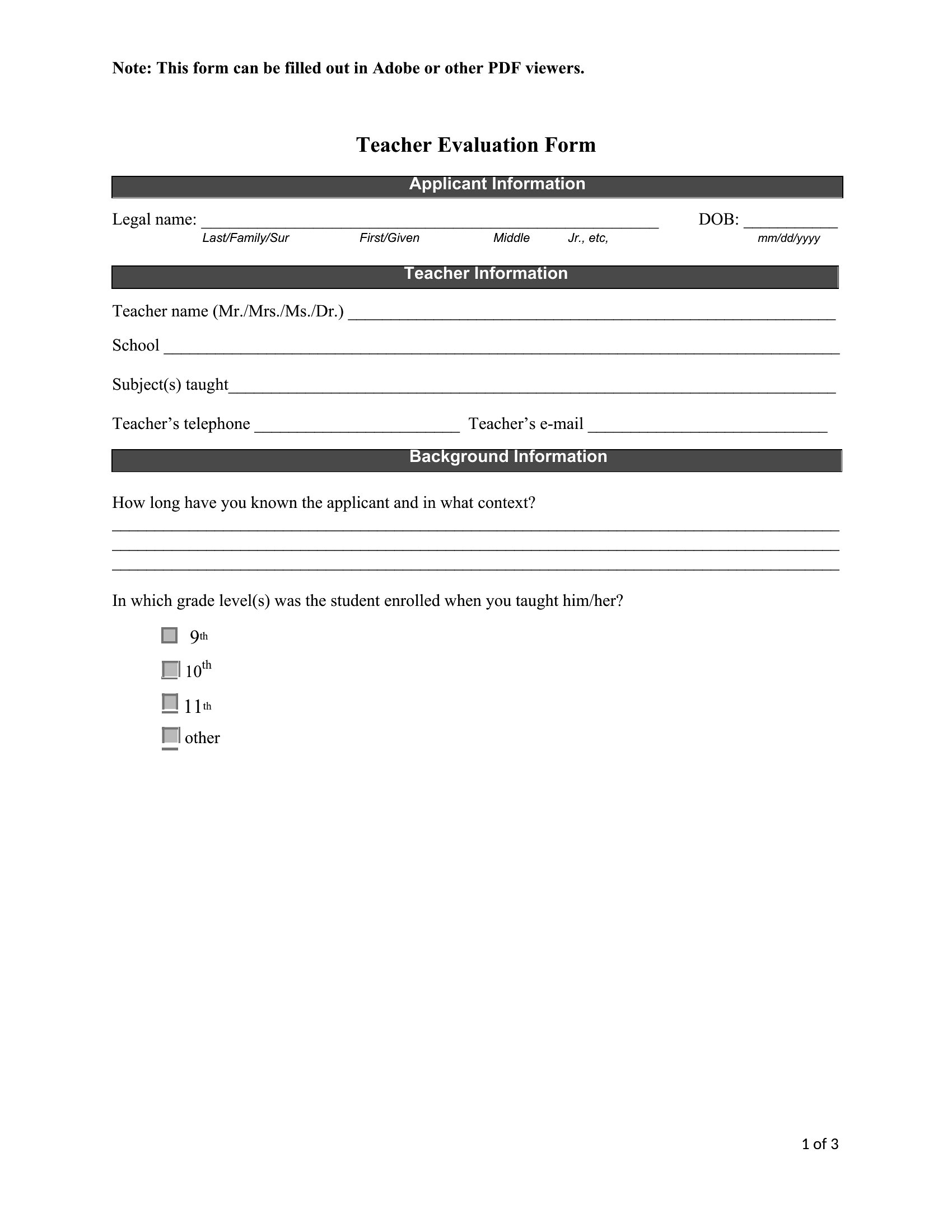
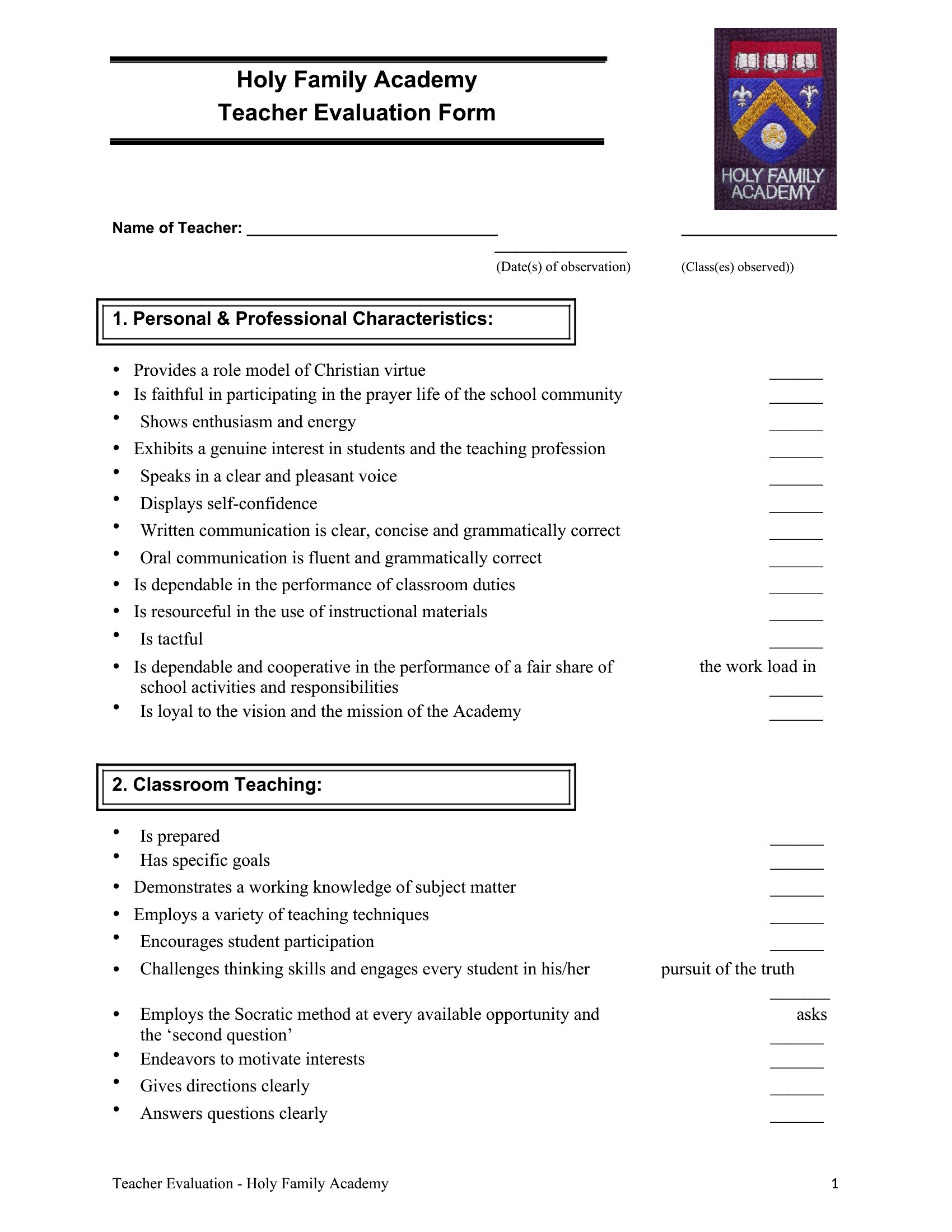
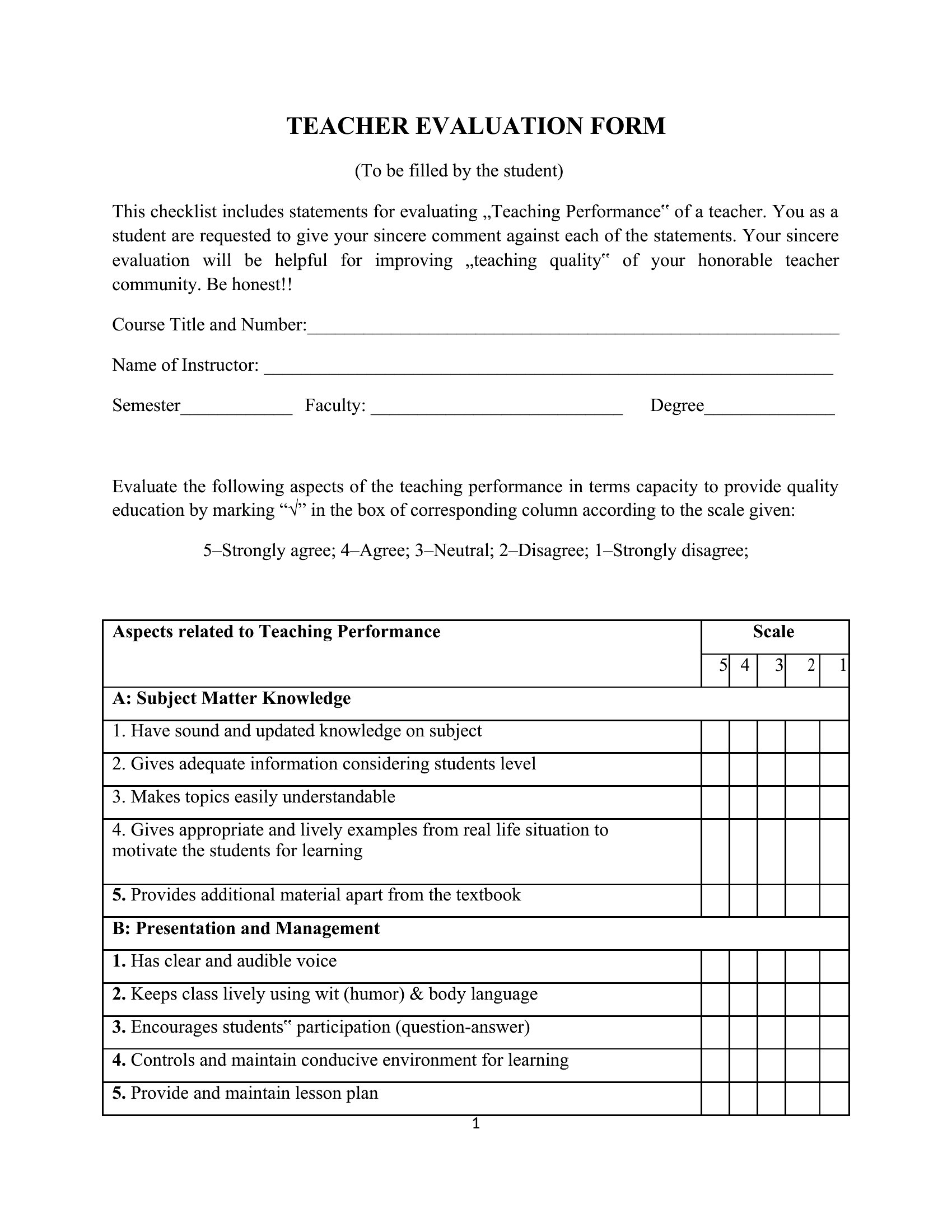
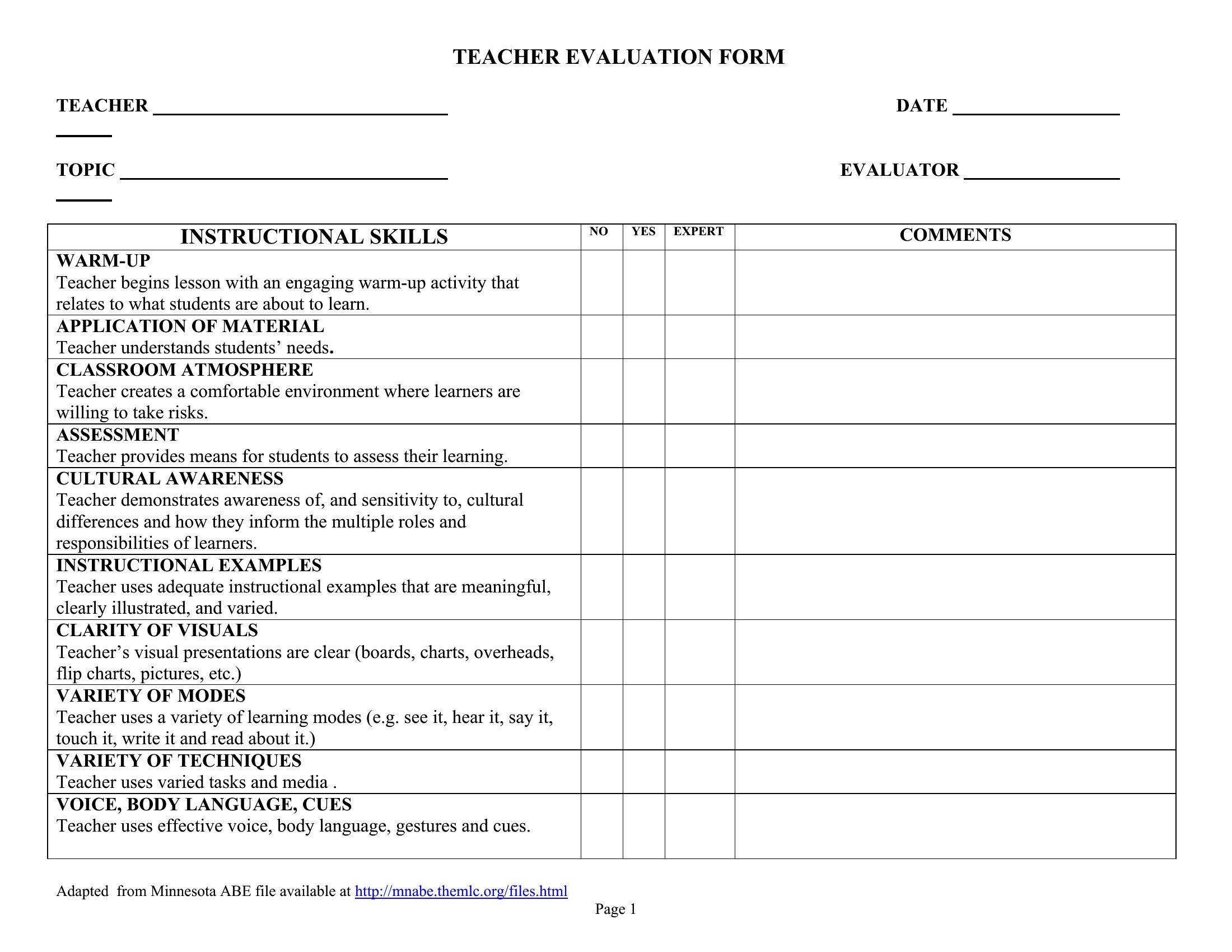
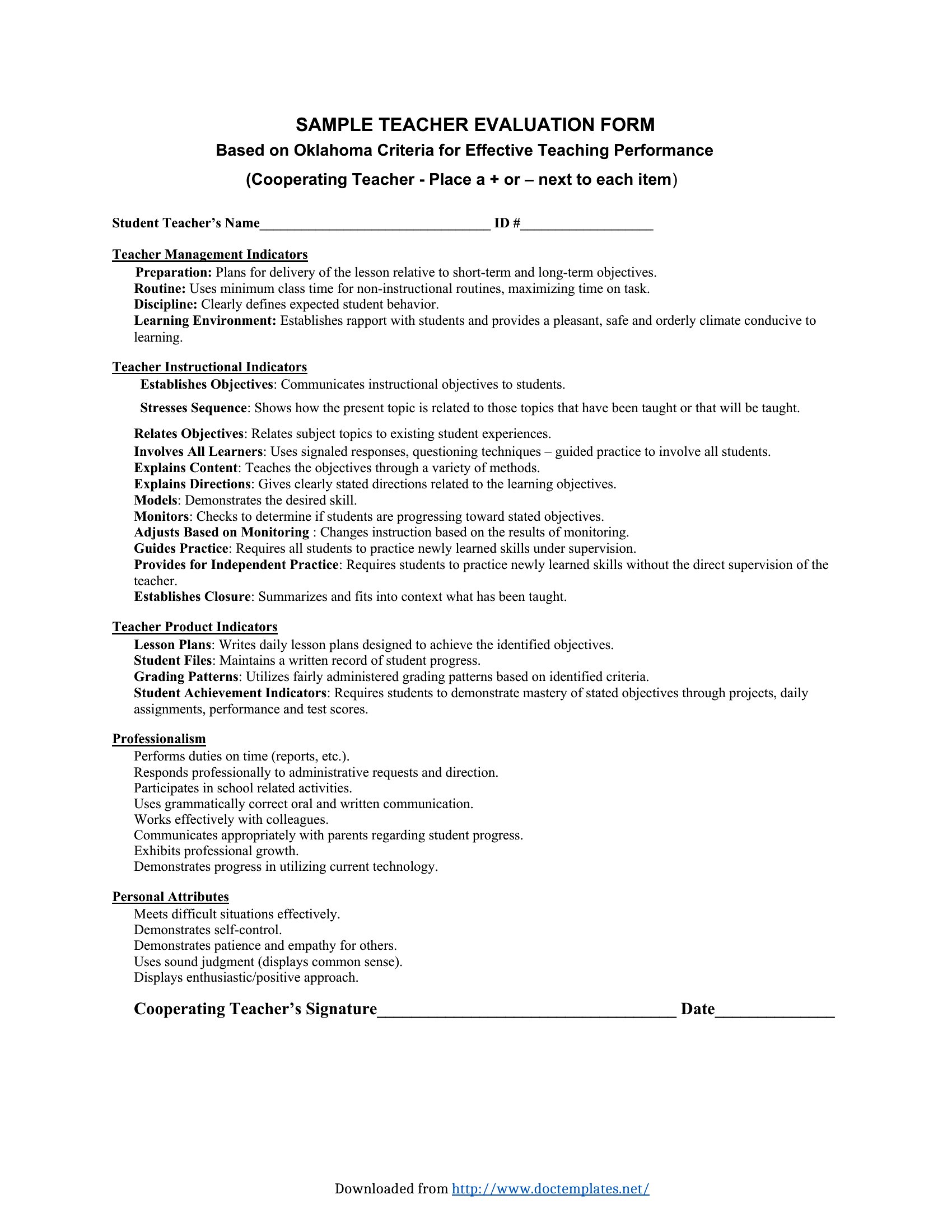
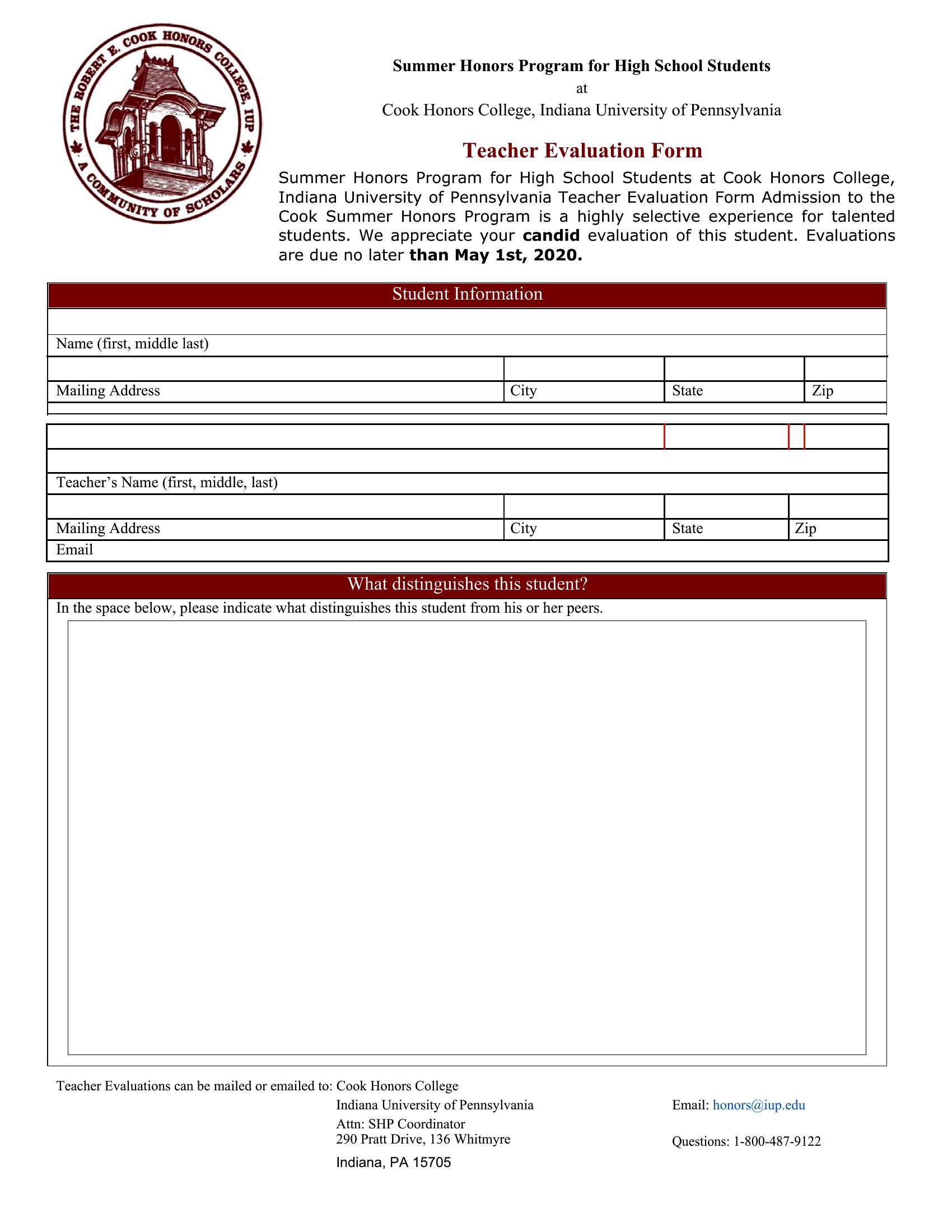
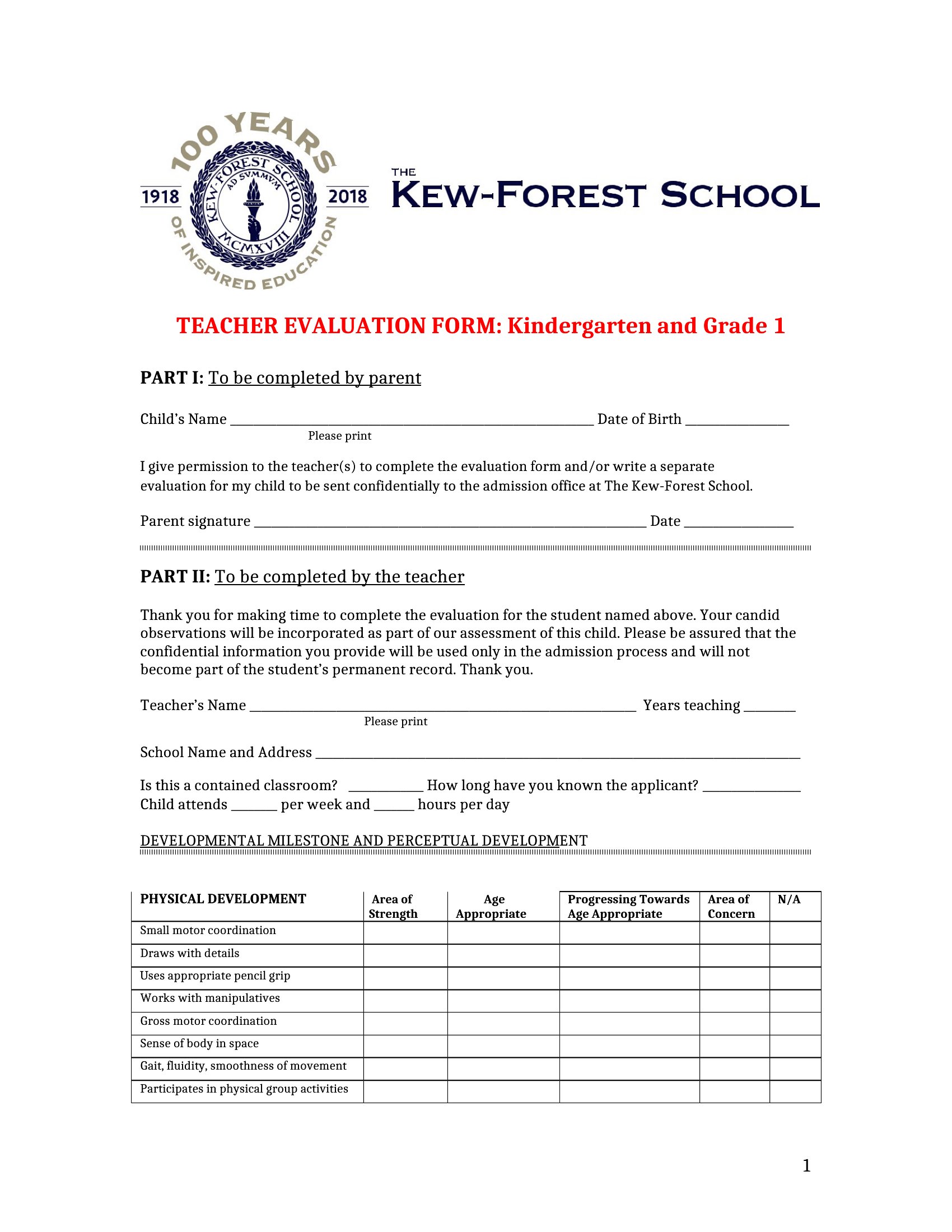
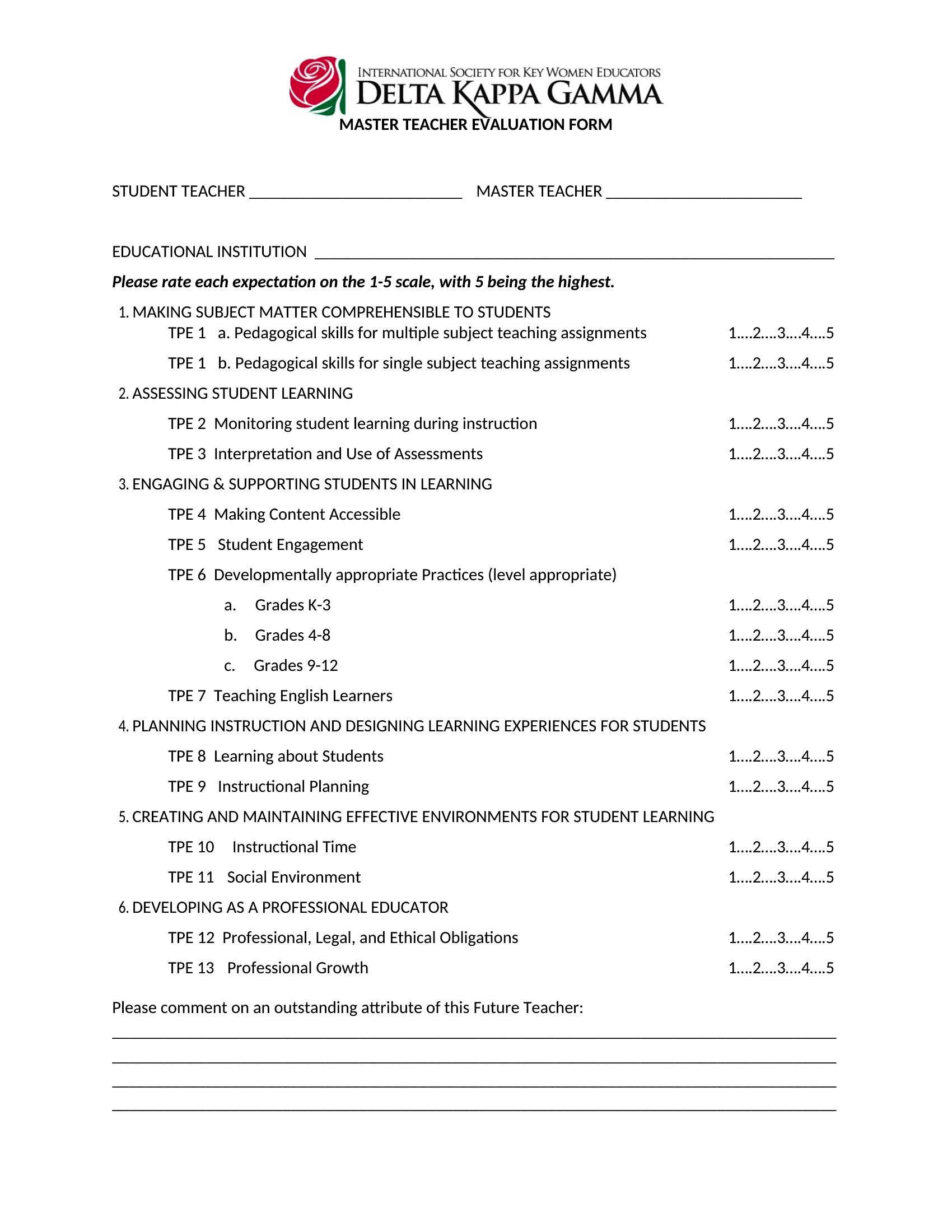
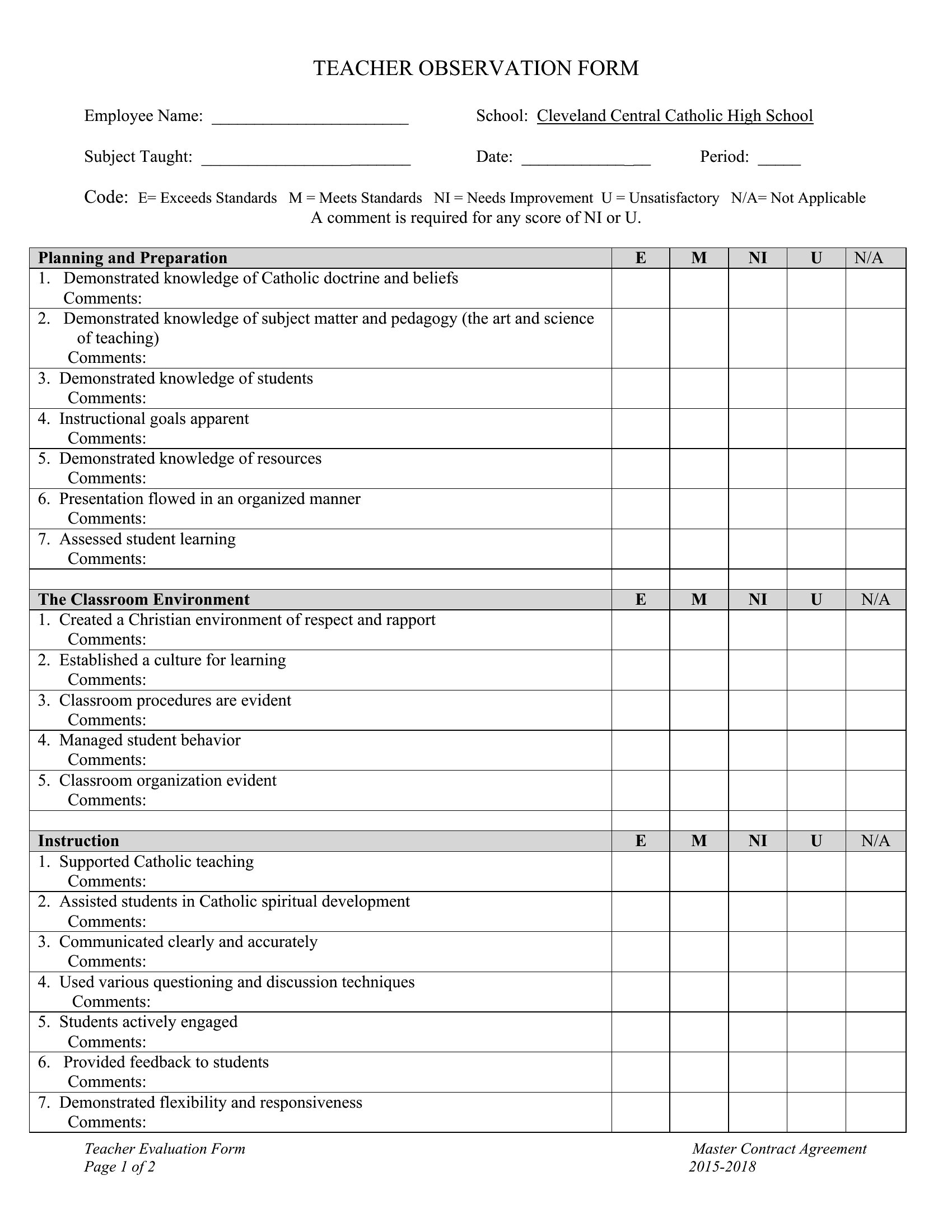
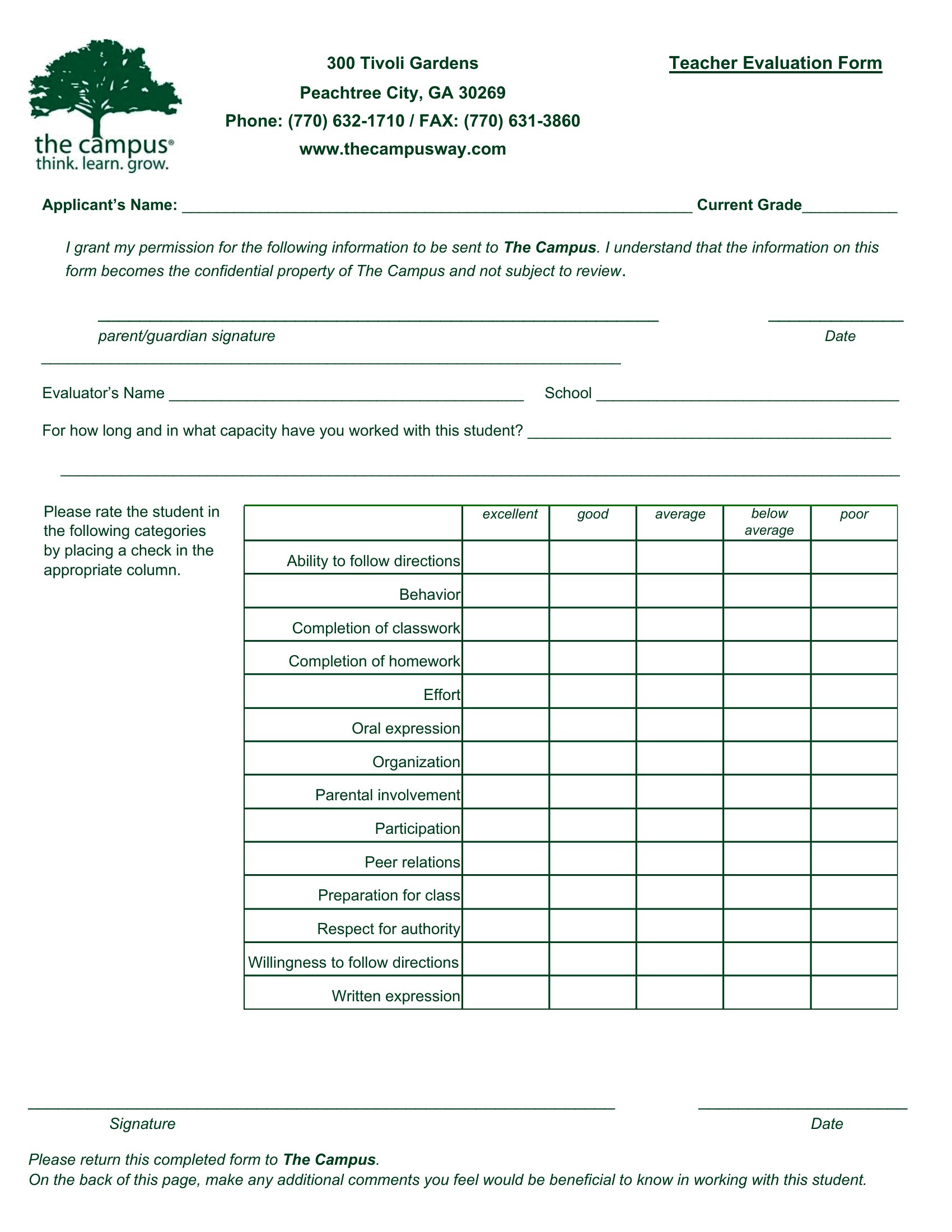
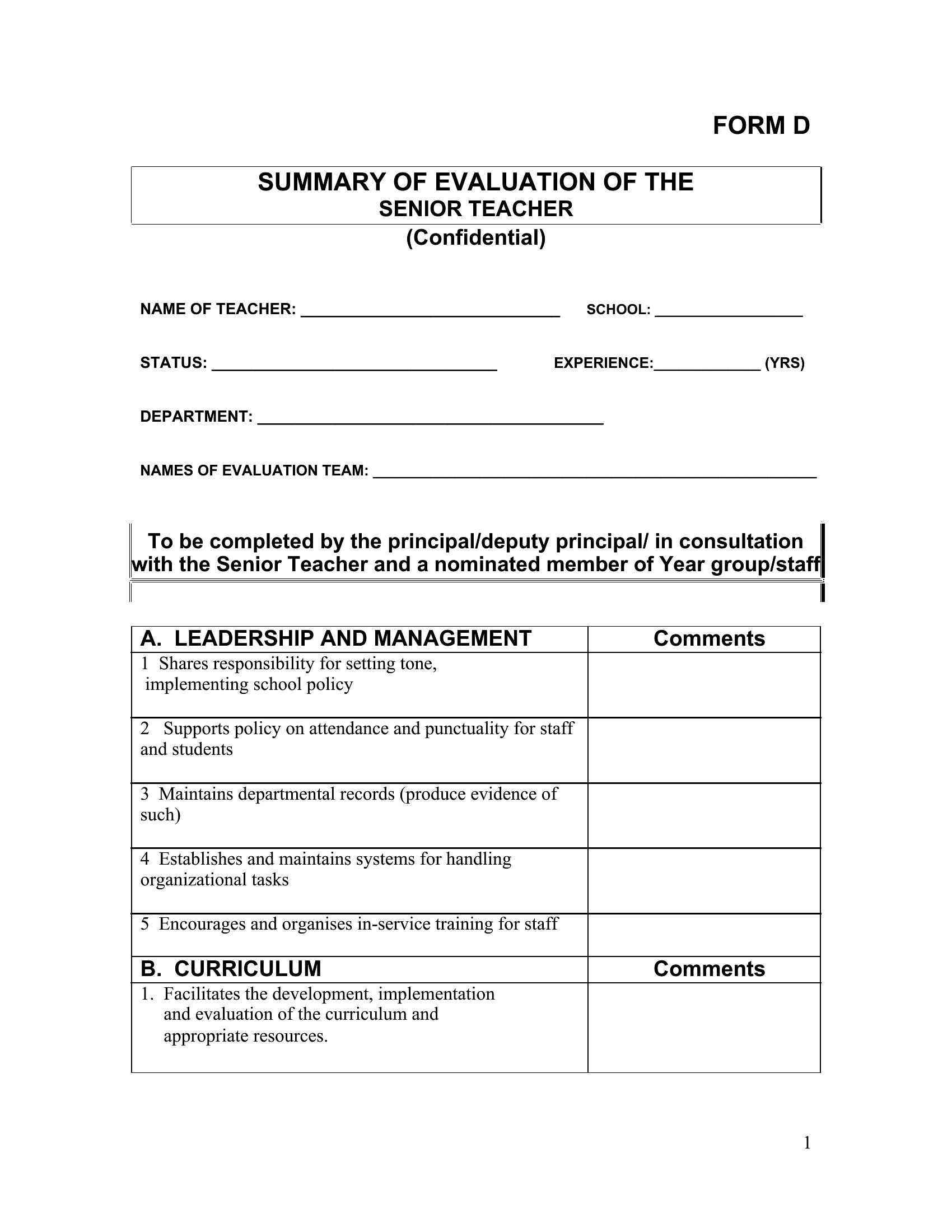
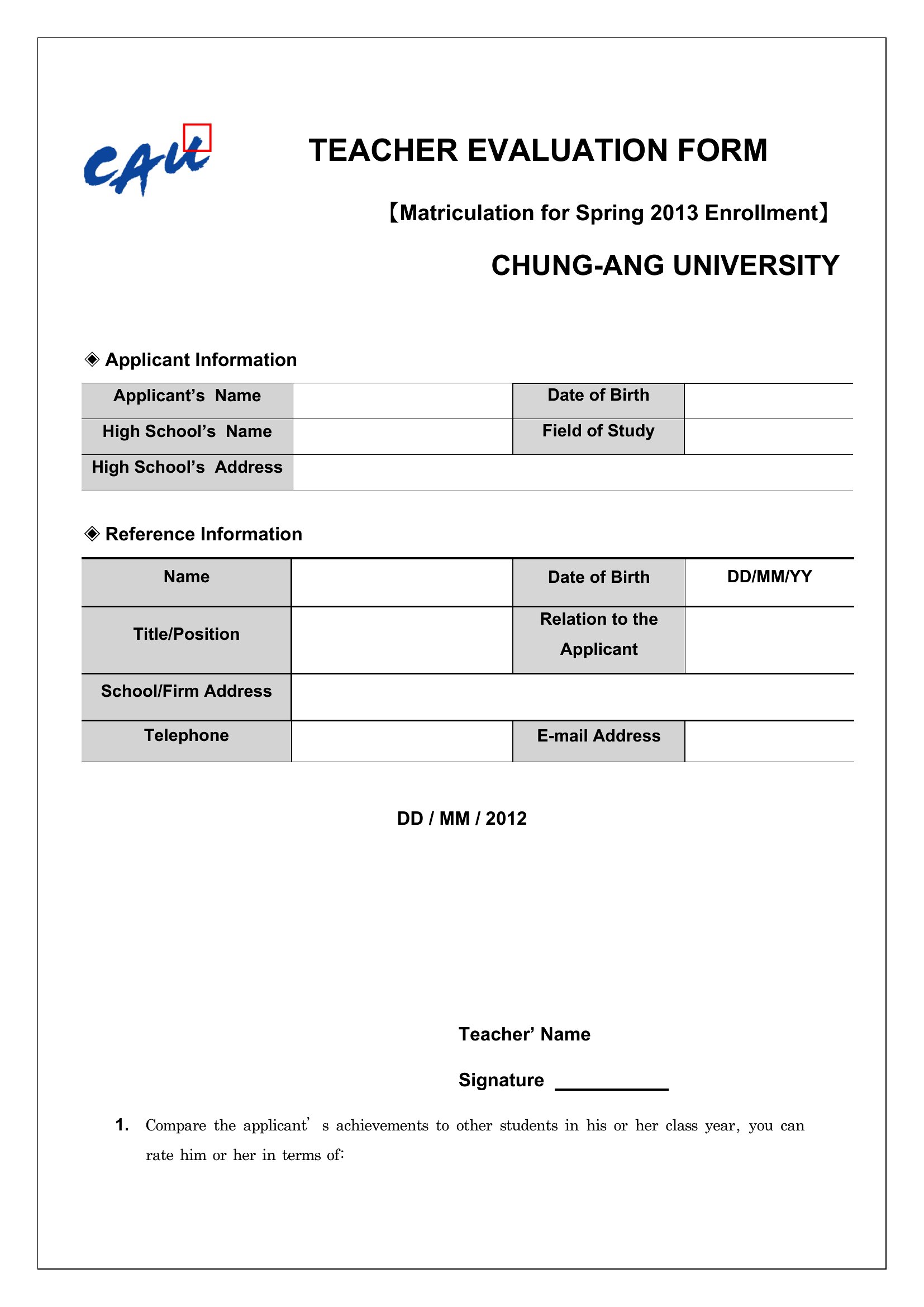
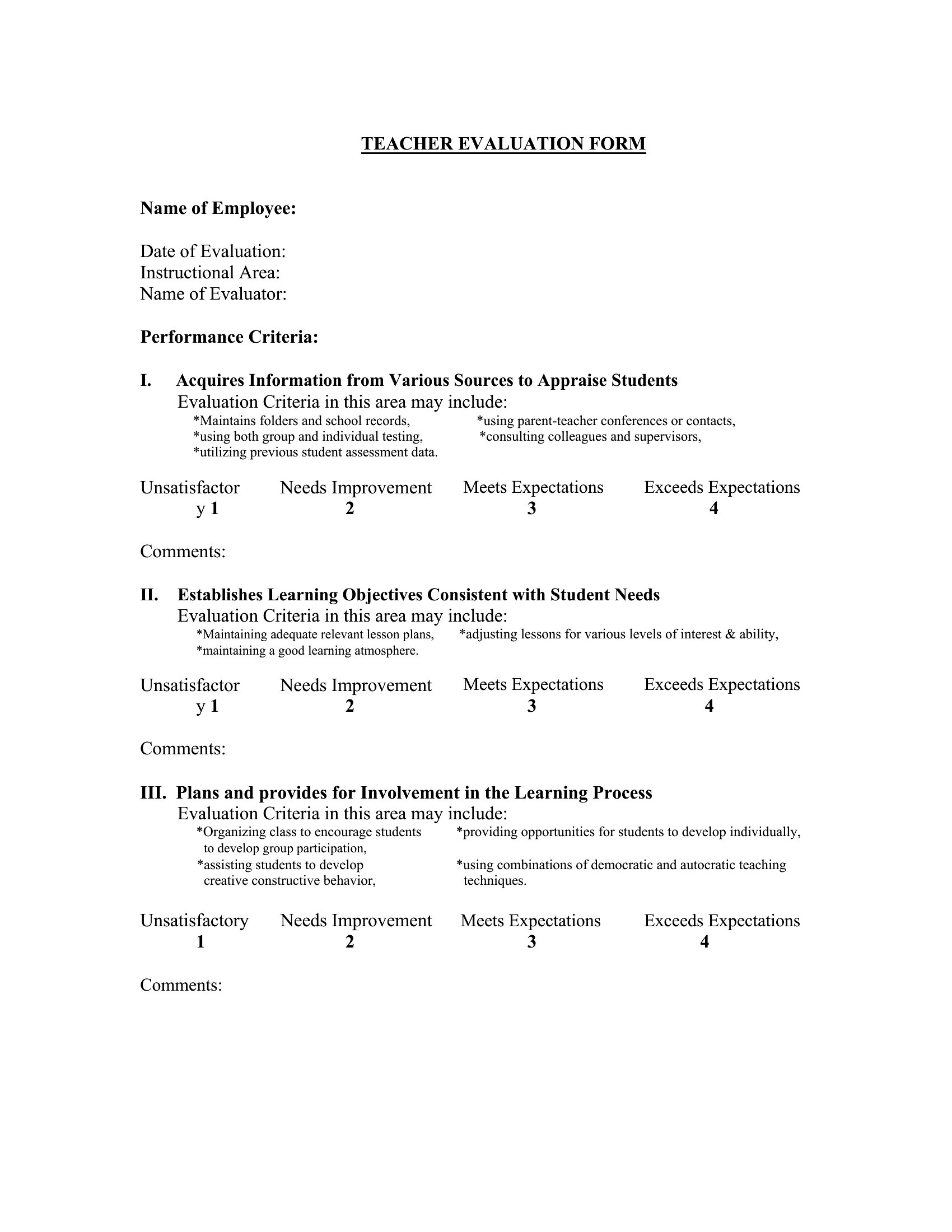
Each Word template includes editable sections for criteria and weighting, so you can modify or add categories like differentiated instruction for special education or project-based learning for STEM. Start with a template closest to your needs, then replace or reorder bullet points under ‘Instructional Quality’ or ‘Classroom Environment’ to reflect your focus areas.
What’s the best way to ensure evaluators provide balanced feedback rather than overly positive or overly critical responses?
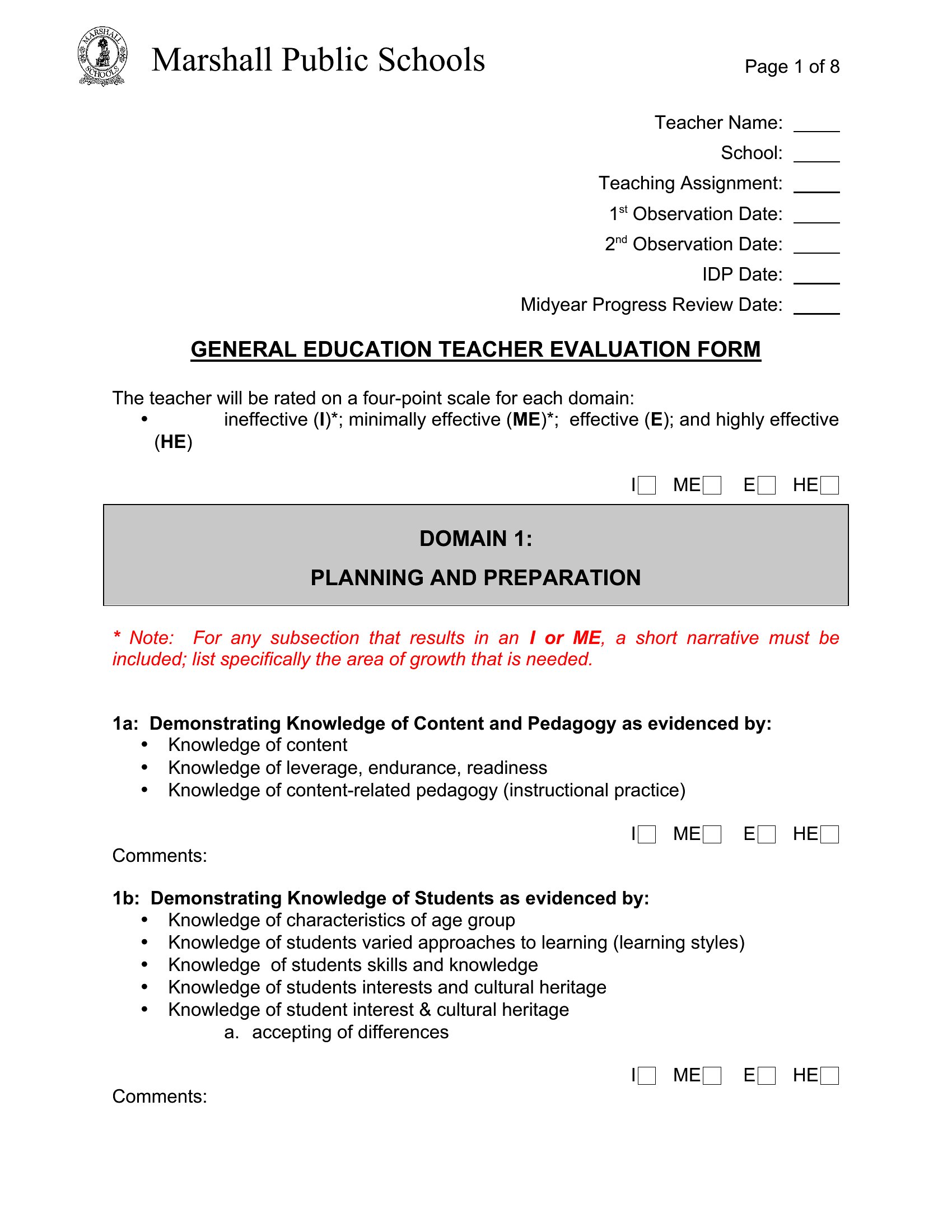
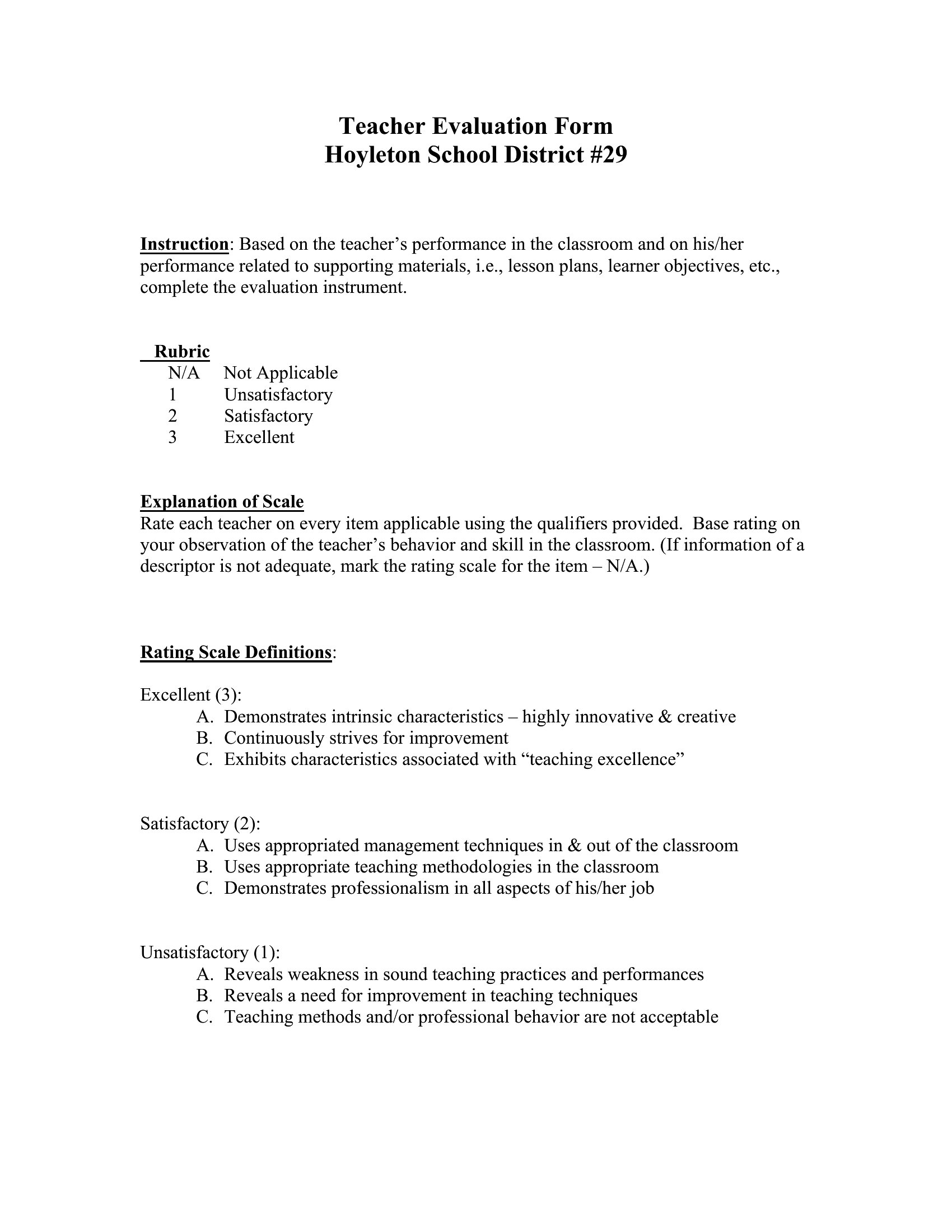
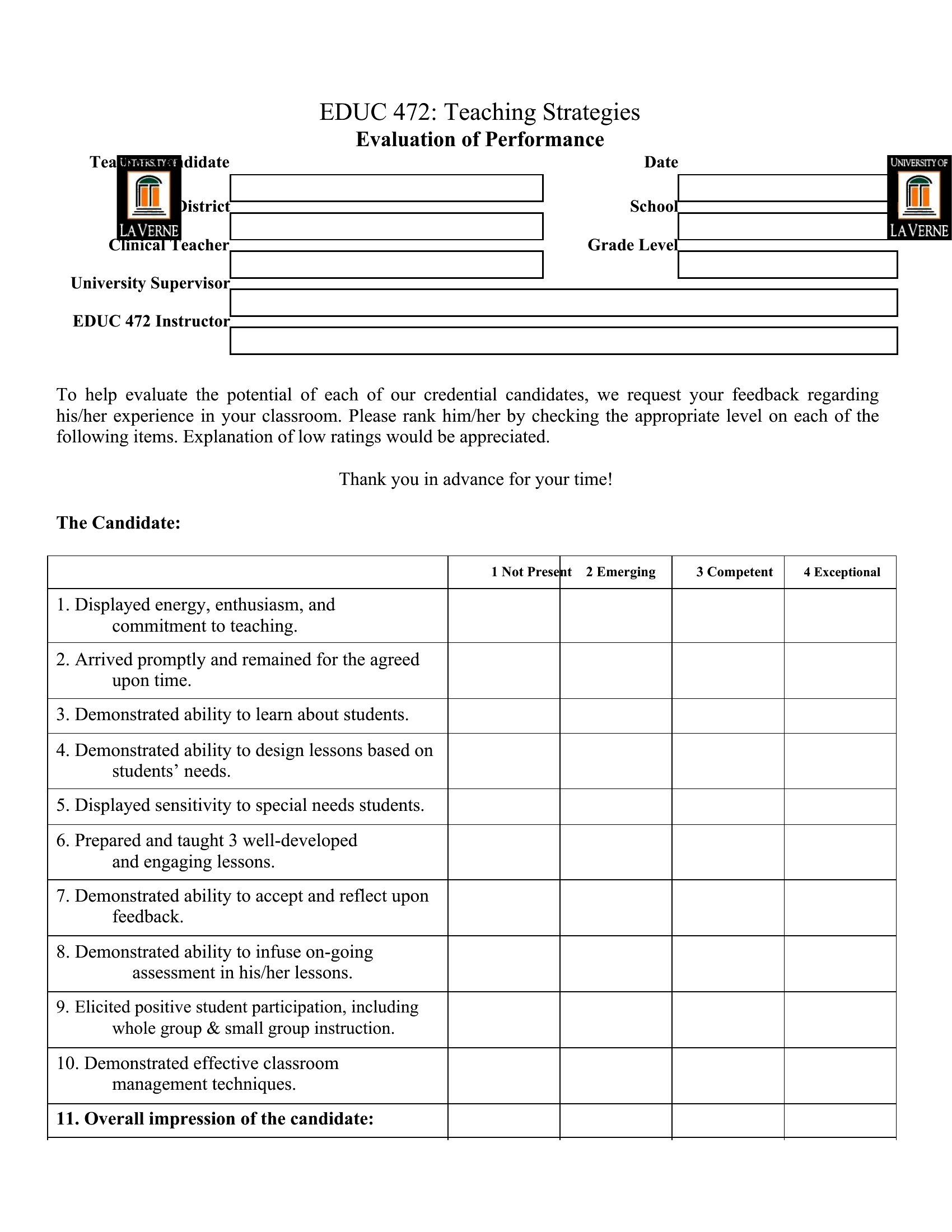
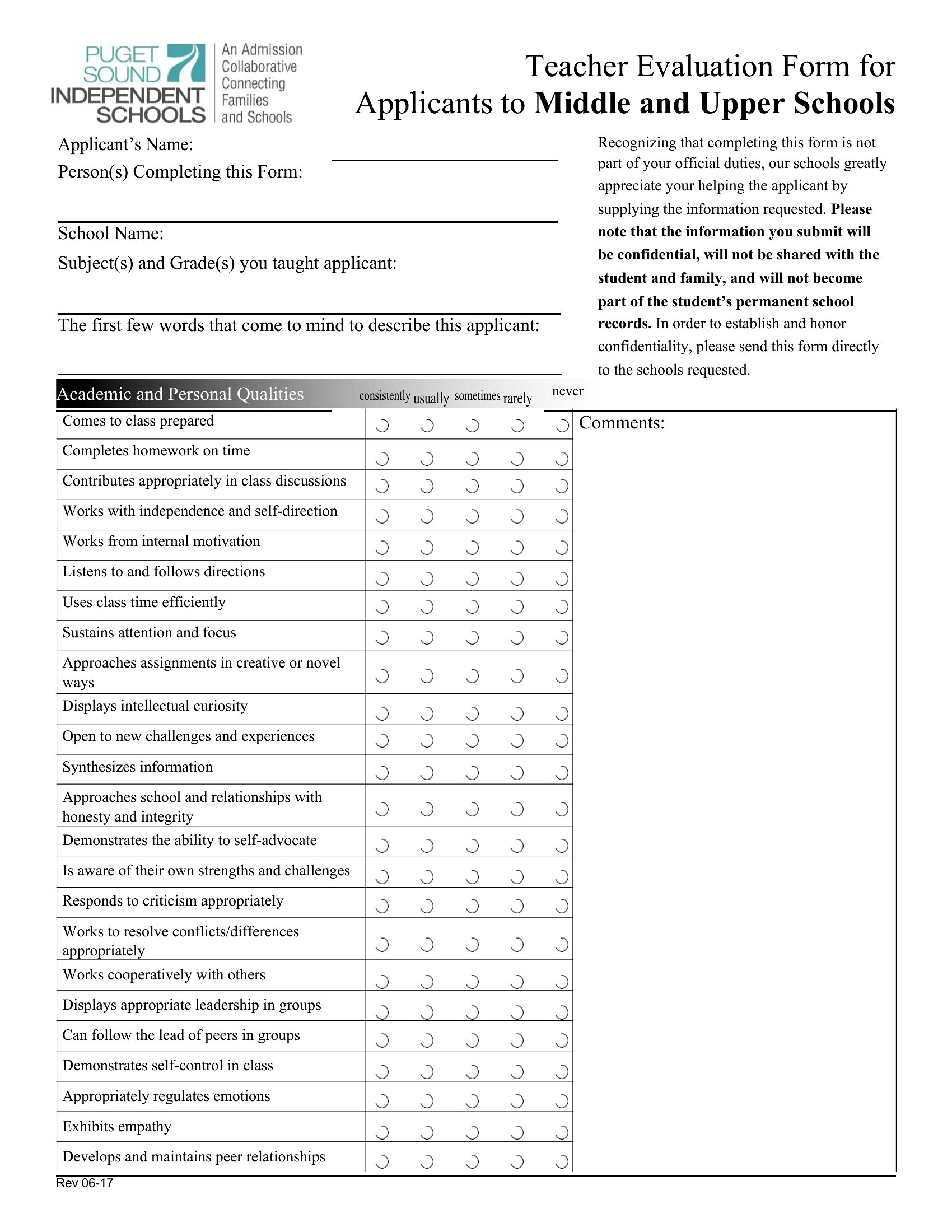
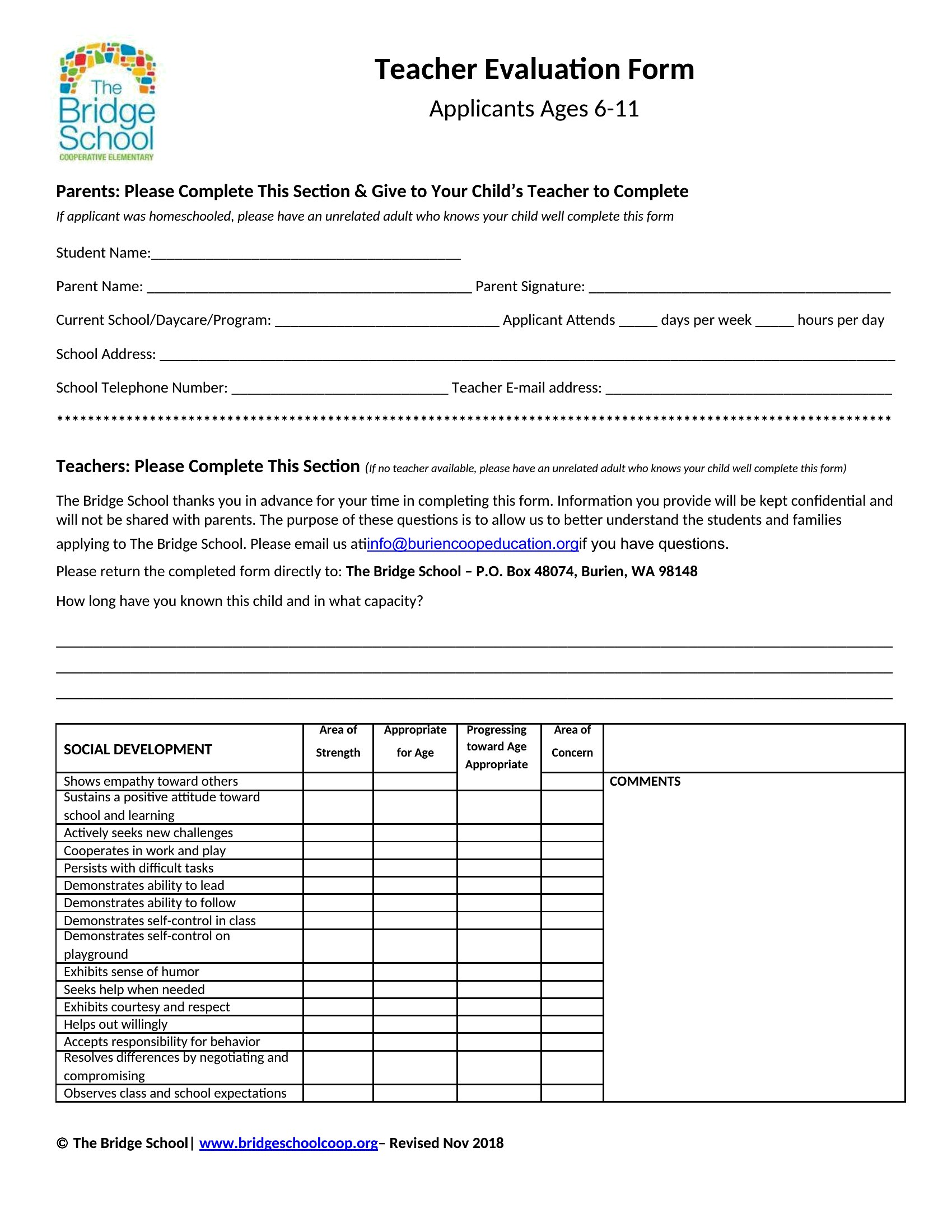
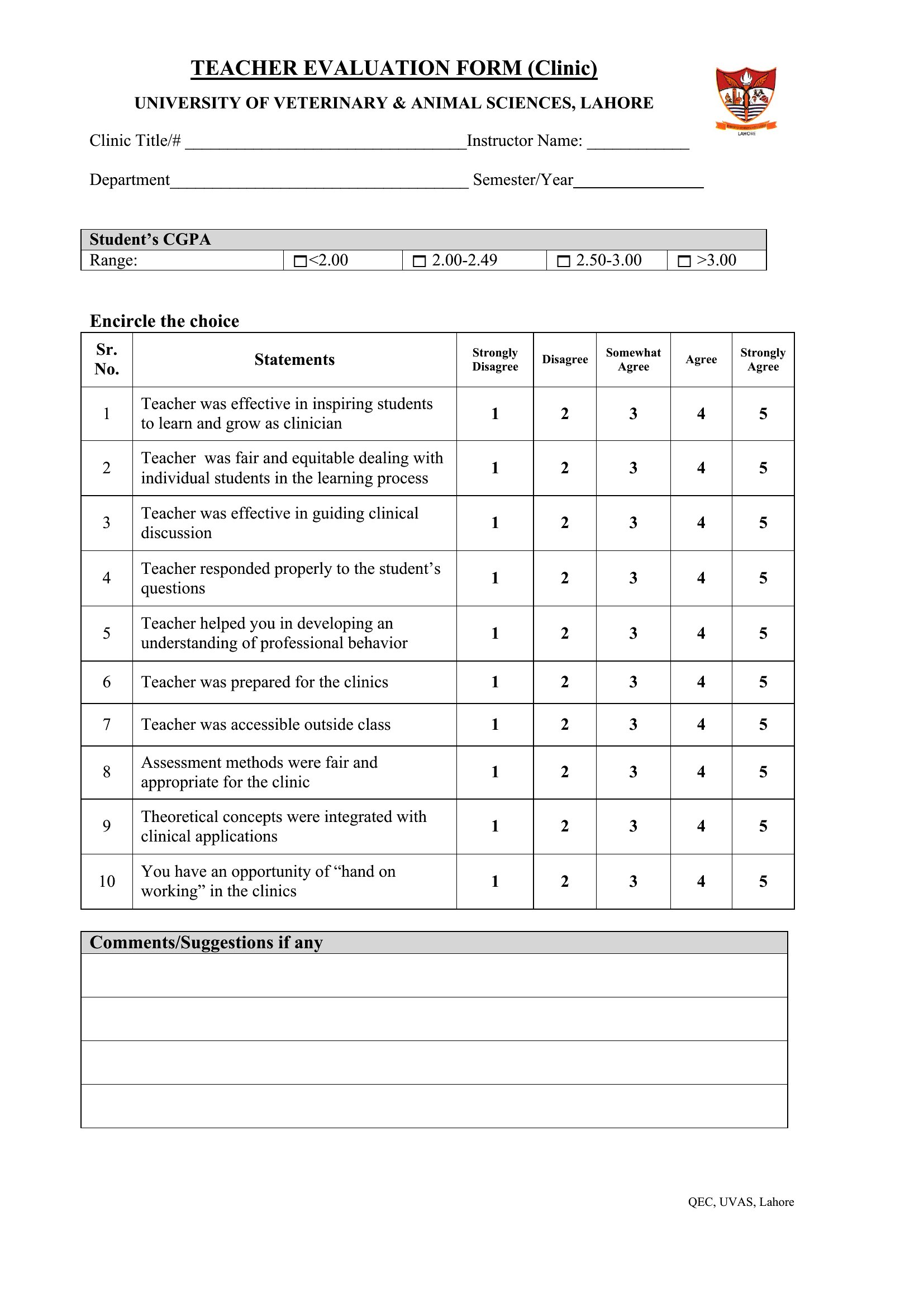
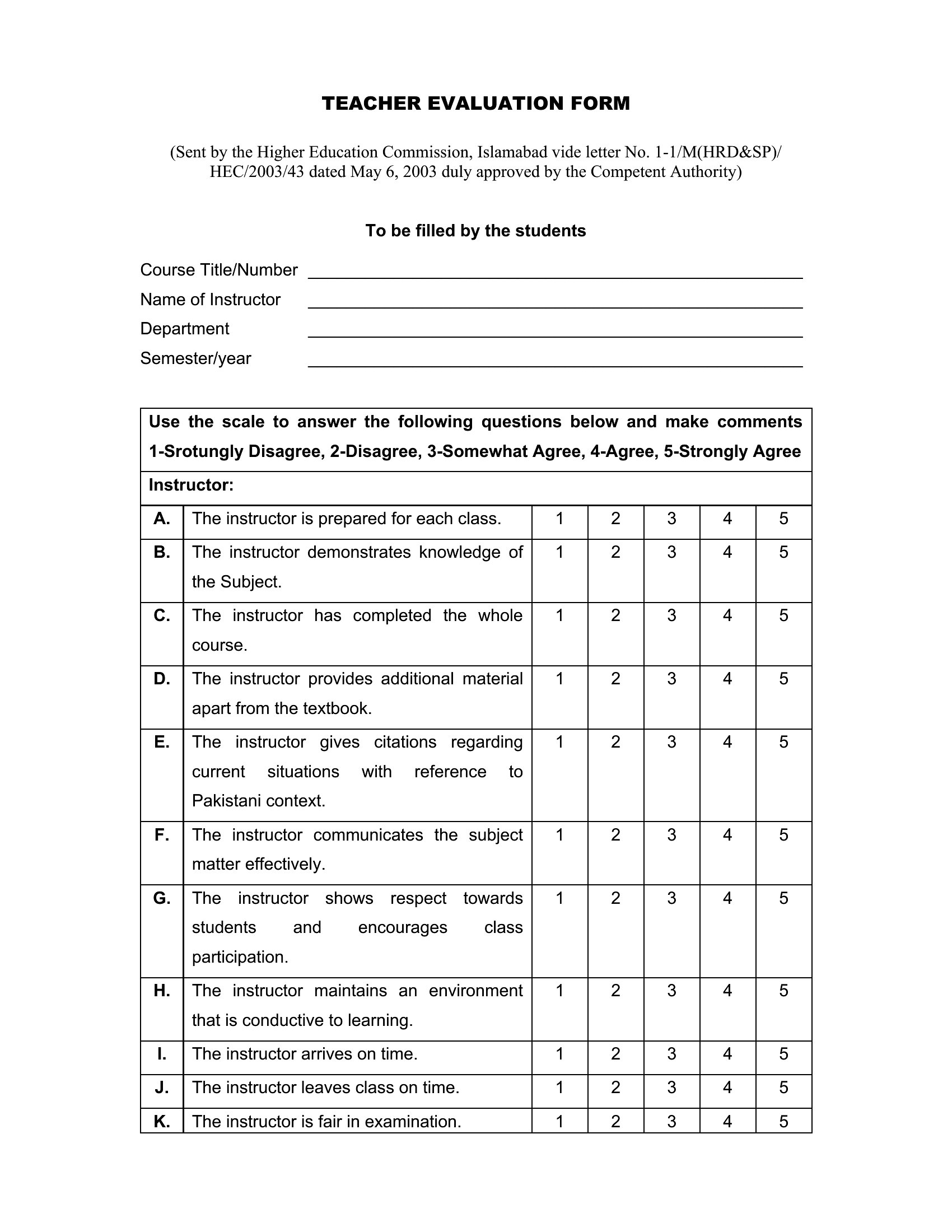
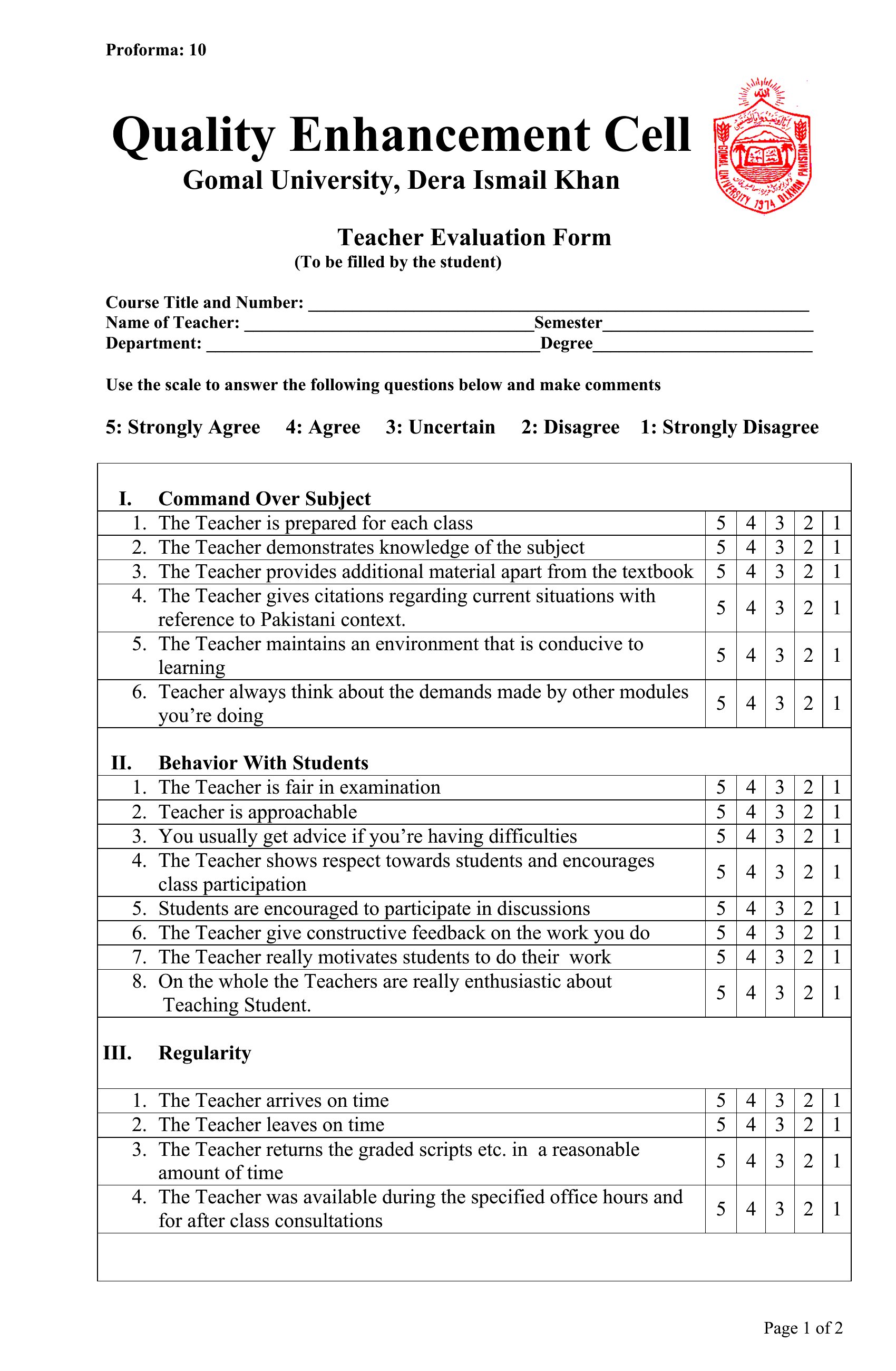
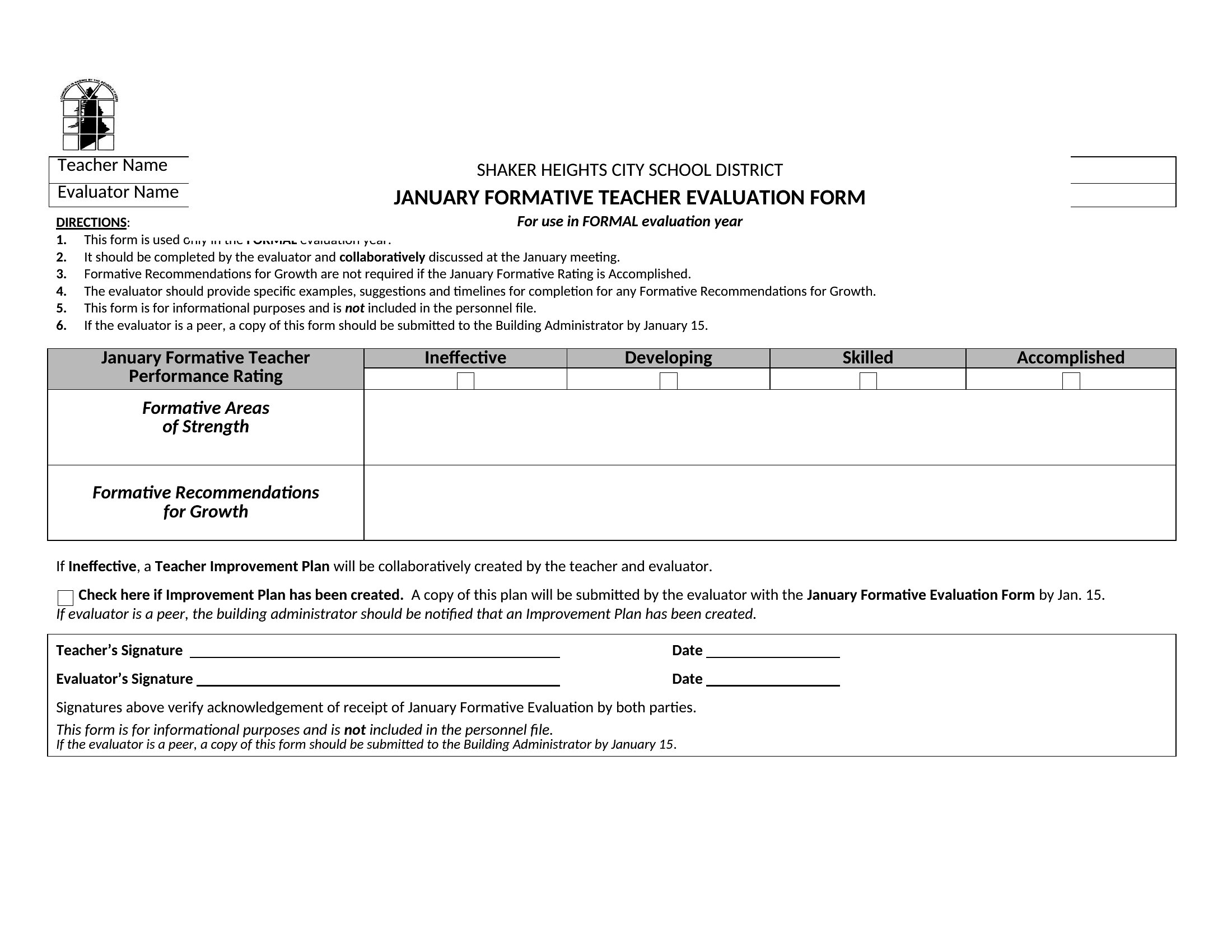
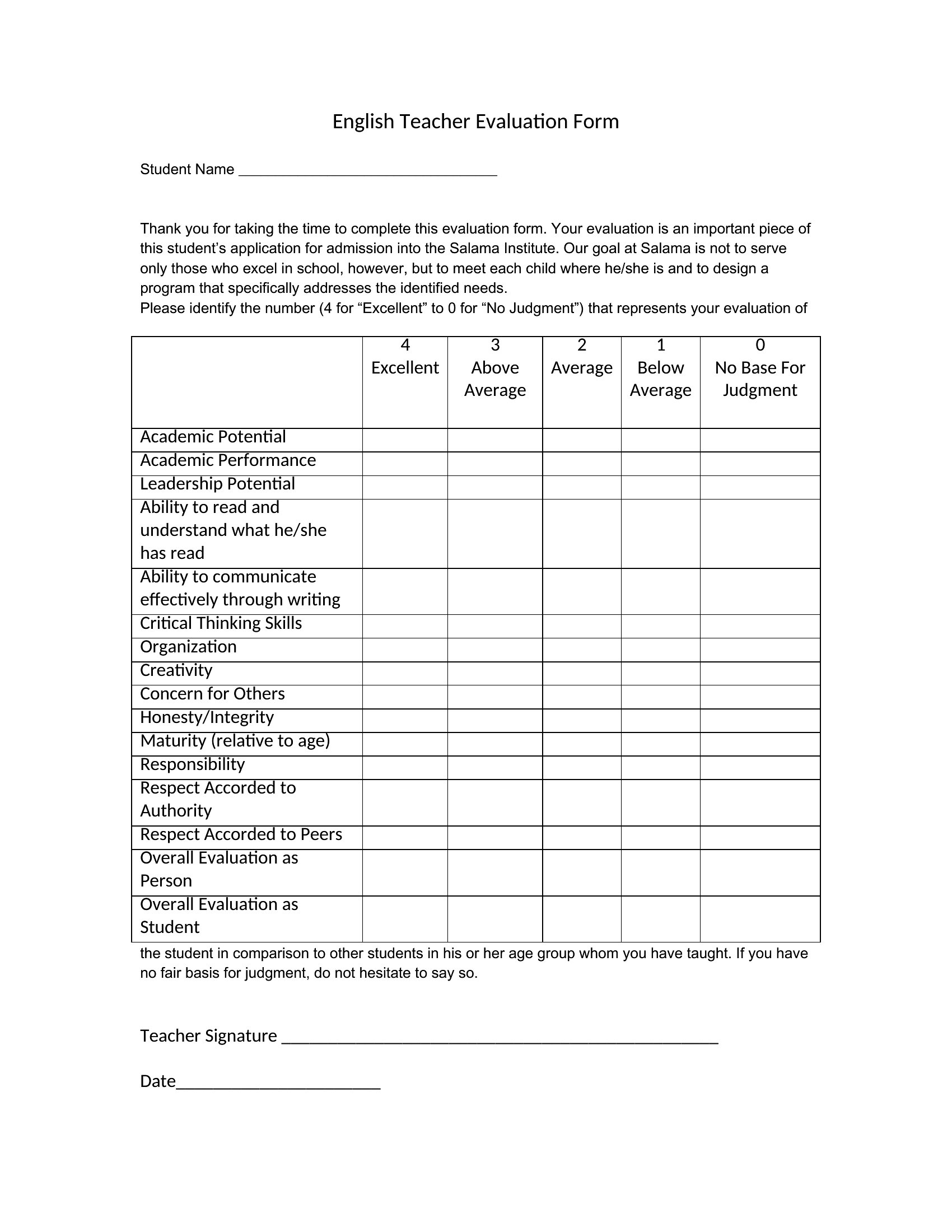
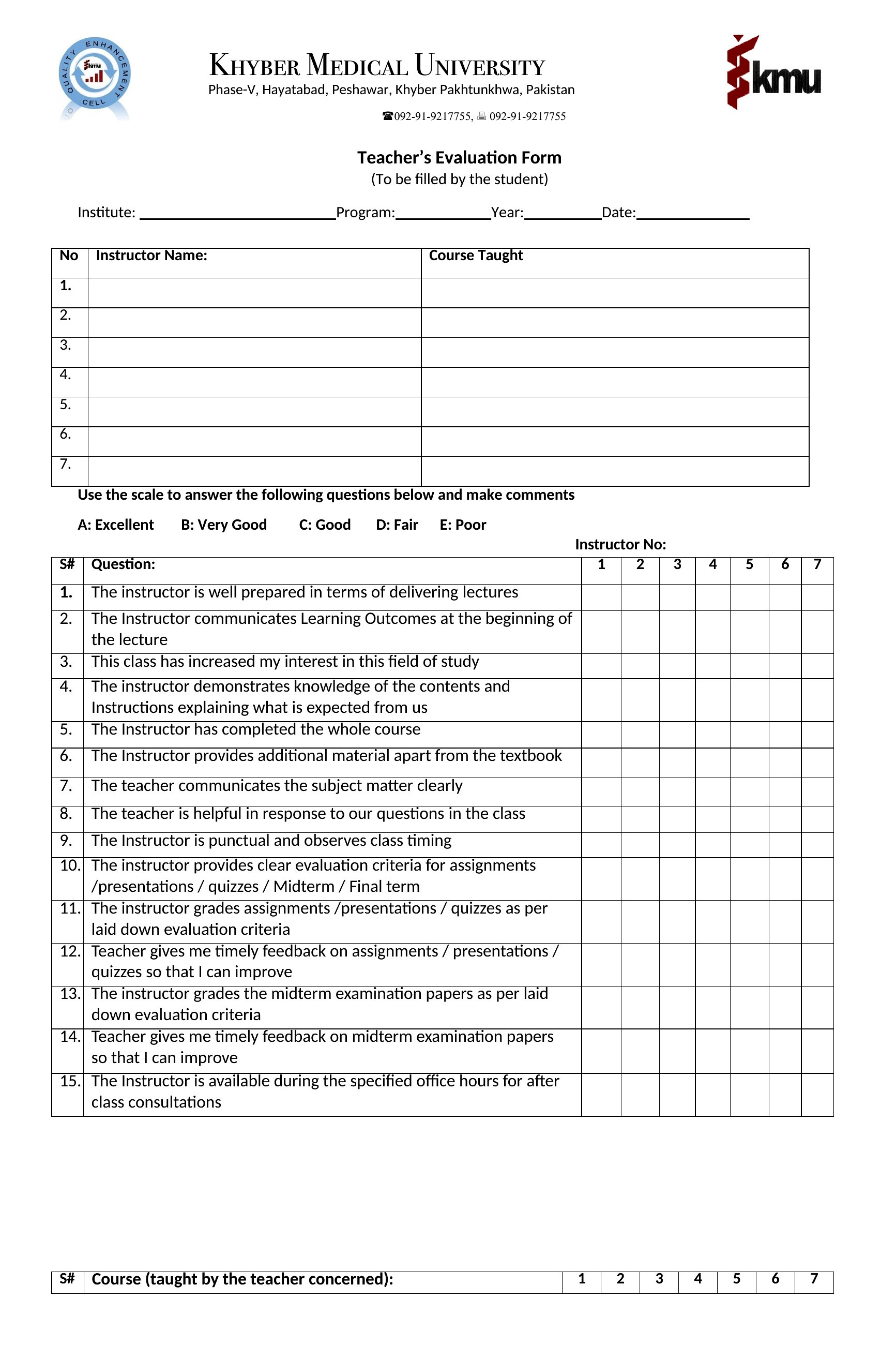
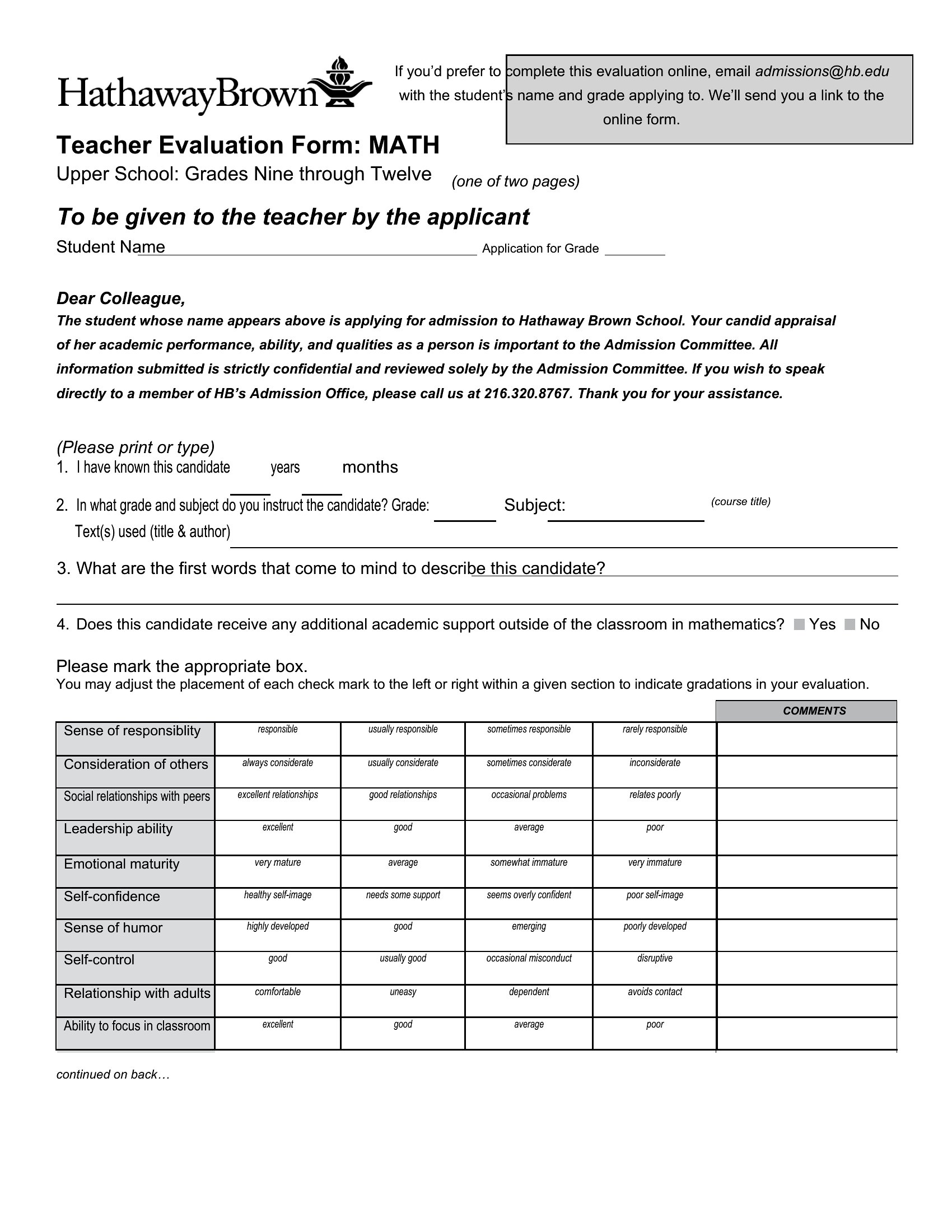
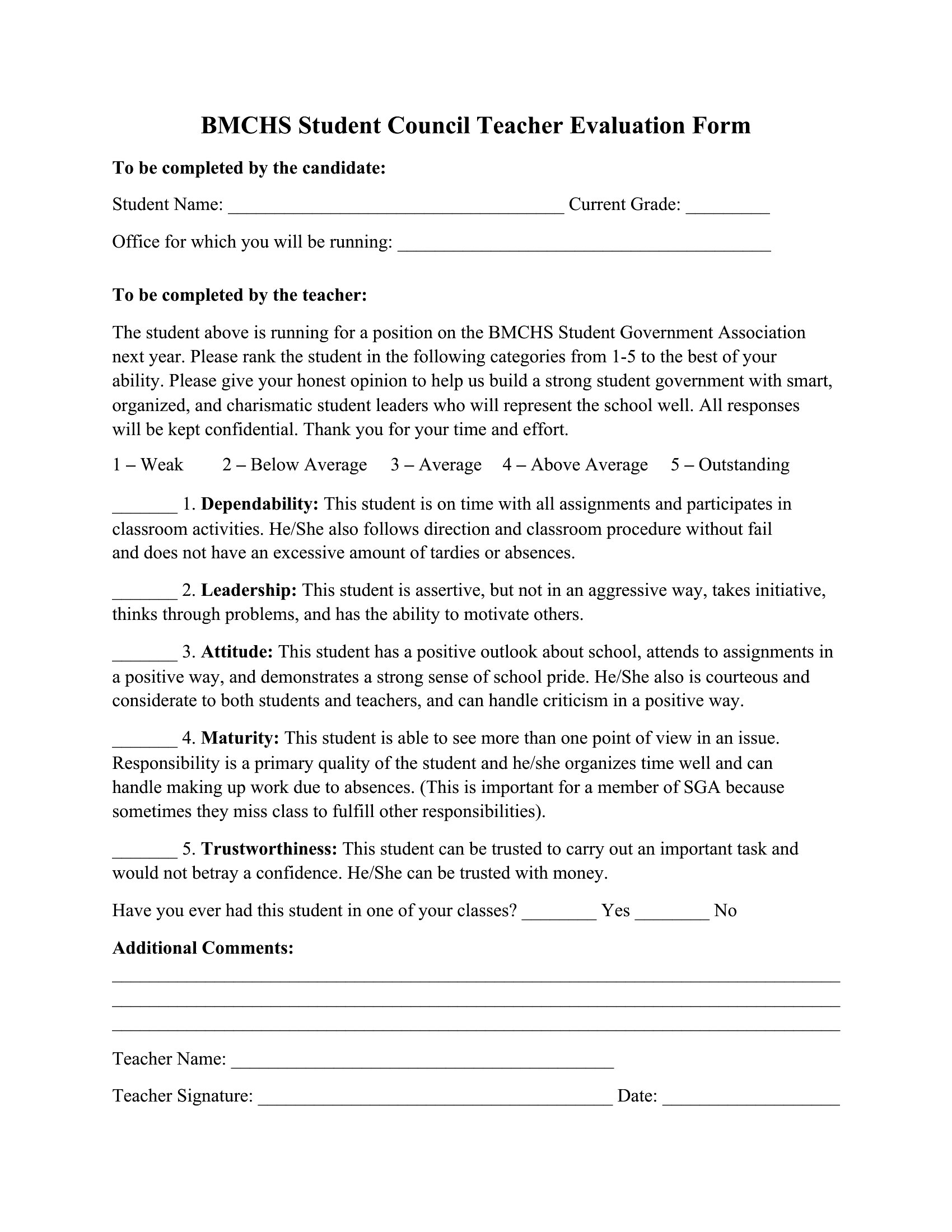
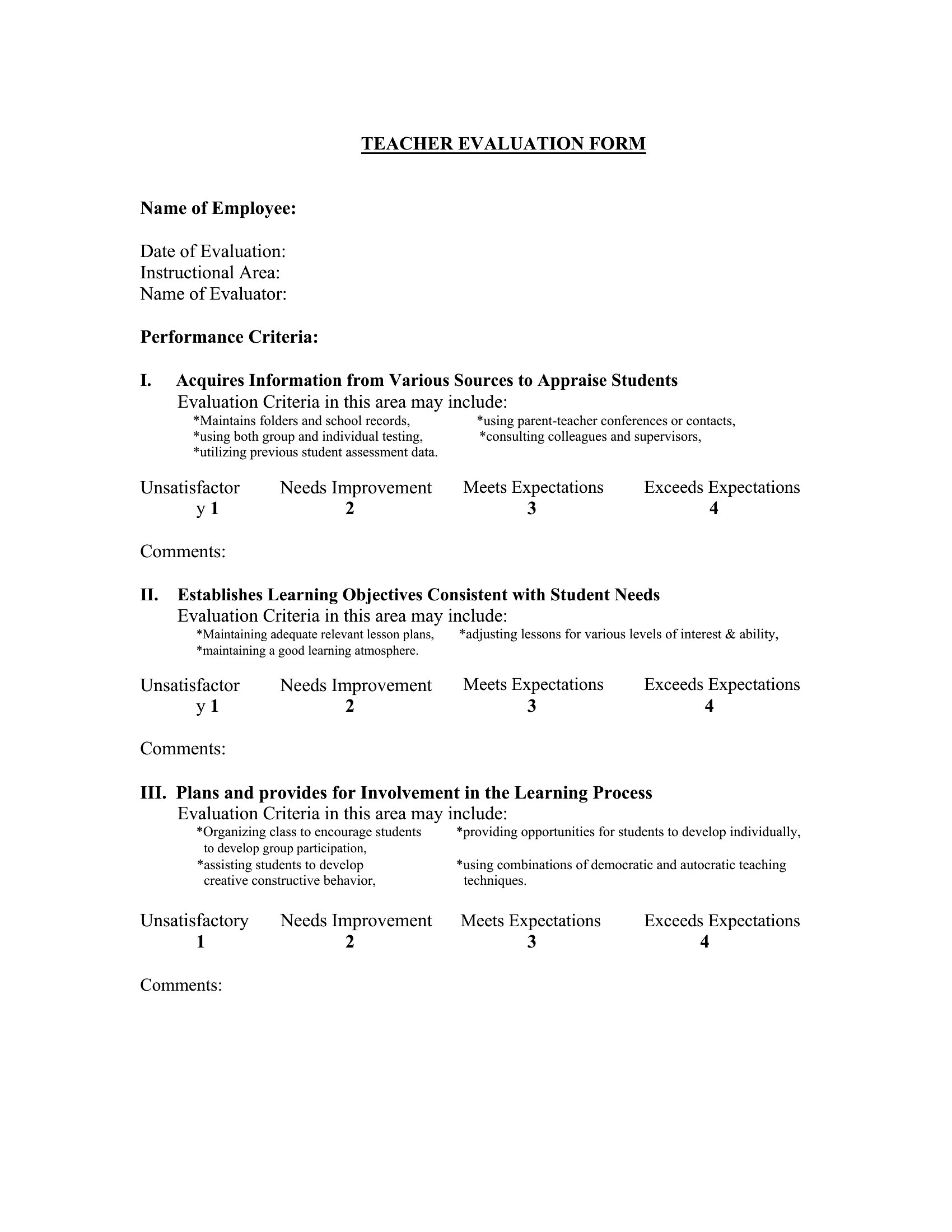
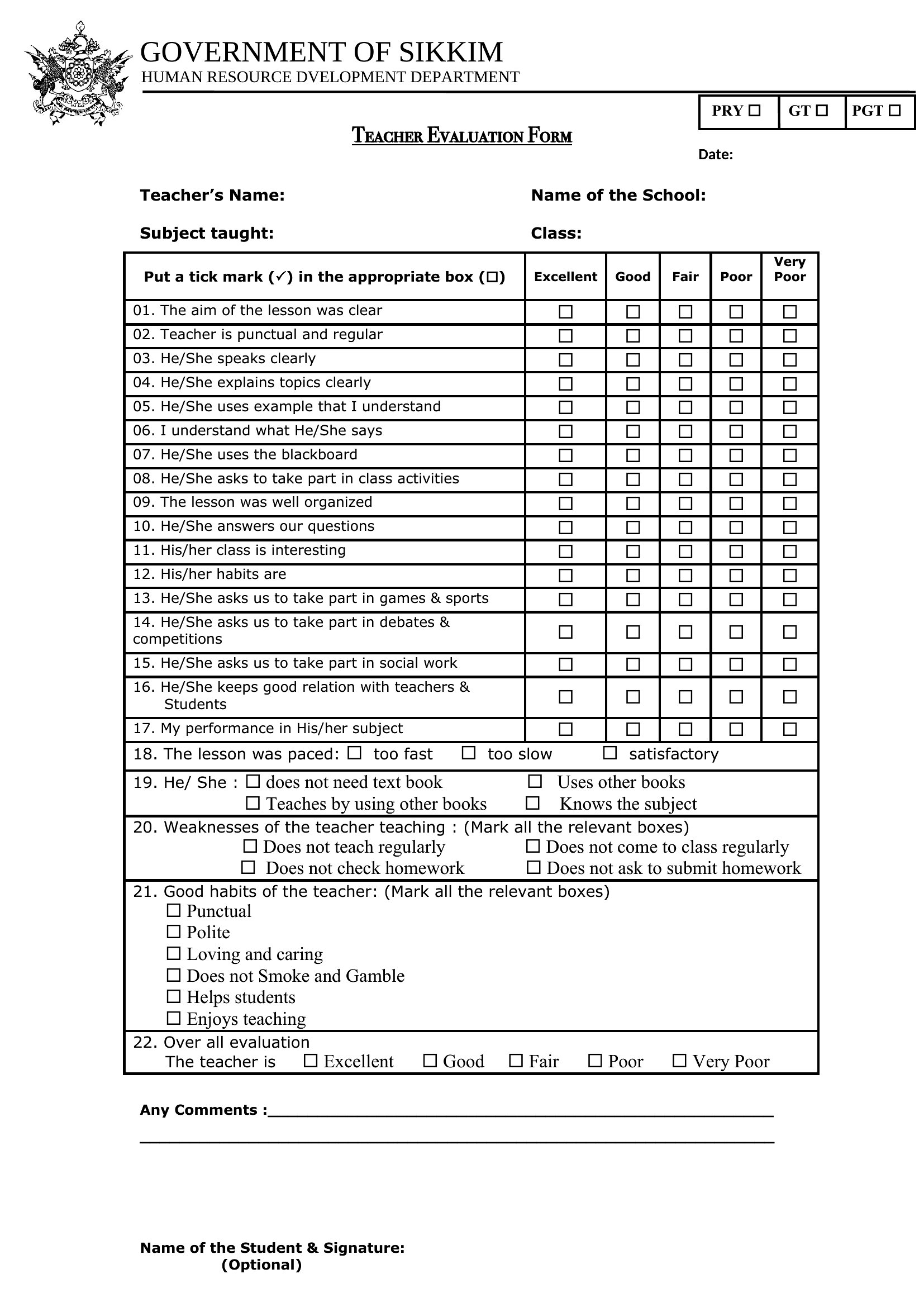
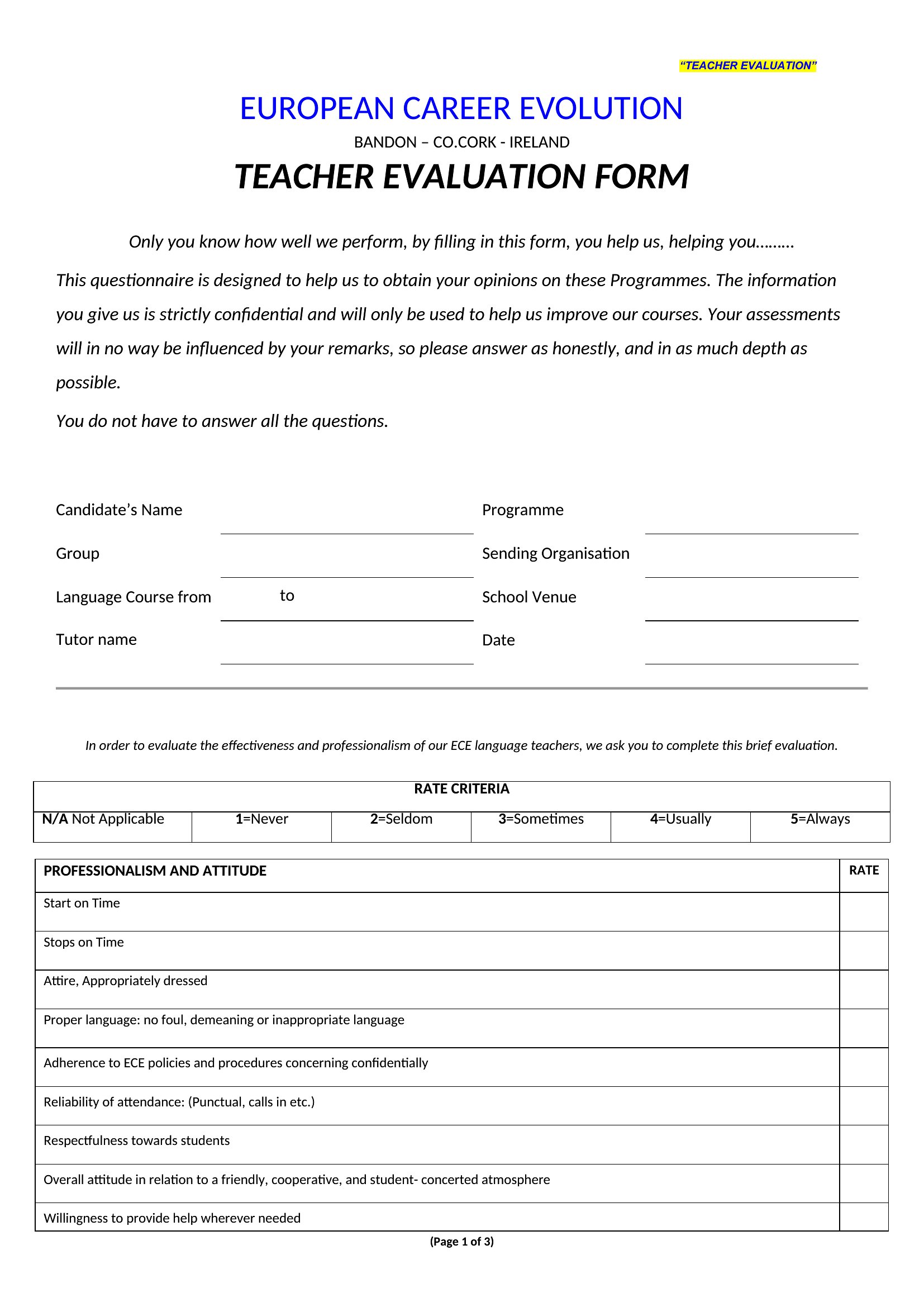
Use the ‘rating scales’ section in the forms, which include neutral mid-points (e.g., 1–5 scales) to discourage extreme ratings. Pair numeric ratings with open-ended comment boxes that prompt evaluators to explain their scores—for example, ‘Describe a specific lesson where the teacher demonstrated this strength.’ This forces evaluators to think critically.
Can I combine feedback from multiple evaluators, like students and peers, into a single form for a holistic view of a teacher’s performance?
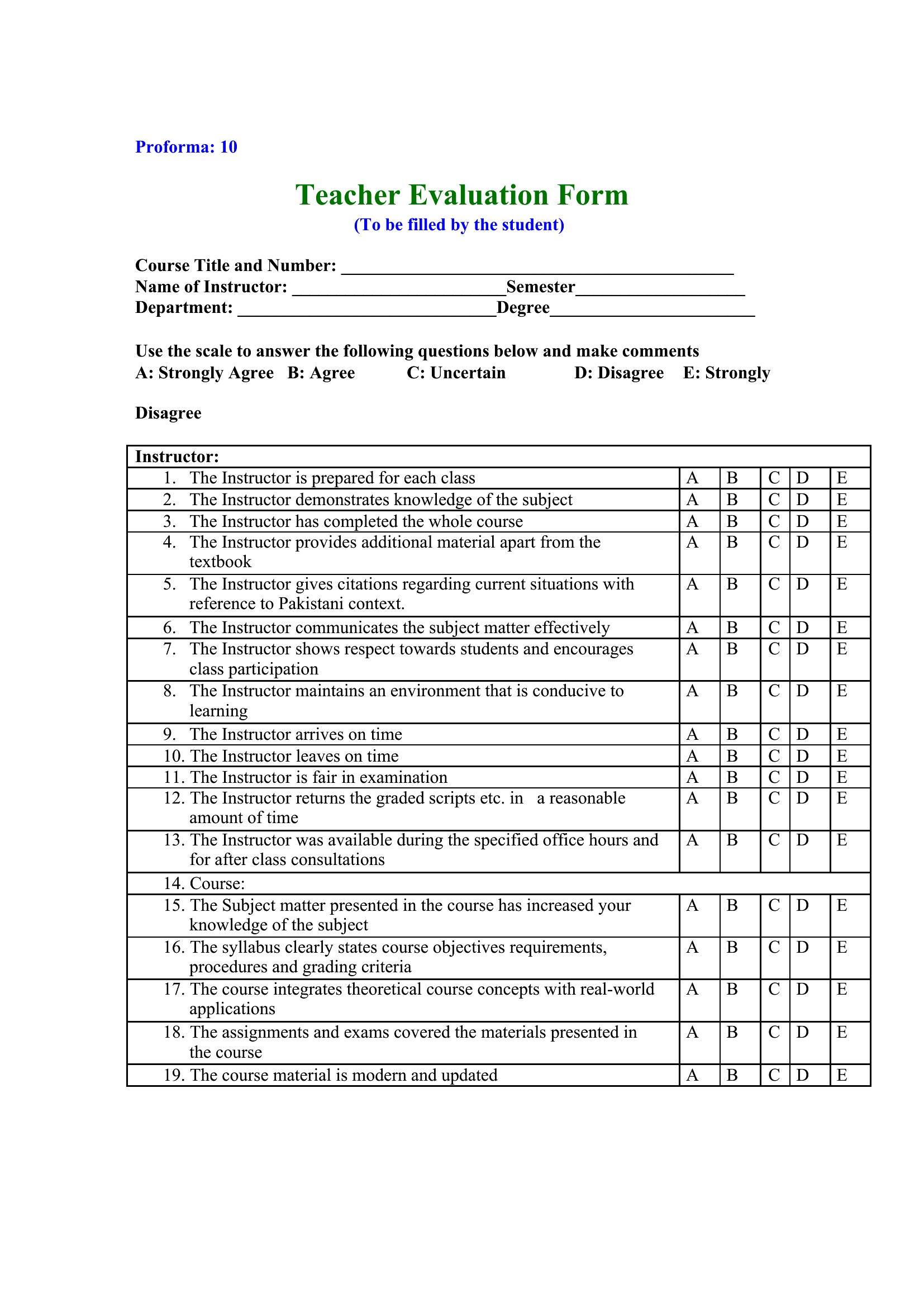
Yes, the ‘Peer Observation’ and ‘Student Feedback’ templates include sections for consolidating input. Use the Word ‘mail merge’ feature to compile responses from different evaluators into one document, or create a master summary form by copying relevant comments from individual evaluations. Label each section clearly (e.g., ‘Student Comments,’ ‘Peer Observations’) for clarity.
Comments
Join the conversation
Sign in to share your thoughts and leave a comment on this resource.