FAQ
Can I customize these signs to include my business name or specific rules?
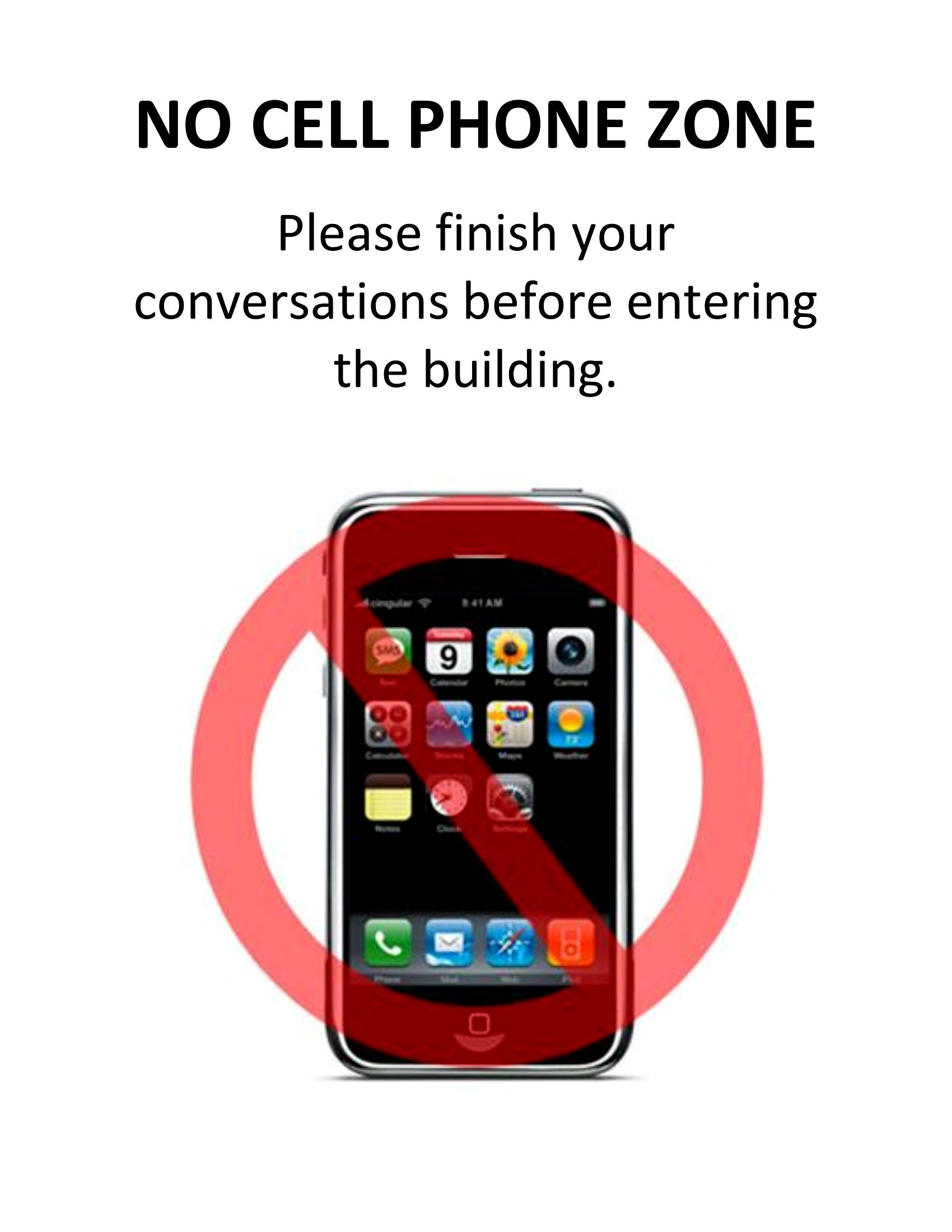
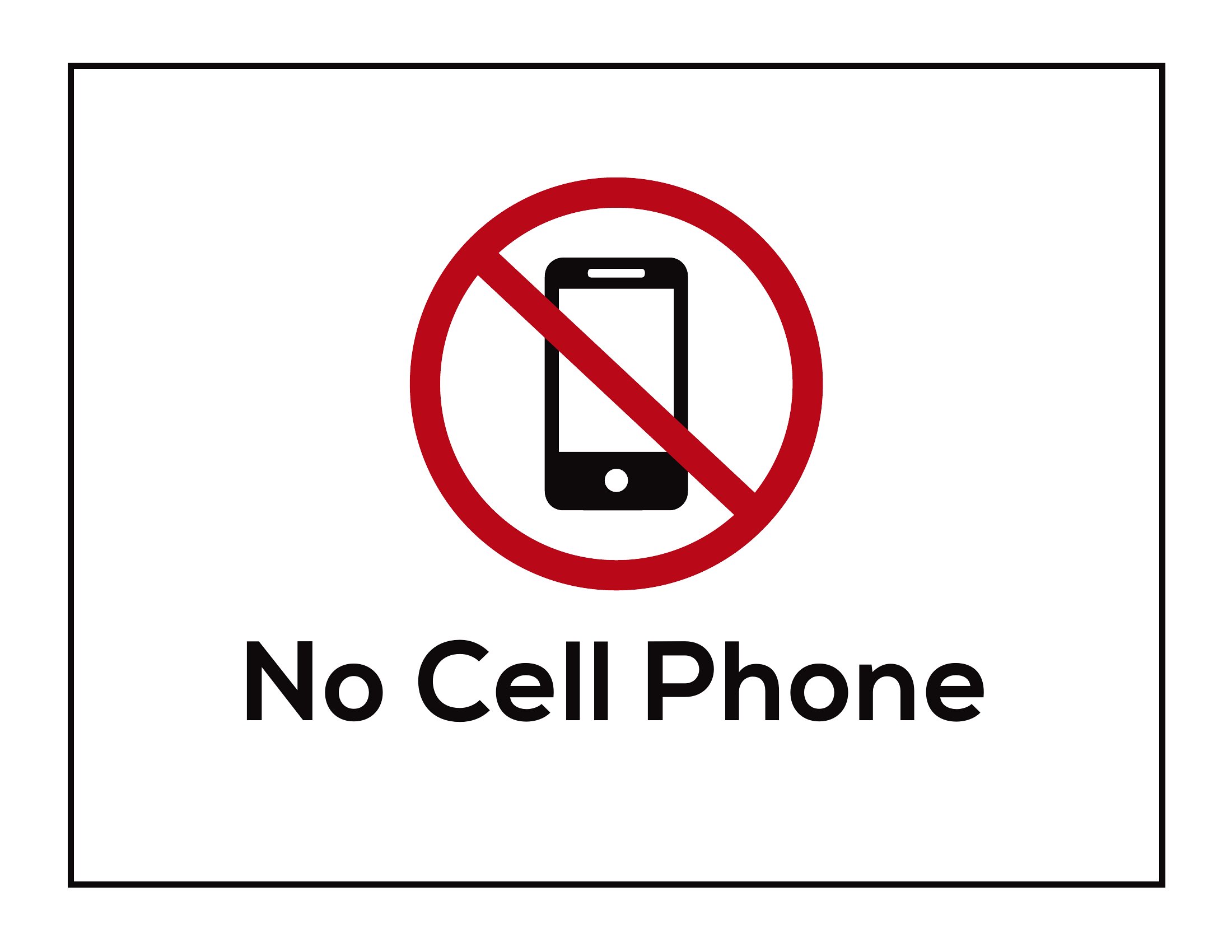
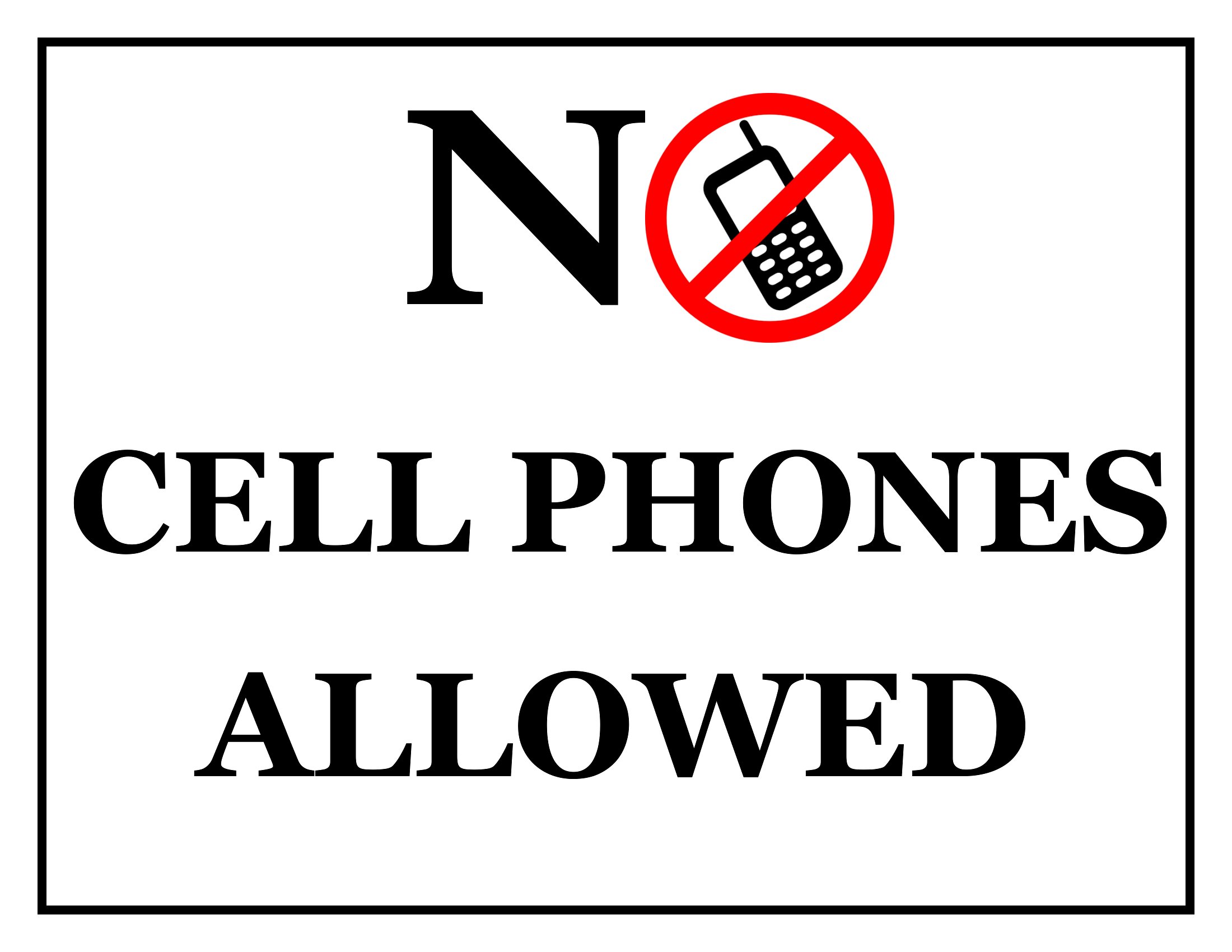
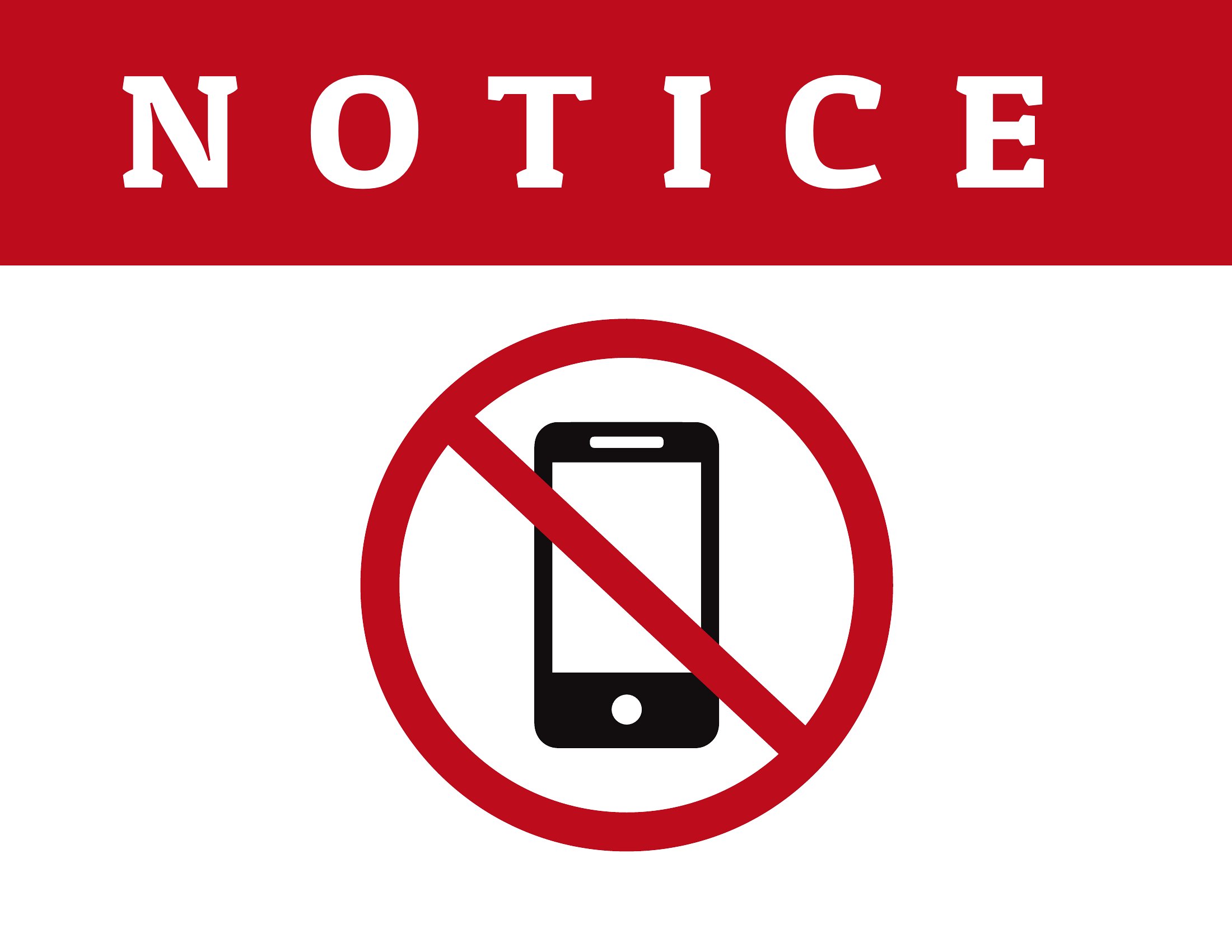
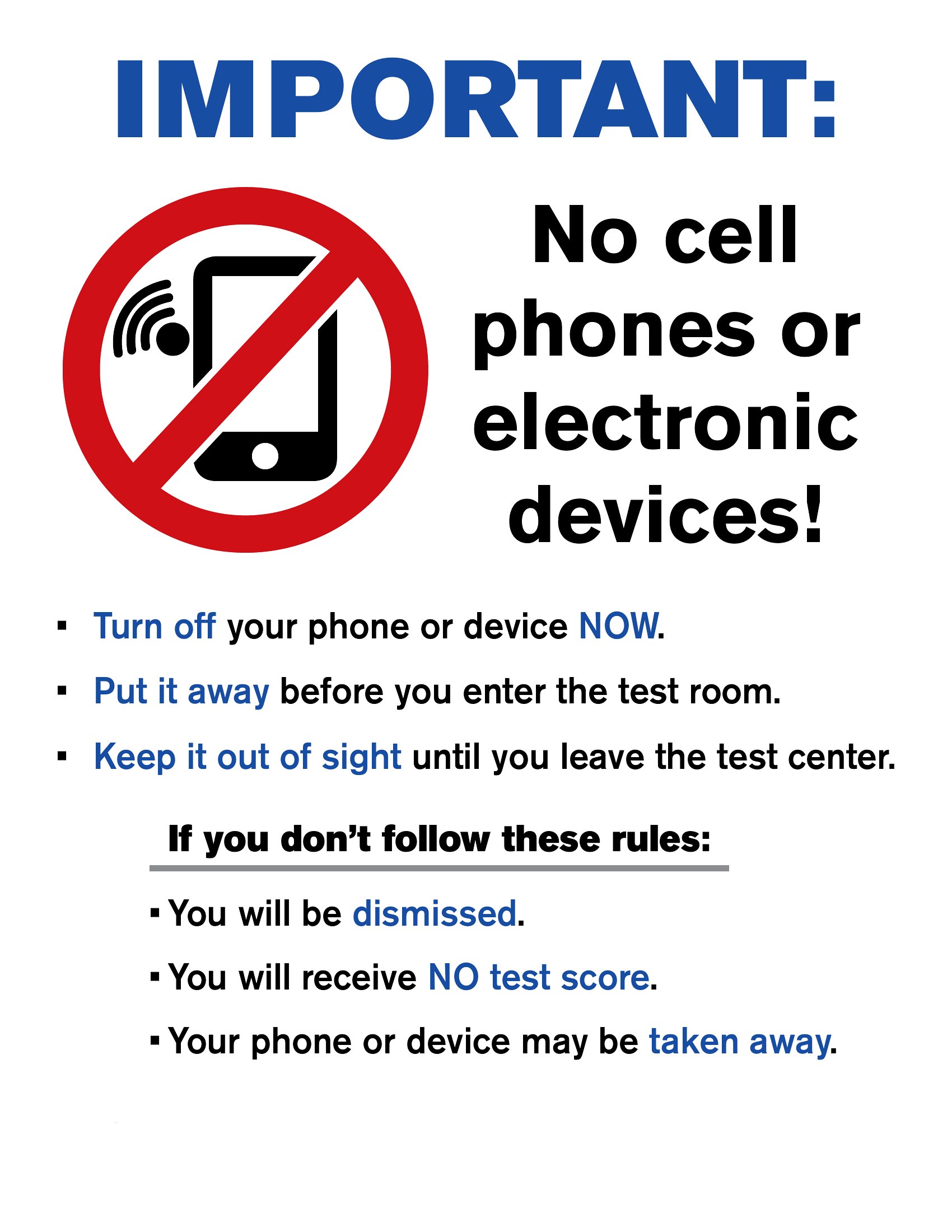
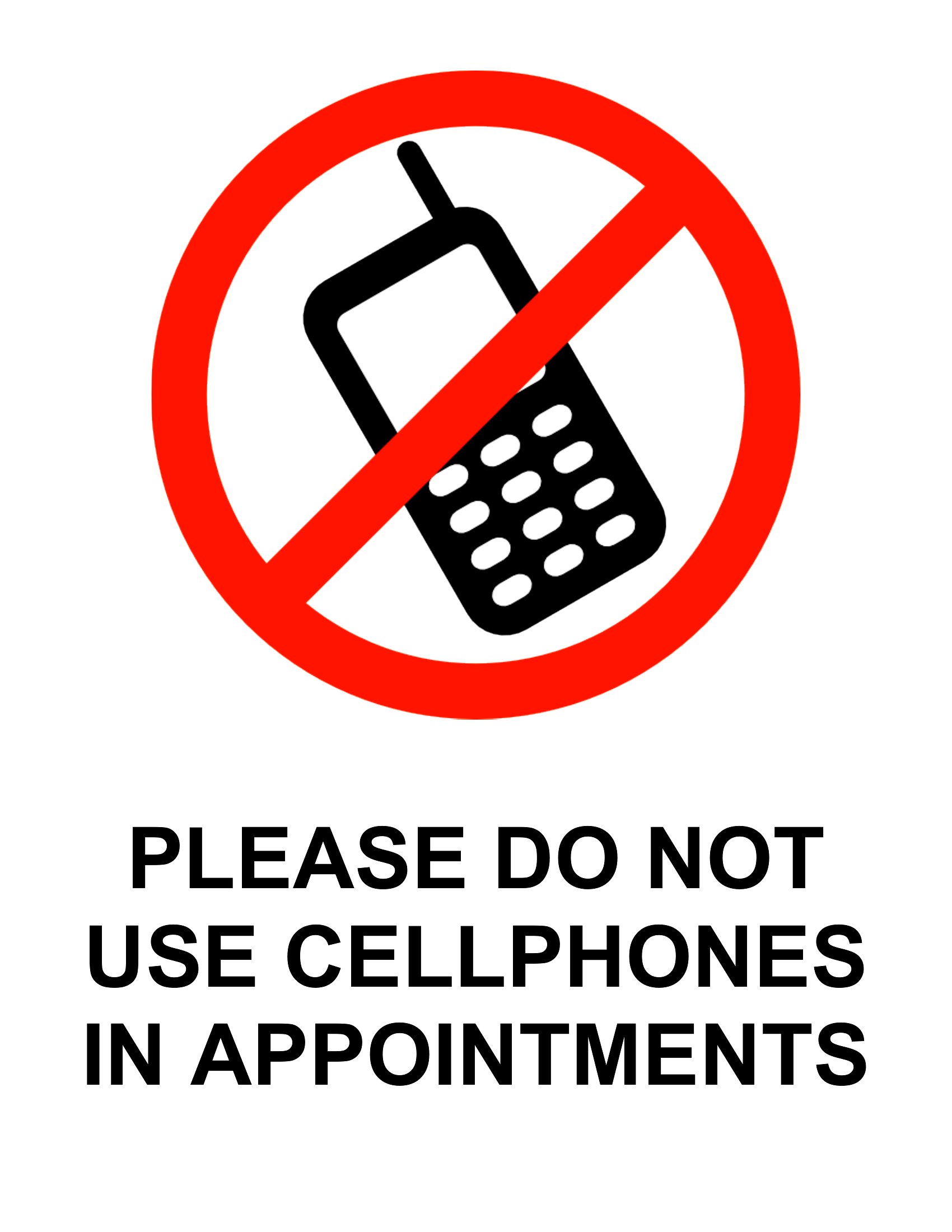
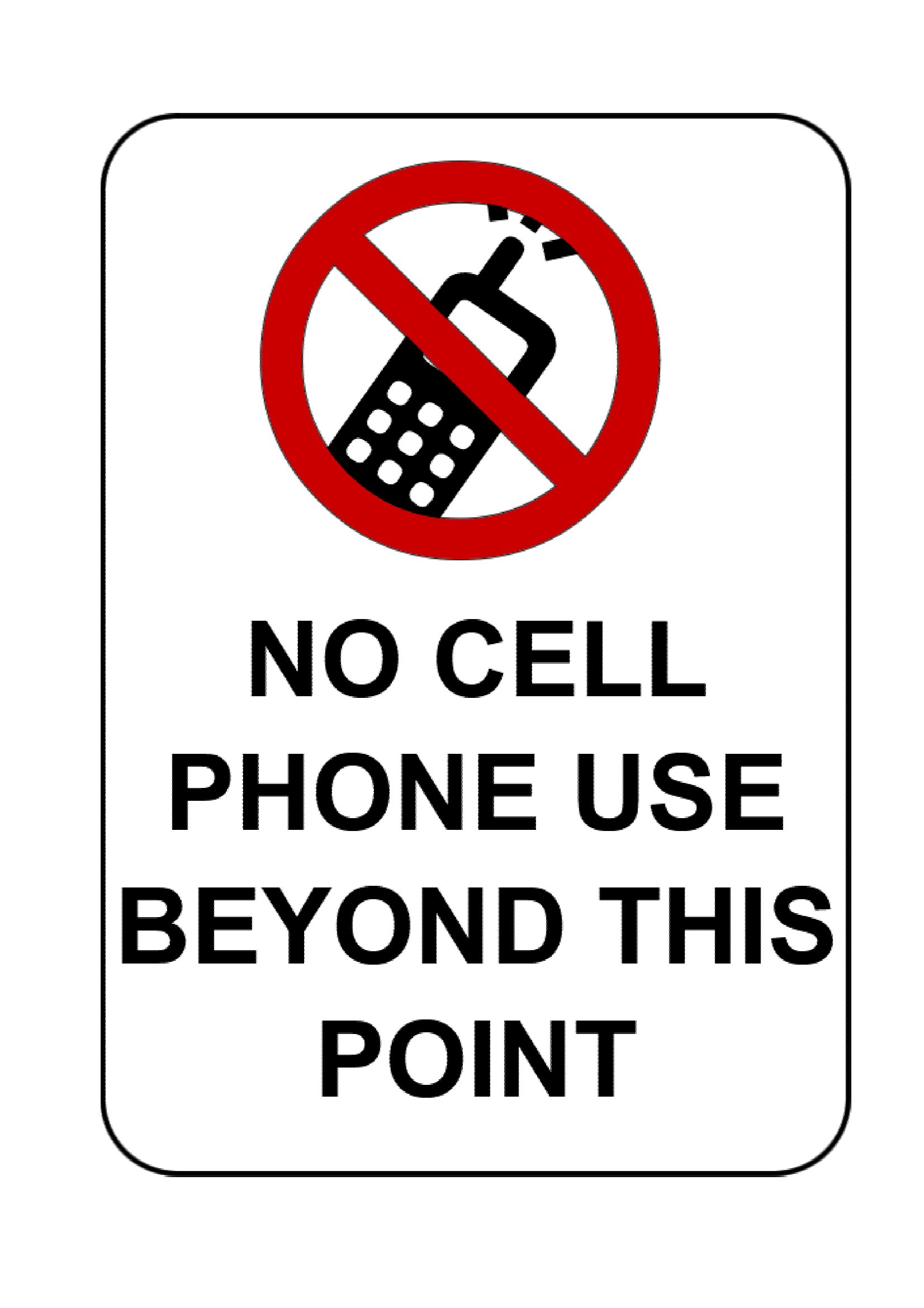
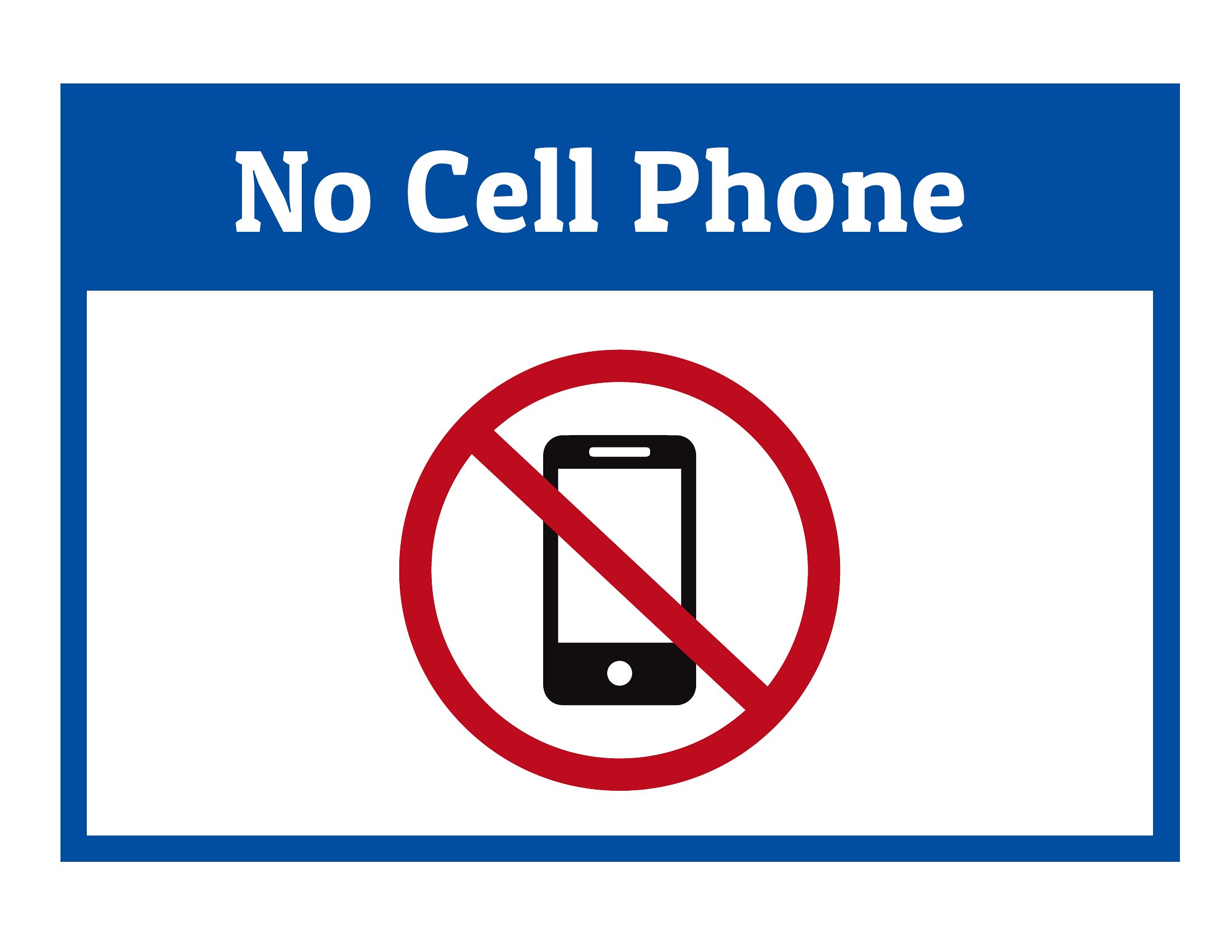
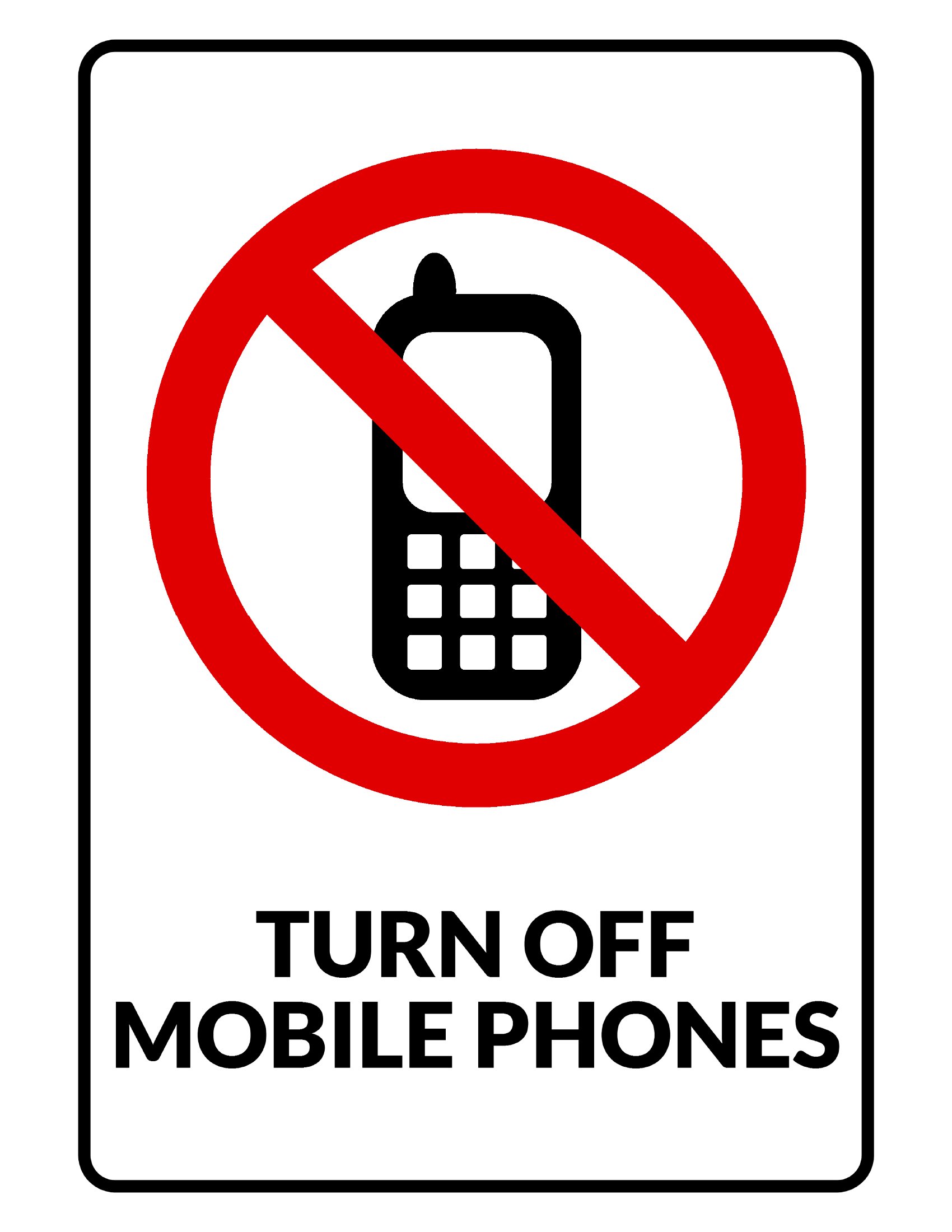
These PDF templates serve as starting points—you can easily edit the text using design software like Canva, Adobe Illustrator, or even Microsoft Word before printing. However, since they’re not legally reviewed, adjust wording to fit your policies while keeping the tone professional. For example, a café might add ‘Thank you for your cooperation’ while a school could emphasize ‘for a distraction-free learning environment.’
What’s the best way to print these signs for durability in high-traffic areas?
For signs in busy spaces like coffee shops or gyms, use a matte laminate finish to protect against fingerprints and wear. Print on thick cardstock (12–16 pt) or vinyl for outdoor use, and consider mounting them on foam board for extra rigidity. Avoid glossy finishes, as they show smudges more easily in frequently touched areas.
Are these templates suitable for international settings where ‘no phone’ might be translated differently?
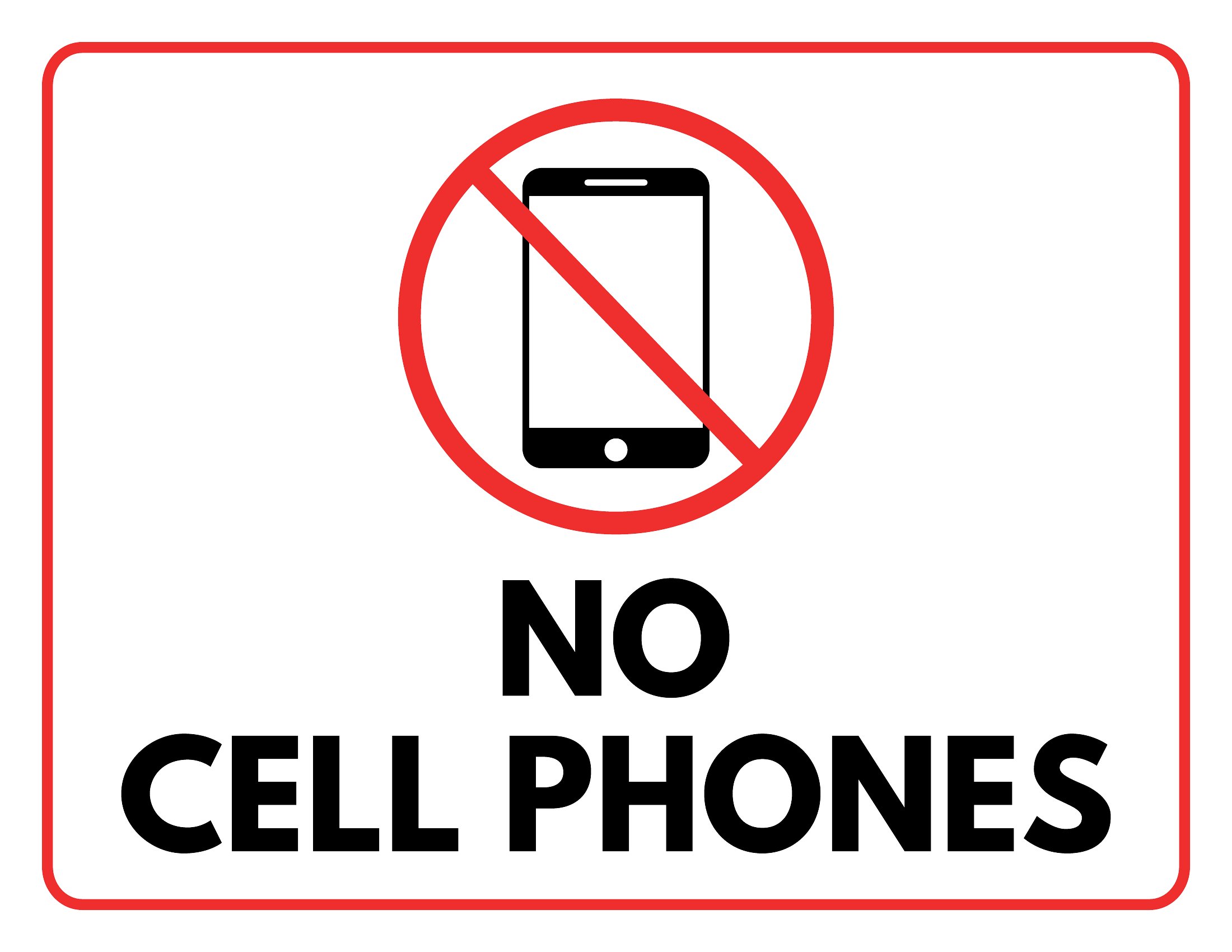
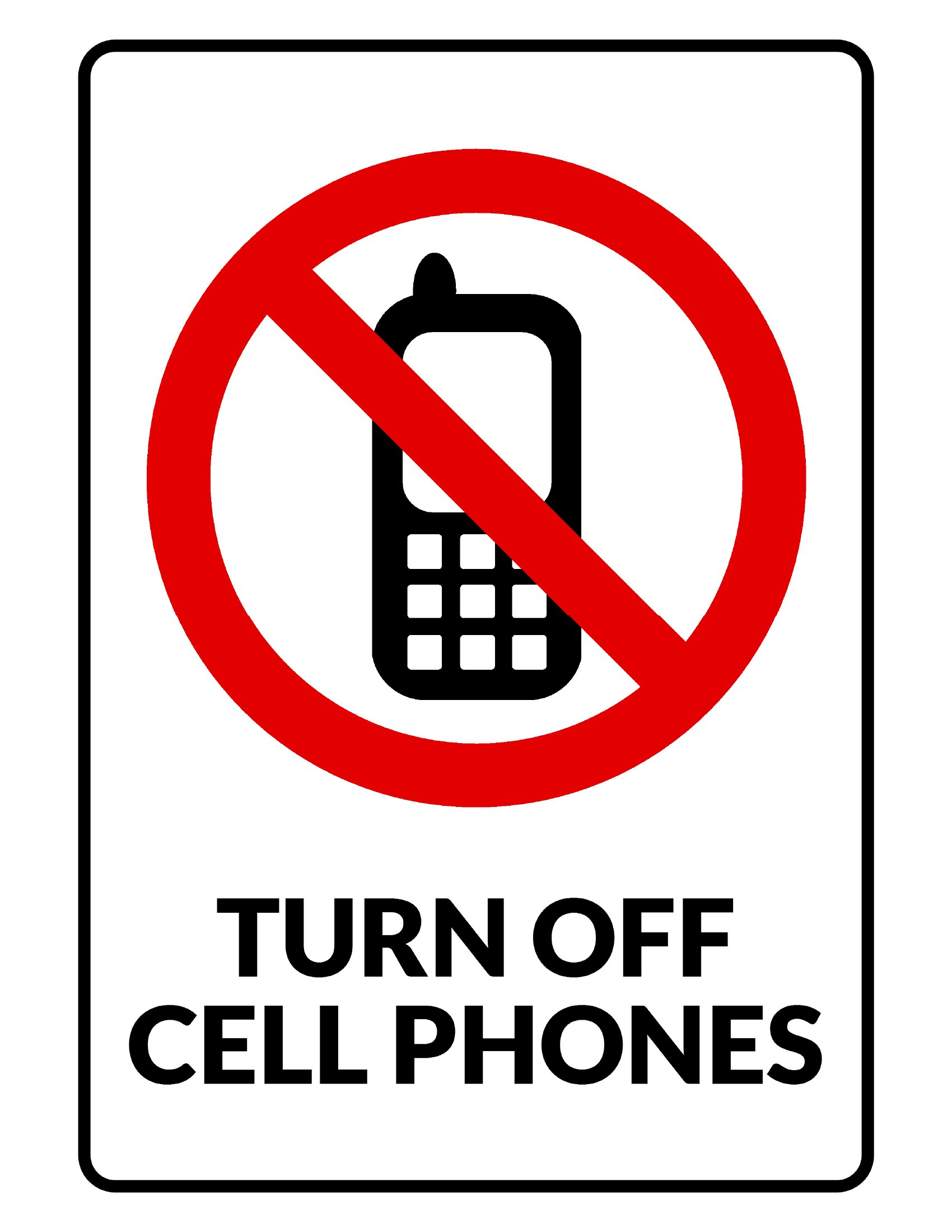
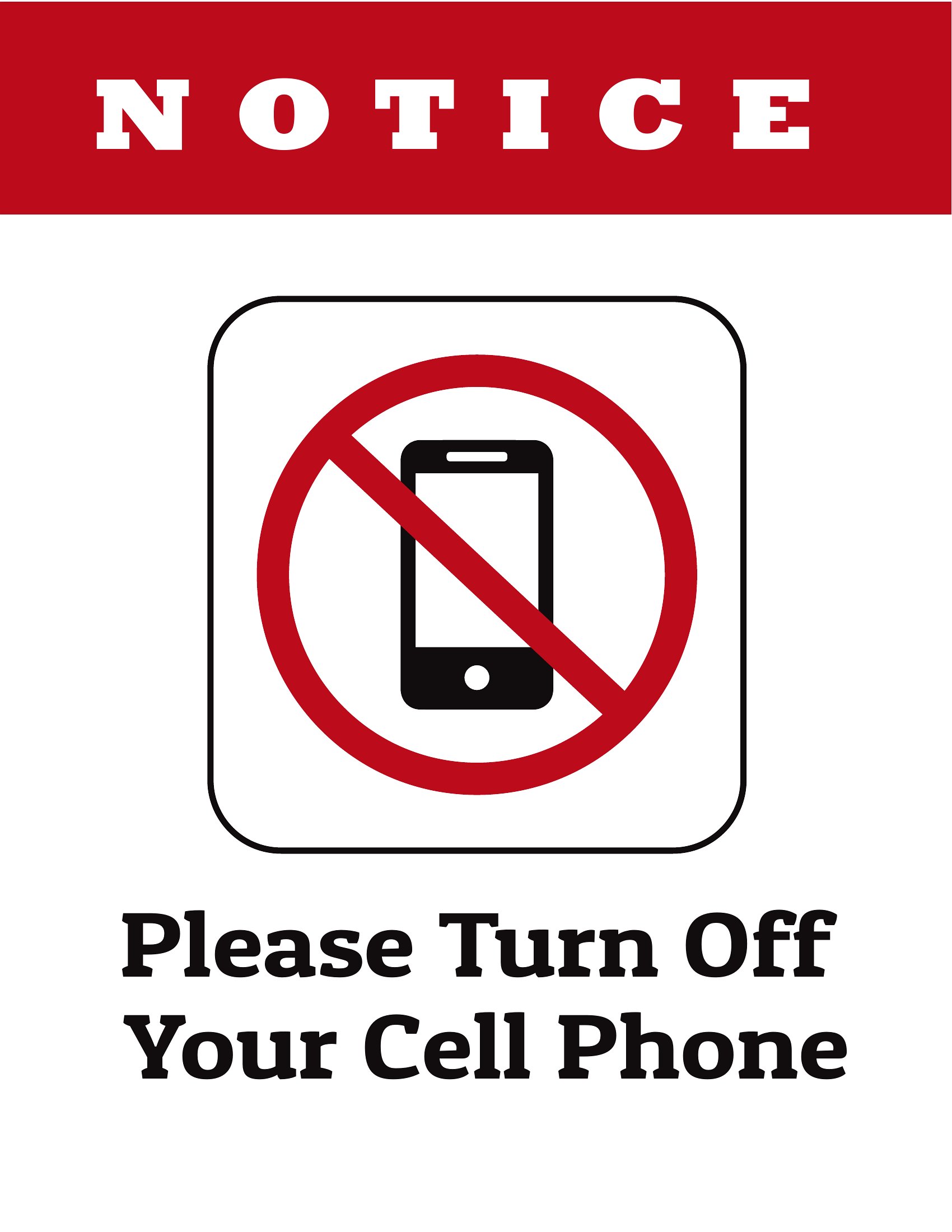
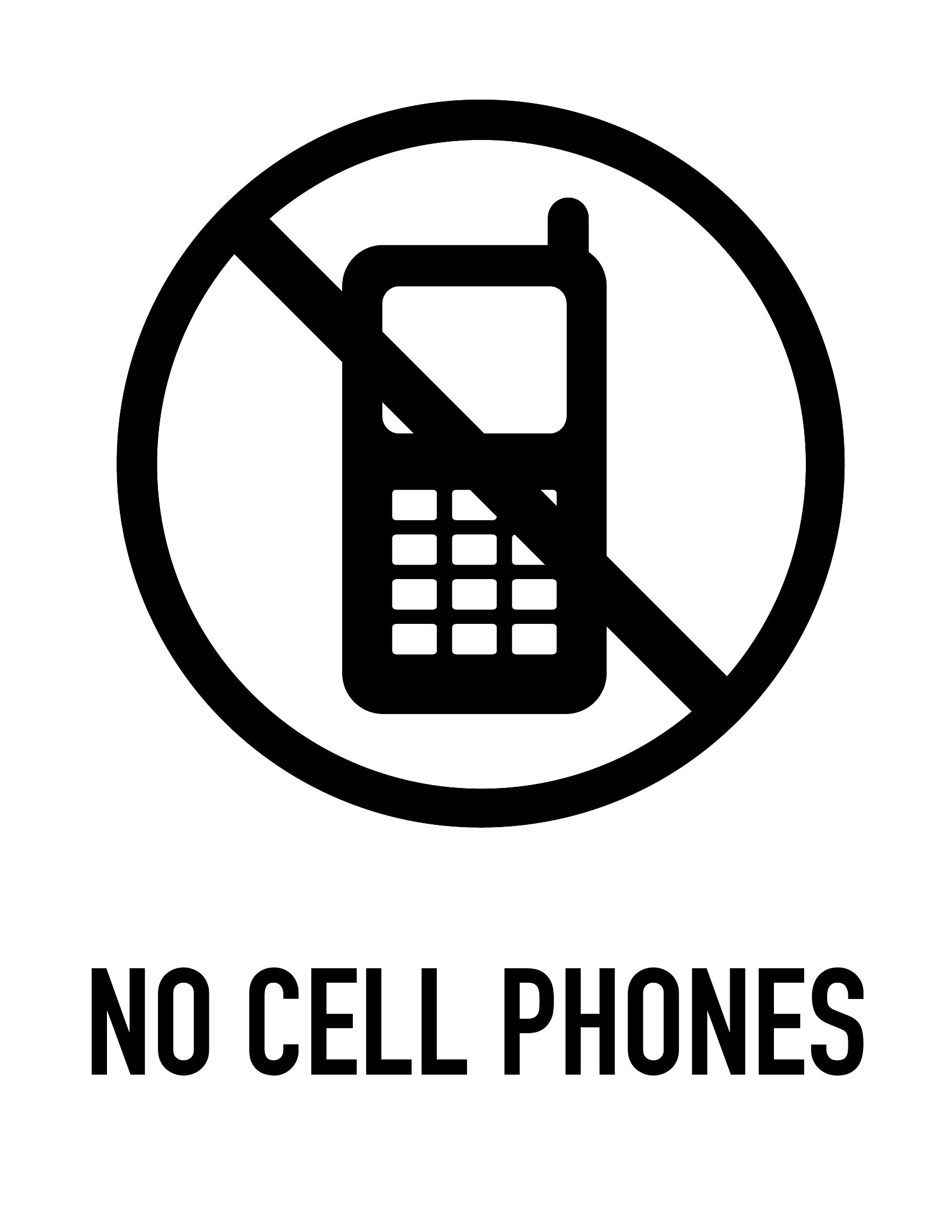
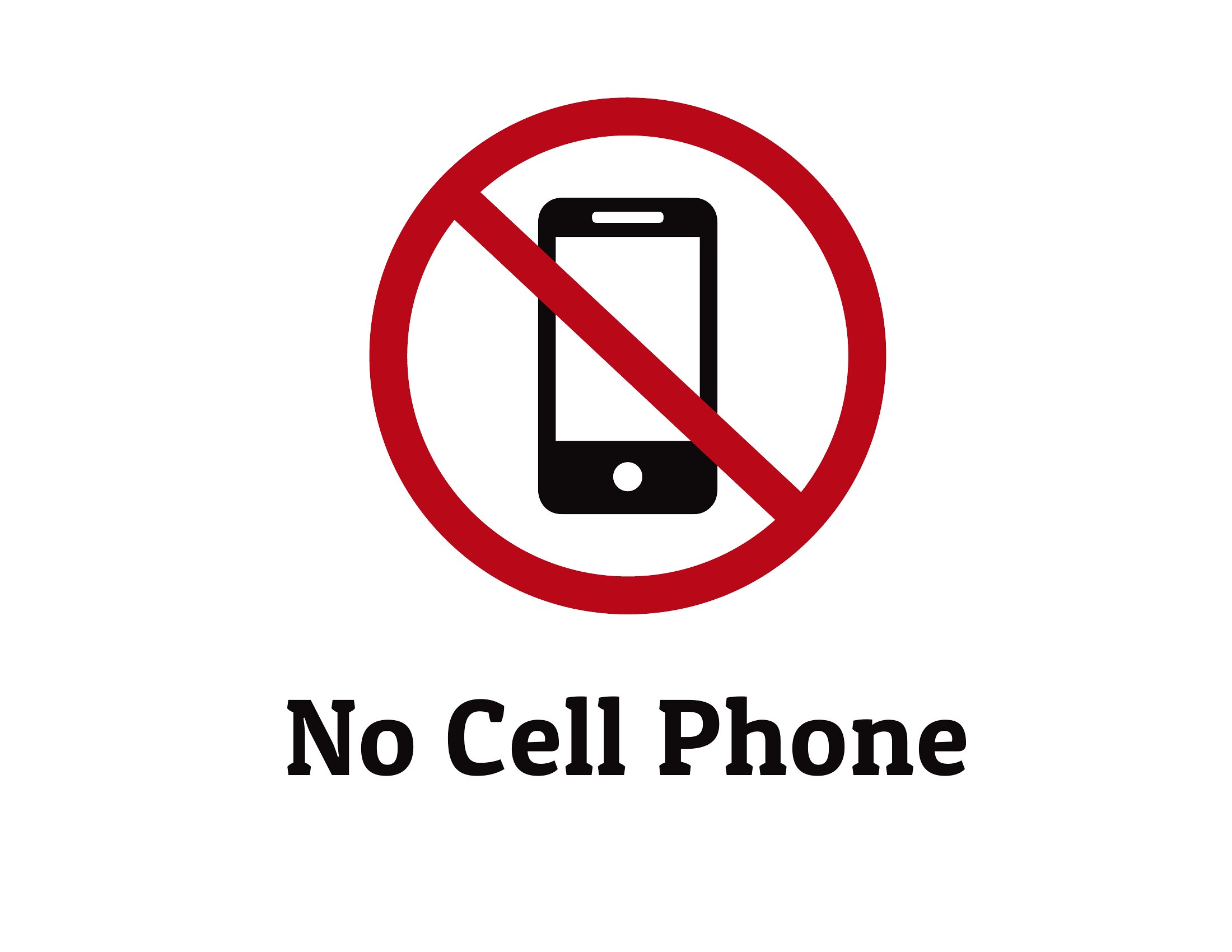
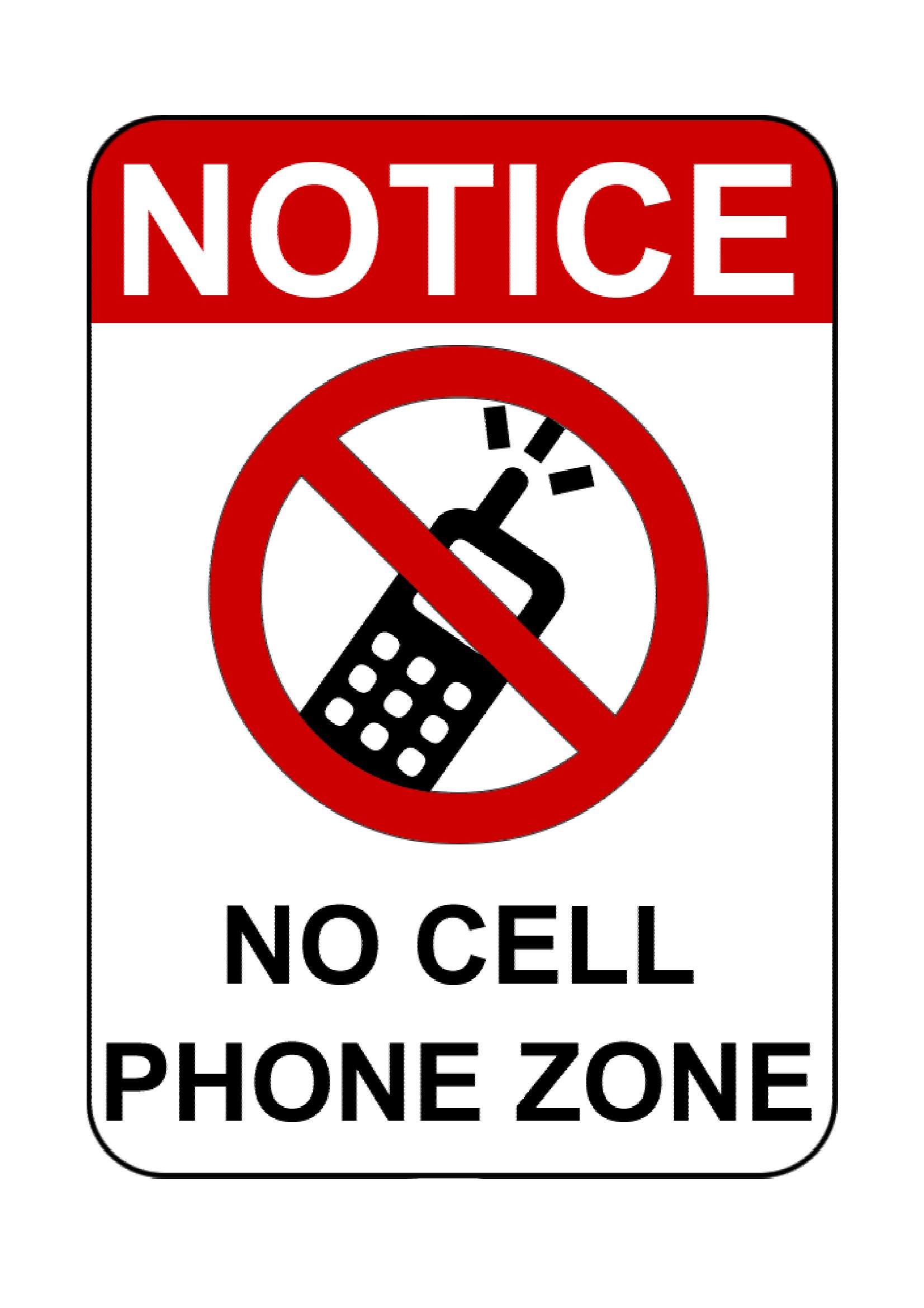
While the designs work globally, the text is in English by default. For non-English settings, you’ll need to manually translate the wording while keeping the same layout. Some templates include minimalist icons (like a crossed-out phone) that can work universally. Pair with a bilingual sign if needed, but ensure the tone remains polite and clear—avoid overly harsh language that might not translate well culturally.
Comments
Join the conversation
Sign in to share your thoughts and leave a comment on this resource.