Free Film Budget Templates (Word, Excel)
StatementsTemplates
FAQ
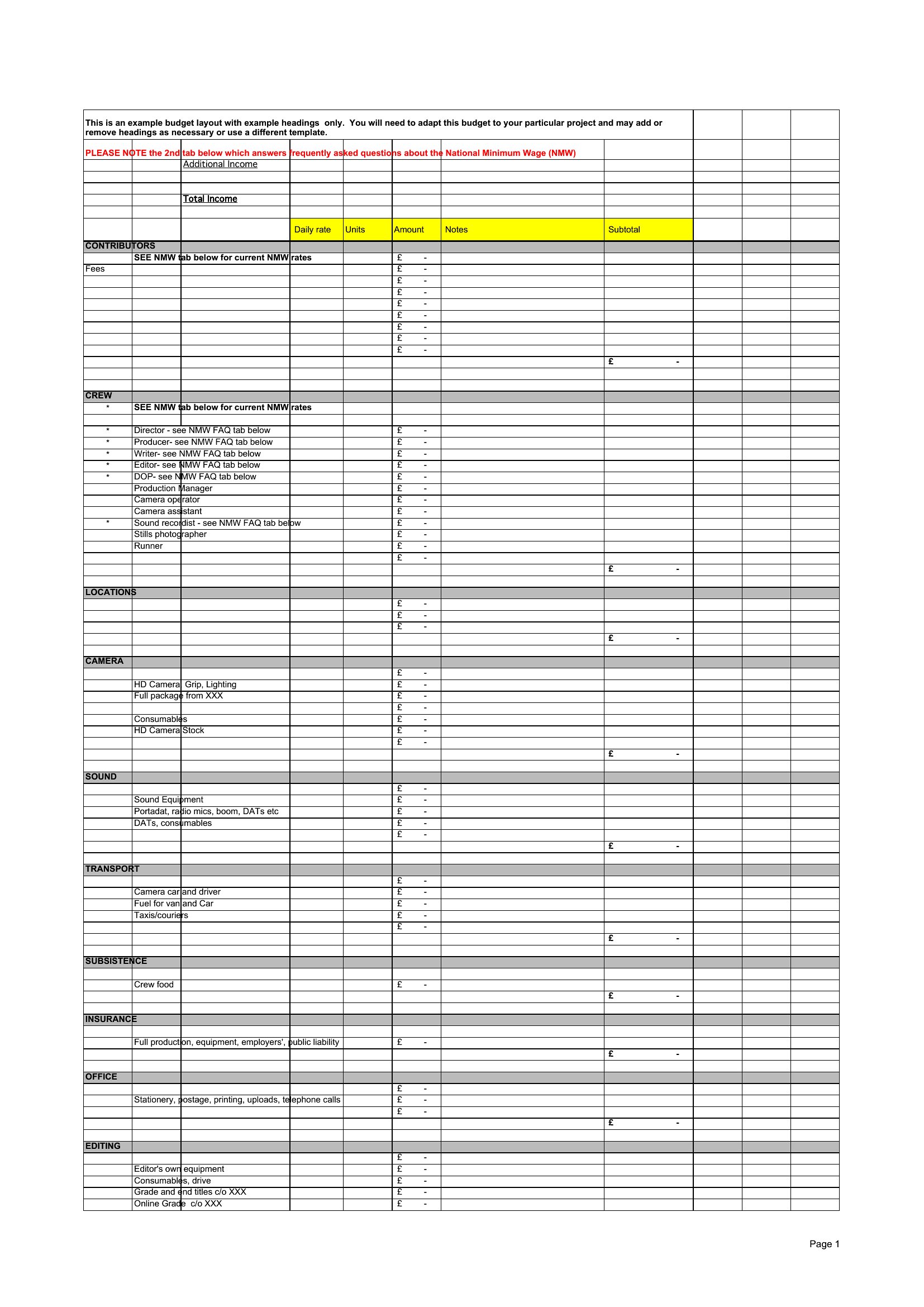
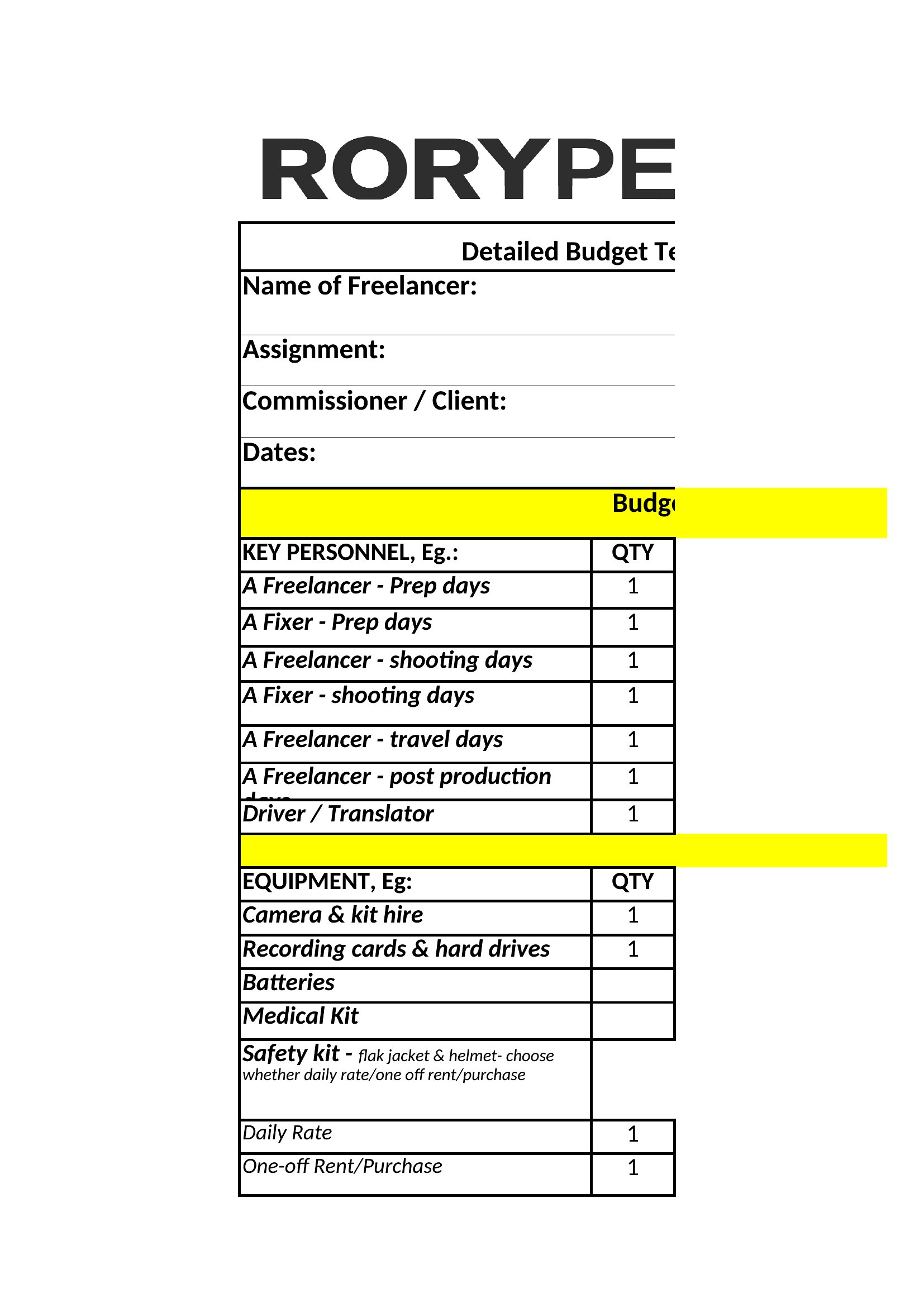
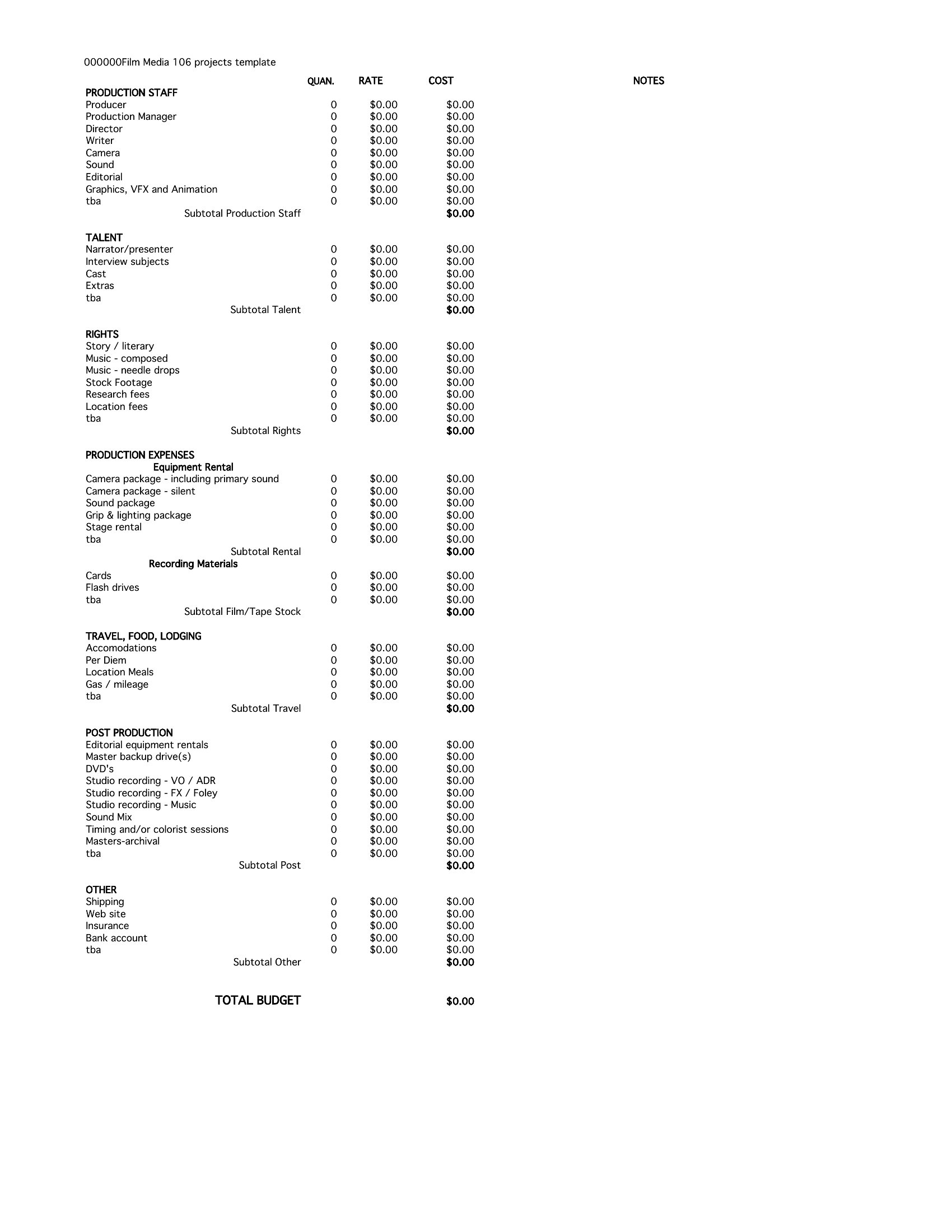
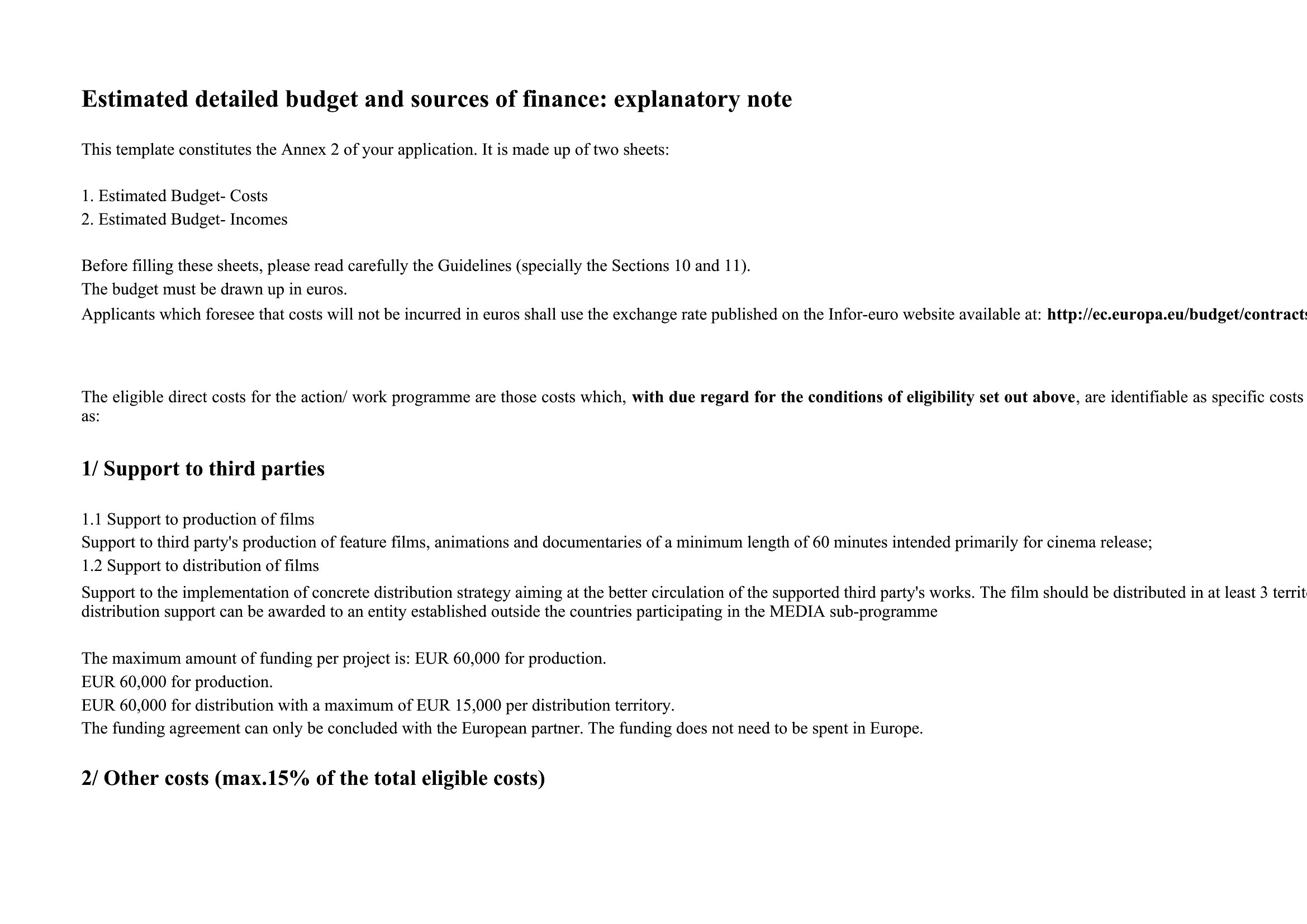
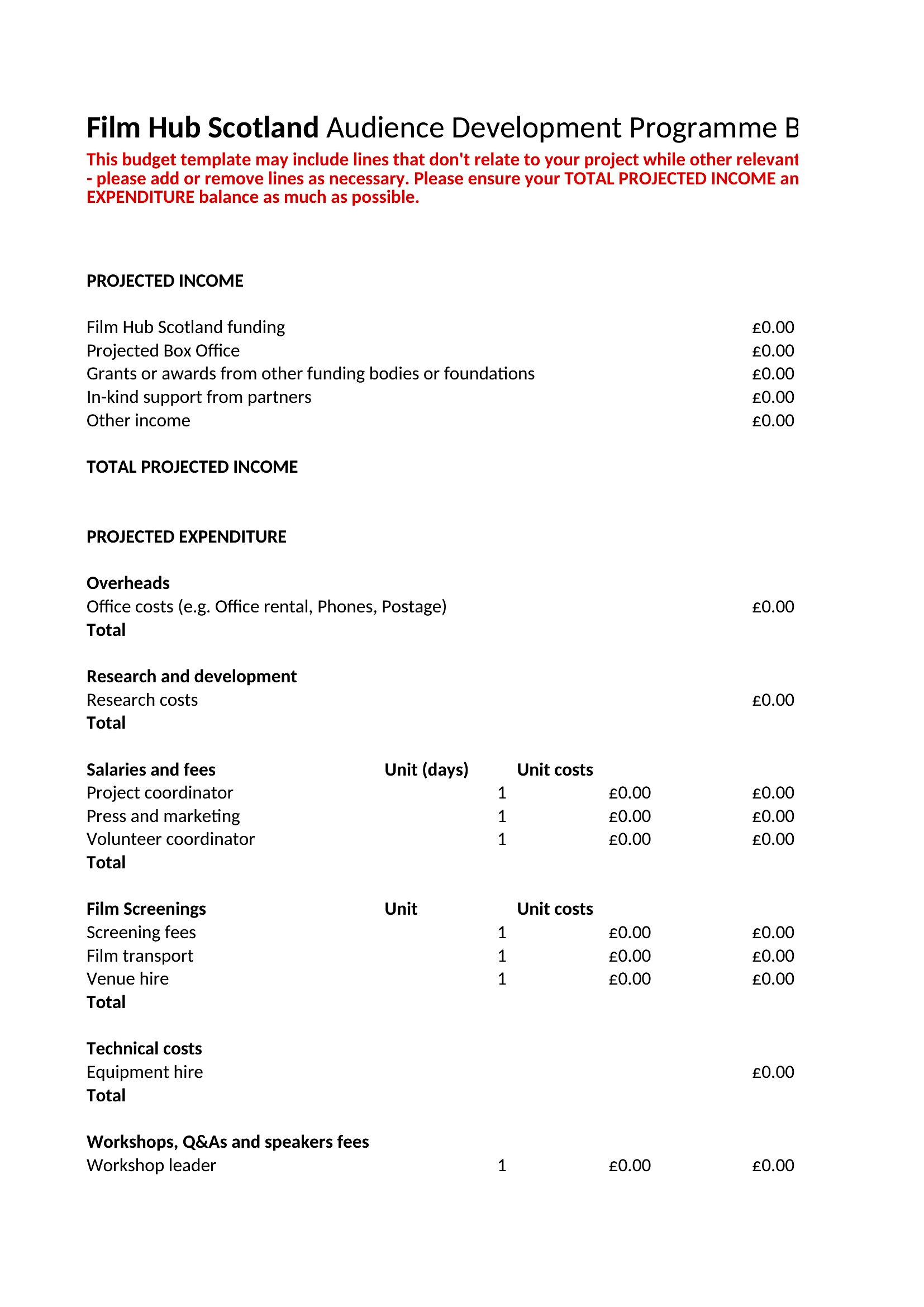
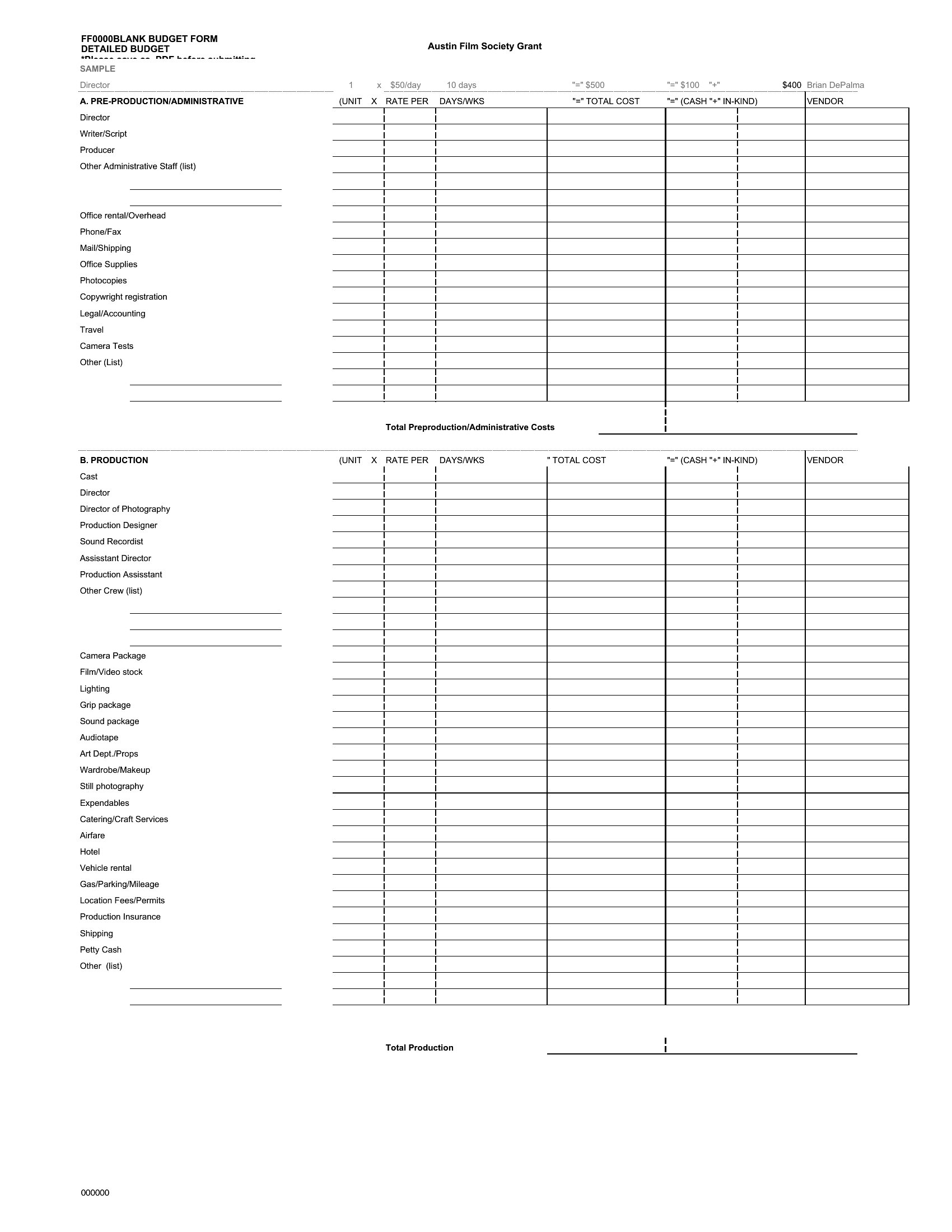
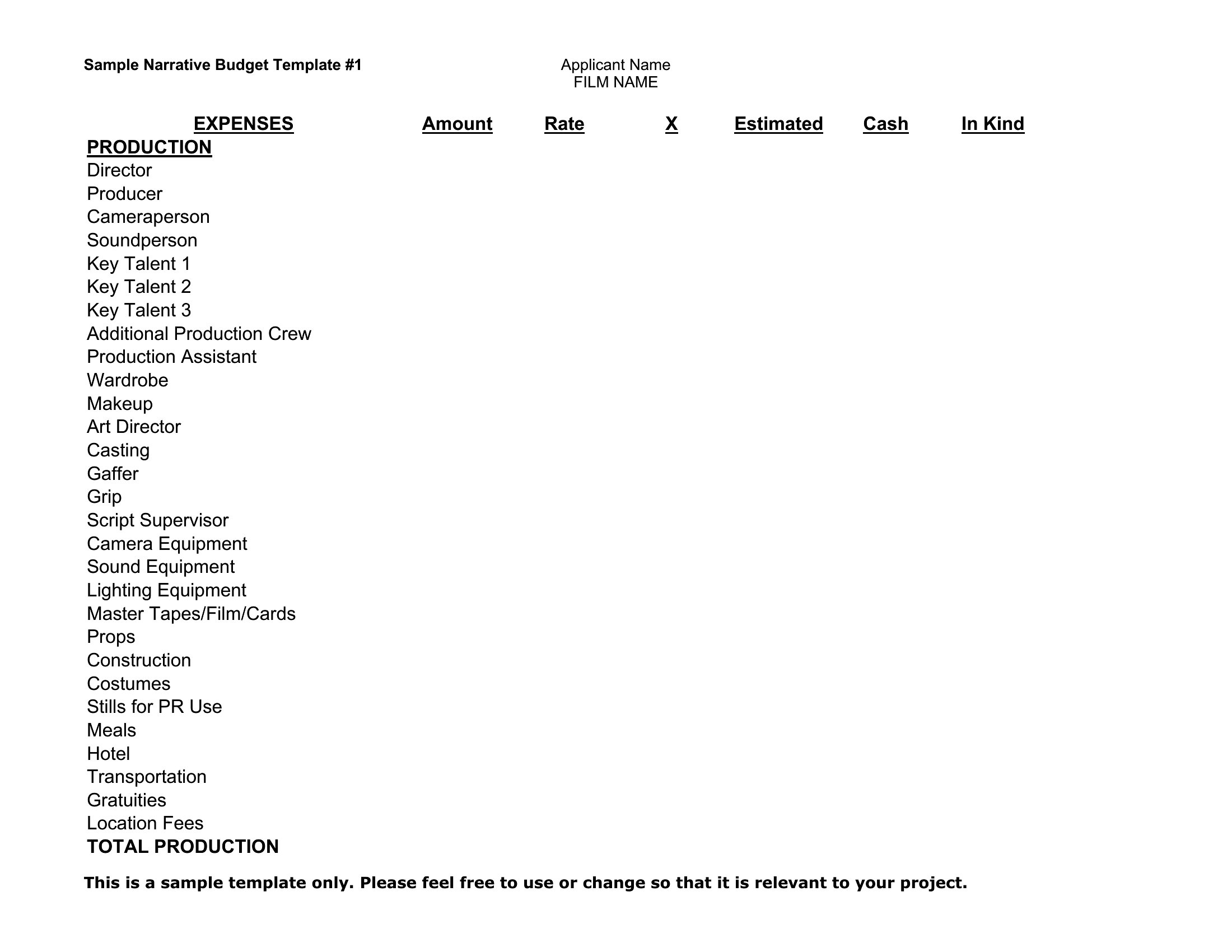
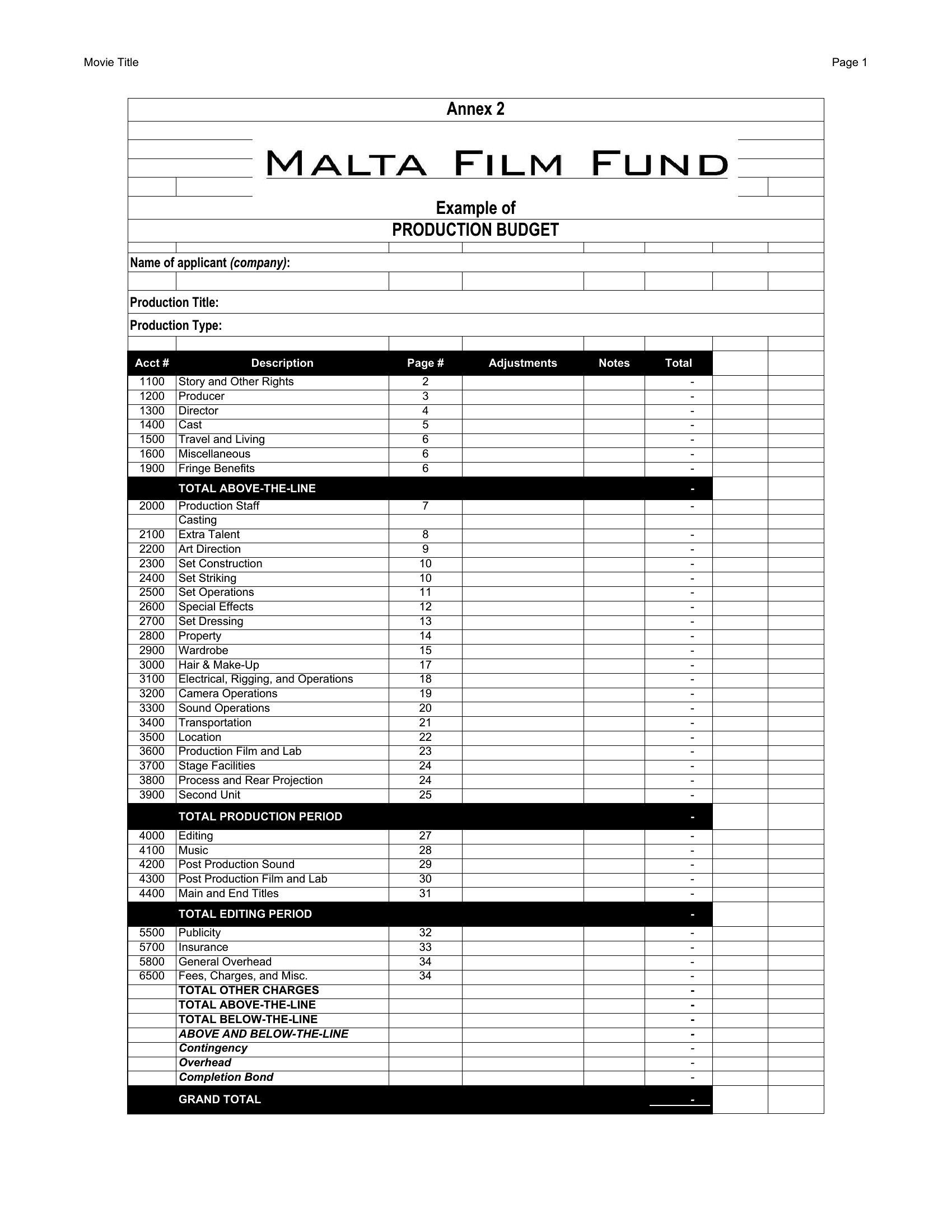
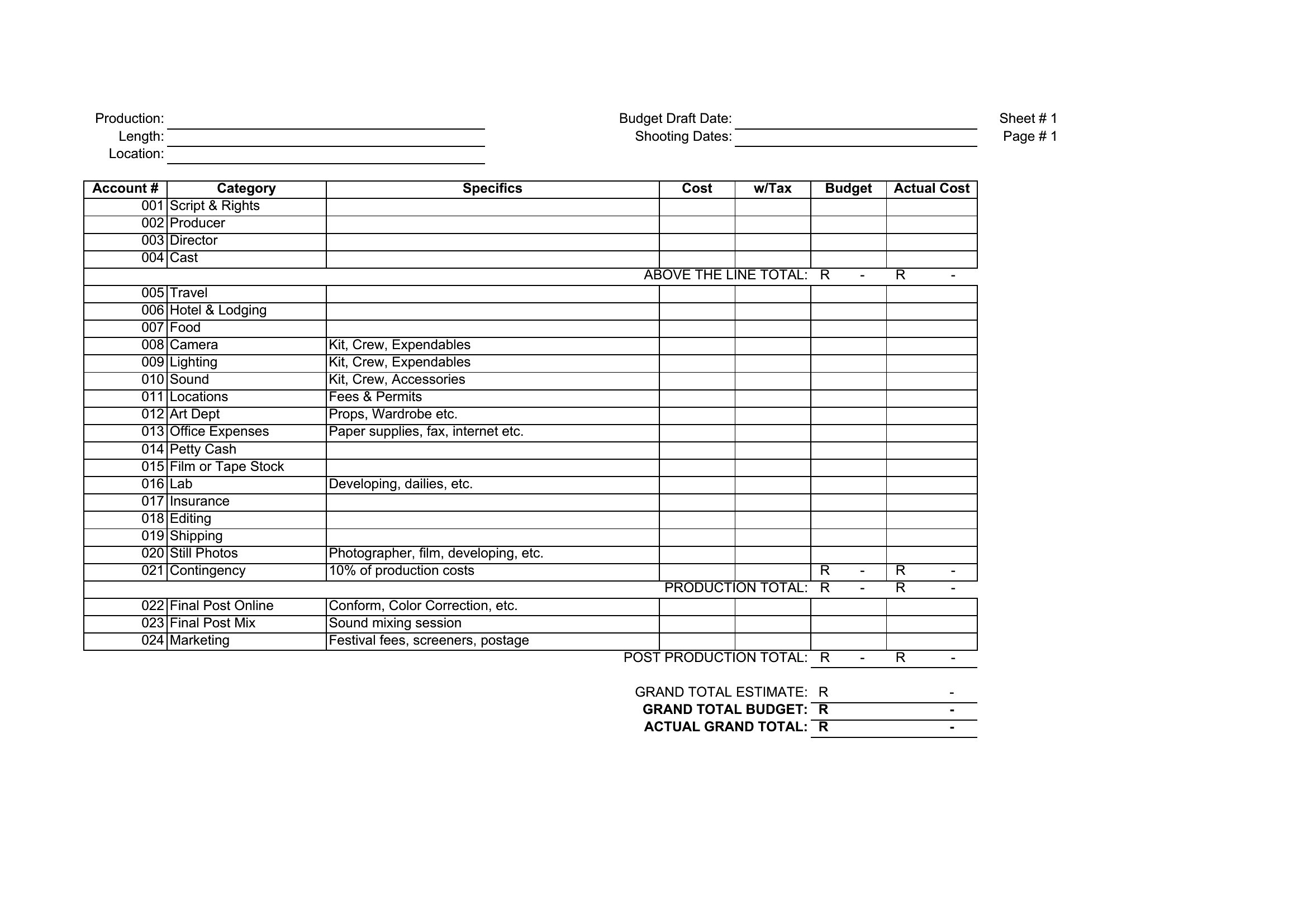
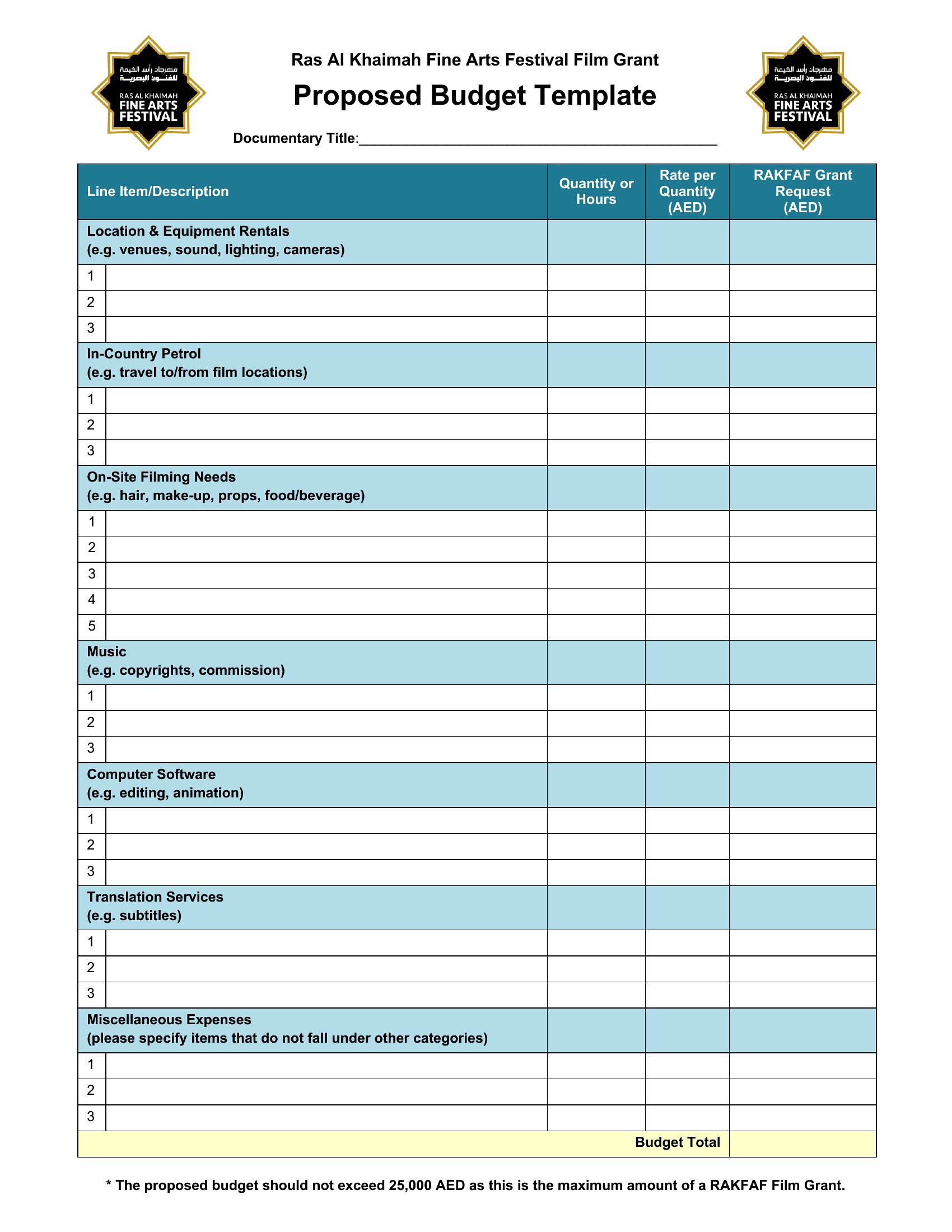
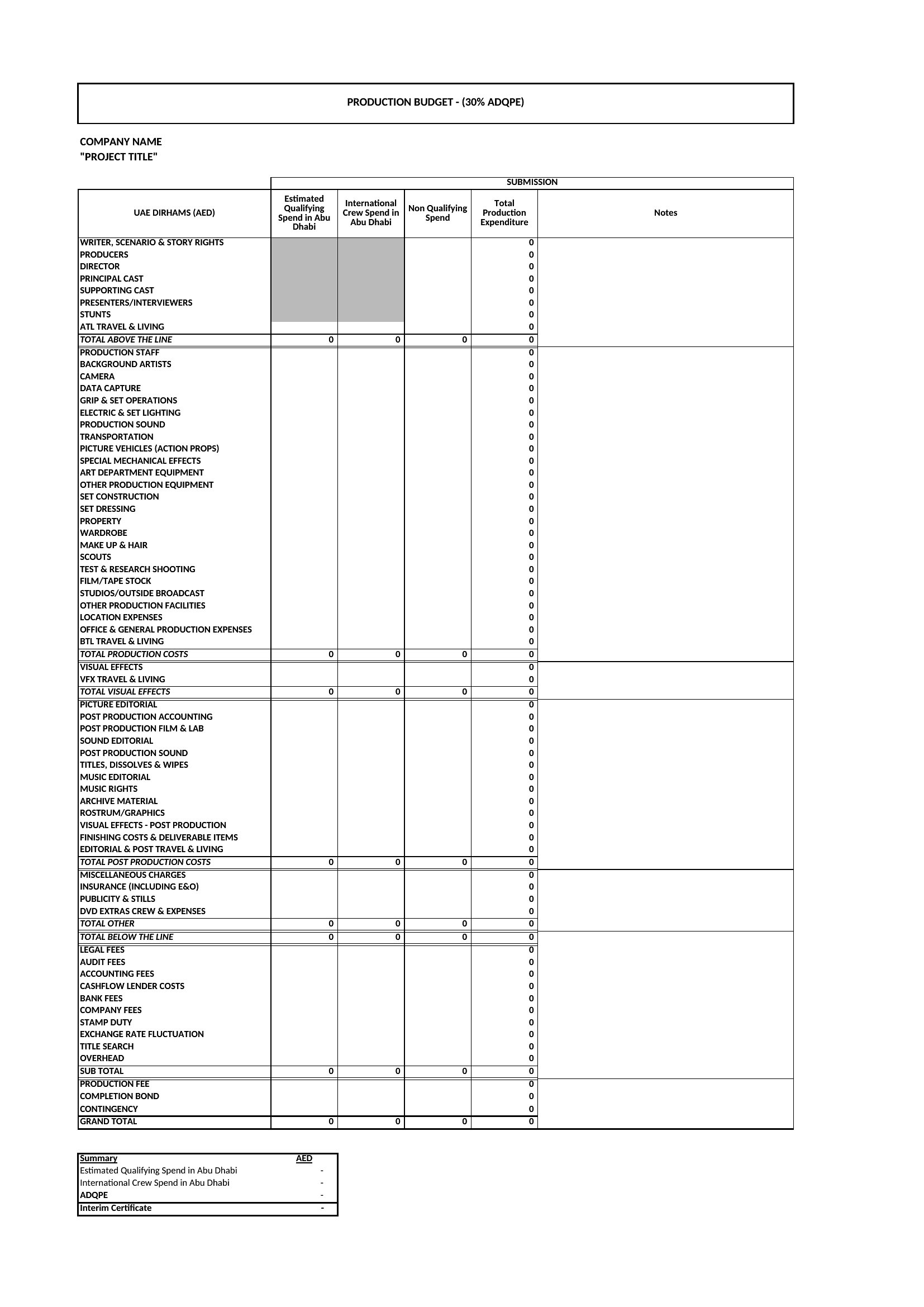
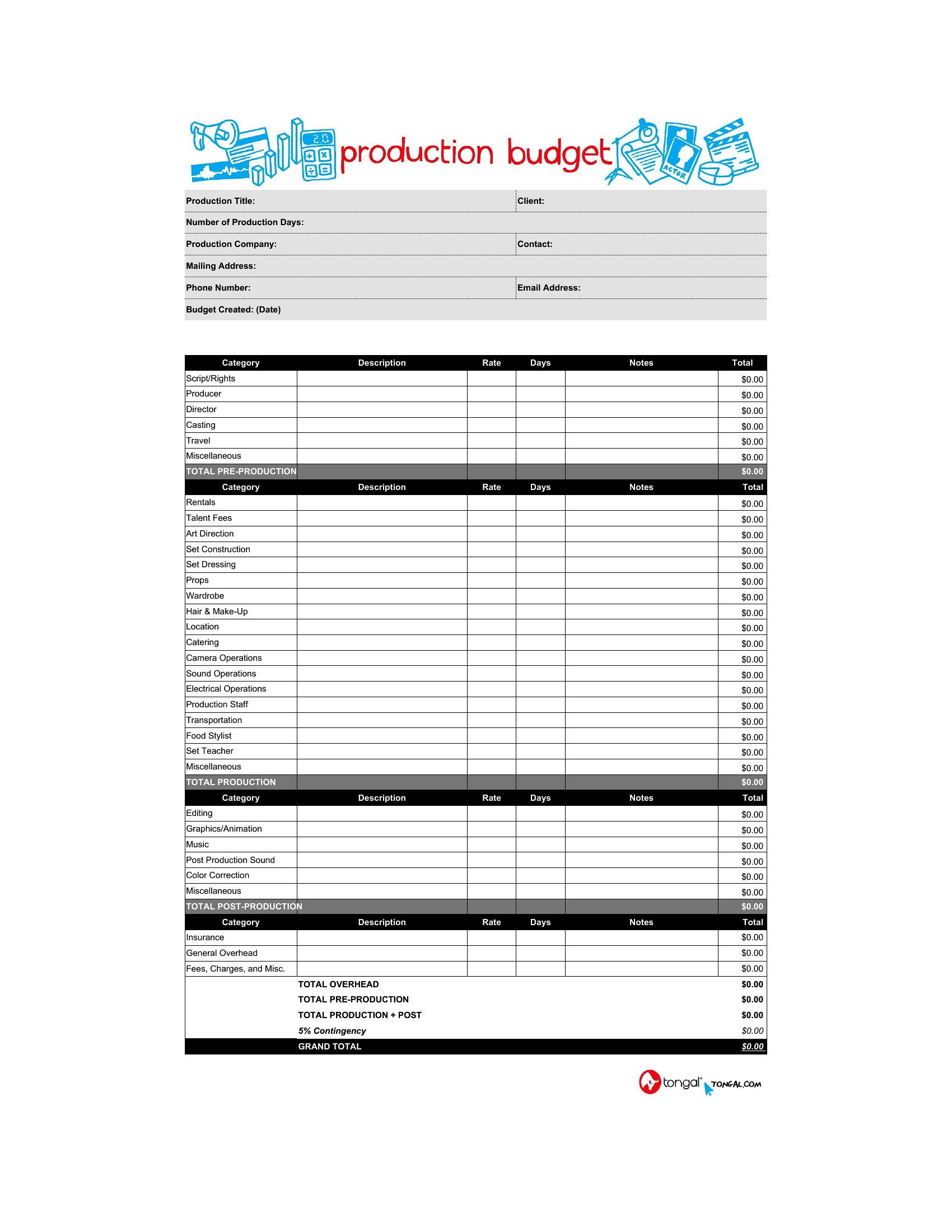
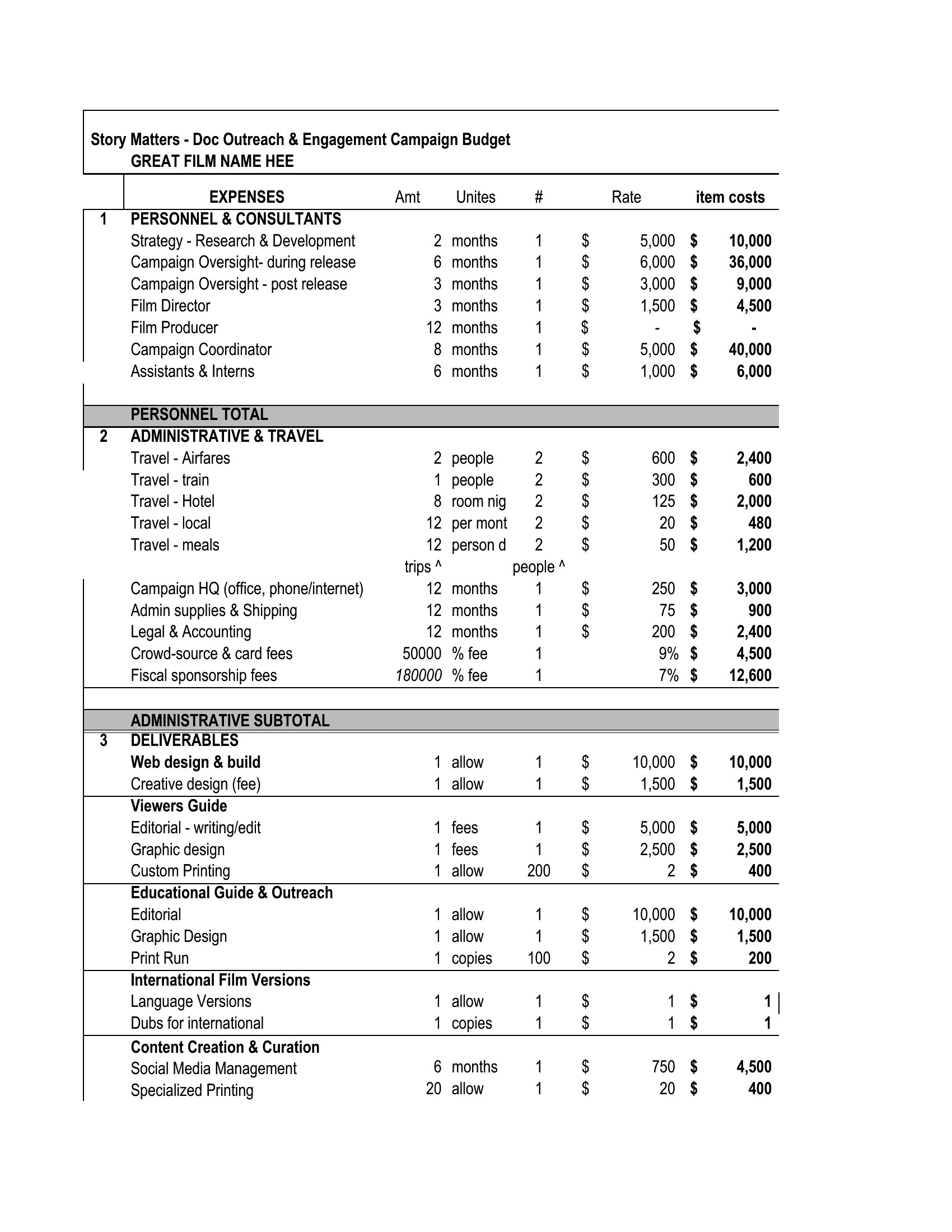
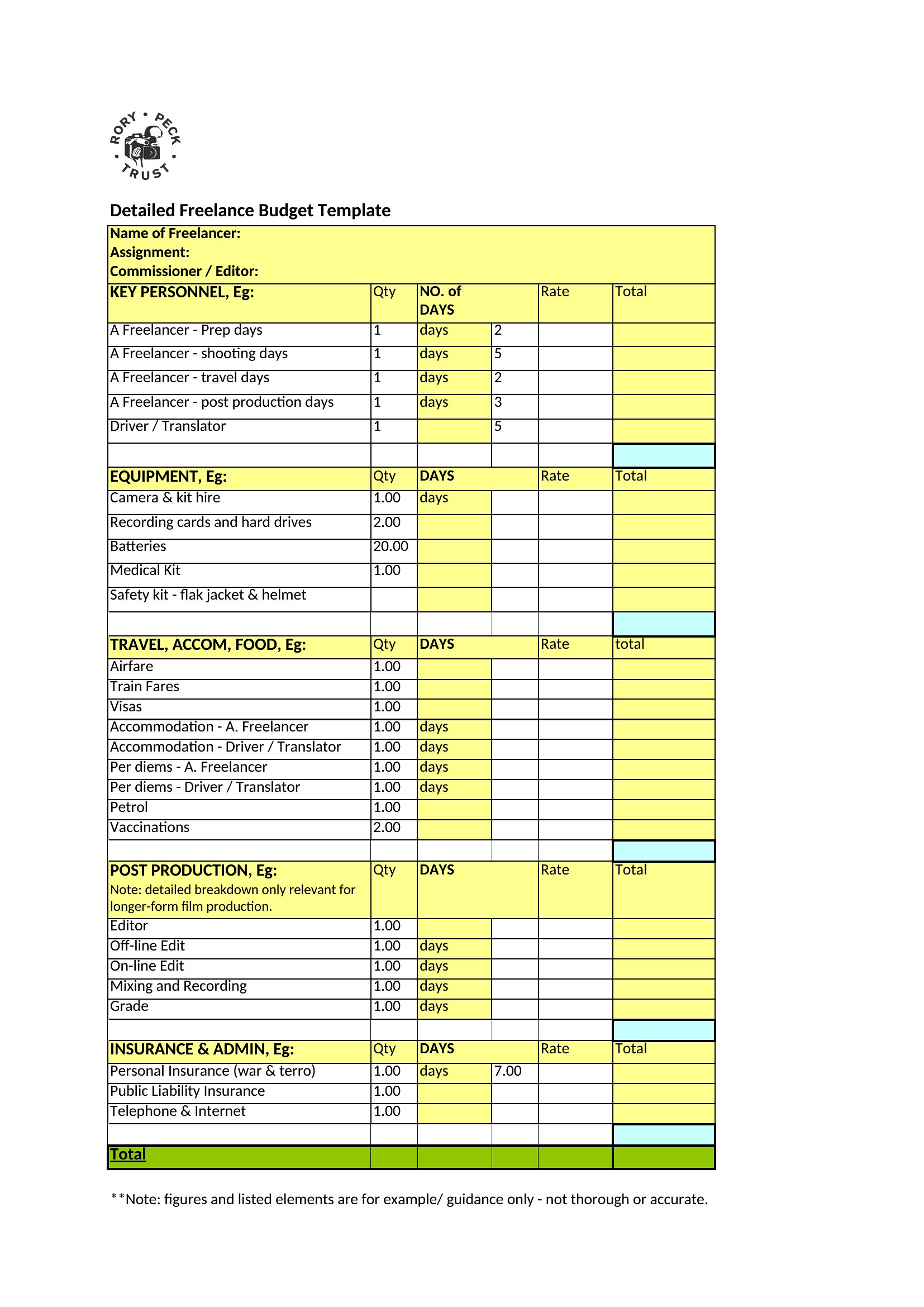
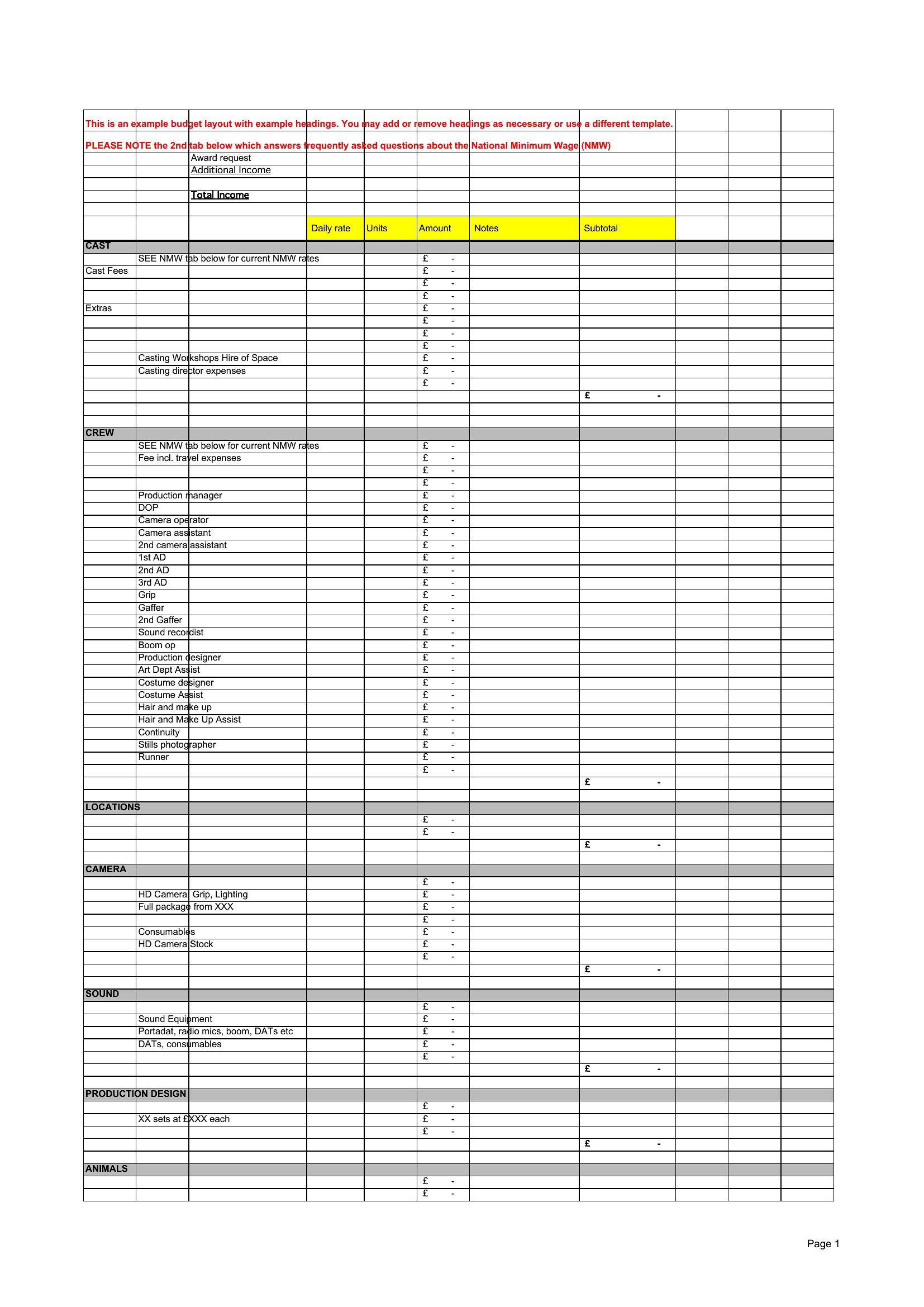
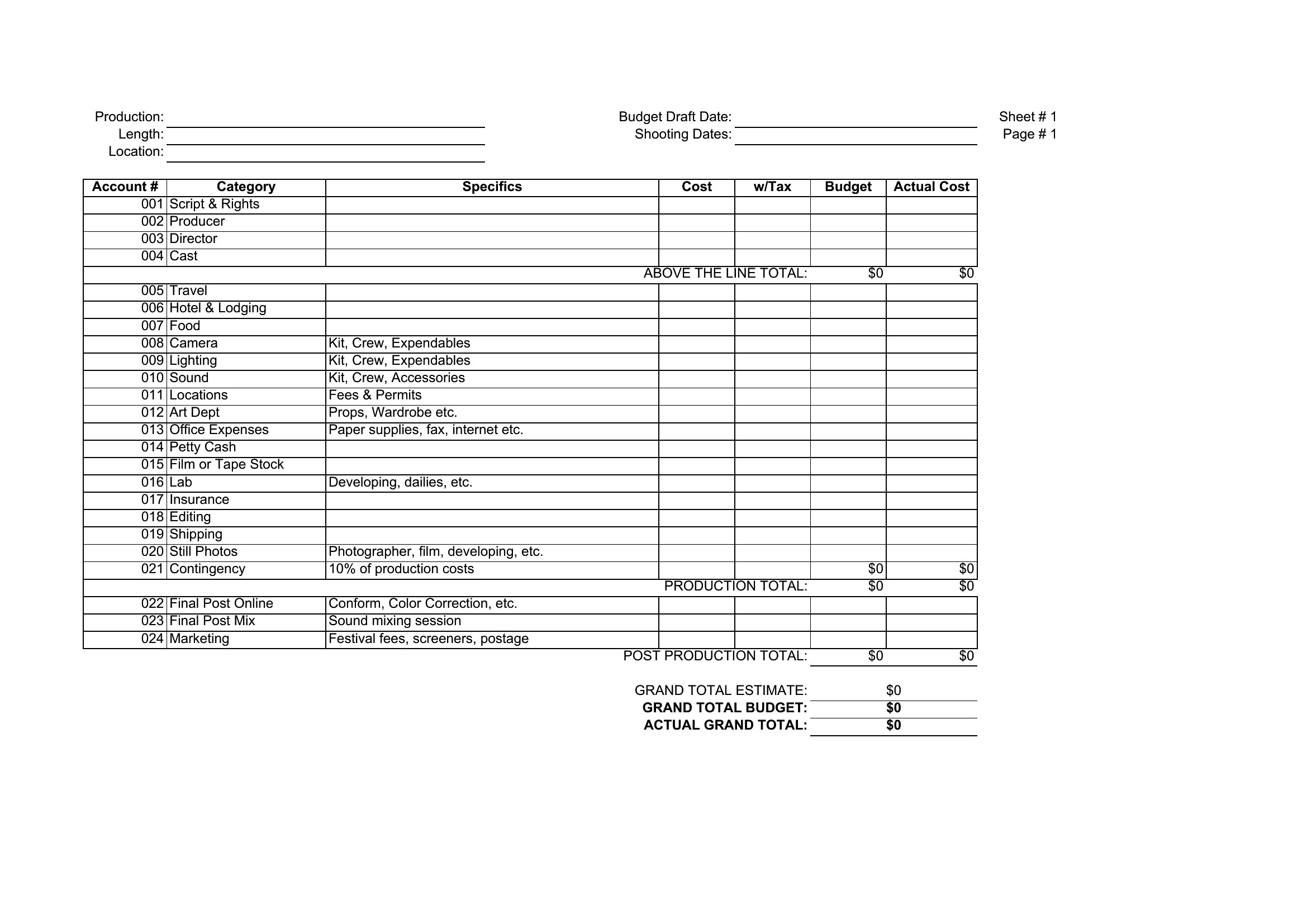
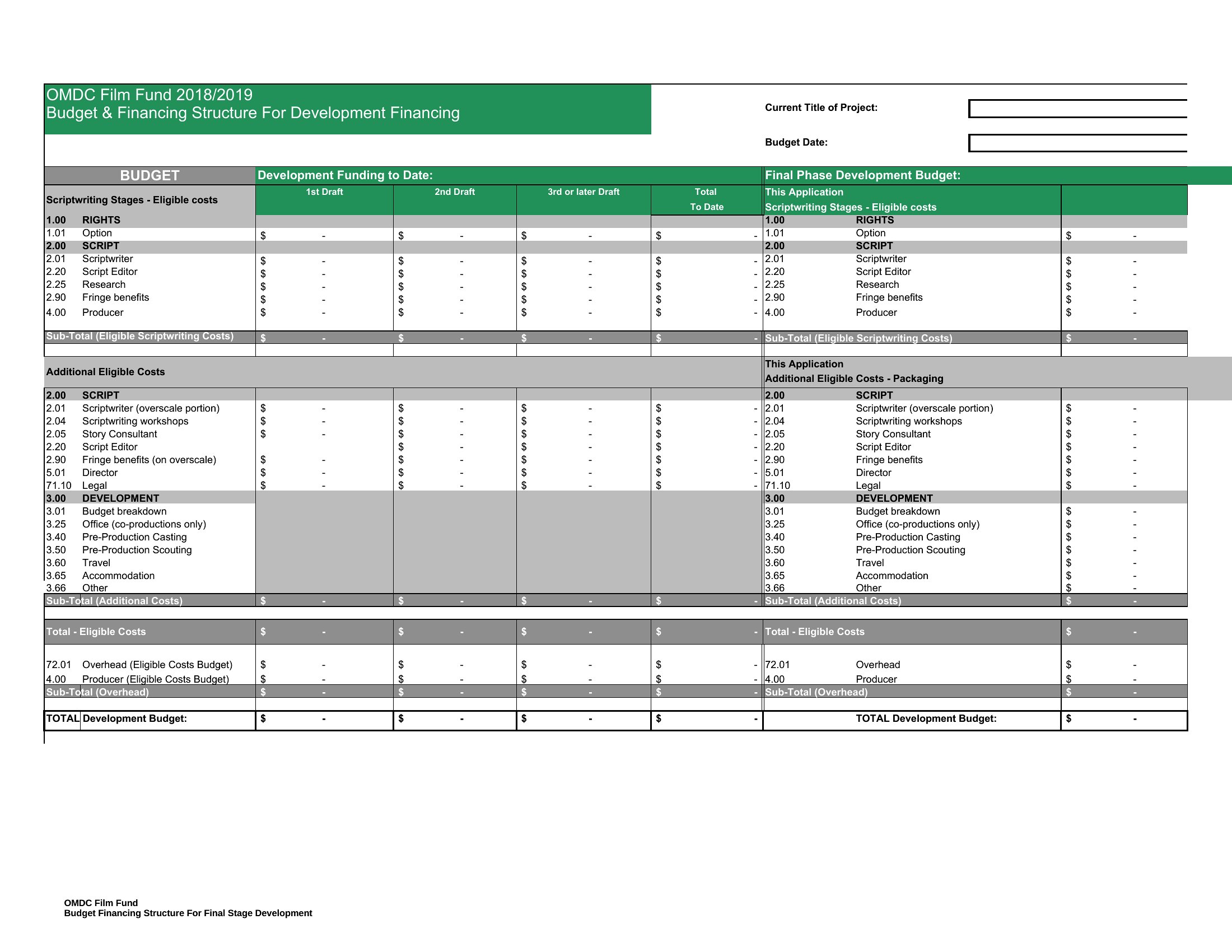
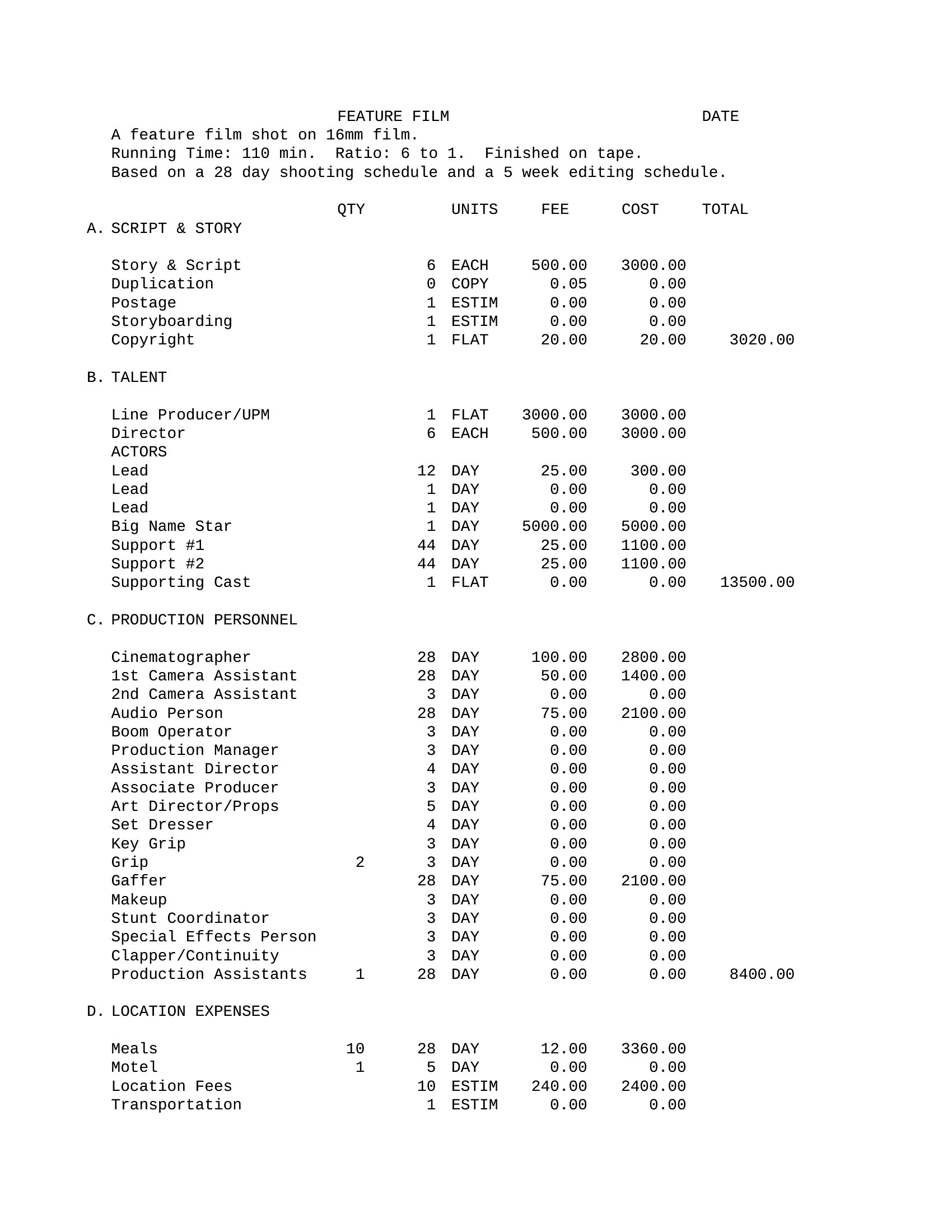
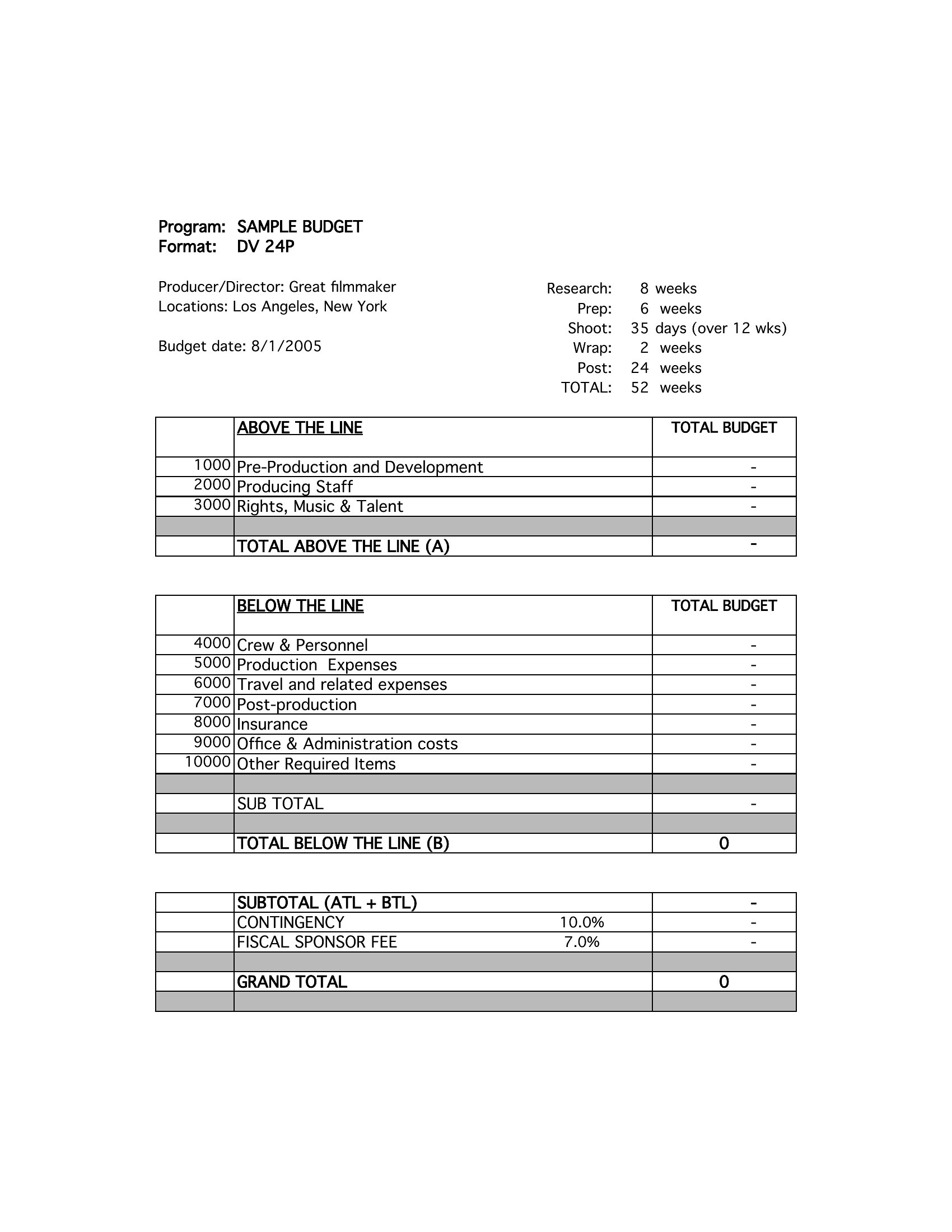
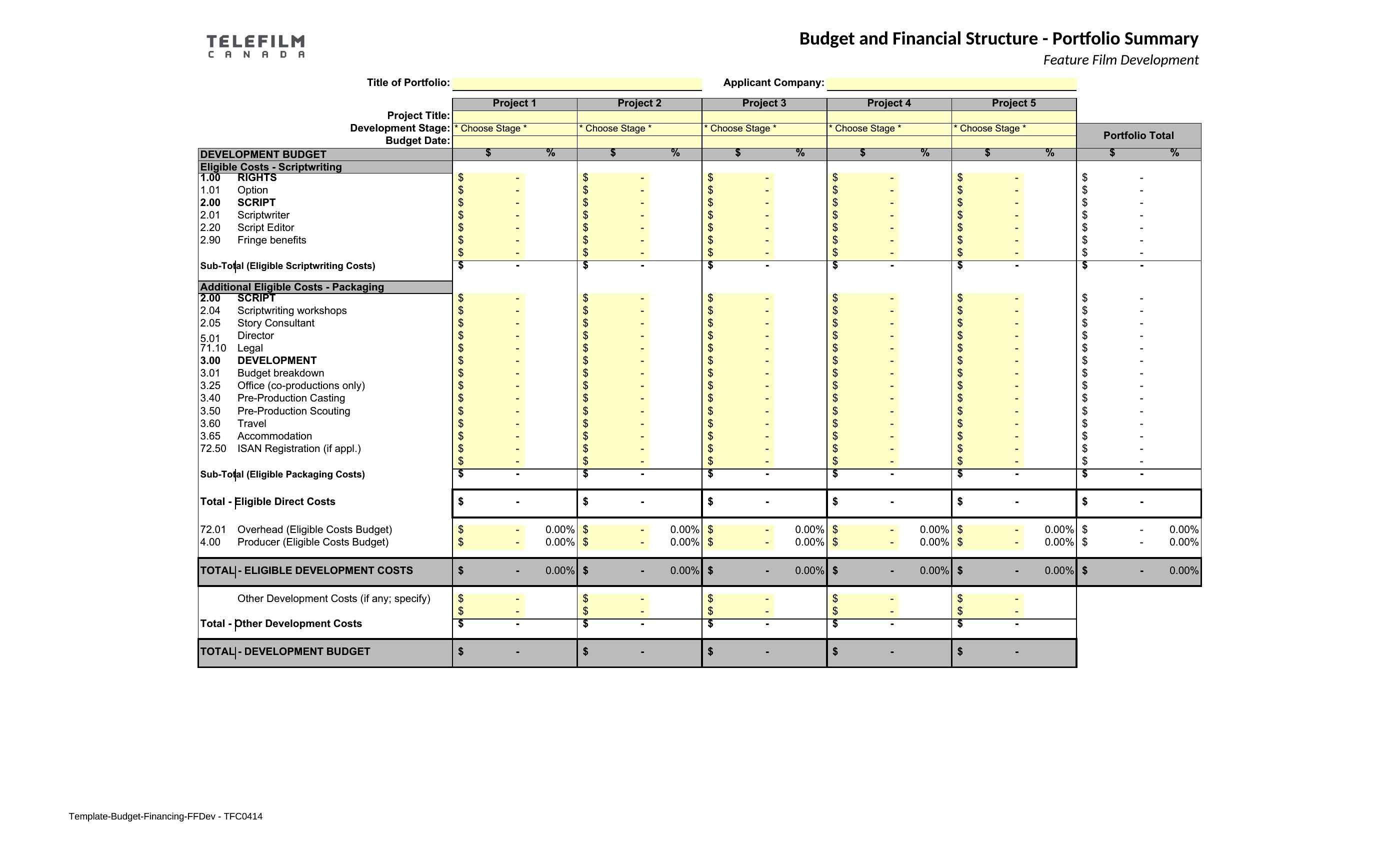
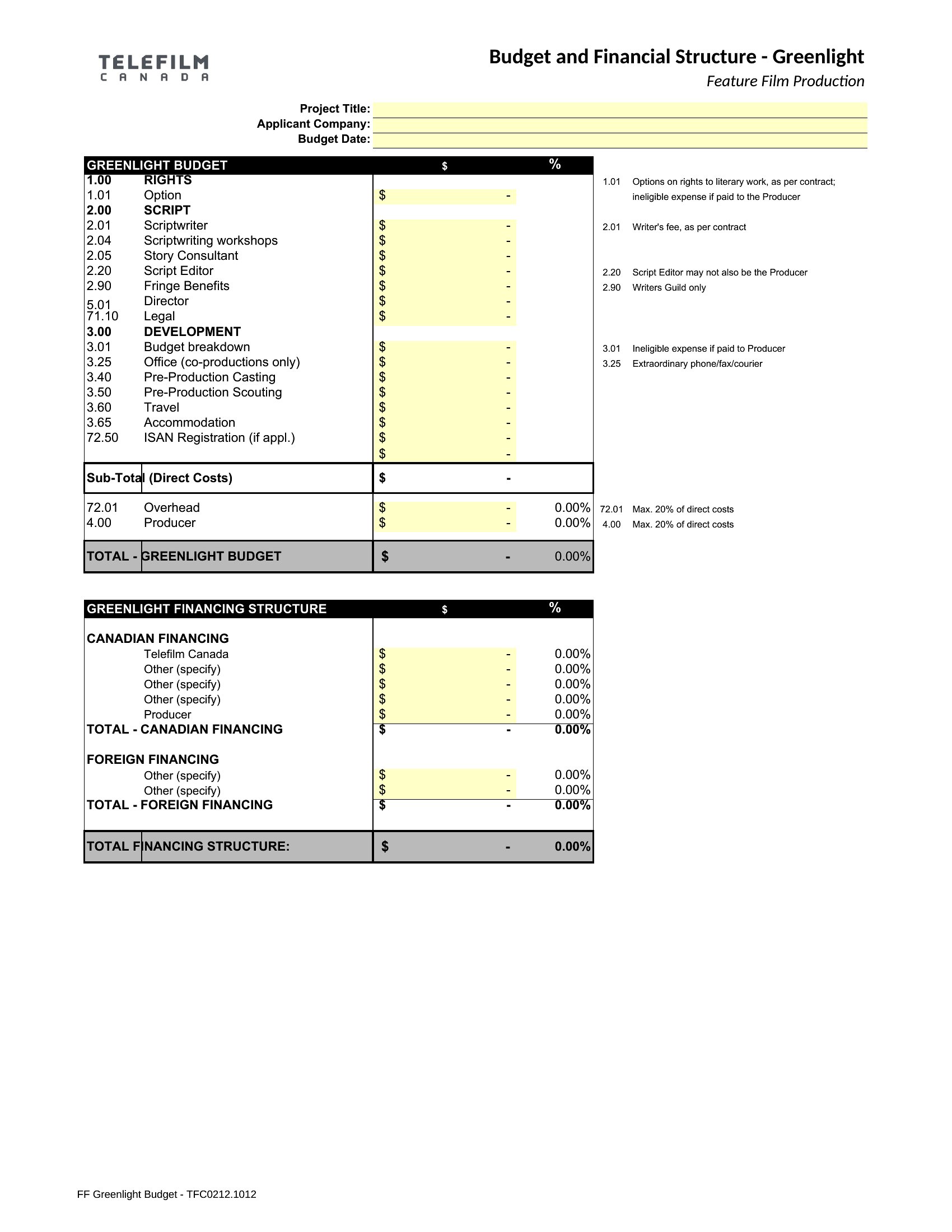
What’s the difference between a line-item budget and a top-line budget in these templates?
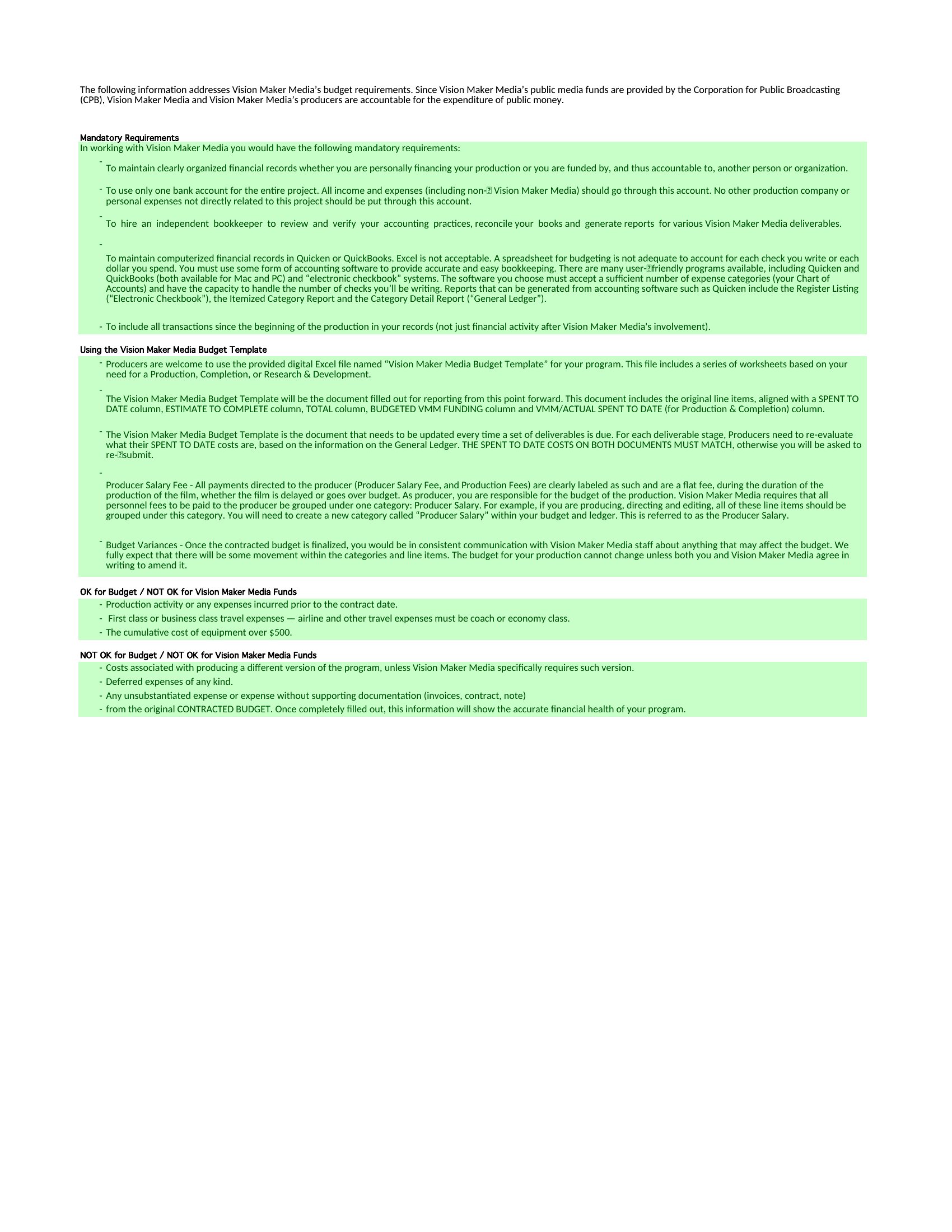
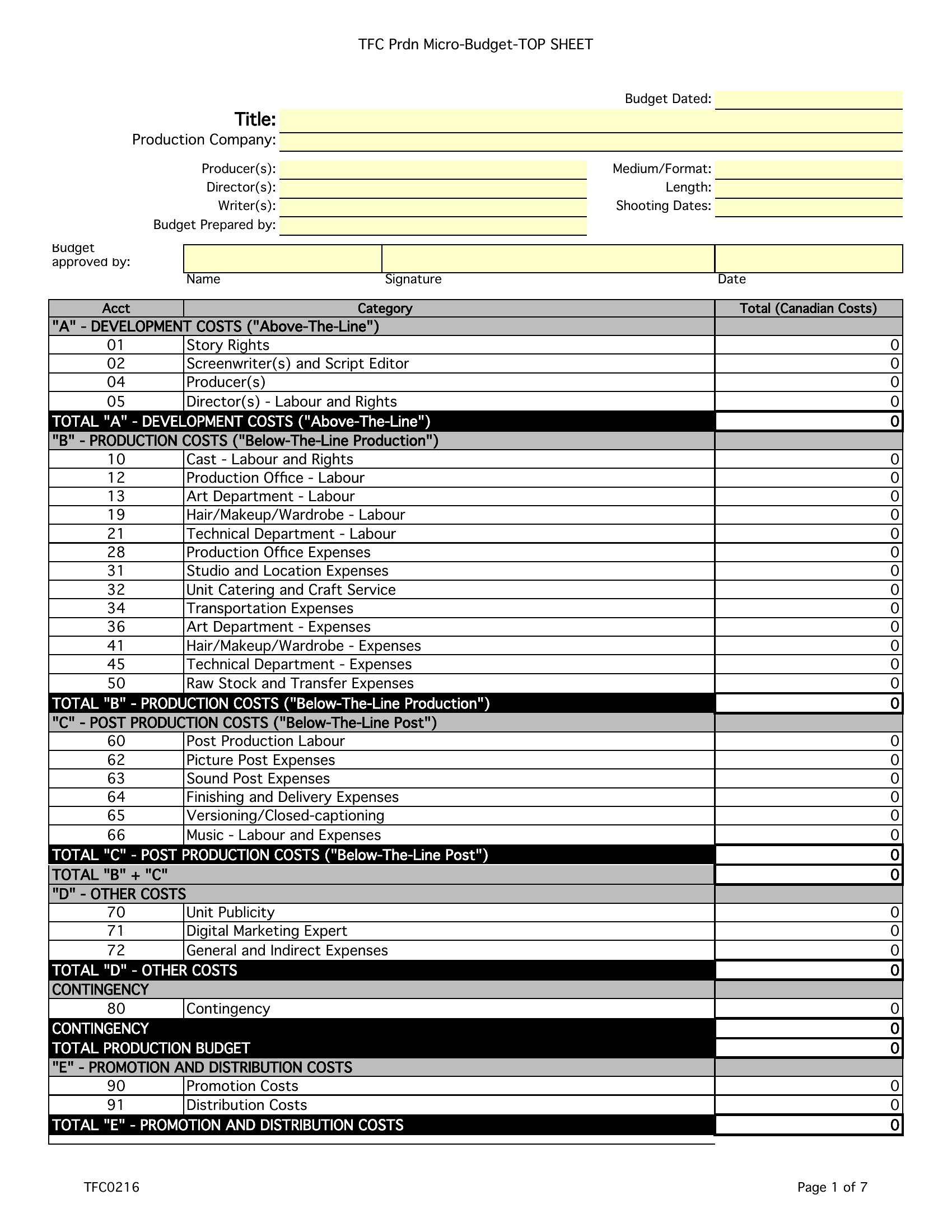
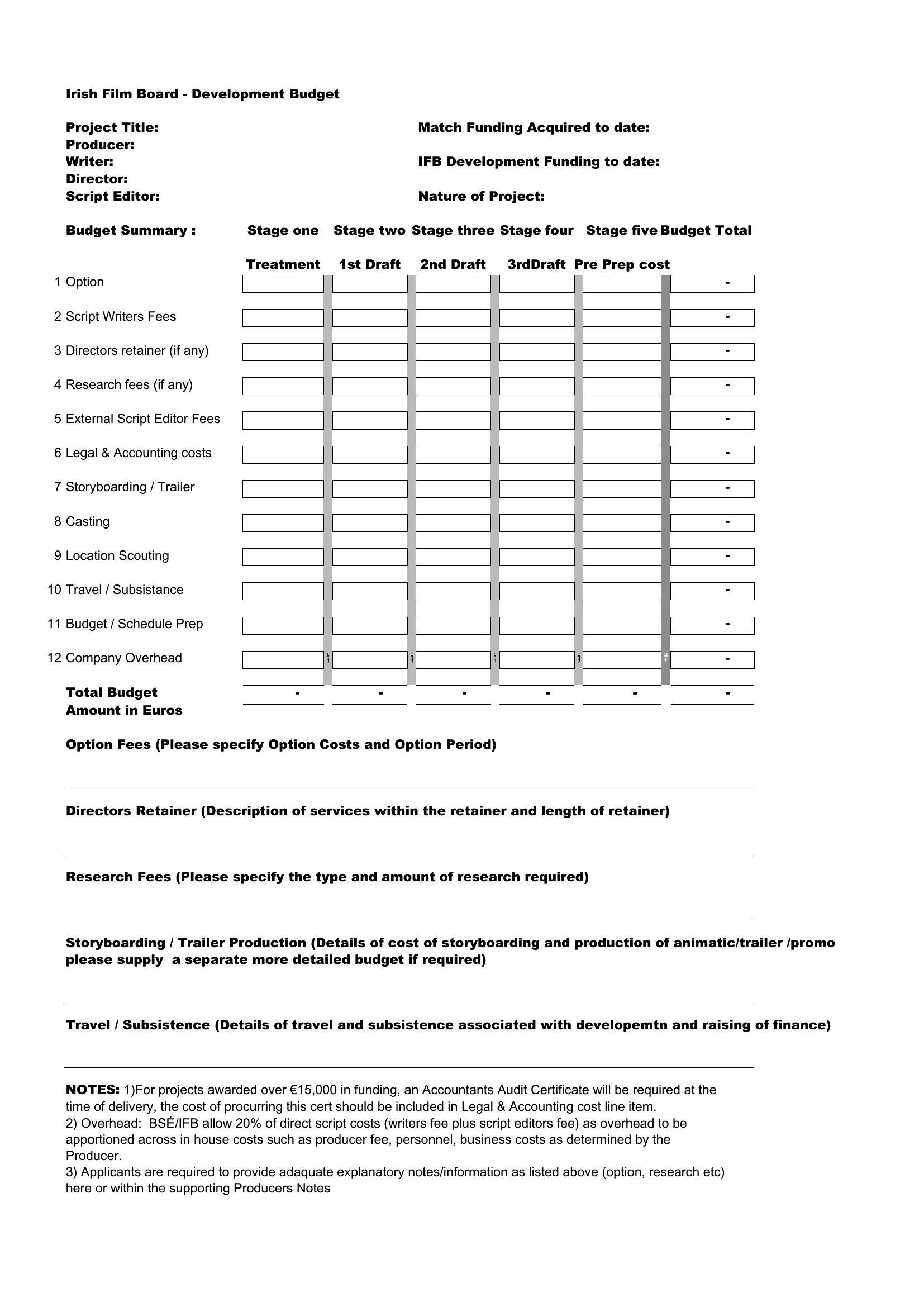
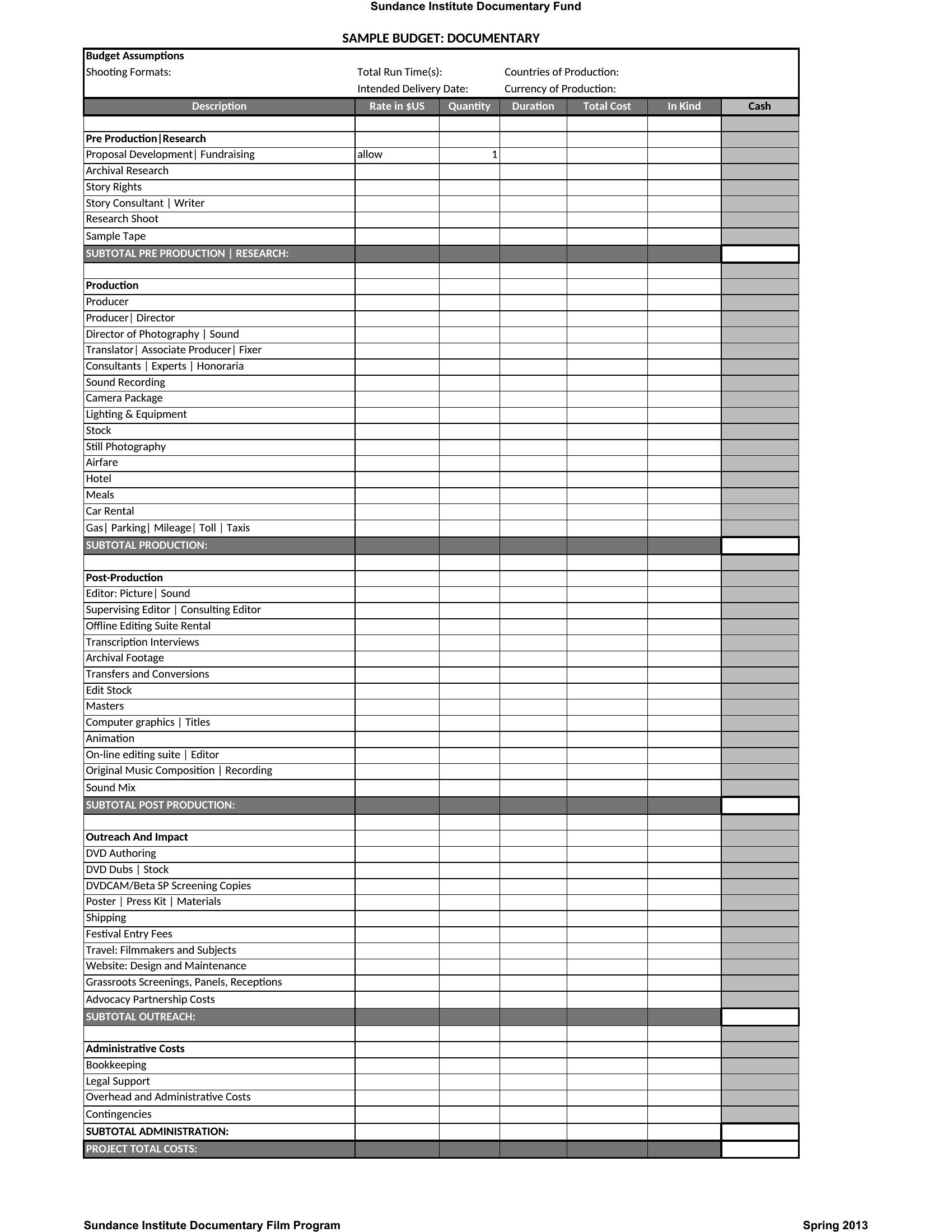
Line-item budgets break down every expense (e.g., camera rental, meal penalties) with specific dollar amounts, while top-line budgets show only high-level categories (e.g., ‘Production,’ ‘Post’) with total costs. Use line-item templates for precise tracking; top-line works for quick overviews or high-level pitches.
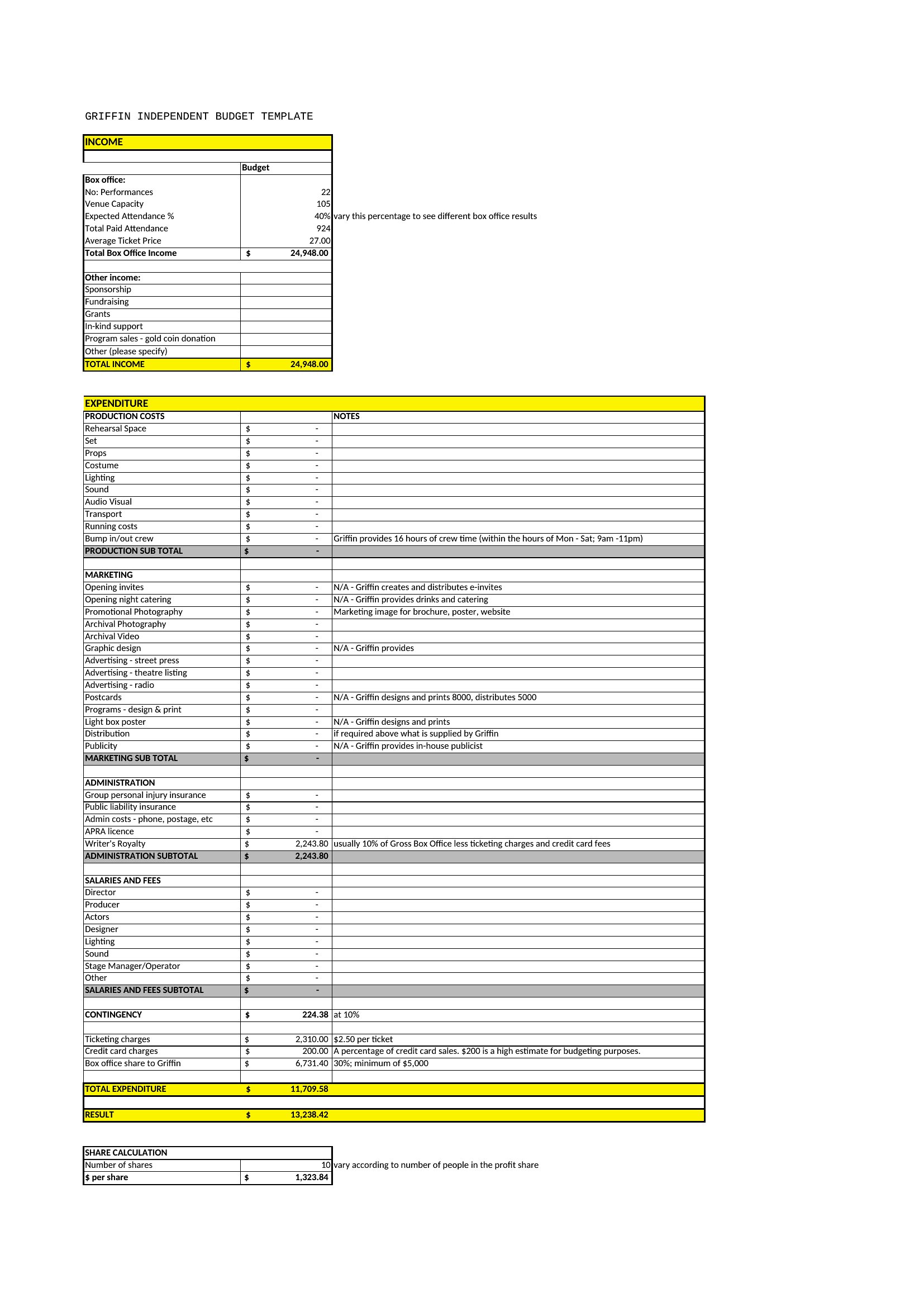
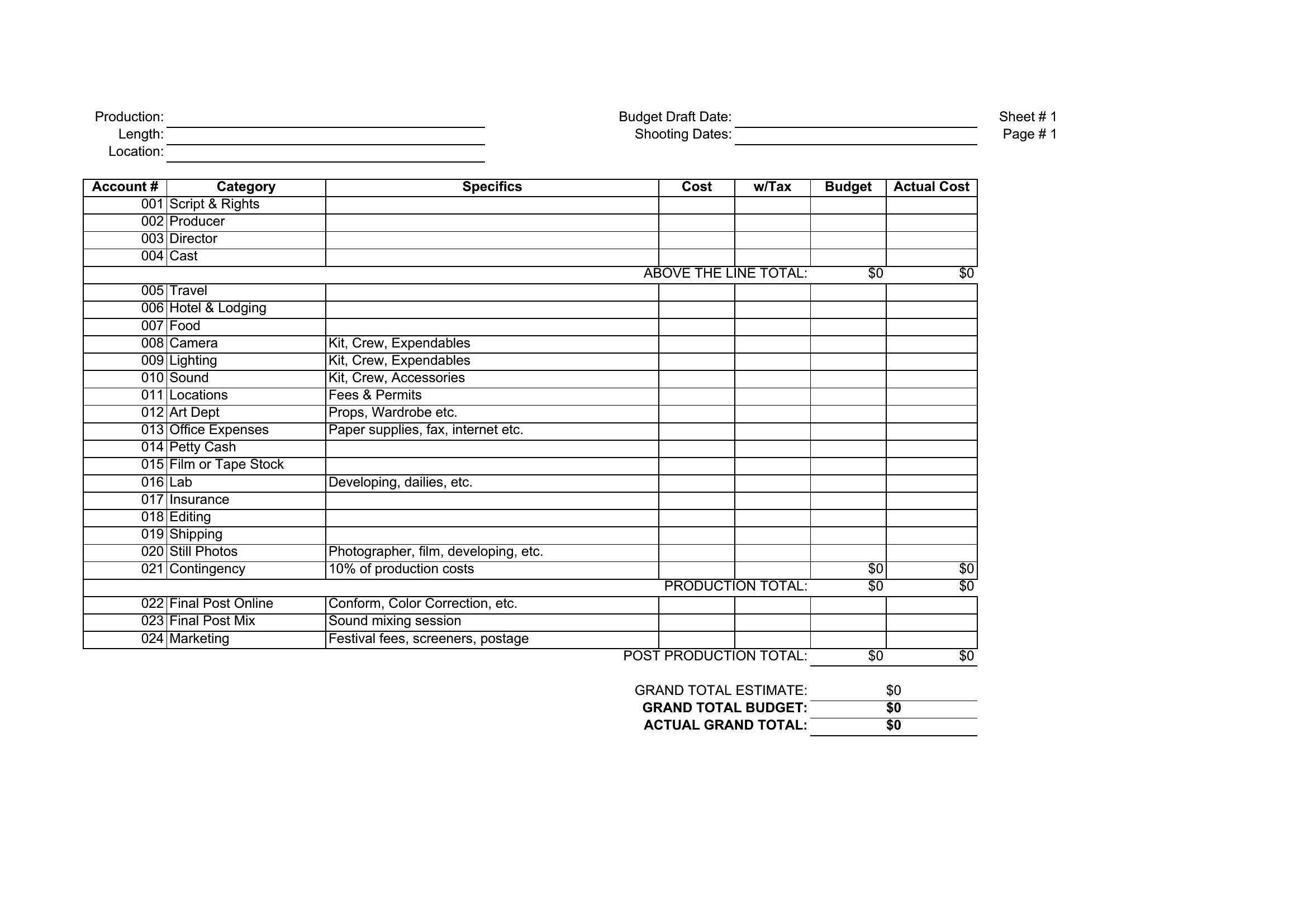
Do these templates include space for contingency funds or unexpected costs?
Most templates allocate a standard 5–10% contingency line in Excel formats, while Word versions often include a ‘Miscellaneous’ or ‘Unforeseen’ section. Adjust percentages based on your project’s risk—documentaries may need more for travel delays, while controlled sets can use lower buffers.
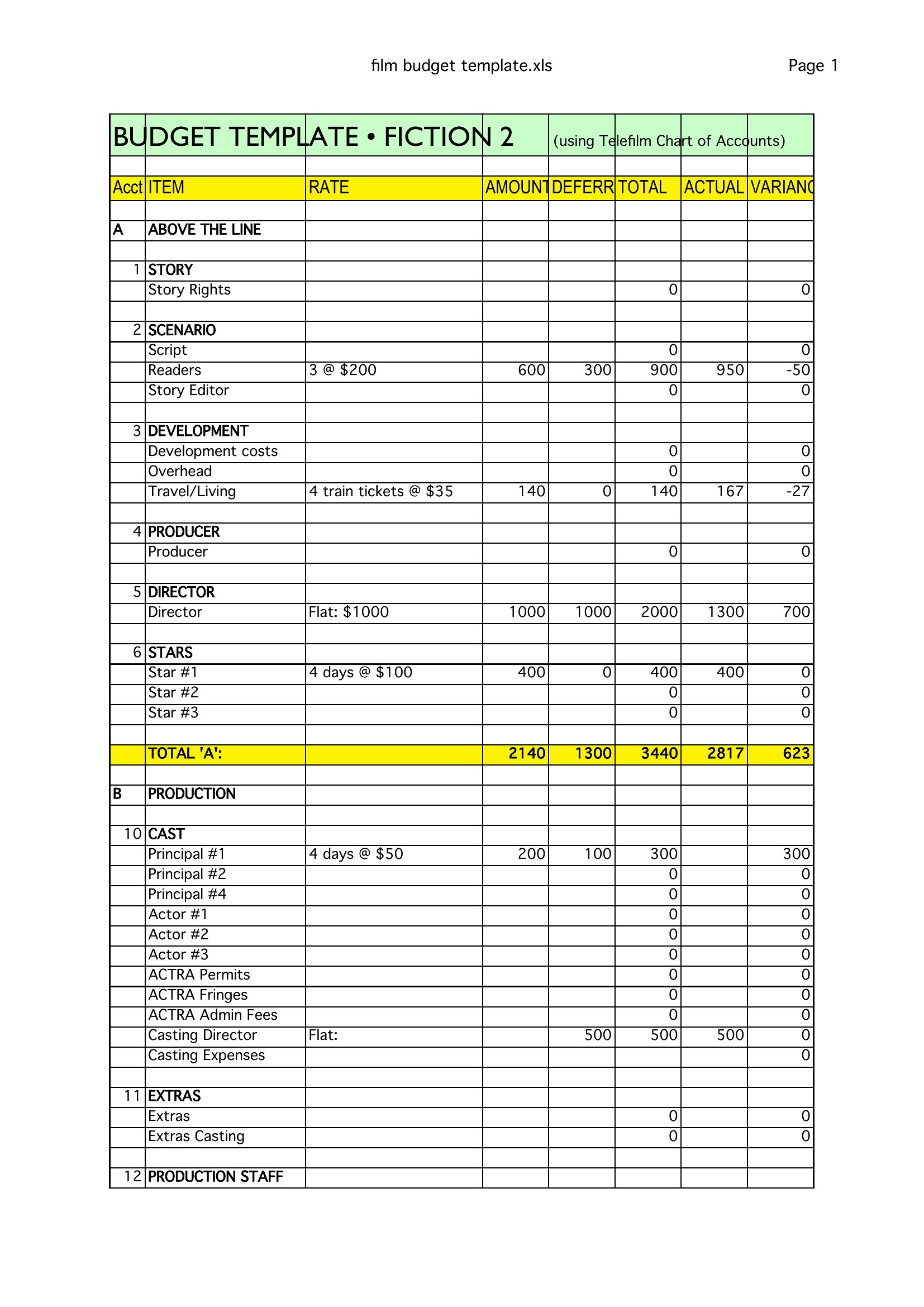
Can I use these to reconcile actual spending against the budget mid-production?
Yes, the Excel templates are designed for this—simply add a second tab labeled ‘Actuals’ and use formulas like =Budget-Spent to track variances. Word templates aren’t ideal for live reconciliation but can display side-by-side comparisons if you manually input figures.
Comments
Join the conversation
Sign in to share your thoughts and leave a comment on this resource.