Free Film Budget Templates (Word, Excel)
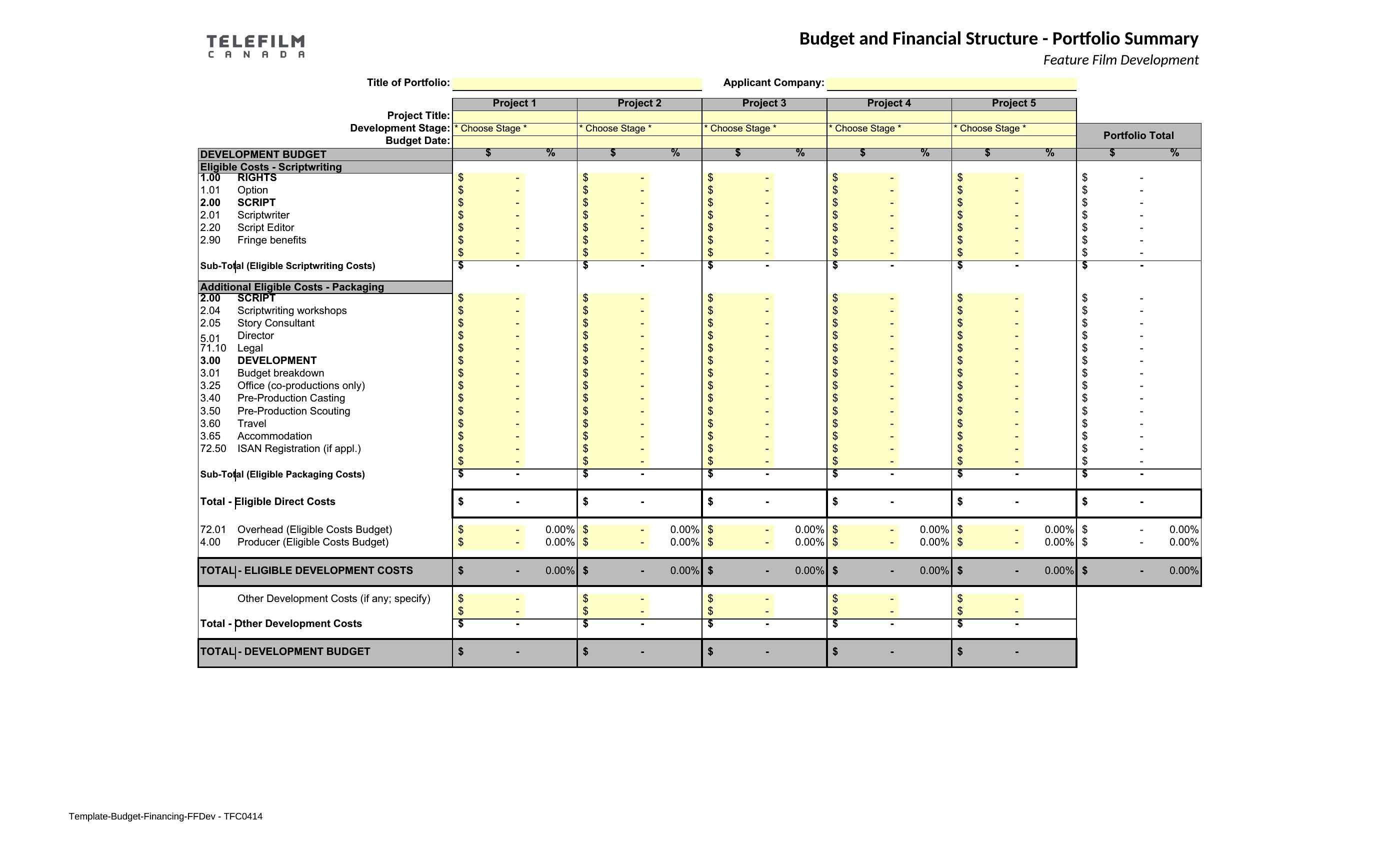
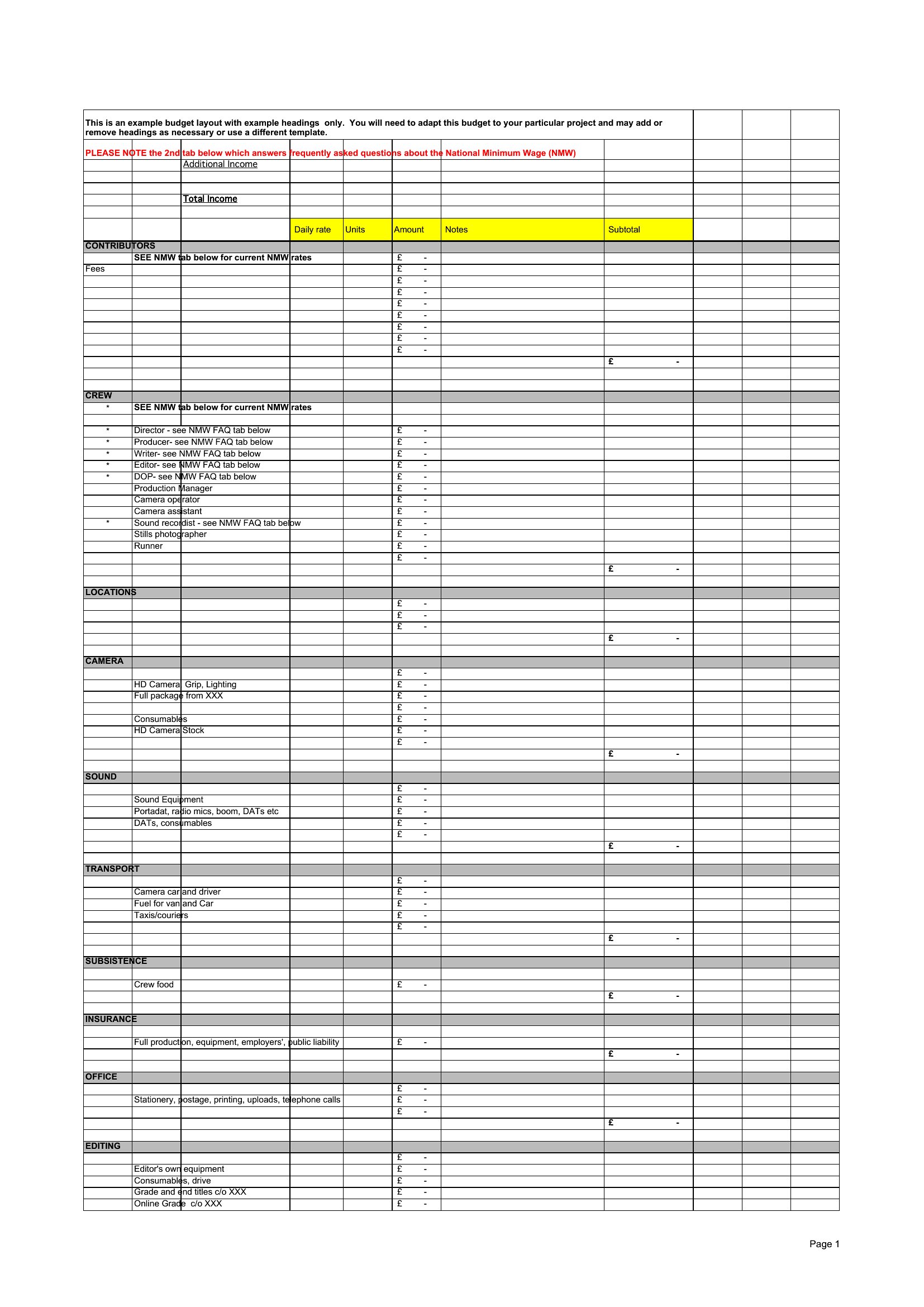
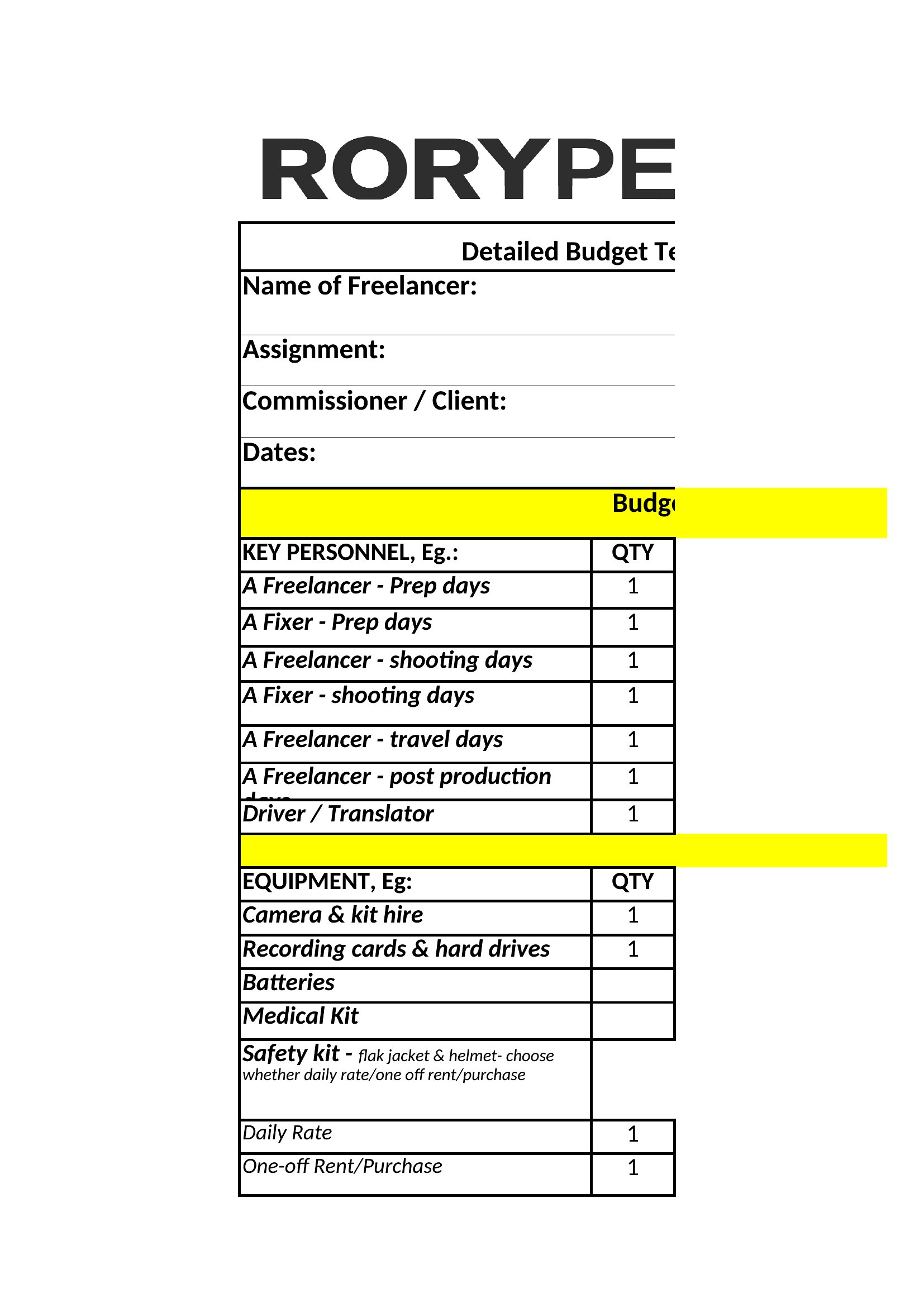
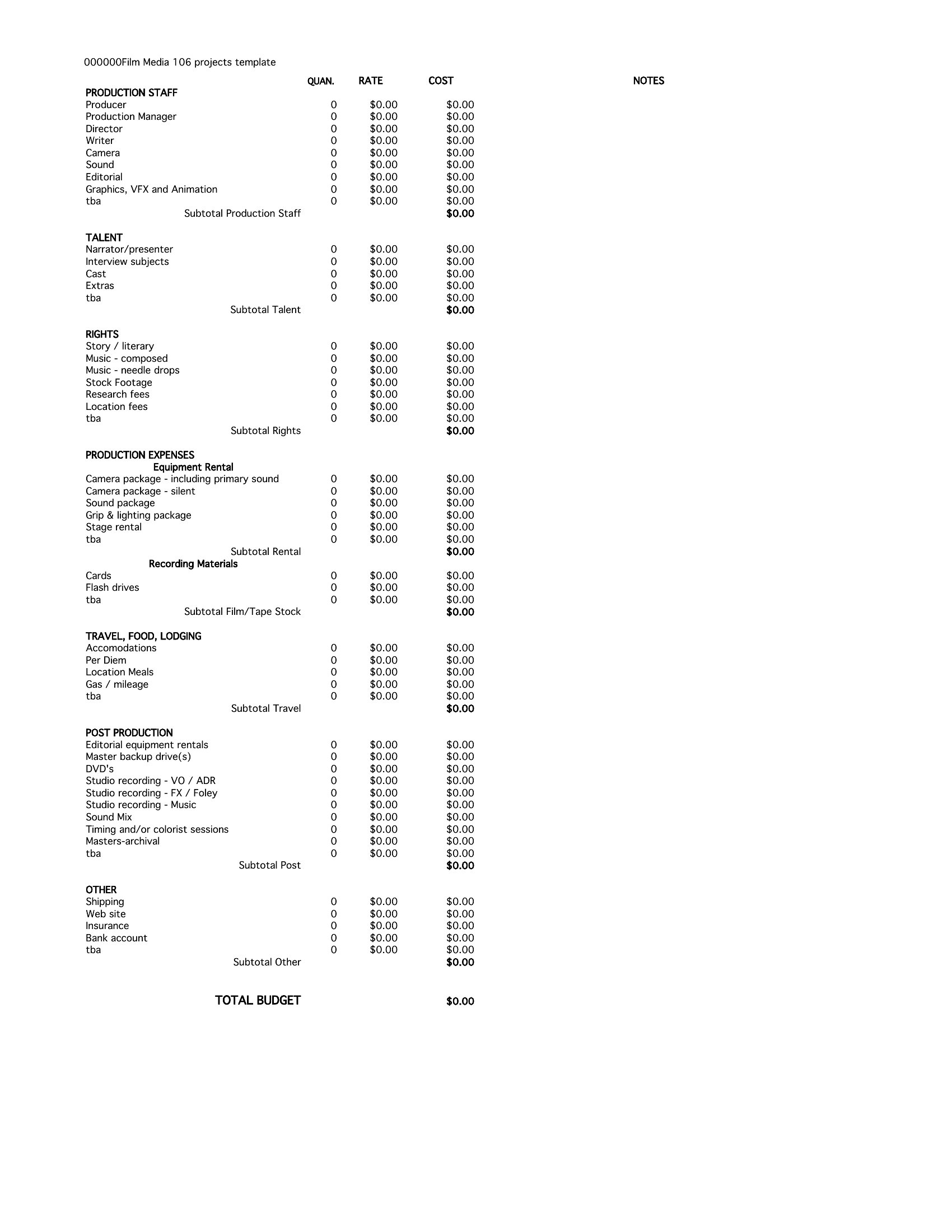
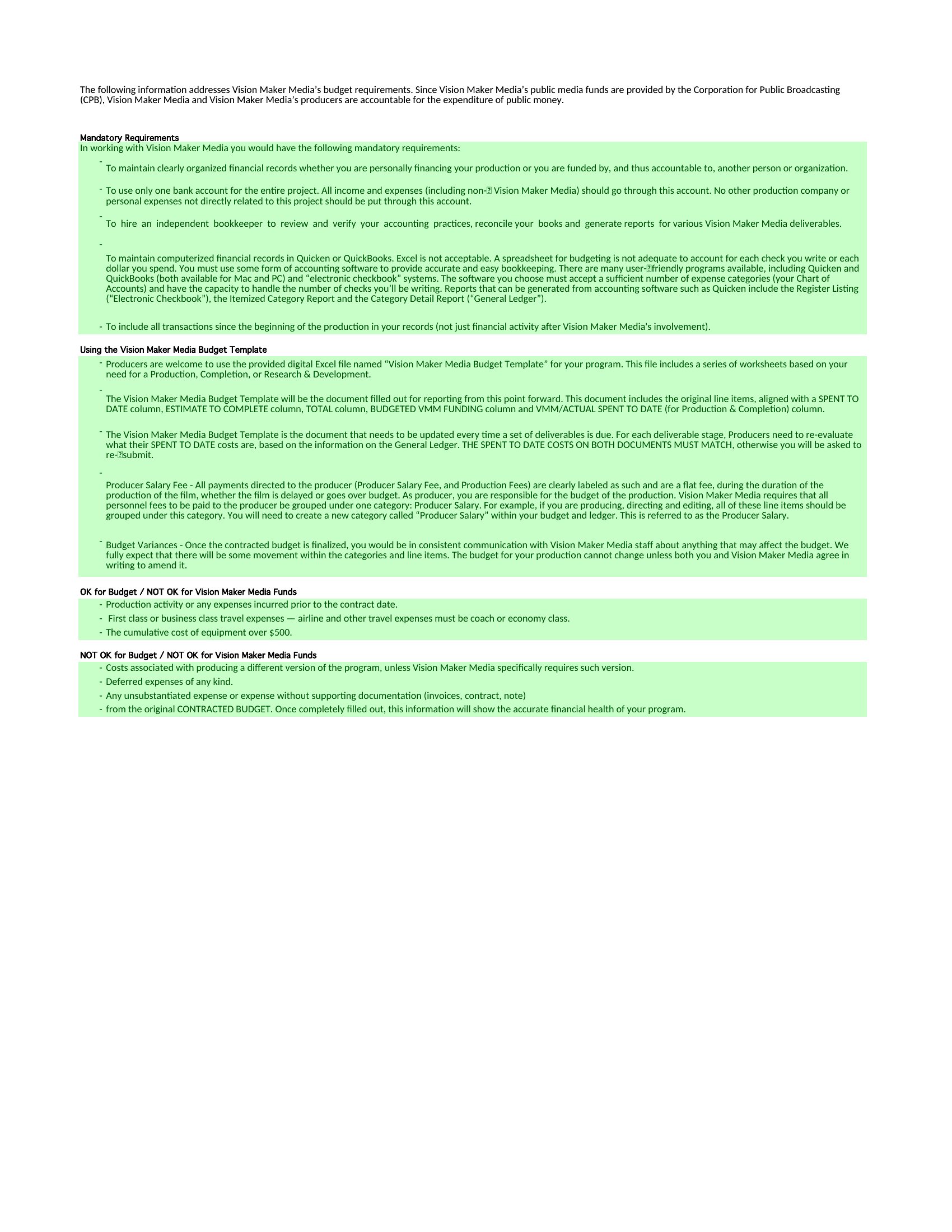
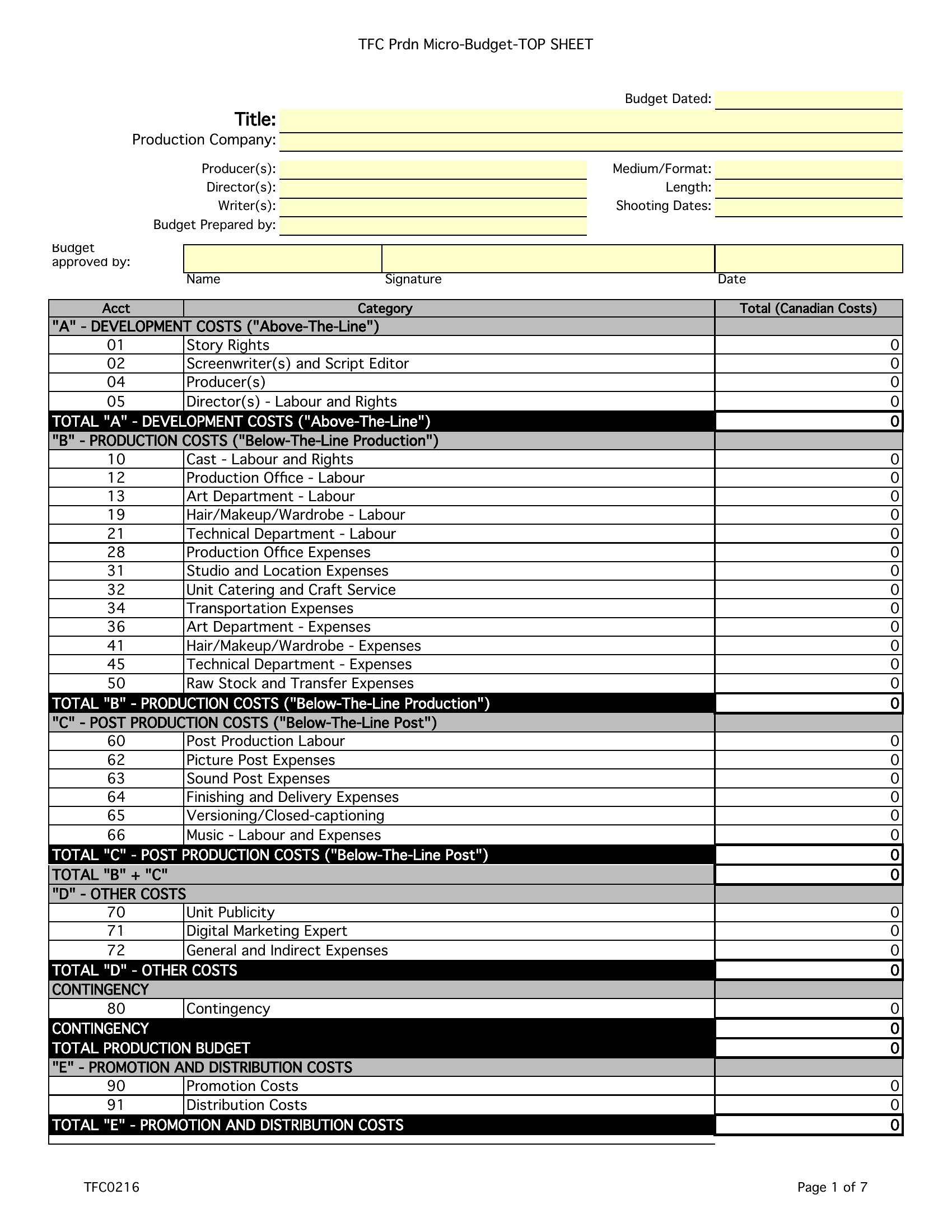
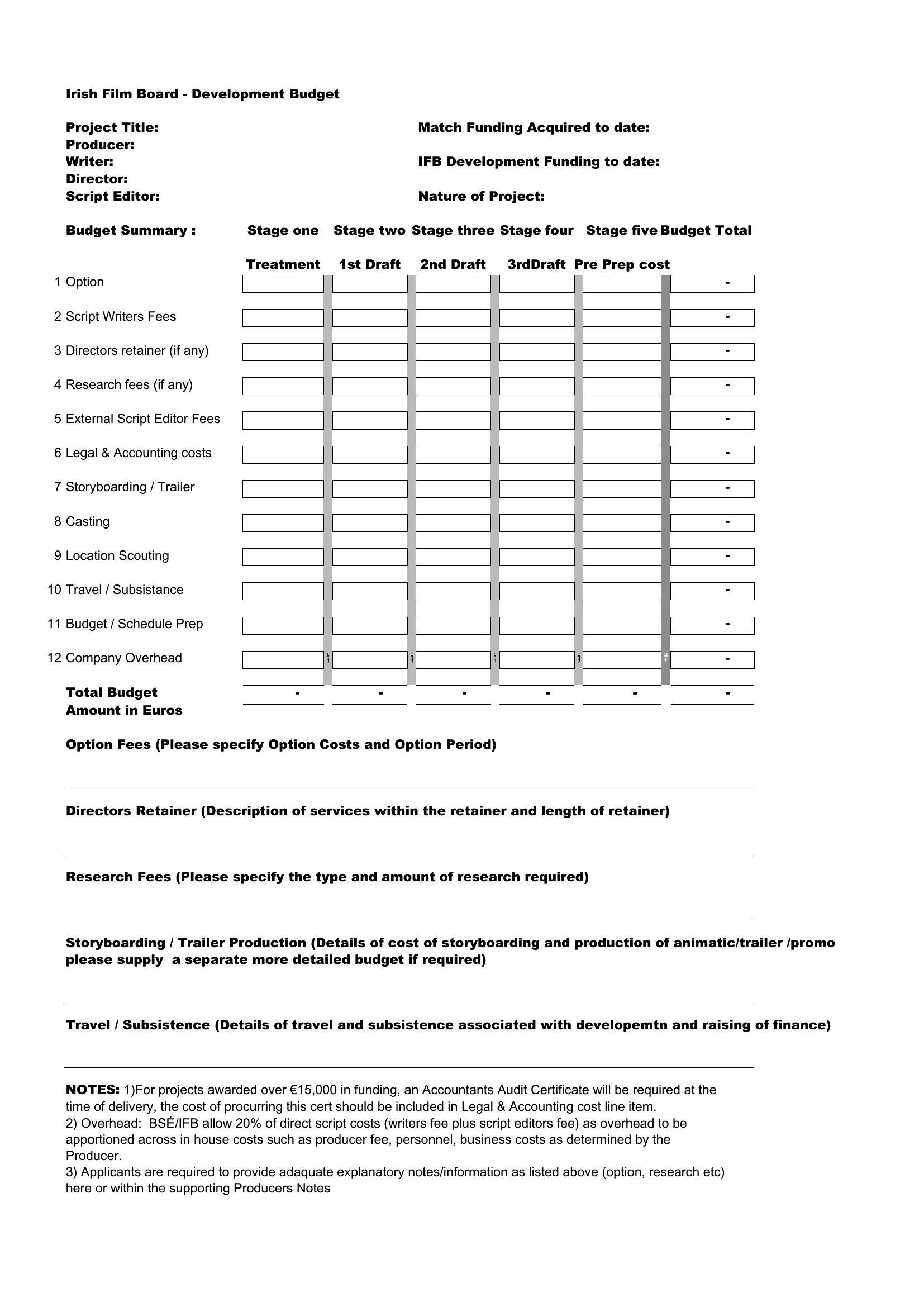
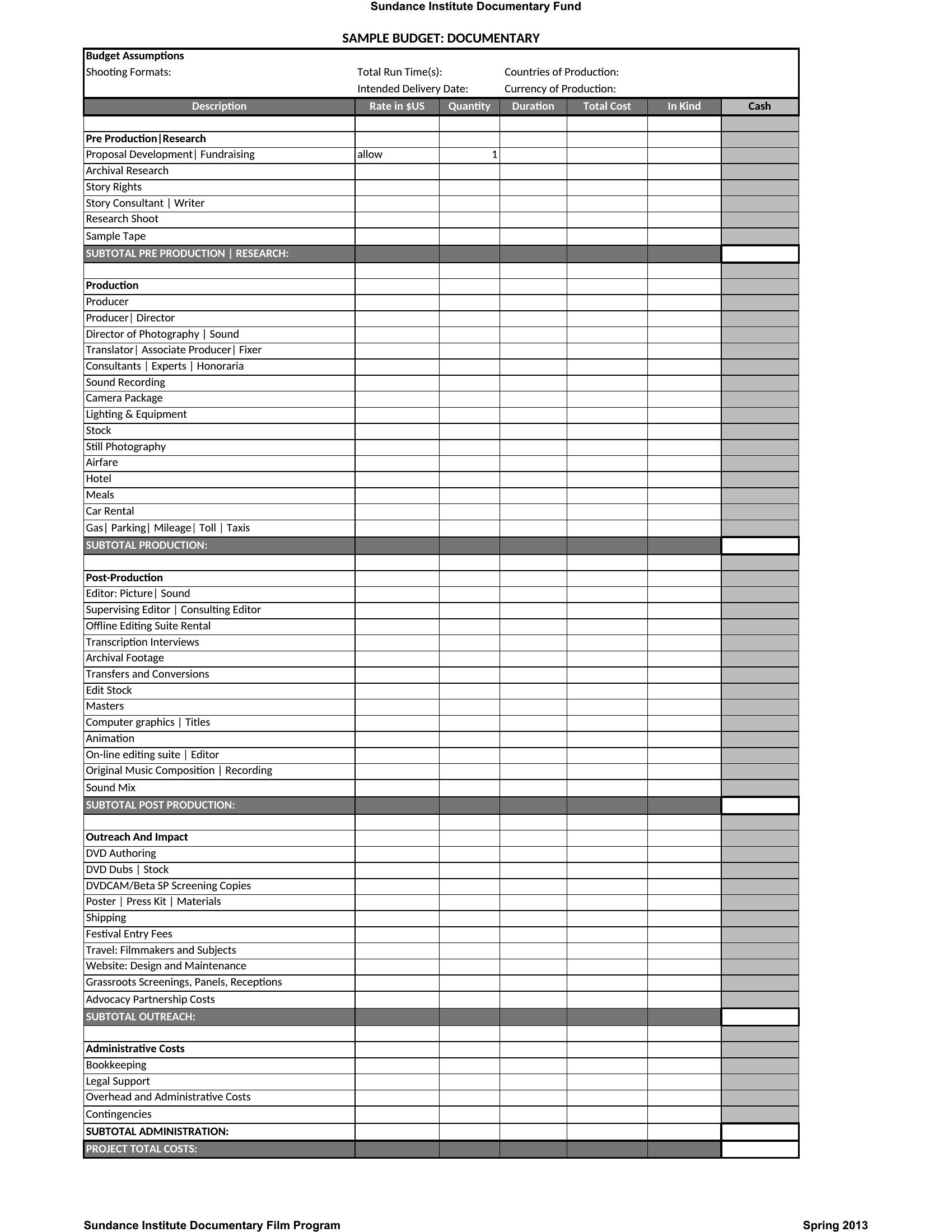
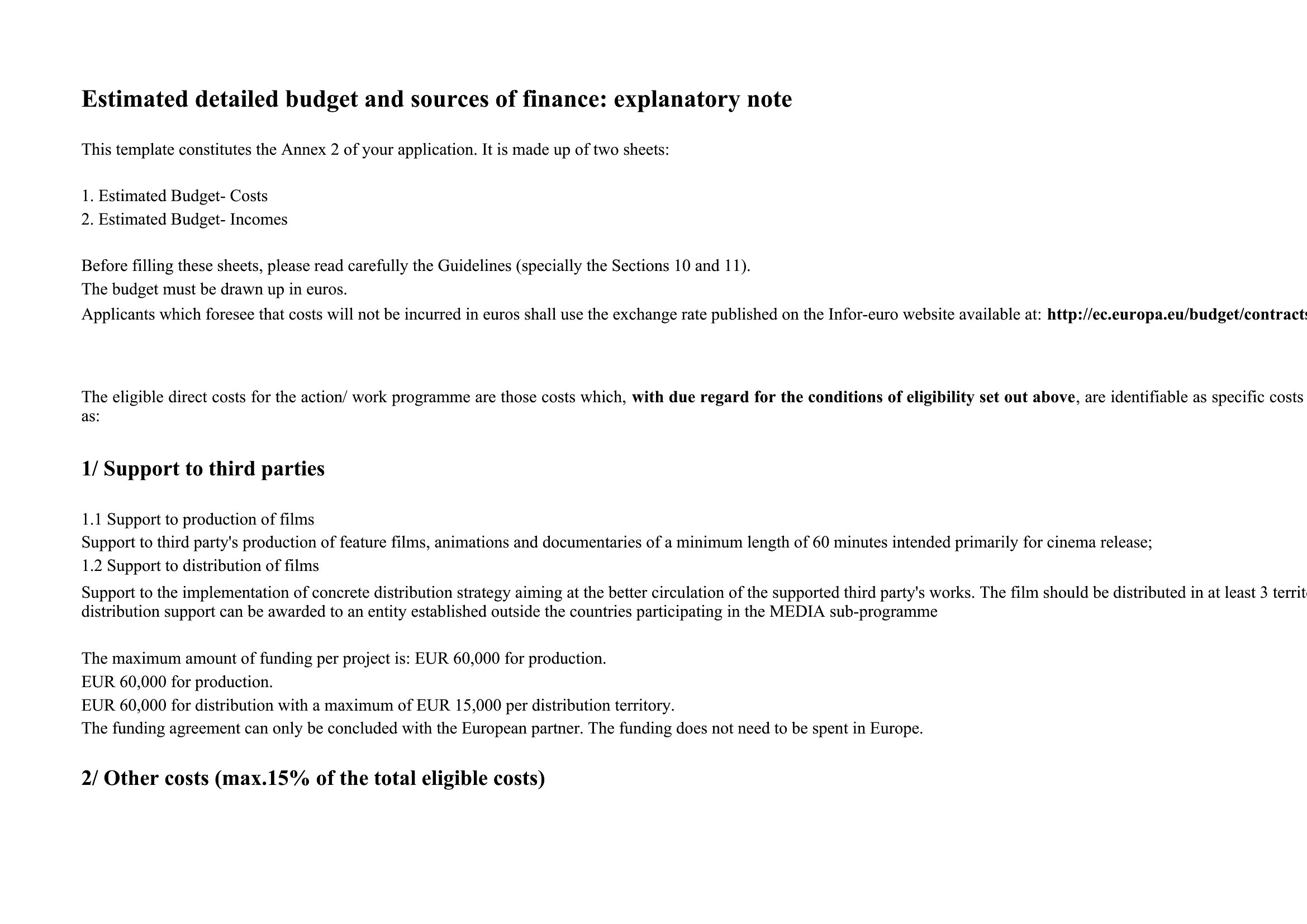
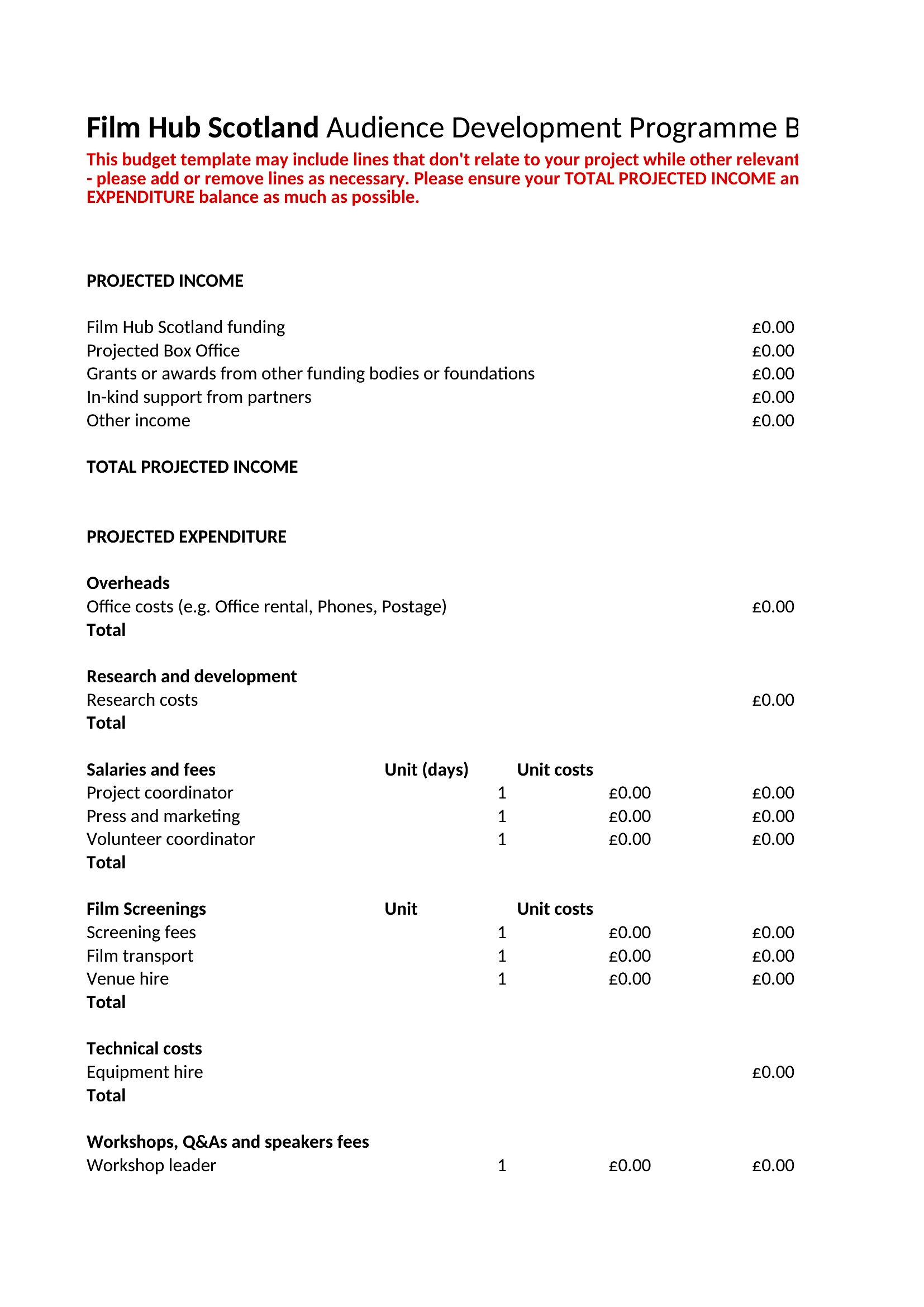
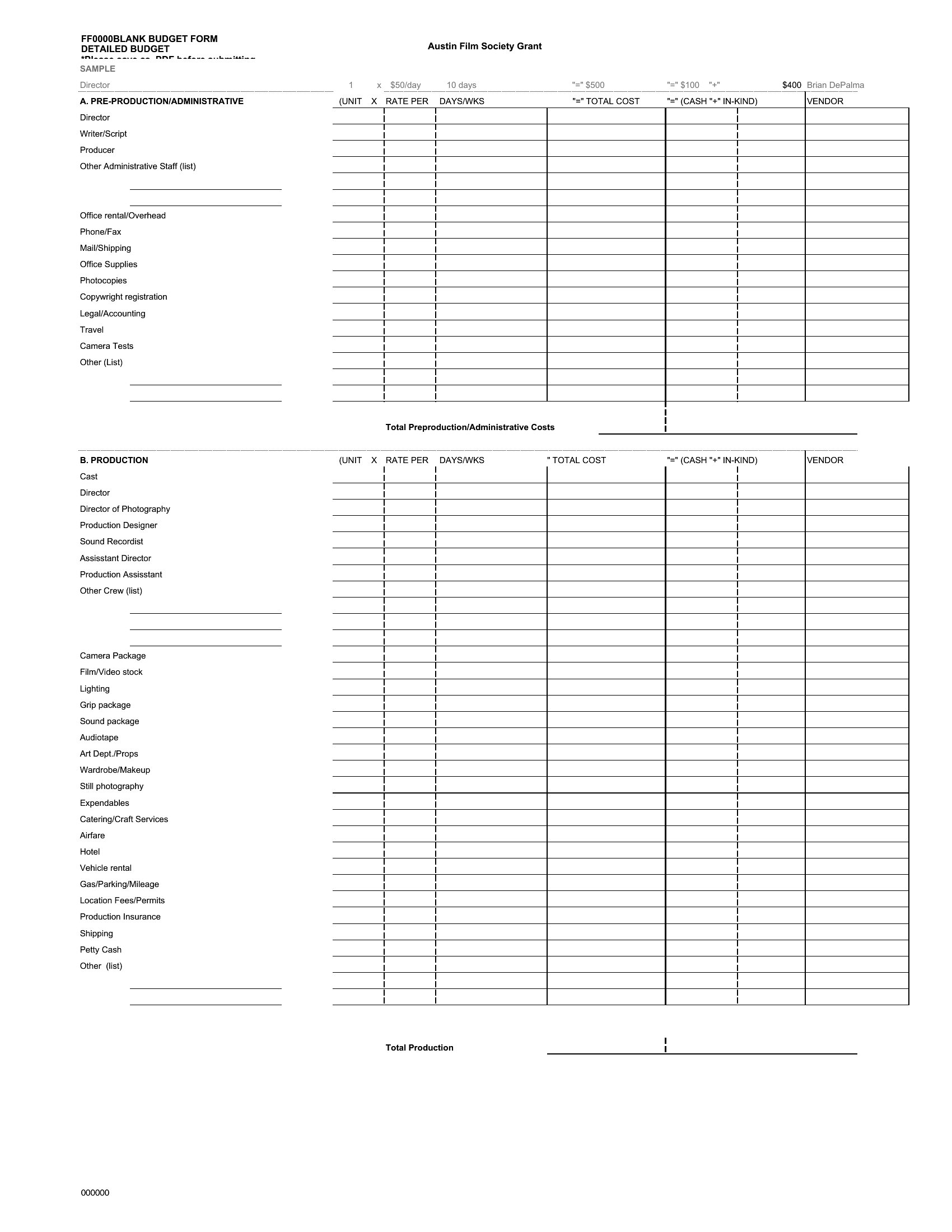
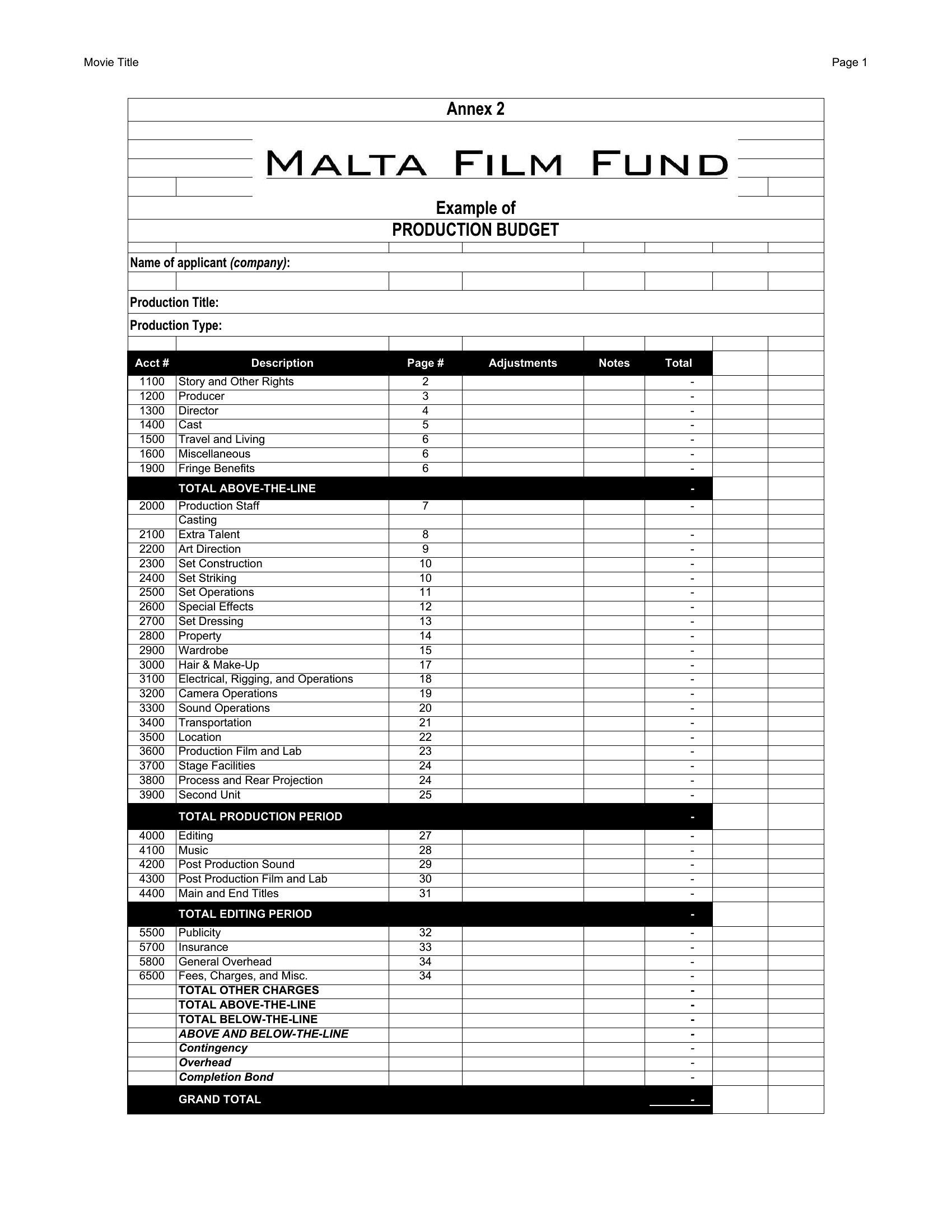
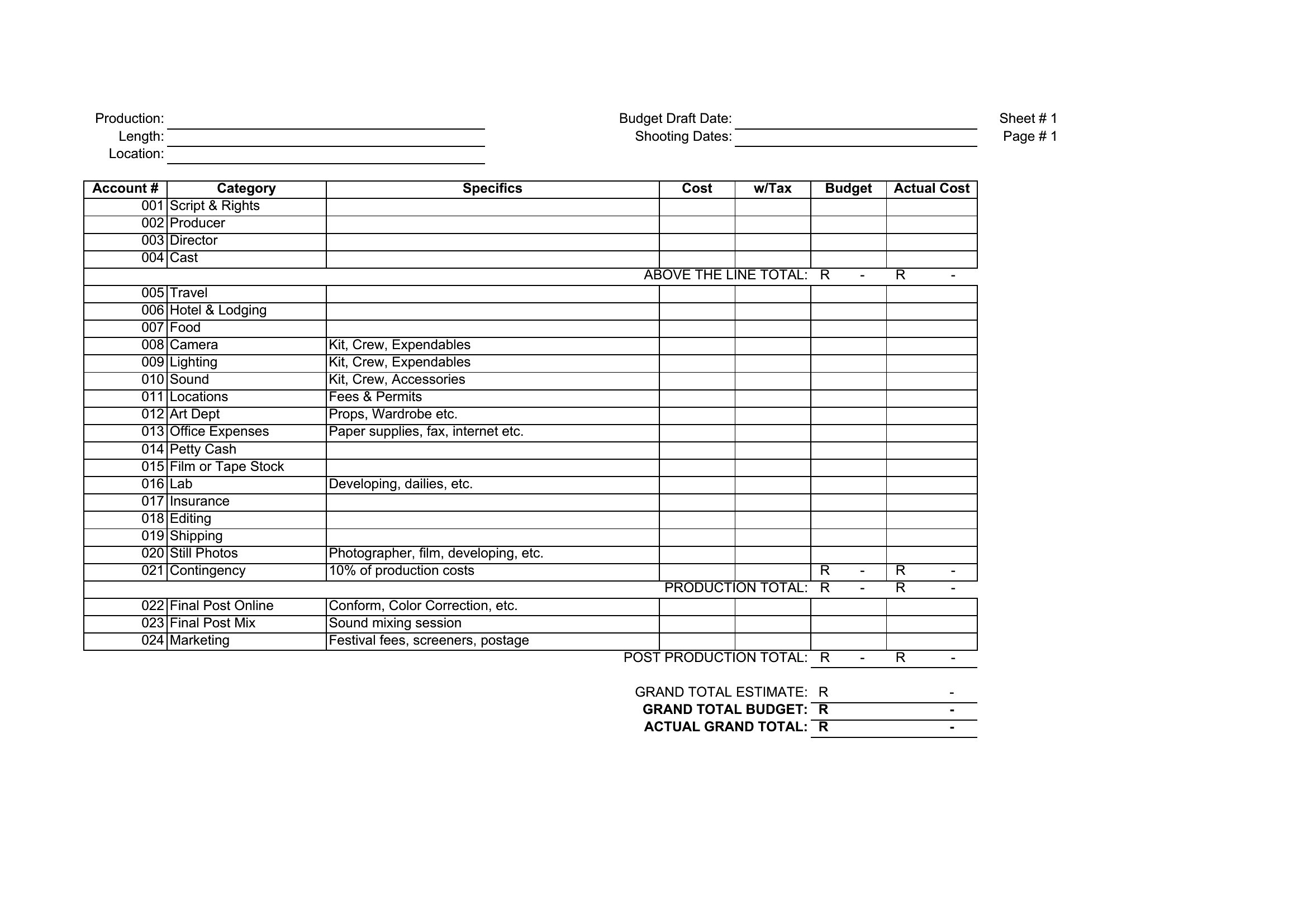
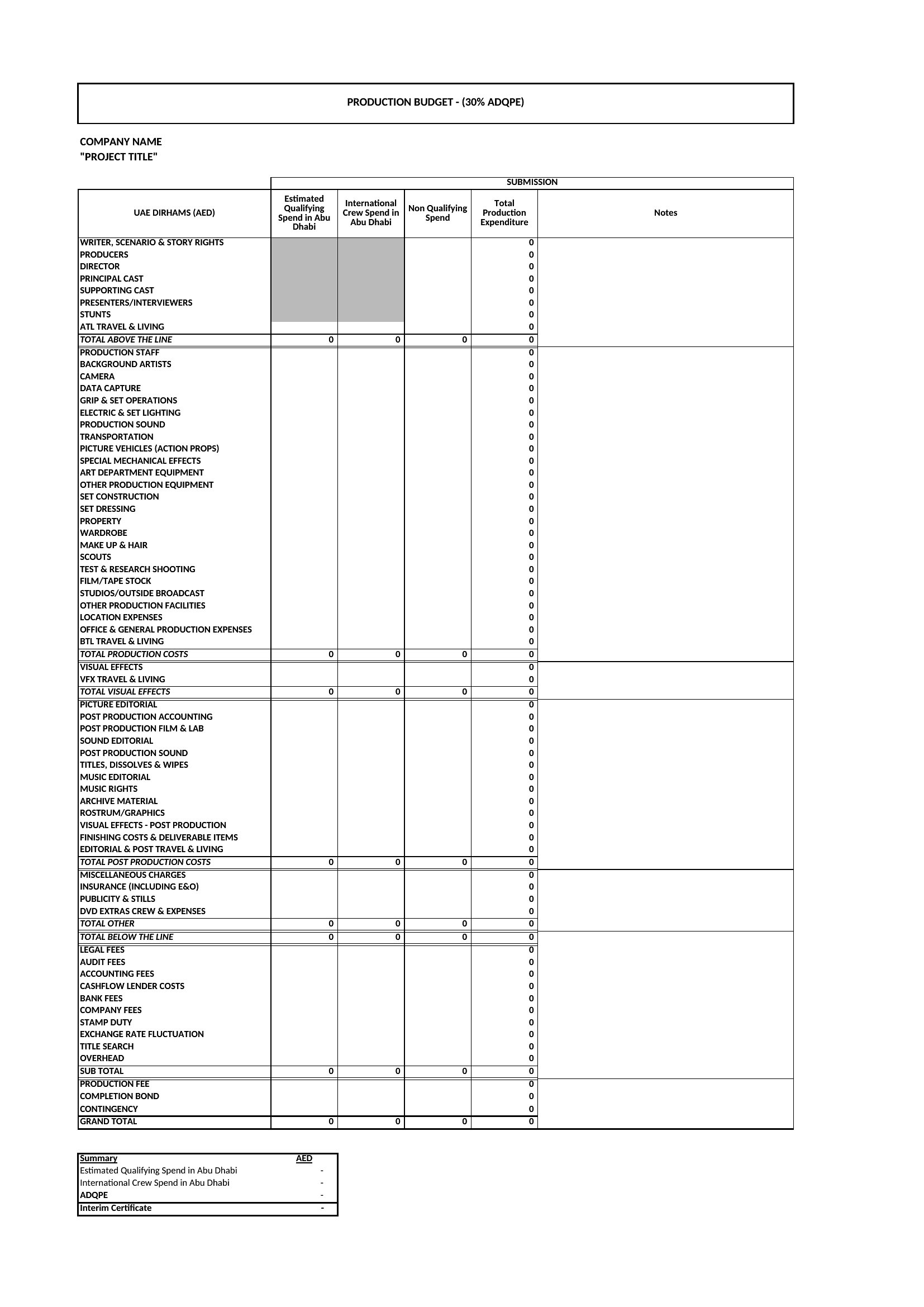
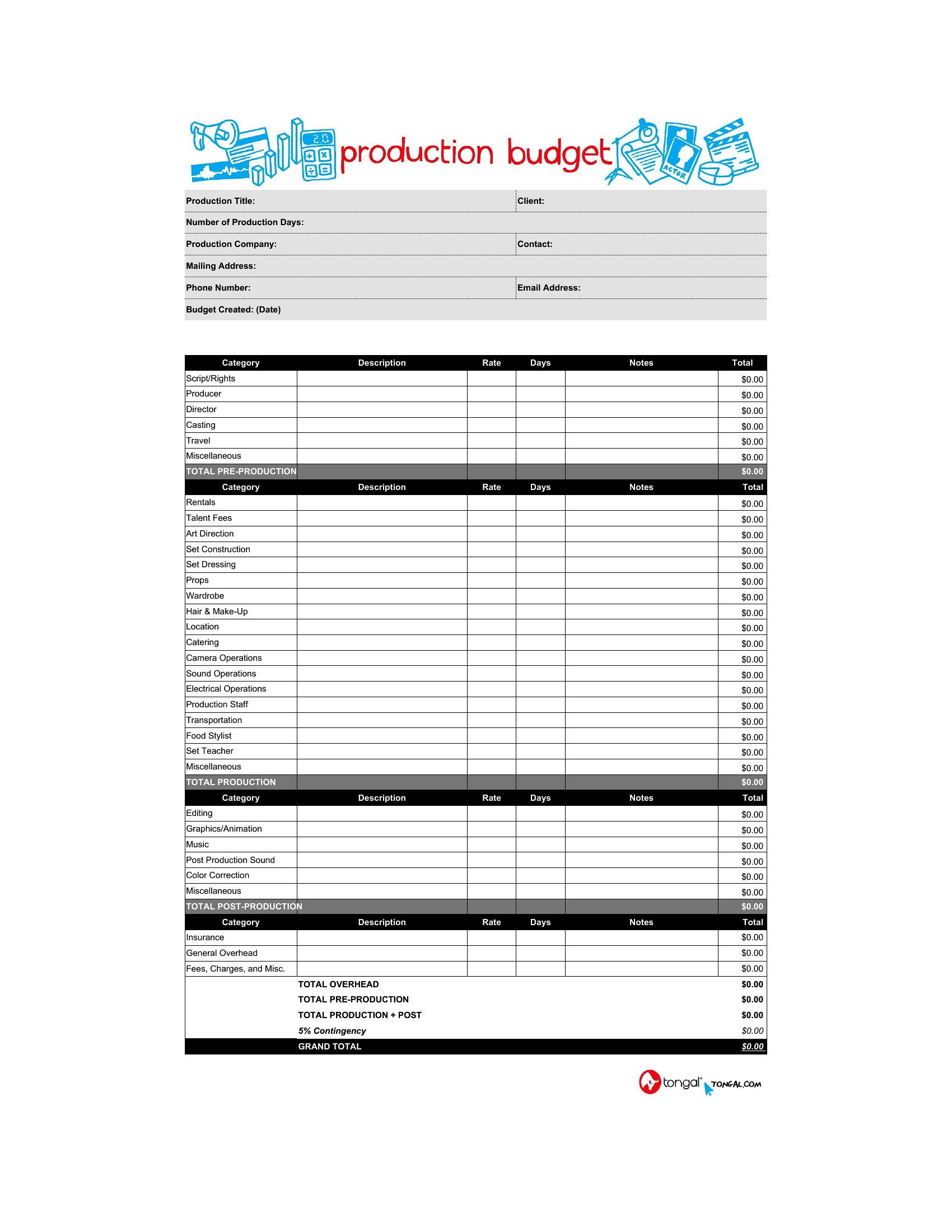
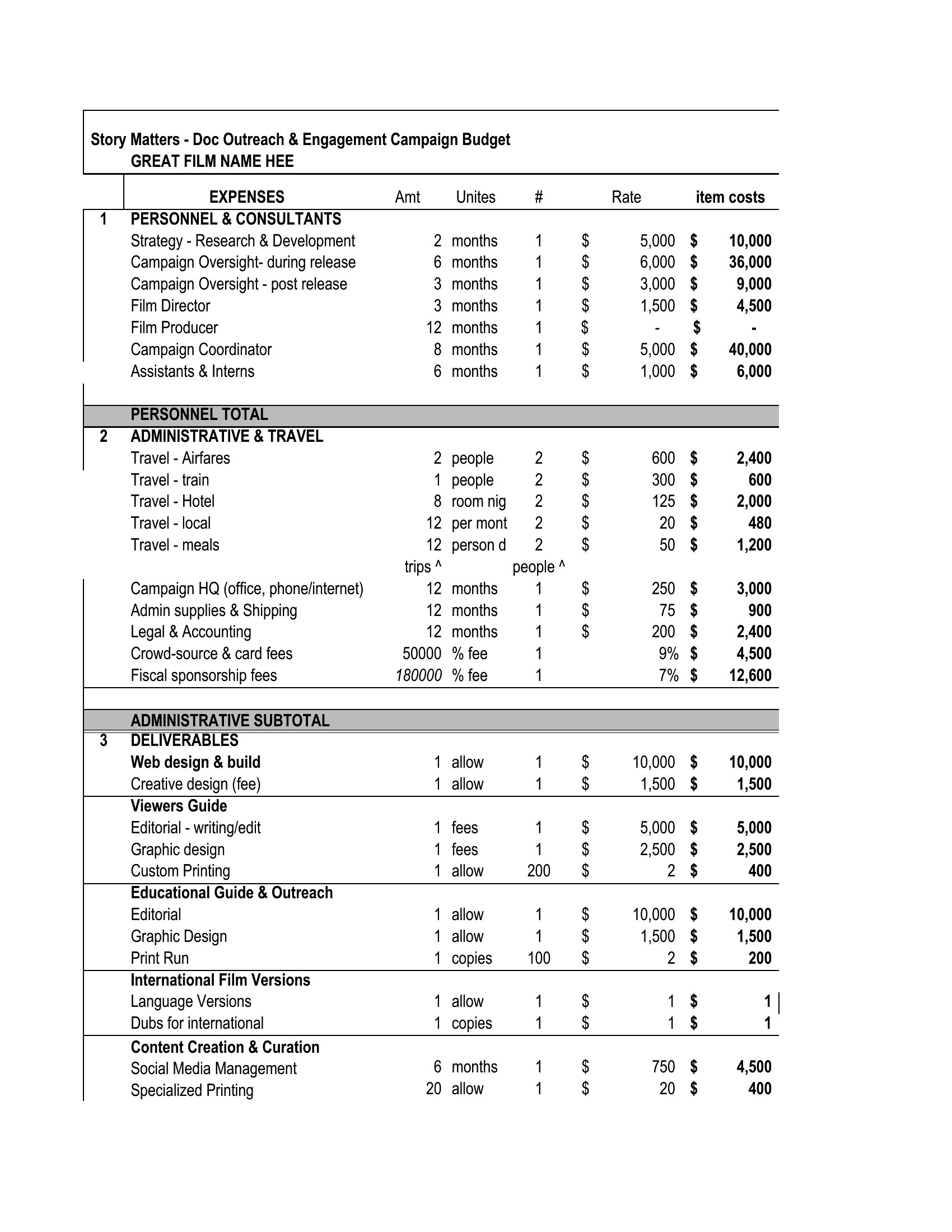
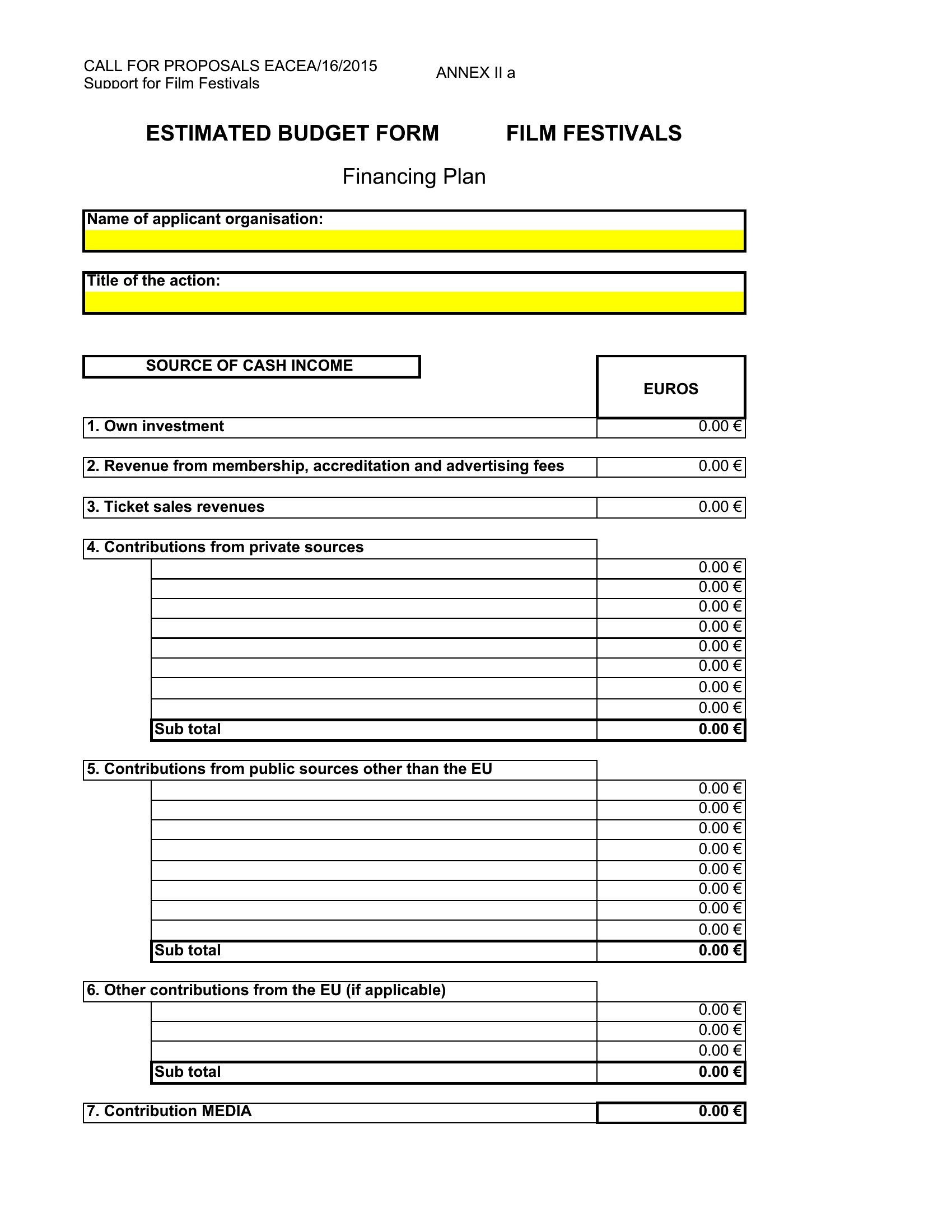
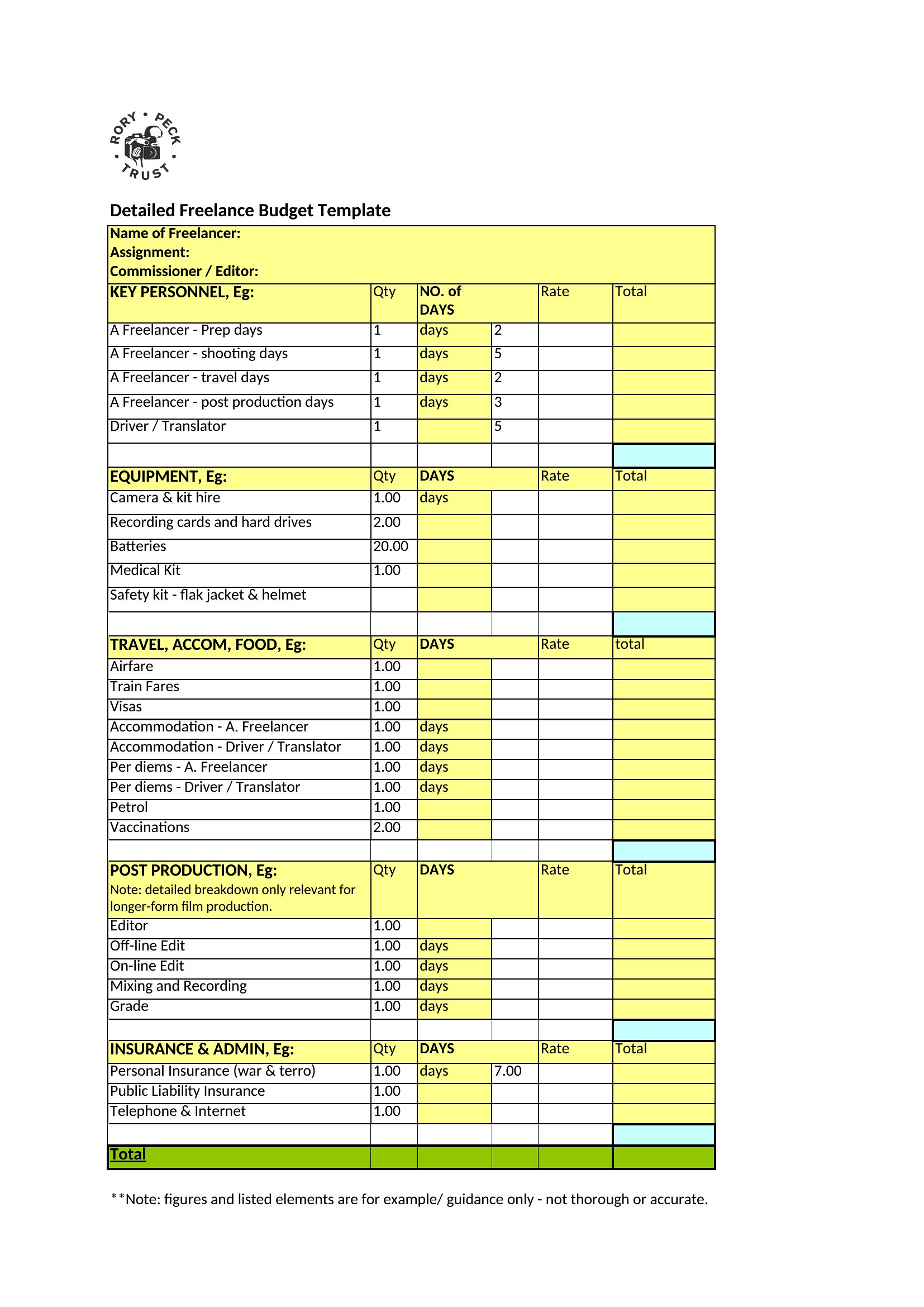
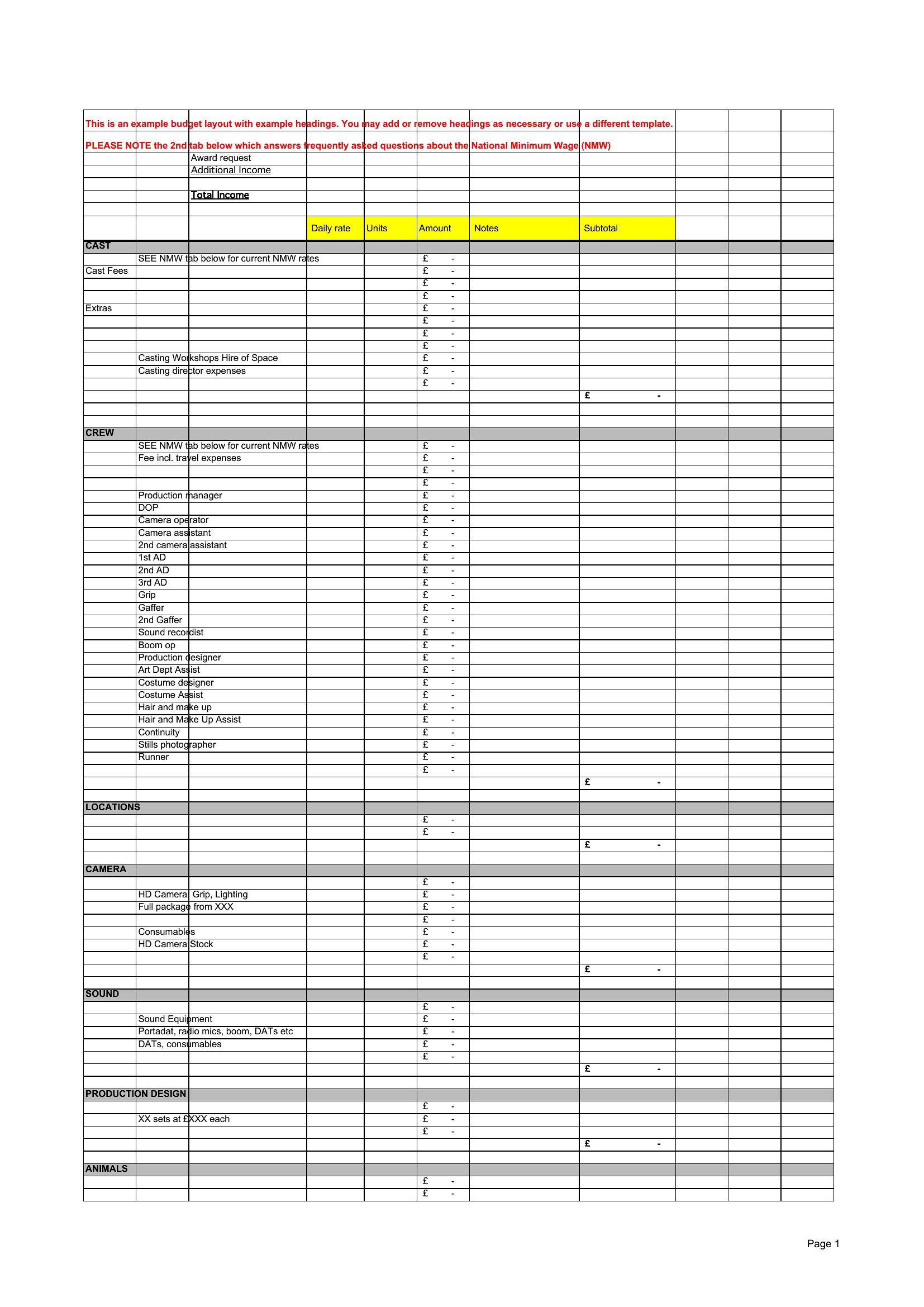
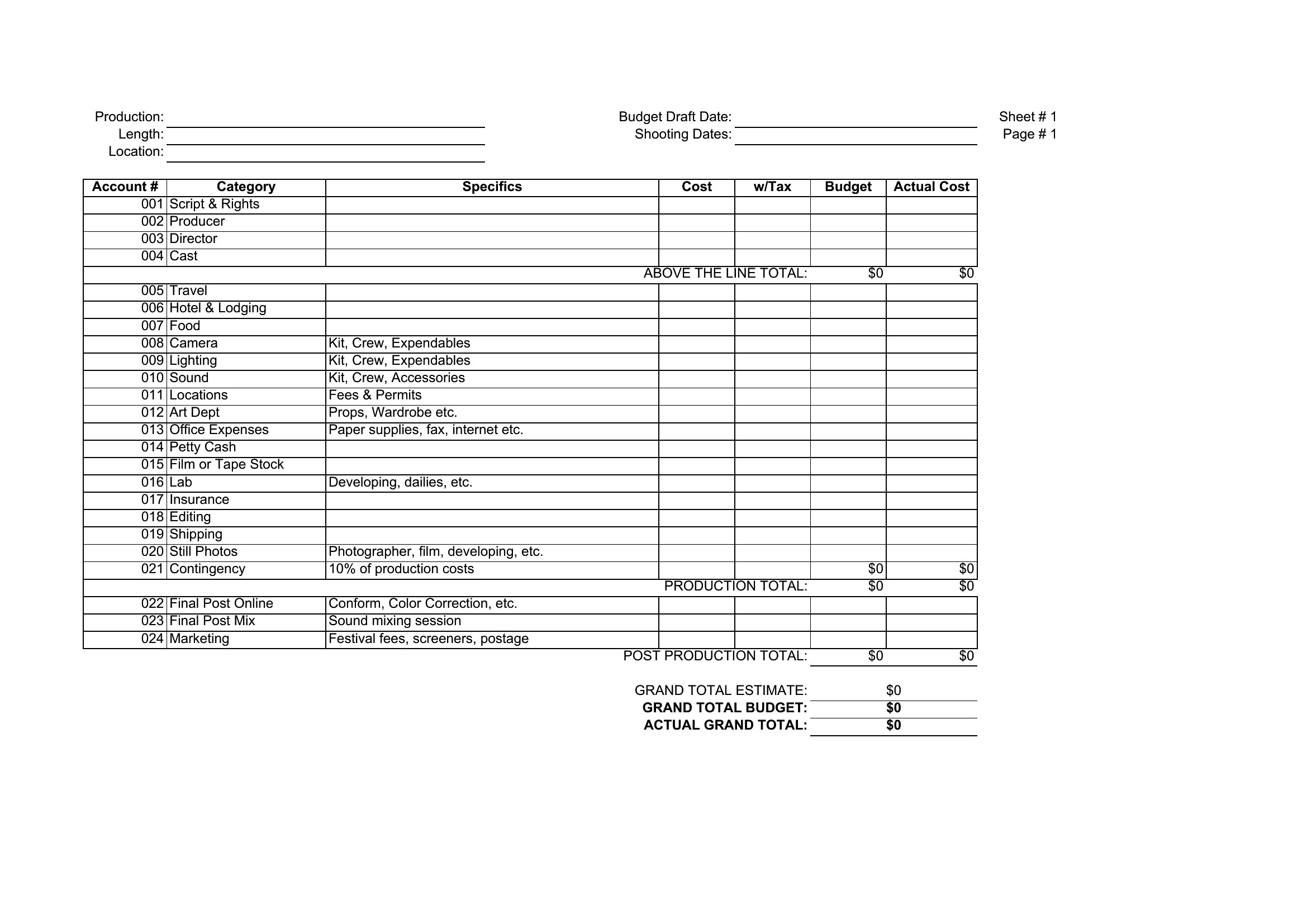
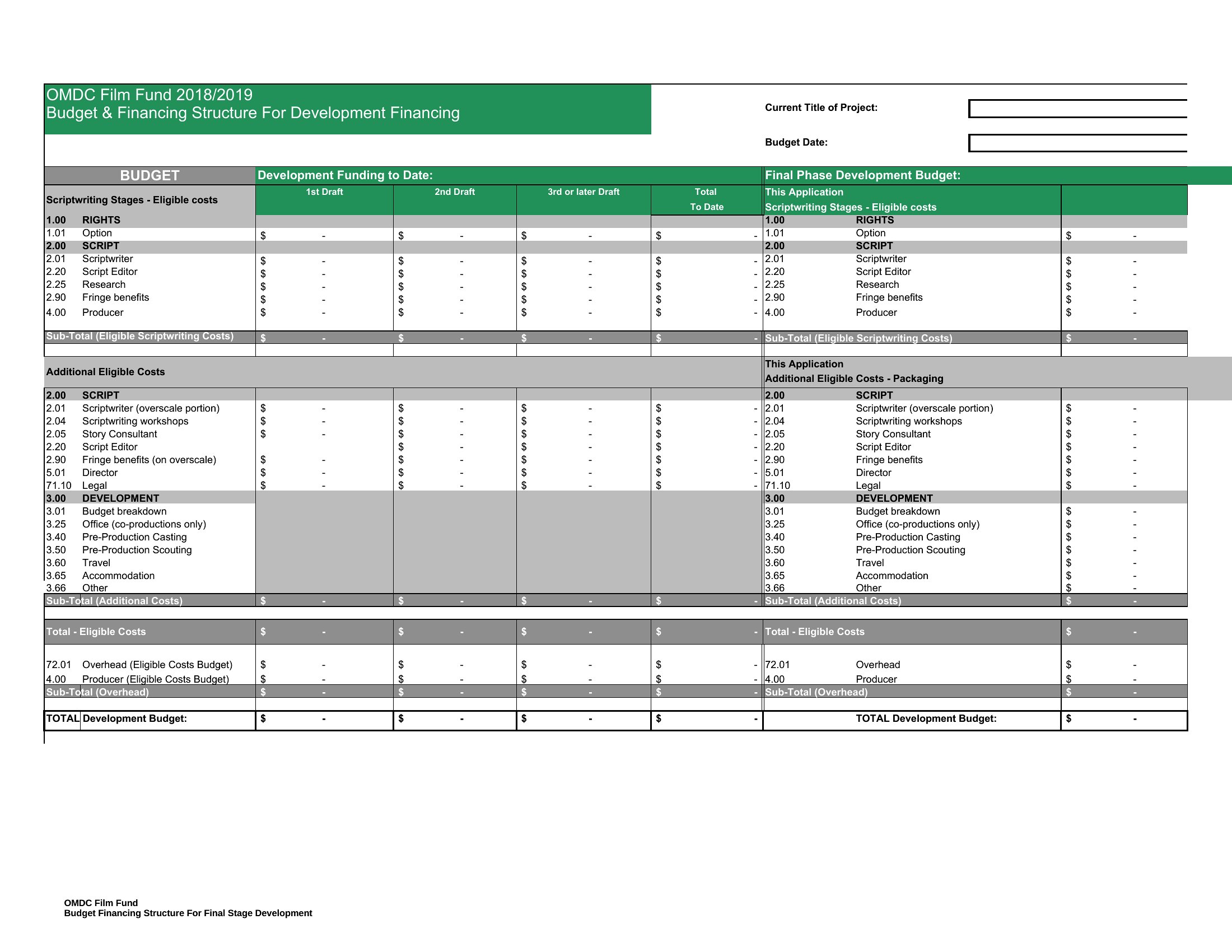
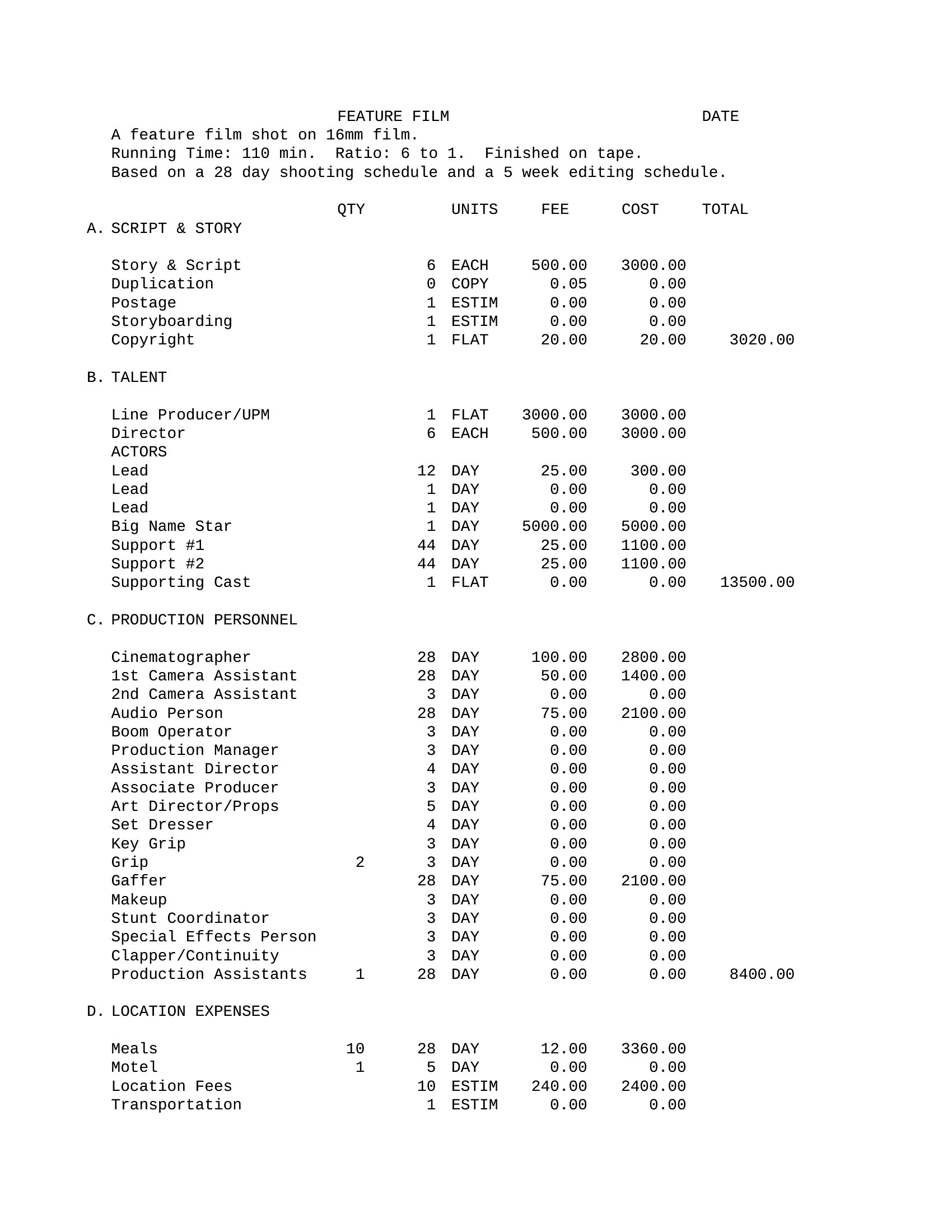
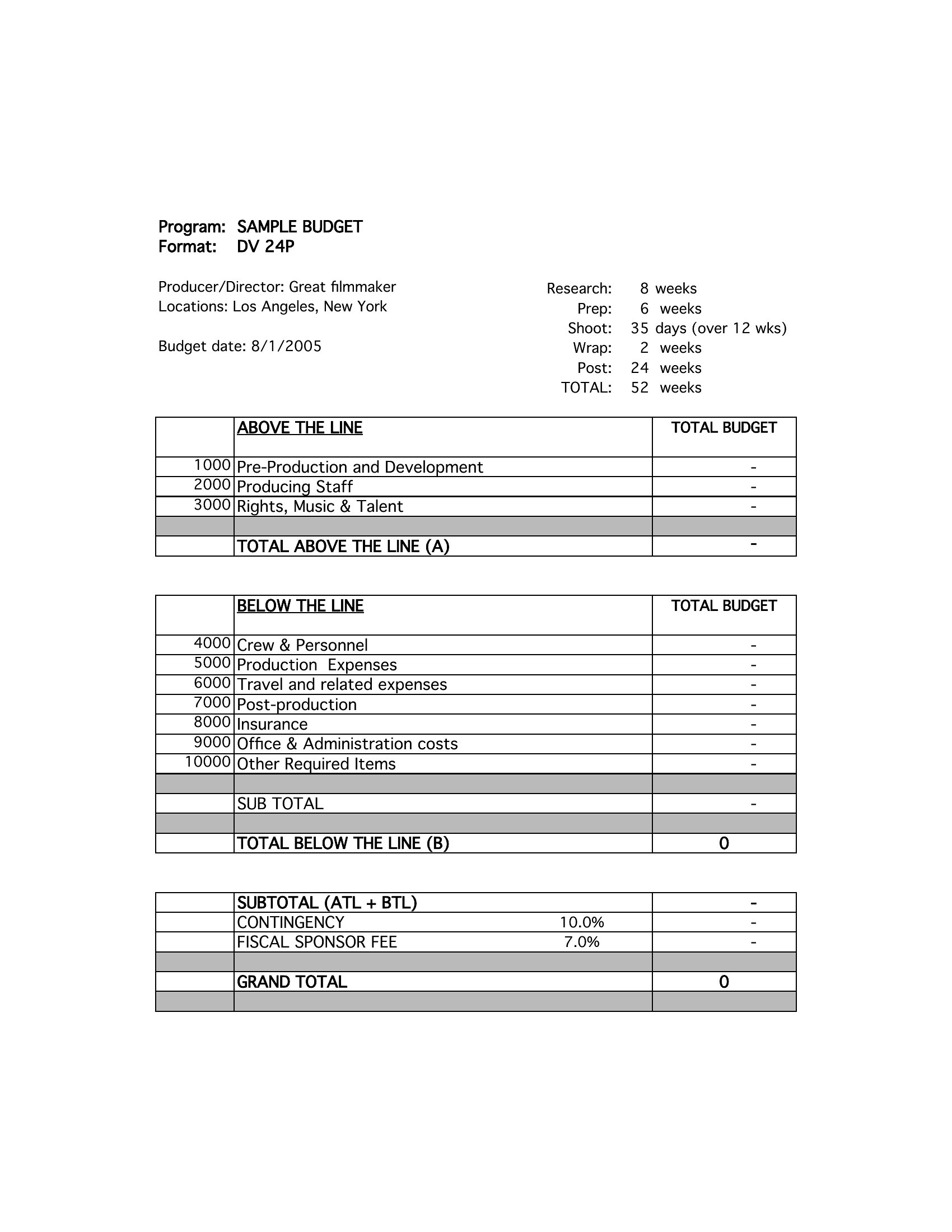
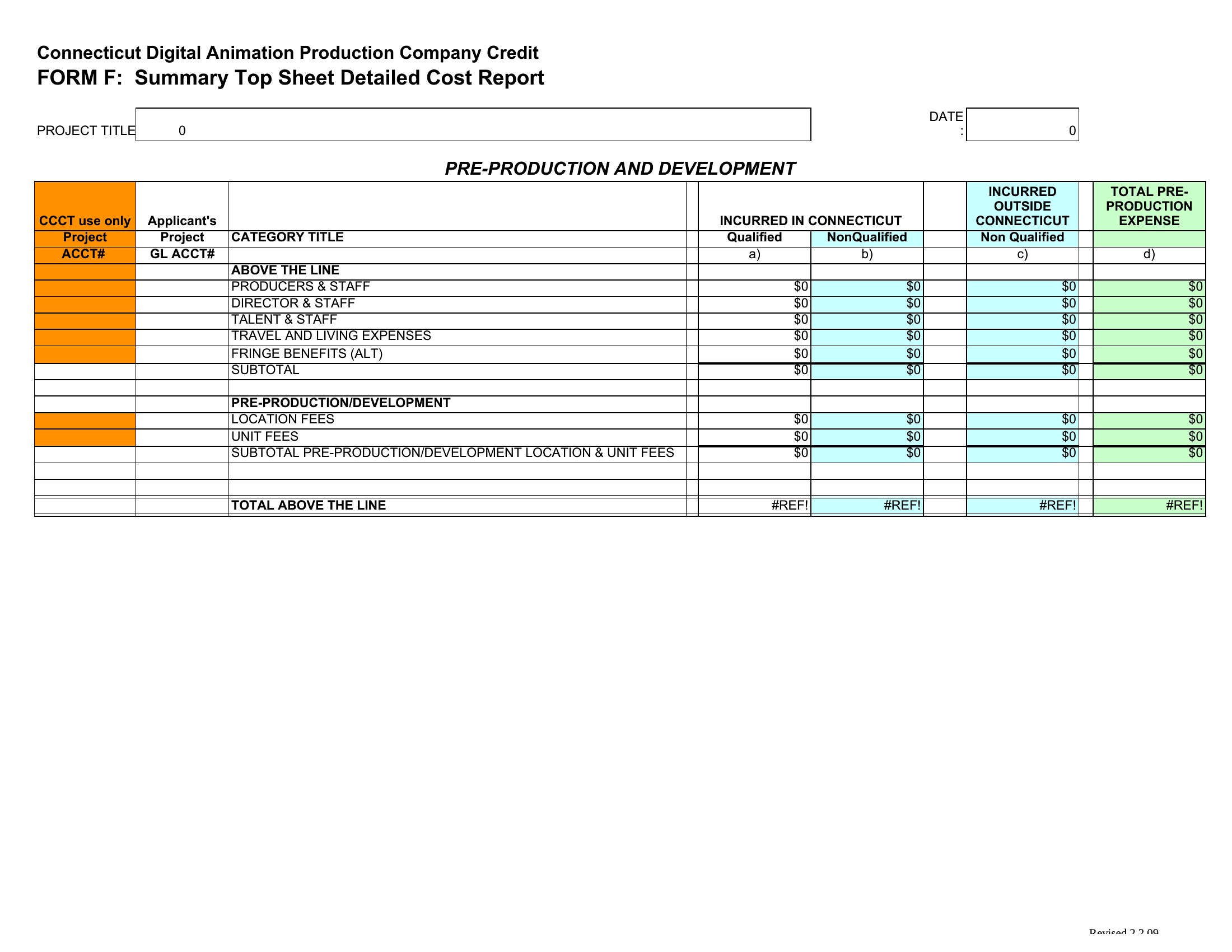
StatementsEvery production runs on a budget, and a clear one keeps a shoot from blowing past its limits. This set of 33 film budget templates covers short films, features, and documentaries, with line items for crew, equipment, locations, and post-production. Producers, students, and indie filmmakers can plan their spending and keep funders in the loop.
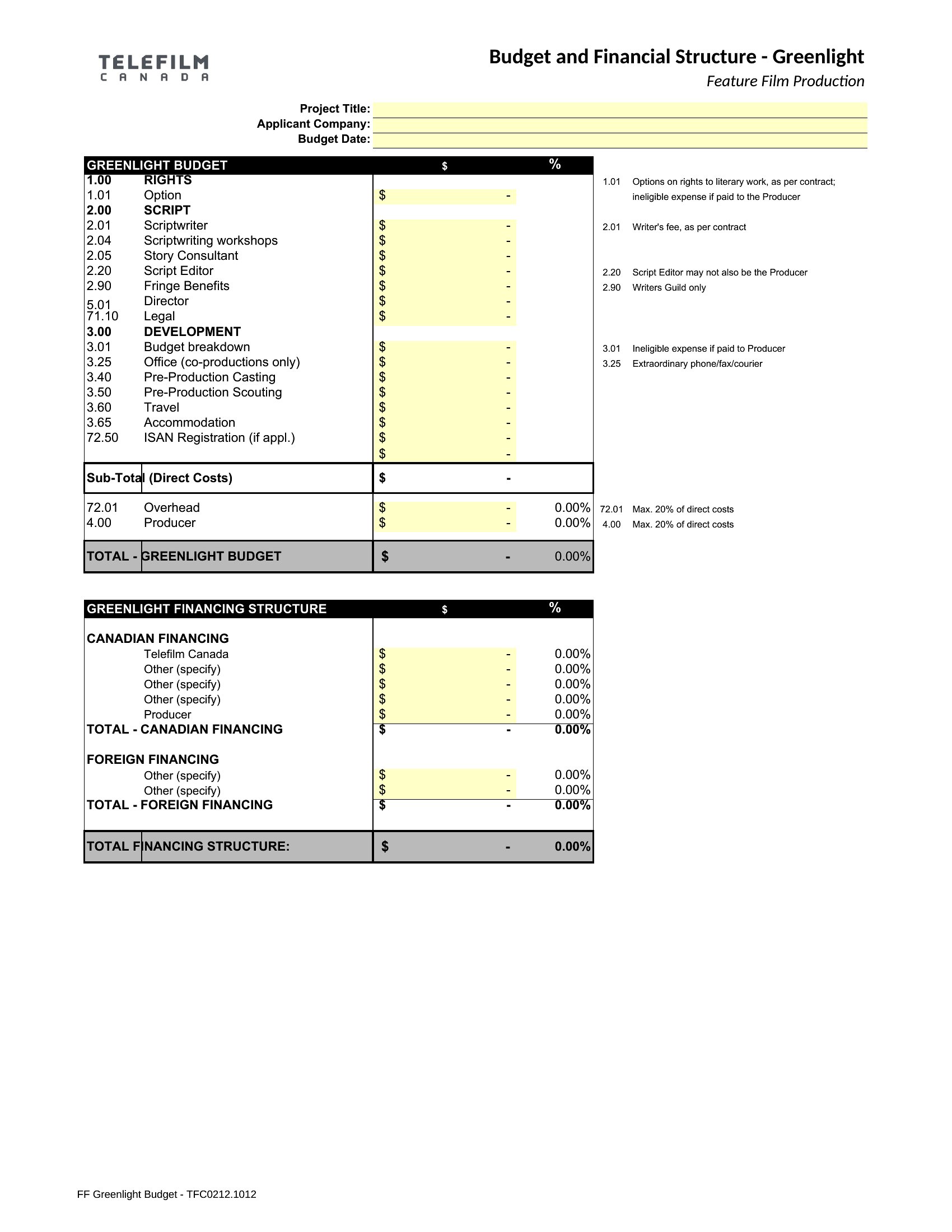
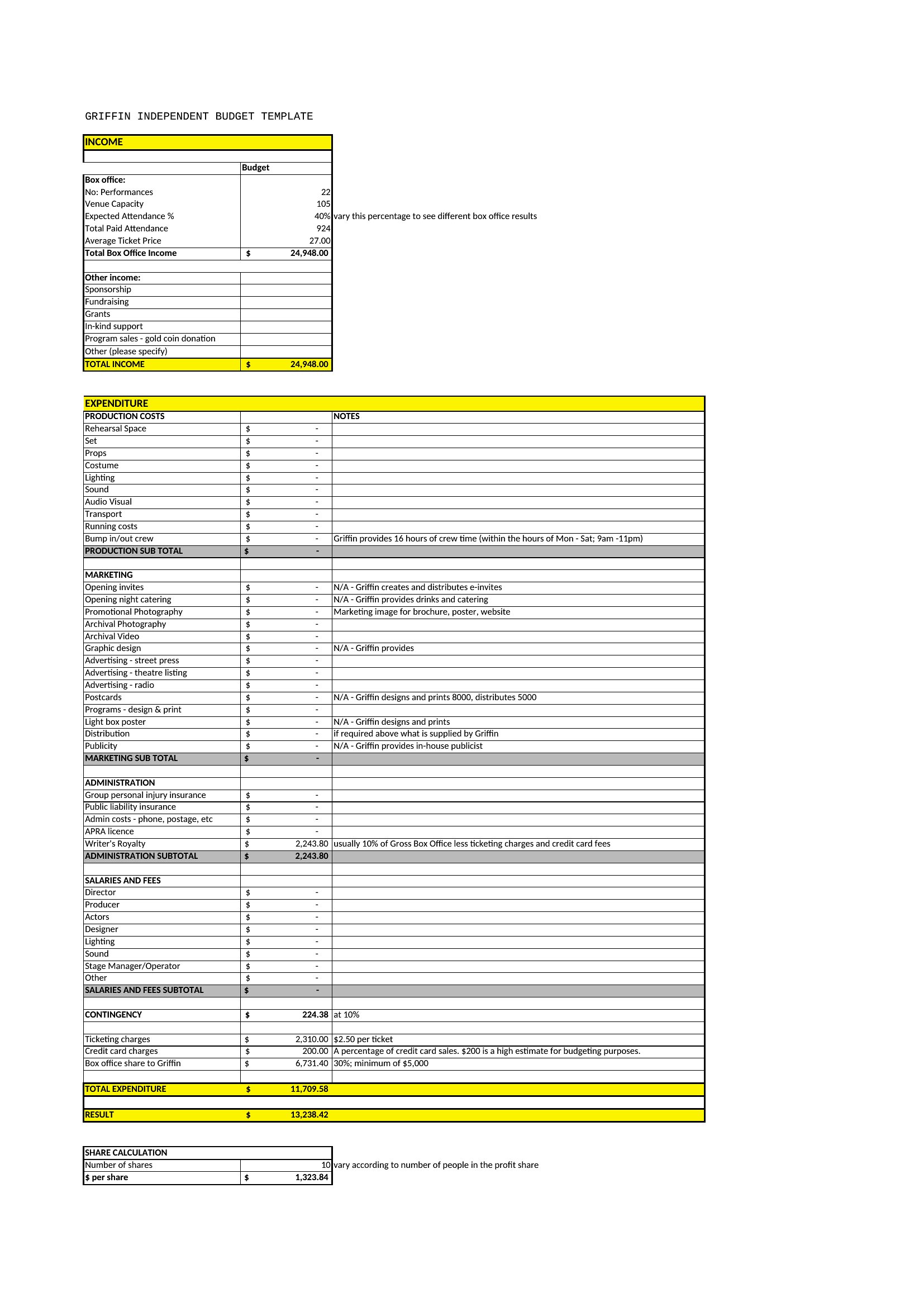
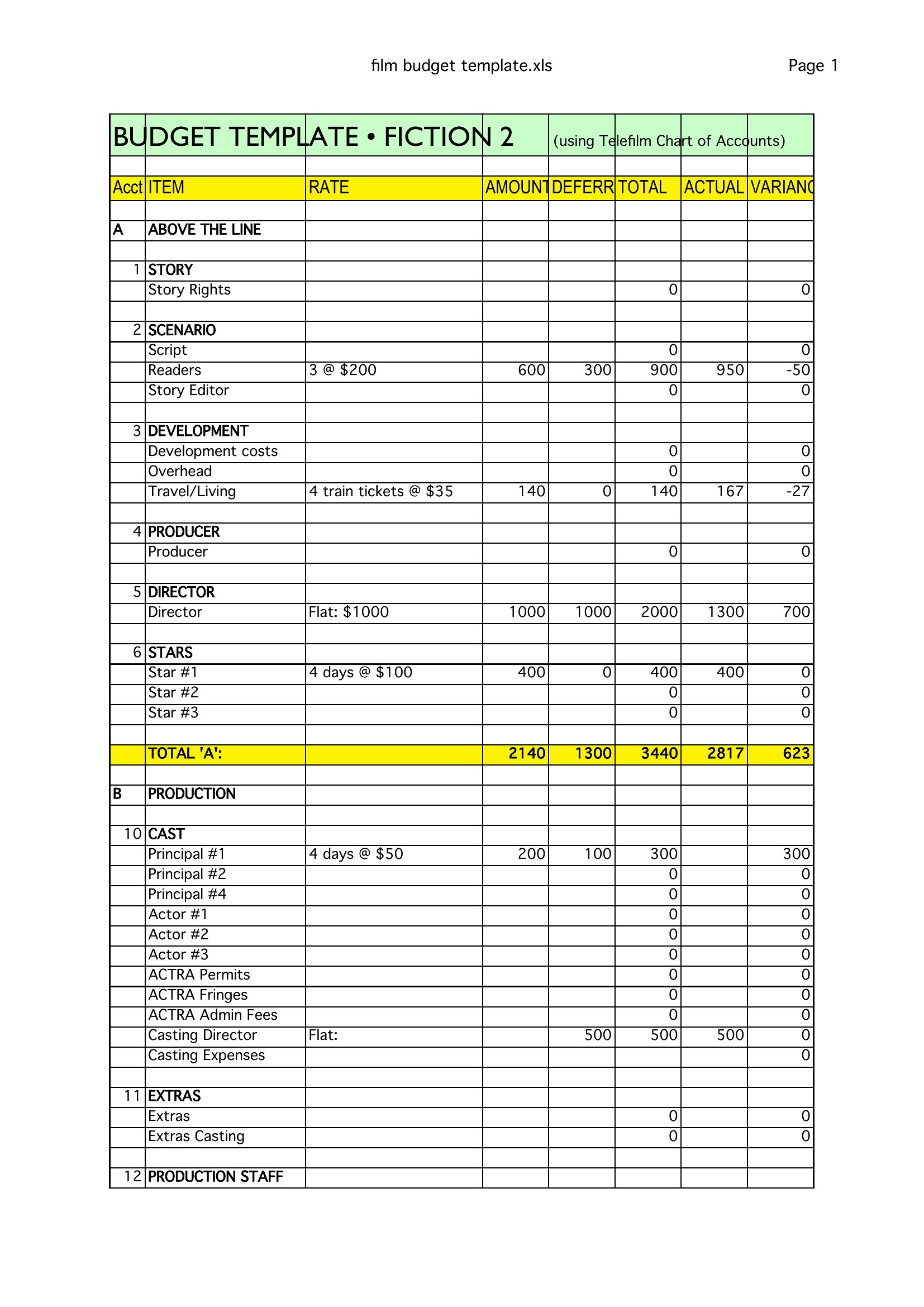
You'll find Word versions for written breakdowns and Excel sheets that total each category automatically as you fill them in. Drop in your own numbers, adjust the line items to fit the project, and you've got a budget ready for the next meeting. Download the format that matches your production and start mapping the costs.
When to use this Film Budget template
- Low-budget indie filmmakers tracking crew salaries, location fees, and post-production costs in real time to avoid overspending during pre-production.
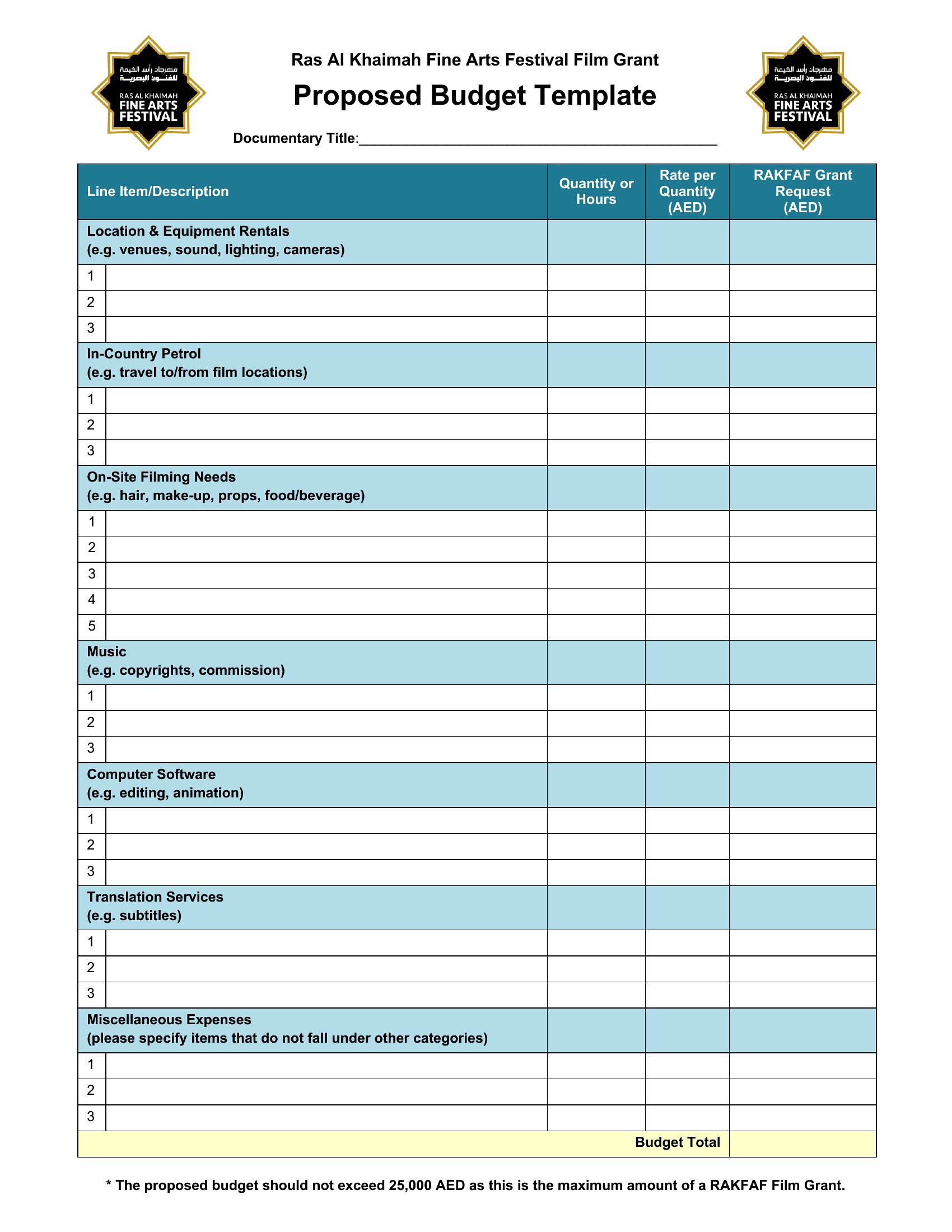
- Documentary producers pitching to grant committees, needing a detailed Excel breakdown to justify expenses like travel, archival footage licensing, and editing software.
- Film students submitting assignments requiring a structured Word budget template to demonstrate how they’d allocate funds for a short film under $10K.
- Production accountants managing multiple shoots, using Excel templates to compare actual spending against budgeted line items for equipment rentals and catering.
Which format should I download?
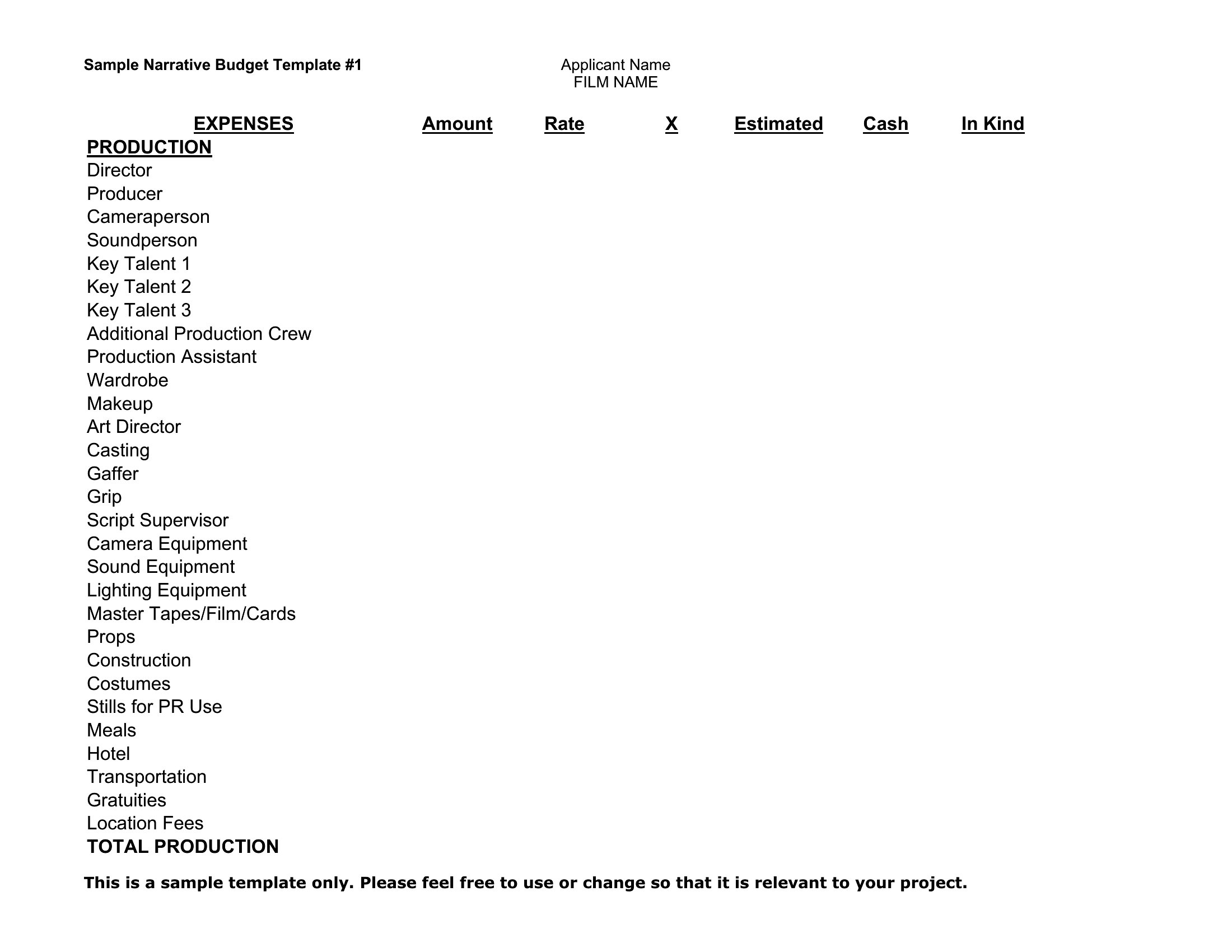
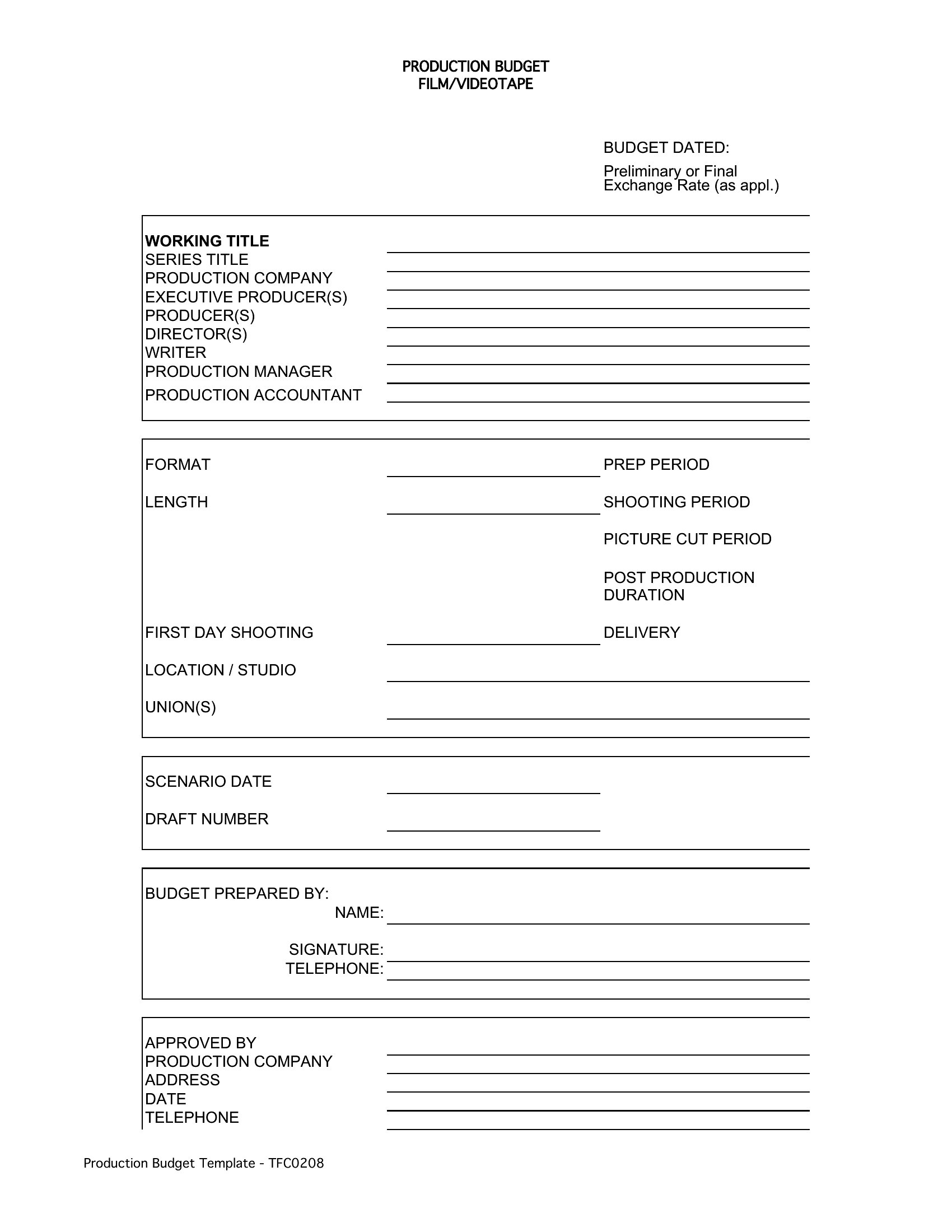
Choose Word when you need a polished, narrative-style budget to present to investors or stakeholders—ideal for proposals or reports where clarity and justification matter more than calculations. Opt for Excel when you’re tracking variable costs, need formulas to auto-calculate totals, or require side-by-side comparisons of multiple budget scenarios. Excel is best for hands-on producers who’ll update figures frequently, while Word suits those finalizing a static budget for approvals.
Choose from 33 Film Budget Templates
How to use this Film Budget template
What’s the difference between a line-item budget and a top-line budget in these templates?
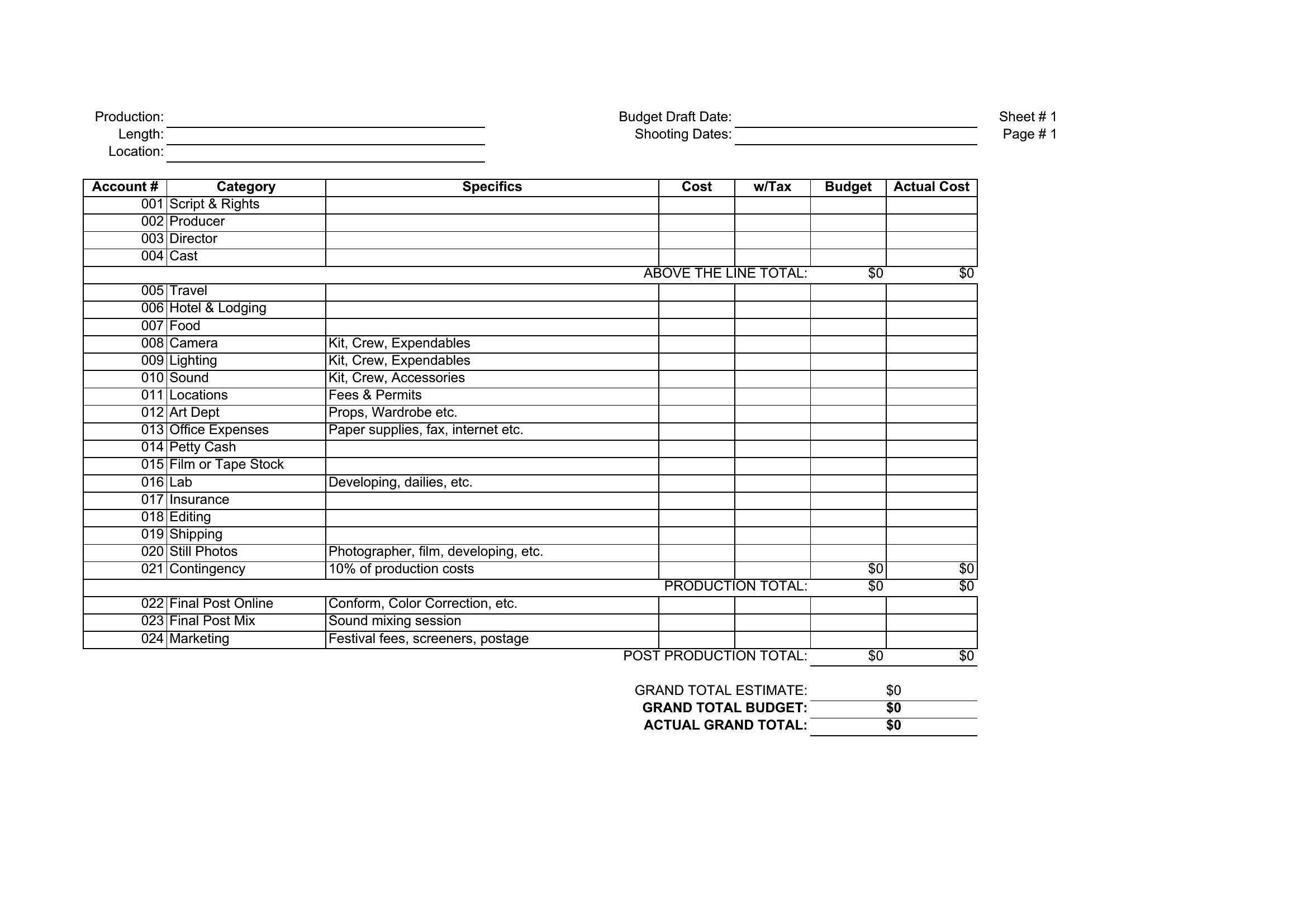
Line-item budgets break down every expense (e.g., camera rental, meal penalties) with specific dollar amounts, while top-line budgets show only high-level categories (e.g., ‘Production,’ ‘Post’) with total costs. Use line-item templates for precise tracking; top-line works for quick overviews or high-level pitches.
Do these templates include space for contingency funds or unexpected costs?
Most templates allocate a standard 5–10% contingency line in Excel formats, while Word versions often include a ‘Miscellaneous’ or ‘Unforeseen’ section. Adjust percentages based on your project’s risk—documentaries may need more for travel delays, while controlled sets can use lower buffers.
Can I use these to reconcile actual spending against the budget mid-production?
Yes, the Excel templates are designed for this—simply add a second tab labeled ‘Actuals’ and use formulas like =Budget-Spent to track variances. Word templates aren’t ideal for live reconciliation but can display side-by-side comparisons if you manually input figures.
Comments
Join the conversation
Sign in to share your thoughts and leave a comment on this resource.