FAQ
Can I include non-standard drink names like ‘smash’ or ‘fizz’ in these templates without running into layout issues?
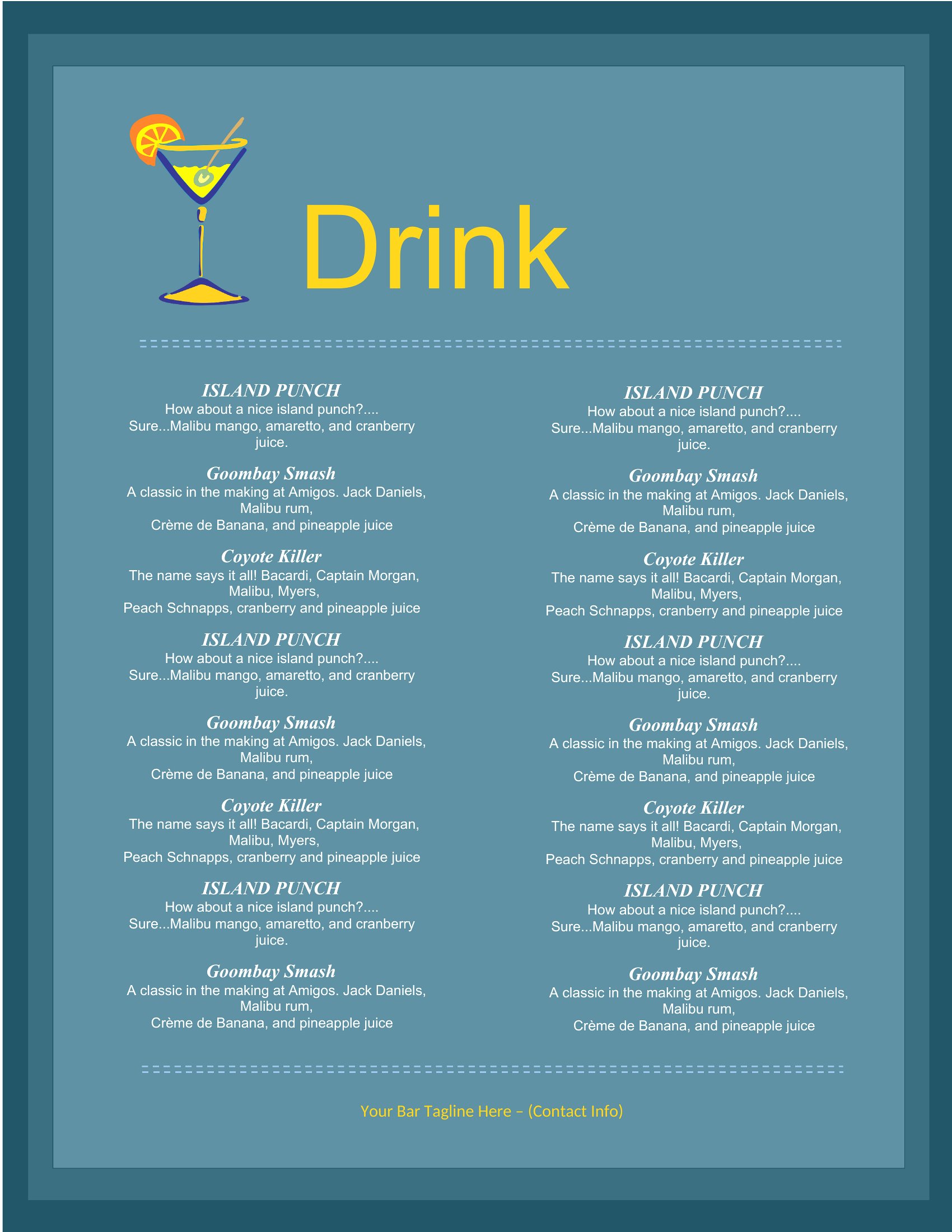
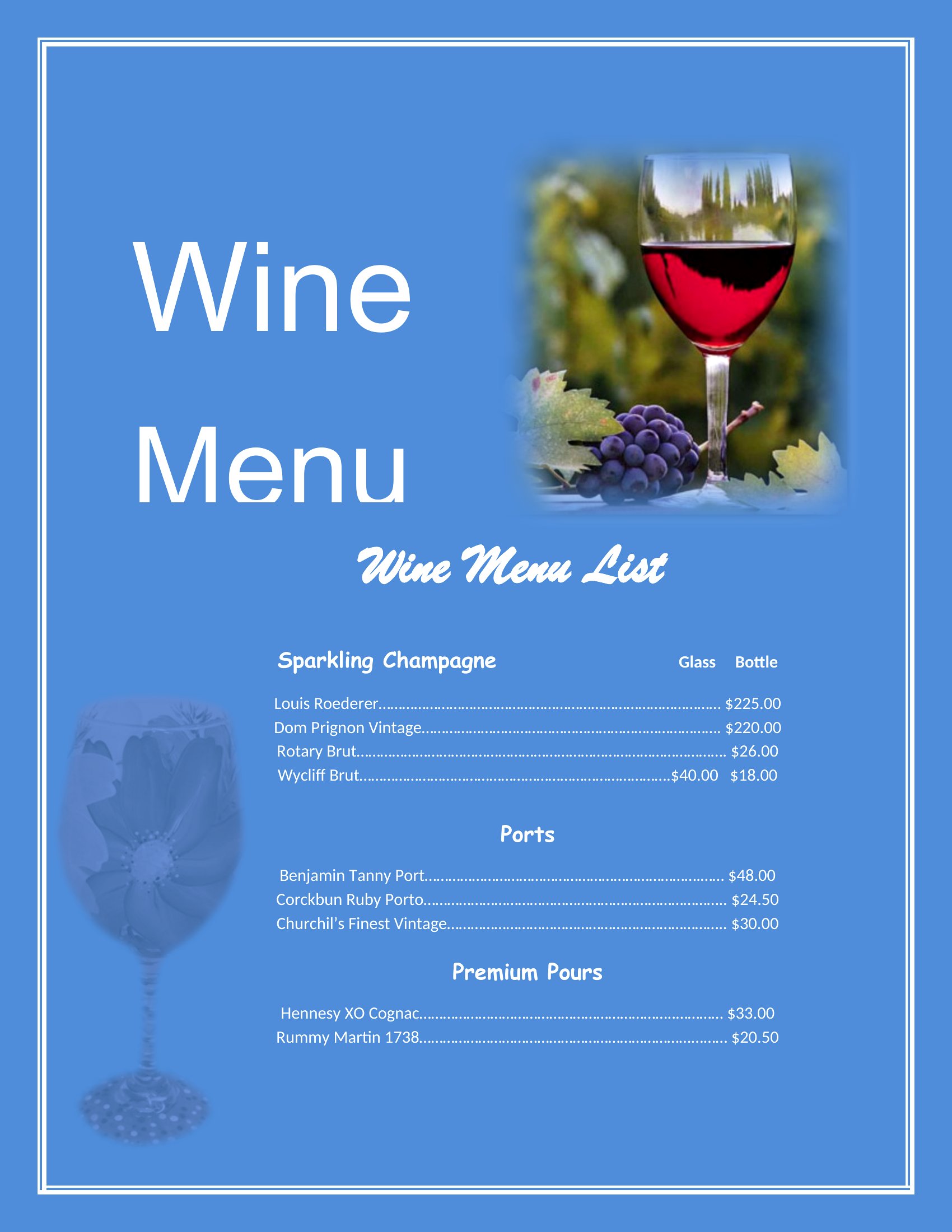
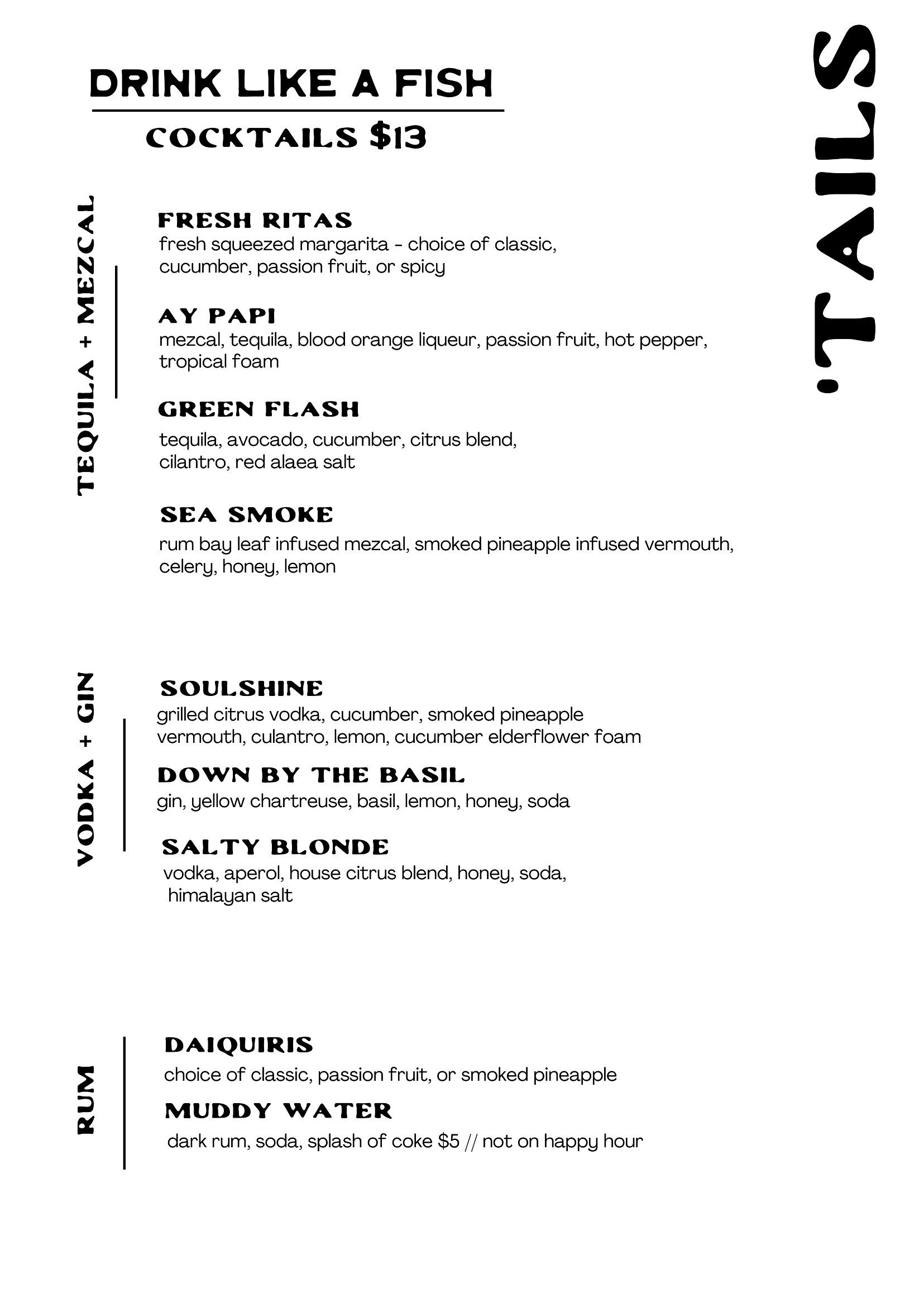
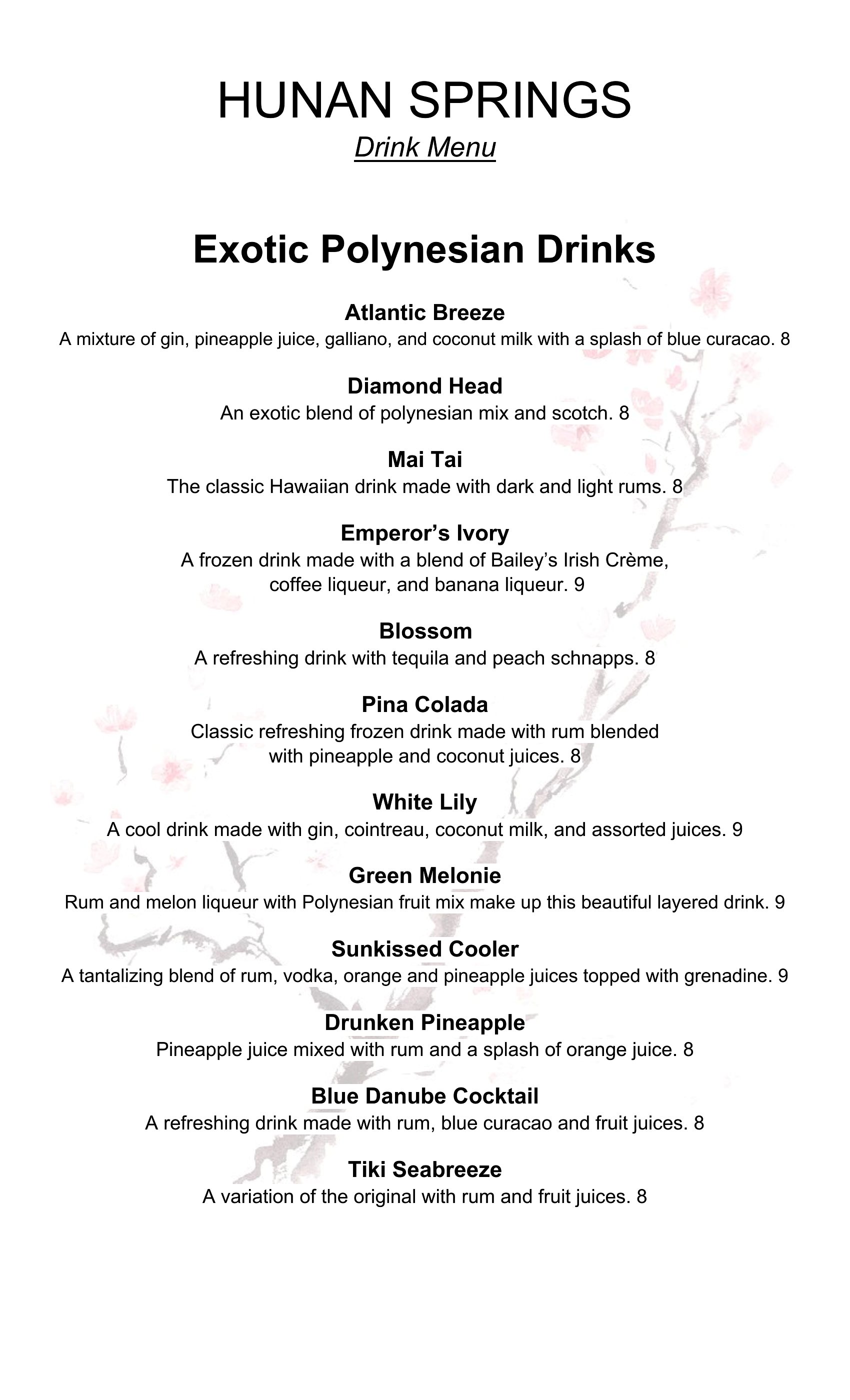
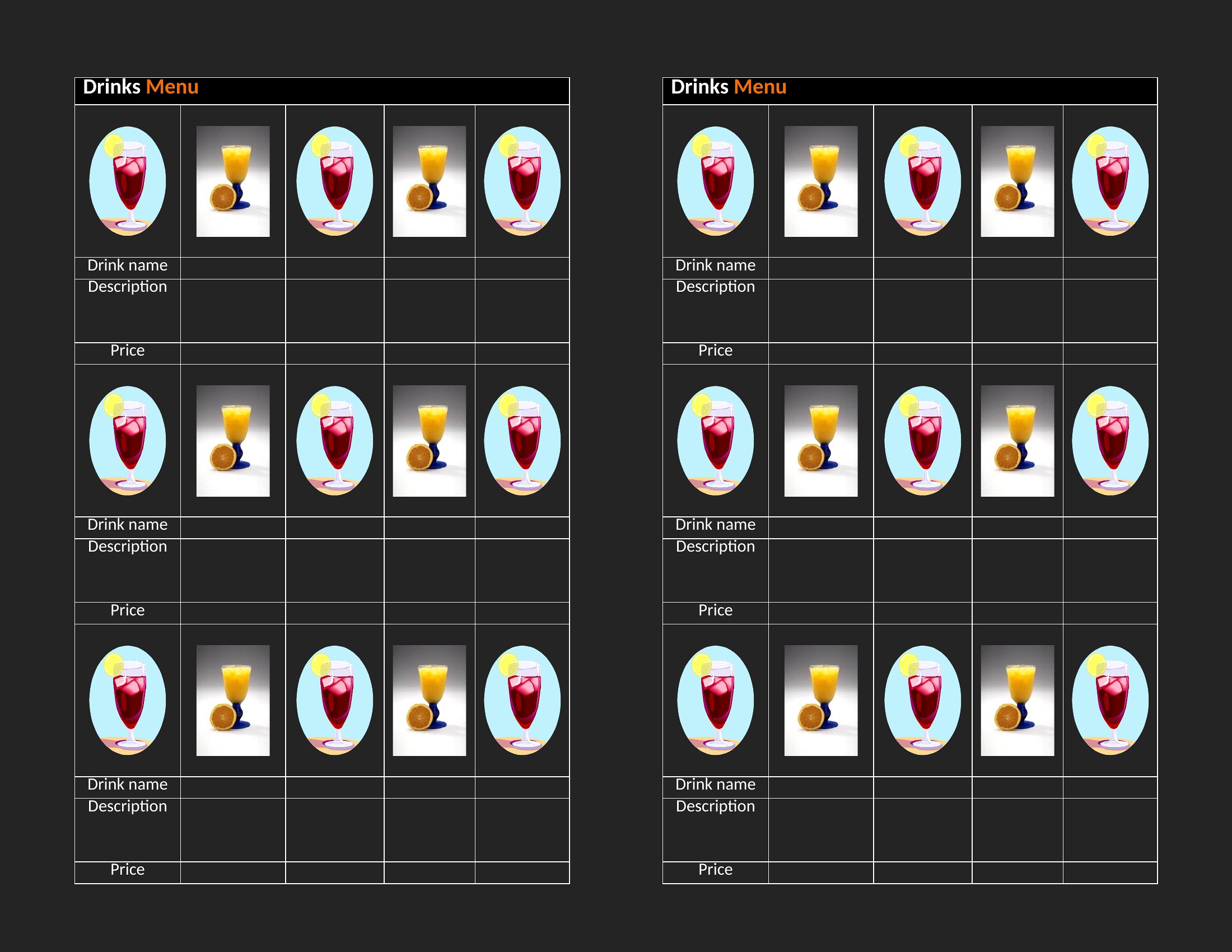
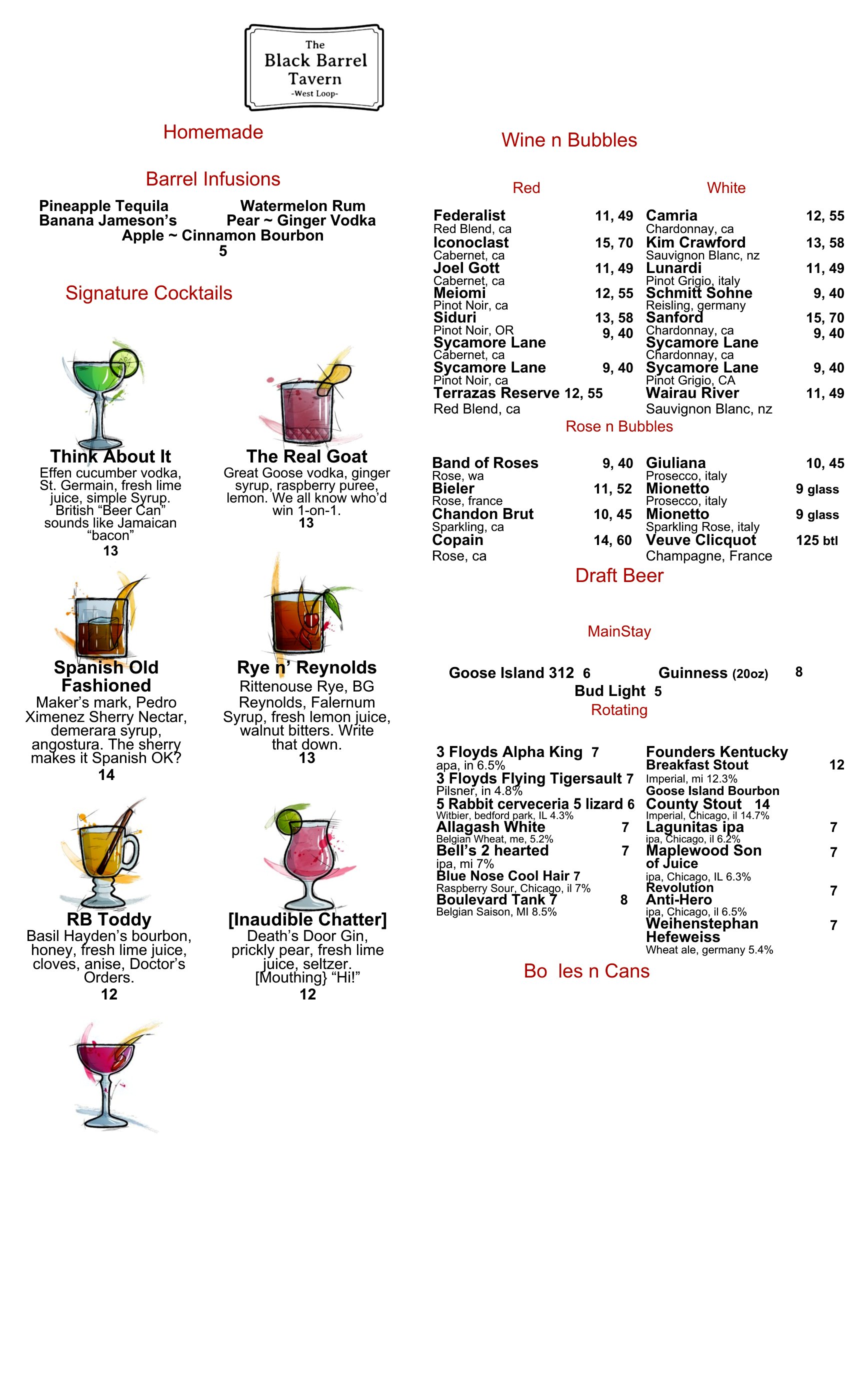
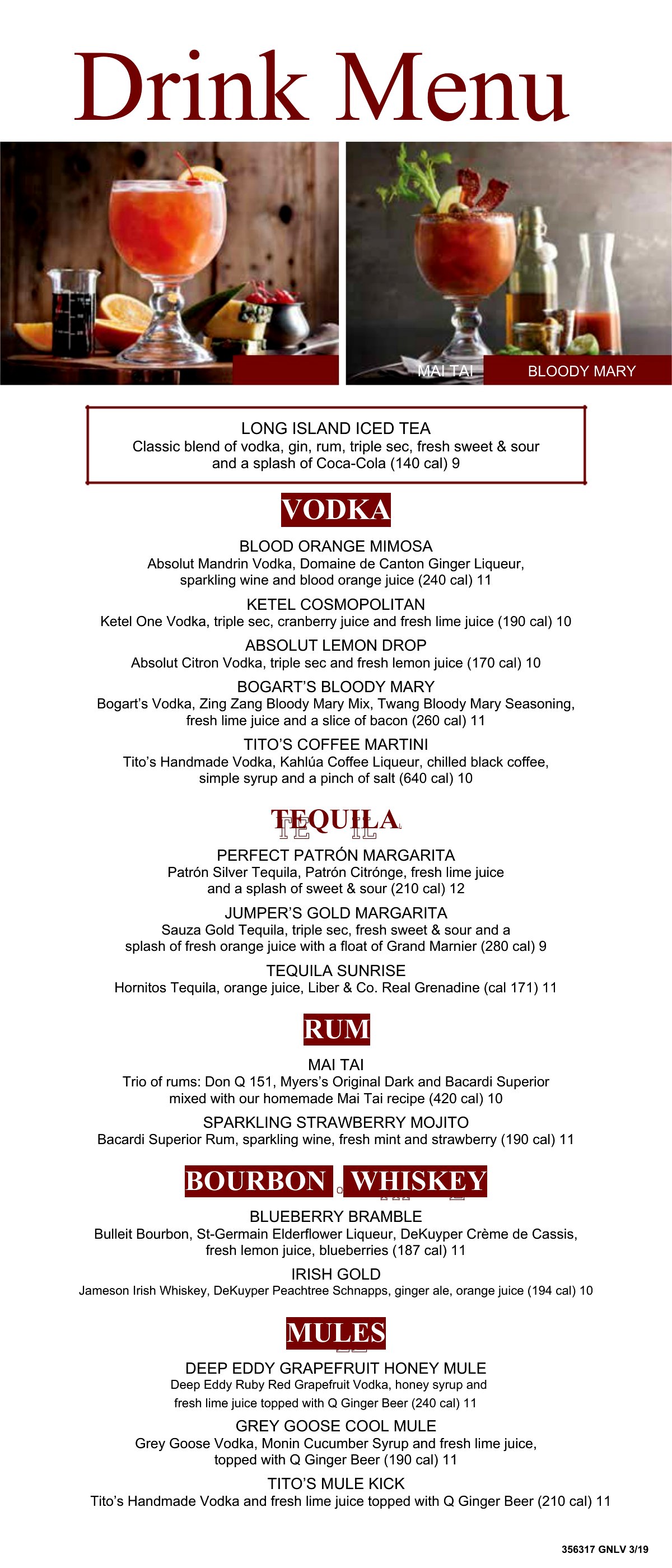
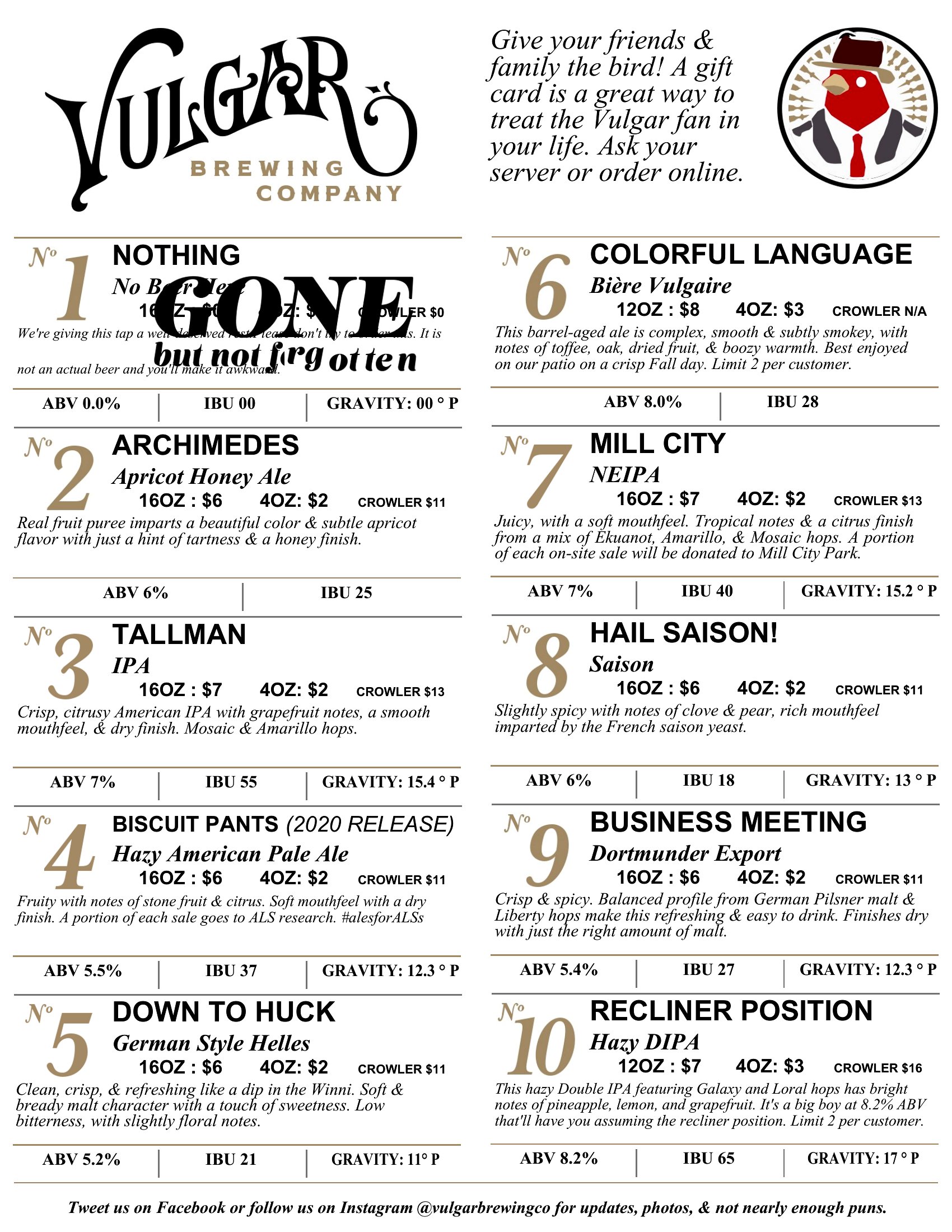
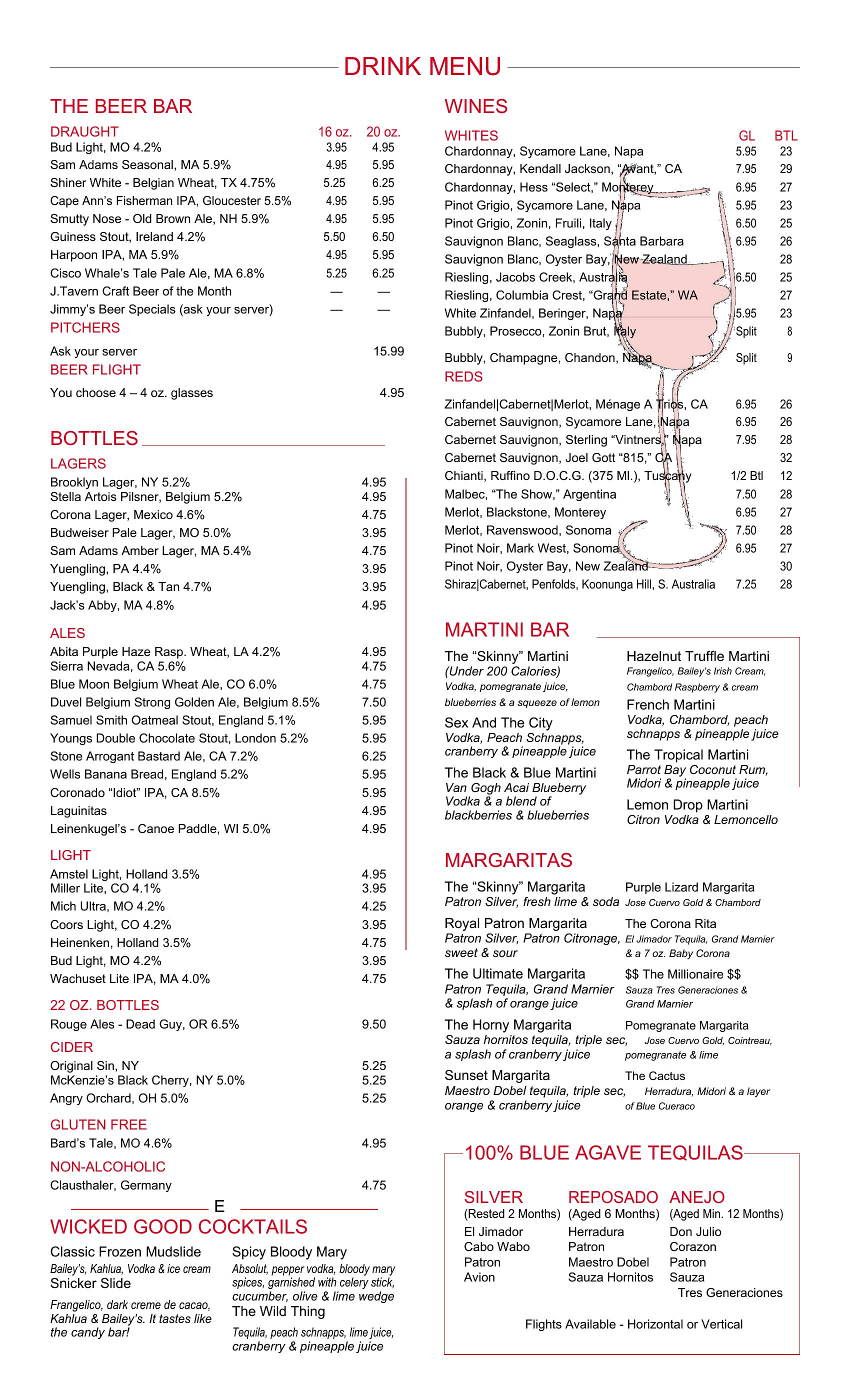
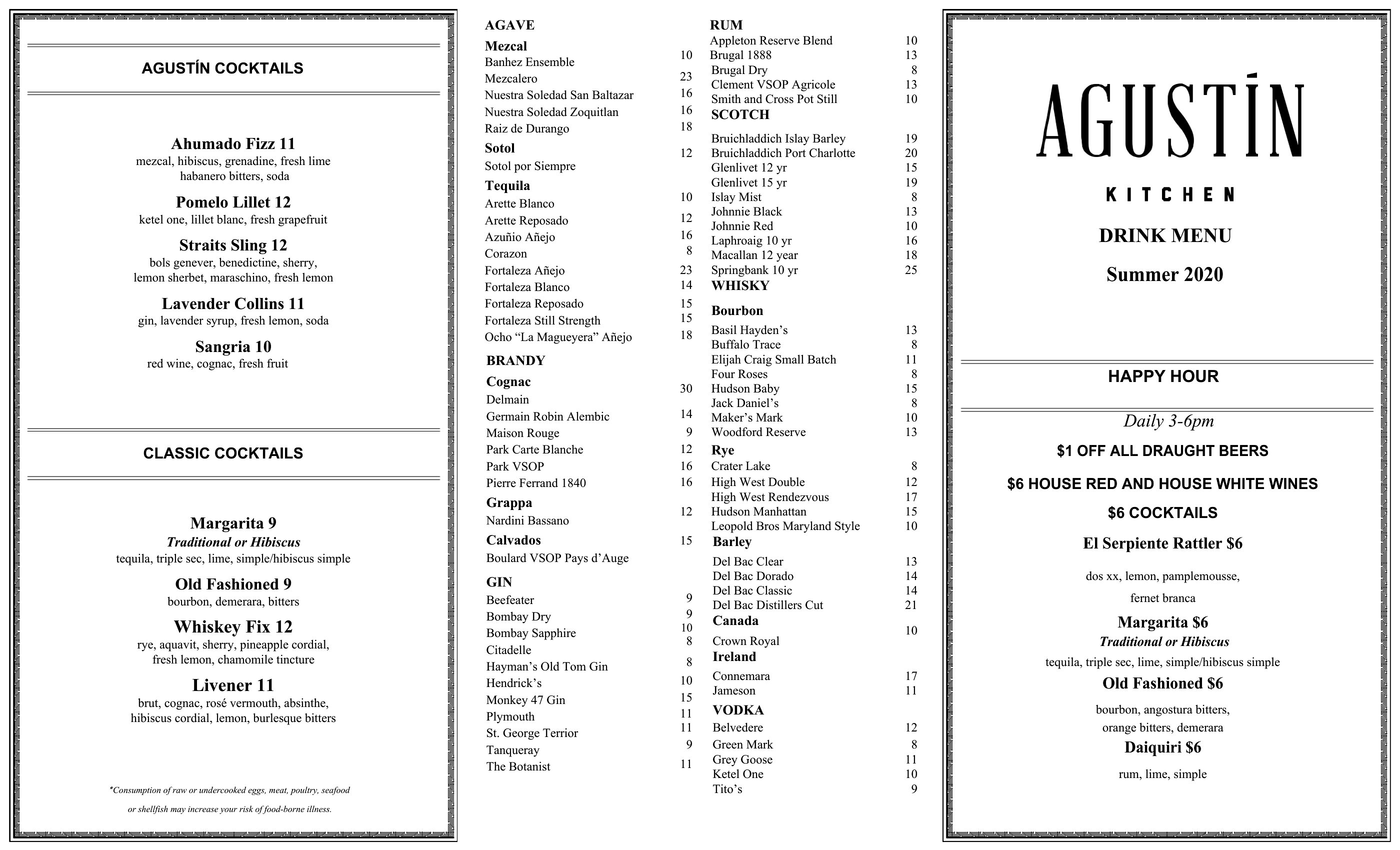
Yes, these templates accommodate longer or uniquely styled drink names by offering flexible text boxes and columns. For example, the ‘Drink Menu Template Word’ includes adjustable spacing so you can list creative cocktails without crowding. Preview the layout with your full menu text before printing to ensure readability.
How do I make the menu look professional if I’m not a designer? Are there templates that avoid clipart or overly trendy fonts?
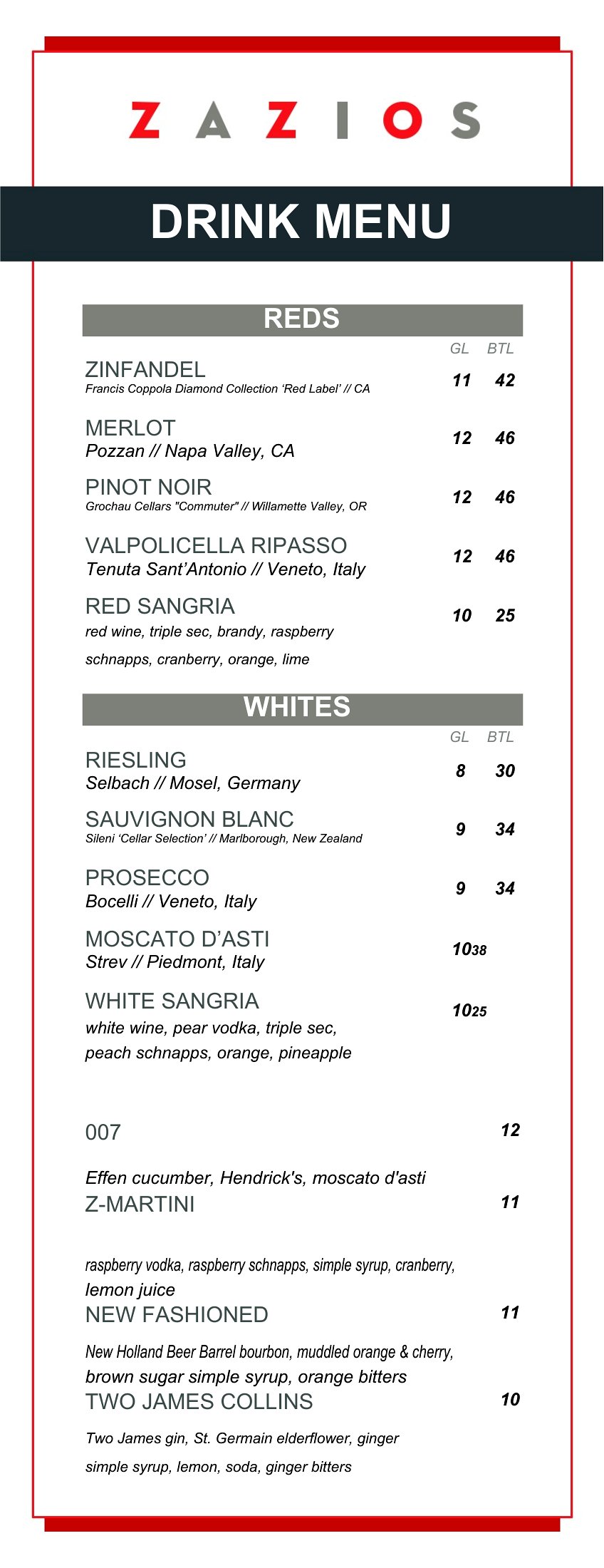
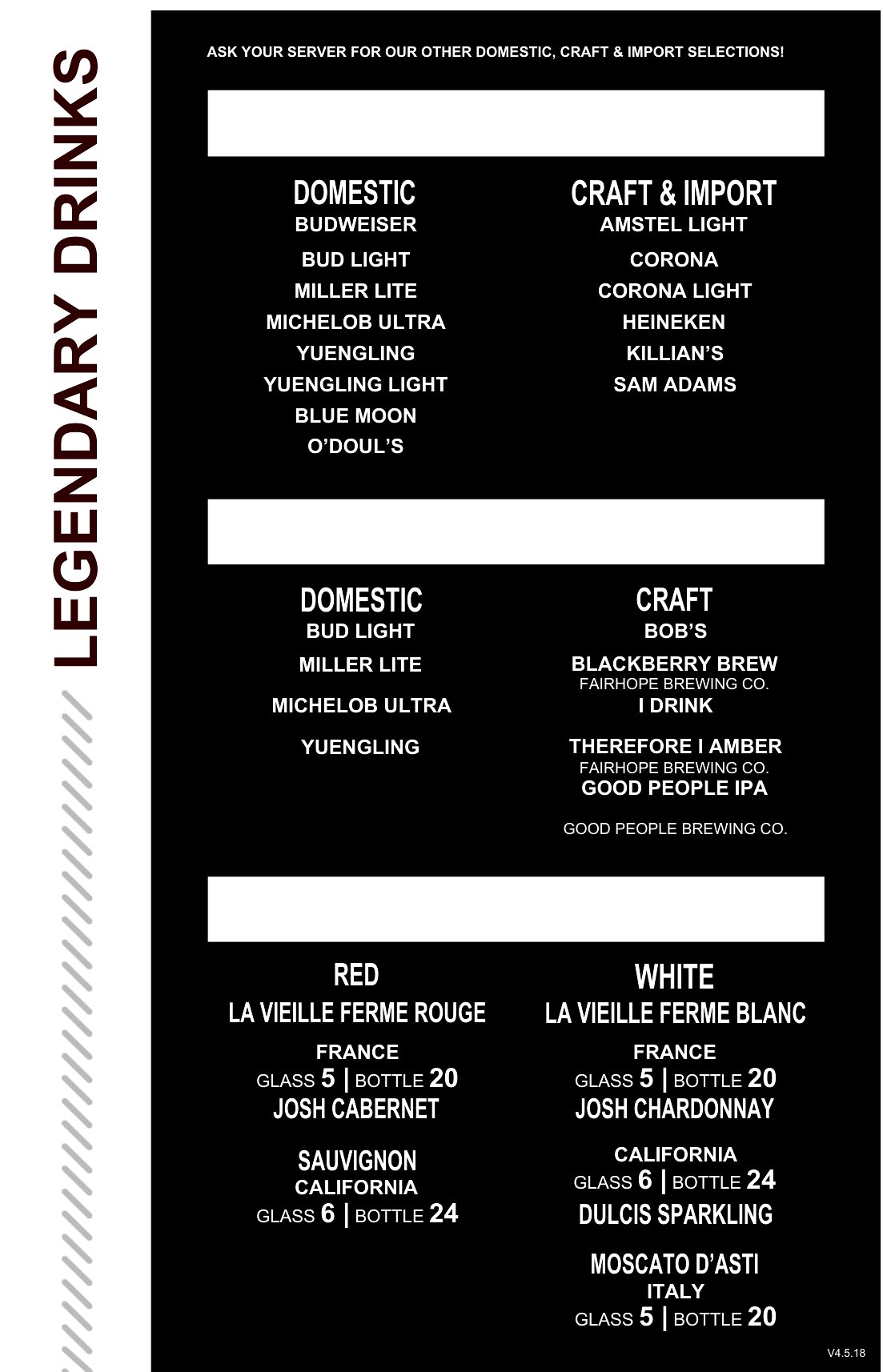
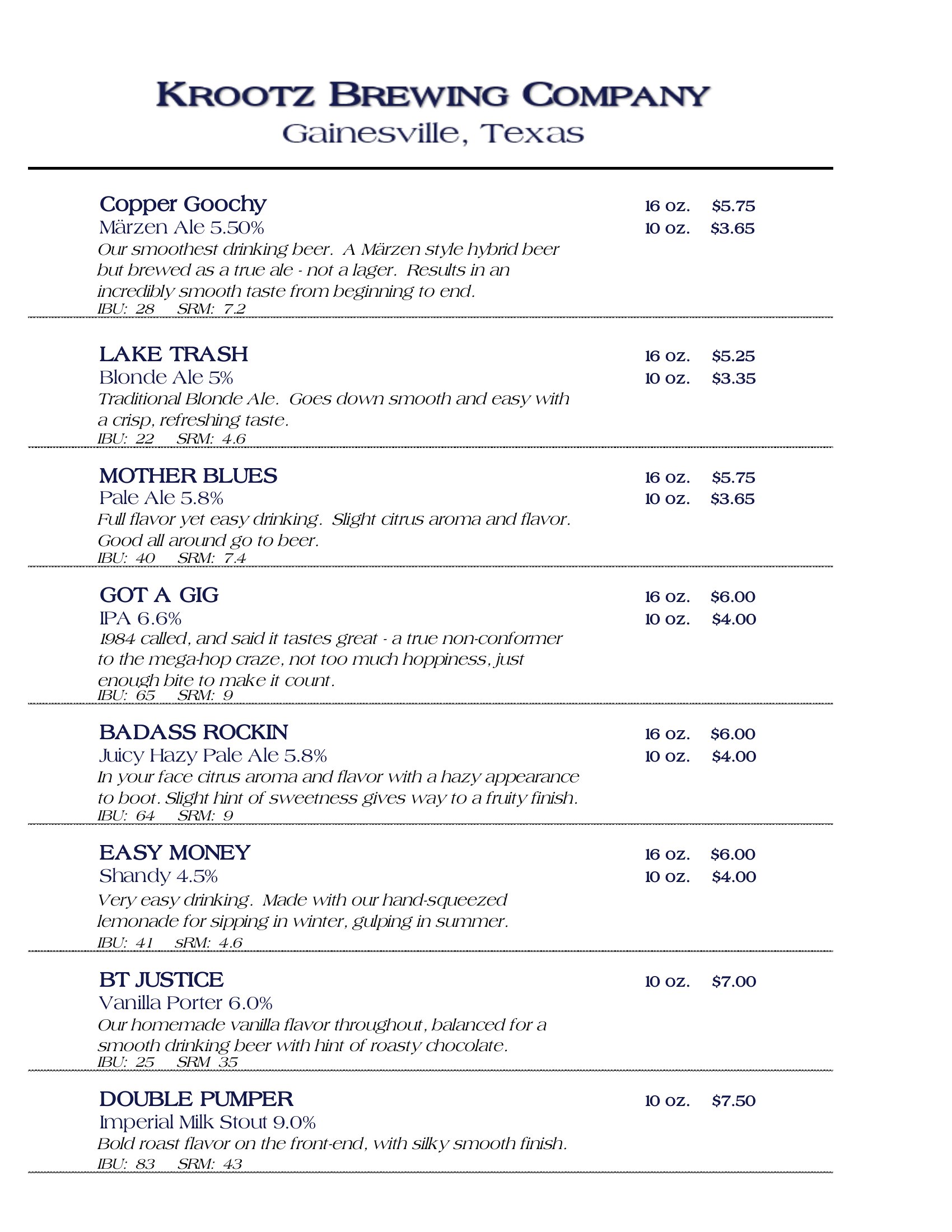
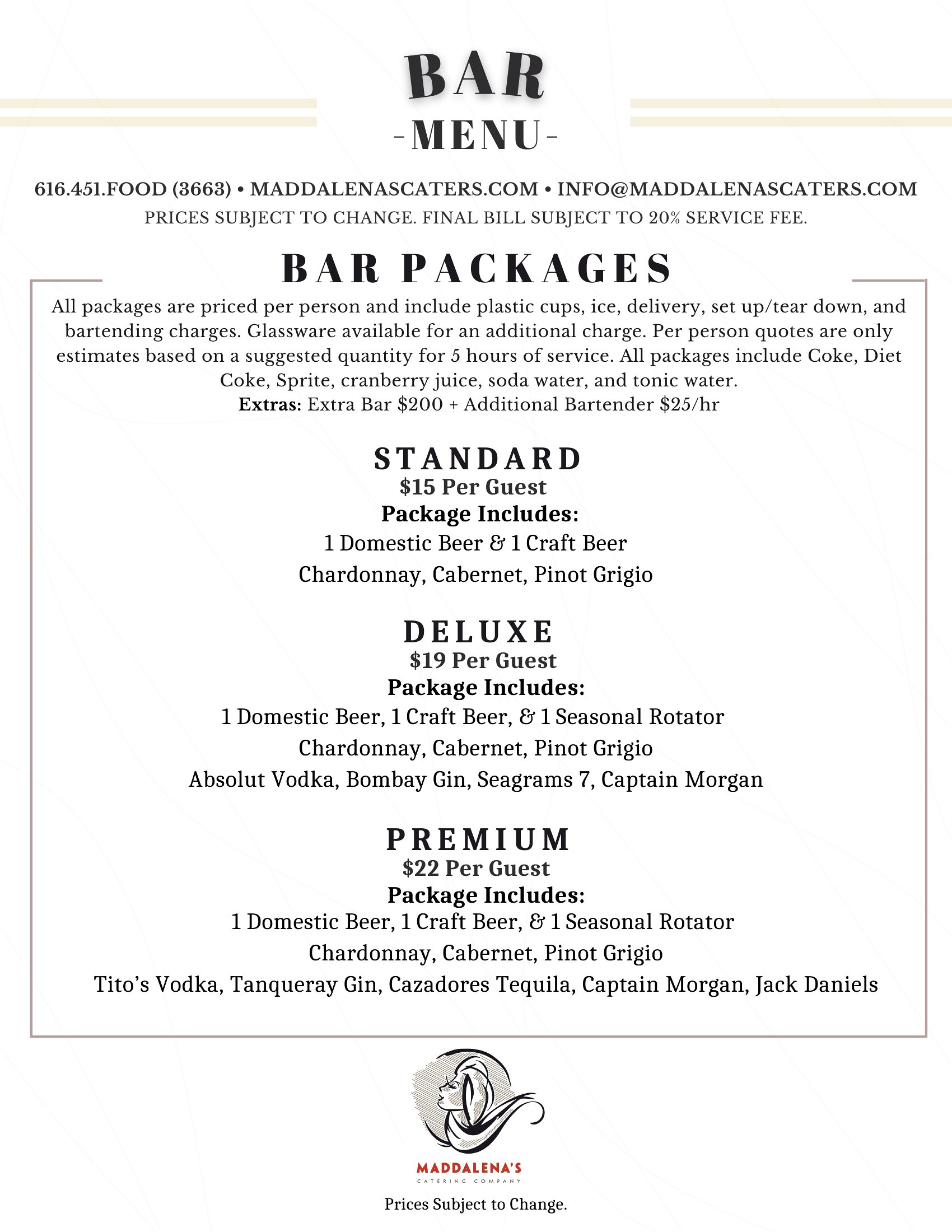
Stick to the minimalist or classic templates in this collection, like ‘Drink Menu Template Word’ or ‘Blank Printable Drink Menu Template,’ which use clean typography and subtle borders. Stick to 2–3 fonts max (one for headings, one for body) and ensure your drink photos—if included—are high-resolution but not overwhelming. Save time by using built-in Word styles or PDF templates with professional color palettes.
What’s the best way to organize a menu for a venue that serves both alcoholic and non-alcoholic drinks to avoid confusion?
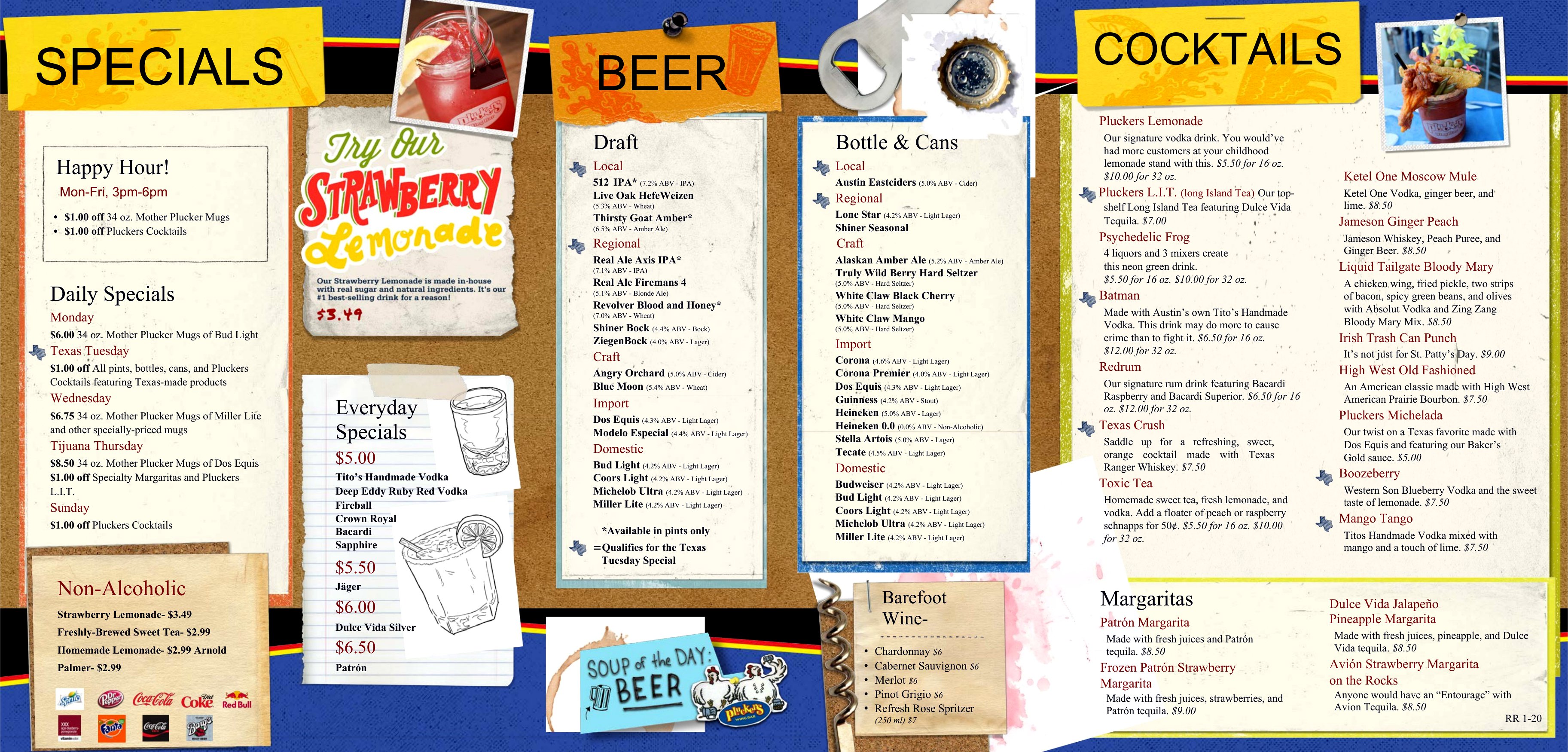
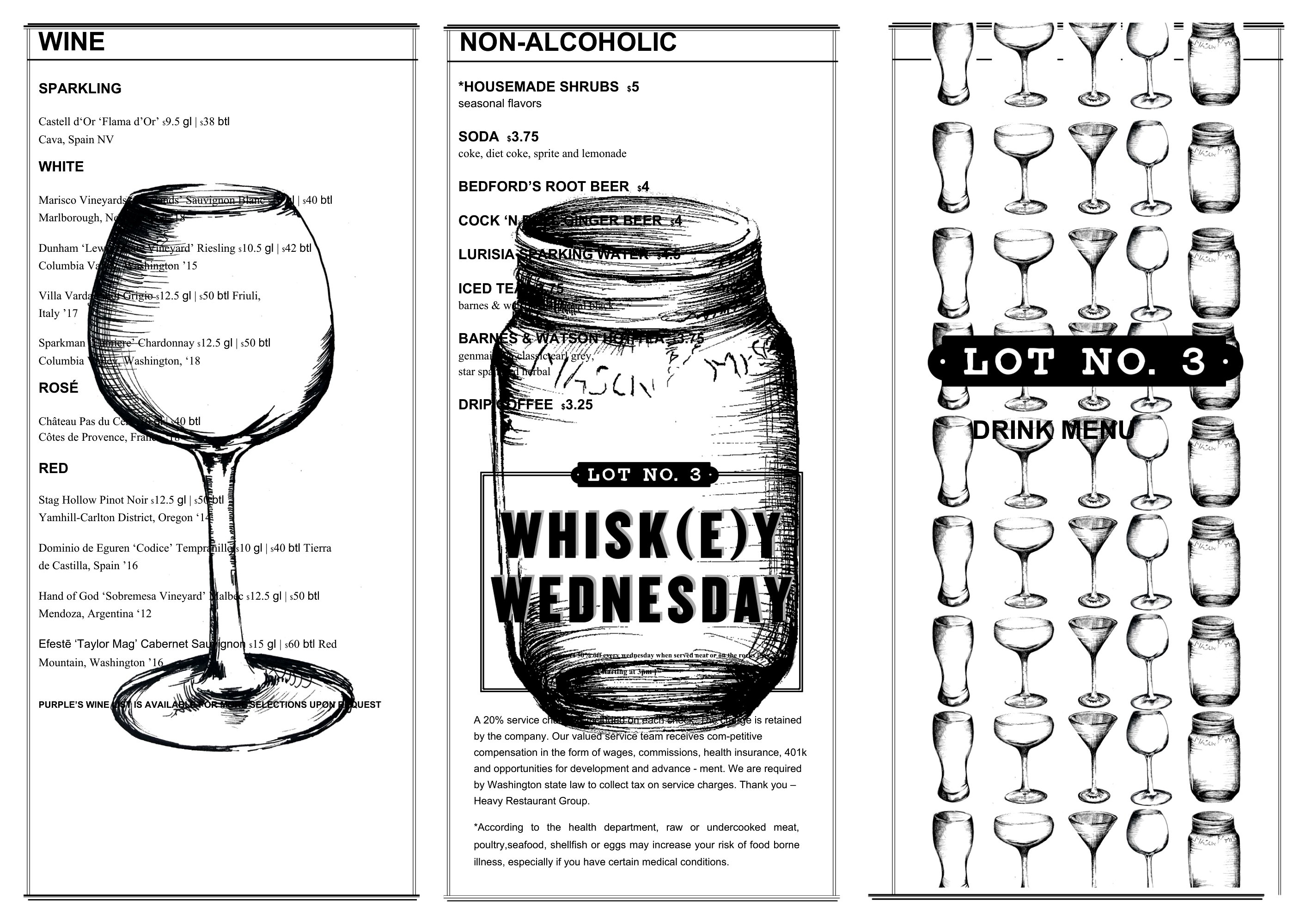
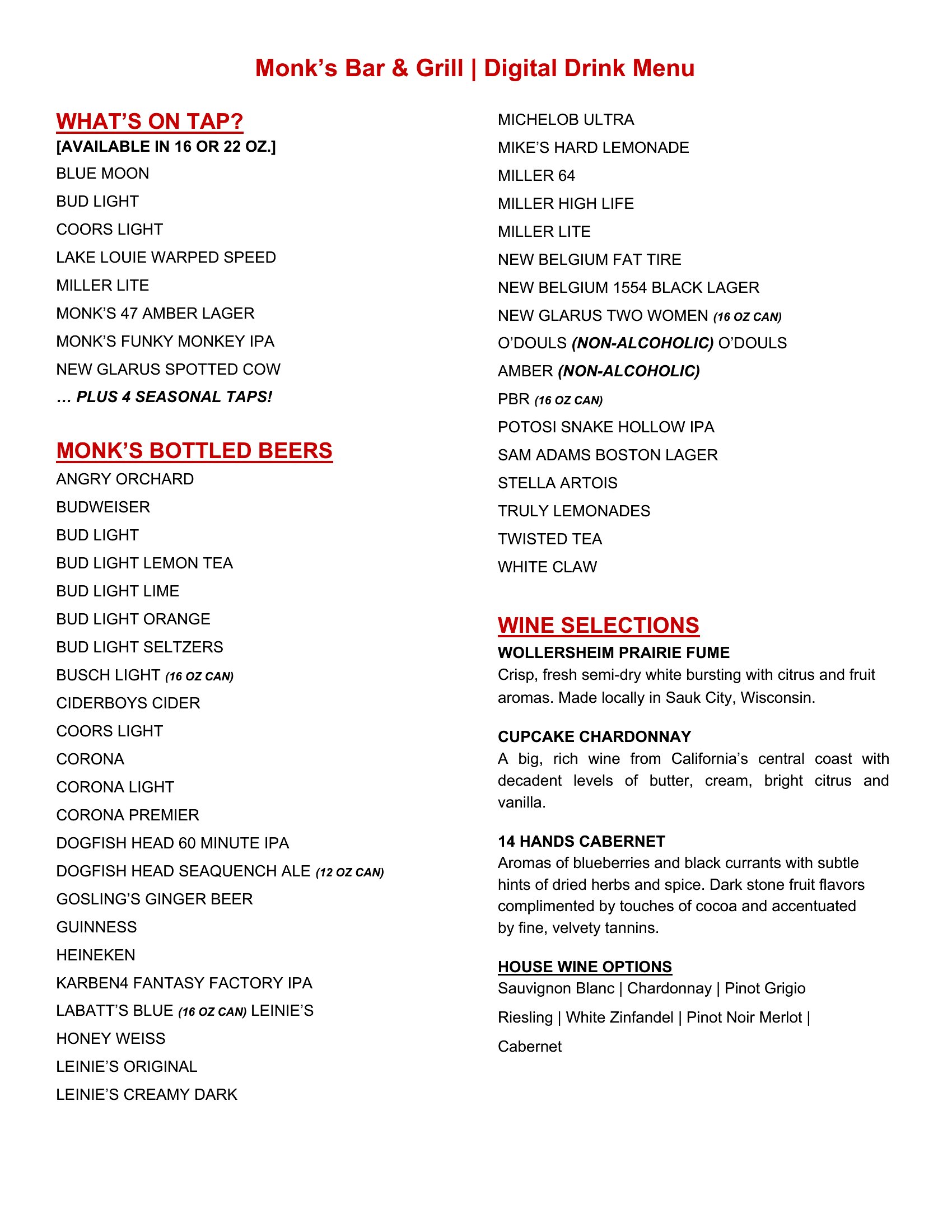
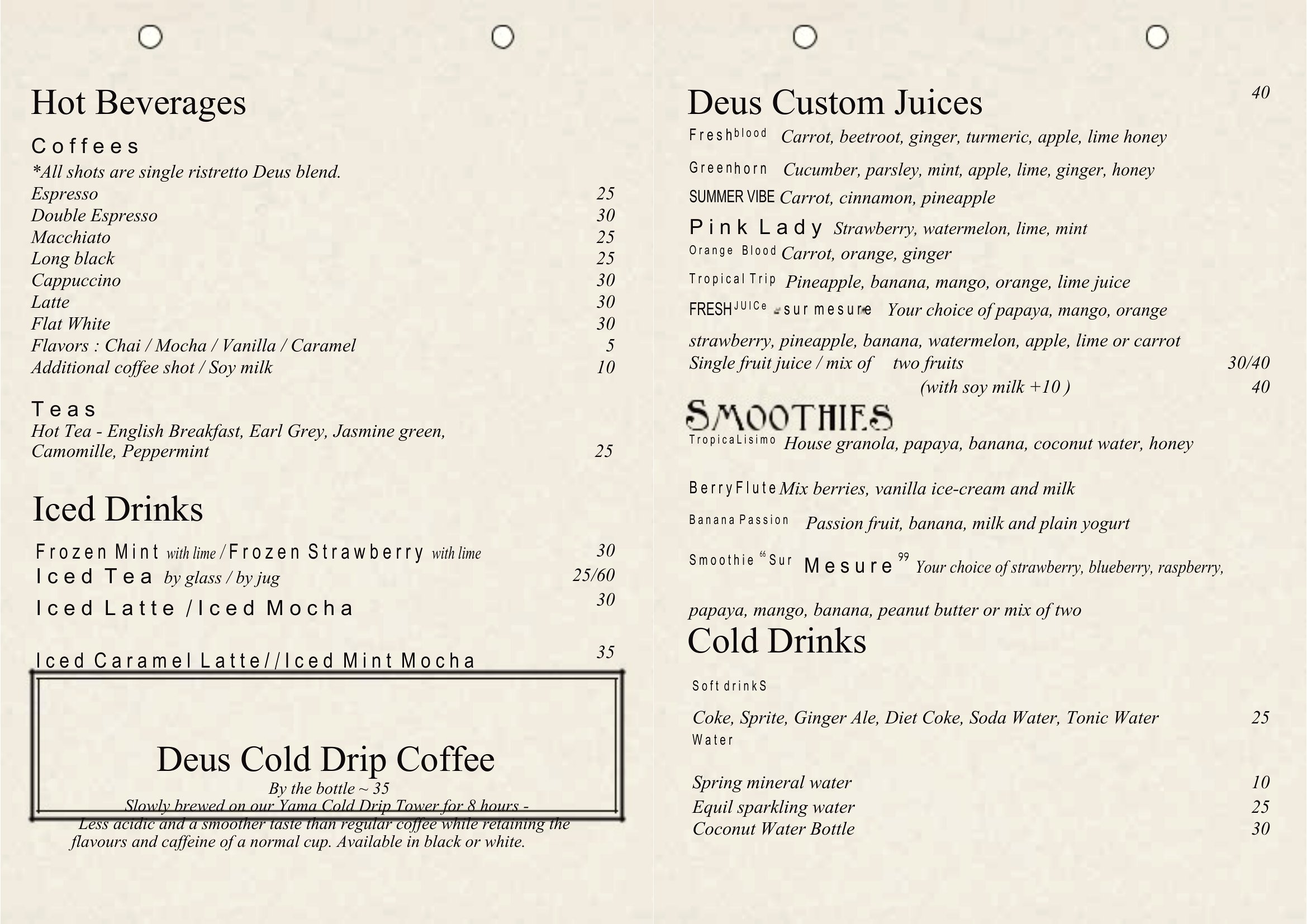
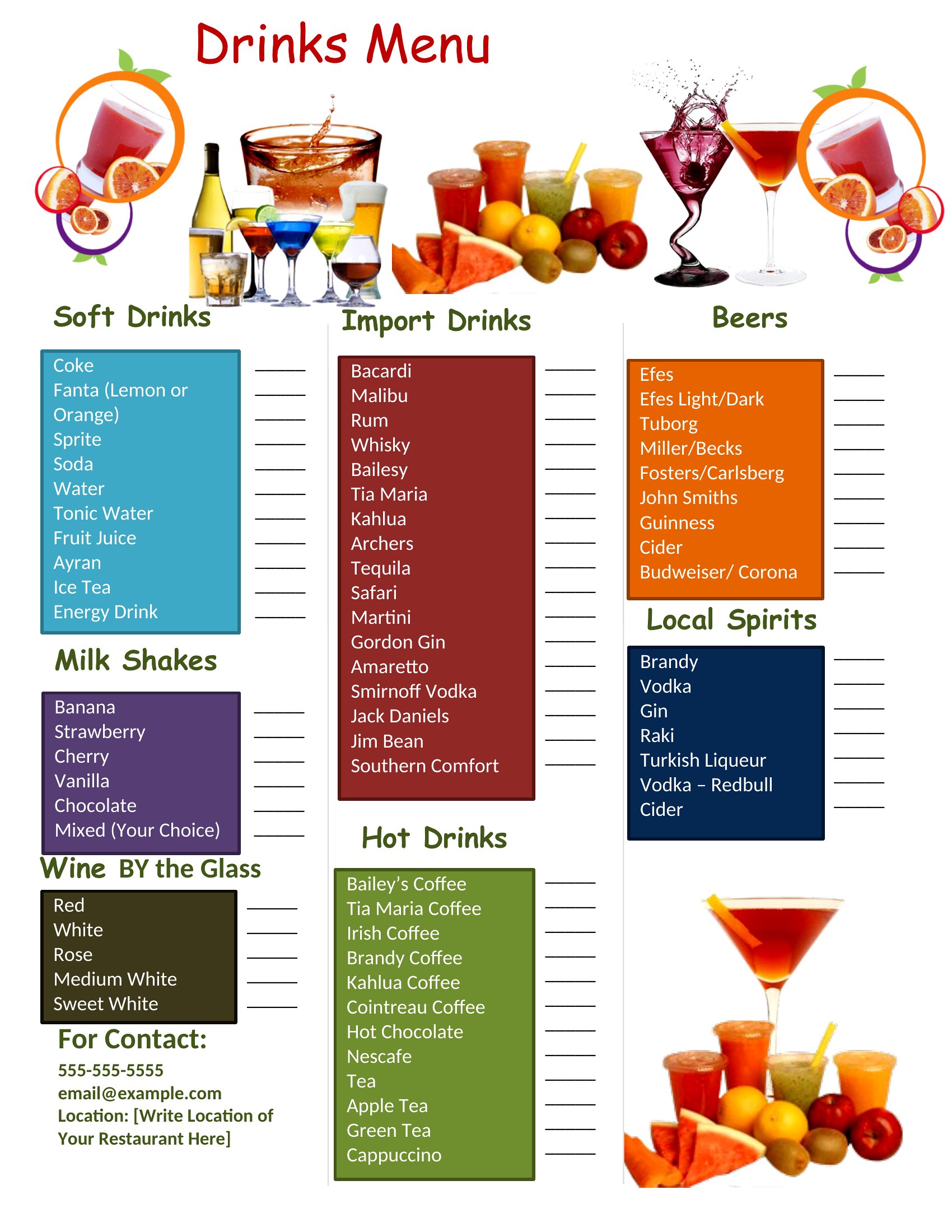
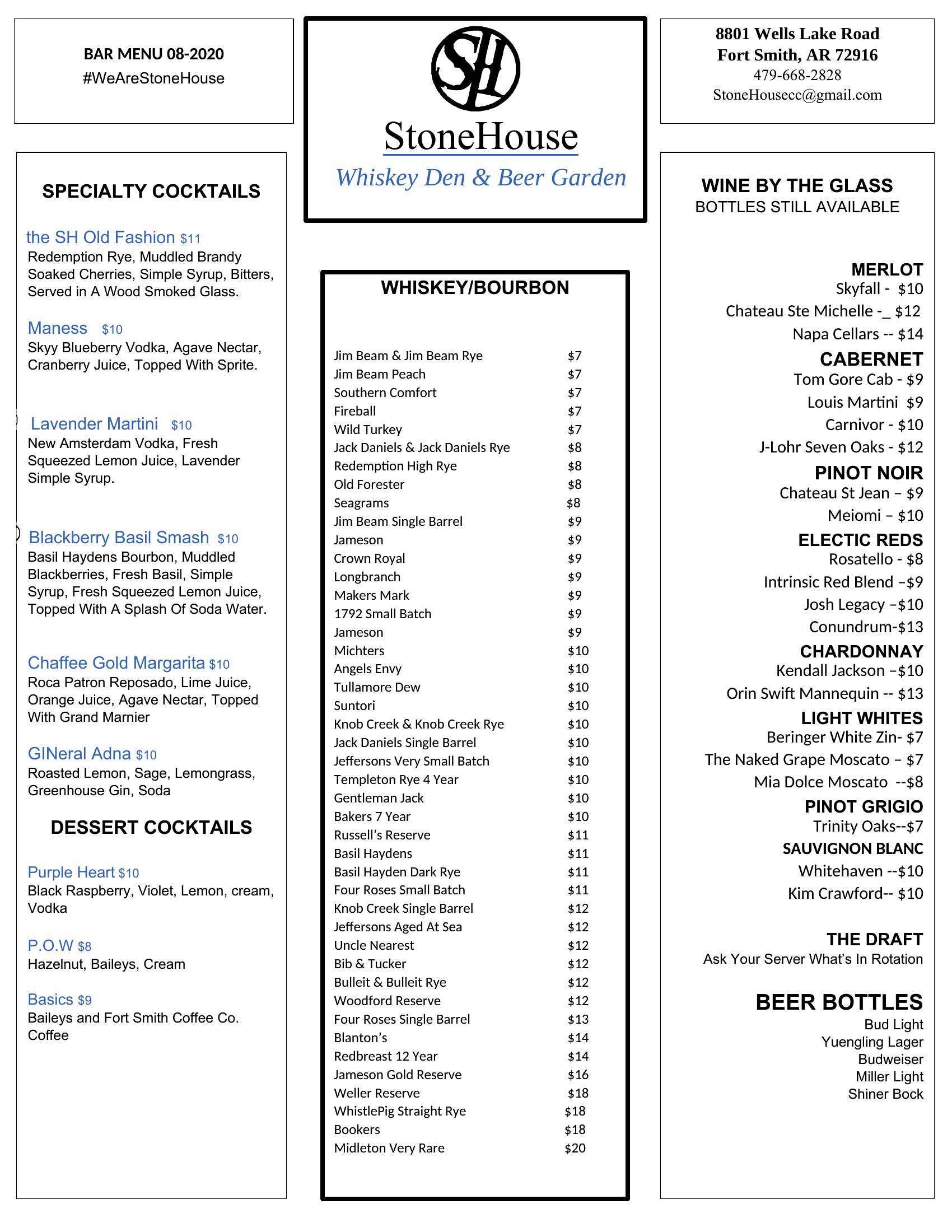
Use a two-column or sectioned layout to separate categories clearly. For example, the ‘Coffee Drink Menu Template’ in this collection shows how to dedicate one side to espresso-based drinks and the other to milk alternatives. Label sections simply—like ‘Non-Alcoholic’ or ‘Mocktails’—and consider using a distinct but complementary color for the non-alcoholic side to make scanning easier for guests.
Comments
Join the conversation
Sign in to share your thoughts and leave a comment on this resource.