Free Catalog Templates (Word)
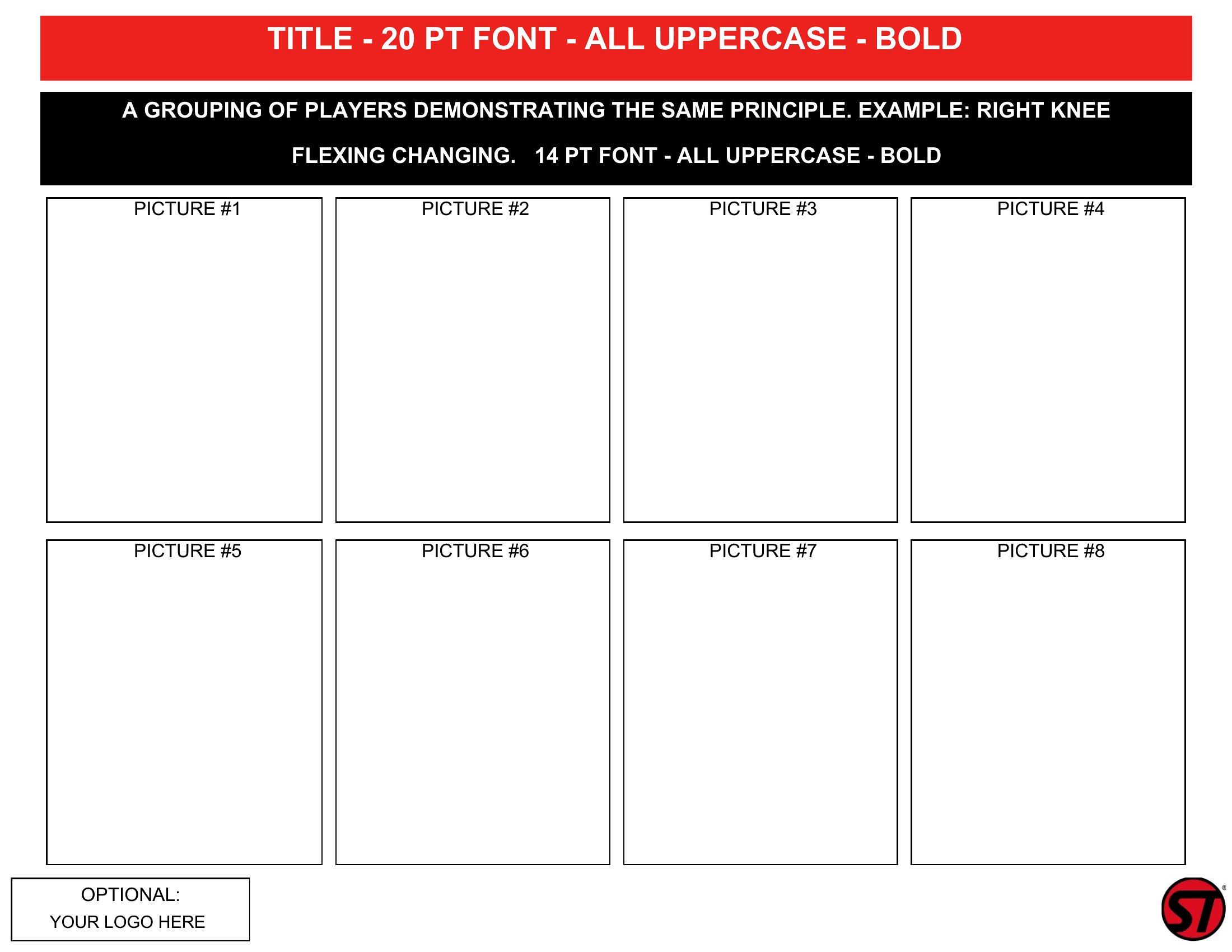
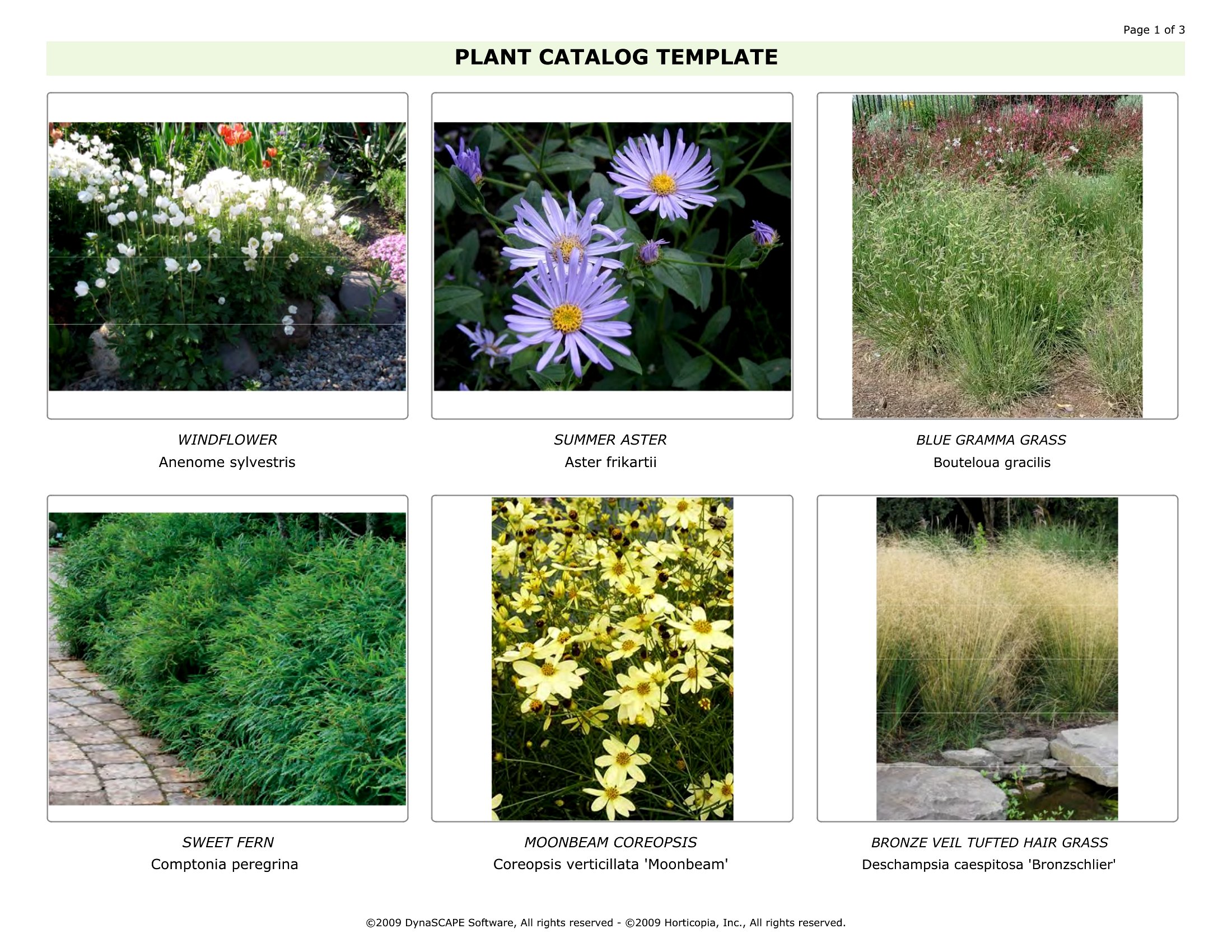
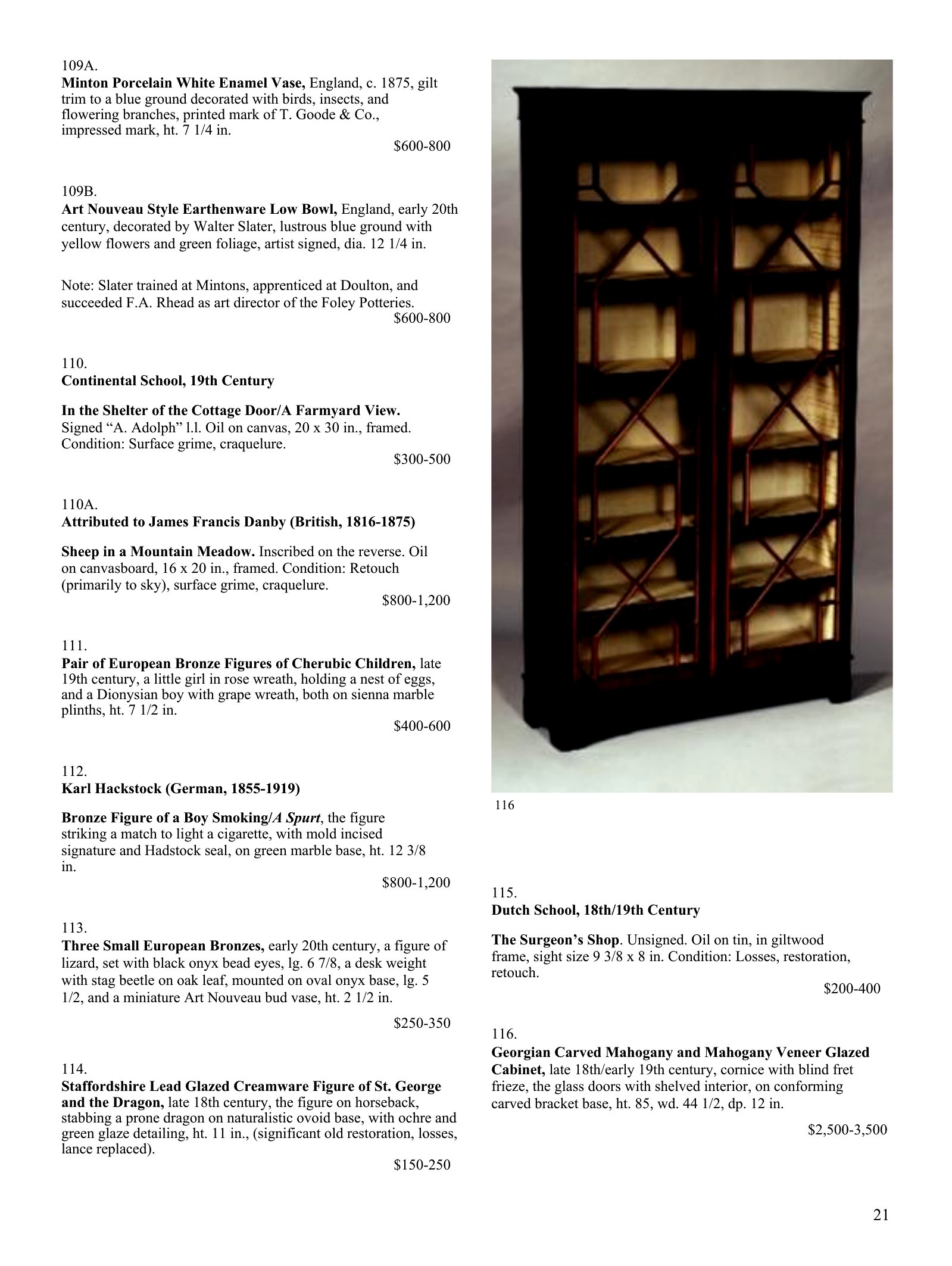
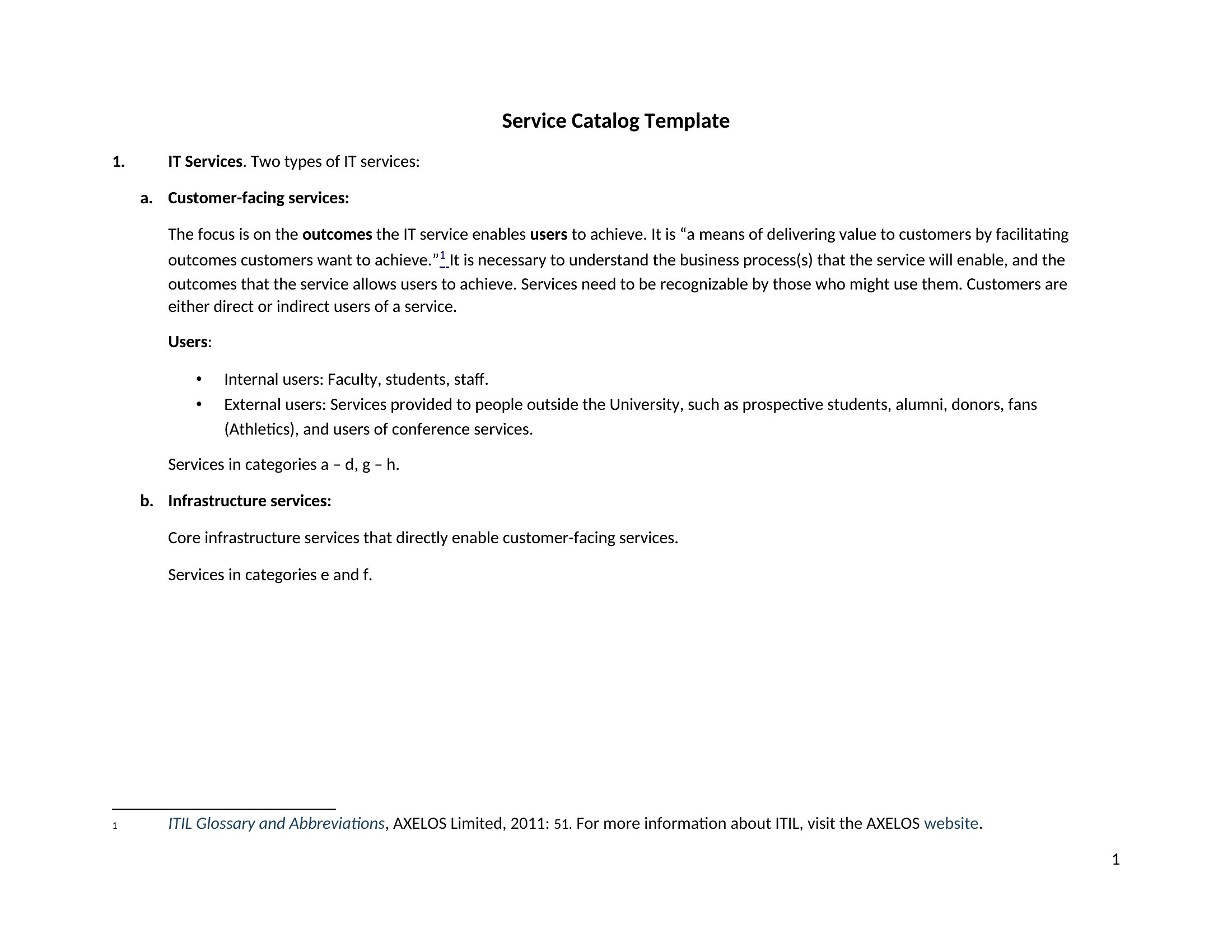
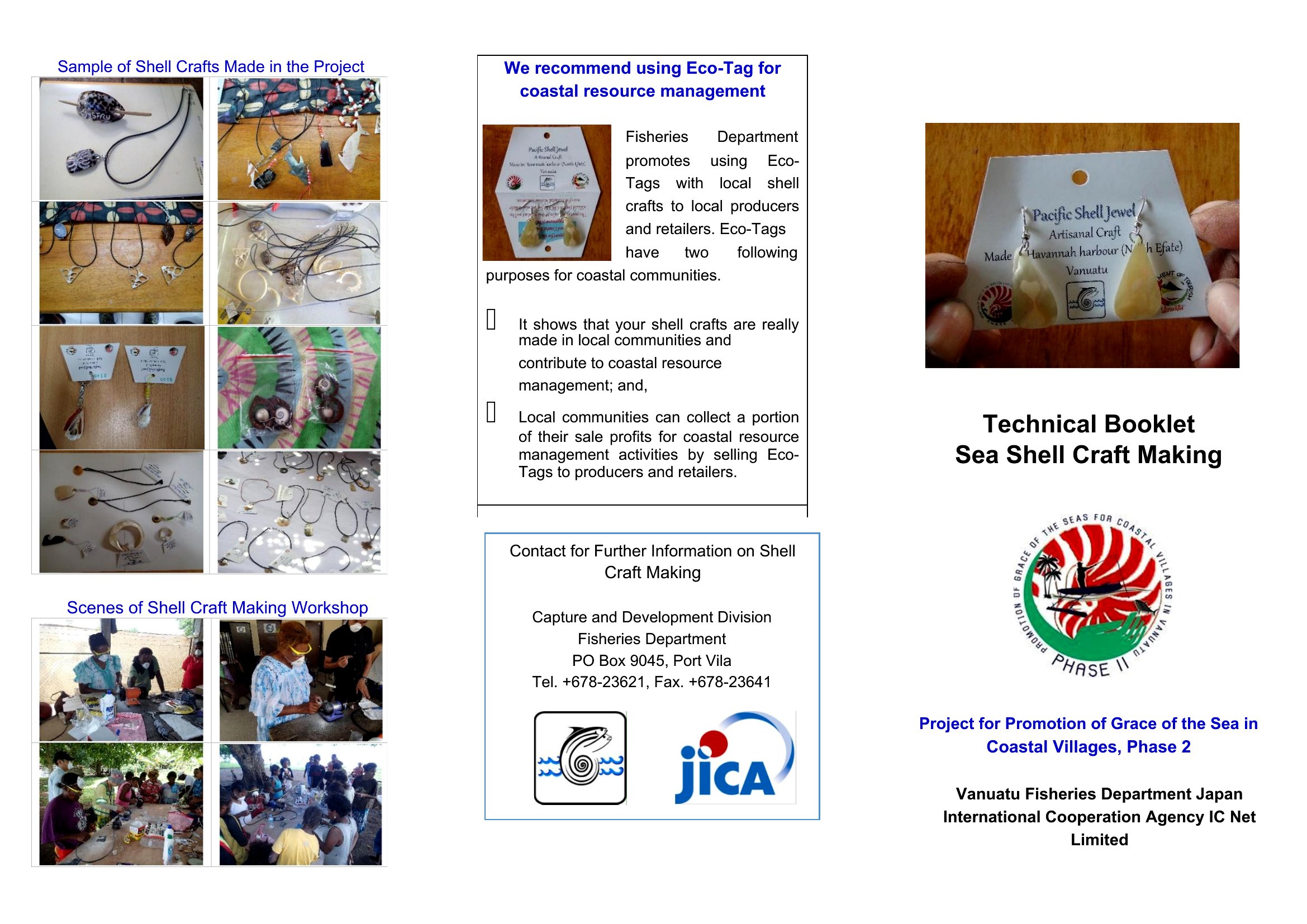
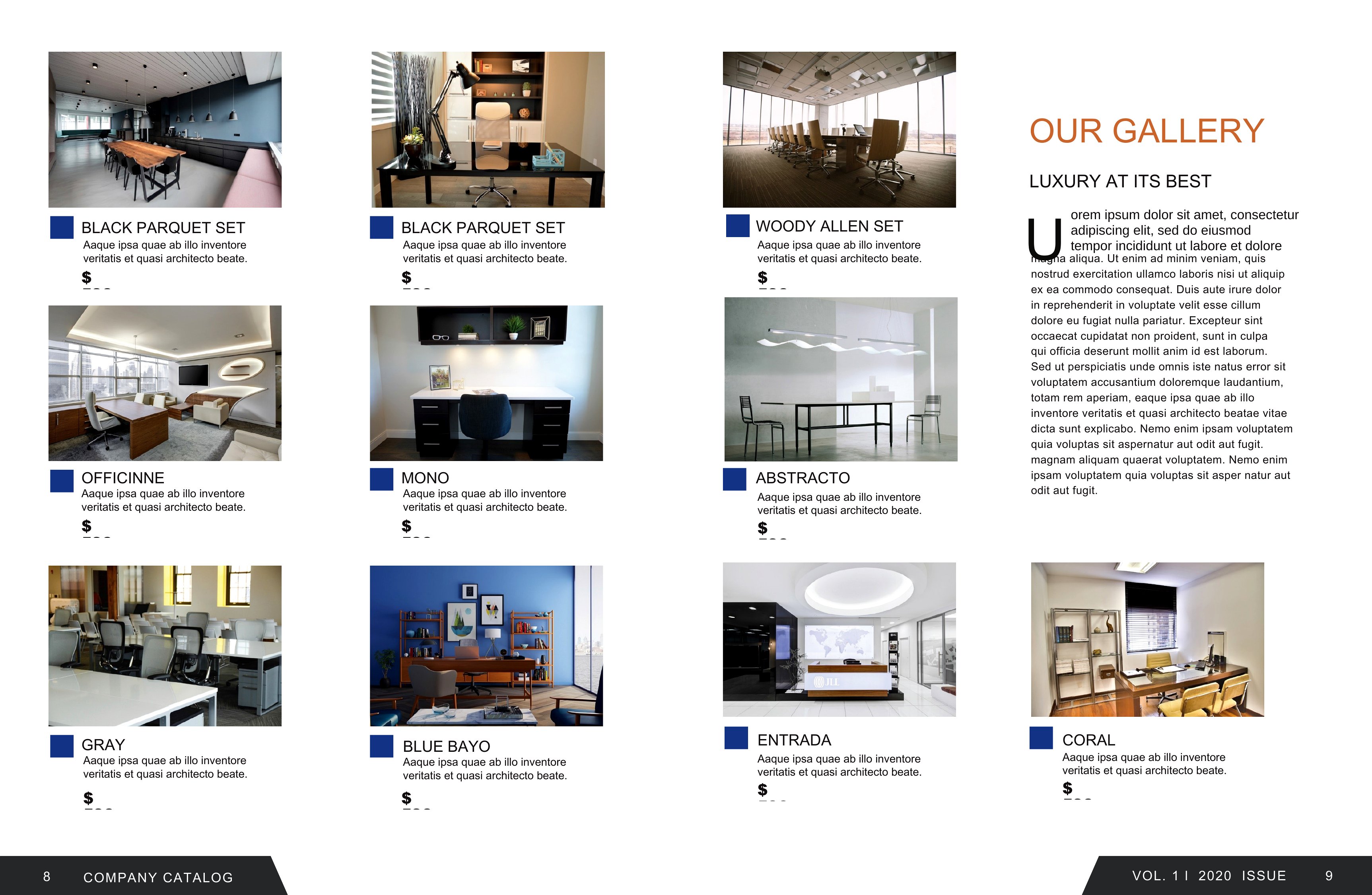
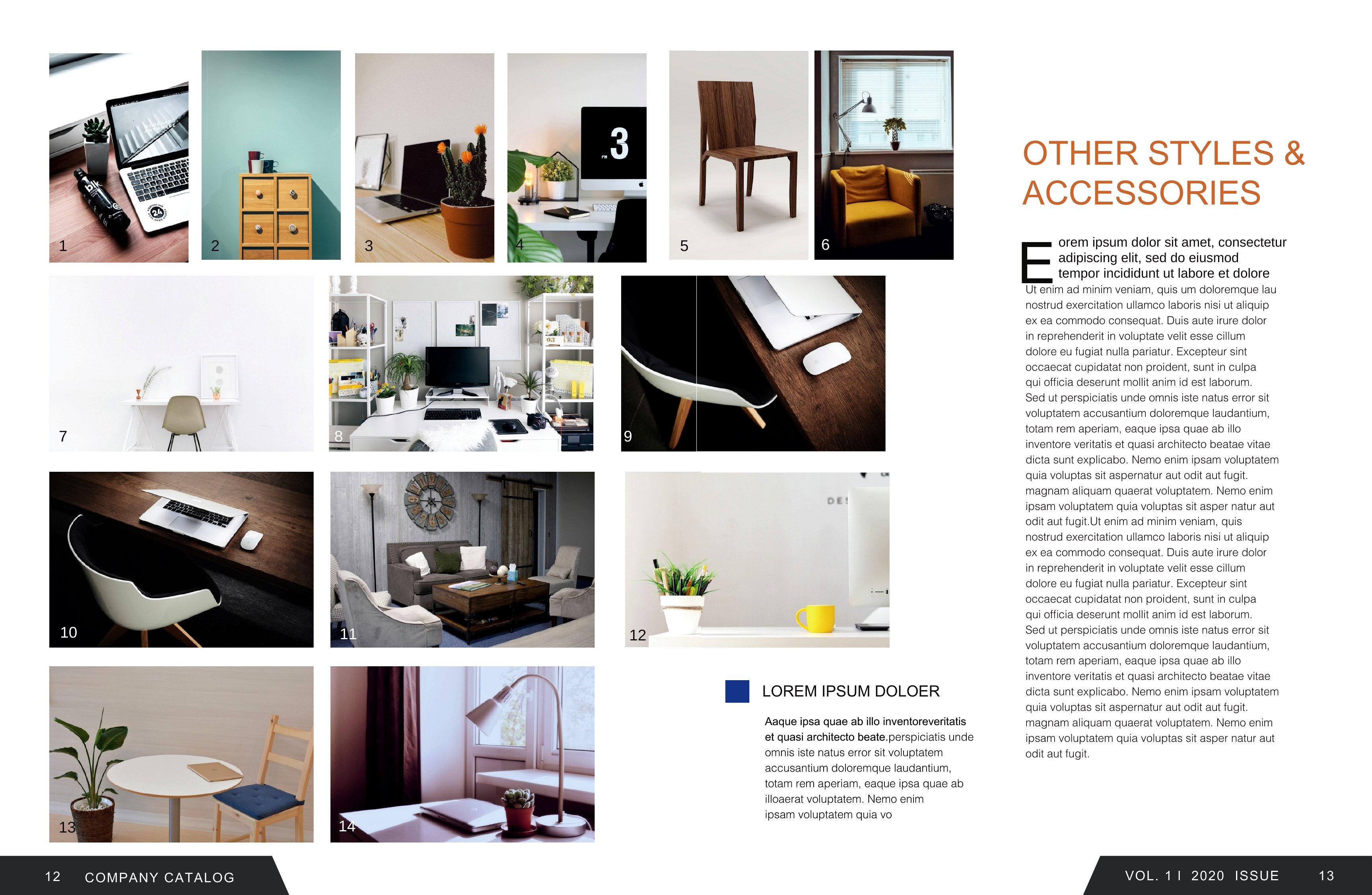
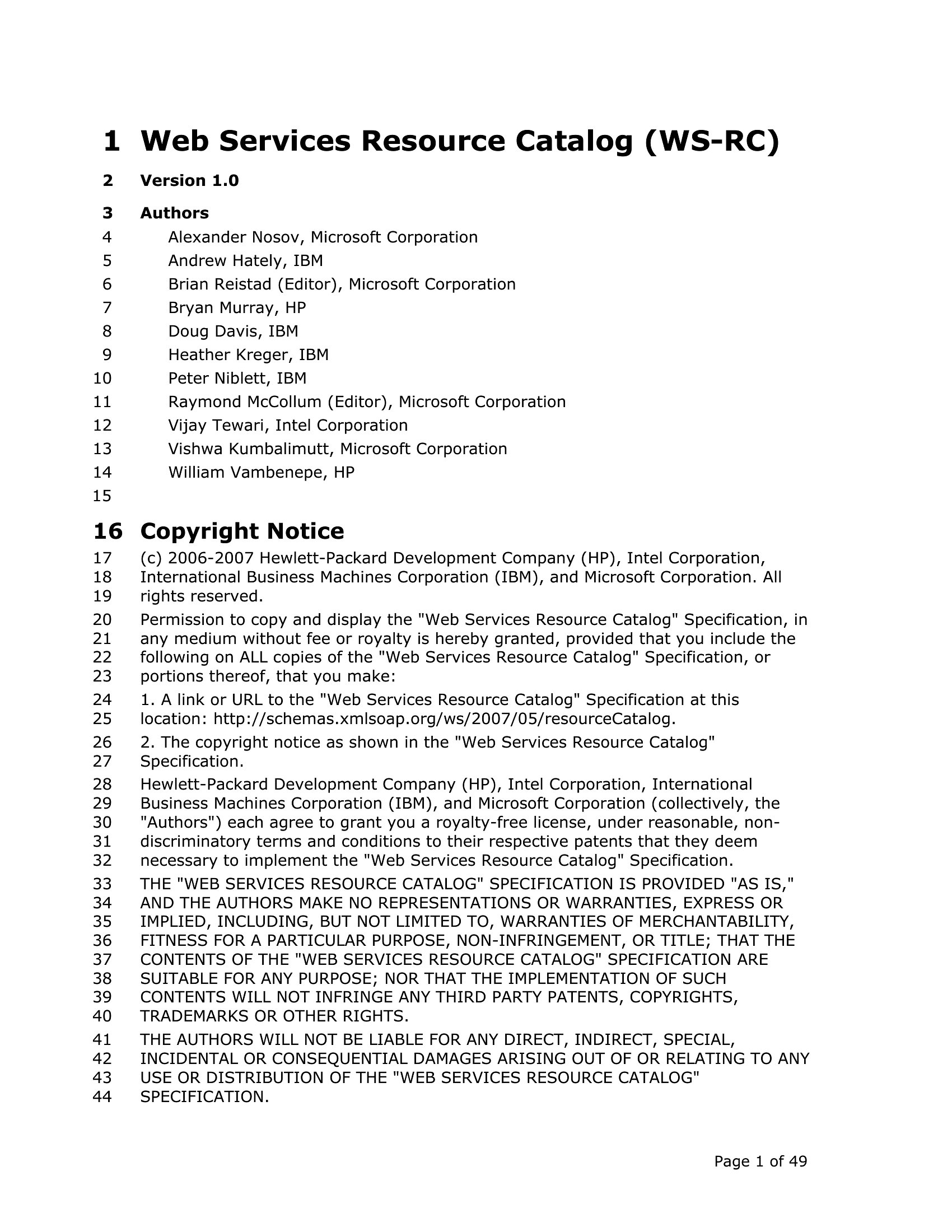
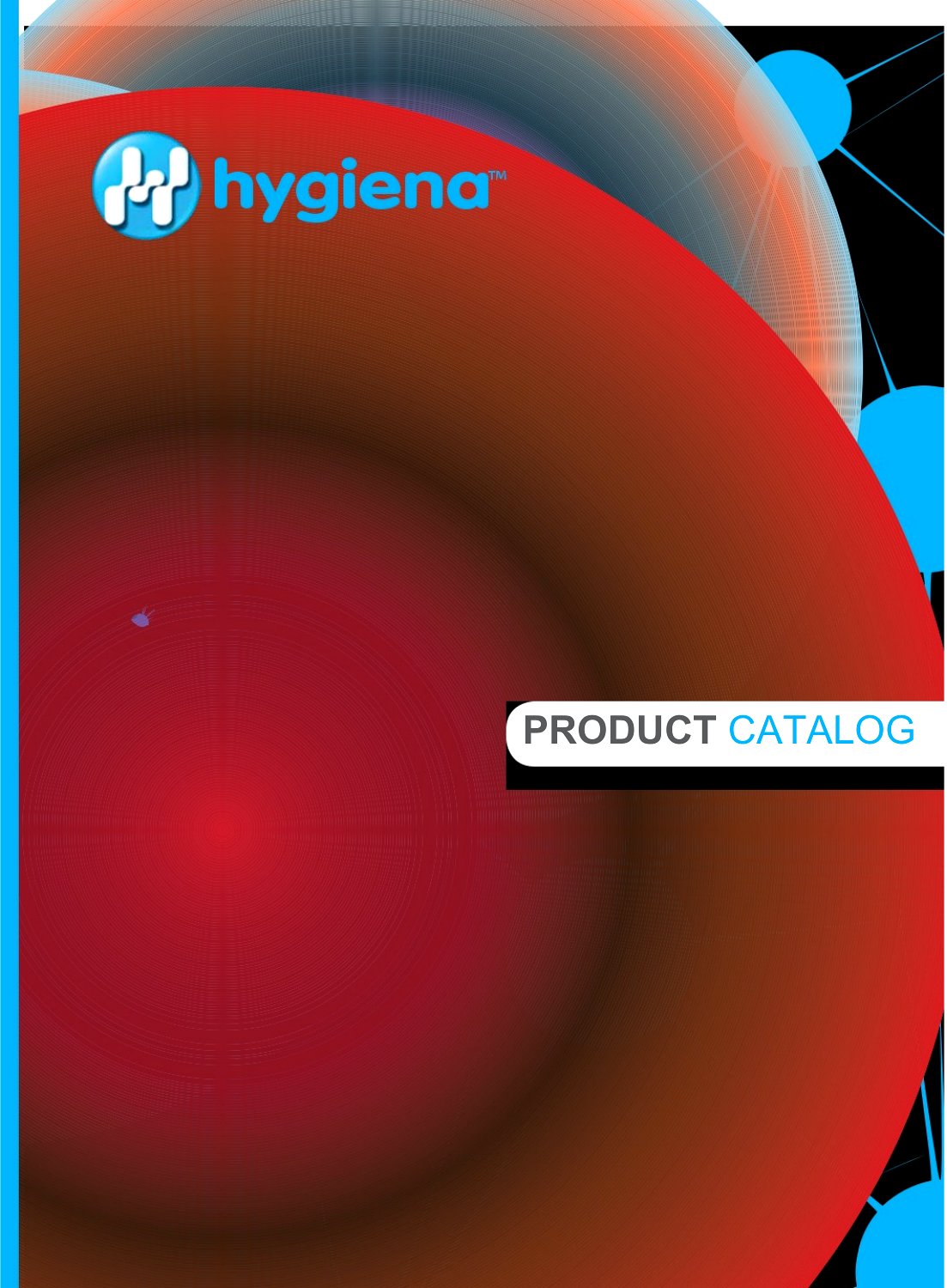
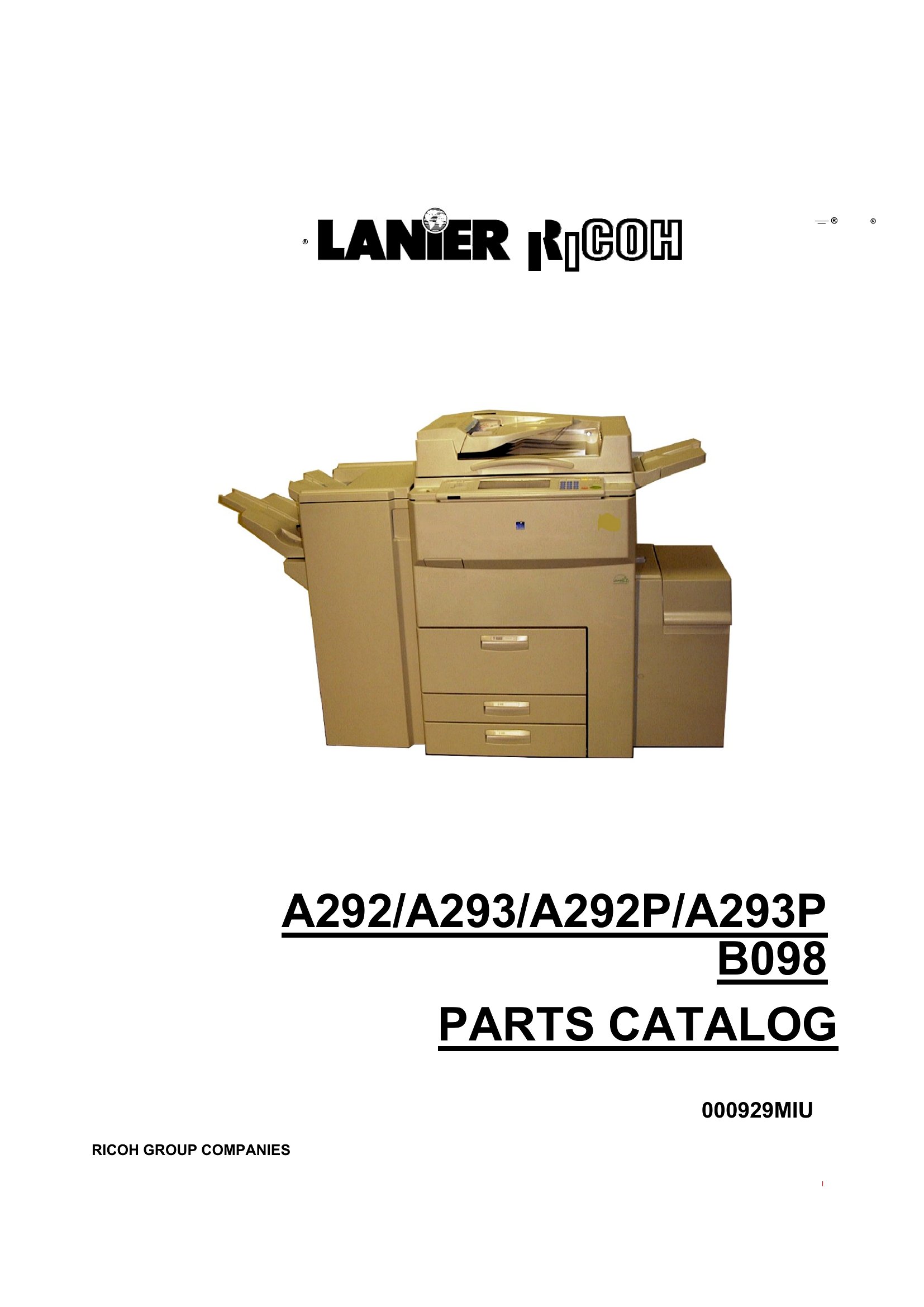
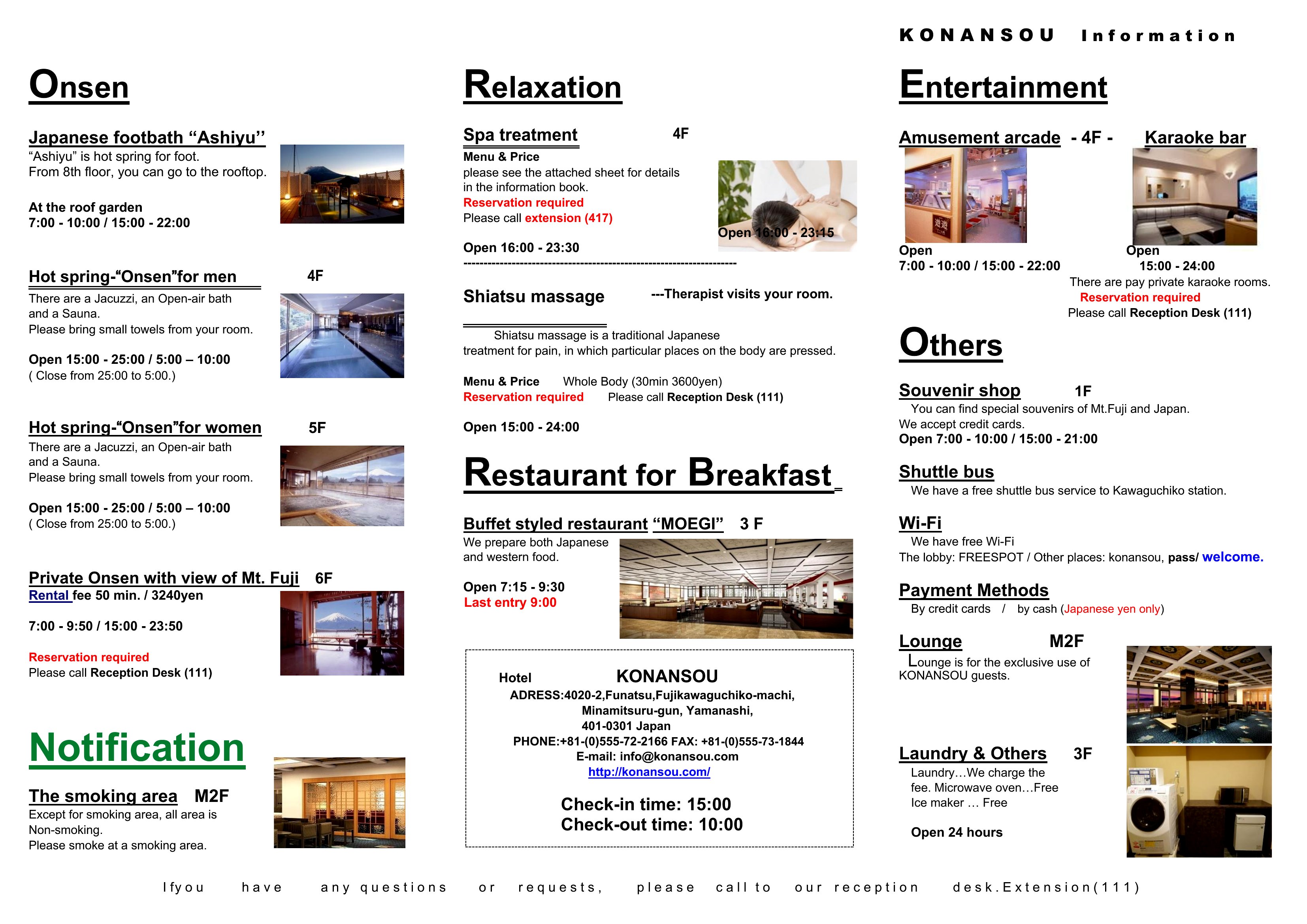
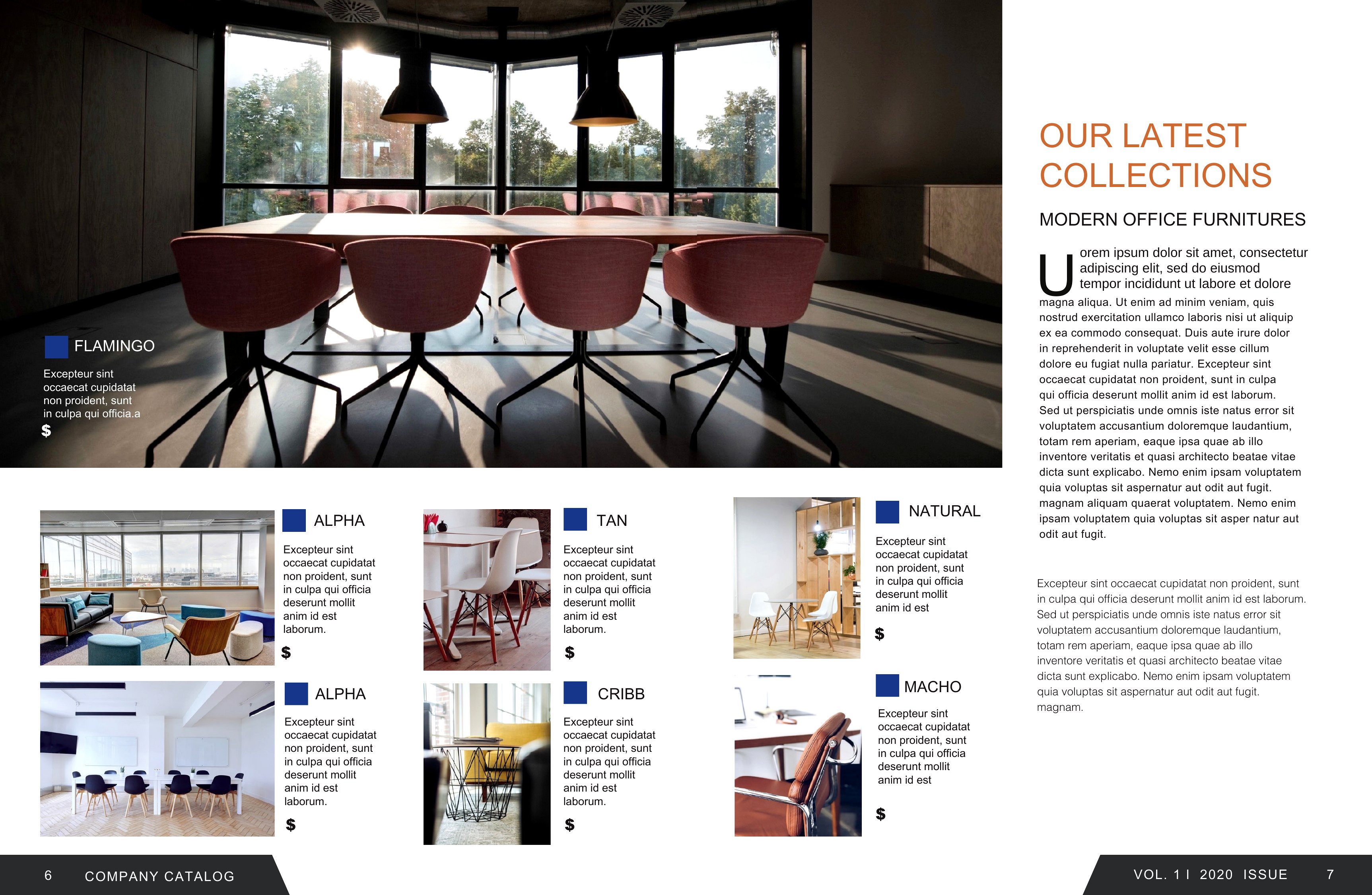
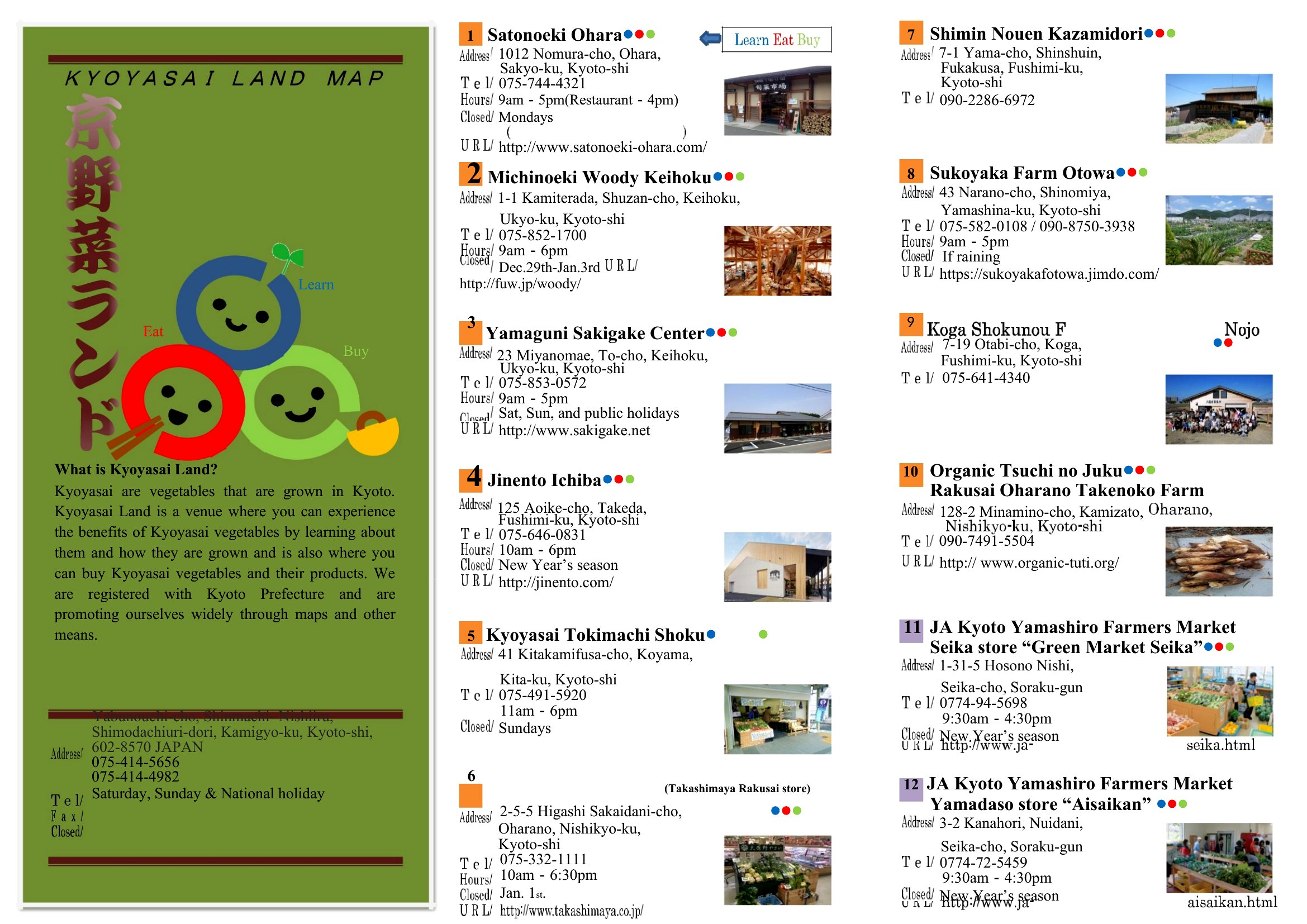
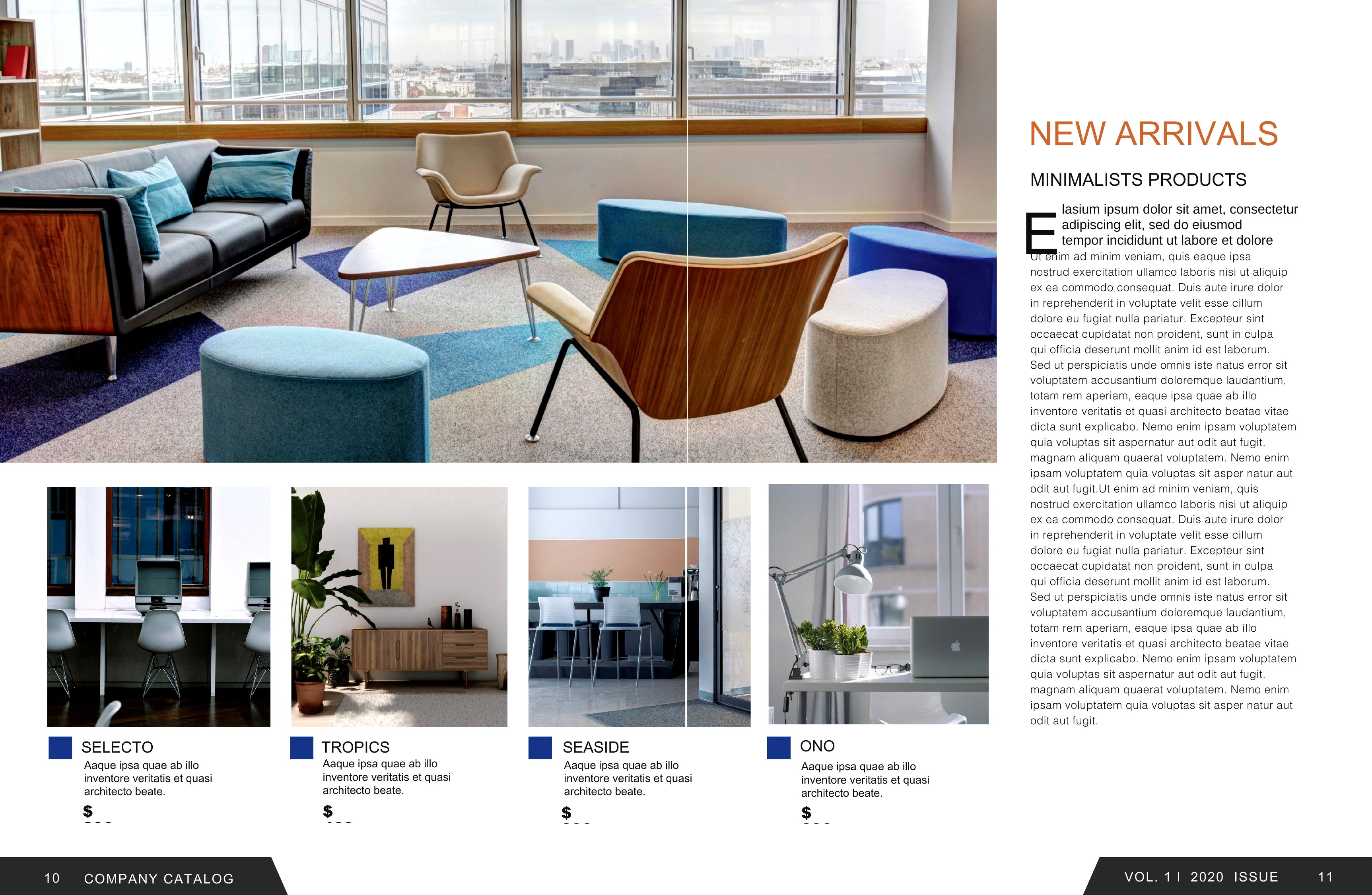
LifeA well-laid-out catalog shows off products or services in a way a plain list never could, and this set of 46 templates gives small businesses, makers, and wholesalers a polished starting point. Use them to organize items with photos, descriptions, and prices for a lookbook, a product line, or a service menu that customers can browse with ease.
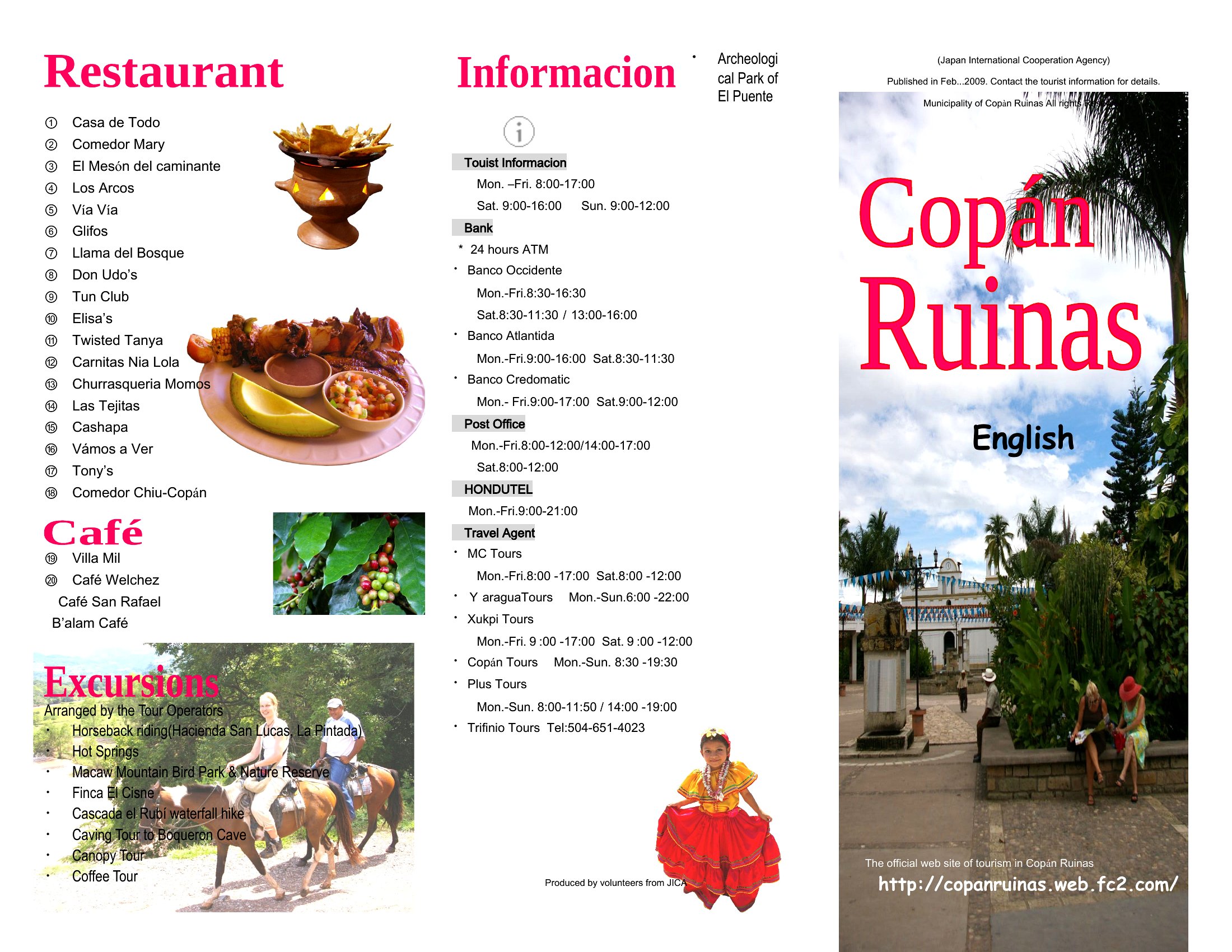
Each template opens in Microsoft Word, so you can drop in images, edit the text, and rearrange pages to match your range. Build it once, then update items as your offerings change. Print copies for shows and counters or share the file digitally. Download the layout that fits your brand and present your products like a pro.
When to use this Catalog template
- Small jewelry makers with seasonal collections need a visually appealing catalog to showcase handcrafted designs, materials, and pricing before seasonal fairs or online launches.
- Local bakeries and pastry shops can use a structured catalog template to highlight specialty cakes, subscription boxes, and seasonal treats for wholesale orders or direct customer inquiries.
- Home-based artisans selling handmade candles, soaps, or ceramics should organize their product line with descriptions, batch availability, and customization options to appeal to boutique retailers.
- Wholesale distributors of niche beauty products require a professional catalog to present bulk pricing tiers, supplier details, and product specifications to potential buyers at trade shows.
Which format should I download?
Word is the ideal format here because it lets you easily edit text, add photos, and adjust layouts without needing design tools. Pick Word when you want a flexible, print-ready catalog that balances professionalism with customization—perfect for businesses that need to update offerings frequently or tailor visuals to brand styles.
Choose from 46 Catalog Templates
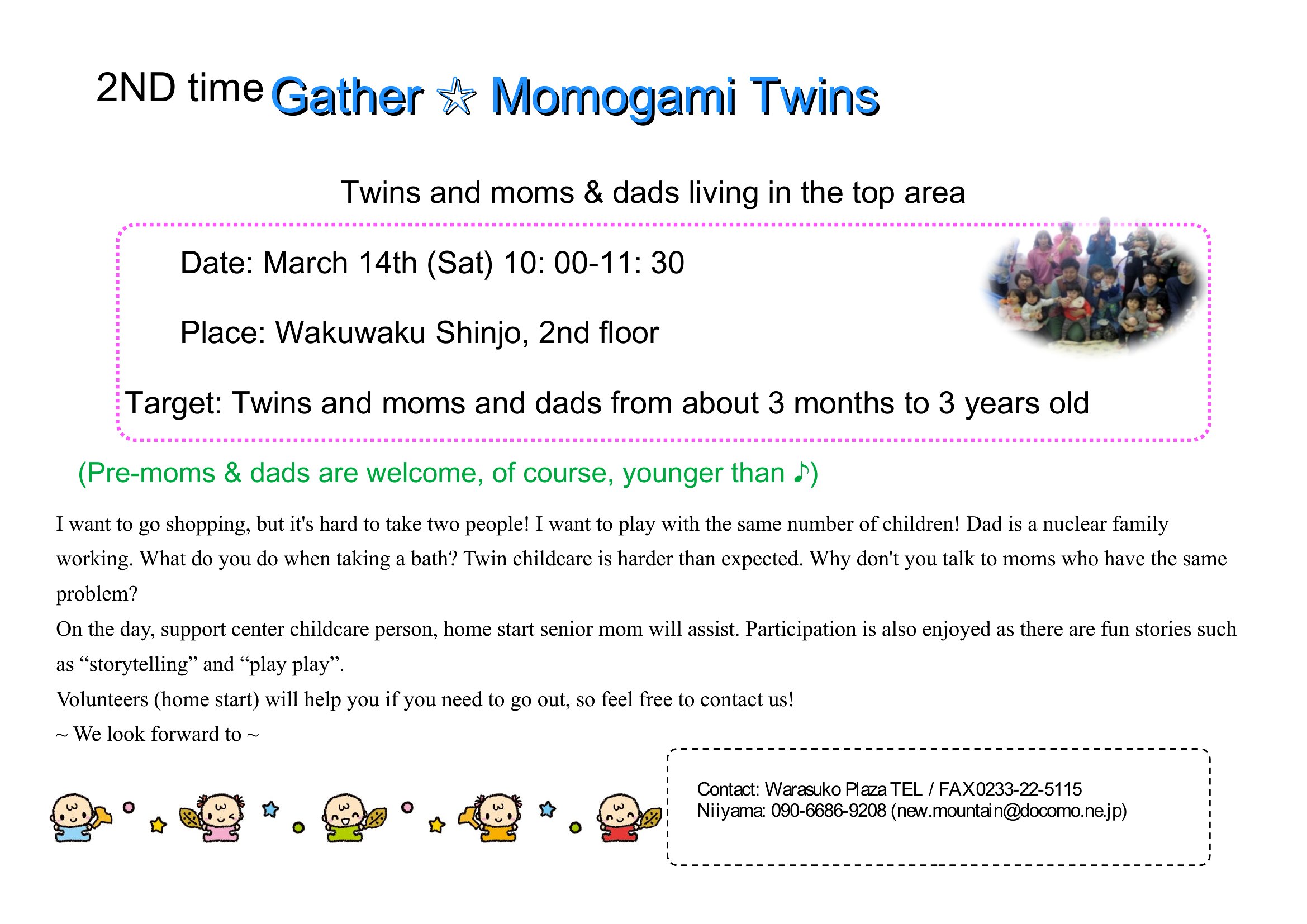
Catalog Template
How to use this Catalog template
How can I include high-resolution images of my products in these catalog templates?
Each Word template is set up for image insertion—simply click where you want a photo, then navigate to ‘Insert’ > ‘Pictures’ in Word. For best results, resize images to fit the template’s designated areas (e.g., 300 DPI minimum for print) and save them in JPEG or PNG format before uploading. Avoid oversized files to keep your catalog file efficient.
Can I add pricing tiers or bulk discounts to these catalogs without making the layout look cluttered?
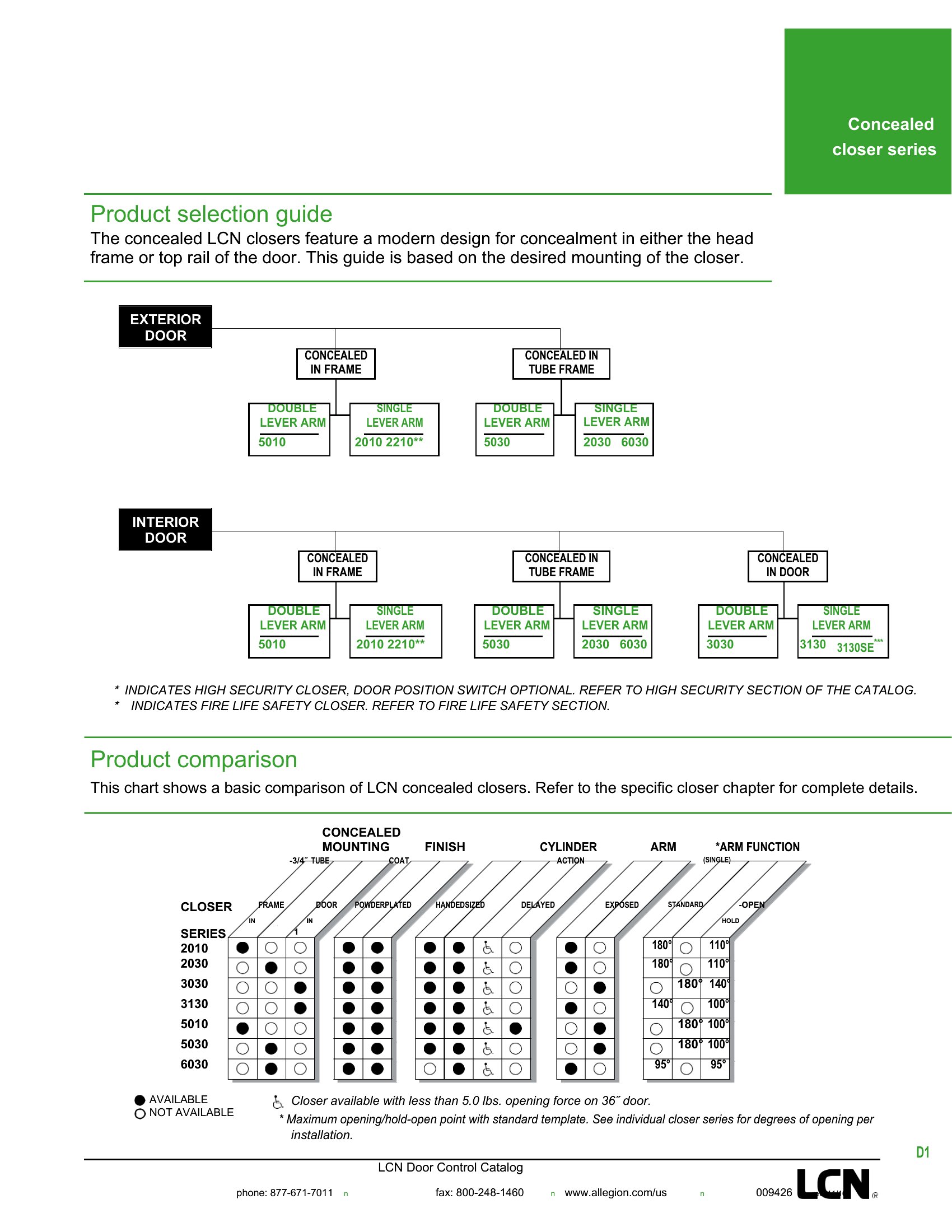
Yes. Use Word’s table feature to create a clean pricing matrix alongside product descriptions, or dedicate a sidebar panel for bulk discounts. Keep headers bold and align pricing columns neatly. For a polished look, limit tier options to three or four to avoid overwhelming readers. Test spacing by inserting placeholder numbers before finalizing.
Are these templates suitable for catalogs that include digital downloadable products, like e-books or printable templates?

Absolutely. You can describe digital products in the same way as physical items—include file types (PDF, Word, etc.), download links (or instructions for where buyers can access them), and any usage rights. For visuals, use placeholder icons or screenshots of the digital product to maintain consistency with your catalog’s overall design. Keep the description concise but clear about delivery methods.
Comments
Join the conversation
Sign in to share your thoughts and leave a comment on this resource.