
FAQ
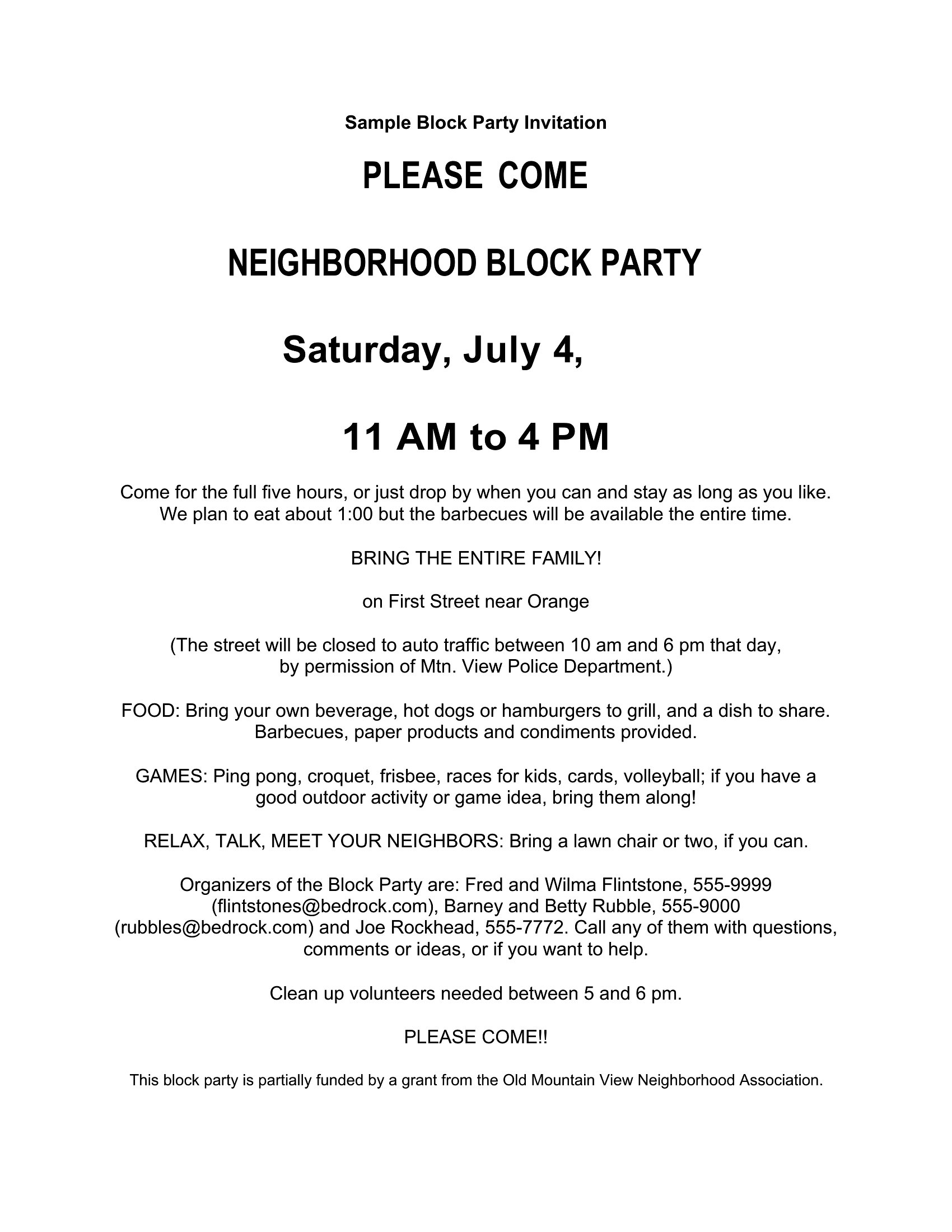
My block party has dietary restrictions from attendees—how can I add that info without cluttering the flyer?
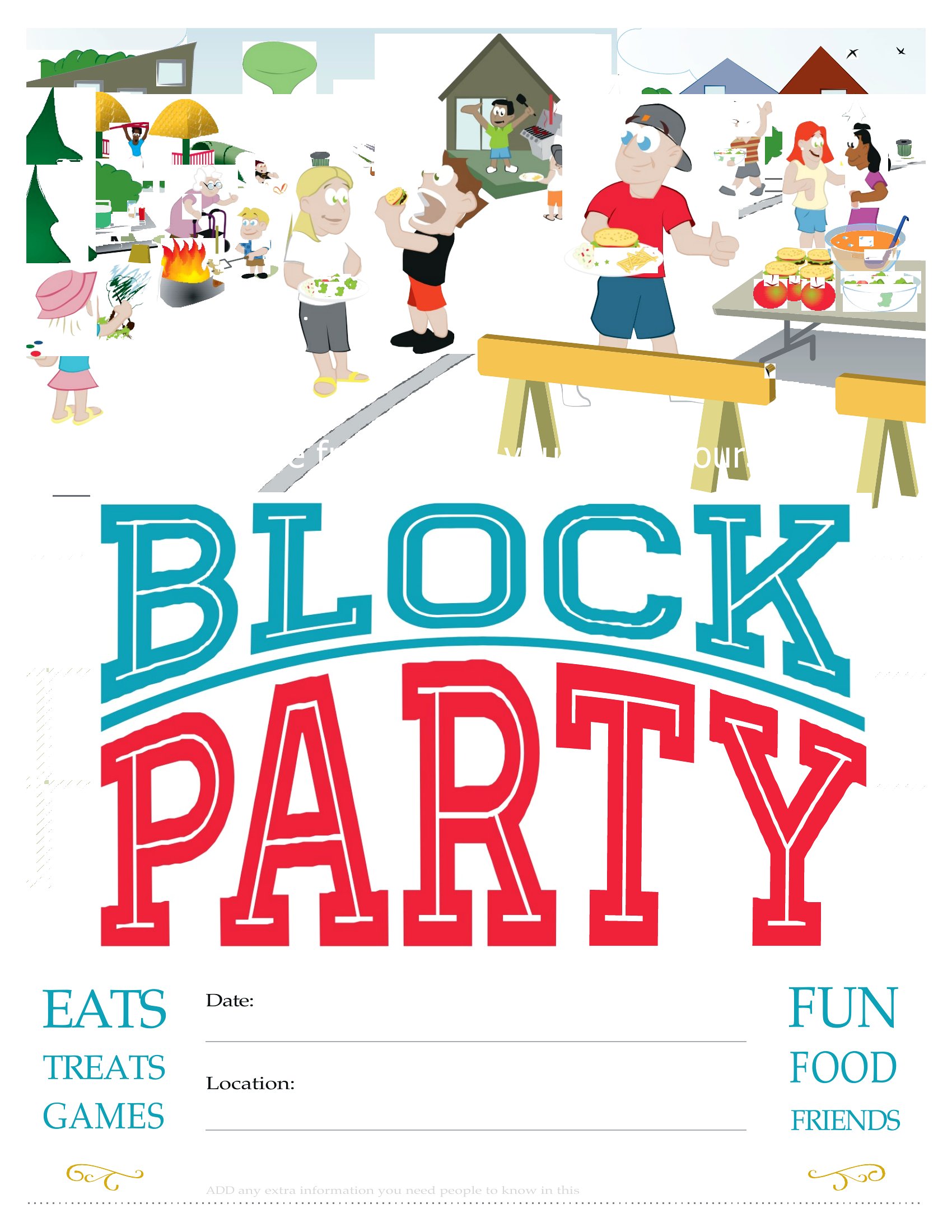
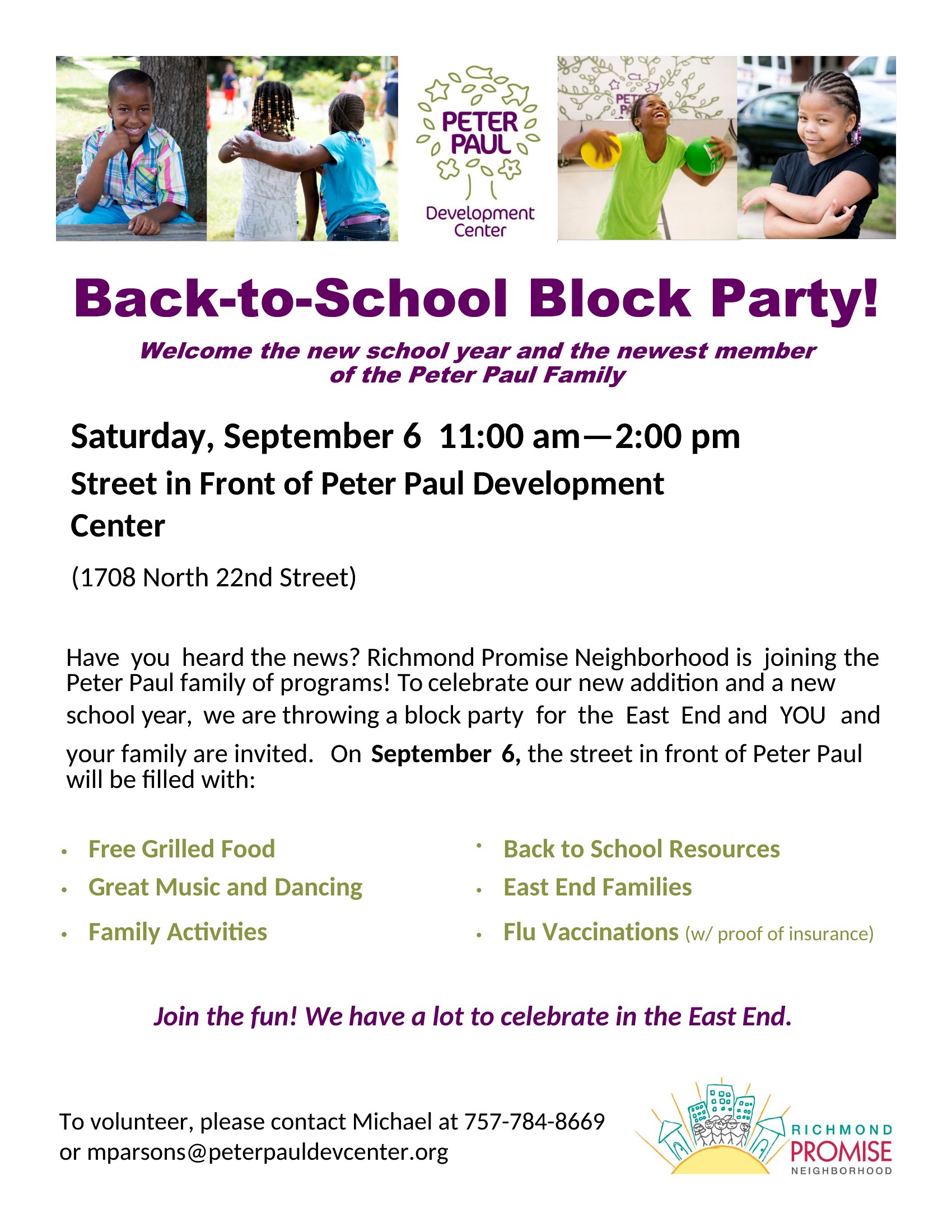
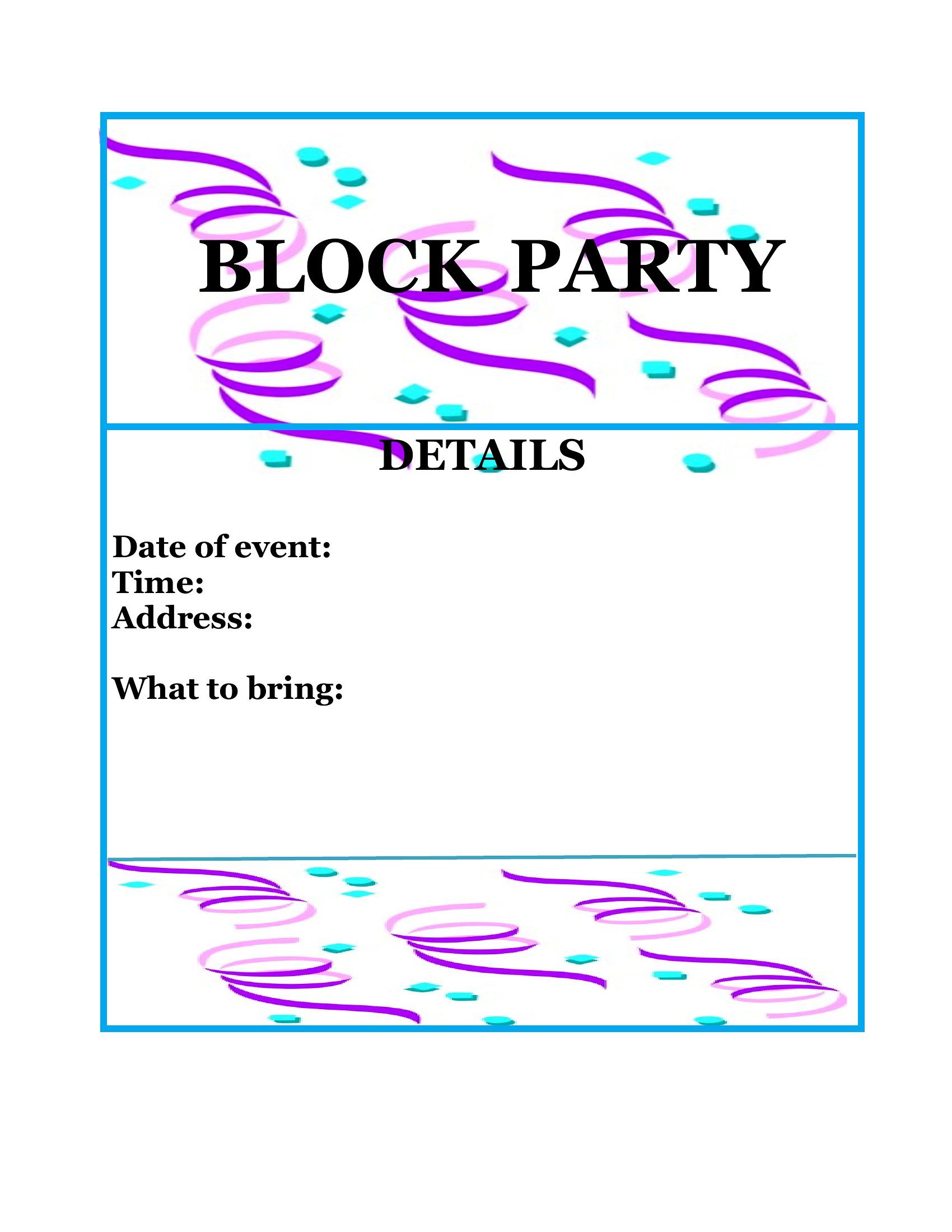
Use the Word templates to include a small icon or note like ‘Allergy-friendly options available’ in the food section. Reserve a corner of the design for quick details, or add a QR code linking to a full menu with restrictions. Keep it simple—neighbors will appreciate the heads-up without visual overload.
What’s the best way to include a sign-up sheet for volunteers if we don’t have a website?
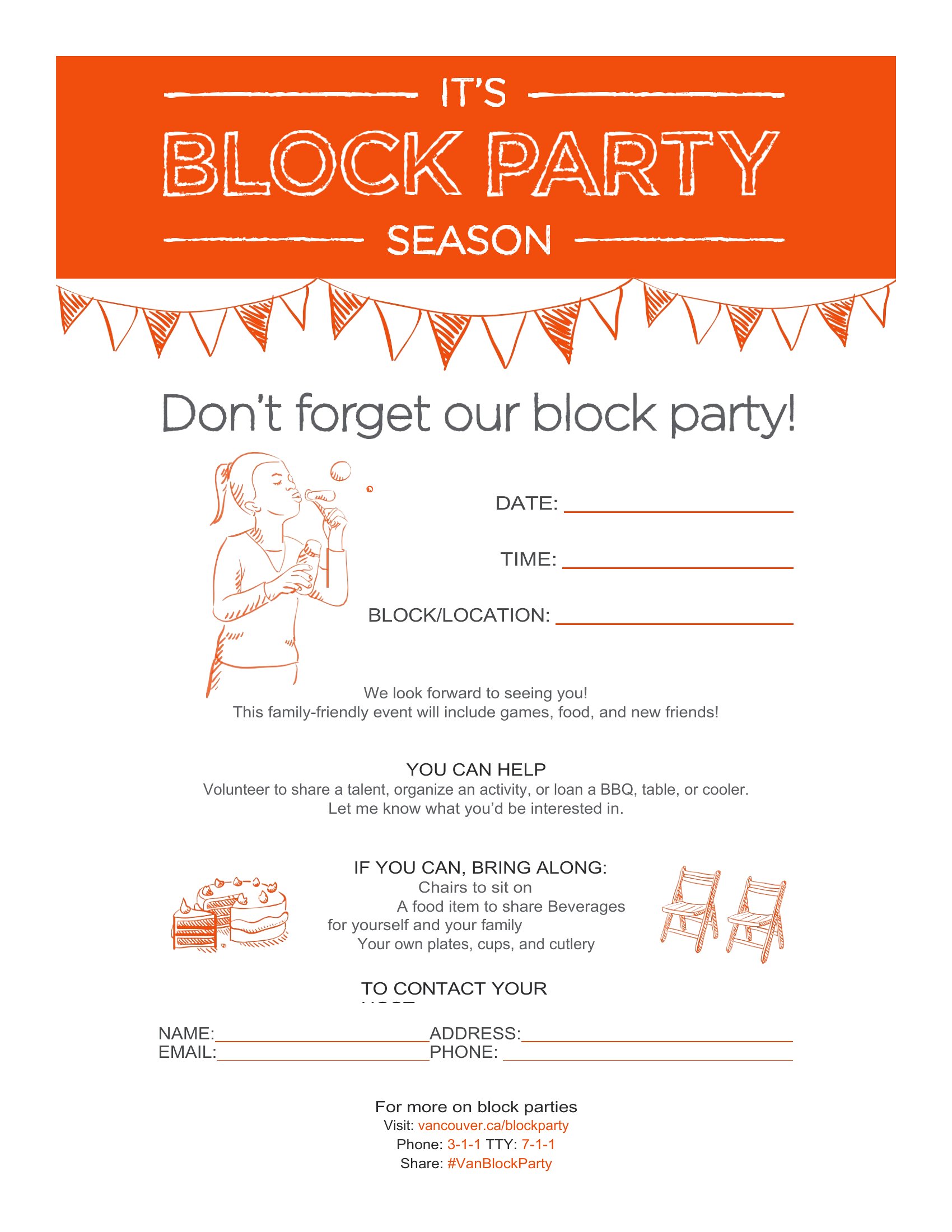
Designate a small box in the flyer labeled ‘Volunteer?’ with a contact name/phone or a Google Form QR code. For printed flyers, add a note like ‘Text [Name] at [Number] to sign up.’ Word templates let you embed this text easily without disrupting the overall design.
How do I make sure the flyer looks good when printed in black and white for cost savings?
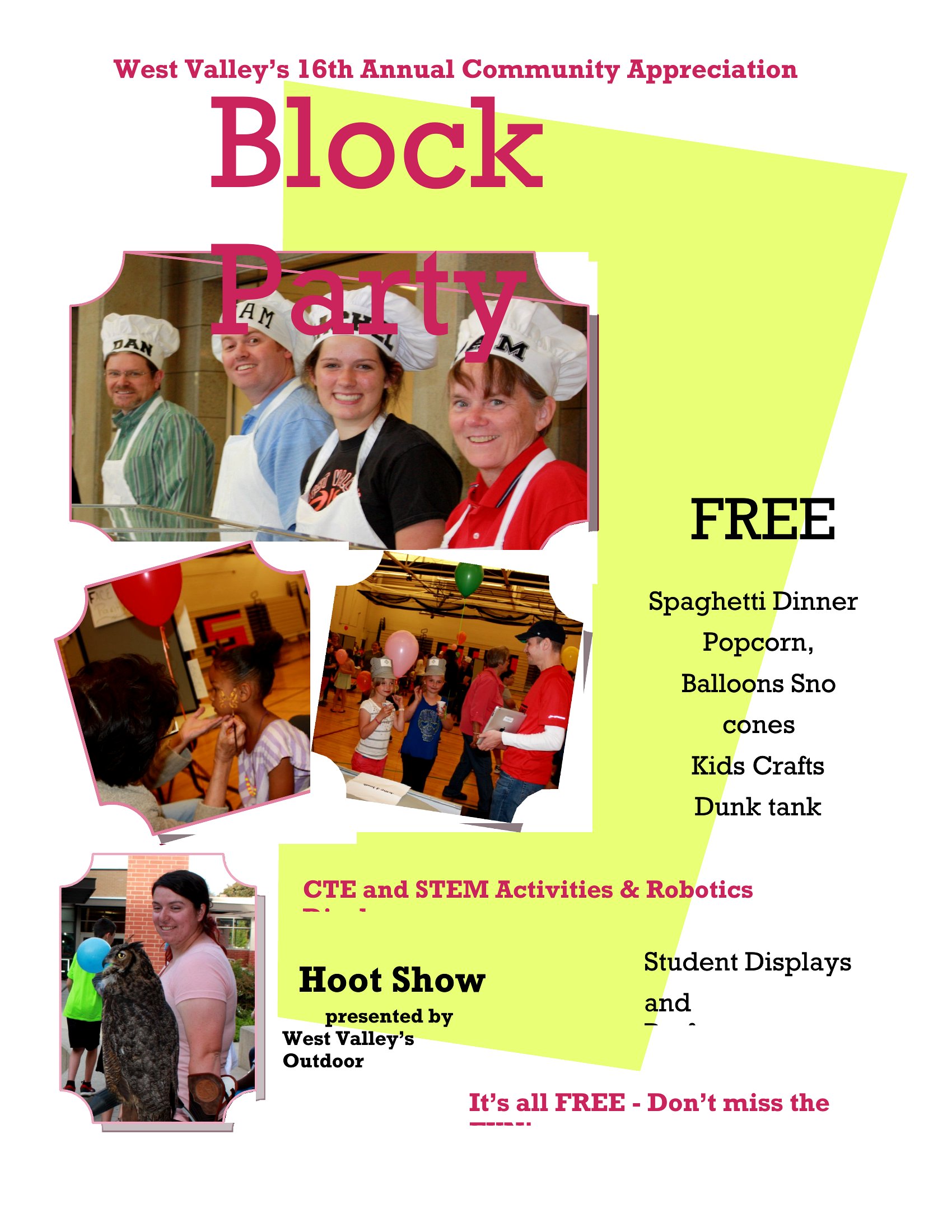
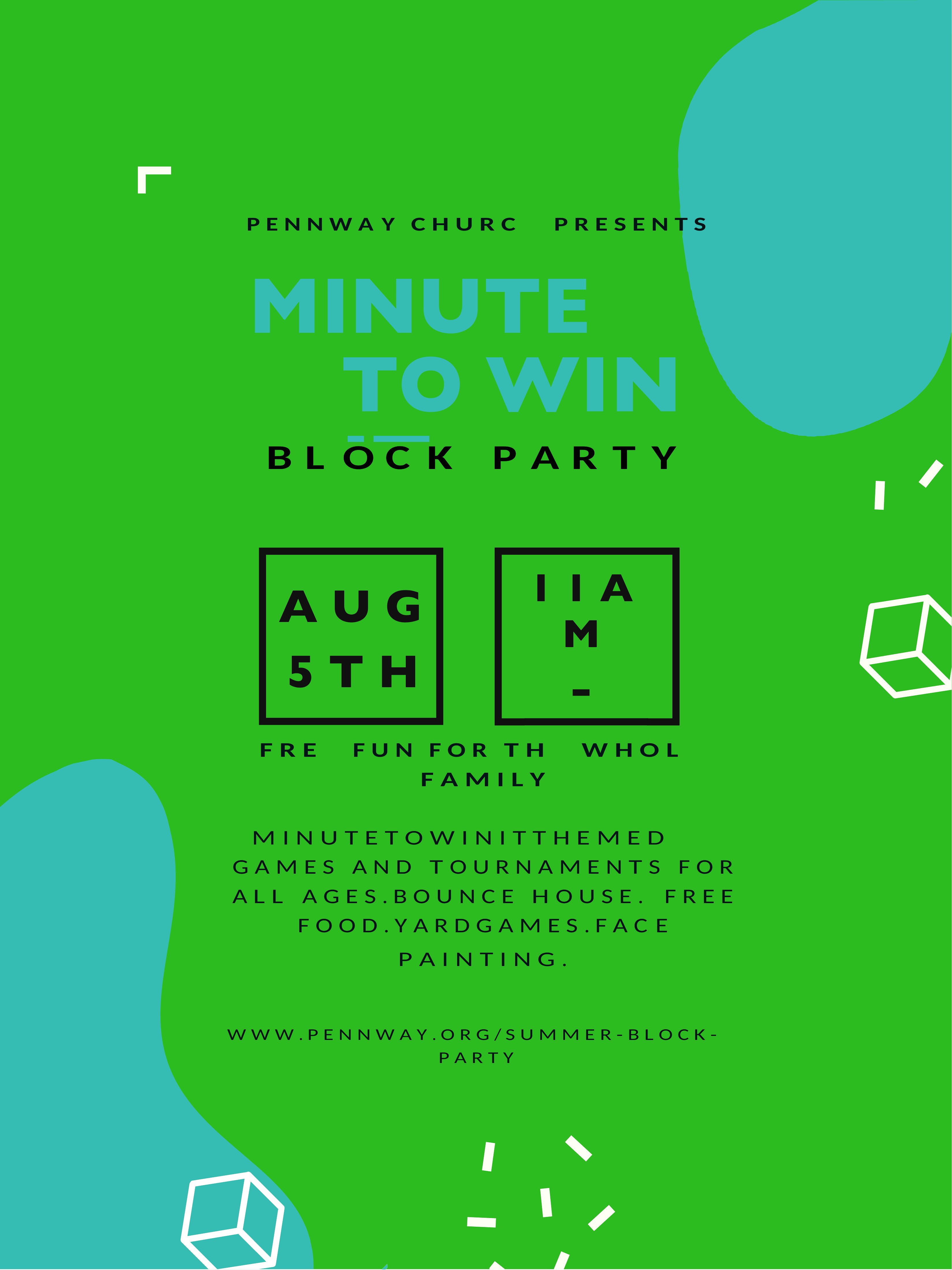
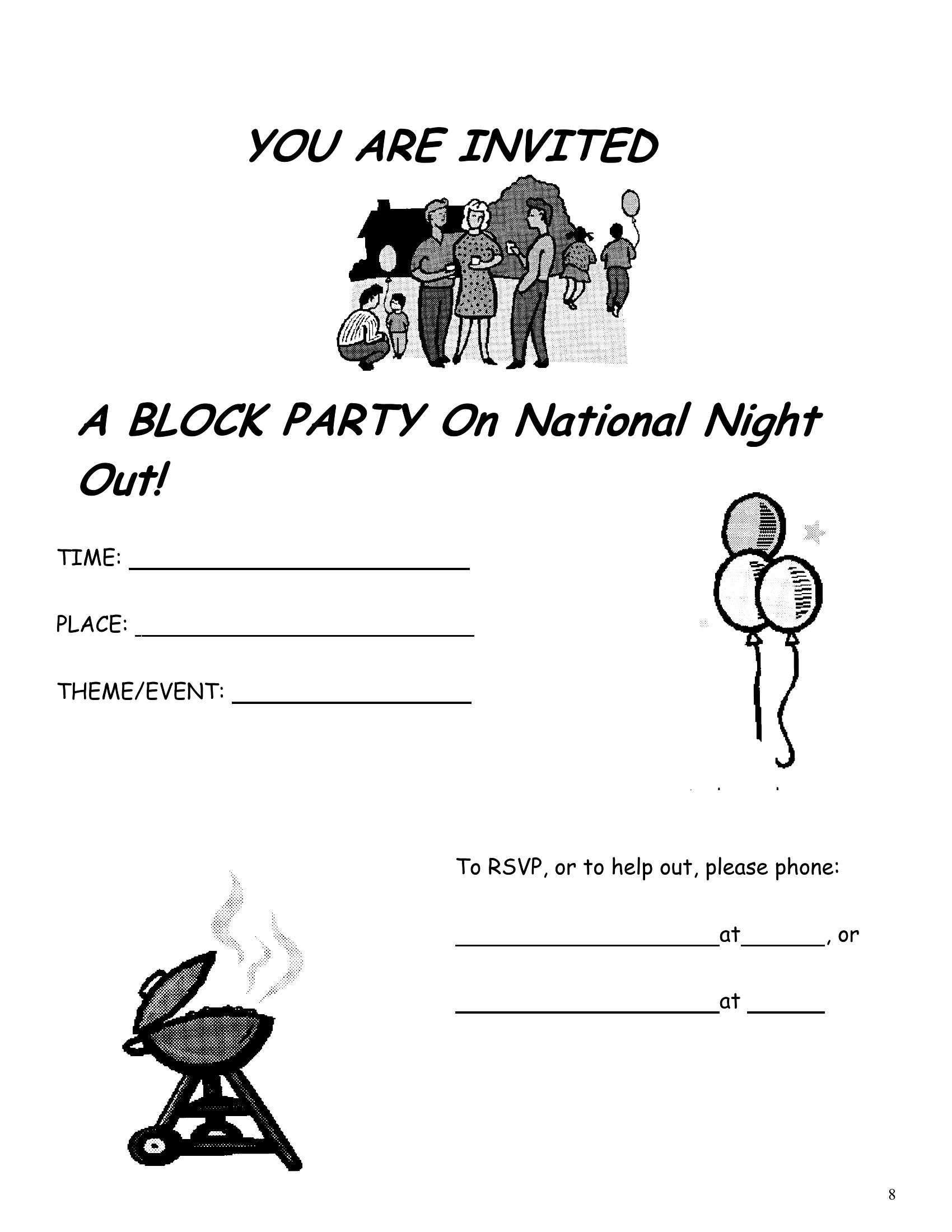
Use the PDF format after finalizing your design, as it preserves line weight and contrast better than printed Word docs. Stick to high-contrast colors (black text on white backgrounds, bold outlines for icons) and avoid relying on color-coded sections. Test print a draft if possible.
Comments
Join the conversation
Sign in to share your thoughts and leave a comment on this resource.