
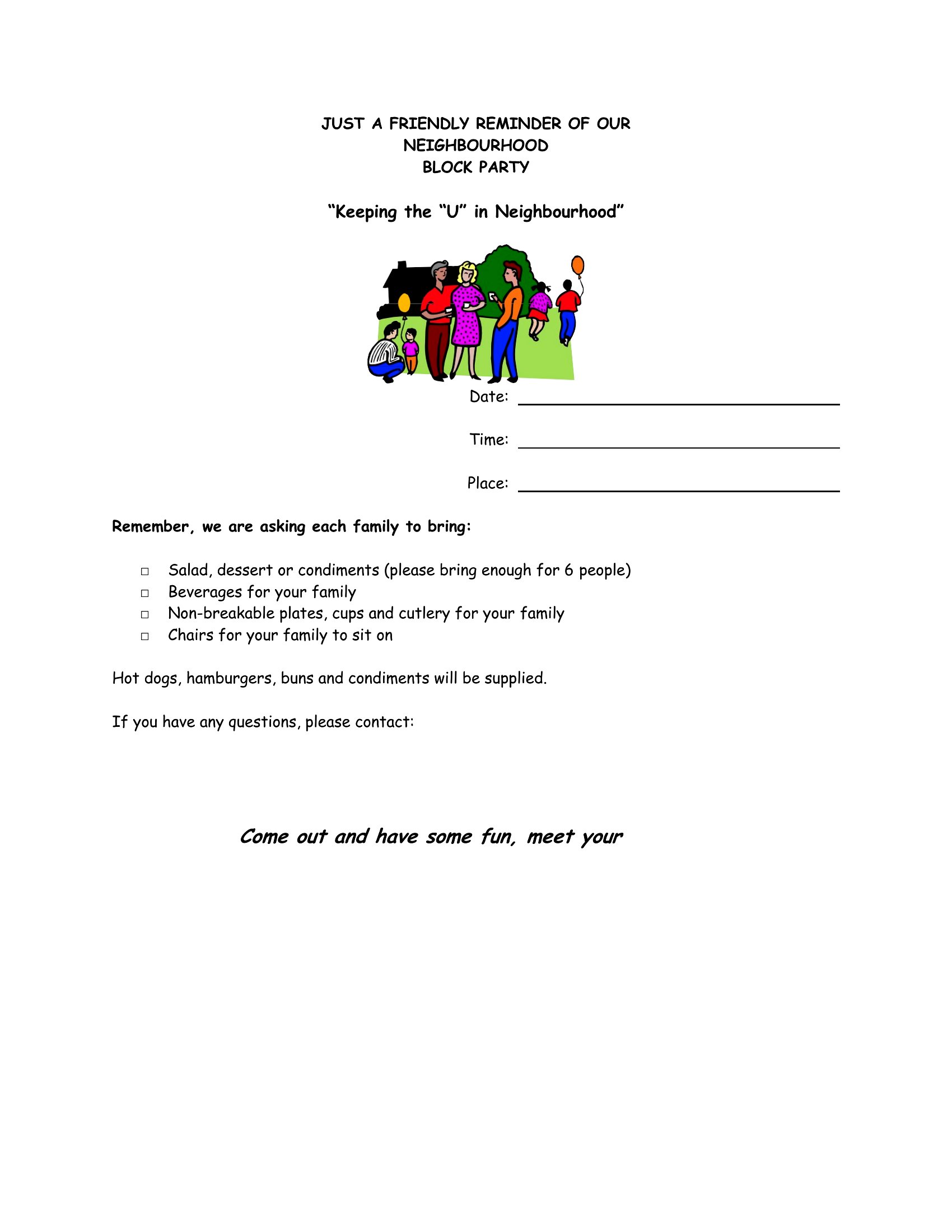
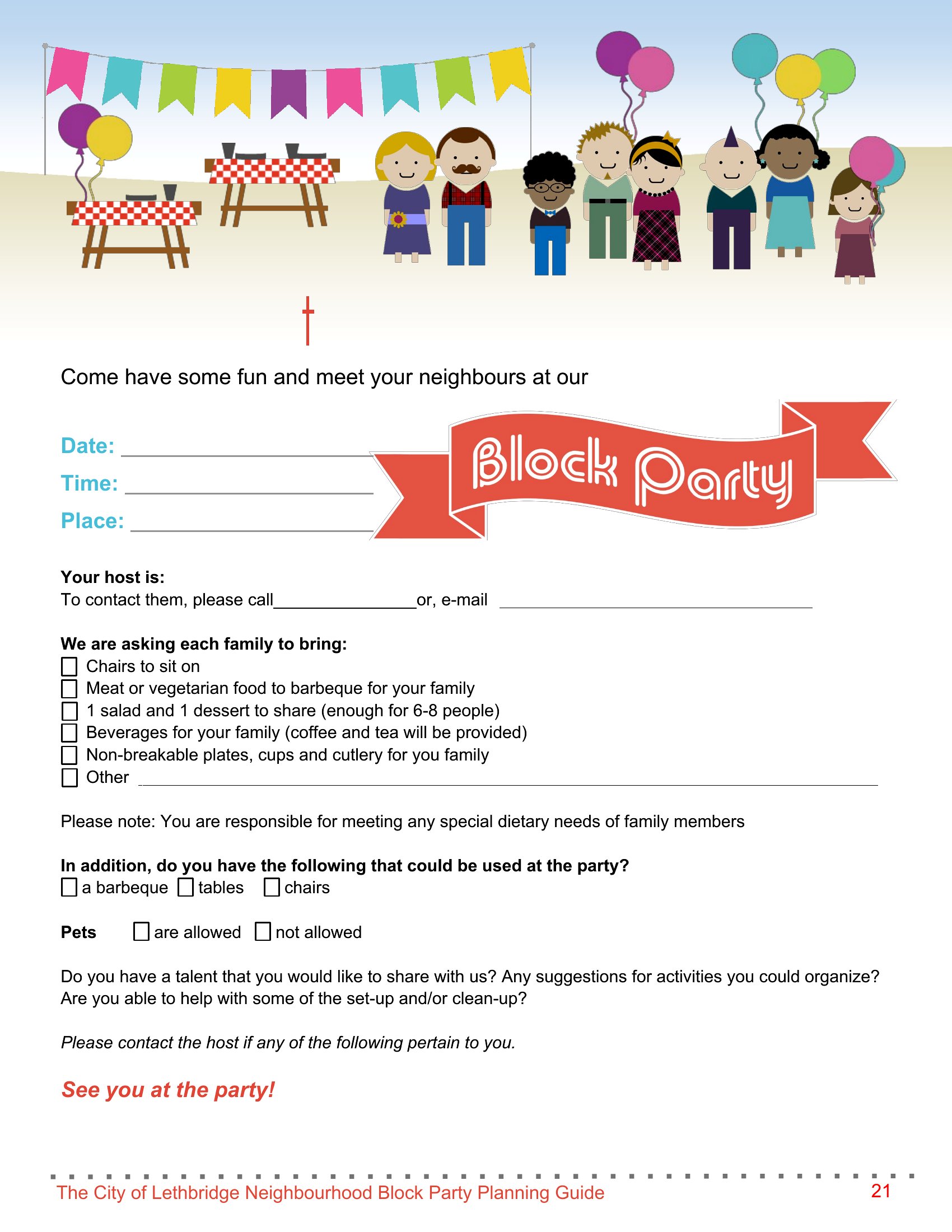
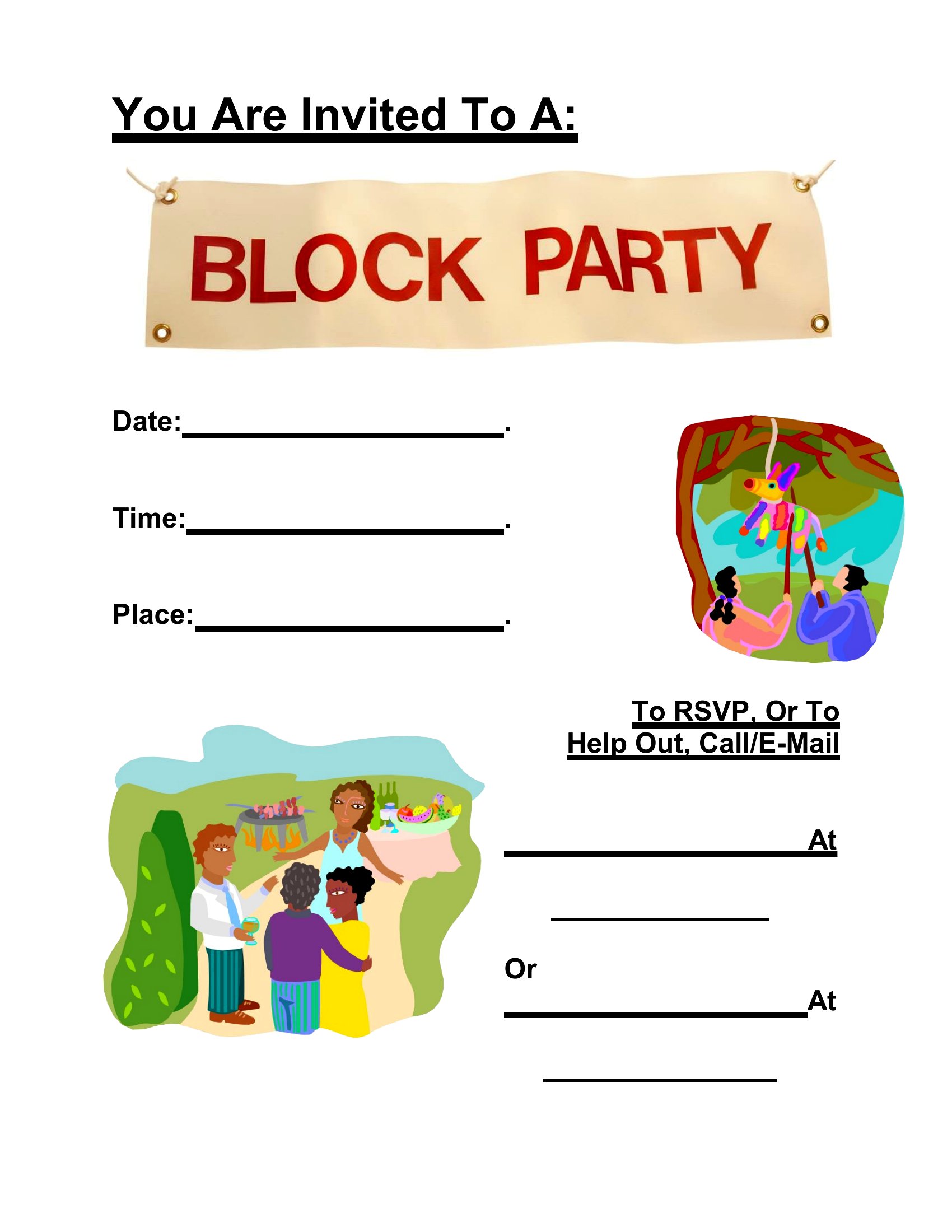
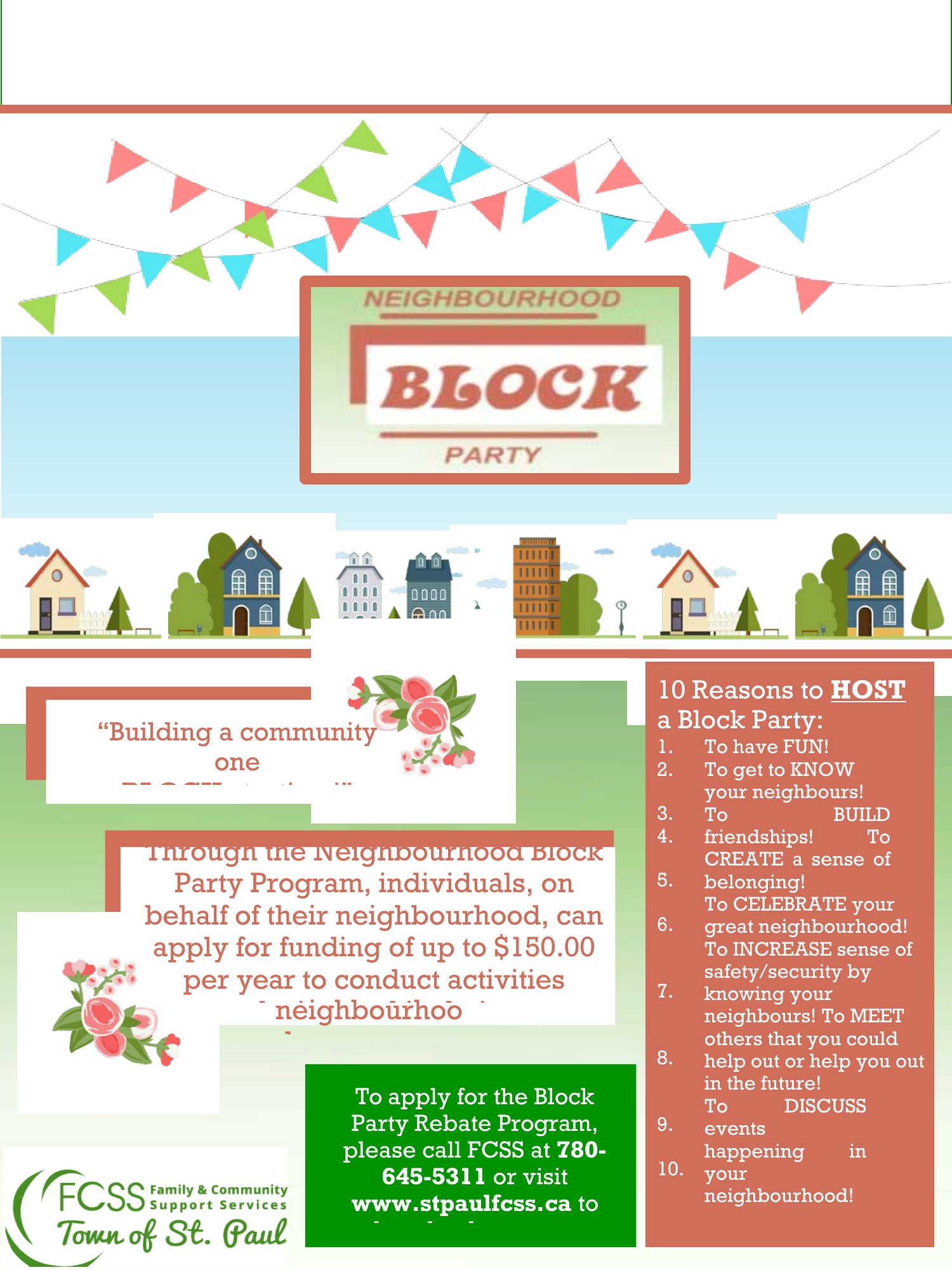
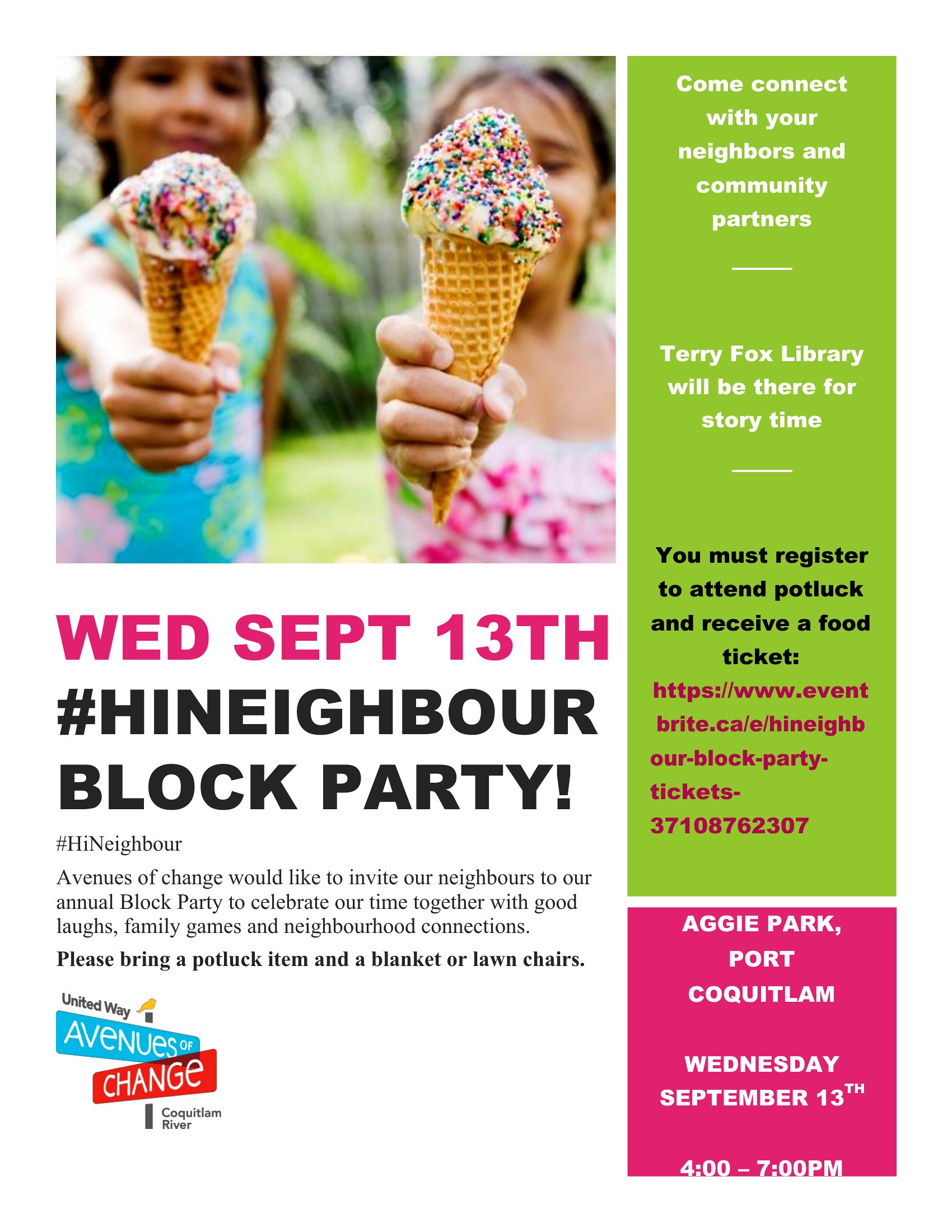
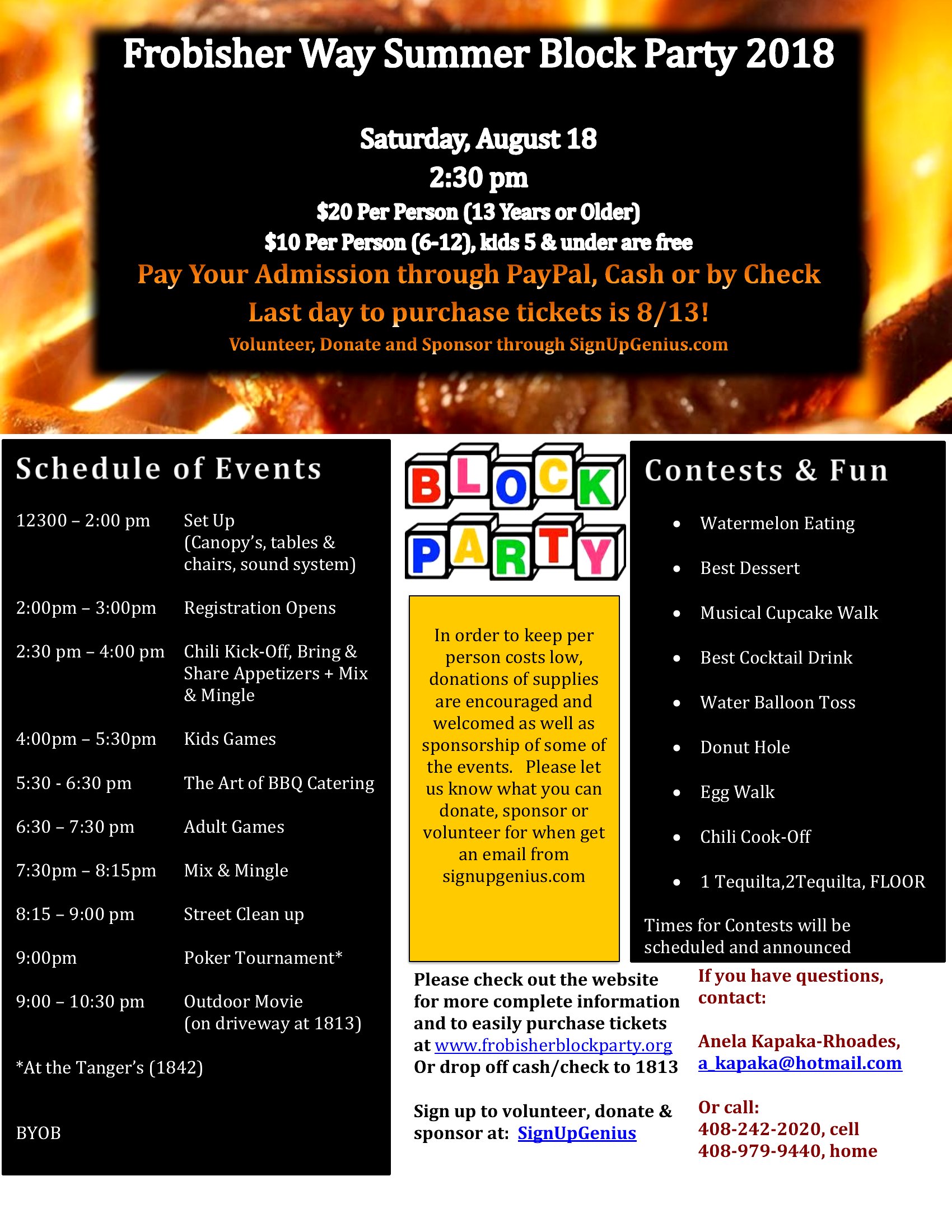
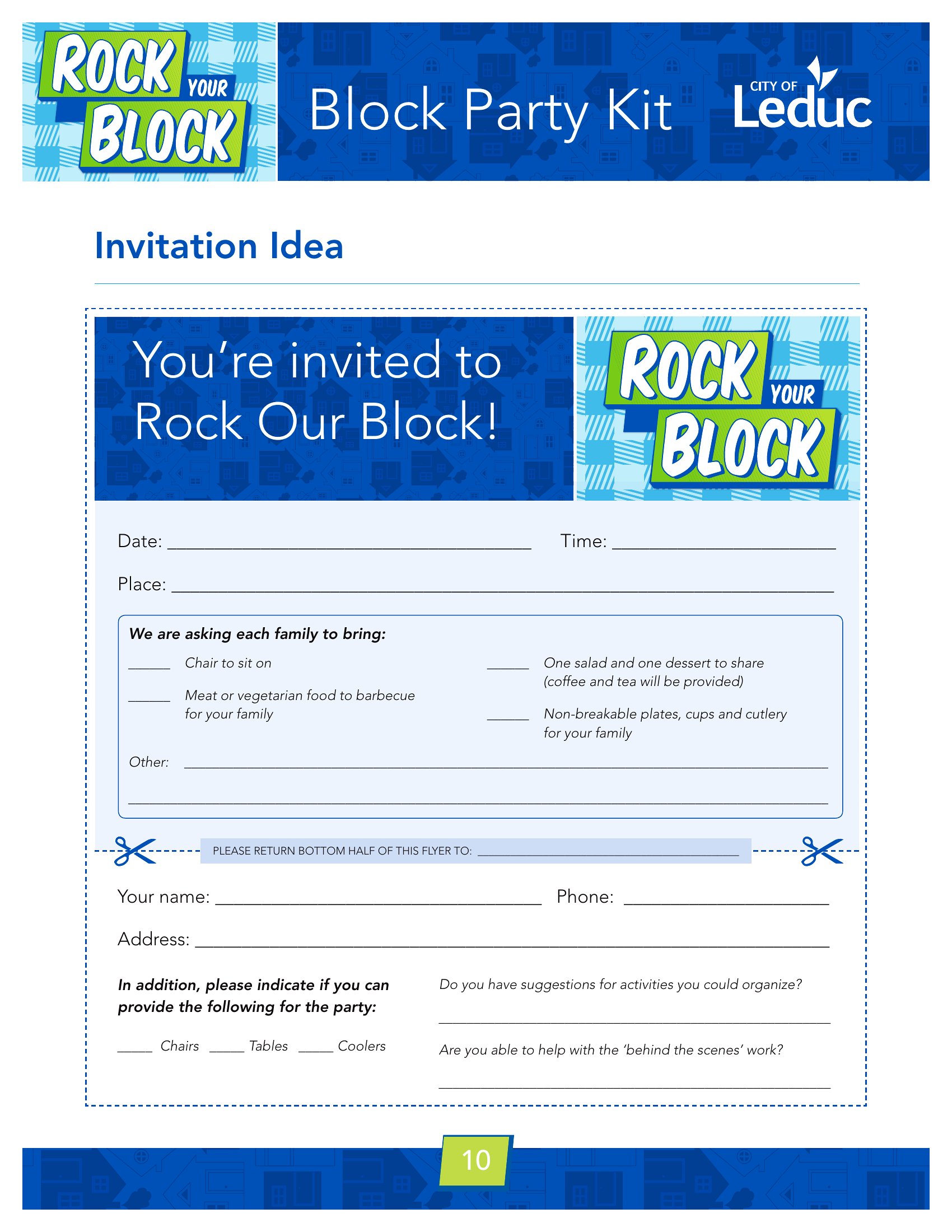
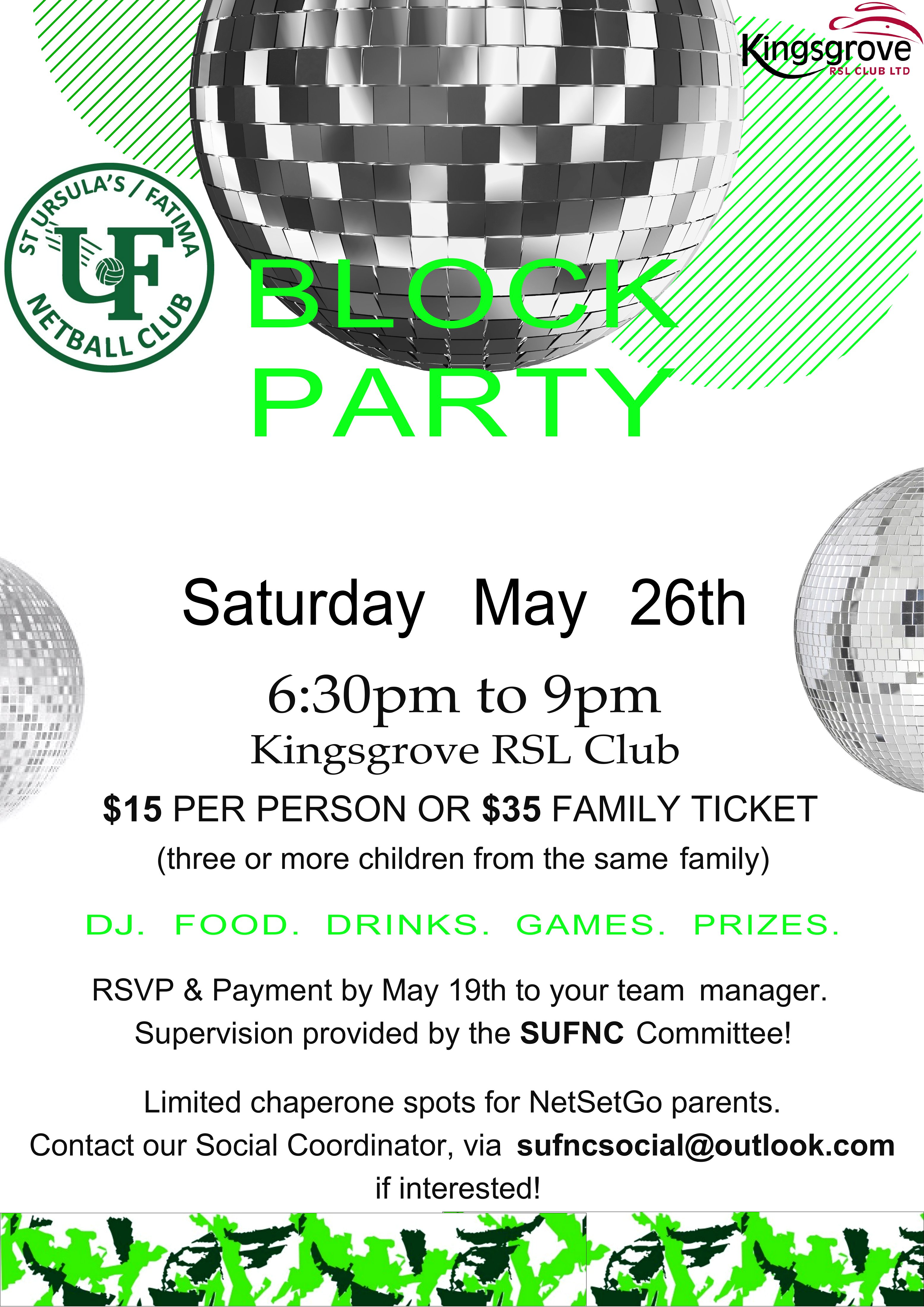
Free Block Party Flyer Templates (Word, PDF)
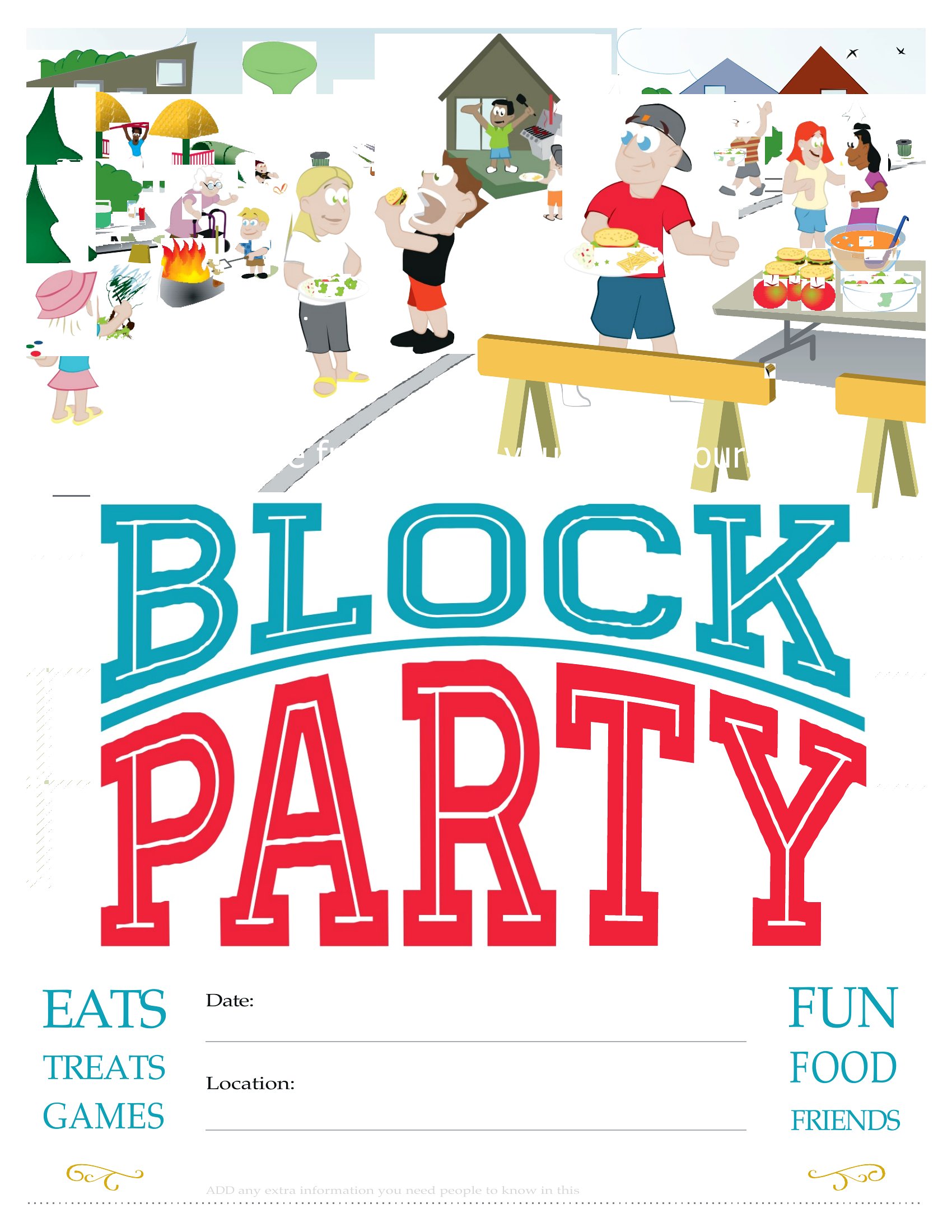
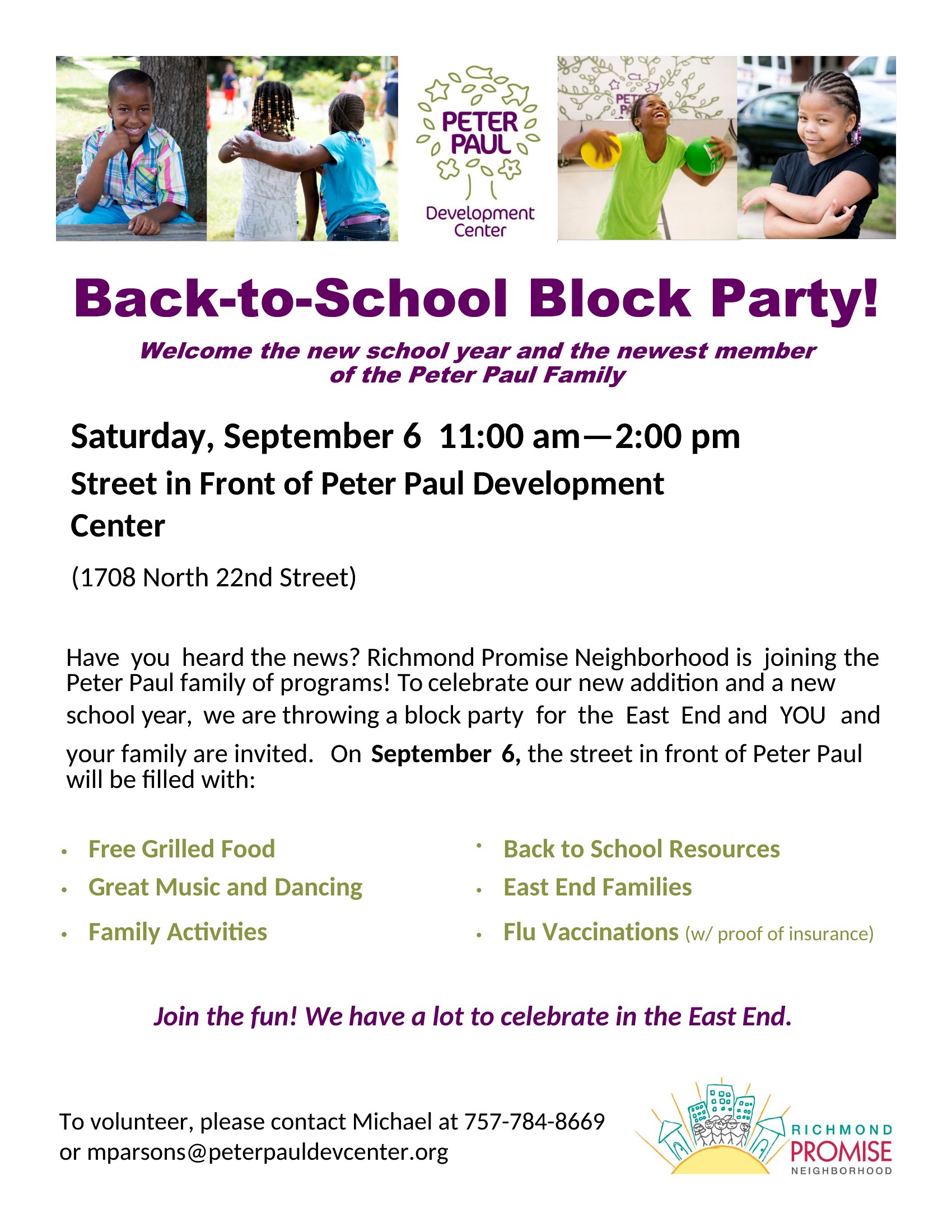
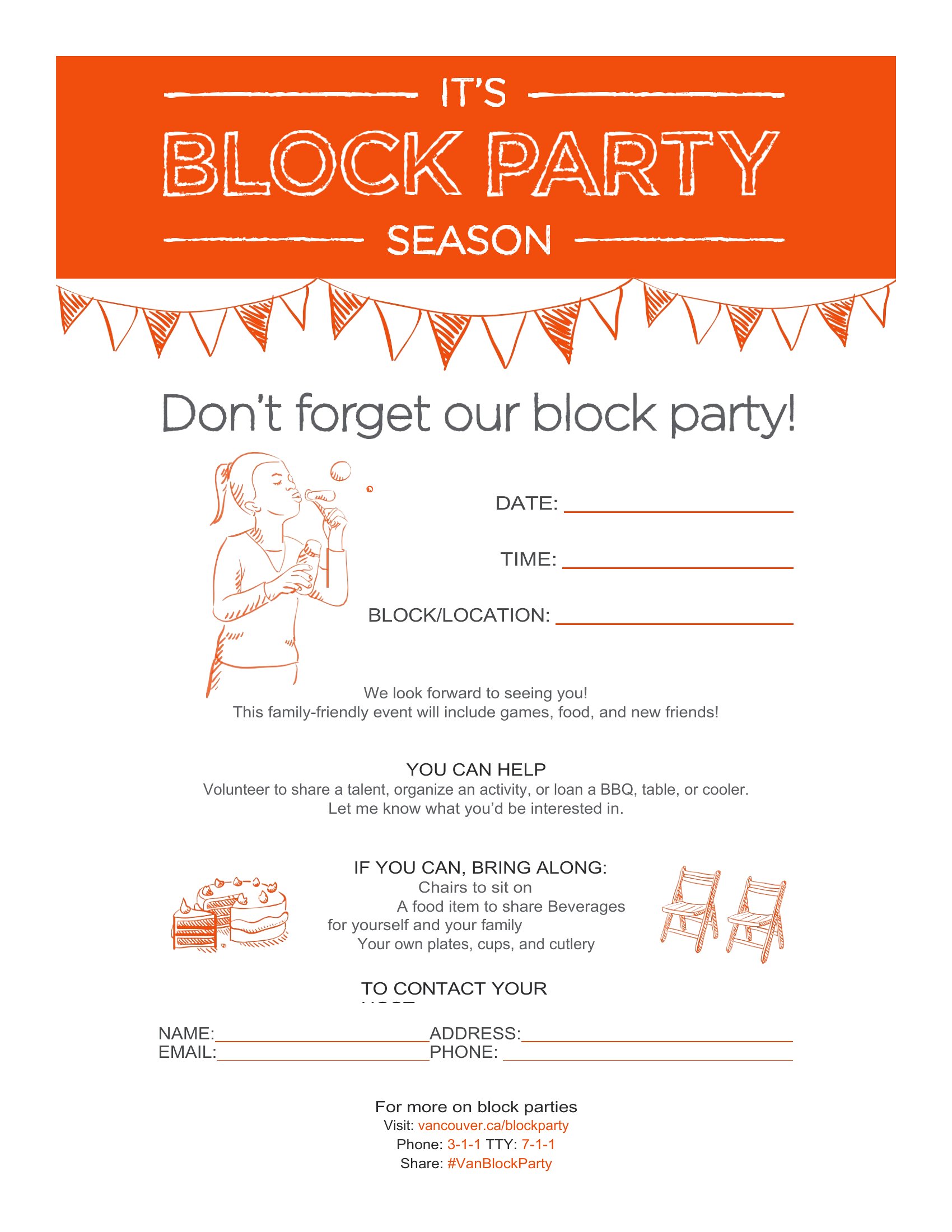
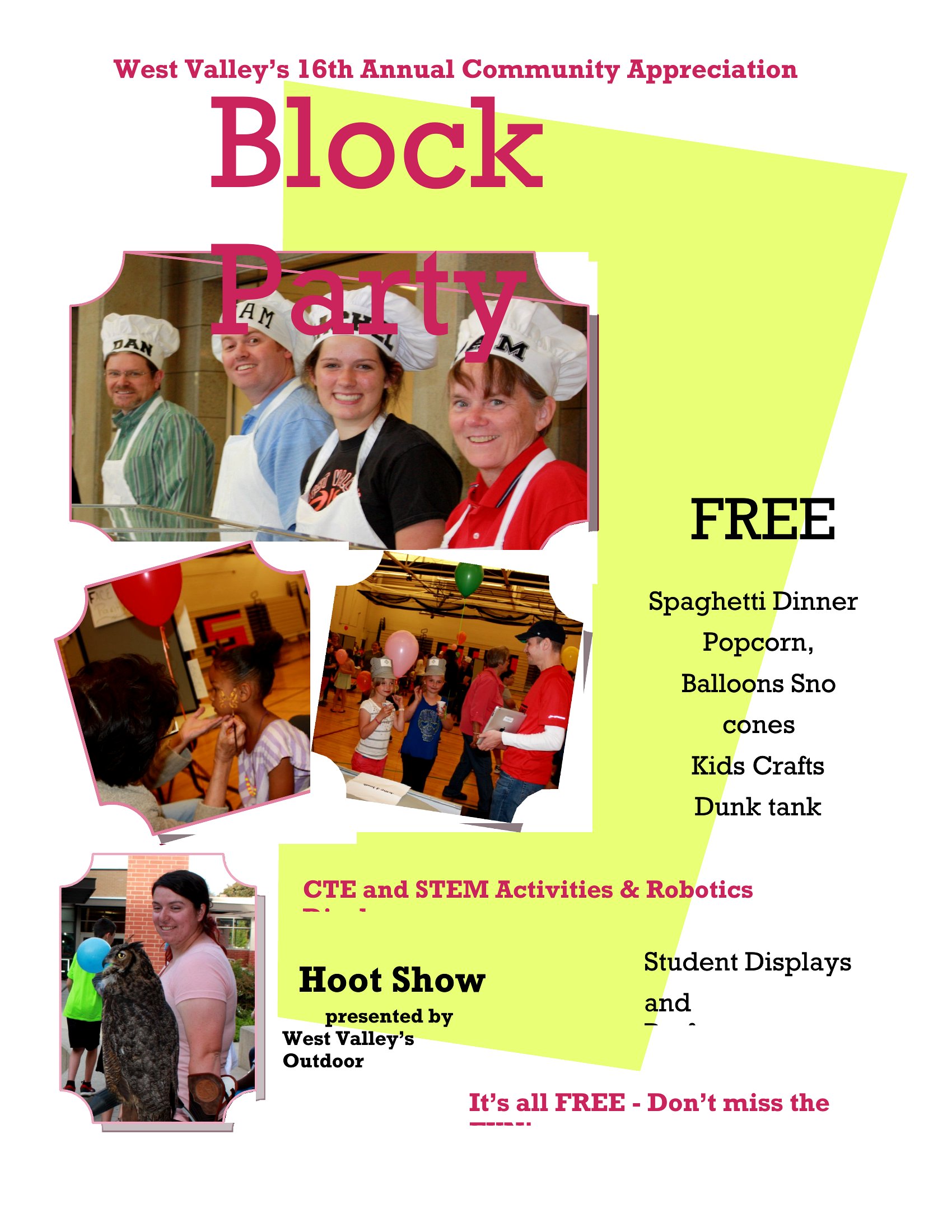
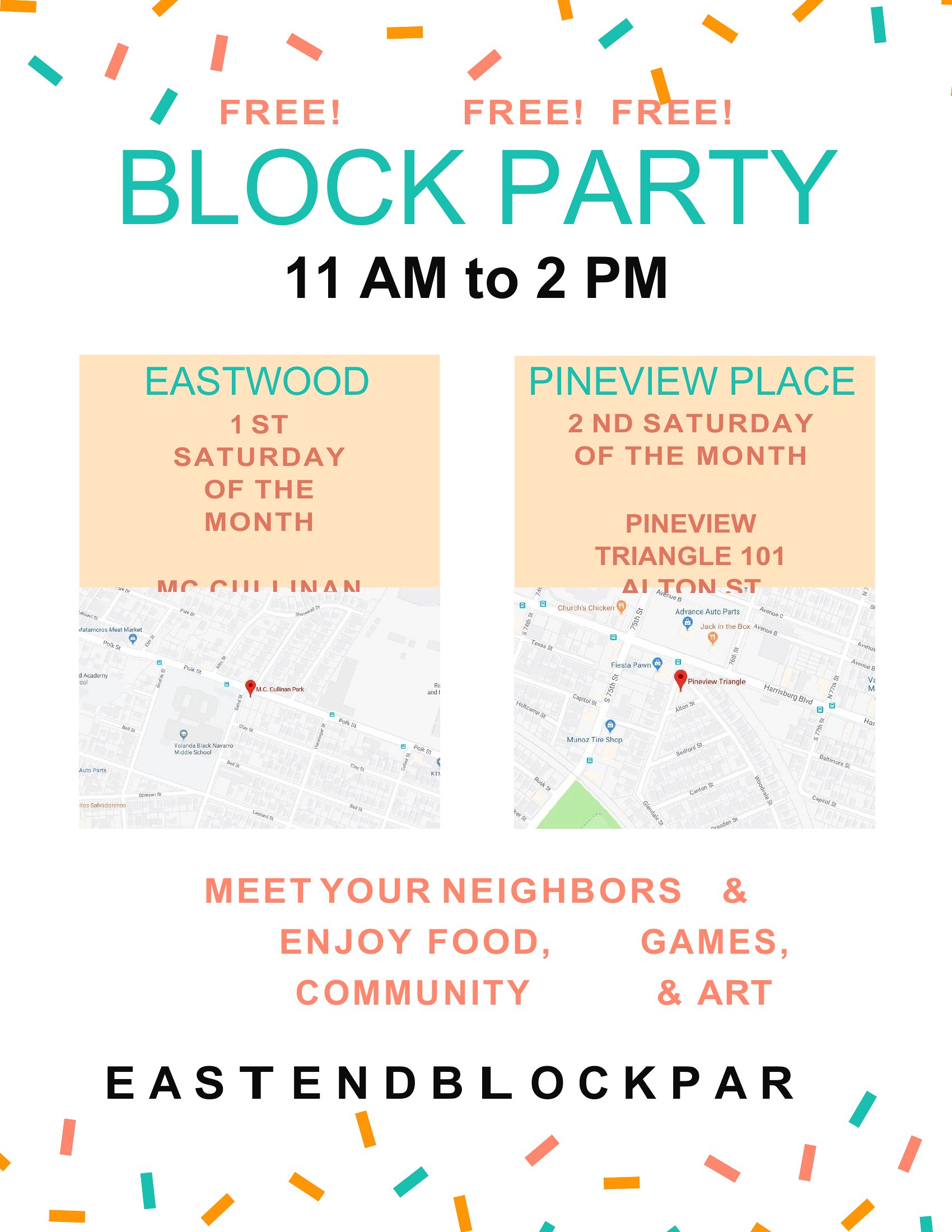
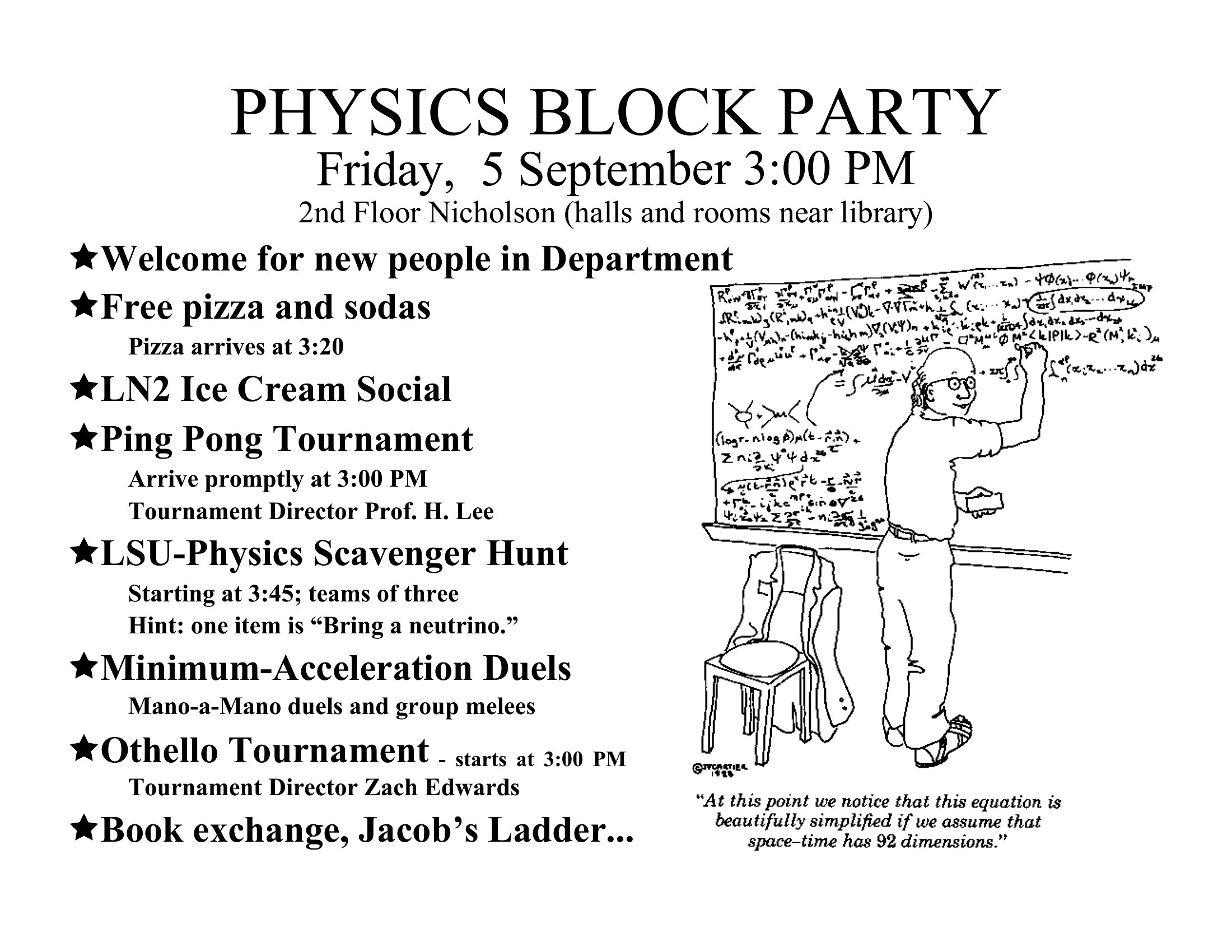
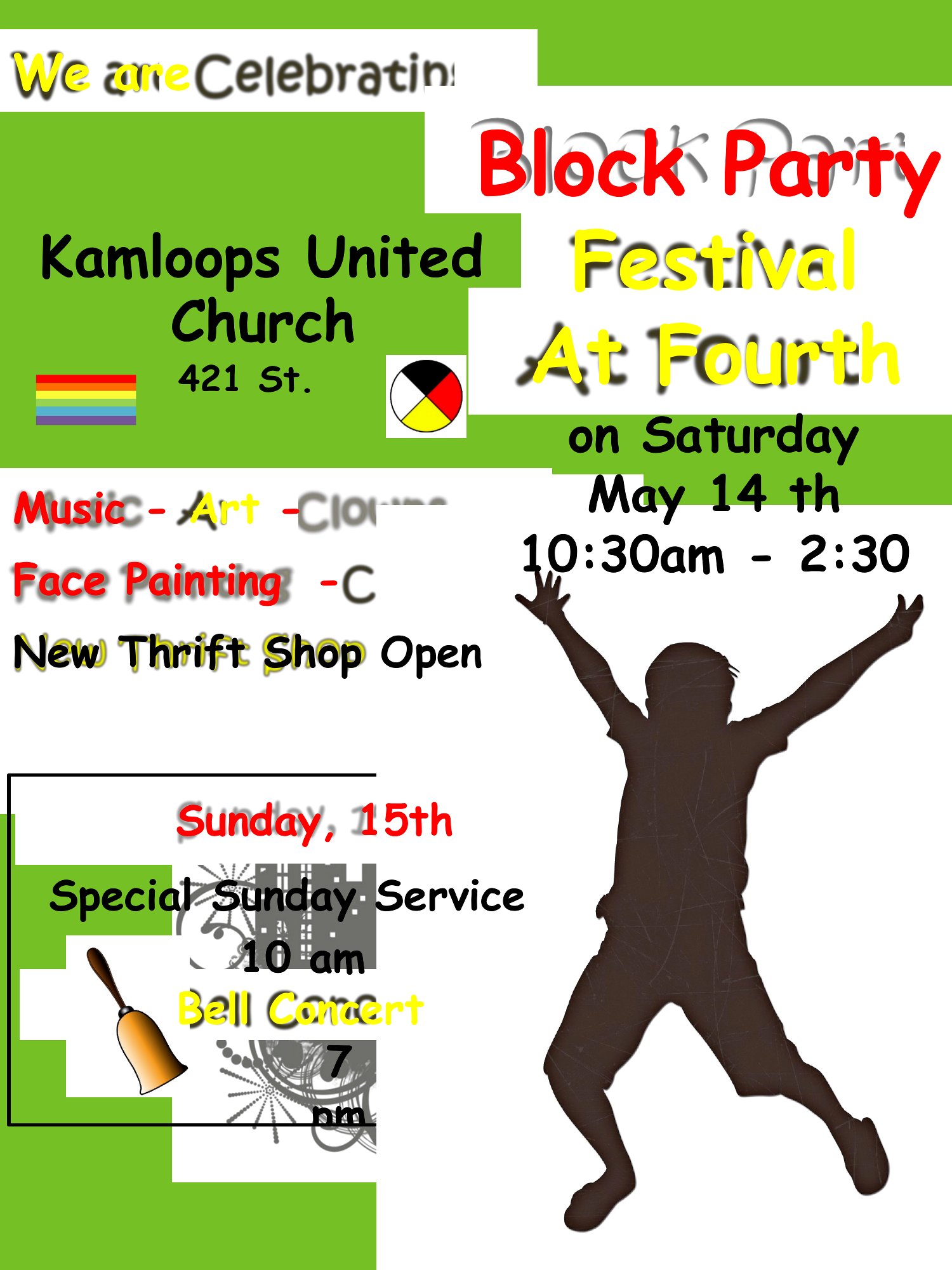
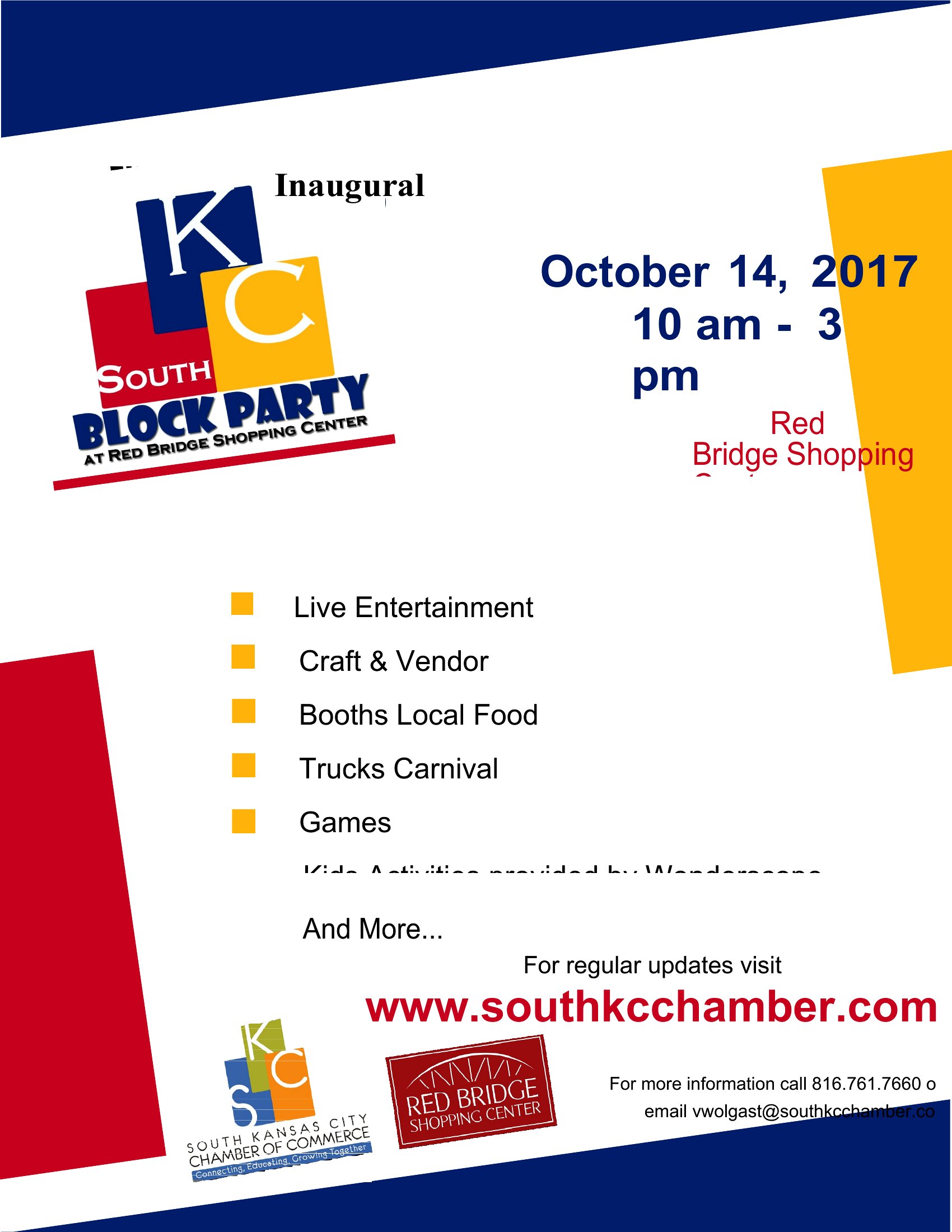
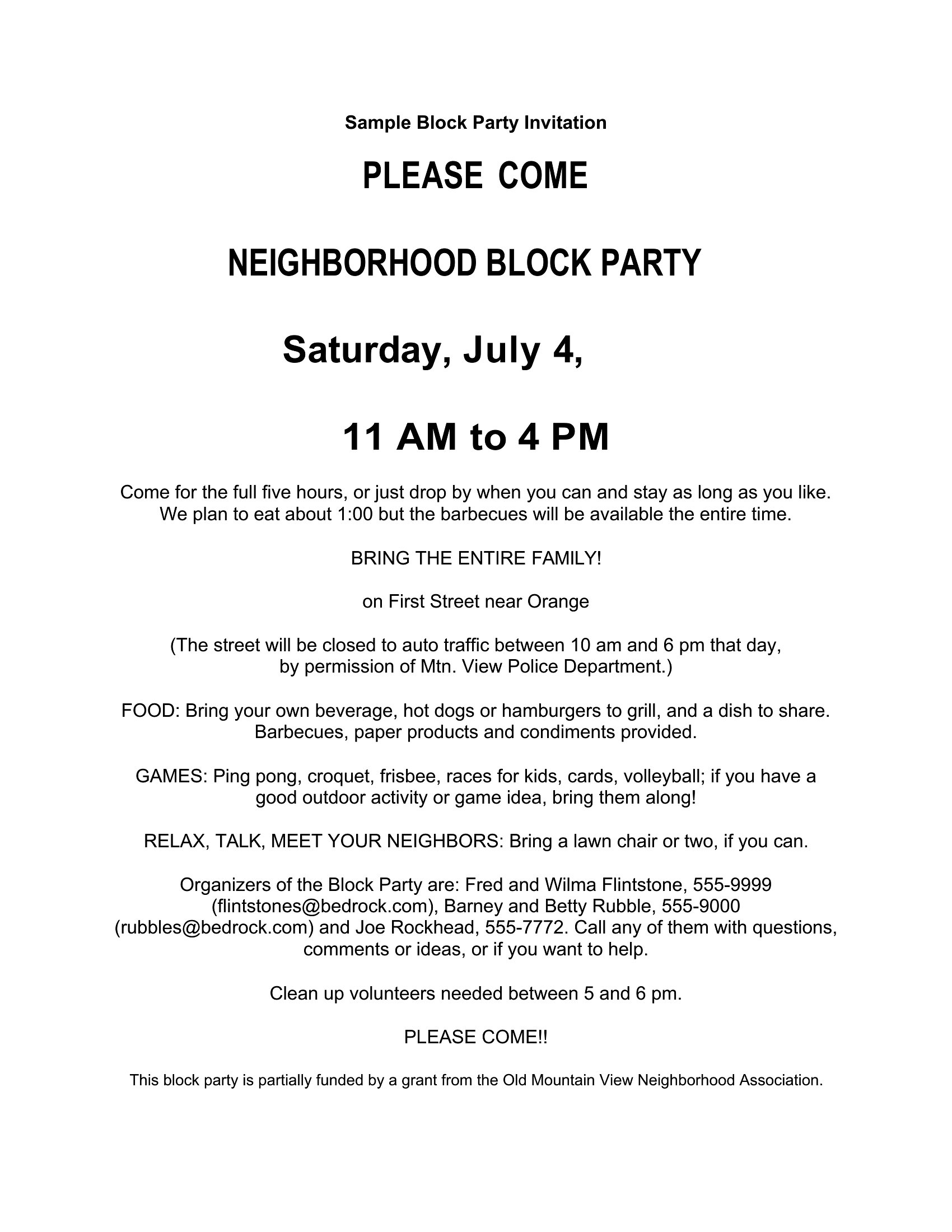
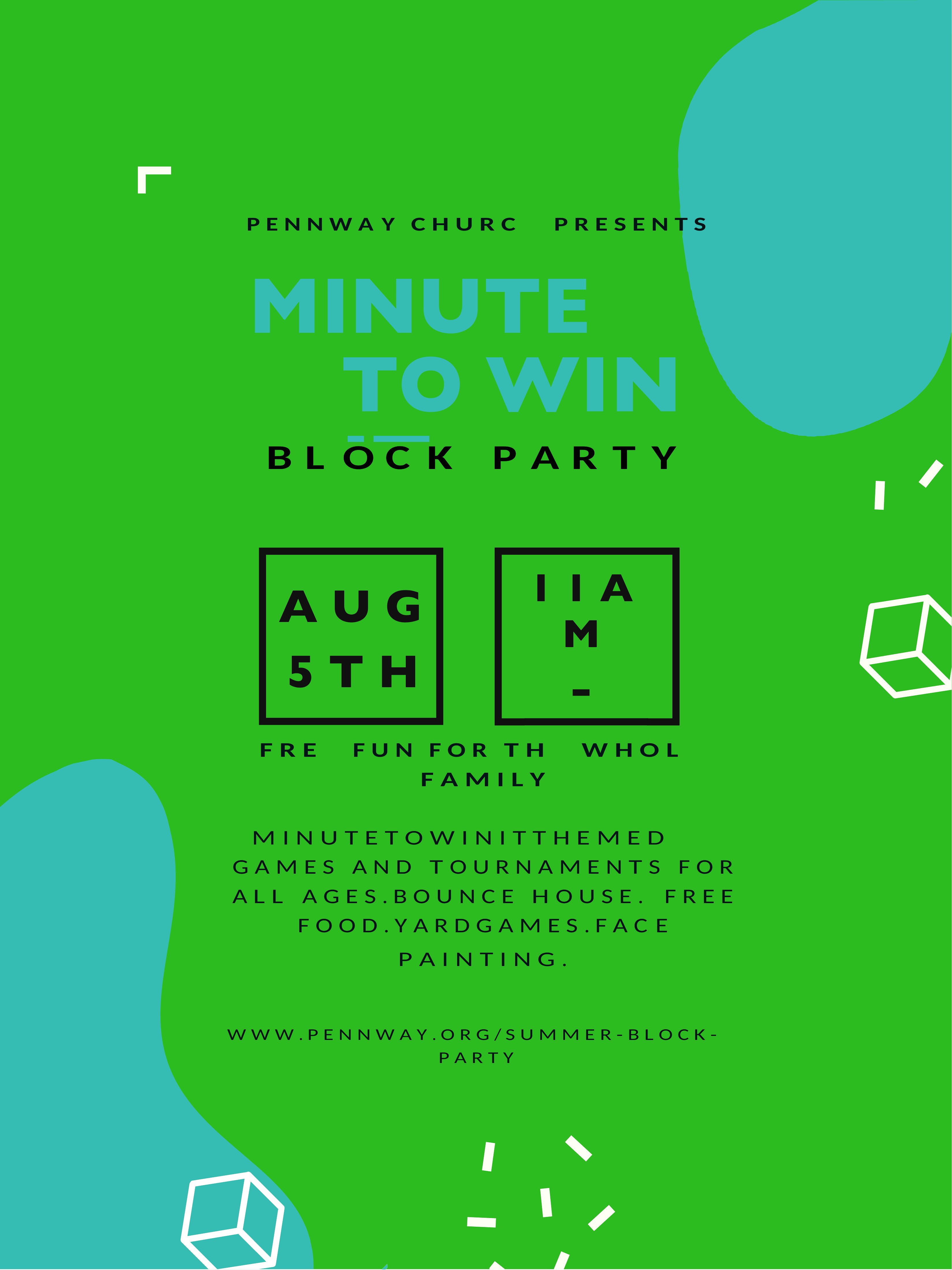
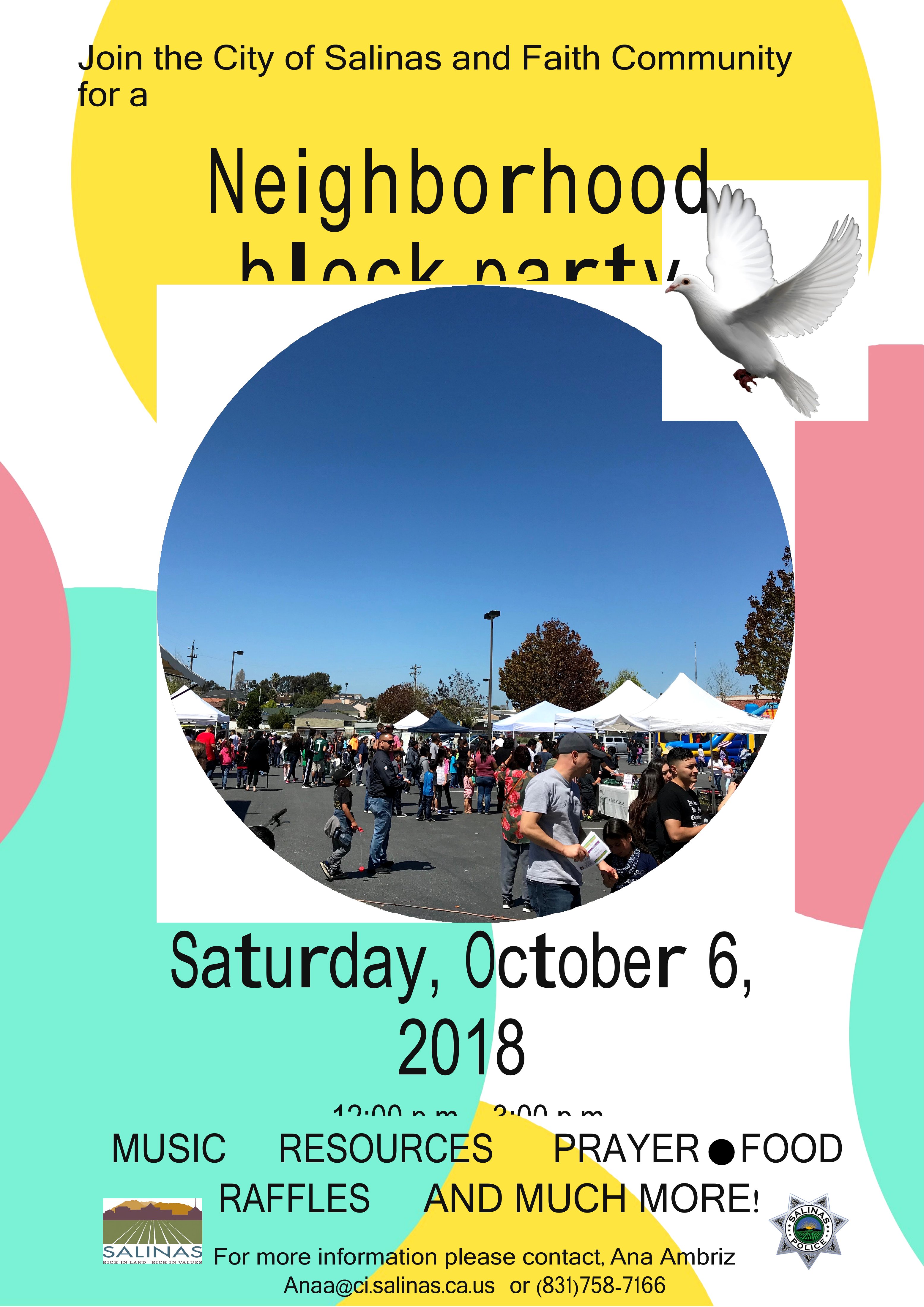
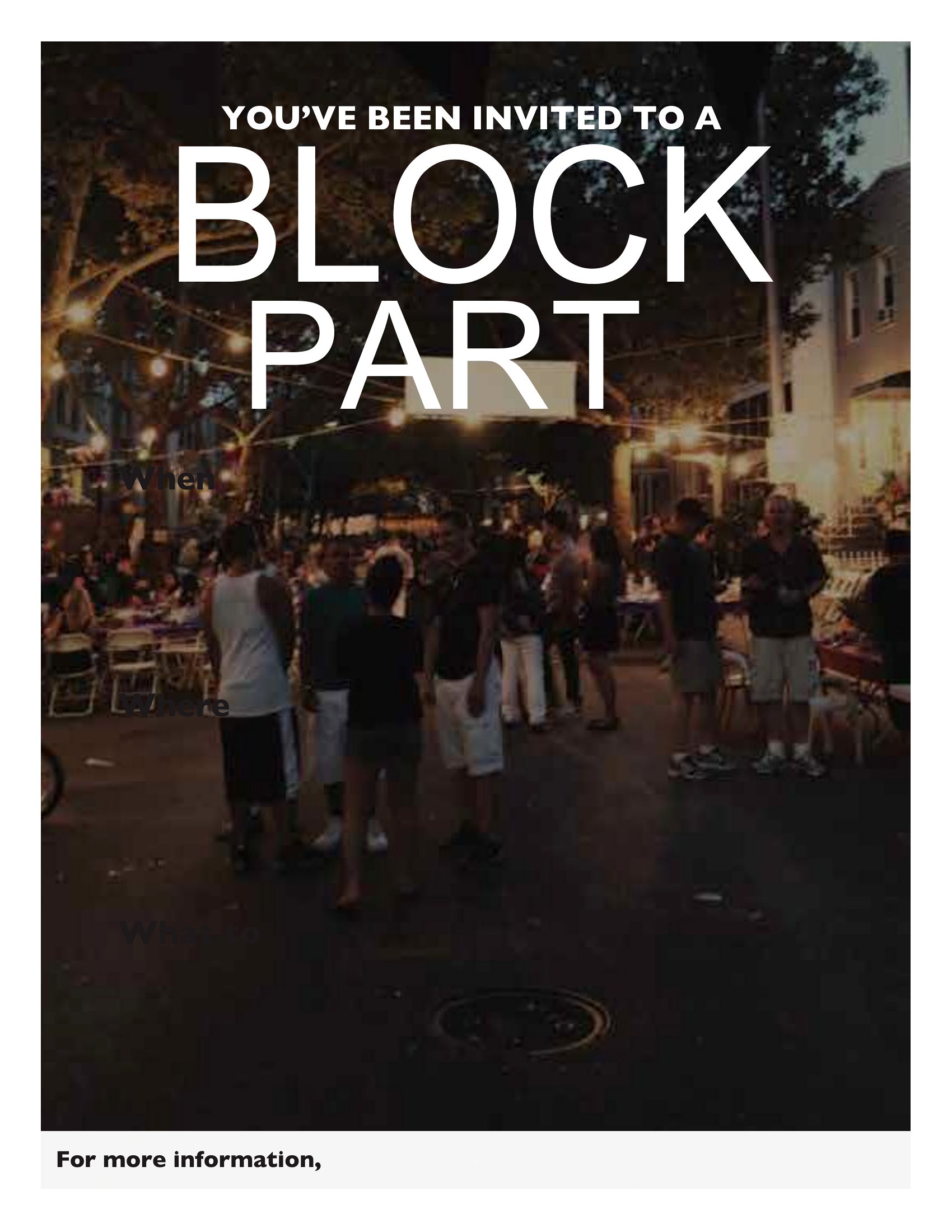
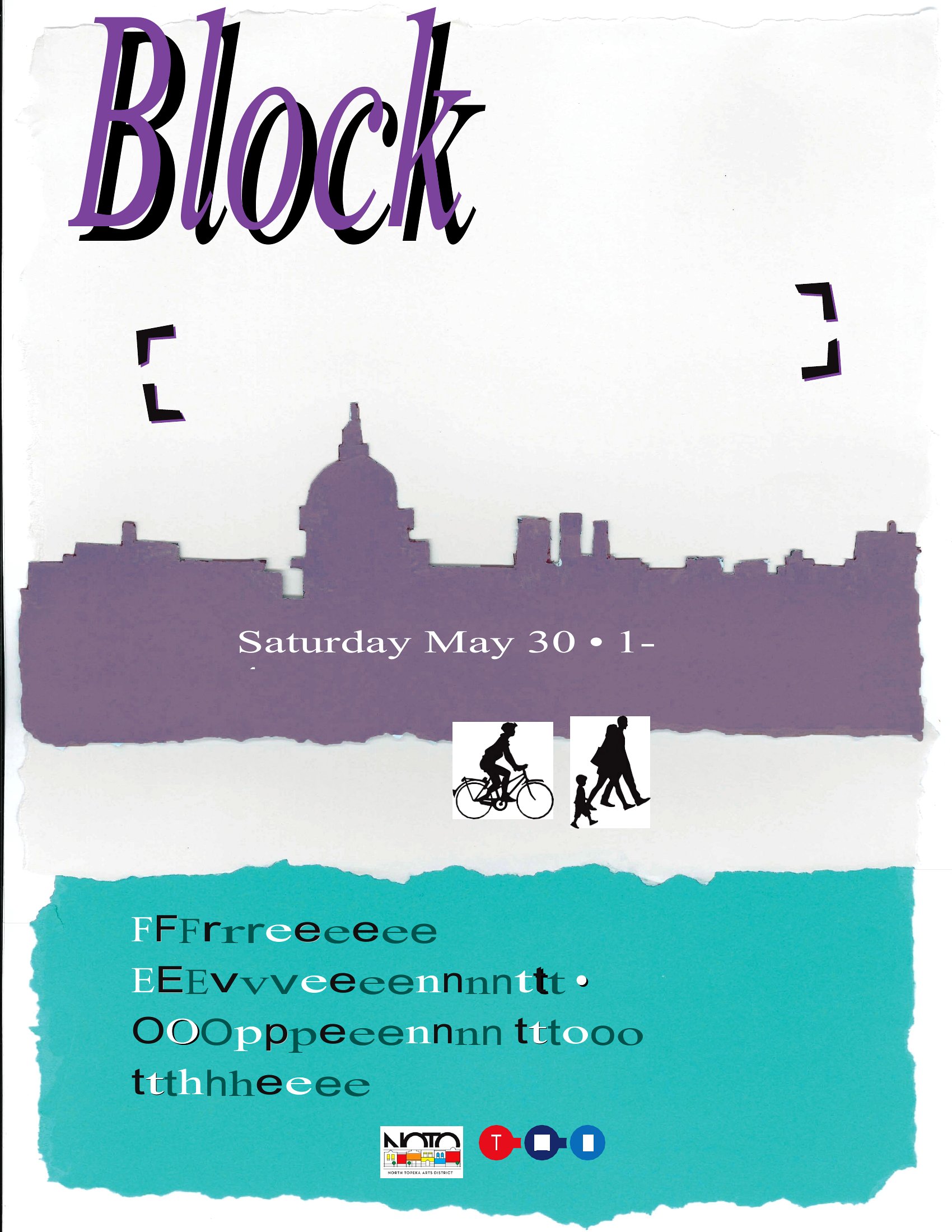
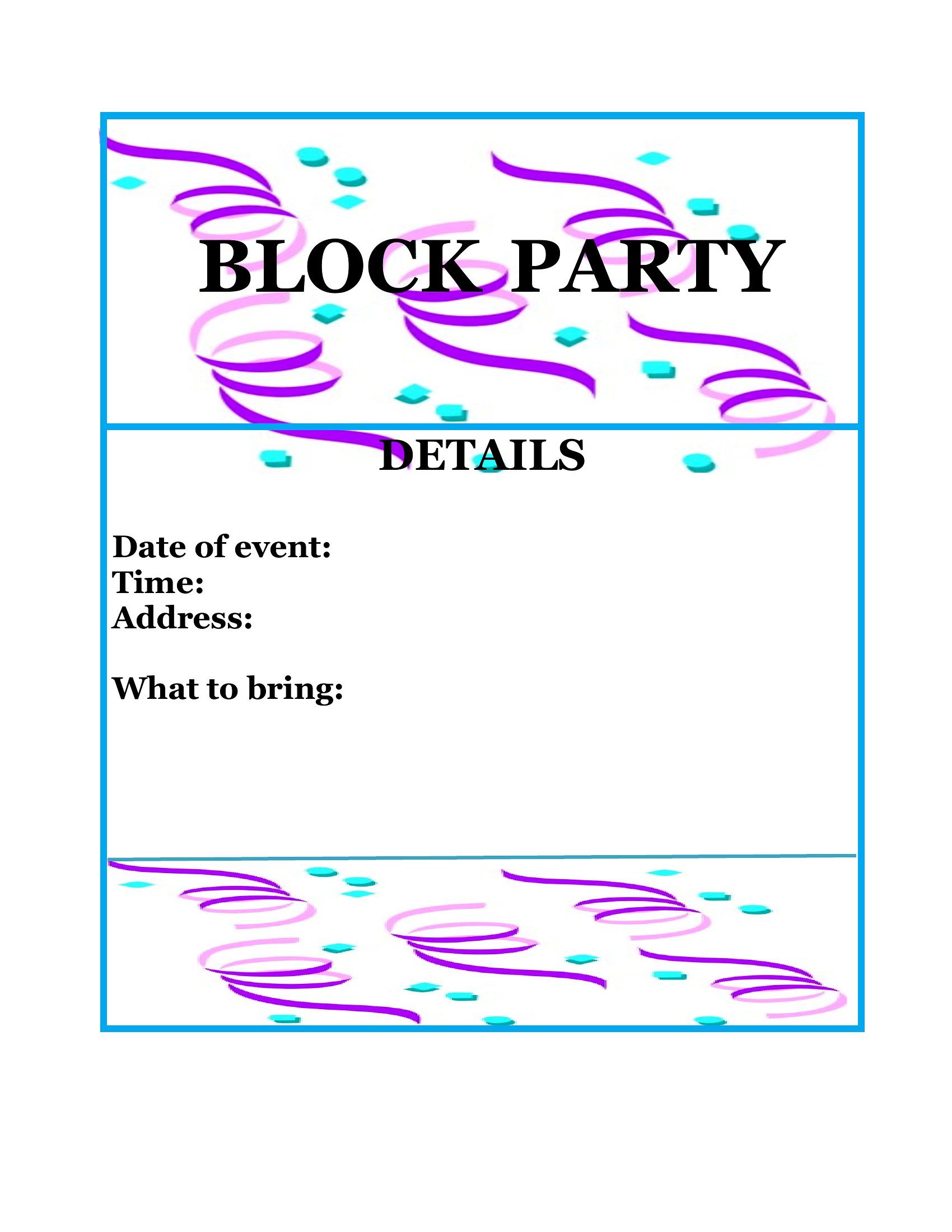
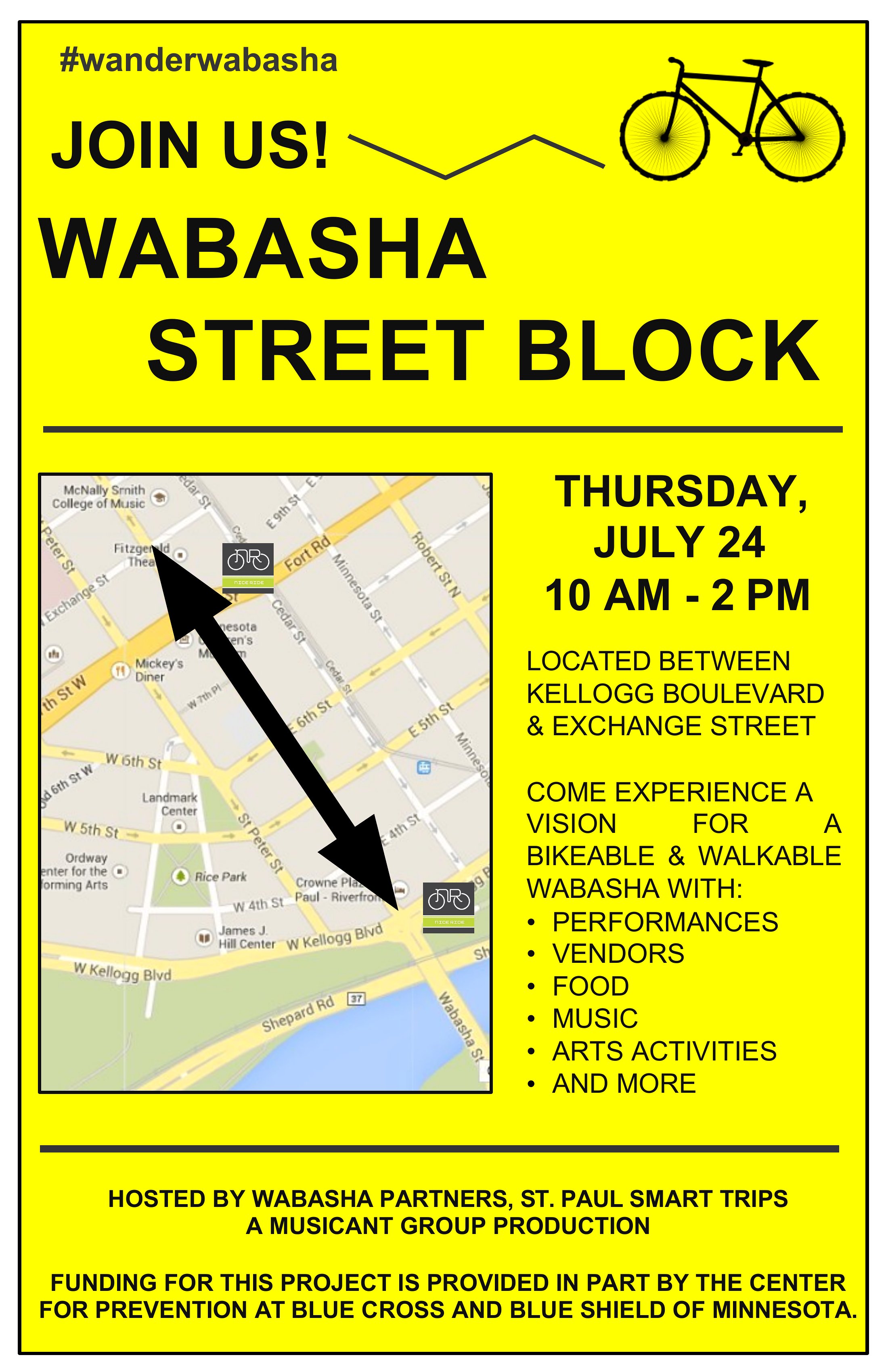
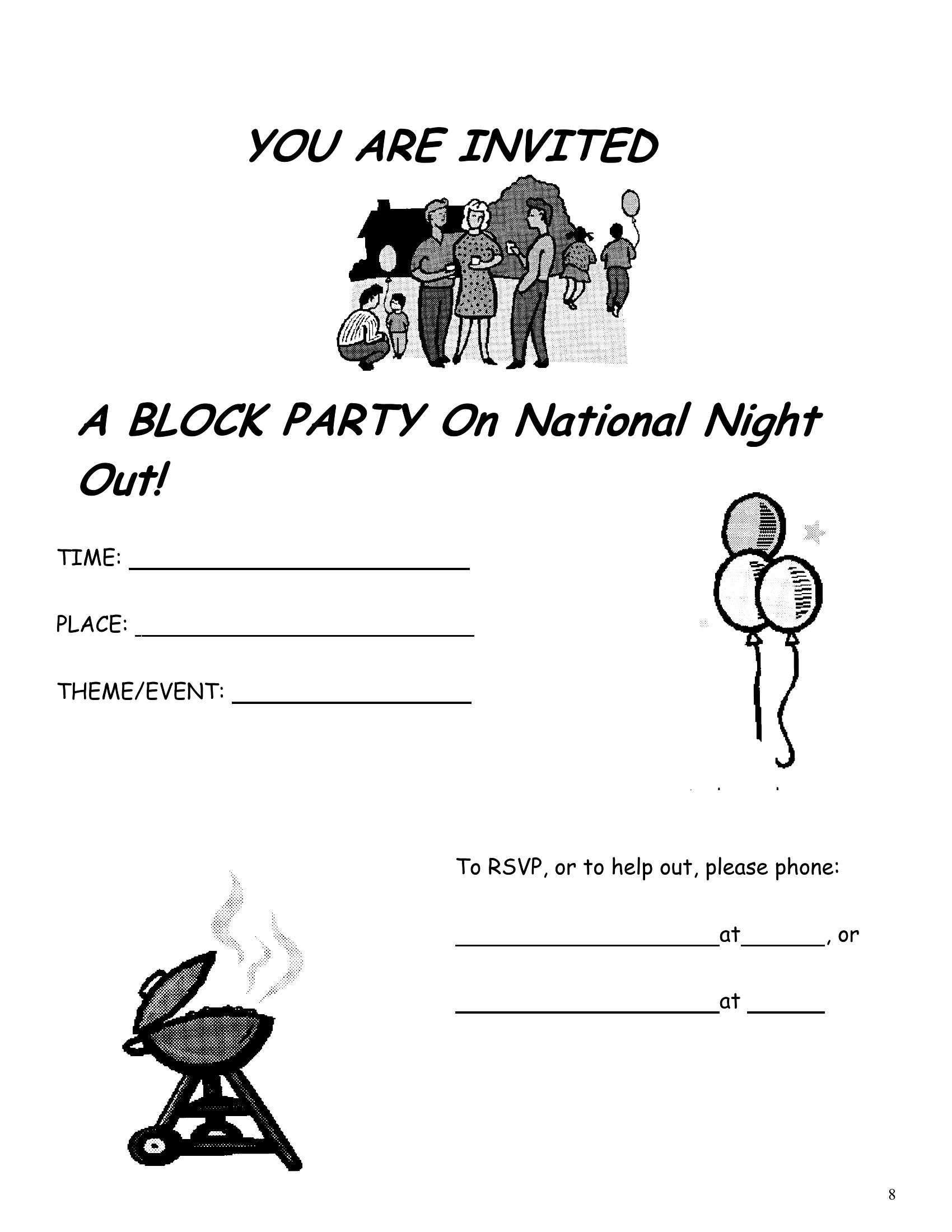
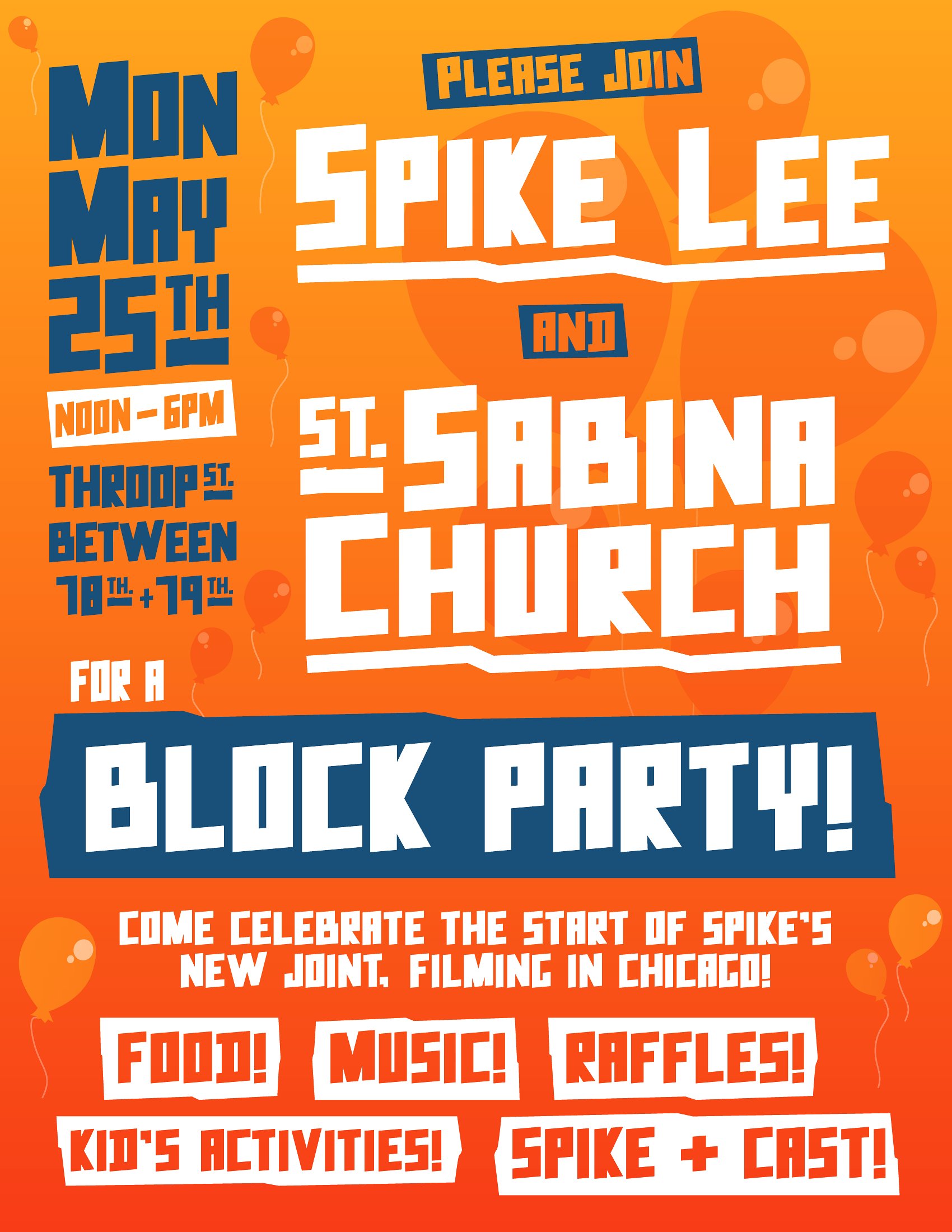
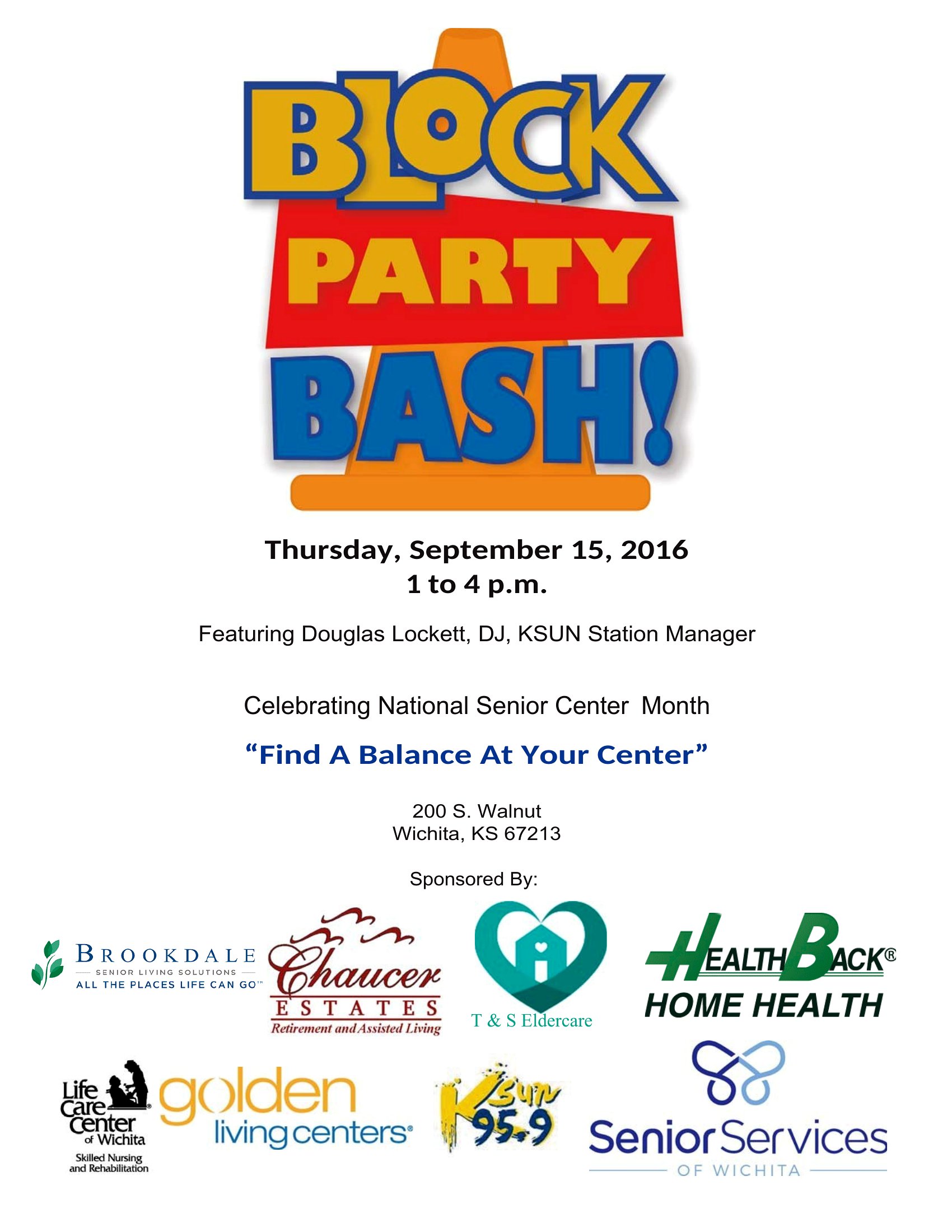
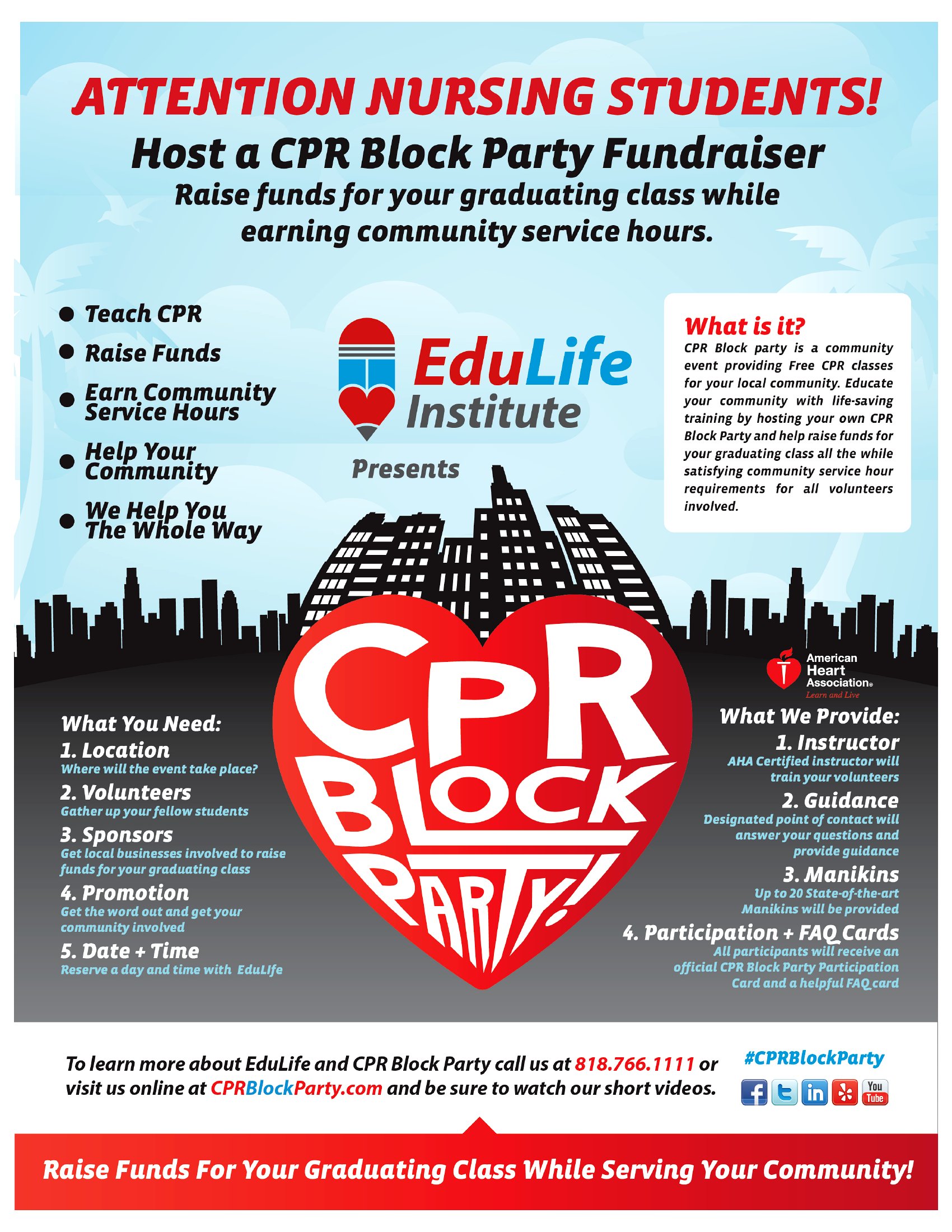
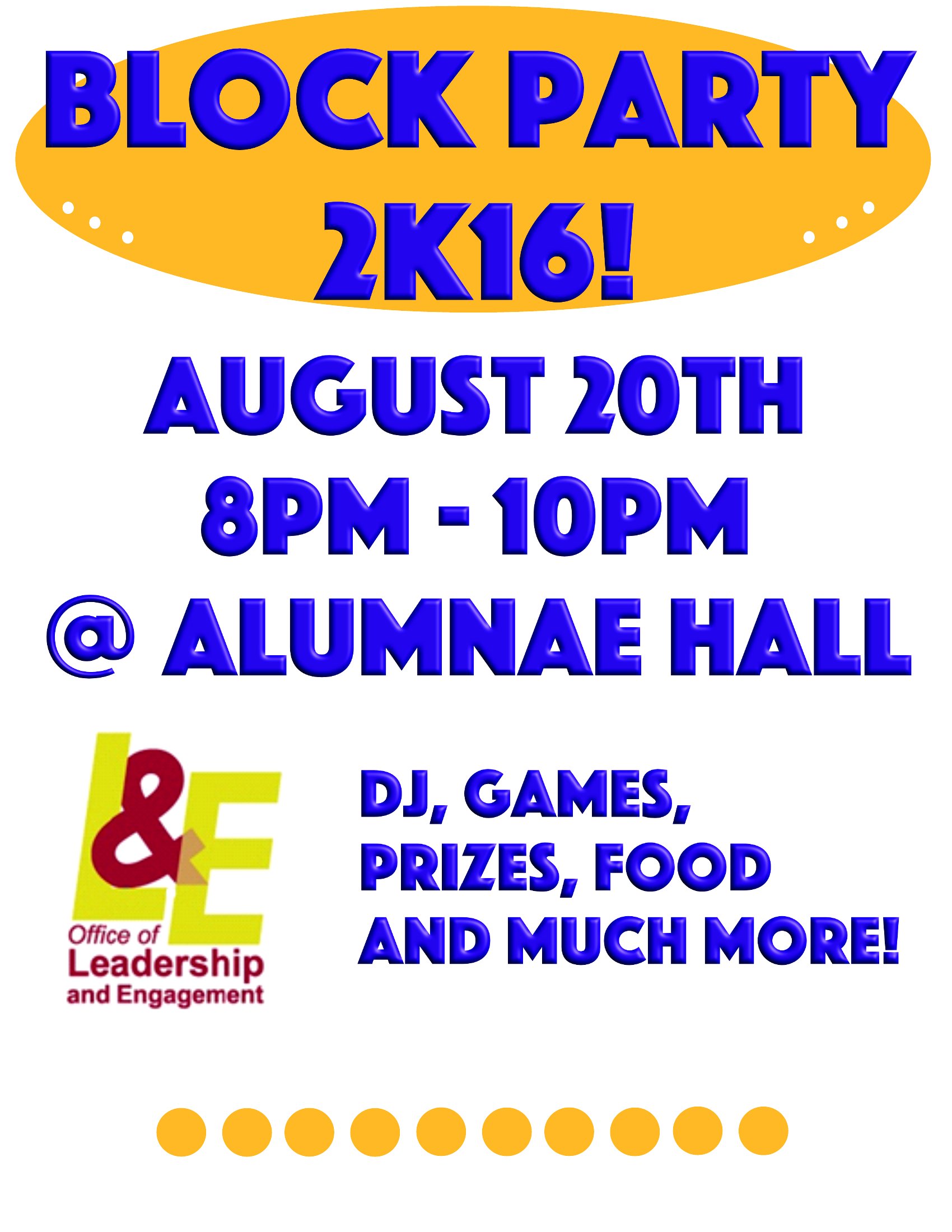
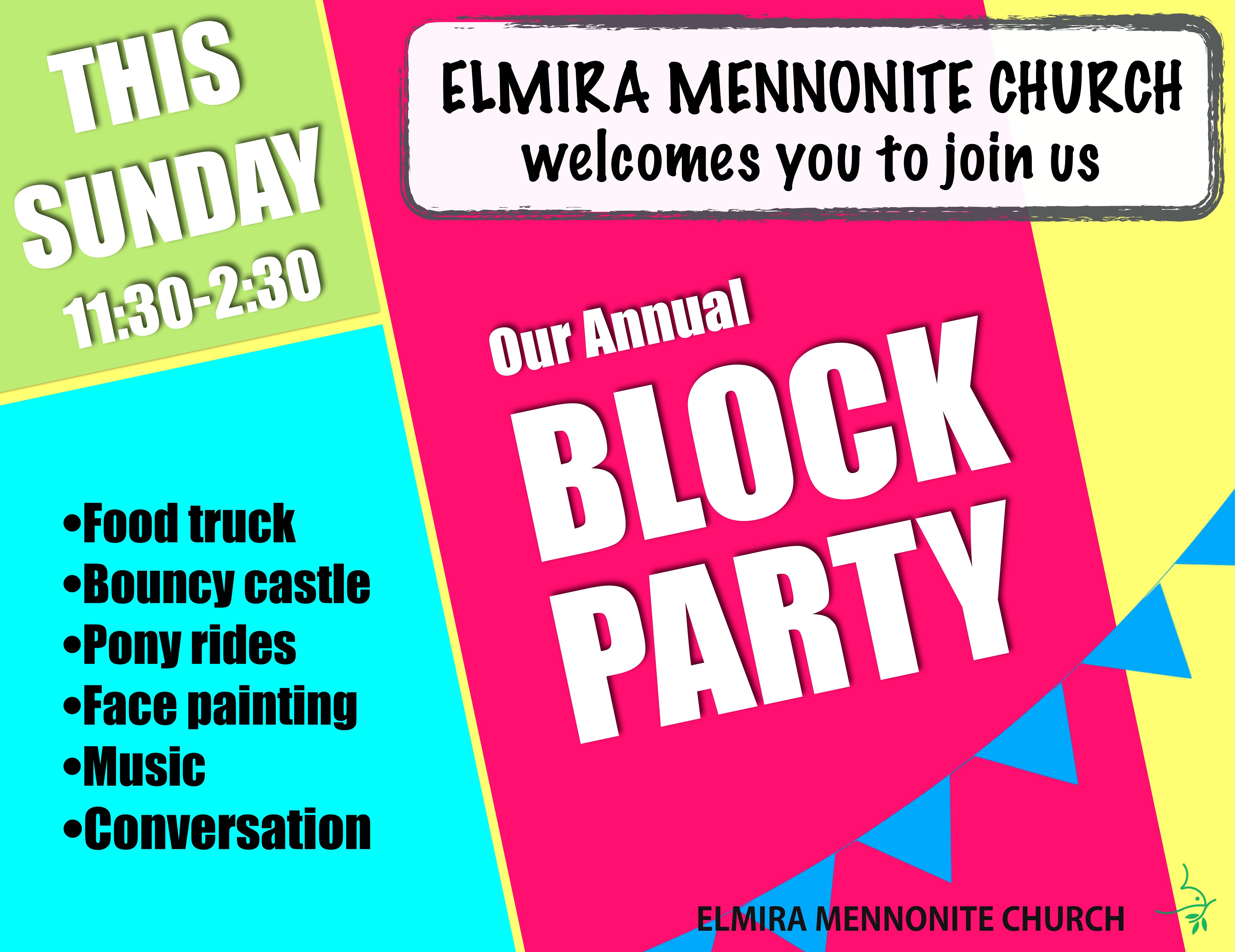
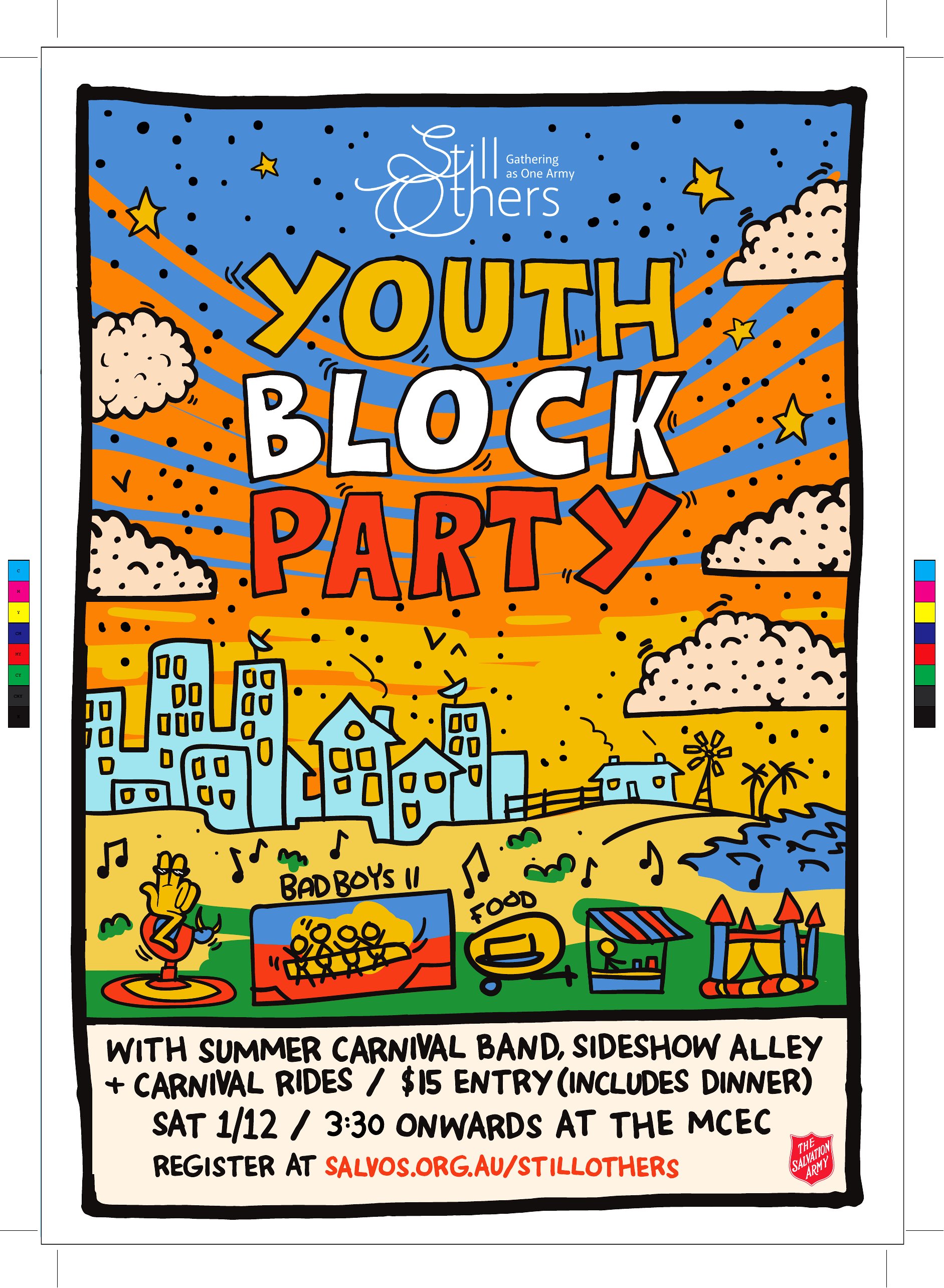
LifePlanning a block party? A bright, clear flyer is the fastest way to get neighbors to show up. This collection of 35 block party flyer templates gives you eye-catching designs with space for the date, time, location, and what to bring. Neighborhood organizers, HOAs, and community groups can have invitations ready in an afternoon.
Edit the Word versions to add your details and swap colors, or print the ready-made PDFs straight away. No design experience is needed; just personalize, print, and post them around the area. Download the style that matches your event and start spreading the word about your get-together.
When to use this Block Party Flyer template
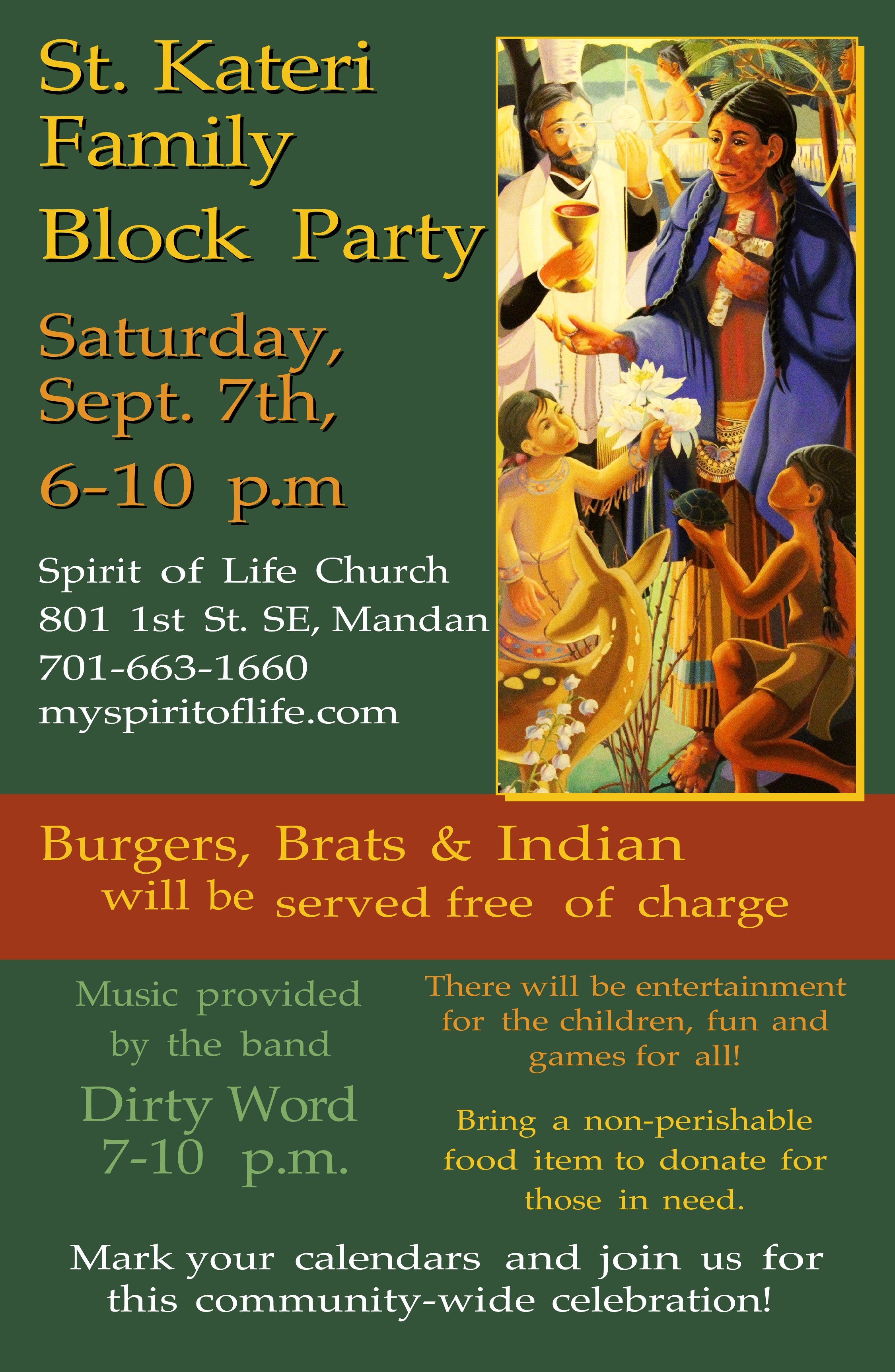
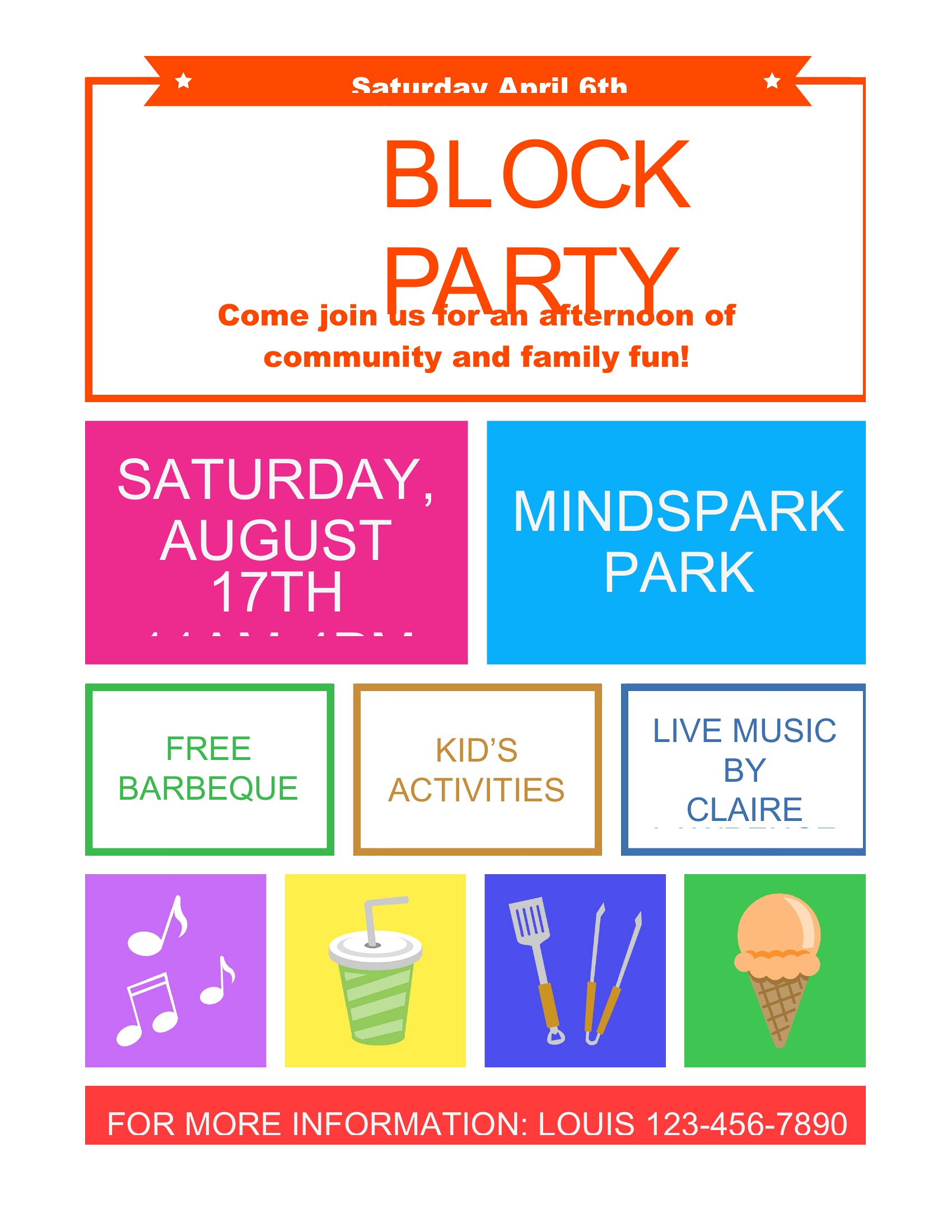
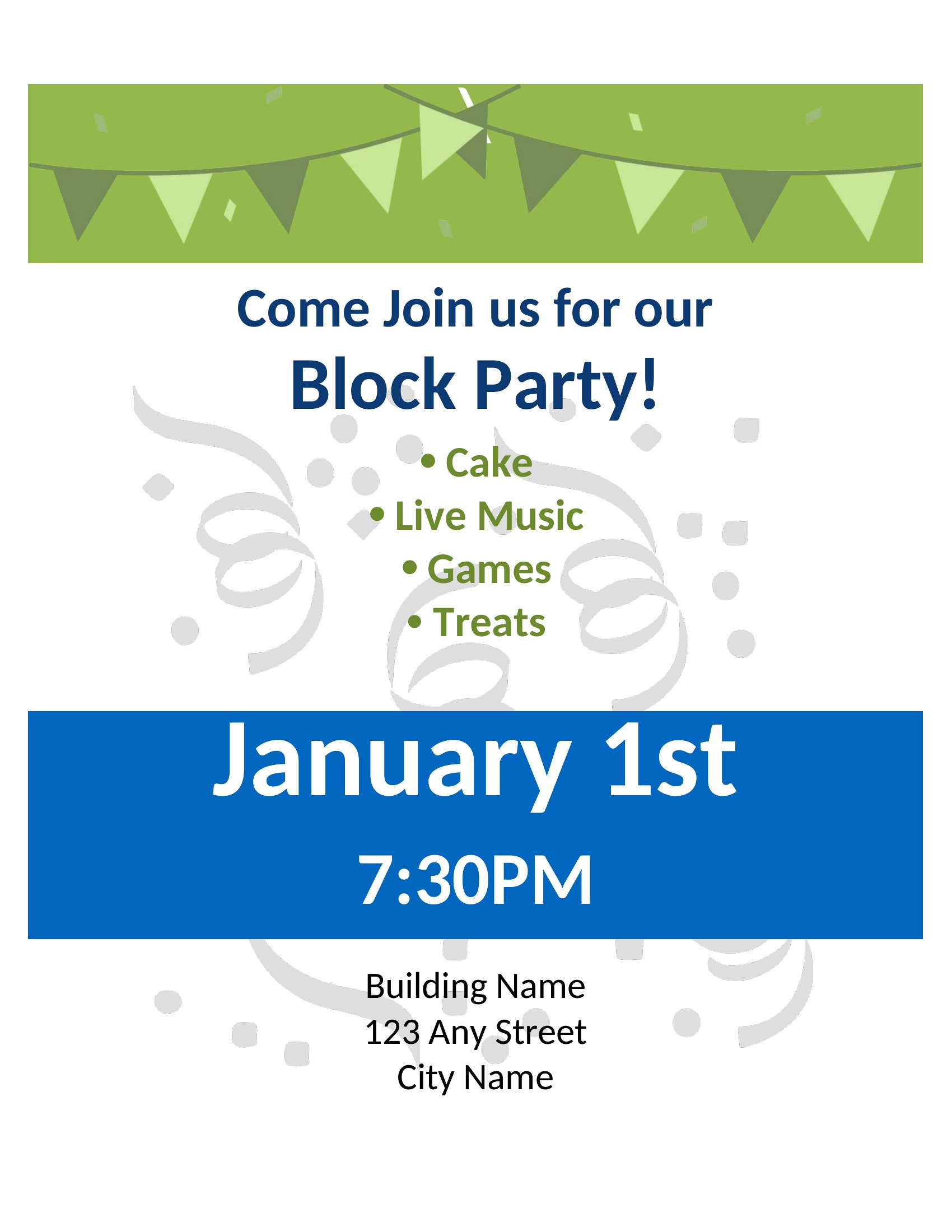
- Neighborhood association leaders organizing a summer kickoff event need eye-catching flyers to boost attendance from busy families with young children. Clear visuals of food, games, and music details help set expectations quickly.
- A community garden group wants to invite new volunteers and residents to a post-harvest potluck on a tight timeline. Bold, minimal designs ensure key info like potluck sign-up deadlines stand out against cluttered mailboxes.
- HOA volunteers planning a first-time holiday block party use editable flyers to add specific rules like pet leash requirements or noise curfews, ensuring attendees understand expectations from the start.
- New neighbors moving into a condo complex need a welcoming flyer to introduce themselves and announce a meet-and-greet with potluck dishes. Warm, inclusive colors and simple icons help create an inviting first impression.
Which format should I download?
For this collection, Word is the best starting point if you’re customizing details like addresses, HOA rules, or volunteer sign-up links. Its editable text boxes let you tweak fonts, add logos, or swap colors to match your neighborhood’s branding. Choose PDF once your flyer is finalized—it locks in formatting perfectly for printing, sharing via email, or posting on community boards where ink and paper quality matter.
Choose from 35 Block Party Flyer Templates
How to use this Block Party Flyer template
My block party has dietary restrictions from attendees—how can I add that info without cluttering the flyer?
Use the Word templates to include a small icon or note like ‘Allergy-friendly options available’ in the food section. Reserve a corner of the design for quick details, or add a QR code linking to a full menu with restrictions. Keep it simple—neighbors will appreciate the heads-up without visual overload.
What’s the best way to include a sign-up sheet for volunteers if we don’t have a website?
Designate a small box in the flyer labeled ‘Volunteer?’ with a contact name/phone or a Google Form QR code. For printed flyers, add a note like ‘Text [Name] at [Number] to sign up.’ Word templates let you embed this text easily without disrupting the overall design.
How do I make sure the flyer looks good when printed in black and white for cost savings?
Use the PDF format after finalizing your design, as it preserves line weight and contrast better than printed Word docs. Stick to high-contrast colors (black text on white backgrounds, bold outlines for icons) and avoid relying on color-coded sections. Test print a draft if possible.
Comments
Join the conversation
Sign in to share your thoughts and leave a comment on this resource.