Free Printable Booklet Templates (Word)
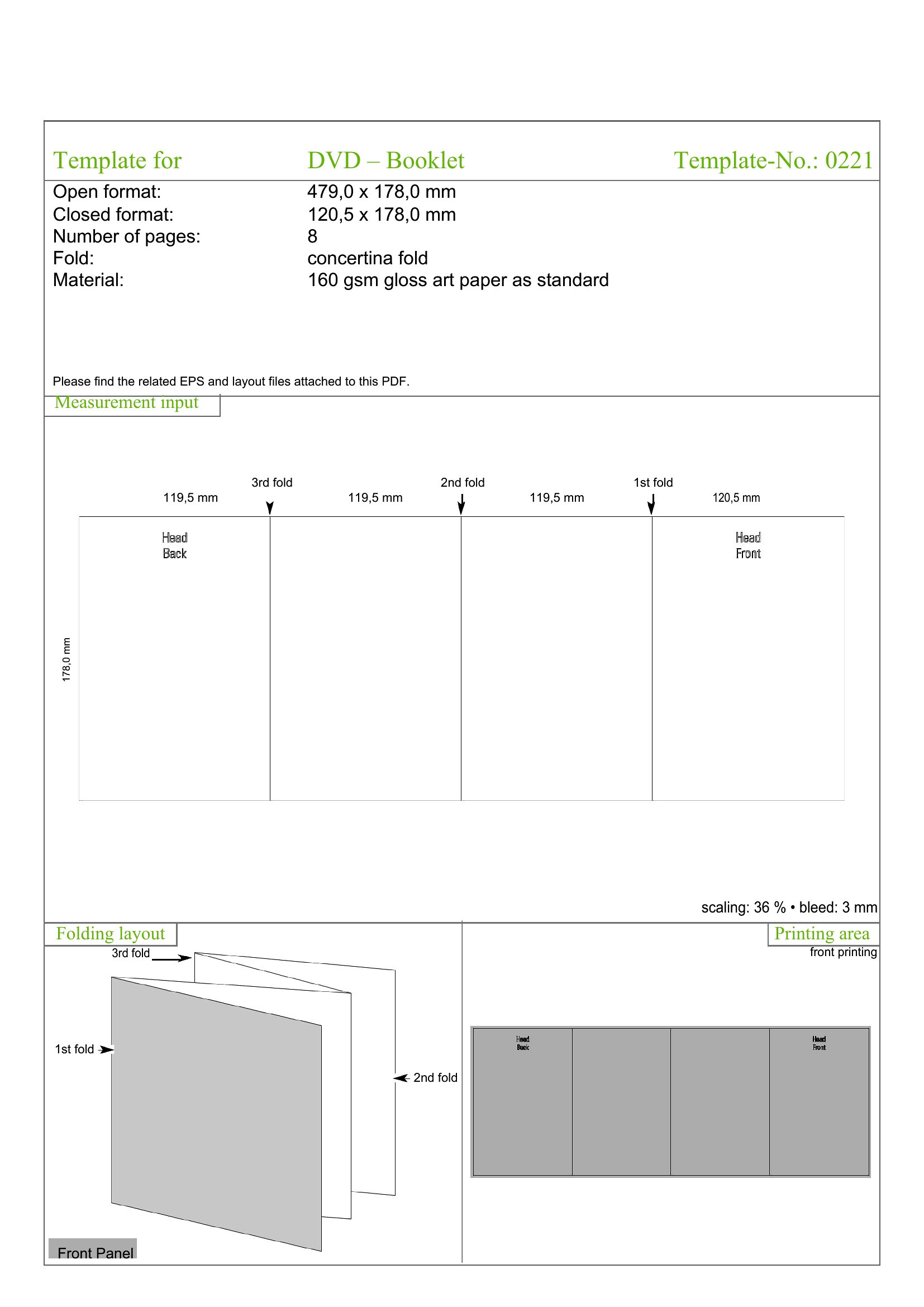
LifePutting together a program, a mini guide, or a small catalog? A booklet template handles the tricky page layout so your content folds and prints in the right order. This set of 45 templates helps small businesses, teachers, and event hosts create polished multi-page pieces without wrestling with margins and imposition. Drop in your text and images and let the format do the fiddly part.
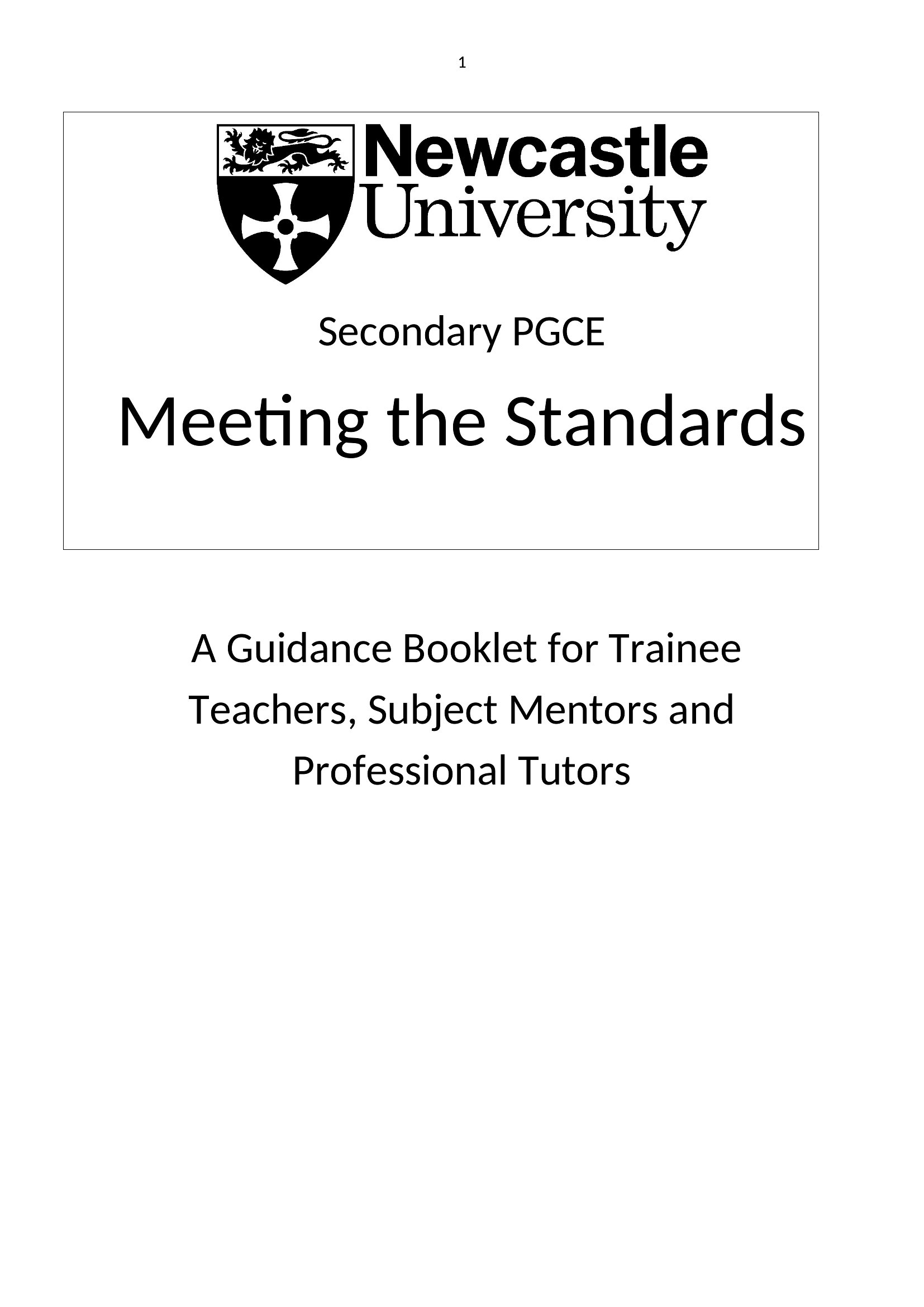
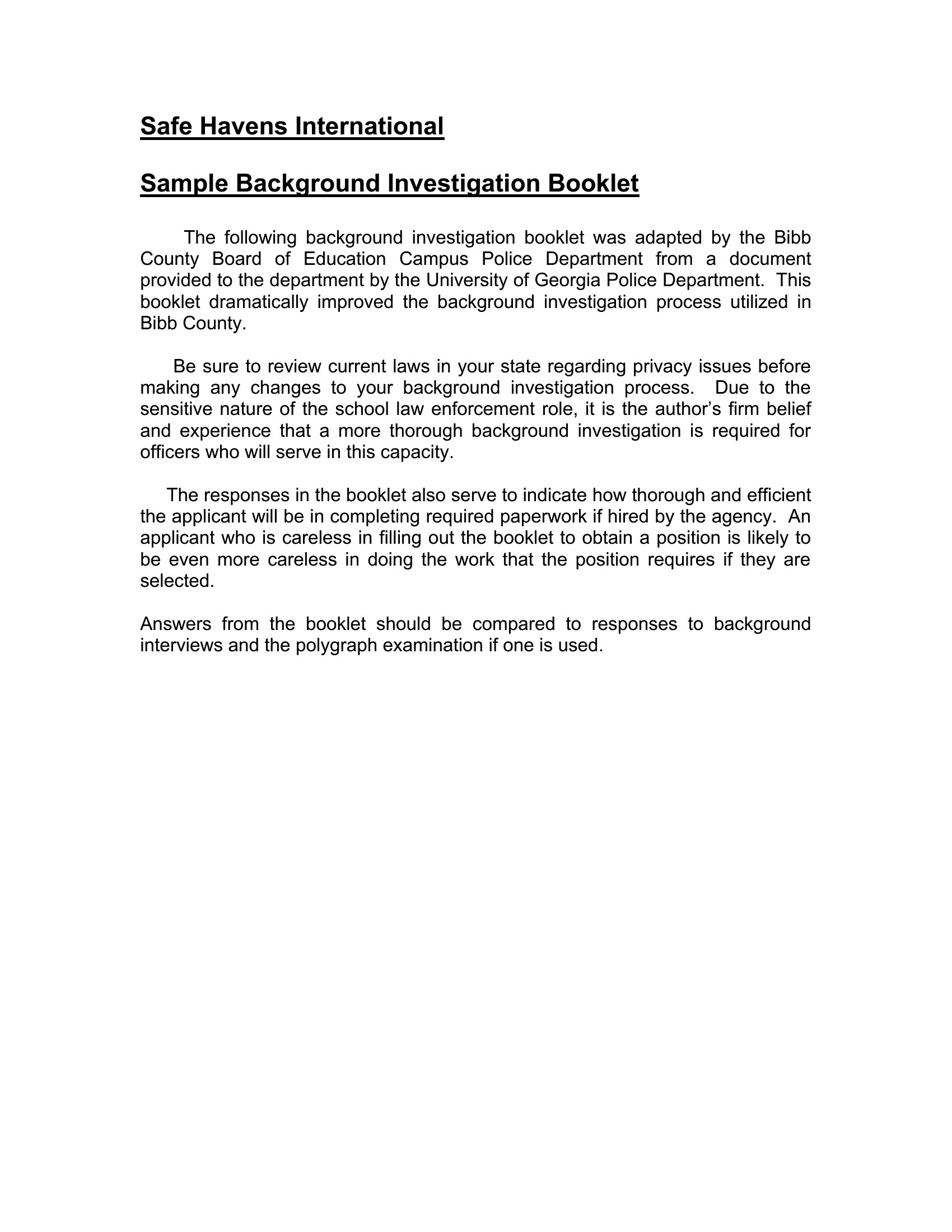
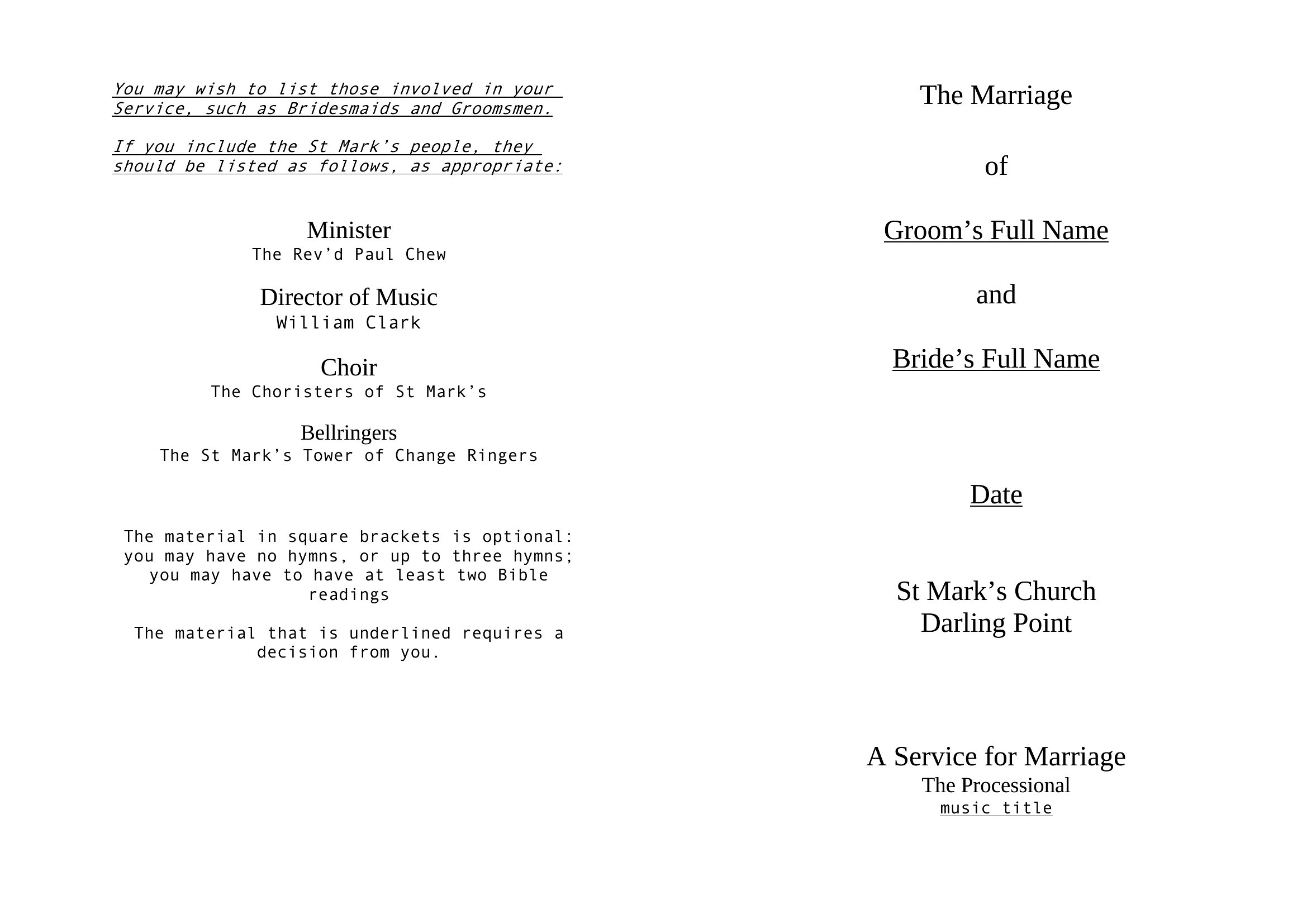
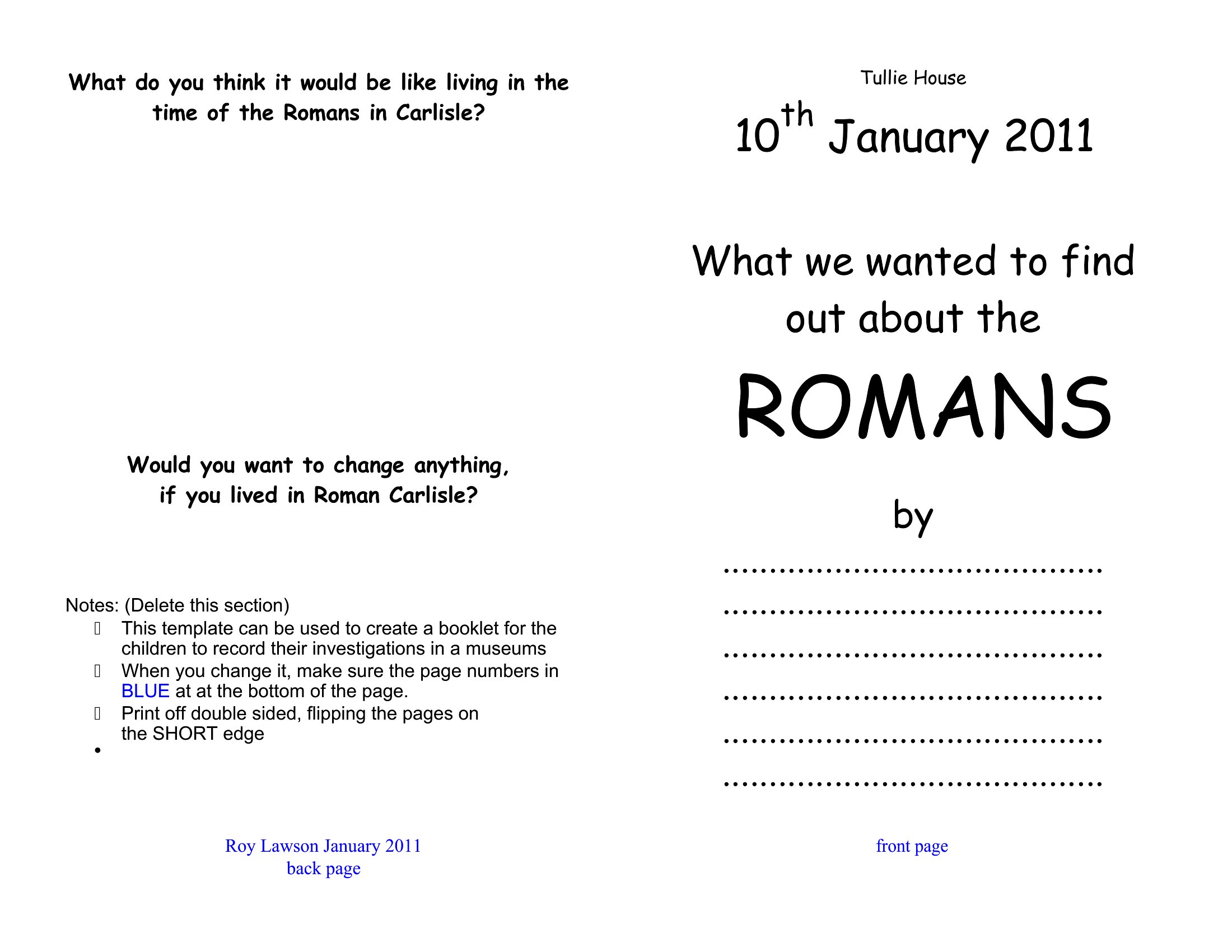
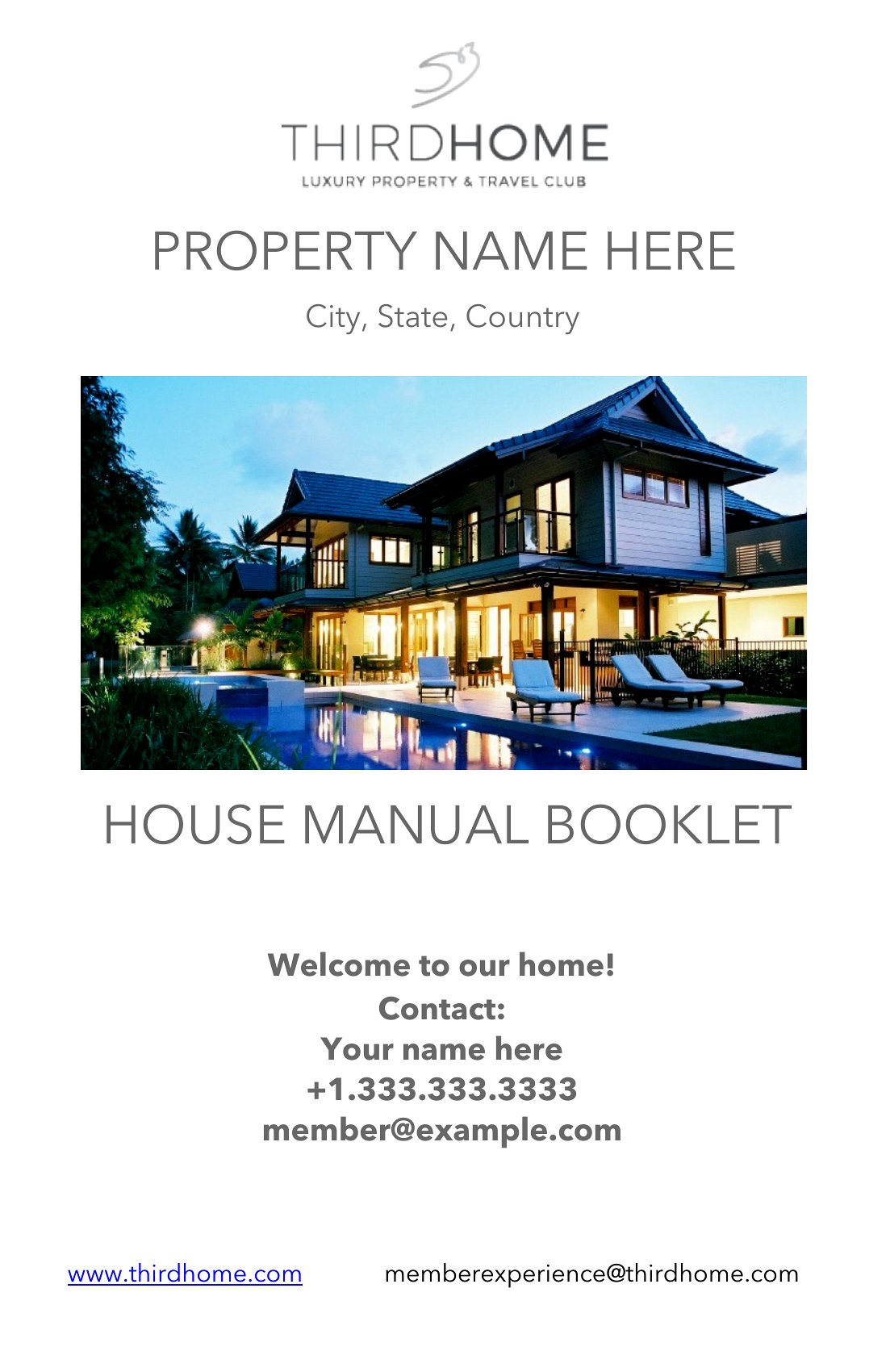
The templates are editable in Word, ready for your content before you print and fold at home or send to a print shop. Use them for event programs, instructional guides, or product booklets, and reuse the layout whenever you need another. Choose the size that fits your project and download it free.
When to use this Booklet template
- Small business owners launching a seasonal menu or community event flyer need a booklet to organize details like hours, promotions, and location maps without design headaches.
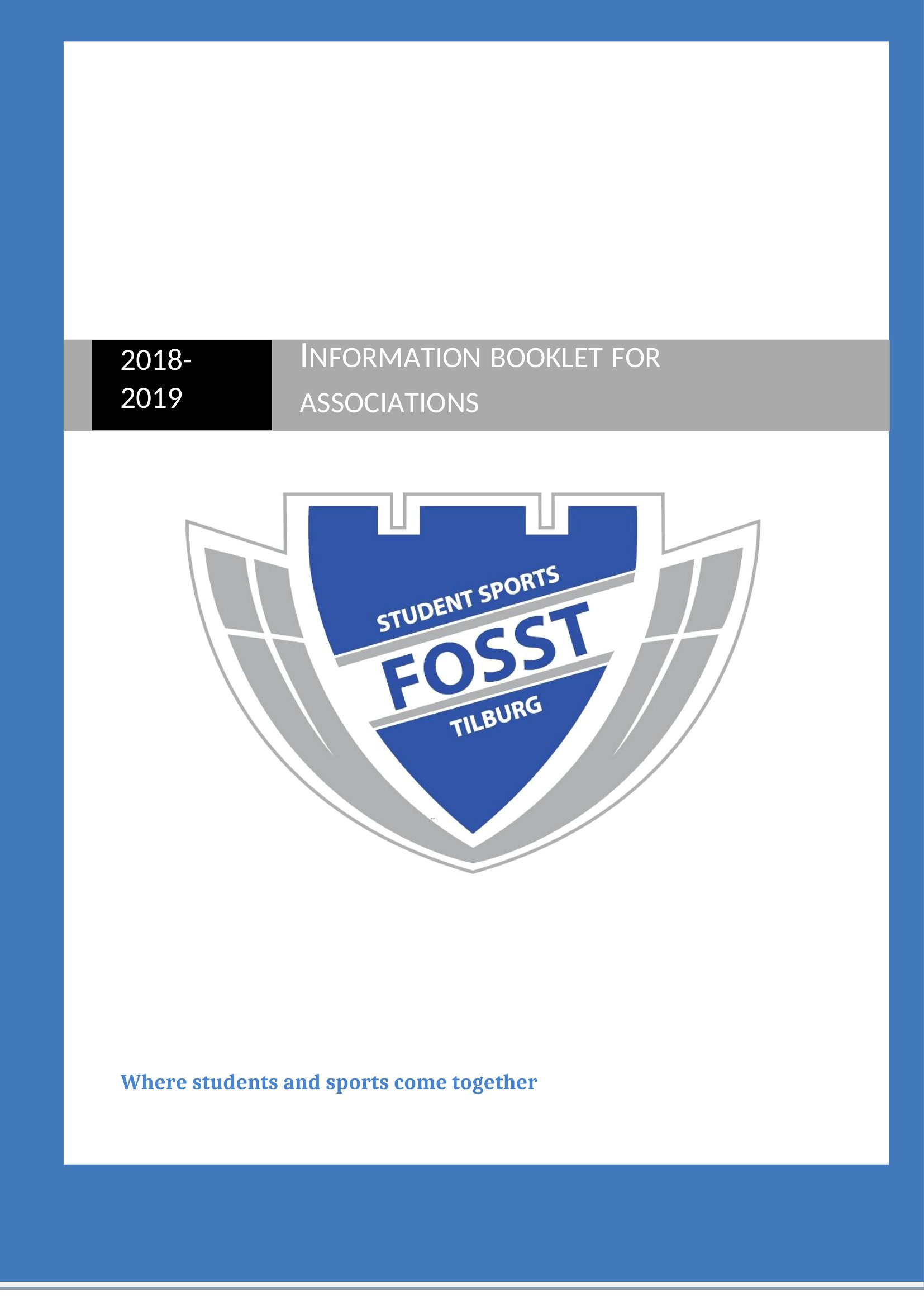
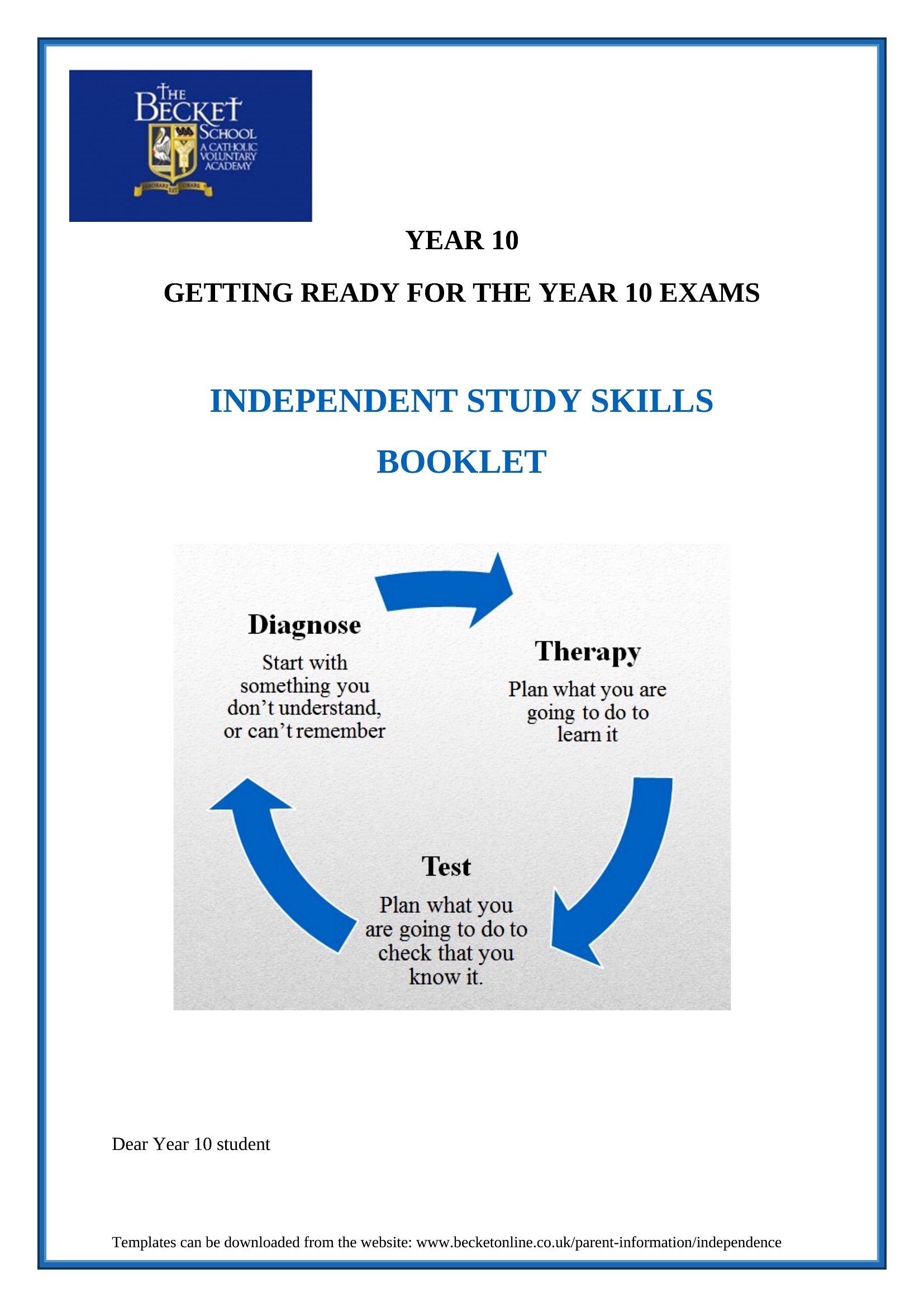
- Teachers creating parent handbooks or curriculum guides benefit from booklets that keep instructions, schedules, and contact info neatly folded for easy distribution at back-to-school nights.
- Nonprofits sharing donor impact reports or volunteer toolkits rely on booklets to present complex information in digestible sections that fit neatly into mailers or event bags.
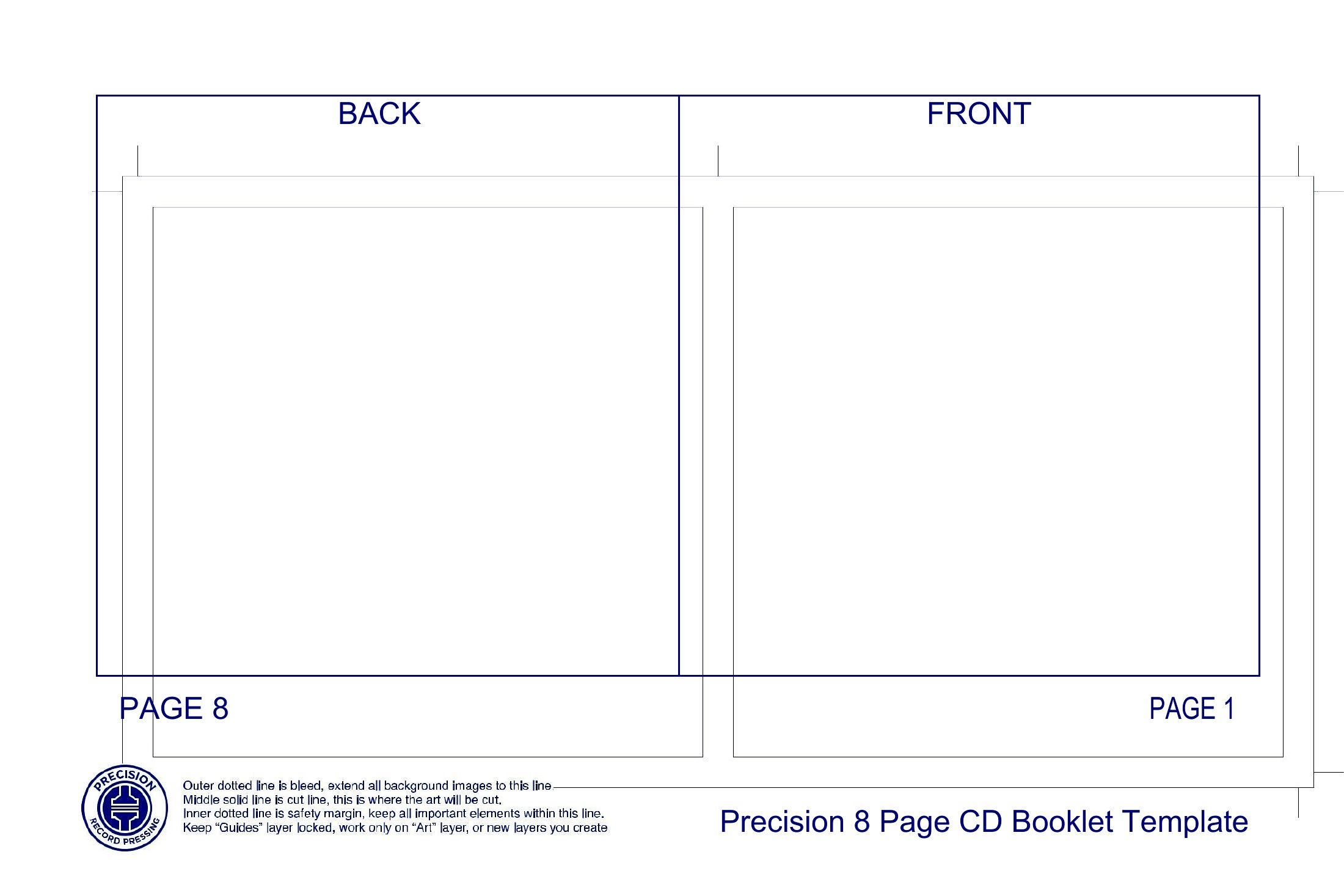
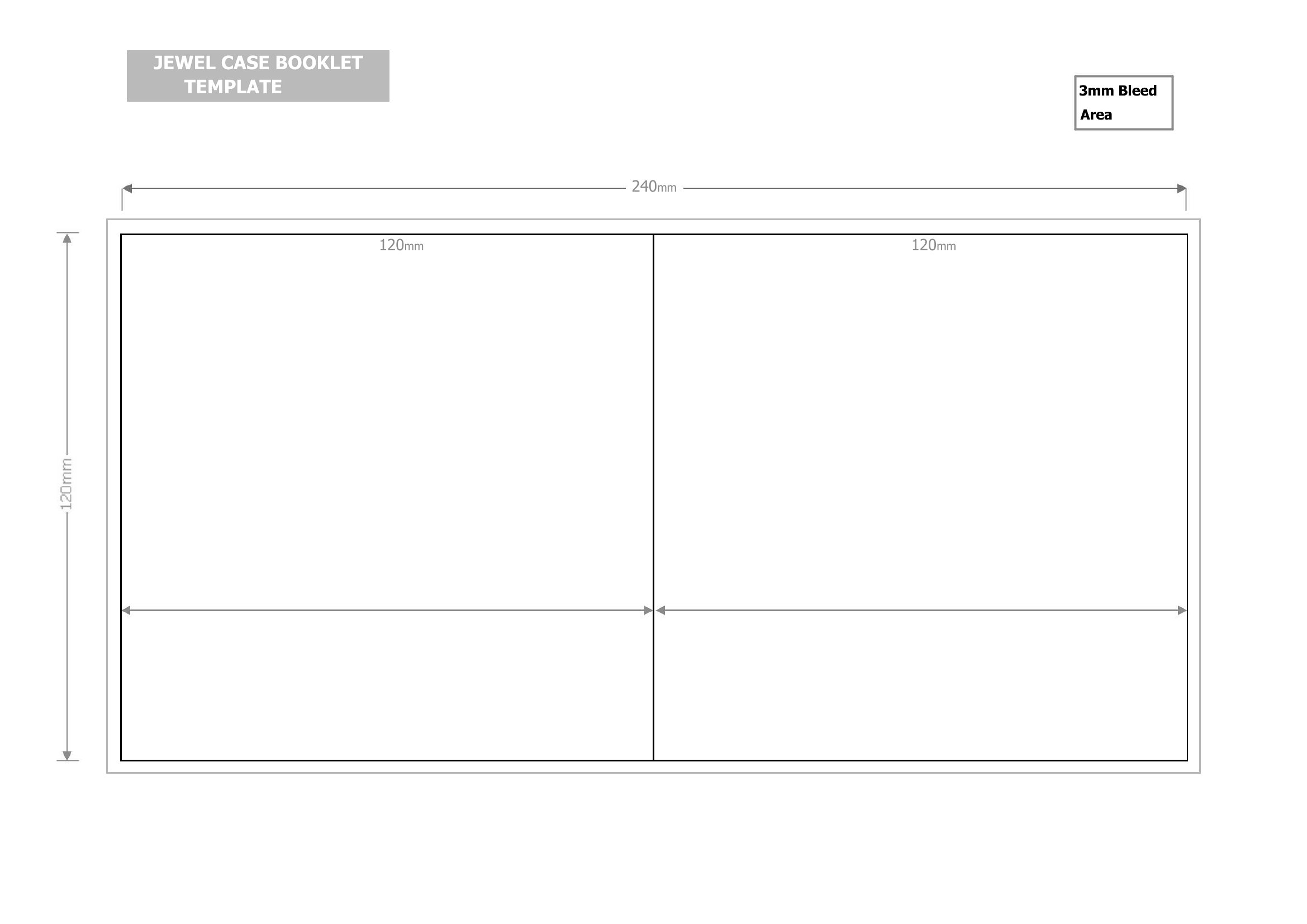
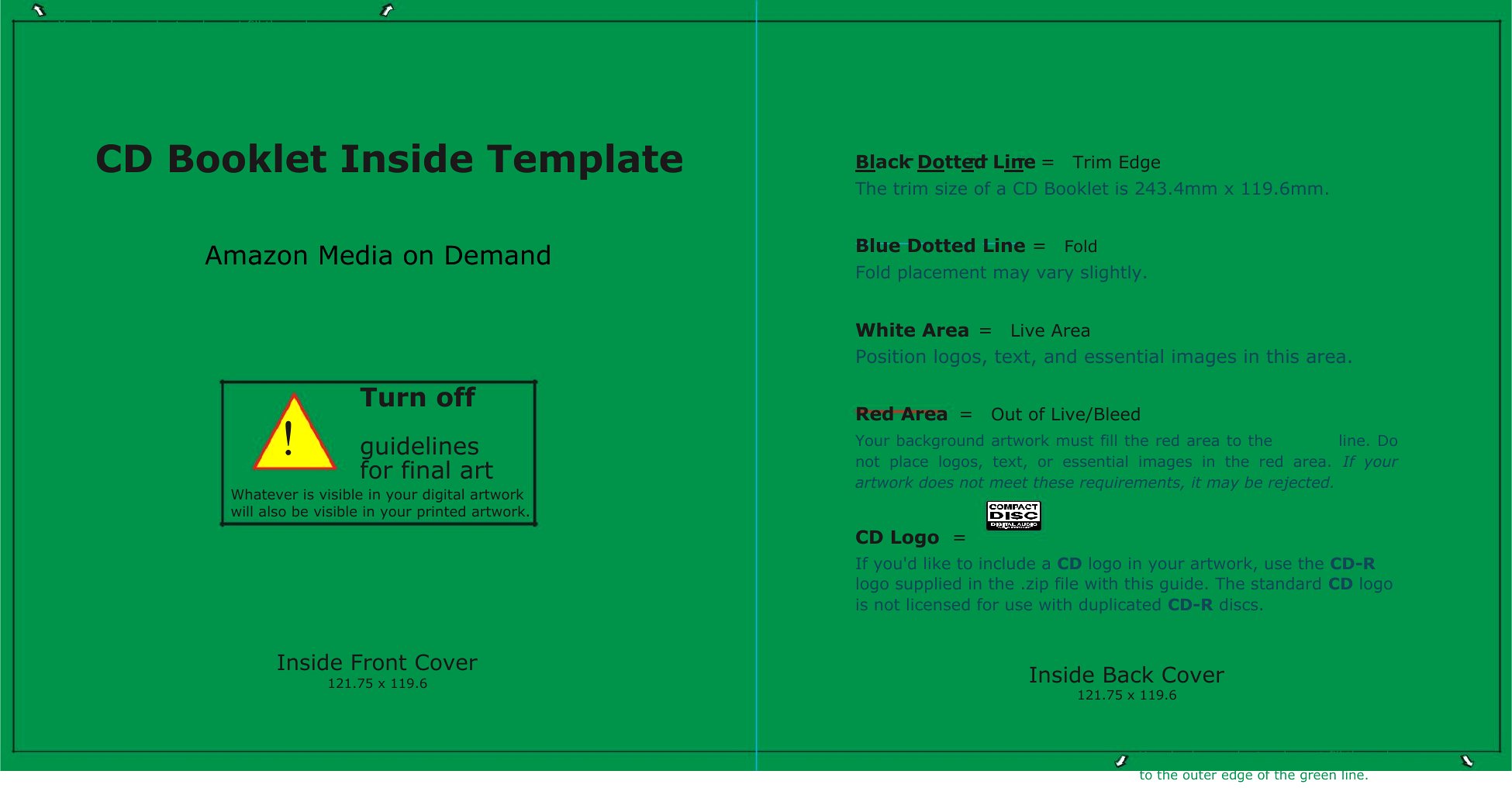
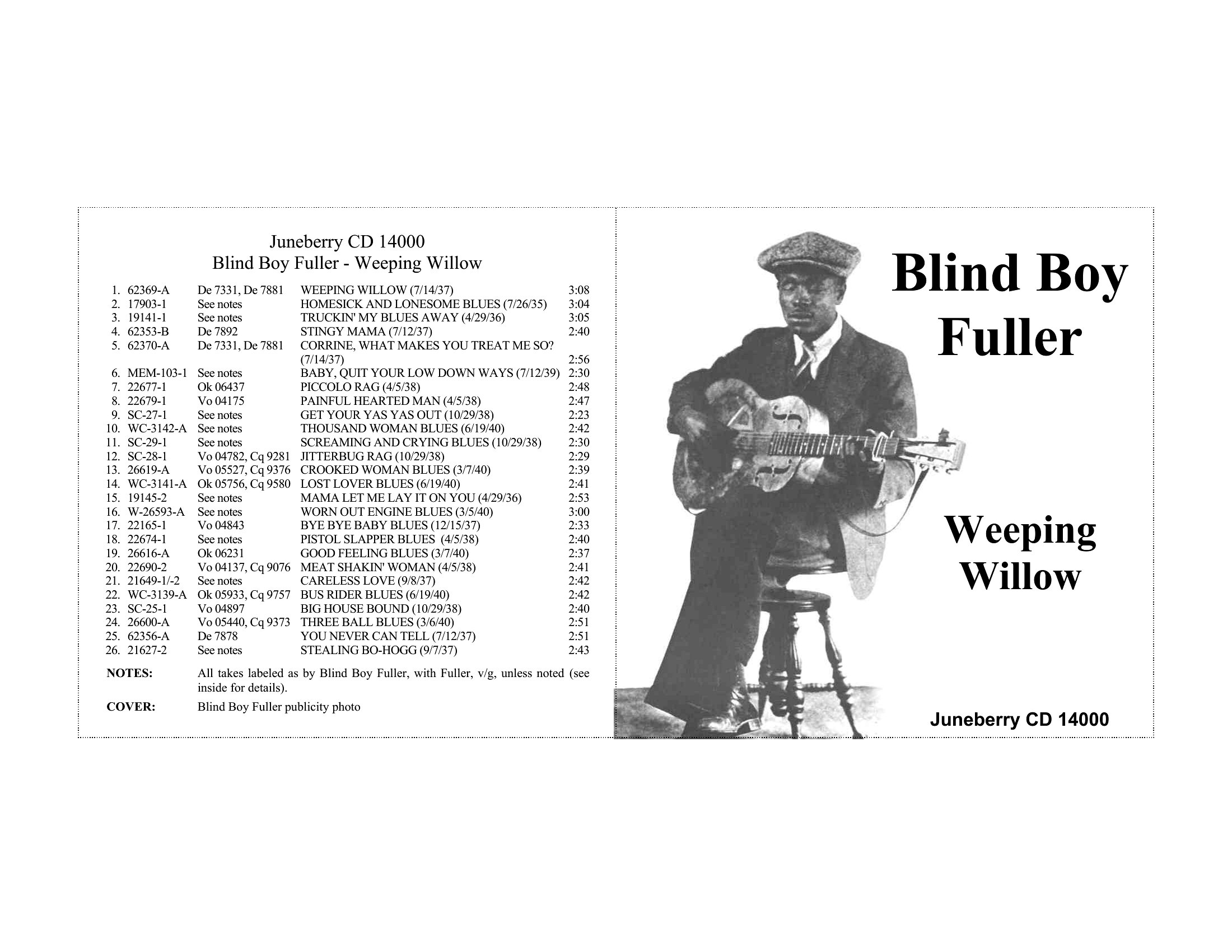
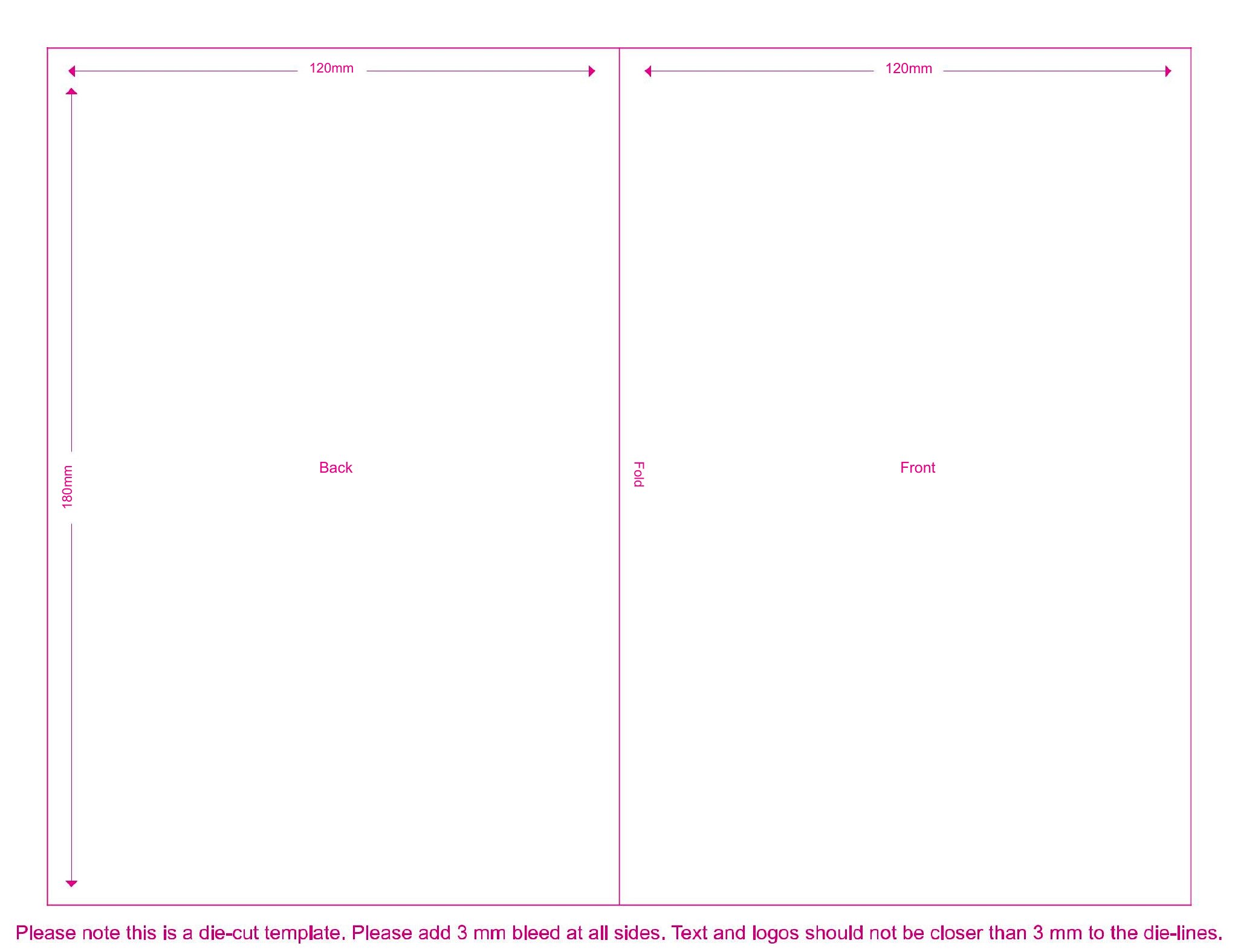
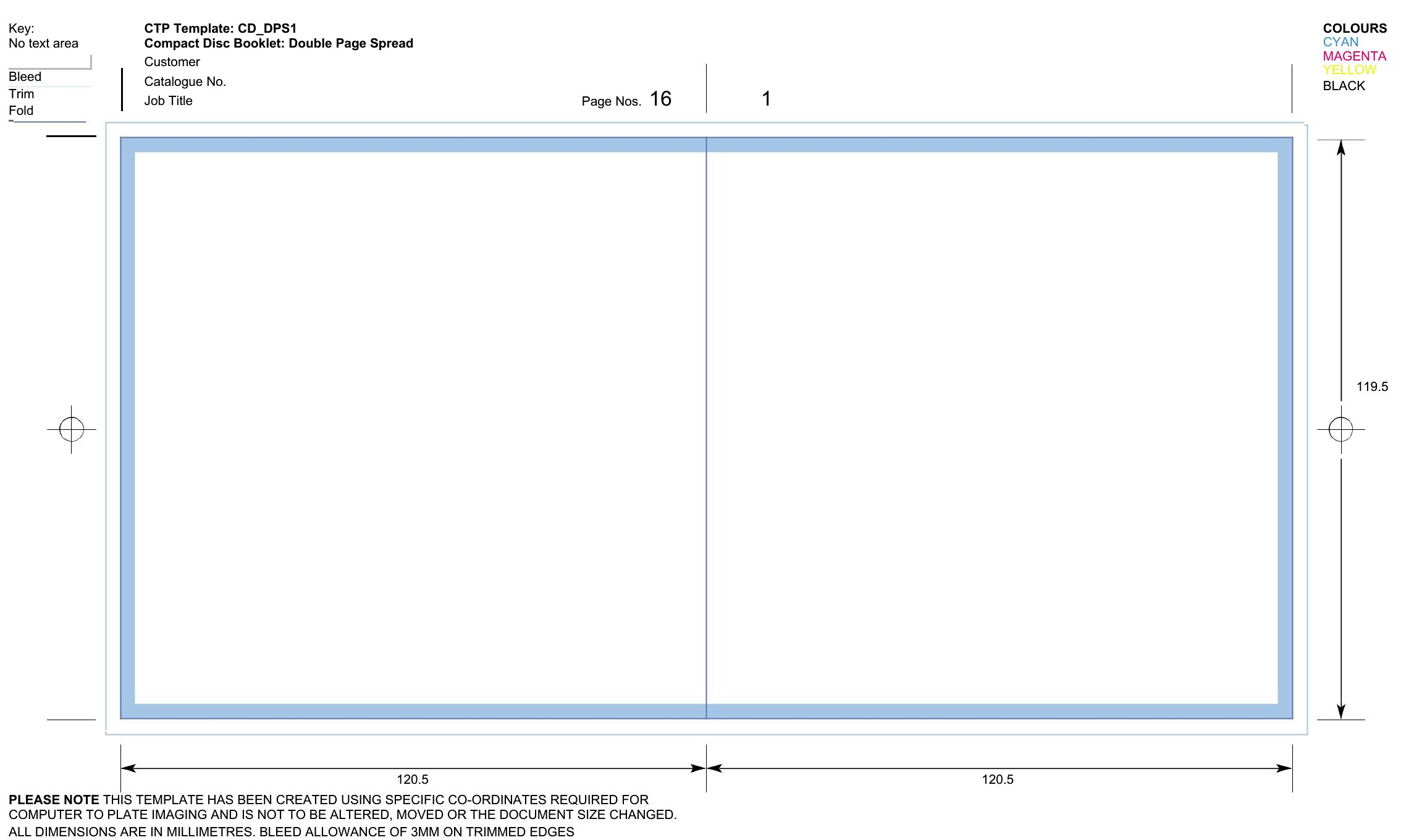
- Local artists or musicians promoting CDs or merch bundles use booklet templates to craft visually cohesive inserts with lyrics, credits, and purchase details that align with their branding.
Which format should I download?
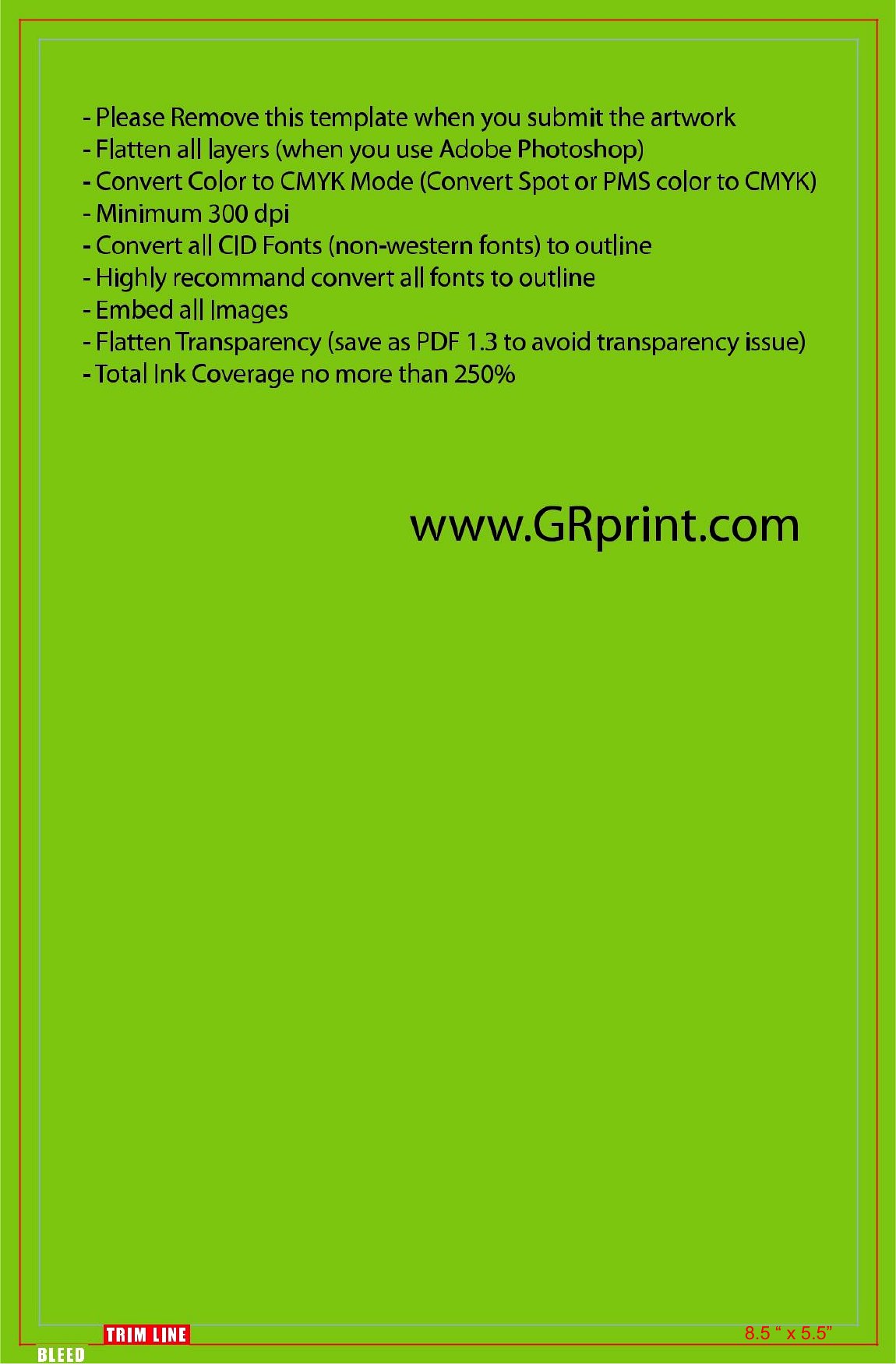
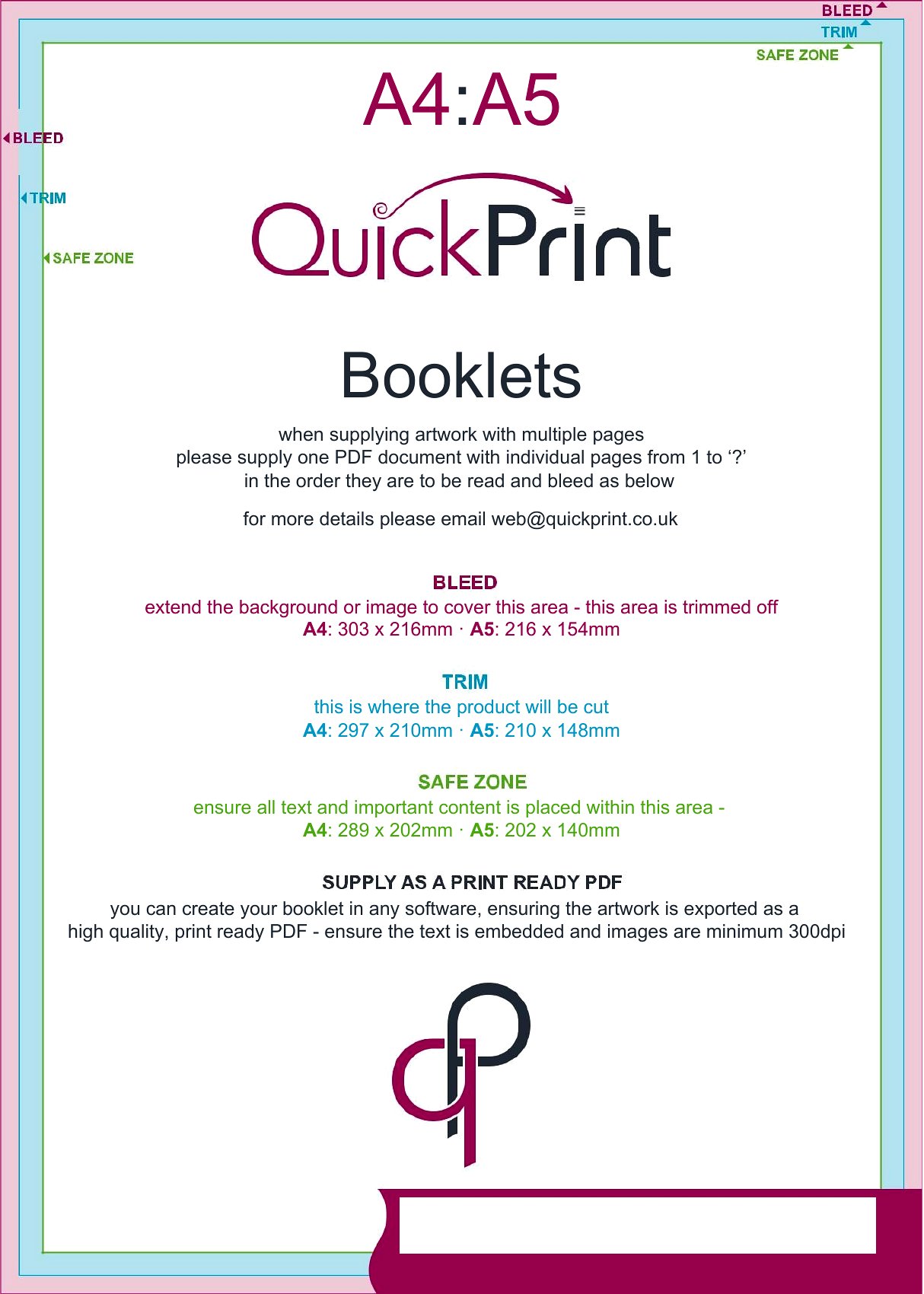
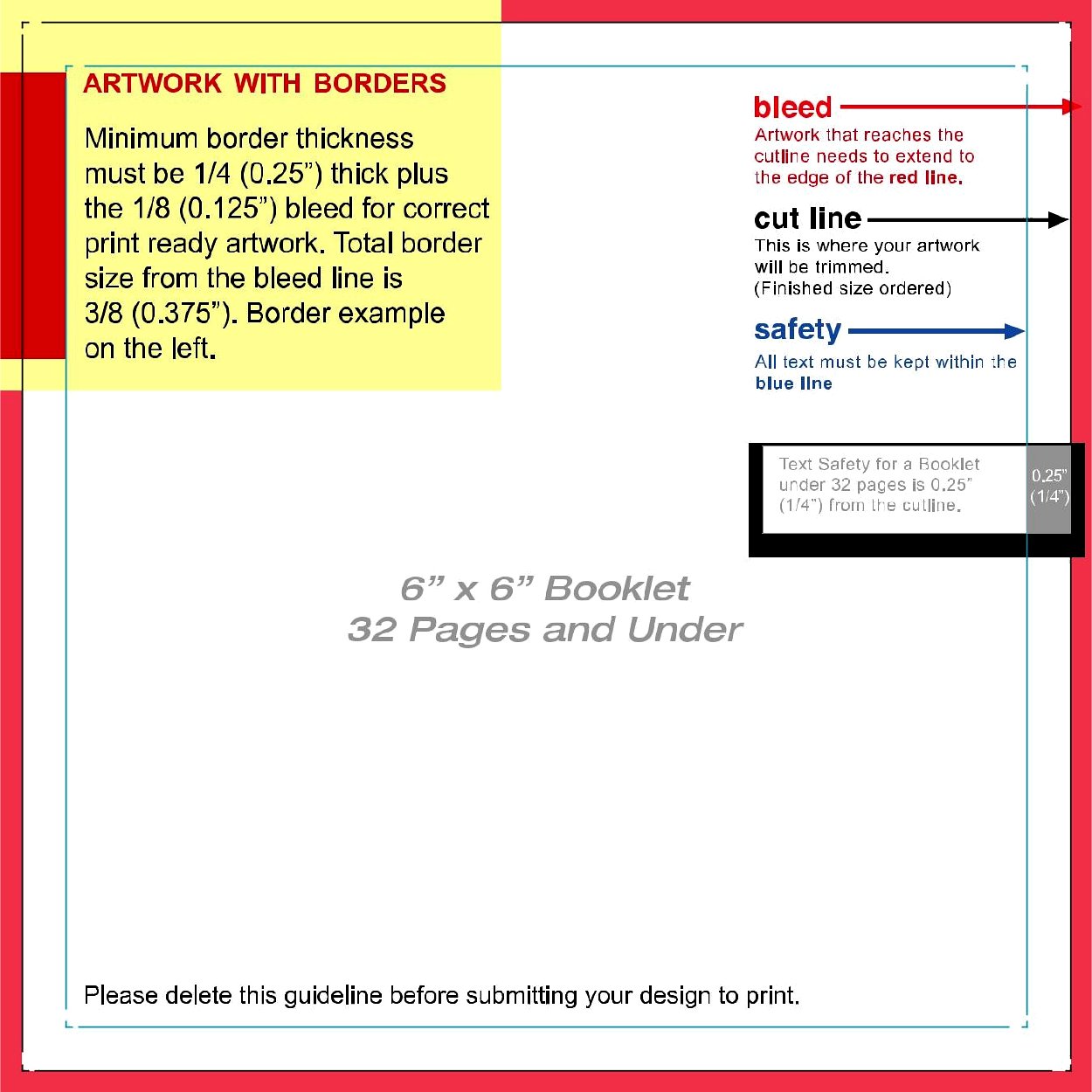
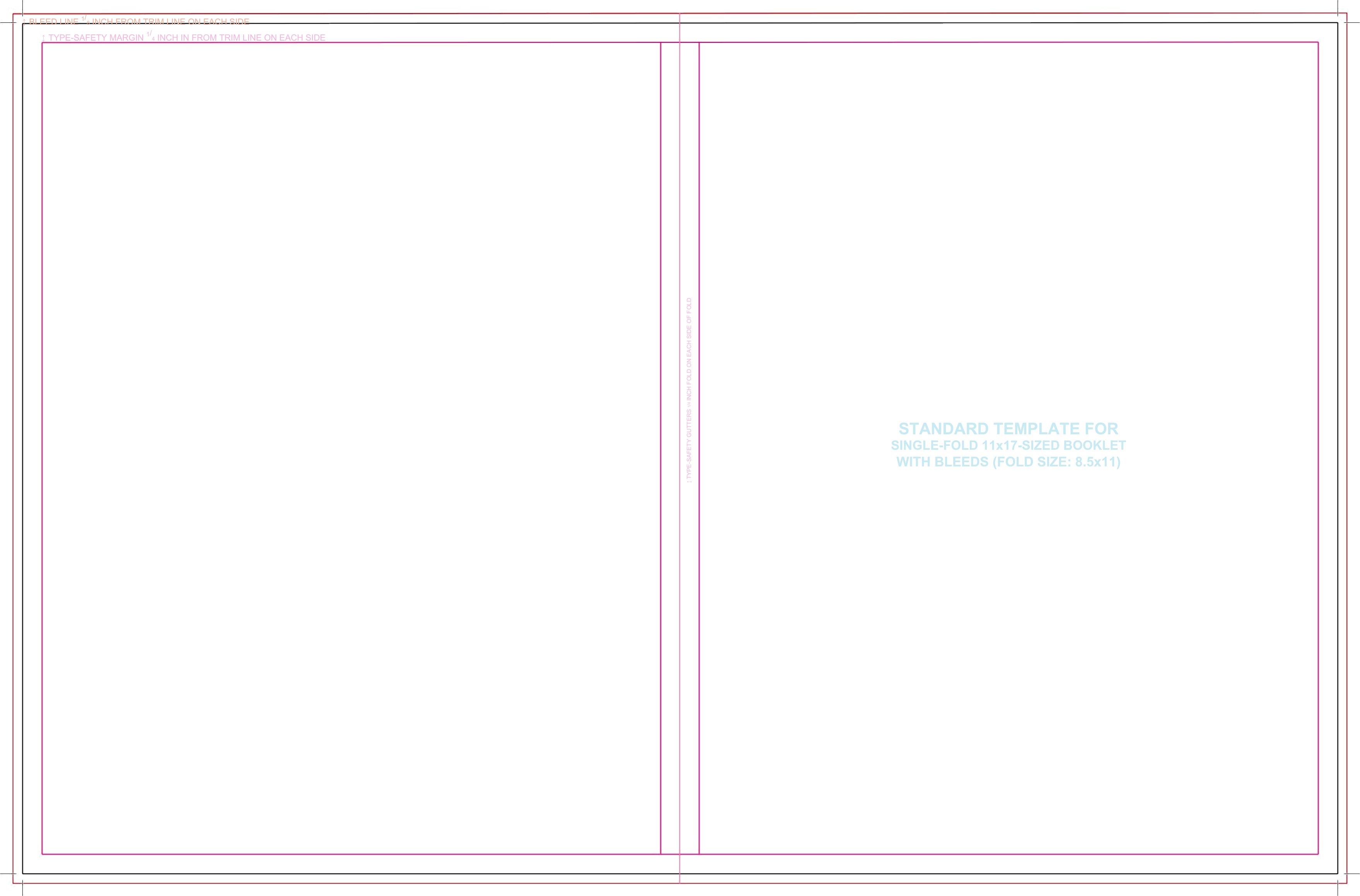
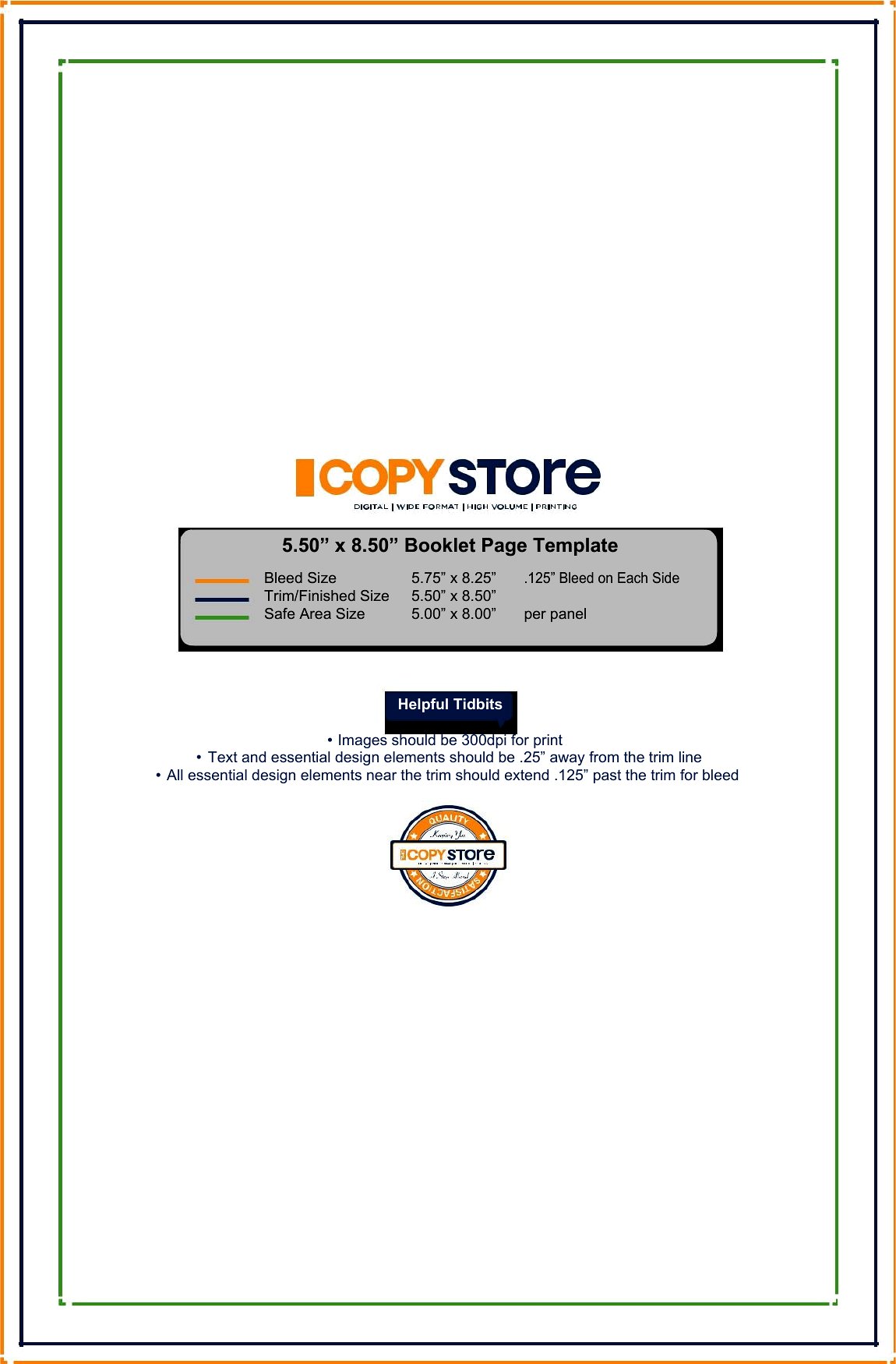
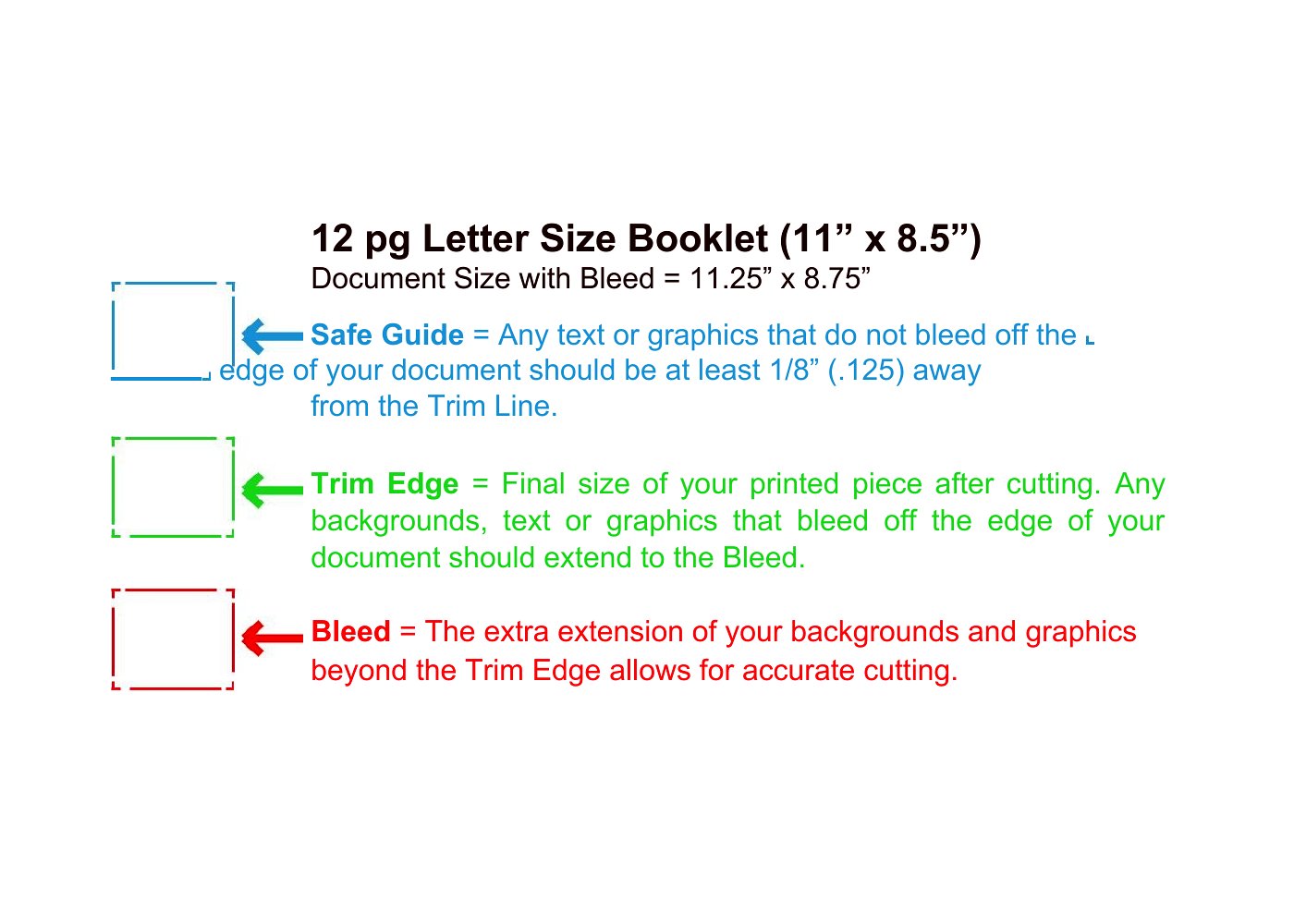
All 45 templates here are optimized for Microsoft Word, making them the best choice if you’re working within the Word ecosystem. Word’s familiar interface ensures easy text editing, image placement, and print previews—critical for verifying fold accuracy and page order. Unlike Google Docs, Word preserves layout guides and master pages, which are essential for booklet-specific tasks like gutter margins and bleed settings. Choose Word to avoid compatibility issues when printing or sharing files with vendors, especially for projects requiring precise trim lines or professional finishing like spiral binding.
Choose from 45 Booklet Templates
Booklet Join

How to use this Booklet template
How do I ensure my booklet prints with the correct fold order?
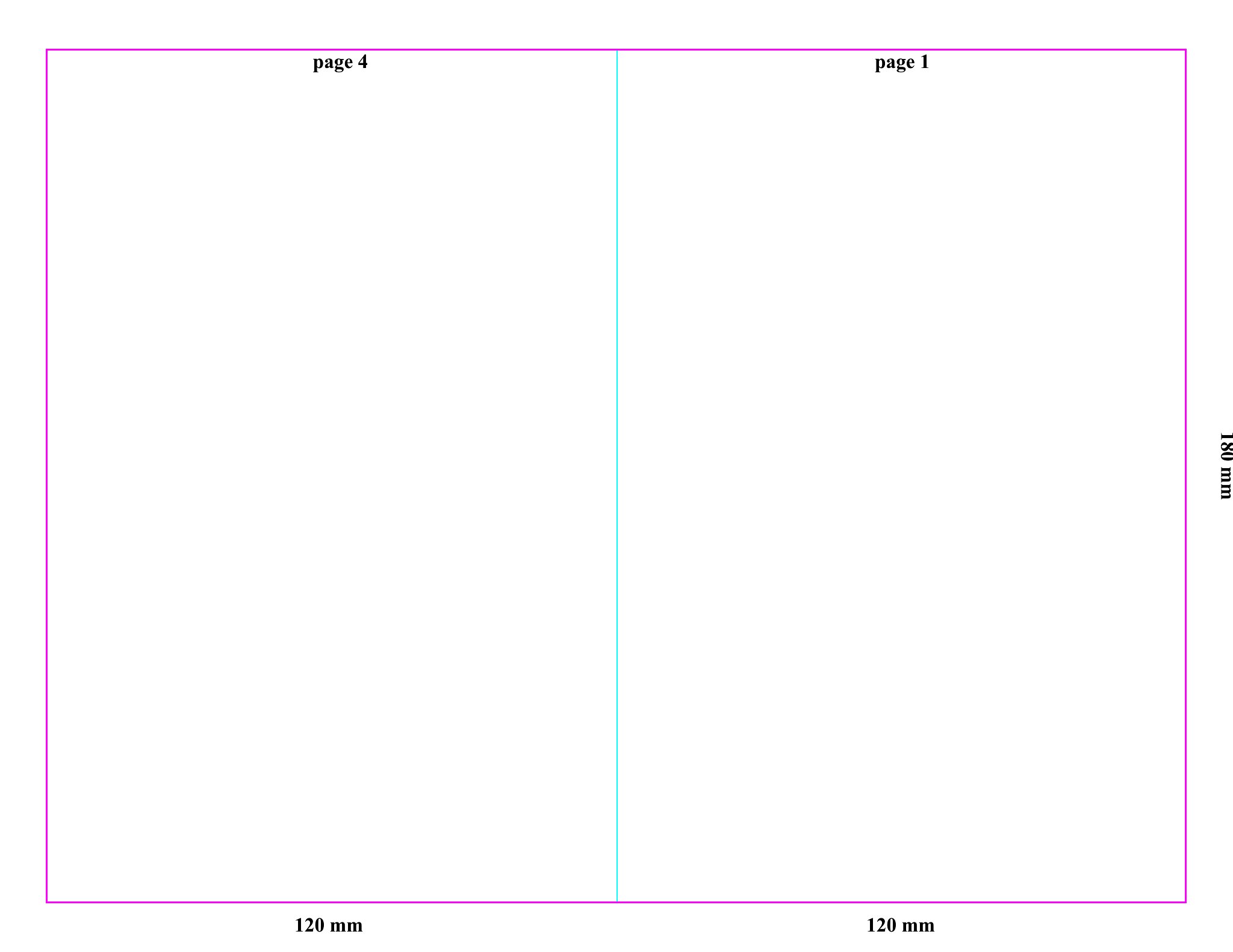
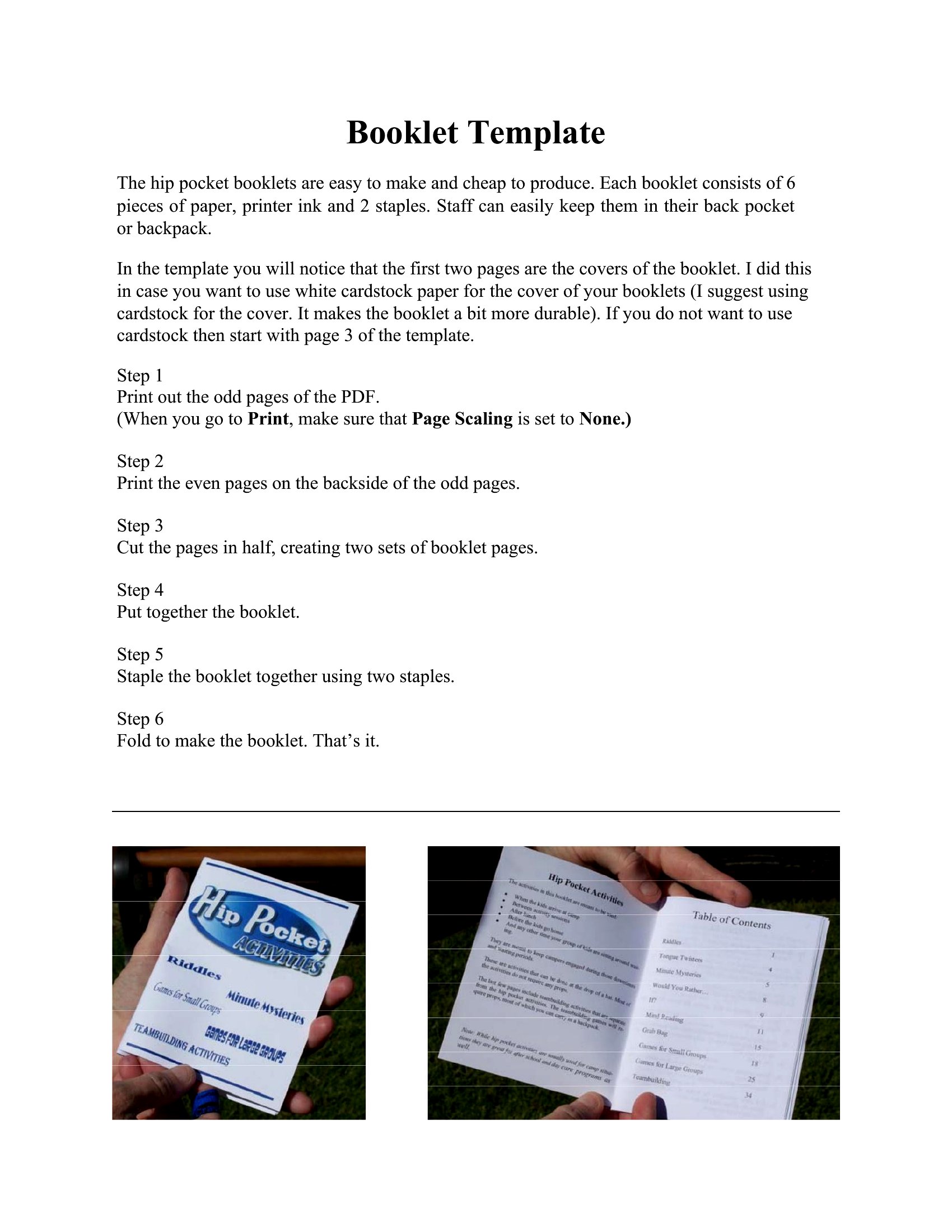
Each Word template includes predefined sections and guides for internal margins (gutters) and fold lines. Before printing, use Word’s ‘Print Preview’ to check the layout, and print a test copy on plain paper first. For perfect folds, set your printer to ‘actual size’ and use cardstock or thick paper to prevent warping. If issues persist, adjust the ‘fold marks’ layer (visible in template guides) and reprint.
Can these templates help me design a booklet with both portrait and landscape pages?
Yes, some templates in this collection support mixed orientations, but you’ll need to manually adjust page breaks and section properties in Word. Start by inserting a ‘section break’ between portrait and landscape pages, then set each section’s orientation separately. Test the layout in preview mode to confirm text wraps and images align correctly across page transitions.
What’s the best way to add a custom logo or repeating header/footer to my booklet?
Use Word’s ‘Header & Footer’ tool to insert your logo or repeating text. For consistency, place the logo in the center or aligned to one side, and set the ‘Different First Page’ option if the first page lacks a header. To avoid overlap, adjust the margin settings in the ‘Layout’ tab of the header/footer section. Save the file as a template afterward to reuse the header/footer across future booklets.
Comments
Join the conversation
Sign in to share your thoughts and leave a comment on this resource.