Free Audit Report Templates (Word)
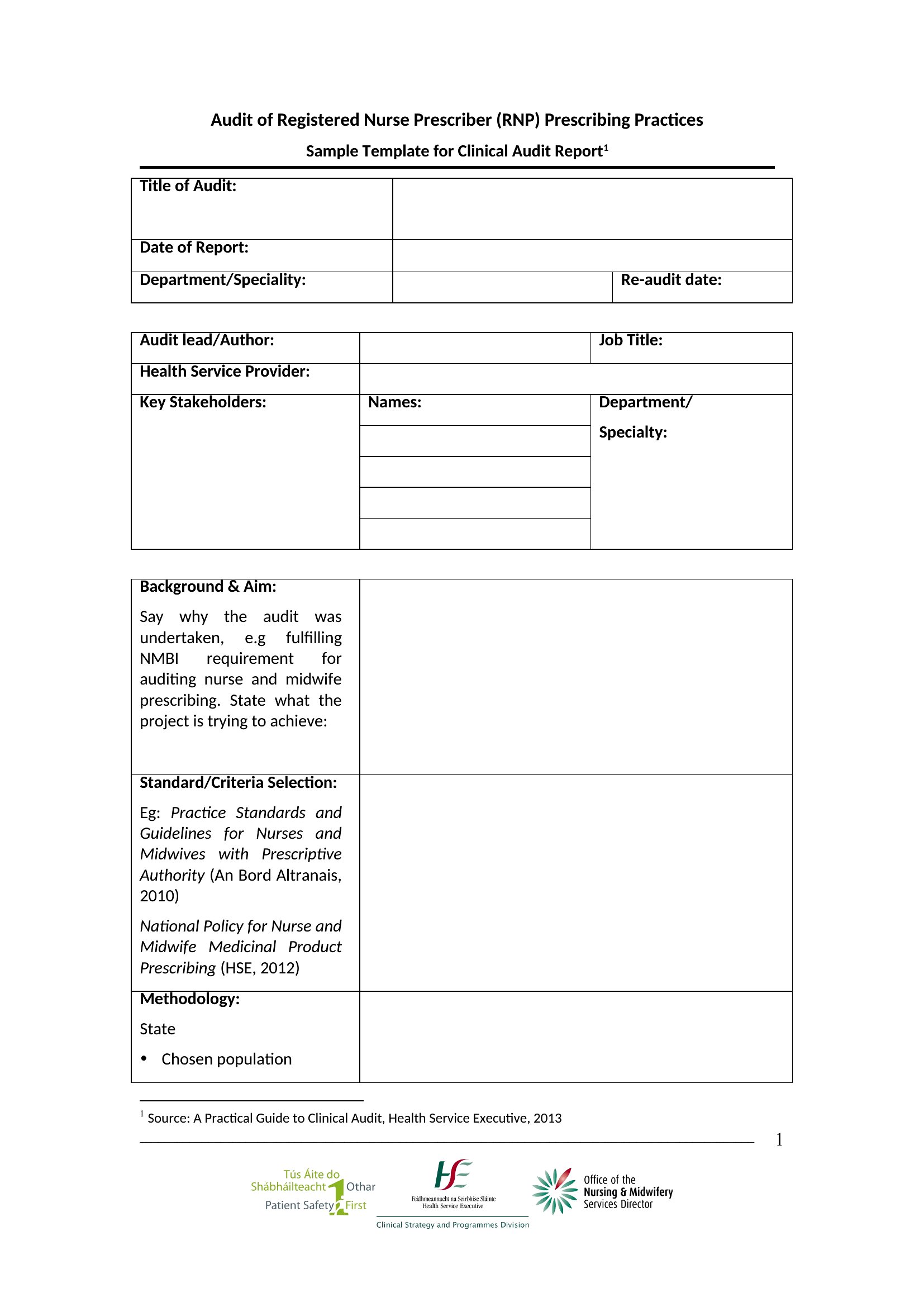
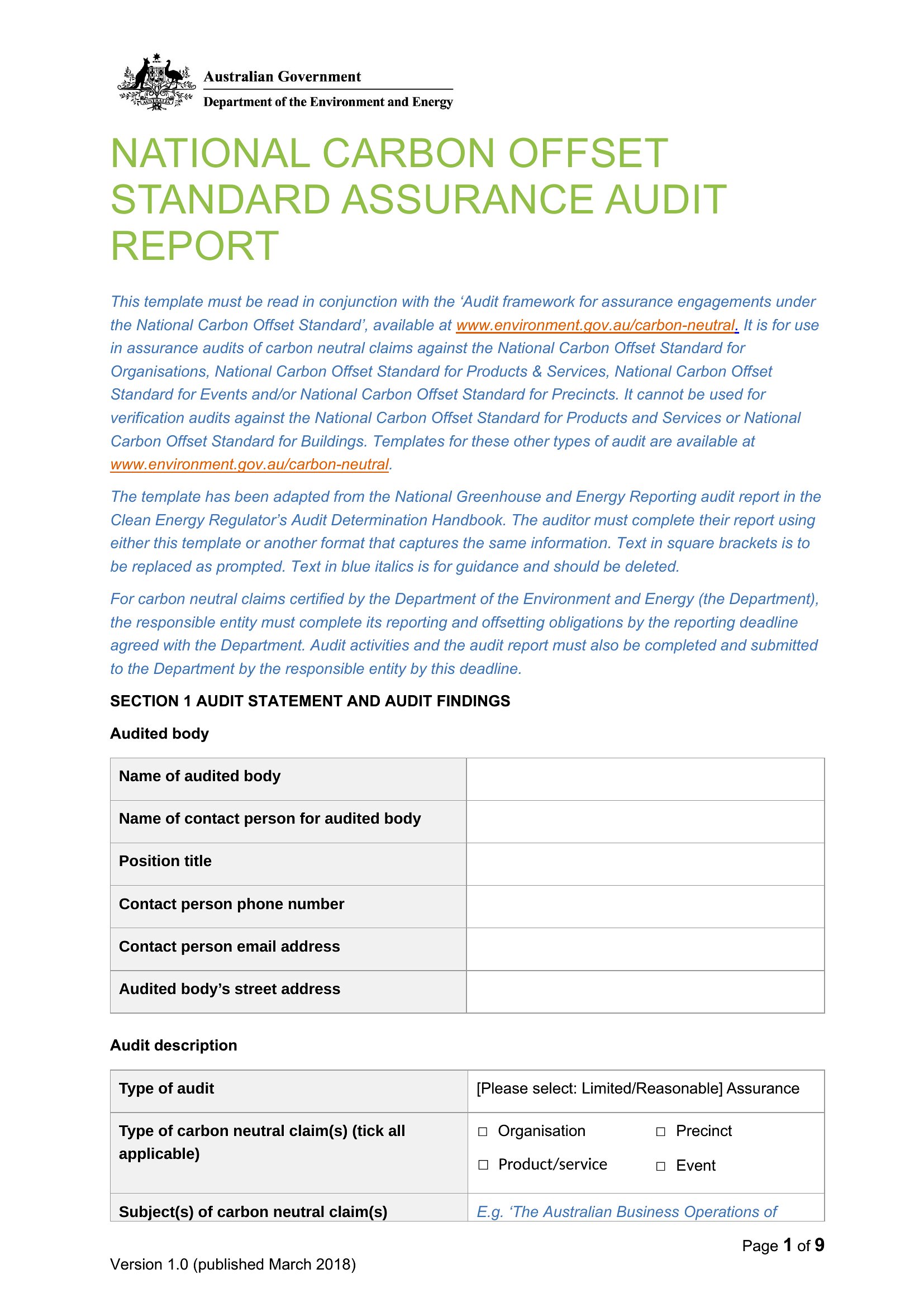
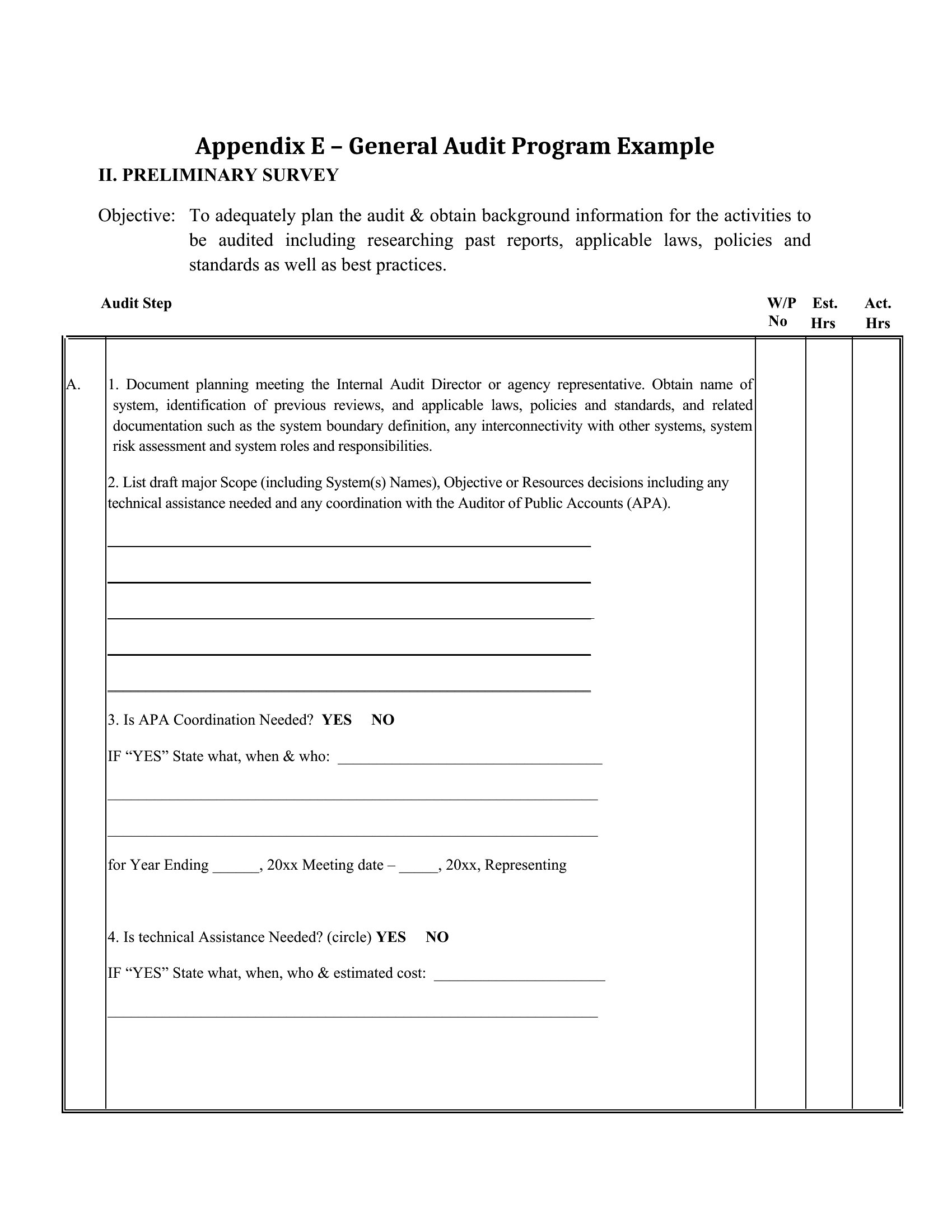
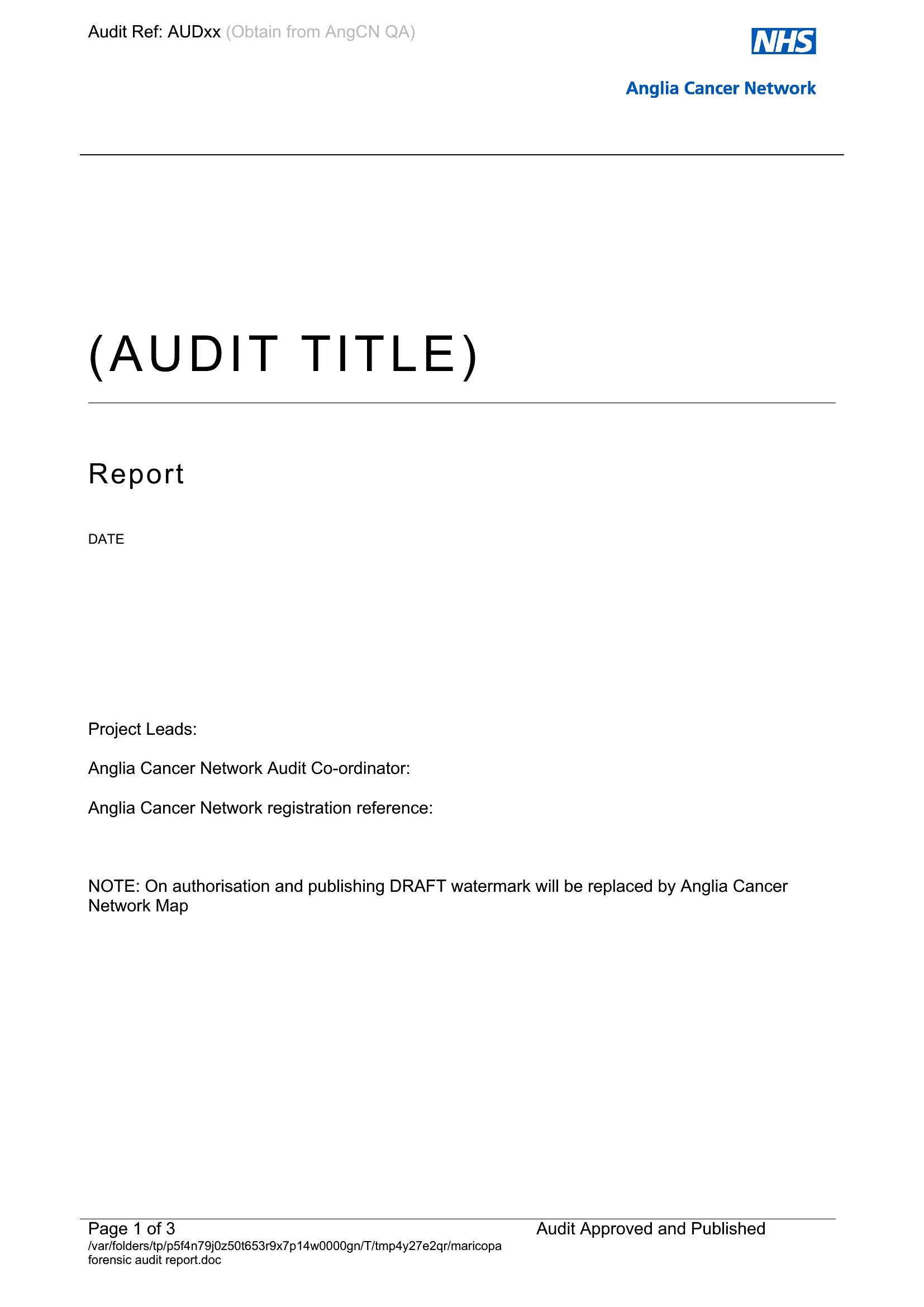
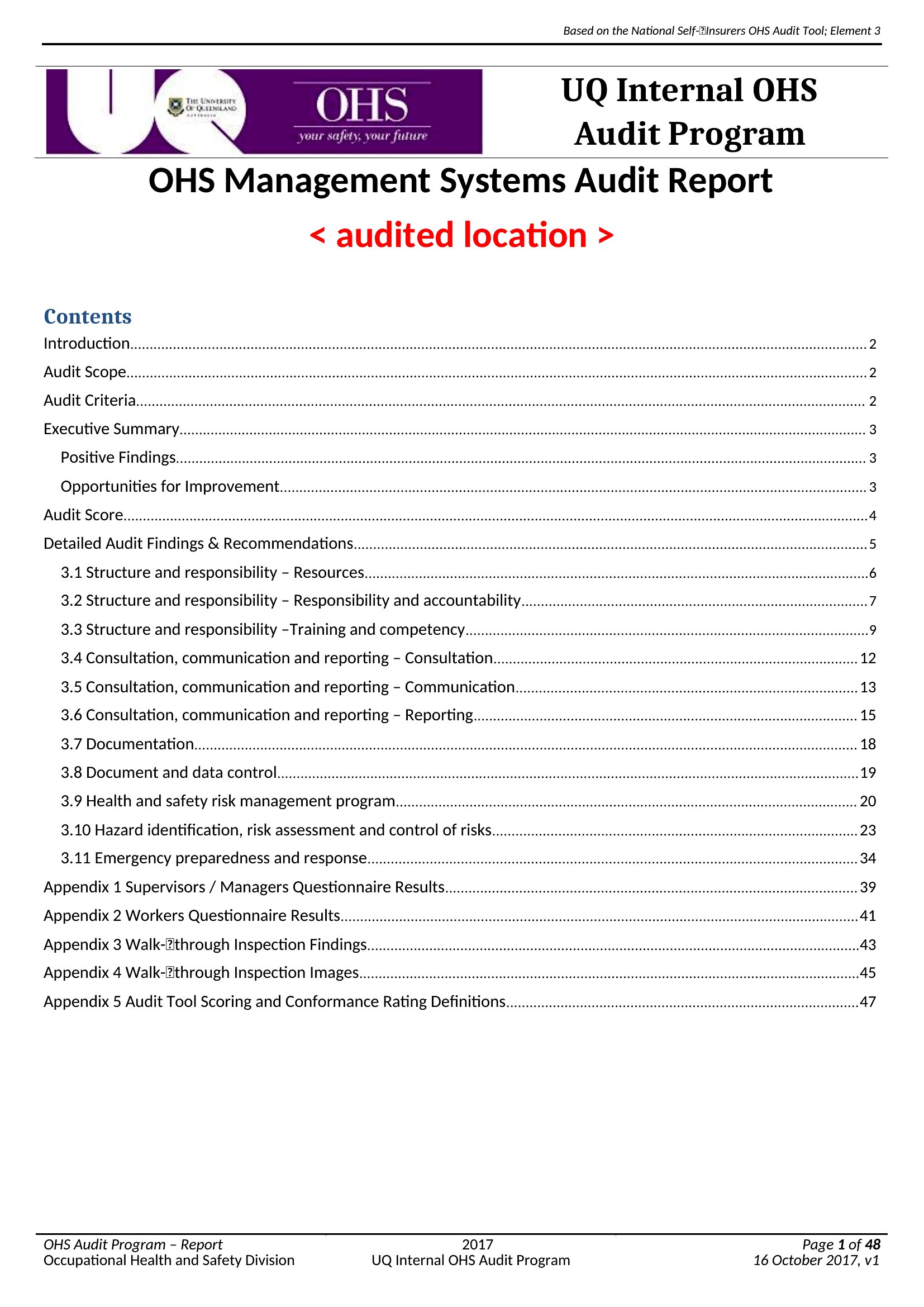
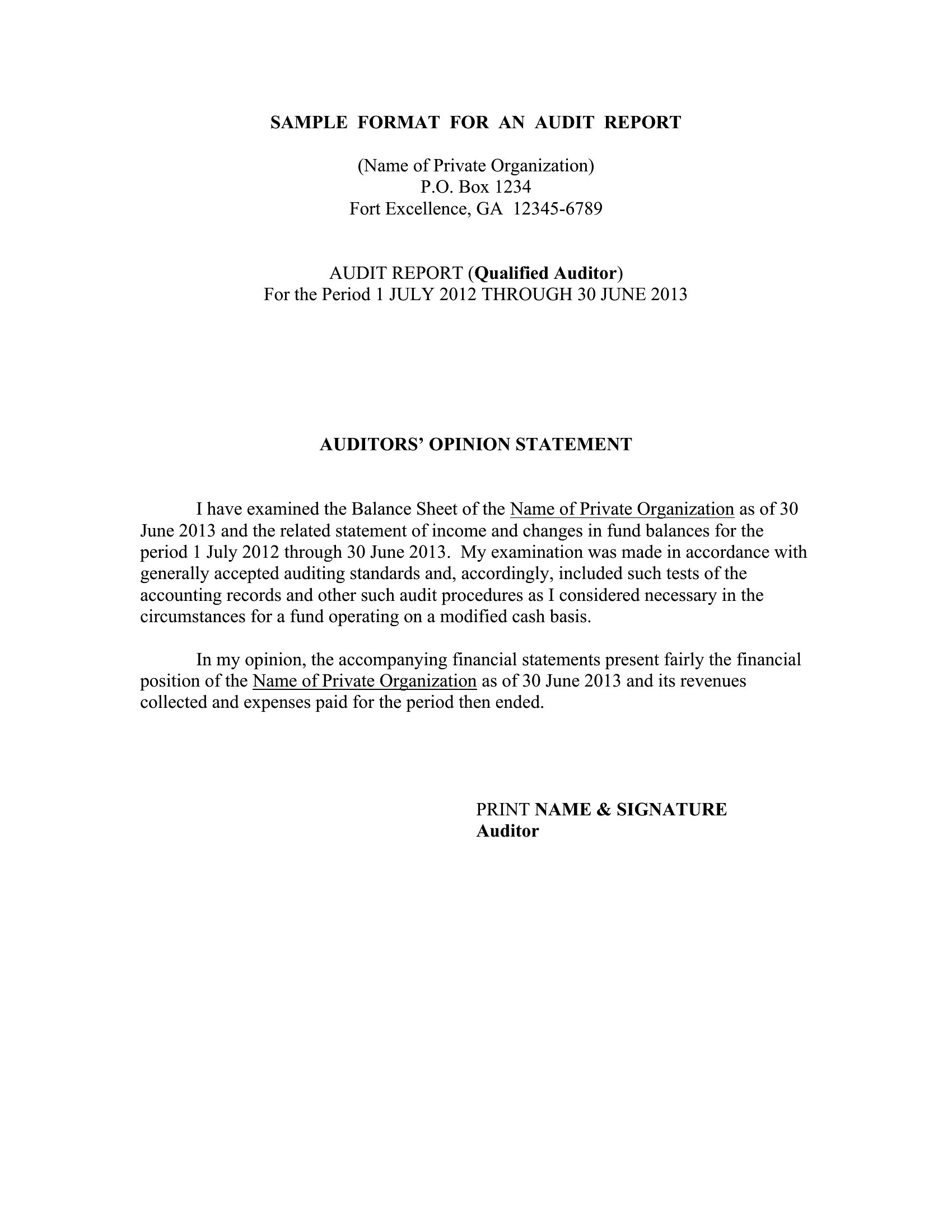
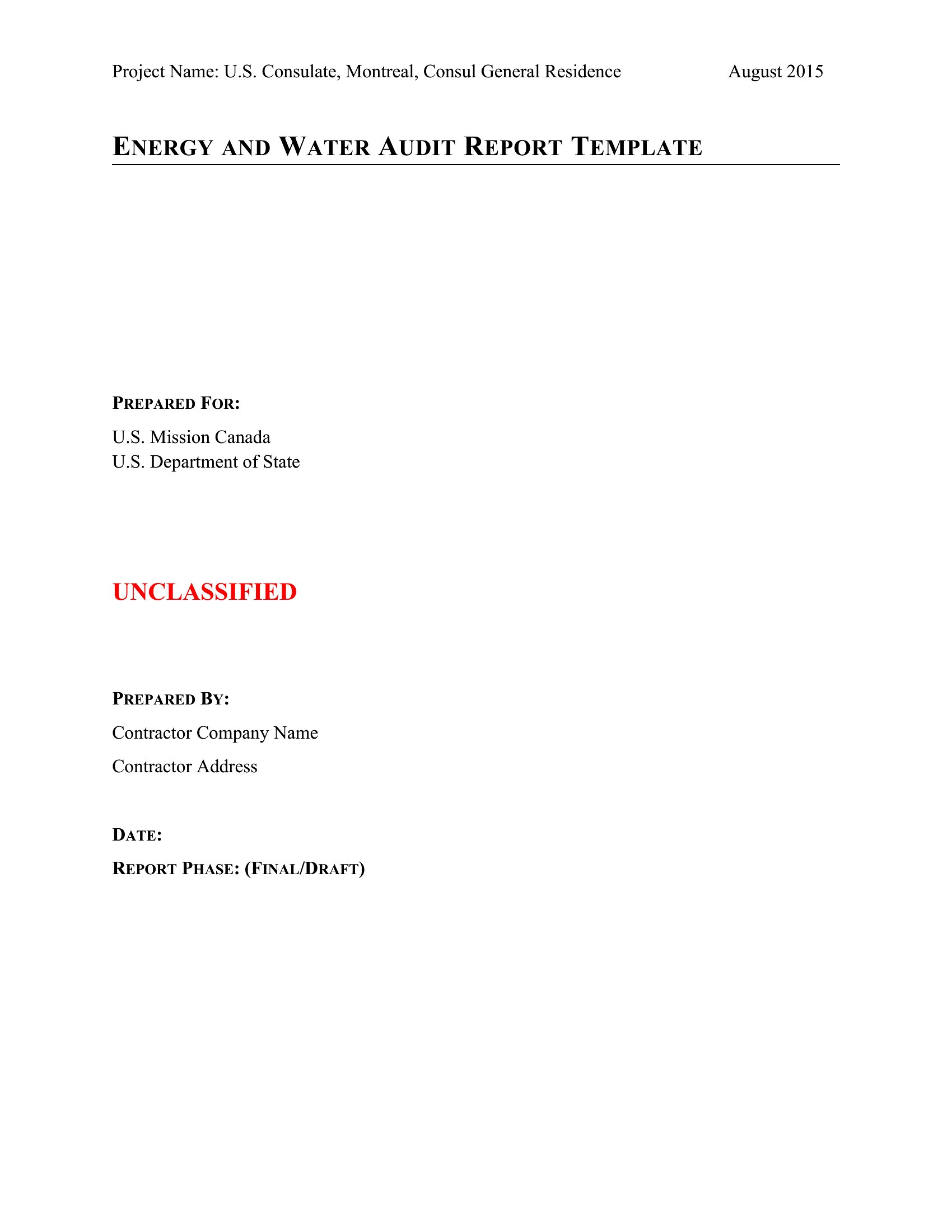
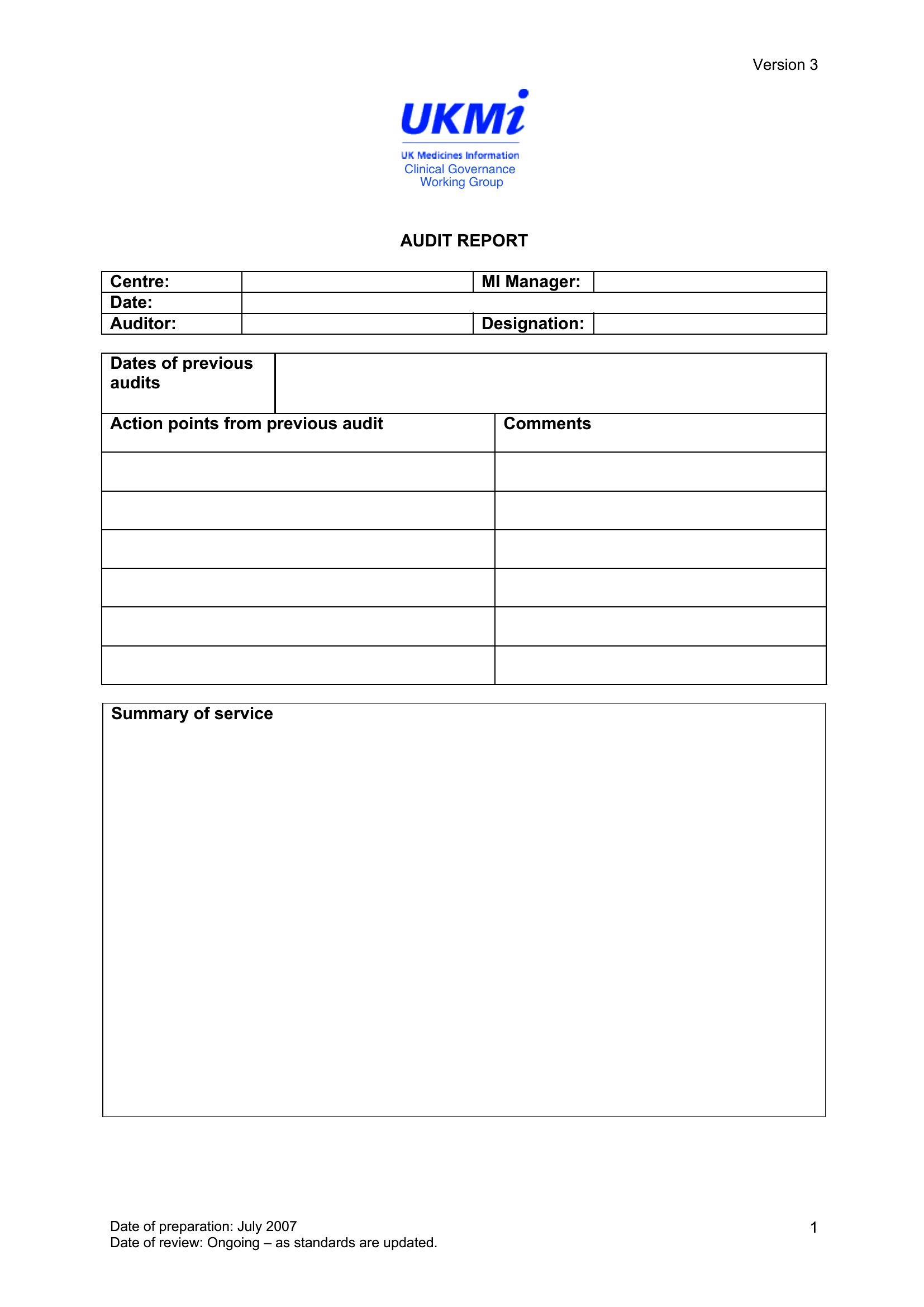
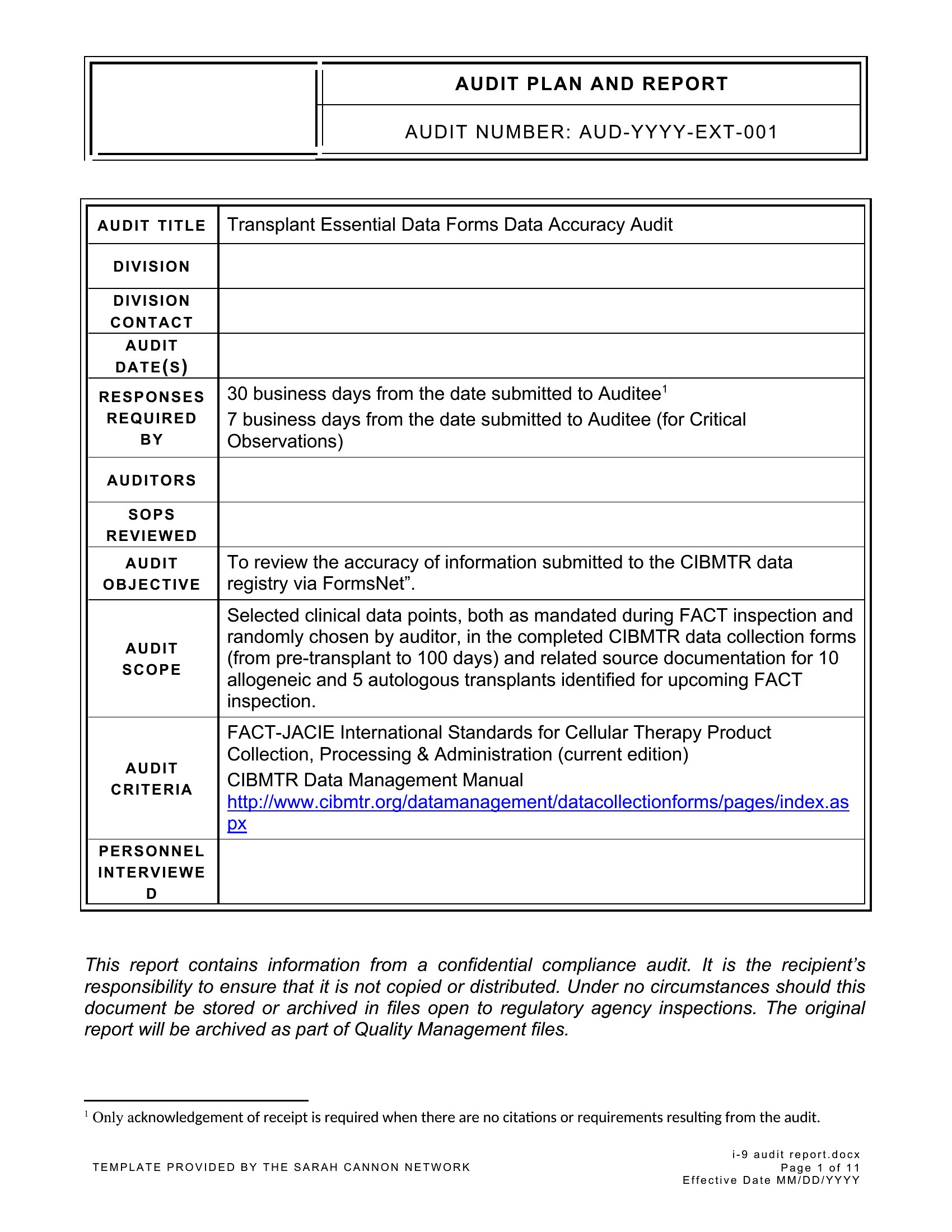
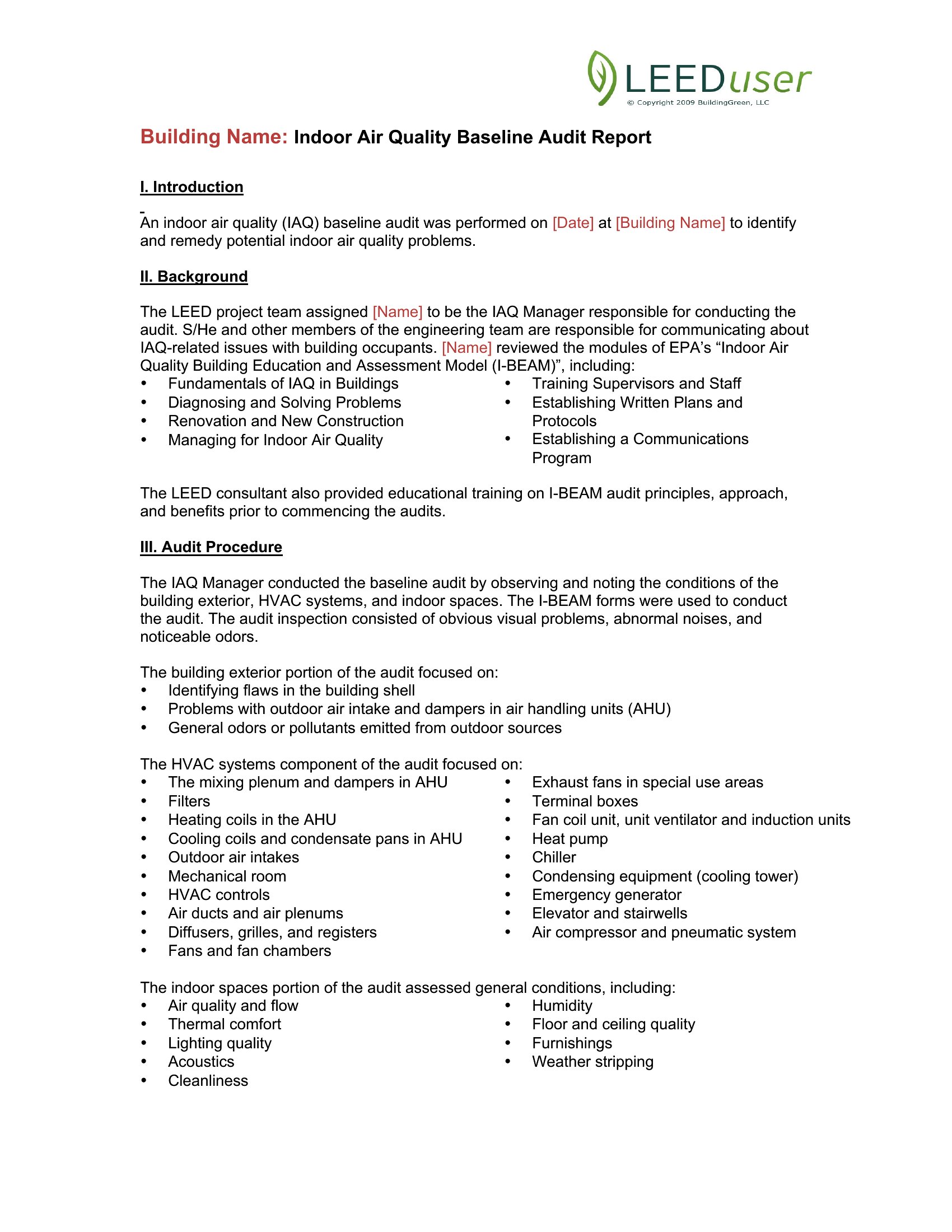
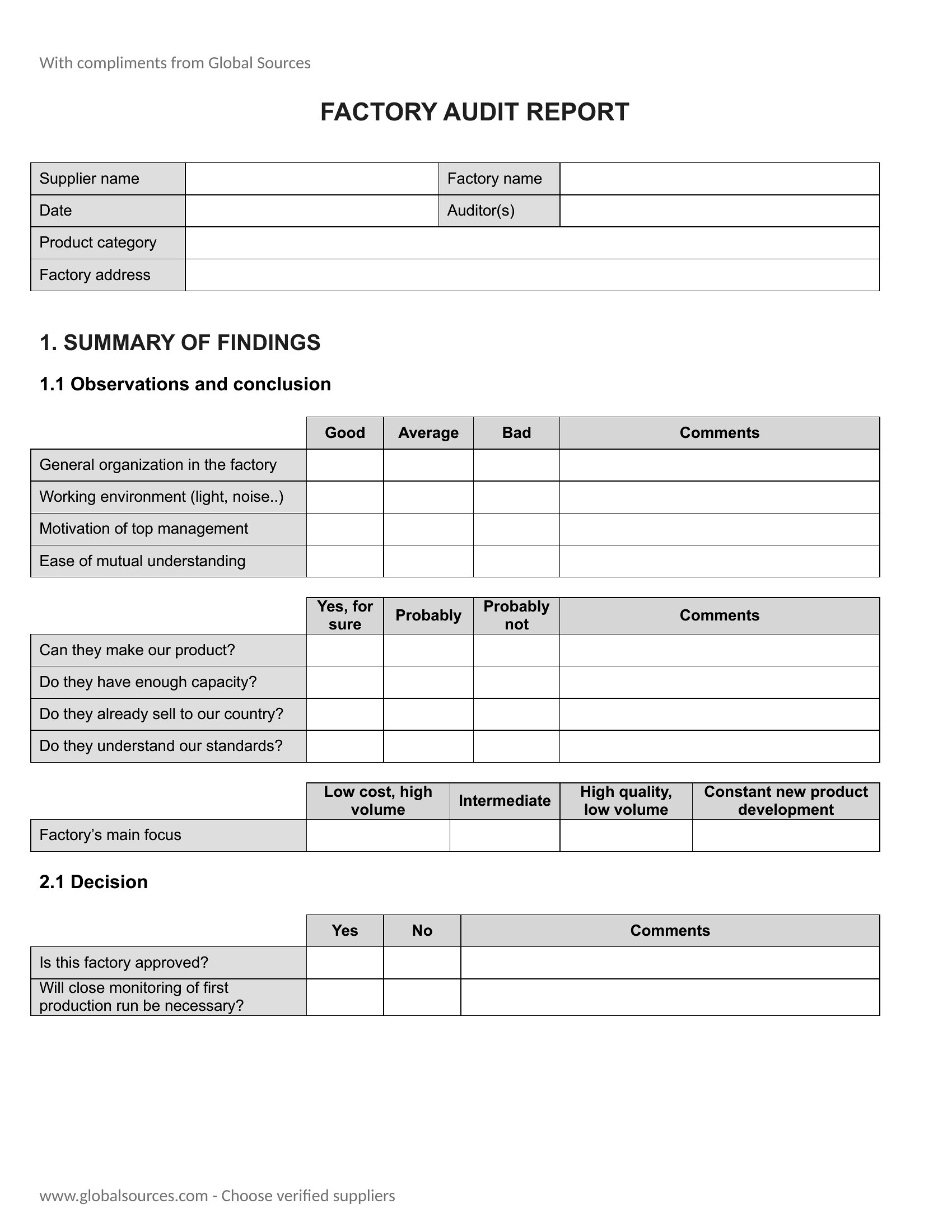
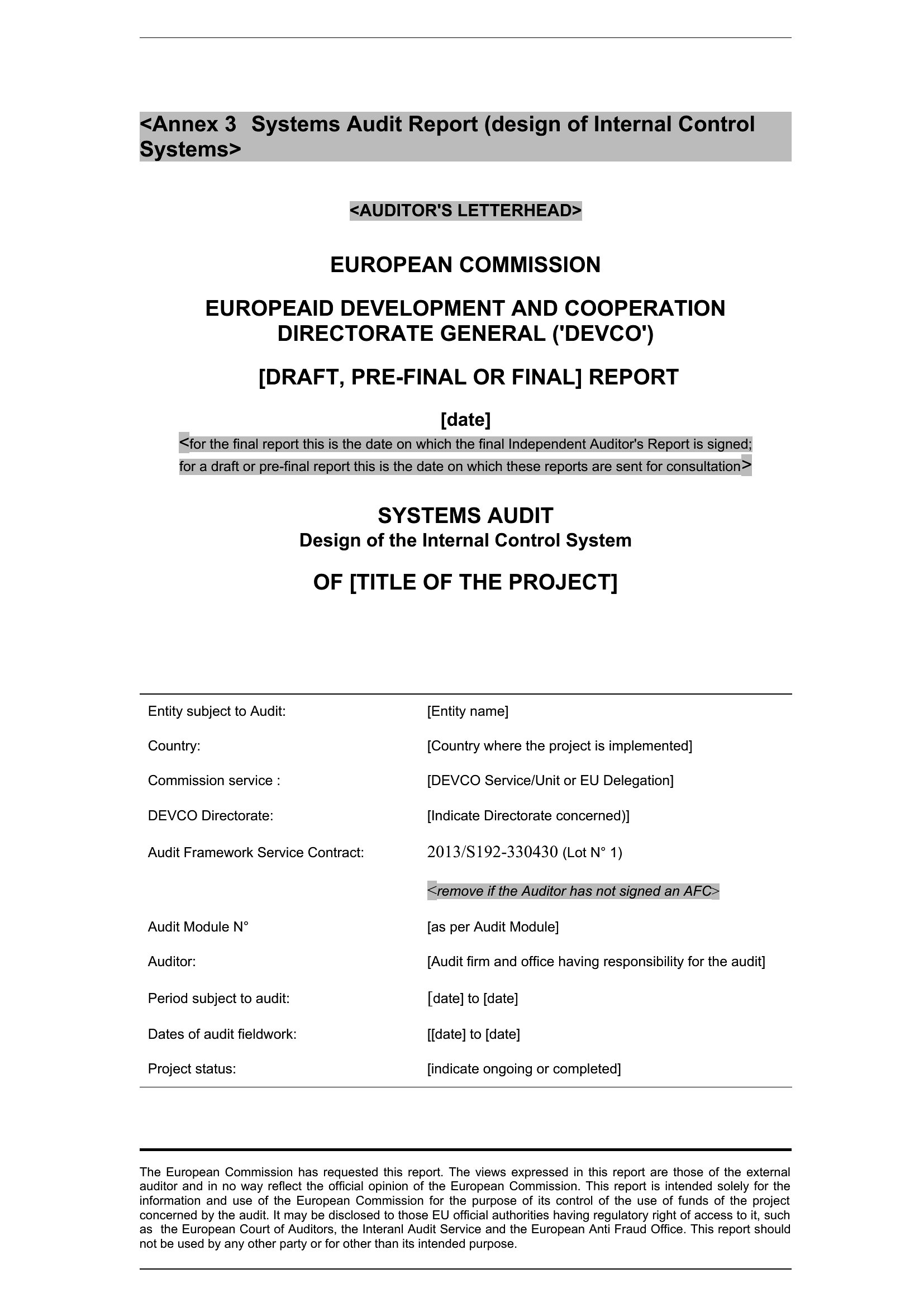
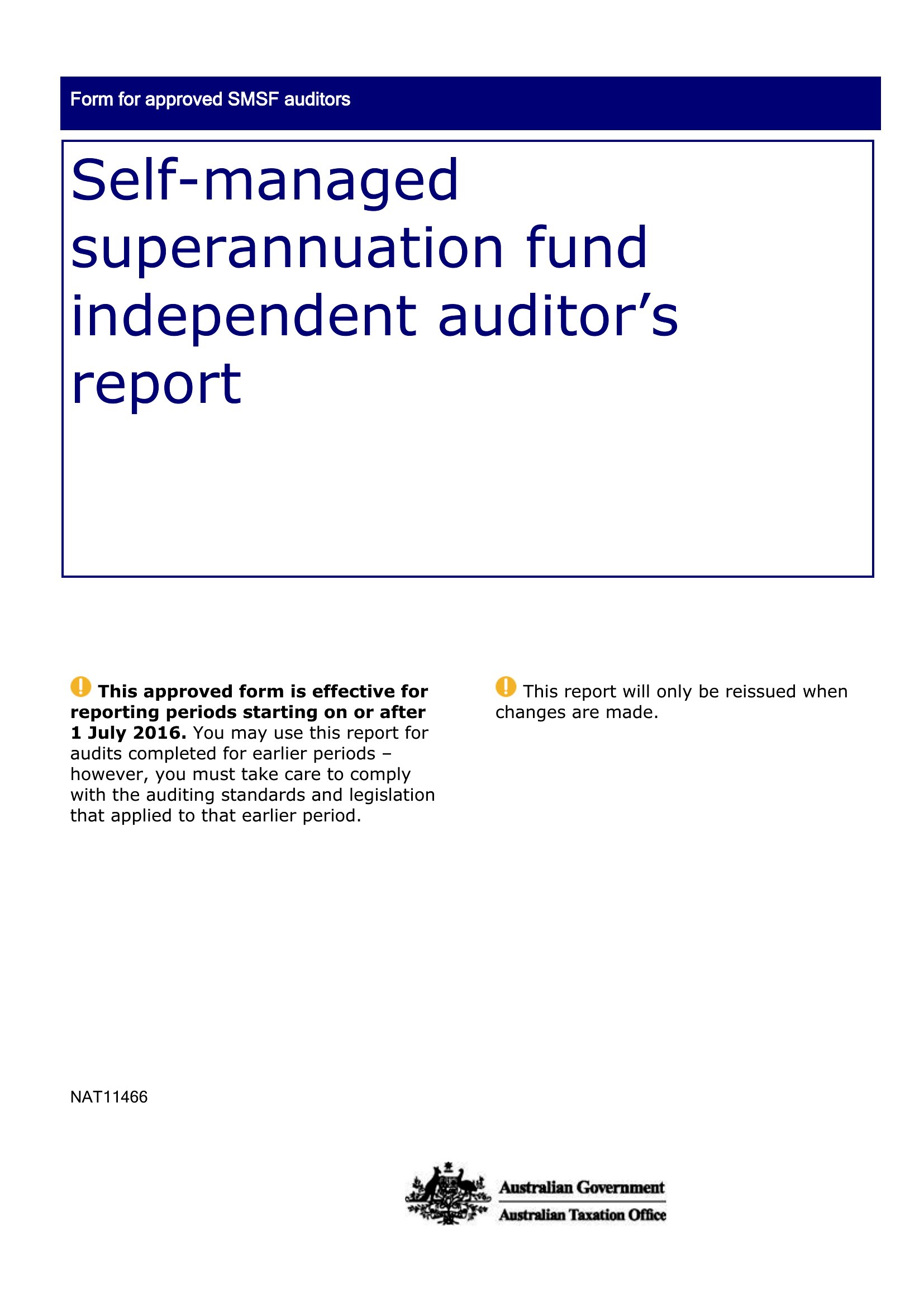
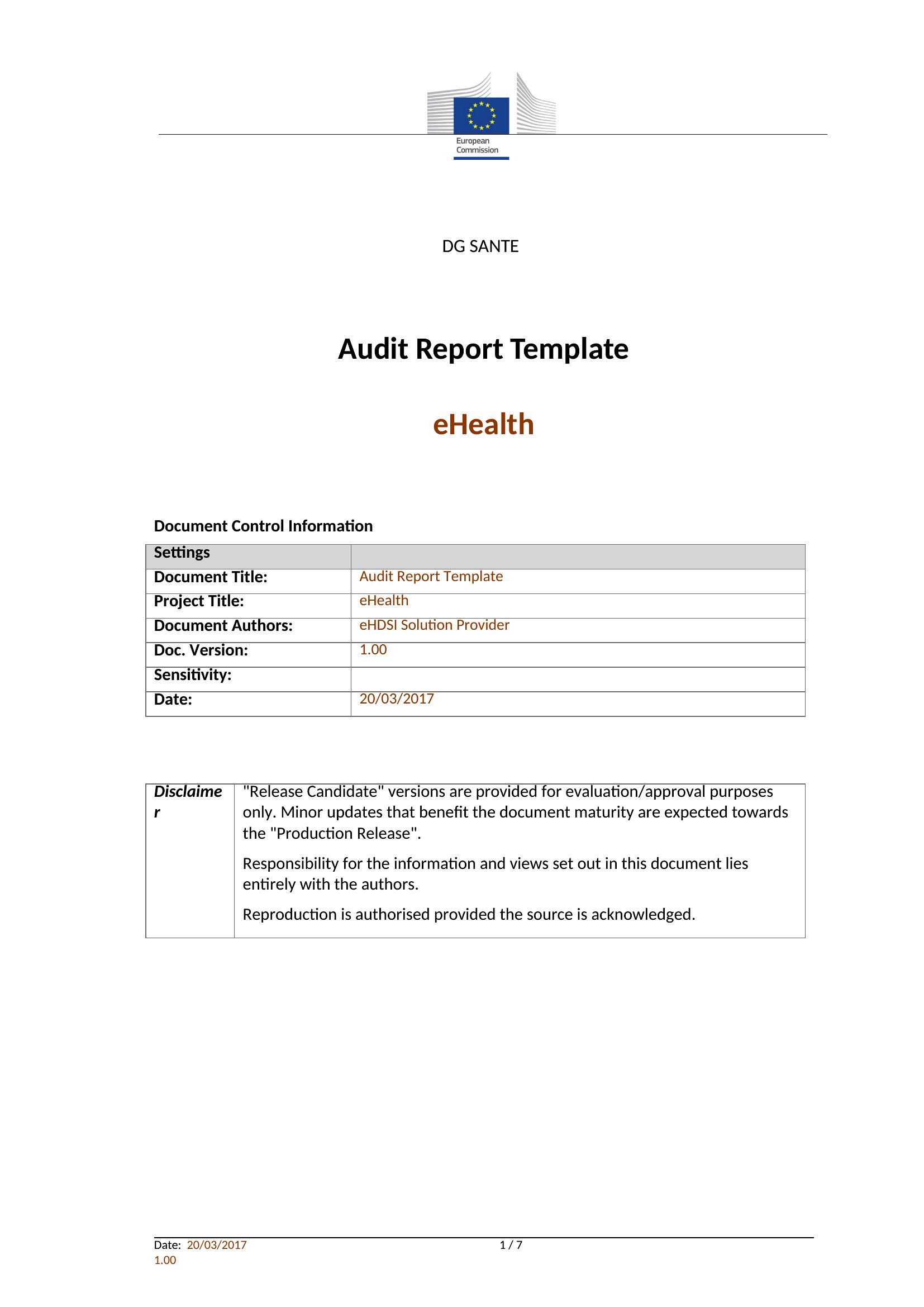
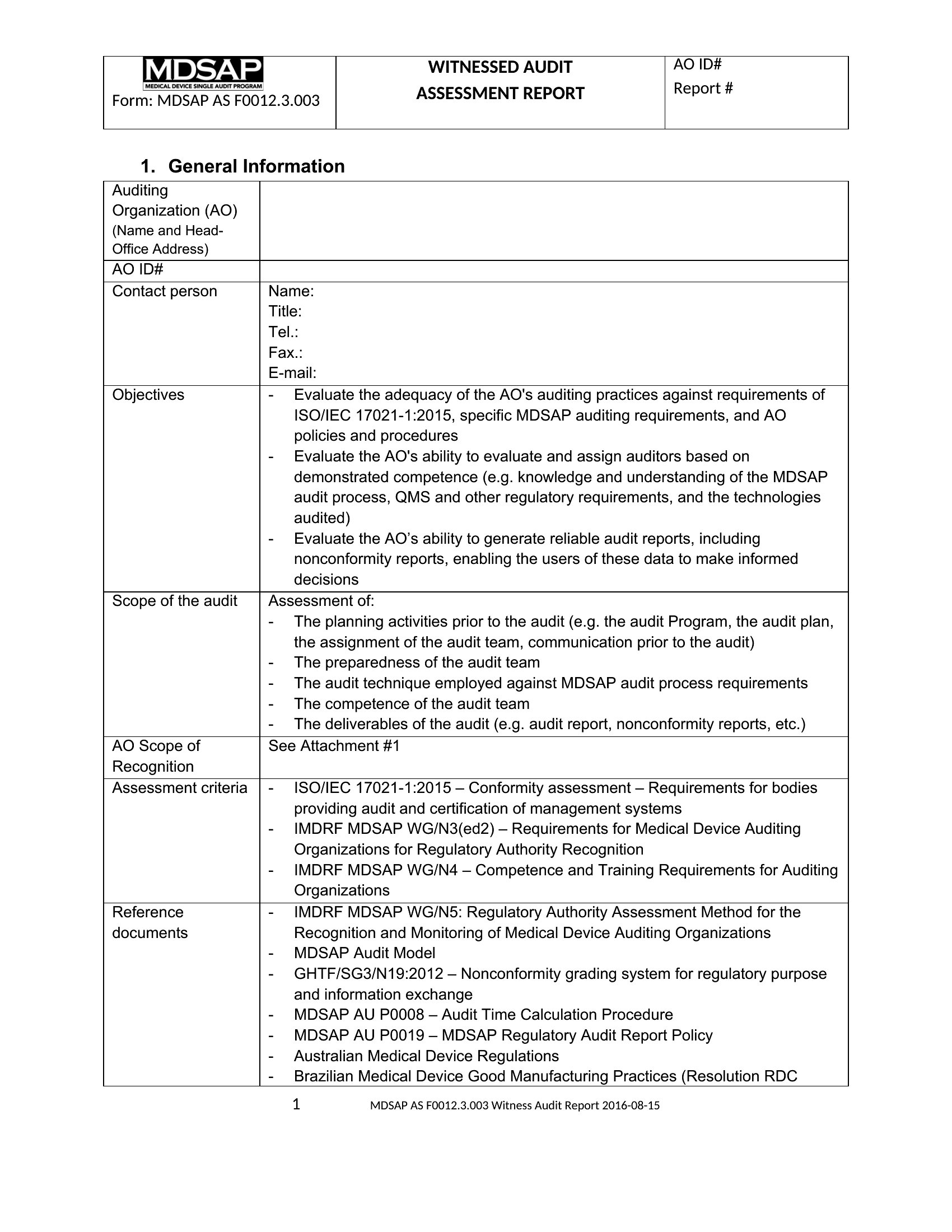
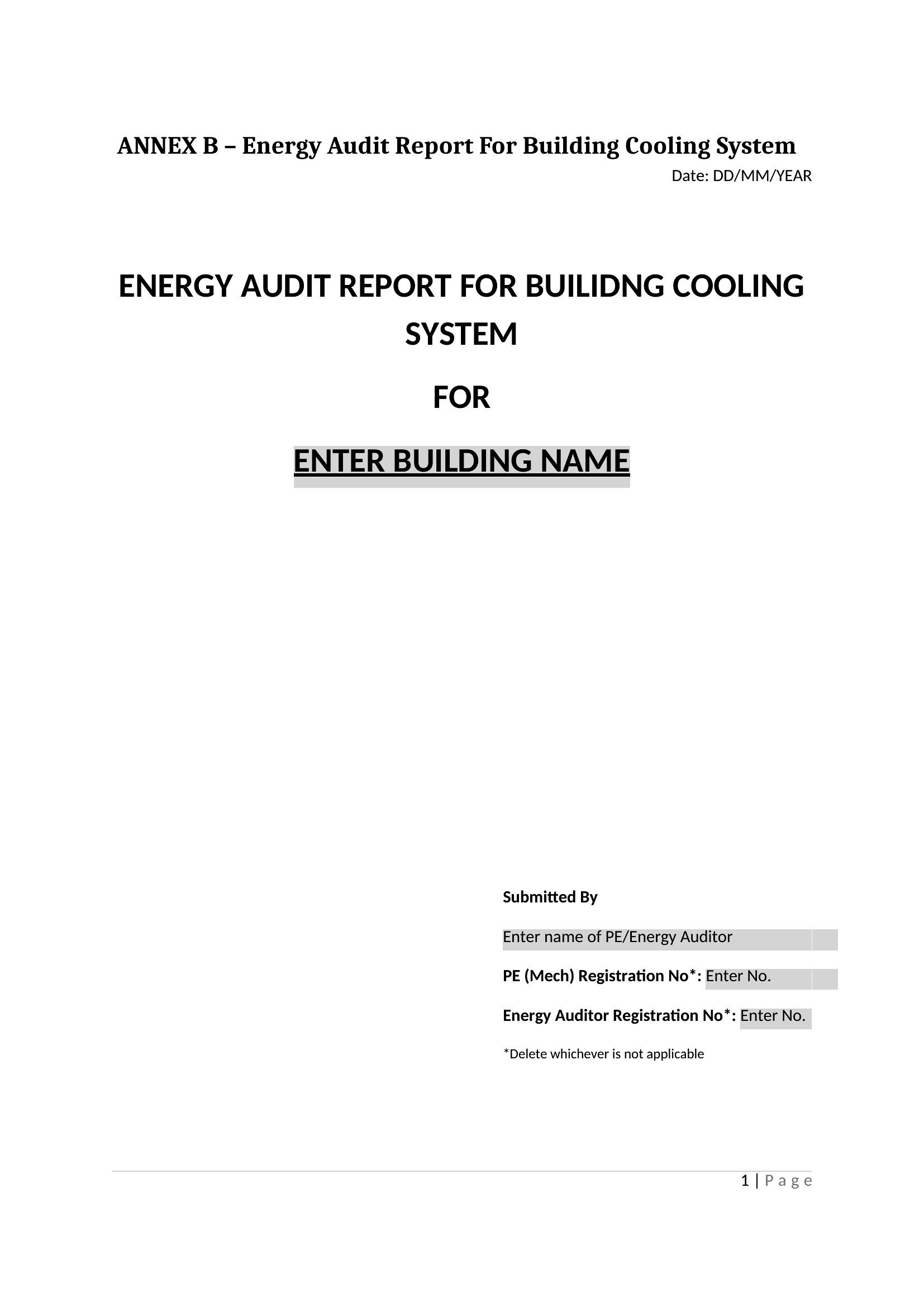
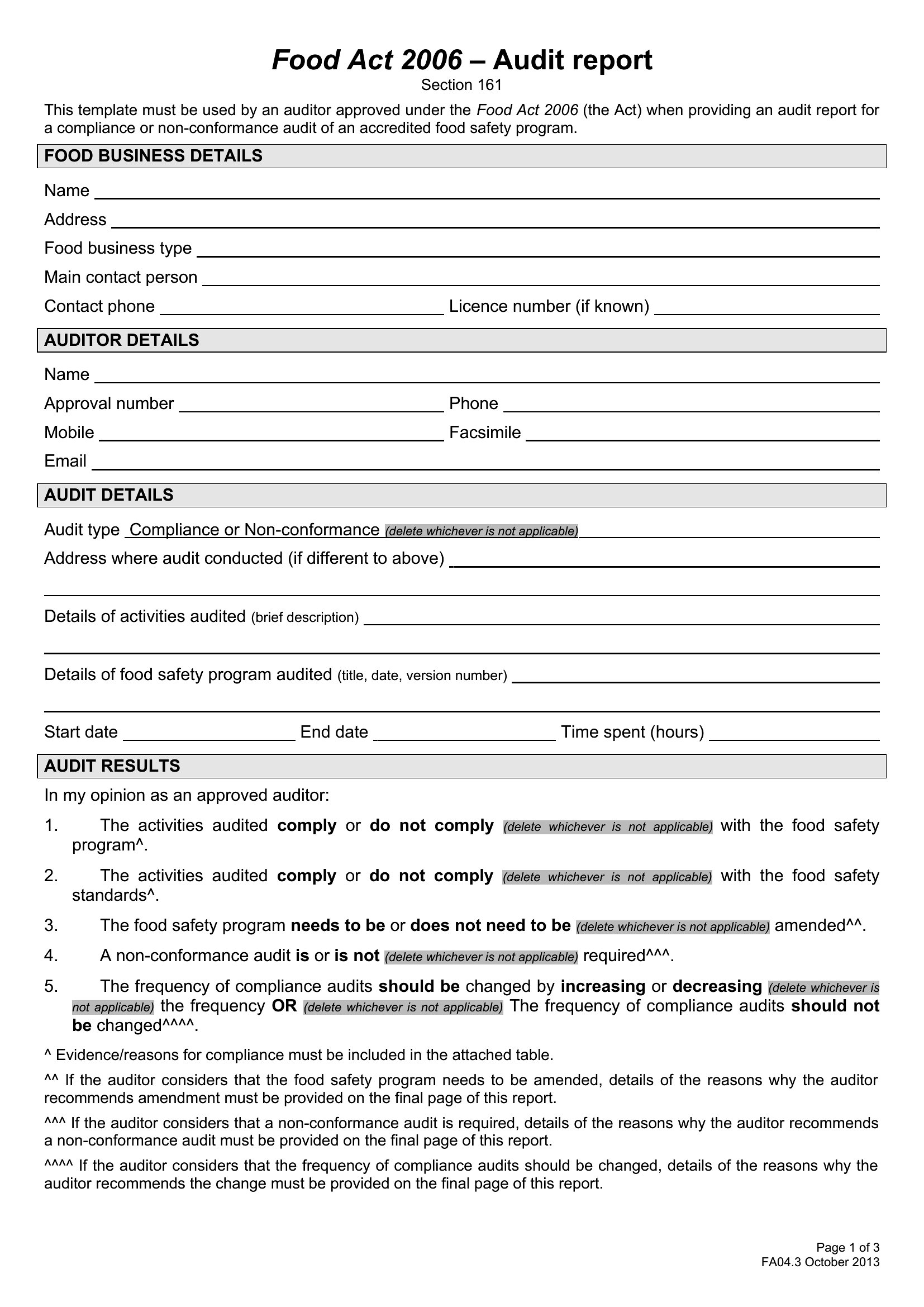
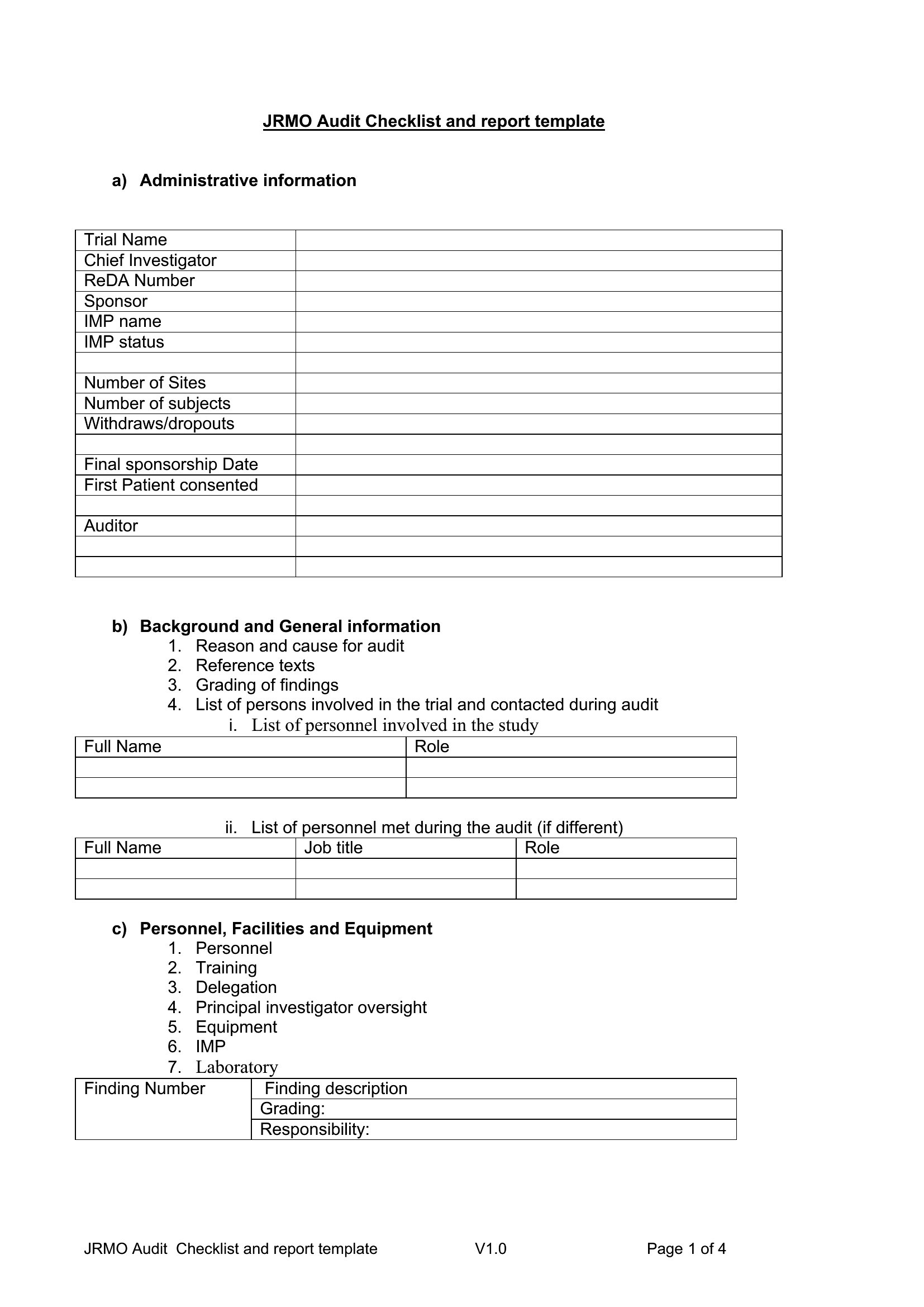
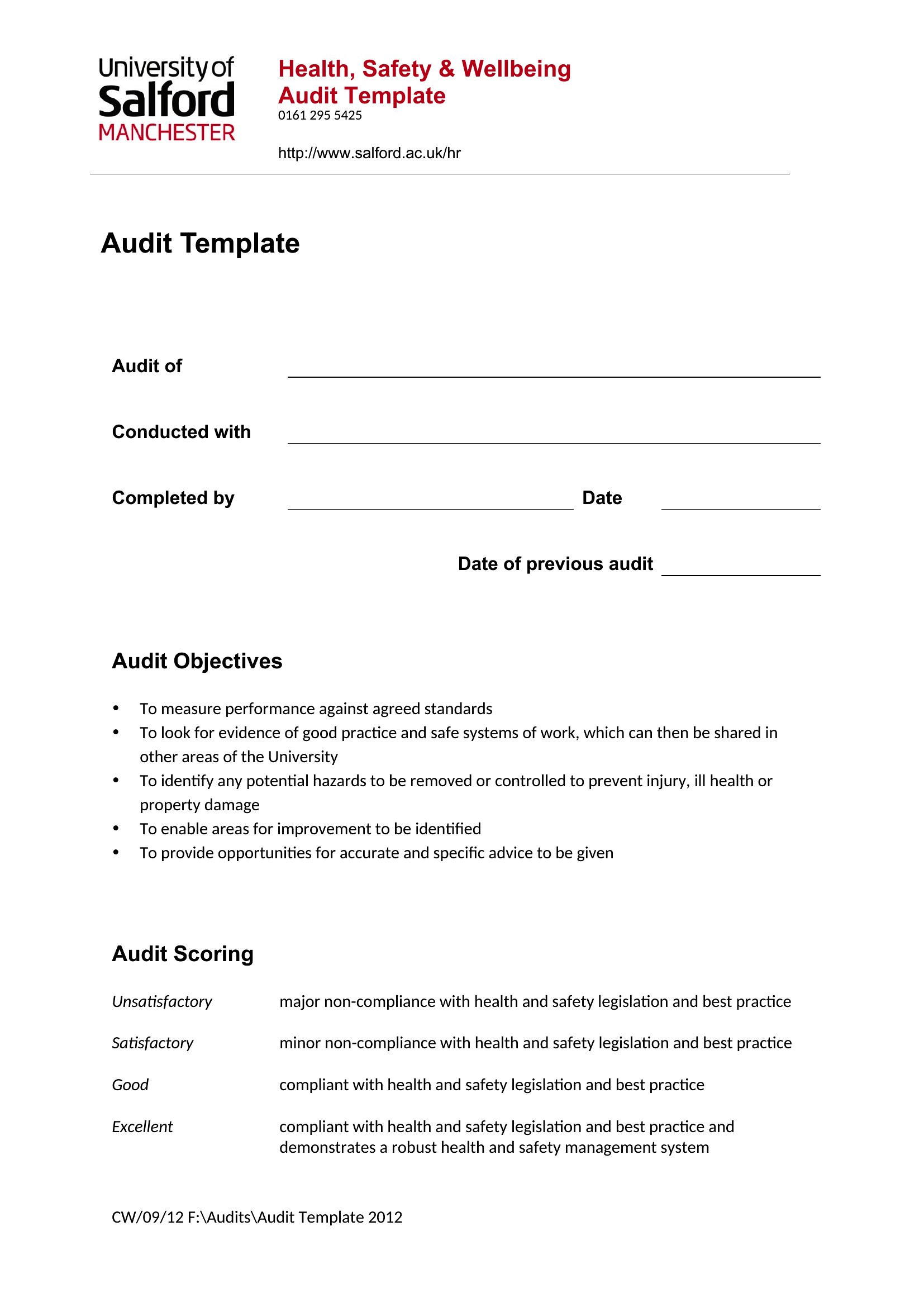
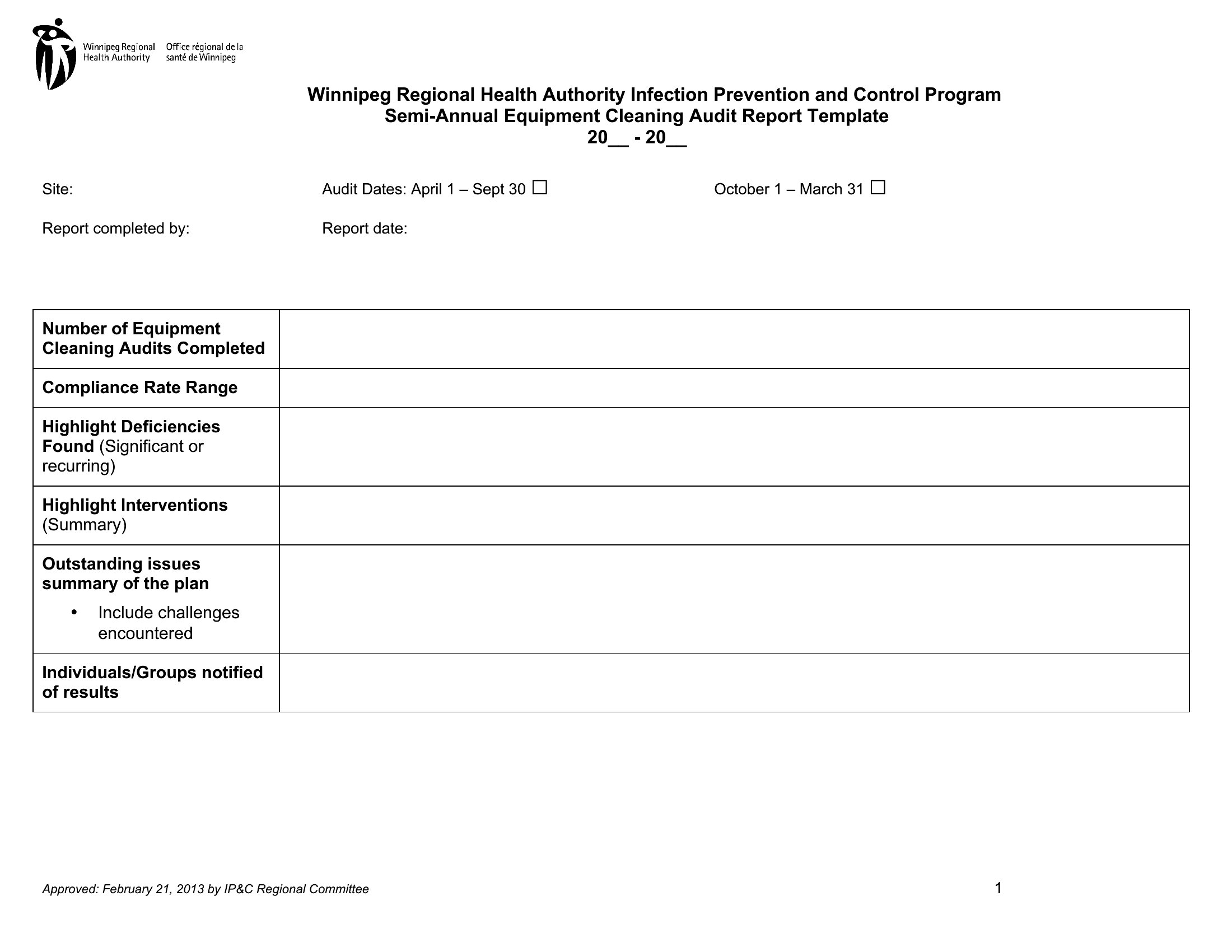
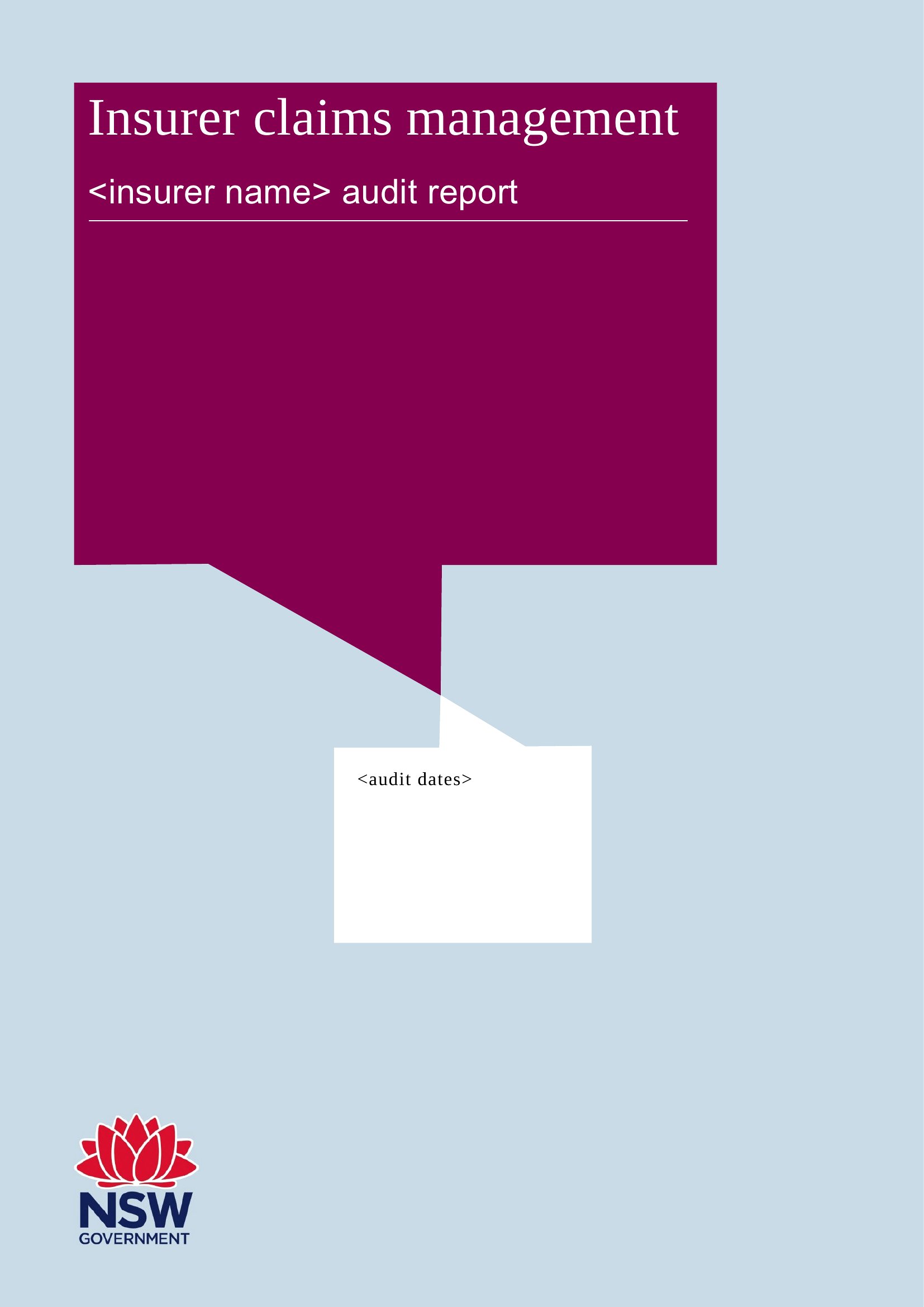
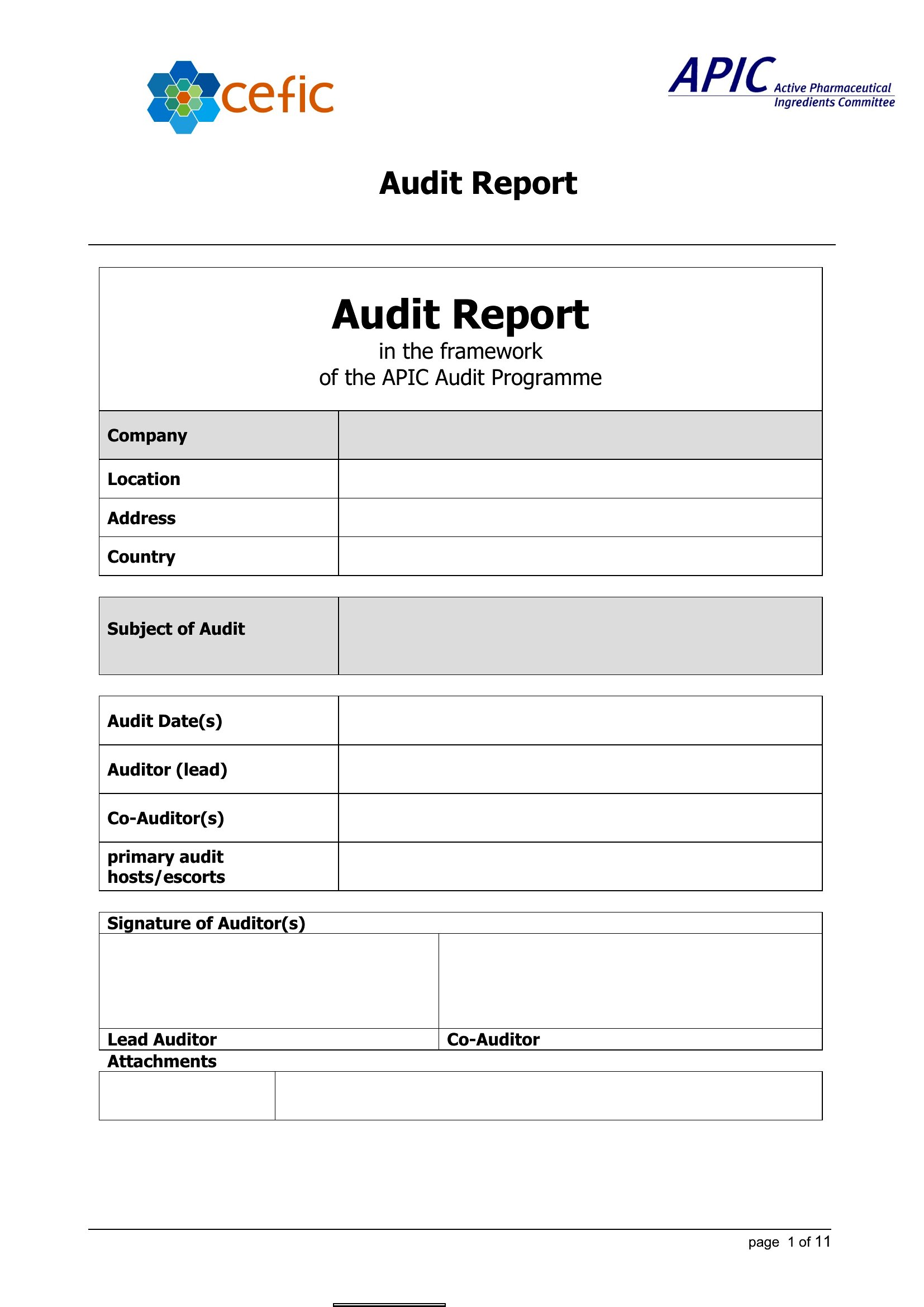
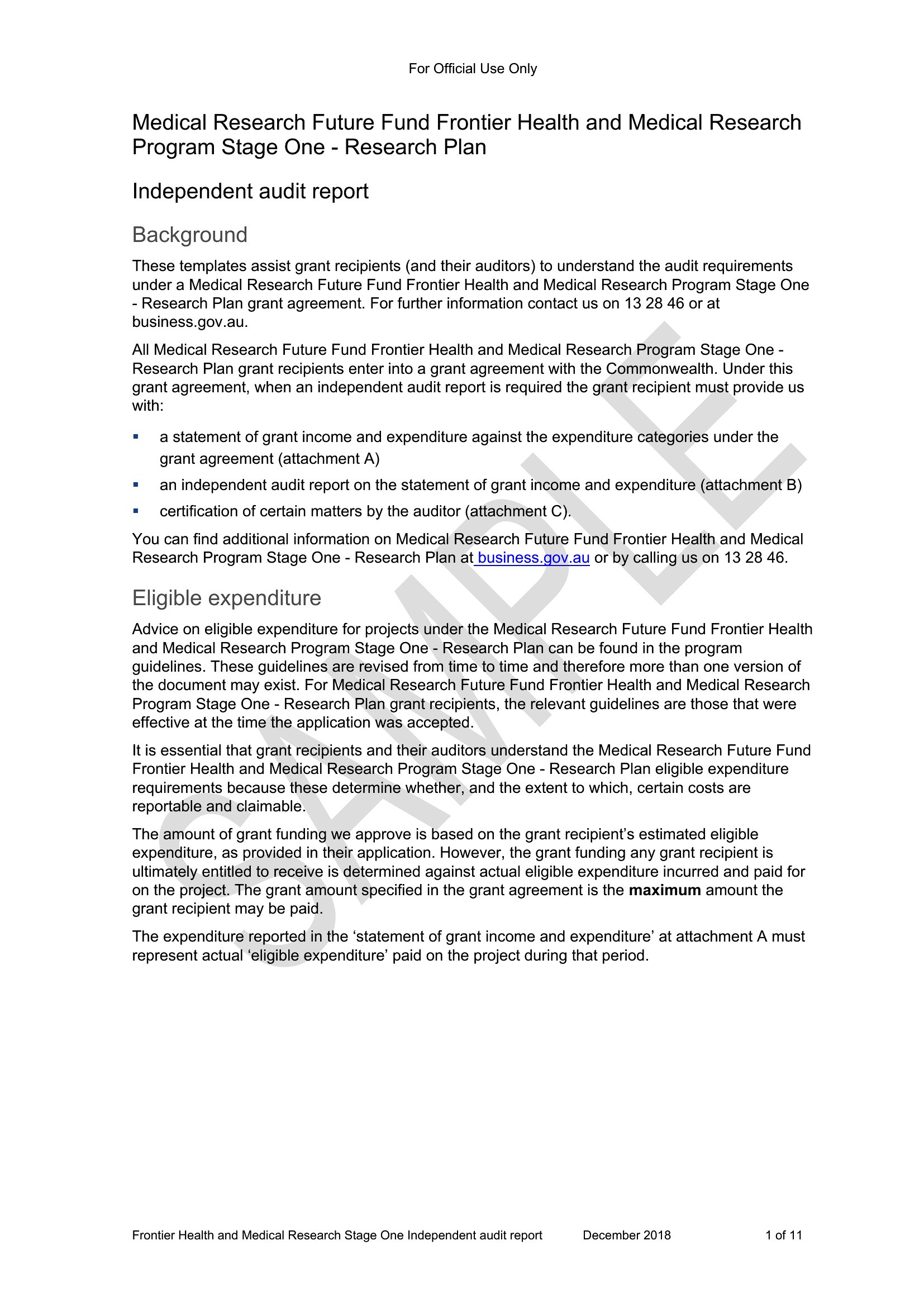
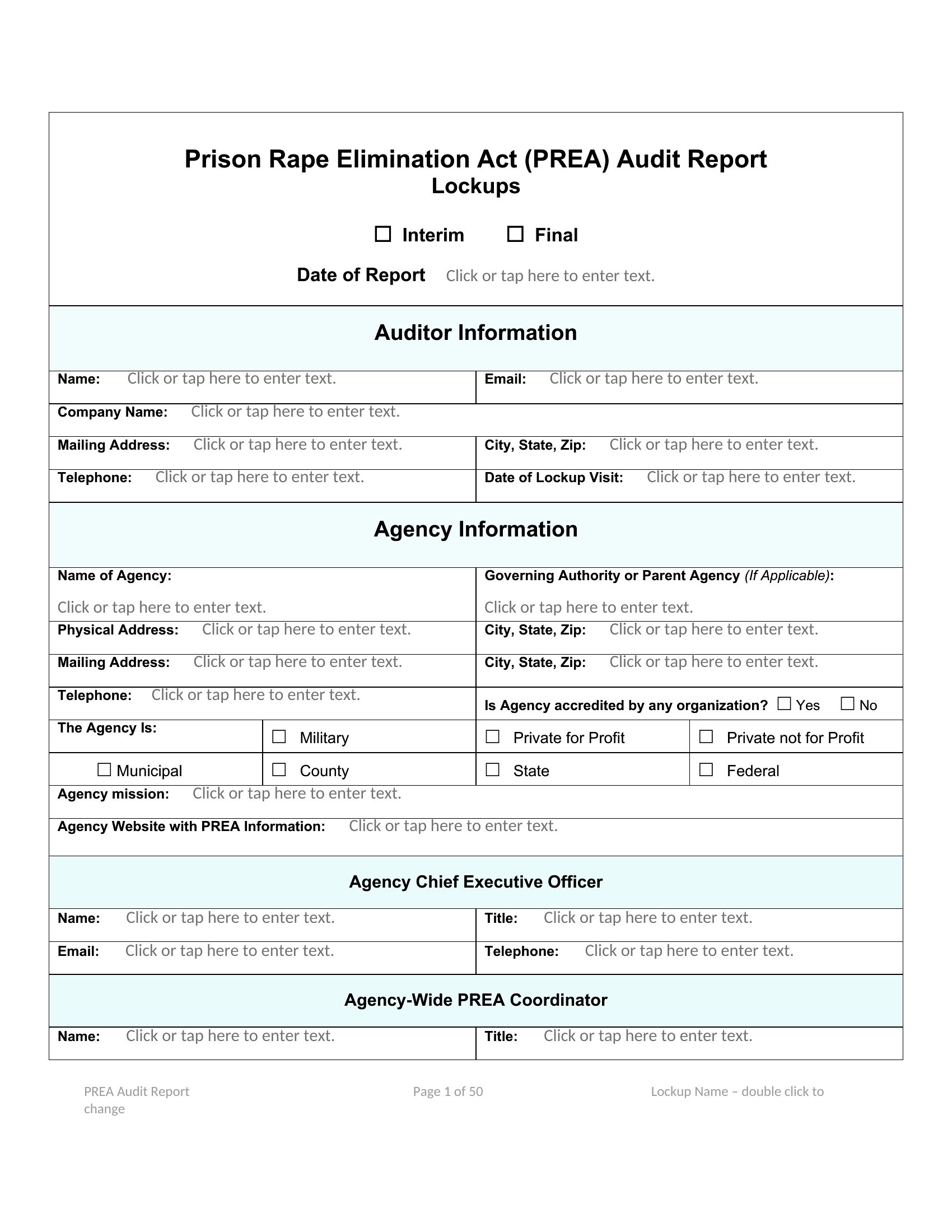
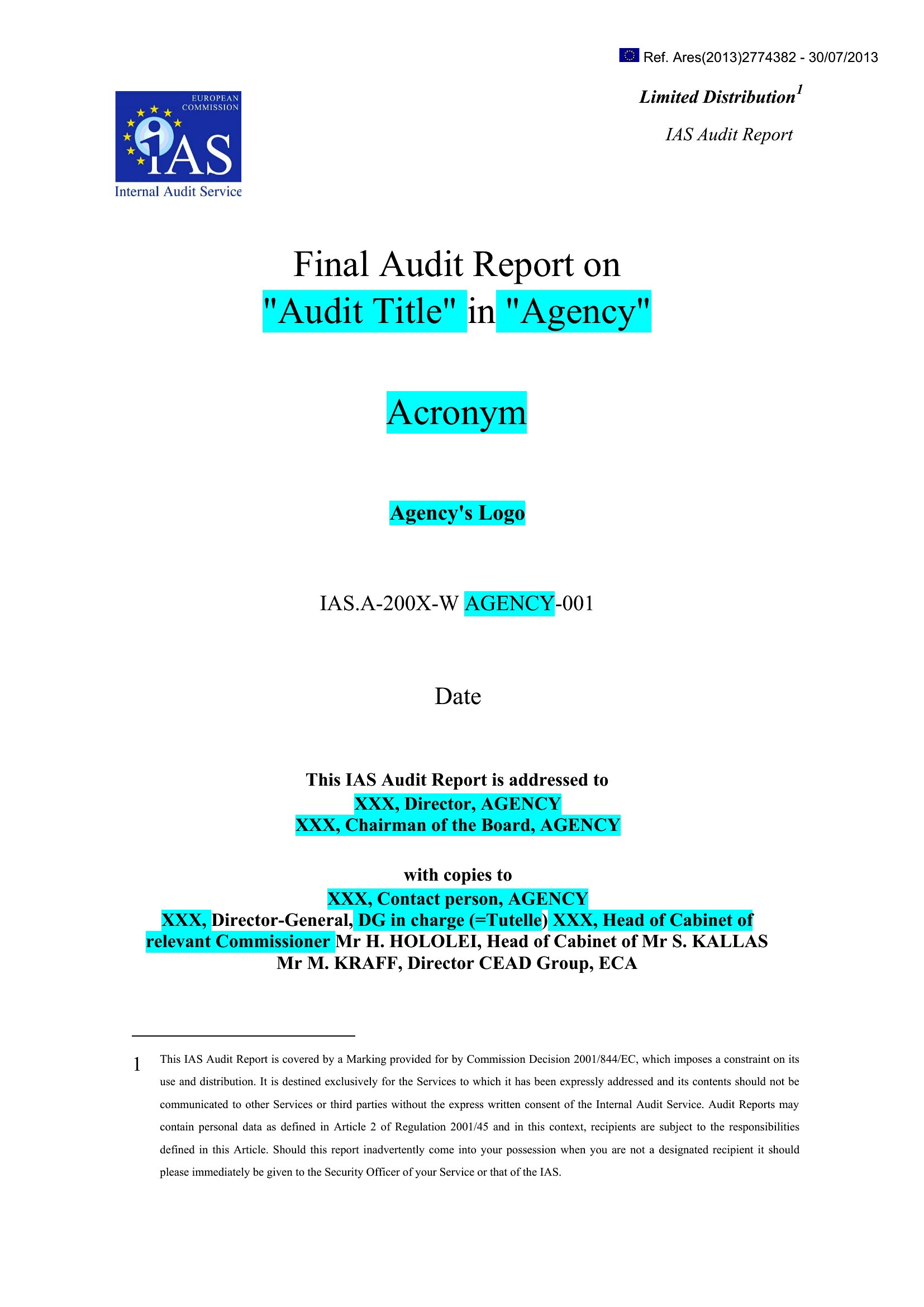
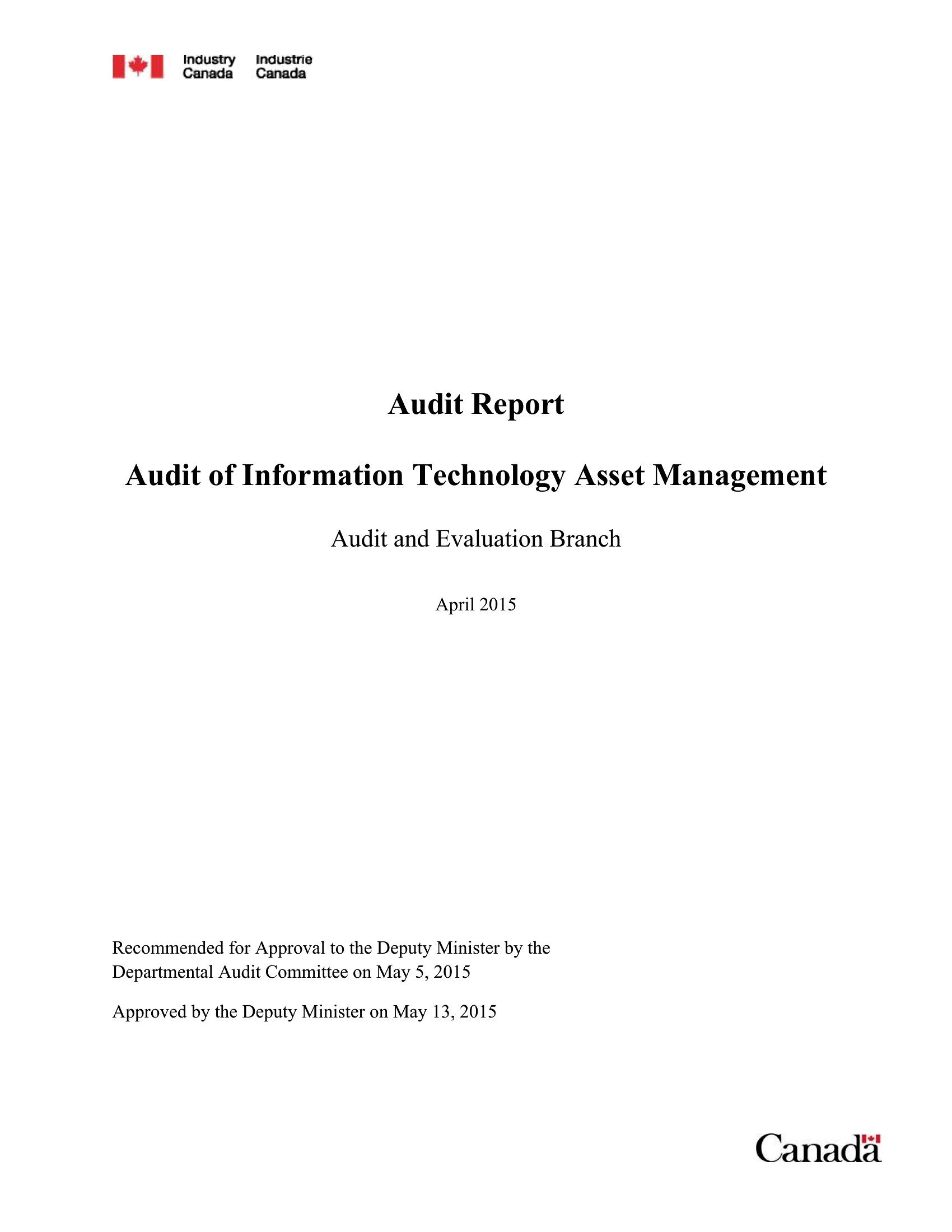
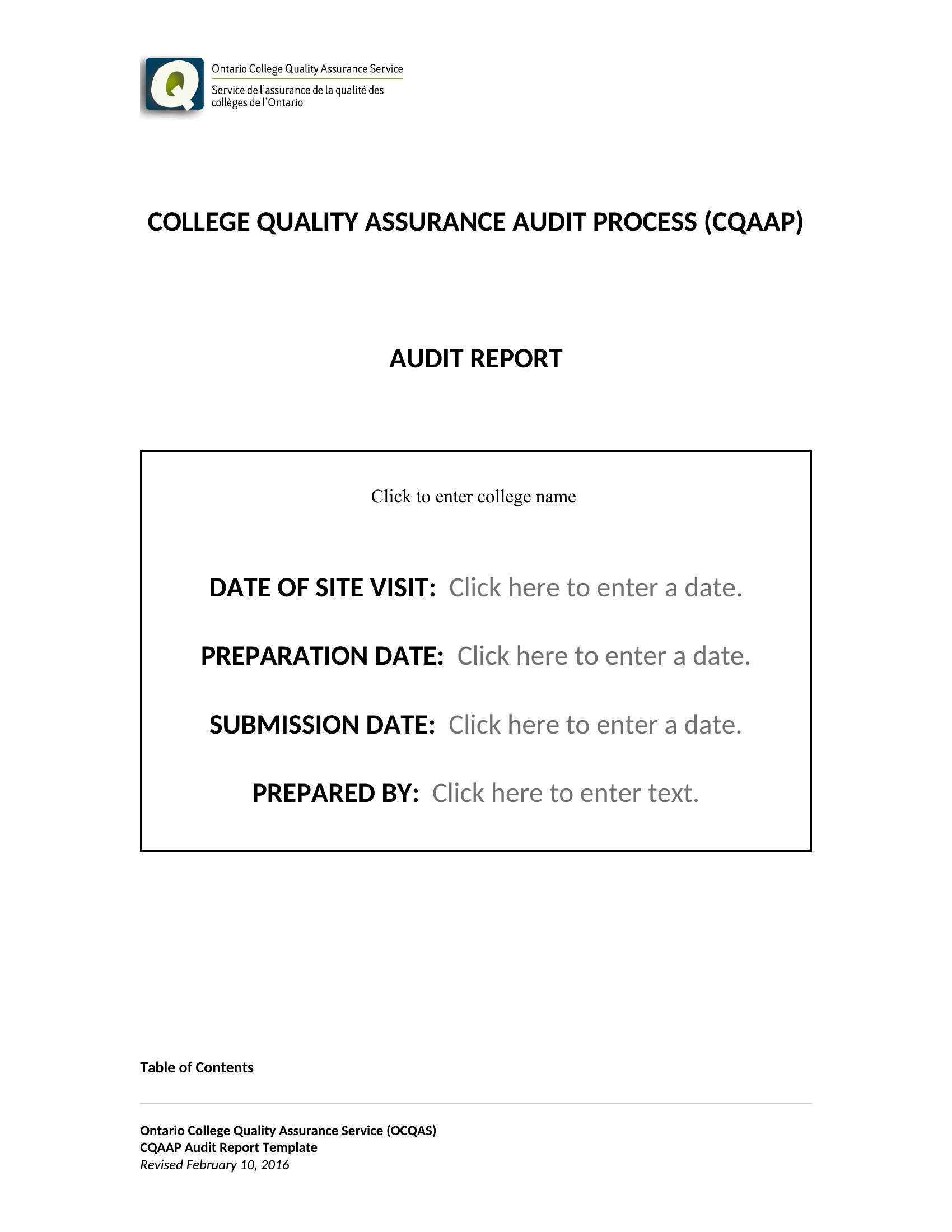
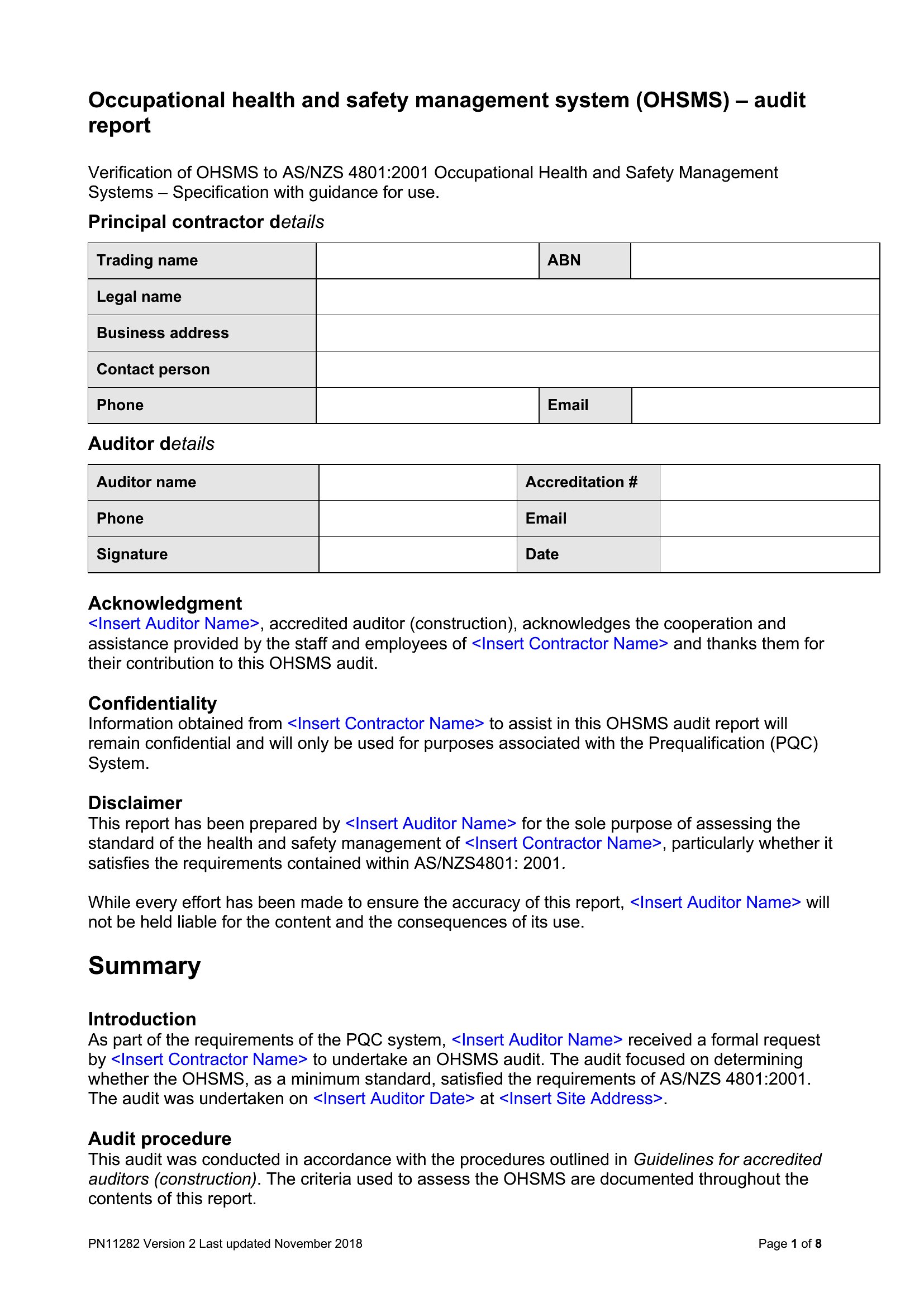
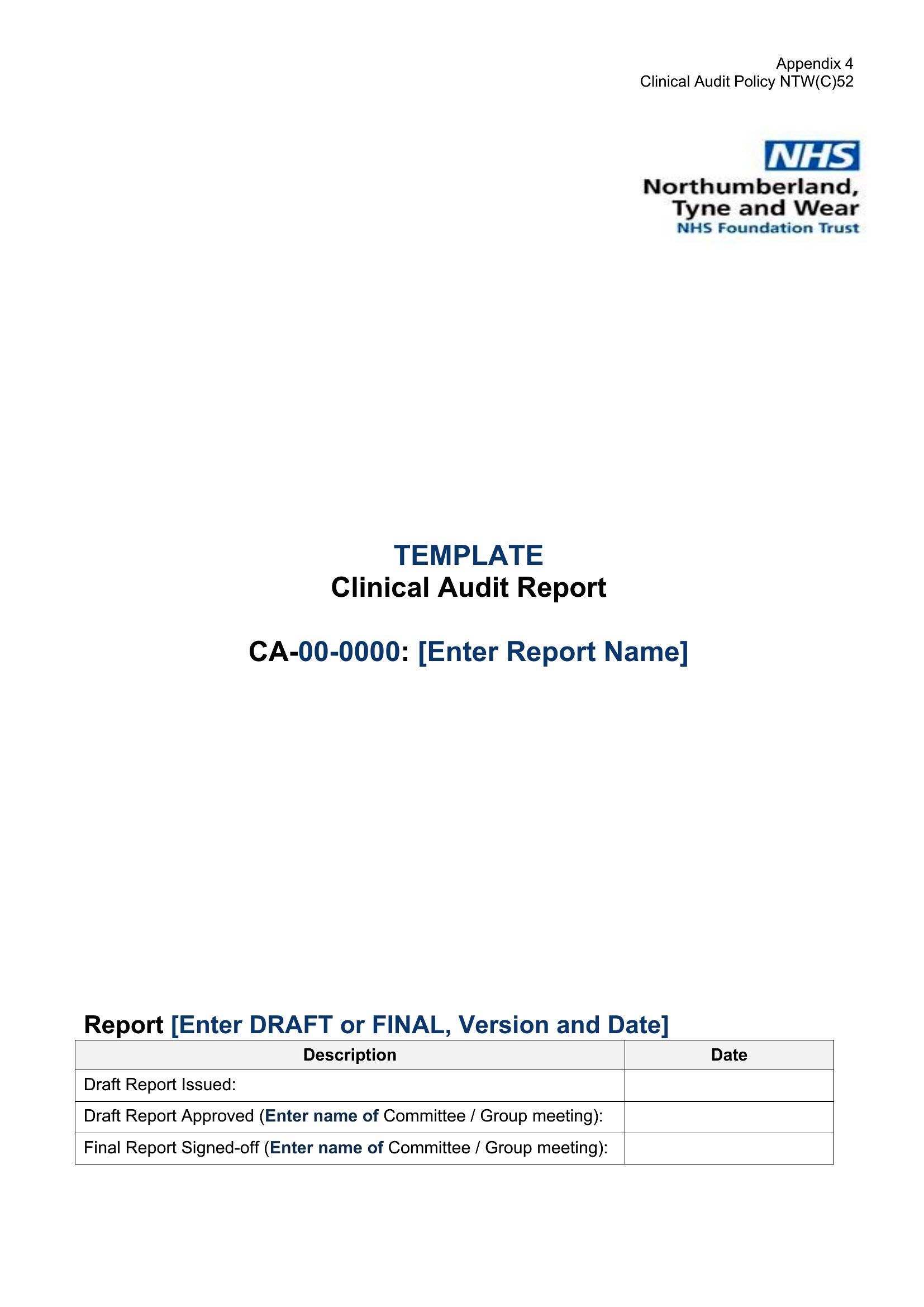
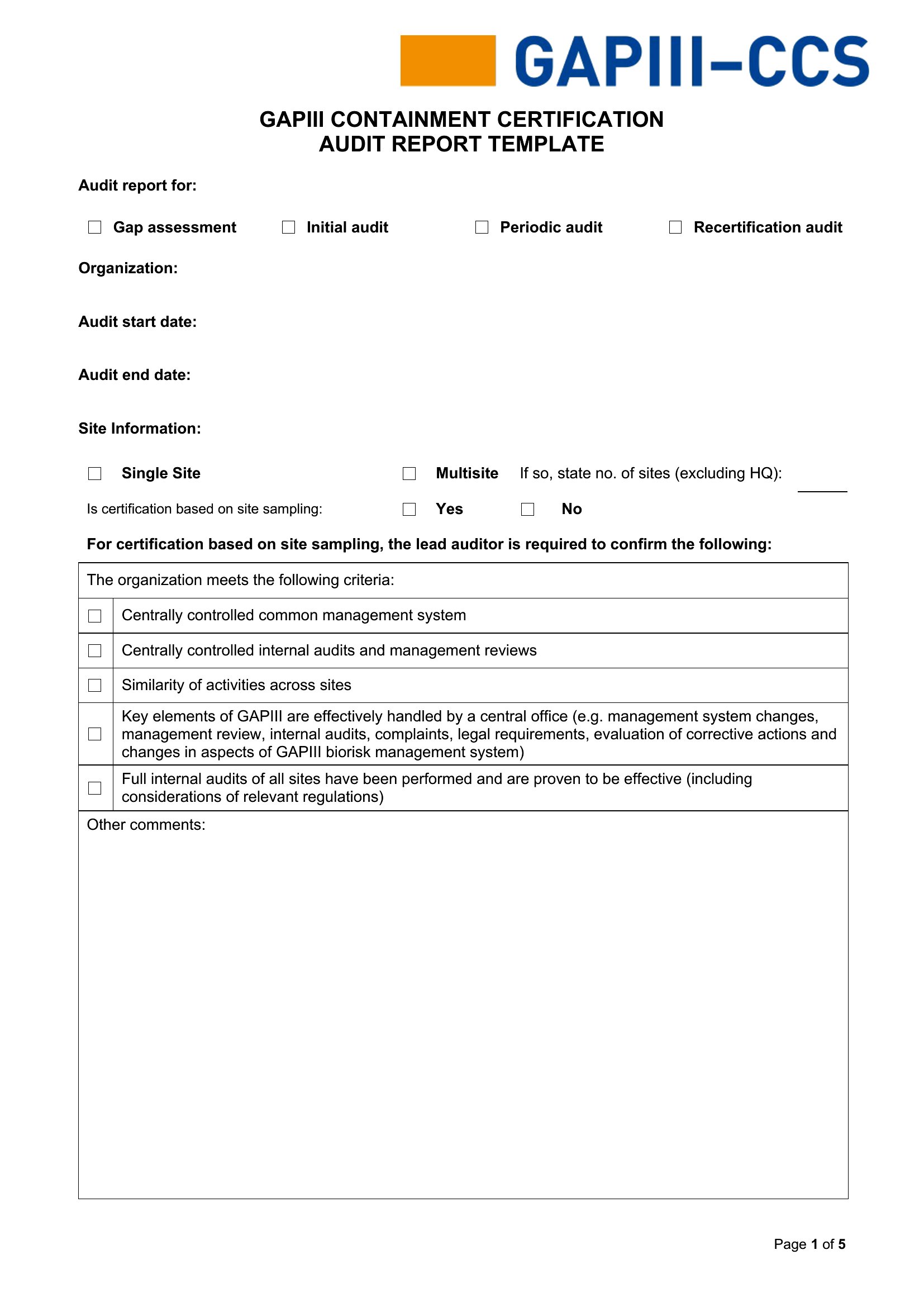
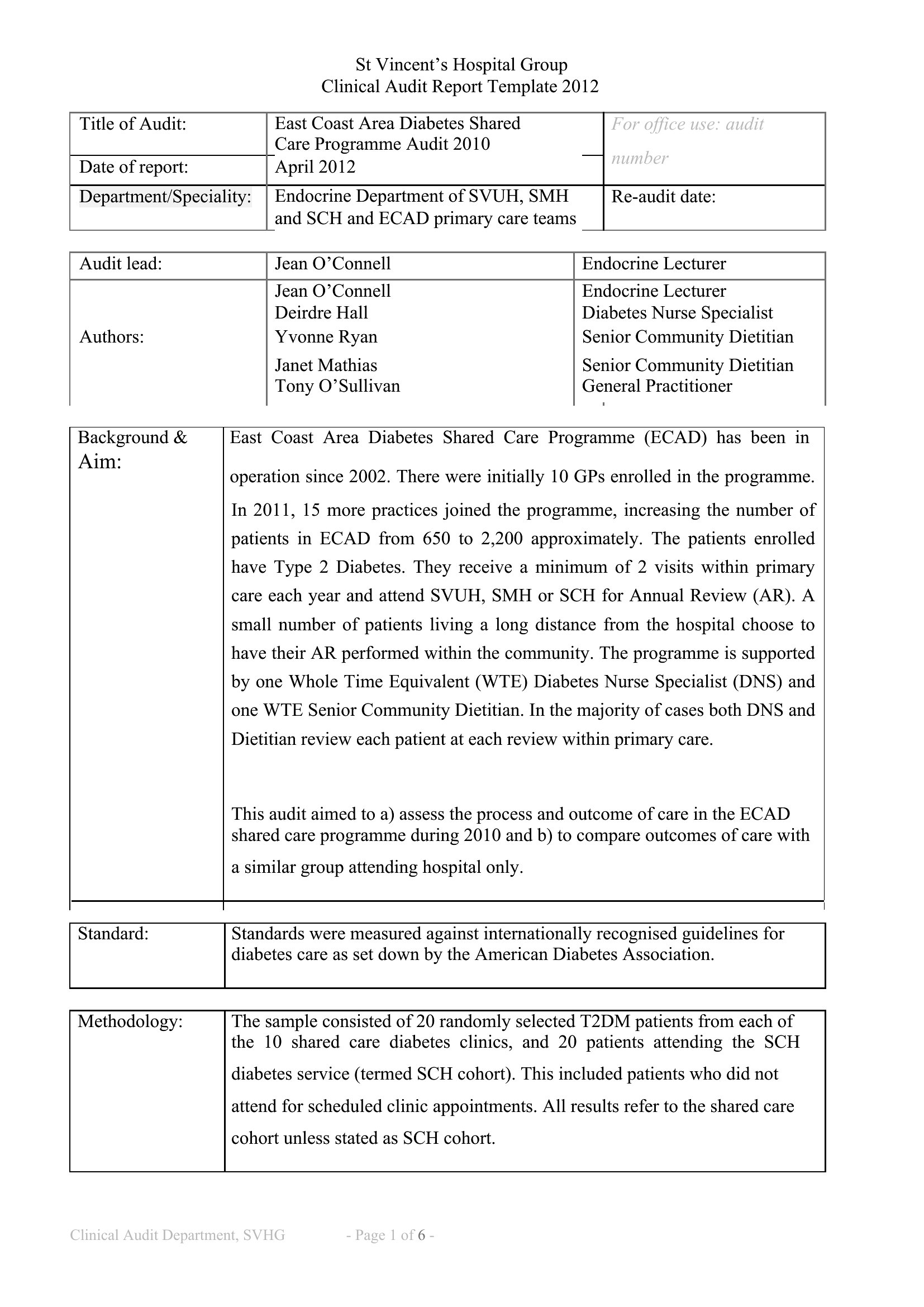
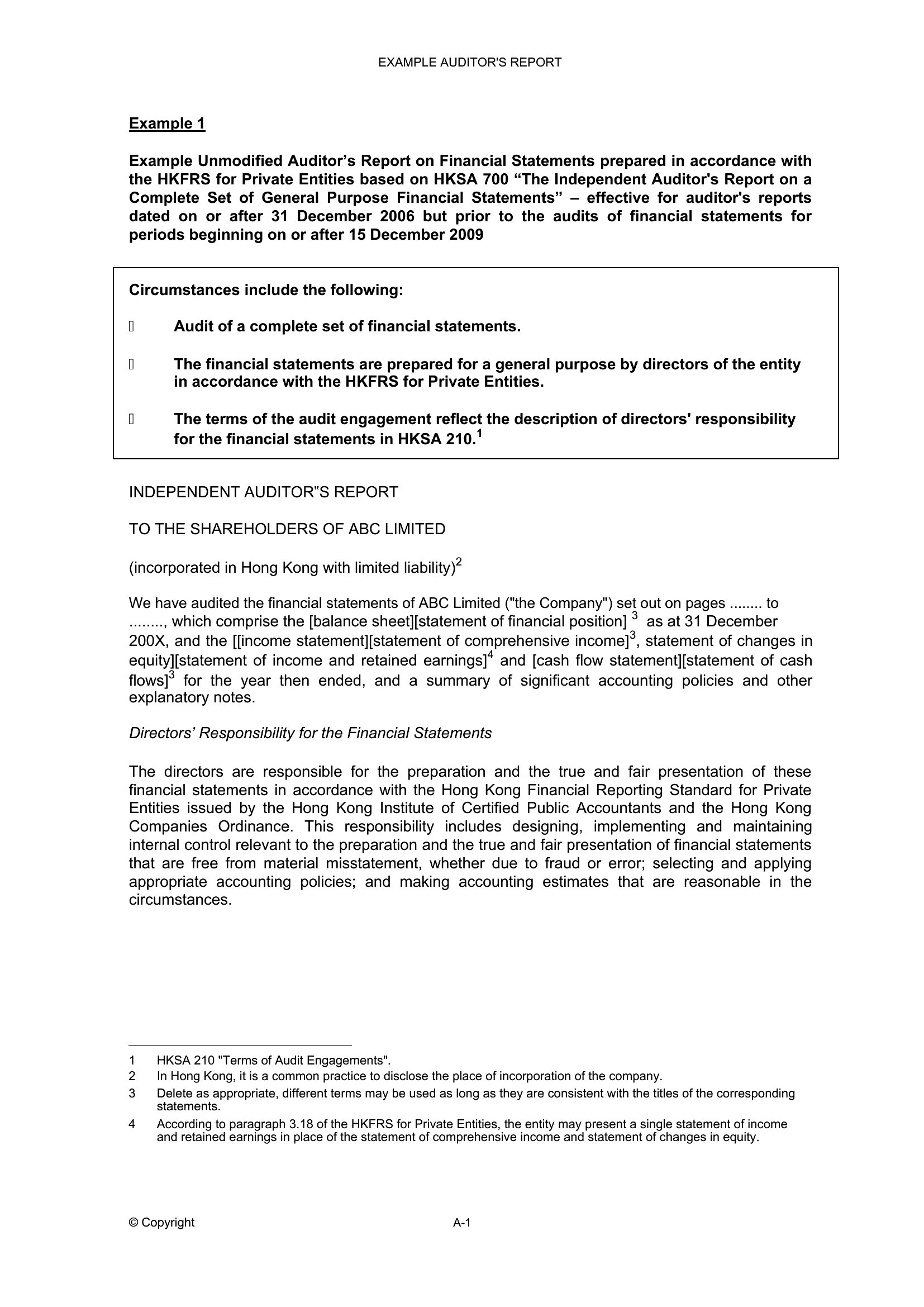
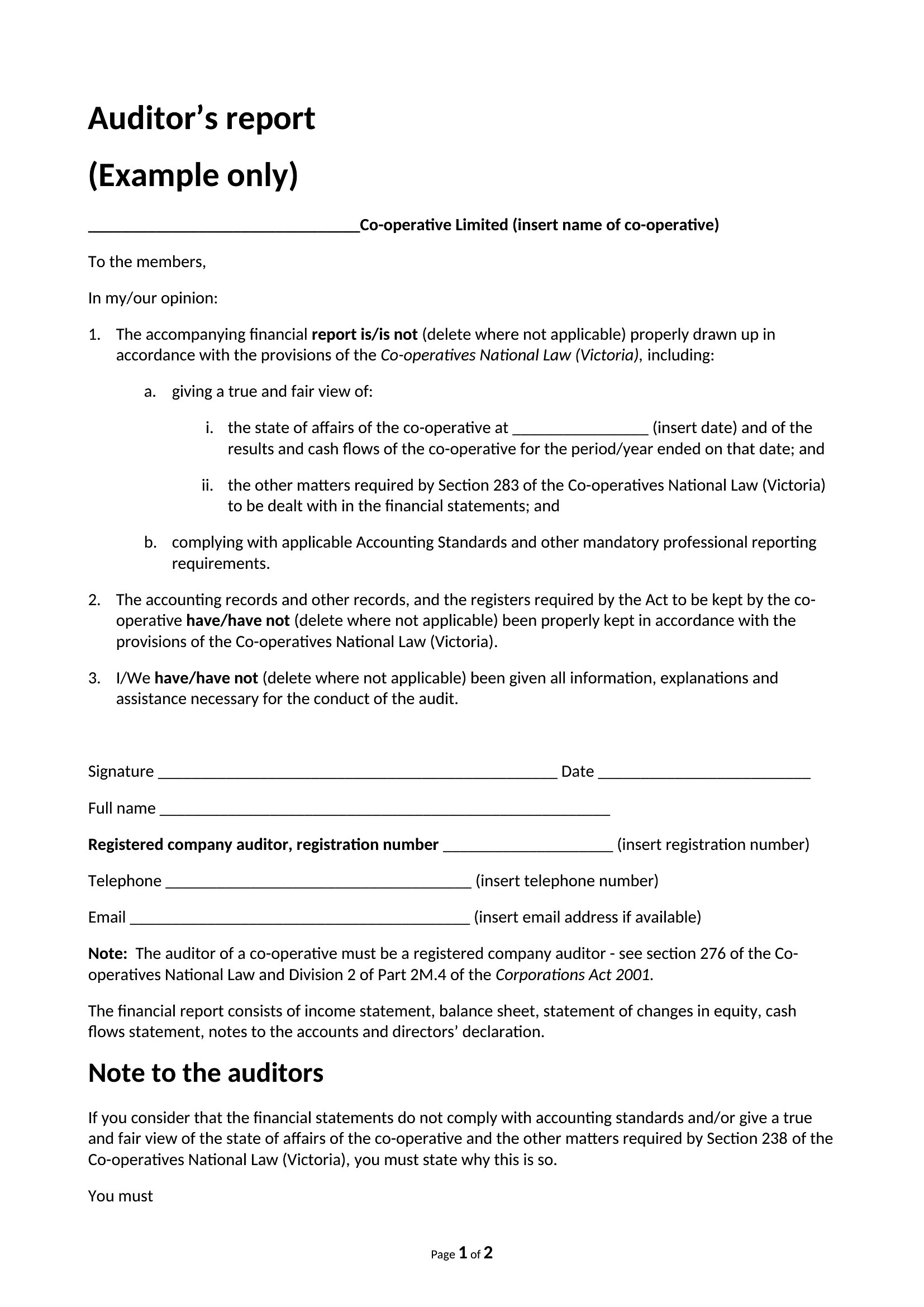
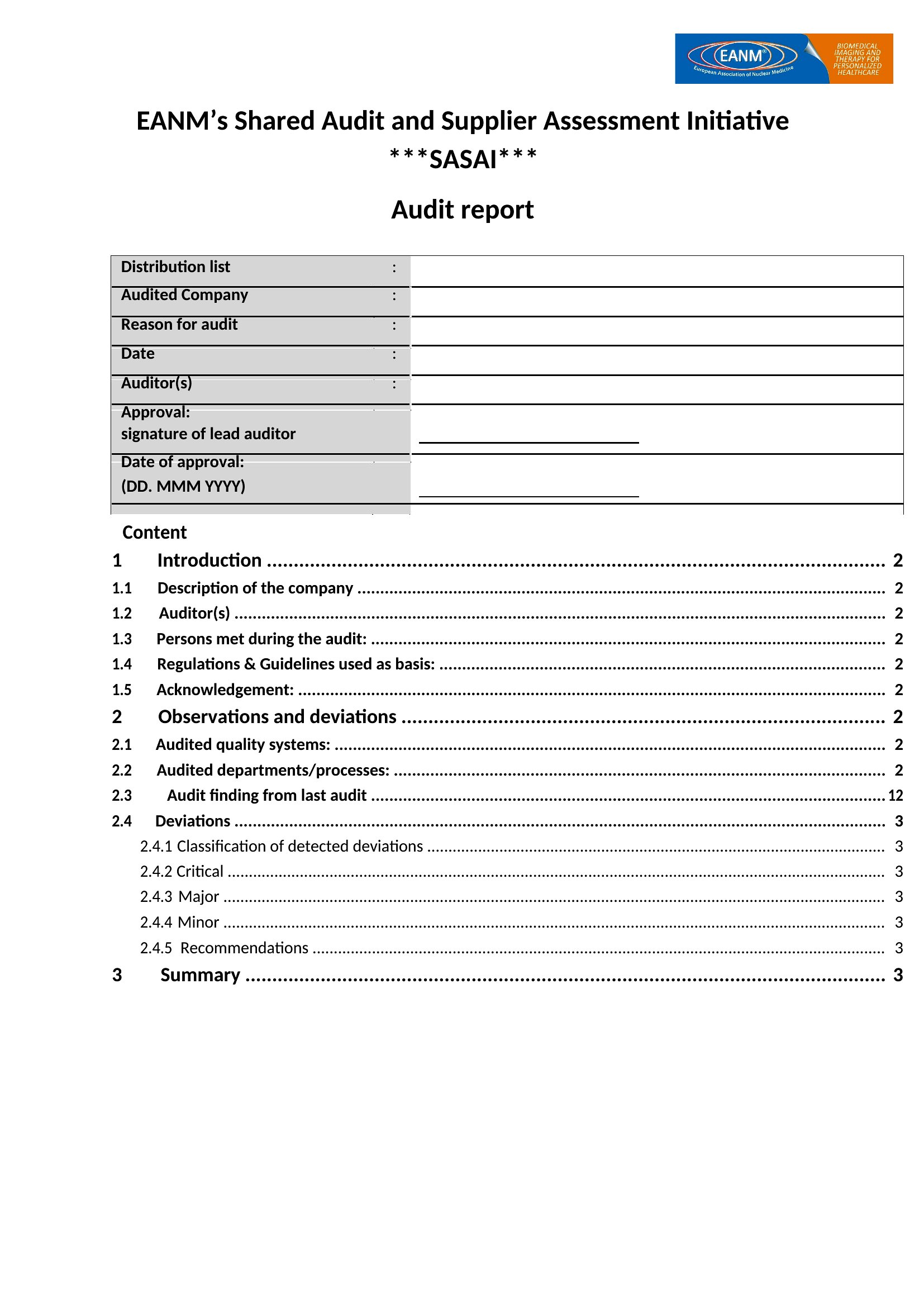
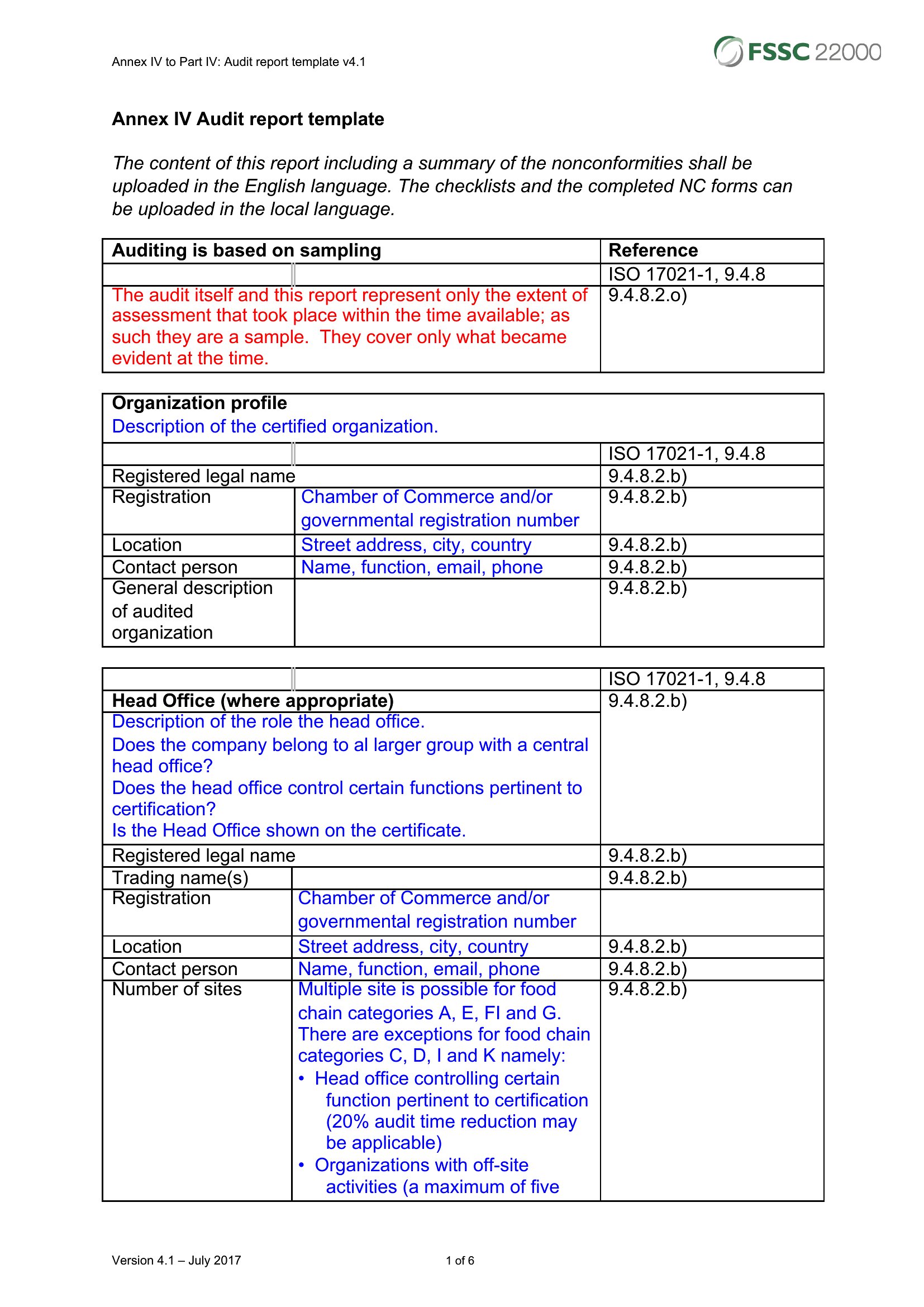
AuditAn audit report turns a review into a clear record of what was examined, what was found, and what needs to change. This set of 50 templates spans internal, financial, website, and compliance audits, giving accountants, auditors, and managers a structured way to present findings to leadership or a board. Lay out the scope, the evidence, and the recommendations so readers know exactly where things stand.
The reports are editable in Word, ready for your findings, tables, and conclusions before you share or print them. Keep a consistent, professional format across every engagement instead of rebuilding the layout each time. Download the version that matches your audit and turn your notes into a polished report.
When to use this Audit Report template
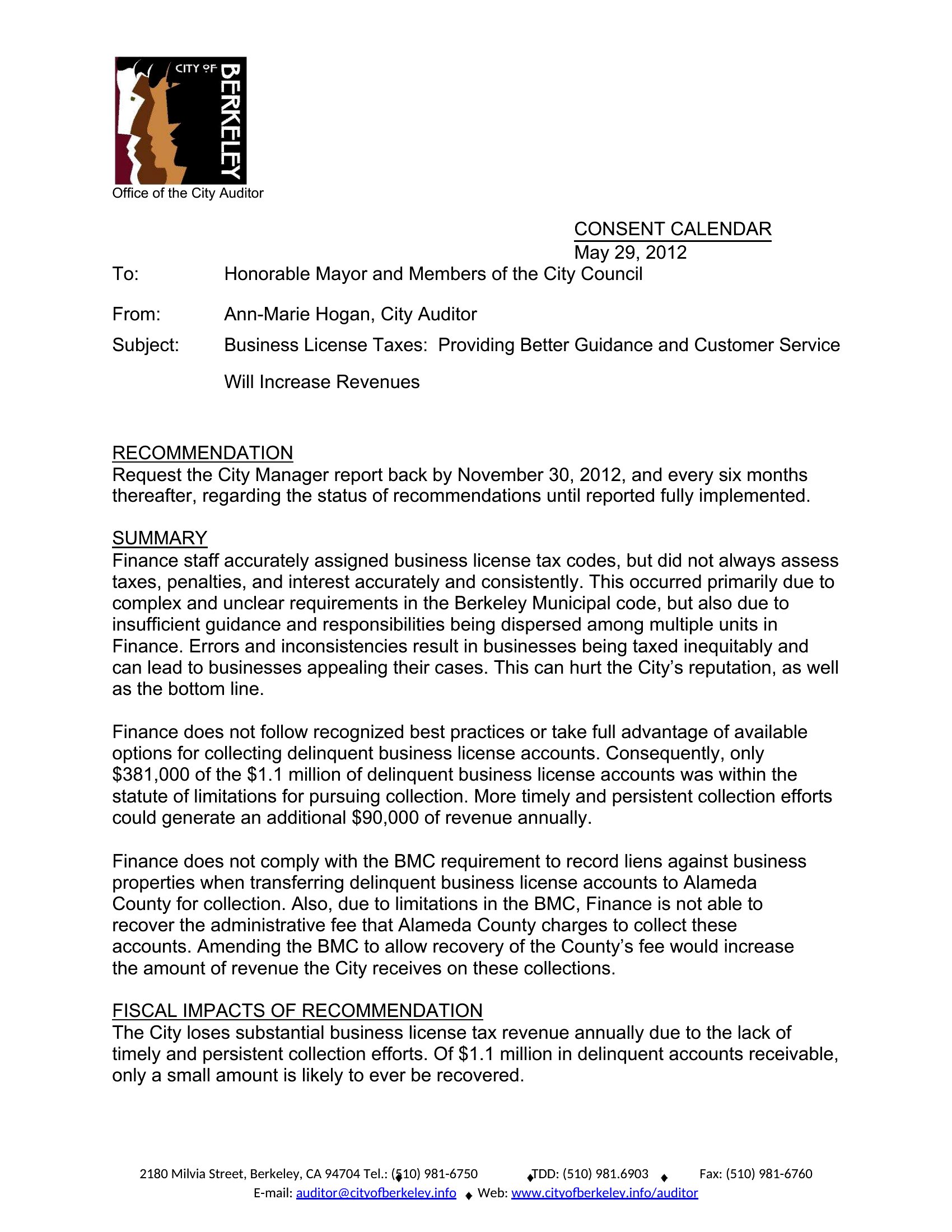
- A financial auditor reviewing a mid-sized company’s annual books needs a concise Word report to flag discrepancies in revenue recognition for the board’s quarterly review.
- An IT compliance officer must document a website accessibility audit for a government contractor, detailing ADA violations and prioritized fixes for legal deadlines.
- A hospital administrator uses an internal audit template to summarize patient safety lapses in a specific wing, assigning corrective actions to department heads before the next accreditation review.
- A social media manager auditing a brand’s Twitter engagement needs a template to outline underperforming campaigns, competitor benchmarks, and content strategy adjustments for the marketing director.
Which format should I download?
All 50 templates are in Word format, which is ideal for most audit reports because it balances structure with flexibility. Use Word when you need to customize tables, merge findings with other documents, or distribute editable versions to stakeholders. The format supports footnotes for evidence, conditional formatting for risk levels, and easy sharing via email or collaboration tools like SharePoint.
Choose from 50 Audit Report Templates
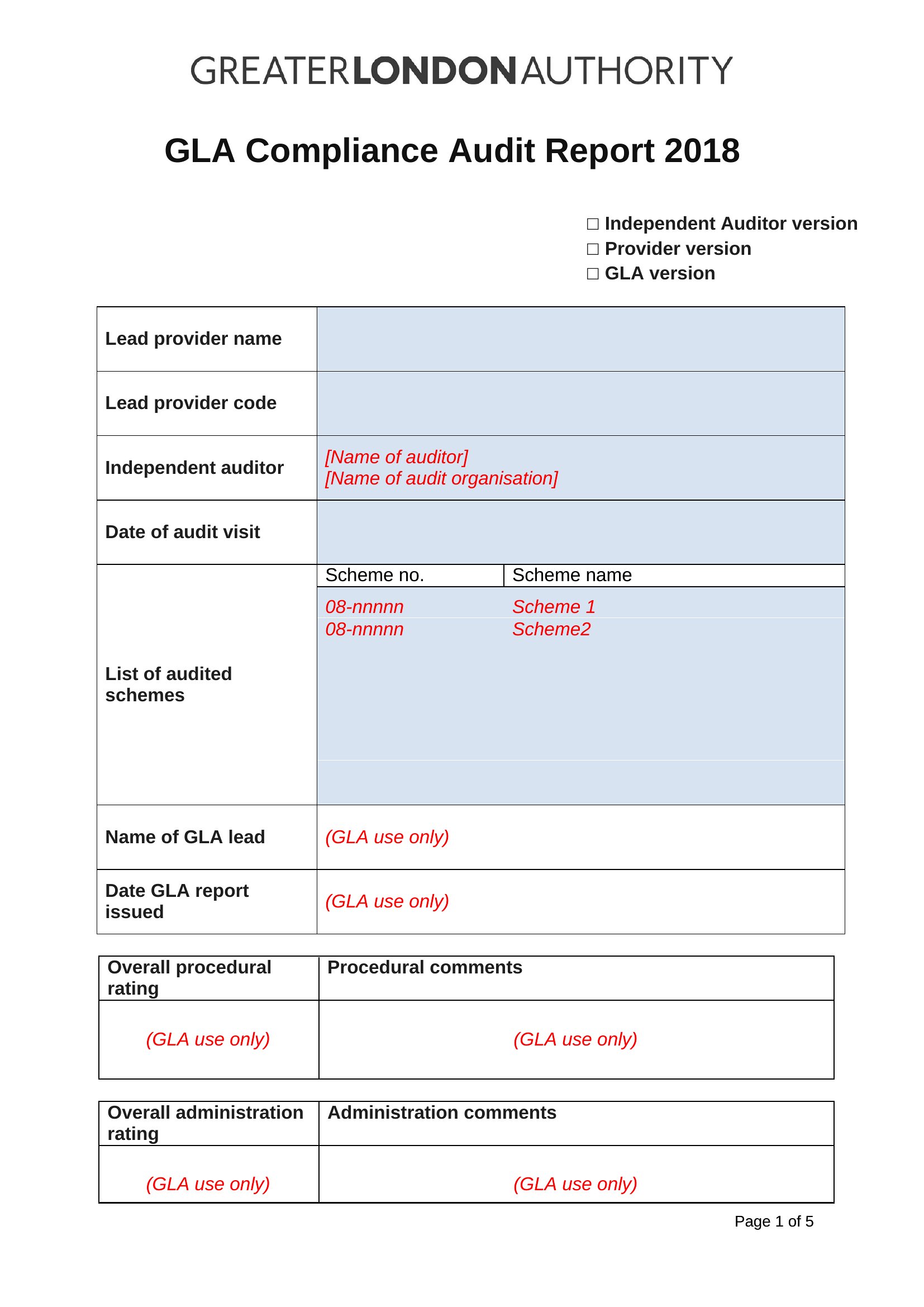
How to use this Audit Report template
How should I structure the ‘findings’ section to avoid sounding accusatory?
Focus on facts and impact, not blame. Use neutral language like ‘The payroll system failed to capture 12% of overtime hours in Q3, resulting in a $45,000 discrepancy.’ Follow this with a root cause (e.g., ‘biweekly payroll cutoff conflicts with time-tracking software’) and a clear recommendation. This keeps the tone professional and solution-oriented, which is critical for internal or compliance audits where relationships matter.
Can I adapt these templates for a forensic audit where evidence preservation is critical?
These templates provide the framework, but forensic audits require additional rigor. Add a dedicated ‘evidence log’ section to document chain of custody for digital or physical records, and include a disclaimer noting the report is a starting point—not a substitute for legal admissibility. Consult a forensic specialist to ensure your methodology meets evidentiary standards before finalizing.
What’s the best way to handle confidential findings that shouldn’t be shared with the full team?
Create a two-part report: a public version summarizing high-level risks and recommendations, and a confidential appendix for the audit committee or leadership. In Word, use the ‘Document Map’ feature to hide the appendix from the main view, or password-protect the file. Clearly label restricted sections with a disclaimer like ‘For executive eyes only’ to manage expectations.
Comments
Join the conversation
Sign in to share your thoughts and leave a comment on this resource.