




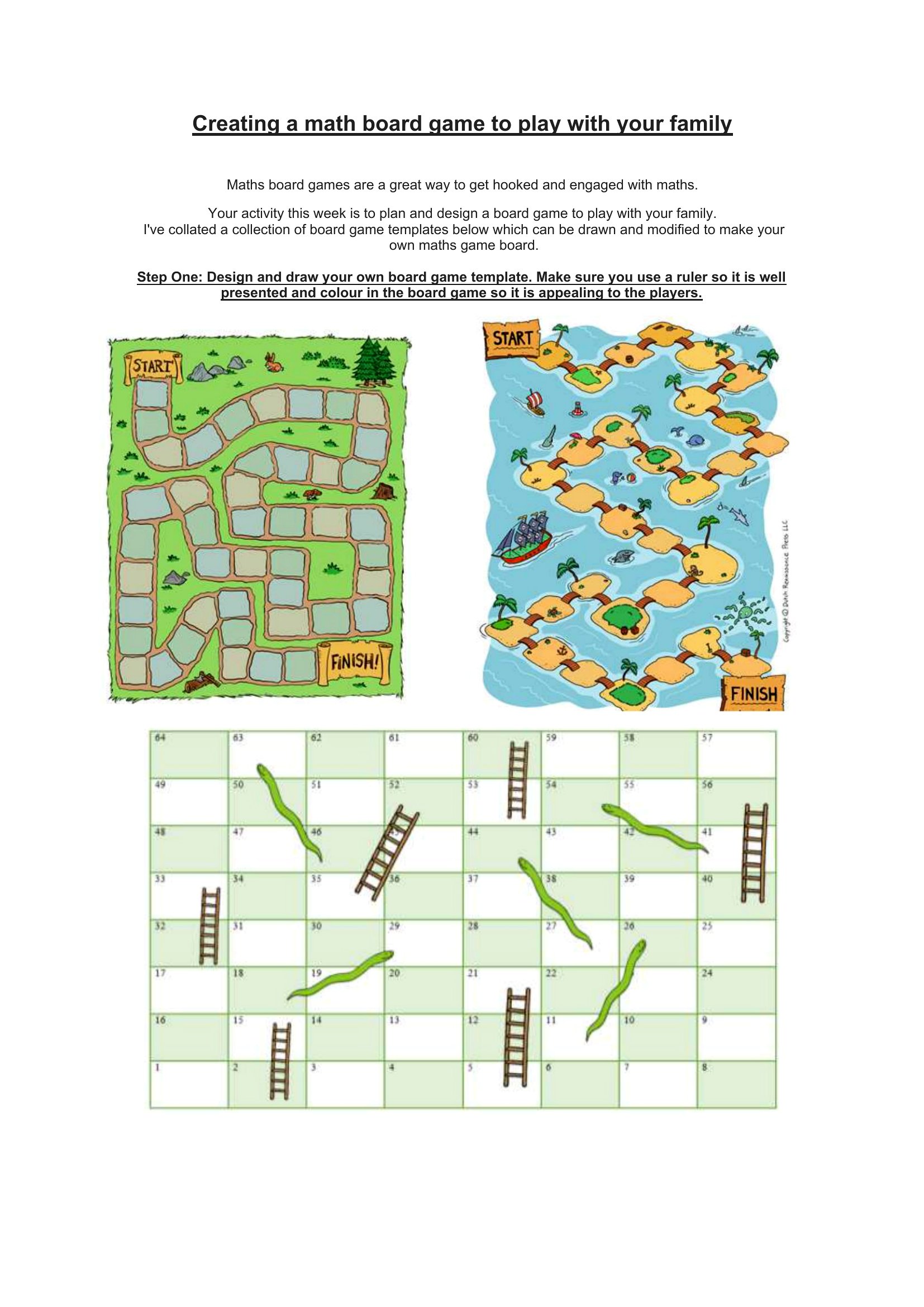
Free Board Game Templates (Word)
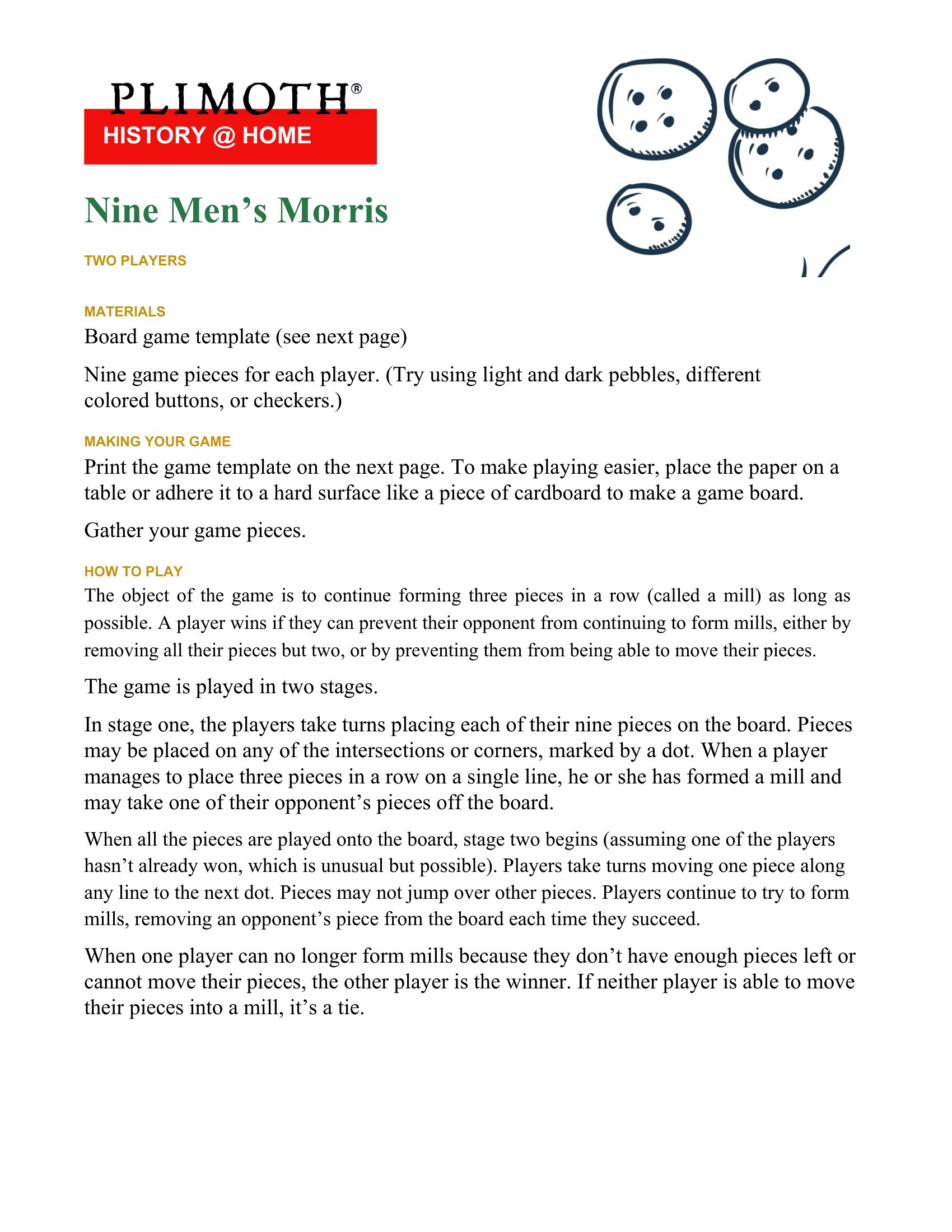
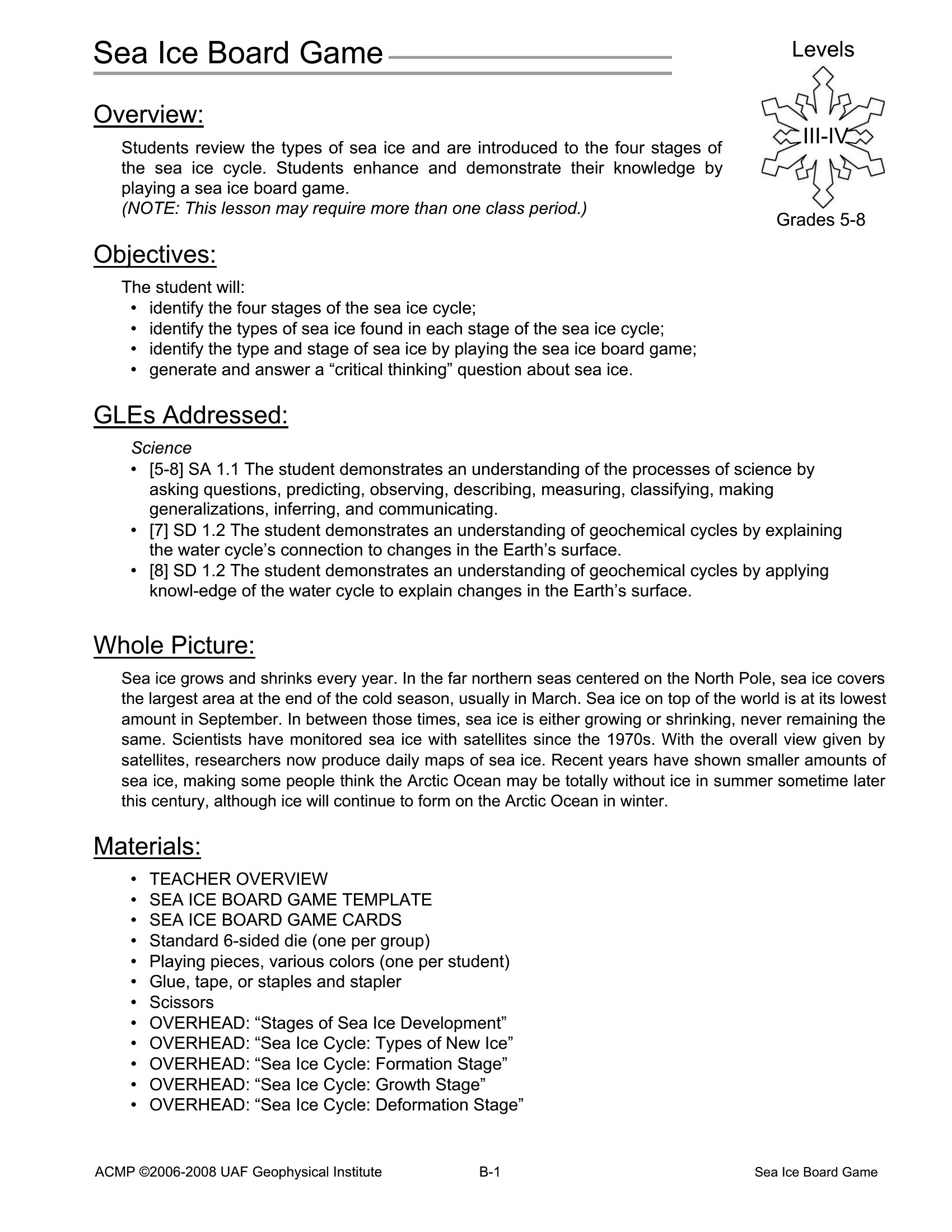
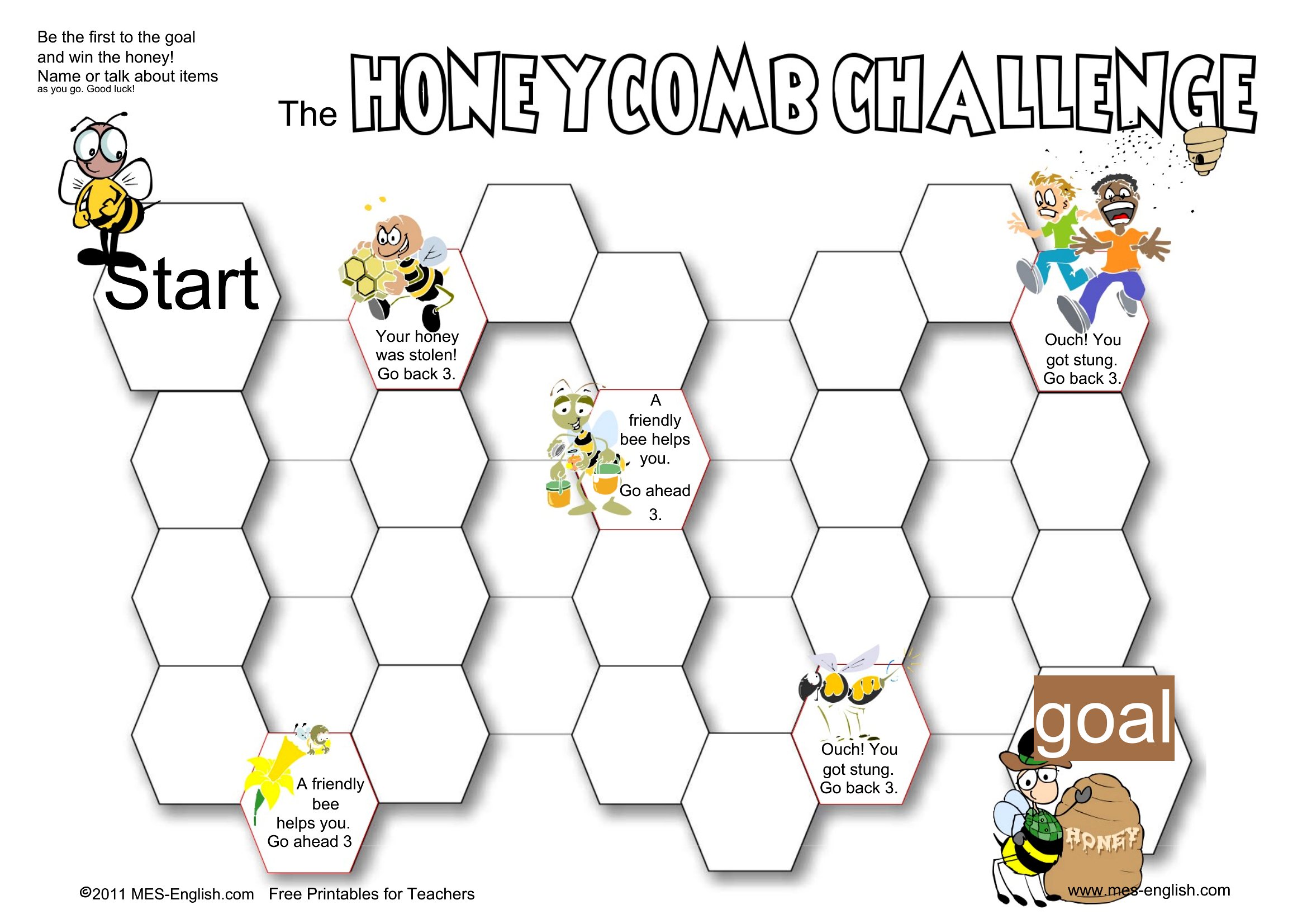
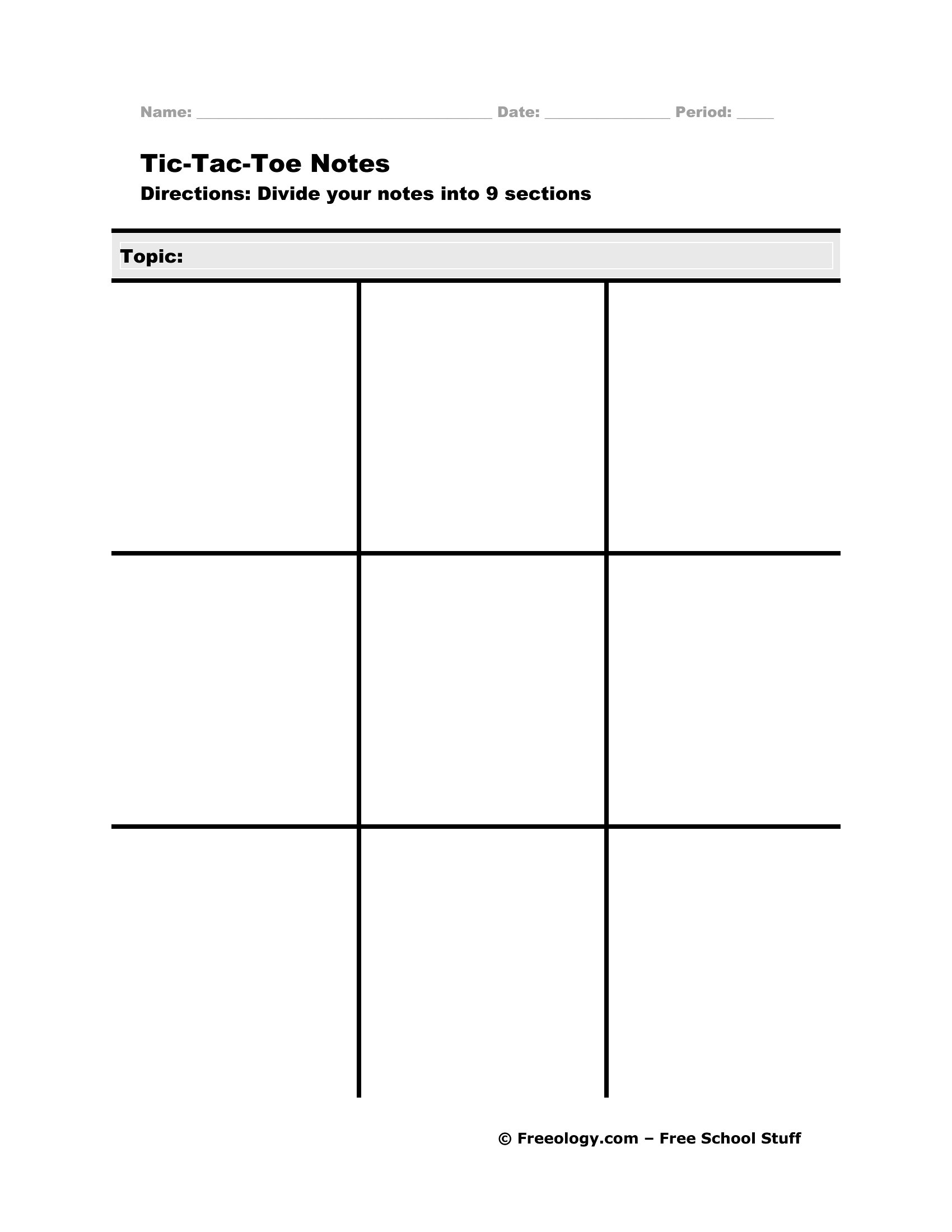
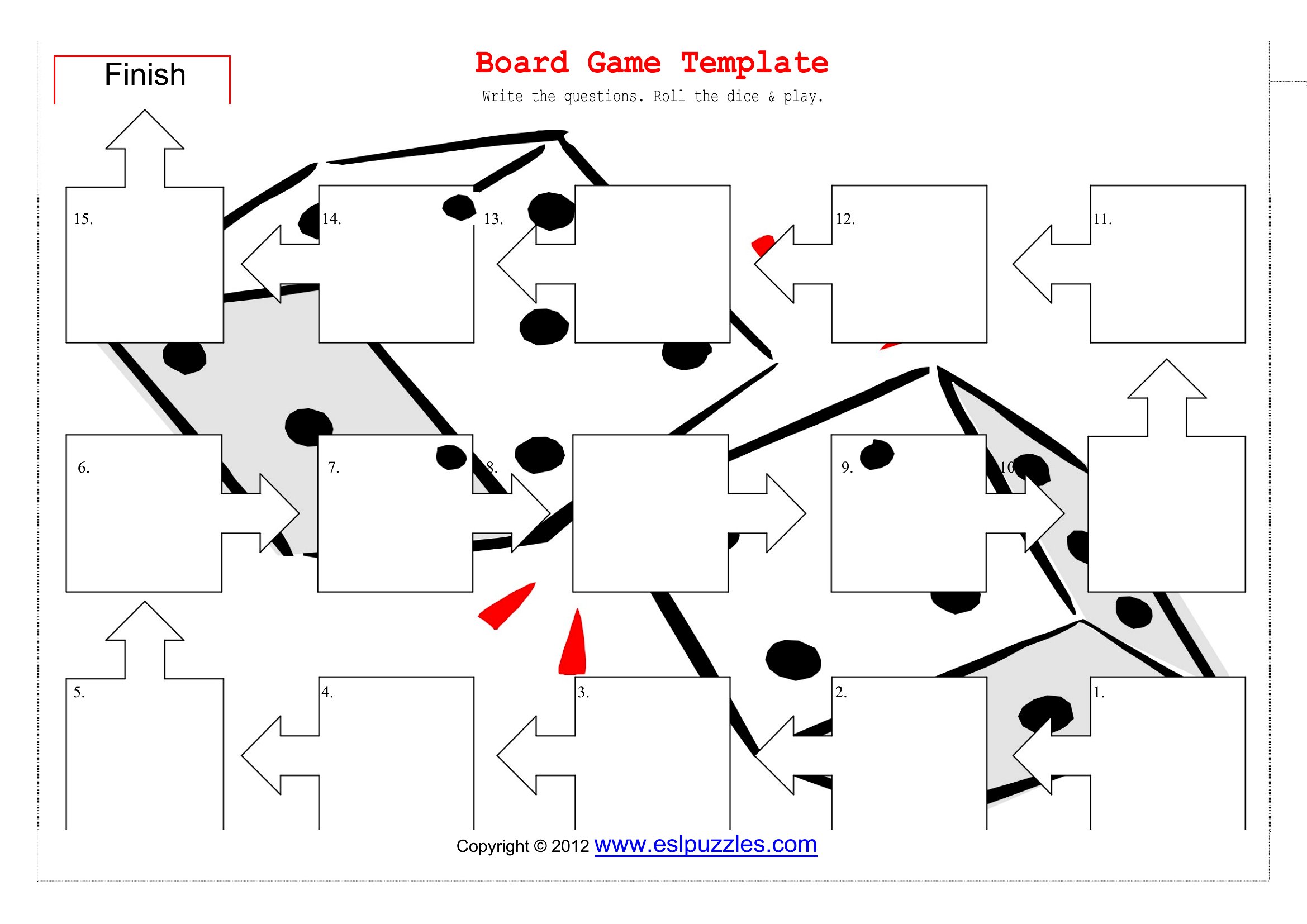
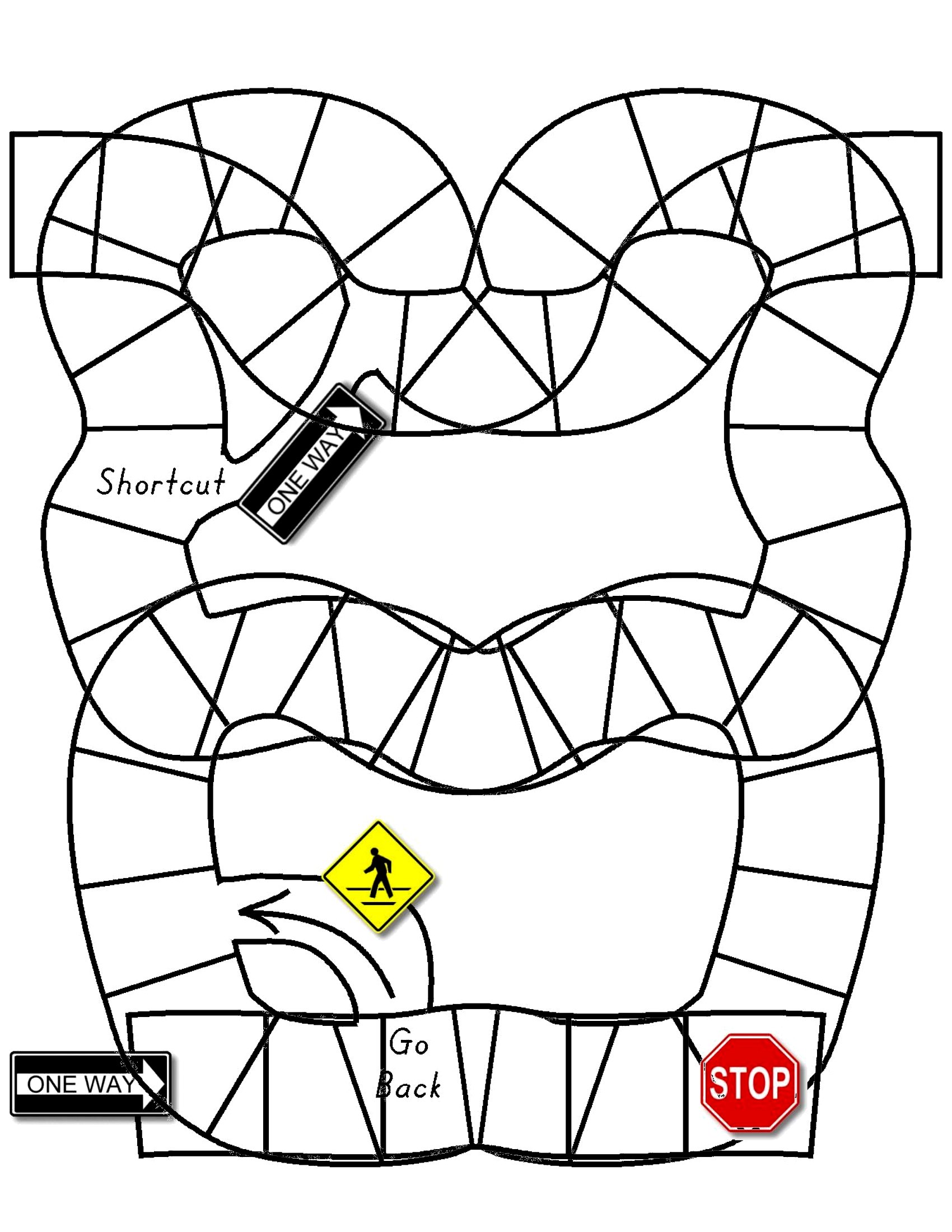
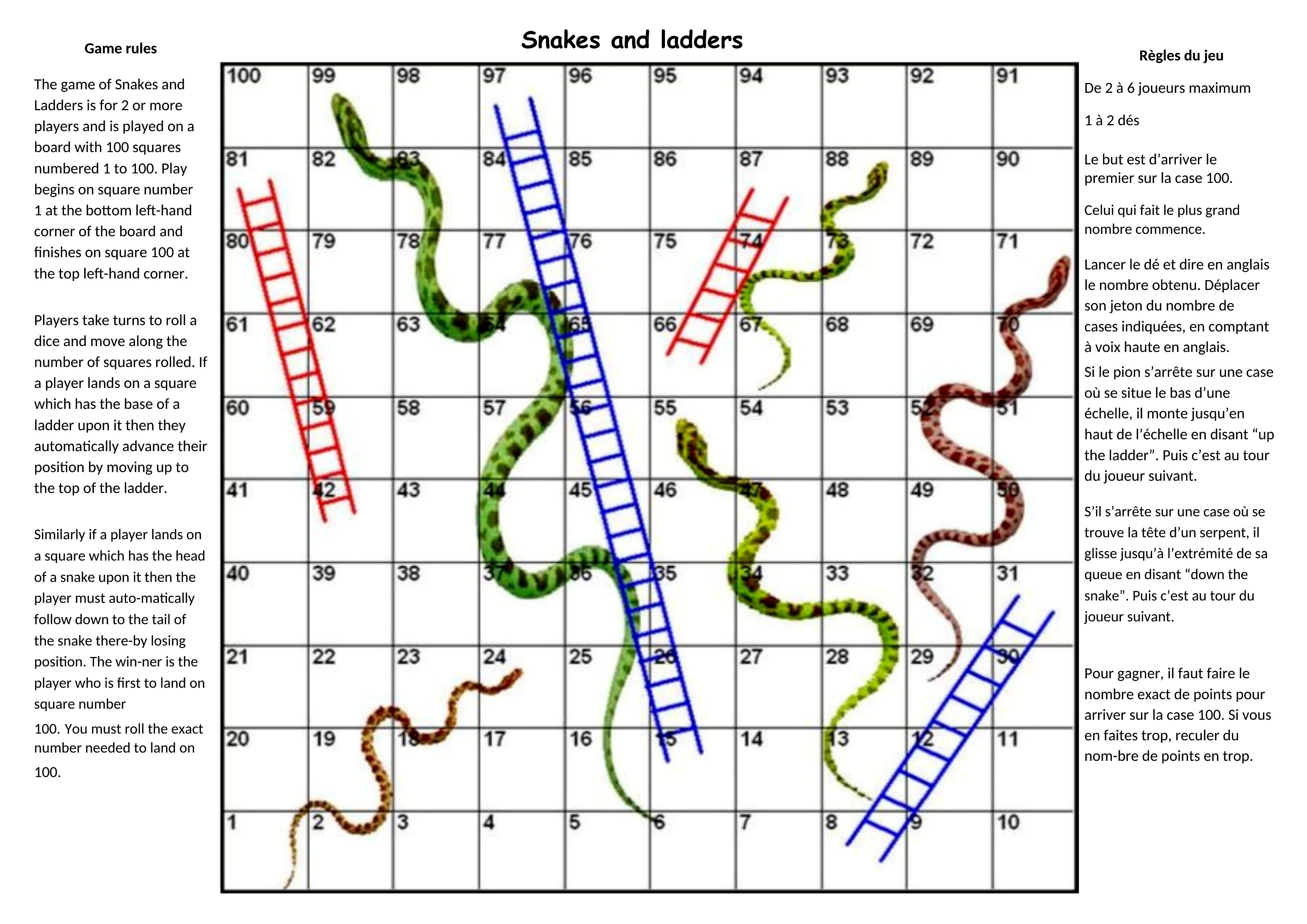
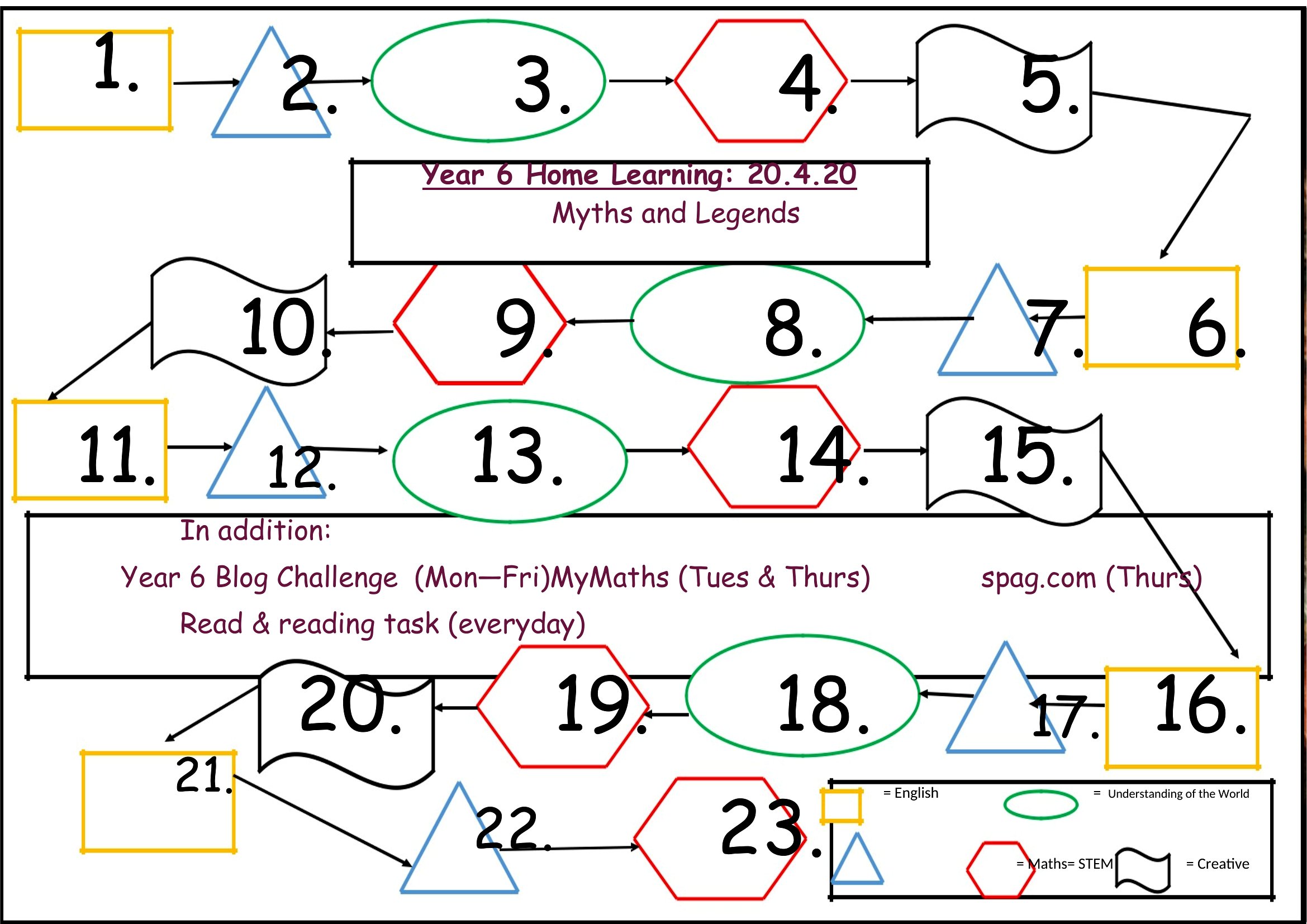
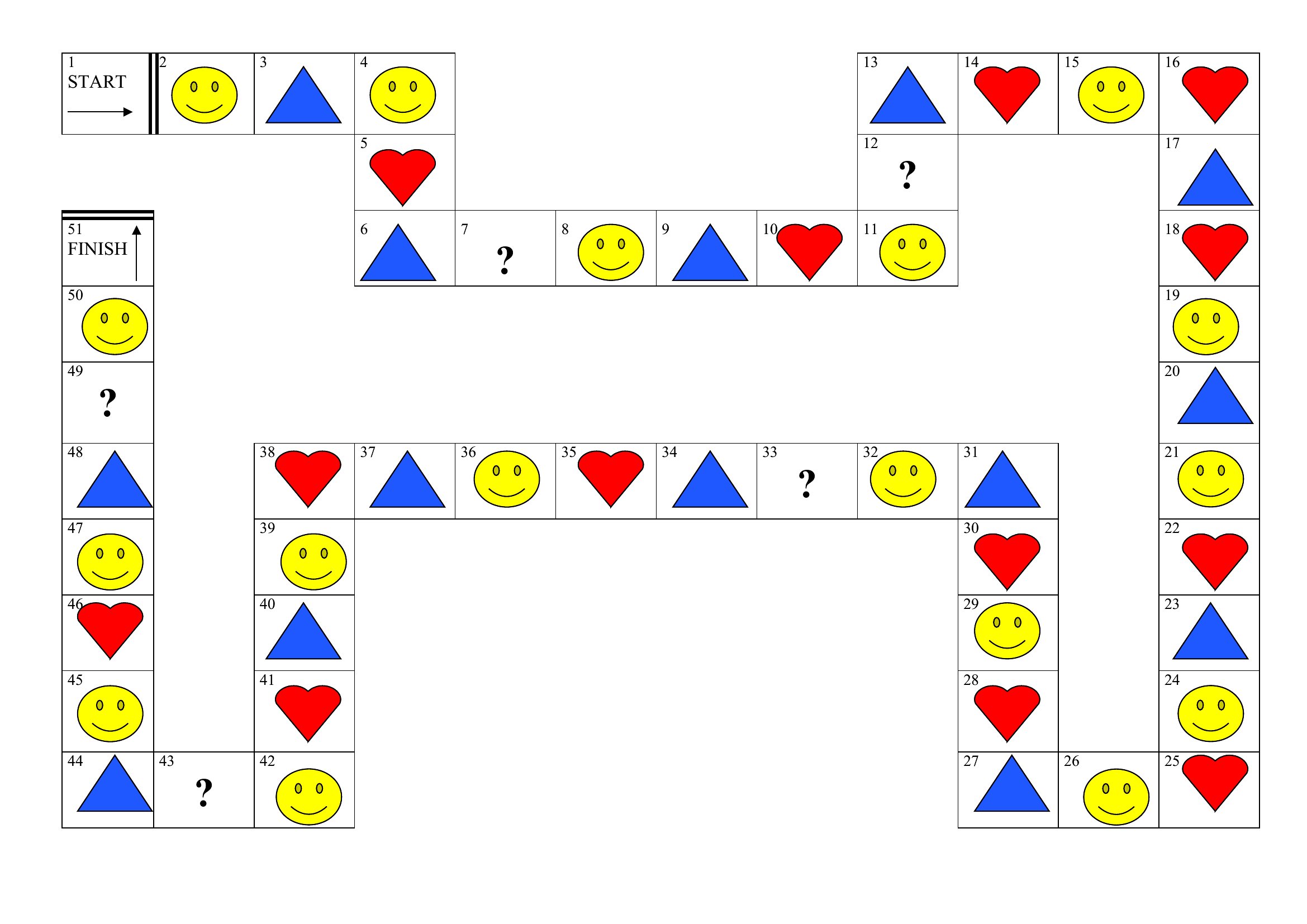
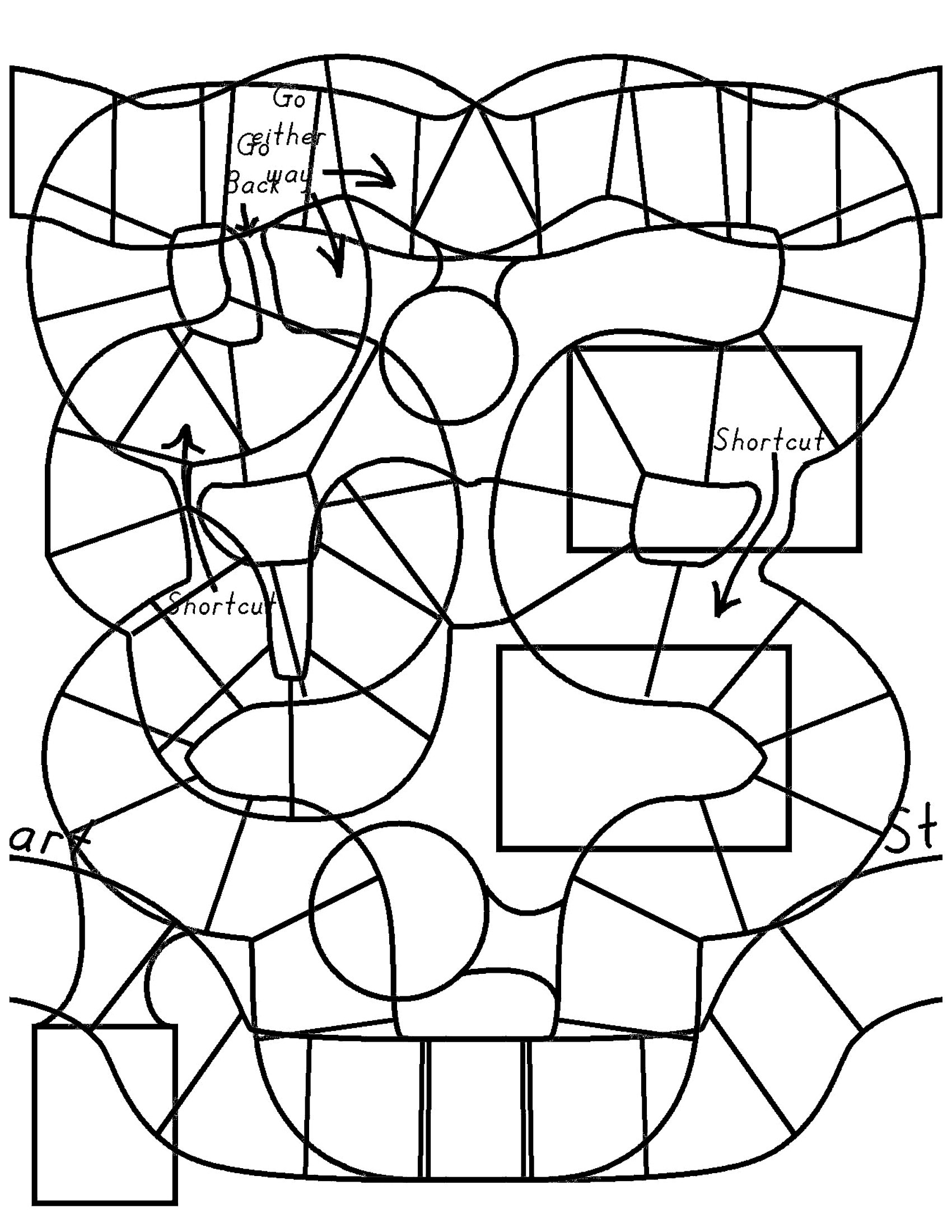
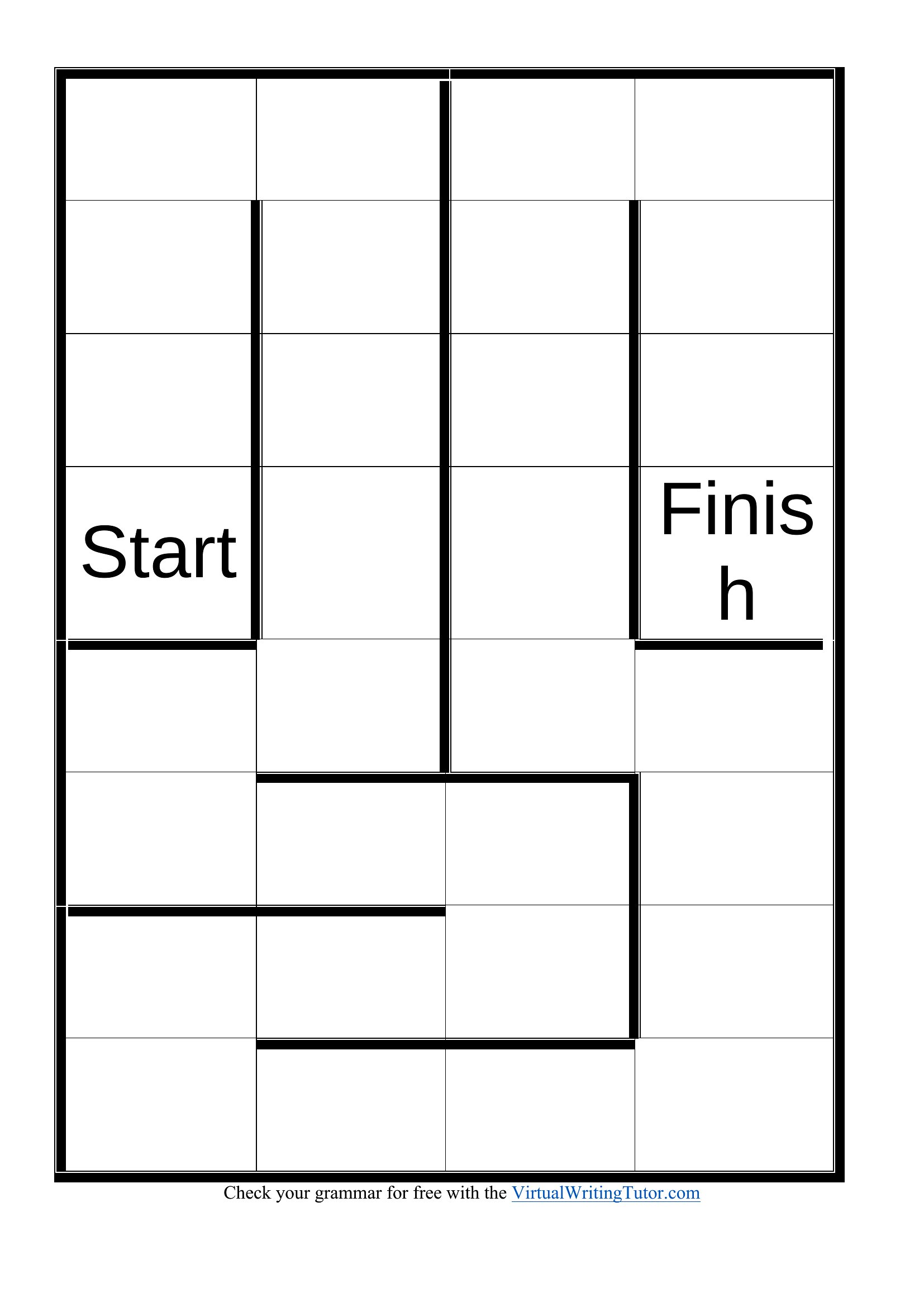
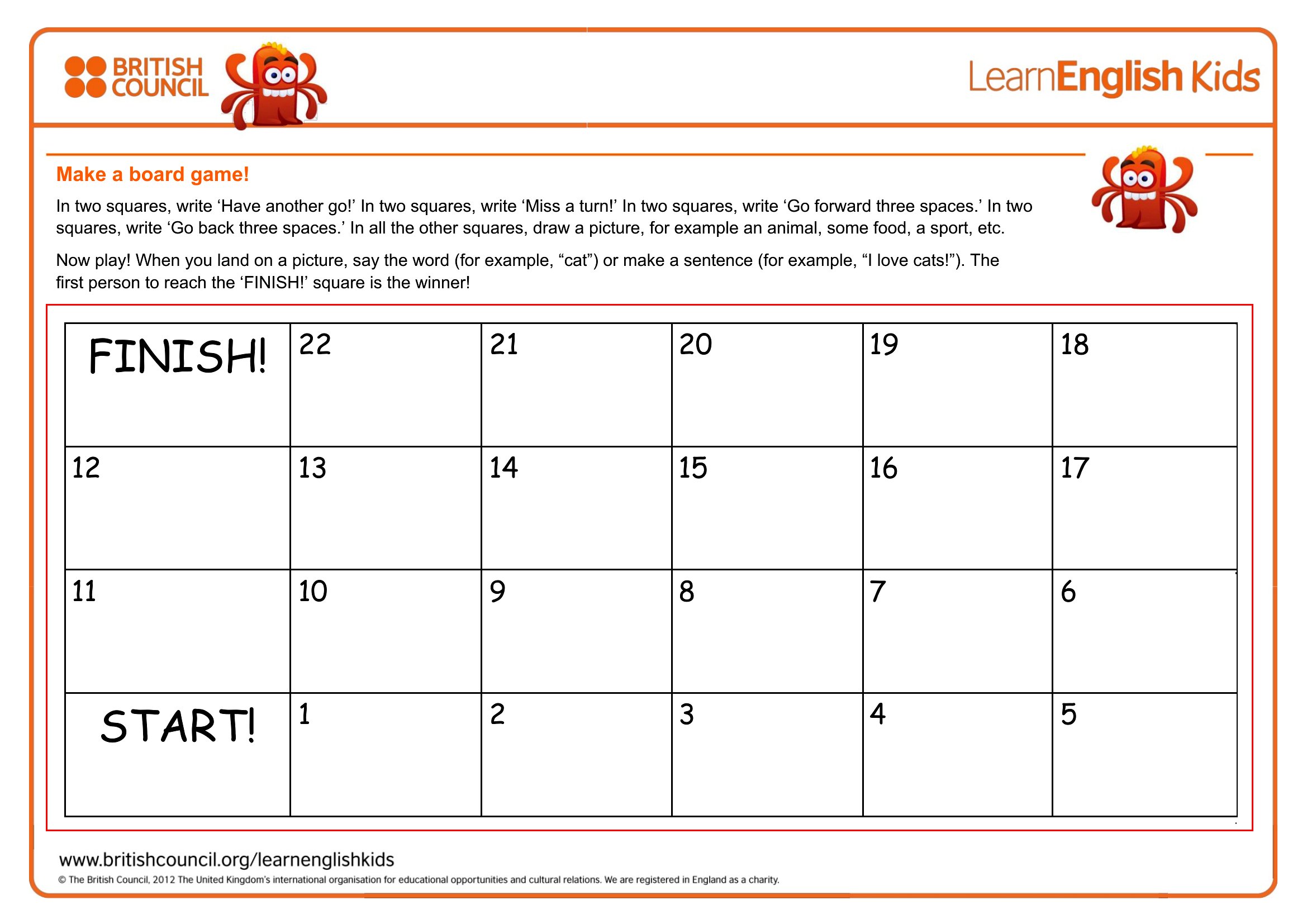
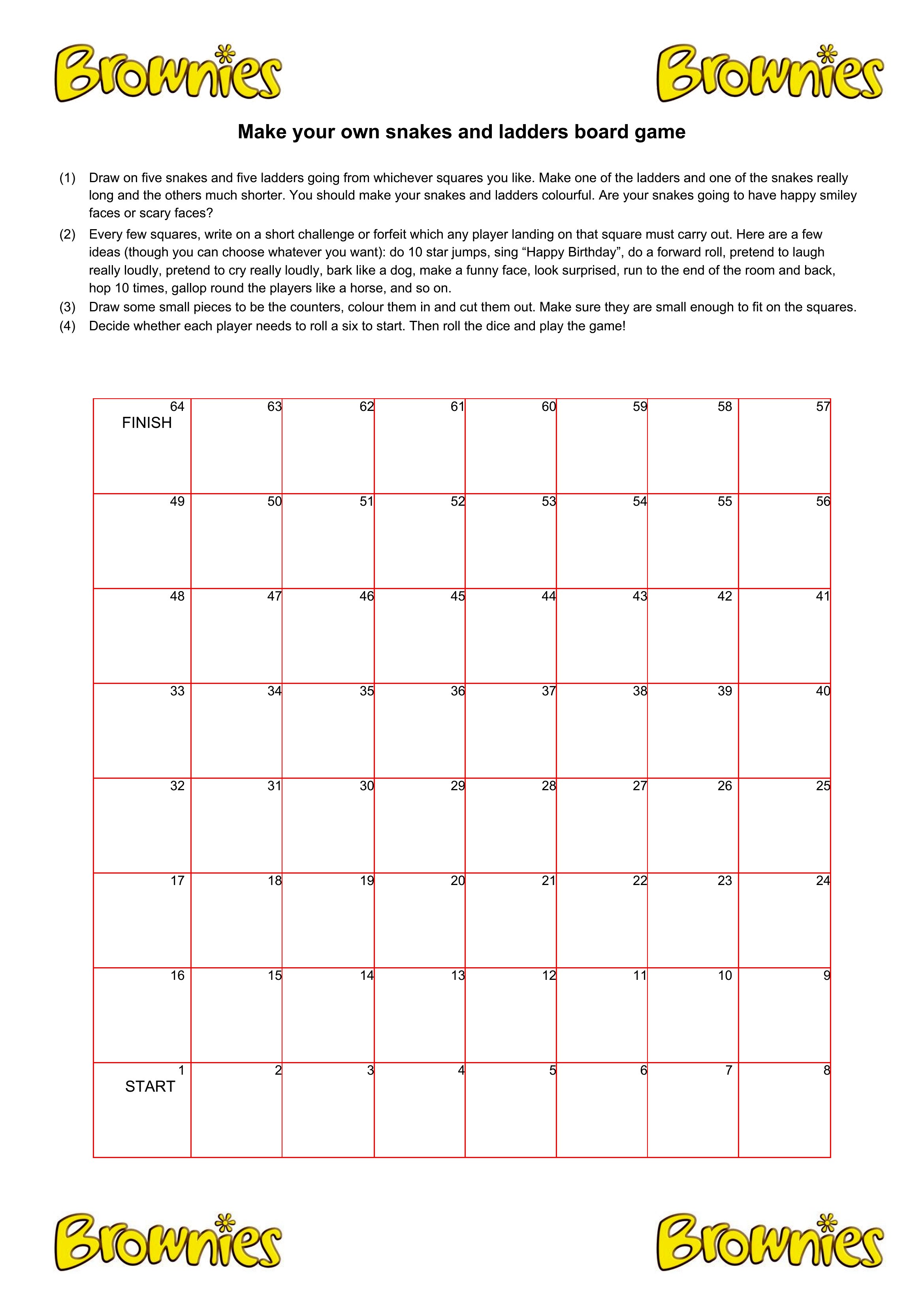
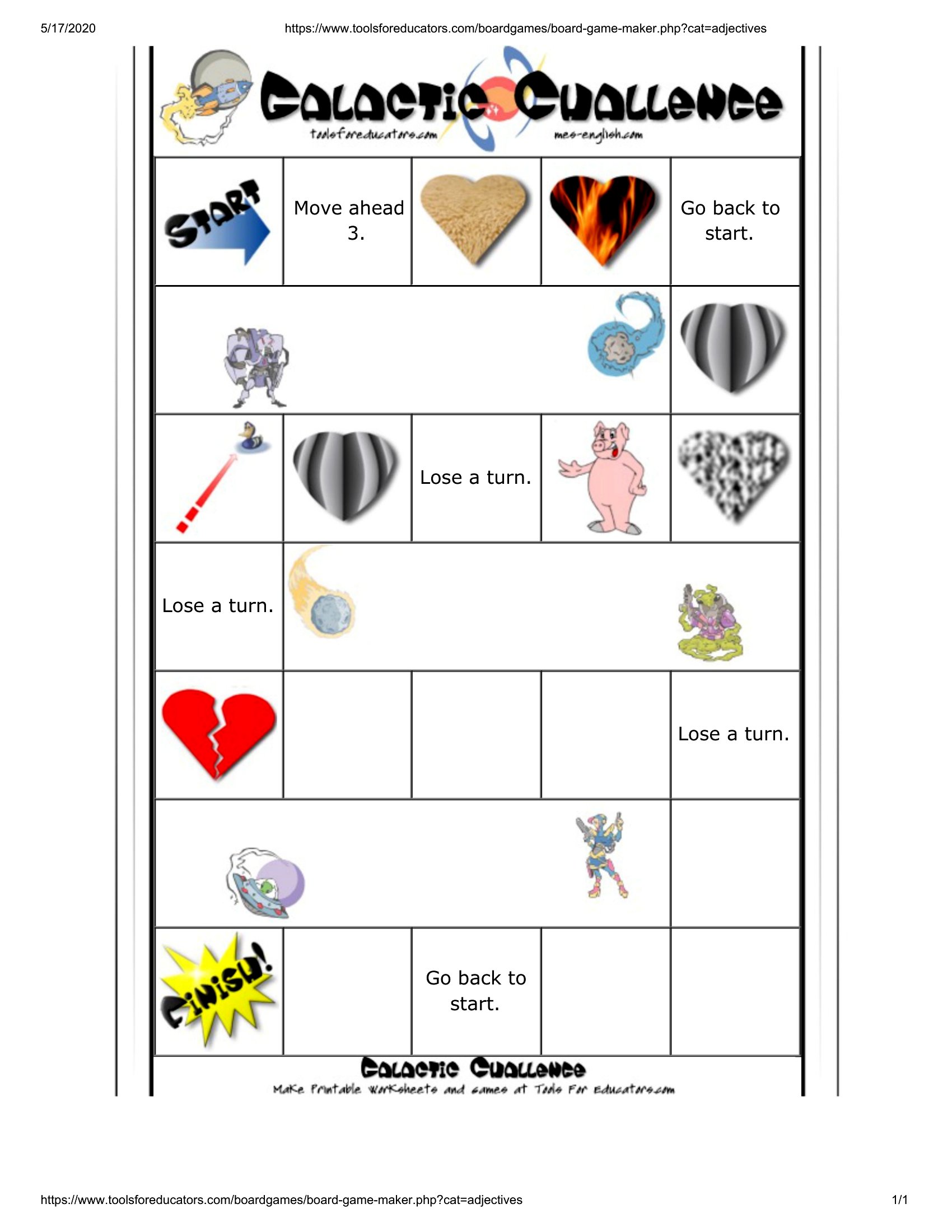
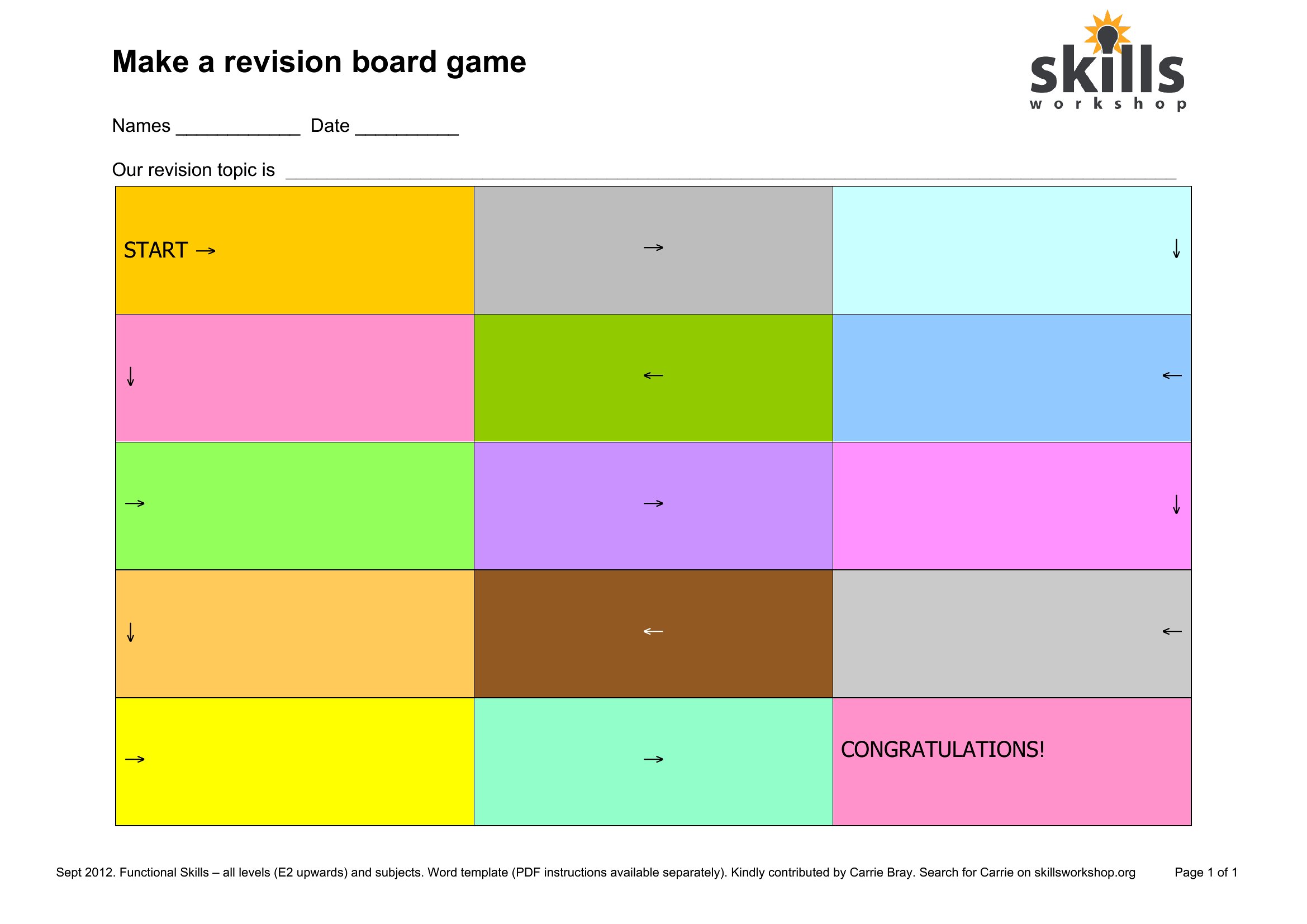
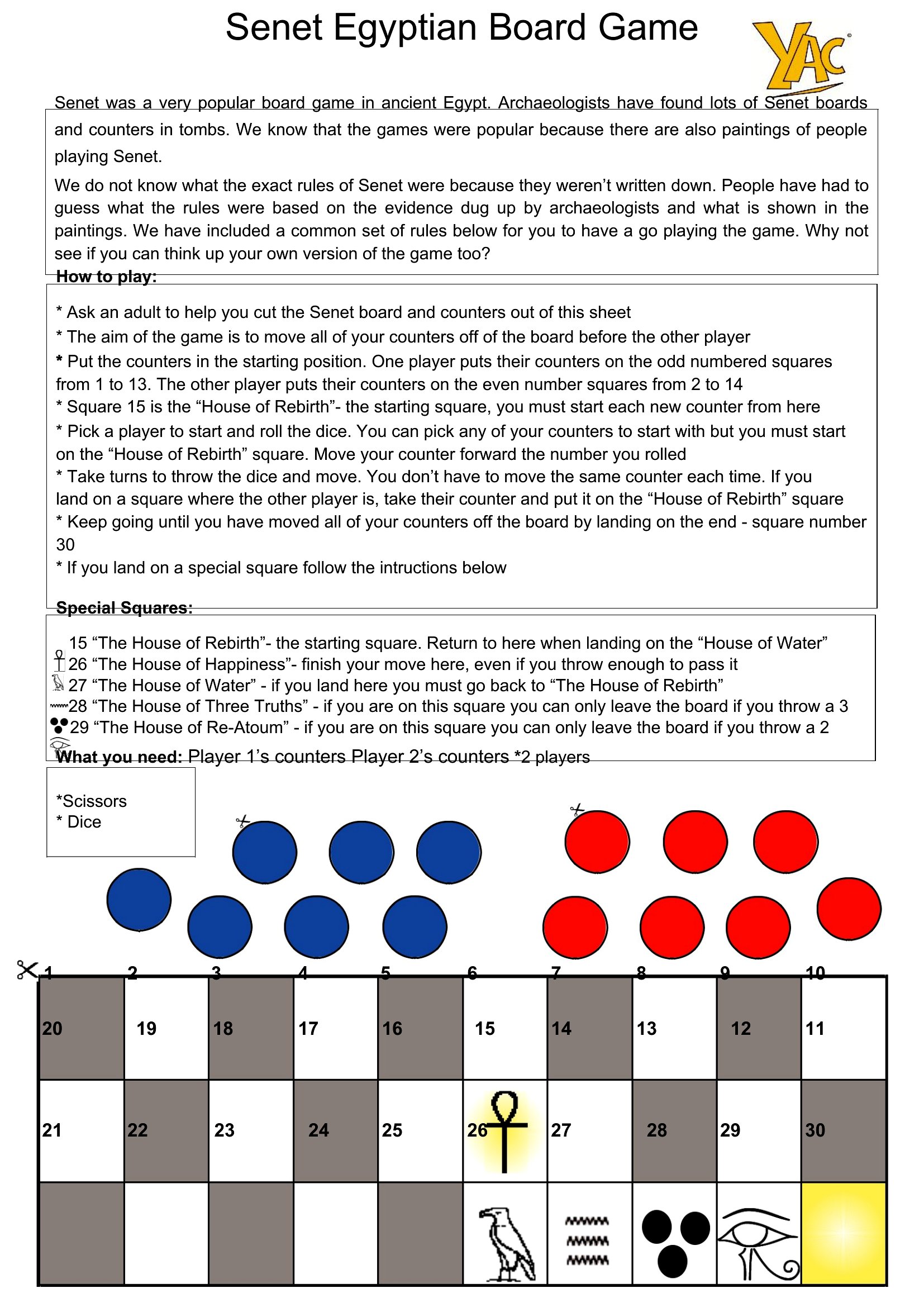
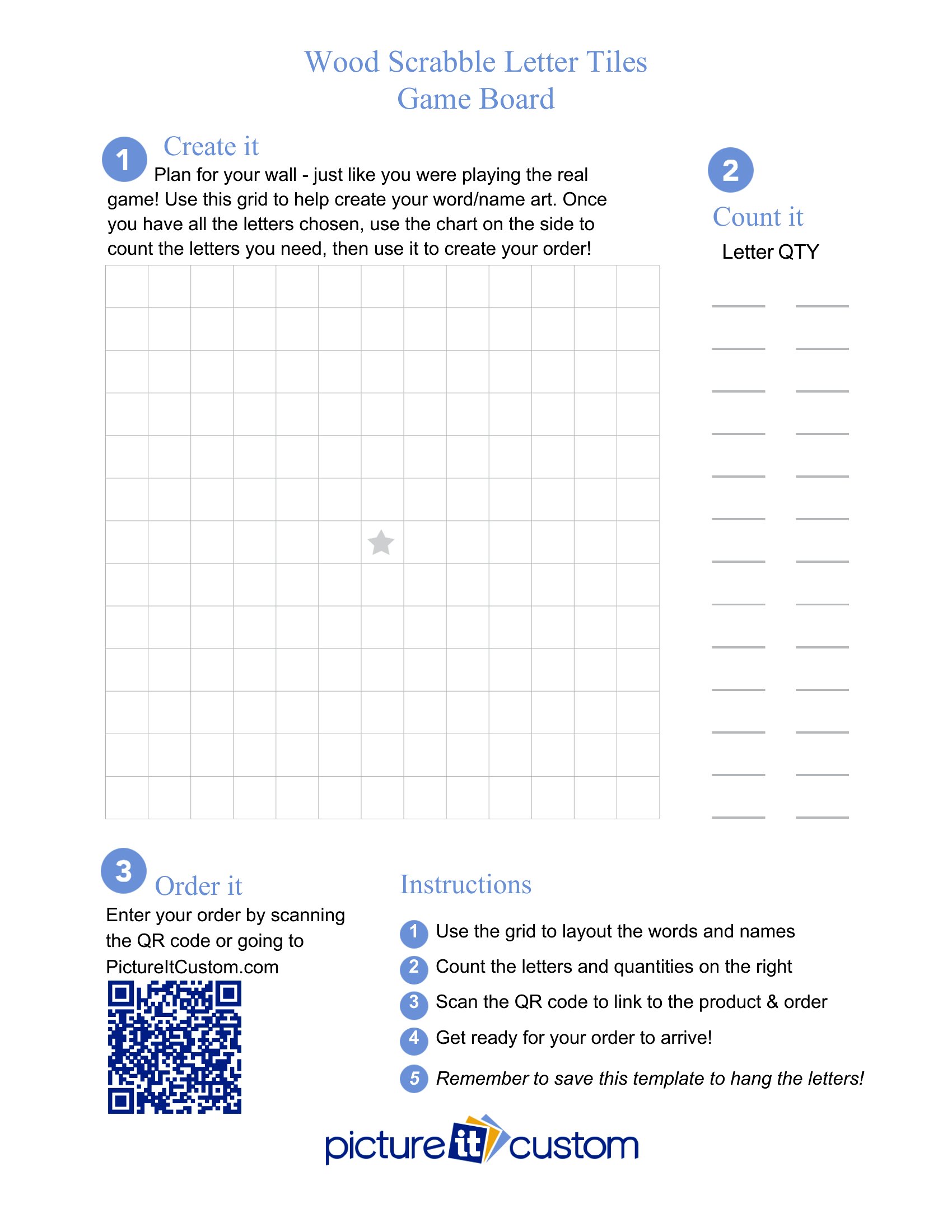
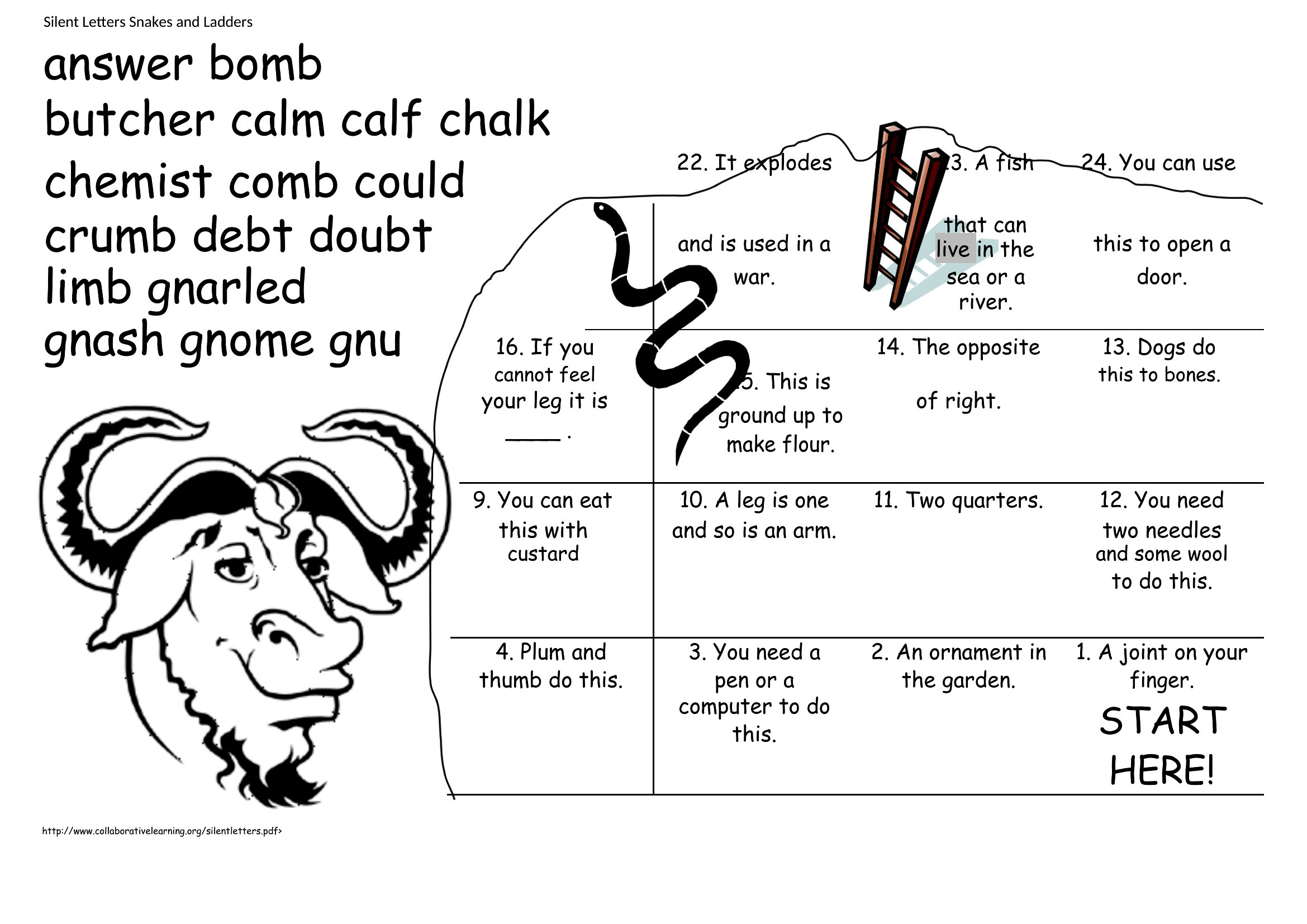
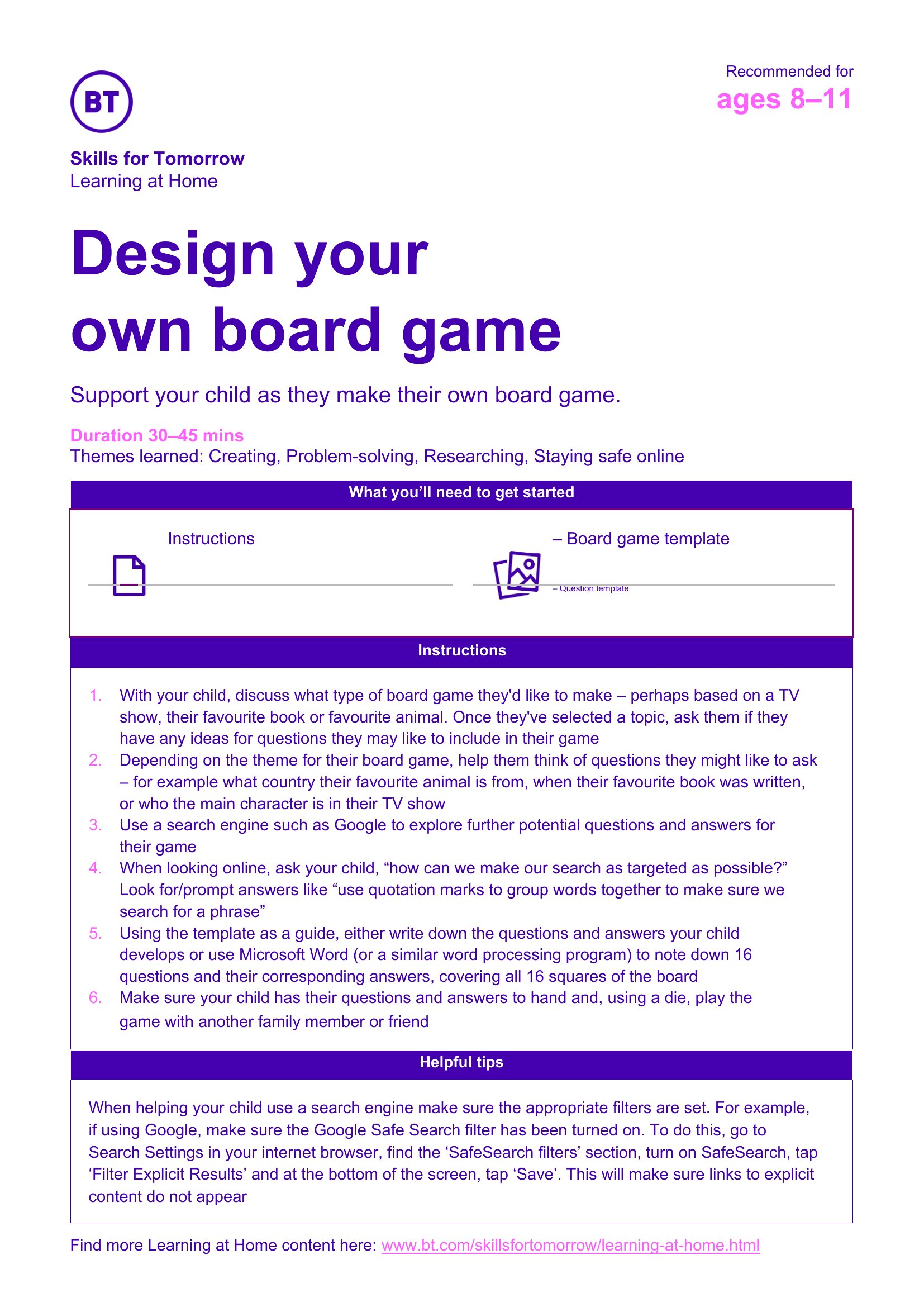
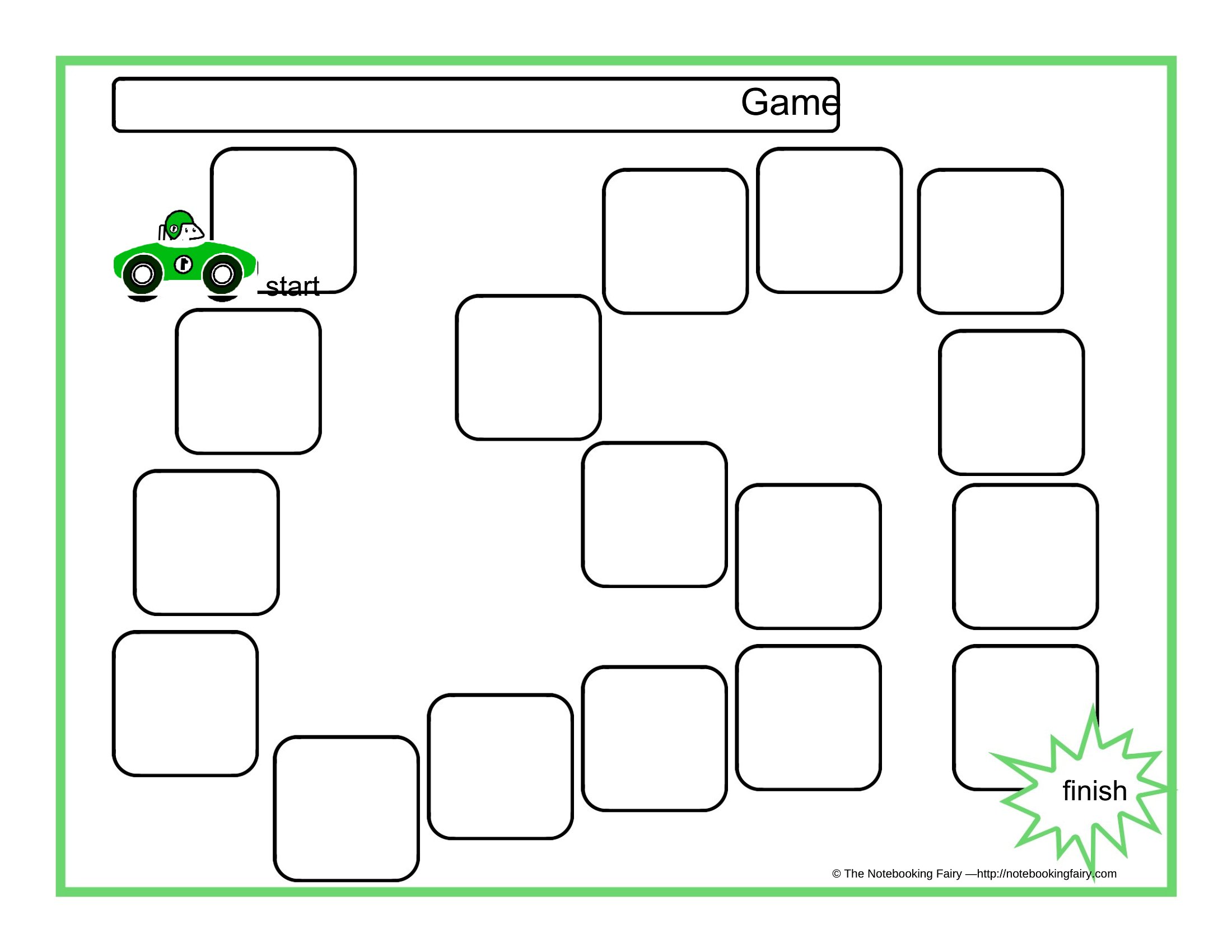
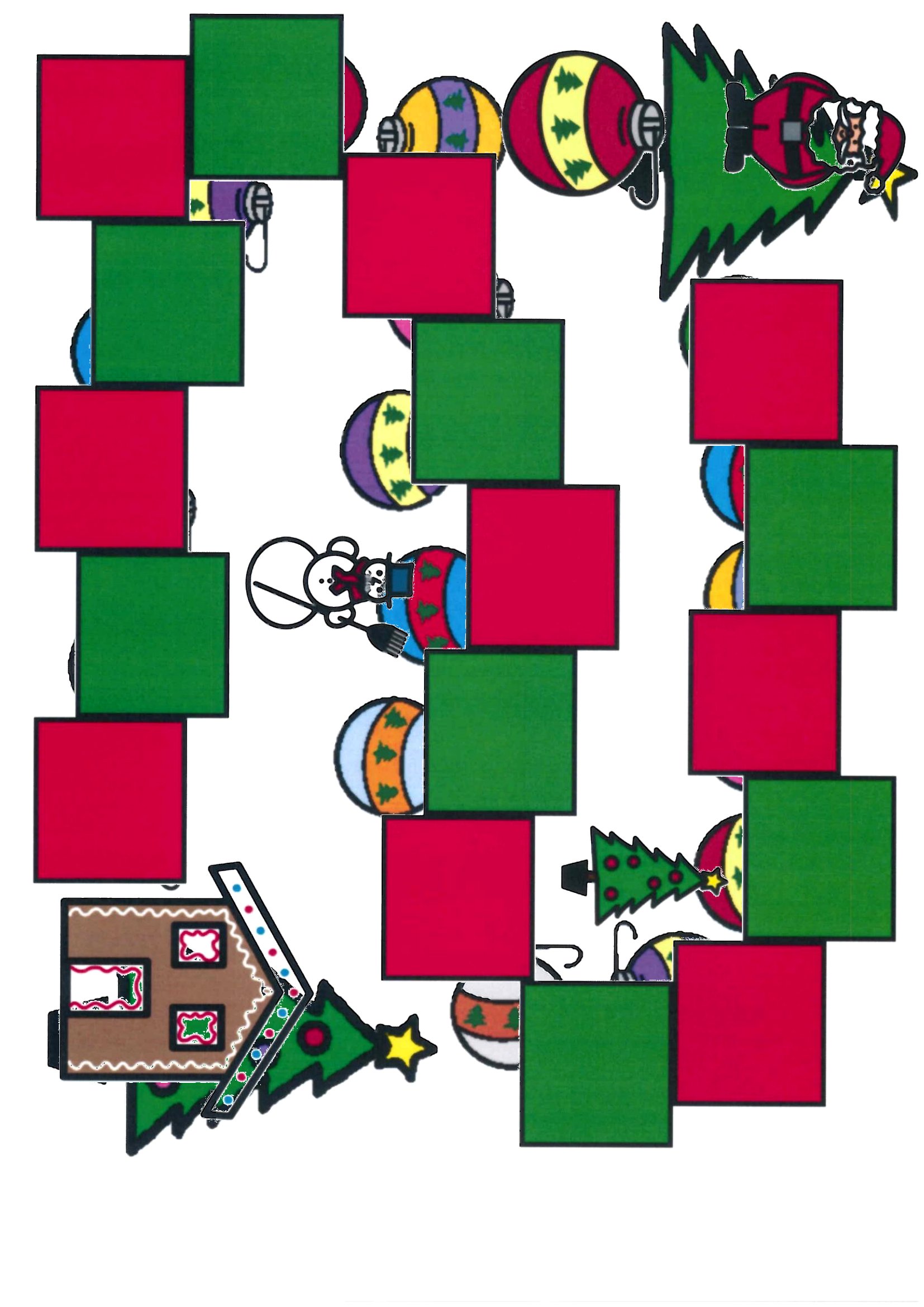
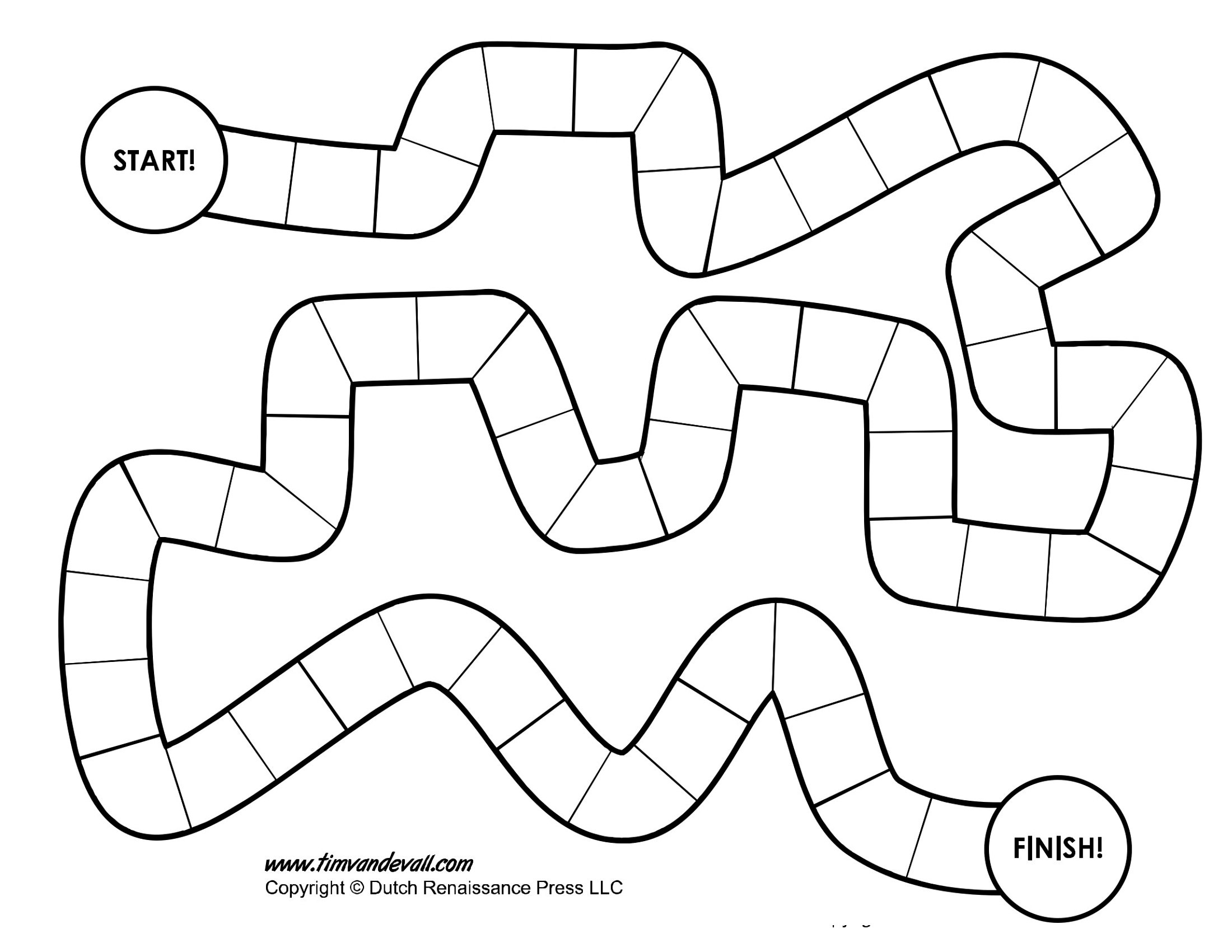
LifeA blank board game template is the fastest way to turn a lesson, a party theme, or a rainy afternoon into a game everyone can play. This set of 50 layouts gives teachers, parents, and game designers ready-made paths, spaces, and cards to fill with questions, challenges, or silly dares. Build a vocabulary review, a trivia night, or a custom family game without starting from a blank page.
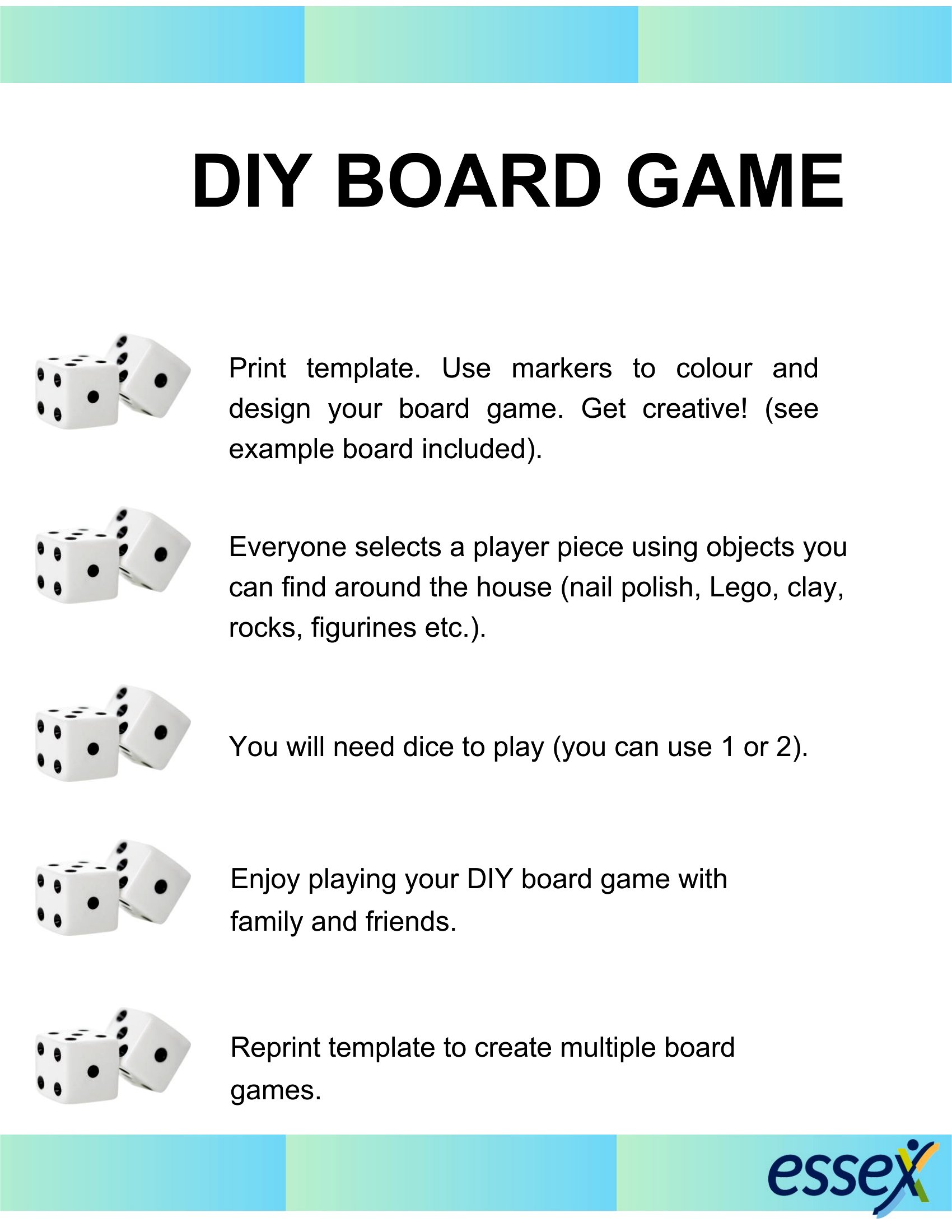
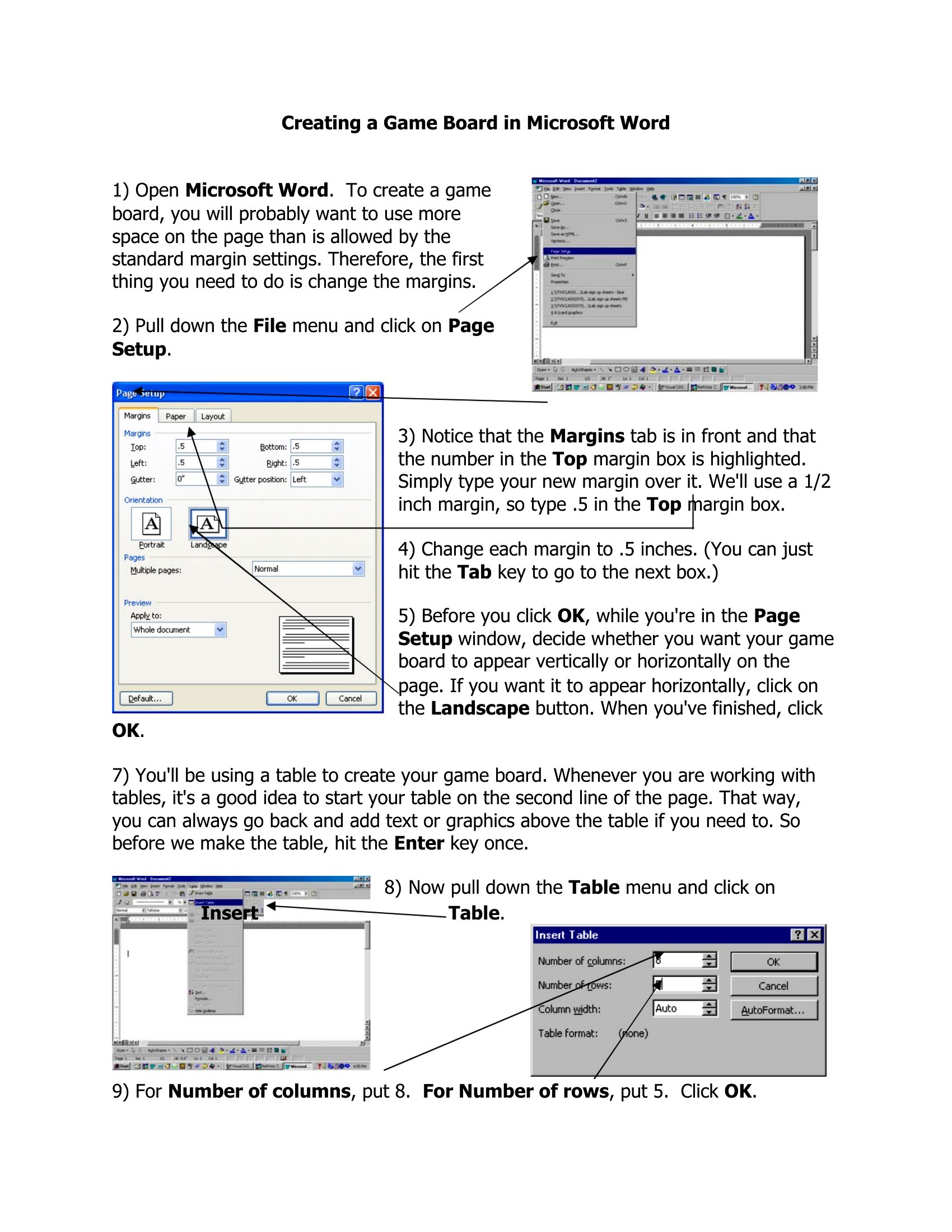
Each template is editable in Word, so you can type in your own squares, add artwork, and print the finished board at home. Glue it to cardstock for durability, or laminate it for repeat play. Pick the layout that matches your idea and start designing your game today.
When to use this Board Game template
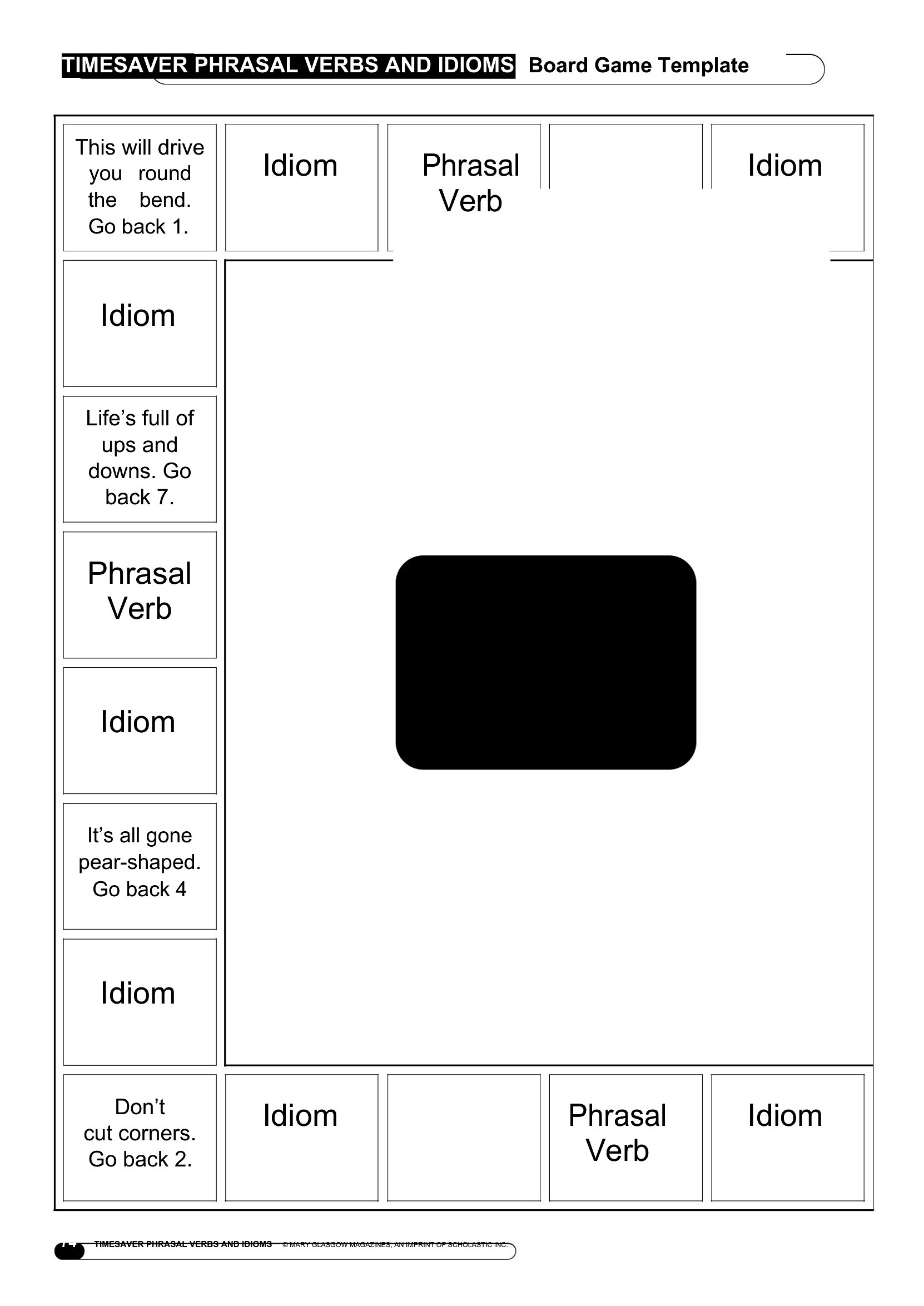
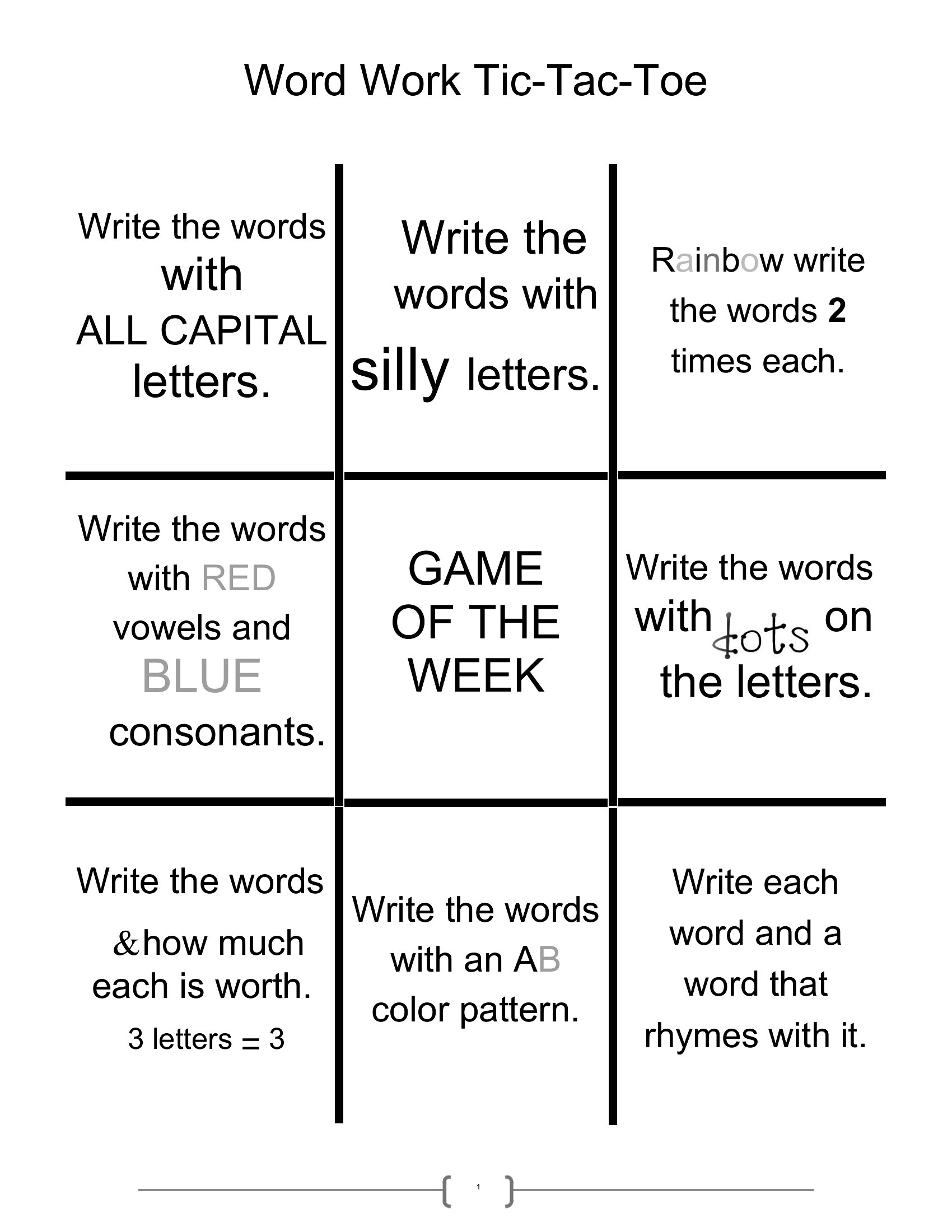
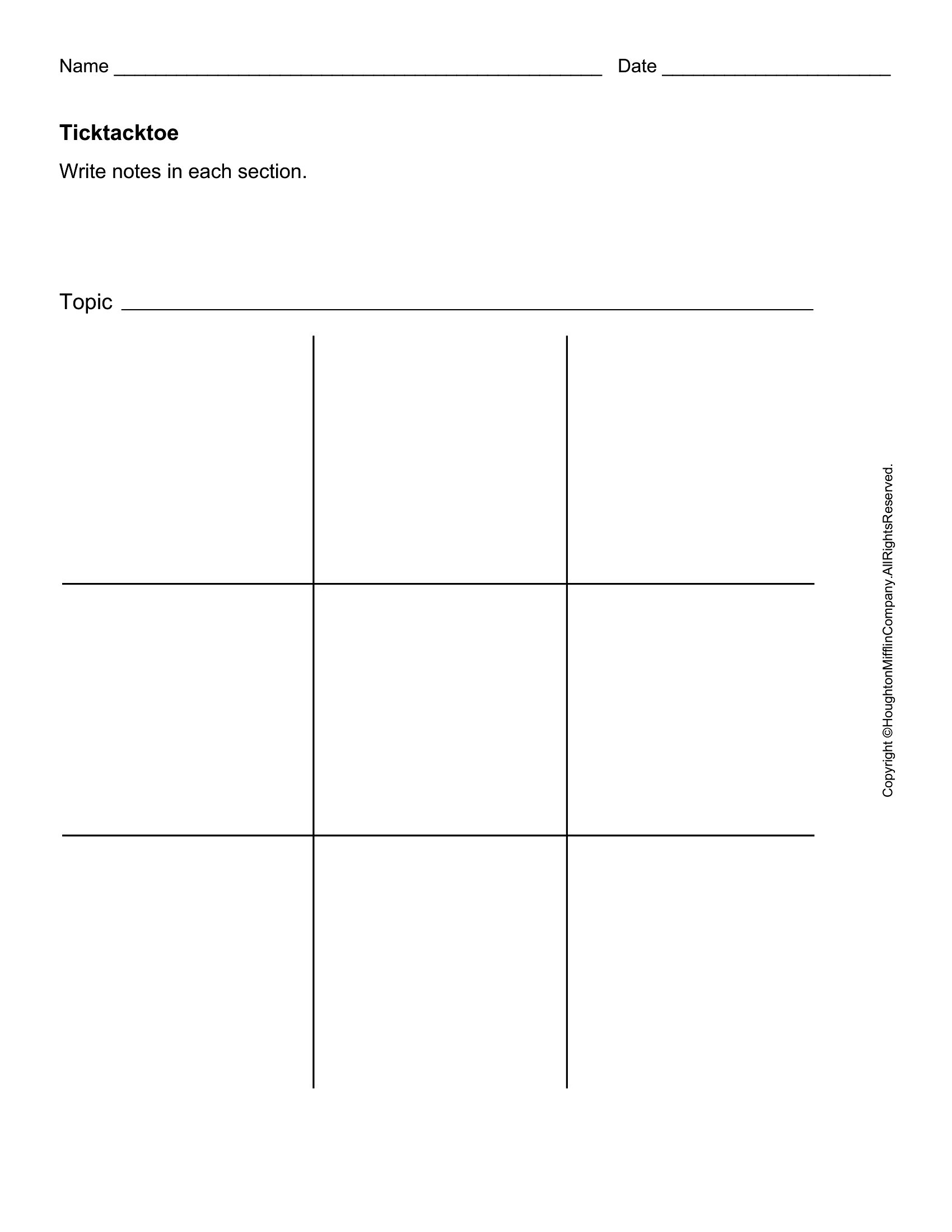
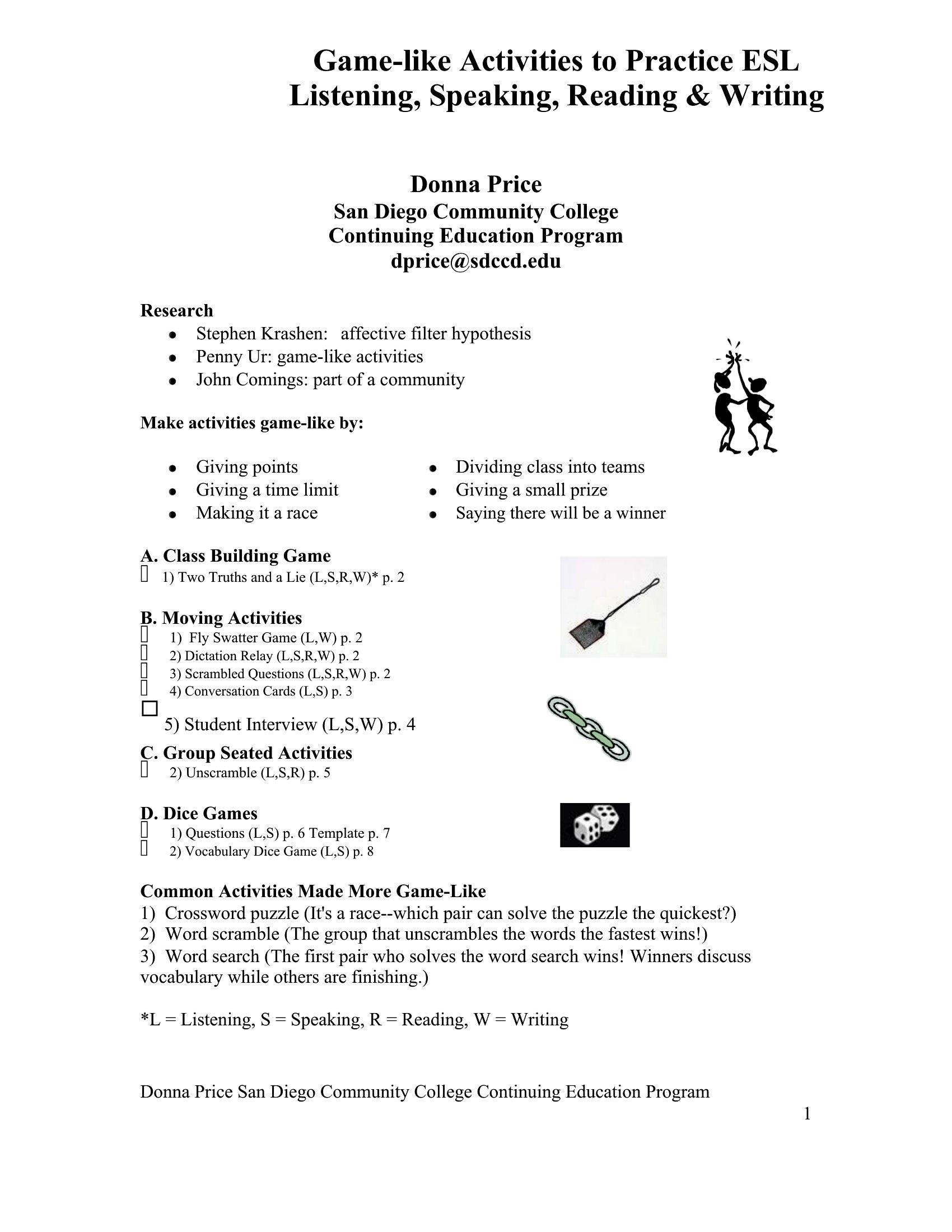
- A middle school teacher creates a vocabulary review board game for her ESL students by filling a blank grid template with word definitions and synonym challenges.
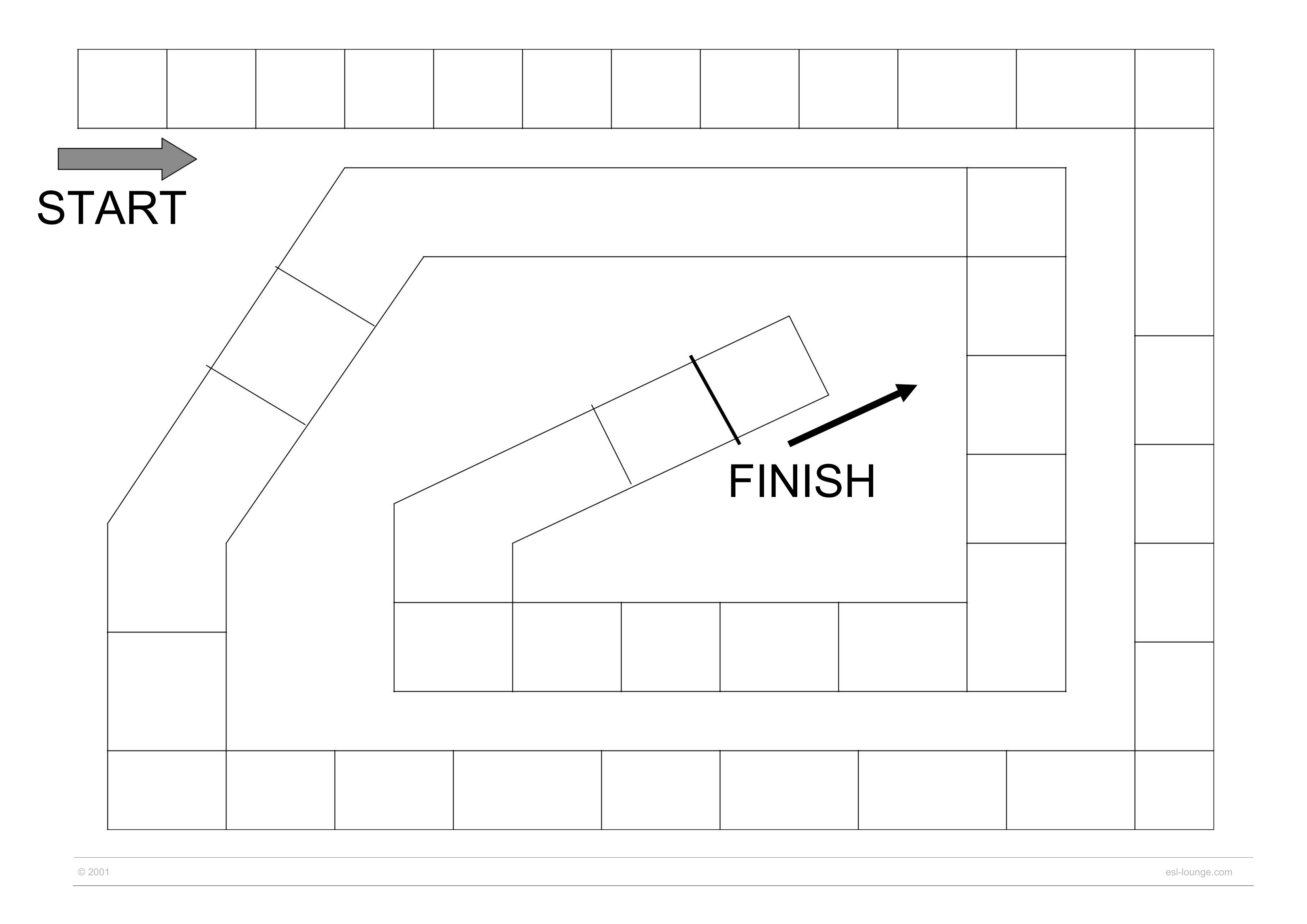
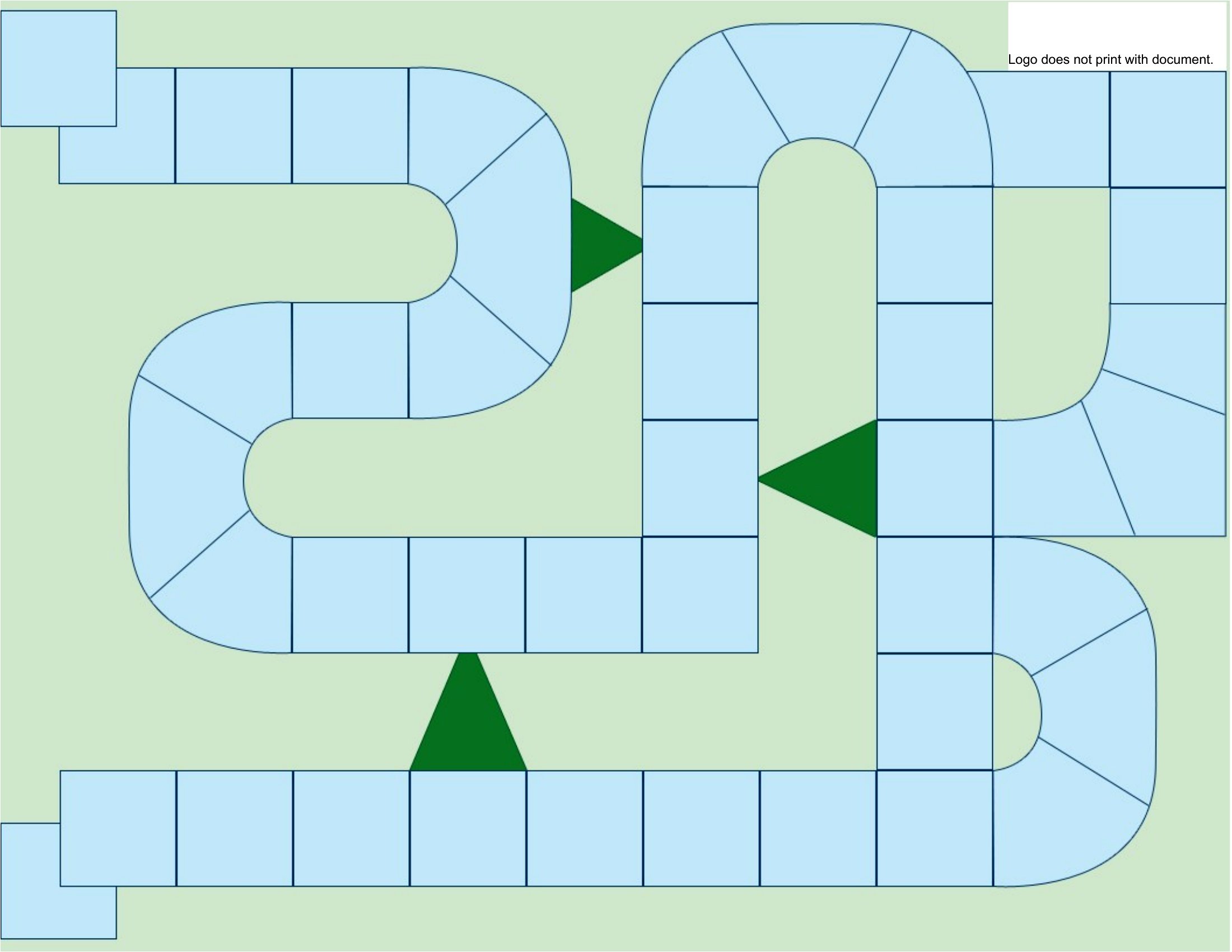
- A family plans a themed game night for a birthday party by using a customizable path template to design a scavenger hunt with clues tied to the guest of honor’s interests.
- A game designer prototypes a quick prototype of a strategy board game by printing a reusable grid layout from a Word template, testing mechanics before committing to final art.
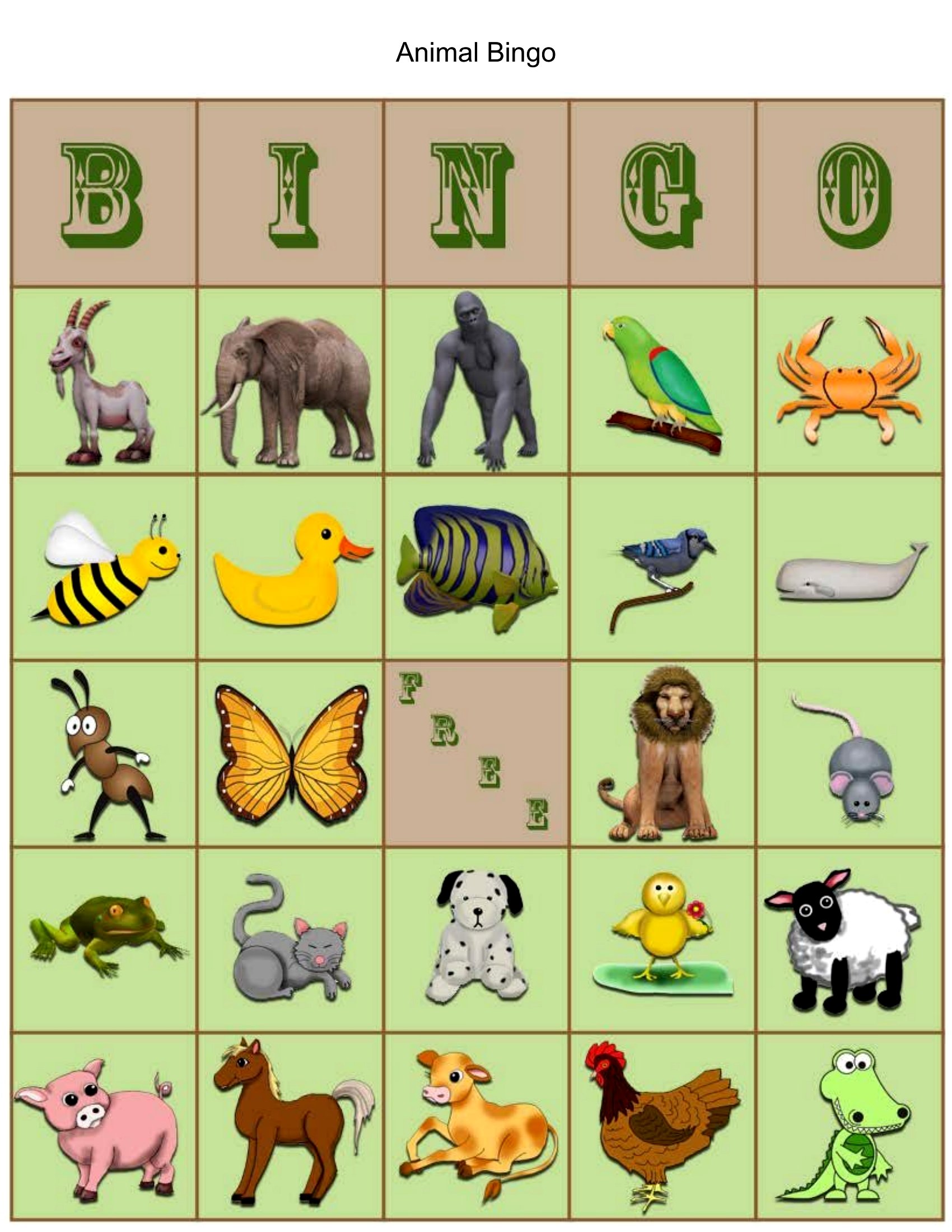
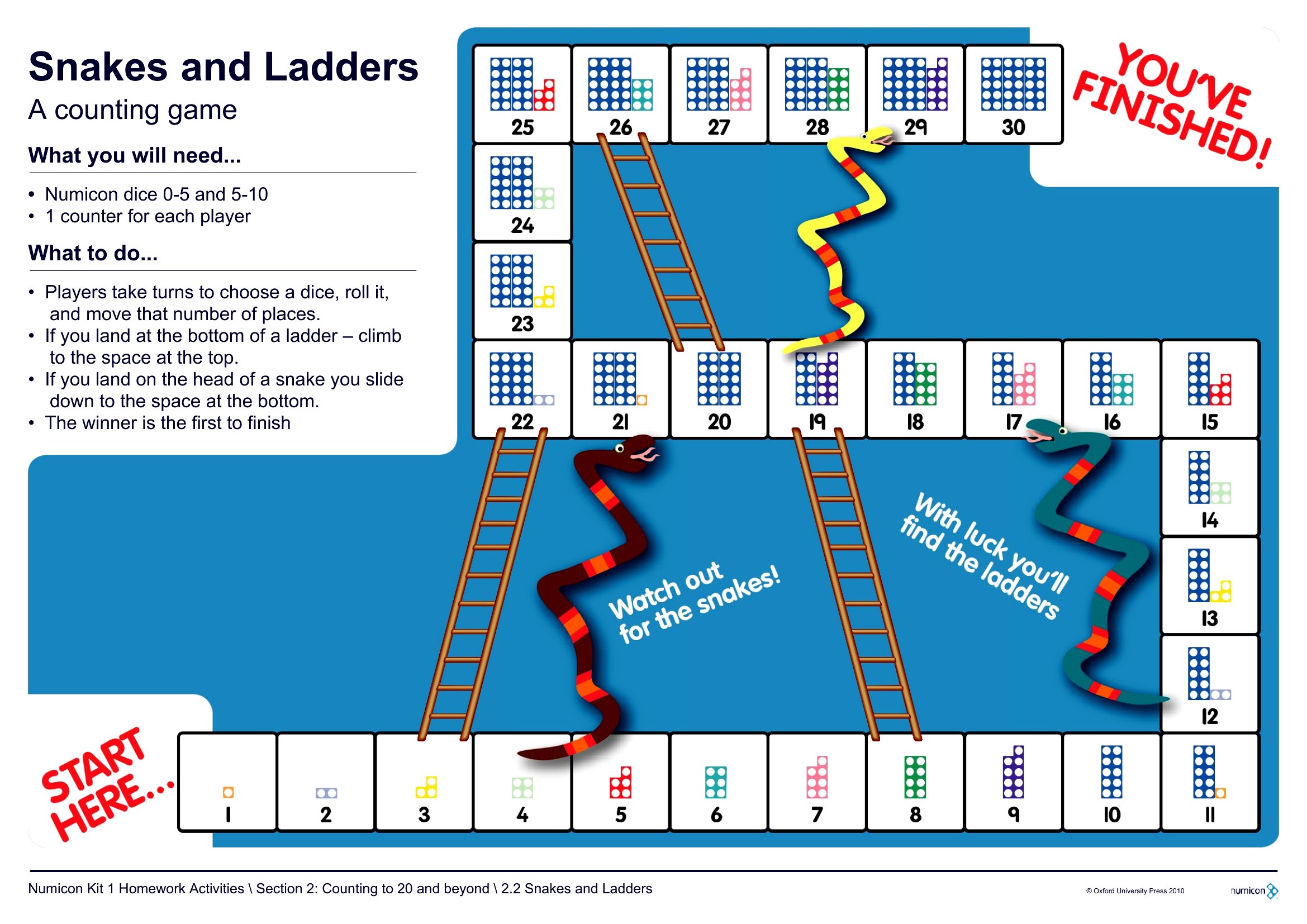
- Parents keep their kids engaged during a long car trip by turning a simple number line template into a travel bingo game, marking off landmarks or funny moments as they go.
Which format should I download?
Since all templates are available only in Word, use this format when creating editable content for later adjustments. Word is ideal for teachers, parents, or designers who need to tweak questions, rules, or grid layouts after printing. Avoid PDFs if you plan to modify the game mid-process—Word keeps everything flexible and easy to share for collaboration.
How to use this Board Game template
Can I include photos or custom artwork in my board game design?
Yes, the Word templates let you insert images directly into the layout, but ensure they’re high-resolution for printing. Use simple, clear art for younger players, and avoid overly complex designs that might distract from gameplay. Test the scale of images on a printed draft before finalizing.
How do I make my board game accessible for players with visual impairments?
Add large, high-contrast text and tactile elements like raised dice or textured markers. For digital use, pair the template with audio descriptions or screen-reader-friendly formats. Avoid relying solely on color-coding—use patterns or shapes instead to distinguish spaces. Always preview the game with visually impaired players to refine accessibility.
What’s the best way to organize game pieces or cards if I’m printing multiple copies?
Use separate sheets for game pieces or cards, then laminate them for durability. Assign each player a unique piece (like a laminated token or coin) and store them in a small container or envelope. For cards, print them on cardstock or heavy paper and cut them precisely to avoid fraying edges. Label containers with the game name for easy cleanup.
Comments
Join the conversation
Sign in to share your thoughts and leave a comment on this resource.