



FAQ
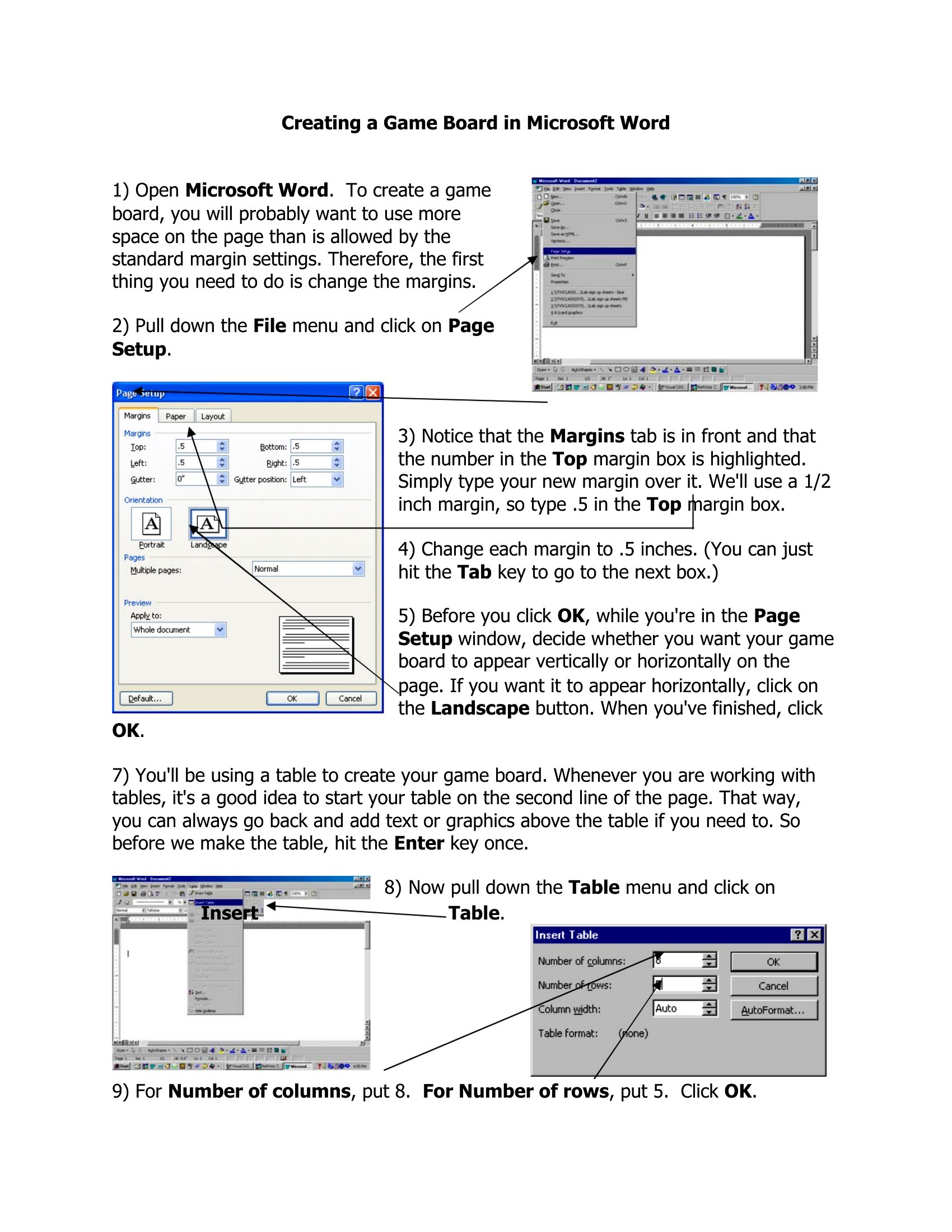
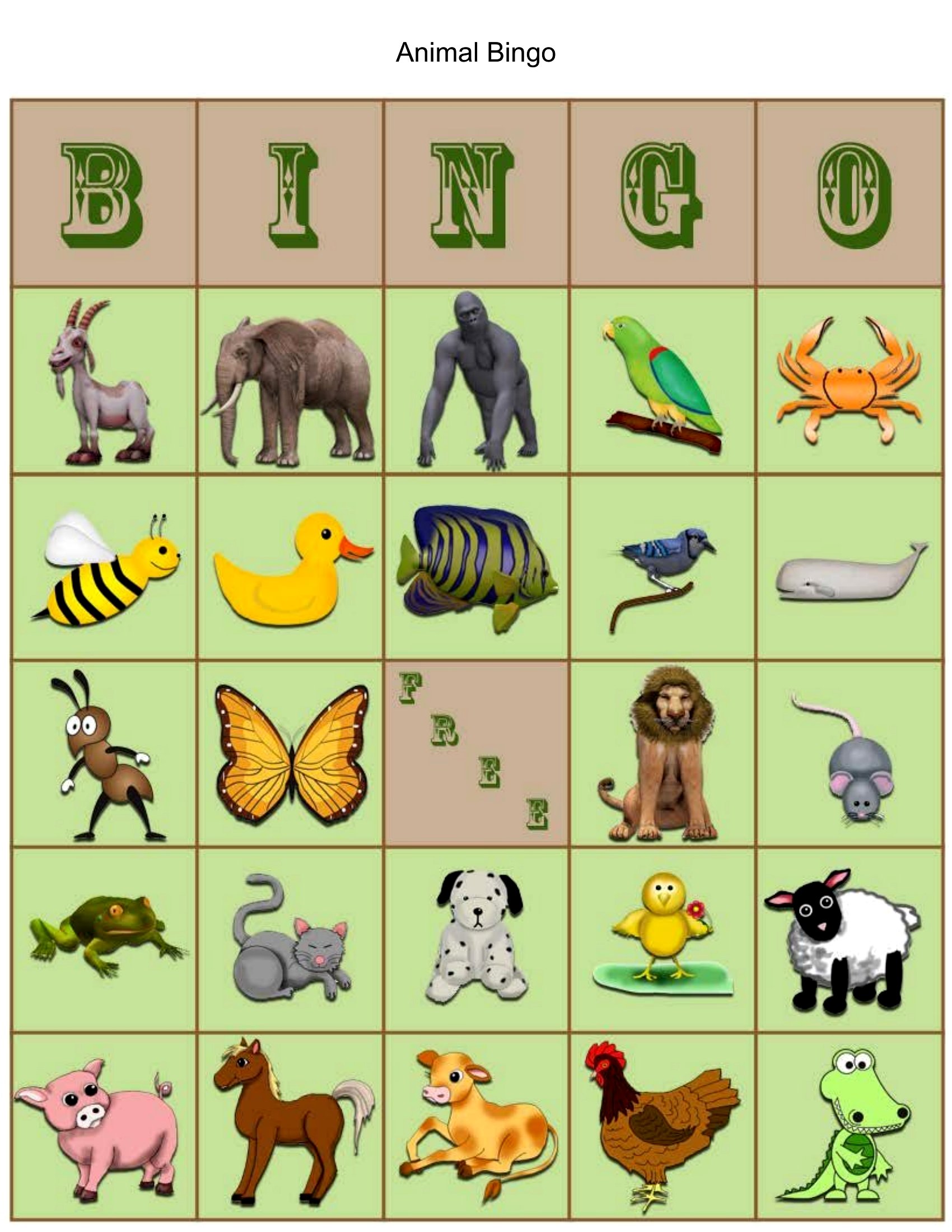
Can I include photos or custom artwork in my board game design?
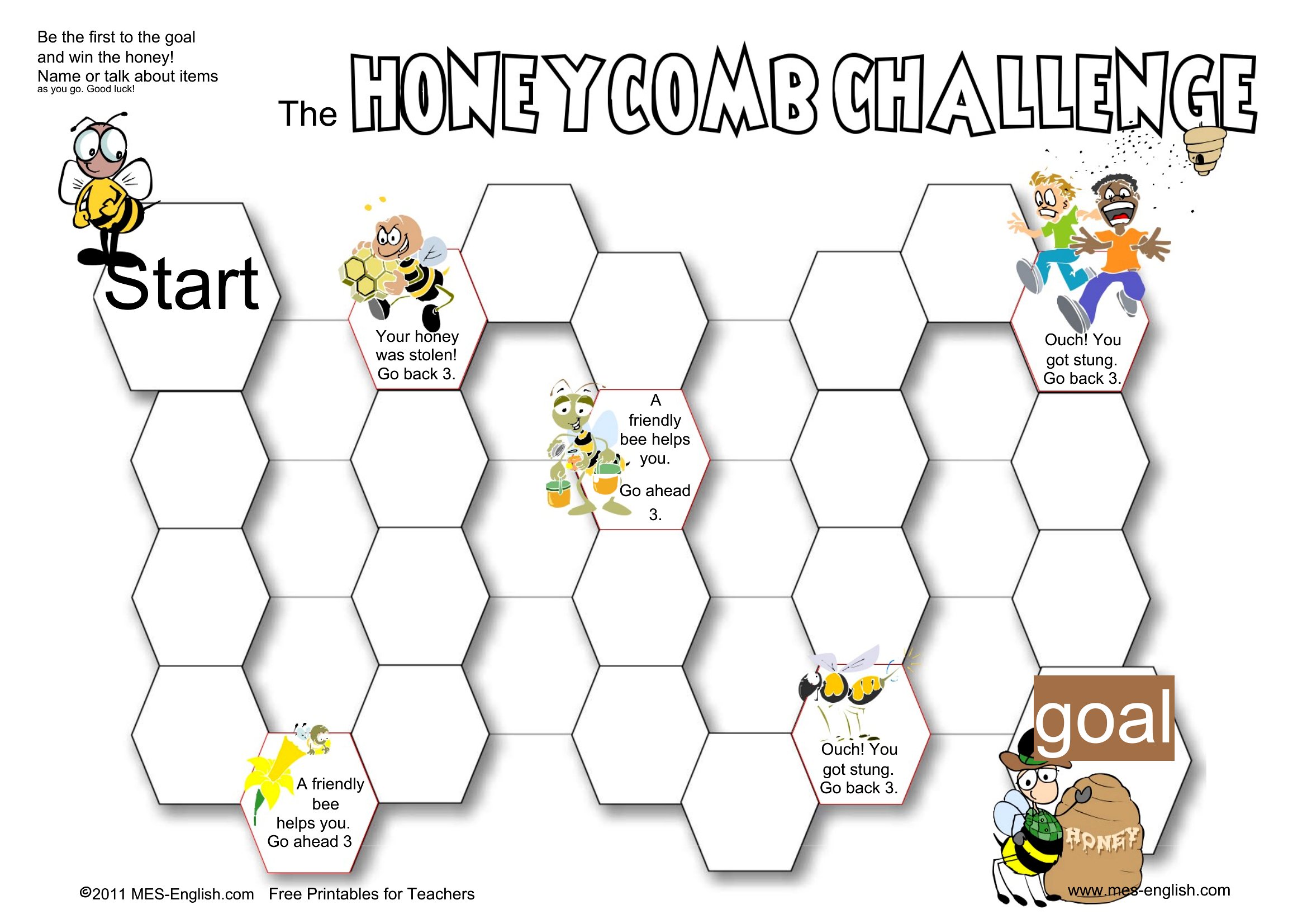
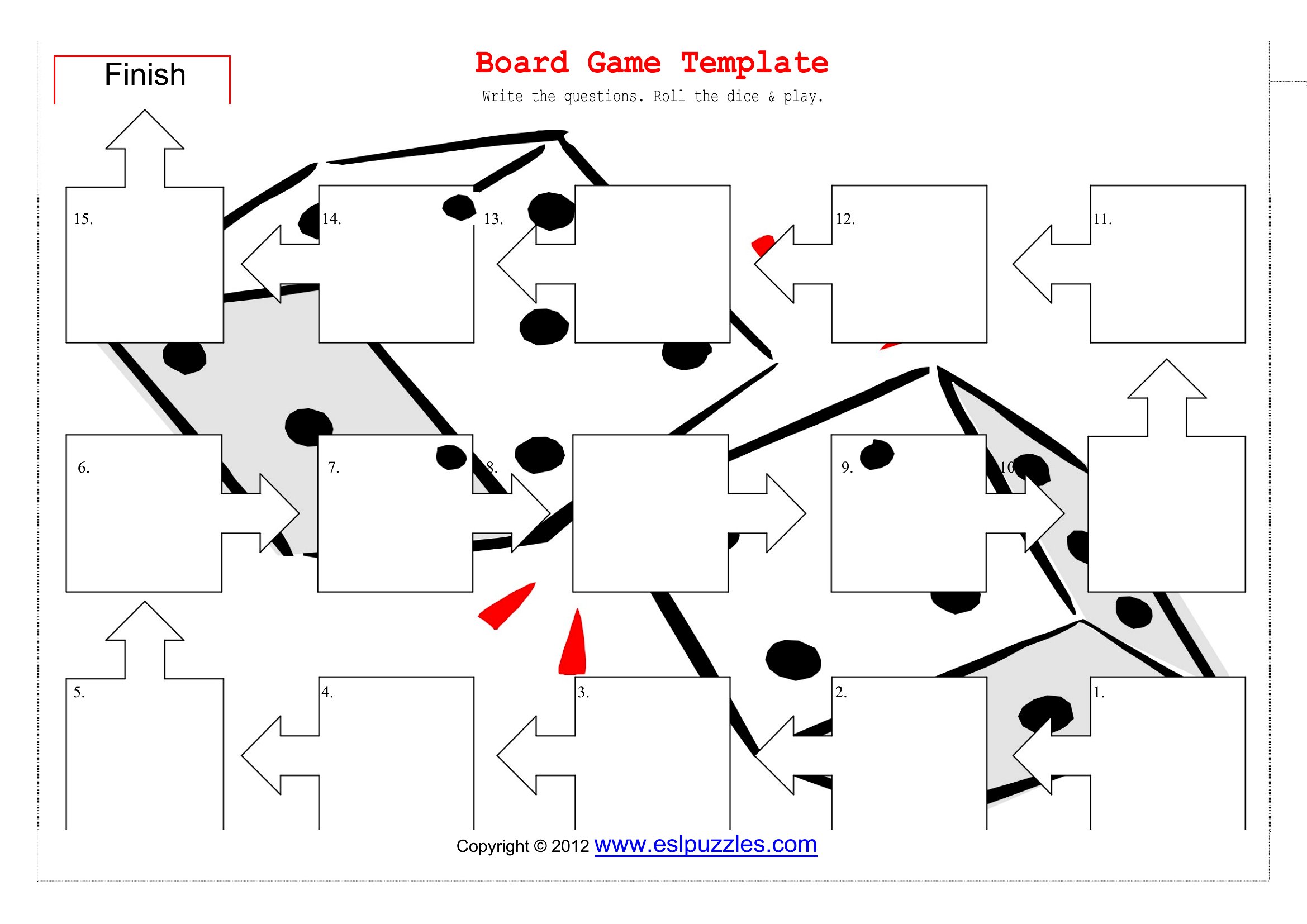
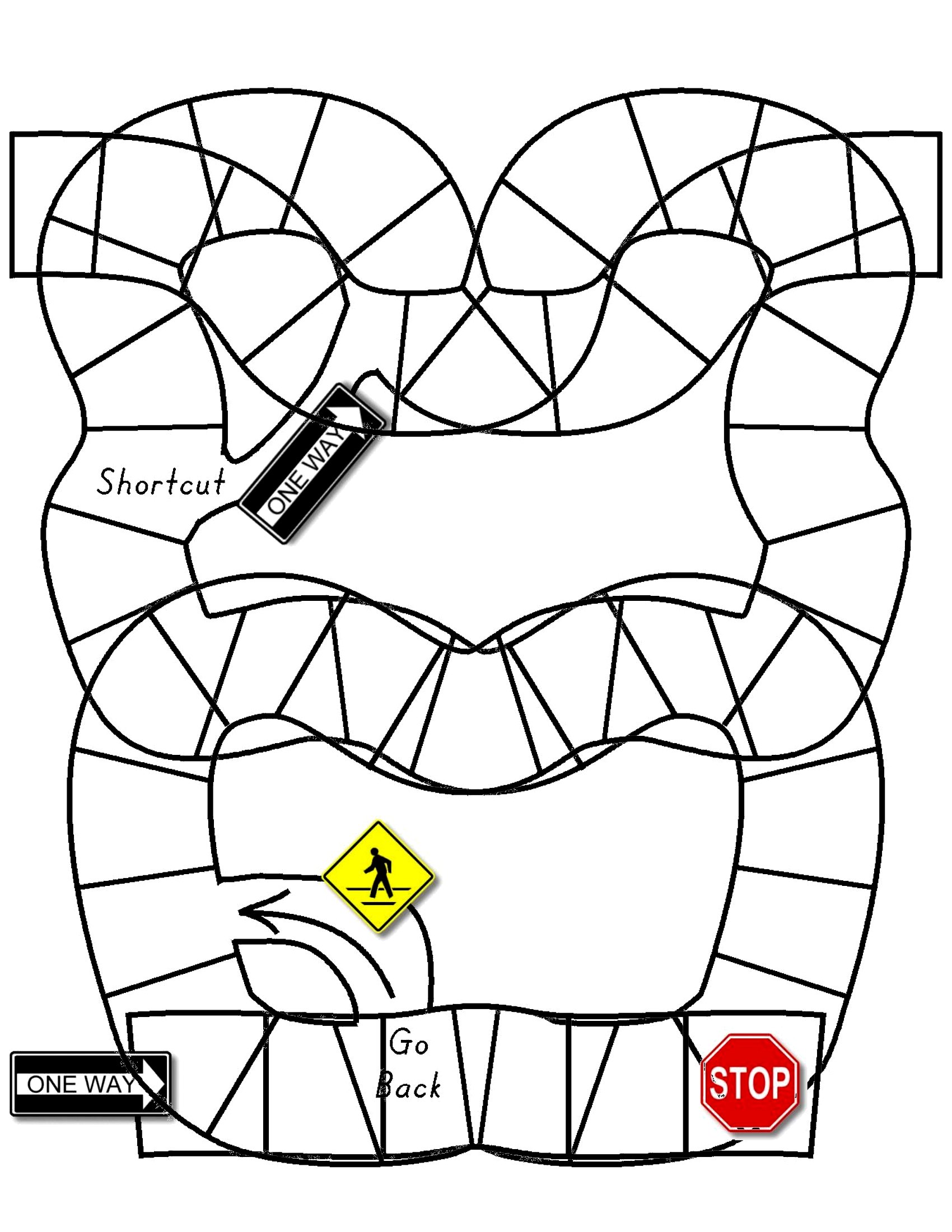
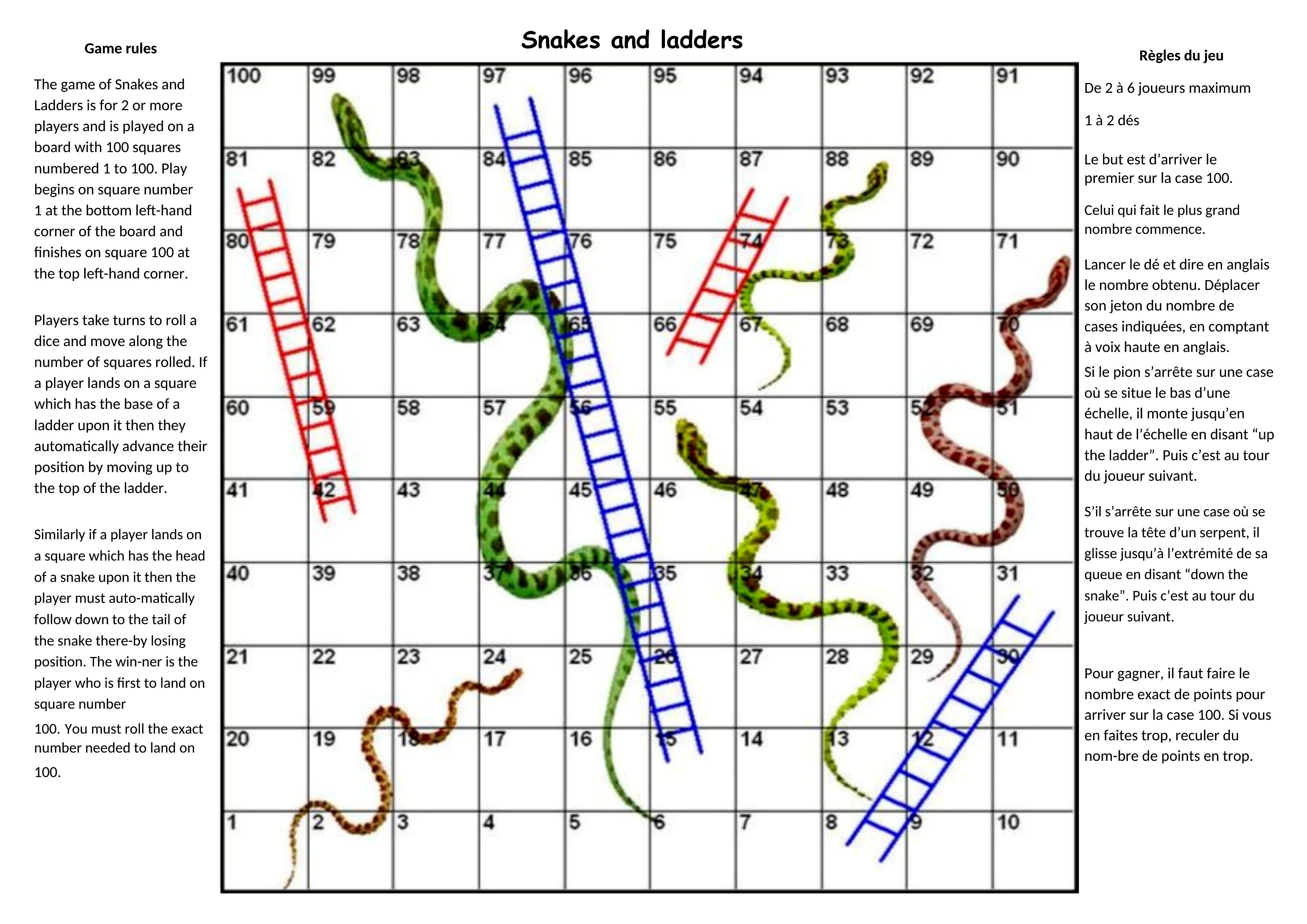
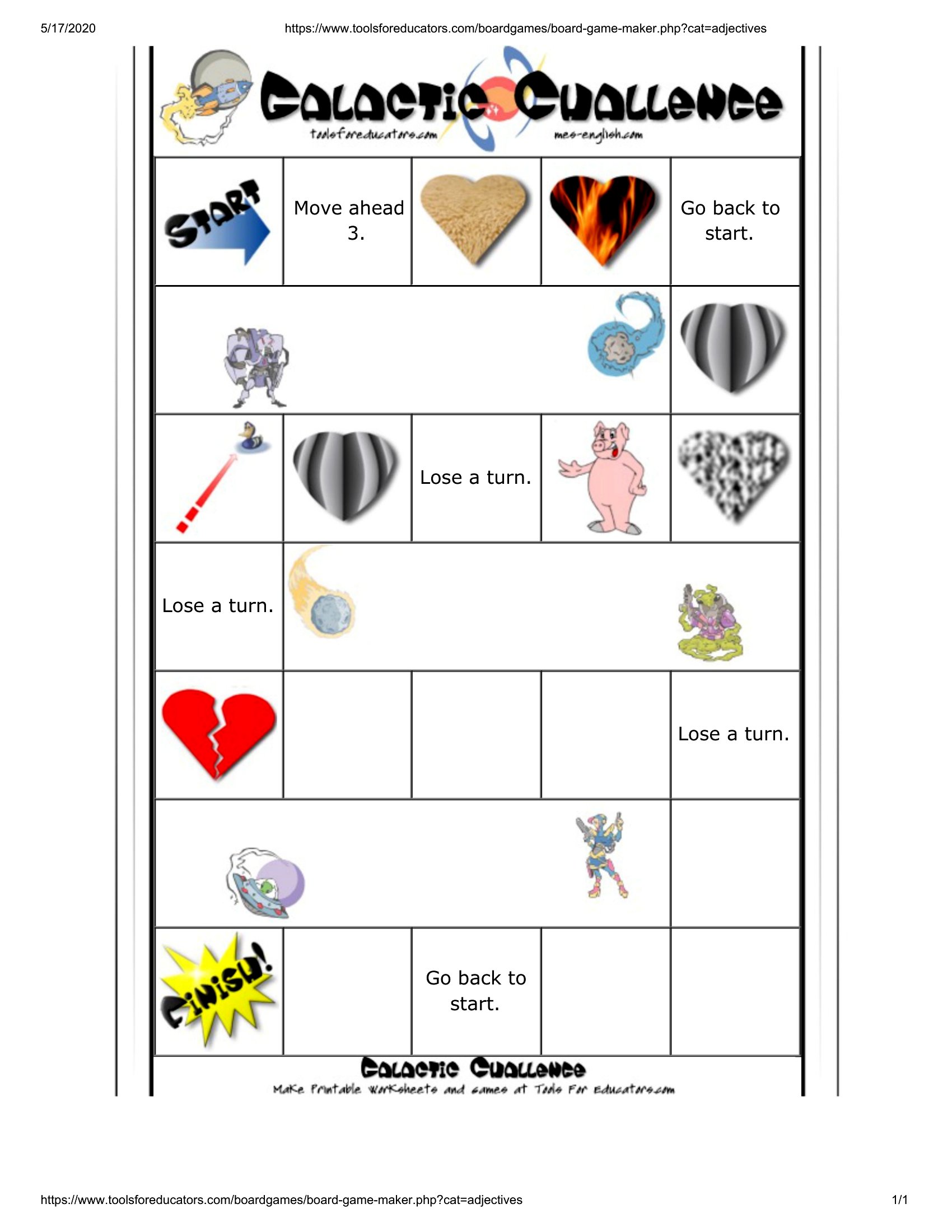
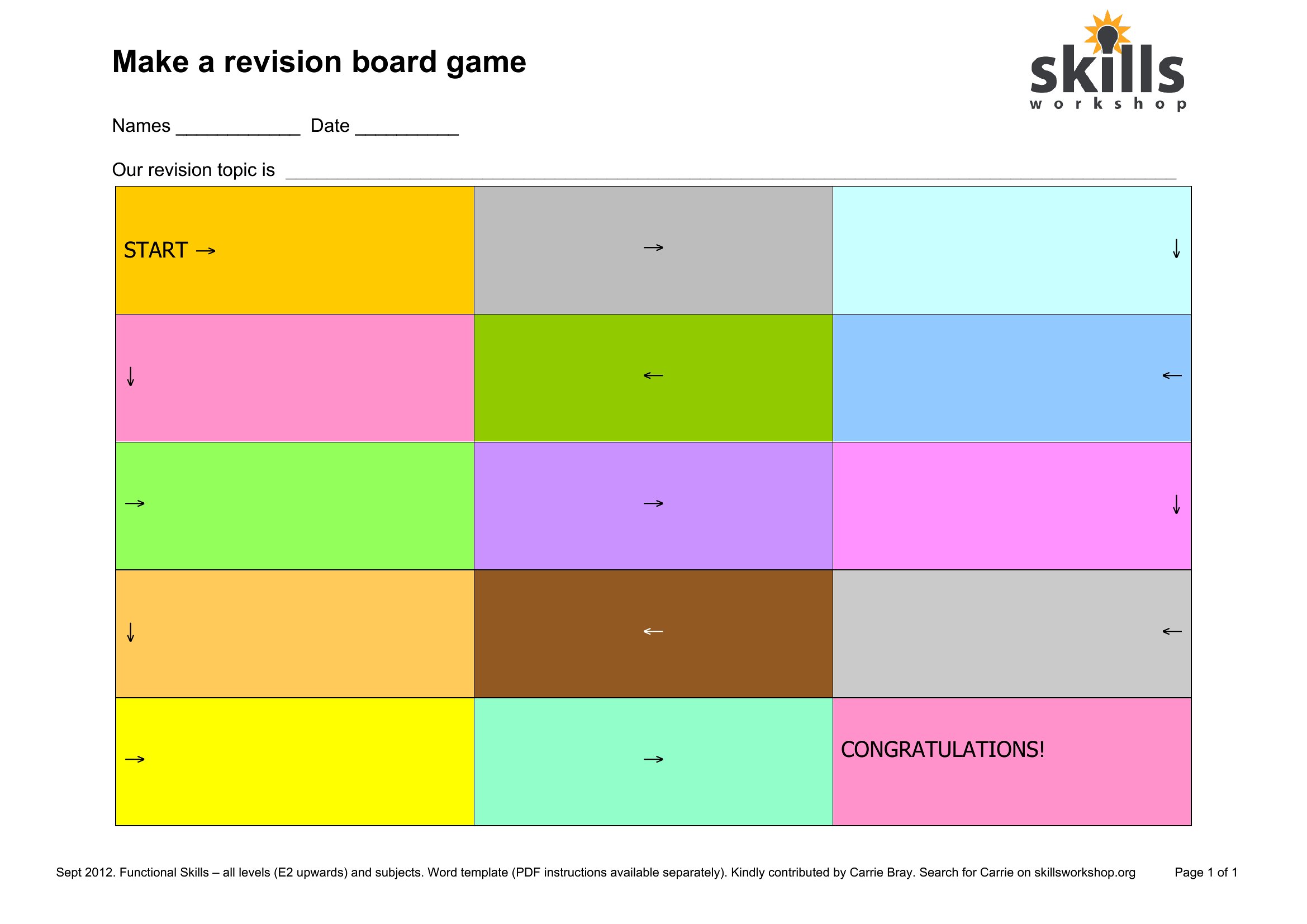
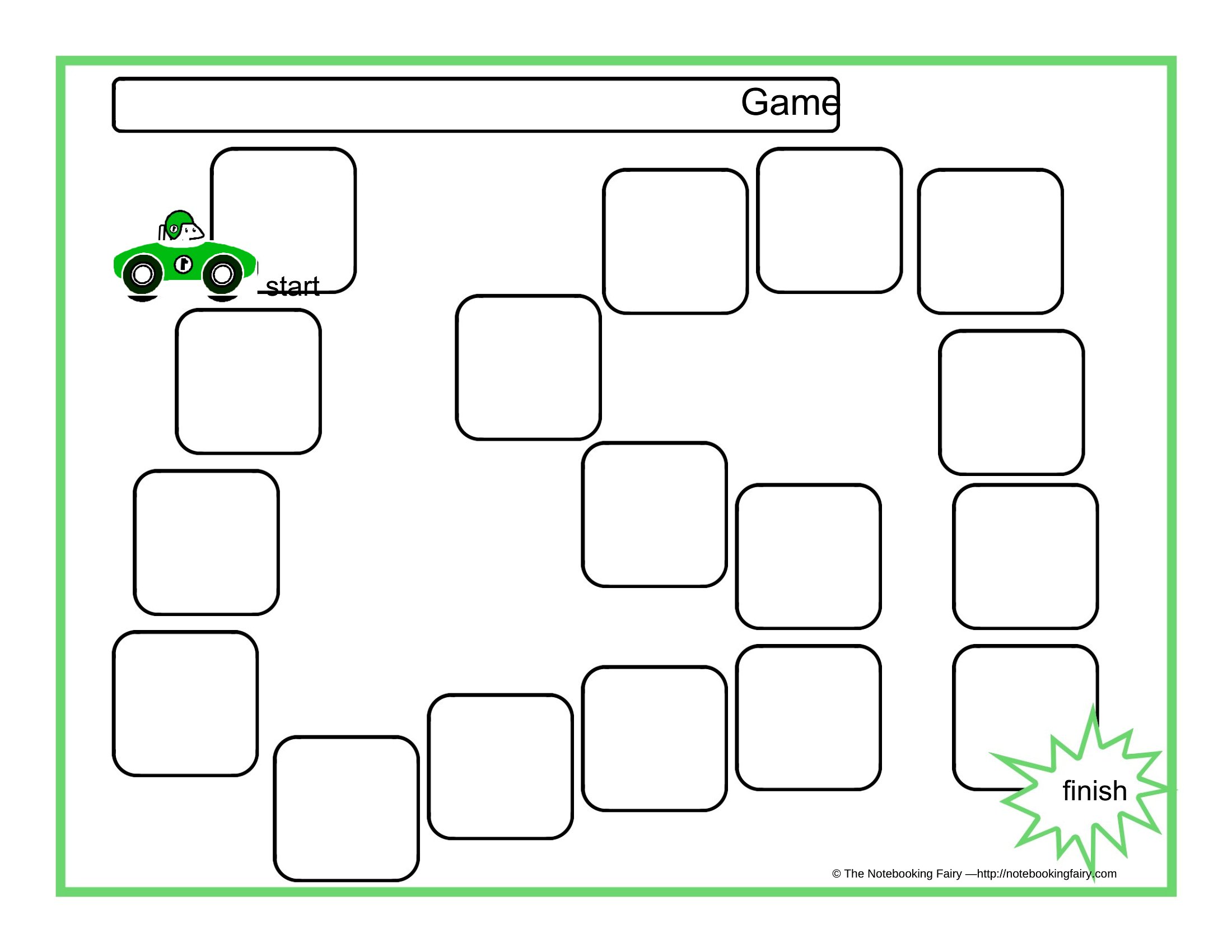
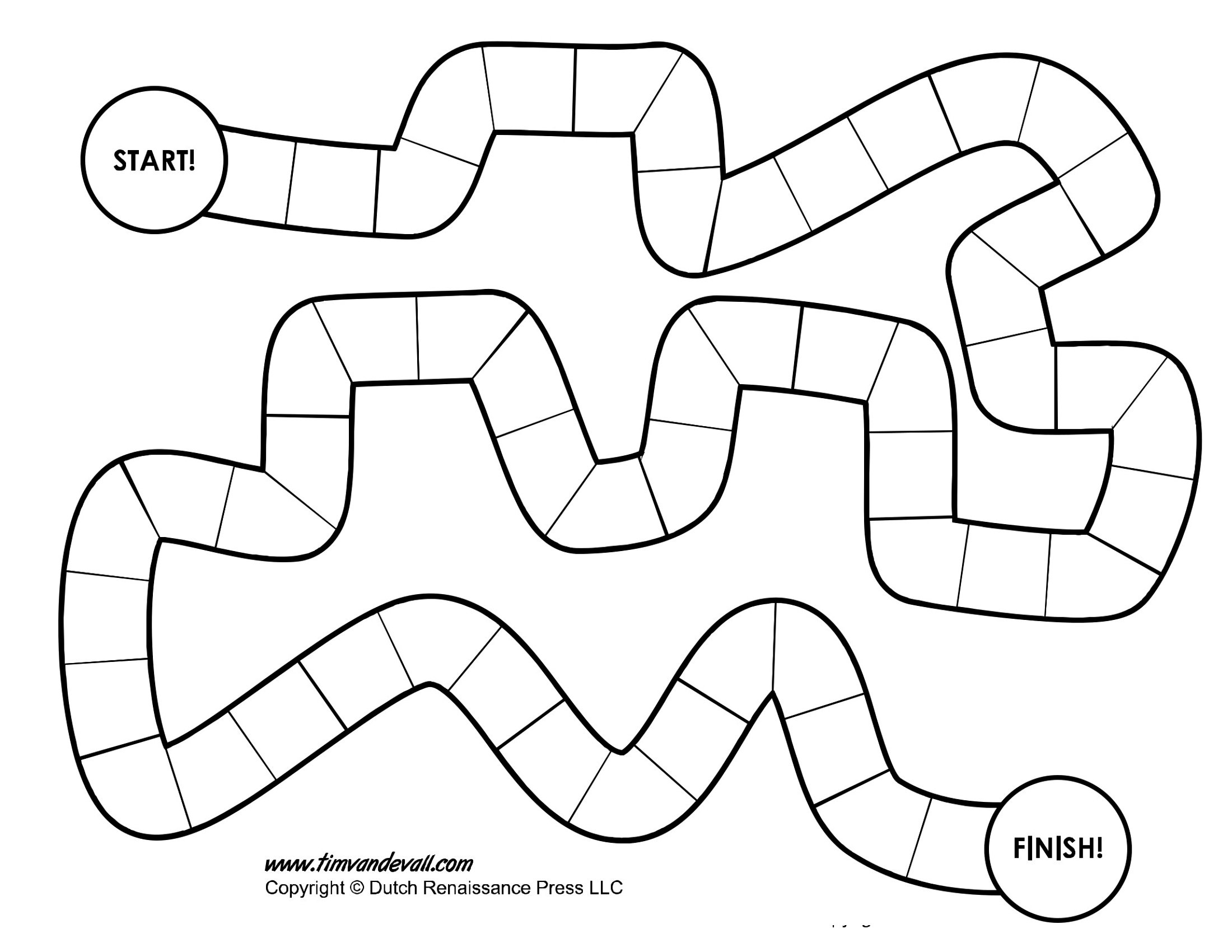
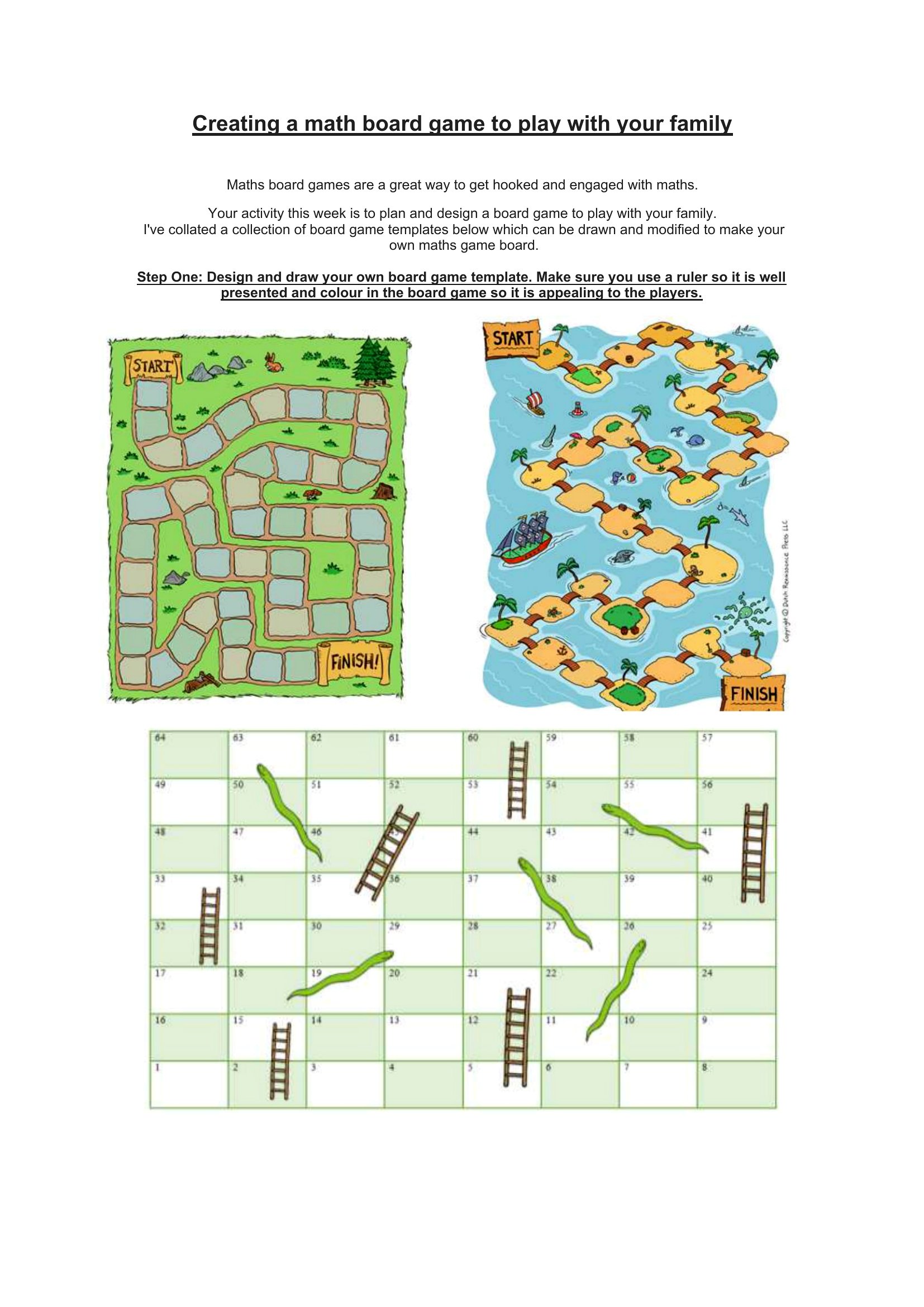
Yes, the Word templates let you insert images directly into the layout, but ensure they’re high-resolution for printing. Use simple, clear art for younger players, and avoid overly complex designs that might distract from gameplay. Test the scale of images on a printed draft before finalizing.
How do I make my board game accessible for players with visual impairments?
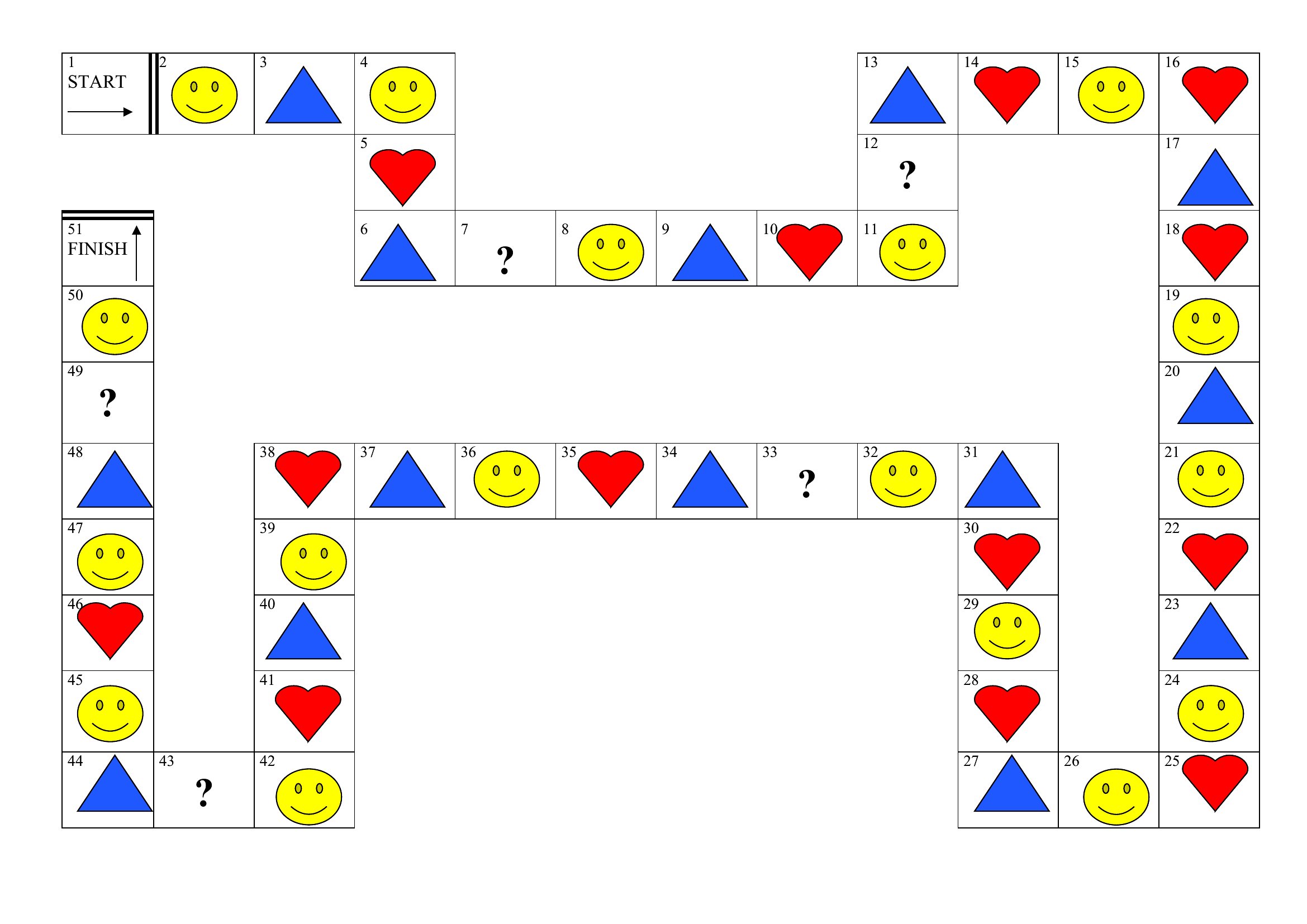
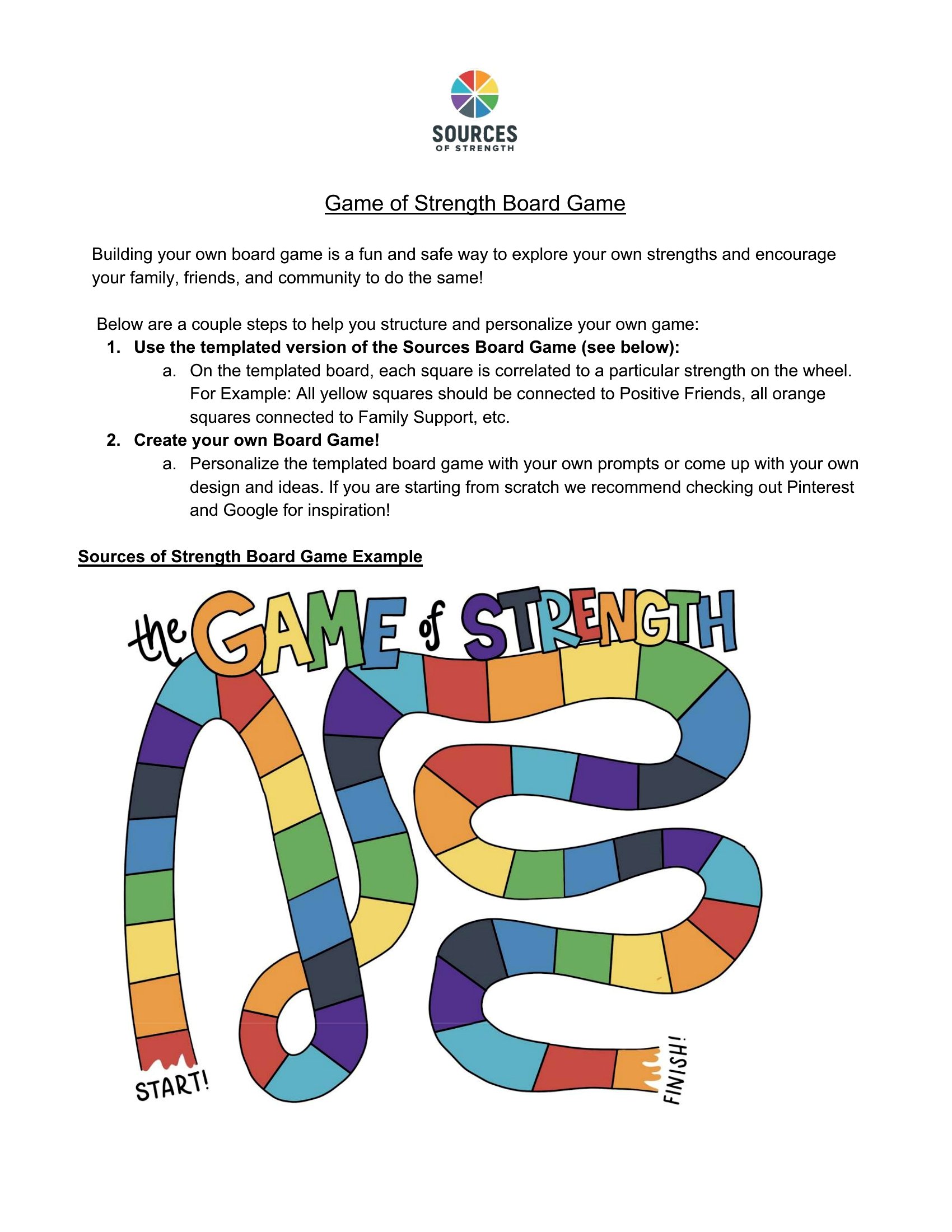
Add large, high-contrast text and tactile elements like raised dice or textured markers. For digital use, pair the template with audio descriptions or screen-reader-friendly formats. Avoid relying solely on color-coding—use patterns or shapes instead to distinguish spaces. Always preview the game with visually impaired players to refine accessibility.
What’s the best way to organize game pieces or cards if I’m printing multiple copies?
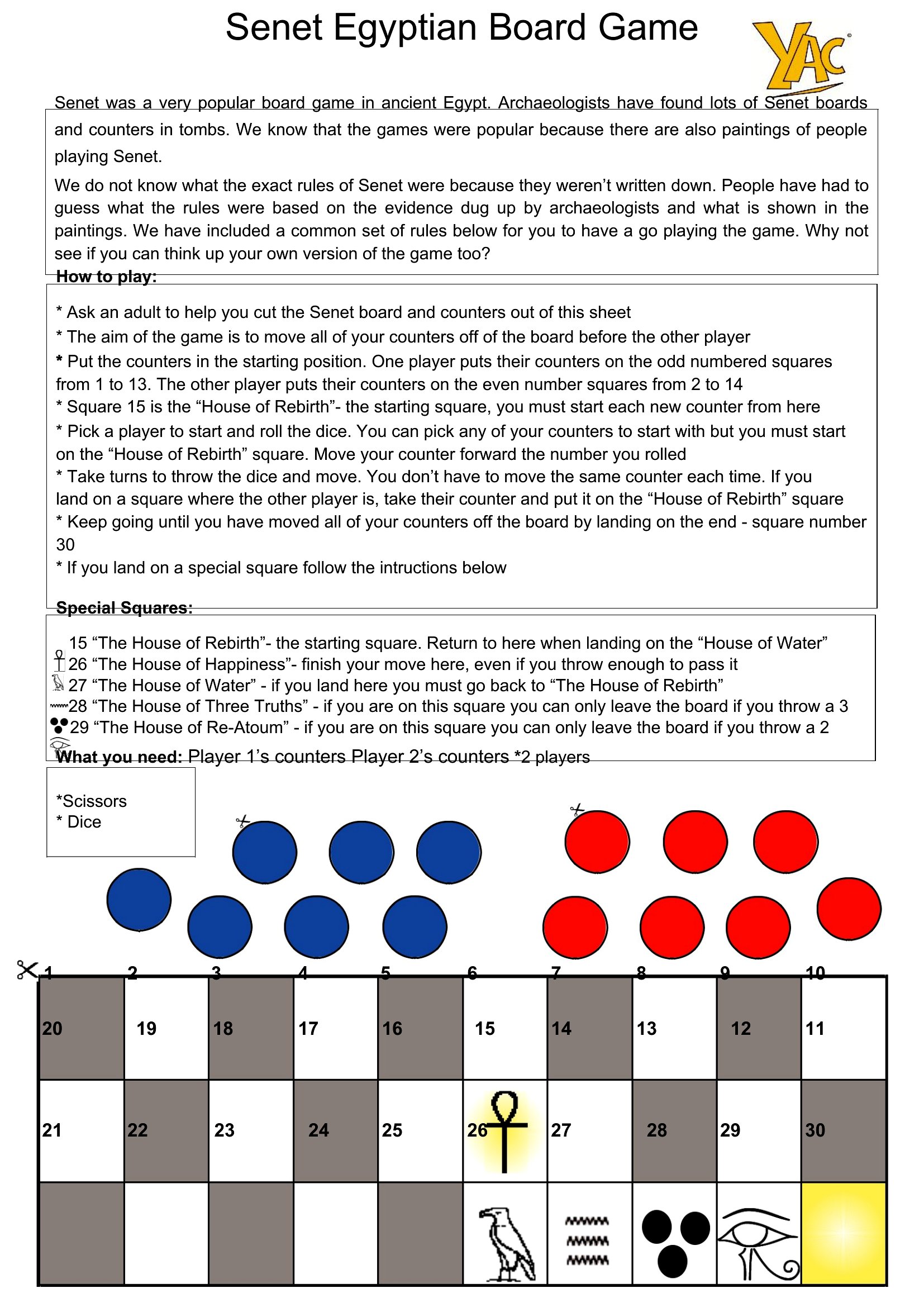
Use separate sheets for game pieces or cards, then laminate them for durability. Assign each player a unique piece (like a laminated token or coin) and store them in a small container or envelope. For cards, print them on cardstock or heavy paper and cut them precisely to avoid fraying edges. Label containers with the game name for easy cleanup.
Comments
Join the conversation
Sign in to share your thoughts and leave a comment on this resource.