Skip to content
50% off this one-time $1.99 pack with HALFOFF — or unlimited with Pro.HALFOFF
Premium

Free Personal Balance Sheet Templates (Word, Excel)

Statements
gabrielandersen by gabrielandersen
Updated 0 downloads Quality-checked template

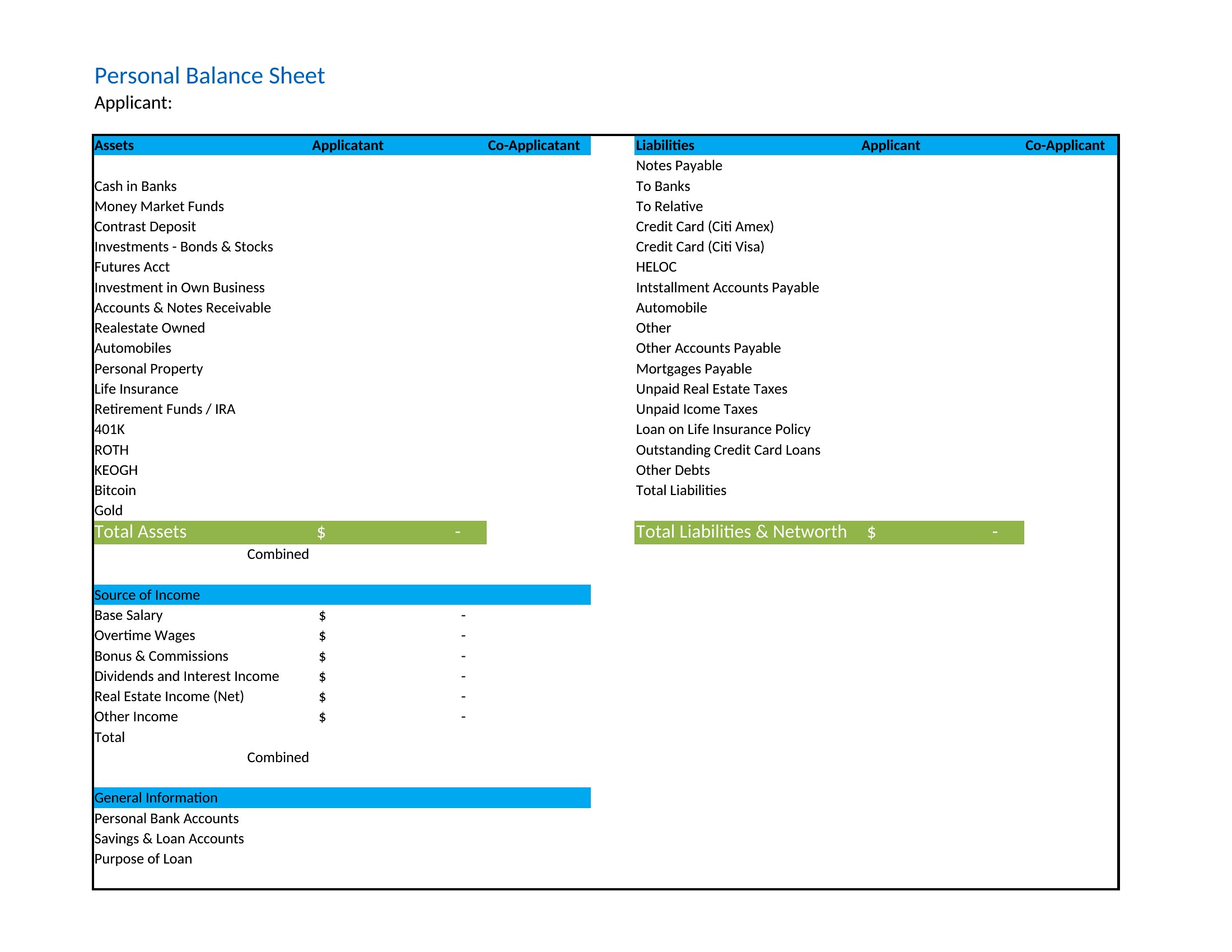
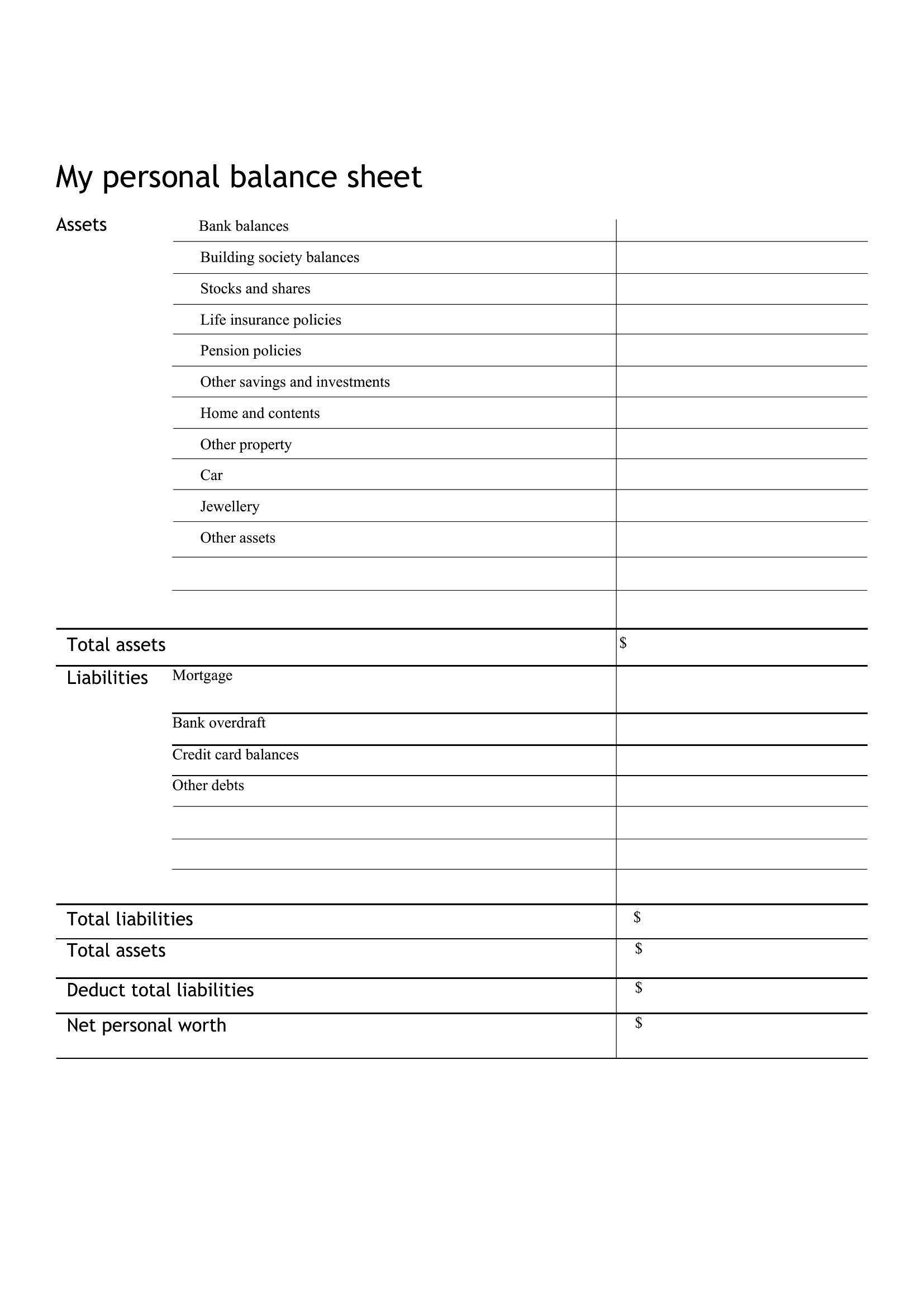
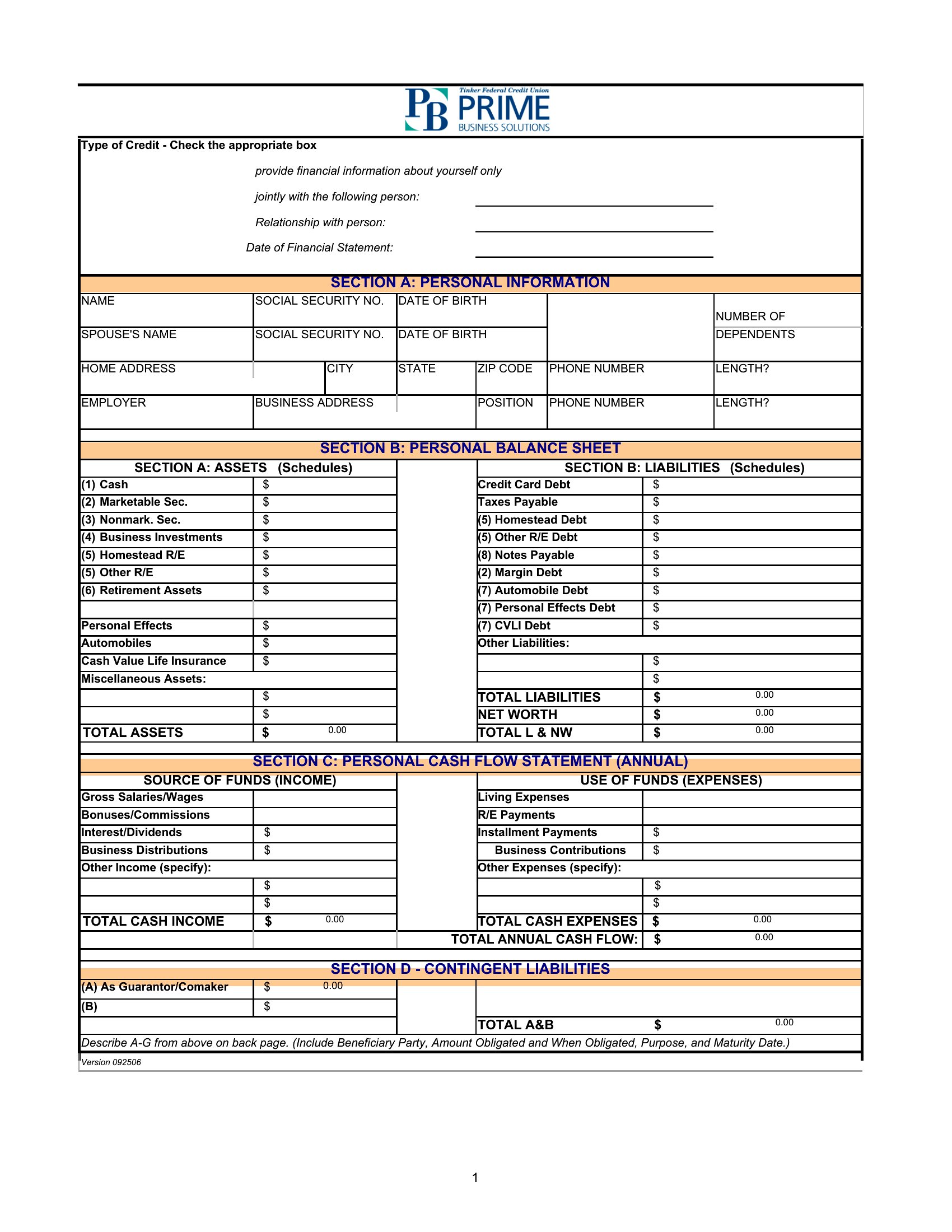
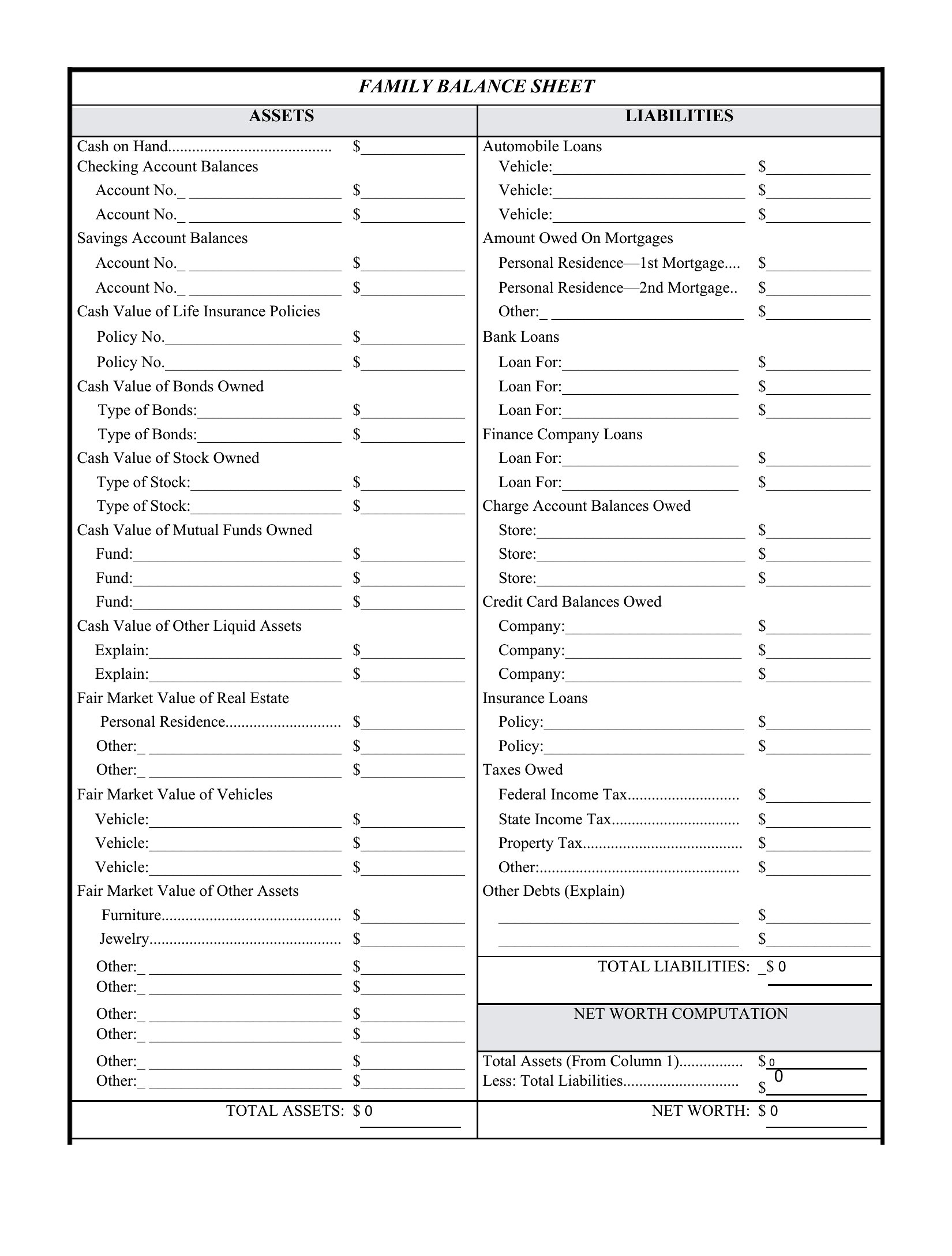
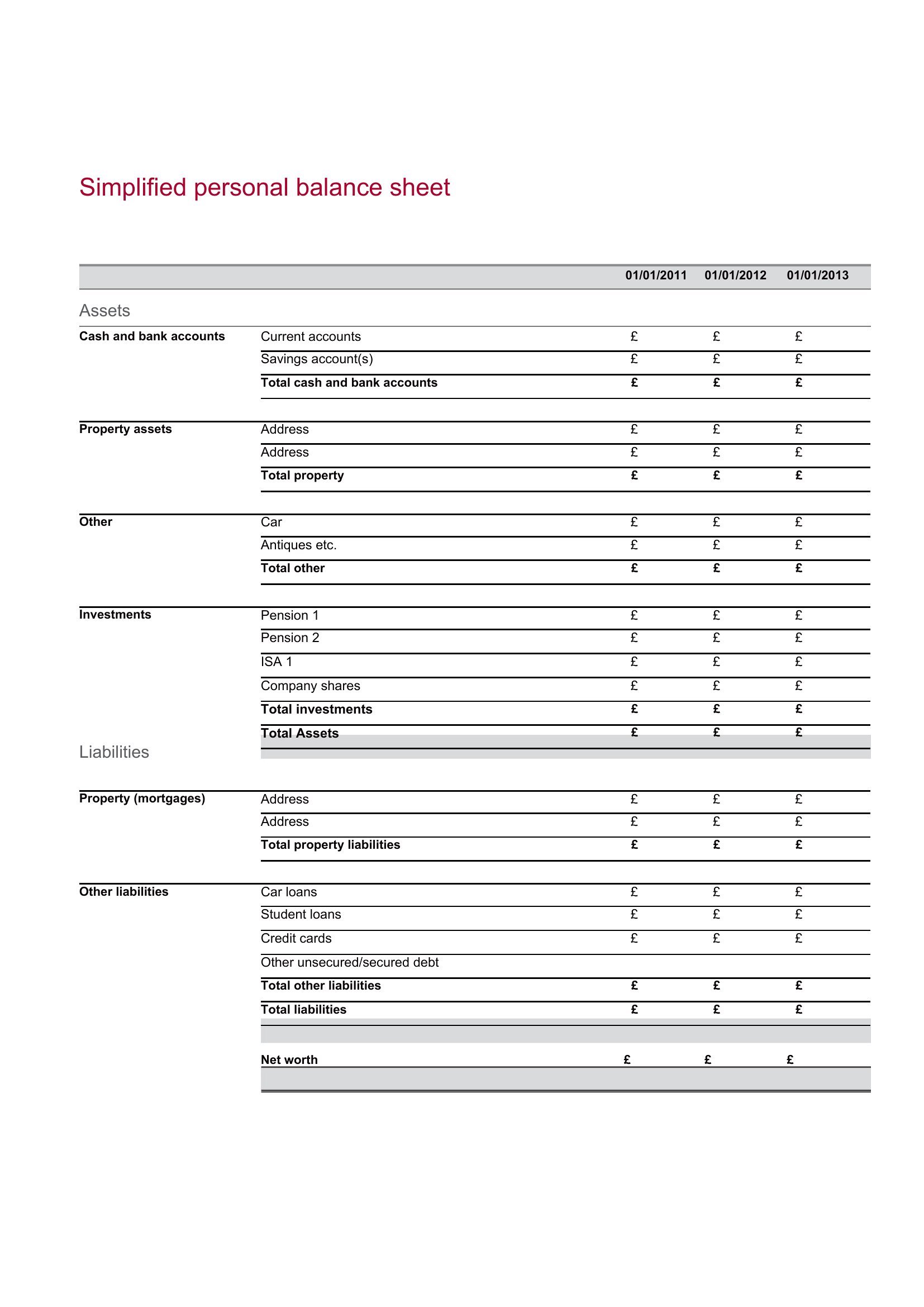
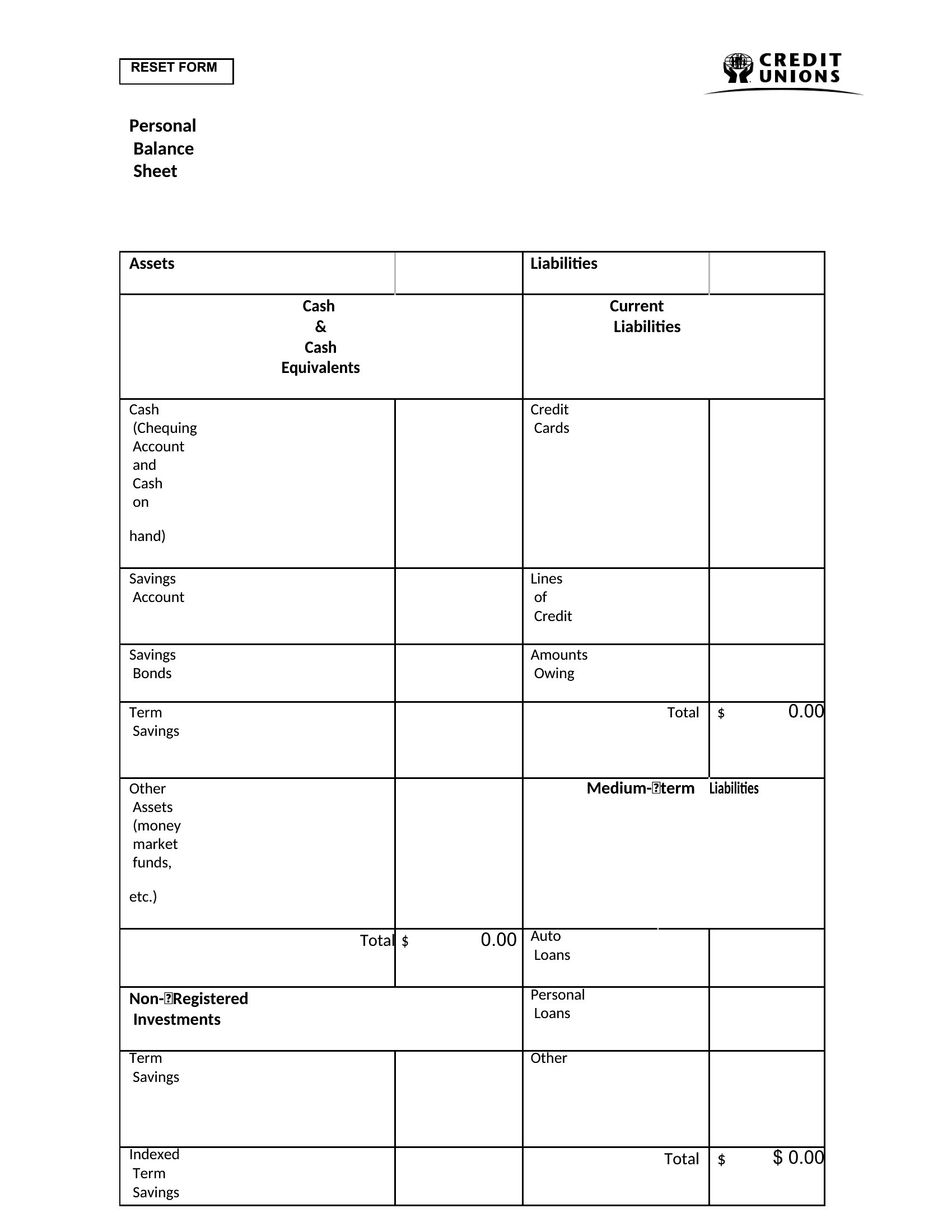
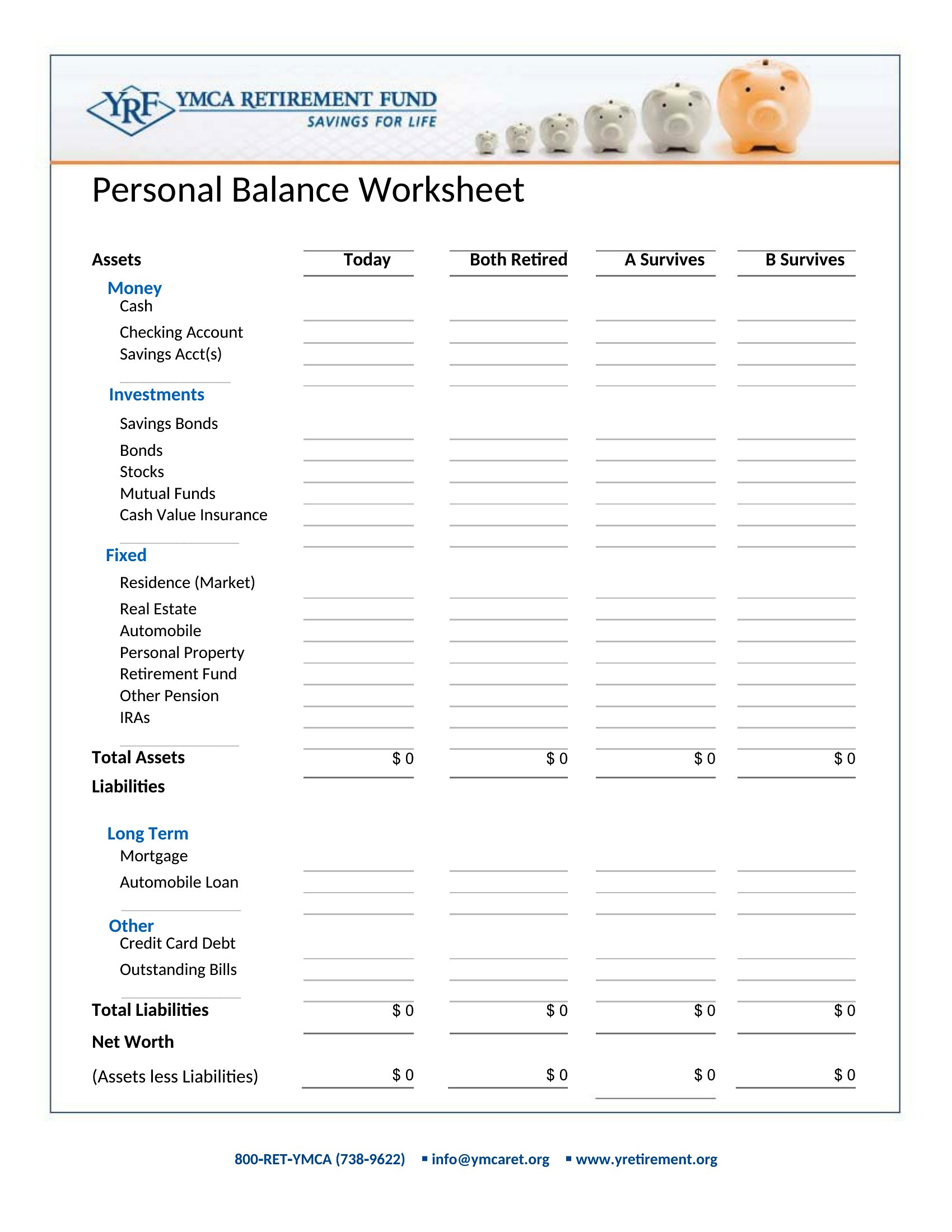
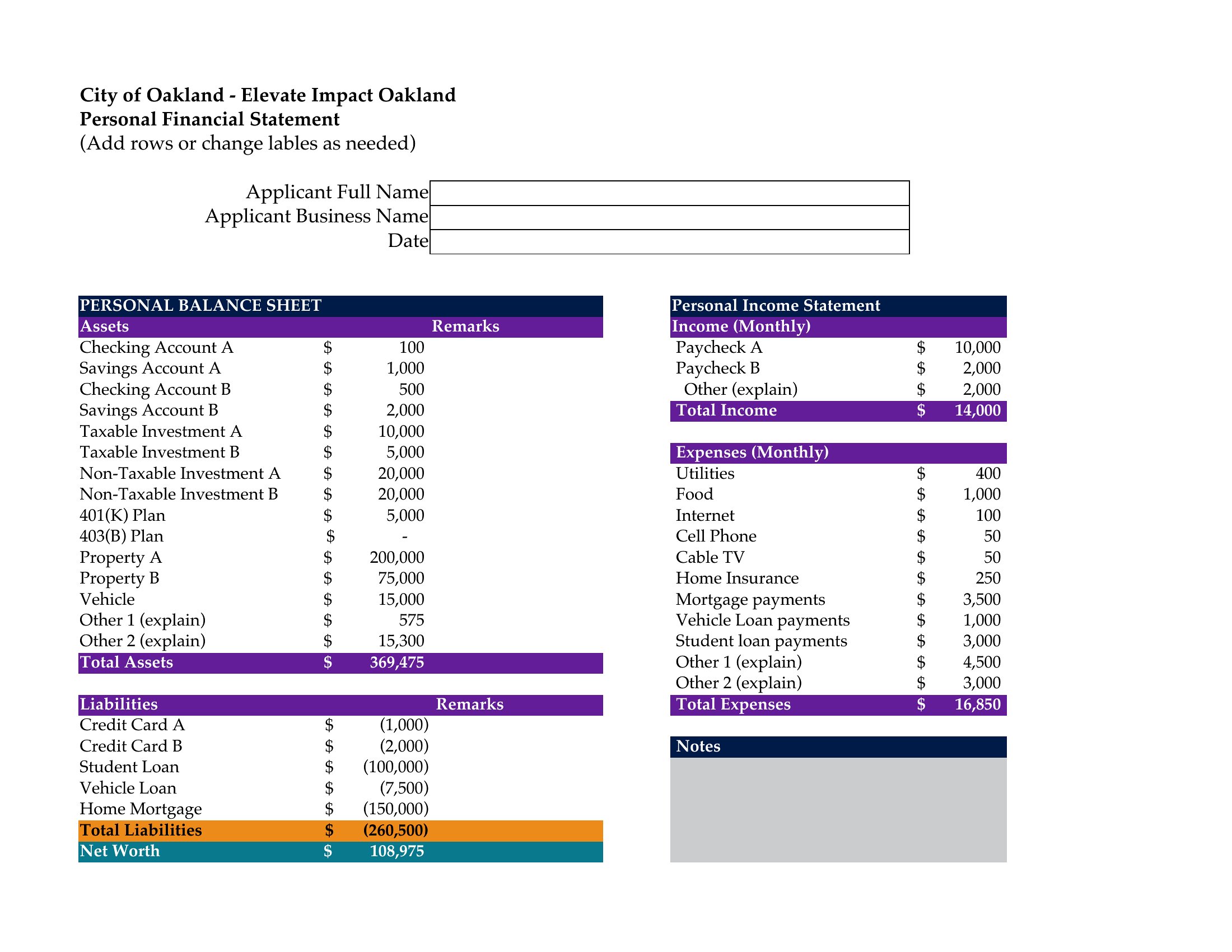
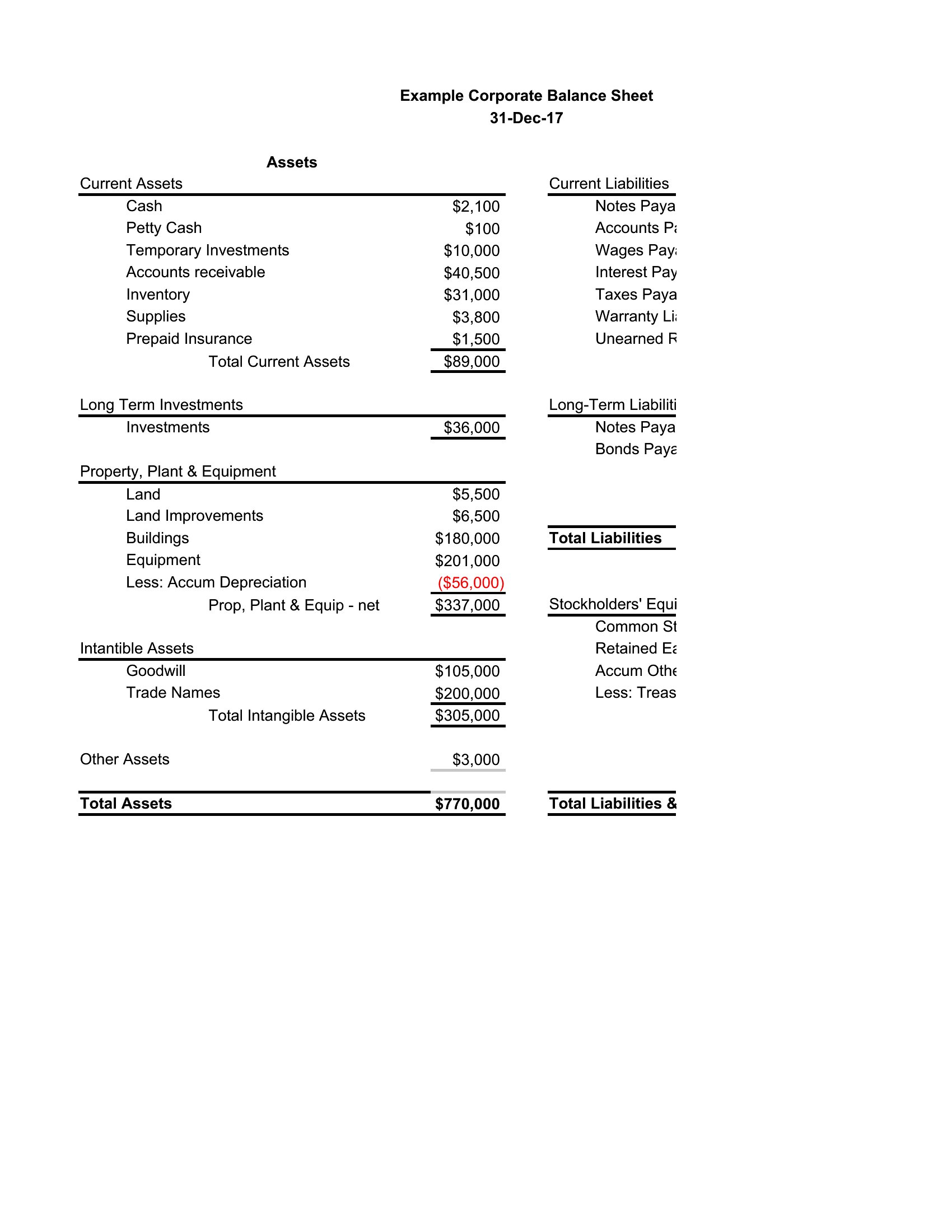
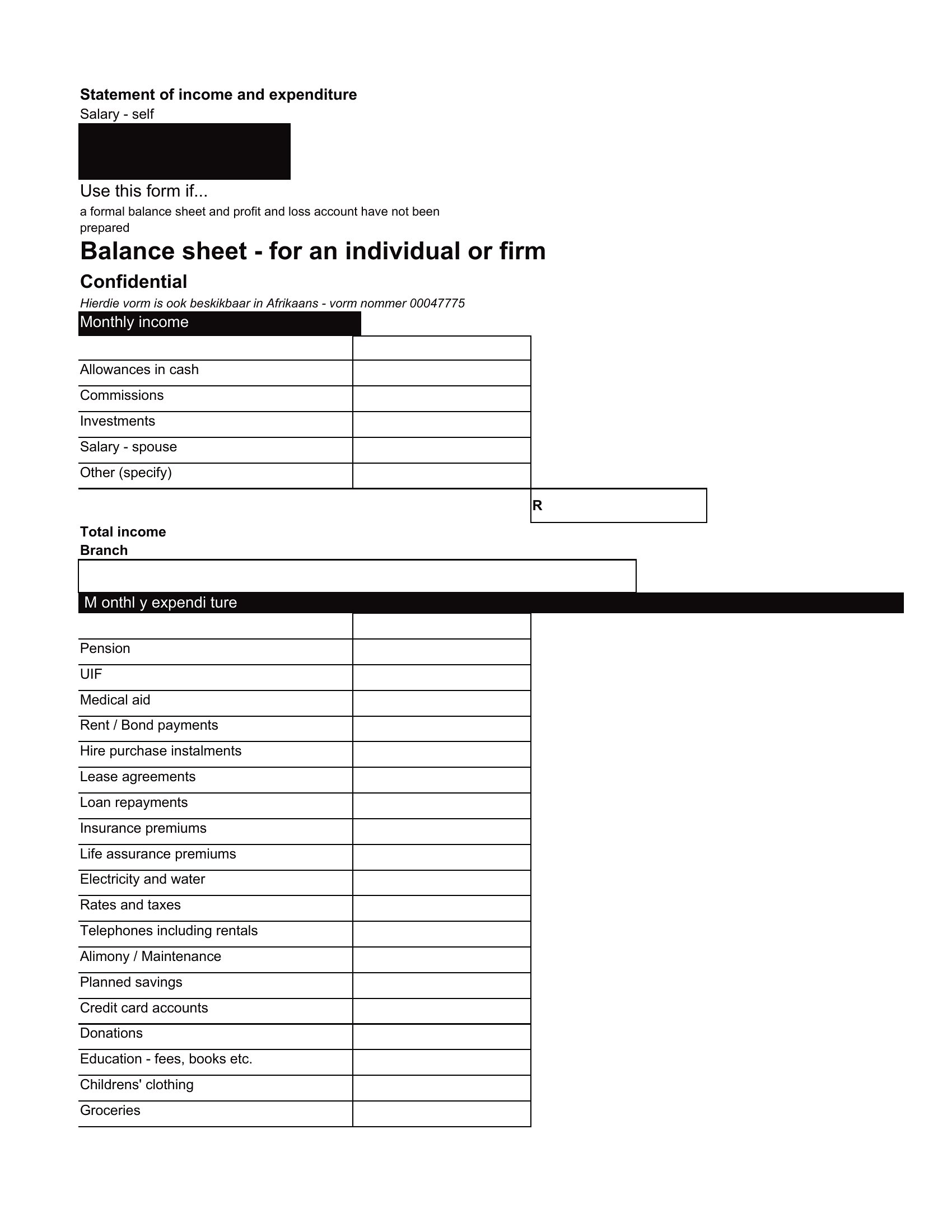
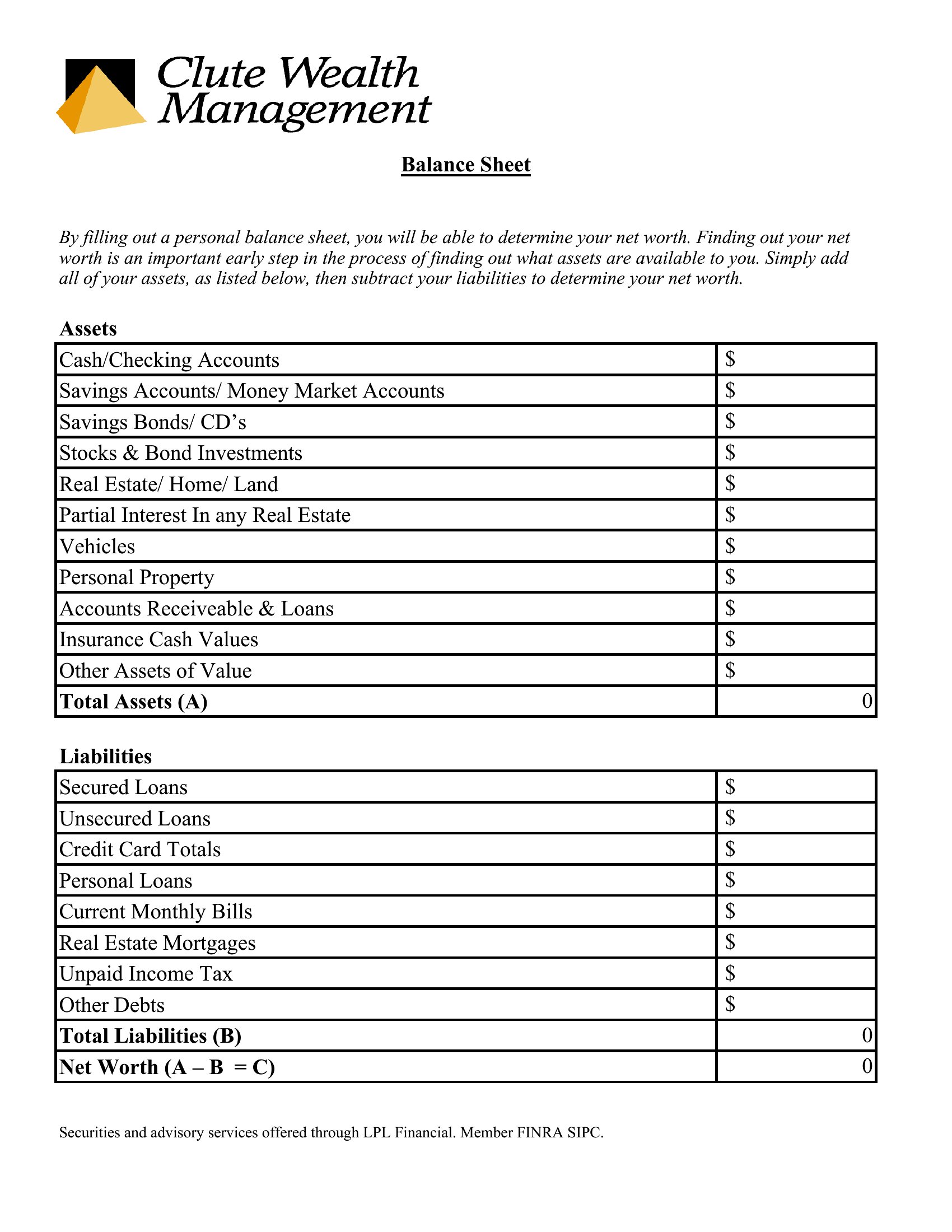
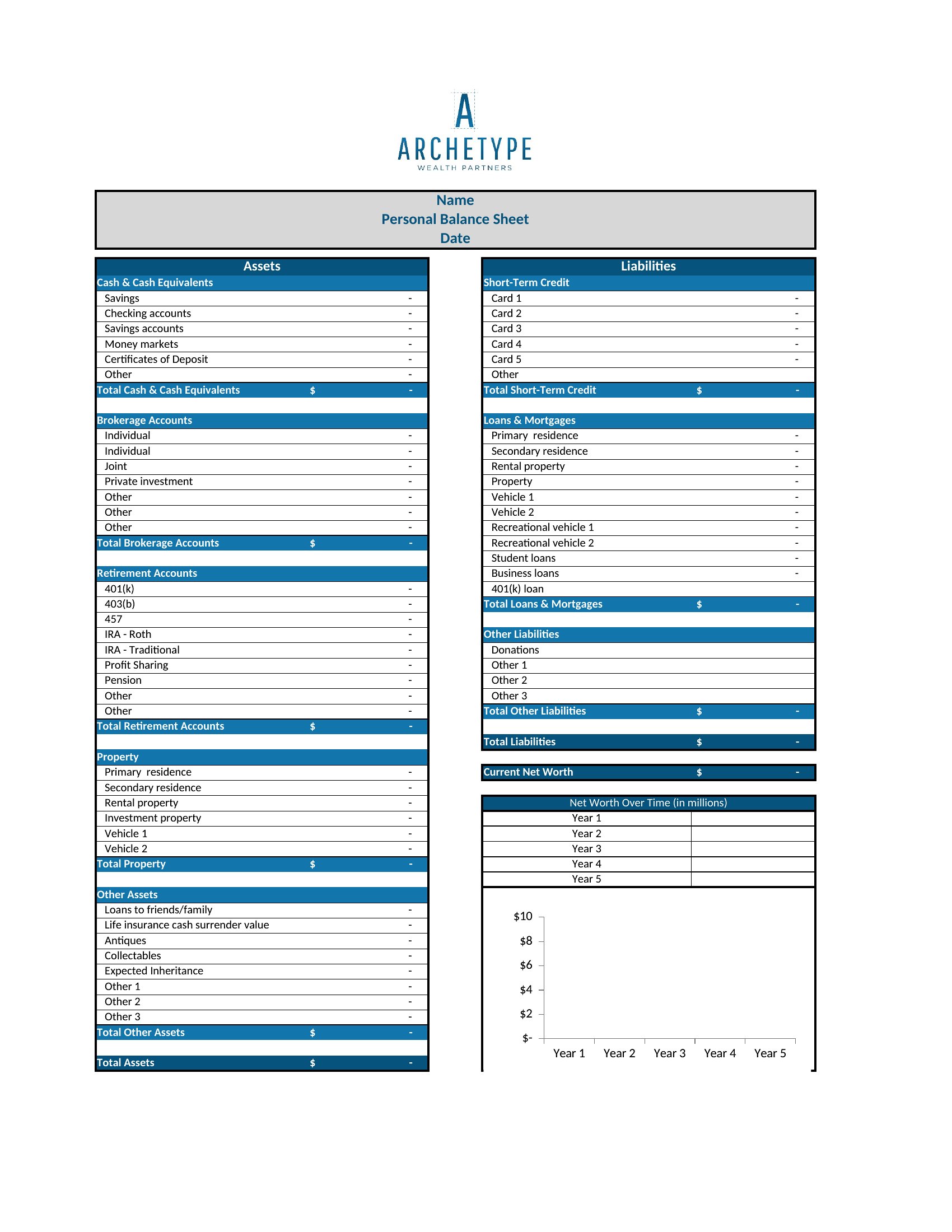
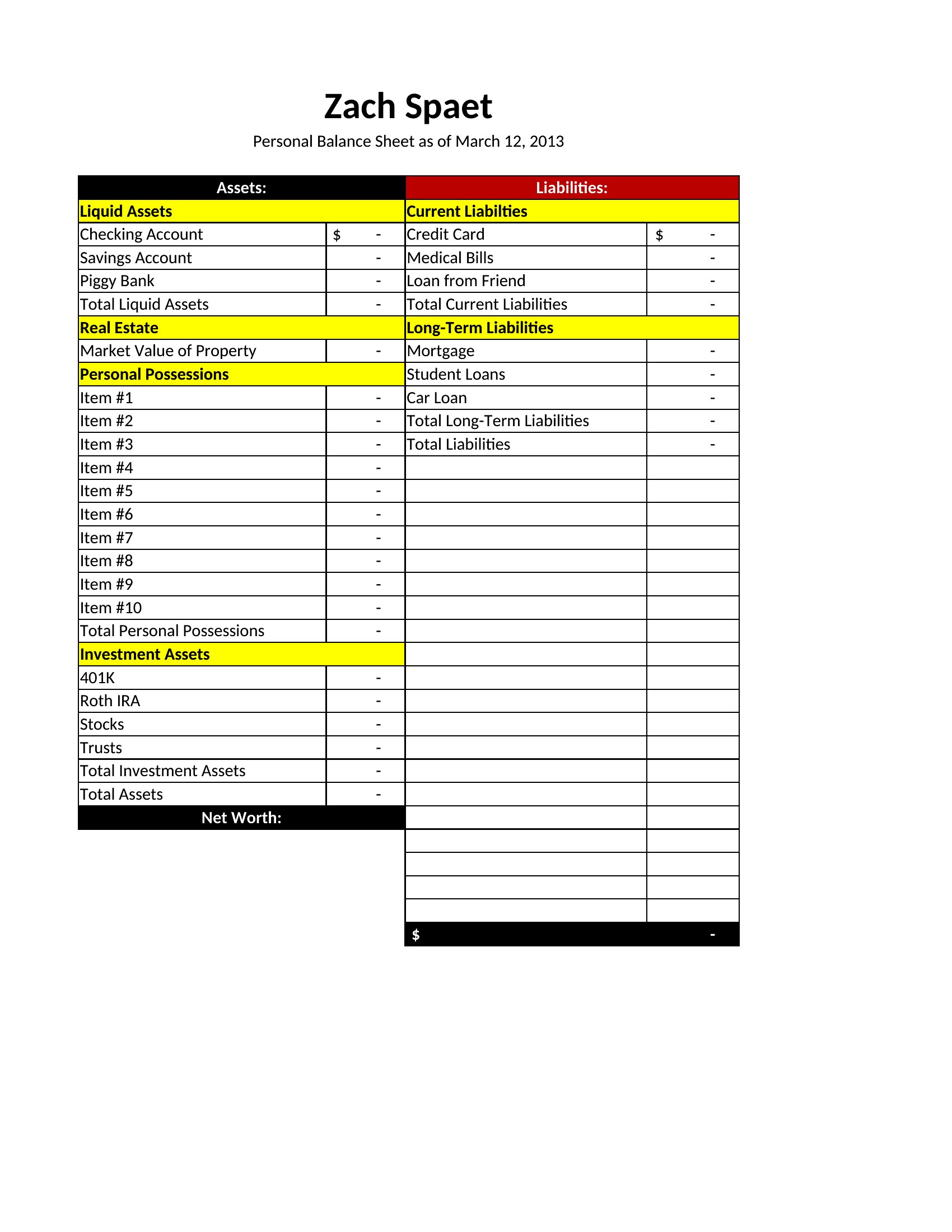
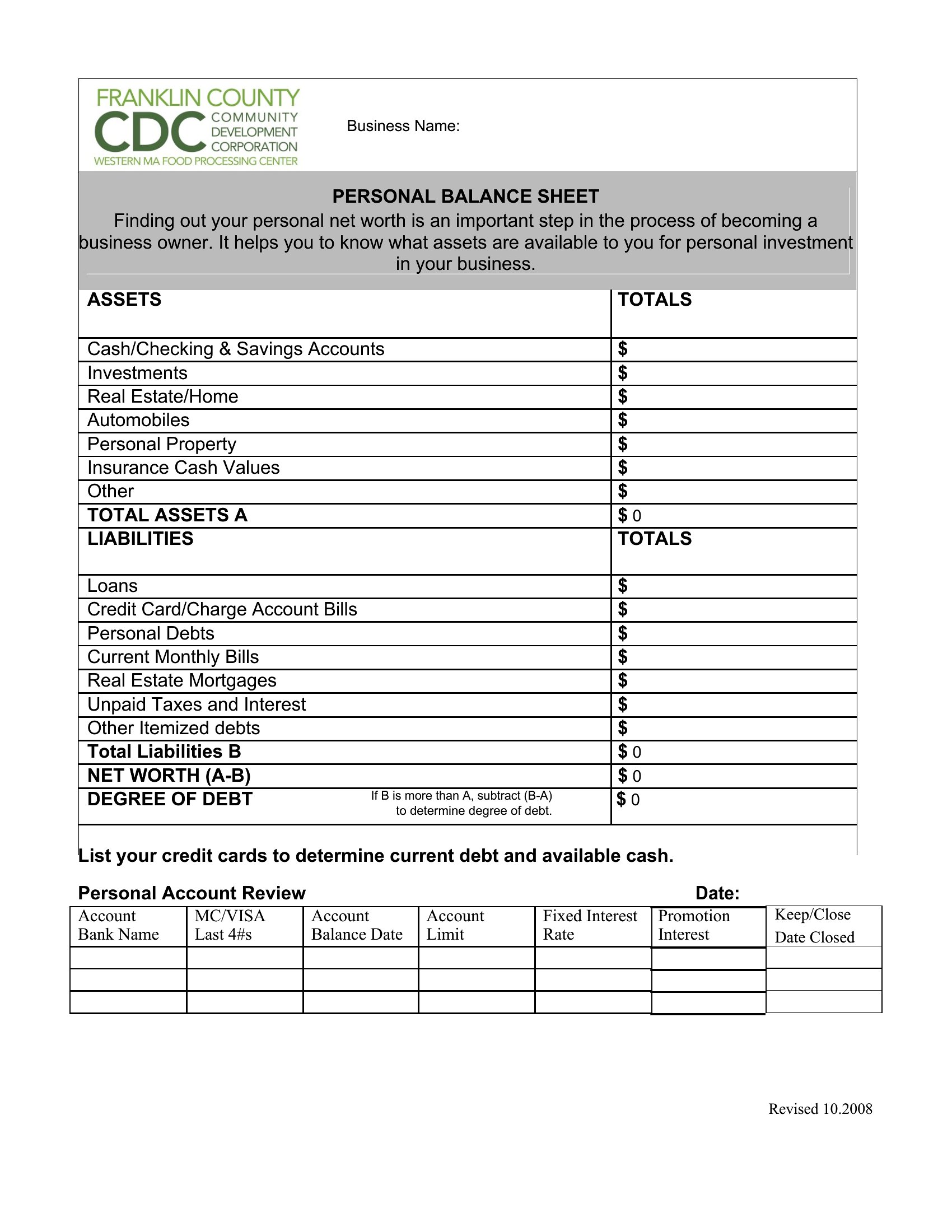
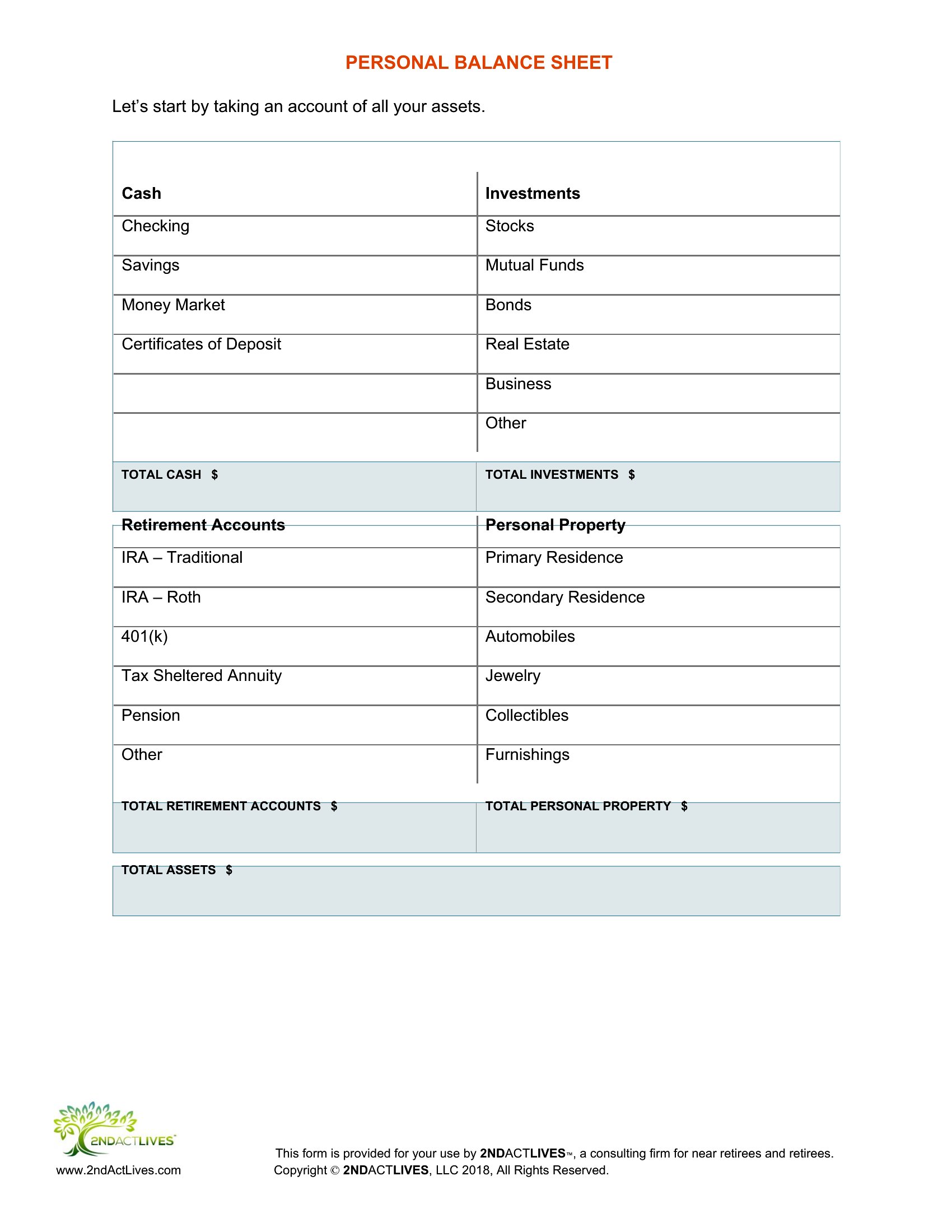
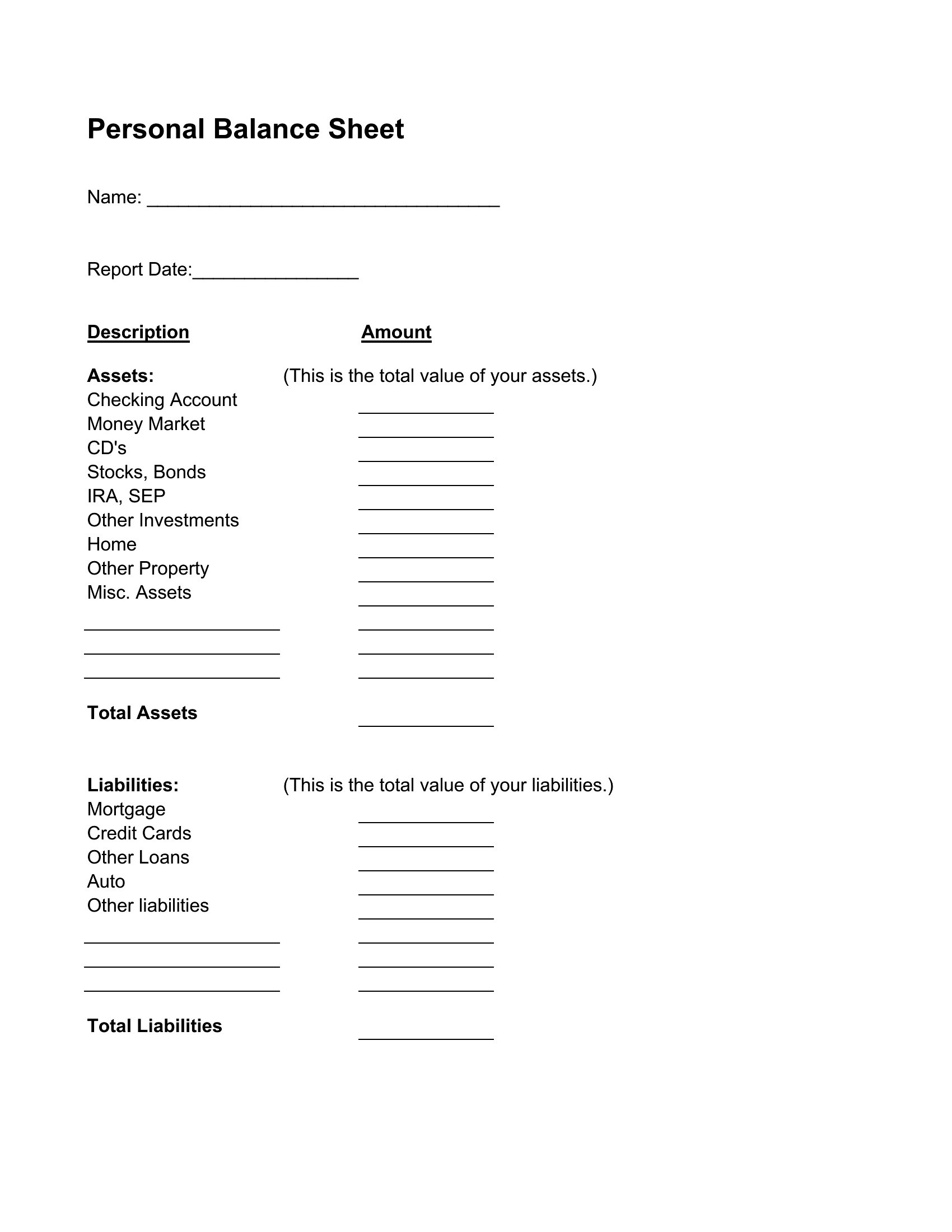
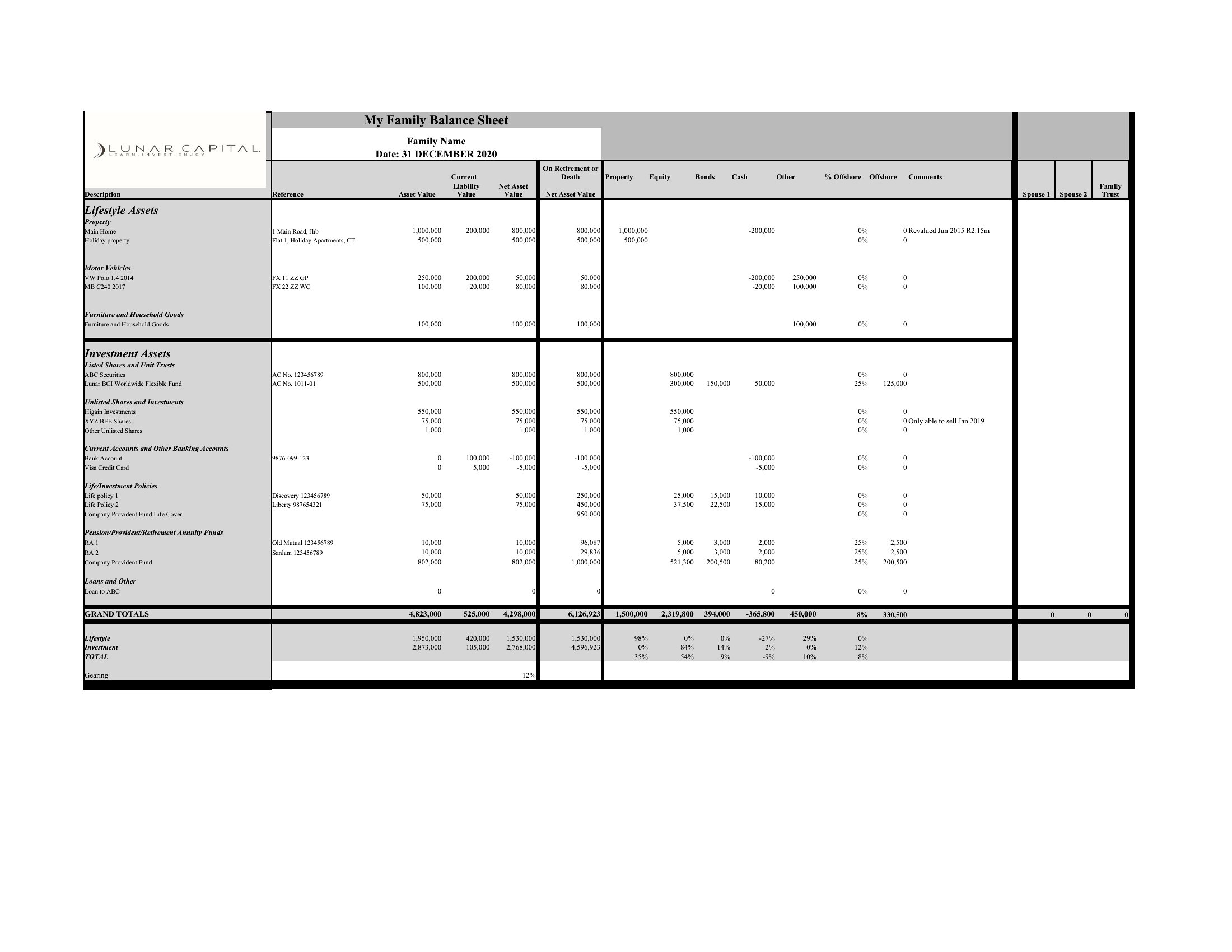
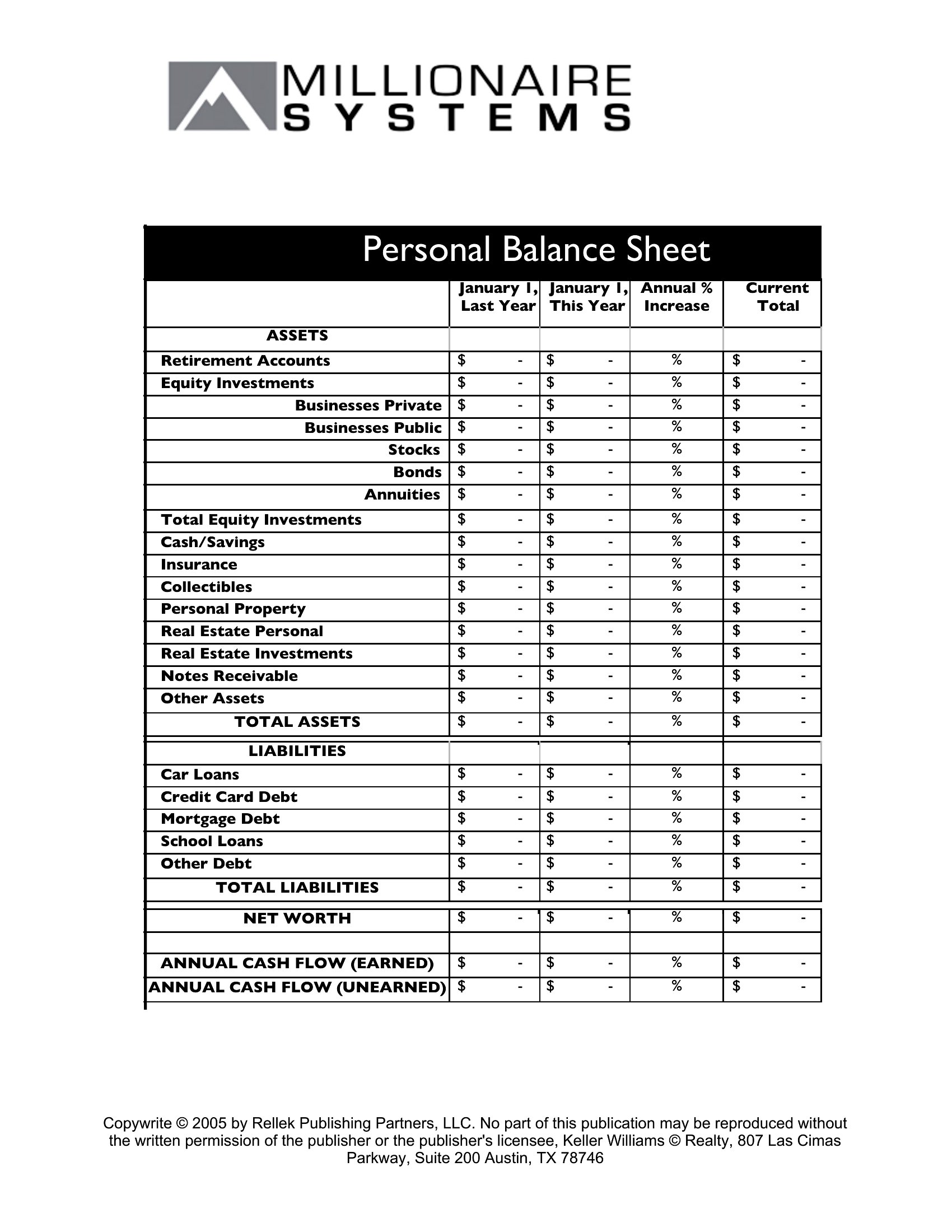
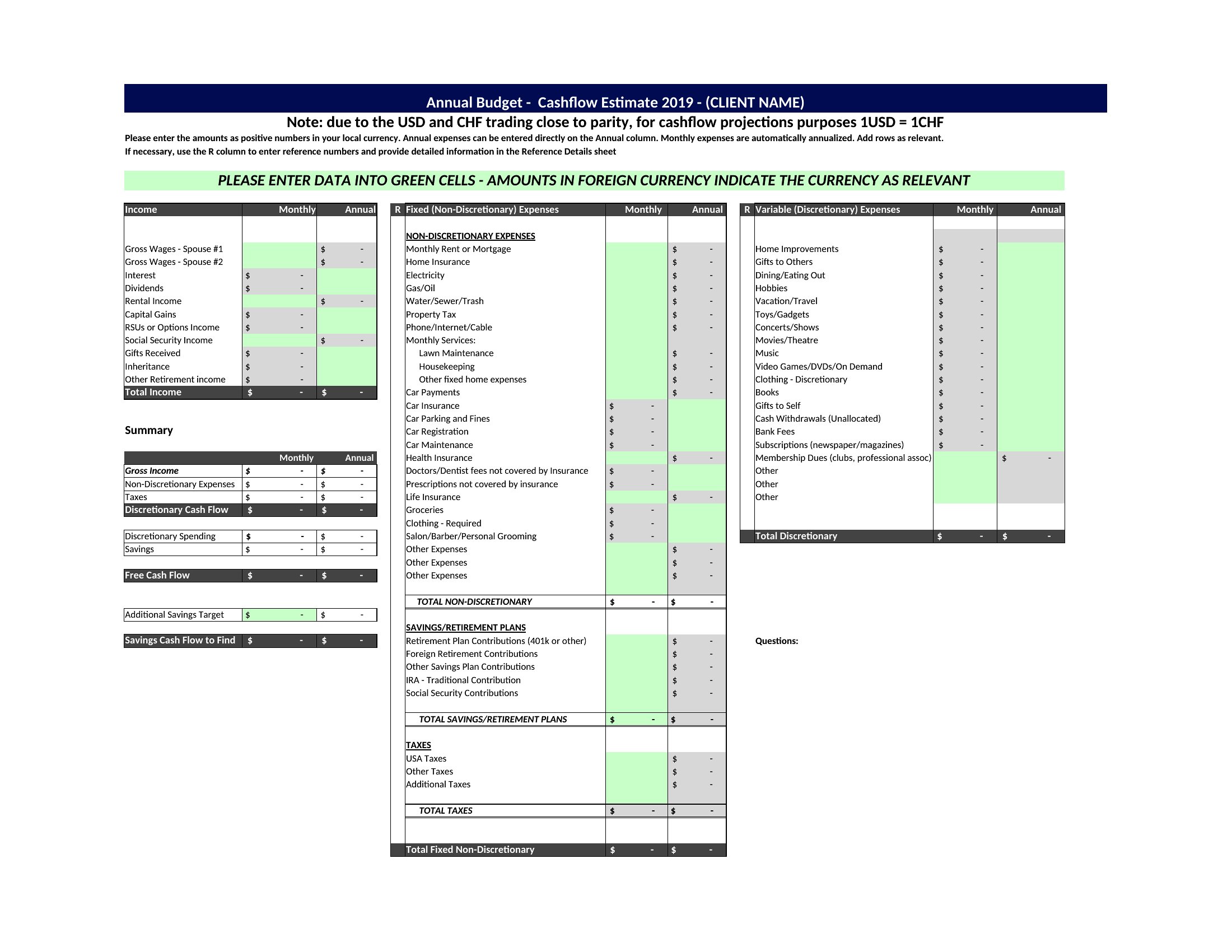
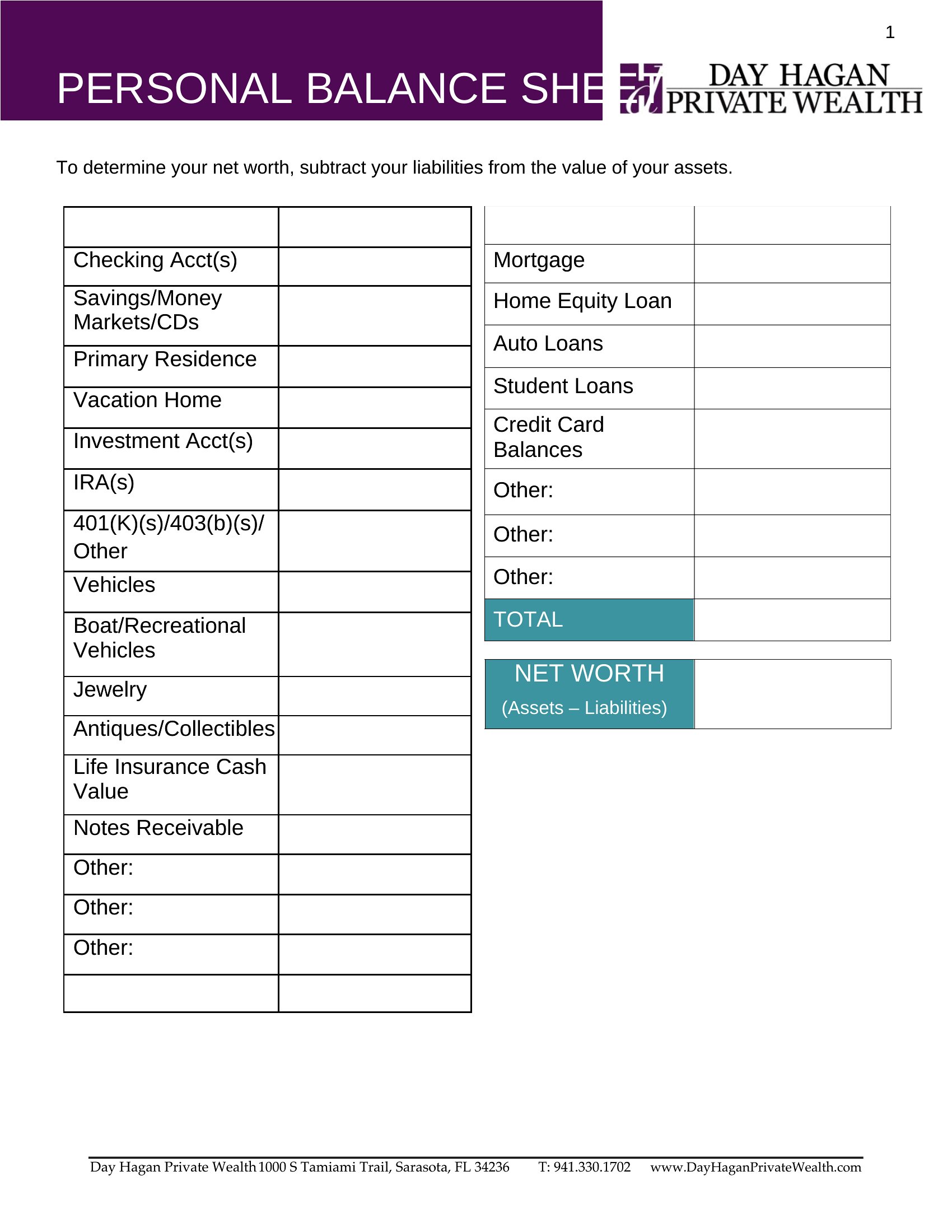
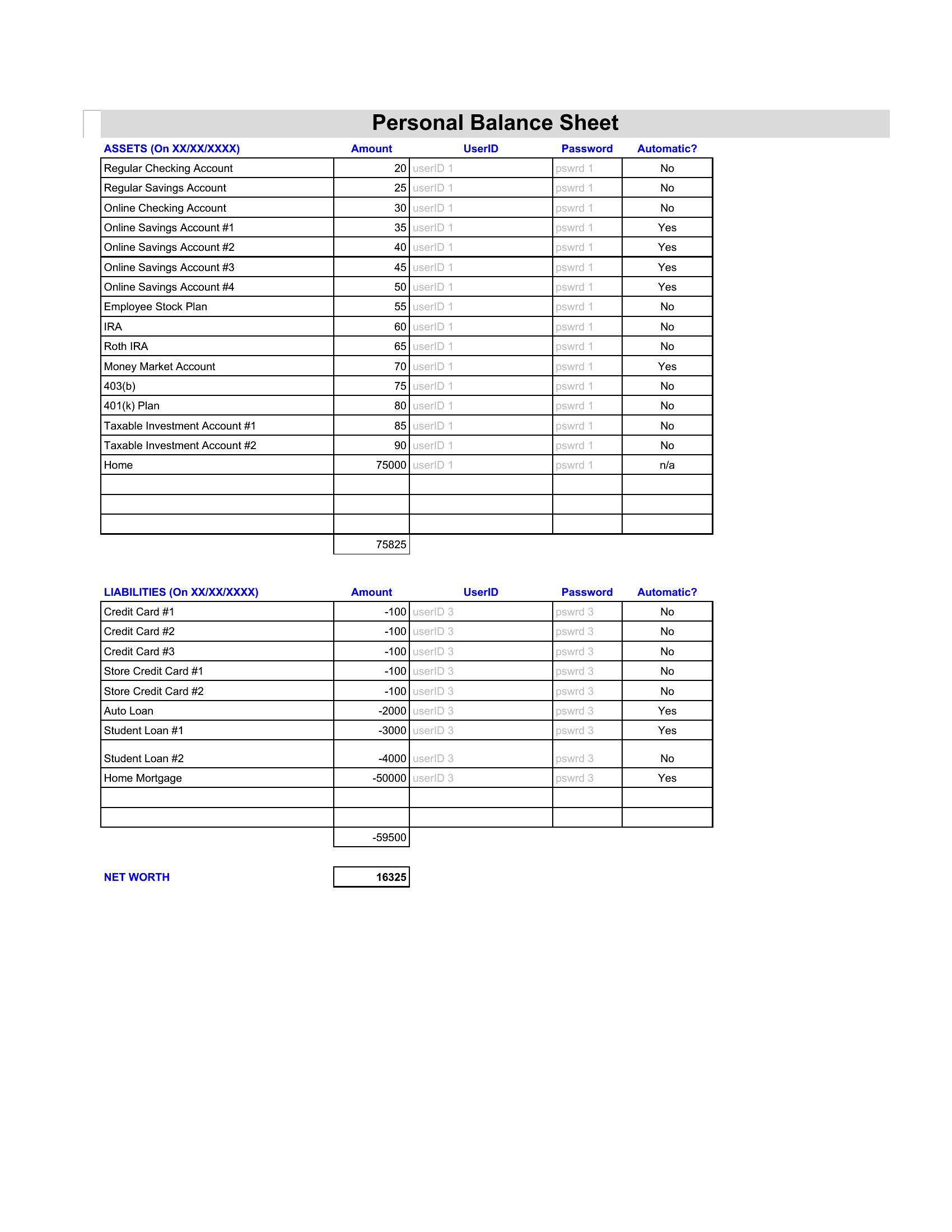
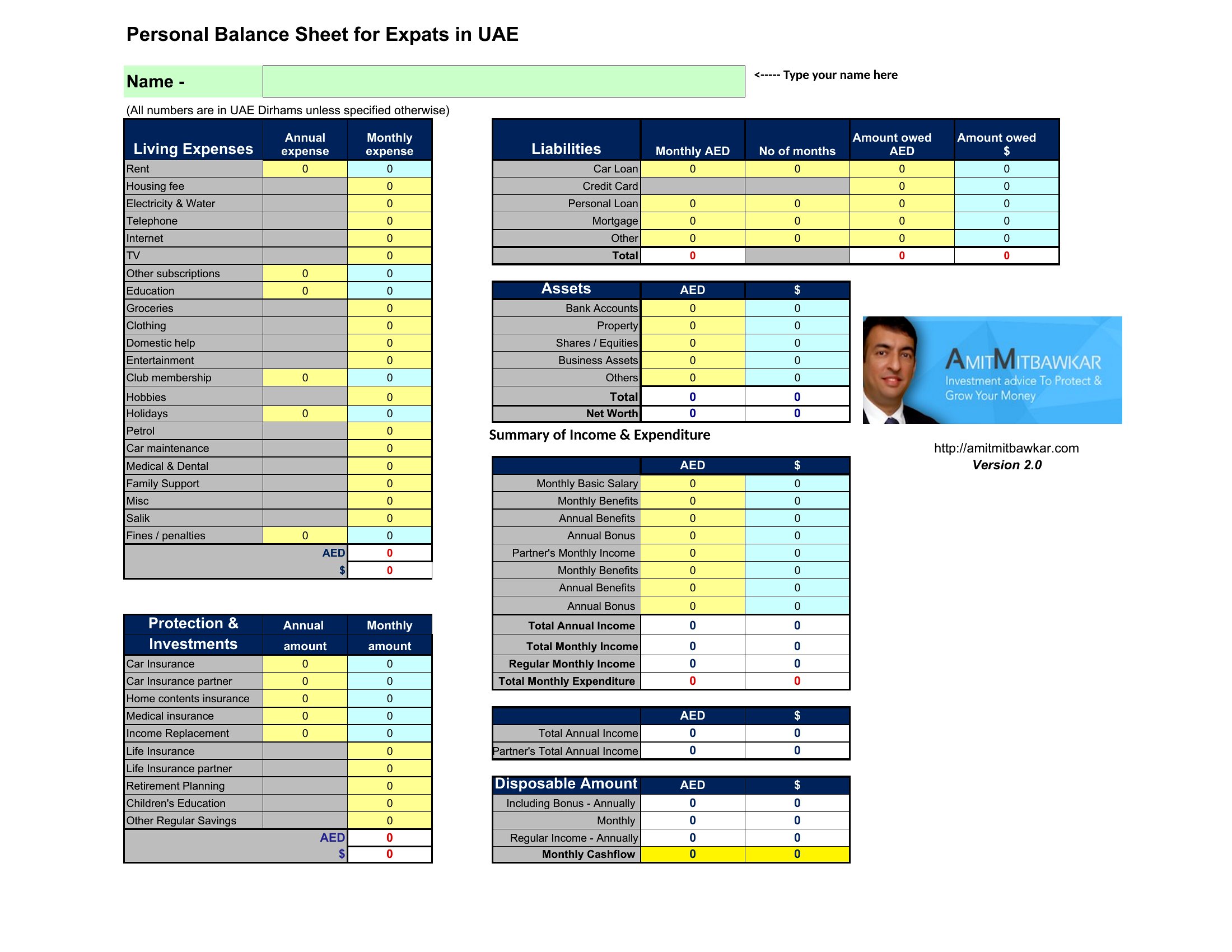
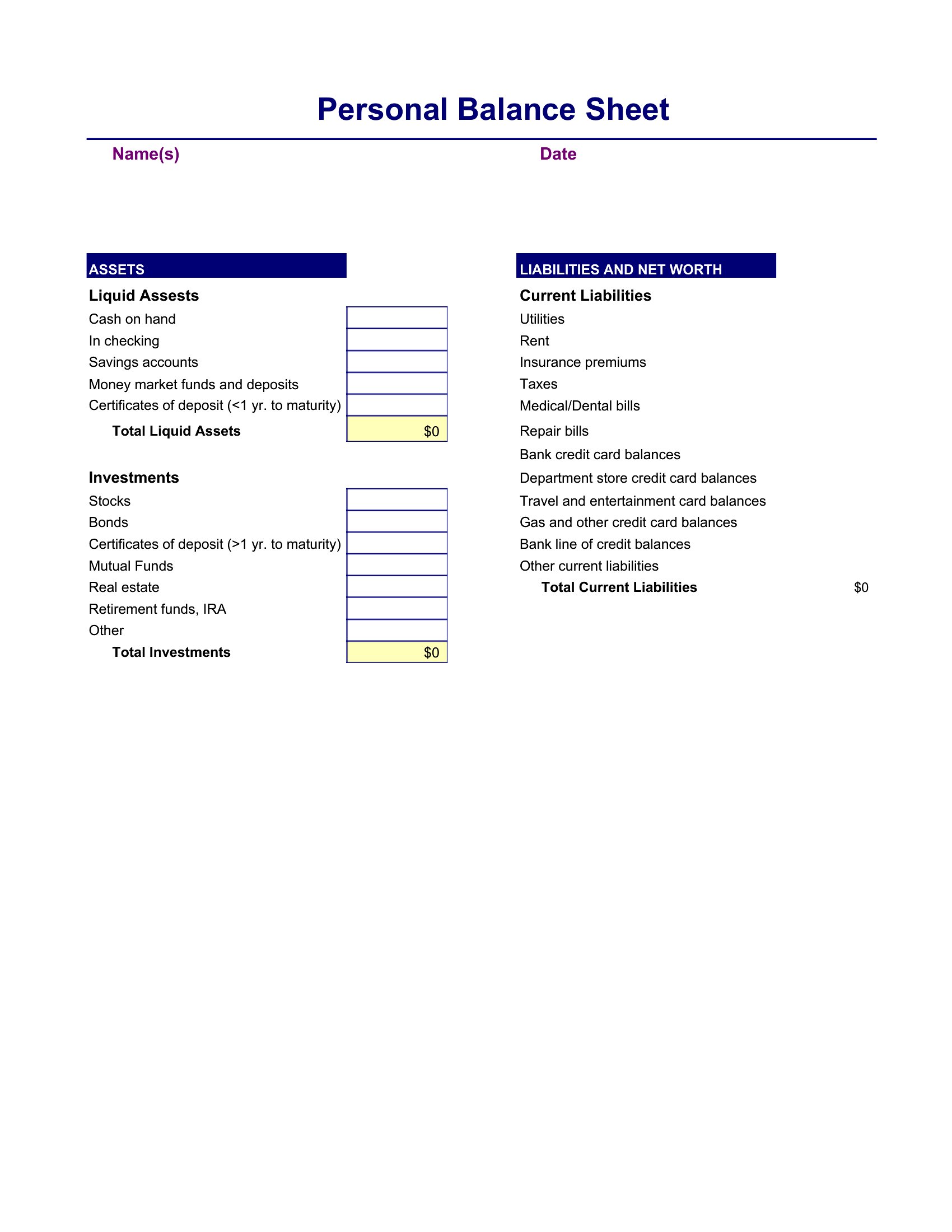
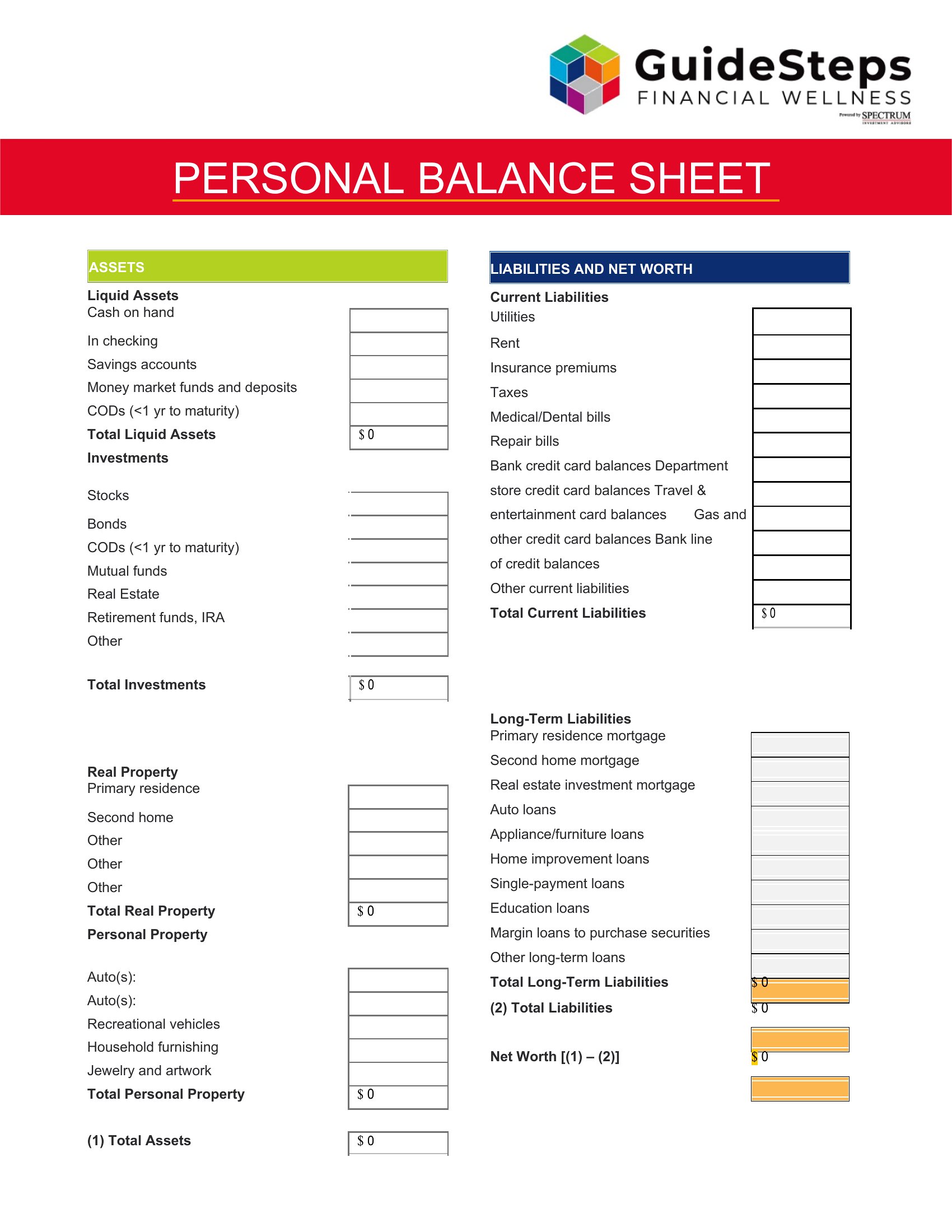
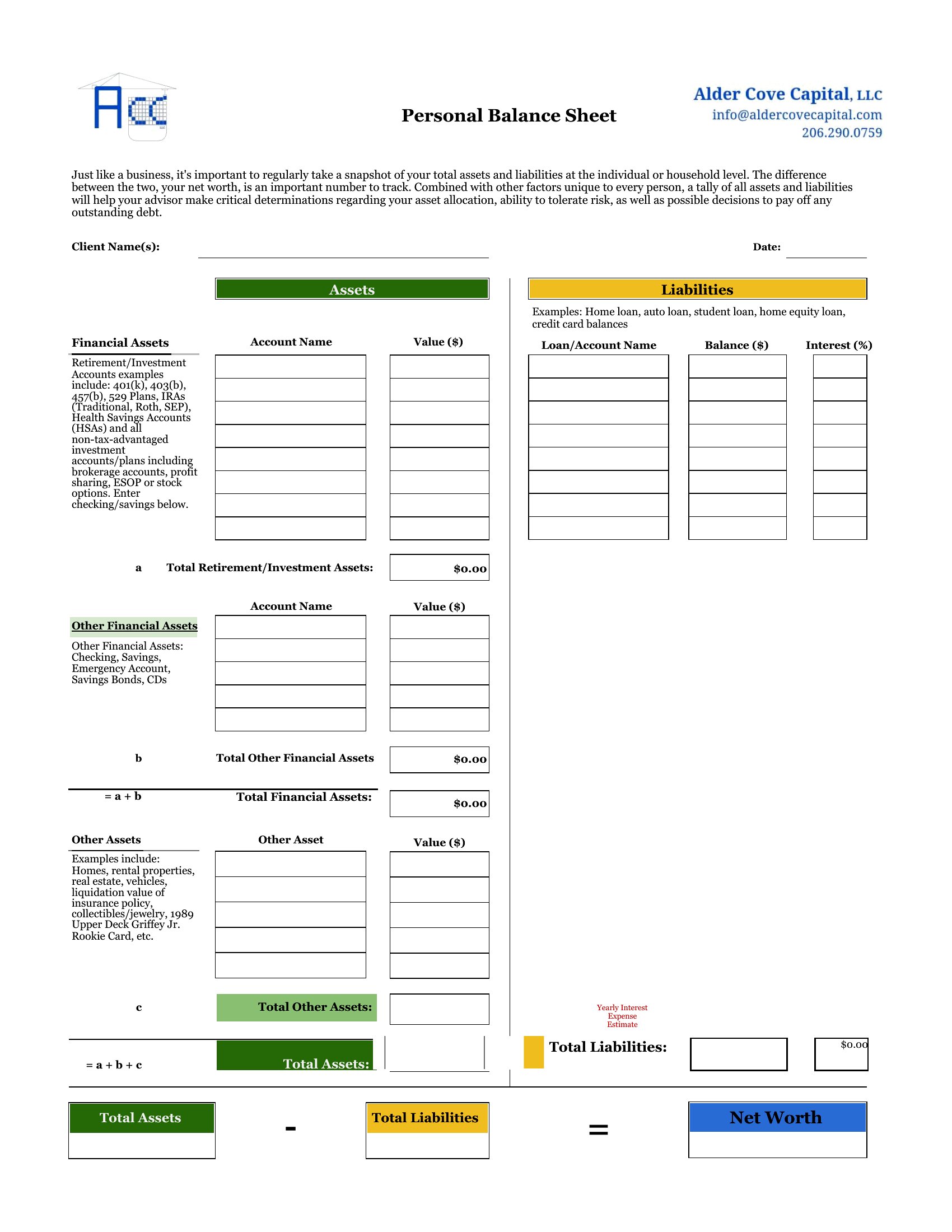
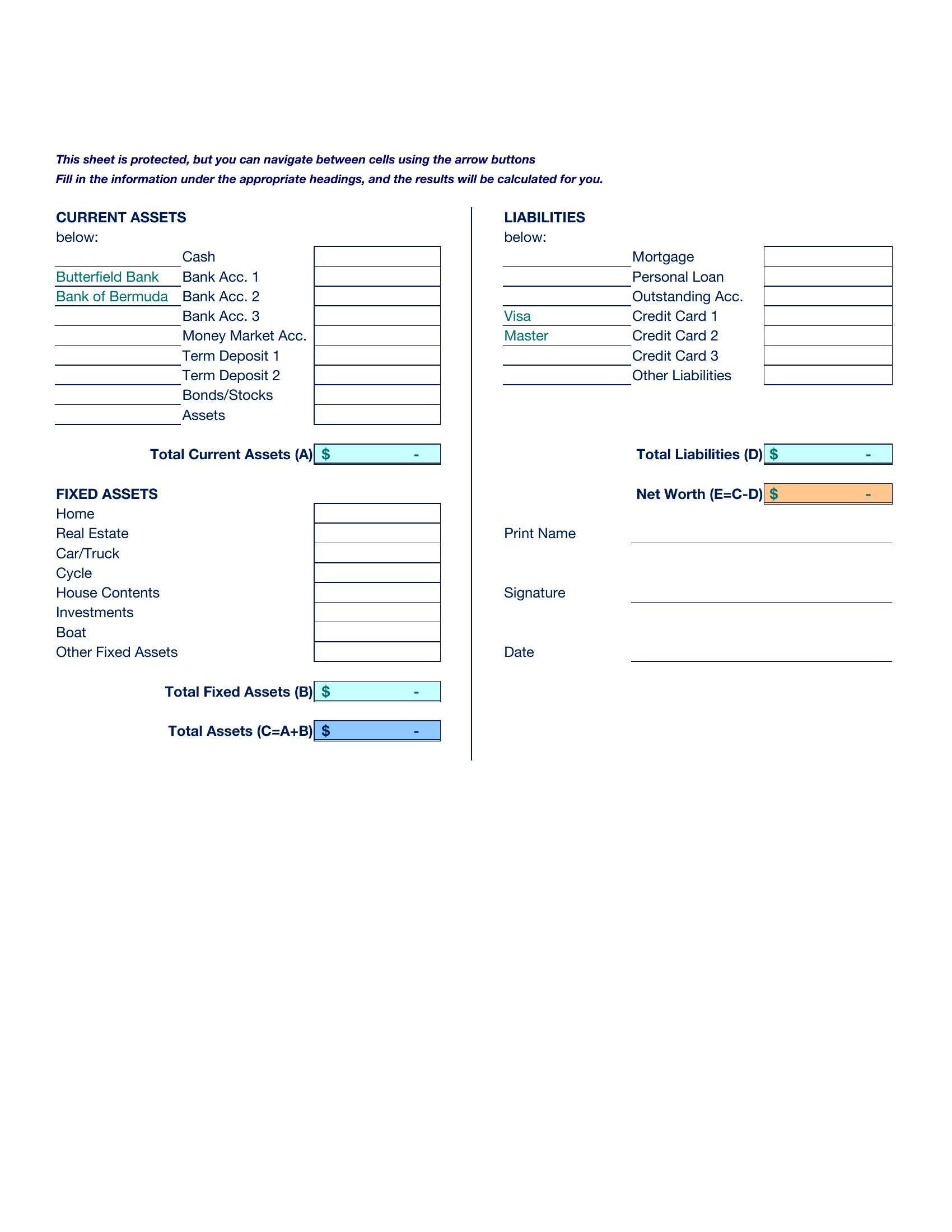
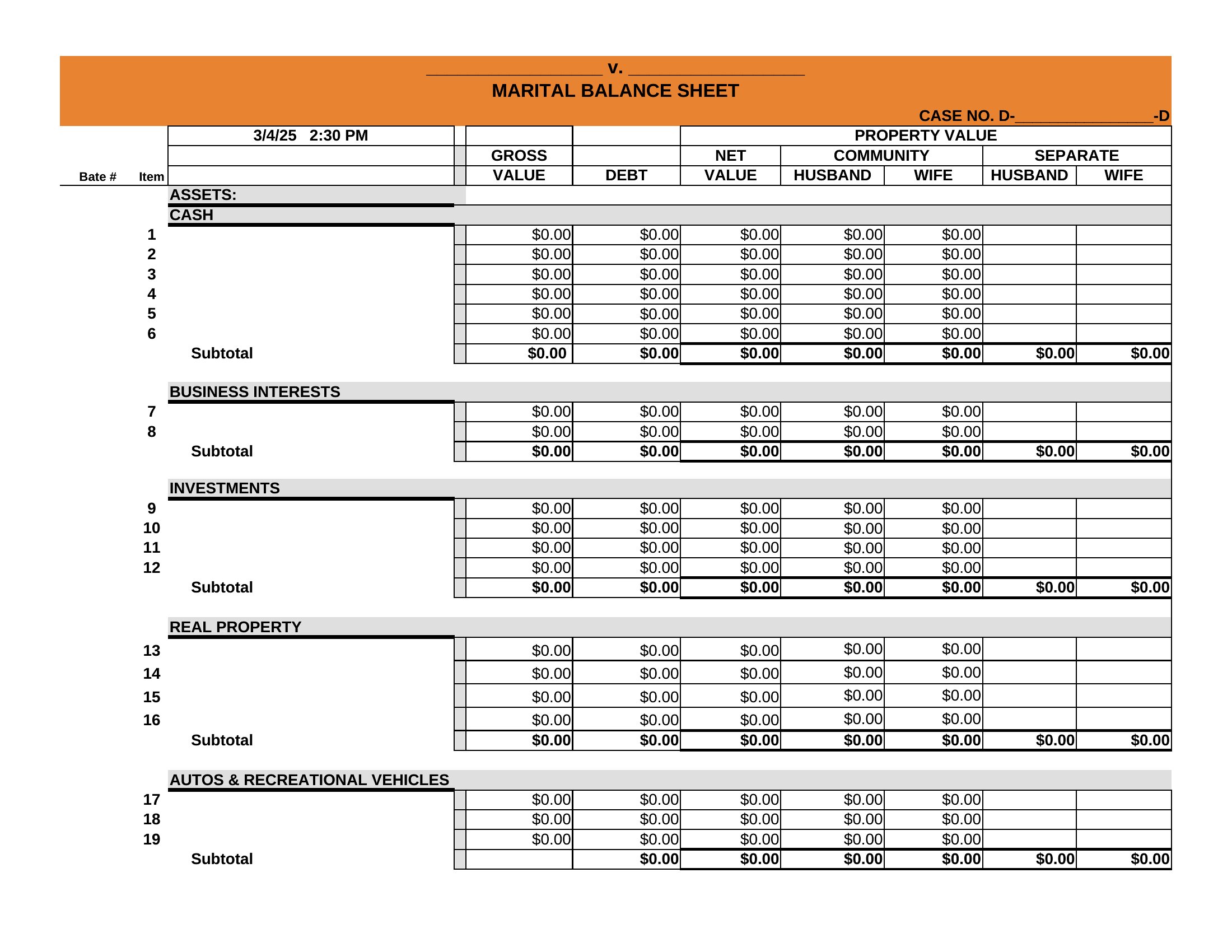
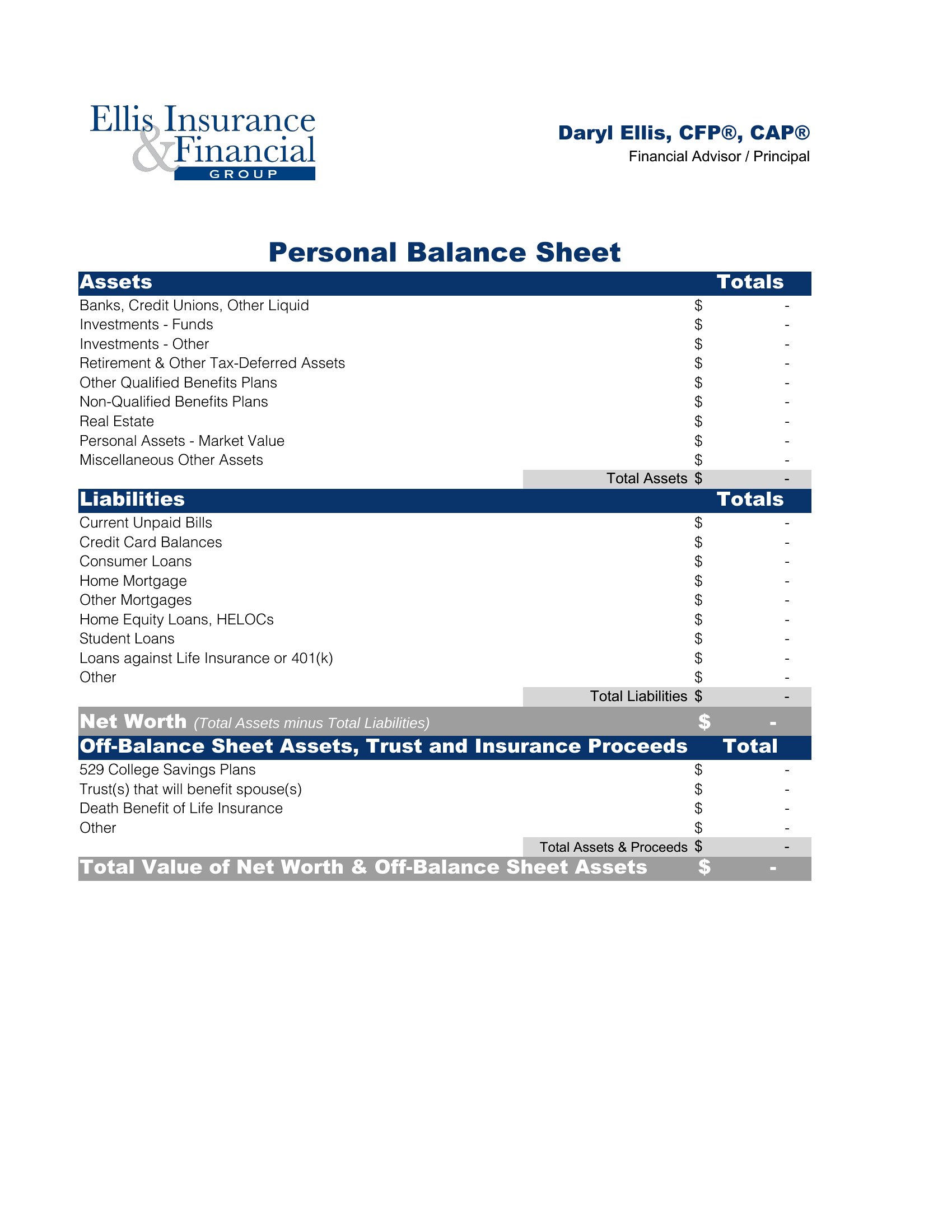
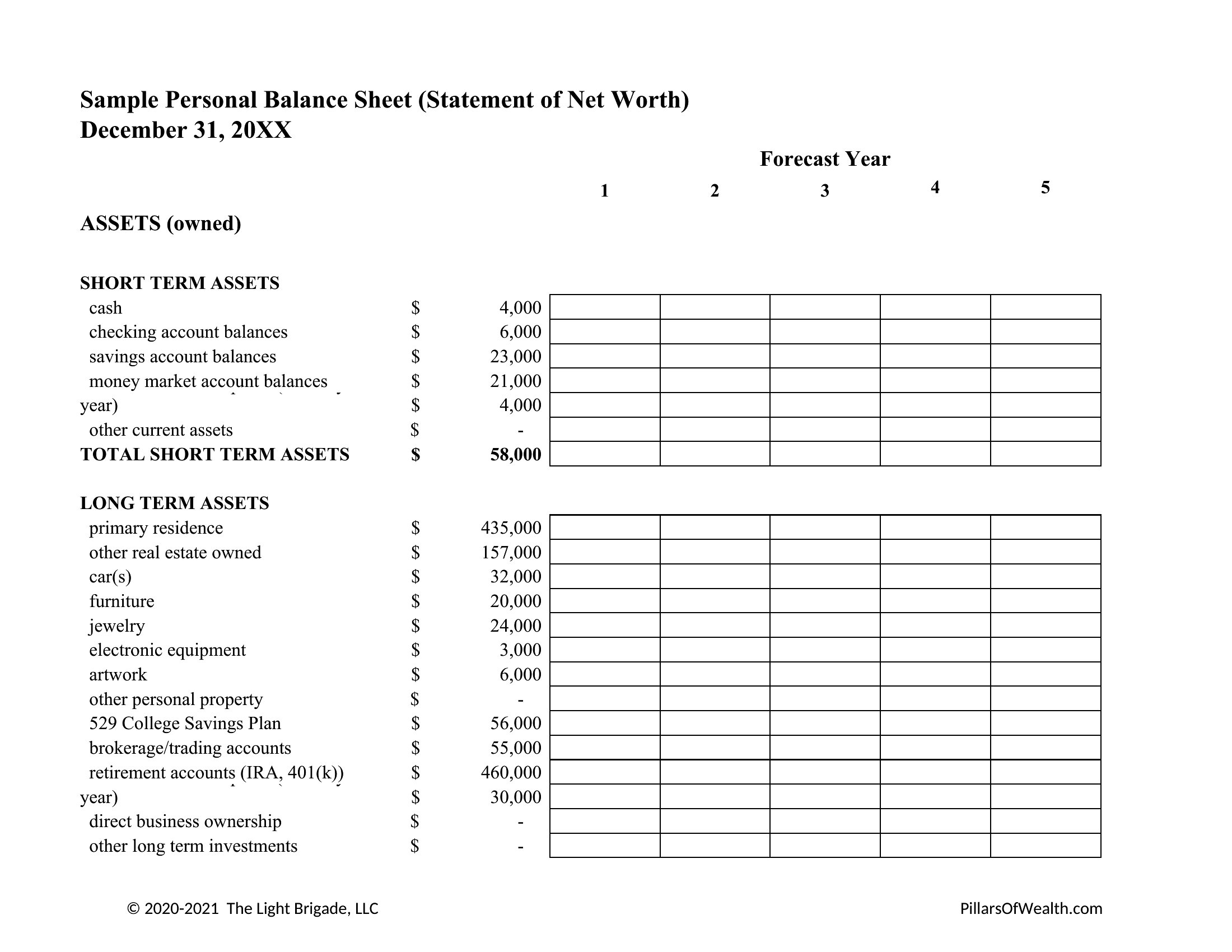
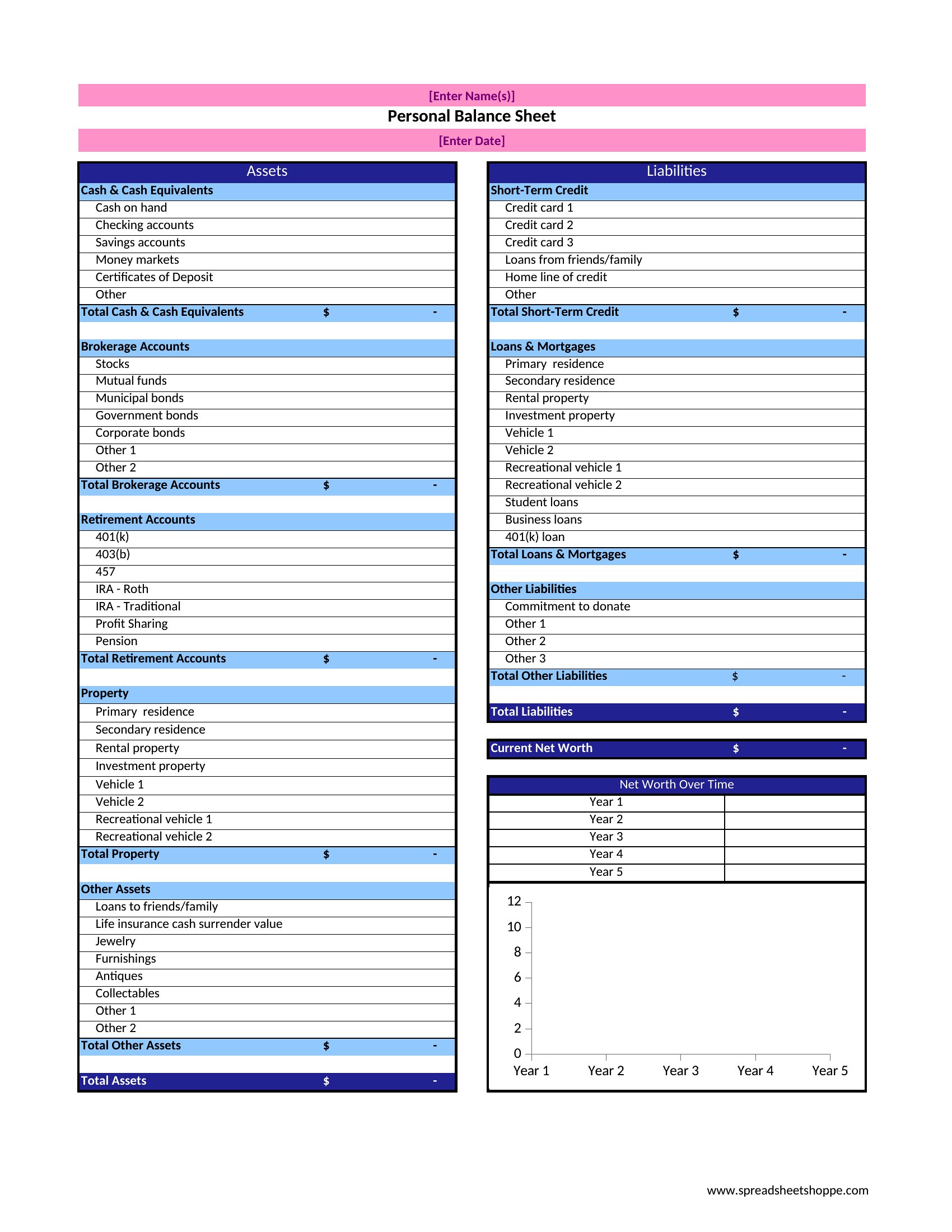
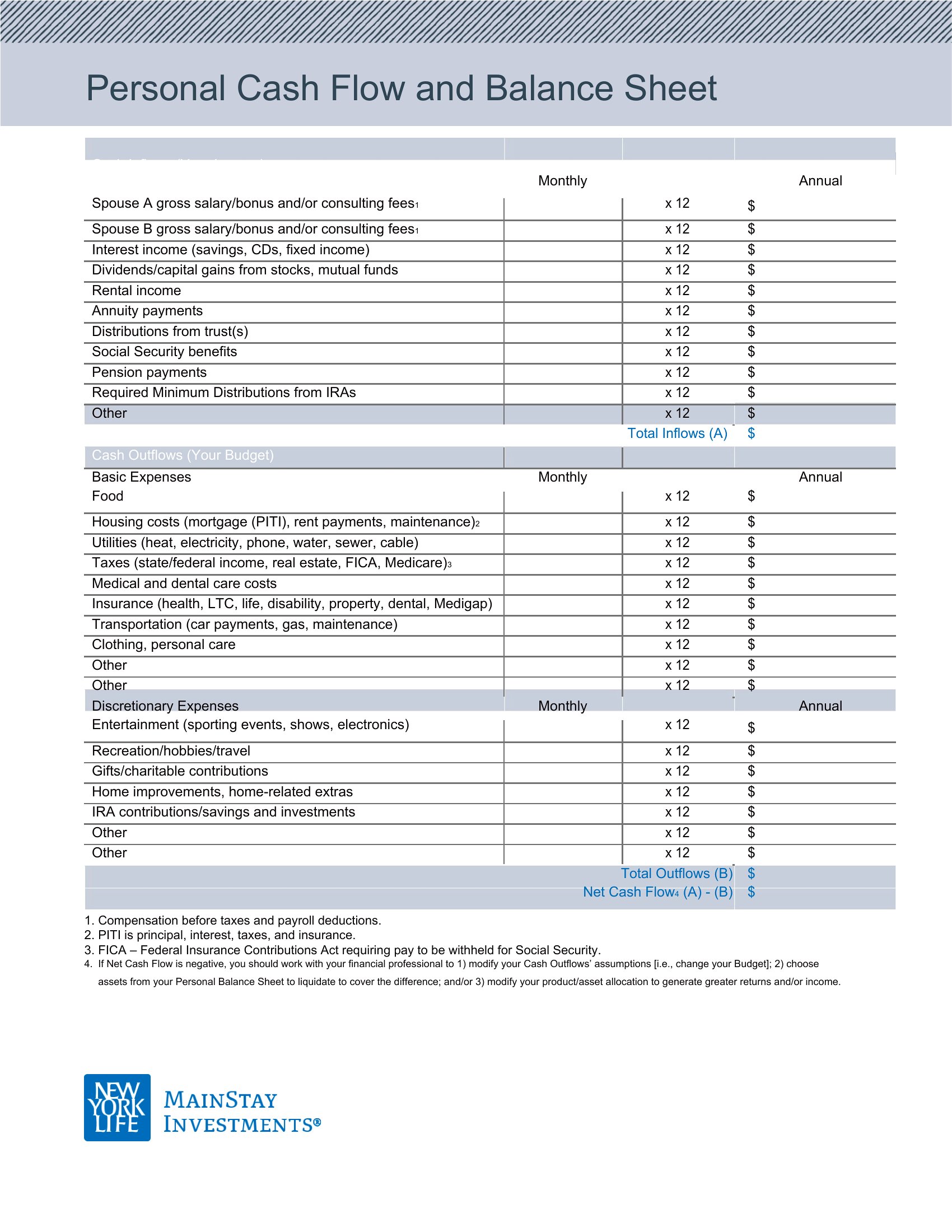
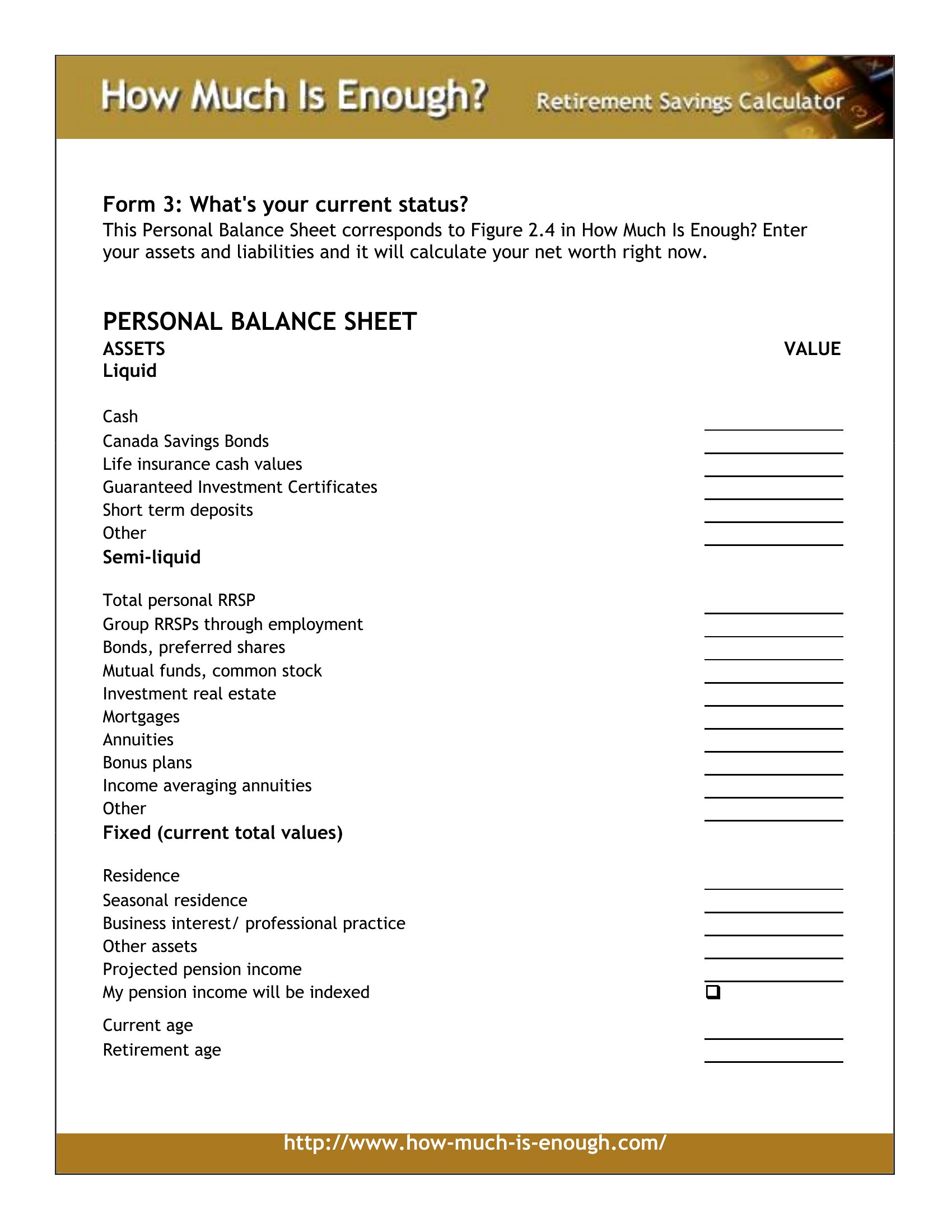
A personal balance sheet shows where you really stand by lining up what you own against what you owe. This set of 40 templates helps you total assets like savings, property, and investments, then subtract debts to find your net worth. People budgeting, applying for a loan, or just checking their financial health can get a clear snapshot in one page.

Excel versions add up the columns and update your net worth as you type, while the Word option works for a printed copy. Enter your accounts and balances, refresh the numbers each quarter, and watch the trend over time. These are planning tools, not formal financial statements, so confirm figures against your accounts. Download the version you prefer and fill in your numbers.

When to use this Personal Balance Sheet template

  • A freelance graphic designer reviewing her net worth before applying for a business loan to upgrade her equipment. She needs a clear breakdown of her home equity, retirement accounts, and outstanding credit card balances to strengthen her application.
  • A couple planning to buy their first home and wants to track their combined assets—including a rental property, 401(k), and car value—against their student loans and mortgage to see if they qualify for a larger mortgage.
  • A recent college graduate with side income from tutoring who wants to document their assets (savings, laptop, and furniture) and liabilities (student loans, credit card) to set realistic financial goals and avoid overspending.
  • A small business owner preparing for tax season who needs to reconcile personal and business assets (equipment, inventory) with debts (business loan, credit lines) to accurately report net worth for financial planning.

Which format should I download?

WordExcel

Choose Word if you prefer a customizable, text-based layout to manually input or adjust categories like real estate, investments, or personal property—ideal for those who need flexibility to add notes or explanations. Pick Excel if you want automatic calculations, formulas to track net worth over time, or the ability to import bank statements directly. The Excel versions are best for frequent updates, detailed asset/liability tracking, or sharing with an accountant. Avoid Excel if you dislike spreadsheets or only need a one-time snapshot.

How to use this Personal Balance Sheet template

How do I decide which assets to include in my personal balance sheet?

Start with liquid assets like cash, savings accounts, and retirement funds, then list tangible items (home, car, jewelry) at their fair market value. Exclude non-essential personal items (e.g., clothing) unless they hold significant value. For debts, include mortgages, student loans, and credit card balances—anything with a current balance. Focus on items you could realistically sell or convert to cash.

Can I use this template to track joint assets if I’m married or in a partnership?

Yes, but clarify whether the balance sheet represents *individual* or *combined* net worth. If joint, list all shared assets (e.g., a jointly owned home) and liabilities (e.g., a joint loan) under both names. For clarity, add a note specifying ownership percentages. Consult a financial advisor to ensure alignment with your legal or tax situation, as joint assets may affect inheritance or divorce proceedings.

What should I do if my debts or assets change frequently, like with a variable-rate loan or stock investments?

Use the Excel format to set up dynamic formulas linking to cells with debt balances or investment values. For example, tie a credit card balance to a cell that updates monthly. For volatile assets like stocks, note the date of valuation (e.g., “as of 05/2024”) and recalculate quarterly. Word templates work for static snapshots but require manual updates—ideal if your finances are stable or you’re preparing for a one-time review like a loan application.

Comments

Join the conversation

Sign in to share your thoughts and leave a comment on this resource.

Newsletter

Get Weekly Design Updates

Join our community to receive curated resources and inspiration.

Weekly Tips Resources Early Access

We respect your privacy. Confirmation email required. Privacy Policy